
Best Mobile Workstations for CAD Teams
Mobile workstations for CAD, BIM and simulation seats — with the graphics class read off the part number, not the family name.
Mobile workstations in stock at Uniqcli
How to choose →A curated selection with live pricing — in-stock lines first, then back-ordered lines with a typical lead time. Every line is sourced through US distribution and screened for NDAA §889 status before checkout, with TAA verified on request.
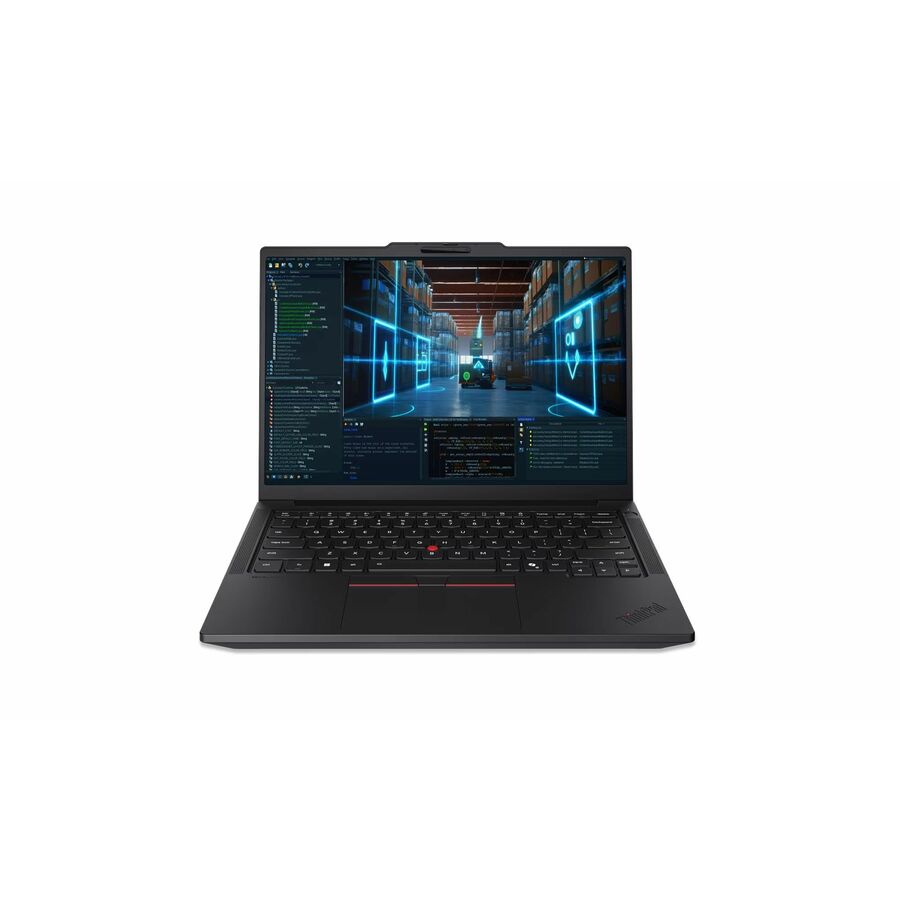
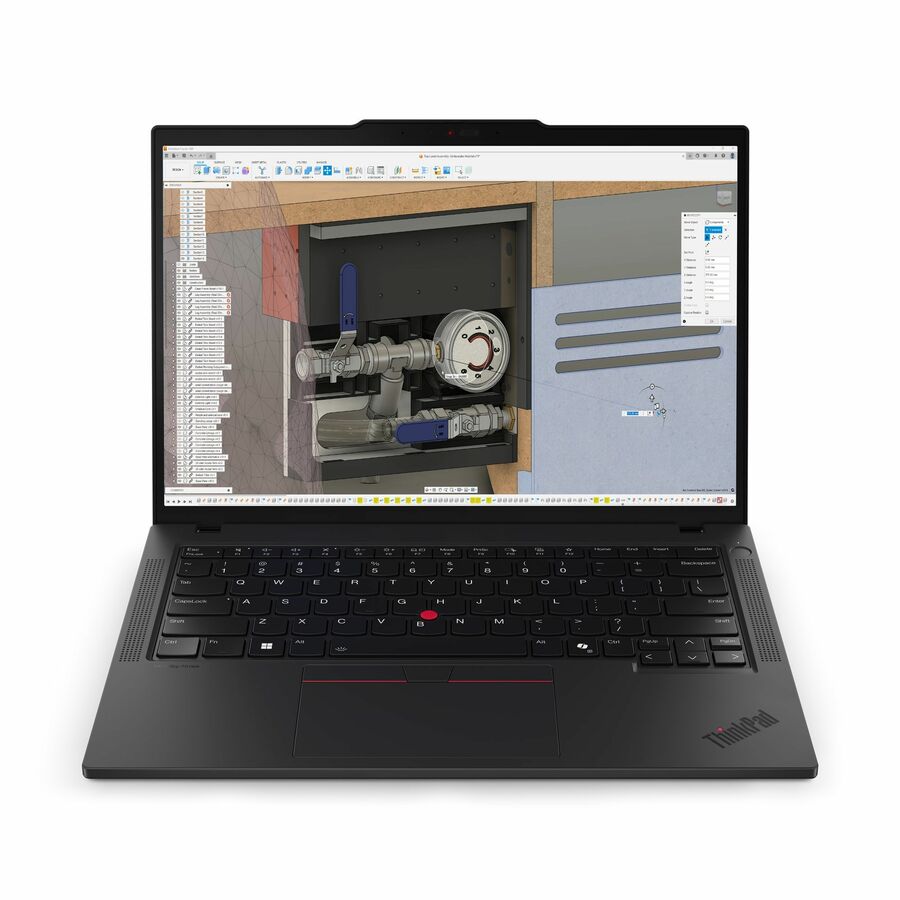
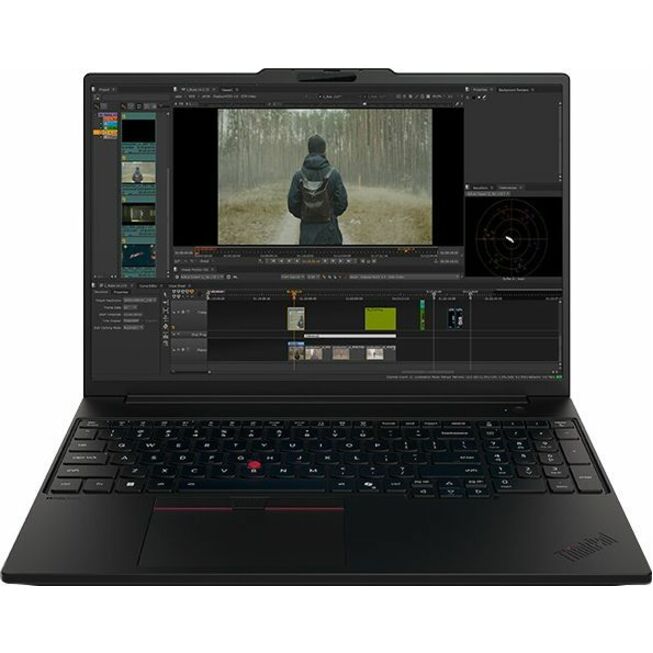
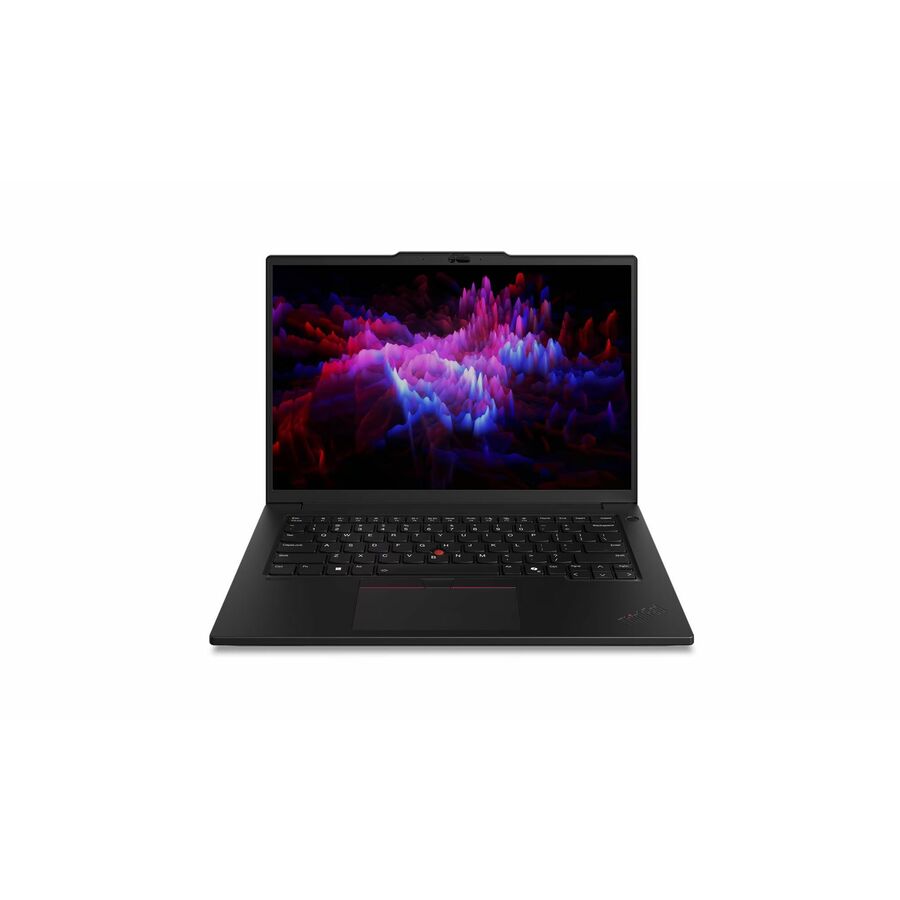
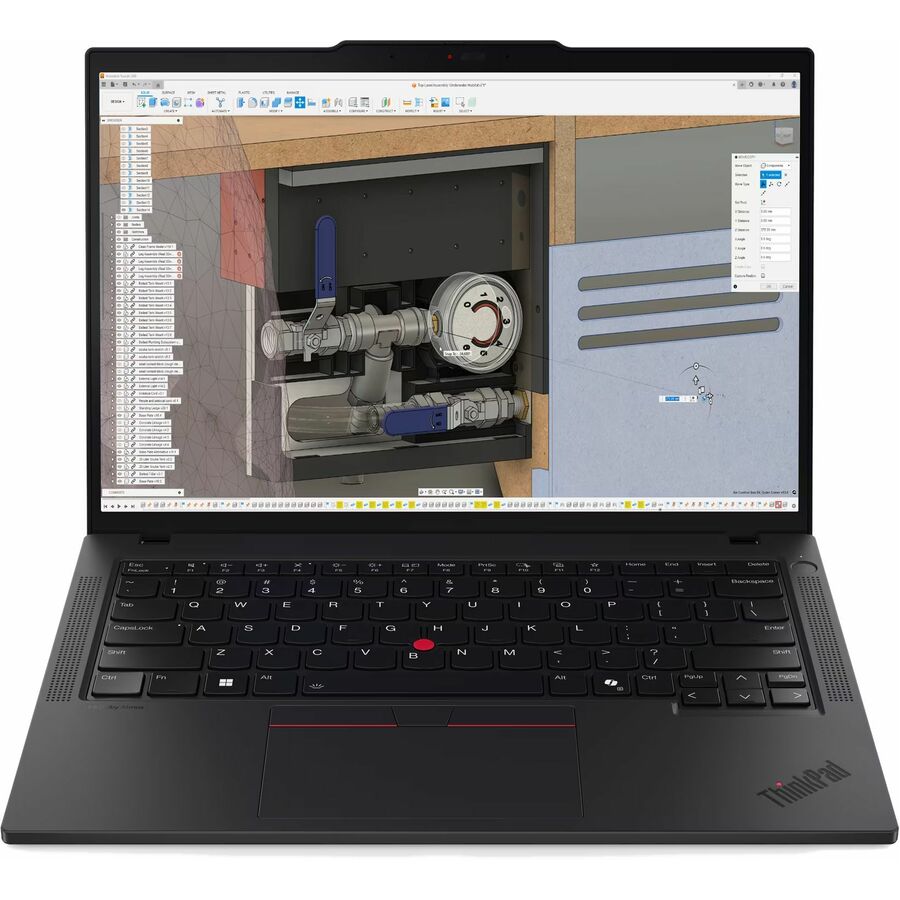
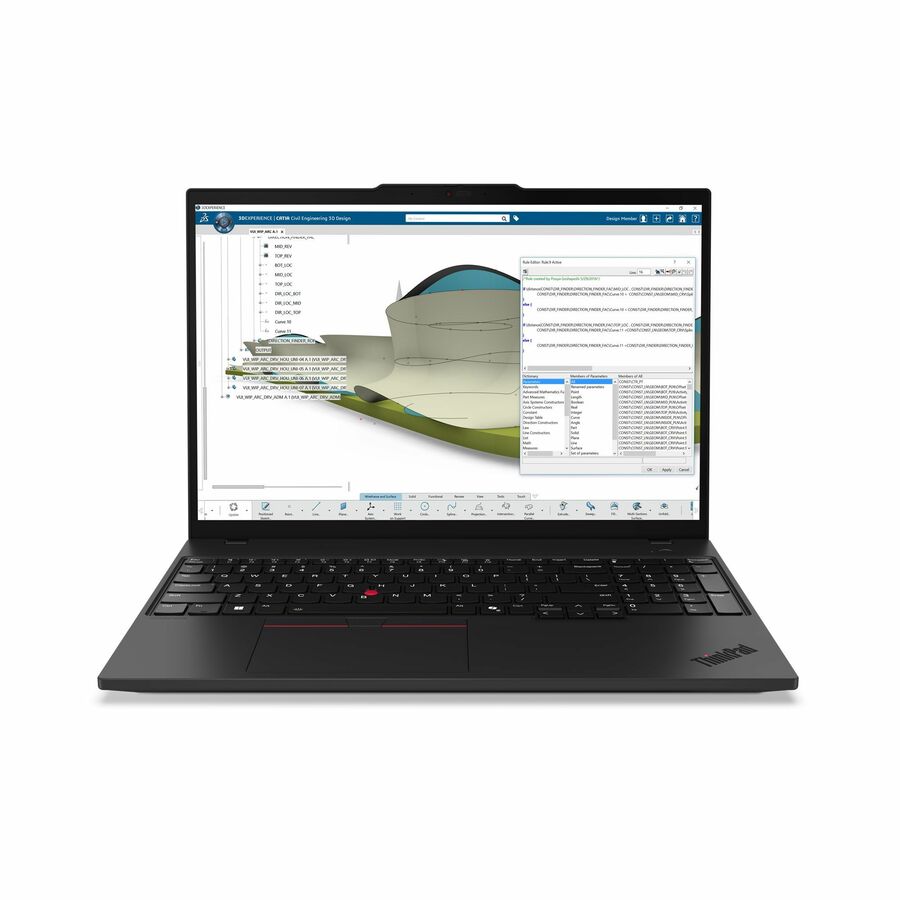
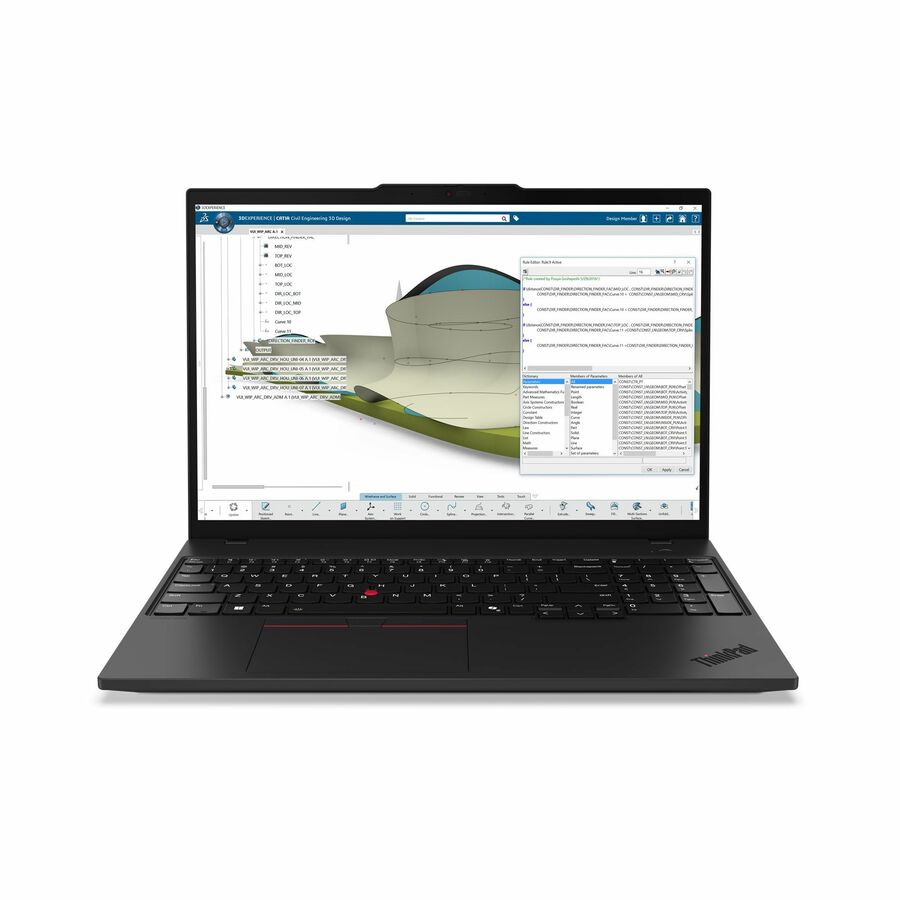
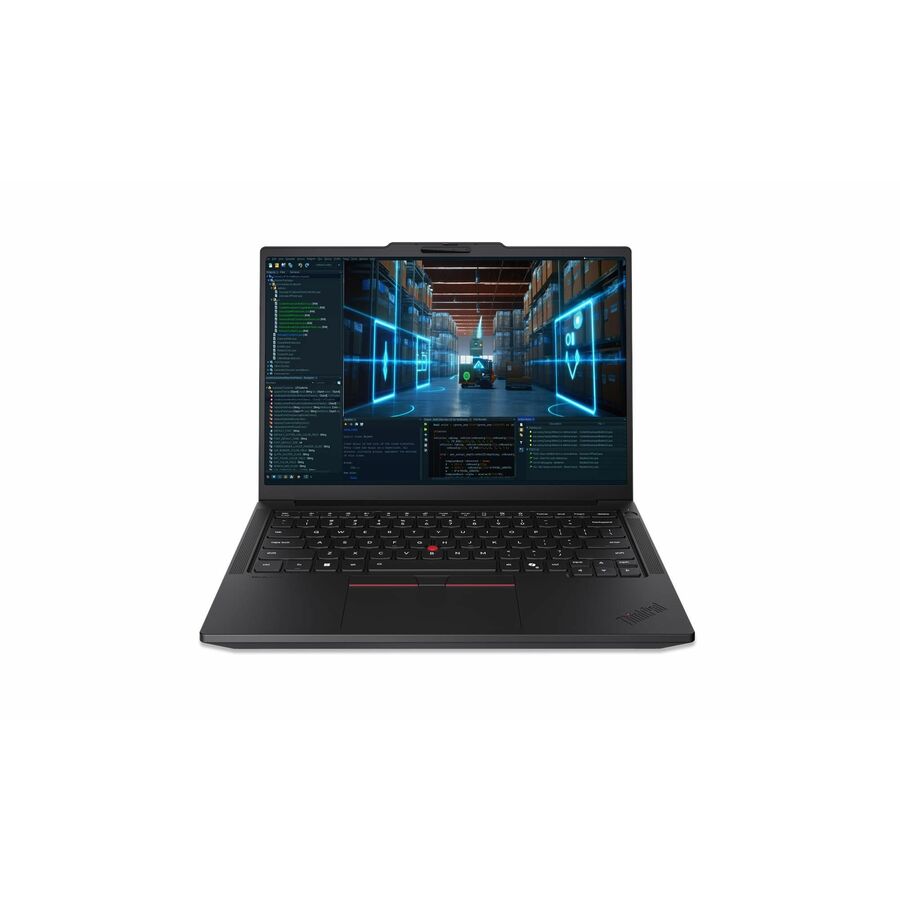
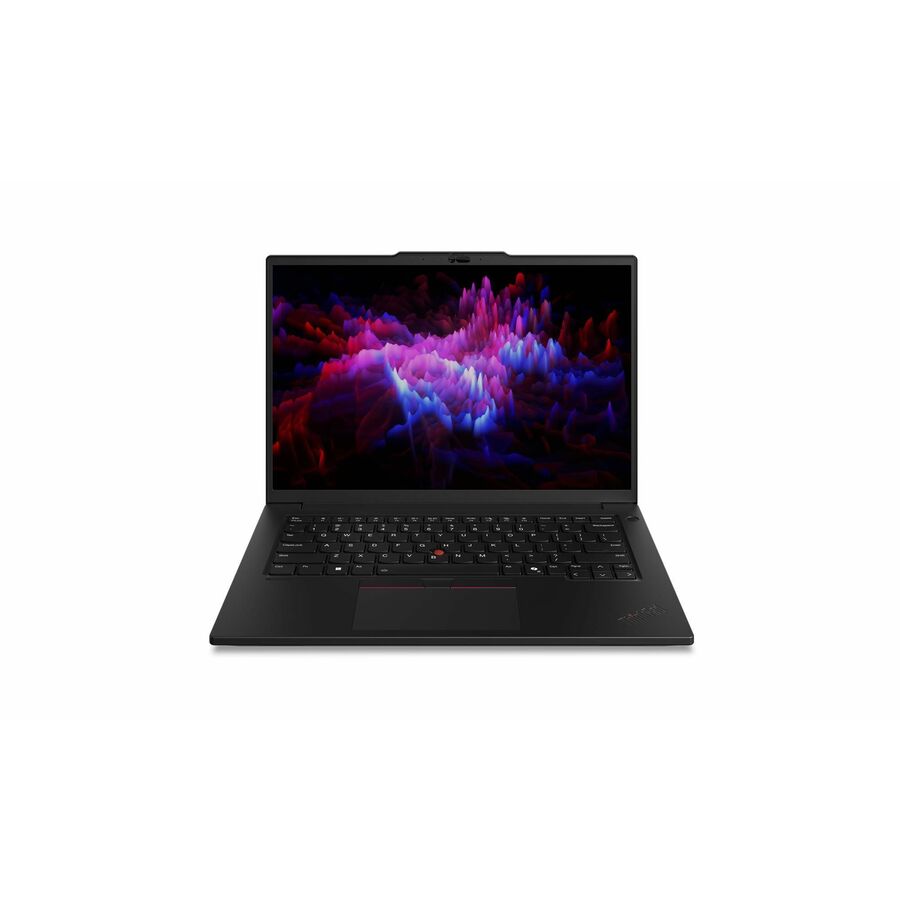
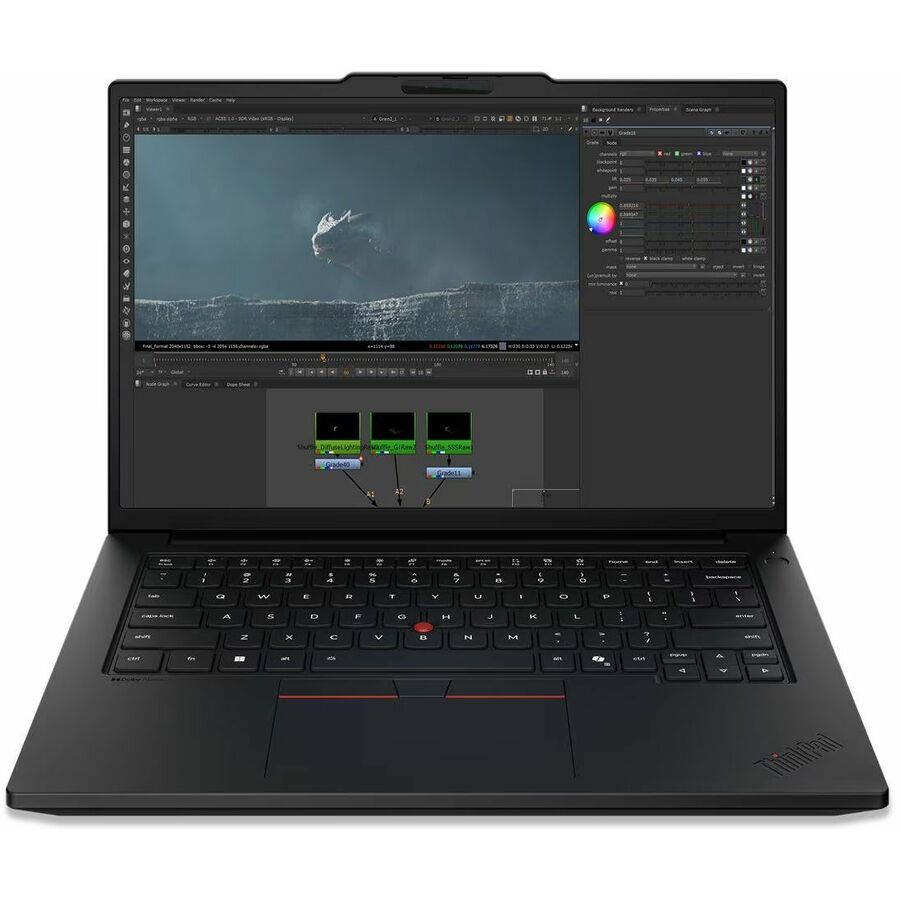
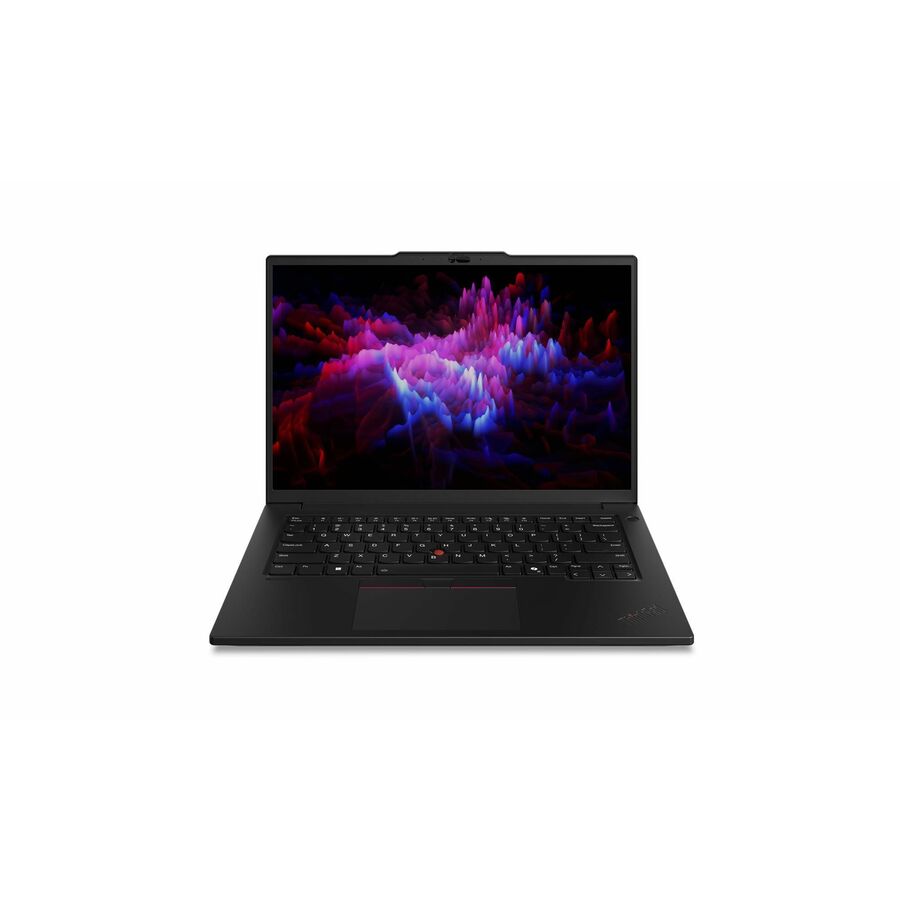
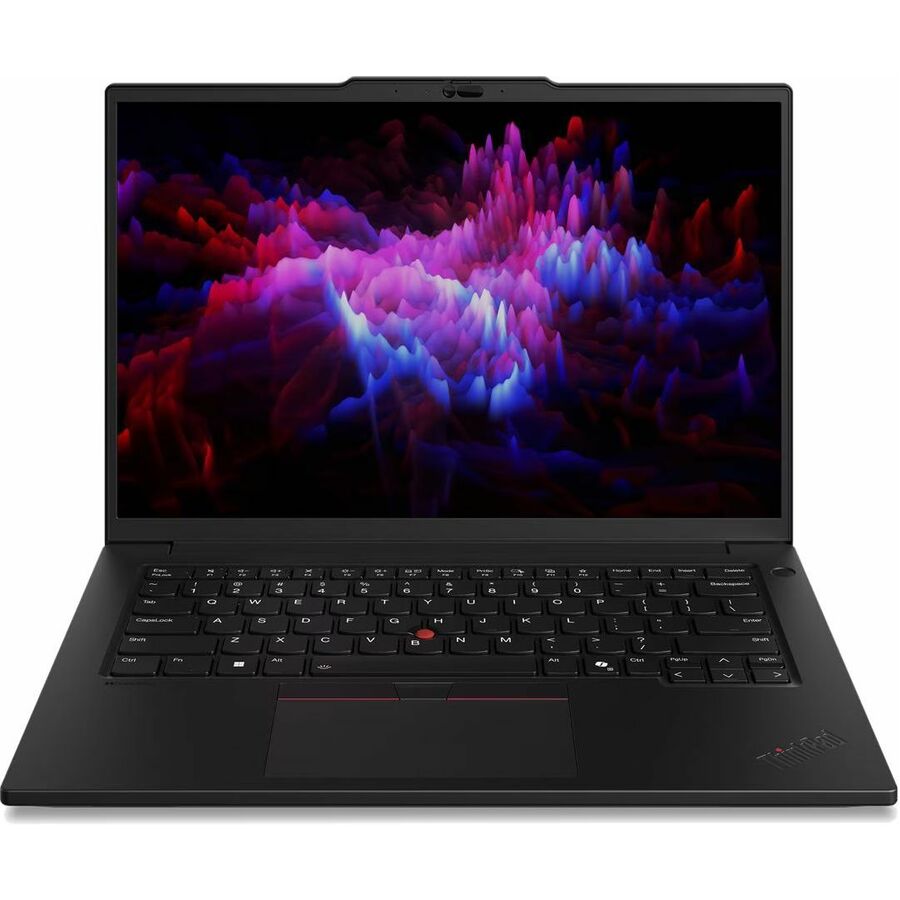
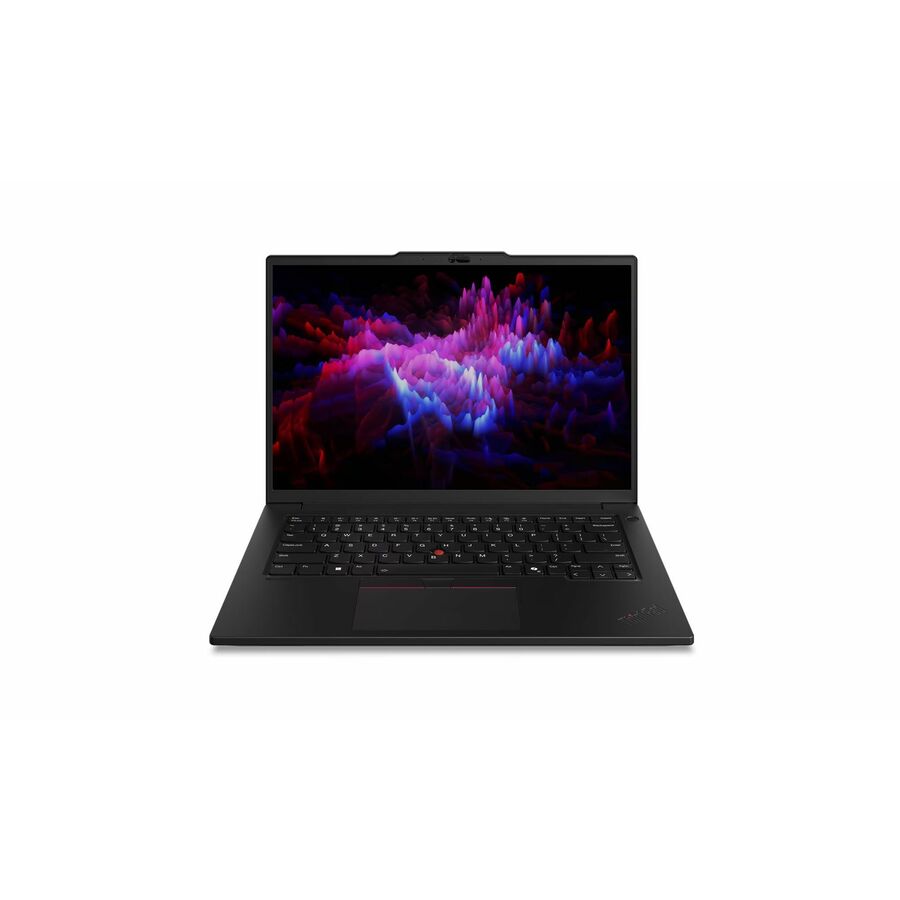
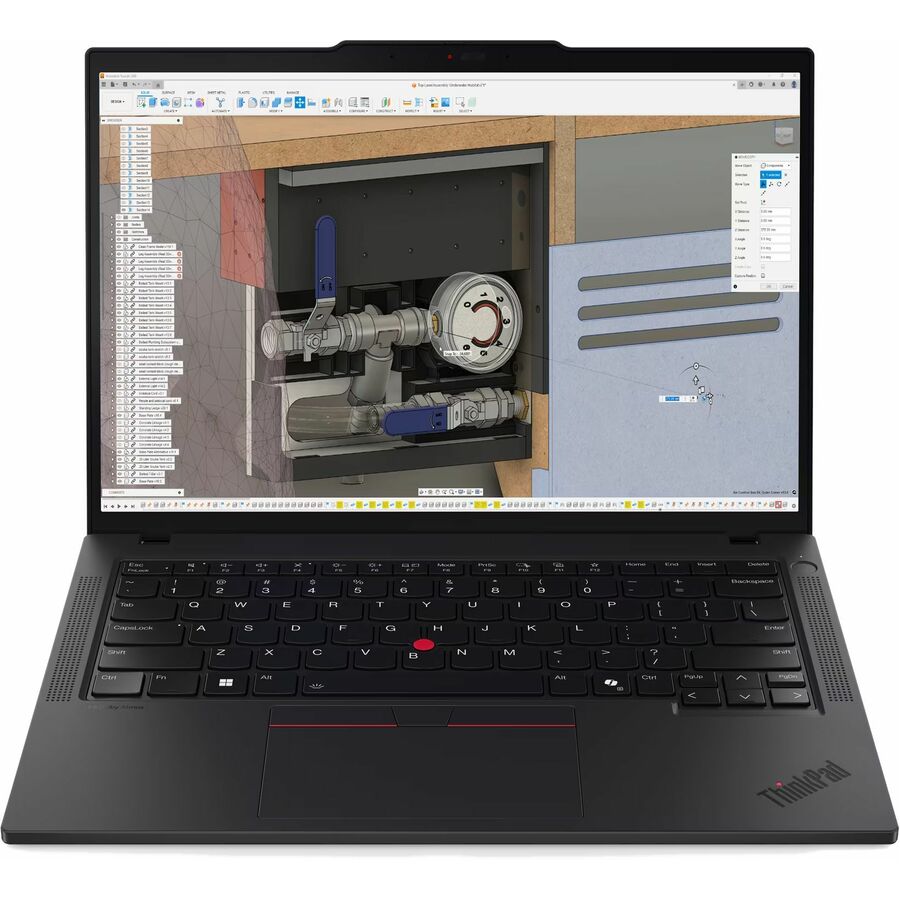
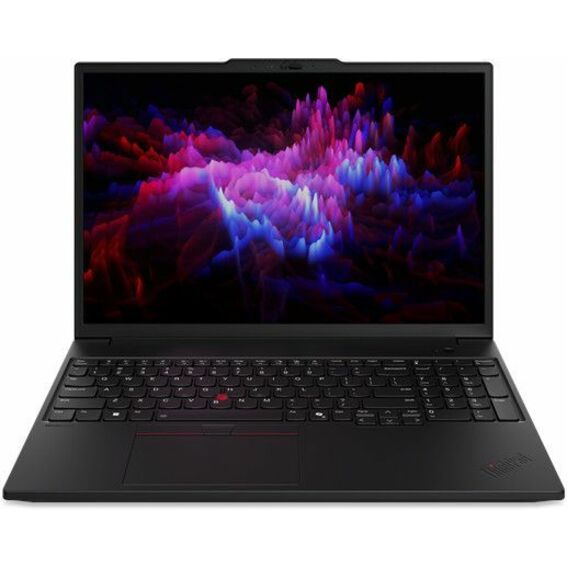
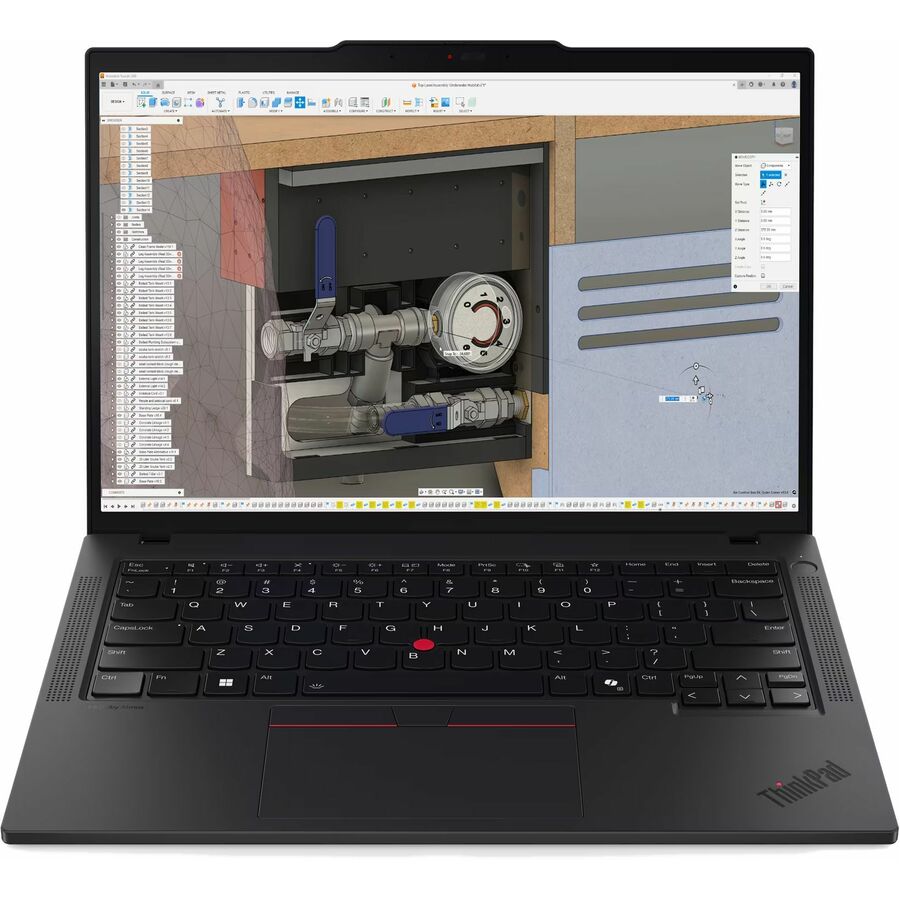
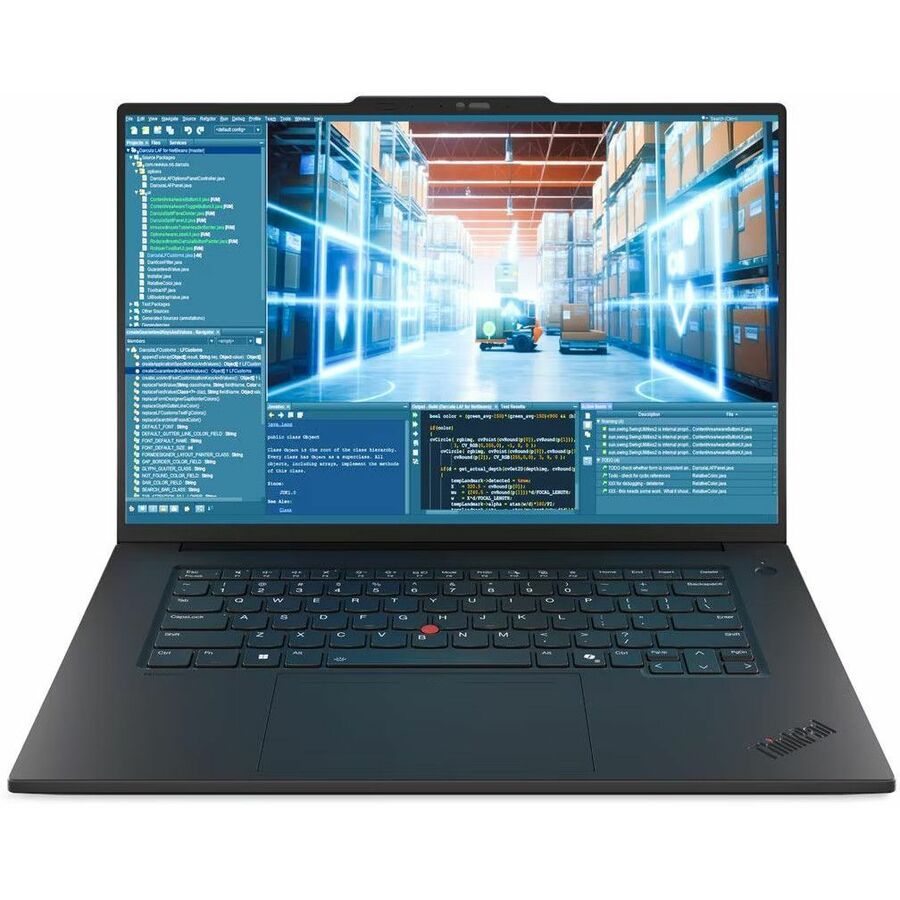
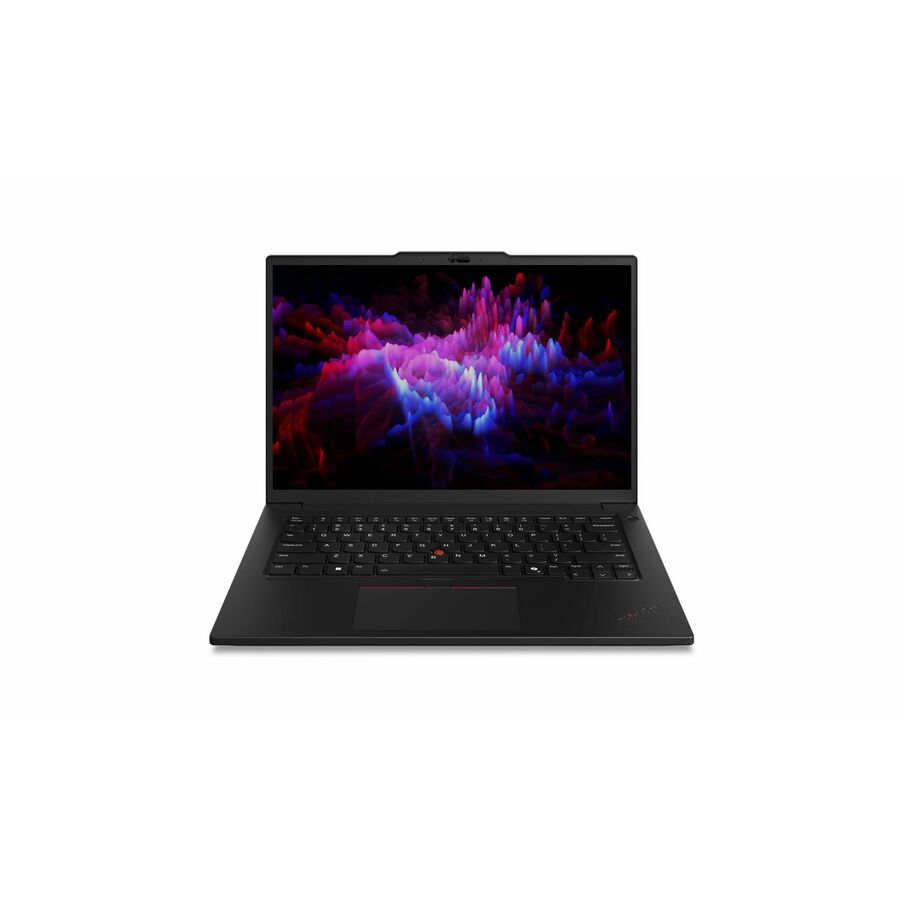
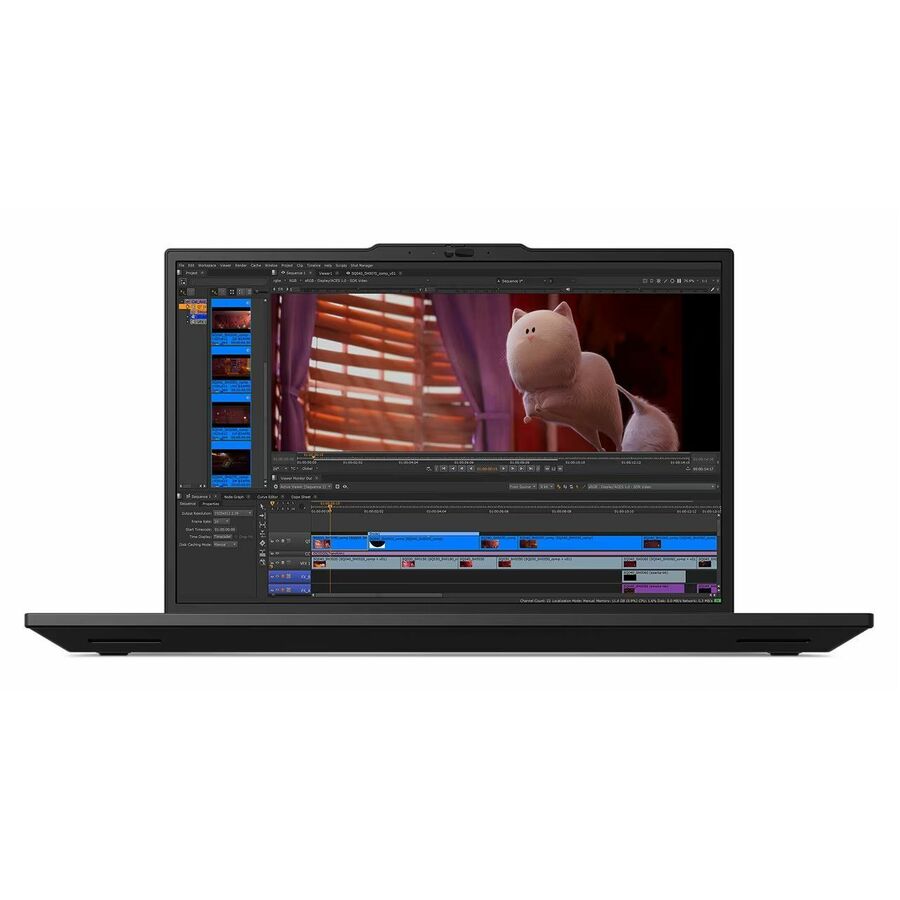
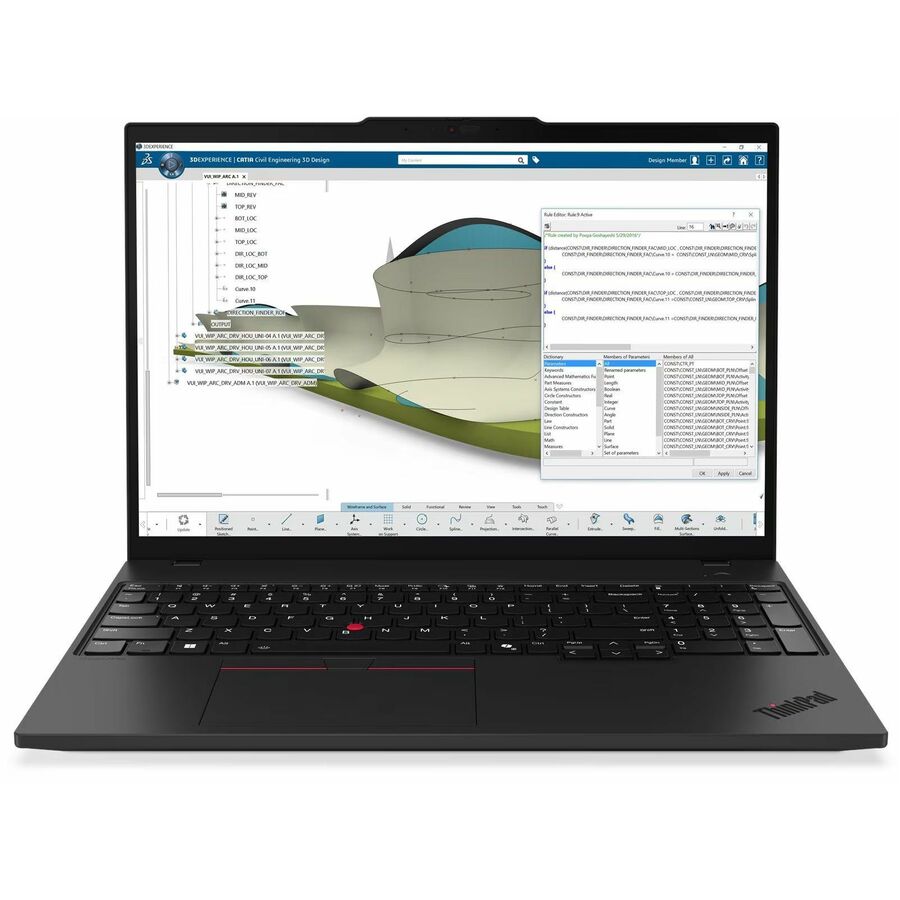
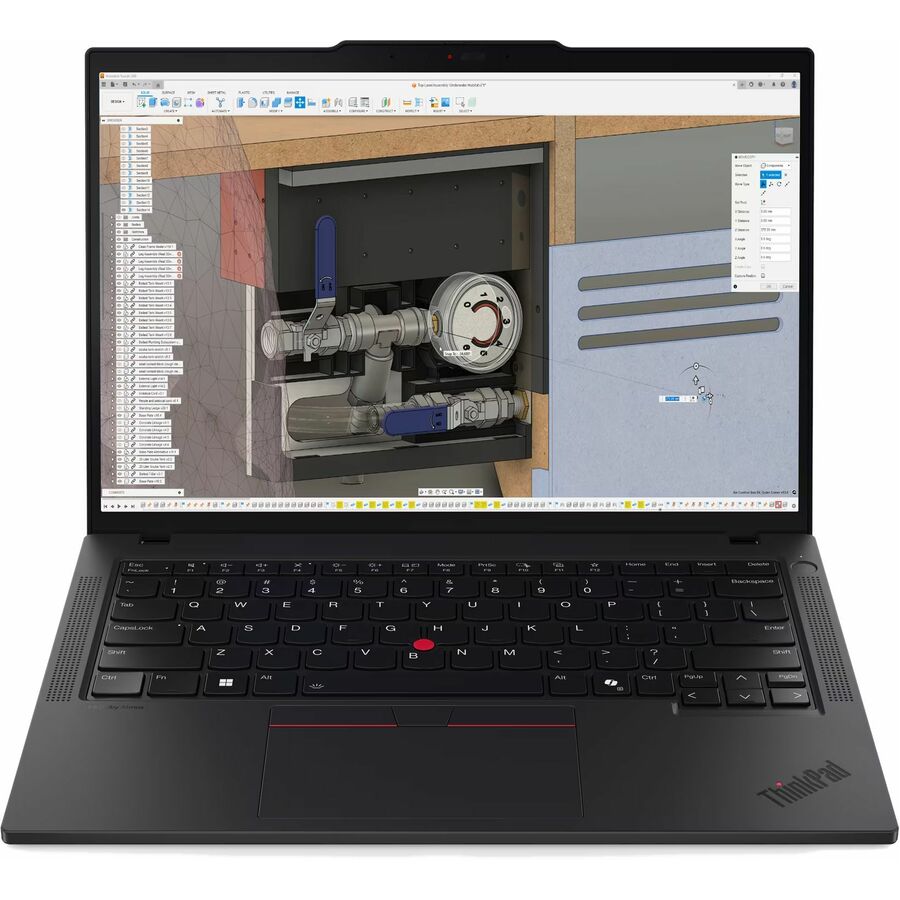
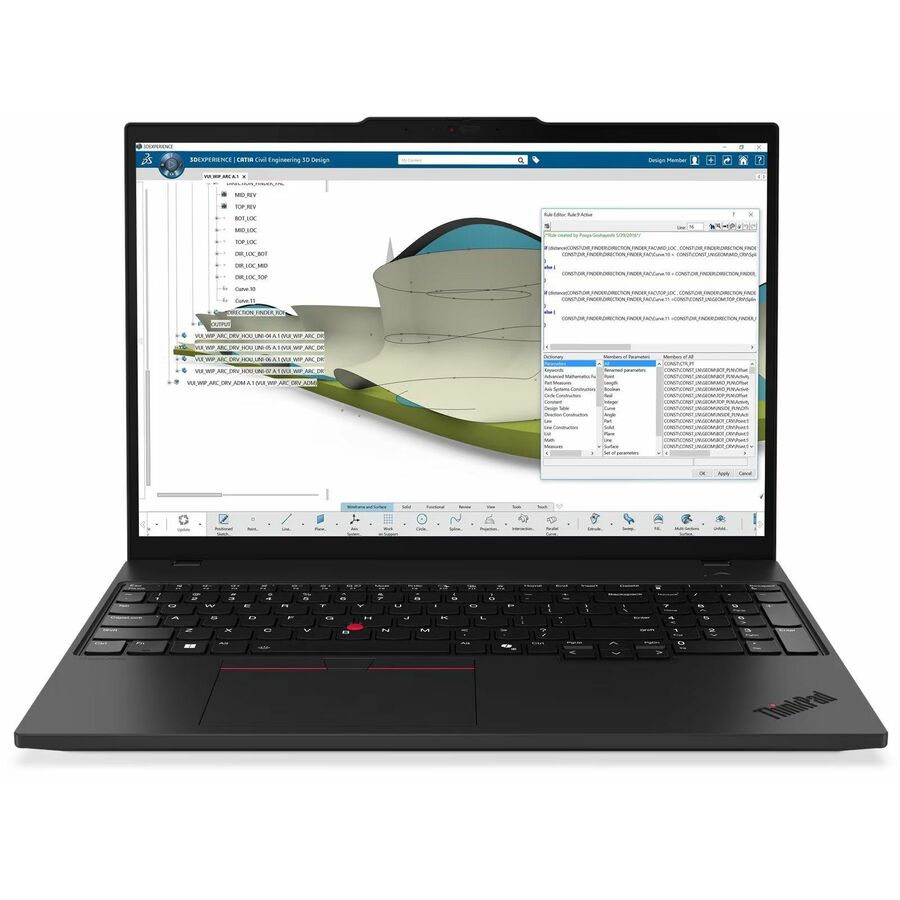
- LenovoLenovo ThinkPad P14s Gen 6 21QT002QUS 14.5" Mobile Workstation - WUXGA - 60 Hz - Intel Core Ultra 5 225H - 16 GB - 512 GB SSD - English Keyboard - Black - Intel Chip - 1920 x 1200 - Windows 11 Pro - Intel Arc 130T GPU - In-plane Switching (IPS) Technology, Eyesafe - Front Camera/Webcam - IEEE 802.11be Wireless LAN Standard - Wi-Fi 721QT002QUS
$2,539.00
$2,458.48
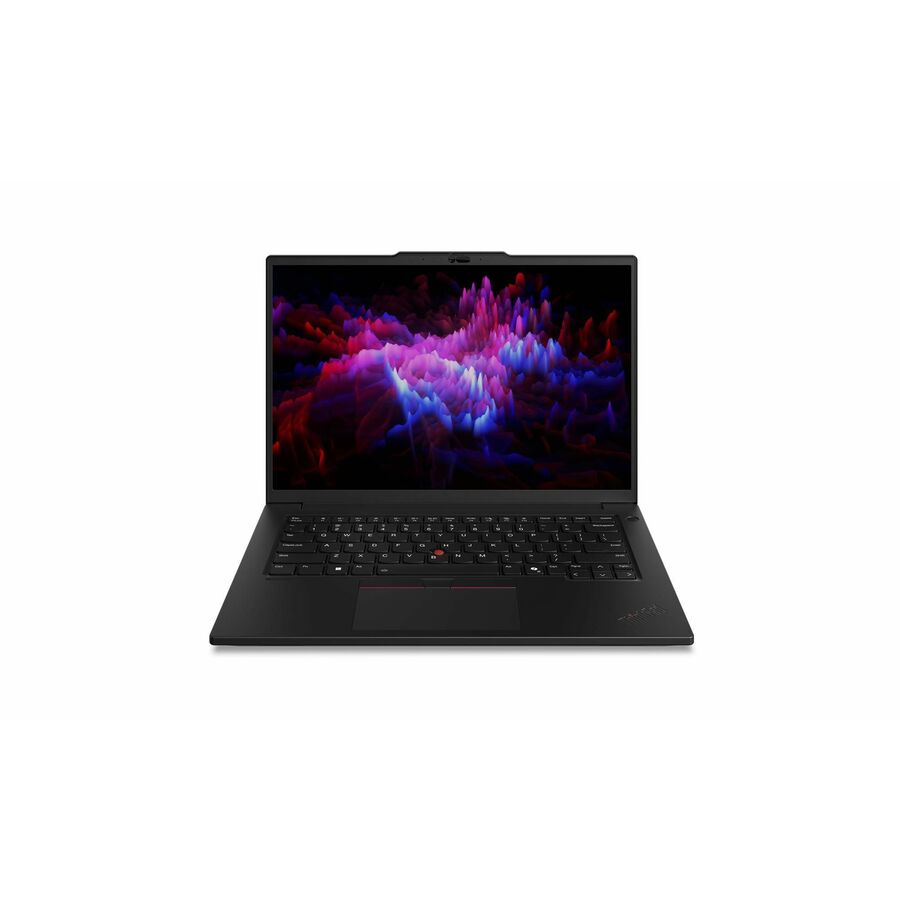
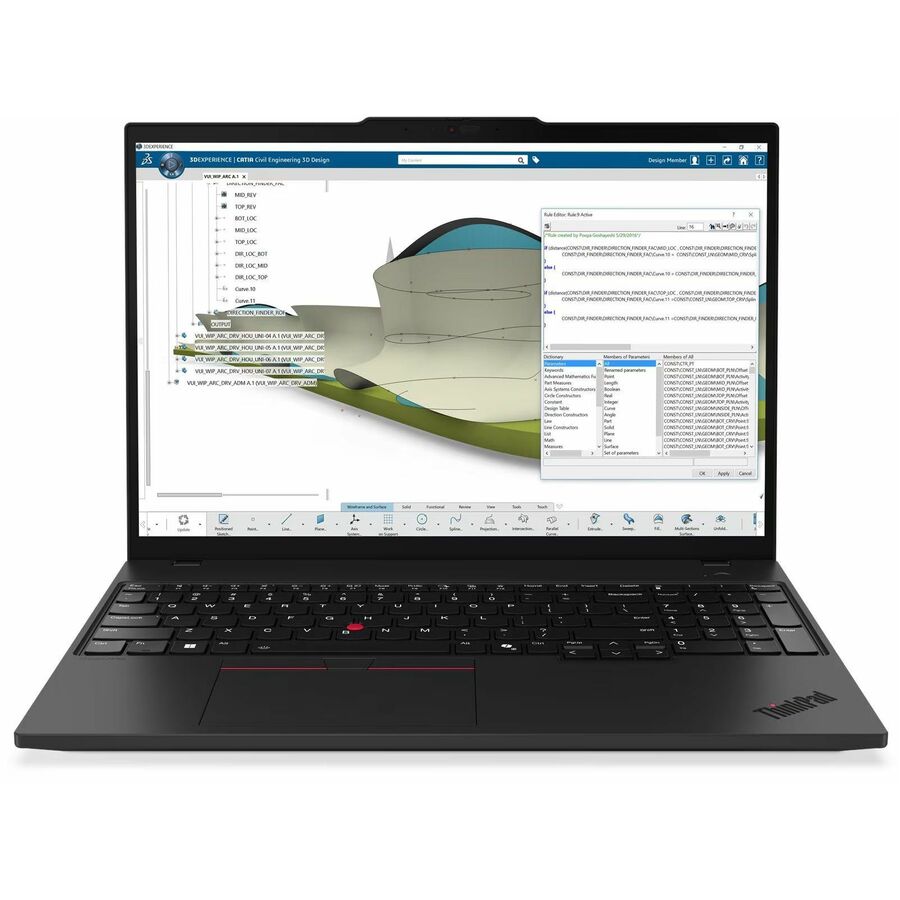
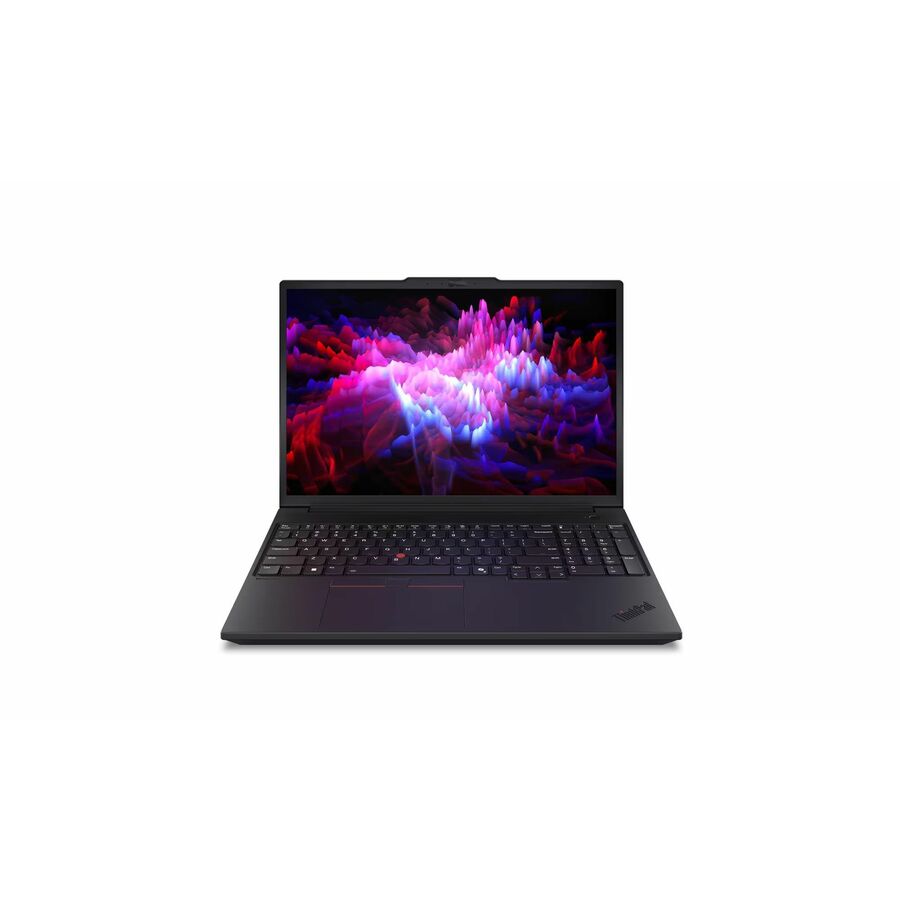
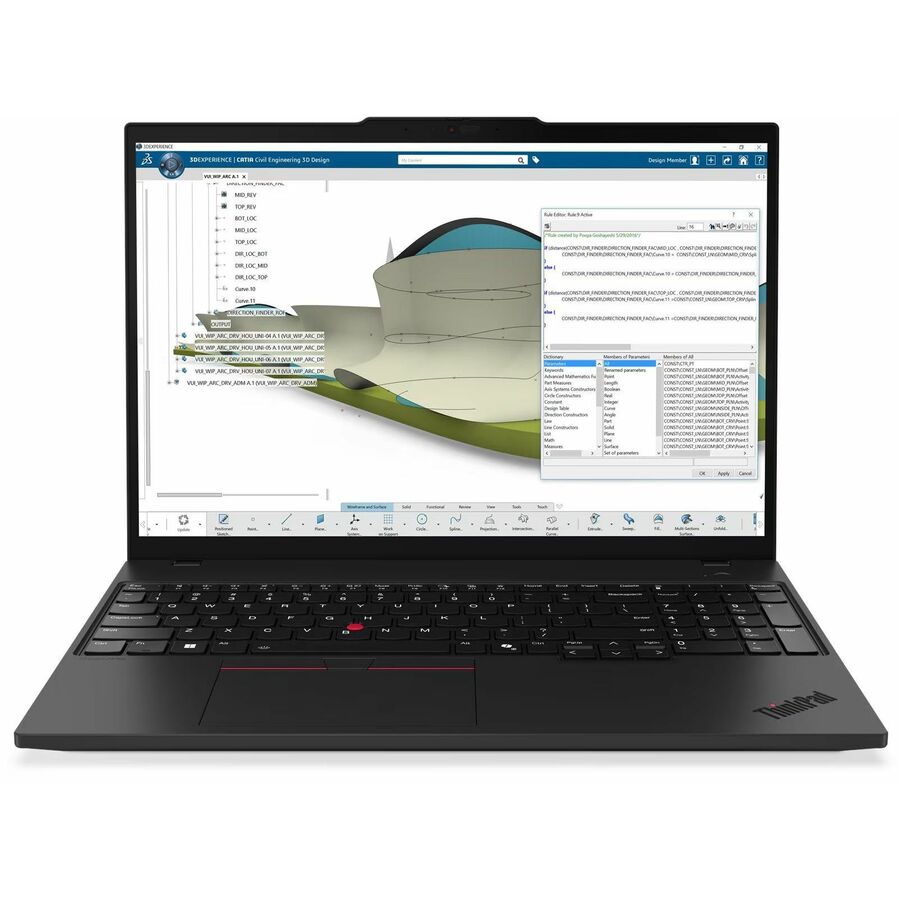
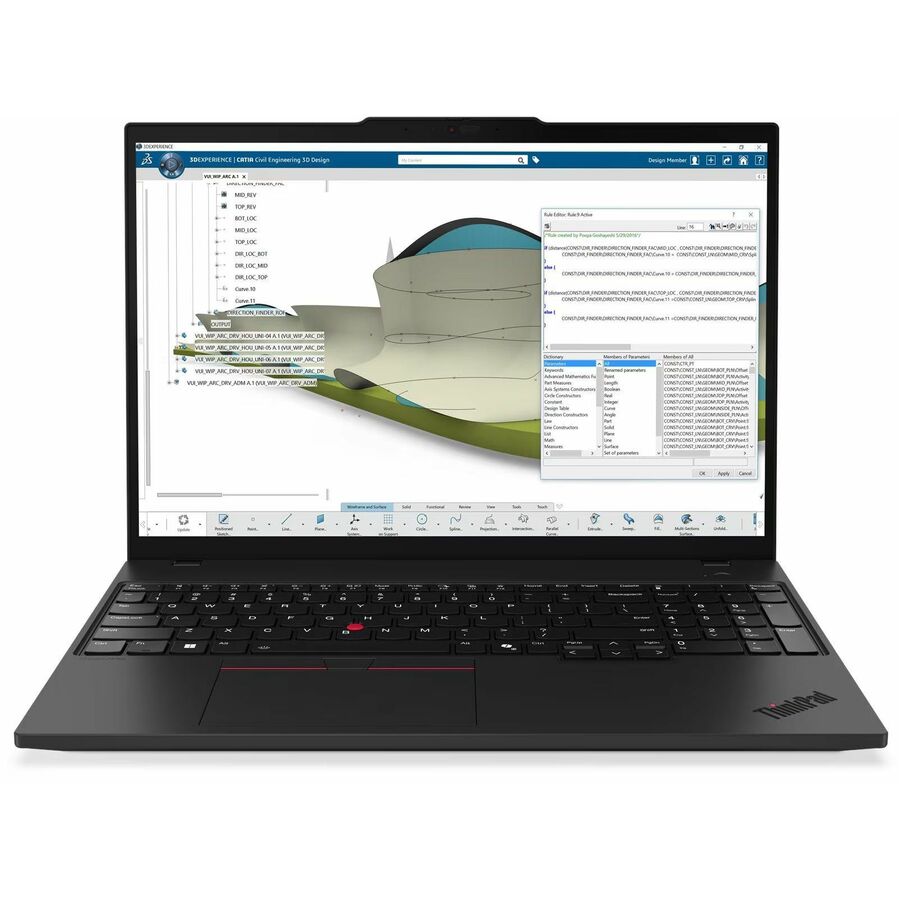
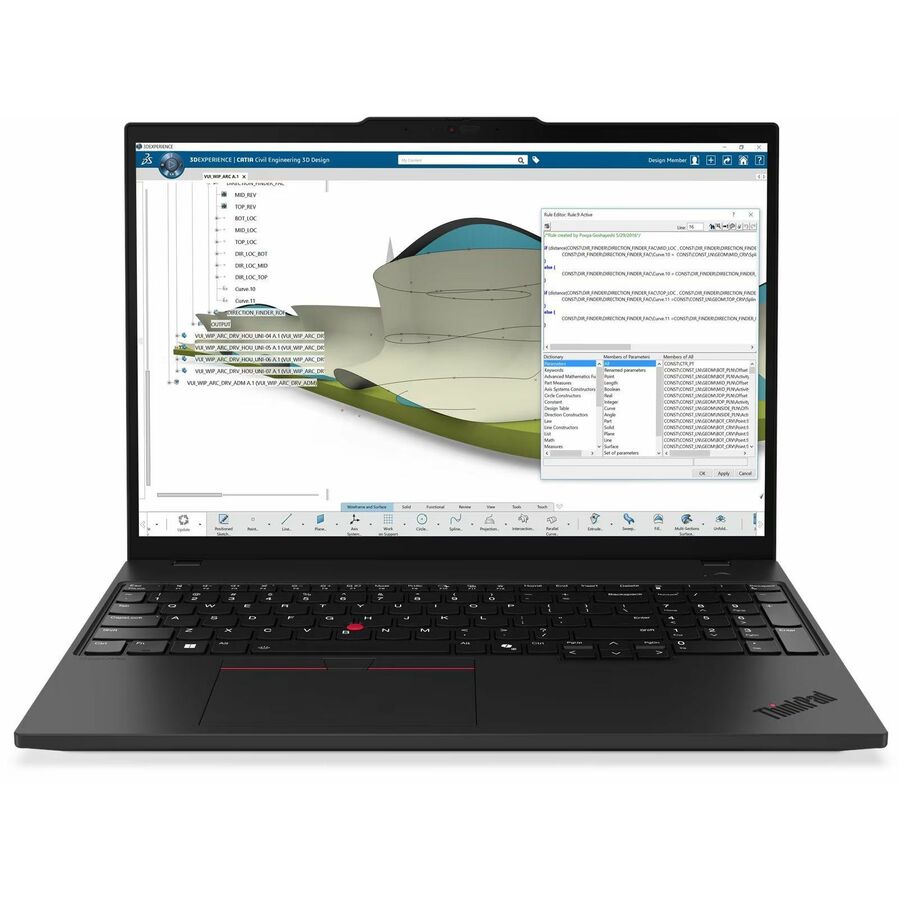
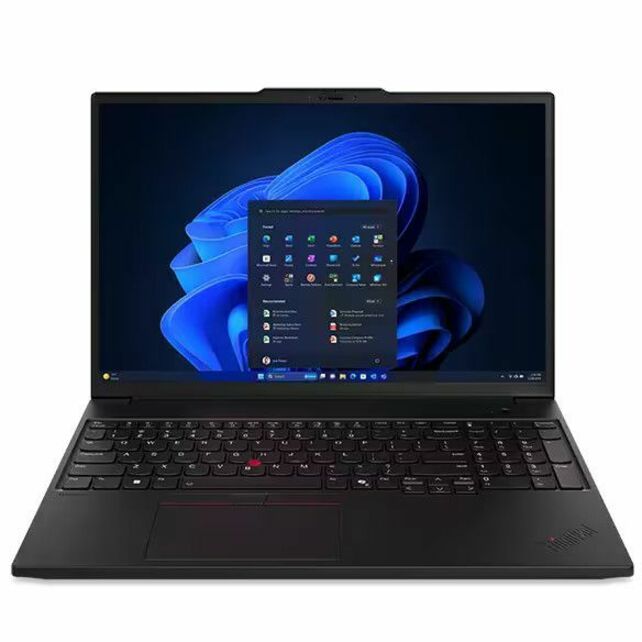
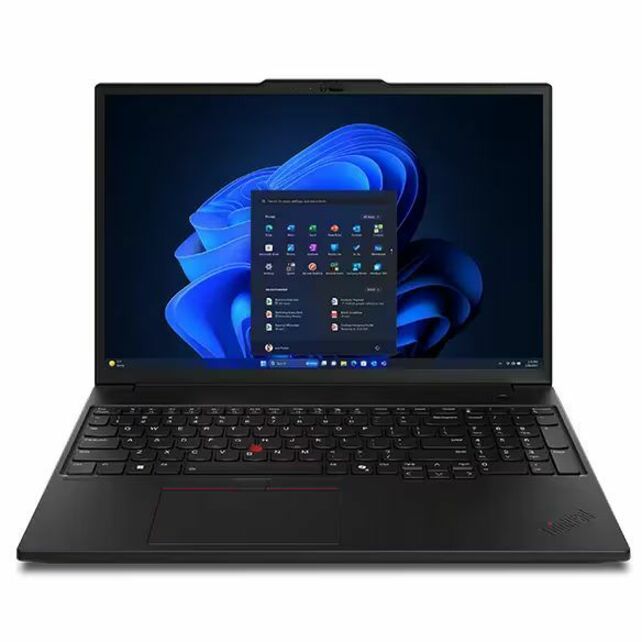
37 in stock - LenovoLenovo ThinkPad P16s Gen 4 21QV0032US 16" Mobile Workstation - WUXGA - 60 Hz - Intel Core Ultra 7 2nd Gen 255H - 16 GB - 512 GB SSD - English Keyboard - Black - Intel Chip - 1920 x 1200 - Windows 11 Pro - Intel Arc 140T GPU - In-plane Switching (IPS) Technology - Front Camera/Webcam - IEEE 802.11be Wireless LAN Standard - Wi-Fi 721QV0032US
$2,639.00
$2,509.31
726 in stock - LenovoLenovo ThinkPad P14s Gen 6 21QT002EUS 14.5" Mobile Workstation - WUXGA - 60 Hz - Intel Core Ultra 7 2nd Gen 255H - 16 GB - 512 GB SSD - English Keyboard - Black - Intel Chip - 1920 x 1200 - Windows 11 Pro - Intel Arc 140T GPU - In-plane Switching (IPS) Technology, Eyesafe - Front Camera/Webcam - IEEE 802.11be Wireless LAN Standard - Wi-Fi 721QT002EUS
$2,649.00
$2,520.74
469 in stock - LenovoLenovo ThinkPad P14s Gen 6 21QT006VUS 14.5" Mobile Workstation - WUXGA - 60 Hz - Intel Core Ultra 7 255H - 32 GB - 512 GB SSD - English Keyboard - Black - Intel Chip - 1920 x 1200 - Windows 11 Pro - Intel - In-plane Switching (IPS) Technology, Eyesafe - Front Camera/Webcam - IEEE 802.11be Wireless LAN Standard - Wi-Fi 721QT006VUS
$3,089.00
$2,720.19
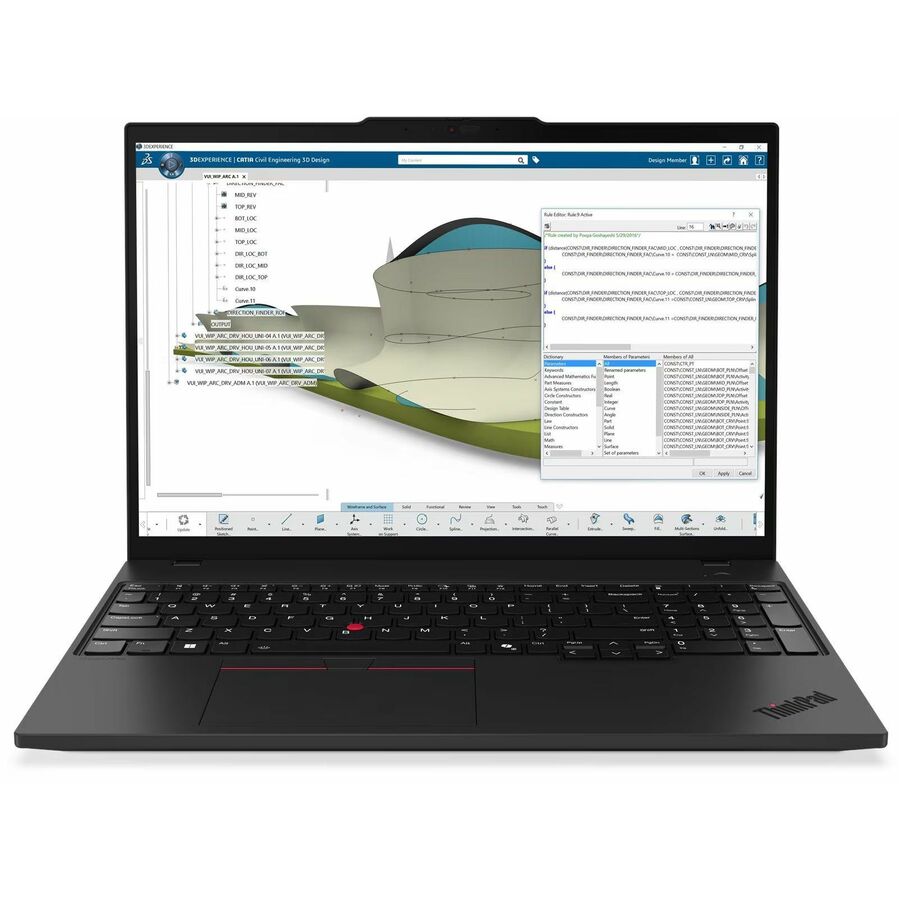
221 in stock - LenovoLenovo ThinkPad P14s Gen 6 21QL0013US 14" Copilot+ PC Mobile Workstation - WUXGA - AMD Ryzen AI 7 PRO 350 - 32 GB - 1 TB SSD - English Keyboard - Black - AMD Chip - 1920 x 1200 - Windows 11 Pro - AMD Radeon 860M Graphics - In-plane Switching (IPS) Technology - Front Camera/Webcam - IEEE 802.11be Wireless LAN Standard21QL0013US
$2,999.00
$2,749.48
3,147 in stock - LenovoLenovo ThinkPad P16s Gen 4 21QR001QUS 16" Copilot+ PC Mobile Workstation - WUXGA - AMD Ryzen AI 7 PRO 350 - 32 GB - 512 GB SSD - English Keyboard - Black - AMD Chip - 1920 x 1200 - Windows 11 Pro - AMD Radeon 860M Graphics - In-plane Switching (IPS) Technology - Front Camera/Webcam - IEEE 802.11be Wireless LAN Standard21QR001QUS
$2,869.00
$2,772.30
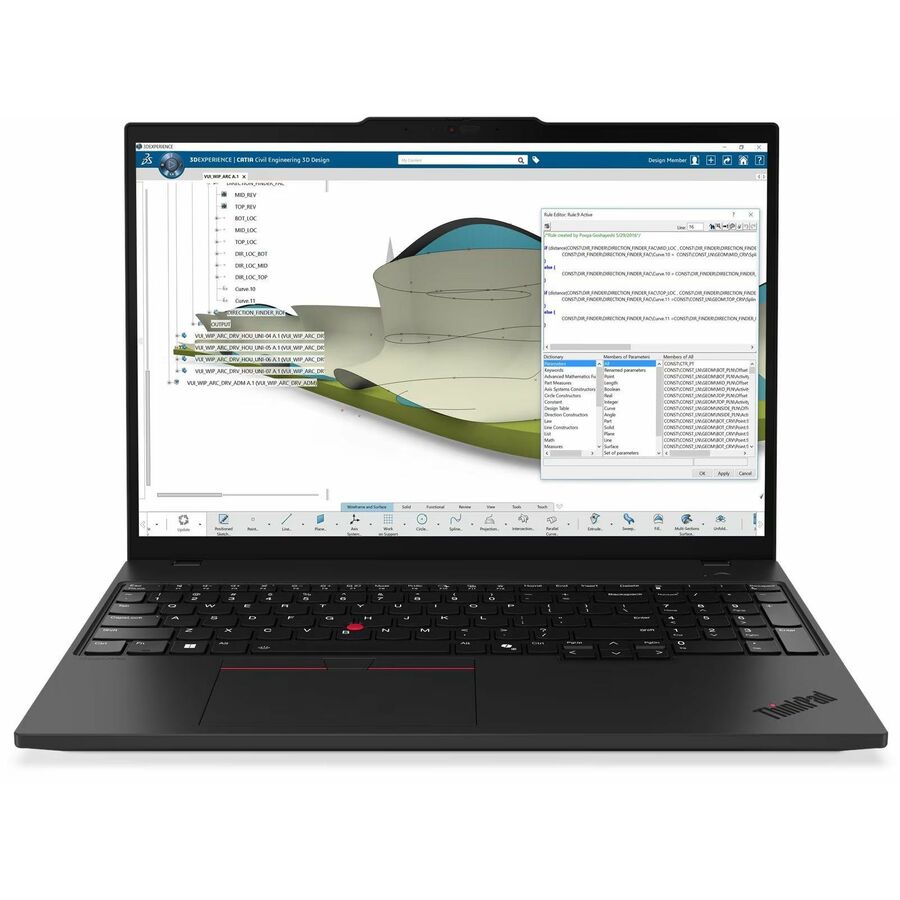
357 in stock - LenovoLenovo ThinkPad P16s Gen 4 21QR0024US 16" Touchscreen Copilot+ PC Mobile Workstation - WUXGA - AMD Ryzen AI 7 PRO 350 - 32 GB - 512 GB SSD - English Keyboard - Black - AMD Chip - 1920 x 1200 - Windows 11 Pro - AMD Radeon 860M Graphics - In-plane Switching (IPS) Technology, Eyesafe - Front Camera/Webcam - IEEE 802.11be Wireless LAN Standard21QR0024US
$2,869.00
$2,772.30
2,947 in stock - LenovoLenovo ThinkPad P14s Gen 6 21QT002RUS 14.5" Mobile Workstation - WUXGA - 60 Hz - Intel Core Ultra 7 255H - 32 GB - 512 GB SSD - English Keyboard - Black - Intel Chip - 1920 x 1200 - Windows 11 Pro - Intel Arc 140T GPU - In-plane Switching (IPS) Technology, Eyesafe - Front Camera/Webcam - IEEE 802.11be Wireless LAN Standard - Wi-Fi 721QT002RUS
$3,089.00
$2,896.81
504 in stock - LenovoLenovo ThinkPad P14s Gen 7 21XJ003DUS 14.5" Copilot+ PC Mobile Workstation - WUXGA - 60 Hz - Intel Core Ultra 7 Series 3 366H - 32 GB - 512 GB SSD - English Keyboard - Black - Intel Chip - 1920 x 1200 - Windows 11 Pro - Intel - In-plane Switching (IPS) Technology, Eyesafe - Front Camera/Webcam - IEEE 802.11be Wireless LAN Standard - Wi-Fi 721XJ003DUS
$3,159.00
$2,976.84
1,547 in stock

Heavy-workload pick
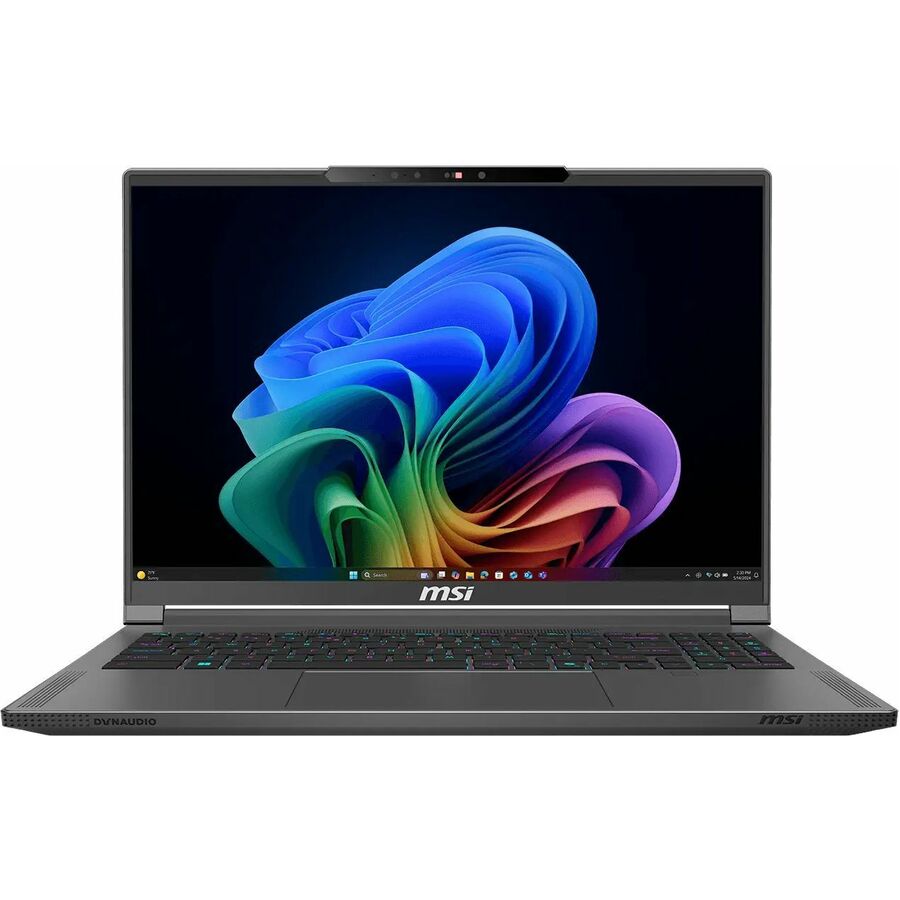
MSI
MSI Creator A16 AI+ A3HVFG-286US 16" Copilot+ PC Mobile Workstation
CA16A3H286
MSI's Creator A16 AI+ pairs a discrete GeForce RTX 4060 with 8 GB of graphics memory with 32 GB of system memory and a 1 TB SSD, on a 16-inch QHD+ 240 Hz panel driven by a Ryzen AI 7 350. The memory headroom is what large assemblies actually run out of first.
GeForce sits on the consumer driver branch rather than the professional one — worth checking against your application vendor's certification list before a team standardizes on it.
$2,024.10Back-orderedMore notebooks in the Uniqcli catalog
See all 15,794 notebooksMore from across this category. In-stock lines lead, and a back-ordered line carries the same estimated availability its product page does — with live pricing throughout, NDAA §889 screening before checkout and TAA verified on request.
- LenovoLenovo ThinkPad P14s Gen 6 21QT006UUS 14.5" Mobile Workstation - WQXGA - 90 Hz - Intel Core Ultra 7 265H - vPro Technology - 32 GB - 1 TB SSD - English Keyboard - Black - Intel Chip - 2560 x 1600 - Windows 11 Pro - NVIDIA with 6 GB - In-plane Switching (IPS) Technology, Eyesafe - Front Camera/Webcam - IEEE 802.11be Wireless LAN Standard - Wi-Fi 721QT006UUS
$4,119.00
$3,368.06
719 in stock - LenovoLenovo ThinkPad P16s Gen 3 21KS001FUS 16" Mobile Workstation - WQUXGA - Intel Core Ultra 7 165H - vPro Technology - 64 GB - 1 TB SSD - English Keyboard - Black - Intel Chip - 3840 x 2400 - Windows 11 Pro - NVIDIA RTX 500 Ada Generation with 4 GB - Eyesafe - Front Camera/Webcam - IEEE 802.11ax Wireless LAN Standard21KS001FUS
$4,399.00
$3,822.98
Back-orderedBack-ordered — estimated OEM lead time 3–8 weeks (Nov 13 – Dec 18 if ordered today).
- LenovoLenovo ThinkPad P16s Gen 4 21QV0038US 16" Mobile Workstation - WUXGA - 60 Hz - Intel Core Ultra 7 2nd Gen 255H - 32 GB - 512 GB SSD - English Keyboard - Black - Intel Chip - 1920 x 1200 - Windows 11 Pro - Intel Arc 140T GPU - In-plane Switching (IPS) Technology - Front Camera/Webcam - IEEE 802.11be Wireless LAN Standard - Wi-Fi 721QV0038US
$3,059.00
$2,862.50
Back-orderedBack-ordered — estimated OEM lead time 3–8 weeks (Nov 13 – Dec 18 if ordered today).
Back-ordered — estimated OEM lead time 3–8 weeks (Nov 13 – Dec 18 if ordered today).
Back-ordered — estimated OEM lead time 3–8 weeks (Nov 13 – Dec 18 if ordered today).
Back-ordered — estimated OEM lead time 3–8 weeks (Nov 13 – Dec 18 if ordered today).
Back-ordered — estimated OEM lead time 3–8 weeks (Nov 13 – Dec 18 if ordered today).
Back-ordered — estimated OEM lead time 3–8 weeks (Nov 13 – Dec 18 if ordered today).
Back-ordered — estimated OEM lead time 3–8 weeks (Nov 13 – Dec 18 if ordered today).
Back-ordered — estimated OEM lead time 3–8 weeks (Nov 13 – Dec 18 if ordered today).
Back-ordered — estimated OEM lead time 3–8 weeks (Nov 13 – Dec 18 if ordered today).
Back-ordered — estimated OEM lead time 3–8 weeks (Nov 13 – Dec 18 if ordered today).
Need pricing on mobile workstations?
Tell us where to reach you and a Uniqcli specialist will follow up by email with current pricing, availability and lead time for the quantities you need — including parts that aren’t shown on this page.
Buying for an organization or for yourself — both work. No payment up front.
One chassis family covers configurations with a discrete professional GPU and configurations with integrated graphics and none at all, so a CAD mobile workstation turns on the graphics line of the exact part number rather than the family name. Memory is second and the one under-bought — 16 GB is a drafting and review seat, and large assemblies want 32 GB.
The most expensive mistake in specifying a CAD laptop is buying the badge instead of the configuration. ThinkPad P-series is a chassis family, not a graphics tier: the same family name covers part numbers with a discrete professional GPU and part numbers with integrated graphics and no discrete GPU at all. Both are real machines. Only one of them is a modeling seat, and the family name will not tell you which one you are holding — the graphics line on that specific part number will.
The second decision is memory, and it is the one that gets under-bought. A 16 GB machine is a comfortable drafting, markup and drawing-review seat. Large assemblies, point clouds, photogrammetry and anything that touches simulation are where a seat starts paging to disk, and 32 GB is the difference between a laptop an engineer tolerates and one they route around. Buy memory for the largest job on the team, not the average one — it is the hardest thing to change later, because many thin workstation chassis solder it to the board.
Everything else is a fleet decision rather than a performance one: the panel size people actually draw on, one docking standard so a shared desk works for everyone, and a support term that reaches the end of a workstation refresh cycle, which is usually longer than the general-issue laptop cycle. The list below is drawn live from what Uniqcli carries, and every recommendation states its graphics class explicitly — including the one that has none.
Buyer's checklist
How to specify a CAD workstation seat
- Read the graphics line on the exact part number: a discrete RTX PRO or RTX Ada GPU and an integrated Arc or Radeon trim can share a chassis, a family name and a product page layout.
- Check your application vendor's own certification list against that part number — certification is published per model and configuration by the manufacturer and the software vendor, and it is their claim to make, not a reseller's.
- Size memory to the largest assembly on the team, and check whether the part number takes sockets at all — many current thin workstation chassis solder it, so the configuration you order is the configuration you keep.
- Match panel size and resolution to the drawing surface people work on — a 14-inch WUXGA seat and a 16-inch WQXGA seat are different jobs, not different budgets for the same job.
- Pick one docking and display standard before you order, so a hot desk works for every engineer instead of only the ones with the right laptop.
- Buy the support term against the refresh cycle: workstation seats are held longer than general-issue laptops, so the warranty year that matters is year four.
- Ask for the country-of-origin position on the exact part number if the order will be delivered to a government or education buyer — it varies by configuration, not just by brand.
Three graphics tiers, one chassis name
Professional GPUs — NVIDIA's RTX PRO and RTX Ada parts — are the tier the workstation programs are built around. They carry the professional driver branch, and they are what an application's own certification list usually names. If your organization's policy is that engineering seats run certified configurations, this is the tier that policy is describing, and the part number has to be checked against the vendor's list rather than against the model name.
Consumer GeForce parts in a creator-class chassis are the second tier. An RTX 4060 or 4070 can deliver more raw throughput than the professional part it sits beside, and for modeling and visualization work it is genuinely capable. The trade is the driver branch and the certification question above, not performance — which is exactly why it belongs on this page as an explicit choice rather than as a silent substitution.
Integrated graphics is the third tier, and it is the one that catches buyers out, because it wears the same chassis name. An Intel Arc or AMD Radeon integrated trim of a P-series machine is a genuine business laptop with a workstation-grade chassis, keyboard, service posture and memory ceiling. It is simply not a modeling machine. Specify it deliberately for drafting, markup and review seats, and never by accident.
What an engineering seat costs after the laptop
A workstation rollout is rarely just laptops. The recurring items are a dock and display standard that every seat shares, the application licences themselves, and the deployment work — imaging, driver and certified-driver management, asset tagging and the handover. Uniqcli quotes those alongside the hardware through US distribution rather than leaving them to a second purchase order, which is usually where a workstation refresh loses its schedule.
The other line worth planning is spares. Workstation seats are held longer than general-issue laptops and are more disruptive to lose, so a small pool of identical units — the same part number, not the same family — keeps an engineer working while a repair is in flight. That argument is the strongest reason to standardize on one or two part numbers rather than letting each hire pick a configuration.
Shortlisting beyond this page
The two families this list does not lead with are HP ZBook and Dell Precision. Both are in the Uniqcli catalog, and both belong on a serious CAD shortlist — search either name from the catalog search box to see the configurations we can currently quote. If you already have part numbers from a manufacturer's configurator, send them with the ones here and we will price them side by side rather than talk you into the list.
FAQ
Common questions
- What makes a mobile workstation different from a business laptop?
- Workstation lines are built and validated around sustained professional workloads rather than office use: they are offered with professional graphics options, larger memory ceilings and the manufacturer's own software-certification programs, and they are sold on longer, more stable configuration lifecycles so a team can standardize on one part number. The trade is size, weight and price. Where a seat only runs drawing review rather than modeling, a business laptop is often the right machine, and this guide is deliberately scoped to the workstation class.
- Do I need a discrete professional GPU?
- It depends on the workload, and the honest answer for many seats is no. Assembly size, rendering, simulation and multi-monitor drafting are what pull a seat toward a discrete professional GPU; 2D drafting and review work frequently do not. Several models in this class ship in both discrete and integrated-graphics trims of the same chassis, so read the graphics line on the specific part number rather than the family name — the product page for each model below states what that part number carries.
- How much memory does a CAD seat need?
- Treat 16 GB as the drafting and review floor and 32 GB as the working figure for large assemblies, point clouds, rendering and simulation. Memory is also the specification you can least easily revisit: many current thin workstation chassis solder it to the board, so unless the part number is documented as socketed, a 16 GB machine stays a 16 GB machine for its whole service life. If the team's largest job is growing year on year, buy the headroom at order time — it is cheaper than a mid-cycle replacement, and it is the single change that most often removes the complaint that a laptop is slow.
- Are these machines certified for AutoCAD, SolidWorks or Revit?
- Application certification is published by the hardware manufacturer and the software vendor, per model and per configuration — it is their claim, and it is checked against a specific part number rather than a product family. Uniqcli does not certify hardware and does not test it, so we will not tell you a machine is certified for your application. What we will do is confirm the exact configuration on the quote — processor, graphics part, memory and storage — so you can check it against the vendor's own list before the purchase order goes out.
- Can Uniqcli quote mobile workstations for a government or education order?
- Every line Uniqcli quotes is sourced through US distribution and screened for TAA country-of-origin and NDAA §889 status before checkout — with documentation tied to the specific part number, not a product family.
Need mobile workstations pricing?
Send a bill of materials or part numbers — we confirm stock and a below-market total, with TAA verified on request. No payment up front.