
Best Business Laptops for Company Fleets
Fleet laptops chosen for manageability, a stable configuration and a support term that outlasts the refresh cycle.
Business laptops in stock at Uniqcli
How to choose →A curated selection with live pricing — in-stock lines first, then back-ordered lines with a typical lead time. Every line is sourced through US distribution and screened for NDAA §889 status before checkout, with TAA verified on request.
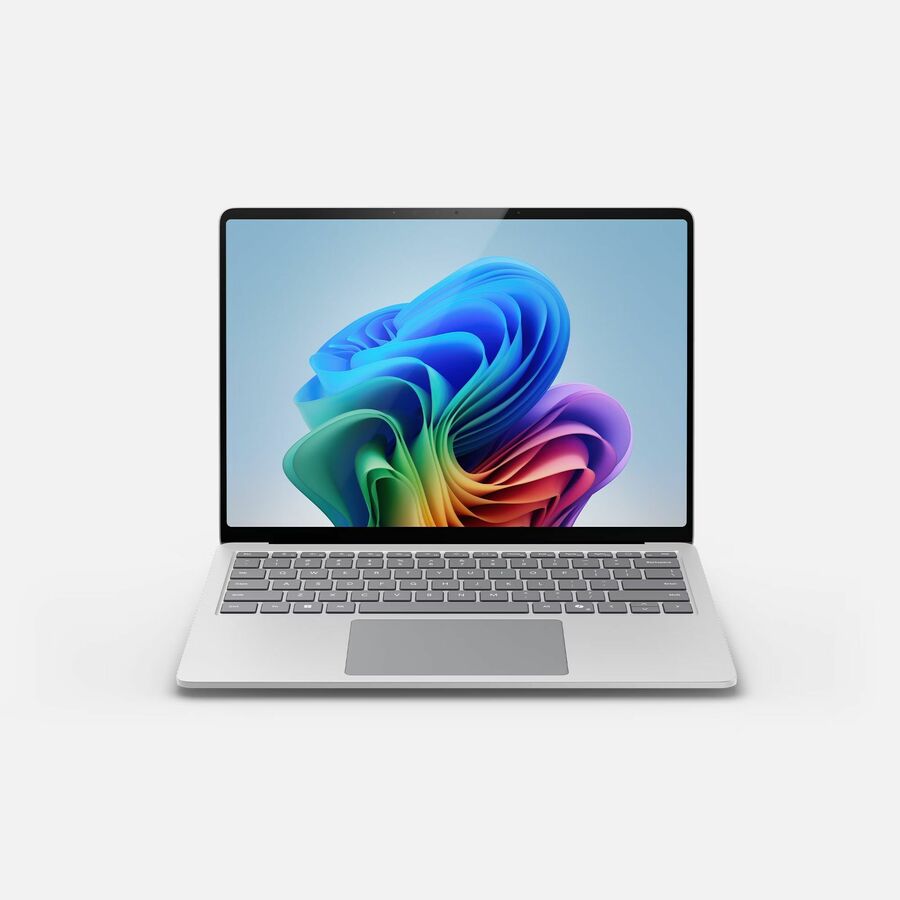
- MicrosoftMicrosoft Surface Laptop 8 13.8" Touchscreen Copilot+ PC Notebook - 120 Hz - Intel Core Ultra 5 Series 3 335 - 16 GB - 256 GB SSD - English Keyboard - Platinum - TAA Compliant - Demo - Intel Chip - 2304 x 1536 - Intel - PixelSense Flow - Front Camera/Webcam - 23 Hours Battery Run Time - IEEE 802.11be Wireless LAN Standard - Wi-Fi 7EP2-68764
$1,749.99
$1,019.20*
1 in stock - MicrosoftMicrosoft Surface Laptop 8 13.8" Touchscreen Copilot+ PC Notebook - 120 Hz - Intel Core Ultra 5 Series 3 335 - 16 GB - 256 GB SSD - English Keyboard - Platinum - Demo - Intel Chip - 2304 x 1536 - Intel - PixelSense Flow - Front Camera/Webcam - 23 Hours Battery Run Time - IEEE 802.11be Wireless LAN Standard - Wi-Fi 7EP2-48243
$2,299.99
$1,310.39
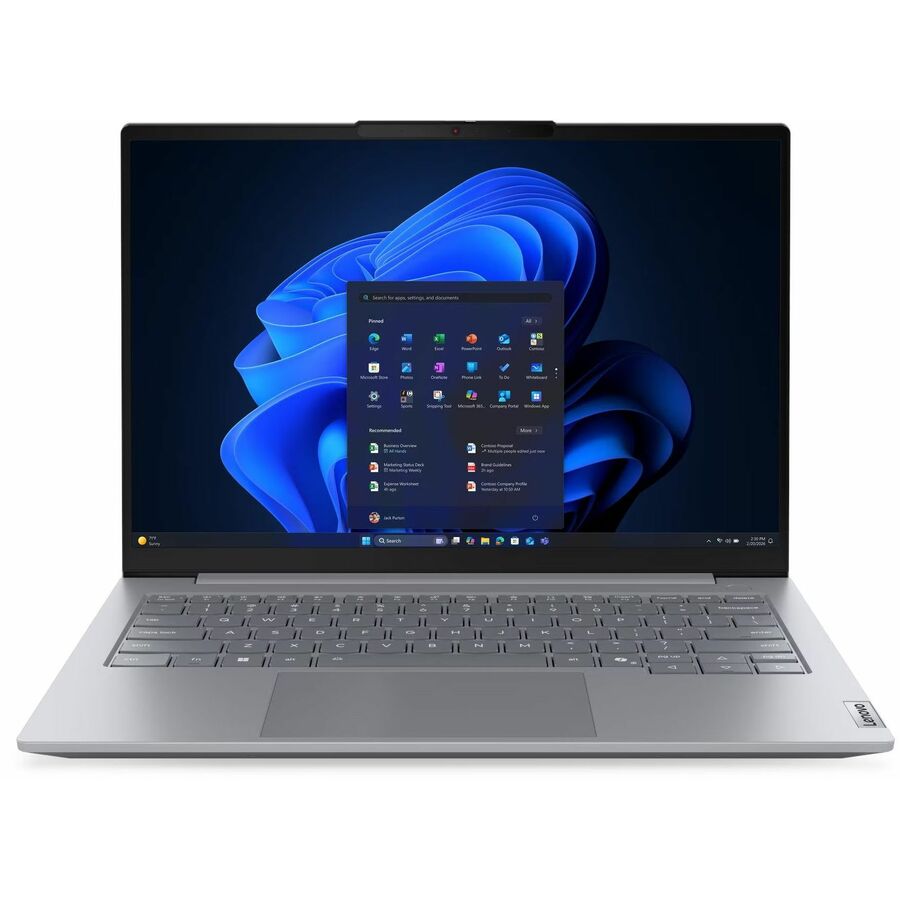
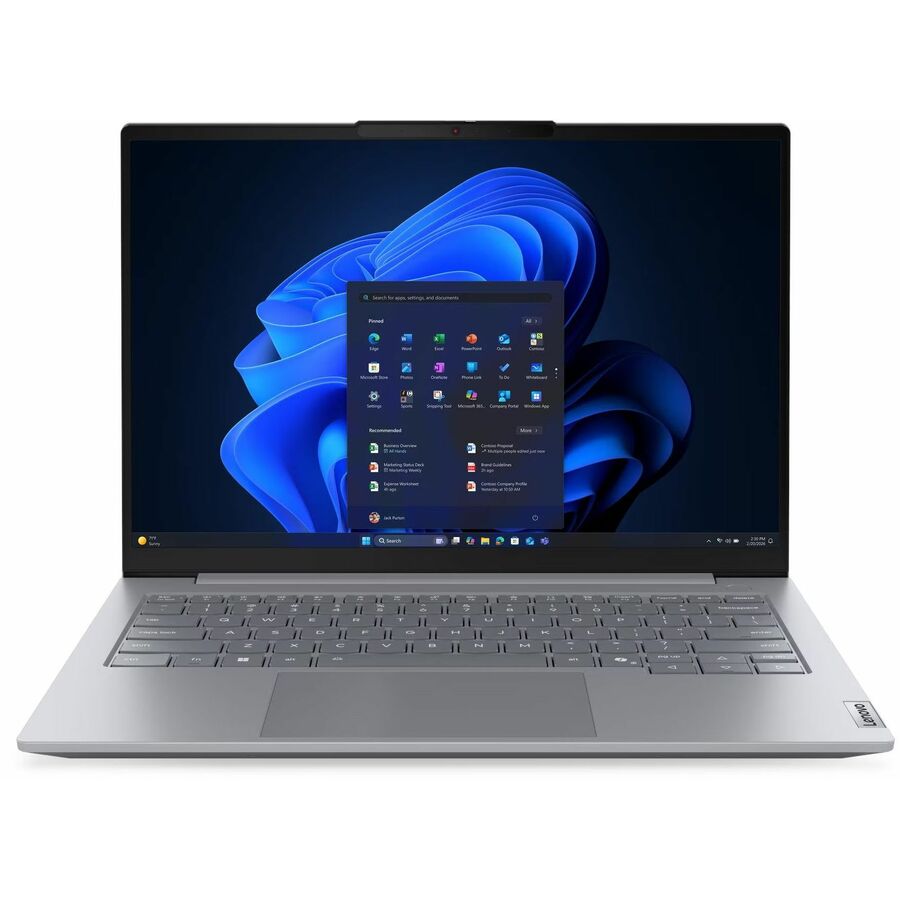
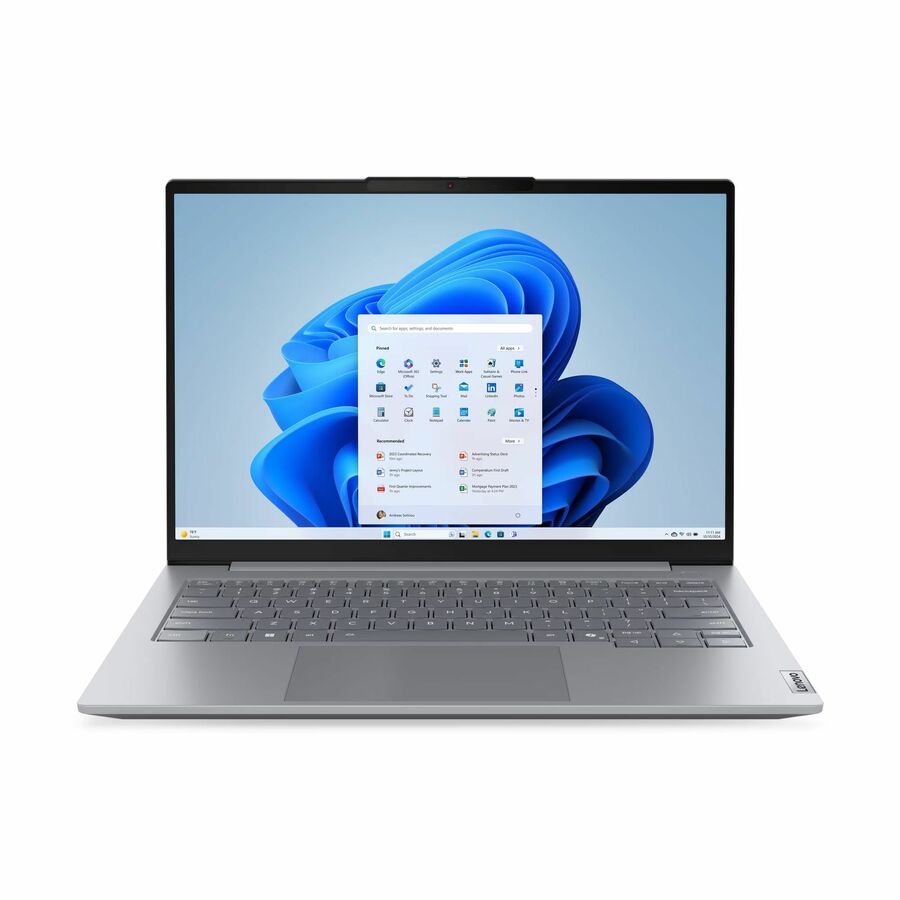
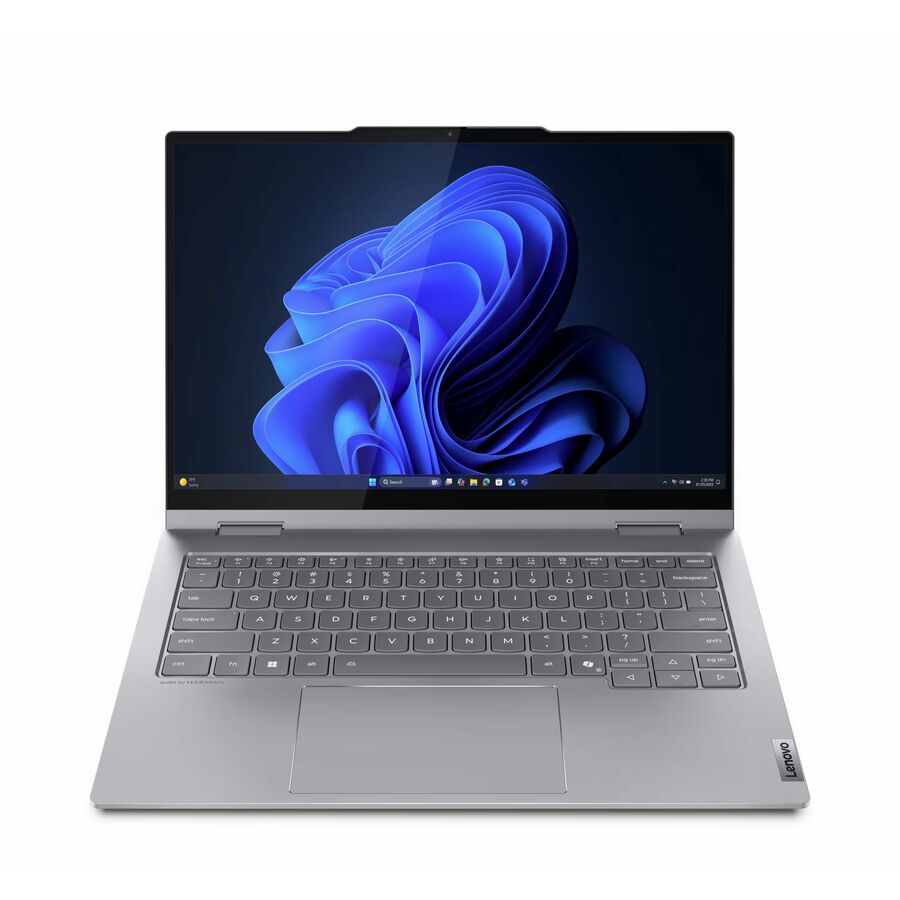
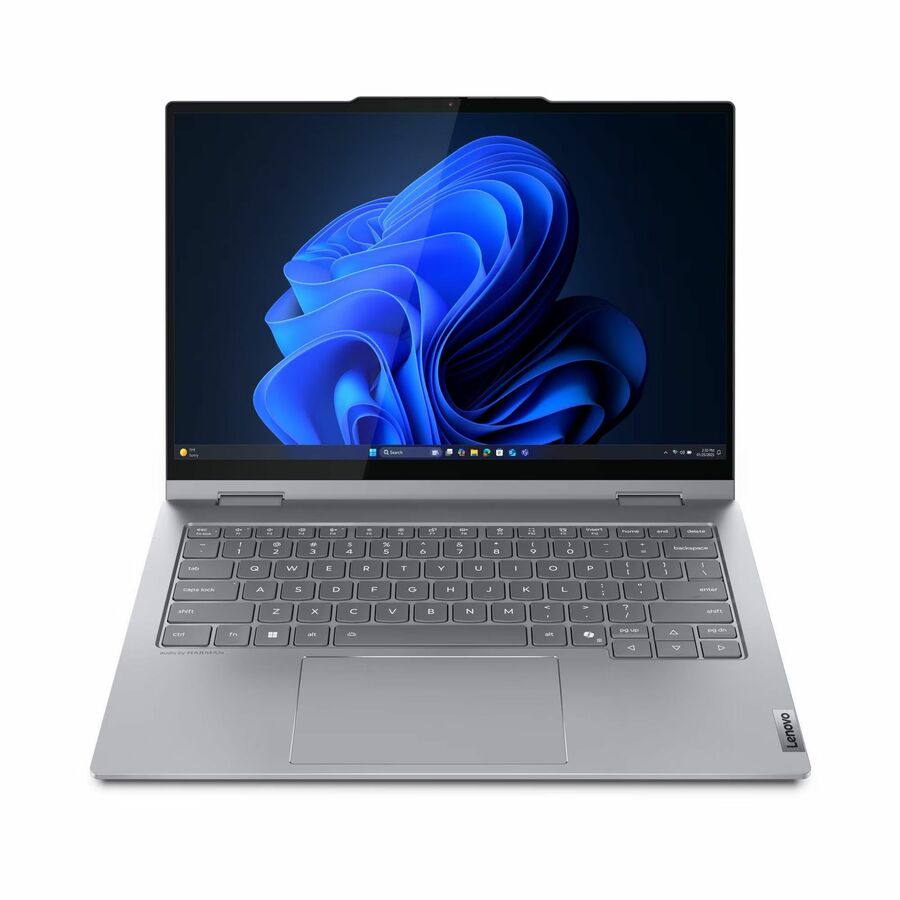
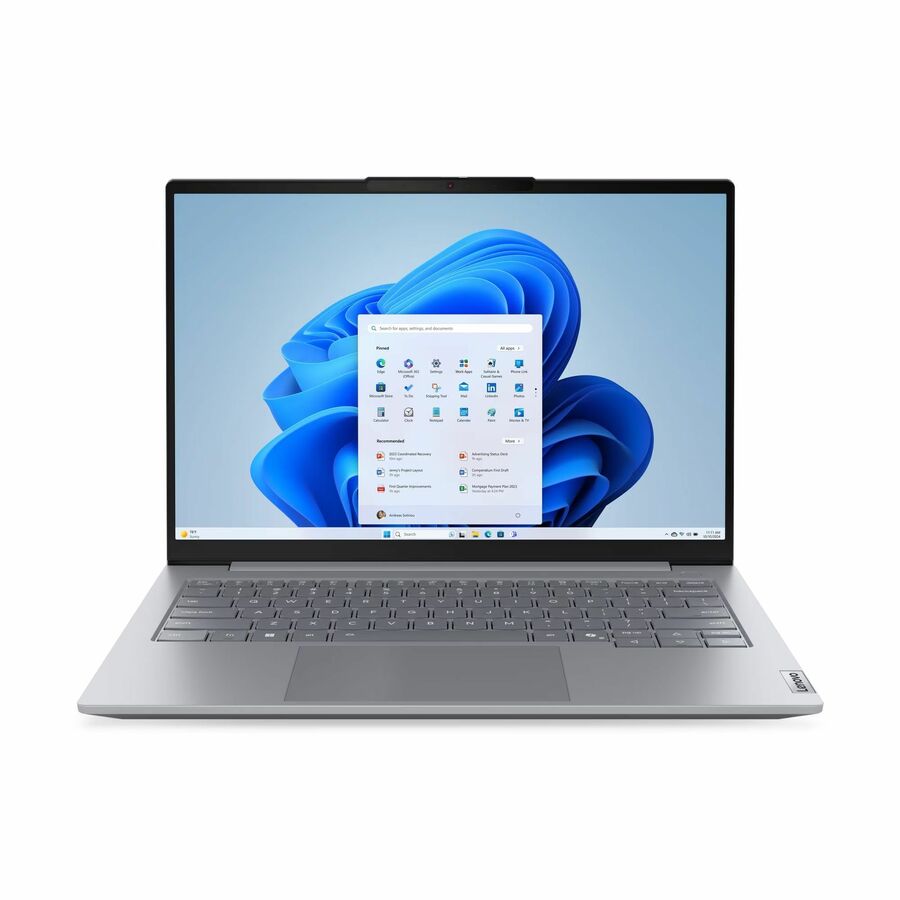
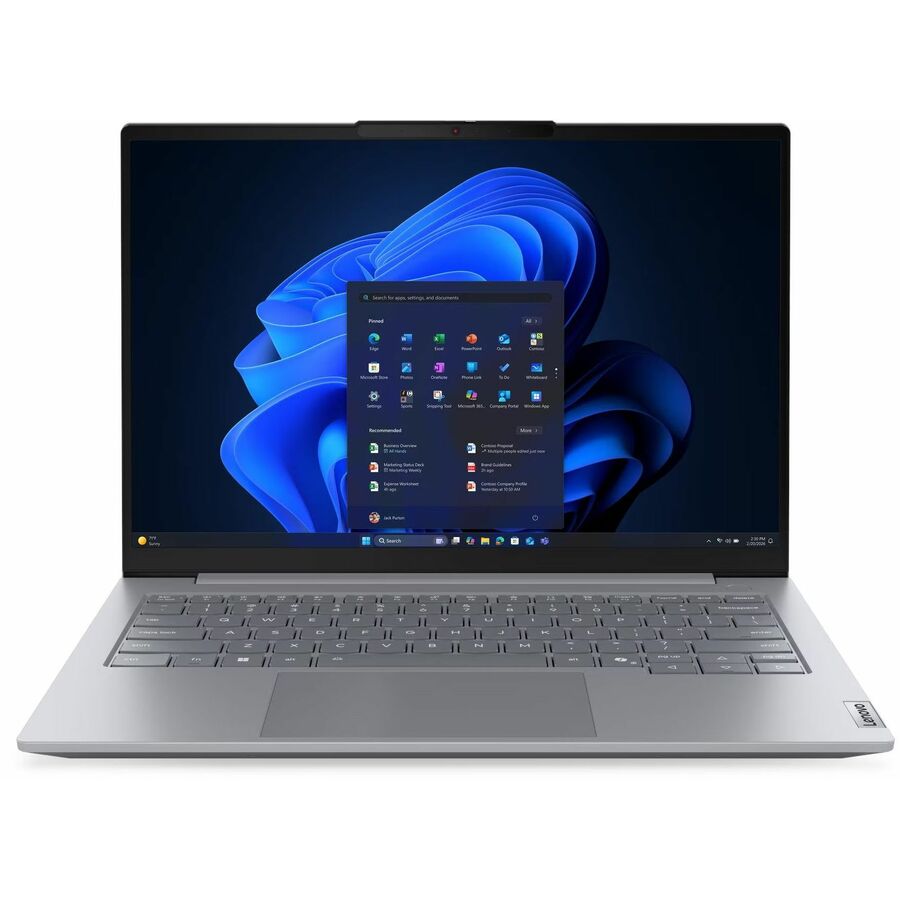
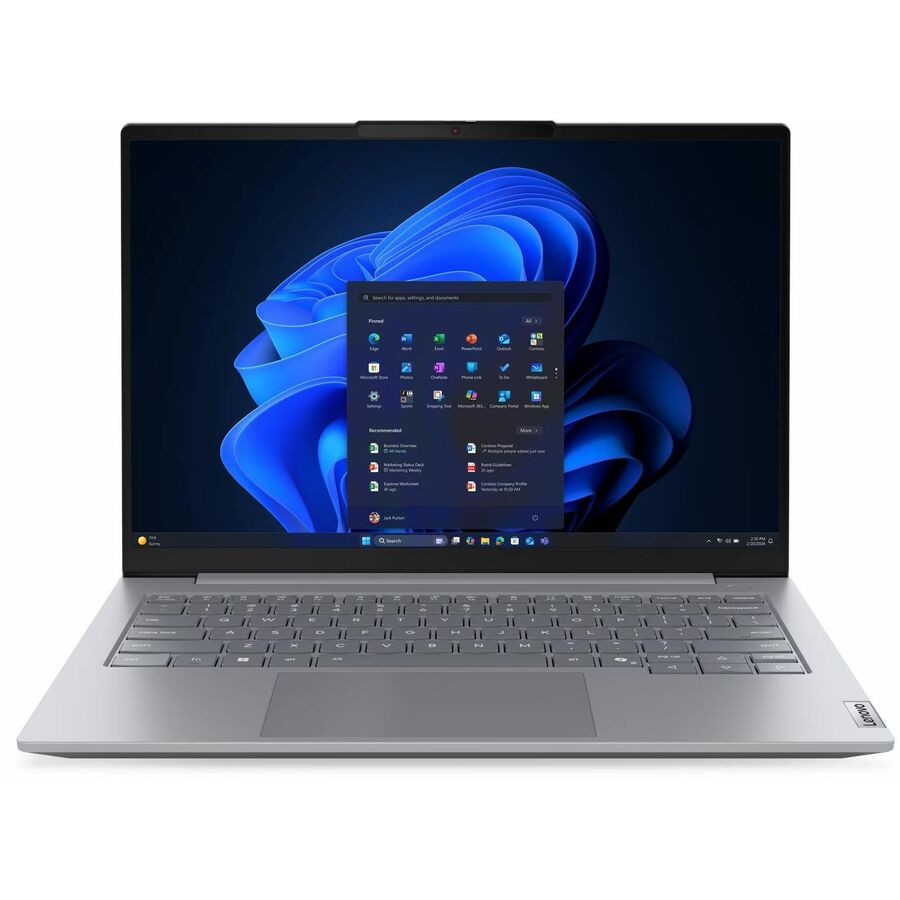
1 in stock - LenovoLenovo ThinkBook 14 G5 IAU 21SQ0001US 14" Touchscreen Convertible 2 in 1 Notebook - WUXGA - Intel Core Ultra 5 225U - 16 GB - 256 GB SSD - English (US) Keyboard - Luna Gray - Intel Chip - 1920 x 1200 - Windows 11 Pro - Intel - Front Camera/Webcam - IEEE 802.11ax Wireless LAN Standard21SQ0001US
$1,869.00
$1,347.71
50 in stock


Top pick
Lenovo
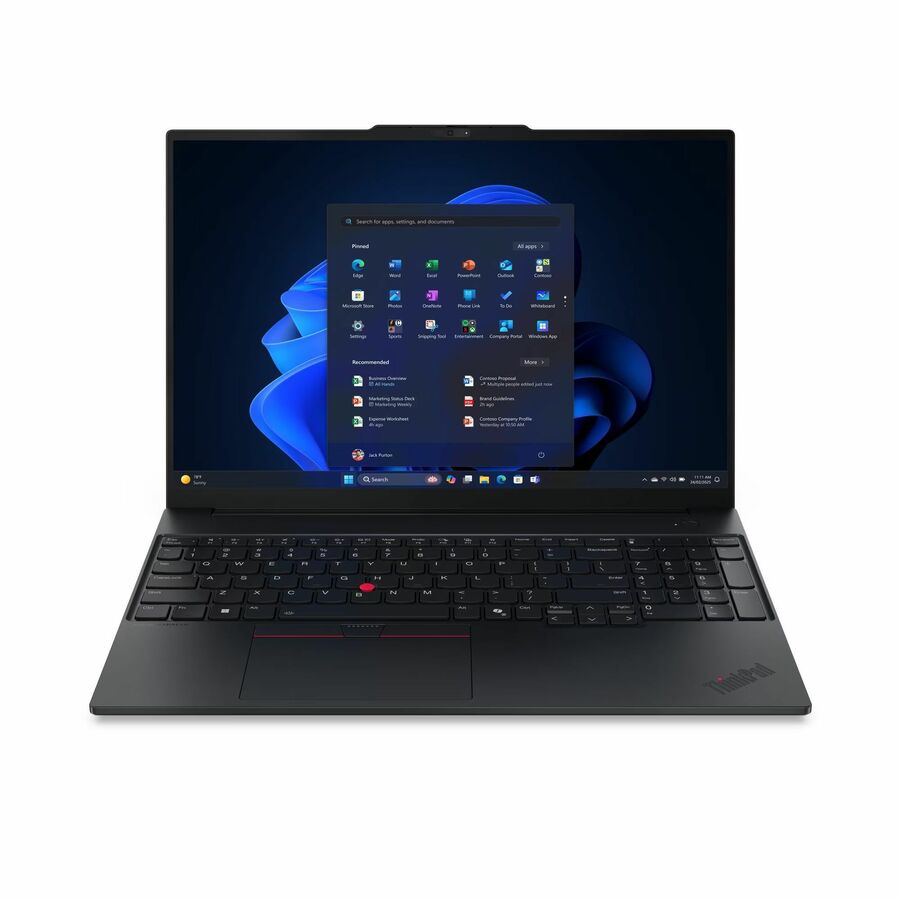
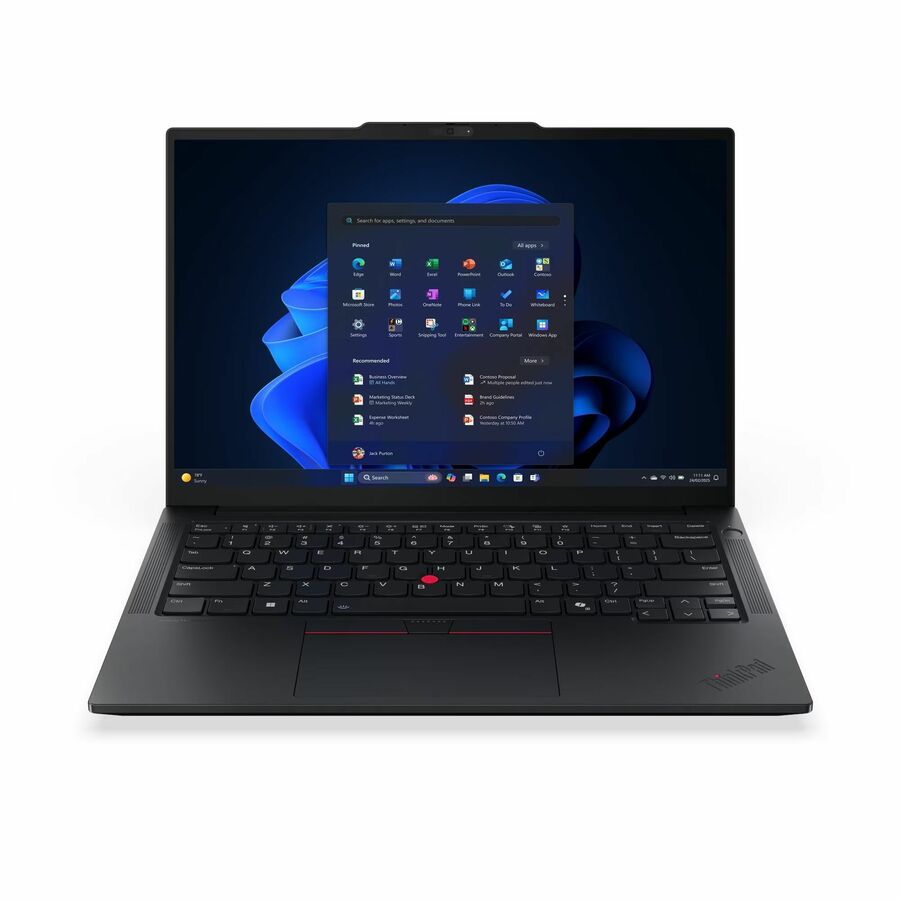
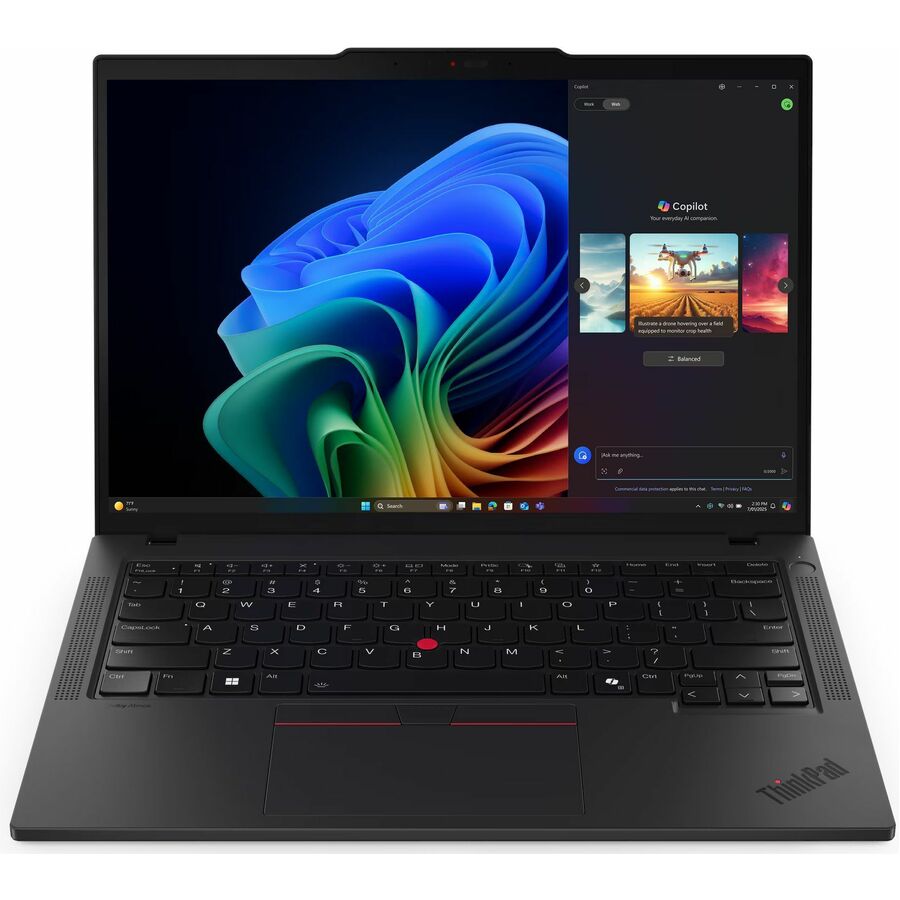
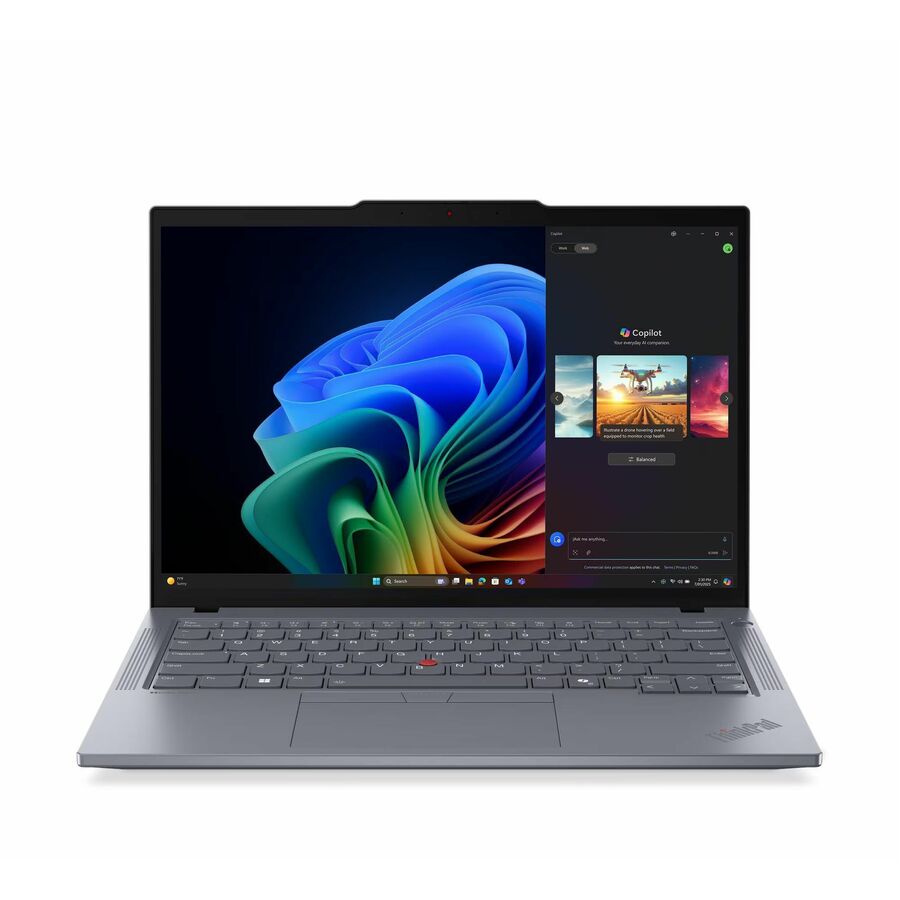
Lenovo ThinkPad T14 Gen 6 21QG0046US 14" Notebook
21QG0046US
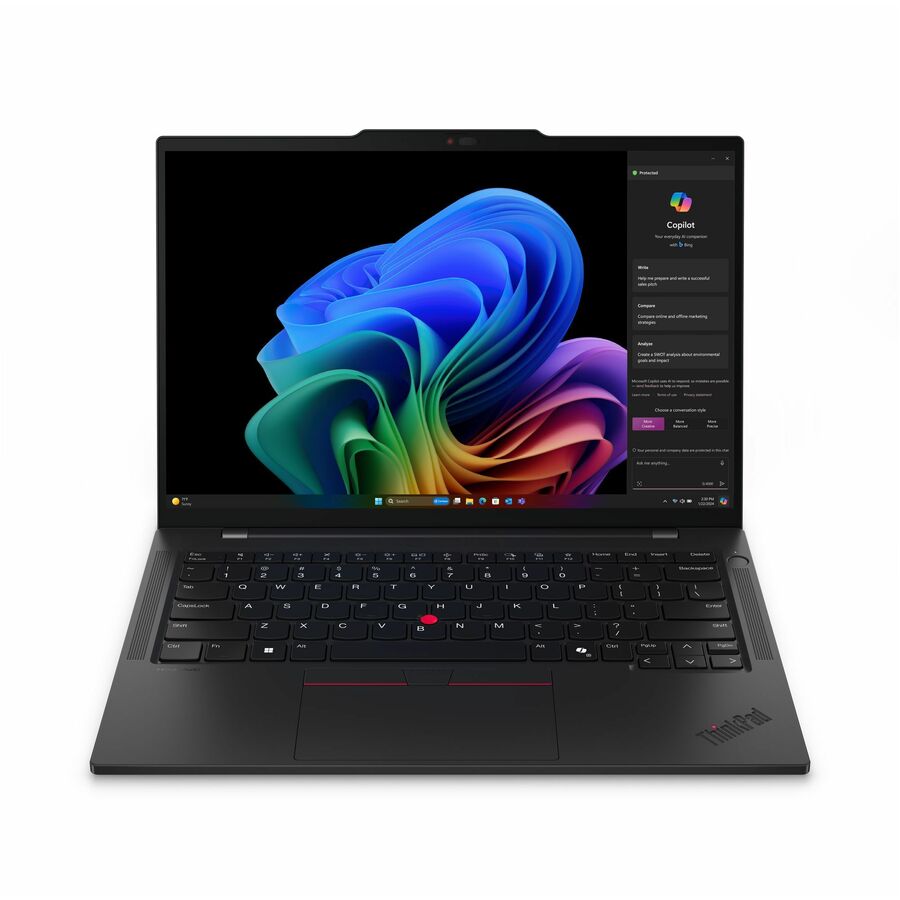
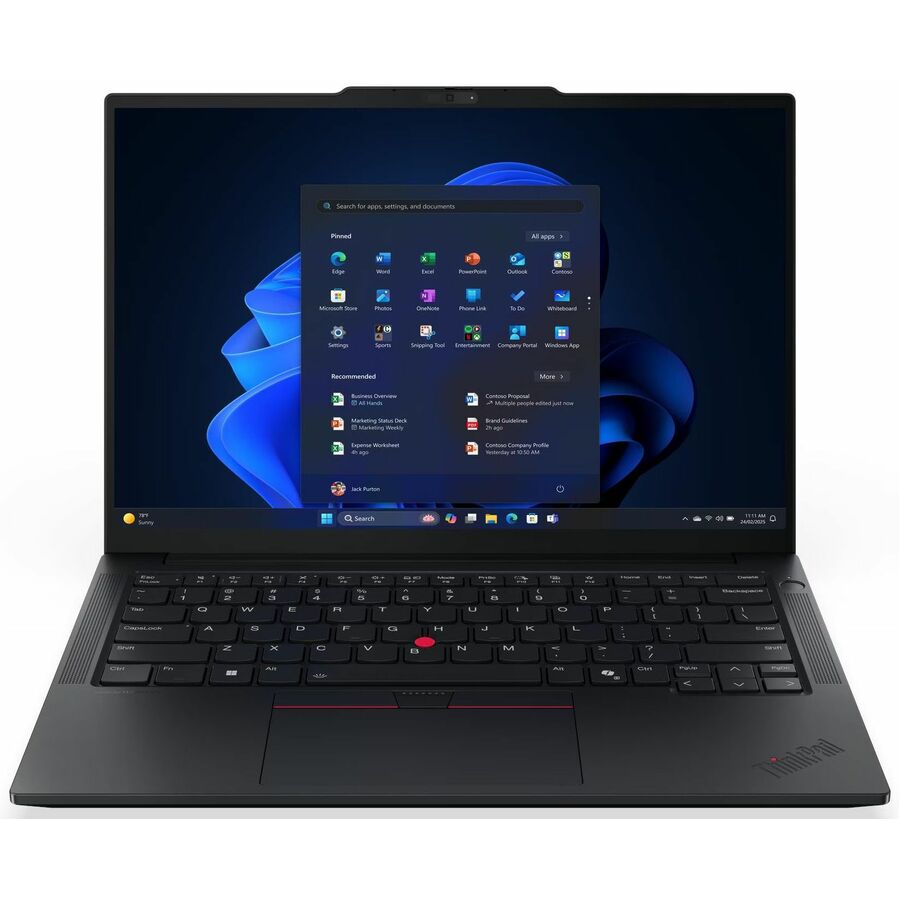
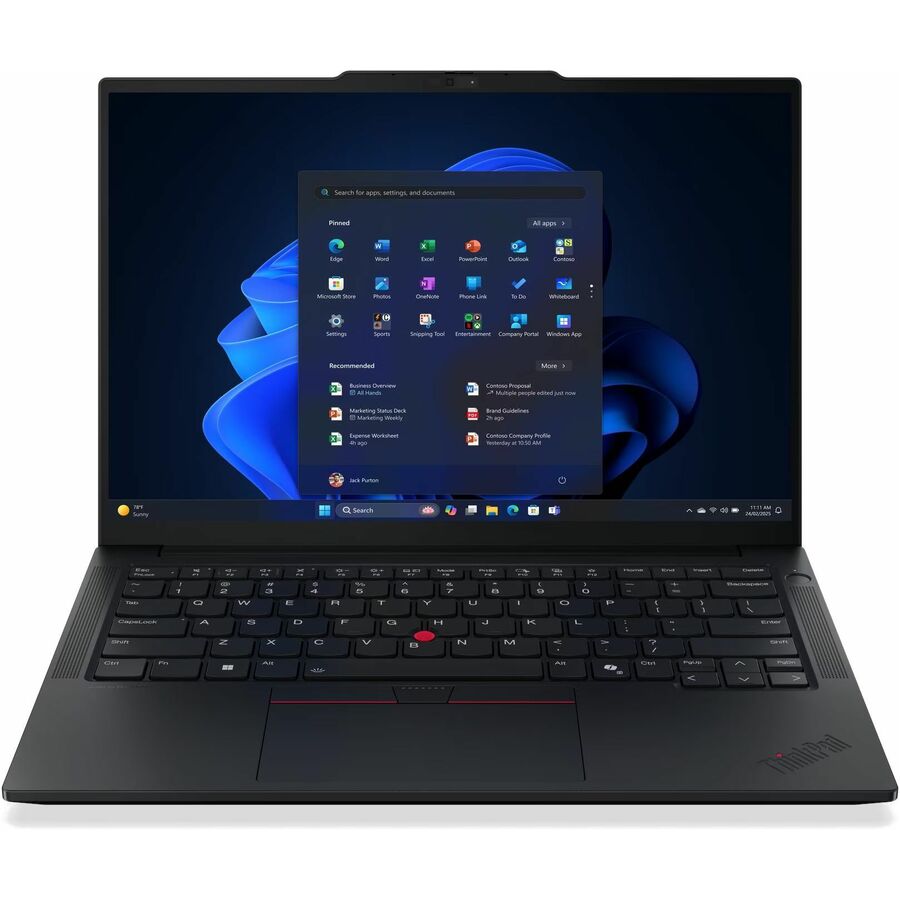
A ThinkPad T14 Gen 6 on Core Ultra 7 268V with vPro recorded on this part number, 32 GB of memory, a 512 GB SSD, Windows 11 Pro and Wi-Fi 7, on a 14-inch WUXGA panel at 3.04 lb. This is the shape of a default fleet seat: manageable, serviceable and boring in the way a fleet is supposed to be.
$2,055.97Back-orderedVolume pick
Lenovo
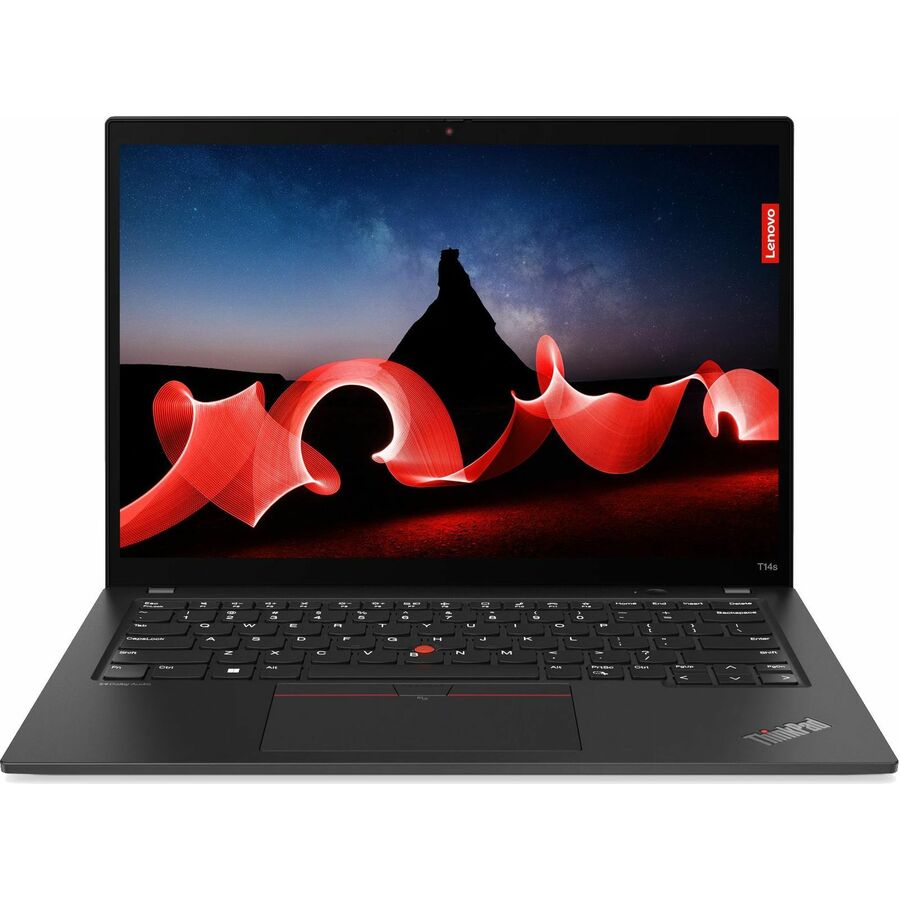
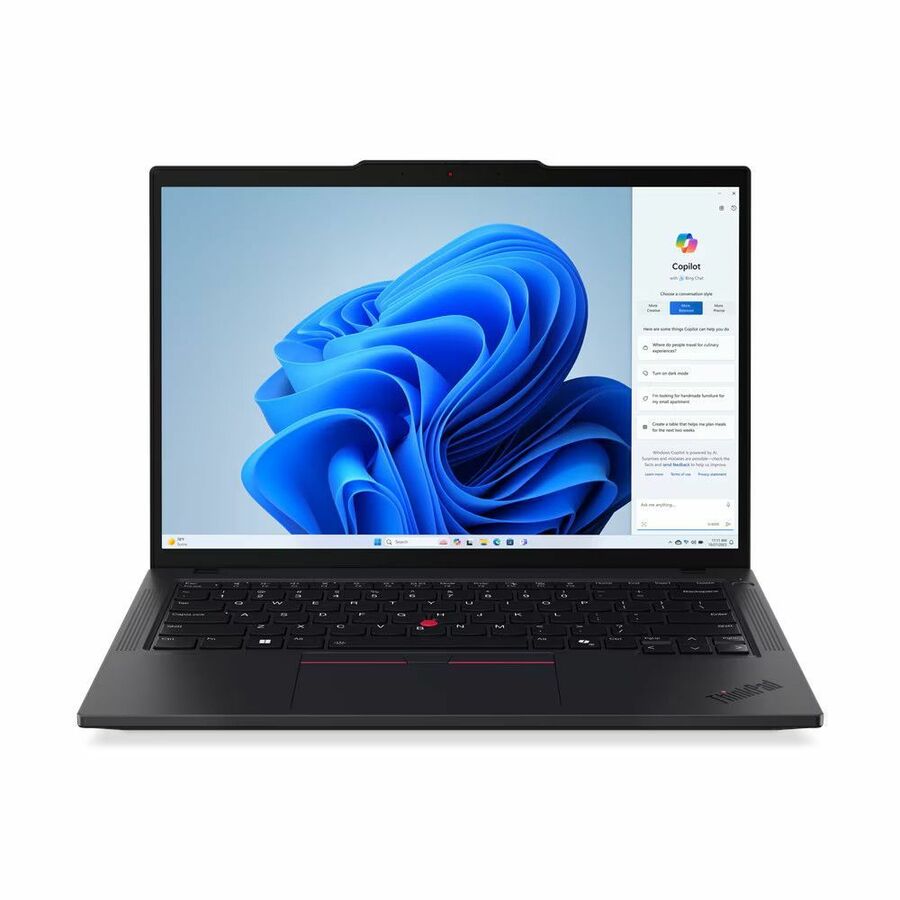
Lenovo ThinkPad T14 Gen 5 21MC000CUS 14" Notebook
21MC000CUS
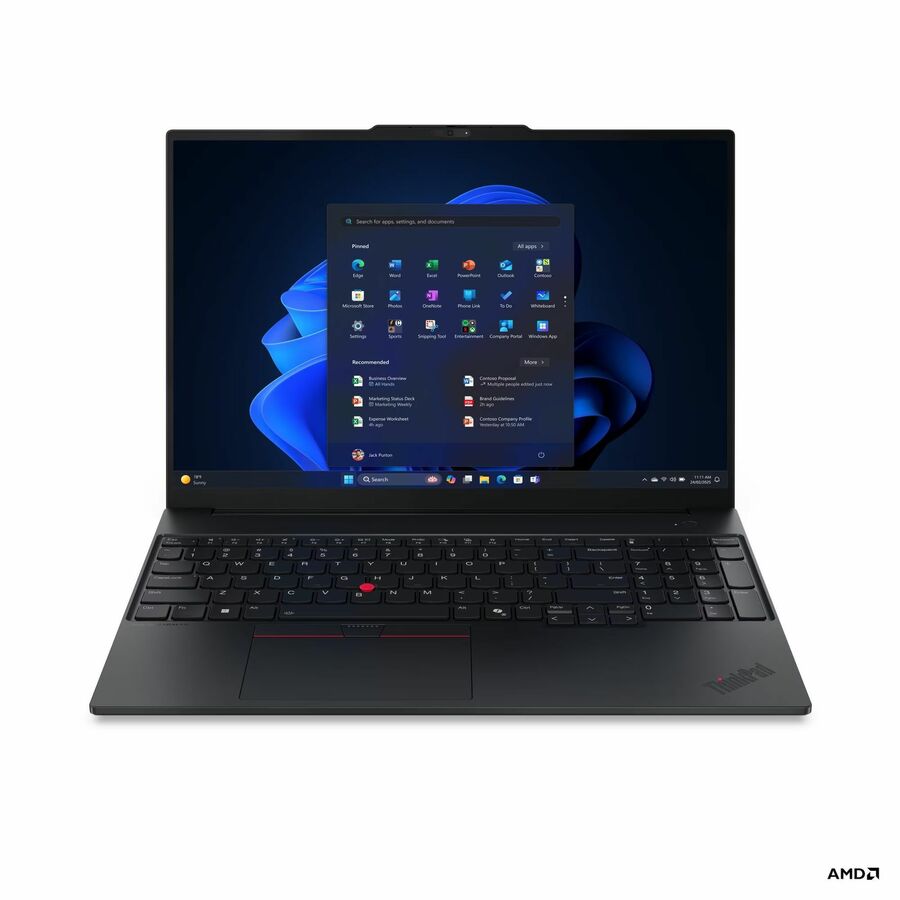
The AMD side of the same idea — a ThinkPad T14 Gen 5 on Ryzen 7 PRO 8840U with 16 GB, a 512 GB SSD, Radeon 780M graphics and Windows 11 Pro. Ryzen PRO carries AMD's own management and platform-security feature set, so a mixed-silicon fleet works as long as the imaging is planned for two platforms rather than one.
$1,511.31Back-orderedCross-platform pick
Microsoft
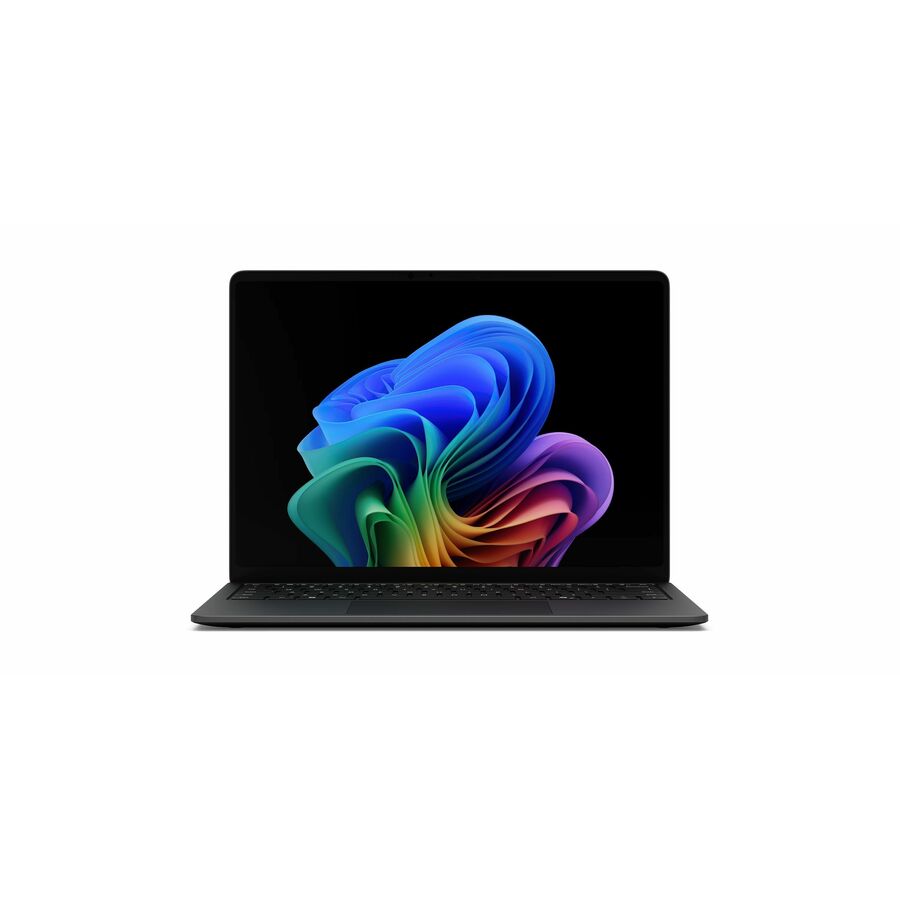
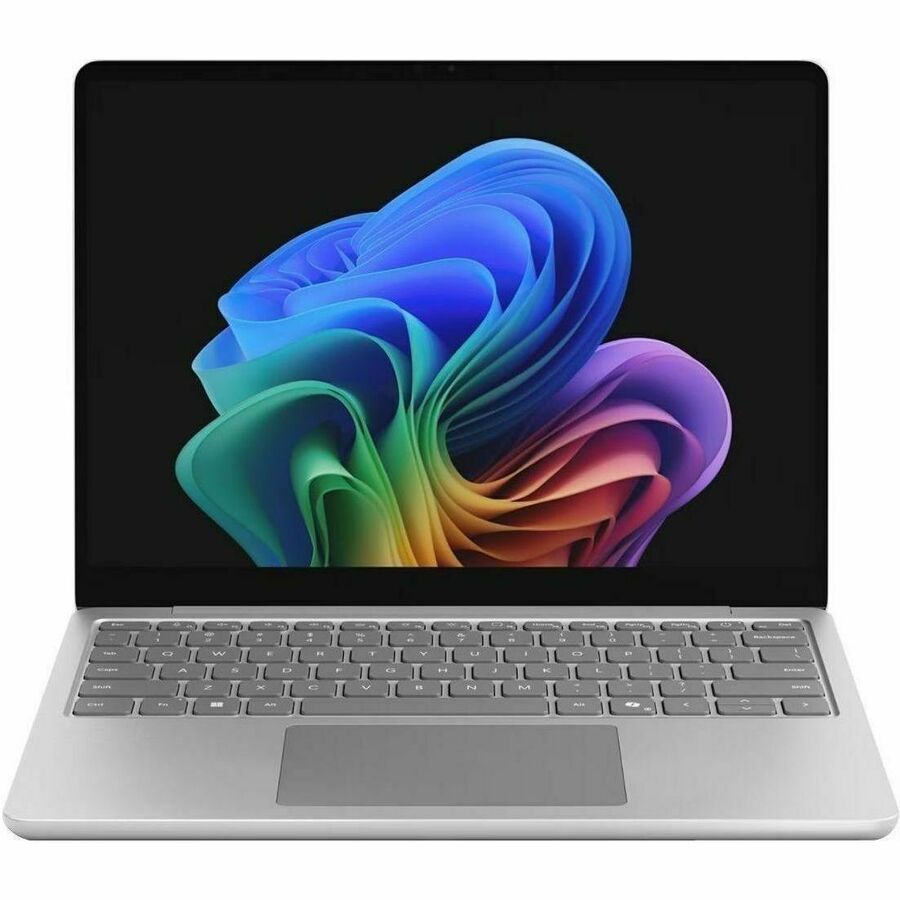
Microsoft Surface Laptop for Business (1st Edition) 13" Touchscreen…
EP2-68713
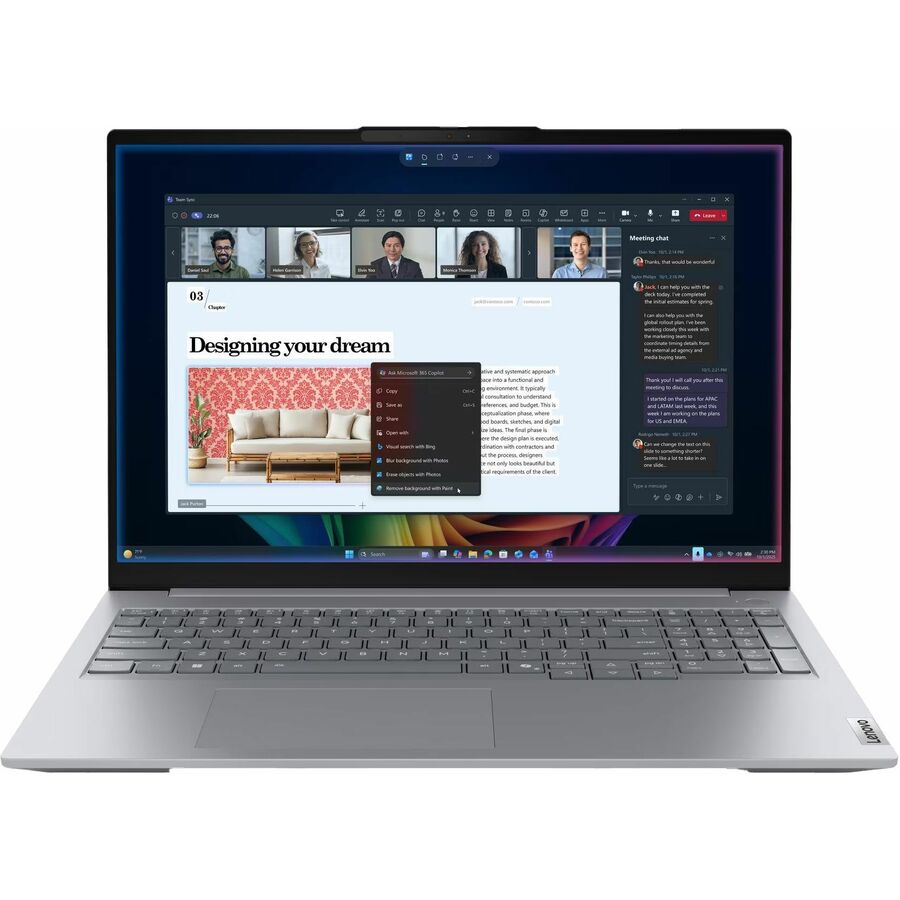
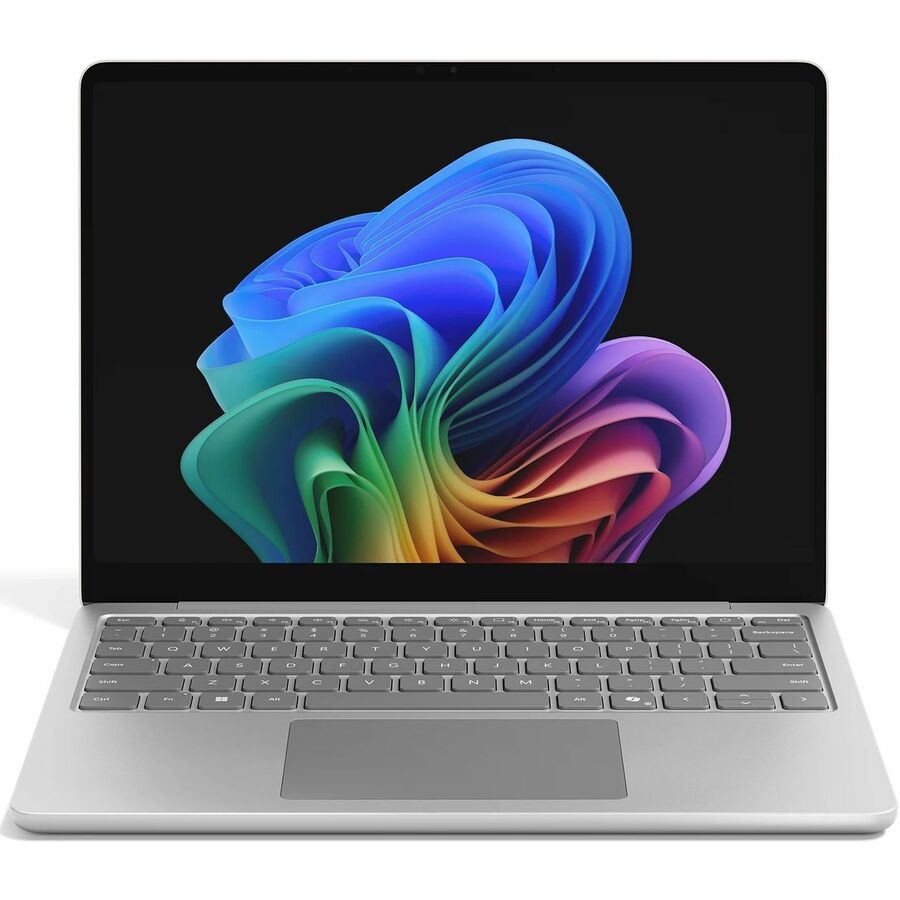
Microsoft's Surface Laptop for Business, 13-inch, on Core Ultra 5 325 with 16 GB, a 256 GB SSD, Windows 11 Pro, Wi-Fi 7 and three USB ports, at 2.70 lb. Where a team is already standardized on Surface hardware and centrally managed identity, this is the business configuration to quote instead of the retail one.
Confirm the storage tier against how the fleet actually works — 256 GB is thin for seats that keep large local project folders.
$2,038.38In stockMore notebooks in the Uniqcli catalog
See all 15,794 notebooksMore from across this category. In-stock lines lead, and a back-ordered line carries the same estimated availability its product page does — with live pricing throughout, NDAA §889 screening before checkout and TAA verified on request.
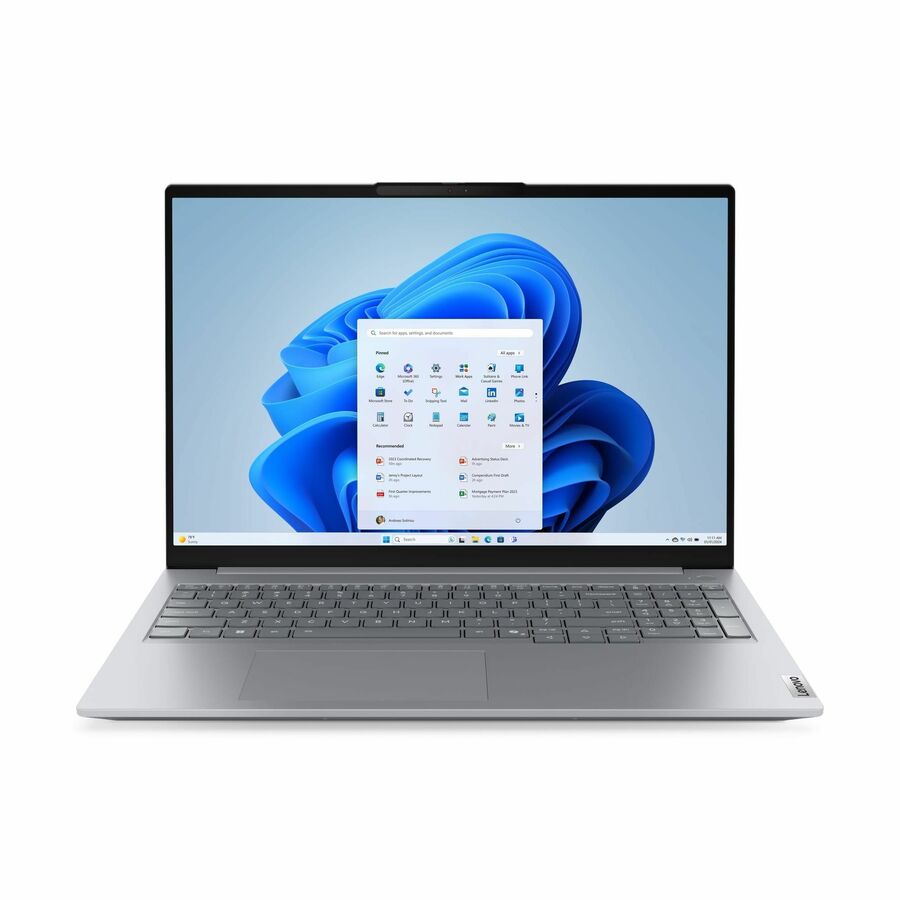
- LenovoLenovo ThinkBook 14 G5 IAU 21SQ0000US 14" Touchscreen Convertible 2 in 1 Notebook - WUXGA - Intel Core Ultra 5 225U - 16 GB - 512 GB SSD - English (US) Keyboard - Luna Gray - Intel Chip - 1920 x 1200 - Windows 11 Pro - Intel - Front Camera/Webcam - IEEE 802.11ax Wireless LAN Standard21SQ0000US
$1,899.00
$1,510.78
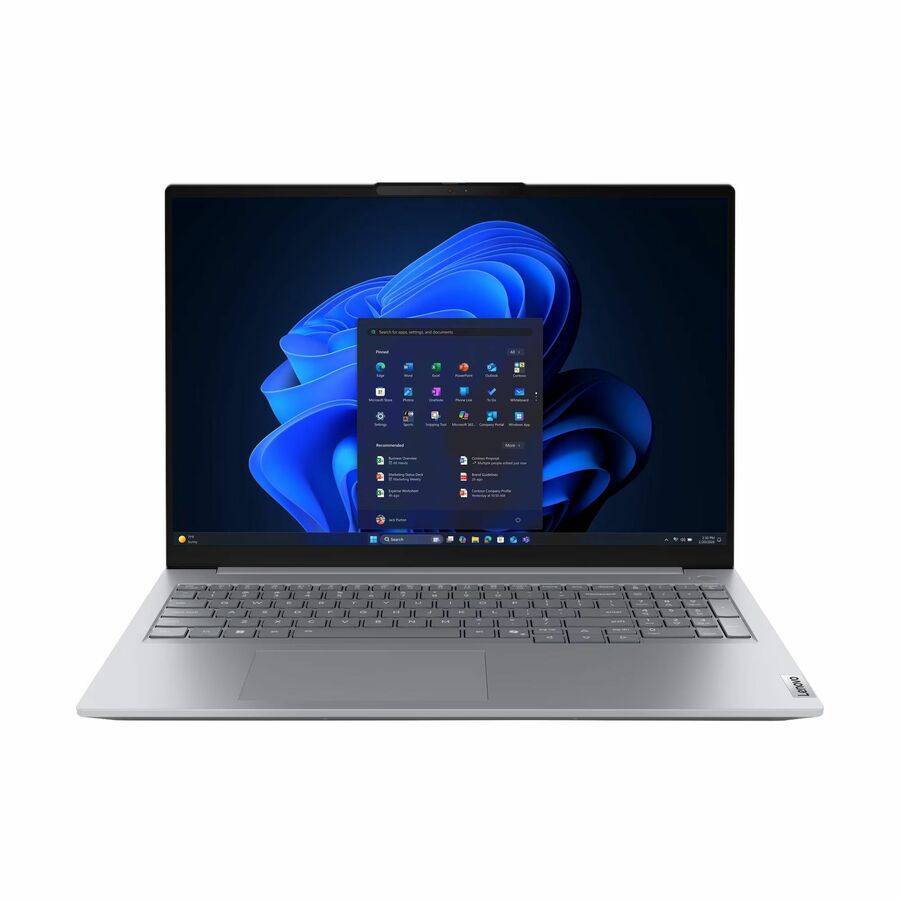
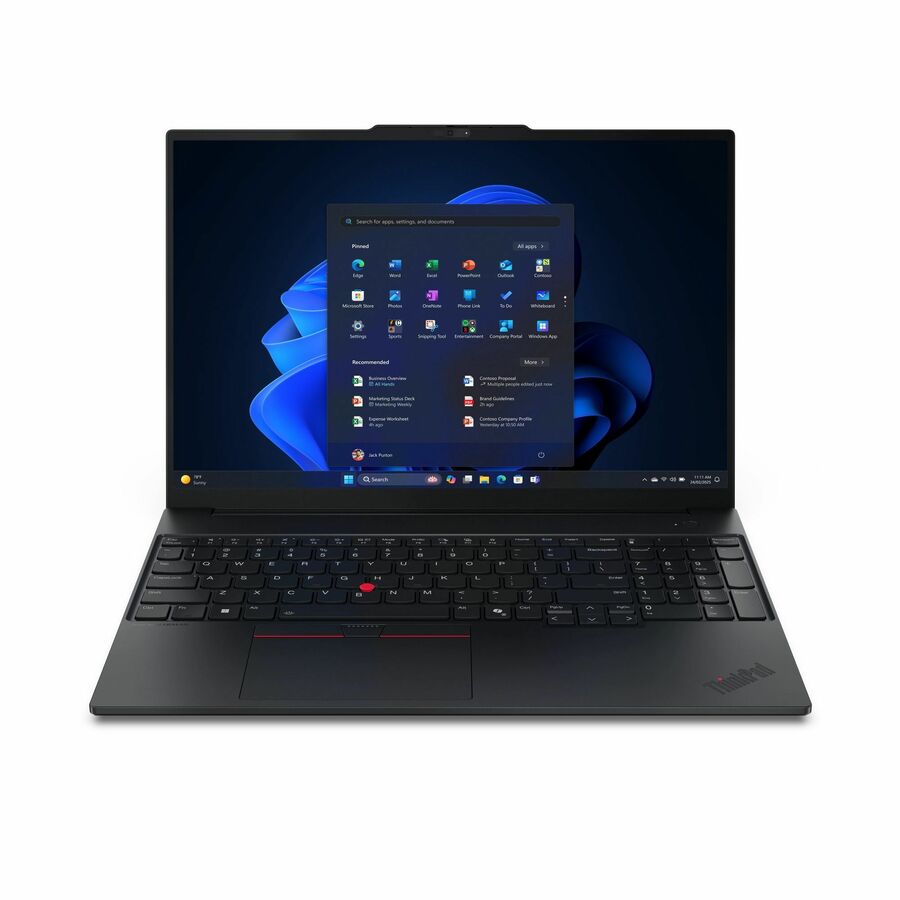
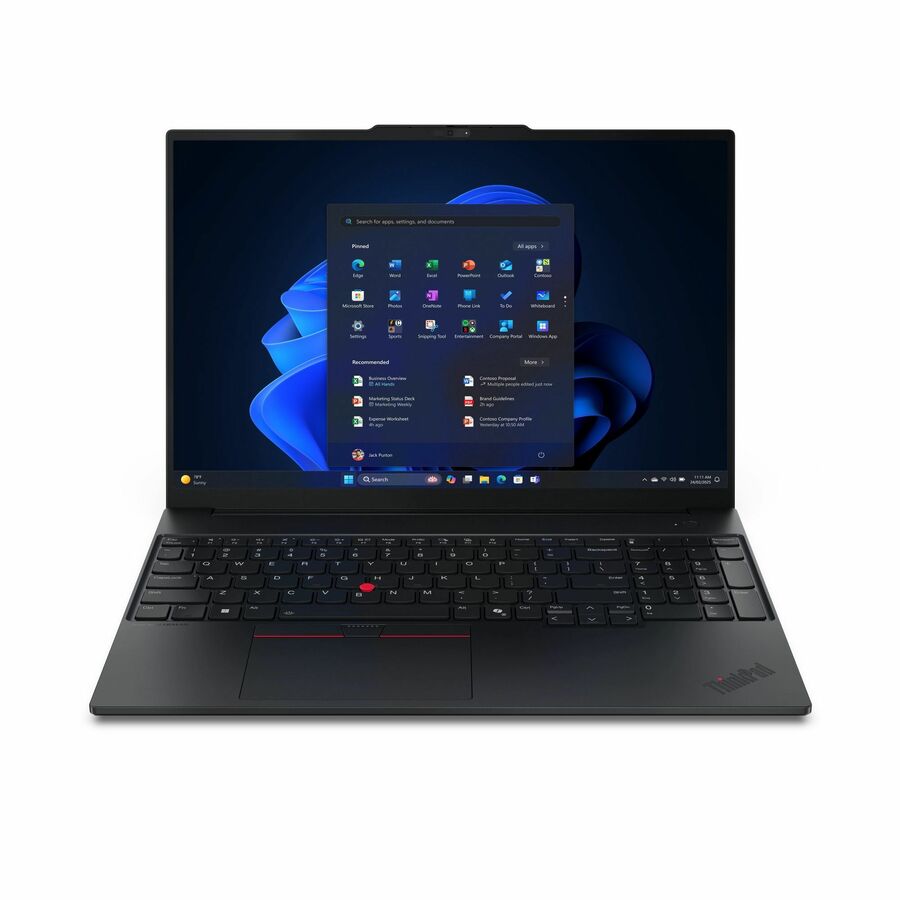
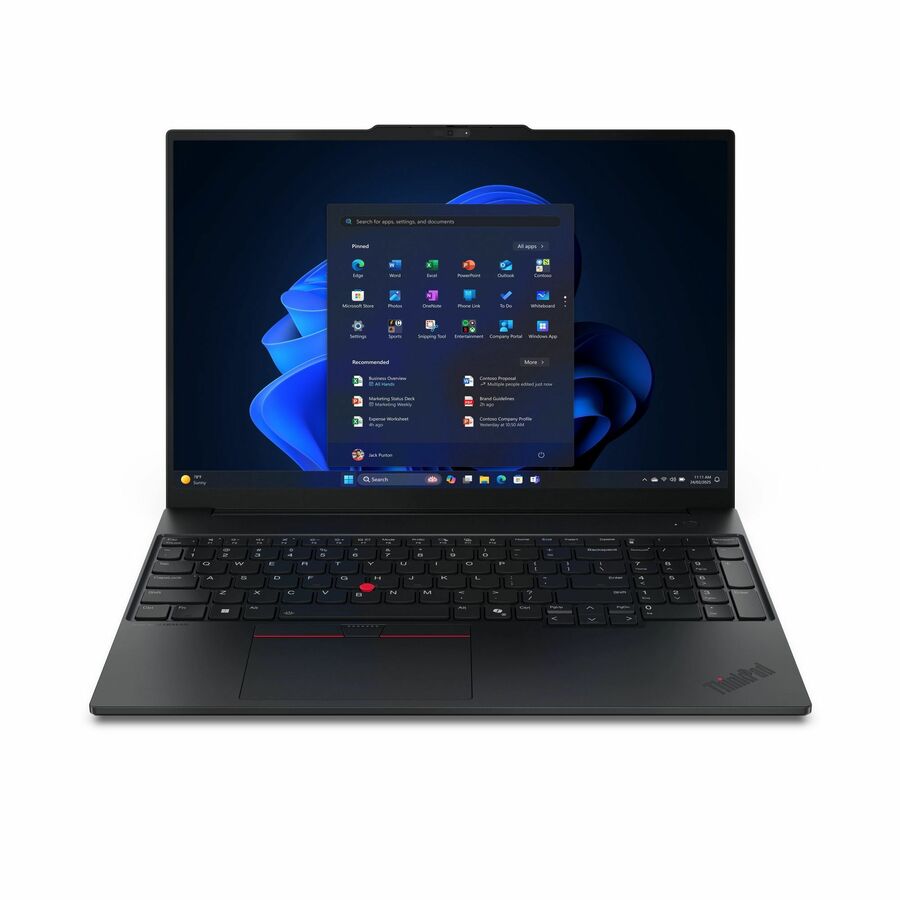
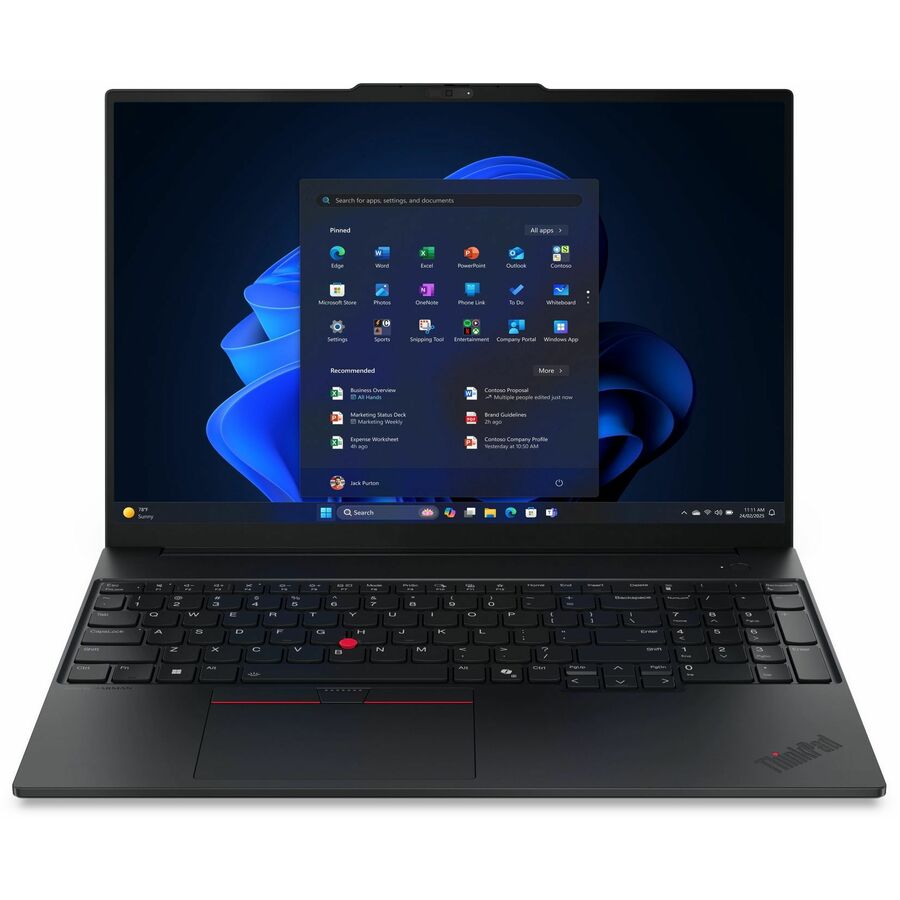
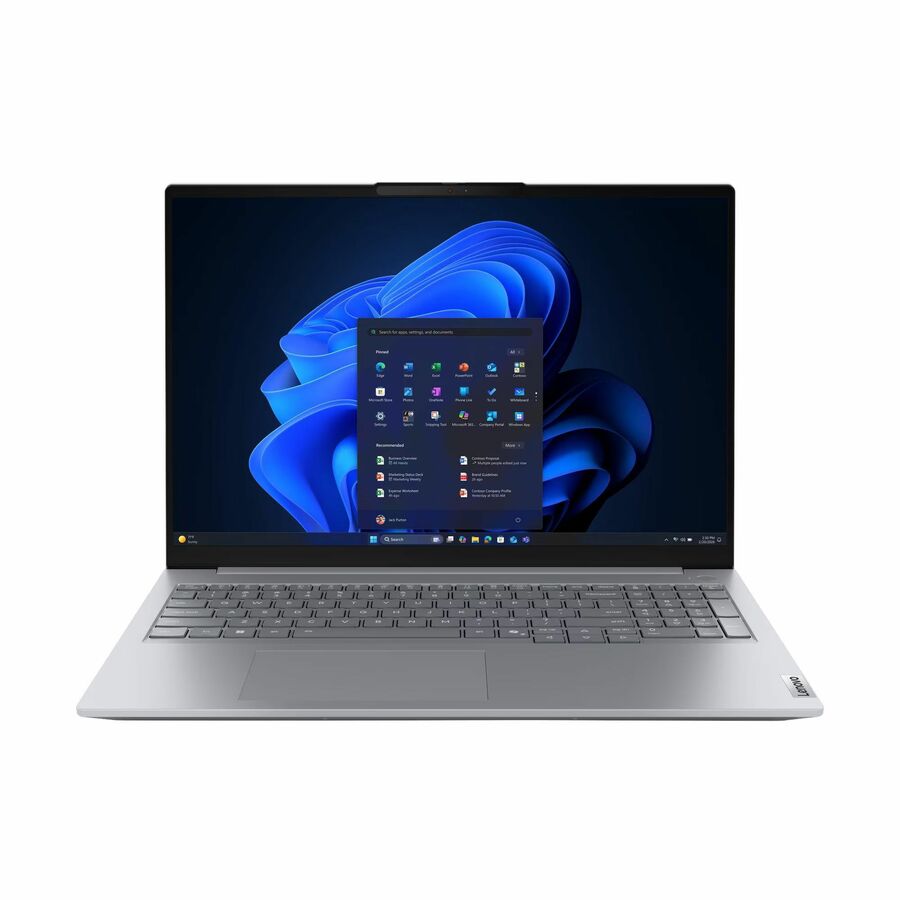
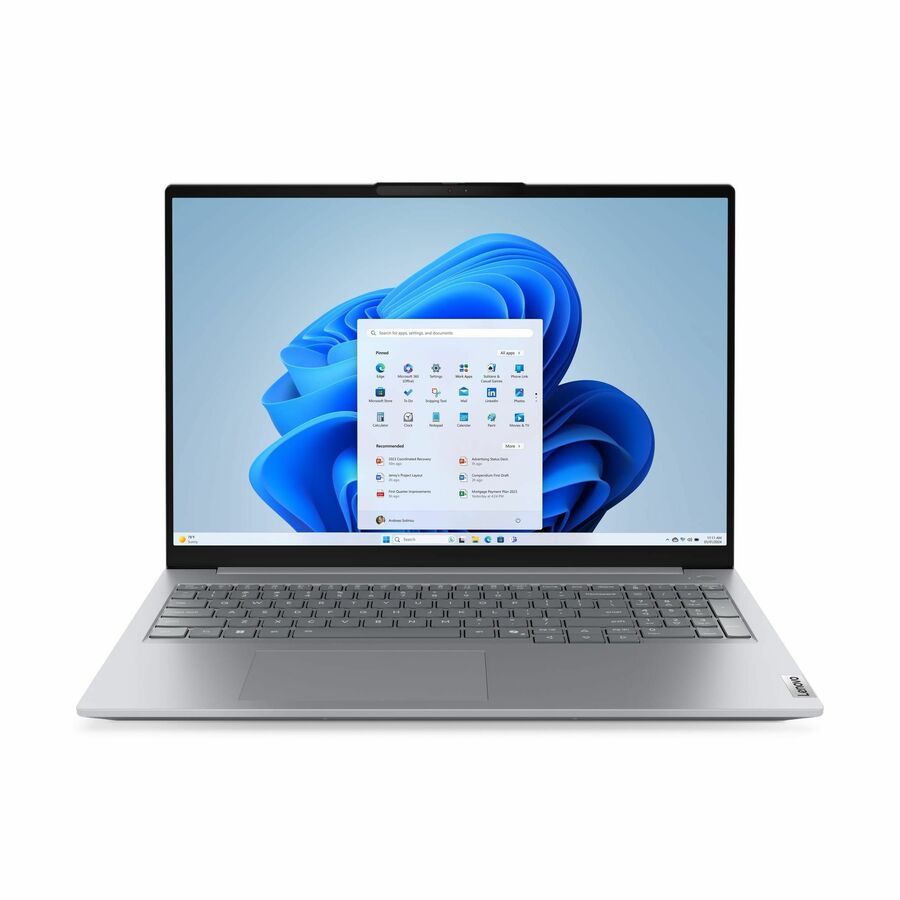
261 in stock - LenovoLenovo ThinkPad E16 Gen 3 21TF001HUS 16" Notebook - WUXGA - 60 Hz - Intel Core 5 210H - 16 GB - 256 GB SSD - English Keyboard - Black - Intel Chip - 1920 x 1200 - Windows 11 Pro - Intel - In-plane Switching (IPS) Technology - Front Camera/Webcam - IEEE 802.11ax Wireless LAN Standard21TF001HUS
$1,554.02
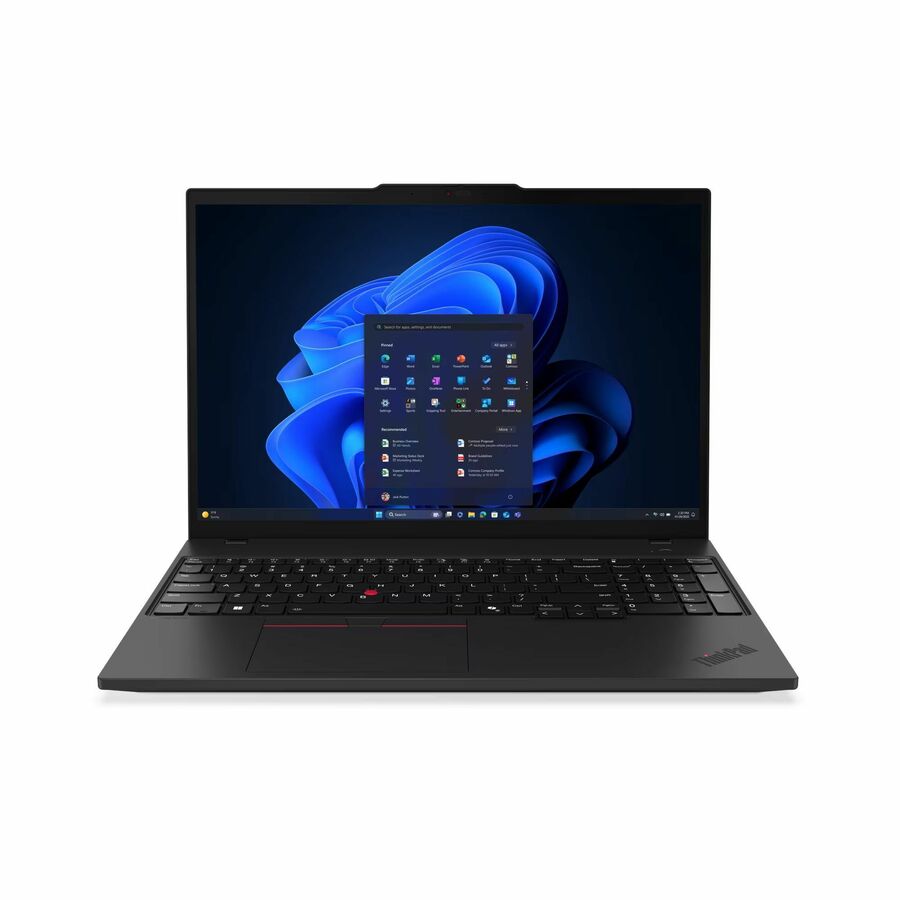
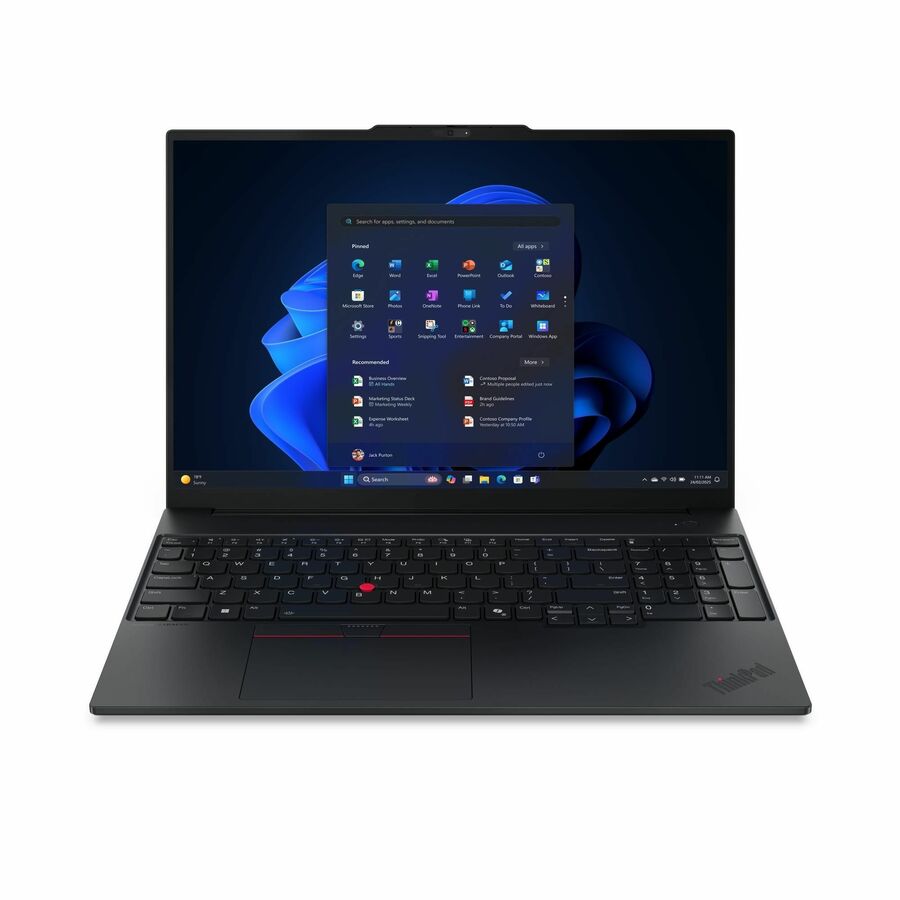
2,958 in stock - LenovoLenovo ThinkPad E14 Gen 7 21T9002FUS 14" Notebook - WUXGA - 60 Hz - Intel Core 5 210H - 16 GB - 256 GB SSD - English Keyboard - Black - Intel Chip - 1920 x 1200 - Windows 11 Pro - Intel - In-plane Switching (IPS) Technology - Front Camera/Webcam - IEEE 802.11ax Wireless LAN Standard21T9002FUS
$1,510.71
2,950 in stock
Need pricing on business laptops?
Tell us where to reach you and a Uniqcli specialist will follow up by email with current pricing, availability and lead time for the quantities you need — including parts that aren’t shown on this page.
Buying for an organization or for yourself — both work. No payment up front.
A fleet laptop is chosen for manageability rather than speed. Read the management silicon on the exact part number — Intel vPro and AMD Ryzen PRO are configuration-level features that appear on some trims of a model and not others — then the Windows edition and the docking standard. Standardize on one or two part numbers so a single image, a single dock and a single spares pool cover the fleet.
A fleet laptop is not the fastest laptop. It is the one you can image once, reach remotely when it will not boot, buy again in eighteen months, and hand to a new starter without a conversation. Those four properties are what separate a business line from a consumer one, and none of them show up in a benchmark. The specification a fleet buyer should read first is the manageability silicon, the Windows edition and the docking standard — the processor generation matters far less than any of them.
Manageability is the line most likely to be missed, because it is per part number rather than per model. Intel's vPro and AMD's Ryzen PRO both add out-of-band management and platform-security features that a helpdesk uses on the bad day, and both appear on some configurations of a model and not others. Our catalog records vPro on the part numbers that carry it, so it is worth reading the line rather than assuming a ThinkPad T-series or a business-branded Surface has it by definition.
The rest is discipline. Standardize on one or two part numbers instead of one brand, so a single image, a single dock and a single spares pool cover the fleet. Specify Windows 11 Pro for anything that will be centrally managed. Decide the accidental-damage cover before the first cracked panel rather than after it. And treat the order as more than hardware — the licensing, the imaging and deployment work and the asset handover are quotable alongside the machines, through US distribution, instead of becoming a second purchase order nobody budgeted.
Buyer's checklist
How to choose a fleet laptop
- Standardize on one or two part numbers rather than one brand — one image, one dock and one spares pool is where fleet savings actually come from.
- Check the manageability silicon on the exact part number: Intel vPro and AMD Ryzen PRO are configuration-level features, and a same-generation trim without them is a different machine to support.
- Specify Windows 11 Pro for anything that will be domain-joined or managed centrally; a Home edition machine in a managed fleet is a ticket waiting to happen.
- Treat 16 GB as the floor for a machine you plan to keep three or four years, and step to 32 GB on seats that live in browsers, virtual desktops and video calls all day.
- Choose the dock and display standard at the same time as the laptop — mixing dock generations across a fleet creates helpdesk tickets that never fully go away.
- Match the support term to the refresh cycle and decide on accidental-damage cover for travelling seats at order time, not at renewal.
- Keep a small pool of identical spares so a failed unit is a swap rather than a procurement cycle.
What a fleet order actually contains
The laptops are usually between half and two-thirds of what a standardized rollout costs. The rest is the dock and monitor standard, the Windows and productivity licensing, the imaging and enrolment work, asset tagging and the logistics of getting machines to people who are not all in one building. Uniqcli quotes hardware, software licensing and the deployment services together through US distribution, which is the point of buying a fleet through a reseller rather than four of them.
Two line items are worth naming explicitly at quote time because they are almost always forgotten. The first is the spares pool: a handful of identical units held back turns a failure into a same-day swap. The second is the disposal and data-sanitization plan for the machines coming out — it has a cost, it has a compliance dimension, and it is far cheaper to schedule alongside the delivery than to solve afterwards with a stack of laptops in a cupboard.
The refresh cycle decides the warranty
Business laptops are commonly held three to four years, and the failures that matter — batteries, hinges, keyboards, panels — cluster at the end of that window rather than the beginning. A one-year warranty on a four-year machine means the last two years are self-insured, which is a defensible choice only if you have priced it. Buying the longer term at order time is almost always cheaper than extending later, and it is the only way to have a fixed cost per seat for the whole cycle.
Accidental damage is a separate decision from the warranty term and should be made per role rather than per fleet. Desk-bound seats rarely need it; field, sales and site staff routinely do, and one cracked panel usually costs more than the cover for several machines. Split the fleet on that basis at order time — retrofitting cover after delivery is either impossible or priced as though it were.
FAQ
Common questions
- Does every business laptop have vPro?
- No, and this is the single most common assumption to get wrong. Intel vPro is a platform feature tied to specific processor and configuration combinations, so one trim of a model can carry it and the trim beside it will not — the same is true of AMD's Ryzen PRO equivalent. If remote out-of-band management is part of your support model, treat it as a hard requirement on the part number and confirm it on the quote rather than assuming it comes with the model name or the business badge on the lid.
- How many laptop models should a company standardize on?
- One or two part numbers covers most organizations: a mainstream 14-inch seat for the majority, and a lighter or larger option for the roles that genuinely need it. The saving is not in the unit price — it is in having one image to maintain, one dock on every desk, one set of spares and one helpdesk script. Every extra model multiplies all four. If a department insists on a third machine, make the case in those terms rather than in specification terms; that is where the real cost sits.
- What else belongs in a fleet quote besides laptops?
- Docks and displays, Windows and productivity licensing, the imaging and enrolment work, asset tagging, a spares allowance and the disposal plan for the outgoing fleet. Uniqcli quotes hardware, software licensing, lifecycle and deployment services and OEM integration work together, sourced through US distribution — so the rollout is one purchase order with one set of lead times rather than a hardware order followed by an argument about who images the machines.
- Should we buy the longer warranty or self-insure?
- Price it rather than default to it. Compare the cost of extending to the end of your refresh cycle against a realistic failure rate on batteries, hinges, keyboards and panels in years three and four, and remember that the alternative to a repair is a seat sitting idle. For most fleets the extended term wins on predictability alone: it turns an unbudgeted repair into a fixed cost per seat. Accidental-damage cover is a separate call and is usually worth it only for travelling and field roles.
- Can Uniqcli quote a fleet order for a company or agency?
- Every line Uniqcli quotes is sourced through US distribution and screened for TAA country-of-origin and NDAA §889 status before checkout — with documentation tied to the specific part number, not a product family.
Need business laptops pricing?
Send a bill of materials or part numbers — we confirm stock and a below-market total, with TAA verified on request. No payment up front.