
Best Microsoft Surface Laptops for Business and Government Fleets
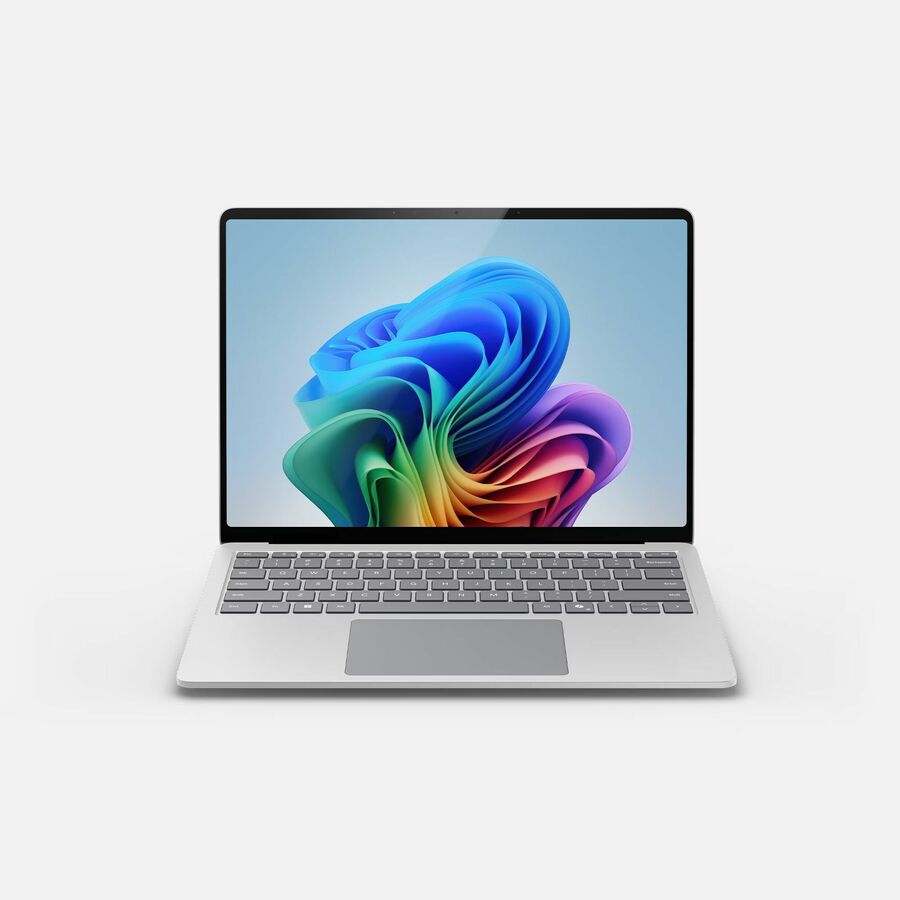
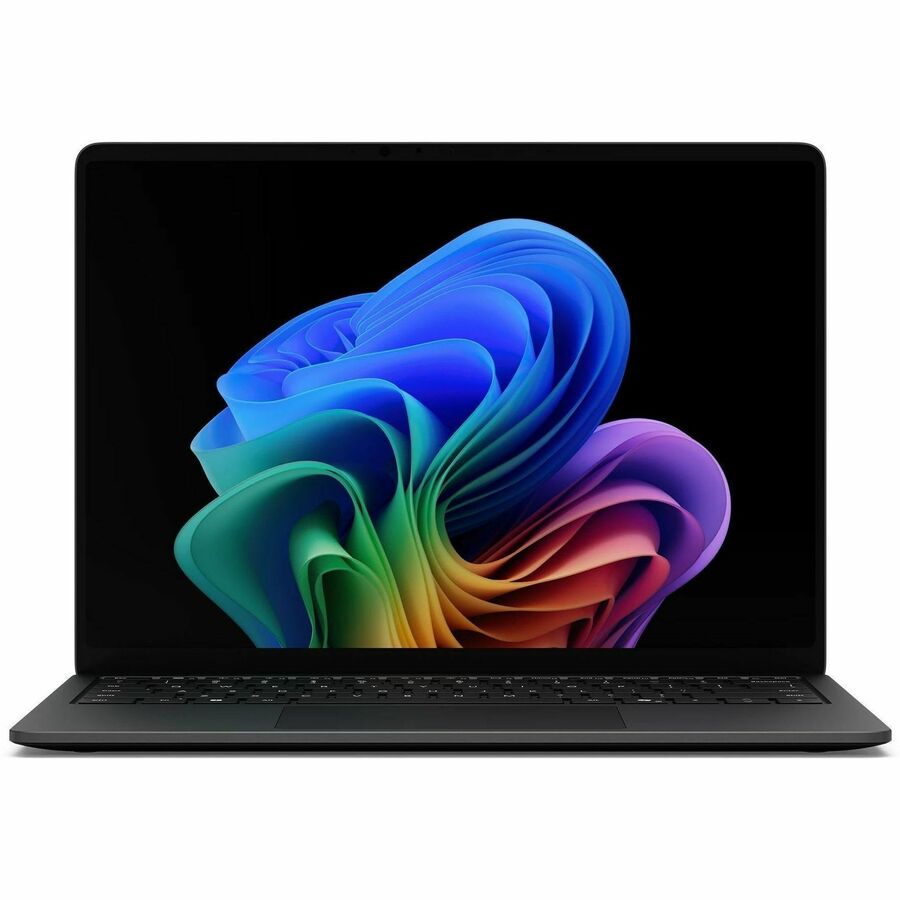
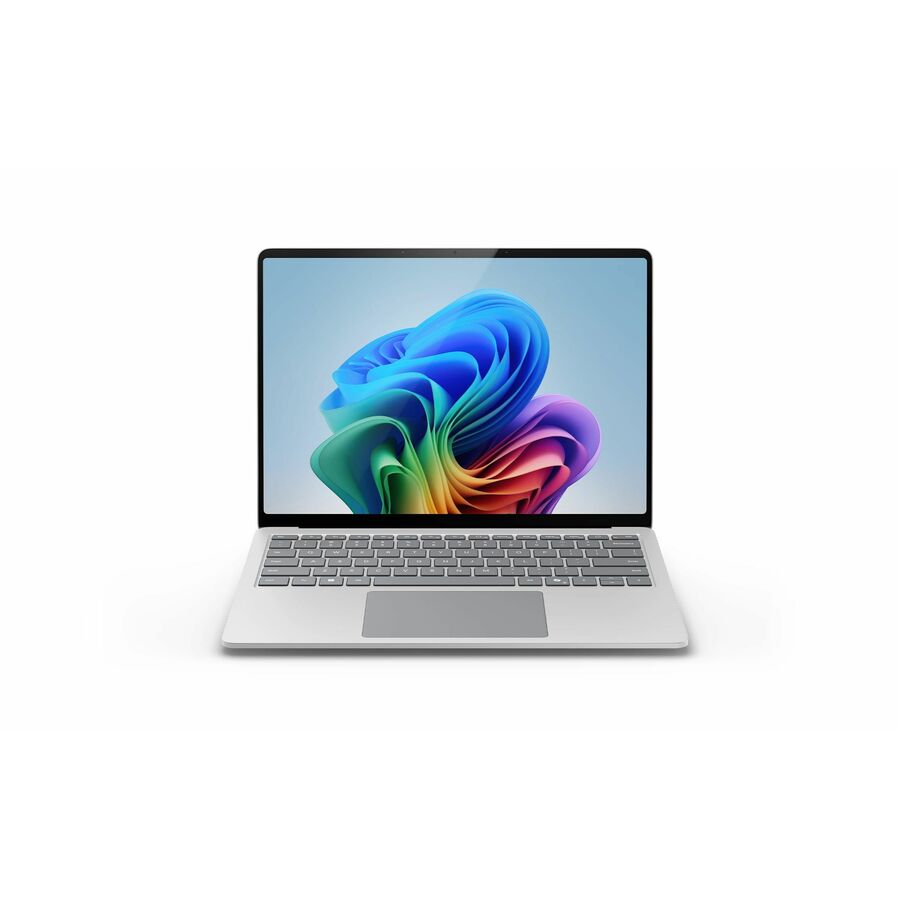
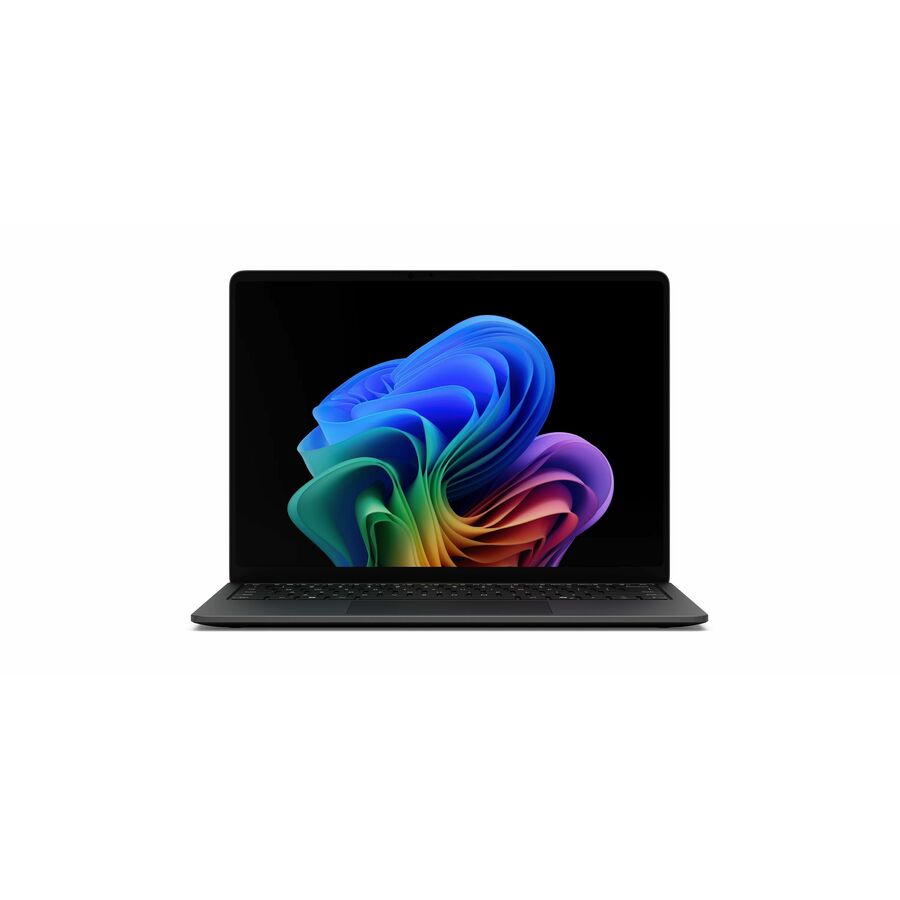
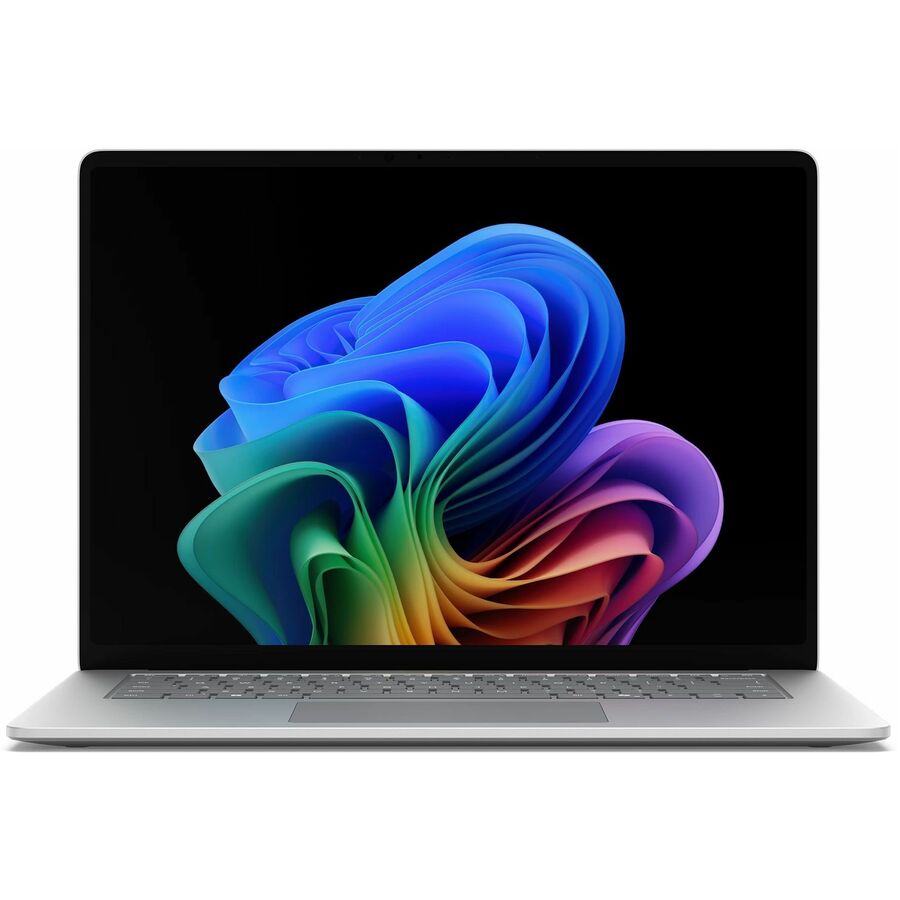
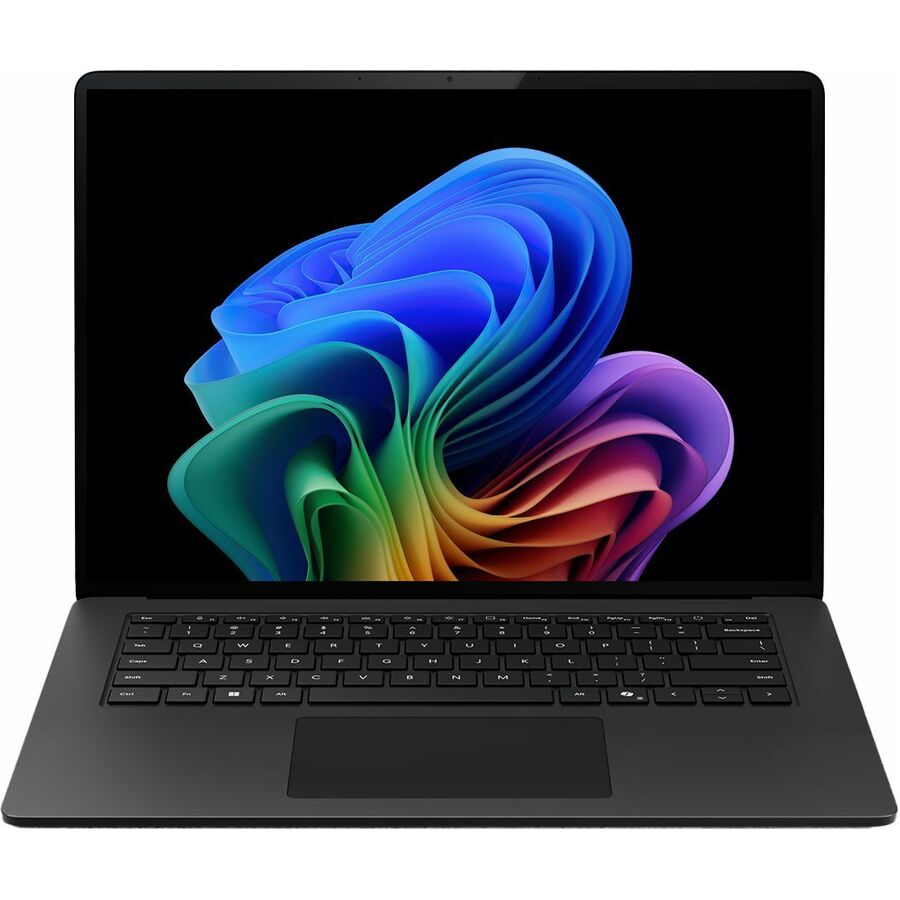
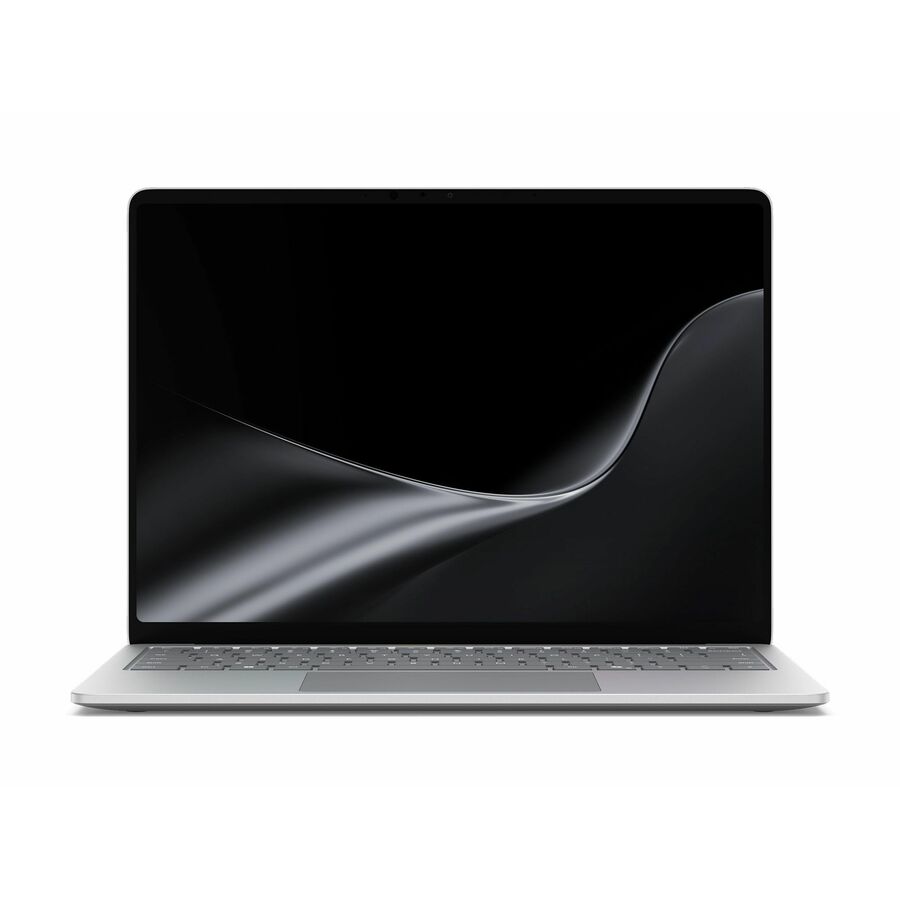
Copilot+ PC Snapdragon X and Intel Core Ultra Surface Laptops in 13.8-inch and 15-inch clamshells.
Microsoft Surface laptops in stock at Uniqcli
How to choose →A curated selection with live pricing — in-stock lines first, then back-ordered lines with a typical lead time. Every line is sourced through US distribution and screened for NDAA §889 status before checkout, with TAA verified on request.
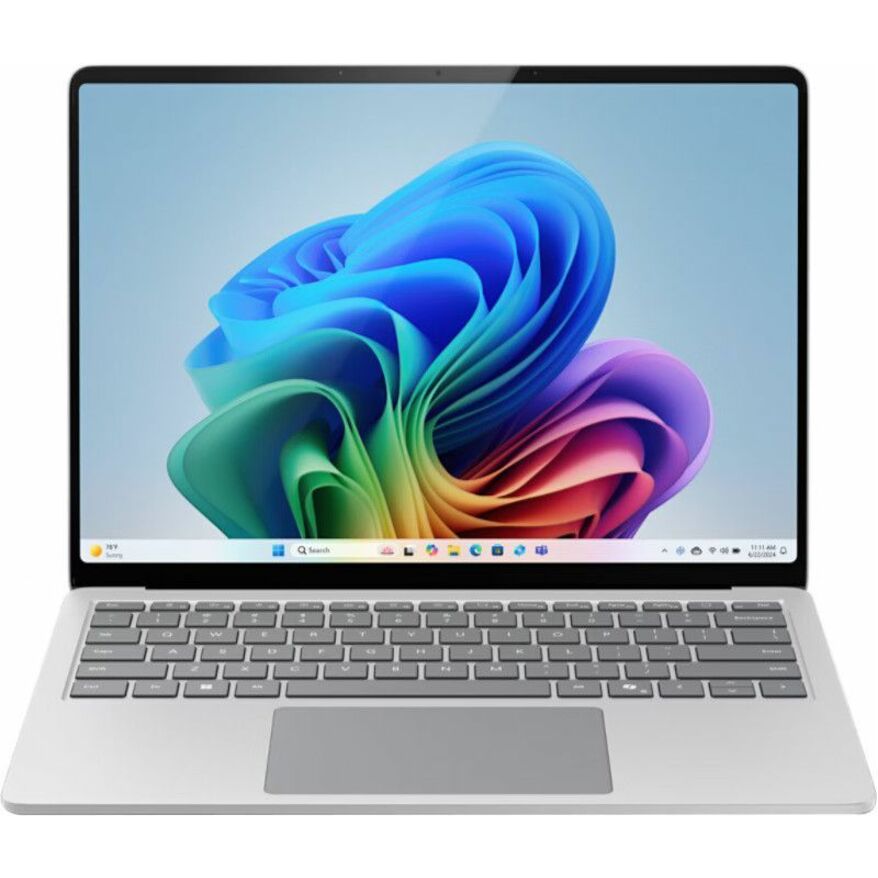
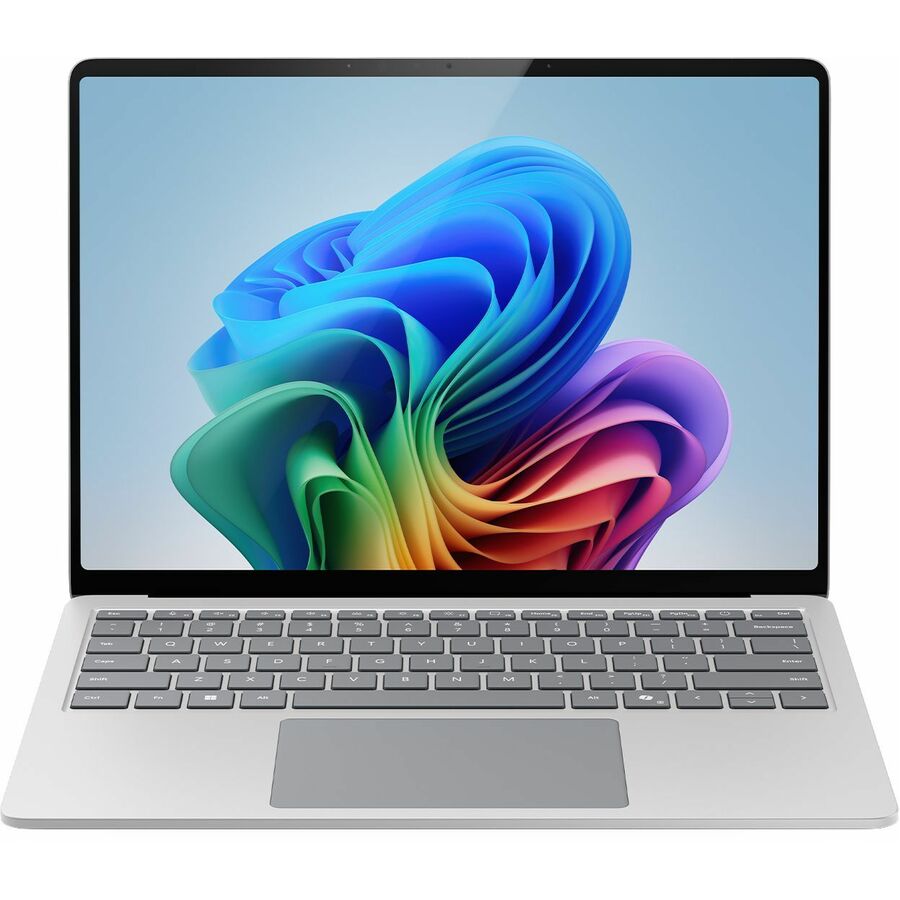
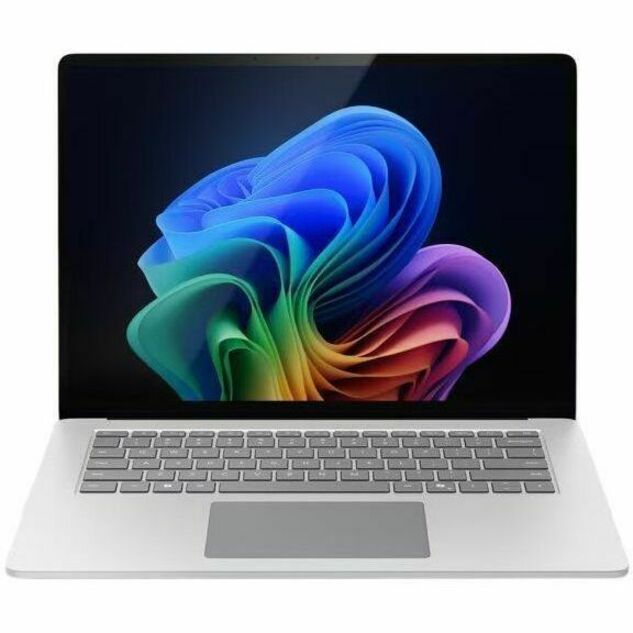
- MicrosoftMicrosoft Surface Laptop 8 13.8" Touchscreen Copilot+ PC Notebook - 120 Hz - Intel Core Ultra 5 Series 3 335 - 16 GB - 256 GB SSD - English Keyboard - Platinum - TAA Compliant - Demo - Intel Chip - 2304 x 1536 - Intel - PixelSense Flow - Front Camera/Webcam - 23 Hours Battery Run Time - IEEE 802.11be Wireless LAN Standard - Wi-Fi 7EP2-68764
$1,749.99
$1,019.20*
1 in stock - MicrosoftMicrosoft Surface Laptop 8 13.8" Touchscreen Copilot+ PC Notebook - 120 Hz - Intel Core Ultra 5 Series 3 335 - 16 GB - 256 GB SSD - English Keyboard - Platinum - Demo - Intel Chip - 2304 x 1536 - Intel - PixelSense Flow - Front Camera/Webcam - 23 Hours Battery Run Time - IEEE 802.11be Wireless LAN Standard - Wi-Fi 7EP2-48243
$2,299.99
$1,310.39
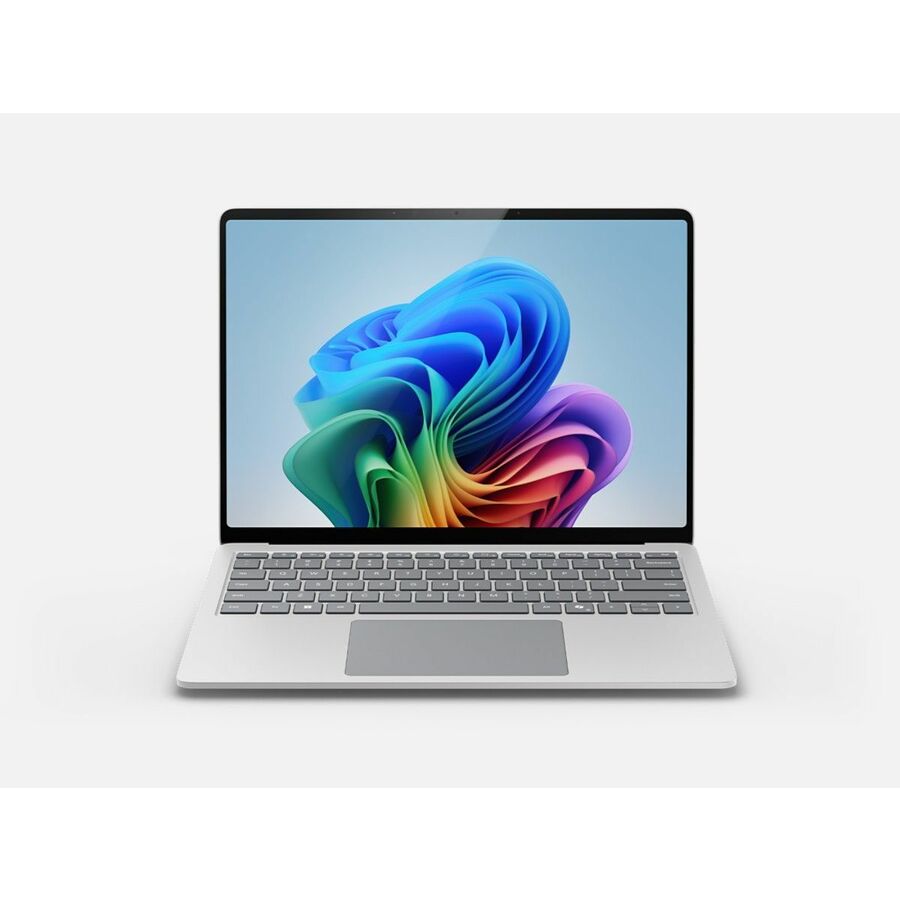
1 in stock - MicrosoftMicrosoft Surface Laptop 7 13.8" Touchscreen Copilot+ PC Notebook - 120 Hz - Intel Core Ultra 7 266V - 16 GB - 256 GB SSD - English Keyboard - Platinum - Intel Chip - 2304 x 1536 - Windows 11 Pro - Intel Arc Graphics - PixelSense Flow - Front Camera/Webcam - 20 Hours Battery Run Time - IEEE 802.11be Wireless LAN StandardEP2-33243
$2,049.99
$1,905.77
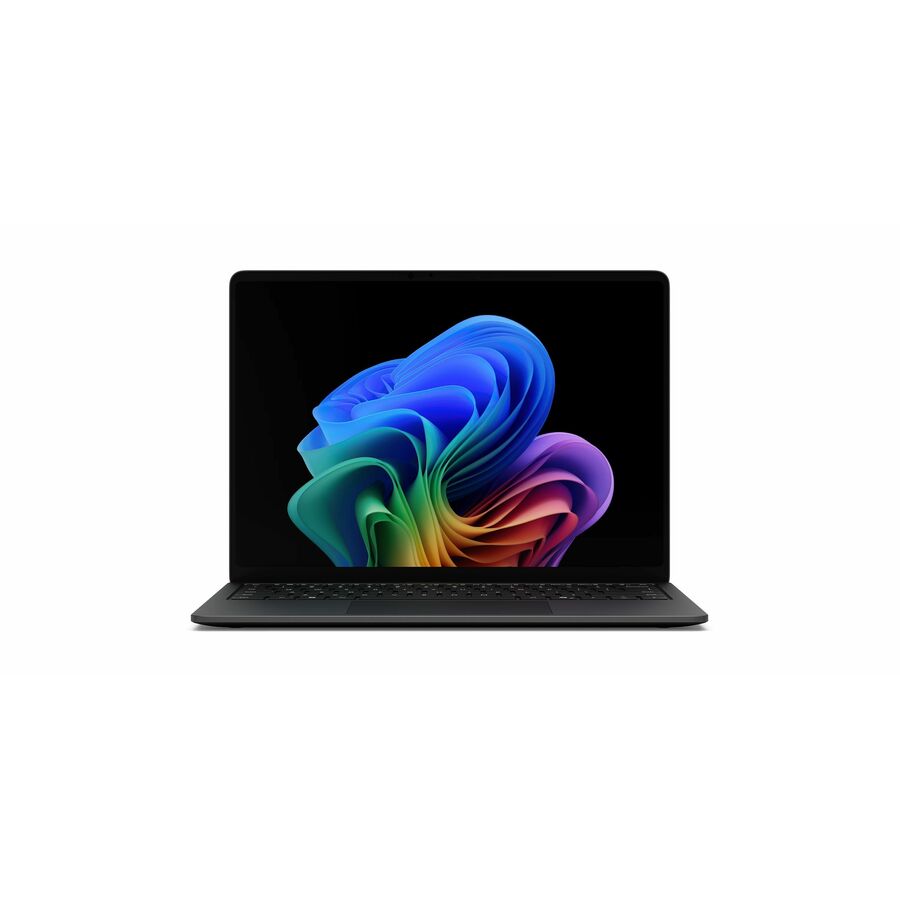
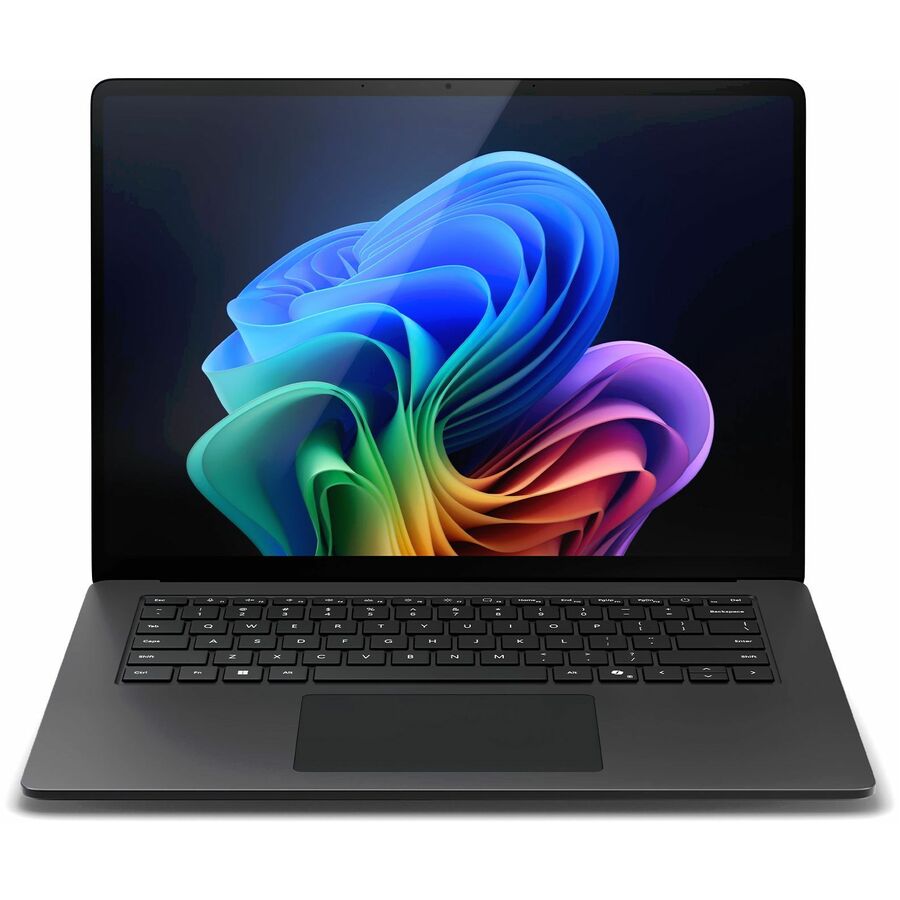
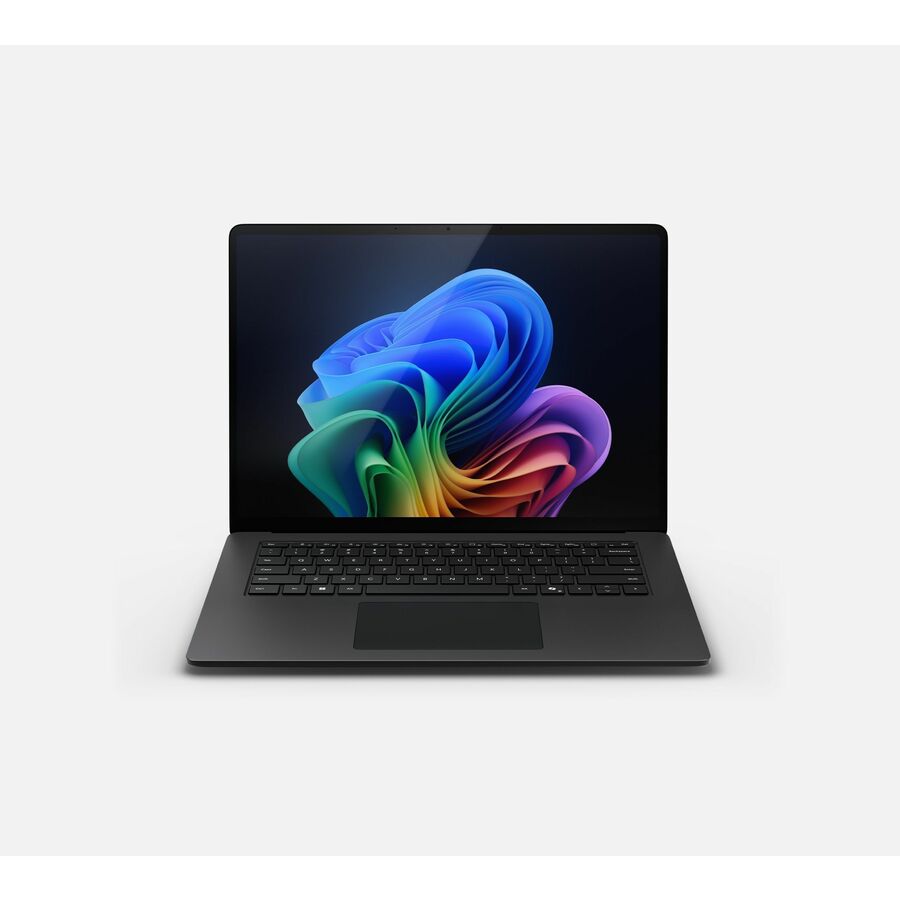
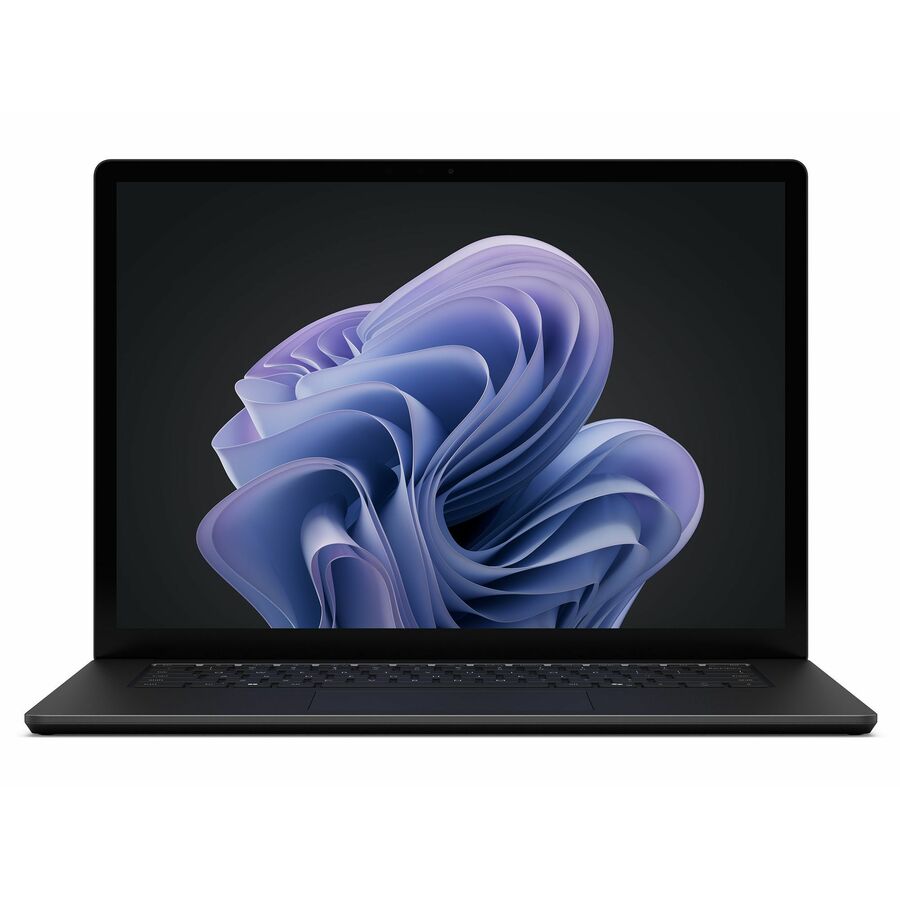
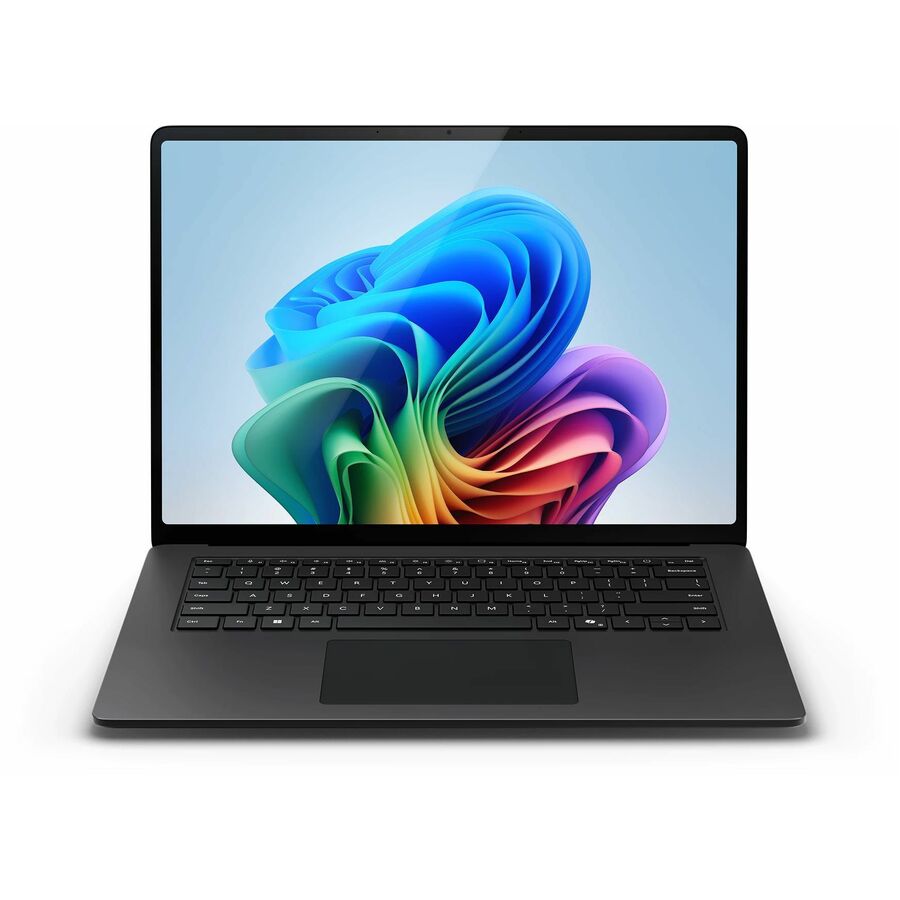
136 in stock - MicrosoftMicrosoft Surface Laptop 7 15" Touchscreen Copilot+ PC Notebook - 120 Hz - Intel Core Ultra 5 236V - 16 GB - 256 GB SSD - English Keyboard - Black - Intel Chip - 2496 x 1664 - Windows 11 - Intel Arc Graphics - PixelSense Flow - Front Camera/Webcam - 22 Hours Battery Run Time - IEEE 802.11be Wireless LAN StandardEP2-33233
$2,049.99
$1,957.68
87 in stock - MicrosoftMicrosoft Surface Laptop 7 13.8" Touchscreen Copilot+ PC Notebook - 120 Hz - Intel Core Ultra 5 236V - 16 GB - 512 GB SSD - English Keyboard - Platinum - Intel Chip - 2304 x 1536 - Windows 11 - Intel Arc Graphics - PixelSense Flow - Front Camera/Webcam - 20 Hours Battery Run Time - IEEE 802.11be Wireless LAN StandardEP2-33246
$2,049.99
$1,957.68
2 in stock

Top pick
Microsoft
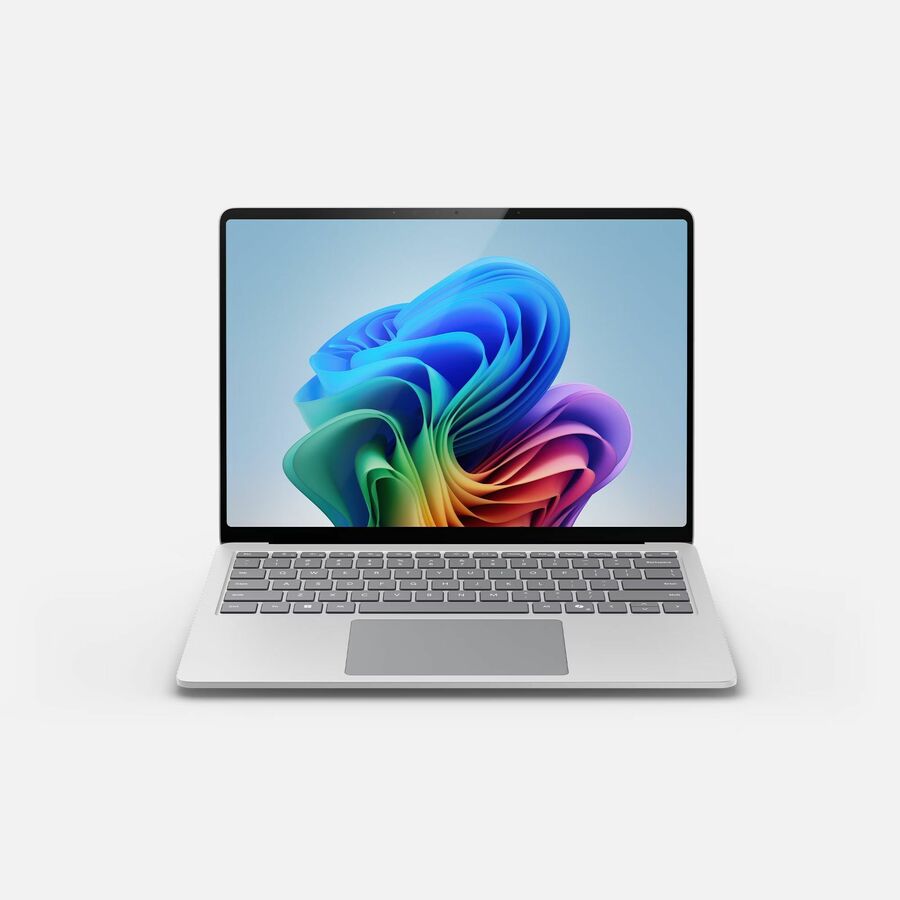
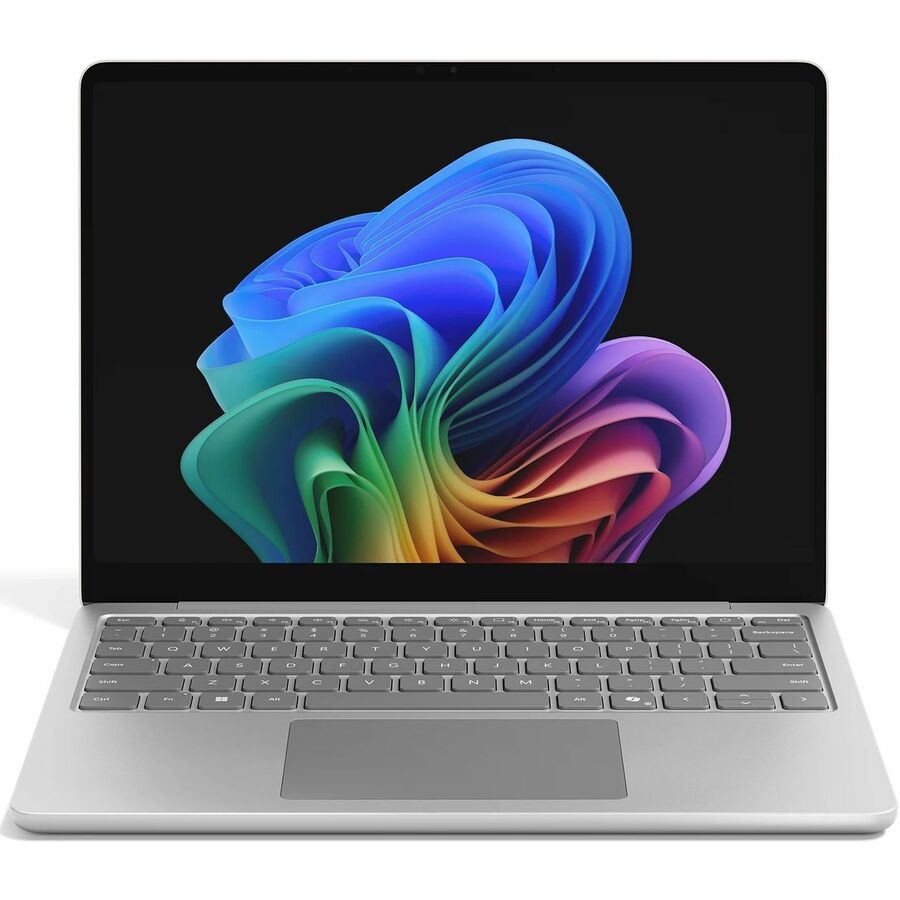
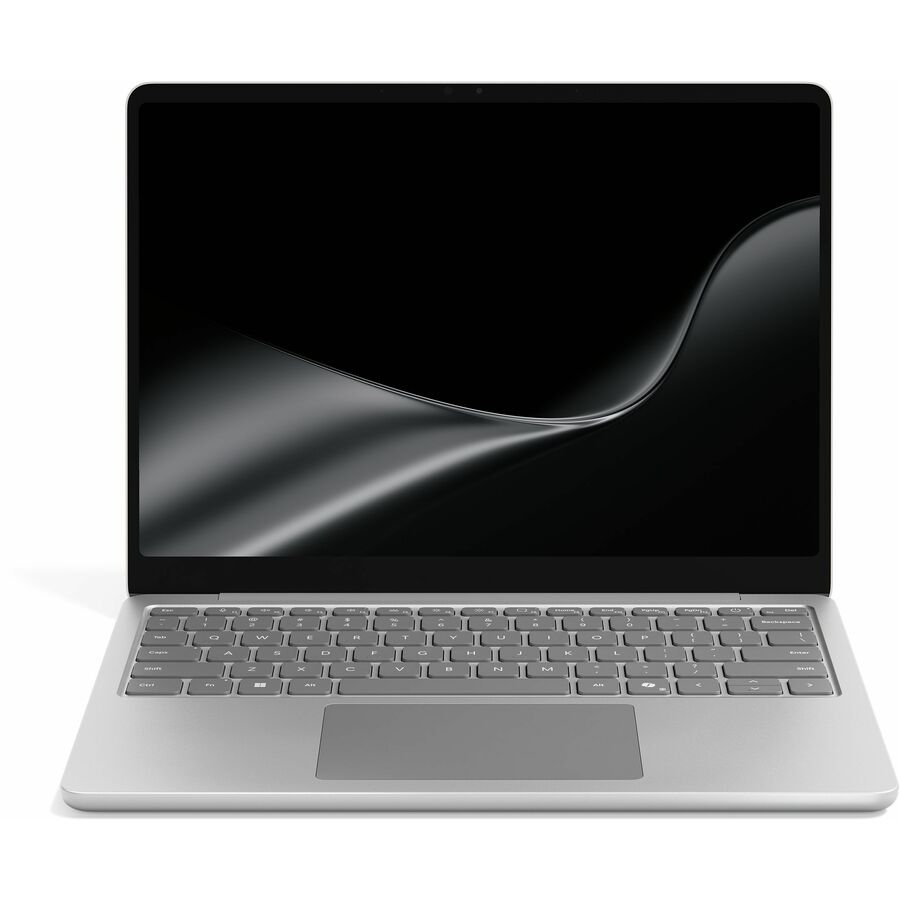
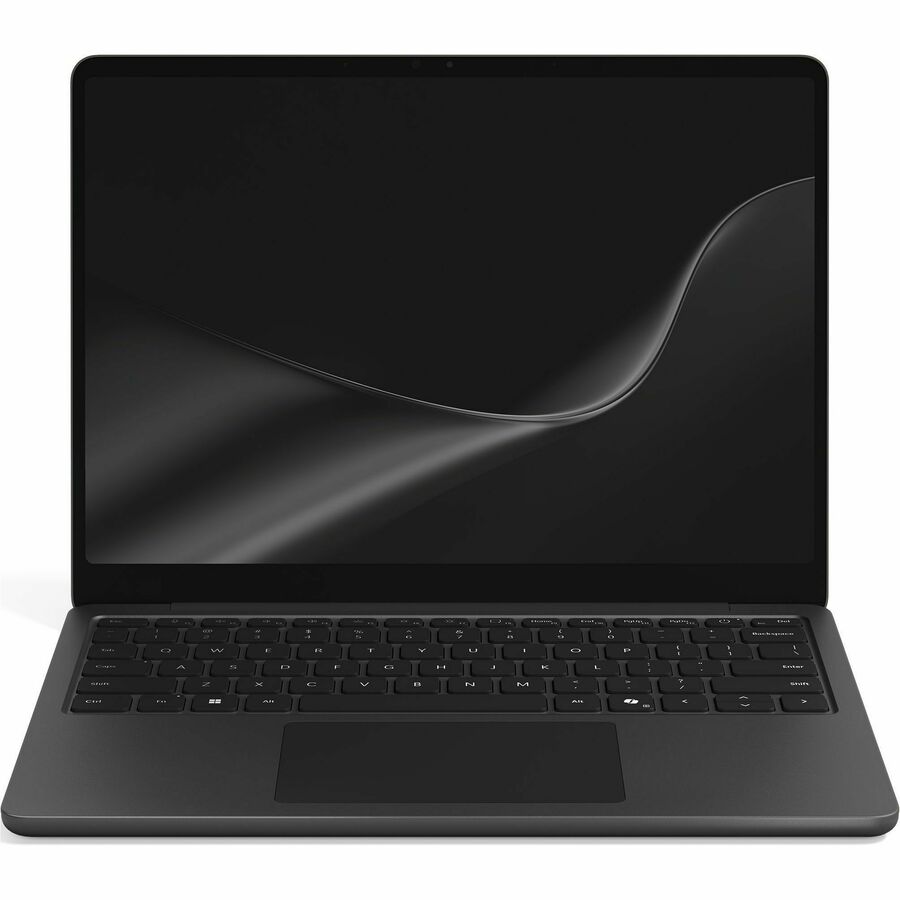
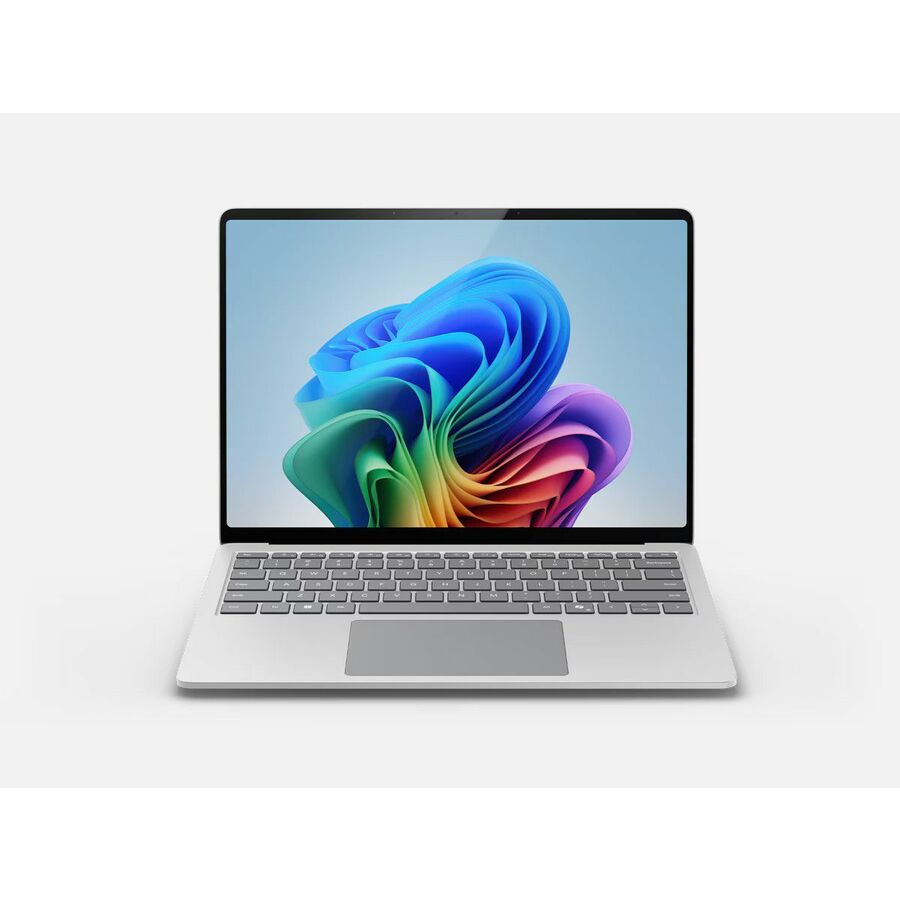
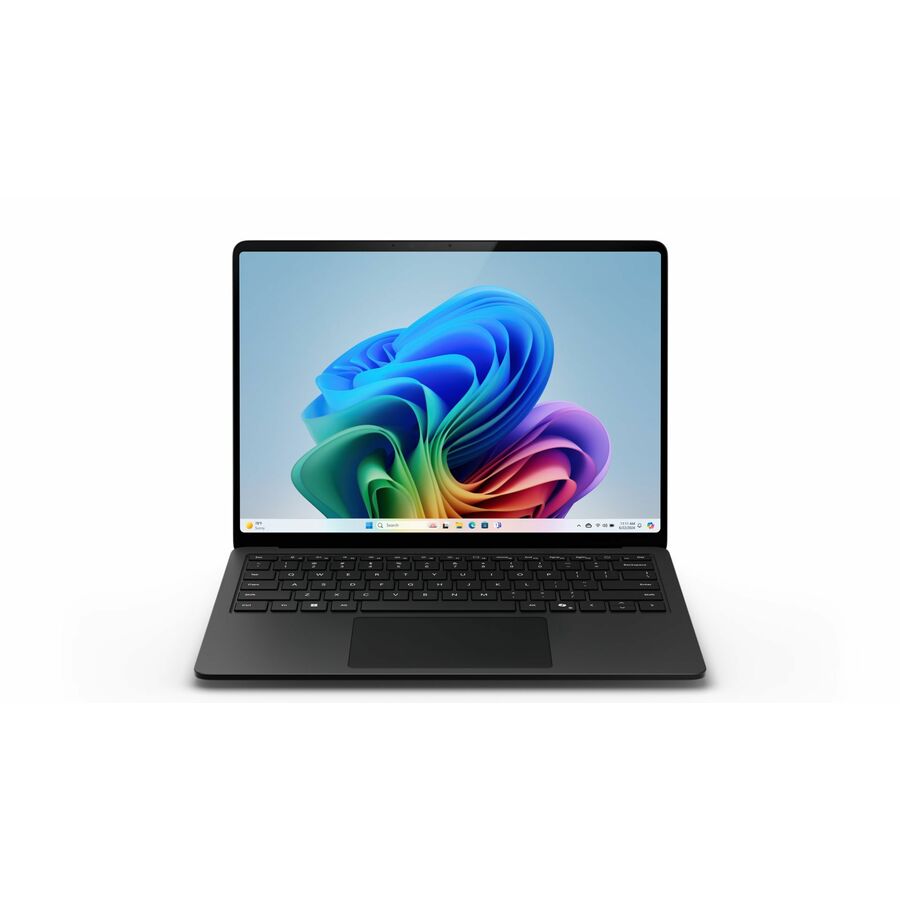
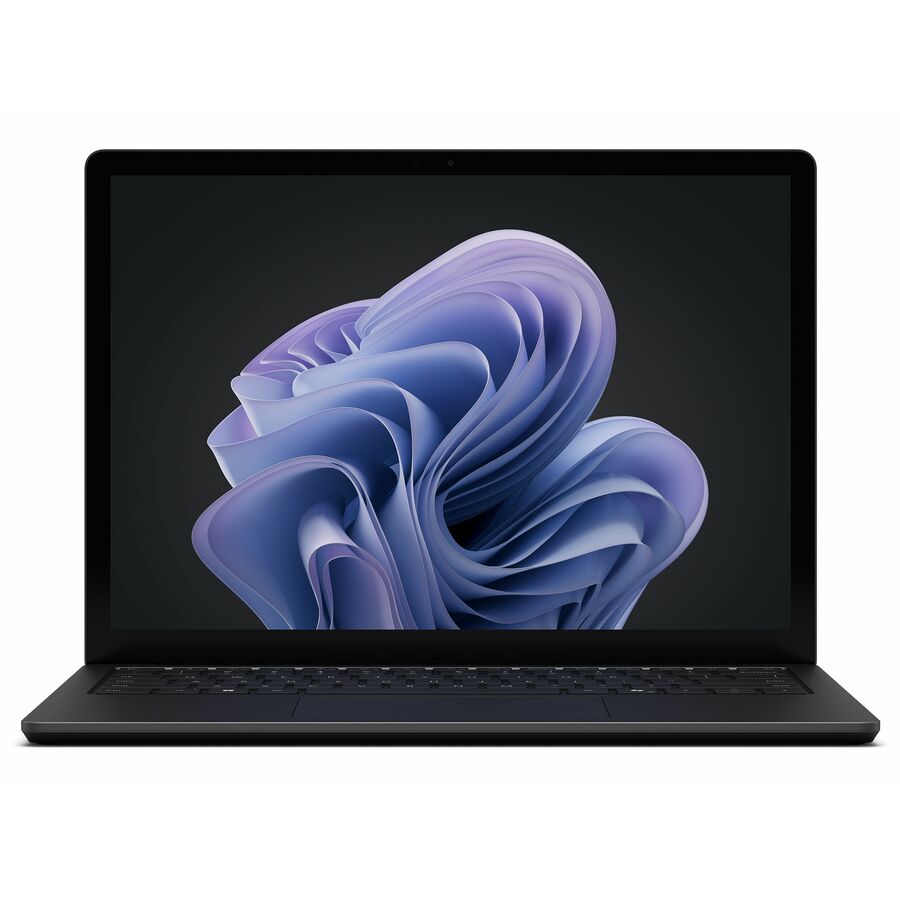
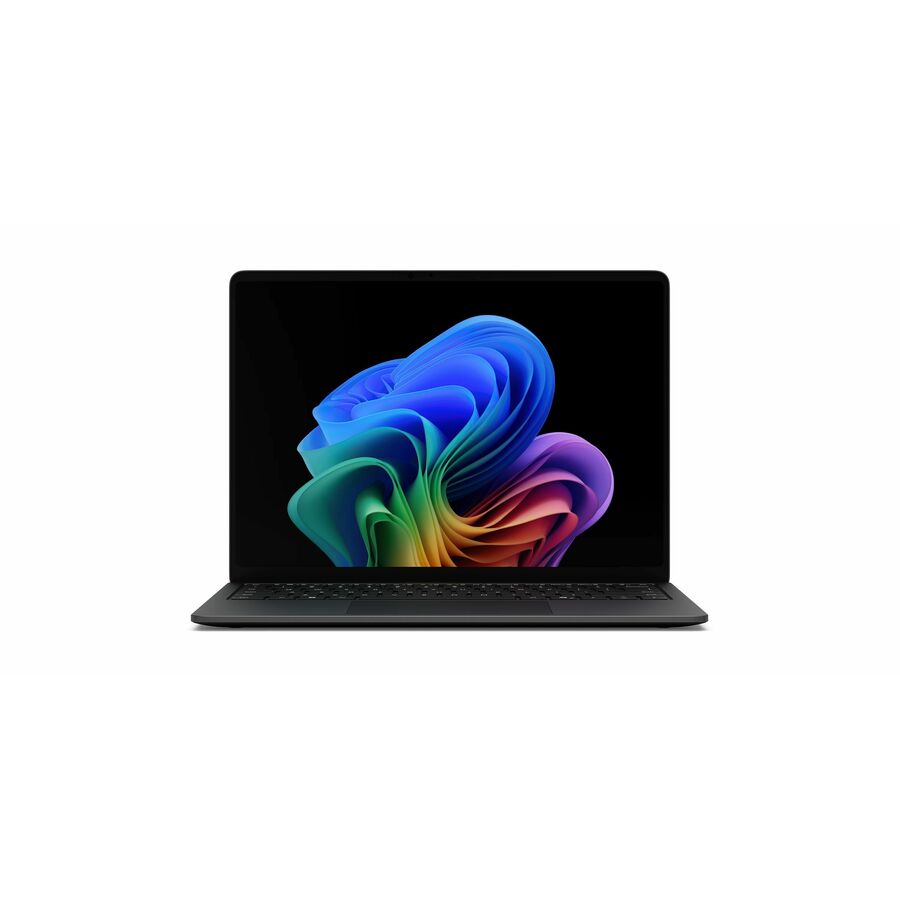
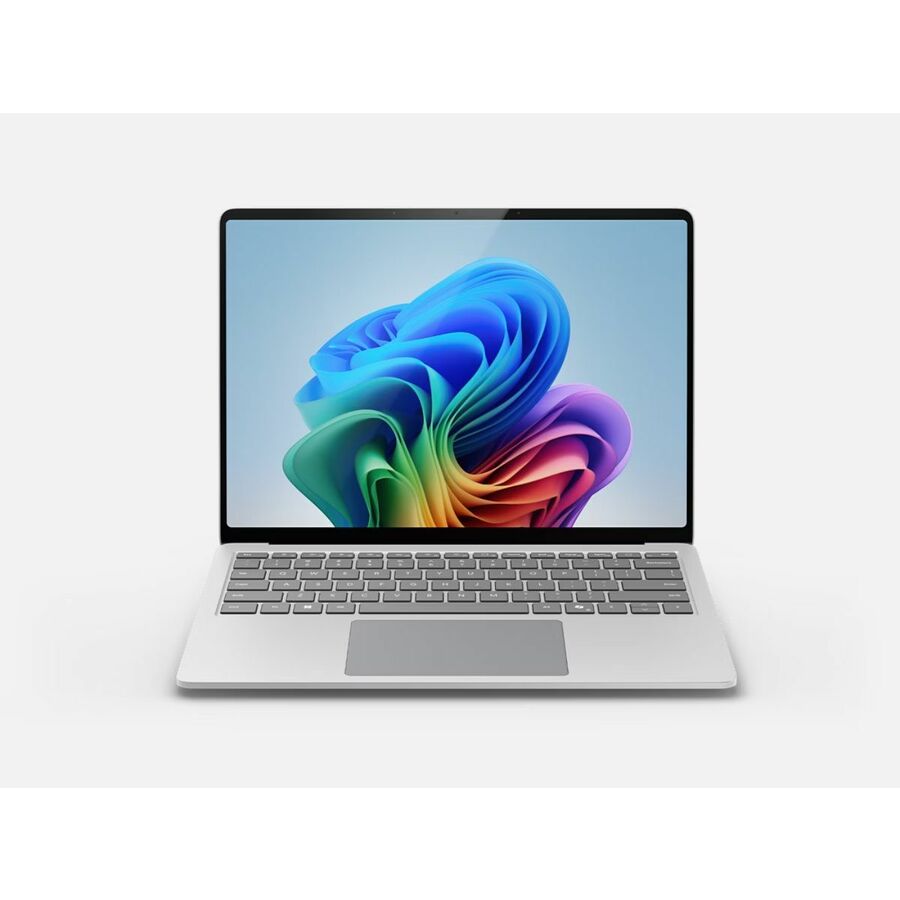
Microsoft Surface Laptop 7 13.8" Touchscreen Copilot+ PC Notebook
EP2-33224
The x86 build of the 13.8-inch Surface Laptop: Intel Core Ultra with 16 GB of memory is the broadest-compatibility configuration for a fleet that still depends on existing line-of-business apps, drivers and peripherals.
Confirm the Windows edition against your management stack before you standardize. If a built-in CAC/PIV reader is a hard requirement, that is a specific 15-inch Core Ultra configuration — ask us to confirm it against the part number.
$1,880.46Back-orderedMore laptops in the Uniqcli catalog
See all 15,798 laptopsMore Microsoft first — closest to what you were just looking at; “See all laptops” above opens every other brand in the category. In-stock lines lead, and a back-ordered line carries the same estimated availability its product page does — with live pricing throughout, NDAA §889 screening before checkout and TAA verified on request.
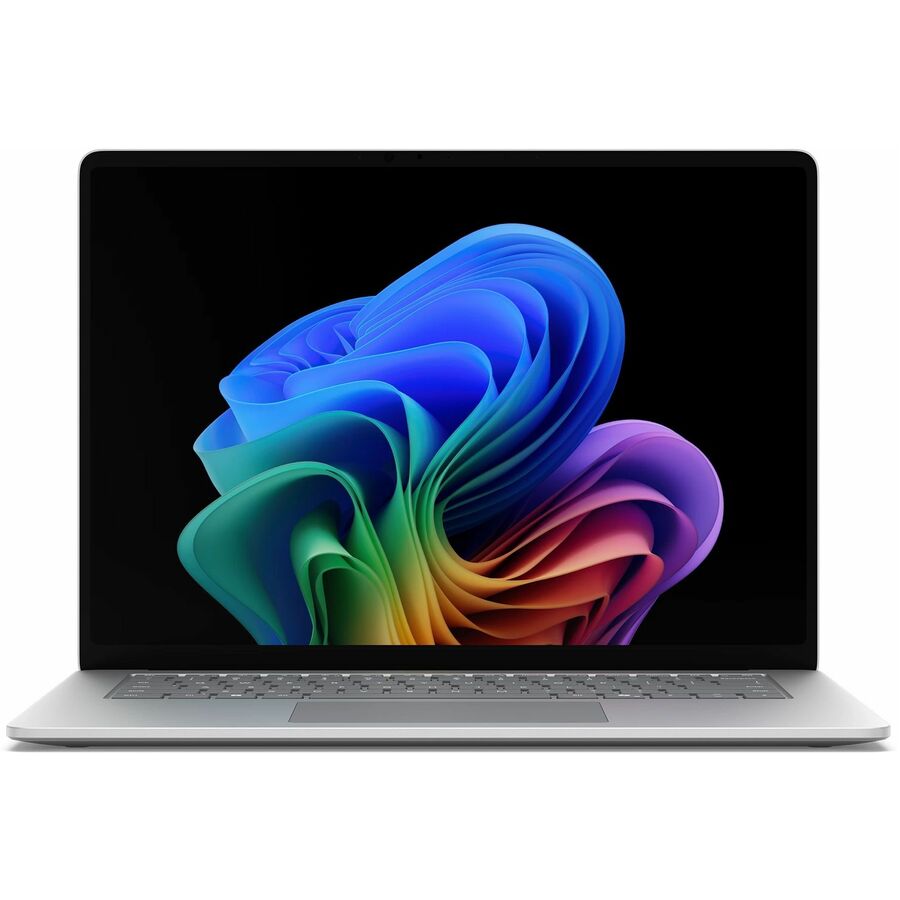
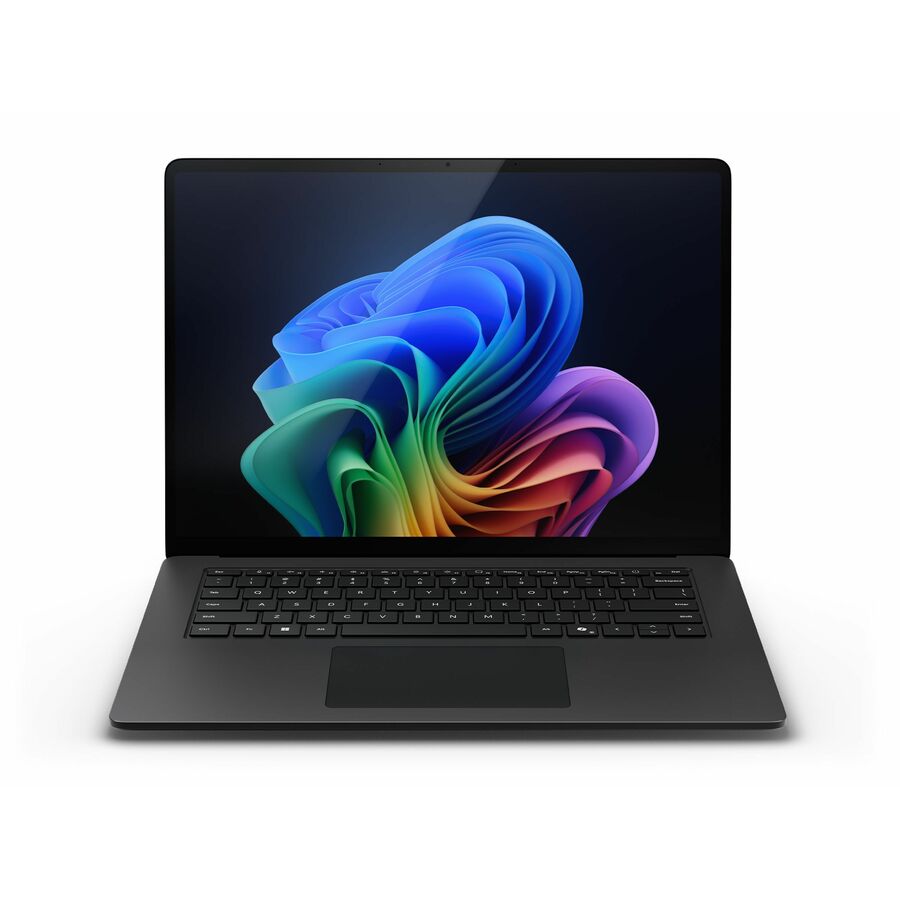
- MicrosoftMicrosoft Surface Laptop 7 15" Touchscreen Copilot+ PC Notebook - 120 Hz - Intel Core Ultra 7 266V - 16 GB - 256 GB SSD - English Keyboard - Black - Intel Chip - 2496 x 1664 - Windows 11 - Intel Arc Graphics - PixelSense Flow - Front Camera/Webcam - 22 Hours Battery Run Time - IEEE 802.11be Wireless LAN StandardEP2-33234
$2,249.99
$1,996.15
517 in stock - MicrosoftMicrosoft Surface Laptop 7 13.8" Touchscreen Copilot+ PC Notebook - 120 Hz - Intel Core Ultra 7 266V - 16 GB - 512 GB SSD - English (US) Keyboard - Platinum - Intel Chip - 2304 x 1536 - Windows 11 - Intel Arc Graphics - PixelSense Flow - Front Camera/Webcam - 20 Hours Battery Run Time - IEEE 802.11be Wireless LAN StandardEP2-33247
$2,249.99
$1,996.15
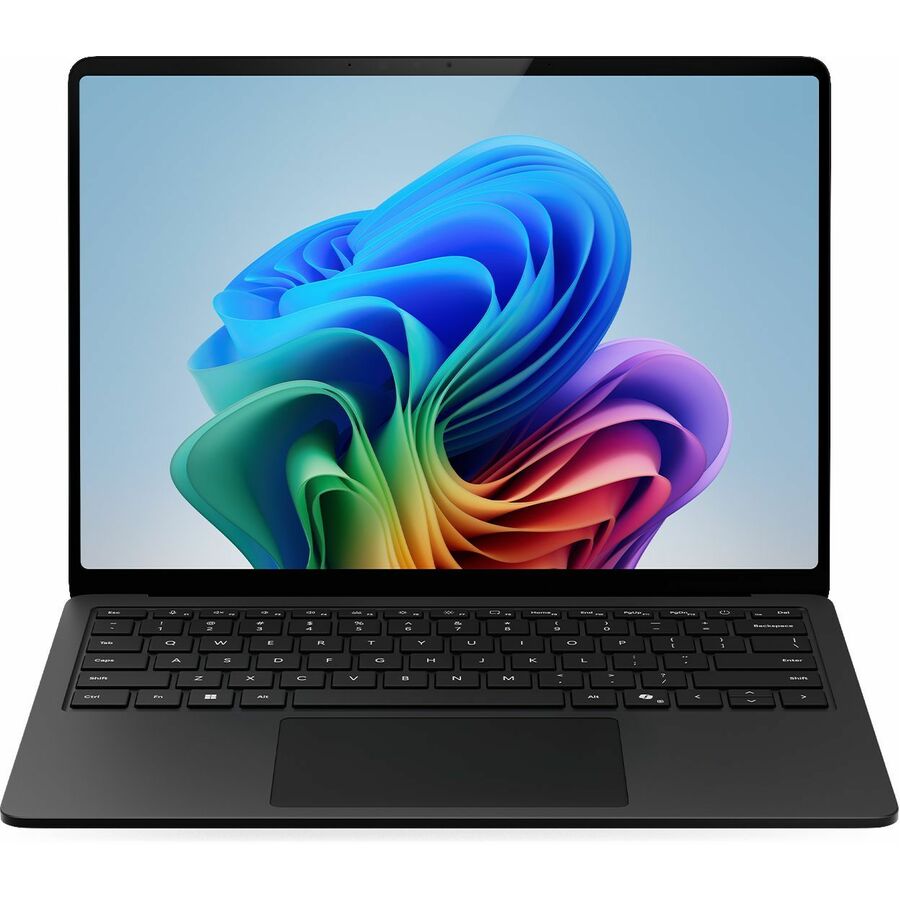
414 in stock - MicrosoftMicrosoft Surface Laptop 7 13.8" Touchscreen Copilot+ PC Notebook - 120 Hz - Intel Core Ultra 7 - 16 GB - 512 GB SSD - English (US) Keyboard - Black - Intel Chip - 2304 x 1536 - Windows 11 - Intel Arc Graphics - PixelSense Flow - Front Camera/Webcam - 20 Hours Battery Run Time - IEEE 802.11be Wireless LAN StandardEP2-33229
$2,249.99
$2,091.71
409 in stock - MicrosoftMicrosoft Surface Laptop 6 13.5" Touchscreen Notebook - Intel Core Ultra 7 165H - 16 GB - 256 GB SSD - English Keyboard - Black - Intel Chip - 2256 x 1504 - Windows 11 Pro - Intel Arc Graphics - PixelSense - Front Camera/Webcam - 18.50 Hours Battery Run Time - IEEE 802.11 a/b/g/n/ac/ax Wireless LAN StandardZJV-00001
$3,070.18
$2,922.69
3 in stock - MicrosoftMicrosoft Surface Laptop 6 13.5" Touchscreen Notebook - Intel Core Ultra 5 135H - 16 GB - 512 GB SSD - English Keyboard - Black - Intel Chip - 2256 x 1504 - Windows 11 - Intel Arc Graphics - PixelSense - Front Camera/Webcam - 18.50 Hours Battery Run Time - IEEE 802.11ax Wireless LAN StandardZPX-00001
$3,087.72
$2,940.27
3 in stock - MicrosoftMicrosoft Surface Laptop 7 15" Touchscreen Copilot+ PC Notebook - 120 Hz - Intel Core Ultra 5 236V - 16 GB - 512 GB SSD - English (US) Keyboard - Black - Intel Chip - 2496 x 1664 - Windows 11 - Intel Arc Graphics - PixelSense Flow - Front Camera/Webcam - 22 Hours Battery Run Time - IEEE 802.11be Wireless LAN StandardEP2-33237
$2,249.99
$2,148.69
350 in stock - MicrosoftMicrosoft Surface Laptop 7 15" Touchscreen Copilot+ PC Notebook - 120 Hz - Intel Core Ultra 5 236V - 16 GB - 512 GB SSD - English Keyboard - Platinum - Intel Chip - 2496 x 1664 - Windows 11 - Intel Arc Graphics - PixelSense Flow - Front Camera/Webcam - 22 Hours Battery Run Time - IEEE 802.11be Wireless LAN StandardEP2-33255
$2,249.99
$2,148.69
94 in stock - MicrosoftMicrosoft Surface Laptop 7 15" Touchscreen Copilot+ PC Notebook - 120 Hz - Intel Core Ultra 5 236V - 16 GB - 256 GB SSD - English Keyboard - Platinum - Intel Chip - 2496 x 1664 - Windows 11 - Intel Arc Graphics - PixelSense Flow - Front Camera/Webcam - 22 Hours Battery Run Time - IEEE 802.11be Wireless LAN StandardEP2-33251
$2,049.99
$1,957.68
42 in stock Pre-order. Estimated to ship from Nov 7, 2026.
Pre-order. Estimated to ship from Nov 20, 2026.

Need pricing on Microsoft Surface laptops?
Tell us where to reach you and a Uniqcli specialist will follow up by email with current pricing, availability and lead time for the quantities you need — including parts that aren’t shown on this page.
Buying for an organization or for yourself — both work. No payment up front.
Silicon is the first choice on a Surface Laptop. Snapdragon X Elite builds run on ARM and are tuned for battery life and on-device AI features; Intel Core Ultra builds run x86 for the widest compatibility with existing line-of-business apps, drivers and peripherals. Then size memory and storage, and pick 13.8-inch for travel weight or 15-inch for docked, multi-window work.
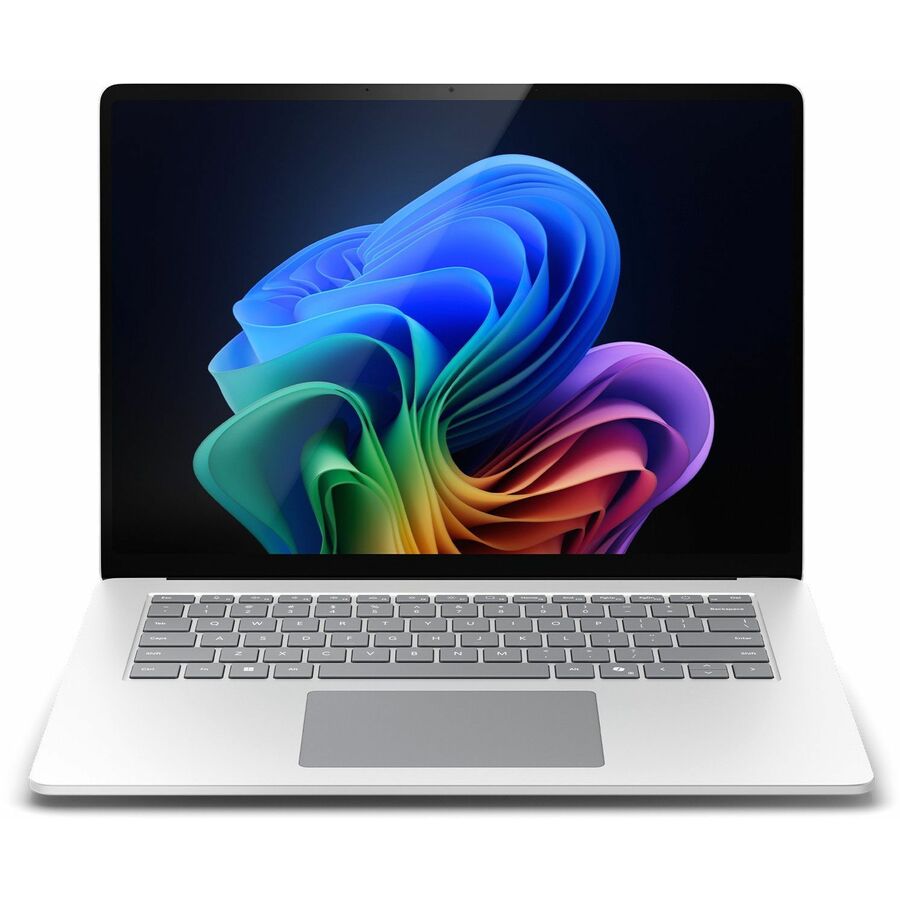
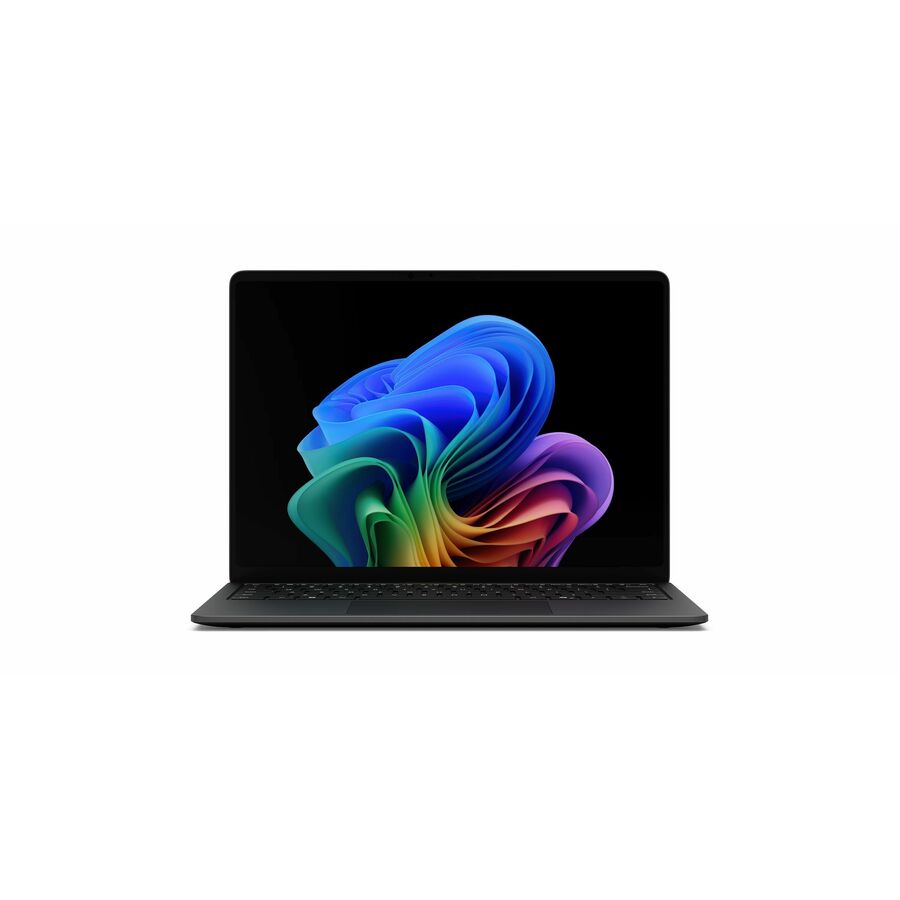
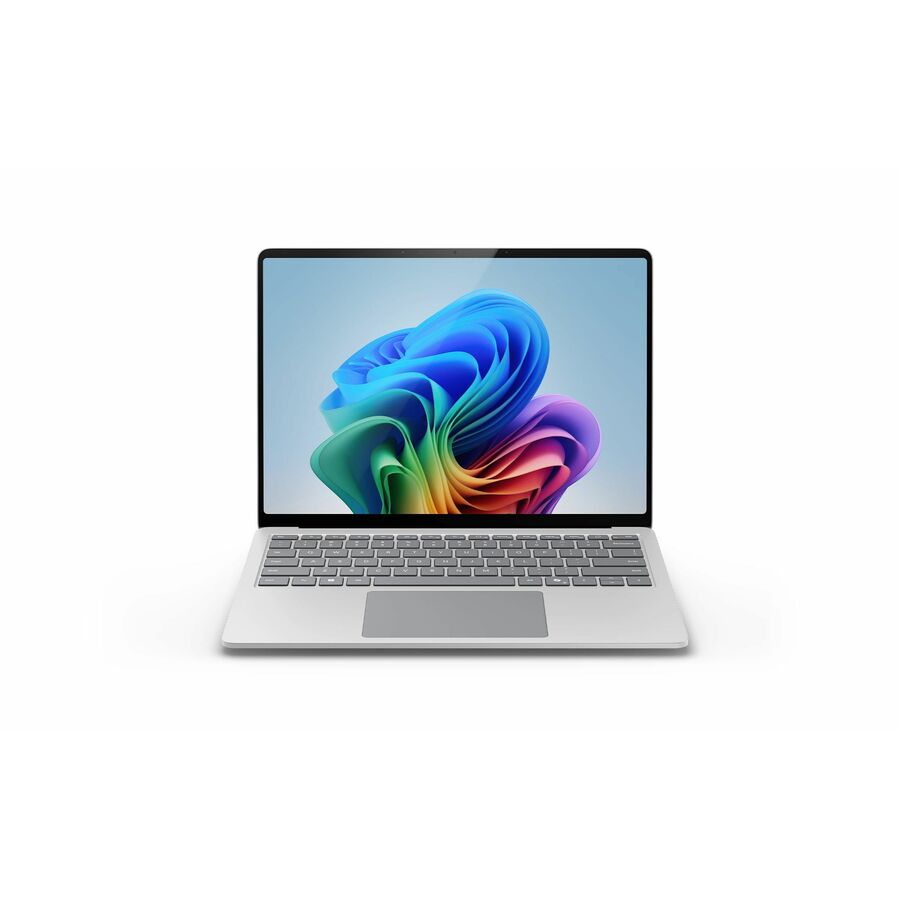
Microsoft's Surface Laptop line is a clamshell notebook family built around a PixelSense Flow touchscreen, an aluminum chassis, and two processor paths: Qualcomm Snapdragon X Elite (marketed as a Copilot+ PC) and Intel Core Ultra. The models Uniqcli stocks span 13.8-inch and 15-inch sizes, with memory from 16 GB to 64 GB and SSDs from 256 GB to 1 TB, so the same design scales from a standard office fleet to memory-heavy engineering and creative work.
The main decision is silicon. The Snapdragon X Elite builds run on ARM and are tuned for long battery life and on-device AI features, while the Intel Core Ultra builds run x86 for the broadest compatibility with existing line-of-business apps, drivers, and peripherals. From there, size the memory and storage to the workload, choose 13.8-inch for mobility or 15-inch for docked multitasking, and confirm the Windows edition your management stack needs. One 15-inch Core Ultra configuration in the catalog ships with an integrated Smart Card Reader, which matters for CAC/PIV environments.
Every configuration here is drawn from what Uniqcli currently stocks, with in-stock status shown on each product page so you can plan around real availability rather than backorder guesses. Units are sourced through US distribution and screened for TAA country-of-origin and NDAA 889 status before checkout, with documentation tied to the specific part number — useful when you're buying for business and government environments that require it.
Buyer's checklist
What to weigh before you standardize
- Match the silicon to your software: Snapdragon X Elite (ARM, Copilot+ PC) for battery and on-device AI, or Intel Core Ultra (x86) for the widest app, driver, and peripheral compatibility.
- Size memory and storage to the workload — 16 GB with a 256–512 GB SSD for office fleets, 32 GB for heavy multitasking, 64 GB and 1 TB for engineering and creative builds.
- Choose the display size: 13.8-inch for travel-weight mobility, 15-inch for docked, multi-window work.
- Confirm manageability: Windows edition (Pro for domain and Intune enrollment), Wi-Fi 7, and webcam all meet your endpoint standards.
- Check I/O against your environment — look for the Smart Card Reader variant where CAC/PIV is required, and verify dock and port needs before ordering.
- Verify sourcing before you commit: in-stock status on the page, plus TAA country-of-origin and NDAA 889 screening tied to the part number.
Where these fit across a fleet
One chassis family stretches across very different roles once you match the build to the person, not the org chart. Field and client-facing staff lean on the touchscreen and light carry weight for note-taking and sign-offs away from a desk; back-office and analyst roles spend their day docked to external displays; and design, data, and engineering users need the headroom of the top memory and storage tiers. Security-desk and credentialed roles are the ones that justify hunting down the integrated smart-card variant rather than adding an external reader.
Planning a fleet rollout
Modern management shapes a Surface rollout more than the hardware does. Verify the units enroll cleanly through Windows Autopilot and Intune so they arrive configured out of the box, and run a focused pilot of the ARM Copilot+ builds against your line-of-business apps, print and VPN drivers, and specialty peripherals before ordering at scale — mainstream software runs, but a few legacy or hardware-bound tools deserve a hands-on pass. Standardize one dock and charger across desks to keep setups and tickets uniform, and clear a small validation batch before the full commitment.
Total cost of ownership
Purchase price is one line in a multi-year total. Strong battery life and the ARM builds' efficiency cut charging overhead and can stretch usable service life, while a single standardized dock and charger set trims per-desk accessory spend and the tickets that follow mismatched gear. A consistent build sheet lowers imaging and help-desk load across the fleet, and folding in the Windows edition your management stack requires, the warranty and support term, and a small pool of loaner units yields a truer number than the unit price alone.
FAQ
Common questions
- What's the difference between the Snapdragon and Intel Surface Laptop models?
- The Snapdragon X Elite builds are ARM-based Copilot+ PCs geared toward long battery life and on-device AI; the Intel Core Ultra builds are x86 for the widest compatibility with existing Windows apps, drivers, and docks. If you run legacy or specialized line-of-business software, the Intel builds are the safer default; if battery life and AI features lead your requirements and your app stack is web- or store-based, the Snapdragon builds fit well. Both are stocked, so check each product page for the exact chip.
- How much memory and storage should we spec for a fleet?
- For standard office, browser, and Microsoft 365 use, 16 GB with a 256 GB or 512 GB SSD is a reasonable baseline. Move to 32 GB when users run heavy virtualization, large spreadsheets, or many concurrent apps, and to 64 GB with a 1 TB SSD for engineering, data, or creative workloads. The listings show the exact memory and SSD per configuration, so you can standardize on one or two build sheets.
- Which configuration fits CAC/PIV or smart-card environments?
- One 15-inch Intel Core Ultra configuration in the catalog includes an integrated Smart Card Reader, which supports CAC/PIV workflows without an external reader. Other configurations rely on an external USB or dock-based reader. If a built-in reader is a requirement, filter for that model and confirm the spec on the product page before ordering.
- Can these be purchased for a government or education organization?
- Yes. Uniqcli supplies Surface Laptops to business, government, and education buyers, sourced through US distribution and screened for TAA country-of-origin and NDAA 889 status before checkout, with compliance documentation tied to the specific part number. Share your procurement or account requirements with our team and we'll confirm availability, configuration, and the sourcing details for the exact models you need.
Need Microsoft Surface laptops pricing?
Send a bill of materials or part numbers — we confirm stock and a below-market total, with TAA verified on request. No payment up front.