
Windows 11 Pro Business Laptops for the 2026 Refresh
ThinkPad, ThinkBook and Lenovo V-series machines whose own listings state Windows 11 Pro — with live pricing and stock. Refurbished business laptops have their own guide.
Windows 11 Pro laptops in stock at Uniqcli
How to choose →A curated selection with live pricing — in-stock lines first, then back-ordered lines with a typical lead time. Every line is sourced through US distribution and screened for NDAA §889 status before checkout, with TAA verified on request.
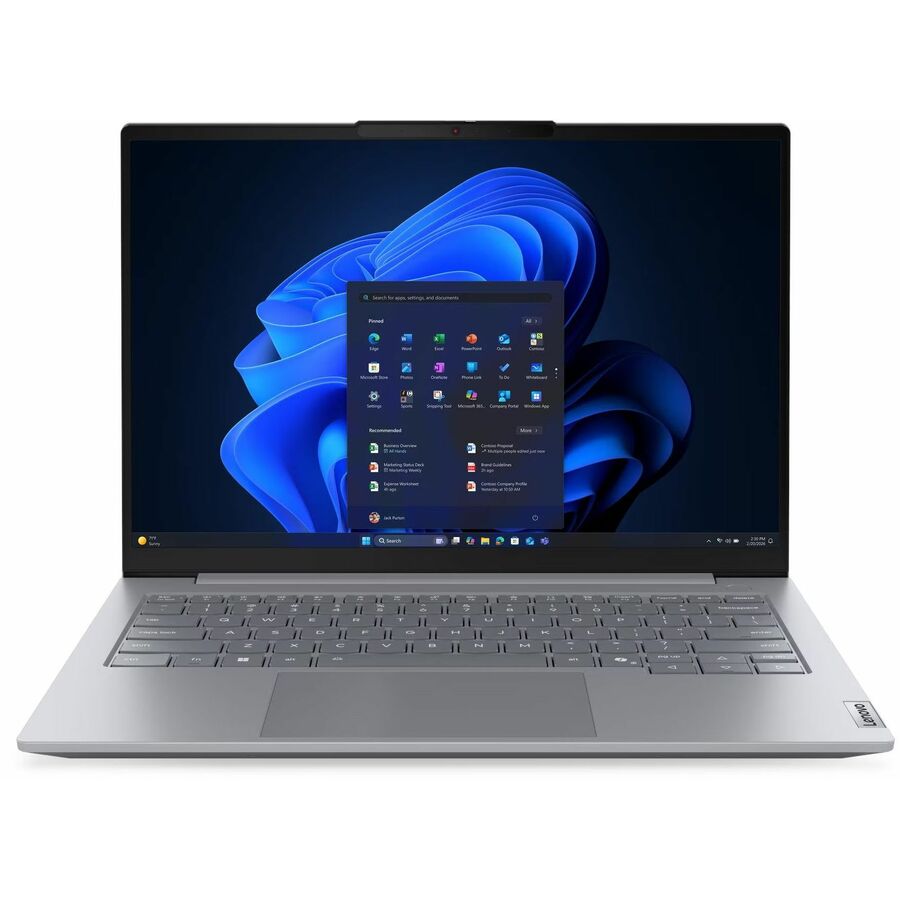
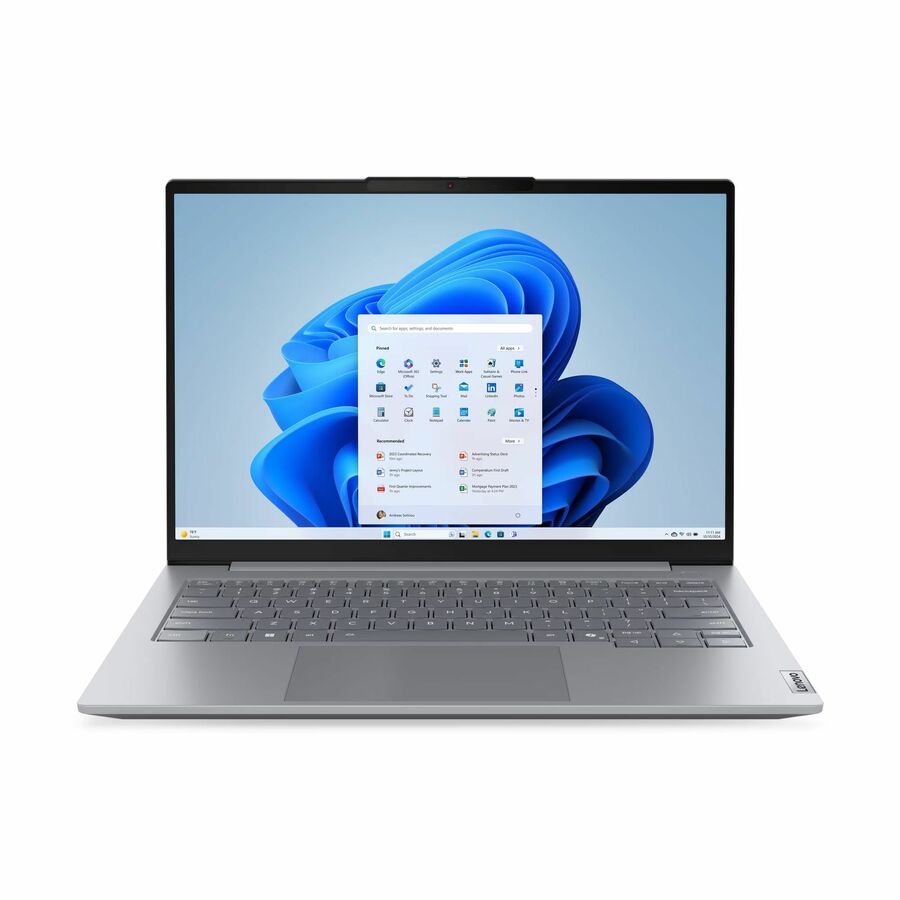
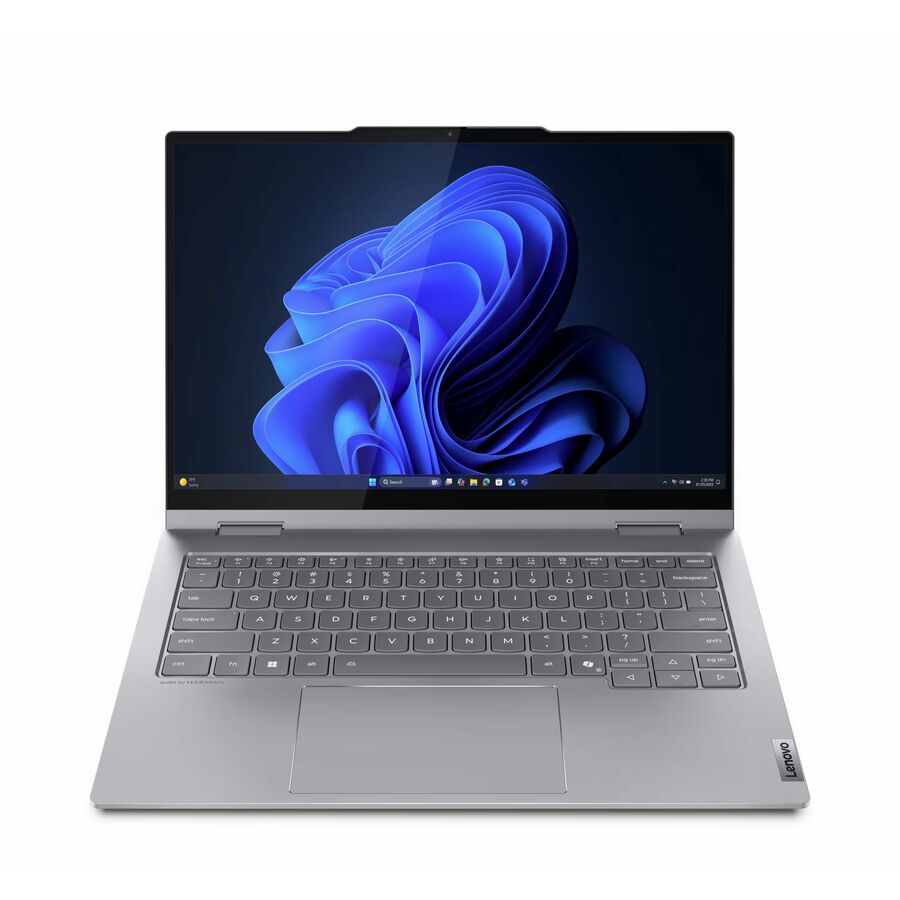
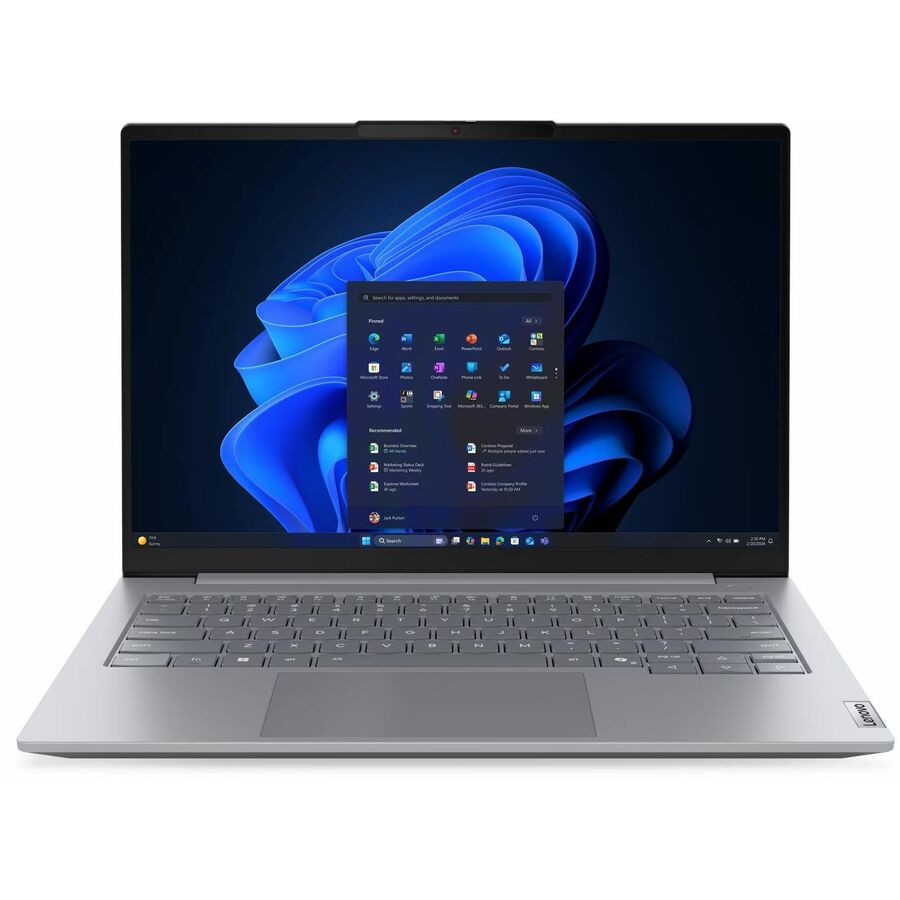
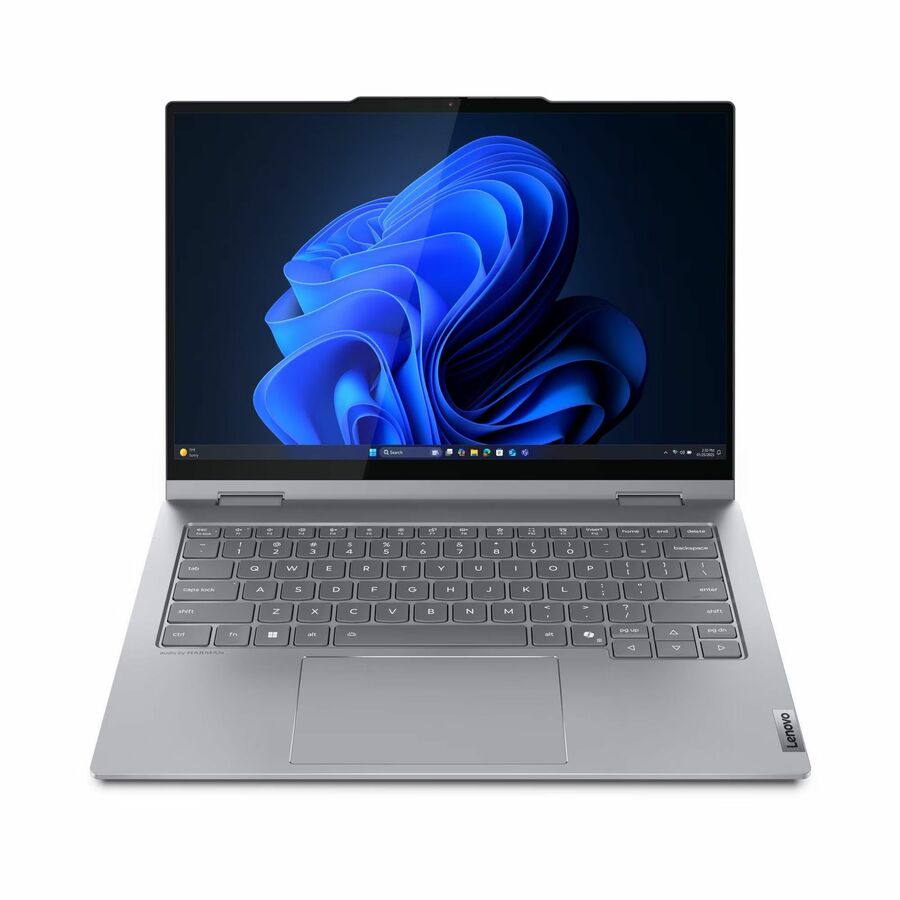
- LenovoLenovo ThinkBook 14 G5 IAU 21SQ0001US 14" Touchscreen Convertible 2 in 1 Notebook - WUXGA - Intel Core Ultra 5 225U - 16 GB - 256 GB SSD - English (US) Keyboard - Luna Gray - Intel Chip - 1920 x 1200 - Windows 11 Pro - Intel - Front Camera/Webcam - IEEE 802.11ax Wireless LAN Standard21SQ0001US
$1,869.00
$1,347.71
25 in stock


Entry fleet pick
Lenovo
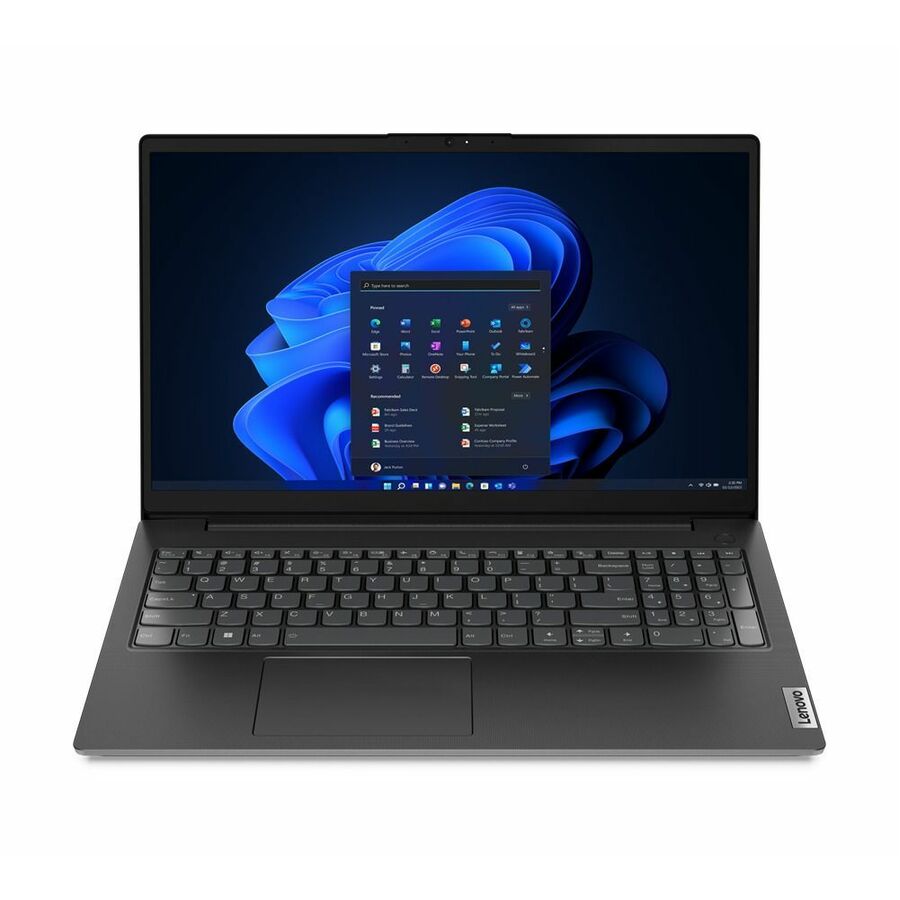
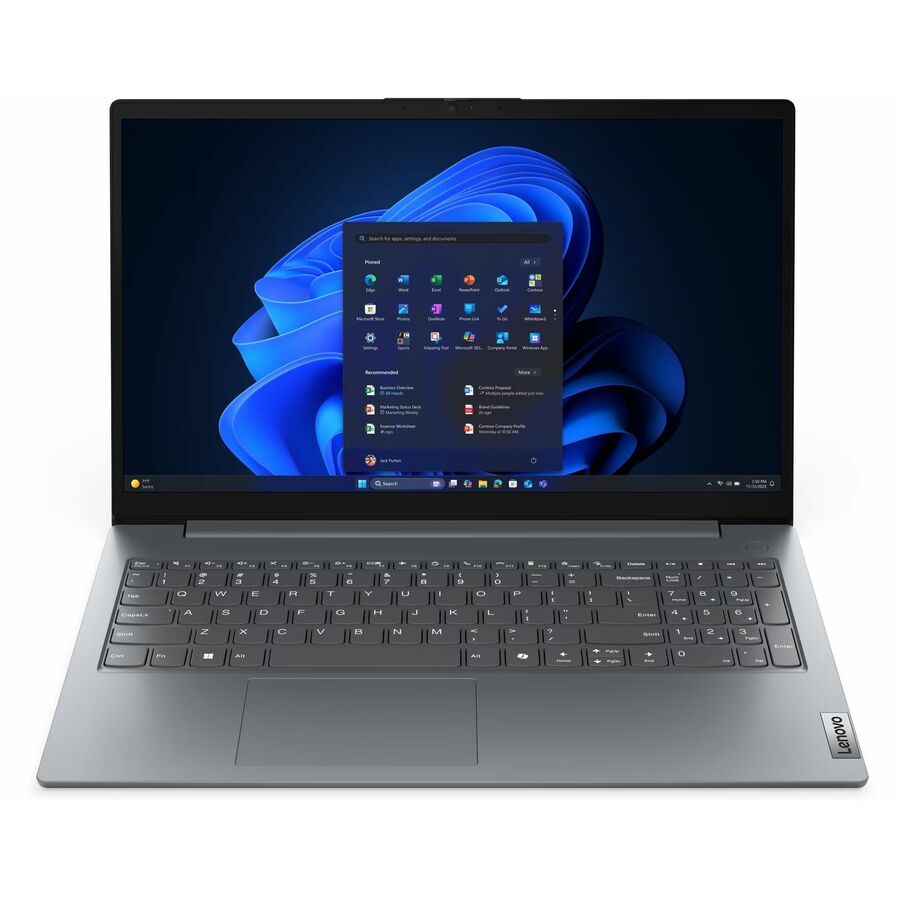
Lenovo V15 G6 ARP 83V4001WUS 15.6" Notebook
83V4001WUS
A Lenovo V15 G6 ARP on a 15.6-inch Full HD panel with an AMD Ryzen 5 150, 8 GB of memory and a 256 GB SSD. The entry end of the grid, listed with plain Windows 11 Pro rather than a Home, SE or Education edition — which is what makes it usable on a managed estate at all. The V-series is Lenovo's value business line, not its consumer one.
8 GB is a browser-and-line-of-business specification. If the seat runs virtual machines or large files, start higher up this page.
$1,025.86Back-orderedBest value
Lenovo
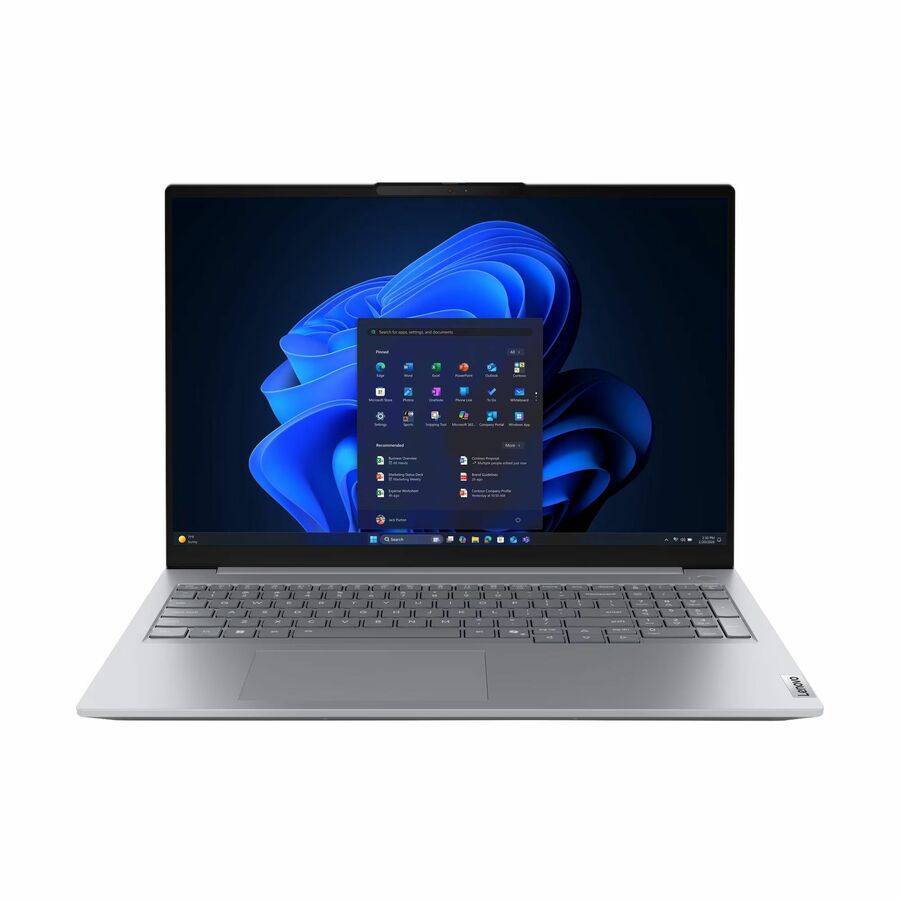
Lenovo ThinkBook 16 G9 AHP 21UT008JUS 16" Notebook
21UT008JUS
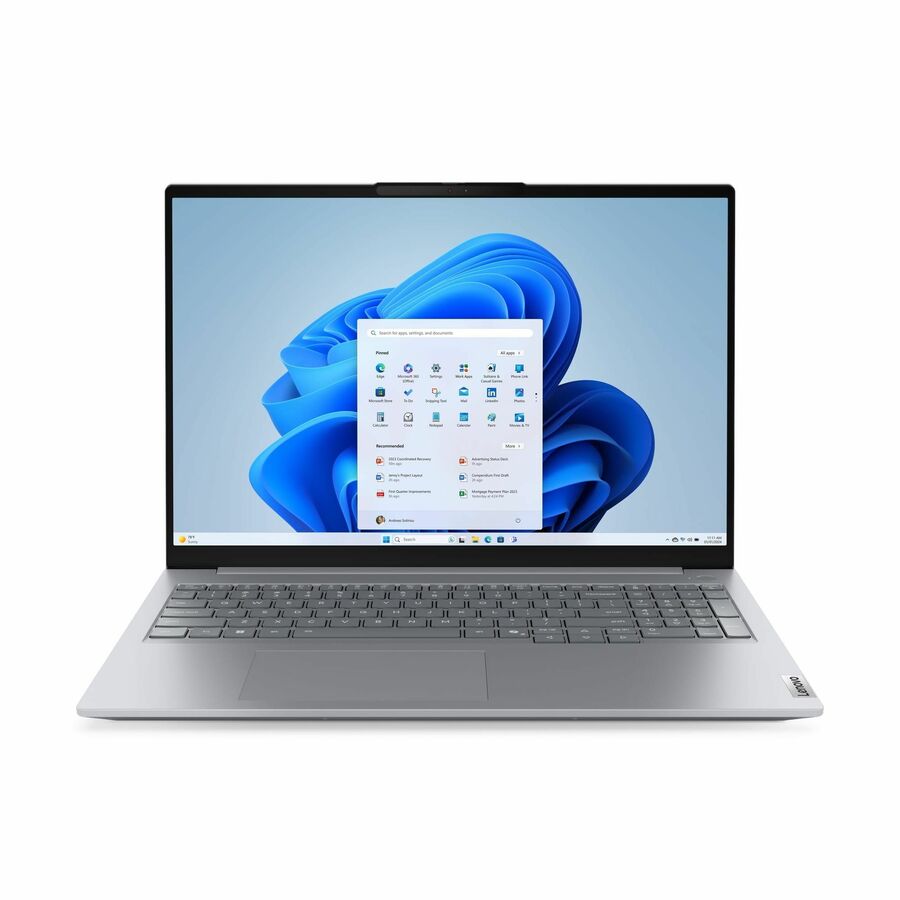
A Lenovo ThinkBook 16 G9 on a 16-inch WUXGA panel with an AMD Ryzen 5, listed with Windows 11 Pro. The 16-inch ThinkBook body is the one to reach for when people work off a single screen all day and never dock.
$1,127.41In stock16 GB mainstream seat
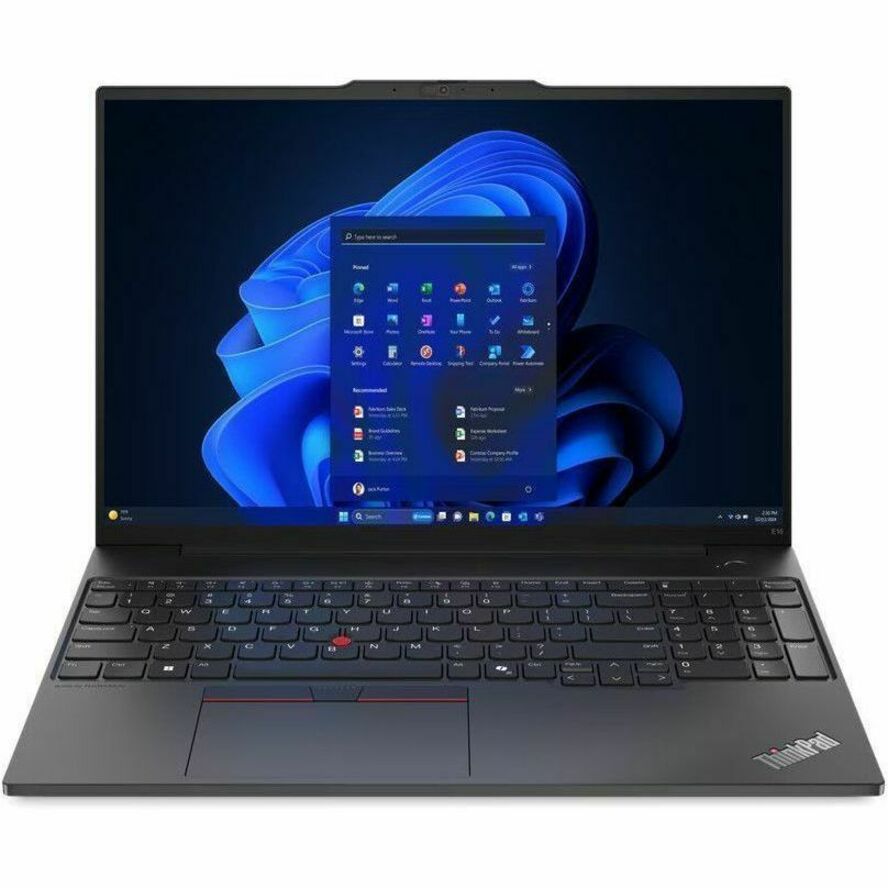
Lenovo
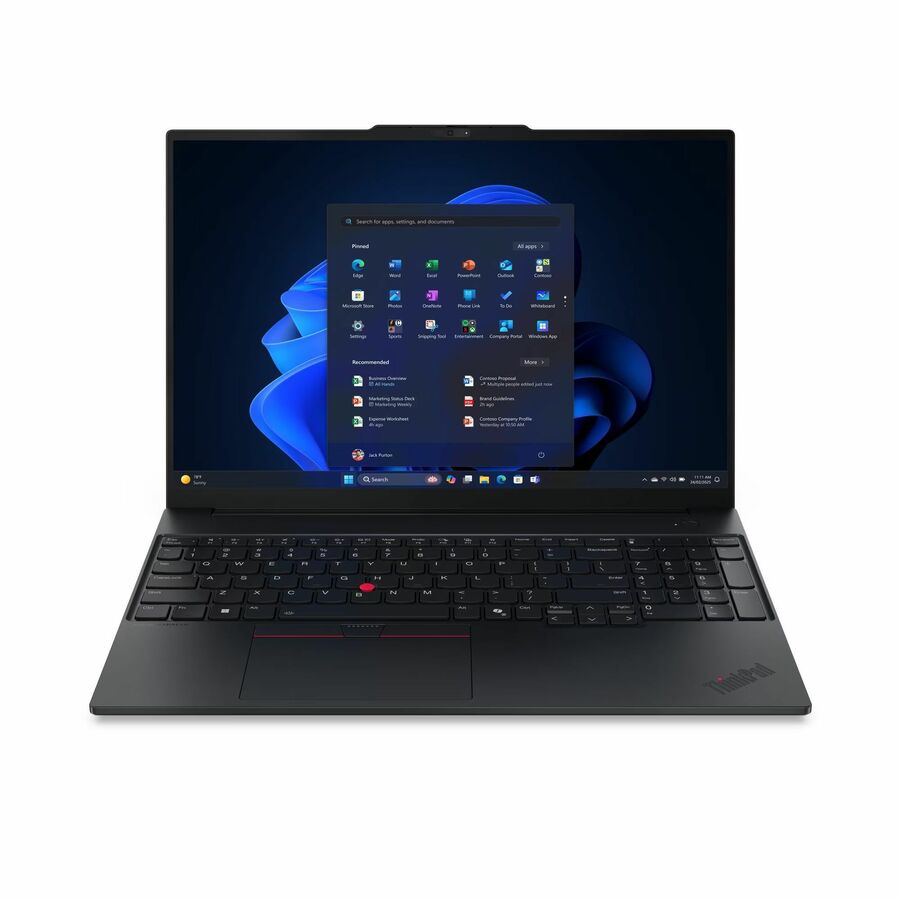
Lenovo ThinkPad E16 Gen 2 21M5000GUS 16" Notebook
21M5000GUS
A ThinkPad E16 Gen 2 with a Ryzen 5 7535U, 16 GB of memory and a 256 GB SSD on a 16-inch WUXGA panel. The E-series is the volume ThinkPad — the one a fleet standardizes on when the requirement is a durable keyboard and a predictable dock, not a workstation.
Request pricingPRO silicon, 512 GB
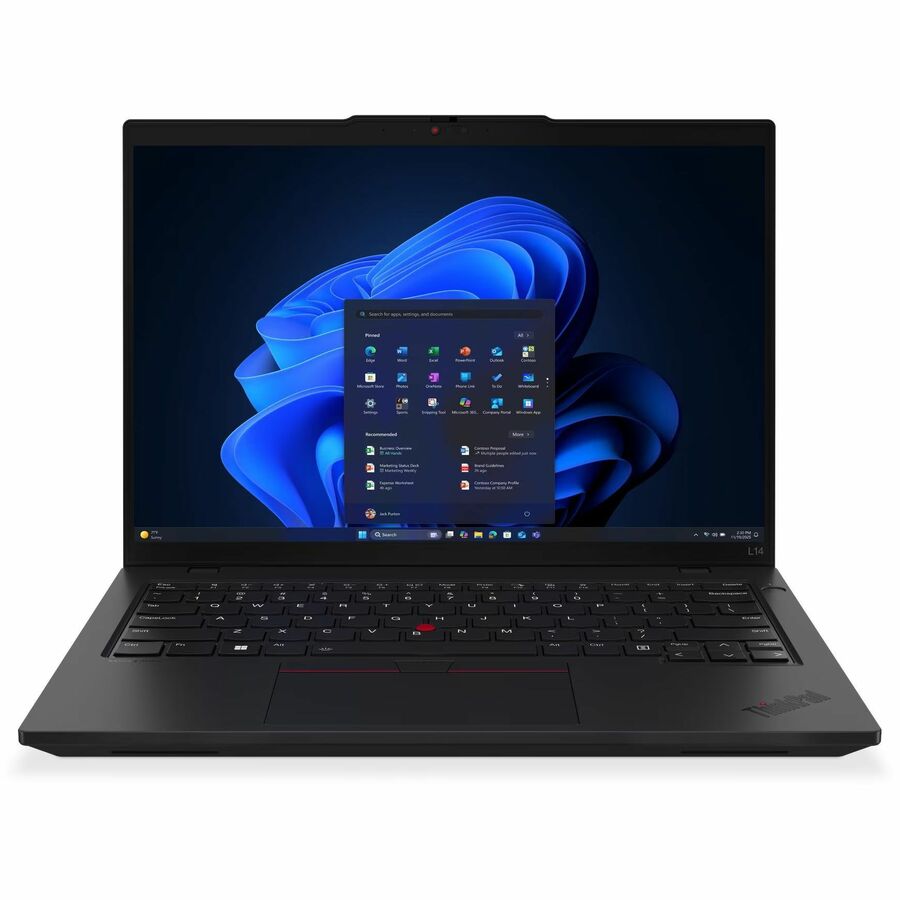
Lenovo
Lenovo ThinkPad L14 Gen 6 21S8001WUS 14" Notebook
21S8001WUS
A ThinkPad L14 Gen 6 on a 14-inch WUXGA panel with a Ryzen 5 PRO 215, 16 GB and a 512 GB SSD. The PRO-branded silicon is what an estate with manageability requirements usually specifies; the 512 GB drive suits people who keep project files locally.
Request pricingTravel weight
Lenovo
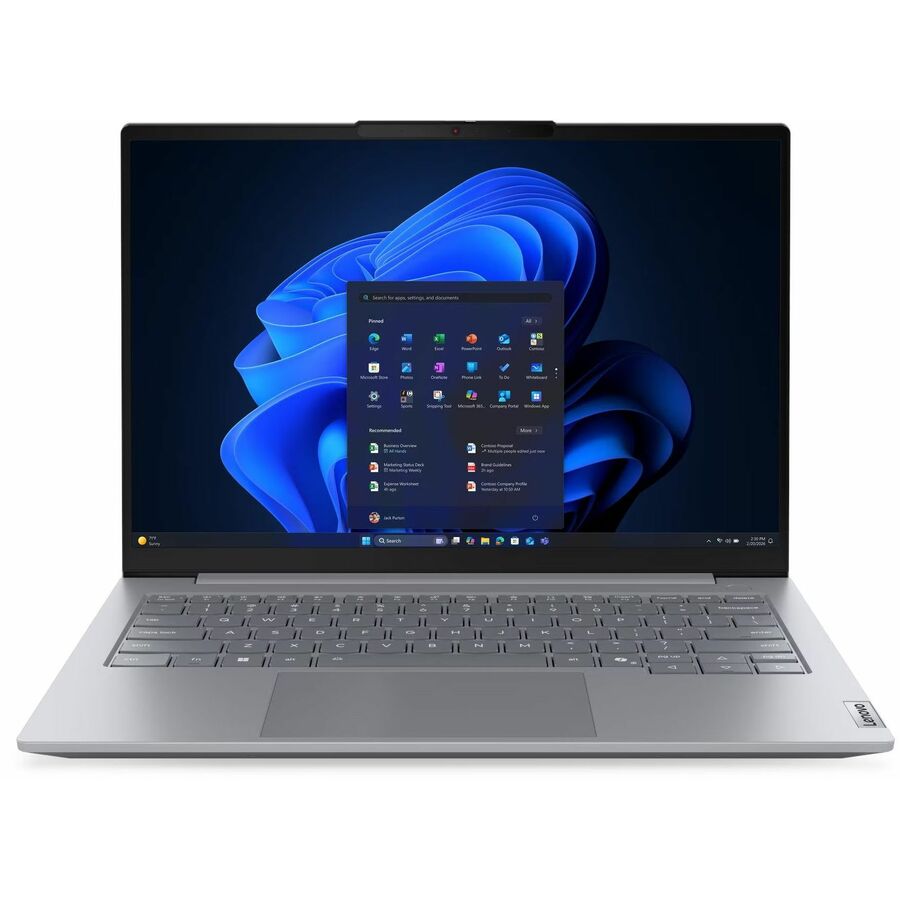
Lenovo ThinkPad T14s Gen 4 21F9S04Q0H 14" Notebook
21F9S04Q0H
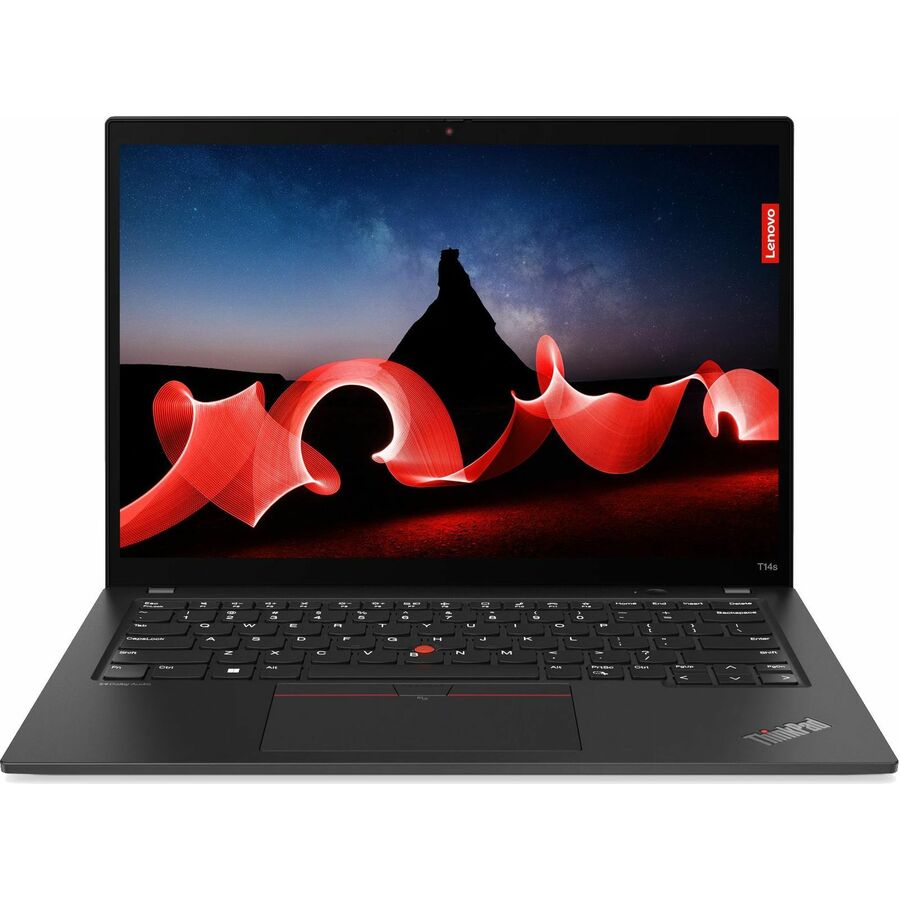
A ThinkPad T14s Gen 4 with a Ryzen 5 PRO 7540U, 16 GB and a 512 GB SSD on a 14-inch WUXGA panel. The T14s is the thin, commute-weight T-series body — the right shape for someone who carries the machine and works on an external display at the desk.
$1,281.95In stockLonger-horizon seat
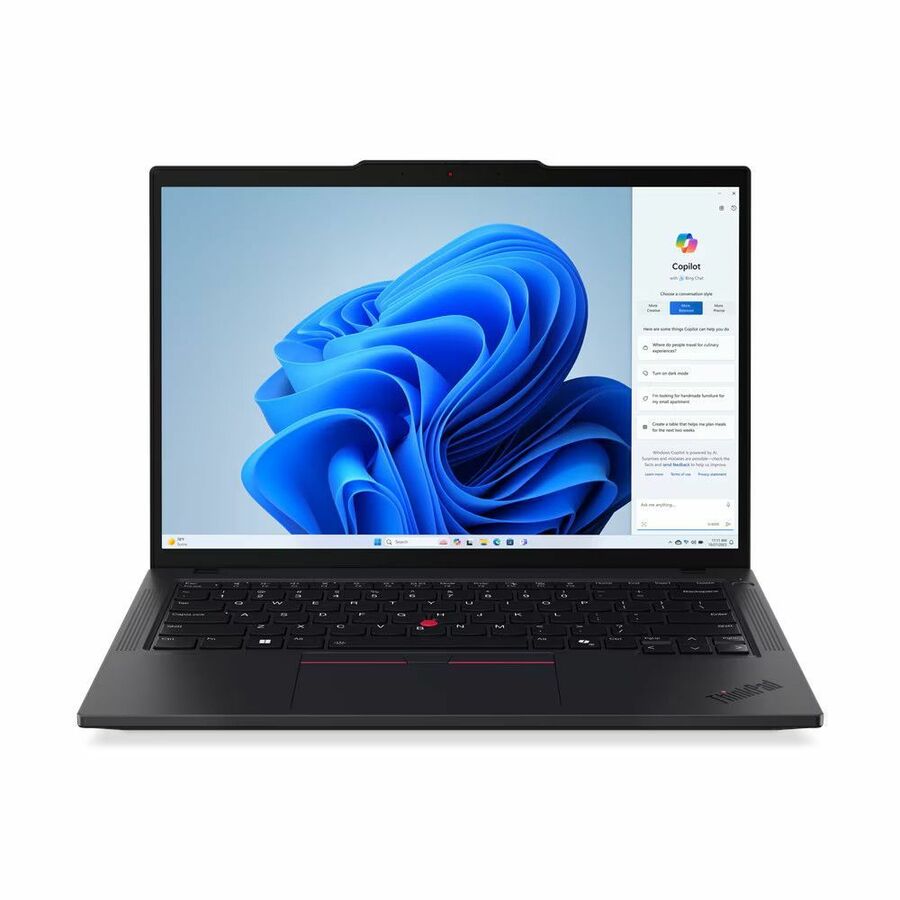
Lenovo
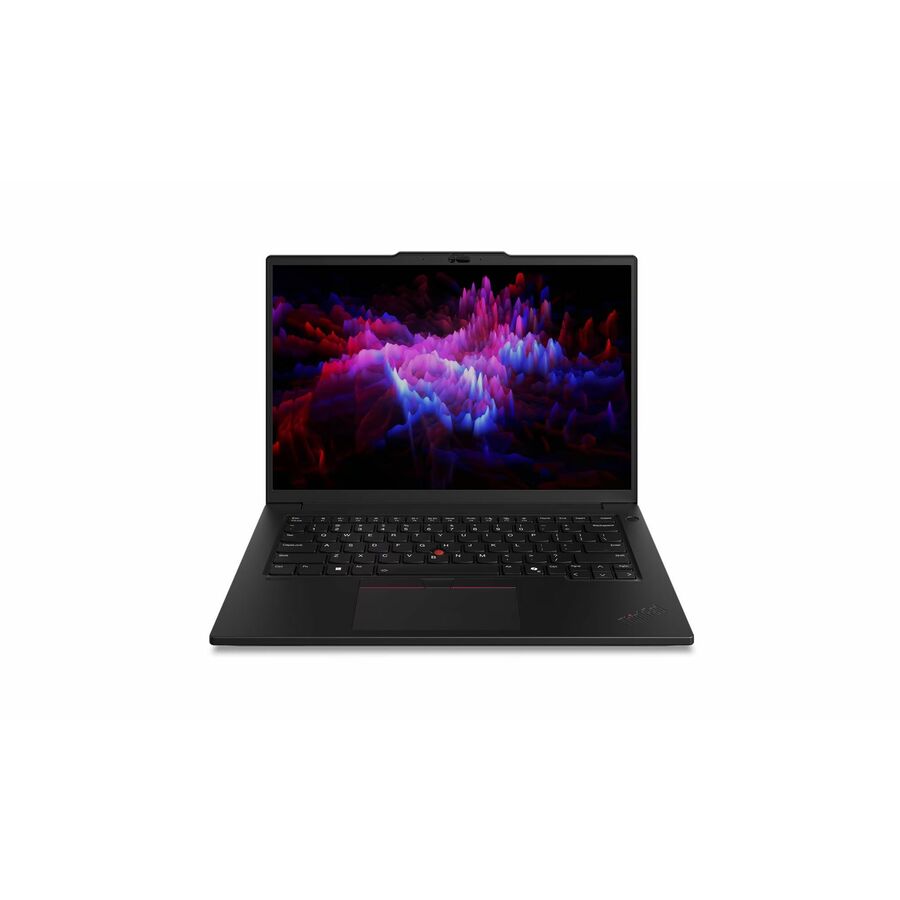
Lenovo ThinkPad T14 Gen 5 21MC000CUS 14" Notebook
21MC000CUS
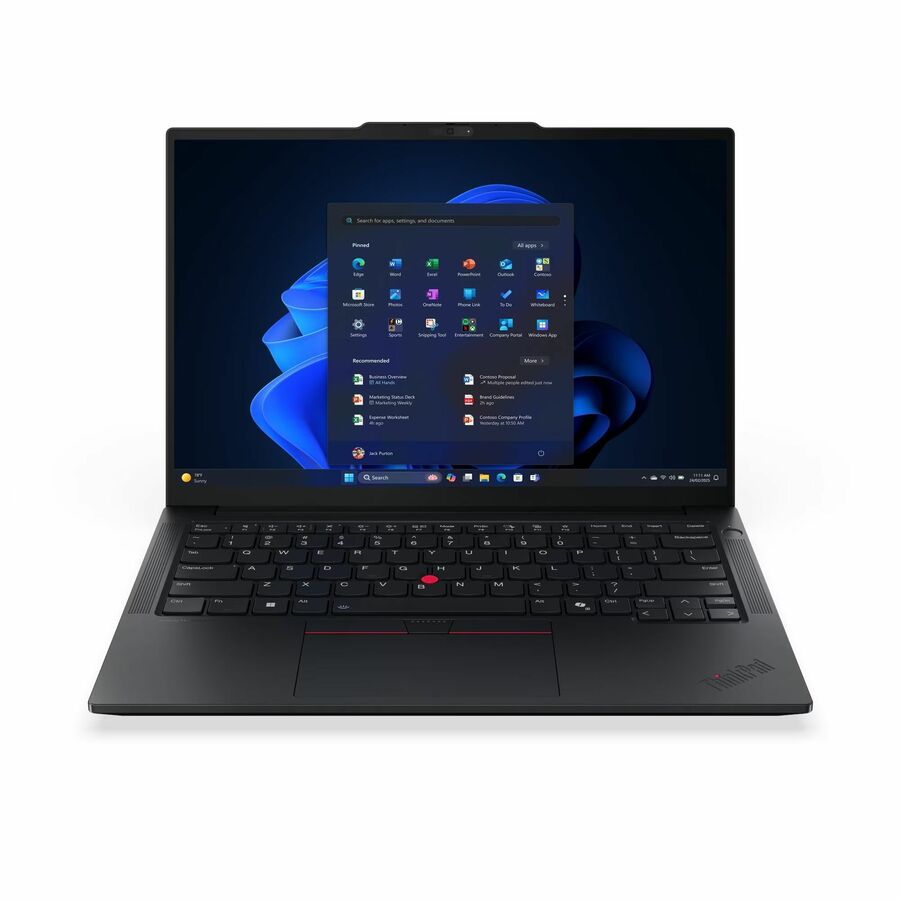
A ThinkPad T14 Gen 5 with a Ryzen 7 PRO 8840U, 16 GB and a 512 GB SSD. The mainstream 14-inch T-series body with the faster PRO part — the configuration to pick when the machine has to still feel current at the far end of a five-year cycle.
$1,511.31In stockIntel Surface option
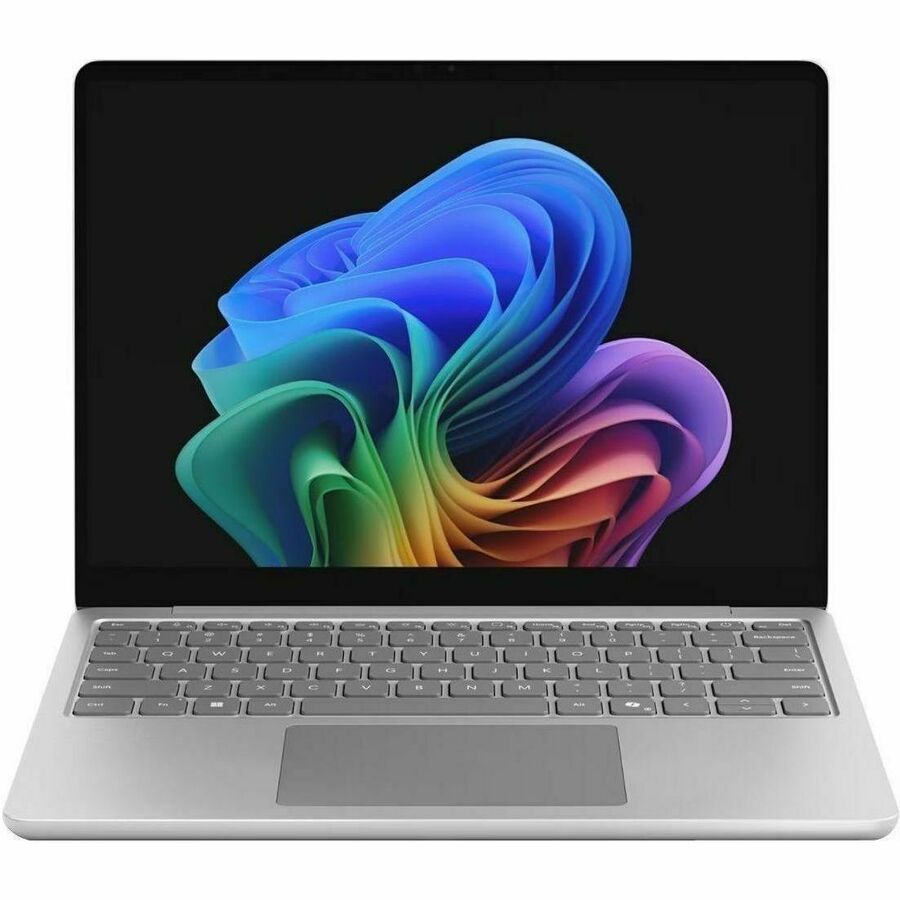
Microsoft
Microsoft Surface Laptop for Business (1st Edition) 13" Touchscreen…
EP2-68713
A Microsoft Surface Laptop for Business on a 13-inch touchscreen with an Intel Core Ultra 5, 16 GB and a 256 GB SSD. Named here specifically because it is the x86 Surface: the Snapdragon models on this grid are excellent machines, but an estate with x86-only middleware should standardize on this one.
$2,038.38In stockMore notebooks in the Uniqcli catalog
See all 15,800 notebooksMore from across this category. In-stock lines lead, and a back-ordered line carries the same estimated availability its product page does — with live pricing throughout, NDAA §889 screening before checkout and TAA verified on request.
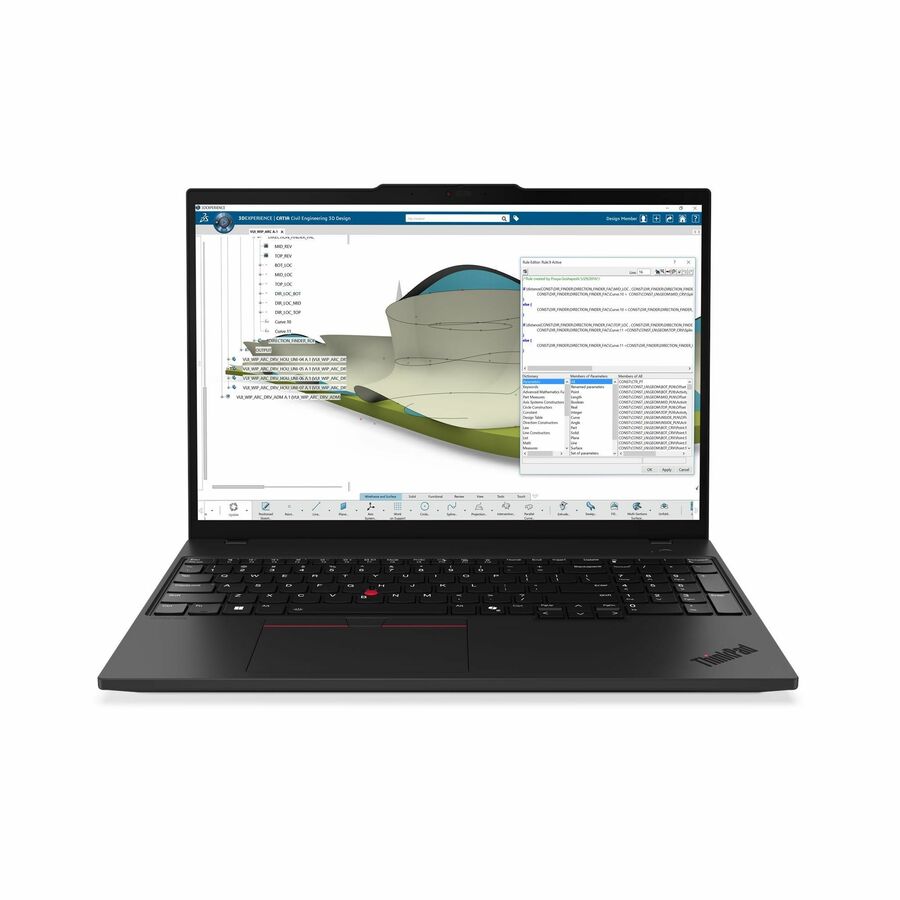
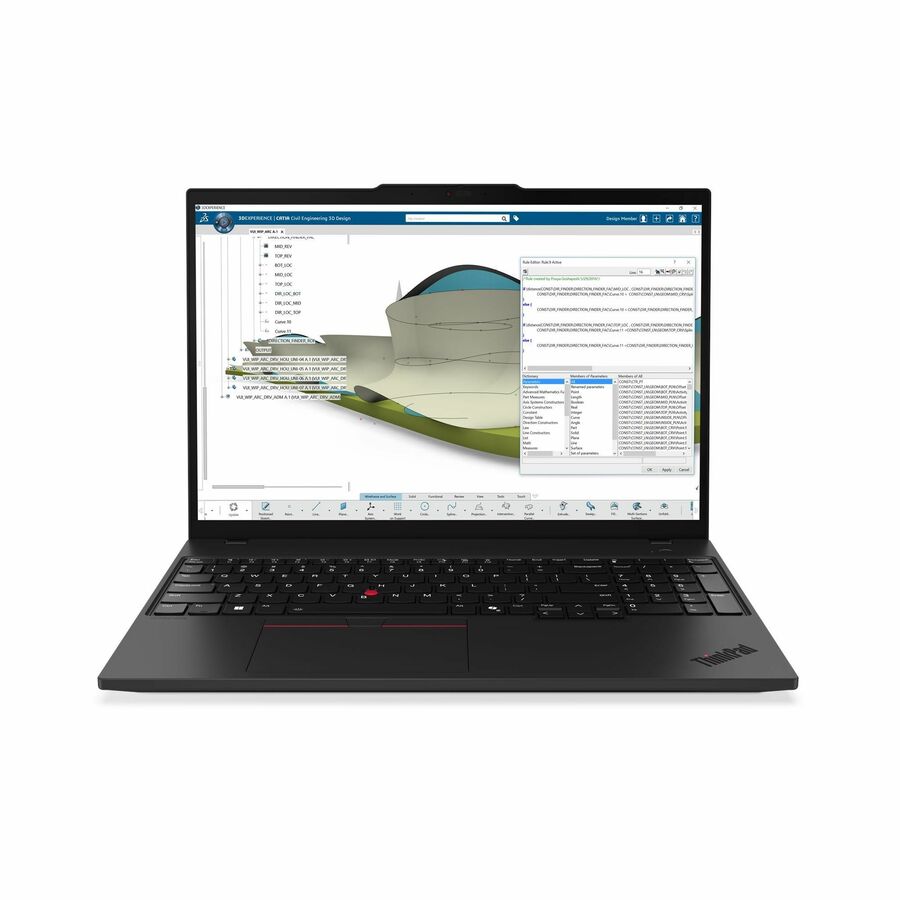
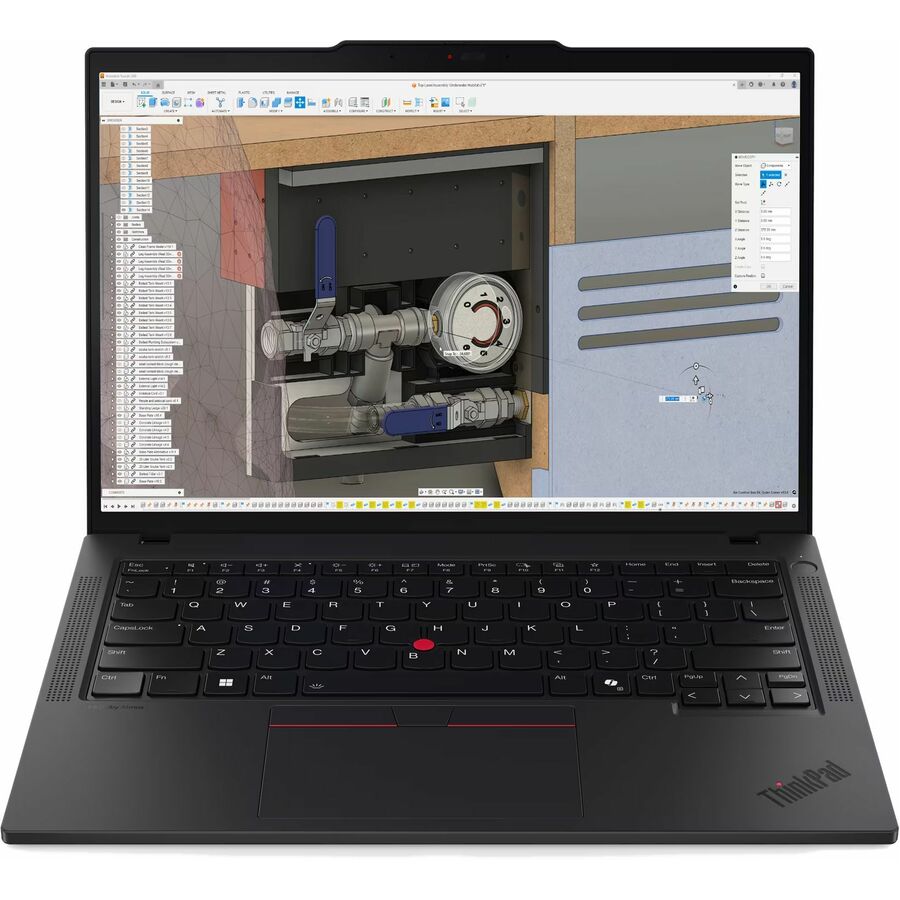
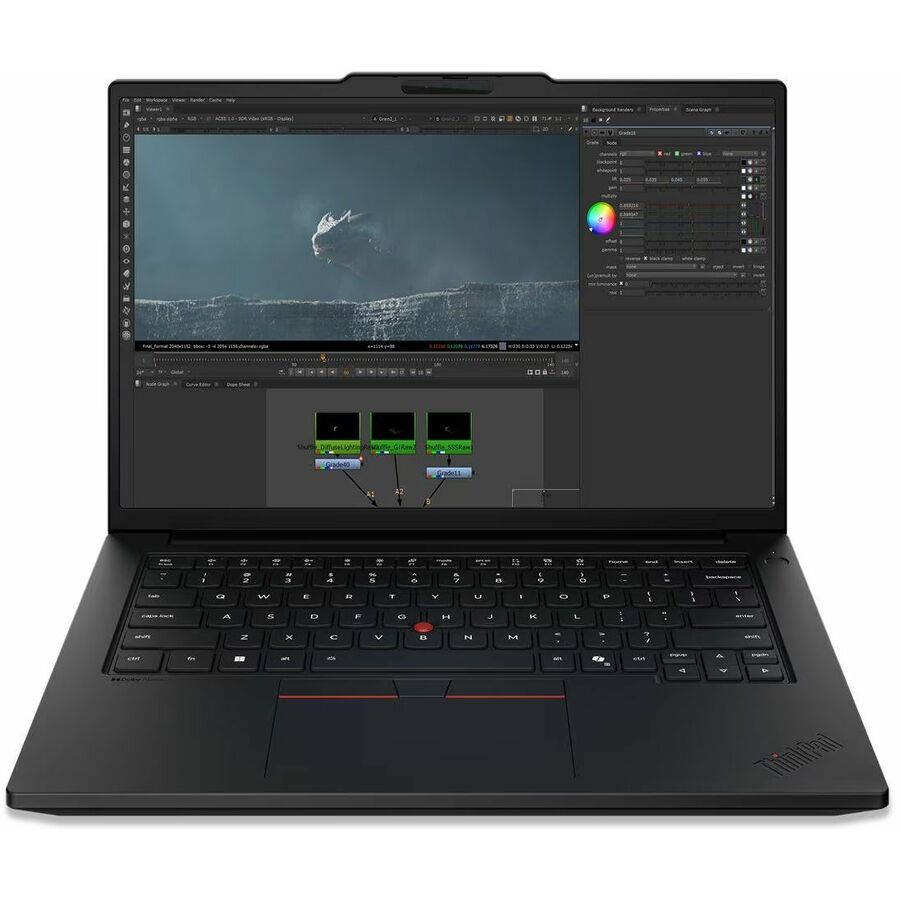
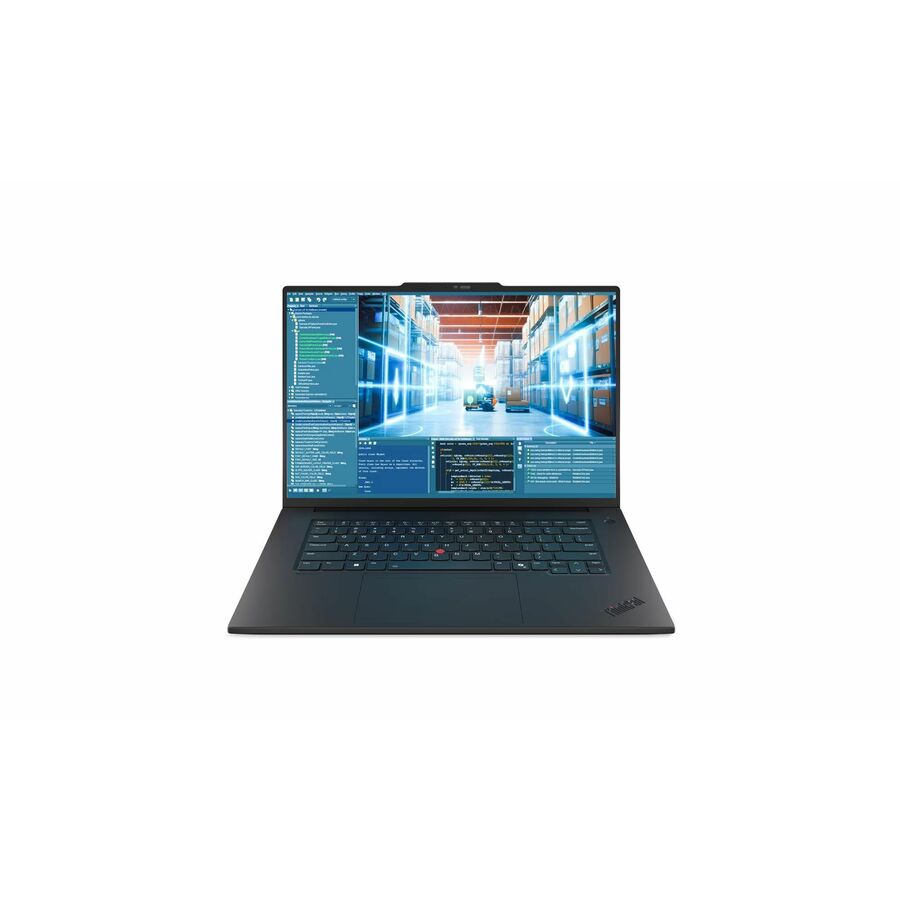
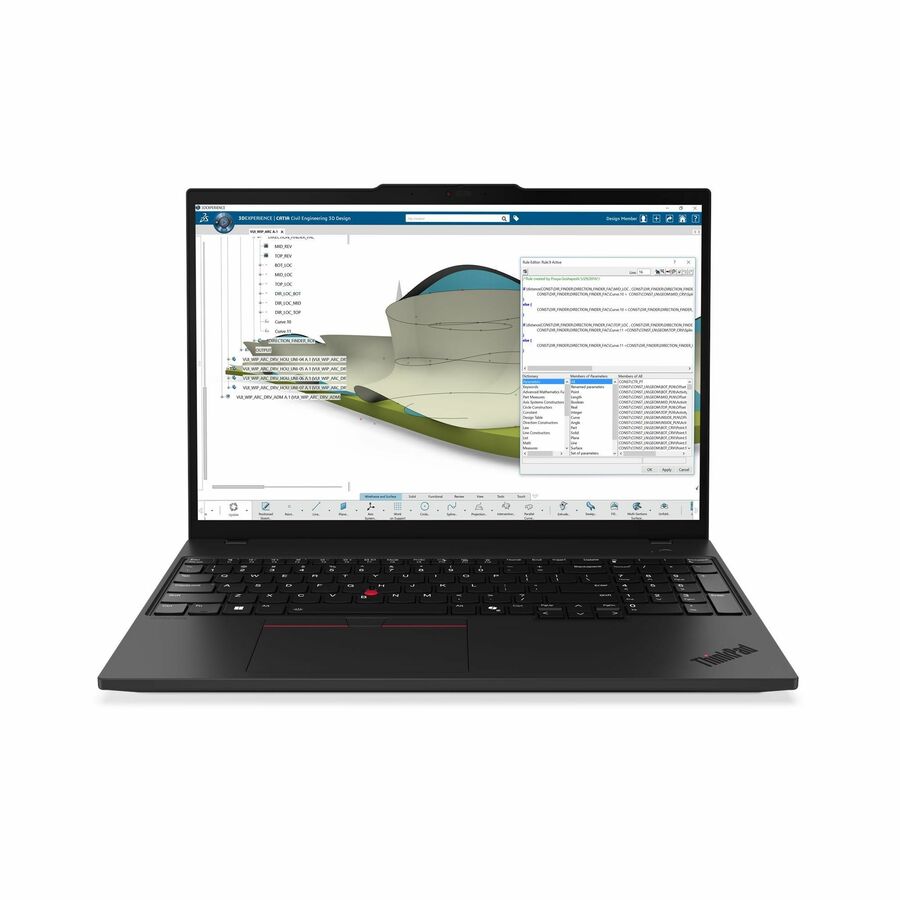
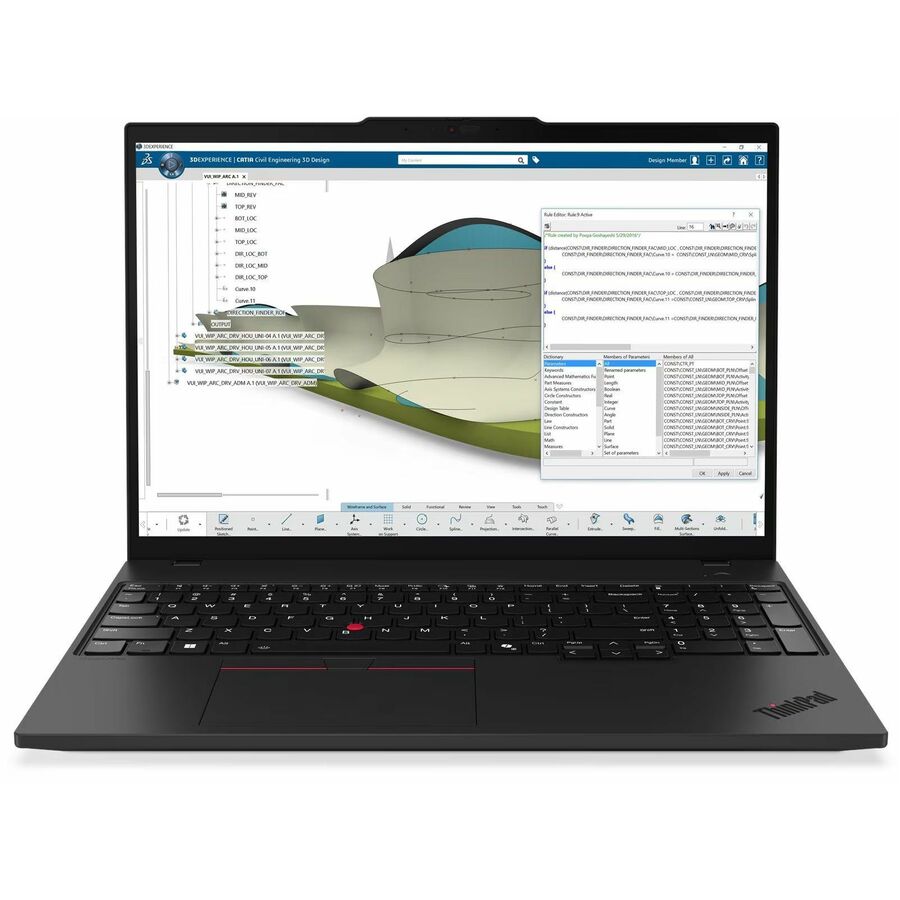
- LenovoLenovo ThinkPad P16s Gen 4 21RX000LUS 16" Copilot+ PC Notebook - WUXGA - AMD Ryzen AI 9 HX PRO 370 - 96 GB - 2 TB SSD - English Keyboard - Black - AMD Chip - 1920 x 1200 - Windows 11 Pro - AMD Radeon 890M Graphics - In-plane Switching (IPS) Technology, Eyesafe - Front Camera/Webcam - IEEE 802.11be Wireless LAN Standard21RX000LUS
$6,279.00
$5,467.38
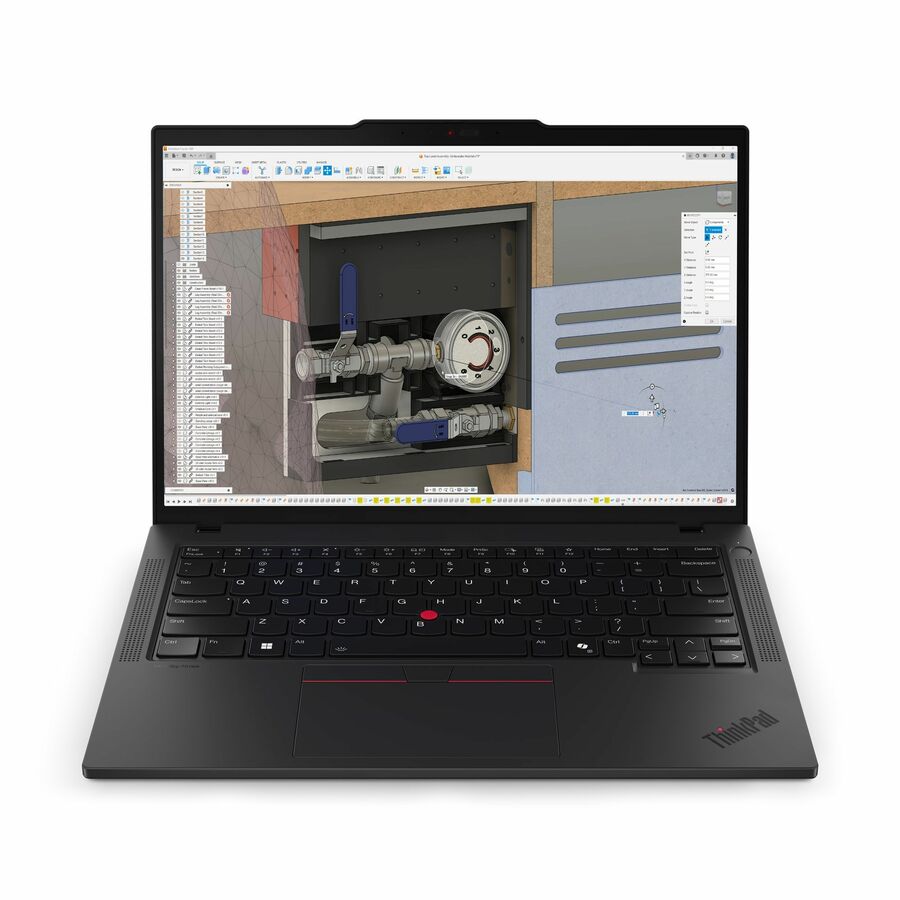
182 in stock - LenovoLenovo ThinkPad P14s Gen 6 21QT006UUS 14.5" Mobile Workstation - WQXGA - 90 Hz - Intel Core Ultra 7 265H - vPro Technology - 32 GB - 1 TB SSD - English Keyboard - Black - Intel Chip - 2560 x 1600 - Windows 11 Pro - NVIDIA with 6 GB - In-plane Switching (IPS) Technology, Eyesafe - Front Camera/Webcam - IEEE 802.11be Wireless LAN Standard - Wi-Fi 721QT006UUS
$4,119.00
$3,368.06
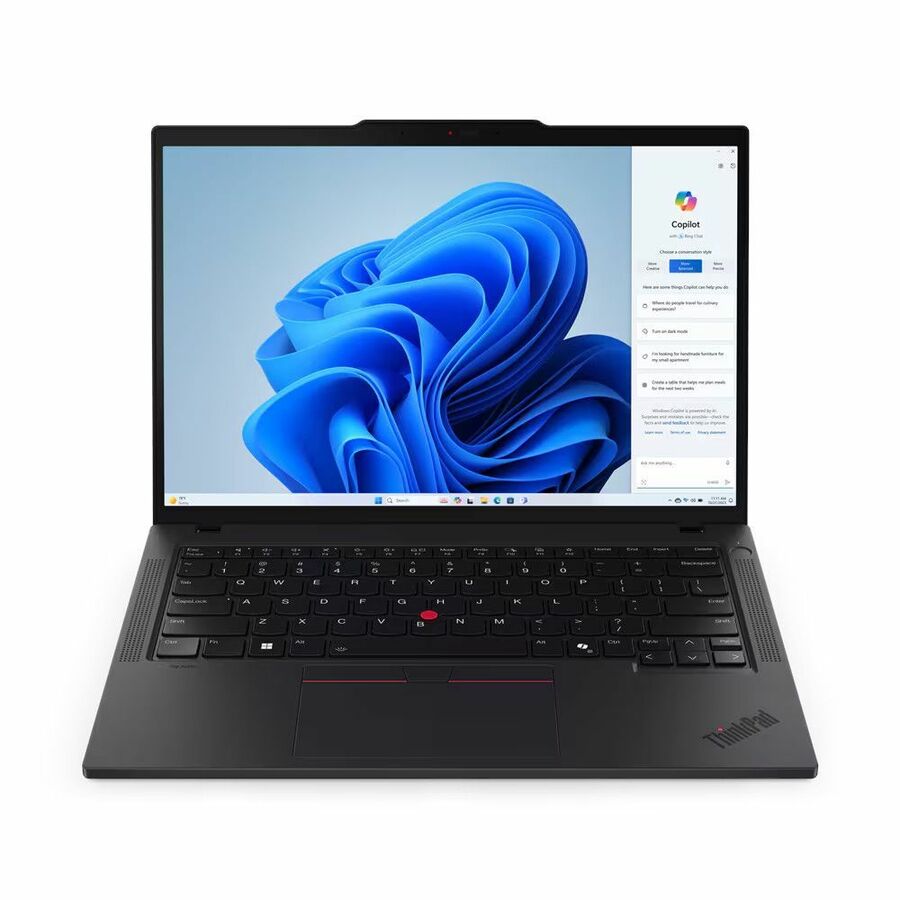
716 in stock - LenovoLenovo ThinkPad T14 Gen 5 21MC004YUS 14" Touchscreen Notebook - WUXGA - 60 Hz - AMD Ryzen 7 PRO 8840U - 32 GB - 512 GB SSD - English Keyboard - Black - AMD Chip - 1920 x 1200 - Windows 11 Pro - AMD Radeon 780M Graphics - In-plane Switching (IPS) Technology - Front Camera/Webcam - IEEE 802.11ax Wireless LAN Standard21MC004YUS
$2,299.00
$1,783.19
1,354 in stock - LenovoLenovo ThinkPad P16s Gen 4 21QR001JUS 16" Copilot+ PC Notebook - WUXGA - AMD Ryzen AI 7 PRO 350 - 32 GB - 1 TB SSD - English Keyboard - Black - AMD Chip - 1920 x 1200 - Windows 11 Pro - AMD Radeon 860M Graphics - In-plane Switching (IPS) Technology - Front Camera/Webcam - IEEE 802.11be Wireless LAN Standard21QR001JUS
$3,109.00
$2,691.23
524 in stock - LenovoLenovo ThinkBook 14 G5 IAU 21SQ0000US 14" Touchscreen Convertible 2 in 1 Notebook - WUXGA - Intel Core Ultra 5 225U - 16 GB - 512 GB SSD - English (US) Keyboard - Luna Gray - Intel Chip - 1920 x 1200 - Windows 11 Pro - Intel - Front Camera/Webcam - IEEE 802.11ax Wireless LAN Standard21SQ0000US
$1,899.00
$1,510.78
248 in stock - LenovoLenovo ThinkPad P14s Gen 6 21QT006VUS 14.5" Mobile Workstation - WUXGA - 60 Hz - Intel Core Ultra 7 255H - 32 GB - 512 GB SSD - English Keyboard - Black - Intel Chip - 1920 x 1200 - Windows 11 Pro - Intel - In-plane Switching (IPS) Technology, Eyesafe - Front Camera/Webcam - IEEE 802.11be Wireless LAN Standard - Wi-Fi 721QT006VUS
$3,089.00
$2,720.19
212 in stock - LenovoLenovo ThinkPad T14 Gen 5 21MC000CUS 14" Notebook - WUXGA - 60 Hz - AMD Ryzen 7 PRO 8840U - 16 GB - 512 GB SSD - English Keyboard - Black - AMD Chip - 1920 x 1200 - Windows 11 Pro - AMD Radeon 780M Graphics - In-plane Switching (IPS) Technology - Front Camera/Webcam - IEEE 802.11ax Wireless LAN Standard21MC000CUS
$1,799.00
$1,511.31
1 in stock - LenovoLenovo ThinkPad P14s Gen 6 21QL0013US 14" Copilot+ PC Mobile Workstation - WUXGA - AMD Ryzen AI 7 PRO 350 - 32 GB - 1 TB SSD - English Keyboard - Black - AMD Chip - 1920 x 1200 - Windows 11 Pro - AMD Radeon 860M Graphics - In-plane Switching (IPS) Technology - Front Camera/Webcam - IEEE 802.11be Wireless LAN Standard21QL0013US
$2,999.00
$2,749.48
2,113 in stock - LenovoLenovo ThinkPad P14s Gen 6 21QT002RUS 14.5" Mobile Workstation - WUXGA - 60 Hz - Intel Core Ultra 7 255H - 32 GB - 512 GB SSD - English Keyboard - Black - Intel Chip - 1920 x 1200 - Windows 11 Pro - Intel Arc 140T GPU - In-plane Switching (IPS) Technology, Eyesafe - Front Camera/Webcam - IEEE 802.11be Wireless LAN Standard - Wi-Fi 721QT002RUS
$3,089.00
$2,896.81
504 in stock - LenovoLenovo ThinkPad P14s Gen 7 21XJ003DUS 14.5" Copilot+ PC Mobile Workstation - WUXGA - 60 Hz - Intel Core Ultra 7 Series 3 366H - 32 GB - 512 GB SSD - English Keyboard - Black - Intel Chip - 1920 x 1200 - Windows 11 Pro - Intel - In-plane Switching (IPS) Technology, Eyesafe - Front Camera/Webcam - IEEE 802.11be Wireless LAN Standard - Wi-Fi 721XJ003DUS
$3,159.00
$2,976.84
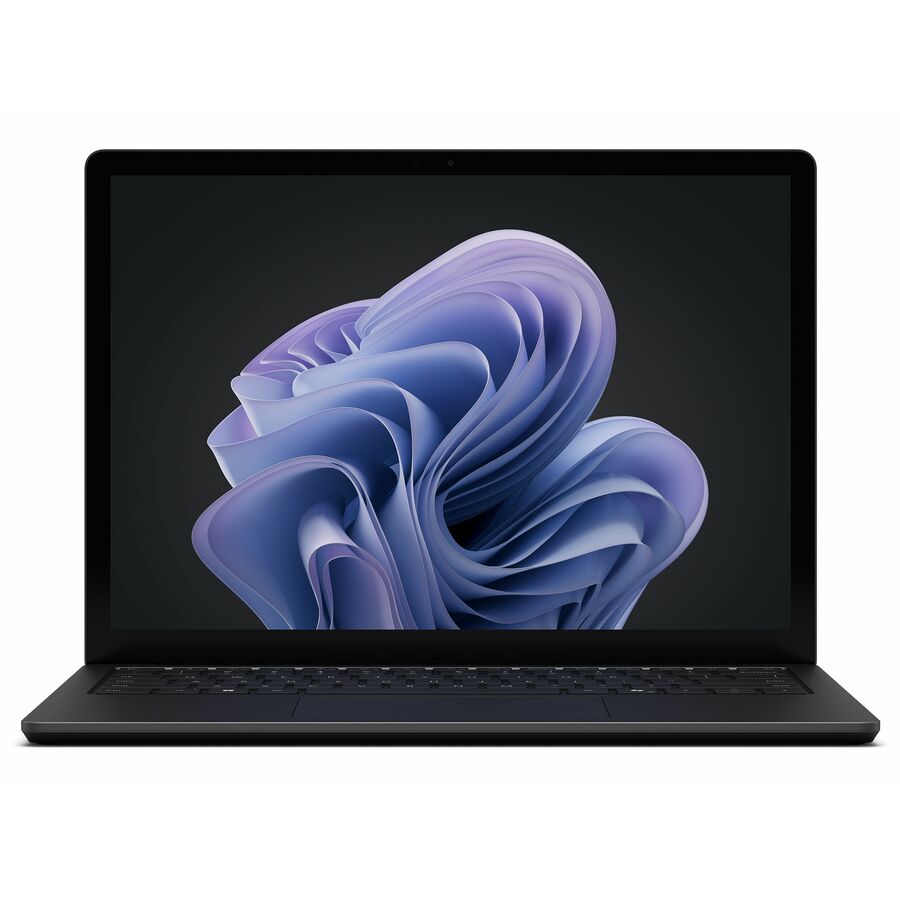
1,547 in stock - MicrosoftMicrosoft Surface Laptop 6 13.5" Touchscreen Notebook - Intel Core Ultra 7 165H - 16 GB - 256 GB SSD - English Keyboard - Black - Intel Chip - 2256 x 1504 - Windows 11 Pro - Intel Arc Graphics - PixelSense - Front Camera/Webcam - 18.50 Hours Battery Run Time - IEEE 802.11 a/b/g/n/ac/ax Wireless LAN StandardZJV-00001
$3,070.18
$2,922.69
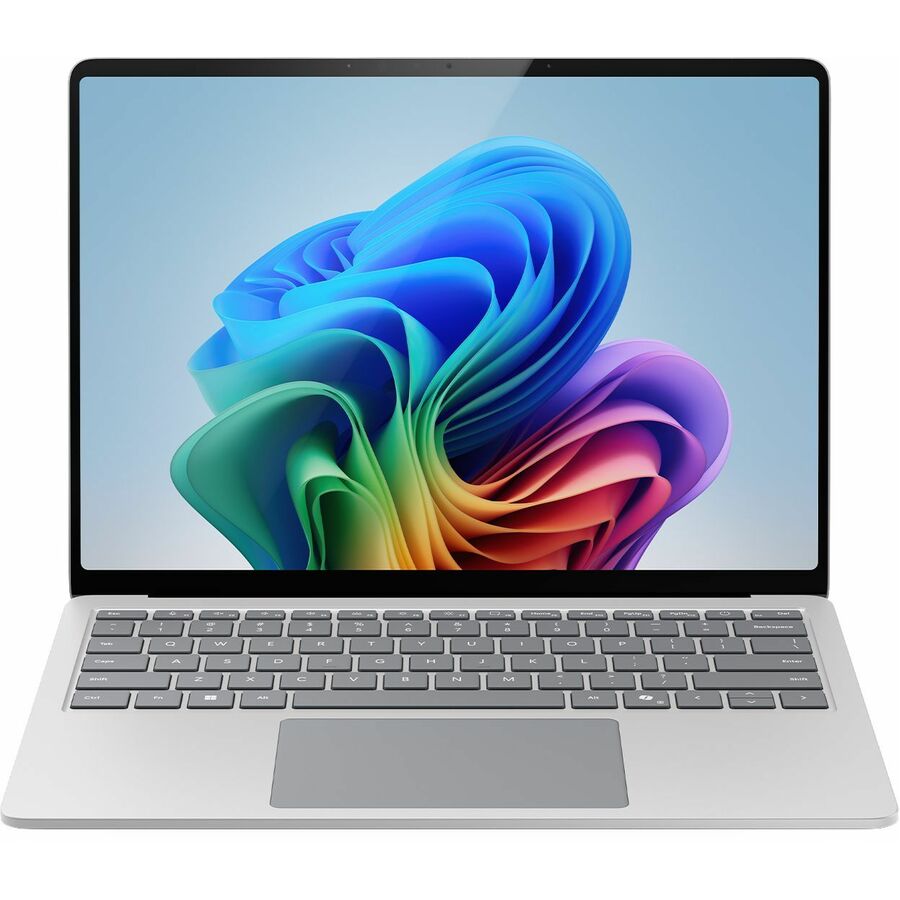
3 in stock - MicrosoftMicrosoft Surface Laptop 7 13.8" Touchscreen Copilot+ PC Notebook - 120 Hz - Intel Core Ultra 7 266V - 16 GB - 256 GB SSD - English Keyboard - Platinum - Intel Chip - 2304 x 1536 - Windows 11 Pro - Intel Arc Graphics - PixelSense Flow - Front Camera/Webcam - 20 Hours Battery Run Time - IEEE 802.11be Wireless LAN StandardEP2-33243
$2,049.99
$1,905.77
131 in stock - LenovoLenovo ThinkPad P16s Gen 4 21QR001DUS 16" Touchscreen Copilot+ PC Notebook - WQUXGA - AMD Ryzen AI 7 PRO 350 - 64 GB - 1 TB SSD - English Keyboard - Black - AMD Chip - 3840 x 2400 - Windows 11 Pro - AMD Radeon 860M Graphics - Eyesafe - Front Camera/Webcam - IEEE 802.11be Wireless LAN Standard21QR001DUS
$4,339.00
$4,205.06
280 in stock - LenovoLenovo ThinkPad P16s Gen 4 21QV0032US 16" Mobile Workstation - WUXGA - 60 Hz - Intel Core Ultra 7 2nd Gen 255H - 16 GB - 512 GB SSD - English Keyboard - Black - Intel Chip - 1920 x 1200 - Windows 11 Pro - Intel Arc 140T GPU - In-plane Switching (IPS) Technology - Front Camera/Webcam - IEEE 802.11be Wireless LAN Standard - Wi-Fi 721QV0032US
$2,639.00
$2,509.31
725 in stock - LenovoLenovo ThinkPad P14s Gen 6 21QT002EUS 14.5" Mobile Workstation - WUXGA - 60 Hz - Intel Core Ultra 7 2nd Gen 255H - 16 GB - 512 GB SSD - English Keyboard - Black - Intel Chip - 1920 x 1200 - Windows 11 Pro - Intel Arc 140T GPU - In-plane Switching (IPS) Technology, Eyesafe - Front Camera/Webcam - IEEE 802.11be Wireless LAN Standard - Wi-Fi 721QT002EUS
$2,649.00
$2,520.74
468 in stock - LenovoLenovo ThinkPad P16s Gen 4 21QR0024US 16" Touchscreen Copilot+ PC Mobile Workstation - WUXGA - AMD Ryzen AI 7 PRO 350 - 32 GB - 512 GB SSD - English Keyboard - Black - AMD Chip - 1920 x 1200 - Windows 11 Pro - AMD Radeon 860M Graphics - In-plane Switching (IPS) Technology, Eyesafe - Front Camera/Webcam - IEEE 802.11be Wireless LAN Standard21QR0024US
$2,869.00
$2,772.30
2,899 in stock - LenovoLenovo ThinkPad P16s Gen 4 21QR001QUS 16" Copilot+ PC Mobile Workstation - WUXGA - AMD Ryzen AI 7 PRO 350 - 32 GB - 512 GB SSD - English Keyboard - Black - AMD Chip - 1920 x 1200 - Windows 11 Pro - AMD Radeon 860M Graphics - In-plane Switching (IPS) Technology - Front Camera/Webcam - IEEE 802.11be Wireless LAN Standard21QR001QUS
$2,869.00
$2,772.30
343 in stock - LenovoLenovo ThinkPad T14 Gen 7 21WN00BWUS 14" Copilot+ PC Notebook - WUXGA - 60 Hz - Intel Core Ultra 5 Series 3 325 - 32 GB - 512 GB SSD - English Keyboard - Black - Intel Chip - 1920 x 1200 - Windows 11 Pro - Intel - In-plane Switching (IPS) Technology - Front Camera/Webcam - IEEE 802.11be Wireless LAN Standard - Wi-Fi 721WN00BWUS
$2,499.00
$2,412.72
57 in stock - LenovoLenovo ThinkPad P14s Gen 6 21QT002QUS 14.5" Mobile Workstation - WUXGA - 60 Hz - Intel Core Ultra 5 225H - 16 GB - 512 GB SSD - English Keyboard - Black - Intel Chip - 1920 x 1200 - Windows 11 Pro - Intel Arc 130T GPU - In-plane Switching (IPS) Technology, Eyesafe - Front Camera/Webcam - IEEE 802.11be Wireless LAN Standard - Wi-Fi 721QT002QUS
$2,539.00
$2,458.48
2 in stock

Need pricing on Windows 11 Pro laptops?
Tell us where to reach you and a Uniqcli specialist will follow up by email with current pricing, availability and lead time for the quantities you need — including parts that aren’t shown on this page.
Buying for an organization or for yourself — both work. No payment up front.
The refresh question is which machines upgrade in place and which get replaced: Windows 10 lost standard security updates on October 14, 2025, and the consumer Extended Security Updates bridge runs through October 12, 2027. On the machines you buy, memory is the specification to over-order — it is soldered on most thin business chassis, so 16 GB is the working floor.
Windows 10 stopped receiving standard security updates on October 14, 2025, and Microsoft's consumer Extended Security Updates bridge now runs through October 12, 2027 — the date its own enrollment page names as the end of the consumer program. Organizations buy their runway through the volume-licensing program instead, and the price steps up: ESU Year 2 runs October 14, 2026 through October 12, 2027 at $122 per device, exactly double the $61 Year 1 fee, and coverage years are cumulative rather than à la carte — an organization that skipped Year 1 has to buy it retroactively before it can enroll, so entering the program at Year 2 costs $183 per device. A third year is reported at double Year 2 again — roughly $244 per device, closing the program in October 2028 — but it is not vendor-confirmed; validate it on a current licensing quote before it enters a budget. Every machine on this page lists Windows 11 Pro on its own product record, which is the other side of that arithmetic.
Read the configuration, not the family name. These listings state the processor, memory, storage and panel on the part number itself, and within a single family the spread is wide — the same ThinkPad or ThinkBook name covers 8 GB machines with a 256 GB drive and 16 GB machines with 512 GB, several silicon generations apart. Memory is the specification worth over-buying, because on most thin business chassis it is soldered and the configuration you order is the one the machine keeps for its whole service life. It is also, in 2026, the specification whose price is moving fastest, which is the argument for ordering the fleet in one go rather than in monthly dribs.
This grid is scoped to five manufacturers' own Windows 11 Pro listings. Refurbished Latitude, EliteBook, ProBook and ThinkPad machines carry the word "Refurbished" in their own listings, cost considerably less, and answer the same deadline for a lab, a shift counter or a spare pool — they have a dedicated guide, linked below, rather than being mixed into this one. Whichever road you take, the laptops are only part of the order: the operating-system and productivity licensing that goes on them, the imaging and provisioning that gets them onto your directory, and the certified disposition of what they replace are all quotable on the same document, sourced through US distribution.
Buyer's checklist
How to choose Windows 11 Pro laptops for a refresh
- Count the estate before you price it: machines that can upgrade in place, machines whose TPM is present but disabled in firmware, machines worth bridging with ESU, and machines to replace. The second bucket is usually larger than an inventory sweep suggests, and it costs nothing to move a machine out of the buy column.
- Treat 16 GB as the working floor for a business seat and 32 GB for anyone running virtual machines, large models or a browser that never closes a tab — memory is soldered on most thin business chassis, so this is a purchase-time decision you cannot revisit.
- Read the processor generation, not just the tier: an older i7 and a current Core 5 or Ryzen 5 PRO are genuinely different machines, and both appear under the same family names on this page.
- Decide the instruction set deliberately. Several current business laptops ship on Arm-based Qualcomm silicon; if your estate depends on smart-card middleware, VPN clients, imaging agents or line-of-business software with x86-only builds, validate those against an Arm machine before you standardize a fleet on one.
- Match the panel and weight to the work — 13.3-inch and 14-inch bodies for travel and hot-desking, 15.6-inch and 16-inch for people who work off one screen all day.
- Standardize on as few part numbers as the estate allows. A refresh that lands on three configurations is one image, one spares pool and one support script; a refresh that lands on eleven is none of those.
- Plan the docking standard once, before the order, so a shared desk works for every machine in the group rather than only the ones bought last.
- Put the licensing and the deployment work on the same quote as the hardware. A refresh wave that funds only the laptops discovers the imaging, migration and disposal budget in the middle of the rollout.
- Say up front if the delivery has a country-of-origin or NDAA §889 requirement — screening is done against the specific part number at sourcing, and it is cheaper to settle before the order than after it.
The four buckets a Windows 10 audit produces
A refresh plan that starts with a purchase order is a refresh plan that buys too many machines. Start instead by sorting the estate into four buckets: devices that meet the Windows 11 baseline and can upgrade in place, devices that meet it once a firmware setting is changed, devices worth bridging with Extended Security Updates for a defined period, and devices to replace. Only the fourth bucket is a hardware line, and it is usually smaller than the opening assumption.
The Windows 11 baseline is TPM 2.0, a supported 64-bit processor and Secure Boot, alongside minimum memory and storage. TPM 2.0 is the most common blocker on paper and the most commonly misread one in practice: a great many business-class machines already carry a TPM 2.0 module that is simply switched off in firmware, so a "no TPM detected" result from an inventory sweep is frequently a settings problem rather than a hardware wall. Checking that before writing a device off is the single highest-return step in the whole audit.
Build the ESU-versus-replace crossover per device class rather than fleet-wide, and run it against the full remaining program rather than only the coming year. Standard office laptops, mobile workstations and fixed-function machines carry different replacement costs and different tolerances, and a device that clears the threshold for Year 2 but would fail it in Year 3 needs its replacement funded now rather than deferred into a budget cycle that will inherit a doubled fee.
Why the hardware side of that calculation moved in 2026
The ESU column is published and fixed through the program's end. The replacement column is not, and it has moved sharply this year on memory. TrendForce reported conventional DRAM contract prices up 58–63% quarter over quarter and NAND up 70–75% in the second quarter of 2026, and in guidance published July 3, 2026 projected a further 13–18% on DRAM and 10–15% on NAND in the third quarter — moderating, but still rising, as AI server demand keeps supply tight. Gartner's full-year 2026 forecast has DRAM up 125% and NAND up 234%.
Every laptop on this page carries both. That does not make a refresh a bad decision — the ESU arithmetic above is unchanged, and a machine that cannot meet the Windows 11 baseline still has to go — but it does mean two things practically. First, any refresh model built on 2025 hardware prices needs its replacement figure taken from a live quote rather than from a spreadsheet. Second, a fleet ordered as one quantity now is a different number from the same fleet ordered in four tranches across the next twelve months, and the difference is no longer trivial.
It also changes the configuration conversation. Where memory is soldered — which is most of these chassis — the 16 GB versus 32 GB decision is permanent, and the cost of getting it wrong is a machine replaced early in a market where replacement is the expensive option. Buy the memory at the point where it is cheapest to buy, which is on the original order.
The parts of a refresh that are not the laptop
A refresh wave is rarely finished when the boxes land. Imaging and provisioning, asset tagging, joining the machines to a directory, moving user data off the old fleet and retiring it responsibly are all real work, and on a deadline-driven refresh they are the part that decides whether the schedule survives. Uniqcli quotes the licensing and the deployment services on the same document as the hardware rather than leaving them to a second purchase order, which is usually where a refresh loses its dates.
Plan the outbound leg at the same time as the inbound one. The machines being replaced hold data, and there is a documented way to retire them — wipe, certificate, and a resale or recycling path — that is a great deal cheaper to arrange before the new hardware arrives than after the old fleet has spent a month in a store cupboard. On a Windows 10 estate the outbound leg is also a security control: an unpatched machine that is still on a shelf is still on the network the first time somebody plugs it in.
For a public-sector buyer, the timing question is usually the obligation deadline rather than the delivery date. Send the quantity, the configurations and the date the funds have to be committed by, and we will come back with current pricing across the whole quantity, availability line by line, and a dated lead time on anything not immediately available — so the schedule is a fact in the document rather than a discovery after the order. Orders over $2,500 ship free on US ground, which a fleet order clears on the first purchase order.
FAQ
Common questions
- What happens to Windows 10 machines on October 13, 2026?
- That is the last day of Year 1 organizational Extended Security Updates pricing, not a cut-off for the machines themselves. Year 2 runs October 14, 2026 through October 12, 2027 at $122 per device, double the $61 Year 1 fee, and a third year is reported at double Year 2 again, roughly $244 per device, before the program closes in October 2028 — reported rather than vendor-confirmed, so validate it on a current licensing quote. The consumer track is separate and longer than it was first announced: Microsoft's enrollment page now names October 12, 2027 as the end of the consumer program. Standard support for Windows 10 itself ended on October 14, 2025; everything since has been the paid program.
- Is it cheaper to buy ESU or to replace the laptop?
- It depends on the device class, and the honest answer is that you need both columns priced on the same day. ESU is the cheaper answer for a machine with genuine remaining service life, or one pinned to an application with a defined end date, where the bridge is one year or occasionally two. It is the wrong answer for a device already on a refresh schedule, for a low-value endpoint where a replacement costs less than a couple of years of coverage, and for anything handling regulated data where "patched but out of support" is not a posture your obligations will accept at any price. One caution on the arithmetic: coverage years are cumulative, so entering the program late does not defer the bill — it buys fewer months for the same money.
- Do these laptops meet the Windows 11 hardware requirements?
- Every machine in this selection states Windows 11 Pro on its own manufacturer listing, which is the strongest thing we will say about it here — the hardware requirements themselves (TPM 2.0, a supported 64-bit processor, Secure Boot) are attributes of the specific part number, and we do not restate them per row from a title that does not carry them. Check the product page for the exact model, and if you need the position confirmed in writing for a specific configuration before a fleet order, ask on the quote and we will confirm it against the part number rather than the family.
- Should we buy refurbished business laptops instead?
- For a fixed budget covering more seats than new hardware allows — a lab, a classroom set, a shift-work counter, a contractor pool — refurbished is often the better answer to the same deadline, and it answers it with the same chassis families. What it does not tell you on a catalog row is cosmetic grade, battery health, what was replaced and the warranty term, all of which are set by the refurbisher and vary by part number, so ask those against the exact SKU before committing to a quantity. Our refurbished selection is a separate guide rather than mixed into this grid, so that neither page has to hedge about what it is showing.
- Can Uniqcli quote Windows 11 Pro laptops for a government or education order?
- Every line Uniqcli quotes is sourced through US distribution and screened for TAA country-of-origin and NDAA §889 status before checkout — with documentation tied to the specific part number, not a product family.
Need Windows 11 Pro laptops pricing?
Send a bill of materials or part numbers — we confirm stock and a below-market total, with TAA verified on request. No payment up front.