
Best Lenovo Laptops for Business and Engineering Teams
ThinkPad business laptops and mobile workstations — from thin-and-light 14-inch daily drivers to 16-inch RTX-class engineering rigs for CAD, simulation, and on-device AI.
Lenovo laptops in stock at Uniqcli
How to choose →A curated selection with live pricing — in-stock lines first, then back-ordered lines with a typical lead time. Every line is sourced through US distribution and screened for NDAA §889 status before checkout, with TAA verified on request.
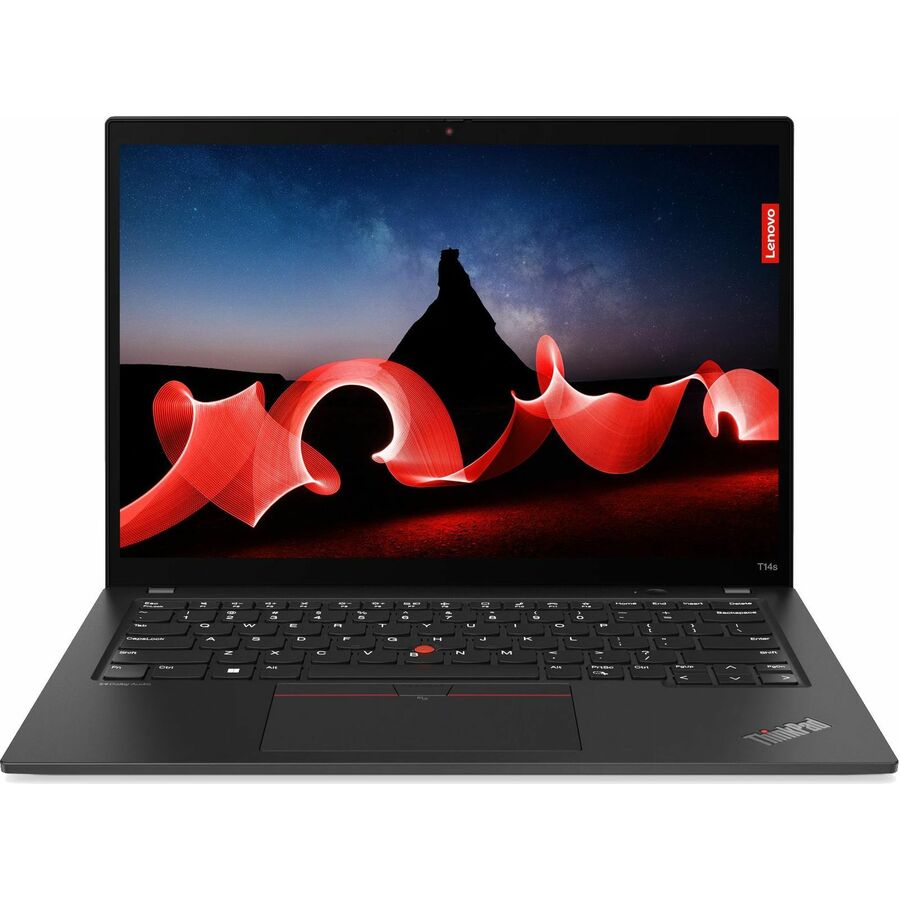
- LenovoLenovo ThinkPad E14 Gen 7 21T9002FUS 14" Notebook - WUXGA - 60 Hz - Intel Core 5 210H - 16 GB - 256 GB SSD - English Keyboard - Black - Intel Chip - 1920 x 1200 - Windows 11 Pro - Intel - In-plane Switching (IPS) Technology - Front Camera/Webcam - IEEE 802.11ax Wireless LAN Standard21T9002FUS
$1,510.71
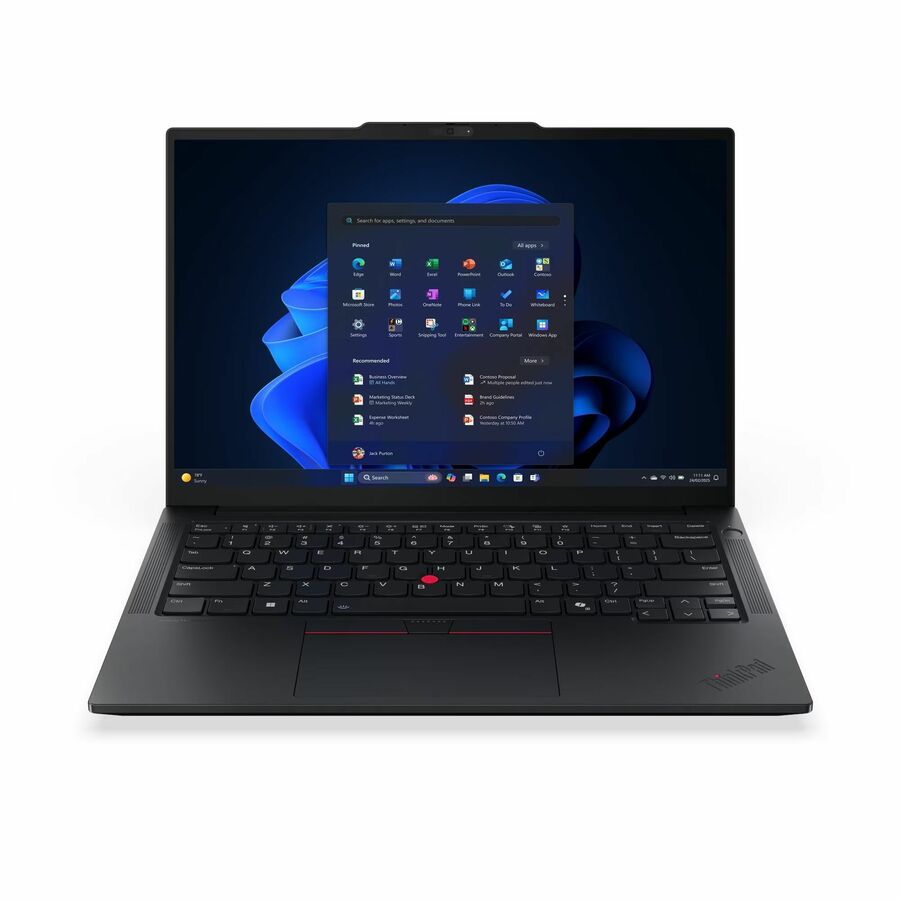
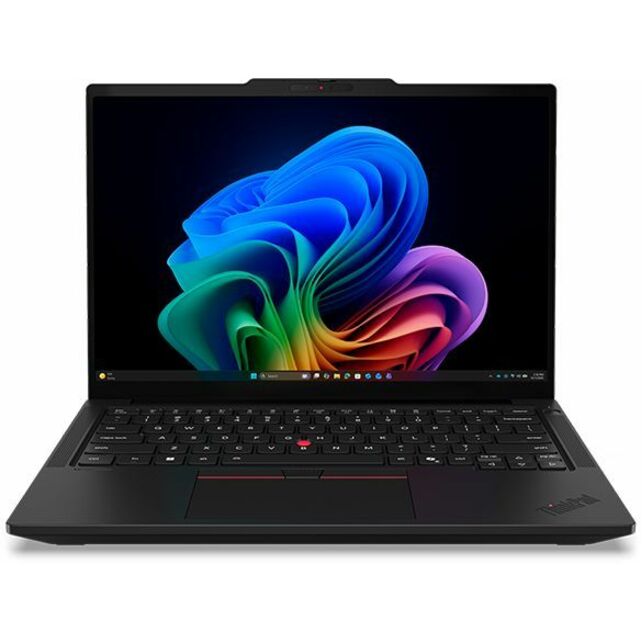
1,909 in stock - LenovoLenovo ThinkPad T14 Gen 5 21MC000CUS 14" Notebook - WUXGA - 60 Hz - AMD Ryzen 7 PRO 8840U - 16 GB - 512 GB SSD - English Keyboard - Black - AMD Chip - 1920 x 1200 - Windows 11 Pro - AMD Radeon 780M Graphics - In-plane Switching (IPS) Technology - Front Camera/Webcam - IEEE 802.11ax Wireless LAN Standard21MC000CUS
$1,799.00
$1,511.31
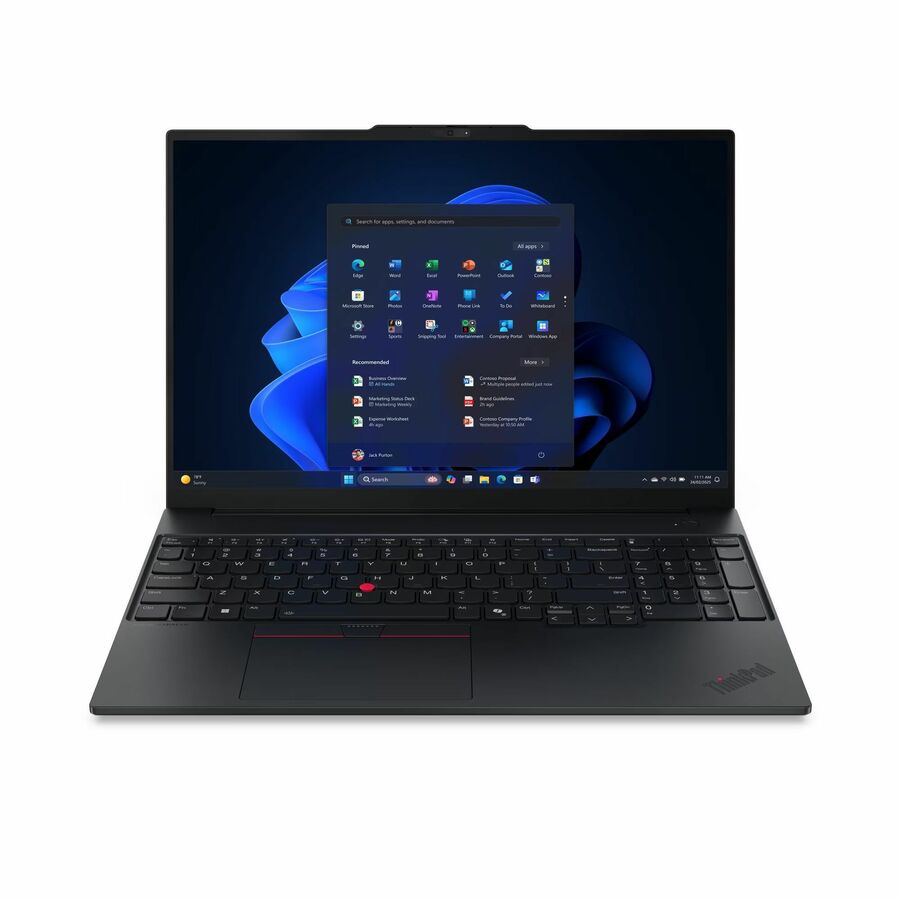
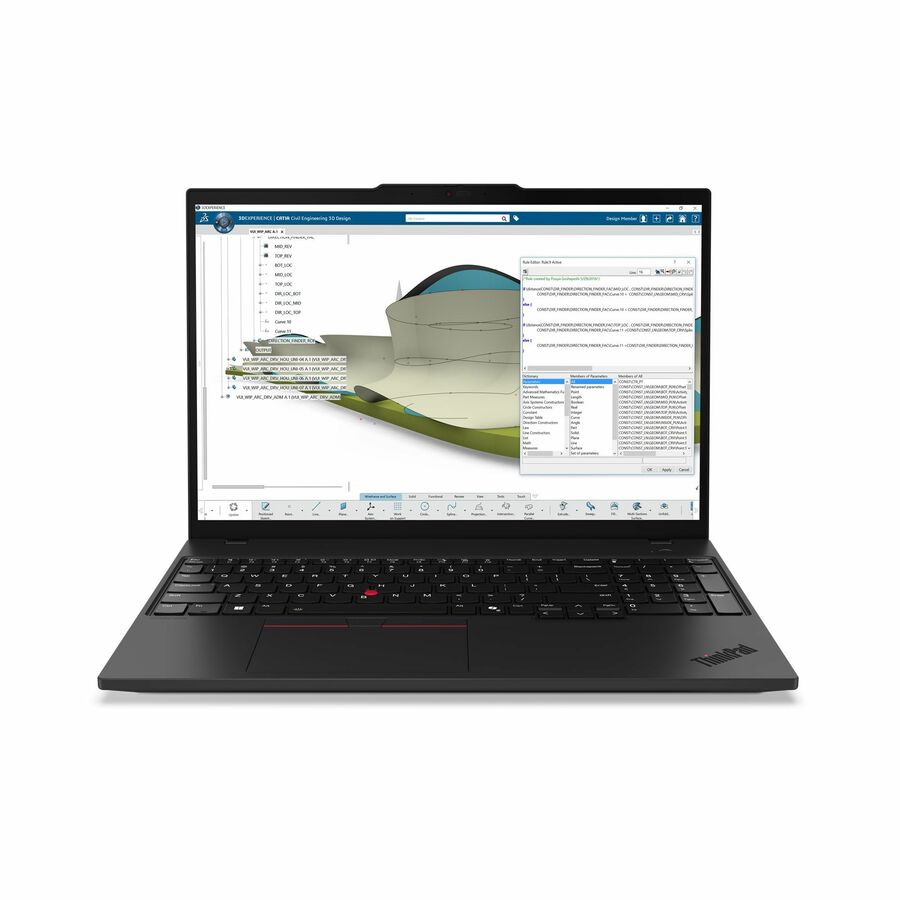
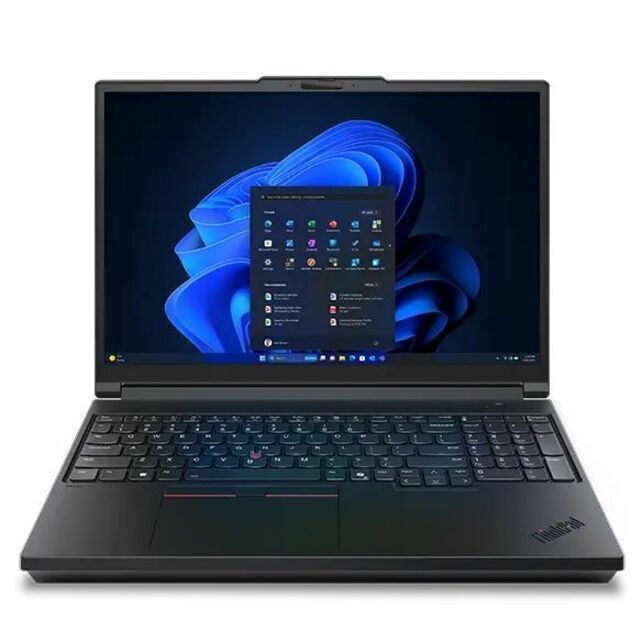
1 in stock - LenovoLenovo ThinkPad E16 Gen 3 21TF001HUS 16" Notebook - WUXGA - 60 Hz - Intel Core 5 210H - 16 GB - 256 GB SSD - English Keyboard - Black - Intel Chip - 1920 x 1200 - Windows 11 Pro - Intel - In-plane Switching (IPS) Technology - Front Camera/Webcam - IEEE 802.11ax Wireless LAN Standard21TF001HUS
$1,554.02
2,880 in stock

Top pick
Lenovo
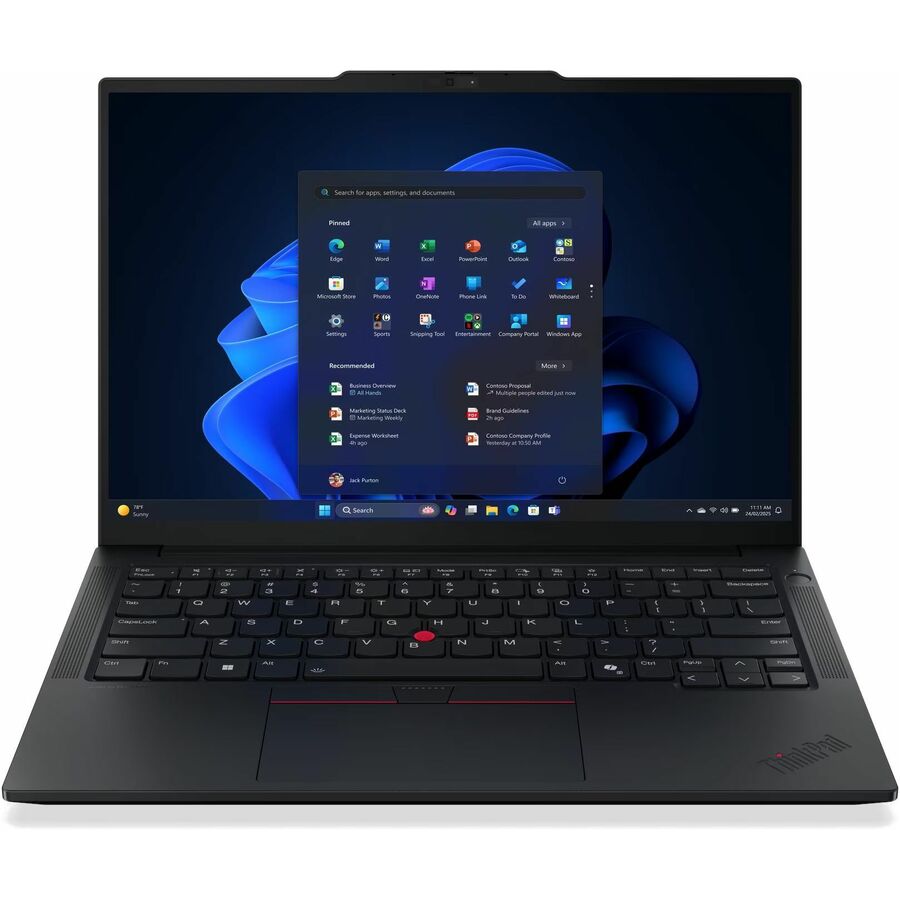
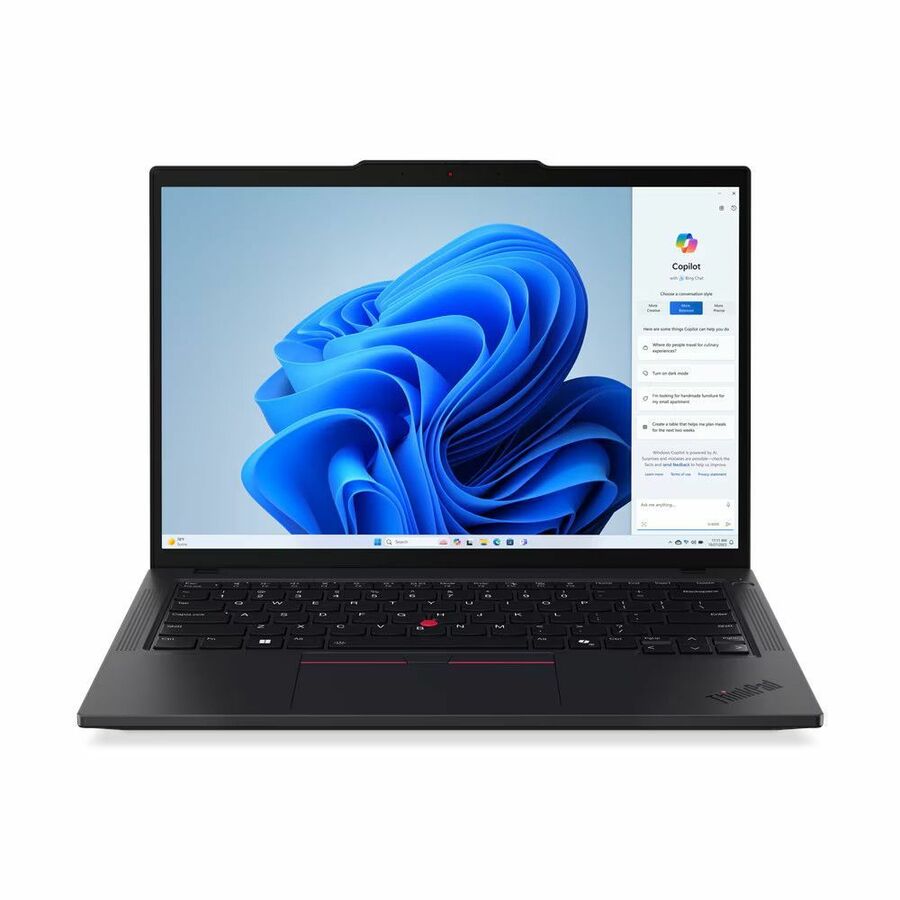
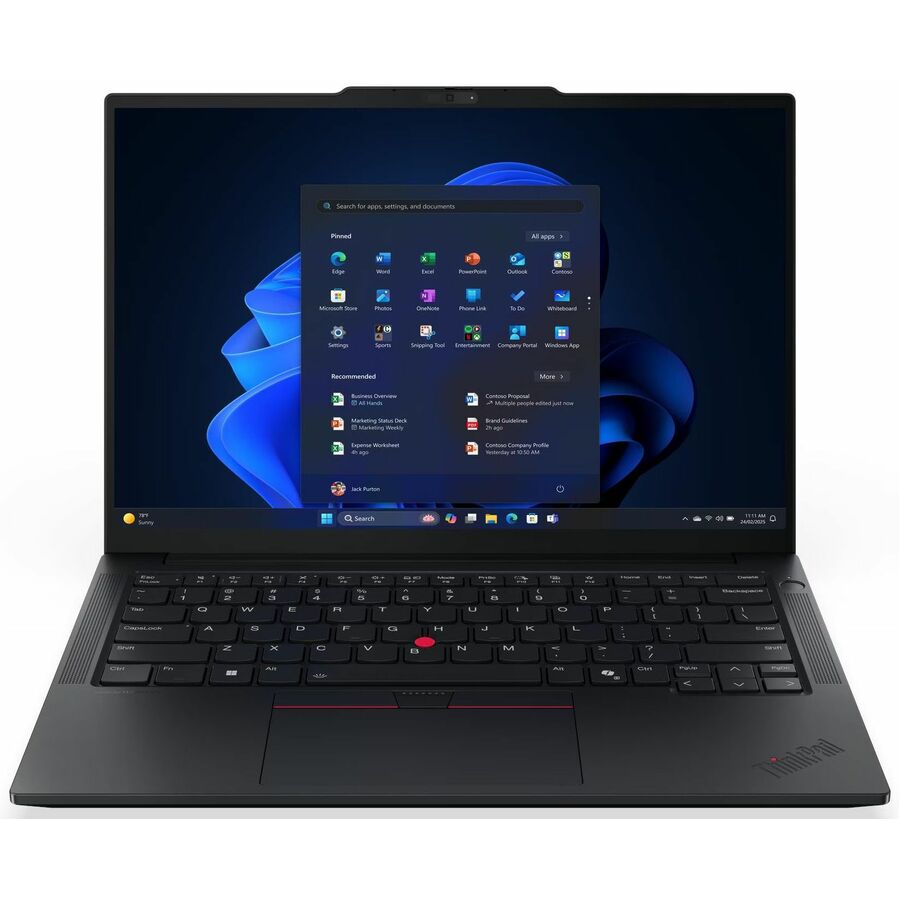
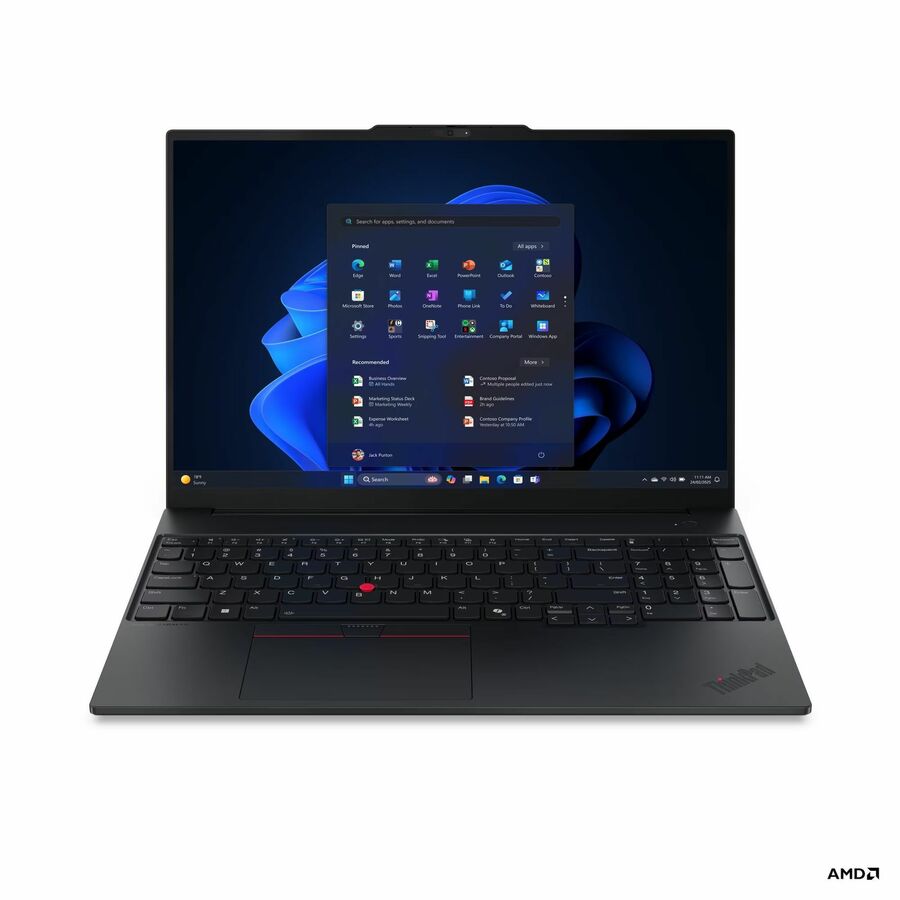
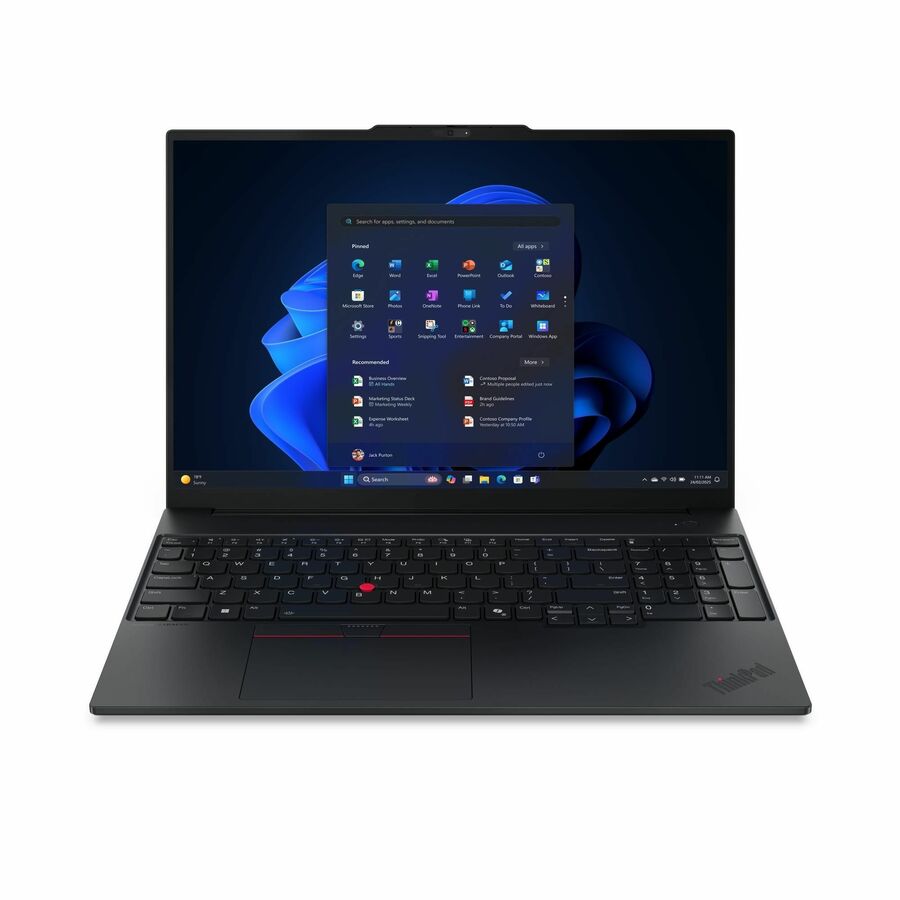
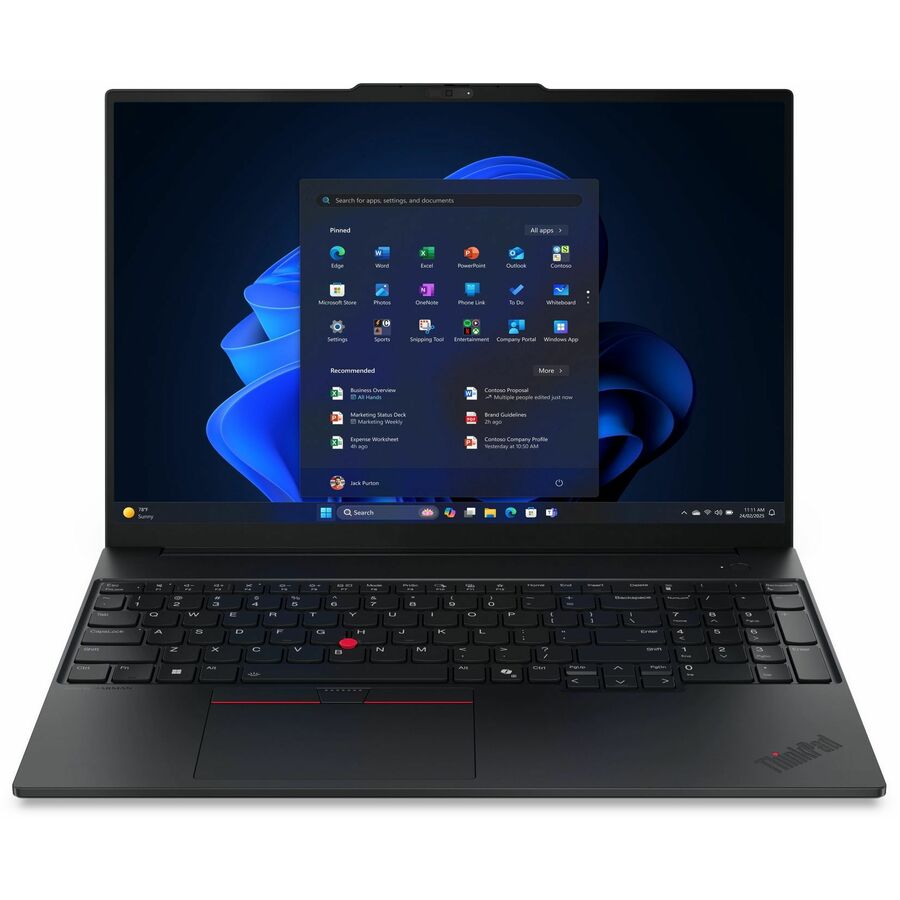
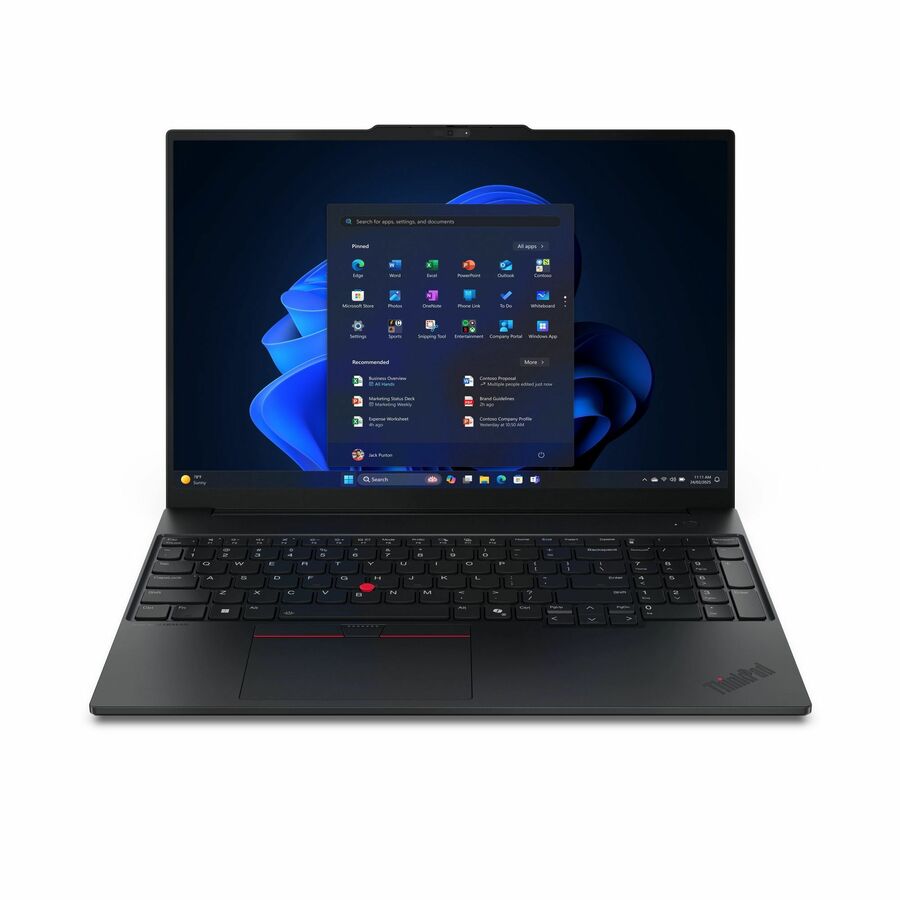
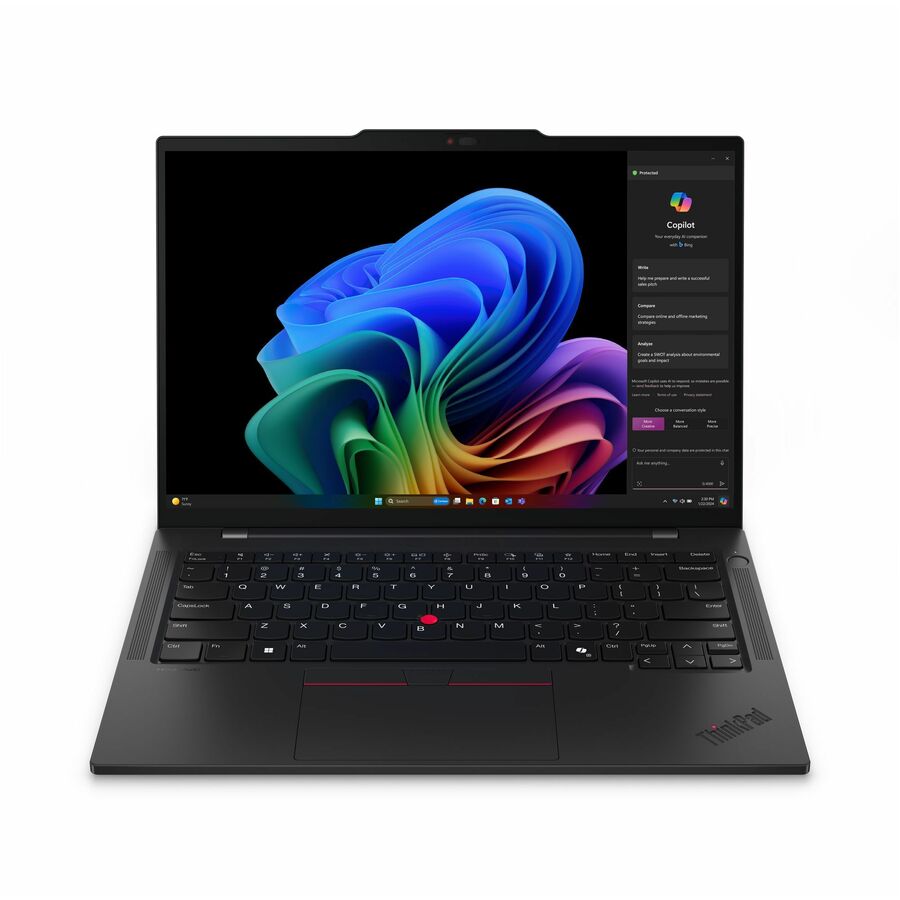
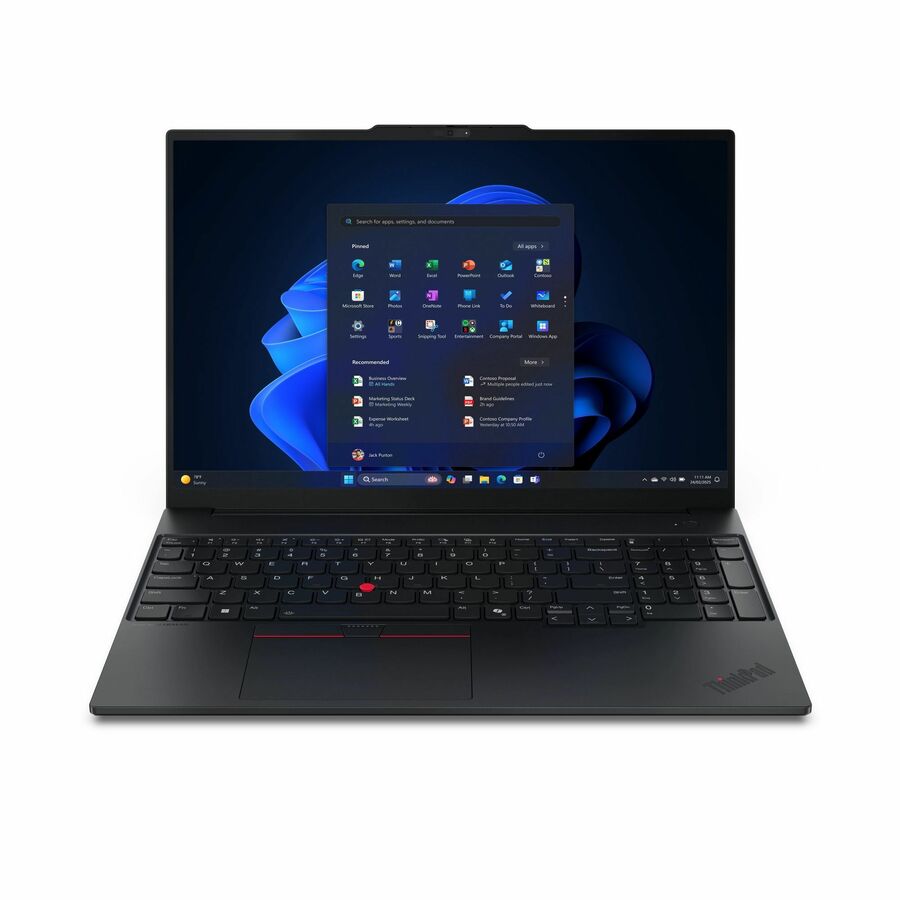
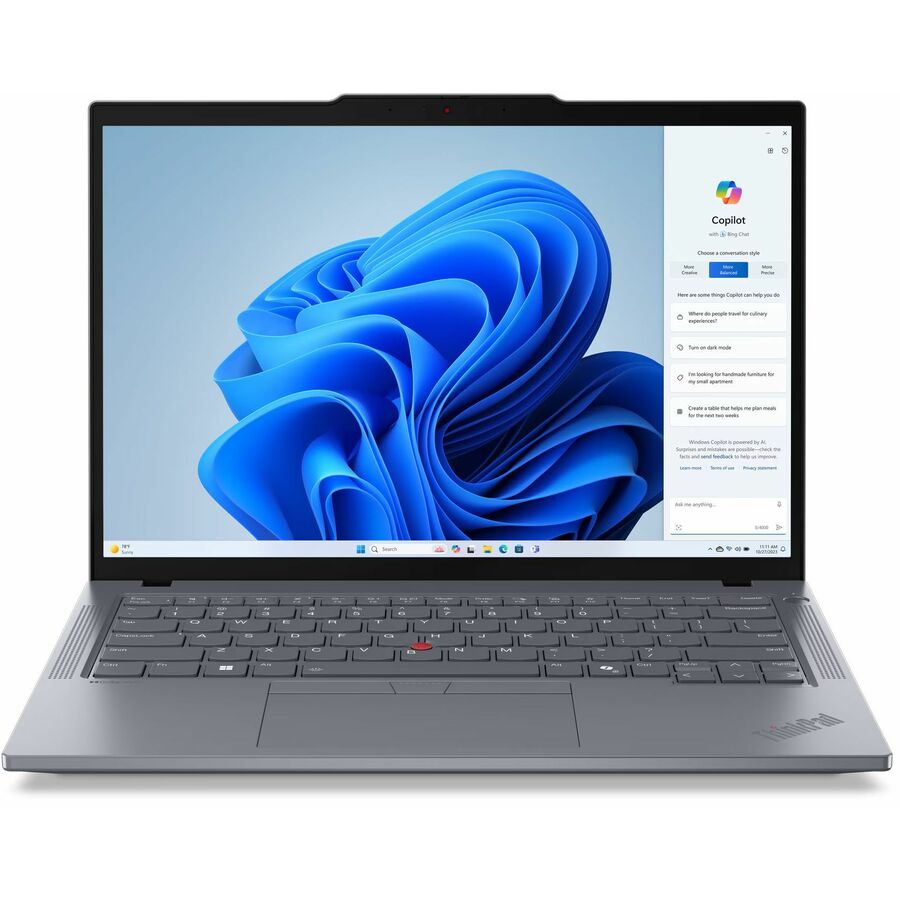
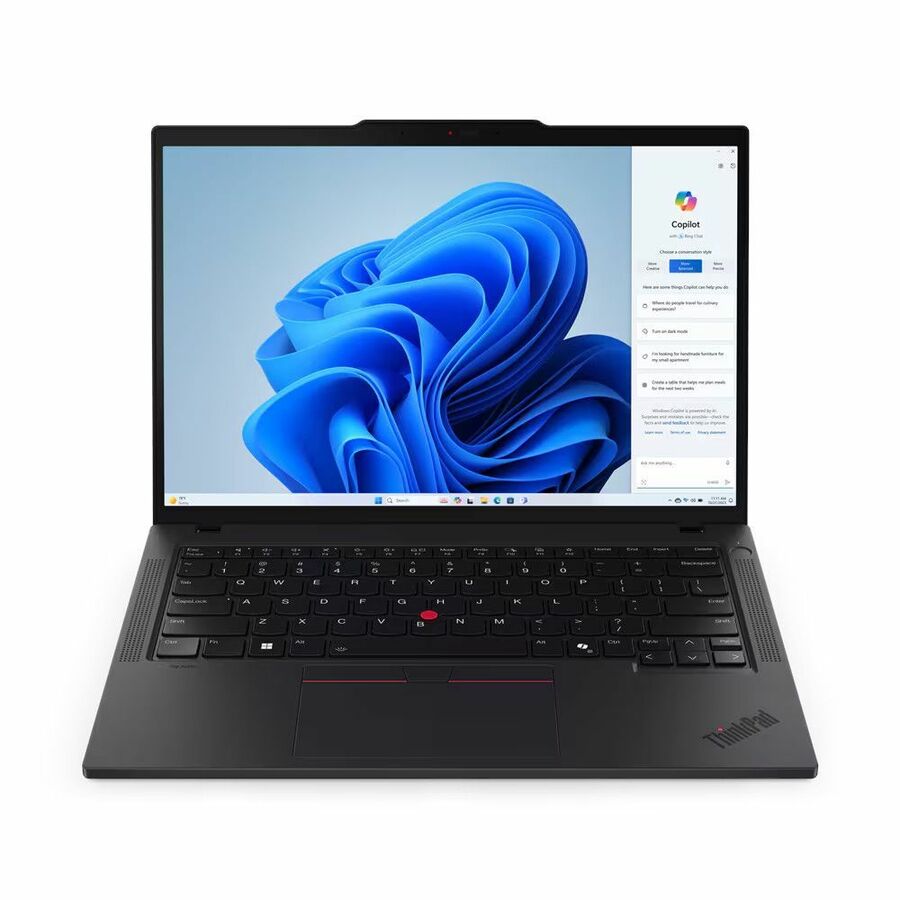
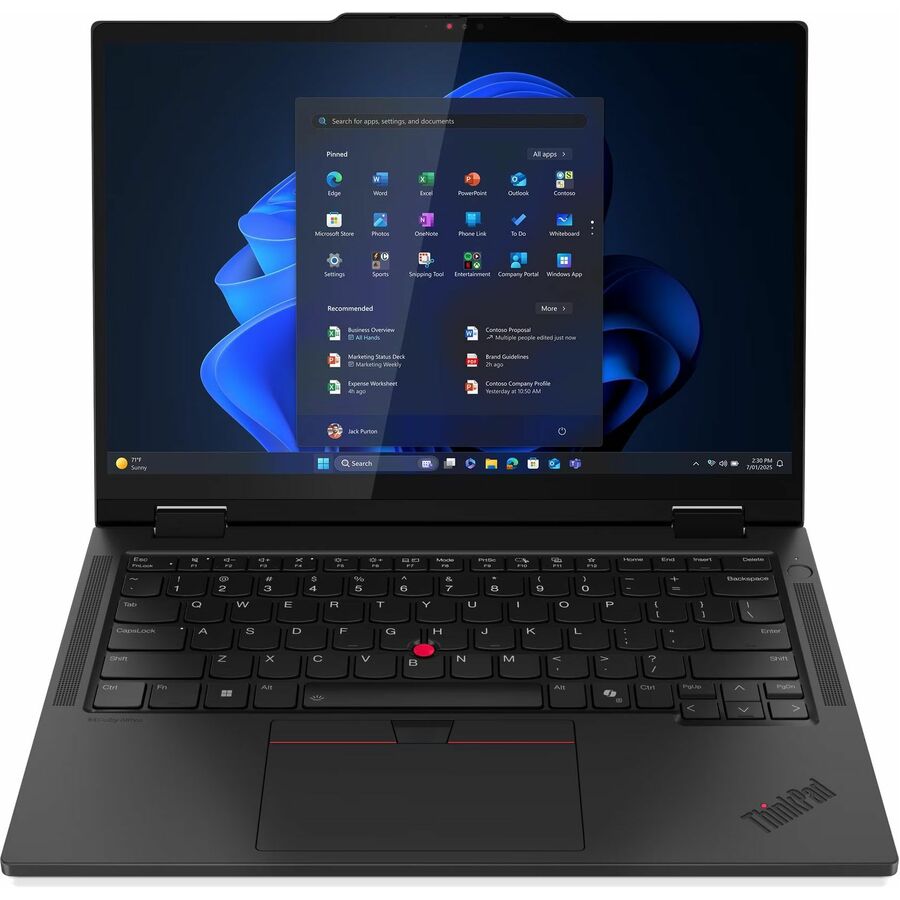
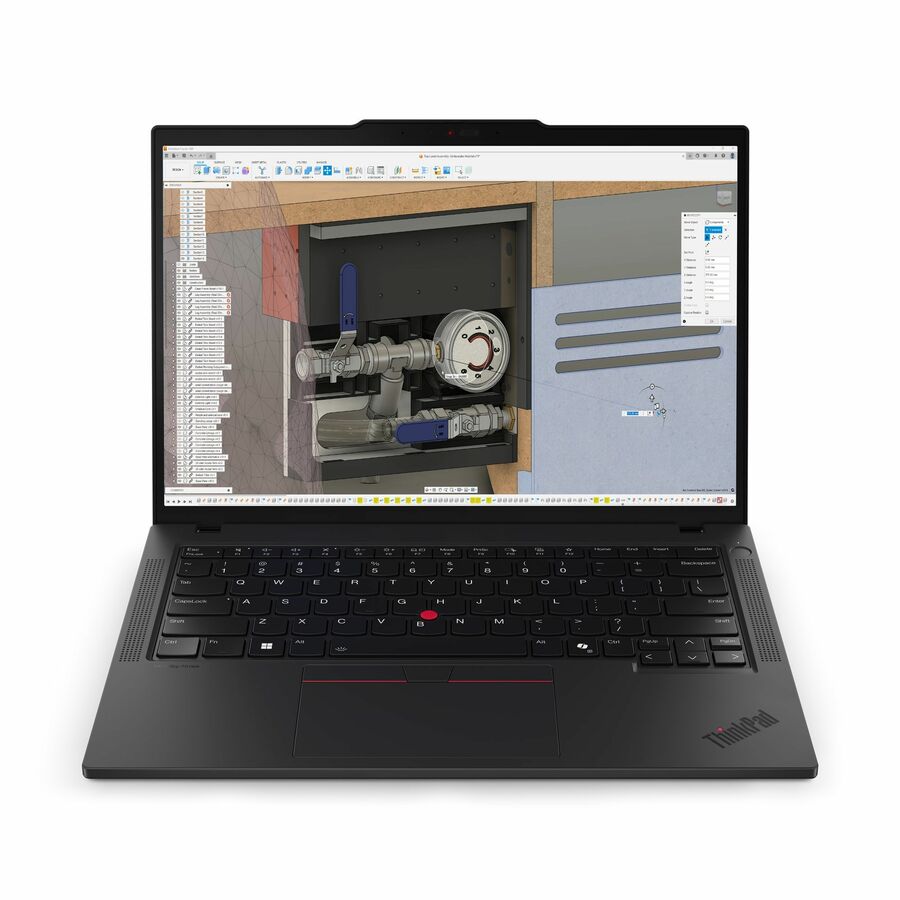
Lenovo ThinkPad T14 Gen 5 21MC000NUS 14" Notebook
21MC000NUS
The T-series is the managed daily driver this page is really about — a 14-inch WUXGA IPS panel, 16 GB of memory and a Ryzen PRO part on Windows 11 Pro, which is the configuration a knowledge-worker fleet standardizes on rather than the one it grows out of.
256 GB is thin for a four-to-five-year life if users keep anything locally. Size storage at the fleet order, not after.
$1,485.79Back-orderedMore laptops in the Uniqcli catalog
See all 15,800 laptopsMore Lenovo first — closest to what you were just looking at; “See all laptops” above opens every other brand in the category. In-stock lines lead, and a back-ordered line carries the same estimated availability its product page does — with live pricing throughout, NDAA §889 screening before checkout and TAA verified on request.
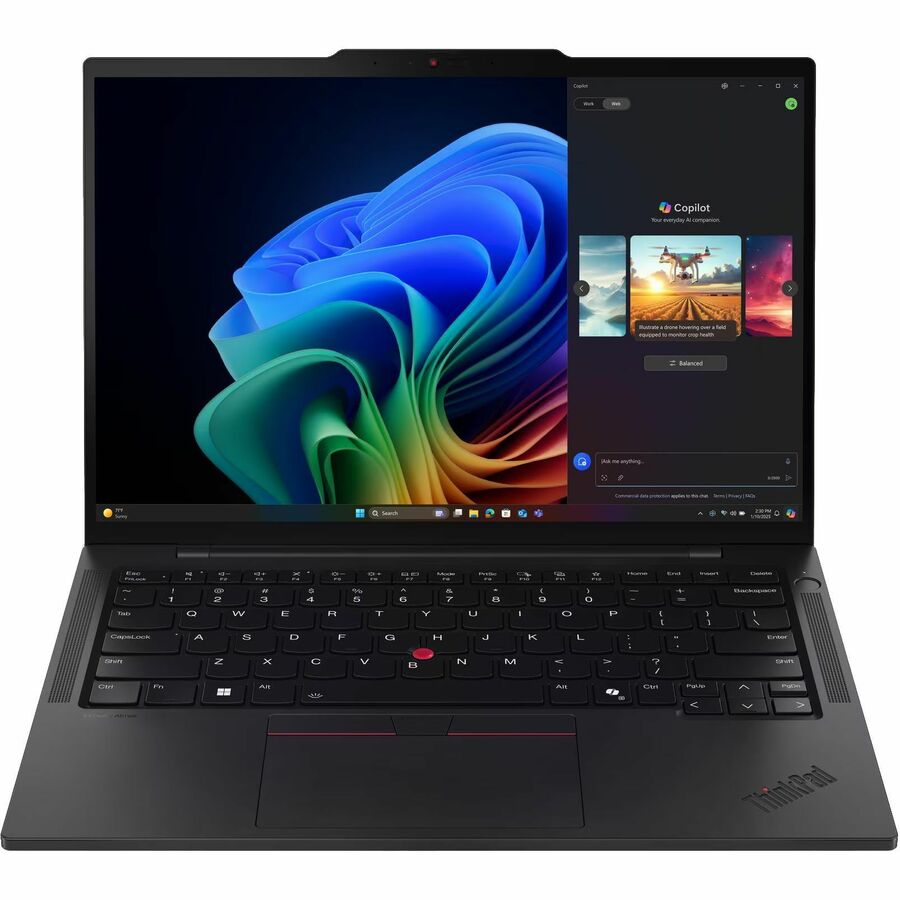
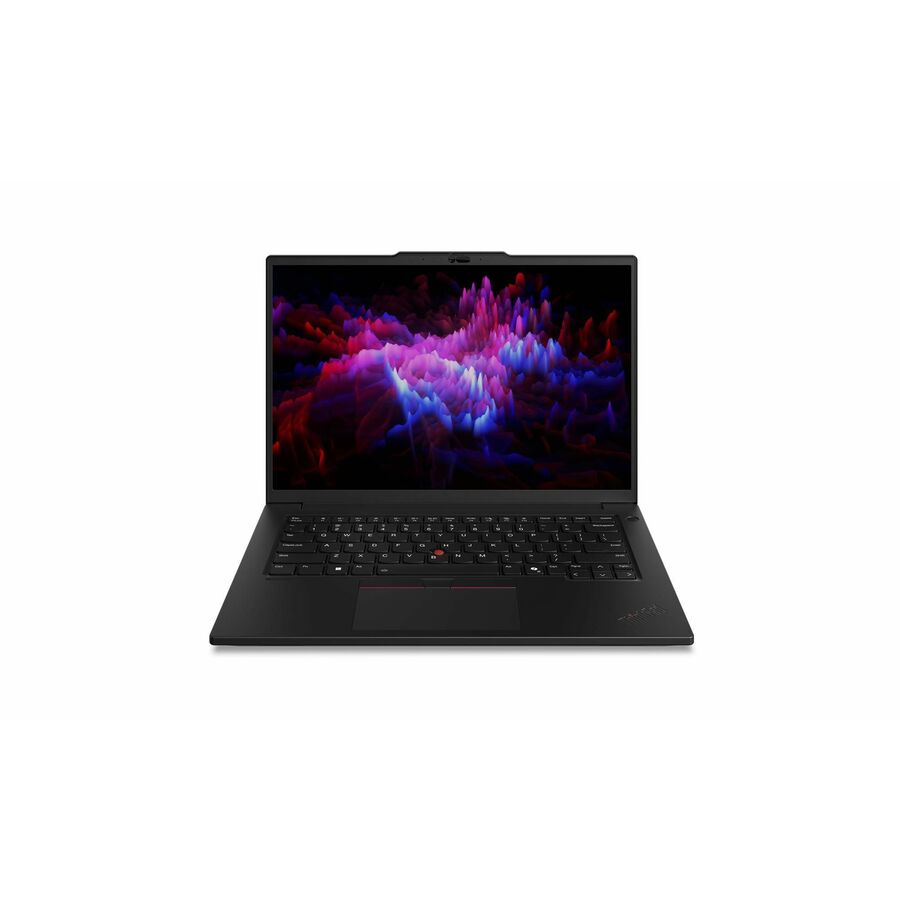
- LenovoLenovo ThinkPad P16s Gen 4 21RX000LUS 16" Copilot+ PC Notebook - WUXGA - AMD Ryzen AI 9 HX PRO 370 - 96 GB - 2 TB SSD - English Keyboard - Black - AMD Chip - 1920 x 1200 - Windows 11 Pro - AMD Radeon 890M Graphics - In-plane Switching (IPS) Technology, Eyesafe - Front Camera/Webcam - IEEE 802.11be Wireless LAN Standard21RX000LUS
$6,279.00
$5,467.38
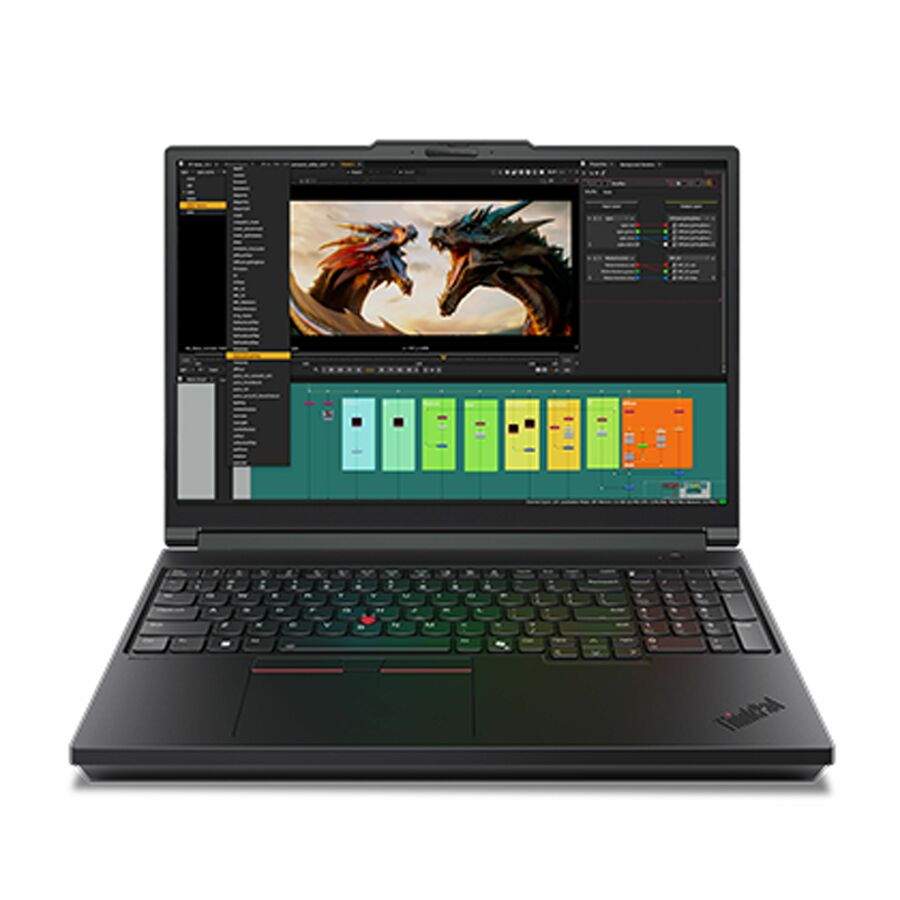
182 in stock - LenovoLenovo ThinkPad P14s Gen 6 21QT006UUS 14.5" Mobile Workstation - WQXGA - 90 Hz - Intel Core Ultra 7 265H - vPro Technology - 32 GB - 1 TB SSD - English Keyboard - Black - Intel Chip - 2560 x 1600 - Windows 11 Pro - NVIDIA with 6 GB - In-plane Switching (IPS) Technology, Eyesafe - Front Camera/Webcam - IEEE 802.11be Wireless LAN Standard - Wi-Fi 721QT006UUS
$4,119.00
$3,368.06
716 in stock - LenovoLenovo ThinkPad T14 Gen 5 21MC004YUS 14" Touchscreen Notebook - WUXGA - 60 Hz - AMD Ryzen 7 PRO 8840U - 32 GB - 512 GB SSD - English Keyboard - Black - AMD Chip - 1920 x 1200 - Windows 11 Pro - AMD Radeon 780M Graphics - In-plane Switching (IPS) Technology - Front Camera/Webcam - IEEE 802.11ax Wireless LAN Standard21MC004YUS
$2,299.00
$1,783.19
1,354 in stock - LenovoLenovo ThinkPad P16s Gen 4 21QR001JUS 16" Copilot+ PC Notebook - WUXGA - AMD Ryzen AI 7 PRO 350 - 32 GB - 1 TB SSD - English Keyboard - Black - AMD Chip - 1920 x 1200 - Windows 11 Pro - AMD Radeon 860M Graphics - In-plane Switching (IPS) Technology - Front Camera/Webcam - IEEE 802.11be Wireless LAN Standard21QR001JUS
$3,109.00
$2,691.23
524 in stock - LenovoLenovo ThinkPad P14s Gen 6 21QT006VUS 14.5" Mobile Workstation - WUXGA - 60 Hz - Intel Core Ultra 7 255H - 32 GB - 512 GB SSD - English Keyboard - Black - Intel Chip - 1920 x 1200 - Windows 11 Pro - Intel - In-plane Switching (IPS) Technology, Eyesafe - Front Camera/Webcam - IEEE 802.11be Wireless LAN Standard - Wi-Fi 721QT006VUS
$3,089.00
$2,720.19
212 in stock - LenovoLenovo ThinkPad P14s Gen 6 21QL0013US 14" Copilot+ PC Mobile Workstation - WUXGA - AMD Ryzen AI 7 PRO 350 - 32 GB - 1 TB SSD - English Keyboard - Black - AMD Chip - 1920 x 1200 - Windows 11 Pro - AMD Radeon 860M Graphics - In-plane Switching (IPS) Technology - Front Camera/Webcam - IEEE 802.11be Wireless LAN Standard21QL0013US
$2,999.00
$2,749.48
2,113 in stock - LenovoLenovo ThinkPad P14s Gen 6 21QT002RUS 14.5" Mobile Workstation - WUXGA - 60 Hz - Intel Core Ultra 7 255H - 32 GB - 512 GB SSD - English Keyboard - Black - Intel Chip - 1920 x 1200 - Windows 11 Pro - Intel Arc 140T GPU - In-plane Switching (IPS) Technology, Eyesafe - Front Camera/Webcam - IEEE 802.11be Wireless LAN Standard - Wi-Fi 721QT002RUS
$3,089.00
$2,896.81
504 in stock - LenovoLenovo ThinkPad P14s Gen 7 21XJ003DUS 14.5" Copilot+ PC Mobile Workstation - WUXGA - 60 Hz - Intel Core Ultra 7 Series 3 366H - 32 GB - 512 GB SSD - English Keyboard - Black - Intel Chip - 1920 x 1200 - Windows 11 Pro - Intel - In-plane Switching (IPS) Technology, Eyesafe - Front Camera/Webcam - IEEE 802.11be Wireless LAN Standard - Wi-Fi 721XJ003DUS
$3,159.00
$2,976.84
1,547 in stock - LenovoLenovo ThinkPad P16s Gen 4 21QR001DUS 16" Touchscreen Copilot+ PC Notebook - WQUXGA - AMD Ryzen AI 7 PRO 350 - 64 GB - 1 TB SSD - English Keyboard - Black - AMD Chip - 3840 x 2400 - Windows 11 Pro - AMD Radeon 860M Graphics - Eyesafe - Front Camera/Webcam - IEEE 802.11be Wireless LAN Standard21QR001DUS
$4,339.00
$4,205.06
280 in stock - LenovoLenovo ThinkPad P16s Gen 4 21QV0032US 16" Mobile Workstation - WUXGA - 60 Hz - Intel Core Ultra 7 2nd Gen 255H - 16 GB - 512 GB SSD - English Keyboard - Black - Intel Chip - 1920 x 1200 - Windows 11 Pro - Intel Arc 140T GPU - In-plane Switching (IPS) Technology - Front Camera/Webcam - IEEE 802.11be Wireless LAN Standard - Wi-Fi 721QV0032US
$2,639.00
$2,509.31
725 in stock - LenovoLenovo ThinkPad P14s Gen 6 21QT002EUS 14.5" Mobile Workstation - WUXGA - 60 Hz - Intel Core Ultra 7 2nd Gen 255H - 16 GB - 512 GB SSD - English Keyboard - Black - Intel Chip - 1920 x 1200 - Windows 11 Pro - Intel Arc 140T GPU - In-plane Switching (IPS) Technology, Eyesafe - Front Camera/Webcam - IEEE 802.11be Wireless LAN Standard - Wi-Fi 721QT002EUS
$2,649.00
$2,520.74
468 in stock - LenovoT14s AMD G6 2.00 GHz W11P64 32.0GB 512GB PCIe 14 - ThinkPad T14s AMD G6, AMD Ryzen AI 7 PRO 350 (2.00GHz, 16MB), 14" WUXGA Touch, W11P64 US/UK_ENG, 32.0GB, 1x512GB SSD M.2 2280 PCIe Gen4 TLC Opal, AMD Radeon 860M, MT7925 2x2 BE,BT 5.4, No Wired Ethernet, FPR, 5MP RGB+IR, 3 Cell Li-Pol 58Wh, 65W, 1CourierCarryin, Backlit, Black-English (US)21TB000EUS
$2,319.00
$2,202.34
485 in stock - LenovoLenovo ThinkPad P16s Gen 4 21QR0024US 16" Touchscreen Copilot+ PC Mobile Workstation - WUXGA - AMD Ryzen AI 7 PRO 350 - 32 GB - 512 GB SSD - English Keyboard - Black - AMD Chip - 1920 x 1200 - Windows 11 Pro - AMD Radeon 860M Graphics - In-plane Switching (IPS) Technology, Eyesafe - Front Camera/Webcam - IEEE 802.11be Wireless LAN Standard21QR0024US
$2,869.00
$2,772.30
2,899 in stock - LenovoLenovo ThinkPad P16s Gen 4 21QR001QUS 16" Copilot+ PC Mobile Workstation - WUXGA - AMD Ryzen AI 7 PRO 350 - 32 GB - 512 GB SSD - English Keyboard - Black - AMD Chip - 1920 x 1200 - Windows 11 Pro - AMD Radeon 860M Graphics - In-plane Switching (IPS) Technology - Front Camera/Webcam - IEEE 802.11be Wireless LAN Standard21QR001QUS
$2,869.00
$2,772.30
343 in stock - LenovoLenovo ThinkPad T14 Gen 7 21WN00BWUS 14" Copilot+ PC Notebook - WUXGA - 60 Hz - Intel Core Ultra 5 Series 3 325 - 32 GB - 512 GB SSD - English Keyboard - Black - Intel Chip - 1920 x 1200 - Windows 11 Pro - Intel - In-plane Switching (IPS) Technology - Front Camera/Webcam - IEEE 802.11be Wireless LAN Standard - Wi-Fi 721WN00BWUS
$2,499.00
$2,412.72
57 in stock - LenovoLenovo ThinkPad P14s Gen 6 21QT002QUS 14.5" Mobile Workstation - WUXGA - 60 Hz - Intel Core Ultra 5 225H - 16 GB - 512 GB SSD - English Keyboard - Black - Intel Chip - 1920 x 1200 - Windows 11 Pro - Intel Arc 130T GPU - In-plane Switching (IPS) Technology, Eyesafe - Front Camera/Webcam - IEEE 802.11be Wireless LAN Standard - Wi-Fi 721QT002QUS
$2,539.00
$2,458.48
2 in stock
Need pricing on Lenovo laptops?
Tell us where to reach you and a Uniqcli specialist will follow up by email with current pricing, availability and lead time for the quantities you need — including parts that aren’t shown on this page.
Buying for an organization or for yourself — both work. No payment up front.
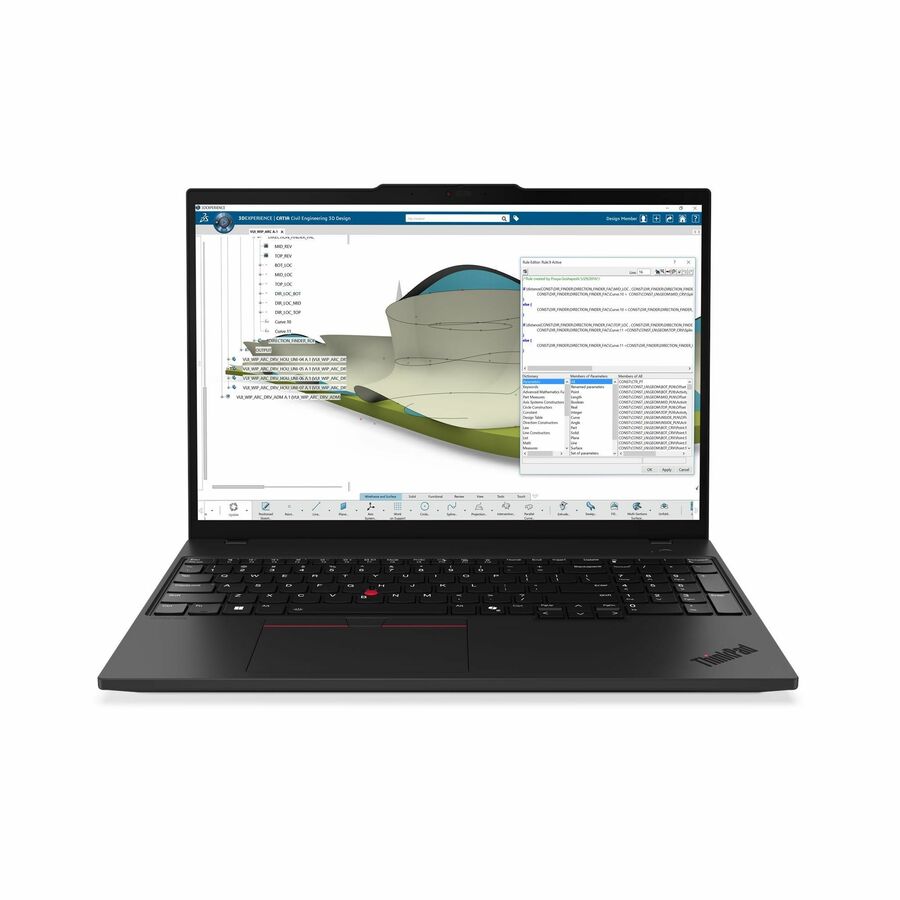
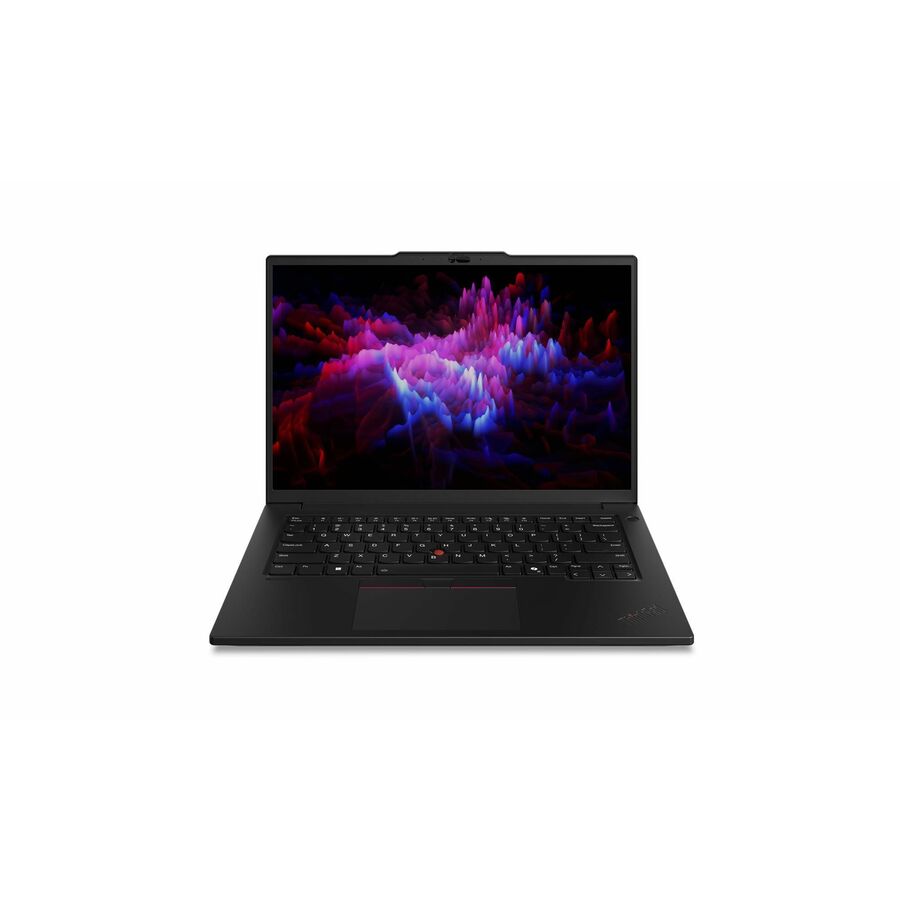
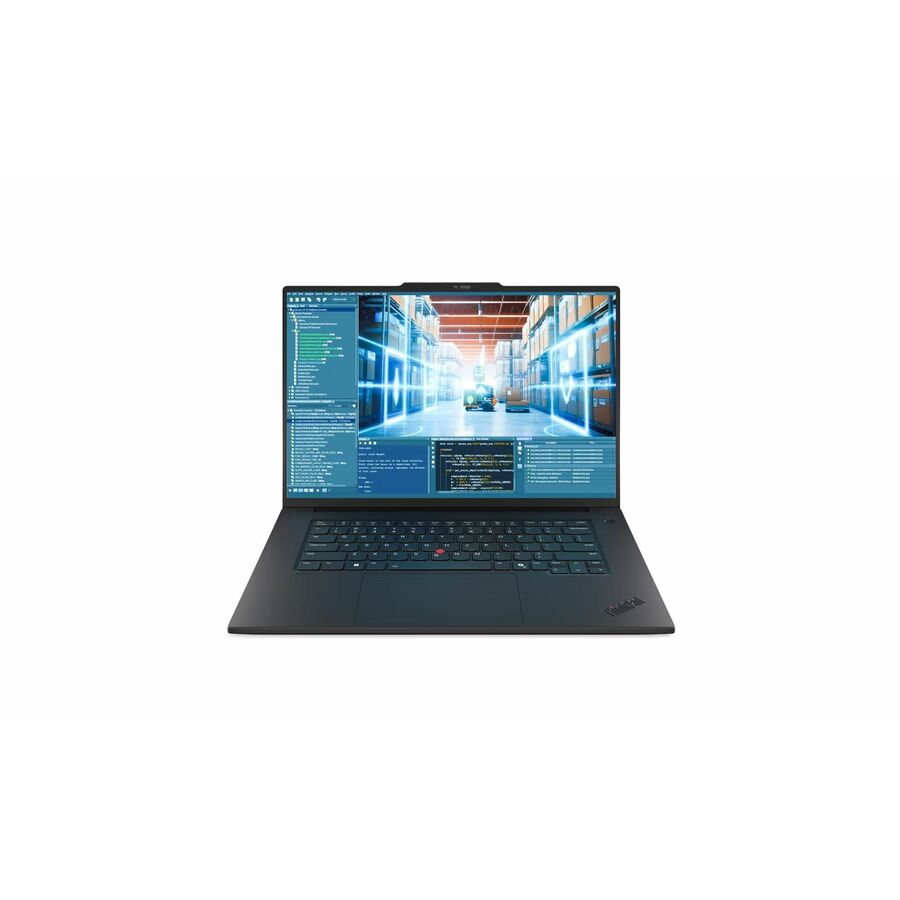
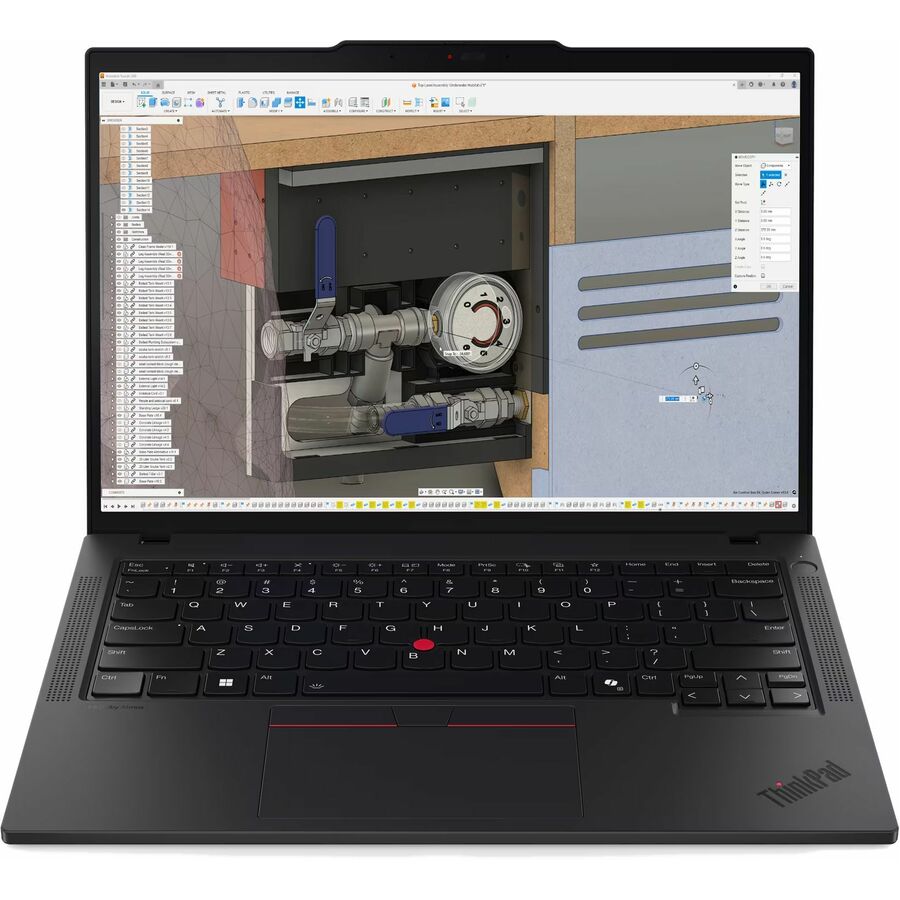
A ThinkPad configuration follows the workload, not the headline spec. T-series and the 14-inch P14s are managed daily drivers for knowledge workers; the 16-inch P-series (P1, P16s, P16v, P16) are ISV-certified mobile workstations with NVIDIA RTX PRO graphics for CAD, simulation, GIS and on-device AI. Set memory and storage for a four-to-five-year life rather than the base build.
Lenovo's ThinkPad line is built around a consistent set of priorities that matter to fleet buyers: durable magnesium-and-carbon chassis, spill-resistant keyboards, deep manageability, and long parts availability. The catalog splits cleanly into two jobs. The T- and P14s-class machines are managed daily drivers for knowledge workers who need a light 14-to-16-inch notebook, all-day battery, and Windows 11 Pro. The P-series (P1, P16s, P16v, P16) are ISV-certified mobile workstations with NVIDIA RTX PRO graphics, sized for CAD, simulation, GIS, media, and increasingly on-device AI workloads.
Pick the variant by the workload, not the headline spec. For office and web-app users, prioritize weight, screen resolution, and a vPro-capable CPU for remote management over raw core count. For engineering and creative users, the differentiators are the GPU class (RTX PRO tier and VRAM), memory ceiling, and display — several stocked units carry 3.2K/WQUXGA panels, 64-128 GB of RAM, and up to 4 TB of SSD. A common mistake is over-buying a workstation GPU for a fleet that only runs Office and a browser, or under-speccing RAM on a machine you expect to keep for four to five years.
The selection below is what Uniqcli currently stocks, with live in-stock status shown on each card so you can plan around real availability rather than a configurator promise. Configurations, colors, and quantities change as inventory moves; if you need a specific CPU, panel, or memory build that is not shown, it can usually be sourced to order.
Buyer's checklist
How to choose the right ThinkPad configuration
- Match the class to the work: T-series or P14s for mobile knowledge workers; P-series (P1/P16s/P16v/P16) when the user runs CAD, simulation, or GPU-accelerated AI.
- Size the GPU to the application — confirm the RTX PRO tier and VRAM against your ISV's certified-driver list rather than buying the largest card by default.
- Set a realistic memory and storage floor for a 4-to-5-year life; 32 GB is a practical fleet minimum today, with 64 GB+ for engineering builds.
- Confirm the CPU is vPro-capable if your team relies on out-of-band remote management and hardware-level security.
- Check the display against the task: WUXGA is fine for office use, while WQUXGA/3.2K panels earn their premium for design, color, and detail work.
- Standardize dock, charger, and keyboard layout across the fleet to cut support overhead, and verify Wi-Fi and port mix against your environment.
Where these ThinkPads fit across teams
Mobile and hybrid staff who live in a browser, email, and web apps are the natural home for the T-series and P14s: light enough to carry daily, with battery and manageability that survive travel. Executives and client-facing roles get the same durability in a thin chassis. Engineering, design, GIS, and media desks move to the P-series, where certified professional RTX graphics and higher memory ceilings are what a demanding application actually needs to run smoothly.
Secure and regulated environments benefit from the consistent management surface across the line — the same firmware controls and imaging apply whether a user carries a 14-inch daily driver or a 16-inch workstation. That consistency is what lets a mixed fleet share one support playbook, so the decision comes down to matching each user's workload to a class rather than managing several unrelated platforms.
Planning a fleet rollout
Standardize before you scale. Settle on one or two ThinkPad classes, a single docking standard, and a common charger and keyboard layout so a user can move between desks and a spare unit drops in without retraining. Build and validate one image per class, confirm vPro on the exact SKUs if out-of-band management is a requirement, and stage the deployment in waves so imaging, asset tagging, and user handoff stay manageable rather than arriving all at once.
Plan the spares pool and warranty posture up front. A small buffer of the standardized configuration keeps a failed machine from stalling a user, and matching on-site or accidental-damage coverage to how hard the fleet is used reduces deskside downtime. Because thinner classes often use soldered memory, size RAM and storage for the machine's full service life at purchase rather than counting on a later upgrade.
Total cost of ownership beyond the sticker price
The purchase price is one line in a four-to-five-year story. Reusing a single docking and peripheral standard across refreshes preserves that investment when the laptops change. Serviceable batteries and keyboards, on-site warranty, and a right-sized initial spec all cut the mid-life repairs and re-buys that quietly inflate fleet cost. Over-buying a workstation GPU for office users, or under-speccing RAM on a machine you will keep for years, are the two decisions that most often turn a good unit price into a poor total.
FAQ
Common questions
- What is the difference between a ThinkPad business laptop and a ThinkPad mobile workstation?
- Business laptops (T-series, P14s) are tuned for portability, battery life, and manageability for everyday office and web-app work. Mobile workstations (P1, P16s, P16v, P16) add NVIDIA RTX PRO professional graphics, higher memory ceilings, and ISV certification for CAD, simulation, rendering, and on-device AI. Buy the workstation when a specific application requires certified GPU drivers or heavy compute; otherwise a business laptop is usually the better-value fleet choice.
- How much RAM and storage should I spec for a multi-year deployment?
- For a machine you expect to keep four to five years, treat 32 GB of RAM as a practical office minimum and 64 GB or more for engineering, virtualization, or AI workloads. Stocked configurations here range up to 128 GB of RAM and 4 TB of SSD. Because the thinner classes commonly use soldered memory, it is safer to buy the memory you will need up front rather than plan to upgrade later; confirm whether memory is soldered or socketed on the specific SKU.
- Do these ThinkPads support enterprise remote management and security?
- Most stocked configurations ship with Windows 11 Pro and vPro-capable processors, which support out-of-band management and hardware-level security features. Confirm vPro on the specific SKU if remote out-of-band management is a hard requirement, since it varies by CPU. Manageability and firmware controls are set up by your IT team; the hardware provides the underlying capability.
- Can these be purchased on a government or education contract?
- Yes. Uniqcli sells to business, government, and education buyers. These units are sourced through US distribution and screened for TAA country-of-origin and NDAA Section 889 status before checkout, with documentation tied to the specific part number you order. This is a sourcing and screening service, not an independent Uniqcli certification — where a manufacturer markets a given model as TAA-compliant, we can confirm that against the part number and provide the supporting documentation your acquisition team needs.
Need Lenovo laptops pricing?
Send a bill of materials or part numbers — we confirm stock and a below-market total, with TAA verified on request. No payment up front.