
Solutions
AI & Machine Learning Workstations
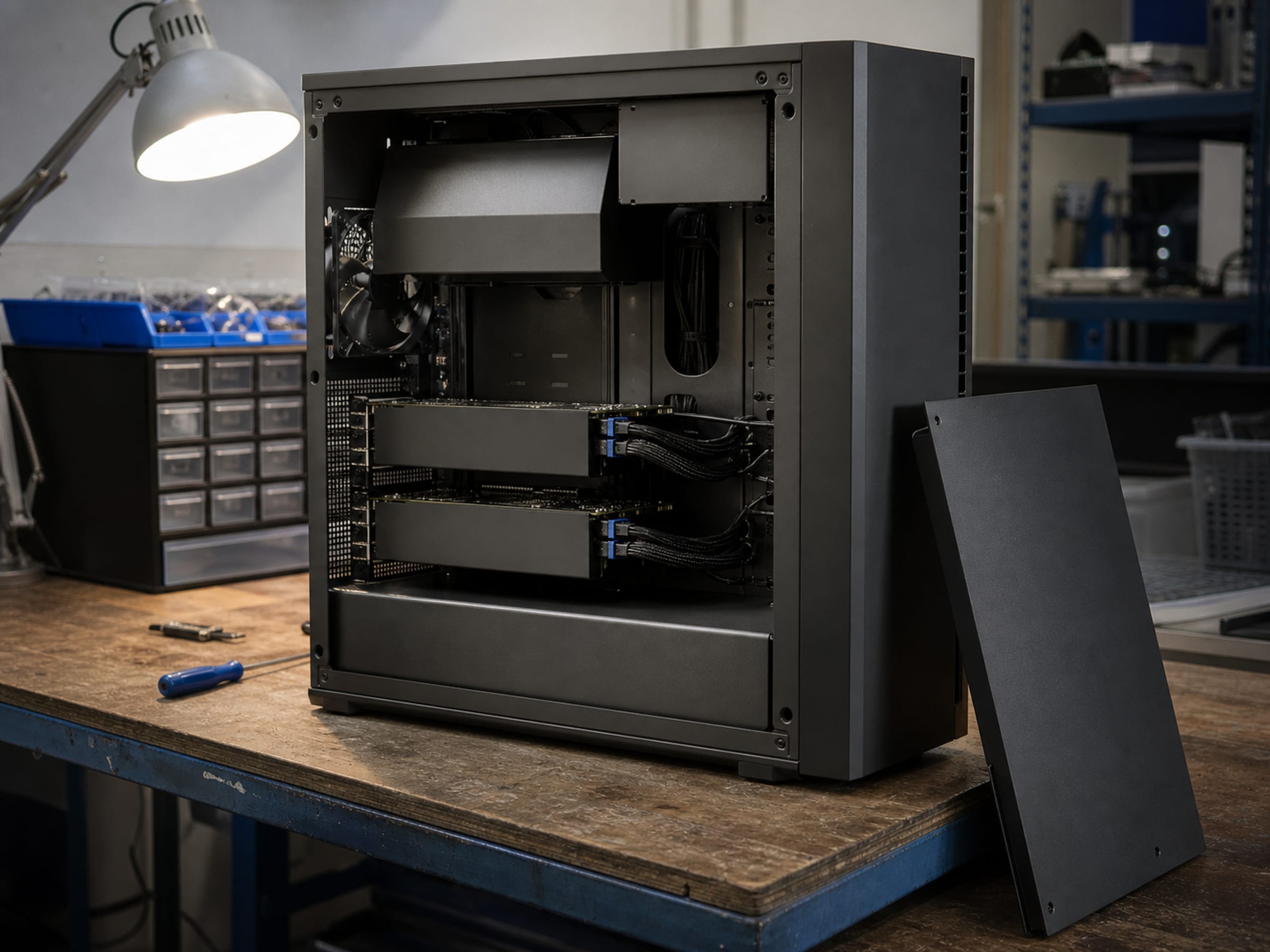
Model development starts on a desk. Uniqcli quotes the GPU workstation or mobile workstation with the memory, storage and thermal envelope the work actually needs — imaged with your toolchain, asset-tagged, and delivered ready to issue.
- Category
- GPU desktop and mobile workstations for development work
- We quote
- Workstations, accelerators, ECC memory, NVMe and displays
- Boundary
- Imaging and staging are ours; the toolchain and the code stay yours
Before anything reaches a cluster, it runs on someone's desk
Data preparation, feature work, prototype training, evaluation and the endless small experiments that precede a real run all happen locally — and a workstation that cannot hold a dataset in memory, or thermally throttles ten minutes into a job, quietly costs more than the hardware saved. The specification is not exotic: accelerator memory large enough for the experiment, ECC system memory sized well past the dataset, fast local NVMe, and a chassis whose cooling can sustain load rather than survive a benchmark. Uniqcli quotes desk-side and mobile options together, images them to your build, and delivers them tagged and ready to issue.
Four lines that make a usable development machine
Configurations quoted to the work rather than to a tier name, and screened per line before the quote goes out. Naming a manufacturer describes the market, not a Uniqcli partnership or endorsement.
Desktop workstations
Lenovo tower and rack workstations with the PCIe topology, power supply headroom and sustained cooling a loaded accelerator needs. Quoted with the GPU already accounted for, not as a chassis someone has to upgrade in month two.
Mobile workstations
Lenovo mobile workstations for developers who move between sites, quoted with an honest note about sustained thermal limits — a laptop is the right tool for prototyping and the wrong one for a multi-hour training run.
Memory and NVMe
Micron and Kingston ECC memory sized past the dataset rather than to the configurator minimum, plus NVMe scratch fast enough that data loading is not the bottleneck in every local experiment.
Displays and desk hardware
Multi-monitor configurations, docks, mounts and the cabling to drive them — quoted with the workstation so a developer is not waiting a week for the second display and the right cable.
Imaged, tagged and issued
Configuration, imaging and staging are capability-level services we perform on hardware we supply.
- Built to one documented configuration across the whole order, not machine by machine
- Imaged to your gold build, with the driver and accelerator stack installed
- Asset-tagged and serial-recorded, with the record delivered as a file rather than a promise
- Firmware leveled across the group so one machine does not behave differently from the rest
- Delivered to a single receiving point or drop-shipped per user, whichever suits the rollout
- Refresh planning quoted alongside so the next wave is scheduled rather than improvised
Where developer workstations usually get it wrong
The two failures we see most are memory and thermals. System memory sized to a general-office standard makes every data-preparation step swap; a chassis chosen on price throttles under sustained load and turns a benchmark-winning accelerator into a mediocre one. Both are cheap to avoid at quote time and expensive to fix afterwards.
The third is inconsistency. When a team's machines differ in driver version, accelerator model or memory configuration, the resulting no-it-works-on-mine problem consumes far more engineering hours than the price difference ever saved. We build a team's machines to one configuration and record it, which is dull, unglamorous and the single highest-value thing we do on this category.
- ECC system memory sized past the dataset, not to a configurator default
- Sustained-load cooling considered, not peak-benchmark cooling
- One documented configuration for the whole team
- Local NVMe scratch sized to the working set
- Displays, docks and cabling quoted in the same order

Workstation questions
Desktop or mobile workstation?
Mobile workstations are excellent for prototyping, demos and travel, and they will thermally throttle on long training runs — that is physics, not a product flaw. Many teams end up with mobile machines for daily work plus shared desk-side or rack GPU capacity for anything sustained, and we are happy to quote that split.
Can you image them with our toolchain?
Yes. We image to your gold build and install the driver and accelerator stack you specify, so machines arrive ready to issue. Maintaining that image, and everything the developer does afterwards, stays with your team.
Do you quote single units or only fleets?
Both. A single replacement workstation is a normal order, and so is a hundred-seat refresh. Larger orders benefit more from the staging and imaging work, but nothing about the process requires volume.
The solutions atlas
Every solution, by technology area and by customer.
By technology
By customer
- TAA & NDAA-889 Compliance Screening
- CMMC & CUI Solutions
- Federal & DoD
- State, Local & Education
- Healthcare
- Enterprise
- Rapid Procurement & GPC Buys
- Multi-Vendor Integration Projects
- eProcurement & Custom Catalogs
- FISMA Modernization
- CJIS-Compliant Justice Cloud & Local AI
- Federal Storage Modernization
- Government ERP & Business Systems Infrastructure
- Managed Procurement
- Secure AV & Conferencing
- Fiber Network Infrastructure
- Satellite & Resilient Connectivity
- Wavelength & Optical Transport
- Decentralized Data Centers
- Data Center Design & Build
Tell us what the team is building
Dataset sizes, whether the work is desk-bound or mobile, and how many seats. We will quote one configuration and image it to your build before it ships.