
Best Ultrawide Monitors for Productivity Work
Panels the manufacturers themselves designate 21:9 — with resolution, panel technology, USB-C power and KVM support read from each product title.
Ultrawide monitors in stock at Uniqcli
How to choose →A curated selection with live pricing — in-stock lines first, then back-ordered lines with a typical lead time. Every line is sourced through US distribution and screened for NDAA §889 status before checkout, with TAA verified on request.
Back-ordered — we expect to receive stock the week of Nov 23–29 and will process your delivery right after.
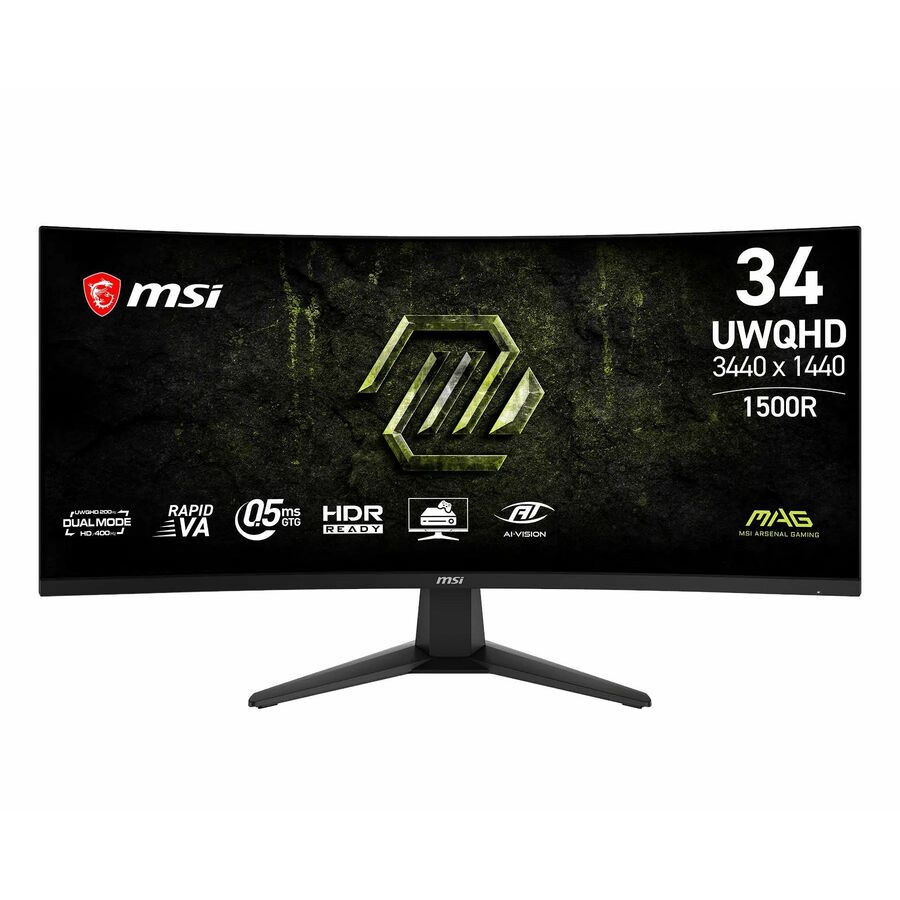
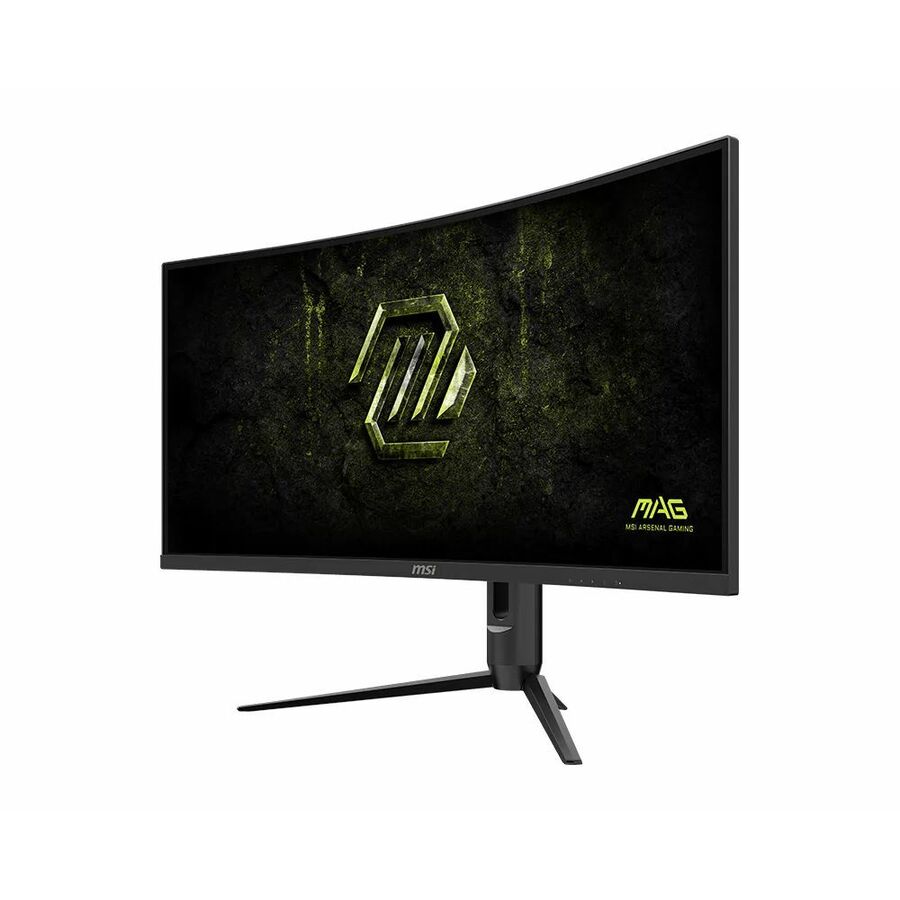
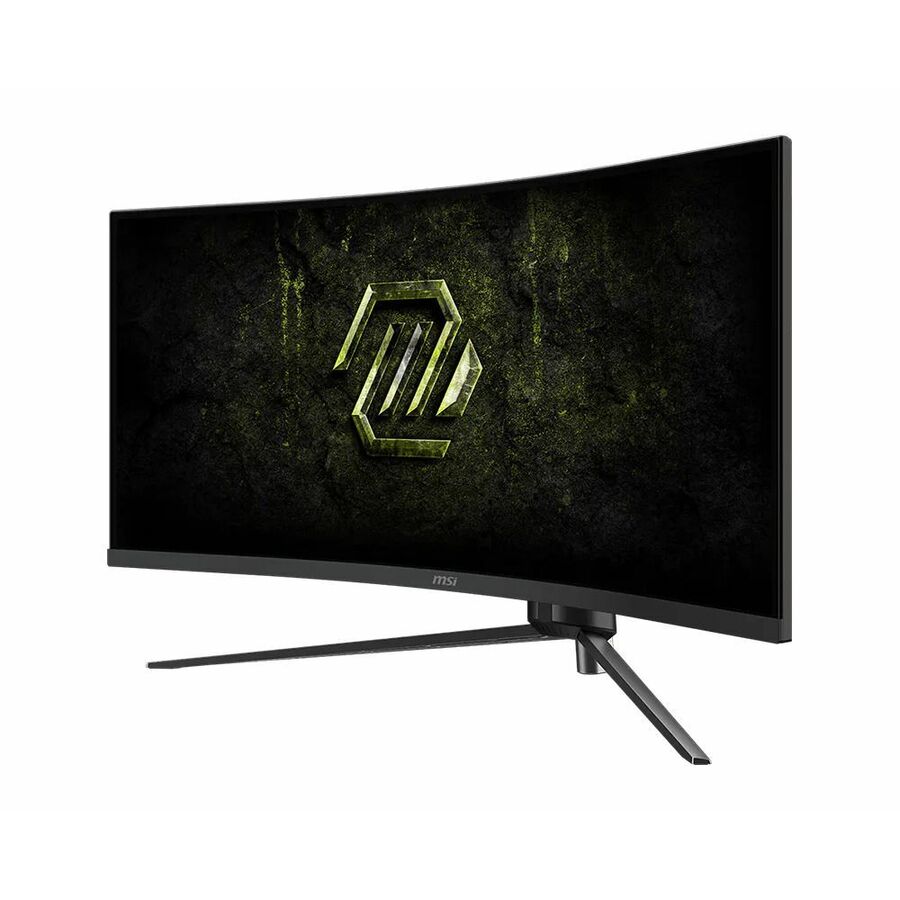
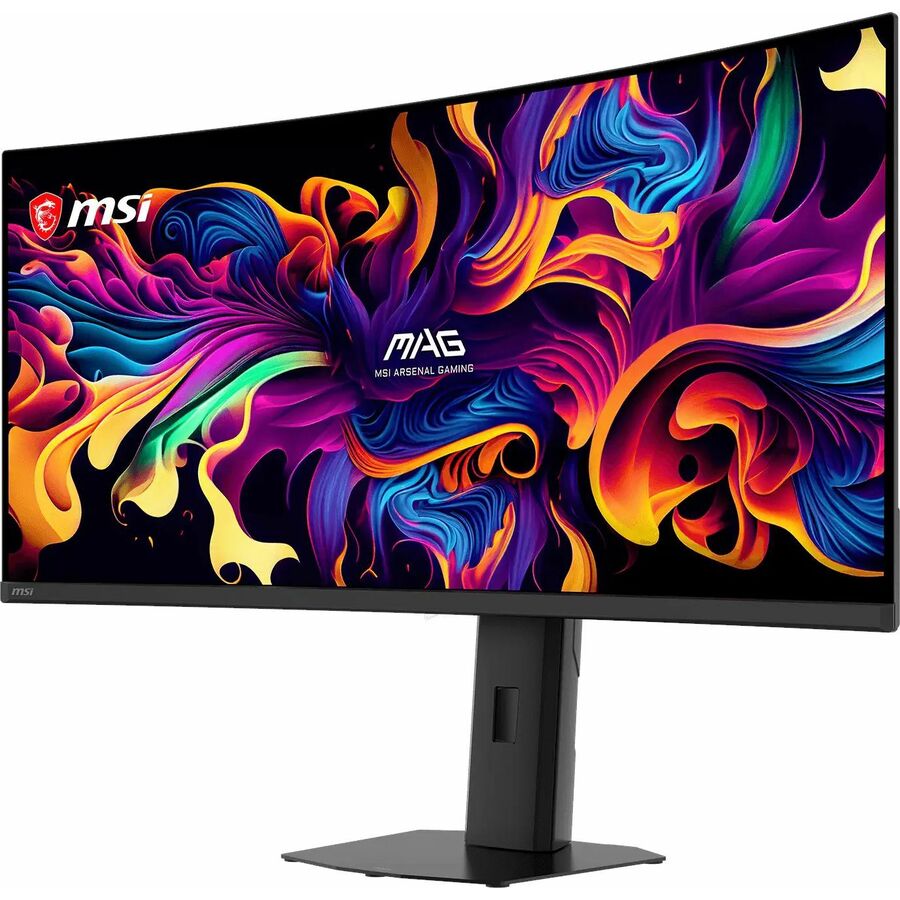
- MSIMSI MAG 346CQDF E20 34" Class UW-QHD Curved Screen Gaming LCD Monitor - 21:9 - Metallic Black - 34" Viewable - Rapid Vertical Alignment (VA) - 3440 x 1440 - 1.07 Billion Colors - VESA Adaptive Sync - 300 Nit - 0.50 ms - 200 Hz Refresh Rate - Tilt - HDMI - DisplayPort - VESA Mount CompatibleMAG 346CQDF E20
$351.98
Back-orderedBack-ordered — estimated OEM lead time 3–8 weeks (Nov 16 – Dec 21 if ordered today).
- MSIMSI MAG 342CQRF E20 34" Class UW-QHD Curved Screen Gaming LCD Monitor - 21:9 - 34" Viewable - Rapid Vertical Alignment (VA) - 3440 x 1440 - 1.07 Billion Colors - VESA Adaptive Sync - 300 Nit - 0.50 ms - Tilt, Swivel, Height, Pivot - HDMI - DisplayPort - VESA Mount CompatibleMAG342CQRFE20
$352.26
Back-orderedBack-ordered — estimated OEM lead time 3–8 weeks (Nov 16 – Dec 21 if ordered today).
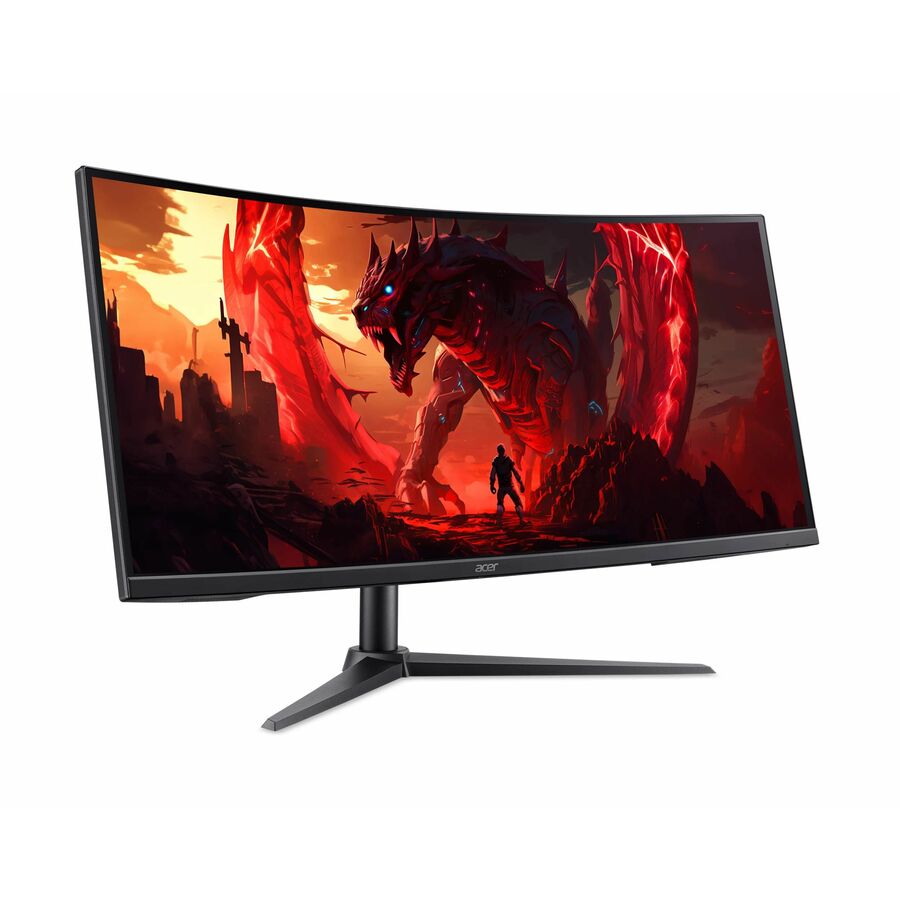
- AcerAcer Nitro XZ340CUR X0 34" Class UWQHD Curved Screen Gaming LCD Monitor - 21:9 - Black - 34" Viewable - Vertical Alignment (VA) - LED Backlight - 3440 x 1440 - 1.07 Billion Colors - AMD FreeSync Premium (DisplayPort VRR) - 250 Nit - 0.50 ms - 100 Hz Refresh Rate - Speakers - HDMI - DisplayPort - VESA Mount Compatible - SpeakerUM.CX0AA.006
$379.99
$355.84
Back-orderedBack-ordered — estimated OEM lead time 3–8 weeks (Nov 16 – Dec 21 if ordered today).
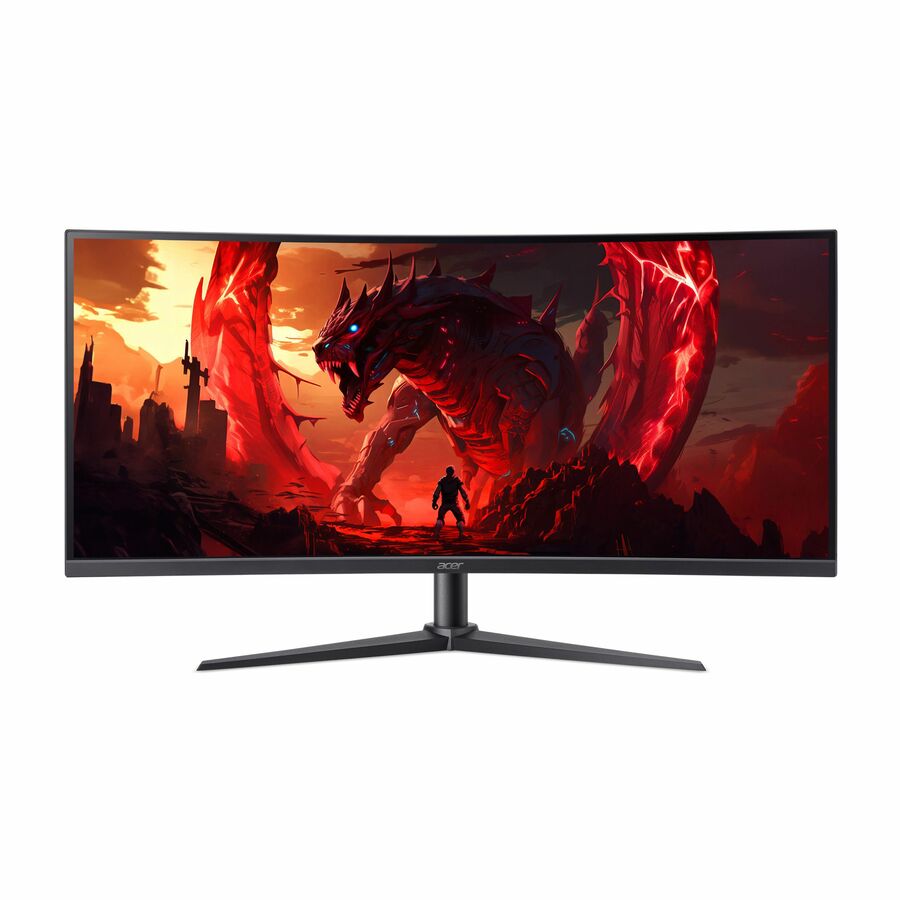
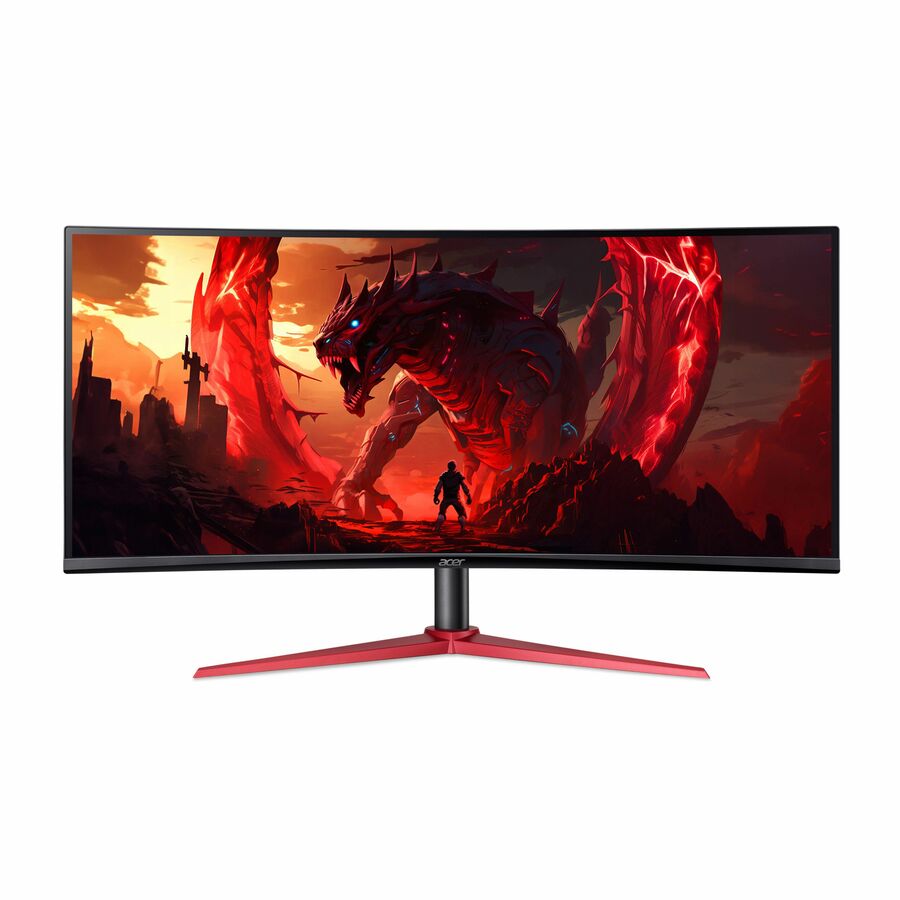
- AcerAcer Vero CB343CUR J0 34" Class Curved Screen LCD Monitor - 21:9 - Black - 34" Viewable - Vertical Alignment (VA) - LED Backlight - 3440 x 1440 - 1.07 Billion Colors - VESA Adaptive Sync (DisplayPort VRR) - 350 Nit - 1 ms - 100 Hz Refresh Rate - Speakers - Height - USB Type-C - HDMI - DisplayPort - VESA Mount Compatible - SpeakerUM.CB3AA.002
$499.99
$374.89
Back-orderedBack-ordered — estimated OEM lead time 3–8 weeks (Nov 16 – Dec 21 if ordered today).
Back-ordered — estimated OEM lead time 3–8 weeks (Nov 16 – Dec 21 if ordered today).
Back-ordered — estimated OEM lead time 3–8 weeks (Nov 16 – Dec 21 if ordered today).
Back-ordered — estimated OEM lead time 3–8 weeks (Nov 16 – Dec 21 if ordered today).
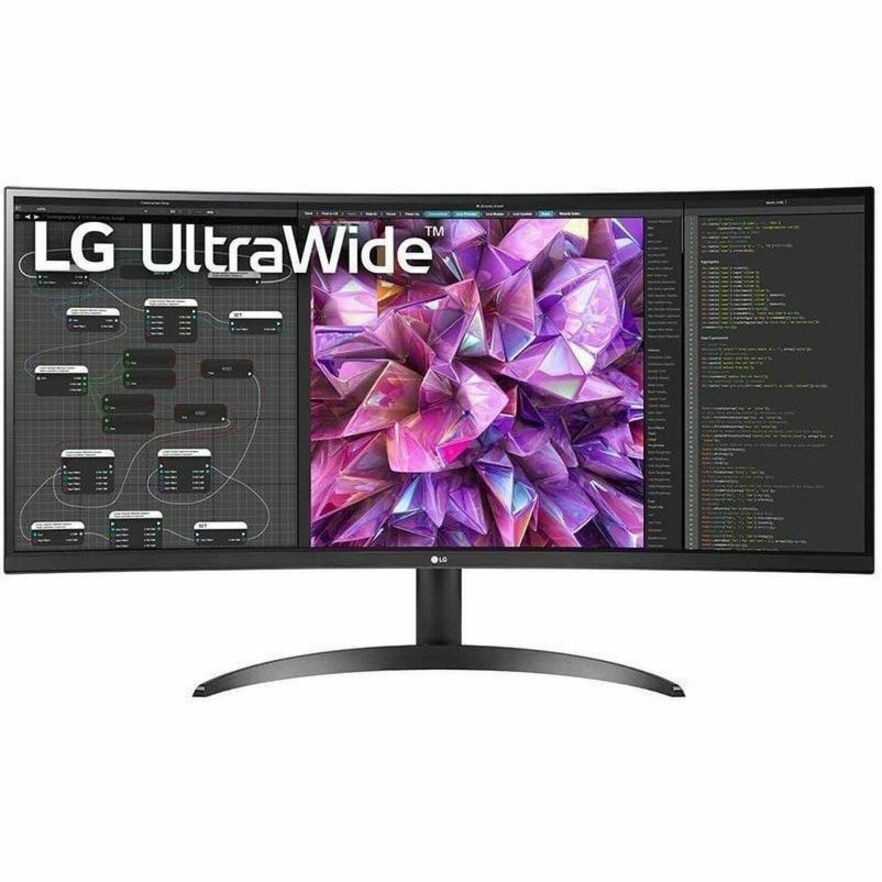
- LG ElectronicsLG Ultrawide 29BF550B-W 29" Class WFHD LCD Monitor - 21:9 - 29" Viewable - In-plane Switching (IPS) Technology - 2560 x 1080 - 16.7 Million Colors - 250 Nit - 5 ms - 100 Hz Refresh Rate - Speakers - Swivel, Height, Tilt - USB Type-C - HDMI - DisplayPort - VESA Mount Compatible29BF550B-W
$537.50
$456.88
Back-orderedBack-ordered — estimated OEM lead time 3–8 weeks (Nov 16 – Dec 21 if ordered today).
Back-ordered — estimated OEM lead time 3–8 weeks (Nov 16 – Dec 21 if ordered today).
Back-ordered — estimated OEM lead time 3–8 weeks (Nov 16 – Dec 21 if ordered today).
Back-ordered — estimated OEM lead time 3–8 weeks (Nov 16 – Dec 21 if ordered today).
Back-ordered — estimated OEM lead time 3–8 weeks (Nov 16 – Dec 21 if ordered today).
Back-ordered — estimated OEM lead time 3–8 weeks (Nov 16 – Dec 21 if ordered today).
Back-ordered — estimated OEM lead time 3–8 weeks (Nov 16 – Dec 21 if ordered today).



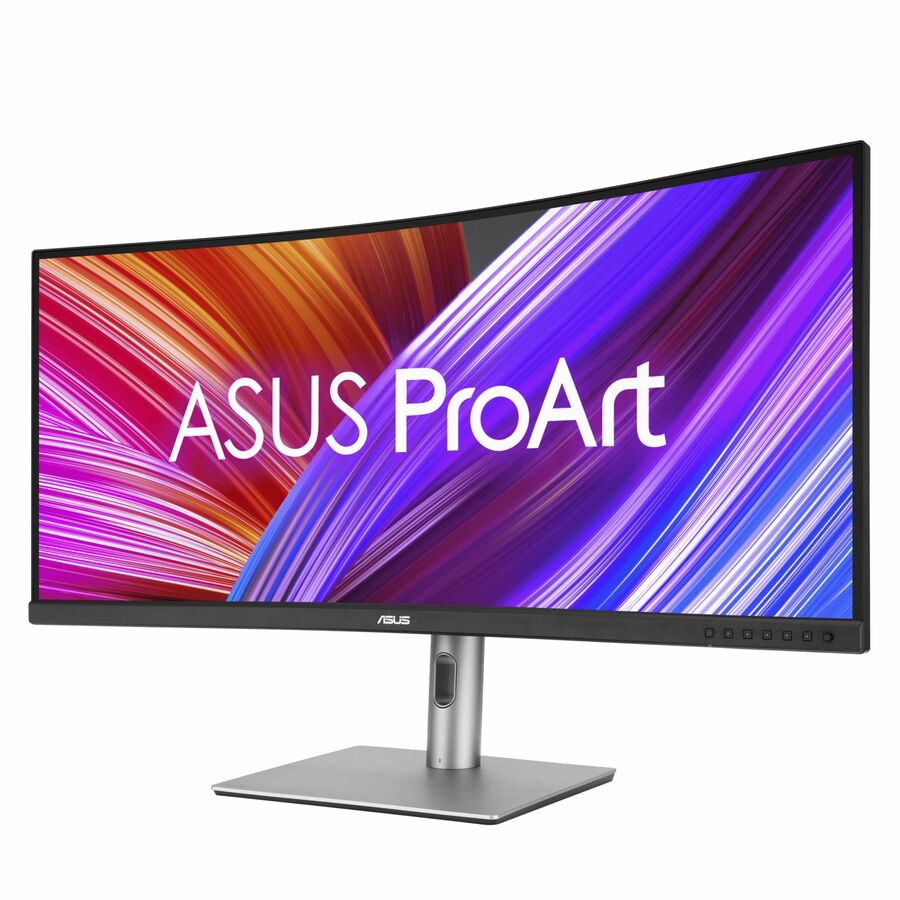

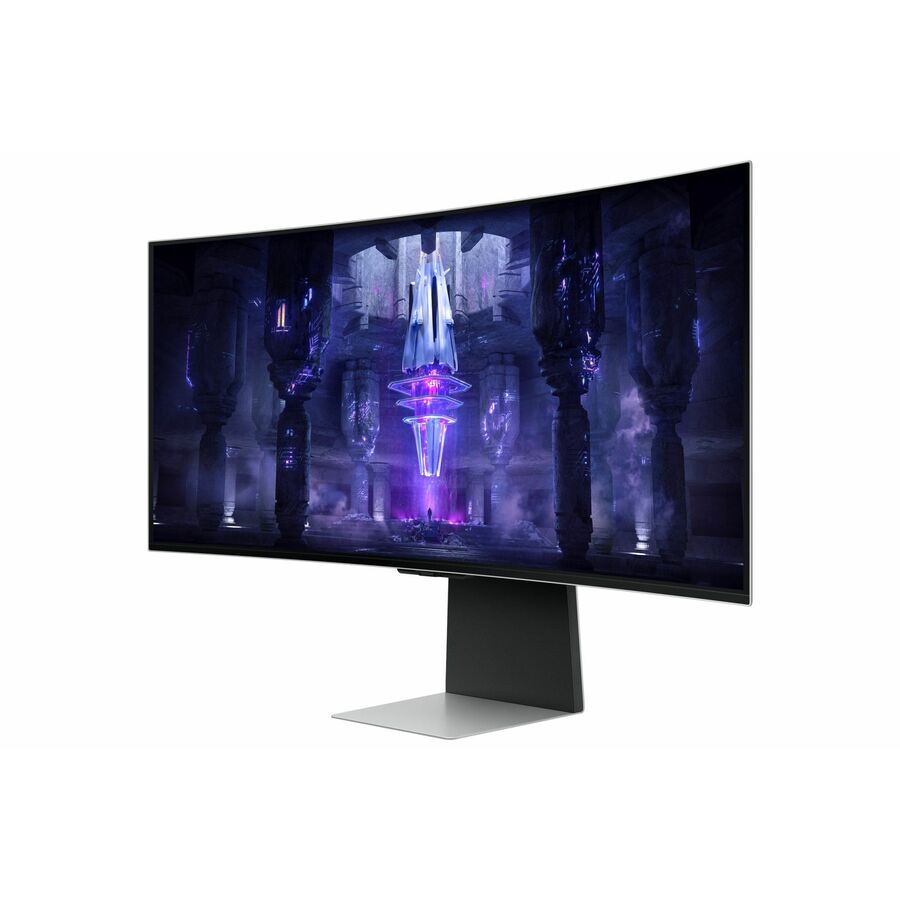


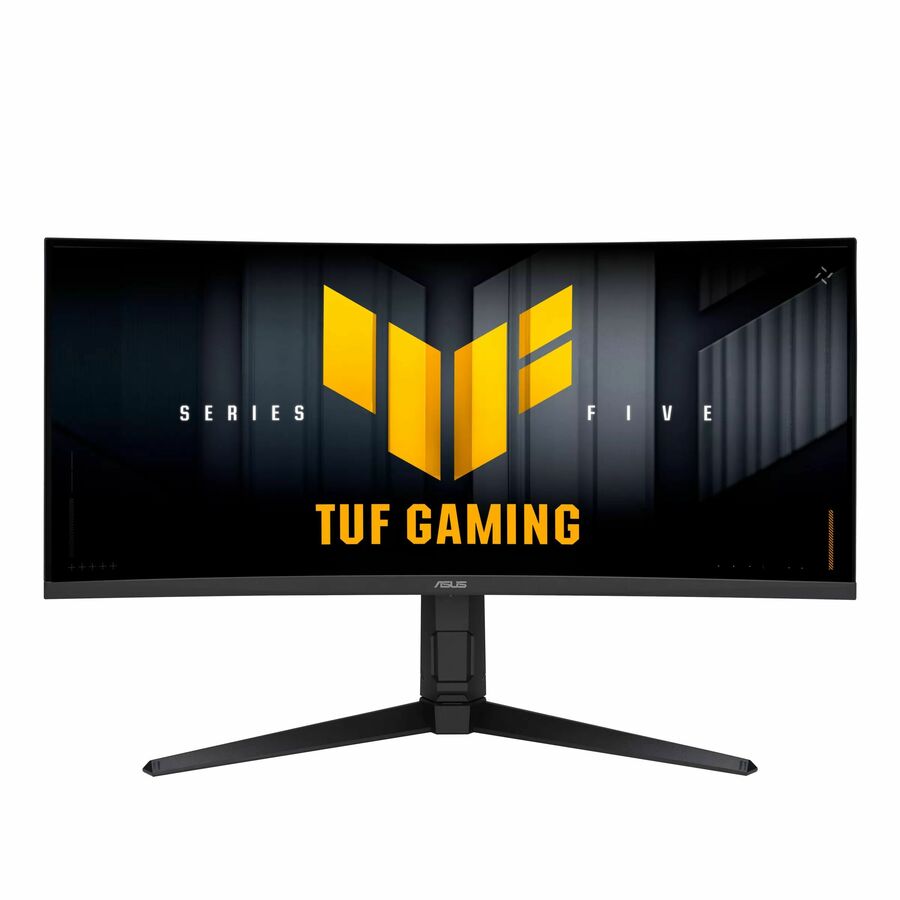
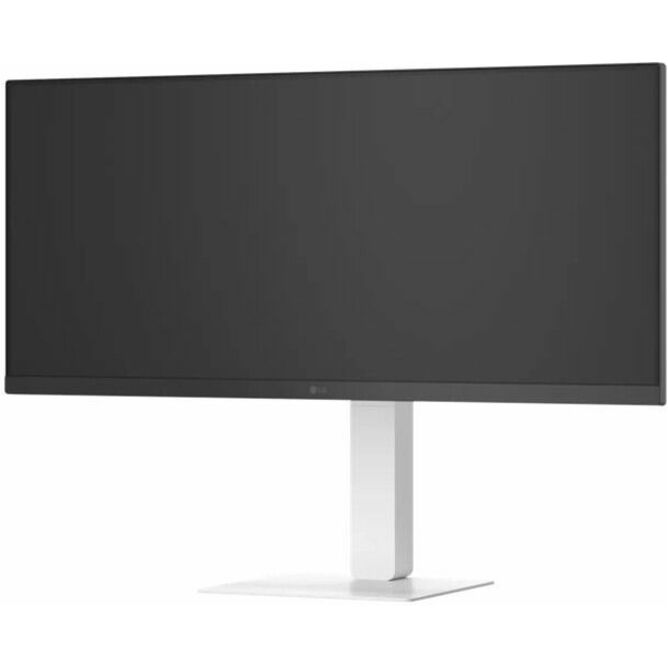

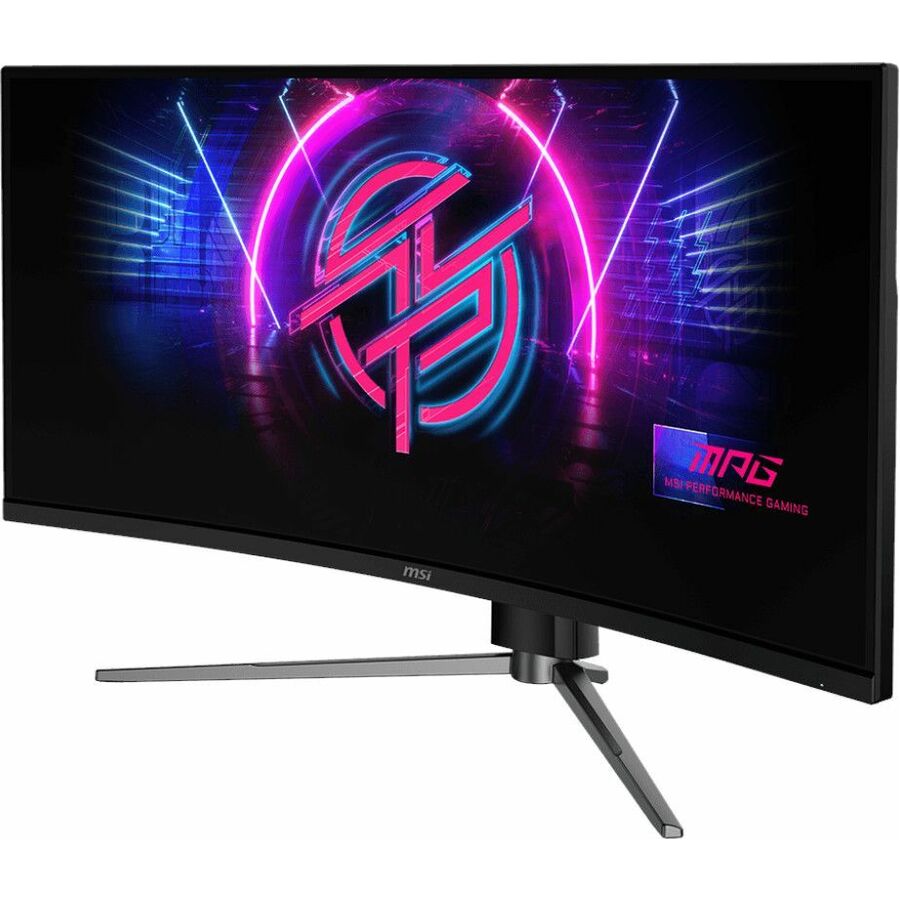
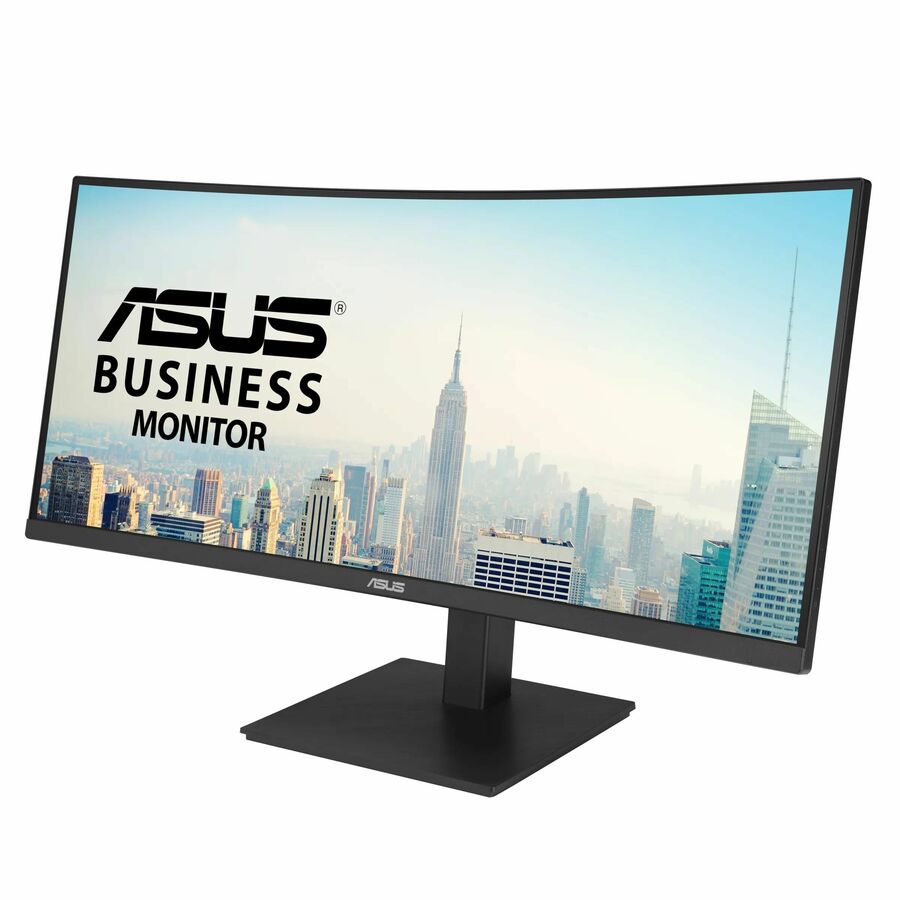

Entry ultrawide
LG Electronics
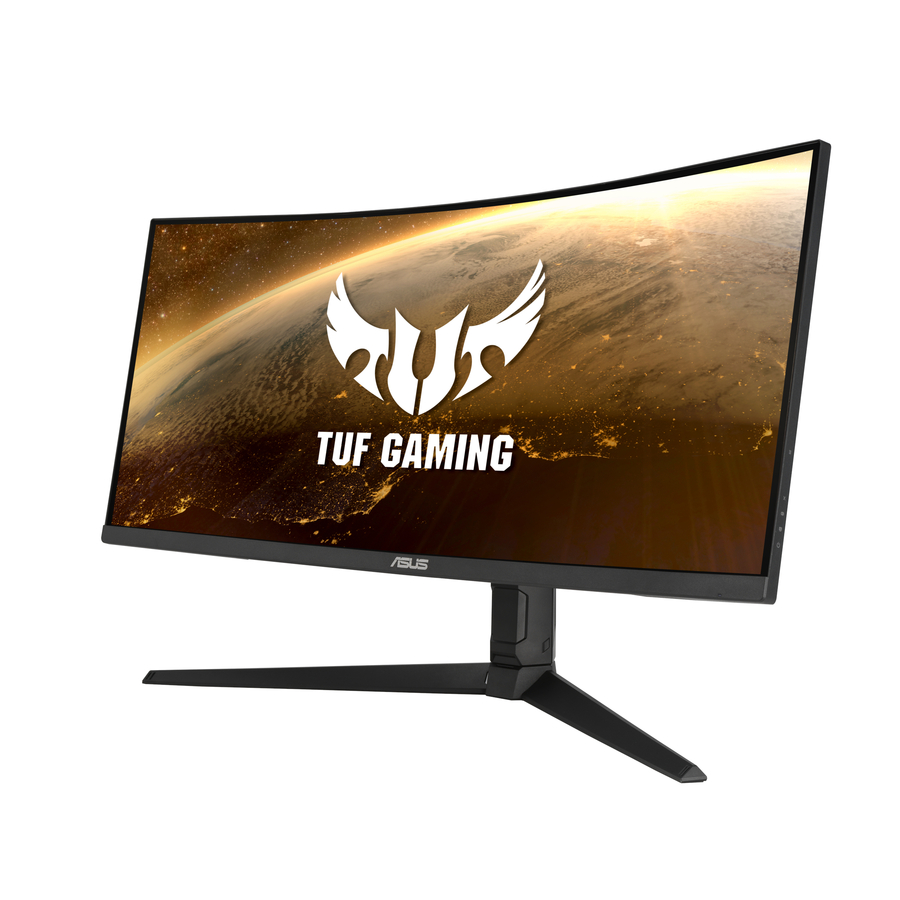
LG Ultrawide 29BF550B-W 29" Class WFHD LCD Monitor
29BF550B-W
The entry rung of the category done properly: a 29-inch IPS panel at 2560 x 1080, 250 nits, 100 Hz, with USB Type-C alongside HDMI and DisplayPort and a stand that swivels, tilts and adjusts for height. Two usable windows side by side and a single cable to the notebook is the whole brief for a desk that mostly runs email, a browser and a line-of-business application.
$456.88Back-orderedTAA-titled 34-inch
LG Electronics
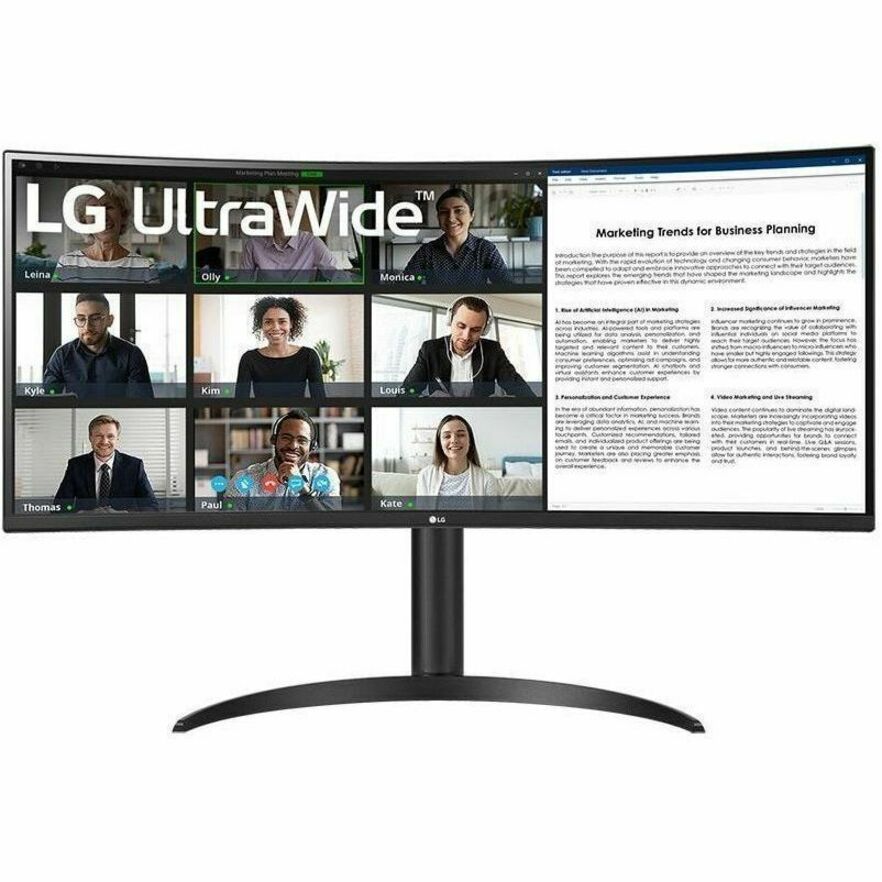
LG 34BR55QC-B 34" Class UWQHD Curved Screen LCD Monitor
34BR55QC-B
A 34-inch curved VA panel at 3440 x 1440 with 300 nits, 100 Hz, USB Type-C, full height, swivel and tilt adjustment and VESA mounting. Its manufacturer's own product title also carries a TAA-compliant designation, which is worth noting on a federal or state desk refresh — country-of-origin documentation is confirmed per part number at quote, never assumed from a product family.
$786.25*Back-orderedWebcam, 34-inch IPS
LG Electronics
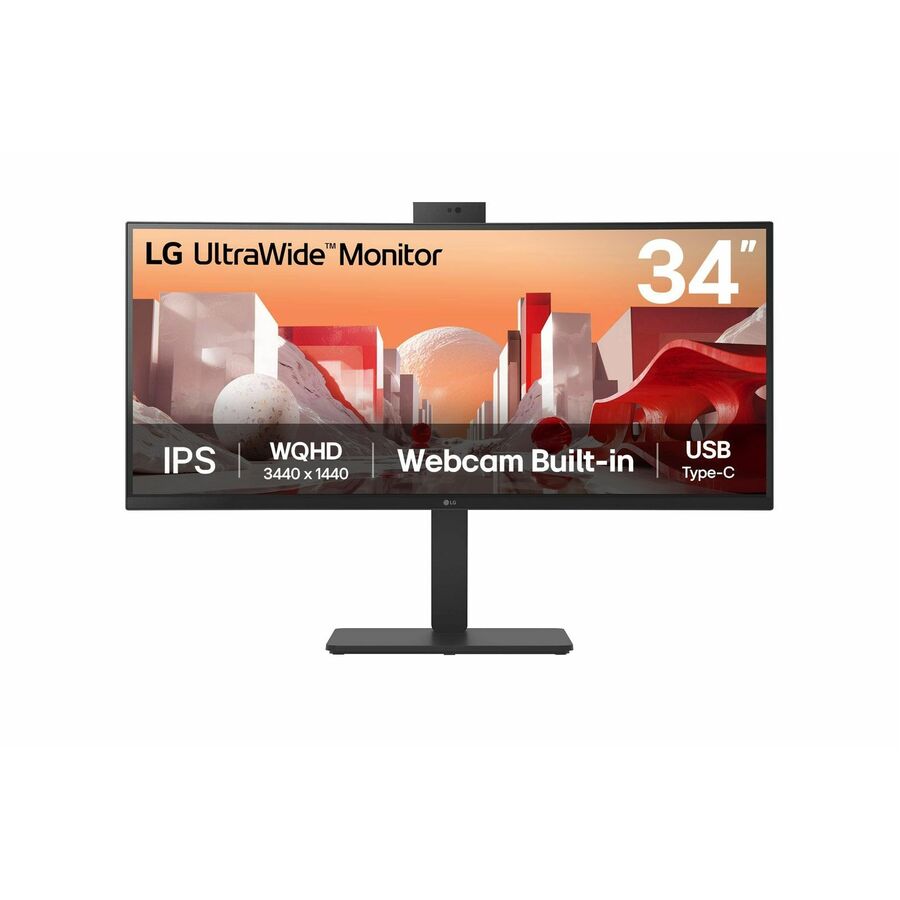
LG 34BA85QE-B 34" Class Webcam UWQHD Curved Screen LED Monitor
34BA85QE-B
A 34-inch IPS ultrawide at 3440 x 1440 with 1.07 billion colours, a built-in webcam, USB Type-C, a KVM switch and full ergonomic adjustment. The integrated camera is the argument: on a desk built around a single cable, it removes the last separately-powered accessory from the top of the monitor and the last USB device from the hub.
$1,190.00Back-orderedThinkVision value
Lenovo
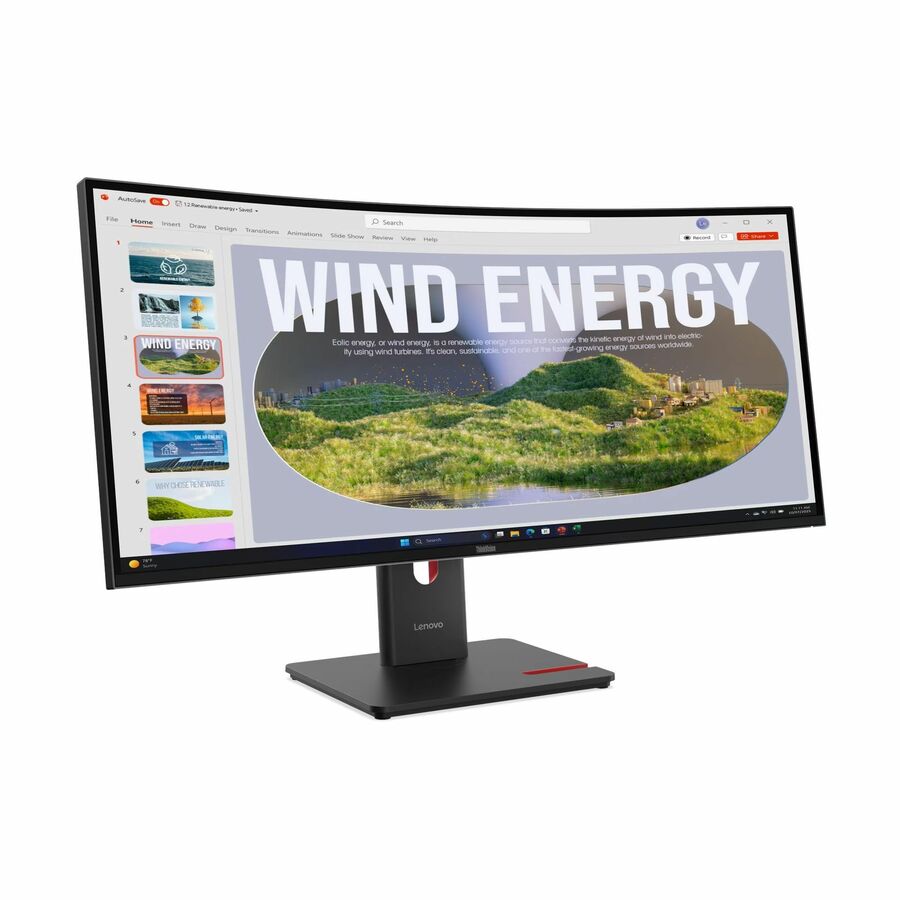
Lenovo ThinkVision T34WD-40 34" Class UW-QHD Curved Screen LED Monitor
64AEGAR1UZ
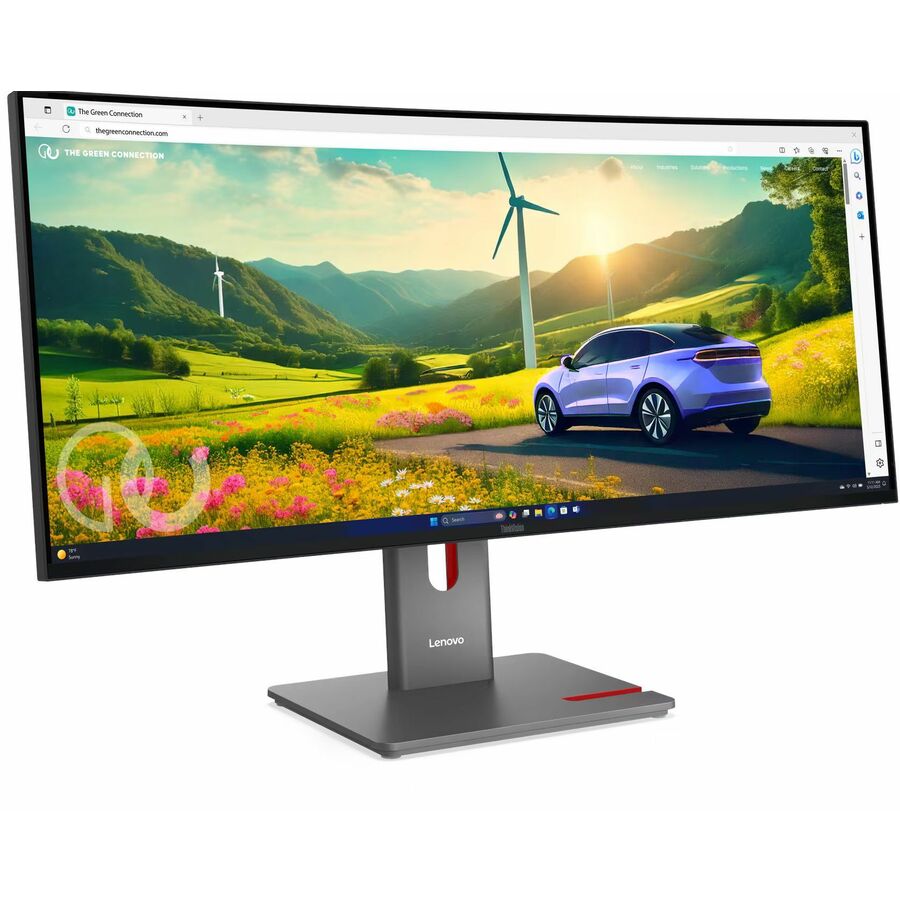
The ThinkVision T34WD-40: 34-inch curved VA at 3440 x 1440, 300 nits, 120 Hz, USB Type-C, a USB hub and swivel, height and tilt adjustment. It is the volume-fleet shape of this category — the resolution most desks should standardise on, with the single-cable docking that removes a separate dock from the order.
$529.42Back-orderedIPS Black panel
Lenovo
Lenovo ThinkVision P34WD-40 34" Class UWQHD Curved Screen LED Monitor
64ADGAR1UZ
The ThinkVision P34WD-40 with an IPS Black panel at 3440 x 1440, 350 nits, 120 Hz, 1.07 billion colours, USB Type-C, a USB hub and a built-in KVM switch. IPS Black is the deeper-contrast variant of IPS, which is the specification to reach for where a wide panel has to hold dark interface elements and document text equally well.
$737.18In stock40-inch 5K2K
Lenovo
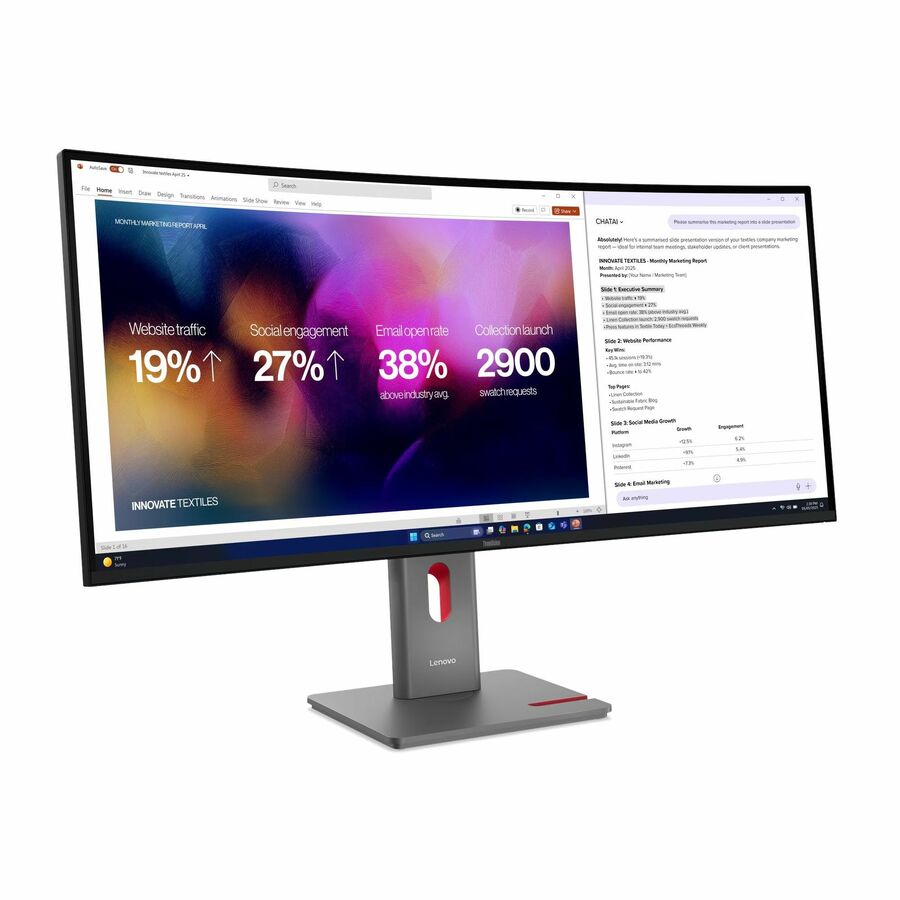
Lenovo ThinkVision P40WD-40 40" Class 5K UHD Curved Screen LED Monitor
64B4XAR1US
The ThinkVision P40WD-40 at 5120 x 2160 across 40 inches, IPS, 400 nits, 120 Hz, with USB Type-C, a USB hub and a KVM switch. This is the rung where an ultrawide genuinely replaces two 1440p monitors rather than competing with them, and it does it on one cable — confirm the notebook can drive the resolution over USB-C before standardising it.
$1,414.03Back-orderedBrightest 34-inch here
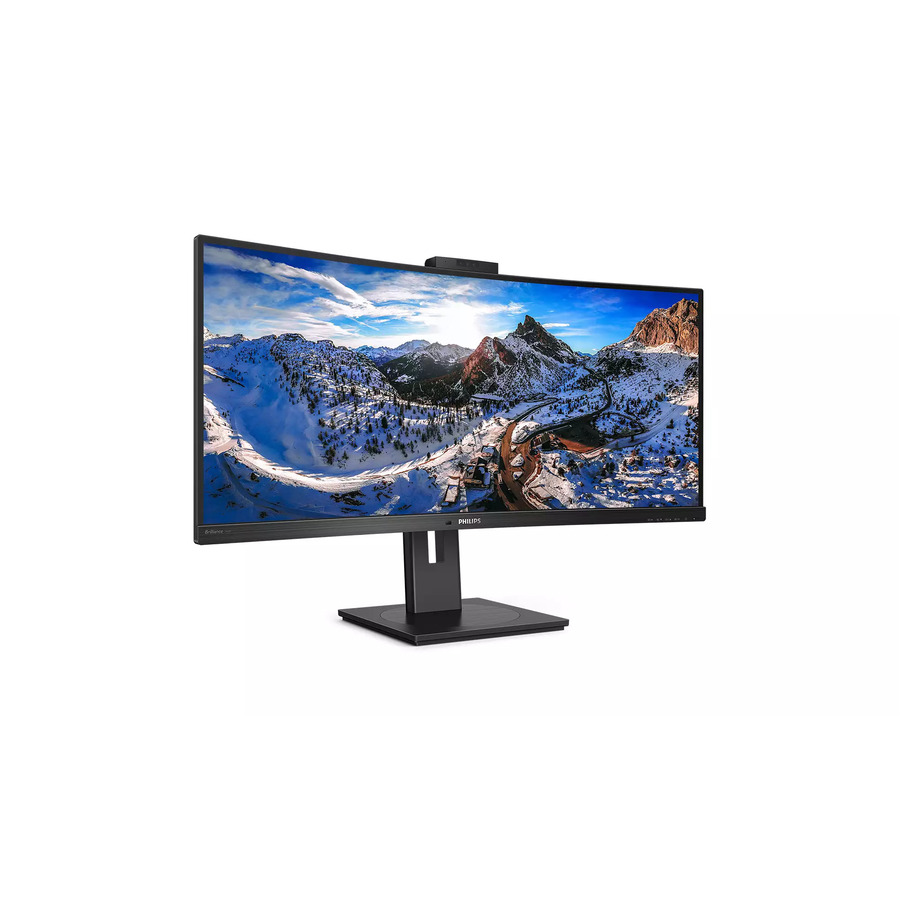
Philips Electronics
Philips 346P1CRH 34" Class Webcam WQHD Curved Screen LCD Monitor
346P1CRH
A 34-inch curved VA panel at 3440 x 1440 rated 500 nits, with a built-in webcam, USB Type-C, a USB hub and a KVM switch. Five hundred nits is the highest brightness figure among the 34-inch parts on this page, which is the specification that matters in an open-plan floor with windows the facilities team will not shade.
$834.00Back-orderedViewFinity 34-inch
Samsung
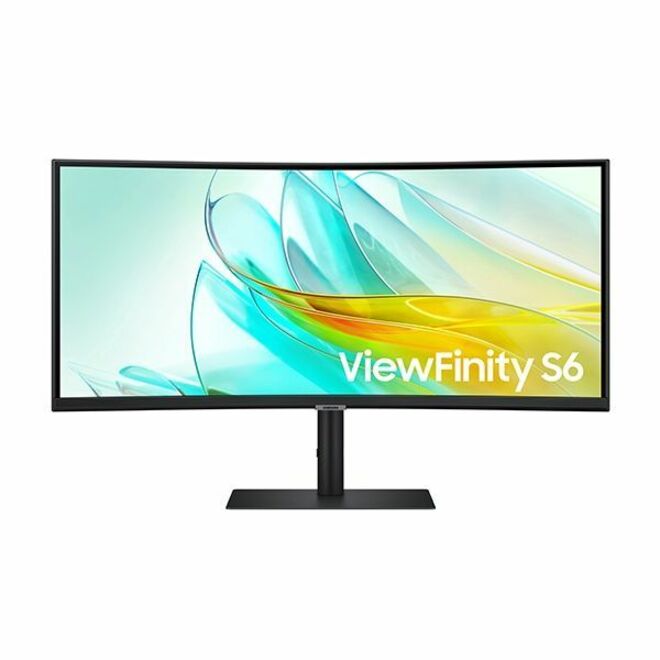
Samsung ViewFinity S6 S34C654UAN 34" Class UW-QHD Curved Screen LCD…
S34C654UAN
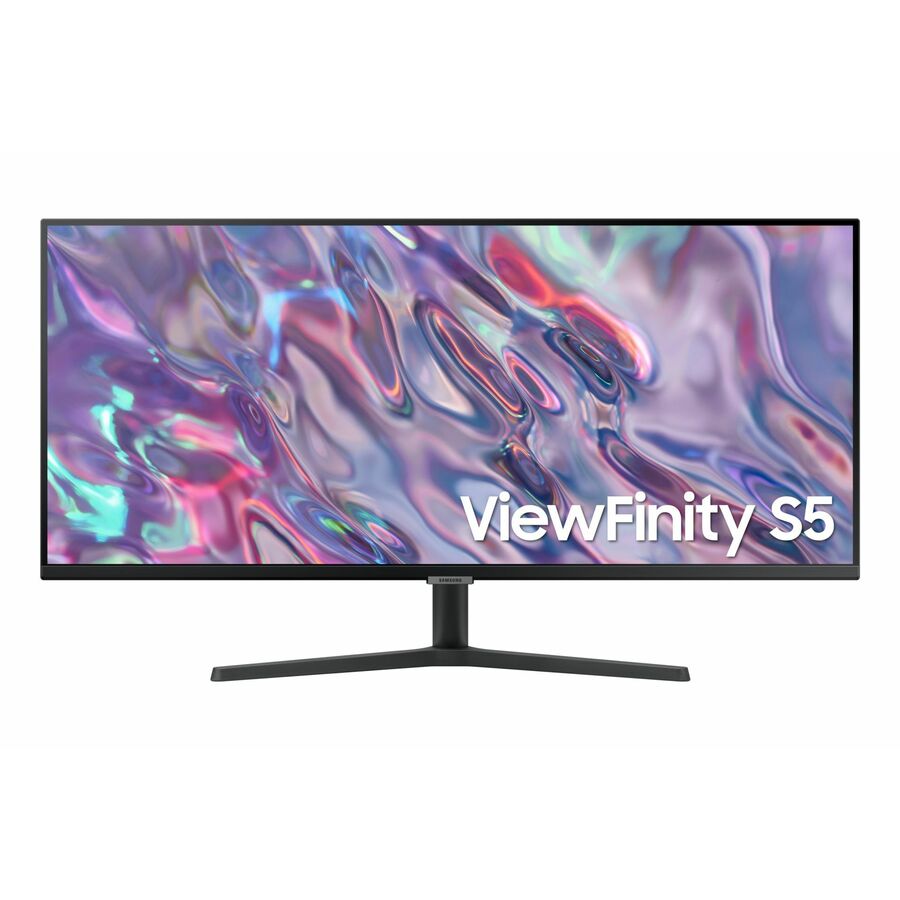
A 34-inch curved VA panel at 3440 x 1440, 350 nits, 100 Hz, 1.07 billion colours, with USB Type-C, a USB hub and a KVM switch. A straightforward single-cable desk display at the volume resolution, with the KVM included rather than reserved for the tier above.
$768.47In stockViewFinity with webcam
Samsung
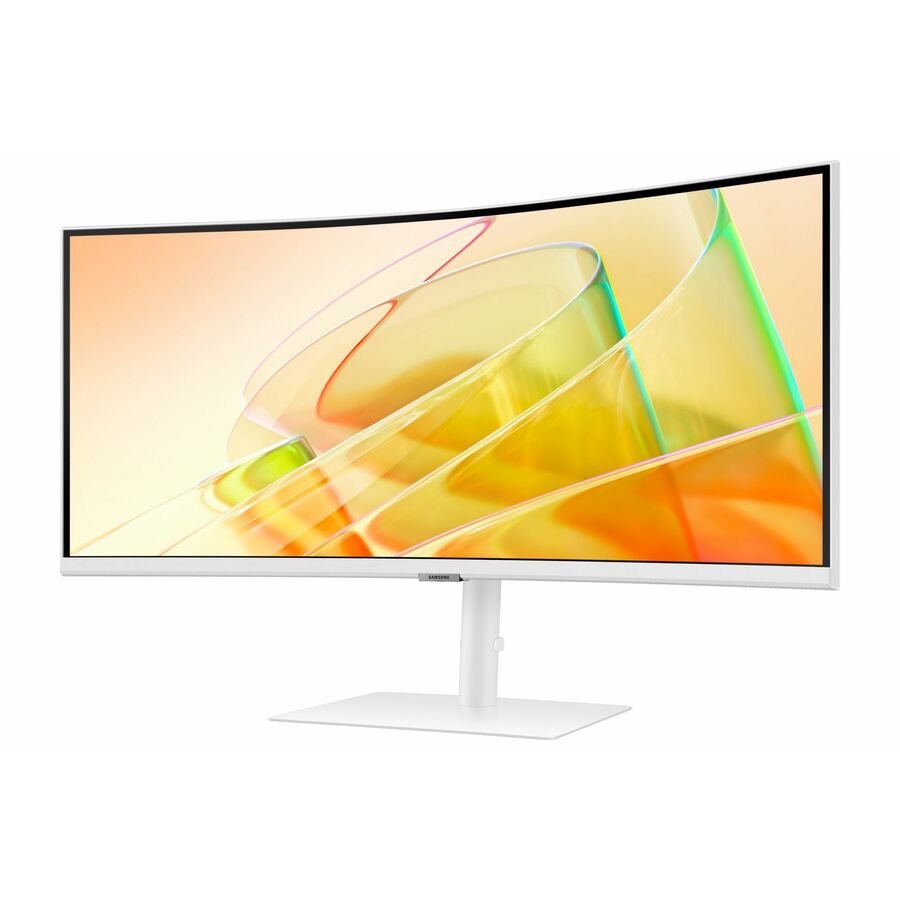
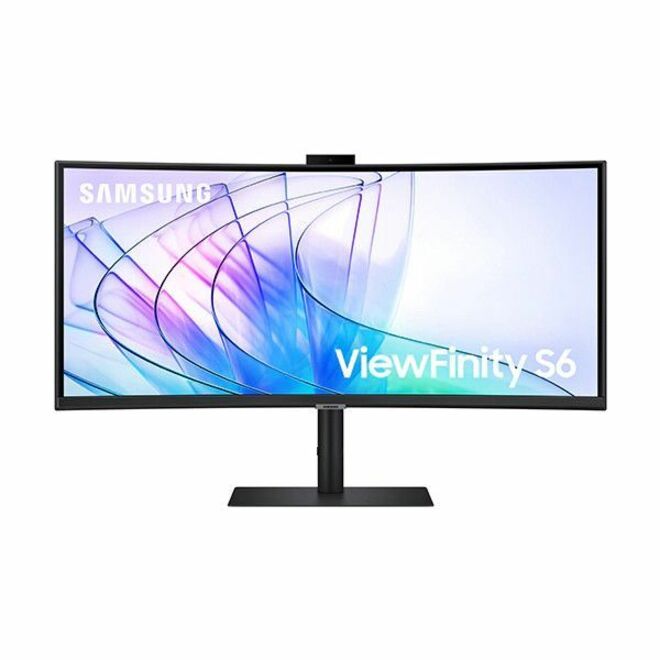
Samsung ViewFinity S6 S34C654VAN 34" Class Webcam UW-QHD Curved Screen…
S34C654VAN
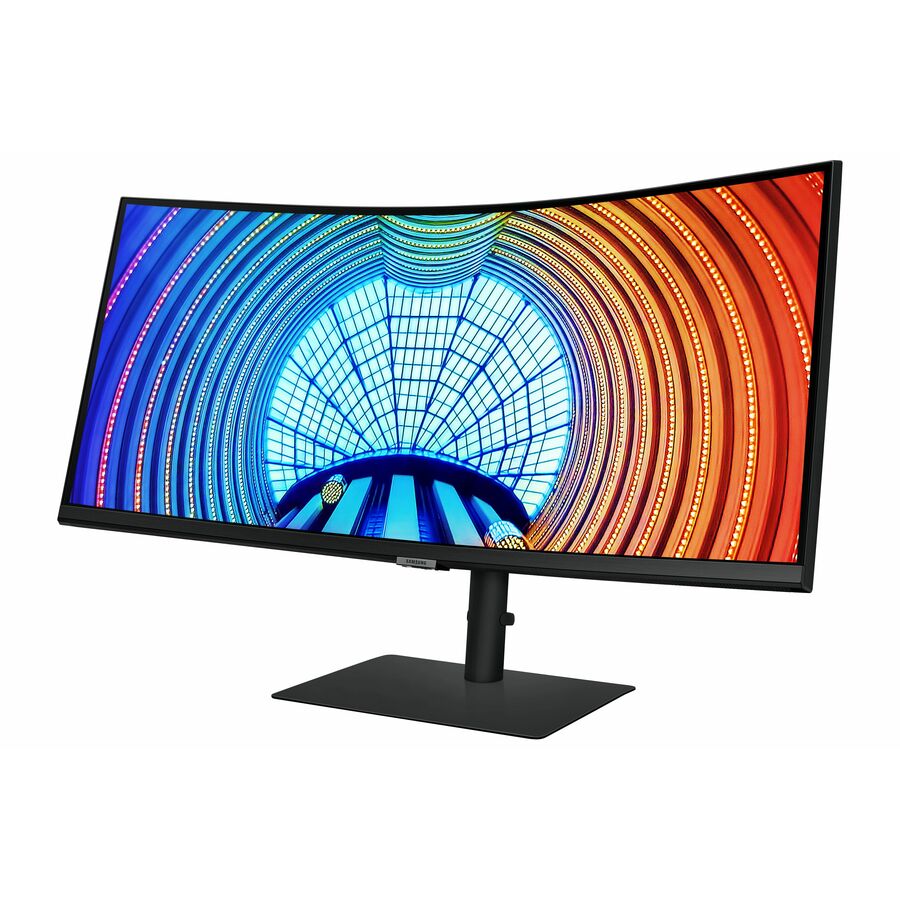
The same 34-inch 3440 x 1440 VA platform with a webcam added, keeping the 350 nits, 100 Hz, USB Type-C, USB hub and KVM switch. Where a floor is being standardised, buying the camera into the display is usually cheaper than buying, tracking and supporting a separate one per desk.
$872.51Back-orderedVero 34-inch USB-C
Acer
Acer Vero CB343CUR J0 34" Class Curved Screen LCD Monitor
UM.CB3AA.002
A 34-inch panel at 3440 x 1440 rated 350 nits with a 1 ms response, speakers, height and swivel adjustment and USB Type-C alongside HDMI and DisplayPort. It is the leanest specification on this page that still delivers the full 3440 x 1440 working area and single-cable docking.
$374.89Back-ordered38-inch 3840 x 1600
Acer
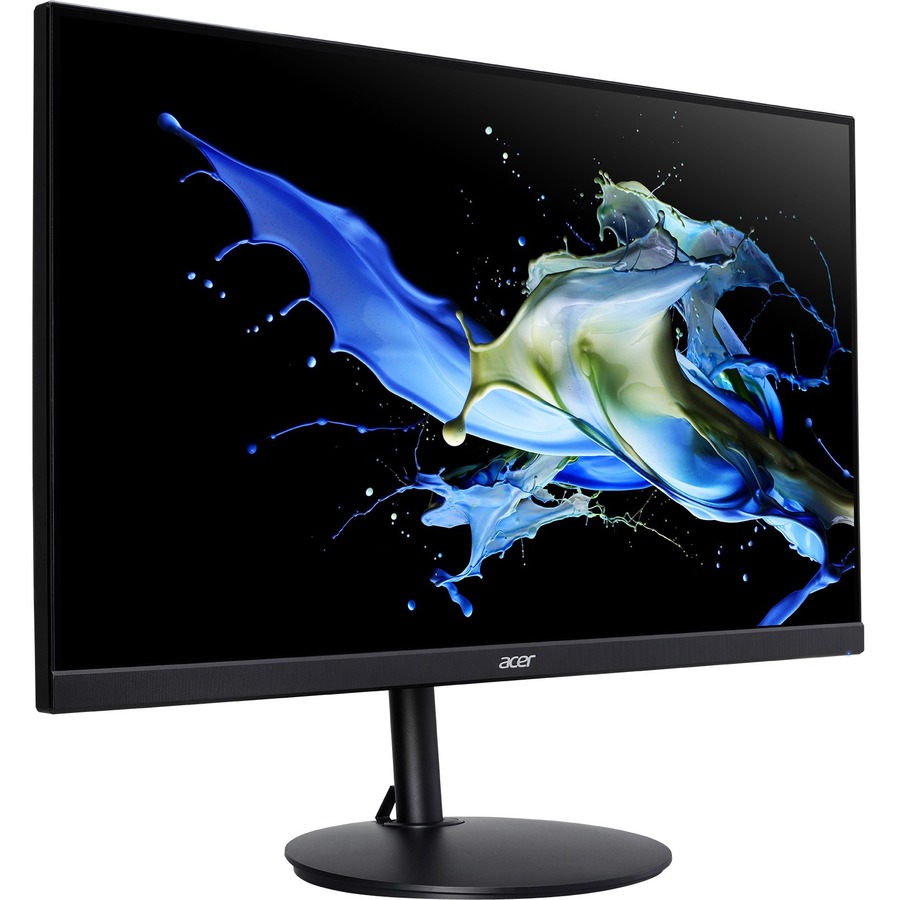
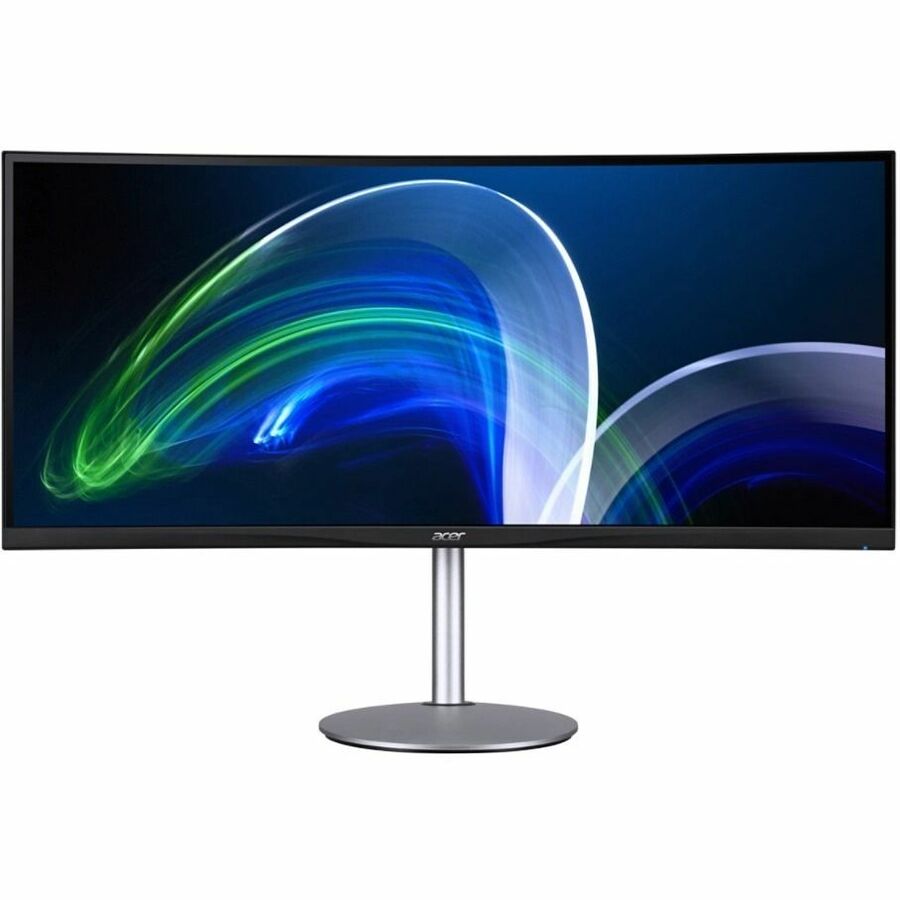
Acer CB382CUR 38" Class LCD Monitor
UM.TB2AA.001
A 38-inch IPS panel at 3840 x 1600 with 1.07 billion colours, 300 nits, USB Type-C and VESA mounting. The step from 3440 x 1440 to 3840 x 1600 adds both width and height, which is the difference between two documents side by side and two documents with their toolbars and a reference window still visible.
$2,140.67Back-ordered40-inch, 5120 x 2160
Alogic
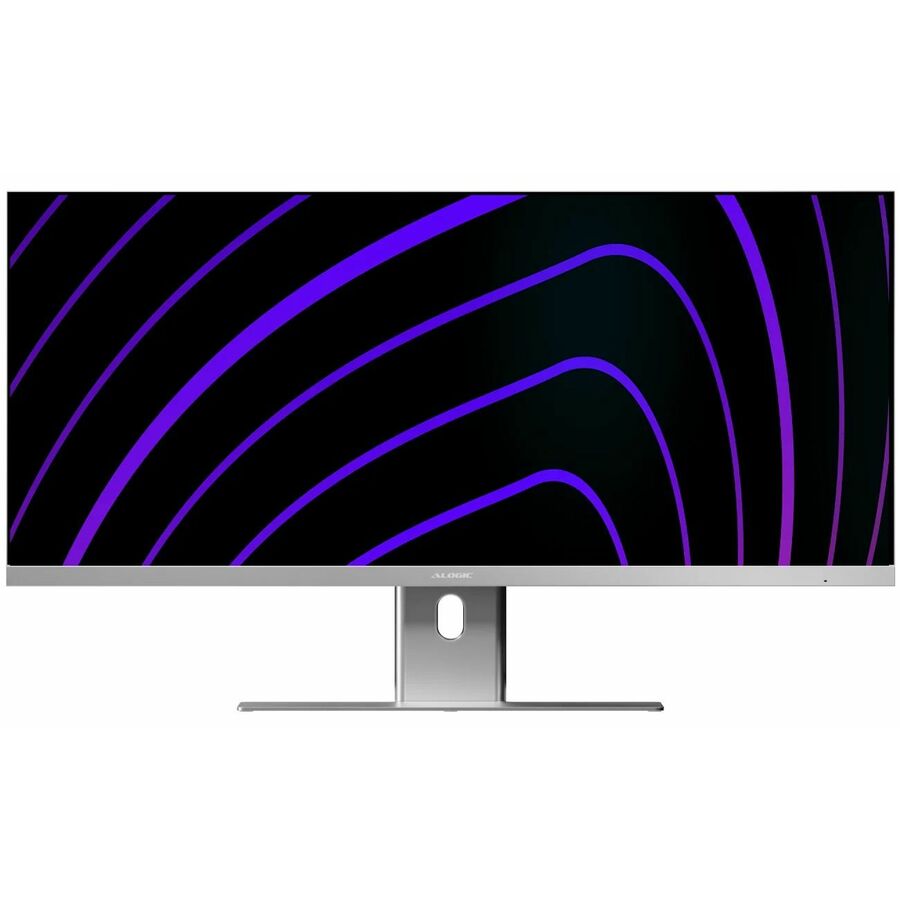
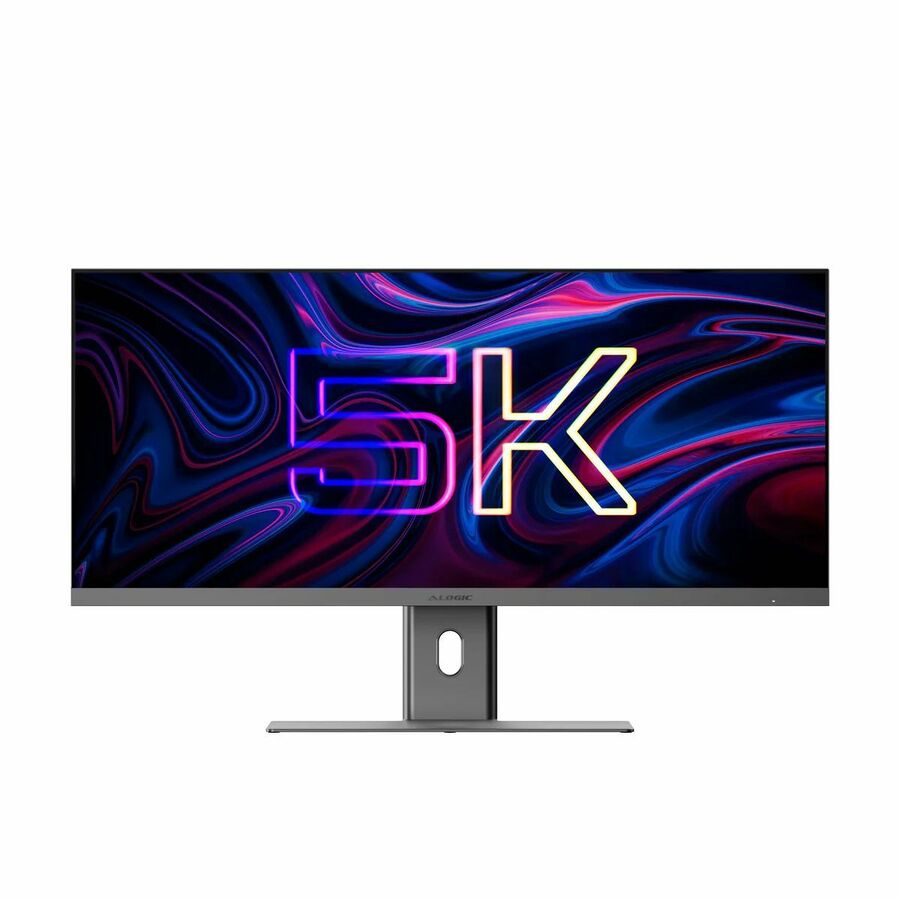
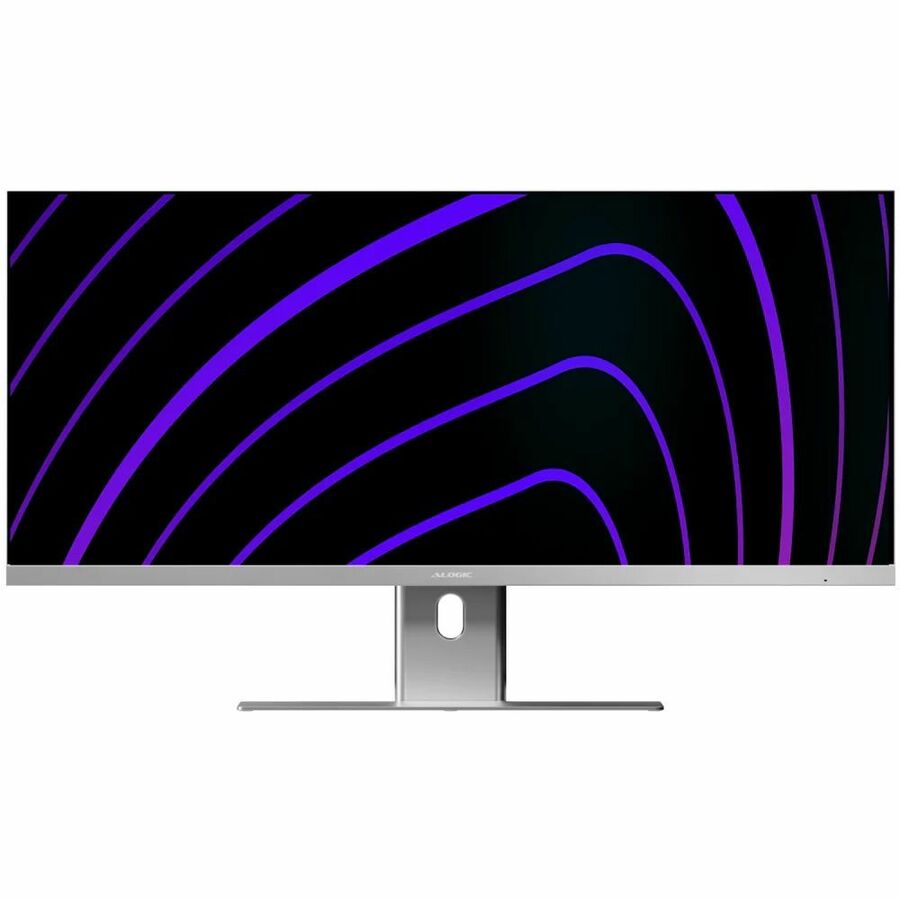
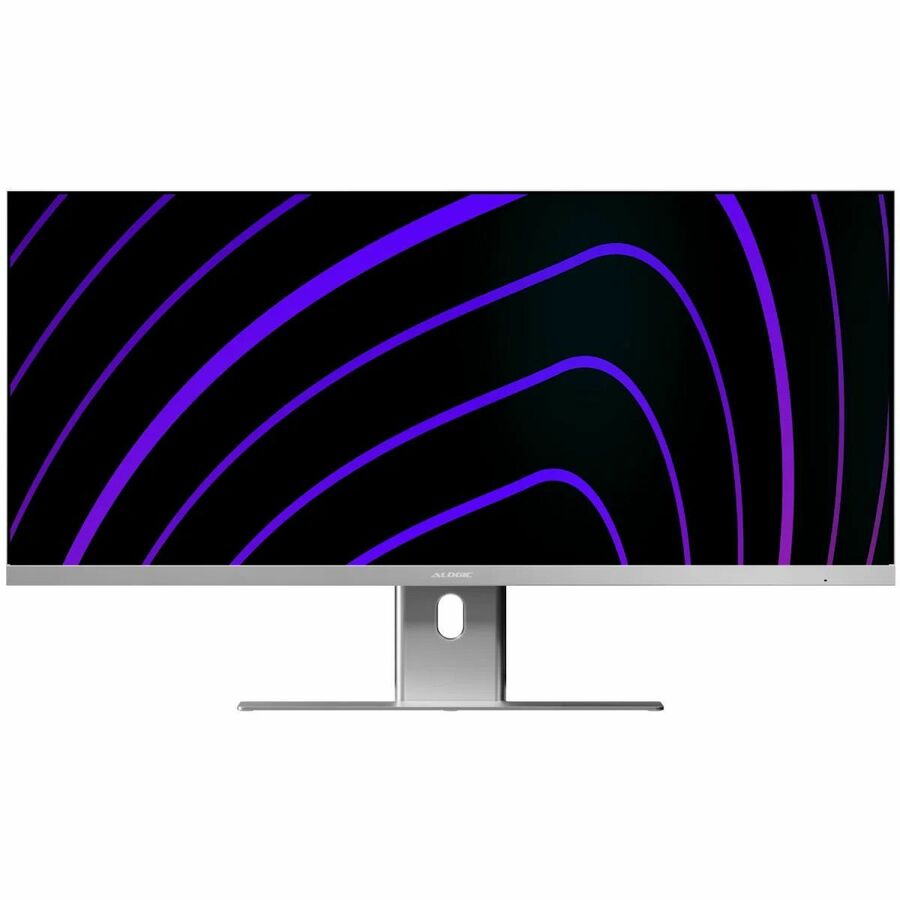
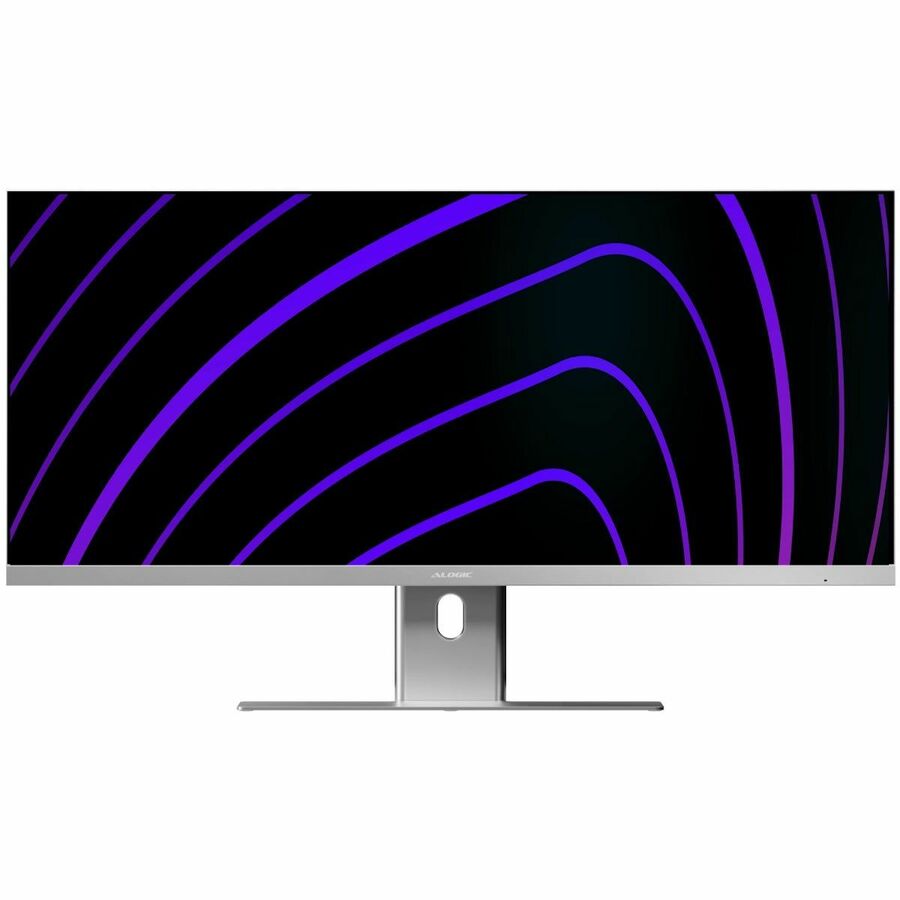
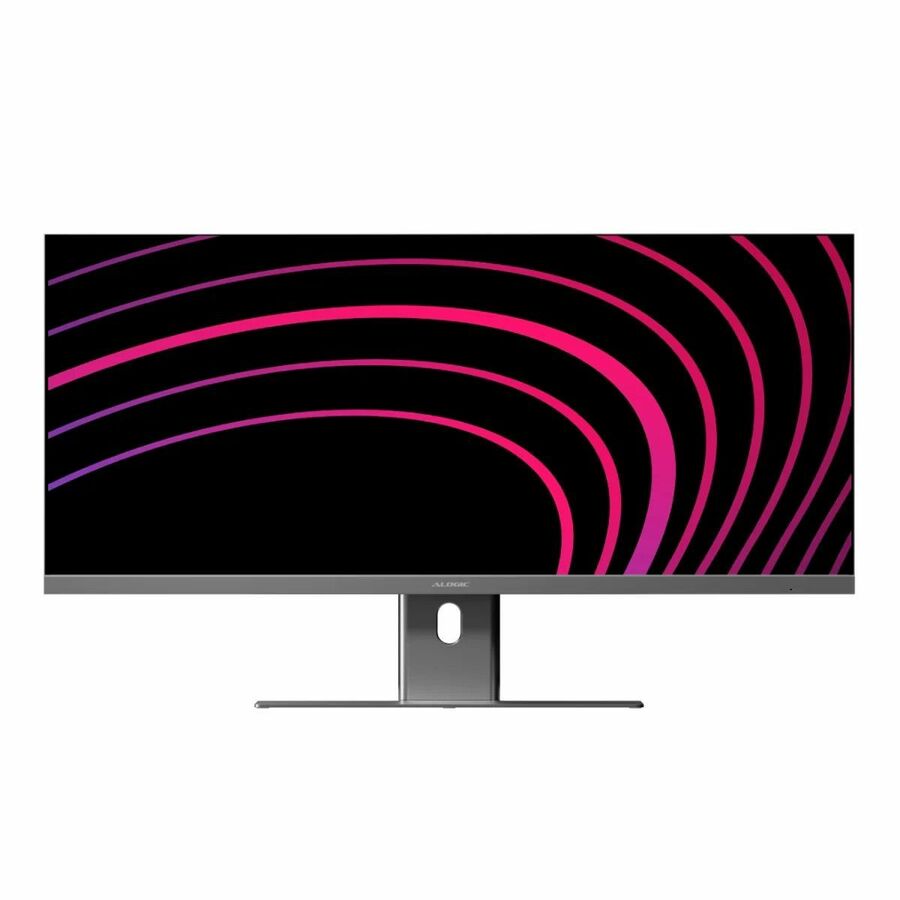
Alogic Edge 40" Class 5K LCD Monitor
40C5KPD
A 40-inch IPS panel at 5120 x 2160 rated 400 nits, with USB Type-C, HDMI, DisplayPort, speakers and VESA mounting. The 5K2K resolution across 40 inches is the top of the working-area range on this page; check desk depth as well as the notebook's port before committing a floor to it.
$2,087.14Back-orderedFlexScan with webcam
EIZO
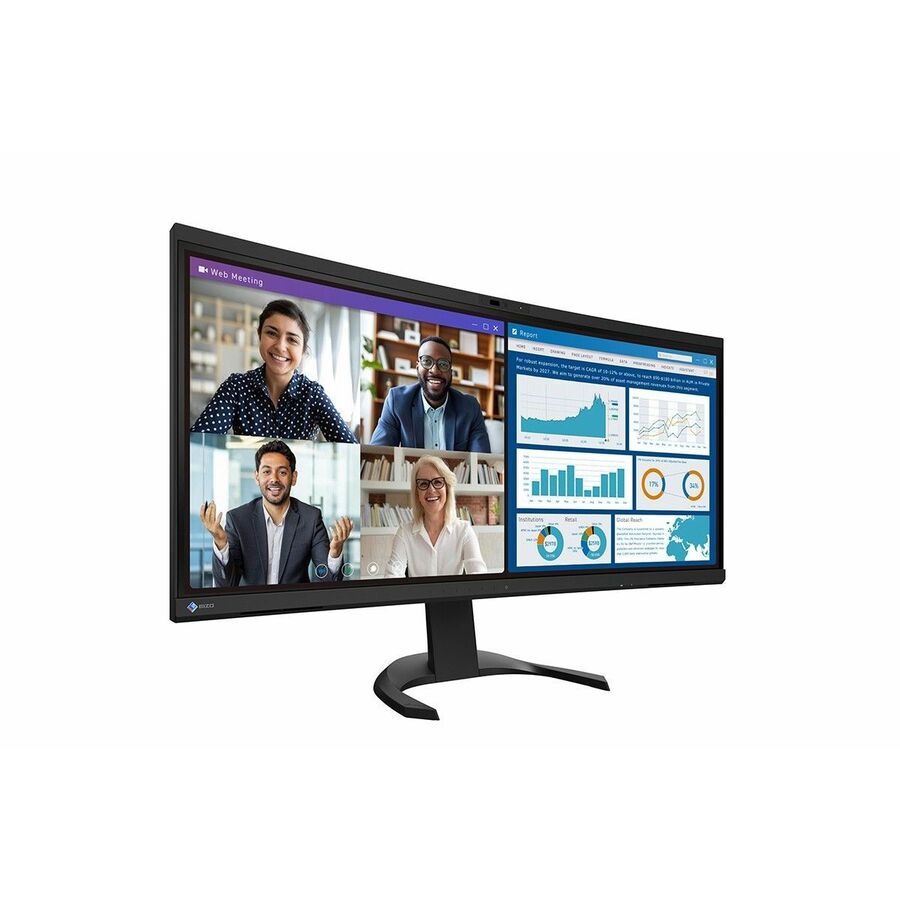
EIZO FlexScan EV3450XC-BK 34" Class Webcam UWQHD Curved Screen LED…
EV3450XC-BK
A 34-inch IPS ultrawide at 3440 x 1440 with a built-in webcam, 300 nits, USB Type-C, a USB hub and a KVM switch. FlexScan is a workplace line rather than a gaming one, and the combination here — camera, hub and KVM in the display — is aimed squarely at a desk that is meant to have nothing else on it.
$1,701.24Back-orderedPlanar 38-inch
Leyard
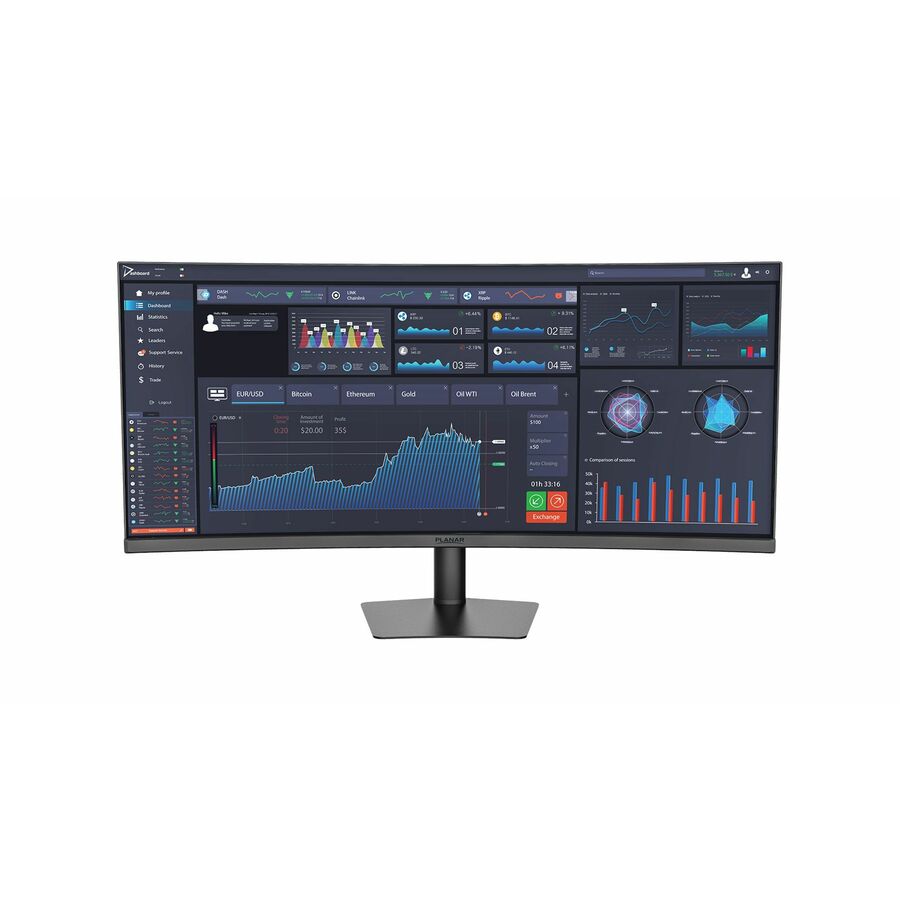
Planar PZN3815Q 38" Class UW-QHD+ Curved Screen LED Monitor
998-4078-00
A 38-inch IPS panel at 3840 x 1600, 1.07 billion colours, 300 nits, 75 Hz, with USB Type-C, a USB hub, a KVM switch and tilt, swivel and height adjustment. A wide-format control-room and back-office shape: the extra vertical pixels over 3440 x 1440 are what let a monitoring layout keep its status bars on screen.
$612.22Back-orderedColour-work ultrawide
ViewSonic
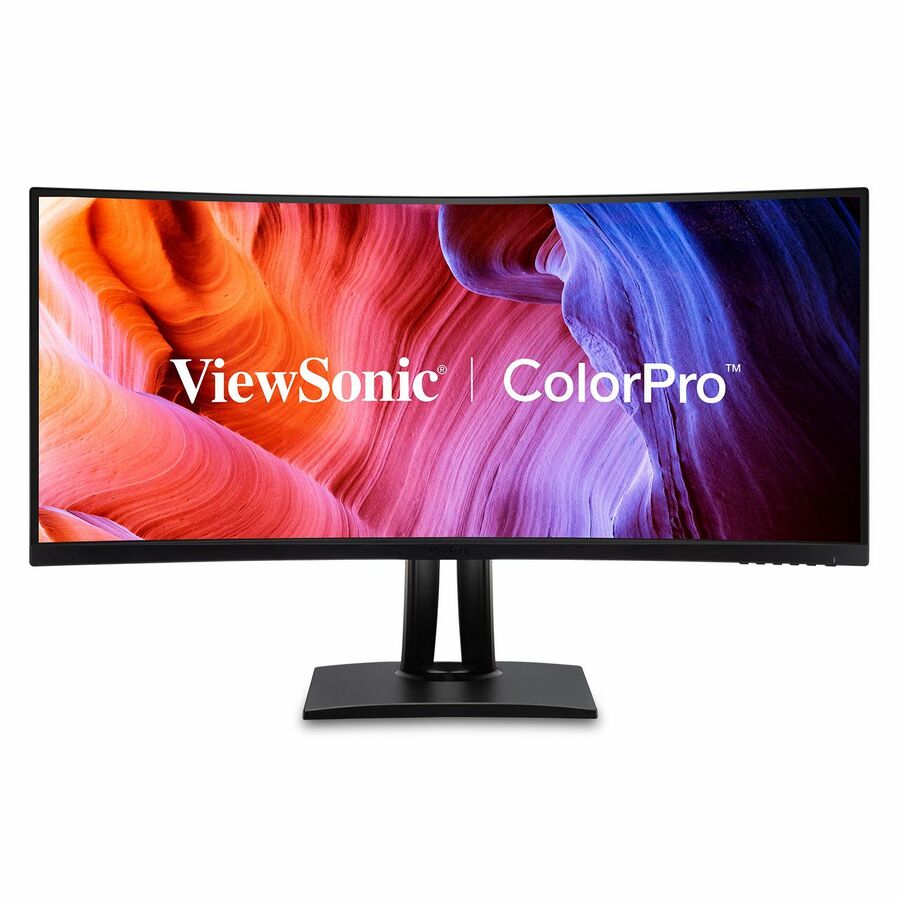
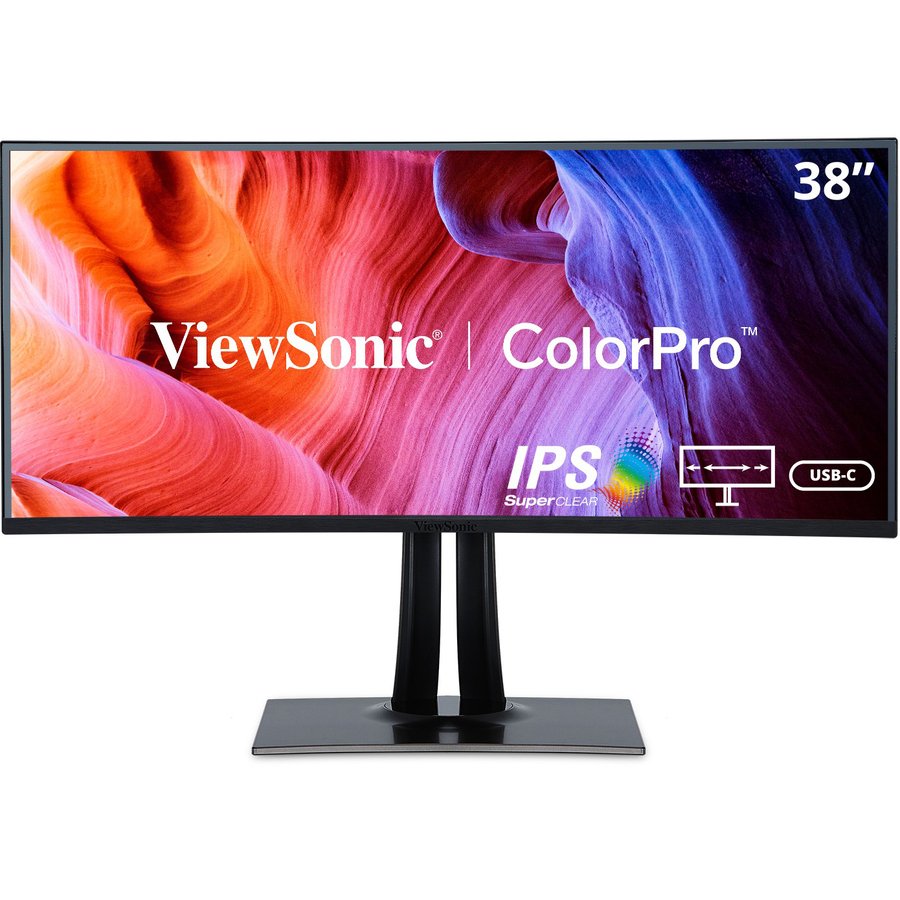
ViewSonic VP3456A 34 Inch 1440p Ultrawide ColorPro Monitor, Curved…
VP3456A
A 34-inch curved IPS panel at 3440 x 1440 whose own title states 100 percent sRGB coverage and Pantone Validated colour, with 100 W USB-C, an RJ-45 port, HDMI and DisplayPort. The 100 W and the wired network port together are what let this one panel be the whole dock for a design or marketing desk.
$762.99In stockMore monitors in the Uniqcli catalog
See all 1,690 monitorsMore from across this category. In-stock lines lead, and a back-ordered line carries the same estimated availability its product page does — with live pricing throughout, NDAA §889 screening before checkout and TAA verified on request.
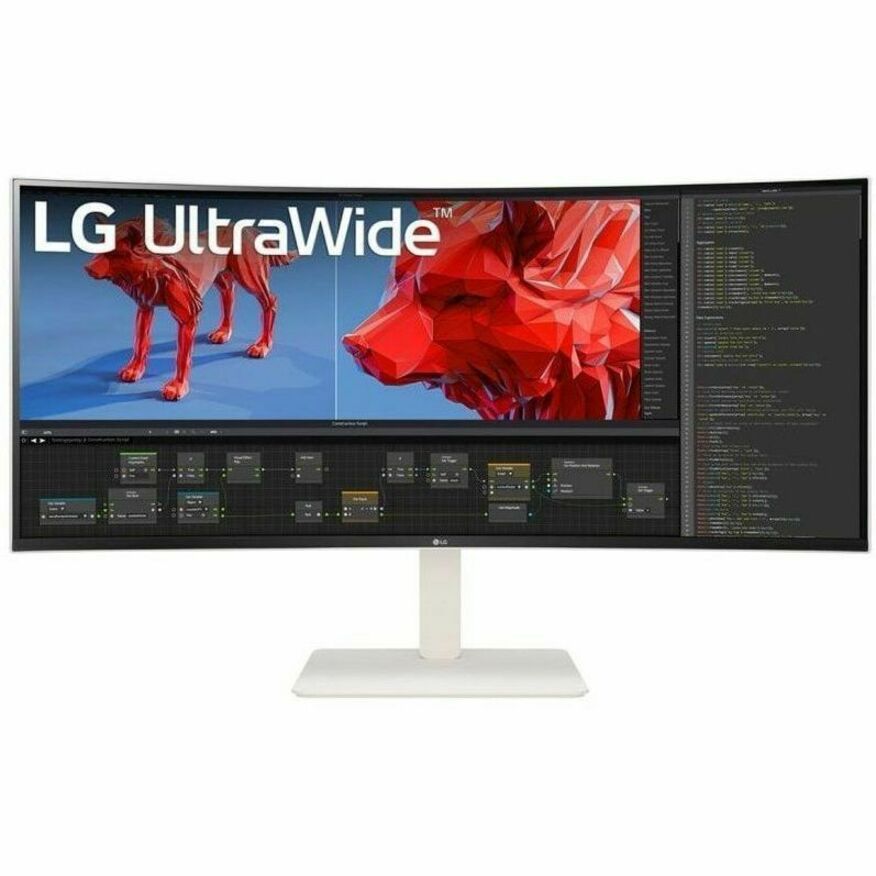
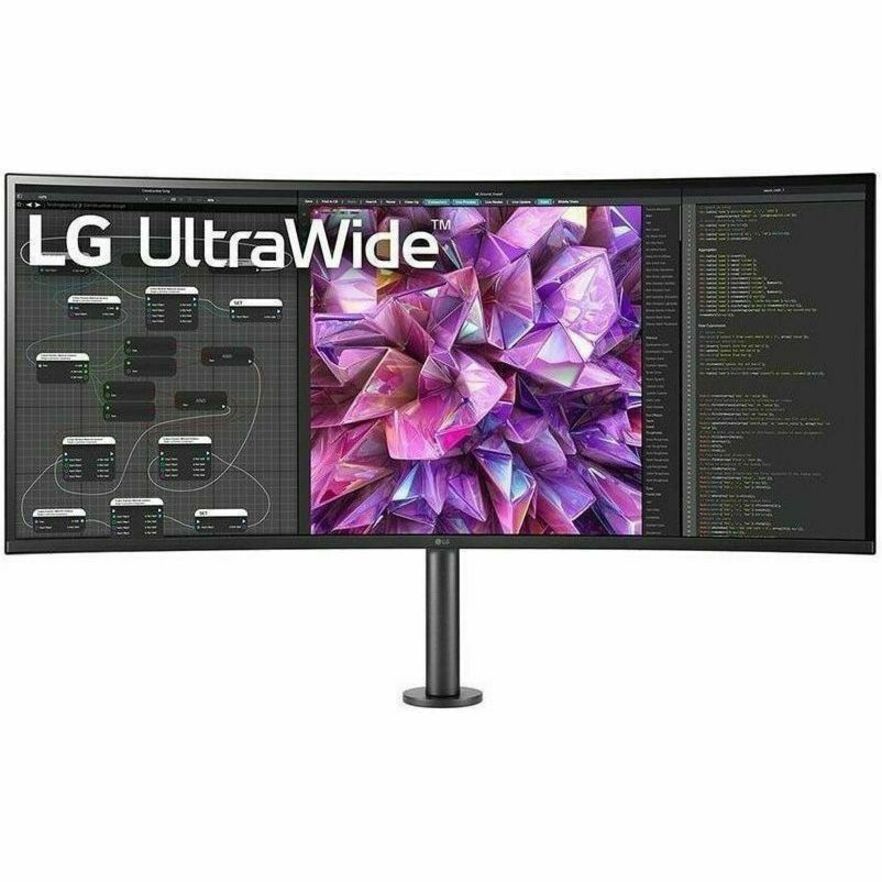
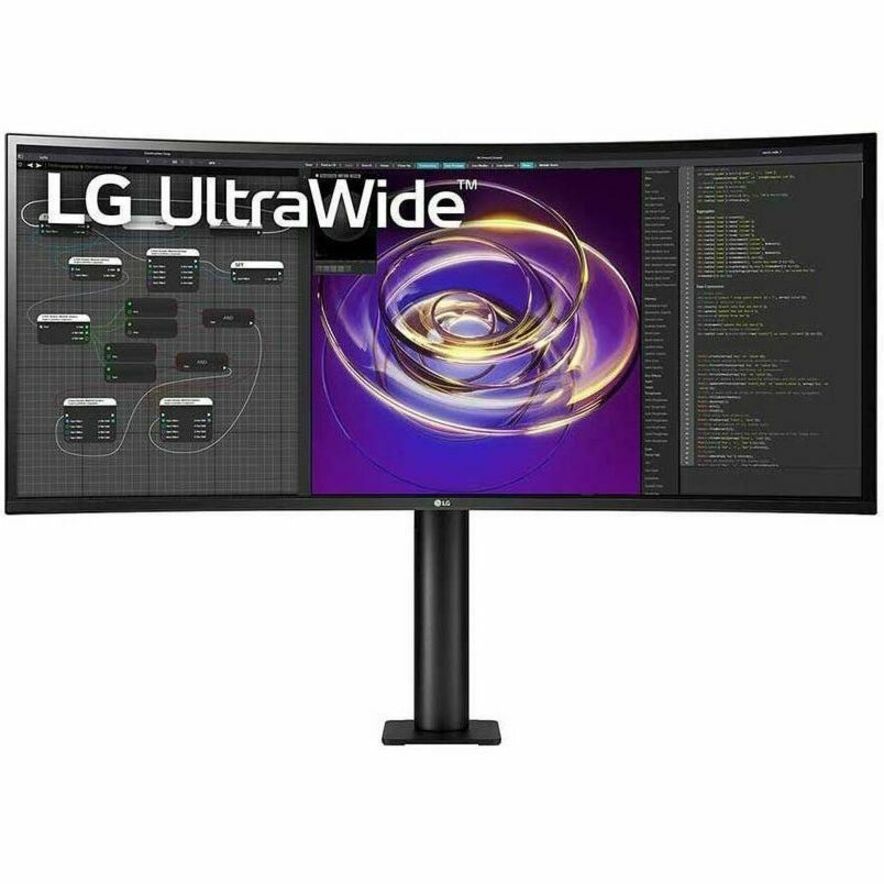
- LG ElectronicsLG Ultrawide 38BR85QC-H 38" Class UW-QHD+ Curved Screen LCD Monitor - 21:9 - 37.5" Viewable - Nano In-plane Switching (Nano IPS) Technology - 3840 x 1600 - FreeSync Premium Pro - 450 Nit - 1 ms - 144 Hz Refresh Rate - Speakers - Swivel, Height, Tilt - USB Type-C - HDMI - DisplayPort - KVM Switch, USB Hub38BR85QC-H
$2,755.00
$2,341.75
Back-orderedBack-ordered — we expect to receive stock the week of Nov 16–22 and will process your delivery right after.
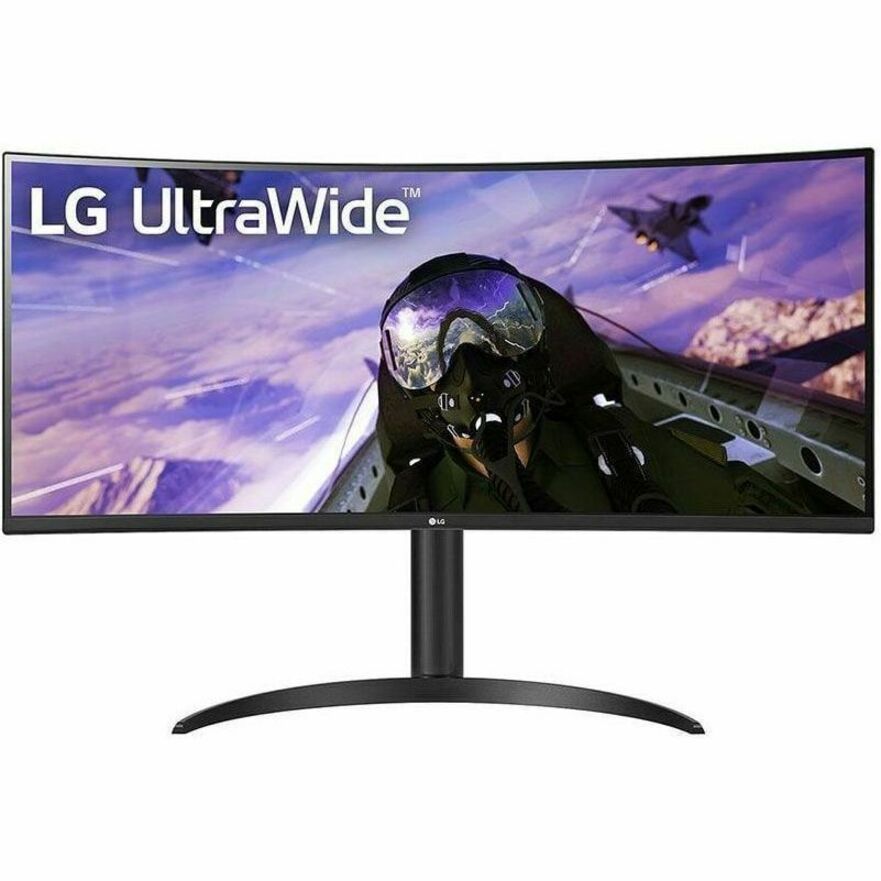
- LG ElectronicsLG 38BQ88C-W 38" Class UW-QHD+ Curved Screen LCD Monitor - 21:9 - Textured Black, Textured White - 37.5" Viewable - In-plane Switching (IPS) Technology - 3840 x 1600 - 16.7 Million Colors - FreeSync - 300 Nit - 5 ms - 75 Hz Refresh Rate - Speakers - Swivel, Height, Tilt - USB Type-C - HDMI - DisplayPort - VESA Mount Compatible38BQ88C-W
$2,500.00
$2,125.00
Back-orderedBack-ordered — estimated OEM lead time 3–8 weeks (Nov 16 – Dec 21 if ordered today).
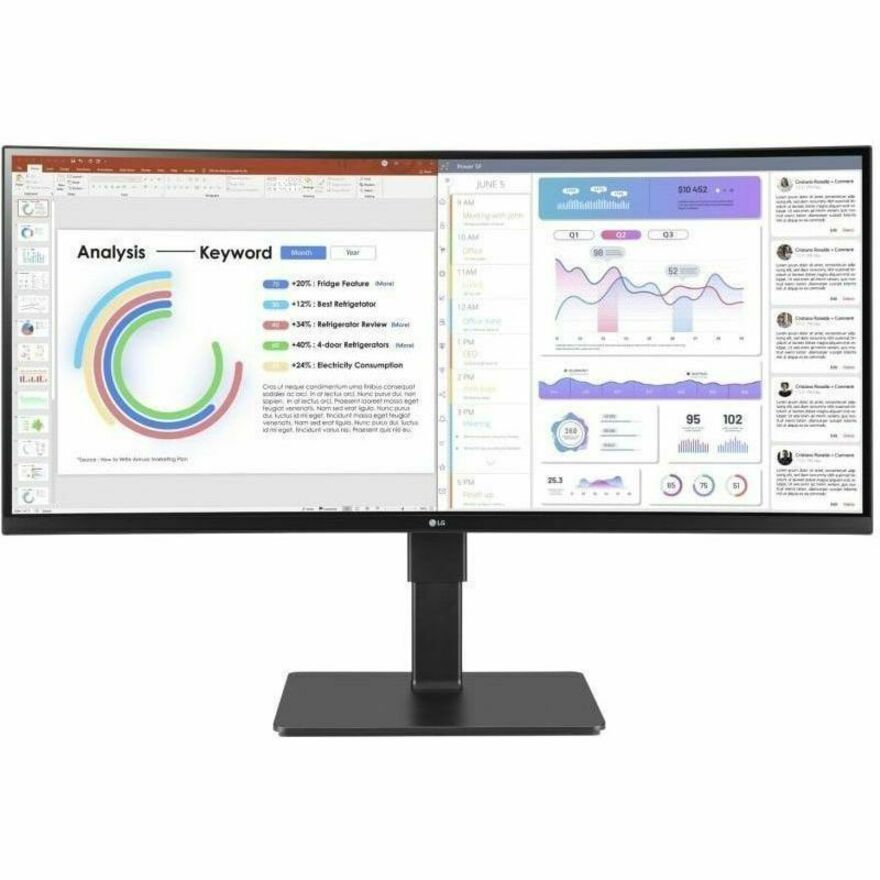
- LG ElectronicsLG 34BP88CN-B 34" Class Curved Screen LED Monitor - 21:9 - Black - 34" Viewable - In-plane Switching (IPS) Technology - Edge LED Backlight - 16.7 Million Colors - FreeSync - 300 Nit - 5 ms - Speakers - Swivel, Height, Tilt - USB Type-C - HDMI - DisplayPort - VESA Mount Compatible34BP88CN-B
$1,625.00
$1,381.25
Back-orderedBack-ordered — estimated OEM lead time 3–8 weeks (Nov 16 – Dec 21 if ordered today).
- LG ElectronicsLG 34BA85QE-B 34" Class Webcam UWQHD Curved Screen LED Monitor - 21:9 - Textured Black, Black - 34" Viewable - In-plane Switching (IPS) Technology - 3440 x 1440 - 1.07 Billion Colors - 300 Nit - 5 ms - 60 Hz Refresh Rate - Speakers - Swivel, Height, Tilt - USB Type-C - HDMI - DisplayPort - VESA Mount Compatible - KVM Switch34BA85QE-B
$1,400.00
$1,190.00
Back-orderedBack-ordered — we expect to receive stock the week of Nov 16–22 and will process your delivery right after.
- ViewSonicViewSonic VP3881A 38 Inch WQHD+ ColorPro Monitor, Curved IPS with 100% sRGB and Pantone Validated for Professional Graphic Design, Advanced Ergonomics, 90W USB-C, HDMI, and DisplayPort - ColorPro VP3881a - WQHD+ Curved 21:9 Monitor with sRGB, HDR10 Support, USB-C, HDMI, USB, DP - 300 cd/m² - 38?VP3881A
$1,769.00
$1,568.57
Back-orderedBack-ordered — estimated OEM lead time 3–8 weeks (Nov 16 – Dec 21 if ordered today).
- LG ElectronicsLG 34BQ77QE-B 34" Class Curved Screen LED Monitor - 21:9 - Textured Black - TAA Compliant - 34" Viewable - In-plane Switching (IPS) Technology - Edge LED Backlight - 1.07 Billion Colors - 300 Nit - 5 ms - Speakers - Swivel, Height, Tilt - USB Type-C - HDMI - DisplayPort - VESA Mount Compatible - KVM Switch34BQ77QE-B
$1,050.00
$892.50*
Back-orderedBack-ordered — we expect to receive stock the week of Oct 26 – Nov 1 and will process your delivery right after.
- LG ElectronicsLG 34BP65C-B 34" Class Curved Screen LED Monitor - 21:9 - Black - 34" Viewable - Vertical Alignment (VA) - Edge LED Backlight - 1.07 Billion Colors - FreeSync - 300 Nit - 5 ms - Speakers - Height, Tilt - HDMI - DisplayPort - VESA Mount Compatible34BP65C-B
$927.50
$788.38
Back-orderedBack-ordered — estimated OEM lead time 3–8 weeks (Nov 16 – Dec 21 if ordered today).
- LG ElectronicsLG 34BQ60QC-B 34" Class Curved Screen LCD Monitor - 21:9 - Textured Black - 34" Viewable - In-plane Switching (IPS) Technology - 1.07 Billion Colors - 300 Nit - 5 ms - Tilt - HDMI - DisplayPort - VESA Mount Compatible34BQ60QC-B
$927.50
$788.38
Back-orderedBack-ordered — estimated OEM lead time 3–8 weeks (Nov 16 – Dec 21 if ordered today).
- LG ElectronicsLG 34BR55QC-B 34" Class UWQHD Curved Screen LCD Monitor - 21:9 - Textured Black - TAA Compliant - 34" Viewable - Vertical Alignment (VA) - 3440 x 1440 - 16.7 Million Colors - FreeSync - 300 Nit - 5 ms - 100 Hz Refresh Rate - Swivel, Height, Tilt - USB Type-C - HDMI - DisplayPort - VESA Mount Compatible34BR55QC-B
$925.00
$786.25*
Back-orderedBack-ordered — we expect to receive stock the week of Nov 2–8 and will process your delivery right after.
- AcerAcer CB382CUR 38" Class LCD Monitor - 21:9 - Black - 37.5" Viewable - In-plane Switching (IPS) Technology - LED Backlight - 3840 x 1600 - 1.07 Billion Colors - 300 Nit - 1 ms - 60 Hz Refresh Rate - Speakers - USB Type-C - HDMI - DisplayPort - VESA Mount CompatibleUM.TB2AA.001
$2,262.20
$2,140.67
Back-orderedBack-ordered — estimated OEM lead time 3–8 weeks (Nov 16 – Dec 21 if ordered today).
- AcerAcer Nitro XZ342CU V 34" Class UW-QHD Gaming LED Monitor - 21:9 - Black - 34" Viewable - Vertical Alignment (VA) - LED Backlight - 3440 x 1440 - 16.7 Million Colors - AMD FreeSync Premium - 400 Nit - 1 ms - 180 Hz Refresh Rate - Speakers - HDMI - DisplayPort - VESA Mount CompatibleUM.CX2AA.V01
$817.87
$784.17
Back-orderedBack-ordered — estimated OEM lead time 3–8 weeks (Nov 16 – Dec 21 if ordered today).
Back-ordered — estimated OEM lead time 3–8 weeks (Nov 16 – Dec 21 if ordered today).
- AlogicAlogic Edge 40" Class 5K LCD Monitor - 21:9 - Silver - 40" Viewable - In-plane Switching (IPS) Technology - 5120 x 2160 - 16.7 Million Colors - 400 Nit - 14 ms - Speakers - USB Type-C - HDMI - DisplayPort - VESA Mount Compatible40C5KPD
$2,087.14
Back-orderedBack-ordered — estimated OEM lead time 3–8 weeks (Nov 16 – Dec 21 if ordered today).
Back-ordered — estimated OEM lead time 3–8 weeks (Nov 16 – Dec 21 if ordered today).
Back-ordered — estimated OEM lead time 3–8 weeks (Nov 16 – Dec 21 if ordered today).
Back-ordered — estimated OEM lead time 3–8 weeks (Nov 16 – Dec 21 if ordered today).
- AlogicAlogic Edge 40C2KPDSGR 40" Class UW-QHD LCD Monitor - 21:9 - Space Gray - 40" Viewable - In-plane Switching (IPS) Technology - 3440 x 1440 - 16.7 Million Colors - 400 Nit - 14 ms - Speakers - USB Type-C - HDMI - DisplayPort - VESA Mount Compatible - USB Hub40C2KPDSGR
$1,597.26
Back-orderedBack-ordered — estimated OEM lead time 3–8 weeks (Nov 16 – Dec 21 if ordered today).
Back-ordered — we expect to receive stock the week of Oct 26 – Nov 1 and will process your delivery right after.
Back-ordered — estimated OEM lead time 3–8 weeks (Nov 16 – Dec 21 if ordered today).
- AlogicAlogic Edge 34C2KPD 34" Class UW-QHD LCD Monitor - 21:9 - Silver - 34" Viewable - In-plane Switching (IPS) Technology - 3440 x 1440 - 16.7 Million Colors - 400 Nit - USB Type-C - HDMI - DisplayPort - VESA Mount Compatible - USB Hub34C2KPD
$1,233.95
Back-orderedBack-ordered — estimated OEM lead time 3–8 weeks (Nov 16 – Dec 21 if ordered today).
- AlogicAlogic Edge 34C2KPDSGR 34" Class UWQHD LCD Monitor - 21:9 - Space Gray - 34" Viewable - In-plane Switching (IPS) Technology - 3440 x 1440 - 400 Nit - 6 ms - Speakers - USB Type-C - HDMI - DisplayPort - VESA Mount Compatible34C2KPDSGR
$1,233.95
Back-orderedBack-ordered — estimated OEM lead time 3–8 weeks (Nov 16 – Dec 21 if ordered today).
Back-ordered — estimated OEM lead time 3–8 weeks (Nov 16 – Dec 21 if ordered today).
Back-ordered — estimated OEM lead time 3–8 weeks (Nov 16 – Dec 21 if ordered today).
Back-ordered — estimated OEM lead time 3–8 weeks (Nov 16 – Dec 21 if ordered today).


Need pricing on ultrawide monitors?
Tell us where to reach you and a Uniqcli specialist will follow up by email with current pricing, availability and lead time for the quantities you need — including parts that aren’t shown on this page.
Buying for an organization or for yourself — both work. No payment up front.
An ultrawide monitor is bought for one reason: to put two or three windows side by side without a bezel running down the middle of the work. That is a different purchase from a bigger 16:9 screen, and the specification that defines it is the aspect ratio the manufacturer prints in its own title. Every panel in this grid is designated 21:9 by the vendor, and every figure quoted below — native resolution, panel technology, brightness in nits, refresh rate, the USB-C port and whether a KVM switch is built in — is read from that same title rather than asserted.
Resolution is where the real decision sits, because 21:9 is not one class of screen. The entry rung is 2560 x 1080 on a 29-inch panel, which is roughly two 1280-wide windows and is honest for email, a browser and a chat client. The volume rung is 3440 x 1440 across 34 inches, which is the shape most people mean by ultrawide: two full documents, or a code editor with a terminal and a browser, at a pixel density that stays legible all day. Above that sit 3840 x 1600 on 37.5 and 38-inch panels, and 5120 x 2160 on the 40-inch parts here, which is where an ultrawide genuinely replaces a two-monitor arrangement rather than merely competing with it.
The second half of the purchase is the cable. Most of the panels on this page carry a USB Type-C input, and many pair it with a USB hub and a built-in KVM switch, which is what turns a monitor into the docking point for the desk: one cable to the notebook for video, data and power, the keyboard and mouse hanging off the display, and a second machine switchable from the monitor itself. For a fleet refresh that combination is often worth more than the pixels, because it removes a separate dock from the bill of materials and removes a second failure point from the desk.
Buyer's checklist
How to choose an ultrawide monitor
- Pick the resolution rung, not the diagonal. 2560 x 1080 is two usable windows; 3440 x 1440 is the standard productivity shape and the one most desks should default to; 3840 x 1600 and 5120 x 2160 are where an ultrawide genuinely replaces a dual-monitor setup. A large panel at a low resolution buys physical size and no extra working space.
- Check what the notebook can actually drive. A 3440 x 1440 or 5120 x 2160 panel over a single USB-C cable depends on the machine's DisplayPort Alt Mode support and on the port's bandwidth, and a docked fleet with older notebooks is the common place this goes wrong. Confirm the source machine before standardising the display.
- Read the USB-C wattage as a charging decision. Where the panel is the desk's only cable, it also has to keep the notebook charged through a working day. The parts here that publish a figure state it directly; where the specification is silent, plan on the notebook's own power supply staying at the desk.
- Take the built-in KVM seriously if any of your users run two machines. Several panels here list a KVM switch in their own product data, which lets one keyboard and mouse serve a docked notebook and a desktop with a control on the monitor. That is a genuine cost line removed, not a convenience feature.
- Confirm ergonomics before ordering at volume. Height, swivel and tilt are stated per part in these titles and they are not universal — a 34-inch panel that only tilts will sit at whatever height the stand decides, which is the complaint that arrives three weeks after a fleet rollout.
- Match panel technology to the work. IPS holds colour and viewing angle across a wide screen, which matters more at 21:9 than at 16:9 because the far edge of the panel is further off-axis; VA delivers deeper contrast and is common on the value rungs here. Both appear across this page and both are stated per part.
- Plan the arm and the desk depth with the monitor. A 38 or 40-inch panel needs more depth than a standard desk usually offers before the geometry works, and every part here that states VESA compatibility can go onto an arm — which is frequently what makes the wide panel usable at all.
One ultrawide or two monitors?
The honest comparison is by pixels and by bezels rather than by inches. A 34-inch 3440 x 1440 ultrawide is close to two 1720-wide windows, which is narrower than two full 27-inch 2560 x 1440 monitors but has no seam between them. Users whose work is one wide thing — a timeline, a long spreadsheet, a code editor with panels, a monitoring layout, several trading or dispatch windows tiled together — get more from the unbroken width than from the extra total pixels. Users whose work is two separate full-screen applications, particularly where one of them is a video call that should sit dead ahead, often prefer two panels.
The 5120 x 2160 rung changes that answer. At that resolution a single 40-inch 21:9 panel carries more usable pixels than a pair of 1440p monitors, at a pixel density high enough to sit close to, and it does it on one cable. Where the desk is being rebuilt anyway, that is the configuration that removes the most hardware: one display, one cable to the notebook, no dock, no second stand, no second power supply.
There is a practical caveat worth stating plainly, because it is the thing people discover after delivery: window management on a very wide screen is a habit, not a default. Operating systems will happily maximise one application across 40 inches, which is worse than a 24-inch monitor for most work. Snapping into thirds, or the manufacturer's own partitioning utility where the panel ships one, is what turns the width into productivity — and it is worth including in the rollout note rather than leaving each user to find.
USB-C, KVM and the disappearing docking station
The most consequential change in business monitors over the past few years is not resolution — it is that the monitor became the dock. A large share of the panels on this page list USB Type-C alongside HDMI and DisplayPort, and a substantial subset also list a USB hub and a KVM switch in their own product data. In that configuration the desk has one cable to the notebook carrying video, data and power; the keyboard, mouse, headset and wired network sit on the monitor; and the user undocks by pulling one connector.
For a fleet that is a real line removed from the bill of materials, and it is worth counting properly. A separate docking station is a purchase, an asset record, a firmware update path and a support call in its own right. Rolling that function into a display the desk was buying anyway removes all four, and the panels that carry an RJ-45 alongside the USB-C — the ViewSonic parts on this page name one in their own titles — remove the last reason a wired desk still needed a dock.
The KVM is the part most buyers under-value. Where a user has a notebook and a second machine on the same desk, the built-in switch means one keyboard and mouse serve both, controlled from the monitor rather than from a separate box under the desk. Read it off the specific part number: it appears on several of the parts here and is absent from others in the same family, and it is not something to assume from the series name.
What ships around an ultrawide rollout
An ultrawide is rarely a single line. The panel usually arrives with a monitor arm — desk depth is the constraint that decides whether a 38 or 40-inch screen is usable, and an arm buys back the depth the stand consumes — plus the USB-C cable specification the desk actually needs, and often a change to the notebook or its port replicator where the existing machine cannot drive the resolution over one connector. Where the panel replaces a dock, the dock's other functions have to land somewhere: wired network, legacy USB, and any display the user is keeping.
Uniqcli quotes all of it together: displays, arms and mounts, the cabling, the docking stations for the desks that still need one, and the notebooks or desktops behind them, alongside the manufacturer warranty and support lines that attach to each. For a phased refresh the sequencing matters as much as the parts, so lead times and delivery batches belong in the quote rather than in a follow-up email.
Send the desk count, the machines the displays will attach to, and whether the desks need a wired network drop at the monitor, and we will come back with part numbers, availability, lead times and volume pricing before anything is committed.
FAQ
Common questions
- Is one ultrawide better than two monitors?
- It depends on whether the work is one wide thing or two separate things. A 34-inch 3440 x 1440 panel is roughly two 1720-wide windows with no bezel between them, which suits timelines, long spreadsheets, code editors with panels and tiled monitoring or dispatch layouts. Two separate 27-inch monitors give more total pixels and let one screen sit dead ahead for video calls, which many people prefer. The rung that changes the answer is 5120 x 2160 on the 40-inch parts here: that carries more usable pixels than a pair of 1440p displays and does it on a single cable, which is also the configuration that removes the most hardware from the desk.
- Can my laptop drive a 21:9 monitor over one USB-C cable?
- That depends on the notebook rather than on the display. Single-cable operation needs the machine's USB-C port to support DisplayPort Alt Mode with enough bandwidth for the panel's resolution and refresh rate, and it needs the port to accept power delivery back from the monitor if the display is also going to charge it. Newer business notebooks generally handle 3440 x 1440 comfortably; 5120 x 2160 is more demanding and older machines are where this most often disappoints. Confirm the source machine's port specification before standardising a display across a fleet, because the display cannot fix a limitation on the other end of the cable.
- What does the built-in KVM on these monitors actually do?
- It lets one keyboard and mouse, plugged into the monitor's USB hub, serve two connected computers, with the switch controlled from the display rather than from a separate box under the desk. On a desk with a docked notebook and a second machine that removes a KVM switch, its power supply and its cabling from the order entirely. It is a per-part specification and not a family one: several panels on this page list a KVM switch in their own product data and others in the same series do not, so read it off the exact part number you are quoting rather than the model line.
- What resolution should we standardise on?
- For most desks, 3440 x 1440 across 34 inches. It is the volume rung of this category, it holds two full documents or an editor plus a terminal plus a browser at a density that stays comfortable all day, and it is the resolution the widest range of business notebooks can drive over a single cable. Drop to 2560 x 1080 on a 29-inch panel where the budget or the desk depth demands it and the work is mostly email and a browser. Move up to 3840 x 1600 or 5120 x 2160 where the ultrawide is genuinely replacing a two-monitor setup, and check the notebook can drive it first.
- Can business, government and education buyers order these?
- Every line Uniqcli quotes is sourced through US distribution and screened for TAA country-of-origin and NDAA §889 status before checkout — with documentation tied to the specific part number, not a product family.
Need ultrawide monitors pricing?
Send a bill of materials or part numbers — we confirm stock and a below-market total, with TAA verified on request. No payment up front.