
Best Curved Monitors for Office Productivity
Panels the manufacturers themselves designate curved — 16:9 desk displays through 32:9 dual-QHD — with resolution, panel technology and docking read from each product title.
Curved monitors in stock at Uniqcli
How to choose →A curated selection with live pricing — in-stock lines first, then back-ordered lines with a typical lead time. Every line is sourced through US distribution and screened for NDAA §889 status before checkout, with TAA verified on request.
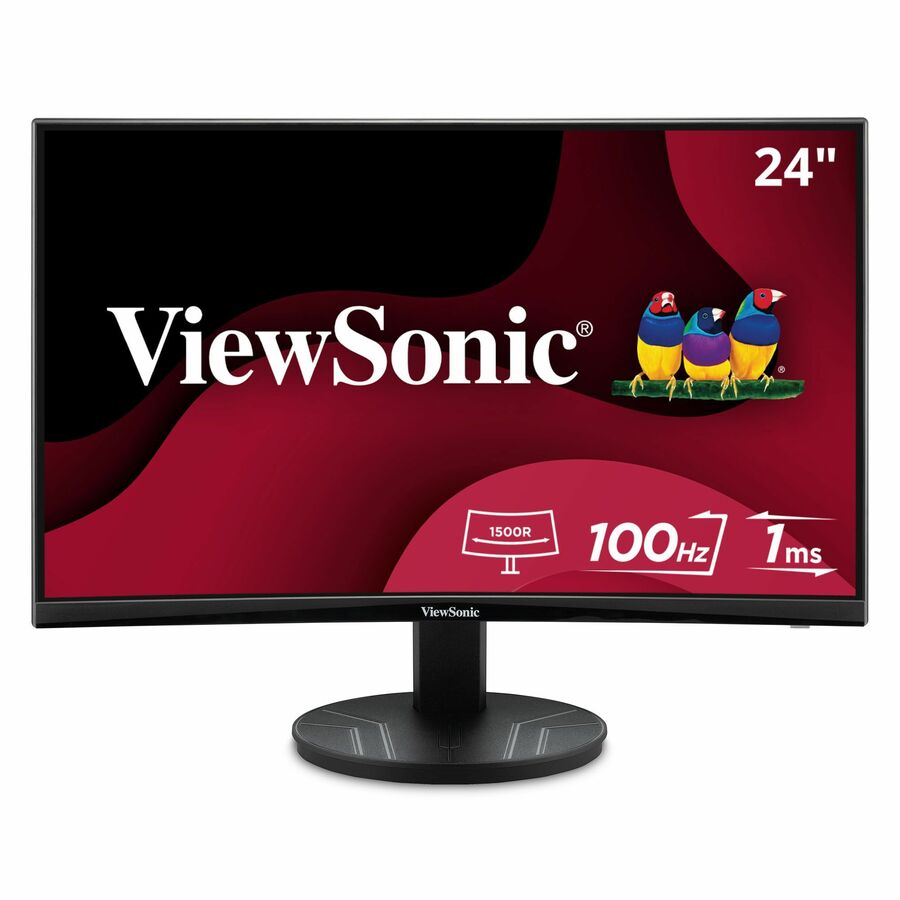
- ViewSonicViewSonic VA2416C 24 Inch 1080p Curved Monitor, Frameless Design with Variable Refresh Rate for Home Entertainment, HDMI, and DisplayPort Inputs - 23.6? Viewable - Vertical Alignment (VA) - LED Backlight - 1920 x 1080 - 16.7 Million Colors (8-bit) - 250 Nit - 4 ms - Speakers - HDMI - VGA - DisplayPortVA2416C
$139.00
$125.23
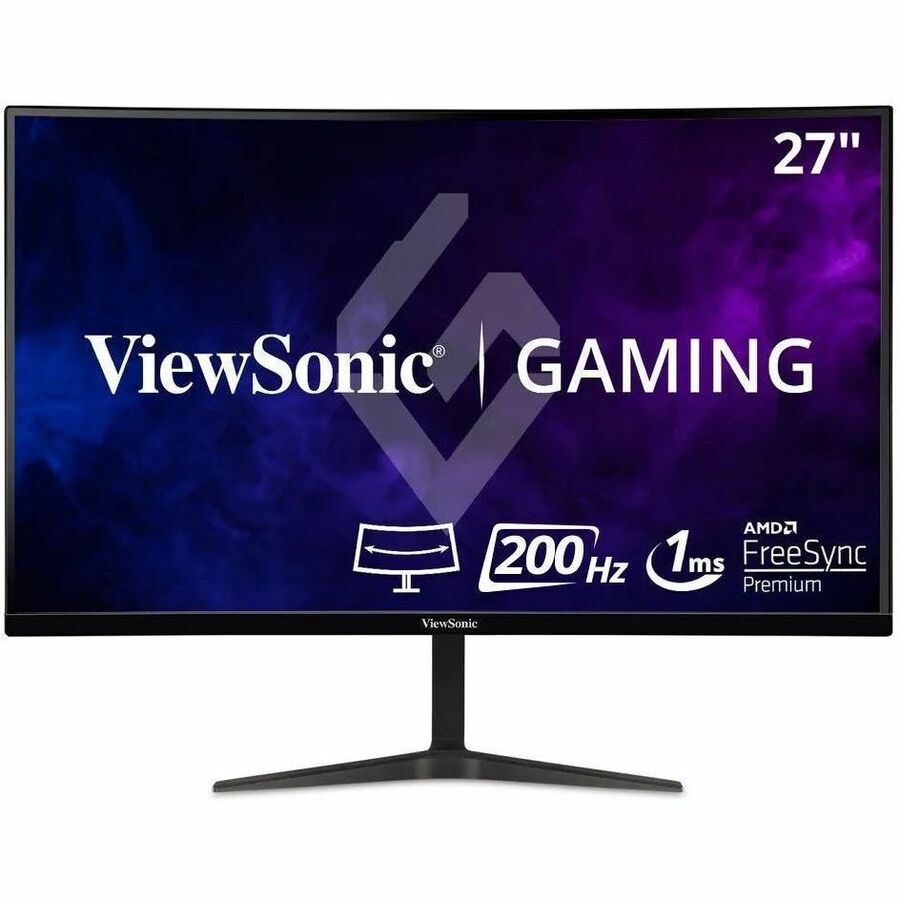
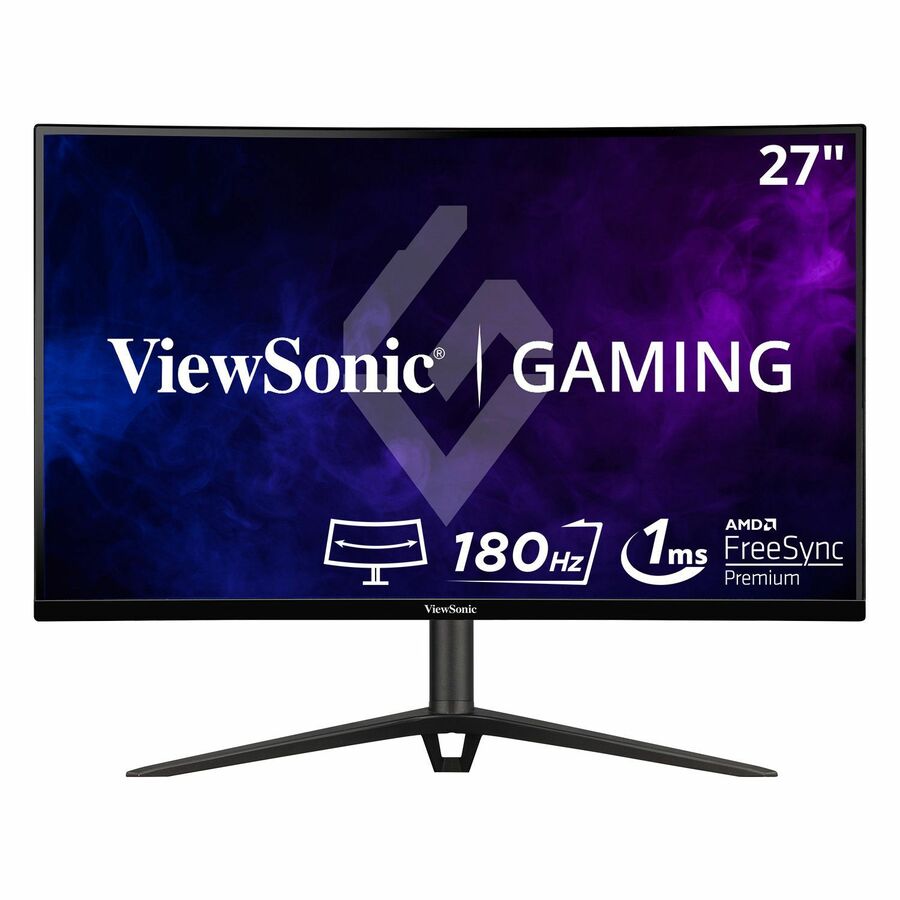
1,004 in stock - ViewSonicViewSonic VX2718-PC-MHD 27 Inch 1080p Curved Gaming Monitor, 200Hz and 1ms for Smooth Gameplay, FreeSync Premium and Eye Care Technology, HDMI, and DisplayPort Inputs - VX2718-PC-MHD - 27 Inch Curved 1080p 1ms 200Hz Gaming Monitor with FreeSync Premium - 250 cd/m² - 27?VX2718-PC-MHD
$209.00
$183.32
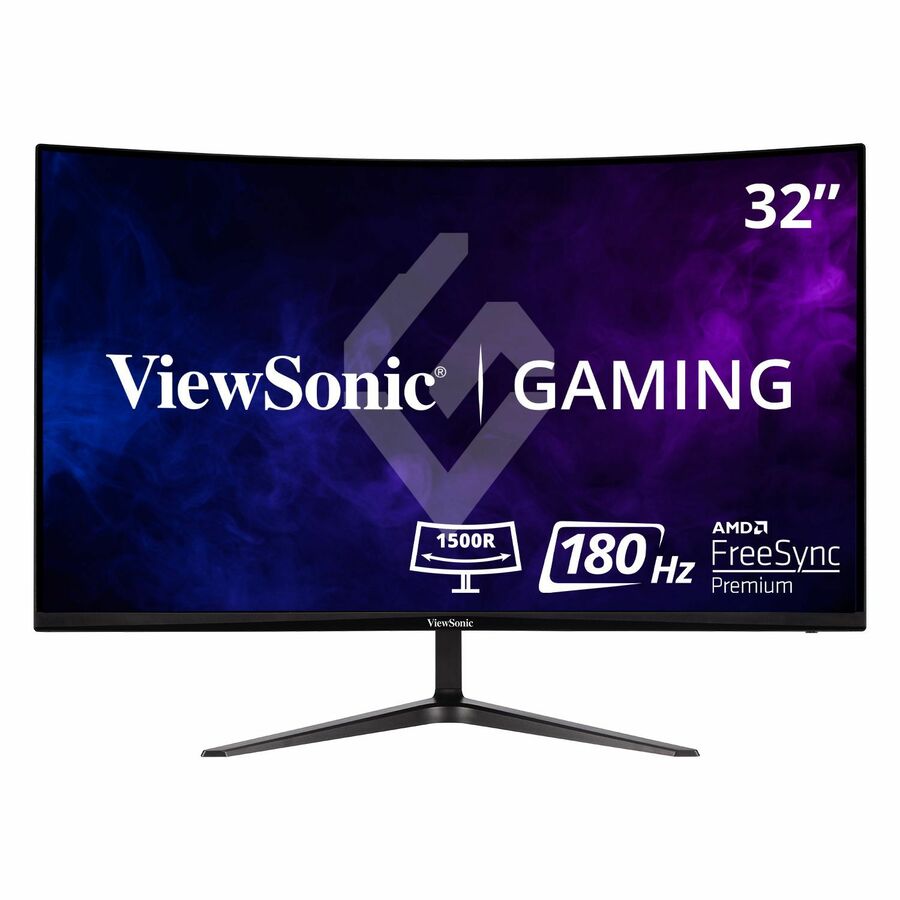
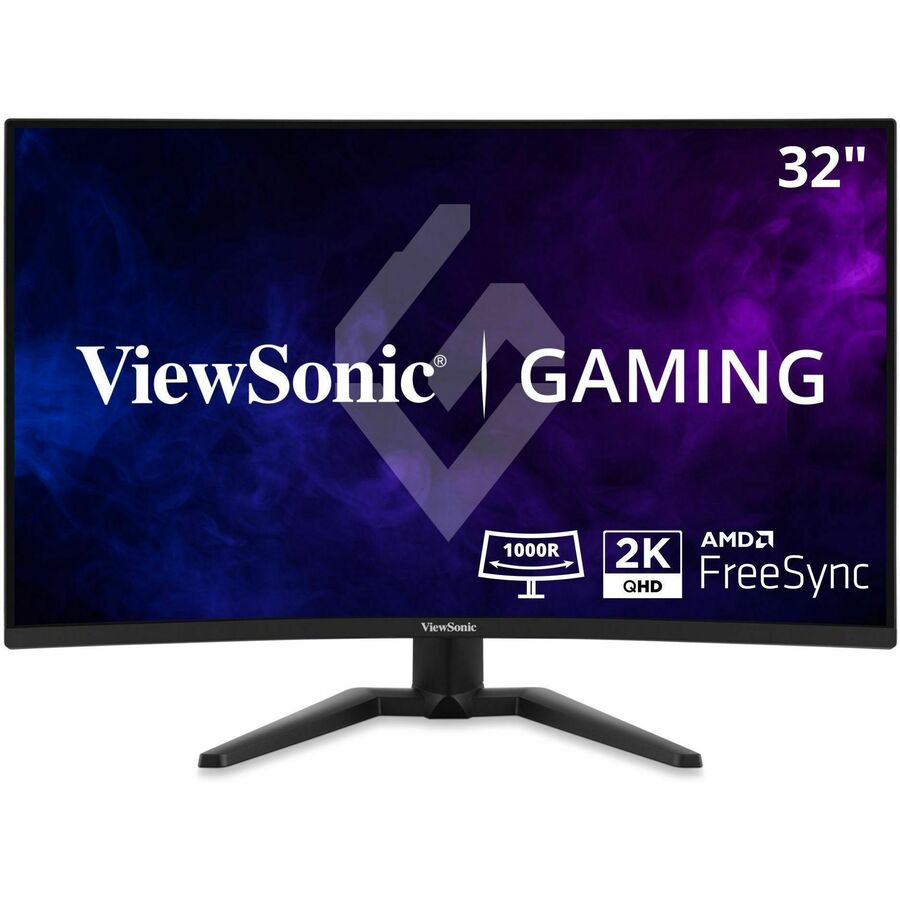
5 in stock - ViewSonicViewSonic VX3218-PC-MHD 32 Inch 1080p Curved Gaming Monitor, 180Hz and 1ms for Smooth Gameplay, FreeSync Premium and Eye Care Technology, HDMI, and DisplayPort Inputs - VX3218-PC-MHD - 32 Inch Curved 1080p 1ms 180Hz Gaming Monitor with FreeSync Premium - 300 cd/m² - 32?VX3218-PC-MHD
$229.00
$206.56
185 in stock - ViewSonicViewSonic VX2718-2KPC-MHD 27 Inch 1440p Curved Gaming Monitor, 180Hz and 1ms for Smooth Gameplay, FreeSync Premium and Eye Care Technology for Comfortable Viewing, HDMI, and DisplayPort Inputs - VX2718-2KPC-MHD - 27 Inch Curved 1440p 1ms 180Hz Gaming Monitor with FreeSync Premium - 250 cd/m² - 27?VX2718-2KPC-MHD
$235.00
$209.14
20 in stock - ViewSonicViewSonic VX3228C-2K 32 Inch 1440p Curved Gaming Monitor with 1ms, 180Hz, FreeSync, Eye Care, HDMI, and DisplayPort Inputs - 31.5? Viewable - Vertical Alignment (VA) - LED Backlight - 2560 x 1440 - 16.7 Million Colors - FreeSync - 300 Nit - 1 ms - Speakers - HDMI - DisplayPortVX3228C-2K
$289.00
$255.61
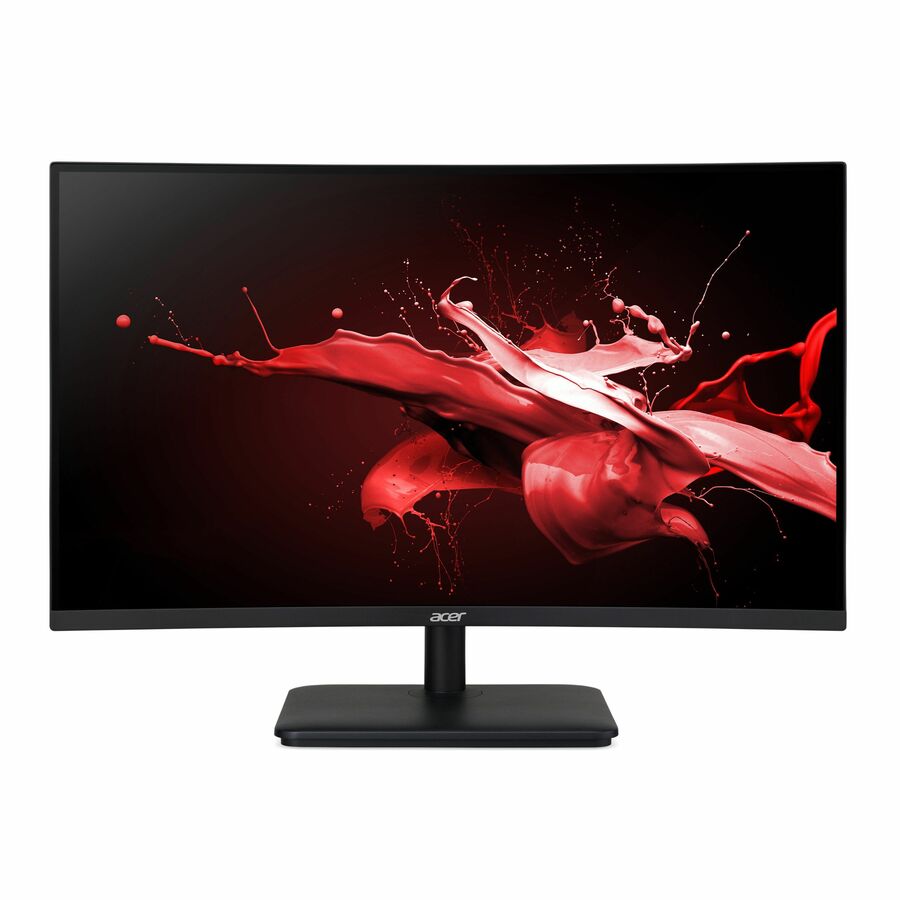
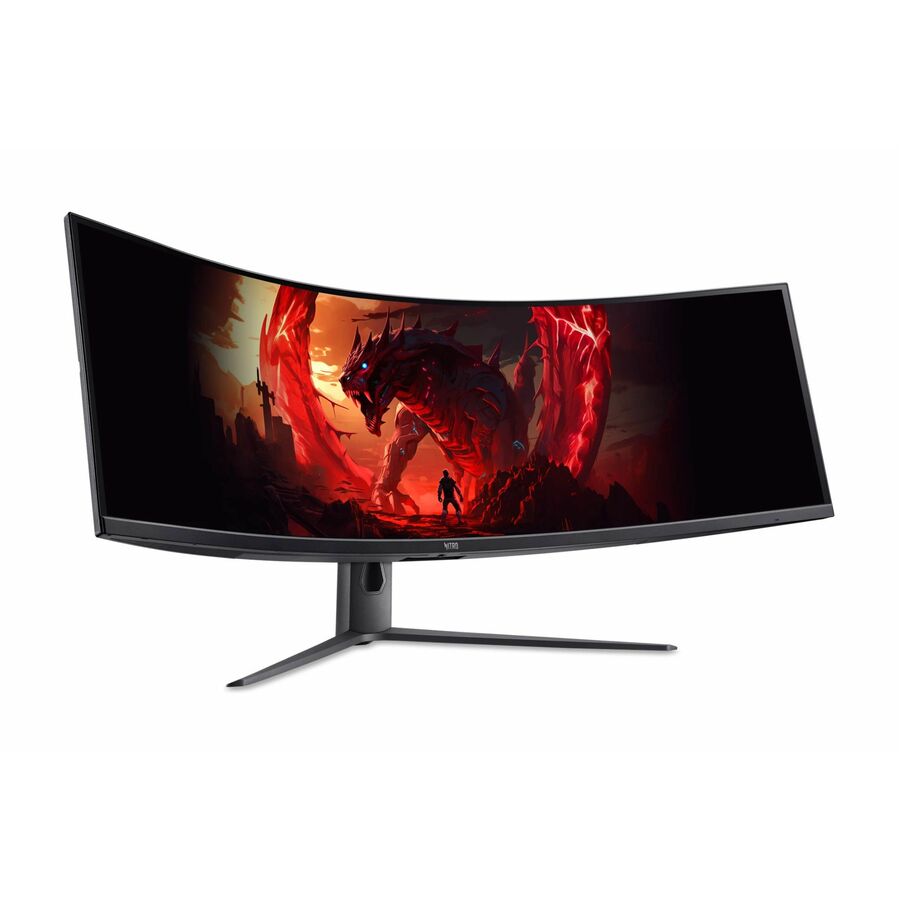
5 in stock - AcerAcer Nitro ED270 Z 27" Class Full HD Curved Screen LCD Monitor - 16:9 - Black - 27" Viewable - Vertical Alignment (VA) - LED Backlight - 1920 x 1080 - 16.7 Million Colors - AMD FreeSync Premium (DisplayPort VRR) - 250 Nit - 1 ms - 240 Hz Refresh Rate - Speakers - HDMI - DisplayPort - VESA Mount Compatible - SpeakerUM.HE0AA.Z01
$427.28
$411.04
5 in stock







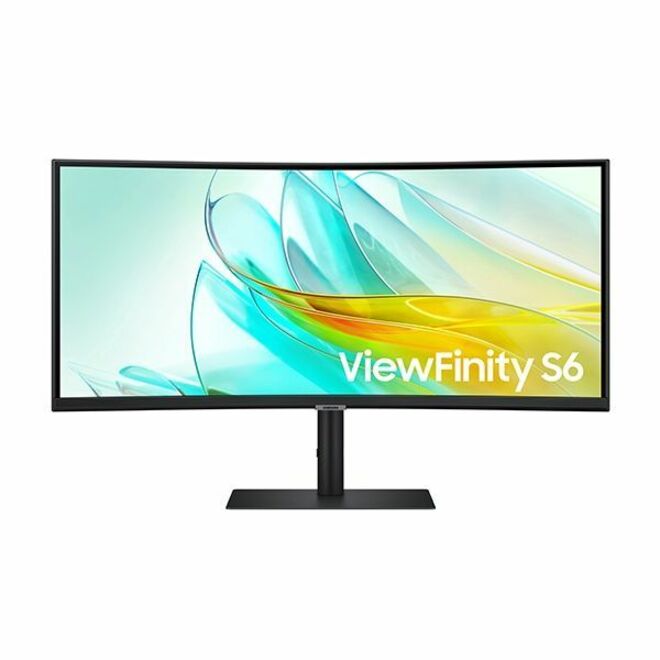
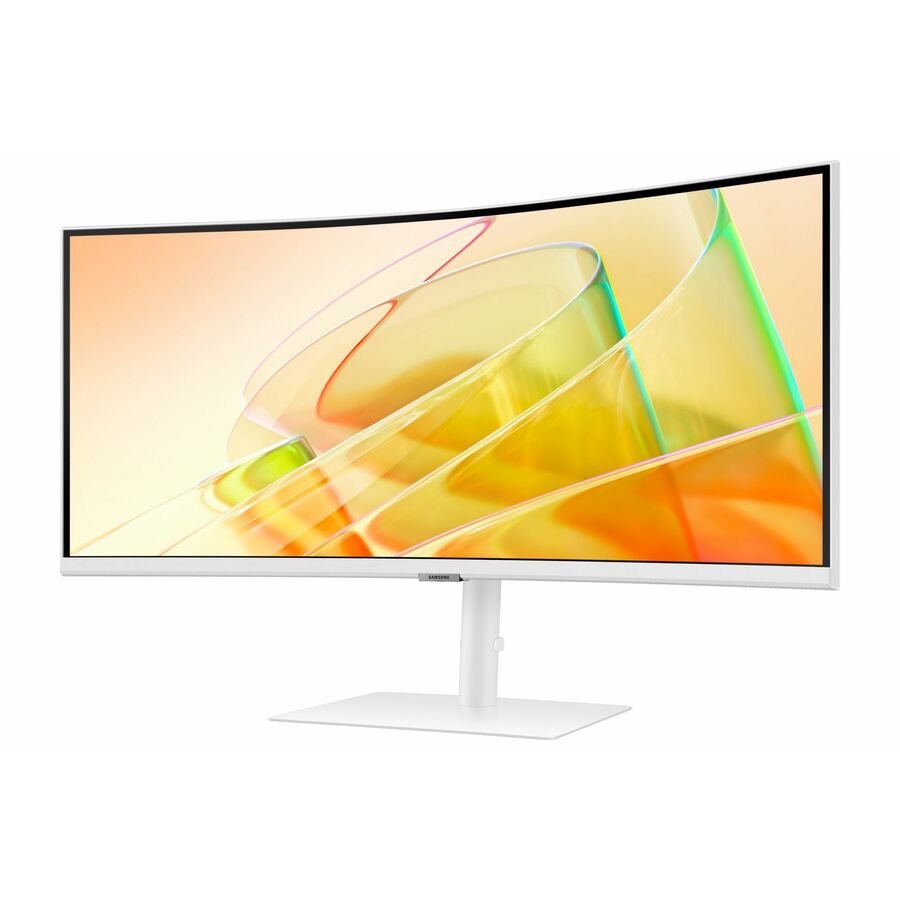
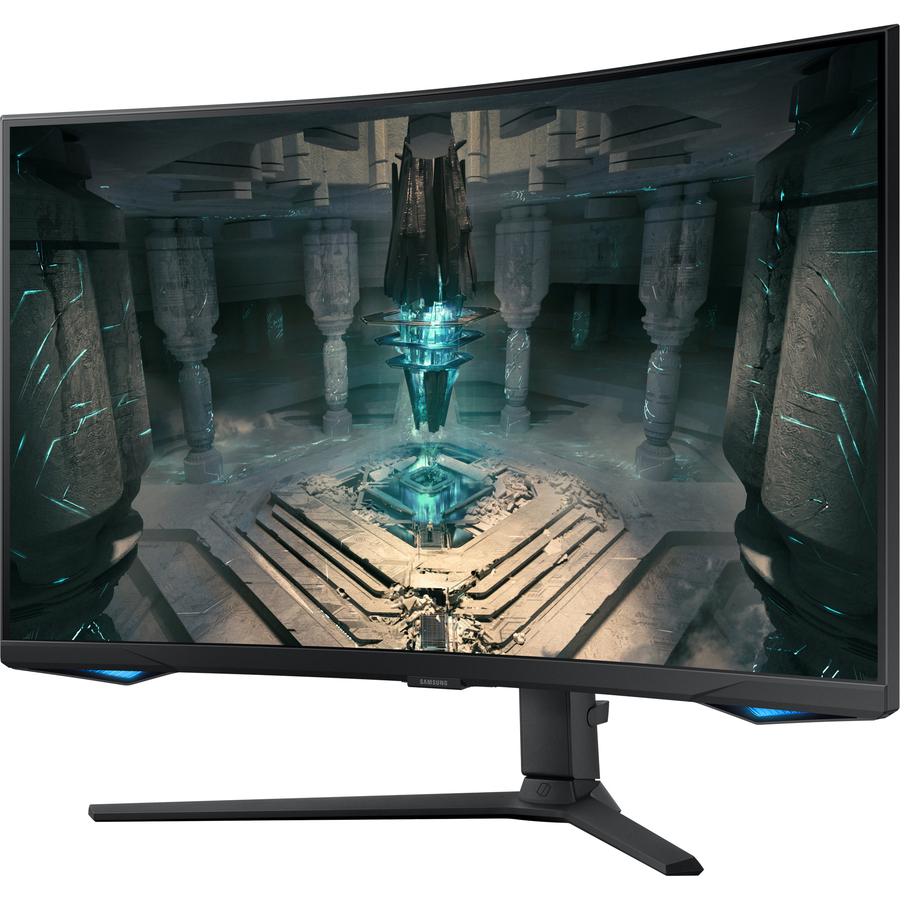
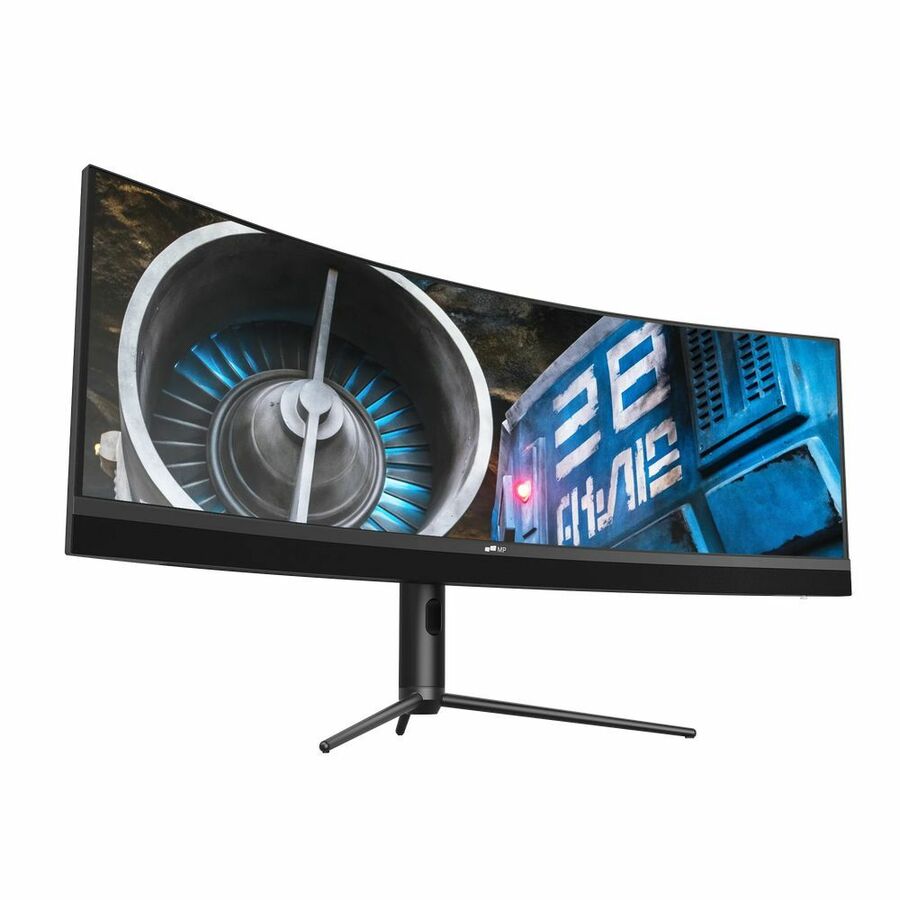

Top pick, 49-inch
Philips Electronics
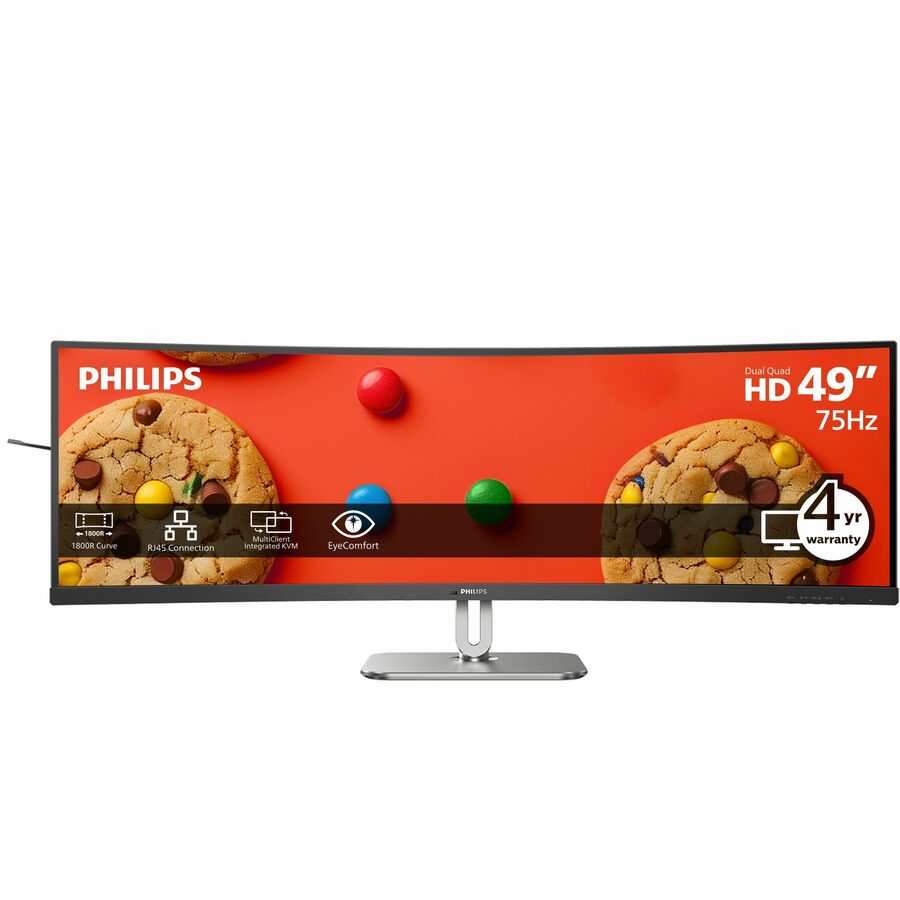
Philips 49B2U5900C 49" Class Dual Quad HD (DQHD) Curved Screen LED…
49B2U5900C
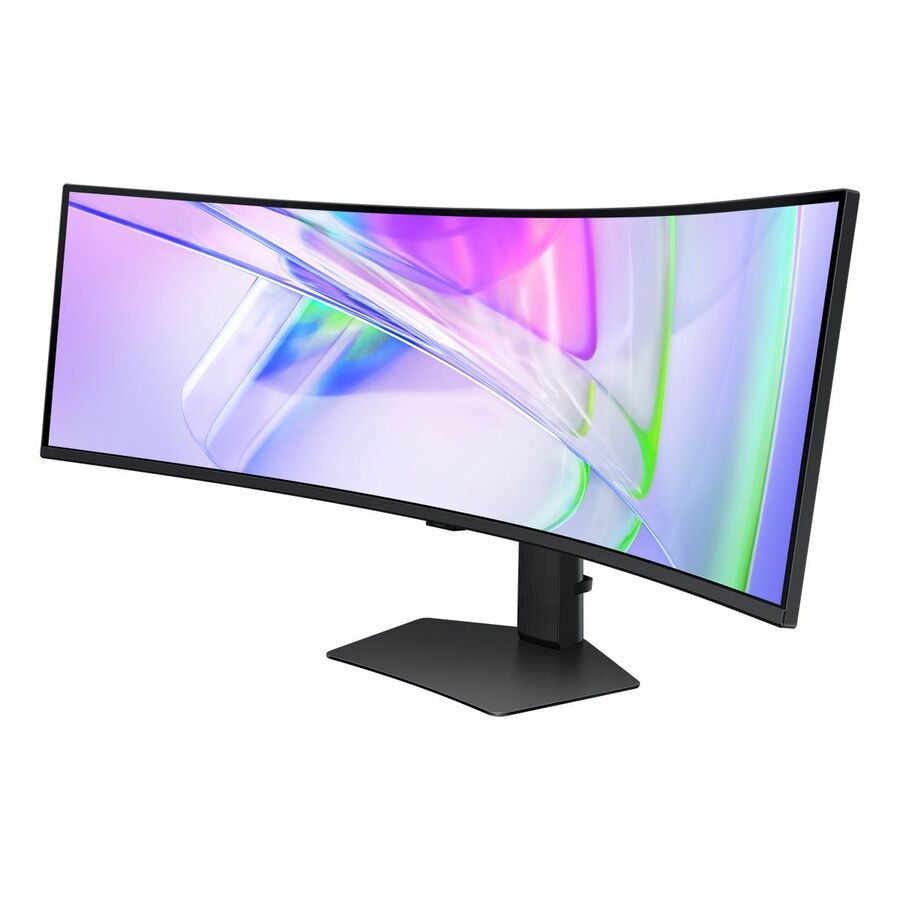
A 49-inch dual-QHD panel at 5120 x 1440 in 32:9, VA, rated 500 nits, with USB Type-C, a USB hub, a built-in KVM switch and full swivel, height and tilt adjustment. It is the complete office argument for this format: two 27-inch monitors' worth of pixels with no seam, and enough docking built in that the desk needs one cable and no separate dock.
$966.19Back-orderedThinkVision 49-inch
Lenovo
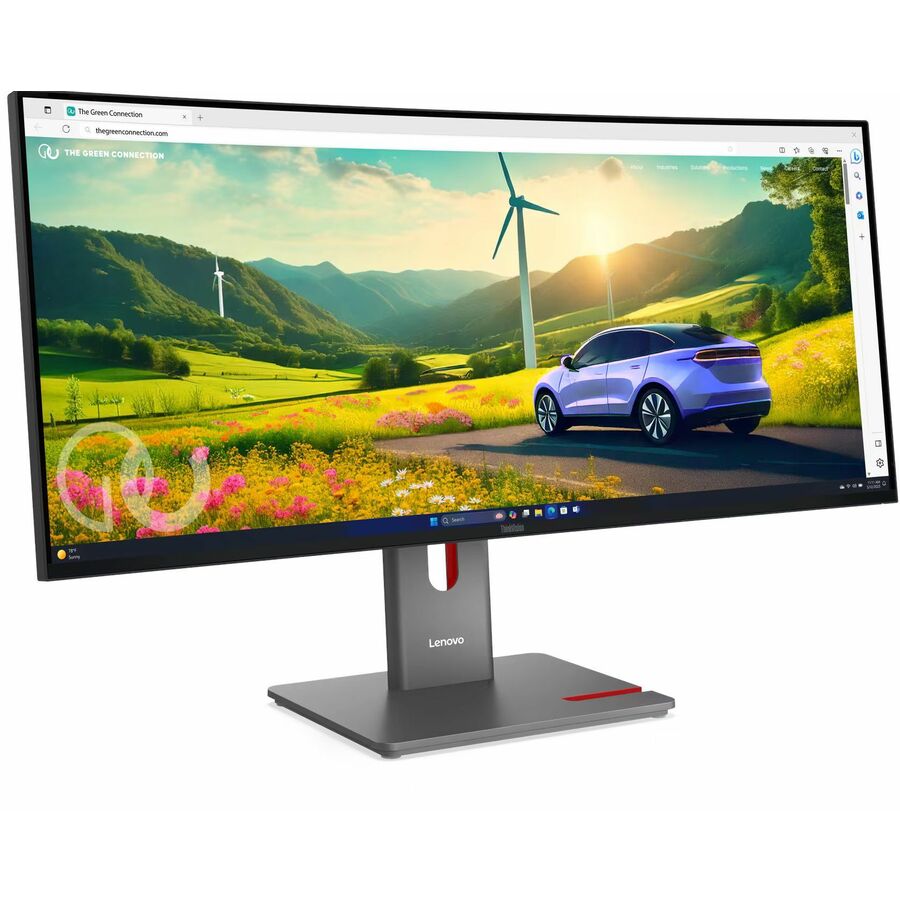
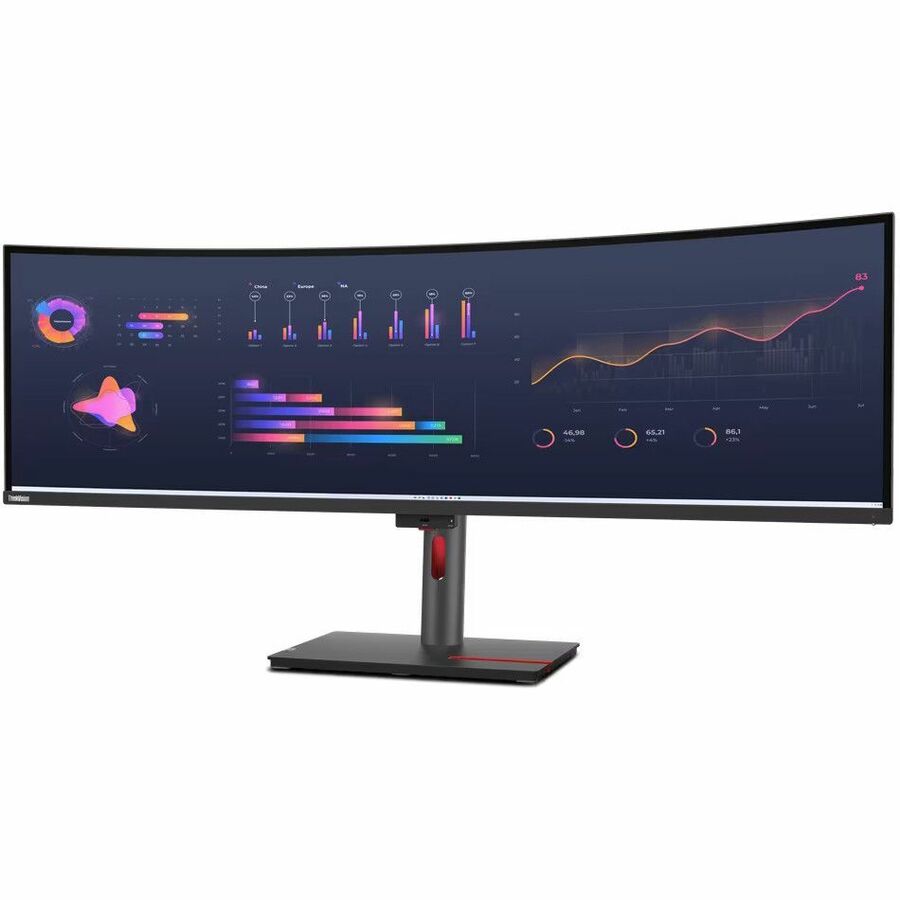
Lenovo ThinkVision P49W-30 49" Class Dual Quad HD (DQHD) Curved Screen…
63DBRAR1US
The ThinkVision P49W-30 at 5120 x 1440 across 49 inches, IPS rather than VA, 350 nits, with USB Type-C, a USB hub and a KVM switch. IPS is the specification to prefer where somebody stands beside the desk to look at the screen with the user, which on a dispatch or supervisory position is most of the day.
$1,711.58In stockWebcam, 49-inch
Philips Electronics
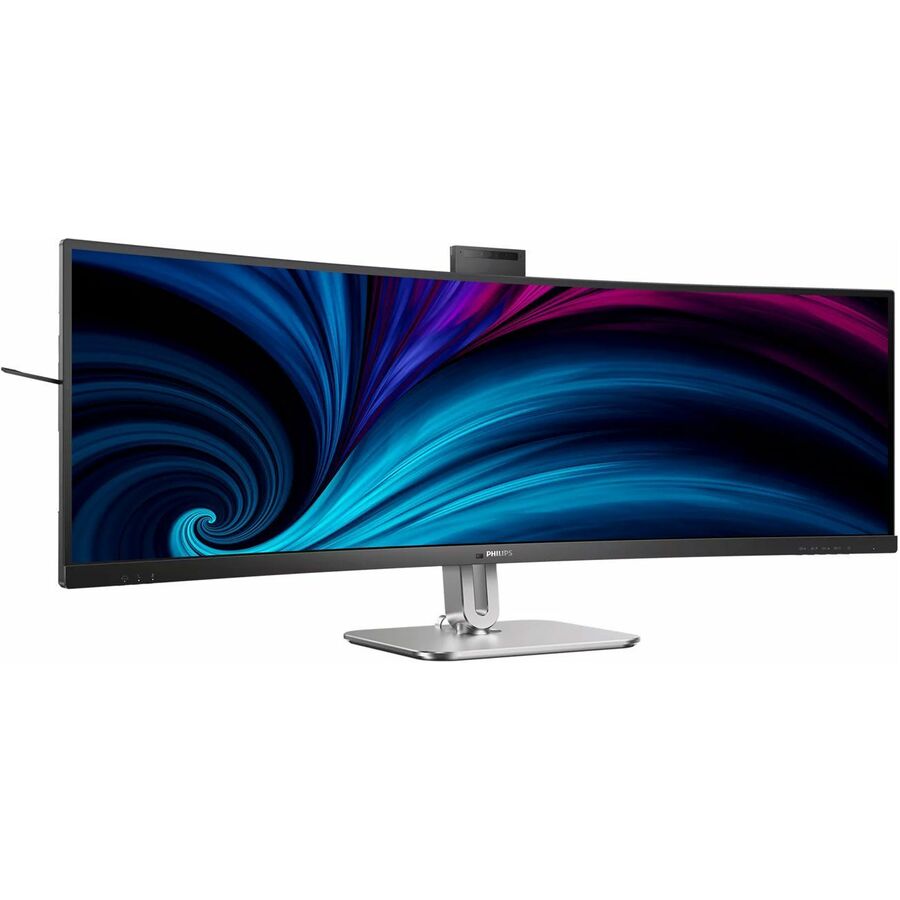
Philips 49B2U6900CH 49" Class Webcam UW-QHD Curved Screen LED Monitor
49B2U6900CH
A 49-inch 32:9 VA panel at 5120 x 1440 with a built-in webcam, 450 nits, USB Type-C, a USB hub, a KVM switch and full height, swivel and tilt movement. On a display this wide the integrated camera is more than tidiness: it sits centred above the working area rather than clamped to one end of it.
$1,306.77Back-orderedBrilliance 49-inch
Philips Electronics
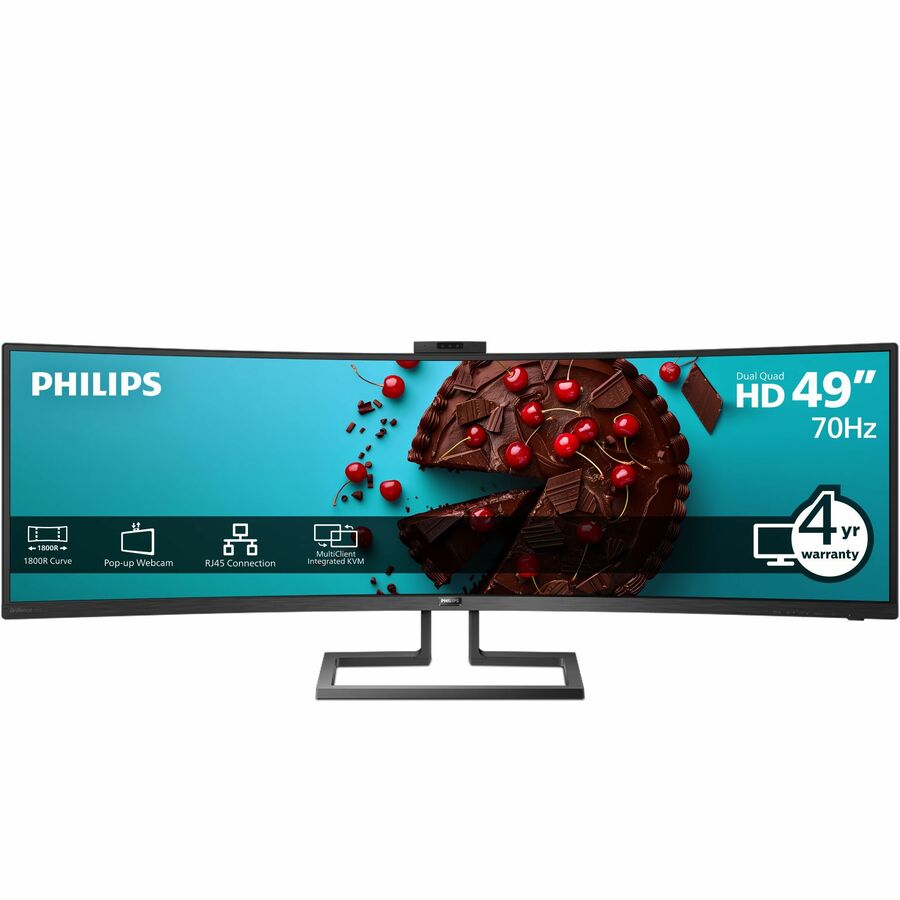
Philips Brilliance 499P9H 49" Class Webcam Dual Quad HD (DQHD) Curved…
499P9H
A 49-inch dual-QHD VA panel at 5120 x 1440 with a webcam, 450 nits, USB Type-C, a USB hub and a KVM switch. The stand adjusts for height only rather than swivelling, which is worth knowing at this width — a monitor arm is the usual answer, and the panel states VESA compatibility for one.
Request pricing49-inch IPS
LG Electronics
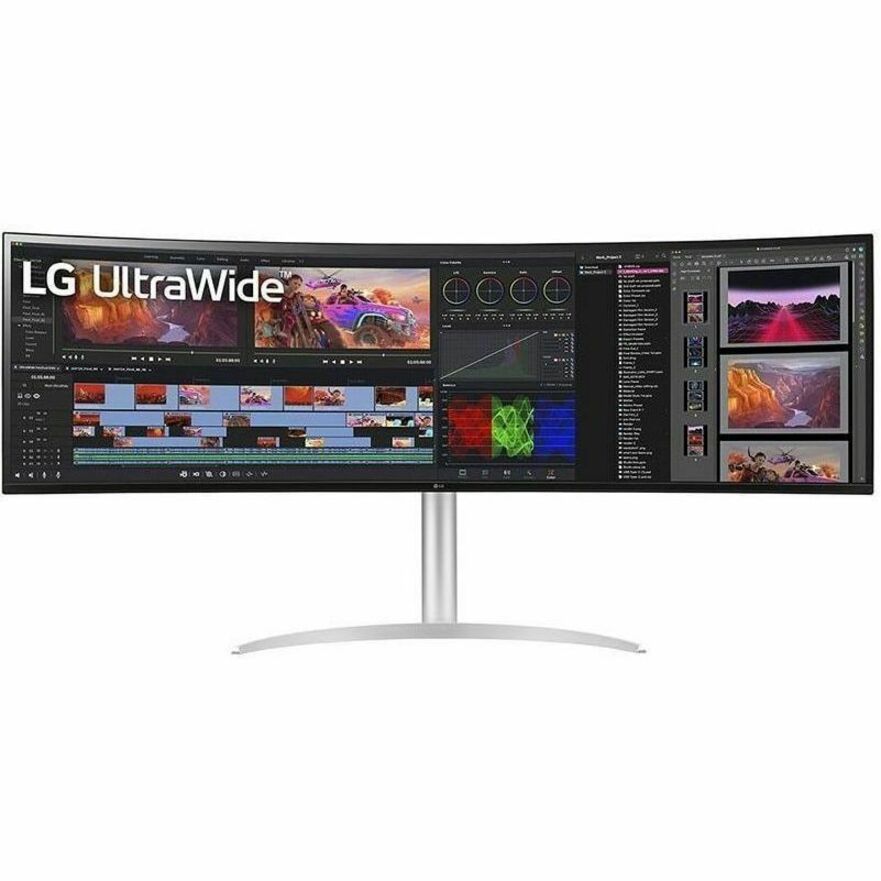
LG 49BQ95C-W 49" Class Dual Quad HD (DQHD) Curved Screen Gaming LCD…
49BQ95C-W
A 49-inch 5120 x 1440 panel using IPS, rated 400 nits, with USB Type-C, a KVM switch and swivel, height and tilt adjustment. Its own title places it on the gaming shelf, but read as an office display it is an IPS dual-QHD panel with a KVM and single-cable docking, which is exactly what a wide monitoring or finance position wants.
$2,958.00Back-orderedFlexScan 38-inch
EIZO
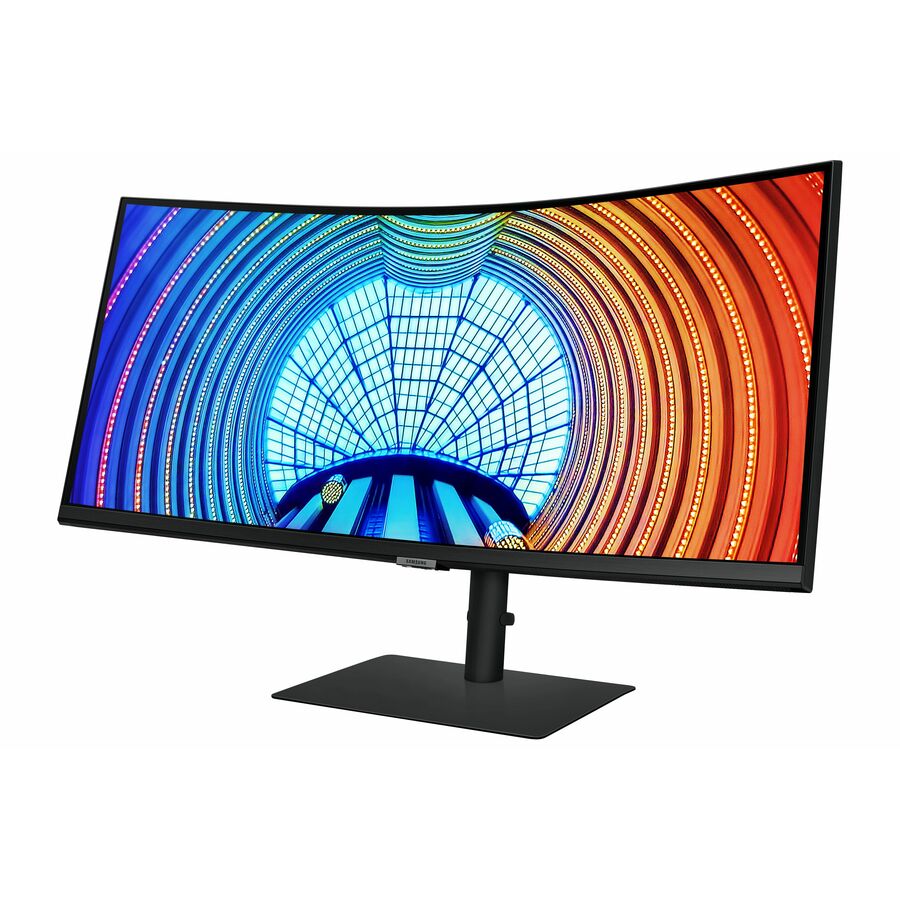
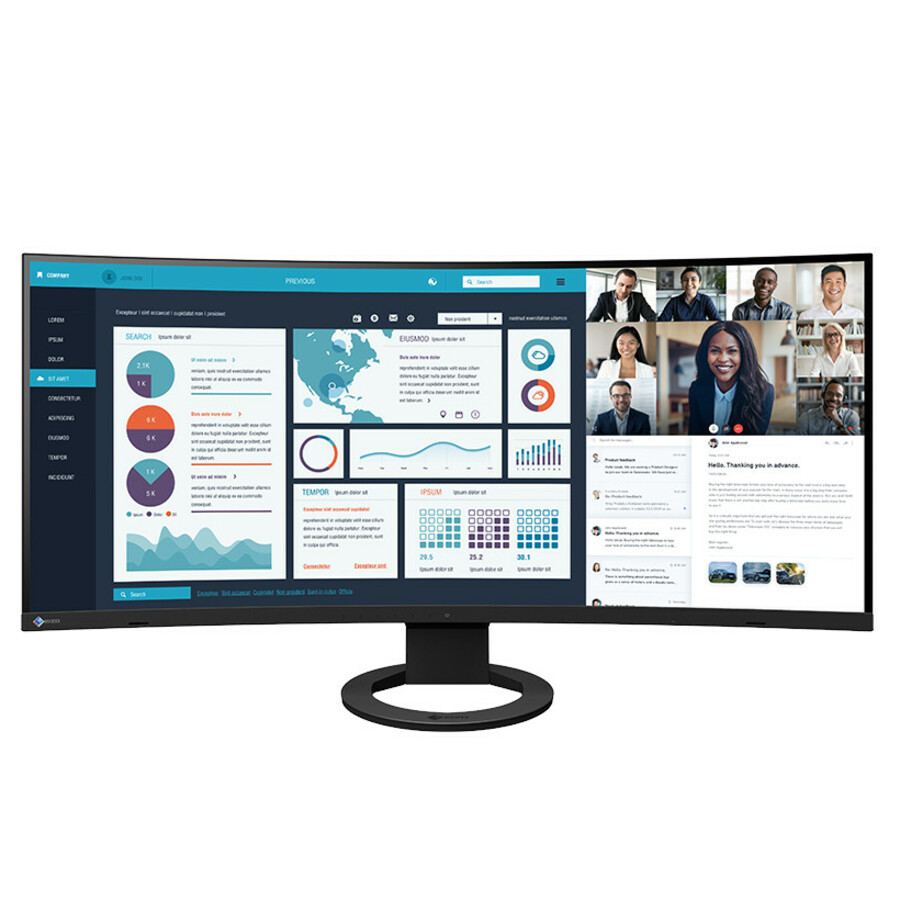
EIZO FlexScan EV3895 38" Class UW-QHD+ Curved Screen LCD Monitor
EV3895FX-BK
A 38-inch curved IPS panel at 3840 x 1600 in 24:10, 300 nits, with USB Type-C, HDMI, DisplayPort and VESA mounting. The 24:10 shape is slightly taller than a 21:9 ultrawide at the same width, which shows up as extra vertical lines in a document or a code editor rather than as extra side-by-side space.
$2,225.91Back-ordered34-inch docking, RJ-45
ViewSonic
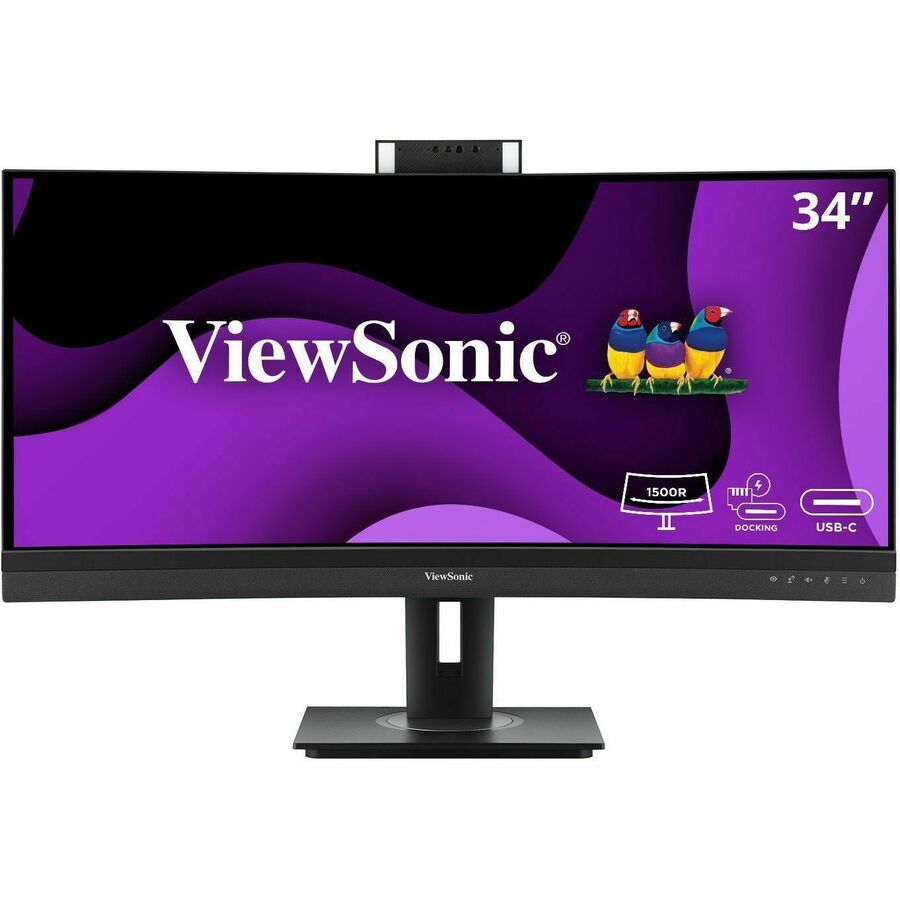
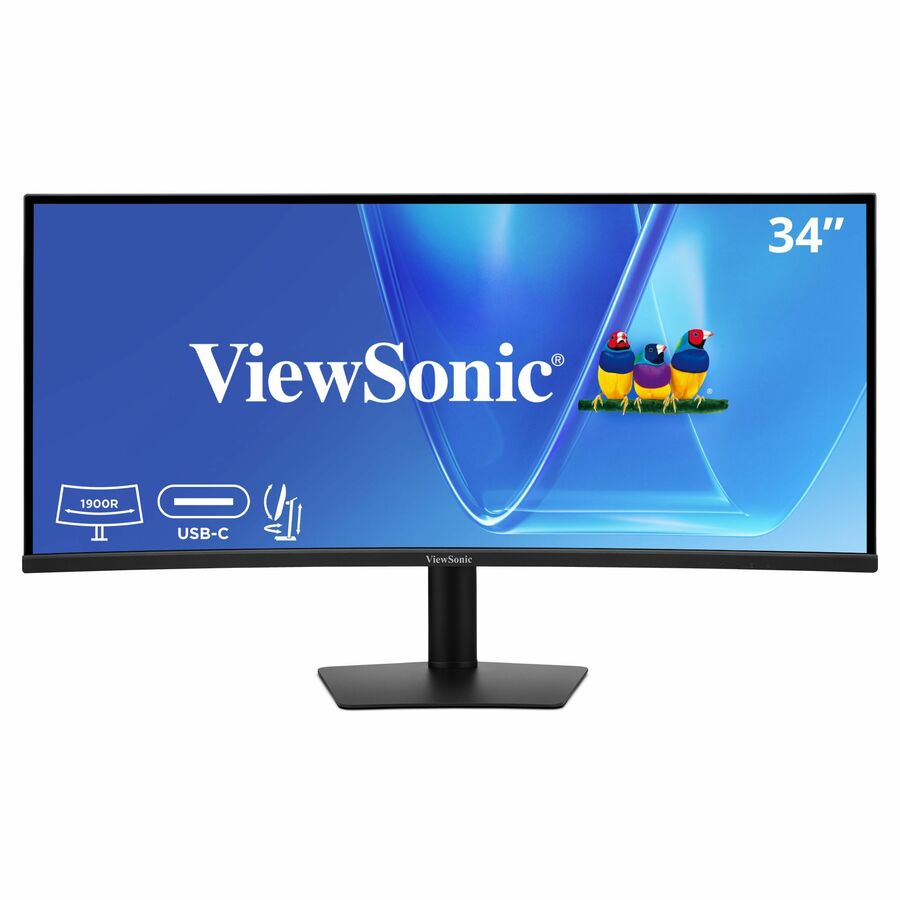
ViewSonic VG3420C 34 Inch UWQHD 1440p Curved Docking Monitor, 1900R IPS…
VG3420C
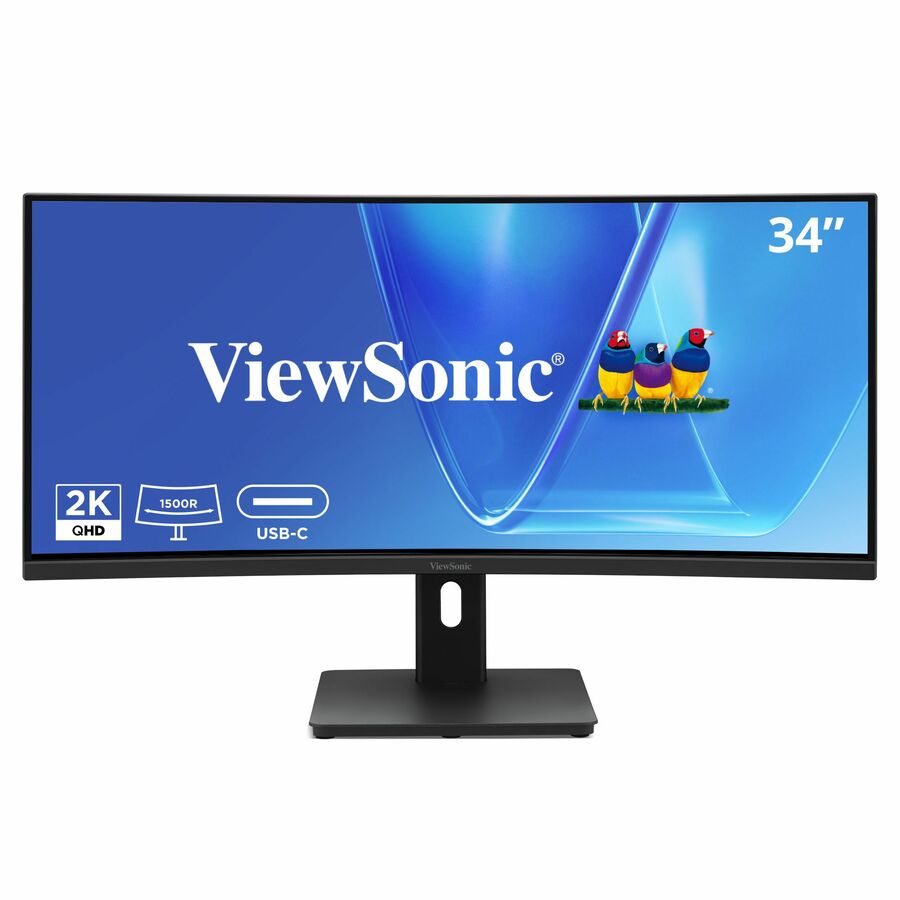
A 34-inch curved IPS panel at 3440 x 1440 with a 1900R curve, 120 Hz, 300 nits, 96 W USB-C, an RJ-45 port, HDMI and DisplayPort, plus a USB hub and tilt, swivel and height adjustment. The wired network port alongside 96 W of USB-C power is what genuinely removes the docking station from the desk rather than merely duplicating part of it.
$409.25Back-ordered24-inch, Pro line
MSI
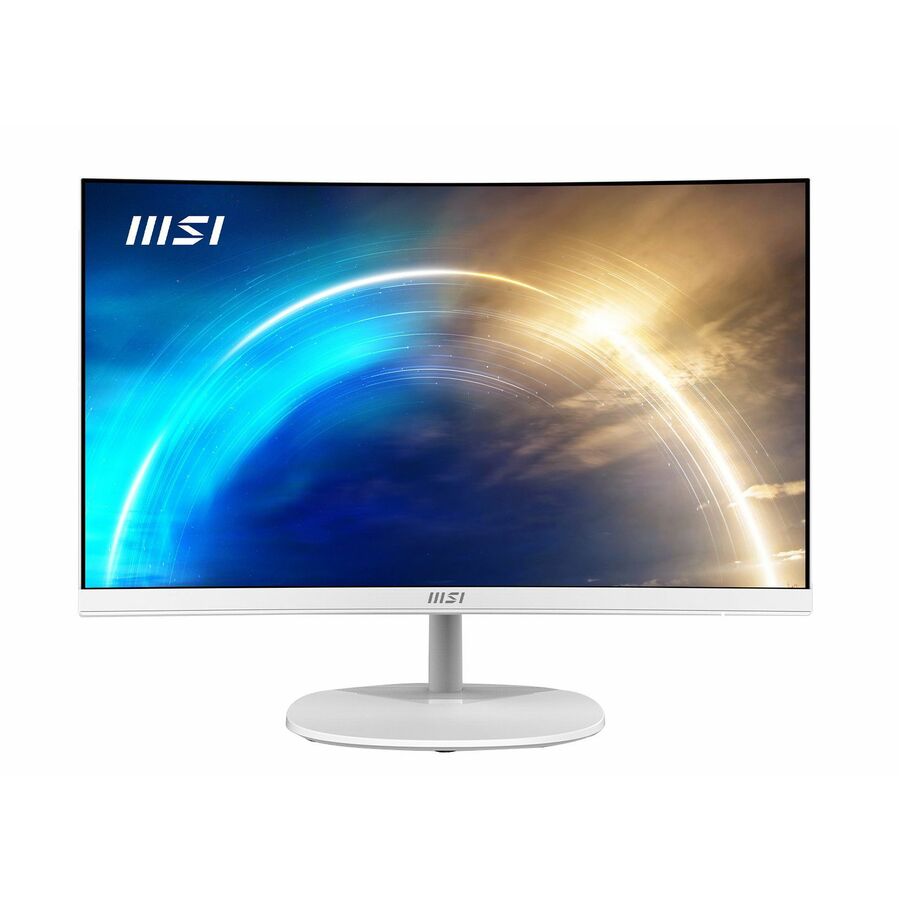
MSI Pro Pro MP241CAW 24" Class Full HD Curved Screen LED Monitor
PROMP241CAW
A 24-inch curved VA panel at 1920 x 1080, 16:9, with speakers, HDMI, DisplayPort and VESA mounting. This is the fleet-desk rung of the category and it is a business line rather than a gaming one — the right specification where the brief is a straightforward standard desk position and the curve is a small comfort improvement over flat.
$121.99Back-ordered24-inch, 100 Hz
Samsung
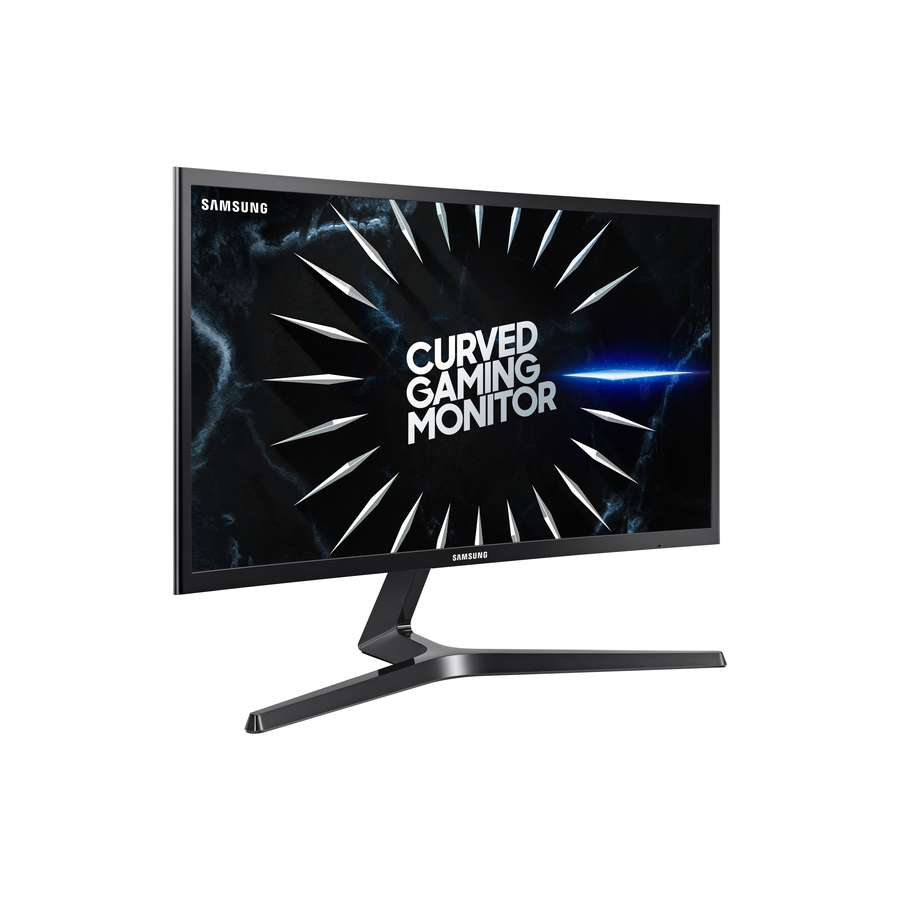
Samsung Essential S3 S24D368GAN 24" Class Full HD Curved Screen LCD…
LS24D368GANXZA
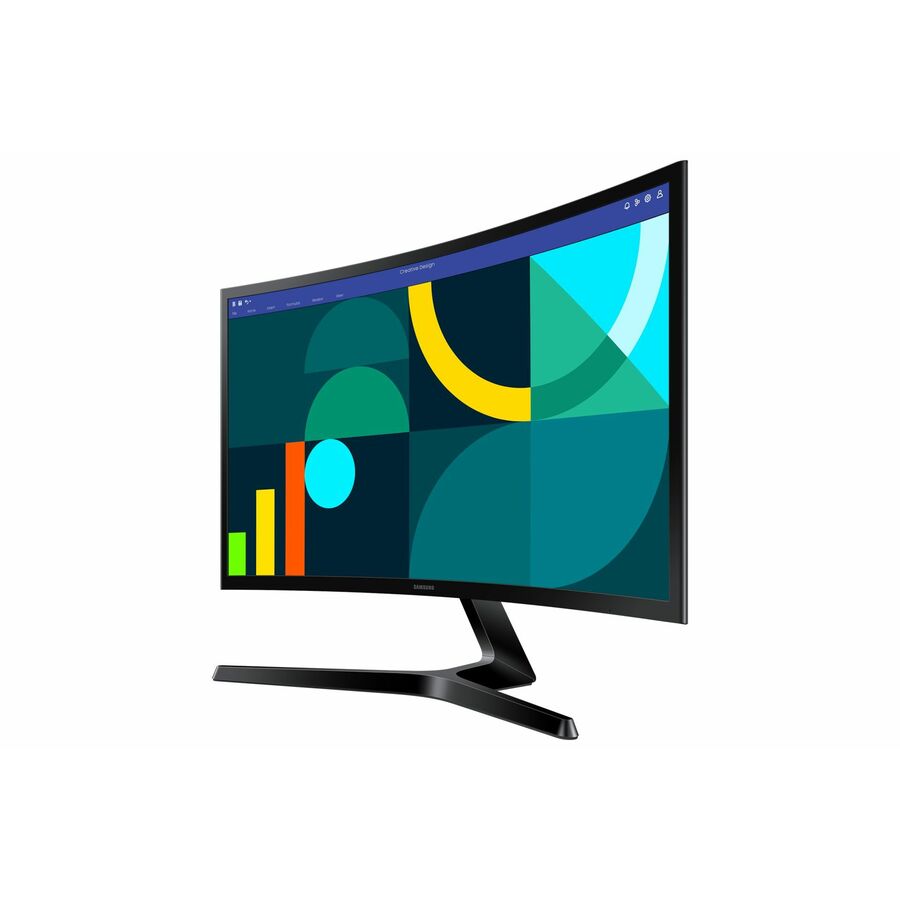
A 24-inch curved VA panel at 1920 x 1080, 16:9, 250 nits, 100 Hz, with HDMI and VGA and VESA mounting. The VGA input is the detail worth noticing on a fleet refresh: it is the connector that lets a new display join a desk whose existing machine or KVM has not been replaced yet.
$189.88In stock32-inch 1440p
Samsung
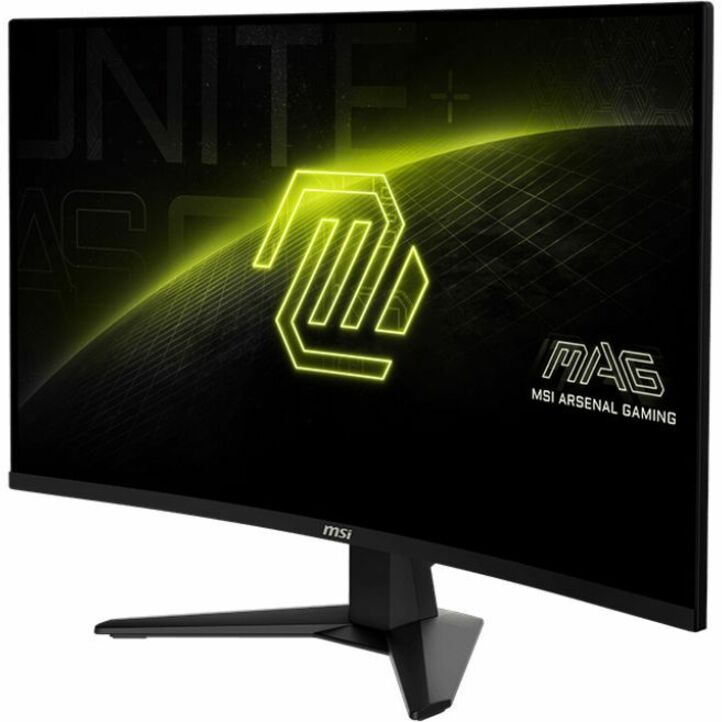
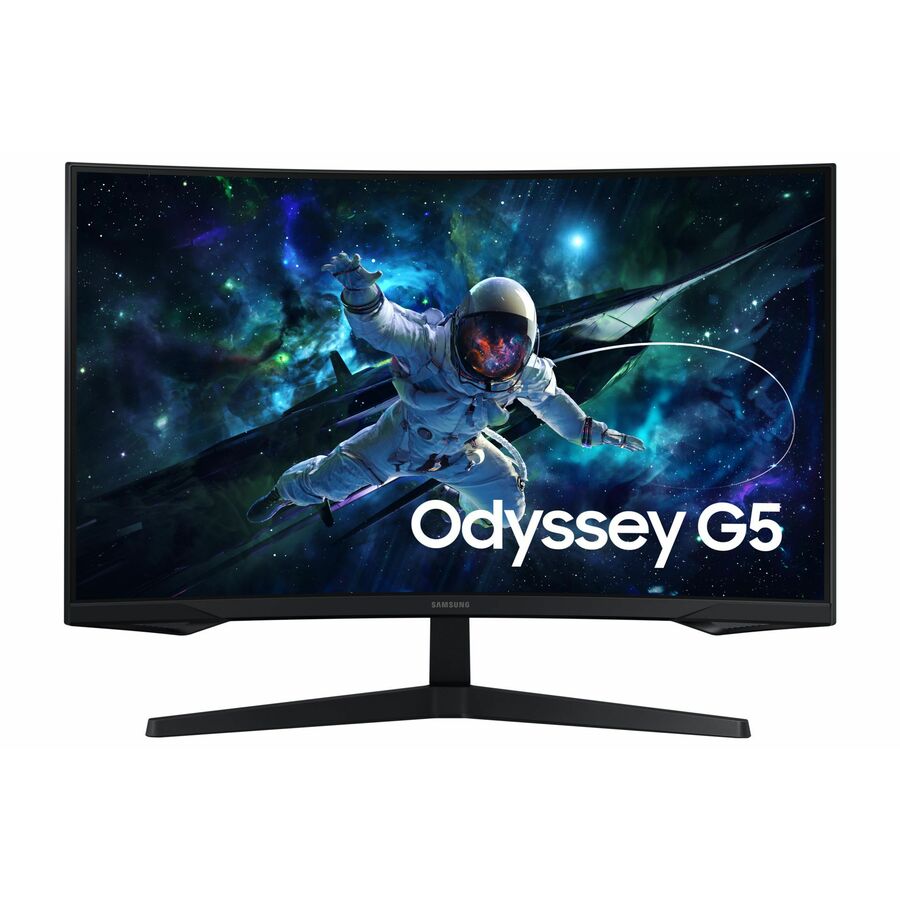
Samsung Odyssey G5 S32CG550EN 32" Class WQHD Curved Screen Gaming LCD…
LS32CG550ENXZA
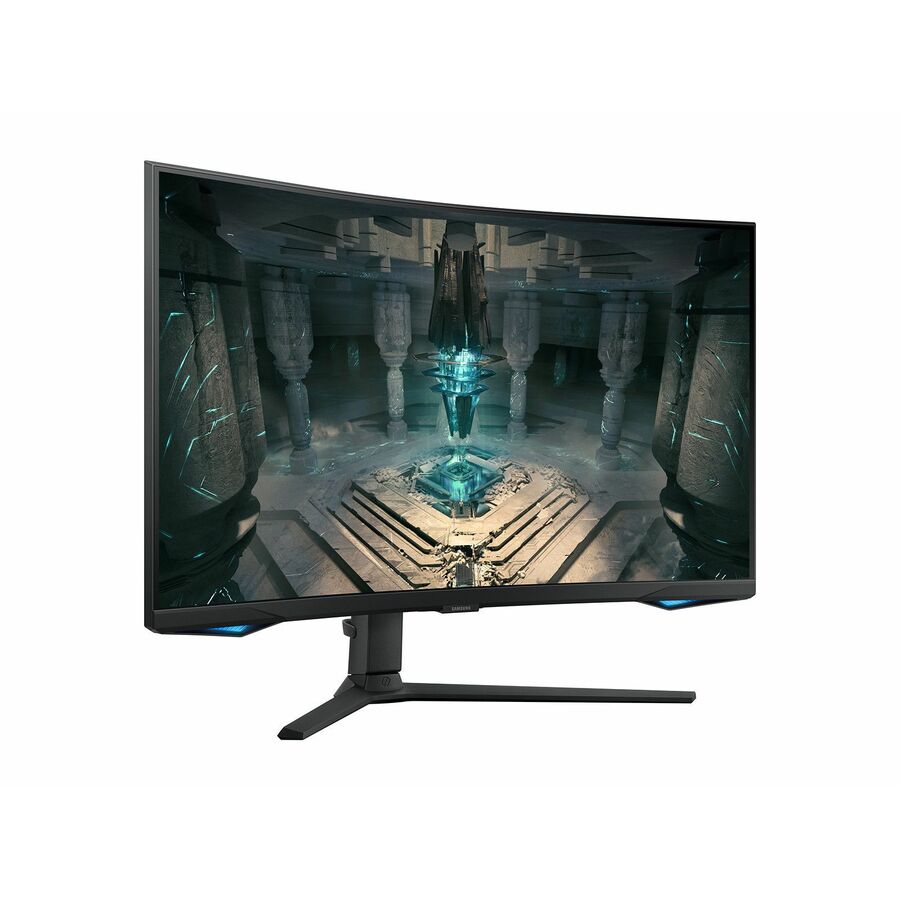
A 32-inch curved VA panel at 2560 x 1440, 16:9, 300 nits, with HDMI, DisplayPort and VESA mounting. Thirty-two inches at 1440p is the sweet spot for a general office desk that needs real space for two documents side by side, and it is the resolution step that a larger 1080p panel cannot substitute for.
$1,233.71In stockLegion 32-inch 1440p
Lenovo
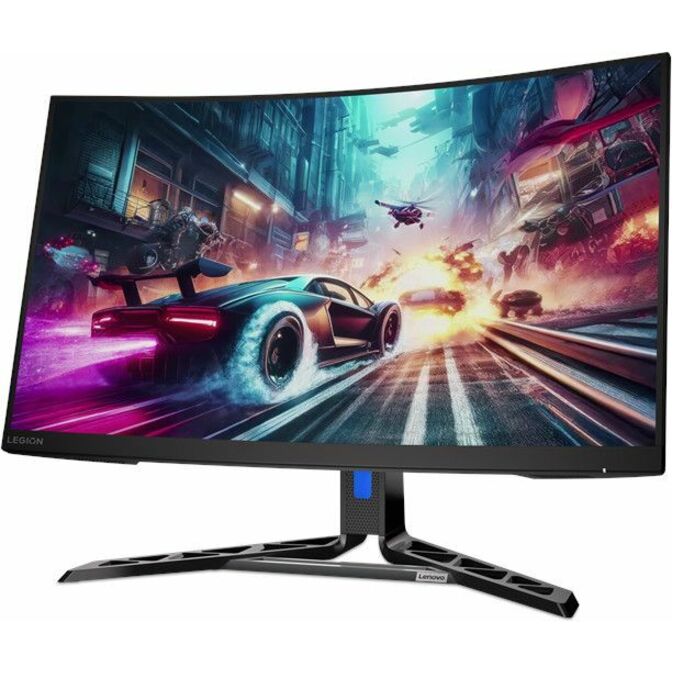
Legion R32qc-30 32" Class WQHD Curved Screen Gaming LED Monitor
67C8GAC1US
A 32-inch curved VA panel at 2560 x 1440, 16:9, 350 nits, with speakers, HDMI, DisplayPort and VESA mounting. Sold as a gaming display and specified like one at 180 Hz, but for an office the numbers that matter are the 32-inch 1440p working area and the 350 nits, which is brighter than most of the value panels in this size class.
$484.11In stock27-inch 1080p
ASUS Computer International
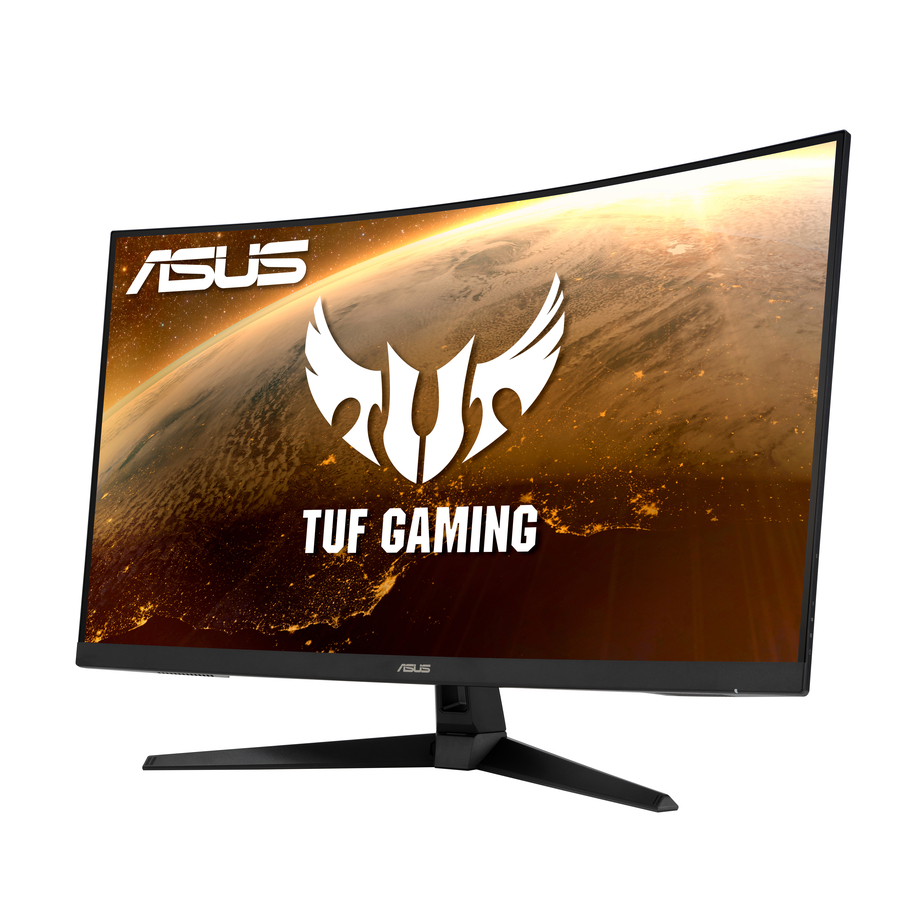
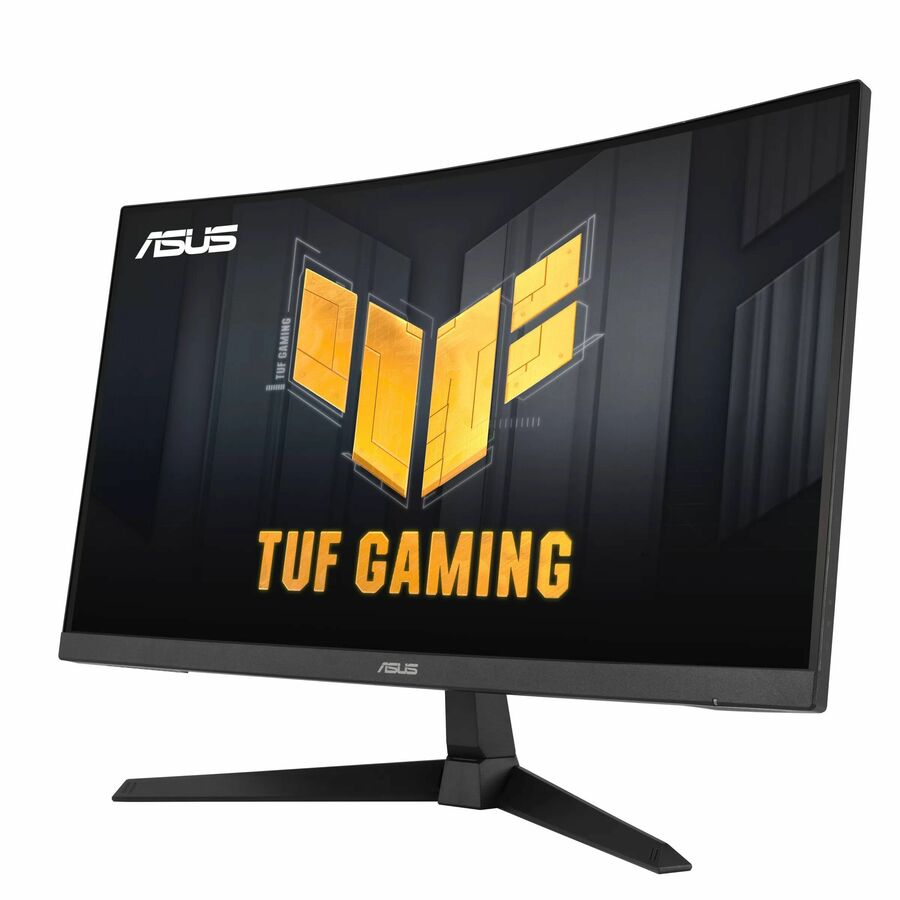
TUF VG27VQ3B 27" Class Full HD Curved Screen Gaming LED Monitor
VG27VQ3B
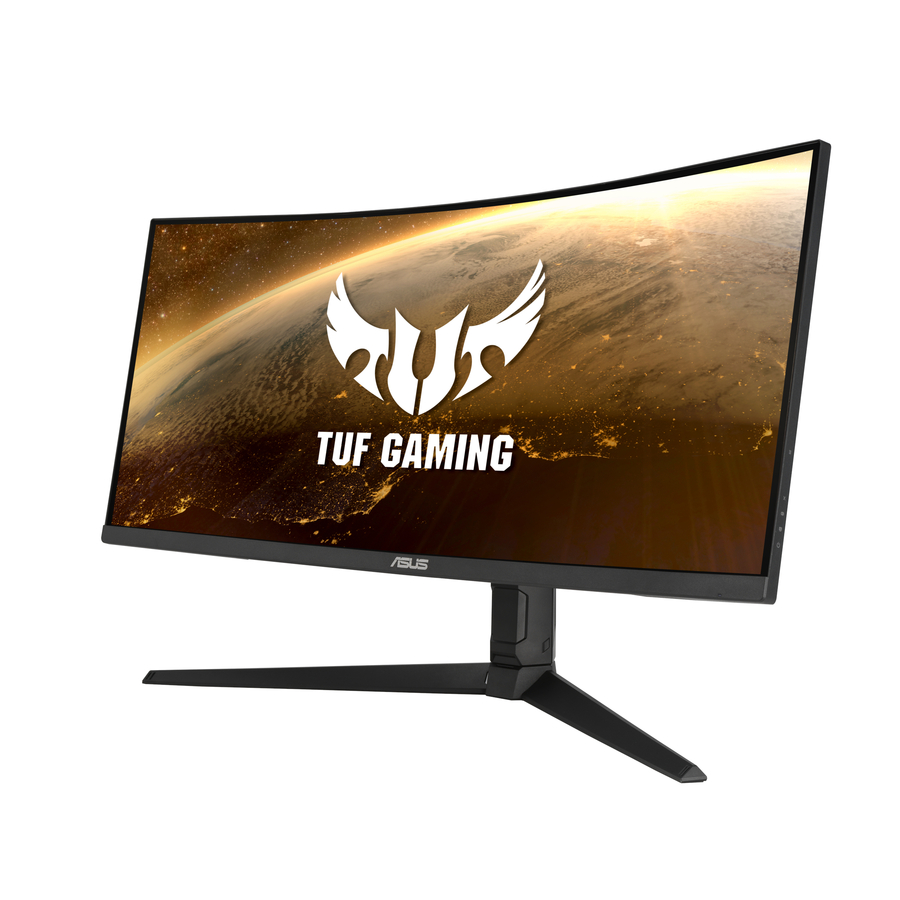
A 27-inch curved VA panel at 1920 x 1080, 16:9, 250 nits, with speakers, HDMI, DisplayPort and VESA mounting. A conventional-size desk display where the requirement is a comfortable image rather than more desktop area — and the specification to check against a 27-inch 1440p panel before deciding which the desk actually needs.
$175.36Back-ordered32-inch WQHD
ASUS Computer International
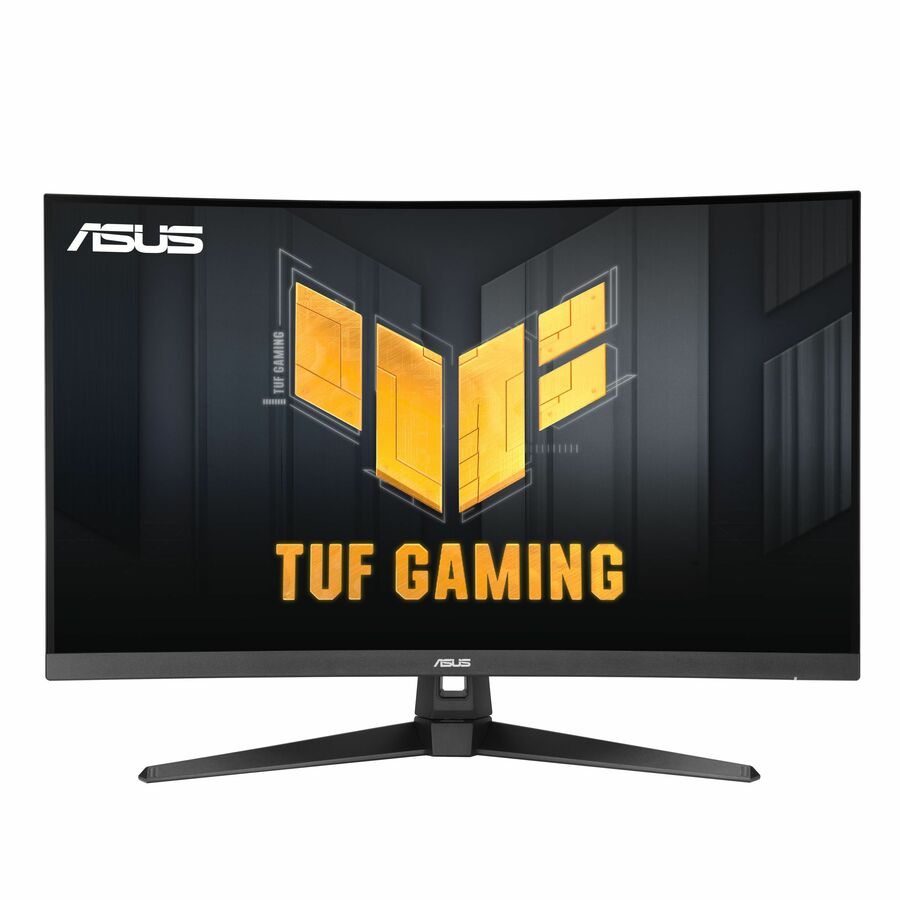
TUF VG32WQ3B 32" Class WQHD Curved Screen Gaming LED Monitor
VG32WQ3B
A 32-inch curved VA panel at 2560 x 1440, 16:9, 300 nits, with speakers, HDMI, DisplayPort and VESA mounting. Same working area as the other 32-inch 1440p panels here, and the trio is worth comparing on stand adjustment and warranty terms rather than on the refresh-rate figures their titles lead with.
$316.63Back-ordered32-inch value 1440p
ViewSonic
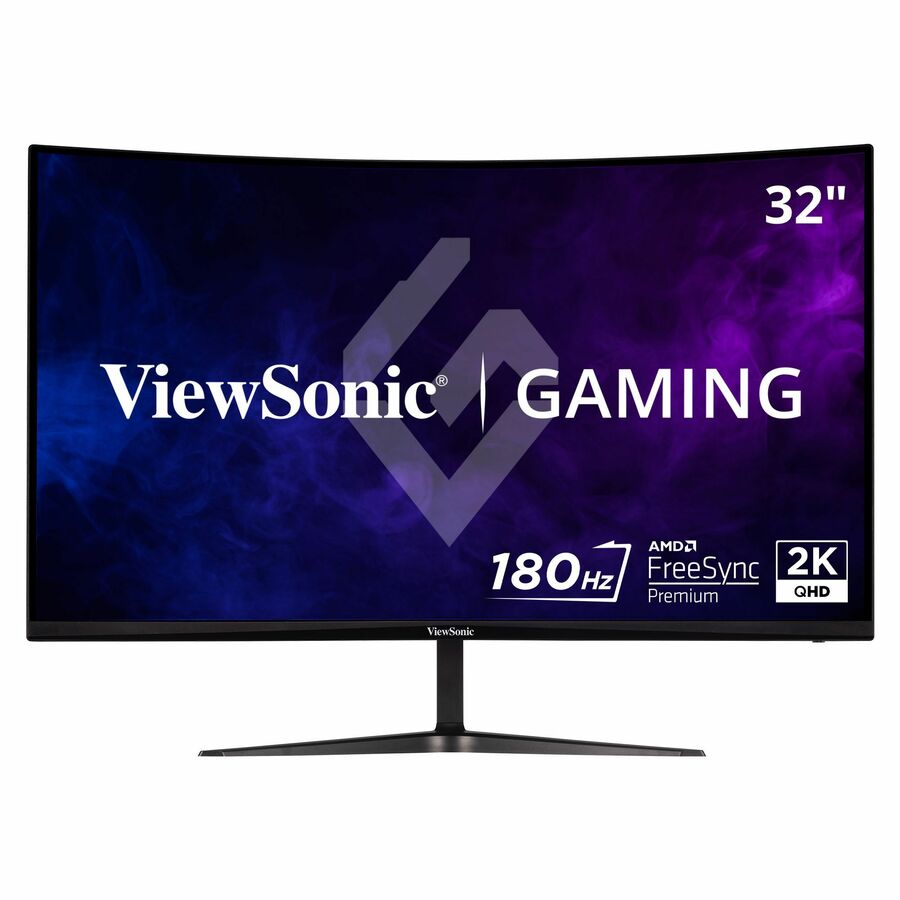
ViewSonic VX3218C-2K 32 Inch 1440p Curved Gaming Monitor, 180Hz and 1ms…
VX3218C-2K
A 32-inch curved panel at 2560 x 1440 with a VA panel and 250 nits, HDMI and DisplayPort inputs. The lowest-specification route on this page to a 32-inch 1440p desktop: no USB-C and no hub, so plan a dock or a direct DisplayPort run from the machine rather than a single-cable desk.
$244.00Back-ordered49-inch QD-OLED
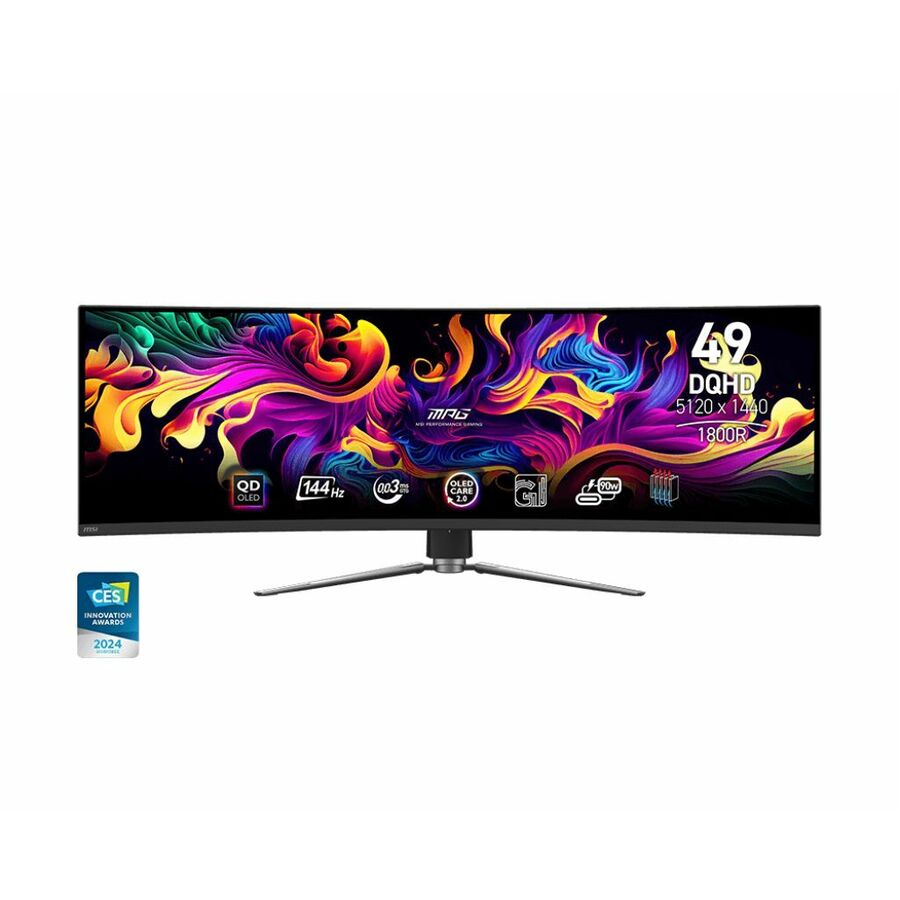
MSI
MSI MPG 491CQP QD-OLED 49" Class Dual Quad HD (DQHD) Curved Screen…
MPG491CQPQDOLED
A 49-inch dual-QHD QD-OLED panel at 5120 x 1440 in 32:9, rated 1000 nits, with USB Type-C, a USB hub and swivel, height and tilt adjustment. The top of the range here by panel technology and brightness; OLED at this width is a specialist choice for design, video and control-room positions rather than a general office standard.
$969.12Back-orderedMore monitors in the Uniqcli catalog
See all 1,690 monitorsMore from across this category. In-stock lines lead, and a back-ordered line carries the same estimated availability its product page does — with live pricing throughout, NDAA §889 screening before checkout and TAA verified on request.
- SamsungSamsung Odyssey G5 S32CG550EN 32" Class WQHD Curved Screen Gaming LCD Monitor - 16:9 - Black - 32" Viewable - Vertical Alignment (VA) - 2560 x 1440 - 16.7 Million Colors - FreeSync - 300 Nit - 1 ms - 165 Hz Refresh Rate - HDMI - DisplayPort - VESA Mount CompatibleLS32CG550ENXZA
$1,233.71
3 in stock - SamsungSamsung Odyssey G6 S32BG652EN 32" Class WQHD Curved Screen Smart Gaming LCD Monitor - 16:9 - Black - 32" Viewable - Vertical Alignment (VA) - 2560 x 1440 - 1 Billion Colors - FreeSync Premium Pro - 350 Nit - 1 ms - 240 Hz Refresh Rate - Speakers - HDMI - DisplayPort - VESA Mount CompatibleLS32BG652ENXGO
$1,214.54
15 in stock Back-ordered — estimated OEM lead time 3–8 weeks (Nov 16 – Dec 21 if ordered today).
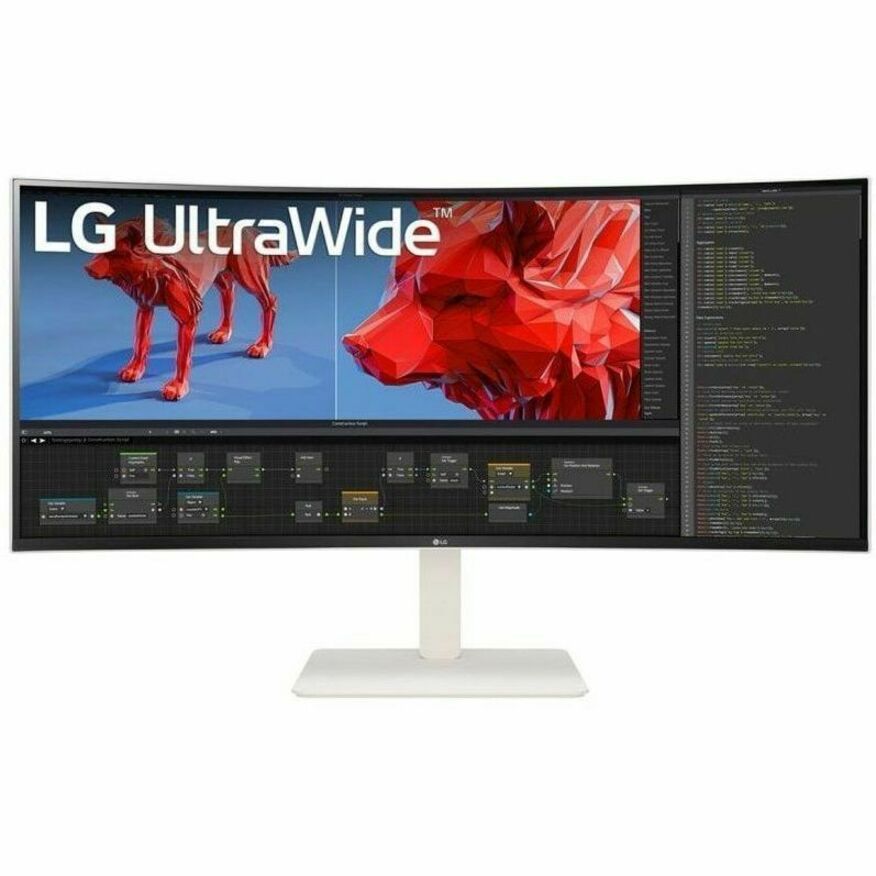
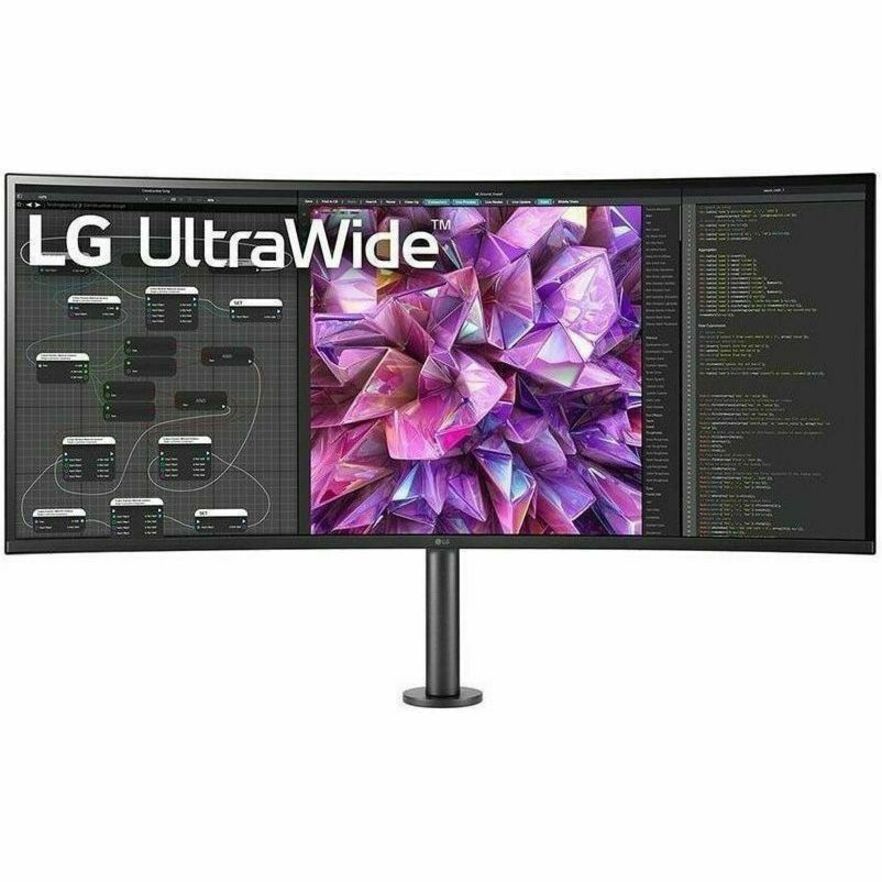
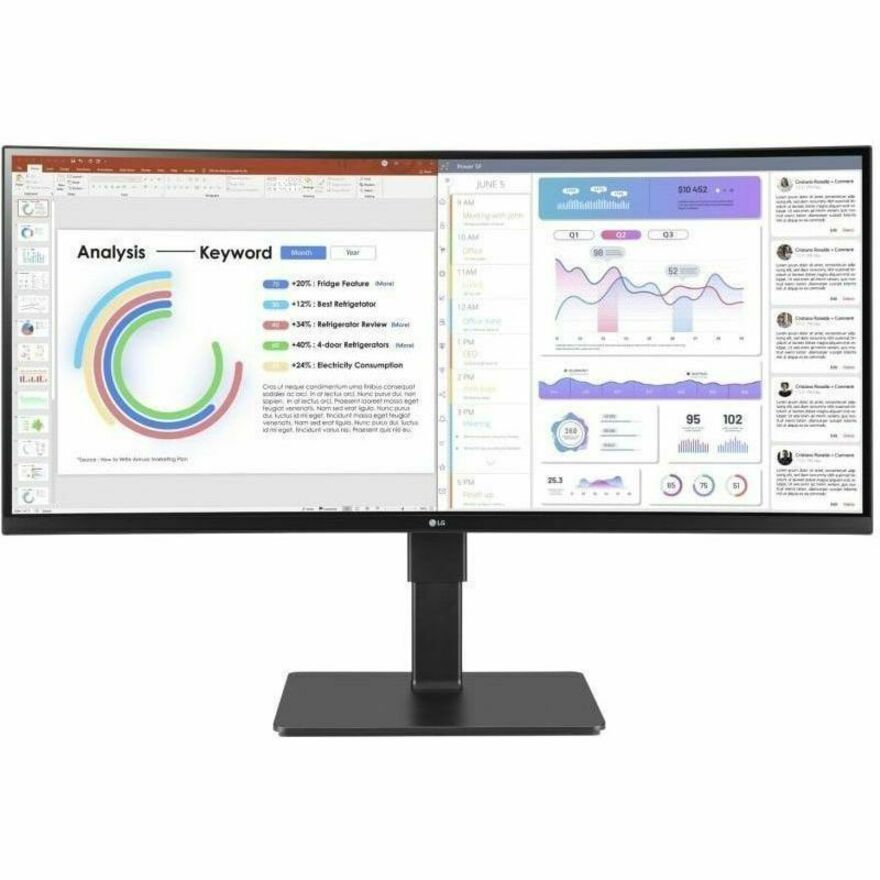
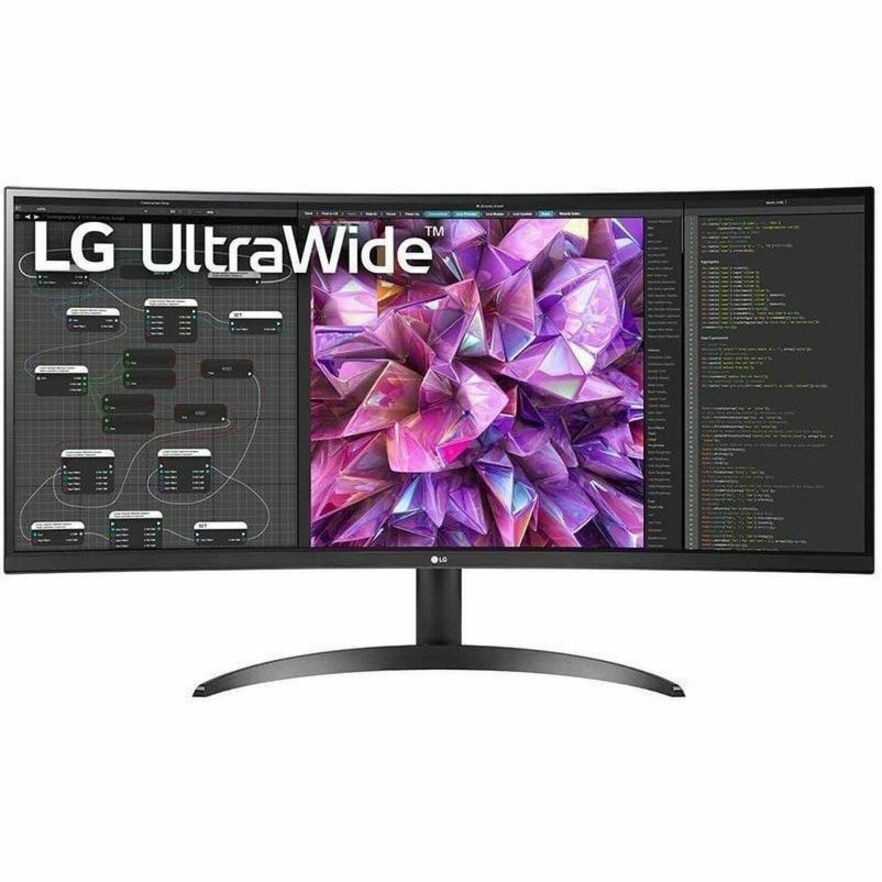
- LG ElectronicsLG Ultrawide 38BR85QC-H 38" Class UW-QHD+ Curved Screen LCD Monitor - 21:9 - 37.5" Viewable - Nano In-plane Switching (Nano IPS) Technology - 3840 x 1600 - FreeSync Premium Pro - 450 Nit - 1 ms - 144 Hz Refresh Rate - Speakers - Swivel, Height, Tilt - USB Type-C - HDMI - DisplayPort - KVM Switch, USB Hub38BR85QC-H
$2,755.00
$2,341.75
Back-orderedBack-ordered — we expect to receive stock the week of Nov 16–22 and will process your delivery right after.
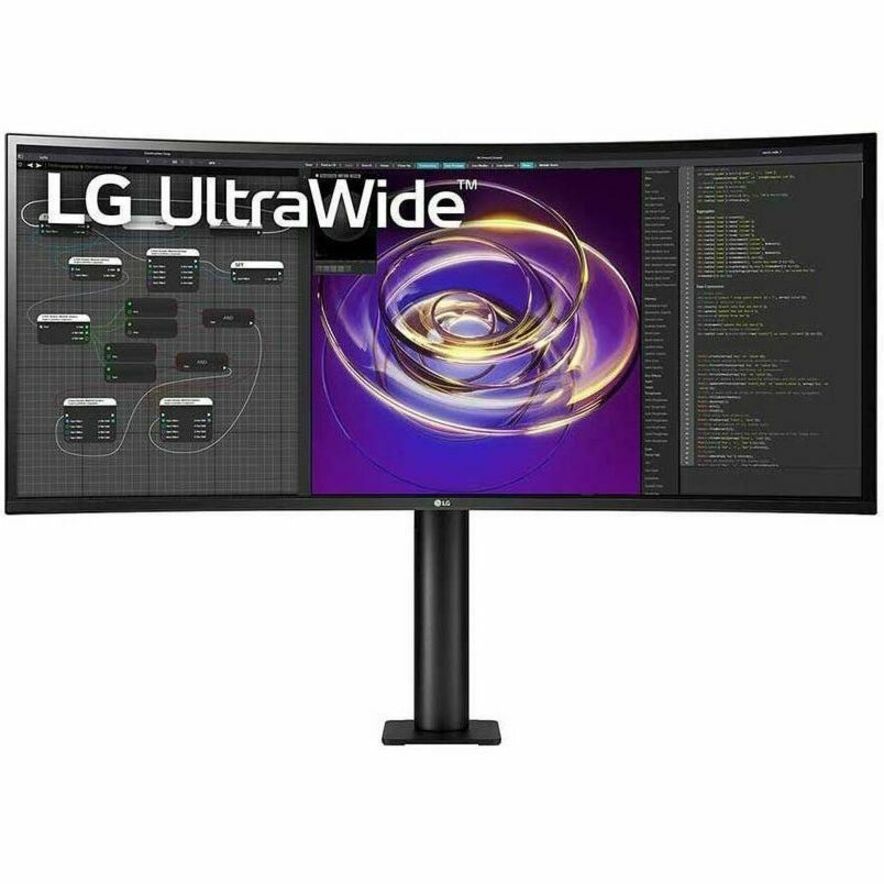
- LG ElectronicsLG 38BQ88C-W 38" Class UW-QHD+ Curved Screen LCD Monitor - 21:9 - Textured Black, Textured White - 37.5" Viewable - In-plane Switching (IPS) Technology - 3840 x 1600 - 16.7 Million Colors - FreeSync - 300 Nit - 5 ms - 75 Hz Refresh Rate - Speakers - Swivel, Height, Tilt - USB Type-C - HDMI - DisplayPort - VESA Mount Compatible38BQ88C-W
$2,500.00
$2,125.00
Back-orderedBack-ordered — estimated OEM lead time 3–8 weeks (Nov 16 – Dec 21 if ordered today).
- LG ElectronicsLG 34BP88CN-B 34" Class Curved Screen LED Monitor - 21:9 - Black - 34" Viewable - In-plane Switching (IPS) Technology - Edge LED Backlight - 16.7 Million Colors - FreeSync - 300 Nit - 5 ms - Speakers - Swivel, Height, Tilt - USB Type-C - HDMI - DisplayPort - VESA Mount Compatible34BP88CN-B
$1,625.00
$1,381.25
Back-orderedBack-ordered — estimated OEM lead time 3–8 weeks (Nov 16 – Dec 21 if ordered today).
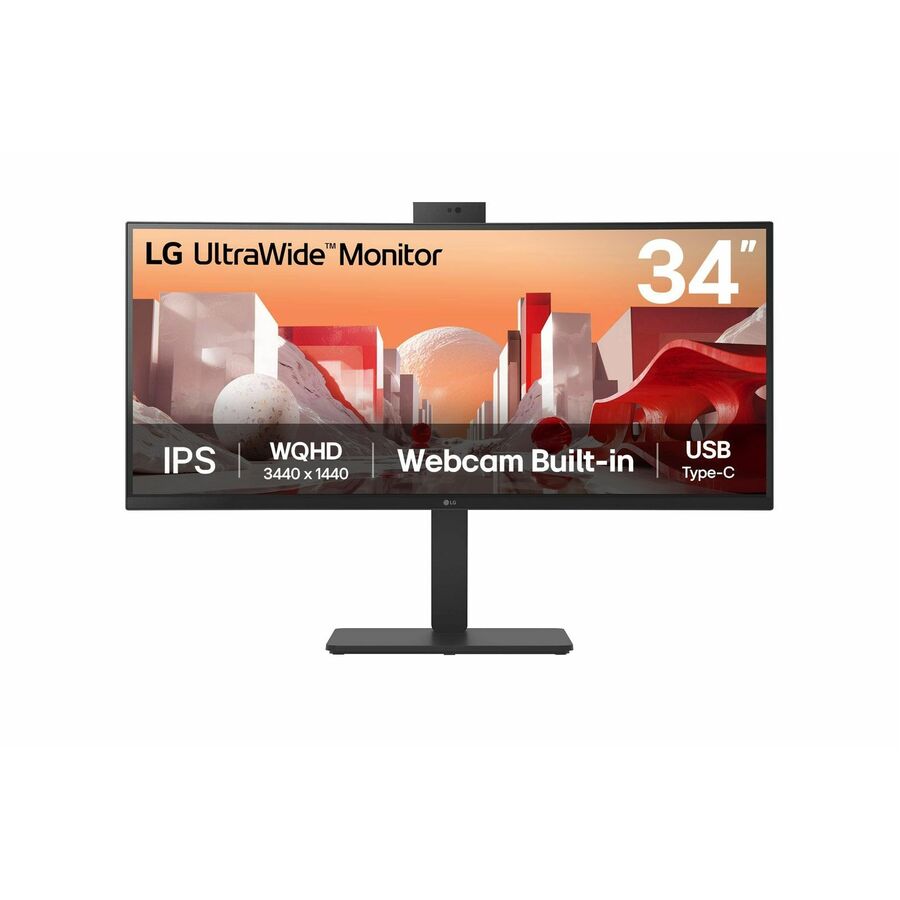
- LG ElectronicsLG 34BA85QE-B 34" Class Webcam UWQHD Curved Screen LED Monitor - 21:9 - Textured Black, Black - 34" Viewable - In-plane Switching (IPS) Technology - 3440 x 1440 - 1.07 Billion Colors - 300 Nit - 5 ms - 60 Hz Refresh Rate - Speakers - Swivel, Height, Tilt - USB Type-C - HDMI - DisplayPort - VESA Mount Compatible - KVM Switch34BA85QE-B
$1,400.00
$1,190.00
Back-orderedBack-ordered — we expect to receive stock the week of Nov 16–22 and will process your delivery right after.
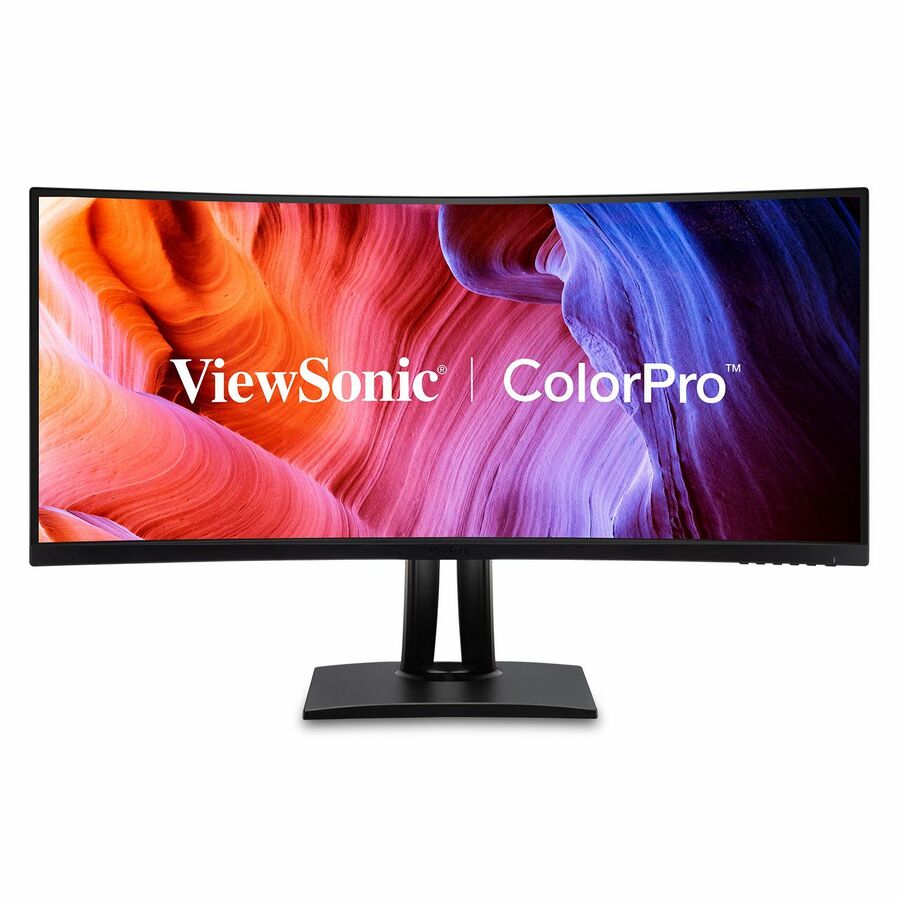
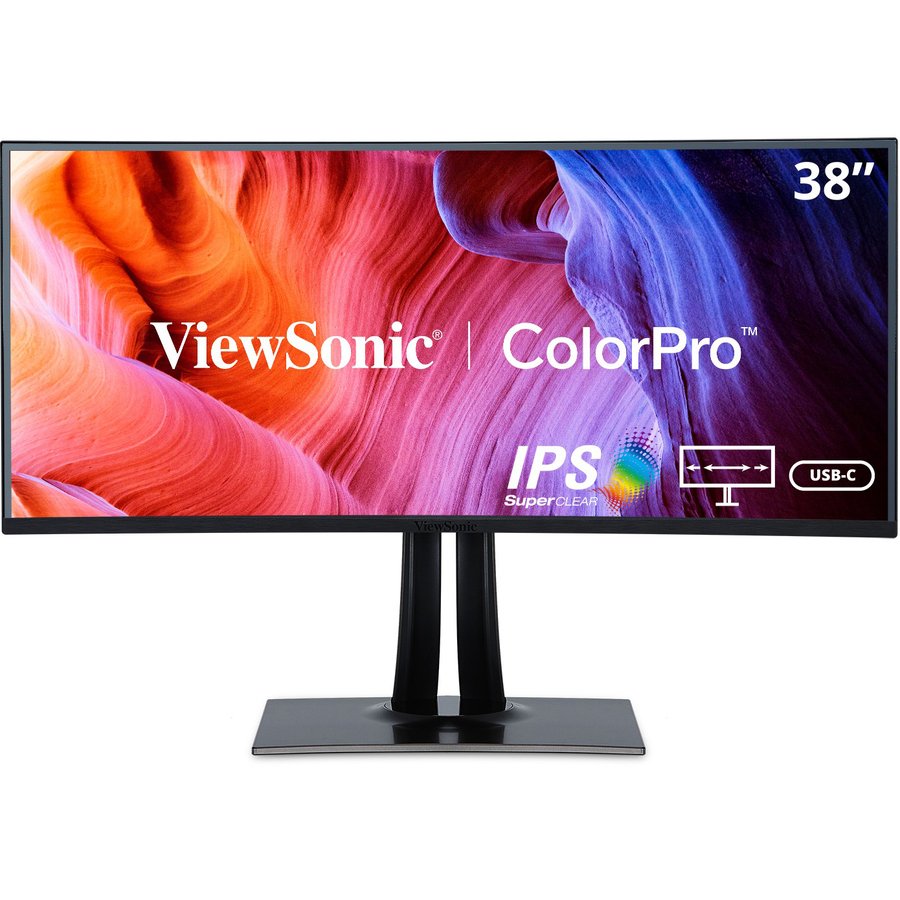
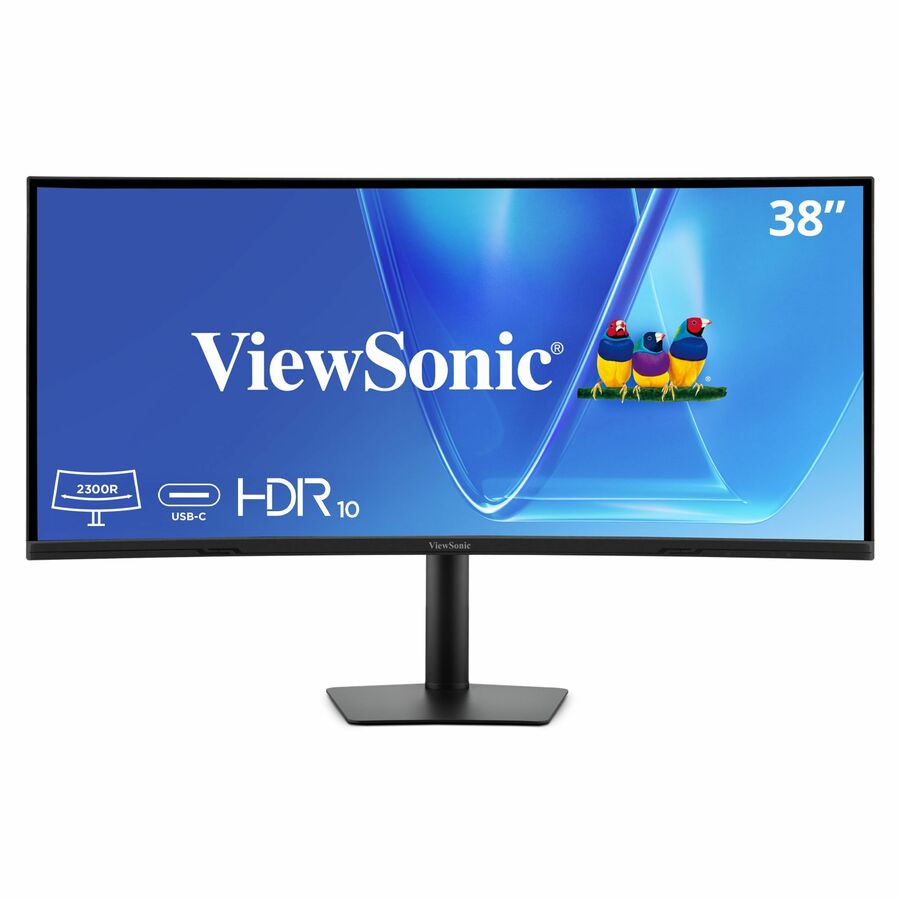
- ViewSonicViewSonic VP3881A 38 Inch WQHD+ ColorPro Monitor, Curved IPS with 100% sRGB and Pantone Validated for Professional Graphic Design, Advanced Ergonomics, 90W USB-C, HDMI, and DisplayPort - ColorPro VP3881a - WQHD+ Curved 21:9 Monitor with sRGB, HDR10 Support, USB-C, HDMI, USB, DP - 300 cd/m² - 38?VP3881A
$1,769.00
$1,568.57
Back-orderedBack-ordered — estimated OEM lead time 3–8 weeks (Nov 16 – Dec 21 if ordered today).
- LG ElectronicsLG 34BQ77QE-B 34" Class Curved Screen LED Monitor - 21:9 - Textured Black - TAA Compliant - 34" Viewable - In-plane Switching (IPS) Technology - Edge LED Backlight - 1.07 Billion Colors - 300 Nit - 5 ms - Speakers - Swivel, Height, Tilt - USB Type-C - HDMI - DisplayPort - VESA Mount Compatible - KVM Switch34BQ77QE-B
$1,050.00
$892.50*
Back-orderedBack-ordered — we expect to receive stock the week of Oct 26 – Nov 1 and will process your delivery right after.
Back-ordered — we expect to receive stock the week of Dec 7–13 and will process your delivery right after.
- LG ElectronicsLG 34BP65C-B 34" Class Curved Screen LED Monitor - 21:9 - Black - 34" Viewable - Vertical Alignment (VA) - Edge LED Backlight - 1.07 Billion Colors - FreeSync - 300 Nit - 5 ms - Speakers - Height, Tilt - HDMI - DisplayPort - VESA Mount Compatible34BP65C-B
$927.50
$788.38
Back-orderedBack-ordered — estimated OEM lead time 3–8 weeks (Nov 16 – Dec 21 if ordered today).
- LG ElectronicsLG 34BQ60QC-B 34" Class Curved Screen LCD Monitor - 21:9 - Textured Black - 34" Viewable - In-plane Switching (IPS) Technology - 1.07 Billion Colors - 300 Nit - 5 ms - Tilt - HDMI - DisplayPort - VESA Mount Compatible34BQ60QC-B
$927.50
$788.38
Back-orderedBack-ordered — estimated OEM lead time 3–8 weeks (Nov 16 – Dec 21 if ordered today).
- LG ElectronicsLG 34BR55QC-B 34" Class UWQHD Curved Screen LCD Monitor - 21:9 - Textured Black - TAA Compliant - 34" Viewable - Vertical Alignment (VA) - 3440 x 1440 - 16.7 Million Colors - FreeSync - 300 Nit - 5 ms - 100 Hz Refresh Rate - Swivel, Height, Tilt - USB Type-C - HDMI - DisplayPort - VESA Mount Compatible34BR55QC-B
$925.00
$786.25*
Back-orderedBack-ordered — we expect to receive stock the week of Nov 2–8 and will process your delivery right after.
- AcerAcer Vero CB343CUR J0 34" Class Curved Screen LCD Monitor - 21:9 - Black - 34" Viewable - Vertical Alignment (VA) - LED Backlight - 3440 x 1440 - 1.07 Billion Colors - VESA Adaptive Sync (DisplayPort VRR) - 350 Nit - 1 ms - 100 Hz Refresh Rate - Speakers - Height - USB Type-C - HDMI - DisplayPort - VESA Mount Compatible - SpeakerUM.CB3AA.002
$499.99
$374.89
Back-orderedBack-ordered — estimated OEM lead time 3–8 weeks (Nov 16 – Dec 21 if ordered today).
Back-ordered — estimated OEM lead time 3–8 weeks (Nov 16 – Dec 21 if ordered today).
- AcerAcer Nitro ED320QR S3 32" Class Full HD Curved Screen Gaming LCD Monitor - 16:9 - Black - 31.5" Viewable - Vertical Alignment (VA) - LED Backlight - 1920 x 1080 - 16.7 Million Colors - AMD FreeSync Premium (DisplayPort VRR) - 300 Nit - 1 ms - 180 Hz Refresh Rate - Speakers - HDMI - DisplayPort - VESA Mount CompatibleUM.JE0AA.301
$285.99
$194.44
Back-orderedBack-ordered — estimated OEM lead time 3–8 weeks (Nov 16 – Dec 21 if ordered today).
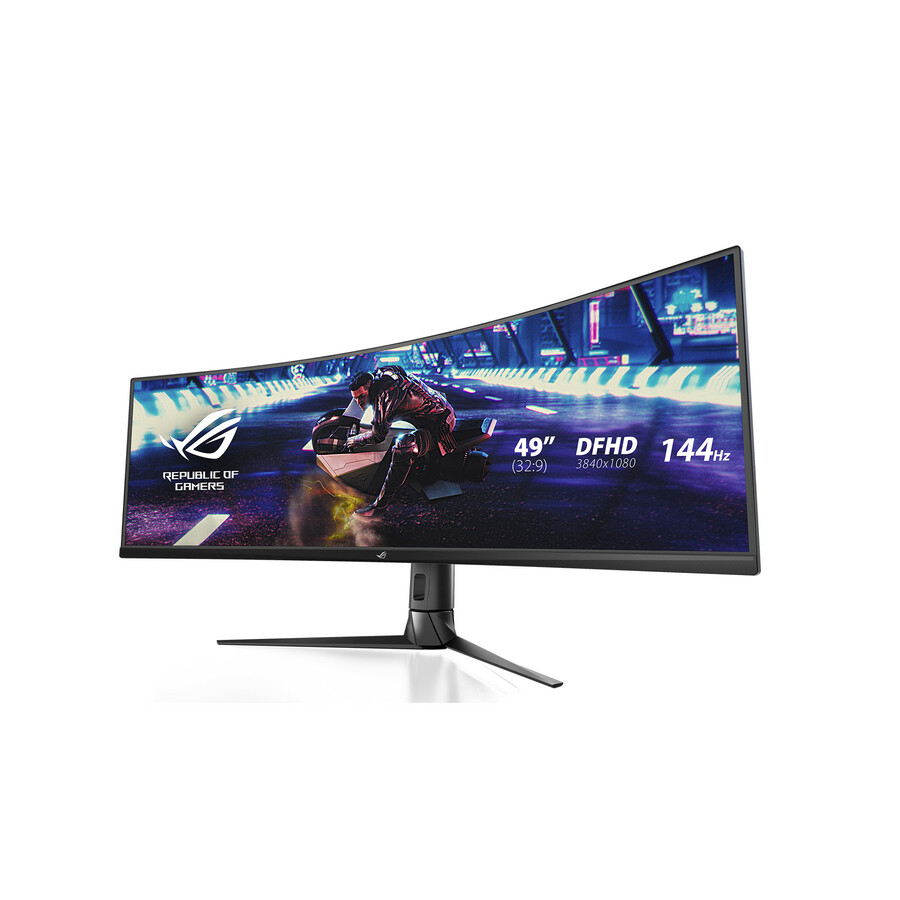
- AcerAcer Nitro EI491CUR W3 49" Class Dual Quad HD (DQHD) Curved Screen Gaming LCD Monitor - 32:9 - Black - 49" Viewable - Vertical Alignment (VA) - LED Backlight - 5120 x 1440 - 1.07 Billion Colors - AMD FreeSync (DisplayPort VRR) - 300 Nit - 1 ms - 240 Hz Refresh Rate - Height - HDMI - DisplayPort - VESA Mount CompatibleUM.SE1AA.301
$999.99
$918.82
Back-orderedBack-ordered — estimated OEM lead time 3–8 weeks (Nov 16 – Dec 21 if ordered today).
Back-ordered — we expect to receive stock the week of Nov 16–22 and will process your delivery right after.

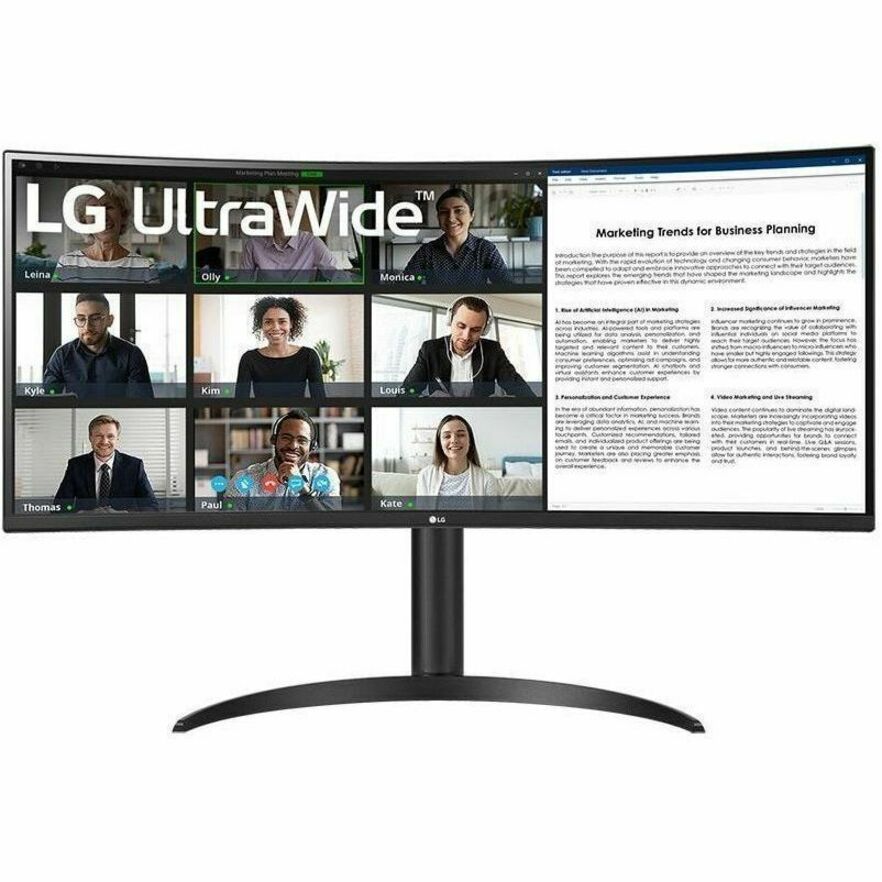
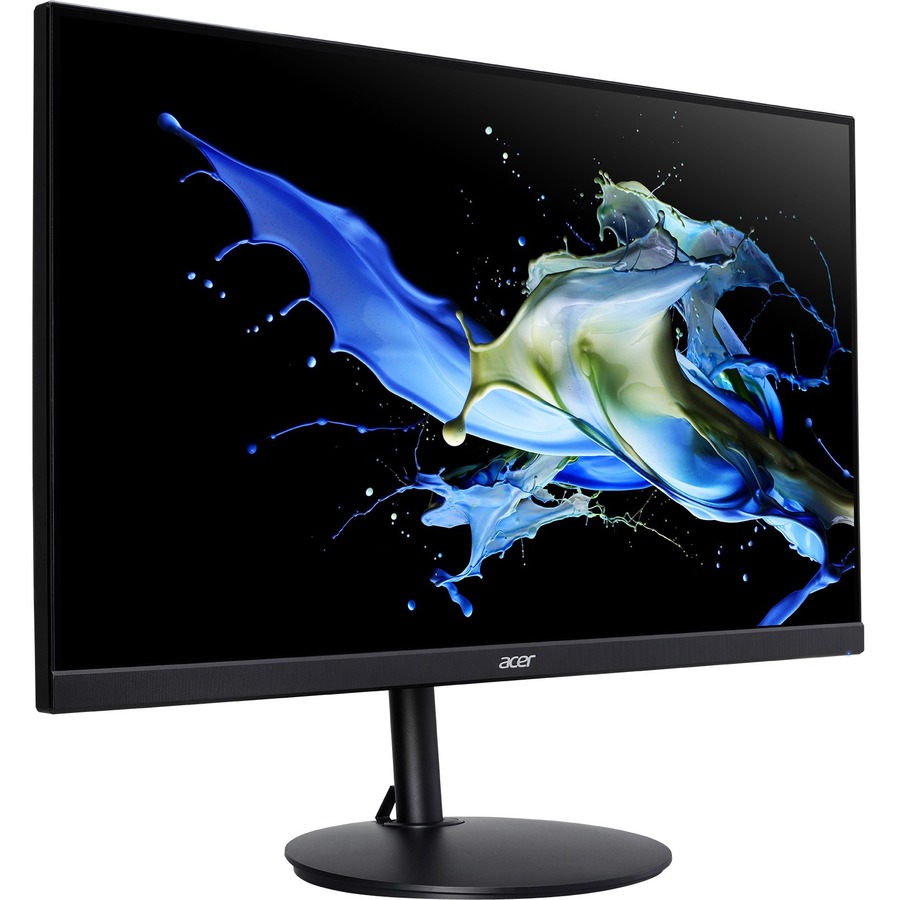
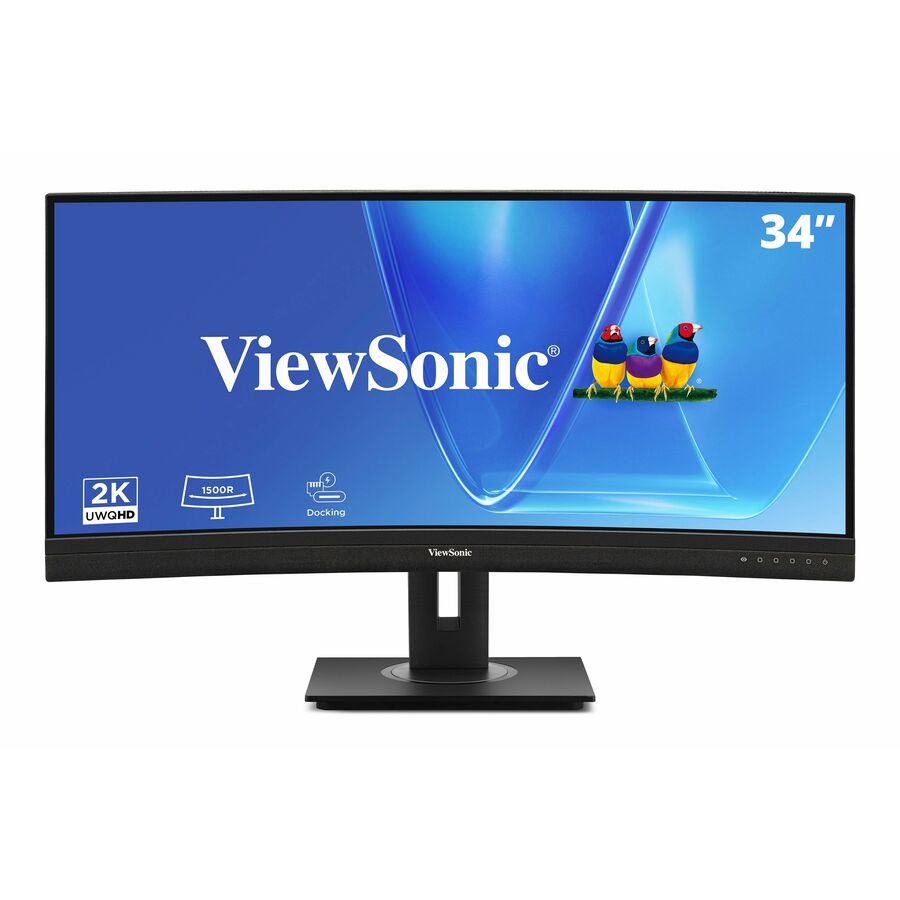
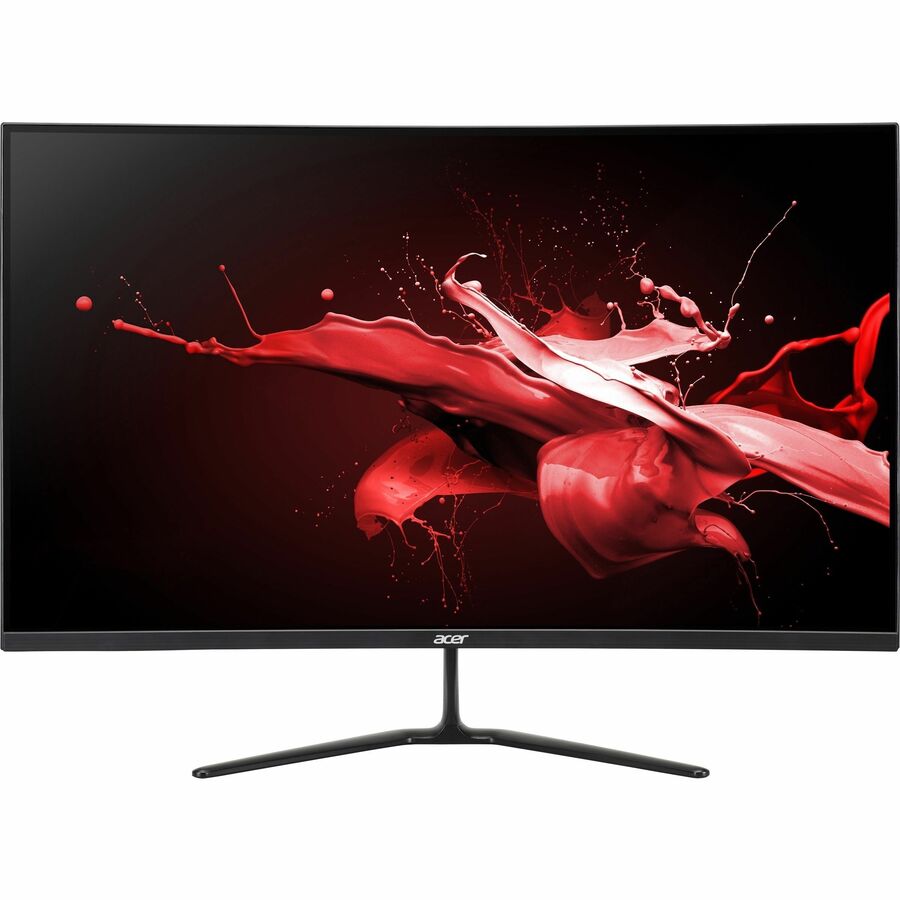
Need pricing on curved monitors?
Tell us where to reach you and a Uniqcli specialist will follow up by email with current pricing, availability and lead time for the quantities you need — including parts that aren’t shown on this page.
Buying for an organization or for yourself — both work. No payment up front.
A curve on a monitor is a comfort specification, not a performance one. Bending the panel keeps the far edges closer to the same viewing distance as the centre, which is why the effect is barely noticeable on a 24-inch screen and becomes the whole point on a 49-inch one. Every panel in this grid is designated curved by its own manufacturer, and every figure quoted below — native resolution, panel technology, brightness in nits, refresh rate, the USB-C port and whether a KVM switch is built in — is read from that same product title rather than asserted.
The category splits into three honest groups. At 24 and 27 inches in 16:9, a gentle curve is a small ergonomic improvement over a flat panel of the same size and the purchase is really about resolution and price; 1920 x 1080 is still the fleet standard here and 2560 x 1440 is the step that buys real desktop space at 27 and 32 inches. In the middle sit the 34 and 38-inch wide panels, where the curve starts doing visible work. At the top are the 49-inch 32:9 displays at 5120 x 1440 — two 27-inch 1440p monitors' worth of pixels in one unbroken sheet, where a curve is not a preference but a requirement, because a flat panel that wide would put its edges noticeably further from the eye than its centre.
One thing worth saying plainly, because it shapes what this page can honestly recommend: a large share of curved panels are marketed as gaming displays, and their titles say so. That does not make them wrong for an office — a 32-inch 2560 x 1440 VA panel is the same hardware whichever shelf it is sold from — but it does mean the specification has to be read rather than inferred from the product line. What an office desk cares about is resolution, panel technology, ergonomic adjustment, and whether the display carries USB-C, a USB hub and a KVM switch. Those are stated per part in the titles below, and they are what the picks are chosen on.
Buyer's checklist
How to choose a curved monitor for office work
- Size the curve to the panel. Below about 27 inches the curvature is a marginal comfort gain and the decision should be made on resolution and adjustment instead. At 34 inches and above it materially reduces how far the edges of the screen sit from the eye, and at 49 inches in 32:9 it is what makes the format usable at a normal desk distance at all.
- Buy resolution, not diagonal. A 32-inch panel at 1920 x 1080 has the same working area as a 24-inch one and simply spreads it further apart; 2560 x 1440 is the step that adds usable space at 27 and 32 inches, and 5120 x 1440 across 49 inches is where one display genuinely replaces two.
- Read the docking specification per part. Where the display is meant to be the desk's single cable, it needs USB Type-C — and ideally a USB hub and a KVM switch alongside it. Several parts here list all three in their own product data and others in the same size class list none, so check the exact part number rather than the series.
- Check the ergonomics before a volume order. Height, swivel and tilt are stated per part in these titles and they are not universal at the value end of the range. A panel that only tilts sits at whatever height its stand chose, which is the complaint that arrives three weeks after a rollout.
- Match panel technology to the room. VA delivers the deeper contrast common on curved panels and is what most of this category uses; IPS holds colour and viewing angle better when someone is looking at the screen from beside the desk, which is a real consideration in shared and supervised workspaces.
- Plan desk depth for the wide panels. A 49-inch 32:9 display needs meaningful depth before the geometry is comfortable, and the standard fix is a monitor arm — every part here that states VESA compatibility can take one, and on the widest panels that is often what makes the display work rather than an upgrade to it.
- Do not read a refresh rate as an office specification. Several of these panels publish 165 or 180 Hz because of the shelf they are sold from; it costs an office desk nothing and buys it nothing. Judge them on resolution, adjustment and connectivity instead.
Where the curve actually earns its place
The physics is simple and it explains the whole category. On a flat panel, the distance from your eye to the centre of the screen is shorter than the distance to either edge, and the mismatch grows with width. Curving the panel equalises it. On a 24-inch 16:9 display that difference is a couple of centimetres and nobody notices; on a 49-inch 32:9 display it is large enough to change how much of the screen is genuinely in comfortable focus at a normal desk distance. That is why the format at the top of this page is essentially always curved and the format at the bottom is usually a preference.
The corollary is that a curve is not a substitute for resolution, and this is the mistake that costs offices the most money. A 32-inch panel at 1920 x 1080 shows exactly as many windows as a 24-inch panel at 1920 x 1080 — the pixels are simply larger and spread further apart. If the complaint the refresh is meant to fix is that people cannot fit enough on screen, the answer is 2560 x 1440 or 5120 x 1440, not a bigger diagonal at the same pixel count. If the complaint is eye strain or text size, a larger panel at the same resolution may genuinely help, and a curve helps a little more.
The dual-QHD 32:9 panels deserve their own note. At 5120 x 1440 they carry the pixels of two 27-inch 1440p monitors with no bezel down the middle, which is the reason they show up on dispatch desks, monitoring positions, finance floors and anywhere a person is watching several windows at once. They also demand a source machine that can drive them and a desk deep enough to sit back from — both worth confirming before an order, because neither is fixable afterwards.
Reading a gaming-shelf panel as an office display
A significant share of this category is sold as gaming hardware, and pretending otherwise would misrepresent the shelf. The useful response is not to avoid those parts but to read them correctly. Strip out the specifications that exist for gameplay — the refresh rates above 100 Hz, the sub-millisecond response claims, the adaptive-sync branding — and what remains is a panel with a size, a resolution, a panel technology, a brightness figure and a set of ports. Judged on those, a 32-inch 2560 x 1440 VA panel is a perfectly ordinary office display regardless of which product line it belongs to.
What genuinely separates a business-line panel from a gaming one in this category is usually connectivity and adjustment rather than image quality. Business lines are where USB Type-C, an integrated USB hub, a built-in KVM switch, an RJ-45 port, a webcam and full height, swivel and tilt adjustment tend to appear together — and those are exactly the features that let a display replace a docking station and a webcam on every desk. Several parts on this page carry the whole set; several others, at similar size and resolution, carry none of it and expect a dock to sit under the desk.
The other practical difference is procurement rather than hardware: business lines tend to stay on the price list longer, which matters when a rollout runs over two quarters and the second batch has to match the first. Where a floor is being standardised, that continuity is worth as much as any specification on the sheet, and it is a reasonable tie-breaker between two panels that read the same on paper.
What ships around a curved-monitor rollout
The display is one line on a desk build. Monitor arms come with it — desk depth is the constraint on every panel above 34 inches, and an arm buys back the depth a stand consumes — along with the USB-C cabling the desk actually needs and, frequently, a change to the notebook or the dock behind it where the existing machine cannot drive the resolution over one connector. Where the panel takes over docking duties, whatever the old dock was doing has to land somewhere: the wired network drop, legacy USB devices, and any second display the user keeps.
Uniqcli quotes the whole desk on one order: displays, arms and mounts, cabling, docking stations for the positions that still need one, and the notebooks or desktops behind them, with the manufacturer warranty and support lines that attach to each. For a phased refresh, sequencing matters as much as the parts, so lead times and delivery batches belong in the quote rather than in a follow-up email.
Send the desk count, the machines the displays will attach to, and the sizes you are considering, and we will come back with part numbers, availability, lead times and volume pricing before anything is committed.
FAQ
Common questions
- Are curved monitors actually better for office work?
- It depends entirely on the size. A curve equalises the distance from your eye to the centre and the edges of the screen, so the benefit scales with width: on a 24-inch 16:9 panel it is a marginal comfort gain that most people would not identify in a blind comparison, while on a 49-inch 32:9 panel it is what makes the format usable at a normal desk distance. Below 27 inches, buy on resolution, adjustment and connectivity and treat the curve as a tie-breaker. At 34 inches and above it is doing visible work, and at 49 inches in 32:9 it is effectively a requirement rather than a feature.
- Is a 49-inch curved monitor the same as two monitors?
- In pixels, close to it: the 32:9 panels on this page run 5120 x 1440, which is the working area of two 27-inch 1440p displays with no bezel between them. In practice there are two differences worth knowing before ordering. The first is that a single panel cannot be angled independently, so if one of your users likes a second screen turned toward them for calls, one wide display will not reproduce that. The second is window management — an operating system will happily maximise one application across 49 inches, which is worse than a 24-inch monitor for most work, so snapping into halves or thirds is a habit worth including in the rollout note rather than leaving each person to discover.
- Many of these are sold as gaming monitors. Is that a problem for an office?
- No, provided the specification is read rather than assumed. A large share of curved panels are marketed as gaming hardware and their titles say so, but the underlying display is defined by its size, resolution, panel technology, brightness and ports — and on those measures a 32-inch 2560 x 1440 VA panel is an ordinary office display whichever shelf it came from. The features that genuinely distinguish a business-line panel here are connectivity and adjustment: USB Type-C, an integrated USB hub, a built-in KVM switch, an RJ-45 port, a webcam and full height, swivel and tilt movement. Those are the things to check per part number, because they are what let a display replace a docking station on every desk.
- What size and resolution should we standardise on?
- For general office desks, a 27 or 32-inch panel at 2560 x 1440 is the sensible default: it adds real working space over 1920 x 1080 and stays legible without scaling. Keep 1920 x 1080 for 24-inch positions and for shared or single-purpose desks where the extra space would not be used. Move to 5120 x 1440 across 49 inches only for the specific roles that watch several windows at once — dispatch, monitoring, finance — and confirm two things first: that the machine can drive that resolution, and that the desk is deep enough to sit back from. Avoid the combination of a large diagonal and a low resolution, which buys physical size and no additional working space.
- Can business, government and education buyers order these?
- Every line Uniqcli quotes is sourced through US distribution and screened for TAA country-of-origin and NDAA §889 status before checkout — with documentation tied to the specific part number, not a product family.
Need curved monitors pricing?
Send a bill of materials or part numbers — we confirm stock and a below-market total, with TAA verified on request. No payment up front.