
Best MSI Motherboards for Desktop and Workstation Builds
MSI's Intel and AMD board range as the maker lists it — selected by socket and chipset, form factor, memory support, onboard networking and expansion.
MSI motherboards at Uniqcli
How to choose →A curated selection with live pricing and honest availability — everything below is currently back-ordered, and we quote a dated lead time on request. Every line is sourced through US distribution and screened for NDAA §889 status before checkout, with TAA verified on request.
Back-ordered — estimated OEM lead time 3–8 weeks (Nov 18 – Dec 23 if ordered today).
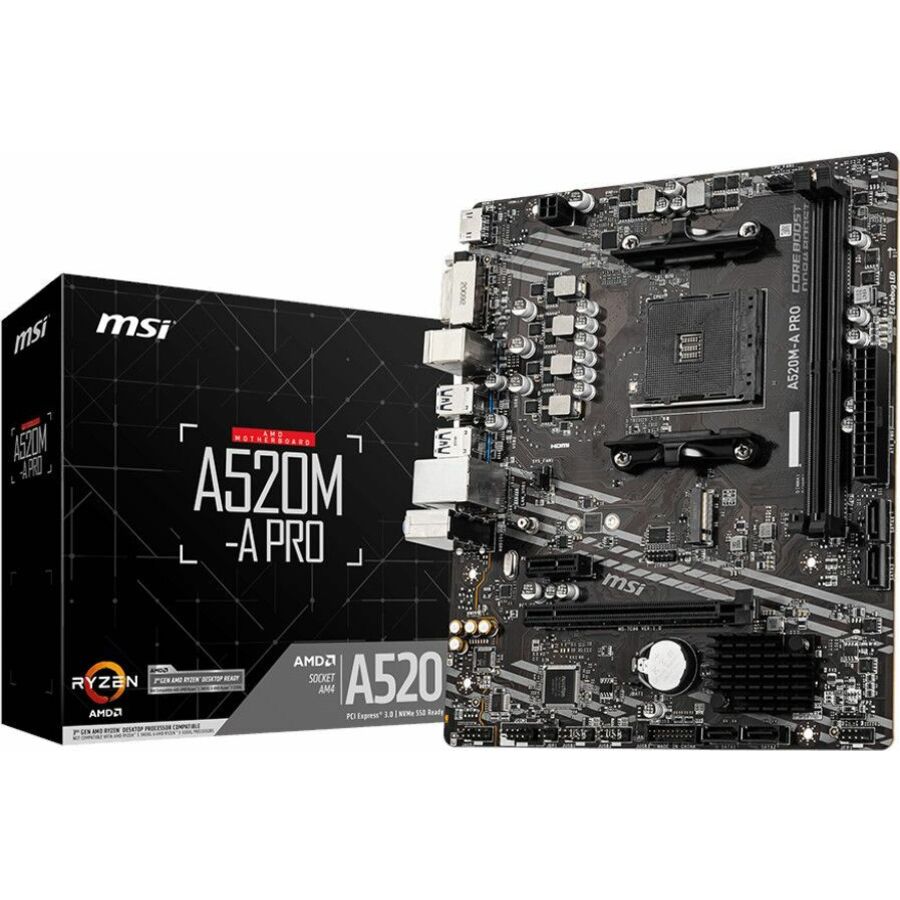
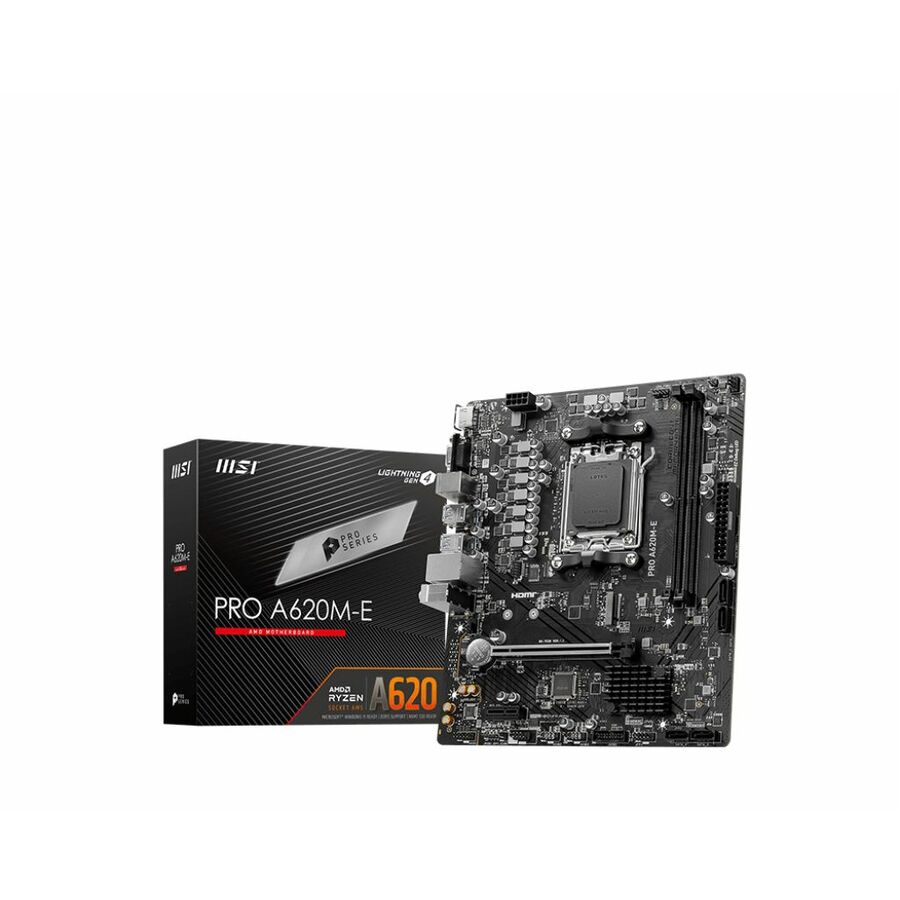
- MSIMSI Pro PRO A620M-E Gaming Desktop Motherboard - AMD A620 Chipset - Socket AM5 - Micro ATX - Ryzen 7 Processor Supported - 64 GB DDR5 SDRAM Maximum RAM - DIMM, UDIMM - 2 x Memory Slots - Gigabit Ethernet - HDMI - 4 x SATA InterfacesPROA620ME
$101.63
Back-orderedBack-ordered — estimated OEM lead time 3–8 weeks (Nov 18 – Dec 23 if ordered today).
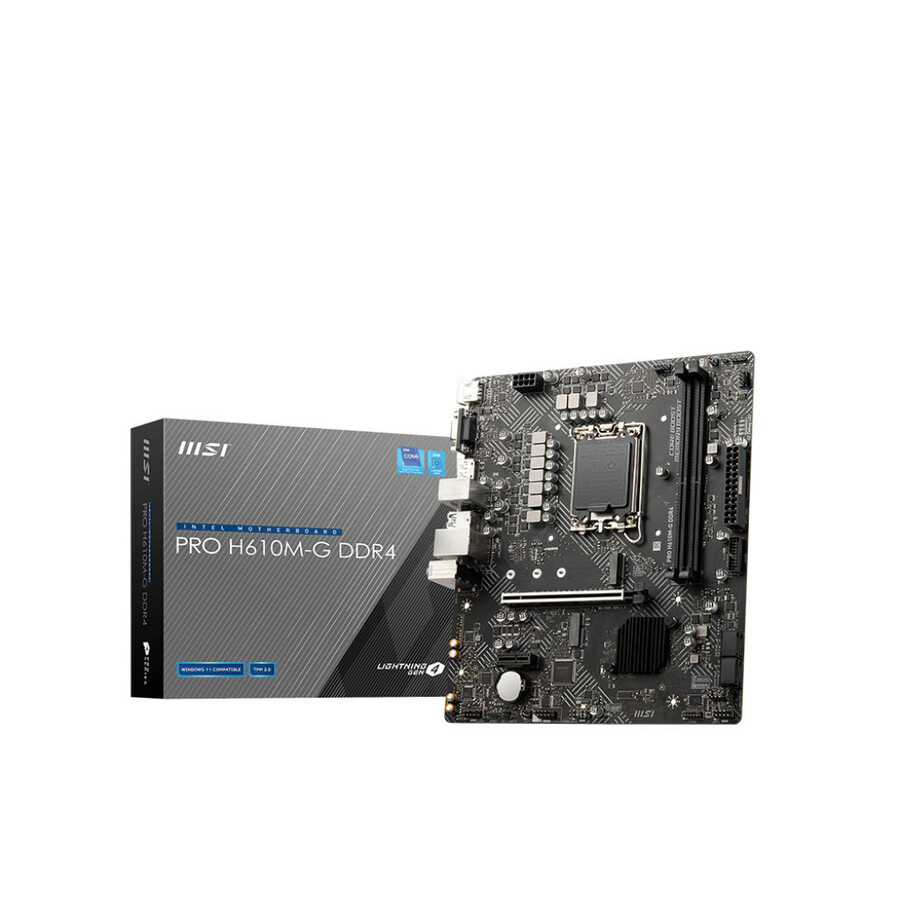
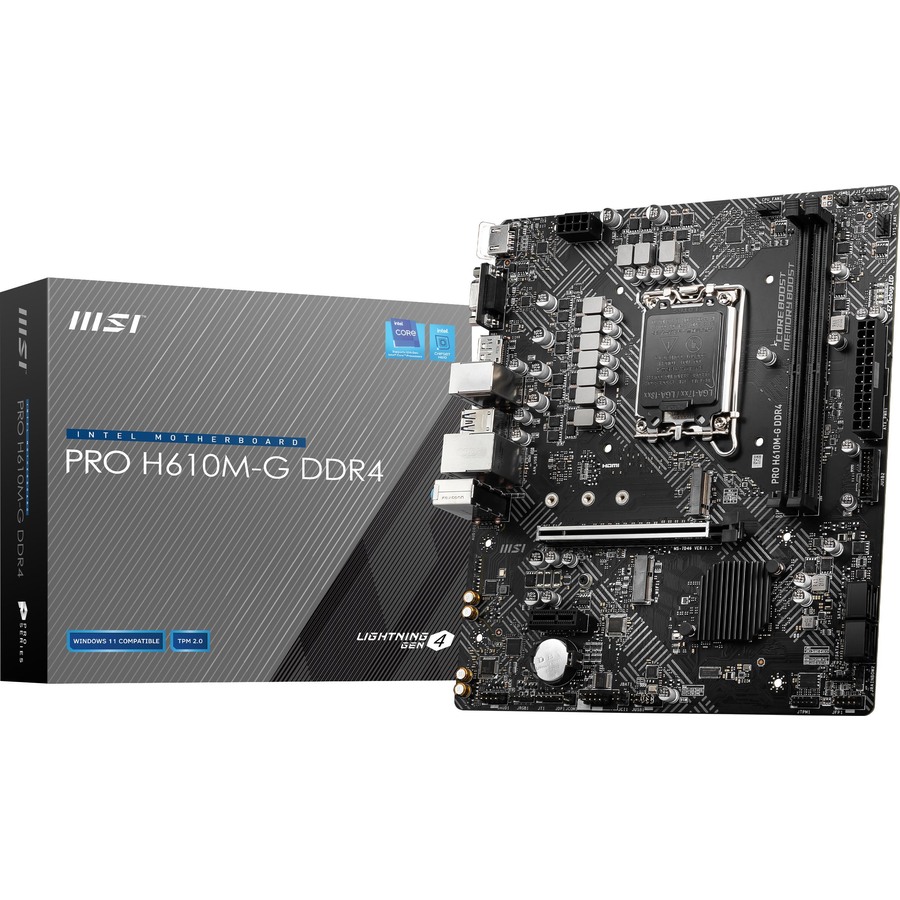
- MSIMSI H610M-G DDR4 Gaming Desktop Motherboard - Intel H610 Chipset - Socket LGA-1700 - Pentium Gold, Celeron, Core Processor Supported - 64 GB DDR4 SDRAM Maximum RAM - DIMM, UDIMM - 2 x Memory Slots - Gigabit Ethernet - HDMI - DisplayPort - 4 x SATA InterfacesPROH610MGD4WIFI
$119.99
$110.11
Back-orderedBack-ordered — estimated OEM lead time 3–8 weeks (Nov 18 – Dec 23 if ordered today).
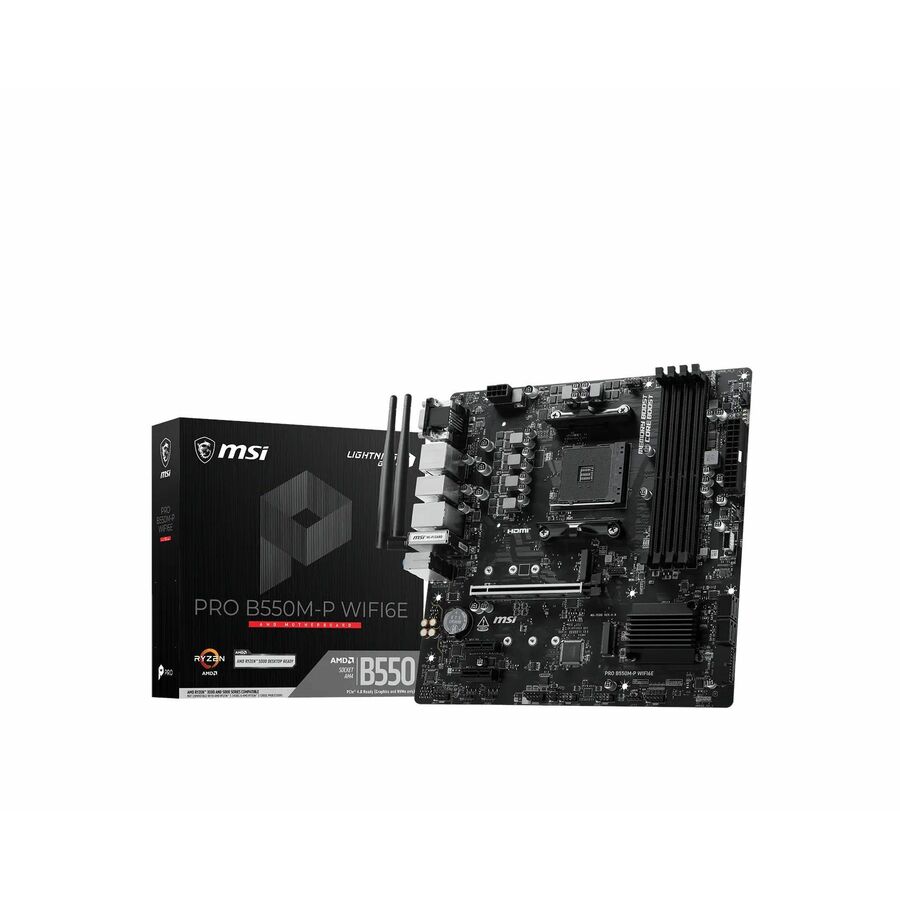
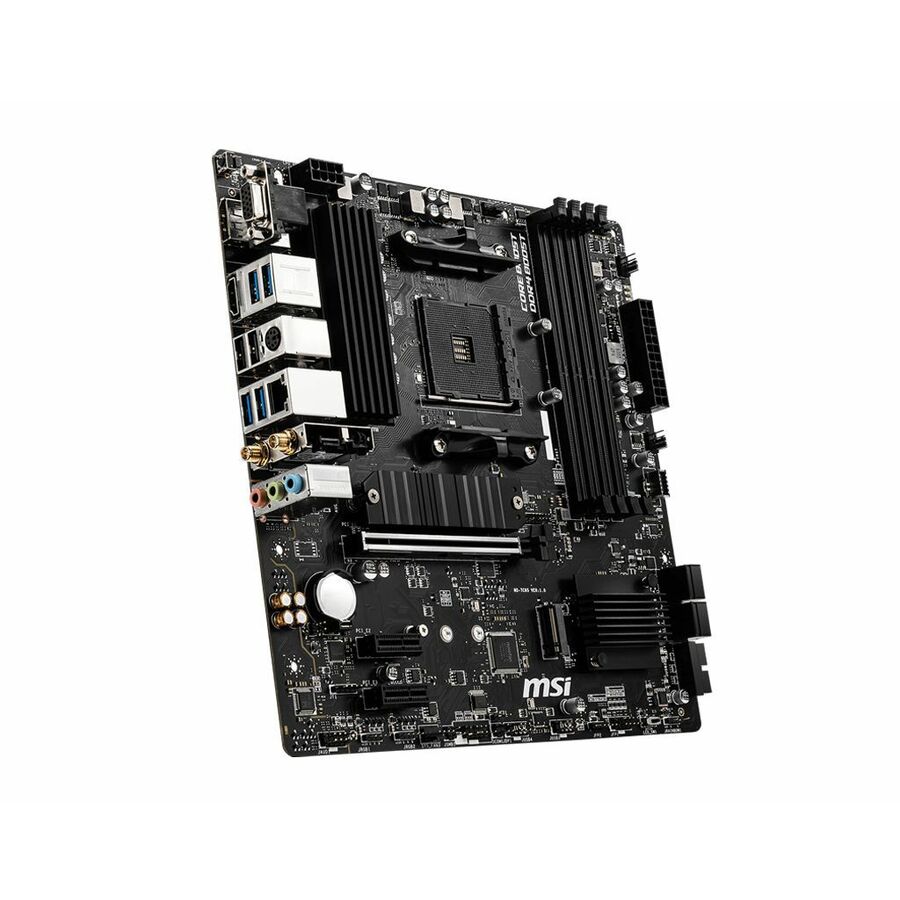
- MSIMSI B550M-P WIFI6E Gaming Desktop Motherboard - AMD B550 Chipset - Socket AM4 - Micro ATX - Ryzen 3, Ryzen 5 Processor Supported - 128 GB DDR4 SDRAM Maximum RAM - DIMM, UDIMM - 4 x Memory Slots - Gigabit Ethernet - IEEE 802.11 a/b/g/n/ac/ax - HDMI - DisplayPort - 4 x SATA InterfacesB550MPWIFI6E
$119.99
$110.48
Back-orderedBack-ordered — estimated OEM lead time 3–8 weeks (Nov 18 – Dec 23 if ordered today).
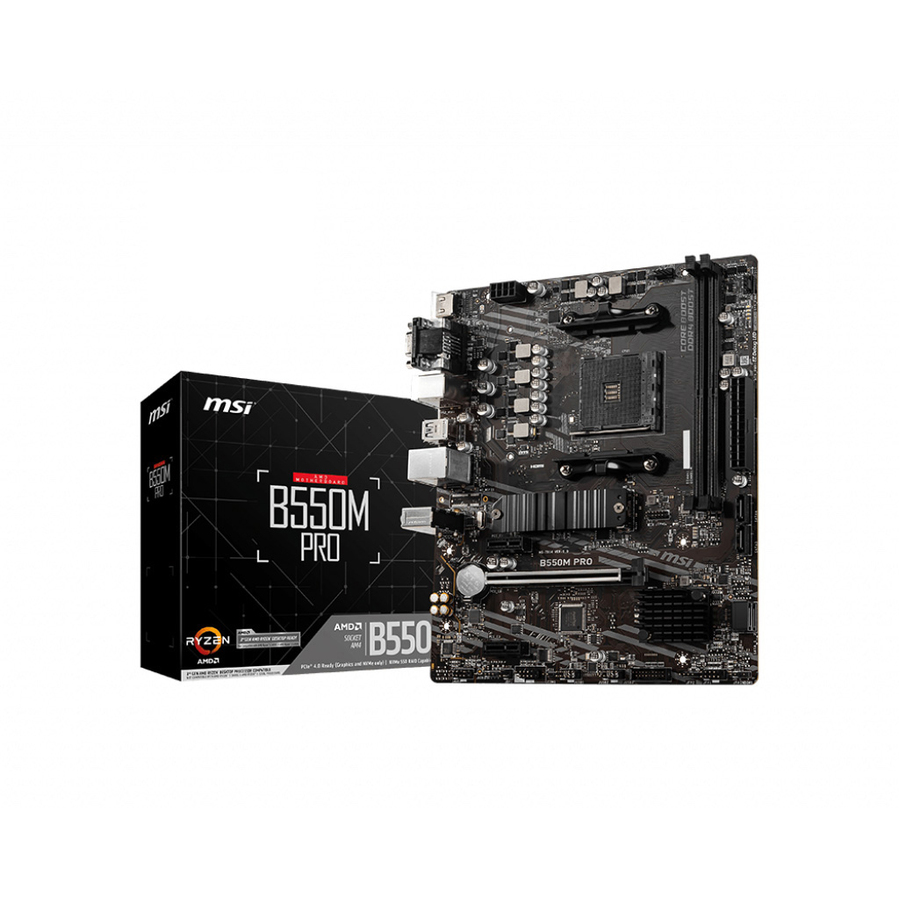
- MSIMSI B550M PRO Desktop Motherboard - AMD B550 Chipset - Socket AM4 - Micro ATX - 64 GB DDR4 SDRAM Maximum RAM - DIMM, UDIMM - 2 x Memory Slots - Gigabit Ethernet - HDMI - DisplayPort - 4 x SATA InterfacesB550MPRO
$112.20
Back-orderedBack-ordered — estimated OEM lead time 3–8 weeks (Nov 18 – Dec 23 if ordered today).
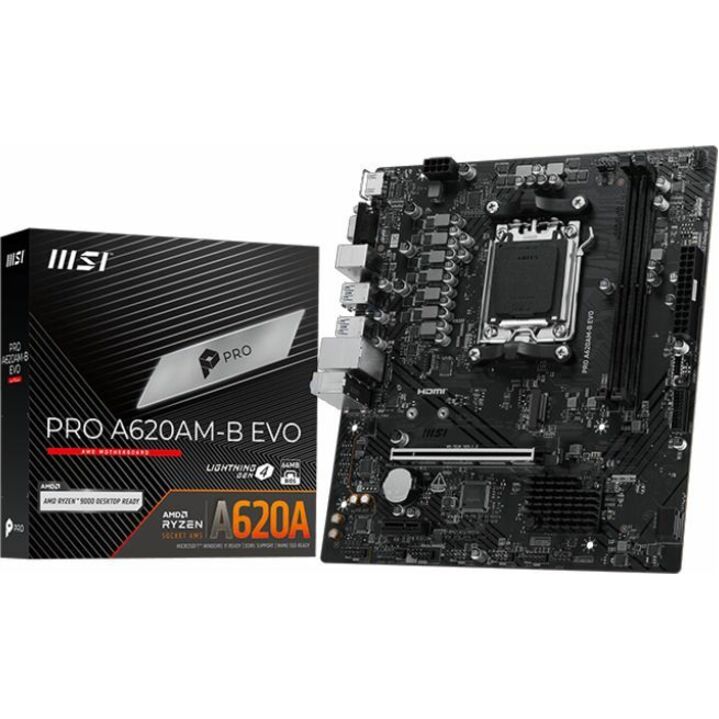
- MSIMSI A620AM-B EVO Gaming Desktop Motherboard - AMD A620A Chipset - Socket AM5 - Micro ATX - Ryzen 9, Ryzen 7 Processor Supported - 128 GB DDR5 SDRAM Maximum RAM - DIMM, UDIMM - 2 x Memory Slots - Gigabit Ethernet - 2.5Gigabit Ethernet - HDMI - 2 x SATA InterfacesPROA620ABEVO
$112.55
Back-orderedBack-ordered — estimated OEM lead time 3–8 weeks (Nov 18 – Dec 23 if ordered today).
Back-ordered — we expect to receive stock the week of Nov 2–8 and will process your delivery right after.
Back-ordered — estimated OEM lead time 3–8 weeks (Nov 18 – Dec 23 if ordered today).
Back-ordered — estimated OEM lead time 3–8 weeks (Nov 18 – Dec 23 if ordered today).
Back-ordered — estimated OEM lead time 3–8 weeks (Nov 18 – Dec 23 if ordered today).
Back-ordered — estimated OEM lead time 3–8 weeks (Nov 18 – Dec 23 if ordered today).
- MSIMSI B760-VC WIFI HS BULK Gaming Desktop Motherboard - Intel B760 Chipset - Socket LGA-1700 - ATX - Core, Pentium Gold, Celeron Processor Supported - 256 GB DDR5 SDRAM Maximum RAM - DIMM, UDIMM - 4 x Memory Slots - Gigabit Ethernet - 2.5Gigabit Ethernet - IEEE 802.11 a/b/g/n/ac/ax - 4 x SATA InterfacesB760VCWIFIHS-B
$189.99
$135.41
Back-orderedBack-ordered — estimated OEM lead time 3–8 weeks (Nov 18 – Dec 23 if ordered today).
- MSIMSI B860M-VC WIFI6E Gaming Desktop Motherboard - Intel B860 Chipset - Socket LGA-1851 - Micro ATX - Core Ultra Processor Supported - 256 GB DDR5 SDRAM Maximum RAM - DIMM, UDIMM - 4 x Memory Slots - Gigabit Ethernet - IEEE 802.11 a/b/g/n/ac/ax - DisplayPort - 4 x SATA InterfacesB860MVCWIFI6E
$144.85
Back-orderedBack-ordered — estimated OEM lead time 3–8 weeks (Nov 18 – Dec 23 if ordered today).
Back-ordered — estimated OEM lead time 3–8 weeks (Nov 18 – Dec 23 if ordered today).
- MSIMSI B850-S WIFI6E Gaming Desktop Motherboard - AMD B850 Chipset - Socket AM5 - ATX - Ryzen 5, Ryzen 7, Ryzen 9 Processor Supported - 256 GB DDR5 SDRAM Maximum RAM - DIMM, UDIMM - 4 x Memory Slots - Gigabit Ethernet - 2.5Gigabit Ethernet - HDMI - DisplayPort - 4 x SATA InterfacesPROB850SWIFI6E
$169.99
$154.20
Back-orderedBack-ordered — estimated OEM lead time 3–8 weeks (Nov 18 – Dec 23 if ordered today).
- MSIMSI MPG B550 GAMING PLUS Desktop Motherboard - AMD B550 Chipset - Socket AM4 - ATX - Ryzen Processor Supported - 128 GB DDR4 SDRAM Maximum RAM - DIMM, UDIMM - 4 x Memory Slots - Gigabit Ethernet - HDMI - DisplayPort - 6 x SATA InterfacesB550GPLUS
$155.10
Back-orderedBack-ordered — estimated OEM lead time 3–8 weeks (Nov 18 – Dec 23 if ordered today).
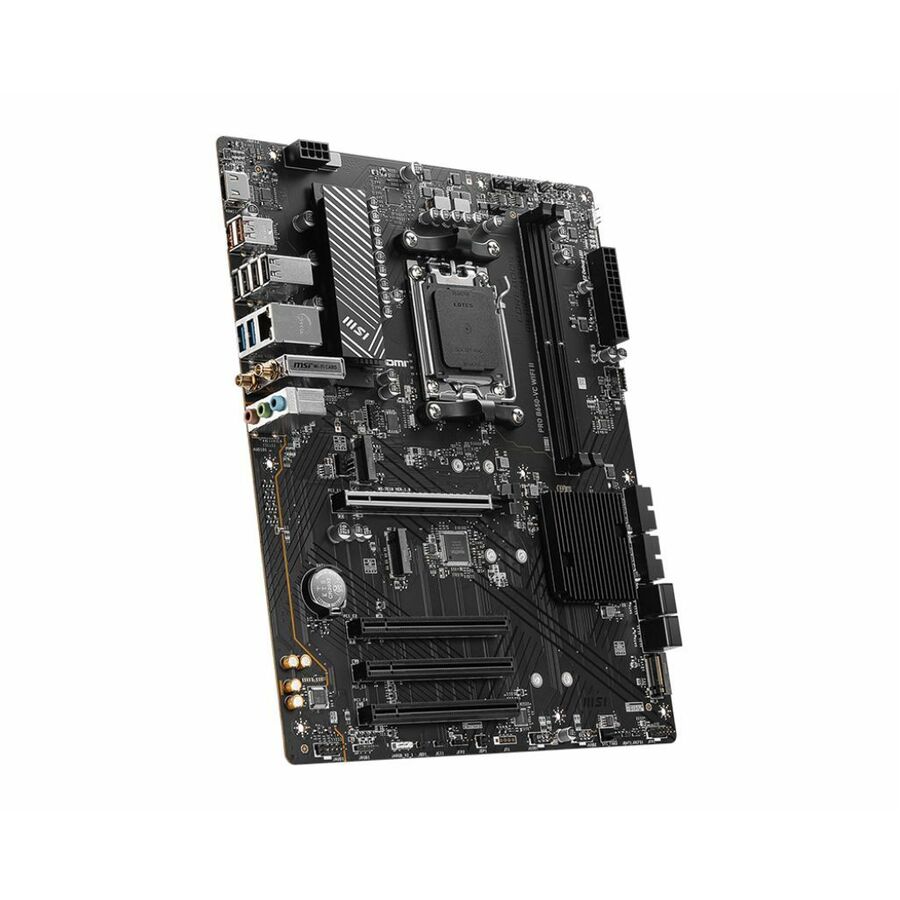
- MSIMSI B650-VC WIFI II Gaming Desktop Motherboard - AMD B650 Chipset - Socket AM5 - ATX - Ryzen 7, Ryzen 5 Processor Supported - 128 GB DDR5 SDRAM Maximum RAM - DIMM, UDIMM - 2 x Memory Slots - Gigabit Ethernet - IEEE 802.11 a/b/g/n/ac/ax - HDMI - 4 x SATA InterfacesB650VCWIFI2
$156.67
Back-orderedBack-ordered — estimated OEM lead time 3–8 weeks (Nov 18 – Dec 23 if ordered today).
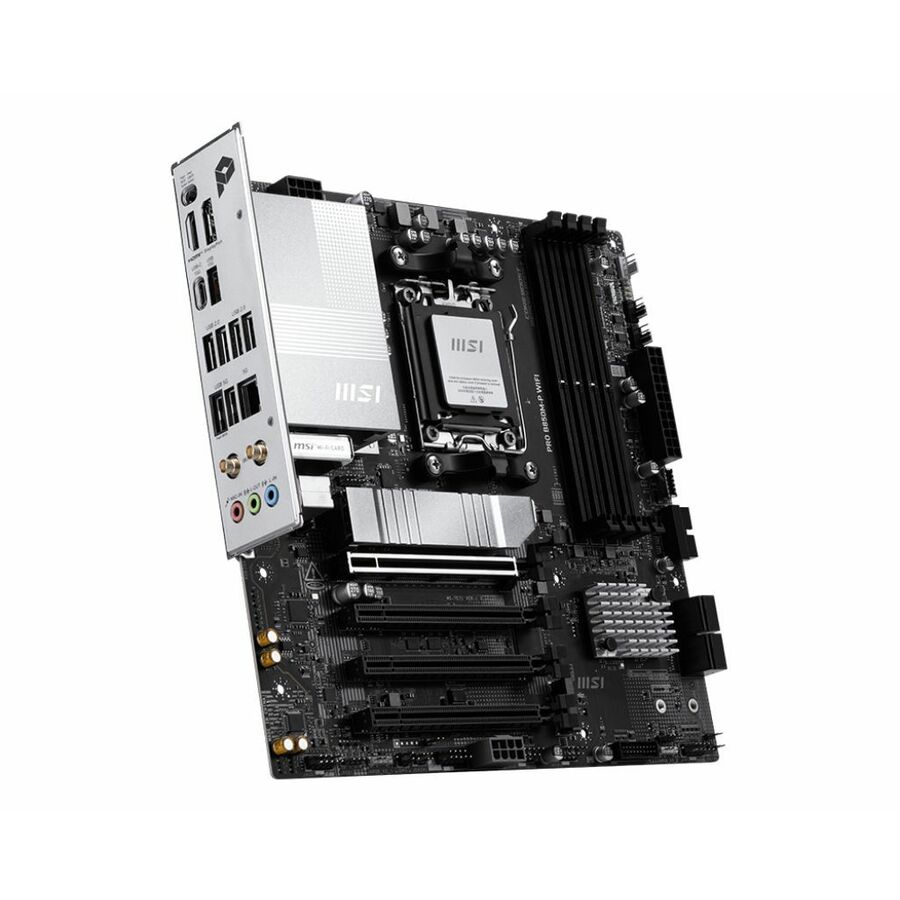
- MSIMSI B850M-P WIFI Gaming Desktop Motherboard - AMD B850 Chipset - Socket AM5 - Micro ATX - Ryzen 7, Ryzen 9 Processor Supported - 256 GB DDR5 SDRAM Maximum RAM - DIMM, UDIMM - 4 x Memory Slots - Gigabit Ethernet - IEEE 802.11 a/b/g/n/ac/ax/be - HDMI - DisplayPort - 4 x SATA InterfacesPROB850MPWIFI
$176.06
Back-orderedBack-ordered — estimated OEM lead time 3–8 weeks (Nov 18 – Dec 23 if ordered today).
Back-ordered — estimated OEM lead time 3–8 weeks (Nov 18 – Dec 23 if ordered today).
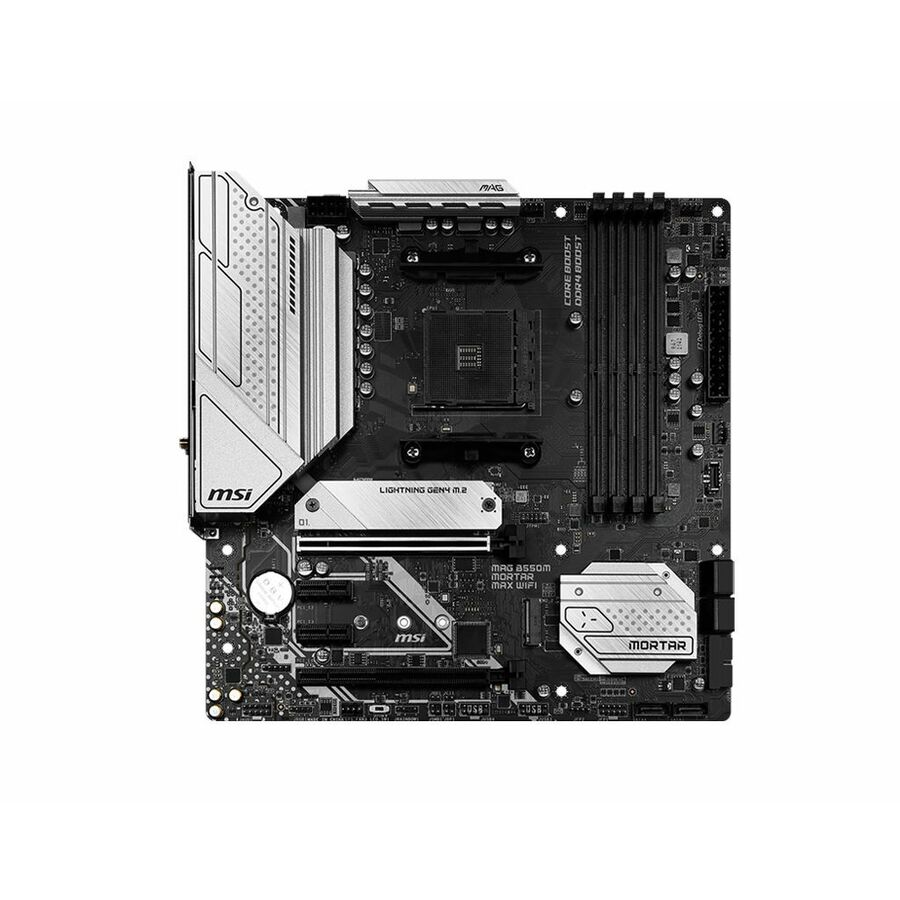
- MSIMSI MAG B550M MORTAR MAX WIFI Gaming Desktop Motherboard - AMD B550 Chipset - Socket AM4 - Micro ATX - Ryzen 5, Ryzen 3 Processor Supported - 128 GB DDR4 SDRAM Maximum RAM - DIMM, UDIMM - 4 x Memory Slots - 2.5Gigabit Ethernet - IEEE 802.11 a/b/g/n/ac/ax - HDMI - DisplayPort - 6 x SATA InterfacesB550MMORTARMAXWIFI
$179.02
Back-orderedBack-ordered — estimated OEM lead time 3–8 weeks (Nov 18 – Dec 23 if ordered today).
Back-ordered — estimated OEM lead time 3–8 weeks (Nov 18 – Dec 23 if ordered today).
- MSIMSI PRO B650-S WIFI Desktop Motherboard - AMD B650 Chipset - Socket AM5 - ATX - Ryzen 7 Processor Supported - 192 GB DDR5 SDRAM Maximum RAM - DIMM, UDIMM - 4 x Memory Slots - 2.5Gigabit Ethernet - IEEE 802.11 a/b/g/n/ac/ax - HDMI - DisplayPort - 4 x SATA InterfacesPRO B650-S WIFI
$179.25
Back-orderedBack-ordered — estimated OEM lead time 3–8 weeks (Nov 18 – Dec 23 if ordered today).
Back-ordered — estimated OEM lead time 3–8 weeks (Nov 18 – Dec 23 if ordered today).
Back-ordered — estimated OEM lead time 3–8 weeks (Nov 18 – Dec 23 if ordered today).

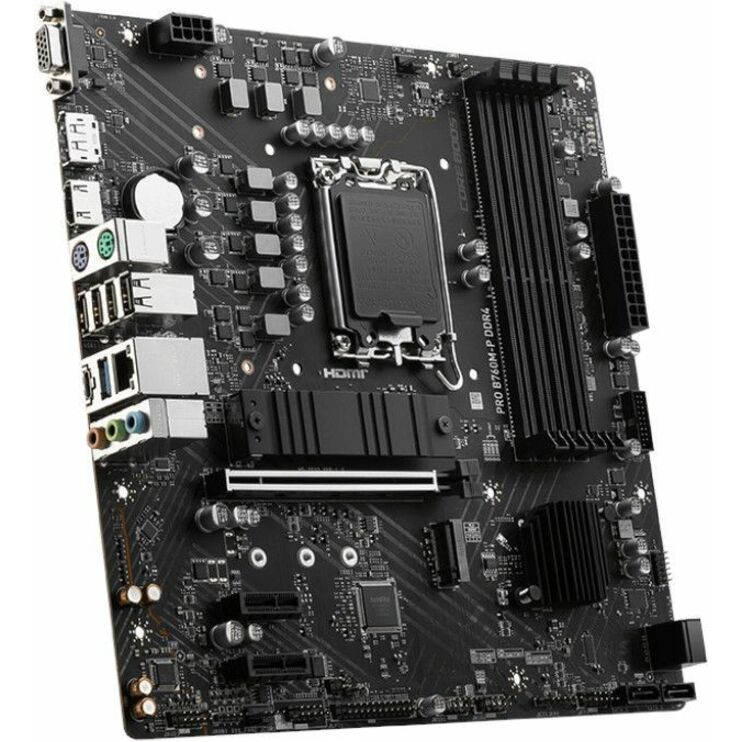
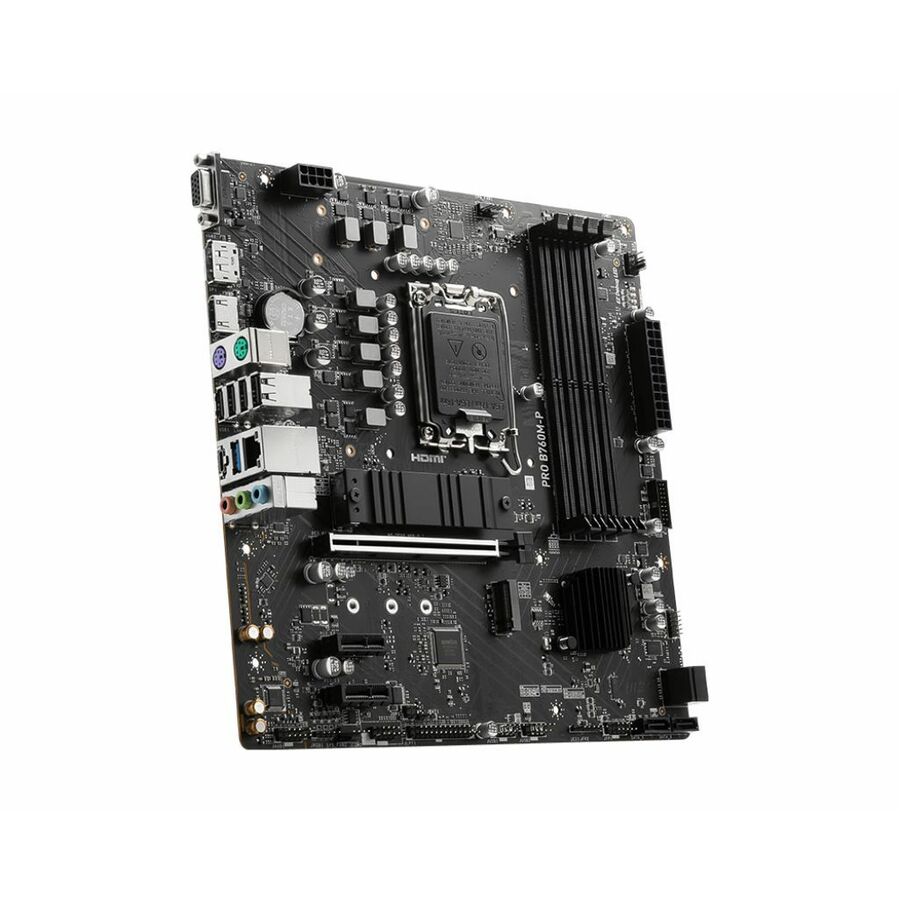
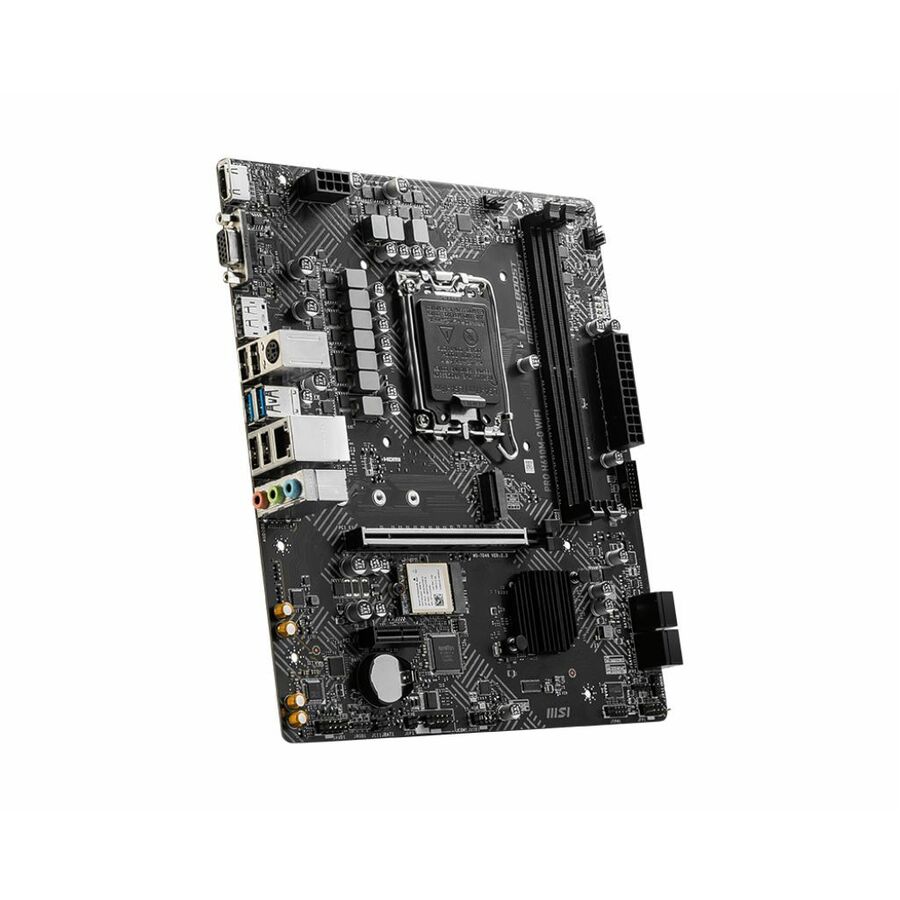
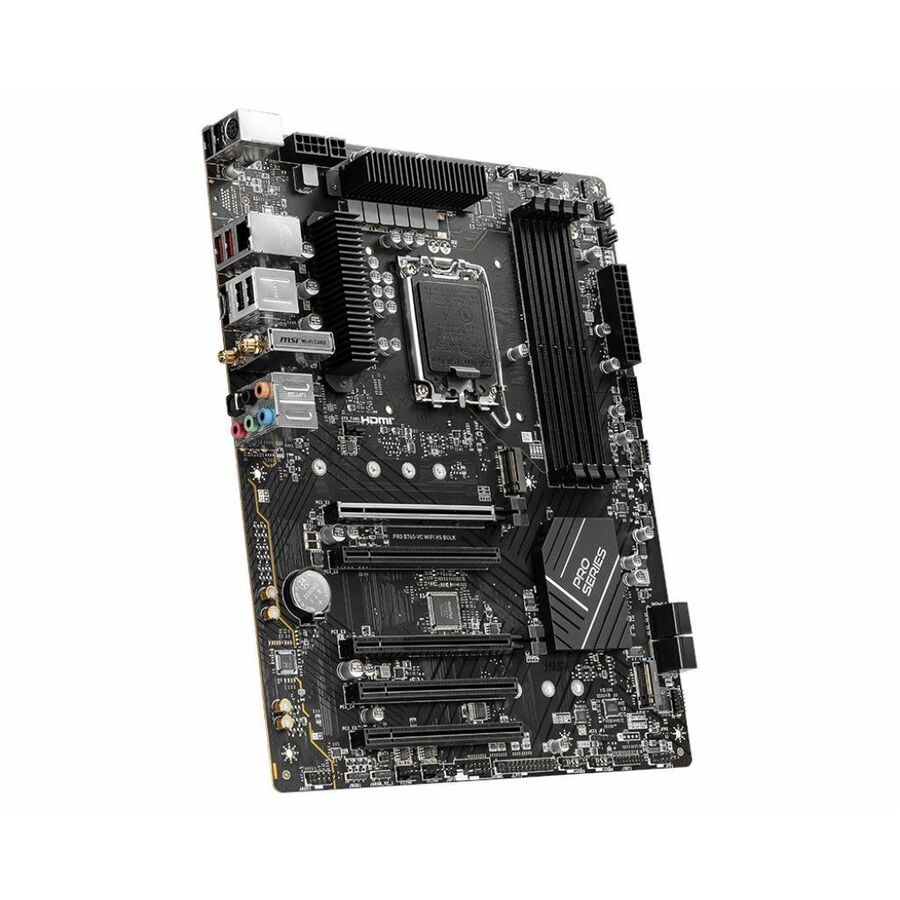
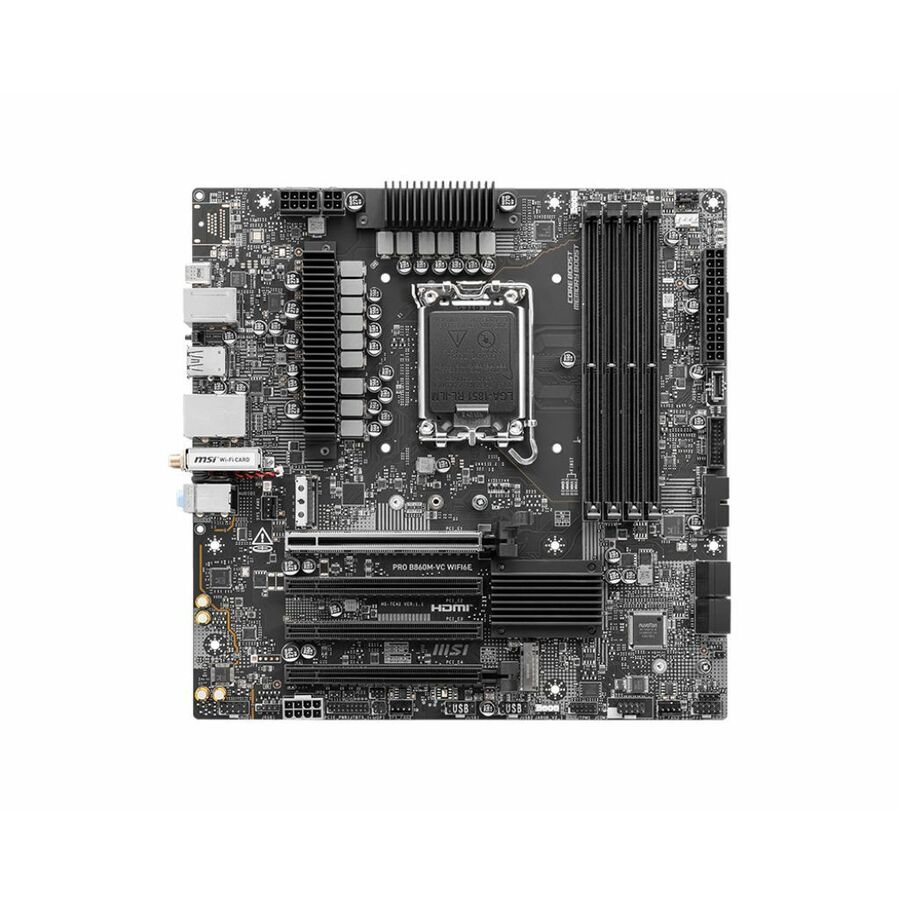
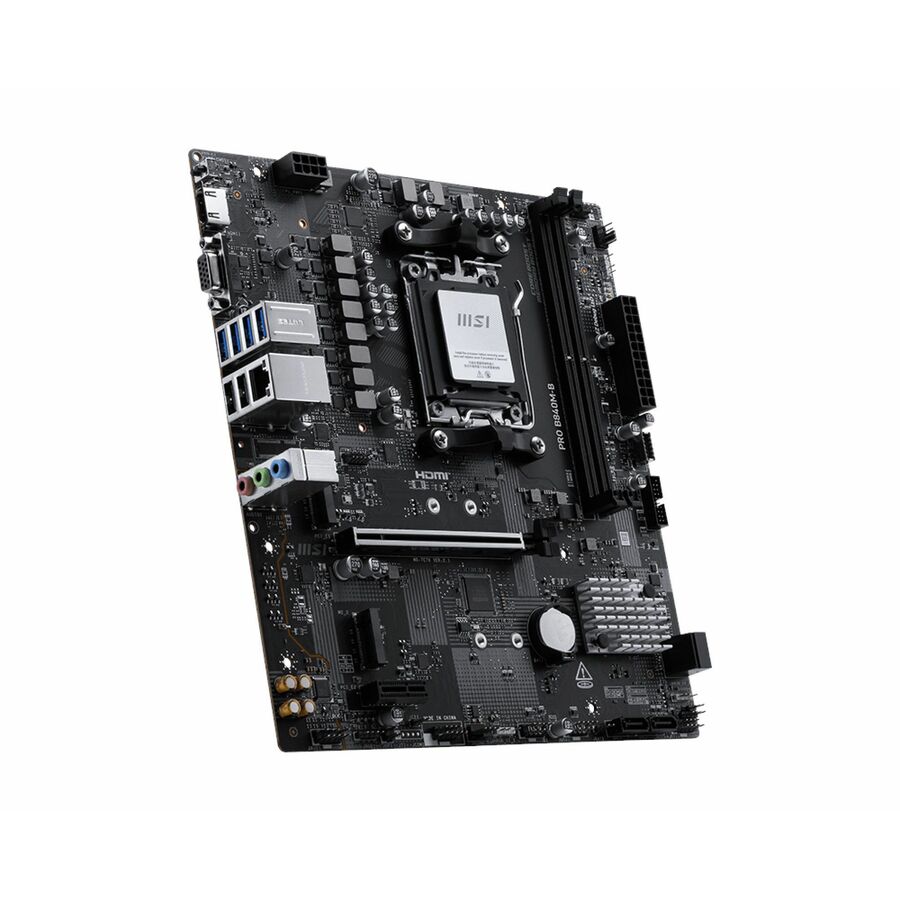
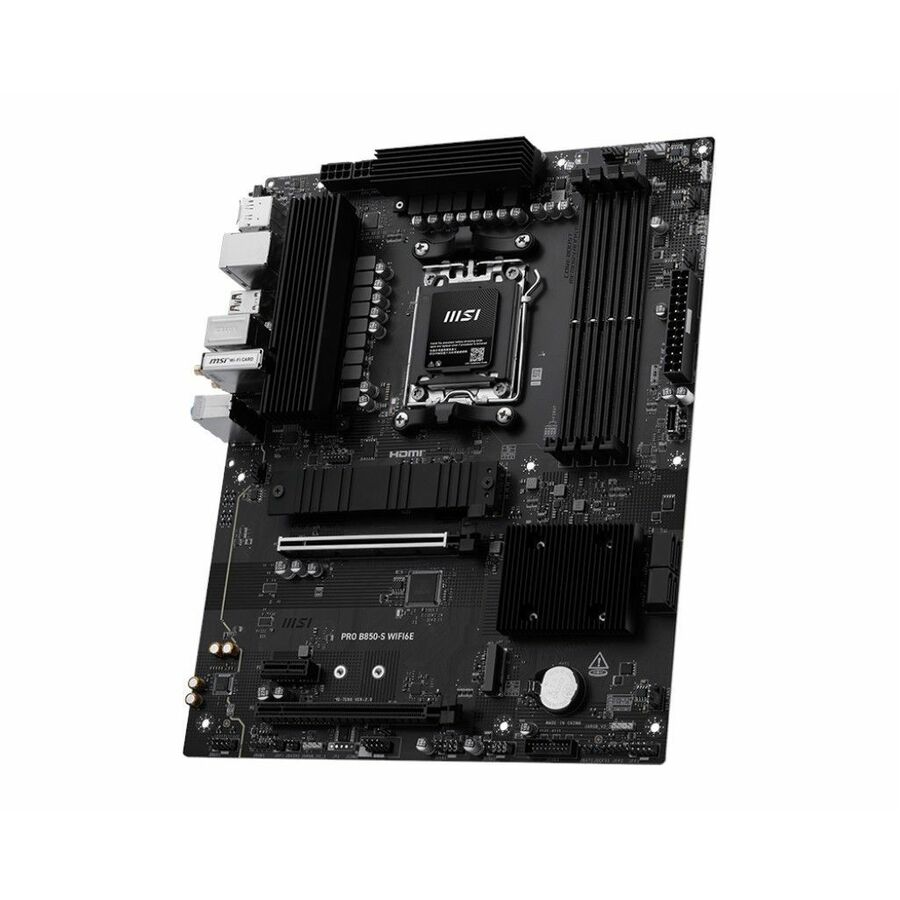
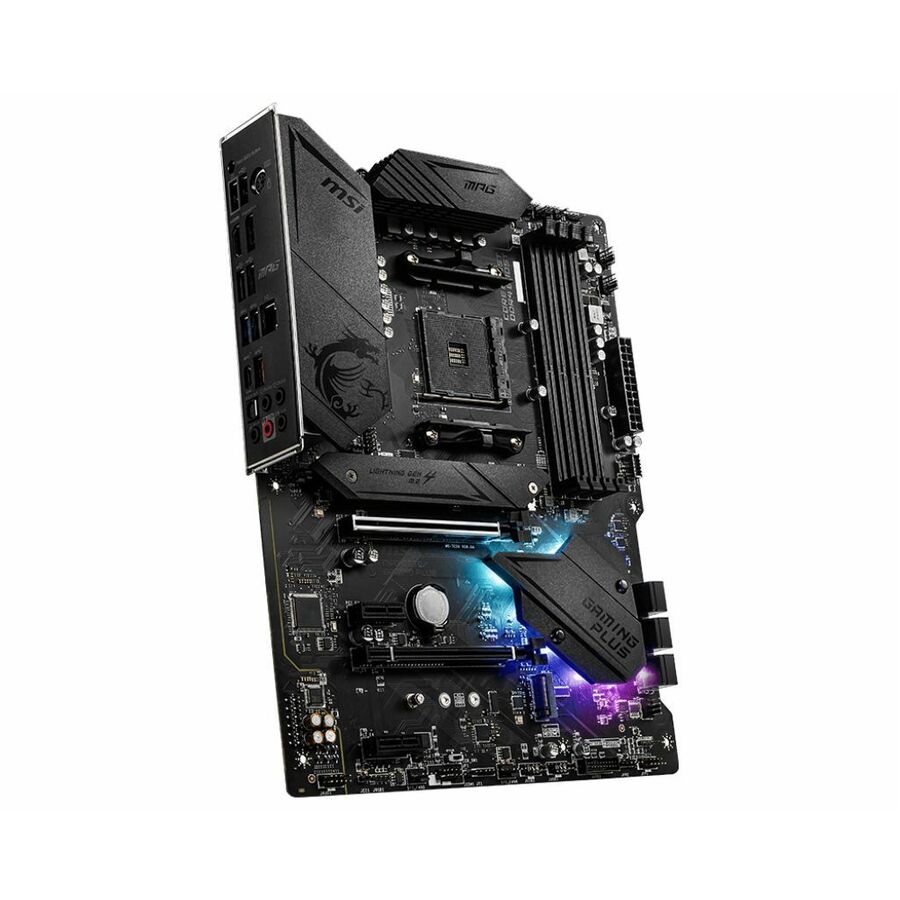
Entry Intel Micro-ATX
MSI
MSI H610M-G DDR4 Desktop Motherboard
PROH610MGD4
The MSI H610M-G DDR4 — an Intel H610 Micro-ATX board on Socket LGA-1700 with two DDR4 slots to 64GB, gigabit Ethernet and four SATA ports.
$123.09Back-orderedAMD B550 PRO
MSI
MSI B550M PRO Desktop Motherboard
B550MPRO
The MSI B550M PRO — an AMD B550 Micro-ATX board on Socket AM4 with two DDR4 slots to 64GB, gigabit Ethernet, HDMI and DisplayPort output.
$112.20Back-orderedB760 Micro-ATX
MSI
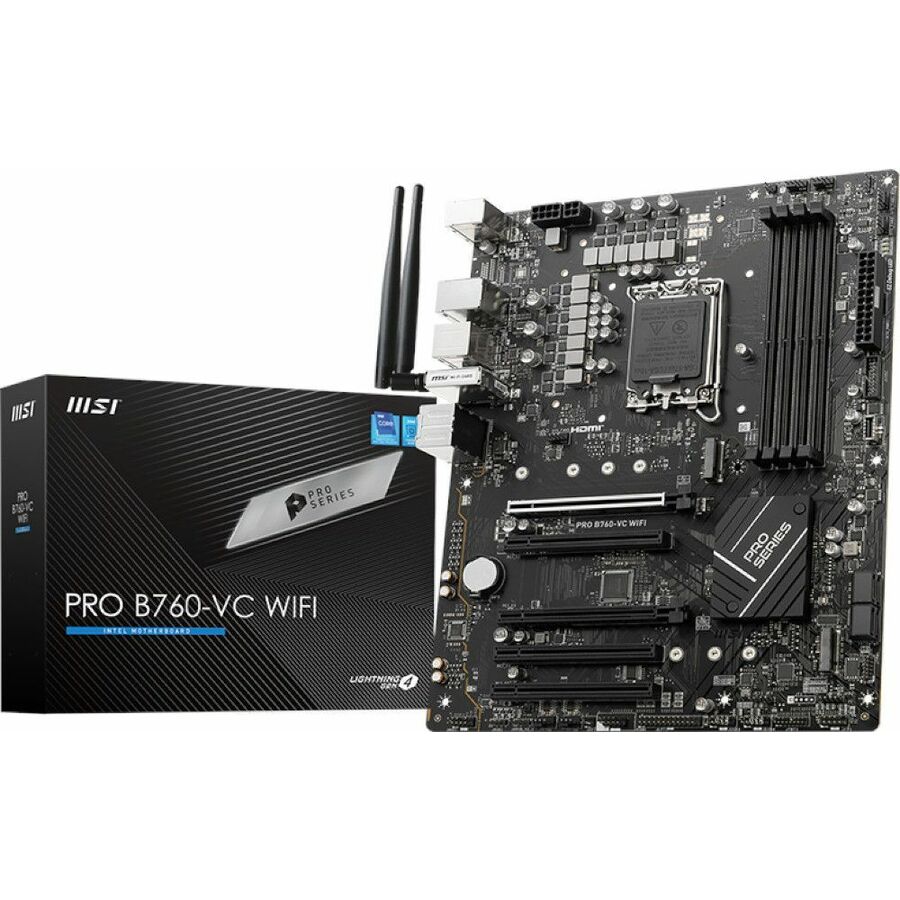
MSI B760M-P Gaming Desktop Motherboard
B760MP
The MSI B760M-P — an Intel B760 Micro-ATX board on Socket LGA-1700 with four DDR5 slots to 256GB and four SATA interfaces for a standard desktop refresh.
$134.88Back-orderedB850M Professional
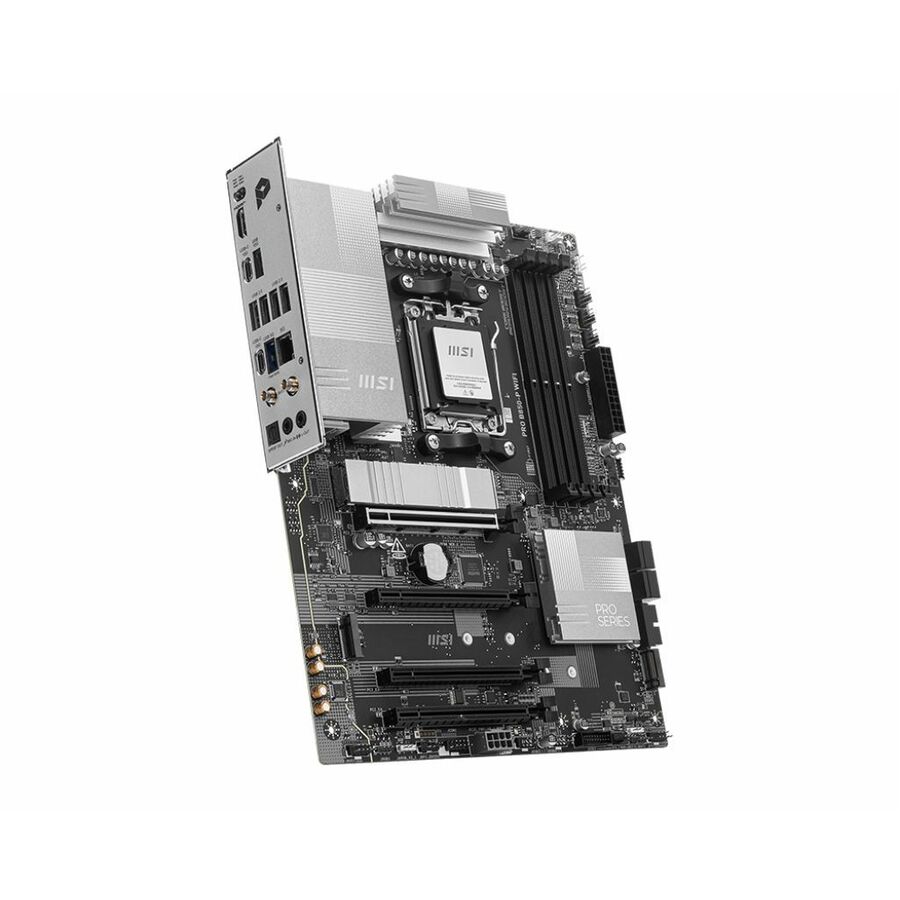
MSI
MSI PRO B850M-A WIFI
PROB850MAWIFI
The MSI PRO B850M-A WIFI — a Micro-ATX professional board on the AMD B850 chipset with PCIe 5.0, DDR5, a Gen5 M.2 socket, 5Gbps LAN and Wi-Fi 7.
$190.37Back-orderedCore Ultra Mini-ITX
MSI
MSI H810I WIFI Gaming Desktop Motherboard
PROH810IWIFI
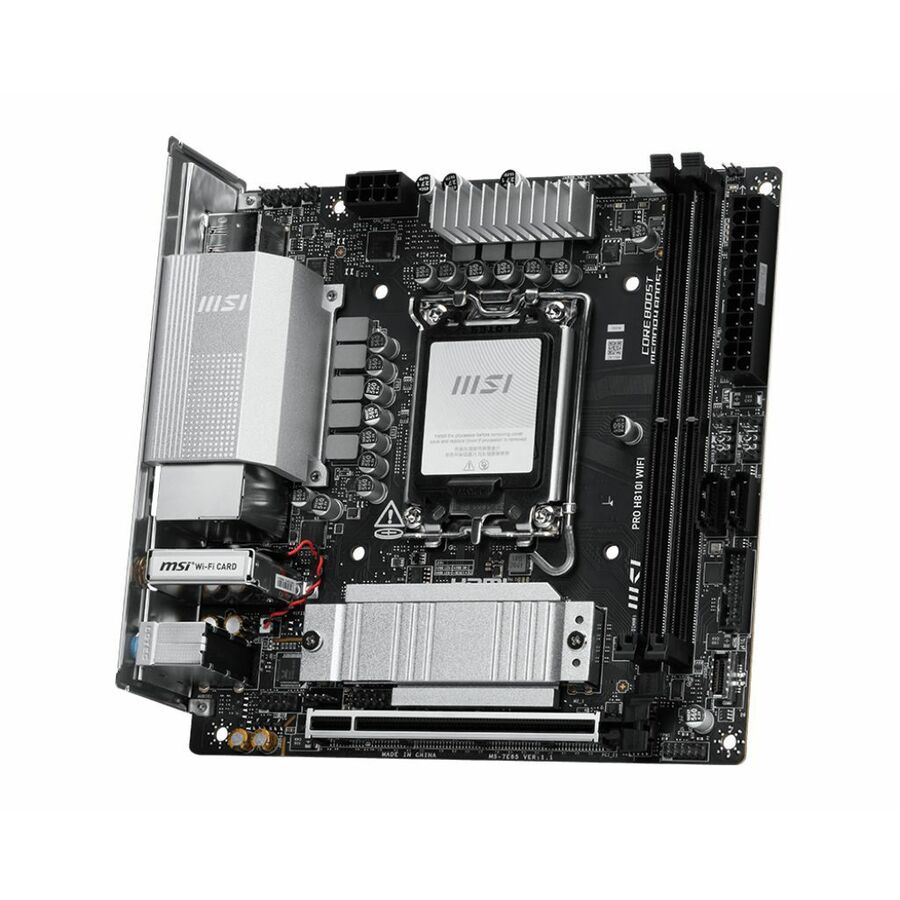
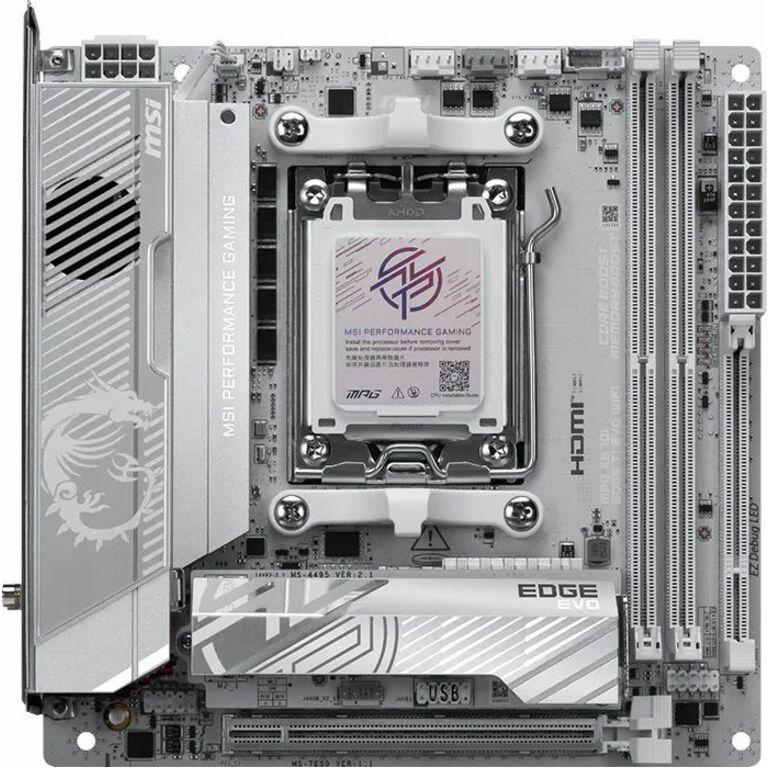
The MSI H810I WIFI — an Intel H810 Mini-ITX board on Socket LGA-1851 for Core Ultra, with two DDR5 slots to 128GB and 2.5-gigabit Ethernet.
$178.69Back-orderedPRO B650-S ATX
MSI
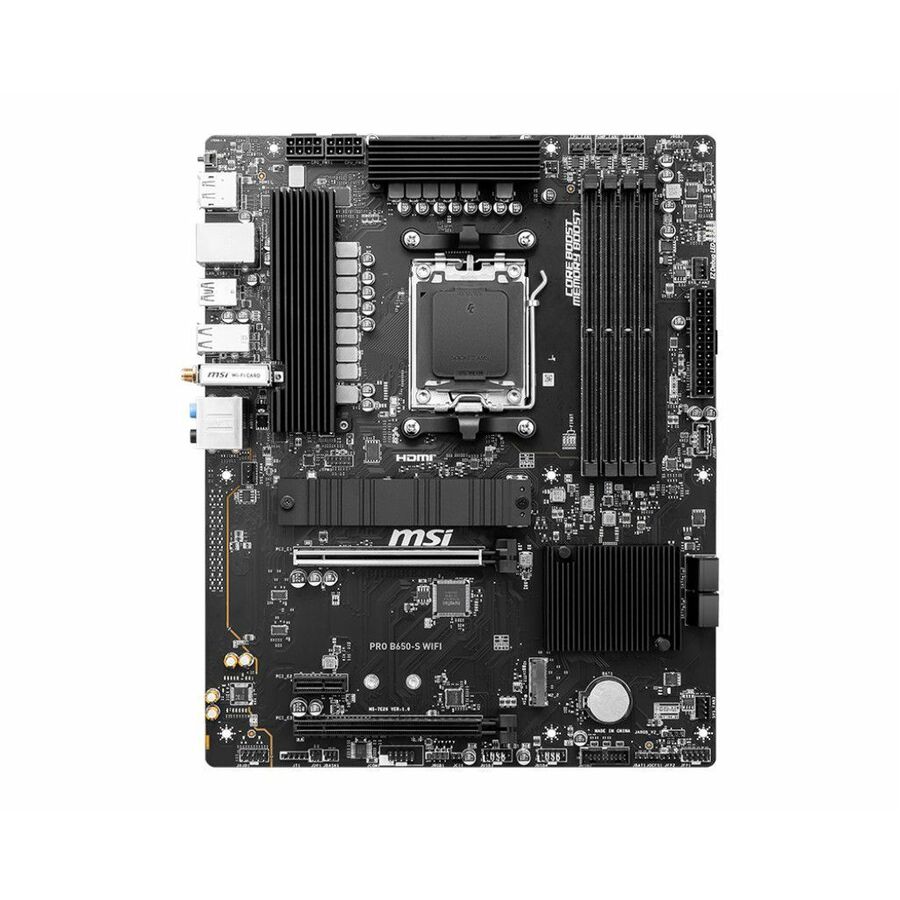
MSI PRO B650-S WIFI Desktop Motherboard
PRO B650-S WIFI
The MSI PRO B650-S WIFI — an AMD B650 ATX board on Socket AM5 with four DDR5 slots to 192GB, 2.5-gigabit Ethernet and four SATA interfaces.
$179.25Back-orderedPRO B760M-A
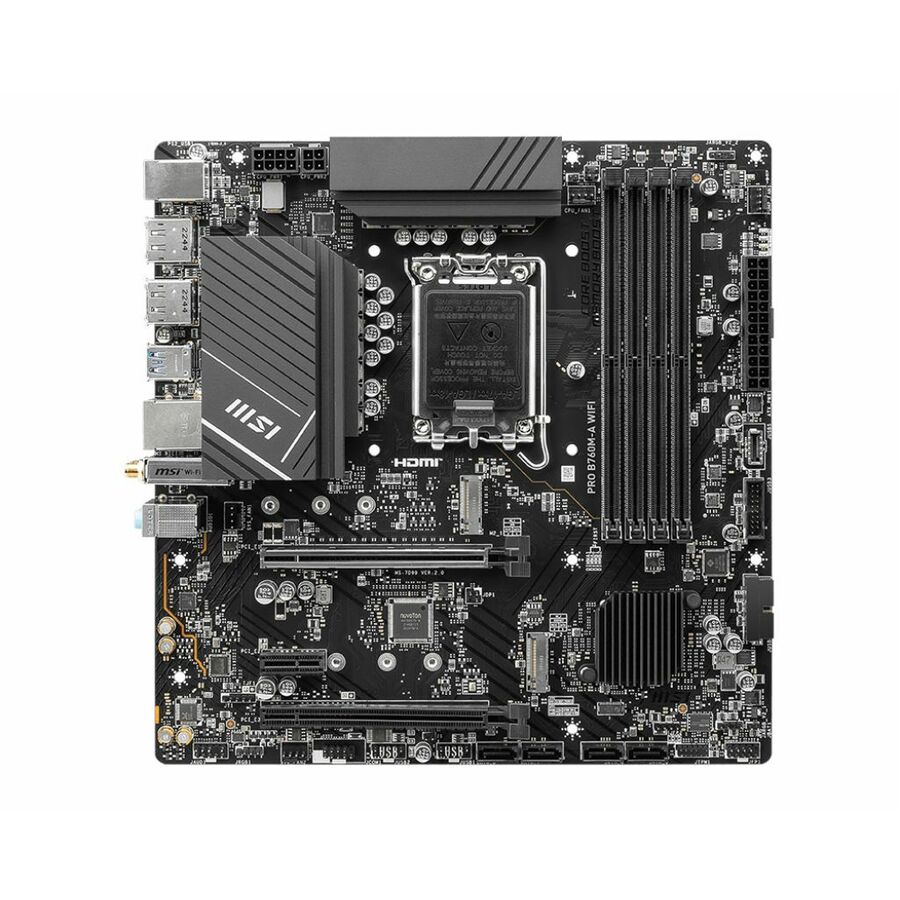
MSI
MSI PRO B760M-A WIFI Gaming Desktop Motherboard
B760MAWIFI
The MSI PRO B760M-A WIFI — an Intel B760 Micro-ATX board on Socket LGA-1700 with four DDR5 slots to 192GB and 2.5-gigabit Ethernet alongside Wi-Fi.
$190.37Back-orderedB860M, Core Ultra
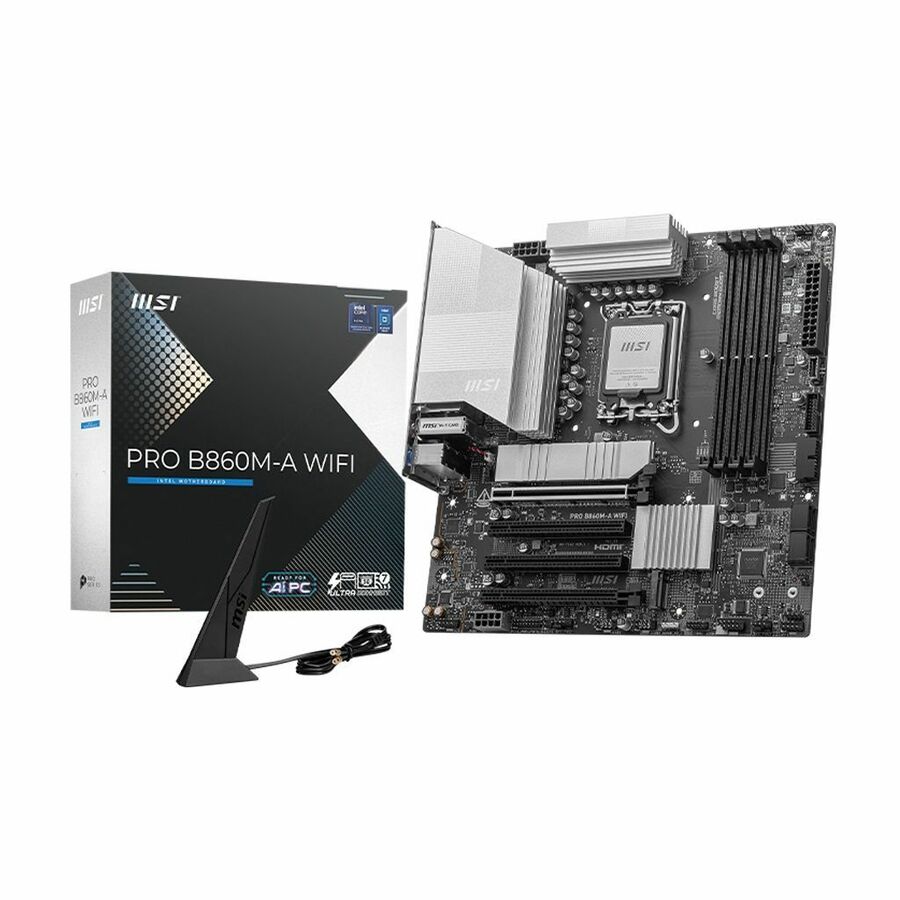
MSI
MSI B860M-A WIFI Gaming Desktop Motherboard
B860MAWIFI
The MSI B860M-A WIFI — an Intel B860 Micro-ATX board on Socket LGA-1851 for Core Ultra, with four DDR5 slots to 256GB and 802.11be wireless.
$190.73Back-orderedPRO Z790-S ATX
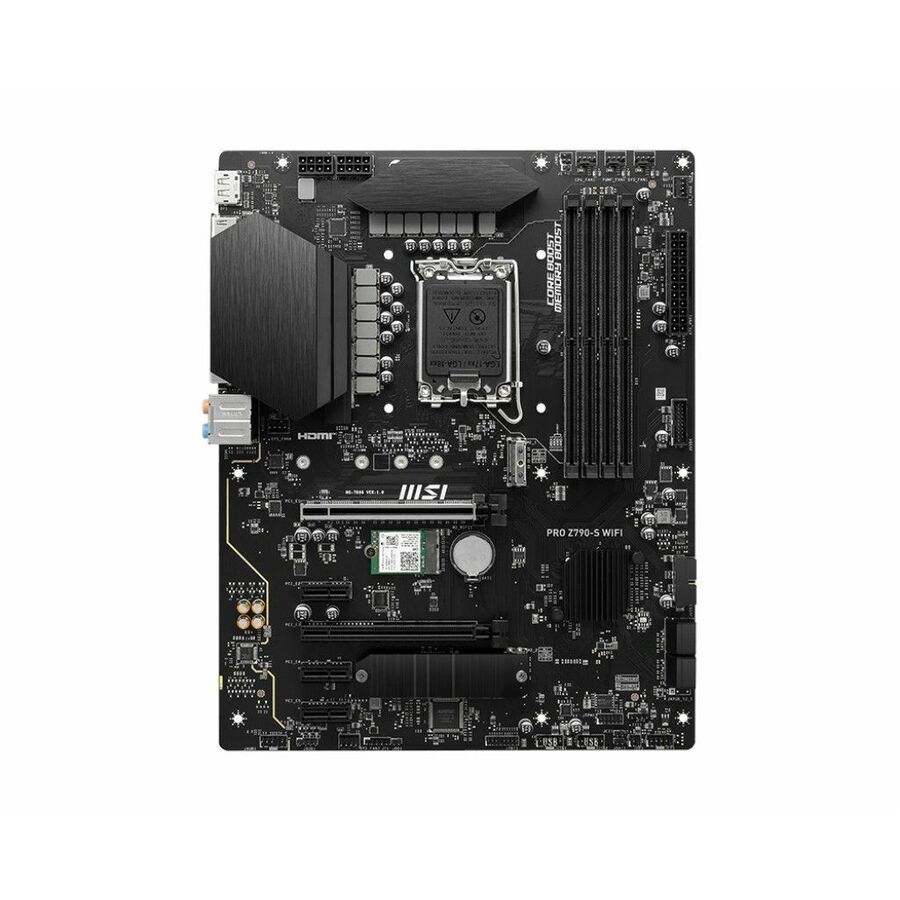
MSI
MSI PRO Z790-S WIFI Desktop Motherboard
PROZ790SWIFI
The MSI PRO Z790-S WIFI — an Intel Z790 ATX board on Socket LGA-1700 with four DDR5 slots to 192GB, 2.5-gigabit Ethernet and four SATA interfaces.
$212.22Back-orderedPRO X670-P
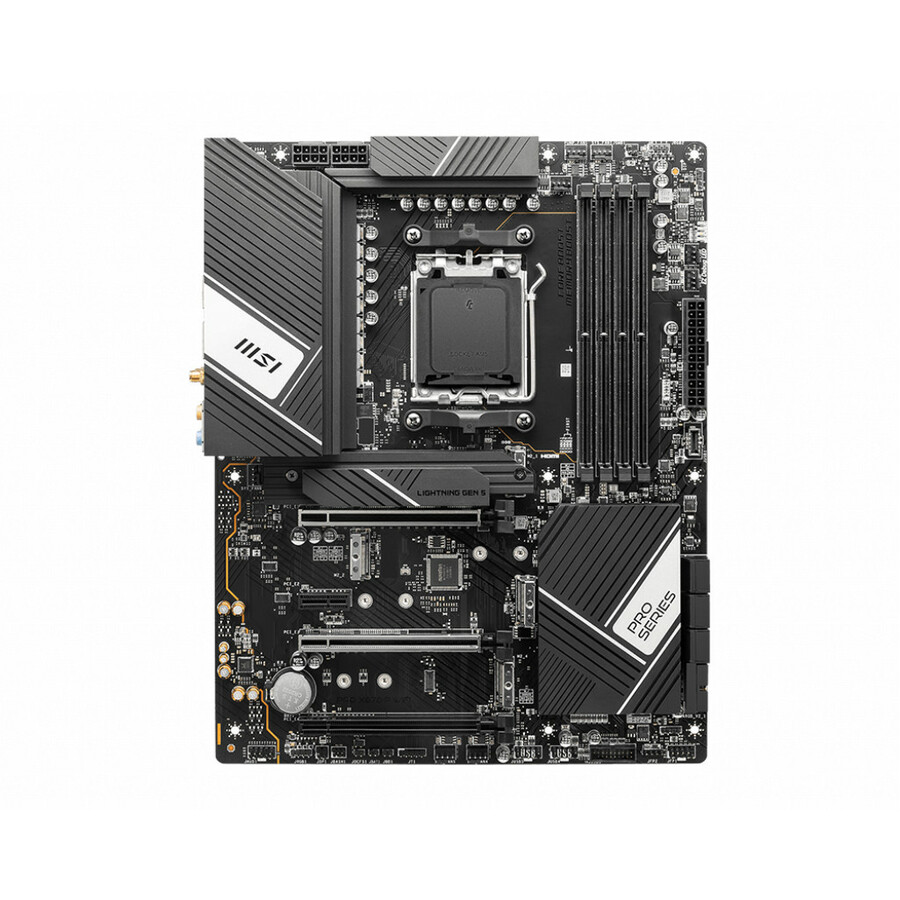
MSI
MSI PRO X670-P WIFI Desktop Motherboard
X670PROPWIFI
The MSI PRO X670-P WIFI — an AMD X670 ATX board on Socket AM5 with four DDR5 slots to 128GB, six SATA interfaces and 2.5-gigabit Ethernet.
$222.78Back-orderedPRO Z790-A WIFI II
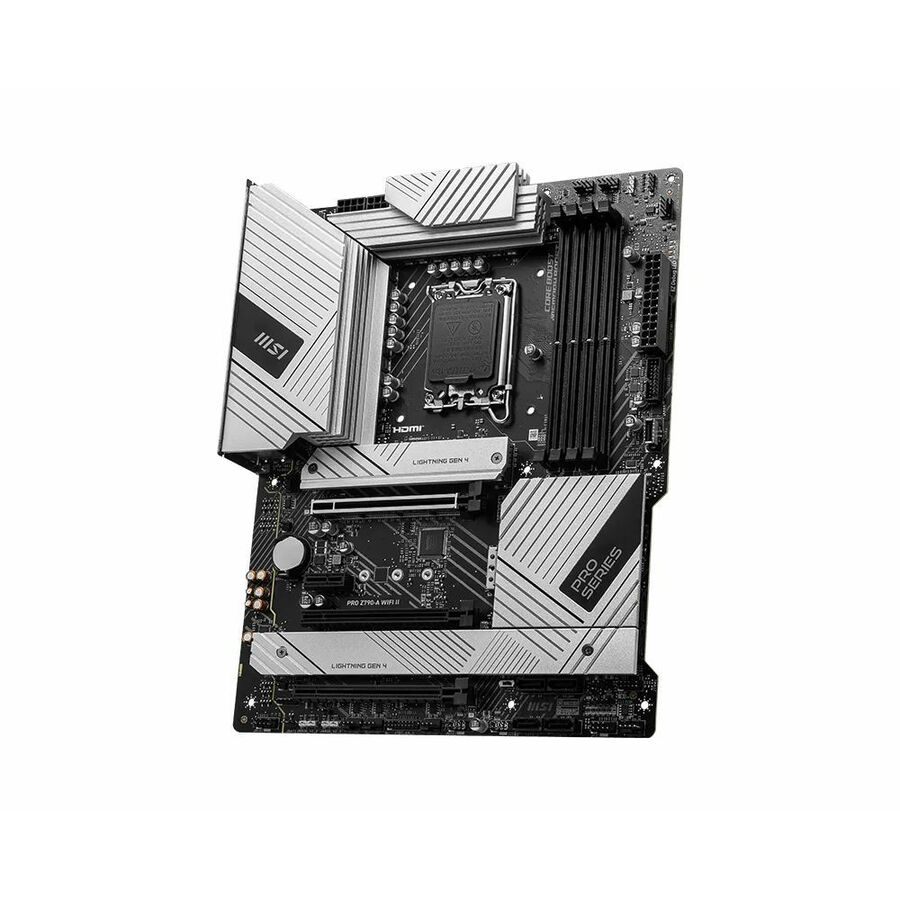
MSI
MSI PRO Z790-A WIFI II
PROZ790AWIIFII
The MSI PRO Z790-A WIFI II — an ATX professional board on the Z790 chipset with PCIe 5.0, DDR5, a Gen5 M.2 socket, 2.5Gbps LAN and Wi-Fi 6E.
$222.31Back-orderedPRO Z890-S
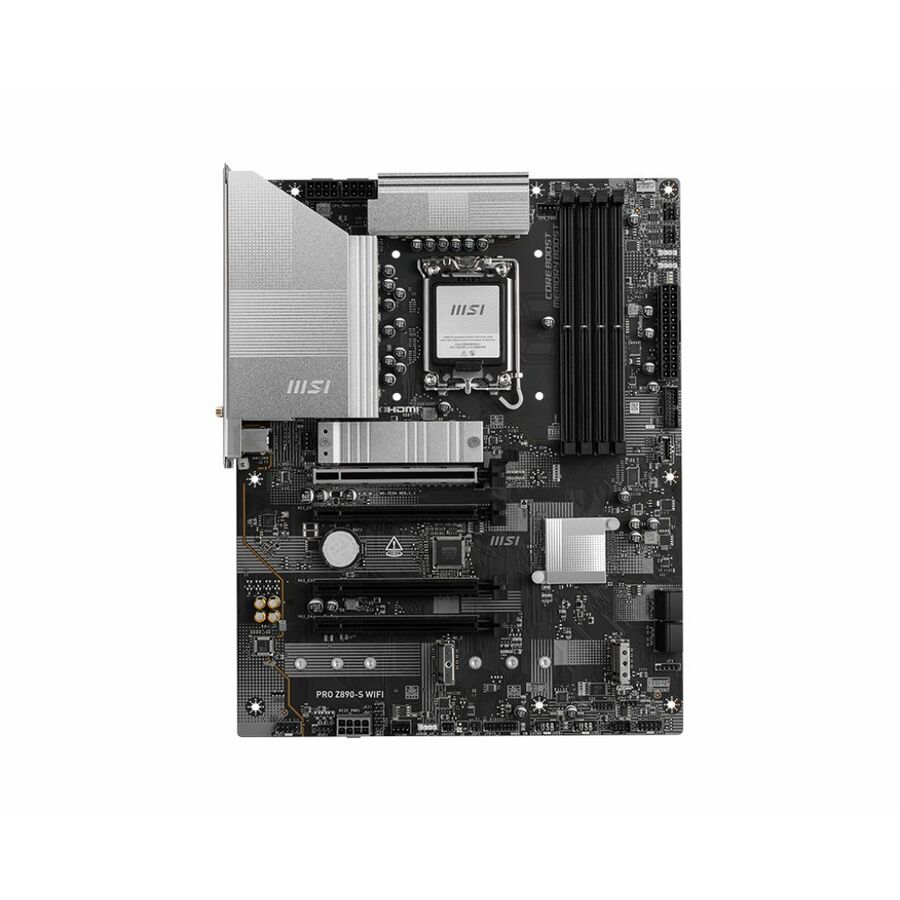
MSI
MSI PRO Z890-S WIFI ATX MOTHERBOARD LGA 1851 for Intel Core Ultra CPU
Z890SWIFI
The MSI PRO Z890-S WIFI — an ATX board on LGA-1851 for Intel Core Ultra with four DDR5 slots to 256GB, 2.5-gigabit Ethernet and four SATA interfaces.
$224.43Back-orderedPRO X870E-P
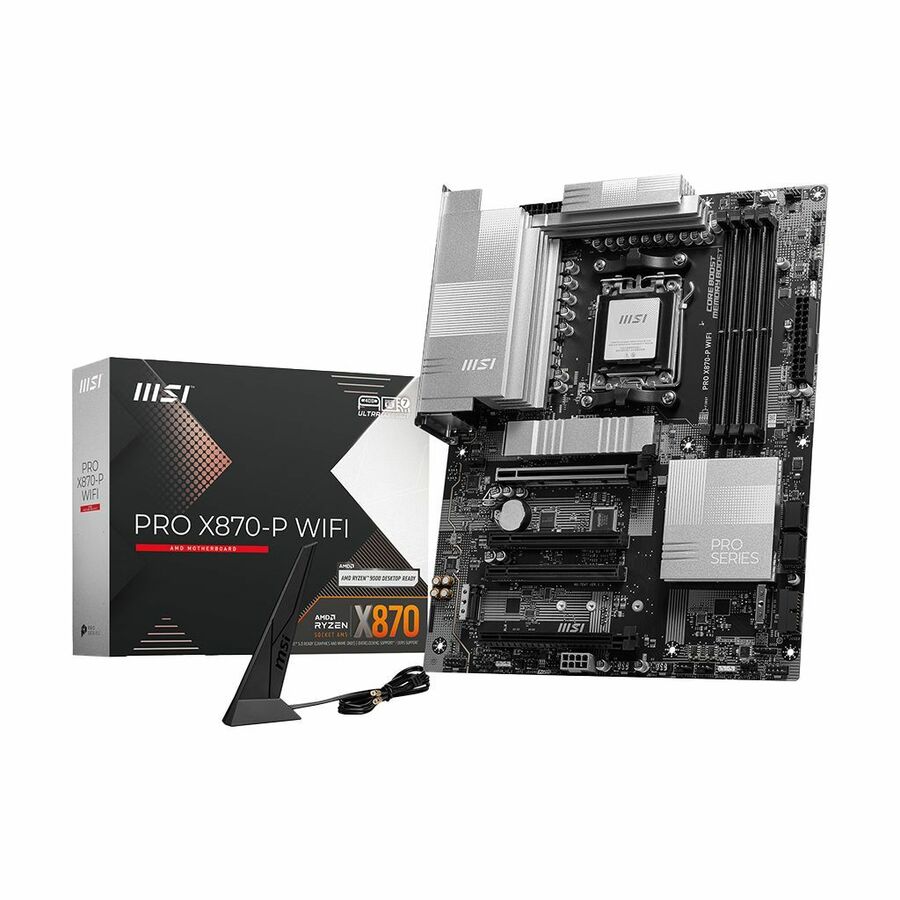
MSI
MSI PRO X870E-P WIFI Gaming Desktop Motherboard
X870EPWIFI
The MSI PRO X870E-P WIFI — an AMD X870E ATX board on Socket AM5 with four DDR5 slots to 256GB, the high-lane AM5 platform for a loaded build.
$242.08Back-orderedIndustrial R680E
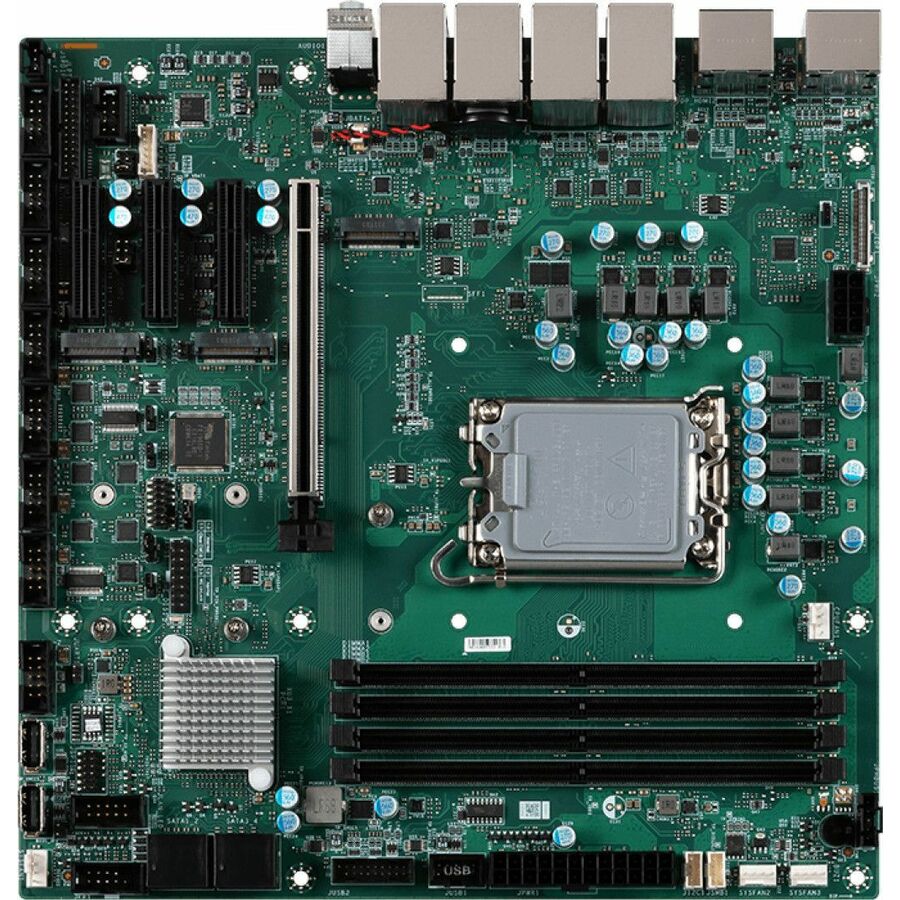
MSI
MSI MS-CF09 Industrial Motherboard
911-CF09-001
The MSI MS-CF09 industrial motherboard on the Intel R680E chipset — a Micro-ATX embedded board on Socket LGA-1700 with four DDR5 slots to 128GB and 2.5-gigabit Ethernet.
$310.10Back-orderedIndustrial Q670E
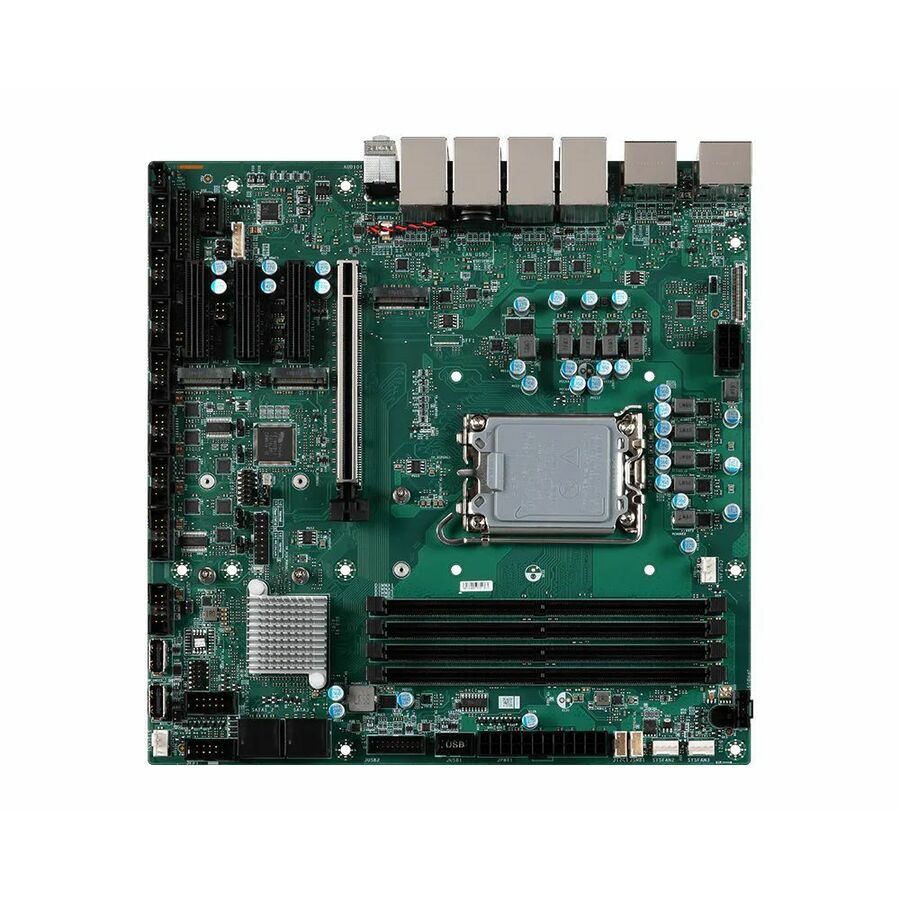
MSI
MSI MS-CF09 Industrial Motherboard
911-CF09-002
The MSI MS-CF09 industrial motherboard on the Intel Q670E chipset — the business-chipset variant of the same Micro-ATX embedded board, to 128GB of DDR5.
$334.06Back-orderedMini-ITX, Xeon-capable
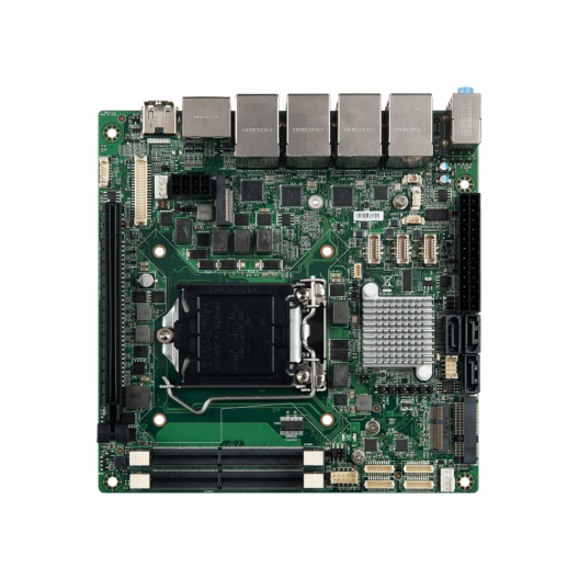
MSI
MSI MS-98L1 Desktop Motherboard
919-98L1-005
The MSI MS-98L1 — a Mini-ITX board on the Intel C246 chipset and Socket H4 LGA-1151 listing Xeon support, with two SODIMM slots to 64GB of DDR4.
Every row this page renders states 'Motherboard' in MSI's own title, as this one does.
$341.37Back-orderedMore motherboards in the Uniqcli catalog
See all 492 motherboardsMore MSI first — closest to what you were just looking at; “See all motherboards” above opens every other brand in the category. In-stock lines lead, and a back-ordered line carries the same estimated availability its product page does — with live pricing throughout, NDAA §889 screening before checkout and TAA verified on request.
- MSIMSI PRO X870E-P WIFI Gaming Desktop Motherboard - AMD X870E Chipset - Socket AM5 - ATX - Ryzen 7, Ryzen 9 Processor Supported - 256 GB DDR5 SDRAM Maximum RAM - DIMM, UDIMM - 4 x Memory Slots - Gigabit Ethernet - IEEE 802.11 a/b/g/n/ac/ax/be - HDMI - DisplayPortX870EPWIFI
$299.99
$242.08
Back-orderedBack-ordered — estimated OEM lead time 3–8 weeks (Nov 18 – Dec 23 if ordered today).
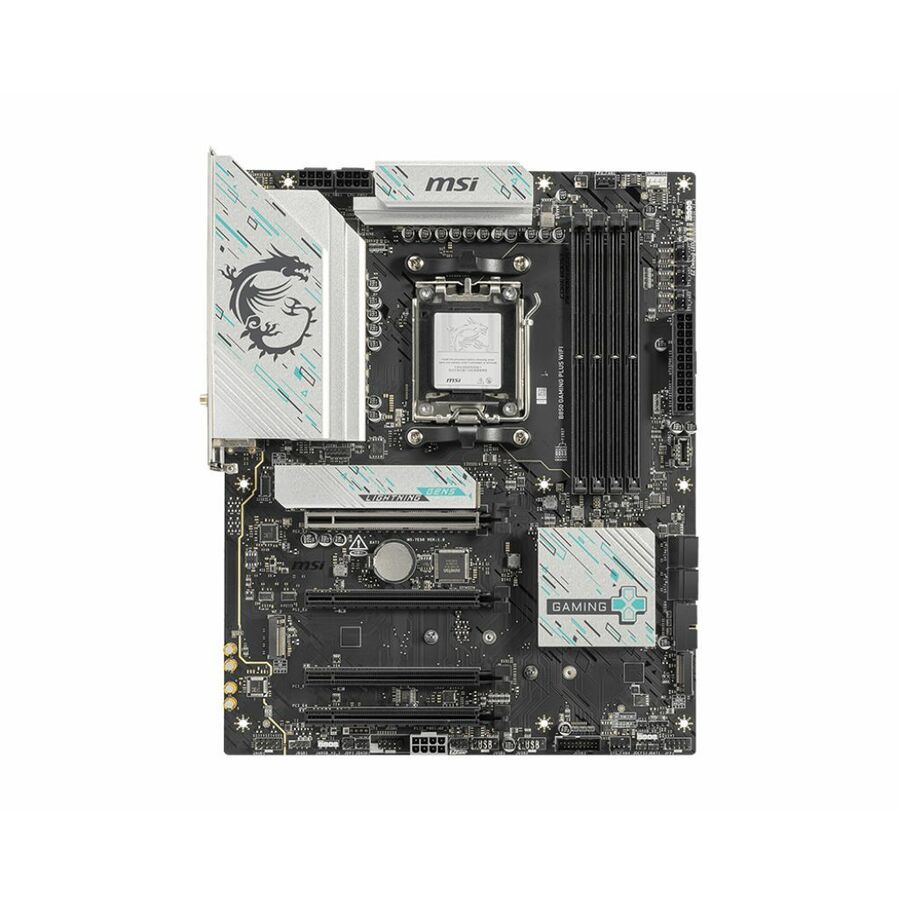
- MSIMSI B850 GAMING PLUS WIFI Gaming Desktop Motherboard - AMD B850 Chipset - Socket AM5 - ATX - Ryzen 9, Ryzen 7 Processor Supported - 256 GB DDR5 SDRAM Maximum RAM - DIMM, UDIMM - 4 x Memory Slots - Gigabit Ethernet - IEEE 802.11 a/b/g/n/ac/ax/be - DisplayPort - 4 x SATA InterfacesB850GPW
$249.99
$199.18
Back-orderedBack-ordered — estimated OEM lead time 3–8 weeks (Nov 18 – Dec 23 if ordered today).
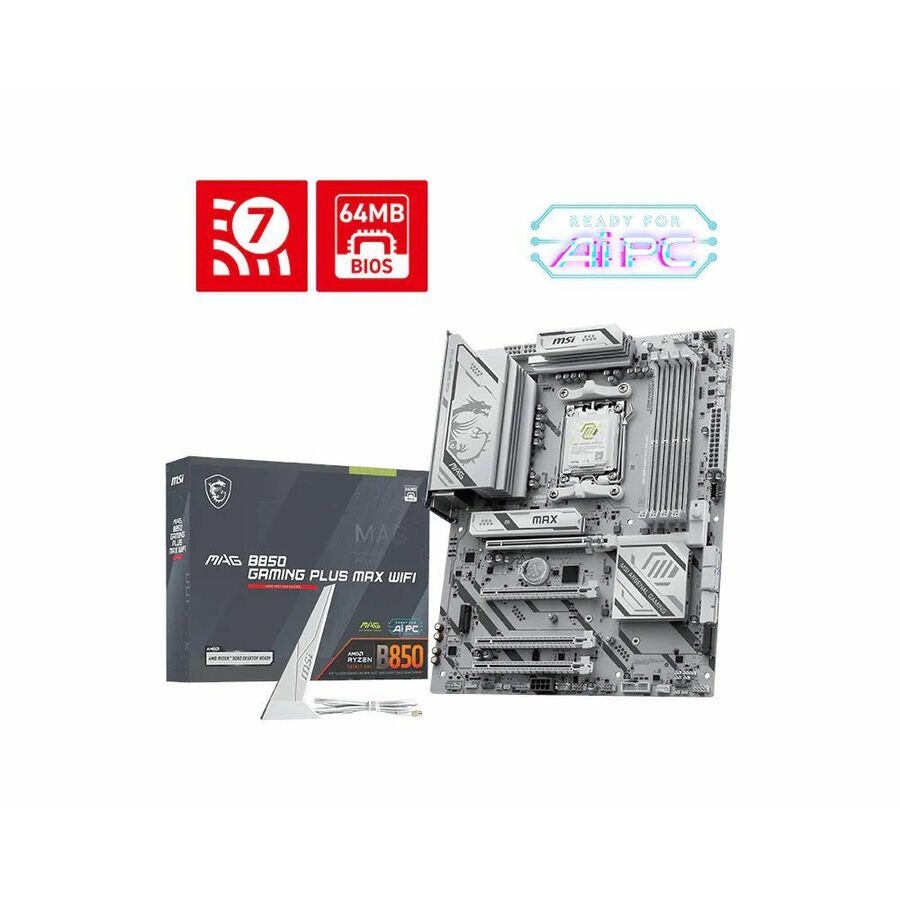
- MSIMSI MAG B850 GAMING PLUS MAX WIFI - MAGB850GPMW - ATX Gaming Motherboard - AM5 - B850 Chipset - PCIe 5.0 - DDR5 - M.2 Gen5 - SATA - USB A - USB C - 5Gbps LAN - Wifi 7 - Bluetooth 5.4MAGB850GPMW
$259.99
$235.14
Back-orderedBack-ordered — estimated OEM lead time 3–8 weeks (Nov 18 – Dec 23 if ordered today).
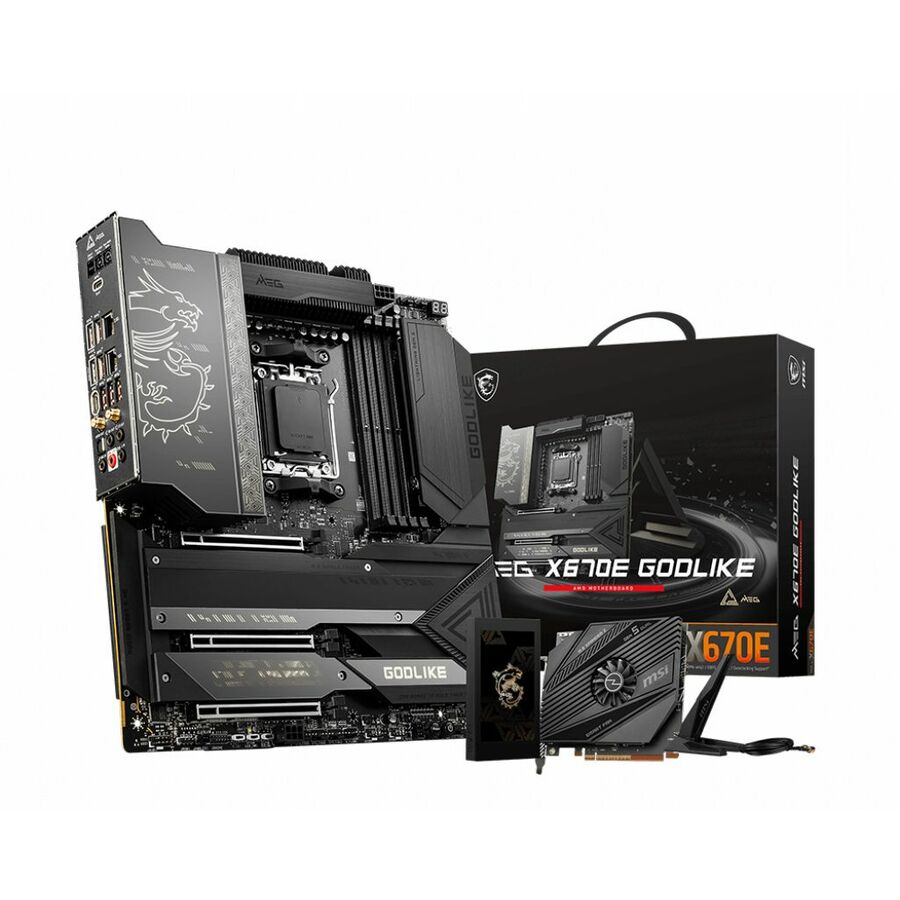
- MSIMSI MEG X670E GODLIKE Gaming Desktop Motherboard - AMD X670 Chipset - Socket AM5 - Extended ATX - Ryzen 5, Ryzen 7, Ryzen 9 Processor Supported - 128 GB DDR5 SDRAM Maximum RAM - UDIMM - 4 x Memory Slots - 2.5Gigabit Ethernet - IEEE 802.11 a/b/g/n/ac/ax - 8 x SATA InterfacesX670EGODLIKE
$1,445.29
Back-orderedBack-ordered — estimated OEM lead time 3–8 weeks (Nov 18 – Dec 23 if ordered today).
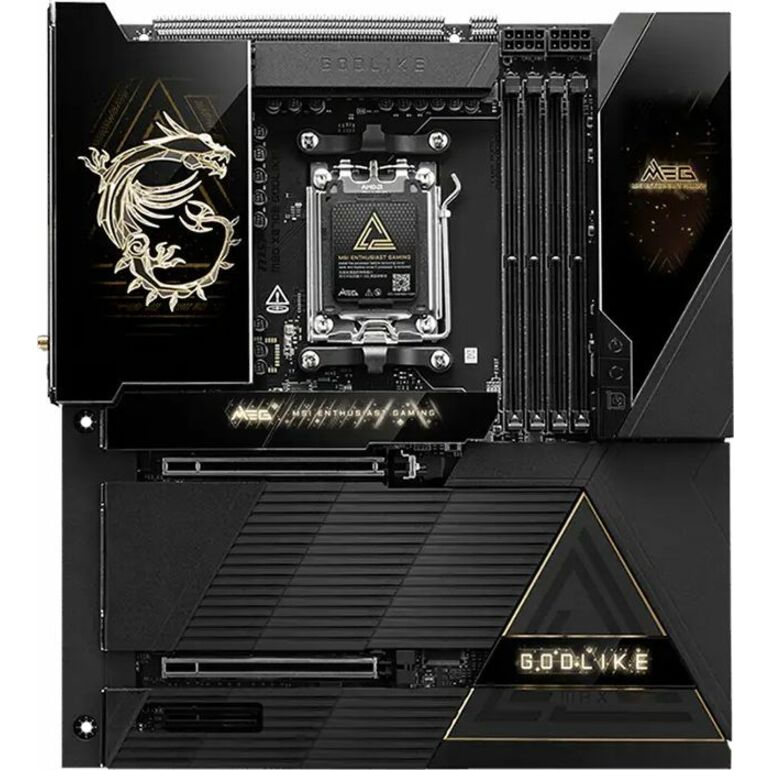
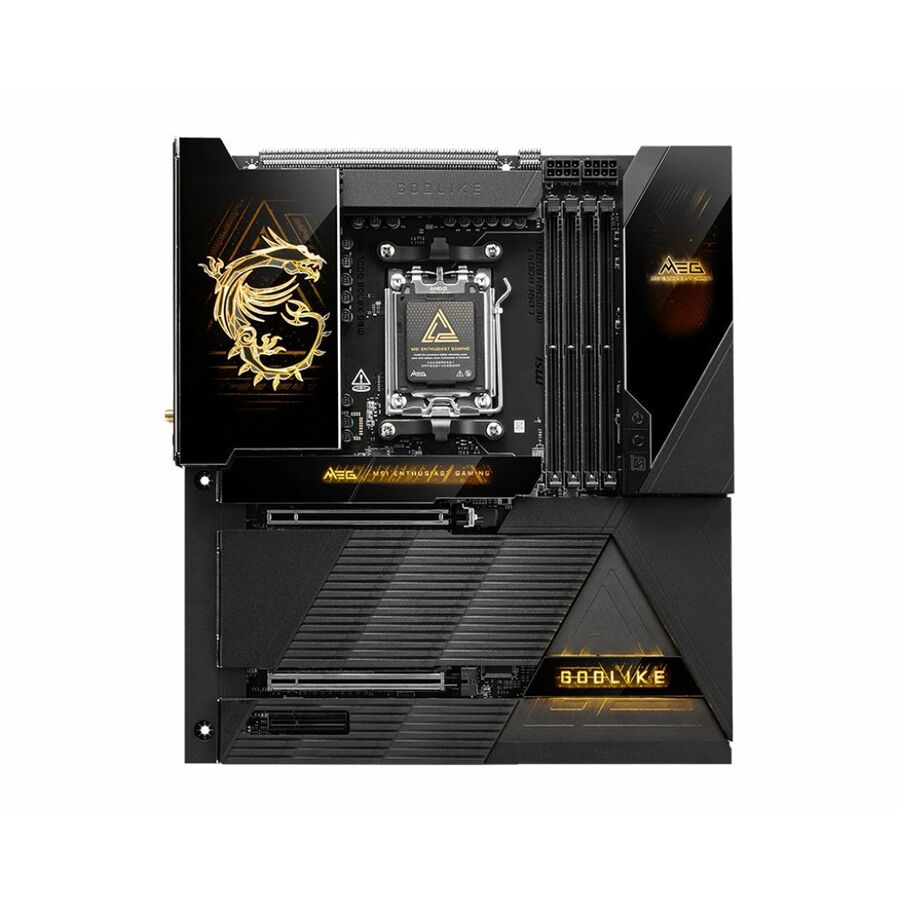
- MSIMSI MEG X870E GODLIKE MAX - X870EGODLIKE MAX - EATX Gaming Motherboard - AM5 - X870E Chipset - PCIe 5.0 - DDR5 - M.2 Gen5 - SATA - USB A - USB C - 10Gbps LAN - Wifi 7 - Bluetooth 5.4X870EGODLIKE MAX
$1,445.29
Back-orderedBack-ordered — estimated OEM lead time 3–8 weeks (Nov 18 – Dec 23 if ordered today).
Back-ordered — estimated OEM lead time 3–8 weeks (Nov 18 – Dec 23 if ordered today).
Back-ordered — estimated OEM lead time 3–8 weeks (Nov 18 – Dec 23 if ordered today).
Back-ordered — estimated OEM lead time 3–8 weeks (Nov 18 – Dec 23 if ordered today).
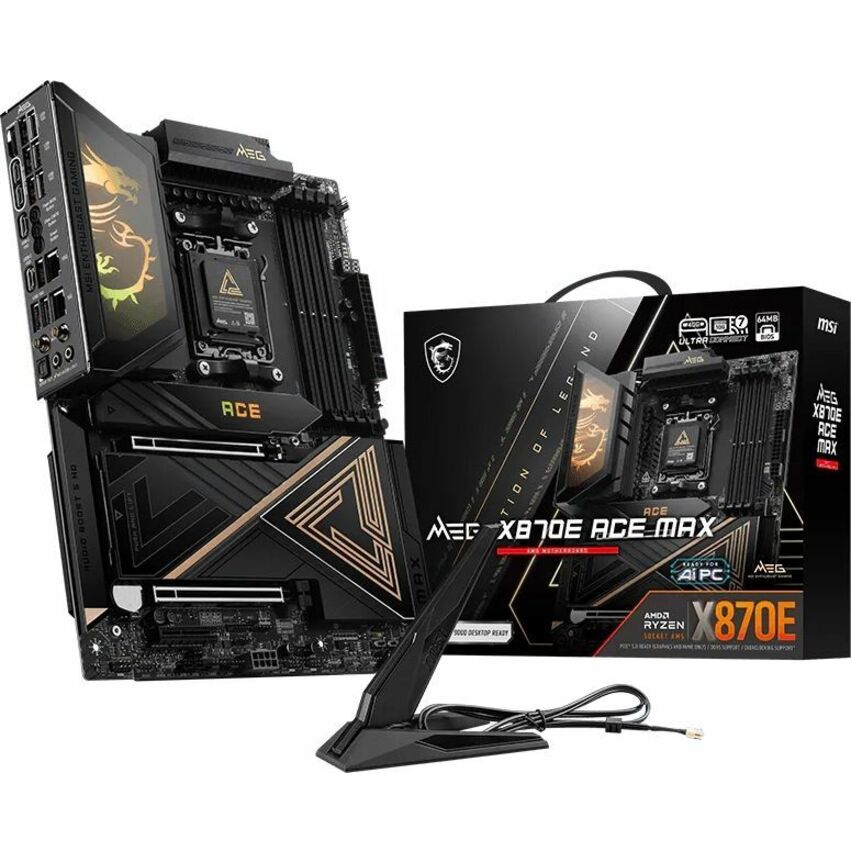
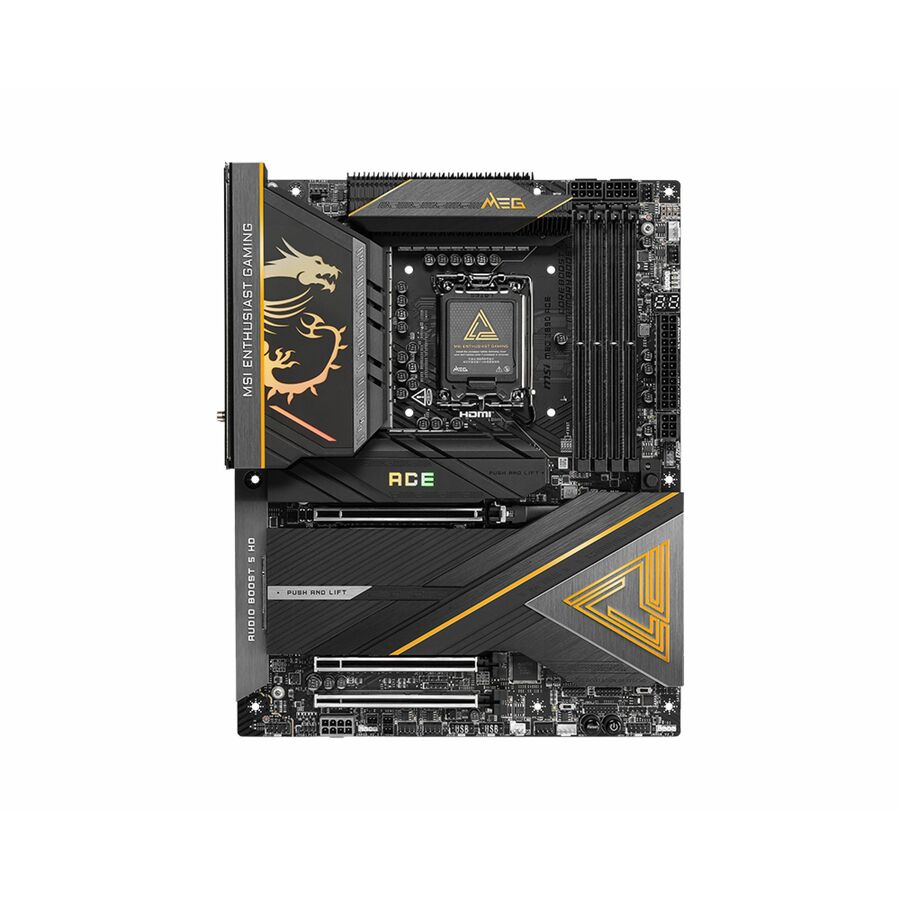
- MSIMSI MEG X870E ACE MAX - X870EACEMAX - ATX Gaming Motherboard - AM5 - X870E Chipset - PCIe 5.0 - DDR5 - M.2 Gen5 - SATA - USB A - USB C - 10Gbps LAN - Wifi 7 - Bluetooth 5.4X870EACEMAX
$780.50
Back-orderedBack-ordered — estimated OEM lead time 3–8 weeks (Nov 18 – Dec 23 if ordered today).
Back-ordered — estimated OEM lead time 3–8 weeks (Nov 18 – Dec 23 if ordered today).
Back-ordered — estimated OEM lead time 3–8 weeks (Nov 18 – Dec 23 if ordered today).
Back-ordered — estimated OEM lead time 3–8 weeks (Nov 18 – Dec 23 if ordered today).
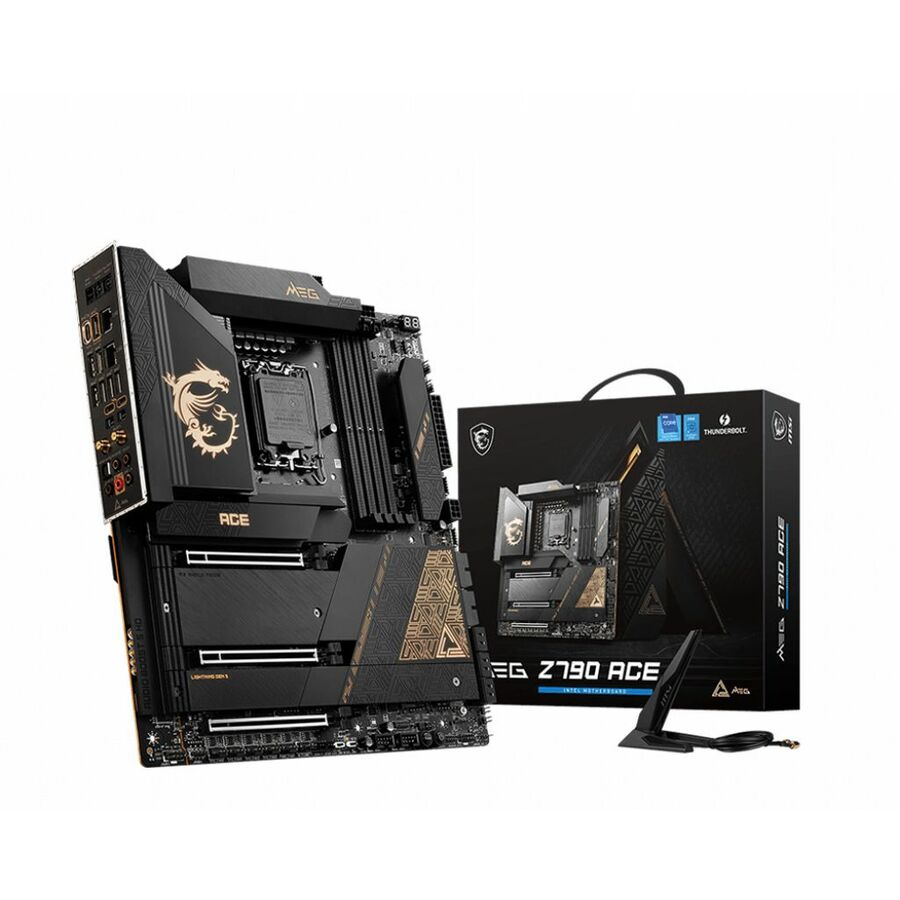
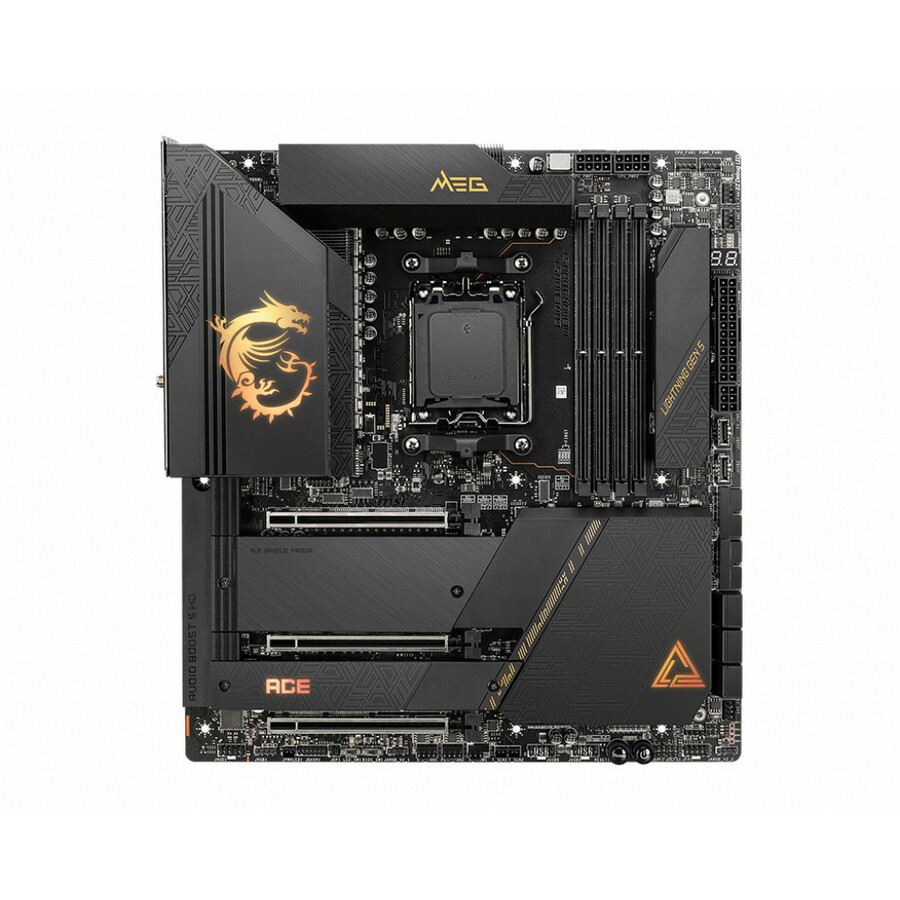
- MSIMSI MEG X670E ACE Desktop Motherboard - AMD X670 Chipset - Socket AM5 - Extended ATX - Ryzen Processor Supported - 128 GB DDR5 SDRAM Maximum RAM - 4 x Memory Slots - IEEE 802.11 a/b/g/n/ac/ax - 6 x SATA InterfacesX670EACE
$558.92
Back-orderedBack-ordered — estimated OEM lead time 3–8 weeks (Nov 18 – Dec 23 if ordered today).
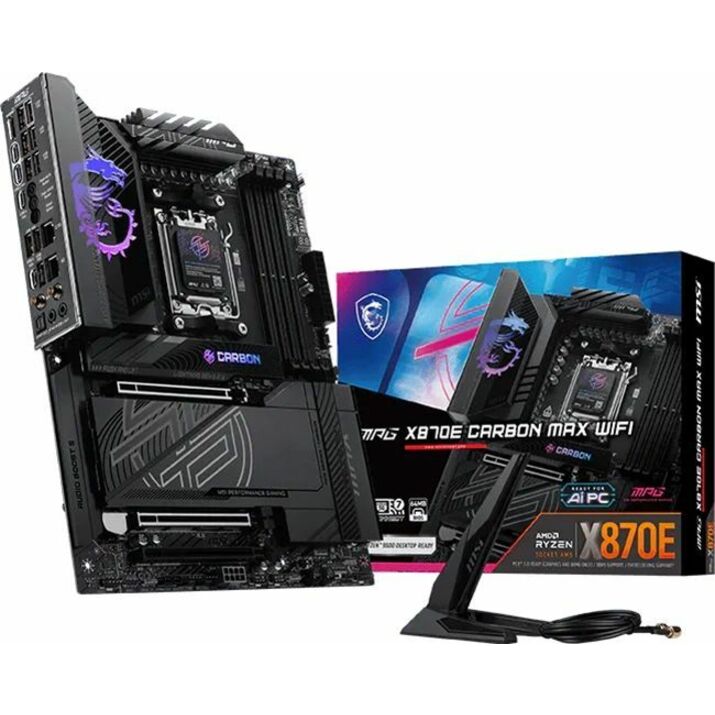
- MSIMSI MPG X870E CARBON MAX WIFI - MPGX870ECARBONMAX - ATX Gaming Motherboard - AM5 - X870E Chipset - PCIe 5.0 - DDR5 - M.2 Gen5 - SATA - USB A - USB C - 5Gbps LAN - Wifi 7 - Bluetooth 5.4MPGX870ECARBONMAX
$557.55
Back-orderedBack-ordered — estimated OEM lead time 3–8 weeks (Nov 18 – Dec 23 if ordered today).
Back-ordered — estimated OEM lead time 3–8 weeks (Nov 18 – Dec 23 if ordered today).
Back-ordered — estimated OEM lead time 3–8 weeks (Nov 18 – Dec 23 if ordered today).
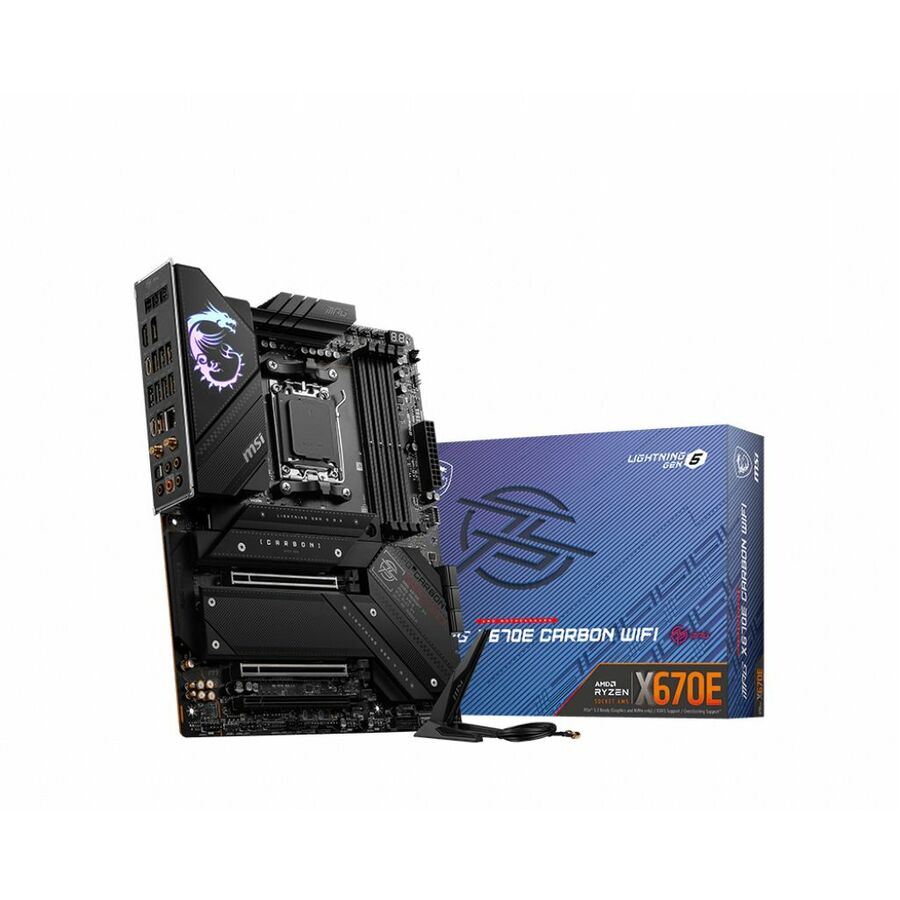
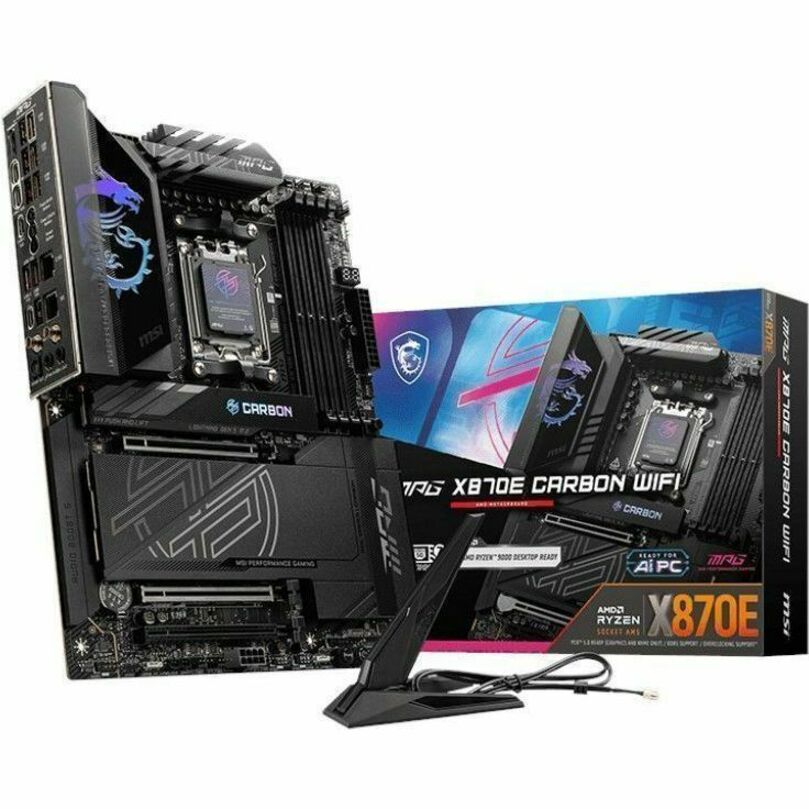
- MSIMSI MPG X870E CARBON WIFI Gaming Desktop Motherboard - AMD X870E Chipset - Socket AM5 - ATX - Ryzen 7, Ryzen 9 Processor Supported - 256 GB DDR5 SDRAM Maximum RAM - DIMM, UDIMM - 4 x Memory Slots - Gigabit Ethernet - 2.5Gigabit Ethernet - IEEE 802.11 a/b/g/n/ac/ax/be - HDMI - DisplayPort - 4 x SATA InterfacesX870E CARBON WIFI7
$479.28
Back-orderedBack-ordered — estimated OEM lead time 3–8 weeks (Nov 18 – Dec 23 if ordered today).
Back-ordered — estimated OEM lead time 3–8 weeks (Nov 18 – Dec 23 if ordered today).
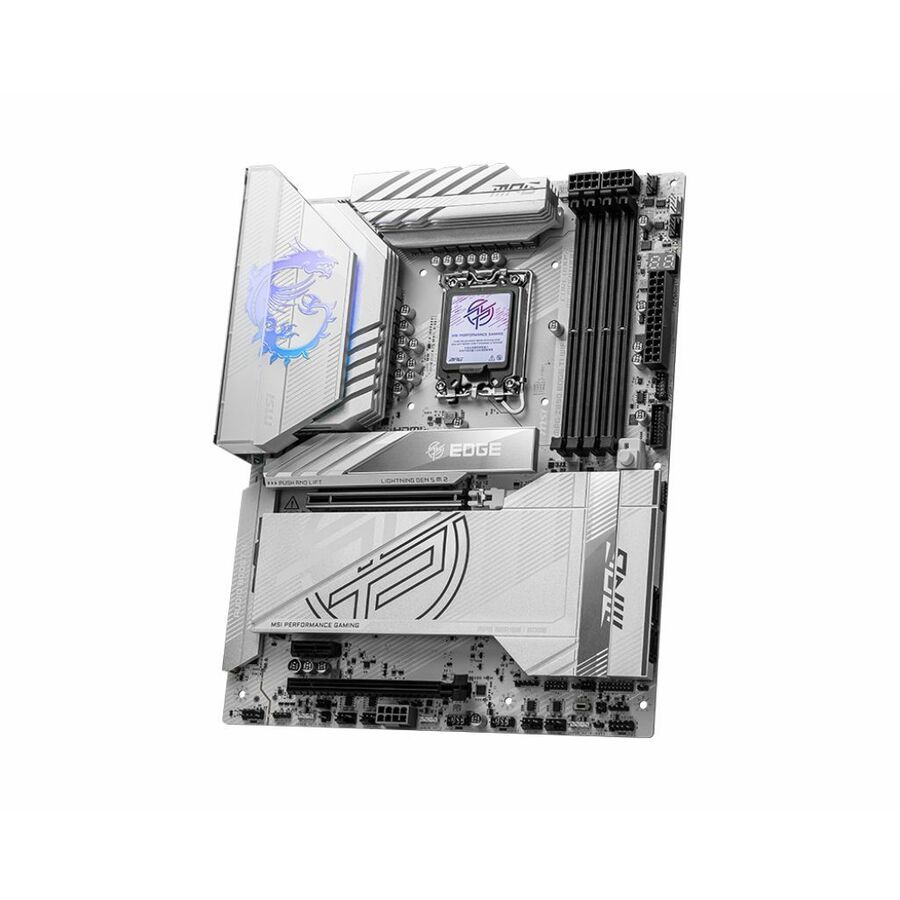
- MSIMSI MPG Z890 EDGE TI WIFI Gaming Desktop Motherboard - Intel Z890 Chipset - Socket LGA-1851 - ATX - Core Ultra Processor Supported - 256 GB DDR5 SDRAM Maximum RAM - DIMM, UDIMM - 4 x Memory Slots - Gigabit Ethernet - IEEE 802.11 a/b/g/n/ac/ax/be - HDMI - DisplayPort - 4 x SATA InterfacesZ890EDGETIWIFI
$413.35
Back-orderedBack-ordered — estimated OEM lead time 3–8 weeks (Nov 18 – Dec 23 if ordered today).
- MSIMSI MPG X870I EDGE TI EVO WIFI - MPGX870IEDGETI - Mini-ITX Gaming Motherboard - AM5 - X870 Chipset - PCIe 5.0 - DDR5 - M.2 Gen5 - SATA - USB A - USB C - 5Gbps LAN - Wifi 7 - Bluetooth 5.4MPGX870IEDGETI
$408.65
Back-orderedBack-ordered — estimated OEM lead time 3–8 weeks (Nov 18 – Dec 23 if ordered today).
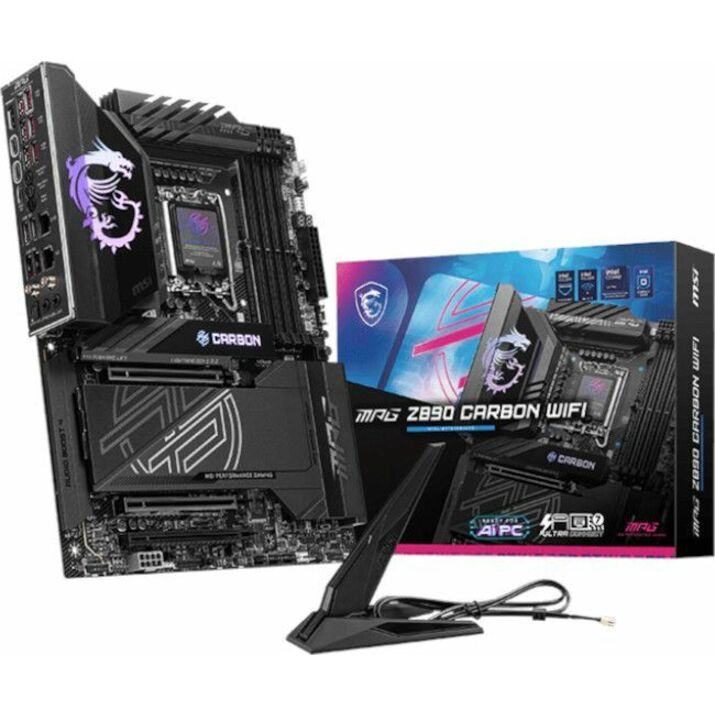
- MSIMSI MPG Z890 CARBON ATX GAMING MOTHERBOARD LGA 1851 for Intel Core Ultra CPU - Core Ultra Processor Supported - 256 GB DDR5 SDRAM Maximum RAM - DIMM, UDIMM - 4 x Memory Slots - Gigabit Ethernet - 2.5Gigabit Ethernet - IEEE 802.11 a/b/g/n/ac/ax/be - HDMI - DisplayPort - 4 x SATA InterfacesZ890CARBONWIFI
$389.40
Back-orderedBack-ordered — estimated OEM lead time 3–8 weeks (Nov 18 – Dec 23 if ordered today).
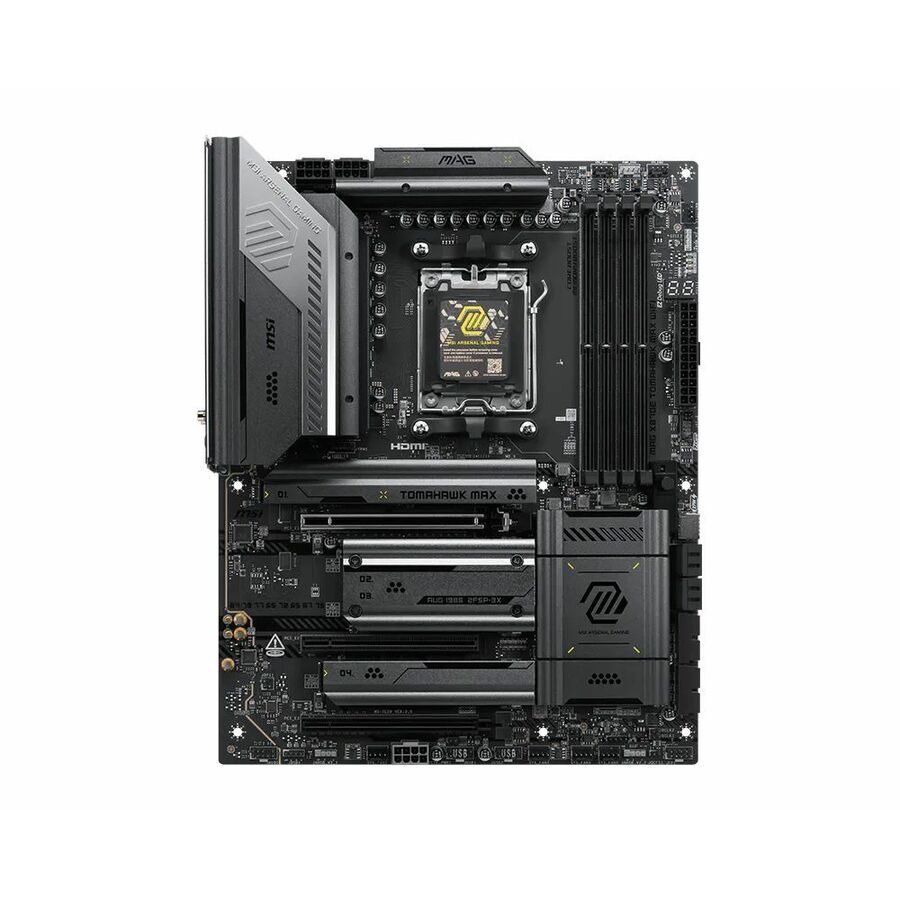
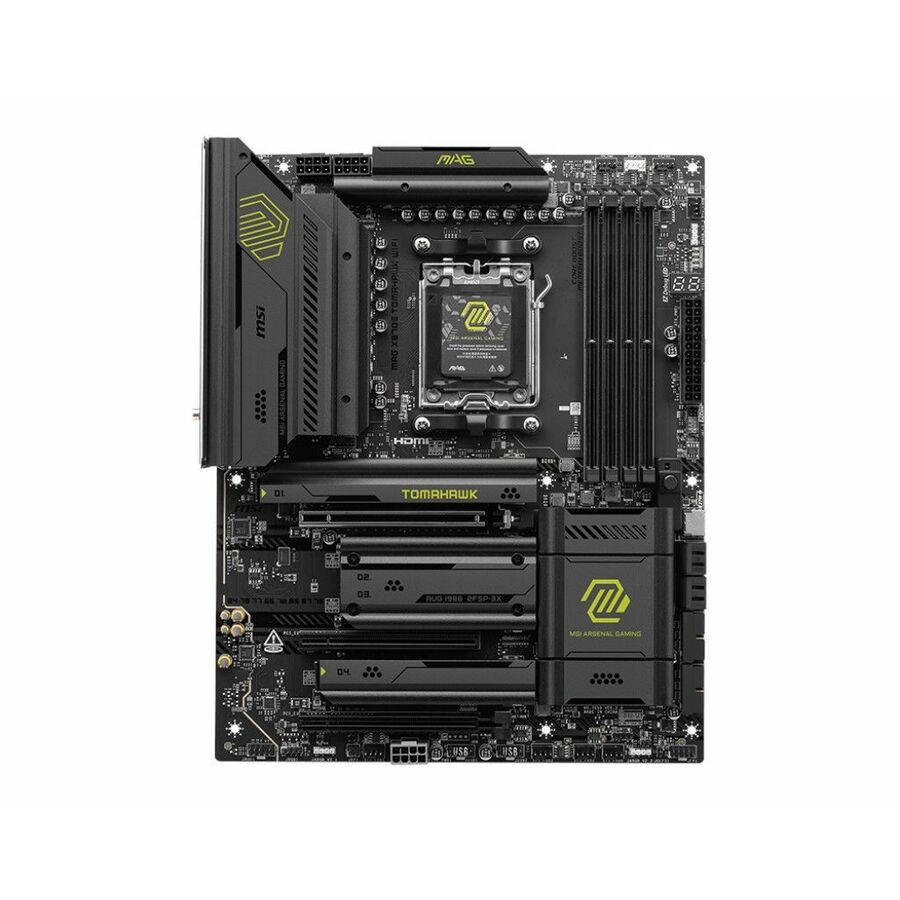
- MSIMSI MAG X870E TOMAHAWK MAX WIFI - X870ETOMAHAWKMAXWIFI - ATX Gaming Motherboard - AM5 - X870E Chipset - PCIe 5.0 - DDR5 - M.2 Gen5 - SATA - USB A - USB C - 5Gbps LAN - Wifi 7 - Bluetooth 5.4X870ETOMAHAWKMAXWIFI
$368.40
Back-orderedBack-ordered — estimated OEM lead time 3–8 weeks (Nov 18 – Dec 23 if ordered today).
- MSIMSI MAG X870E TOMAHAWK WIFI Gaming Desktop Motherboard - AMD X870E Chipset - Socket AM5 - ATX - Ryzen 9, Ryzen 7 Processor Supported - 256 GB DDR5 SDRAM Maximum RAM - DIMM, UDIMM - 4 x Memory Slots - Gigabit Ethernet - IEEE 802.11 a/b/g/n/ac/ax/be - HDMI - DisplayPort - 4 x SATA InterfacesX870ETMAHAWKWIFI
$368.18
Back-orderedBack-ordered — estimated OEM lead time 3–8 weeks (Nov 18 – Dec 23 if ordered today).
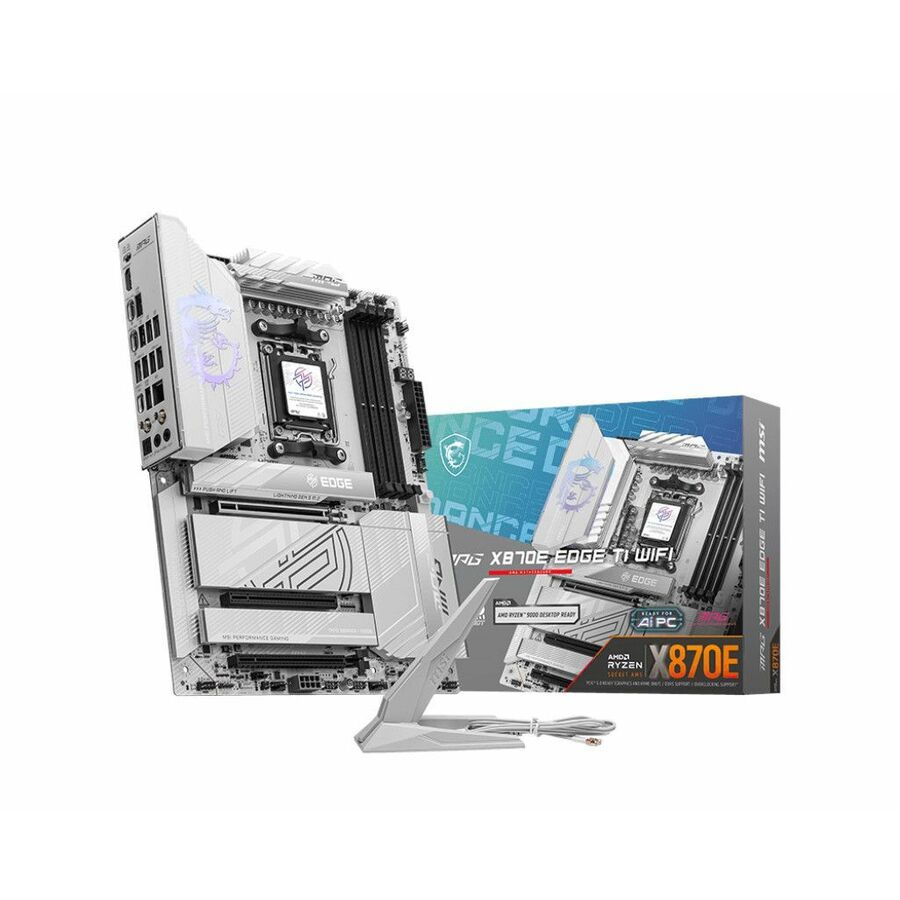
- MSIMSI MPG X870E EDGE TI WIFI Gaming Desktop Motherboard - AMD X870E Chipset - Socket AM5 - ATX - Ryzen 9, Ryzen 7 Processor Supported - 256 GB DDR5 SDRAM Maximum RAM - DIMM, UDIMM - 4 x Memory Slots - IEEE 802.11 a/b/g/n/ac/ax/be - HDMI - DisplayPort - 4 x SATA InterfacesX870EEDGEWTIWIFI
$368.18
Back-orderedBack-ordered — estimated OEM lead time 3–8 weeks (Nov 18 – Dec 23 if ordered today).
Need pricing on MSI motherboards?
Tell us where to reach you and a Uniqcli specialist will follow up by email with current pricing, availability and lead time for the quantities you need — including parts that aren’t shown on this page.
Buying for an organization or for yourself — both work. No payment up front.
A motherboard is the one component in a build you cannot change your mind about later, because every other choice hangs off it: the processor generation, the memory type and capacity, how many expansion cards fit and what the machine's front and rear ports look like. MSI's range on this page spans both current platforms — Intel LGA-1700, LGA-1851 and the older LGA-1151, AMD AM4 and AM5 — in Mini-ITX, Micro-ATX, ATX and Extended-ATX, plus two MS-CF09 industrial boards for embedded and long-lifecycle deployments. Every row states 'Motherboard' in MSI's own title.
The socket comes first because it fixes the processor family, and the chipset beside it is the second half of the same decision. On Intel, H610 and H810 are the value chipsets for a standard office or lab machine, B760 and B860 add lanes and connectivity, Z790 and Z890 open the full expansion envelope, and the embedded R680E and Q670E chipsets appear on the industrial pair. On AMD, A520 and A620 are the entry chipsets, B550, B650, B840 and B850 the mainstream, and X670 and X870E the high-lane platforms. Two boards sharing a socket can differ sharply in PCIe lanes, M.2 slots and networking — the pairing is what defines the platform.
The form factor then decides the case and the expansion budget. Mini-ITX takes one expansion slot and two memory slots, which suits a compact workstation or an appliance where footprint is the constraint. Micro-ATX is the workhorse for a standard desktop chassis with four memory slots. ATX is the general-purpose full-size board with the most slots for the money, and Extended-ATX is where the highest-lane platforms live. After that, read memory type and maximum capacity, the number of M.2 sockets and their PCIe generation, and the onboard networking — several boards here carry 2.5-gigabit Ethernet, which is a card slot saved. Send the processor, the memory target and the chassis, and the board can be matched to all three.
Buyer's checklist
How to choose an MSI motherboard
- Read the socket and the chipset together. The socket names the processor family — LGA-1700, LGA-1851, LGA-1151, AMD AM4 or AM5 — and the chipset beside it decides PCIe lanes, M.2 sockets, USB provision and onboard devices. The pairing is the platform, not the socket alone.
- Match the form factor to the chassis and the expansion plan. Mini-ITX gives one slot and two DIMMs, Micro-ATX four DIMMs in a standard tower, ATX the most slots for the money, and Extended-ATX the highest-lane platforms. A board that does not fit the case is not a board for that build.
- Confirm memory type and maximum capacity before the processor is fixed. DDR4 and DDR5 boards exist side by side on several of these sockets, the modules are not interchangeable, and the stated maximum capacity — 64GB to 256GB across this shelf — is what caps the machine's useful life.
- Count the M.2 sockets and their PCIe generation against the storage plan. A board that is one M.2 short forces an adapter or a compromise late; the titles and specifications name how many sockets each board carries and at what generation.
- Check the onboard networking. Several boards here carry 2.5-gigabit Ethernet and some carry gigabit only; matching the onboard NIC to the network can save a card and a slot, and it is cheaper to read now than to add later.
- Decide whether wireless belongs on the board. MSI publishes WIFI and non-WIFI variants of many models under near-identical names — buy the wireless variant only where the machine will actually use it, and read the variant on the part number.
- For an embedded, industrial or long-lifecycle deployment, look at the industrial boards rather than the desktop range. The MS-CF09 pair and the MS-98L1 are built for controlled, long-availability deployments where a consumer board's lifecycle is the problem.
- Buy the board against the whole build. Processor, memory kit, cooler clearance, power supply connectors and chassis standoffs all have to agree, and matching them at quote time is cheaper than discovering the mismatch at assembly.
Socket, chipset and what actually separates two boards
The most common way a build goes wrong is buying the socket and ignoring the chipset. The socket determines which processors will physically drop in — LGA-1700 for the Core generations that preceded Core Ultra, LGA-1851 for Core Ultra, AM4 for the long-running Ryzen line, AM5 for current Ryzen — but the chipset decides how much of the platform the board actually exposes. On Intel, an H610 or H810 board is a clean, inexpensive foundation for an office machine and gives up lanes and connectivity to get there; B760 and B860 add both; Z790 and Z890 open the full expansion envelope. On AMD, the ladder runs A520 and A620 at the entry, B550 through B850 in the mainstream, and X670 or X870E where lanes are the point.
That is why the honest way to choose is to start from the build and work back. A standard desktop refresh that needs four DIMMs, a couple of M.2 drives and no discrete graphics is a Micro-ATX mainstream board and nothing more. A compact workstation that must fit under a desk is a Mini-ITX board with two DIMMs and one slot, and the memory ceiling is the trade. A machine carrying a large GPU, several NVMe drives and a capture or network card needs the lane count that only the high-end chipsets provide. The boards on this page cover all of that, and each one's socket and chipset line is where the match is made or missed.
Desktop boards, PRO boards and the industrial range
MSI names most of this shelf as gaming desktop boards, and it is worth being plain about what that means for a business build rather than pretending otherwise. Those boards are ordinary desktop motherboards with an enthusiast feature set — heavier power delivery, more M.2 sockets, faster networking and more aggressive memory support — and they work perfectly well in a workstation. The PRO and Professional rows in the same range are the same platforms presented for a standard build, with a plainer feature set and MSI's business-oriented naming. The difference between them is specification and finish, not capability, and the titles say which is which.
The genuinely different products here are the industrial boards. The MS-CF09 pair on Intel's R680E and Q670E embedded chipsets, and the MS-98L1 Mini-ITX board on the C246 chipset with Xeon support, are built for embedded, appliance and long-lifecycle deployments where the problem with a consumer board is not performance but availability: a desktop board can be replaced by a successor in a year, and an embedded platform is expected to stay orderable much longer. If a build will be reproduced on the same bill of materials for several years, or lives inside a machine rather than under a desk, that is the part of the range to start from. Uniqcli can quote boards, processors, memory and chassis on one document for business, government and education buyers.
FAQ
Common questions
- Which MSI chipset should a standard office build use?
- On Intel, H610 or H810 covers a straightforward office machine and B760 or B860 adds lanes, connectivity and faster networking for a build that carries more storage or a discrete card. On AMD, A520 and A620 are the entry chipsets and B550, B650 or B850 the mainstream equivalents. Read the chipset alongside the socket — it, not the socket, decides how many M.2 sockets and PCIe lanes the board exposes.
- Do MSI boards on the same socket take the same memory?
- Not necessarily, and it is the mistake worth checking twice. Several sockets here are served by both DDR4 and DDR5 boards — MSI publishes DDR4 variants of a number of B760 and Z790 models under near-identical names — and the modules are not interchangeable between them. Read the memory type and the stated maximum capacity on the exact part number before the memory kit is ordered.
- What form factor should the board be?
- It follows the chassis and the expansion plan. Mini-ITX gives one expansion slot and two memory slots for a compact machine; Micro-ATX gives four memory slots in a standard tower and is the workhorse for a desktop refresh; ATX gives the most slots for the money; Extended-ATX is where the highest-lane platforms live. The form factor has to match the case's standoffs and rear I/O cutout, so choose the two together.
- Are the industrial MSI boards different from the desktop range?
- Yes, and the difference is lifecycle rather than raw performance. The MS-CF09 boards on Intel's R680E and Q670E embedded chipsets and the MS-98L1 Mini-ITX board with Xeon support are built for embedded, appliance and long-lifecycle deployments where the same bill of materials has to stay orderable for years. If a build will be reproduced repeatedly or lives inside a machine, start there rather than in the desktop range.
- Can business, government and education buyers order these?
- Every line Uniqcli quotes is sourced through US distribution and screened for TAA country-of-origin and NDAA §889 status before checkout — with documentation tied to the specific part number, not a product family.
Need MSI motherboards pricing?
Send a bill of materials or part numbers — we confirm stock and a below-market total, with TAA verified on request. No payment up front.