
Best ECC Memory for Workstations
Error-correcting memory for workstations — registered and unbuffered ECC DIMMs and SODIMMs in DDR4 and DDR5, read by what the machine's memory controller will actually accept.
ECC workstation memory in stock at Uniqcli
How to choose →A curated selection with live pricing — in-stock lines first, then back-ordered lines with a typical lead time. Every line is sourced through US distribution and screened for NDAA §889 status before checkout, with TAA verified on request.
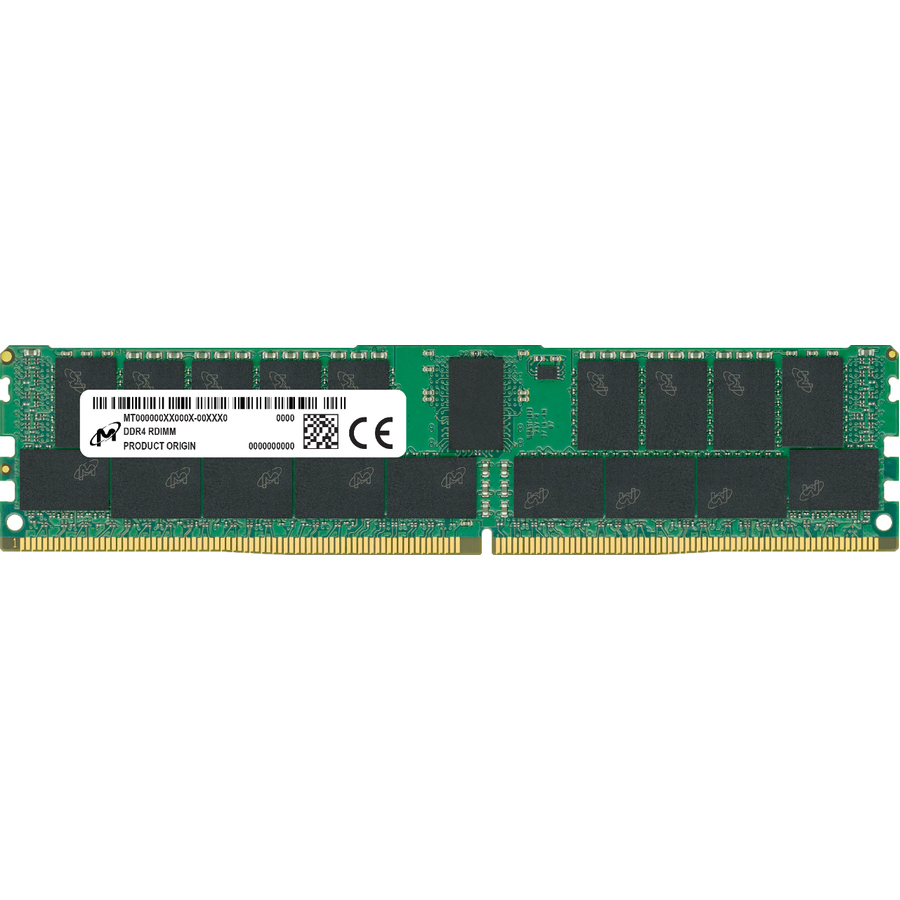
- Micron TechnologyMicron 16GB DDR4 SDRAM Memory Module - For Server, Workstation, Notebook, Desktop PC - 16 GB (1 x 16GB) - DDR4-3200/PC4-25600 DDR4 SDRAM - 3200 MHz Single-rank Memory - CL22 - 1.20 V - ECC - Unbuffered - 260-pin - SODIMM - 3 Year WarrantyMTA9ASF2G72HZ-3G2R
$1,948.32
$1,782.71
1 in stock - DataramDataram 8GB DDR3 SDRAM RAM Module - For Workstation - 8 GB (1 x 8GB) - DDR3-1600/PC3-12800 DDR3 SDRAM - 1600 MHz - 1.50 V - ECC - Registered - 240-pin - DIMM - Lifetime WarrantyDRV30-16R/8GB
$19.89
Back-orderedBack-ordered — estimated OEM lead time 3–8 weeks (Nov 20 – Dec 25 if ordered today).
- DataramDataram 8GB DDR3 SDRAM Memory Module - For Workstation - 8 GB (1 x 8GB) - DDR3-1600/PC3-12800 DDR3 SDRAM - 1600 MHz - 1.50 V - ECC - Registered - 240-pin - DIMM - Lifetime WarrantyDRHZ820/8GB
$19.93
Back-orderedBack-ordered — estimated OEM lead time 3–8 weeks (Nov 20 – Dec 25 if ordered today).
- DataramDataram 16GB DDR3 SDRAM Memory Module - For Workstation - 16 GB (1 x 16GB) - DDR3-1866/PC3-14900 DDR3 SDRAM - CL13 - 1.50 V - ECC - Registered - 240-pin - DIMMDRH81866R/16GB
$26.00
$24.44
Back-orderedBack-ordered — estimated OEM lead time 3–8 weeks (Nov 20 – Dec 25 if ordered today).
- DataramDataram 16GB DDR3 SDRAM RAM Module - For Workstation - 16 GB (1 x 16GB) - DDR3-1600/PC3-12800 DDR3 SDRAM - 1600 MHz - 1.50 V - ECC - Registered - 240-pin - DIMM - Lifetime WarrantyDRV30-16R/16GB
$26.00
$24.44
Back-orderedBack-ordered — estimated OEM lead time 3–8 weeks (Nov 20 – Dec 25 if ordered today).
- DataramDataram 16GB DDR3 SDRAM Memory Module - For Workstation - 16 GB (1 x 16GB) - DDR3-1866/PC3-14900 DDR3 SDRAM - 1866 MHz - 1.50 V - ECC - Registered - 240-pin - DIMM - Lifetime WarrantyDRV30-18R/16GB
$26.00
$24.44
Back-orderedBack-ordered — estimated OEM lead time 3–8 weeks (Nov 20 – Dec 25 if ordered today).
- DataramDataram 16GB DDR3 SDRAM Memory Module - For Workstation - 16 GB (1 x 16GB) - DDR3-1600/PC3-12800 DDR3 SDRAM - 1600 MHz - 1.50 V - ECC - Registered - 240-pin - DIMM - Lifetime WarrantyDRHZ820/16GB
$26.00
$24.48
Back-orderedBack-ordered — estimated OEM lead time 3–8 weeks (Nov 20 – Dec 25 if ordered today).
- DataramDataram 16GB DDR4 SDRAM Memory Module - For Workstation - 16 GB (1 x 16GB) DDR4 SDRAM - 2133 MHz - 1.20 V - ECC - Registered - 288-pin - DIMM - Lifetime WarrantyDRVP2133R/16GB
$40.00
$35.23
Back-orderedBack-ordered — estimated OEM lead time 3–8 weeks (Nov 20 – Dec 25 if ordered today).
- DataramDataram 16GB DDR4 SDRAM Memory Module - For Workstation - 16 GB (1 x 16GB) - DDR4-2133/PC4-17000 DDR4 SDRAM - 2133 MHz - 1.20 V - ECC - Registered - 288-pin - LRDIMM - Lifetime WarrantyDRHZ840/16GB
$40.00
$35.27
Back-orderedBack-ordered — estimated OEM lead time 3–8 weeks (Nov 20 – Dec 25 if ordered today).
- DataramDataram 8GB DDR3 SDRAM Memory Module - For Workstation - 8 GB (1 x 8GB) - DDR3-1600/PC3-12800 DDR3 SDRAM - 1600 MHz - 1.50 V - ECC - Unbuffered - 240-pin - DIMM - Lifetime WarrantyDRV31-16U/8GB
$45.60
$39.52
Back-orderedBack-ordered — estimated OEM lead time 3–8 weeks (Nov 20 – Dec 25 if ordered today).
- DataramDataram 32GB DDR4 SDRAM Memory Module - For Workstation - 32 GB (1 x 32GB) - DDR4-2133/PC4-2133 DDR4 SDRAM - 2133 MHz - 1.20 V - ECC - Registered - 288-pin - DIMM - Lifetime WarrantyDRVP2133LRQ/32GB
$50.00
$42.90
Back-orderedBack-ordered — estimated OEM lead time 3–8 weeks (Nov 20 – Dec 25 if ordered today).
- DataramDataram 32GB DDR4 SDRAM Memory Module - For Workstation - 32 GB (1 x 32GB) - DDR4-2133/PC4-17000 DDR4 SDRAM - 2133 MHz - 1.20 V - ECC - Registered - 288-pin - LRDIMM - Lifetime WarrantyDRHZ840/32GB
$50.00
$42.94
Back-orderedBack-ordered — estimated OEM lead time 3–8 weeks (Nov 20 – Dec 25 if ordered today).
- DataramDataram 8GB DDR3 SDRAM Memory Module - For Workstation - 8 GB (1 x 8GB) - DDR3-1600/PC3-12800 DDR3 SDRAM - 1600 MHz - 1.50 V - ECC - Unbuffered - 240-pin - DIMM - Lifetime WarrantyDRHZ420/8GB
$58.00
$49.05
Back-orderedBack-ordered — estimated OEM lead time 3–8 weeks (Nov 20 – Dec 25 if ordered today).
- DataramDataram 8GB DDR4 SDRAM Memory Module - For Workstation - 8 GB (1 x 8GB) - DDR4-2133/PC4-2133 DDR4 SDRAM - 2133 MHz - 1.20 V - ECC - Unbuffered - 288-pin - DIMMDRHZ2133E/8GB
$58.60
$49.40
Back-orderedBack-ordered — estimated OEM lead time 3–8 weeks (Nov 20 – Dec 25 if ordered today).
- Transcend InformationTranscend 4GB DDR3 SDRAM Memory Module - For Workstation - 4 GB (1 x 4GB) DDR3 SDRAM - 1333 MHz - 1.50 V - ECC - Unbuffered - DIMMTS4GJMA343N
$69.99
$53.05
Back-orderedBack-ordered — estimated OEM lead time 3–8 weeks (Nov 20 – Dec 25 if ordered today).
- Transcend InformationTranscend 8GB DDR4 SDRAM Memory Module - For Server, Workstation - 8 GB (1 x 8GB) - DDR4-2666/PC4-21300 DDR4 SDRAM - 2666 MHz - CL19 - 1.20 V - ECC - 260-pin - SODIMM - Lifetime WarrantyTS1GSH72V6B
$69.99
$55.69
Back-orderedBack-ordered — estimated OEM lead time 3–8 weeks (Nov 20 – Dec 25 if ordered today).
- Transcend InformationTranscend 4GB DDR3 SDRAM Memory Module - For Workstation - 4 GB DDR3 SDRAM - 1333 MHz - 1.50 V - ECC - Registered - DIMMTS4GJMA333N
$119.99
$56.77
Back-orderedBack-ordered — estimated OEM lead time 3–8 weeks (Nov 20 – Dec 25 if ordered today).
- DataramDataram 16GB DDR4 SDRAM Memory Module - For Workstation - 16 GB (1 x 16GB) - DDR4-2133/PC4-2133 DDR4 SDRAM - 2133 MHz - 1.20 V - ECC - Unbuffered - 288-pin - DIMMDRHZ2133E/16GB
$75.20
$63.09
Back-orderedBack-ordered — estimated OEM lead time 3–8 weeks (Nov 20 – Dec 25 if ordered today).
- LenovoLenovo 4GB DDR4 SDRAM Memory Module - For Notebook, Workstation - 4 GB - DDR4-3200/PC4-25600 DDR4 SDRAM - 3200 MHz - 260-pin - SODIMM4X71A14571
$67.99
$64.97
Back-orderedBack-ordered — estimated OEM lead time 3–8 weeks (Nov 20 – Dec 25 if ordered today).
- Transcend InformationTranscend 4GB DDR3 SDRAM Memory Module - For Server, Workstation - 4 GB - DDR3-1333/PC3L-10600 DDR3 SDRAM - 1333 MHz - CL9 - 1.35 V - ECC - Unbuffered - 204-pin - SODIMM - Lifetime WarrantyTS512MSK72W3H
$66.64
Back-orderedBack-ordered — estimated OEM lead time 3–8 weeks (Nov 20 – Dec 25 if ordered today).



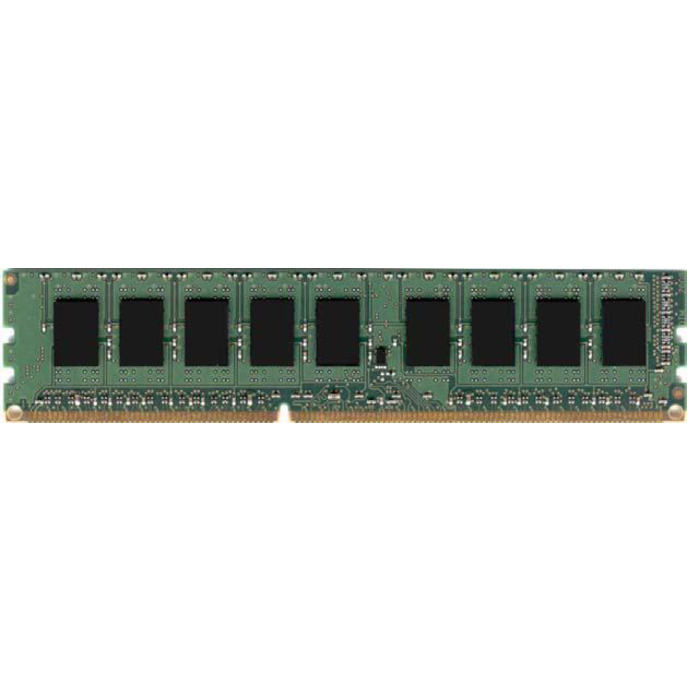
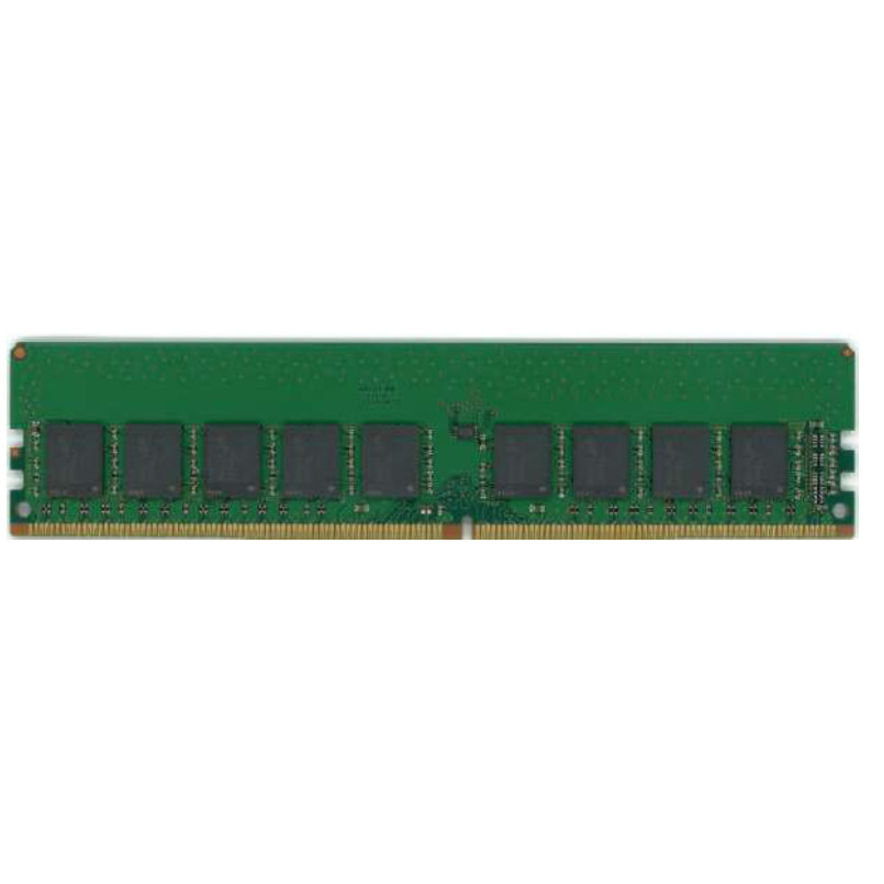
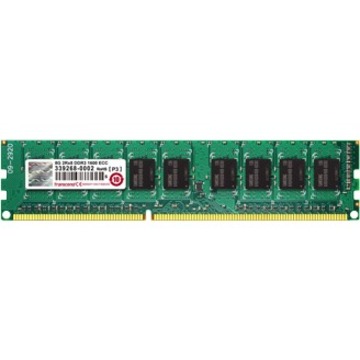

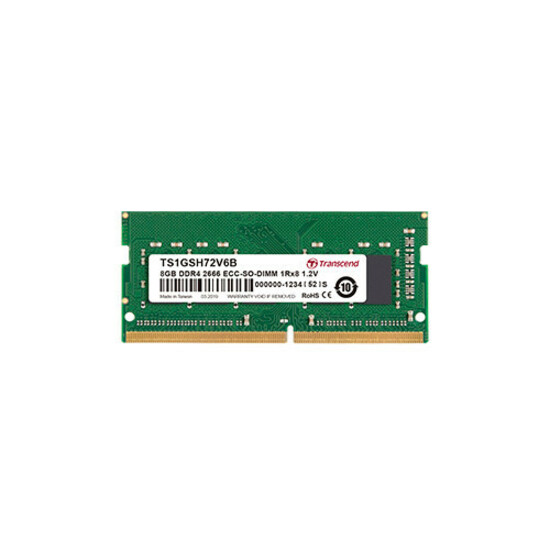
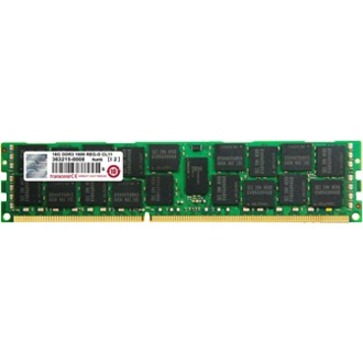
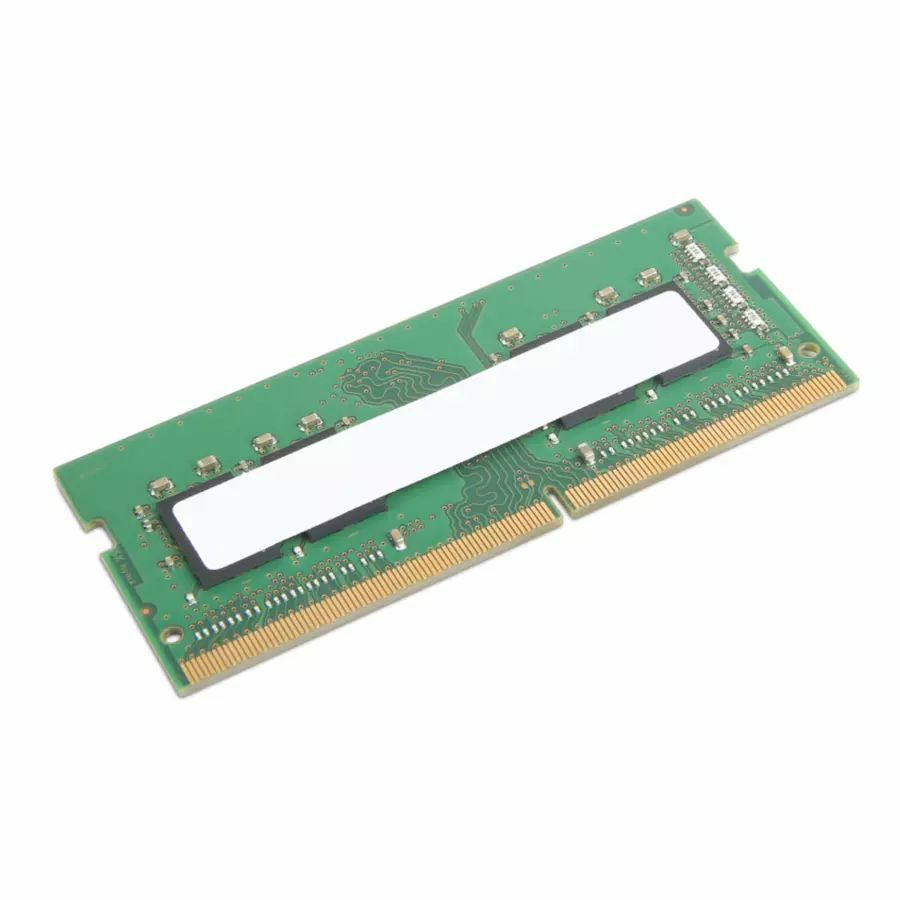

DDR5 registered ECC
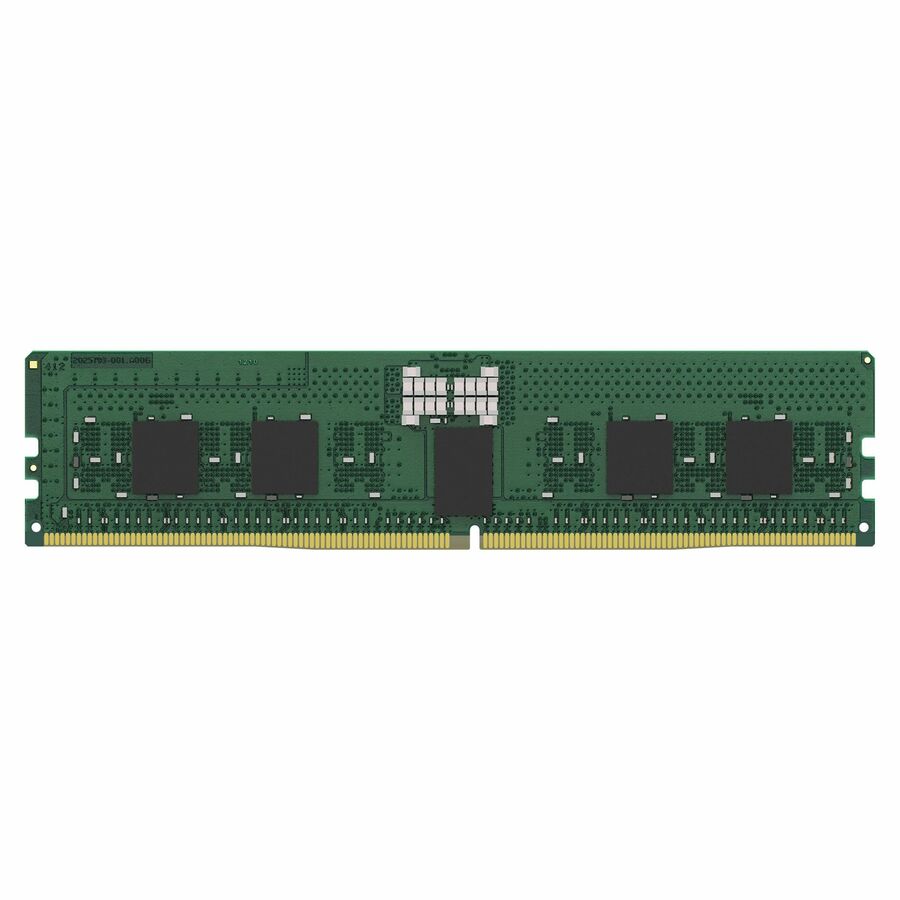
Kingston Technology
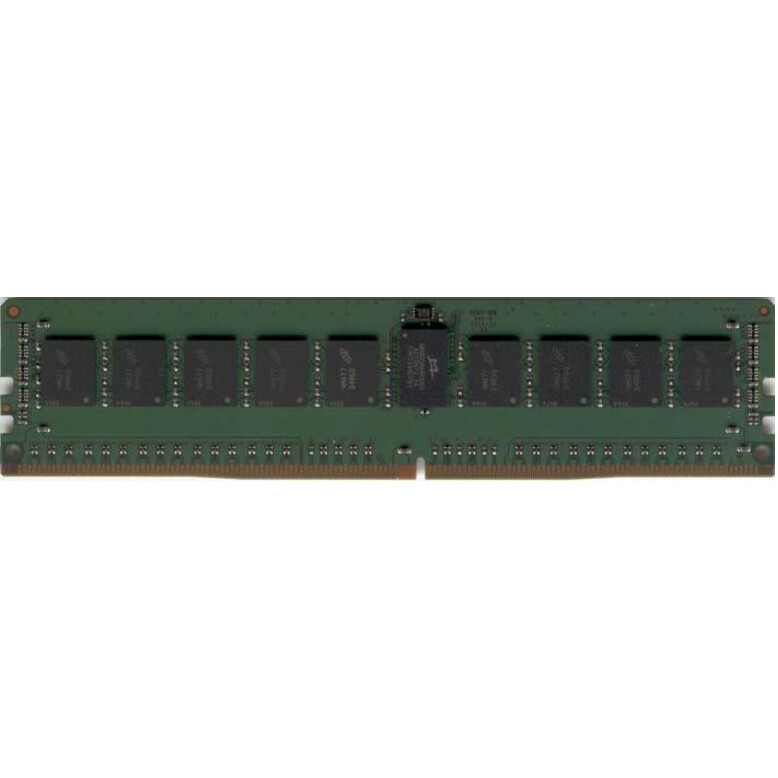
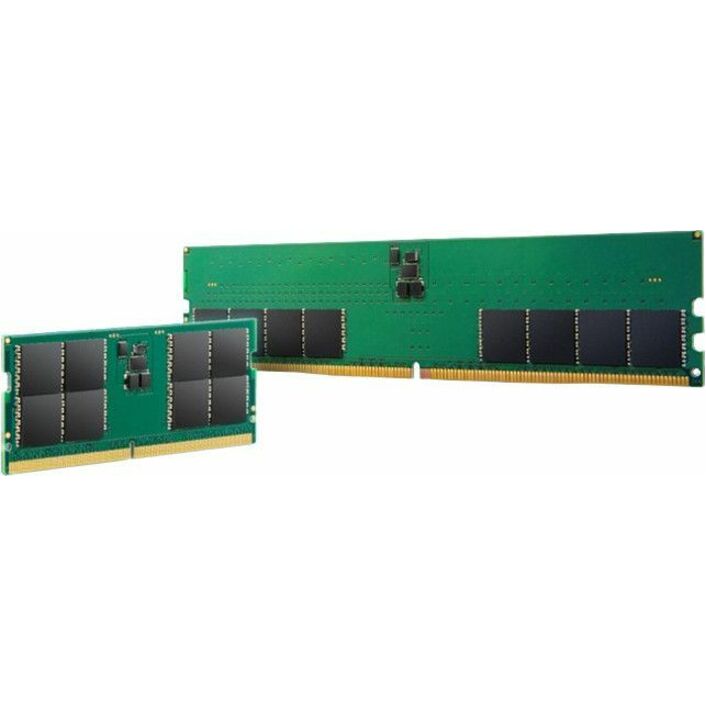
Kingston 16GB DDR5 SDRAM Memory Module
KTH-PL556S8-16G
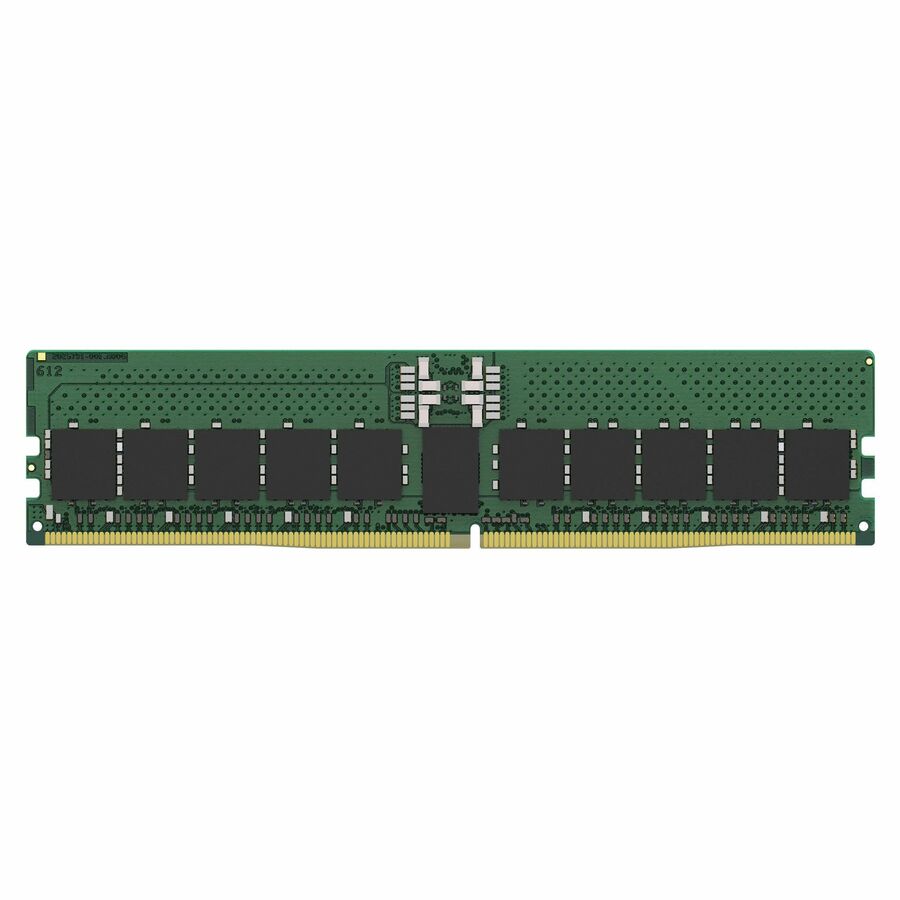
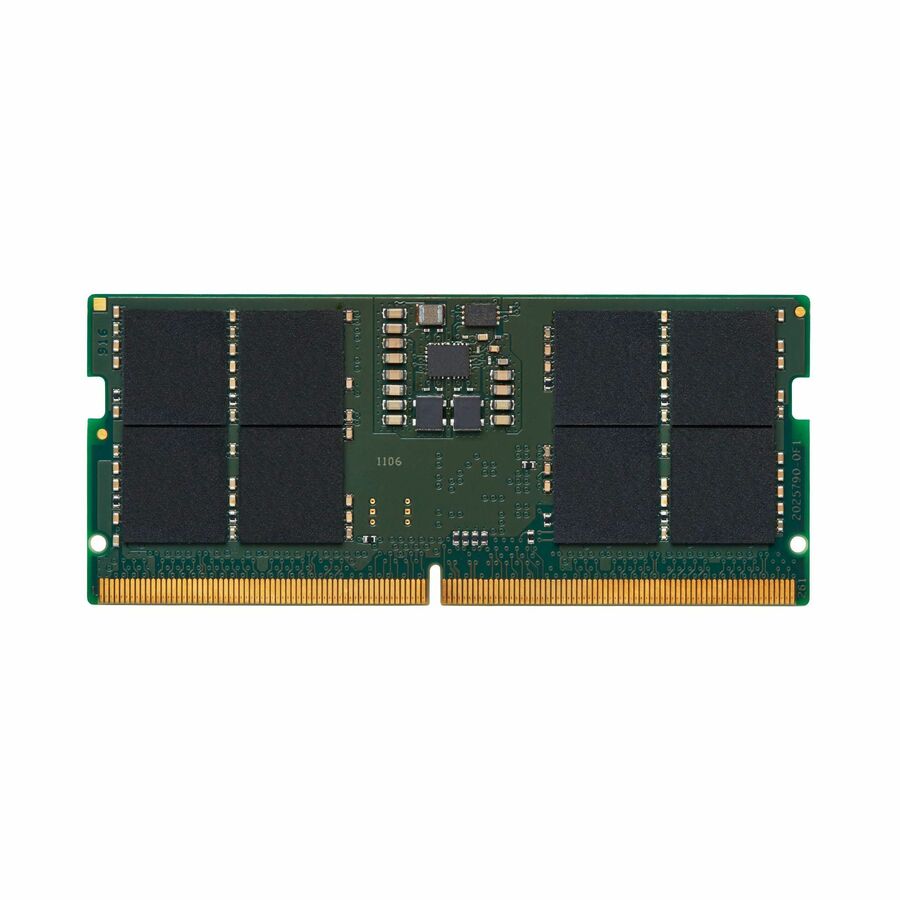
A Kingston 16GB DDR5-5600 single-rank module listed for server and workstation use as ECC and Registered — the DDR5 step for a platform whose slots expect registered modules.
$833.60Back-ordered64GB registered
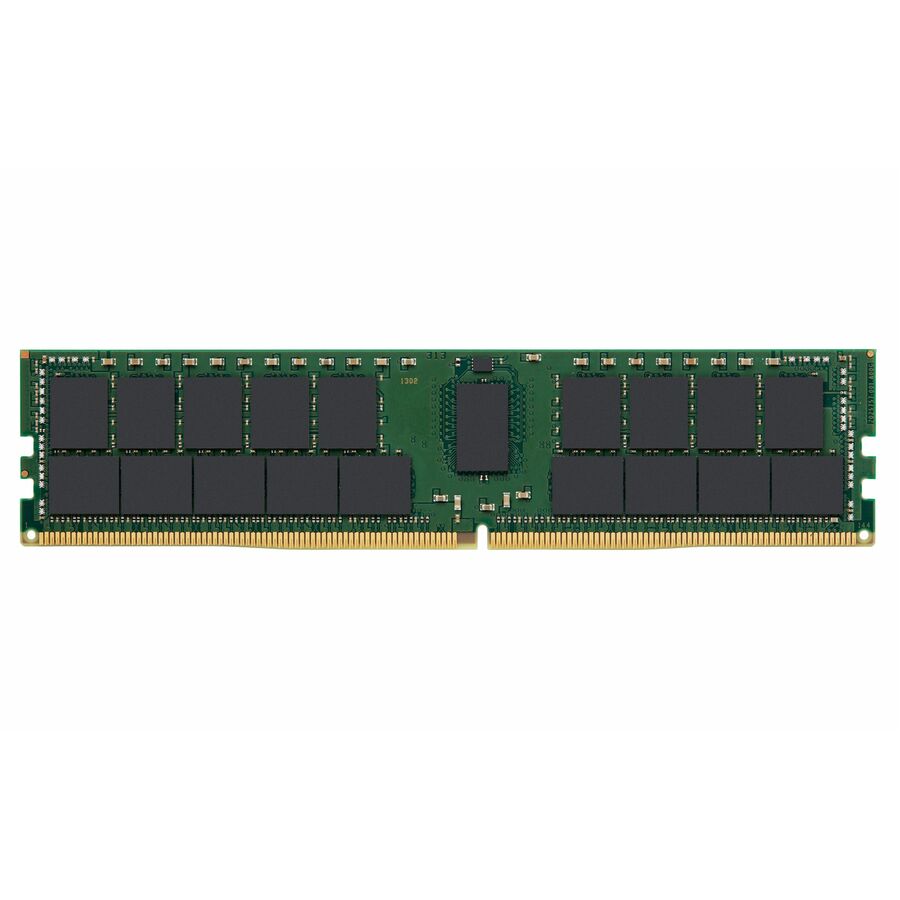
Kingston Technology
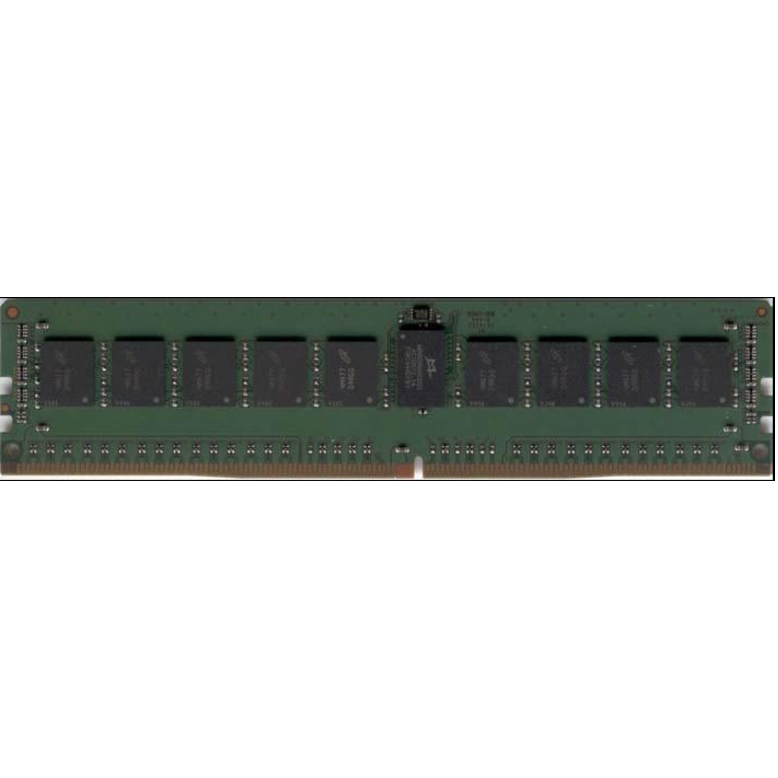
Kingston RAM Module
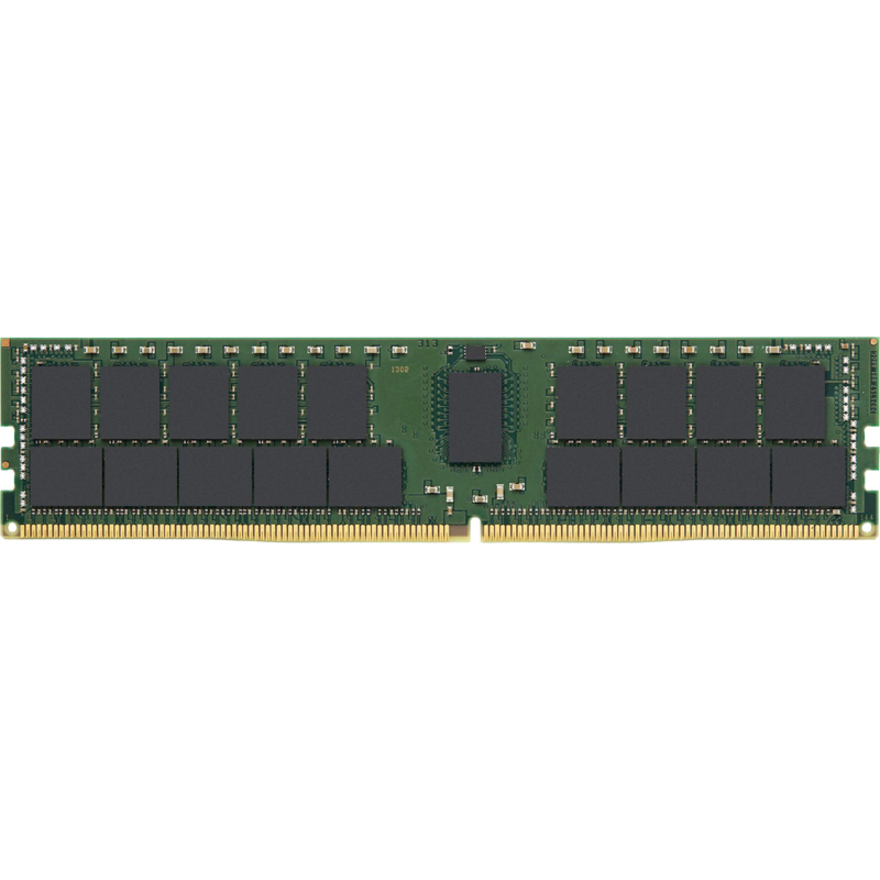
KSM32RD4/64HD
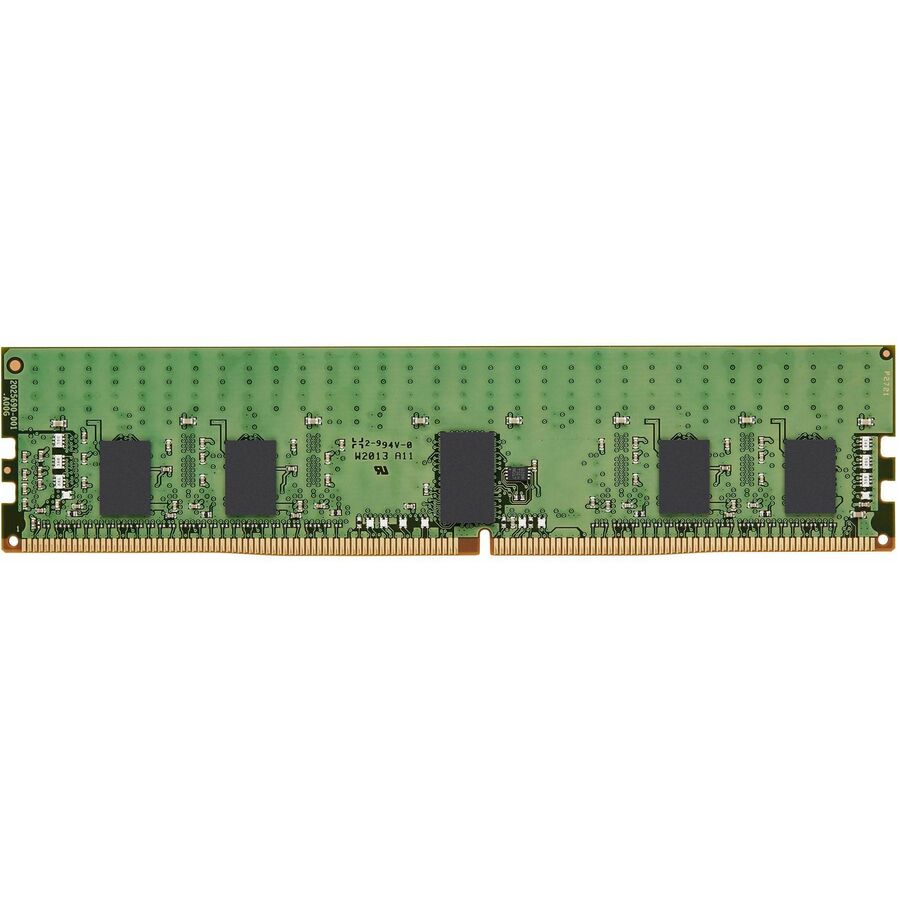
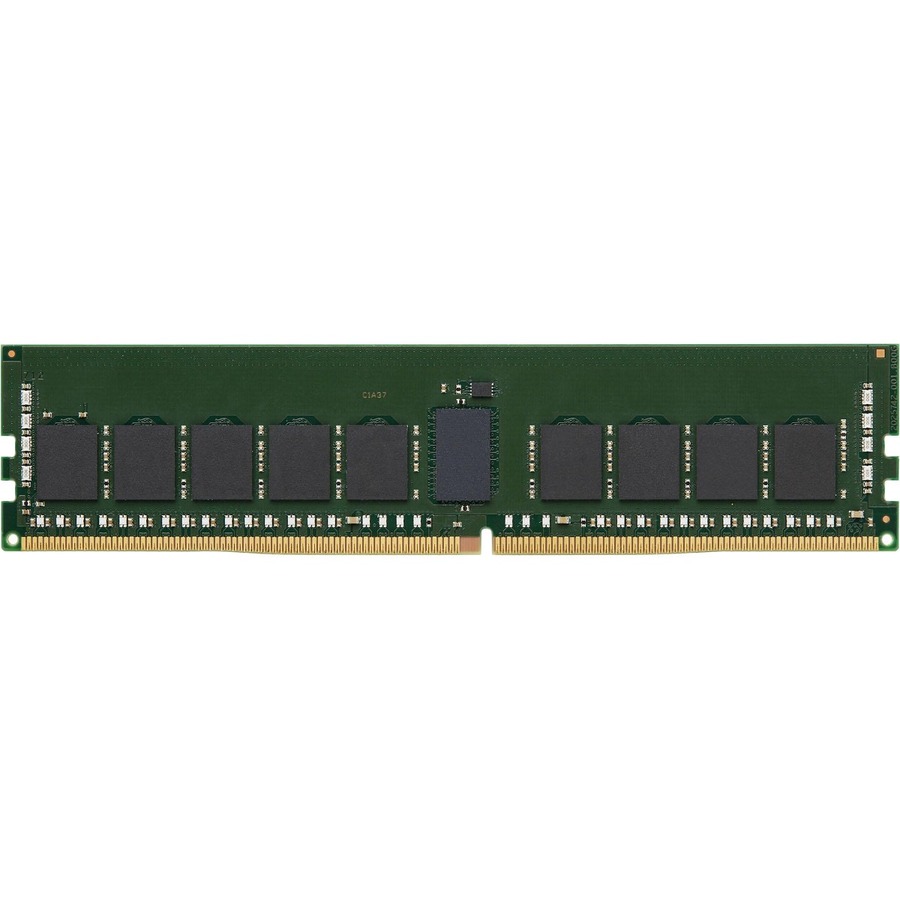
A Kingston 64GB DDR4-3200 dual-rank ECC Registered DIMM listed for workstation and server use — the capacity rung for a machine holding a large dataset in memory.
$1,448.80Back-orderedMicron unbuffered ECC
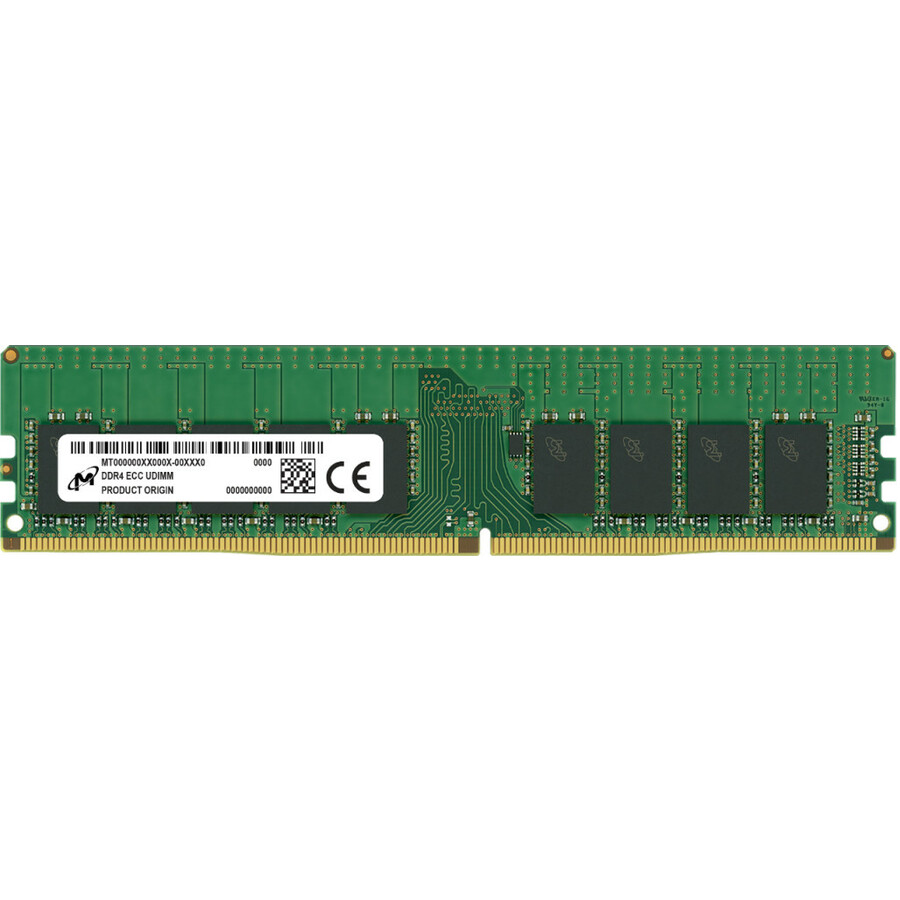
Micron Technology
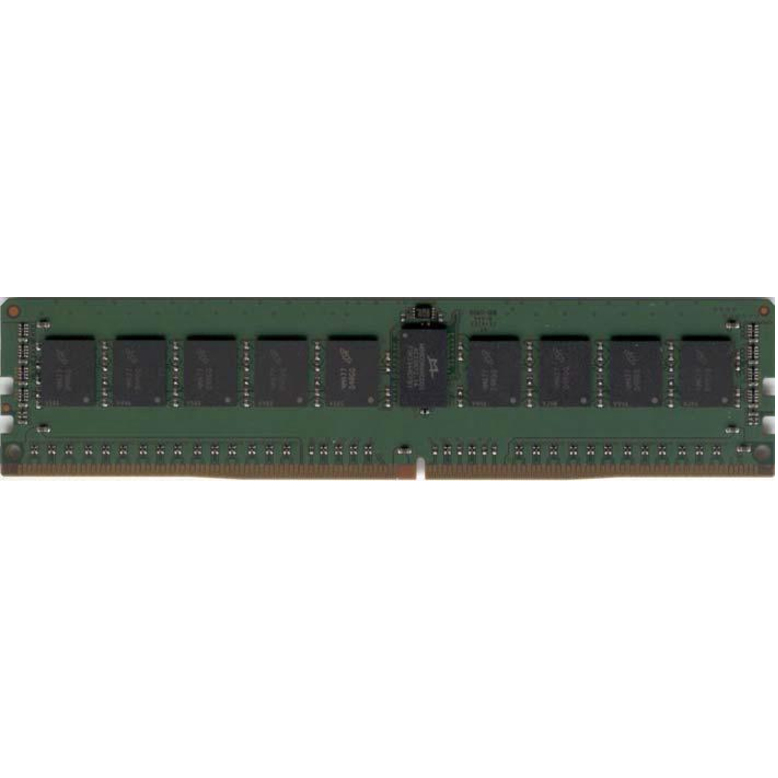
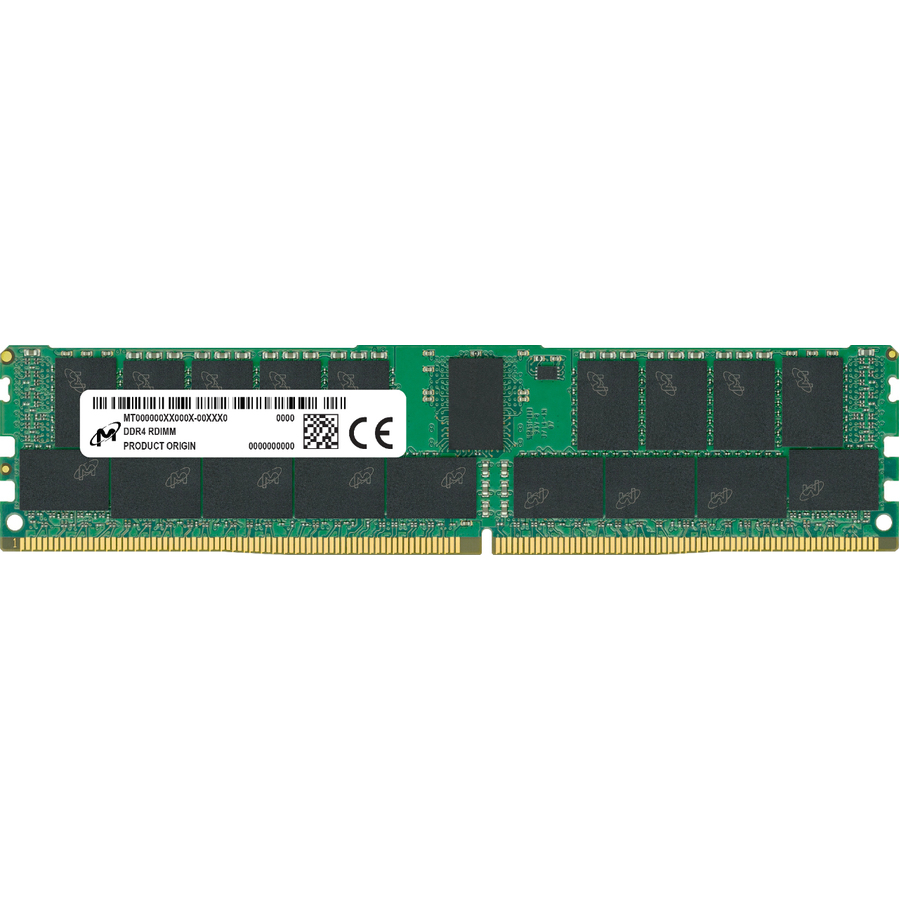
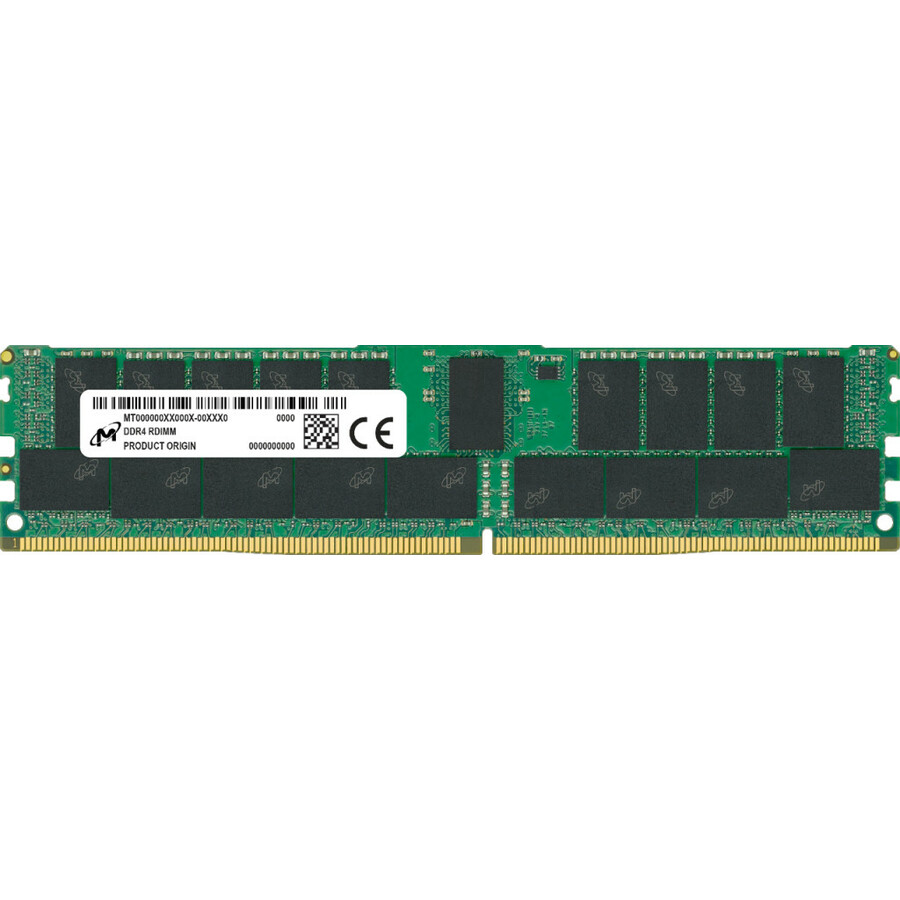
Micron 16GB DDR4 SDRAM Memory Module
MTA18ASF2G72AZ-3G2R1R
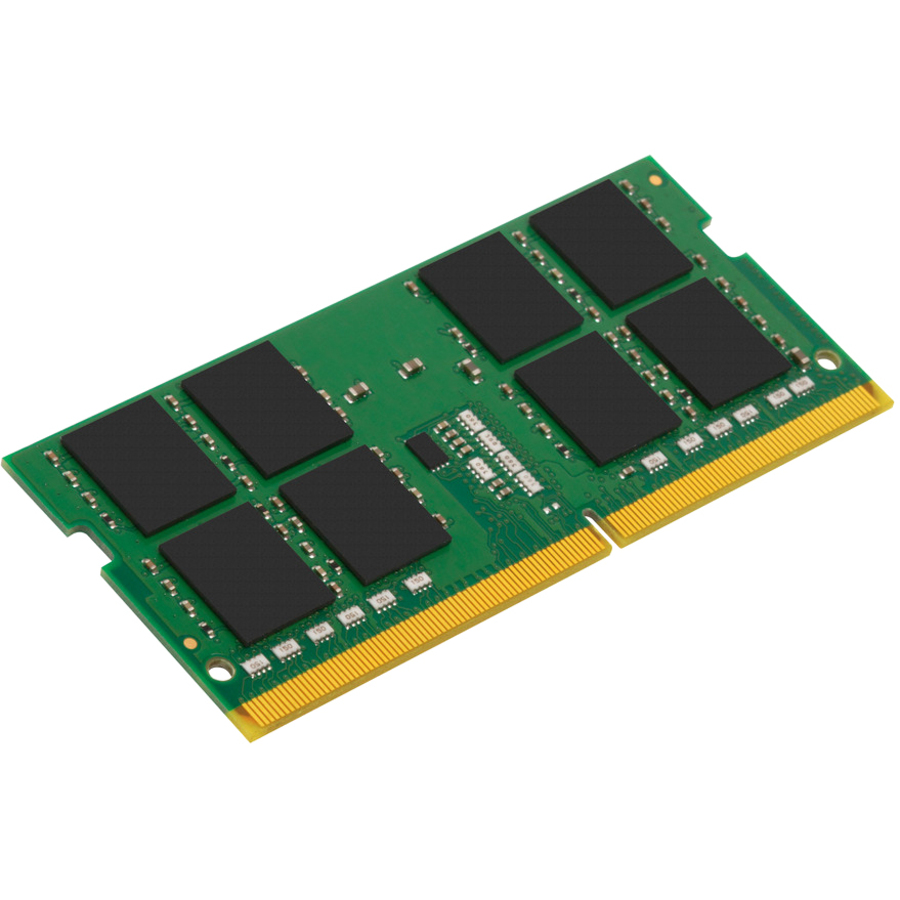
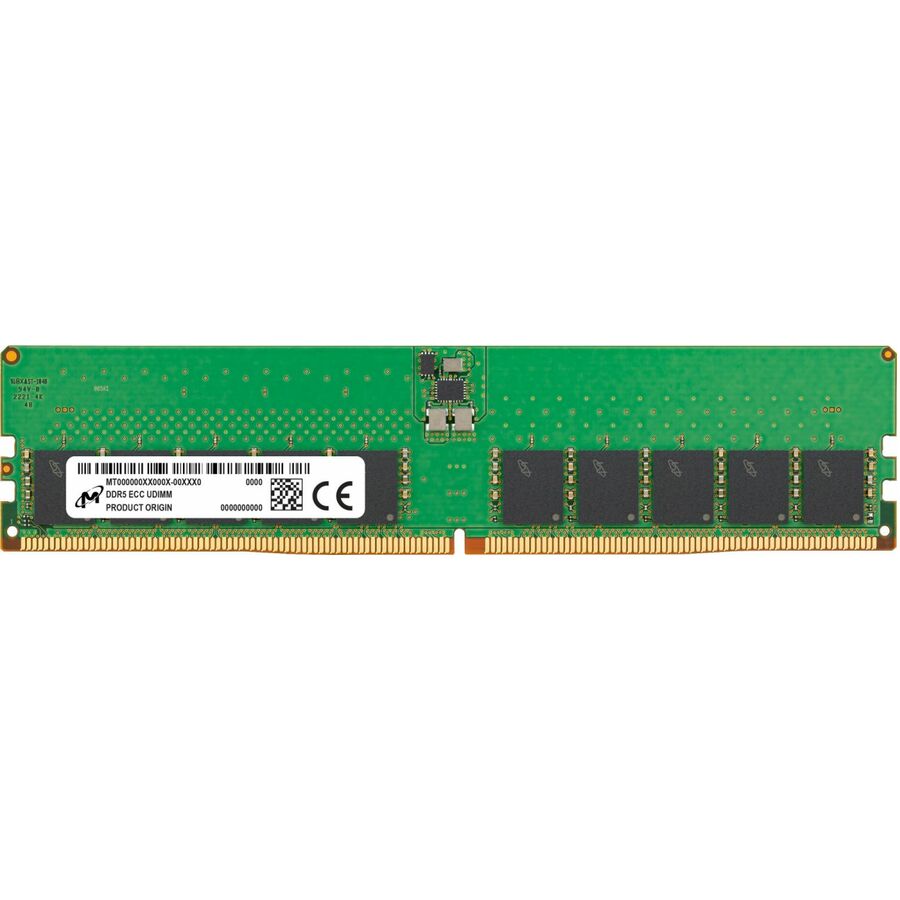
A Micron 16GB DDR4-3200 dual-rank module listed for workstation and server use as ECC and Unbuffered, CL22 at 1.2V — memory from the maker that builds the DRAM itself.
$535.86Back-ordered32GB unbuffered ECC
Micron Technology
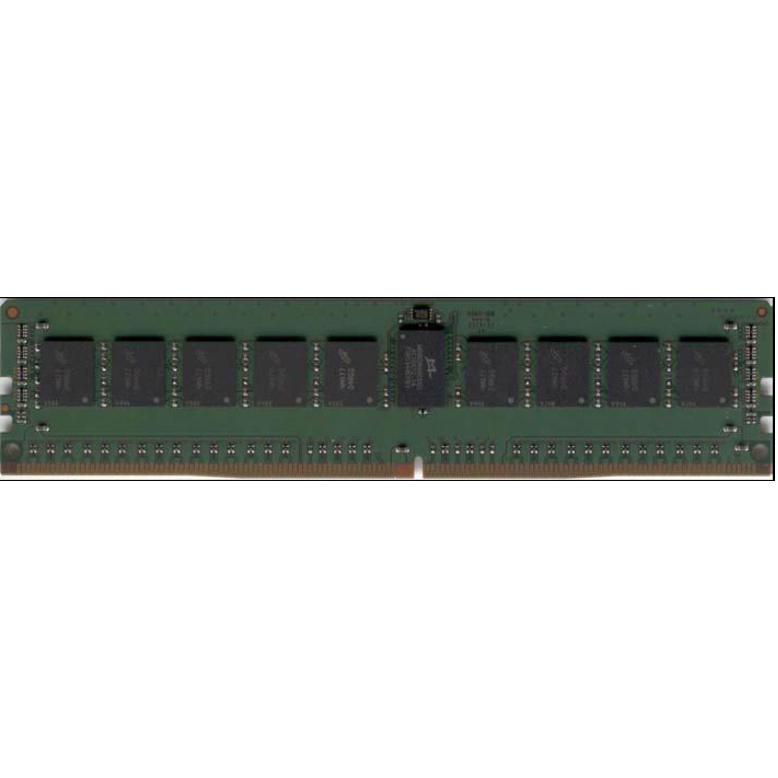
Micron 32GB DDR4 SDRAM Memory Module
MTA18ASF4G72AZ-3G2R
A Micron 32GB DDR4-3200 dual-rank ECC Unbuffered DIMM — the larger unbuffered module for an entry workstation that is out of slots rather than out of budget.
$1,175.63Back-orderedMicron DDR5 registered
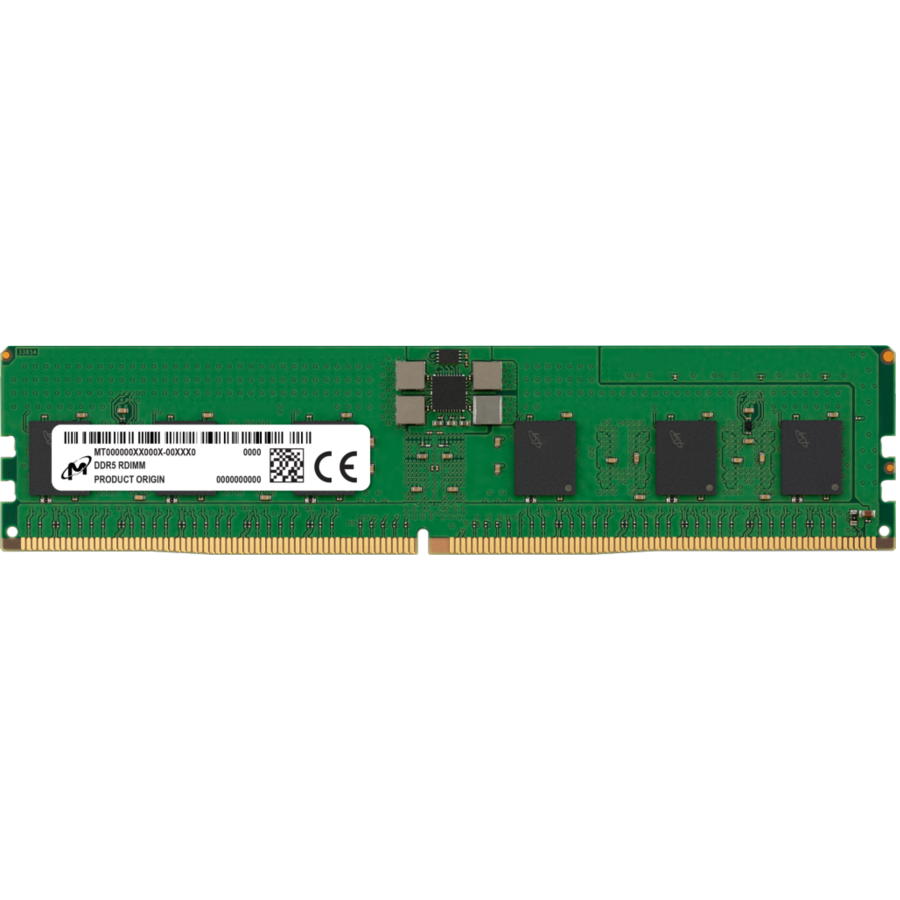
Micron Technology
Micron 16GB DDR5 SDRAM Memory Module
MTC10F1084S1RC48BA1R
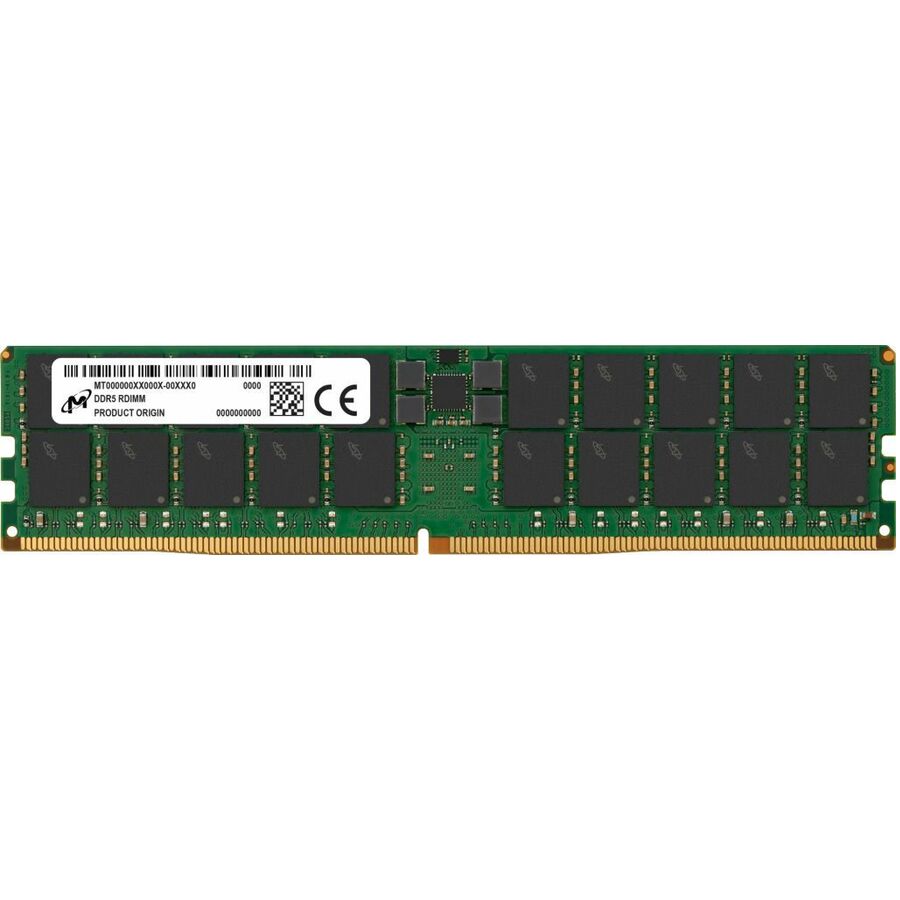
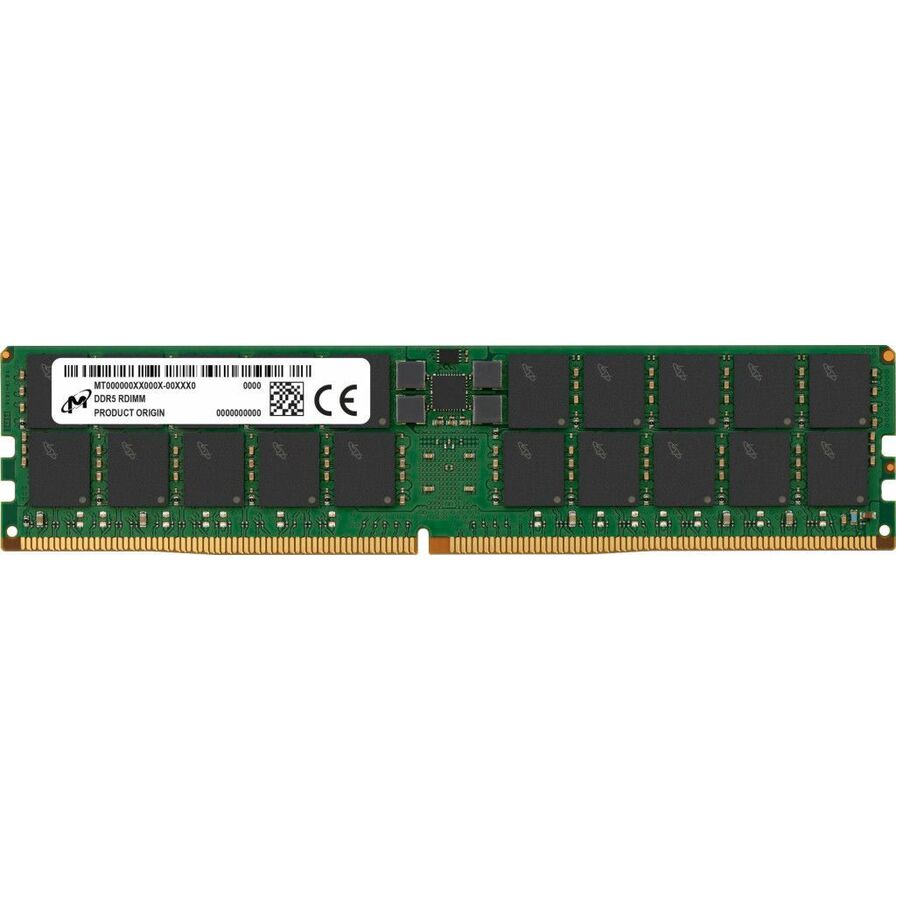
A Micron 16GB DDR5-4800 single-rank registered module listed for server and workstation use with ECC/Parity — the DDR5 generation on a 288-pin DIMM.
$1,775.83Back-orderedDataram unbuffered
Dataram
Dataram 16GB DDR4 SDRAM Memory Module
DRHZ2133E/16GB
A Dataram 16GB DDR4-2133 module listed for workstations as ECC and Unbuffered — the value route to filling an older workstation's slots without changing its electrical type.
$63.09Back-orderedDataram registered
Dataram
Dataram 16GB DDR4 SDRAM Memory Module
DRVP2133R/16GB
A Dataram 16GB DDR4-2133 ECC Registered DIMM for workstations, carrying a lifetime warranty in the maker's own title — the registered counterpart for a platform that requires one.
$35.23Back-ordered32GB at DDR4-2400
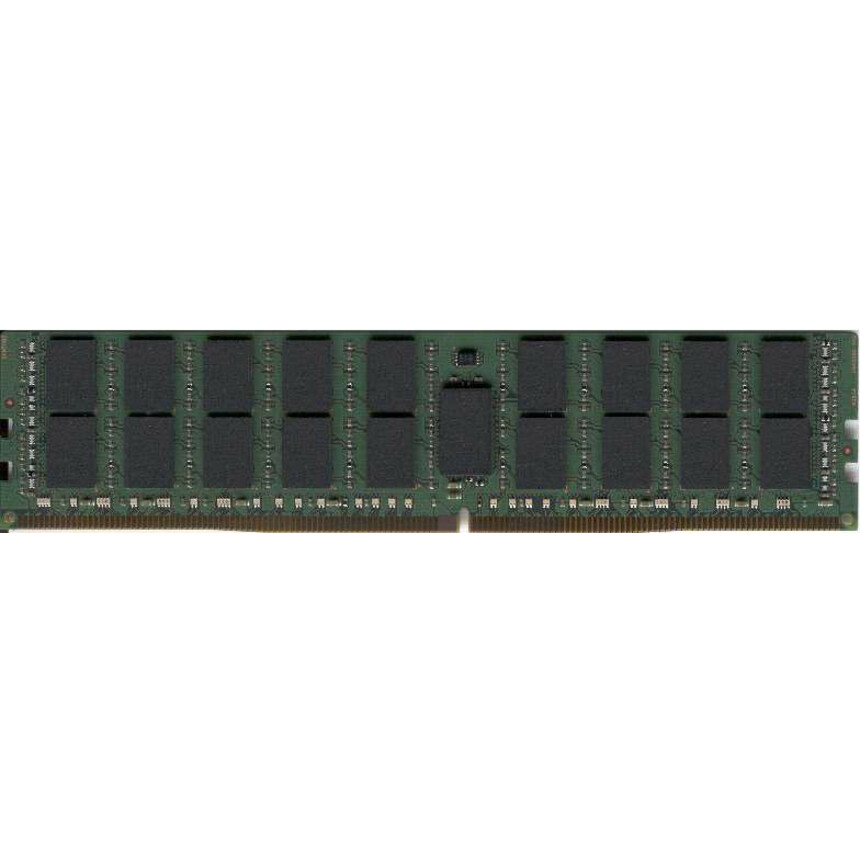
Dataram
Dataram 32GB DDR4 SDRAM Memory Module
DRF2400R/32GB
A Dataram 32GB DDR4-2400 ECC Registered workstation module — a capacity step for a mid-generation machine whose controller tops out below 3200.
$100.54Back-orderedECC SODIMM
Transcend Information
Transcend 8GB DDR4 SDRAM Memory Module
TS1GSH72V6B
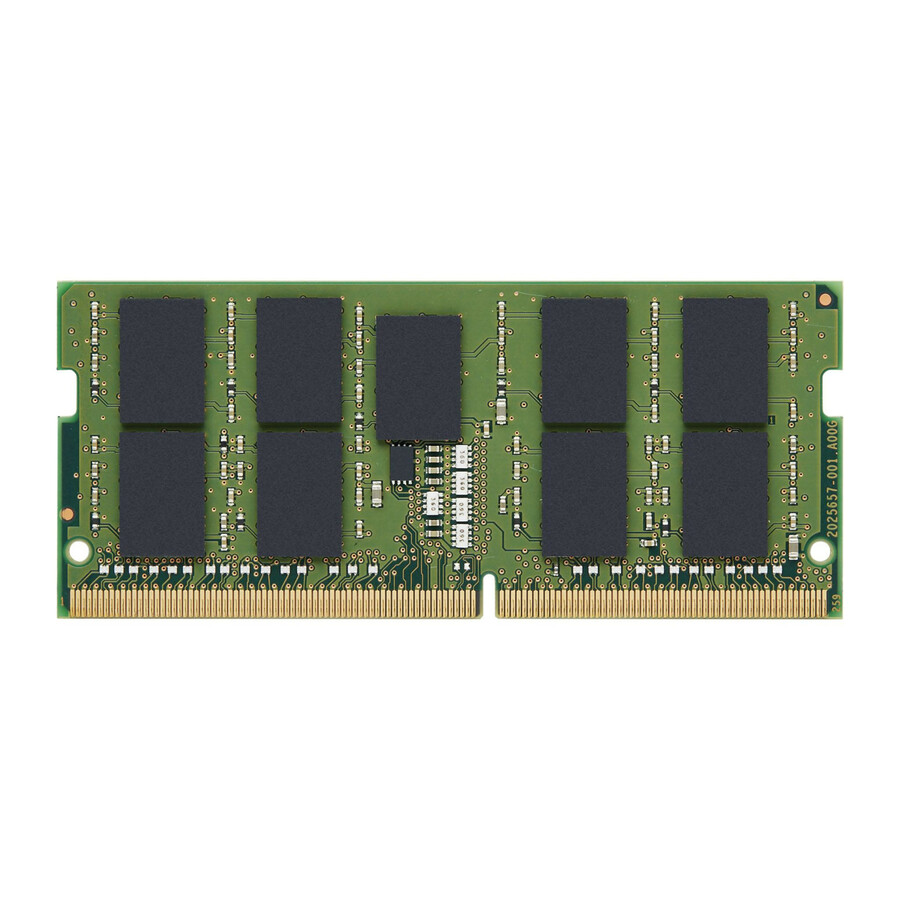
A Transcend 8GB DDR4-2666 ECC SODIMM listed for server and workstation use on 260 pins — the small-form-factor module a mobile or compact workstation takes.
$55.69Back-orderedRegistered DDR4
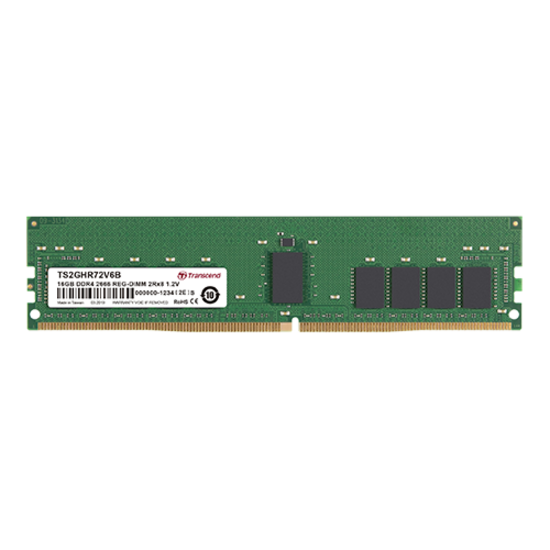
Transcend Information
Transcend 16GB DDR4 SDRAM Memory Module
TS2GHR72V6BL
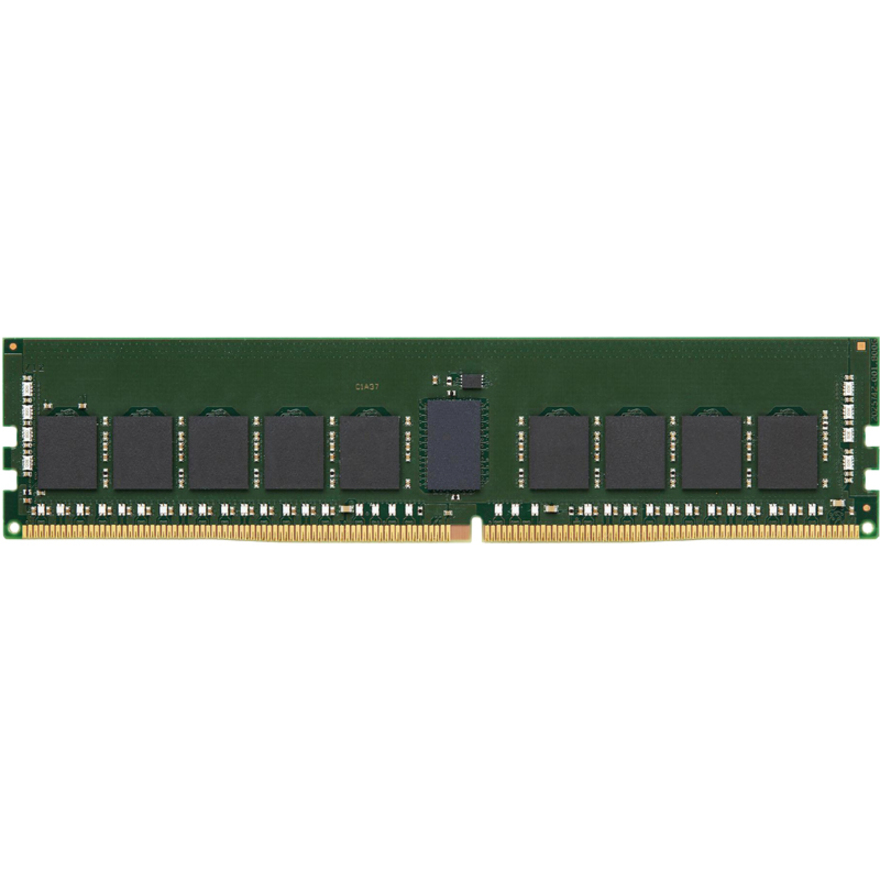
A Transcend 16GB DDR4-2666 ECC Registered DIMM listed for server and workstation use, CL19 at 1.2V, with a lifetime warranty stated by the maker.
$268.31Back-orderedTranscend DDR5
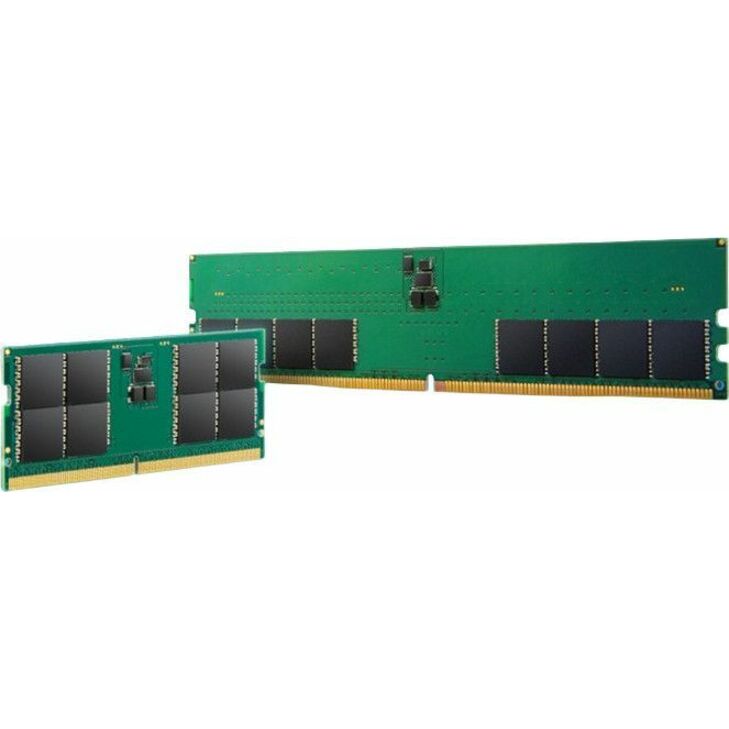
Transcend Information
Transcend RAM Module
TS4GAR80V8E
A Transcend 32GB DDR5-4800 dual-rank ECC Registered module listed for server and workstation use — the DDR5 capacity rung from a maker whose line carries a lifetime warranty.
$1,553.38Back-orderedLenovo 16GB unbuffered
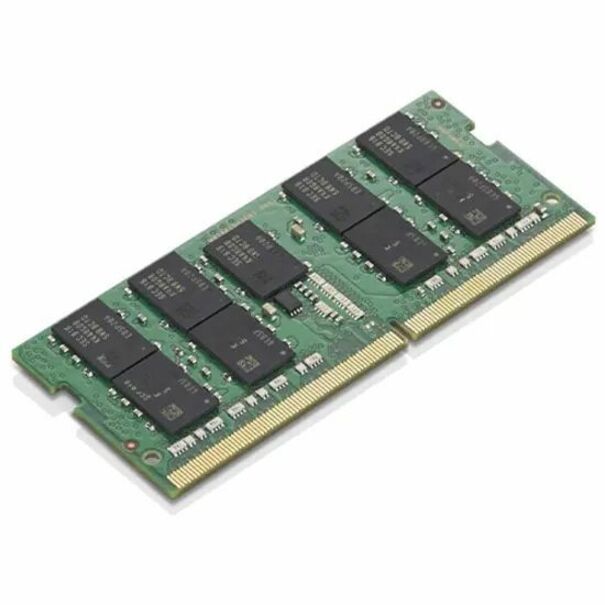
Lenovo
Lenovo 16GB DDR4 SDRAM Memory Module
4X71B32812
A Lenovo 16GB DDR4-2933 ECC Unbuffered DIMM listed for workstations — the maker's own part for a ThinkStation-class machine, which keeps the memory on the same support line as the system.
$219.80Back-orderedLenovo 32GB unbuffered
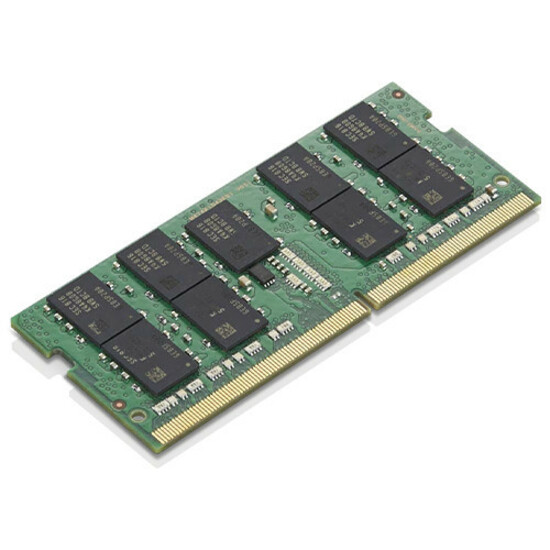
Lenovo
Lenovo 32GB DDR4 SDRAM Memory Module
4X71B32813
A Lenovo 32GB DDR4-2933 ECC Unbuffered DIMM for workstations — the larger option in the same line, for filling a four-slot machine to capacity in matched parts.
$409.59Back-orderedMobile workstation ECC
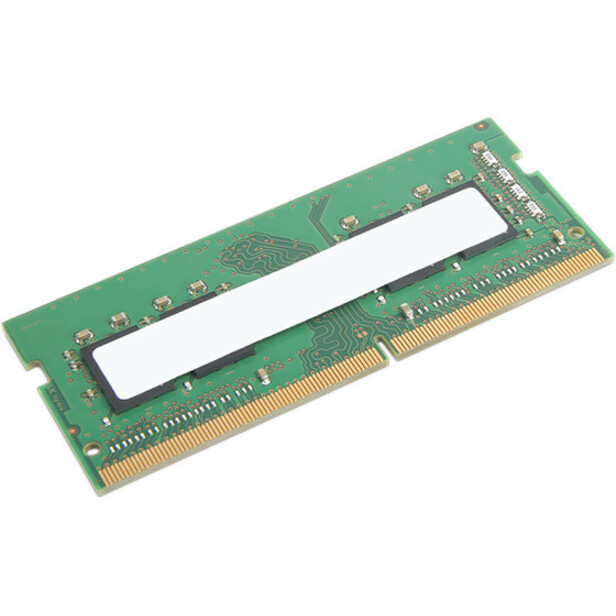
Lenovo
Lenovo 16GB DDR4 SDRAM Memory Module
4X71F27330
A Lenovo 16GB DDR4-3200 ECC Unbuffered 260-pin SODIMM listed for notebooks and mobile workstations — error-correcting memory for the machine that travels.
$273.05Back-orderedThinkStation ECC UDIMM
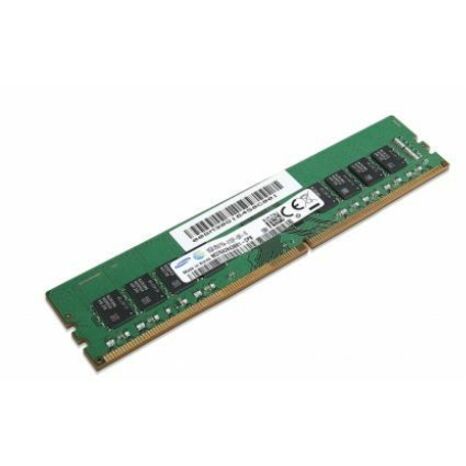
LENOVO DCG SOURCING
ThinkStation 8GB DDR4 2133 ECC UDIMM
4X70K14184
A ThinkStation 8GB DDR4-2133 ECC UDIMM, listed as ECC and Unbuffered on a 288-pin DIMM — a small matched module for topping up an older workstation in its own part family.
Every pick on this page states ECC and a workstation fit in the manufacturer's own catalog title, as this one does.
$1,065.78Back-orderedMore memory modules in the Uniqcli catalog
See all 8,709 memory modulesMore from across this category. In-stock lines lead, and a back-ordered line carries the same estimated availability its product page does — with live pricing throughout, NDAA §889 screening before checkout and TAA verified on request.
- Micron TechnologyMicron 32GB DDR5 SDRAM Memory Module - For Server, Workstation - 32 GB (1 x 32GB) - DDR5-5600/PC5-44800 DDR5 SDRAM - 5600 MHz Dual-rank Memory - CL46 - 1.10 V - ECC - Unbuffered - 288-pin - DIMMMTC20C2085S1EC56BR
$11,947.00
$10,931.51
Back-orderedBack-ordered — estimated OEM lead time 3–8 weeks (Nov 20 – Dec 25 if ordered today).
- Micron TechnologyMicron 128GB DDR5 SDRAM Memory Module - For Server, Workstation - 128 GB (1 x 128GB) - DDR5-5600/PC5-44800 DDR5 SDRAM - 5600 MHz Dual-rank Memory - CL46 - 1.10 V - ECC - Registered - 288-pin - DIMMMTC40F2047S1RC56BR
$11,199.10
$10,247.18
Back-orderedBack-ordered — estimated OEM lead time 3–8 weeks (Nov 20 – Dec 25 if ordered today).
- Micron TechnologyMicron 64GB DDR5 SDRAM Memory Module - For Server, Workstation - 64 GB (1 x 64GB) - DDR5-5600/PC5-44800 DDR5 SDRAM - 5600 MHz Dual-rank Memory - CL46 - 1.10 V - ECC - Registered - 288-pin - DIMMMTC40F2046S1RC56BR
$8,386.60
$7,673.74
Back-orderedBack-ordered — estimated OEM lead time 3–8 weeks (Nov 20 – Dec 25 if ordered today).
- Kingston TechnologyKingston 32GB DDR5 SDRAM Memory Module - For Server, Workstation - 32 GB - DDR5-5600/PC5-44800 DDR5 SDRAM - 5600 MHz Dual-rank Memory - CL46 - 1.10 V - ECC - Registered - 288-pin - DIMMKTH-PL556D8-32G
$2,056.00
$1,644.80
Back-orderedBack-ordered — estimated OEM lead time 3–8 weeks (Nov 20 – Dec 25 if ordered today).
- Micron TechnologyMicron 32GB DDR4 SDRAM Memory Module - For Server, Workstation - 32 GB - DDR4-3200/PC4-25600 DDR4 SDRAM - 3200 MHz Single-rank Memory - CL22 - 1.20 V - Registered - 288-pin - DIMMMTA18ASF4G72PZ-3G2F1
$4,416.24
$4,040.86
Back-orderedBack-ordered — estimated OEM lead time 3–8 weeks (Nov 20 – Dec 25 if ordered today).
- Kingston TechnologyKingston 64GB DDR4 SDRAM Memory Module - For PC/Server, Workstation, Motherboard - 64 GB (1 x 64GB) - DDR4-3200/PC4-25600 DDR4 SDRAM - 3200 MHz Dual-rank Memory - CL22 - 1.20 V - ECC - Registered - 288-pin - DIMM - Lifetime WarrantyKSM32RD4/64MFR
$1,811.00
$1,448.80
Back-orderedBack-ordered — estimated OEM lead time 3–8 weeks (Nov 20 – Dec 25 if ordered today).
- Kingston TechnologyKingston RAM Module - For Workstation, Server - 64 GB - DDR4-3200/PC4-25600 DDR4 SDRAM - 3200 MHz Dual-rank Memory - CL22 - 1.20 V - ECC - Registered - 288-pin - DIMM - Lifetime WarrantyKSM32RD4/64HD
$1,811.00
$1,448.80
Back-orderedBack-ordered — estimated OEM lead time 3–8 weeks (Nov 20 – Dec 25 if ordered today).
- Micron TechnologyMicron 32GB DDR4 SDRAM Memory Module - For Server, Workstation - 32 GB (1 x 32GB) - DDR4-3200/PC4-25600 DDR4 SDRAM - 3200 MHz Dual-rank Memory - CL22 - 1.20 V - Registered - 288-pin - DIMM - 3 Year WarrantyMTA36ASF4G72PZ-3G2R
$3,620.67
$3,312.92
Back-orderedBack-ordered — estimated OEM lead time 3–8 weeks (Nov 20 – Dec 25 if ordered today).
- Transcend InformationTranscend RAM Module - For Server, Workstation - 64 GB - DDR5-4800/PC5-38400 DDR5 SDRAM - 4800 MHz Dual-rank Memory - CL40 - 1.10 V - Registered - 288-pin - DIMM - Lifetime WarrantyTS8GAR80V8F-SAM
$2,687.00
$2,460.65
Back-orderedBack-ordered — estimated OEM lead time 3–8 weeks (Nov 20 – Dec 25 if ordered today).
- Kingston TechnologyKingston 16GB DDR5 SDRAM Memory Module - For Server, Workstation - 16 GB - DDR5-5600/PC5-44800 DDR5 SDRAM - 5600 MHz Single-rank Memory - CL46 - 1.10 V - ECC - Registered - 288-pin - DIMMKTH-PL556S8-16G
$1,042.00
$833.60
Back-orderedBack-ordered — estimated OEM lead time 3–8 weeks (Nov 20 – Dec 25 if ordered today).
- Kingston TechnologyKingston RAM Module - For Notebook, Desktop PC, Mini PC, Mobile Workstation - 32 GB - DDR5-5600/PC5-44800 DDR5 SDRAM Single-rank Memory - CL46 - 1.10 V - Non-ECC - Unbuffered - 262-pin - SODIMM - Lifetime WarrantyKCP556SS8-32
$960.00
$768.00
Back-orderedBack-ordered — estimated OEM lead time 3–8 weeks (Nov 20 – Dec 25 if ordered today).
- Kingston TechnologyKingston Server Premier 32GB DDR4 SDRAM Memory Module - For Server, Rack Server, Workstation, Motherboard - 32 GB - DDR4-3200/PC4-25600 DDR4 SDRAM - 3200 MHz Single-rank Memory - CL22 - 1.20 V - ECC - Registered - 288-pin - DIMM - Lifetime WarrantyKSM32RS4/32HCR
$914.00
$731.20
Back-orderedBack-ordered — estimated OEM lead time 3–8 weeks (Nov 20 – Dec 25 if ordered today).
- Kingston TechnologyKingston Server Premier 32GB DDR4 SDRAM Memory Module - For PC/Server, Workstation, Motherboard - 32 GB (1 x 32GB) - DDR4-3200/PC4-25600 DDR4 SDRAM - 3200 MHz Single-rank Memory - CL22 - 1.20 V - ECC - Buffered, Registered - 288-pin - DIMM - Lifetime WarrantyKSM32RS4/32MFR
$914.00
$731.20
Back-orderedBack-ordered — estimated OEM lead time 3–8 weeks (Nov 20 – Dec 25 if ordered today).
- Kingston TechnologyKingston 32GB DDR4 SDRAM Memory Module - For Mobile Workstation - 32 GB - DDR4-3200/PC4-25600 DDR4 SDRAM - 3200 MHz Dual-rank Memory - CL22 - 1.20 V - ECC - Unbuffered - 260-pin - SODIMM - Lifetime WarrantyKTL-TN432E/32G
$905.00
$724.00
Back-orderedBack-ordered — estimated OEM lead time 3–8 weeks (Nov 20 – Dec 25 if ordered today).
- Micron TechnologyMicron 64GB DDR4 SDRAM Memory Module - For PC/Server, Workstation - 64 GB (1 x 64GB) - DDR4-3200/PC4-25600 DDR4 SDRAM - 3200 MHz Dual-rank Memory - CL22 - 1.20 V - ECC - 288-pin - LRDIMM - 3 Year WarrantyMTA36ASF8G72LZ-3G2R
$2,075.92
$1,899.47
Back-orderedBack-ordered — estimated OEM lead time 3–8 weeks (Nov 20 – Dec 25 if ordered today).
- Micron TechnologyMicron 16GB DDR5 SDRAM Memory Module - For Server, Workstation - 16 GB (1 x 16GB) - DDR5-4800/PC5-38400 DDR5 SDRAM - 4800 MHz Single-rank Memory - CL40 - 1.10 V - ECC/Parity - Registered - 288-pin - DIMM - 3 Year WarrantyMTC10F1084S1RC48BA1R
$1,940.80
$1,775.83
Back-orderedBack-ordered — estimated OEM lead time 3–8 weeks (Nov 20 – Dec 25 if ordered today).
- Micron TechnologyMicron 64GB DDR4 SDRAM Memory Module - For Server, Workstation - 64 GB (1 x 64GB) - DDR4-2933/PC4-23466 DDR4 SDRAM - 2933 MHz Dual-rank Memory - CL21 - 1.20 V - Registered - 288-pin - DIMM - 3 Year WarrantyMTA36ASF8G72PZ-2G9R
$1,902.39
$1,740.68
Back-orderedBack-ordered — estimated OEM lead time 3–8 weeks (Nov 20 – Dec 25 if ordered today).
- Transcend InformationTranscend RAM Module - For Server, Workstation - 32 GB - DDR5-4800/PC5-38400 DDR5 SDRAM - 4800 MHz Dual-rank Memory - CL40 - 1.10 V - ECC - Registered - 288-pin - DIMM - Lifetime WarrantyTS4GAR80V8E
$1,696.00
$1,553.38
Back-orderedBack-ordered — estimated OEM lead time 3–8 weeks (Nov 20 – Dec 25 if ordered today).
- Micron TechnologyMicron 16GB DDR4 SDRAM Memory Module - For Server, Workstation - 16 GB (1 x 16GB) - DDR4-3200/PC4-25600 DDR4 SDRAM - 3200 MHz Dual-rank Memory - CL22 - 1.20 V - ECC - Unbuffered, Unregistered - 288-pin - DIMM - 3 Year WarrantyMTA18ASF2G72AZ-3G2R1
$1,302.23
$1,191.54
Back-orderedBack-ordered — estimated OEM lead time 3–8 weeks (Nov 20 – Dec 25 if ordered today).
- Micron TechnologyMicron 32GB DDR4 SDRAM Memory Module - For Server, Workstation - 32 GB (1 x 32GB) - DDR4-3200/PC4-25600 DDR4 SDRAM - 3200 MHz Dual-rank Memory - CL22 - 1.20 V - ECC - Unbuffered - 288-pin - DIMM - 3 Year WarrantyMTA18ASF4G72AZ-3G2R
$1,284.84
$1,175.63
Back-orderedBack-ordered — estimated OEM lead time 3–8 weeks (Nov 20 – Dec 25 if ordered today).
- Micron TechnologyMicron 32GB DDR4 SDRAM Memory Module - For Server, Workstation - 32 GB (1 x 32GB) - DDR4-3200/PC4-25600 DDR4 SDRAM - 3200 MHz Single-rank Memory - CL22 - 1.20 V - ECC - Registered - 288-pin - DIMM - 3 Year WarrantyMTA18ASF4G72PZ-3G2R
$1,136.84
$1,040.21
Back-orderedBack-ordered — estimated OEM lead time 3–8 weeks (Nov 20 – Dec 25 if ordered today).
- Kingston TechnologyKingston 16GB DDR4 SDRAM Memory Module - For Workstation - 16 GB - DDR4-3200/PC4-25600 DDR4 SDRAM - 3200 MHz - CL22 - 1.20 V - Retail - ECC - Unbuffered - 288-pin - DIMMKTH-PL432ES8/16G
$457.00
$365.60
Back-orderedBack-ordered — estimated OEM lead time 3–8 weeks (Nov 20 – Dec 25 if ordered today).
- Kingston TechnologyKingston 16GB DDR4 SDRAM Memory Module - For Workstation - 16 GB - DDR4-3200/PC4-25600 DDR4 SDRAM - 3200 MHz Single-rank Memory - CL22 - 1.20 V - ECC - Unbuffered - 288-pin - DIMM - Lifetime WarrantyKTL-TS432ES8/16G
$457.00
$365.60
Back-orderedBack-ordered — estimated OEM lead time 3–8 weeks (Nov 20 – Dec 25 if ordered today).
- Kingston TechnologyKingston Server Premier 16GB DDR4 SDRAM Memory Module - For Mobile Workstation - 16 GB - DDR4-3200/PC4-25600 DDR4 SDRAM - 3200 MHz Single-rank Memory - CL22 - 1.20 V - ECC - Unbuffered - 260-pin - SODIMM - Lifetime WarrantyKTD-PN432ES8/16G
$457.00
$365.60
Back-orderedBack-ordered — estimated OEM lead time 3–8 weeks (Nov 20 – Dec 25 if ordered today).
Need pricing on ECC workstation memory?
Tell us where to reach you and a Uniqcli specialist will follow up by email with current pricing, availability and lead time for the quantities you need — including parts that aren’t shown on this page.
Buying for an organization or for yourself — both work. No payment up front.
ECC is a platform capability before it is a module choice: a Xeon W, Threadripper PRO or EPYC workstation supports it and most consumer desktop chipsets do not. The second fork is registered against unbuffered, a compatibility fact rather than a quality ladder — an RDIMM buffers the address and command lines for high rank counts, and a UDIMM or SODIMM ECC module talks straight to the controller.
ECC memory is the difference between a bit flip you never hear about and a bit flip that corrupts a render, a simulation or a dataset three hours into a job. Every module carries an extra memory chip and an extra data path used purely for checking: single-bit errors are corrected in flight, and multi-bit errors are detected and reported rather than silently written into your results. On a machine doing long, unattended, numerically serious work, that is worth more than the small cost and the slight latency it adds, which is why workstation and server platforms support it and consumer desktops usually do not.
The rows on this page all state "For Workstation" in the manufacturer's own catalog title, and the great majority also state ECC there. That distinction matters, because ECC is not a preference — it is a platform capability. A Xeon W, Threadripper PRO or Epyc-based workstation supports it; a mainstream consumer chipset generally does not, and putting an ECC module in a machine that cannot use the checking either runs it as ordinary memory or does not post at all. Read the workstation's own memory qualification list first, then match the module to it.
The second decision is registered versus unbuffered, and it is not a quality ladder — it is a compatibility fact. A registered (RDIMM) module buffers the address and command lines so the platform can carry many more ranks; an unbuffered (UDIMM/SODIMM) ECC module talks straight to the controller and is what entry workstations and many mobile workstations take. The two are not interchangeable in a slot, so the title line — ECC plus Registered or Unbuffered, plus the DDR generation, speed and rank — is what you match against the machine. Send the workstation model and how many slots are already filled and we will match the module, the kit size and the population plan together.
Buyer's checklist
How to choose ECC memory for a workstation
- Confirm the platform supports ECC before anything else. ECC is a capability of the CPU and chipset, not a feature of the module — Xeon W, Threadripper PRO and Epyc workstations support it, most consumer desktop chipsets do not, and an ECC module in a machine that cannot use the checking buys you nothing.
- Match registered against unbuffered exactly. RDIMM buffers address and command lines for high rank counts; UDIMM and SODIMM ECC talk straight to the controller. They are not interchangeable in a slot, and every title here states which one the module is.
- Match the DDR generation and speed to the platform, not to the newest number. A DDR5 module will not run in a DDR4 workstation, and a module faster than the controller supports simply runs at the controller's speed — buy the generation the machine takes and the rated speed it can actually clock.
- Read the rank. Single-rank and dual-rank modules load the memory channel differently, and a workstation's qualification list usually caps how many ranks per channel it will run at full speed. The titles here state single-rank or dual-rank where the manufacturer does.
- Populate in the sets the platform documents. Quad- and eight-channel workstations want their channels filled evenly; a half-populated set costs measurable bandwidth on exactly the memory-bound work that justified the workstation.
- Buy the whole target capacity at once where you can. Mixing modules from different production runs is where mysterious instability comes from, and matched modules bought together are the cheapest insurance against a support call nobody can reproduce.
- Prefer a module line whose warranty matches the machine's service life. Several lines here carry a lifetime warranty stated in the manufacturer's own title, which for a workstation that will run five years is part of the total cost, not a footnote.
- Decide ECC by what a wrong answer costs, not by the price of the module. For rendering, simulation, financial modelling and long analysis runs the whole point is that an undetected flipped bit does not quietly become a result you ship.
What ECC actually does, and when it earns its cost
An ECC module carries an extra memory device beyond the ones holding your data, and the memory controller uses it to store a check code alongside every write. On each read the controller recomputes the code: if a single bit has flipped — from a cosmic ray, a marginal cell, an electrical transient — it is corrected before the data reaches the CPU, and the event is logged. If two bits have flipped, it cannot be corrected, but it is detected and reported, which is still the outcome you want, because the alternative is that the wrong number continues quietly through the calculation.
That is why the machines built for long unattended numerical work support it and consumer desktops do not. On a workstation running a two-day simulation, a render farm node, a photogrammetry job or a large in-memory dataset, an undetected flip is not a crash — it is a plausible-looking wrong answer, and you may never learn which run was wrong. The cost of ECC is a small price premium and a slight latency penalty. Against a job that has to be trusted, that trade is not close. Against a machine that browses and writes documents, it is not worth having, which is exactly why the industry splits the two.
Registered, unbuffered and the slot that has to accept it
The most common workstation memory mistake is buying the right capacity in the wrong electrical type. A registered module (RDIMM) puts a register between the controller and the DRAM chips for address and command signals, which lets a platform drive far more ranks than it otherwise could — that is why big multi-channel workstations and servers use them. An unbuffered ECC module (UDIMM, or SODIMM in a mobile workstation) has no register: it is electrically simpler, it is what entry workstations take, and it is not accepted by a platform expecting registered modules. The slot will not tell you politely; the machine simply will not post.
So the ordering rule is: read the workstation's memory support list, note whether it says registered or unbuffered, note the DDR generation, speed and the maximum rank per channel, and match all four against the module's own title line. Every row here prints those facts. Beyond that, buy the target capacity in one matched set rather than accumulating single modules over years, and fill the channels the platform documents. Send the workstation model, the current population and the capacity you are aiming at, and we will come back with matched part numbers, the population plan and volume pricing.
FAQ
Common questions
- Does my workstation actually support ECC memory?
- That is a property of the CPU and chipset, not of the module. Workstation platforms built around Xeon W, Threadripper PRO and Epyc support ECC; most mainstream consumer desktop chipsets do not. In a machine without support, an ECC module either runs as ordinary memory with the checking inactive or does not post at all, depending on the platform. Check the workstation's own memory support list before ordering, and match the module type it names — that list also tells you registered versus unbuffered, the DDR generation and the maximum rank per channel.
- What is the difference between registered and unbuffered ECC memory?
- A registered module (RDIMM) puts a register between the memory controller and the DRAM chips for address and command signals, which lets the platform drive many more ranks — that is why large multi-channel workstations and servers use them. An unbuffered ECC module (UDIMM, or SODIMM in a mobile workstation) has no register and talks straight to the controller; entry workstations take these. They are not interchangeable: a platform expecting one will not run the other. Every title on this page states which type the module is.
- Is ECC memory slower than ordinary memory?
- Slightly, and it almost never matters. The check-and-correct step adds a small amount of latency, typically a low single-digit percentage on memory-bound work, and ECC modules are often clocked a little more conservatively than enthusiast memory. Against that you get single-bit errors corrected in flight and multi-bit errors detected and reported rather than silently written into your results. On a workstation doing long unattended numerical work the trade is not close — the value of ECC is that a wrong answer is caught, not that the machine is fast at producing one.
- Can I mix ECC modules from different makers or different sizes?
- You can often get away with it, and it is where hard-to-reproduce instability comes from. Modules from different production runs can differ in rank, organisation and timing behaviour even when the capacity and speed on the label match, and a workstation will fall back to the most conservative common setting or, sometimes, to intermittent errors. Buy the whole target capacity as one matched set where the budget allows, populate the channels the way the platform documents, and keep the machine's memory to as few part numbers as possible.
- Does ECC slow down RAM?
- Slightly, and not by enough to decide anything. ECC adds a check-and-correct step on the memory path, so an ECC module is marginally slower than the equivalent non-ECC one at the same speed and timings. On current workstation platforms the gap is small, and the reason to buy ECC is what an undetected flipped bit costs in a long render, simulation or analysis run.
- Can you mix ECC RAM and non-ECC RAM?
- Not usefully. A platform runs error correction or it does not, so mixing generally means the machine either refuses to start or falls back to running all of the memory without ECC — which removes the only reason the ECC modules were bought. Populate a workstation with one module type throughout, and check the platform's own memory documentation before mixing anything.
- Can business, government and education buyers order these?
- Every line Uniqcli quotes is sourced through US distribution and screened for TAA country-of-origin and NDAA §889 status before checkout — with documentation tied to the specific part number, not a product family.
Need ECC workstation memory pricing?
Send a bill of materials or part numbers — we confirm stock and a below-market total, with TAA verified on request. No payment up front.