
Short answer
The difference between ECC and non-ECC RAM is eight extra bits: an ECC channel is typically 72 bits wide — 64 of data plus 8 of ECC — so it corrects single-bit errors in flight and reports the ones it cannot. Choose ECC for servers, workstations and anything holding data you cannot re-derive; choose non-ECC where the platform does not support it and a restart is an acceptable outcome.
Key facts
- An ECC memory channel is typically 72 bits wide — 64 bits of data plus 8 bits of ECC — where a non-ECC channel is 64 bits with no check bits.
- Standard ECC is SECDED: it corrects any single-bit error and detects a double-bit error without correcting it.
- The OS sees both outcomes: a corrected error is logged as a CE, and one ECC cannot correct is reported as a UE rather than passing through silently.
- DDR5 on-die ECC is separate: it corrects errors inside the DRAM chip, is invisible to the operating system, and does not make a module ECC-class.
Buyers rarely choose between ECC and non-ECC memory in a vacuum — the platform usually decides for them. Error-correcting (ECC) memory detects and transparently repairs the single-bit errors that random hardware faults and cosmic rays occasionally flip in a running system, and it needs a CPU, chipset, and board that all support it. Non-ECC memory has no such circuitry: an errant bit simply passes through, which is fine for the overwhelming majority of desktop and consumer workloads but unacceptable where a silent corruption could propagate into a database, a financial calculation, or a long-running scientific job.
The real decision, then, is about consequence and duration. If a machine runs continuously, holds large amounts of RAM (which statistically raises the odds of a bit flip), or does work where a wrong answer is worse than a crash, ECC earns its modest cost and slight performance overhead. If the workload is interactive, easily restarted, and runs on a mainstream consumer platform that does not support ECC anyway, non-ECC is the correct and cheaper answer. Below is how the two compare on the factors that actually drive procurement.
At a glance
Side by side
| Factor | ECC memory | Non-ECC memory |
|---|---|---|
| Error handling | Detects and corrects single-bit errors; detects (but does not correct) double-bit errors (SECDED) | No detection or correction — a flipped bit passes through silently |
| Data path width | 72-bit (64 data + 8 check bits), adding an ECC chip per rank on typical modules | 64-bit data path, no additional check chip |
| Platform requirement | Requires CPU, chipset, and motherboard that all explicitly support ECC (typically server/workstation) | Runs on virtually any platform, including all mainstream consumer boards |
| Performance | Small overhead from check/correct logic, commonly a low single-digit percentage; often negligible in practice | No error-checking overhead; marginally faster at the same speed and timings |
| Reliability model | Survives most transient bit flips without crashing or corrupting data; logs correctable errors for monitoring | A transient flip may crash the app, corrupt data silently, or go unnoticed |
| Typical form | Unbuffered ECC (UDIMM) or Registered/Load-Reduced ECC (RDIMM/LRDIMM) for high-capacity servers | Standard unbuffered UDIMM |
| Cost | Modest per-module premium plus the cost of an ECC-capable platform | Lowest cost; widest availability and selection |
| DDR5 note | Side-band/full ECC still requires platform support; it is separate from DDR5 on-die ECC | DDR5 on-die ECC protects the chip internally but is not full system ECC and does not report to the OS |
Choose ECC memory when
- The system runs 24/7 or is uptime-critical — servers, virtualization hosts, storage arrays, network infrastructure
- A silent data error would be costly or hard to detect — databases, financial systems, scientific computing, engineering simulation
- The machine carries large RAM capacity, where the statistical chance of a bit flip over time is higher
- You want correctable-error logging so degrading modules can be spotted and replaced before they fail
Choose Non-ECC memory when
- The platform is a mainstream consumer CPU/board that does not support ECC in the first place
- The workload is interactive and easily restarted — general desktops, most workstations, gaming, office use
- Cost and maximum availability matter more than protection against rare transient errors
- The work is not safety- or integrity-critical, so an occasional crash is an acceptable outcome
Bottom line
Buy ECC for any machine holding data you cannot re-derive; buy non-ECC where the platform lacks it and a restart is an acceptable outcome. ECC is the default for servers and integrity-sensitive workloads because it turns most silent bit flips into transparent corrections and gives you error telemetry, at a modest price and a slight performance cost. Non-ECC is the correct, cheaper choice for consumer platforms and easily restarted workloads that never support ECC anyway. Let the machine's role and its supported platform decide, not habit.
Products for this decision
ECC, server and workstation
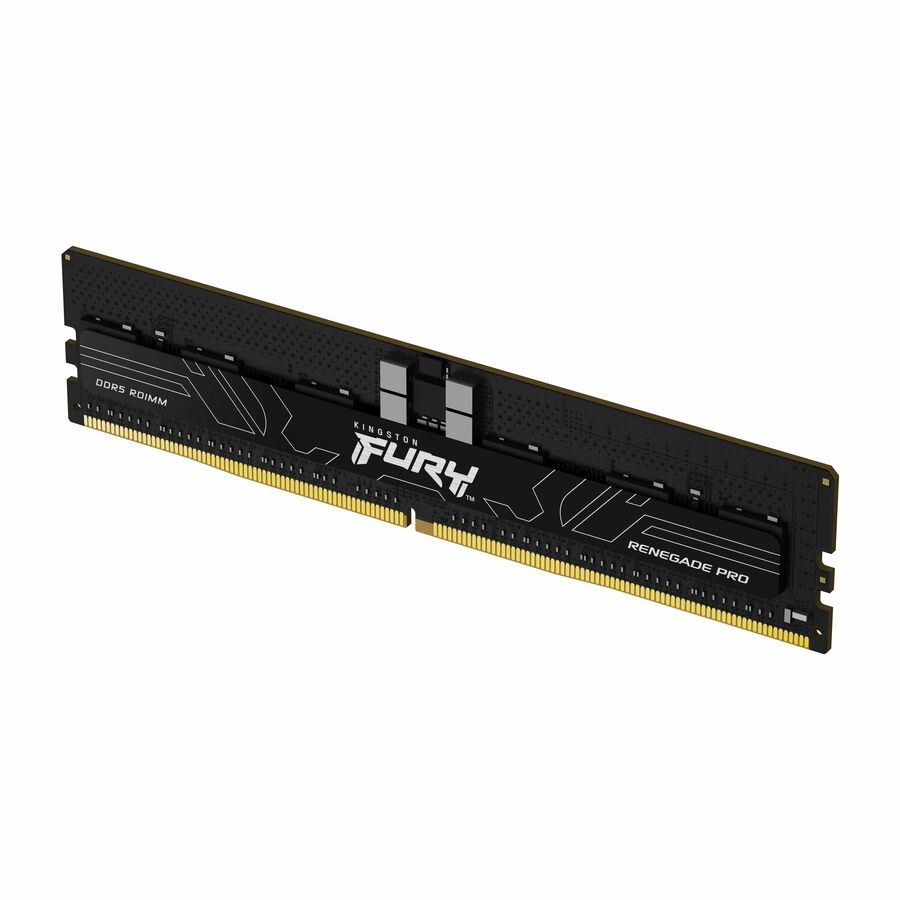
Kingston Technology
Kingston 32GB (1 x 32GB) DDR5 5600MT/s CL28 FURY Renegade Pro RDIMM…
KF556R28RBE2-32
A 32 GB DDR5-5600 registered ECC RDIMM — the module class a server or workstation board takes when correctable errors have to be caught and logged.
Request pricingNon-ECC, desktop
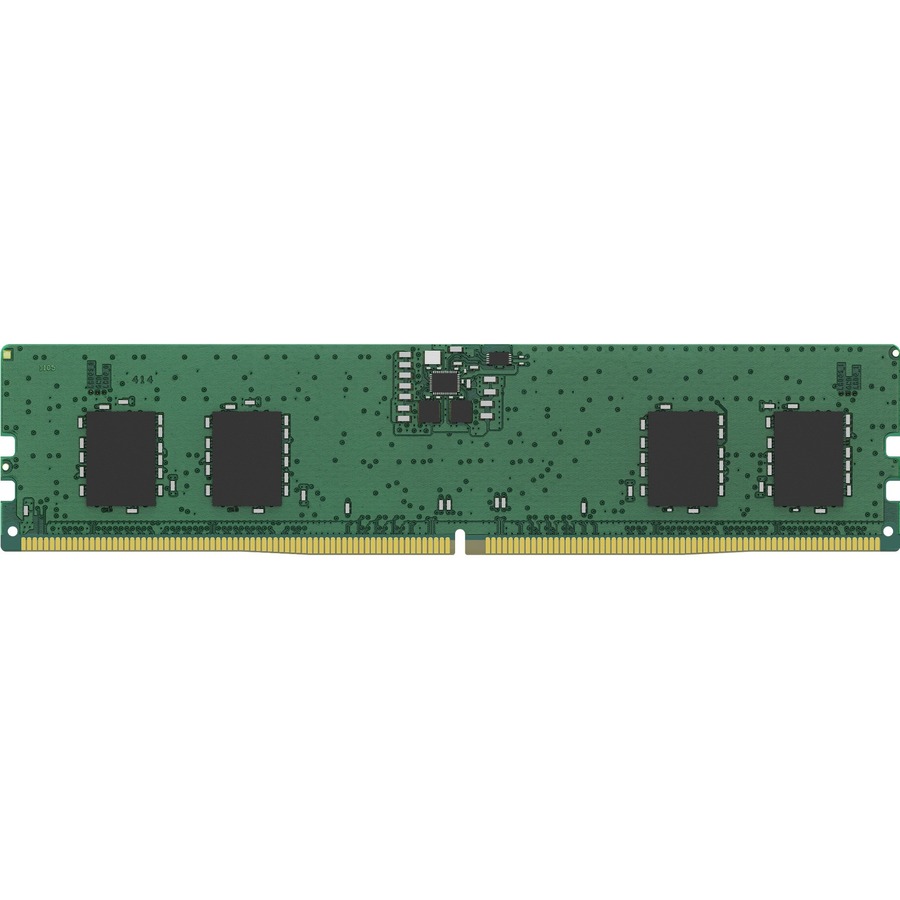
Kingston Technology
Kingston ValueRAM 8GB DDR5 SDRAM Memory Module
KVR56U46BS6-8
An 8 GB DDR5-5600 unbuffered non-ECC DIMM for a mainstream desktop board, where the platform has no ECC path to use in the first place.
Request pricingOn-die ECC is not system ECC
Transcend Information
Transcend JetRAM 32GB DDR5 SDRAM Memory Module
JM5600ALE-32G
A 32 GB DDR5-5600 unbuffered module with on-die ECC — protection inside the DRAM chip only, which the operating system never sees or logs.
On-die ECC ships on DDR5 generally; it does not make this a system-ECC module.
$859.49In stockShop it at Uniqcli
FAQ
Common questions
- Is ECC memory noticeably slower than non-ECC?
- Only marginally. The check-and-correct logic adds a small overhead — commonly a low single-digit percentage at the same speed and timings — and in most real workloads the difference is negligible. Reliability, not raw speed, is why you would choose ECC, so the tradeoff rarely matters where ECC is the right call.
- Can I just put ECC memory in any computer?
- No. ECC requires end-to-end support from the CPU, chipset, and motherboard, which is generally limited to server and workstation platforms. On a board without ECC support the modules may not run in ECC mode, may run as plain non-ECC, or may not post at all. Always confirm the platform's documented ECC support before buying.
- Doesn't DDR5 already include ECC, making it unnecessary?
- Not the same kind. DDR5 introduced on-die ECC, which corrects errors inside the memory chip to keep yields and reliability up at high densities. It does not protect data as it moves across the bus, is not visible to the operating system, and does not report correctable errors. Full, system-level (side-band) ECC still requires ECC modules on an ECC-capable platform.
- What exactly can ECC correct, and what can it not?
- Standard ECC uses a SECDED scheme: it transparently corrects any single-bit error and detects double-bit errors without correcting them — a detected uncorrectable error is typically reported so the system can halt rather than proceed on bad data. It is protection against occasional transient faults, not a substitute for redundancy, backups, or replacing failing modules.
- What happens if you put ECC memory in non-ECC motherboard?
- It depends on the module type and the board. An unbuffered ECC UDIMM will often post on a board with no ECC support and simply run with error correction switched off, but plenty of boards refuse it, and the behaviour is not something any standard guarantees. A registered ECC module (RDIMM) will not work at all on a board that cannot drive the register. Check the board's own qualified-memory list before ordering.
- Can you mix ECC RAM and non-ECC RAM?
- No. A channel is either 72 bits wide with check bits or 64 bits without, so mixing the two usually means the system either refuses to post or drops the whole set to non-ECC operation — which defeats the reason for buying ECC. Populate a machine with one type, matched by speed grade and rank, and keep spares of the same part number.
- Is non-ECC RAM good for gaming?
- Yes, and it is the normal choice. Mainstream desktop CPUs and boards mostly do not support ECC anyway, the workload is interactive and restartable, and non-ECC modules are cheaper and available in higher speed grades. ECC's value is in machines that run continuously and hold results you cannot re-derive, which is not what a gaming build is.
- Does ECC slow down RAM?
- Only marginally. The check-and-correct logic adds a small overhead at the same speed and timings — commonly a low single-digit percentage — and in most real workloads it is not measurable. ECC parts also tend to be offered in more conservative speed grades than enthusiast non-ECC kits, which accounts for much of the difference people attribute to the error correction itself.