
Best Kingston Memory for Servers, Workstations, and Desktops
Server ECC Registered RDIMMs, workstation and desktop Non-ECC UDIMMs, high-clock FURY kits, and laptop SODIMMs — spanning DDR4 and DDR5.
Kingston memory in stock at Uniqcli
How to choose →A curated selection with live pricing — in-stock lines first, then back-ordered lines with a typical lead time. Every line is sourced through US distribution and screened for NDAA §889 status before checkout, with TAA verified on request.
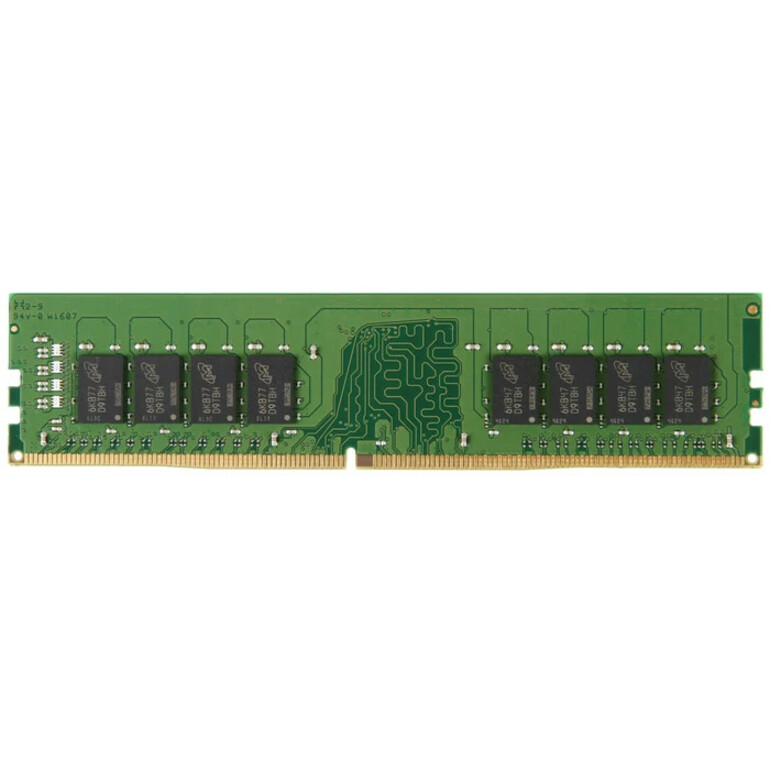
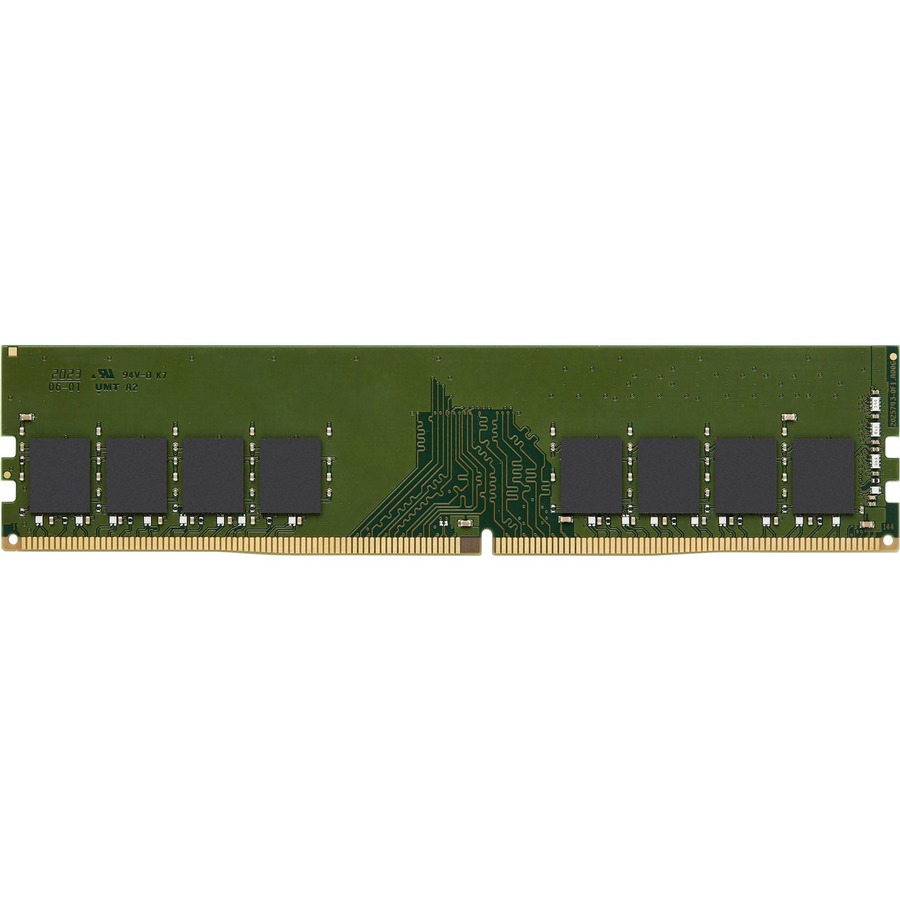
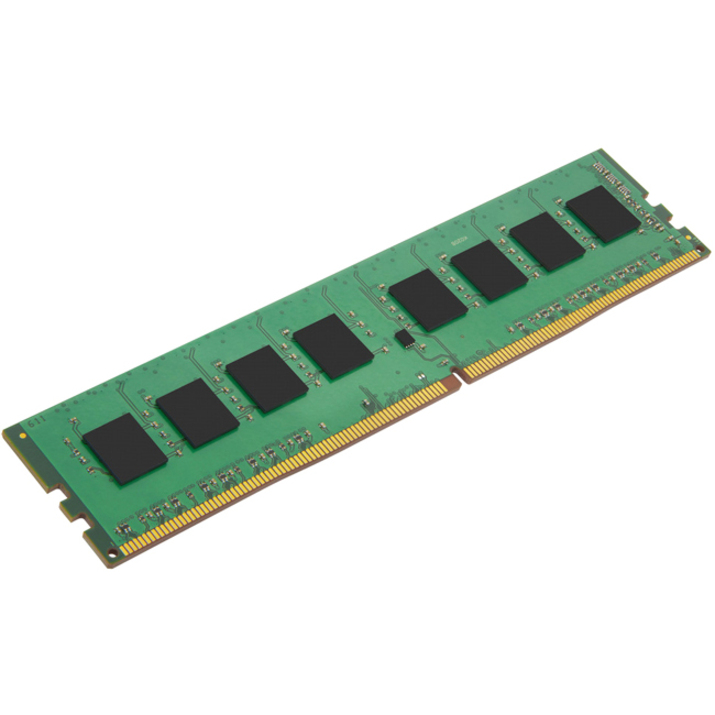
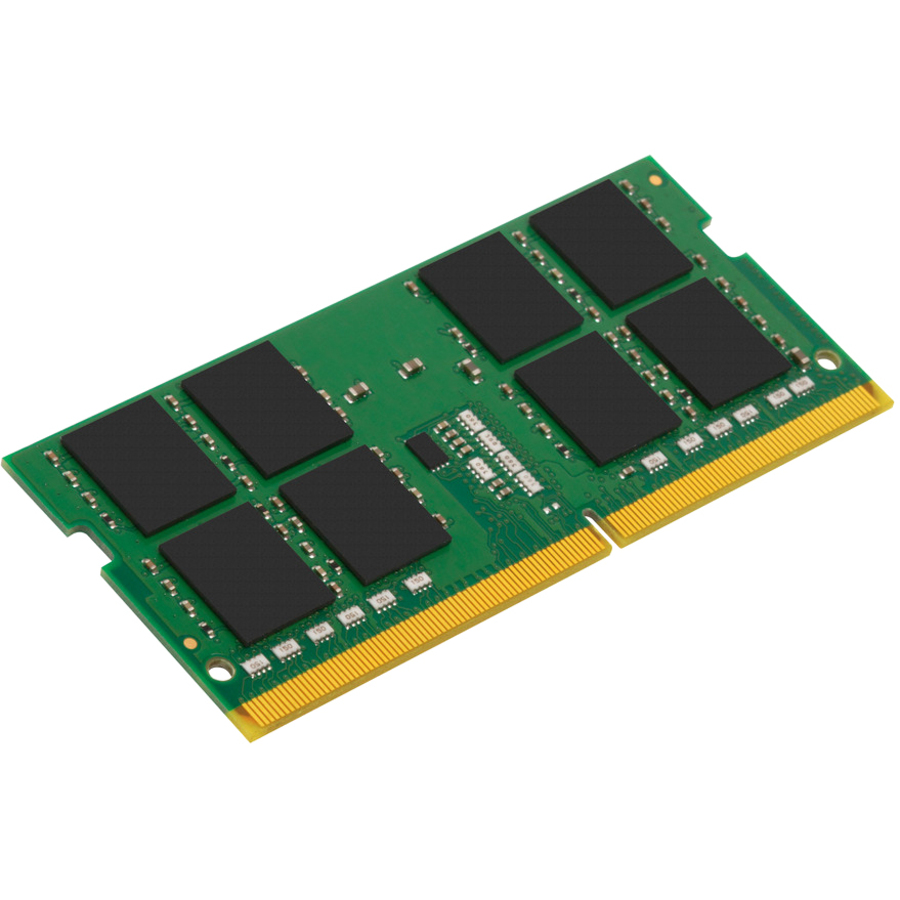
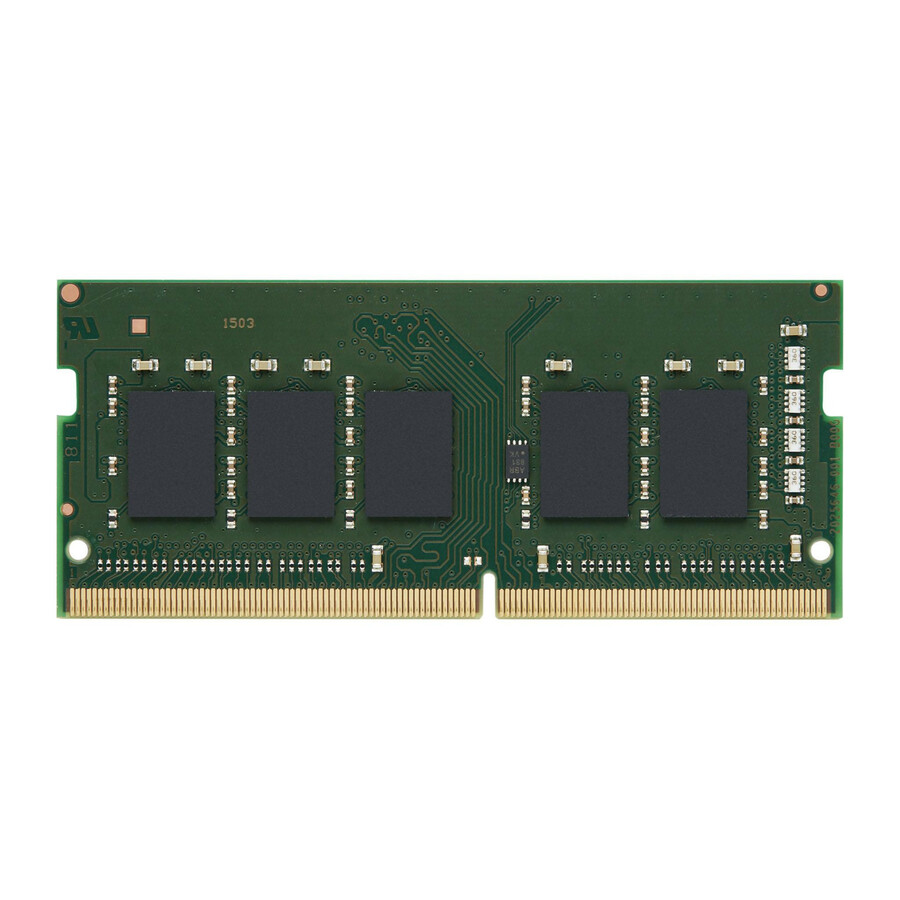
- Kingston TechnologyKingston 8GB DDR4 SDRAM Memory Module - For Mobile Workstation - 8 GB - DDR4-3200/PC4-25600 DDR4 SDRAM - 3200 MHz Single-rank Memory - CL22 - 1.20 V - ECC - Unbuffered, Unregistered - 260-pin - SODIMM - Lifetime WarrantyKTD-PN432E/8G
$181.00
$144.80
Back-orderedBack-ordered — estimated OEM lead time 3–8 weeks (Nov 16 – Dec 21 if ordered today).
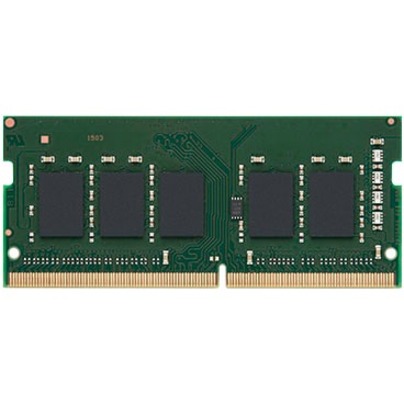
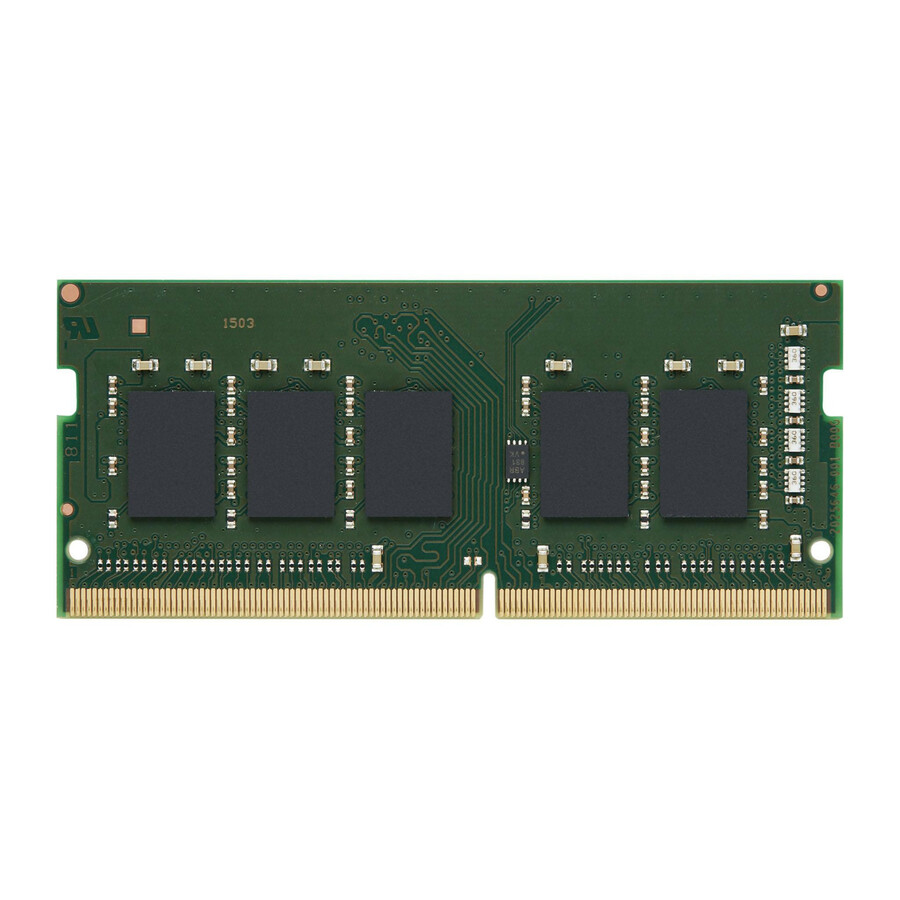
- Kingston TechnologyKingston 8GB DDR4 SDRAM Memory Module - For Mobile Workstation - 8 GB - DDR4-3200/PC4-25600 DDR4 SDRAM - 3200 MHz Single-rank Memory - CL22 - 1.20 V - ECC - Unbuffered - 260-pin - SODIMM - Lifetime WarrantyKTH-PN432E/8G
$181.00
$144.80
Back-orderedBack-ordered — estimated OEM lead time 3–8 weeks (Nov 16 – Dec 21 if ordered today).
- Kingston TechnologyKingston 8GB DDR4 SDRAM Memory Module - For Mobile Workstation - 8 GB - DDR4-3200/PC4-25600 DDR4 SDRAM - 3200 MHz Single-rank Memory - CL22 - 1.20 V - ECC - Unbuffered - 260-pin - SODIMM - Lifetime WarrantyKTL-TN432E/8G
$181.00
$144.80
Back-orderedBack-ordered — estimated OEM lead time 3–8 weeks (Nov 16 – Dec 21 if ordered today).
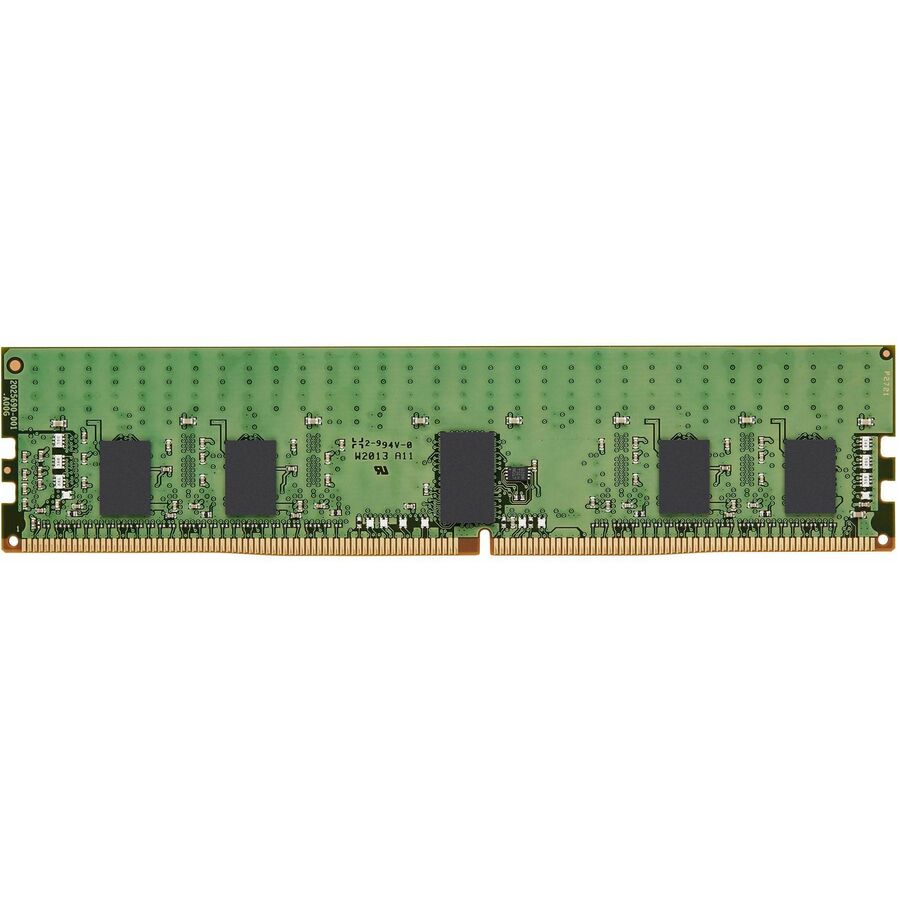
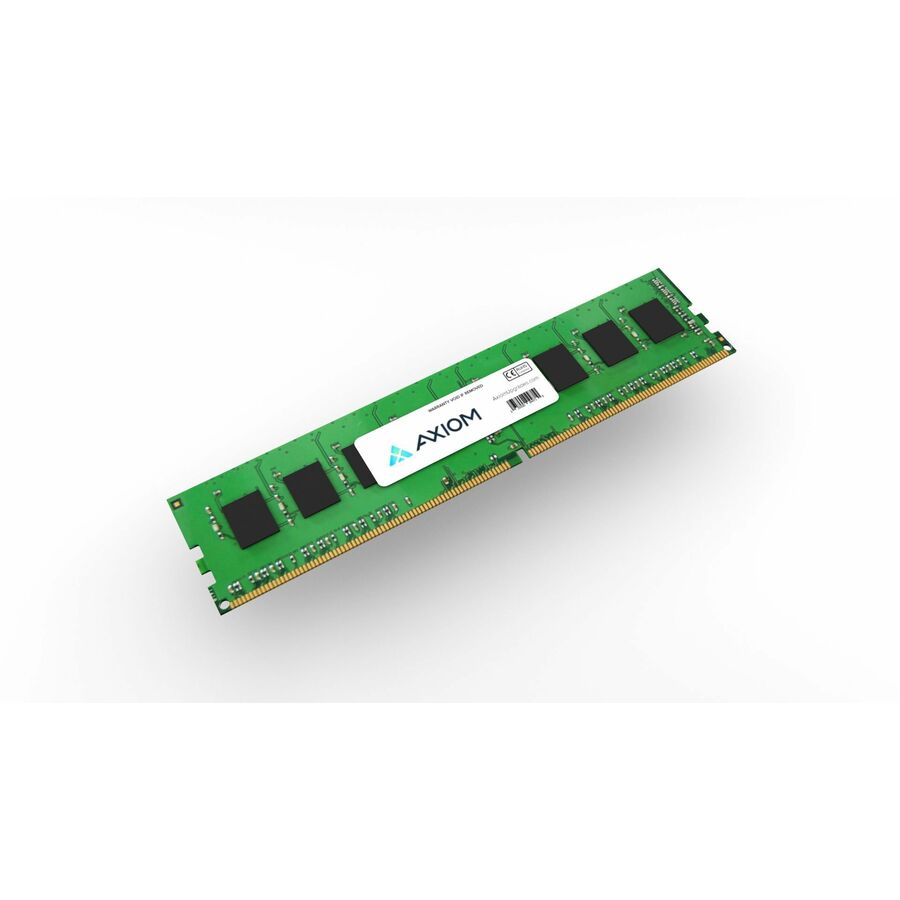
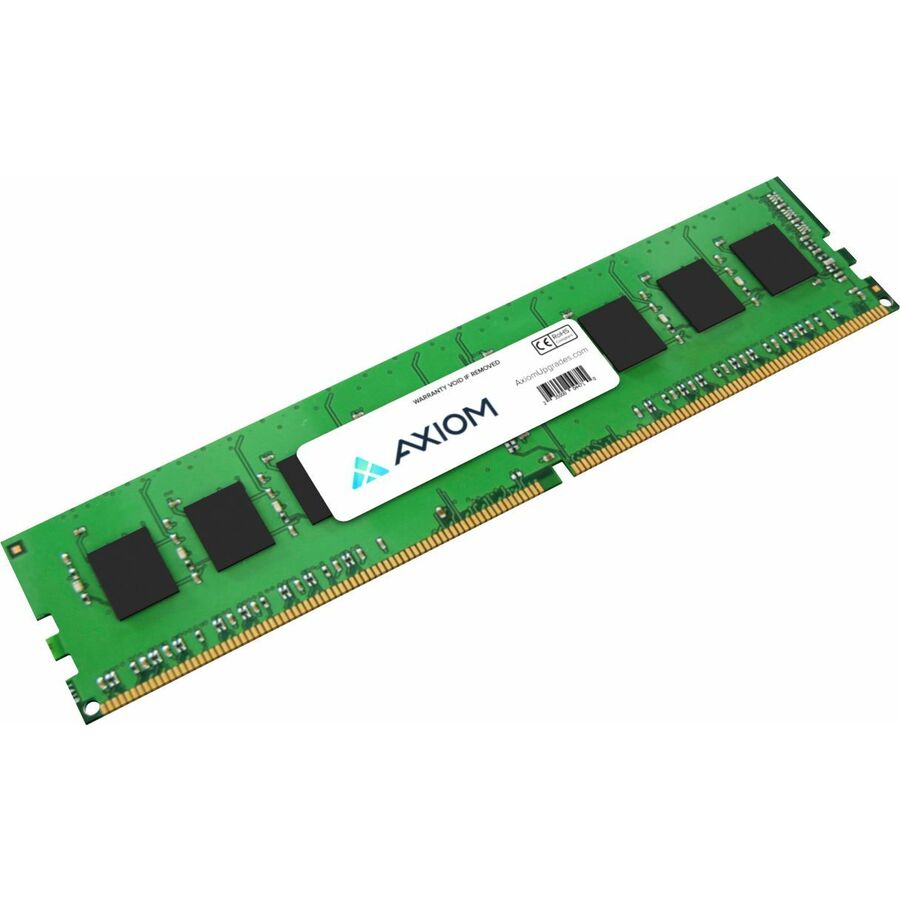
- Kingston TechnologyKingston 8GB DDR4 SDRAM Memory Module - For Server, Workstation, Storage System - 8 GB - DDR4-3200/PC4-25600 DDR4 SDRAM - 3200 MHz Single-rank Memory - CL22 - 1.20 V - ECC - Registered - 288-pin - DIMM - Lifetime WarrantyKTH-PL432S8/8G
$186.00
$148.80
Back-orderedBack-ordered — estimated OEM lead time 3–8 weeks (Nov 16 – Dec 21 if ordered today).
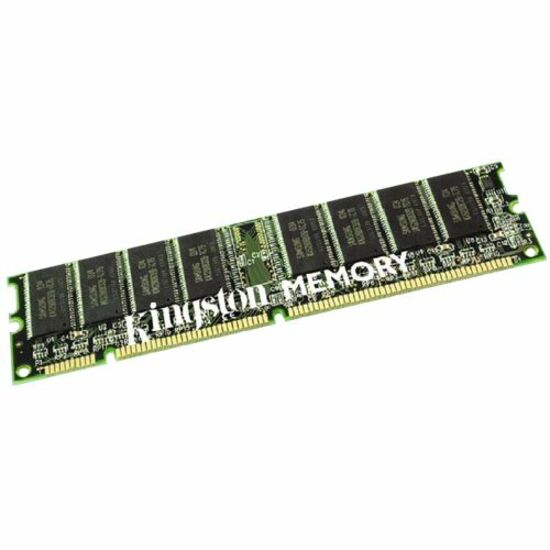
- Kingston TechnologyKingston 4GB DDR2 SDRAM Memory Module - 4GB (2 x 2GB) - 667MHz DDR2 SDRAM - 240-pinKTH-XW9400K2/4G
$191.00
$152.80
Back-orderedBack-ordered — estimated OEM lead time 3–8 weeks (Nov 16 – Dec 21 if ordered today).

Browse all 6,464 memory modules
Not the right one above? Filter the whole range by the specs that matter — live pricing and honest availability on every row, the same NDAA §889 screening before checkout, and TAA verified on request.
Showing 24 of 6,464 memory modules
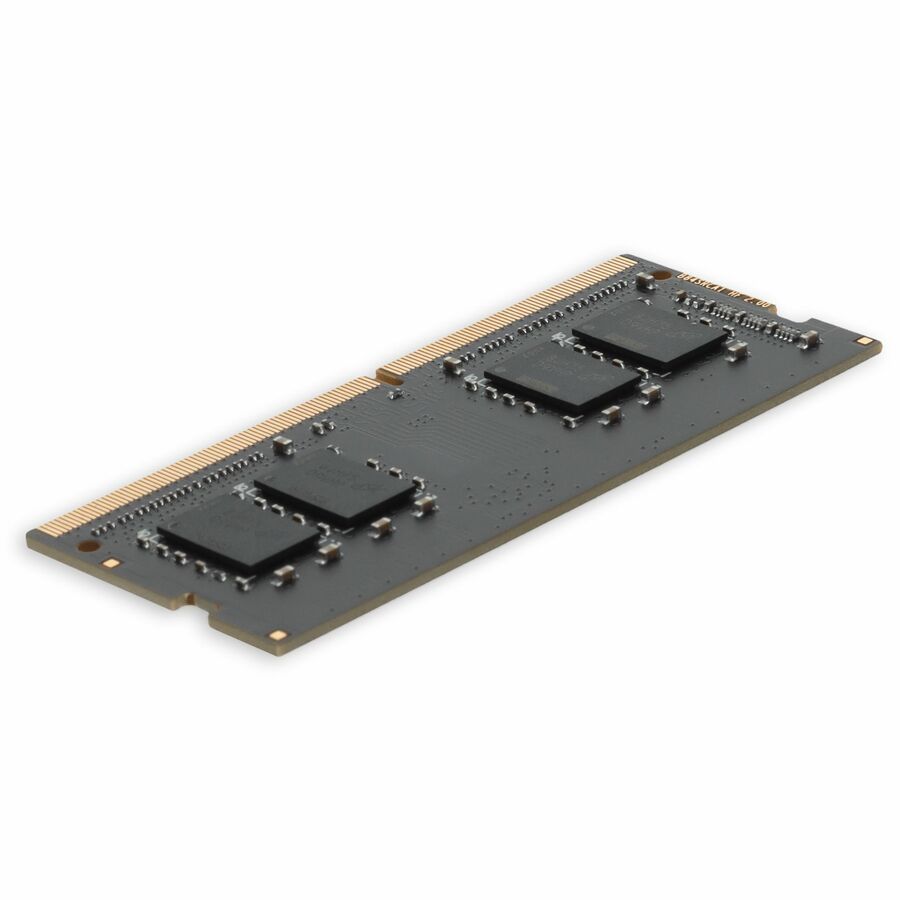
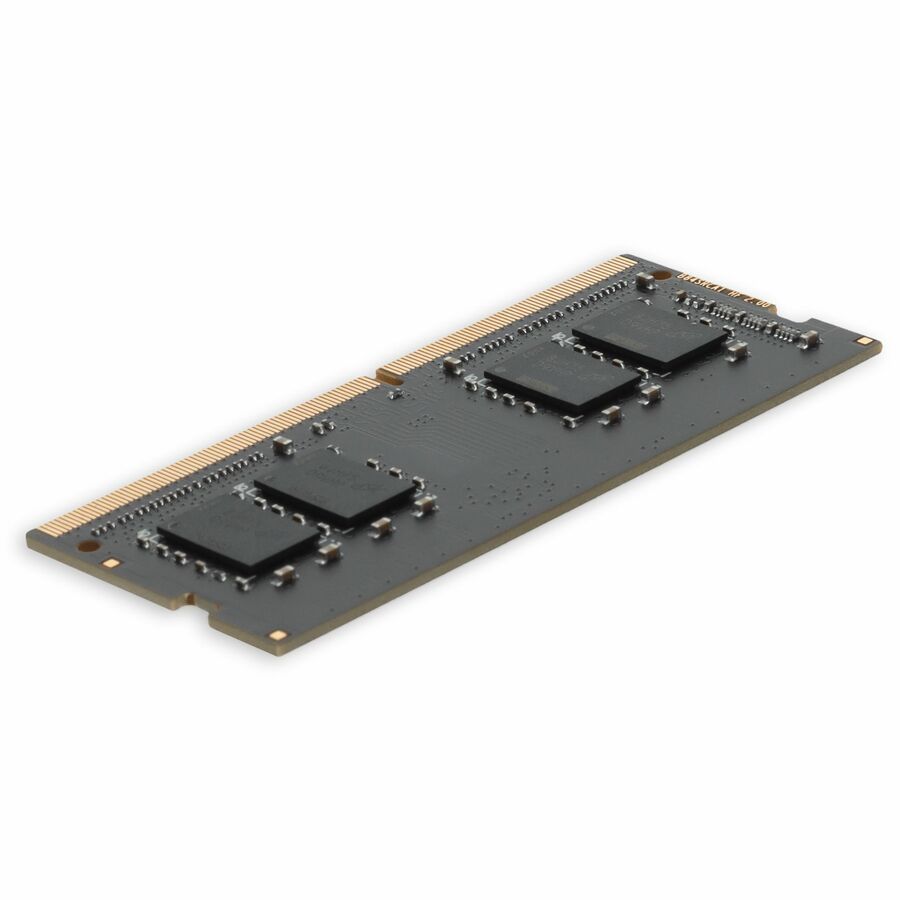
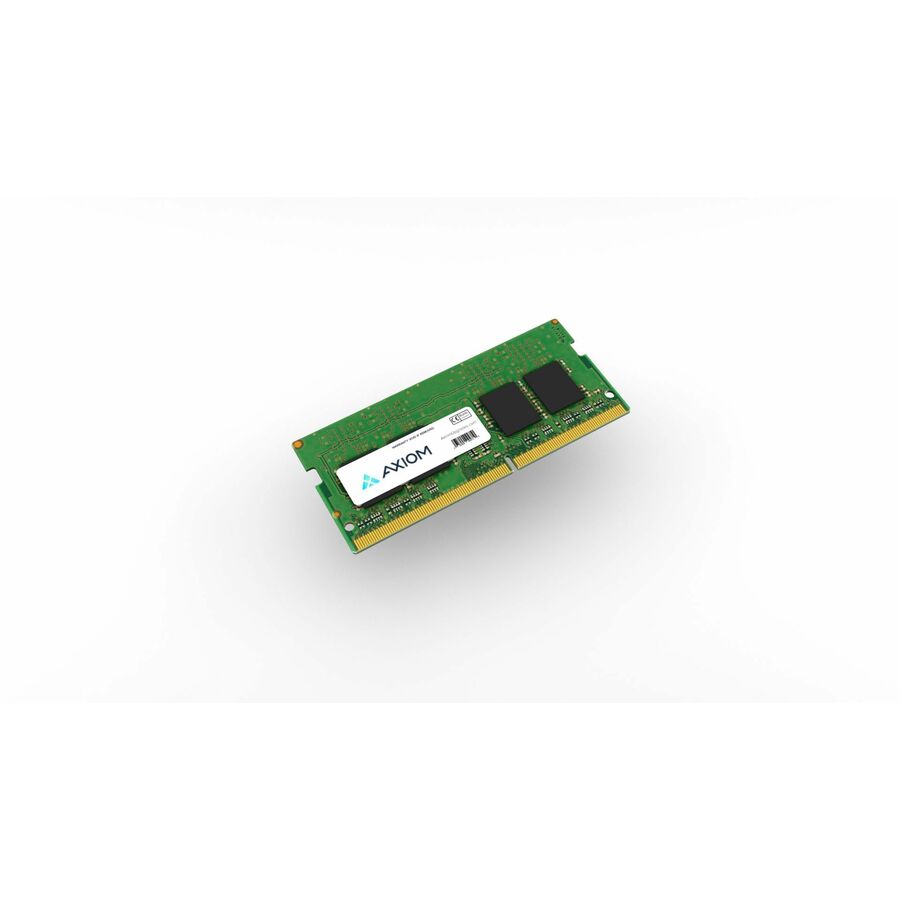
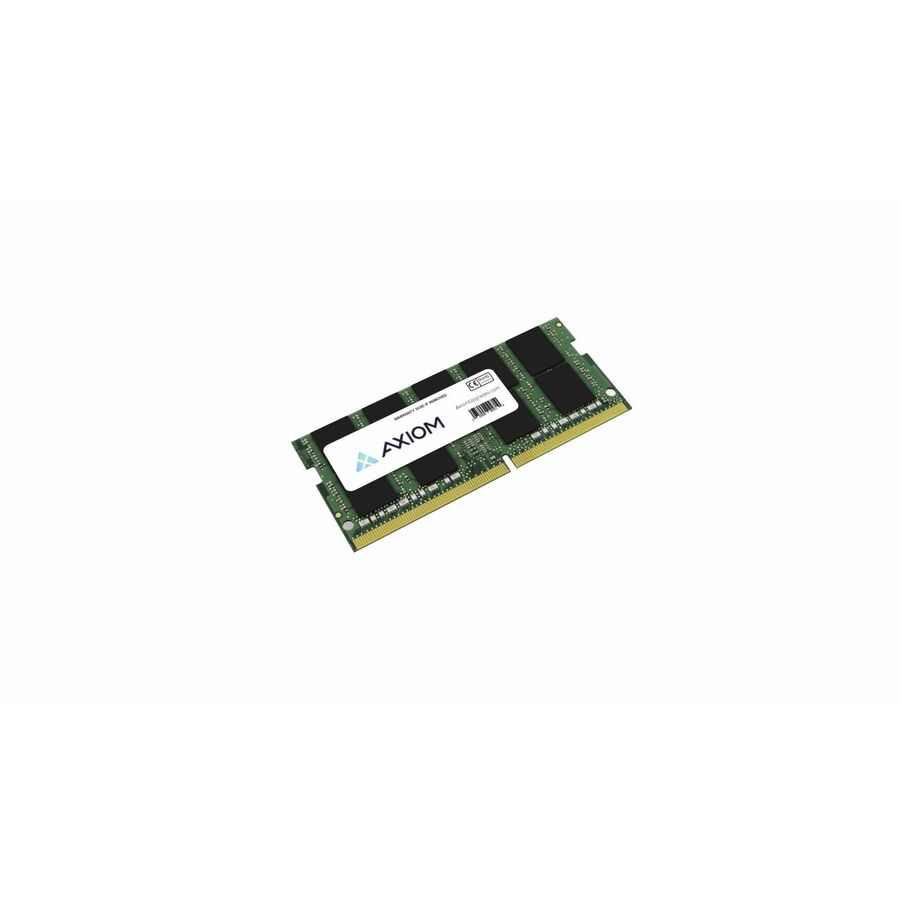
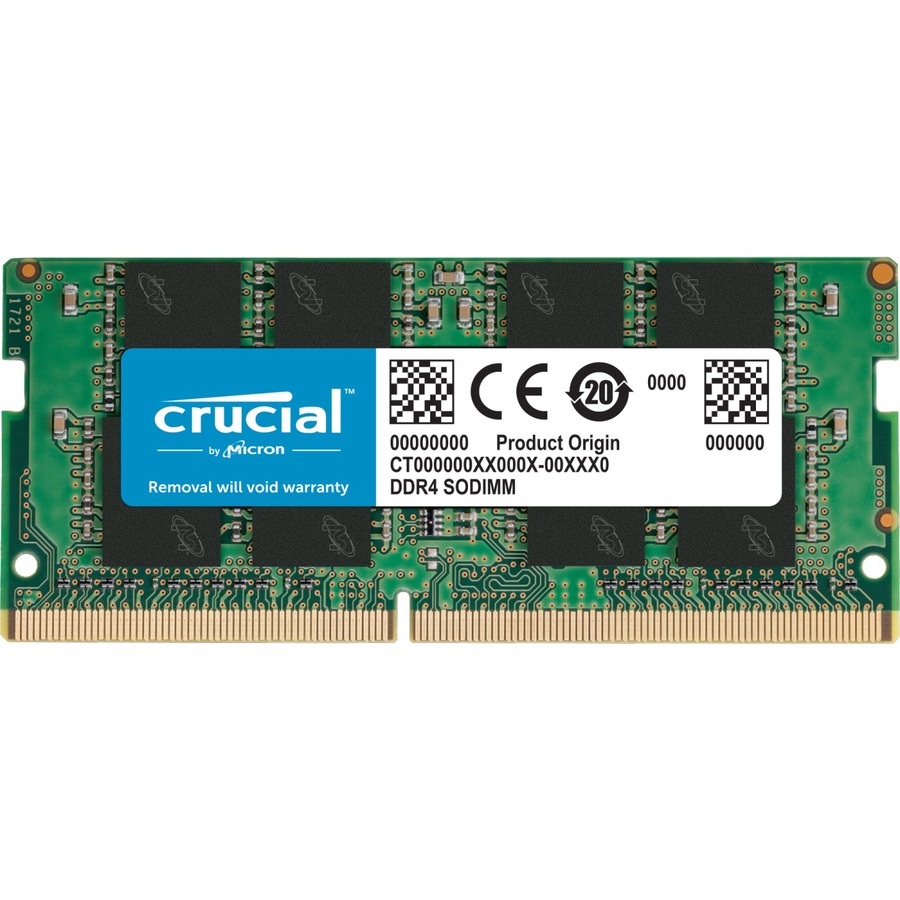
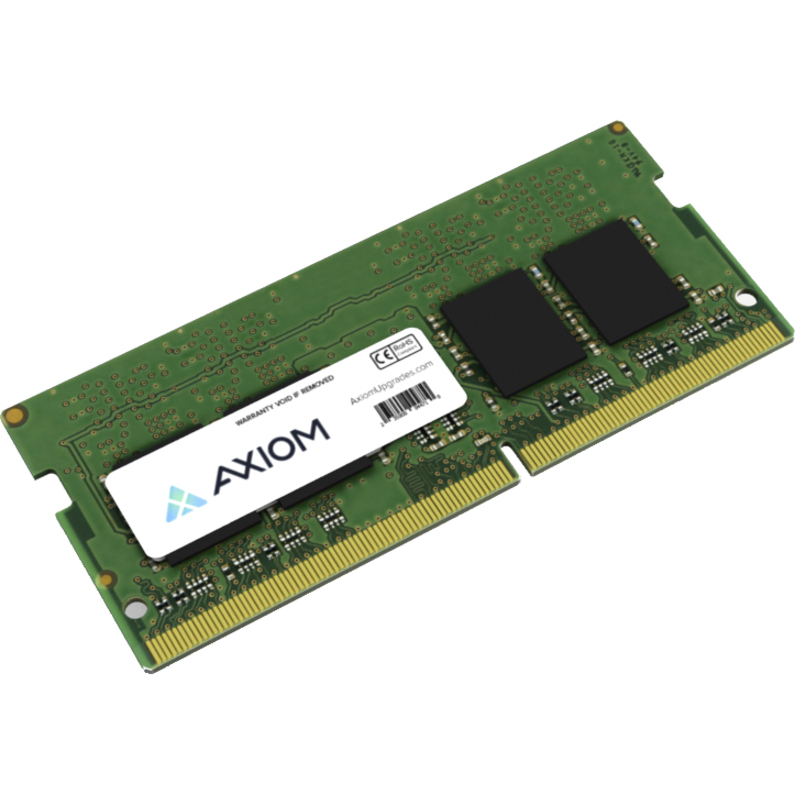
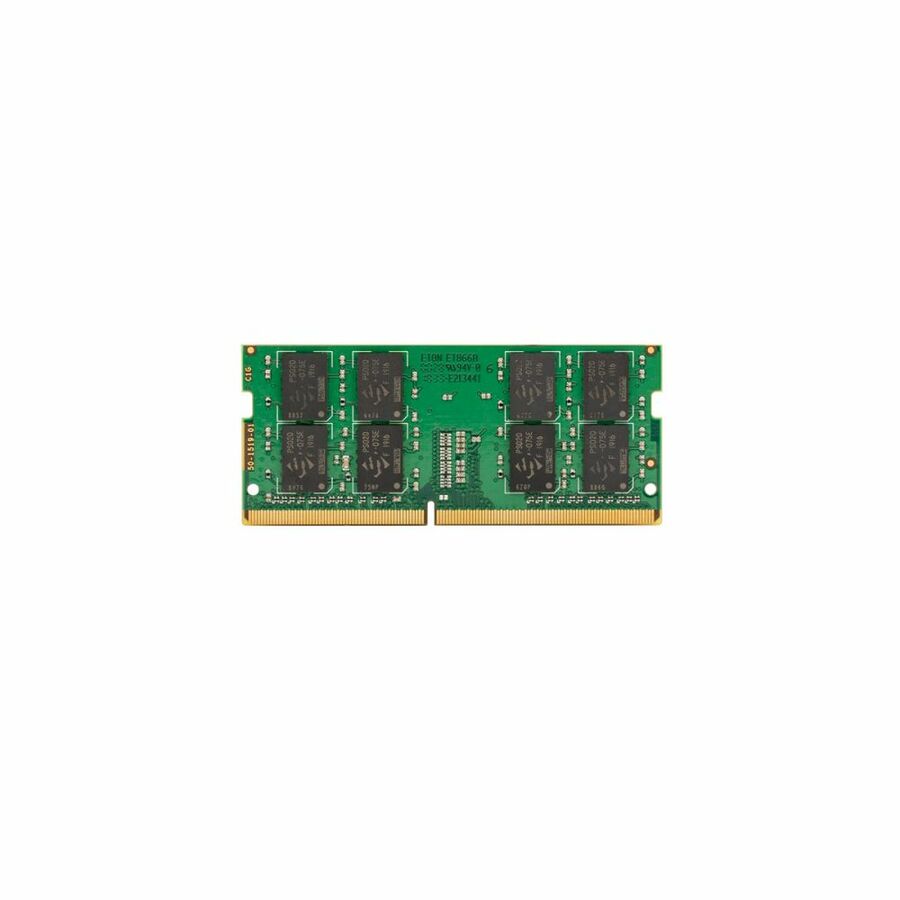
- AddOnAddOn Lenovo® 4X70M60574 Compatible Factory Original 8GB DDR4-2400MHz Single Rank x8 1.2V 260-pin CL15 SO-DIMM - For Desktop PC, Notebook - 8 GB (1 x 8GB) - DDR4-2400/PC4-19200 DDR4 SDRAM - 2400 MHz Single-rank Memory - CL15 - 1.20 V - Non-ECC - Unbuffered - 260-pin - SODIMM - Lifetime Warranty4X70M60574-AA
$232.00
$213.44
51 in stock - AddOnAddOn JEDEC Standard 8GB DDR4-2400MHz Unbuffered Single Rank x8 1.2V 260-pin CL15 SODIMM - CT8G4SFS824A, A8547953, A8547956, A9210967, 4X70J67435, 4X70M60574, L1W08AV, 03X7049, 03T7414, T7B77AA, T7B77UT, CF-BAZ1708, P1N54AA, P1N54AT, SNPMKYF9C/8G, SNPTD3KXC/8G, V1D58AA, Z4Y85AA, Z4Y85UT, Z9H56AA, Z9H56ATAA2400D4SR8S/8G
$232.00
$213.44
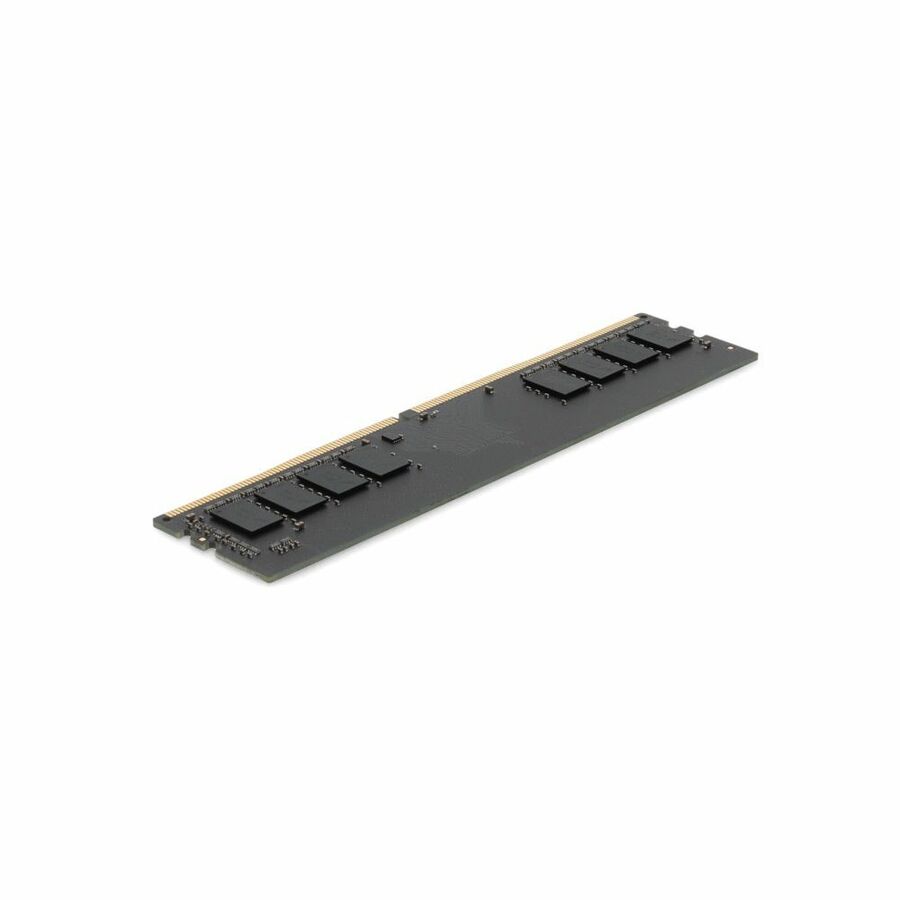
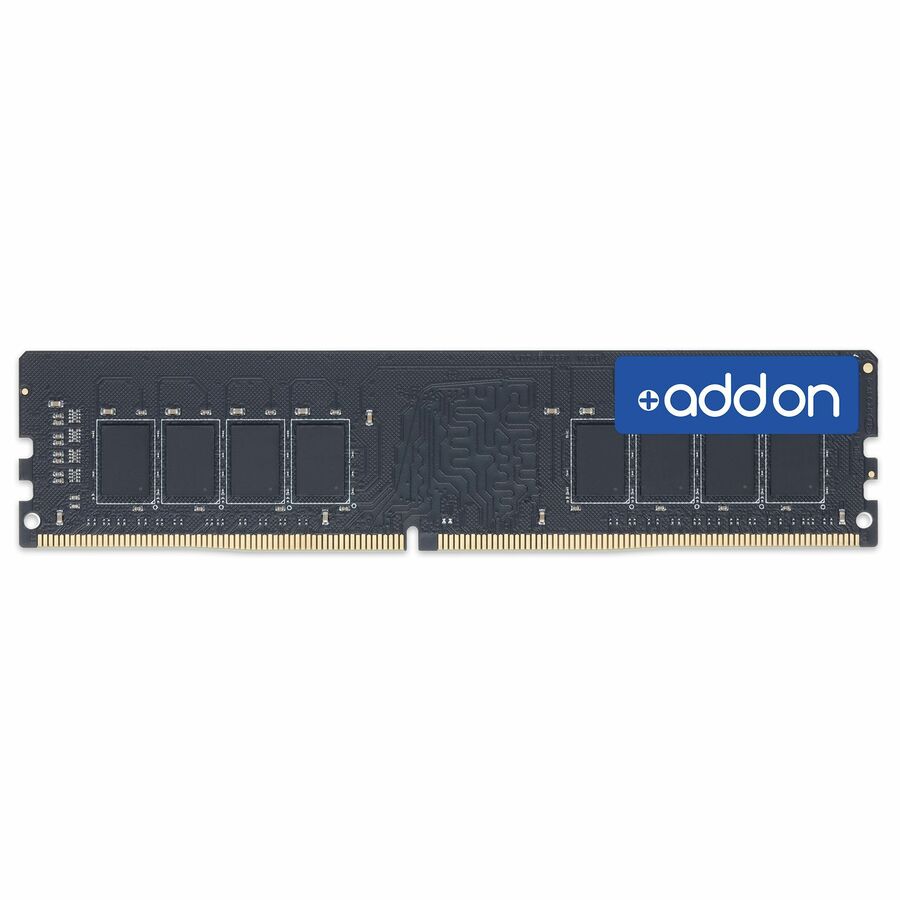
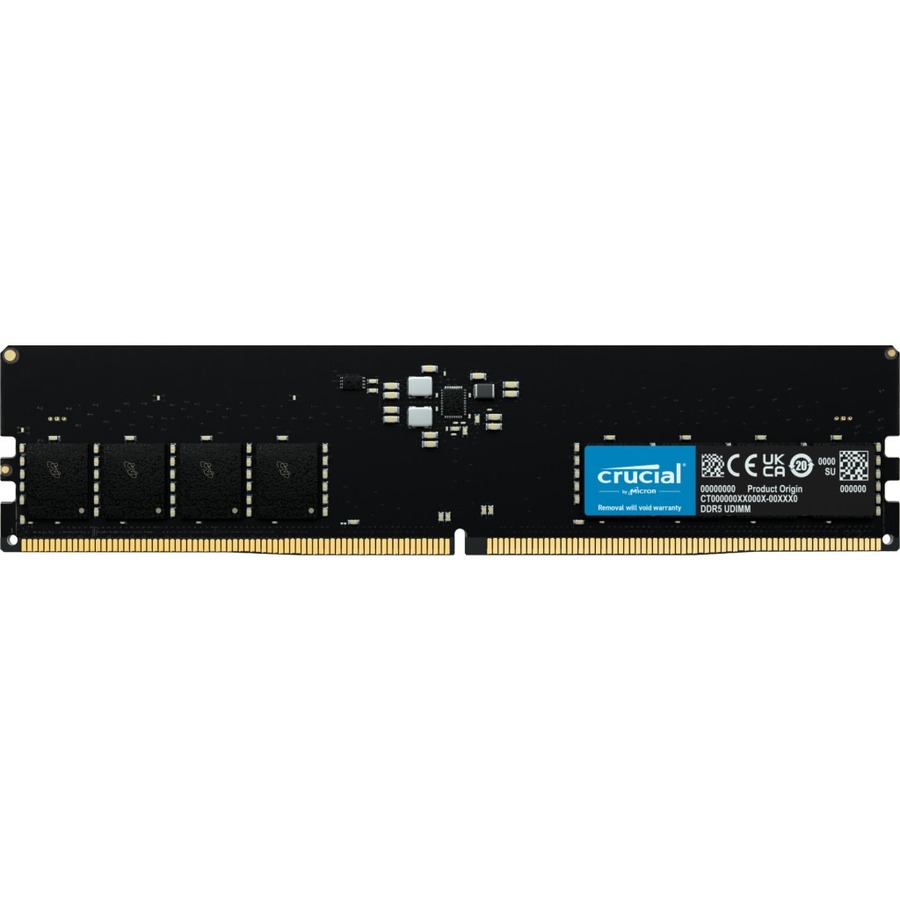
52 in stock - AddOnAddOn JEDEC Standard 8GB DDR4-2666MHz Unbuffered Single Rank x8 1.2V 260-pin CL15 SODIMM - For Notebook, Desktop PC - 8 GB (1 x 8GB) - DDR4-2666/PC4-21300 DDR4 SDRAM - 2666 MHz Single-rank Memory - CL15 - 1.20 V - Non-ECC - Unbuffered - 260-pin - SODIMM - Lifetime WarrantyAA2666D4SR8S/8G
$240.00
$220.80
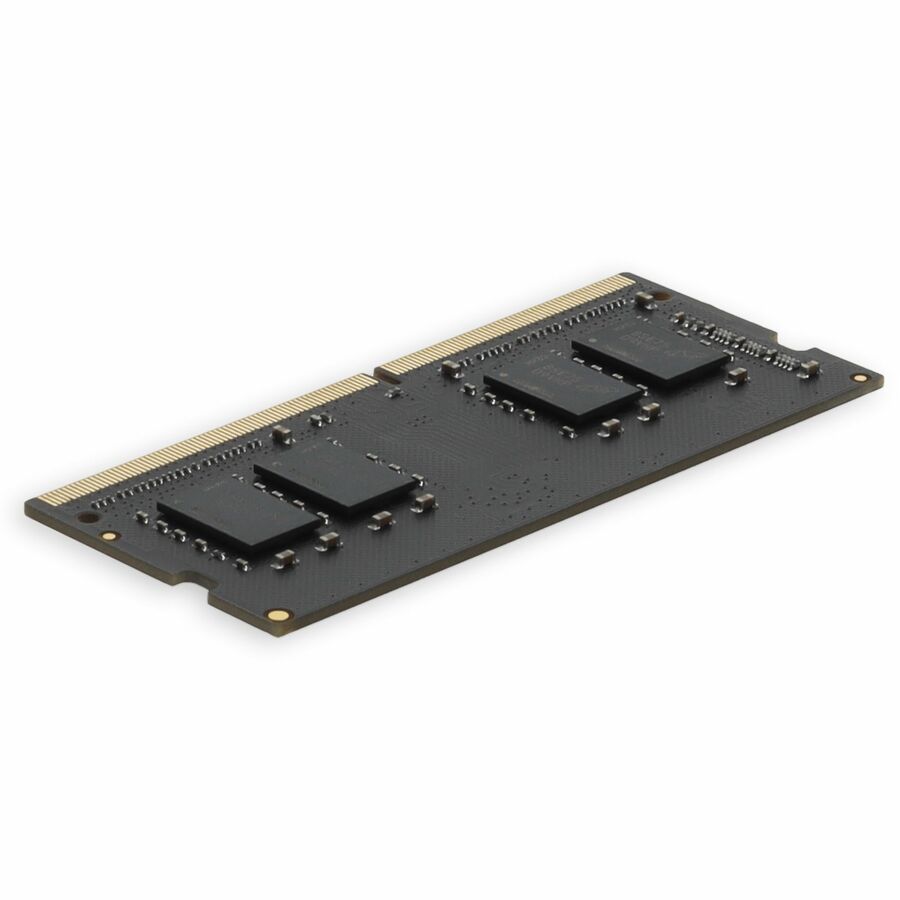
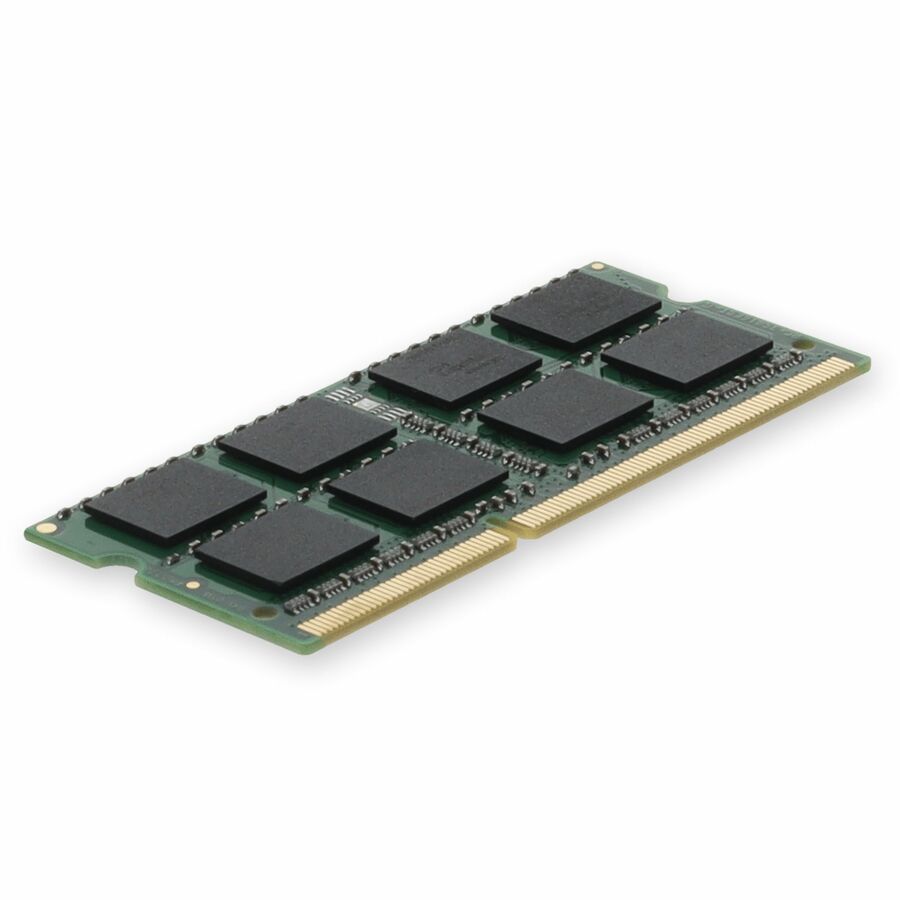
80 in stock - AddOnAddOn HP® 698657-154 Compatible Factory Original 8GB DDR3-1600MHz Dual Rank x8 1.35V 204-pin SO-DIMM - For Notebook - 8 GB (1 x 8GB) - DDR3-1600/PC3-12800 DDR3 SDRAM - 1333 MHz Dual-rank Memory - 1.35 V - Non-ECC - Unbuffered - 204-pin - SODIMM - Lifetime Warranty698657-154-AA
$109.00
$100.28
652 in stock
Specifications are read from the manufacturer product title as supplied to us; where a value is not stated it is left blank rather than estimated. Every line is screened for NDAA §889 status before checkout, with TAA verified on request.
Need pricing on Kingston memory?
Tell us where to reach you and a Uniqcli specialist will follow up by email with current pricing, availability and lead time for the quantities you need — including parts that aren’t shown on this page.
Buying for an organization or for yourself — both work. No payment up front.
Kingston builds memory across the full range a mixed IT fleet actually touches: ECC Registered modules validated for server platforms, Non-ECC Unbuffered DIMMs for workstations and standard desktops, high-clock FURY kits for engineering and content workloads, and SODIMMs for laptops and small-form-factor systems. The line splits cleanly between DDR4 and DDR5, so the first job on any refresh is matching the module generation and type to the socket and board you are populating, not the label on the box.
Pick the variant by platform, not by capacity alone. Servers that call for ECC Registered (RDIMM) will not post with Non-ECC Unbuffered (UDIMM) modules, and the reverse is equally true — a desktop board rejects registered server memory. Within a type, confirm speed (for example DDR4-3200 or DDR5-6400), CAS latency, rank, and per-DIMM capacity against the system or motherboard support list before you commit; a validated matched kit is the safer choice when you are filling multiple slots in one pass, while single modules suit slot-by-slot capacity bumps. The most common procurement mistakes are ordering RDIMMs for a UDIMM platform, mixing mismatched kits, and buying above the speed the CPU and board will actually run.
The selection below is what Uniqcli currently stocks, with in-stock status shown on each item so you can separate what ships now from what is sourced to order. Most Kingston memory here carries the manufacturer's lifetime warranty; confirm the generation, type, speed, and form factor on the specific part number against your platform before purchase.
Buyer's checklist
How to choose the right Kingston memory
- Match the module type to the platform: ECC Registered (RDIMM) for servers that require it, Non-ECC Unbuffered (UDIMM) for workstations and desktops, and SODIMM for laptops and small-form-factor systems.
- Confirm the generation — DDR4 or DDR5 — against the CPU and socket; the two are not interchangeable and use different DIMM slots.
- Check speed, CAS latency, rank, and voltage against the system or motherboard support list so the memory runs at its rated profile rather than downclocking.
- Choose a validated matched kit when populating several slots at once; use single modules for slot-by-slot capacity upgrades on existing systems.
- Verify per-DIMM capacity and total slot count so the configuration reaches your target without exceeding the platform's maximum supported memory.
- For business and government fleets, standardize on one type and speed per platform to simplify spares, imaging, and warranty handling across the estate.
Where these modules fit across a fleet
Server refresh teams reach for ECC Registered RDIMMs when a virtualization or database host needs more headroom without swapping the platform. Workstation and desktop admins use Non-ECC UDIMMs to lift standard business machines to a current baseline. FURY kits land on engineering and content desks that benefit from higher clocks, while SODIMMs extend the service life of laptops and small-form-factor systems already in the field.
Repair and imaging depots keep a standardized module on hand so a failed stick or a capacity complaint is resolved the same day rather than by pulling the whole machine from service. When a memory upgrade closes a performance gap, it often defers a full hardware refresh — a practical lever for teams stretching a fleet's budget across another cycle while keeping users productive.
Population and channel planning before you order
Memory bandwidth depends on populating channels evenly, so plan the whole configuration rather than adding one module at a time. Check how many channels the platform runs and fill them in matched sets; a single DIMM in a multi-channel board leaves performance on the table. When you expand a running system, keep generation, speed, rank, and capacity consistent with the installed modules, since a mismatch forces every stick to the slowest common profile.
Confirm the platform's maximum supported memory and its per-DIMM ceiling before ordering, especially on boards that downshift speed as more ranks are added. For servers, the documentation usually lists validated RDIMM configurations by slot count; following it avoids a post-install surprise where the system posts but runs slower than the modules are rated for.
Lifecycle economics of a memory upgrade
Memory's cost story runs past the purchase. Most Kingston modules here carry the manufacturer's lifetime warranty, so a standardized part serves both new builds and spares without adding a support tail. Choosing ECC where data integrity matters trades a modest premium for fewer silent errors and less troubleshooting on always-on hosts. Standardizing one type and speed per platform shrinks the spares pool, simplifies imaging, and keeps warranty handling predictable across the estate — savings that compound over a multi-year fleet.
FAQ
Common questions
- What is the difference between ECC Registered and Non-ECC Unbuffered Kingston modules?
- ECC Registered (RDIMM) modules add error correction and a register that buffers address and command signals, which server platforms require for stability at high DIMM counts. Non-ECC Unbuffered (UDIMM) modules are the standard for workstations and desktops. The two are not interchangeable — a board is designed for one or the other, so match the module type to what your platform's documentation specifies.
- Should I buy a matched kit or individual Kingston modules?
- Buy a matched kit when you are populating multiple slots in a single system at once — the modules are sold and validated together for that configuration. Individual modules make sense when you are adding capacity slot-by-slot to a running system, though it is best to keep the generation, speed, rank, and capacity consistent across all installed DIMMs to avoid downclocking or instability.
- How do I know which Kingston memory my server or workstation supports?
- Check the system or motherboard support list for the accepted memory type (RDIMM or UDIMM), generation (DDR4 or DDR5), maximum rated speed, per-DIMM capacity, and total slot count. Confirm those against the specific part number before ordering; running memory faster than the CPU and board support will cause it to fall back to a lower speed.
- Can these be purchased on a government or education contract?
- Yes — Kingston memory is available to business, government, and education buyers. Items are sourced through US distribution and screened for TAA country-of-origin and NDAA Section 889 status before checkout, with documentation tied to the specific part number. This is a sourcing and screening step, not an independent Uniqcli certification; where compliance is contract-critical, request the country-of-origin documentation for the exact SKU so it can be confirmed against your requirement before you order.
Need Kingston memory pricing?
Send a bill of materials or part numbers — we confirm stock and a below-market total, with TAA verified on request. No payment up front.