
Best Micron Memory Modules for Servers and Workstations
Micron DDR3, DDR4 and DDR5 modules across notebook SODIMM, desktop UDIMM and server registered/ECC, chosen by memory type, capacity, speed and the platform they have to match.
Micron memory modules in stock at Uniqcli
How to choose →A curated selection with live pricing — in-stock lines first, then back-ordered lines with a typical lead time. Every line is sourced through US distribution and screened for NDAA §889 status before checkout, with TAA verified on request.
- Micron TechnologyMicron 16GB DDR4 SDRAM Memory Module - For Server, Workstation, Notebook, Desktop PC - 16 GB (1 x 16GB) - DDR4-3200/PC4-25600 DDR4 SDRAM - 3200 MHz Single-rank Memory - CL22 - 1.20 V - ECC - Unbuffered - 260-pin - SODIMM - 3 Year WarrantyMTA9ASF2G72HZ-3G2R
$1,948.32
$1,843.65
1 in stock - Micron TechnologyMicron 4GB DDR4 SDRAM Memory Module - For Desktop PC - 4 GB (1 x 4GB) - DDR4-3200/PC4-25600 DDR4 SDRAM - 3200 MHz - CL22 - 1.20 V - Non-ECC - Unbuffered - 288-pin - DIMM - Lifetime WarrantyCT4G4DFS632A
$111.76
Back-orderedBack-ordered — estimated OEM lead time 3–8 weeks (Nov 14 – Dec 19 if ordered today).
- Micron TechnologyMicron 4GB DDR4 SDRAM Memory Module - 4 GB - DDR4-2666/PC4-21300 DDR4 SDRAM - 2666 MHz - CL19 - 1.20 V - Non-ECC - Unbuffered - 260-pin - SODIMMCT4G4SFS8266
$126.94
Back-orderedBack-ordered — estimated OEM lead time 3–8 weeks (Nov 14 – Dec 19 if ordered today).
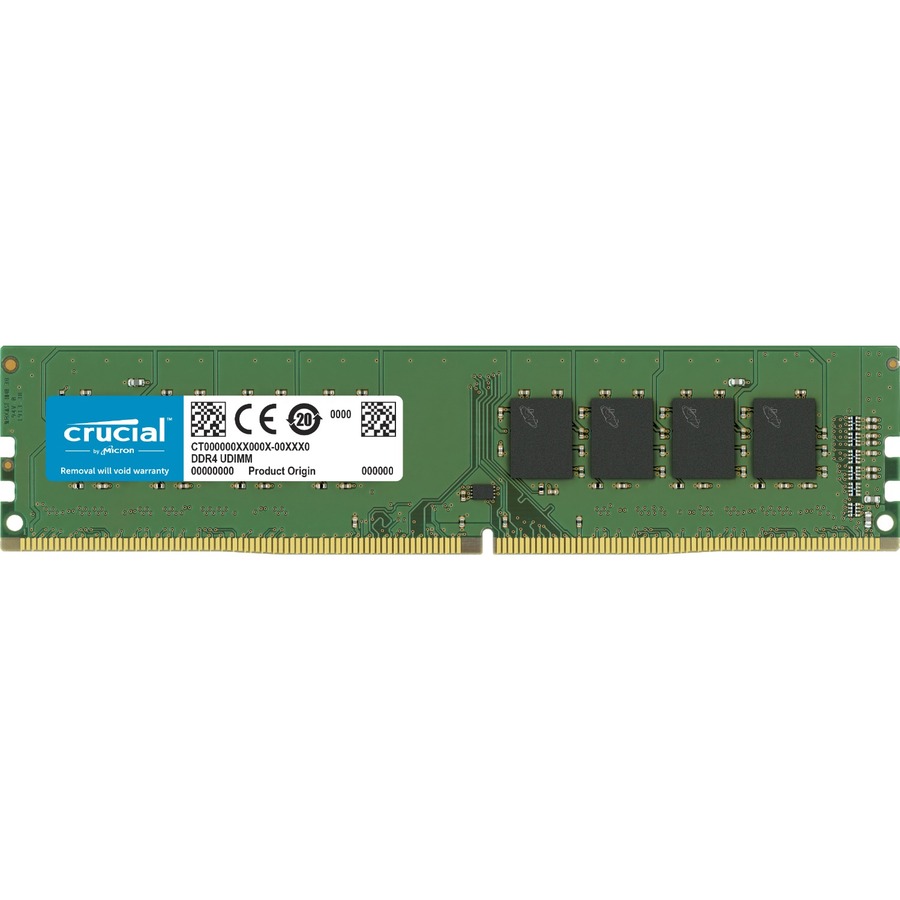
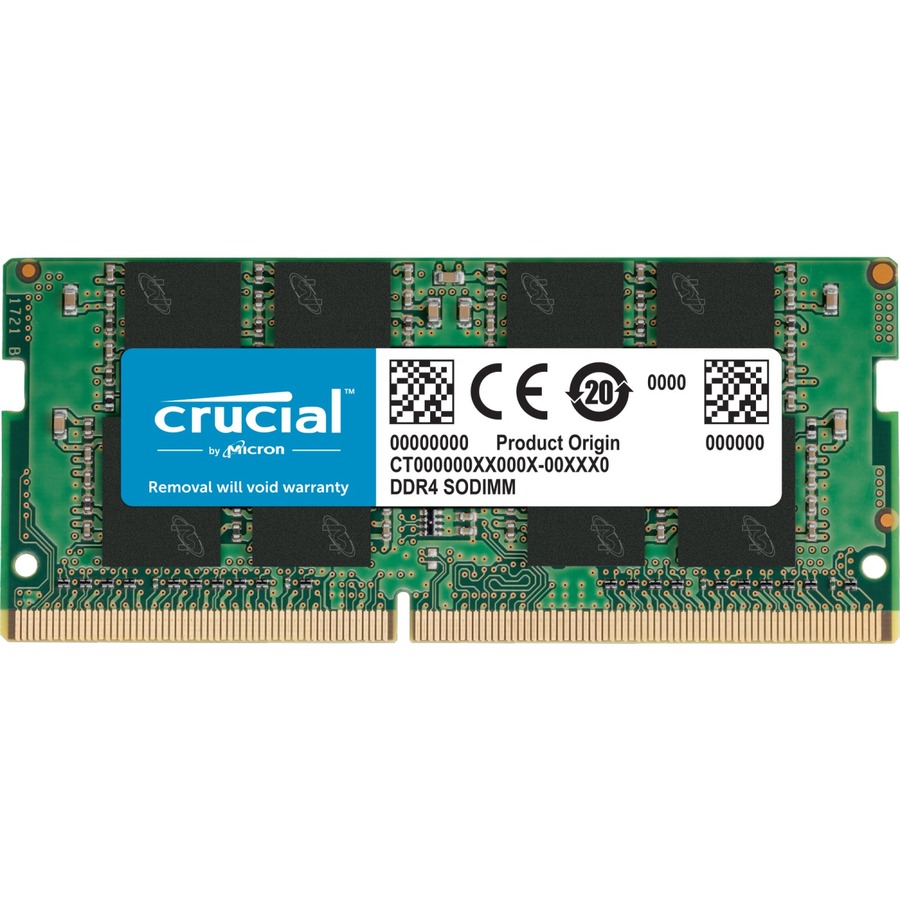
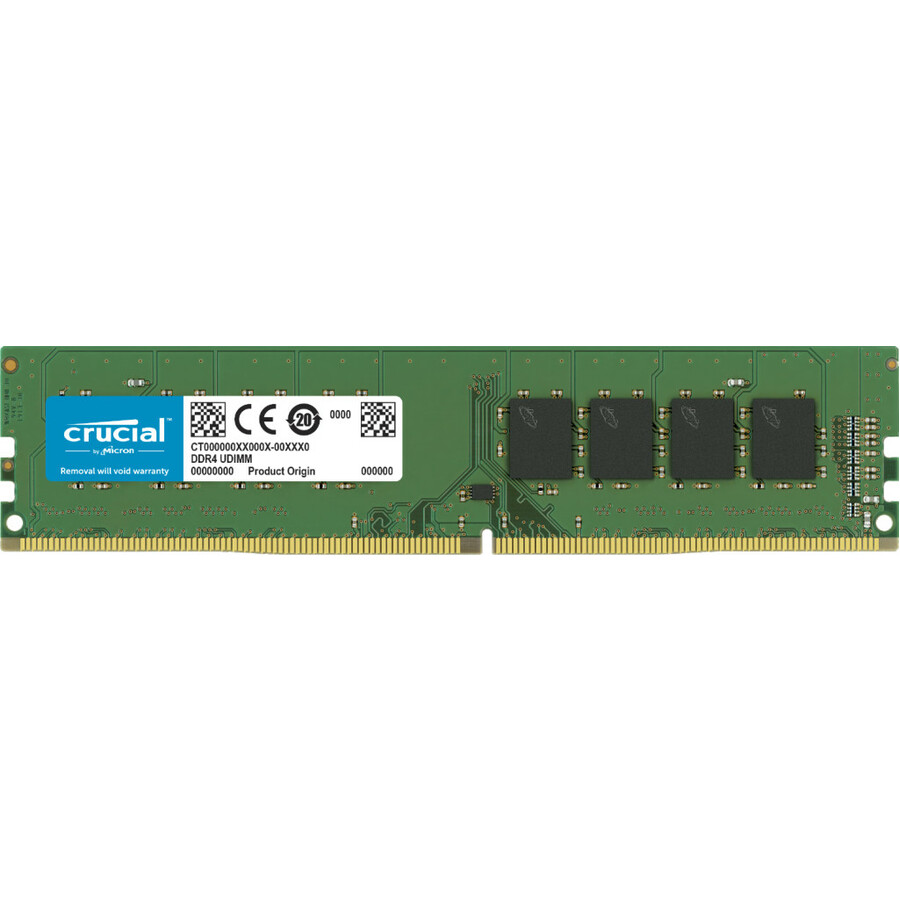
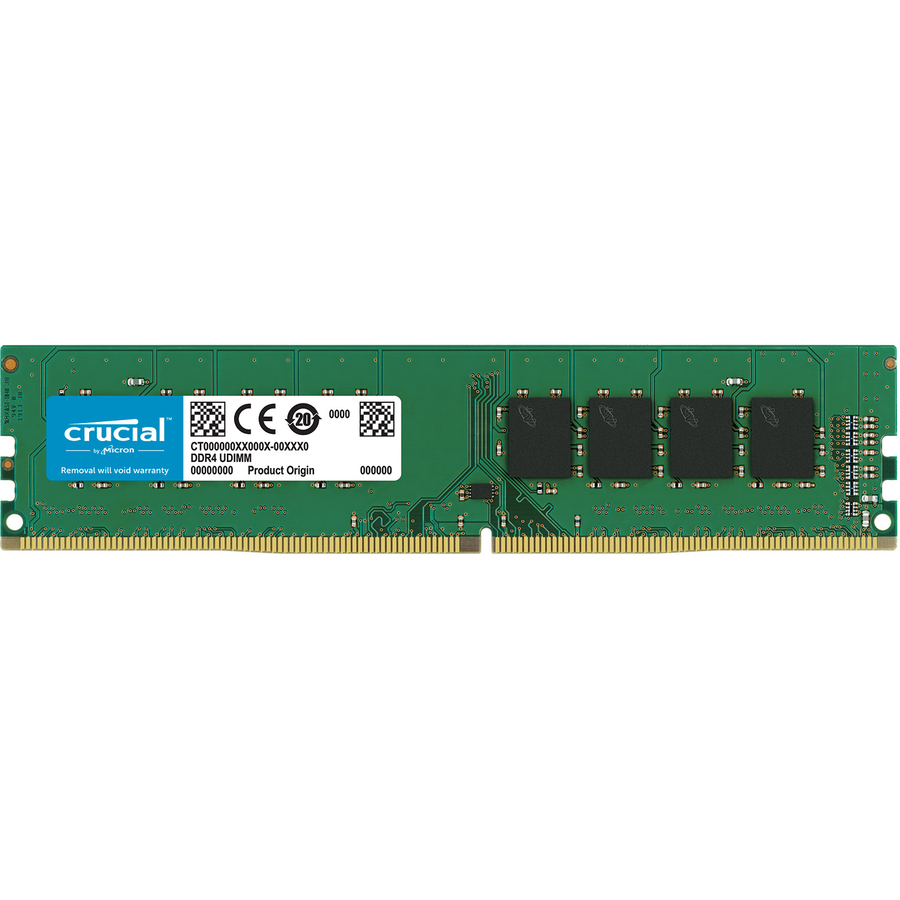
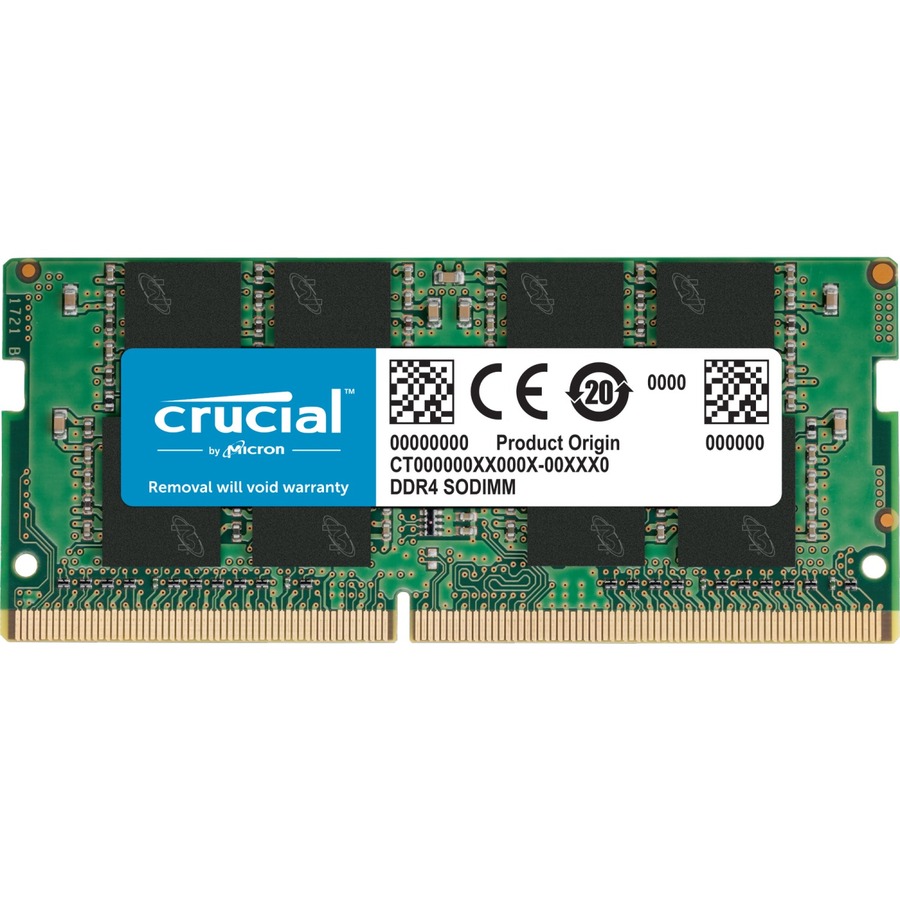
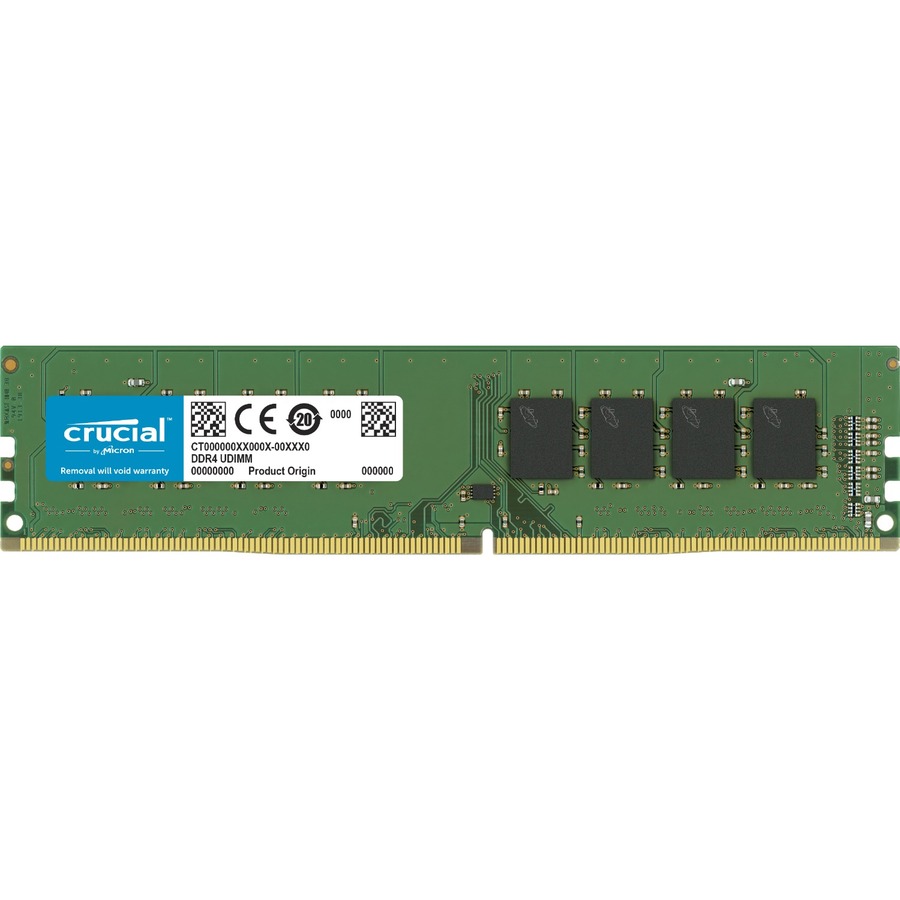
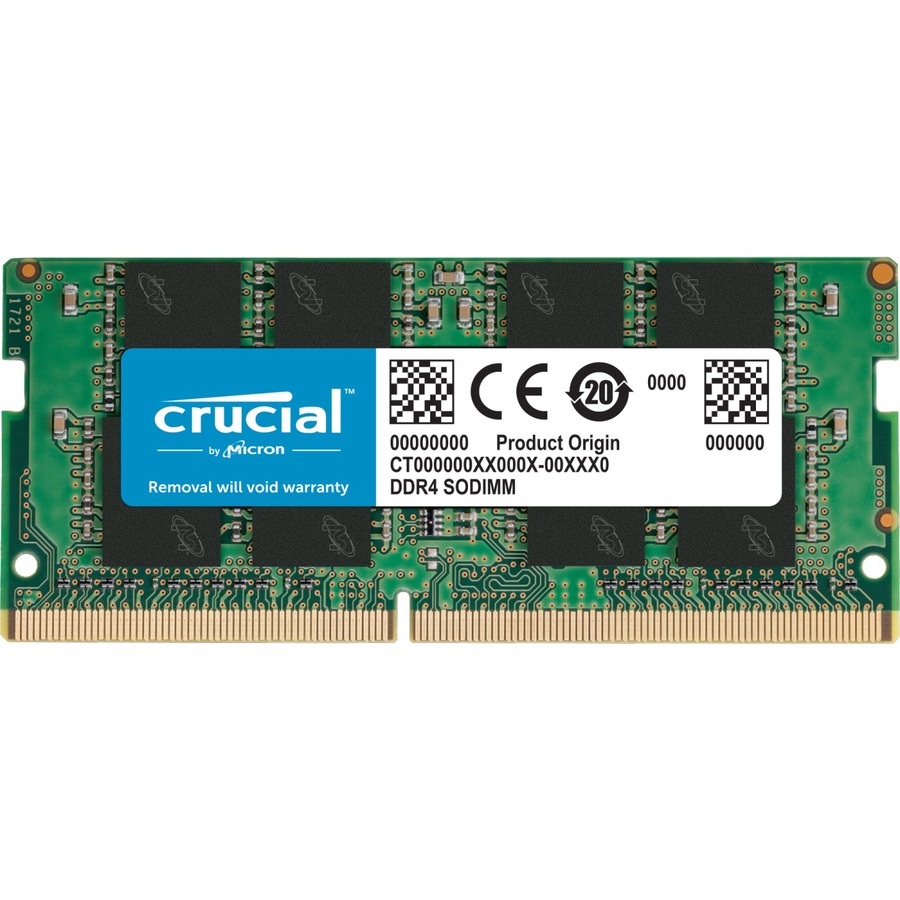
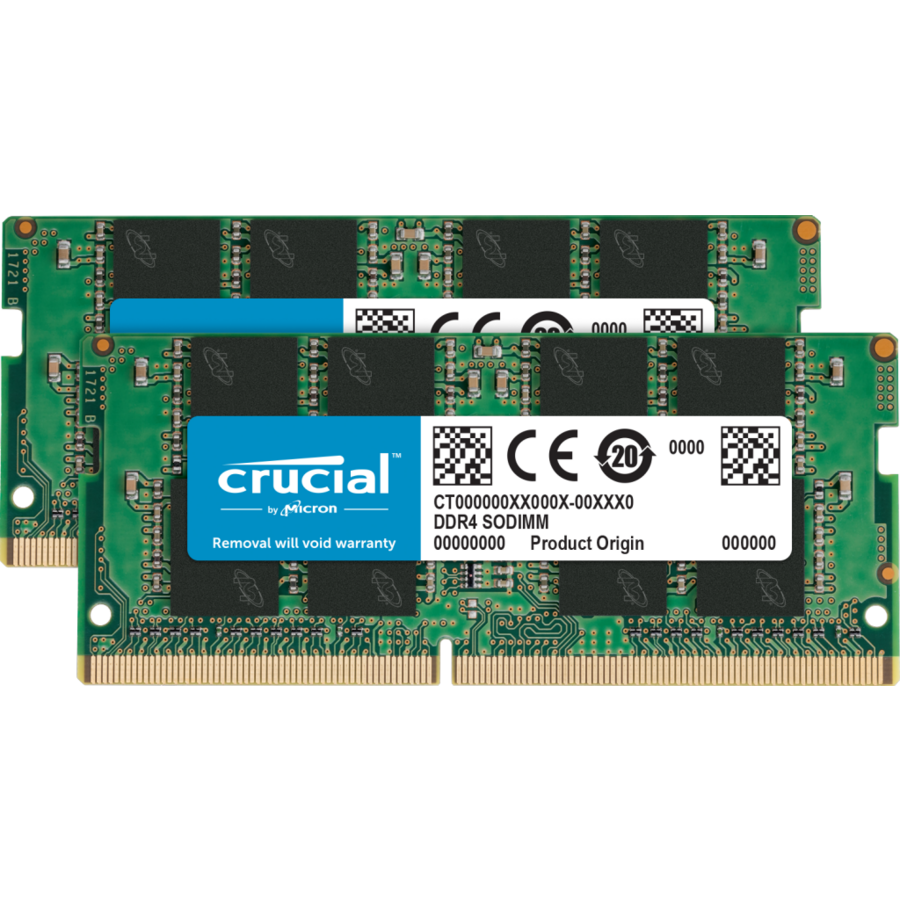
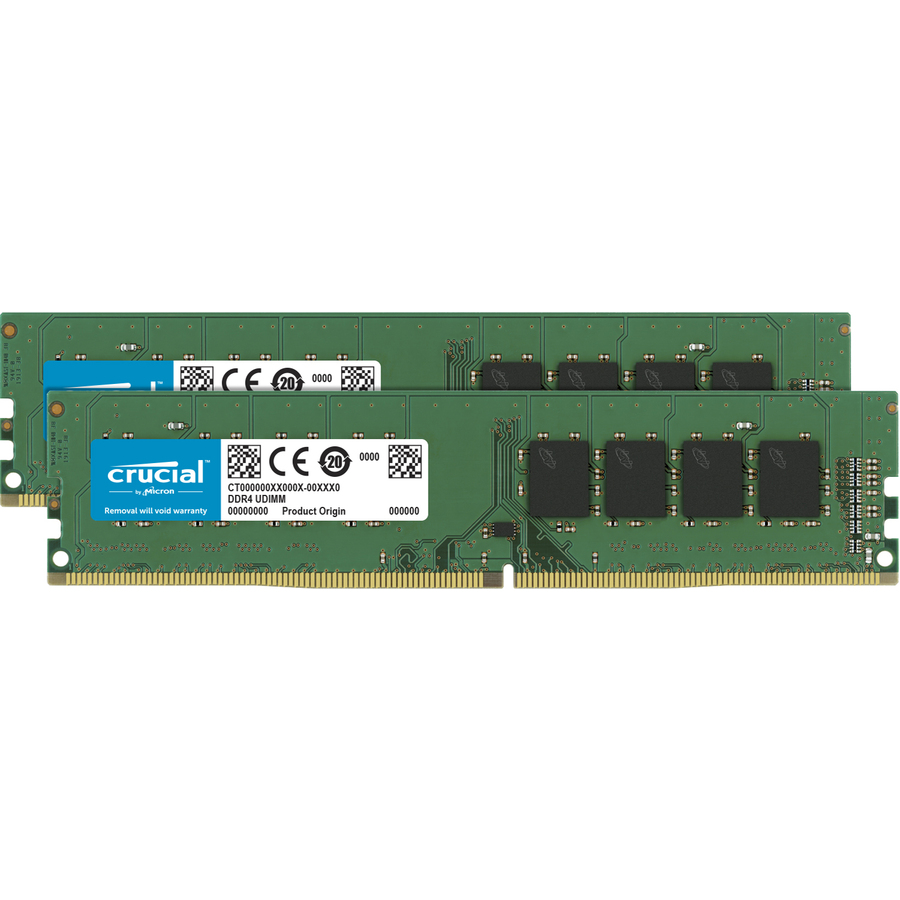
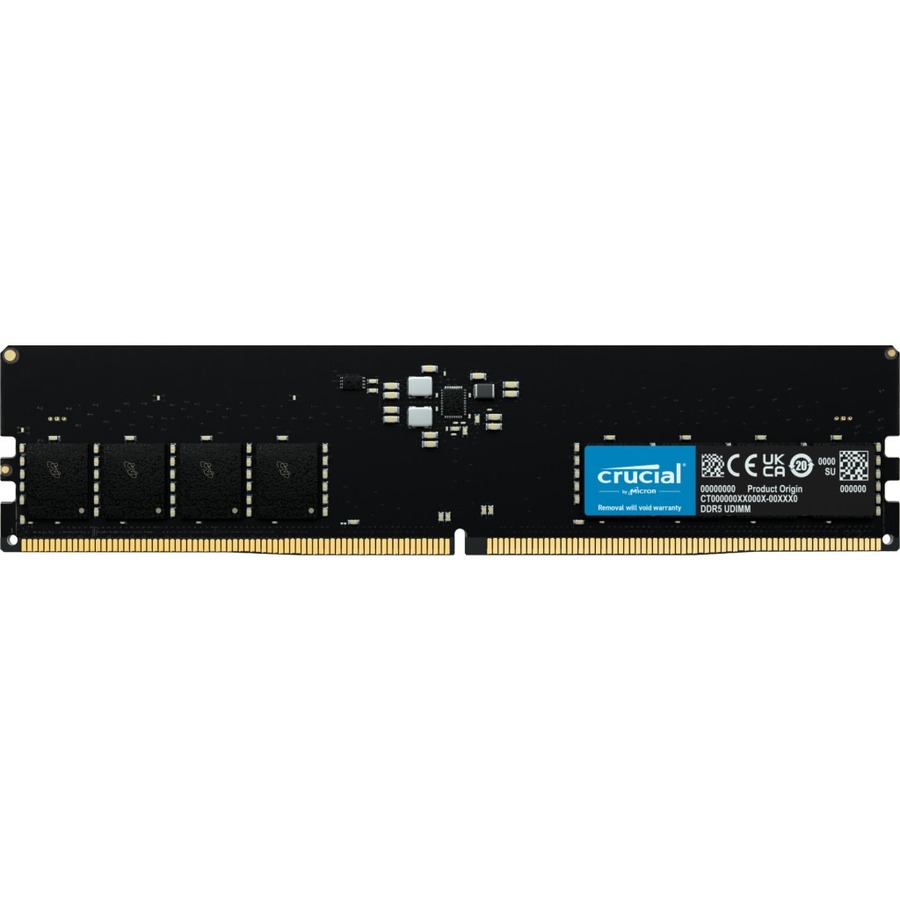
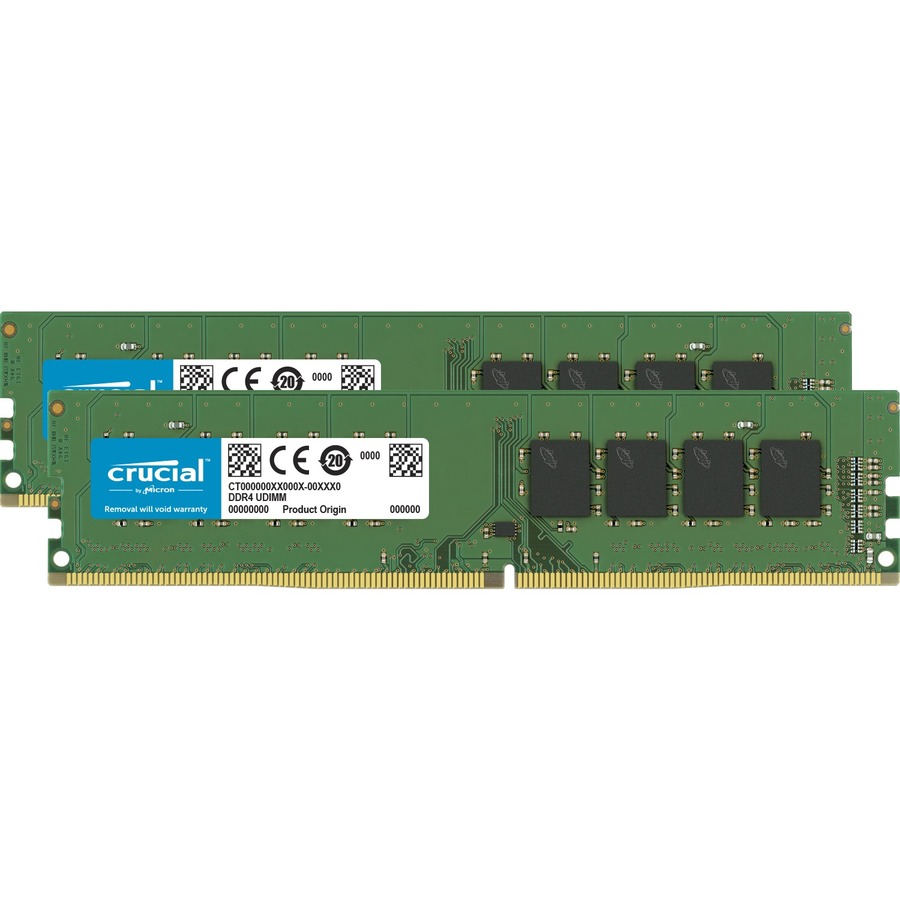
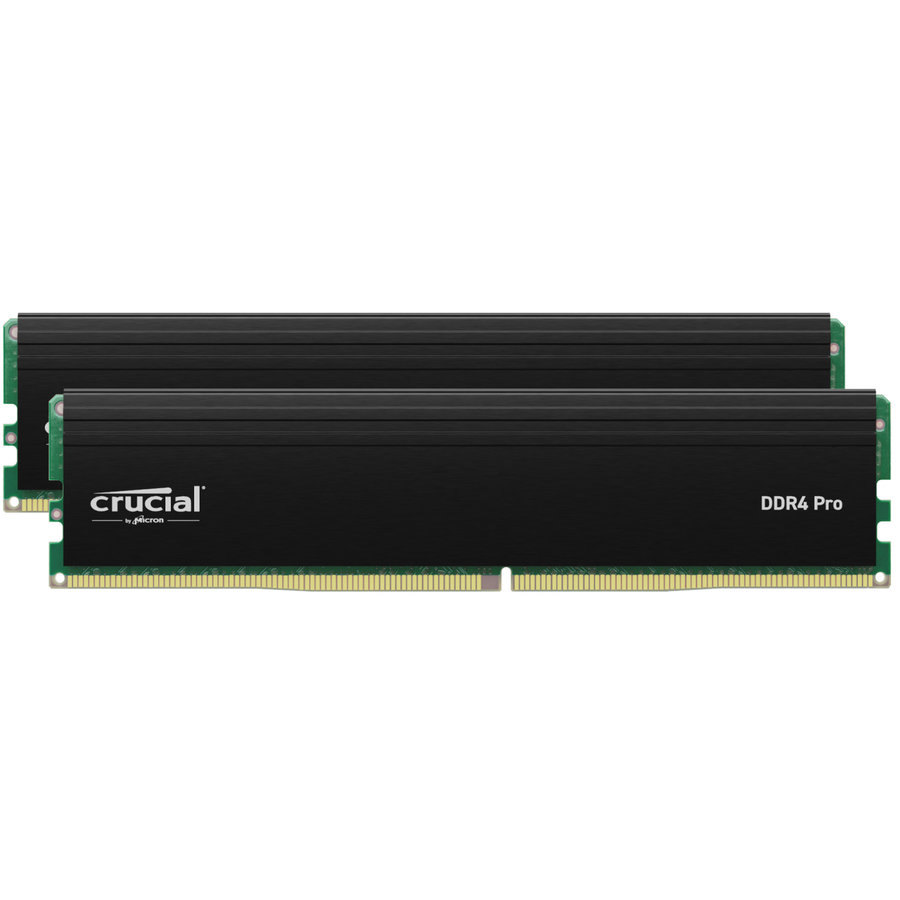
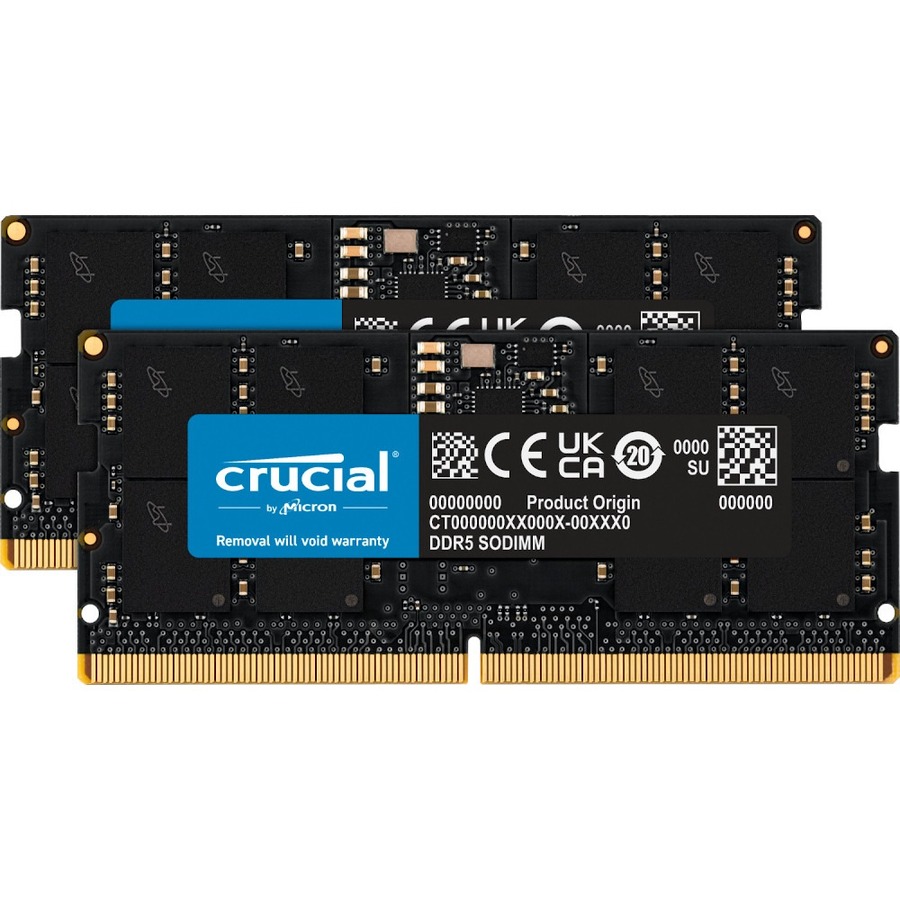
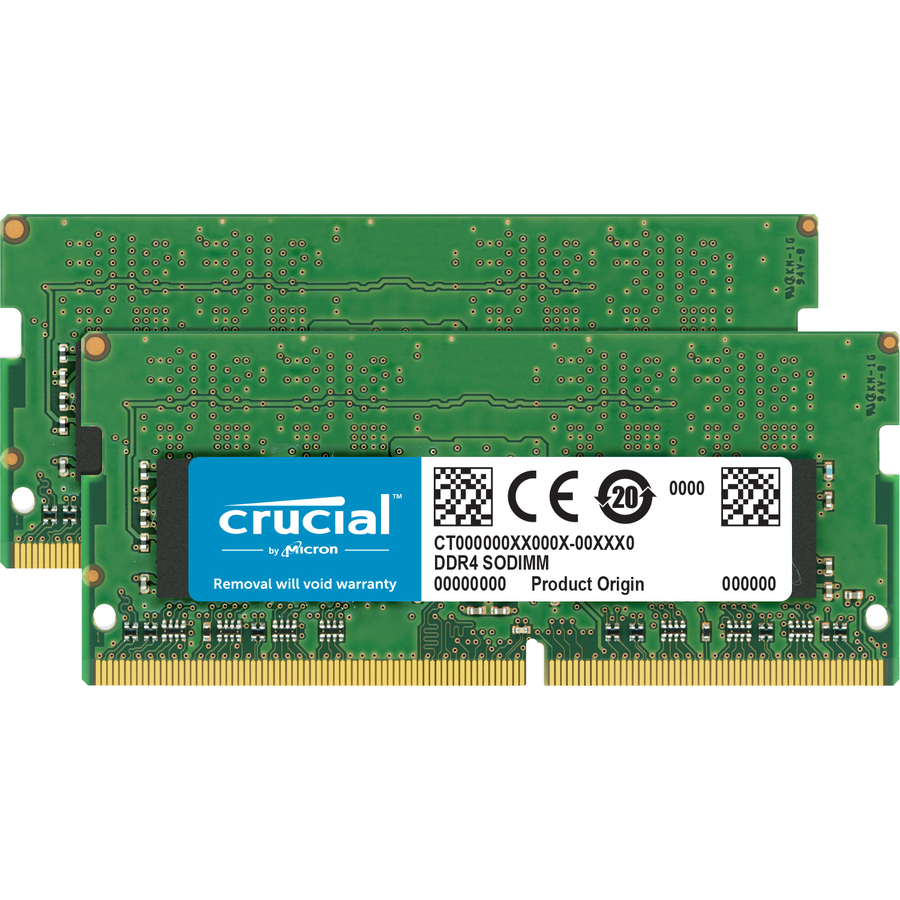
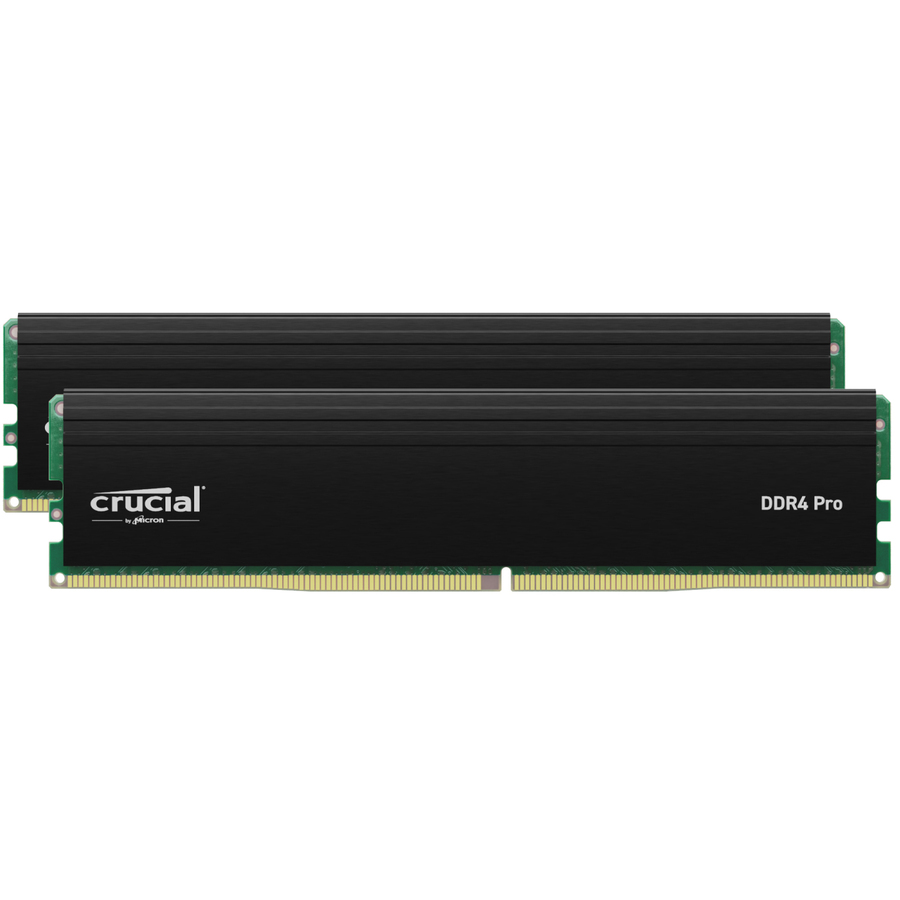
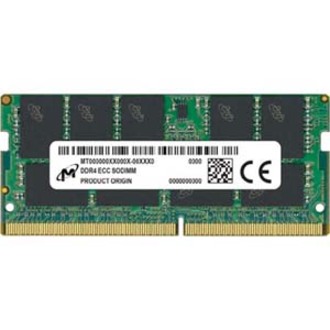
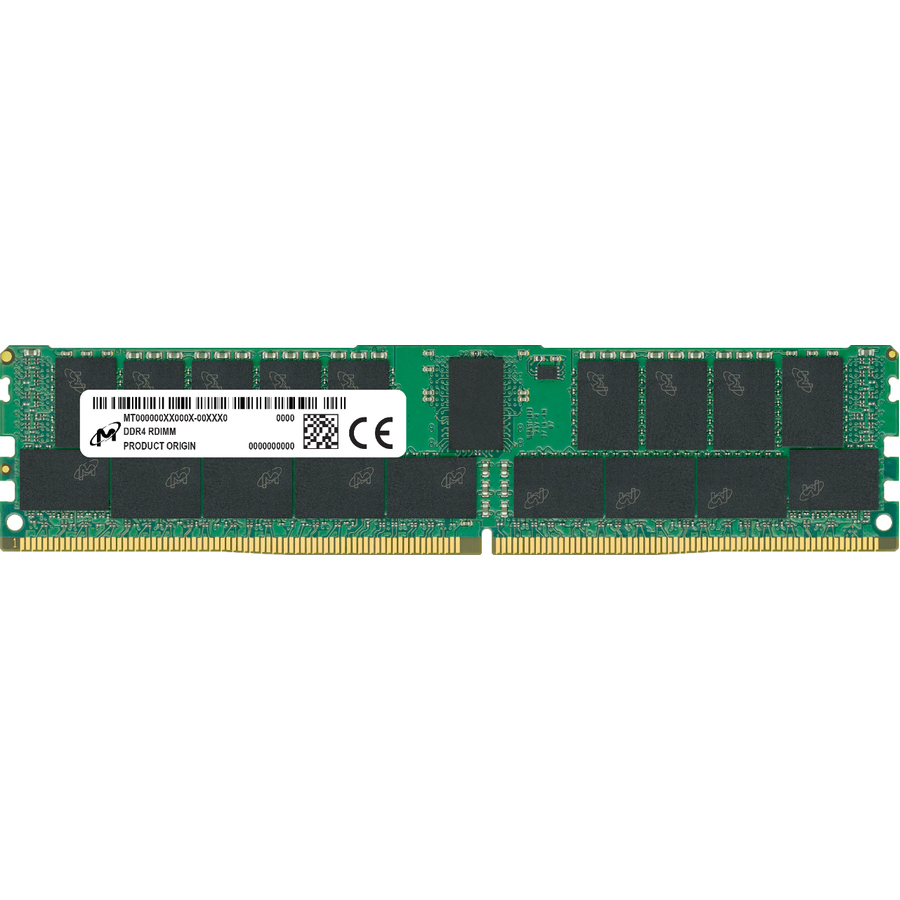
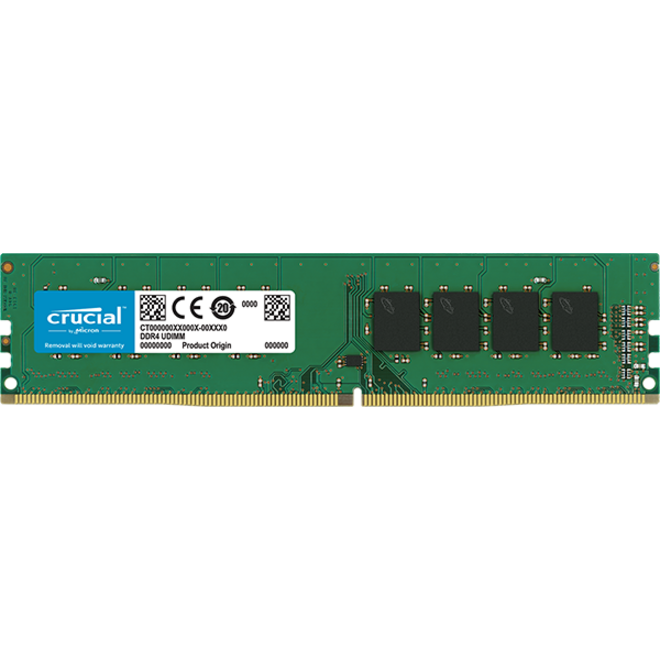
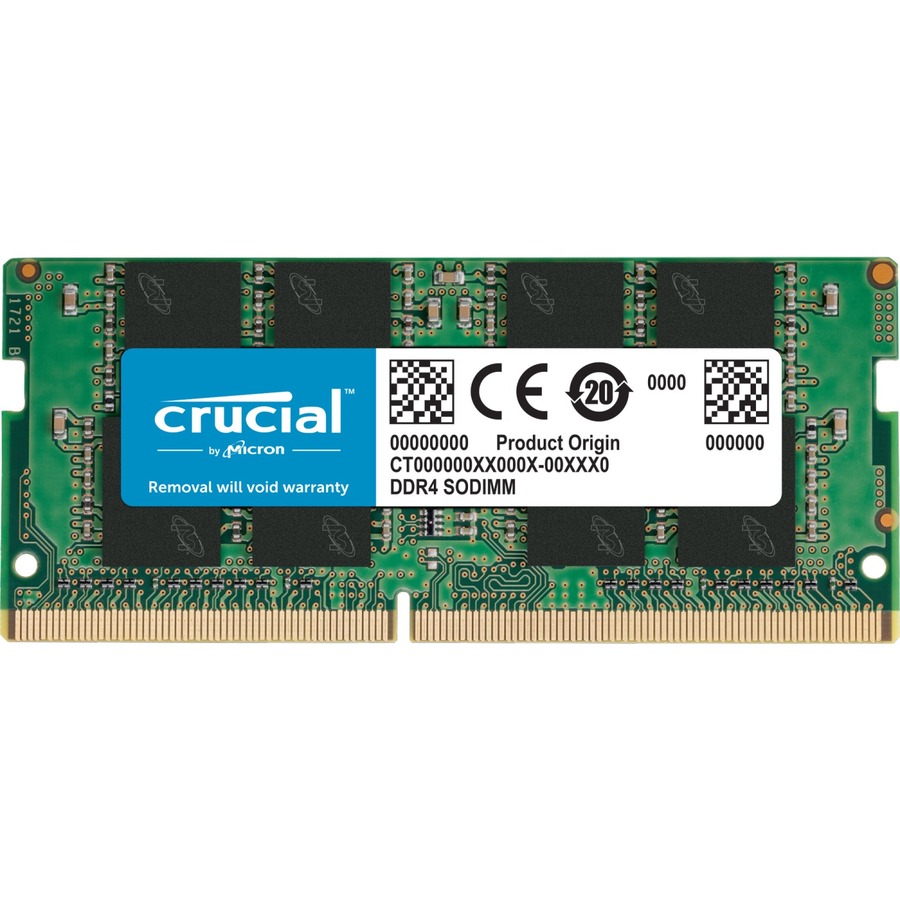
8GB DDR4 desktop
Micron Technology
Micron 8GB DDR4 SDRAM Memory Module
CT8G4DFS824A
The Micron 8GB DDR4-2400 unbuffered module — a straightforward desktop UDIMM for a general office PC or a light single-stick upgrade.
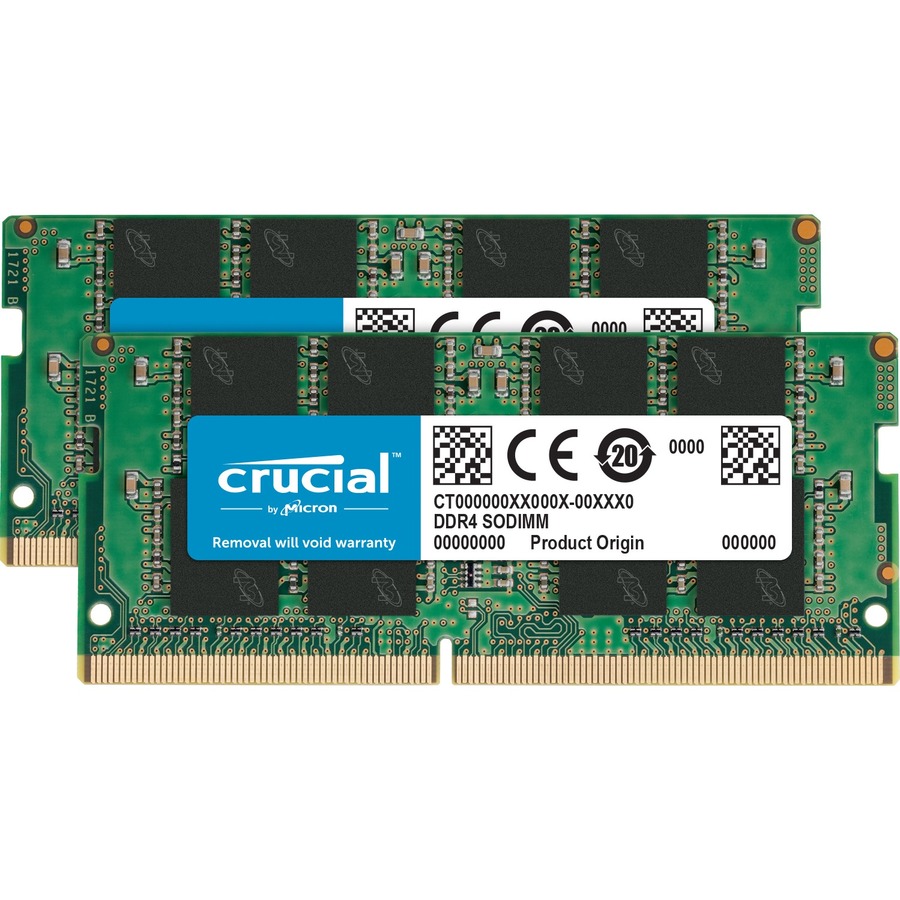
$111.76In stock8GB DDR4 SODIMM
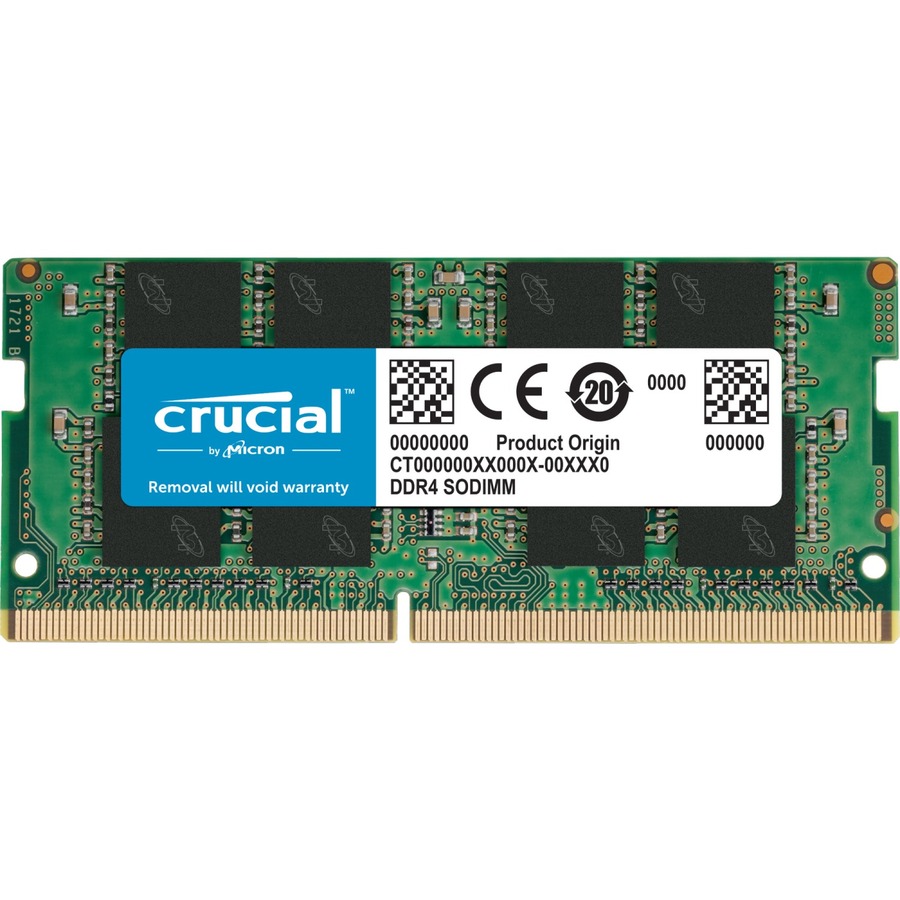
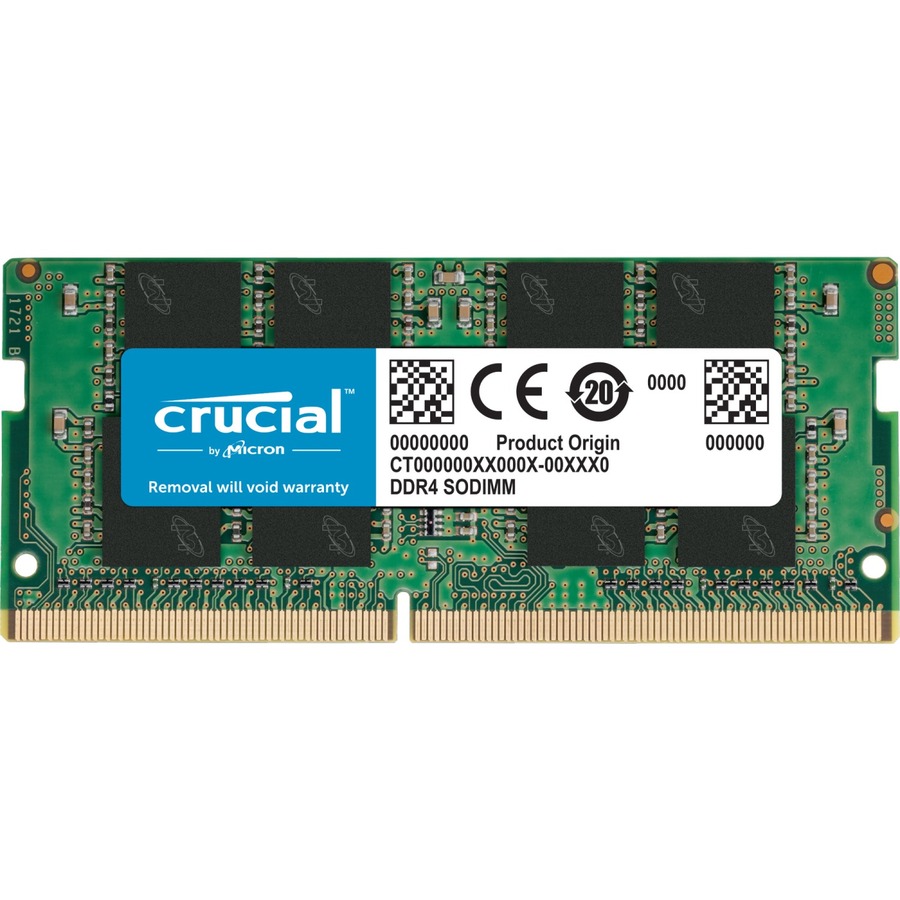
Micron Technology
Micron 8GB DDR4-2400 SODIMM
CT8G4SFS824A
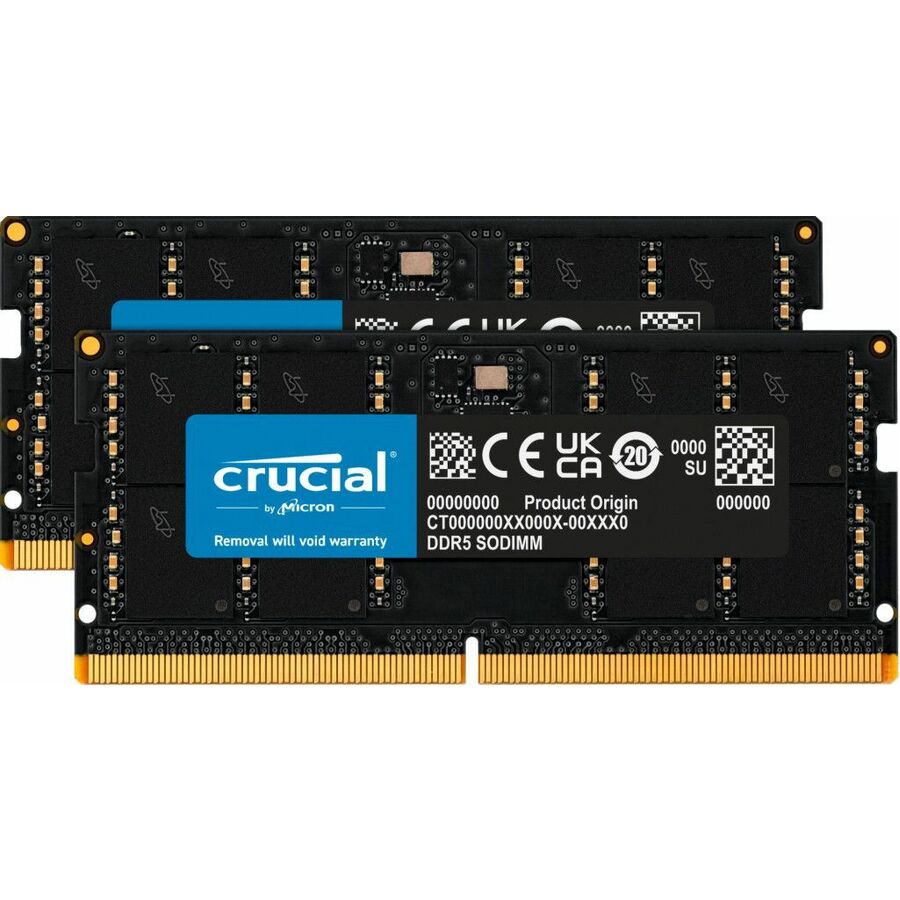
The Micron 8GB DDR4-2400 SODIMM — the compact notebook form, a clean single-stick memory bump for a business laptop.
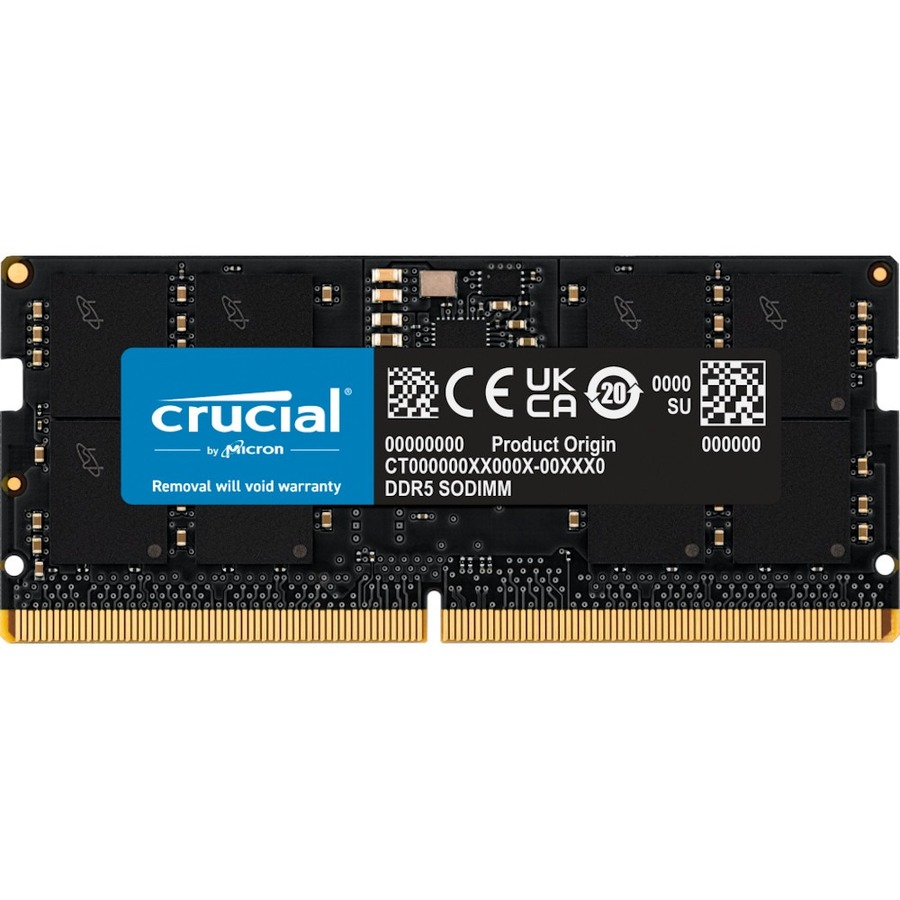
$194.41Back-ordered16GB DDR4 desktop
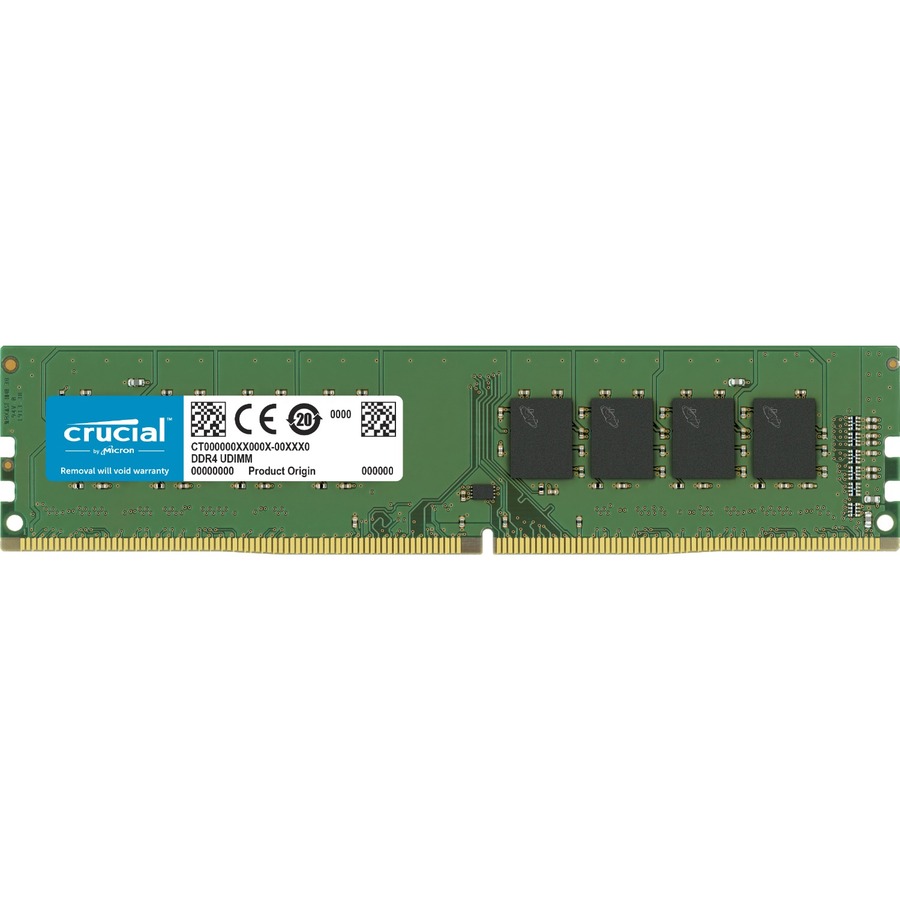
Micron Technology
Micron 16GB DDR4 SDRAM Memory Module
CT16G4DFRA32A
The Micron 16GB DDR4-3200 desktop module — a higher-speed unbuffered stick for a workstation or a performance desktop build.
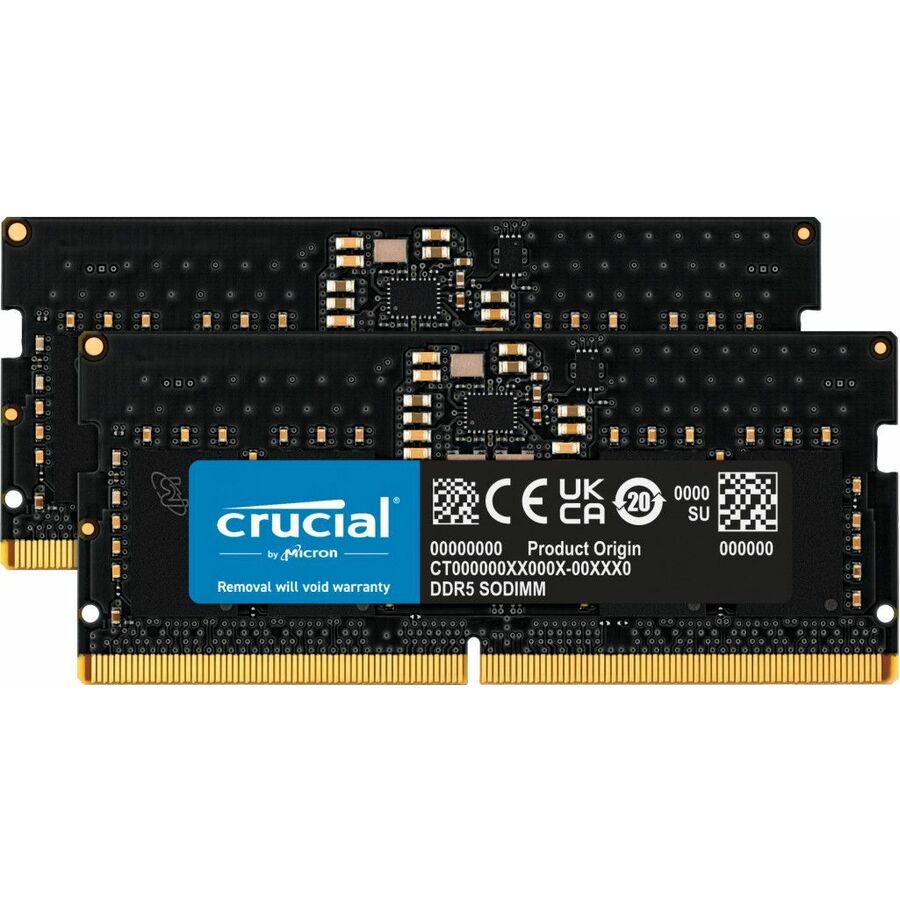
$270.51In stock8GB DDR4 server
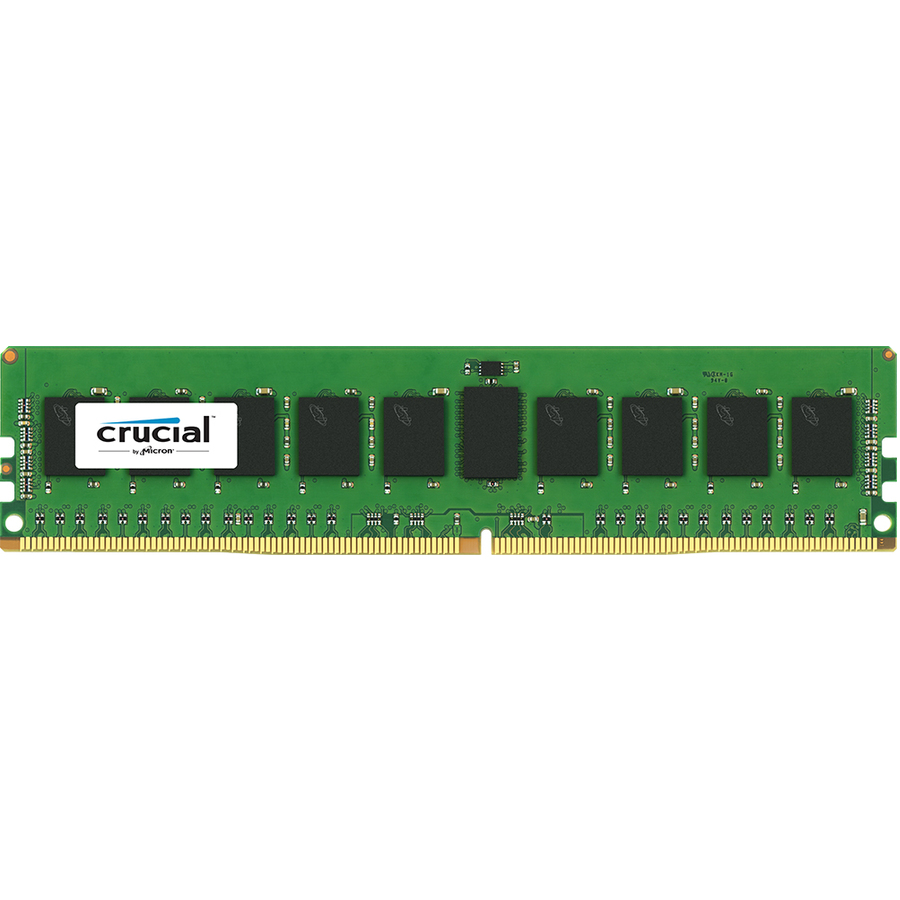
Micron Technology
Micron 8GB DDR4 SDRAM Memory Module
CT8G4RFD8213
The Micron 8GB DDR4-2133 registered server module — an RDIMM for populating many modules per channel in an enterprise server.
$146.41Back-ordered16GB DDR4 RDIMM
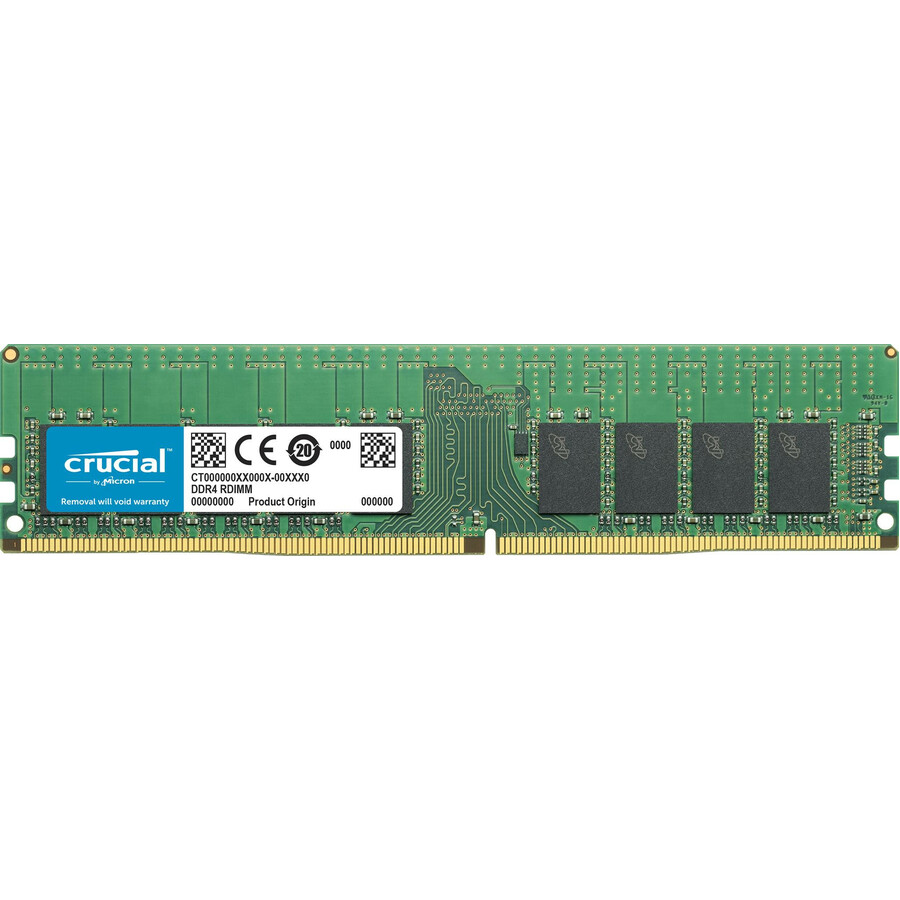
Micron Technology
Micron 16GB DDR4-2666 RDIMM
CT16G4RFD8266
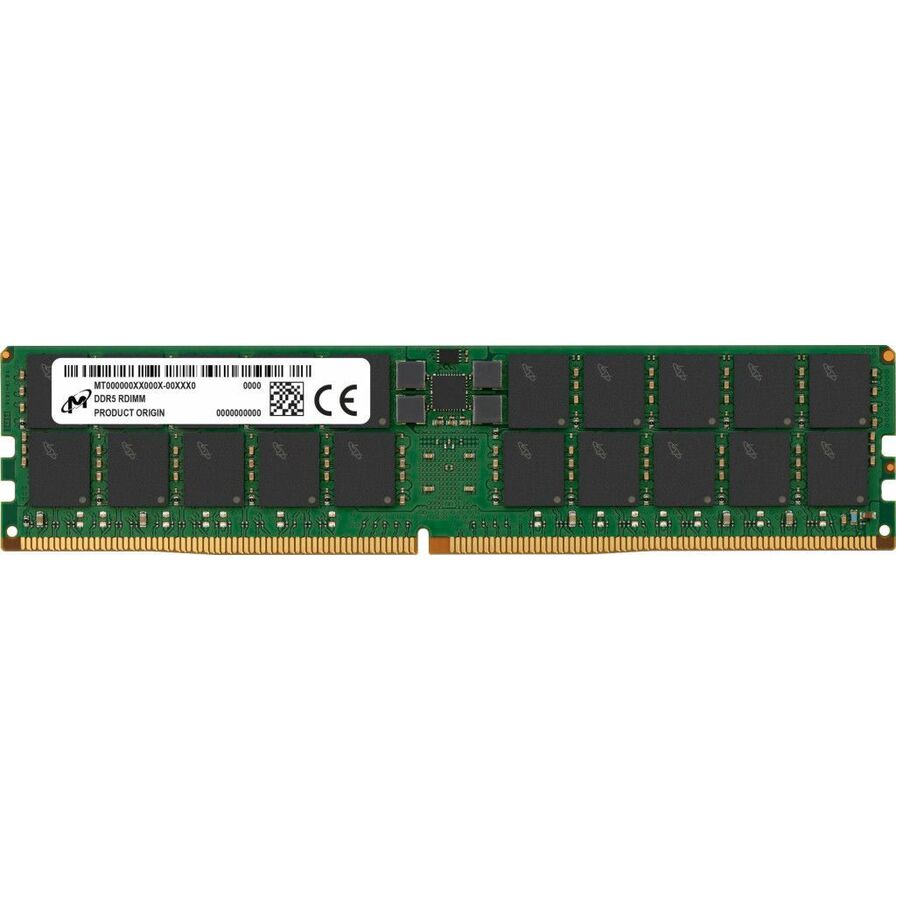
The Micron 16GB DDR4-2666 RDIMM — a registered ECC server module, the workhorse capacity for a virtualization or database host.
$513.56Back-ordered16GB DDR4 ECC
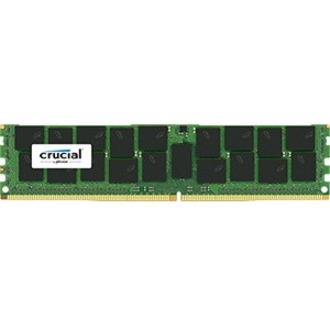
Micron Technology
Micron 16GB DDR4 SDRAM Memory Module
CT16G4WFD8213
The Micron 16GB DDR4 unbuffered ECC module — error correction in a UDIMM form for a workstation or entry server that wants integrity without registered memory.
$294.14Back-ordered16GB DDR4-2933
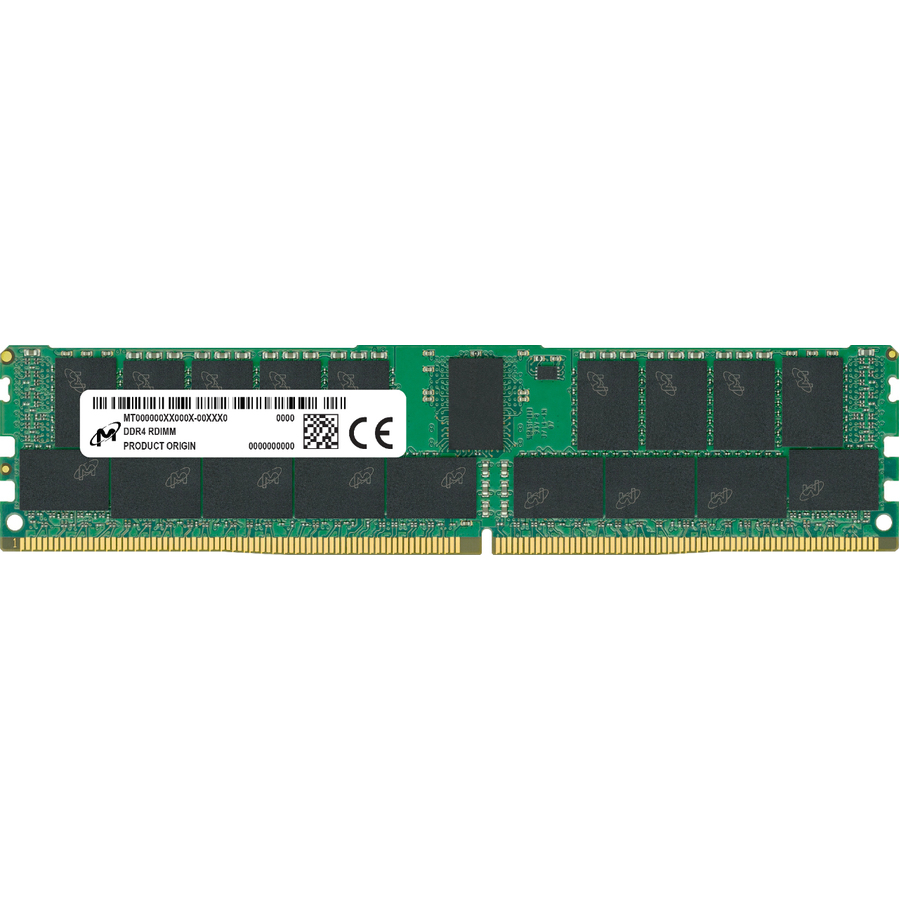
Micron Technology
Micron 16GB DDR4 SDRAM Memory Module
MTA18ASF2G72PZ-2G9E1
The Micron 16GB DDR4-2933 ECC module — a faster-grade registered stick for a second-generation Xeon or EPYC server platform.
$289.10Back-ordered16GB DDR4 server
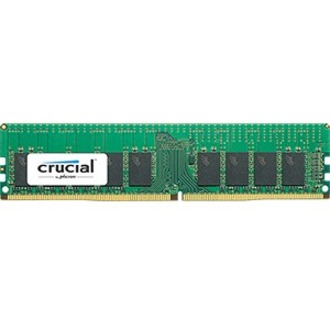
Micron Technology
Micron 16GB DDR4 SDRAM Memory Module
CT16G4RFD424A
The Micron 16GB DDR4-2400 registered server module — an RDIMM sized for broad platform compatibility across an older server fleet.
$508.56Back-ordered32GB DDR4 module
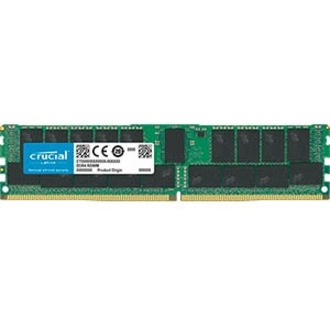
Micron Technology
Micron 32GB (1 x 32 GB) DDR4 SDRAM Memory Module
CT32G4RFD4266
The Micron 32GB DDR4-2666 module — high per-stick capacity for a memory-hungry server or workstation that needs density with headroom.
$855.12Back-ordered16GB DDR3 ECC
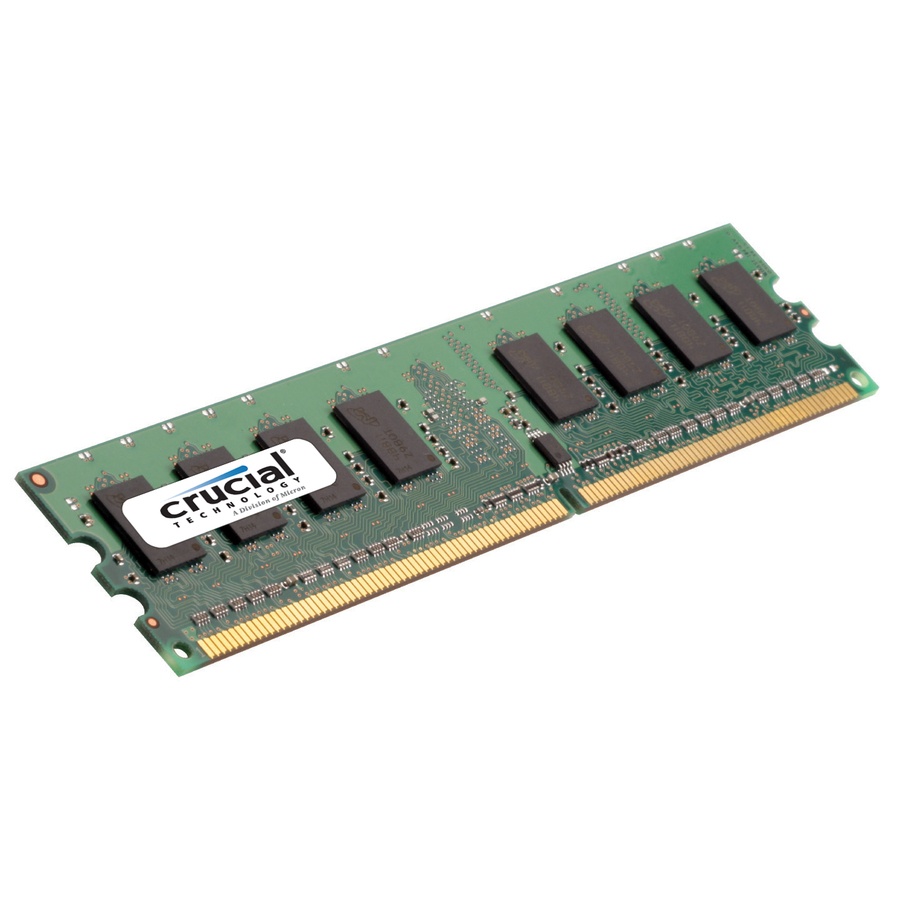
Micron Technology
Micron 16GB (1 x 16 GB) DDR3 SDRAM Memory Module
CT16G3ERSLD4160B
The Micron 16GB DDR3-1600 ECC module — memory for keeping an older DDR3 server or workstation in service without changing platforms.
Request pricing8GB DDR5 SODIMM
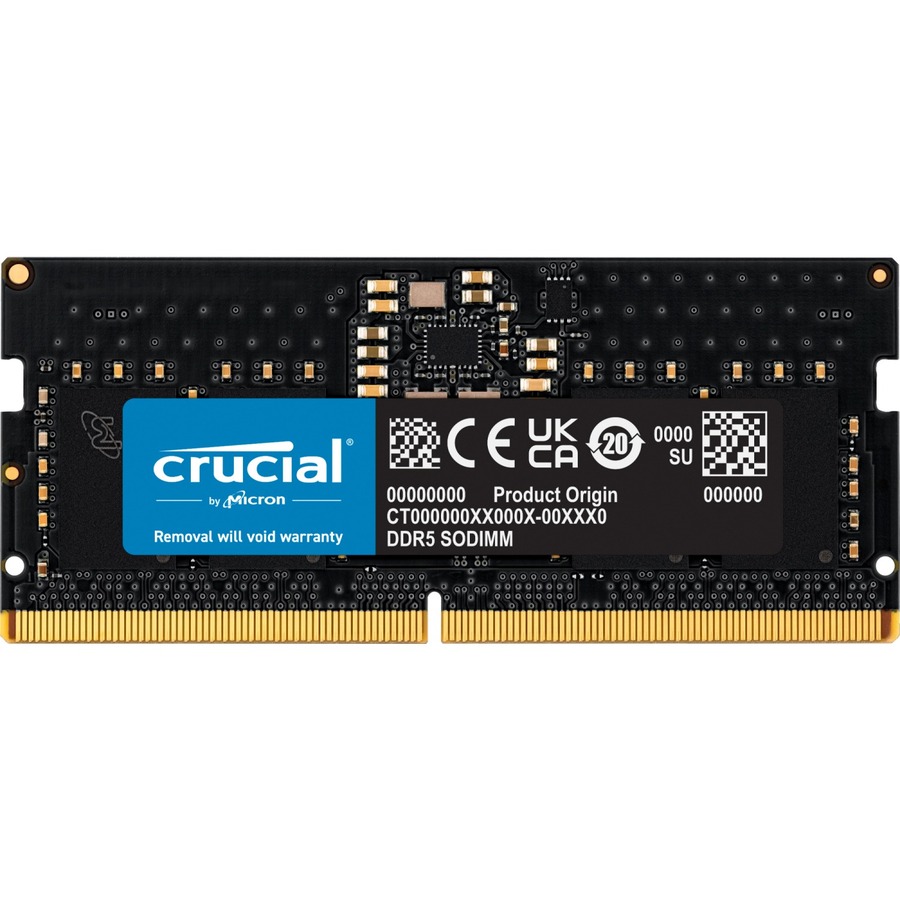
Micron Technology
Micron 8GB DDR5 SDRAM Memory Module
CT8G48C40S5
The Micron 8GB DDR5-4800 SODIMM — the entry notebook module for a current-generation DDR5 laptop upgrade.
$946.56Back-ordered16GB DDR5 SODIMM
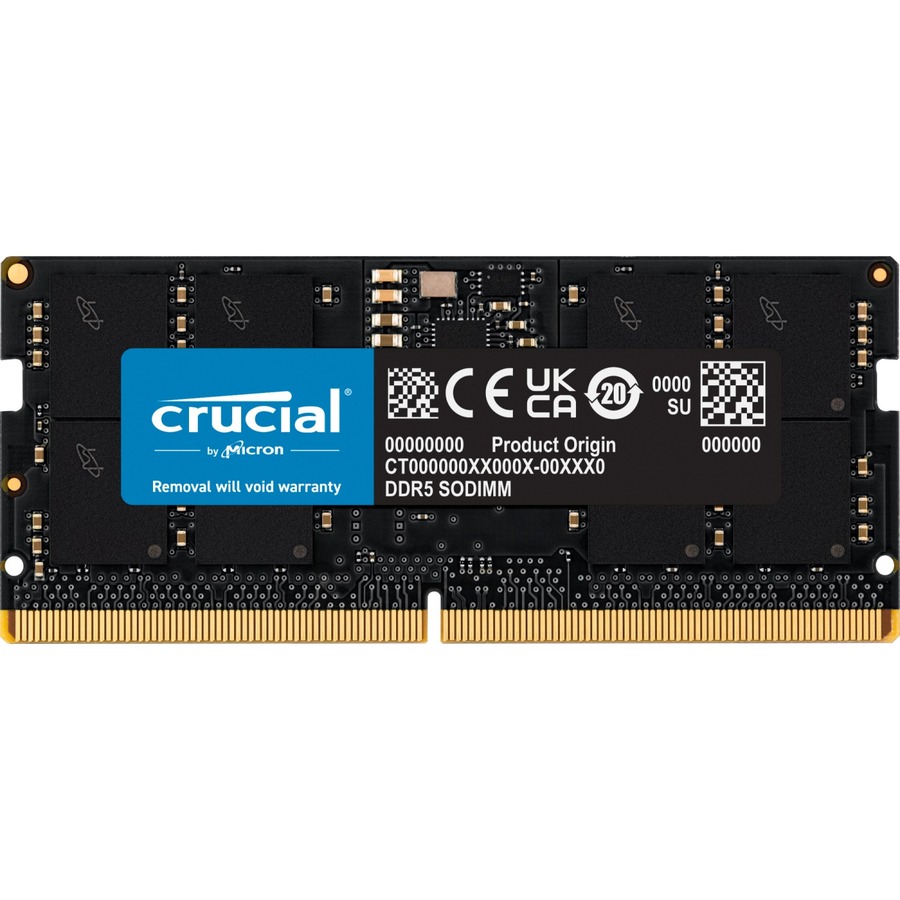
Micron Technology
Micron 16GB DDR5 SDRAM Memory Module
CT16G48C40S5
The Micron 16GB DDR5-4800 SODIMM — a 16 GB notebook stick for a DDR5 business or workstation laptop.
$585.39Back-ordered16GB DDR5 desktop
Micron Technology
Micron 16GB DDR5 SDRAM Memory Module
CT16G56C46U5
The Micron 16GB DDR5-5600 desktop module — a higher-speed unbuffered DDR5 stick for a current-platform desktop or workstation.
$526.59In stock32GB DDR5 SODIMM
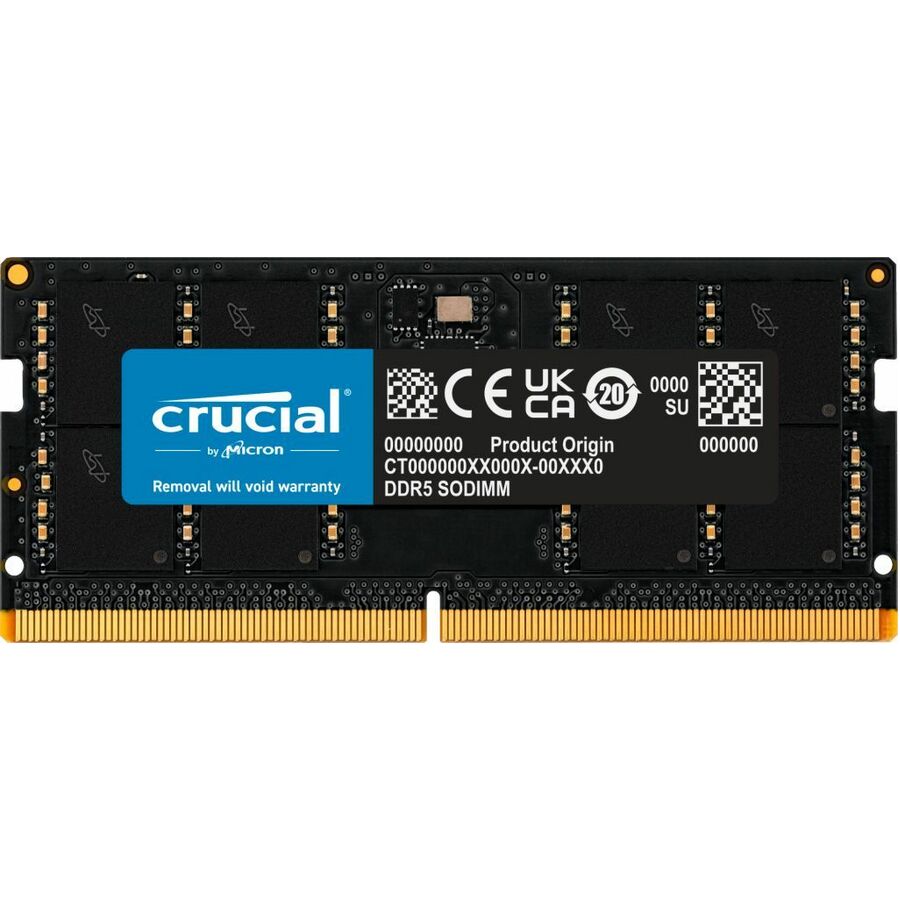
Micron Technology
Micron 32GB DDR5 SDRAM Memory Module
CT32G56C46S5
The Micron 32GB DDR5-5600 SODIMM — high-capacity notebook memory for a DDR5 mobile workstation running heavy workloads.
$1,341.41Back-orderedMore memory in the Uniqcli catalog
See all 8,709 memoryMore Micron first — closest to what you were just looking at; “See all memory” above opens every other brand in the category. In-stock lines lead, and a back-ordered line carries the same estimated availability its product page does — with live pricing throughout, NDAA §889 screening before checkout and TAA verified on request.
- Micron TechnologyMicron 96GB (2x 48GB) DDR5 SDRAM Memory Kit - For Computer, Notebook - 96 GB (2 x 48GB) - DDR5-5600/PC5-44800 DDR5 SDRAM - 5600 MHz - CL46 - 1.10 V - On-die ECC - Unbuffered - 262-pin - SODIMMCT2K48G56C46S5
$13,778.71
$12,974.91
Back-orderedBack-ordered — estimated OEM lead time 3–8 weeks (Nov 14 – Dec 19 if ordered today).
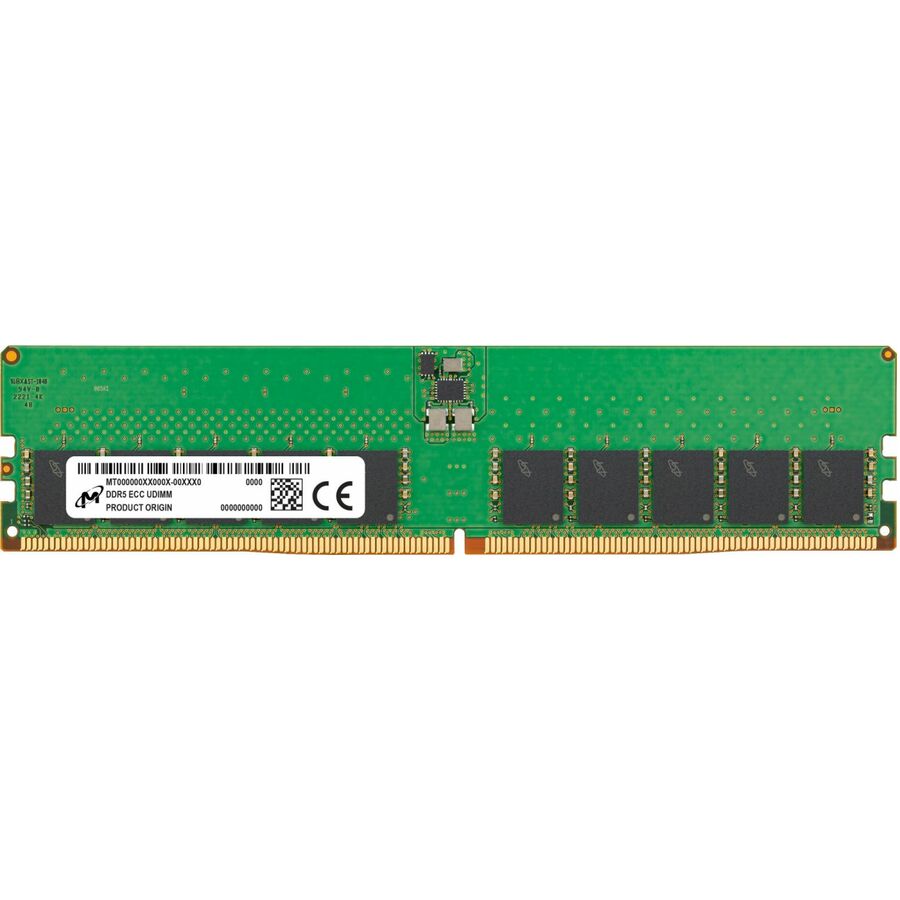
- Micron TechnologyMicron 32GB DDR5 SDRAM Memory Module - For Server, Workstation - 32 GB (1 x 32GB) - DDR5-5600/PC5-44800 DDR5 SDRAM - 5600 MHz Dual-rank Memory - CL46 - 1.10 V - ECC - Unbuffered - 288-pin - DIMMMTC20C2085S1EC56BR
$11,947.00
$11,250.06
Back-orderedBack-ordered — estimated OEM lead time 3–8 weeks (Nov 14 – Dec 19 if ordered today).
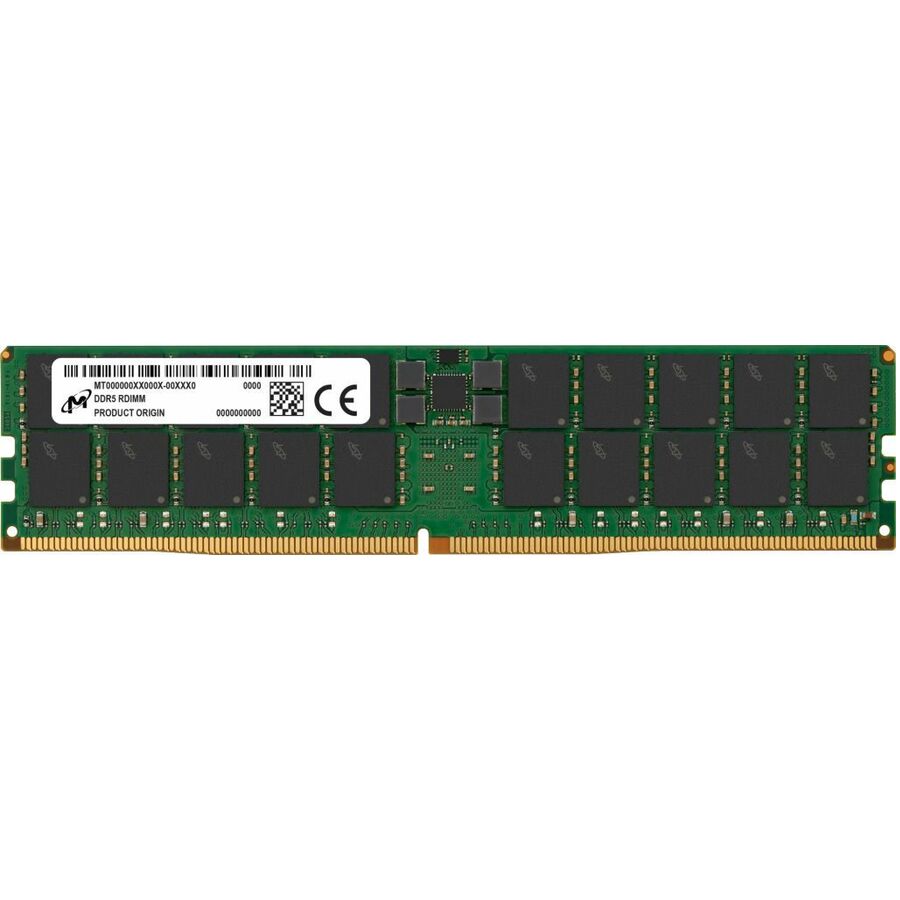
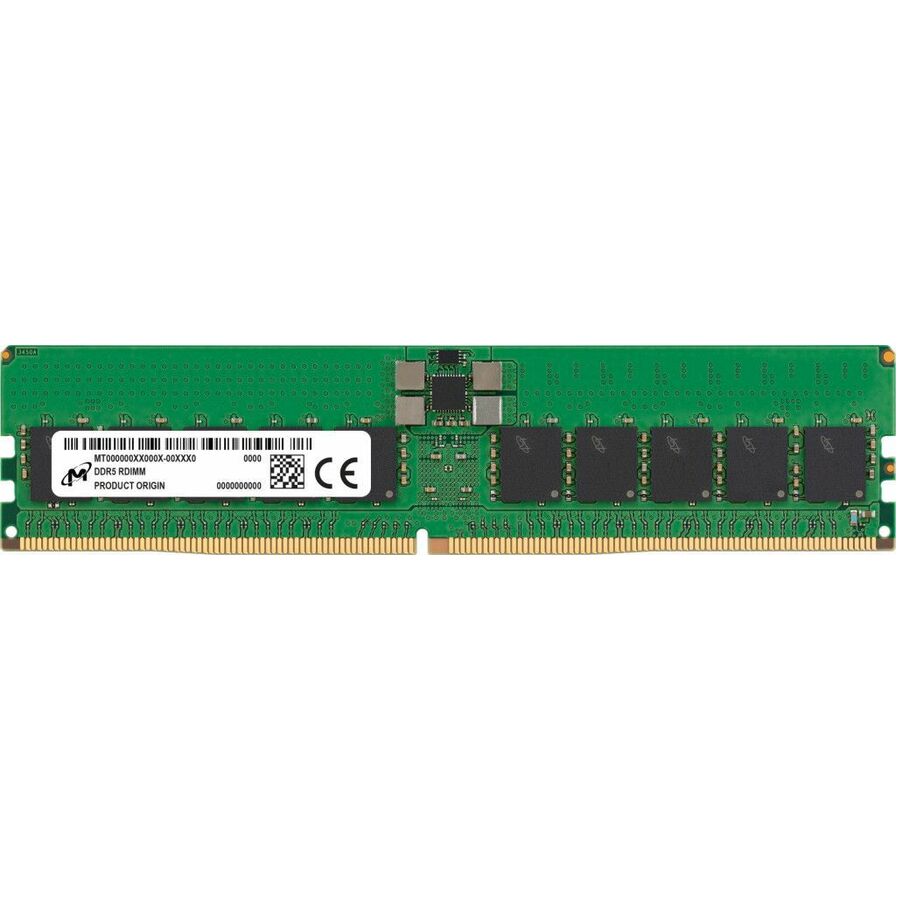
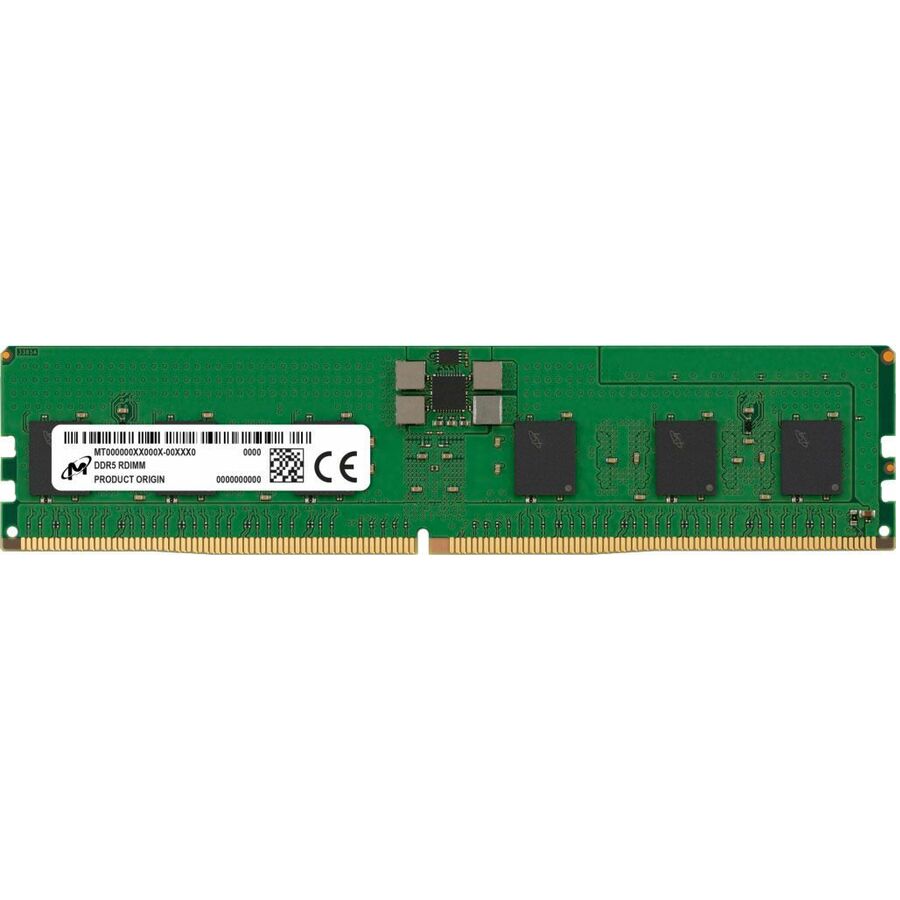
- Micron TechnologyMicron 128GB DDR5 SDRAM Memory Module - For Server, Workstation - 128 GB (1 x 128GB) - DDR5-5600/PC5-44800 DDR5 SDRAM - 5600 MHz Dual-rank Memory - CL46 - 1.10 V - ECC - Registered - 288-pin - DIMMMTC40F2047S1RC56BR
$11,199.10
$10,545.79
Back-orderedBack-ordered — estimated OEM lead time 3–8 weeks (Nov 14 – Dec 19 if ordered today).
- Micron TechnologyMicron 64GB DDR5 SDRAM Memory Module - For Server, Workstation - 64 GB (1 x 64GB) - DDR5-5600/PC5-44800 DDR5 SDRAM - 5600 MHz Dual-rank Memory - CL46 - 1.10 V - ECC - Registered - 288-pin - DIMMMTC40F2046S1RC56BR
$8,386.60
$7,897.35
Back-orderedBack-ordered — estimated OEM lead time 3–8 weeks (Nov 14 – Dec 19 if ordered today).
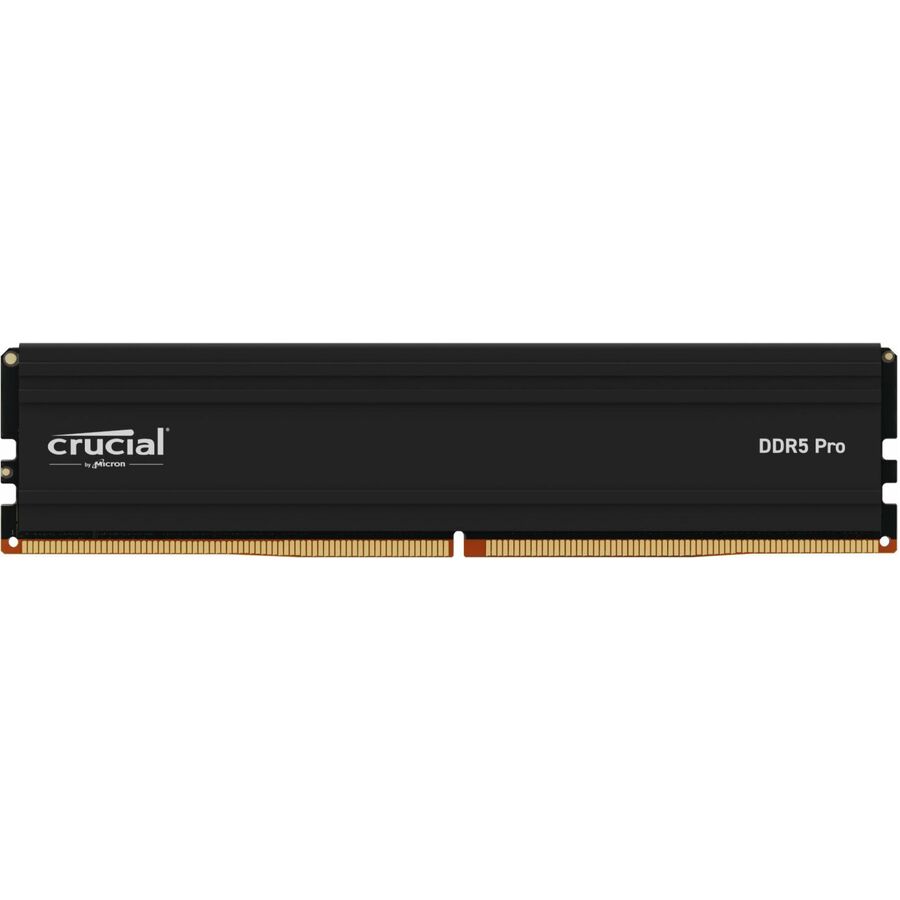
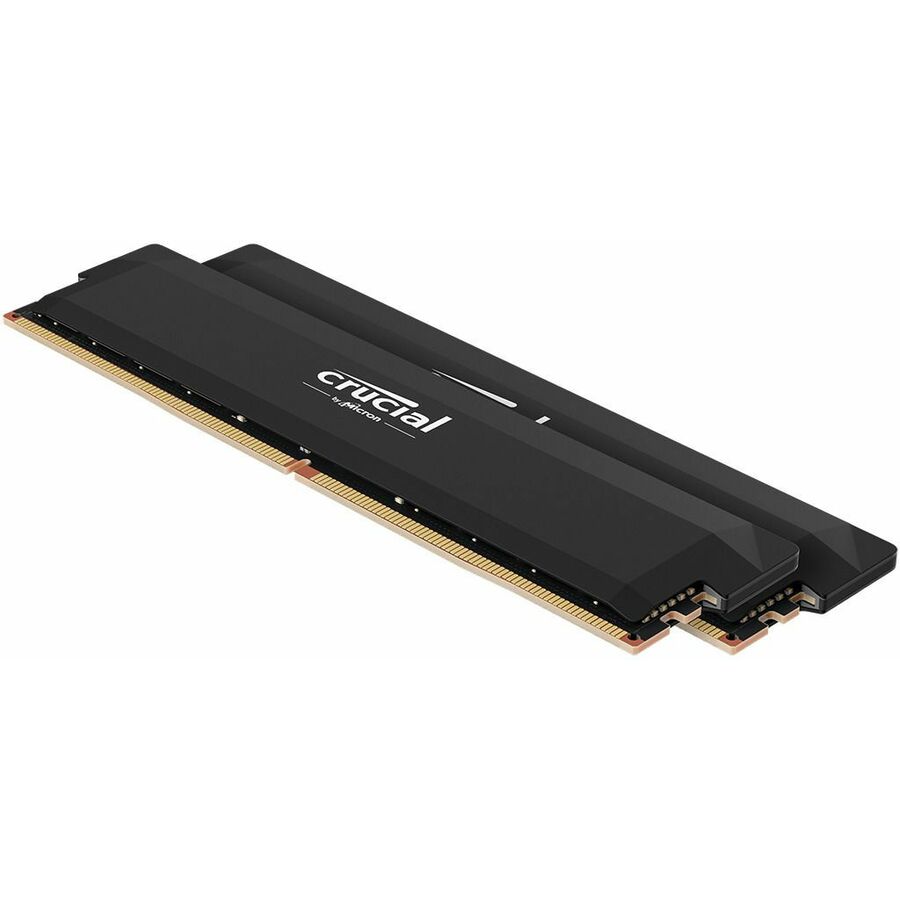
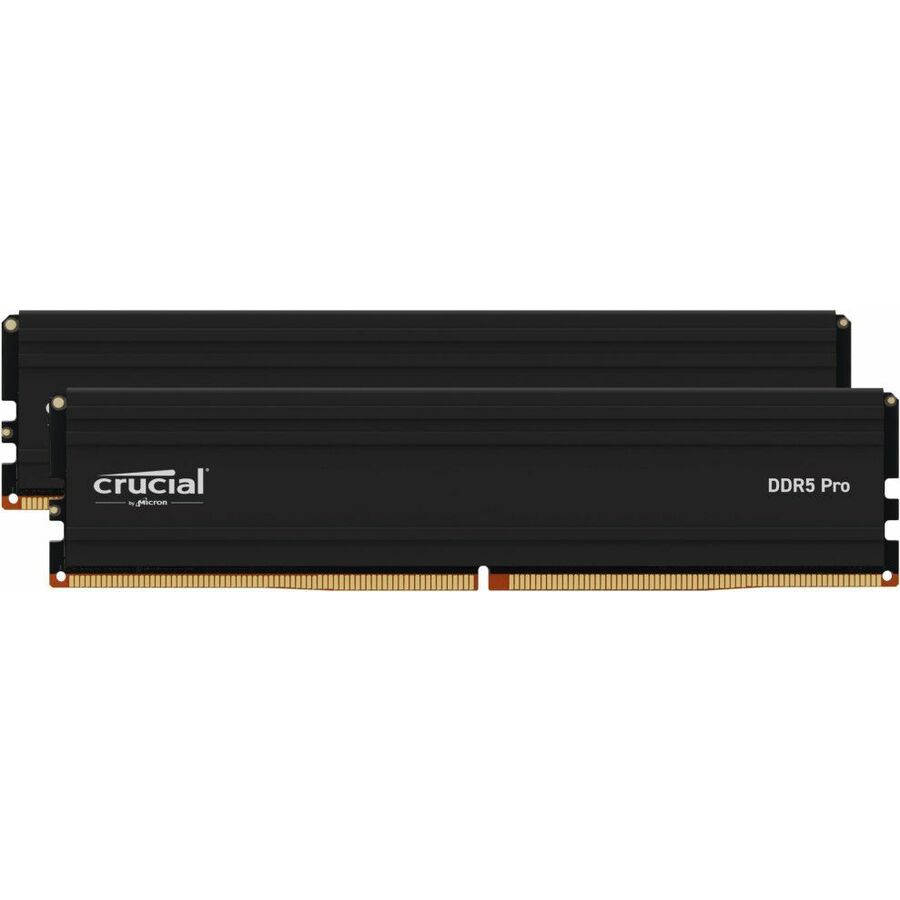
- Micron TechnologyCrucial PRO RAM Module - For Desktop PC, Motherboard - 128 GB (2 x 64GB) - DDR5-5600/PC5-44800 DDR5 SDRAM - 5600 MHz - CL46 - 1.10 V - Non-ECC - Unbuffered - 288-pin - DIMMCP2K64G56C46U5
$6,450.23
$6,073.95
Back-orderedBack-ordered — estimated OEM lead time 3–8 weeks (Nov 14 – Dec 19 if ordered today).
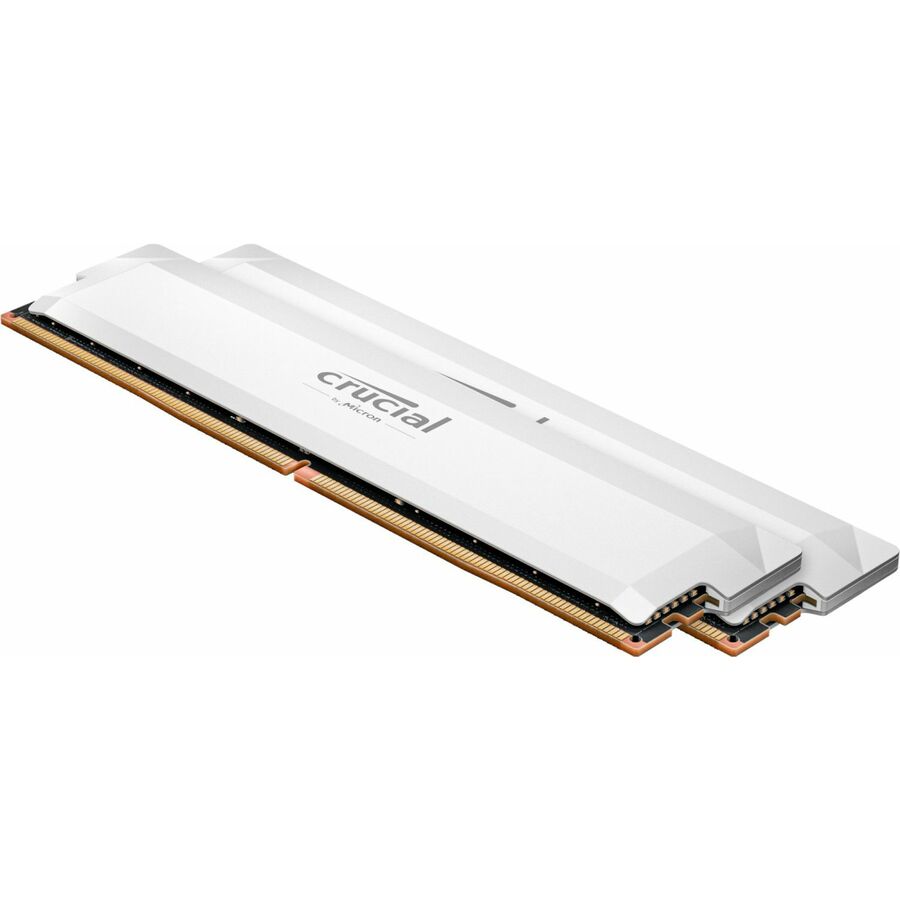
- Micron TechnologyMicron Pro Overclocking 32GB (2 x 16GB) DDR5 SDRAM Memory Kit - For Desktop PC, Motherboard - 32 GB (2 x 16GB) - DDR5-6000/PC5-48000 DDR5 SDRAM - 6000 MHz - CL36 - 1.35 V - Unbuffered - 288-pin - DIMMCP2K16G60C36U5W
$6,369.26
$5,997.70
Back-orderedBack-ordered — estimated OEM lead time 3–8 weeks (Nov 14 – Dec 19 if ordered today).
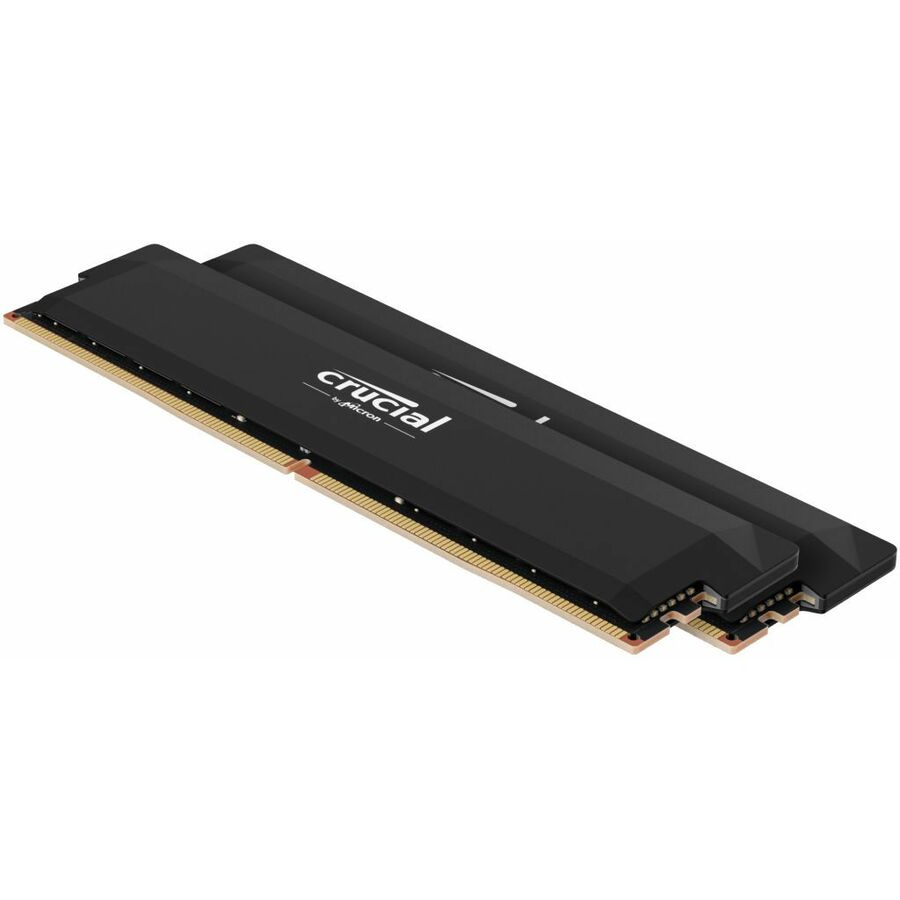
- Micron TechnologyCrucial Pro Overclocking RAM Module - For Computer - 64 GB (2x32 GB) - DDR5-6000/PC5-48000 DDR5 SDRAM - 6000 MHz - CL40 - 1.35 V - Non-ECC - Unbuffered - 288-pin - DIMMCP2K32G60C40U5B
$6,369.26
$5,997.70
Back-orderedBack-ordered — estimated OEM lead time 3–8 weeks (Nov 14 – Dec 19 if ordered today).
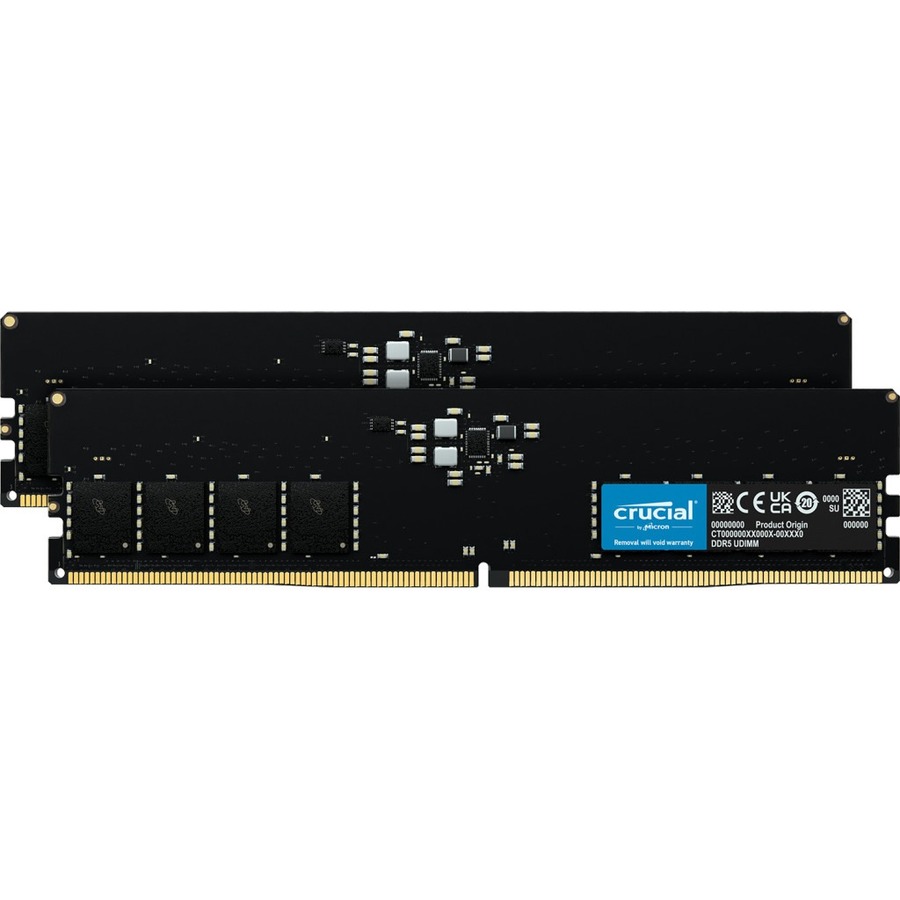
- Micron TechnologyMicron 64GB (2 x 32GB) DDR5 SDRAM Memory Kit - For Desktop PC, Computer - 64 GB (2 x 32GB) - DDR5-5200/PC5-41600 DDR5 SDRAM - 5200 MHz - CL42 - 1.10 V - On-die ECC - Unbuffered - 288-pin - DIMM - Lifetime WarrantyCT2K32G52C42U5
$5,827.42
$5,487.47
Back-orderedBack-ordered — estimated OEM lead time 3–8 weeks (Nov 14 – Dec 19 if ordered today).
- Micron TechnologyCrucial Pro Overclocking RAM Module - For Gaming PC, Desktop PC - 32 GB (2 x 16GB) - DDR5-6400/PC5-51200 DDR5 SDRAM - CL38 - 1.35 V - Unbuffered - 288-pin - DIMM - Black - Lifetime WarrantyCP2K16G64C38U5B
$5,438.27
$5,134.93
Back-orderedBack-ordered — estimated OEM lead time 3–8 weeks (Nov 14 – Dec 19 if ordered today).
- Micron TechnologyCrucial Pro Overclocking RAM Module - For Desktop PC, Microprocessor - 64 GB (2x32 GB) - DDR5-6400/PC5-51200 DDR5 SDRAM - 6400 MHz - CL40 - 1.35 V - Non-ECC - Unbuffered, Unregistered - 288-pin - DIMMCP2K32G64C40U5B
$4,909.31
$4,635.48
Back-orderedBack-ordered — estimated OEM lead time 3–8 weeks (Nov 14 – Dec 19 if ordered today).
- Micron TechnologyMicron RAM Module - 32 GB - DDR5-5600/PC5-44800 DDR5 SDRAM - 5600 MHz Dual-rank Memory - CL46 - 1.10 V - ECC - Registered - 288-pin - DIMM - 3 Year WarrantyMTC20F2085S1RC56BR
$4,814.04
$4,545.51
Back-orderedBack-ordered — estimated OEM lead time 3–8 weeks (Nov 14 – Dec 19 if ordered today).
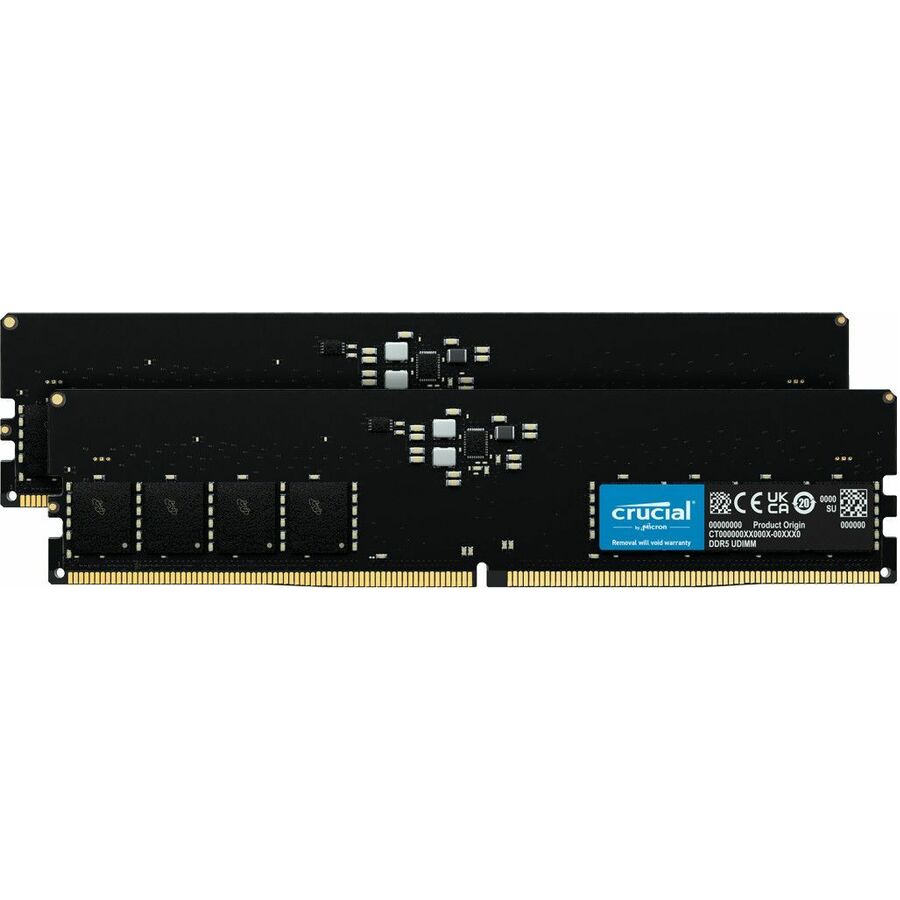
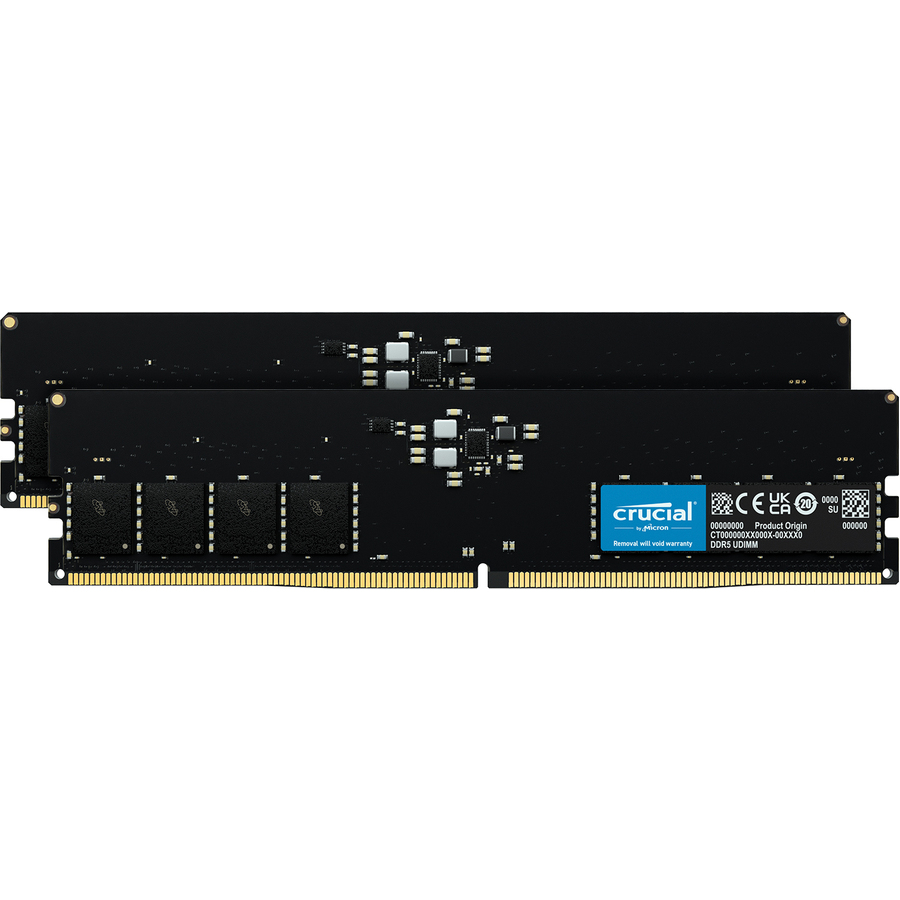
- Micron TechnologyMicron 64GB (2 x 32GB) DDR5 SDRAM Memory Kit - For Computer, Desktop PC - 64 GB (2 x 32GB) - DDR5-5600/PC5-44800 DDR5 SDRAM - 5600 MHz - CL46 - 1.10 V - On-die ECC - Unbuffered - 288-pin - DIMM - Lifetime WarrantyCT2K32G56C46U5
$4,603.09
$4,346.34
Back-orderedBack-ordered — estimated OEM lead time 3–8 weeks (Nov 14 – Dec 19 if ordered today).
- Micron TechnologyMicron 32GB DDR4 SDRAM Memory Module - For Server, Workstation - 32 GB - DDR4-3200/PC4-25600 DDR4 SDRAM - 3200 MHz Single-rank Memory - CL22 - 1.20 V - Registered - 288-pin - DIMMMTA18ASF4G72PZ-3G2F1
$4,416.24
$4,169.91
Back-orderedBack-ordered — estimated OEM lead time 3–8 weeks (Nov 14 – Dec 19 if ordered today).
- Micron TechnologyCrucial Pro 48GB Kit (24GBx2) DDR5-6000 UDIMM - For Desktop PC - 48 GB (2 x 24GB) - DDR5-6000/PC5-48000 DDR5 SDRAM - 6000 MHz - CL48 - 1.10 V - Unbuffered - 288-pin - DIMM - Lifetime WarrantyCP2K24G60C48U5
$4,173.53
$3,940.73
Back-orderedBack-ordered — estimated OEM lead time 3–8 weeks (Nov 14 – Dec 19 if ordered today).
- Micron TechnologyMicron 32GB DDR5 SDRAM Memory Module - For Notebook - 32 GB (1 x 32GB) - DDR5-5200/PC5-41600 DDR5 SDRAM - 5200 MHz Dual-rank Memory - CL42 - 1.10 V - Non-ECC - 262-pin - SODIMM - Lifetime WarrantyCT32G52C42S5
$3,723.64
$3,515.93
Back-orderedBack-ordered — estimated OEM lead time 3–8 weeks (Nov 14 – Dec 19 if ordered today).
- Micron TechnologyMicron 64GB (2 x 32GB) DDR5 SDRAM Memory Kit - For Notebook - 64 GB (2 x 32GB) - DDR5-5600/PC5-44800 DDR5 SDRAM - 5600 MHz Dual-rank Memory - CL46 - 1.10 V - Non-ECC - Unbuffered - 262-pin - SODIMMCT2K32G56C46S5
$3,723.59
$3,515.94
Back-orderedBack-ordered — estimated OEM lead time 3–8 weeks (Nov 14 – Dec 19 if ordered today).
- Micron TechnologyMicron 64GB (2 x 32GB) DDR5 SDRAM Memory Kit - For Motherboard, Desktop PC - 64 GB (2 x 32GB) - DDR5-4800/PC5-38400 DDR5 SDRAM - 4800 MHz - CL40 - 1.10 V - On-die ECC - Unbuffered - 288-pin - DIMM - Lifetime WarrantyCT2K32G48C40U5
$3,627.44
$3,425.10
Back-orderedBack-ordered — estimated OEM lead time 3–8 weeks (Nov 14 – Dec 19 if ordered today).
- Micron TechnologyMicron 64GB (2 x 32GB) DDR5 SDRAM Memory Kit - For Notebook - 64 GB (2 x 32GB) - DDR5-5200/PC5-41600 DDR5 SDRAM - 5200 MHz Dual-rank Memory - CL42 - 1.10 V - Non-ECC - 262-pin - SODIMMCT2K32G52C42S5
$3,621.99
$3,419.97
Back-orderedBack-ordered — estimated OEM lead time 3–8 weeks (Nov 14 – Dec 19 if ordered today).
- Micron TechnologyMicron 32GB DDR4 SDRAM Memory Module - 32 GB - DDR4-3200/PC4-25600 DDR4 SDRAM - 3200 MHz - CL22 - 1.20 V - ECC - Unbuffered - 288-pin - DIMMMTA18ASF4G72AZ-3G2B1
$3,620.67
$3,418.72
Back-orderedBack-ordered — estimated OEM lead time 3–8 weeks (Nov 14 – Dec 19 if ordered today).
- Micron TechnologyMicron 32GB DDR4 SDRAM Memory Module - For Server, Workstation - 32 GB (1 x 32GB) - DDR4-3200/PC4-25600 DDR4 SDRAM - 3200 MHz Dual-rank Memory - CL22 - 1.20 V - Registered - 288-pin - DIMM - 3 Year WarrantyMTA36ASF4G72PZ-3G2R
$3,620.67
$3,418.72
Back-orderedBack-ordered — estimated OEM lead time 3–8 weeks (Nov 14 – Dec 19 if ordered today).
- Micron TechnologyMicron RAM Module - 16 GB - DDR5-5600/PC5-44800 DDR5 SDRAM - 5600 MHz Single-rank Memory - CL46 - 1.10 V - ECC - Registered - 288-pin - DIMM - 3 Year WarrantyMTC10F1084S1RC56BR
$3,465.02
$3,271.75
Back-orderedBack-ordered — estimated OEM lead time 3–8 weeks (Nov 14 – Dec 19 if ordered today).
- Micron TechnologyMicron 32GB (2 x 16GB) DDR5 SDRAM Memory Kit - For Motherboard - 32 GB (2 x 16GB) - DDR5-4800/PC5-38400 DDR5 SDRAM - 4800 MHz - CL40 - 1.10 V - On-die ECC - Unbuffered - 288-pin - DIMM - Lifetime WarrantyCT2K16G48C40U5
$3,193.89
$3,015.74
Back-orderedBack-ordered — estimated OEM lead time 3–8 weeks (Nov 14 – Dec 19 if ordered today).
- Micron TechnologyMicron PRO 96GB (2 x 48GB) DDR5 SDRAM Memory Kit - For Motherboard, Desktop PC - 96 GB (2 x 48GB) - DDR5-5600/PC5-44800 DDR5 SDRAM - 5600 MHz - CL46 - 1.10 V - Unbuffered, Unregistered - 288-pin - DIMMCP2K48G56C46U5
$3,184.87
$3,007.23
Back-orderedBack-ordered — estimated OEM lead time 3–8 weeks (Nov 14 – Dec 19 if ordered today).
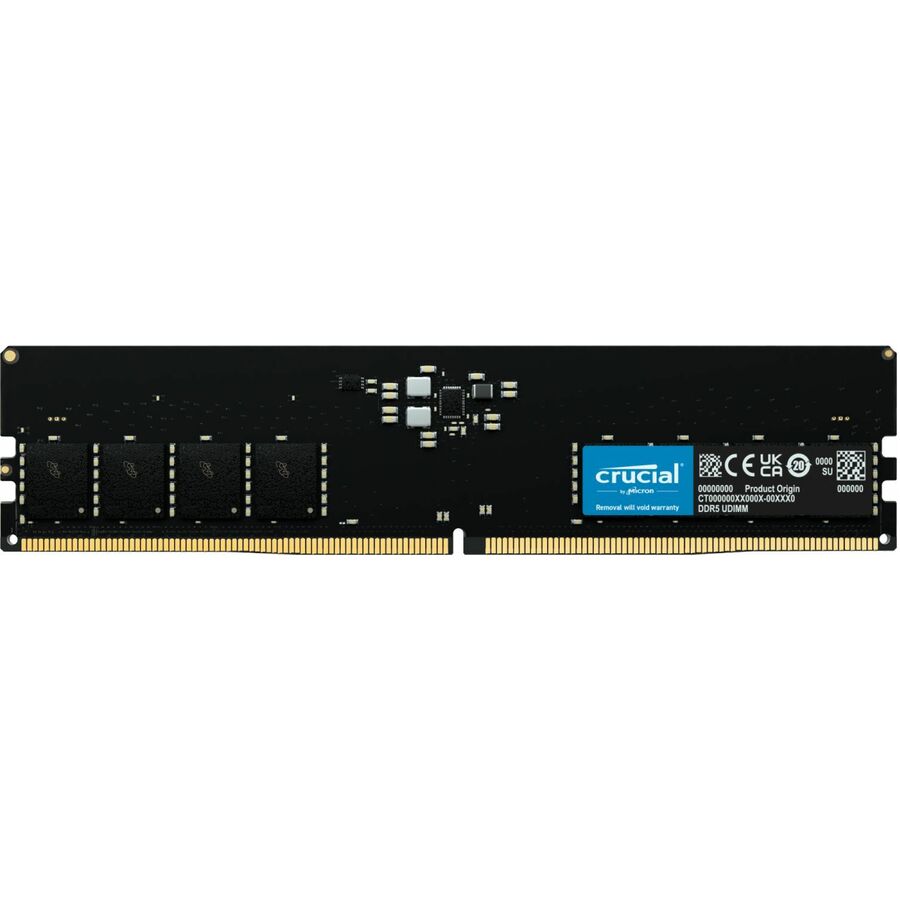
- Micron TechnologyMicron 32GB DDR5 SDRAM Memory Module - For Desktop PC, Motherboard - 32 GB (1 x 32GB) - DDR5-5600/PC5-44800 DDR5 SDRAM - 5600 MHz - CL46 - 1.10 V - On-die ECC - Unbuffered - 288-pin - DIMM - Lifetime WarrantyCT32G56C46U5
$2,927.38
$2,764.09
Back-orderedBack-ordered — estimated OEM lead time 3–8 weeks (Nov 14 – Dec 19 if ordered today).
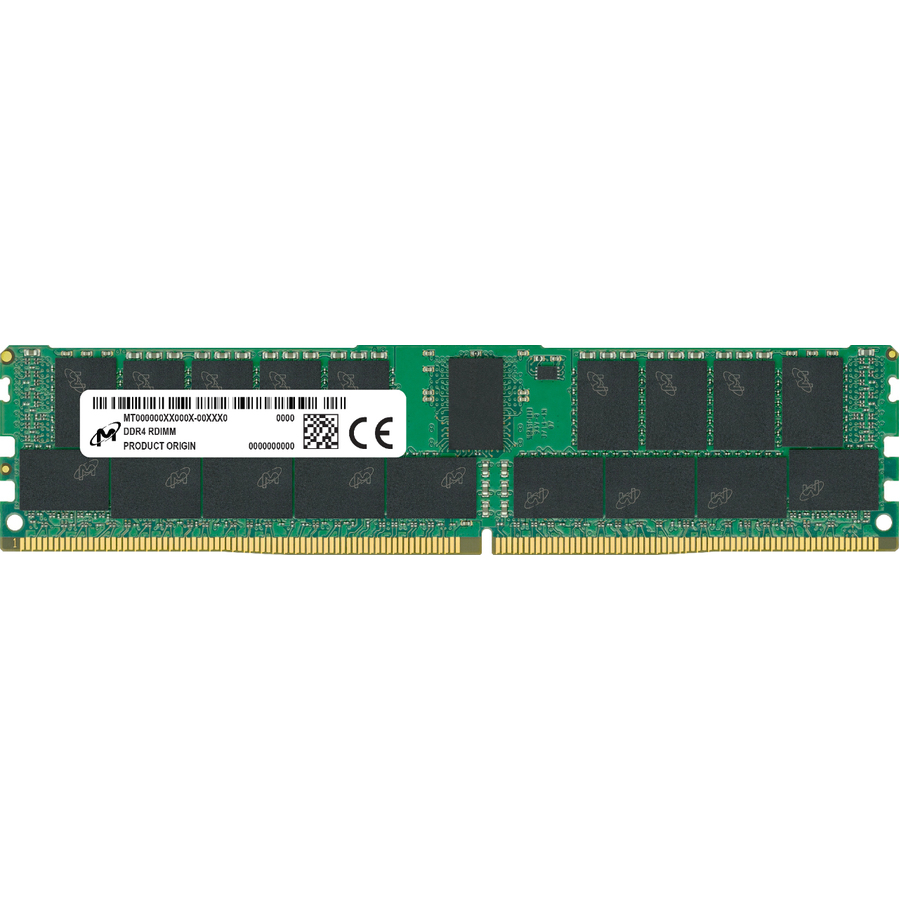
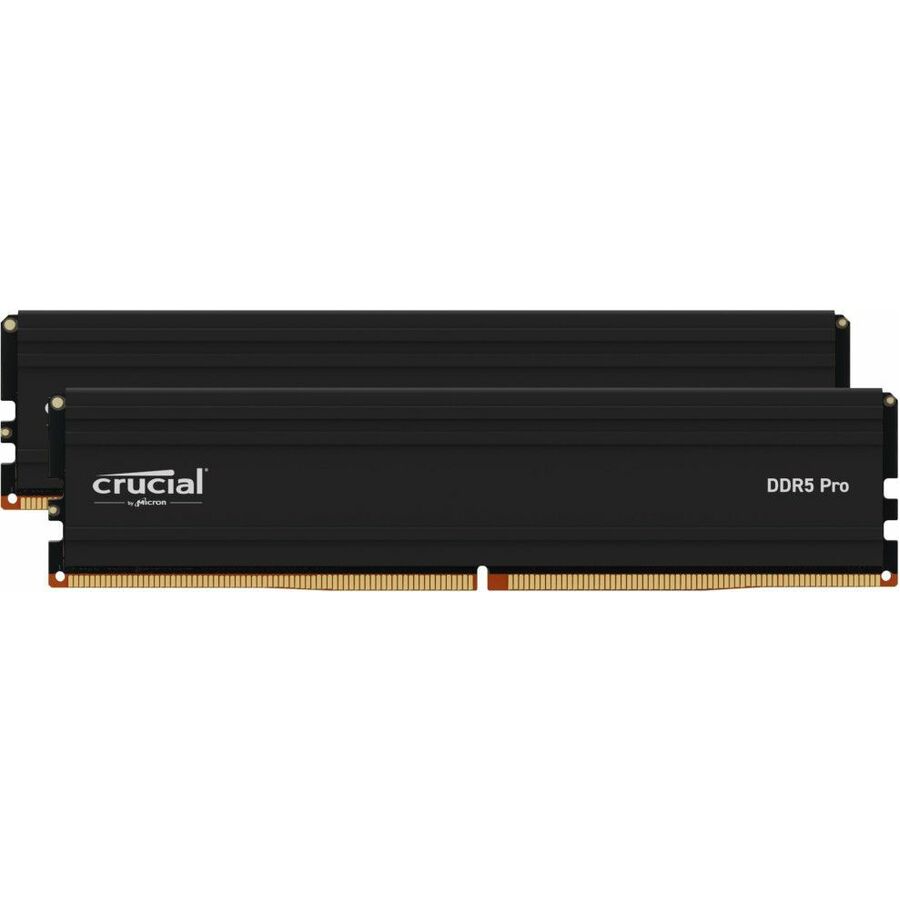
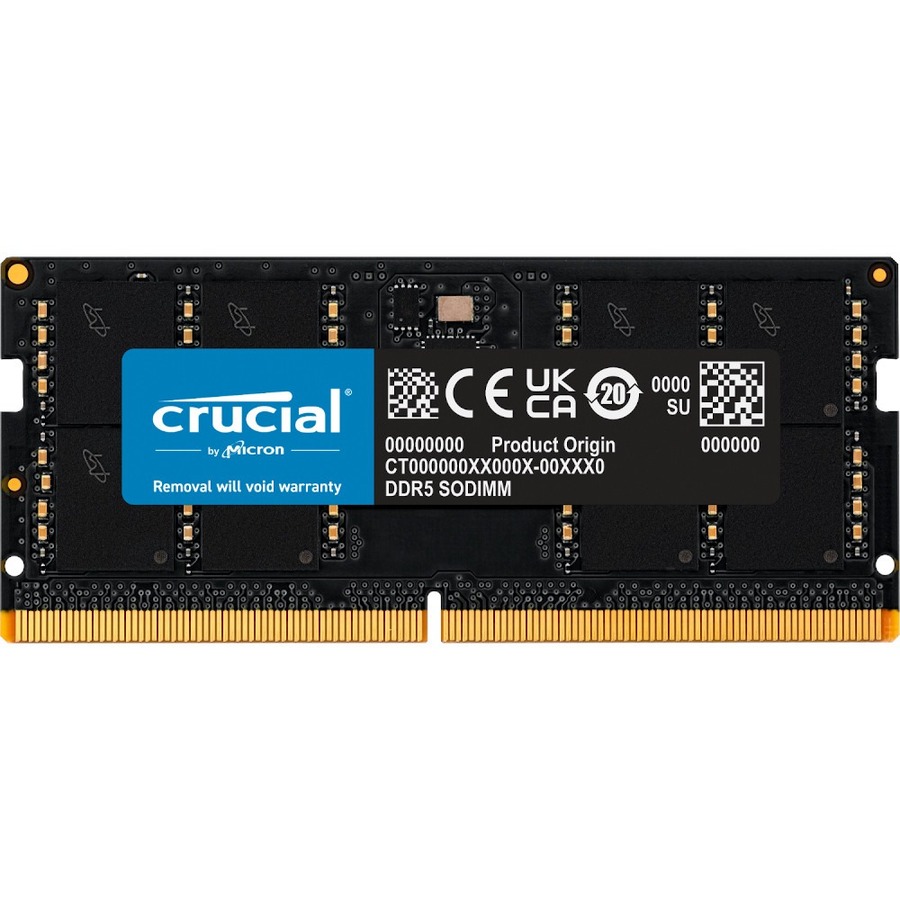
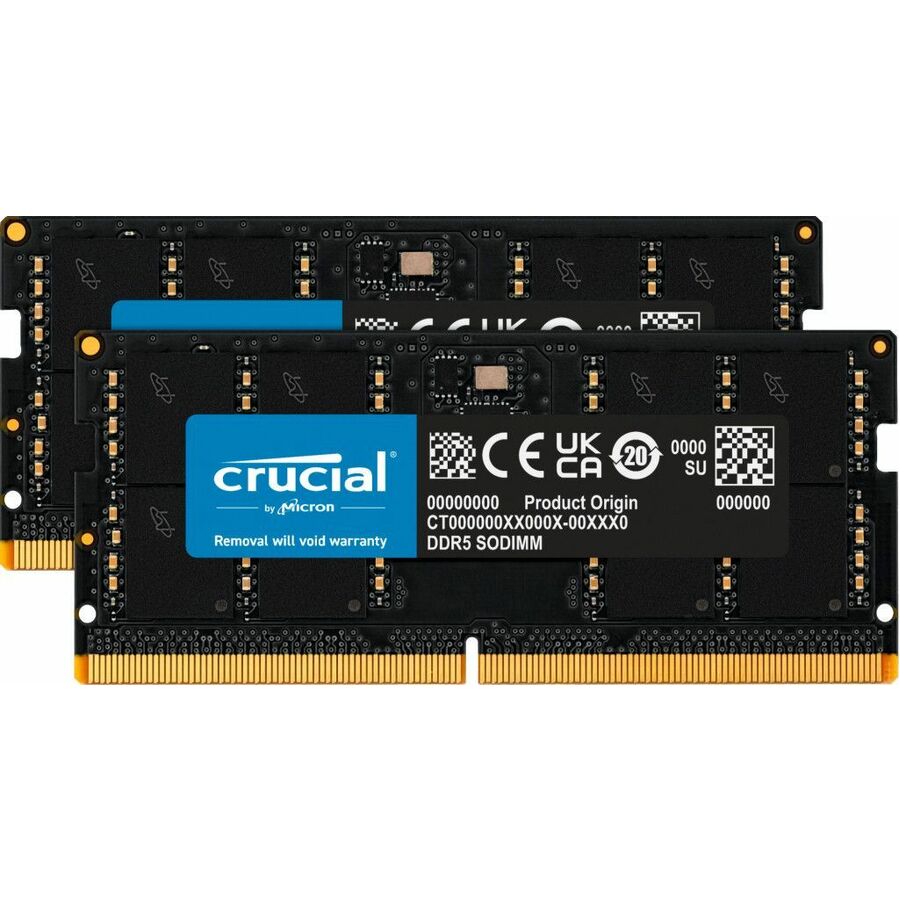
Need pricing on Micron memory modules?
Tell us where to reach you and a Uniqcli specialist will follow up by email with current pricing, availability and lead time for the quantities you need — including parts that aren’t shown on this page.
Buying for an organization or for yourself — both work. No payment up front.
Micron is one of the three companies that actually fabricate DRAM, so a Micron module is memory from the source rather than a rebadge — and the range here reflects that breadth, spanning three generations and every common module form. Picking the right one starts not with capacity but with the platform: the memory type (DDR3, DDR4 or DDR5), the module form (registered, unbuffered ECC or SODIMM), the speed grade, and the capacity per stick all have to match what the motherboard or server actually accepts, or the module either will not post or quietly runs slower than paid for.
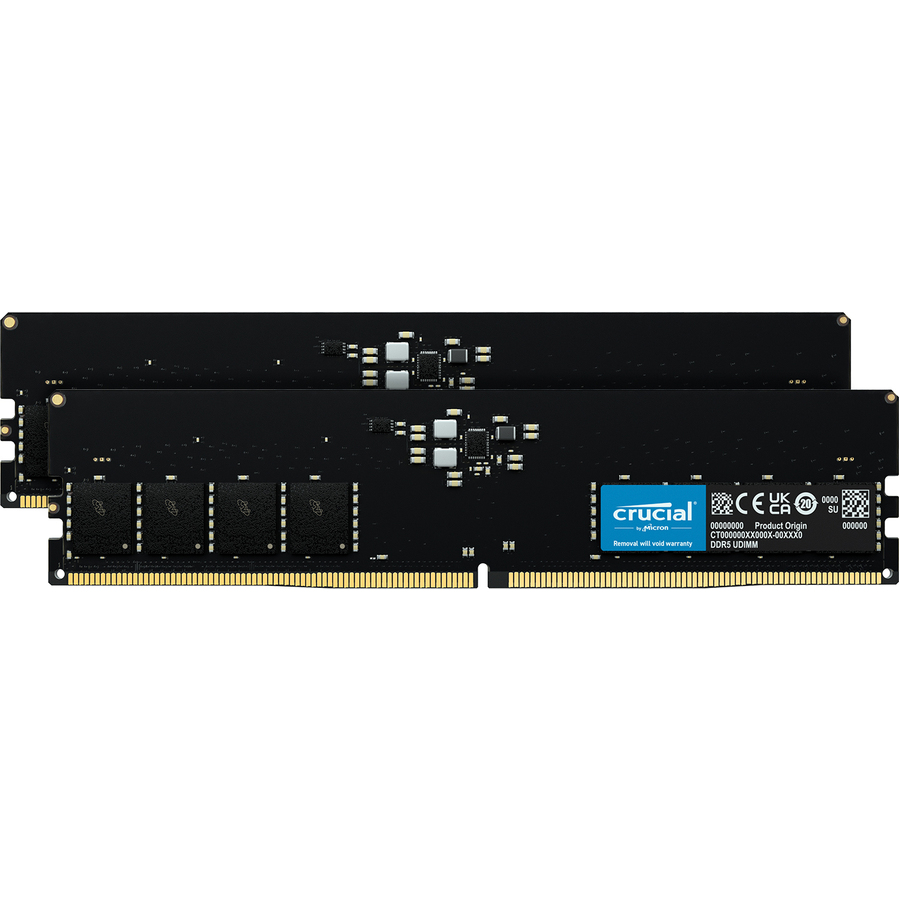
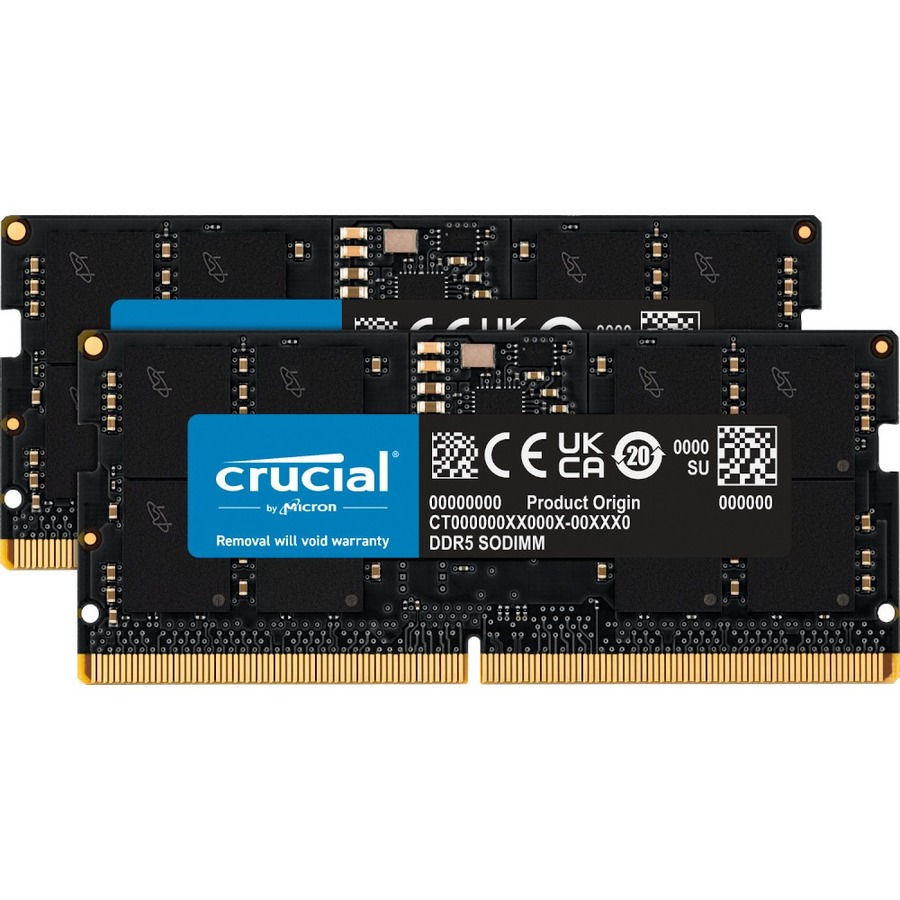
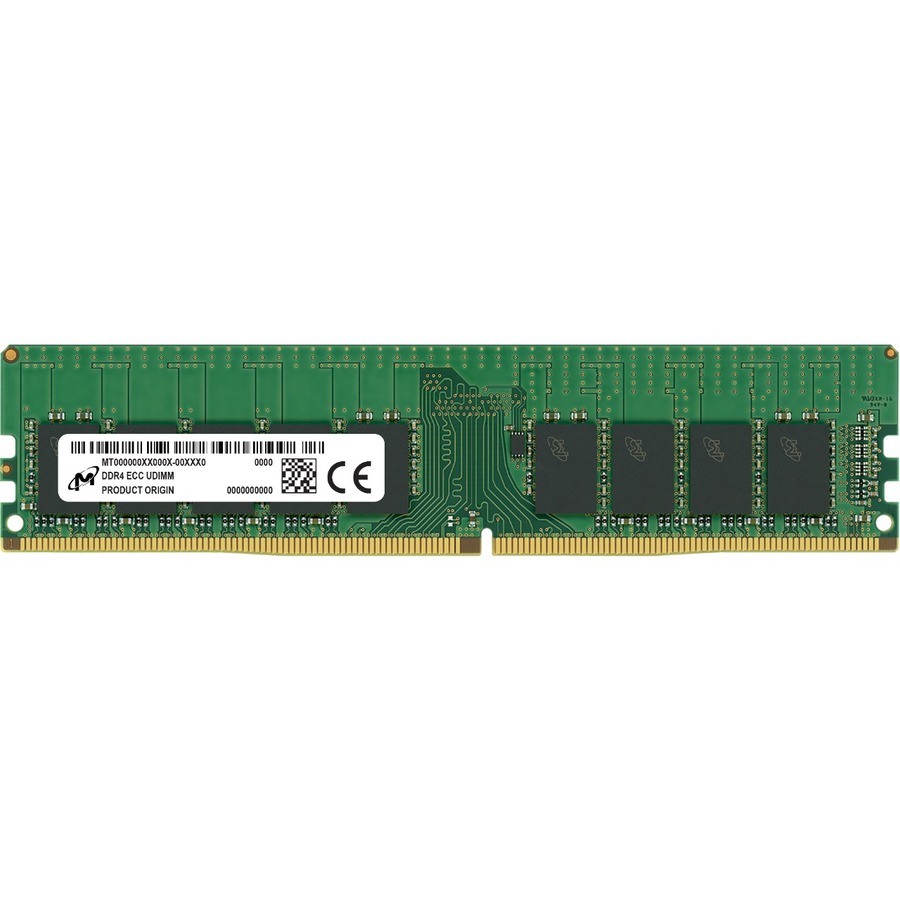
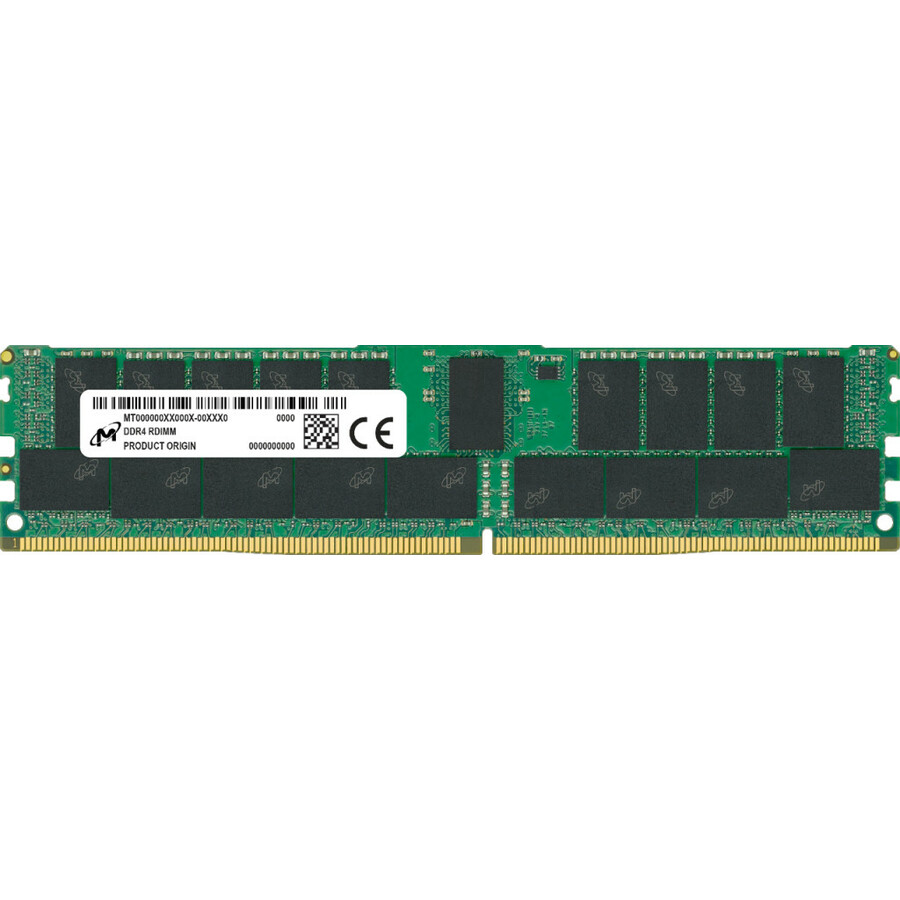
Memory type is fixed by the platform and is not interchangeable — a DDR5 board takes only DDR5, a DDR4 board only DDR4 — so read the type first. Then the module form: servers that populate many ranks per channel use registered (RDIMM) modules that buffer the address and command lines for stability at capacity, while desktops and workstations use unbuffered UDIMMs, and laptops and small-form-factor systems use the compact SODIMM. ECC — the error-correcting variant — belongs in servers and workstations where a single flipped bit must be caught rather than silently corrupt a computation; many desktops neither need nor support it.
Once type and form are set, capacity and speed size the module to the workload. A boot or light-desktop tier is happy on 8 GB or 16 GB sticks; a virtualization host, database or memory-hungry workstation wants 32 GB modules and headroom to grow. Speed should meet the platform's supported grade rather than chase a number the board will down-clock anyway. The selection below is what Uniqcli currently stocks from Micron, with live pricing and current availability on each card; read the individual module's type, form, speed and voltage against the build sheet before ordering.
Buyer's checklist
How to choose the right Micron memory
- Match the memory type to the platform first — DDR5, DDR4 and DDR3 are not interchangeable, so the board or server decides which generation the module must be.
- Pick the module form for the system — registered (RDIMM) for servers that populate many modules per channel, unbuffered UDIMM for desktops and workstations, SODIMM for laptops and small-form-factor machines.
- Use ECC where a flipped bit matters — servers and workstations running computation or data that must not silently corrupt want error-correcting modules; confirm the platform supports ECC before relying on it.
- Size capacity to the workload, not the slot — 8 GB and 16 GB sticks suit boot and light-desktop tiers; virtualization hosts, databases and heavy workstations want 32 GB modules and room to expand.
- Meet the platform's supported speed grade — a faster module than the board supports is down-clocked to the platform's rate, so buy to the specification rather than to a headline number.
- Confirm voltage, rank and kit configuration against the server or motherboard QVL — a mismatch in ranks per channel or a single-versus-kit assumption is the common cause of a module that will not post.
Registered, unbuffered and SODIMM — matching the module to the machine
The single most common ordering mistake with memory is the module form, because three physically similar sticks are not interchangeable. Registered modules (RDIMMs) put a buffer between the memory controller and the DRAM on the address and command lines, which lets a server populate many modules per channel without the electrical load destabilizing the bus — that is why enterprise servers specify registered ECC memory and why an RDIMM will not run in a desktop that expects unbuffered sticks. Unbuffered UDIMMs are the desktop and workstation norm, and the compact SODIMM is the laptop and small-form-factor form.
ECC is the second axis and it is about integrity, not speed. An error-correcting module detects and repairs a single-bit error before it reaches the computation, which is exactly what a server, a database host or a scientific workstation needs, where a silently flipped bit can corrupt a result or crash a service. Many consumer desktops neither support nor require ECC. The disciplined order is to read the platform's memory support — type, form, ECC, ranks per channel and supported speed — and buy the Micron module that matches it, rather than working backward from the capacity you want.
Sizing capacity and speed across a generation refresh
Capacity should follow the workload. A boot volume, a thin client or a light office desktop runs comfortably on 8 GB or 16 GB modules; a virtualization host stacking VMs, a database server, or a workstation handling large datasets or many applications at once wants 32 GB sticks and empty slots left for growth. Buying the largest module the budget allows on day one is often cheaper than a second purchase and a service window later, but only up to what the platform supports per channel.
Speed is the spec most easily over-bought. A module rated faster than the motherboard or CPU supports simply runs at the platform's grade, so paying for headroom the board will not use is wasted; buy to the supported speed and put the money into capacity or ECC instead. Across a fleet, pin one Micron part per role and qualify it before rollout so every machine behaves identically. Uniqcli can quote server registered ECC, desktop UDIMM and notebook SODIMM together on one document, so a mixed refresh lands as a coordinated set for business, government and education buyers.
FAQ
Common questions
- Is Crucial the same as Micron?
- Yes. Crucial is Micron's consumer memory and storage brand, and both sit under the same manufacturer, which is why some modules in this range carry the Crucial name while the rest read Micron. Micron is one of only a few companies that actually fabricate the DRAM chips, so whether a module is labeled Micron or Crucial it is memory from the source rather than a rebadge. The practical difference is positioning — the Micron-branded parts skew toward server and workstation duty, and the Crucial line toward desktop and notebook — but the underlying quality and warranty come from the same maker.
- What is the difference between registered (RDIMM) and unbuffered memory?
- Registered modules place a buffer between the memory controller and the DRAM on the address and command lines, which reduces electrical load and lets a server populate many modules per channel stably at high capacity — that is why enterprise servers specify registered ECC memory. Unbuffered modules (UDIMMs) have no such buffer and are the norm for desktops and workstations. The two are not interchangeable: a registered module will not run in a board that expects unbuffered memory and vice versa. Always match the module form to what the motherboard or server explicitly supports.
- Do I need ECC memory?
- ECC (error-correcting code) memory detects and corrects single-bit errors before they reach the computation, so it belongs in servers, database hosts and scientific or engineering workstations where a silently flipped bit could corrupt a result or crash a service. Many consumer desktops neither require nor support ECC, and using it there gains little. The deciding factor is the platform and the workload: confirm the motherboard or server supports ECC, then use it where data integrity matters and skip it where it does not, putting the budget into capacity instead.
- How do I know a module will work in my server or PC?
- Match four things to what the platform supports: the memory type (DDR3, DDR4 or DDR5, which is fixed and not interchangeable), the module form (registered, unbuffered UDIMM or SODIMM), the speed grade, and the capacity and rank configuration per channel. Check these against the motherboard or server's qualified vendor list or memory specification, and confirm whether you need a single module or a matched kit. A module faster than the board supports will down-clock to the platform's rate, and a form or type mismatch is the usual reason a stick will not post.
- Are these available to business, government and education buyers?
- Every line Uniqcli quotes is sourced through US distribution and screened for TAA country-of-origin and NDAA §889 status before checkout — with documentation tied to the specific part number, not a product family.
Need Micron memory modules pricing?
Send a bill of materials or part numbers — we confirm stock and a below-market total, with TAA verified on request. No payment up front.