
Best Eaton Rack PDUs for Server Rooms & Edge
Basic, metered, monitored and switched Eaton rack PDUs for server rooms, network racks and edge sites.
Eaton rack PDUs in stock at Uniqcli
How to choose →A curated selection with live pricing — in-stock lines first, then back-ordered lines with a typical lead time. Every line is sourced through US distribution and screened for NDAA §889 status before checkout, with TAA verified on request.
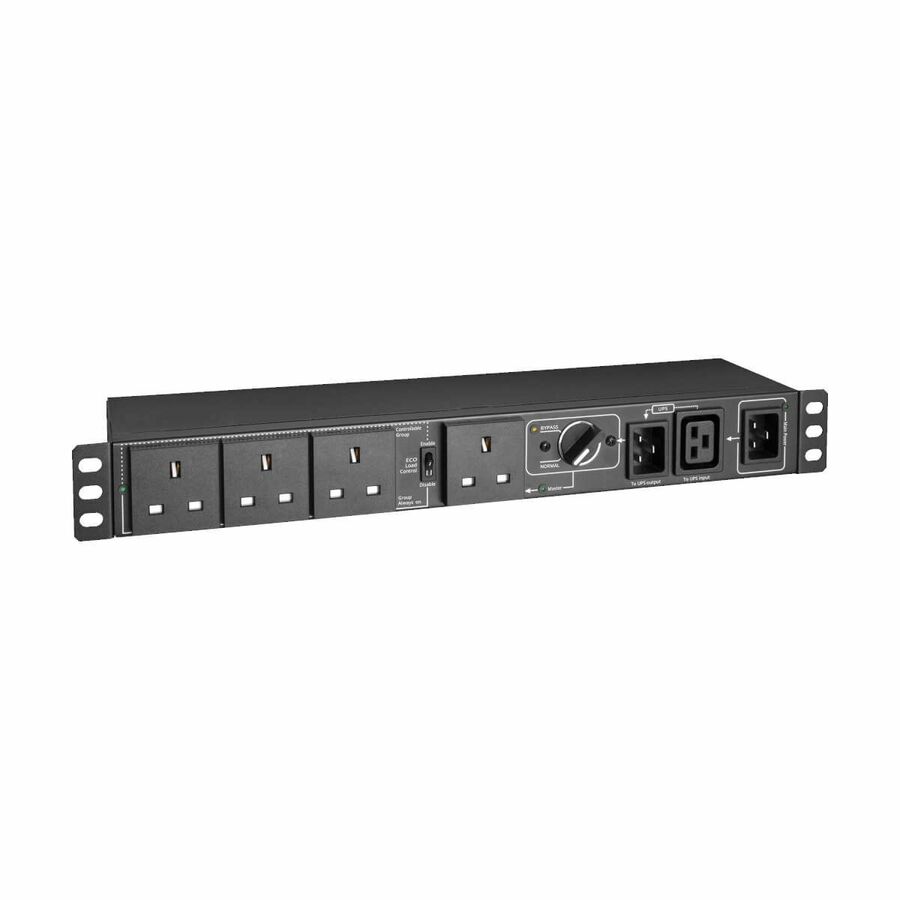
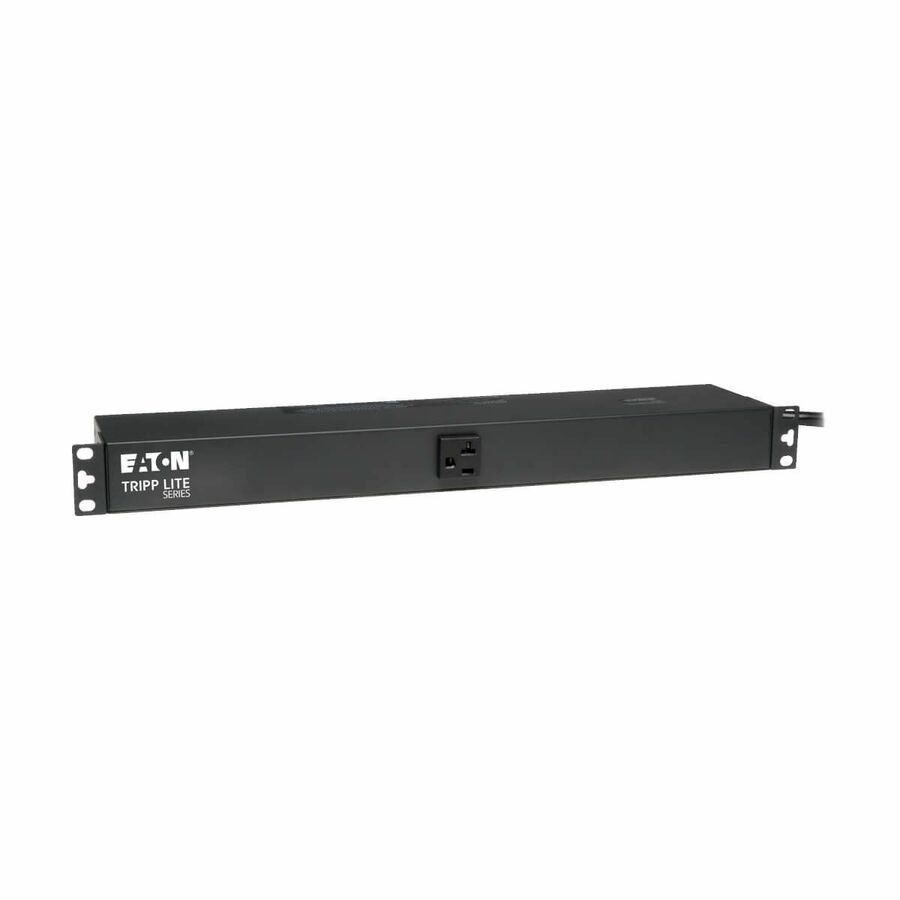
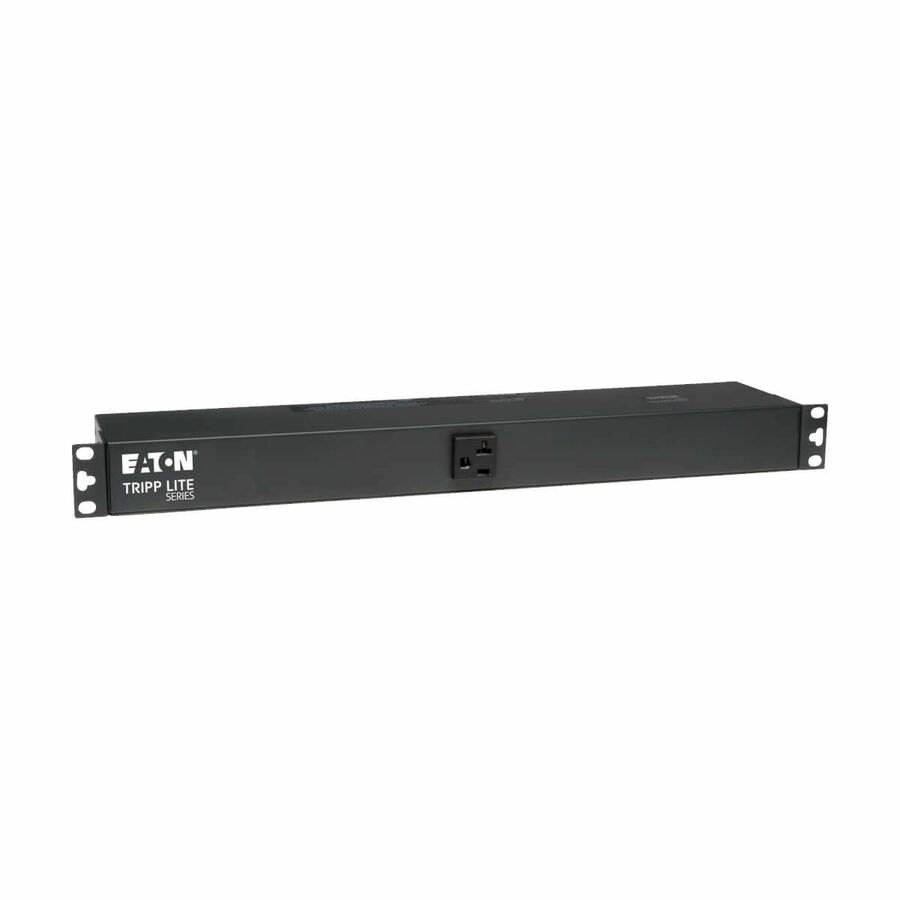
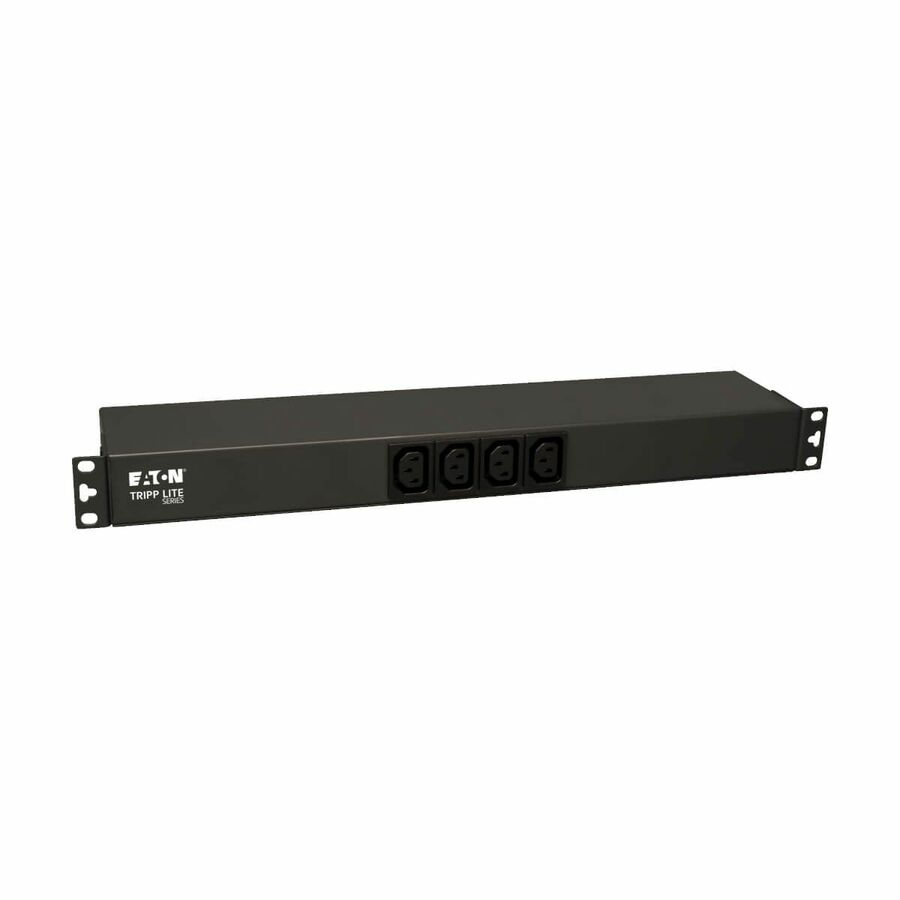
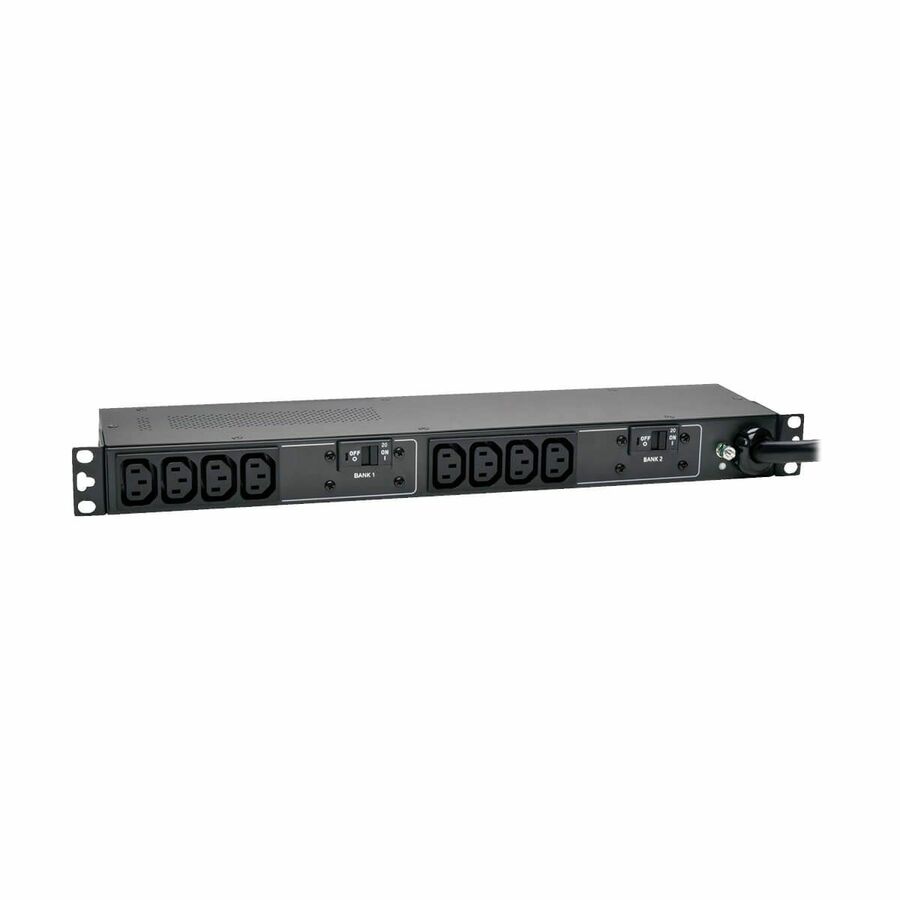
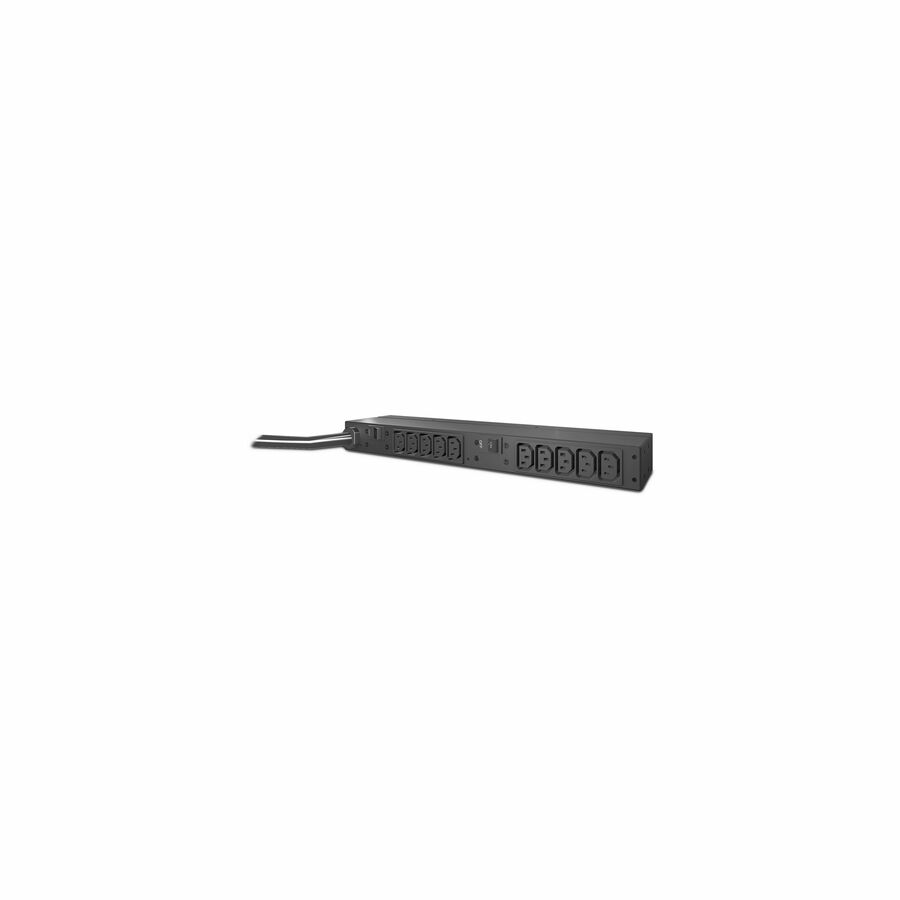
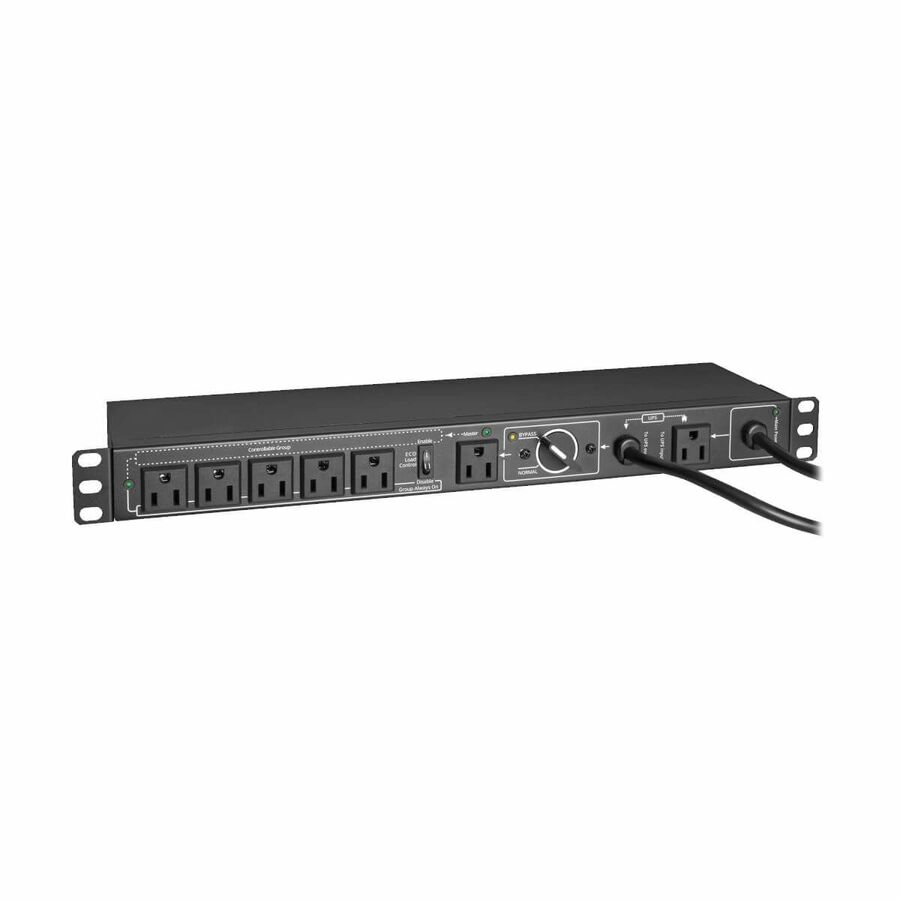
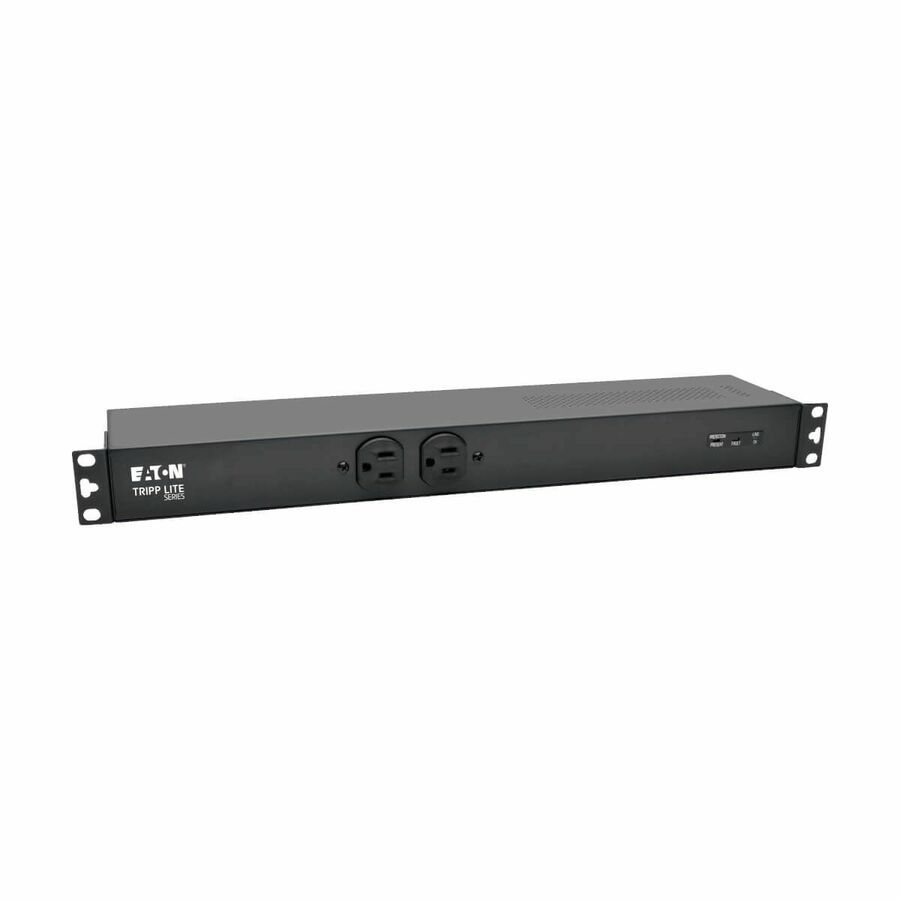
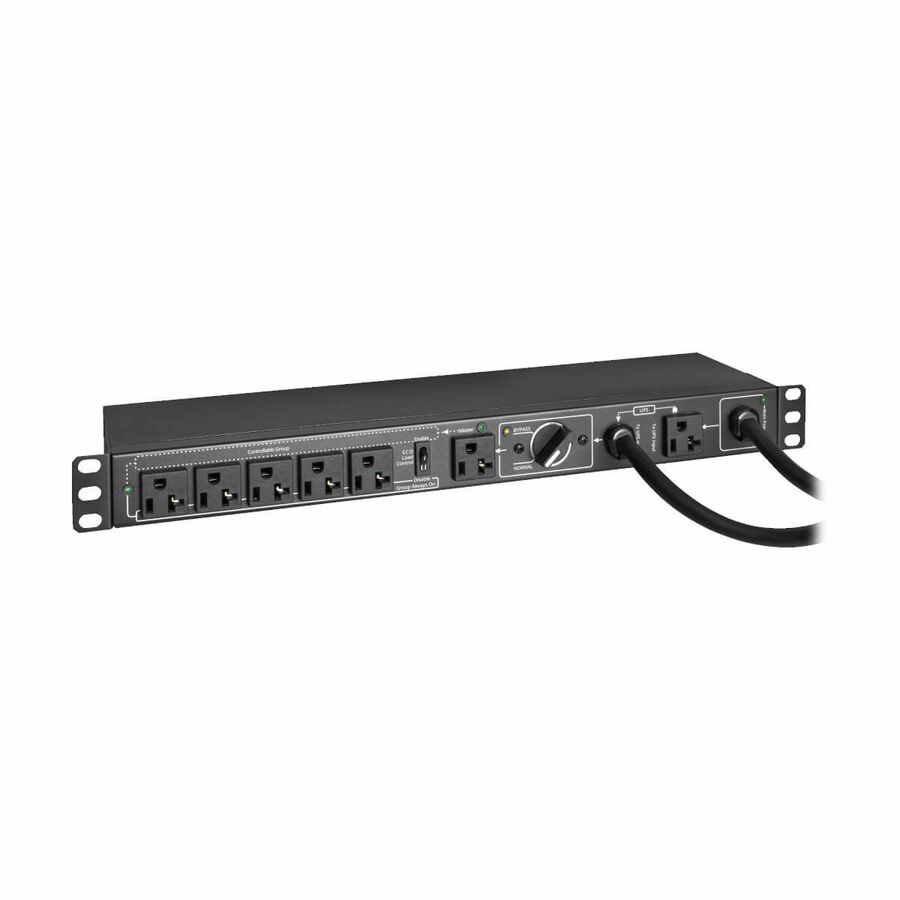
- EatonEaton Tripp Lite Series 220-240V 13A Single-Phase Hot-Swap PDU with Manual Bypass - 4 BS1363 Outlets, C20 & BS1363 Inputs, Rack/Wall - Manual Bypass - BS 1363, IEC 60320 C20 - 4 x BS 1363 - 230 V AC - 2U - Horizontal - Wall-mountable, Rack-mountable - Hot-swappablePDUBHV20B
$211.00
$194.12
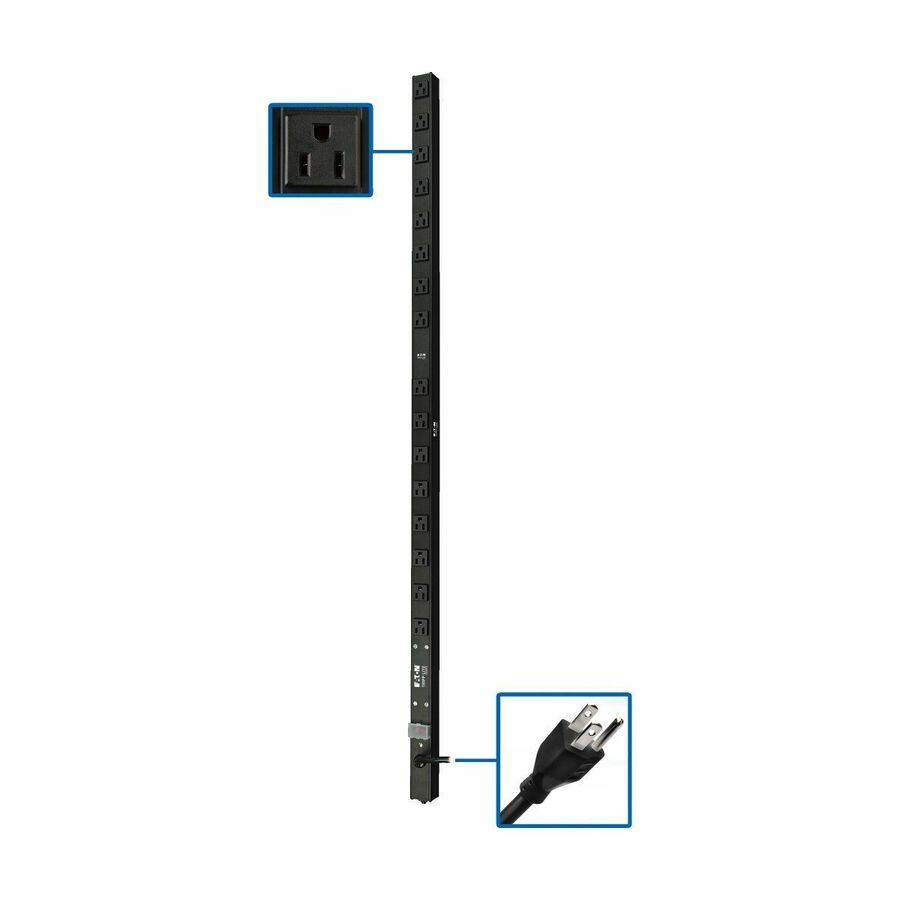
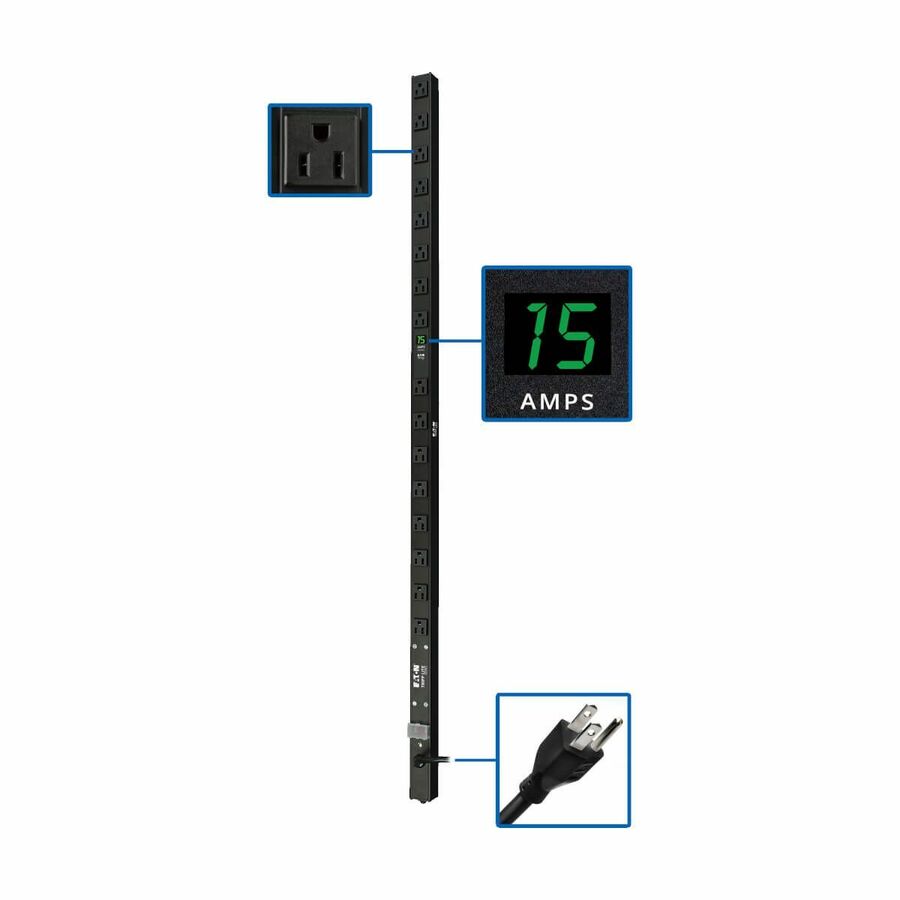
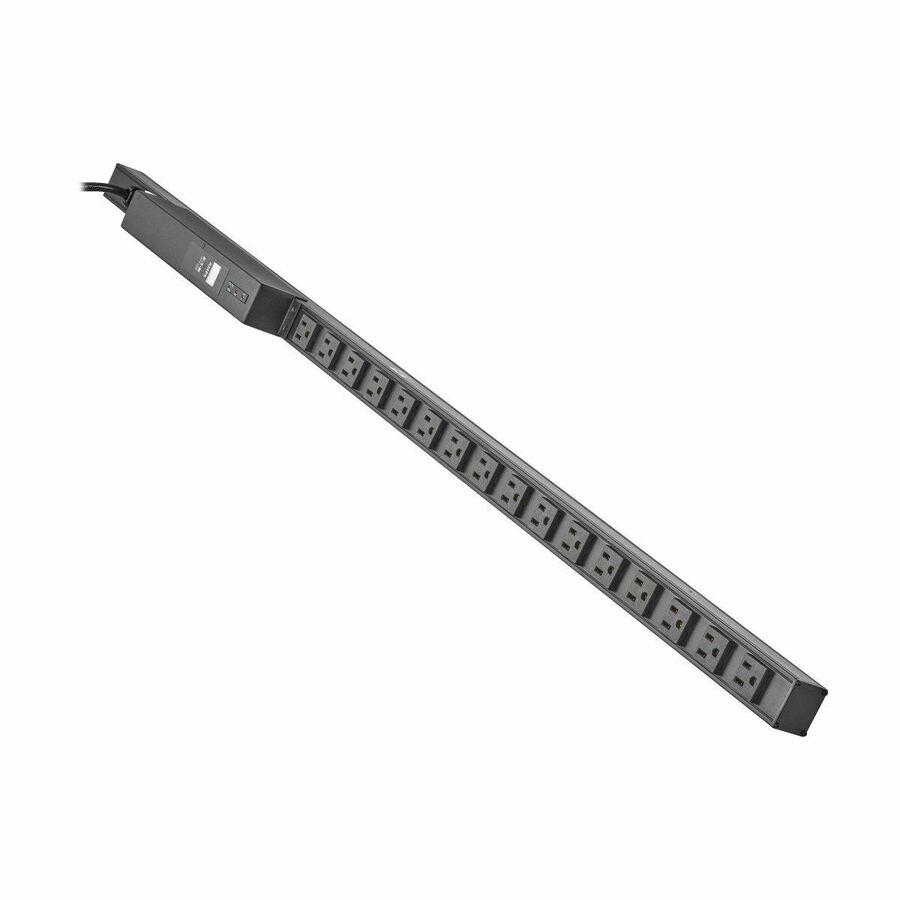
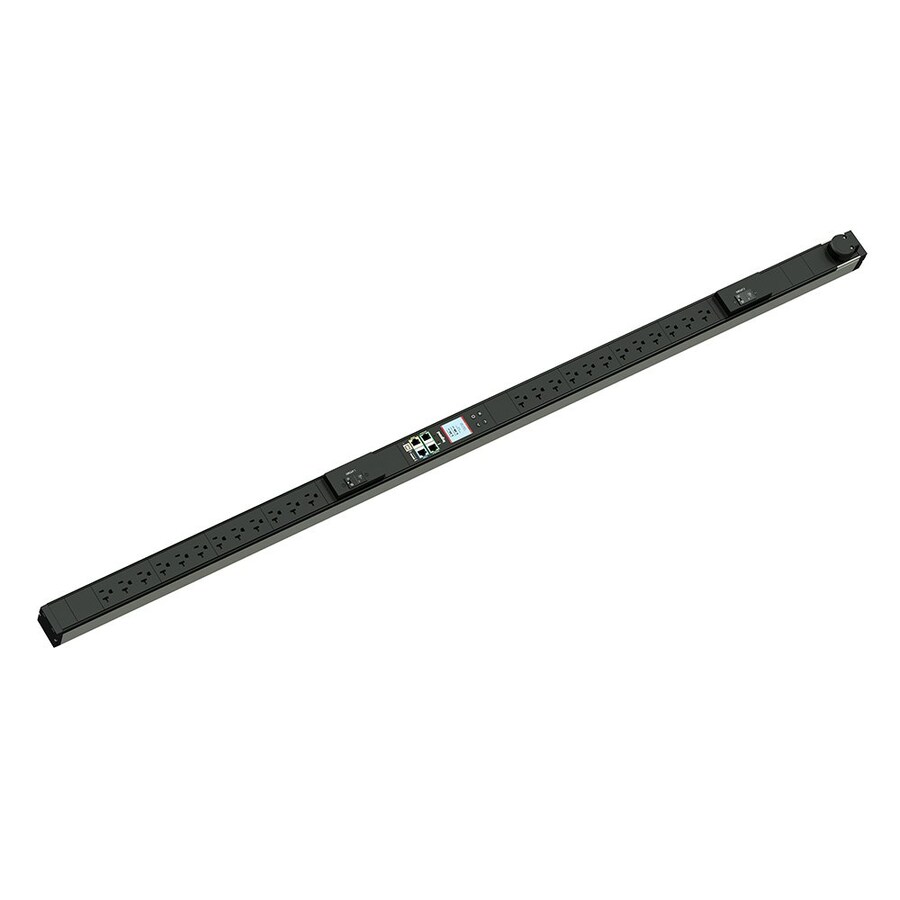
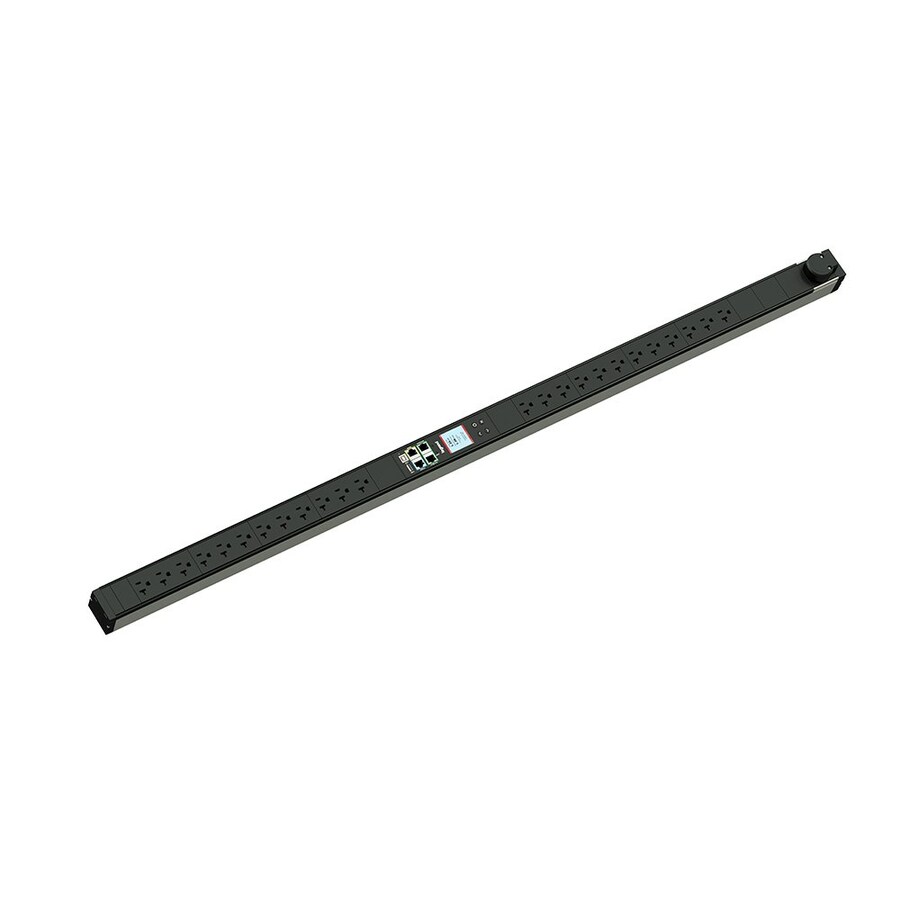
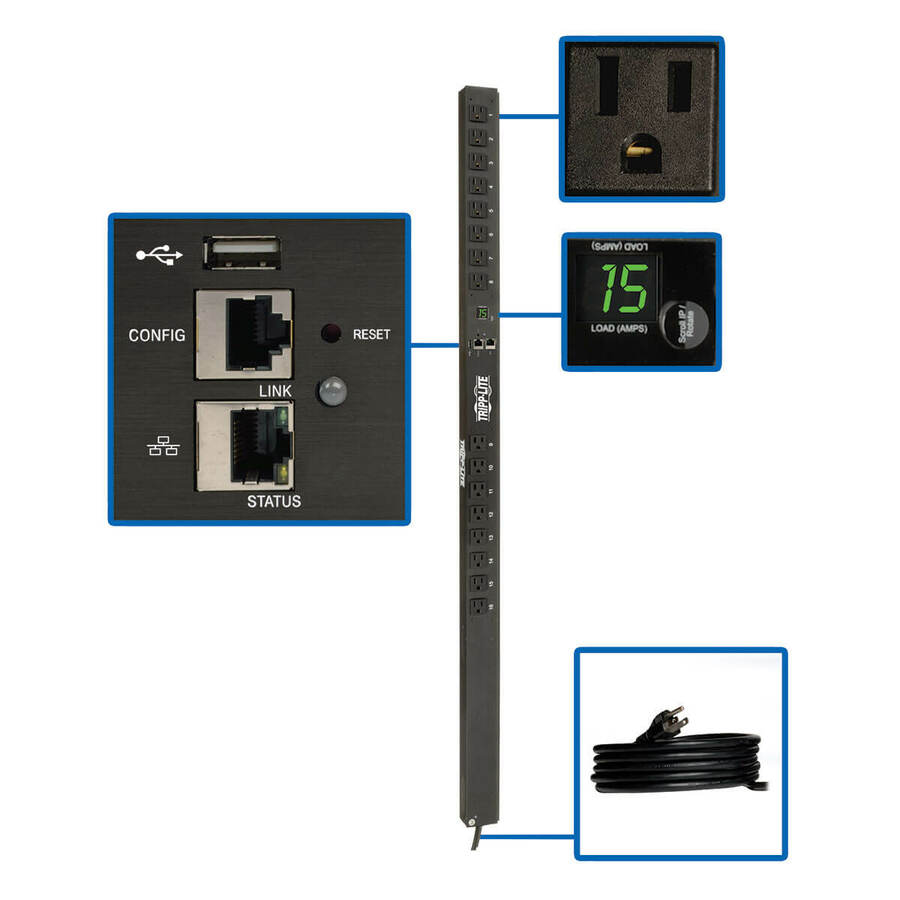
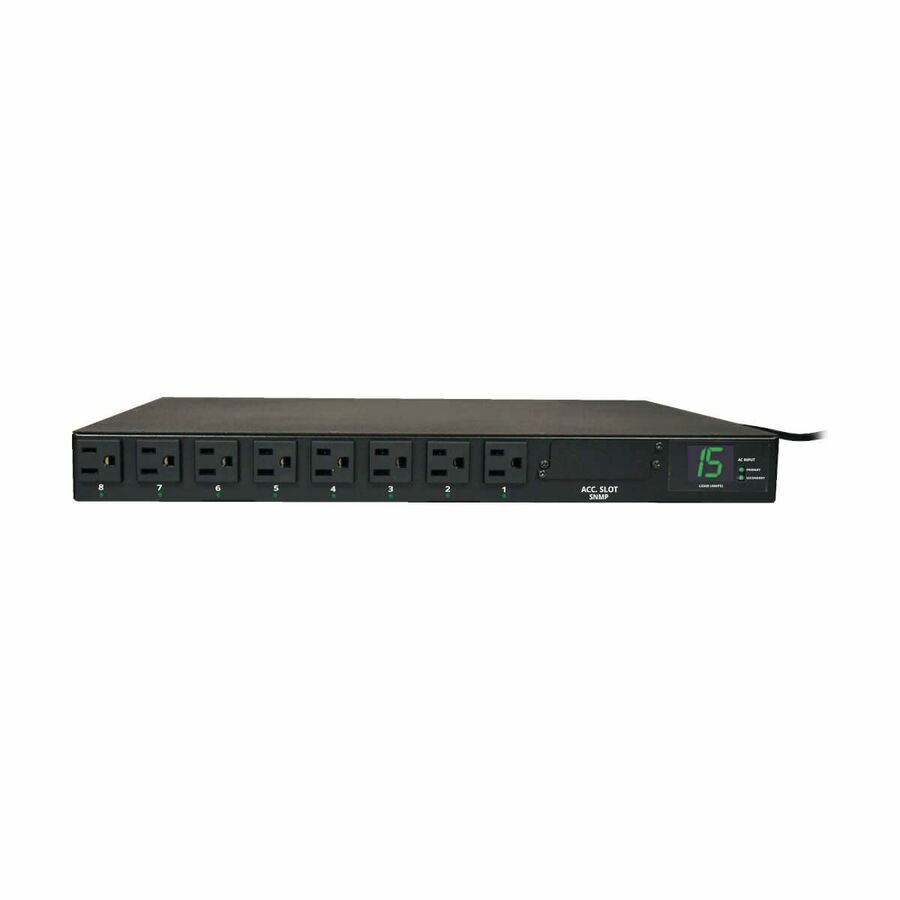
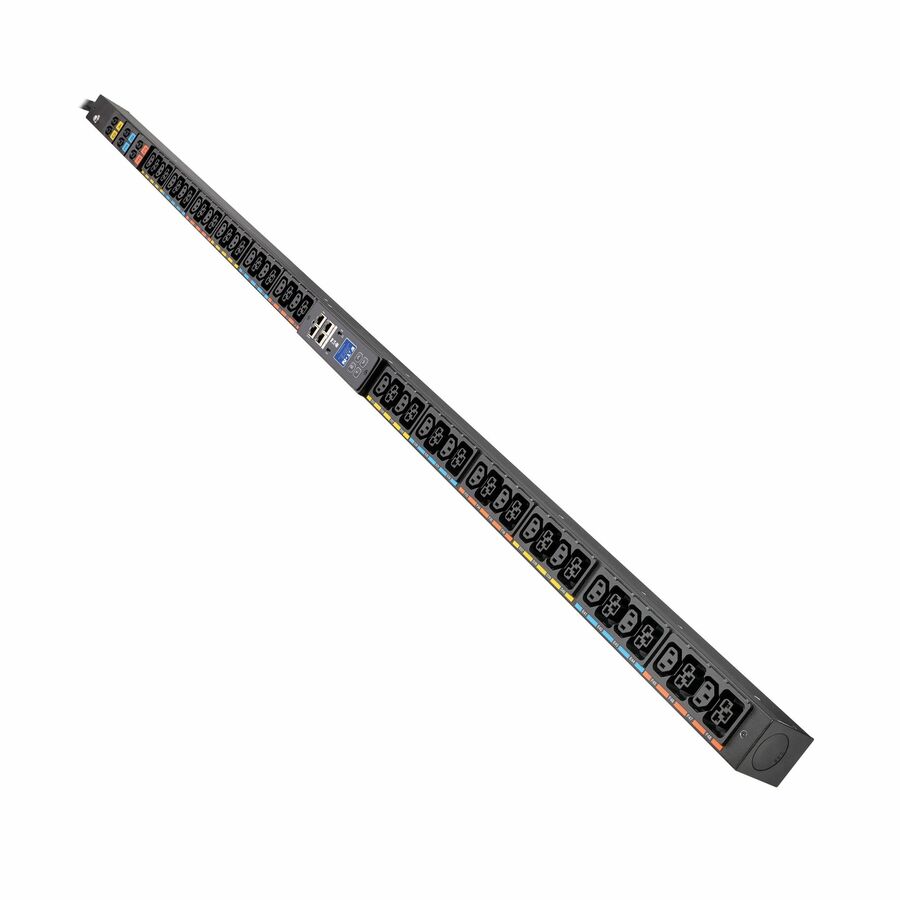
1 in stock - EatonEaton Tripp Lite Series 1.44kW Single-Phase Local Metered PDU with ISOBAR Surge Protection, 120V, 3840 Joules, 16 NEMA 5-15R Outlets, 5-15P Input, 15 ft. Cord, 0U Vertical - Metered - NEMA 5-15P - 16 x NEMA 5-15R - 120 V AC - 0U - Vertical - Wall-mountable - RackPDUMV15-ISO
$298.00
$274.16
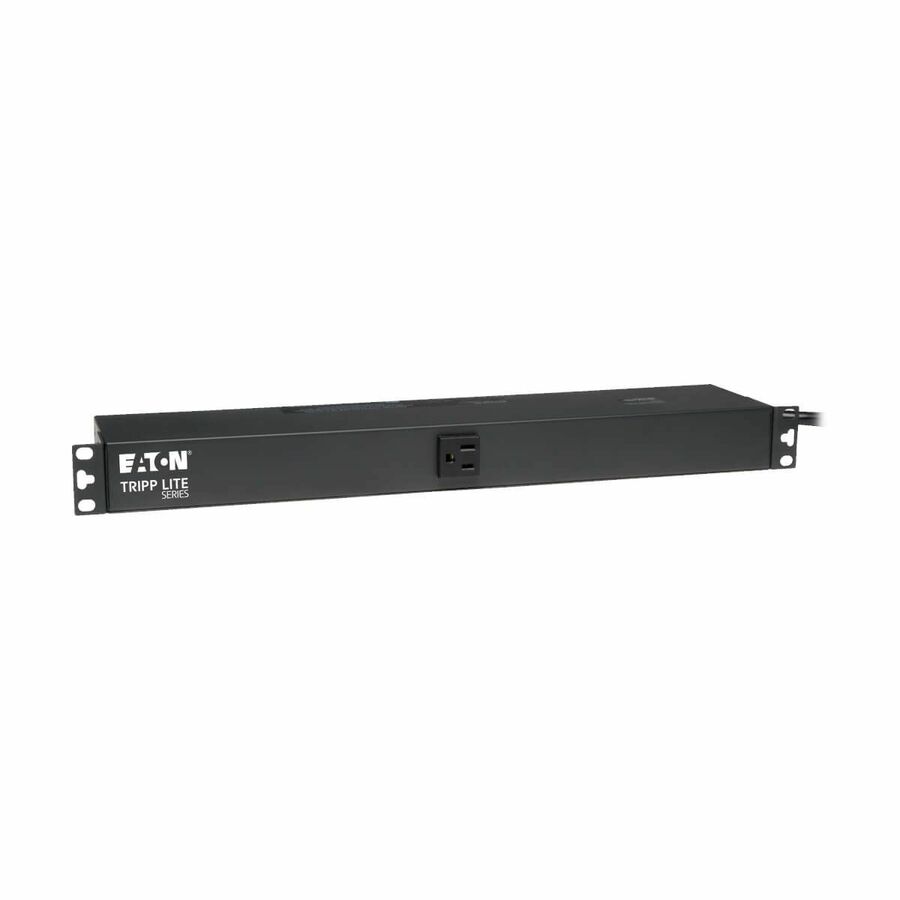
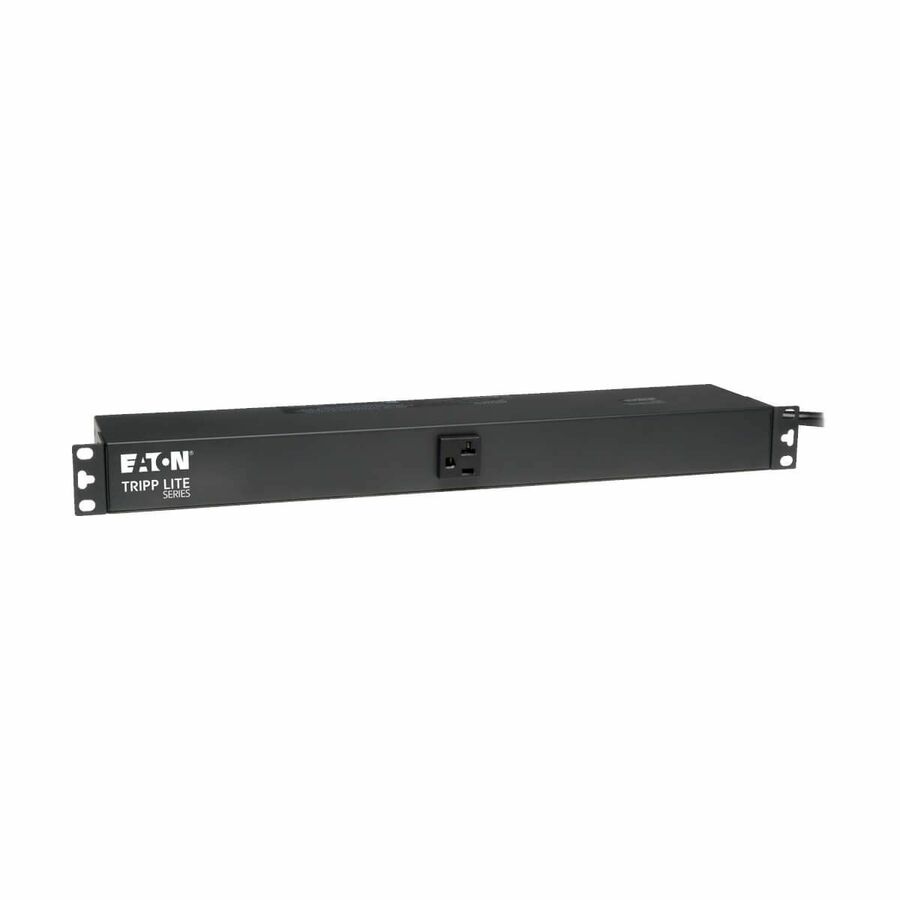
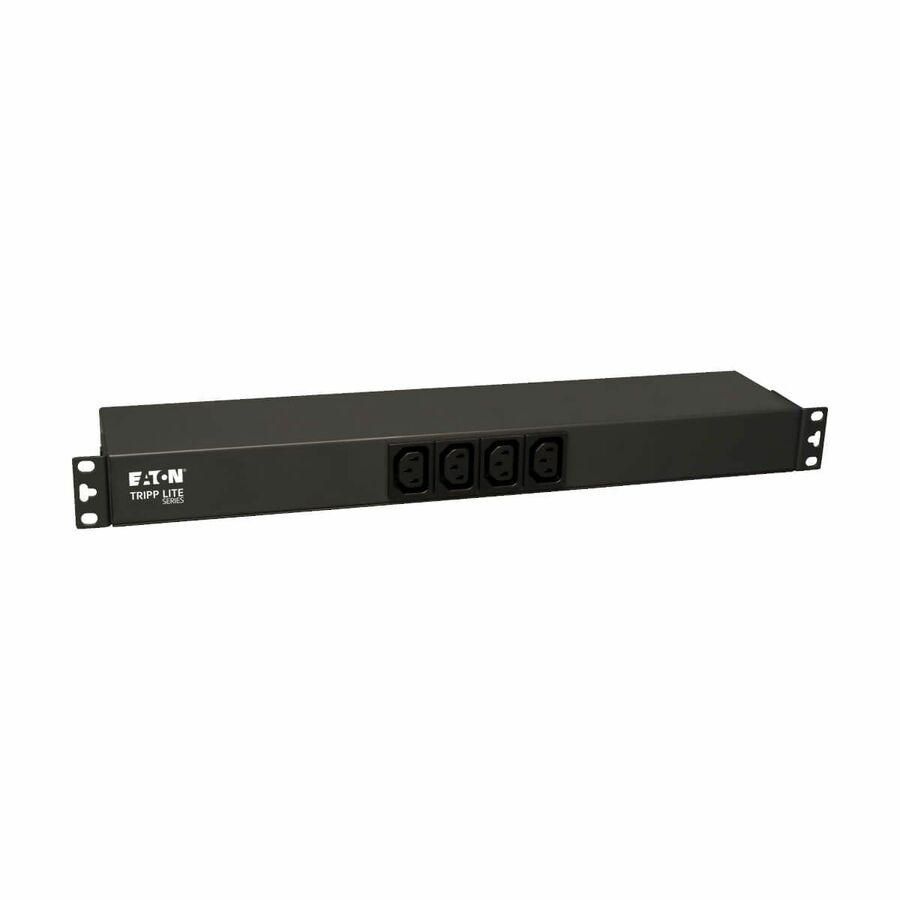
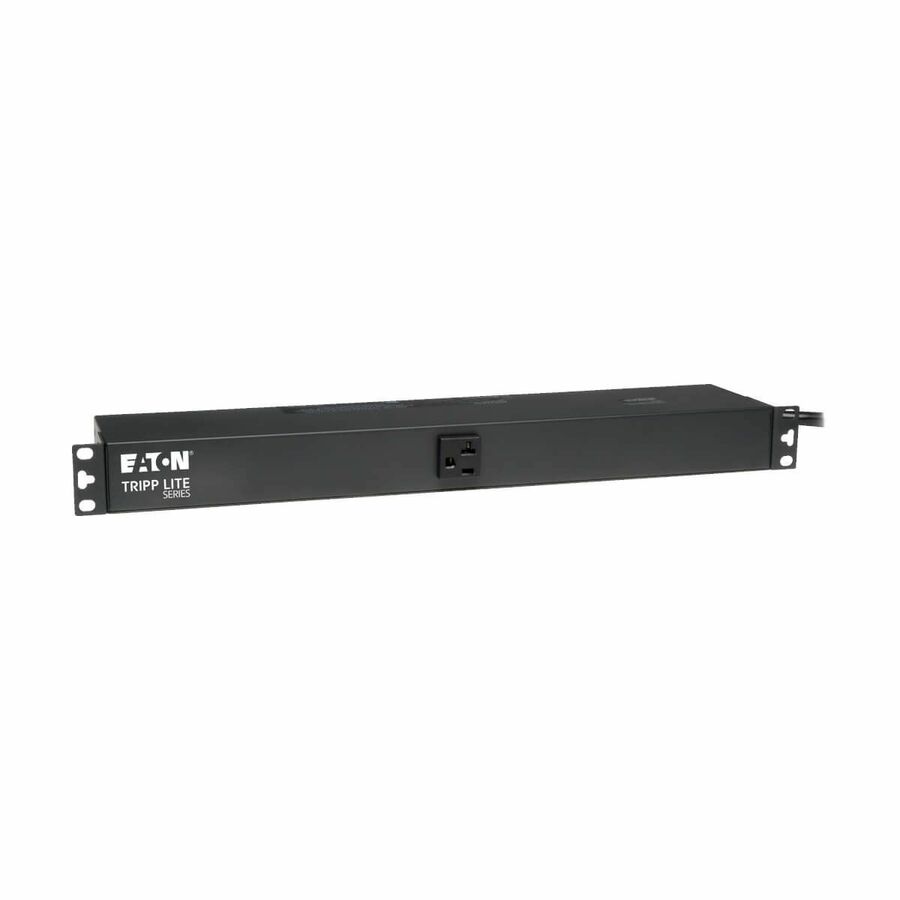
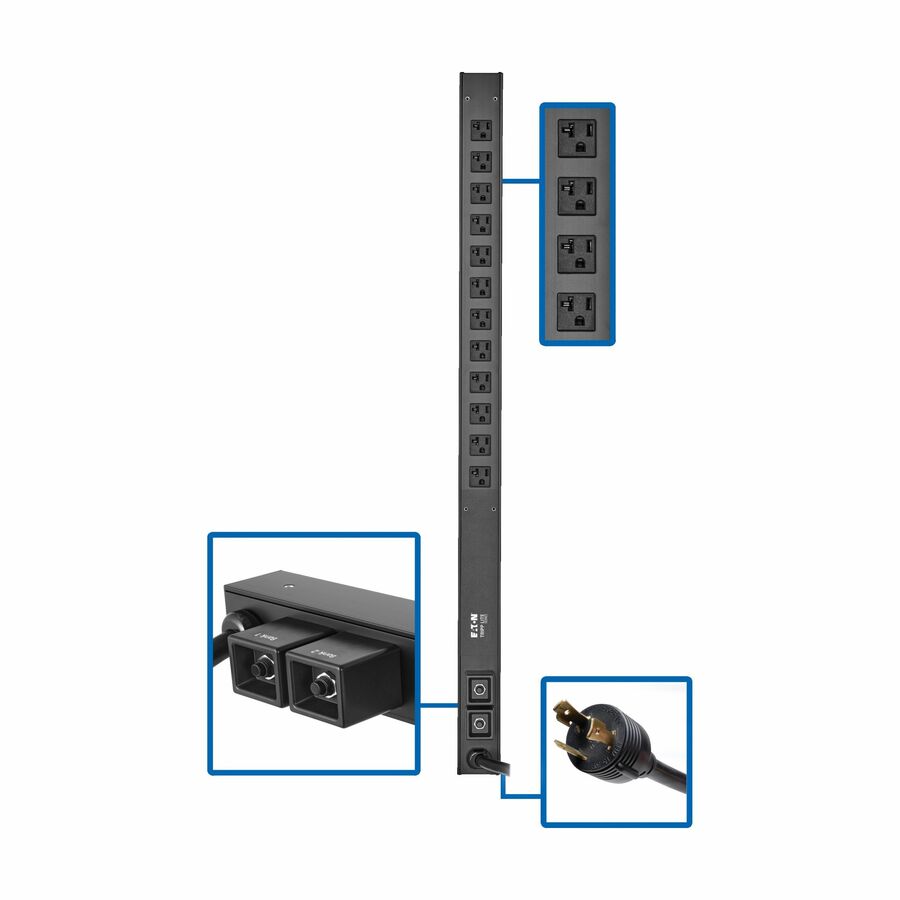
34 in stock - EatonTripp Lite by Eaton PDU 3.7kW 208/230V Single-Phase Local Metered PDU - 8 C13 & 2 C19 Outlets L6-20P Input 6 ft. Cord 1U TAA - Metered - NEMA L6-20P - 8 x IEC 60320 C13, 2 x IEC 60320 C19 - 230 V AC - 1U - Horizontal/Vertical - Wall-mountable, Rack-mountable - TAA CompliantPDUMH20HVL66
$334.00
$307.28*
53 in stock

Browse all 3,984 PDUs
Not the right one above? Filter the whole range by the specs that matter — live pricing and honest availability on every row, the same NDAA §889 screening before checkout, and TAA verified on request.
Showing 24 of 3,984 PDUs
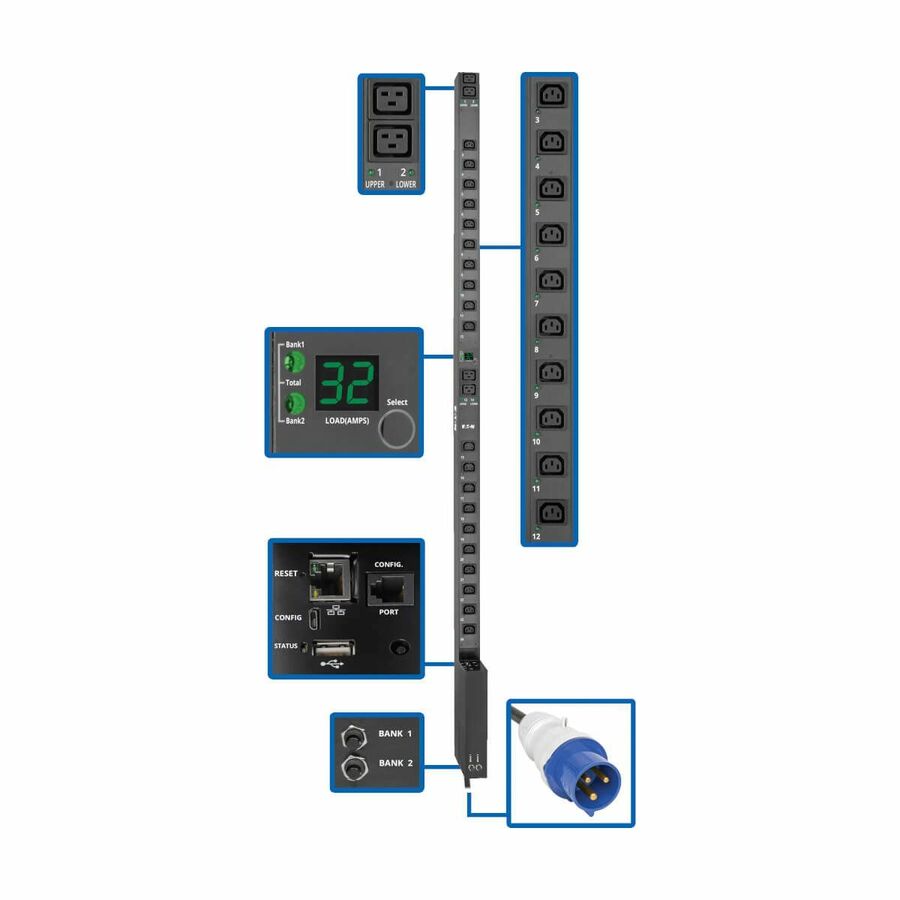
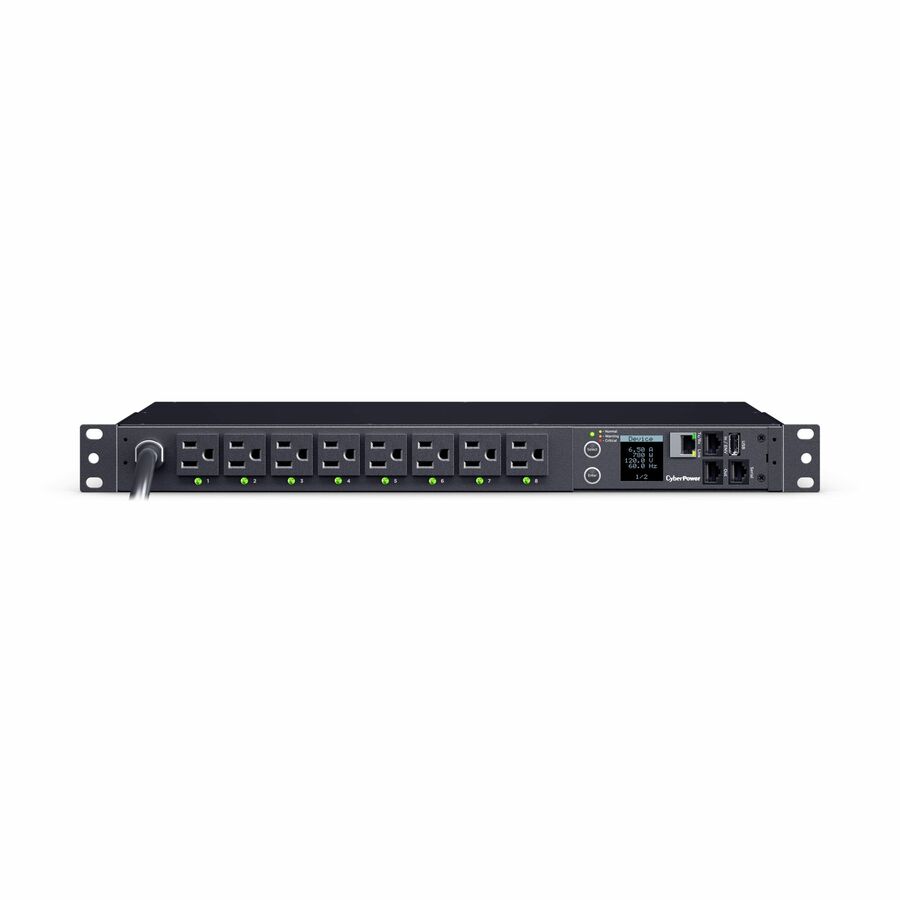
- EatonEaton 7.7kW Single-Phase Switched PDU with LX Platform Interface, 230V Output, IEC 309 32A Blue, 10 ft. (3.05 m) Cord, 0U, TAA - Switched - 4 x IEC 60320 C19, 20 x IEC 60320 C13 - 230 V AC - Network (RJ-45) - 0U - Vertical - Rack Mount - Rack-mountable - TAA CompliantPDUMV32HVNETLX
$1,602.00
$1,473.84
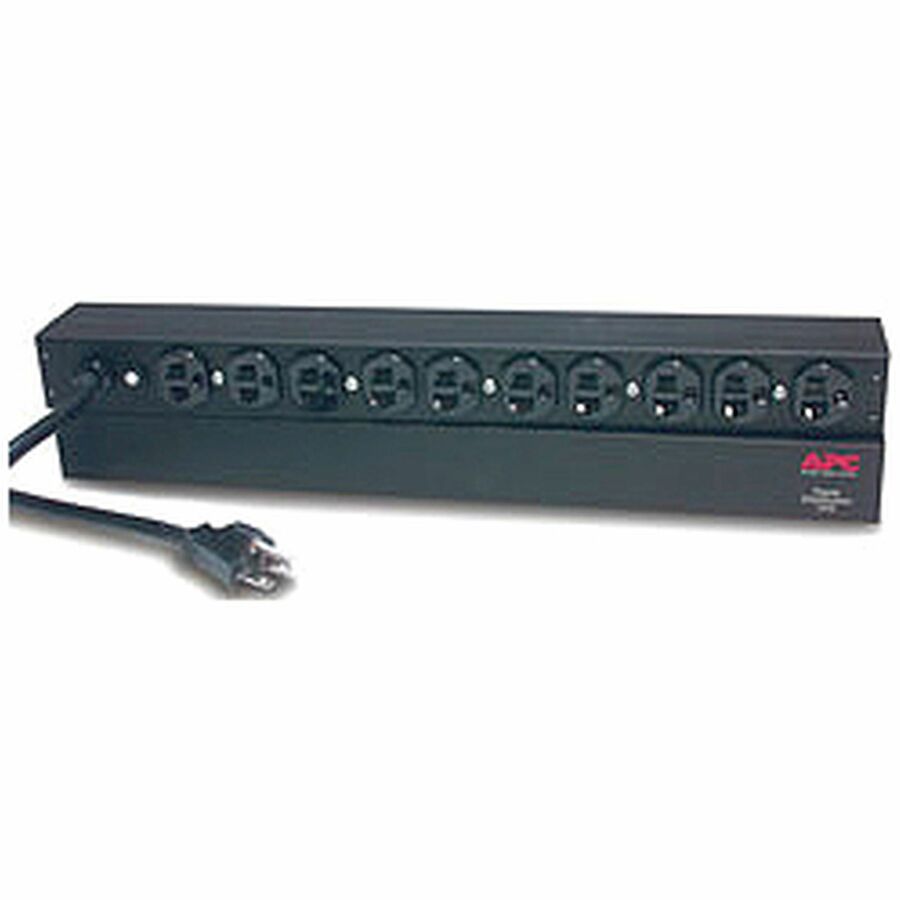
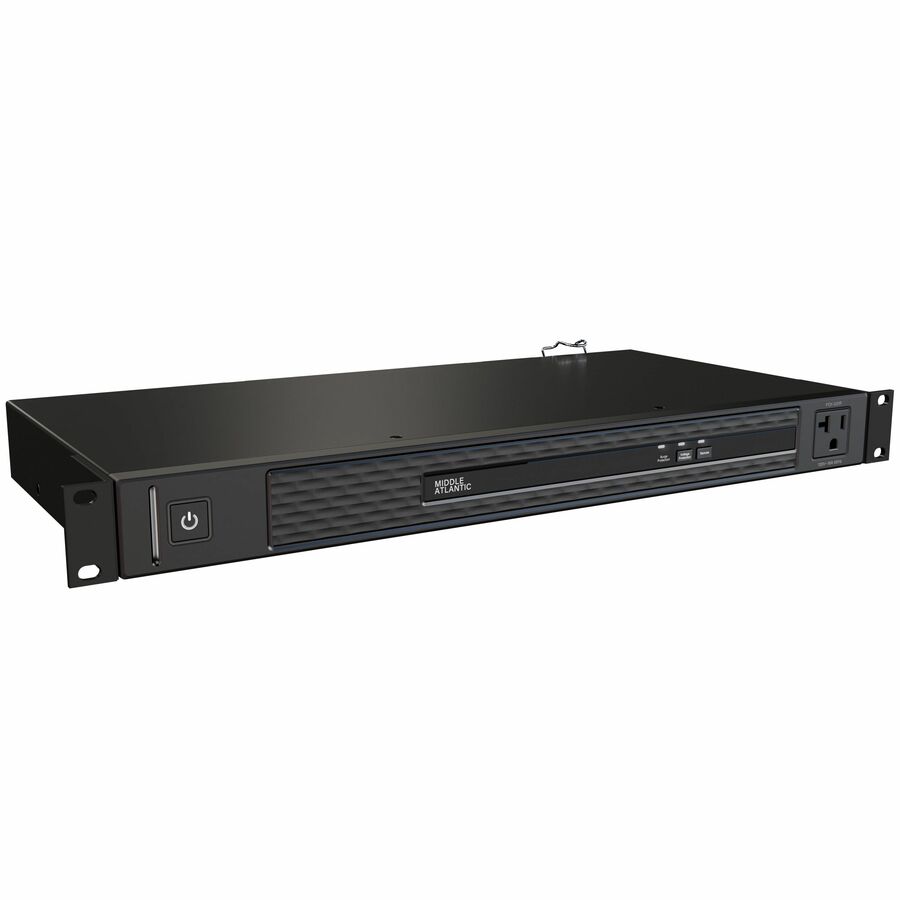
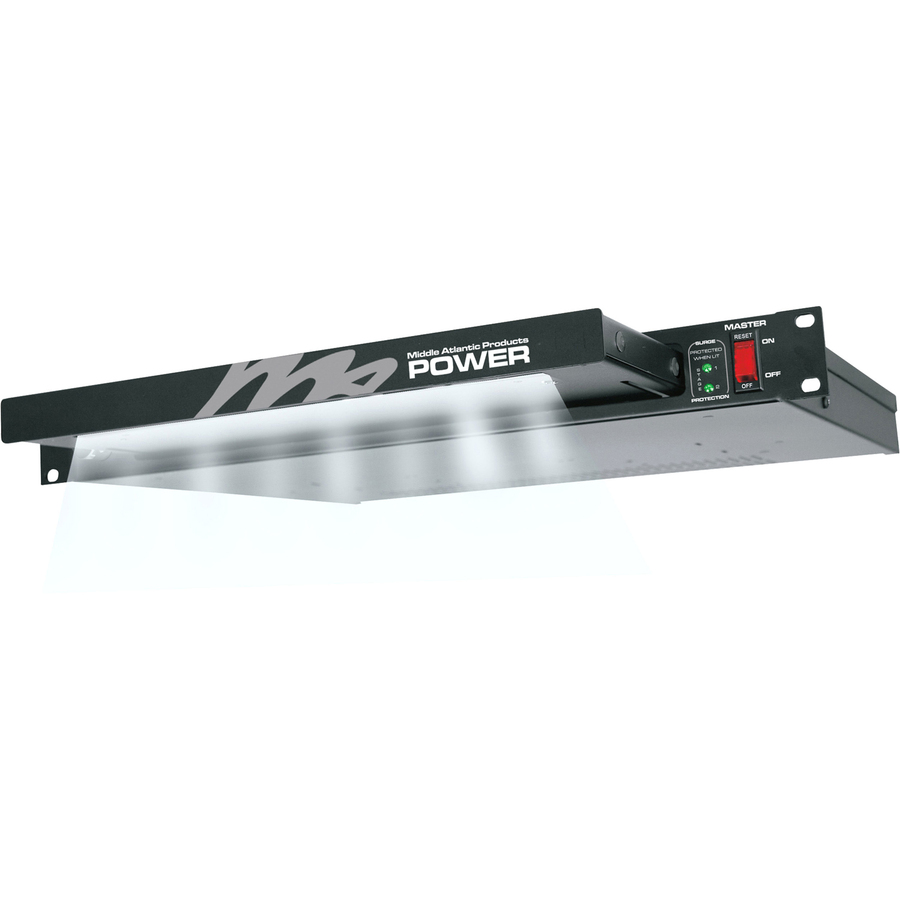
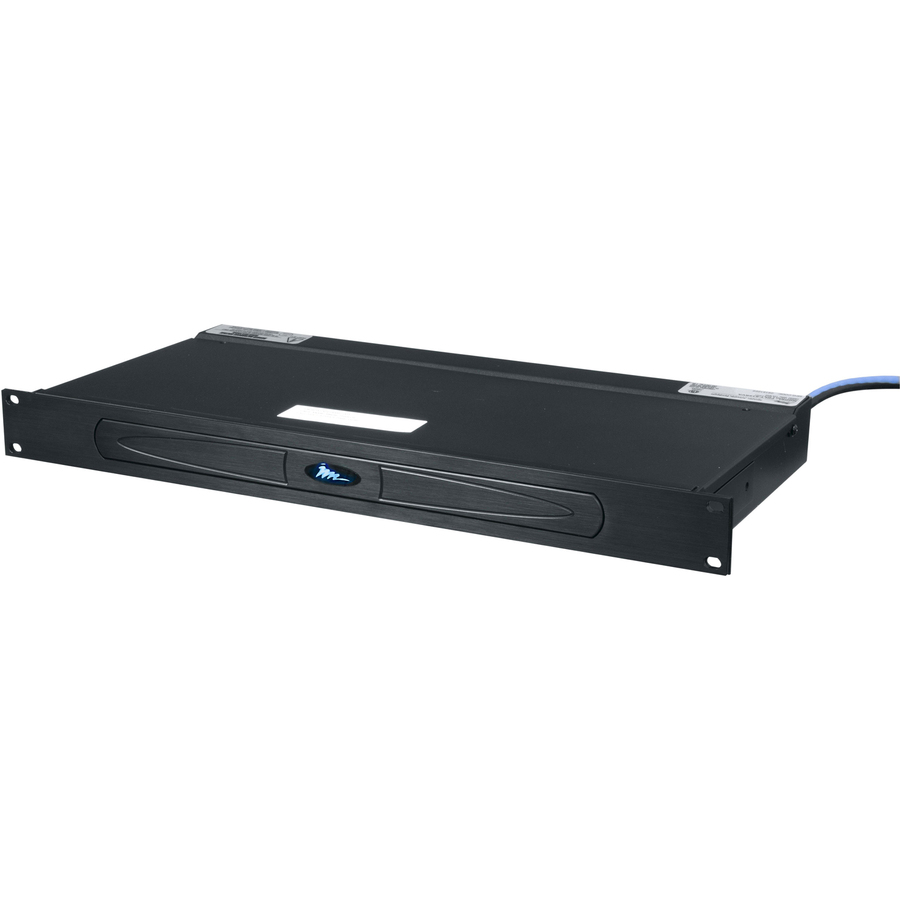
102 in stock - LegrandMiddle Atlantic NEXSYS Rack Mount Power Distribution Unit - 20 Amp, 9 Outlet Rack Mount PDU - Rack-mountable - RackPDX-920R
$482.00
$382.55
353 in stock - EatonEaton Metered Input rack PDU, 0U, CS8365 input, 12.48 kW max, 200-240V, 35A, 6 ft cord, Three-phase, Outlets: (30) C13 Outlet grip, (6) C19 Outlet grip - CS8365 - 30 x IEC 60320 C13, 6 x IEC 60320 C19 - 230 V AC - 12.48 kW - Network (RJ-45) - 38U - Rack-mountableEMI305-06
$1,794.00
$1,650.48
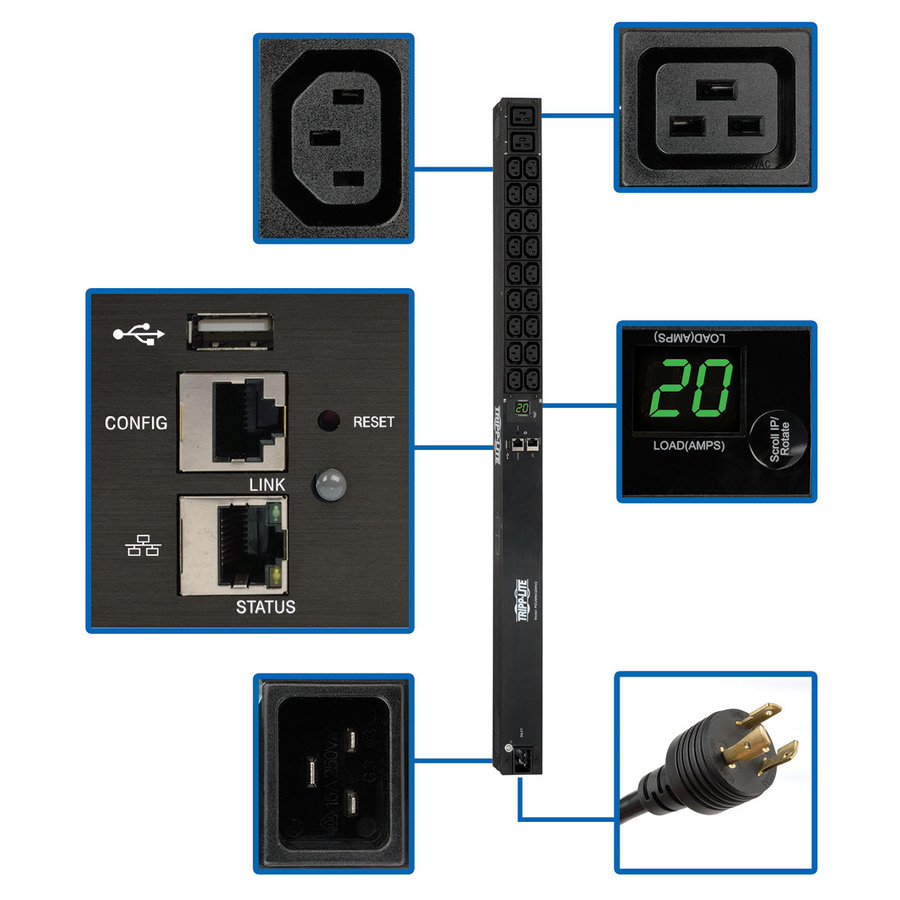
53 in stock - EatonTripp Lite by Eaton PDU 3.7kW Single-Phase 208/230V Monitored PDU - LX Platform 18 C13 2 C19 Outlets C20 / L6-20P Inputs 0U 900mm Height TAA - Monitored - NEMA L6-20P, IEC 60320 C20 - 2 x IEC 60320 C19, 18 x IEC 60320 C13 - 230 V AC - 0U - Vertical - Rack Mount - Rack-mountable - TAA CompliantPDUMNV20HV2LX
$767.00
$705.64
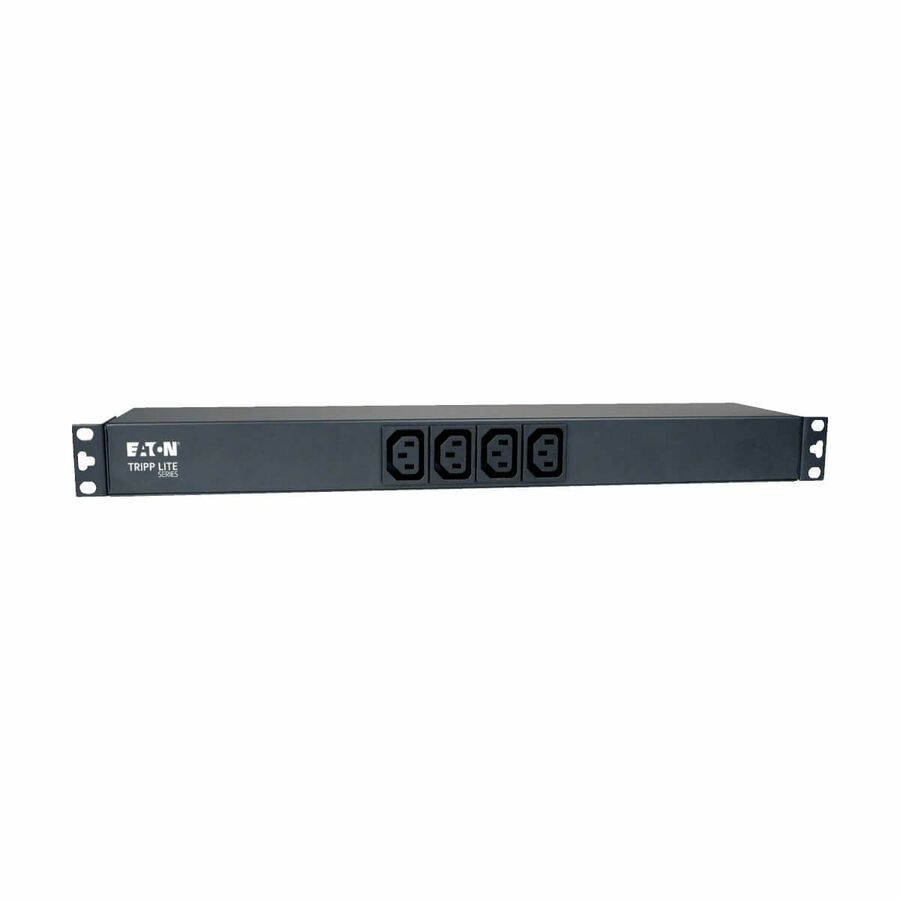
60 in stock - EatonTripp Lite by Eaton PDU 2kW 100-127V Single-Phase Basic PDU with ISOBAR Surge Protection - 3840 Joules 14 Outlets L5-20P Input (5-20P Adapter) 6 ft. Cord 1U - Basic - NEMA L5-20P, NEMA 5-20P - 2 x NEMA 5-15R, 12 x NEMA 5-15/20R - 120 V AC - 1U - Horizontal/Vertical - Rack-mountable, Wall-mountablePDUH20-ISO6
$343.00
$315.56
185 in stock - EatonEaton 3-Phase Managed Rack PDU G4, 240/415V, 48 Outlets, 24A/32A, 17.3kW, 532P6W Input, 10 ft. Cord, 0U Vertical, TAA - Managed - 532P6W - 24 x IEC 60320 C13, 24 x IEC 60320 C39 - 230 V AC, 415 V AC - Single Pole, Overload Protection - Network (RJ-45) - 10 ft Cord Length - 0U - Vertical - Rack-mountable, Button Mount - Vertical - TAA CompliantEVMAG332C
$3,181.00
$2,926.52
711 in stock


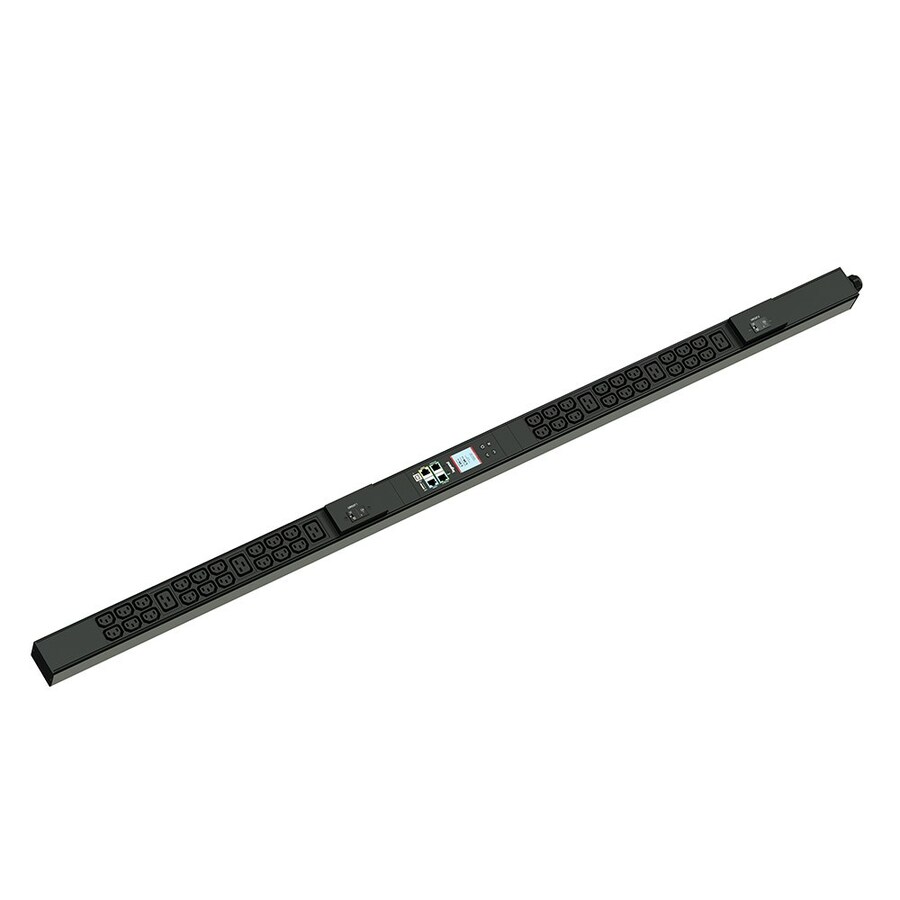
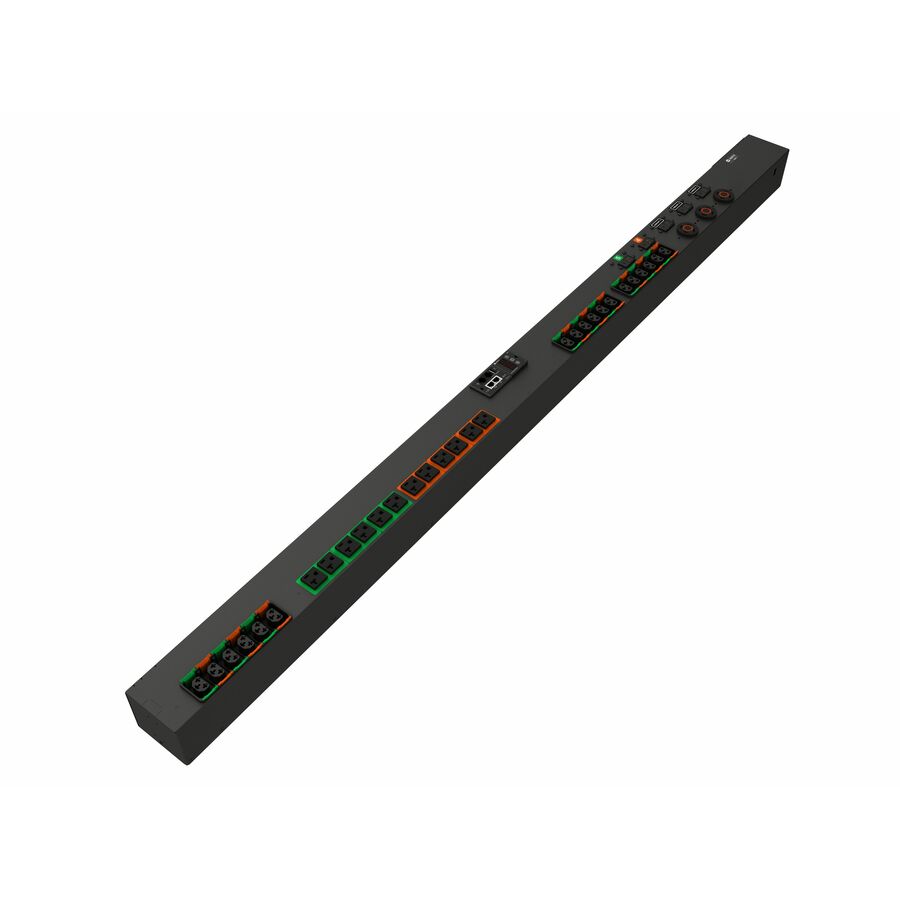
Specifications are read from the manufacturer product title as supplied to us; where a value is not stated it is left blank rather than estimated. Every line is screened for NDAA §889 status before checkout, with TAA verified on request.
Need pricing on Eaton rack PDUs?
Tell us where to reach you and a Uniqcli specialist will follow up by email with current pricing, availability and lead time for the quantities you need — including parts that aren’t shown on this page.
Buying for an organization or for yourself — both work. No payment up front.
Eaton rack PDUs come in four intelligence tiers, and the tier is the first choice: basic distributes power only, metered reports input current so a circuit is not overloaded, monitored adds per-outlet data for capacity planning, and switched lets you reboot a hung device's outlet without a site visit. Input plug, phase and the C13 against C19 outlet mix then decide whether it fits the rack.
Eaton's rack PDU lines follow the same intelligence tiers that define the category — basic, metered input, monitored (per-outlet), and switched/managed — and pair naturally with Eaton UPS and rack infrastructure if you're standardizing a rack on one vendor. The tier you pick decides how much you can see and do remotely: metered stops you overloading a circuit, monitored gives per-outlet data for capacity planning, and switched lets you reboot a hung device's outlet without a site visit.
Get the electrical and physical fit right before ordering: input plug, voltage and phase must match the circuit, the C13/C19 outlet mix must match the equipment, and the form factor (0U vertical vs. horizontal) must fit the rack. The Eaton PDUs below are the models Uniqcli currently stocks, with in-stock status on each card.
Buyer's checklist
How to choose an Eaton PDU
- Choose the intelligence tier: basic for simple distribution, metered to avoid circuit overload, monitored for per-outlet capacity data, switched for remote outlet reboot at unattended sites.
- Match input plug, voltage and phase (single vs. three-phase) to the feeding circuit.
- Count C13 vs. C19 outlets against your equipment and leave room to grow.
- Pick 0U vertical to preserve rack units in dense racks, or horizontal where the rear channel is blocked.
- For managed units, confirm the network card and that it integrates with your monitoring/DCIM.
- Standardize with the rest of the rack (UPS, rails) where you're building on Eaton for one support path.
Where each PDU tier fits
The most reliable way to land on the right tier is to ask who can physically reach the rack, not just how important it is. A staffed data-center row can extract most of the value from per-outlet monitoring, loading circuits toward their limit on measured draw instead of guesswork. An unstaffed IDF or network closet, where no one watches a dashboard, benefits more from switched outlets — a hung switch or access point becomes a remote power-cycle rather than an after-hours drive across campus to a locked room.
Edge and lights-out sites make the strongest case for managed intelligence, since every avoided visit is counted in hours of windshield time and a missed SLA. At the other end, basic and metered units are the honest fit for lab benches, non-critical distribution, and racks where an upstream UPS or panel meter already reports the draw — paying for switched outlets nobody will ever cycle remotely is just stranded capability. Mapping tier to reachability usually produces the right mix across a site.
Deployment and circuit planning
Before the unit is mounted, confirm the upstream breaker rating and the PDU input rating agree, then plan to the eighty-percent continuous-load limit so an ordinary inrush or spike does not nuisance-trip the circuit. Dual-corded equipment wants its A and B cords fed from two PDUs on two separate circuits, so a single failed path does not drop the load. On three-phase units, distribute outlets across L1/L2/L3 as you populate the strip rather than filling one leg first and leaving the feed unbalanced.
Treat a managed PDU as the network device it is: put its controller on a management VLAN, update the firmware, replace the default credentials, and register it in monitoring or DCIM before it carries production load. Plan outlet orientation and cord-lock direction against your cable path so a technician is not fighting the bundle during a live swap, and label each outlet to the device it feeds — an unlabeled switched PDU turns a two-second remote reboot into a guess about which outlet is which.
Operating cost and lifecycle
The premium on a managed PDU is small next to what a single dispatched technician costs at an unattended site, so remote reboot and alerting often pay for themselves on the first prevented truck roll. Outlet-level metering earns its keep a second way: it exposes stranded capacity — amperage you have reserved but are not drawing — which can let you defer adding a circuit, a rack, or a whole shelf. Over a multi-year deployment those two effects usually outweigh the gap between adjacent intelligence tiers.
Standardizing the PDU, UPS and rails on one vendor consolidates the firmware tooling and the support path, which lowers the ongoing labor of keeping managed units patched over their service life. Match the network-card generation and the warranty term to how long the rack will stand, so the intelligence does not go end-of-life years before the cabinet does. Keep a metered or basic spare on the shelf so a failed strip is a same-day swap rather than a capacity outage waiting on procurement.
Related reading
FAQ
Common questions
- Which PDU intelligence tier do I actually need?
- If you only need to distribute power, a basic PDU is fine. Add metering when you're worried about overloading a circuit. Choose monitored (outlet-level) when you need capacity-planning or chargeback data. Choose switched/managed when remote reboot of individual outlets saves truck rolls — typically at edge or unattended sites. Each step up adds cost but reduces risk and on-site labor.
- Should the PDU match my UPS brand?
- It isn't required, but standardizing the PDU, UPS and rails on one vendor like Eaton gives you a single support path, consistent management tooling, and known-good compatibility — which is why many teams building or refreshing a rack keep them in-family. The electrical specs (plug, phase, outlets) still have to match your circuit and equipment regardless of brand.
- Can Eaton PDUs be quoted on a federal or SLED contract?
- Every line Uniqcli quotes is sourced through US distribution and screened for TAA country-of-origin and NDAA §889 status before checkout — with documentation tied to the specific part number, not a product family.
Need Eaton rack PDUs pricing?
Send a bill of materials or part numbers — we confirm stock and a below-market total, with TAA verified on request. No payment up front.