
Best Console Servers for Out-of-Band Access to Racks and Remote Sites
Serial console servers for out-of-band management — Perle, Lantronix, Opengear, Eaton Tripp Lite, Black Box, ATEN and Vertiv Avocent units in rack-mount and desktop form.
Console servers in stock at Uniqcli
How to choose →A curated selection with live pricing — in-stock lines first, then back-ordered lines with a typical lead time. Every line is sourced through US distribution and screened for NDAA §889 status before checkout, with TAA verified on request.
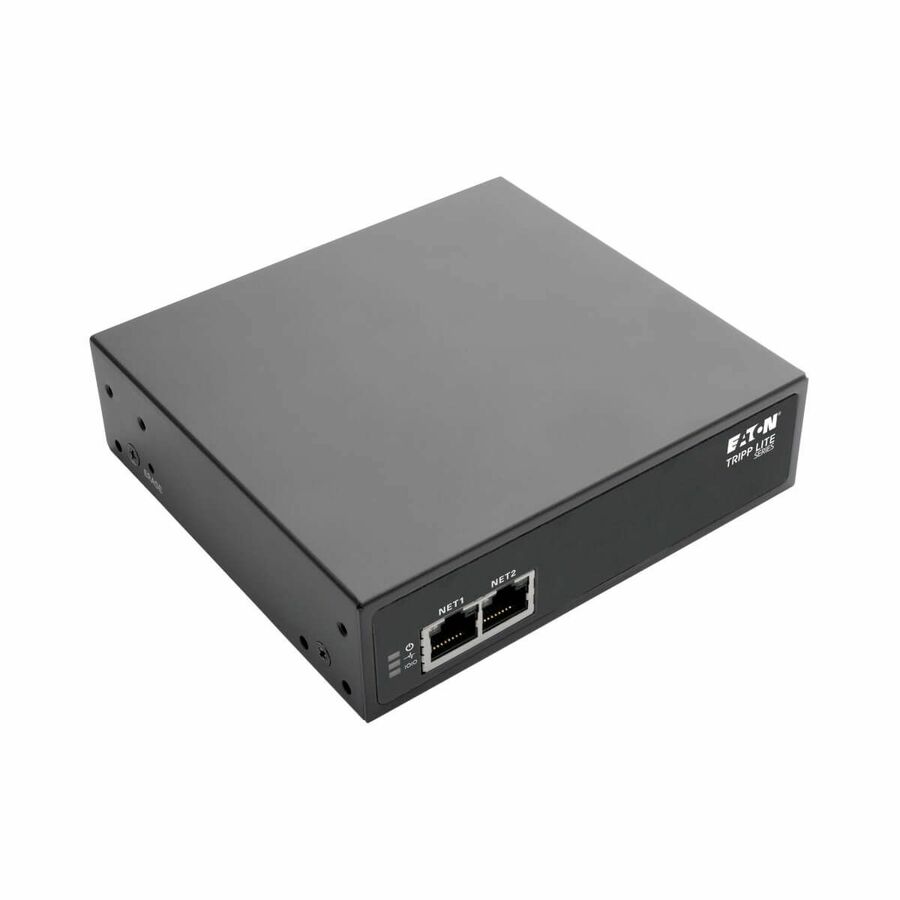
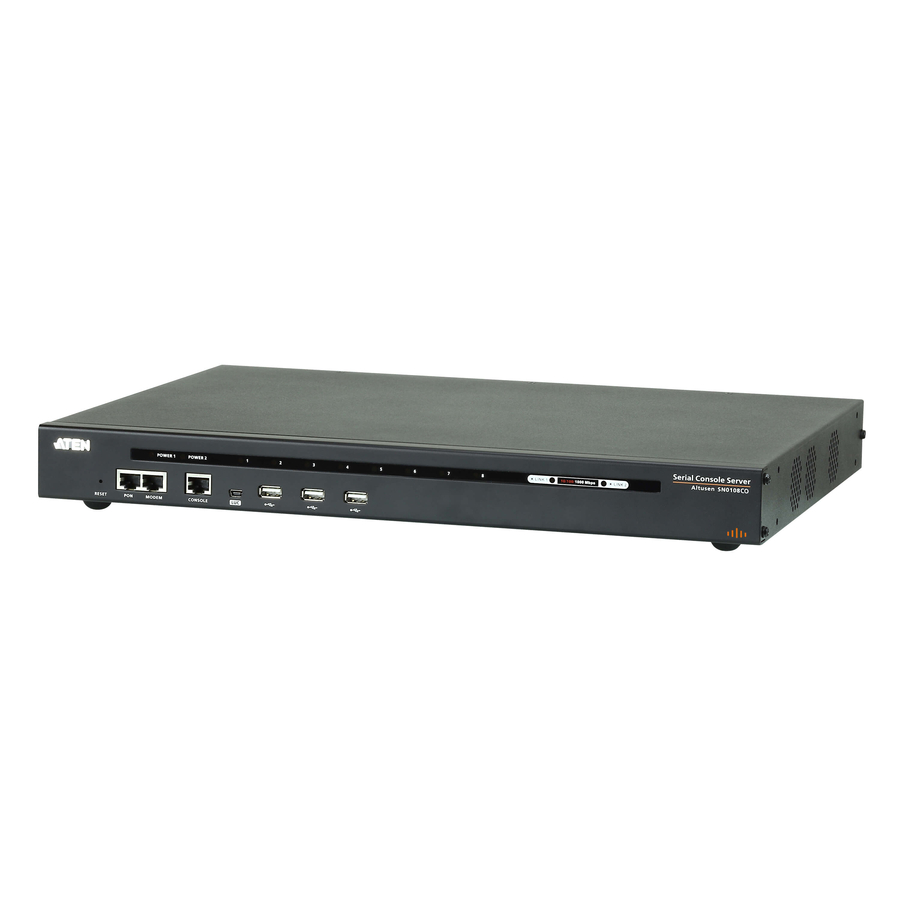
- EatonEaton Tripp Lite Series 8-Port Console Server with Built-In Modem, Dual GbE NIC, 4Gb Flash and Dual SFP - Twisted Pair - 4 x Network (RJ-45) - 4 x USB - 8 x Serial Port - Network (RJ-11) - 1000Base-X - Gigabit Ethernet - Management Port - Rack-mountable, Desktop - TAA CompliantB093-008-2E4U-M
$2,133.78
$1,963.08*
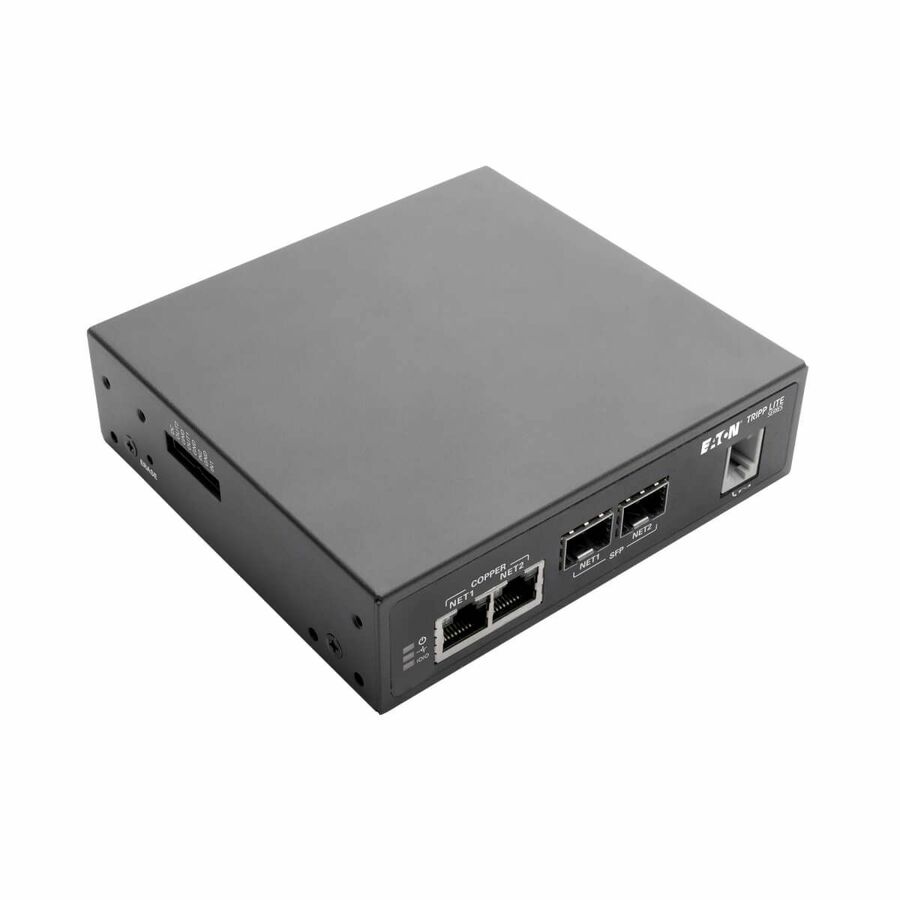
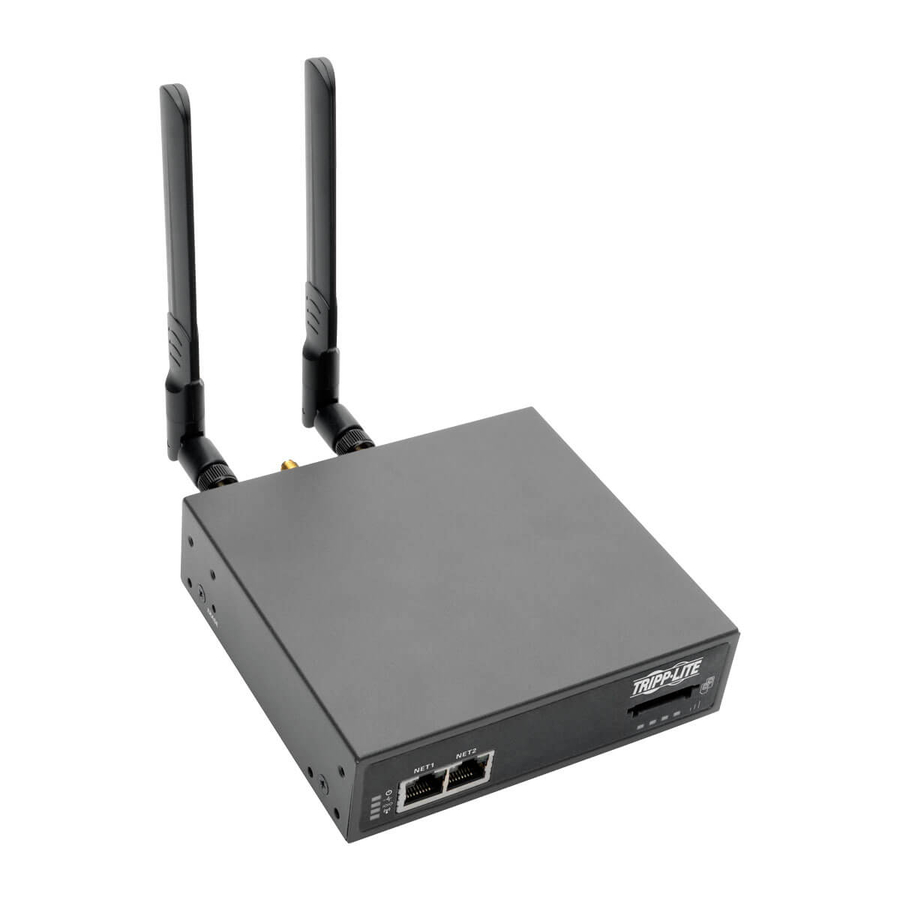
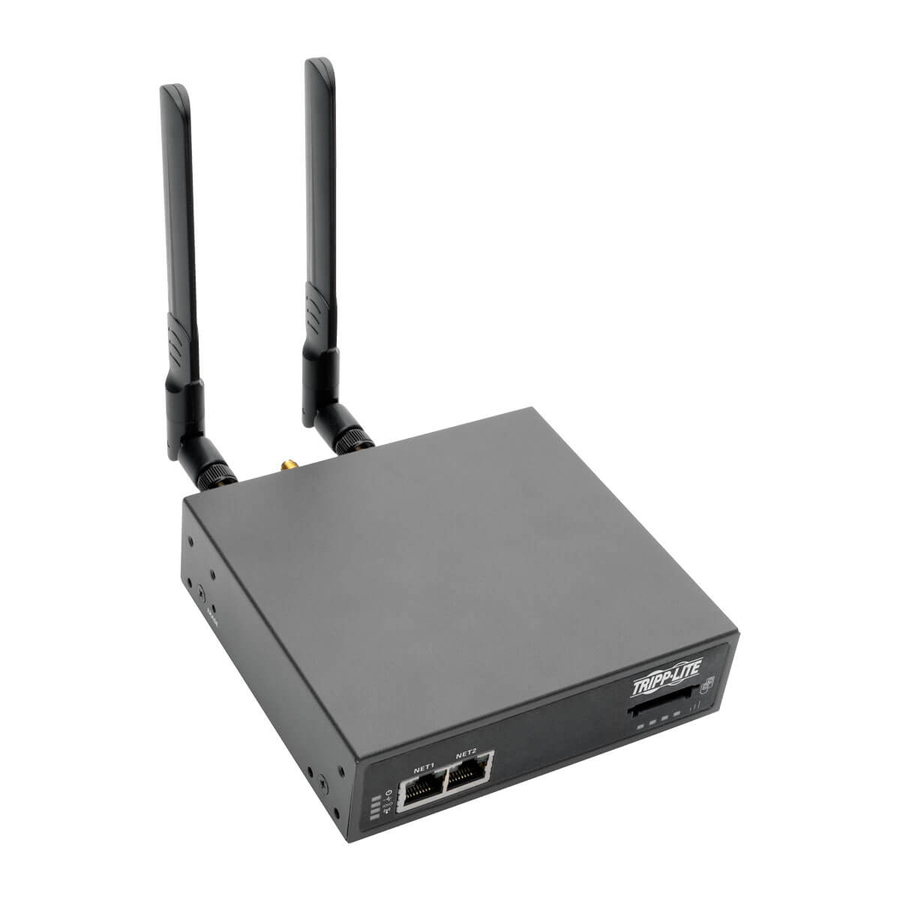
21 in stock - EatonEaton Tripp Lite Series 4-Port Console Server with 4G LTE Cellular Gateway, Dual GbE NIC, 4Gb Flash and Dual SIM - Twisted Pair - 2 x Network (RJ-45) - 4 x USB - 4 x Serial Port - 1000Base-X - Gigabit Ethernet - Management Port - Rack-mountable, Desktop - TAA CompliantB093-004-2E4U-V
$2,438.00
$2,242.96*
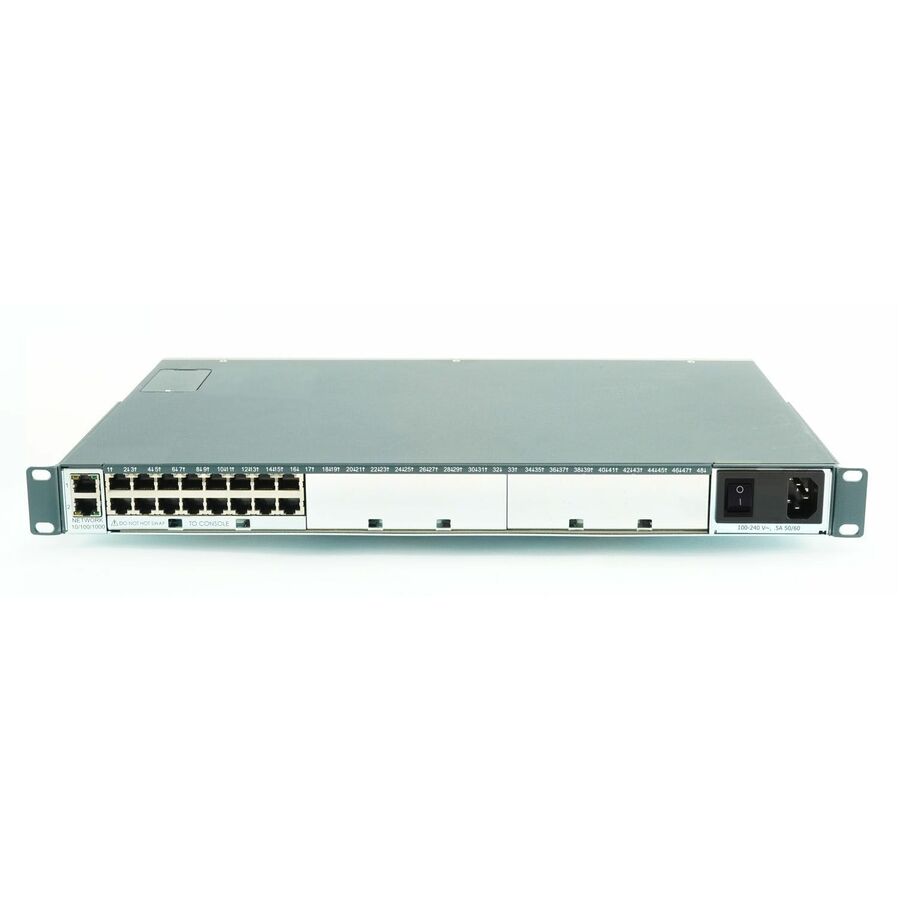
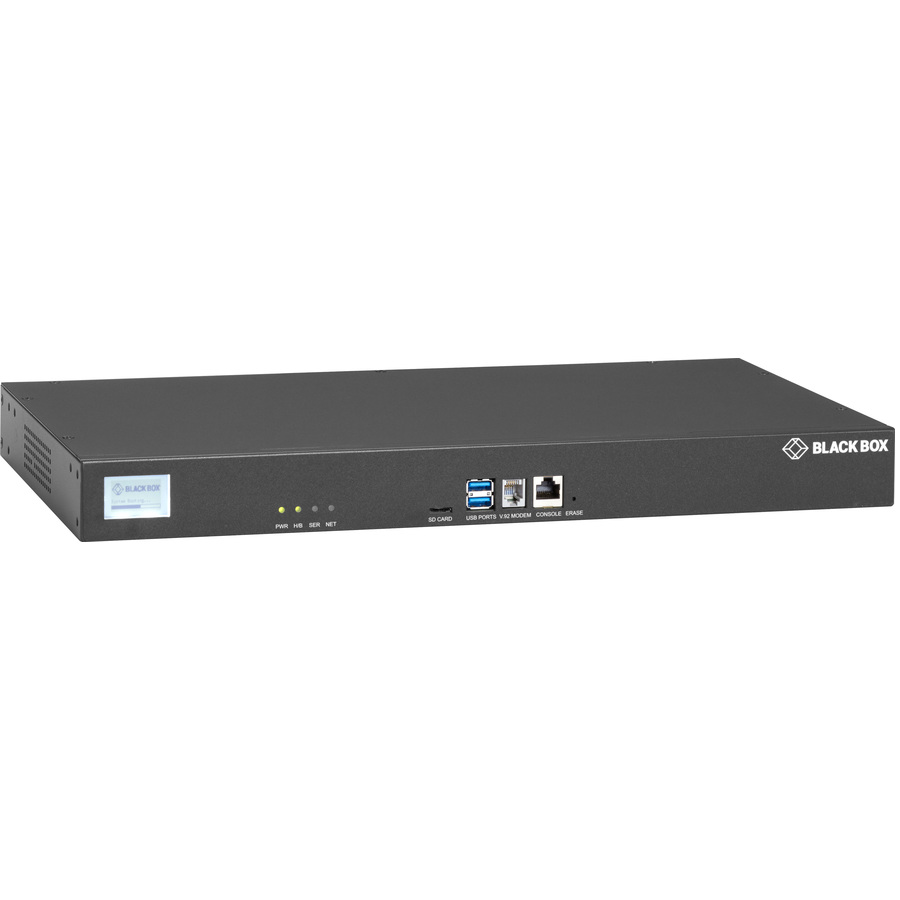
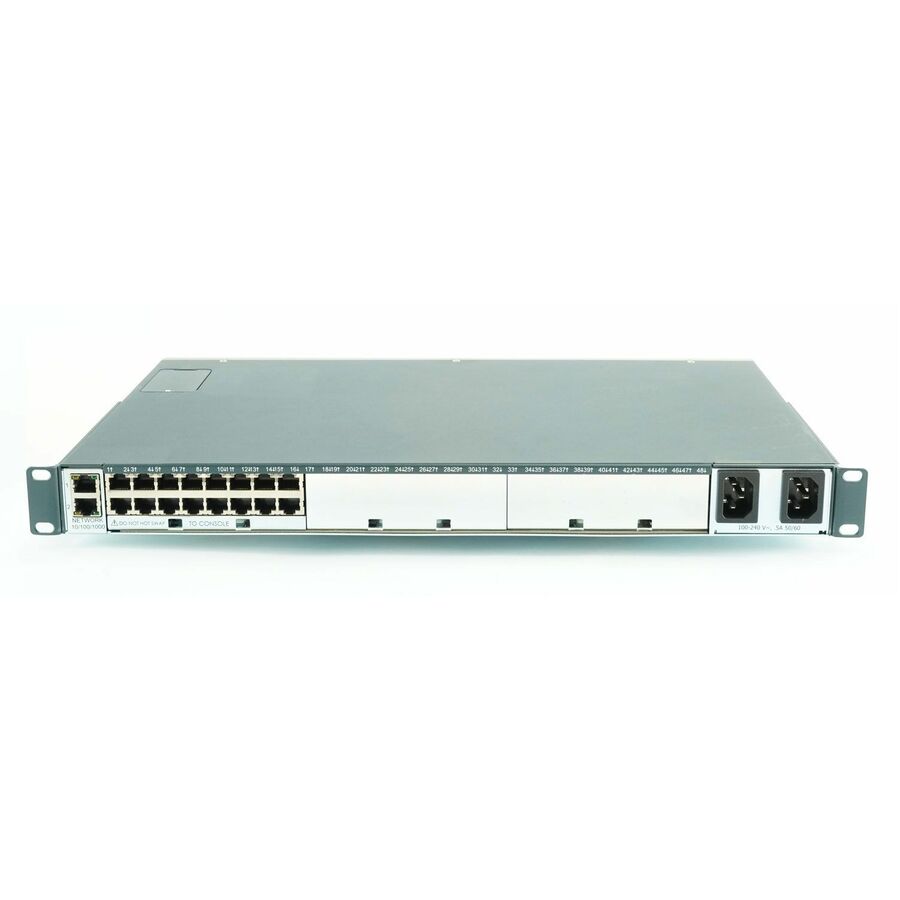
17 in stock - Black BoxBlack Box LES1700 Series Console Server - POTS Modem, Dual 10/100/1000 - 256 MB - DDR2 SDRAM - Optical Fiber, Twisted Pair - 2 Total Expansion Slot(s) - 2 x Network (RJ-45) - 2 x USB - 16 - Phone Line (RJ-11) - 10/100/1000Base-T - Gigabit Ethernet - Management Port - Rack-mountable - TAA CompliantLES1716A-R2
$3,338.06
$2,848.69*
38 in stock - EatonTripp Lite by Eaton 8-Port Console Server with 4G LTE Cellular Gateway Dual GB NIC 4Gb Flash and Dual SIM - Twisted Pair - 2 x Network (RJ-45) - 4 x USB - 8 x Serial Port - 1000Base-X - Gigabit Ethernet - Management Port - Rack-mountable, Desktop - TAA CompliantB093-008-2E4U-V
$3,168.34
$2,914.87*
45 in stock



Top pick
Eaton
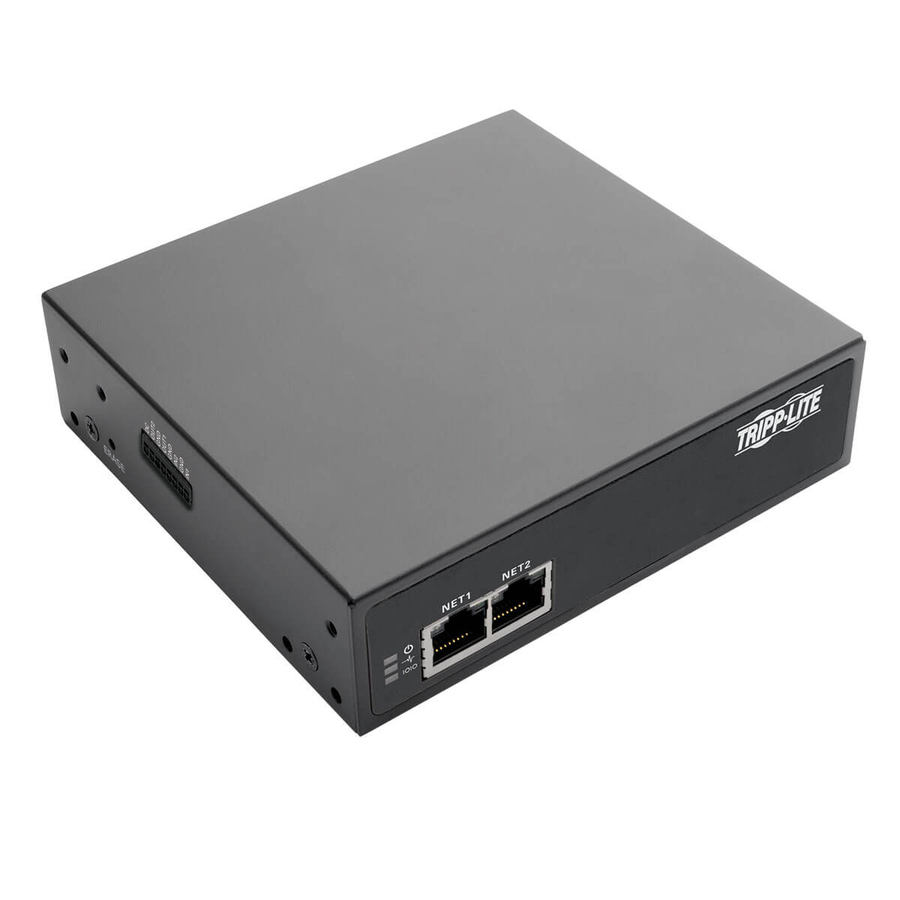
Eaton Tripp Lite Series 8-Port Console Server with Dual GbE NIC, 4Gb…
B093-008-2E4U
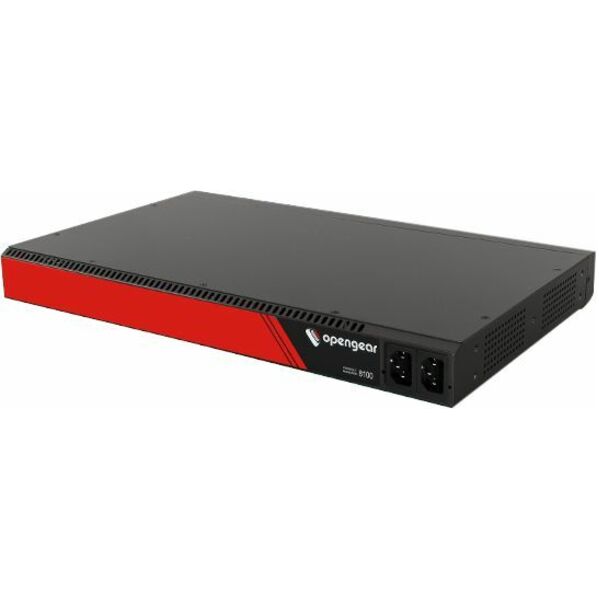
The most ordinary-in-a-good-way specification in the range: eight serial ports, dual GbE NIC so the out-of-band path has its own uplink to land on, four USB ports for USB-console devices, a dedicated management port, 4Gb of flash, and a chassis titled for both rack-mount and desktop. Eight ports is the size that covers a normal branch or edge cabinet — a switch pair, a firewall, a router and a PDU, with headroom left for what gets added next.
Our catalog data records this part number as TAA compliant. We confirm the screening result against this exact part number on the quote rather than restating it as a Uniqcli certification.
$1,570.07*Back-orderedCellular out-of-band
Eaton
Eaton Tripp Lite Series 4-Port Console Server with 4G LTE Cellular…
B093-004-2E4U-V
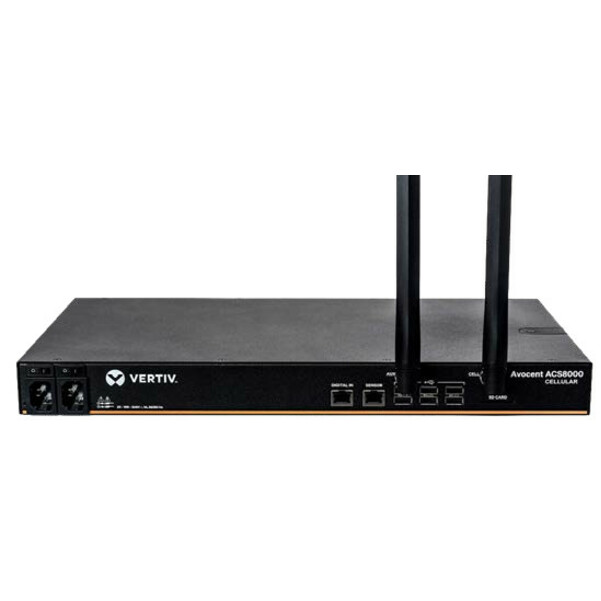
The same platform as the top pick, four serial ports instead of eight, and the difference that matters: a 4G LTE cellular gateway with dual SIM alongside the dual GbE NIC. That is the specification to reach for at any site where a second wired path does not exist, because the management path leaves the building on its own and a single carrier's outage does not take it with it. Dual SIM is the part people skip and regret.
Our catalog data records this part number as TAA compliant. Choose the base, modem and cellular variants deliberately — they are separate part numbers within one series and are not interchangeable once the cabinet is closed.
$2,242.96*In stockCompact branch unit
Lantronix
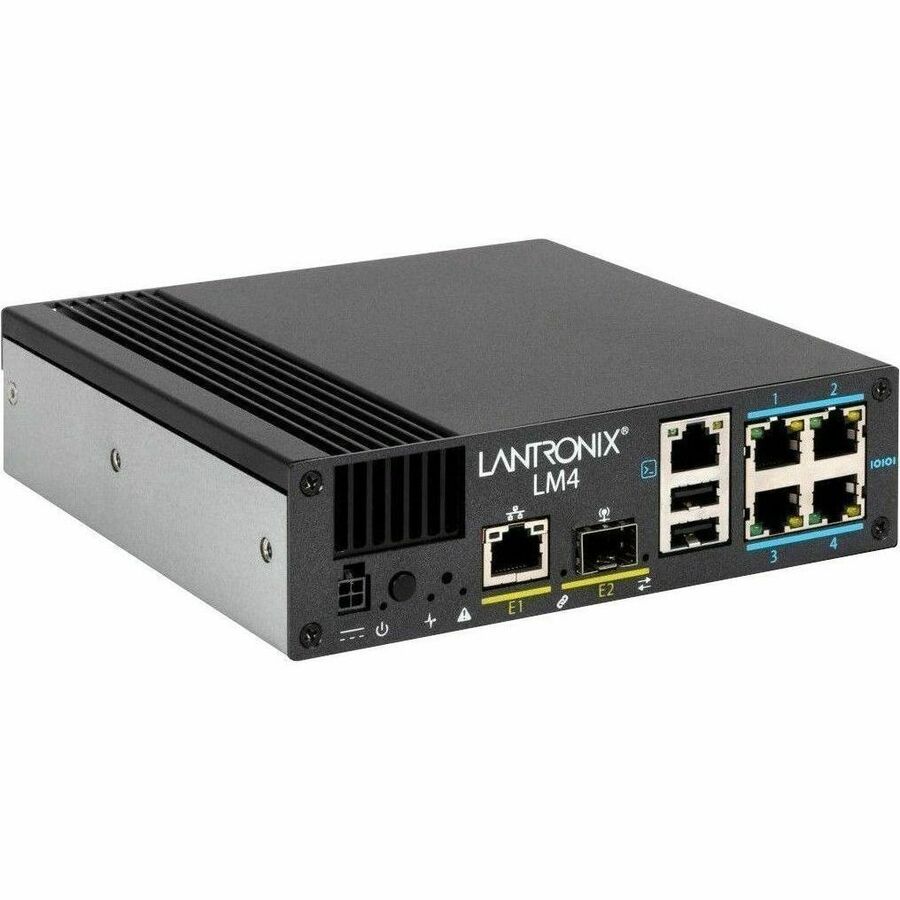
Lantronix LM4 LM-Series LM4 4-Port Console Server
LM4-4S-NA
Four serial ports, two USB 2.0 ports, and the uplink flexibility that makes this one useful at small sites: one GbE RJ45 Ethernet port and one GbE SFP, so the console server can sit on a copper management drop or on a fiber run without a media converter in front of it. Single AC power and a North American power cord and adapter in the box. The right size for a cabinet with a switch, a firewall and a router in it rather than a row.
Our catalog data records this part number as TAA compliant. Single AC power — where the site requires dual-fed power to the management device, take a dual-power part from the grid above instead.
$647.71Back-orderedHigher port density
Perle Systems
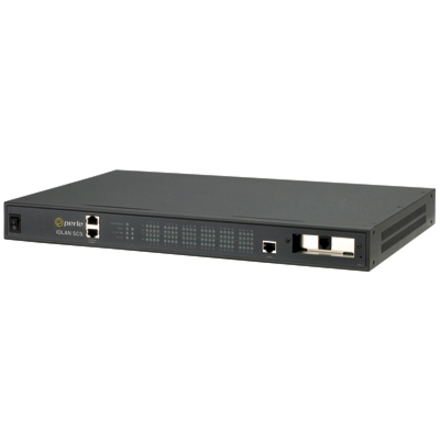
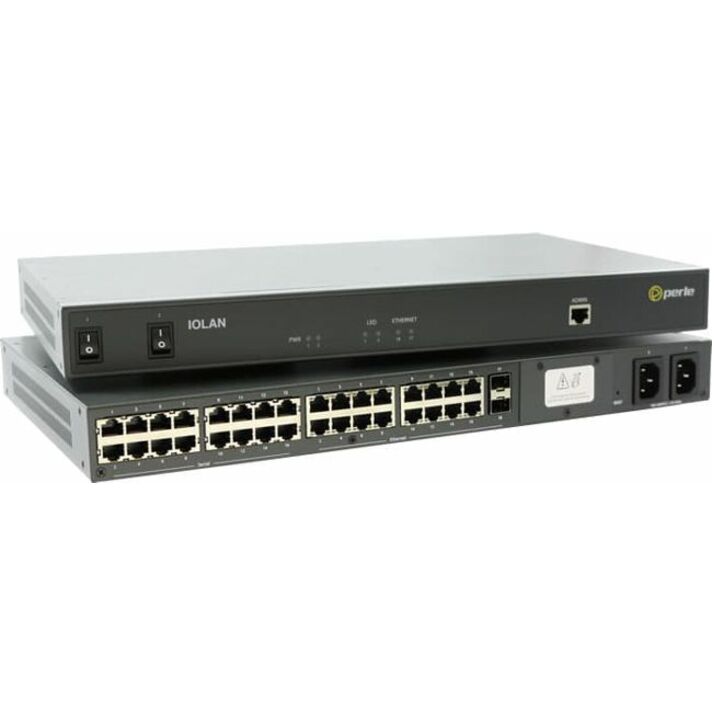
Perle IOLAN SCS Console Server
04031548
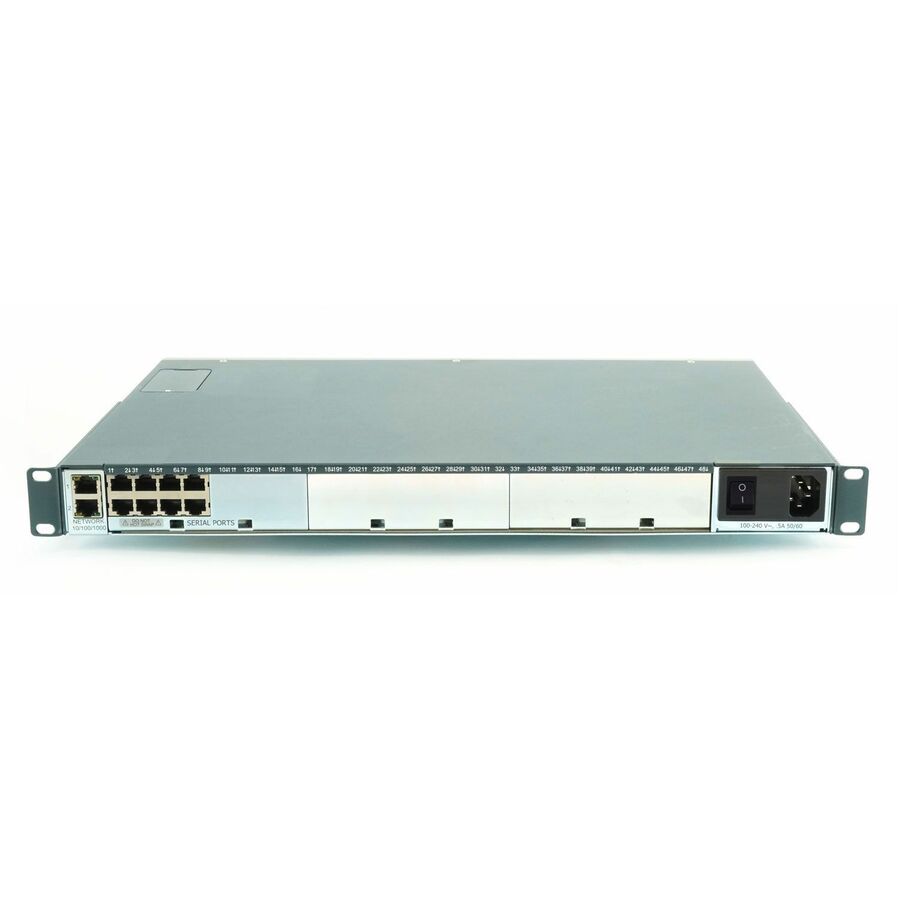
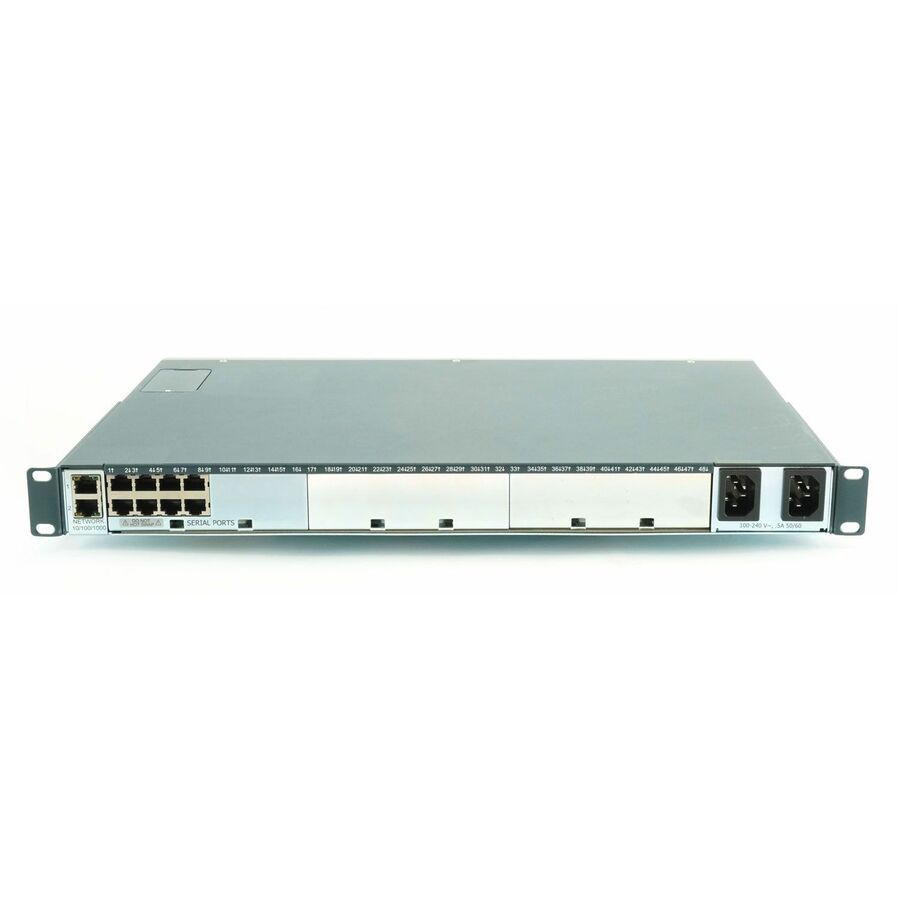
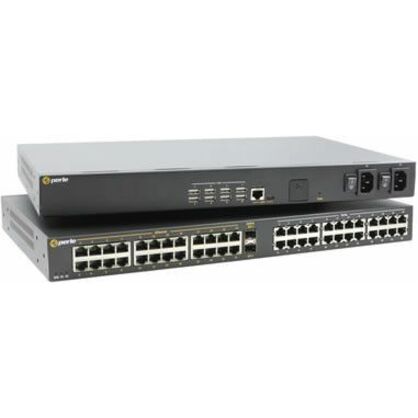
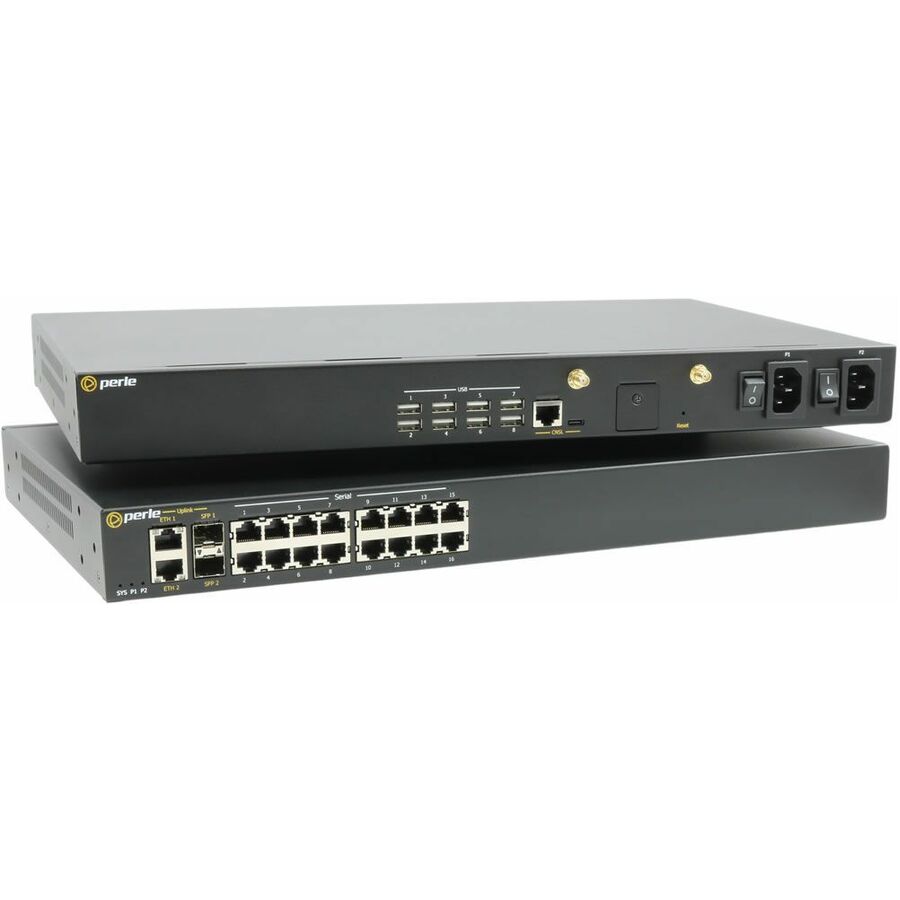
Sixteen serial ports on a rack-mountable chassis with two RJ-45 network ports and Gigabit Ethernet — the aggregation size, for a full cabinet or a small data-center row where a four- or eight-port unit would be full before the build is finished. Sizing the density up front leaves one out-of-band path to test and maintain rather than two, and leaves ports for the devices that arrive after the rack is closed.
$5,868.32Back-orderedMore terminal and device servers in the Uniqcli catalog
See all 792 terminal and device serversMore from across this category. In-stock lines lead, and a back-ordered line carries the same estimated availability its product page does — with live pricing throughout, NDAA §889 screening before checkout and TAA verified on request.
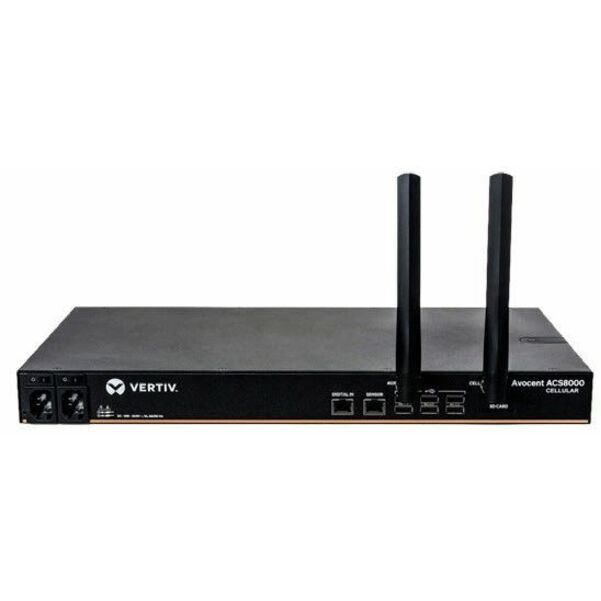
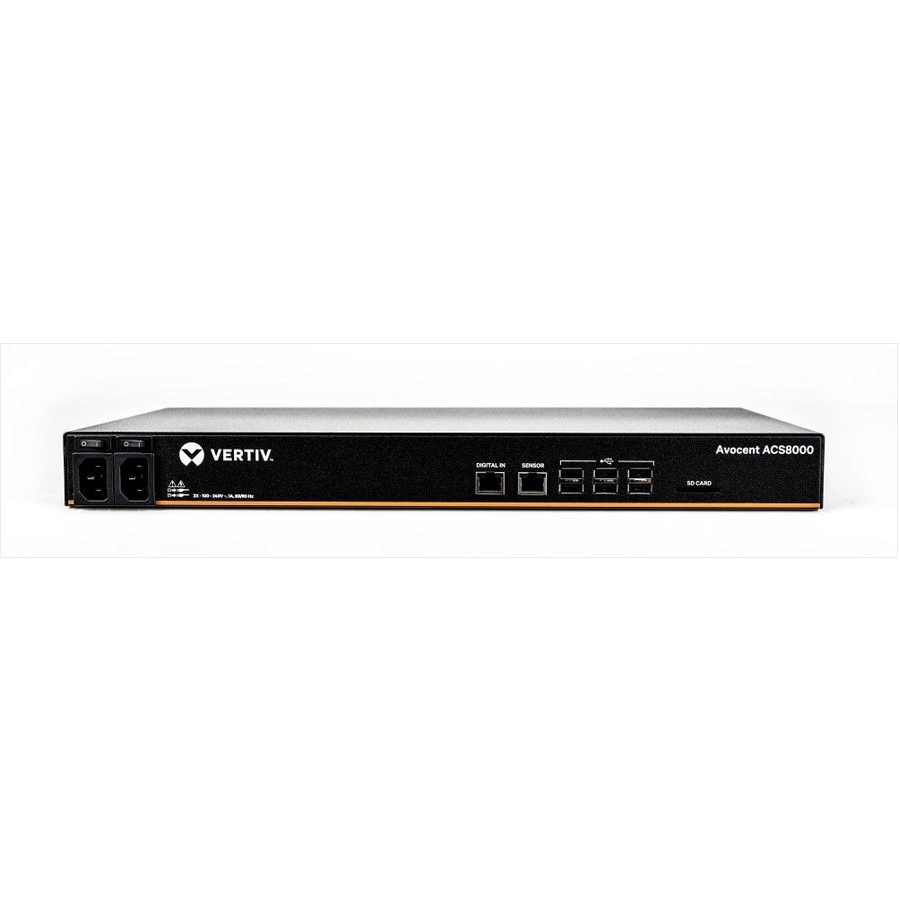
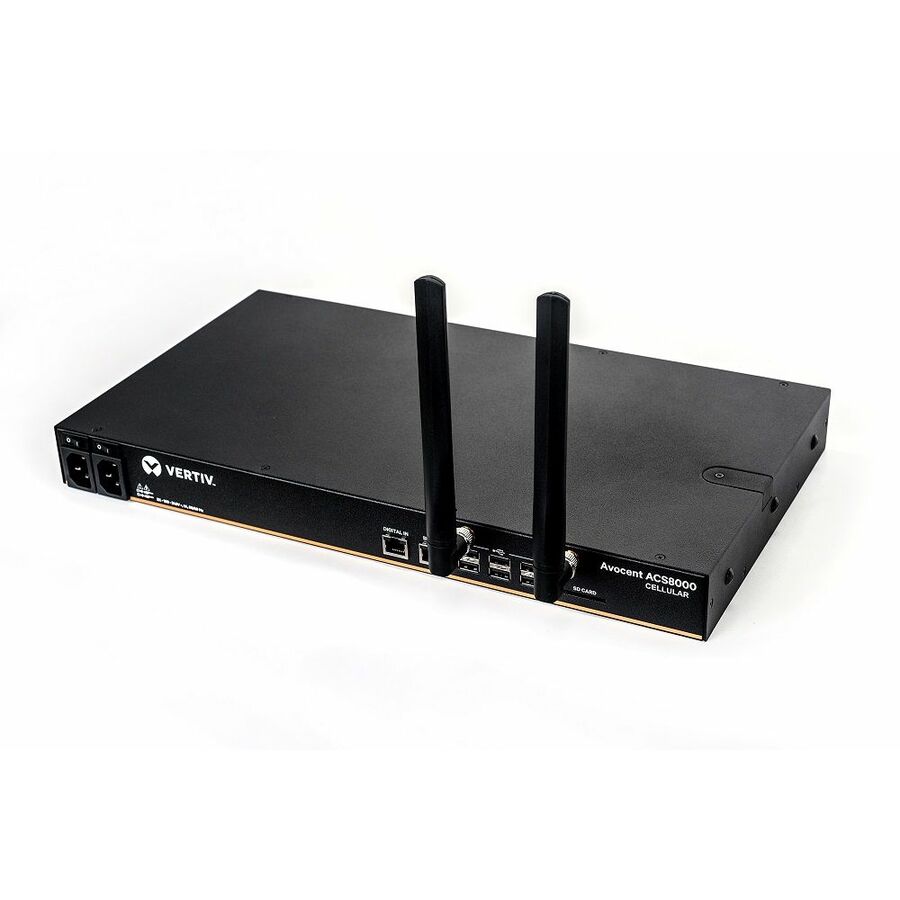
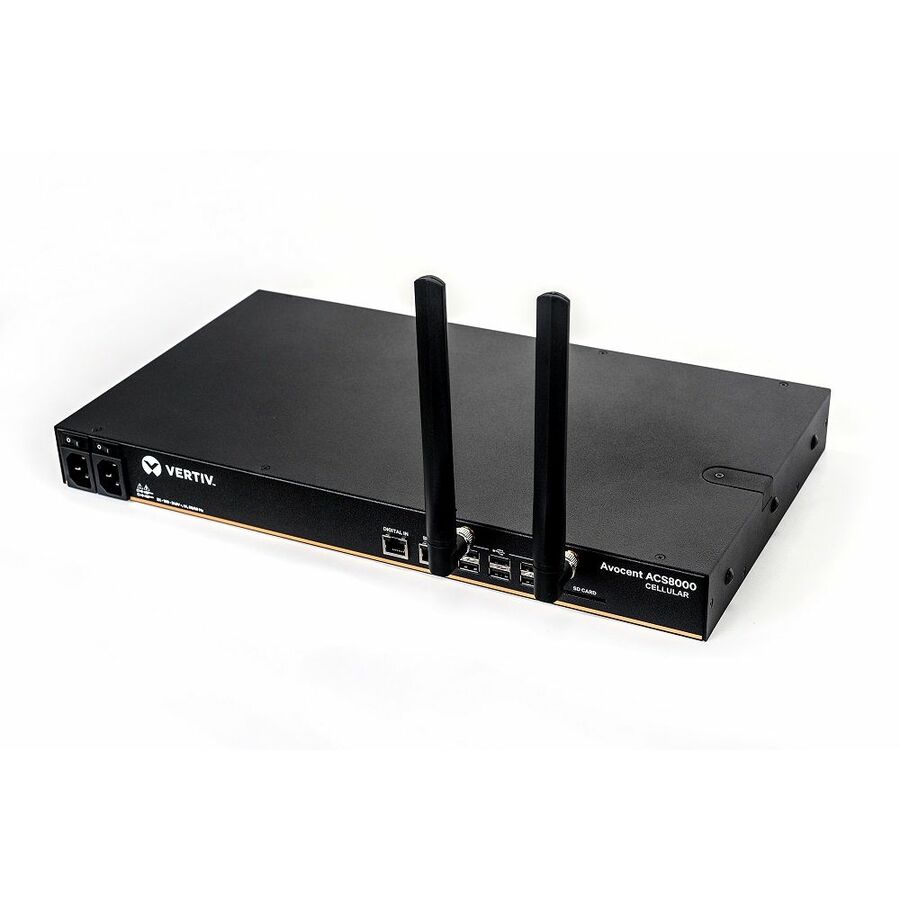
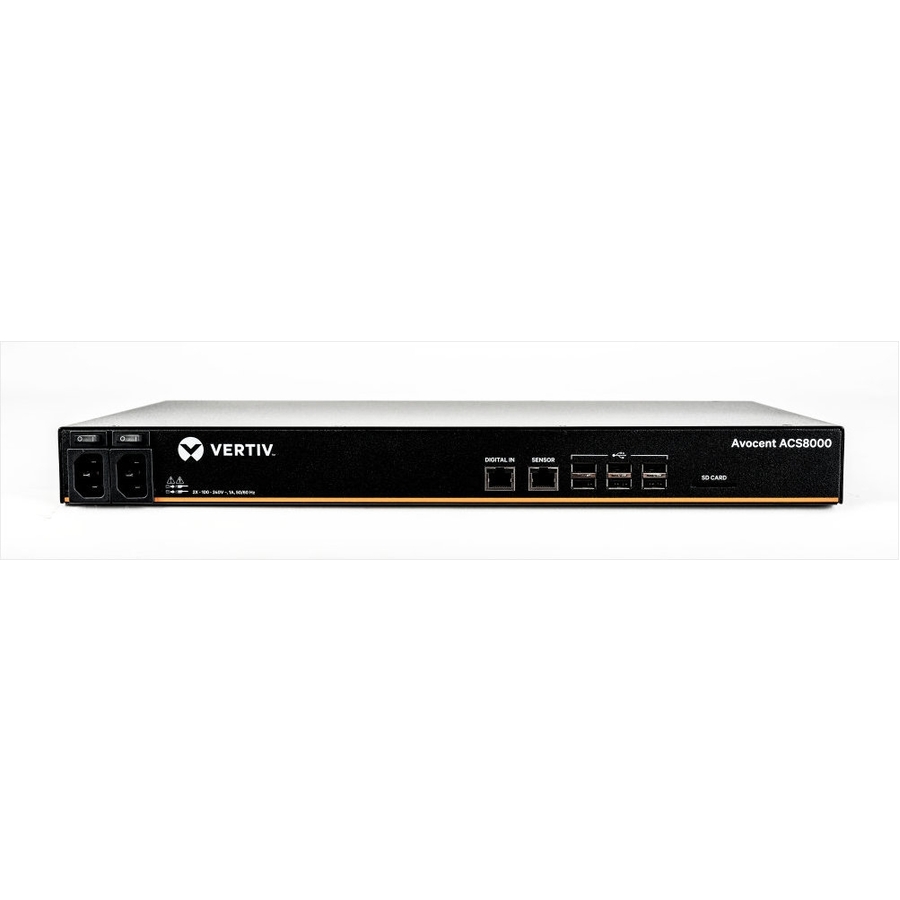
- VertivVertiv Avocent ACS8000 Serial Console 48 port | Dual AC Power | AT&T+Verizon - Advanced Serial Console Server| Remote Console| Cellular Support| In-band and Out-of-band Connectivity| 8 to 48 rs232 terminal| Dual AC power| 2-Year Full Coverage Factory Warranty - Optional Extended Warranty AvailableACS8048-NA-DAC-400
$9,989.00
$7,944.45*
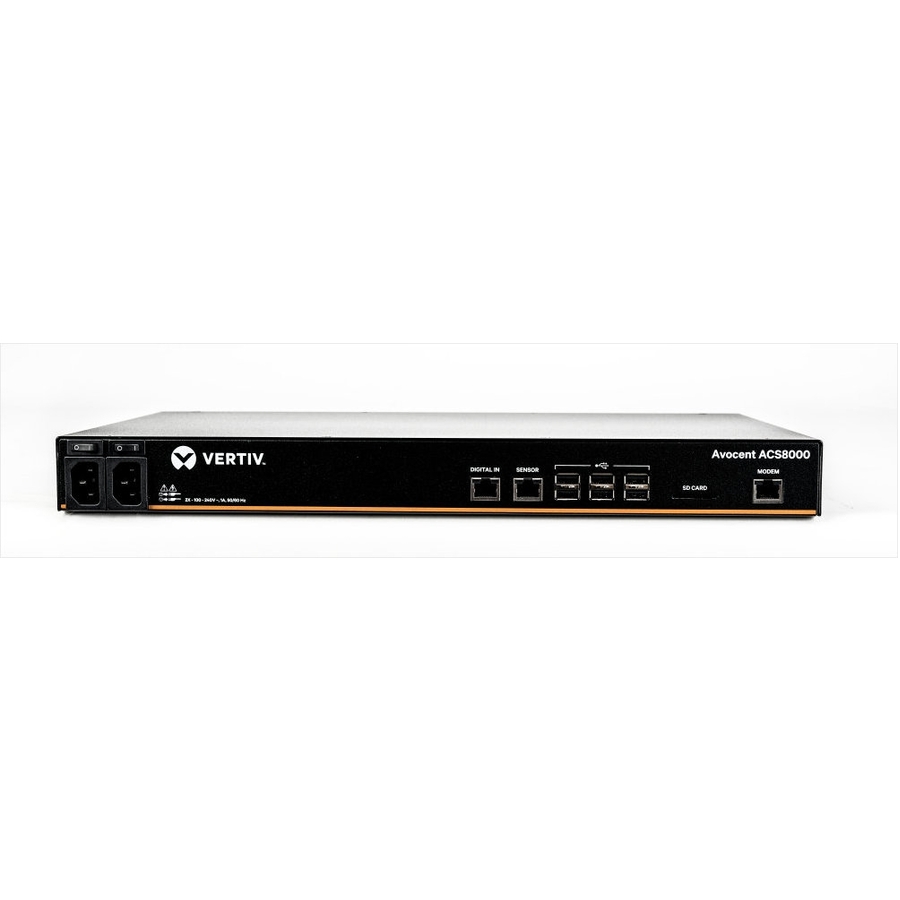
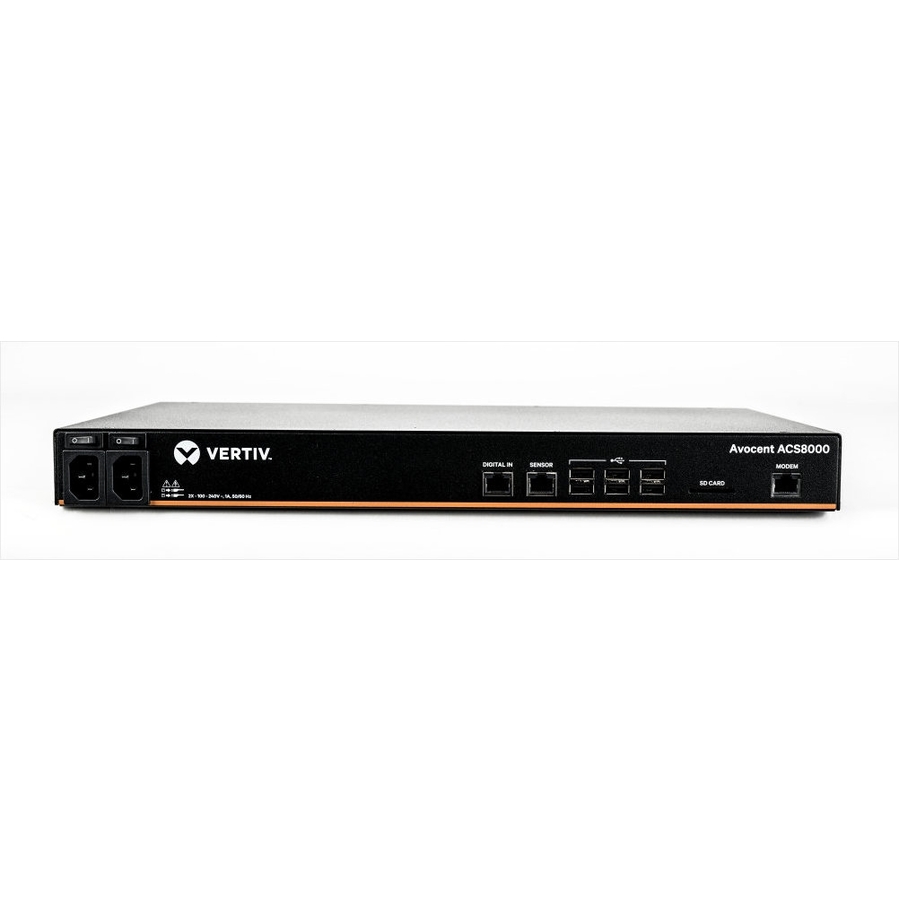
60 in stock - VertivVertiv Avocent ACS8000 Serial Console - 48 port Console Server | Modem | Dual AC - Advanced Serial Console Server| Remote Console| In-band and Out-of-band Connectivity| 48 port rs232 terminal| Dual AC power| Analog Modem| 2-Year Full Coverage Factory Warranty - Optional Extended Warranty Available| TAA CompliantACS8048MDAC-400
$9,067.00
$7,211.16
83 in stock - VertivVertiv Avocent ACS8000 Serial Console - 48 port Console Server | Dual AC - Advanced Serial Console Server | Remote Console | In-band and Out-of-band Connectivity | 48 port rs232 terminal | Dual AC power | 2-Year Full Coverage Factory Warranty - Optional Extended Warranty Available |TAA CompliantACS8048DAC-400
$8,492.00
$6,753.86
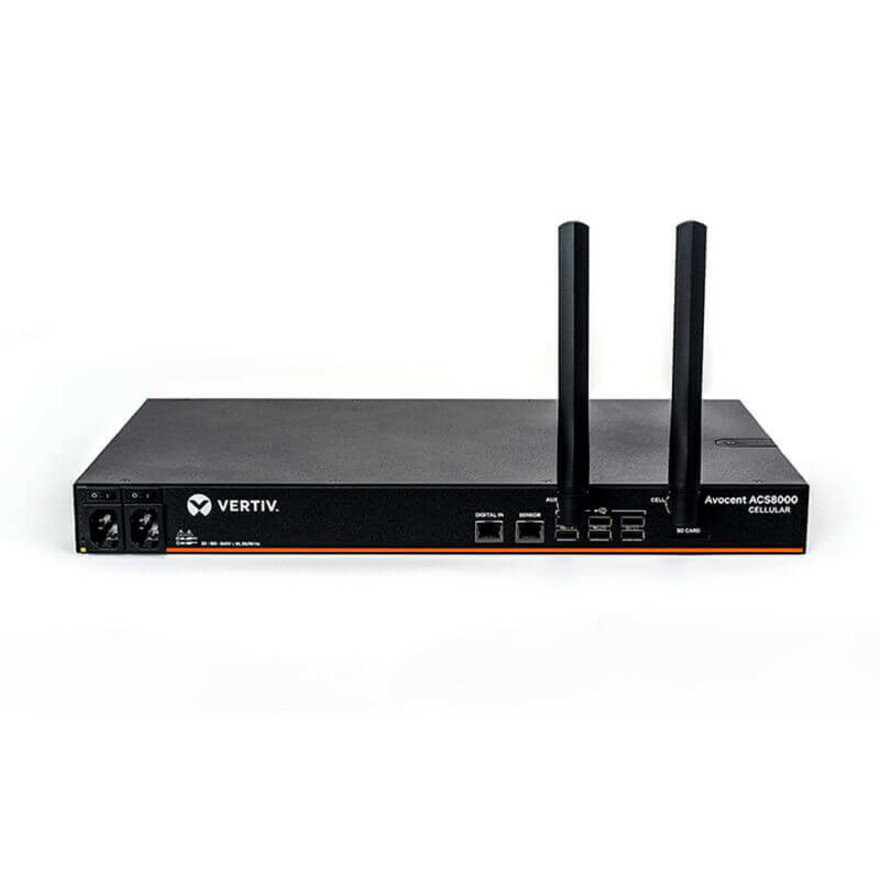
57 in stock - VertivVertiv Avocent ACS8000 Serial Console 32 port | Dual AC Power | AT&T+Verizon - Advanced Serial Console Server| Remote Console| Cellular Support| In-band and Out-of-band Connectivity| 8 to 48 rs232 terminal| Dual AC power| 2-Year Full Coverage Factory Warranty - Optional Extended Warranty AvailableACS8032-NA-DAC-400
$7,653.00
$6,086.58*
29 in stock - VertivVertiv Avocent ACS8000 Serial Console - 16 port Console Server | Modem | Dual AC - Advanced Serial Console Server| Remote Console| In-band and Out-of-band Connectivity| 16 port rs232 terminal| Dual AC power| Analog Modem| 2-Year Full Coverage Factory Warranty - Optional Extended Warranty Available| TAA CompliantACS8016MDAC-400
$6,415.00
$5,101.97
226 in stock - VertivVertiv Avocent ACS8000 Serial Console 16 port | Dual AC Power | AT&T+Verizon - Advanced Serial Console Server| Remote Console| Cellular Support| In-band and Out-of-band Connectivity| 8 to 48 rs232 terminal| Dual AC power| 2-Year Full Coverage Factory Warranty - Optional Extended Warranty AvailableACS8016-NA-DAC-400
$6,415.00
$5,101.97*
30 in stock - VertivVertiv Avocent ACS8000 Serial Console - 16 port Console Server | Dual AC - Advanced Serial Console Server | Remote Console | In-band and Out-of-band Connectivity | 16 port rs232 terminal | Dual AC power | 2-Year Full Coverage Factory Warranty - Optional Extended Warranty Available | TAA CompliantACS8016DAC-400
$5,840.00
$4,644.67
20 in stock - VertivVertiv Avocent ACS8000 Serial Console 8 port | Dual AC Power | AT&T+Verizon - Advanced Serial Console Server| Remote Console| Cellular Support| In-band and Out-of-band Connectivity| 8 to 48 rs232 terminal| Dual AC power| 2-Year Full Coverage Factory Warranty - Optional Extended Warranty AvailableACS8008-NA-DAC-400
$5,177.00
$4,117.37*
98 in stock - Perle SystemsPerle IOLAN SCR242 Console Server - 8 GB - Optical Fiber, Twisted Pair - 2 Total Expansion Slot(s) - 2 x Network (RJ-45) - 8 x USB - 32 x Serial Port - 10/100/1000Base-T, 10GBase-X - 10 Gigabit Ethernet - Management Port - Rack-mountable - TAA Compliant04035734
$5,112.00
$4,694.00*
2 in stock - Perle SystemsPerle IOLAN SCR1618 RDAC Console Server - Optical Fiber, Twisted Pair - 2 Total Expansion Slot(s) - 16 x Network (RJ-45) - 16 x Serial Port - 100Base-FX, 10/100/1000Base-T - 2.5 Gigabit Ethernet - Management Port04031138
$3,998.00
$1,548.45
Back-orderedBack-ordered — we expect to receive stock the week of Nov 30 – Dec 6 and will process your delivery right after.
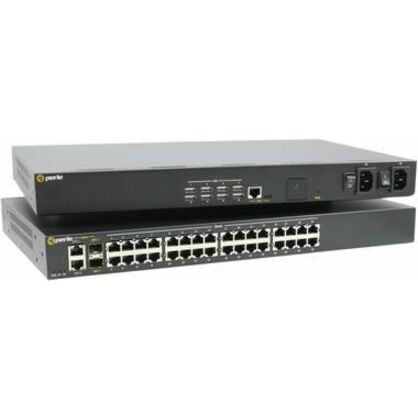
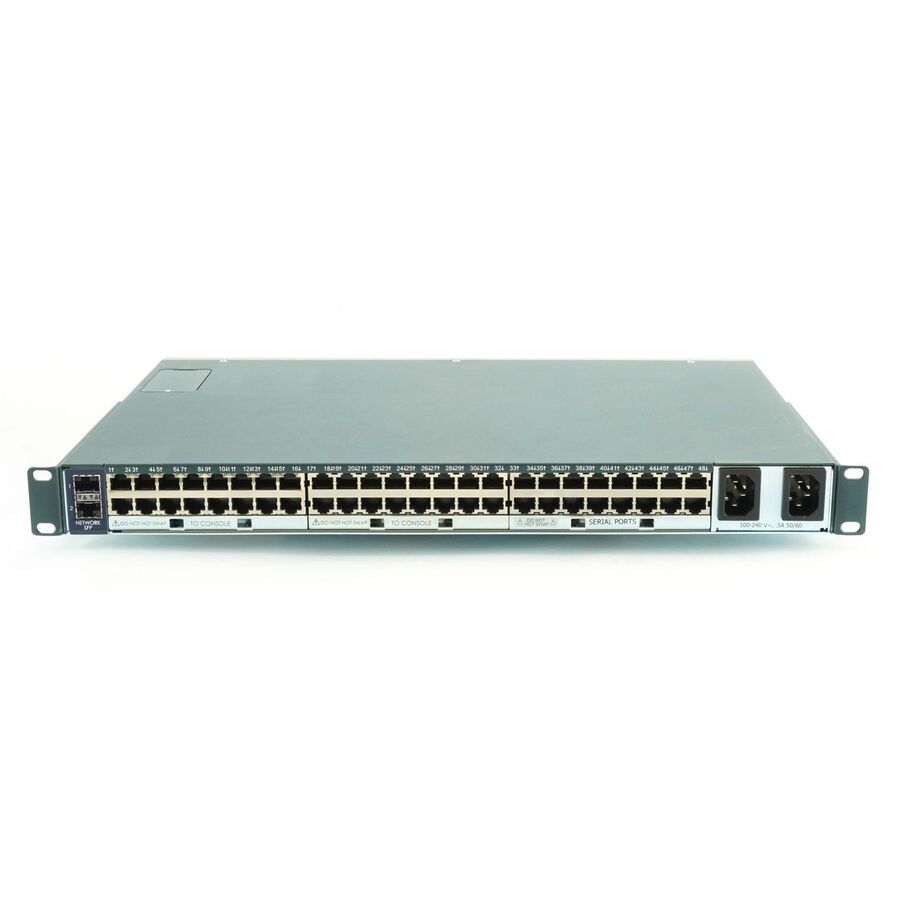
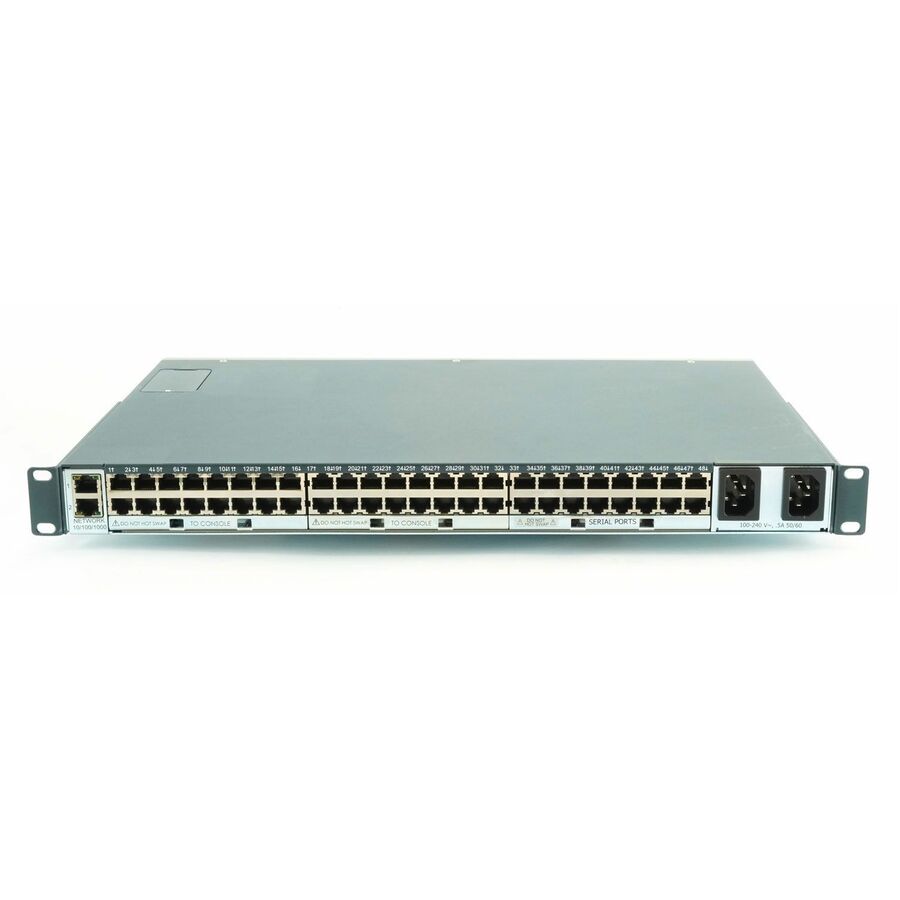
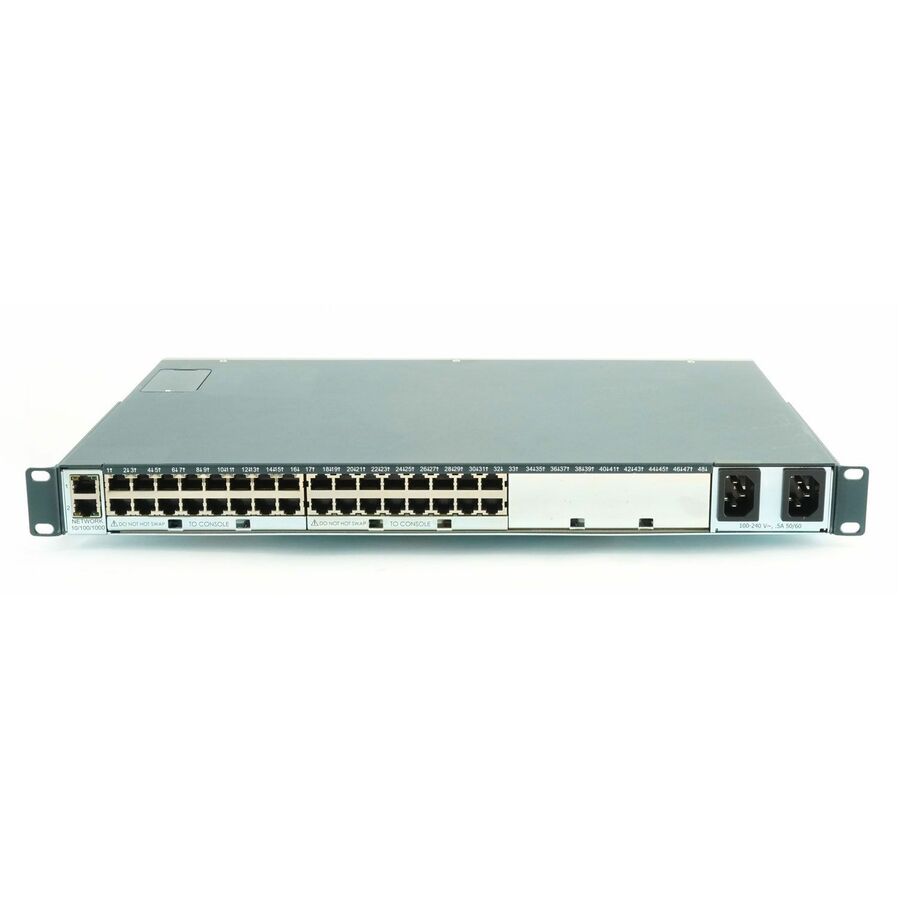
- Perle SystemsPerle IOLAN SCS48 DAC Secure Console Server - 2 x RJ-45 10/100/1000Base-T Network, 48 x RJ-45 Serial04030214
$13,598.00
$12,478.11
Back-orderedBack-ordered — estimated OEM lead time 3–8 weeks (Nov 17 – Dec 22 if ordered today).

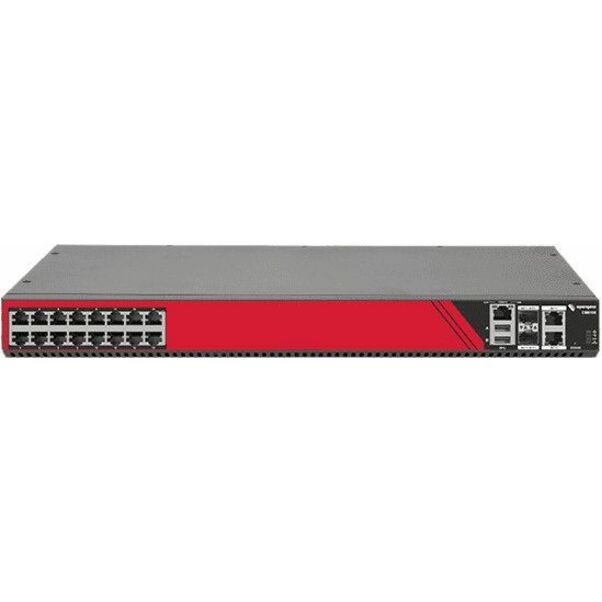
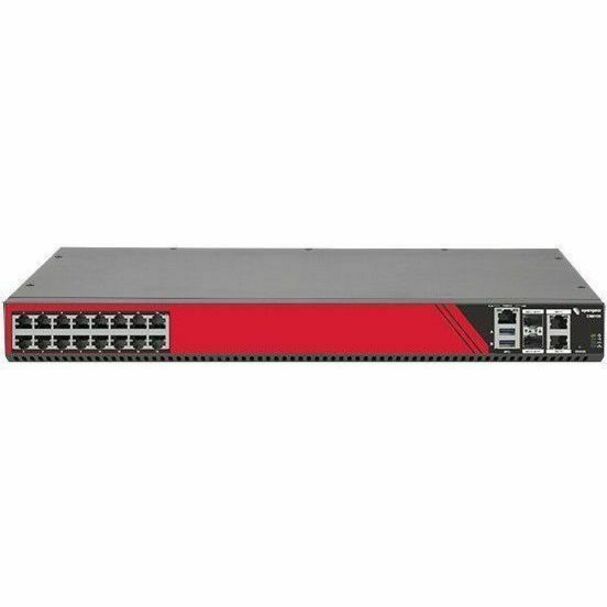
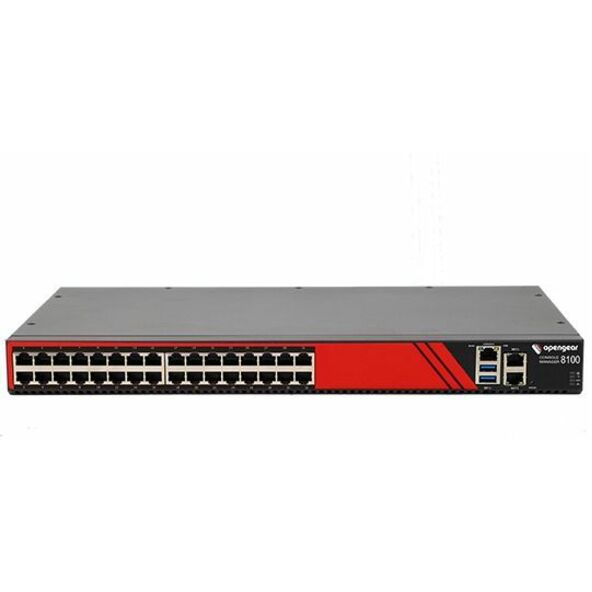
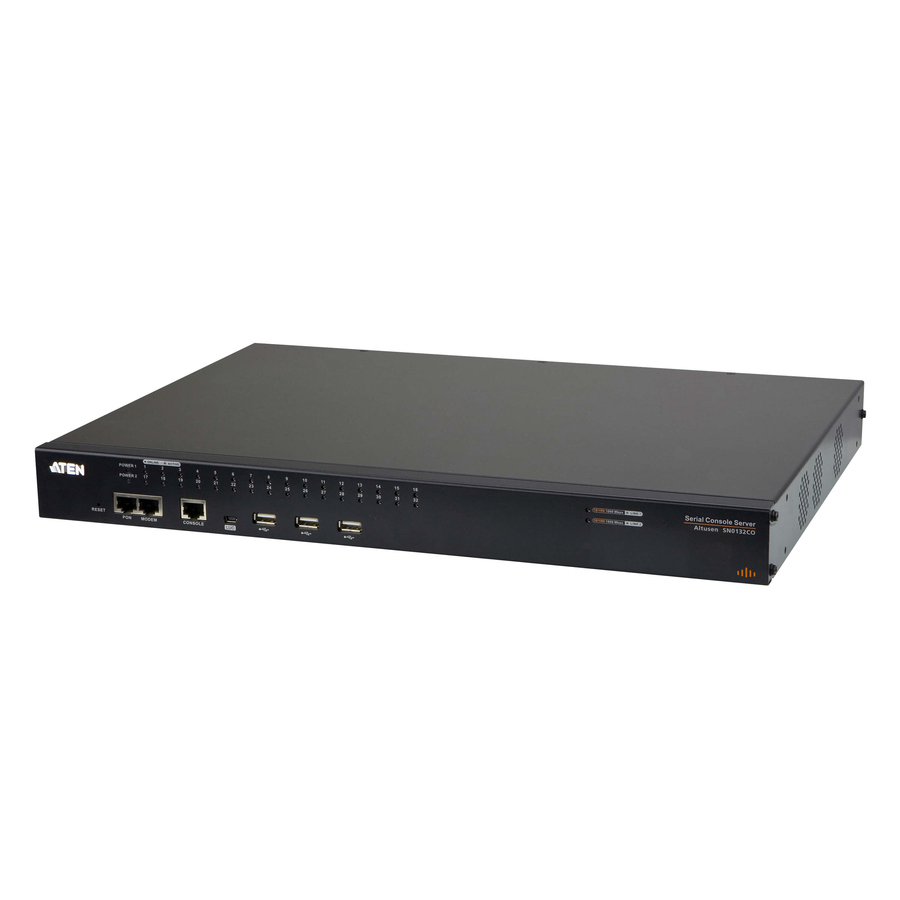
Need pricing on console servers?
Tell us where to reach you and a Uniqcli specialist will follow up by email with current pricing, availability and lead time for the quantities you need — including parts that aren’t shown on this page.
Buying for an organization or for yourself — both work. No payment up front.
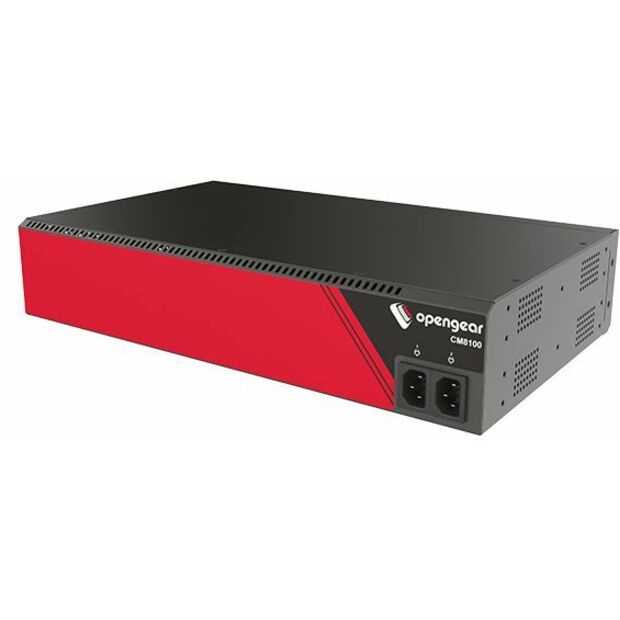
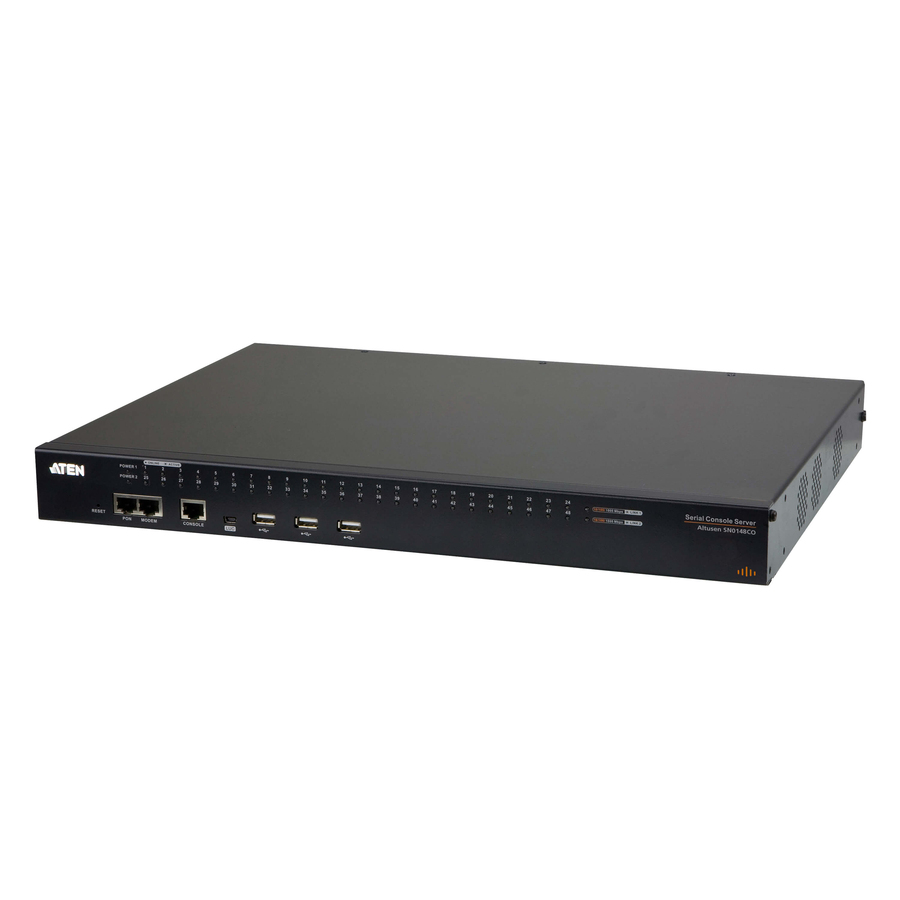
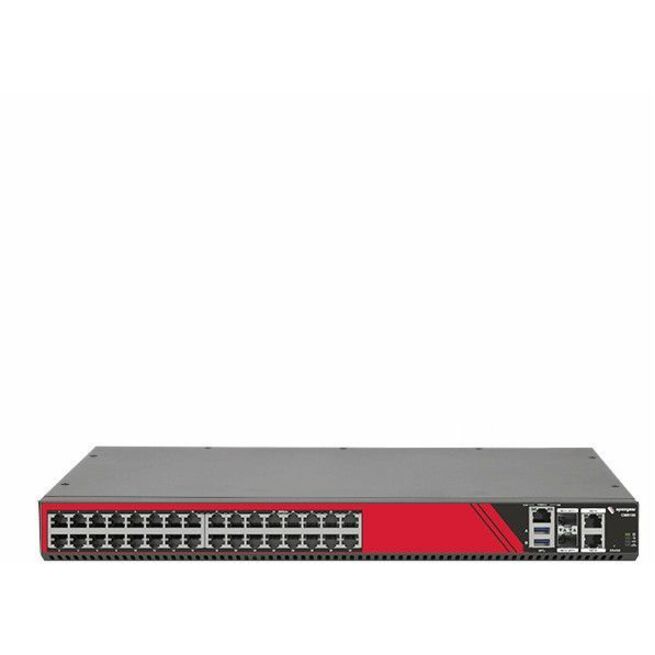
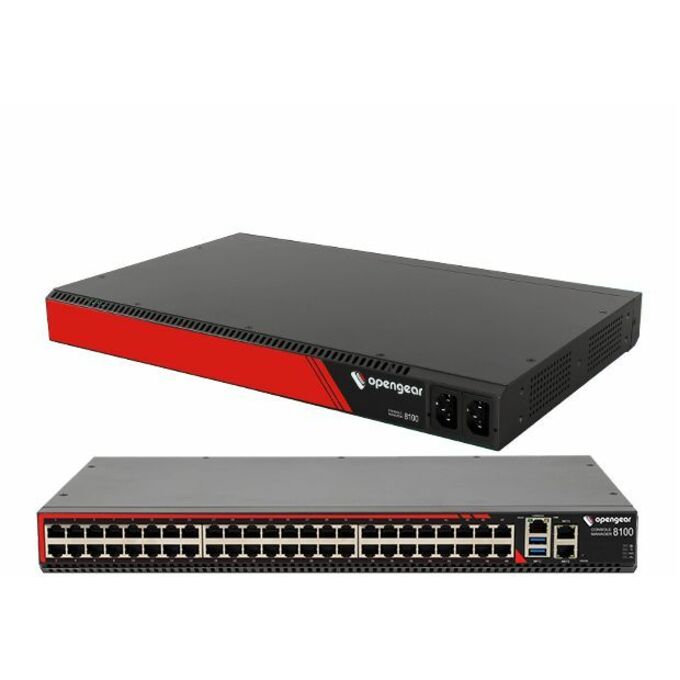
A console server is the box you reach the rack through when the thing you need to fix is the network. It terminates the RS-232 console ports on your switches, routers, firewalls, PDUs and servers, and publishes them over IP — so a misapplied ACL, a bad firmware push or a config that drops the management VLAN becomes a login instead of a drive. The units in this grid state their own hardware in their titles, and that is what you buy on: the serial port count, the network ports (most of these parts are titled with two, and a good number add an SFP or fiber uplink), USB ports for USB-console devices, a dedicated management port on the majority of them, and whether the chassis is rack-mountable, desktop, or titled for both. Read those facts on the exact part number rather than on the family name — within a single series the port count, the uplink and the out-of-band path all change part to part.
The second decision is the one that separates a console server from a terminal server: how you reach it when the primary path is the thing that failed. A few parts here are titled with a 4G LTE cellular gateway — with dual SIM on the variants that carry it — a few more with a built-in modem for an analog line, and the rest expect a second wired path of your own — a separate management network, a different carrier, or a link that does not share fate with production. Two more title-borne facts matter to public-sector buyers. TAA Compliant appears in the titles of a substantial share of these parts, and it is a per-part-number fact to read on the exact SKU you order, never a family-wide rule; a small number of the Black Box rows are titled to the Cisco pinout, which decides whether your existing rollover cables land straight or need adapters. This grid is drawn from the console servers Uniqcli currently stocks, with live availability on each card.
Buyer's checklist
How to choose a console server
- Count the serial ports you actually have to reach, then buy the next size up: the port count is stated per part in these titles, and a console server that is full on day one is a second console server on day two — spare ports are what absorb the switch you add next year.
- Decide the out-of-band path before you decide the chassis: a second wired network, or — on the parts whose titles carry one — a 4G LTE cellular gateway or a built-in modem. Whichever you pick, the test is fate-sharing — a management path that rides the same uplink as production is not out-of-band, it is a second in-band route.
- Match the serial pinout to the cables you already own: a few parts here are titled to the Cisco pinout, and getting this wrong turns a clean rack-up into a bag of adapters. Confirm it per part number against the gear at the far end.
- Check the uplink on the specific part: most of these parts are titled with two network ports and a good number add an SFP or fiber uplink, which is what you want where the console server sits on a separate fiber management run rather than on copper.
- Count the USB console ports too — many devices in a modern rack present a USB console rather than a DB9 or RJ-45 serial port, and USB port counts are stated per part in these titles.
- Where the purchase order names TAA, read it on the part number — TAA Compliant is titled per unit here, and it is a per-part fact rather than a family-wide rule. Screening results are available with your quote on request.
- Plan power access alongside console access: reaching a hung device's console is only half a remote recovery, and a switched rack PDU on the same out-of-band path is what turns 'I can see it is hung' into 'I power-cycled it'.
What a console server is for — and where a KVM switch belongs instead
The two device classes get confused because both end in remote access, but they solve different failures. A KVM switch carries keyboard, video and mouse — it is how you drive a machine's graphical console, and it is the right answer for servers and workstations where the thing you need is a screen. A console server carries a serial or USB console — it is how you drive the command line of a switch, router, firewall, PDU or appliance, including the part of the boot sequence that happens long before any operating system is listening on the network. That distinction is why the two live in different racks' worth of budget: infrastructure gear is configured and recovered over serial, and serial is the interface that keeps working when the device has no IP address yet, has lost the one it had, or is sitting at a bootloader prompt waiting for a keystroke.
The practical consequence is that a console server earns its place on the days nothing else works. A firmware image that boots to a recovery prompt, a management VLAN that was renumbered by the change that was supposed to fix it, a stack member that will not rejoin — each of these is a serial console problem, and each of them is otherwise a site visit. For a distributed estate, that arithmetic is the whole business case: the unit costs less than a handful of dispatches to a branch, a school, a clinic or an unstaffed cabinet, and it pays for itself the first time a change window goes wrong at a site four hours away.
Choosing the out-of-band path: second network, cellular, or modem
Out-of-band is a claim about fate-sharing, not about a port. A console server that publishes its consoles over the same uplink carrying production traffic will be unreachable in precisely the outage you bought it for, so the path is the design decision and the chassis follows it. The simplest honest version is a genuinely separate wired path: a different physical link, ideally a different carrier, terminating on the console server's second network port. Most of these parts are titled with two network ports exactly so that path has somewhere to land, and a good number add an SFP or fiber uplink for sites where the management run is fiber.
Where a second wired path does not exist — most branch sites, most unstaffed cabinets — the out-of-band path has to leave the building on its own. A few parts in this grid are titled with a 4G LTE cellular gateway, which is the modern answer: the console server keeps a cellular path standing by, and on the variants titled with dual SIM, a single carrier's outage is not also a management outage. A few more are titled with a built-in modem for an analog line, which is still the right call in facilities that maintain analog lines and in environments where cellular coverage is genuinely absent or not permitted. Read which one a part has from its own title before you order — within one series, the base unit, the modem variant and the cellular variant are three different part numbers, and they are not interchangeable after the rack is closed.
Whichever path you choose, test it the way it will be used: from outside the production network, with the primary uplink genuinely down, on a schedule. An out-of-band path that has never been exercised is a hypothesis, and the outage is a bad time to test it.
Racks, cabling and everything that ships around the order
A console server lands in the middle of a physical build, and the parts that make it usable are rarely on the same line of the purchase order. Serial cabling and pinout adapters are the first: the run from each managed device's console port back to the console server is real cable in a real cabinet, and the pinout has to match at both ends. Rack position matters more than it sounds, because the unit needs its own power and its own out-of-band path, both of which should be independent of what it is there to recover. And power control is the natural companion — a switched rack PDU reachable on the same out-of-band path is what upgrades remote console access into remote recovery, since a device that has genuinely hung needs a power cycle rather than a login.
Uniqcli quotes all of that on one order, and not only the hardware: the manufacturer warranty and support lines that attach to these console-server families are quotable alongside the units, as are the management software and subscription entitlements the platforms sell, and the rack-side installation and structured-cabling work that puts them in. If the deployment is a build rather than a resupply — new cabinets, new cable plant, a site that does not have a rack yet — the network racks and enclosures, structured cabling services and network installation services pages linked below are the place to start. Dense compute rows carry the same requirement in a harder form: on an AI server build, out-of-band console access to every node is a commissioning requirement rather than an afterthought, which is why the console-server line belongs in that bill of materials from the first revision.
Send the list — the devices to be reached at each site, their console port types, the out-of-band path available at each address and the quantities — and we will come back with the part numbers, availability, lead times and volume pricing, along with the cabling, power and services lines, before anything is committed.
FAQ
Common questions
- What is a console server, and how is it different from a KVM switch?
- A console server terminates the serial or USB console ports of infrastructure devices — switches, routers, firewalls, PDUs, appliances and servers — and publishes them over IP, so you can reach a device's command line remotely even when it has no working network address. A KVM switch carries keyboard, video and mouse instead, which is what you need to drive a machine's graphical console. The rule of thumb: if the device is configured and recovered from a command line, and you need to see its boot sequence before any operating system is up, that is a console server. If you need to see a screen, that is a KVM switch. Many racks end up with both, on the same out-of-band path.
- How many serial ports should I buy?
- Count the console ports you have to reach today, then buy the next size up — port counts are stated per part in these titles, and they range from small branch units through high-density aggregation models. Two things eat headroom faster than people expect: infrastructure gets added between refresh cycles, and devices with redundant supervisors or dual consoles consume two ports each. Also count your USB consoles separately, since many newer devices present a USB console rather than a serial one, and USB port counts are stated per part here too. If you are covering several sites, standardize on one or two part numbers across them — a consistent port count and pinout keeps cabling kits, labels and runbooks identical from site to site.
- How do I reach the console server when the primary network is down?
- That is the design decision, and it has three answers in this grid. The first is a genuinely separate wired path terminating on the unit's second network port — most of these parts are titled with two network ports for exactly that, and a good number add an SFP or fiber uplink. The second is cellular: a few parts here are titled with a 4G LTE cellular gateway, and the variants that also carry dual SIM survive a single carrier's outage as well. The third is a built-in modem for an analog line, titled on a few parts, which still suits facilities with maintained analog lines or without usable cellular coverage. The test for all three is fate-sharing — if the out-of-band path rides the same uplink as production, it is not out-of-band — and the path should be exercised on a schedule rather than first tried during an incident.
- Are these console servers TAA compliant?
- It is a per-part-number fact, not a family-wide one. A substantial share of the parts on this page carry a TAA Compliant marking in their own product data, across several of the brands here, while others in the same series do not — which is why the answer has to be read on the exact SKU you intend to order rather than on the brand or the model line. Where our catalog data records a part number as TAA compliant, that is what we are reporting: our catalog data records this part number as TAA compliant. Screening is performed before the quote, and screening results are available with your quote on request — tied to the specific part number, and never restated as a Uniqcli certification.
- Can business, government and education buyers order these?
- Every line Uniqcli quotes is sourced through US distribution and screened for TAA country-of-origin and NDAA §889 status before checkout — with documentation tied to the specific part number, not a product family.
Need console servers pricing?
Send a bill of materials or part numbers — we confirm stock and a below-market total, with TAA verified on request. No payment up front.