
Short answer
The main difference between an incremental and a differential backup is the reference point: an incremental copies files changed since the last backup of any kind, while a differential copies everything changed since the last full backup. Incrementals write least but need the full plus every incremental to restore; differentials need only the full plus one.
Key facts
- An incremental backup captures files created or changed since the last backup, regardless of that backup's type.
- A differential backup stores files created or modified since the last full backup, so a changed file is re-copied until the next full runs.
- Restoring from incrementals may require media from several backup operations: the last full plus each incremental taken since it.
- Restoring from a differential needs only two sets — the last full backup and the most recent differential.
- Differentials take longer to complete than incrementals, because the volume since the last full grows each day.
- A common pattern is a full backup at the weekend with differentials each evening.
Both of these sit on top of a full backup — neither exists on its own, and a restore always starts from the last full. What separates them is the reference point each one measures change against, and that single difference sets both the size of the nightly job and the number of pieces a restore has to reassemble.
An incremental backup captures files created or changed since the last backup of any kind, full or incremental. That makes each night's job as small as it can be and the backup window as short as it can be. The cost is on the way back: to rebuild a directory you need the last full plus every incremental taken since it, in order, and a single unreadable link in that chain compromises everything after it.
A differential backup captures files created or modified since the last full backup. Each night's job grows through the week because the same changed files are re-copied until the next full runs, so the backup window lengthens and the storage bill rises. The payback is at restore time: you need the last full plus one differential, and nothing else. Neither approach is correct in the abstract; the choice is a trade between what you spend nightly and what you can afford at the moment you have to recover.
At a glance
Side by side
| Factor | Incremental backup | Differential backup |
|---|---|---|
| What it copies | Files created or changed since the last backup of any type | Files created or modified since the last full backup |
| Reference point | The previous backup, whatever kind it was | The last full backup |
| Nightly job size | Smallest — only one day of change | Grows each day until the next full backup |
| Backup window | Shortest of the three types | Longer than incremental, shorter than full |
| Media needed to restore | The last full plus every incremental since it | The last full plus one differential |
| Restore complexity | Reassembles a chain in order | Two pieces, in any order |
| Effect of one bad backup | Breaks the chain from that point forward | Affects only that one differential |
| Storage over a week | Lowest | Higher, and rising through the week |
| Typical rotation | Full at the weekend, incrementals each evening | Full at the weekend, differentials each evening |
Choose incremental when
- The nightly backup window is tight and the job has to finish before the working day
- Data volumes are large and storage or bandwidth is the binding constraint
- Backup software verifies the chain and can restore across it without manual sequencing
- Your recovery point objective matters more than your recovery time objective
Choose differential when
- Restore time is what you are actually being measured on
- The recovery process may be run under pressure by someone who is not the backup administrator
- You want the smallest number of moving parts between an outage and a working system
- Storage and backup window have headroom, and the full backup runs often enough to keep the differential small
Bottom line
Pick the failure you are willing to own. Incremental backups minimise what you write every night and maximise what you have to reassemble on the day you restore, and the chain from the last full through every subsequent incremental is only as strong as its weakest link. Differential backups do the opposite: they write more, every night, and hand you a two-piece restore that anyone can run correctly under pressure. Because a differential grows until the next full, the frequency of that full is the real control on both its size and its restore time — run it weekly and the Friday differential can be very large; run it more often and it stays small. Whichever you choose, the rotation only counts if a restore has actually been rehearsed, and if at least one copy of the data lives somewhere the primary system cannot reach.
Products for this decision
Four-bay backup target
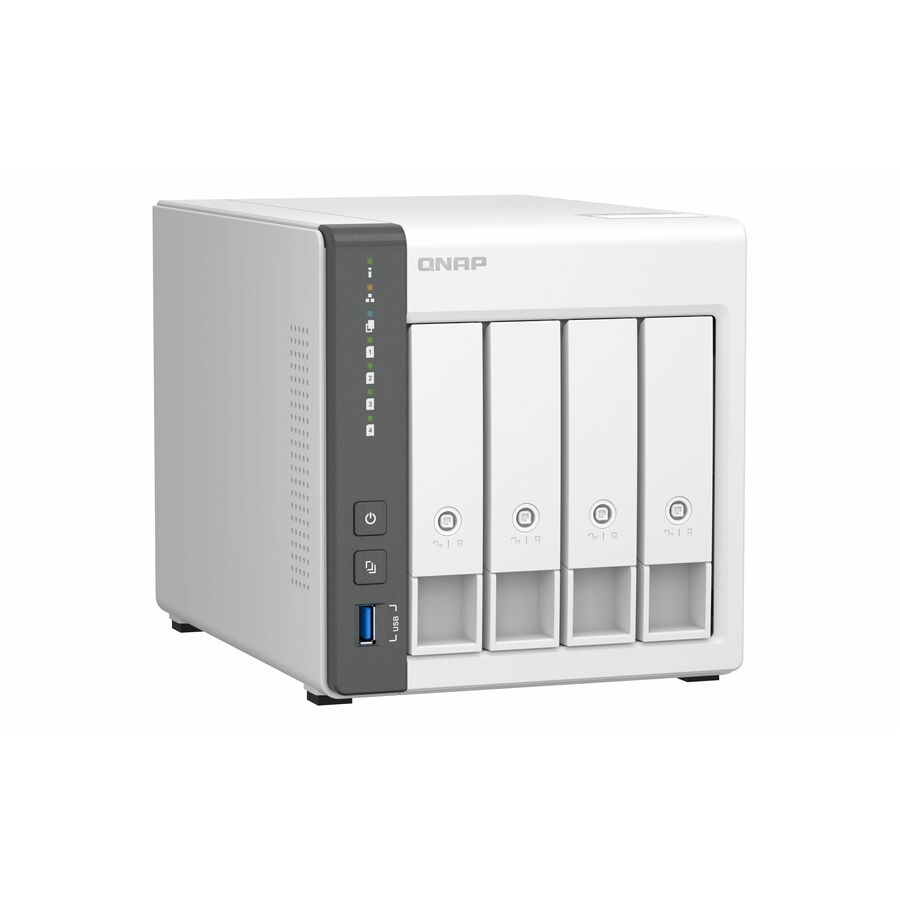
QNAP Systems
QNAP TS-433-4G SAN/NAS Storage System
TS-433-4G-US
A four-bay network storage system with 4 GB of memory and 2.5 Gigabit Ethernet, supporting RAID 5, 6 and 10 — a straightforward destination for nightly jobs.
Drives are supplied separately; size them against your retention window, not just today's data set.
$501.41Back-orderedFour bays on a UniFi network
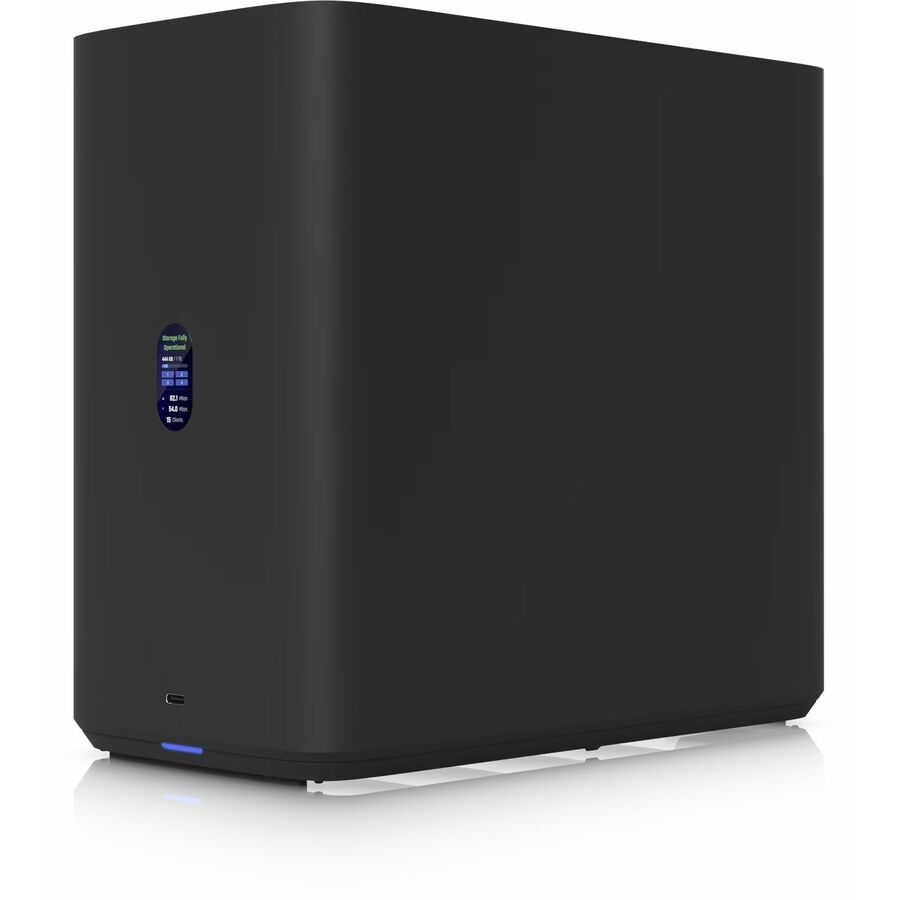
Ubiquiti
Ubiquiti UNAS-4-B NAS Storage System
UNAS-4-B
A four-bay network storage appliance with 2.5 Gigabit Ethernet and RAID 5, 6 and 10, for a site already managing its network through UniFi.
$491.53Back-orderedMore processing headroom

QNAP Systems
QNAP Turbo NAS TS-264-8G SAN/NAS Storage System
TS-264-8G-US
A two-bay system on an Intel quad-core with 8 GB of memory, for backup jobs that also do deduplication, encryption or verification on the appliance.
$568.35Back-orderedSmall office, drives included
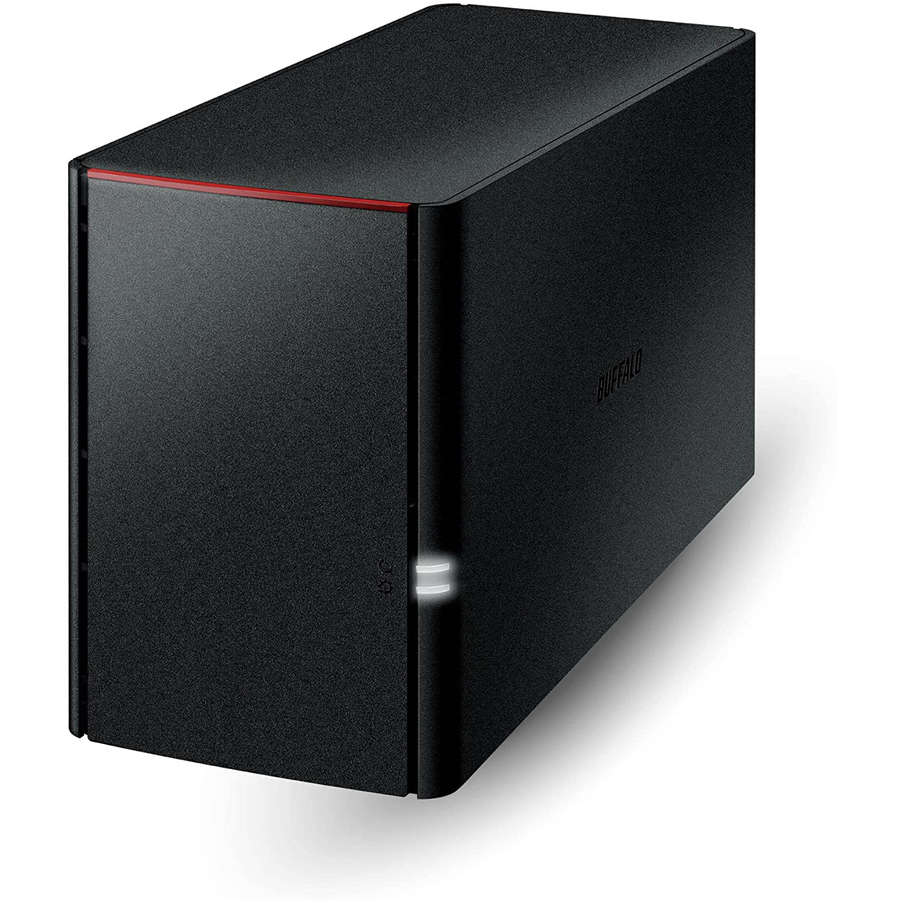
Buffalo
BUFFALO LinkStation SoHo 220 2-Bay Personal Cloud Office NAS 4TB…
LS220D0402B
A two-bay network storage unit shipping with its drives fitted, for a small office that needs a backup destination without specifying disks separately.
Request pricingFAQ
Common questions
- What is the difference between incremental and differential backup?
- The reference point. An incremental copies what changed since the last backup of any kind, so each job is small; a differential copies everything changed since the last full backup, so each job grows through the week. That difference shows up again at restore time: incrementals need the full plus every incremental in the chain, differentials need the full plus one.
- Which is faster to restore, incremental or differential?
- Differential, in almost every case. A differential restore needs the last full backup and the most recent differential — two sets, in any order. An incremental restore needs the last full plus every incremental taken since it, applied in sequence, so restore time rises with the number of days since the last full ran.
- Which uses less storage, incremental or differential?
- Incremental. Each incremental job holds only the change since the previous backup, so no file is written twice within a cycle. A differential re-copies the same changed file every night until the next full backup runs, which is why the nightly job and the space it occupies both grow as the week goes on.
- Can you combine full, incremental and differential backups?
- Yes, and most real rotations do. A common pattern is a full backup at the weekend with differentials each evening; another runs a weekly full, a mid-week differential, and incrementals on the other nights. The point of combining them is to hold the nightly window down without letting the restore chain grow longer than you can rehearse.
Sources