
Short answer
The main difference is independence: a snapshot is a point-in-time view held by the system that owns the data, so it dies with that array, volume or account, while a backup is a separate copy on its own storage with its own retention. Use snapshots to undo a change you just made in seconds; use backups to survive losing the system the snapshots live on. Most environments need both.
Key facts
- A snapshot lives on the system that owns the data, so it does not survive the loss of that array, volume or account. A backup is a separate copy that does.
- Snapshot creation is a metadata operation and near-instant; a backup is proportional to the data and the link.
- Typical snapshot retention runs hours to days; backup retention runs weeks to years, set by policy and records obligations.
- US-CERT's 3-2-1 rule: keep 3 copies of any important file, on 2 different media types, with 1 stored offsite.
- NIST SP 800-53 Rev. 5 puts system backup in its Contingency Planning control family, and its enhancements cover testing the restore.
- Snapshots grow with change rate rather than being sized up front, so an aged snapshot on a busy volume can exhaust the pool it lives in.
Snapshots and backups get treated as two grades of the same product, and that framing is where the trouble starts. A snapshot is a point-in-time view of a volume, dataset or virtual machine, held by the system that owns the data. Taking one is close to instantaneous because nothing is copied up front: the storage records the state of the data at that moment and preserves the blocks that later change, using copy-on-write or redirect-on-write depending on the platform. Rolling back is just as quick. For undoing something that just happened — a patch that broke an application, a folder deleted at four o'clock, an upgrade that has to go back — nothing else comes close.
A backup is a different kind of object. It is an independent copy of the data written to separate storage, with its own catalog, its own retention schedule and enough self-description to be restored without the original system being present. That independence costs time to create and time to restore, and it is the entire reason the copy is worth having. When the array fails, when the volume is deleted, when the filesystem corrupts underneath everything sitting on it, or when an account is compromised, the snapshots on that system go with it. The backup does not.
So the useful test is not which one is better or which one is newer. It is a single question you can ask of any copy in the environment: if the system holding the original is lost, is this copy still there? If the answer is no, what you have is fast operational recovery — genuinely valuable, and the right tool for the most common kind of mistake. If the answer is yes, and the copy is retained on its own schedule and cannot be deleted on a whim, you have protection. Most environments need both, on purpose, and the failure that hurts is running one while believing you have the other.
At a glance
Side by side
| Factor | Snapshot | Backup |
|---|---|---|
| What it is | A point-in-time view of a volume, dataset or VM, held by the system that owns the data | An independent copy on separate storage, with its own catalog and retention |
| Where it lives | On the same array, host or filesystem as the source, unless it is replicated elsewhere | A different system, medium, site or cloud account |
| Time to create | Near-instant — a metadata operation, with no full copy up front | Proportional to the data and the link: minutes to hours |
| Time to recover | Seconds to minutes — roll back, mount or clone | Longer — locate, read, transfer and rehydrate |
| Survives loss of the source system | No. That is the whole limitation | Yes. That is the whole point |
| Typical retention | Hours to days, occasionally weeks | Weeks to years, set by policy and by records obligations |
| Space cost | Only the changed blocks — but it grows as the snapshot ages and the data churns | A full copy plus incrementals, usually deduplicated and compressed |
| Consistency | Crash-consistent by default; application-consistent needs a quiesce through the operating system's snapshot coordination framework or a database hook | The same requirement, normally handled by the backup agent |
| Resistance to ransomware | Limited — credentials with storage-admin rights can usually delete them | Strong when the copy is immutable, offline or in a separately controlled account |
| What it is best at | Undoing a change you just made: a bad patch, a deleted file, a failed upgrade | Surviving the array, the site, the account or the year |
| How it fails you | The underlying system is lost, deleted or compromised, and the snapshots go with it | Nobody ever restored from it, so the recovery plan was a hypothesis |
| Effect on recovery targets | Drives a very short RPO and a near-instant RTO for logical failures | Sets the achievable floor for disaster recovery and for long-retention restores |
Reach for a snapshot when
- You are about to change something — a patch, an upgrade, a schema migration, a configuration push — and you want a rollback point that takes seconds to create and seconds to use
- Someone deleted a file, a mailbox or a VM in the last few hours and the fastest correct answer is to put it back rather than to run a restore job
- The gap between backup runs is longer than the data-loss tolerance for that workload, and frequent snapshots fill it cheaply
- The backup job needs a stable, quiesced source to read, which is exactly how most modern backup software works underneath
- You need a writable copy of production data for test, staging or a forensic look, without touching the production volume
Reach for a backup when
- The failure you are protecting against can take the source system with it — array loss, site loss, a deleted volume, a compromised account
- Retention runs past days: month-end copies, annual sets, or anything a records, contractual or regulatory obligation requires you to keep and produce
- Ransomware is in the threat model, which means the copy has to be immutable, offline, or in an account whose credentials are not the ones the attacker got
- The restore may have to land somewhere else — different hardware, a different site, a different platform — which needs a self-describing copy rather than a view of a volume
- Someone will eventually ask for evidence that a restore was performed and verified, because an untested backup is a claim rather than a control
Bottom line
These are layers, not alternatives: snapshots are the fast lane for the mistakes you make yourself, backups are the copy that survives losing the thing the snapshots live on. Design them that way. Set snapshot frequency and retention from how much recent work a workload can afford to redo, keep the windows short enough that space and performance stay predictable, and treat every snapshot as operational recovery, not protection. Set backup scope, retention and independence from what has to survive the array, the site or a compromised administrator account, and put one copy beyond the reach of the credentials that manage production — CISA's 3-2-1 guidance (three copies, on two media types, one offsite) is the plain version, and the widely used industry extension adds an offline or immutable copy plus a verified restore. Two things belong in the budget alongside the software: somewhere for the backups to land, since a licence with no target protects nothing, and time on the calendar to restore from them — NIST SP 800-53 control CP-9 covers system backup, its enhancements cover testing those backups, and the untested restore is the most common way a recovery plan turns out to be fiction.
Products for this decision
A backup target that is not the source
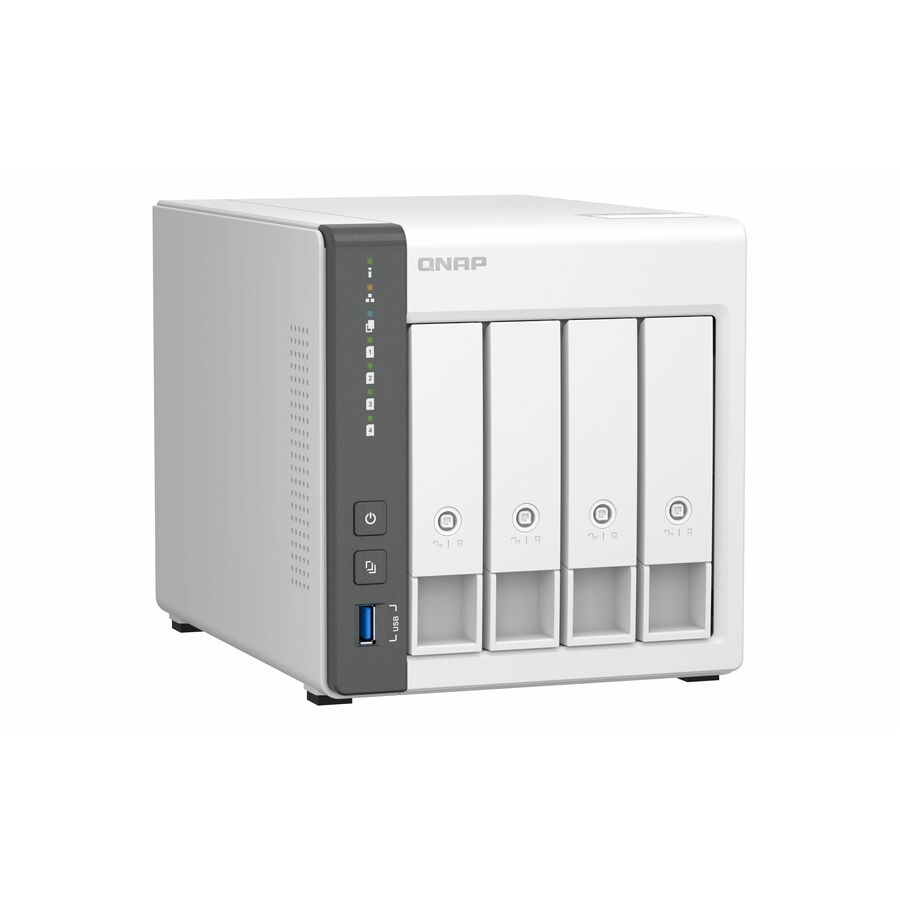
QNAP Systems
QNAP TS-433-4G SAN/NAS Storage System
TS-433-4G-US
A four-bay NAS with 2.5 GbE, diskless, for a small site that needs the copy to land somewhere other than the machine it came from.
Put it in a different failure domain from the source, and give it retention the source's credentials cannot expire.
$501.41Back-orderedRack-mount backup target
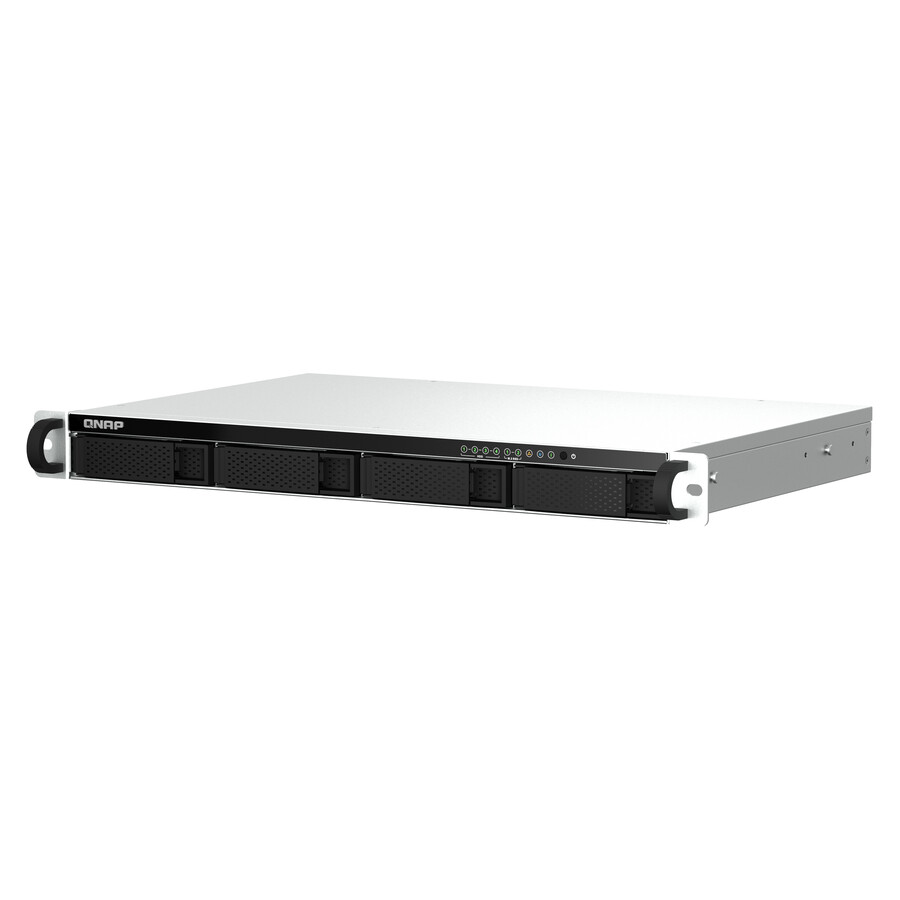
QNAP Systems
QNAP TS-464EU-8G SAN/NAS Storage System
TS-464EU-8G-US
A four-bay short-depth rack NAS on an Intel processor with 8 GB of memory, for a comms room where the backup target has to live in the rack.
$981.42Back-orderedThe drives that go in it
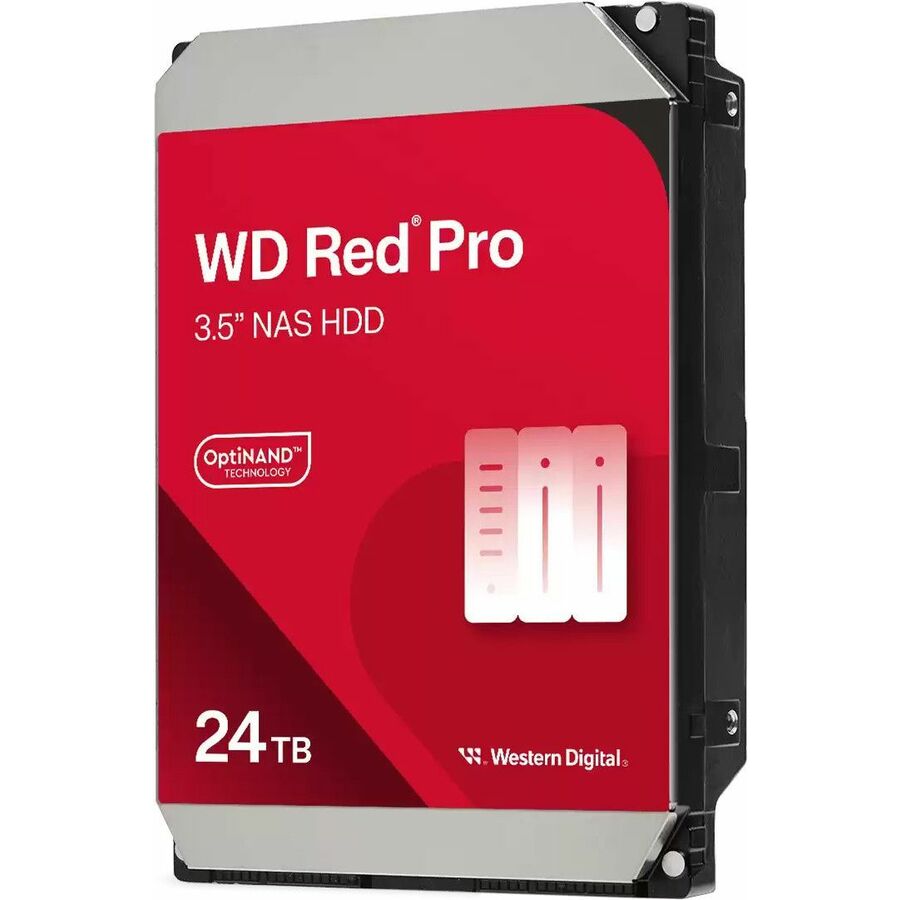
Western Digital
WD Red Pro WD241KFGX 24 TB Hard Drive
WD241KFGX
A 24 TB 7200 rpm NAS drive published as conventional magnetic recording — the recording method a parity rebuild on a backup target depends on.
Request pricingFAQ
Common questions
- Is a snapshot a backup?
- No, and the reason is structural rather than a matter of quality. A snapshot is held by the system that owns the data, so it shares that system's fate: if the array fails, if the volume is deleted, if the filesystem corrupts beneath it, or if the platform is compromised, the snapshots go with the original. A backup is an independent copy on separate storage with its own retention, which is precisely why it survives those events and why it takes longer to create and restore. That does not make snapshots second-rate — for the failure they are built for, an accidental change you want to undo within hours, nothing is faster. It makes them a different control.
- Do snapshots protect against ransomware?
- Partially, and only if the attacker cannot reach them. Snapshots do defeat the basic case, where files are encrypted and you roll the volume back to a point before it happened, and that is a real win. But modern intrusions target the recovery path deliberately: attackers who obtain storage or hypervisor administrator credentials delete snapshots first, precisely because they know what they are for. Some platforms offer locked snapshots that cannot be removed before a retention period expires, and those are materially stronger. The copy that reliably survives, though, is the one held where production credentials cannot delete it — an immutable object store, an offline medium, or a separately controlled account.
- My NAS or hypervisor already takes snapshots — do I still need backup software?
- Yes, for a reason that has nothing to do with the quality of the snapshot feature. Everything that platform holds — the live data and every snapshot of it — depends on that one system continuing to exist and to stay under your control. A failed controller, a deleted volume, a filesystem problem below the snapshot layer, a fire, a theft or a compromised administrator account takes all of it in a single event. Built-in snapshots are the right tool for everyday recovery and you should use them, ideally on a tight schedule. What they do not give you is a second copy elsewhere, retention in months or years, or a restore path onto different hardware.
- If I replicate snapshots to a second system, does that count as a backup?
- It is much closer, and for many organizations a good design — but apply the independence test rather than assuming. Ask three things. Does the target hold its own retention, so expiring a snapshot on the source does not remove it there? Can the credentials that administer the source delete what is on the target, or is that a separate control plane? And is the copy in a different failure domain — another site, building or cloud account — rather than a shelf beside the first? If all three answers are right, replicated snapshots function as a backup. If any is wrong, you have a fast second copy that can be lost in the same event as the first.
- How long should snapshots be kept, and what do they cost?
- Shorter than people expect, because the cost is not fixed. A snapshot preserves the blocks that would otherwise be freed as data changes, so its space consumption grows with the change rate and with age rather than being taken up front — a busy volume can quietly consume a great deal of capacity in retained snapshots, and running the underlying pool out of space is an outage of its own. On hypervisors there is a performance dimension too: a long-lived virtual-machine snapshot leaves the VM running on a delta file that keeps growing, and the eventual merge is heavy and risky. Anything past hours or days belongs in a backup.
- Why are snapshots not backups?
- Because a snapshot depends on the system that holds it. It is a view of a volume kept by the array, host or filesystem that owns the original data, so losing that system — a failed controller, a deleted volume, corruption below the snapshot layer, a compromised administrator account — takes the snapshots along with the data they were meant to protect. A backup is an independent copy on separate storage with its own catalog and retention, which is why it survives the same event.
- Are snapshots full backups?
- No, and they are not full copies of anything. A snapshot stores only the blocks that change after it is taken, referencing the unchanged blocks still sitting in the live dataset, which is why it can be created in a moment and why it takes almost no space at first. A full backup reads and writes every byte to separate storage so that the copy can be restored with nothing else present. The two are different objects, not two sizes of the same one.
- What is the difference between a snapshot and an incremental backup?
- Where the copy lives, mainly. Both record only what changed, but an incremental backup writes those changes to separate storage as part of a backup chain with its own catalog and retention, so it restores without the source system. A snapshot keeps the changed blocks on the source storage itself and is only meaningful while that system exists. An incremental is also read and verified through backup software; a snapshot is a state the storage maintains.
- What is the point of a snapshot?
- Speed on the failure you cause yourself. Taking one before a patch, an upgrade or a schema migration costs seconds, and rolling back costs seconds — far faster than locating and rehydrating a backup, which is the wrong tool for a change you want to undo within the hour. Snapshots also give backup software a stable, quiesced source to read from, and a writable clone for test or staging without touching production.