
Short answer
The main difference between RPO and RTO is the direction you measure: the recovery point objective is the maximum data loss you accept, measured backward from the failure, and it sets backup frequency; the recovery time objective is the maximum downtime you accept, measured forward, and it sets recovery architecture. Both are set per system.
Key facts
- NIST defines the recovery time objective as the maximum acceptable length of time a system can be unavailable before the loss of function is unacceptable.
- NIST defines the recovery point objective as the point in time to which data must be recovered — that is, how much data loss the mission can absorb.
- Because the RPO is the gap between recovery points, a 24-hour RPO can be met with a daily backup while a one-hour RPO generally needs replication.
- An RTO and an SLA uptime percentage measure different things: uptime is availability during normal operation, RTO is restoration after a disruption.
- Neither target has an industry-standard number; NIST's guidance is that both are derived from the business impact analysis for that specific system.
RTO and RPO are the two numbers a disaster-recovery or business-continuity plan turns on, and they surface the moment a real requirement lands on the desk: a solicitation that asks bidders to state recovery targets per system-criticality tier, a backup design where the nightly window no longer fits the data change rate, or a failover rehearsal that has to prove the environment comes back inside an agreed clock. Recovery Time Objective (RTO) answers how long a service can stay down before the outage hurts the mission; Recovery Point Objective (RPO) answers how much recent data the business can afford to lose, measured backward from the moment of failure. NIST frames RTO as the length of time a system's components can be in the recovery phase before negatively impacting mission processes, and RPO as the point in time to which data can be recovered from the most recent backup copy.
The common mistake is to treat the two as interchangeable, or to assume a fast RTO implies little data loss. They are independent axes, and every workload is assigned both. A system can replicate continuously (very low RPO) yet still take hours to fail over and validate (long RTO), while a hot standby can restore service in seconds (fast RTO) and still drop the last few unreplicated transactions (nonzero RPO). Backup frequency and replication mode drive RPO; restore and failover mechanics drive RTO, so each is engineered separately. What actually decides the numbers is a business impact analysis — the cost of downtime versus the cost of data loss for that specific system — because tightening either target raises spend on replication, standby infrastructure and backup cadence. Low-criticality systems are deliberately given looser targets.
At a glance
Side by side
| Factor | RTO | RPO |
|---|---|---|
| Question answered | How long until service is restored? | How much data since the last recovery point can be lost? |
| Direction from outage | Forward-looking: downtime tolerance | Backward-looking: data-loss tolerance |
| Unit | Time to resume service — seconds, minutes, hours | Time span of data at risk — seconds, minutes, hours |
| What drives it | Restore and failover mechanics; standby readiness | Backup frequency and replication mode (sync vs async) |
| Primary lever | Failover design: cold, warm/active-passive, hot/active-active | Copy cadence: periodic backups → async → synchronous replication |
| Near-zero requires | Hot active-active standby with automated failover (highest cost) | Synchronous replication that acks writes on both sites |
| Typical mechanism by target | Hours: restore from backup; minutes: warm standby; seconds: active-active | 24h: daily backups; ~1h: async replication; ~15min: CDP/near-sync |
| Hardware / power tie-in | UPS runtime + generator transfer keep systems up during power loss | Replication link bandwidth and latency bound how current the copy is |
| Governed by | Business impact analysis; sits inside Maximum Tolerable Downtime (MTD) | Business impact analysis; bounded by acceptable transaction loss |
Prioritize tightening RTO when
- The cost of the service being unavailable dominates — an outage halts operations, customer transactions or a mission process by the minute.
- Users and downstream systems depend on the application staying reachable, even if the last few minutes of data could be re-entered or reconciled.
- A failover rehearsal or availability commitment holds you to restoring service inside a fixed clock, so restore automation and standby readiness are the constraint.
- Power-continuity design is in scope: UPS bridge time and generator transfer decide whether systems stay up long enough to avoid a cold restart.
Prioritize tightening RPO when
- Losing recent data is the expensive failure — financial ledgers, order records or transactional databases where every committed write matters.
- The workload changes constantly and re-creating lost work is impractical, so the gap between recovery points must shrink toward seconds.
- Regulatory or contractual terms cap acceptable data loss, pushing the design from periodic backups toward asynchronous or synchronous replication.
- Replication bandwidth and site latency are the binding constraint on how current the second copy can be kept without stalling application writes.
Bottom line
Set RPO from how much data the business can lose and RTO from how long it can stand still — always together, always per system. Prioritize a tighter RTO where downtime itself is the damage: customer-facing services, operational systems, anything measured by the minute. Prioritize a tighter RPO where lost data is the damage: transactional databases, ledgers and records of work that cannot be re-created. Let a business impact analysis set the numbers per system rather than defaulting everything to near-zero, because each notch tighter costs real money in replication, standby capacity and backup cadence. Assign every workload both targets, tier them by criticality, and test the plan against those targets on a schedule — an untested RTO is only a guess.
Products for this decision
On-site recovery point
QNAP Systems
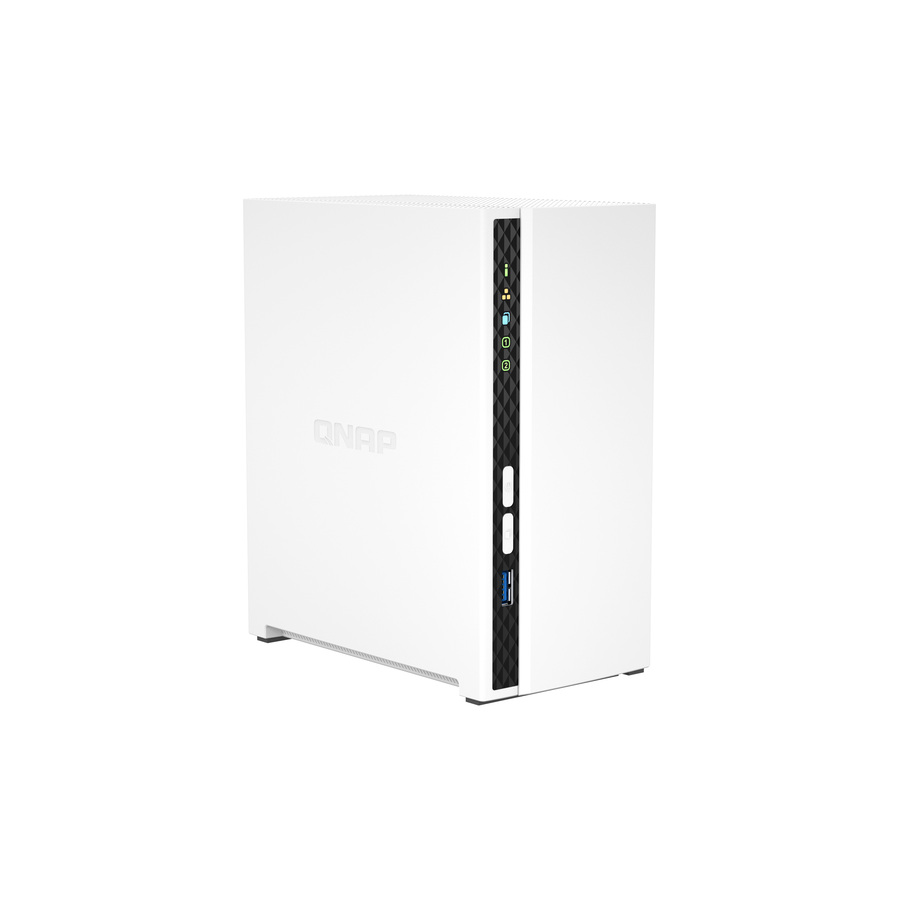
QNAP TS-233 SAN/NAS Storage System
TS-233-US
A two-bay network storage system as a local backup target — the copy that makes a short RTO possible, because restoring over a LAN beats restoring over a WAN.
Drives are ordered separately; check the enclosure's compatibility list before choosing them.
$281.31In stockDrives for the target
Western Digital
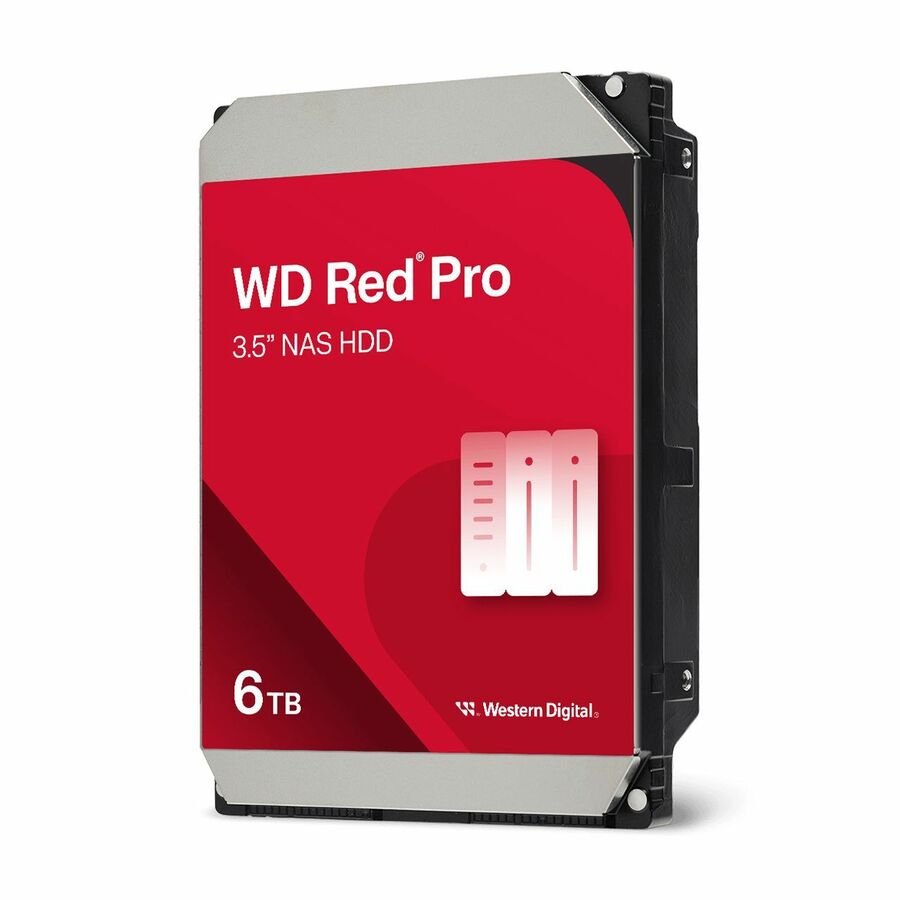
Western Digital Red Pro WD6005FFBX 6 TB Hard Drive
WD6005FFBX
A 6 TB conventional-recording 3.5-inch drive rated for continuous multi-bay operation, for the enclosure above.
$416.59Back-orderedSo the outage never starts
Schneider Electric
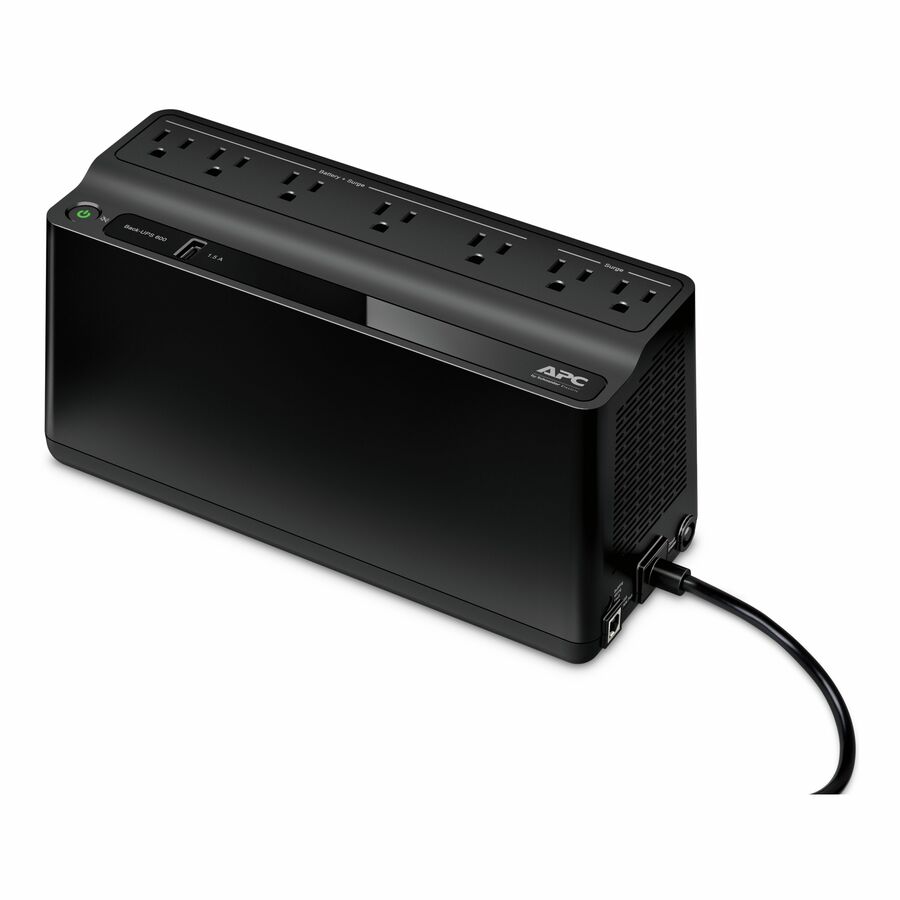
APC Back-UPS 600VA, 120V, 1 USB charging port, 7 NEMA outlets (2 surge)
BE600M1
A 600 VA desktop UPS that carries a workstation or small appliance through a short interruption, or long enough to shut it down in order.
$124.60In stockFAQ
Common questions
- What is a good RTO and RPO for a small business vs. an enterprise?
- There is no universal number — good targets come from a business impact analysis, not from company size. A common industry convention groups systems into tiers: mission-critical systems target an RTO of minutes to about an hour and an RPO from near-zero to roughly 15 minutes, mid-tier systems tolerate several hours, and archival or low-priority systems accept 24 to 48-plus hours. A small business might legitimately give a back-office file share a 24-hour RTO and RPO while its payment system needs minutes; an enterprise applies the same logic at larger scale. Match each target to the cost of downtime and data loss for that specific system.
- How often should backups run to meet a 1-hour RPO vs. a 24-hour RPO?
- Your RPO is effectively the interval between recovery points, so a 24-hour RPO can be met with a daily backup, while a 1-hour RPO generally needs more than periodic backups. As a widely cited rule of thumb, roughly 24-hour recovery points come from daily incremental backups, a ~1-hour RPO usually requires asynchronous replication rather than scheduled jobs, and a ~15-minute or tighter RPO calls for continuous data protection (CDP) or near-synchronous replication. The tighter the RPO, the more you shift from a backup schedule toward a continuously streaming copy — and the more link bandwidth and infrastructure that takes.
- What's the difference between RTO and an SLA uptime guarantee?
- An RTO is a recovery target — how long service may take to come back after a specific disruption — while an SLA uptime guarantee is a steady-state availability commitment expressed as a percentage over a period, such as 99.9% per year. They are related but not the same: uptime measures how often the service is available during normal operation, whereas RTO measures how fast it is restored after a failure. A demanding uptime figure implies a short RTO because there is little downtime budget to spend, but the two are set and measured differently, and a resilience plan usually states both.
- How does UPS/generator runtime affect RTO during a power outage?
- UPS and generator design determine whether a power event causes any downtime at all, so it sits directly under RTO for on-premises systems. The UPS carries the load for a bridge period while a generator starts and takes over; if that handoff succeeds, systems never go down and the effective RTO for the outage is near zero. Standby-power standards target very fast generator load acceptance — on the order of ten seconds under NFPA 110 for the highest class — so the design goal is a seamless transfer rather than long battery runtime. If the battery is exhausted before transfer completes, systems drop and RTO becomes a full restart.
- How is RPO different from RTO?
- They measure opposite directions from the same failure. RPO looks backward: it is the last point your data can be recovered to, so it caps how much work is lost and it sets how often you copy data. RTO looks forward: it is how long the service may stay down, so it sets what you recover onto and how much of the process is automated. A system can have a tight RPO and a loose RTO — a nightly ledger that must lose nothing but can take a day to come back — or the reverse.
- What is RPO and RTO in AWS?
- They mean exactly what they mean anywhere else; only the mechanisms differ. In a cloud deployment the RPO is set by snapshot frequency, cross-region replication or continuous backup, and the RTO by whether you are restoring from a snapshot, failing over to a warm standby, or running active-active. Cloud does not supply the targets — you still derive them per workload from the business impact analysis, and the provider's own recovery documentation defines the tiers you can buy against them.
- What is a reasonable RTO?
- There is no universal figure, and any specific number quoted without a system attached is guesswork. A reasonable RTO is the point at which the cost of further downtime exceeds the cost of the hardware, replication and automation needed to shorten it — which is why the target is set per application, not per company. In practice organisations tier their systems and give each tier its own RTO, then test against it, because an RTO nobody has rehearsed is an estimate rather than a target.
Sources
- 1.NIST SP 800-34 Rev. 1 — Contingency Planning Guide for Federal Information Systemscsrc.nist.gov
- 2.NIST CSRC glossary — recovery time objectivecsrc.nist.gov
- 3.NIST CSRC glossary — recovery point objectivecsrc.nist.gov
- 4.NIST SP 800-184 — Guide for Cybersecurity Event Recoverycsrc.nist.gov