
Best Wireless Keyboard and Mouse Sets for Offices
Desktop sets for office and hot-desk seats — receiver type, battery format and layout.
Wireless keyboard and mouse sets in stock at Uniqcli
How to choose →A curated selection with live pricing — in-stock lines first, then back-ordered lines with a typical lead time. Every line is sourced through US distribution and screened for NDAA §889 status before checkout, with TAA verified on request.
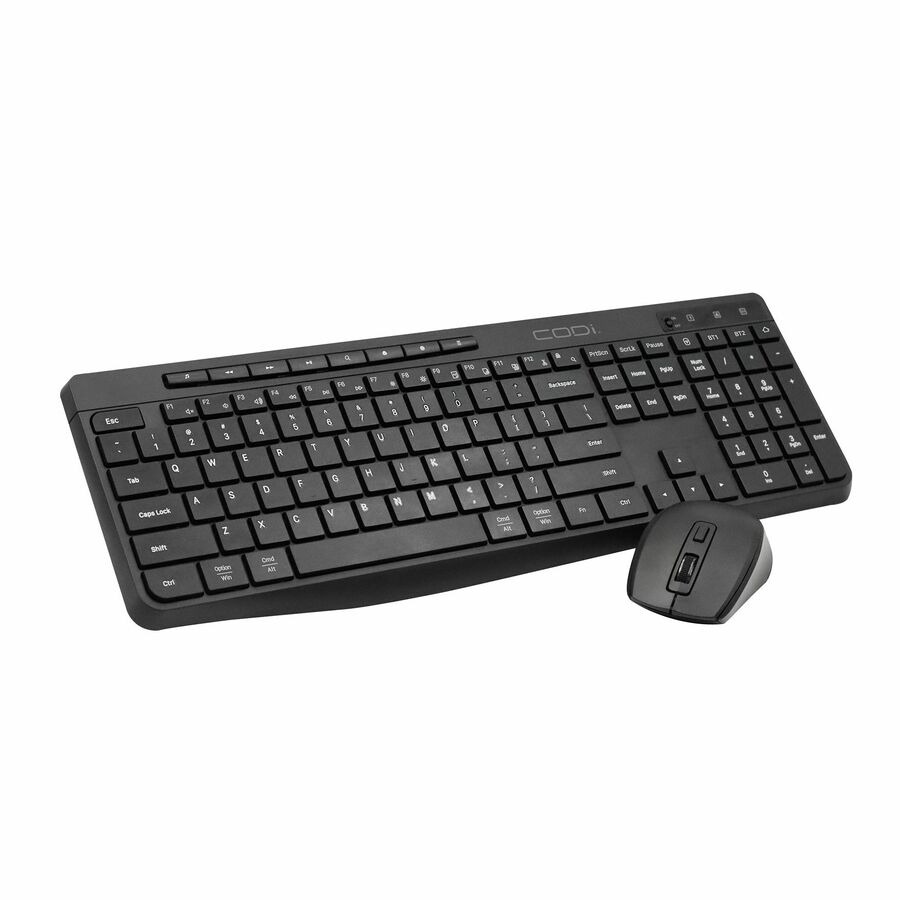
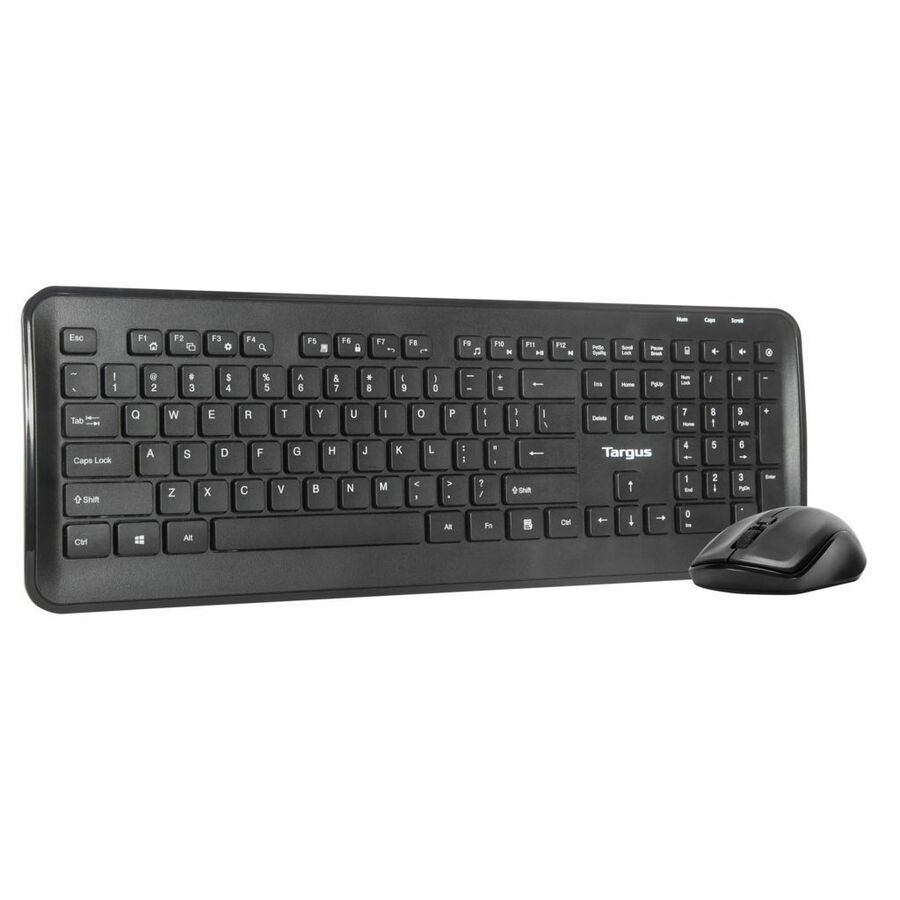
- RocstorRocstor Premium Combo Keyboard & Mouse - Wireless RF 2.40 GHz Keyboard - Black - Wireless RF Mouse - 1200 dpi - BlackY10P037-B1
$26.95
$24.96
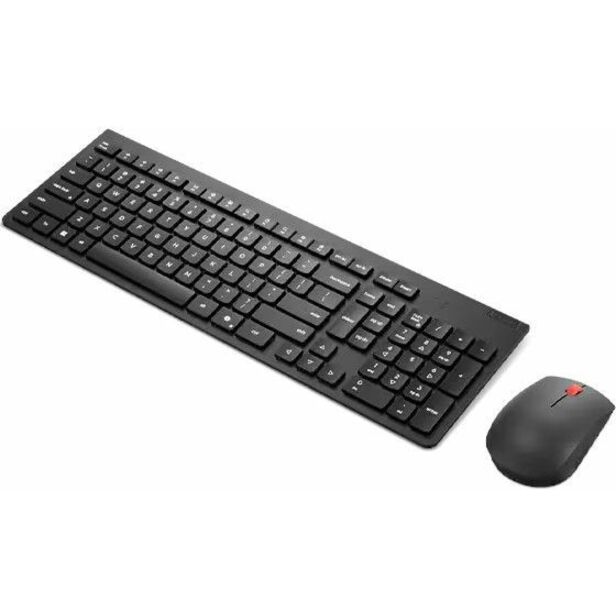
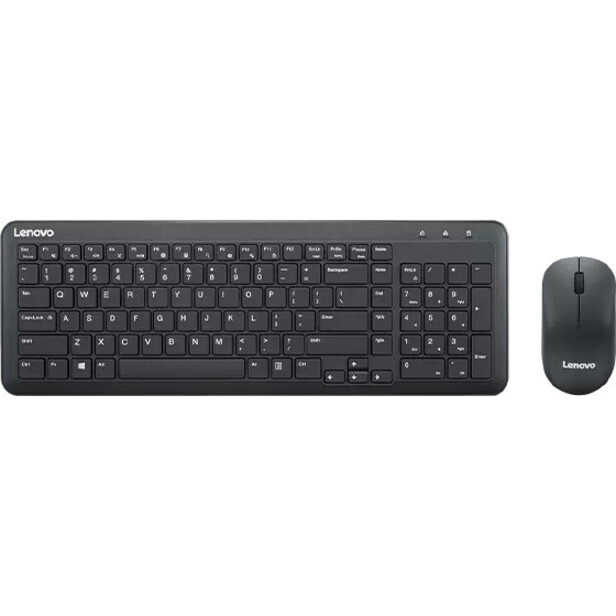
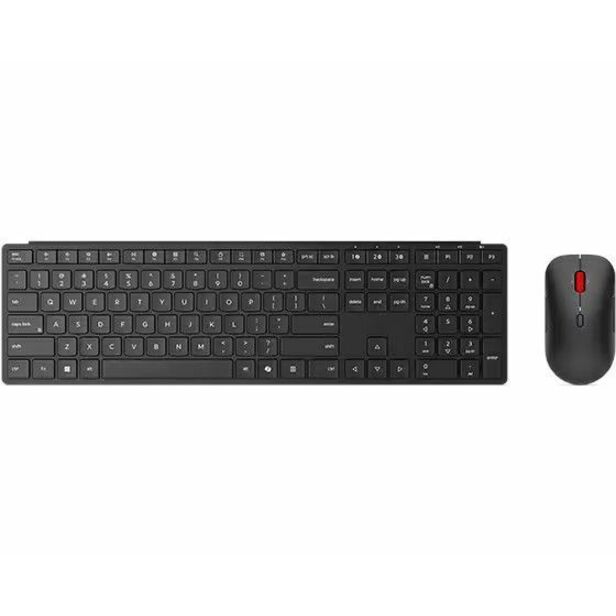
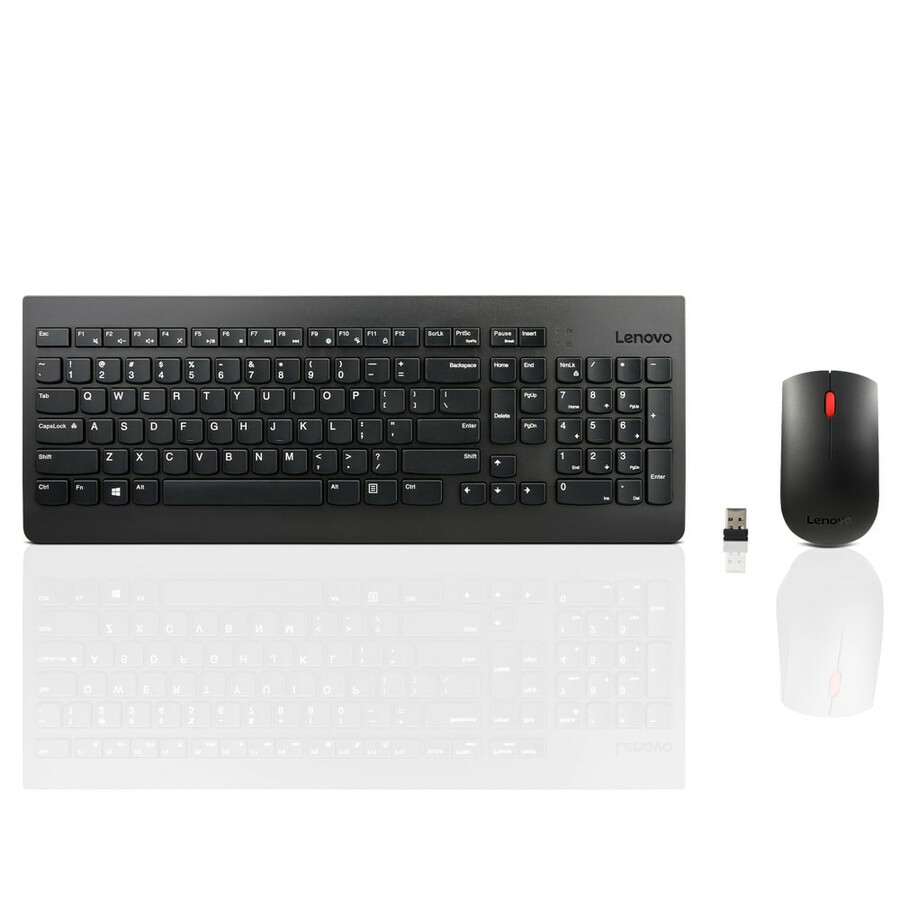
844 in stock - LenovoLenovo Essential Wireless Combo Keyboard & Mouse Gen2 Black-US_English - USB Type A Wireless RF 2.40 GHz Keyboard - English (US) - Black - USB Type A Wireless RF Mouse - Optical - 1600 dpi - 3 Button - Scroll Wheel - Black - Media Control, CoPilot Hot Key(s) - Symmetrical - AA, AAA - Compatible with PC4X31R64453
$29.99
$26.33
4,645 in stock
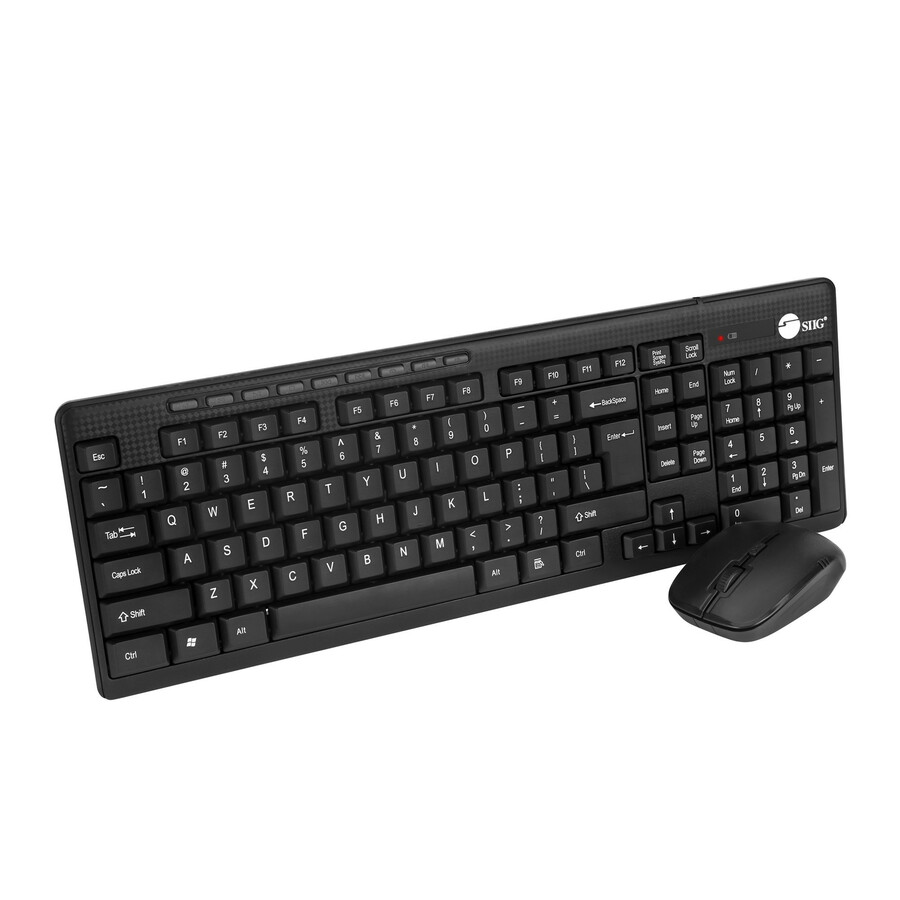

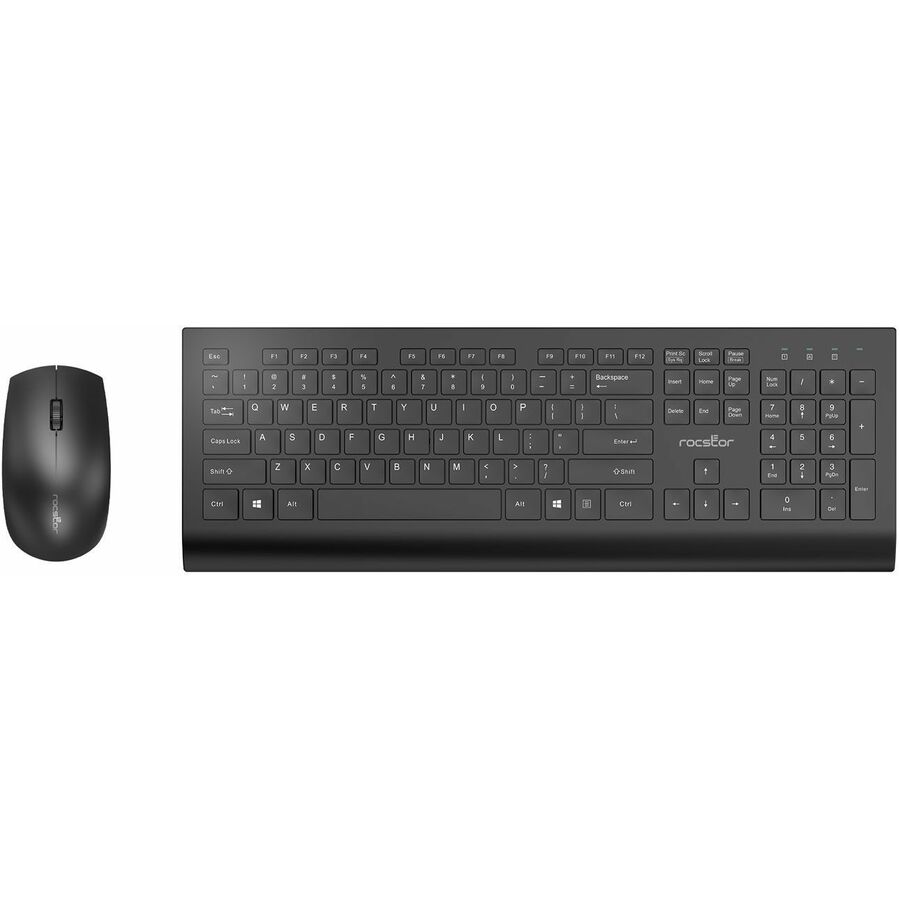







Fleet-standard pick
Lenovo
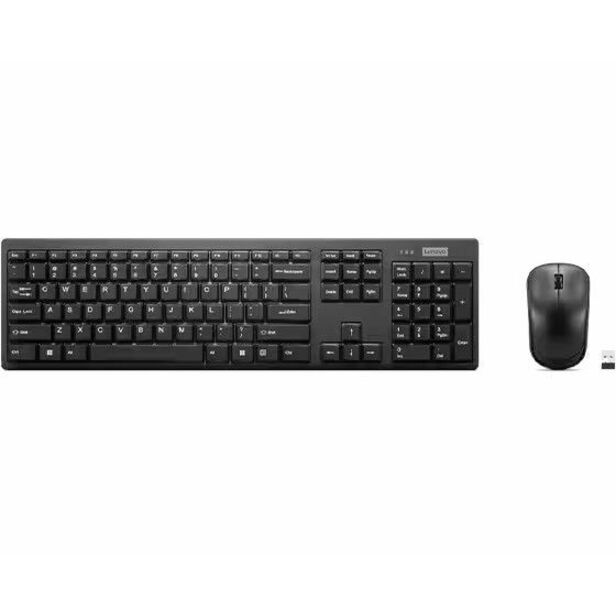
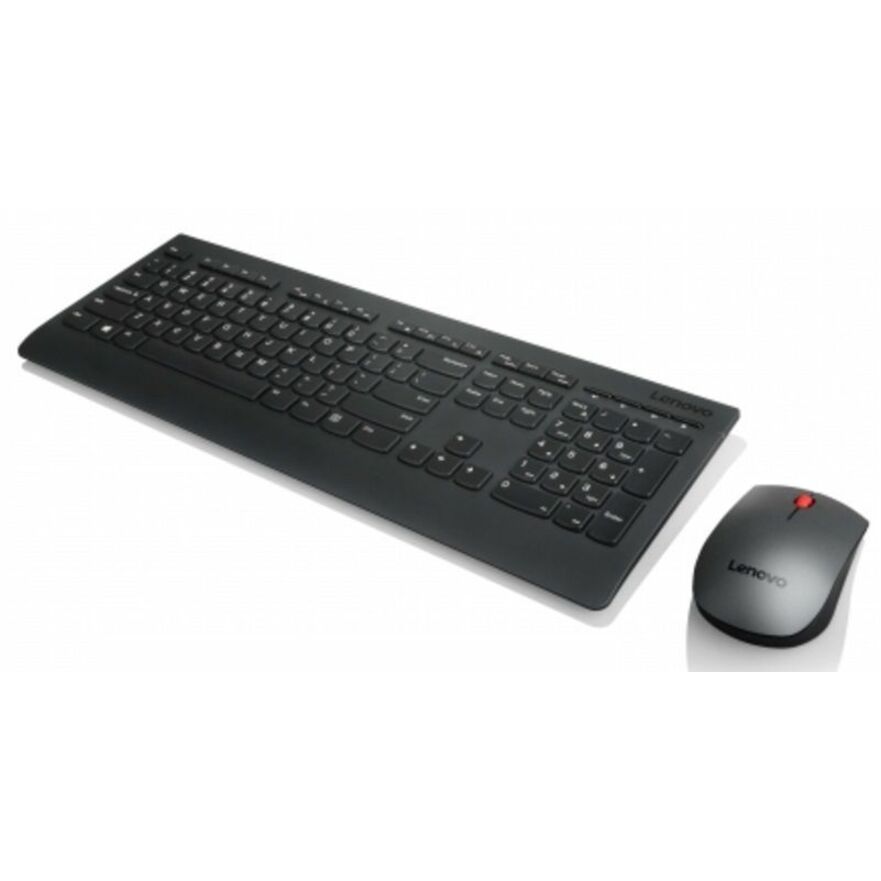
Lenovo 300 Wireless Combo Keyboard and Mouse
GX31C95738
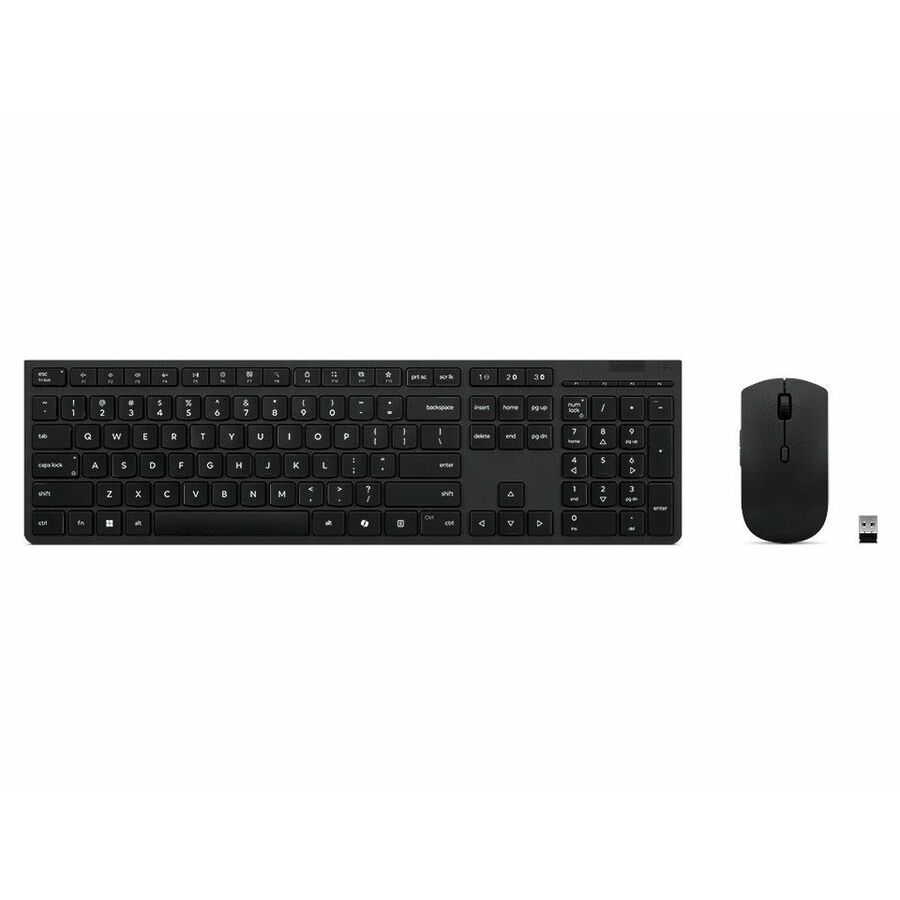
Lenovo's 300 wireless combo: a 2.4 GHz USB Type-A receiver, US English layout, symmetrical optical mouse at a listed 1000 dpi with a scroll wheel, running on AA and AAA cells. Unremarkable in every direction, which is exactly what a two-hundred-desk standard should be.
$33.43In stockMedia-key pick
Lenovo
Lenovo Essential Wireless Combo Keyboard & Mouse Gen2 Black-US_English
4X31R64453
Lenovo's Essential Wireless Combo Gen2 adds media controls and a CoPilot hotkey to the same 2.4 GHz USB Type-A arrangement, with a symmetrical mouse listed at 1600 dpi and three buttons. US English layout, AA and AAA cells.
$26.33In stockWindows and Mac pick
Kensington Computer Products
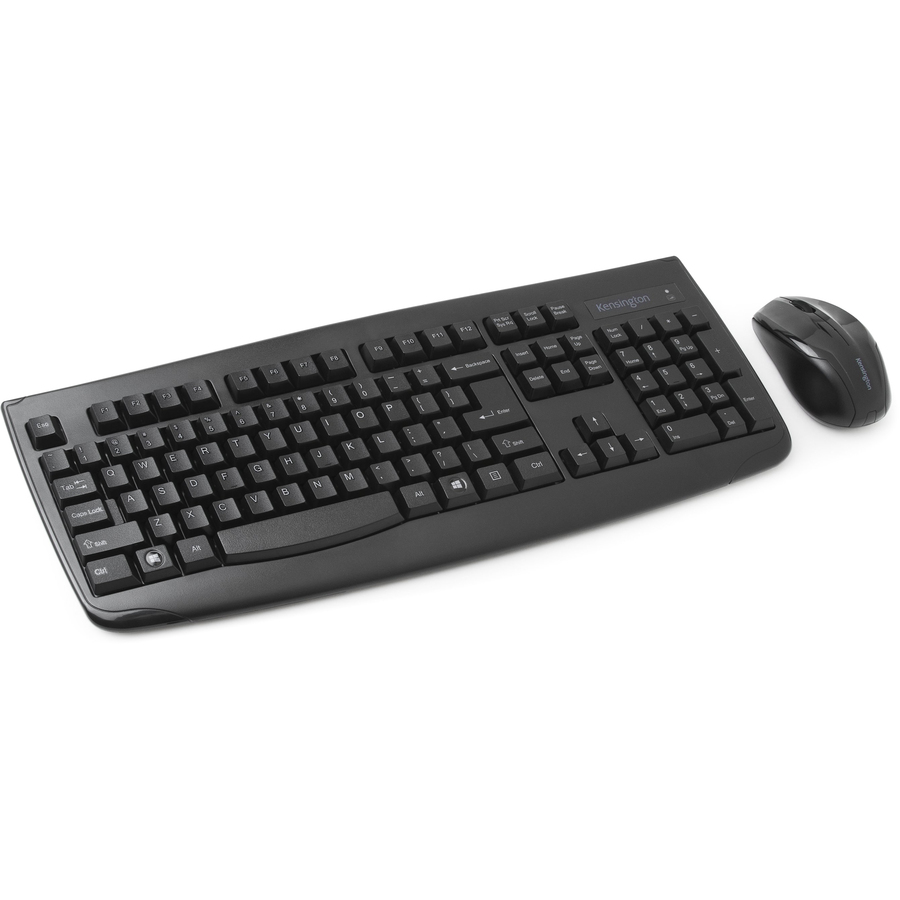
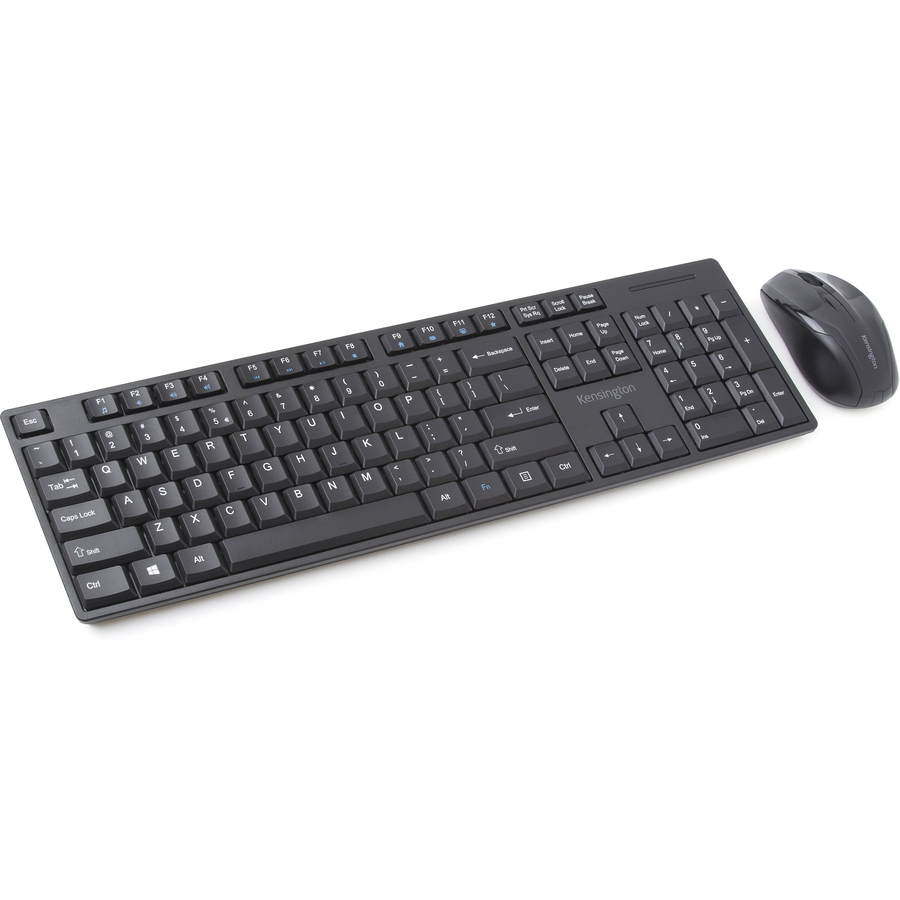
Kensington Keyboard for Life Wireless Desktop Set
K75231US
Kensington's Keyboard for Life wireless desktop set — 2.4 GHz USB receiver, QWERTY, a symmetrical optical mouse listed at 1200 dpi with a scroll wheel, on AA and AAA cells. The listing records compatibility with both PC and Mac.
$32.78In stockBluetooth option
Verbatim
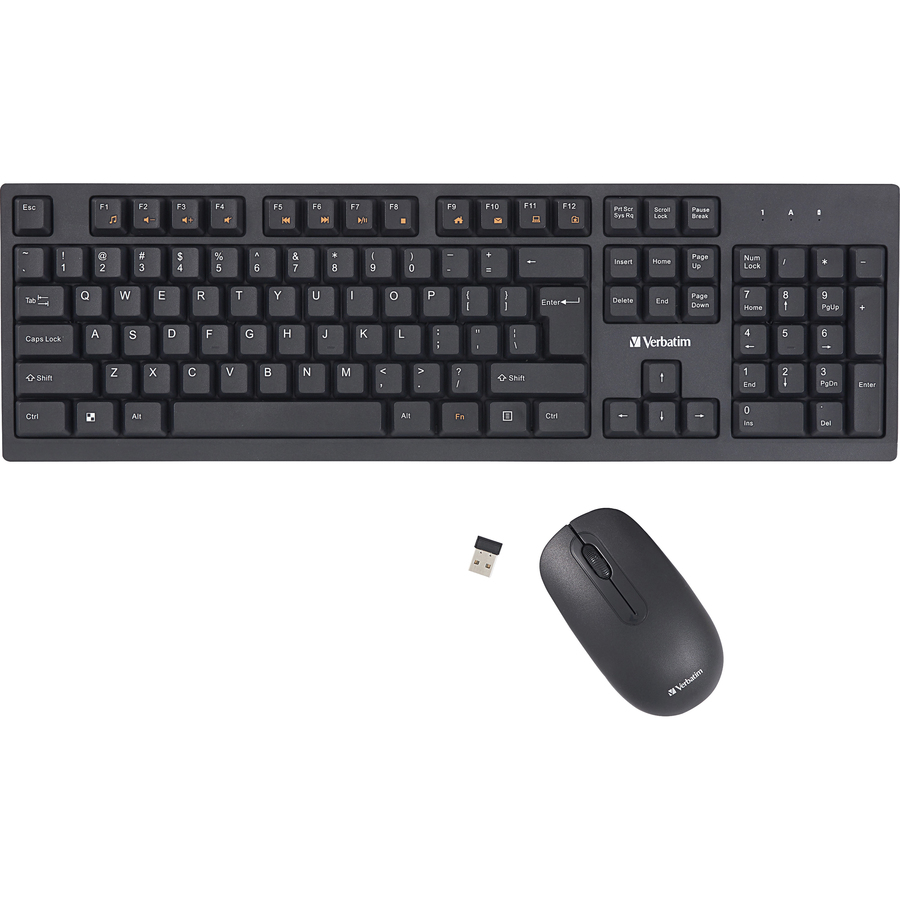
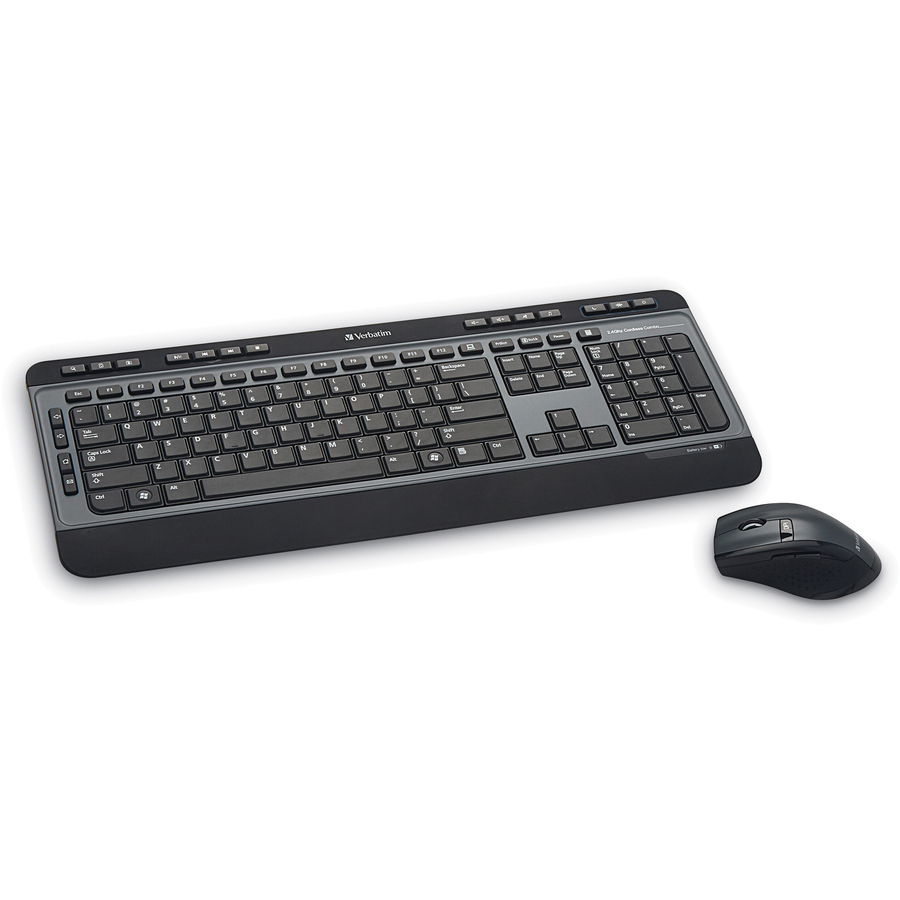
Verbatim Wireless Keyboard and Mouse
70724
Verbatim's set is the one here that lists Bluetooth alongside 2.4 GHz, with a symmetrical optical mouse at a listed 1000 dpi, three buttons and multimedia hotkeys, on AA and AAA cells. The listing records Windows and Mac compatibility.
Bluetooth pairing is unavailable before the operating system loads — keep a wired spare for imaging and recovery work.
$30.51In stockCross-platform pick
Logitech
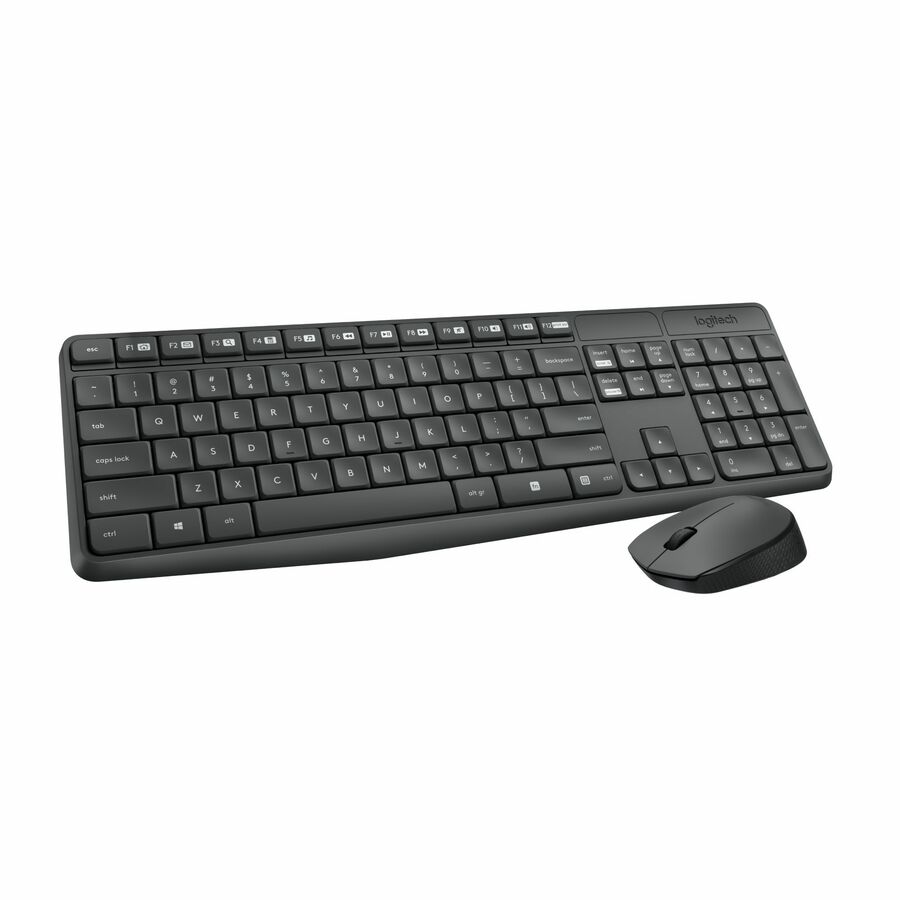
Logitech MK235 Keyboard & Mouse (Keyboard English Layout only)
920-007897
Logitech's MK235: 2.4 GHz USB wireless, QWERTY, a symmetrical optical mouse with a scroll wheel, on AA and AAA cells. The listing records compatibility with PC, Linux and ChromeOS desktops, which is the reason to reach for it on a mixed estate.
Listed with an English keyboard layout only.
$33.56In stockValue pick
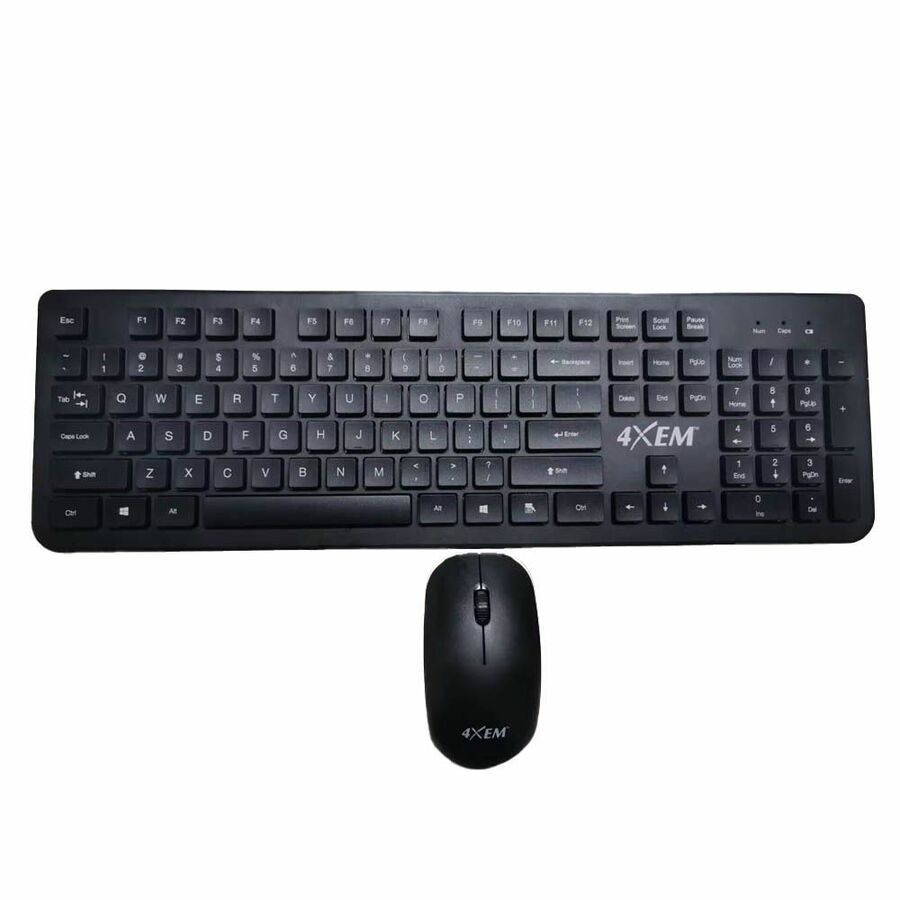
4XEM
4XEM Wireless Mouse and Keyboard Combo
4XWLSKMS1
4XEM's 2.4 GHz USB Type-A set — QWERTY, a symmetrical optical mouse, AA and AAA cells, listed for both PC and Mac. The straightforward option where the requirement is a working desk rather than a feature list.
$25.45In stockMore keyboard and mouse sets in the Uniqcli catalog
See all 234 keyboard and mouse setsMore from across this category. In-stock lines lead, and a back-ordered line carries the same estimated availability its product page does — with live pricing throughout, NDAA §889 screening before checkout and TAA verified on request.
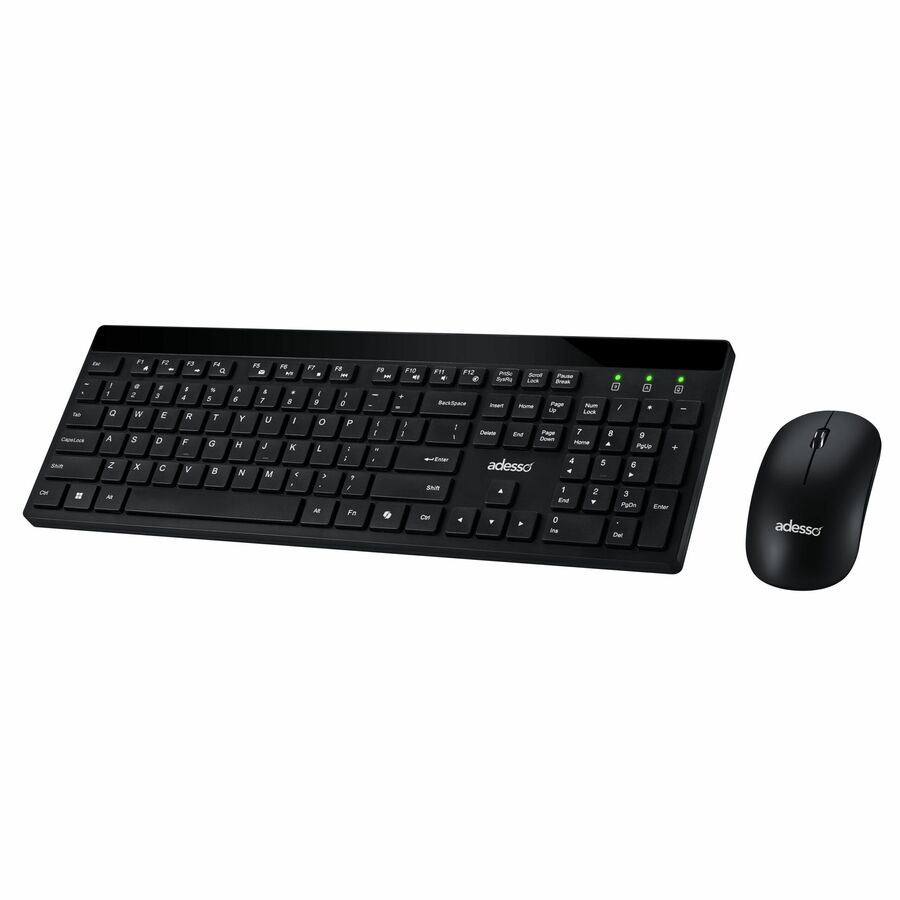
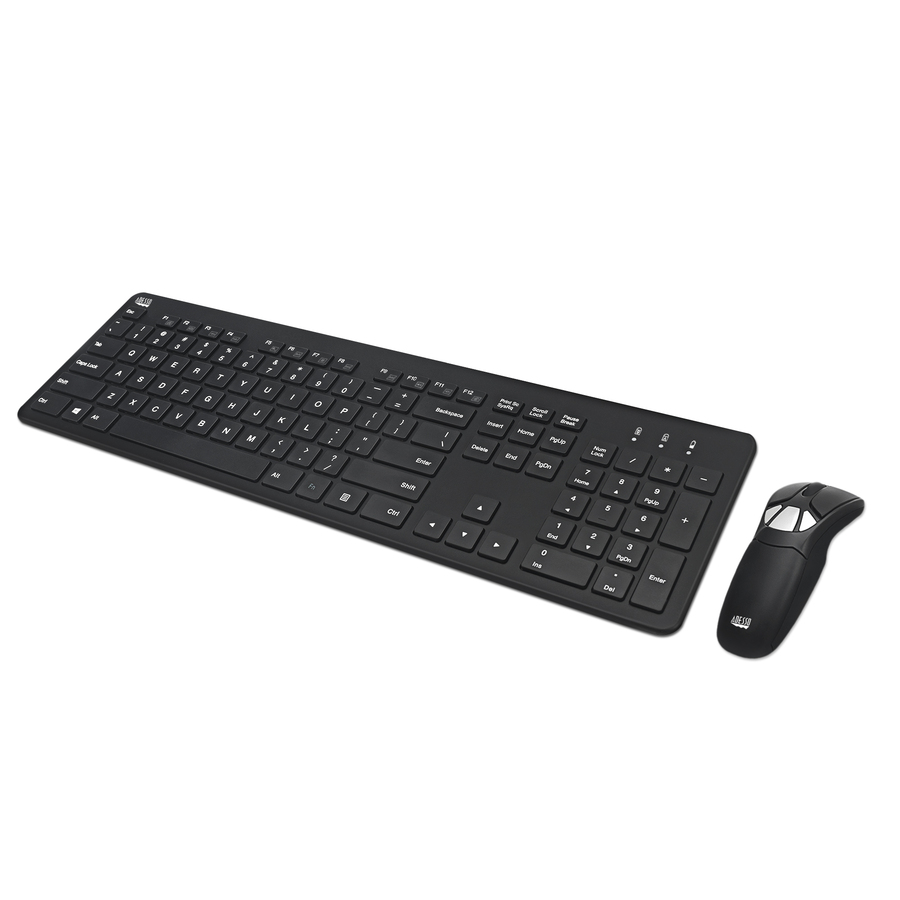
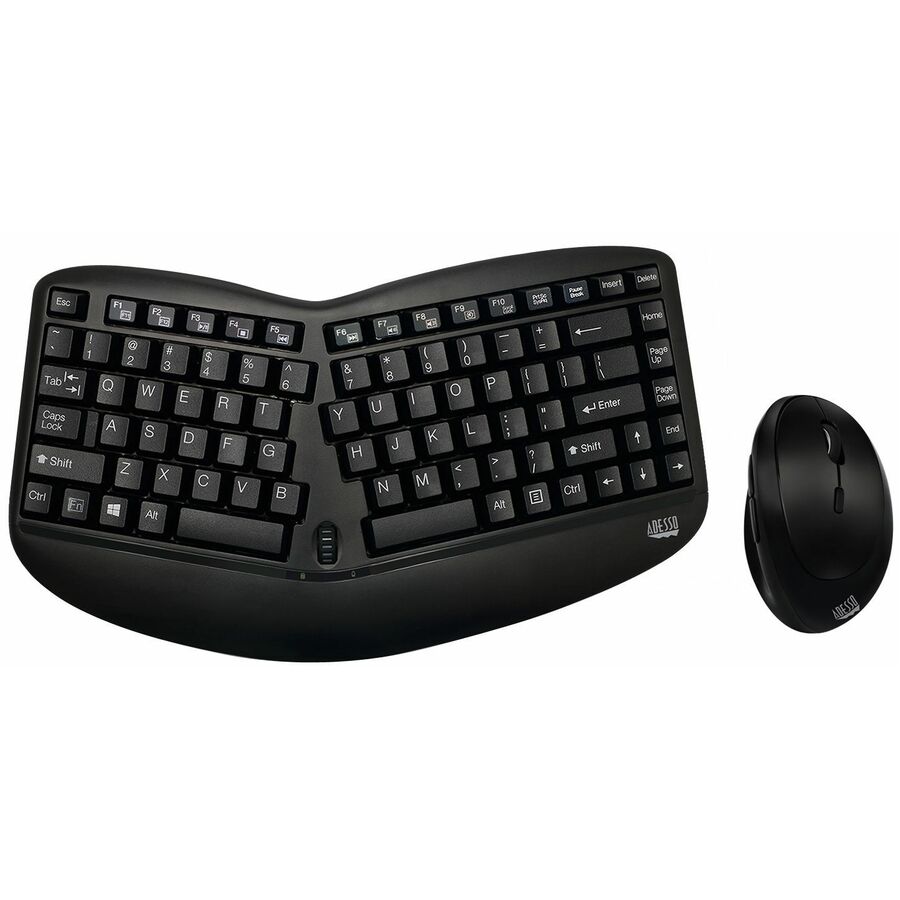
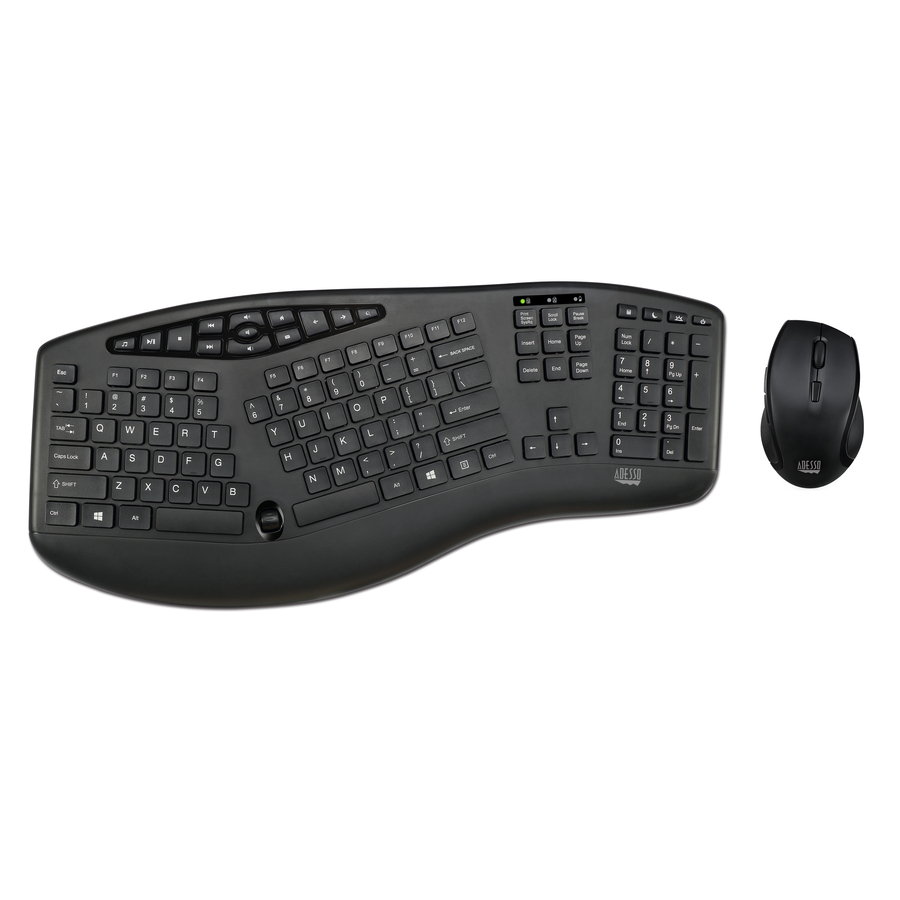
- AdessoAdesso Air Mouse Go Plus With Full Size Keyboard - USB Scissors Wireless 2.40 GHz Keyboard - 104 Key - English (US) - USB Wireless Presentation Pointer - Play/Pause, Stop, Next Track, Previous Track, Volume Down, Mute Hot Key(s) - Symmetrical - Compatible with Desktop Computer for PCWKB-5300CB
$129.99
$122.56
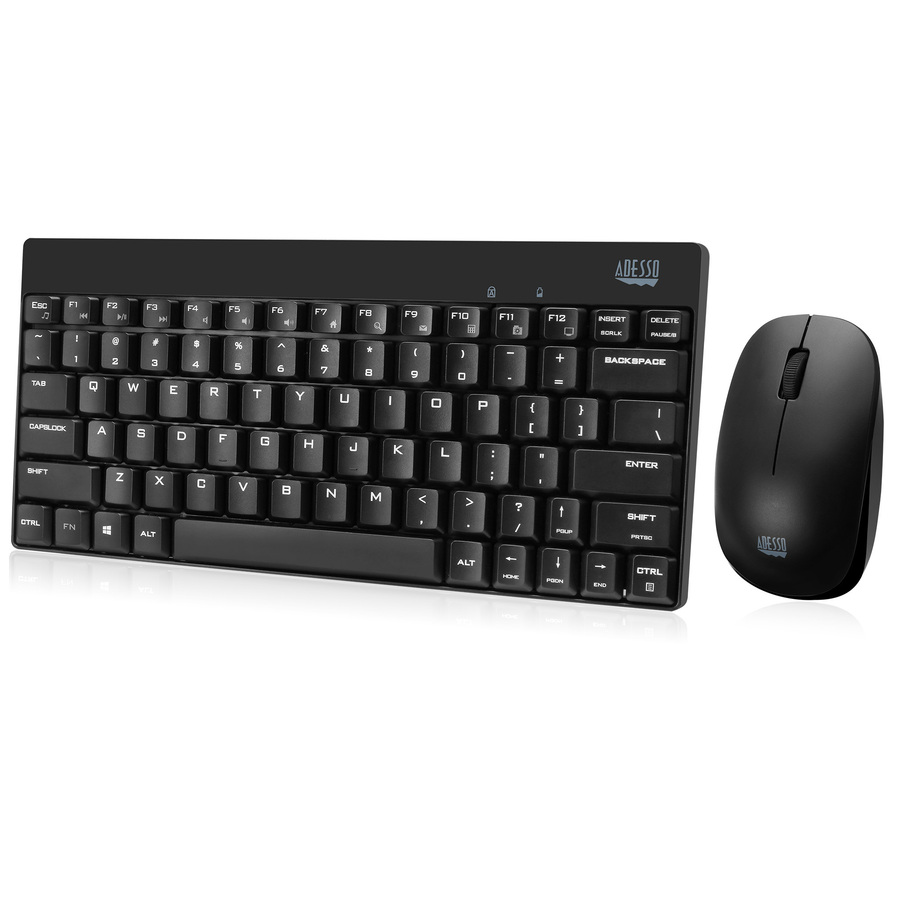
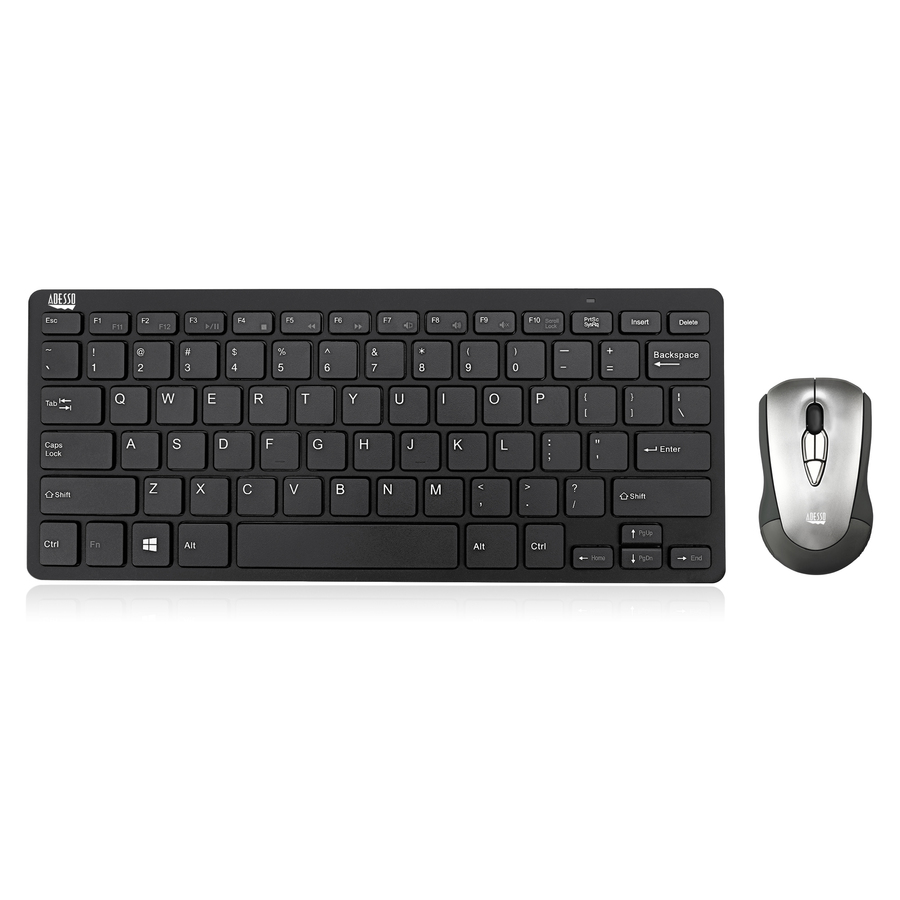
227 in stock - AdessoAdesso Air Mouse Mobile With Compact Keyboard - USB Scissors Wireless 2.40 GHz Keyboard - 78 Key - English (US) - USB Wireless Mouse - Play/Pause, Stop, Next Track, Previous Track, Volume Down, Mute Hot Key(s) - Symmetrical - Compatible with Desktop Computer, Notebook for PCWKB-5100CB
$99.00
$93.29
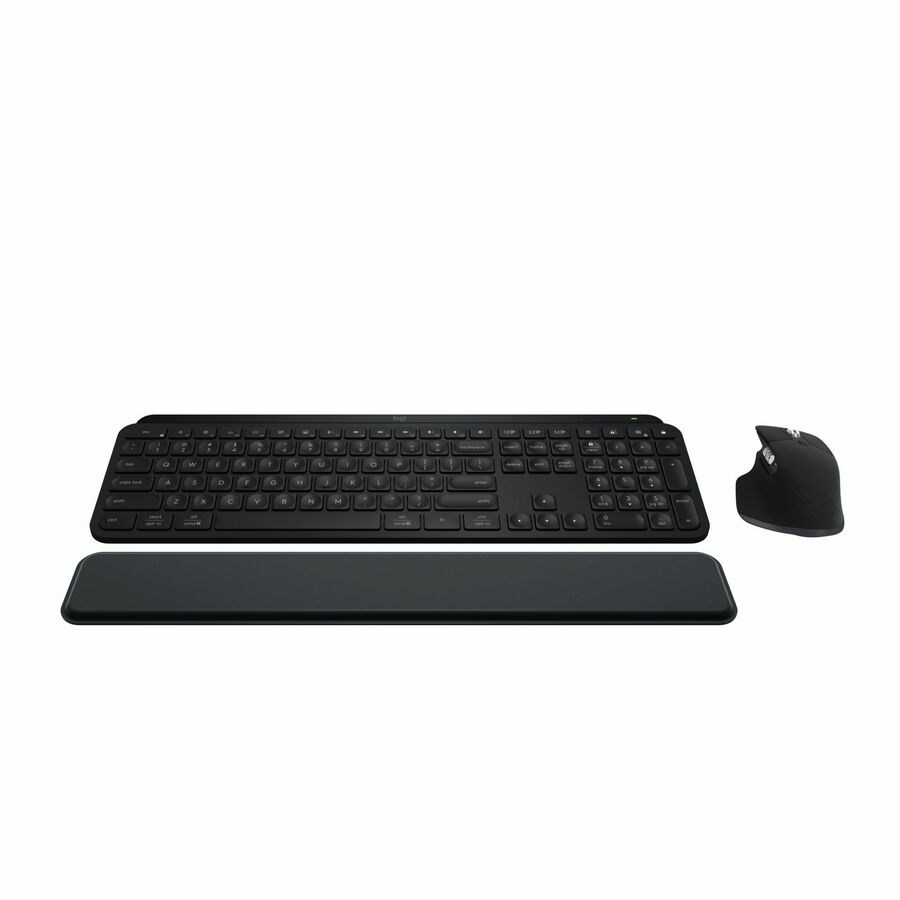
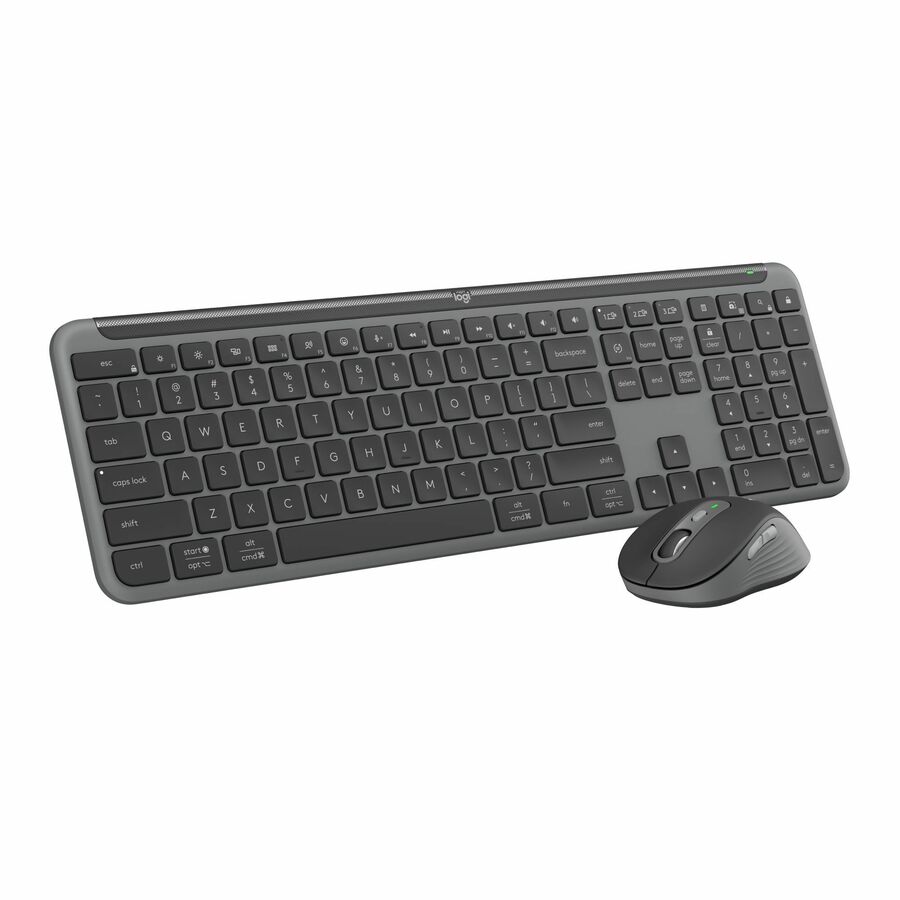
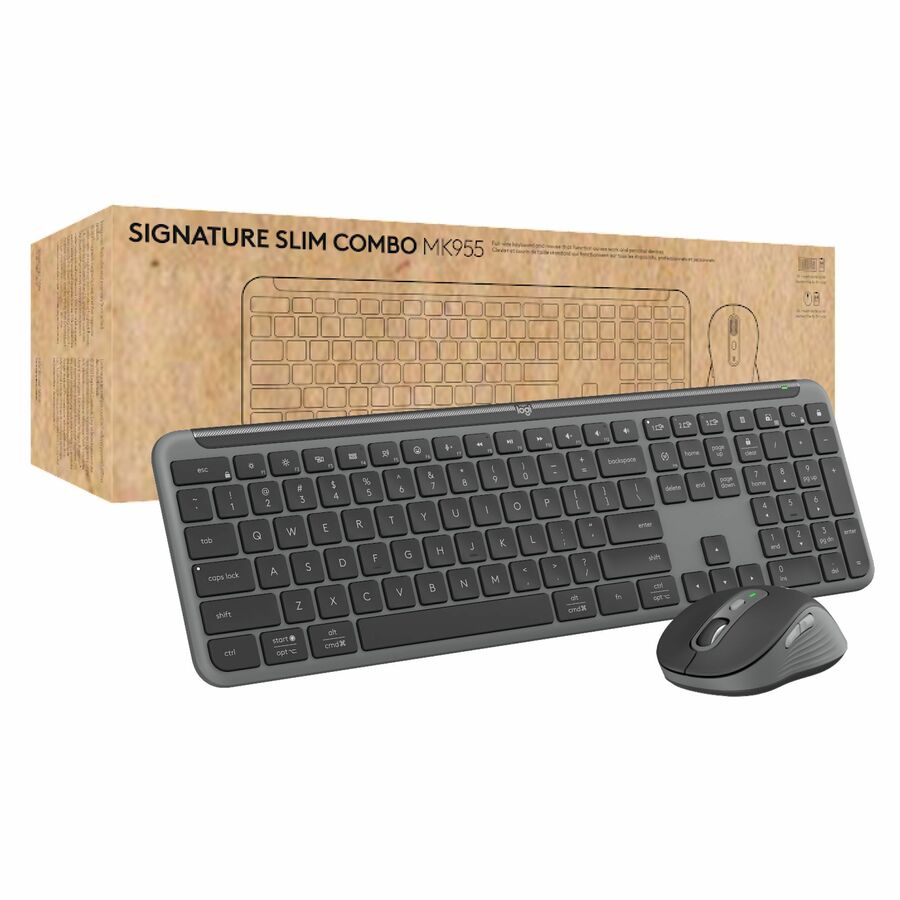
1,517 in stock - LogitechLogitech MX Keys S Combo - Performance Wireless Keyboard and Mouse with Palm Rest, Bluetooth - Black - USB Bluetooth Keyboard - Black - USB Wireless Bluetooth Mouse - Darkfield - 8000 dpi - 7 Button - Scroll Wheel - Symmetrical - AA, AAA - Compatible with PC, Mac920-012274
$245.94
1,090 in stock





Need pricing on wireless keyboard and mouse sets?
Tell us where to reach you and a Uniqcli specialist will follow up by email with current pricing, availability and lead time for the quantities you need — including parts that aren’t shown on this page.
Buying for an organization or for yourself — both work. No payment up front.
At fleet scale three things decide a wireless keyboard and mouse set: the receiver, the battery format and the layout. A 2.4 GHz dongle is pre-paired, works before an operating system has loaded and costs a USB port per desk; Bluetooth frees the port and does not exist in a BIOS or recovery environment. Standardize one battery format per floor.
A keyboard and mouse set is bought by the hundred, which changes what matters about it. Nobody deploying two hundred desks is optimising for switch feel; they are optimising for one receiver per desk that pairs without a helpdesk ticket, a battery format the stores cupboard already holds, and a layout that matches the machines being imaged. Get those three right and the rollout is invisible. Get any of them wrong and it is a fortnight of small tickets.
The receiver is the first decision. Most sets here use a 2.4 GHz USB dongle, which is pre-paired in the box, works before an operating system has loaded, and costs a permanent USB port per desk. Bluetooth sets free that port and pair to more than one machine, at the cost of not existing in a BIOS screen or a bare-metal recovery environment — which matters more on a fleet than it does on one desk. A few sets do both. Decide it once for the estate rather than per order.
Batteries are the second, and they are the running cost. Almost everything here runs on AA or AAA cells, so the practical question is whether the fleet standardizes on one format rather than which one it is — a floor with three formats in circulation is a floor with the wrong one in the drawer. The third decision is layout and it is unglamorous: US English against anything else, full-size against compact, and whether a numeric keypad is required for the work being done. The selection below is drawn from the wireless sets Uniqcli currently carries, with live pricing and stock on each card.
Buyer's checklist
How to choose a wireless keyboard and mouse set for a fleet
- Decide 2.4 GHz dongle or Bluetooth once, for the whole estate — a dongle works in BIOS and recovery environments and costs a USB port; Bluetooth frees the port and does not exist before the OS loads.
- Standardize the battery format across the floor. AA and AAA are both fine; a floor running three formats is a floor with the wrong cells in the cupboard.
- Confirm the keyboard layout on the specific part number — US English is not a safe assumption from a product family name, and a mismatched layout is a return.
- Decide full-size versus compact by the work: a numeric keypad matters for finance, data entry and clinical coding, and costs desk width everywhere else.
- Check the mouse is symmetrical if the fleet is shared or hot-desked — a contoured right-handed mouse on a shared desk is an accessibility problem, not a preference.
- Check OS compatibility as listed, especially where the estate includes Mac, Linux or ChromeOS endpoints alongside Windows.
- Buy a spares pool at the same time. A dead set is a desk out of action, and the swap only happens same-day if the spare is already on the shelf.
Dongle or Bluetooth: decide once, for the estate
A 2.4 GHz receiver is a small USB dongle pre-paired to its set at the factory. It works the moment it is plugged in, it works in a BIOS or UEFI screen, and it works in a bare-metal recovery environment — which is precisely when someone needs a keyboard and precisely when Bluetooth is not available. The costs are a permanently occupied USB port per desk and a dongle small enough to lose, which is why the sensible fleet practice is to leave it in the machine and never move it.
Bluetooth sets free that port, pair to several machines and switch between them, and suit a desk with a laptop and a docking station in play. The tradeoff is real on a fleet: no pairing before the operating system loads, a first-time pairing step during imaging or handover, and a class of intermittent problems that are harder for a helpdesk to reproduce than a dongle that is simply present or absent. Some sets support both, and where they do the dongle usually stays in the box until it is needed.
Batteries are the running cost
Everything in this class runs on standard alkaline cells, typically AA in the keyboard and AAA in the mouse or the reverse, and a listing will state which. Over a two-hundred-desk estate on a three-to-five-year life, the cells are a small but continuous line item, and the only real decision is standardization: one format in the cupboard, one part number to reorder, one thing for the desk-side technician to carry. It is a trivial-sounding choice that produces a visible difference in ticket volume.
Battery life claims are worth reading with the same care as any other manufacturer figure — they assume a duty cycle, and a mouse used eight hours a day is not the duty cycle in the test. What matters more in practice is that the set warns before it dies rather than simply stopping, and that a set of cells is a two-minute fix rather than a support visit. Neither is true of a rechargeable set with an integrated cell once it reaches end of life, which is the argument for replaceable cells on a fleet even where a rechargeable set is nicer on a single desk.
Standardizing a desk, not buying a peripheral
Two hundred desks is not two hundred purchases. It is one part number, one layout, one battery format, one imaging profile and one spares pool, and the value of choosing carefully is that all five stay small. Adding a second set later because the first could not be sourced doubles every one of them, which is why the useful order is placed against a schedule rather than a shortage.
That is also why a desk refresh is rarely only peripherals. The same rollout carries the endpoints themselves, the displays and mounts, the docking and cabling, the operating system and productivity licensing that goes with the machines, and the imaging, staging and deployment labour to put it all on desks. Uniqcli quotes that whole scope through US distribution — hardware, licences and services in one place — so the small parts do not get ordered separately and arrive last.
FAQ
Common questions
- Is a USB dongle or Bluetooth better for an office fleet?
- A 2.4 GHz dongle is usually the better fleet choice. It arrives pre-paired, it works the instant it is plugged in, and — the part that matters — it works in a BIOS or UEFI screen and in a bare-metal recovery environment, which is exactly when someone needs a keyboard and exactly when Bluetooth is unavailable. The cost is a permanently occupied USB port per desk. Bluetooth frees that port and pairs to several machines, which suits a desk with a laptop and a dock, but it adds a pairing step at handover and a class of intermittent faults that are harder for a helpdesk to reproduce.
- How long do the batteries last?
- Manufacturers quote figures based on an assumed duty cycle, and a mouse used eight hours a day is not that duty cycle, so treat published battery life as a comparison between models rather than a promise about your desks. What matters more on a fleet is that the sets warn before they die rather than simply stopping, that a cell change is a two-minute fix rather than a support visit, and that the whole floor uses one battery format so the right cells are in the cupboard. Rechargeable sets with integrated cells are pleasant on a single desk and awkward across an estate, because end of battery life becomes end of device life.
- Do we need a numeric keypad?
- It depends on the work rather than on preference. Finance, data entry, clinical coding, warehouse and any role that types numbers in volume genuinely benefits from a full-size keyboard with a keypad. Everywhere else the keypad costs desk width and pushes the mouse further to the right, which is an ergonomic cost rather than a neutral one. A common and sensible fleet answer is a compact standard with full-size sets issued to the roles that ask for them, which keeps one exception rather than two standards.
- Can one receiver run several keyboards and mice?
- Only where the manufacturer builds a unifying-style receiver designed for it, and the sets in this class are generally pre-paired one-to-one at the factory. That is a feature, not a limitation, on a fleet — it means a set works out of the box with no pairing utility and no chance of a desk adopting the neighbour's keyboard. If multi-device pairing genuinely matters for a role, that is an argument for a Bluetooth set on those specific desks rather than for changing the estate standard.
- Can Uniqcli quote desktop peripherals at fleet quantities?
- Every line Uniqcli quotes is sourced through US distribution and screened for TAA country-of-origin and NDAA §889 status before checkout — with documentation tied to the specific part number, not a product family.
Need wireless keyboard and mouse sets pricing?
Send a bill of materials or part numbers — we confirm stock and a below-market total, with TAA verified on request. No payment up front.