
Best Logitech Keyboards for Office and Workstation Deployments
Wireless and wired boards spanning full-size, tenkeyless and low-profile layouts — with tactile, linear, clicky and hot-swap switch options for office desks and technical workstations.
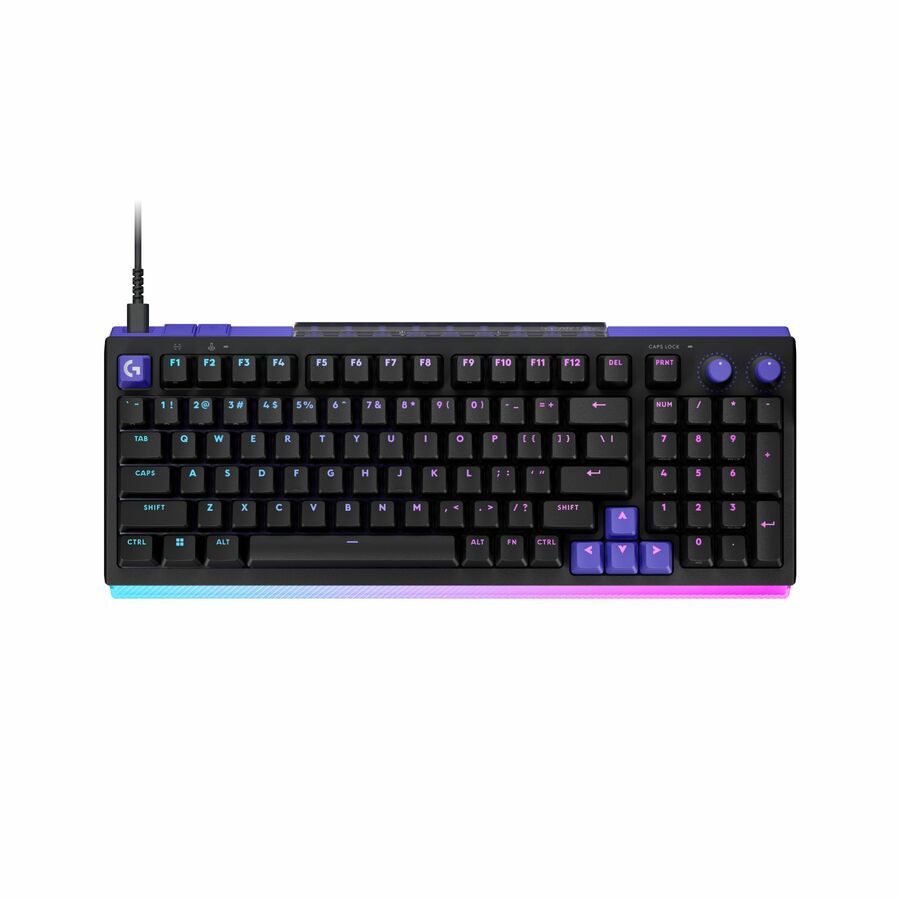
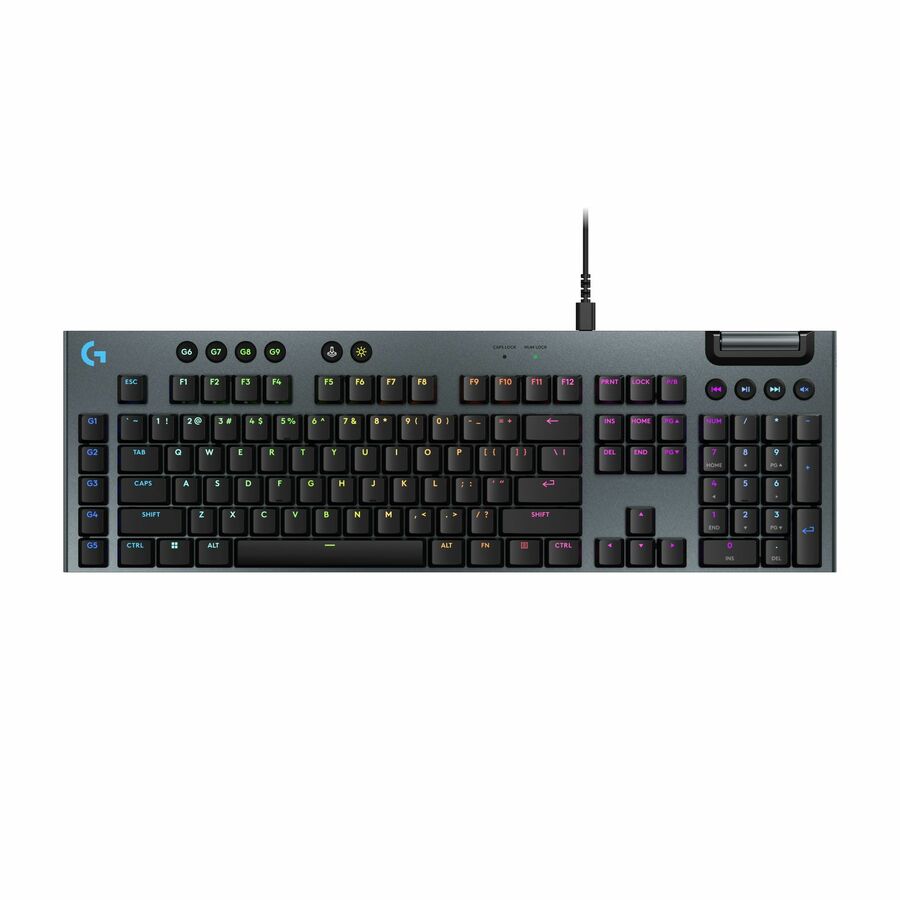
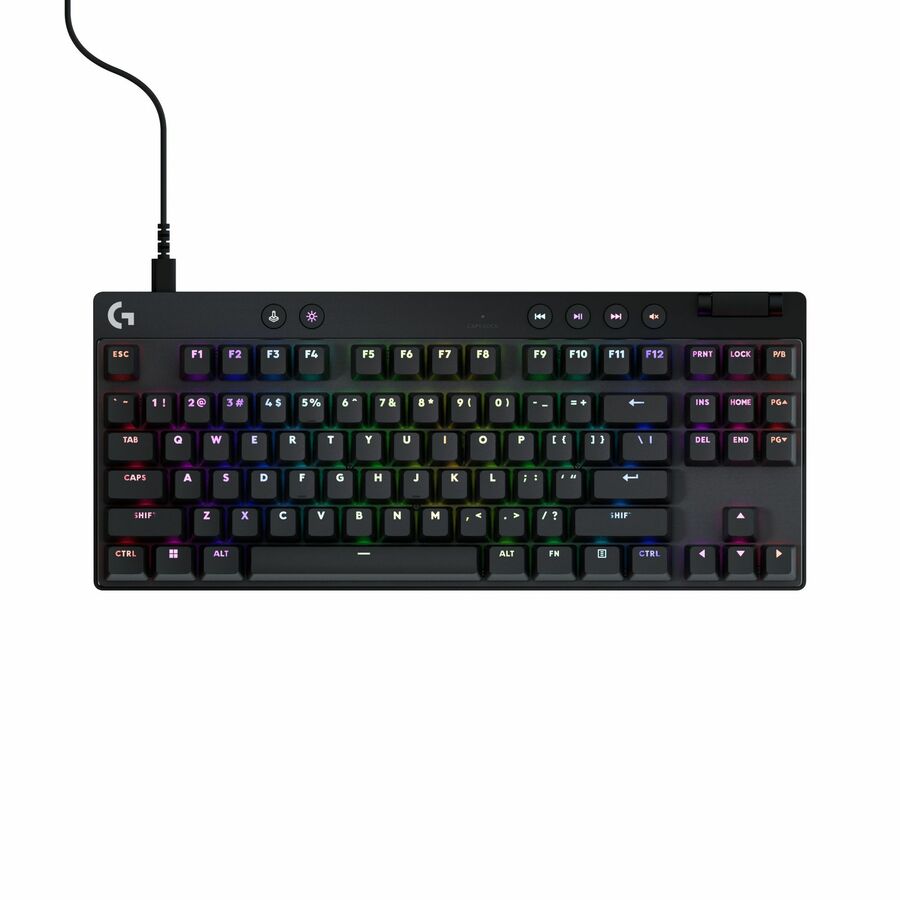
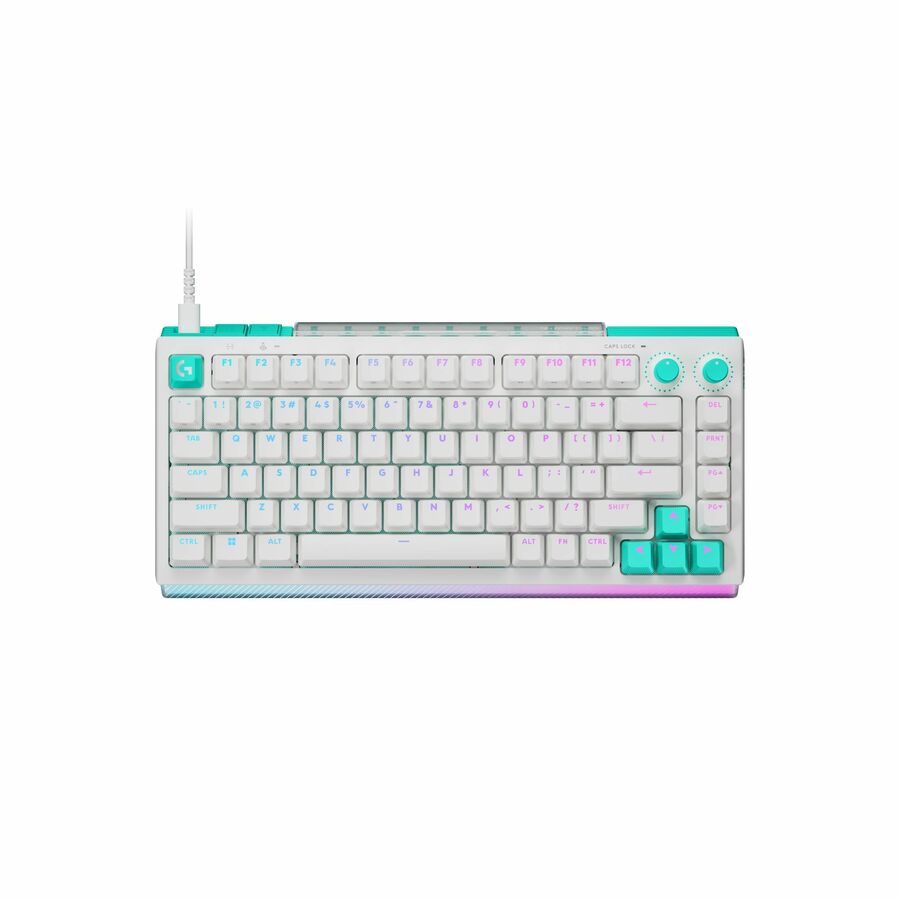
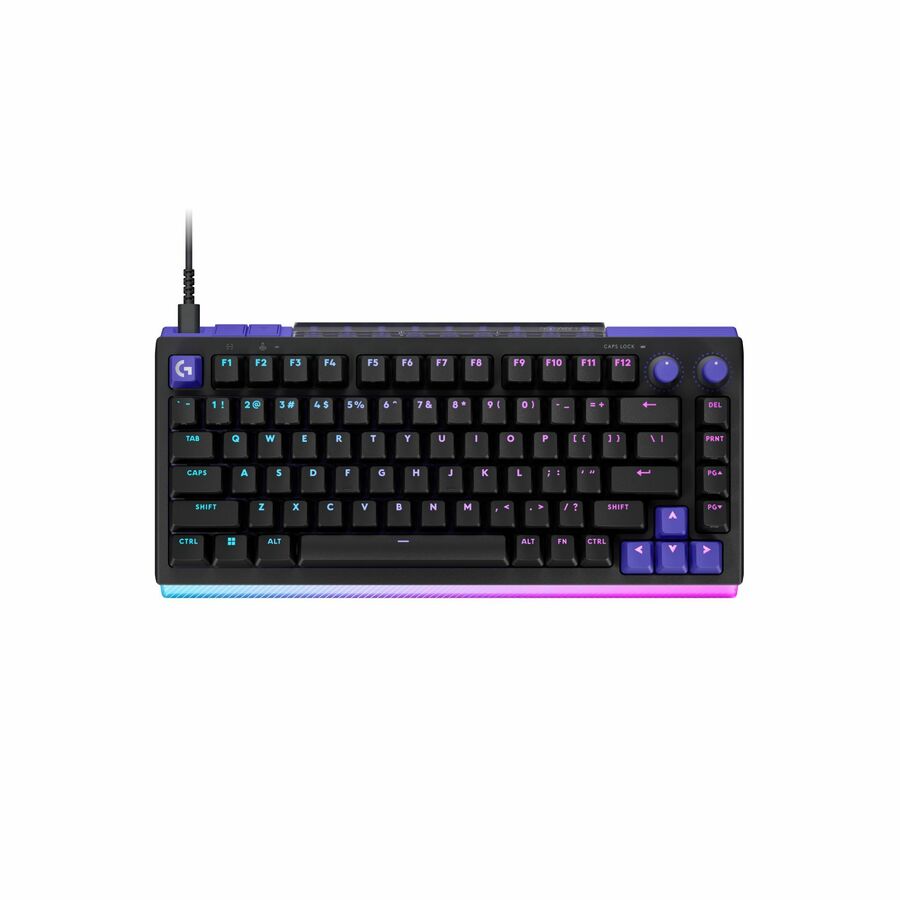
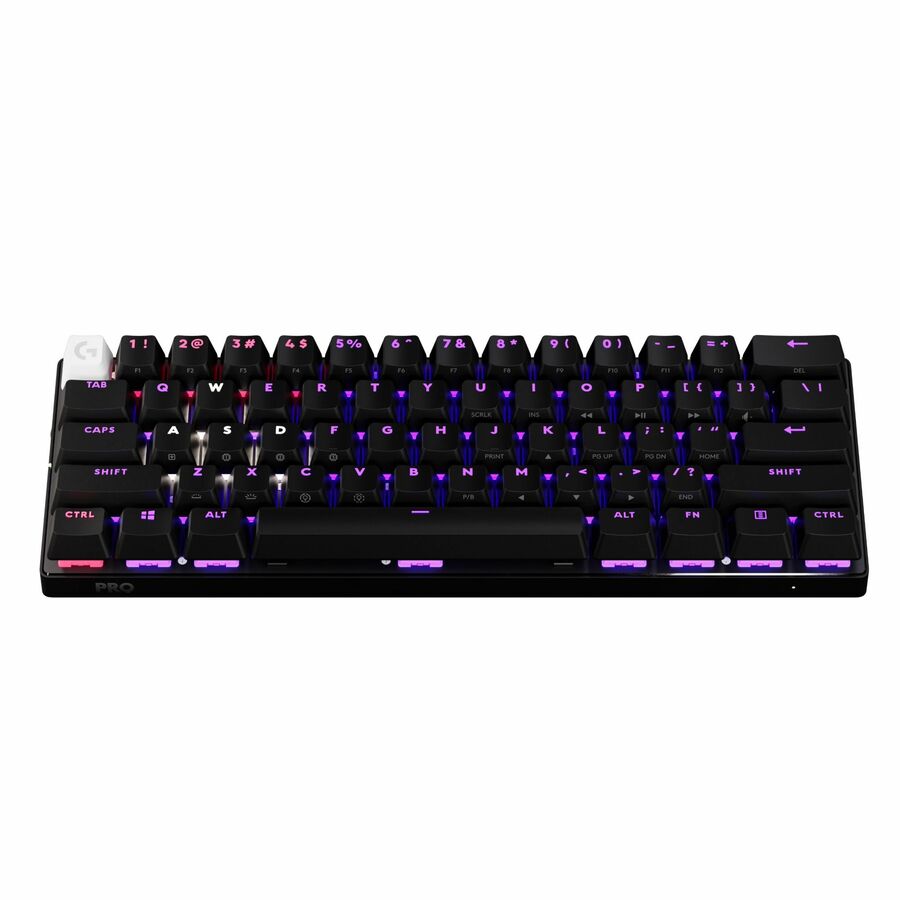
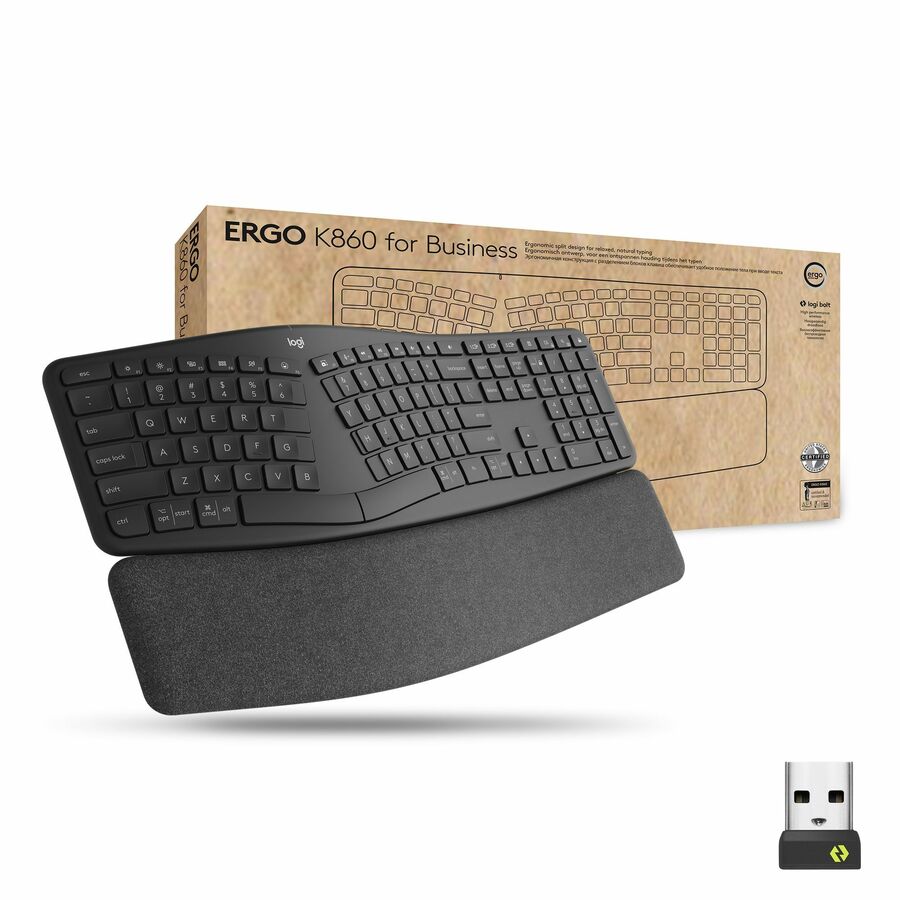
Logitech keyboards in stock at Uniqcli
How to choose →A curated selection with live pricing — in-stock lines first, then back-ordered lines with a typical lead time. Every line is sourced through US distribution and screened for NDAA §889 status before checkout, with TAA verified on request.
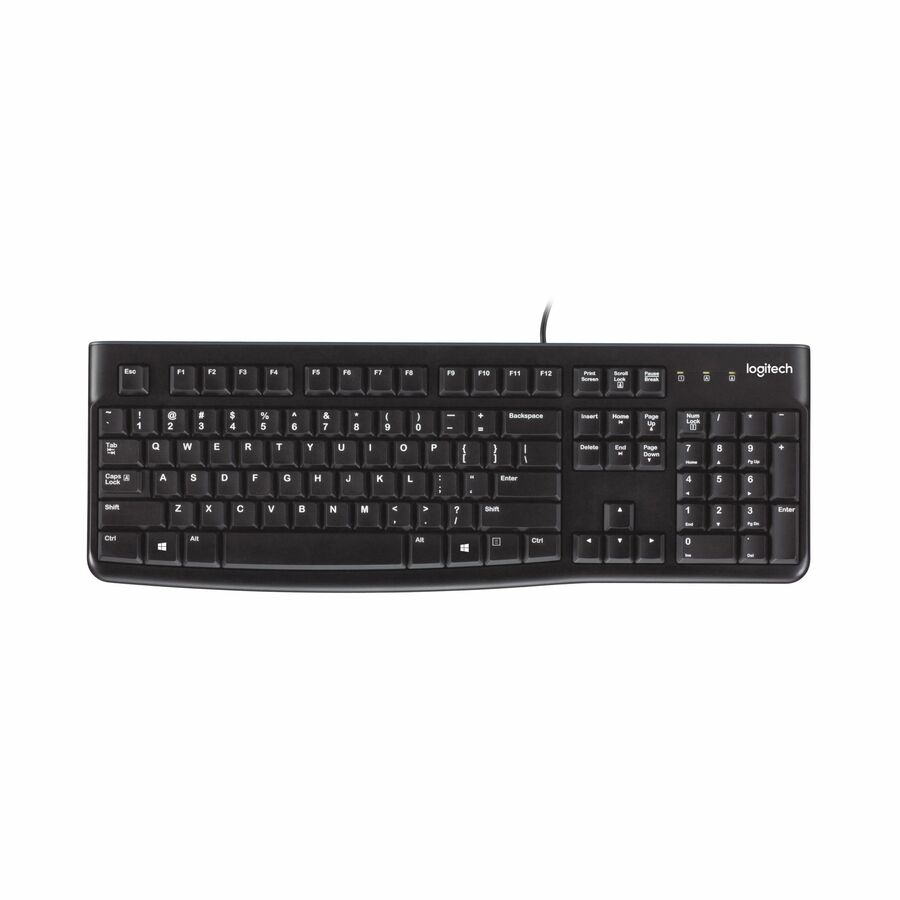

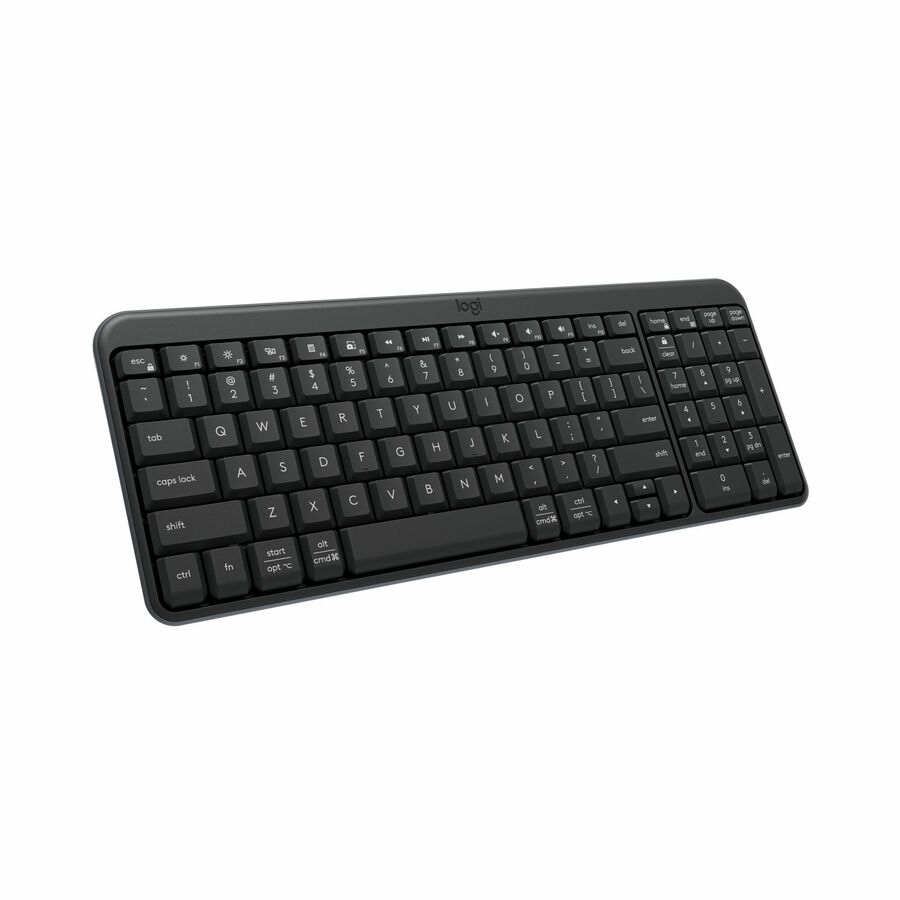
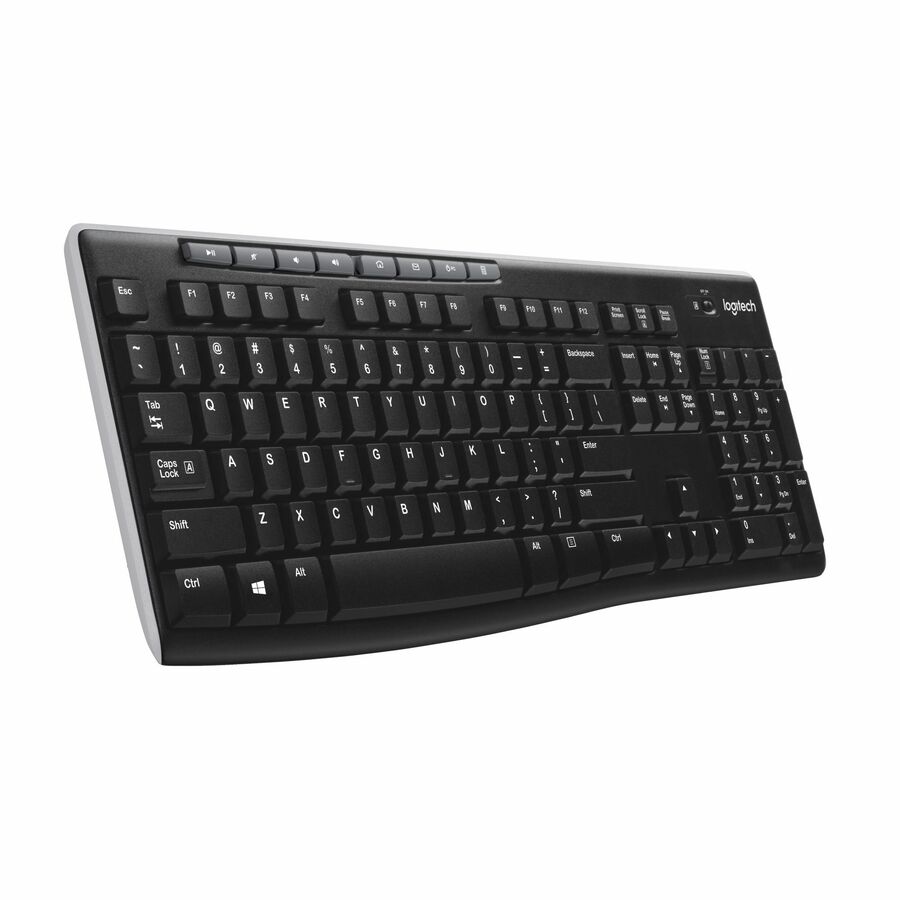
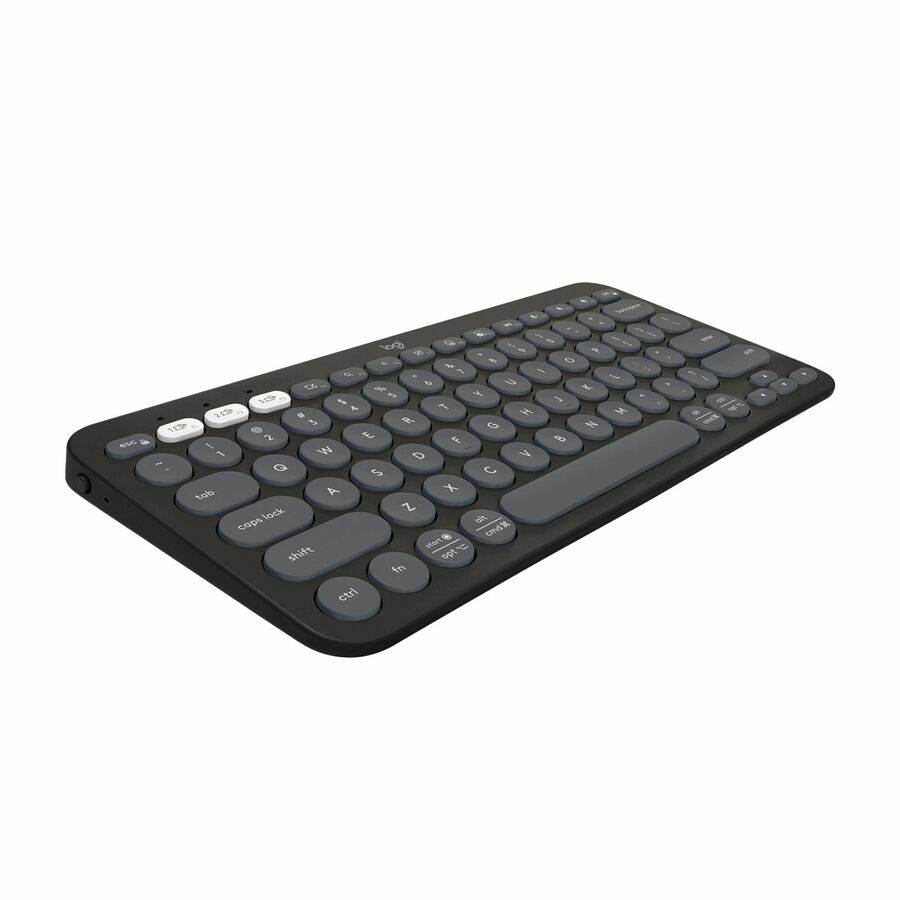
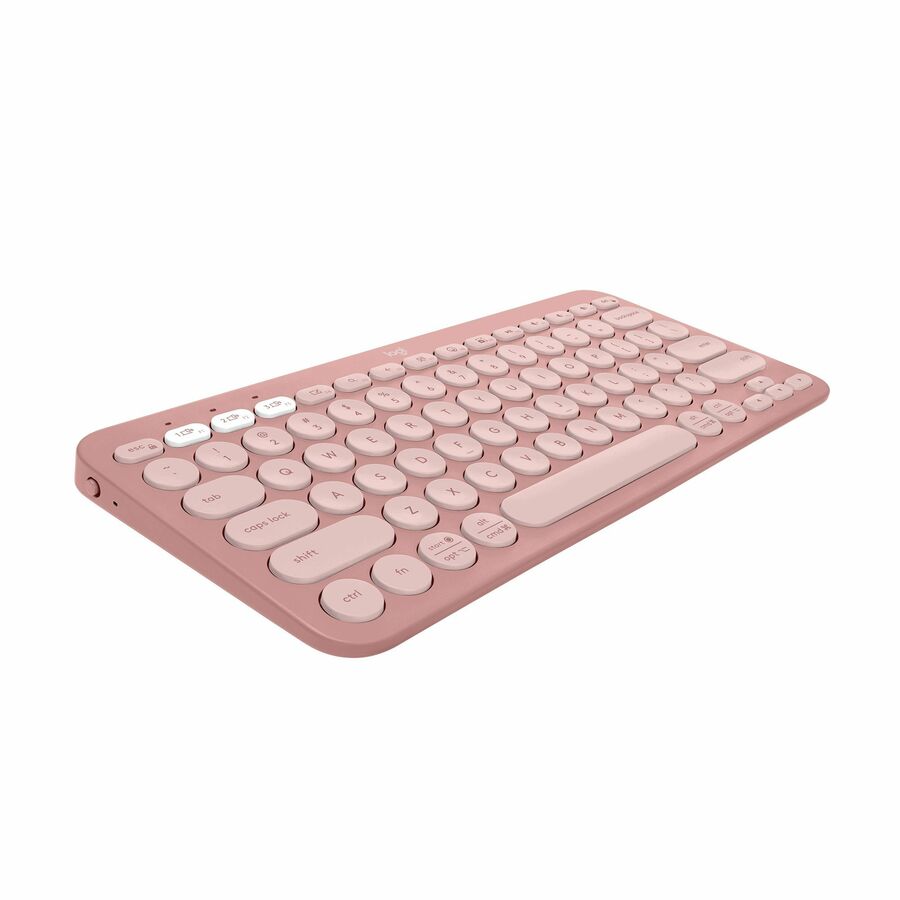
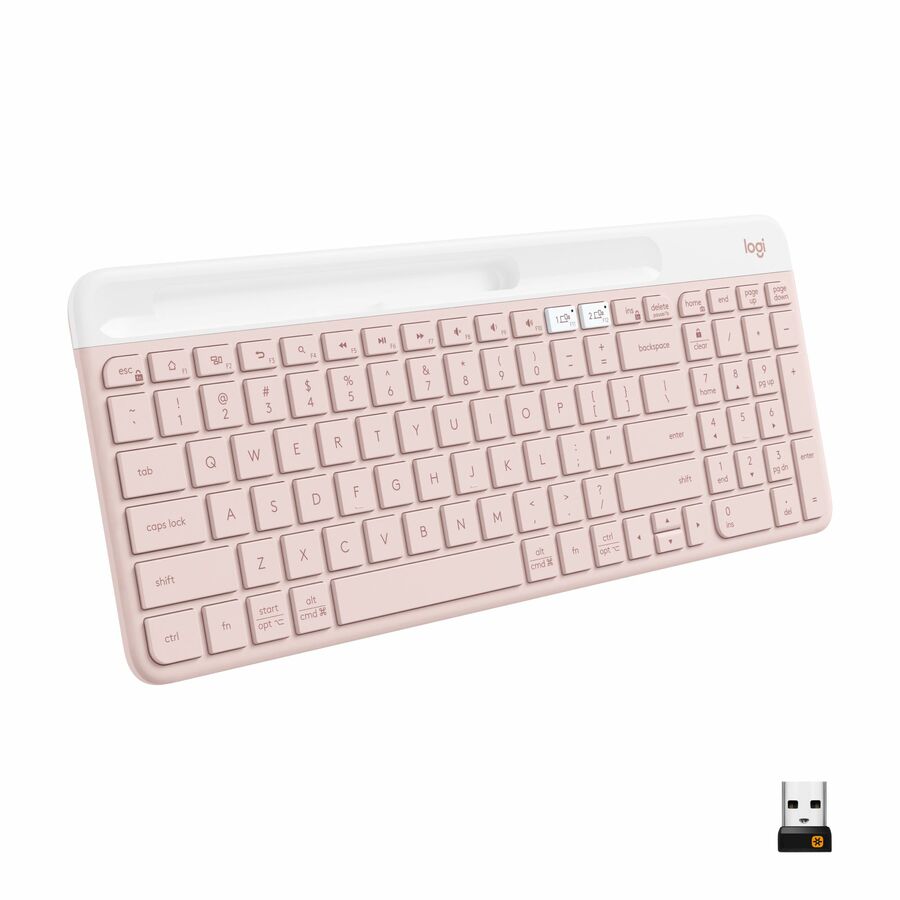
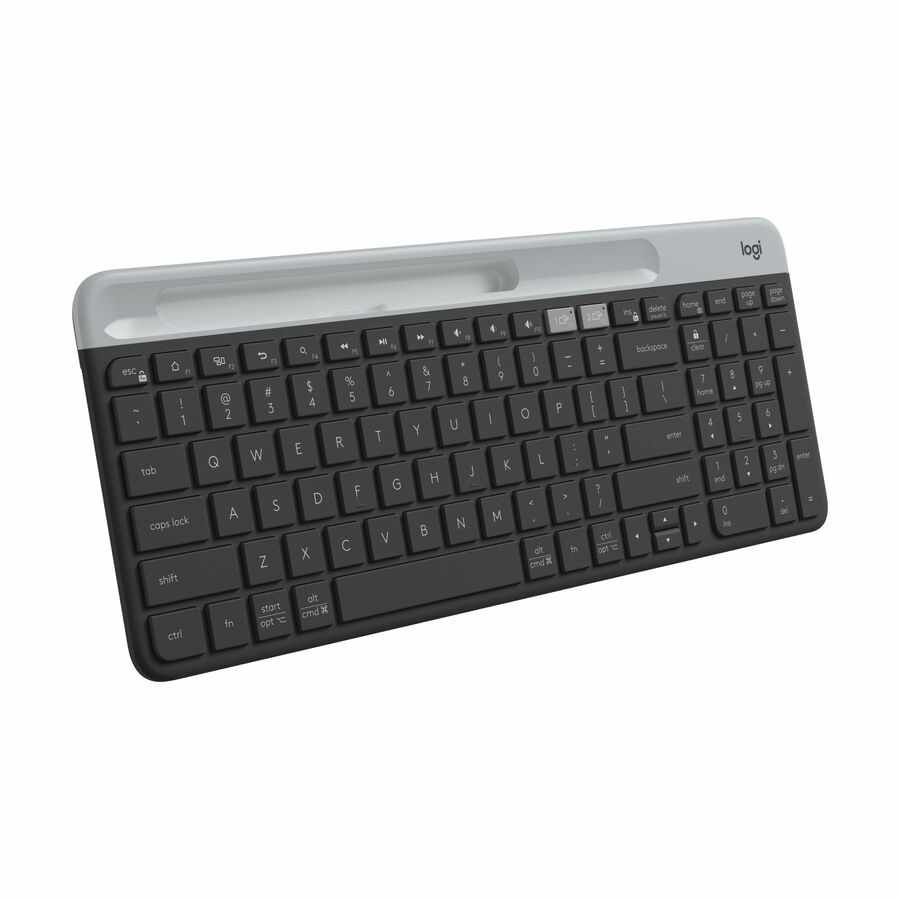
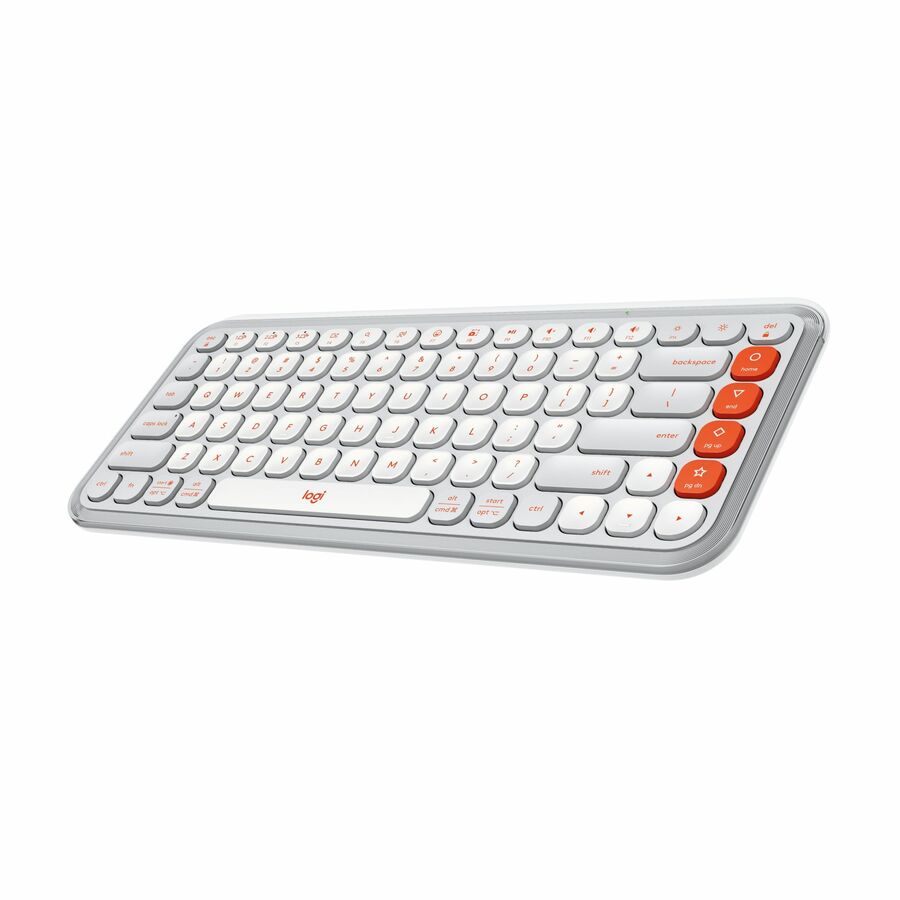
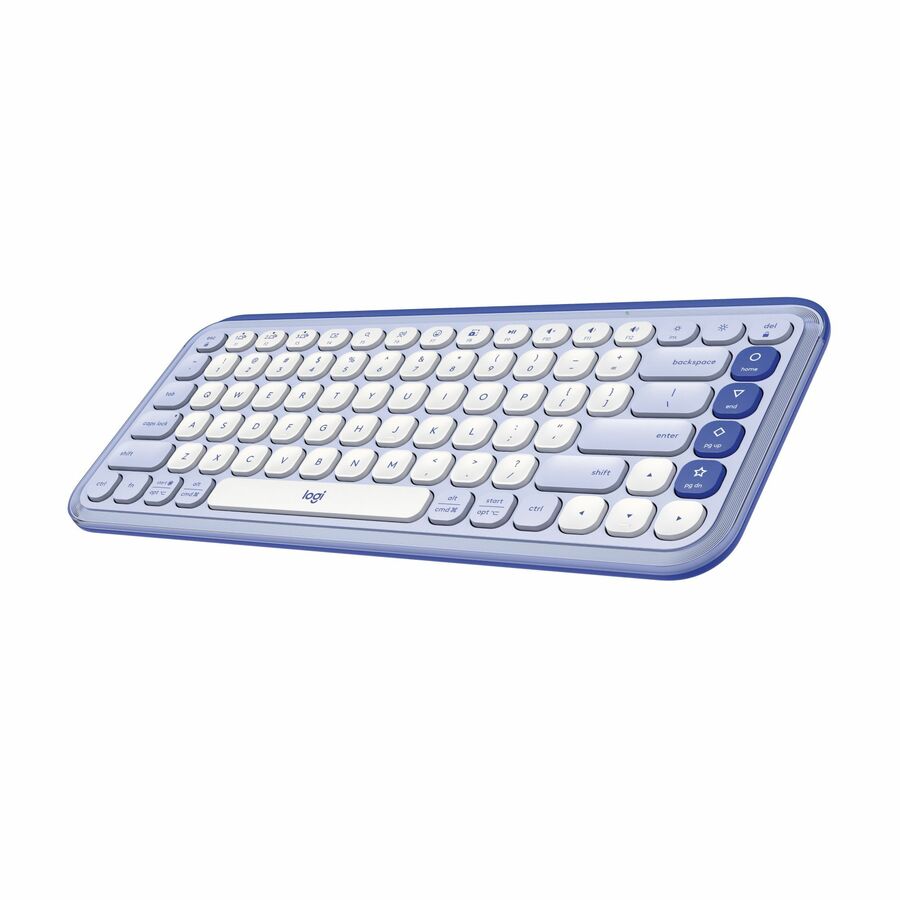
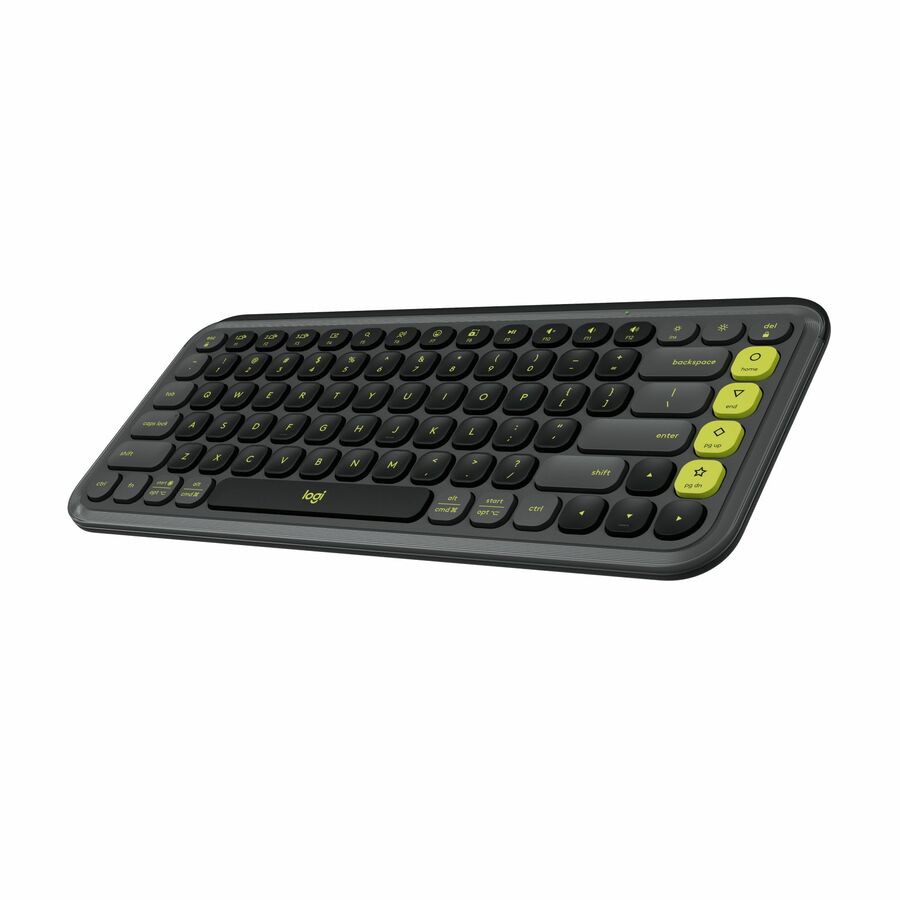
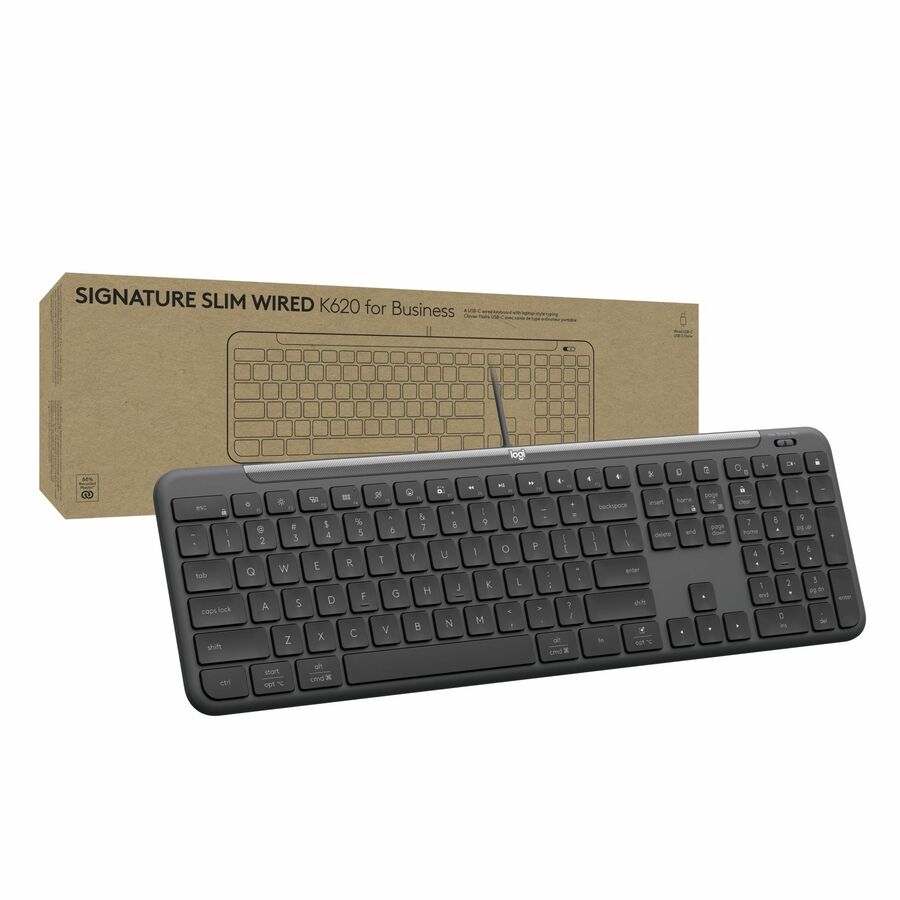
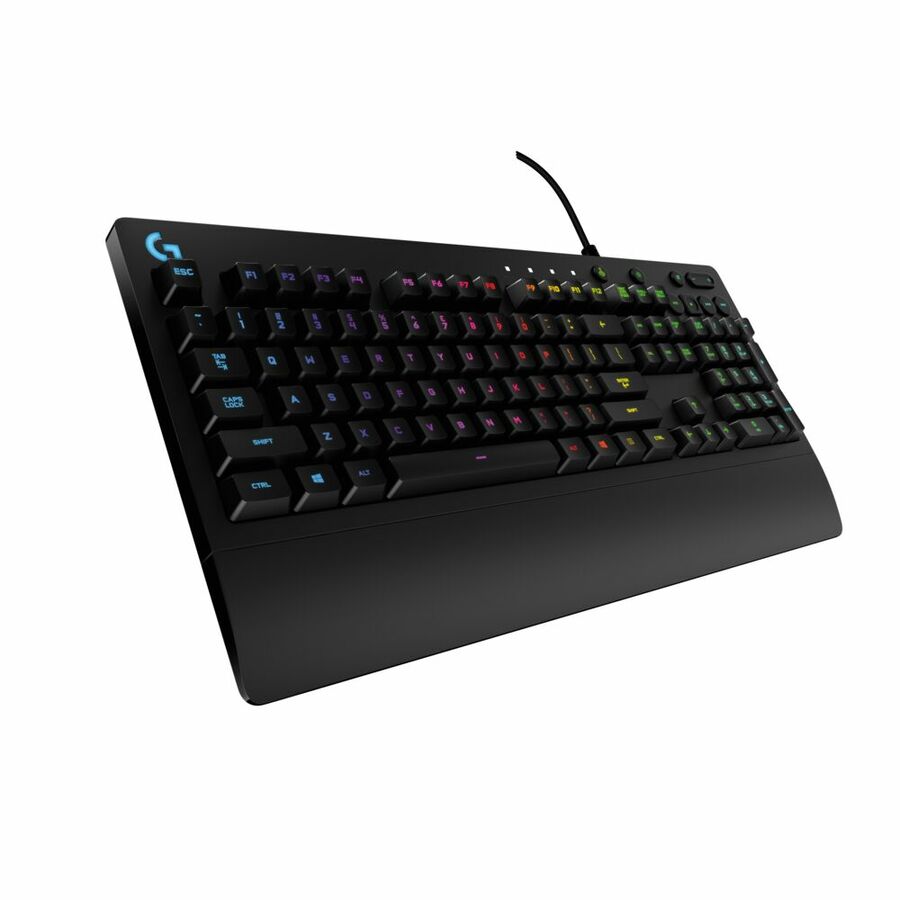
More keyboards in the Uniqcli catalog
See all 797 keyboardsMore Logitech first — closest to what you were just looking at; “See all keyboards” above opens every other brand in the category. In-stock lines lead, and a back-ordered line carries the same estimated availability its product page does — with live pricing throughout, NDAA §889 screening before checkout and TAA verified on request.
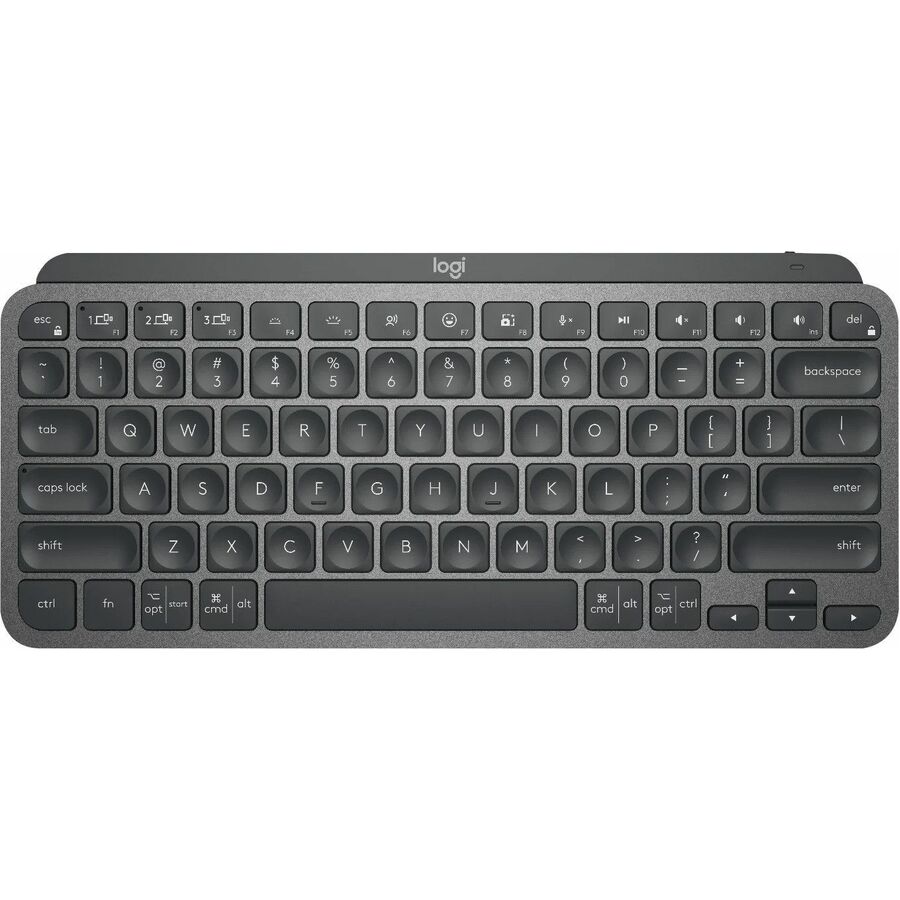
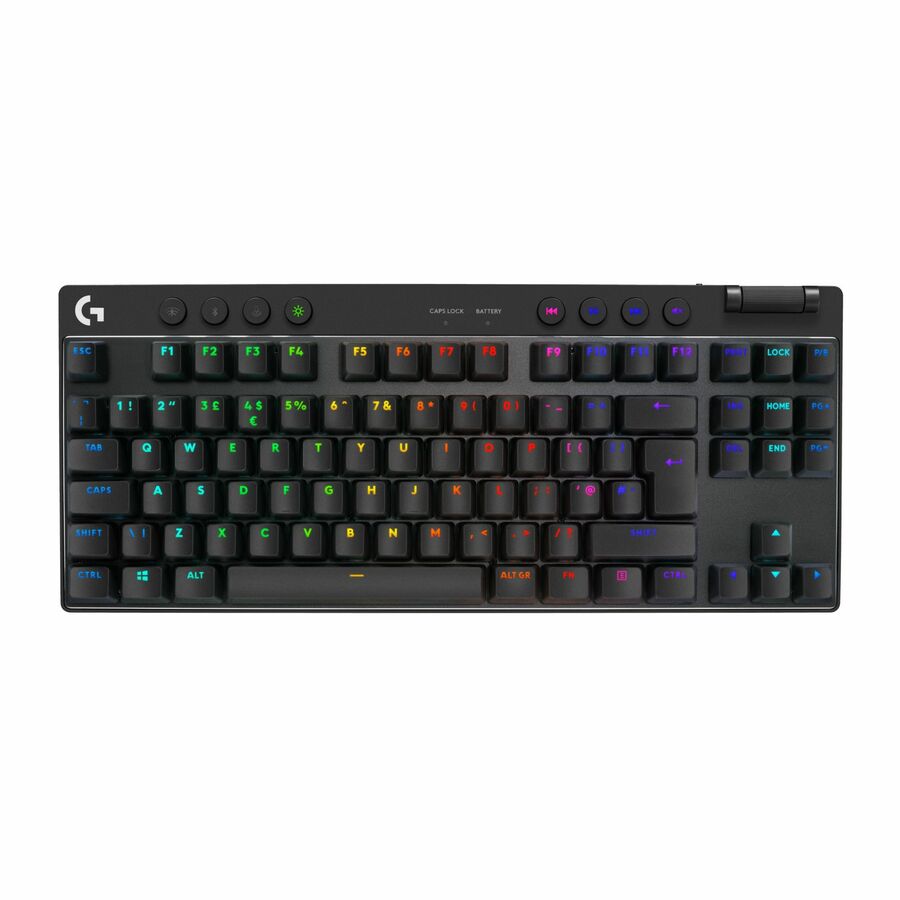
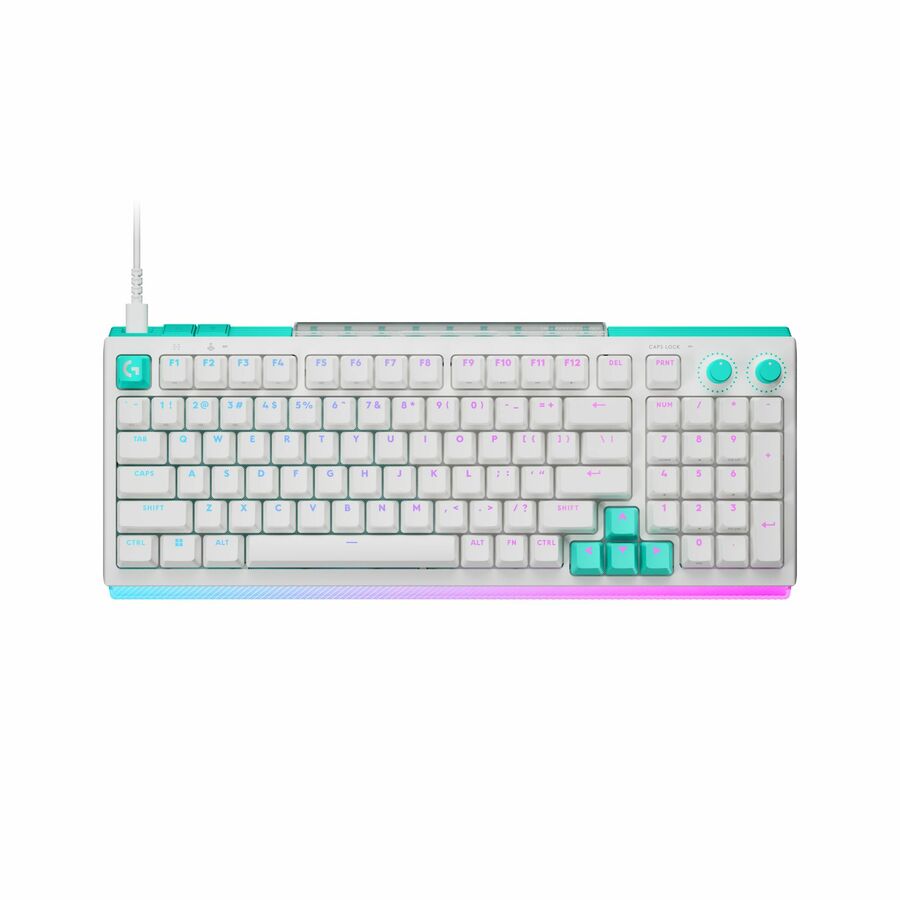
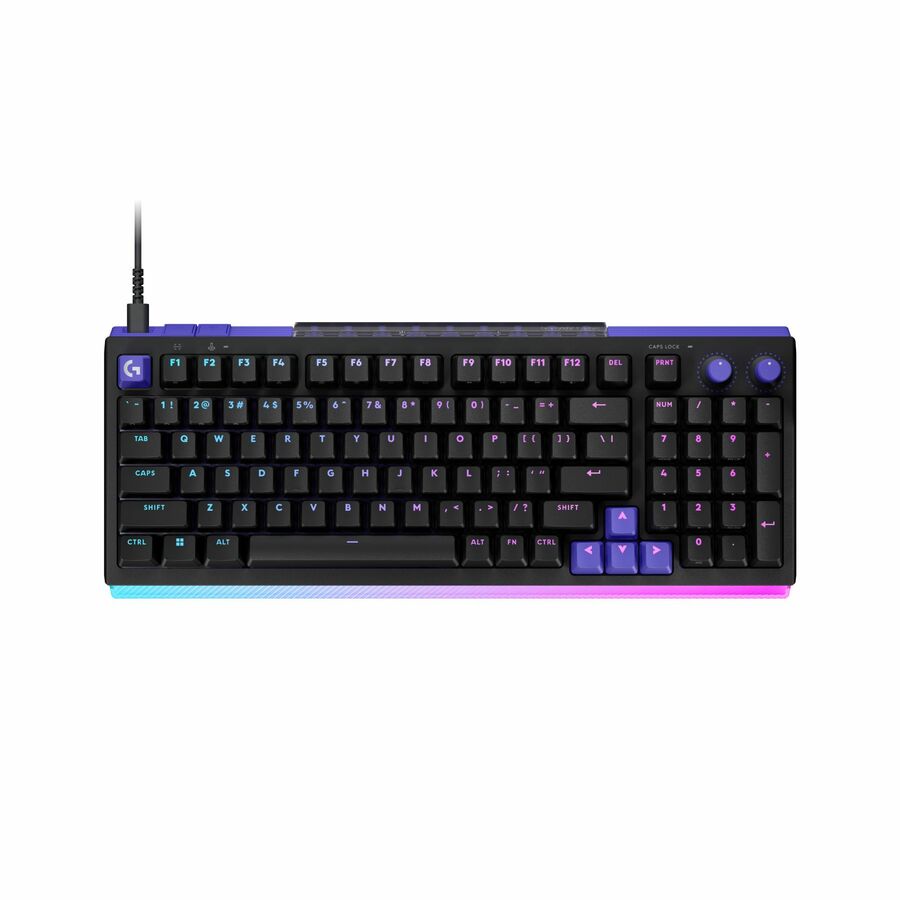
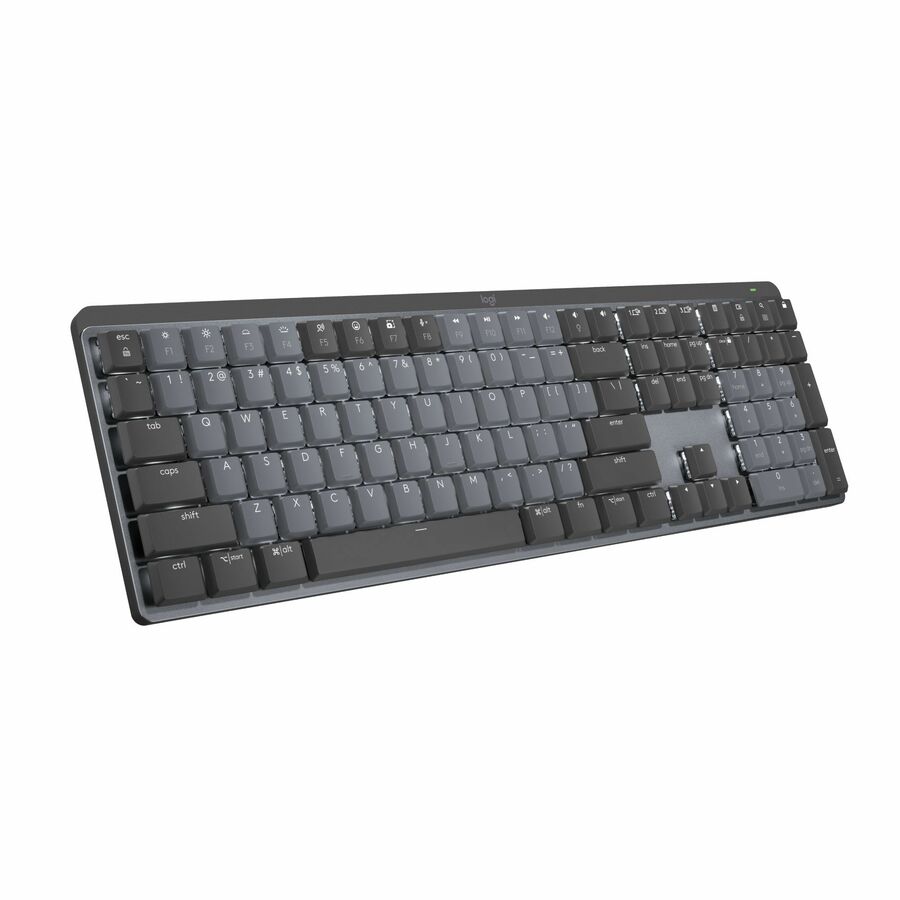
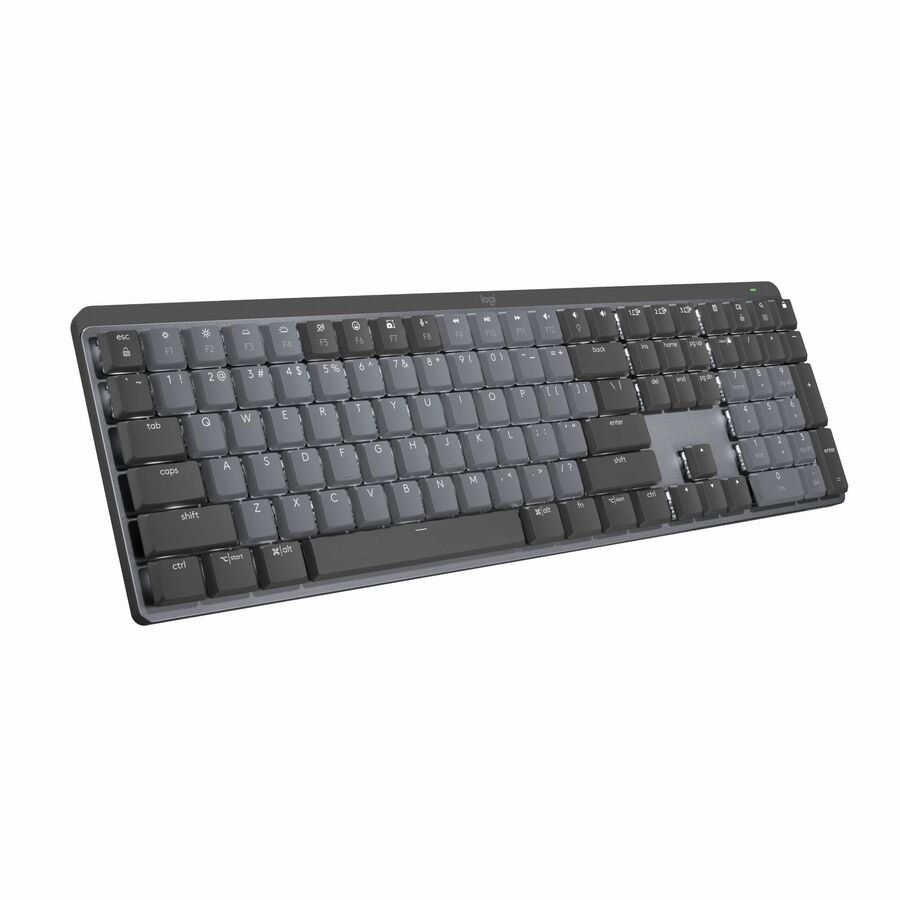
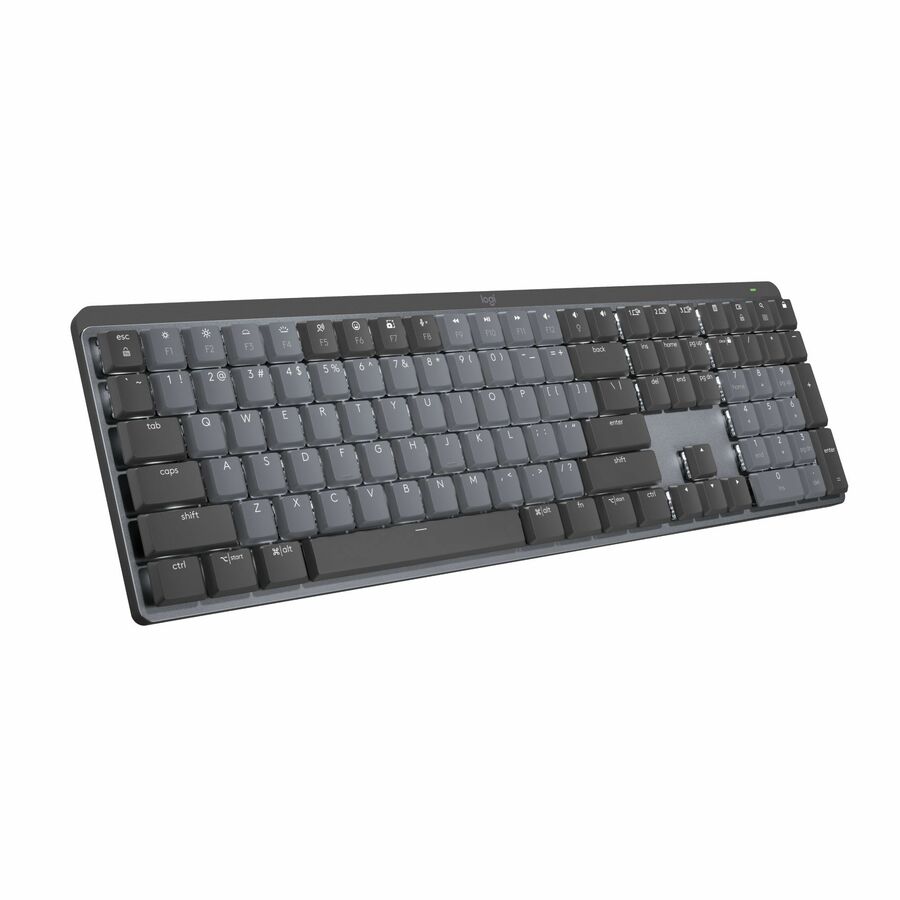
- LogitechLogitech MX Keys Mini Master Keyboard - Wireless Connectivity - Bluetooth - Compact - 33 ft - USB Interface - Emoji, Dictation, Microphone Mute Hot Key(s) - Linux, ChromeOS, iOS, iPadOS, Android - English - Computer, Notebook - PC, Mac - Plastic - MX Keyswitch - Graphite920-010388
$247.96
$238.92
3 in stock
Need pricing on Logitech keyboards?
Tell us where to reach you and a Uniqcli specialist will follow up by email with current pricing, availability and lead time for the quantities you need — including parts that aren’t shown on this page.
Buying for an organization or for yourself — both work. No payment up front.
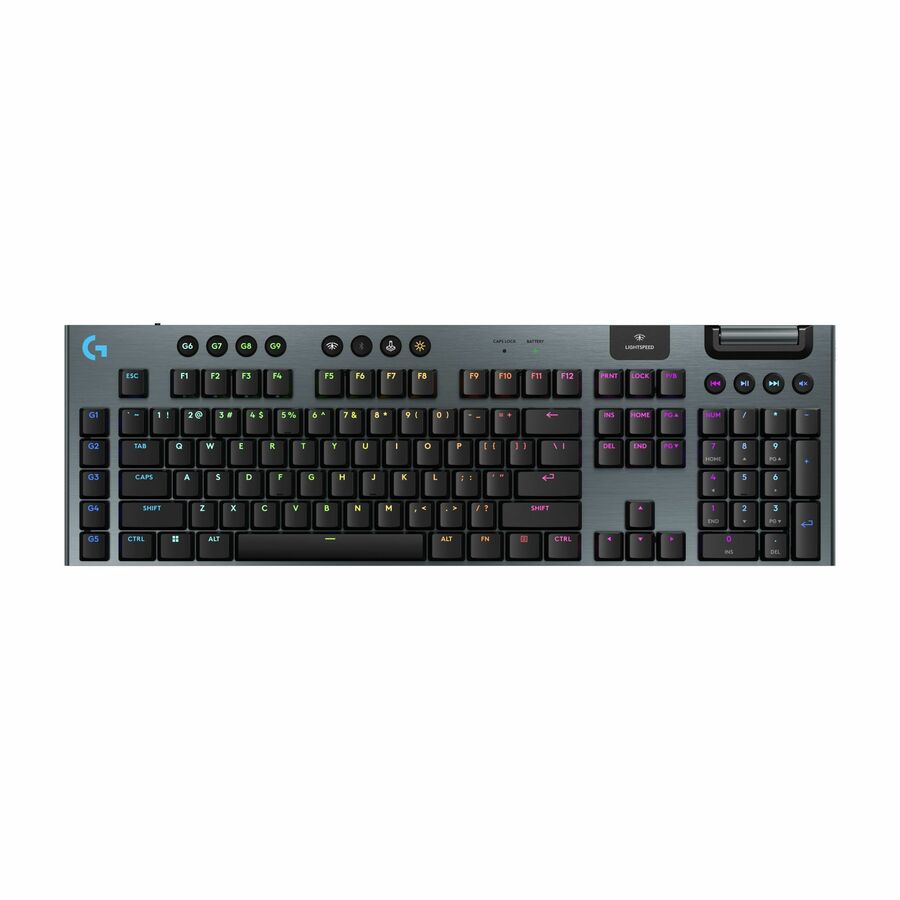
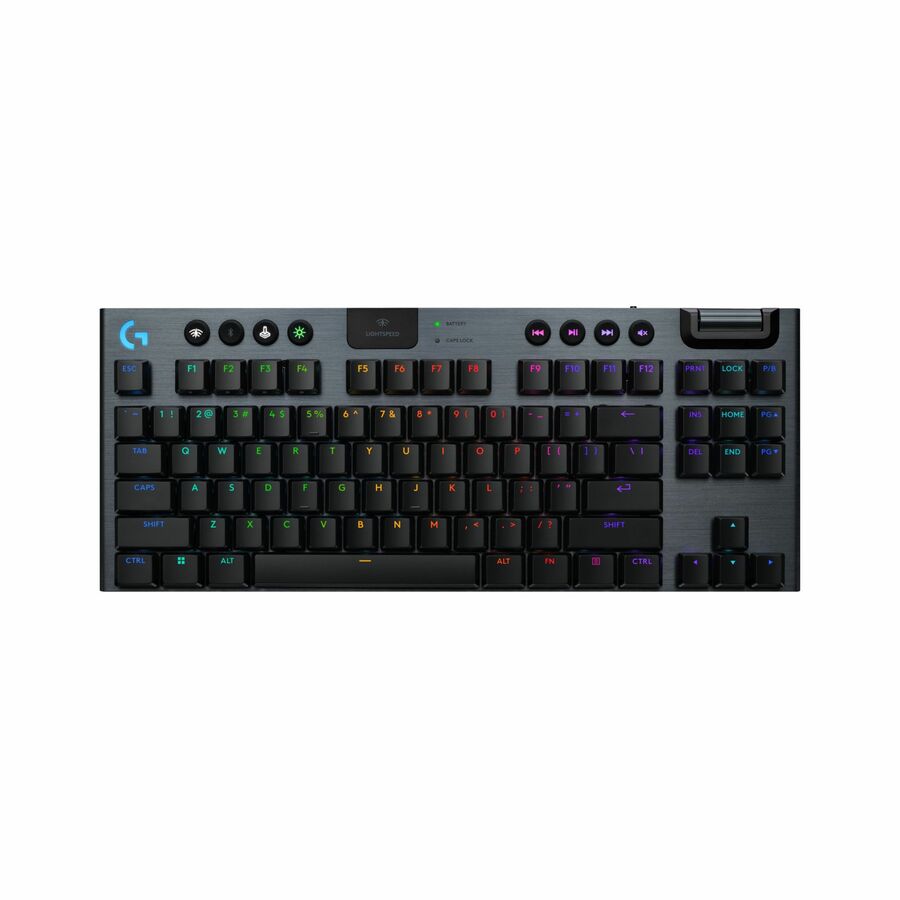
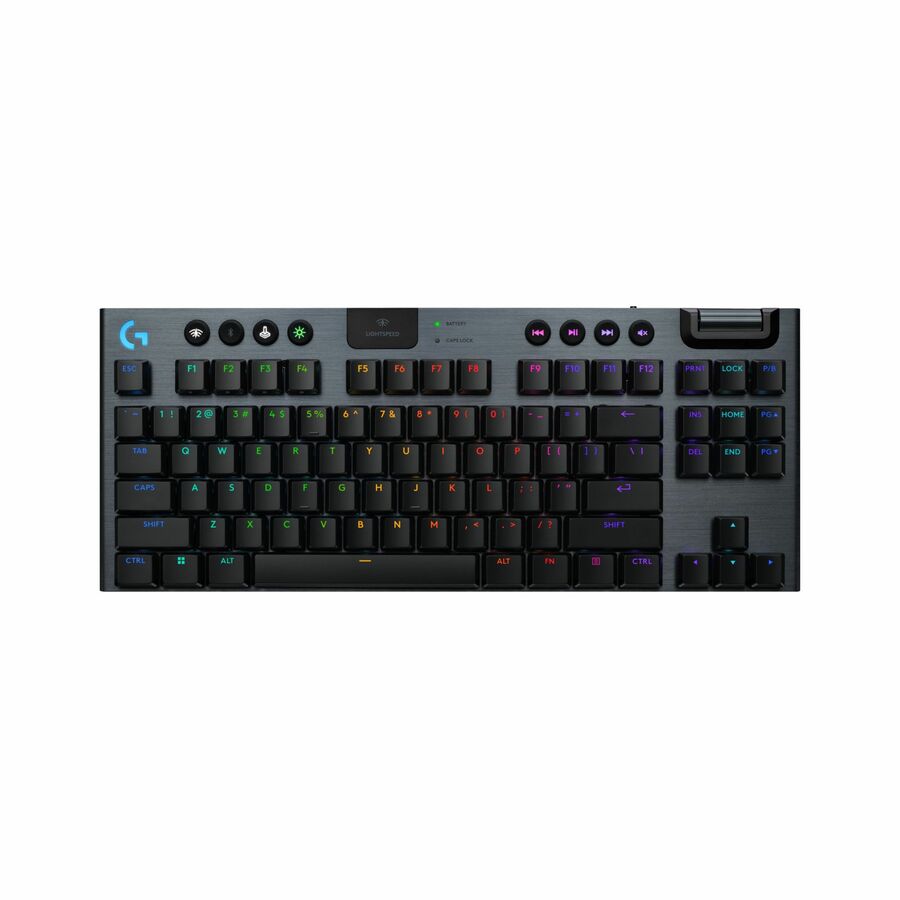
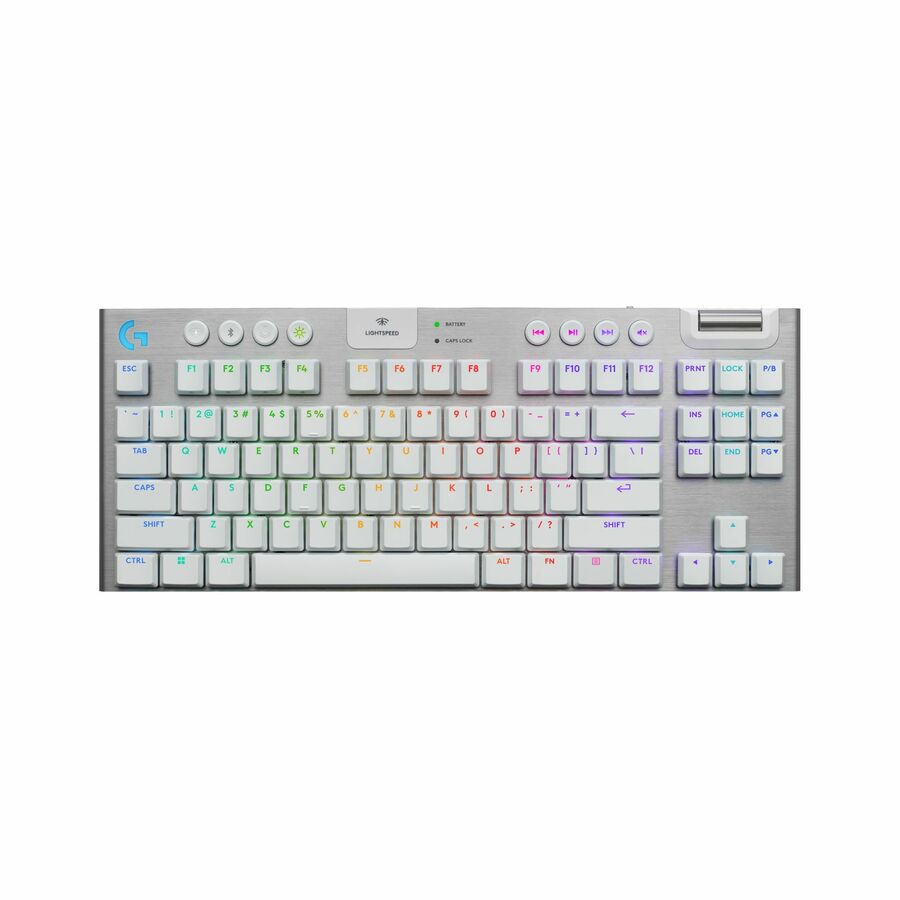
Layout decides a Logitech keyboard, not the feature list. Full-size keeps a numeric keypad for data-entry and finance seats; tenkeyless frees desk width and shortens the reach to the mouse. Switch feel is the second axis, tactile or clicky for heavy typists and linear for shared rooms, and connectivity the third, since locked-down endpoints often bar wireless receivers.
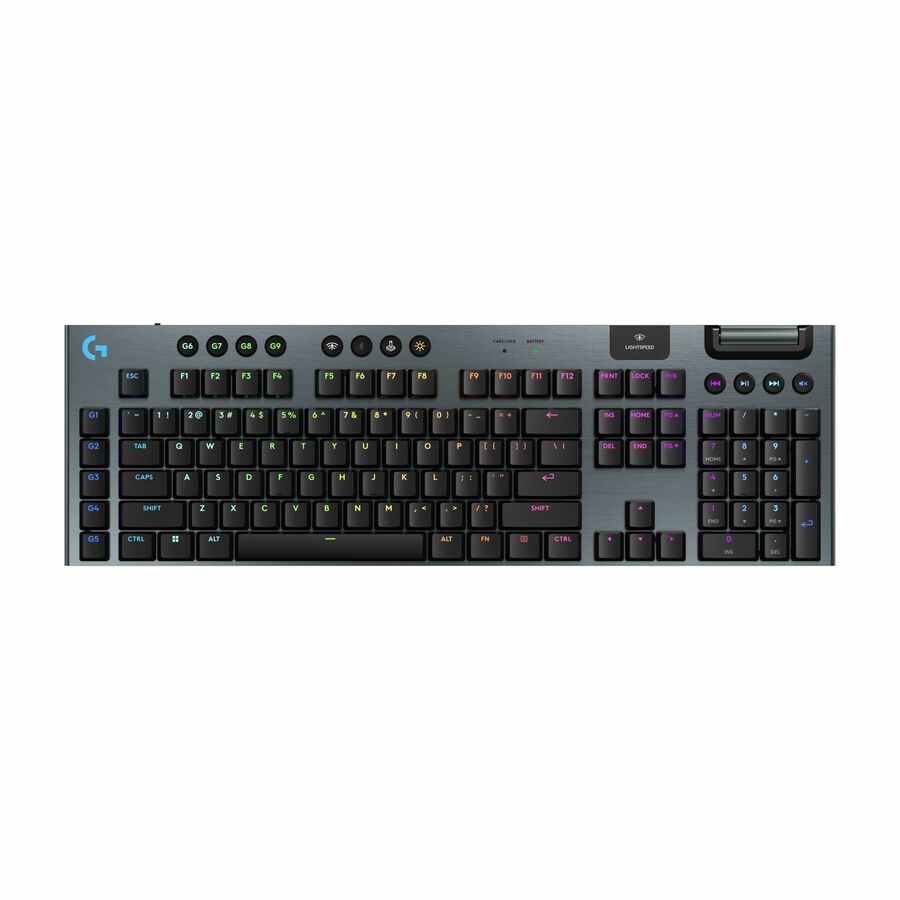
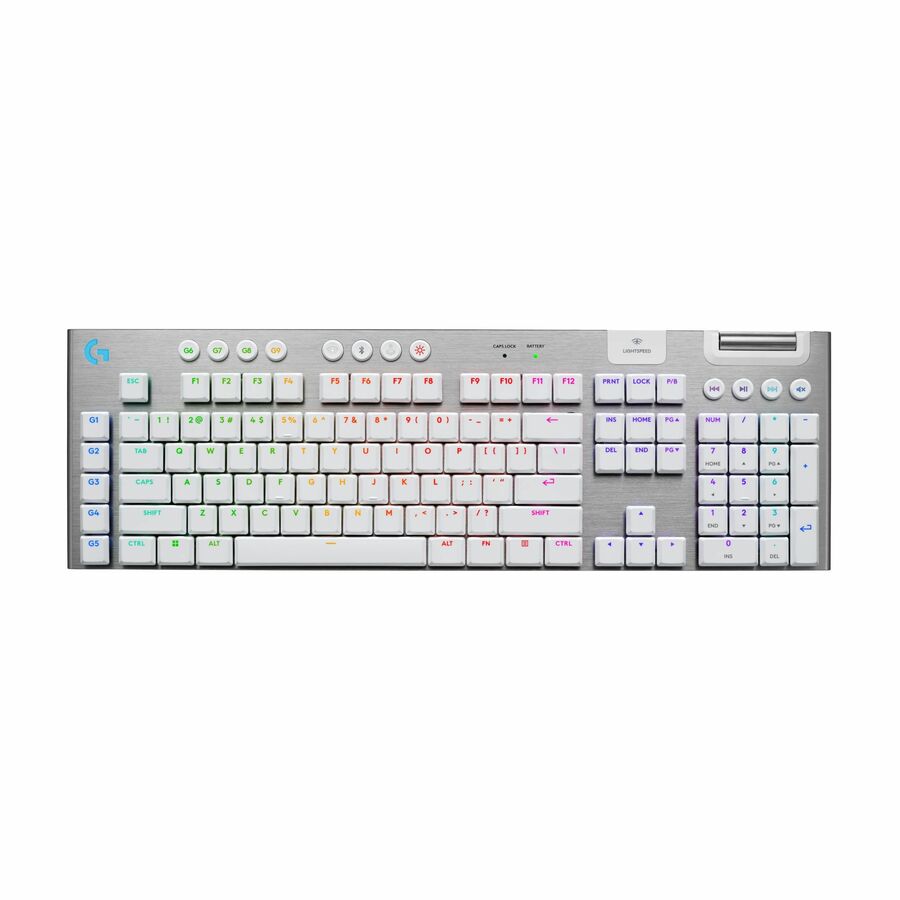
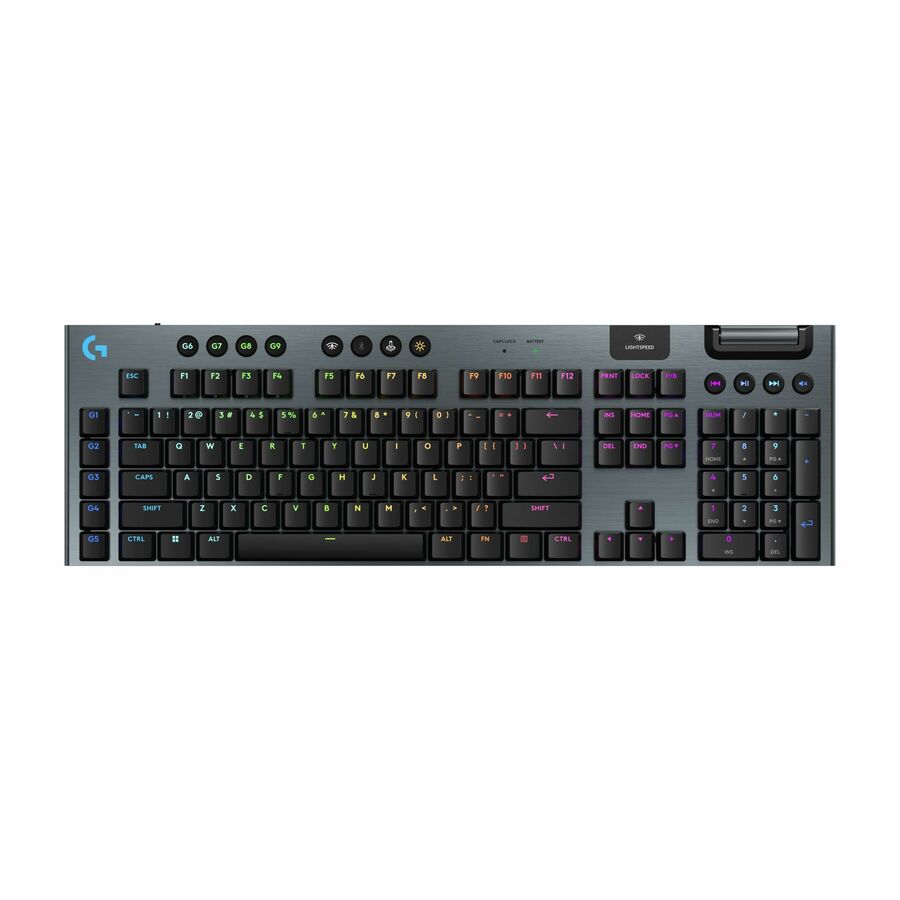
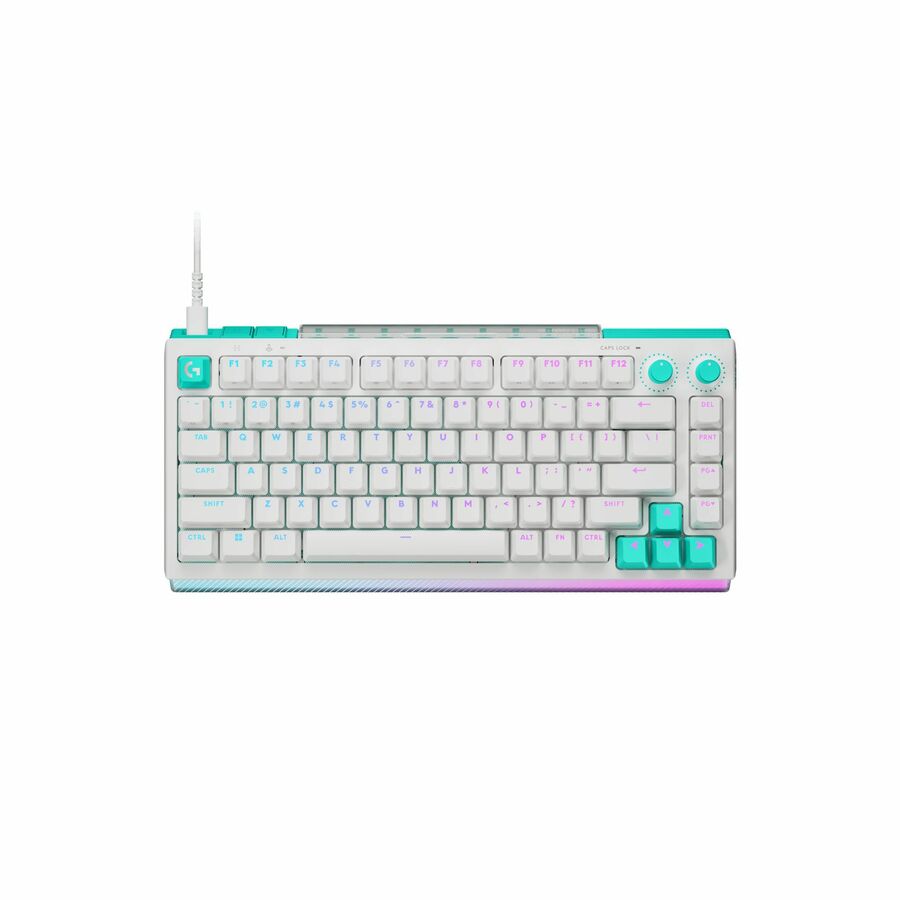
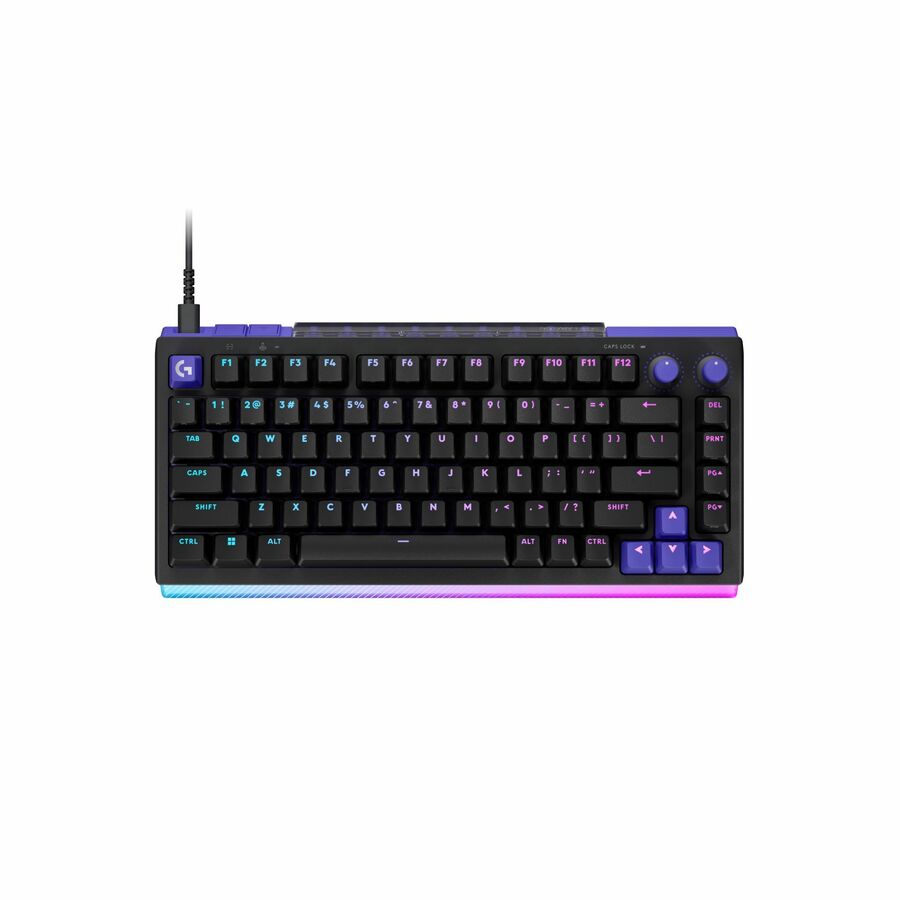
Logitech's keyboard range splits cleanly into two jobs. The MX productivity line targets long typing days at office and engineering desks — illuminated keys, quiet mechanical or scissor feel, and multi-device pairing over Bluetooth or a low-latency wireless link. The programmable mechanical decks (the low-profile and G-series boards) trade a slimmer footprint and per-key configuration for a firmer, more tactile response. Deciding which job the desk actually does is the first and most important choice; the rest is layout, switch feel and connectivity.
Layout drives the buying decision more than any spec sheet. Full-size boards keep a dedicated numeric keypad for data entry and finance roles, while tenkeyless (TKL) layouts drop the numpad to free desk width and bring the mouse closer to the home row. Switch feel is the second axis: tactile and clicky switches give positive feedback for heavy typists, linear switches are smoother and quieter for shared rooms, and hot-swappable boards let you change that feel later without replacing the keyboard. Connectivity is the third — wireless (Bluetooth or a paired receiver) keeps desks clean and roams between devices, while wired USB-C is the simpler fit for locked-down endpoints where RF dongles are restricted.
The common mistake is buying by headline feature — RGB lighting or a wireless badge — rather than by how the seat is used and managed. For fleets, consistency matters more than any single model: standardizing on one layout and one connectivity type simplifies spares, imaging and helpdesk support. Programmable keys and lighting also rely on Logitech's configuration software, so confirm it is permitted on your managed images before you commit. The selection below is what Uniqcli currently stocks, with live in-stock status shown on each product so you can order against real availability.
Buyer's checklist
How to choose the right Logitech keyboard
- Match the layout to the role — full-size with a numeric keypad for data-entry and finance seats, tenkeyless (TKL) to reclaim desk width and shorten the reach to the mouse.
- Pick the switch feel deliberately — tactile or clicky for positive feedback, linear for a smoother and quieter action in shared rooms, or a hot-swappable board if you want to change the feel later.
- Decide connectivity up front — Bluetooth or paired-receiver wireless for clean, multi-device desks, versus wired USB-C for locked-down endpoints where wireless receivers are restricted.
- Check the software and policy footprint — programmable keys, lighting and remaps depend on Logitech's configuration software, so confirm it is allowed on your managed images before standardizing.
- Plan for fleet consistency — settle on one layout and one connectivity type across the deployment to simplify spares, imaging, training and helpdesk support.
- Confirm sourcing and screening — each part is sourced through US distribution and screened for TAA country-of-origin and NDAA 889 status before checkout, with documentation tied to the specific part number.
Where these boards fit
Full-size boards with a dedicated numpad suit finance, accounting, data-entry, and reception seats where numeric input runs all day. Tenkeyless layouts free desk width for engineering, design, and analyst workstations that lean on the mouse. Low-profile and programmable decks serve technical users who remap keys or macros. Quiet scissor-switch boards fit open-plan floors and contact centers where noise carries, while wired USB-C models are the natural pick for secured or locked-down endpoints that restrict wireless receivers.
Planning a fleet rollout
Keyboards look simple to deploy until you multiply them across a building. If you standardize on wireless, decide how paired receivers are managed — one receiver per board versus a unifying receiver that hosts several devices — and confirm the RF dongles are permitted on your endpoints. Programmable keys, lighting, and remaps depend on Logitech's configuration software, so validate it against your managed image before rollout. Settle on one layout and language legend so spares, imaging, and helpdesk scripts stay uniform.
For wireless fleets, plan the battery story up front: some boards run on replaceable cells and others recharge over USB-C, and that choice shapes your spare-battery stock and desk-side cabling. Keep a small pool of pre-imaged spares so a failed unit is a swap, not a ticket queue. Piloting the exact model with a representative team confirms switch feel, key legends, and pairing behavior before you commit the wider order.
Total cost of ownership
Sticker price rarely predicts lifetime cost on a keyboard fleet. Wireless boards trade cabling for batteries or a recharge routine and a receiver to track, while wired boards remove both at the cost of a cable per desk. The larger, quieter expense is support: standardizing on one layout and connectivity type cuts helpdesk tickets, simplifies spares, and shortens onboarding. Durable switches and stable pairing keep boards in service across refresh cycles, so consistency across the deployment usually saves more than any per-unit feature.
FAQ
Common questions
- Should we choose a wireless or wired Logitech keyboard?
- It depends on the endpoint policy, not preference. Wireless boards pair over Bluetooth or a paired receiver, keep desks tidy and can roam between a laptop and a dock, which suits general office seats. Wired USB-C is simpler for locked-down or secure endpoints where wireless receivers are restricted, and it removes battery and pairing from the support picture. Some models offer both a wireless link and a cable, so check each product's connectivity before you standardize.
- Which switch type is best for an open office?
- For shared or open-plan rooms, linear switches are the smoother, quieter option, while tactile and clicky switches give heavier typists more feedback at the cost of audible noise. If you expect preferences to change or want to standardize hardware now and adjust feel later, a hot-swappable board lets you change switches without replacing the keyboard. The right answer is driven by the room and the typist, so confirm the switch type listed on each product.
- Can these be purchased on a government or education contract?
- Yes. Uniqcli serves business, government and education buyers, and these keyboards are sourced through US distribution with TAA and NDAA 889 screening applied per part number before checkout. We are an independent value-added reseller rather than a certification body, so rather than assert eligibility in the abstract, share your intended contract or funding path and the specific part numbers and we'll confirm sourcing, availability and documentation for those exact items.
- Are these Logitech keyboards TAA-compliant?
- TAA and NDAA 889 status is a screening step we apply, not a certification we issue. Every item is sourced through US distribution and screened for TAA country-of-origin and NDAA 889 status before checkout, with the supporting documentation tied to the specific part number you order. Where Logitech itself markets a given model as TAA-compliant, that applies to that part; if you have a firm requirement, tell us the seats and we'll confirm status per part number before you buy.
Need Logitech keyboards pricing?
Send a bill of materials or part numbers — we confirm stock and a below-market total, with TAA verified on request. No payment up front.