
Best Logitech Mice for Business & Productivity
Wired, wireless and ergonomic Logitech mice for office fleets and hybrid workers — with unifying receivers, multi-device pairing.
Logitech mice in stock at Uniqcli
How to choose →A curated selection with live pricing — in-stock lines first, then back-ordered lines with a typical lead time. Every line is sourced through US distribution and screened for NDAA §889 status before checkout, with TAA verified on request.
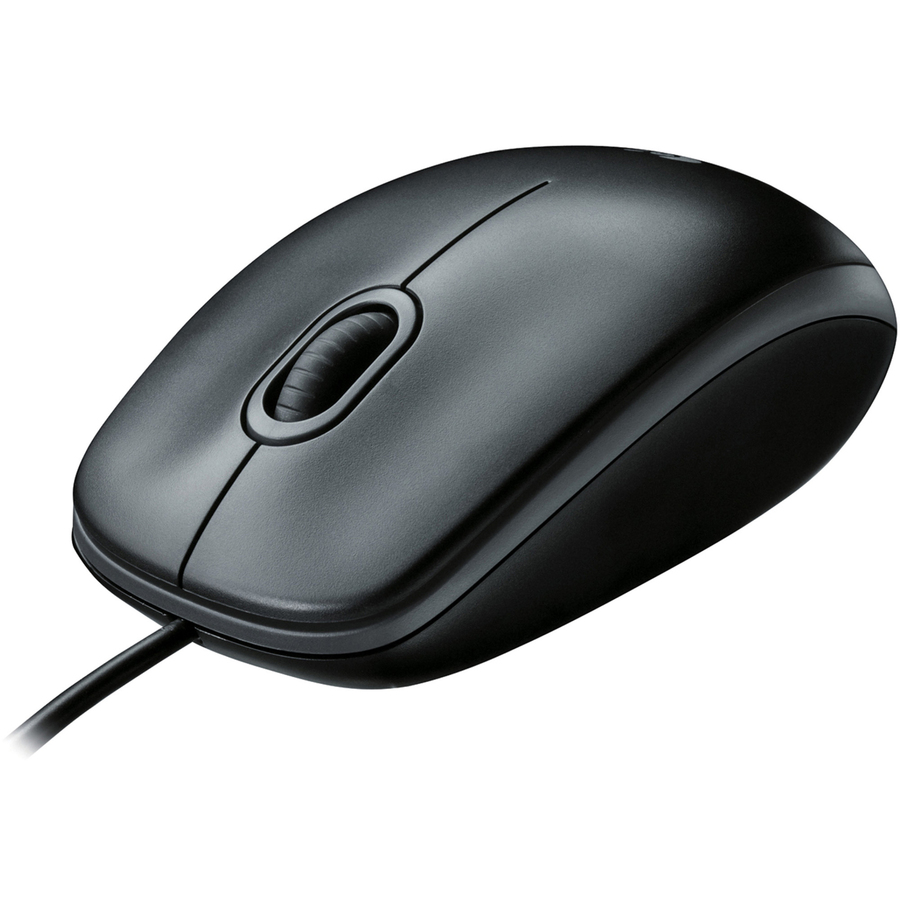
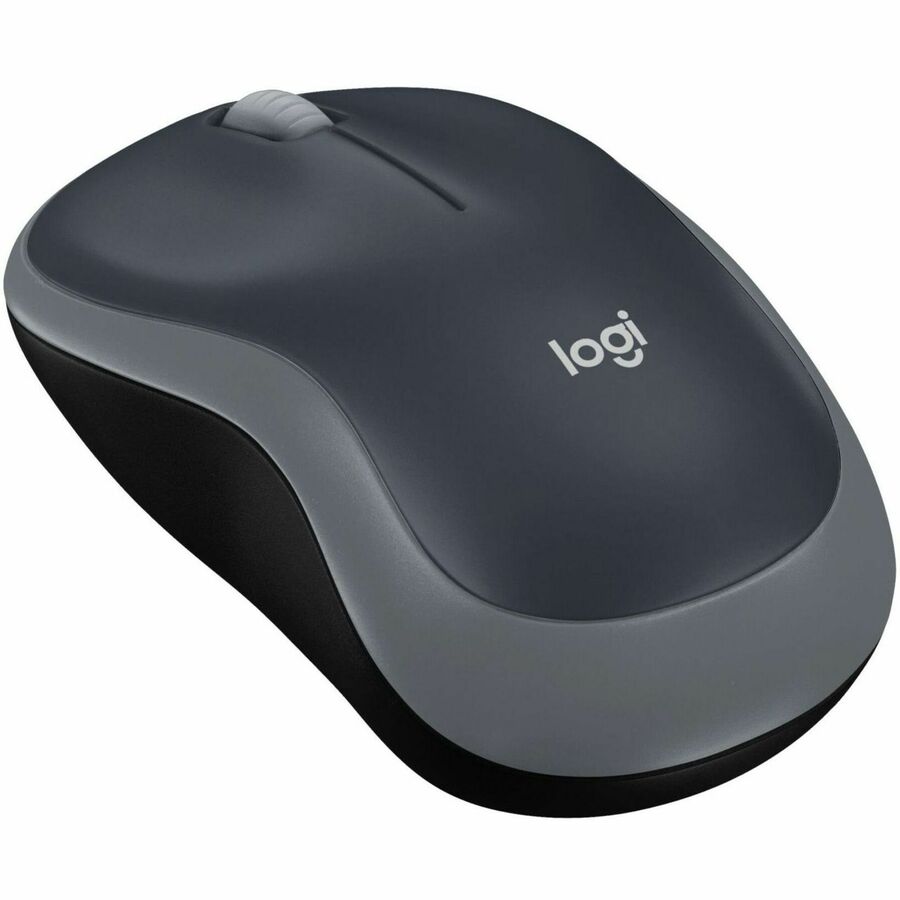
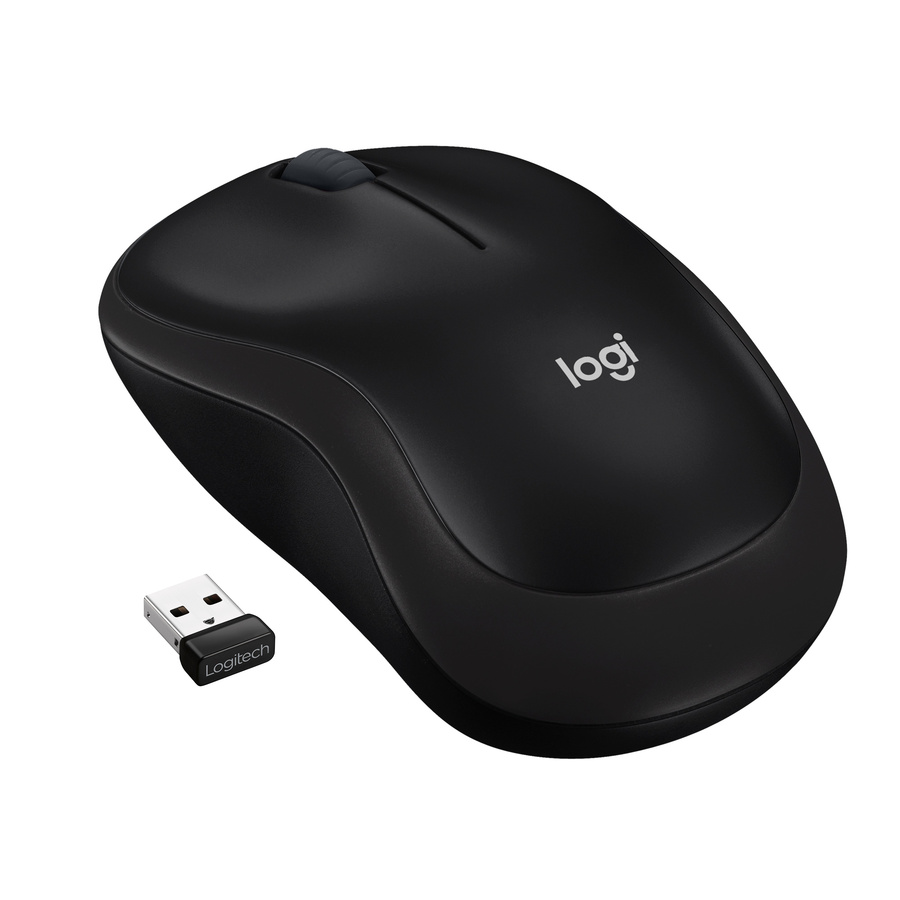
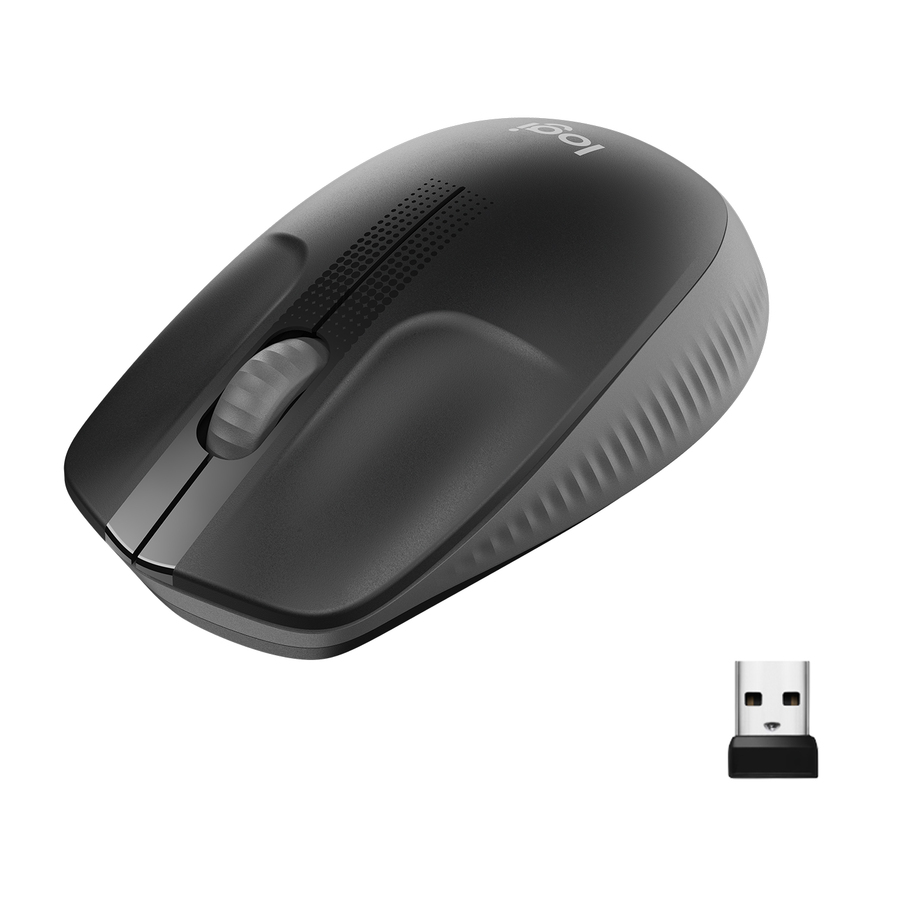
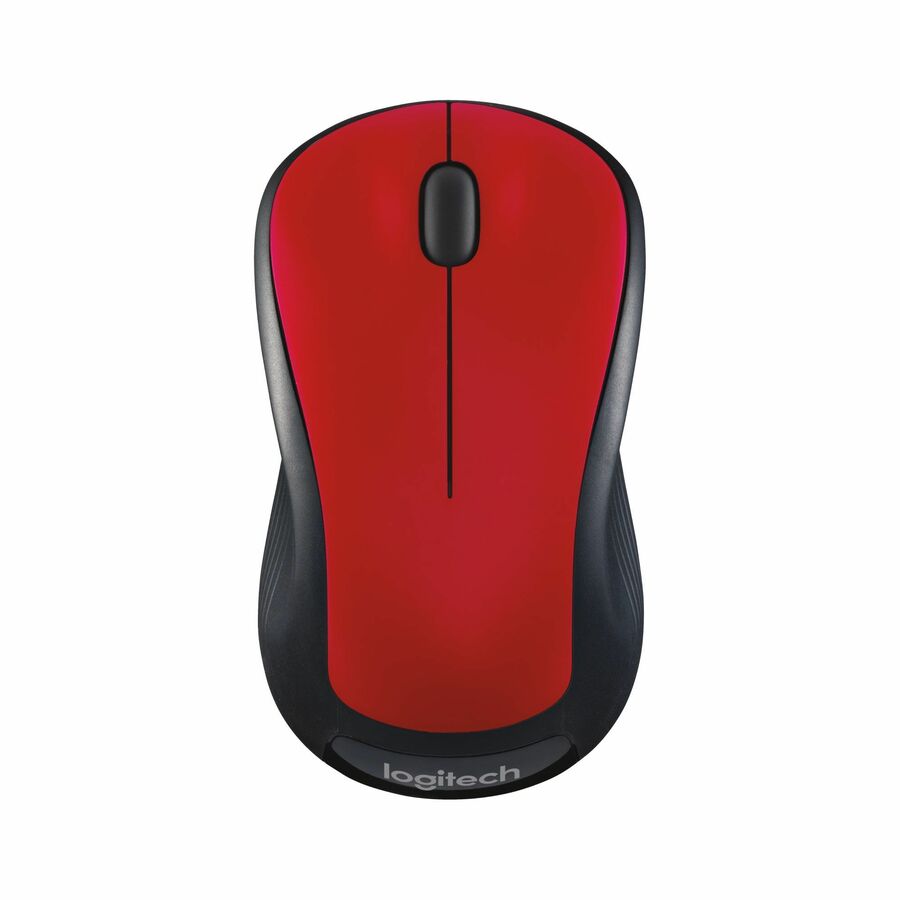
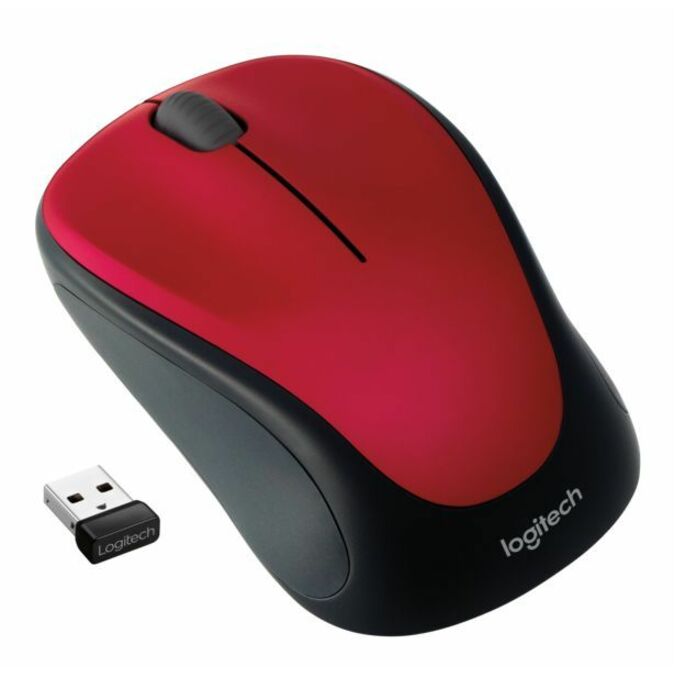
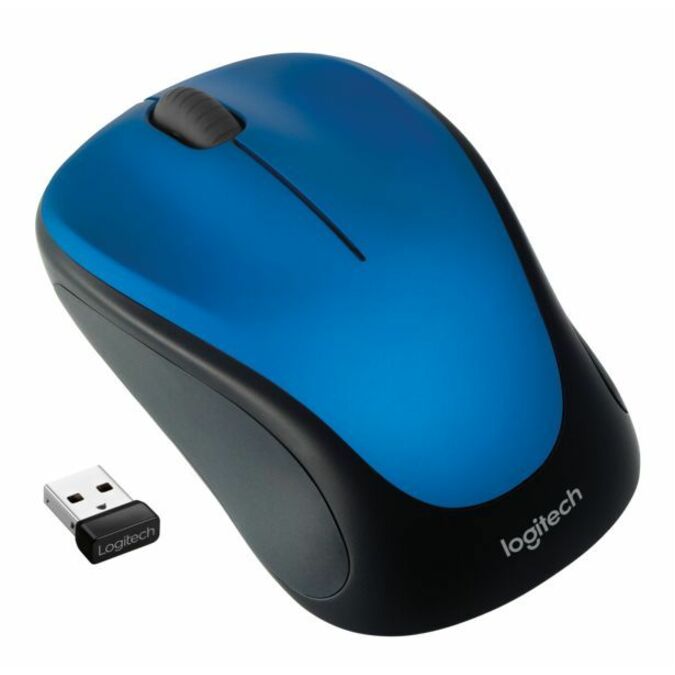
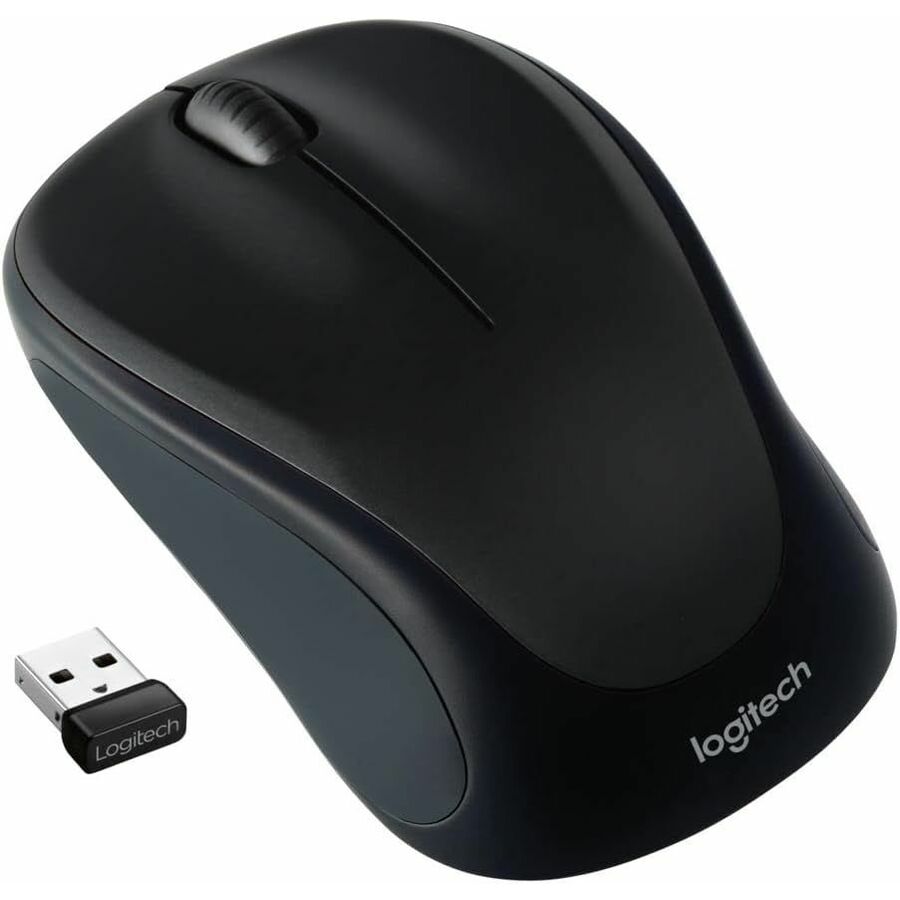
- LogitechLogitech M185 Wireless Mouse, 2.4GHz with USB Mini Receiver, 1000 DPI Optical Tracking, Swift Grey - Optical - Wireless - 32.81 ft - Radio Frequency - 2.40 GHz - Silver - 1 - USB - 1000 dpi - Scroll Wheel - 3 Button(s) - Symmetrical - 1 - 1 Year Battery Run Time910-002225
$22.30
2,593 in stock

More pointing devices in the Uniqcli catalog
See all 742 pointing devicesMore Logitech first — closest to what you were just looking at; “See all pointing devices” above opens every other brand in the category. In-stock lines lead, and a back-ordered line carries the same estimated availability its product page does — with live pricing throughout, NDAA §889 screening before checkout and TAA verified on request.
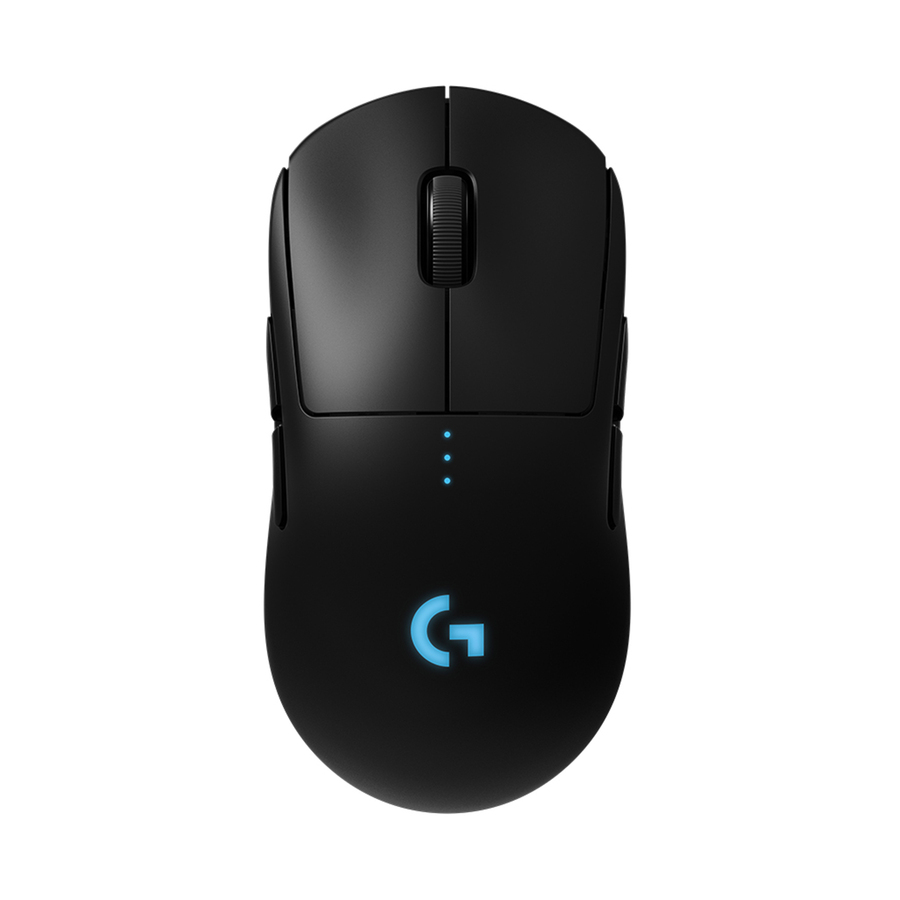
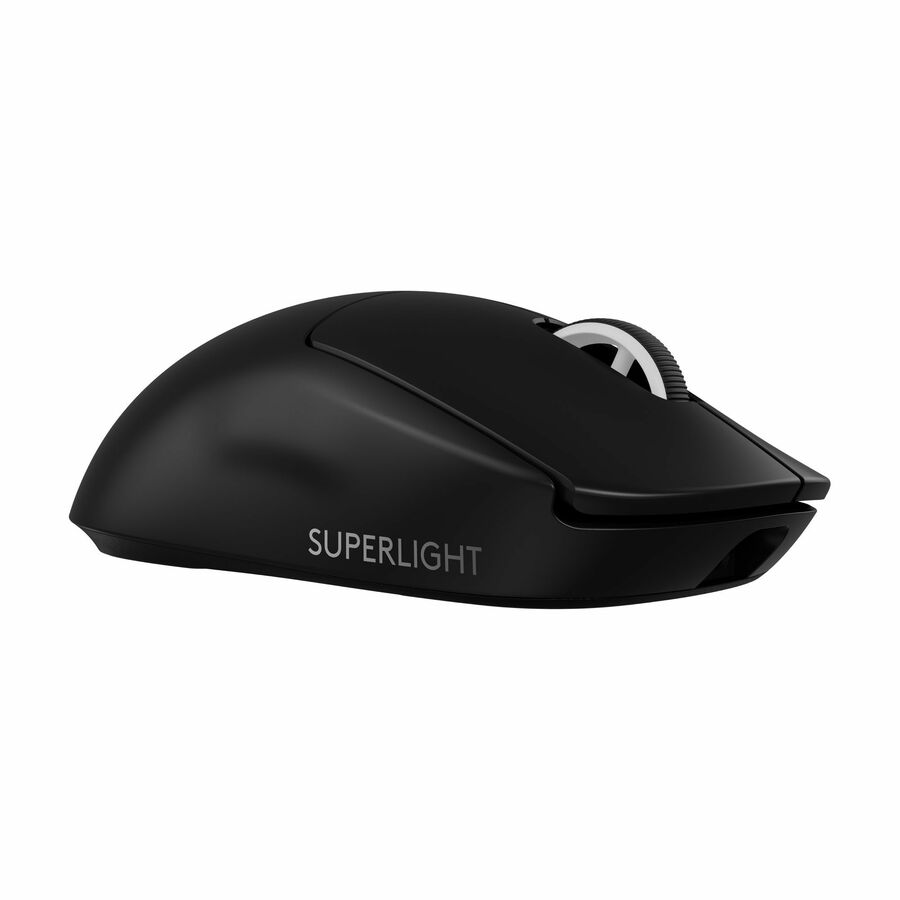
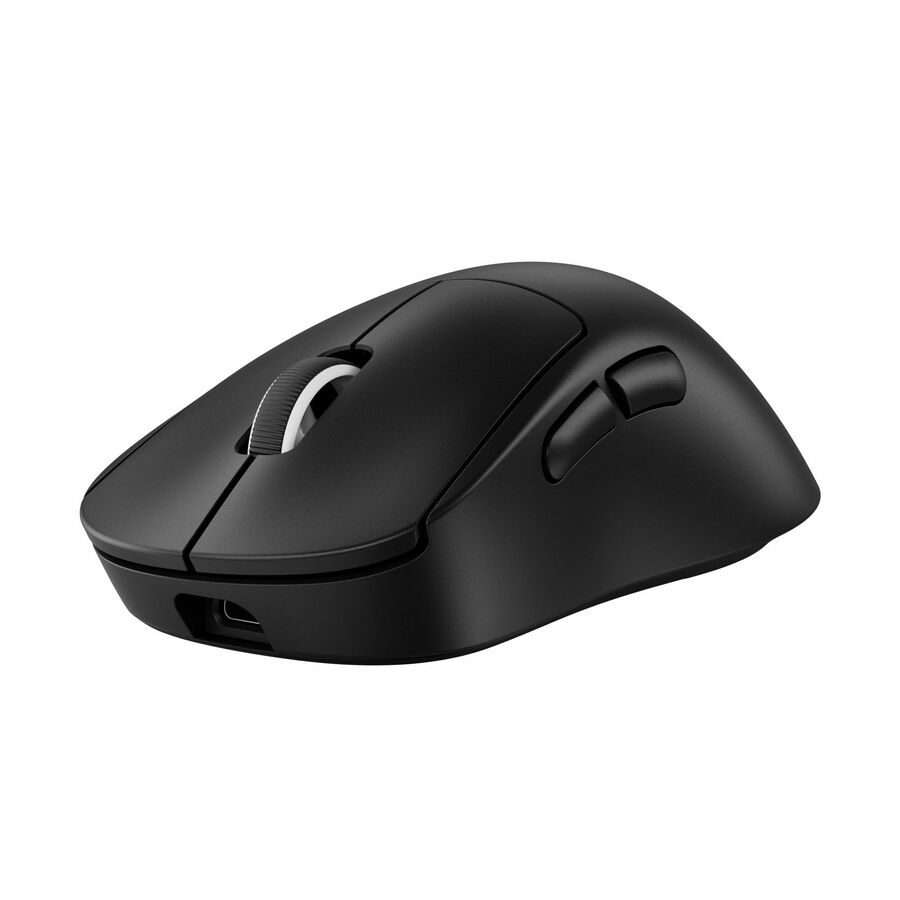
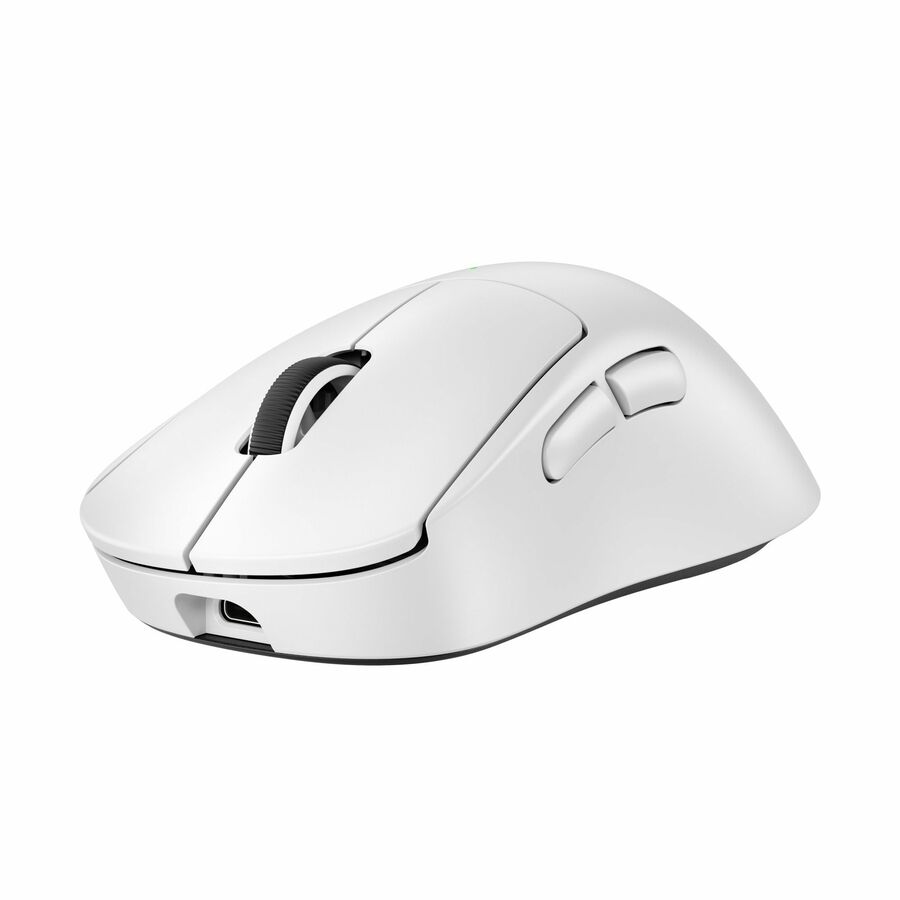
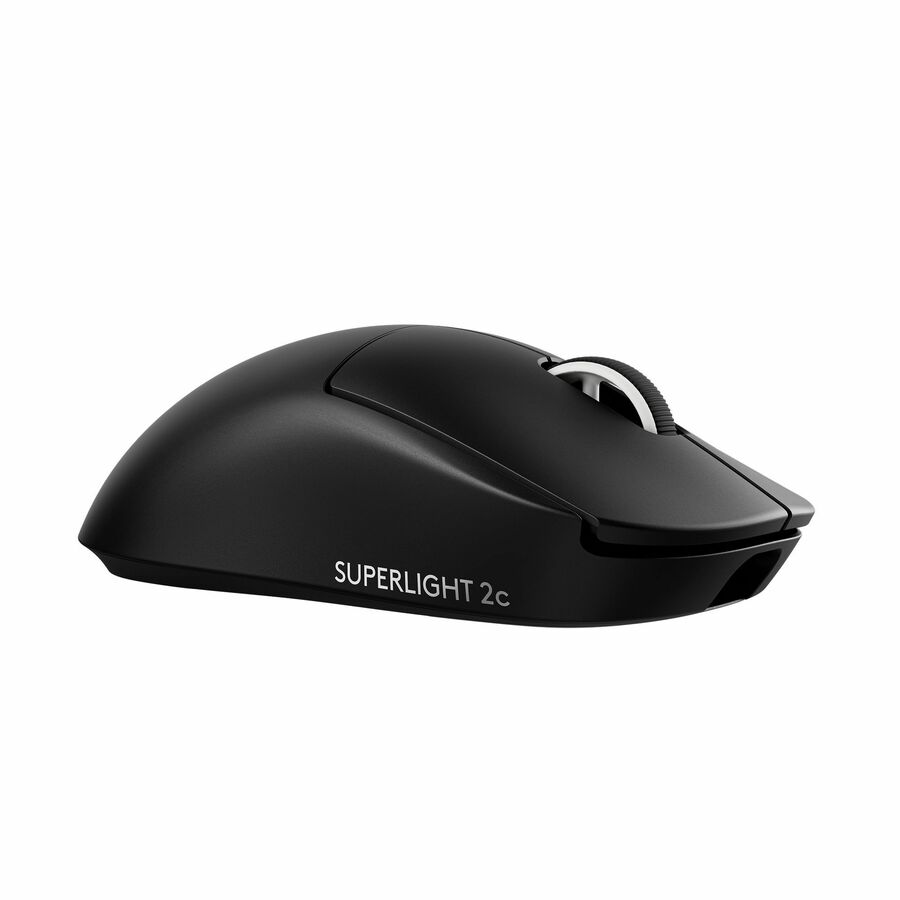
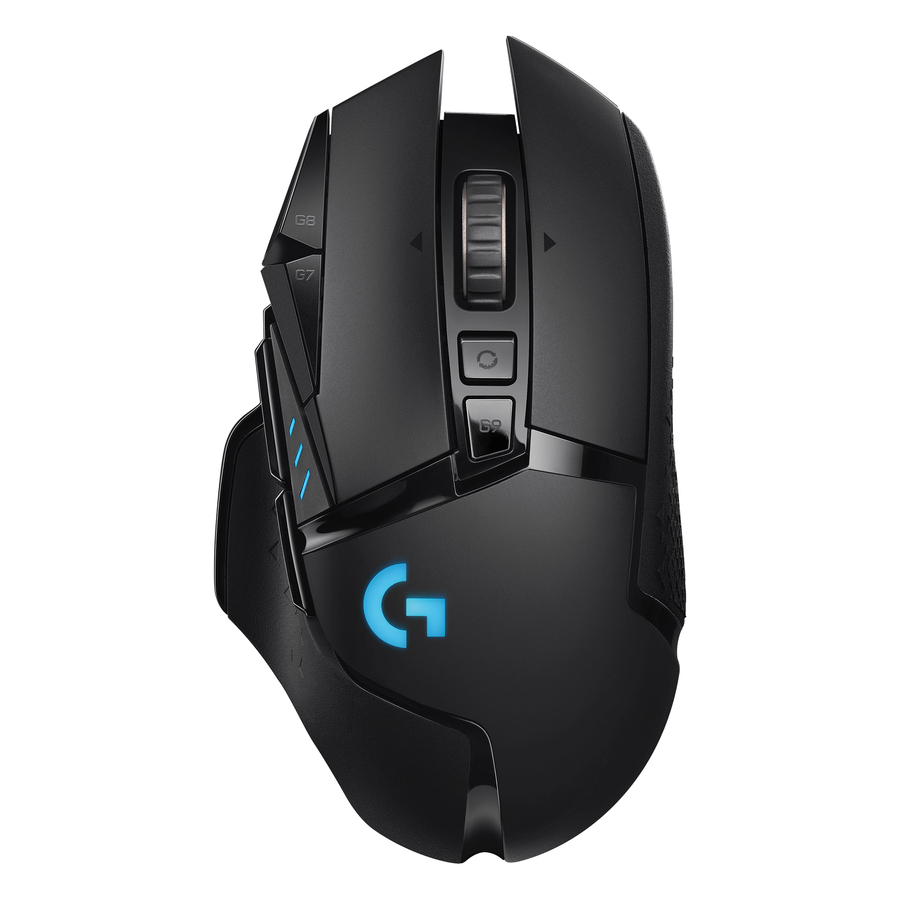
- LogitechLogitech Pro Wireless Gaming Mouse - Optical - Wireless - Black - USB - 16000 dpi - 8 Button(s) - Symmetrical910-005270
$280.70
$270.58
1 in stock
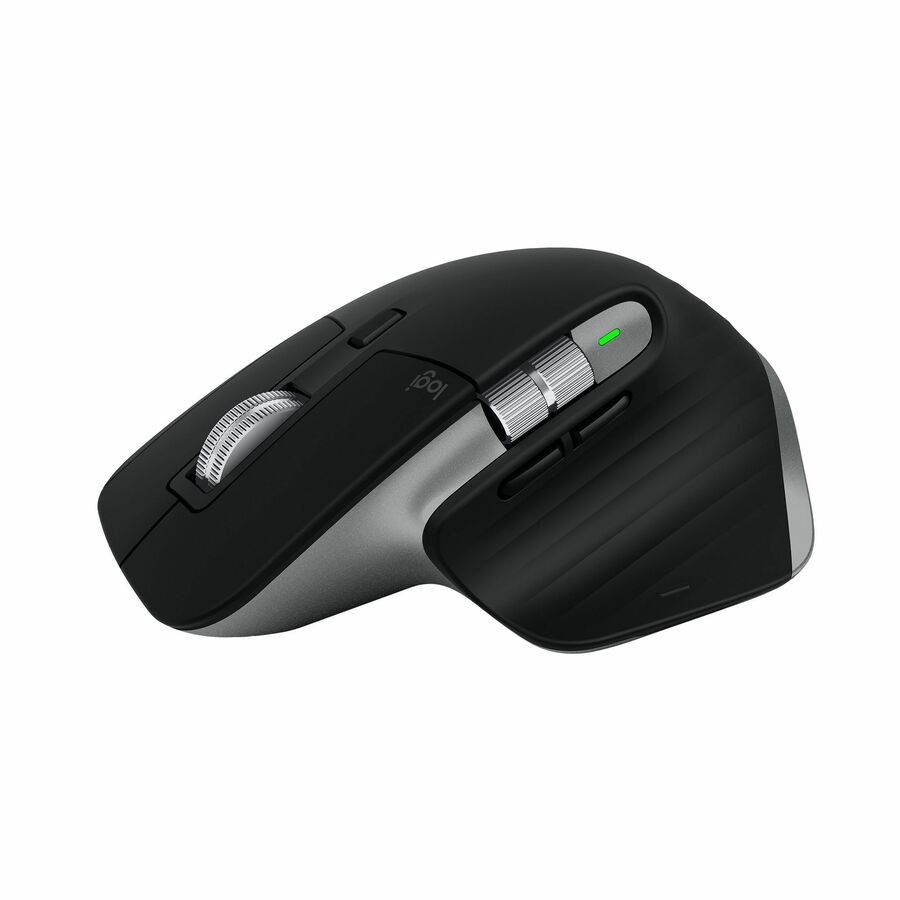
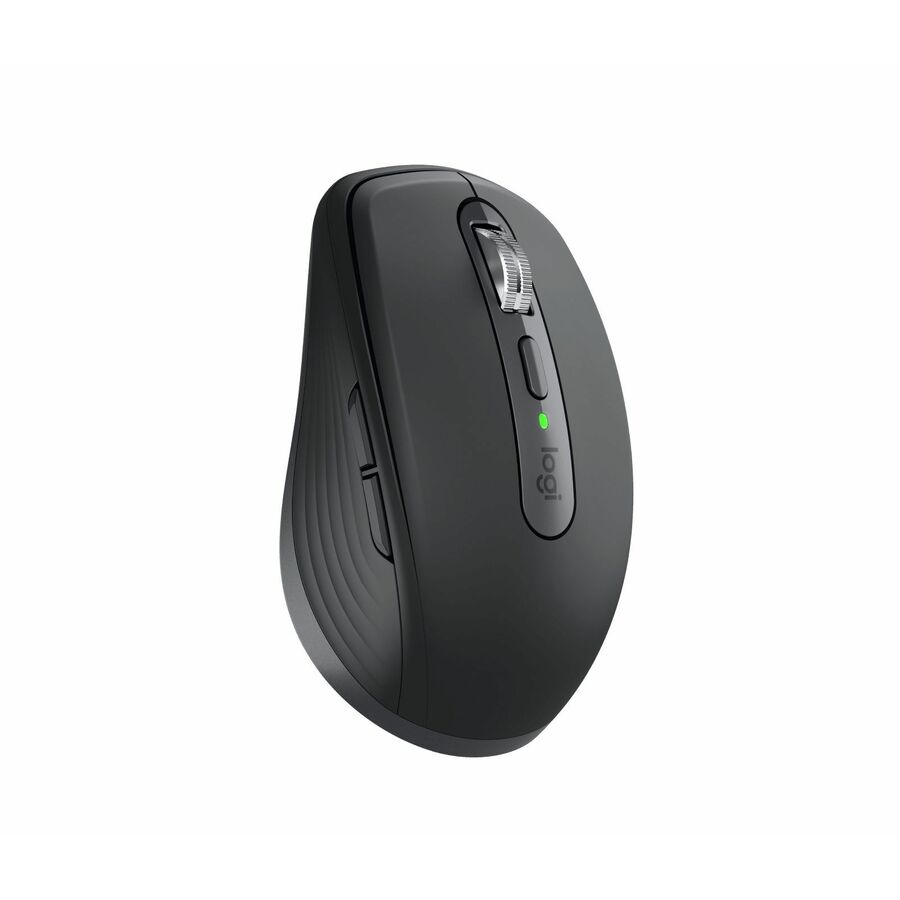
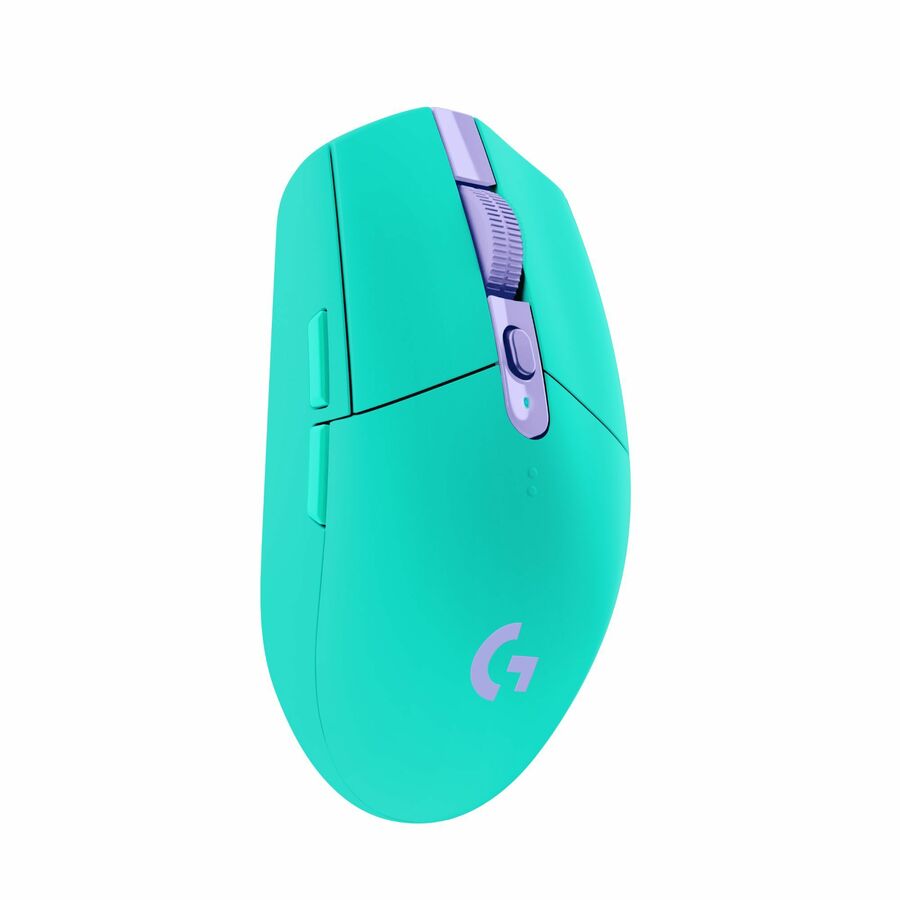
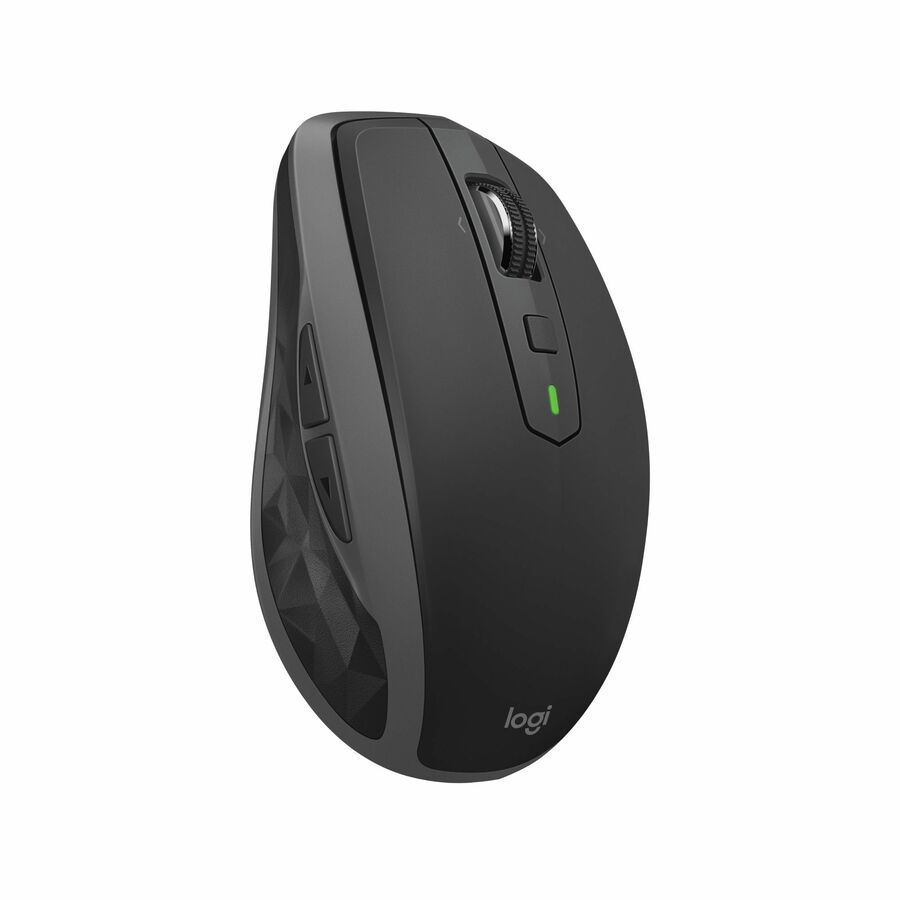
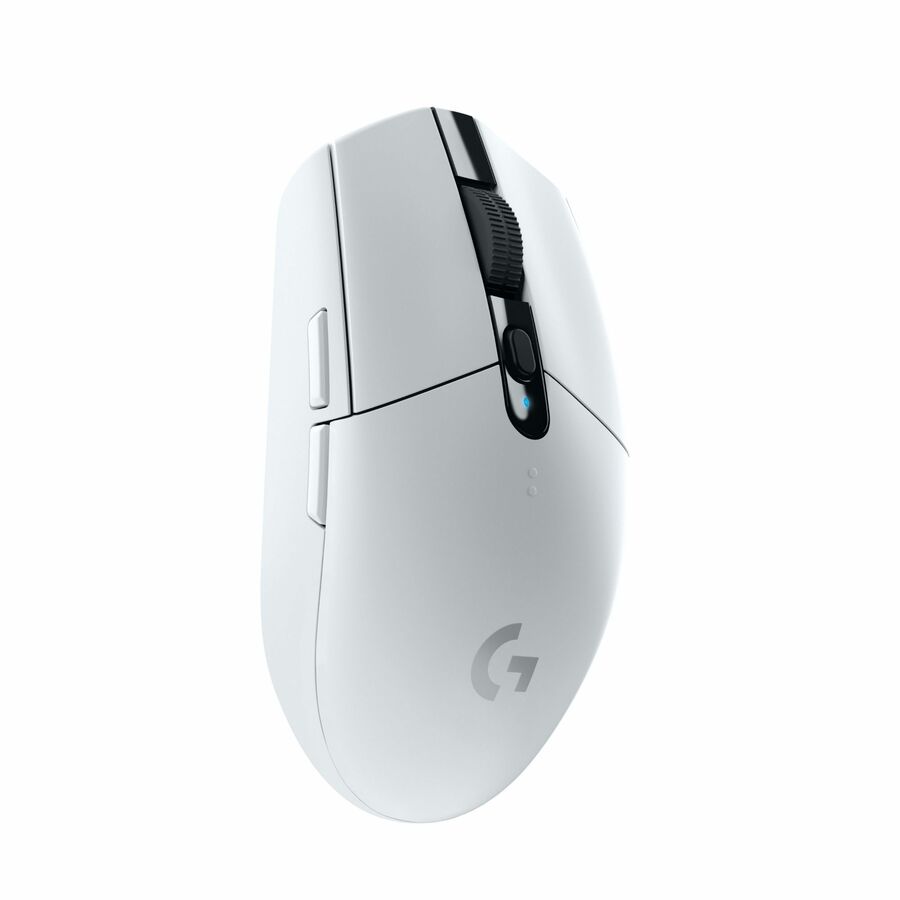
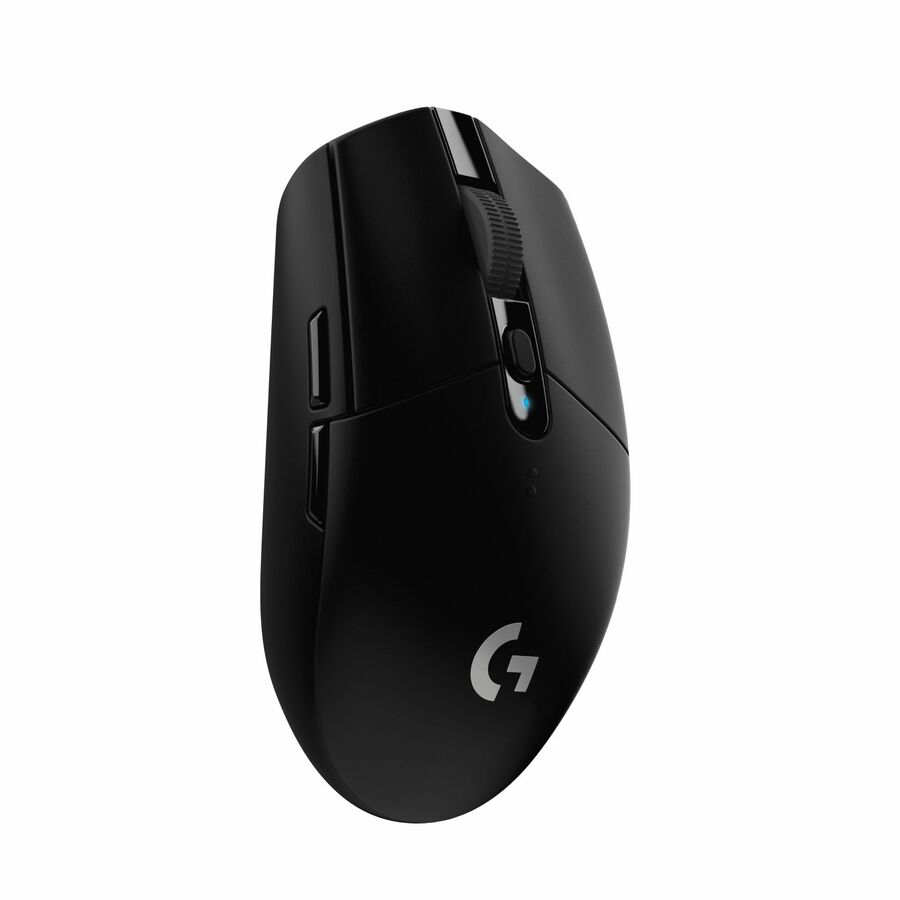
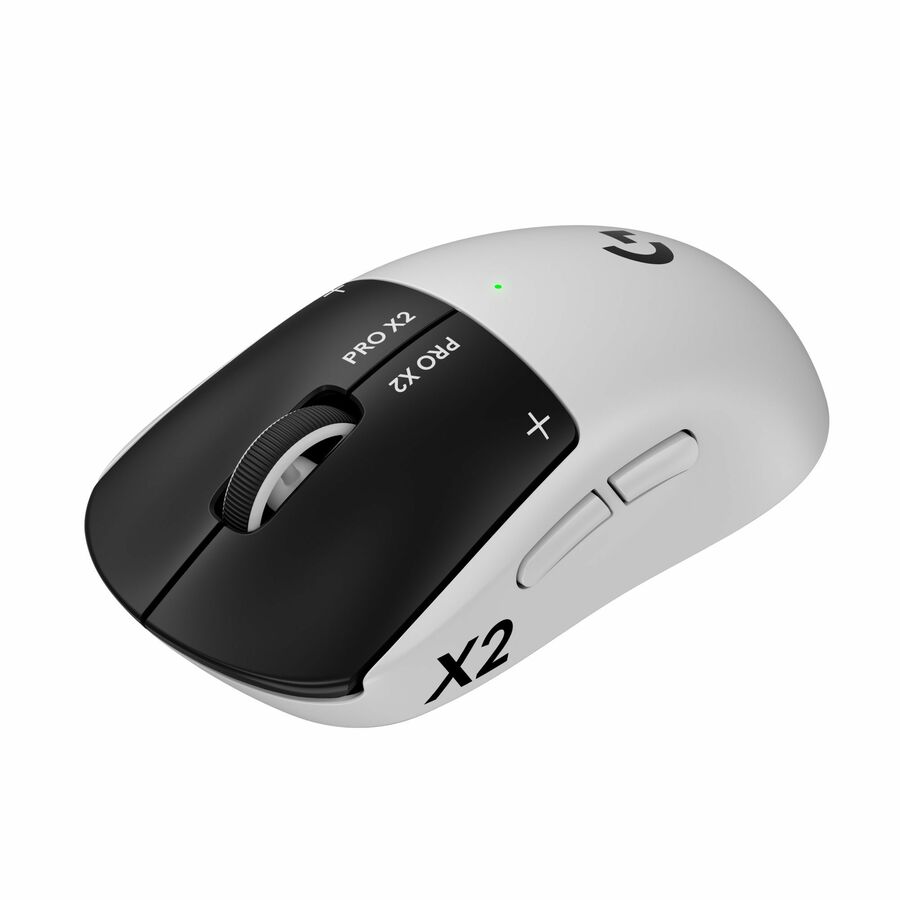
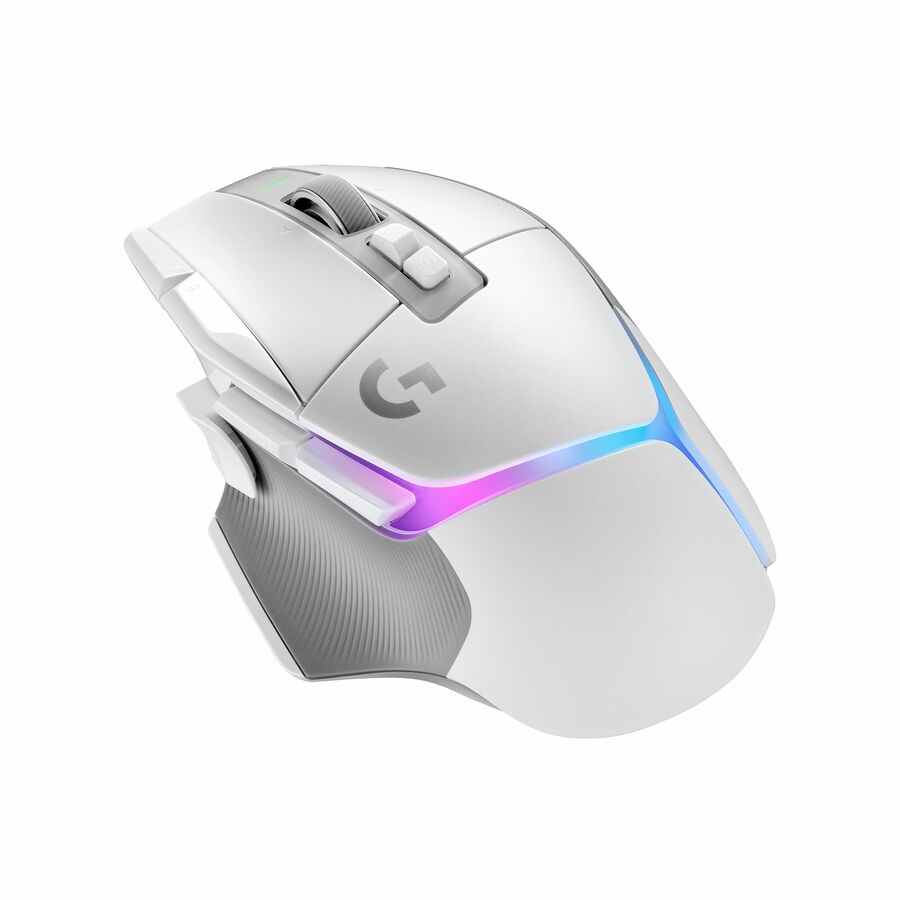
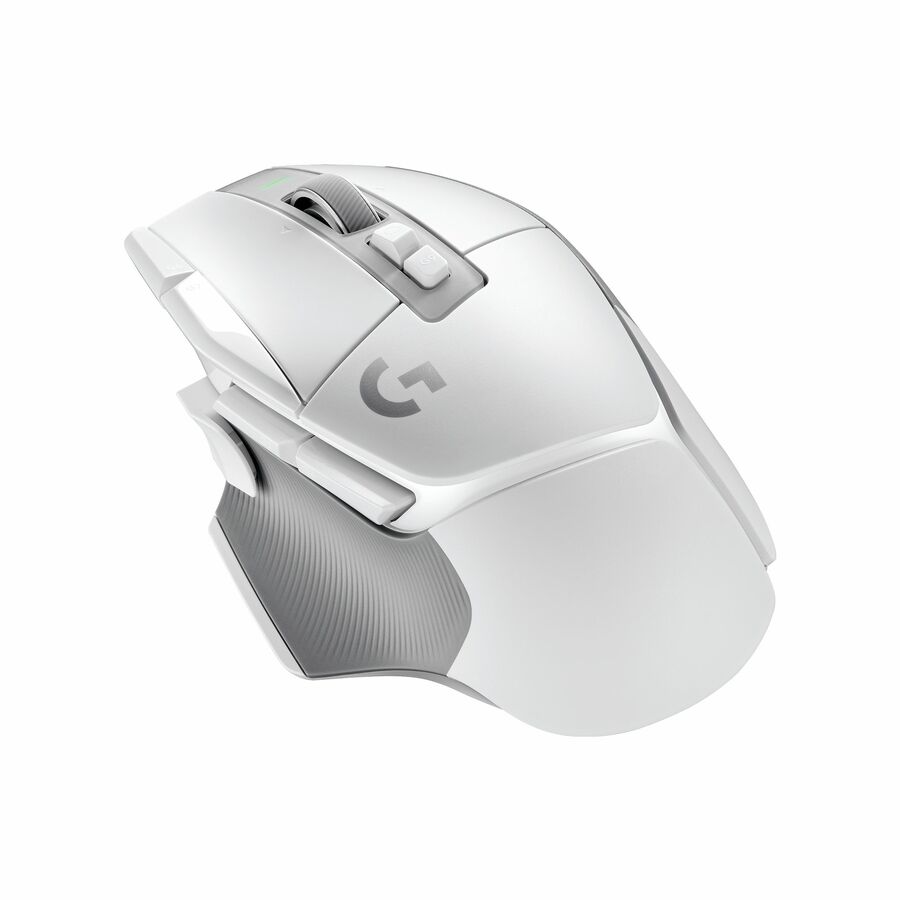
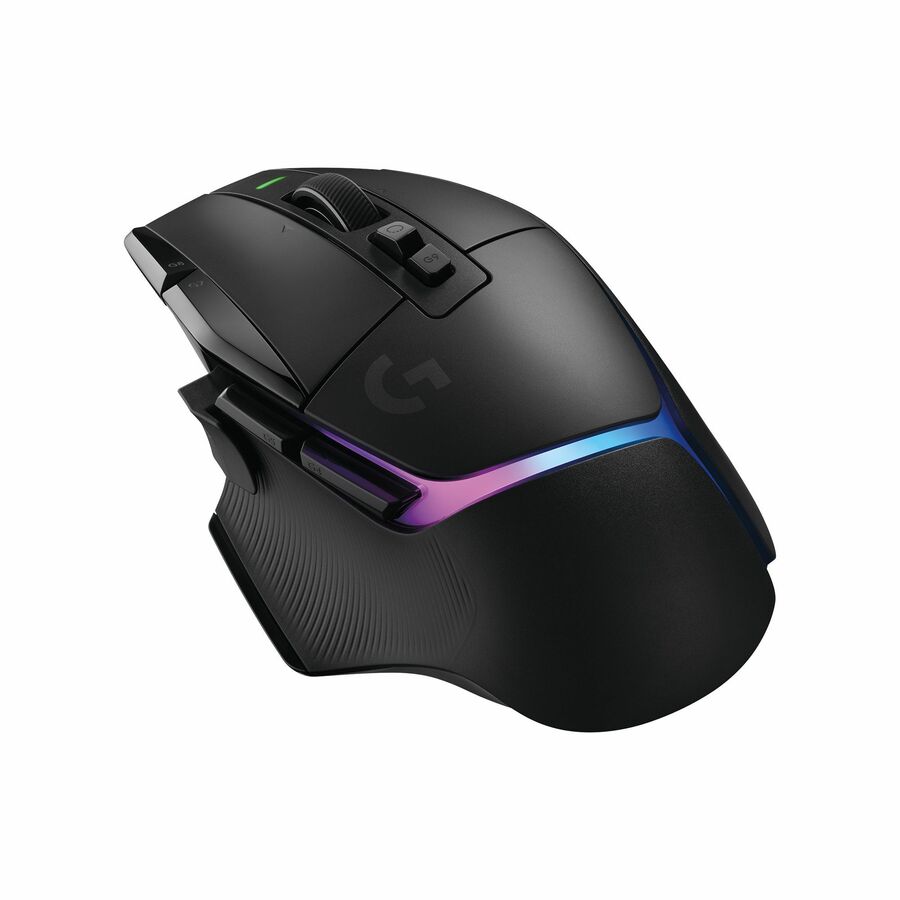
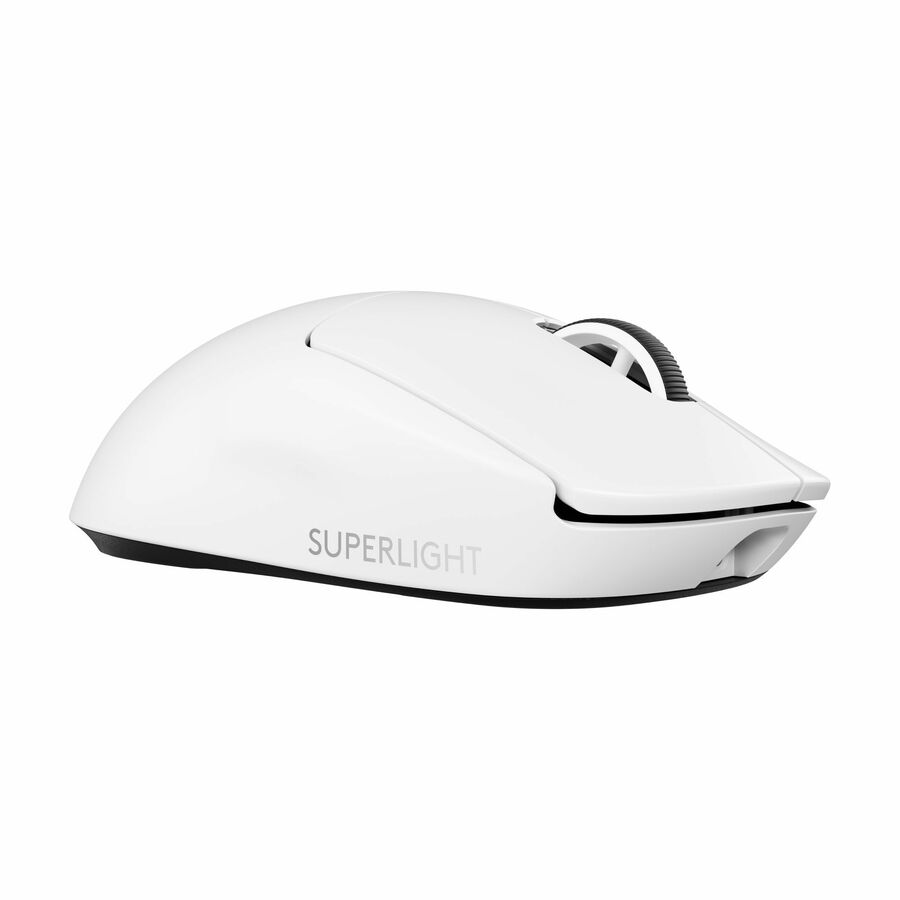
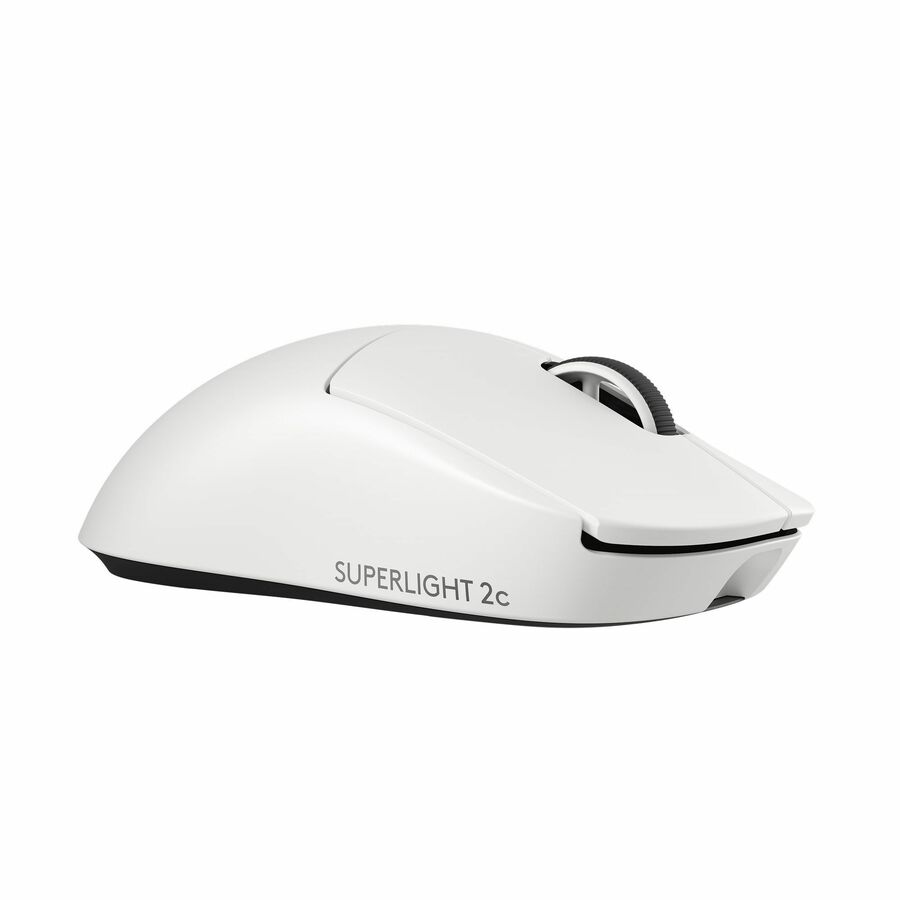
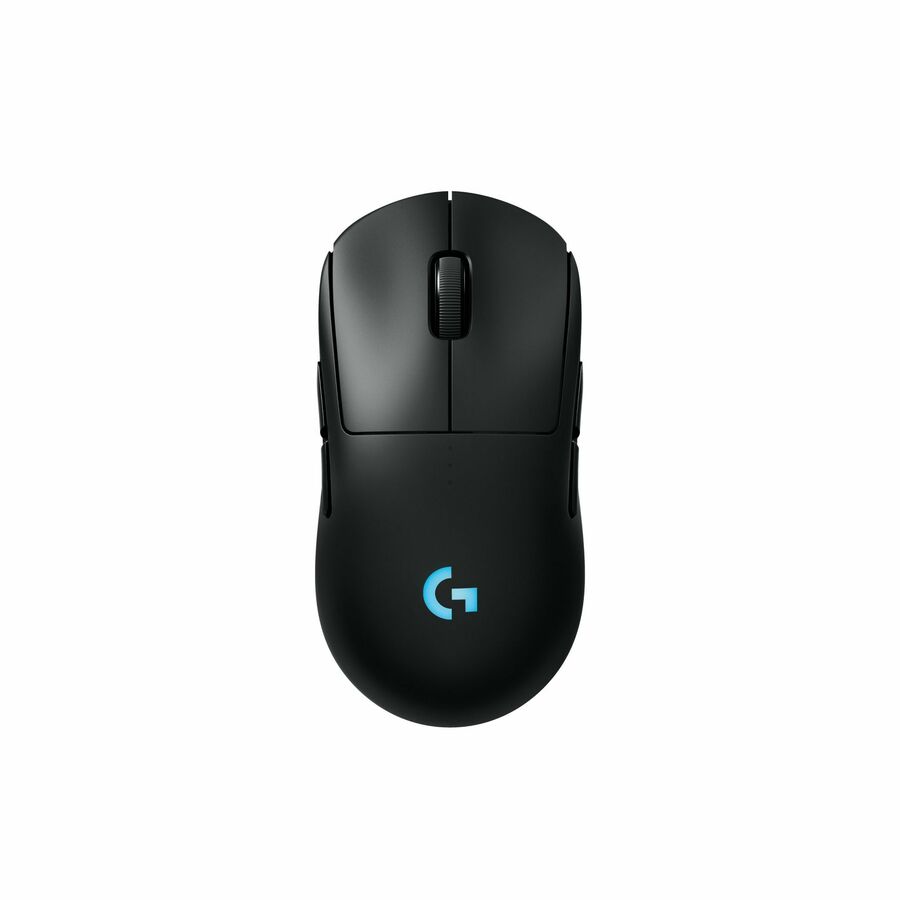
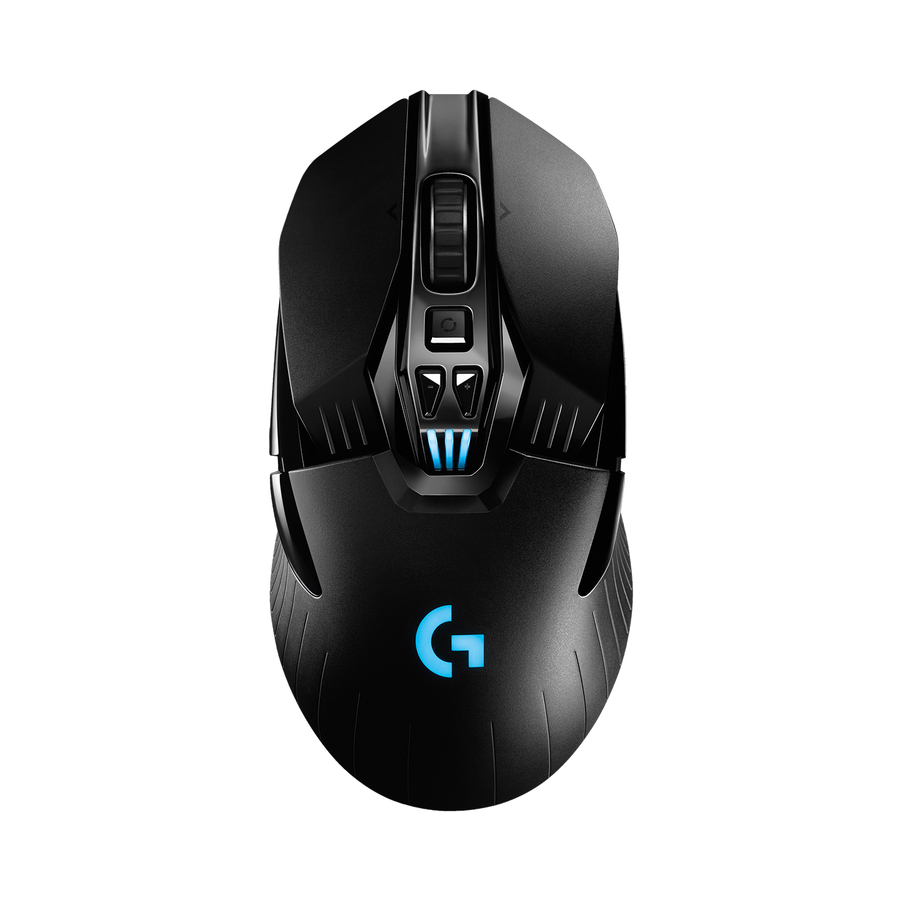
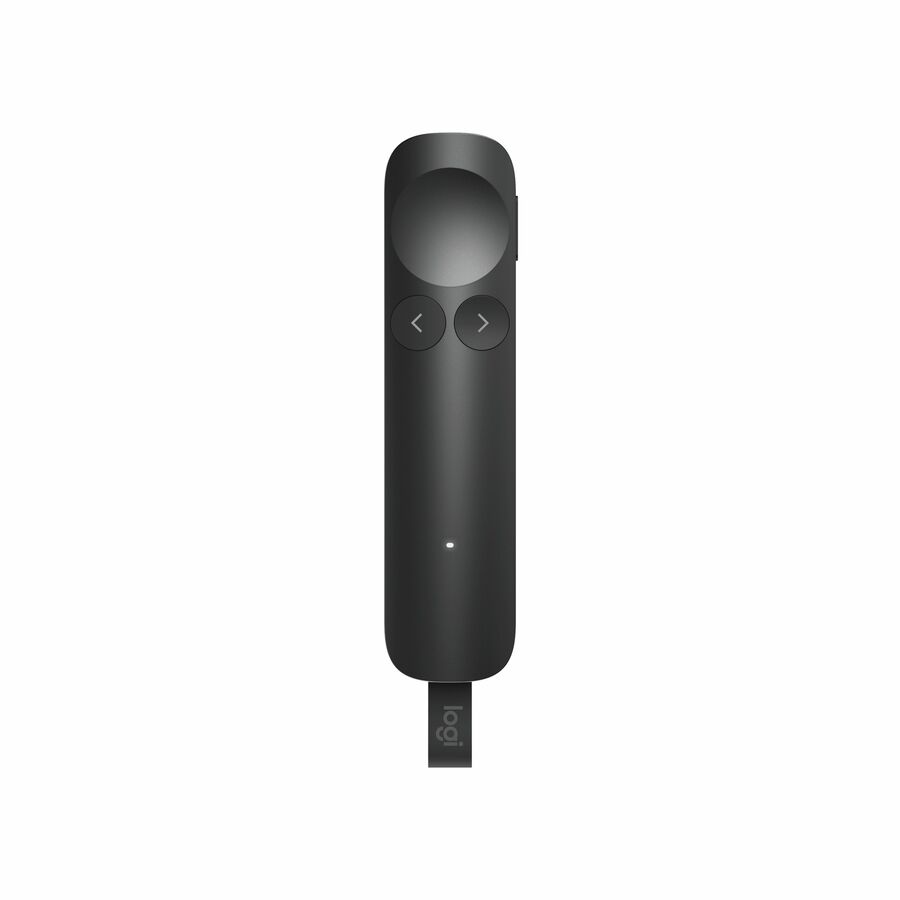
Need pricing on Logitech mice?
Tell us where to reach you and a Uniqcli specialist will follow up by email with current pricing, availability and lead time for the quantities you need — including parts that aren’t shown on this page.
Buying for an organization or for yourself — both work. No payment up front.
Logitech mice are a standard office fleet buy because of manageability as much as feel: models on the Logi Bolt (and legacy Unifying) receiver pair securely and let one dongle serve a mouse and keyboard, and the business lines are built for the multi-year duty cycle a corporate refresh assumes. For a large rollout, the receiver standard and warranty matter more than DPI numbers.
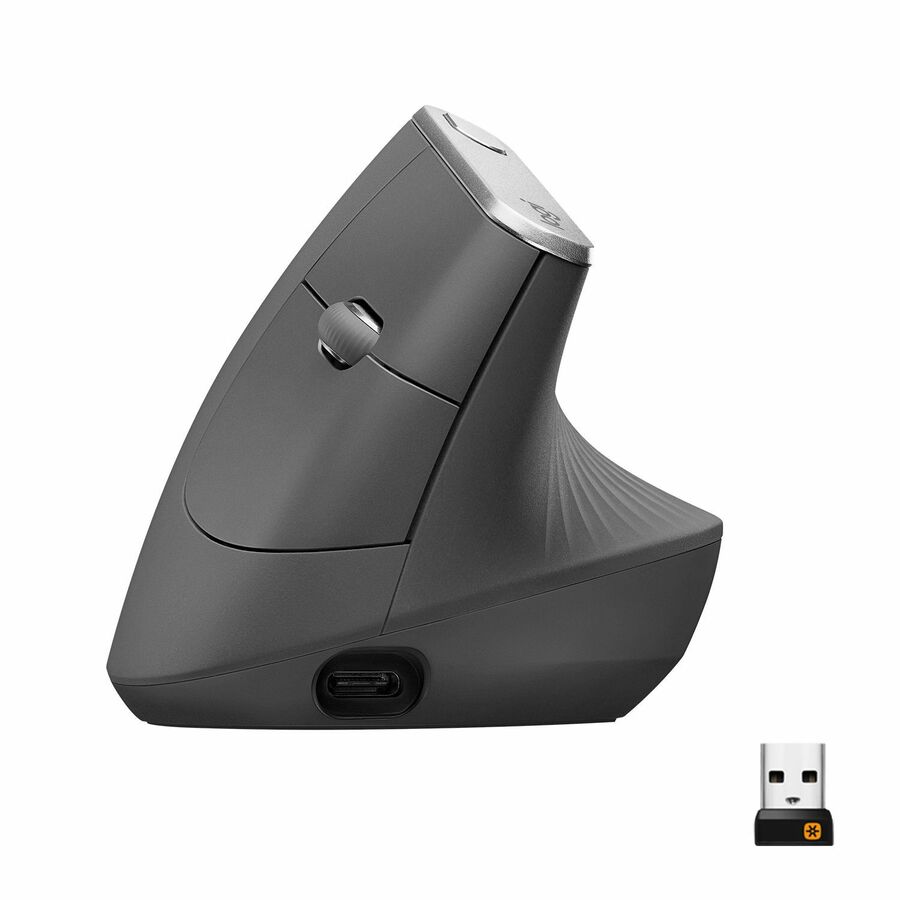
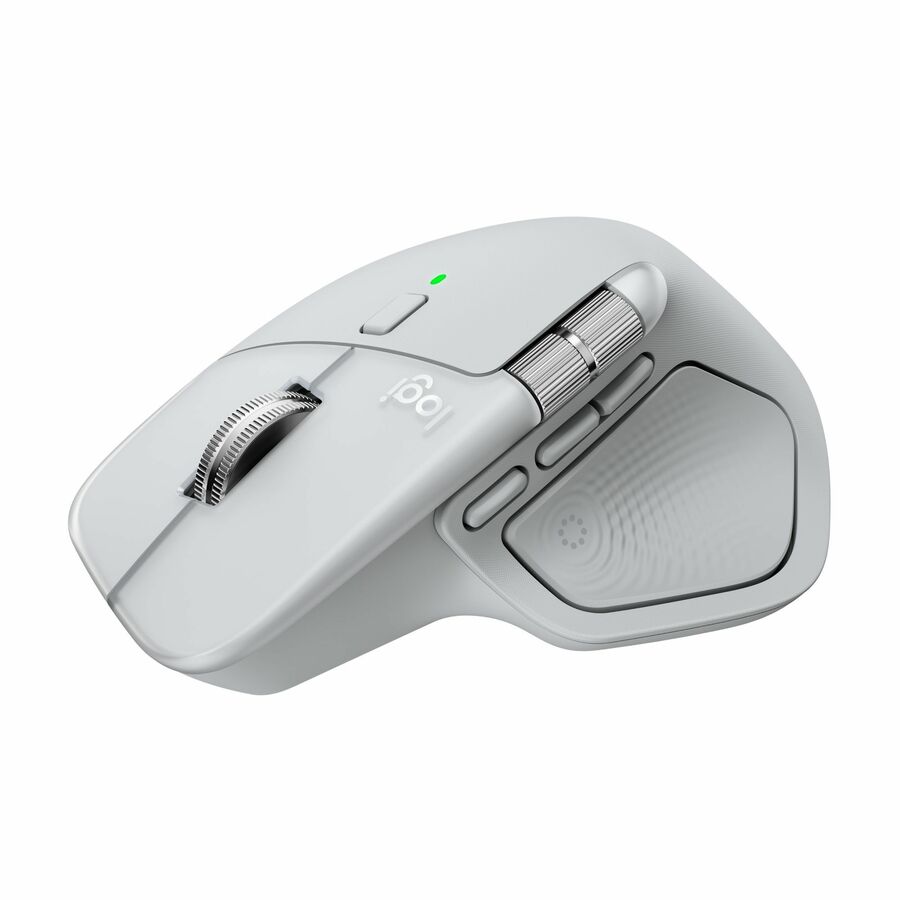
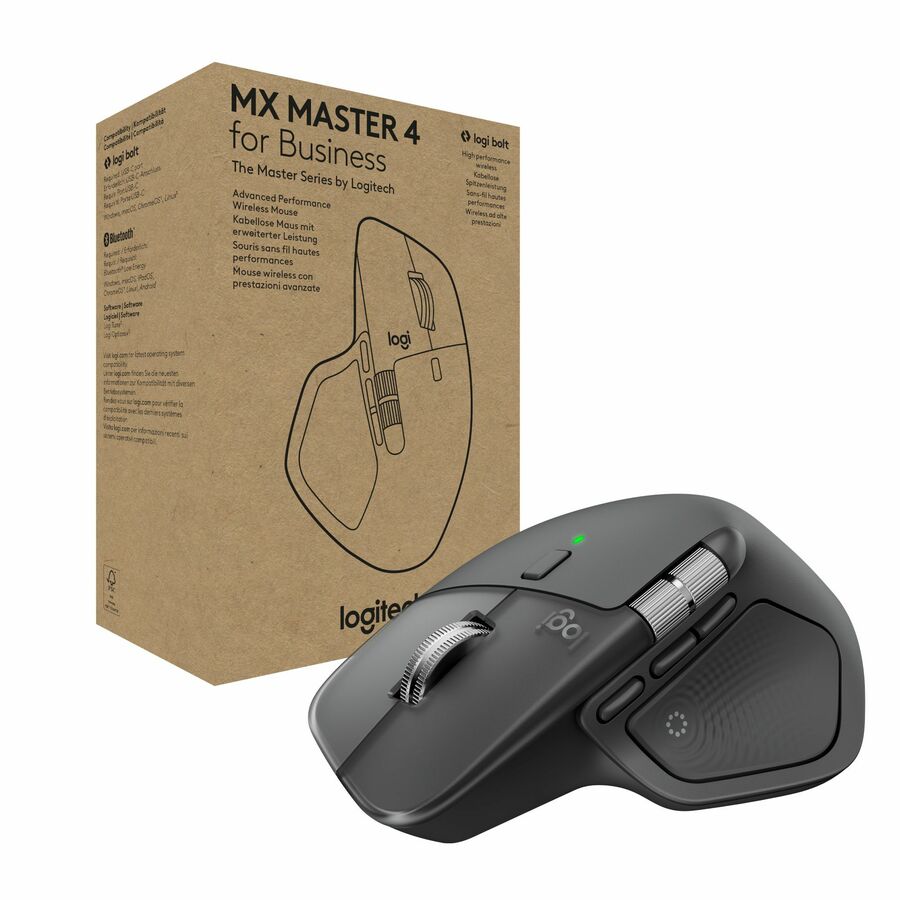
Choose the form by role and ergonomics: a compact wireless mouse for hot-desk and travel, a full-size wireless (MX-class) for power users who want extra buttons and fast scrolling, and a vertical or trackball ergonomic model for users with wrist strain — often an accommodation request IT should be ready to fulfill. The Logitech mice below are the models Uniqcli currently stocks.
Buyer's checklist
How to choose a Logitech mouse for a fleet
- Standardize on the Logi Bolt receiver (or Bluetooth) for secure, consistent pairing across the fleet; one receiver can serve a mouse + keyboard.
- Match the form to the role — compact wireless for hot-desk/travel, full-size MX-class for power users, ergonomic vertical/trackball for comfort accommodations.
- Decide wired vs. wireless: wired removes batteries for fixed seats; wireless (rechargeable or AA) suits hybrid and clean-desk setups.
- Keep an ergonomic model on the standard list so accommodation requests can be filled without a special order.
- Confirm multi-device/multi-OS support where users switch between a laptop and a desktop or tablet.
Where these mice fit
Shared and clinical workstations, kiosks and lab benches favor smooth, sealed shells that tolerate frequent wipe-down, so one unit survives a shift-change sanitation routine. Fixed contact-center and reception seats that run around the clock often do better wired — there is no battery to charge or swap on a position that never goes idle. Hot-desk floors and huddle rooms lean the other way, where a compact body and a receiver that stows in the mouse matter more than extra buttons.
At engineering, design and finance seats, the thumb buttons, horizontal scroll wheel and per-application profiles of a full-size model earn their place on long sessions against a CAD model or a wide spreadsheet. The practical trap in a large order is heterogeneity: letting requests accumulate one at a time tends to mix wired, Bluetooth, Bolt and legacy-receiver units across a single floor, which multiplies the pairing tickets and the spare types the help desk must carry. Fixing the seat-to-model map before the purchase order avoids that.
Planning a fleet deployment
The receiver standard is the pivot of a clean rollout, and the trap is that the current secure business receiver and the legacy Unifying receiver are not cross-compatible — a device paired to one will not talk to the other. Where older Unifying dongles are still in the field, plan the cut-over deliberately rather than letting a mixed drawer of receivers accumulate, since that mix is a steady source of avoidable pairing tickets. Endpoints with native Bluetooth can skip the dongle entirely.
Size a spare pool at roughly five to ten percent of the deployment so a dead unit is a same-day swap, not a purchase order, and keep those spares on the same receiver standard so they drop in anywhere. Settle the battery question up front: rechargeable models retire the AA supply chain but need a charging habit, while AA units suit stockrooms already carrying cells. If you plan to push consistent button and pointer profiles, pilot Logitech's configuration software against your image before it reaches the fleet.
Cost beyond the unit price
A mouse is a low line item, but the fleet arithmetic lives in the years after the purchase. Across hundreds of seats, rechargeable models trade a higher unit for the removal of an AA replacement cycle and its stocking and disposal; AA models invert that trade where a cell supply already exists. A longer business-line warranty shortens the window in which a mid-life failure becomes an out-of-pocket replacement, and one approved ergonomic model heads off the ticket volume — and potential accommodation cost — that unaddressed wrist complaints generate.
Standardizing the receiver also trims hardware at the desk: one dongle covers a mouse-and-keyboard pair, freeing a USB port that matters on port-constrained docks and thin clients. A short, deliberate model list is cheaper to support and restock than an ad-hoc mix assembled one request at a time — fewer firmware and driver variants to validate, and spares that stay interchangeable across the whole deployment.
FAQ
Common questions
- What is Logi Bolt and does it matter for business?
- Logi Bolt is Logitech's secure wireless protocol for business peripherals — it's designed for reliable connections in RF-crowded offices and meets enterprise security expectations, replacing the older Unifying receiver. Standardizing on Bolt means one receiver type across the fleet and one dongle can pair both a mouse and a keyboard, which simplifies deployment and spares.
- Should we offer ergonomic mice across the fleet?
- It's worth keeping at least one ergonomic model — a vertical mouse or trackball — on your standard list. Wrist and repetitive-strain complaints are common, and having an approved ergonomic option ready lets IT fulfill accommodation requests immediately instead of running a one-off special order each time.
- Can Logitech peripherals be bought on a government or education contract?
- Every line Uniqcli quotes is sourced through US distribution and screened for TAA country-of-origin and NDAA §889 status before checkout — with documentation tied to the specific part number, not a product family.
Need Logitech mice pricing?
Send a bill of materials or part numbers — we confirm stock and a below-market total, with TAA verified on request. No payment up front.