
Best Ergonomic Vertical Mice
Handshake-angle mice for standard desks — wired and wireless, right- and left-handed, in compact and full sizes.
Ergonomic vertical mice in stock at Uniqcli
How to choose →A curated selection with live pricing — in-stock lines first, then back-ordered lines with a typical lead time. Every line is sourced through US distribution and screened for NDAA §889 status before checkout, with TAA verified on request.
- ANKERANKER Ergonomic Optical USB Wired Vertical Mouse A7851 - Optical - Cable - Black - USB - 1600 dpi - Scroll Wheel - 5 Button(s) - 1A7851011
$25.99
Back-orderedBack-ordered — we expect to receive stock the week of Nov 9–15 and will process your delivery right after.
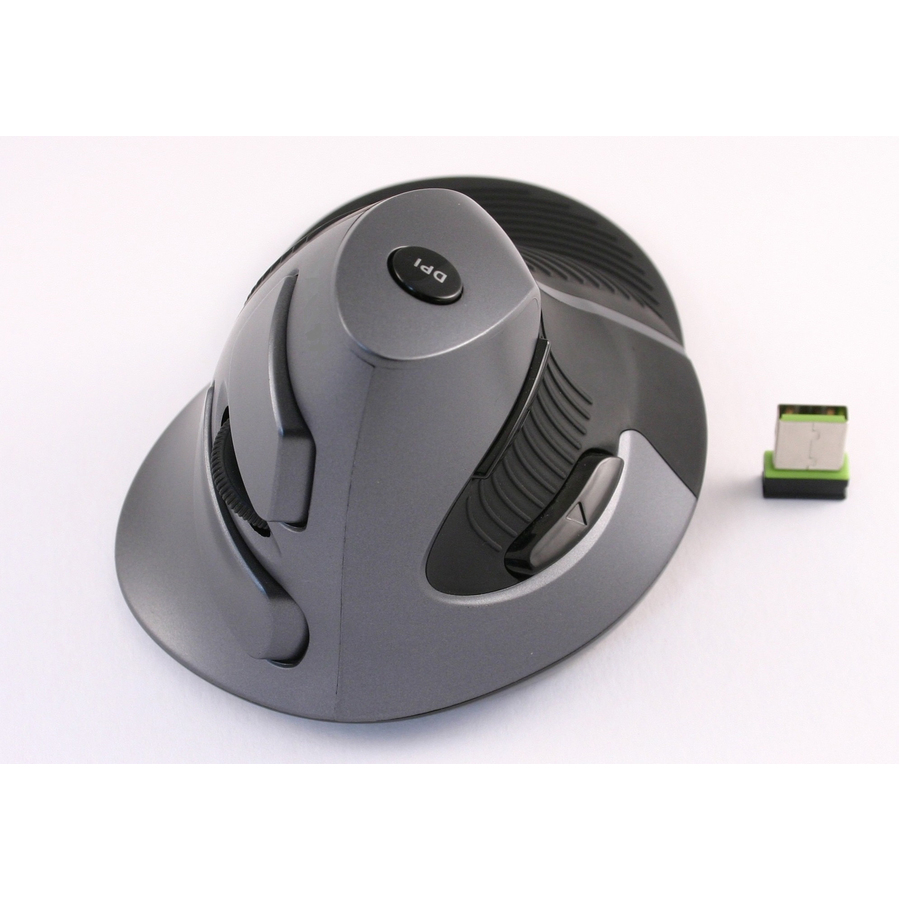
- ErgoguysWIRELESS VERTICAL MOUSE DPI SWITCH 800 1200 1600 - Wireless - Radio Frequency - 2.40 GHz - USB - 1600 dpi - Scroll Wheel - 5 Button(s) - 1 Programmable Button(s)CST3645A
$39.95
$26.02
Back-orderedBack-ordered — estimated OEM lead time 3–8 weeks (Nov 16 – Dec 21 if ordered today).
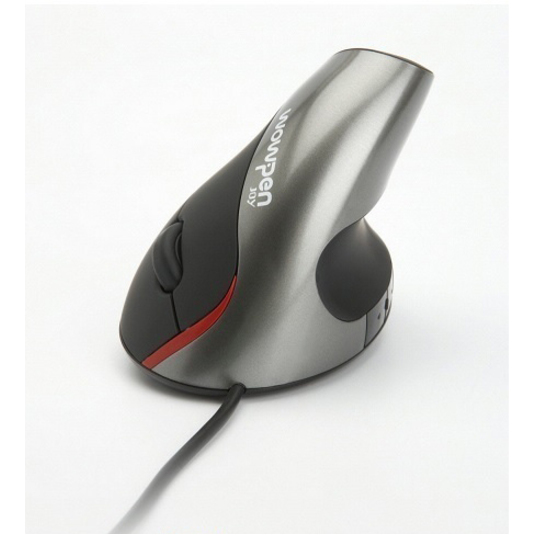
- ErgoguysWOW PEN JOY II WIRED VERTICAL ERGONOMIC OPTICAL MOUSE SILVER - Optical - Cable - Silver - USB - 1600 dpi - Scroll Wheel - 5 Button(s)WP-012-S-E
$34.95
$33.56
Back-orderedBack-ordered — estimated OEM lead time 3–8 weeks (Nov 16 – Dec 21 if ordered today).
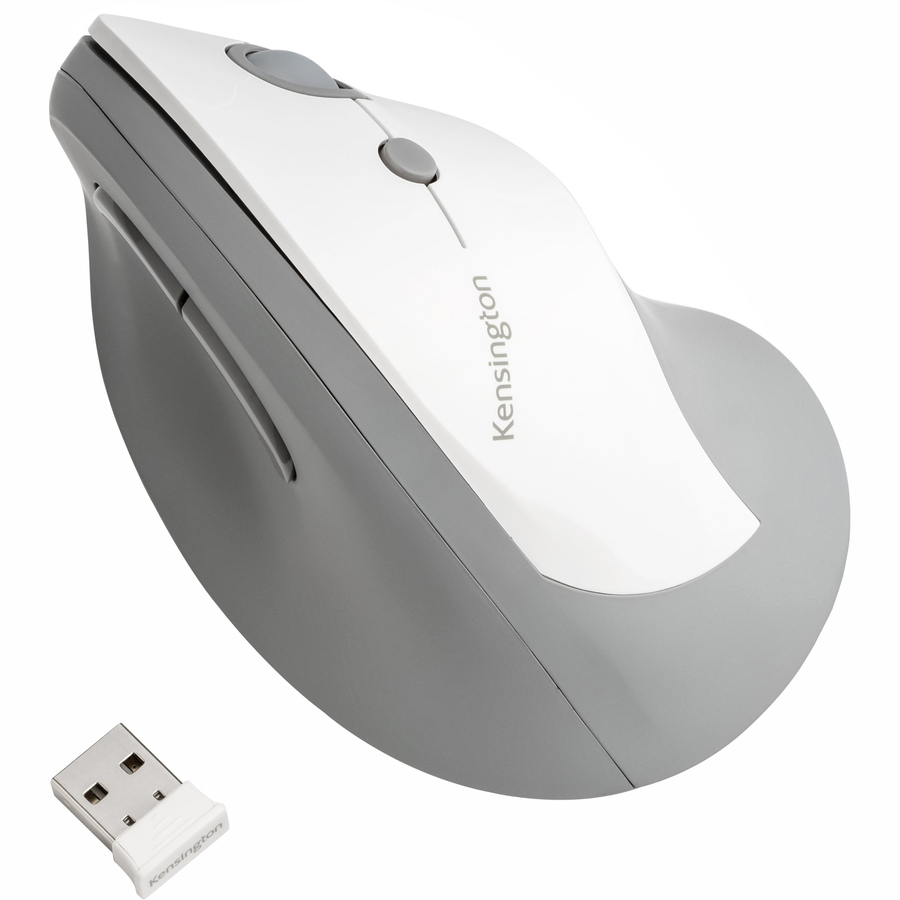
- Kensington Computer ProductsKensington Pro Fit Ergo Vertical Wireless Mouse - Wireless - Radio Frequency - 2.40 GHz - Gray - USB - 1600 dpi - Scroll Wheel - 6 Button(s)K75520WW
$49.10
Back-orderedBack-ordered — estimated OEM lead time 3–8 weeks (Nov 16 – Dec 21 if ordered today).
Back-ordered — estimated OEM lead time 3–8 weeks (Nov 16 – Dec 21 if ordered today).
Back-ordered — estimated OEM lead time 3–8 weeks (Nov 16 – Dec 21 if ordered today).
Back-ordered — we expect to receive stock the week of Nov 23–29 and will process your delivery right after.
- ErgoguysGoldTouch Ergonomic Wired Semi Vertical Mouse Right Handed Medium - Cable - Black - USB - 2500 dpi - Scroll Wheel - 2 Button(s) - Right-handed - 10KOV-GSV-RM
$99.00
Back-orderedBack-ordered — estimated OEM lead time 3–8 weeks (Nov 16 – Dec 21 if ordered today).
- ErgoguysGoldTouch Ergonomic Wireless Medium Vertical Mouse Right Handed w/Dongle - Wireless - Radio Frequency - Black - USB - 1600 dpi - Scroll Wheel - Right-handed - 10KOV-GSV-RMW
$111.50
Back-orderedBack-ordered — estimated OEM lead time 3–8 weeks (Nov 16 – Dec 21 if ordered today).






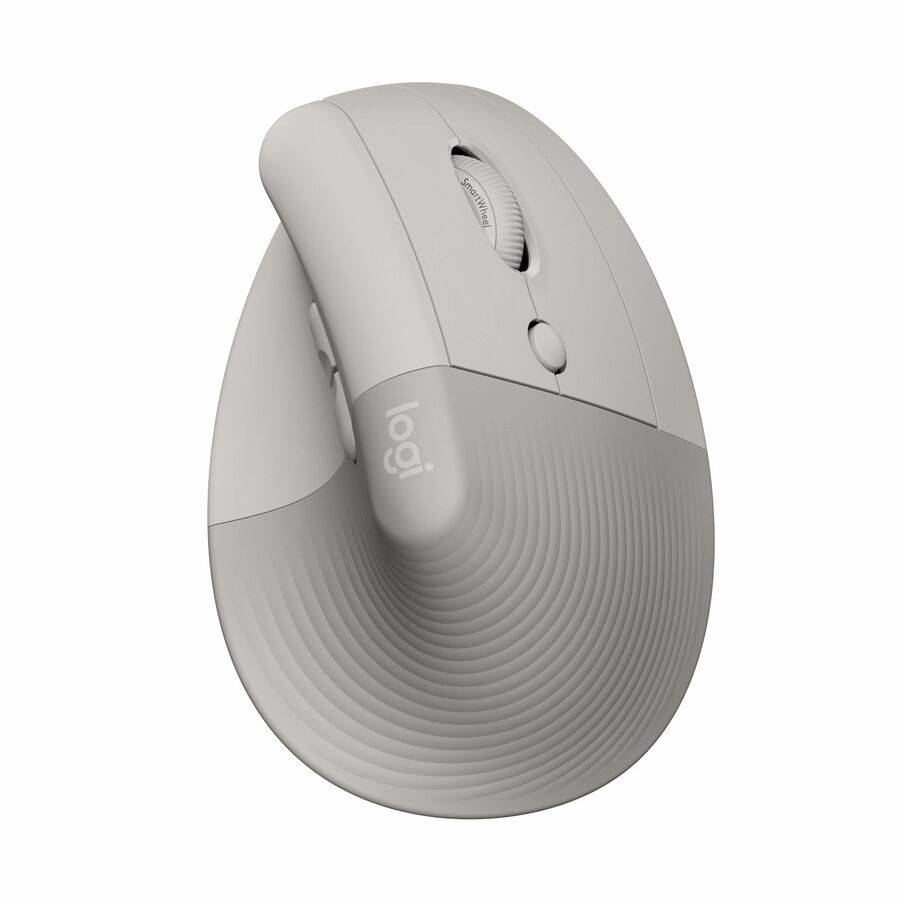
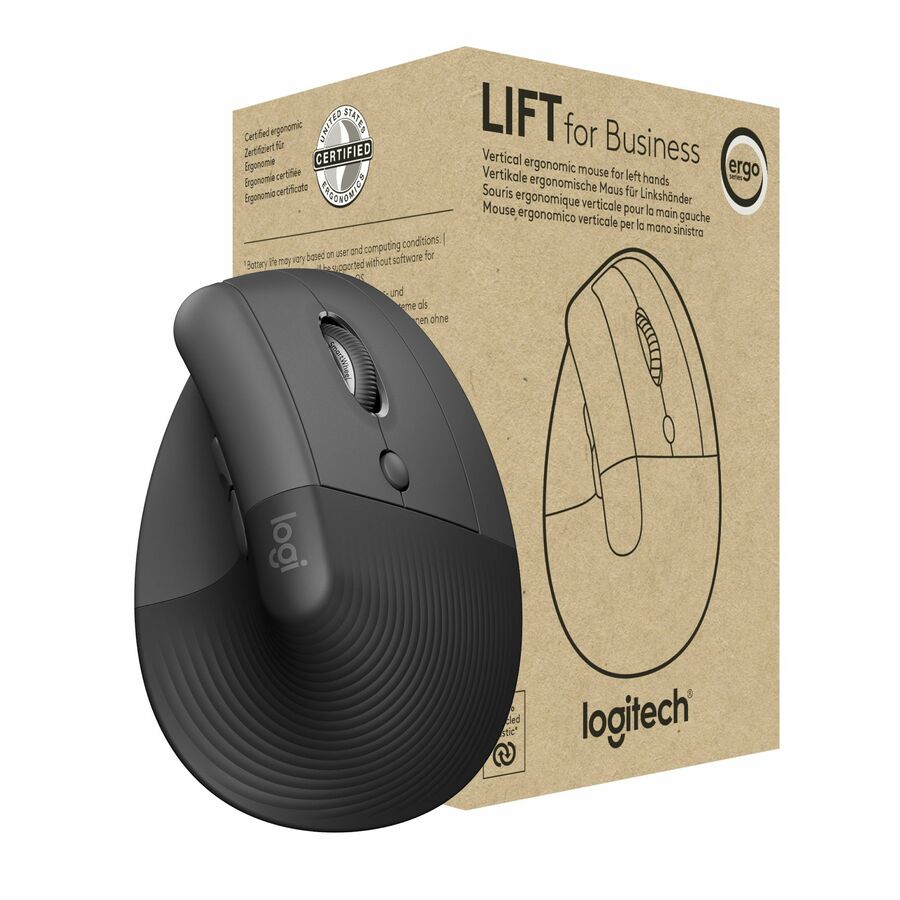
Wireless, right-handed
Logitech
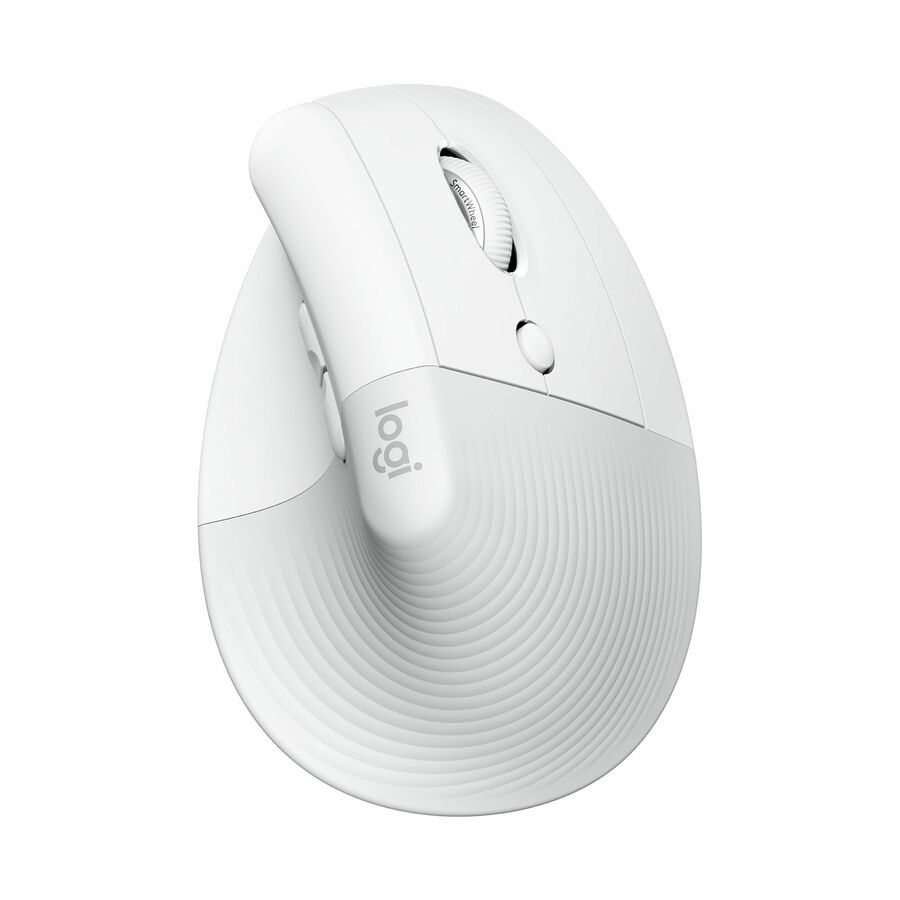
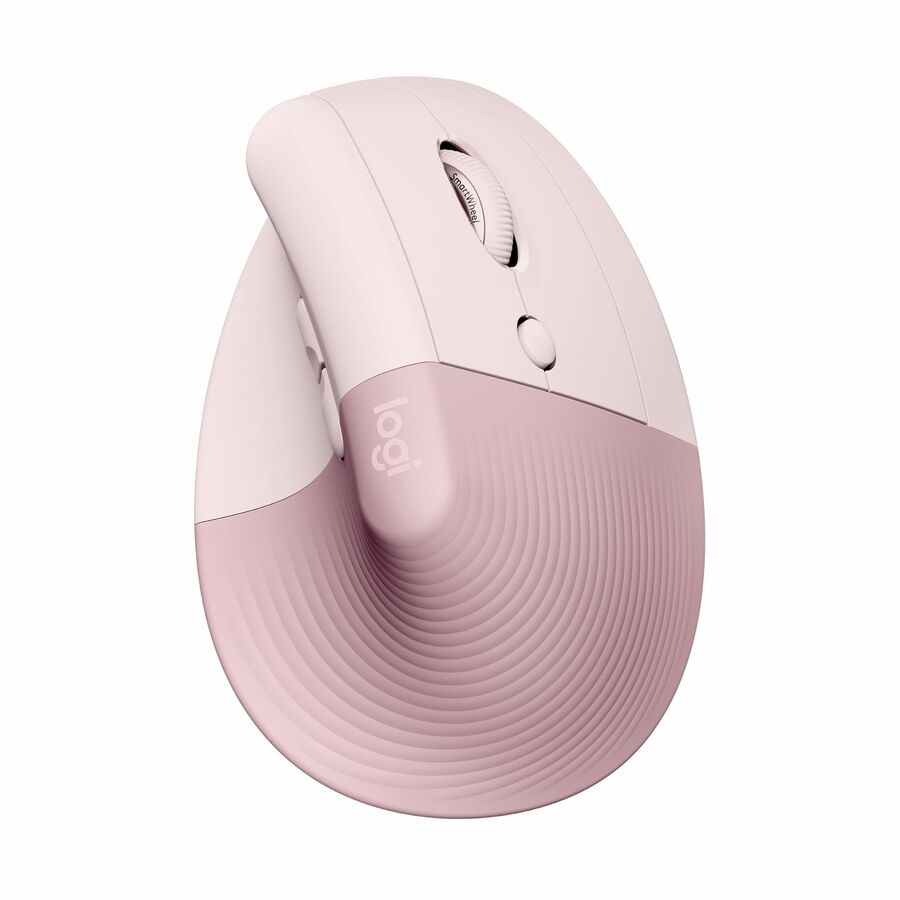
Logitech Lift Vertical Ergonomic Mouse, Wireless, Bluetooth or Logi…
910-006469
Logitech's Lift vertical ergonomic mouse in off-white, wireless over Bluetooth or the Logi Bolt receiver, with quiet clicks and four buttons — the mainstream office fit.
$98.20In stockLeft-handed wireless
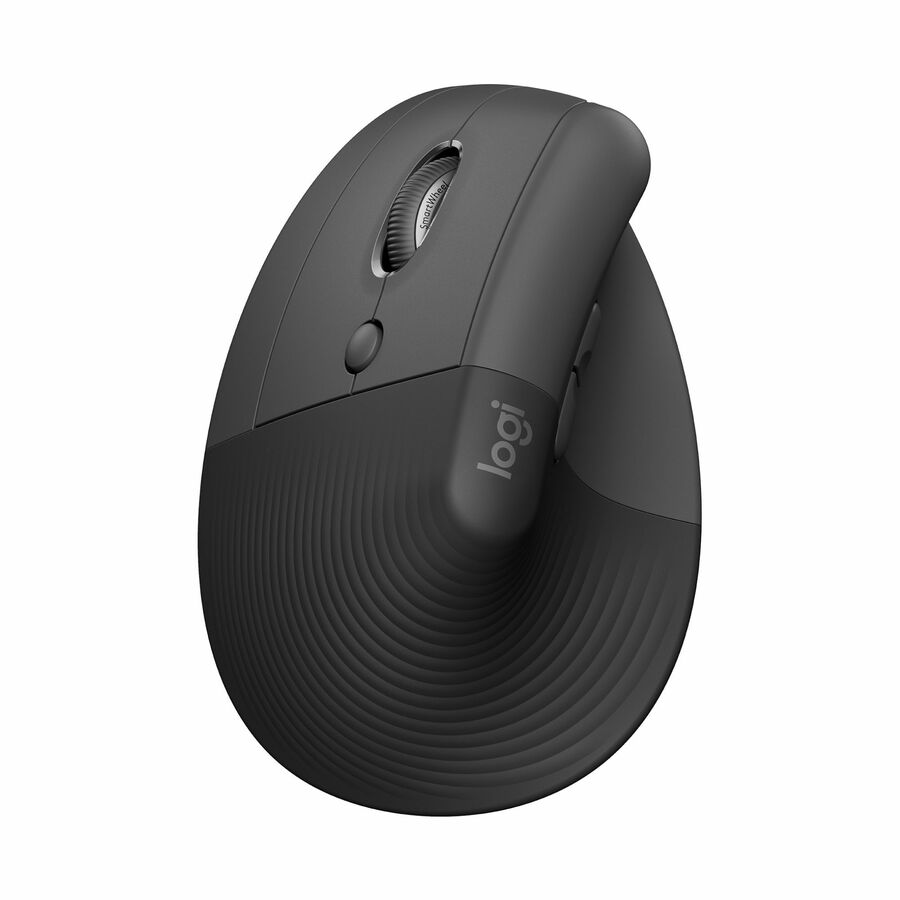
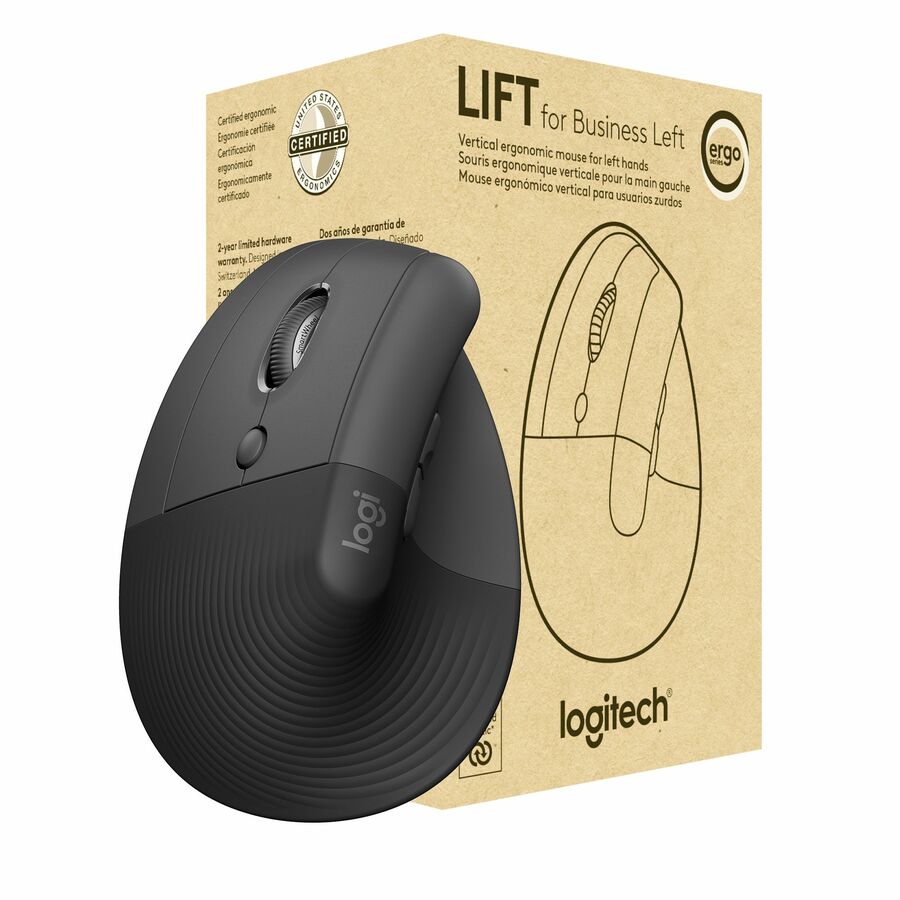
Logitech
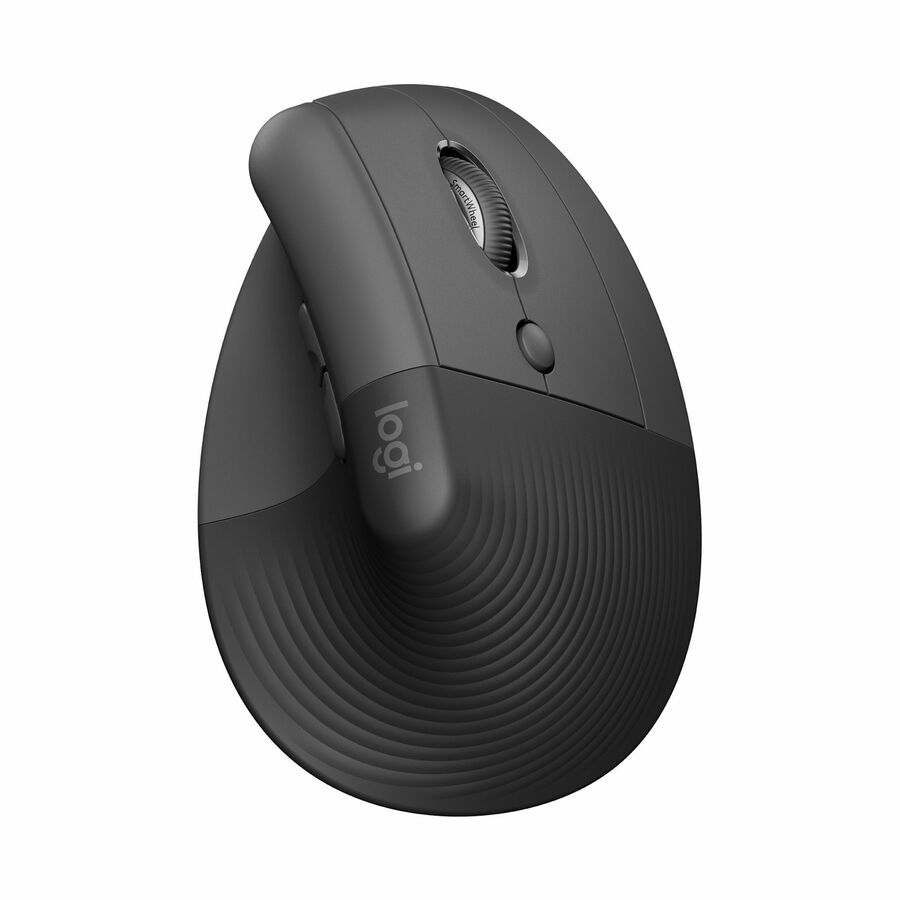
Logitech Lift Left Vertical Ergonomic Mouse, Left-handed, Wireless…
910-006467
The left-handed Lift in graphite, wireless over Bluetooth or Logi Bolt with the same quiet clicks — the mirrored shell for a left-handed user, which no right-handed model can substitute for.
$98.22In stockFull-size rechargeable
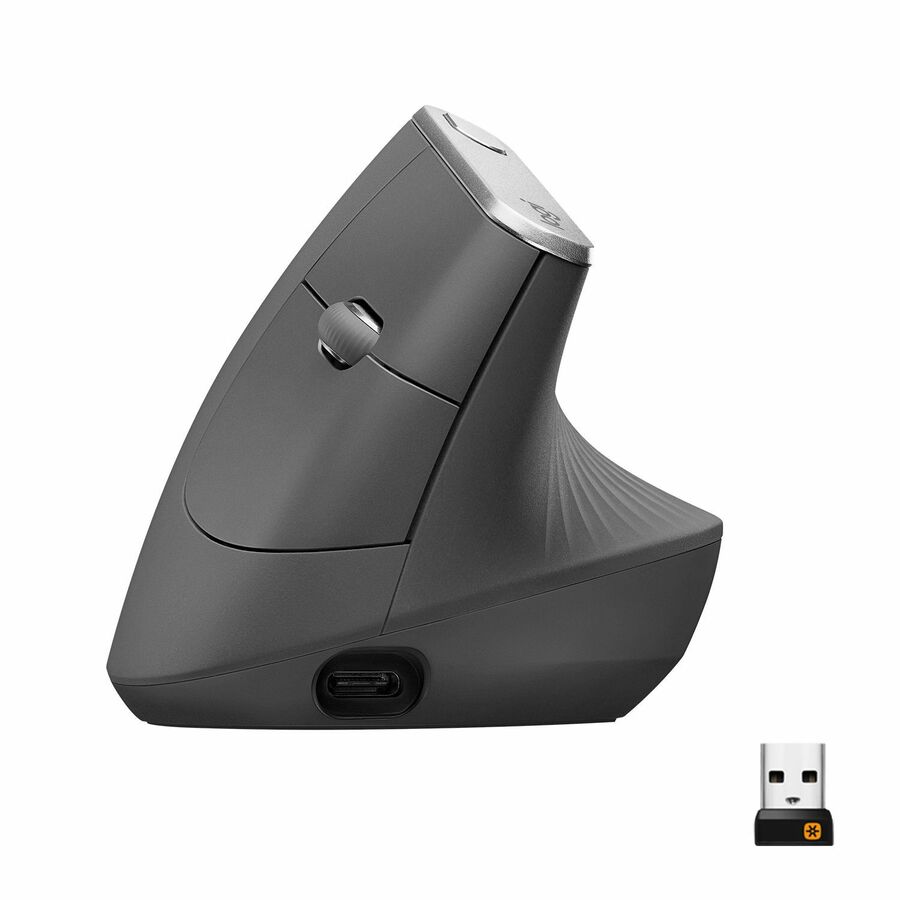
Logitech
Logitech MX Vertical Wireless Mouse
910-005447
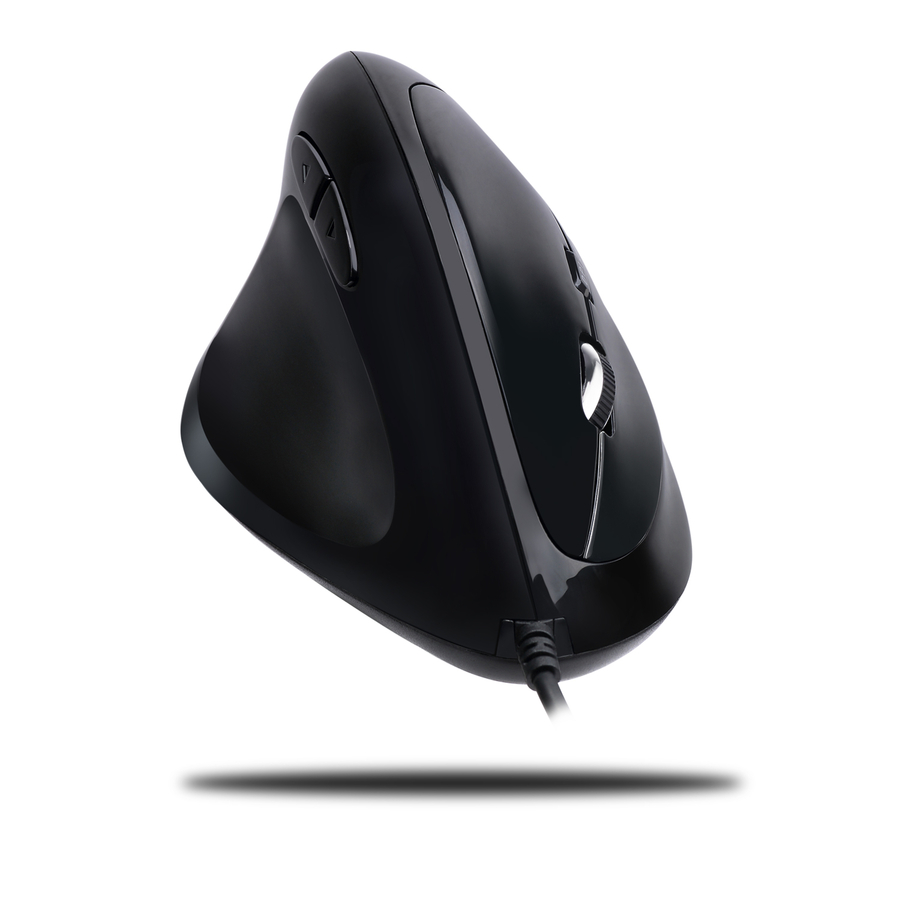
Logitech's MX Vertical in graphite, rechargeable and usable wired or wireless over Bluetooth or a receiver — the largest Logitech shell here for a full-size hand.
$142.97In stockCompact wireless
Adesso
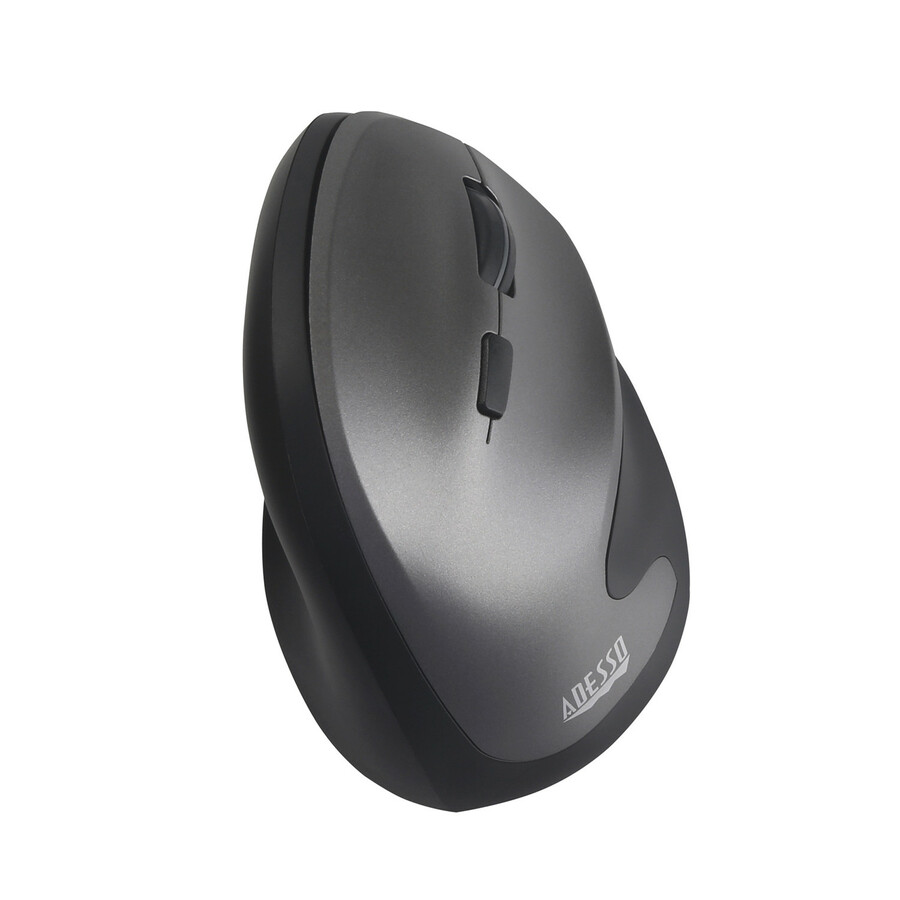
Adesso iMouse V10
IMOUSE V10
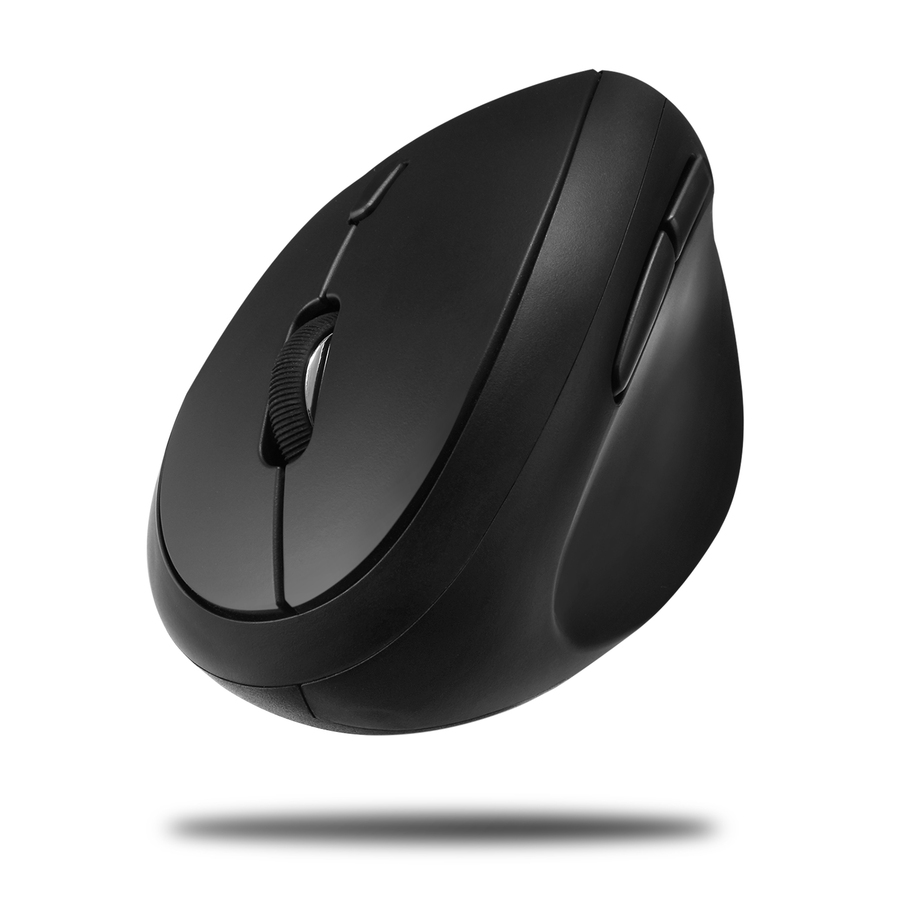
Adesso's iMouse V10, a wireless vertical mini mouse on 2.4 GHz with six buttons and 1600 dpi — a smaller shell for a smaller hand or a laptop bag.
$33.72In stockProgrammable, 4800 dpi
Adesso
Adesso 2.4 GHz Wireless Vertical Programmable Mouse
IMOUSE E30
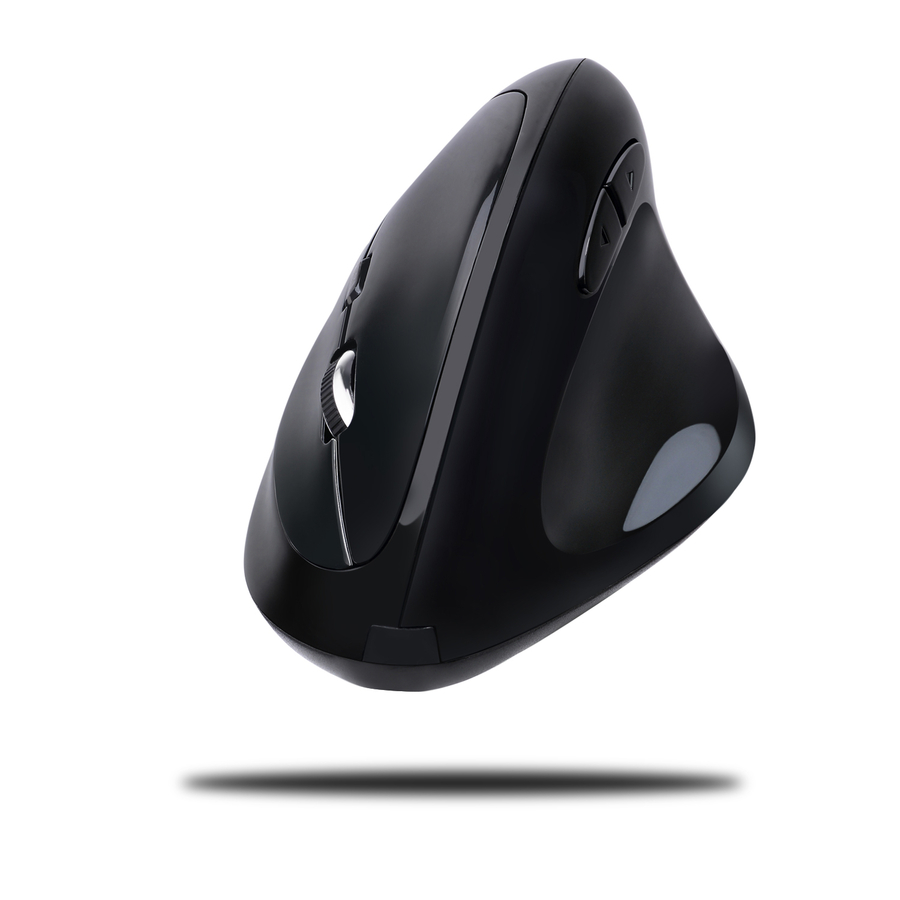
Adesso's wireless vertical programmable mouse on 2.4 GHz with a 30 ft range, six buttons and 4800 dpi — the highest DPI on this page, so the cursor covers more screen per hand movement.
$46.36In stockAntimicrobial shell
Adesso
Adesso Antimicrobial Wireless Vertical Ergonomic Mouse
IMOUSE A20
Adesso's antimicrobial wireless vertical mouse on 2.4 GHz with six buttons and 2400 dpi — the shell to specify for a shared desk, a clinical setting or a public-facing counter.
$41.65In stockWired, five buttons
Ergoguys
WOW PEN JOY II WIRED VERTICAL ERGONOMIC OPTICAL MOUSE BLACK
WP-012-BK-E
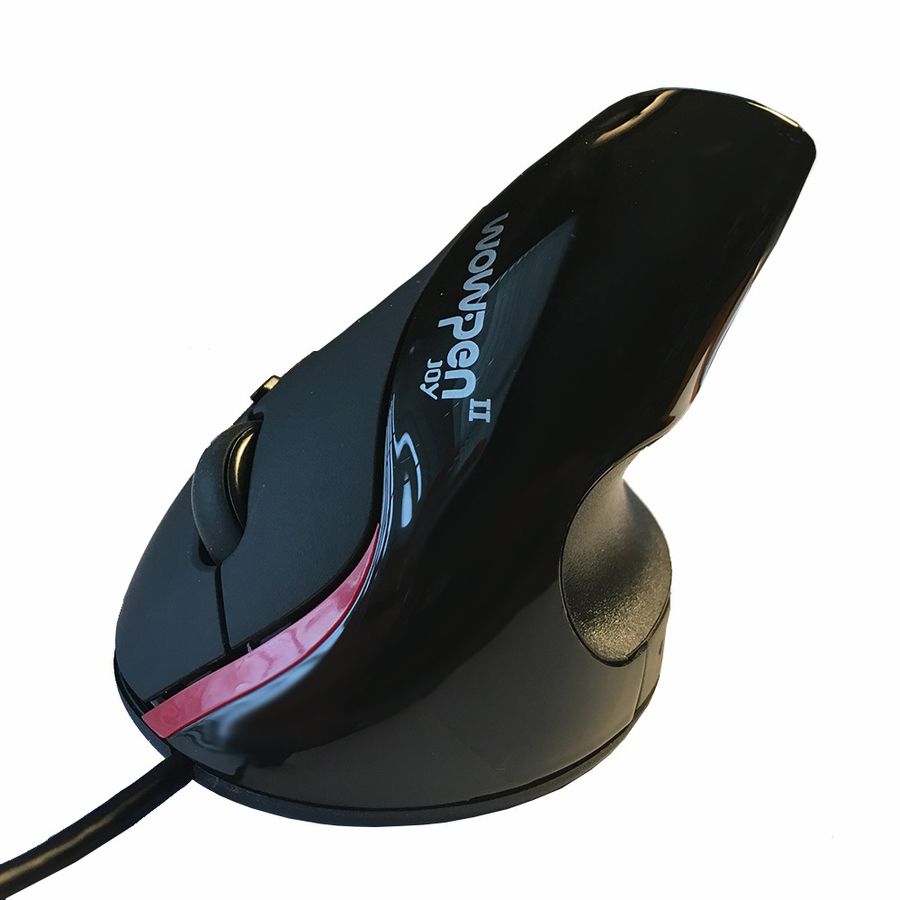
The Wow Pen Joy II, a wired USB vertical mouse with a scroll wheel, five buttons and 1600 dpi — no batteries, no receiver and nothing to pair on a shared or hot-desked seat.
$33.56In stockSemi-vertical wired
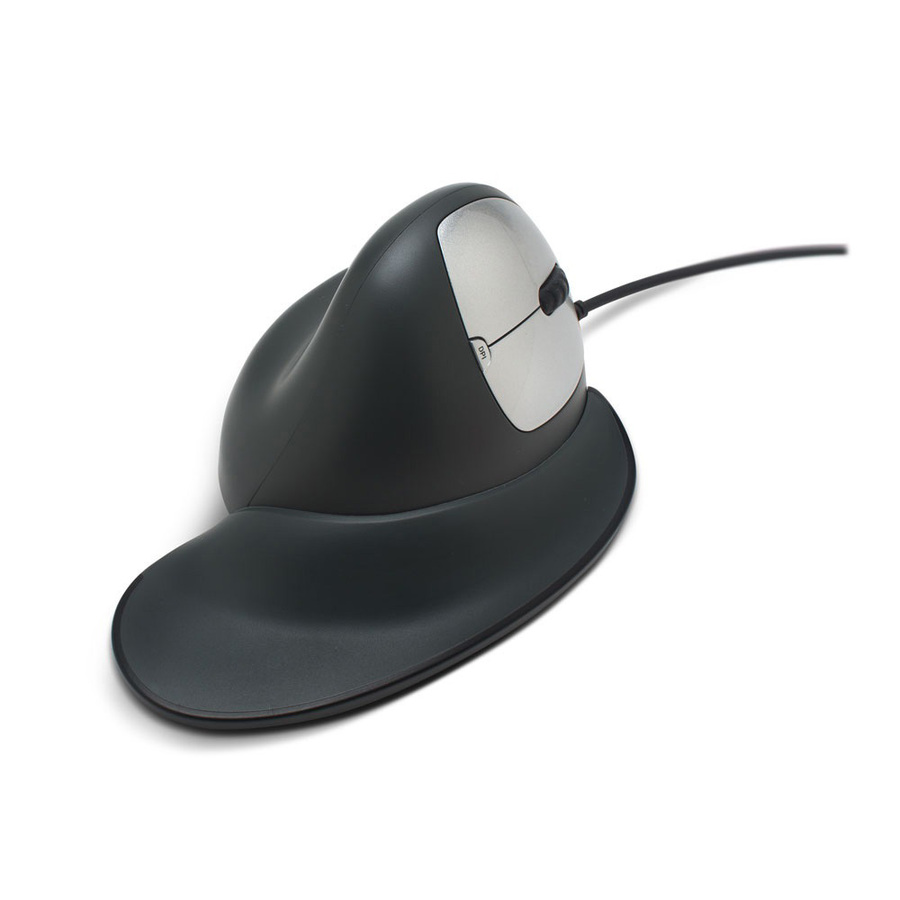
Ergoguys
GoldTouch Ergonomic Wired Semi Vertical Mouse Right Handed Medium
KOV-GSV-RM
GoldTouch's medium right-handed semi-vertical mouse, wired over USB at 2500 dpi with two buttons — a shallower grip angle for someone moving off a conventional flat mouse.
Semi-vertical shells sit at a lower angle than fully upright ones; several people find the switch easier.
$99.00Back-orderedSemi-vertical wireless
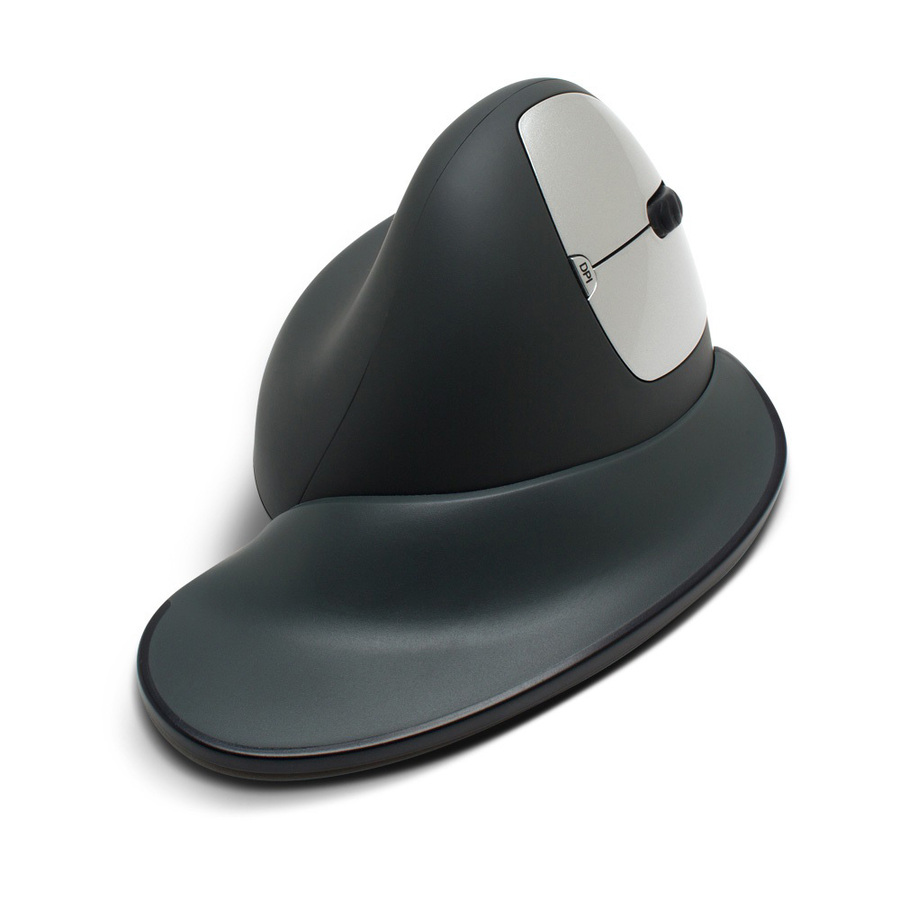
Ergoguys
GoldTouch Ergonomic Wireless Medium Vertical Mouse Right Handed w/Dongle
KOV-GSV-RMW
The wireless version of the same GoldTouch medium right-handed shell, on a USB dongle at 1600 dpi — the same grip angle with the cable removed from the desk.
$111.50Back-orderedWireless, six buttons
Kensington Computer Products
Kensington Pro Fit Ergo Vertical Wireless Mouse
K75520WW
Kensington's Pro Fit Ergo vertical wireless mouse on 2.4 GHz in grey, with a scroll wheel, six buttons and 1600 dpi — a full-size shell with a conventional button layout.
$49.10Back-orderedVertical trackball
Kensington Computer Products
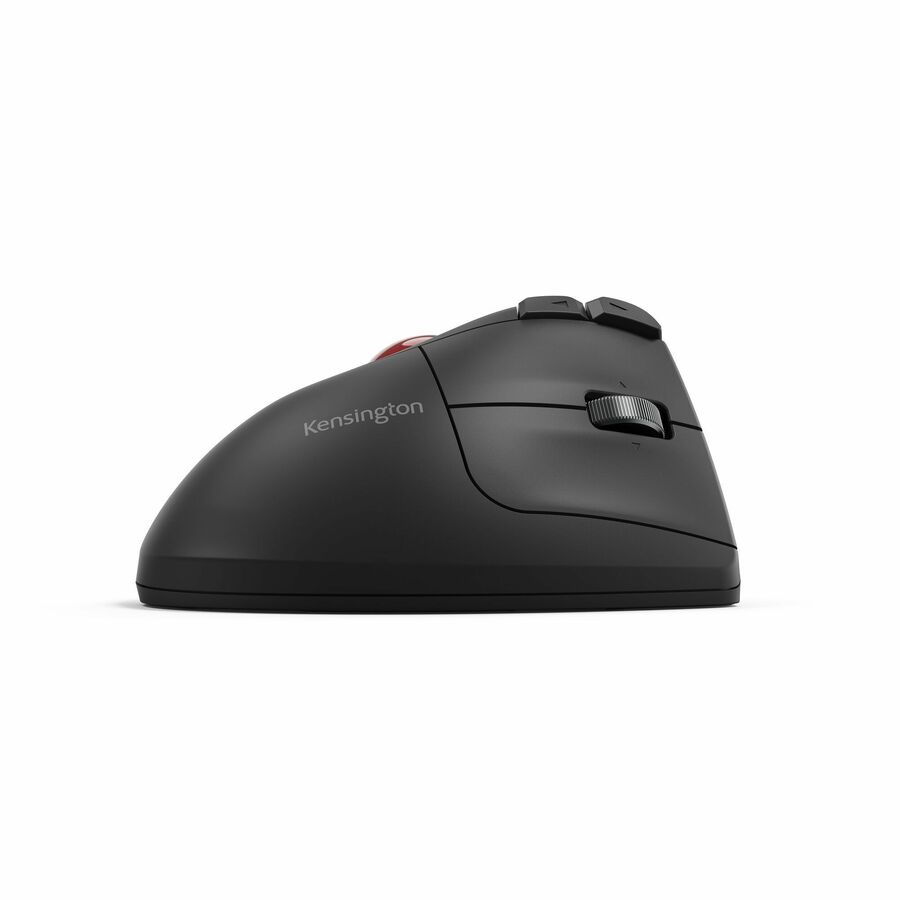
Kensington Pro Fit Ergo TB675 Vertical Wired Trackball
K72170WWMY
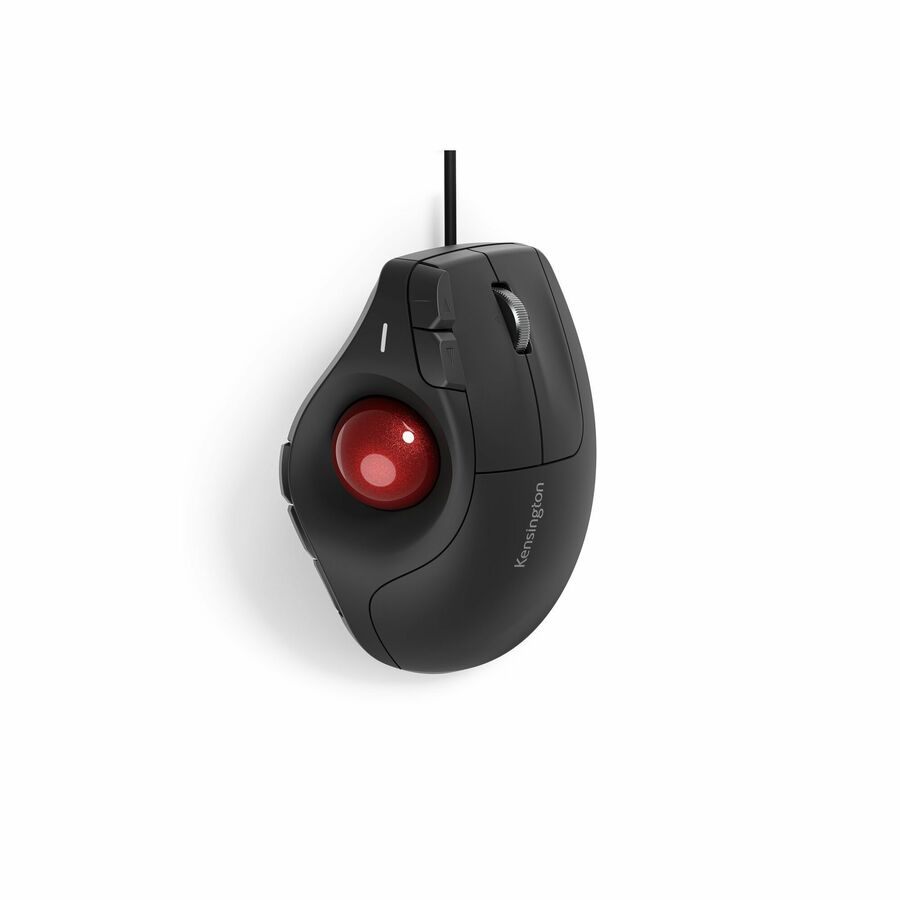
Kensington's Pro Fit Ergo TB675, a wired thumb-operated vertical trackball for PC and Mac with four-way scrolling at 1600 dpi over USB-C or USB-A — the cursor moves and the device does not.
A trackball, not a mouse: it removes arm travel entirely, needs permanent desk space and takes the longest to adapt to.
$60.57Back-orderedTrackball, Bluetooth
Kensington Computer Products
Kensington Pro Fit Ergo Vertical TB675 Trackball
K72171WWMY
The same TB675 vertical trackball as a rechargeable wireless unit over Bluetooth or 2.4 GHz, still with four-way scrolling at 1600 dpi — the cable-free version for a docked desk.
$72.67In stockWireless value pick
ANKER
ANKER 2.4G Wireless Vertical Ergonomic Optical Mouse
A7852011
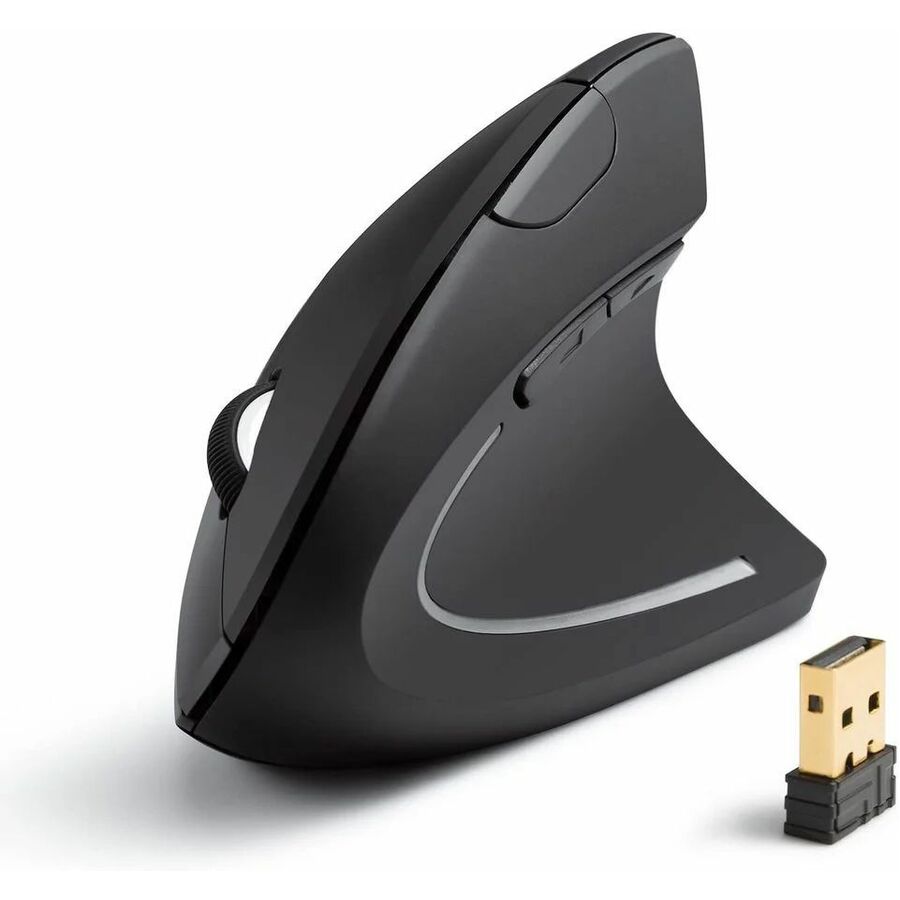
Anker's 2.4 GHz wireless vertical mouse in black, five buttons at 1600 dpi running on two AAA cells — a straightforward wireless shell for a large rollout.
$29.99In stockWired value pick
ANKER
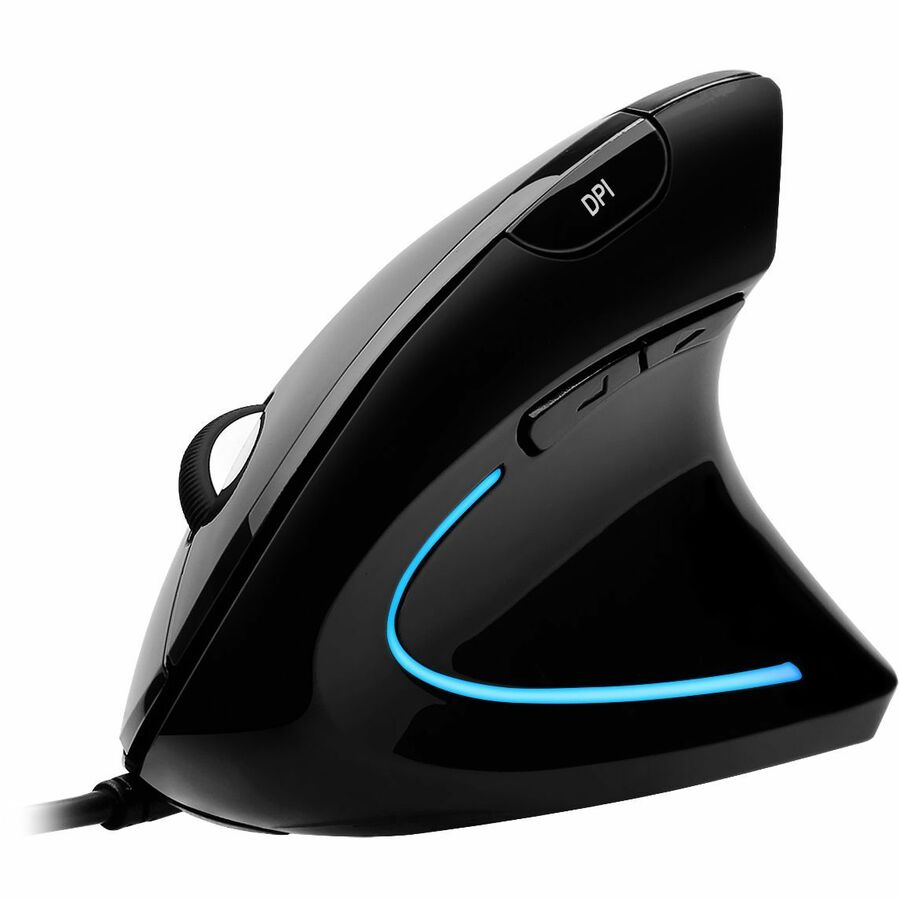
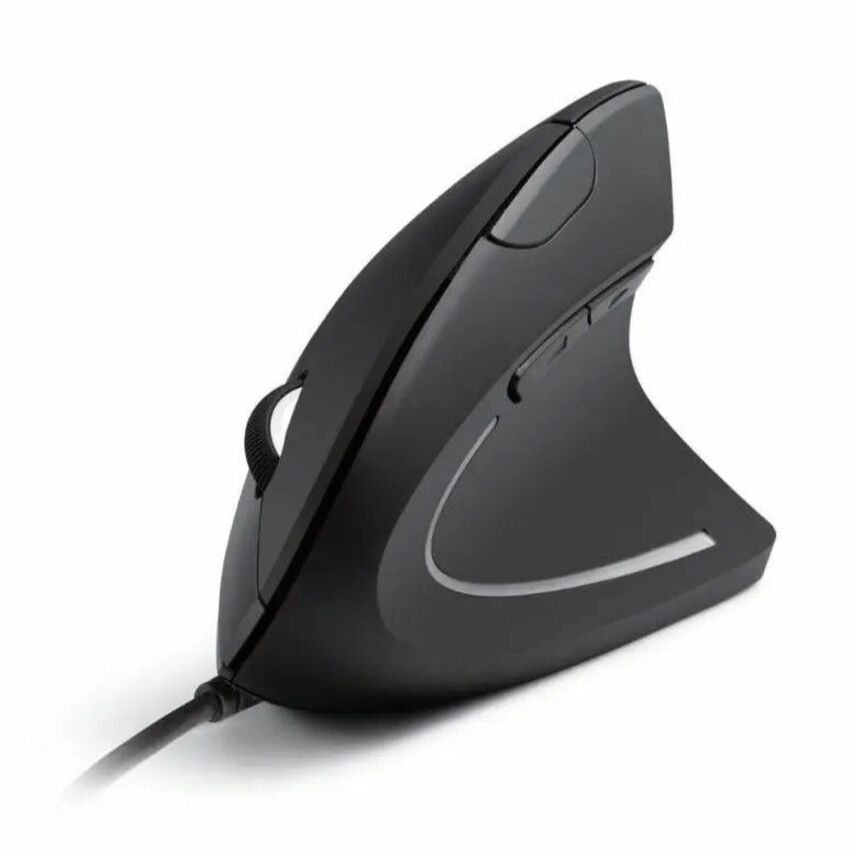
ANKER Ergonomic Optical USB Wired Vertical Mouse A7851
A7851011
The wired Anker A7851 vertical mouse over USB, five buttons at 1600 dpi — the same shape with no batteries and no receiver, which is one less thing to support at scale.
$25.99Back-orderedFleet-standard wireless
Lenovo
Lenovo Go Wireless Vertical Mouse
4Y51C33792
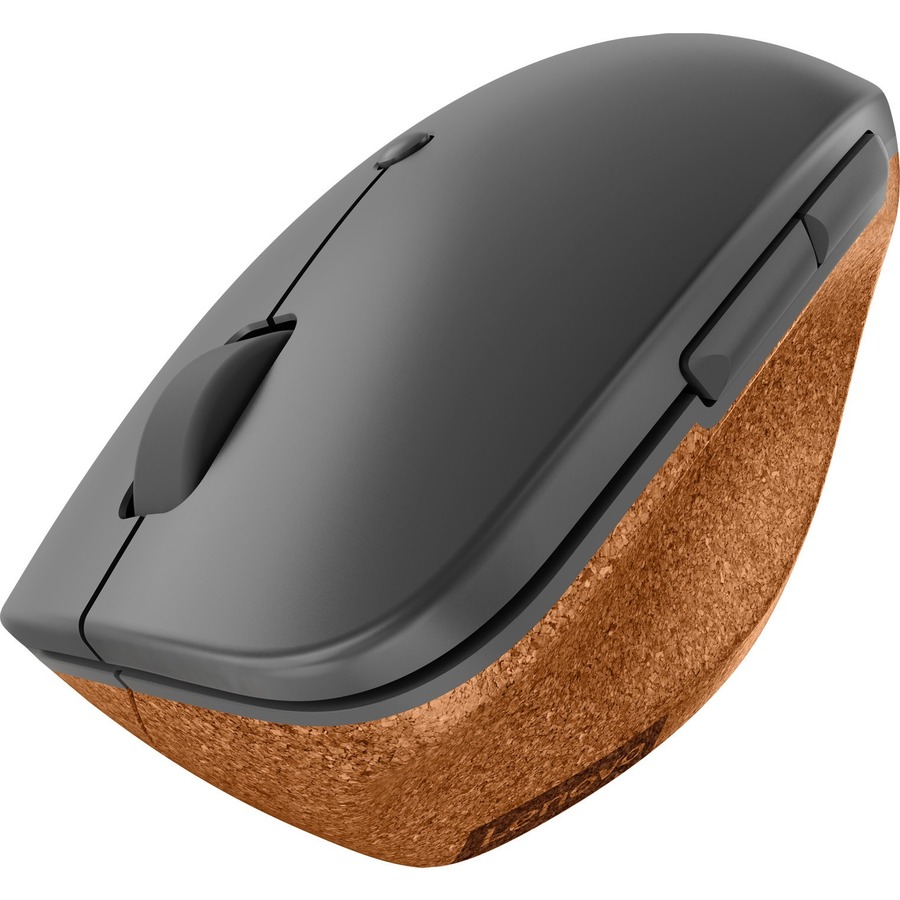
Lenovo's Go wireless vertical mouse on 2.4 GHz in storm grey, 2400 dpi with six buttons of which three are programmable — the row for a site already standardized on Lenovo accessories.
$57.43In stockNeed pricing on ergonomic vertical mice?
Tell us where to reach you and a Uniqcli specialist will follow up by email with current pricing, availability and lead time for the quantities you need — including parts that aren’t shown on this page.
Buying for an organization or for yourself — both work. No payment up front.
A vertical mouse is an ordinary mouse rotated most of the way onto its side, so the hand rests in something close to a handshake position instead of lying flat and rotated. That is the entire idea, and it is the only thing that separates the devices on this page from every other mouse in the catalog. Everything else — the sensor, the buttons, the wireless receiver, the DPI switch — is the same technology in a differently shaped shell, which is why the choice comes down to fit and connection rather than performance.
Fit is the part people get wrong when ordering for someone else. A vertical shell only works if the hand sits on it the way the designer intended, so hand size matters far more than it does with a conventional mouse: a large hand on a compact travel model curls up, and a small hand on a full-size shell cannot reach the thumb buttons without lifting off. Handedness matters absolutely — a right-handed vertical mouse is unusable in the left hand, and the two left-handed rows on this page exist because there is no such thing as an ambidextrous vertical shell. Grip angle varies too: the fully vertical designs sit near 90 degrees, the semi-vertical ones nearer 60, and a person moving from a flat mouse often adapts to the shallower angle faster.
Beyond shape, read three things on the row. The connection decides the estate: wired is one fewer battery and one fewer receiver to lose, a 2.4 GHz dongle is the simple wireless answer, and Bluetooth or a unified receiver is what a fleet with docking stations and shared desks actually wants. The button count and programmability decide whether the device replaces a shortcut habit — several rows here carry six buttons with programmable assignments. DPI adjustment decides how far the hand travels for a given cursor distance, and on a vertical shell a slightly higher setting usually means less arm movement. Cards carry live pricing and current availability from the catalog.
Buyer's checklist
How to choose a vertical mouse
- Match the shell to the hand, not to the brand. A vertical mouse only works if the hand rests on it as designed — a large hand on a compact model curls, a small hand on a full-size shell stretches for the thumb buttons. Where you are buying for one person, buy for that person's hand; where you are buying for a fleet, offer two sizes.
- Confirm handedness before anything else. A vertical shell is handed by construction and there is no ambidextrous version — a right-handed model cannot be used in the left hand. Two rows on this page are explicitly left-handed and they are the only answer for a left-handed user.
- Decide the grip angle. Fully vertical shells sit close to upright; semi-vertical designs sit at a shallower angle. Someone moving from a conventional flat mouse for the first time often adapts to the shallower angle more easily, and it is worth trialling one of each before standardizing across a team.
- Pick the connection to suit the desk. Wired removes batteries and receivers from the support conversation entirely. A 2.4 GHz dongle is the straightforward wireless answer where a USB-A port is free. Bluetooth or a vendor's unified receiver is what a docked, hot-desked or port-constrained fleet actually needs.
- Read the button count and programmability against how the person works. Six-button rows with programmable assignments let a user keep the shortcuts they already have; a two-button device is simpler to support and cheaper to replace.
- Check the DPI, and whether it is switchable on the device. The rows here run from 1600 to 4800 dpi. A higher setting means less physical travel for the same cursor distance, which on a vertical shell is usually the setting people settle on, and an on-device switch saves a support ticket.
- Order a mouse pad, and think about the rest of the desk. A vertical mouse changes the wrist and forearm angle and nothing else; the keyboard height, the chair, the monitor position and how long someone sits are the rest of the picture. For anything beyond a device preference, the right next step is a professional assessment, not a part number.
Fully vertical, semi-vertical, and vertical trackballs
The devices on this page are not one shape. The fully vertical designs stand the hand close to upright, which is the largest departure from a conventional mouse and the one that takes longest to adapt to — but also the position most people picture when they ask for a vertical mouse. The semi-vertical designs, such as the GoldTouch rows here, sit at a shallower angle: less of a change, and in practice an easier switch for someone who has used a flat mouse for twenty years and does not want to relearn pointing accuracy in the middle of a working week.
The third shape is the vertical trackball, where the hand rests at the same angle but the ball moves the cursor and the device itself never moves. That removes arm travel from the equation entirely, which is why it appears on the same shelf and answers the same question from a different direction. It also needs desk space it never gives back and takes the longest to get used to. Where a team is being offered a choice, offering all three and letting people pick is more effective than standardizing on one shell and hoping.
Rolling these out across a team
Peripherals are the cheapest part of a workstation and the part most often ordered one at a time, which is how an estate ends up with fourteen models and no spares. If a site is offering vertical mice as an option, it is worth settling on a small standard set: one right-handed full size, one compact, one left-handed and, if the demand exists, one trackball — with a matching approach to connection, so the same receiver or the same Bluetooth pairing process applies to everyone. That turns a device request into a stock item rather than a purchase order.
Uniqcli quotes peripherals alongside the machines, docks and monitors they attach to, so a refresh or an accommodation request lands as one order rather than several small ones. Send the seat count, the handedness split if you know it, and whether the desks are docked, hot-desked or fixed, and we will come back with part numbers, availability, lead times and volume pricing. Nothing on this page is medical advice; where a device is being specified for a specific individual's needs, that assessment belongs with an occupational health or ergonomics professional, and we will quote whatever they recommend.
FAQ
Common questions
- What is a vertical mouse?
- It is a mouse whose shell is rotated most of the way onto its side, so the hand rests in roughly a handshake position rather than flat. The internals are ordinary — the same optical sensors, buttons, scroll wheels, receivers and DPI switches found in any other mouse — and the shape is the entire product. Because the shell is angled, it is also handed: a right-handed vertical mouse cannot be used in the left hand, and there is no ambidextrous version. Fully vertical models sit close to upright, and semi-vertical models sit at a shallower angle.
- Will a vertical mouse help with wrist discomfort?
- That is not a question a product page can answer, and we will not pretend otherwise. A vertical mouse changes the angle at which the forearm and wrist sit while pointing, and many people prefer it — which is why it exists as a category and why organisations stock it as an option. Whether it is the right answer for a particular person's discomfort depends on that person, their desk, their chair, their hours and their history, and that assessment belongs with an occupational health or ergonomics professional. If one recommends a specific device, we will quote it.
- Is there a left-handed vertical mouse?
- Yes, and it has to be bought deliberately. A vertical shell is handed by construction, so a right-handed model is genuinely unusable in the left hand rather than merely awkward. Two rows on this page are explicitly left-handed models from the same family as their right-handed siblings, which means a mixed team can be issued the same product line, the same receiver approach and the same button layout regardless of handedness. Confirm the hand before ordering; it is the one specification on this page that cannot be worked around after delivery.
- Wired or wireless for an office fleet?
- Wired is the lowest-support option: no batteries, no receiver to lose, nothing to pair, and it survives a hot-desk booking with no user action. Wireless with a 2.4 GHz dongle is the simple upgrade where a USB-A port is free at every seat. Bluetooth or a vendor's unified receiver is what a docked or hot-desked fleet actually wants, because the device follows the person rather than the desk and one receiver can serve a keyboard and mouse together. Rechargeable models remove the battery line from the consumables budget at the cost of a cable at the desk.
- Can business, government and education buyers order these?
- Every line Uniqcli quotes is sourced through US distribution and screened for TAA country-of-origin and NDAA §889 status before checkout — with documentation tied to the specific part number, not a product family.
Need ergonomic vertical mice pricing?
Send a bill of materials or part numbers — we confirm stock and a below-market total, with TAA verified on request. No payment up front.