
Best Wireless Mice for Business Fleet Refreshes
USB-receiver and Bluetooth office mice for a volume refresh — read alongside how to choose the connection, the ergonomics and the standardization that make a fleet rollout painless.
Wireless mice for business fleets in stock at Uniqcli
How to choose →A curated selection with live pricing — in-stock lines first, then back-ordered lines with a typical lead time. Every line is sourced through US distribution and screened for NDAA §889 status before checkout, with TAA verified on request.
- LenovoLenovo 300 Wireless Compact Mouse - Lenovo 300 Wireless Compact MouseGX30K79402
$16.99
$11.46
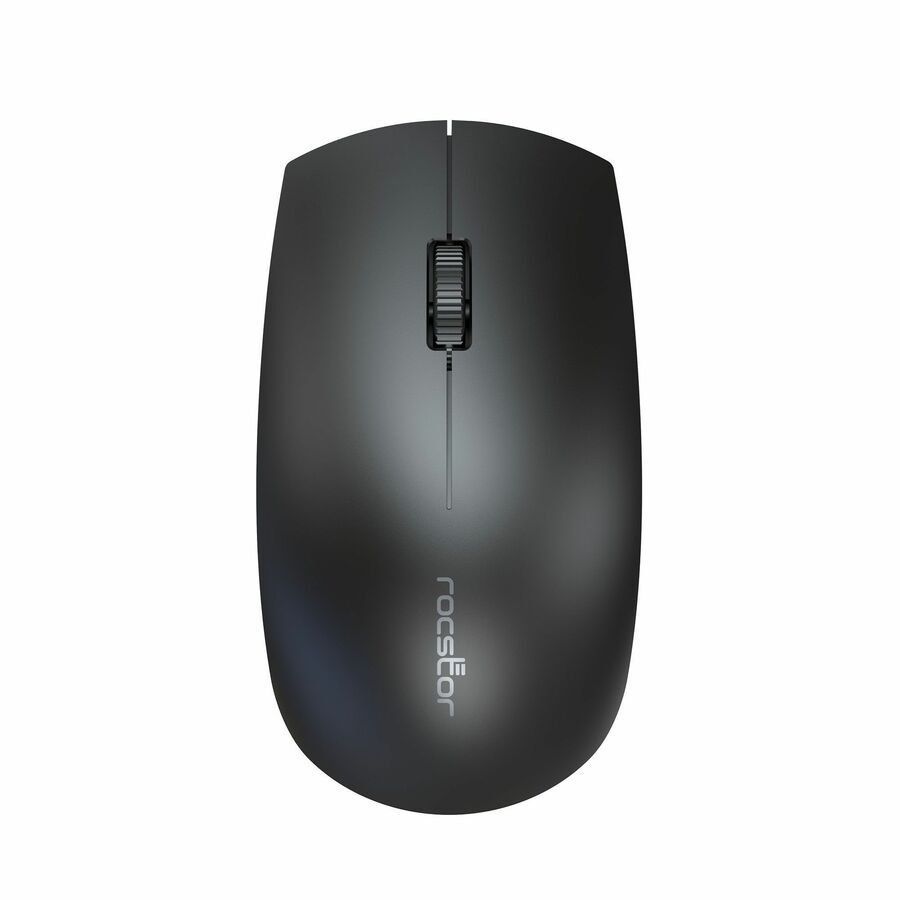
324 in stock - RocstorRocstor Mouse - Optical - Wireless - Radio Frequency - 2.40 GHz - Black - 1200 dpiY10P041-B1
$12.95
$11.86
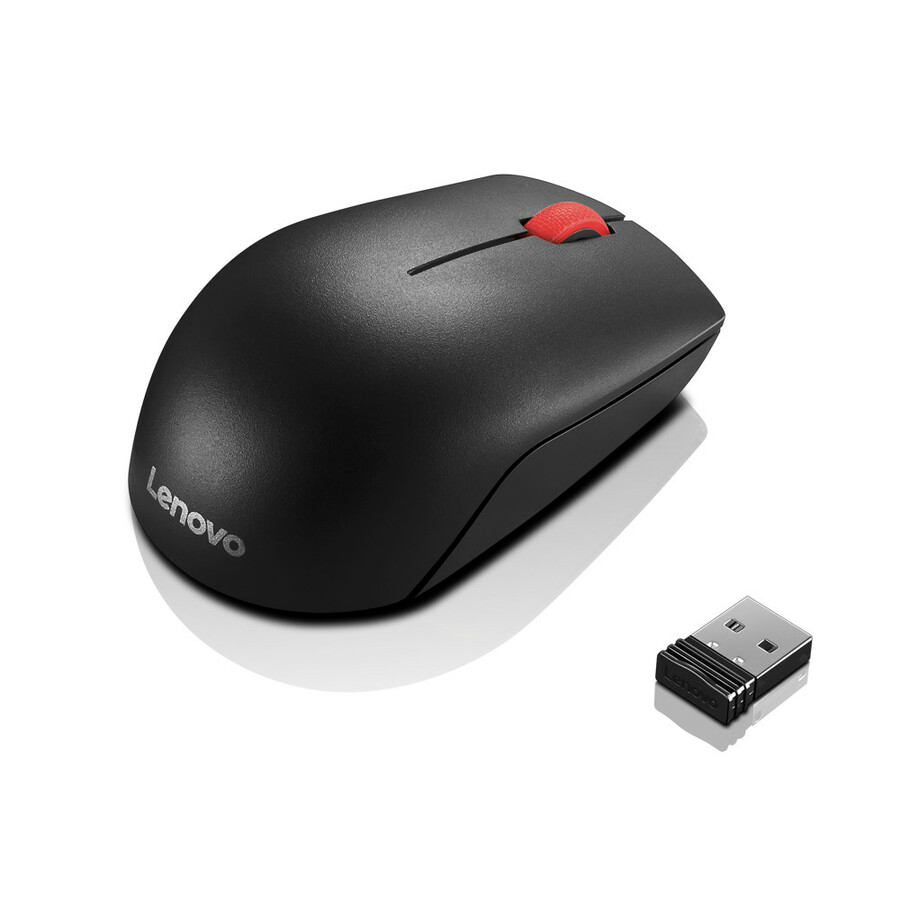
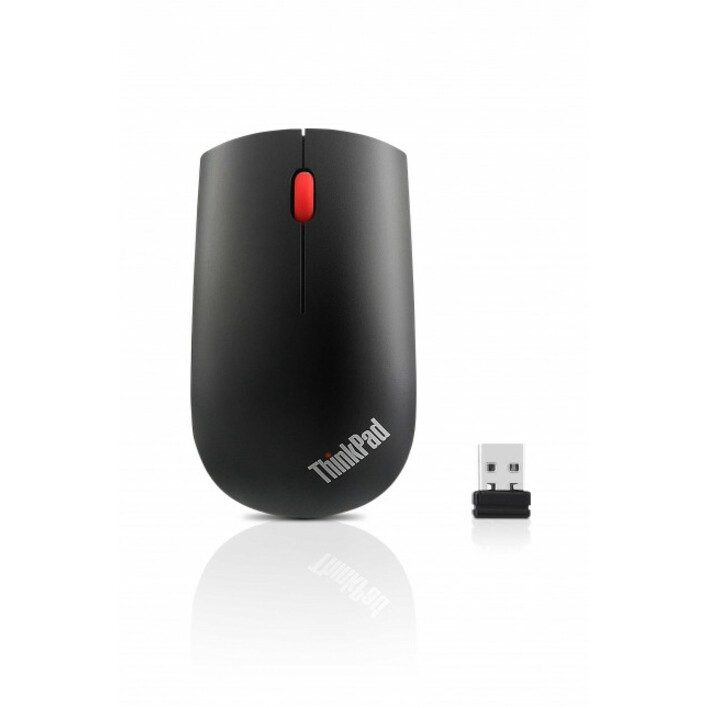
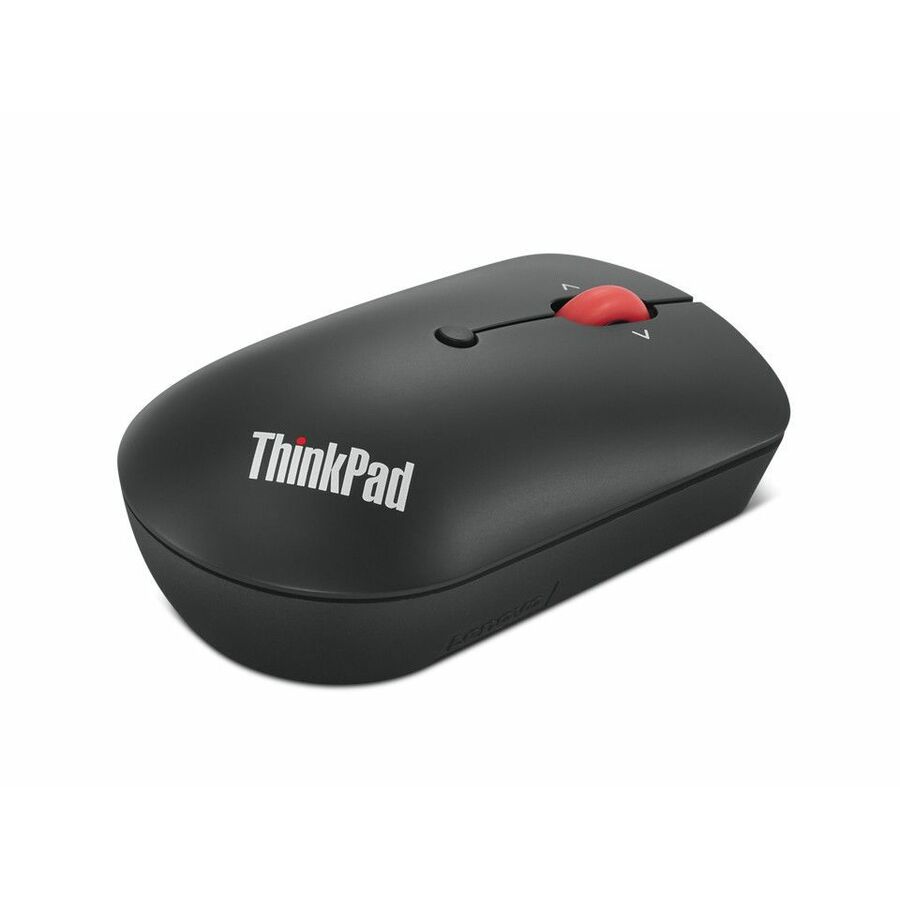
515 in stock - LenovoThinkPad Essential Wireless Mouse - ThinkPad Essential Wireless Mouse4X30M56887
$15.39
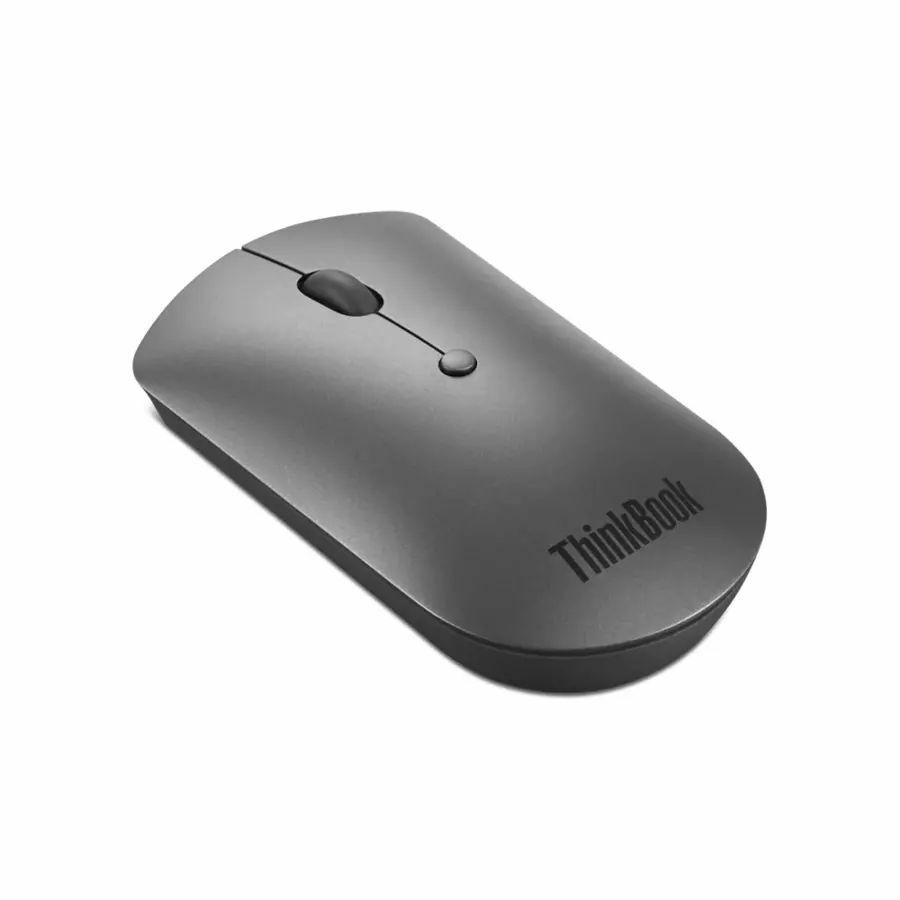
569 in stock - LenovoLenovo ThinkPad Bluetooth Silent Mouse - Optical - Wireless - Bluetooth - Black - 2400 dpi - Scroll Wheel - 3 Button(s)4Y50X88822
$29.99
$20.86
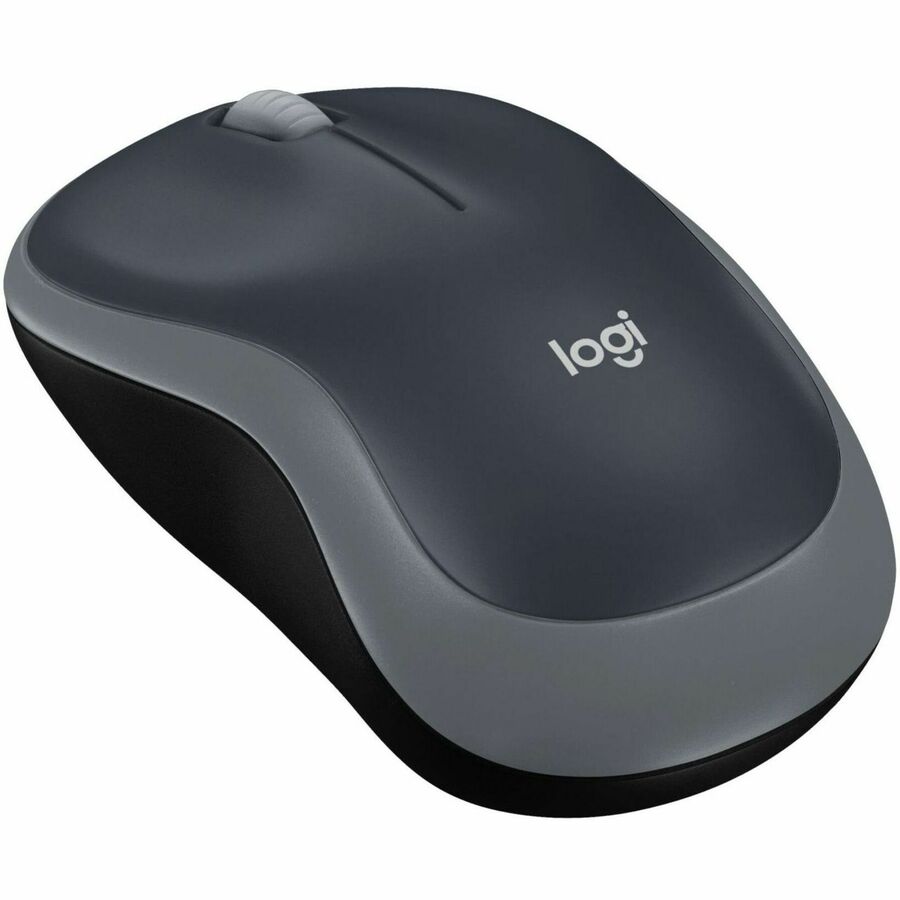
325 in stock - LogitechLogitech M185 Wireless Mouse, 2.4GHz with USB Mini Receiver, 1000 DPI Optical Tracking, Swift Grey - Optical - Wireless - 32.81 ft - Radio Frequency - 2.40 GHz - Silver - 1 - USB - 1000 dpi - Scroll Wheel - 3 Button(s) - Symmetrical - 1 - 1 Year Battery Run Time910-002225
$22.30
2,593 in stock - Targus Group InternationalTargus Wireless Optical Mouse - Optical - USB - Black, GrayAMW50US
$22.99
$22.30
271 in stock
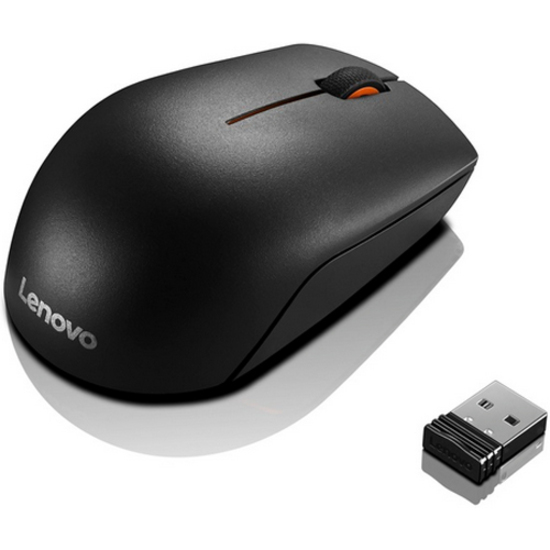


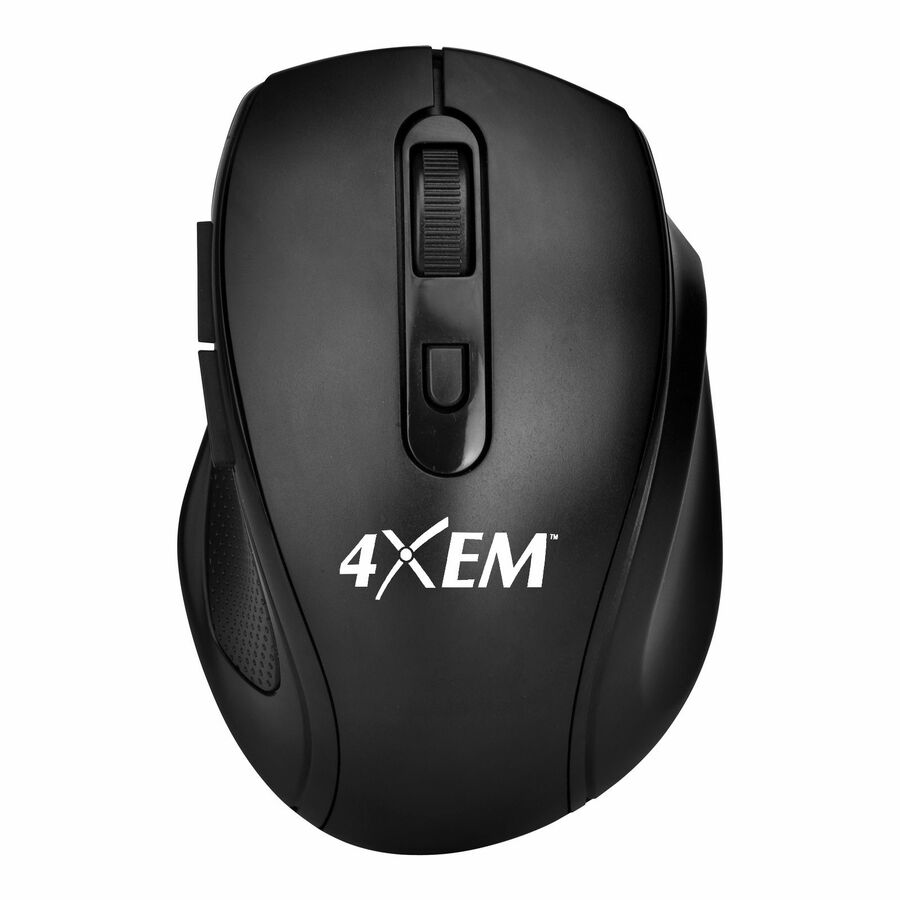

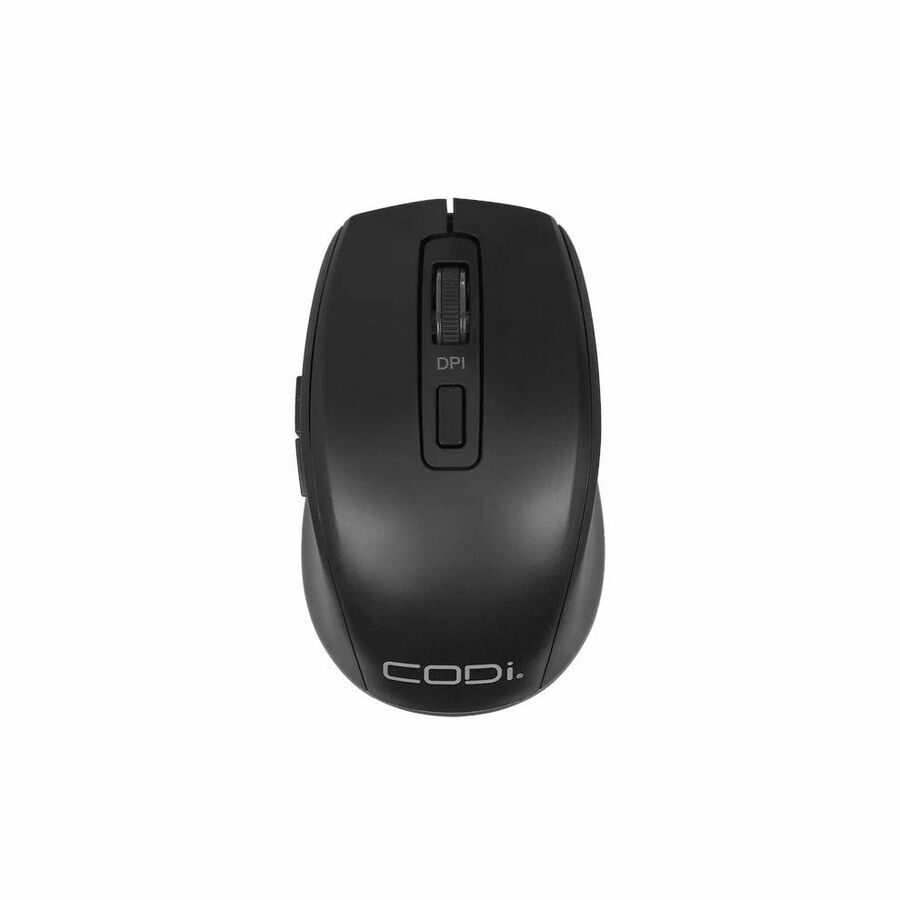



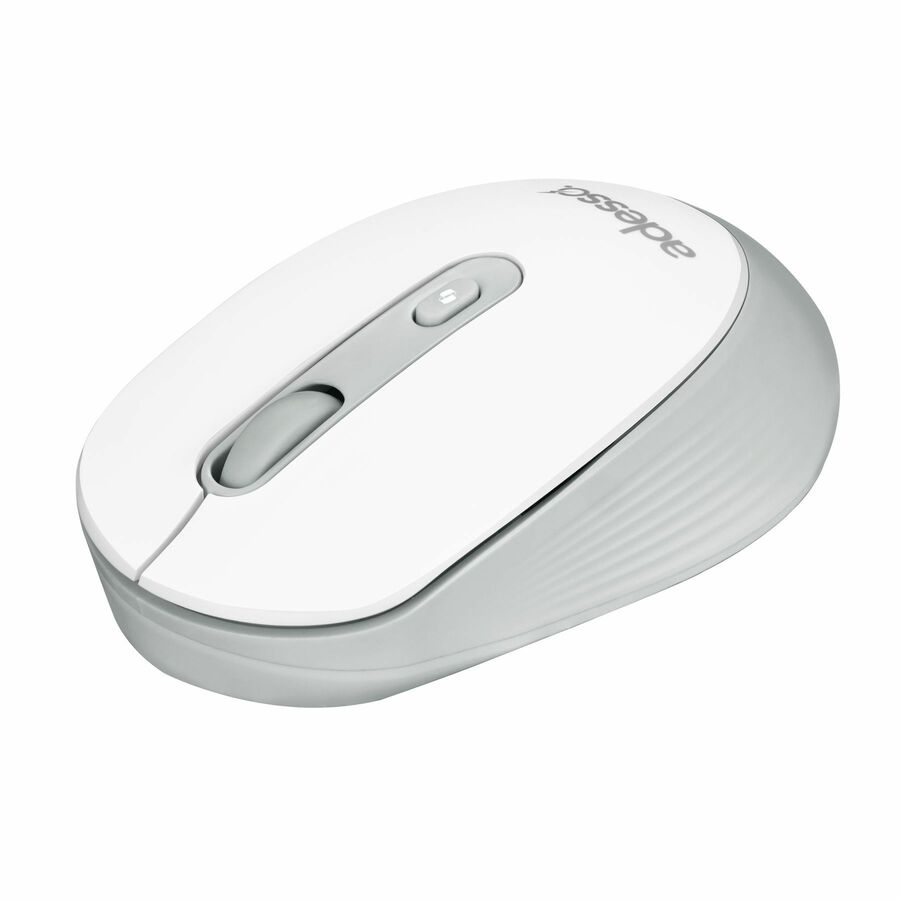

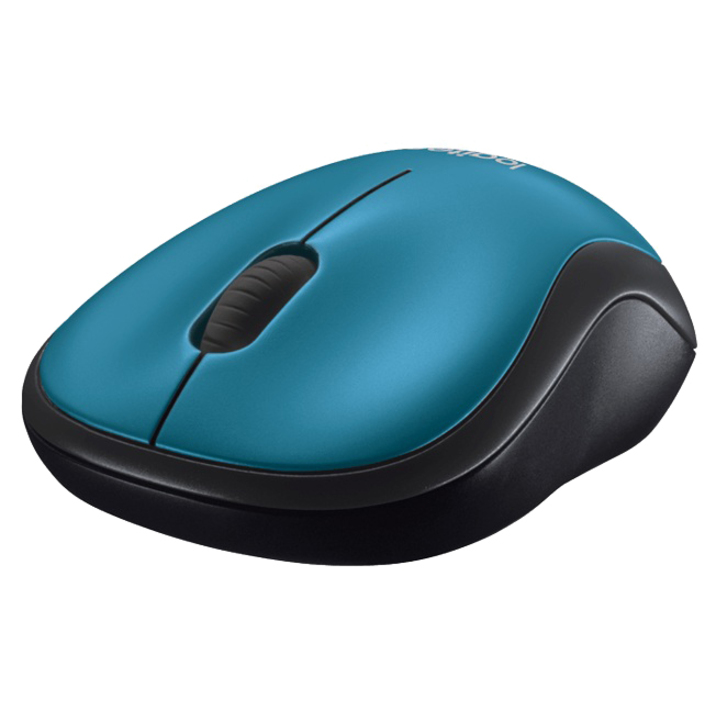
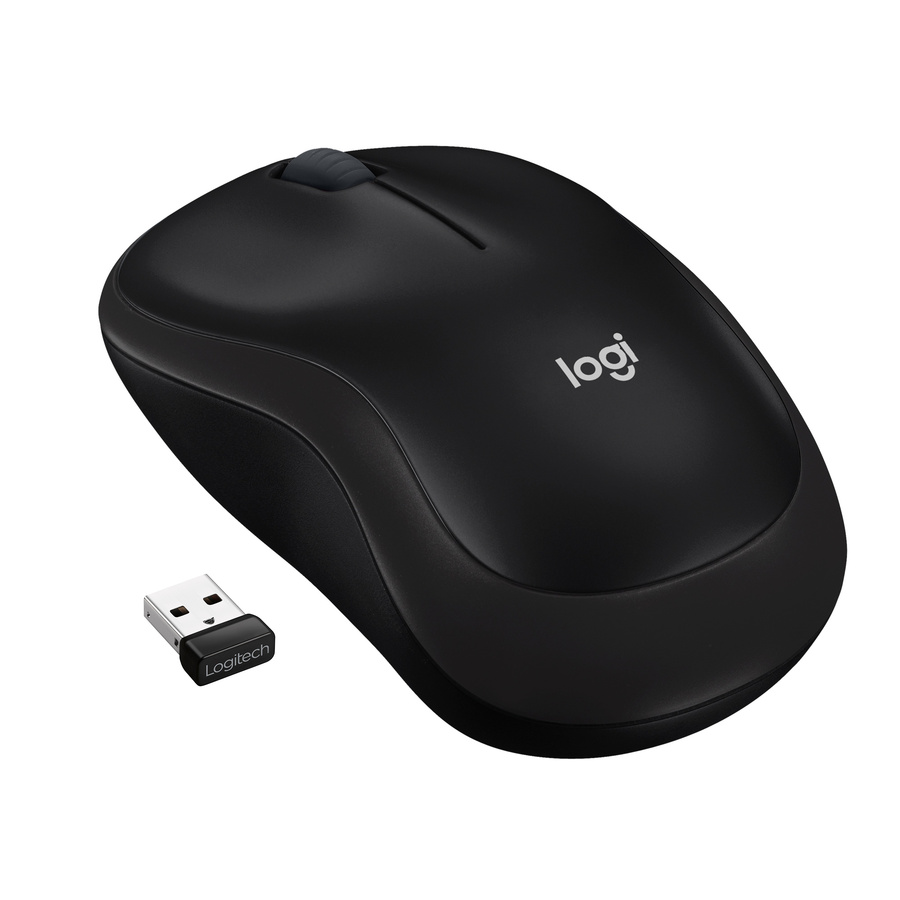
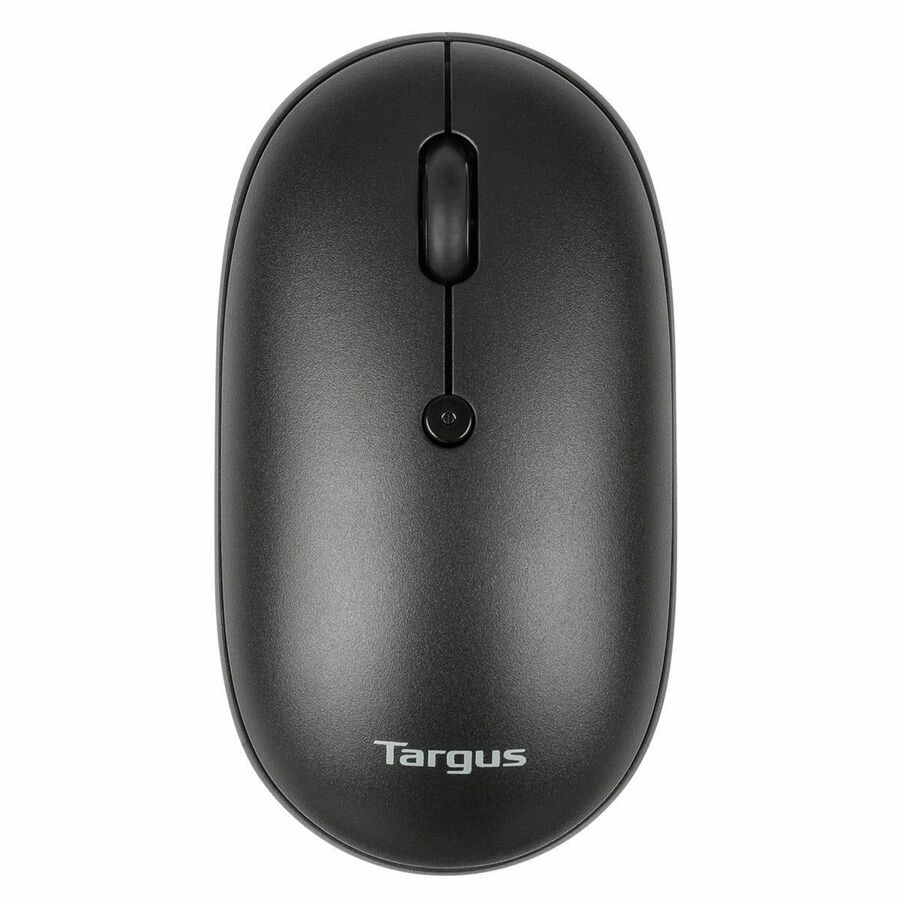

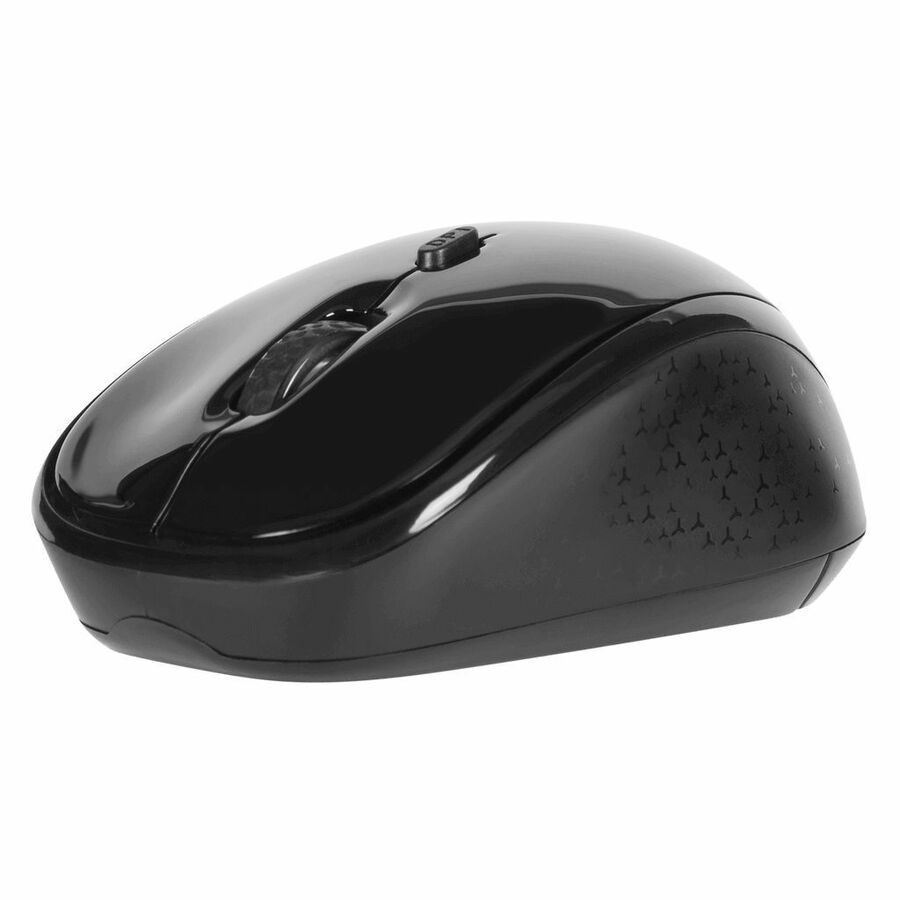
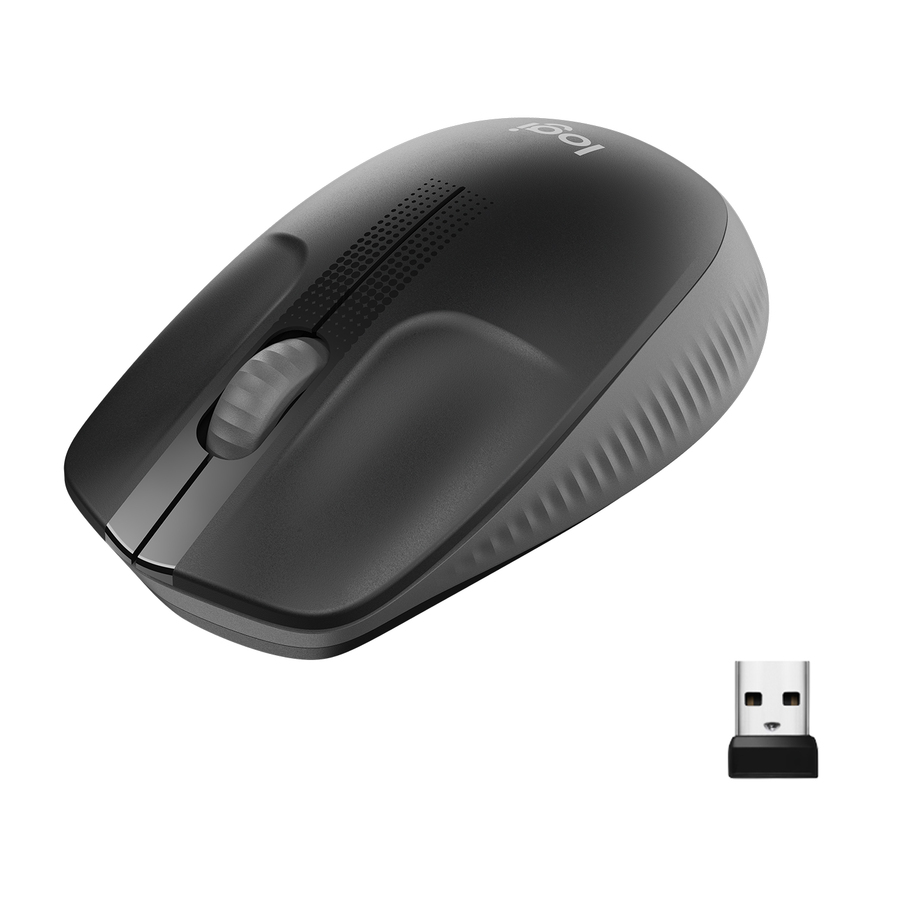
Lenovo 300 Compact
Lenovo
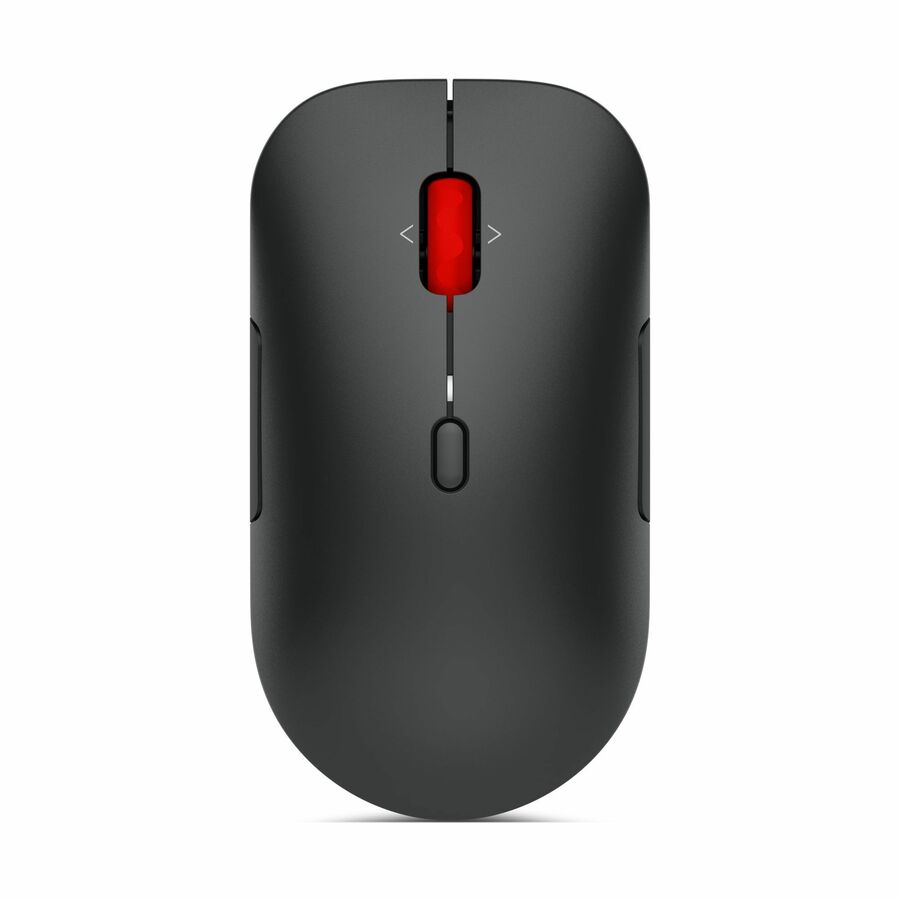
Lenovo 300 Wireless Compact Mouse
GX30K79402
A Lenovo 300 wireless compact mouse with a USB receiver — a low-cost, plug-and-forget mouse for a volume desktop refresh where the spec that matters is that it just works.
$11.46In stockVerbatim Commuter
Verbatim
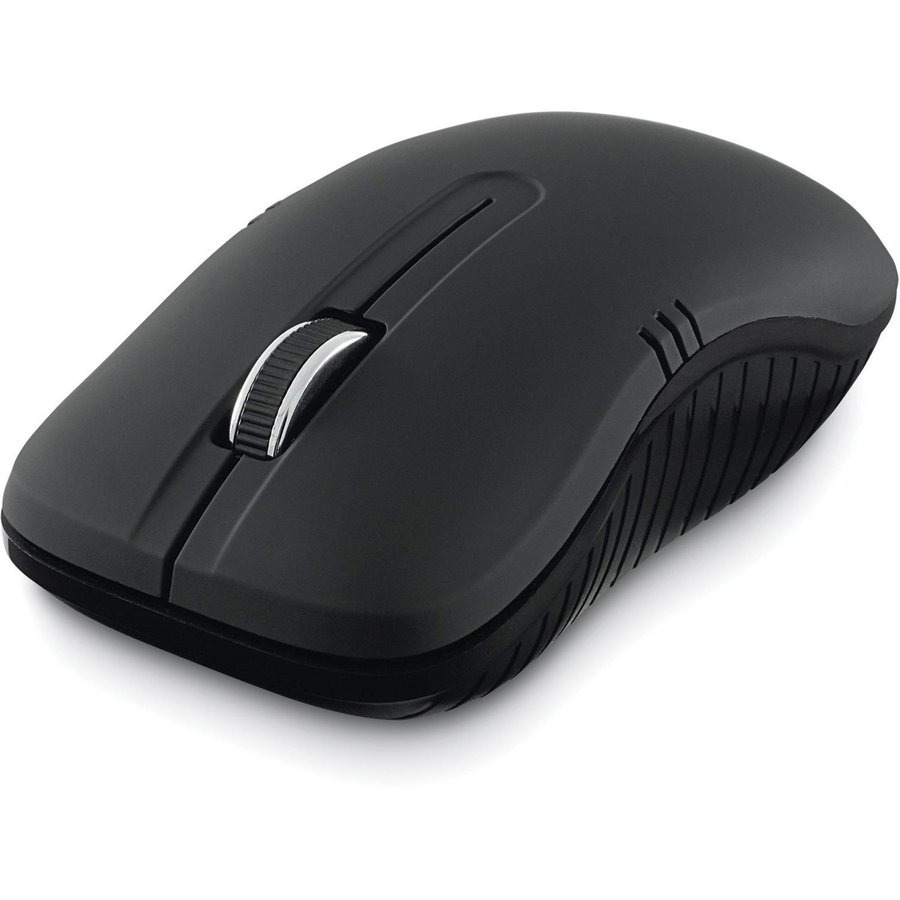
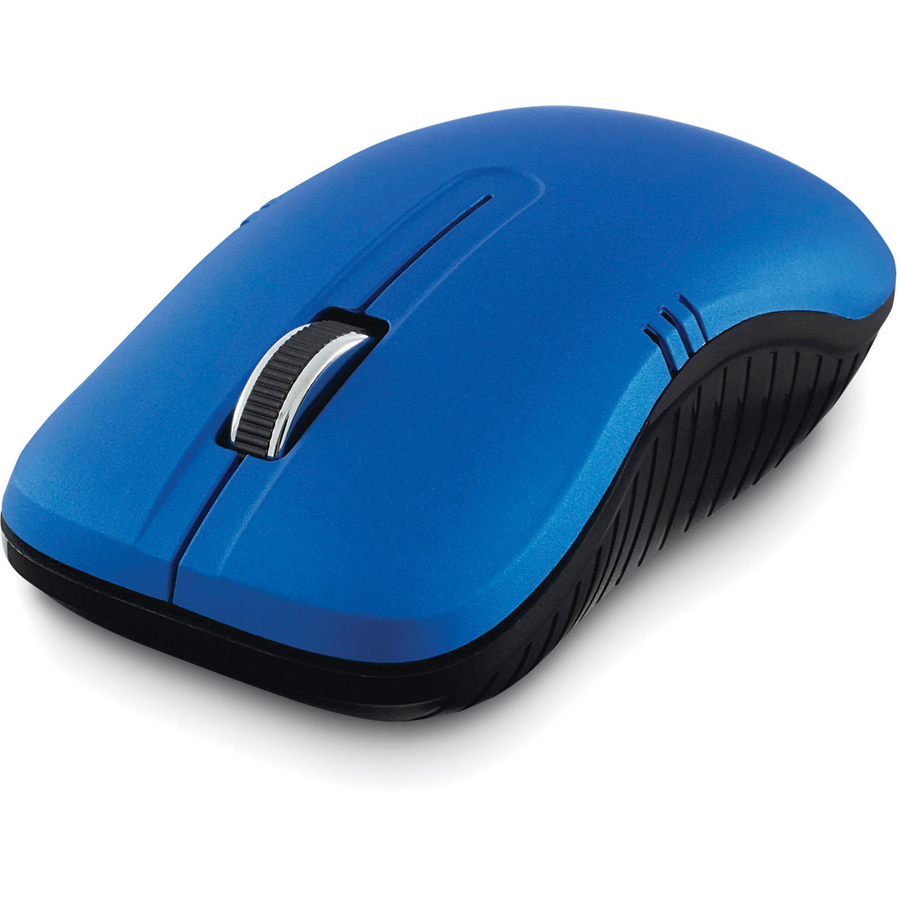
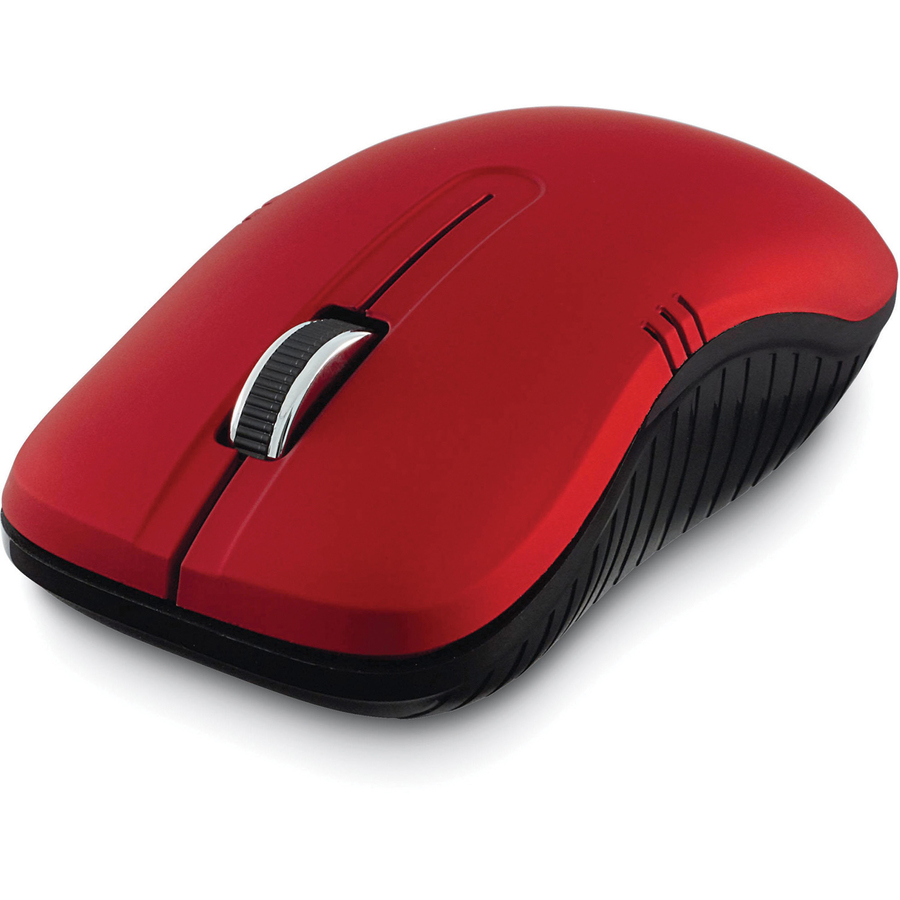
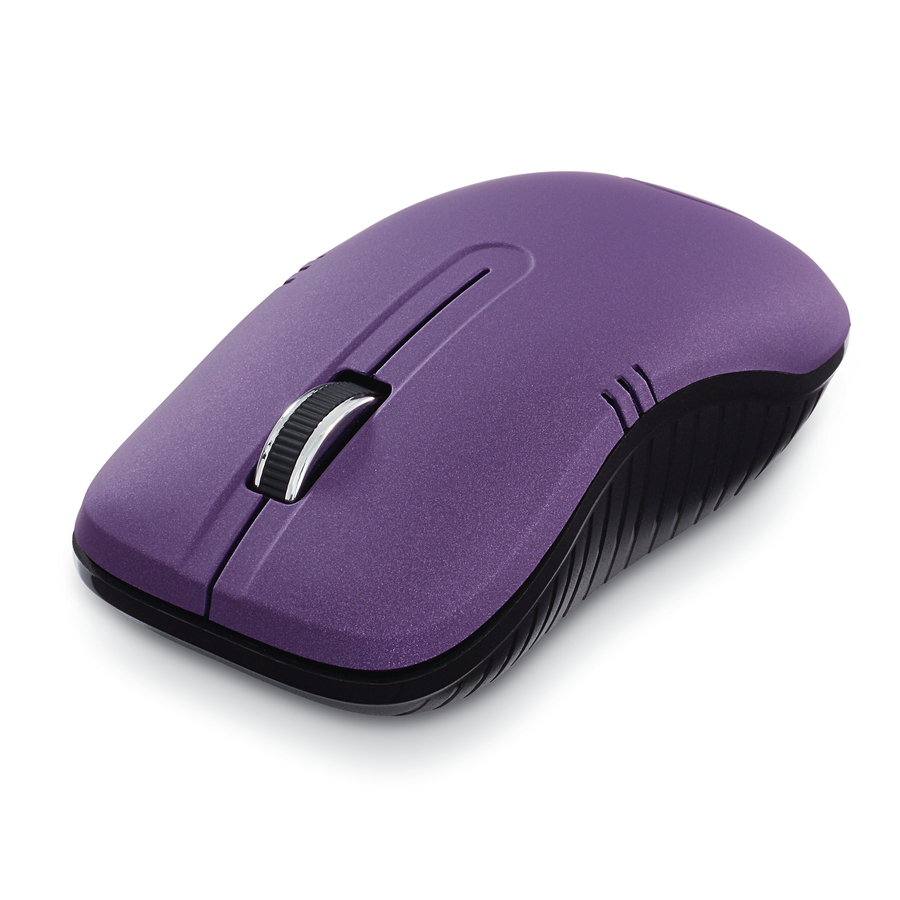
Verbatim Wireless Notebook Optical Mouse, Commuter Series
99765
A Verbatim wireless notebook optical mouse in the Commuter Series with a USB receiver — an inexpensive, no-fuss mouse to deploy across a fleet in quantity.
$21.78In stockAdesso desktop mouse
Adesso
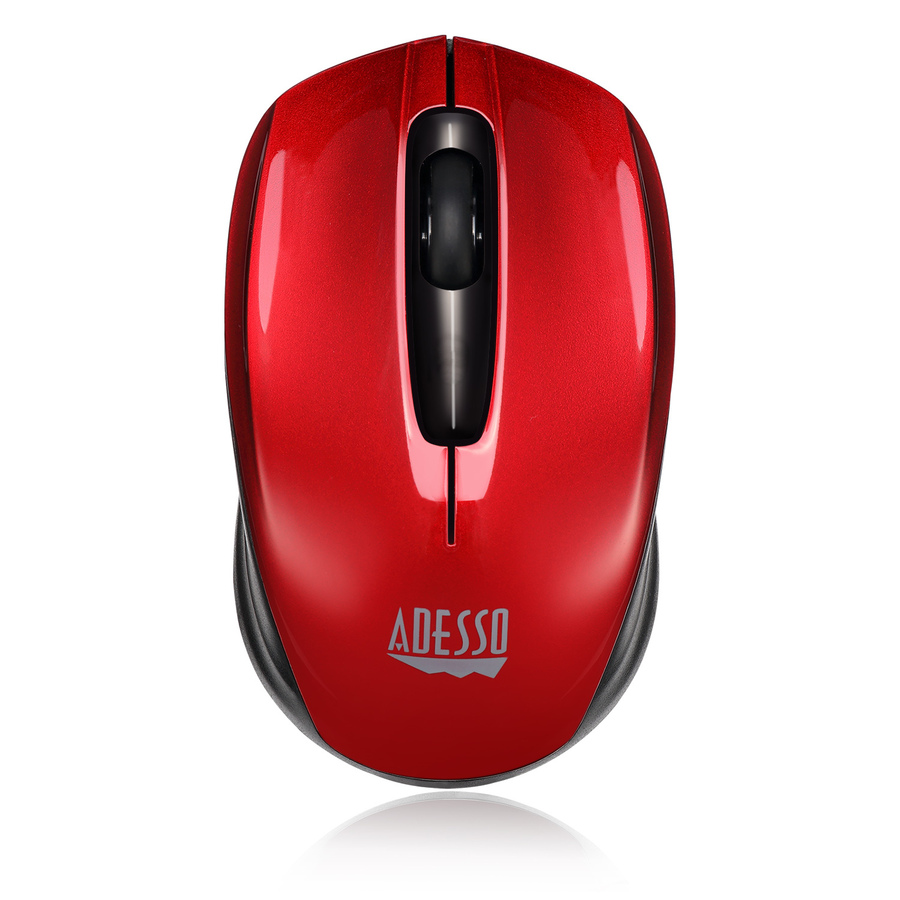
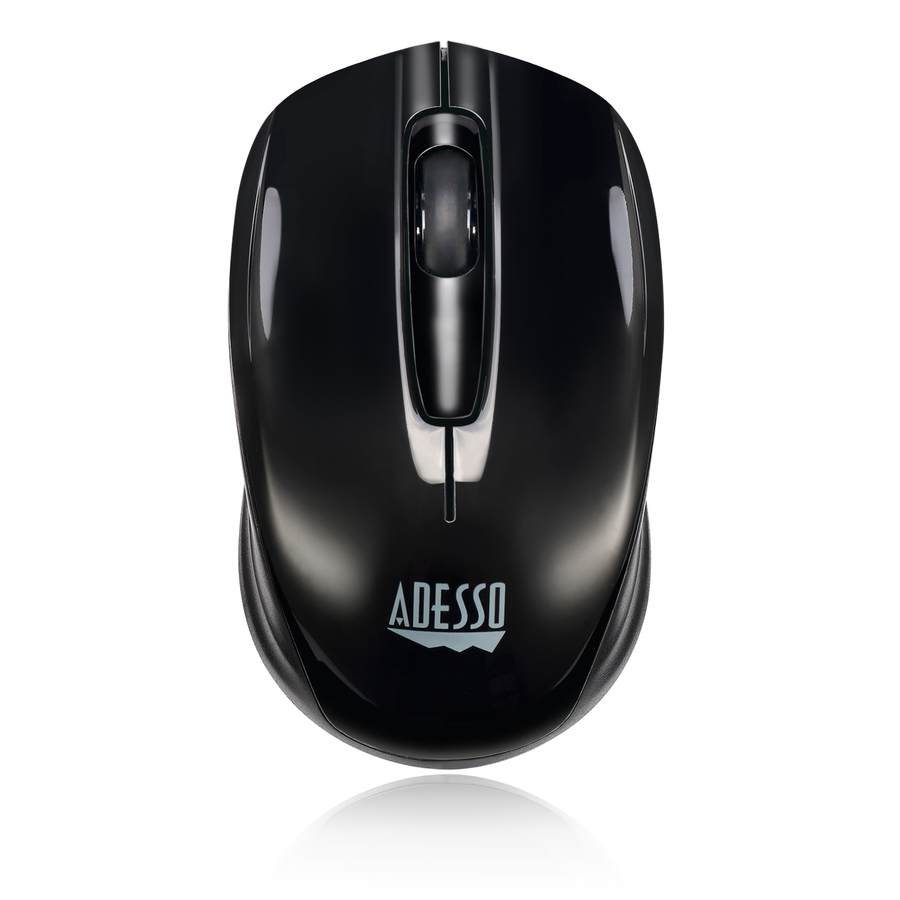
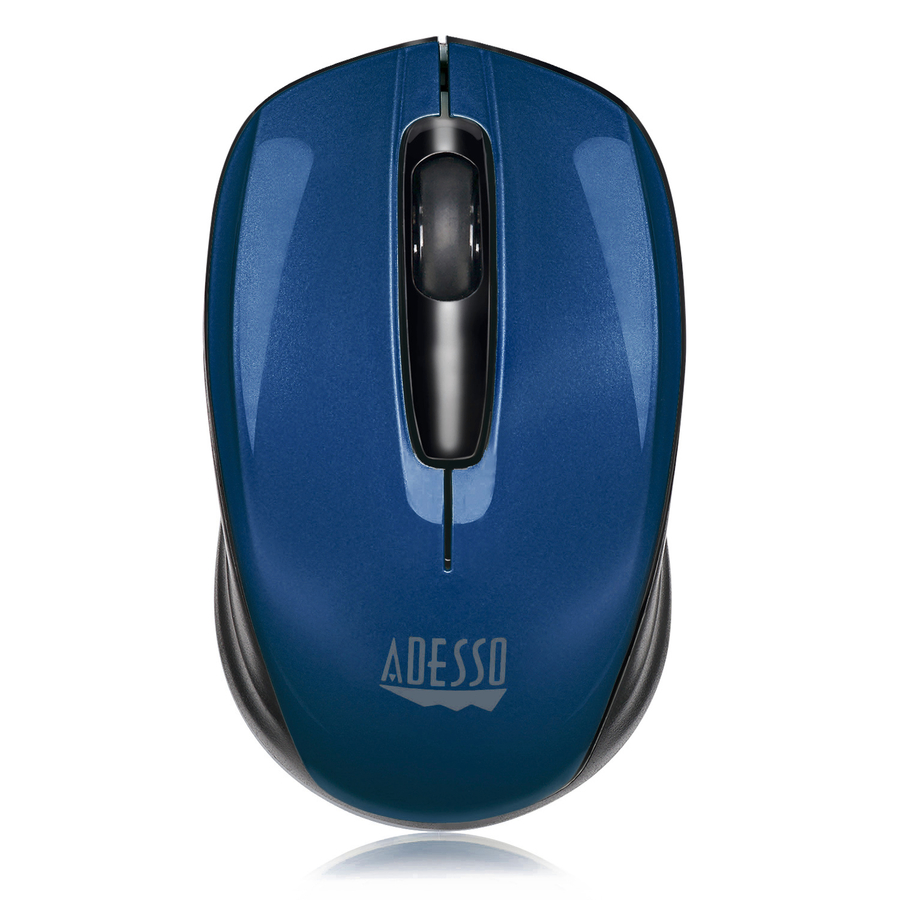
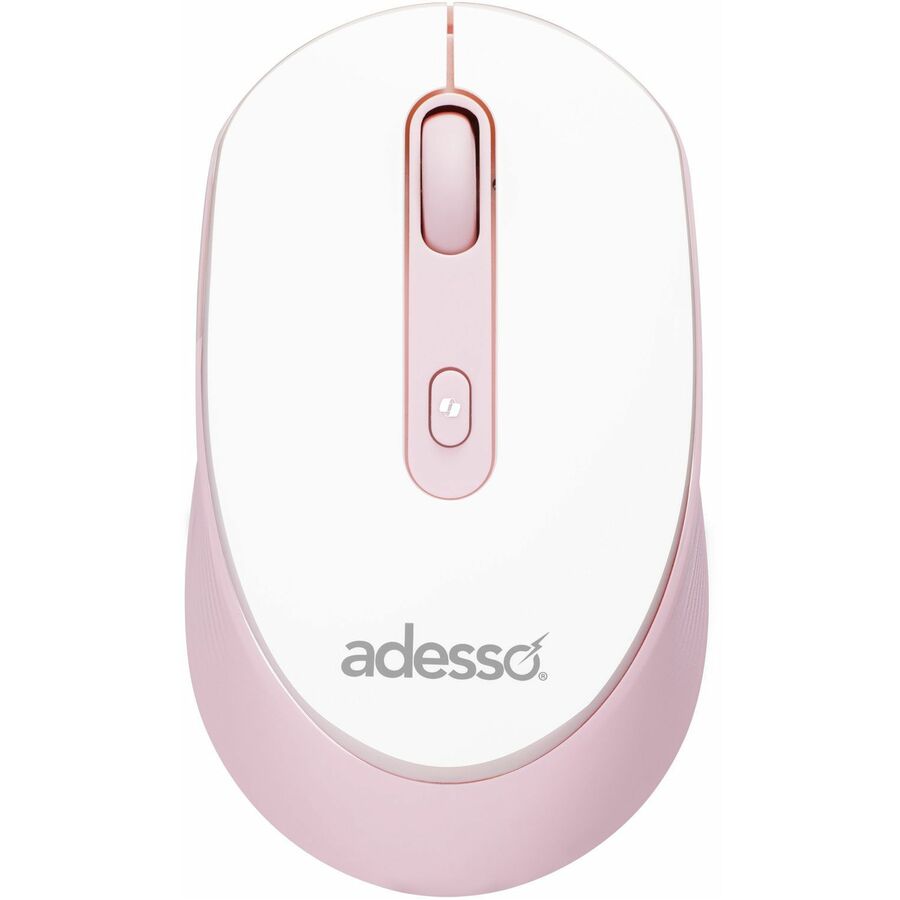
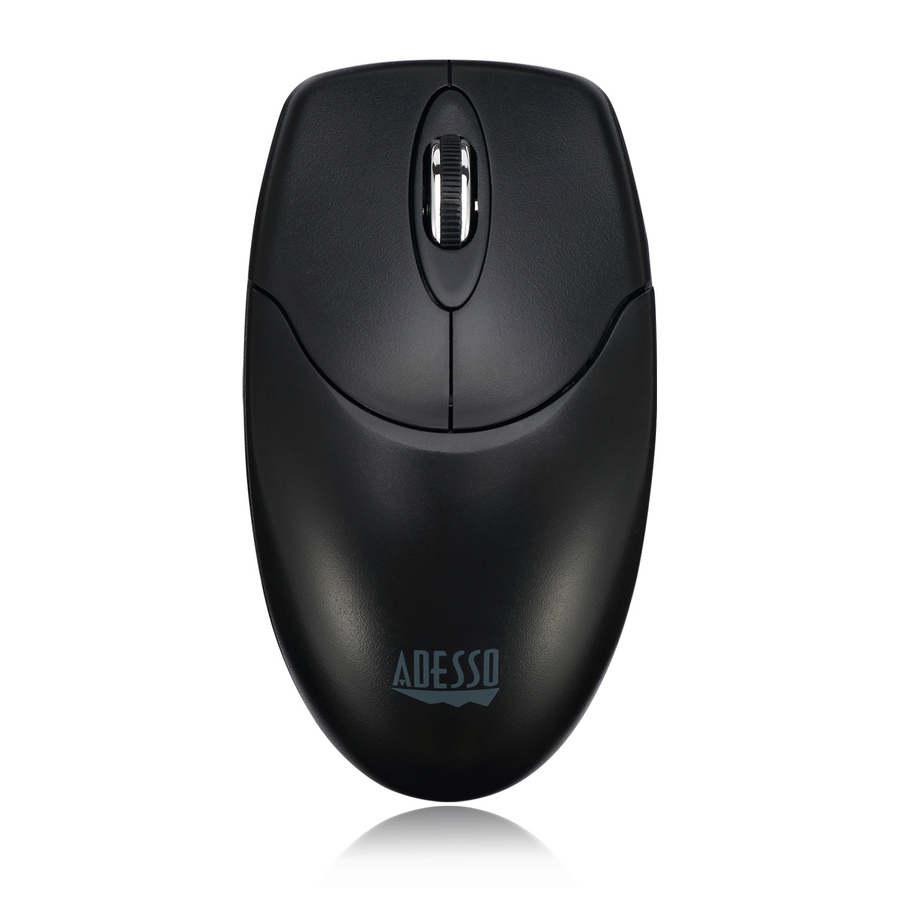
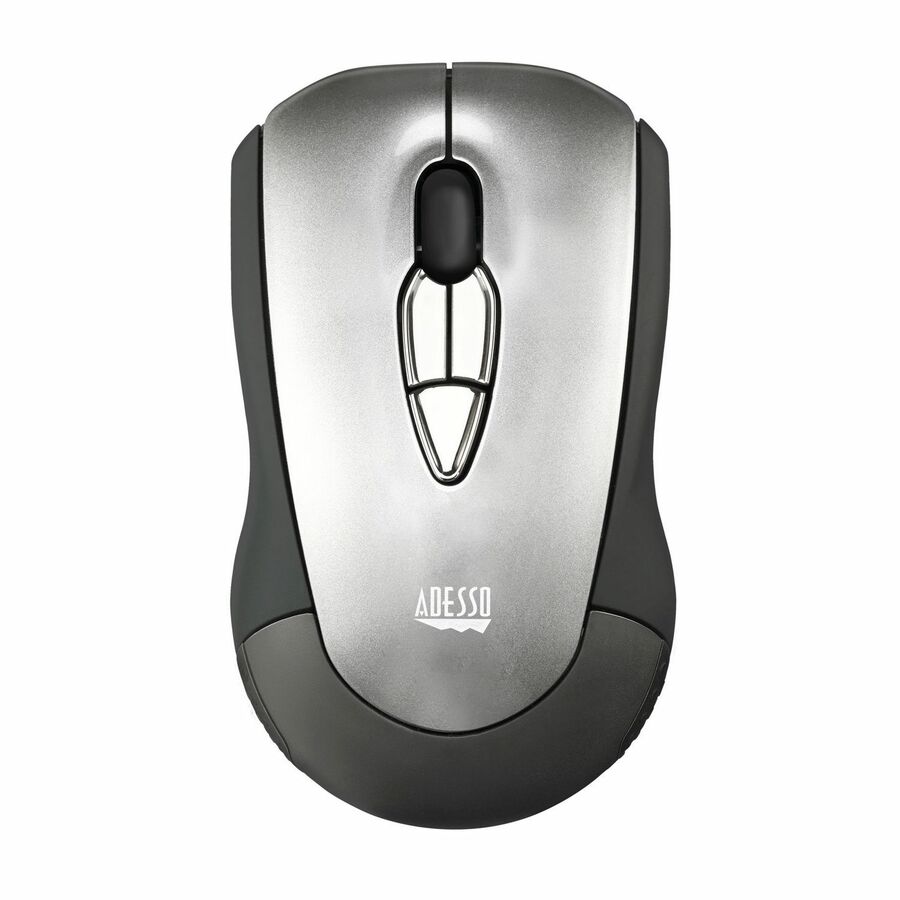
Adesso Antimicrobial Wireless Desktop Mouse
IMOUSE M60
An Adesso antimicrobial wireless desktop mouse with a USB receiver — a full-size optical mouse whose title states an antimicrobial surface for shared or high-touch desks.
$21.85In stockThinkPad BT Silent
Lenovo
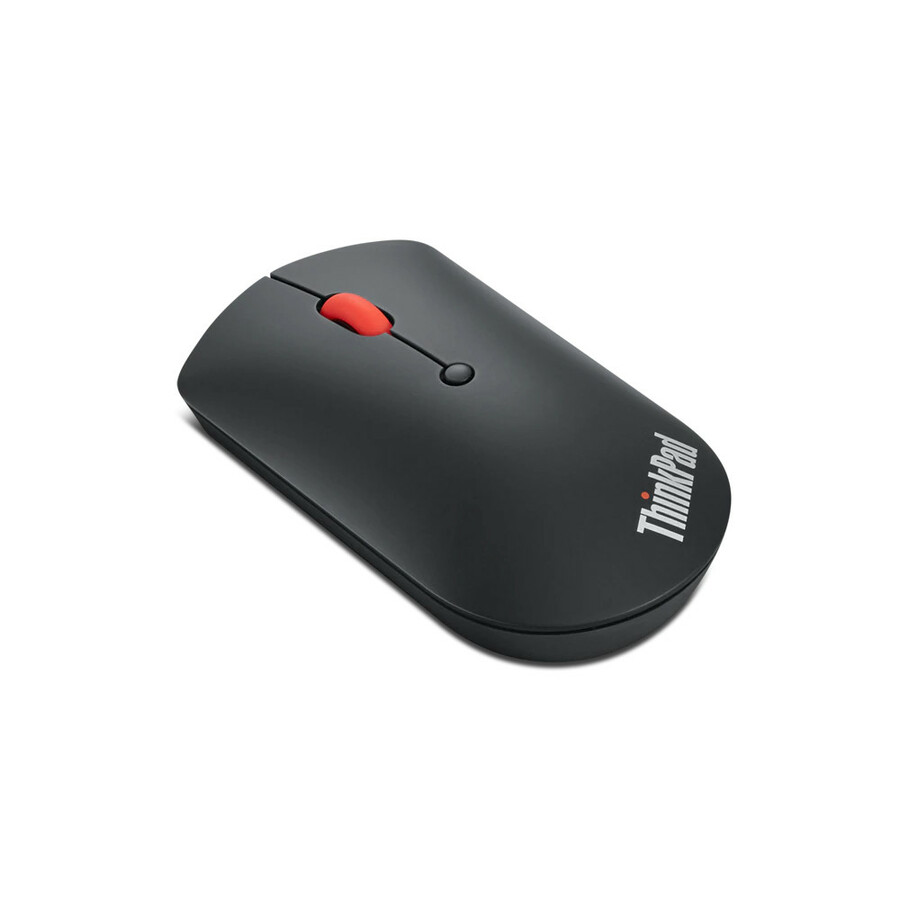
Lenovo ThinkPad Bluetooth Silent Mouse
4Y50X88822
A Lenovo ThinkPad Bluetooth Silent Mouse — a quiet-click Bluetooth mouse for a laptop fleet, pairing directly with no dongle and no occupied USB port.
$20.86In stockKensington Pro Fit
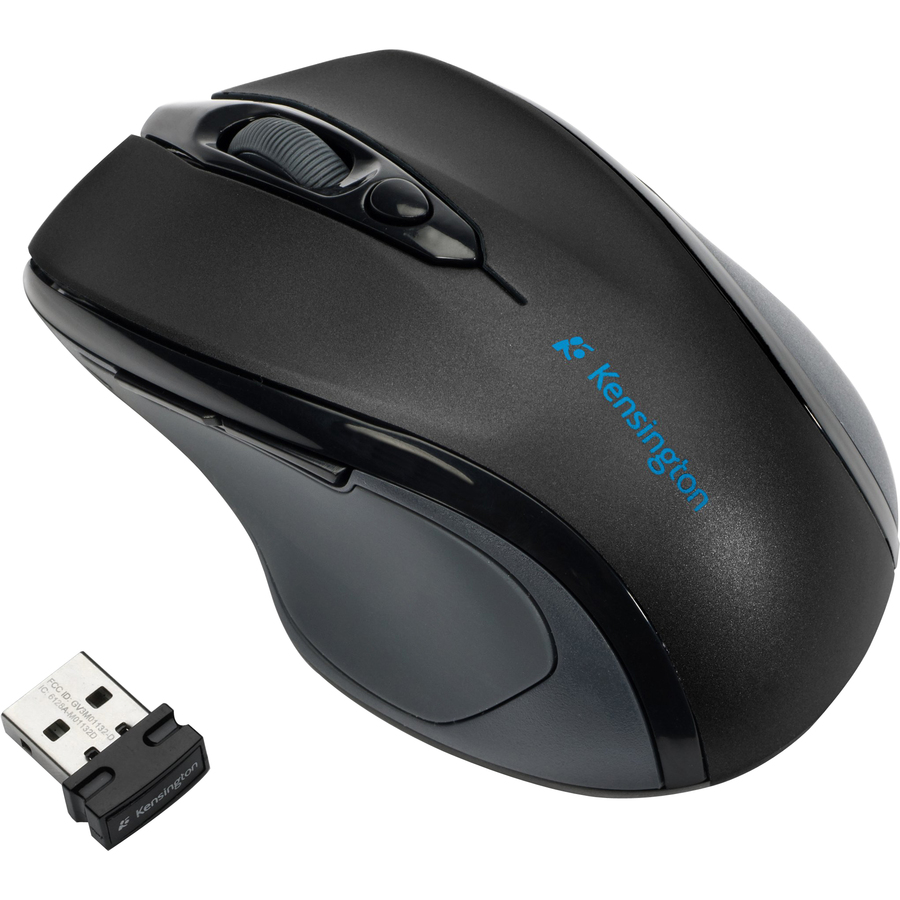
Kensington Computer Products
Kensington Pro Fit Wireless Mid-Size Mouse
K72405USA
A Kensington Pro Fit wireless mid-size mouse with a USB receiver — a comfortable, standard-shape optical mouse that is a safe default for a general fleet refresh.
$25.45In stockTargus Multi-Device
Targus Group International
Targus Compact Multi-Device Antimicrobial Wireless Mouse
AMB581GL
A Targus compact multi-device antimicrobial wireless mouse — a small Bluetooth mouse that pairs with several devices, useful for a hybrid worker who moves between machines.
$22.30In stockKensington Ergo MY435
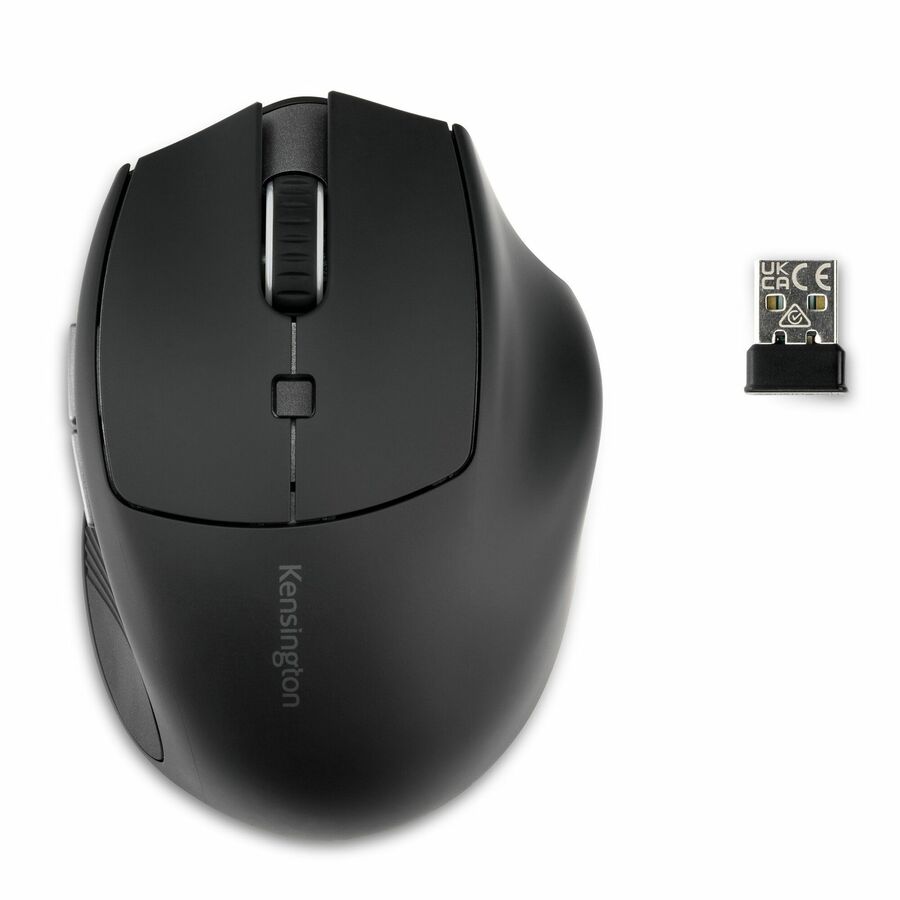
Kensington Computer Products
Kensington Pro Fit Ergo MY435 EQ Rechargeable Wireless Mouse
K72501NA
A Kensington Pro Fit Ergo MY435 EQ rechargeable wireless mouse — an ergonomic, rechargeable option to stock for users who want a shaped mouse without a battery-swap cycle.
$41.86Back-orderedAdesso vertical mouse
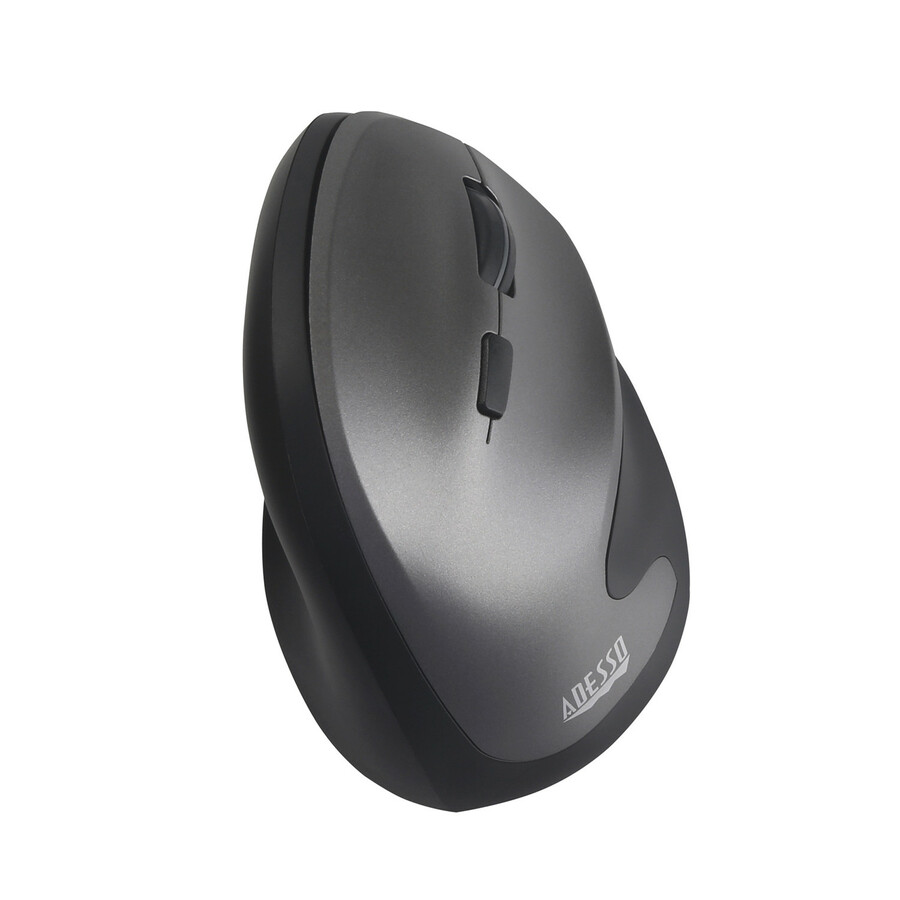
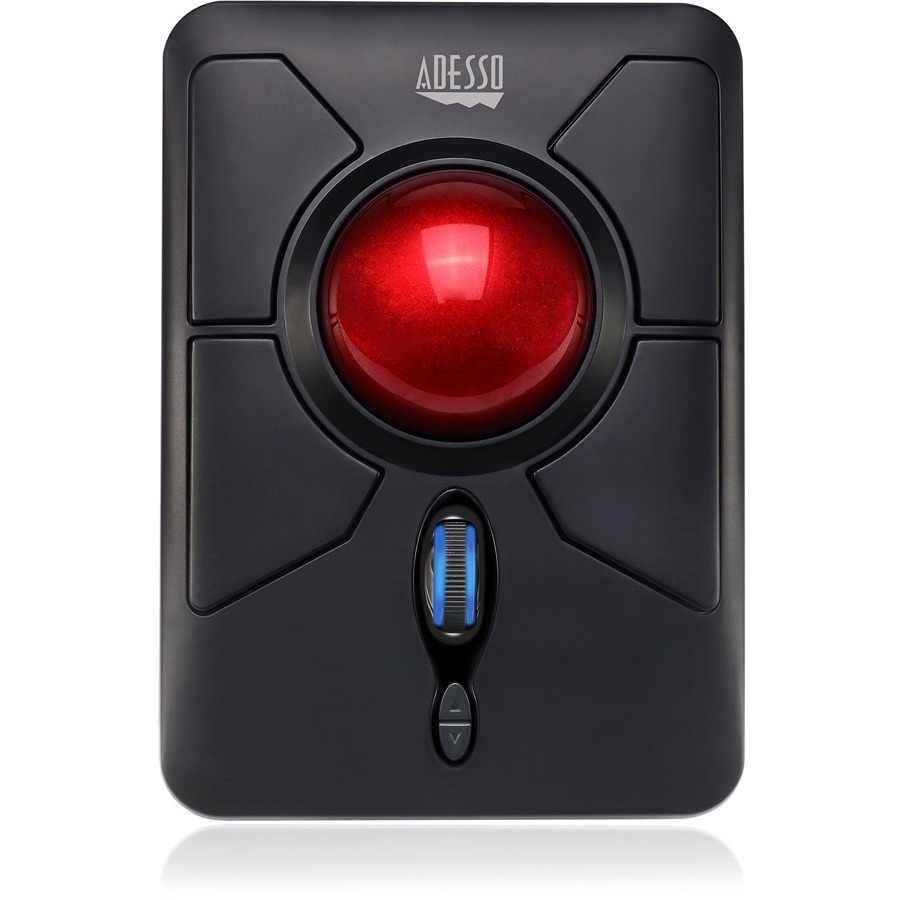
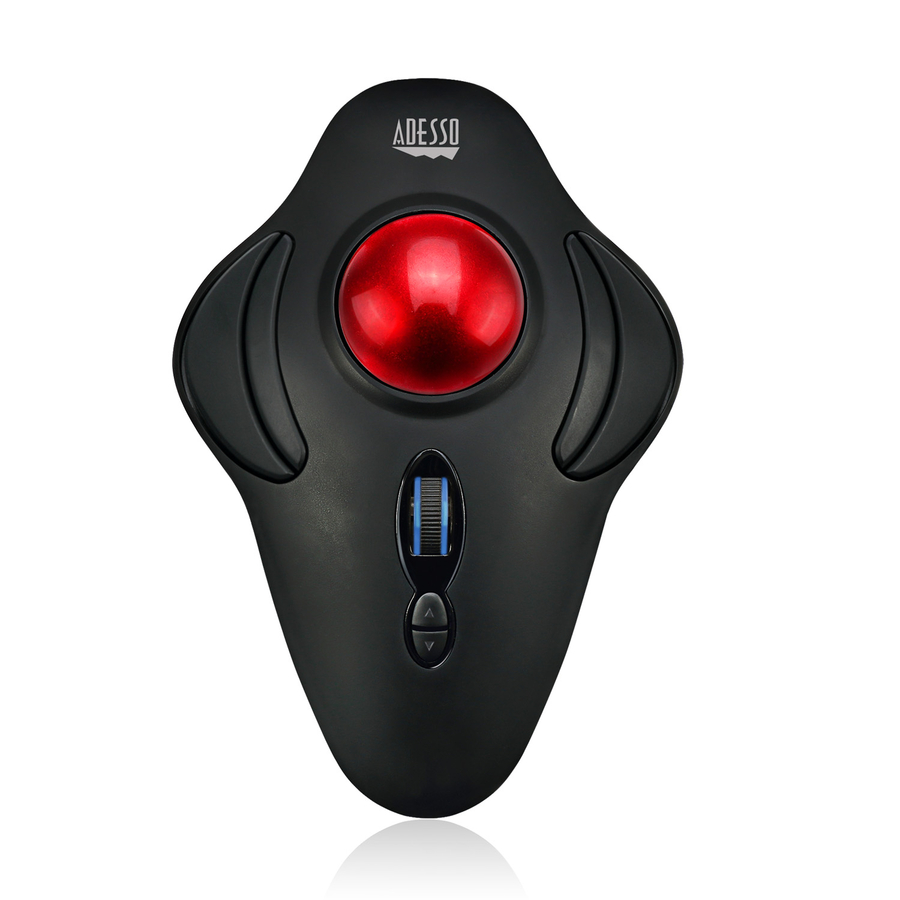
Adesso
Adesso Antimicrobial Wireless Vertical Ergonomic Mouse
IMOUSE A20
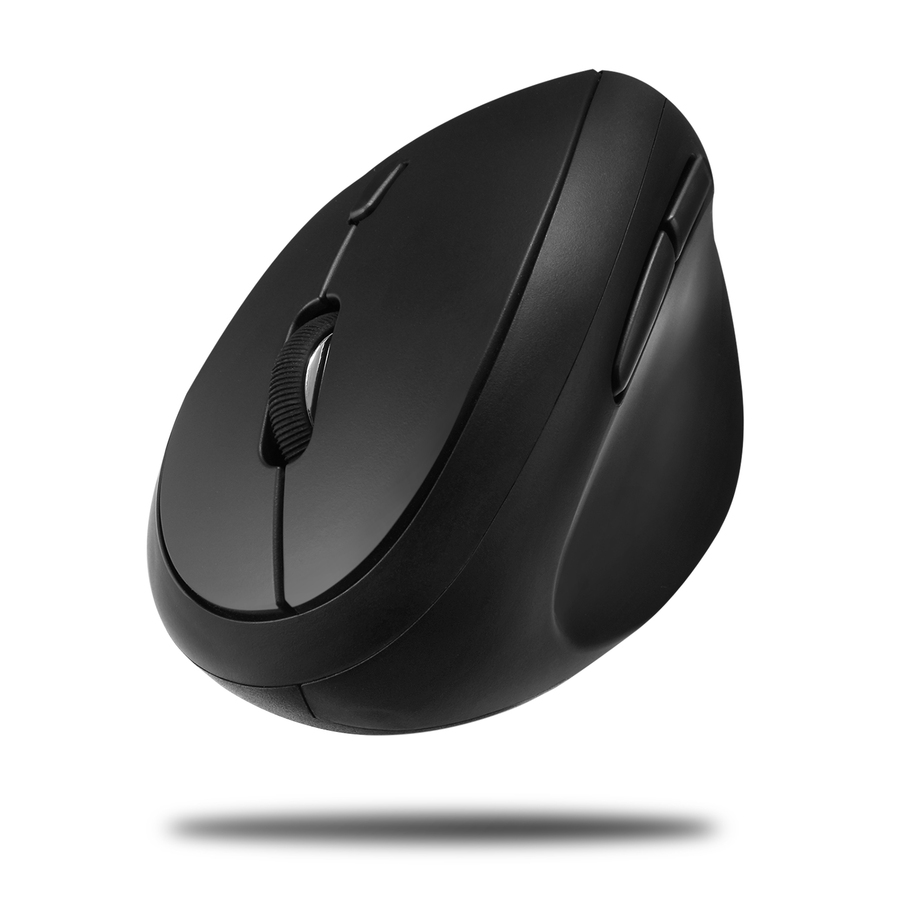
An Adesso antimicrobial wireless vertical ergonomic mouse with a USB receiver — a vertical shape to keep on hand for users who need a more neutral wrist posture.
$41.65In stockKensington Pro Fit Ergo
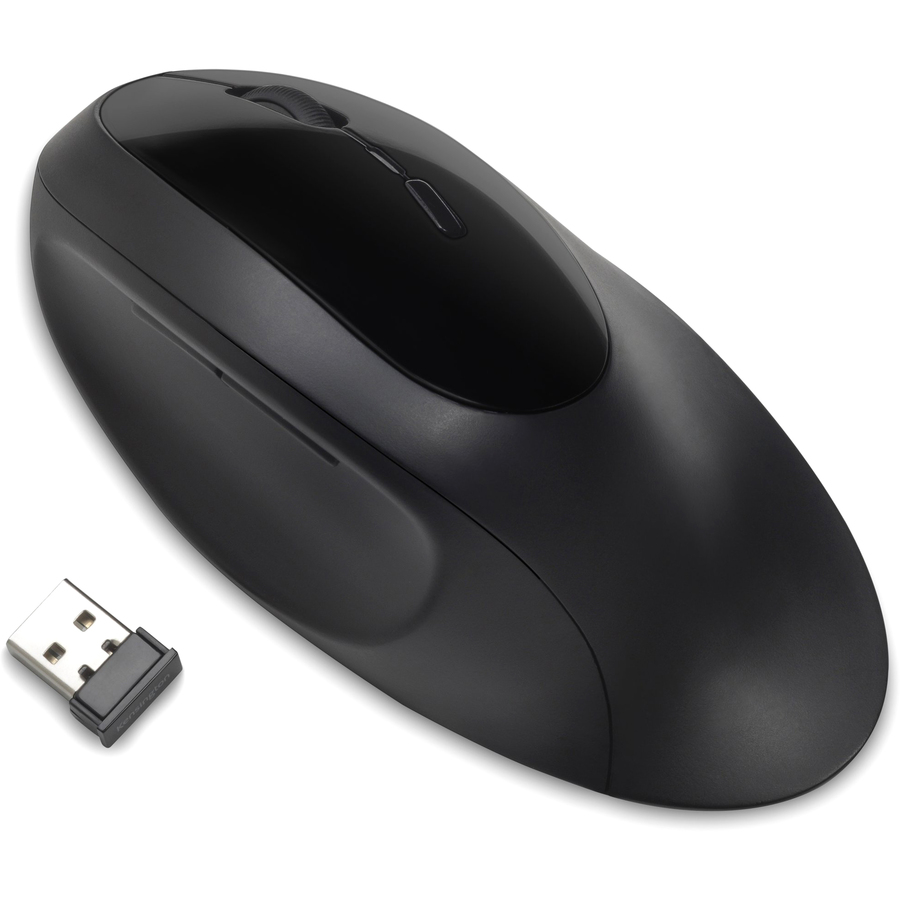
Kensington Computer Products
Kensington Pro Fit Ergo Wireless Mouse-Black
K75404WW
A Kensington Pro Fit Ergo wireless mouse in black — a full-size ergonomic mouse with both a receiver and Bluetooth, a solid second option for a fleet's ergonomic requests.
$48.43Back-orderedLenovo Go USB-C Wireless

Lenovo
Lenovo Go USB-C Wireless Mouse
4Y51C21216
A Lenovo Go USB-C wireless mouse in storm grey — a rechargeable USB-C mouse matched to a modern laptop fleet that has standardized on USB-C charging.
$47.36Back-orderedVerbatim Silent Ergo
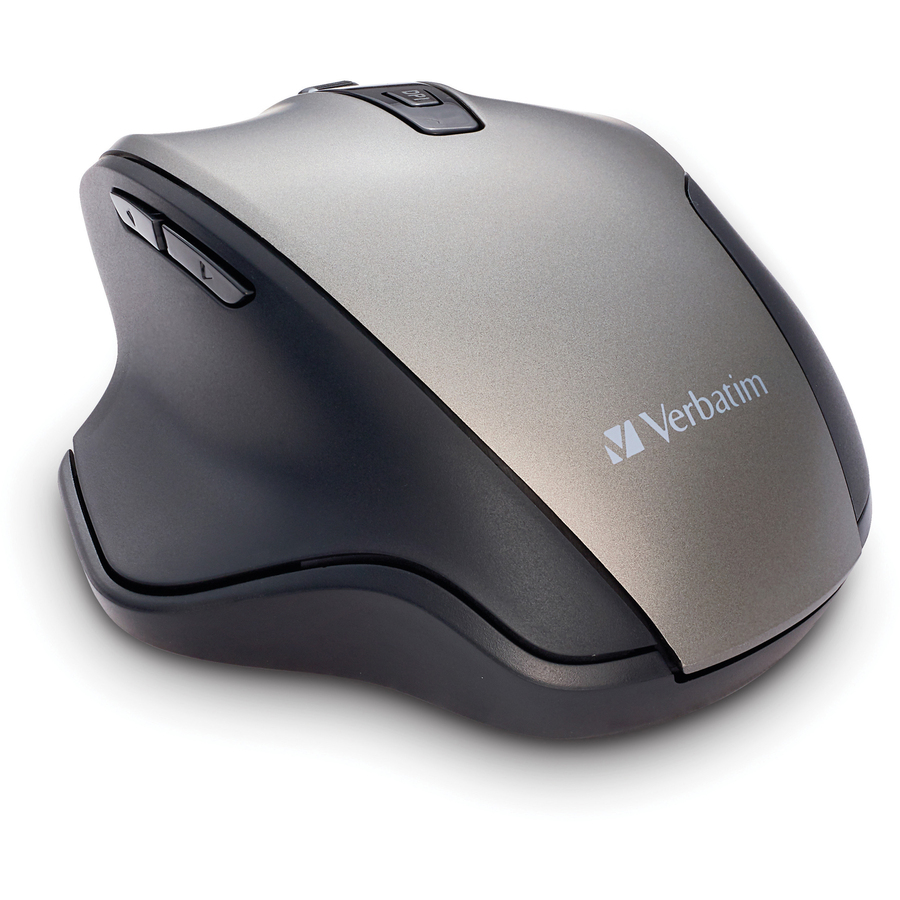
Verbatim
Verbatim Silent Ergonomic Wireless Blue LED Mouse
70242
A Verbatim Silent Ergonomic wireless mouse with a USB receiver — a quiet-click, shaped mouse at a fleet-friendly price for open offices where noise carries.
$30.96Back-orderedTargus ErgoFlip EcoSmart
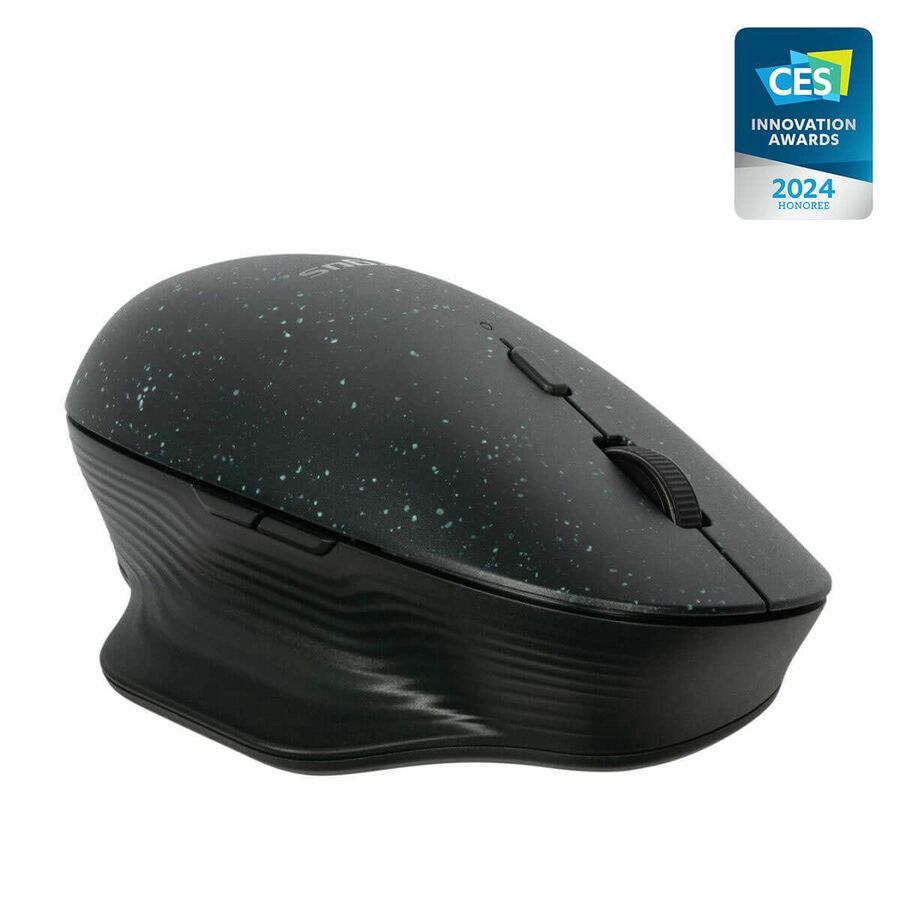
Targus Group International
Targus ErgoFlip EcoSmart Mouse
AMB586GL
A Targus ErgoFlip EcoSmart full-size wireless mouse — a foldable ergonomic mouse built partly from recycled materials for a fleet with a sustainability spec.
$56.25In stockMicrosoft Surface Mouse
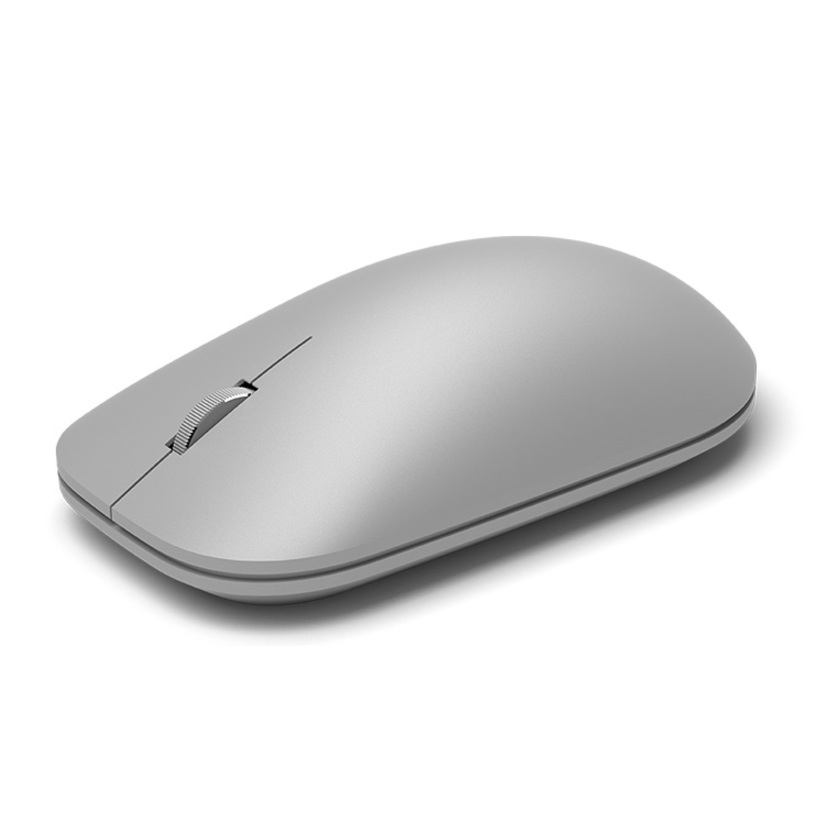
Microsoft
Microsoft Surface Mouse Bluetooth Grey
3YR-00001
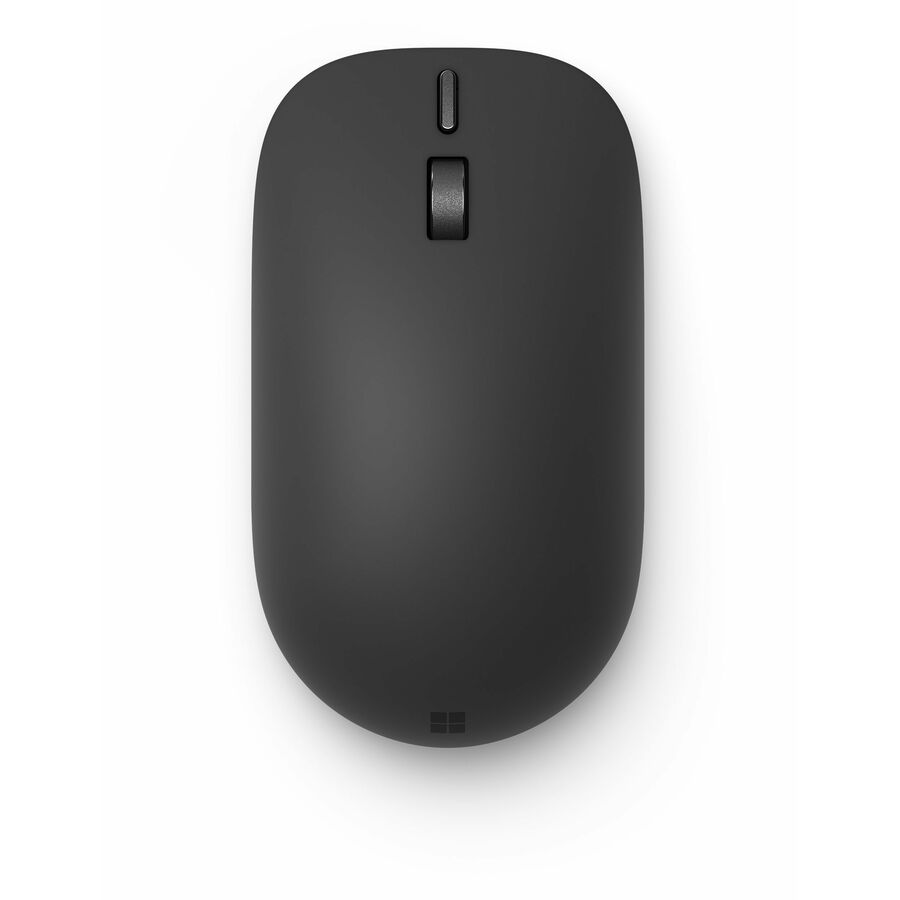
A Microsoft Surface Mouse with BlueTrack over Bluetooth — a clean, thin Bluetooth mouse for a Surface or general laptop fleet that wants a minimal profile.
$59.10In stockMicrosoft Adaptive Mouse
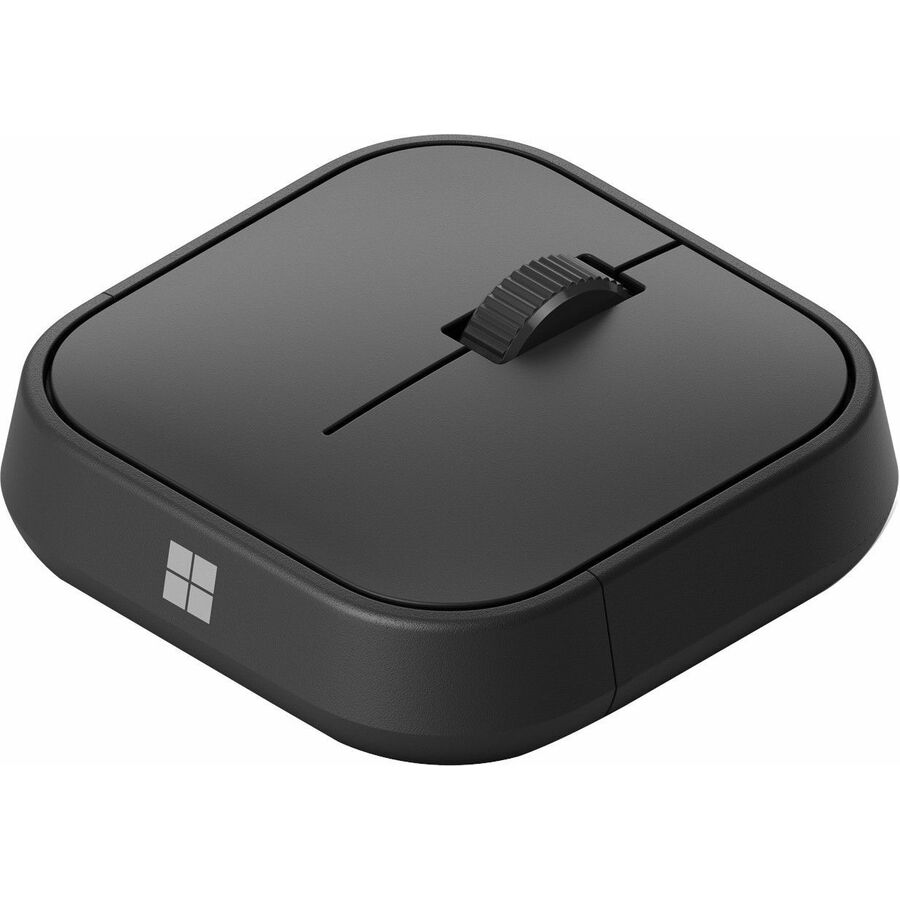
Microsoft
Microsoft Surface Adaptive Mouse Com
J41-00001
A Microsoft Adaptive Mouse for Business over Bluetooth — a customizable, accessibility-minded mouse to stock for users who need an adaptable input device.
$78.61Back-orderedMore pointing devices in the Uniqcli catalog
See all 742 pointing devicesMore from across this category. In-stock lines lead, and a back-ordered line carries the same estimated availability its product page does — with live pricing throughout, NDAA §889 screening before checkout and TAA verified on request.
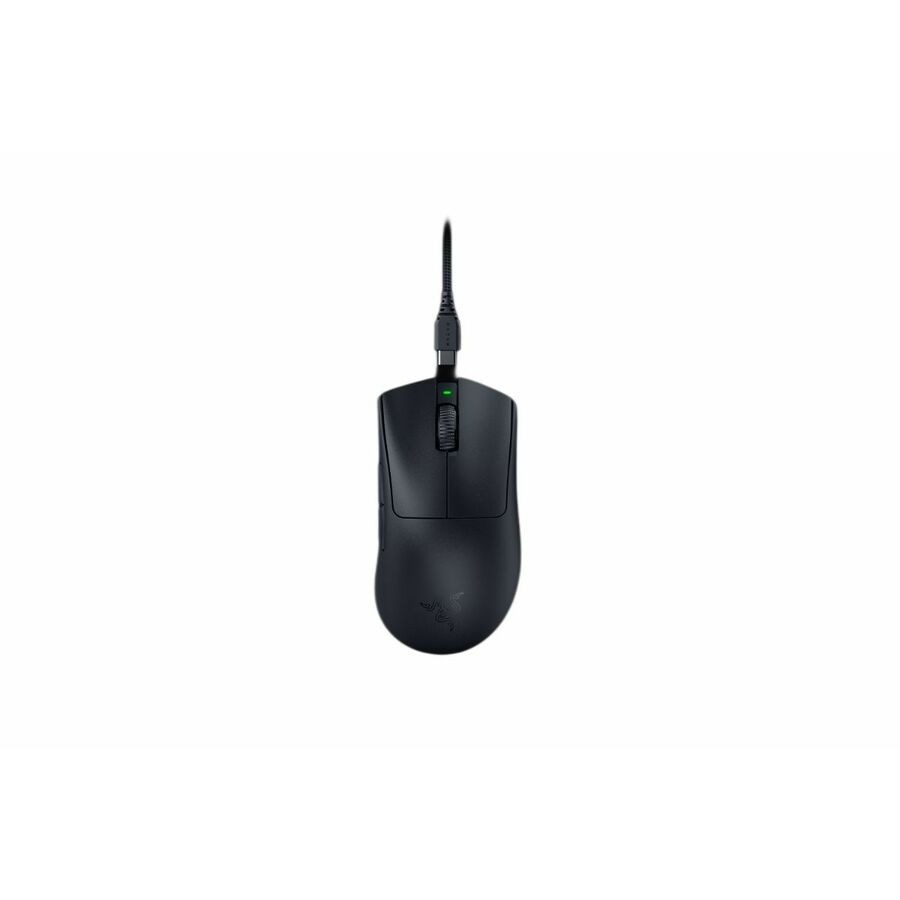
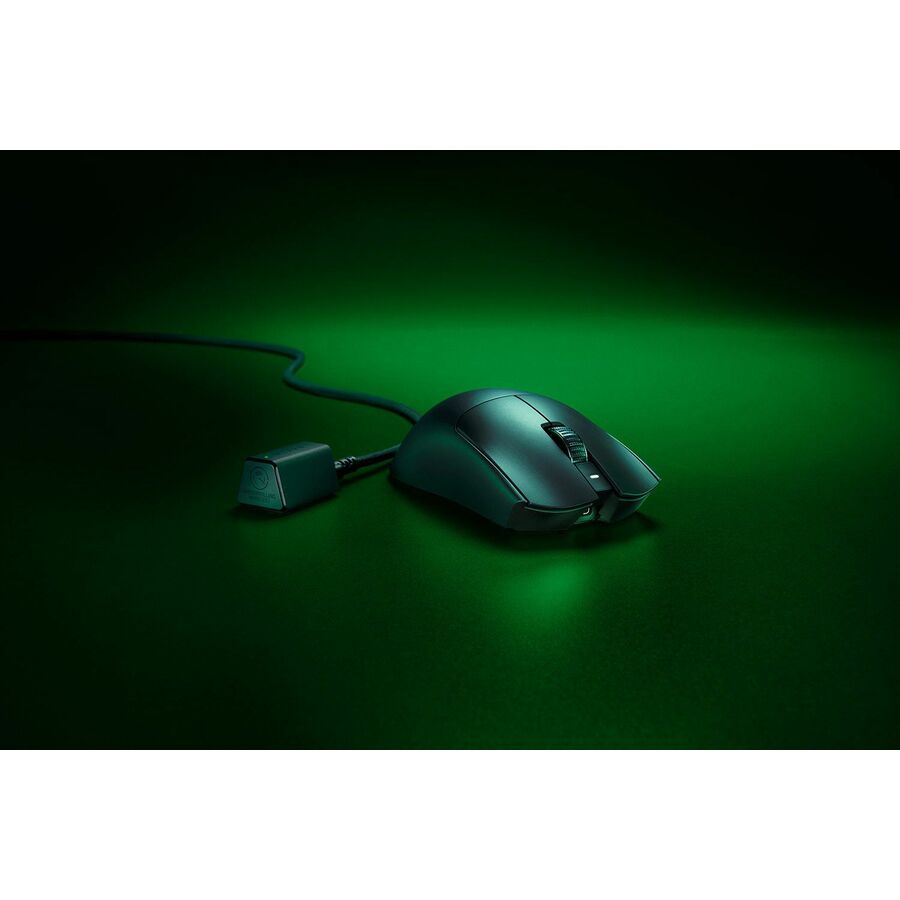
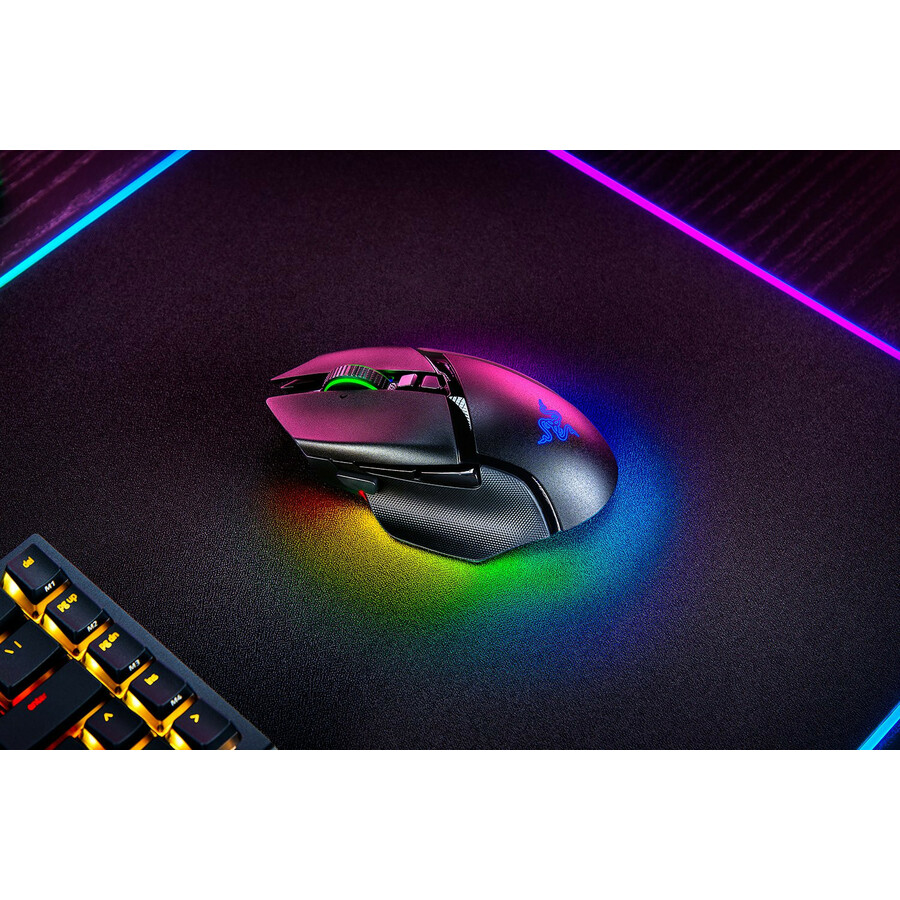
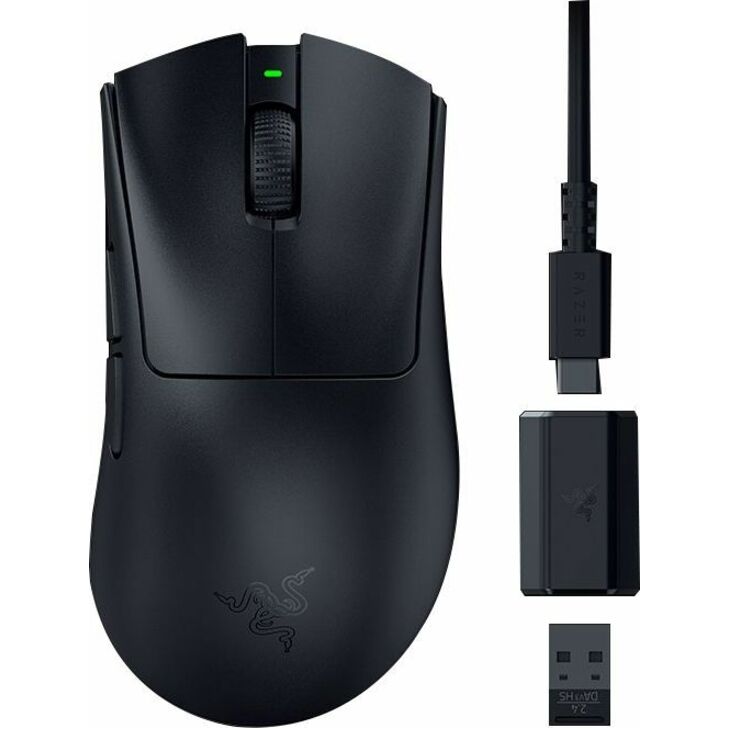
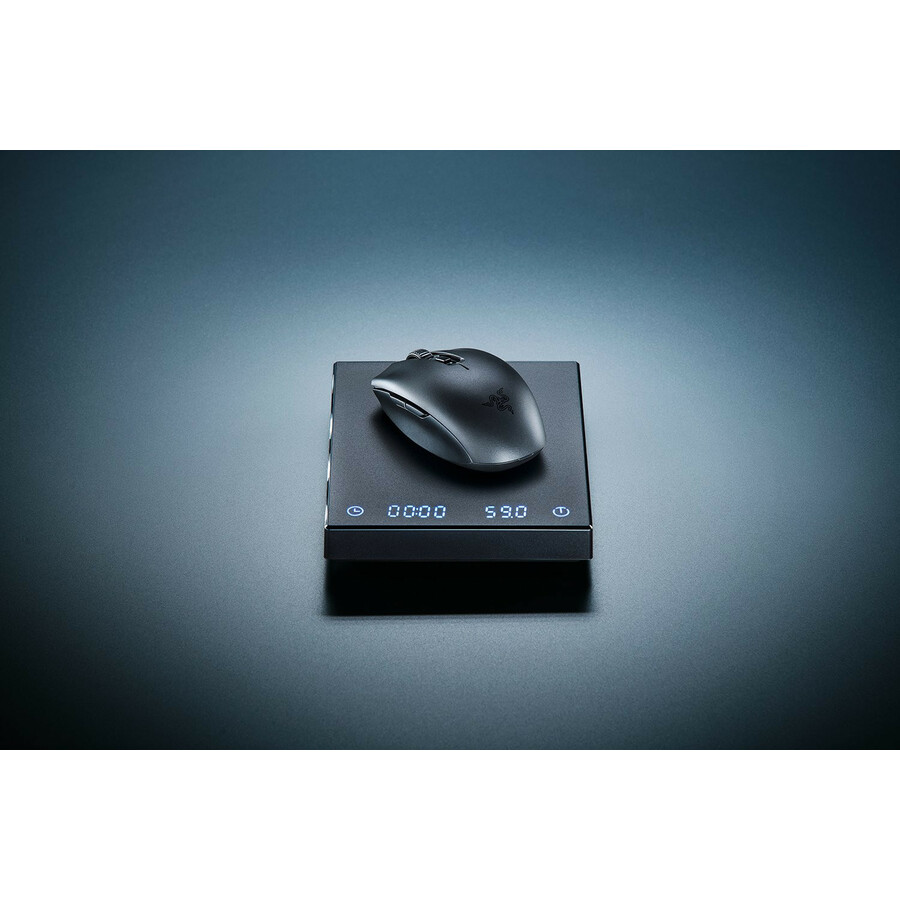
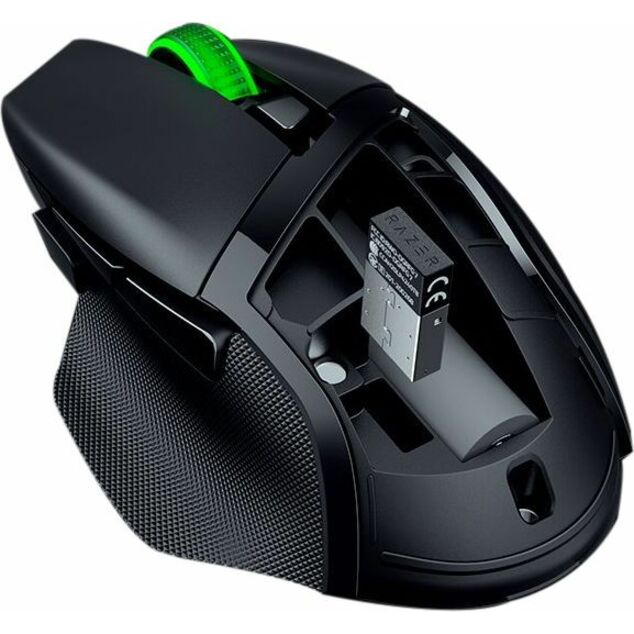
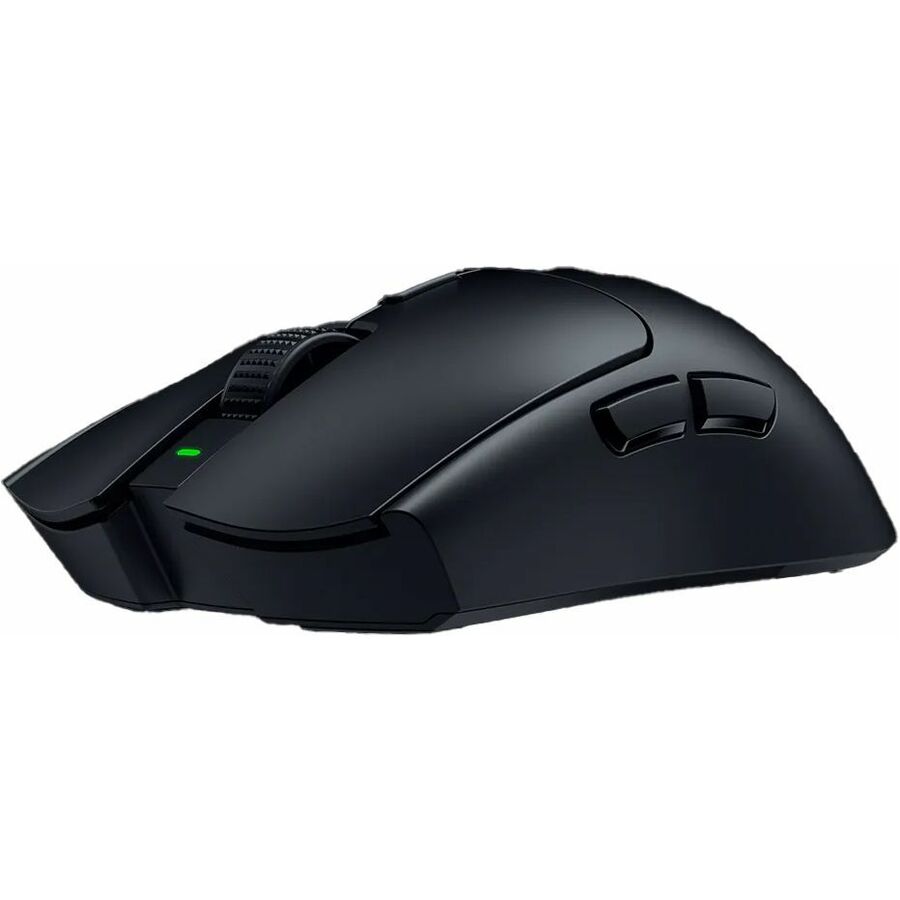
- RazerRazer Viper V3 Pro Mouse - Optical - Cable/Wireless - Radio Frequency - 2.40 GHz - Rechargeable - Black - USB - 6 Programmable Button(s) - Right-handedRZ01-05120100-R3U1
$310.62
$299.31
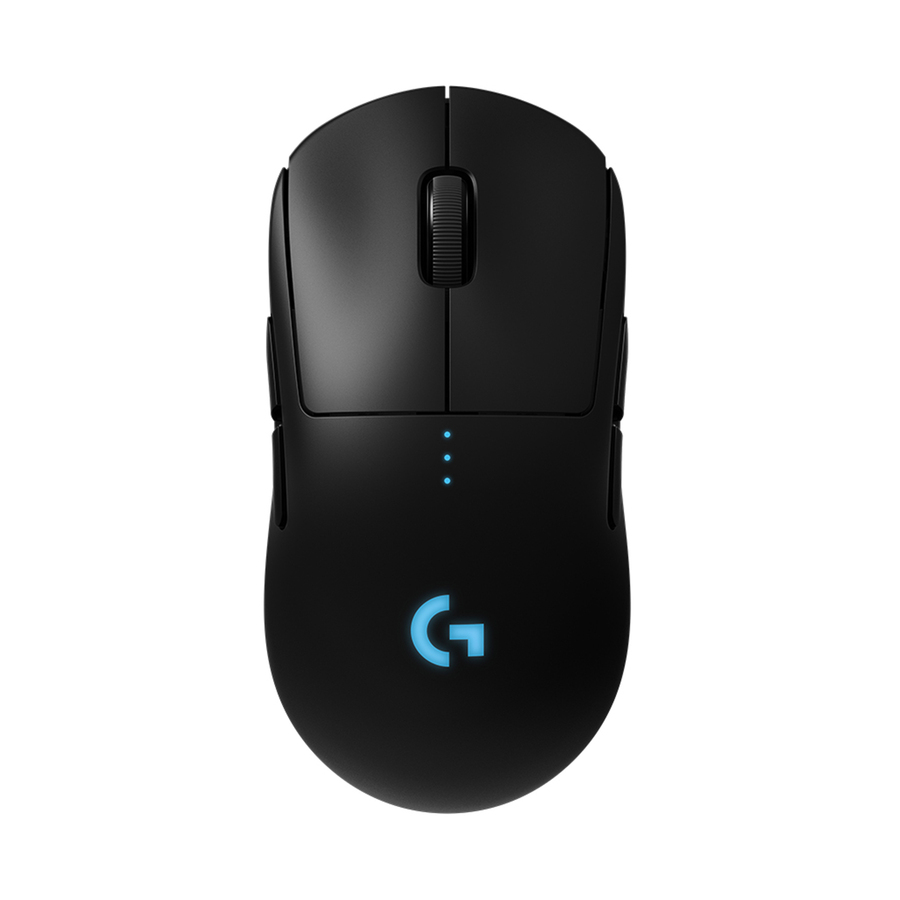
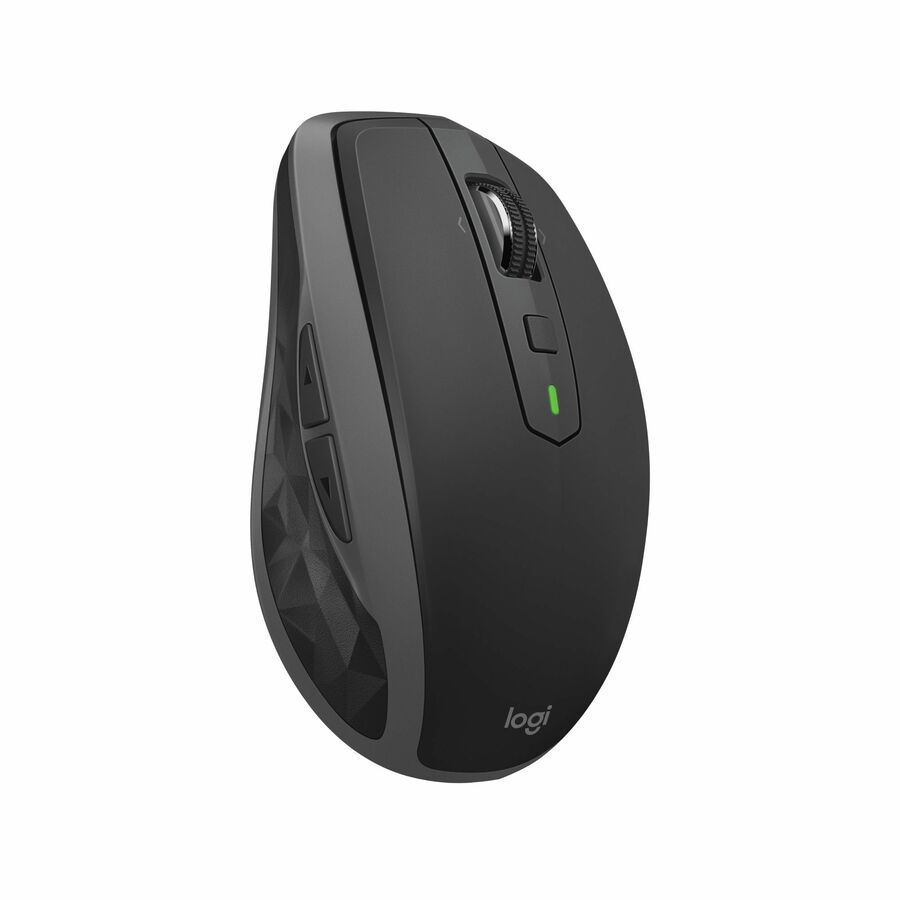
4 in stock - LogitechLogitech Pro Wireless Gaming Mouse - Optical - Wireless - Black - USB - 16000 dpi - 8 Button(s) - Symmetrical910-005270
$280.70
$270.58
1 in stock
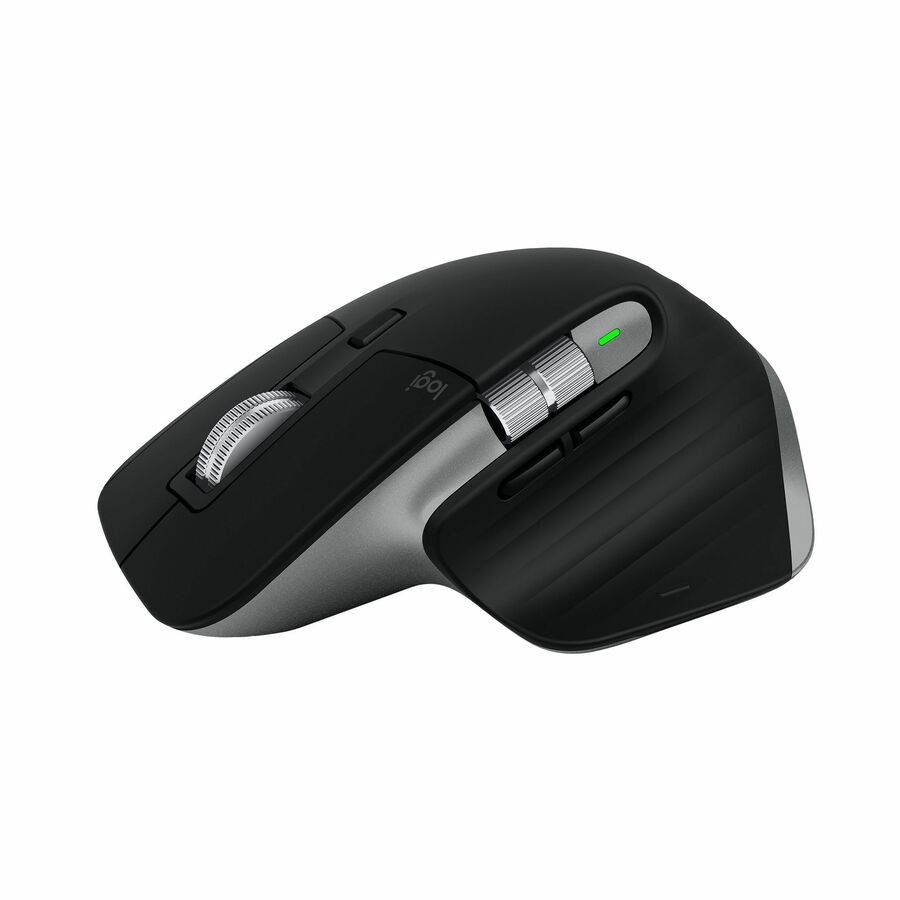

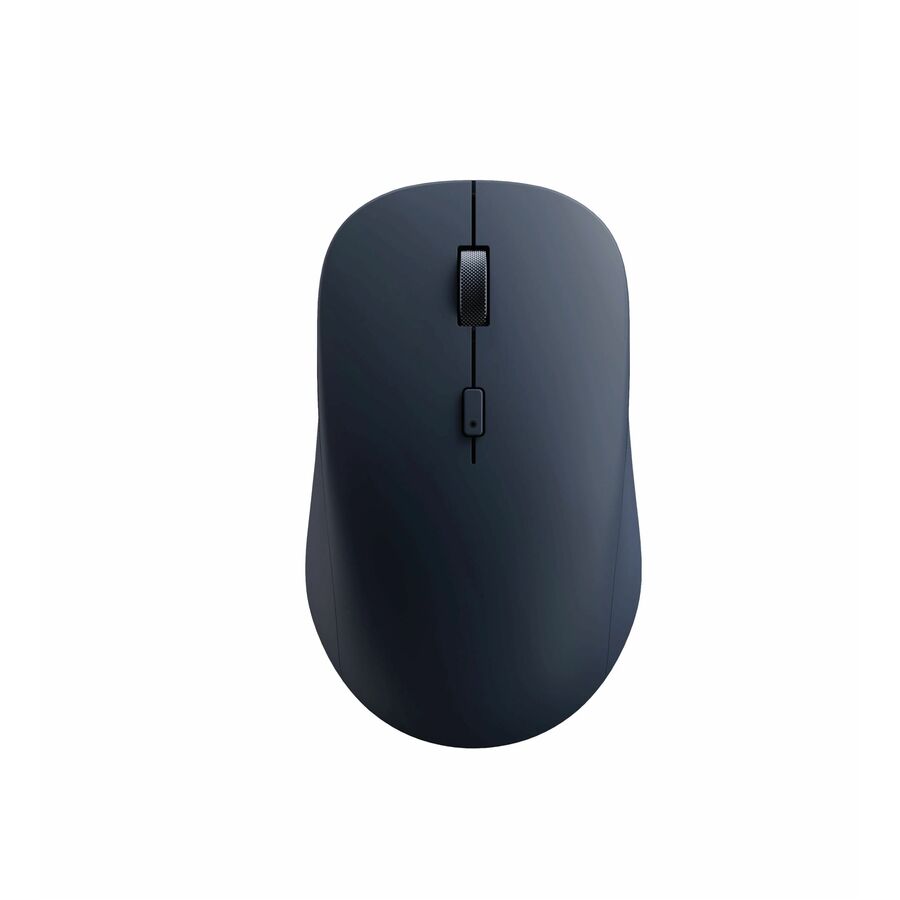




Need pricing on wireless mice for business fleets?
Tell us where to reach you and a Uniqcli specialist will follow up by email with current pricing, availability and lead time for the quantities you need — including parts that aren’t shown on this page.
Buying for an organization or for yourself — both work. No payment up front.
A business mouse is a small purchase made in large numbers, and buying it well is really about the whole fleet rather than any one unit. Every mouse on this page states wireless or Bluetooth in the manufacturer's own catalog title, and they are drawn from the vendors an IT team already provisions — Lenovo, Kensington, Microsoft, Targus, Adesso and Verbatim — so the driver story, the imaging and the support are familiar. For a refresh across dozens or hundreds of desks, the goal is a mouse people barely think about: it pairs, it works, it lasts a long battery cycle, and the spare in the closet is the same part as the one on the desk.
The first decision is the connection, and it splits cleanly. A 2.4 GHz USB receiver is the plug-and-forget option: it pairs to a tiny dongle out of the box, works identically on every machine, and needs no per-user setup, which is why it dominates volume desktop rollouts. Bluetooth removes the dongle and the occupied USB port, pairs directly to a laptop or tablet, and often connects to several devices at once — the fit for a mobile or hybrid fleet and for thin laptops short on ports. Several of these mice are multi-mode, offering both, which is the safe default for a mixed fleet of desktops and laptops.
After the connection, the choice is ergonomics and standardization. A mid-size ambidextrous mouse suits the widest range of hands and is the sensible default for a general refresh; an ergonomic or vertical shape is worth stocking for users who need it. Battery approach matters at fleet scale — a replaceable-cell mouse with a long life keeps units off the charger, while a rechargeable model removes the battery-swap cycle — so decide which model your team would rather manage. Read the connection, the size and the battery on the exact part, standardize on one or two SKUs, and Uniqcli can put the whole refresh on one quote.
Buyer's checklist
How to choose a wireless mouse for a business fleet
- Choose the connection: a 2.4 GHz USB receiver is plug-and-forget for volume desktop rollouts, while Bluetooth removes the dongle and pairs directly to laptops and tablets — multi-mode covers a mixed fleet.
- Default to a mid-size ambidextrous shape for a general refresh, and stock an ergonomic or vertical model separately for users who need it rather than forcing one shape on everyone.
- Decide the battery approach: a replaceable-cell mouse with long life keeps units off the charger, while a rechargeable model removes the battery-swap cycle — pick the one your team would rather manage at scale.
- Standardize on one or two SKUs so the spare in the closet matches the mouse on the desk, and imaging, provisioning and support stay a single process.
- For a laptop-heavy fleet, prefer Bluetooth or multi-mode so you are not spending USB ports or handing out dongles that get lost.
- Consider a silent-click model for open offices and shared spaces where click noise is a genuine distraction.
- Where an antimicrobial or wipeable surface is called for in shared or clinical-adjacent spaces, confirm it in the manufacturer's own title on the exact part.
USB receiver or Bluetooth: the fleet-scale connection choice
For a fleet, the connection is a logistics decision as much as a technical one. A 2.4 GHz USB receiver is the plug-and-forget standard: the mouse ships paired to a tiny dongle, it works identically on every machine regardless of the operating system's Bluetooth stack, and it needs no per-user pairing step, which is exactly what a technician imaging a hundred desktops wants. The tradeoff is the occupied USB port and a dongle that can be lost, but on a fixed desktop neither is a real problem, and the reliability of a dedicated radio is worth a great deal at volume.
Bluetooth is the answer when the fleet is laptops. It removes the dongle and frees the USB port — which matters on a thin laptop with two ports total — and it pairs directly to the machine, often to several devices at once so a user can switch between a laptop and a tablet. The cost is a pairing step and a dependency on the host's Bluetooth, which is rarely an issue on modern hardware. Many of the mice here are multi-mode, offering both a receiver and Bluetooth, and that is the safest single choice for a mixed fleet of desktops and laptops — one SKU that fits every desk.
Ergonomics, battery and standardizing the refresh
The shape is where you resist the temptation to over-specify. A mid-size ambidextrous mouse fits the widest range of hands and is the right default for a general refresh — comfortable enough for most people, cheap enough to deploy everywhere, and simple to support. The ergonomic and vertical shapes are worth stocking as a second option for the users who ask for them or need them, rather than standardizing the whole fleet on a specialty shape that most people did not want. A silent-click model earns its place in open offices where click noise carries.
Battery approach is the operational decision that scales. A replaceable-cell mouse with a long stated life keeps units off any charger and turns a dead mouse into a thirty-second AA swap; a rechargeable model removes the cell entirely at the cost of a charging habit. Neither is wrong — pick the one your team would rather manage across hundreds of desks. Then standardize: choosing one or two SKUs means the spare in the closet is the mouse on the desk, imaging and provisioning stay one process, and a failed unit is a same-part swap. Read the connection, size and battery on the exact part, and Uniqcli can quote the whole refresh at once.
FAQ
Common questions
- Should a business fleet use USB-receiver or Bluetooth mice?
- It depends on the machines. A 2.4 GHz USB receiver is plug-and-forget for desktops — it ships paired to a dongle, works identically on every machine, and needs no per-user setup, which is ideal for volume imaging. Bluetooth removes the dongle and the occupied USB port and pairs directly to laptops and tablets, so it suits a mobile fleet. Many mice are multi-mode and offer both, which is the safest single SKU for a mixed fleet of desktops and laptops.
- Should I standardize a fleet on ergonomic or vertical mice?
- Usually not for the whole fleet. A mid-size ambidextrous mouse fits the widest range of hands and is the right default for a general refresh — comfortable, affordable and simple to support at scale. Ergonomic and vertical shapes are worth stocking as a second option for the users who need or request them, rather than forcing a specialty shape on everyone. Deploy the standard mouse broadly and keep the ergonomic models available on request.
- Replaceable batteries or rechargeable for a fleet?
- Both work; pick the one your team would rather manage. A replaceable-cell mouse with a long stated battery life keeps units off any charger and turns a dead mouse into a quick cell swap, which is simple at fleet scale. A rechargeable model removes the cell entirely but introduces a charging habit and a cable to manage. For a large deployment the deciding factor is usually which operational pattern your support team prefers, so read the battery approach on the exact part before standardizing.
- Why standardize on one or two mouse models across a fleet?
- Because it turns support into a single process. When the spare in the closet is the same part as the mouse on the desk, a failed unit is a same-part swap, imaging and provisioning do not branch by model, and users get a consistent experience. Choosing one general-purpose SKU and one ergonomic option covers almost every need while keeping the fleet simple. Reading the exact part number and holding to it across the refresh is what makes a large mouse deployment quiet and cheap to run.
- Can business, government and education buyers order these?
- Every line Uniqcli quotes is sourced through US distribution and screened for TAA country-of-origin and NDAA §889 status before checkout — with documentation tied to the specific part number, not a product family.
Need wireless mice for business fleets pricing?
Send a bill of materials or part numbers — we confirm stock and a below-market total, with TAA verified on request. No payment up front.