
Best Chromebook Cases for Student Devices
Always-on shells, rugged sleeves and carrying cases sized for student Chromebooks — each card stating its own fit and construction.
Chromebook cases in stock at Uniqcli
How to choose →A curated selection with live pricing — in-stock lines first, then back-ordered lines with a typical lead time. Every line is sourced through US distribution and screened for NDAA §889 status before checkout, with TAA verified on request.
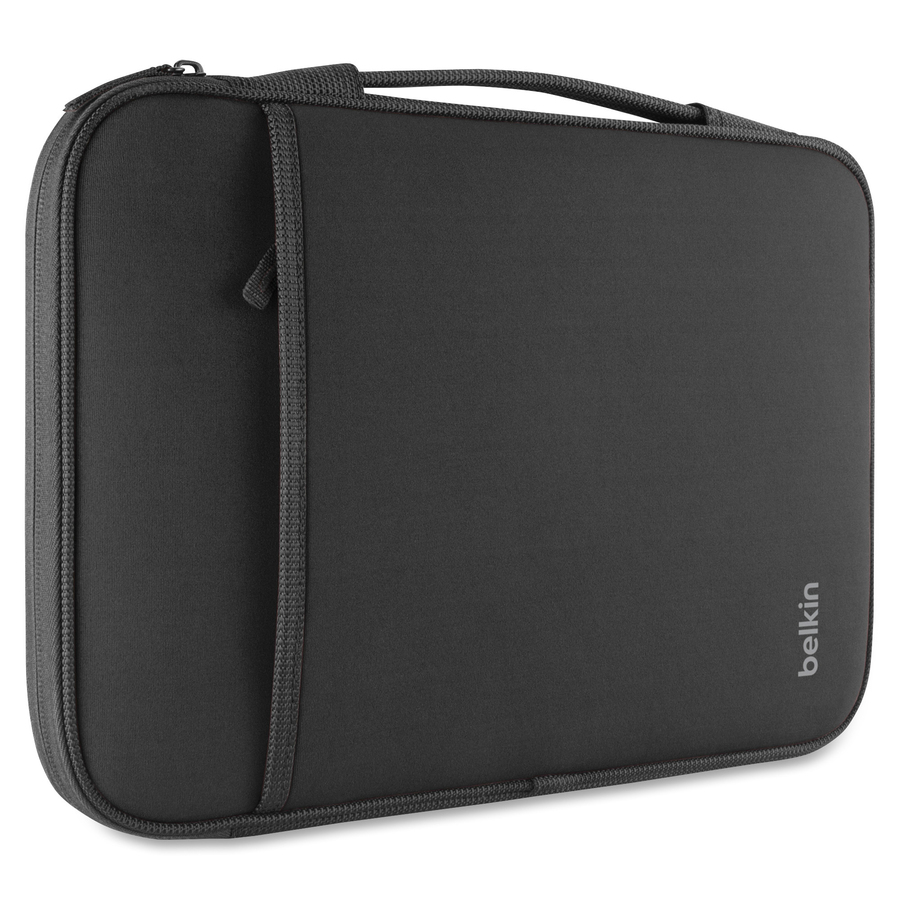
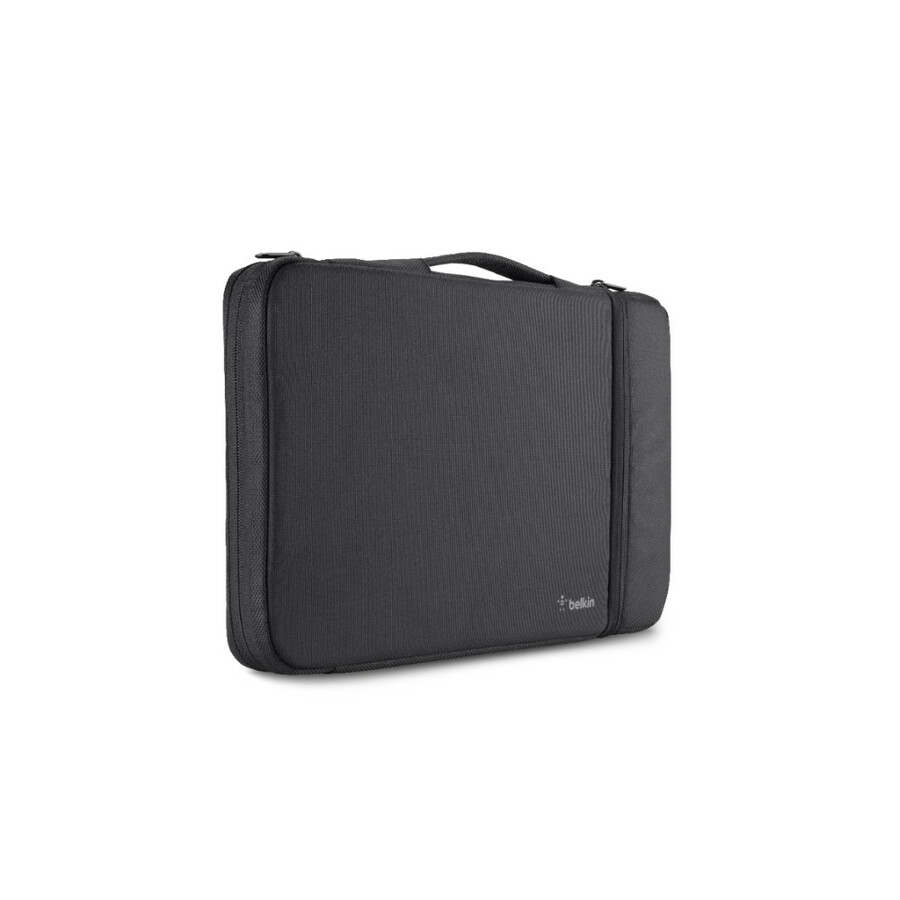
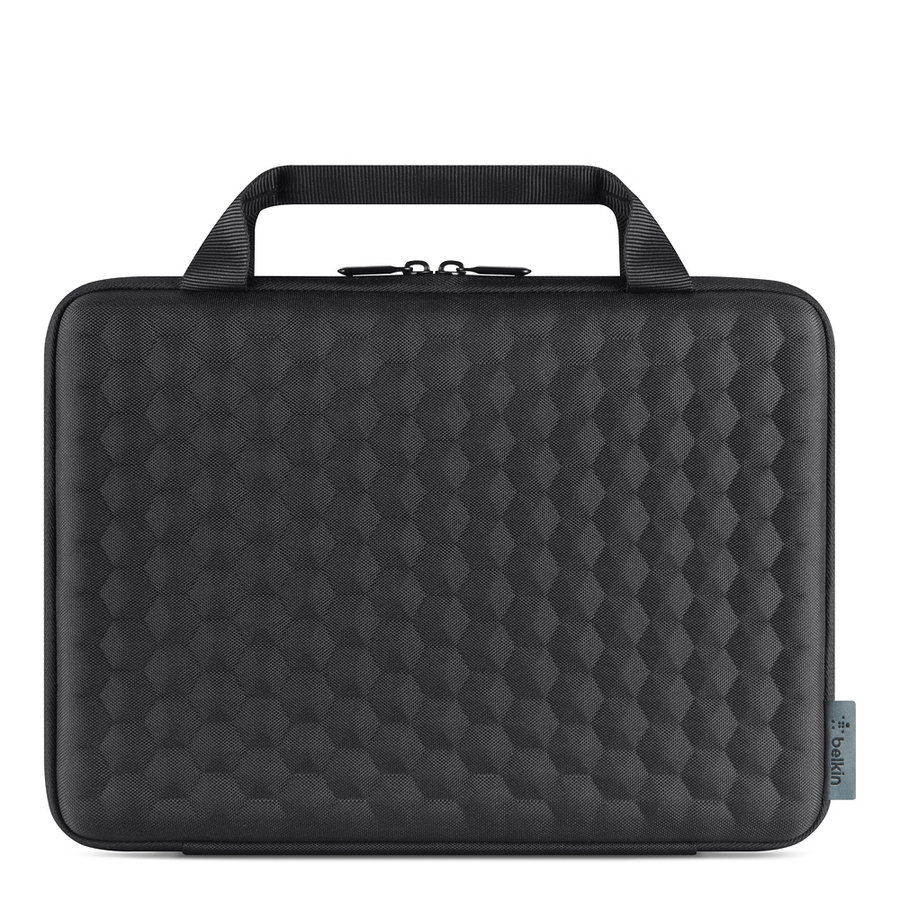
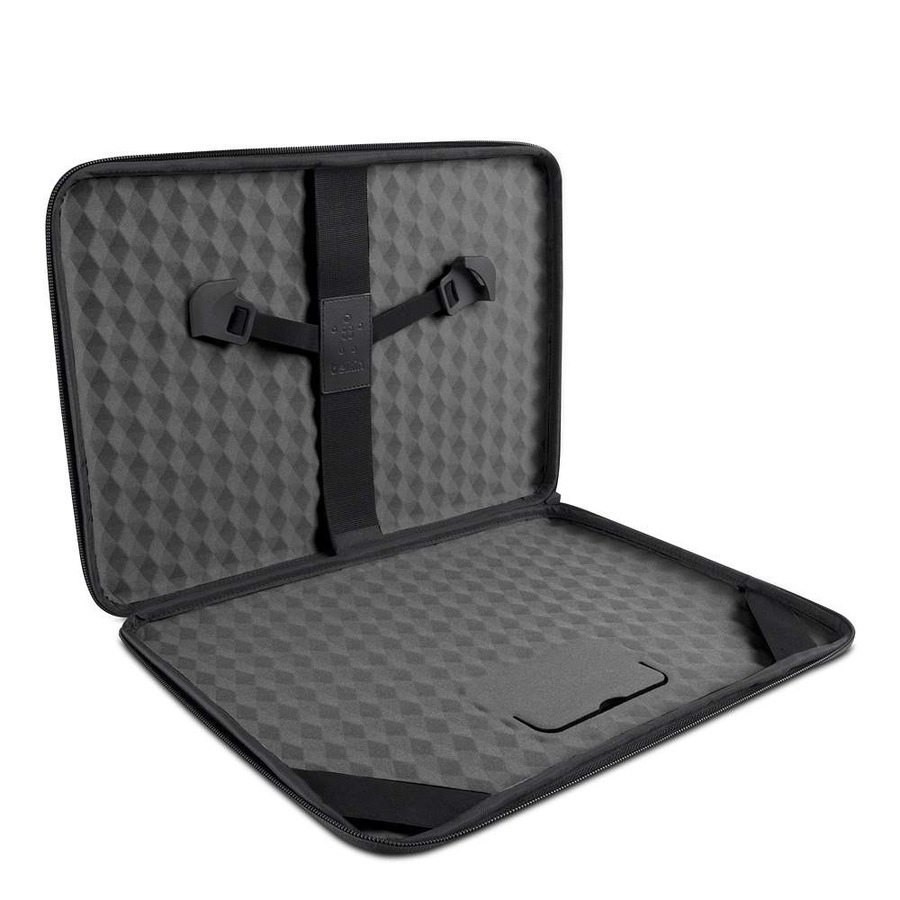
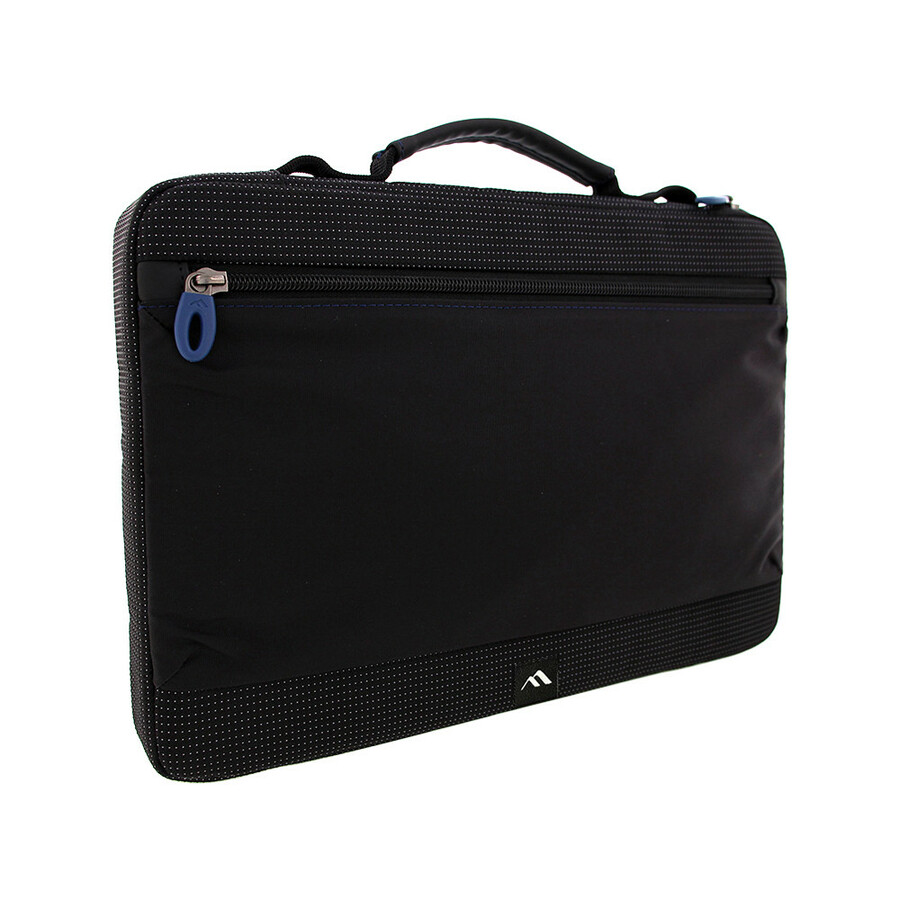
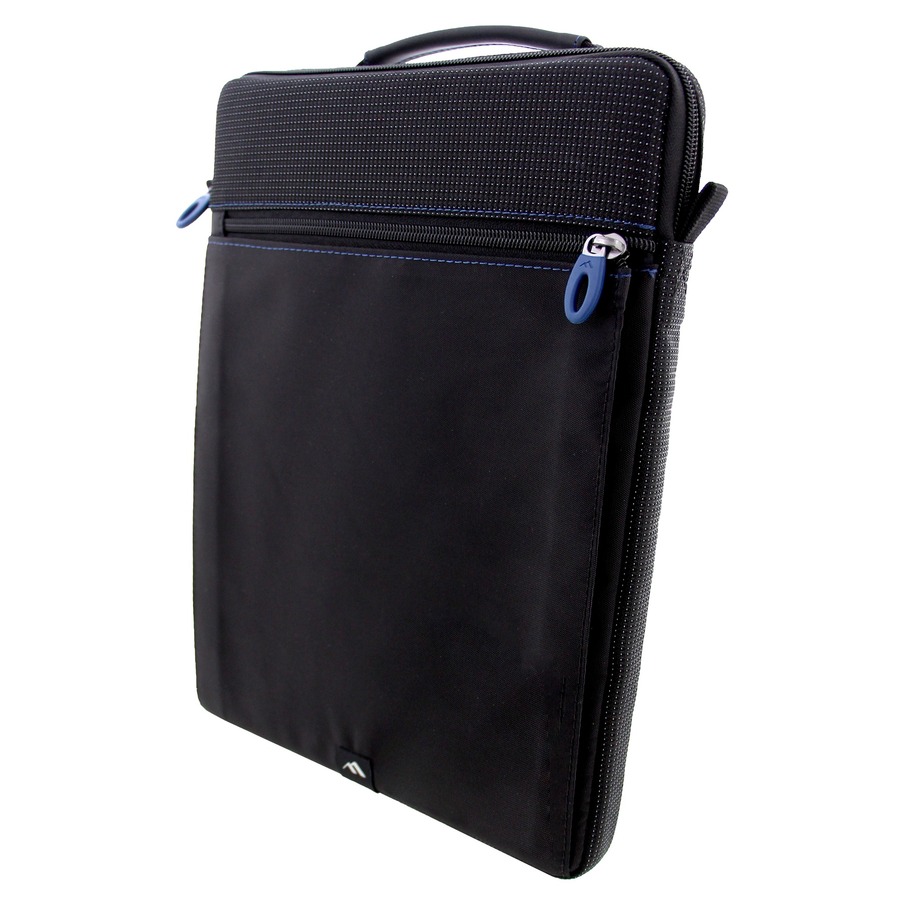
- Belkin InternationalBelkin Air Protect Carrying Case (Sleeve) for 11" Samsung, Acer, HP, Dell Chromebook, Notebook - Black - Impact Resistant, Drop Resistant, Shock Absorbing, Tear Resistant, Damage Resistant, Wear Resistant, Ding Resistant - Ballistic Nylon Body - Handle, Hand Strap - 16.9" HeightB2A070-C01
$31.95
$29.39
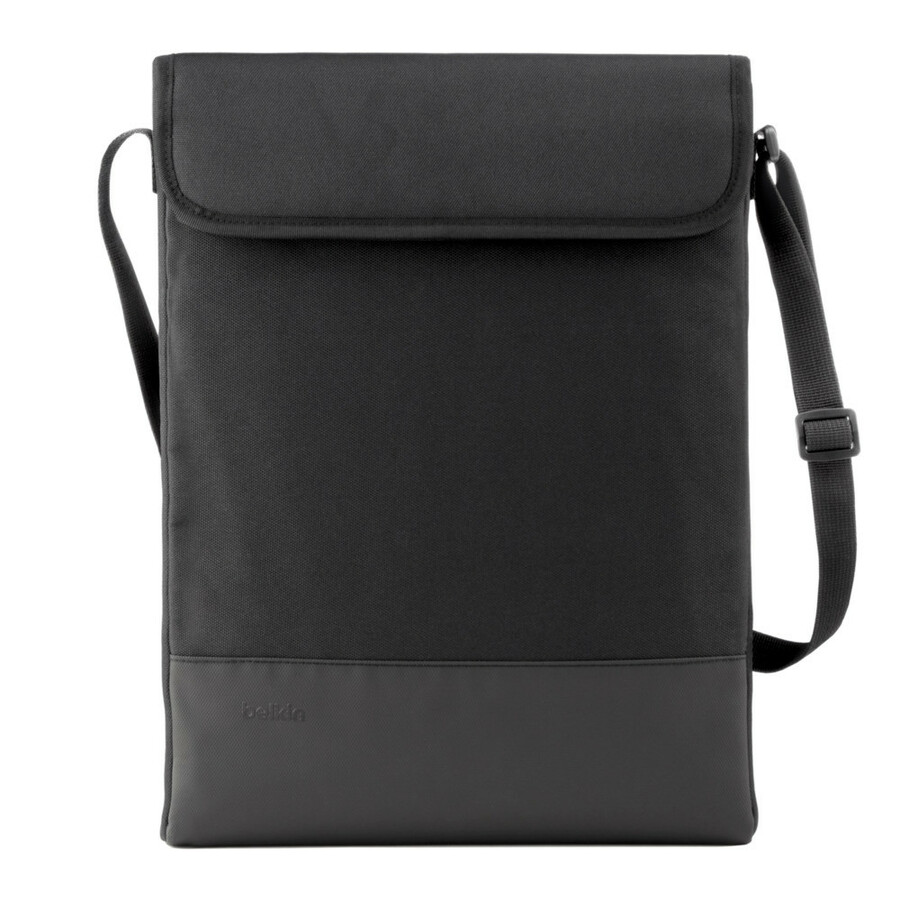
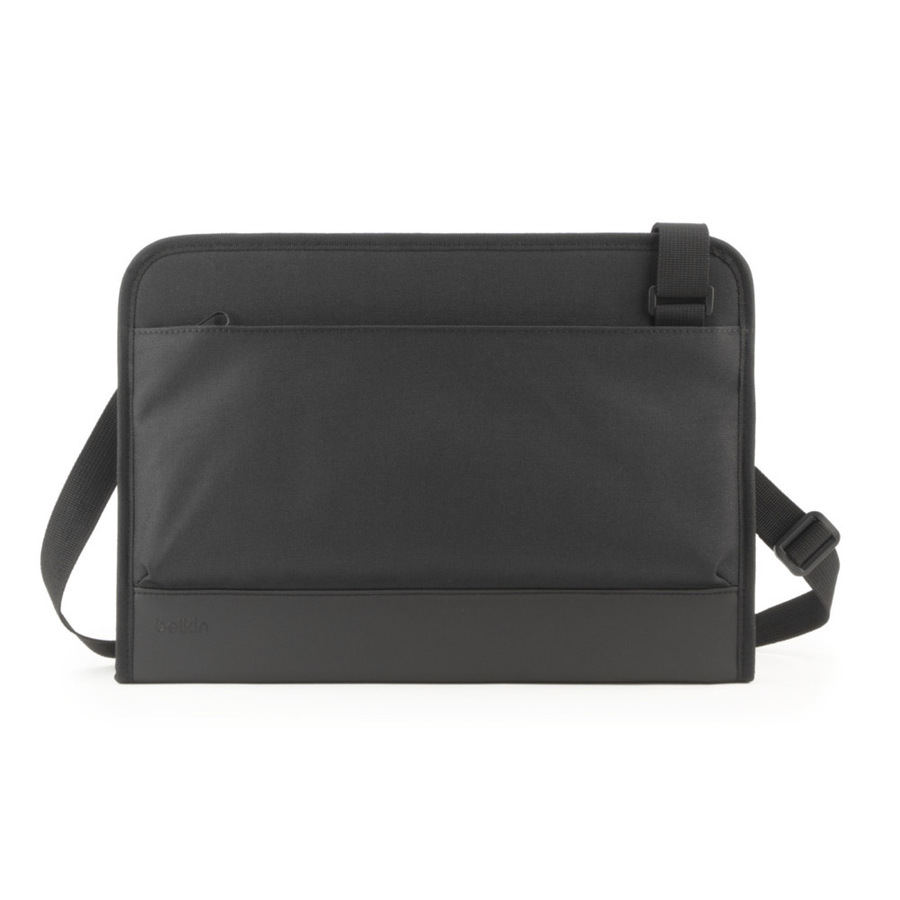
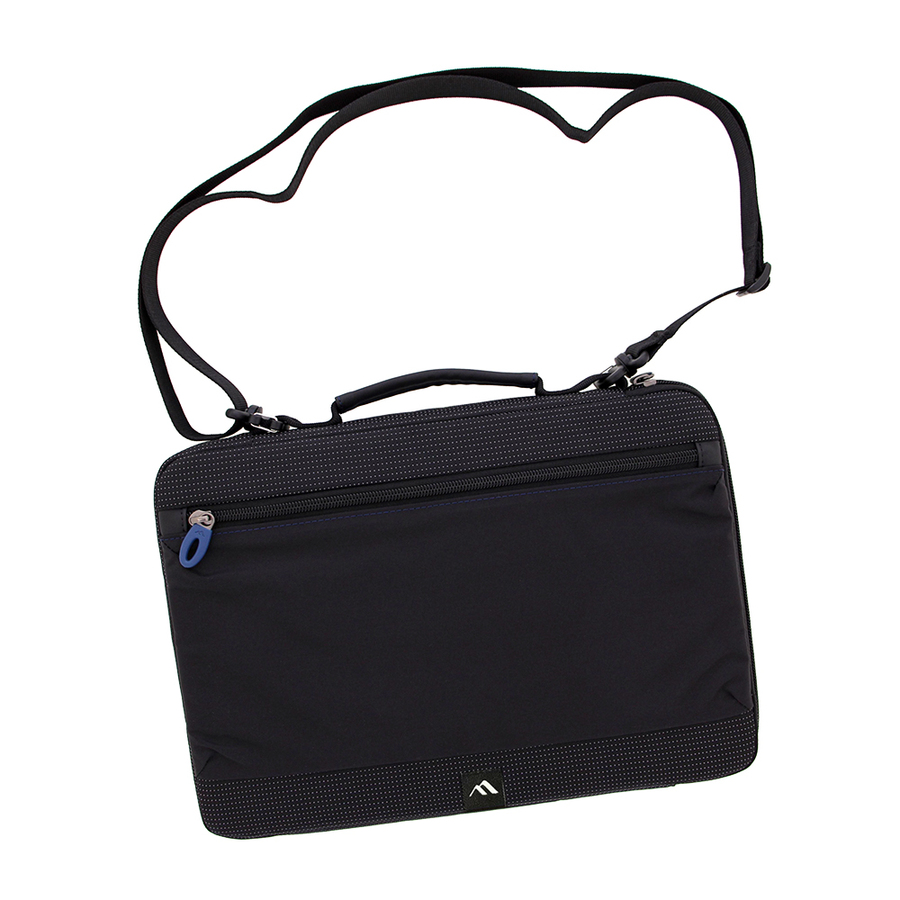
14,535 in stock - Belkin InternationalBelkin Air Protect Carrying Case (Sleeve) for 14" Samsung Notebook, Chromebook - Black - Shock Absorbing, Damage Resistant Interior, Drop Resistant Interior, Tear Resistant, Wear Resistant, Drop Resistant - Shoulder Strap, Handle - 9.5" Height x 7.1" WidthB2A076-C00
$39.95
$36.75
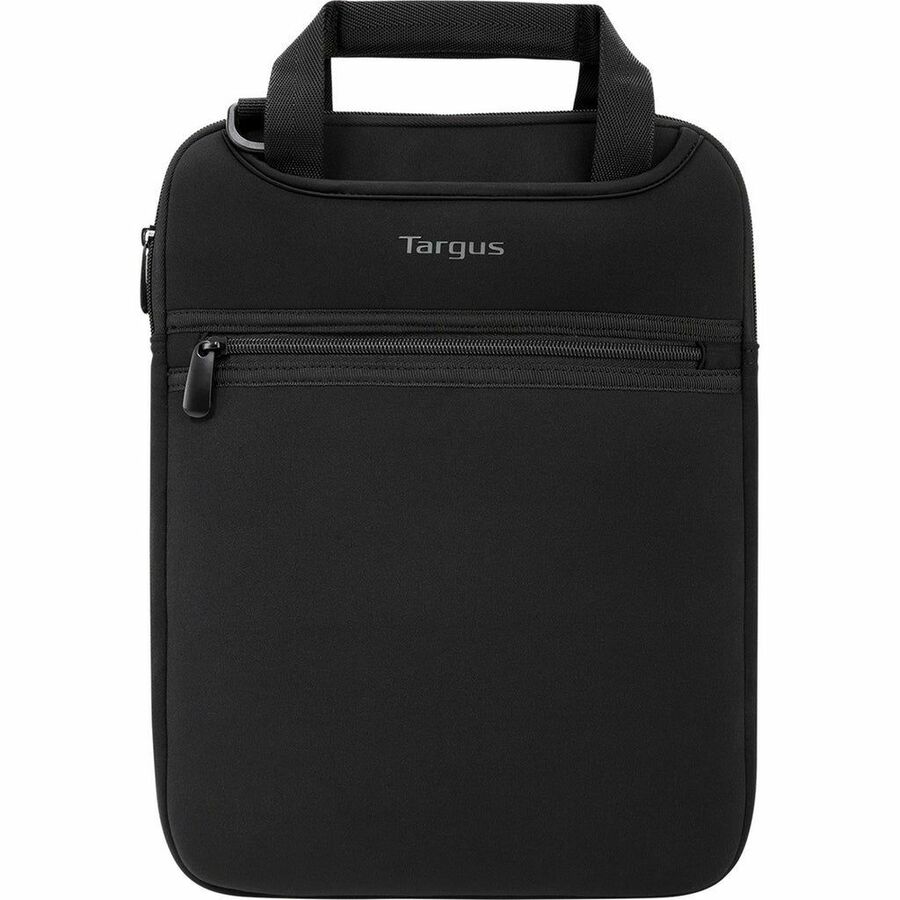
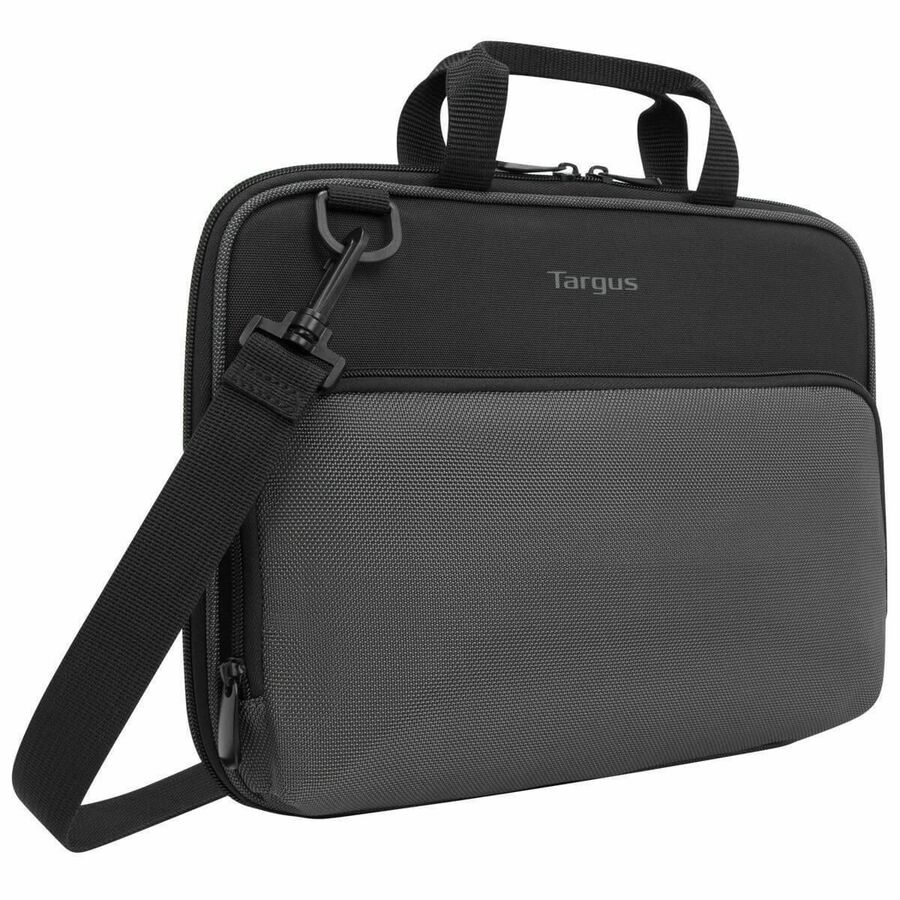
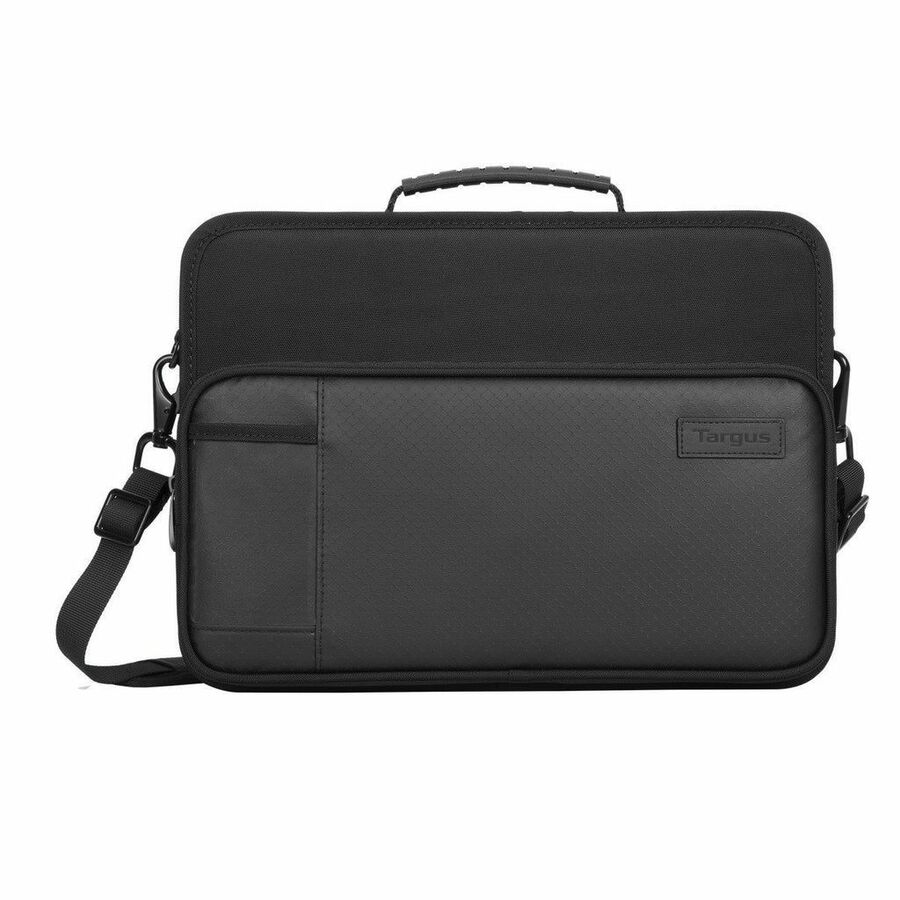
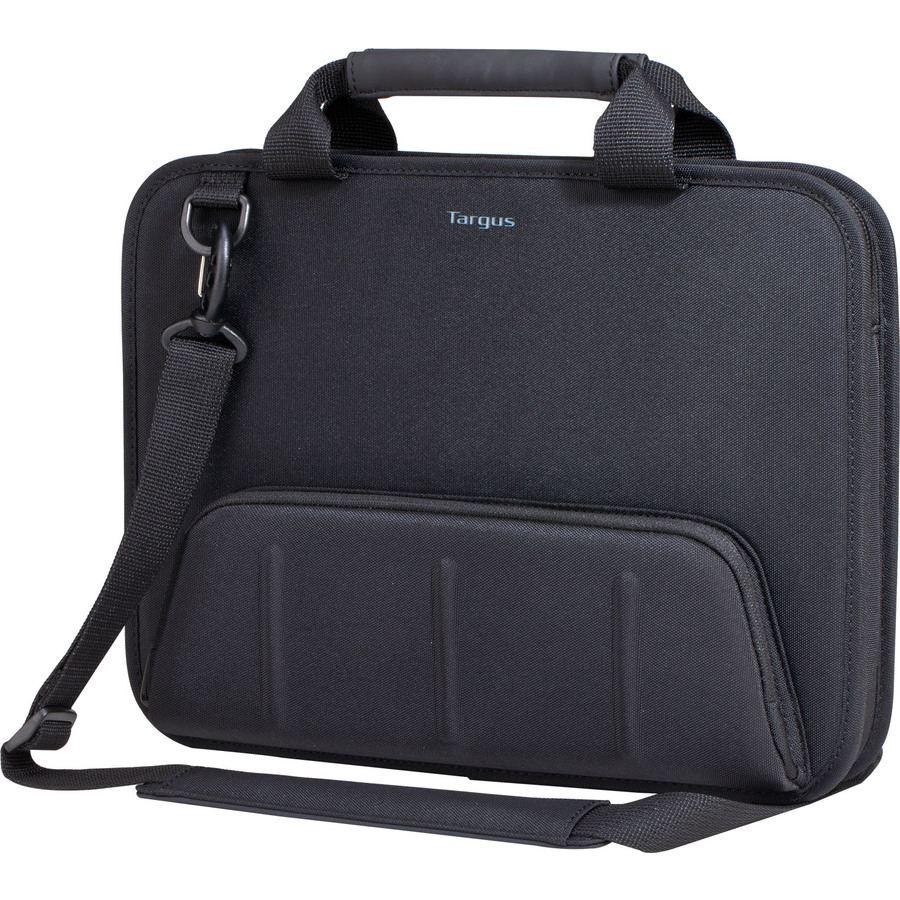
876 in stock - Targus Group InternationalTargus Work-in Essentials TED006GL Carrying Case for 11.6" Chromebook - Black/Gray - Scuff Resistant Interior - Polyurethane, Poly, Plastic Body - Shoulder Strap, Handle - 8.7" Height x 12.6" Width x 1" DepthTED006GL
$21.99
$21.33
Back-orderedBack-ordered — we expect to receive stock the week of Nov 2–8 and will process your delivery right after.
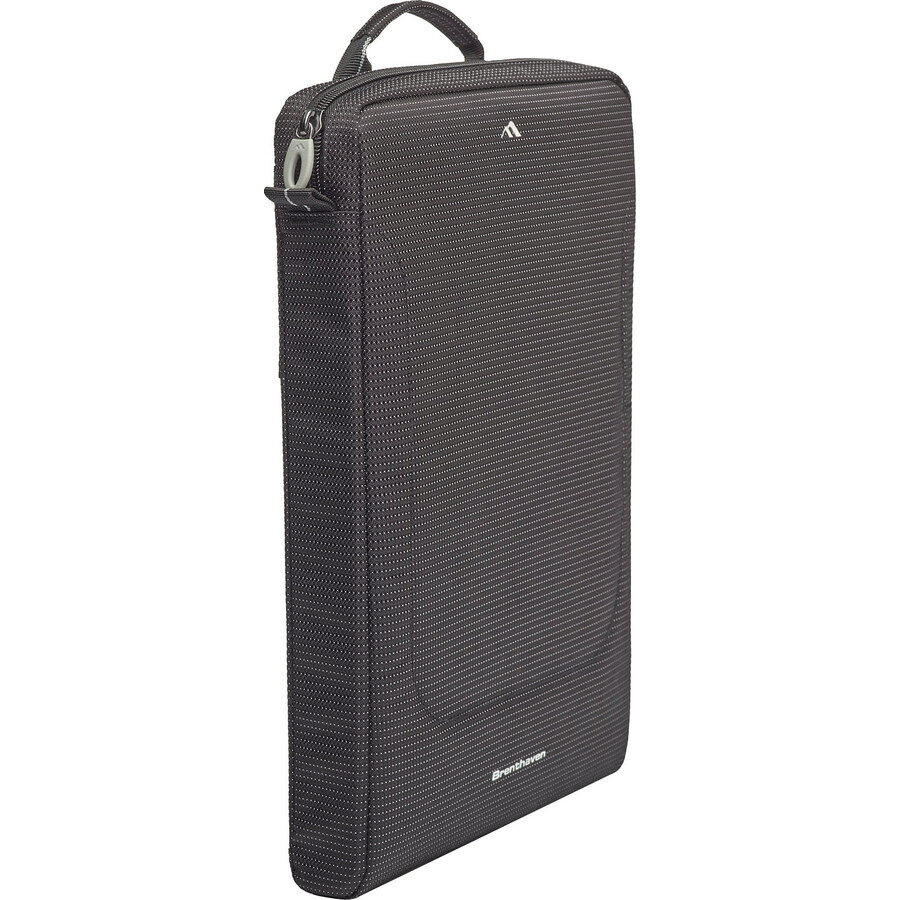
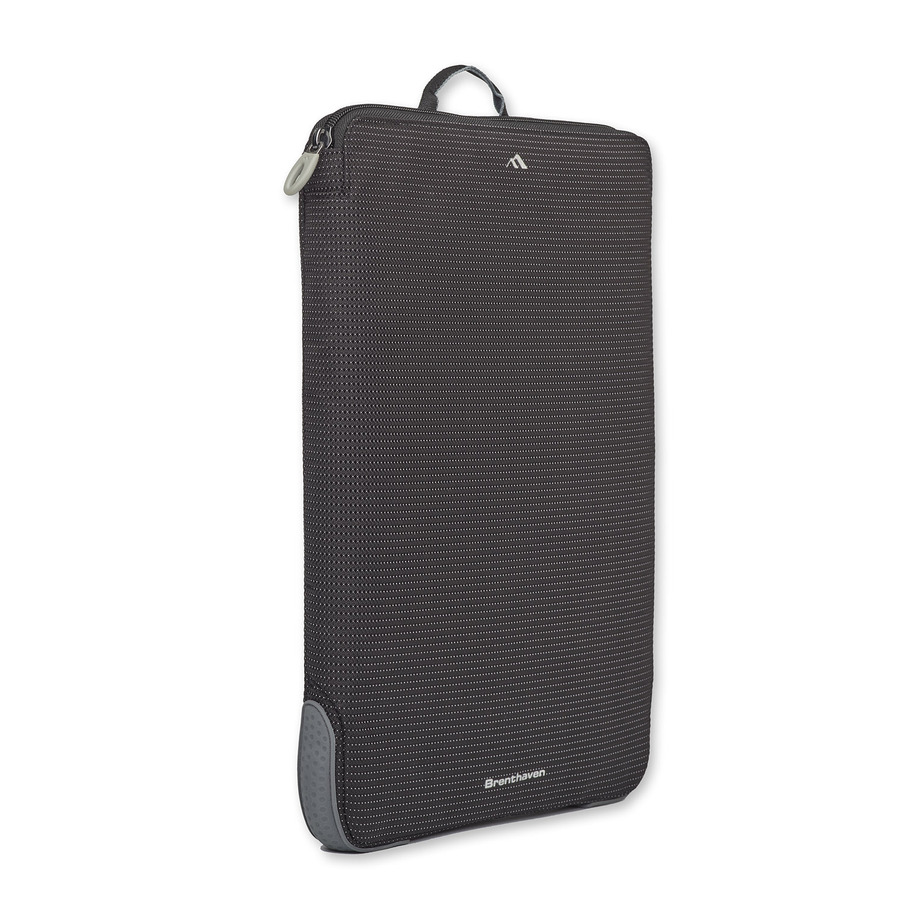
- BrenthavenBrenthaven Tred Carrying Case (Sleeve) for 11" to 13" Apple MacBook, Chromebook - Black - Skid Resistant, Impact Resistant, Drop Resistant - Polyester Body - Handle - 14" Height x 10.5" Width x 1" Depth2697
$39.95
$26.83
Back-orderedBack-ordered — estimated OEM lead time 3–8 weeks (Nov 14 – Dec 19 if ordered today).
Back-ordered — estimated OEM lead time 3–8 weeks (Nov 14 – Dec 19 if ordered today).



Always-on, K-5
CODi Worldwide
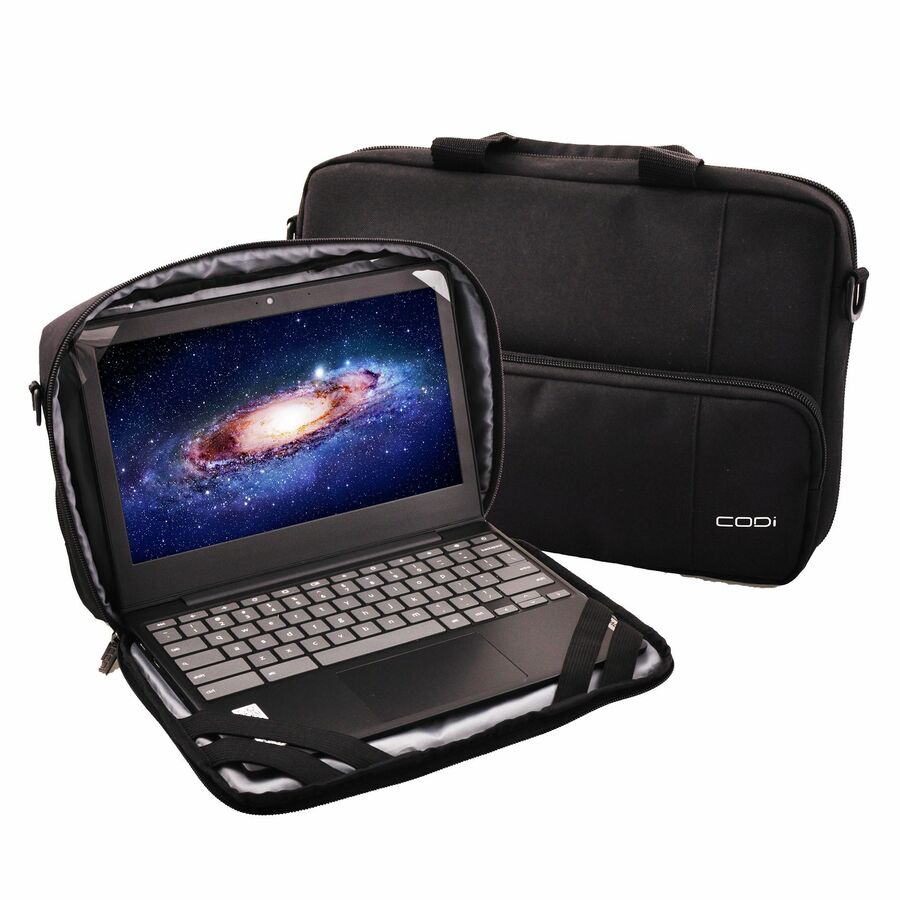
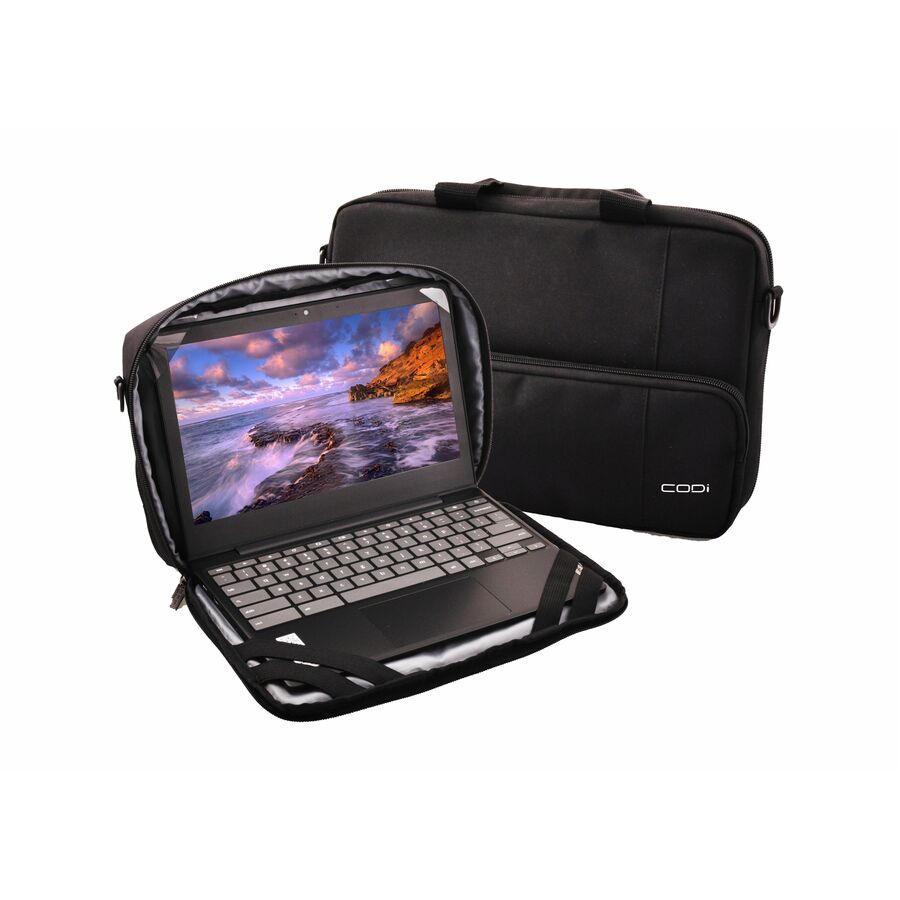
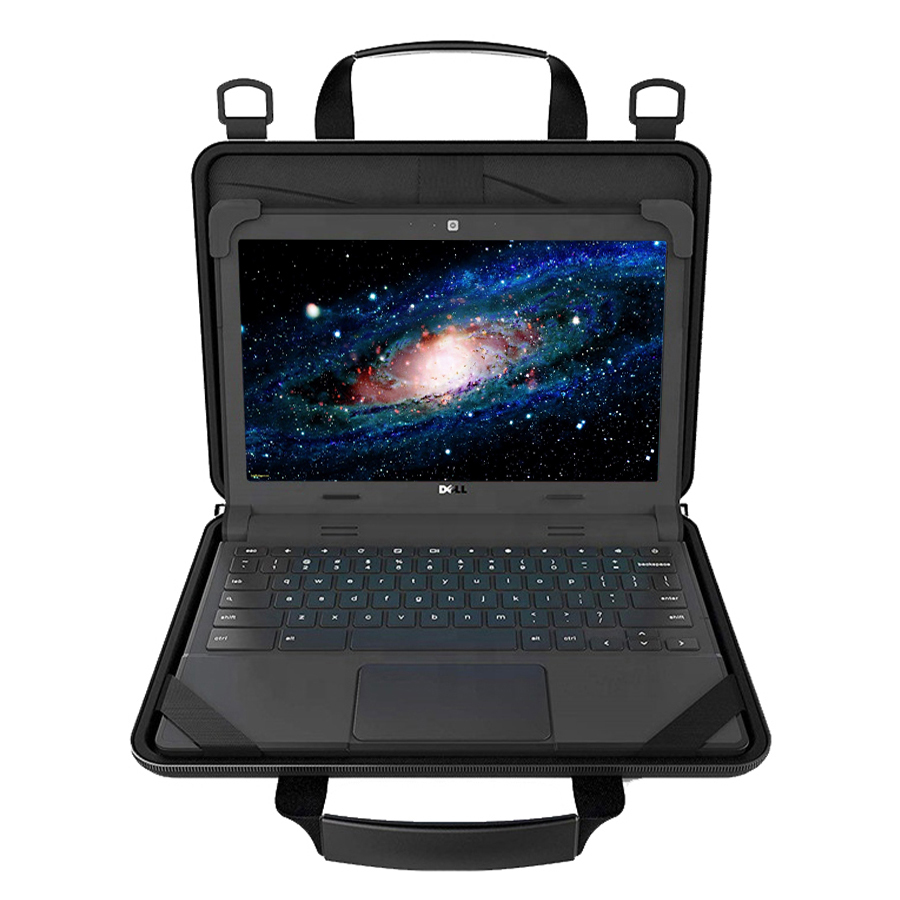
Codi Alunno Always-On 11.6" Chromebook Case
AWO116-4
The Codi Alunno always-on case is built for an 11.6-inch Chromebook and stays on the device, so the corner protection is present every time a young student picks it up, drops it or closes the lid on something. The form that removes a decision from the student in an elementary 1:1 program.
$15.58In stockRugged sleeve
Brenthaven
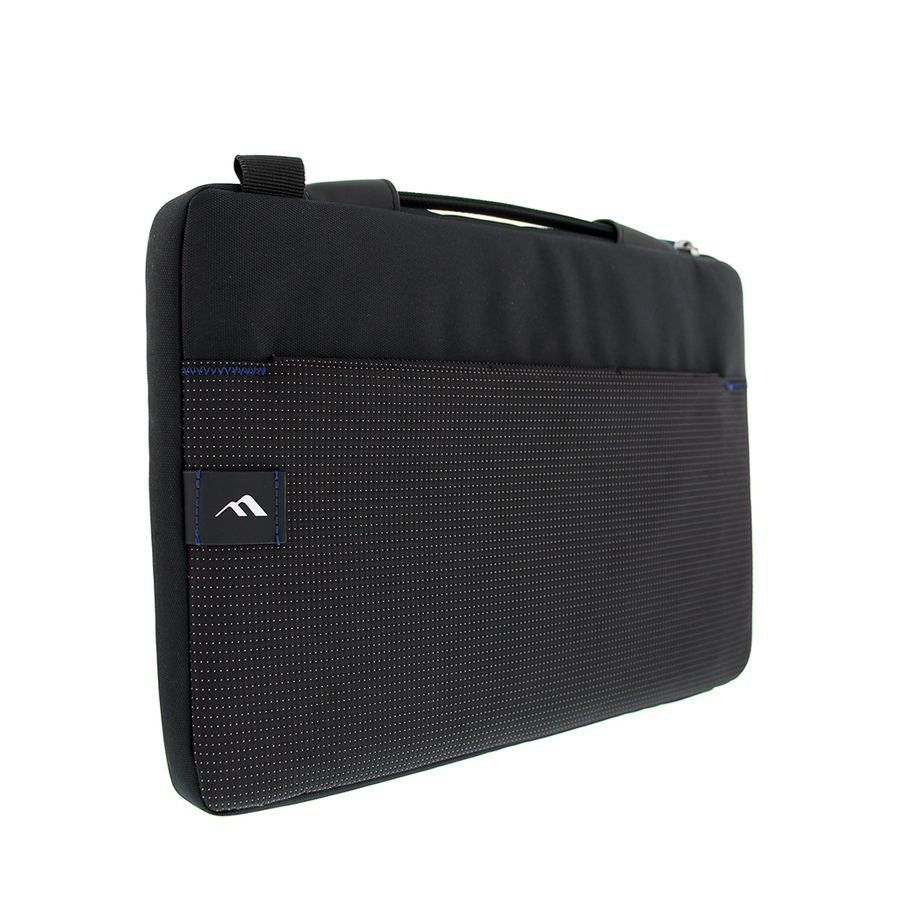
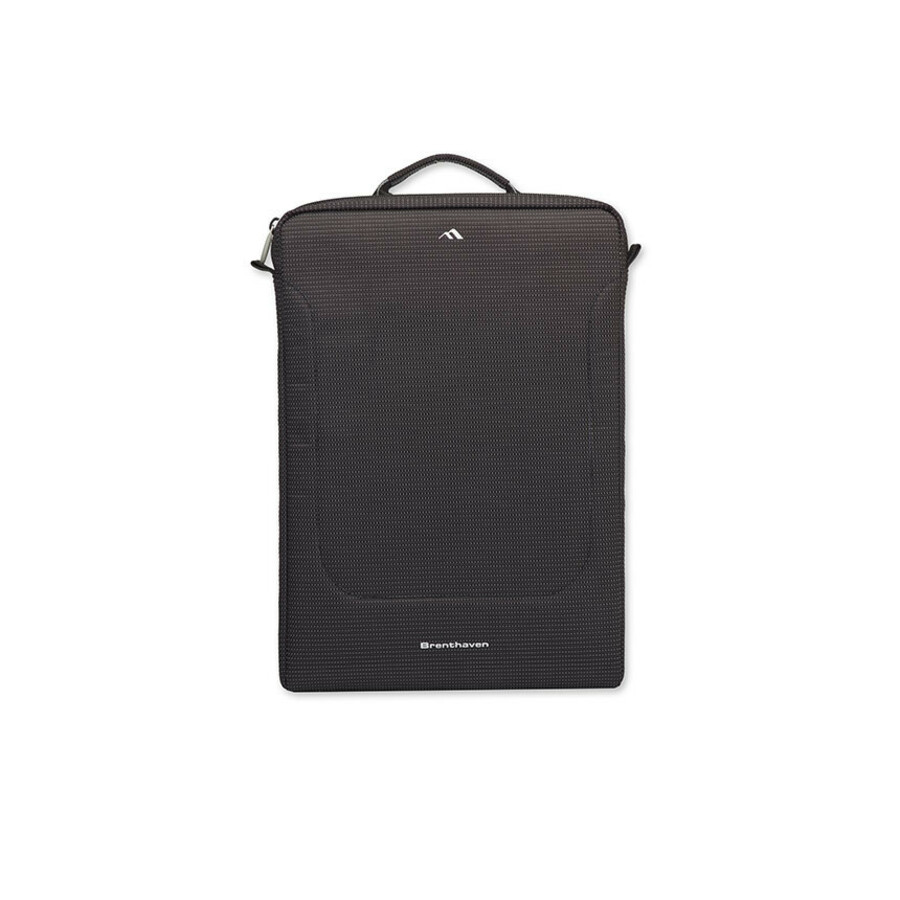
Brenthaven Tred 2822 Rugged Carrying Case (Sleeve) for 13" Google…
2822
The Brenthaven Tred is a rugged reinforced sleeve for a Chromebook in transit — the right level of protection for upper grades where devices ride in a backpack between classes and come out for use. Confirm the size against the exact model before you standardize a grade band on it.
$50.56Back-orderedFleet sleeve
Kensington Computer Products
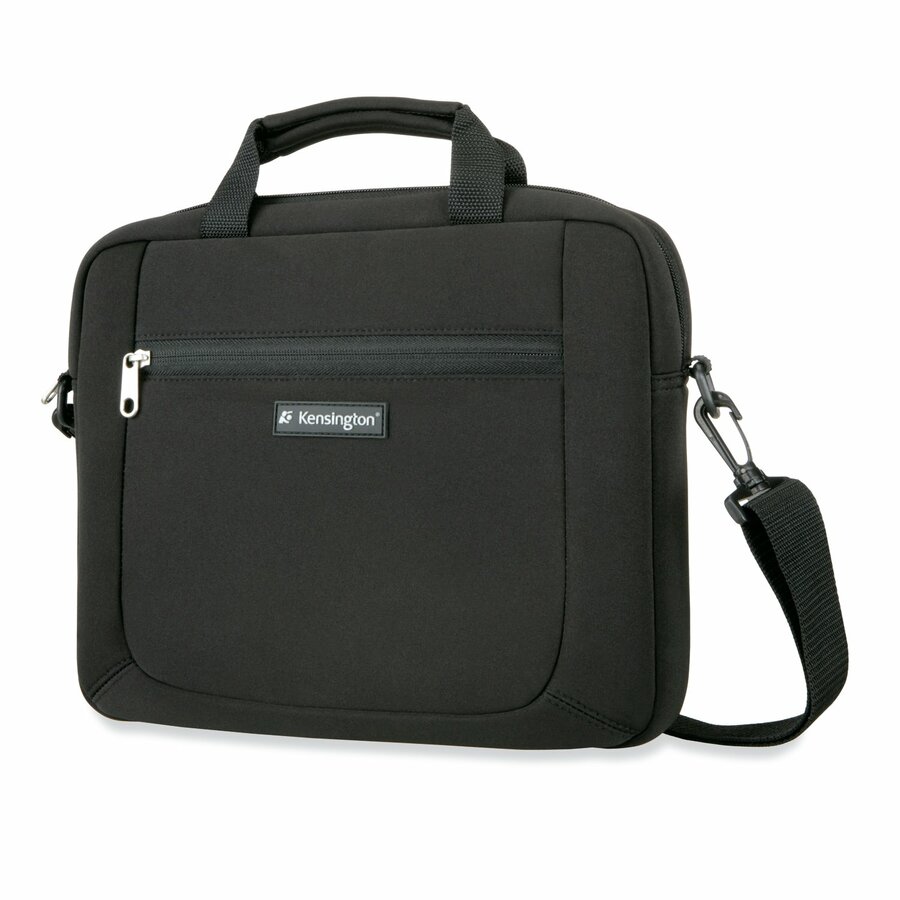
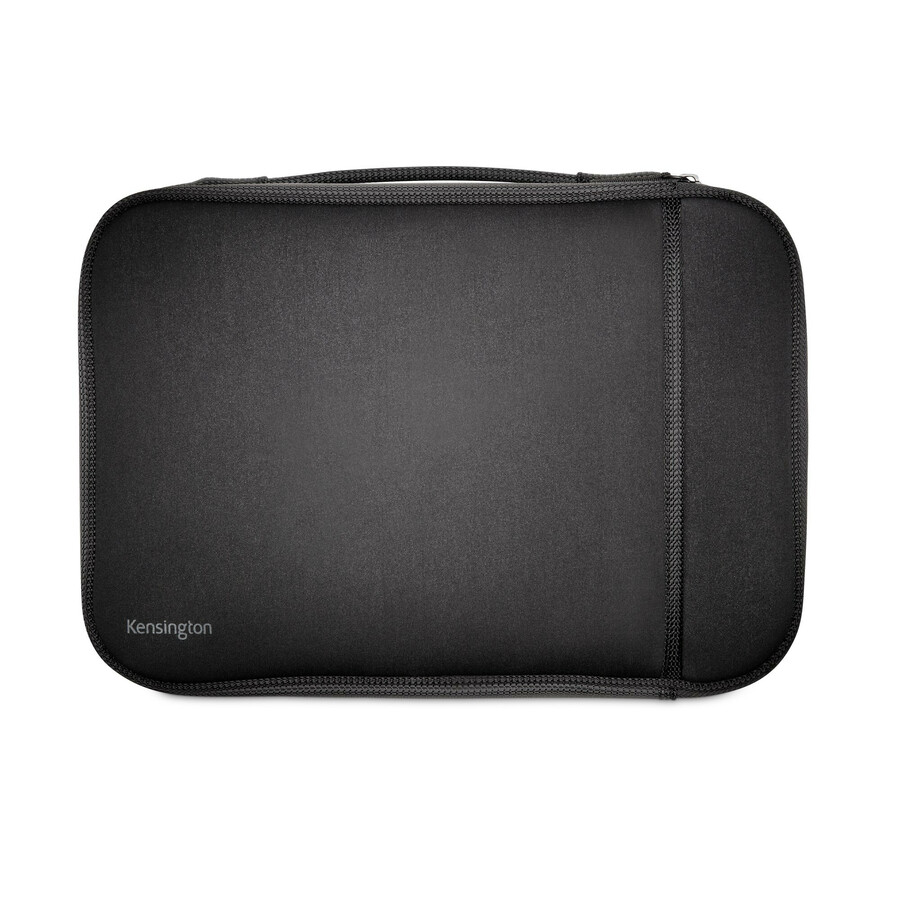
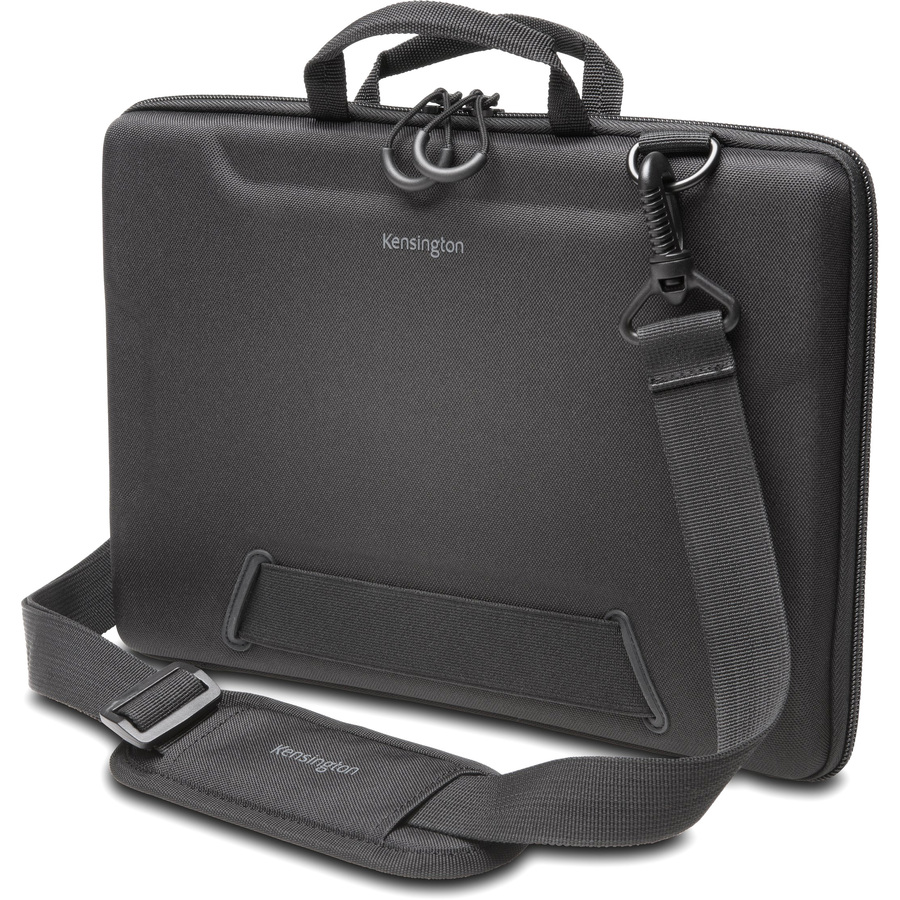
Kensington Simply Portable SP12 Carrying Case (Sleeve) for 12"…
K62569USA
The Kensington Simply Portable is a straightforward protective sleeve for student Chromebooks, sized in the title so you can match it to the fleet. A clean, uniform choice where you want one carrying case across a building and predictable replacement.
$31.87Back-orderedMore carrying cases in the Uniqcli catalog
See all 2,126 carrying casesMore from across this category. In-stock lines lead, and a back-ordered line carries the same estimated availability its product page does — with live pricing throughout, NDAA §889 screening before checkout and TAA verified on request.
Back-ordered — estimated OEM lead time 3–8 weeks (Nov 14 – Dec 19 if ordered today).
- BrenthavenBrenthaven Tred Rugged Carrying Case (Sleeve) for 13" to 14" Apple MacBook Pro, Chromebook, Notebook - Black - Drop Resistant, Bump Resistant, Impact Resistant - Polyester Body - 15.8" Height x 11.5" Width x 1.9" Depth2737
$49.95
$31.59
Back-orderedBack-ordered — estimated OEM lead time 3–8 weeks (Nov 14 – Dec 19 if ordered today).
- BrenthavenBrenthaven Tred Rugged Carrying Case (Sleeve) for 11" Apple MacBook, Chromebook, Notebook - Black - Anti-slip, Drop Resistant - Polyester Body - Handle - 9.8" Height x 13" Width x 1.5" Depth2825
$49.95
$31.77
Back-orderedBack-ordered — estimated OEM lead time 3–8 weeks (Nov 14 – Dec 19 if ordered today).
Back-ordered — estimated OEM lead time 3–8 weeks (Nov 14 – Dec 19 if ordered today).
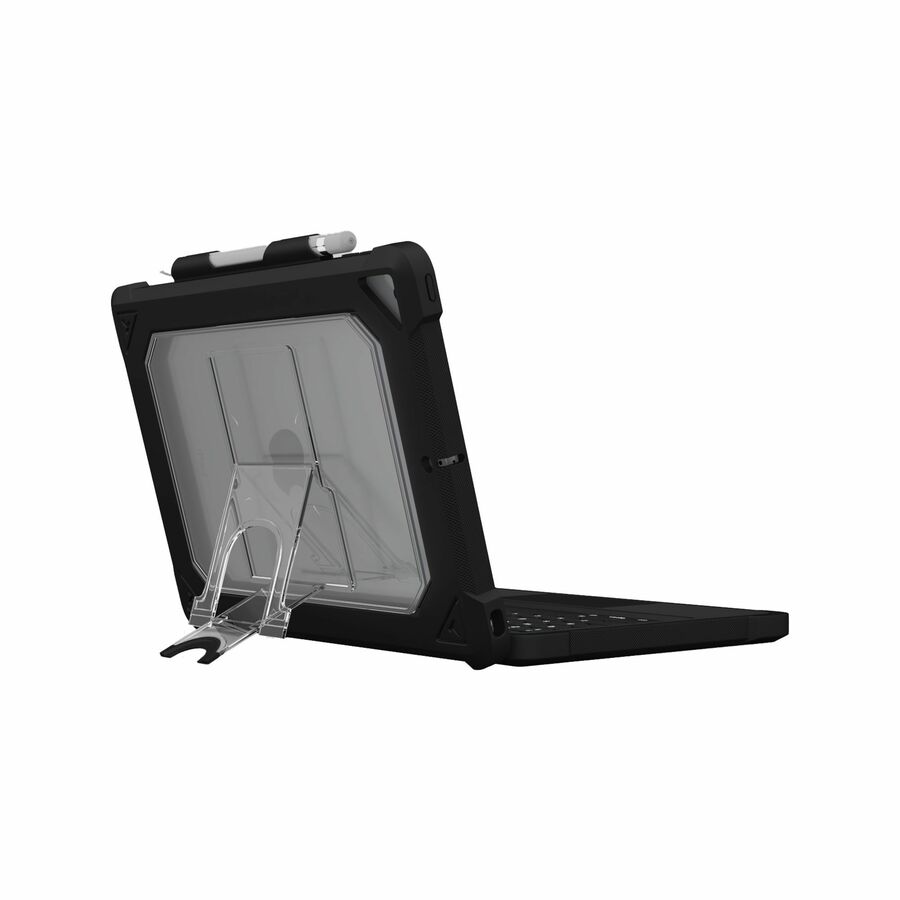
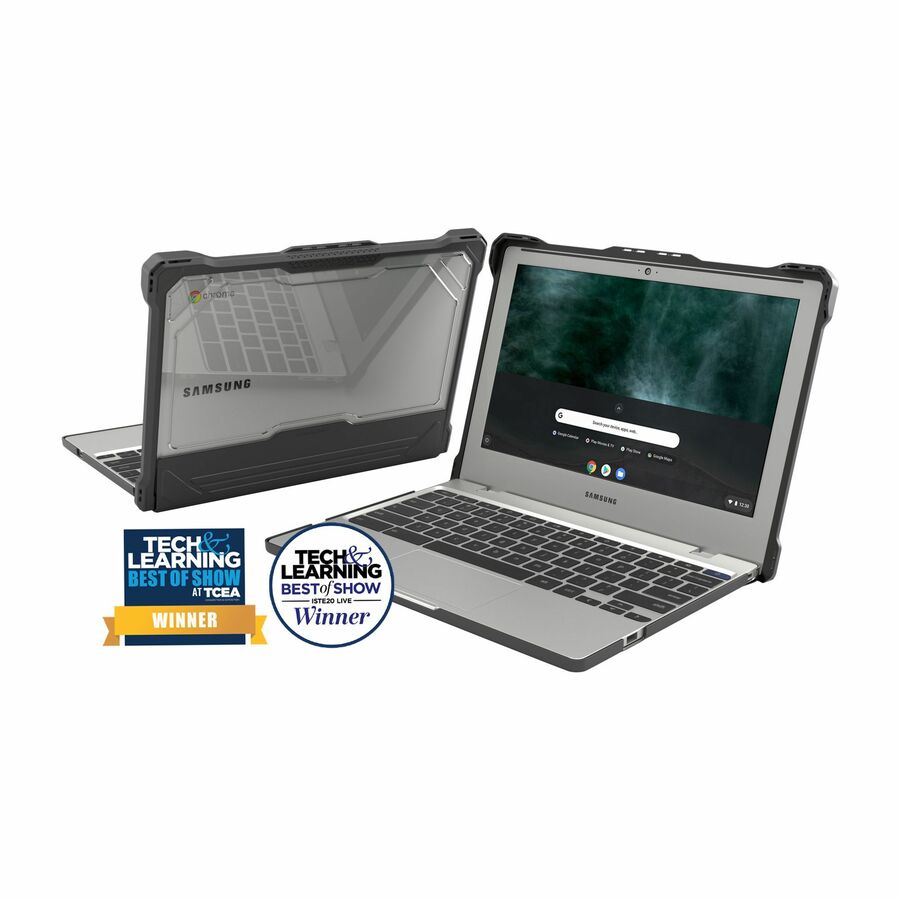
- MAXCasesMAXCases Extreme Shell-S for Samsung Galaxy Chromebook Go 14" (Black/Clear) - Scratch Resistant, Impact Resistant, Damage Resistant, Bacterial Resistant, Anti-slip Feet - Thermoplastic Polyurethane (TPU) Body - Carrying StrapSS-ESS-GCBG-14-BCLR
$49.95
$38.23
Back-orderedBack-ordered — estimated OEM lead time 3–8 weeks (Nov 14 – Dec 19 if ordered today).
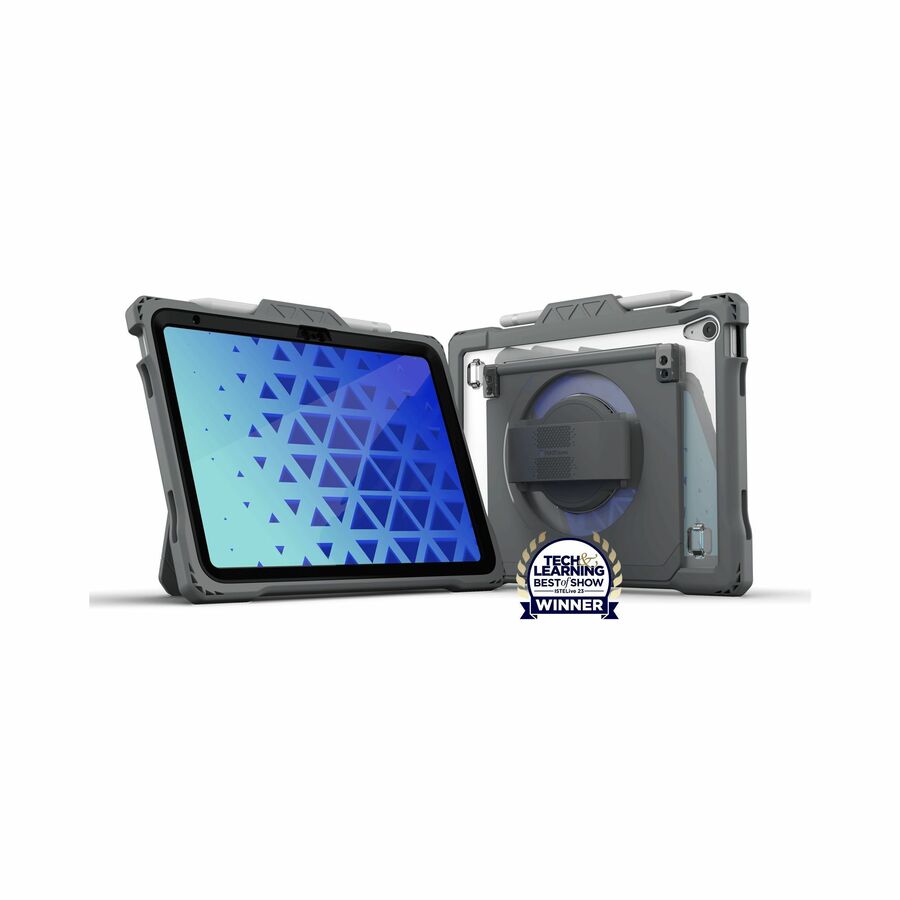
- MAXCasesMAXCases Shield Extreme-X2-H with Hand Strap for iPad 10/11 10.9" (2022) (Black Bezel-Gray Chromebook Case) - Shock Resistant, Drop Resistant, Break Proof, Impact Resistant, Oil Resistant, Dirt Resistant Interior, Scratch Resistant, Bacterial Resistant - Silicone, Thermoplastic Polyurethane (TPU) Body - Hand StrapAP-SXX2H-IP10-BLK
$44.95
$33.31
Back-orderedBack-ordered — estimated OEM lead time 3–8 weeks (Nov 14 – Dec 19 if ordered today).
- BrenthavenBrenthaven Tred 2822 Rugged Carrying Case (Sleeve) for 13" Google Notebook, Chromebook - Black - Drop Resistant - Polyester Body - Handle - 10.6" Height x 14.3" Width x 1.3" Depth2822
$61.95
$50.56
Back-orderedBack-ordered — estimated OEM lead time 3–8 weeks (Nov 14 – Dec 19 if ordered today).
- BrenthavenBrenthaven Tred Carrying Case Rugged (Sleeve) for 12" Notebook, MacBook, Chromebook - Black - Anti-slip, Drop Resistant - Polyester, Foam Body - Handle - 10" Height x 13.3" Width x 1.5" Depth - 1 Pack2932
$49.95
$40.60
Back-orderedBack-ordered — estimated OEM lead time 3–8 weeks (Nov 14 – Dec 19 if ordered today).
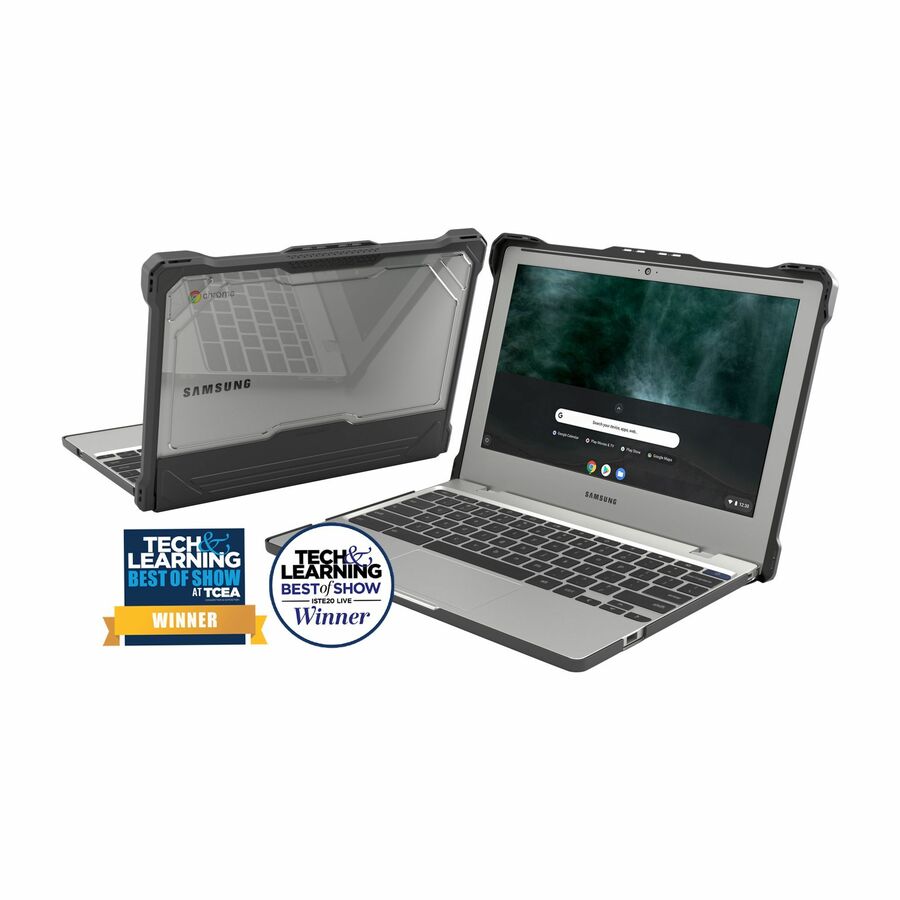
- MAXCasesMAXCases Extreme Shell-S for Samsung Chromebook 4 11" (Black) - Drop Resistant, Scratch Resistant, Impact Resistant, Damage Resistant, Slip Resistant, Anti-slip Feet, Bacterial Resistant - Polycarbonate, Thermoplastic, Polyurethane Body - TexturedSS-ESS-CB4-BLK
$39.95
$32.02
Back-orderedBack-ordered — estimated OEM lead time 3–8 weeks (Nov 14 – Dec 19 if ordered today).
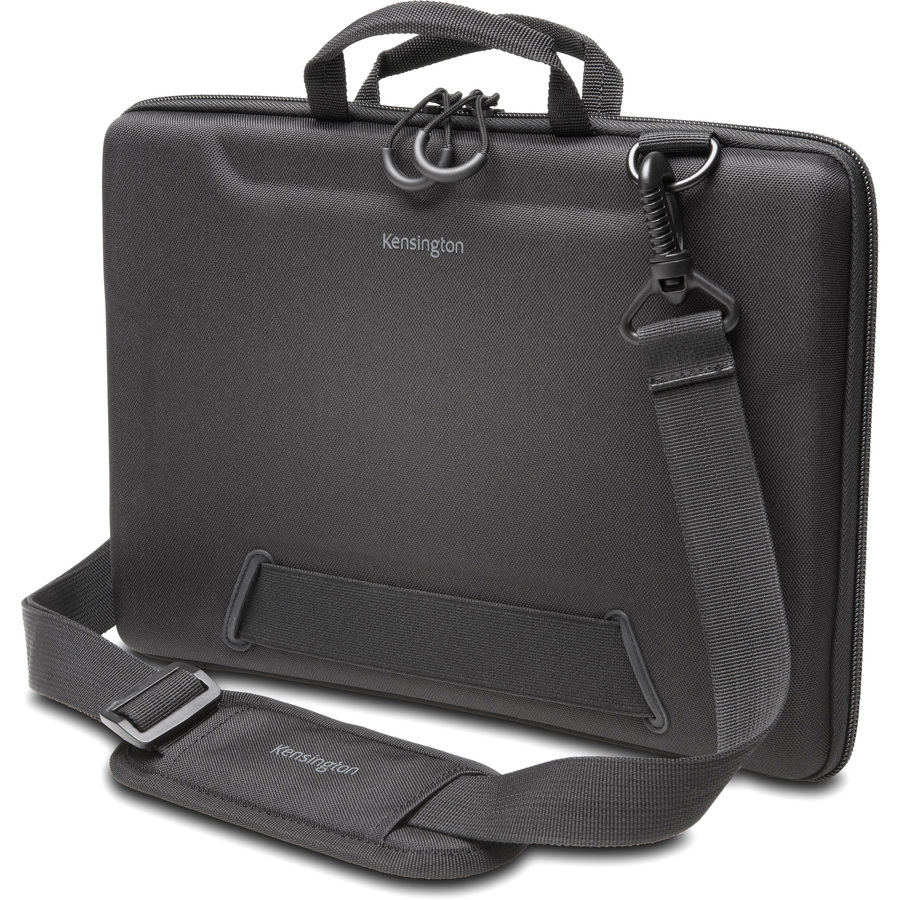
- Kensington Computer ProductsKensington Simply Portable SP12 Carrying Case (Sleeve) for 12" Notebook, Chromebook - Black - Neoprene Exterior Material - Handle, Carrying Strap - 1.8" Height x 12.1" Width x 14.3" Depth - 1 PackK62569USA
$34.30
$31.87
Back-orderedBack-ordered — estimated OEM lead time 3–8 weeks (Nov 14 – Dec 19 if ordered today).
Back-ordered — estimated OEM lead time 3–8 weeks (Nov 14 – Dec 19 if ordered today).
- Targus Group InternationalTargus TSS679H2-ITSD Carrying Case for 11.6" Chromebook - Black - Ethylene Vinyl Acetate (EVA), Polyester Body - Itsd Logo - Shoulder Strap, Handle, Hand GripTSS679H2-ITSD
$34.99
$33.94
Back-orderedBack-ordered — estimated OEM lead time 3–8 weeks (Nov 14 – Dec 19 if ordered today).
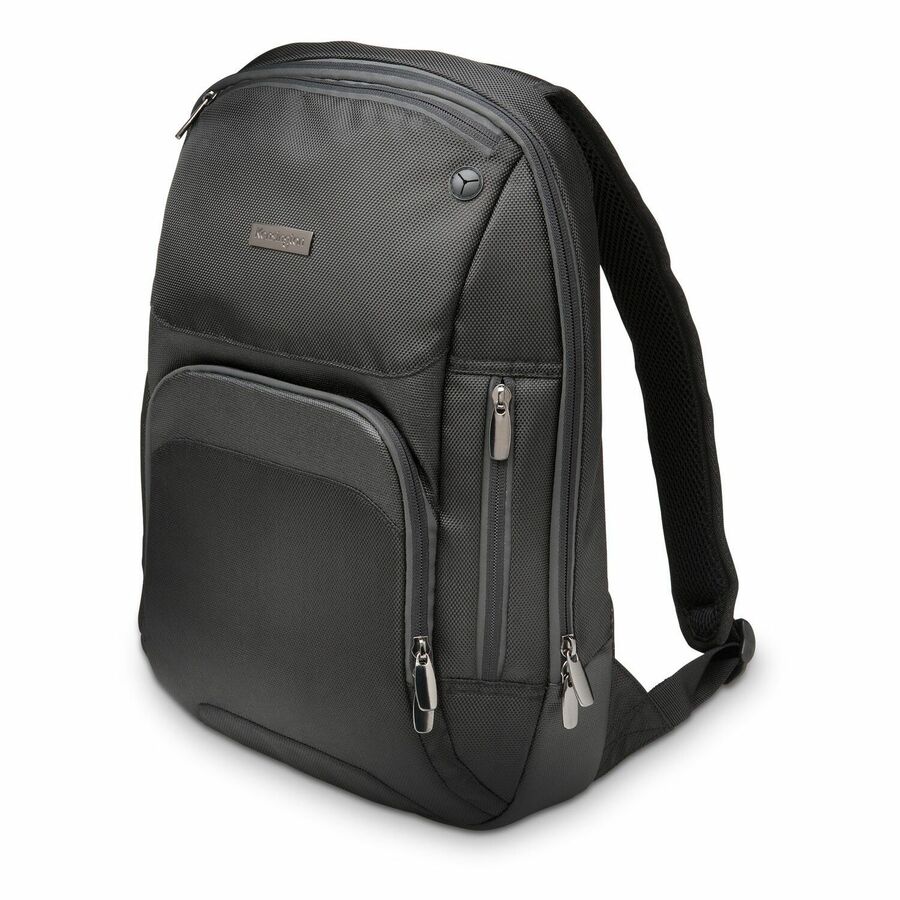
- Kensington Computer ProductsKensington Triple Trek Carrying Case (Backpack) for 14" Ultrabook, Chromebook - Black - Scratch Resistant - Shoulder Strap, Handle, Trolley StrapK62591US
$66.06
Back-orderedBack-ordered — estimated OEM lead time 3–8 weeks (Nov 14 – Dec 19 if ordered today).
Back-ordered — estimated OEM lead time 3–8 weeks (Nov 14 – Dec 19 if ordered today).
- Kensington Computer ProductsKensington K60101WW Carrying Case (Sleeve) for 15.6" Apple Chromebook, MacBook Air, Tablet, Notebook, Ultrabook - Black, Pink - Scratch Resistant Interior - Handle - 1K60101WW
$29.80
Back-orderedBack-ordered — estimated OEM lead time 3–8 weeks (Nov 14 – Dec 19 if ordered today).
Back-ordered — estimated OEM lead time 3–8 weeks (Nov 14 – Dec 19 if ordered today).
Need pricing on Chromebook cases?
Tell us where to reach you and a Uniqcli specialist will follow up by email with current pricing, availability and lead time for the quantities you need — including parts that aren’t shown on this page.
Buying for an organization or for yourself — both work. No payment up front.
A Chromebook case is the cheapest line item in a 1:1 program and the one that decides how many devices survive the year. Student damage is not exotic — it is a device sliding off a desk, a lid closing on a pencil, a backpack dropped onto a locker floor. The case is what turns those everyday events into non-events, and the right one is chosen for the exact model in the fleet rather than bought generically. Everything below is drawn live from what Uniqcli lists, sorted so in-stock units appear first, and every card carries the word Chromebook in the manufacturer's own product title.
The first decision is the form of protection. An always-on case stays on the device permanently, wrapping the corners and often the keyboard deck, so there is nothing for a student to leave in a locker — the protection is there the moment the device is. A sleeve protects the closed device in transit and comes off for use, which is lighter and cheaper but only helps while the device is inside it. A carrying case or a case with a handle adds a way to carry the device between rooms. Most districts land on always-on for the youngest grades and a sleeve or bag higher up, where devices are handled more carefully and weight matters more.
After that it is fit and construction. A case is cut to a screen size and a hinge geometry, so an 11.6-inch always-on shell and a 14-inch sleeve are not interchangeable, and a convertible Chromebook needs a case that clears the fold. Read the size and construction stated in each product title against the exact model you are standardizing on. Buying the case with the device — and enough spares to match your expected breakage — is what keeps a protection program from becoming a mid-year scramble.
Buyer's checklist
How to choose a Chromebook case for a fleet
- Match the case to the exact model first — cases are cut to a screen size and a hinge, so confirm the fit against the Chromebook you are standardizing on rather than buying to a rough size.
- Pick the protection form by grade band: an always-on shell for the youngest students, where nothing gets left behind, and a sleeve or bag where devices are handled more carefully and weight matters.
- For always-on cases, check whether the design covers the corners and the keyboard deck, which are where drop and lid-closing damage actually happens.
- Confirm a convertible Chromebook's case clears the 360-degree fold and any camera or port the tablet posture relies on.
- Read the construction stated in the title — EVA, rugged and reinforced-corner designs are different levels of protection for different environments.
- Budget the case with the device, not after it, and buy spares in the same size at the same time so a replacement is a shelf item rather than a purchase order.
- Standardize on one case per fleet model so distribution, replacement and asset tagging stay uniform across every building.
Always-on, sleeve or carrying case
The always-on case is the default for the youngest 1:1 programs because it removes a decision from the student. The case never comes off, so the protection is present every time the device is picked up, dropped or closed on something it should not be. The trade is weight and a little bulk, and the reason it still wins in elementary grades is that the alternative — a sleeve a six-year-old is supposed to remember — is a protection plan that depends on the least reliable link in the building.
Sleeves and carrying cases earn their place higher up. A sleeve is lighter and cheaper and protects the closed device in a bag between classes, which is most of the risk once students handle devices carefully. A carrying case or a case with a handle adds a way to move the device across a campus. The pattern most districts settle on is always-on for K-5 and a sleeve or bag for secondary, split on a clean grade boundary rather than building by building.
Fit is the specification that actually matters
A Chromebook case is not a size range, it is a fit. The corners, the port cutouts and the hinge clearance are cut to a specific screen size and often to a specific chassis, which is why the product titles name a size and, frequently, a device family. An 11.6-inch always-on shell will not close over a 14-inch device, and a case built for a clamshell can foul the fold on a convertible. Read the title against the exact model in the fleet, and where a case names a device family, treat that as the reference to match.
This is also why spares are bought with the fleet rather than next year. A replacement case a year later is frequently cut for a different model, because the fleet rolled over to a new Chromebook, and a spares pool only works while the cases in it fit the devices in service. Order the case, the device and the spares together and the protection program stays a shelf item instead of a mid-year research project.
FAQ
Common questions
- Do I need an always-on case or is a sleeve enough?
- It depends on the grade band. An always-on case stays on the device permanently and protects the corners and often the keyboard deck, which is the right choice for the youngest students because the protection does not depend on anyone remembering to use it. A sleeve is lighter and cheaper and protects the closed device in transit, which is usually enough once students handle devices carefully in the upper grades. Many districts standardize on always-on for K-5 and a sleeve or bag for secondary.
- How do I know a case fits our exact Chromebook?
- Read the size and, where present, the device family stated in the product title against the exact model in your fleet. Cases are cut to a screen size and a hinge geometry, so an 11.6-inch shell and a 14-inch sleeve are not interchangeable, and a convertible Chromebook needs a case that clears the 360-degree fold. If a case names a device family it is built for, that is the reference to match — and if you are unsure, send us the model and we will confirm the fit before you order in volume.
- Should we buy cases and Chromebooks together?
- Yes, and buy the spares at the same time too. A case is cut to a specific model, so a replacement bought a year later is frequently for a different device once the fleet has rolled over. Ordering the case, the Chromebook and a spares pool sized to your expected breakage in one pass keeps a protection program working as a shelf item instead of turning every damaged device into a purchase order in the middle of a school year.
- Can Uniqcli quote cases for a whole district fleet?
- Every line Uniqcli quotes is sourced through US distribution and screened for TAA country-of-origin and NDAA §889 status before checkout — with documentation tied to the specific part number, not a product family.
Need Chromebook cases pricing?
Send a bill of materials or part numbers — we confirm stock and a below-market total, with TAA verified on request. No payment up front.