
Best Samsung Chromebooks for Student Fleets
A short shortlist for districts already standardized on Samsung — with live pricing, real availability, and a straight answer about where the bench is thin.
Samsung Chromebooks at Uniqcli
How to choose →A curated selection with live pricing and honest availability — everything below is currently back-ordered, and we quote a dated lead time on request. Every line is sourced through US distribution and screened for NDAA §889 status before checkout, with TAA verified on request.
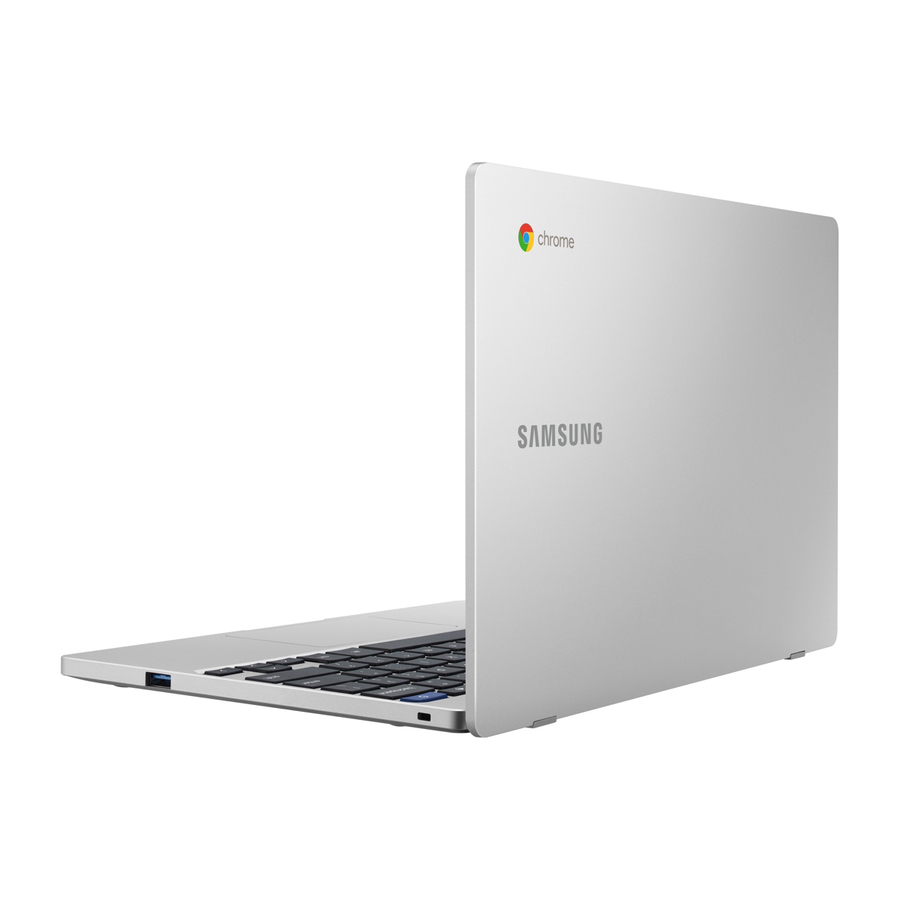
- SamsungSamsung Chromebook 4 XE310XBA 11.6" Chromebook - Intel Celeron N4020 - 4 GB - 16 GB Flash Memory - Satin Gray - ChromeOS - Intel UHD Graphics 600XE310XBA-KB1US
$709.40
Back-orderedBack-ordered — estimated OEM lead time 3–8 weeks (Nov 12 – Dec 17 if ordered today).
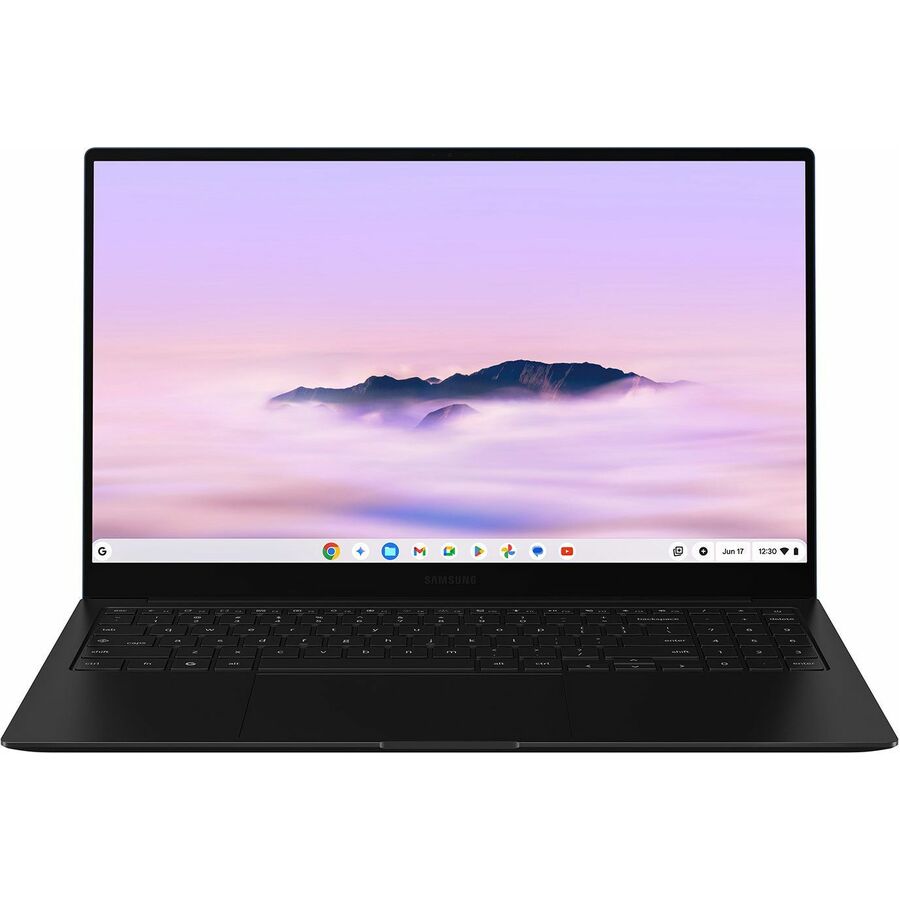
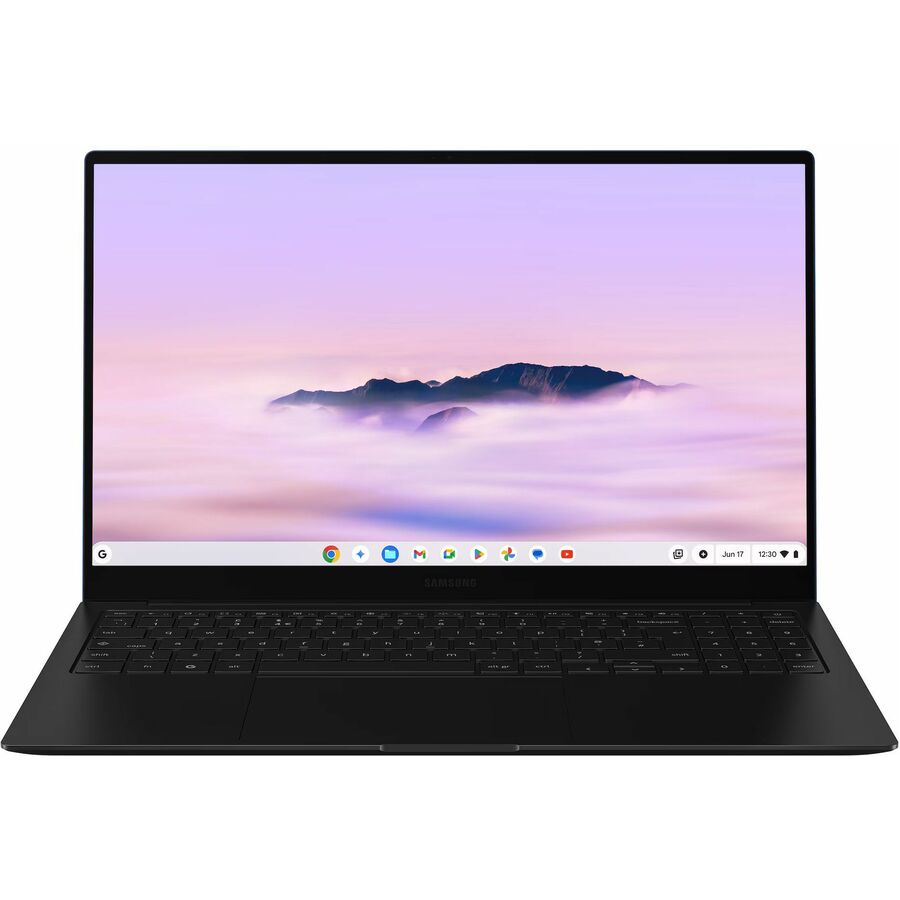
- SamsungSamsung Chromebook Plus XE550XGA-KC1US 15.6" Chromebook - Full HD - Intel Core 3 100U - 8 GB - 256 GB Flash Memory - Neptune Blue - Intel Chip - 1920 x 1080 - ChromeOS - Intel - Front Camera/Webcam - 13 Hours Battery Run Time - IEEE 802.11ax Wireless LAN StandardXE550XGA-KC1US
$1,079.38
Back-orderedBack-ordered — estimated OEM lead time 3–8 weeks (Nov 12 – Dec 17 if ordered today).
- SamsungSamsung Galaxy Chromebook Plus XE550XGA-KC2US 15.6" Chromebook - Full HD - Intel - 16 GB - 256 GB Flash Memory - Neptune Blue - Intel Chip - 1920 x 1080 - ChromeOS - 13 Hours Battery Run TimeXE550XGA-KC2US
$1,573.47
Back-orderedBack-ordered — estimated OEM lead time 3–8 weeks (Nov 12 – Dec 17 if ordered today).
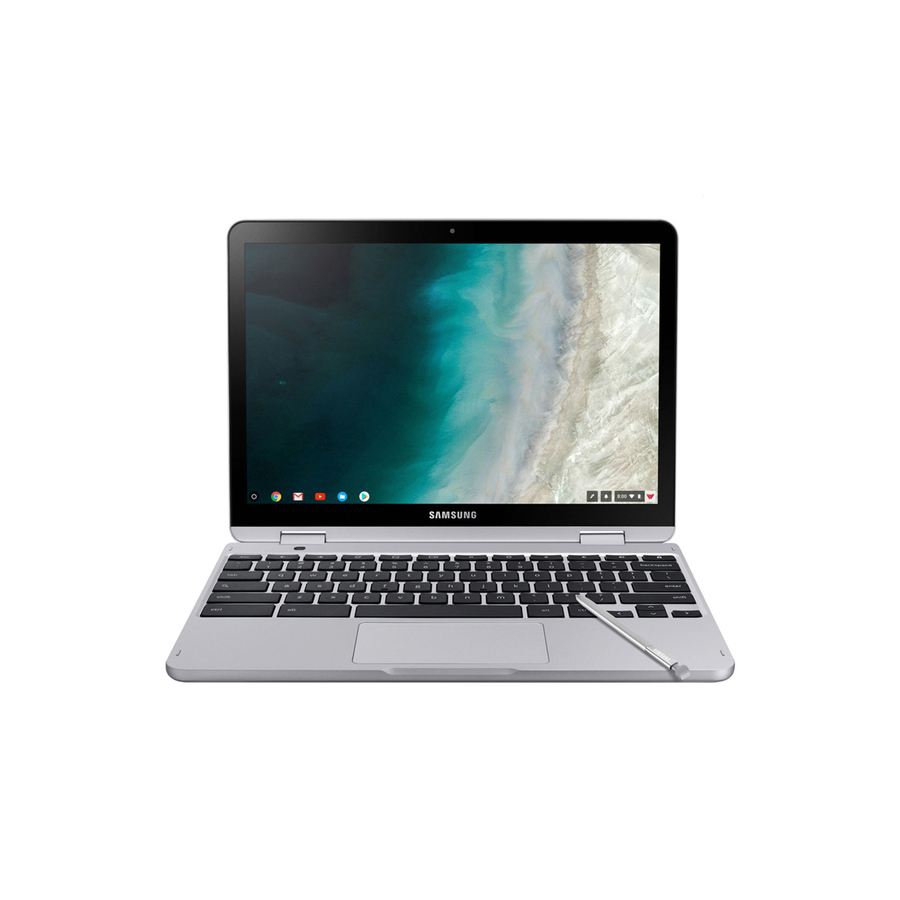
- SamsungSamsung Chromebook Plus V2 XE520QAB-K03US 12.2" Touchscreen Convertible 2 in 1 Chromebook - Intel Celeron 3965Y - 4 GB - 64 GB Flash Memory - Light Titan - 1920 x 1200 - ChromeOS - Intel HD Graphics 615 - Front Camera/Webcam - IEEE 802.11ac Wireless LAN StandardXE520QAB-K03US
$1,578.82
Back-orderedBack-ordered — estimated OEM lead time 3–8 weeks (Nov 12 – Dec 17 if ordered today).
Top pick
Samsung
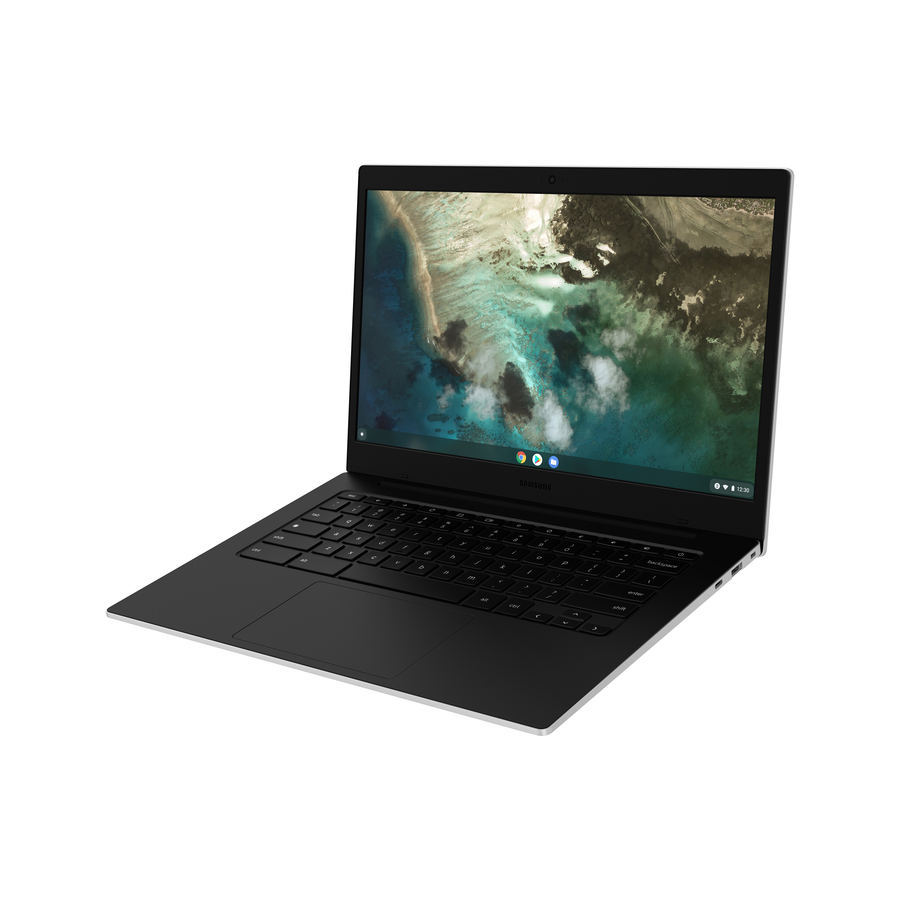
Samsung Galaxy Chromebook Go XE340XDA-KA2US 14" Chromebook
XE340XDA-KA2US
On a bench this narrow, the Galaxy Chromebook Go is the row to confirm first: a 14-inch clamshell for the district that has already standardized on Samsung and needs to know what is genuinely purchasable rather than what looks good in a matrix.
Check the Auto Update Expiration date of this platform before it enters a bid. On this page that check is the first gate, not a formality.
Request pricingMore laptops in the Uniqcli catalog
See all 15,794 laptopsMore Samsung first — closest to what you were just looking at; “See all laptops” above opens every other brand in the category. In-stock lines lead, and a back-ordered line carries the same estimated availability its product page does — with live pricing throughout, NDAA §889 screening before checkout and TAA verified on request.
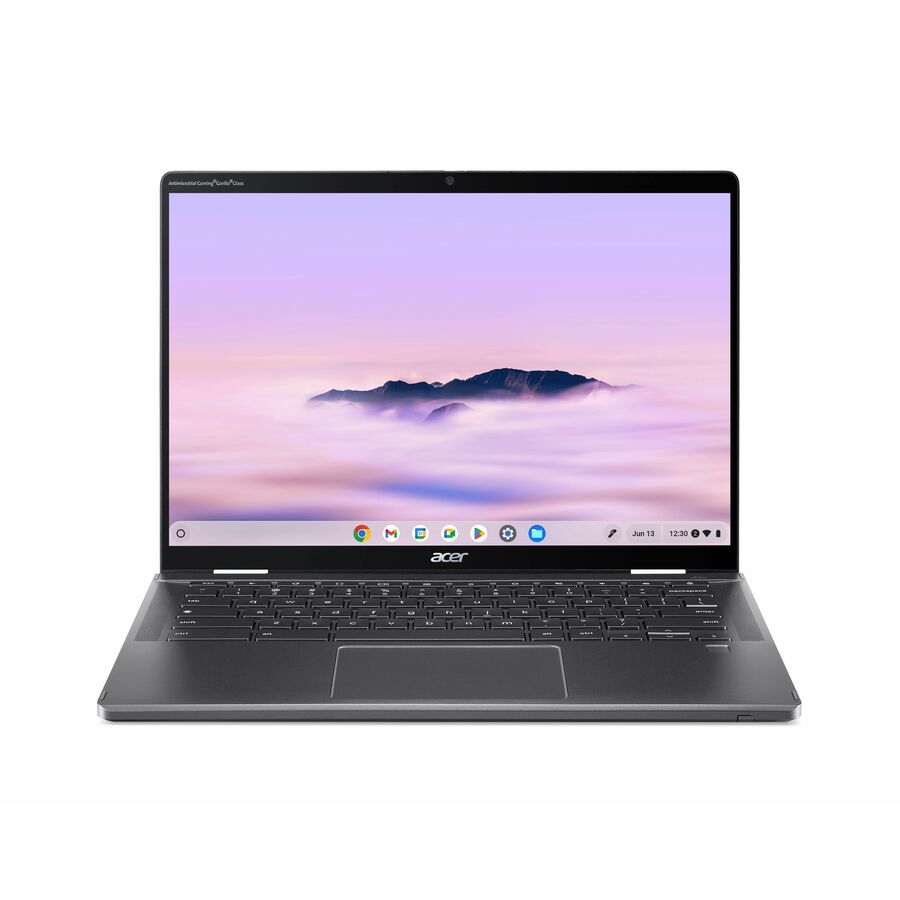
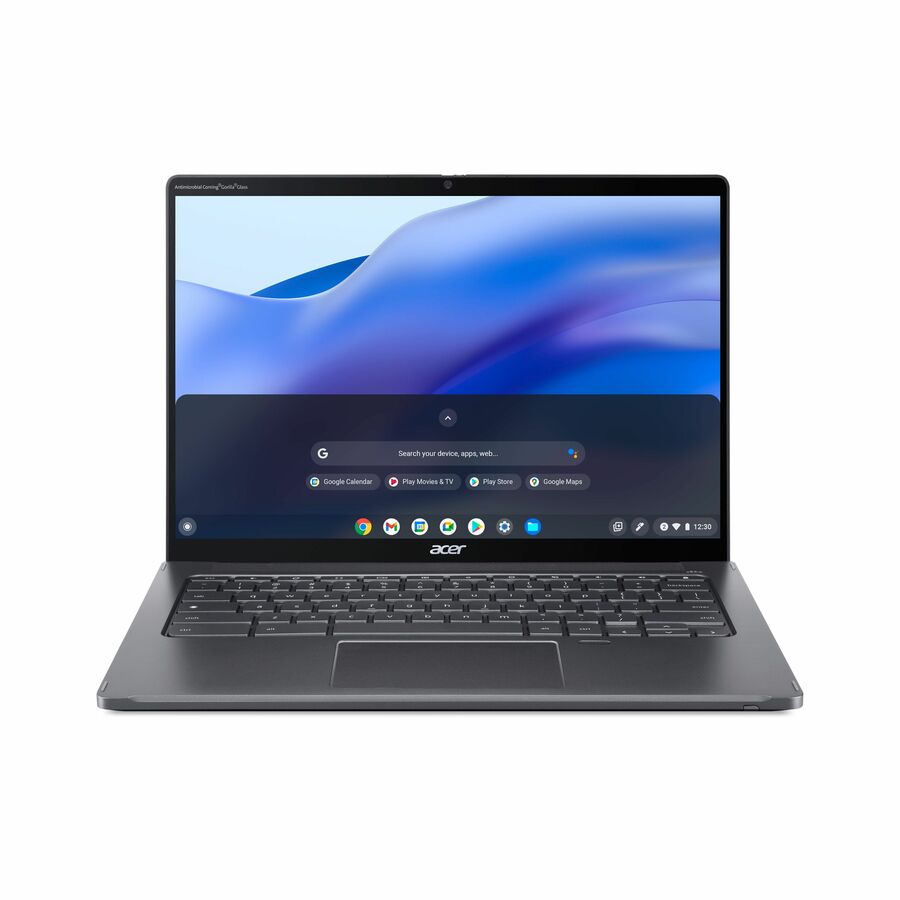
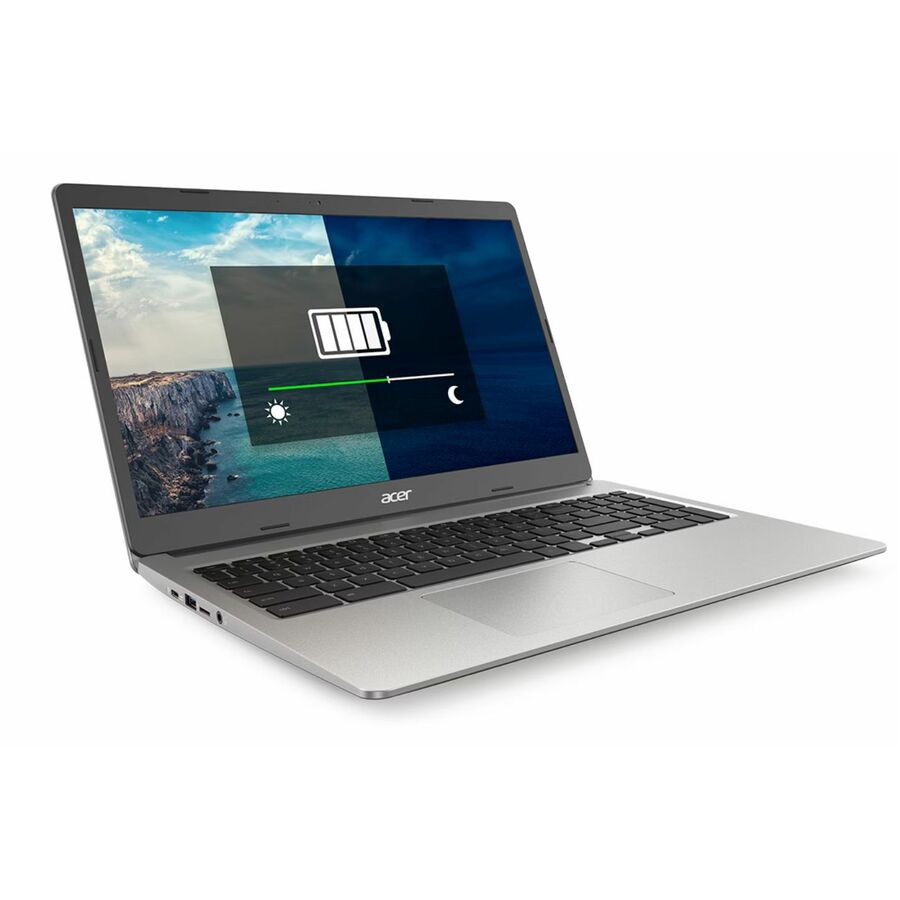
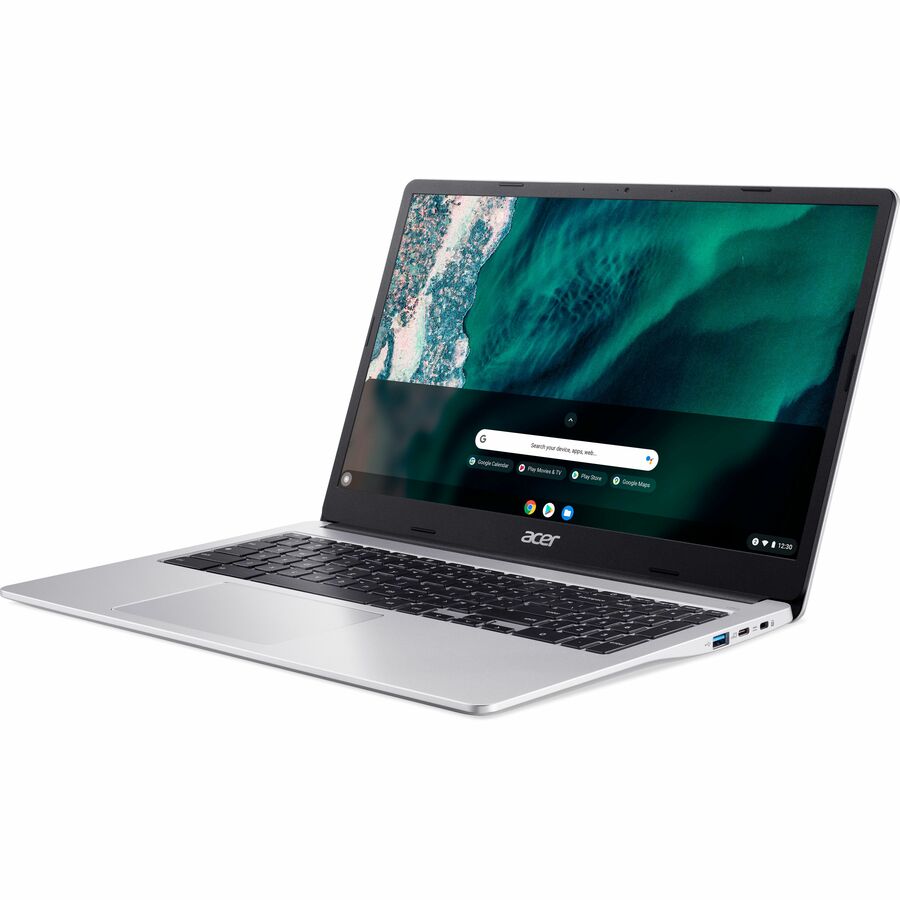
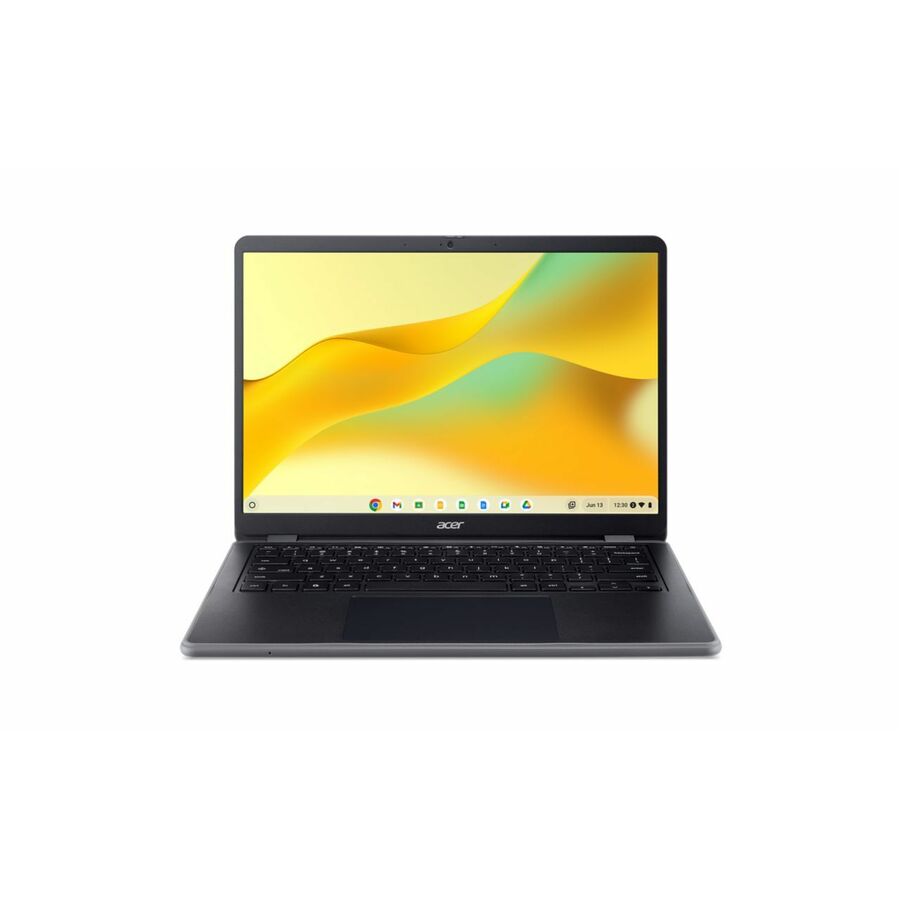
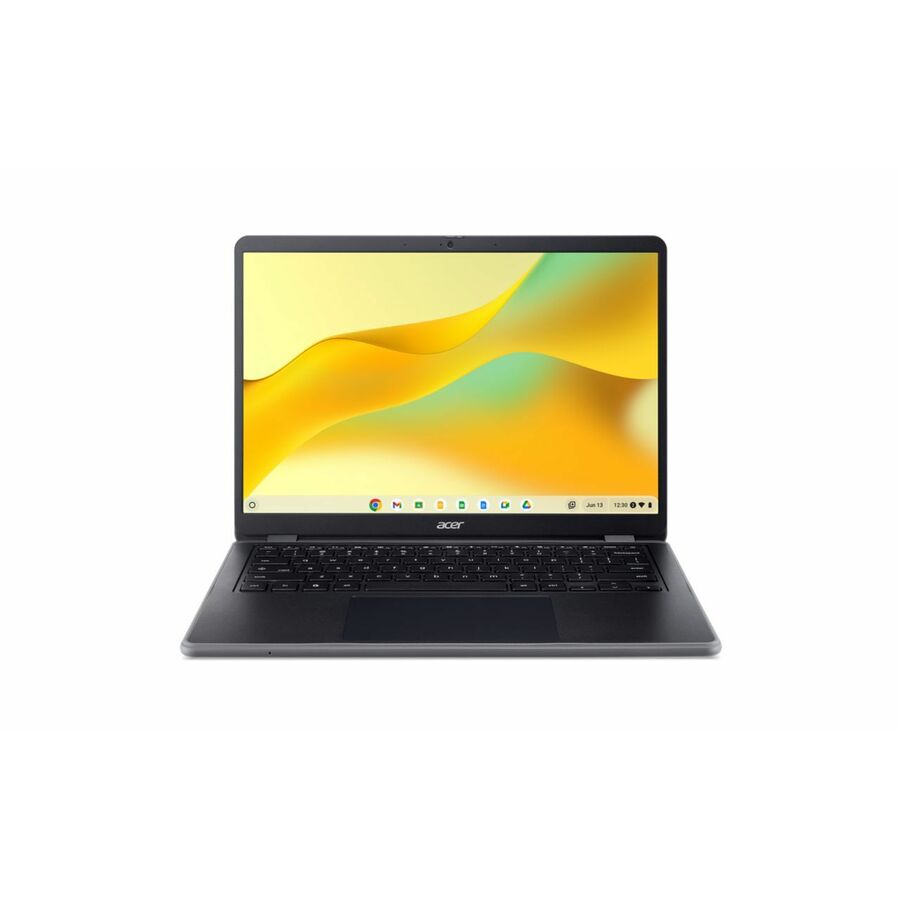
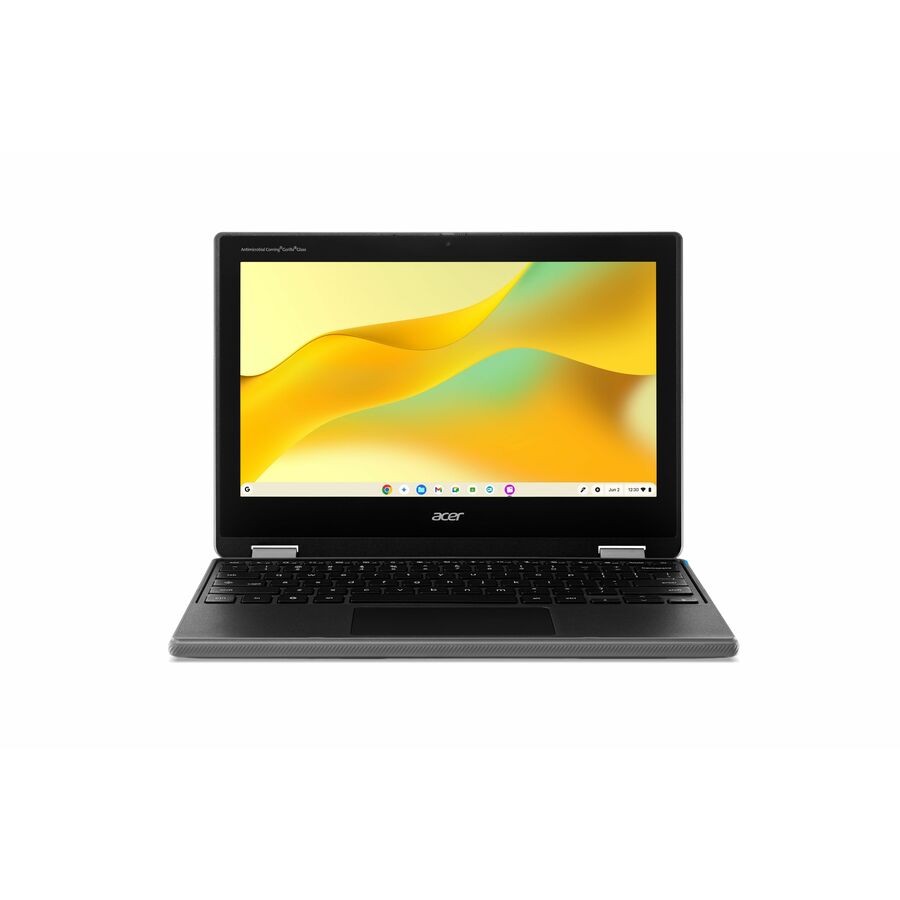
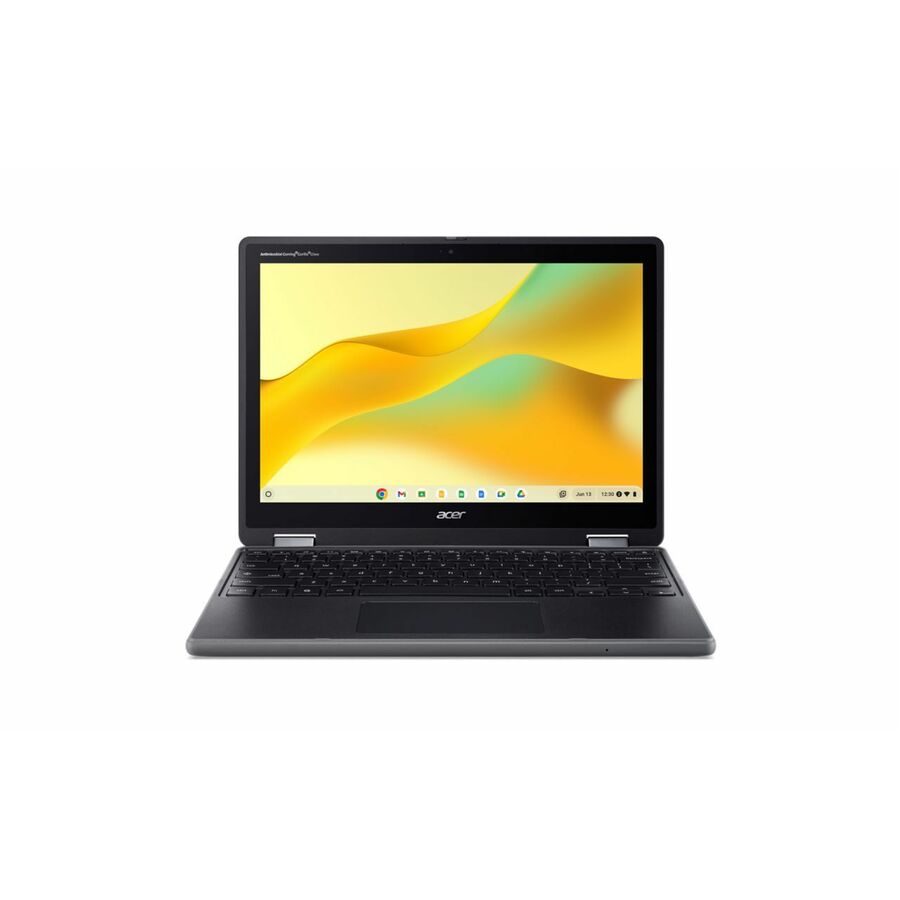
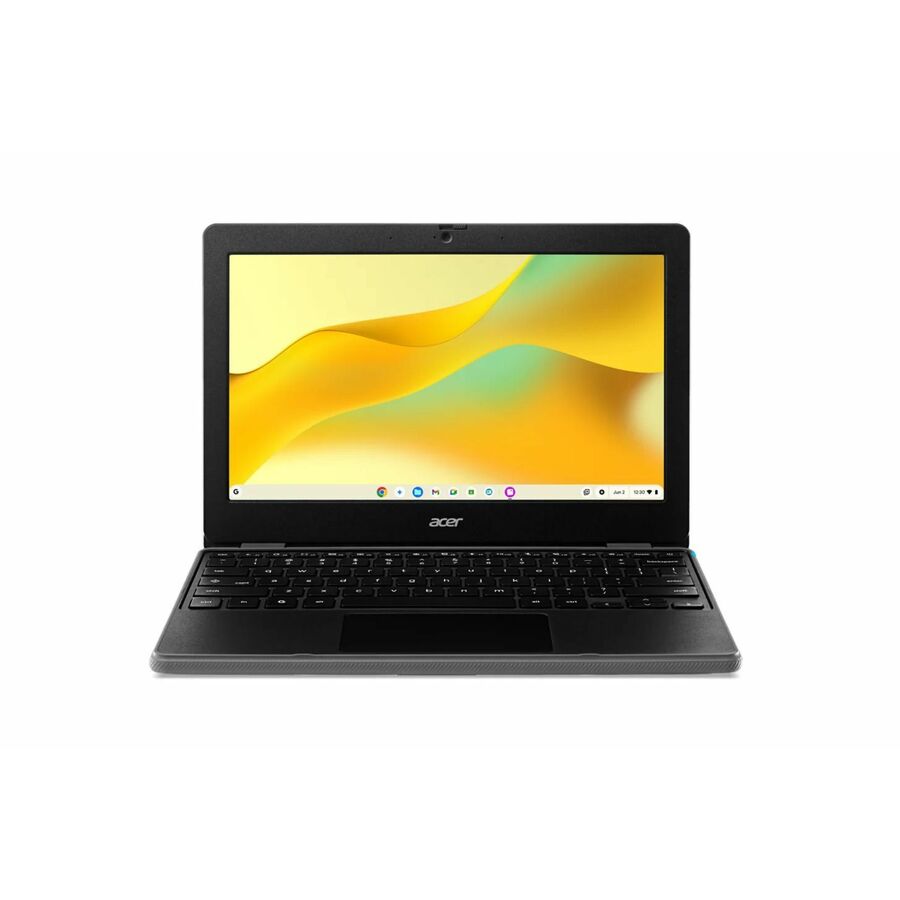
- AcerAcer Chromebook 315 CB315-4H CB315-4H-P8FZ 15.6" Chromebook - HD - Intel Pentium Silver N6000 - 4 GB - 128 GB Flash Memory - English (US) Keyboard - Pure Silver - Intel Chip - 1366 x 768 - ChromeOS - Intel UHD Graphics - ComfyView - Front Camera/Webcam - IEEE 802.11ax Wireless LAN StandardNX.AZ0AA.00A
$781.95
$749.74
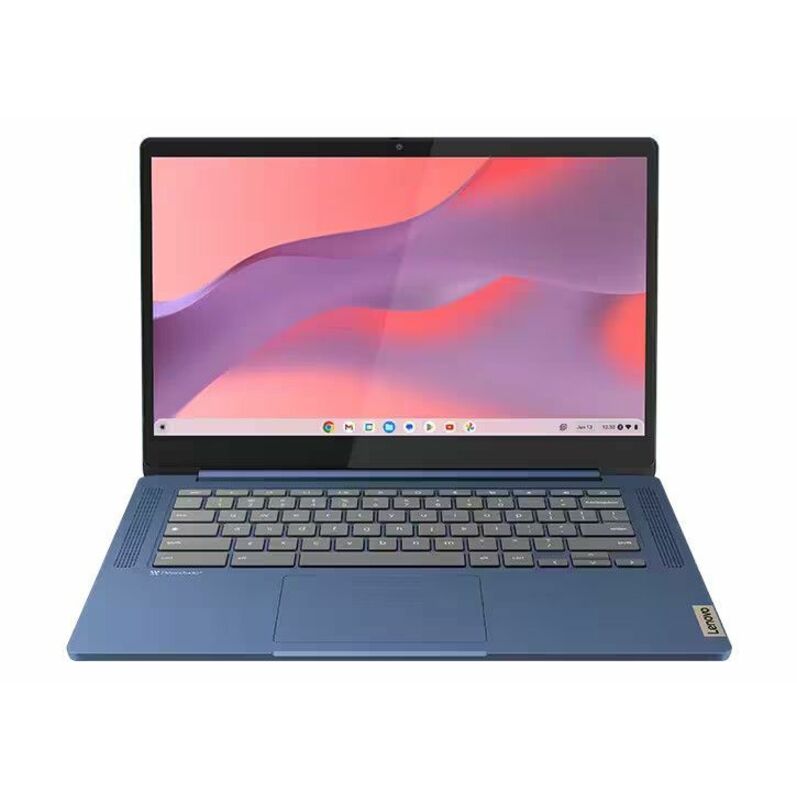
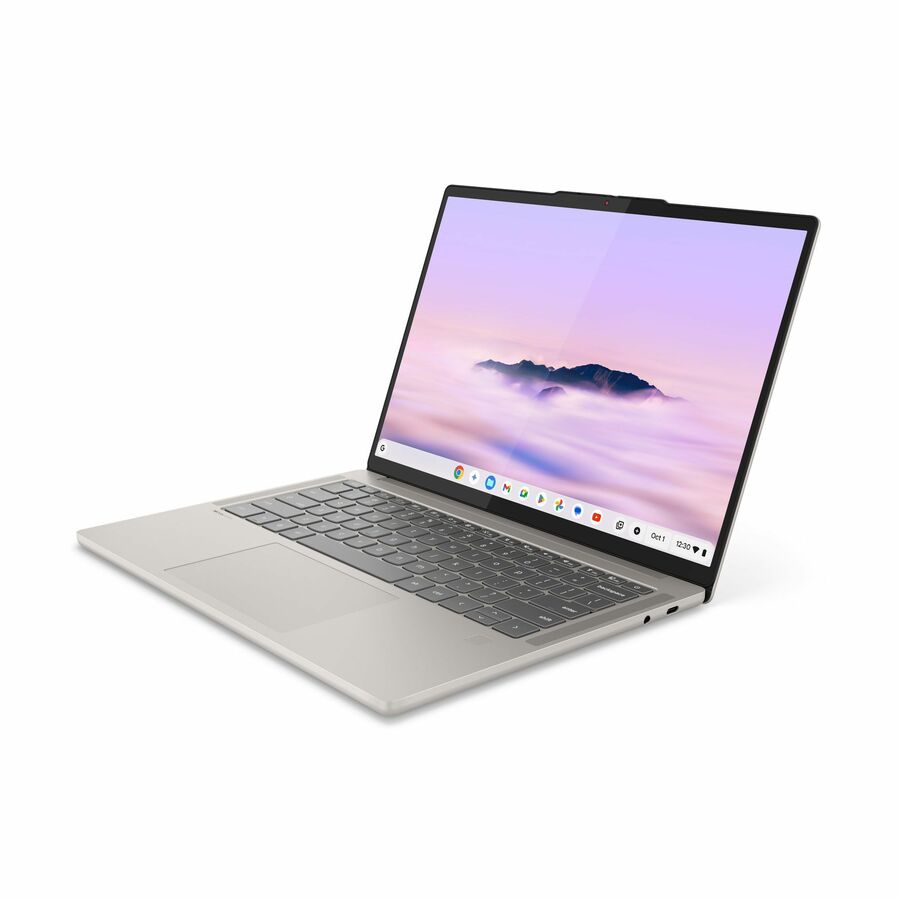
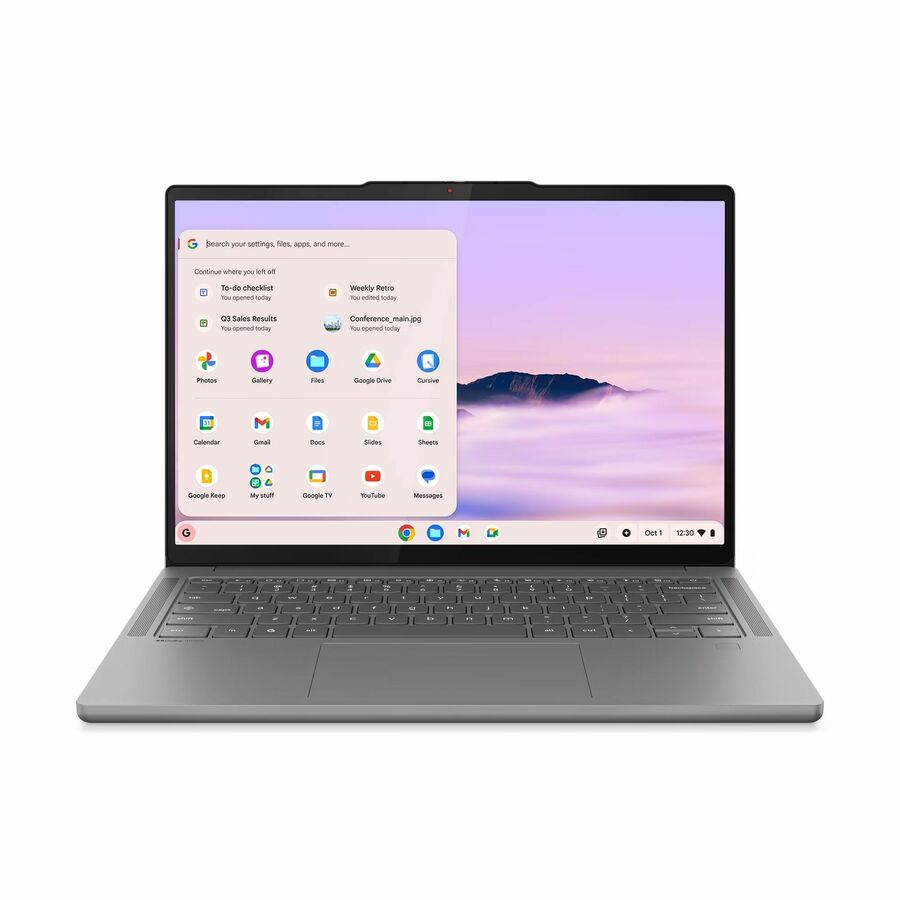
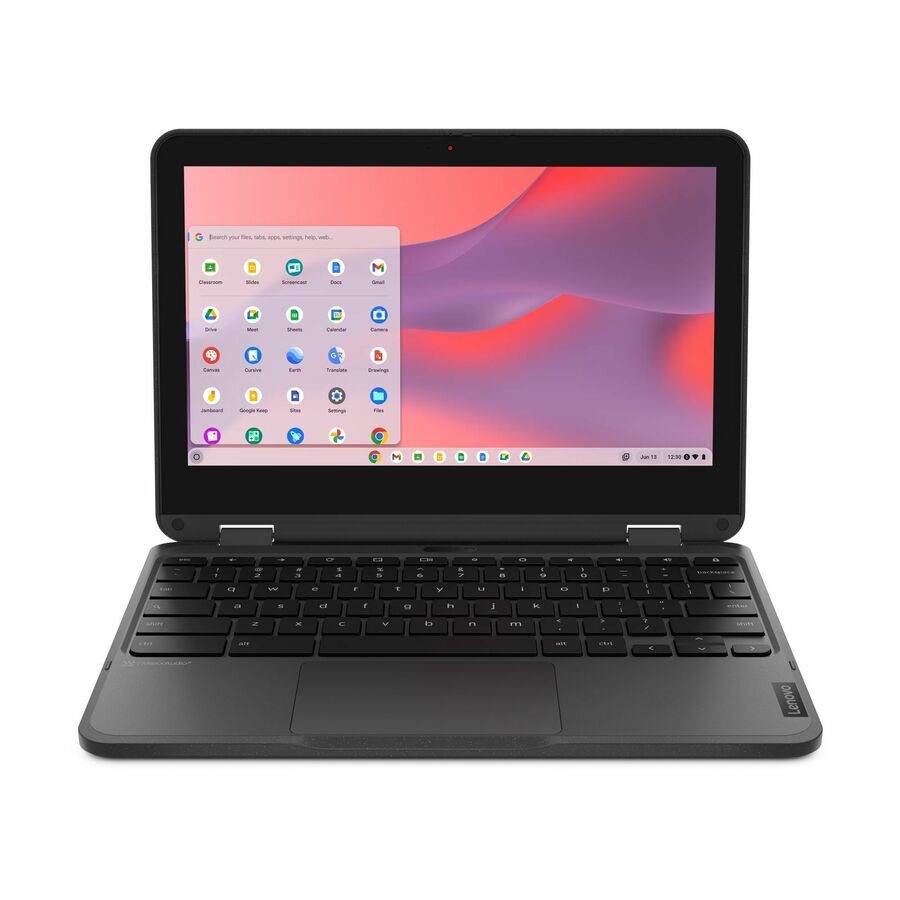
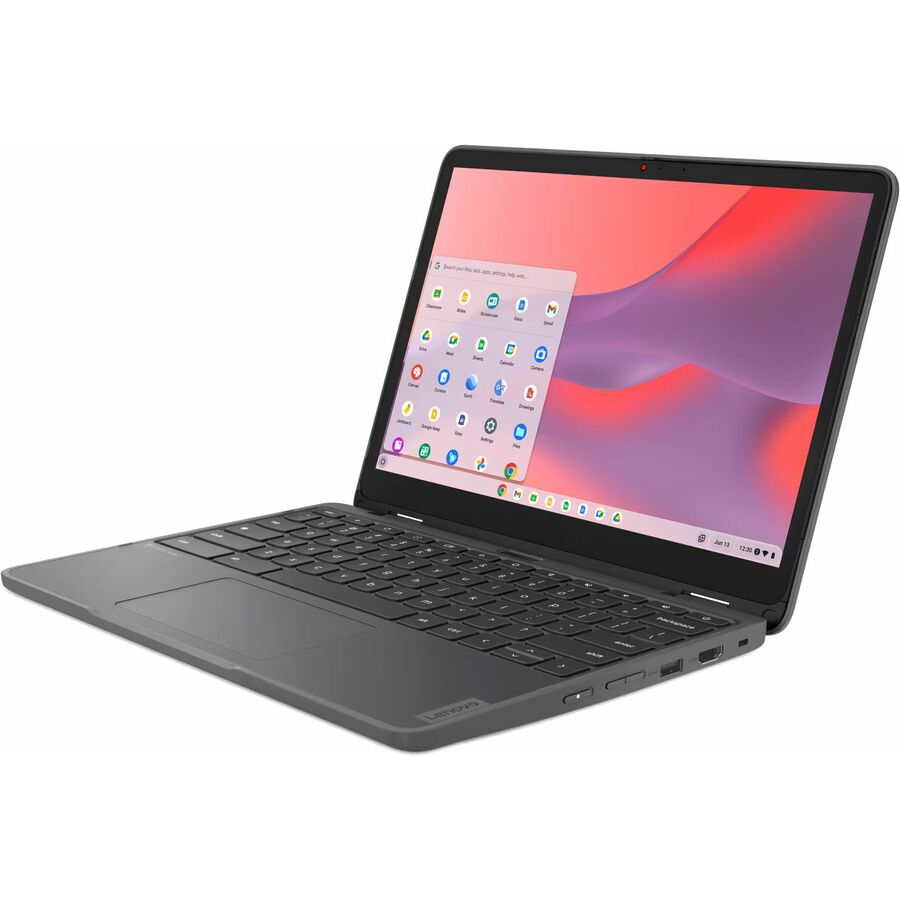
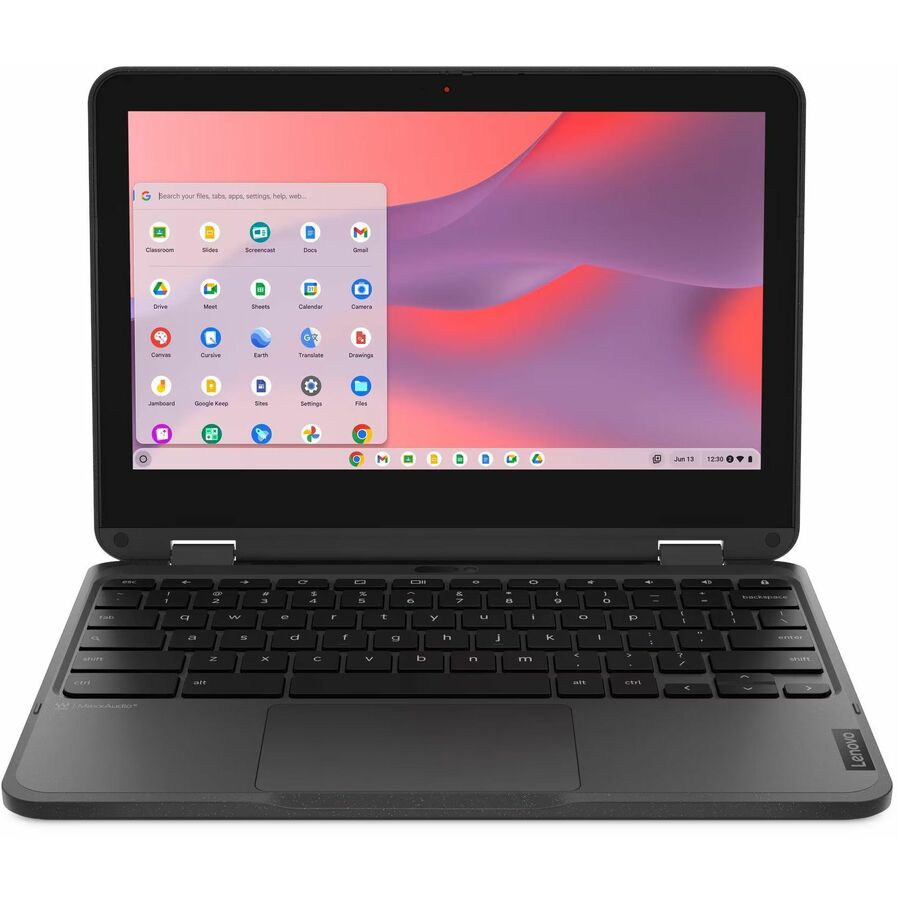
9 in stock - LenovoLenovo Chromebook 100e Gen 5 M89 83T60008US 11.6" Touchscreen Chromebook - HD - MediaTek - 8 GB - 64 GB Flash Memory - English (US) Keyboard - Luna Gray - MediaTek Kompanio 540 Chip - 1366 x 768 - ChromeOS - ARM - Front Camera/Webcam - IEEE 802.11ax Wireless LAN Standard83T60008US
$596.16
1,419 in stock

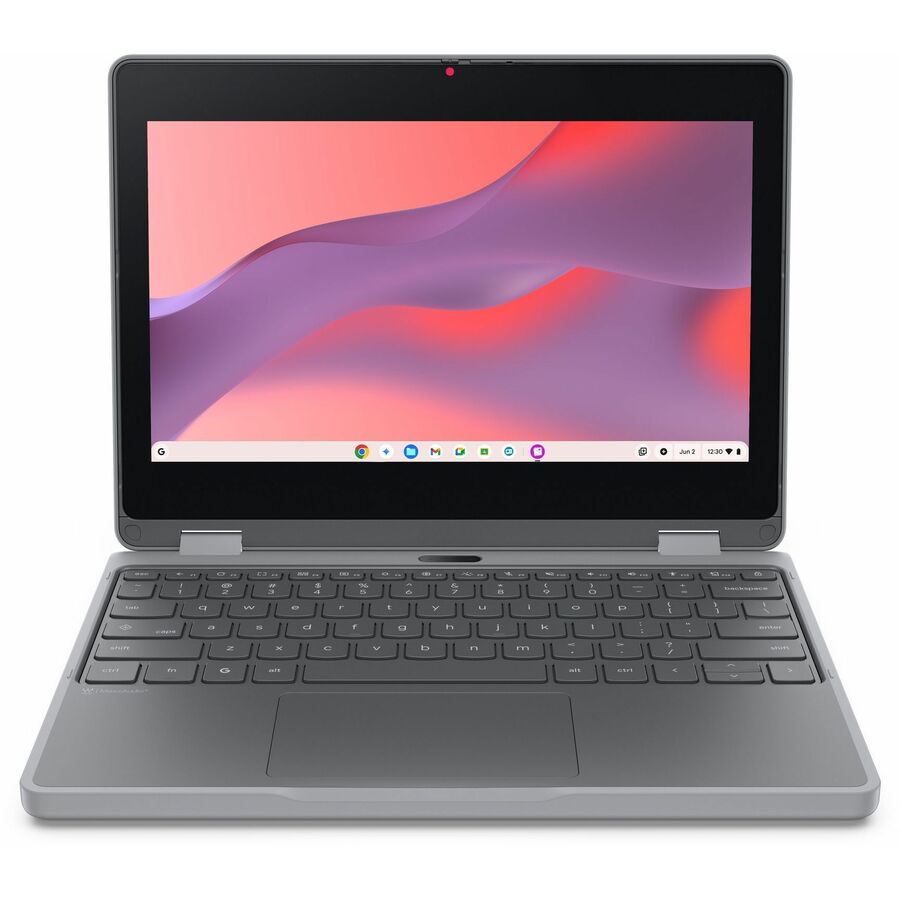
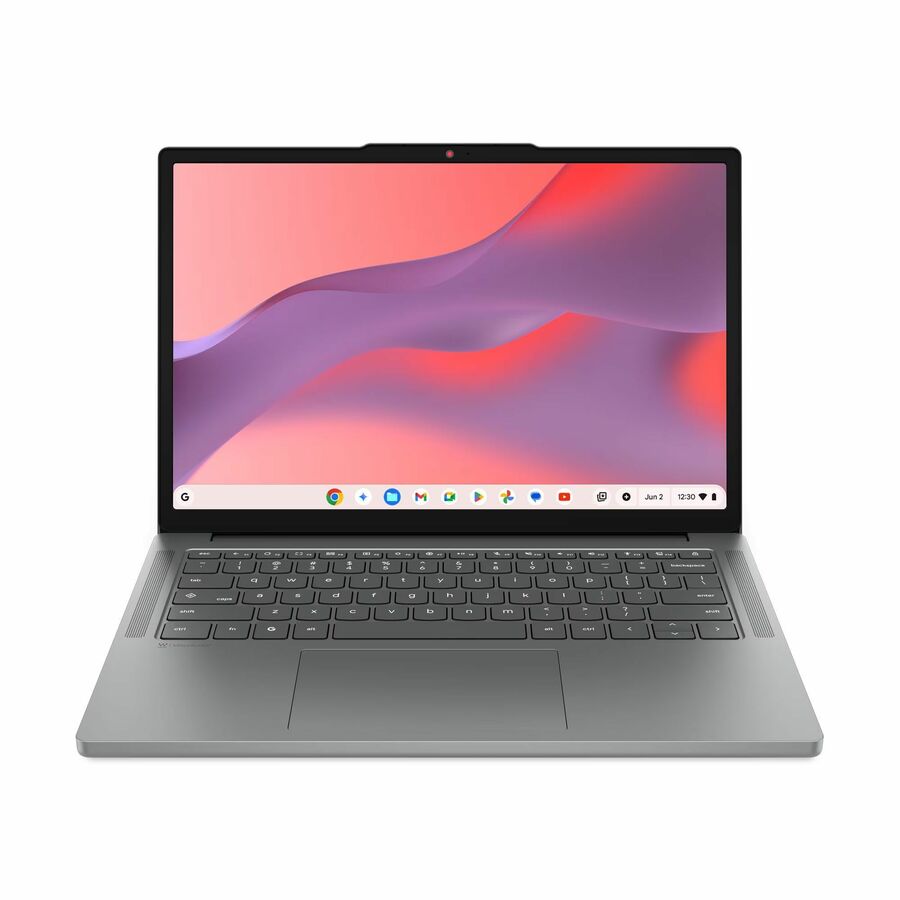
Need pricing on Samsung Chromebooks?
Tell us where to reach you and a Uniqcli specialist will follow up by email with current pricing, availability and lead time for the quantities you need — including parts that aren’t shown on this page.
Buying for an organization or for yourself — both work. No payment up front.
This is a deliberately short page, and it is worth saying why up front. Our Samsung Chromebook bench is narrow — a handful of photographed, priced rows, only some of which are on a shelf at any given time. We could pad the grid by loosening the filters until it looked as full as a competitor's, but a district that builds a bid around a model we cannot actually deliver has been done no favours.
So this page is written for one reader: the district that has already standardized on Samsung, has an image and a repair process built around it, and wants to know what is genuinely purchasable right now. If you are still choosing a platform rather than confirming one, the Acer and Lenovo benches in our catalog are several times deeper and are the better place to start a 1:1 evaluation.
What is here spans three useful shapes: the Galaxy Chromebook Go as a 14-inch durability-first clamshell, the Chromebook Plus V2 as a 12.2-inch convertible where stylus and touch input matter, and the Galaxy Chromebook Plus and Chromebook Plus at 15.6 inches with substantially more memory and SSD storage for staff and specialist use. Every card carries a live price and a live availability status.
Buyer's checklist
How to buy from a narrow bench without getting caught out
- Check the Auto Update Expiration date before anything else on this page. Several of these rows are built on older Intel platforms, and Google measures its ten-year ChromeOS update commitment from the platform's release rather than from your purchase date. On a narrow bench the AUE check is not advisory, it is the first gate.
- Read the storage figure carefully. Configurations in this line range from 16 GB of flash up to 256 GB. Sixteen gigabytes is workable for a strictly browser-based managed device but leaves very little headroom for a managed profile, cached content and an offline testing client, so treat it as a constraint rather than a saving.
- Confirm the quantity you need is actually available before it enters a bid. With a bench this size, a district-scale order is a scheduled-delivery conversation more often than not. Ask us for a firm position on count and date and build the timeline around the answer.
- Do not split an existing fleet to chase one attractive row. If your image, spares and repair process are built on a different generation, a small purchase of a different platform adds a second image and a second AUE date for a handful of seats.
- Match the panel to the population. The 15.6-inch Plus models are staff and specialist machines; the 11.6-inch and 14-inch units are the student-fleet shapes. Buying 15.6-inch units as a general 1:1 device is expensive per seat and awkward in a backpack.
- Put the Chrome Education Upgrade on the same purchase order. ChromeOS devices are enrolled and managed from the Google Admin console under that per-device license, and Google states a bundled perpetual upgrade covers the life of the device it is enrolled to and cannot be moved to another device.
Why this list is short, and what that means for you
Availability in the education Chromebook market is uneven by brand and it moves. In our catalog the Samsung education bench is currently a handful of photographed, priced rows rather than the dozens we hold from other manufacturers. That is a statement about our inventory position, not a judgment about Samsung's hardware.
The reason we surface it rather than hide it is practical. Every model on this grid is a live catalog row with a live price and a live availability status, so a short page is an accurate page. The failure mode we are avoiding is the one districts complain about most: a long, impressive-looking list where half the entries turn out to be unavailable once a purchase order is cut and the deployment calendar has already been published.
If Samsung is a preference rather than a standard, take that as useful information and evaluate the deeper benches instead. If Samsung is a standard, this page tells you exactly what you can act on today, and a quote will tell you what can be scheduled beyond it.
Where the Samsung bench still makes sense
The Galaxy Chromebook Go is the closest thing here to a conventional student-fleet device: a 14-inch clamshell on Intel Celeron silicon with 64 GB of flash, an 802.11ax radio and a quoted battery run time in the twelve-hour range. For a district that already runs Samsung and needs a straightforward take-home device, it is the sensible default.
The Chromebook Plus V2 is the convertible option, a 12.2-inch touchscreen unit with a 1920-by-1200 panel that flips into tablet posture. Where an instructional program genuinely depends on stylus input or a tablet form factor — early literacy, special education, some art and design coursework — it is the right shape. It is also the oldest platform on this page, which brings us to the point below.
At the top of the line, the Galaxy Chromebook Plus and Chromebook Plus rows are 15.6-inch Full HD machines with 8 GB or 16 GB of memory and 256 GB of storage. These are staff and specialist devices. They are good ones, but a district that buys them as a general 1:1 fleet is paying several times per seat for headroom that a browser-based workload will not use.
The AUE check matters more on this page than on any other
Google publishes an Auto Update Expiration date for every ChromeOS platform and states that ChromeOS devices receive ten years of updates measured from the platform's release. After AUE, Google is explicit that policies may not behave as intended and technical support is no longer provided. The device keeps booting; it simply stops receiving the security updates that let you defend it in an audit.
Some of the rows on this page sit on visibly older platforms — the Chromebook Plus V2's specification line lists 802.11ac wireless, a full generation behind everything else here, and the Chromebook 4 is built on an older Celeron part. That is not a reason to rule them out. It is a reason to know the number before you commit a fleet to them, because a shorter remaining window changes the cost-per-year arithmetic even when the sticker price looks attractive.
Ask us for the AUE date on the exact configuration and we will pull it from Google's published platform list rather than estimate. Put it on the quote, keep it in the asset register, and let it drive the refresh plan. That one habit prevents most of the unpleasant lifecycle surprises in a ChromeOS estate.
FAQ
Common questions
- Why are there so few Samsung Chromebooks listed here?
- Because that is what we actually hold. This grid is pulled live from our catalog and shows only photographed, priced rows we can price and source, so a short page means a narrow inventory position rather than a curated selection. If you have flexibility on brand, our Acer and Lenovo Chromebook guides cover substantially deeper benches and are the better starting point for a first 1:1 evaluation.
- Can you get Samsung Chromebooks that are not on this page?
- Often, yes — this page shows what is currently photographed and priced in our index, which is a subset of what can be sourced. Send us the model or the specification you need with a quantity and a need-by date and we will come back with a real position on availability and lead time rather than a maybe.
- How long will these keep receiving updates?
- Google publishes an Auto Update Expiration date per ChromeOS platform and states devices receive ten years of updates from the platform's release, not from purchase. Several rows on this page sit on older platforms, so the remaining window varies more here than on a page of current-generation models. Ask us for the AUE of the exact configuration before you standardize on it.
- Is 16 GB or 32 GB of storage enough for a student device?
- It can be, for a strictly browser-based managed device with cloud storage and no offline media workload. It is tight. A managed profile, cached content and an offline-capable testing client all consume space, and small drives are the configurations that generate storage-full tickets first. If the price gap to a 64 GB configuration is modest, the larger drive is usually the better fleet decision.
Need Samsung Chromebooks pricing?
Send a bill of materials or part numbers — we confirm stock and a below-market total, with TAA verified on request. No payment up front.