
Best Acer Chromebooks for K-12 Districts
Rugged clamshells, convertible Spin models and Chromebook Plus units for 1:1 fleets.
Acer Chromebooks in stock at Uniqcli
How to choose →A curated selection with live pricing — in-stock lines first, then back-ordered lines with a typical lead time. Every line is sourced through US distribution and screened for NDAA §889 status before checkout, with TAA verified on request.
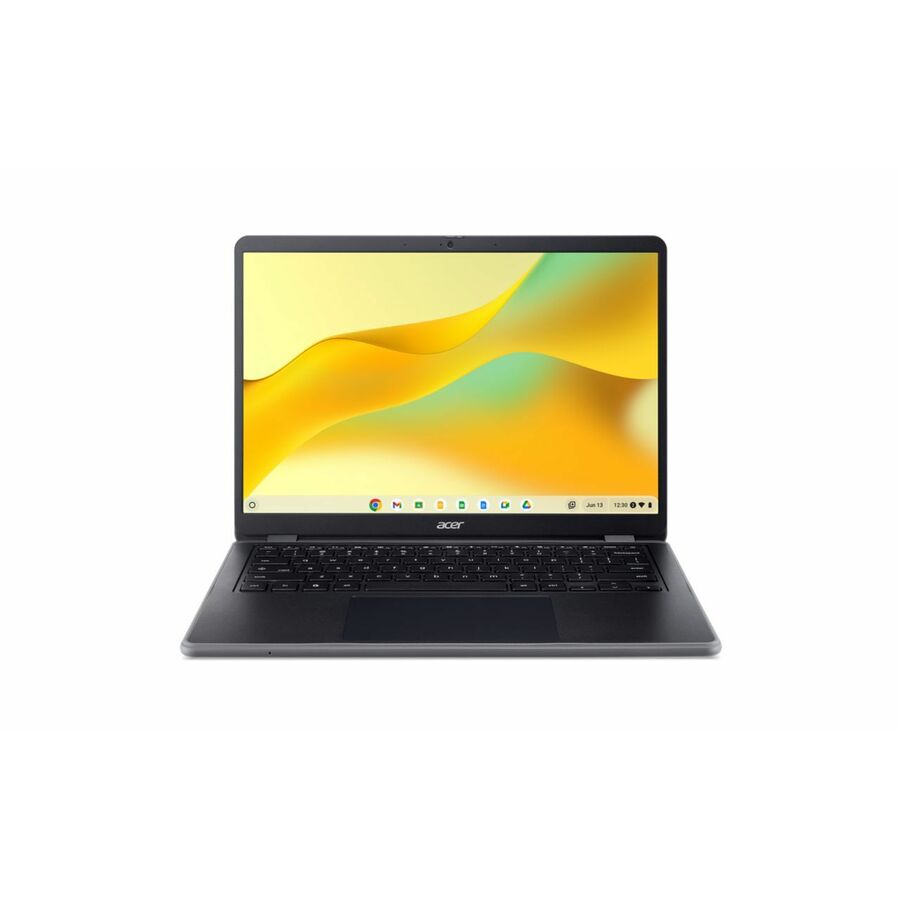
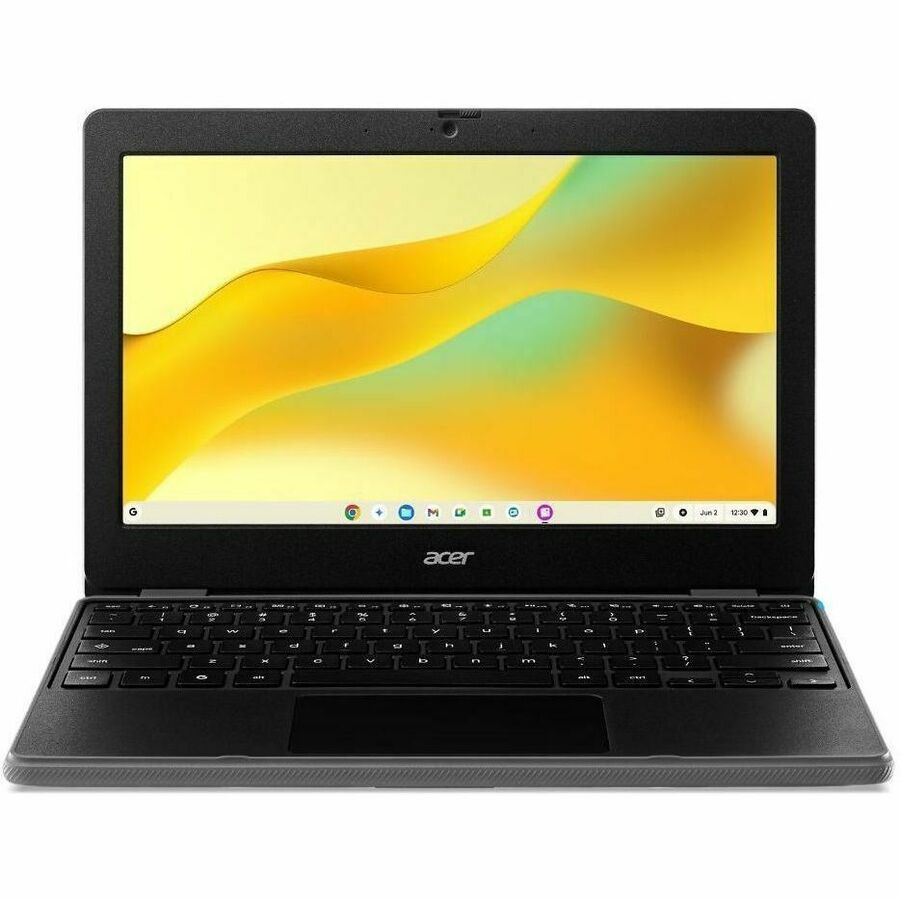
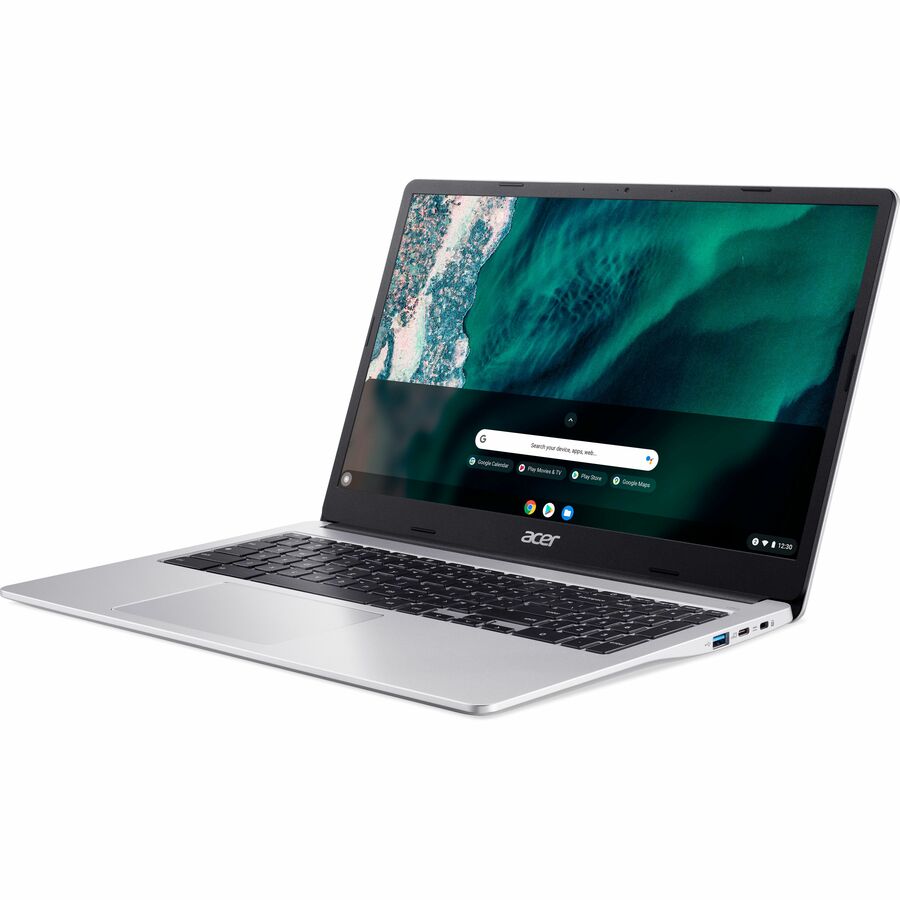
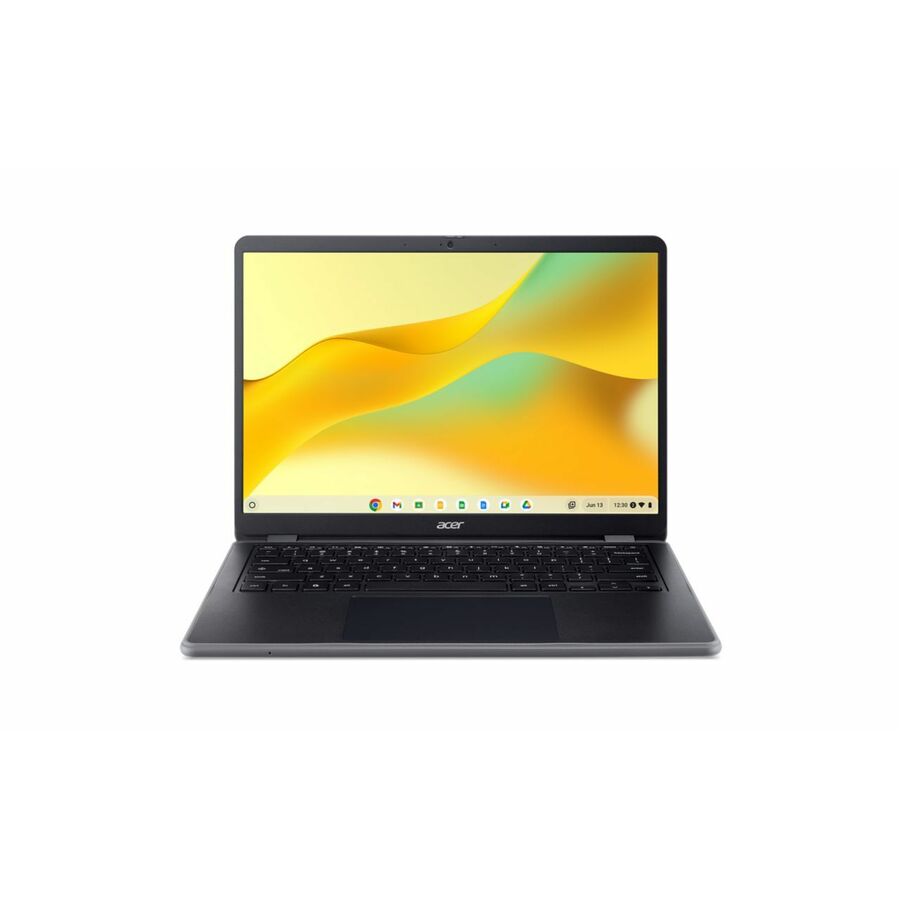
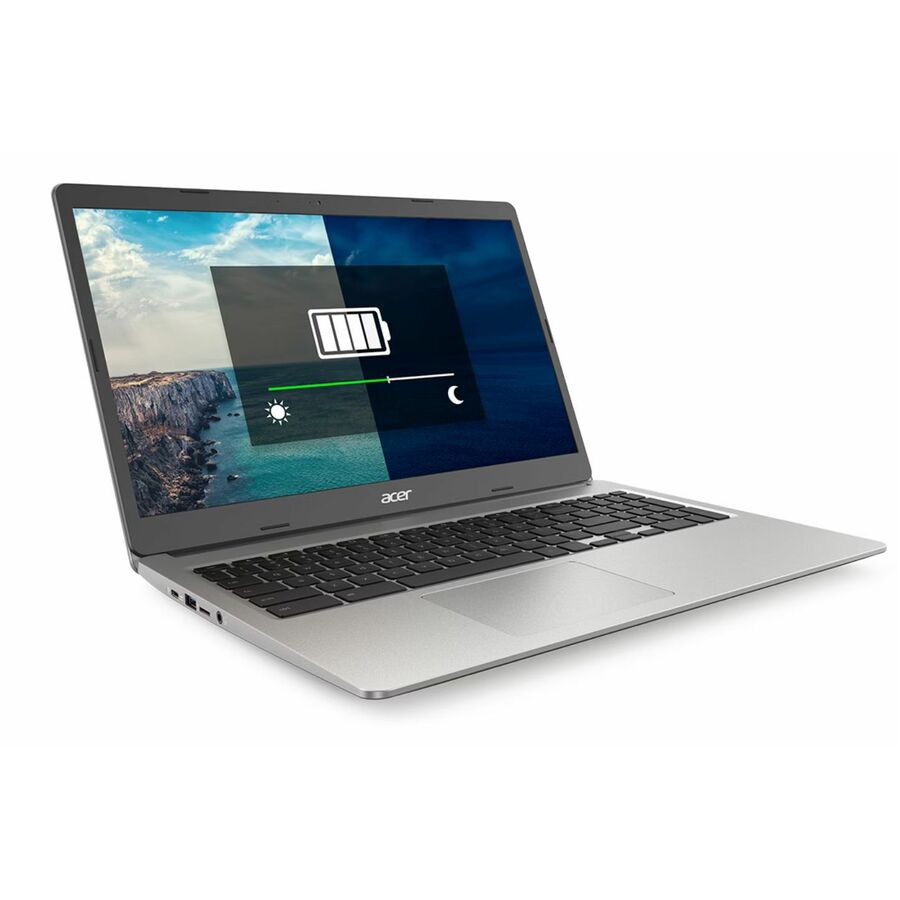
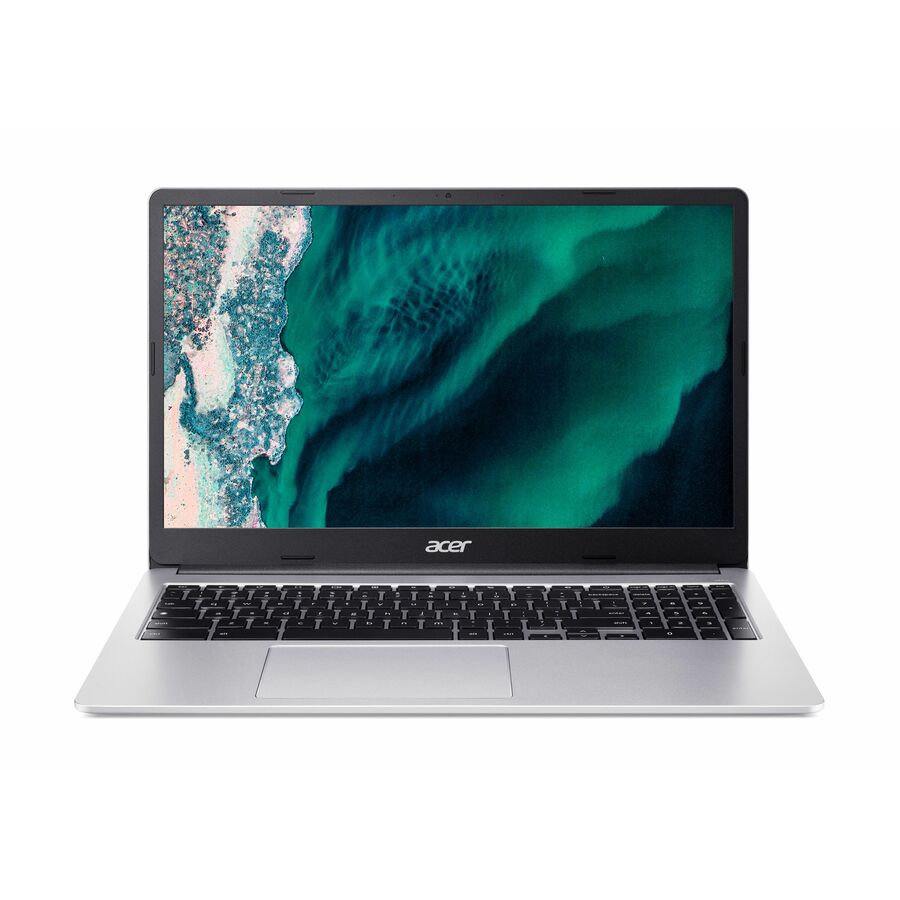
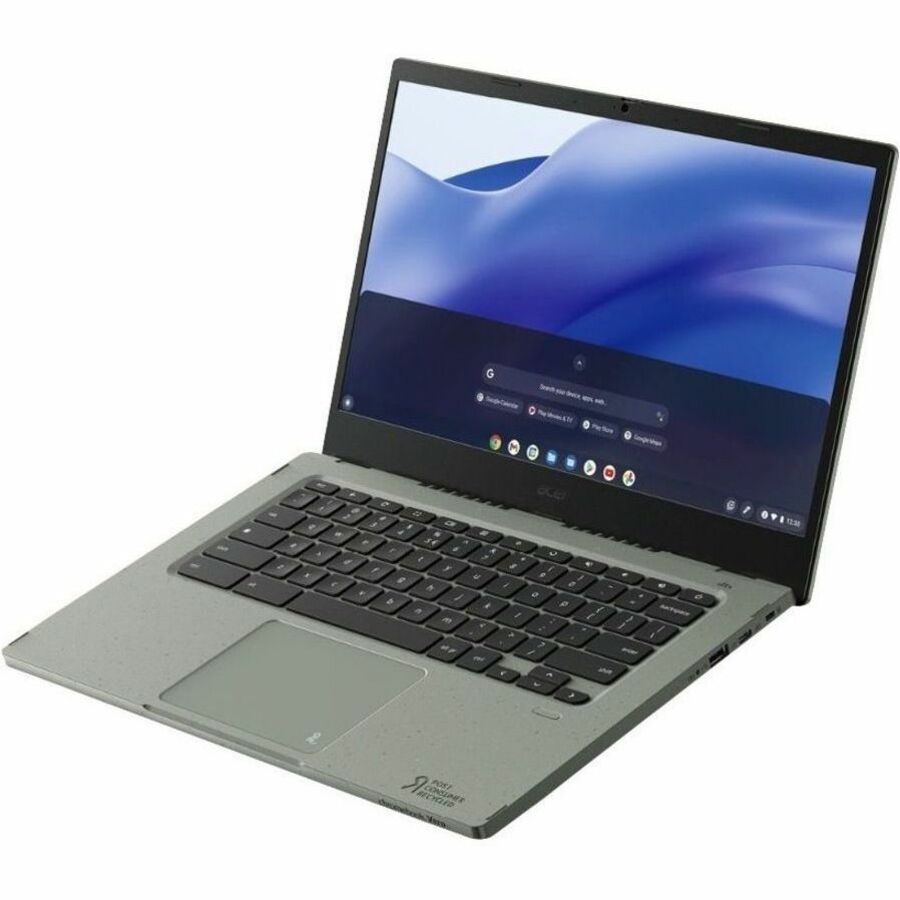
- AcerAcer Chromebook 315 CB315-4H CB315-4H-P8FZ 15.6" Chromebook - HD - Intel Pentium Silver N6000 - 4 GB - 128 GB Flash Memory - English (US) Keyboard - Pure Silver - Intel Chip - 1366 x 768 - ChromeOS - Intel UHD Graphics - ComfyView - Front Camera/Webcam - IEEE 802.11ax Wireless LAN StandardNX.AZ0AA.00A
$781.95
$749.74
9 in stock
Top pick
Acer
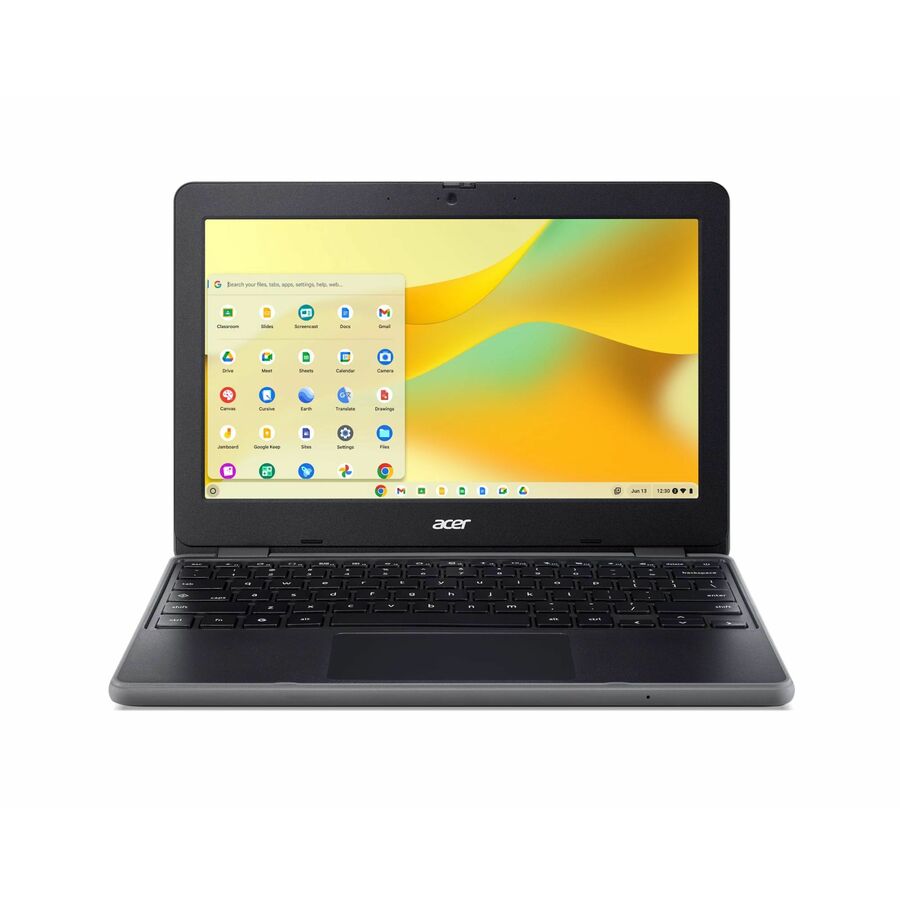
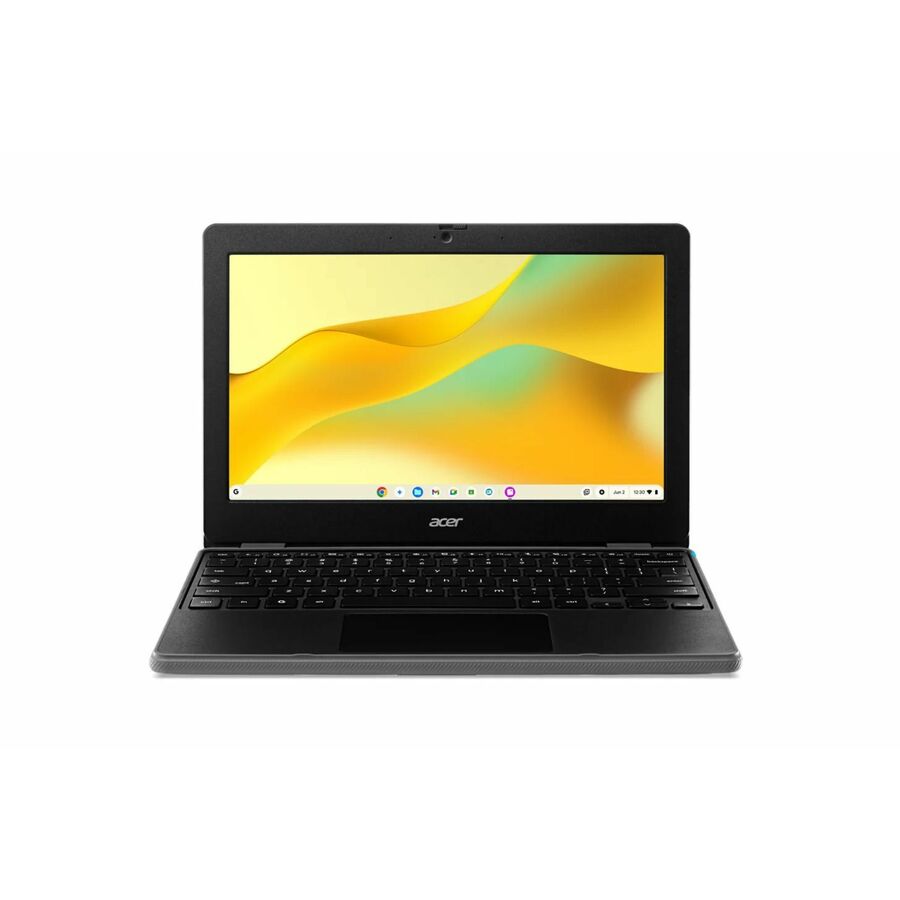
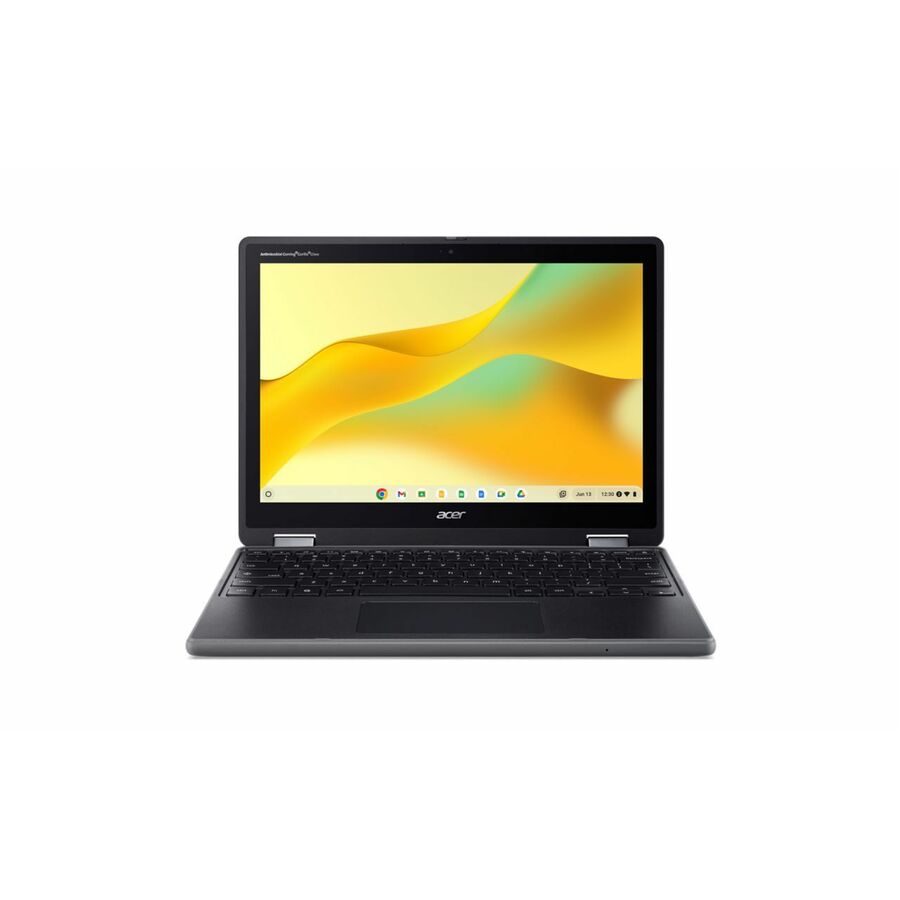
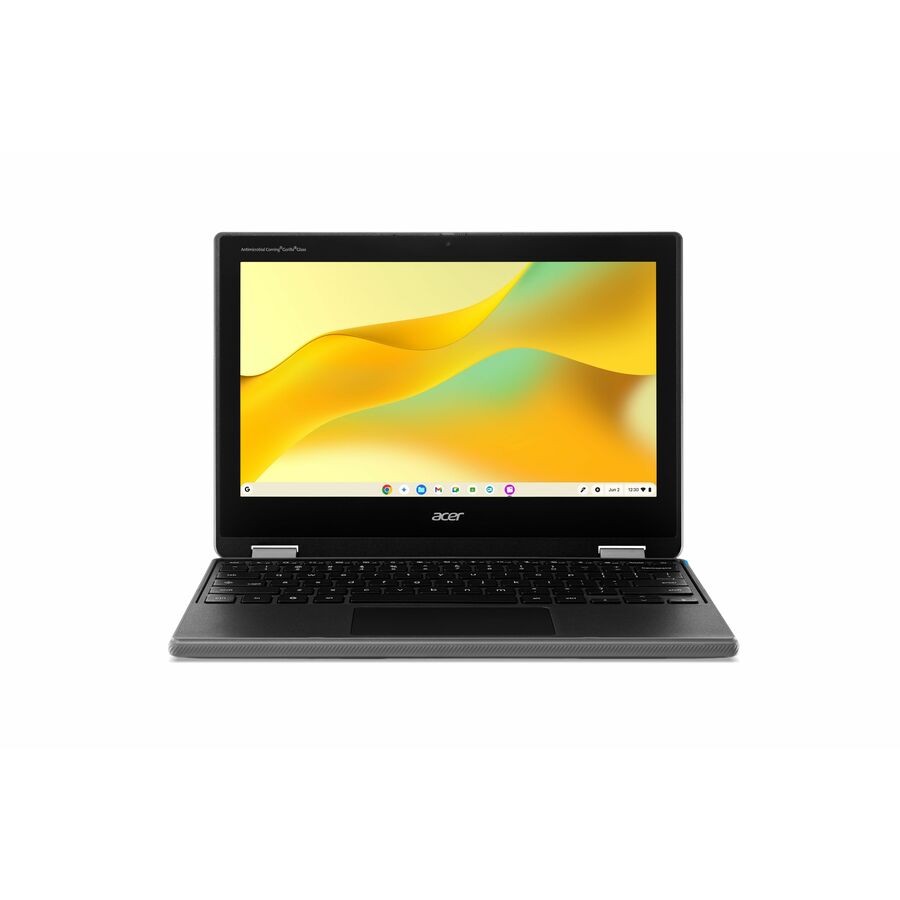
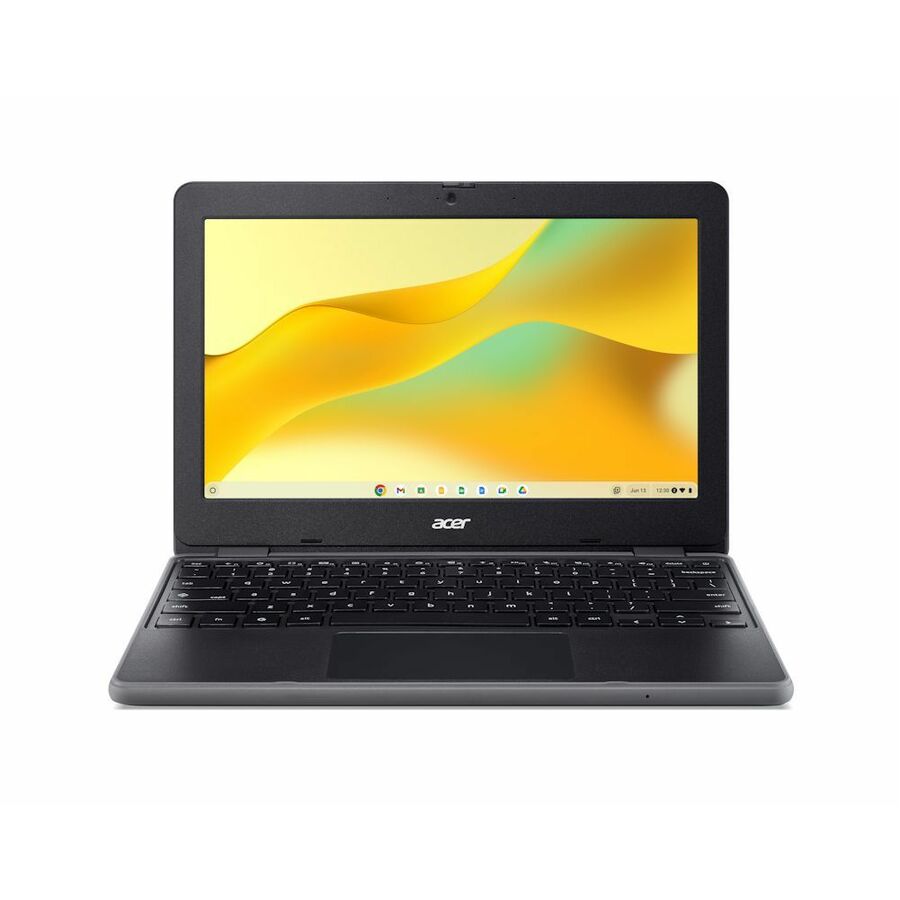
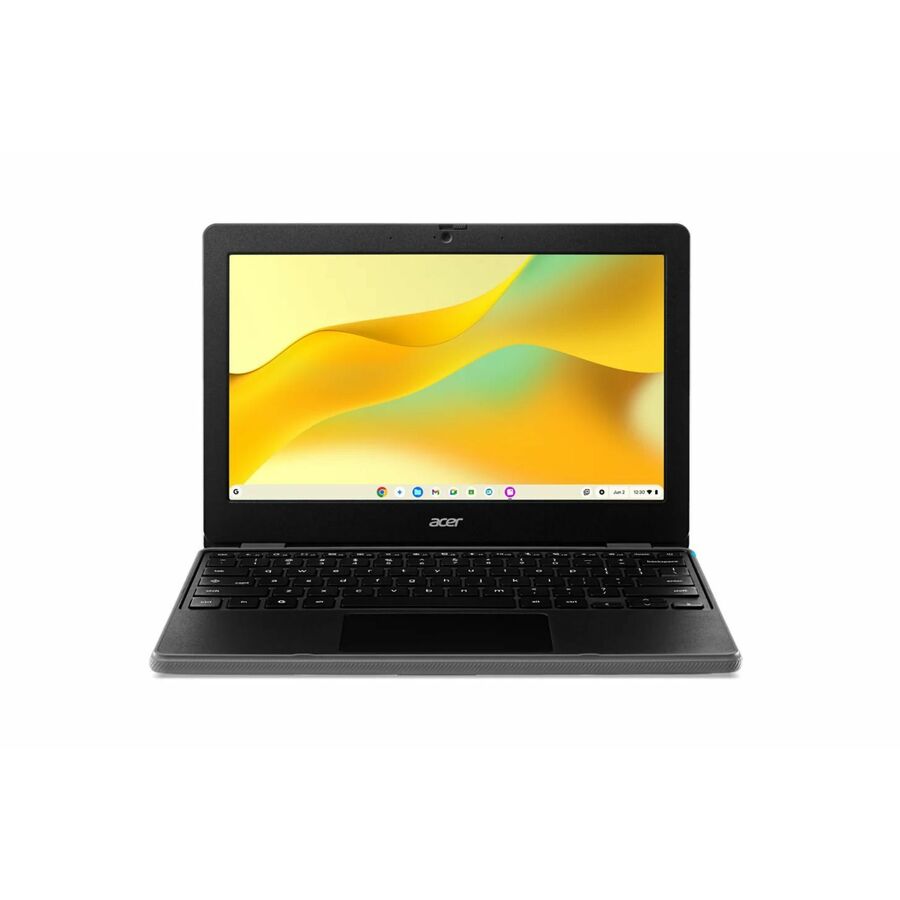
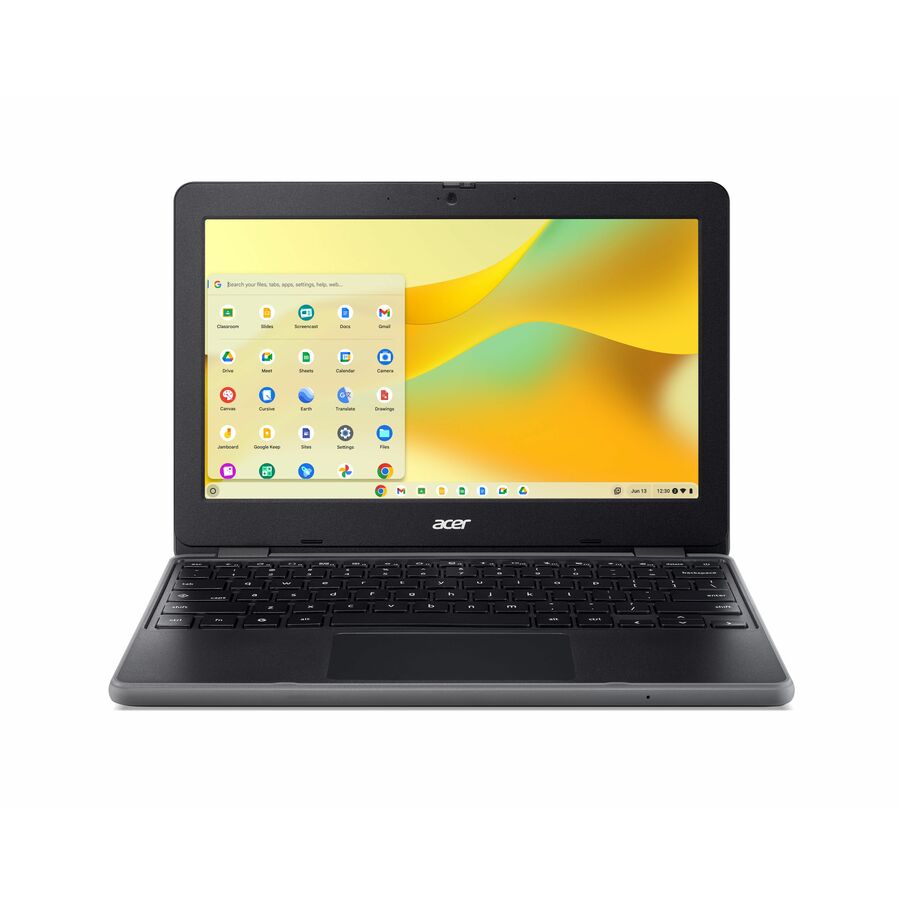
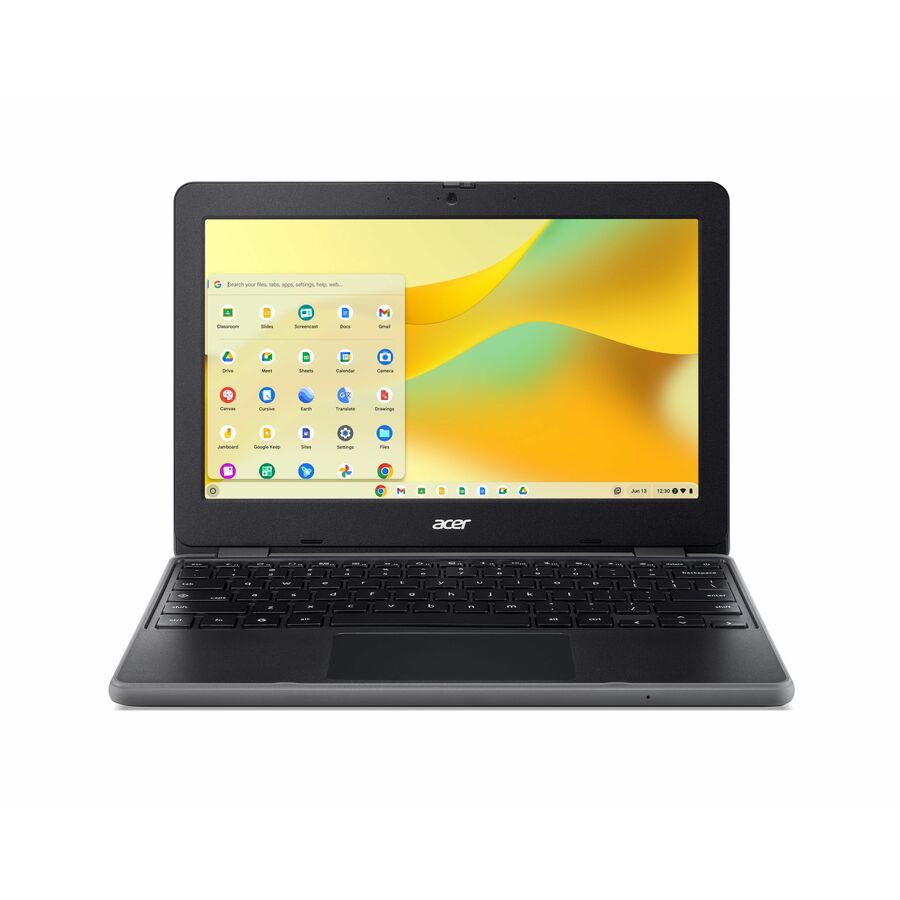
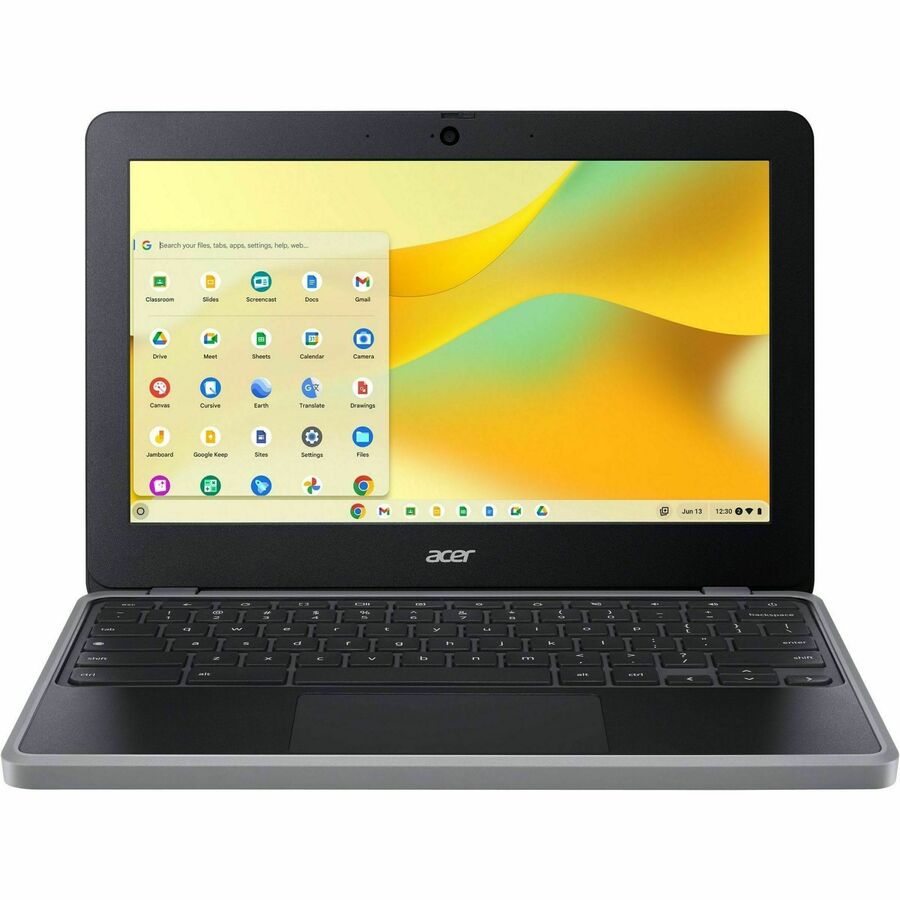
Acer Chromebook 311 C725 C725-813B 11.6" Rugged Clamshell Chromebook
NX.JW7AA.004
The 11.6-inch rugged clamshell is where a 1:1 fleet actually lives, and the C725 is the row to standardize on: Acer records it as a rugged build, and the panel size is what students carry between classes all day rather than what looks best on a specification sheet.
This configuration lists 4 GB of memory and 64 GB of flash — right for early grades, but hold the 8 GB line for secondary. Ask us for the Auto Update Expiration date of this exact platform before you standardize on it.
$596.03In stockMore laptops in the Uniqcli catalog
See all 15,794 laptopsMore Acer first — closest to what you were just looking at; “See all laptops” above opens every other brand in the category. In-stock lines lead, and a back-ordered line carries the same estimated availability its product page does — with live pricing throughout, NDAA §889 screening before checkout and TAA verified on request.
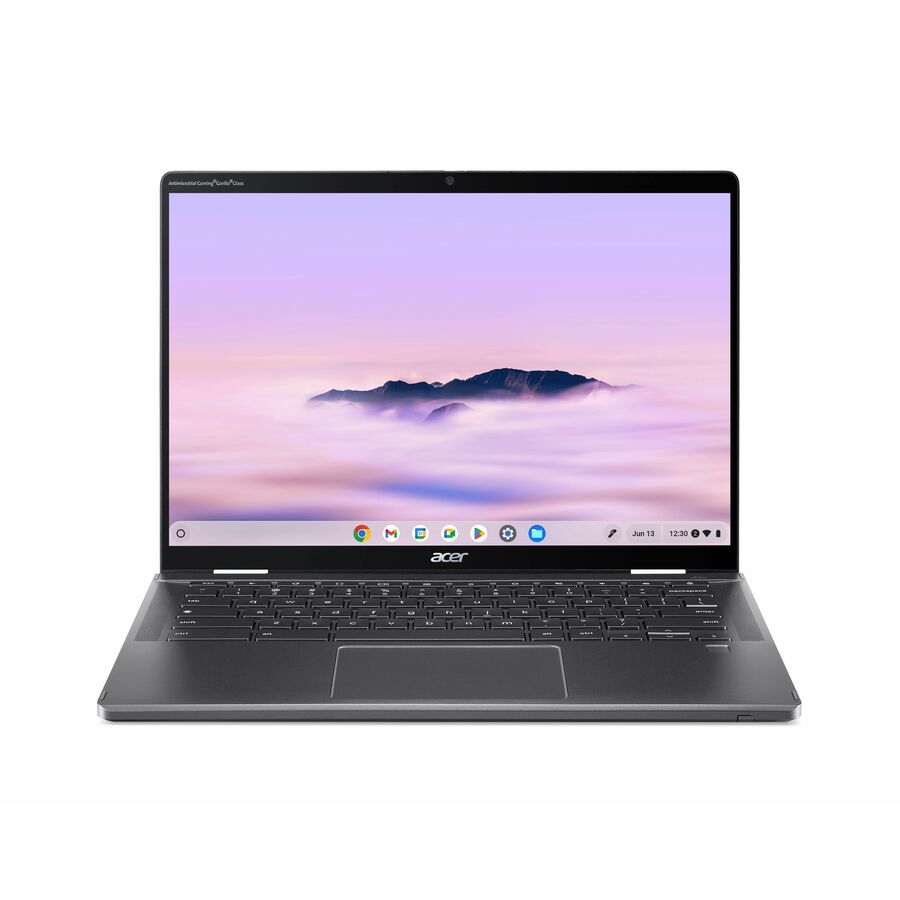
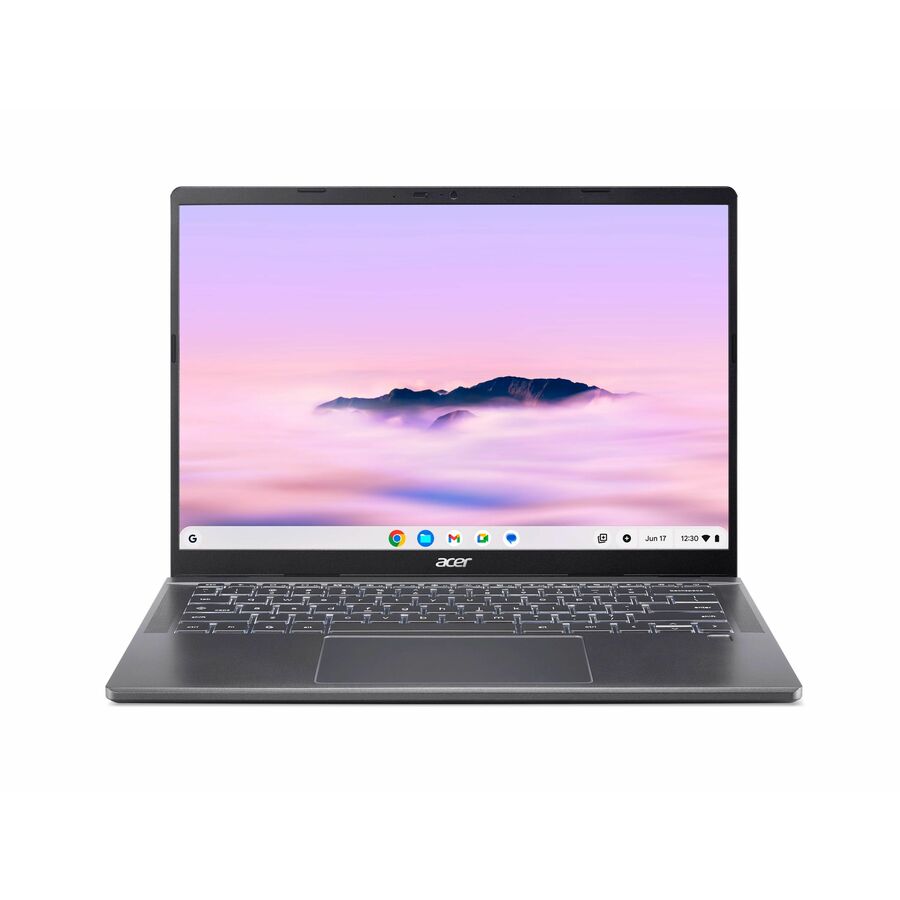
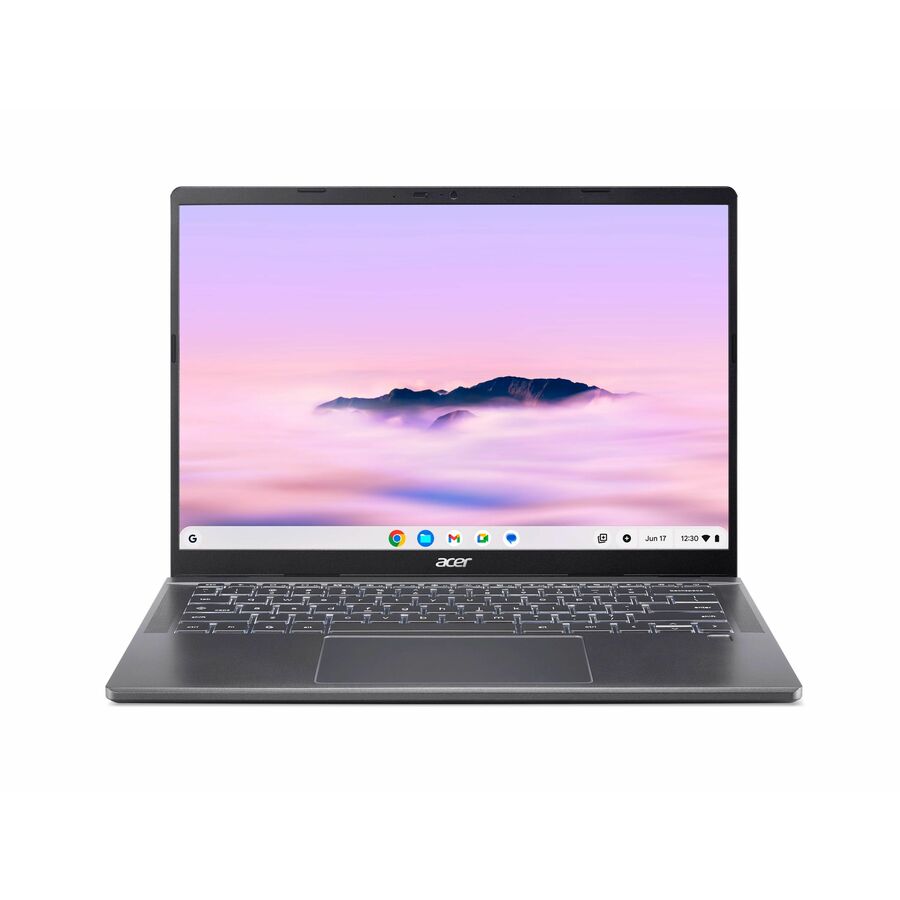
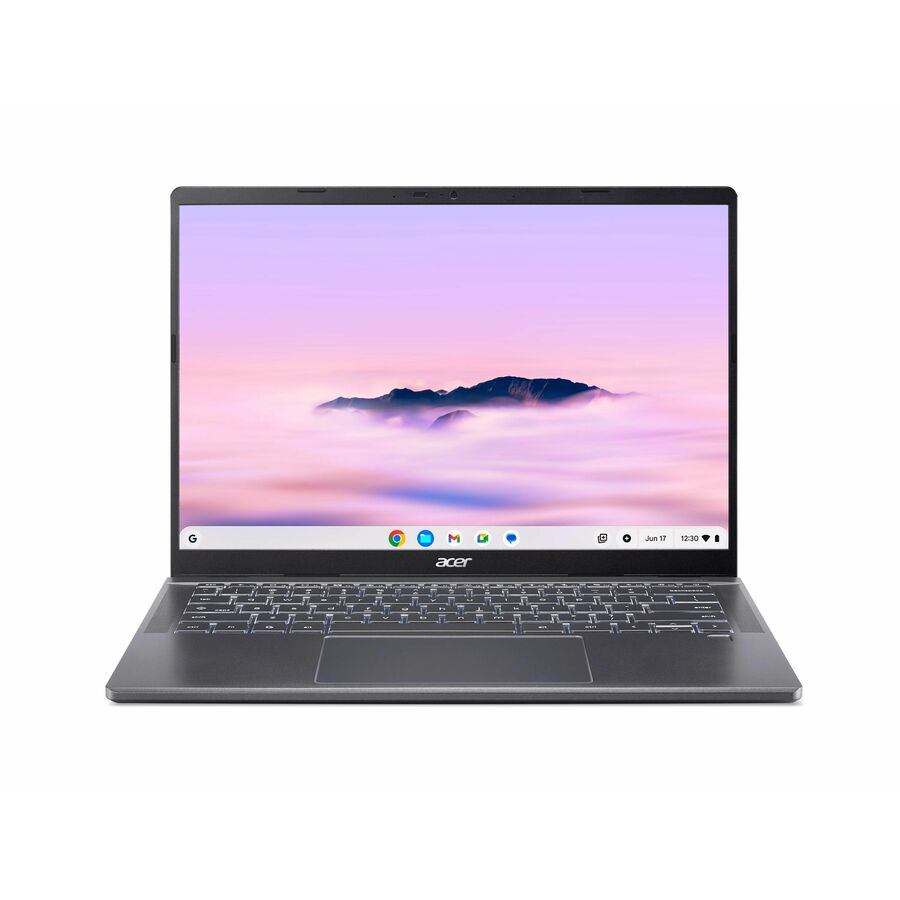
- AcerAcer Chromebook Plus 714 CBE794-1 CBE794-1-57T9 14" Chromebook - WUXGA - 120 Hz - Intel Core Ultra 5 115U - 16 GB - 256 GB SSD - English (US) Keyboard - Iron - Intel Chip - 1920 x 1200 - ChromeOS - Intel - ComfyView (Matte), In-plane Switching (IPS) Technology - Front Camera/Webcam - 11.50 Hours Battery Run Time - IEEE 802.11be Wireless LAN Standard - Wi-Fi 7NX.JM5AA.003
$1,499.99
$1,086.28
Back-orderedBack-ordered — estimated OEM lead time 3–8 weeks (Nov 12 – Dec 17 if ordered today).
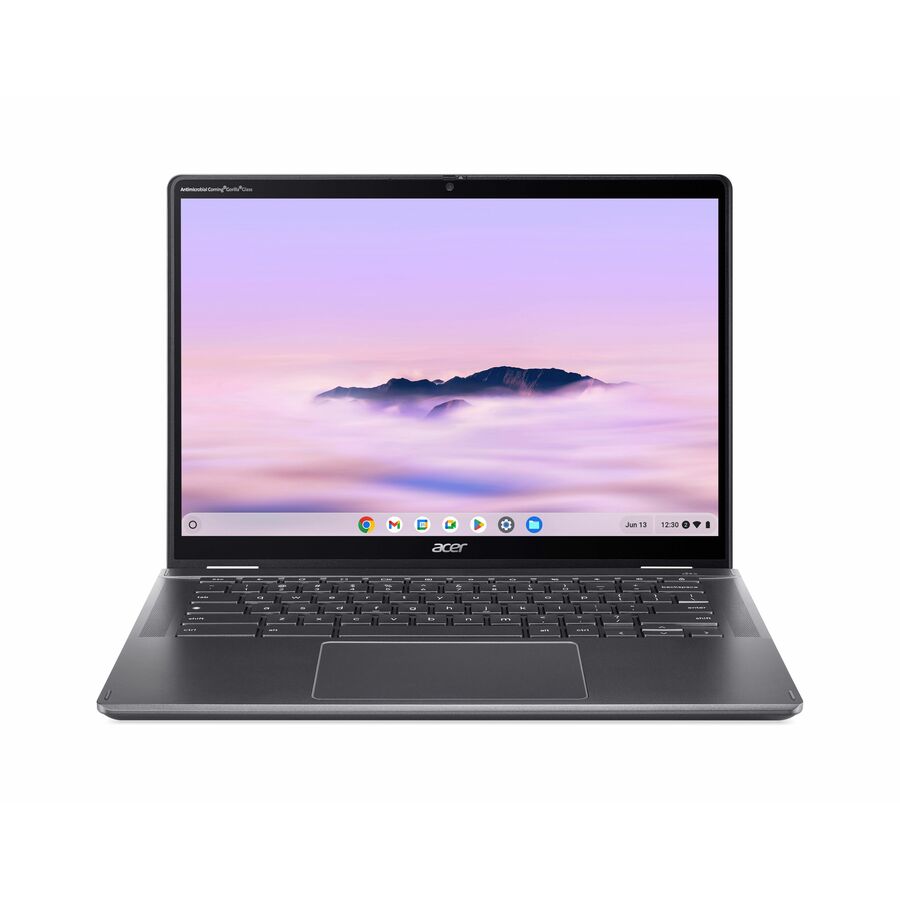
- AcerAcer Chromebook Plus 514 CBE594-2T CBE594-2T-76CA 14" Touchscreen Chromebook - WUXGA - 60 Hz - Intel Core 7 150U - 16 GB - 256 GB SSD - English (US) Keyboard - Iron - Intel Chip - 1920 x 1200 - ChromeOS - Intel - ComfyView (Matte), In-plane Switching (IPS) Technology - Front Camera/Webcam - 17 Hours Battery Run Time - IEEE 802.11be Wireless LAN StandardNX.JNWAA.003
$1,399.99
$1,061.25
Back-orderedBack-ordered — estimated OEM lead time 3–8 weeks (Nov 12 – Dec 17 if ordered today).
- AcerAcer Chromebook Plus 714 CBE794-1 CBE794-1-52Z7 14" Chromebook - WUXGA - 120 Hz - Intel Core Ultra 5 125U - 16 GB - 256 GB SSD - English (US) Keyboard - Iron - Intel Chip - 1920 x 1200 - ChromeOS - Intel - ComfyView (Matte), In-plane Switching (IPS) Technology - Front Camera/Webcam - 11.50 Hours Battery Run Time - IEEE 802.11be Wireless LAN StandardNX.JM5AA.002
$1,549.99
$1,213.94
Back-orderedBack-ordered — estimated OEM lead time 3–8 weeks (Nov 12 – Dec 17 if ordered today).
- AcerAcer Chromebook Plus 714 CBE794-1T CBE794-1T-5520 14" Touchscreen Chromebook - WUXGA - 60 Hz - Intel Core Ultra 5 115U - 16 GB - 256 GB SSD - English (US) Keyboard - Iron - Intel Chip - 1920 x 1200 - ChromeOS - Intel - ComfyView (Matte), In-plane Switching (IPS) Technology - Front Camera/Webcam - 21 Hours Battery Run Time - IEEE 802.11be Wireless LAN Standard - Wi-Fi 7NX.JM4AA.003
$1,549.99
$1,213.96
Back-orderedBack-ordered — estimated OEM lead time 3–8 weeks (Nov 12 – Dec 17 if ordered today).
- AcerAcer Chromebook Plus 515 CBE595-2T CBE595-2T-752Y 15.6" Touchscreen Chromebook - Full HD - 60 Hz - Intel Core 7 150U - 16 GB - 256 GB SSD - English (US) Keyboard - Iron - Intel Chip - 1920 x 1080 - ChromeOS - Intel - ComfyView (Matte), In-plane Switching (IPS) Technology - Front Camera/Webcam - 10 Hours Battery Run Time - IEEE 802.11ax Wireless LAN StandardNX.KW4AA.002
$1,449.99
$1,127.96
Back-orderedBack-ordered — estimated OEM lead time 3–8 weeks (Nov 12 – Dec 17 if ordered today).
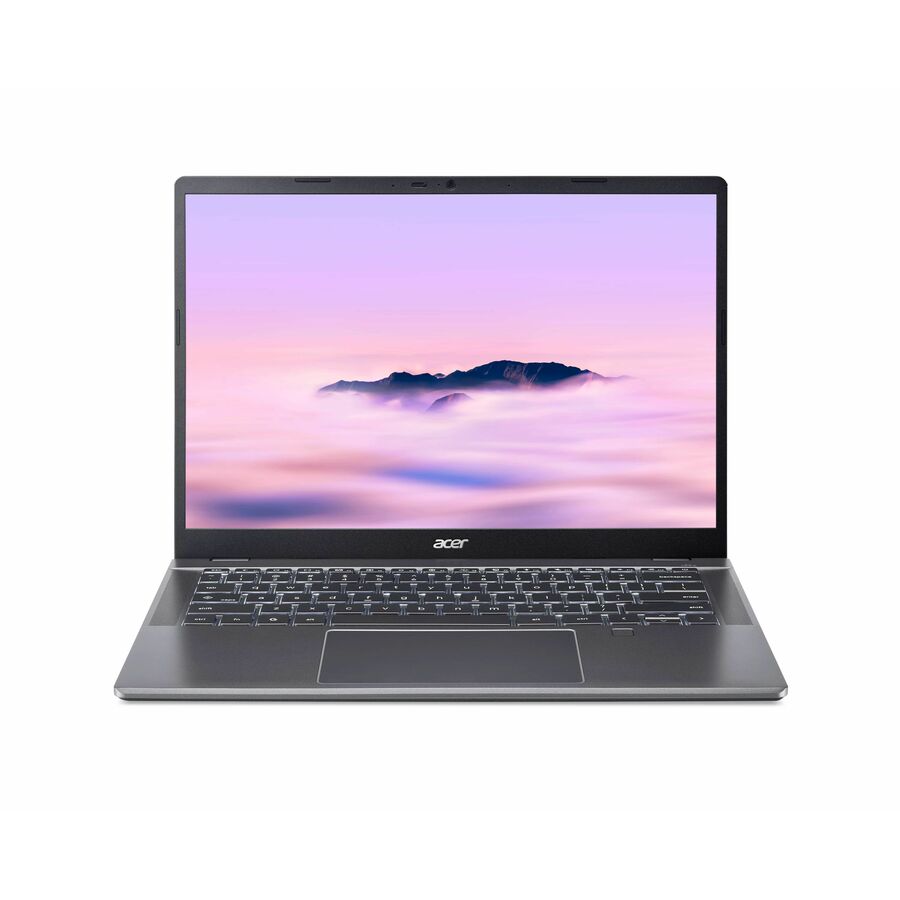
- AcerAcer Chromebook Plus 714 CBE794-1 CBE794-1-73Q7 14" Chromebook - WUXGA - 120 Hz - Intel Core Ultra 7 155U - 16 GB - 256 GB SSD - English (US) Keyboard - Iron - Intel Chip - 1920 x 1200 - ChromeOS - Intel - ComfyView (Matte), In-plane Switching (IPS) Technology - Front Camera/Webcam - 11.50 Hours Battery Run Time - IEEE 802.11be Wireless LAN StandardNX.JM5AA.001
$1,649.99
$1,342.12
Back-orderedBack-ordered — estimated OEM lead time 3–8 weeks (Nov 12 – Dec 17 if ordered today).
- AcerAcer Chromebook Plus 714 CBE794-1T CBE794-1T-72F3 14" Touchscreen Chromebook - WUXGA - 60 Hz - Intel Core Ultra 7 155U - 16 GB - 256 GB SSD - English (US) Keyboard - Iron - Intel Chip - 1920 x 1200 - ChromeOS - Intel - ComfyView (Matte), In-plane Switching (IPS) Technology - Front Camera/Webcam - 21 Hours Battery Run Time - IEEE 802.11be Wireless LAN Standard - Wi-Fi 7NX.JM4AA.002
$1,699.99
$1,408.22
Back-orderedBack-ordered — estimated OEM lead time 3–8 weeks (Nov 12 – Dec 17 if ordered today).
- AcerAcer Chromebook Plus 514 CBE594-2 CBE594-2-75T3 14" Chromebook - WUXGA - 60 Hz - Intel Core 7 150U - 16 GB - 256 GB SSD - English (US) Keyboard - Iron - Intel Chip - 1920 x 1200 - ChromeOS - Intel - ComfyView (Matte), In-plane Switching (IPS) Technology - Front Camera/Webcam - 17 Hours Battery Run Time - IEEE 802.11be Wireless LAN StandardNX.JNVAA.003
$1,349.99
$1,072.42
Back-orderedBack-ordered — estimated OEM lead time 3–8 weeks (Nov 12 – Dec 17 if ordered today).
Back-ordered — estimated OEM lead time 3–8 weeks (Nov 12 – Dec 17 if ordered today).
Back-ordered — estimated OEM lead time 3–8 weeks (Nov 12 – Dec 17 if ordered today).
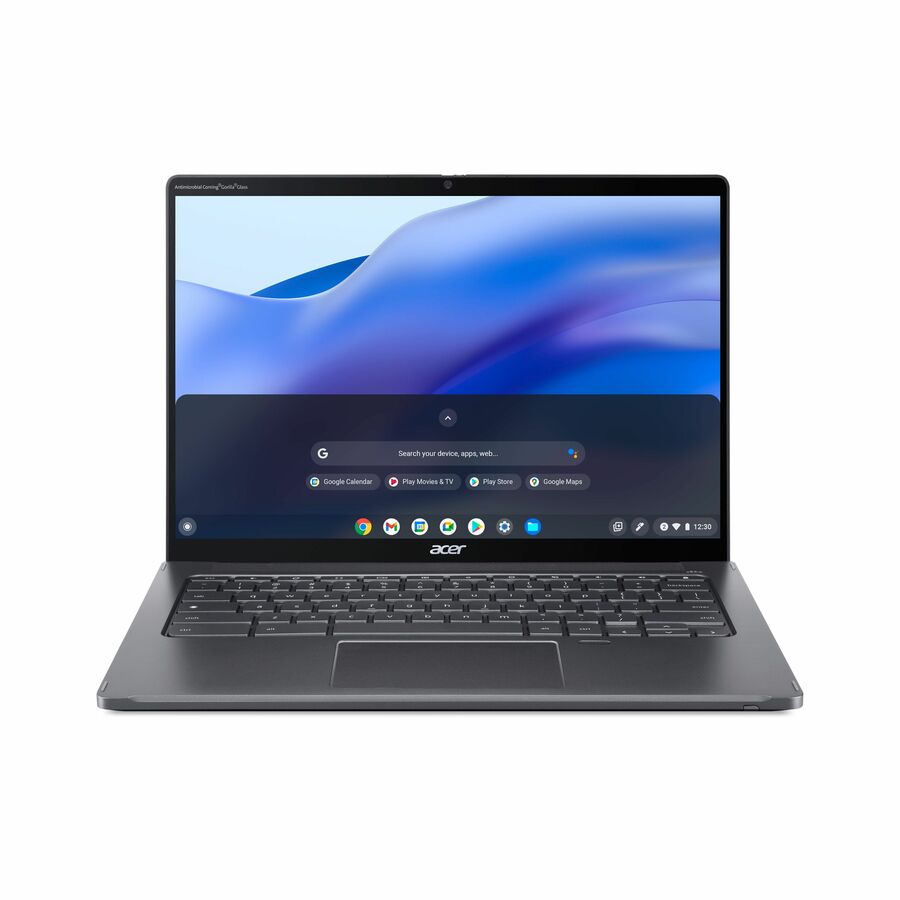
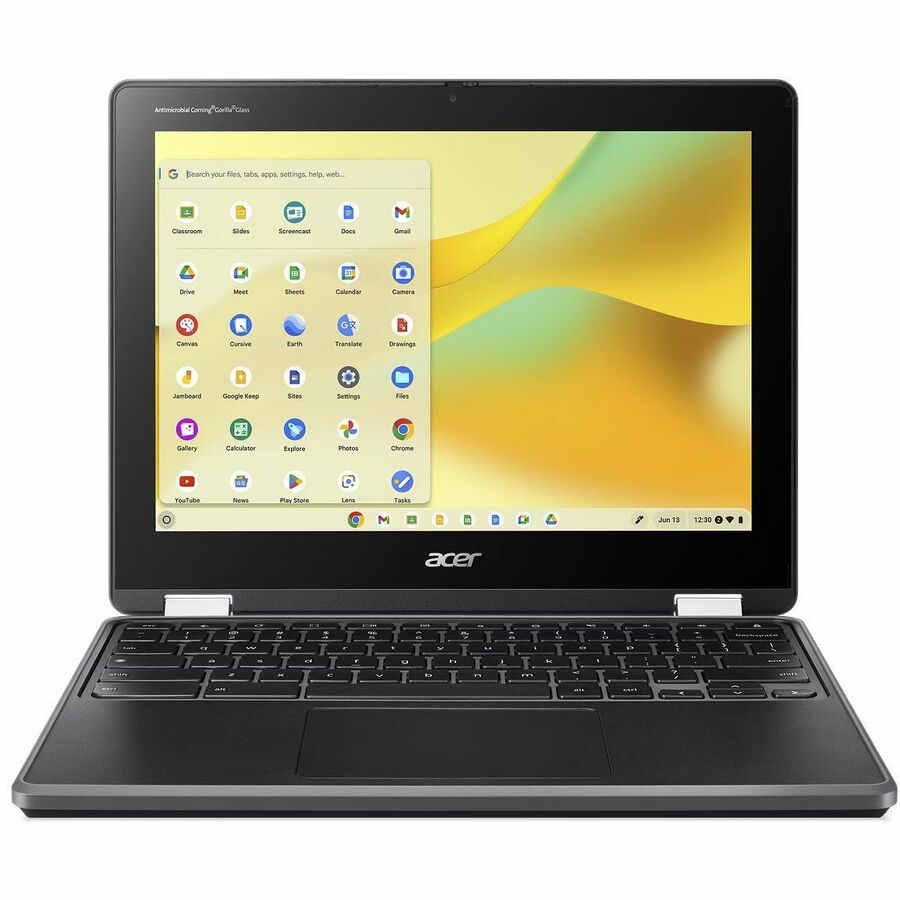
- AcerAcer Chromebook Spin 512 R856TN R856TN-C6T4 12" Touchscreen Convertible 2 in 1 Chromebook - HD+ - 60 Hz - Intel N-Series N100 - 4 GB - 64 GB Flash Memory - English (US) Keyboard - Black - 1366 x 912 - ChromeOS - Intel UHD Graphics - Front Camera/Webcam - 12 Hours Battery Run Time - IEEE 802.11 a/b/g/n/ac/ax Wireless LAN StandardNX.KE4AA.001
$499.99
$386.31
Back-orderedBack-ordered — estimated OEM lead time 3–8 weeks (Nov 12 – Dec 17 if ordered today).
Back-ordered — estimated OEM lead time 3–8 weeks (Nov 12 – Dec 17 if ordered today).
Back-ordered — estimated OEM lead time 3–8 weeks (Nov 12 – Dec 17 if ordered today).
- AcerAcer Chromebook 315 CB315-4H CB315-4H-C80T 15.6" Chromebook - Full HD - 60 Hz - Intel Celeron N4500 - 4 GB - 64 GB Flash Memory - English (US) Keyboard - Silver - Intel Chip - 1920 x 1080 - ChromeOS - Intel UHD Graphics - ComfyView (Matte), Twisted nematic (TN) - Front Camera/Webcam - 10 Hours Battery Run Time - IEEE 802.11ax Wireless LAN StandardNX.JHMAA.001
$1,814.99
$1,717.48
Back-orderedBack-ordered — estimated OEM lead time 3–8 weeks (Nov 12 – Dec 17 if ordered today).
- AcerAcer Chromebook 315 CB315-4H CB315-4H-C329 15.6" Chromebook - Full HD - 60 Hz - Intel Celeron N4500 - 4 GB - 64 GB Flash Memory - English (US) Keyboard - Purple - Intel Chip - 1920 x 1080 - ChromeOS - Intel UHD Graphics - ComfyView (Matte), Twisted nematic (TN) - Front Camera/Webcam - 10 Hours Battery Run Time - IEEE 802.11ax Wireless LAN StandardNX.JHPAA.001
$1,814.99
$1,717.48
Back-orderedBack-ordered — estimated OEM lead time 3–8 weeks (Nov 12 – Dec 17 if ordered today).
Back-ordered — estimated OEM lead time 3–8 weeks (Nov 12 – Dec 17 if ordered today).
- AcerAcer Chromebook 315 CB315-3H CB315-3H-C2C3 15.6" Chromebook - HD - Intel Celeron N4000 - 4 GB - 32 GB Flash Memory - English (US) Keyboard - Pure Silver - 1366 x 768 - ChromeOS - Intel UHD Graphics 600 - ComfyView (Matte) - Front Camera/Webcam - 12.50 Hours Battery Run Time - IEEE 802.11a/b/g/n/ac Wireless LAN StandardNX.HKBAA.002
$1,609.59
$1,523.11
Back-orderedBack-ordered — estimated OEM lead time 3–8 weeks (Nov 12 – Dec 17 if ordered today).
- AcerAcer Chromebook 511 C737T C737T-C1CW 11.6" Touchscreen Rugged Chromebook - HD - 60 Hz - Intel N150 - 8 GB - 64 GB Flash Memory - English (US) Keyboard - Black - Intel Chip - 1366 x 768 - ChromeOS - Intel - CineCrystal (Glare), In-plane Switching (IPS) Technology - Front Camera/Webcam - 22 Hours Battery Run Time - IEEE 802.11be Wireless LAN StandardNX.JJEAA.001
$1,587.61
$1,502.32
Back-orderedBack-ordered — estimated OEM lead time 3–8 weeks (Nov 12 – Dec 17 if ordered today).
- AcerAcer Chromebook 311 C723T C723T-K186 11.6" Touchscreen Chromebook - HD - 60 Hz - MediaTek MT8 MT8186T - 8 GB - 32 GB Flash Memory - English (US) Keyboard - Shale Black - MediaTek Chip - 1366 x 768 - ChromeOS - MediaTek - In-plane Switching (IPS) Technology, CineCrystal - Front Camera/Webcam - 15 Hours Battery Run Time - IEEE 802.11 a/b/g/n/ac/ax Wireless LAN StandardNX.KK7AA.002
$1,075.59
$1,021.70
Back-orderedBack-ordered — estimated OEM lead time 3–8 weeks (Nov 12 – Dec 17 if ordered today).
Back-ordered — estimated OEM lead time 3–8 weeks (Nov 12 – Dec 17 if ordered today).
- AcerAcer Chromebook 314 C934 C934-C4GM 14" Chromebook - HD - 60 Hz - Intel Celeron N4500 - 4 GB - 32 GB Flash Memory - English (US) Keyboard - Iron - 1366 x 768 - ChromeOS - Intel UHD Graphics - ComfyView (Matte), Twisted nematic (TN) - Front Camera/Webcam - 11.50 Hours Battery Run Time - IEEE 802.11 a/b/g/n/ac/ax Wireless LAN StandardNX.K06AA.006
$379.99
$342.70
Back-orderedBack-ordered — estimated OEM lead time 3–8 weeks (Nov 12 – Dec 17 if ordered today).
Back-ordered — estimated OEM lead time 3–8 weeks (Nov 12 – Dec 17 if ordered today).
Need pricing on Acer Chromebooks?
Tell us where to reach you and a Uniqcli specialist will follow up by email with current pricing, availability and lead time for the quantities you need — including parts that aren’t shown on this page.
Buying for an organization or for yourself — both work. No payment up front.
Acer carries the deepest Chromebook bench in our catalog, and for a district that matters less as choice than as continuity: when a platform stays available for two or three consecutive purchase cycles, your image, your spares pool and your repair training all keep working. Fleet buying is not about finding the widest menu. It is about picking a small number of configurations you can defend in a bid, buy again next August, and still repair in year four.
Two families do most of the work in K-12. The 311 and 511 are 11.6-inch clamshells that Acer designates rugged in the product record, built on MediaTek or Intel N-series silicon with long quoted battery run times — these are the 1:1 workhorses. Alongside them the Spin 311 and Spin 512 add a touchscreen and a convertible hinge for early grades, special education and any classroom where a stylus or tablet posture is part of the instructional model. Above both sits the Chromebook Plus 514, 515 and 714 line with SSD storage — Intel Core Ultra on the 714 rows, Intel Core or AMD Ryzen on the 514 and 515 — which belongs to staff, CTE labs and media production rather than to a general student fleet.
The grid below is pulled live from our catalog every time the page renders, sorted so in-stock units appear first. That ordering is deliberate and it is the honest part of this page: on any given week a district-sized order is a mix of what is on a shelf now and what is scheduled, and you should see which is which before you write a bid rather than after. Treat the availability chip on each card as the first input to your delivery plan, not as decoration.
Buyer's checklist
How to choose an Acer Chromebook for a district fleet
- Start from the Auto Update Expiration date, not the spec sheet. Google publishes an AUE date for every ChromeOS platform and states that ChromeOS devices receive ten years of updates measured from the platform's release — not from the day you buy. A platform that is already several years old can look like a bargain and still leave you with a short supported window, so confirm the AUE of the exact model before you standardize.
- Standardize on one clamshell and, at most, one convertible. Every additional model multiplies your image variants, your spare-parts bins and the number of repair procedures a technician has to hold in their head. Two SKUs across a district is a manageable fleet; six is a support problem.
- Set 8 GB of RAM as the fleet floor for grades 6-12. Both 4 GB and 8 GB configurations exist in this line, and 4 GB units are genuinely fine for early-grades use where a browser and one or two tabs are the whole workload. Secondary students running a testing platform alongside a research tab load are a different case.
- Read the word rugged as a vendor designation, not a rating. Acer records several of the 311 and 511 rows as rugged clamshells and the Spin 311 as a rugged convertible. If your solicitation requires a specific drop or spill standard, ask us to pull the manufacturer's test documentation for that exact model before award — we will not assert a rating that is not on the record.
- Confirm that 14-inch and 15.6-inch units physically fit the charging carts you already own. Bay depth is not universal, and a fleet decision that quietly obsoletes forty carts is an expensive surprise to discover on a loading dock in August.
- Match the wireless generation to your access-point fleet. These rows list 802.11ax (Wi-Fi 6) and 802.11be (Wi-Fi 7) radios. A newer client radio never hurts, but it also delivers nothing until the access points behind it can use it, so let the wireless refresh schedule inform which tier you pay for.
- Buy spares in the same configuration as the fleet, at the same time. A spare that arrives a year later is frequently a different platform with a different AUE date and a different keyboard part, which is the point at which a spares pool stops being a spares pool.
- Put the management license on the same purchase order as the hardware. ChromeOS devices need a Chrome Education Upgrade to be enrolled and managed from the Google Admin console; Google states that a bundled perpetual upgrade covers the life of the device it is enrolled to and cannot be transferred to a different device. We can quote it alongside the units so it is not discovered in September.
The rugged tier is where 1:1 fleets actually live
If you are buying for students rather than for staff, the decision almost always lands on an 11.6-inch unit from the 311 or 511 families. Acer records these as rugged clamshells, and the specification lines carry the attributes that matter in a building: IPS panels rather than the cheapest available display, quoted battery run times in the fifteen-to-twenty-two-hour range on several rows, and current-generation 802.11be radios on the newest platforms.
The practical distinction inside the tier is silicon. The 311 C725 rows in our catalog are built on MediaTek processors; the 511 C737 rows carry Intel N-series parts. Both are appropriate for a browser-and-testing workload, and neither is a reason on its own to split a fleet. What should drive the choice is which one you can buy in volume across the next two cycles, which is exactly what the availability chip and a quote will tell you.
Where we would push back on a specification is the temptation to mix a rugged clamshell for one grade band and a consumer-tier unit for another to shave a few dollars per seat. The saving is real and small; the cost of running two repair inventories is real and recurring. If budget forces a split, split by grade band with a clean boundary and buy each side deep enough to hold spares.
Clamshell or convertible: decide by grade band, not by preference
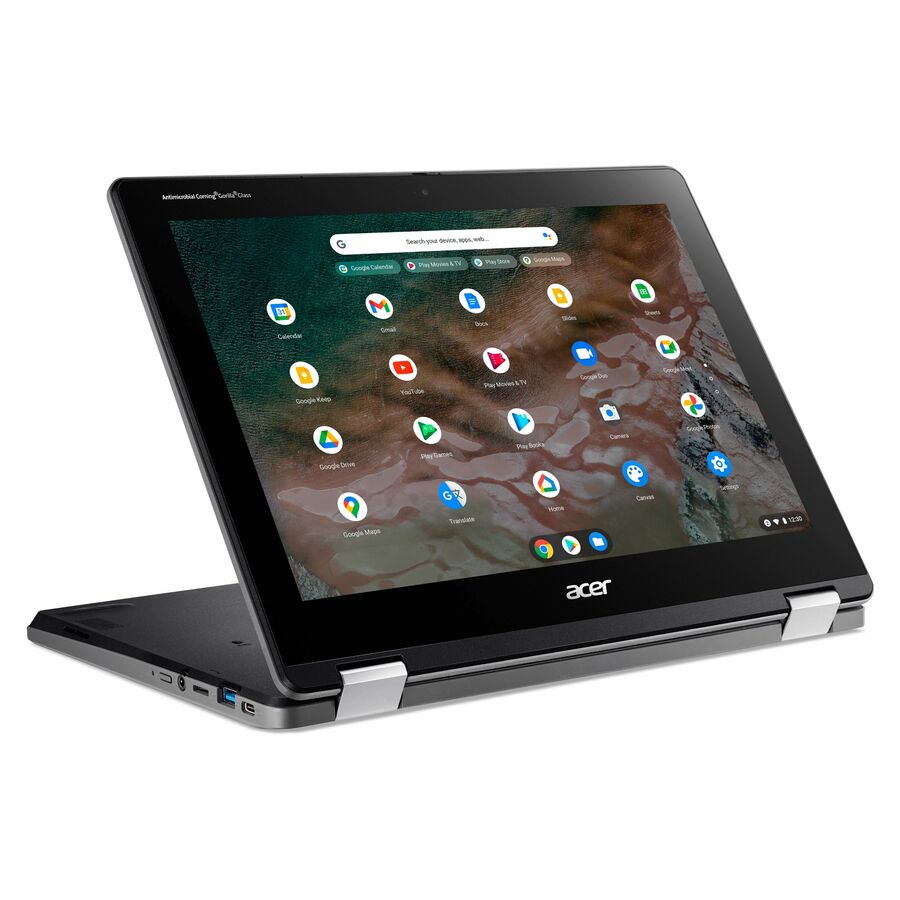
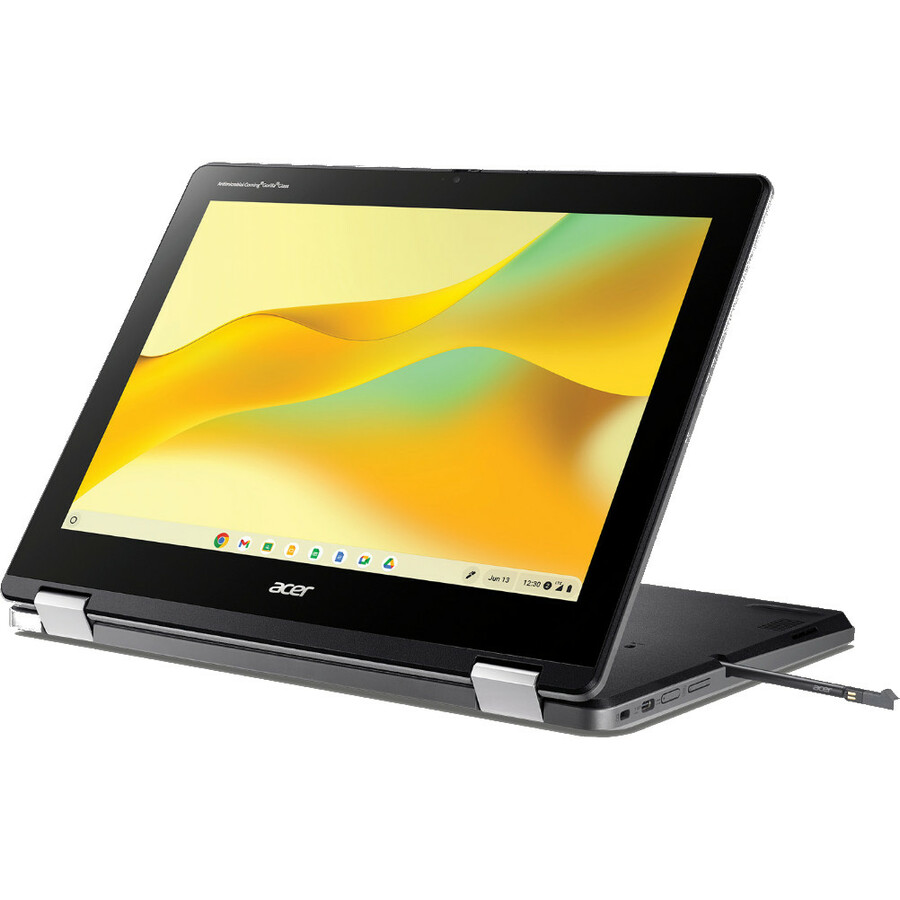
The Spin 311 and Spin 512 add a touchscreen and a 360-degree hinge. In elementary grades and in special education programs that is not a luxury — a tablet posture supports early-literacy applications, assistive input and any curriculum built around direct manipulation rather than a keyboard. The Spin 512 in particular is a 12.2-inch WUXGA convertible, which is a meaningfully better canvas than a 1366-by-768 panel for anything involving reading or annotation.
In grades six through twelve the argument mostly reverses. Secondary work is keyboard-first, the hinge is one more mechanical assembly to fail, and the touchscreen adds cost per seat across the largest population in the district. Unless you have a specific instructional program that depends on stylus input, the clamshell is the more defensible buy at scale.
The failure mode to avoid is letting the decision get made building by building. Convertibles for K-5 and clamshells for 6-12 is a policy; convertibles wherever the principal asked first is a support burden that nobody signed off on.
Where Chromebook Plus fits, and where it does not
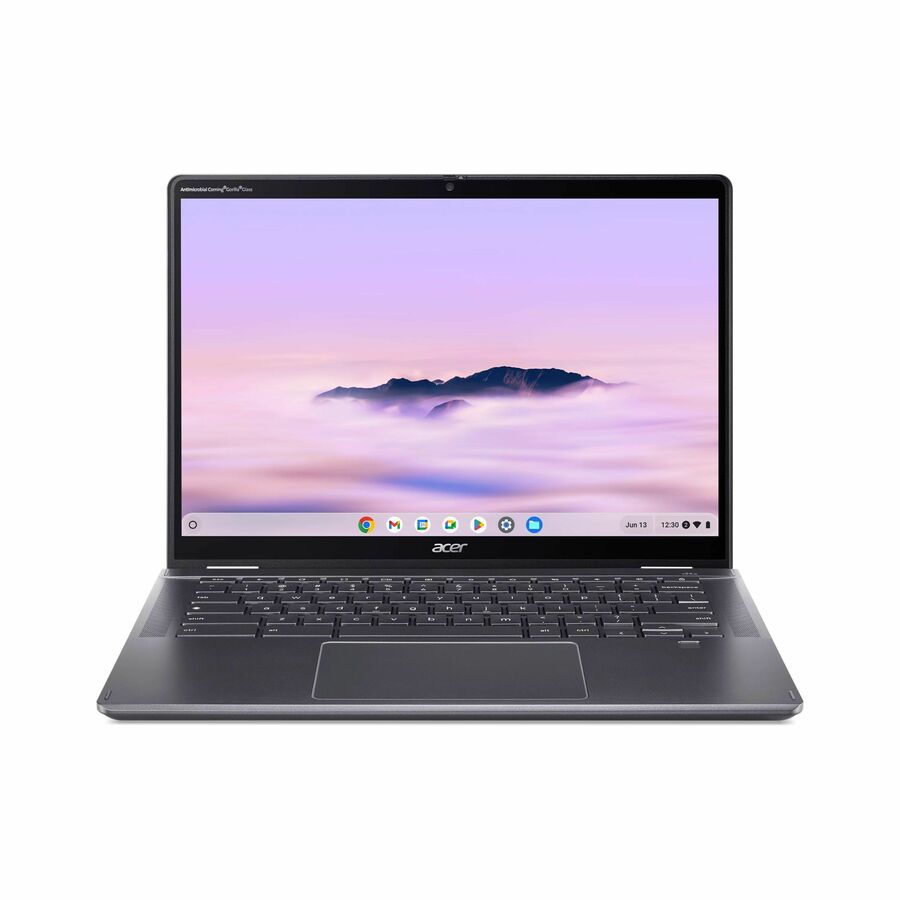
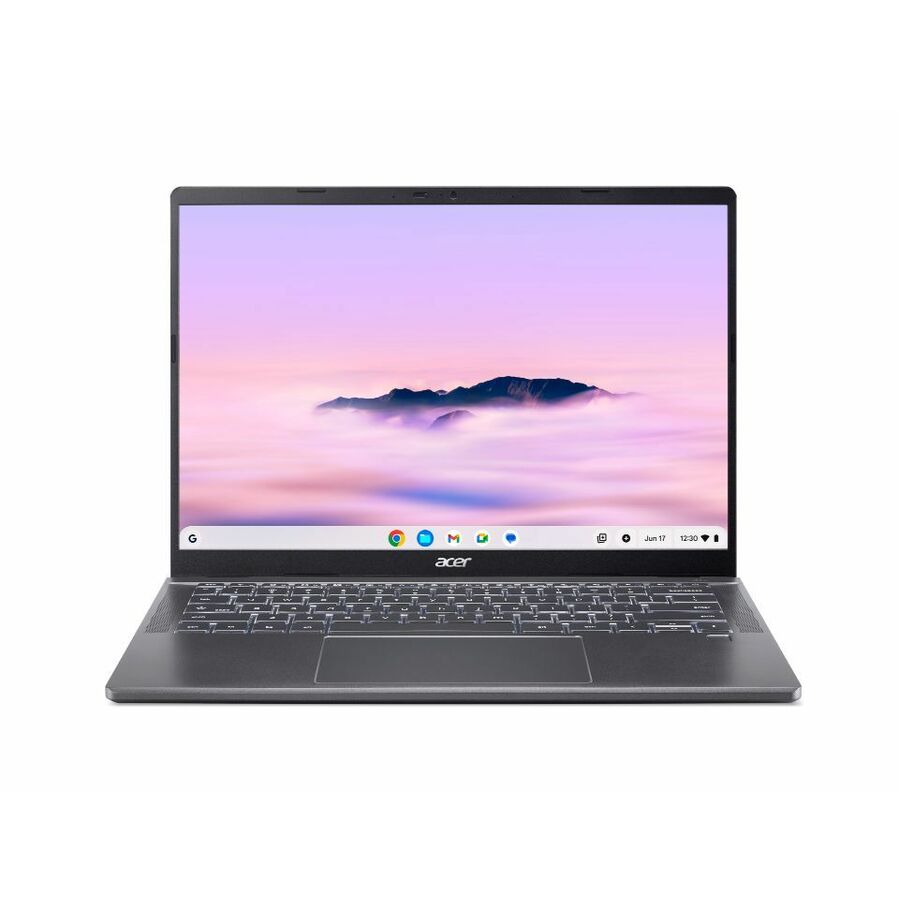
The Chromebook Plus 514, 515 and 714 rows are a different class of machine: 14-inch and 15.6-inch panels, 16 GB of memory and 256 GB SSD storage on several configurations, and a 120 Hz display on several 714 rows. Read the silicon per part number rather than per family — the 714 rows list Intel Core Ultra 5 and Core Ultra 7, while the 514 and 515 rows list Intel Core 3/5/7 or AMD Ryzen 3/5 depending on the configuration. These are capable machines and they cost accordingly.
They are not general student-fleet devices, and a district that buys them as such will spend two to three times per seat for capability the workload never touches. Where they earn their place is narrower and easy to identify: staff and administrator devices, CTE and yearbook or media-production labs, engineering and CAD-adjacent coursework, and one-off assignments where a teacher genuinely runs a heavier local workload.
The useful way to budget them is as a separate line item with its own count, quoted at the same time as the fleet so the whole refresh sits on one purchase order. If the number of Plus units in your plan is climbing past a small fraction of total seats, that is usually a sign the requirement belongs on a Windows workstation instead — and that is a conversation worth having before the bid closes.
AUE, spares and the ten-year clock
Every ChromeOS decision eventually comes back to one date. Google publishes an Auto Update Expiration date per platform, states that ChromeOS devices receive ten years of updates from the platform's release, and is explicit that after a device reaches AUE, policies may not behave as intended and technical support is no longer provided. Because the clock starts at platform release rather than at purchase, two machines bought on the same day can have materially different supported lifespans.
That single fact should shape your spares strategy. A spares pool is only a spares pool while the units in it share the fleet's platform, image and AUE date, which means spares are bought with the fleet and not from next year's budget. The usual planning ratio in K-12 is a few percent of deployed seats held back at the district level, sized against your own observed breakage rather than a vendor rule of thumb.
It should also shape how you talk about lifecycle in a board presentation. A Chromebook fleet does not fail at end of life; it quietly stops receiving security updates while continuing to boot, which is a far easier problem to fund against if the AUE dates are in the original purchase record. Ask us to put the AUE date for the exact platform on the quote, and keep it with the asset register.
FAQ
Common questions
- How long will these Acer Chromebooks keep receiving updates?
- Google publishes an Auto Update Expiration date for each ChromeOS platform and states that ChromeOS devices receive ten years of updates measured from the platform's release, not from your purchase date. That means the supported window depends on which platform a model is built on. Ask us for the AUE date of the exact configuration before you standardize a fleet on it, and keep that date in the asset record.
- What is the practical difference between the Acer 311 and the 511?
- In our catalog both are 11.6-inch units that Acer records as rugged clamshells. The main documented difference across the current rows is silicon: the 311 C725 configurations carry MediaTek processors while the 511 C737 configurations carry Intel N-series parts. Beyond what the manufacturer states in the product record we will not guess at differences — if you need a definitive comparison for a specification, ask and we will pull both datasheets.
- Do these include device management, or is that separate?
- It is separate. ChromeOS devices are enrolled and managed from the Google Admin console under a Chrome Education Upgrade, which is licensed per device. Google states that a bundled perpetual upgrade covers the life of the device it is enrolled to and cannot be transferred to another device, so the license count needs to track the hardware count. We can quote the license alongside the units so it is on the same purchase order rather than discovered after delivery.
- Can you supply several hundred units of a single model?
- Usually, but volume beyond what is on a shelf becomes a scheduled-delivery conversation rather than an in-stock order. Send us the model, the quantity and your need-by date and we will come back with what can ship immediately, what is on a confirmed schedule, and whether a sibling configuration closes the gap without splitting your image.
- What happens when we need to add units mid-year?
- This is where standardizing on a currently available platform pays for itself. If the platform is still in distribution we can add to the fleet at the same configuration; if it has rolled over, we will tell you plainly rather than substituting a near-match that carries a different AUE date and different service parts. Districts that hold a small same-configuration spares pool from the original order rarely have to make that call in the middle of a school year.
Need Acer Chromebooks pricing?
Send a bill of materials or part numbers — we confirm stock and a below-market total, with TAA verified on request. No payment up front.