
Best Gumdrop DropTech Chromebook Cases for Student Devices
Rugged, slim and bumper-style shells matched to the exact Dell, Lenovo, HP, Acer and Asus Chromebooks in a one-to-one fleet.
Gumdrop Chromebook cases in stock at Uniqcli
How to choose →A curated selection with live pricing — in-stock lines first, then back-ordered lines with a typical lead time. Every line is sourced through US distribution and screened for NDAA §889 status before checkout, with TAA verified on request.
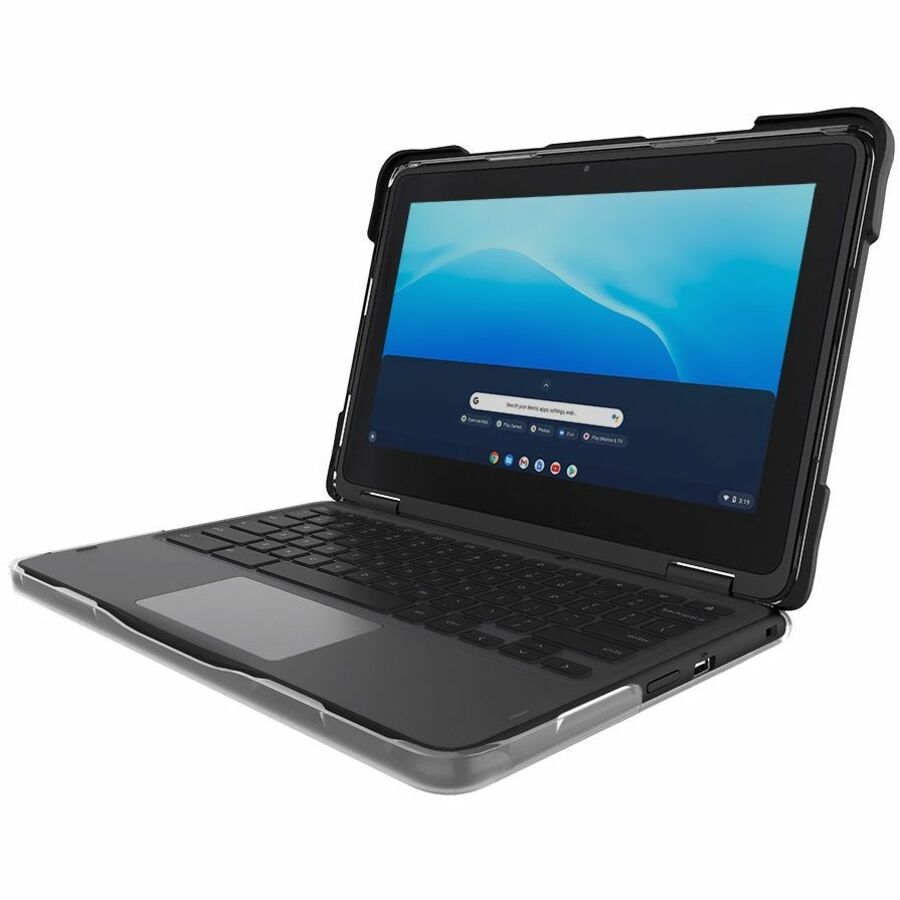
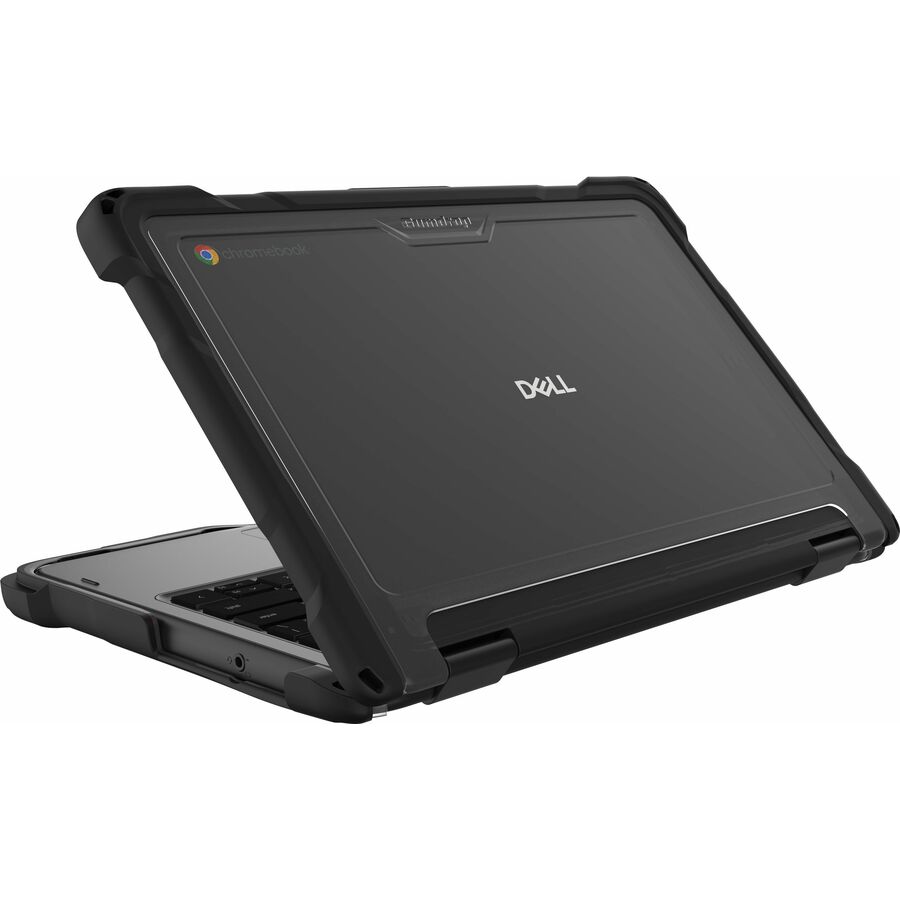
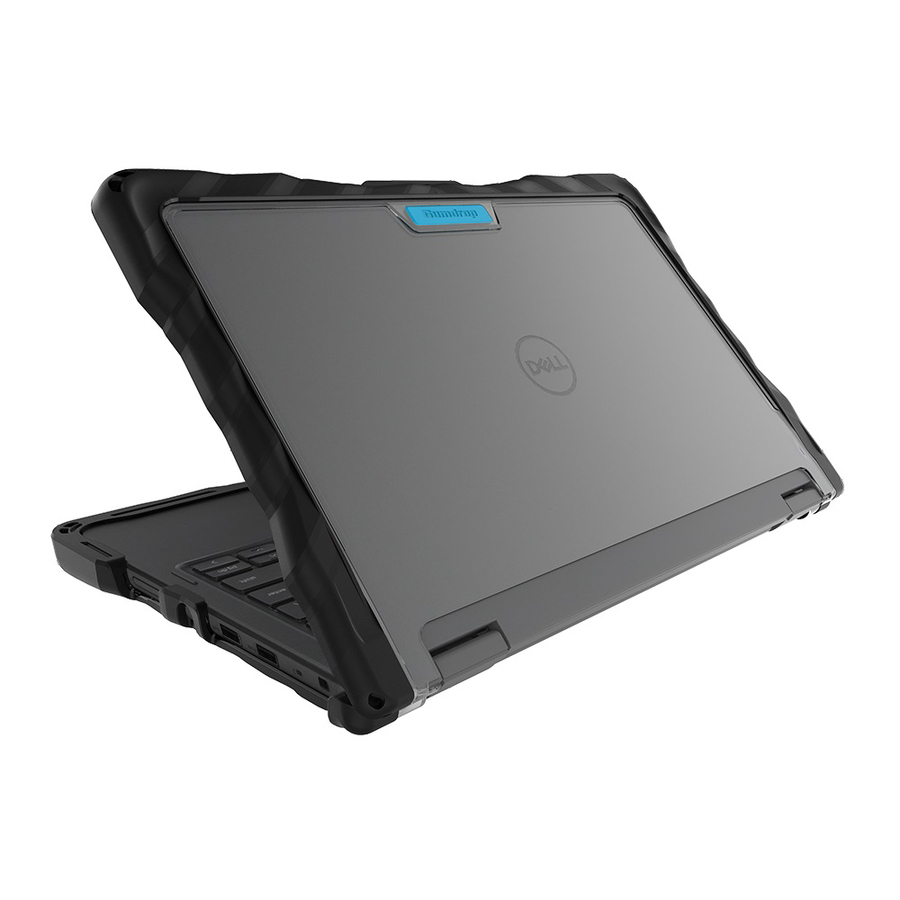
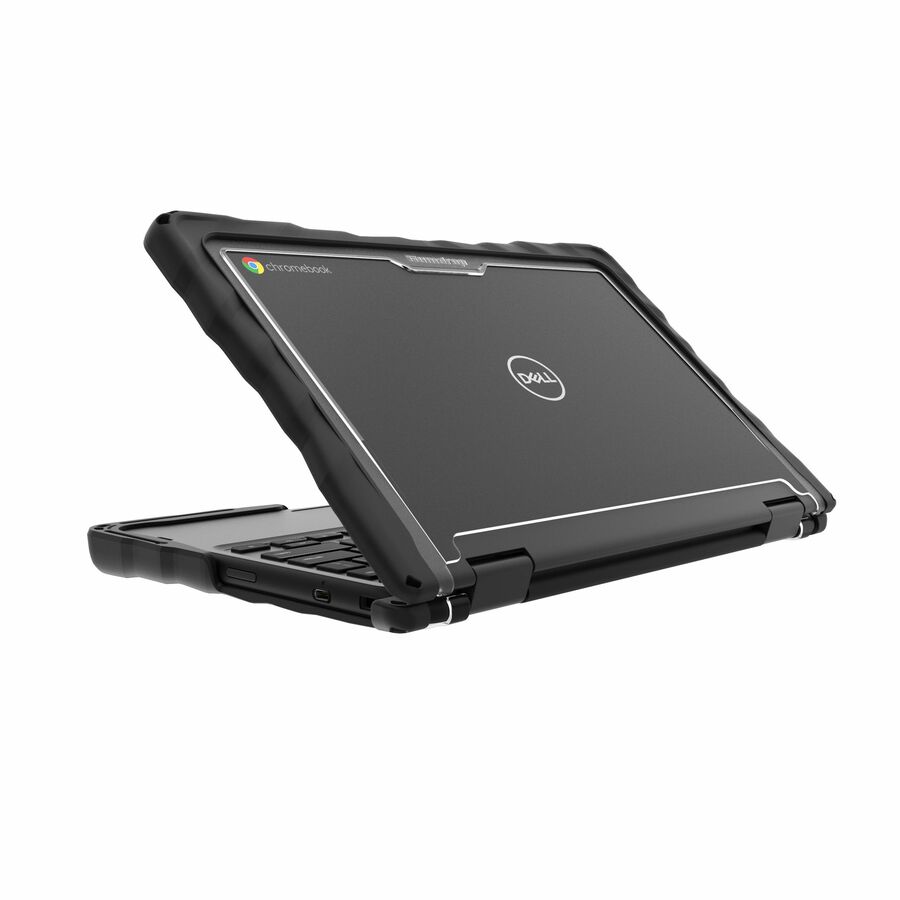
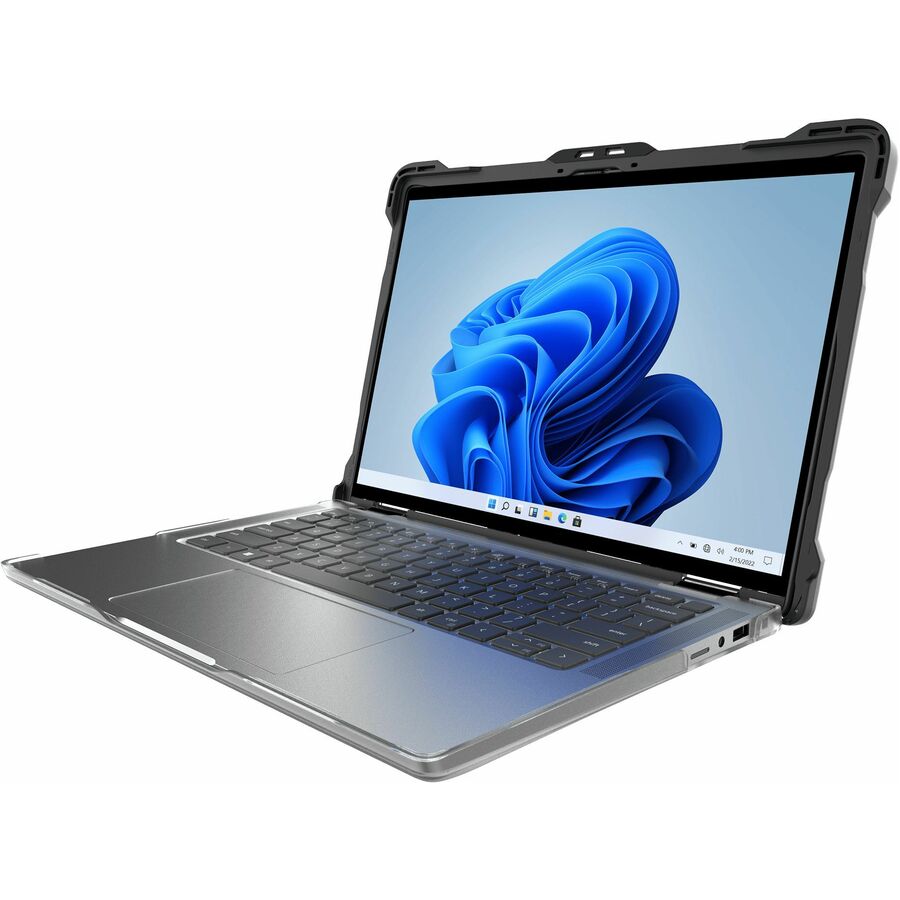
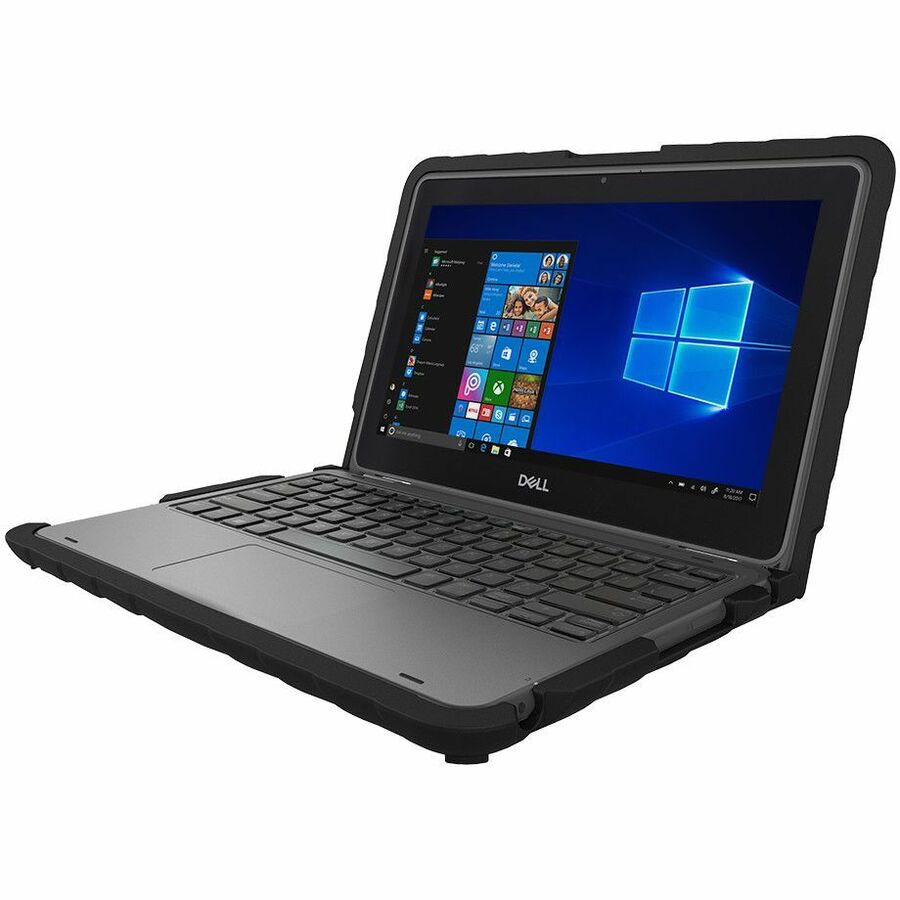
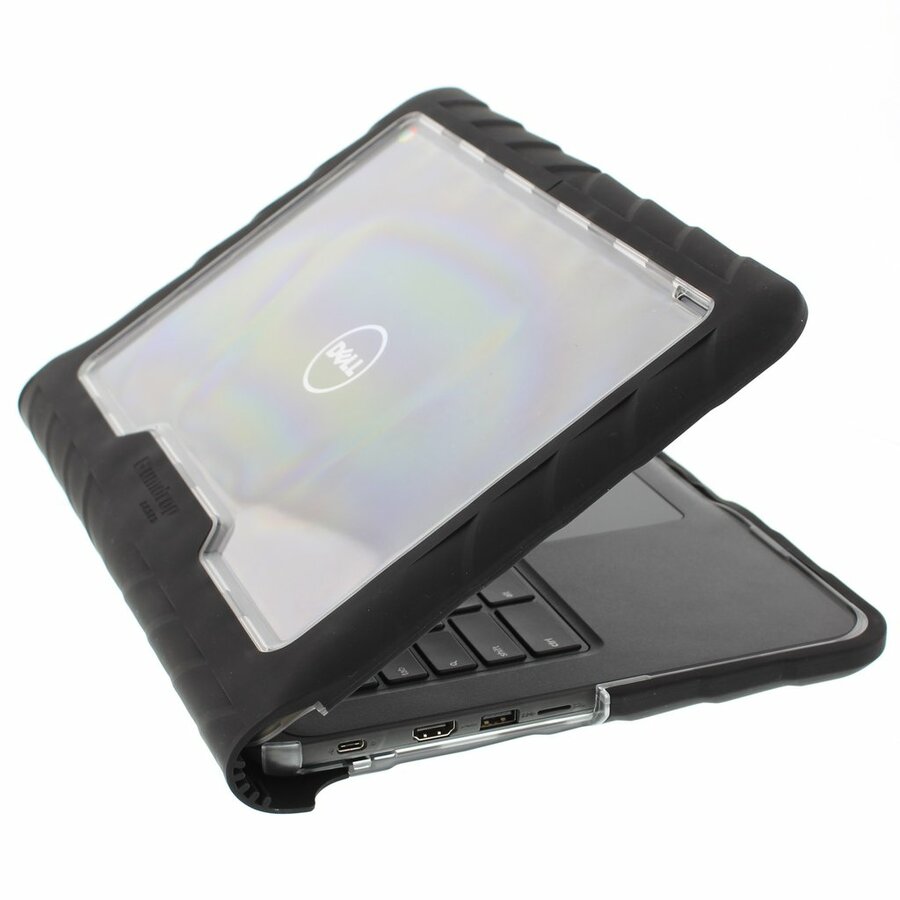
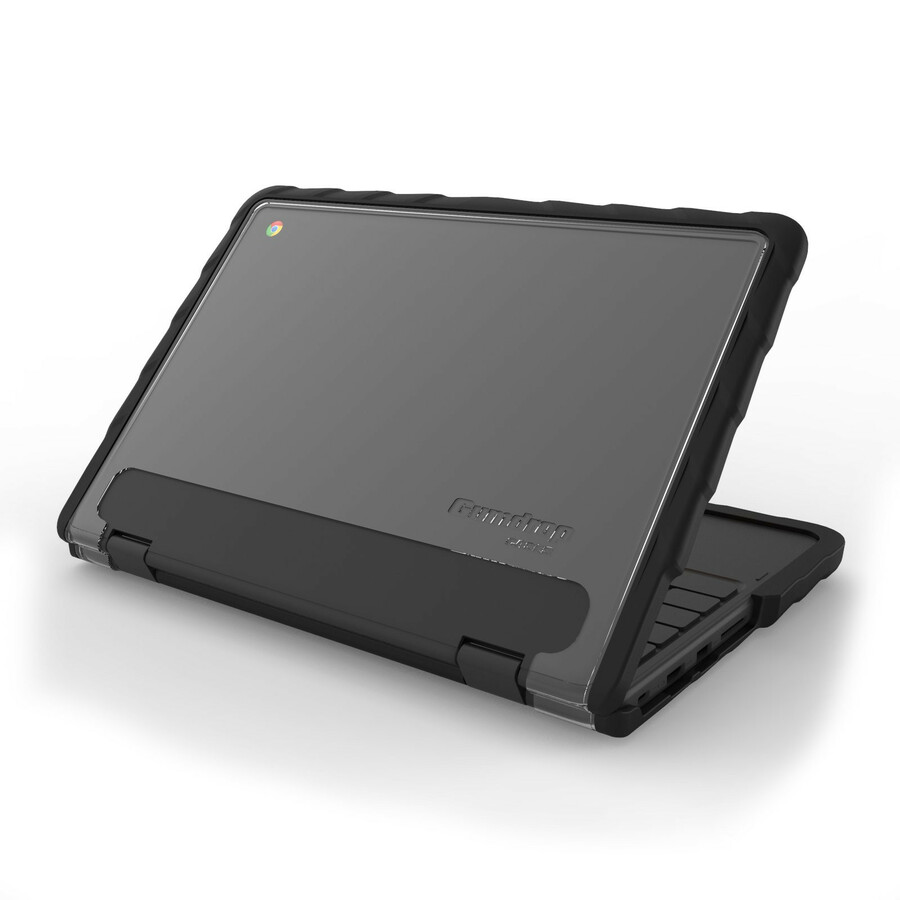
- GumdropGUMDROP SLIMTECH FOR DELL CHROMEBOOK 3120/3110/3100 (2-IN-1) - For Dell Chromebook - Textured Grip - Black - Bump Resistant, Scratch Resistant, Scuff Resistant, Drop Resistant - Thermoplastic Polyurethane (TPU), Polycarbonate (PC) - 11" Maximum Screen Size Supported06D000E01-1
$29.95
$25.62
387 in stock Back-ordered — estimated OEM lead time 3–8 weeks (Nov 12 – Dec 17 if ordered today).
Back-ordered — estimated OEM lead time 3–8 weeks (Nov 12 – Dec 17 if ordered today).
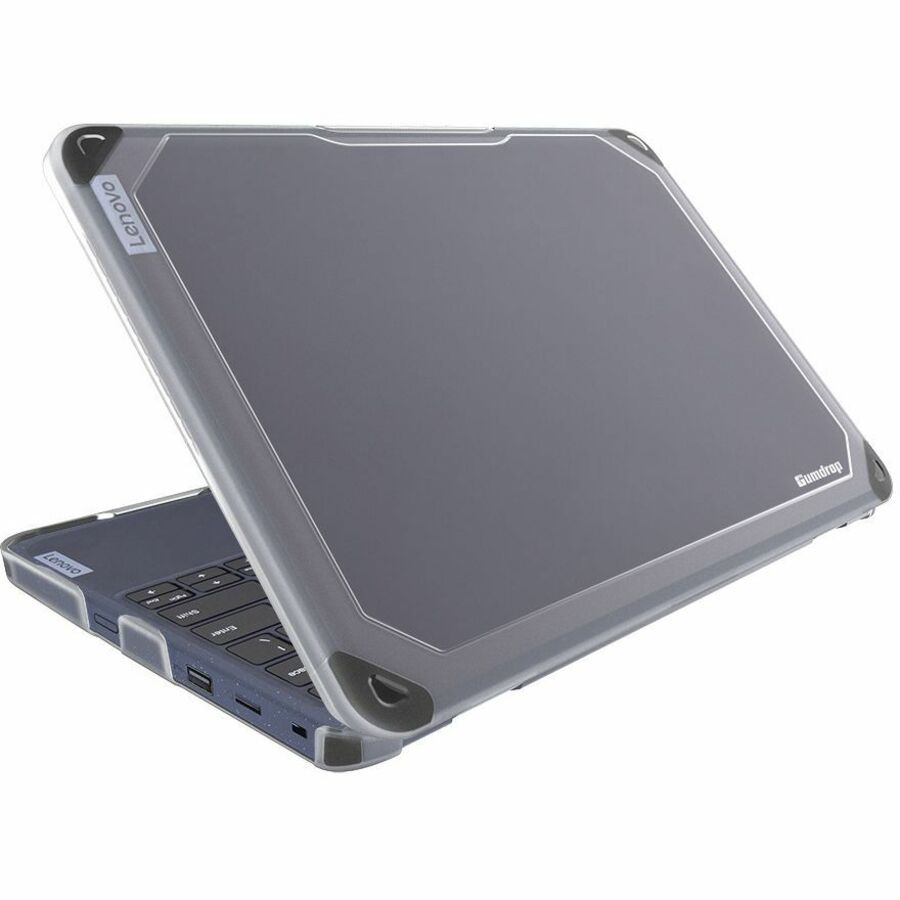
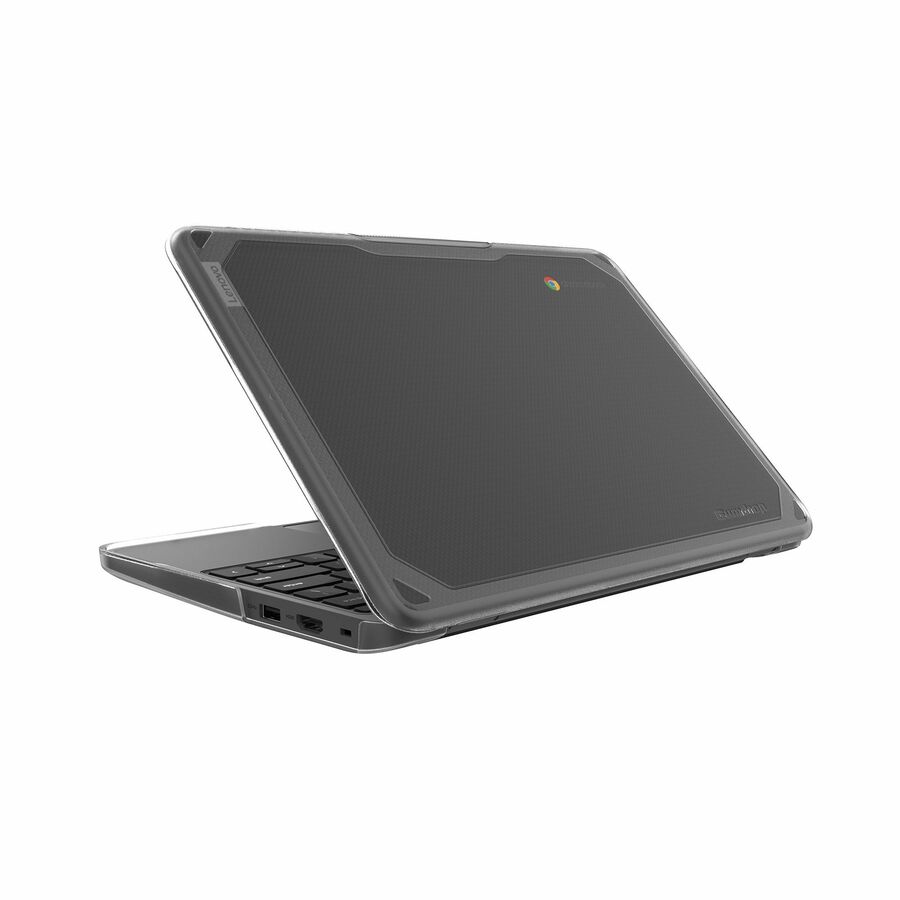
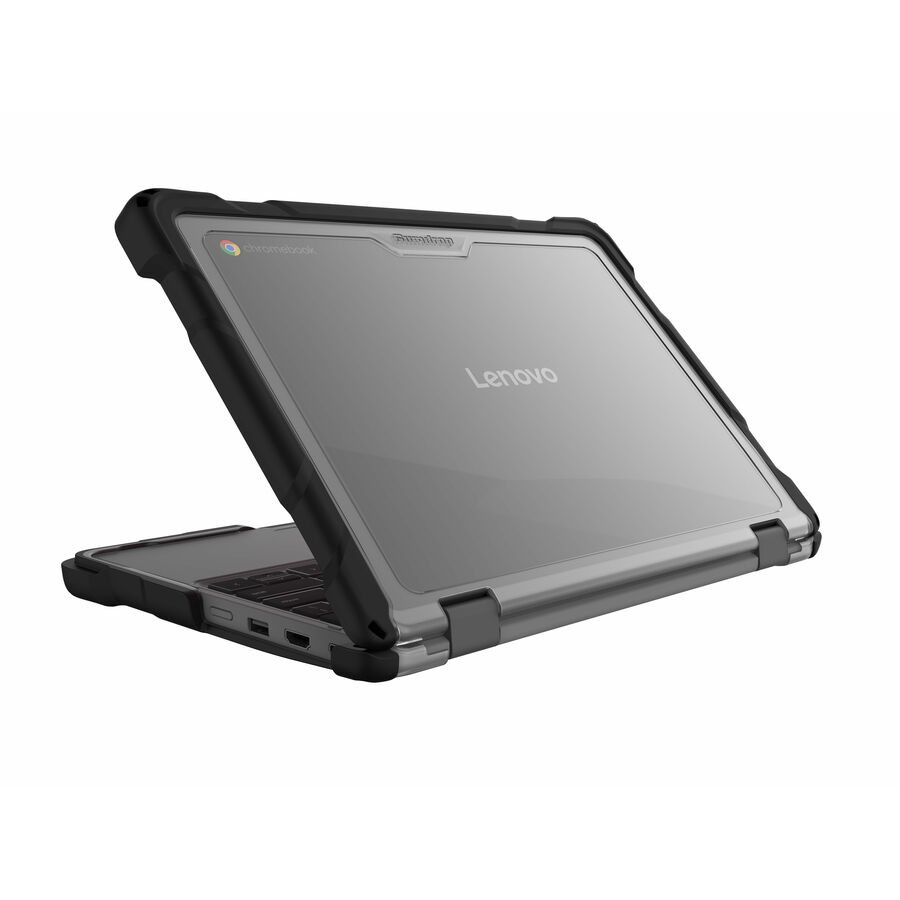
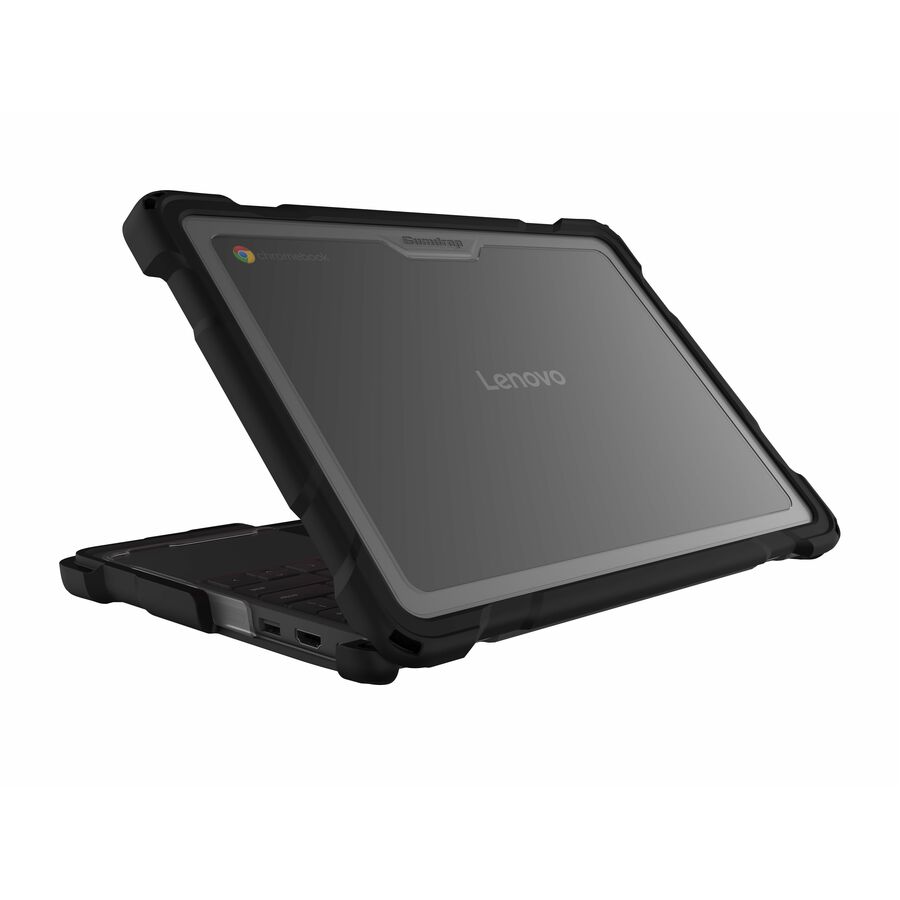
- GumdropGumdrop BumpTech for Lenovo 100E/100W Chromebook Gen 3 (Clamshell) - For Lenovo Notebook, Chromebook - Textured Grip - Scratch Resistant, Skid Resistant, Damage Resistant, Drop Resistant, Bump Resistant, Scuff Resistant - Polycarbonate10L009
$21.95
$19.57
Back-orderedBack-ordered — estimated OEM lead time 3–8 weeks (Nov 12 – Dec 17 if ordered today).
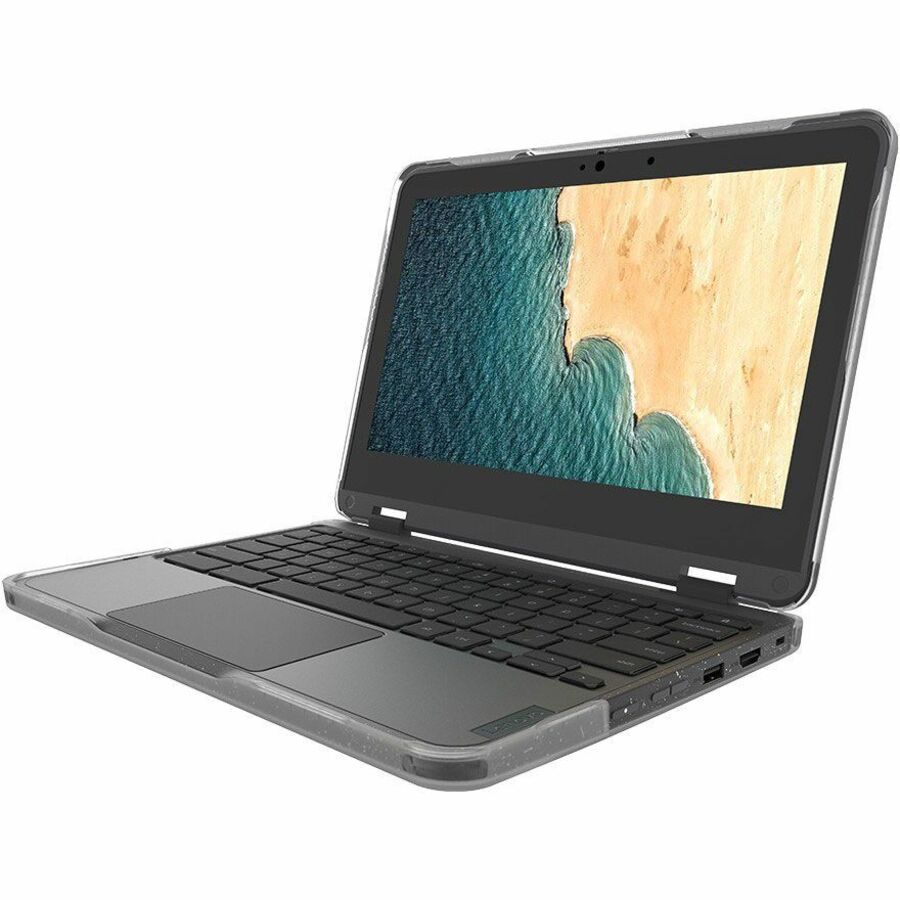
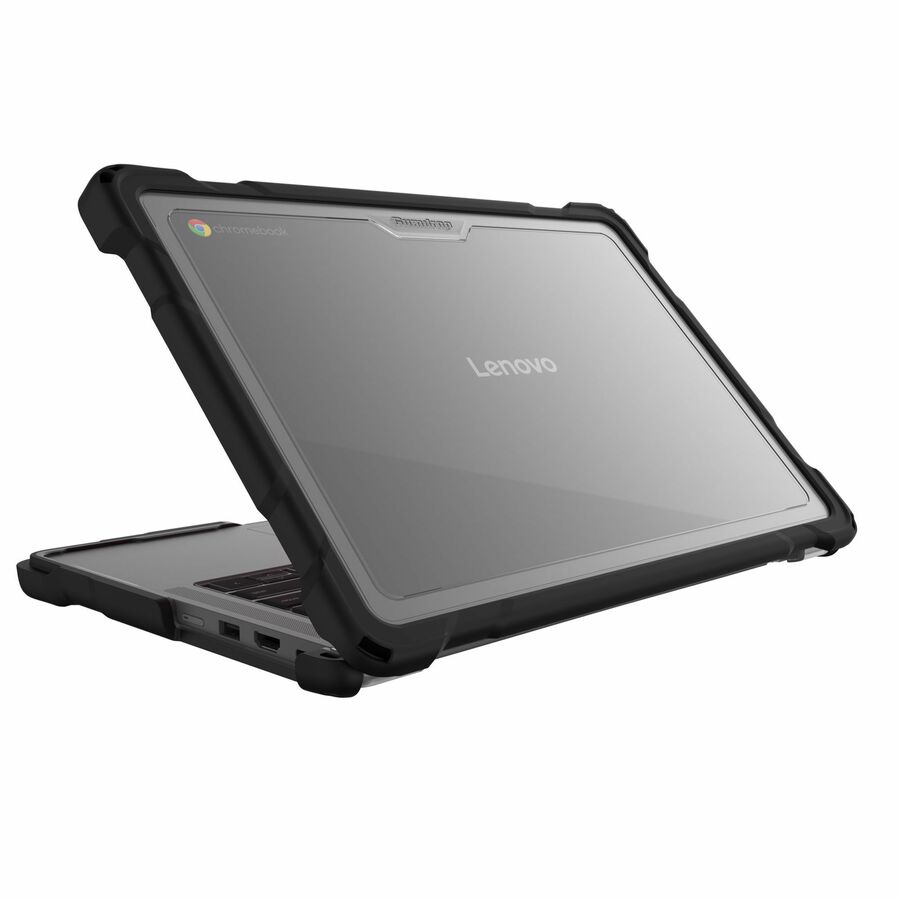
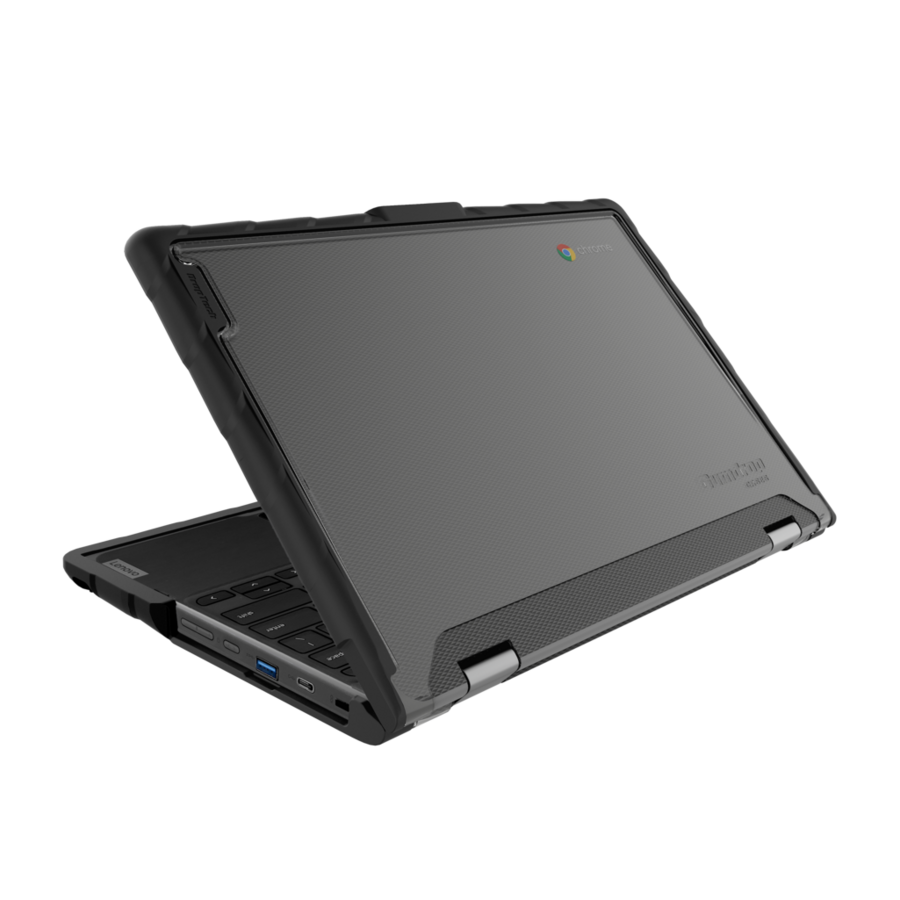
- GumdropGumdrop BumpTech For Lenovo 300e/500e Chromebook Gen 3 And 300w/500w Gen 3 (2-IN-1) - For Lenovo Chromebook - Transparent - Bump Resistant, Scratch Resistant, Drop Resistant, Scuff Resistant - Polycarbonate (PC) - Rugged10L010
$21.95
$19.57
Back-orderedBack-ordered — estimated OEM lead time 3–8 weeks (Nov 12 – Dec 17 if ordered today).
- GumdropGumdrop BumpTech For Lenovo 100e/100w Chromebook Gen 4 (Clamshell) - For Lenovo Chromebook - Textured Grip - Transparent - Bump Resistant, Scratch Resistant, Scuff Resistant10L011
$21.95
$19.57
Back-orderedBack-ordered — estimated OEM lead time 3–8 weeks (Nov 12 – Dec 17 if ordered today).
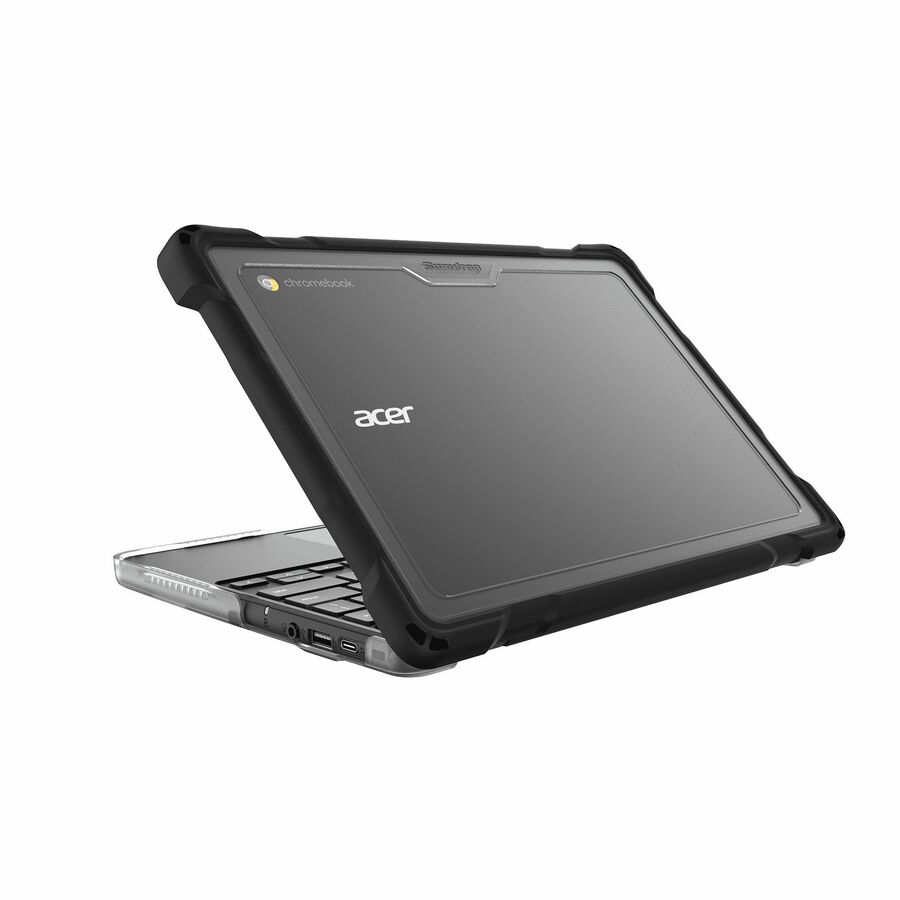
- GumdropGumdrop SlimTech for Acer Chromebook 511 (C737/C737T) - For Asus Chromebook - Transparent - Drop Resistant, Bump Resistant, Damage Resistant, Scratch Resistant, Shock Absorbing, Impact Resistant - Rugged06C017
$29.95
$26.23
Back-orderedBack-ordered — estimated OEM lead time 3–8 weeks (Nov 12 – Dec 17 if ordered today).
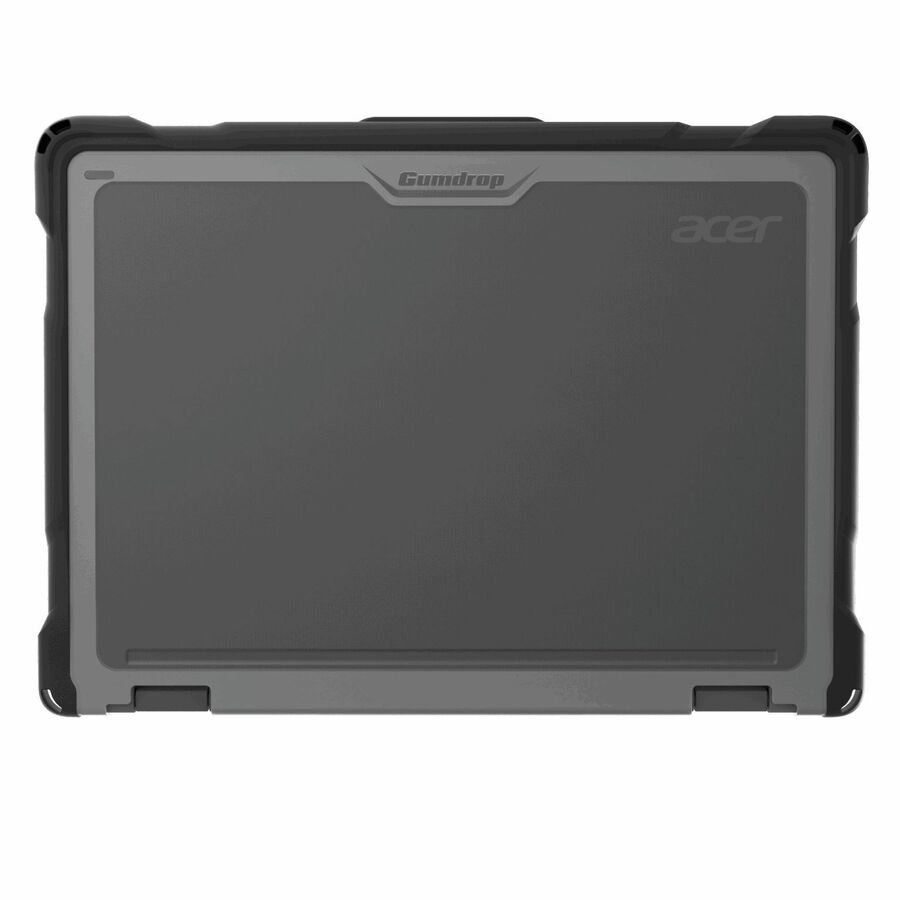
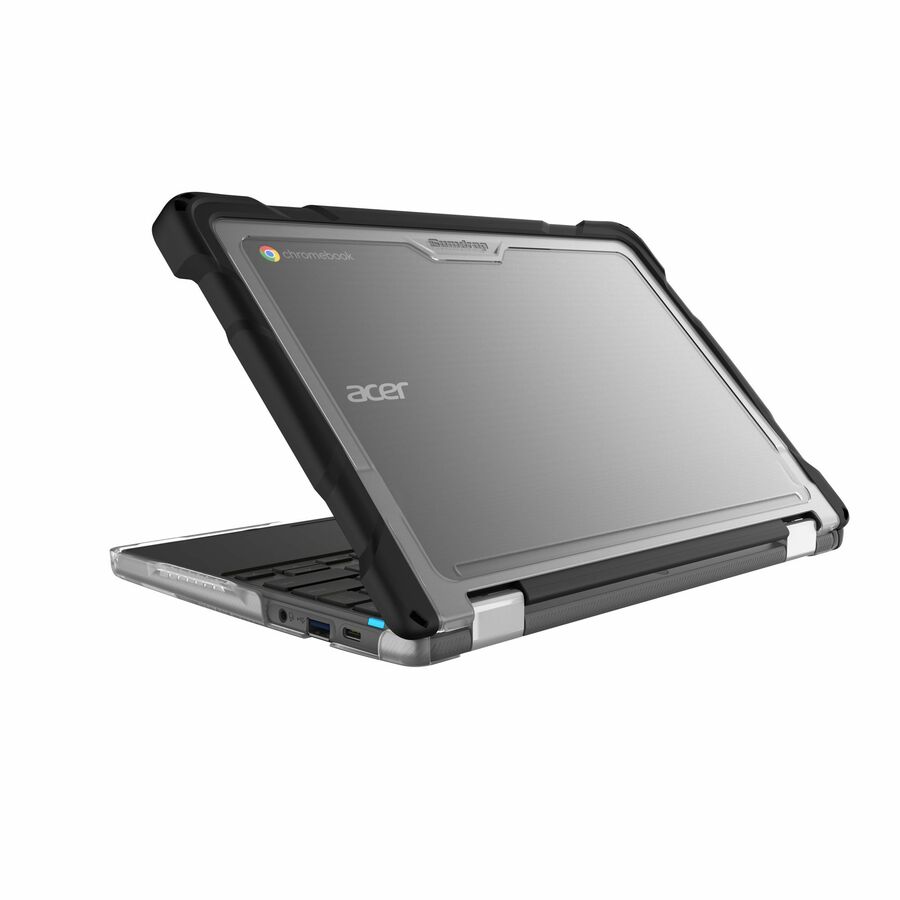
- GumdropGumdrop SlimTech For Acer R725T Chromebook (2-in-1) - For Acer Chromebook - Transparent - Bump Resistant, Drop Resistant, Damage Resistant, Shock Absorbing, Impact Resistant, Scratch Resistant - Rubber - Rugged06C020
$29.95
$26.23
Back-orderedBack-ordered — estimated OEM lead time 3–8 weeks (Nov 12 – Dec 17 if ordered today).



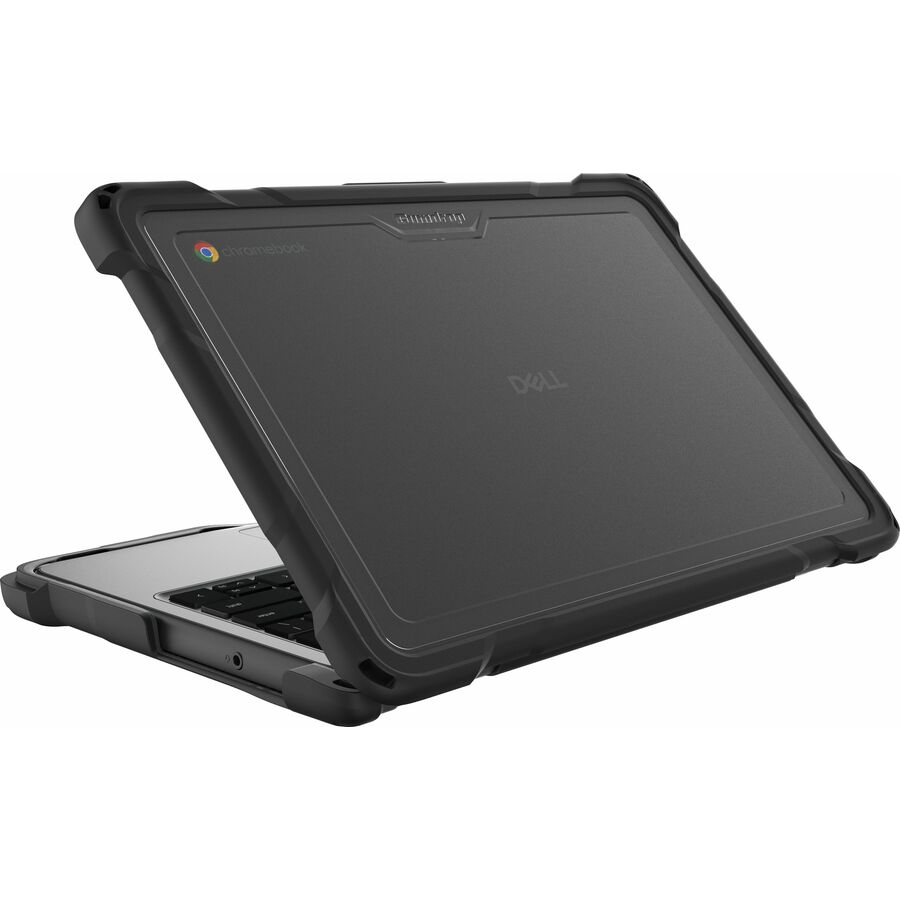
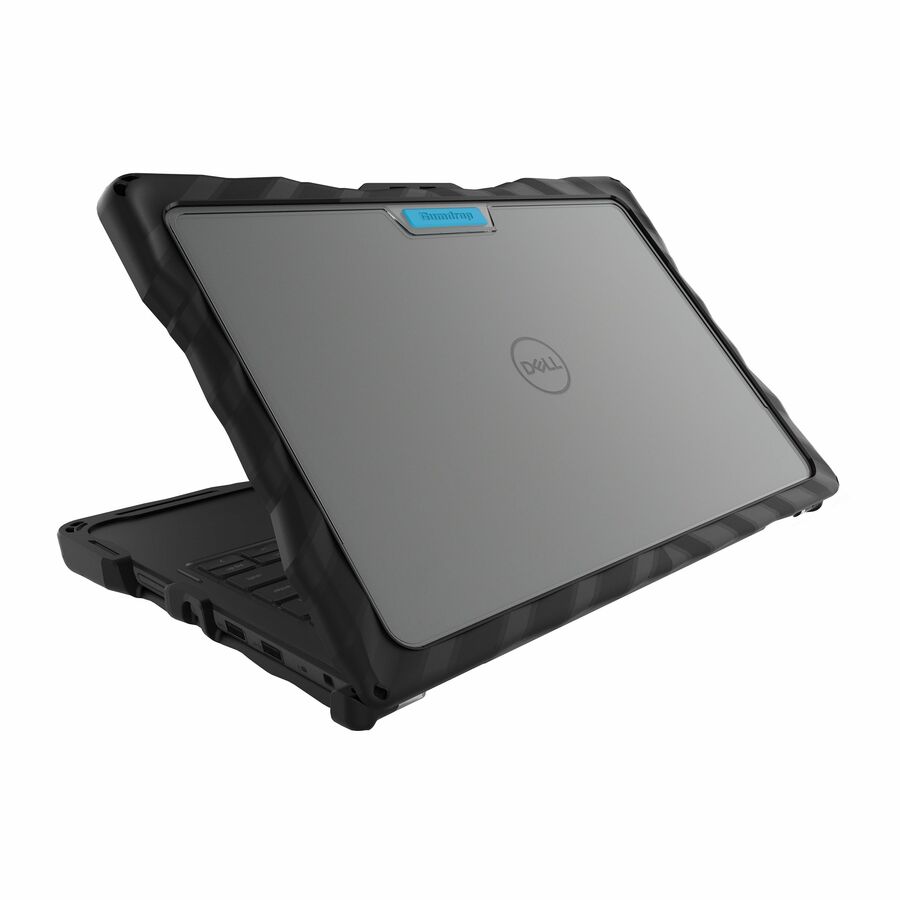


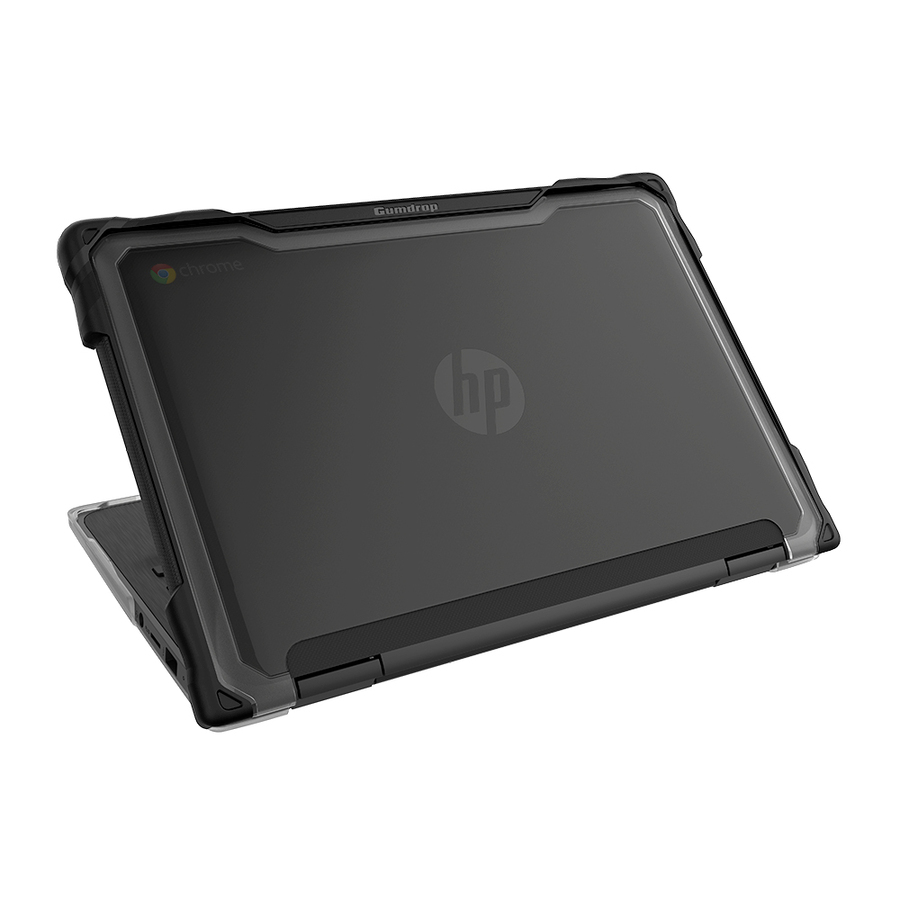
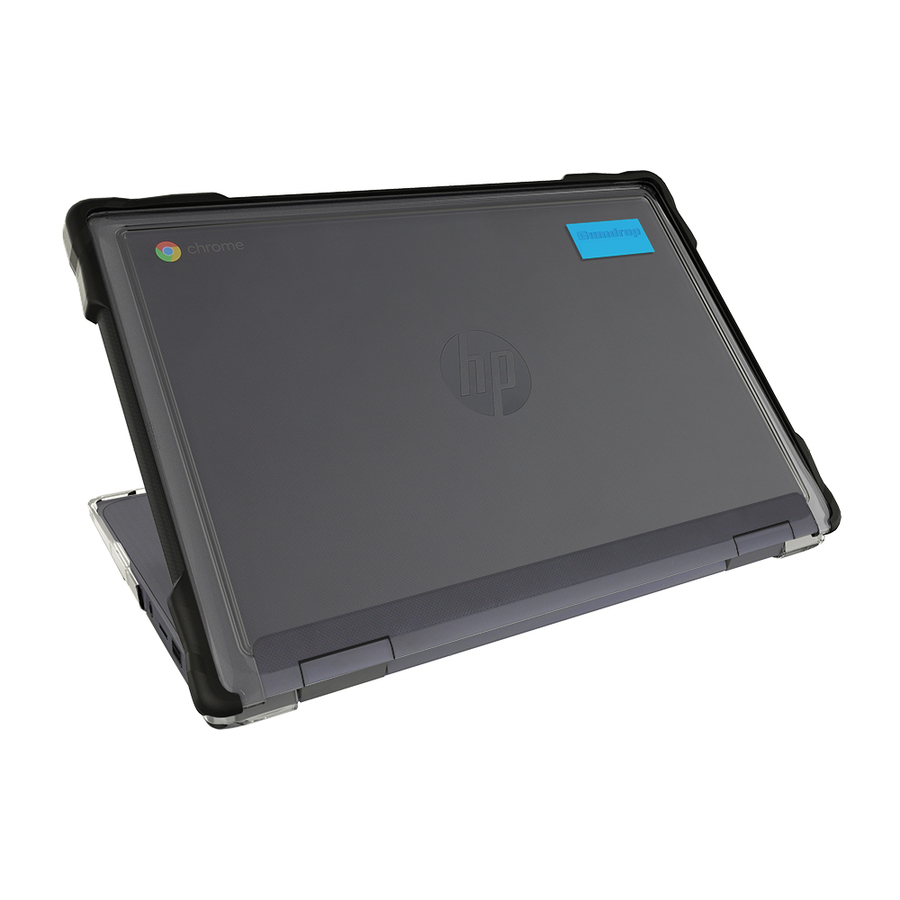
More cases and skins in the Uniqcli catalog
See all 3,642 cases and skinsMore Gumdrop first — closest to what you were just looking at; “See all cases and skins” above opens every other brand in the category. In-stock lines lead, and a back-ordered line carries the same estimated availability its product page does — with live pricing throughout, NDAA §889 screening before checkout and TAA verified on request.
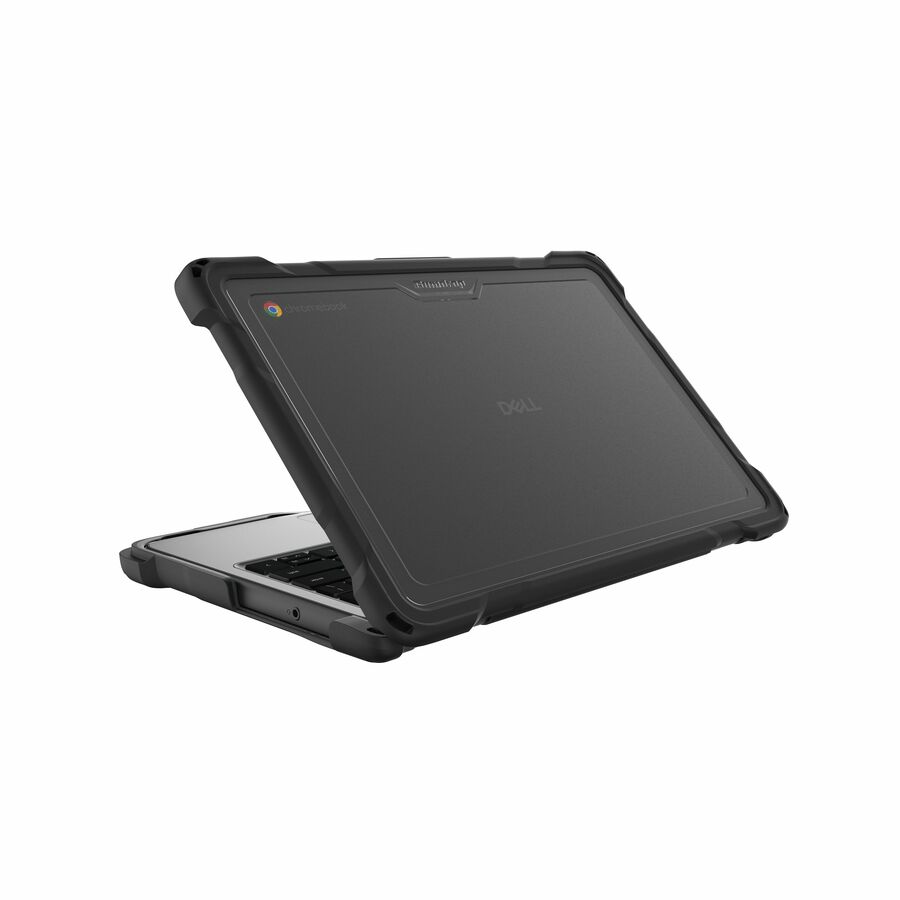
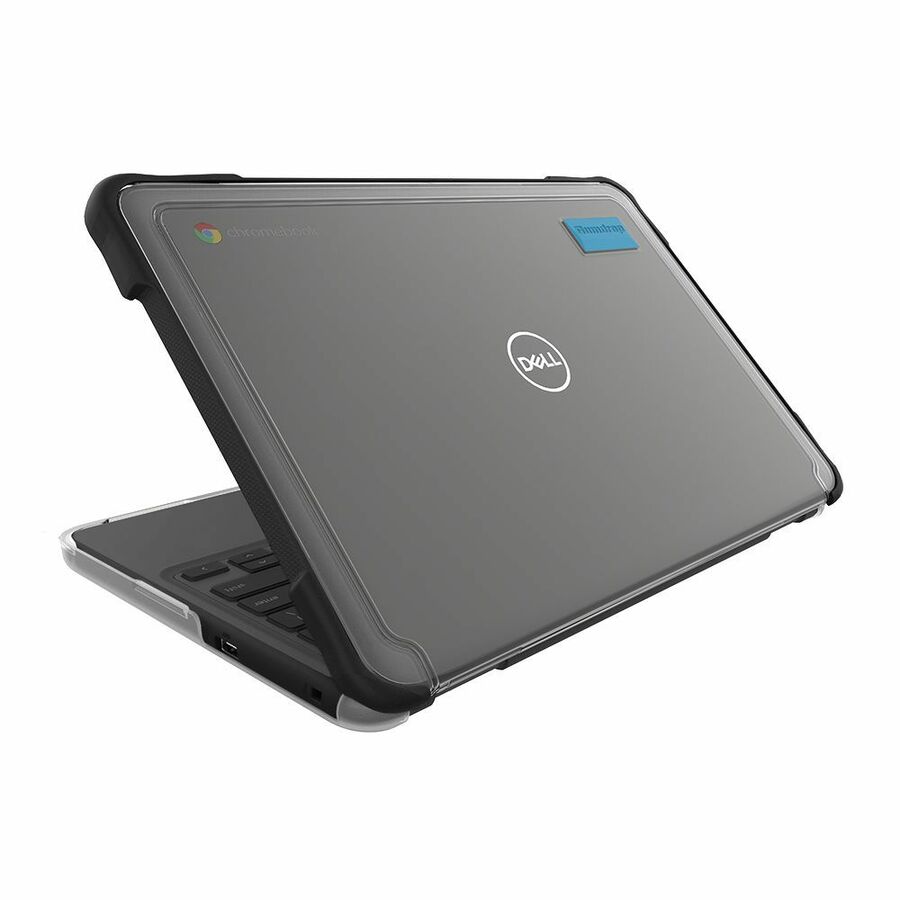
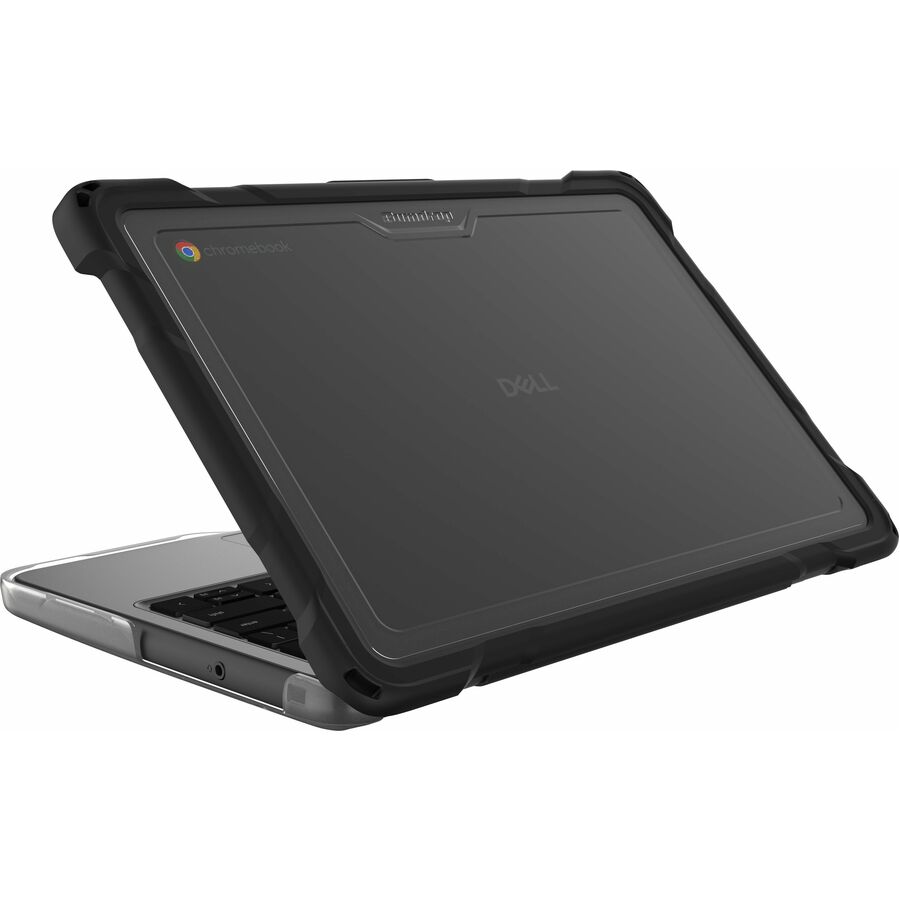
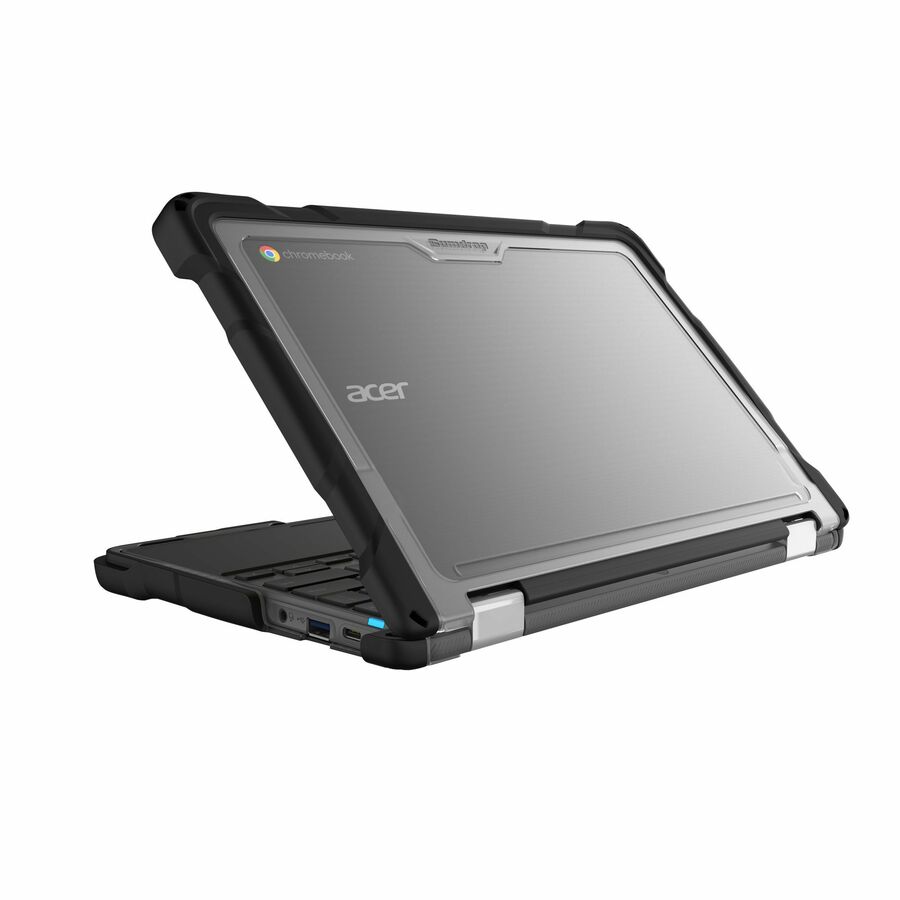
- GumdropGumdrop DropTech for Acer Chromebook Spin 511 (R757T/R757TN) - For Acer Chromebook - Transparent - Bump Resistant, Drop Resistant, Shock Absorbing, Impact Resistant, Scratch Resistant - Rubber - Rugged01C011
$49.95
$34.05
Back-orderedBack-ordered — estimated OEM lead time 3–8 weeks (Nov 12 – Dec 17 if ordered today).
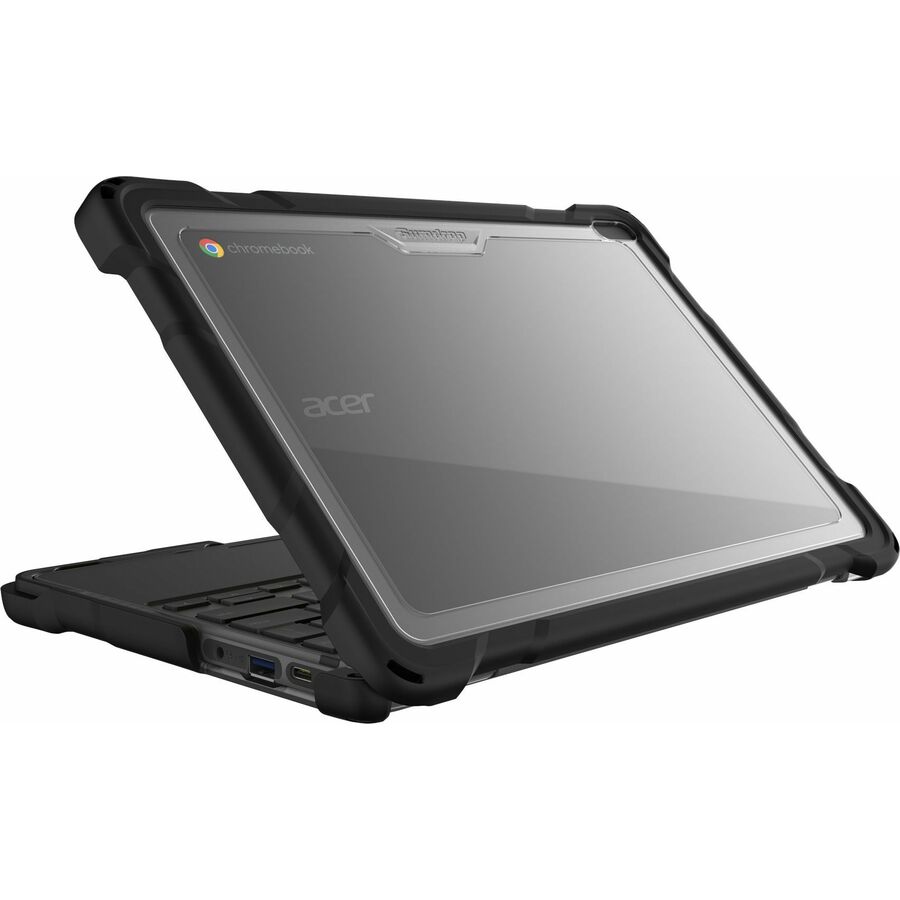
- GumdropGumdrop DropTech for Acer Chromebook 311 (C723/C723T) (Clamshell) - For Acer Chromebook - Transparent - Shock Absorbing, Drop Resistant, Bump Resistant, Scratch Resistant, Impact Resistant - Rugged01C010
$49.95
$34.18
Back-orderedBack-ordered — estimated OEM lead time 3–8 weeks (Nov 12 – Dec 17 if ordered today).
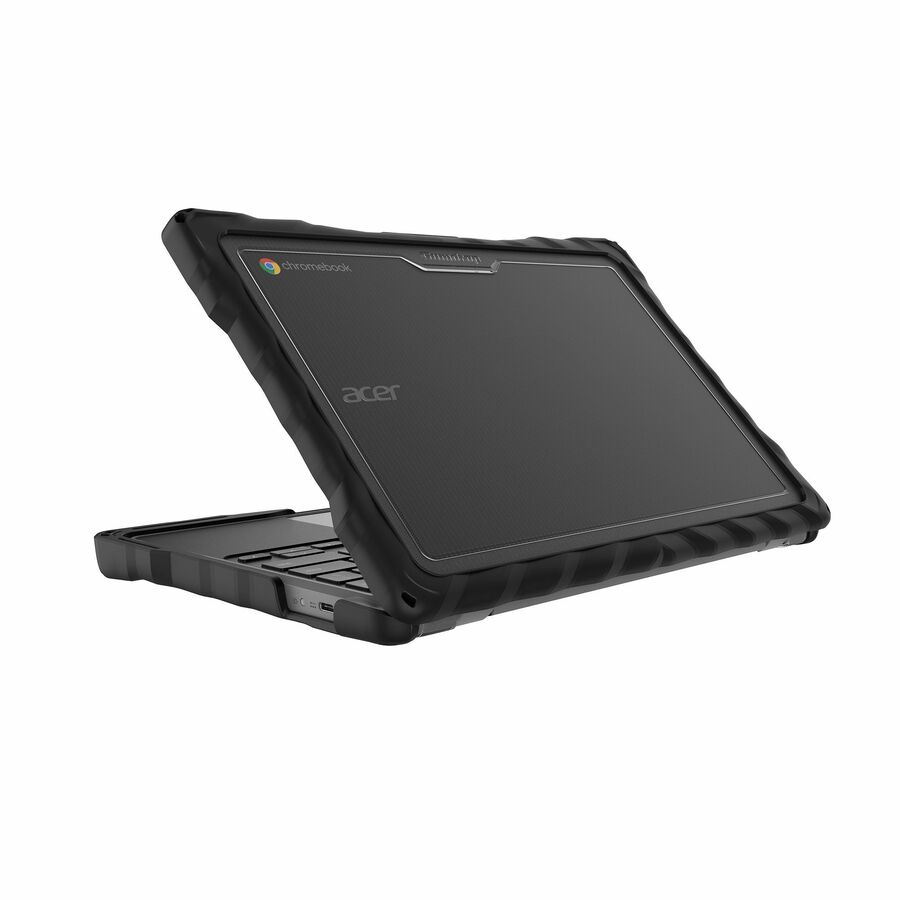
- GumdropGumdrop DropTech for Acer R275T Chromebook (2-in-1) - For Acer Chromebook - Transparent - Bump Resistant, Drop Resistant, Shock Absorbing, Impact Resistant, Scratch Resistant - Rubber - Rugged01C013
$49.95
$34.20
Back-orderedBack-ordered — estimated OEM lead time 3–8 weeks (Nov 12 – Dec 17 if ordered today).
- GumdropGumdrop DropTech for Acer C275 Chromebook (Clamshell) - For Acer Chromebook - Transparent - Bump Resistant, Drop Resistant, Shock Absorbing, Impact Resistant, Scratch Resistant - Rubber - Rugged01C012
$49.95
$34.20
Back-orderedBack-ordered — estimated OEM lead time 3–8 weeks (Nov 12 – Dec 17 if ordered today).
- GumdropGumdrop SlimTech For Dell Latitude 7350/7340 (2-in-1) - For Dell Notebook, Chromebook - Textured grip - Transparent - Bump Resistant, Drop Resistant, Scratch Resistant, Scuff Resistant06D011-US
$59.95
$48.17
Back-orderedBack-ordered — estimated OEM lead time 3–8 weeks (Nov 12 – Dec 17 if ordered today).
- GumdropGumdrop DropTech For Lenovo Chromebook 500e 2-in-1 Gen 5 - For Lenovo Chromebook - Transparent - Bump Resistant, Drop Resistant, Shock Absorbing, Scratch Resistant - Rubber - Rugged01L017
$49.95
$38.43
Back-orderedBack-ordered — estimated OEM lead time 3–8 weeks (Nov 12 – Dec 17 if ordered today).
- GumdropGumdrop DropTech For Lenovo Chromebook 100e Gen 5 - For Lenovo Chromebook - Transparent - Bump Resistant, Drop Resistant, Damage Resistant, Shock Absorbing, Scratch Resistant - Rubber - Rugged01L018
$49.95
$38.45
Back-orderedBack-ordered — estimated OEM lead time 3–8 weeks (Nov 12 – Dec 17 if ordered today).
- GumdropGumdrop DropTech for Lenovo 14e Chromebook (14") Laptop - For Lenovo Chromebook - Transparent - Bump Resistant, Drop Resistant, Shock Absorbing, Scratch Resistant - Rubber - 14" Maximum Screen Size Supported - Rugged01L016
$49.95
$38.45
Back-orderedBack-ordered — we expect to receive stock the week of Dec 7–13 and will process your delivery right after.
- GumdropGumdrop DropTech Dell 3189/3190 2-in-1 - Black - For Dell Chromebook, Notebook - Black, Clear - Drop Resistant, Shock Resistant, Shock Absorbing, Bump Resistant, Scratch Resistant - Silicone, Polycarbonate - RuggedDT-DL31902IN1-BLK
$49.95
$40.24
Back-orderedBack-ordered — estimated OEM lead time 3–8 weeks (Nov 12 – Dec 17 if ordered today).
- GumdropGumdrop DropTech Lenovo 300e Case - For Lenovo Chromebook - Black - Drop Resistant, Shock Resistant - Silicone, PolycarbonateDT-L300E-BLK
$49.95
$40.26
Back-orderedBack-ordered — estimated OEM lead time 3–8 weeks (Nov 12 – Dec 17 if ordered today).
- GumdropGumdrop DropTech Dell Latitude 11" 3190 Case - For Dell Notebook, Chromebook - Black, Clear - Shock Resistant, Drop Resistant - Silicone, PolycarbonateDT-DL3190CS-BLK
$49.95
$40.27
Back-orderedBack-ordered — estimated OEM lead time 3–8 weeks (Nov 12 – Dec 17 if ordered today).
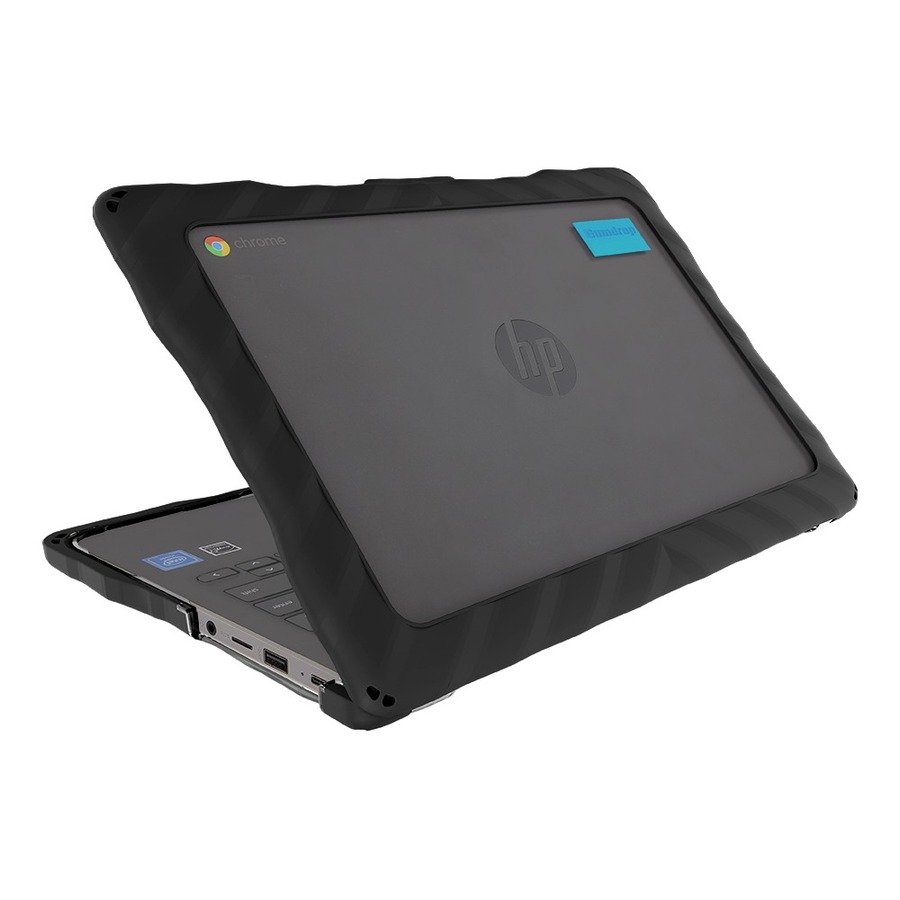
- GumdropGumdrop DropTech for HP Chromebook 11 G7 EE - For HP Chromebook - Black - Shock Resistant, Drop Resistant - Thermoplastic Polyurethane (TPU), Polycarbonate, Thermoplastic Polyurethane (TPU) Rubber01H006
$49.95
$40.27
Back-orderedBack-ordered — estimated OEM lead time 3–8 weeks (Nov 12 – Dec 17 if ordered today).
- GumdropGumdrop Drop Tech Case for Chromebook, Notebook - Black - For Chromebook, Notebook - Black - Vibration Resistant, Shock Resistant, Drop Resistant, Impact Resistant - Polycarbonate, Silicone, Acrylonitrile Butadiene Styrene (ABS)DT-DL3380-BLK
$49.95
$40.33
Back-orderedBack-ordered — estimated OEM lead time 3–8 weeks (Nov 12 – Dec 17 if ordered today).
- GumdropGumdrop DropTech Lenovo 100e G3/100w G3 Clamshell - Black - For Lenovo Chromebook - Black - Shock Absorbing, Drop Resistant, Bump Resistant, Scratch Resistant - Rubber - Rugged01L009
$49.95
$41.41
Back-orderedBack-ordered — estimated OEM lead time 3–8 weeks (Nov 12 – Dec 17 if ordered today).
- GumdropGumdrop DropTech Lenovo 500e Chromebook Case Gen 2 - For Lenovo Chromebook - Black, Clear - Shock Resistant, Drop Proof, Shock Absorbing, Drop Resistant - Silicone, Polycarbonate01L007
$49.95
$41.44
Back-orderedBack-ordered — estimated OEM lead time 3–8 weeks (Nov 12 – Dec 17 if ordered today).
- GumdropGumdrop DropTech Acer C722 MTK - Black - For Acer Chromebook - Black - Shock Absorbing, Shock Resistant - Thermoplastic Polyurethane (TPU), Polycarbonate, Thermoplastic Polyurethane (TPU) Rubber - Rugged01C003
$49.95
$41.46
Back-orderedBack-ordered — estimated OEM lead time 3–8 weeks (Nov 12 – Dec 17 if ordered today).
- GumdropGumdrop DropTech Lenovo 500e Case - For Lenovo Chromebook - Transparent, Black - Drop Proof, Shock Resistant - Polycarbonate, SiliconeDT-L500E-BLK
$49.95
$41.47
Back-orderedBack-ordered — estimated OEM lead time 3–8 weeks (Nov 12 – Dec 17 if ordered today).
- GumdropGumdrop Droptech For Lenovo 100e Chromebook 2nd Gen, Mediatek (Clamshell) - Designed for K-12 Students, Teachers and Classrooms- Drop Tested, Rugged, Shockproof Bumpers for Reliable Device Protection-Black01L005
$49.95
$41.50
Back-orderedBack-ordered — estimated OEM lead time 3–8 weeks (Nov 12 – Dec 17 if ordered today).
- GumdropGumdrop DropTech Lenovo 300e Chromebook Case MediaTek Gen2 - For Lenovo Chromebook - Black, Clear - Drop Resistant, Shock Resistant - Silicone, Polycarbonate01L001
$49.95
$41.50
Back-orderedBack-ordered — estimated OEM lead time 3–8 weeks (Nov 12 – Dec 17 if ordered today).
- GumdropGumdrop DropTech Lenovo 300e Gen2 Intel - For Lenovo Chromebook - Black - Drop Proof, Shock Resistant, Bump Resistant, Shock Absorbing, Drop Resistant, Scratch Resistant - Silicone, Polycarbonate - Rugged01L003
$49.95
$41.50
Back-orderedBack-ordered — estimated OEM lead time 3–8 weeks (Nov 12 – Dec 17 if ordered today).
- GumdropGumdrop Acer Chromebook Spin 511/R752TN 2-in-1 - For Acer Chromebook - Black - Drop Resistant, Shock Resistant - Thermoplastic Polyurethane (TPU), Polycarbonate, Silicone01C000
$49.95
$41.50
Back-orderedBack-ordered — estimated OEM lead time 3–8 weeks (Nov 12 – Dec 17 if ordered today).
- GumdropGumdrop DropTech for ASUS Chromebook C204EE - For Asus Chromebook - Black - Shock Resistant, Drop Resistant - Thermoplastic Polyurethane (TPU), Rubber, Polycarbonate01C002
$49.95
$41.50
Back-orderedBack-ordered — estimated OEM lead time 3–8 weeks (Nov 12 – Dec 17 if ordered today).
- GumdropGumdrop DropTech HP G3 x360 11 MK EE MTK - Black - For HP Chromebook - Black - Drop Resistant, Bump Resistant, Scratch Resistant, Shock Absorbing - Thermoplastic Polyurethane (TPU) - Rugged01H014
$49.95
$41.50
Back-orderedBack-ordered — estimated OEM lead time 3–8 weeks (Nov 12 – Dec 17 if ordered today).
- GumdropGumdrop DropTech Acer R753T (2in1) - Black - For Acer Chromebook - Black - Shock Absorbing, Drop Resistant, Bump Resistant - Rubber - Rugged01C008
$49.95
$41.50
Back-orderedBack-ordered — estimated OEM lead time 3–8 weeks (Nov 12 – Dec 17 if ordered today).

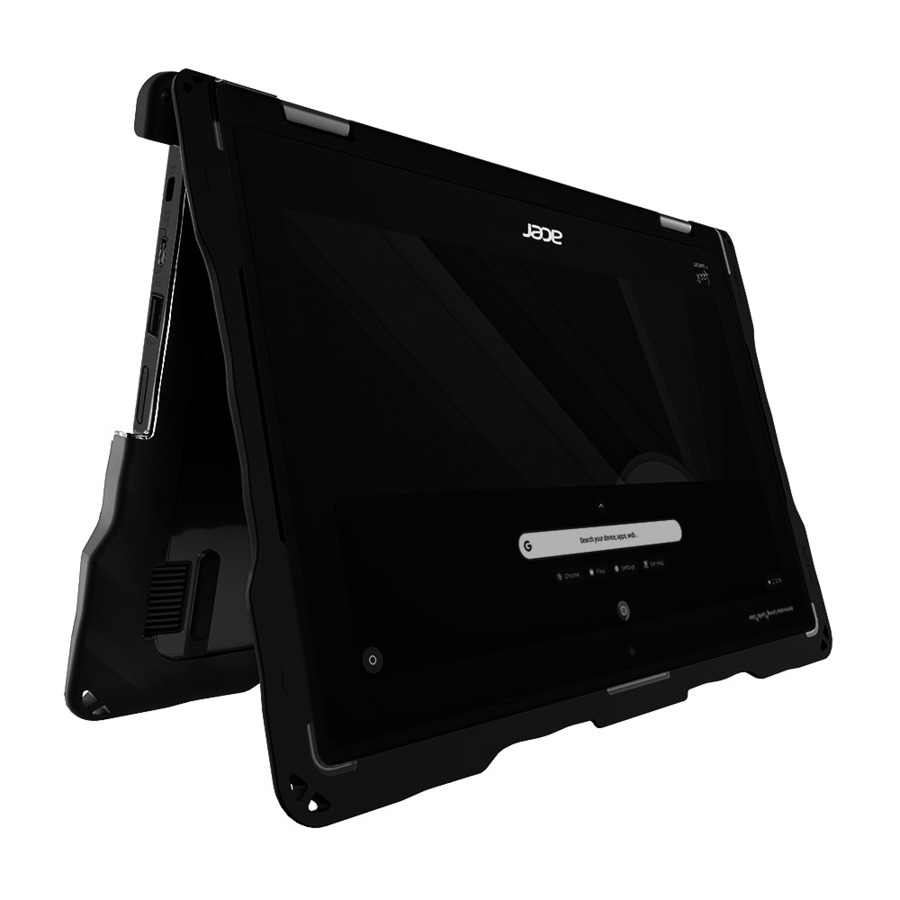
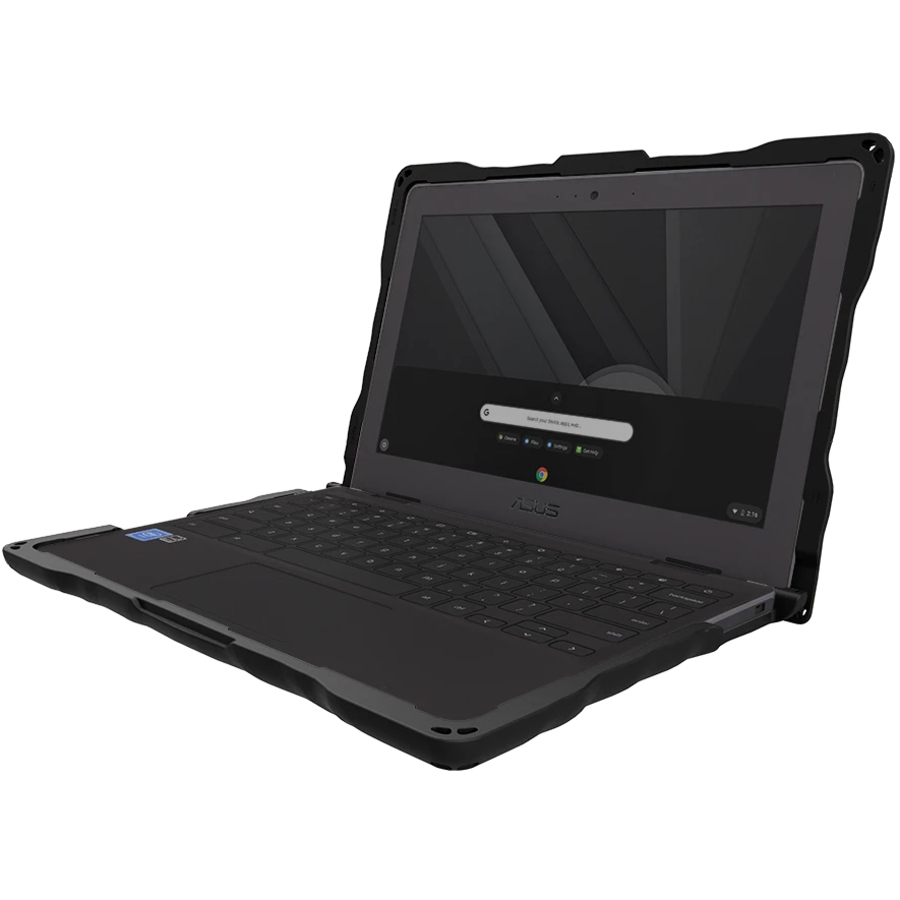
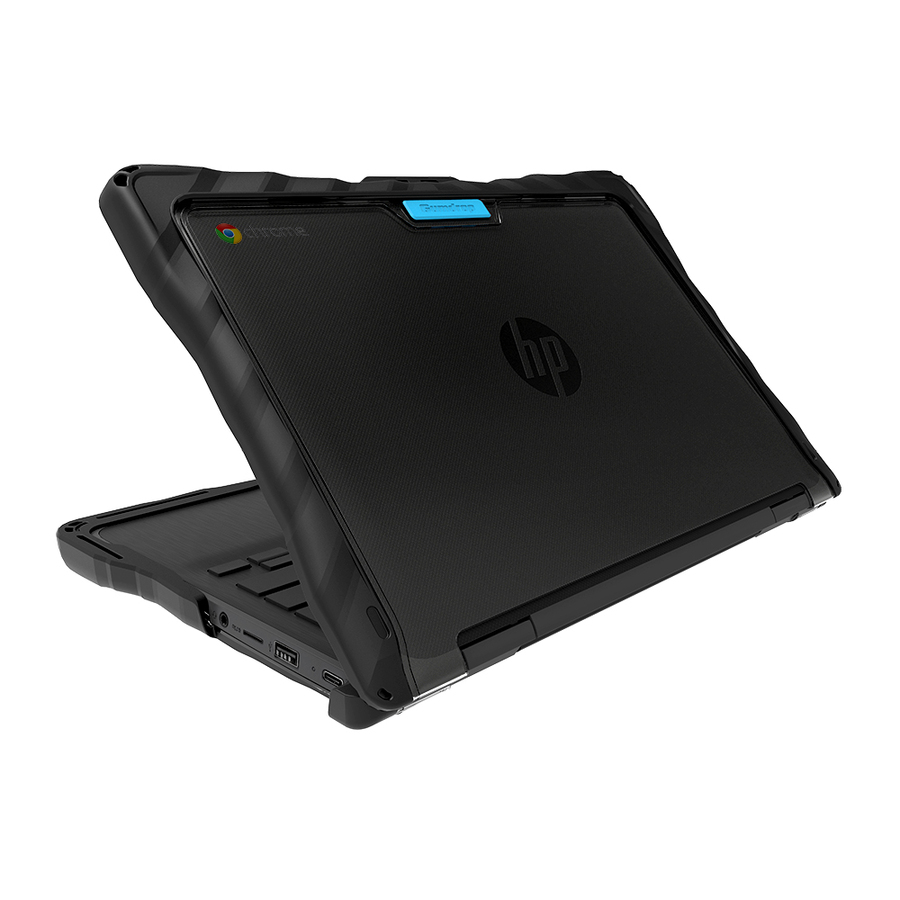
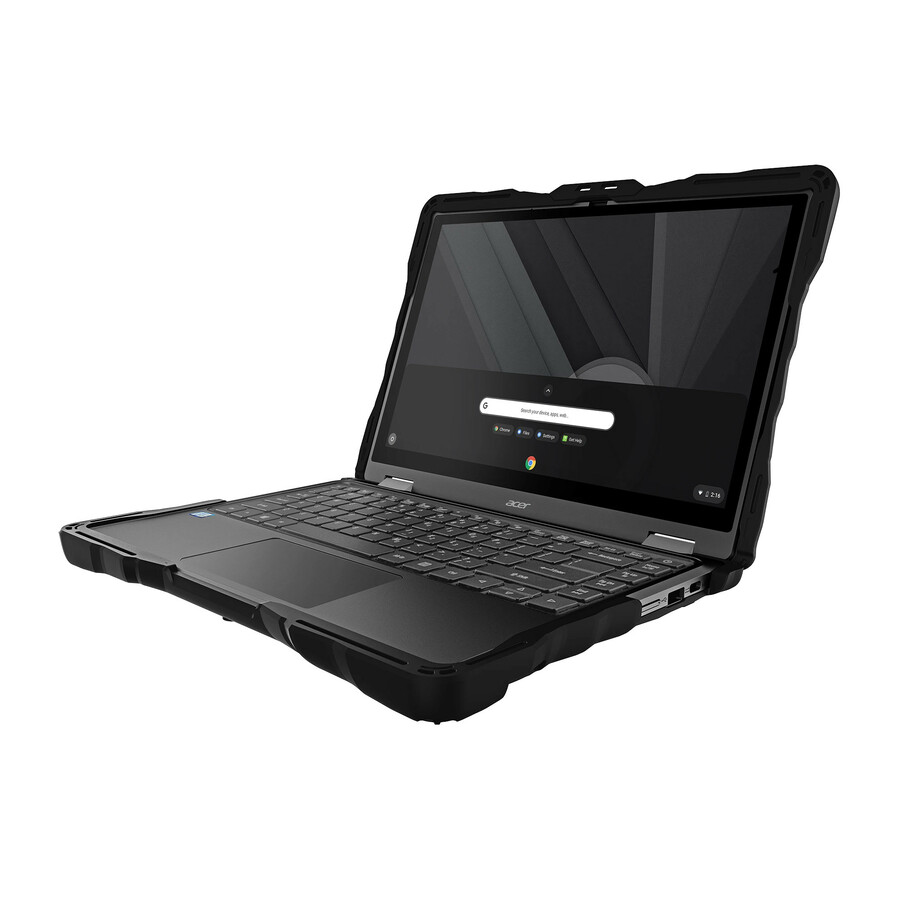
Need pricing on Gumdrop Chromebook cases?
Tell us where to reach you and a Uniqcli specialist will follow up by email with current pricing, availability and lead time for the quantities you need — including parts that aren’t shown on this page.
Buying for an organization or for yourself — both work. No payment up front.
Buying protective cases for a student fleet is not really a product decision. It is a model-matching exercise. Gumdrop builds a different shell for the clamshell and the 2-in-1 version of the same Chromebook, for consecutive generations of the same Lenovo model number, and for devices that look identical on a shelf. Order the wrong one at volume and you have eight hundred cases that fit nothing you own, a restocking conversation, and an unprotected fleet for the first six weeks of term.
That is why this page is organized around the device rather than the case. Every card in the grid carries the catalog title exactly as it comes from the manufacturer, including the model numbers and the clamshell-or-convertible qualifier, so the person raising the requisition can match against the asset register instead of guessing. If your fleet is a mix — and most are, because refreshes land in waves — expect to order two or three part numbers rather than one.
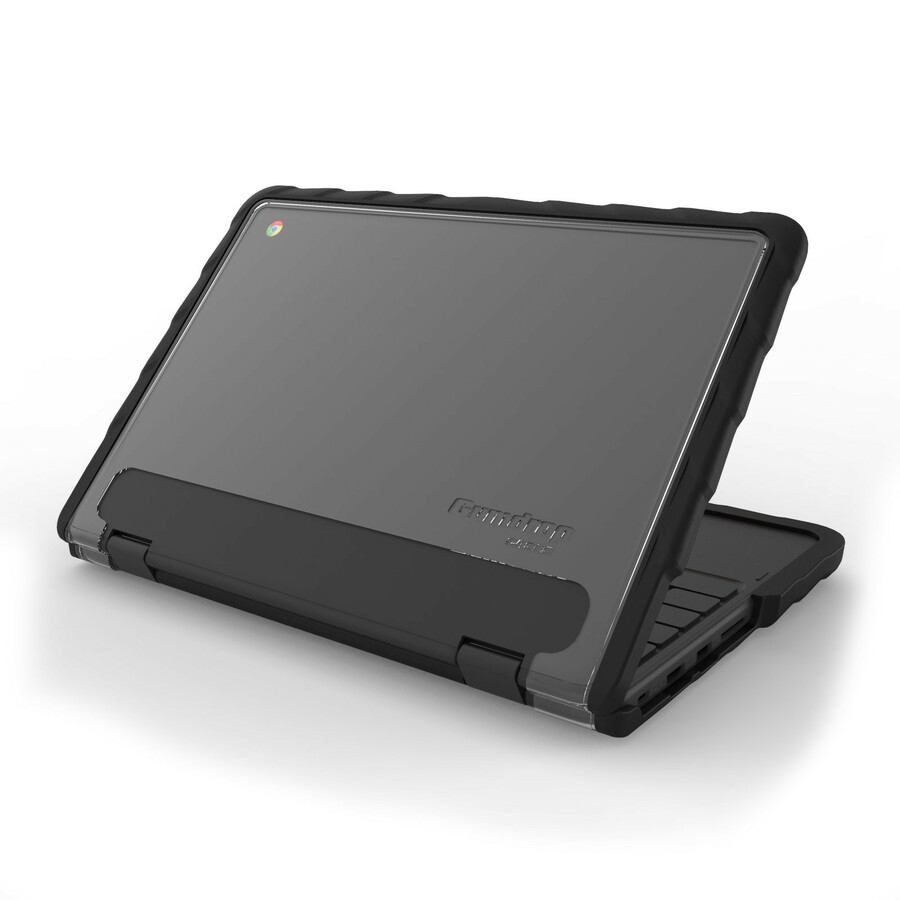
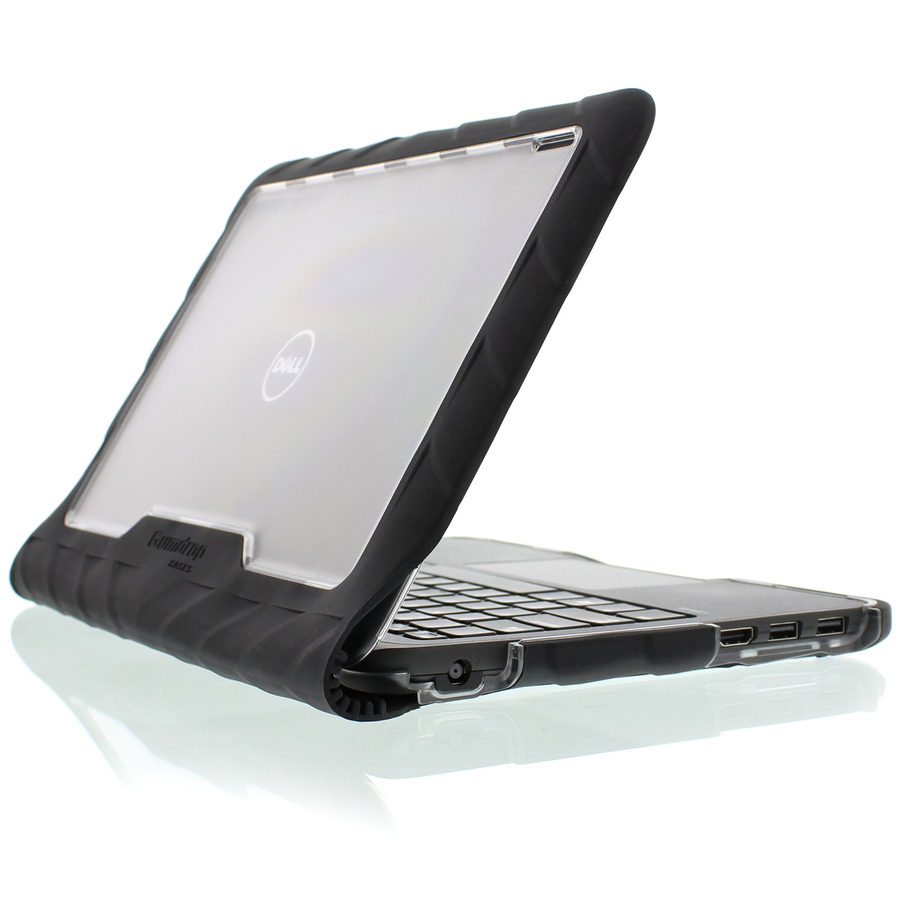
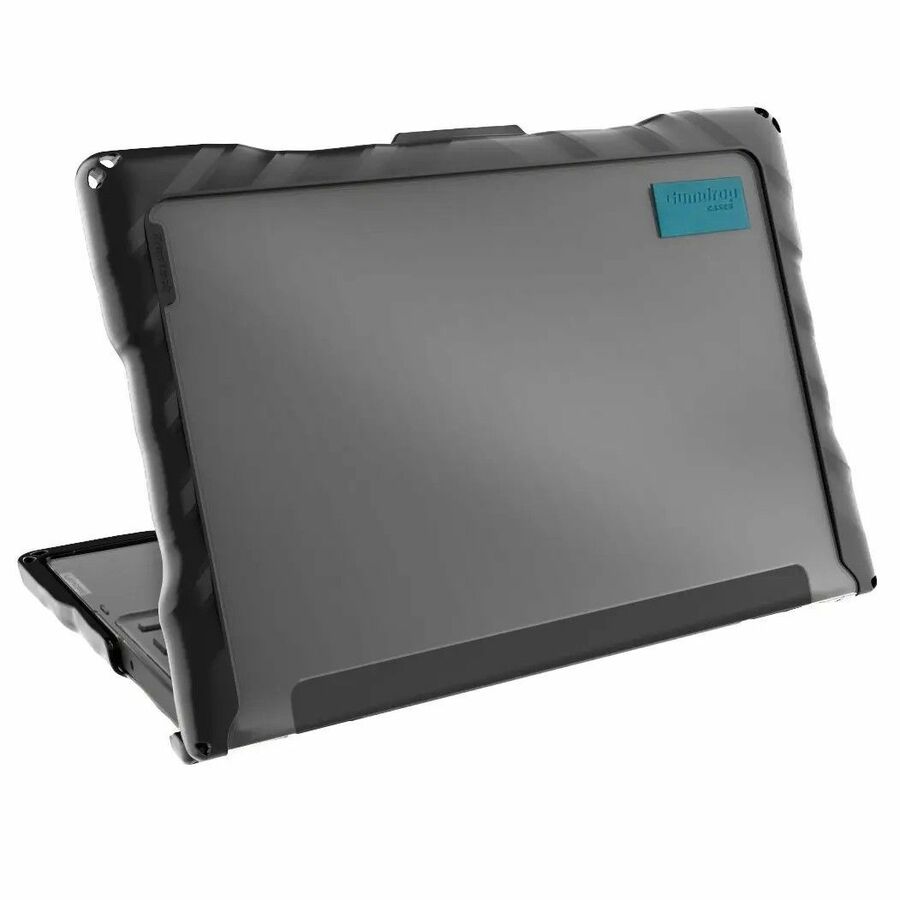
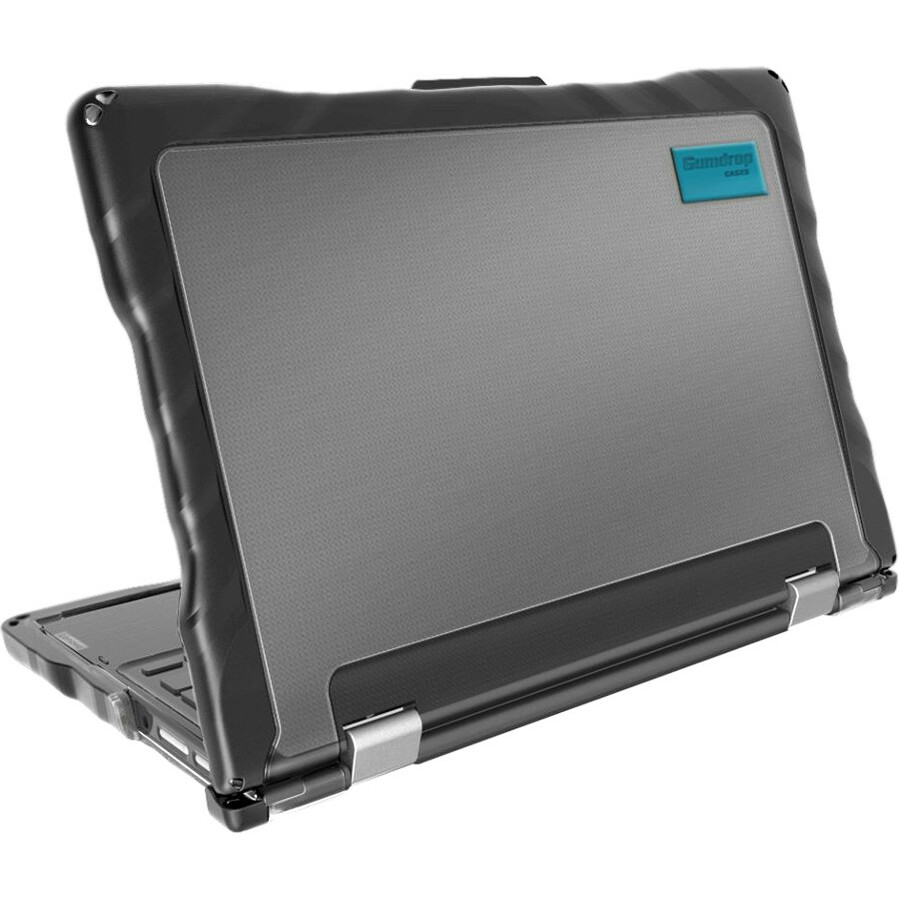
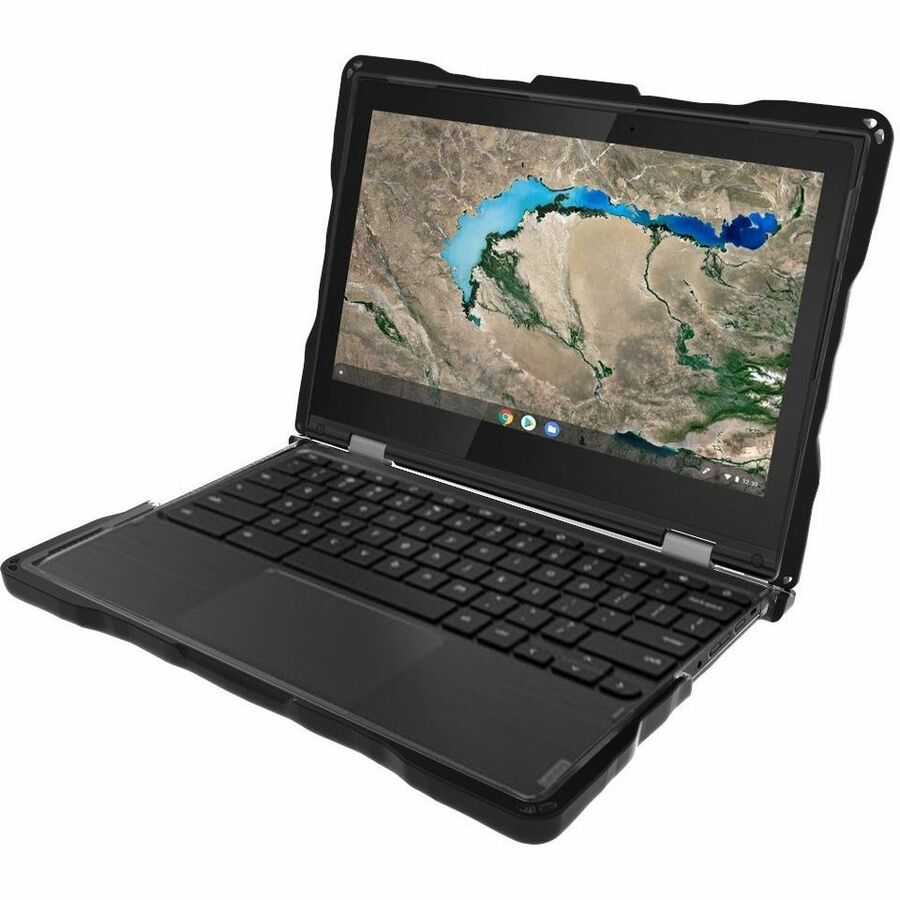
Gumdrop splits into three families at three price points, and they are genuinely different products rather than good-better-best versions of the same thing. DropTech is the rugged tier, built from thermoplastic polyurethane over a polycarbonate frame and listed as drop, bump, shock and scratch resistant. SlimTech is a lower-profile shell with a textured grip that adds far less bulk. BumpTech is a corner-and-edge bumper only. Which one you want depends less on budget than on whether the device goes home at night.
Buyer's checklist
How to choose Chromebook cases for a one-to-one fleet
- Match to the exact device, including the form factor. Gumdrop lists separate part numbers for the clamshell and 2-in-1 versions of the Dell 3120/3110/3100 family, and the convertible shell has to clear a hinge the clamshell version does not.
- Check the generation, not just the model number. Lenovo's 100e and 300e names run across several hardware generations with different chassis, and a case cut for one will not seat on another.
- Decide whether the device goes home. A take-home device in a backpack among books and water bottles justifies the rugged DropTech tier; a device that lives in a cart in one room usually does not.
- Measure a cased device against the charging cart bay before you order at volume. A rugged shell adds several millimeters per side, which is enough to change how many devices seat on a shelf.
- Confirm port and camera cutouts against your actual usage. Convertible devices used in tablet mode need the world-facing camera clear; devices used with USB-C docks or dongles need the port opening to clear a chunky connector.
- Ask whether TAA country-of-origin status is a requirement on this line item. Several Gumdrop part numbers are listed as TAA compliant and several are not, and it is cheaper to filter for it at quote stage than to unwind it at receiving.
- Standardize the color and finish across a building, not across the district. Transparent shells let asset tags and engraved identifiers stay visible; opaque black shells hide them and slow down inventory.
- Order spares in the same purchase order, at ten to fifteen percent. Cases are the fastest-moving consumable in a device program and a specific part number may not be available six months later.
- Do the repair-avoidance arithmetic with your own numbers. Cases on this page sit roughly between eighteen and forty dollars per device; put that against your own historical repair invoices and self-insurance rates rather than against a vendor's damage statistic.
DropTech, SlimTech and BumpTech: what actually differs
DropTech is the tier most one-to-one programs end up on. The listings describe a thermoplastic polyurethane and polycarbonate construction with rubberised bumpers, and the marketed resistances are drop, bump, impact, shock and scratch. It is the bulkiest of the three and the heaviest, and it is the one that will still be doing its job in year three. Most of the Dell 3100-family and Lenovo 100e/300e/500e part numbers we hold sit in this family, in the high thirties.
SlimTech, around the high twenties, is a textured-grip shell that adds noticeably less thickness. It lists bump, scratch, scuff and drop resistance rather than the full rugged claim set. It is the right choice for a device that stays on campus, for older students, and for fleets where charging cart bay depth is already tight. It also stays out of the way of a device that gets used in tablet mode all day.
BumpTech is a bumper rather than a shell — corner and edge protection at around eighteen dollars, currently listed for the Lenovo 100e and 100w Gen 4 clamshell. It protects the part of the device that actually meets the floor and leaves the rest exposed. In a primary setting where devices are carried short distances and stored in a cart, that is often enough, and the saving across a large order is substantial. In a take-home program it is not enough.
Clamshell or convertible: the mistake that costs the most
The single most expensive error in this category is ordering the clamshell case for a convertible fleet or the reverse. Gumdrop's part numbers for the Dell Chromebook 3120/3110/3100 family are split explicitly — one part number is marked clamshell, another is marked 2-in-1 — and they are within a cent of each other on price, so nothing on the invoice will flag the mistake. It shows up at unboxing, in the third week of August.
Check the asset register rather than the purchase history. Districts that bought a mixed order in a previous refresh often have both variants in the same building, sometimes in the same room, distinguished only by a suffix on the original invoice. If the register does not record the variant, physically check twenty devices across the buildings before committing to a volume order.
The same care applies to the Lenovo lines. A 100e or 300e can be a MediaTek or an Intel chassis depending on generation, and the shells are cut differently. Where the catalog title carries a generation marker, treat it as load-bearing rather than descriptive, and send us the exact model string from a device's own settings page if there is any doubt. We would rather answer that question before the order than after it.
The interaction nobody plans for: cases and charging carts
Cases and carts are usually bought by different people in different fiscal years, and they collide. A cart specified around a bare eleven-inch Chromebook has a bay depth with very little margin. Add a rugged shell and the devices go in at an angle, or they go in but the shelf will not slide, or the last two on each shelf do not fit at all.
The fix is trivially cheap if you do it first: measure one cased device at its thickest point, multiply by the devices per shelf, and compare against the shelf's usable width before either order goes out. If the numbers are tight, SlimTech instead of DropTech usually recovers the margin without giving up meaningful protection for an on-campus device.
If the cart is already in the room and the numbers do not work, the honest options are a slimmer case or a cart with a lower device density. Removing cases to charge is not an option — devices come out of carts damaged precisely because someone was in a hurry, which is the scenario the case was bought for.
Ordering at volume, and what we can actually ship
Availability in this category is uneven and moves quickly. As this guide is written, ten of the seventy-one photographed, priced Gumdrop Chromebook lines we hold are in stock, weighted heavily towards the Dell 3100 family and the Lenovo 100e Gen 4. The rest are order-in with a lead time. The grid above shows live status, so read it rather than this paragraph — but plan on the assumption that a volume order for a less common model is a scheduled purchase rather than a same-week one.
For anything above a few hundred units, send the bill of materials through the quote route rather than the cart. We can confirm what is genuinely on the shelf, what is arriving and when, and whether a nearly identical part number covers the same device — which is a question worth asking before you accept an eleven-week lead time on the exact one you first specified.
Include the spares in that quote rather than adding them later. Cases get lost, broken and taken home permanently, and a second small order six months on will cost more per unit and may find the part number gone. Ten to fifteen percent held in the storeroom is the spare ratio commonly used in district device programs.
FAQ
Common questions
- How do I know which Gumdrop case fits our Chromebooks?
- Match on the full model string from the device itself, including the generation and whether it is a clamshell or a 2-in-1 convertible. Gumdrop publishes separate part numbers for those variants and the catalog titles on this page carry them. If your asset register does not record the variant, physically check a sample across buildings before ordering at volume, or send us the model string and we will confirm.
- What is the difference between DropTech and SlimTech?
- DropTech is the rugged tier — thermoplastic polyurethane over polycarbonate, listed as drop, bump, impact, shock and scratch resistant, and noticeably thicker. SlimTech is a lower-profile textured-grip shell listing bump, scratch, scuff and drop resistance. DropTech is the right call for take-home devices; SlimTech suits on-campus fleets and situations where charging cart bay depth is already tight.
- Are Gumdrop Chromebook cases TAA compliant?
- Some part numbers are listed as TAA compliant and others are not, so it has to be checked per line rather than per brand. If TAA country-of-origin status is a requirement on your order, say so on the quote request and we will filter the list to lines that carry it before you commit.
- Will a rugged case stop devices fitting in our charging cart?
- It can. A rugged shell adds several millimeters per side, and carts specified around bare devices often have very little margin. Measure one cased device at its thickest point and check it against the shelf before ordering either the cases or the cart. Where the fit is marginal, a slim shell usually recovers the space without giving up meaningful protection for a device that stays on campus.
- How many spare cases should we order?
- A common district practice is to hold ten to fifteen percent, ordered in the same purchase order as the fleet. Cases are the fastest-moving consumable in a device program, and a second small order later costs more per unit and risks the specific part number no longer being available.
Need Gumdrop Chromebook cases pricing?
Send a bill of materials or part numbers — we confirm stock and a below-market total, with TAA verified on request. No payment up front.