
Best MAXCases Extreme Shell Chromebook Cases for 1:1 Fleets
Always-on slide-on shells for Dell, Lenovo, HP and Acer education Chromebooks — how the Extreme Shell families differ and how to match the right one.
MAXCases Chromebook cases at Uniqcli
How to choose →A curated selection with live pricing and honest availability — everything below is currently back-ordered, and we quote a dated lead time on request. Every line is sourced through US distribution and screened for NDAA §889 status before checkout, with TAA verified on request.
Back-ordered — estimated OEM lead time 3–8 weeks (Nov 13 – Dec 18 if ordered today).
Back-ordered — estimated OEM lead time 3–8 weeks (Nov 13 – Dec 18 if ordered today).
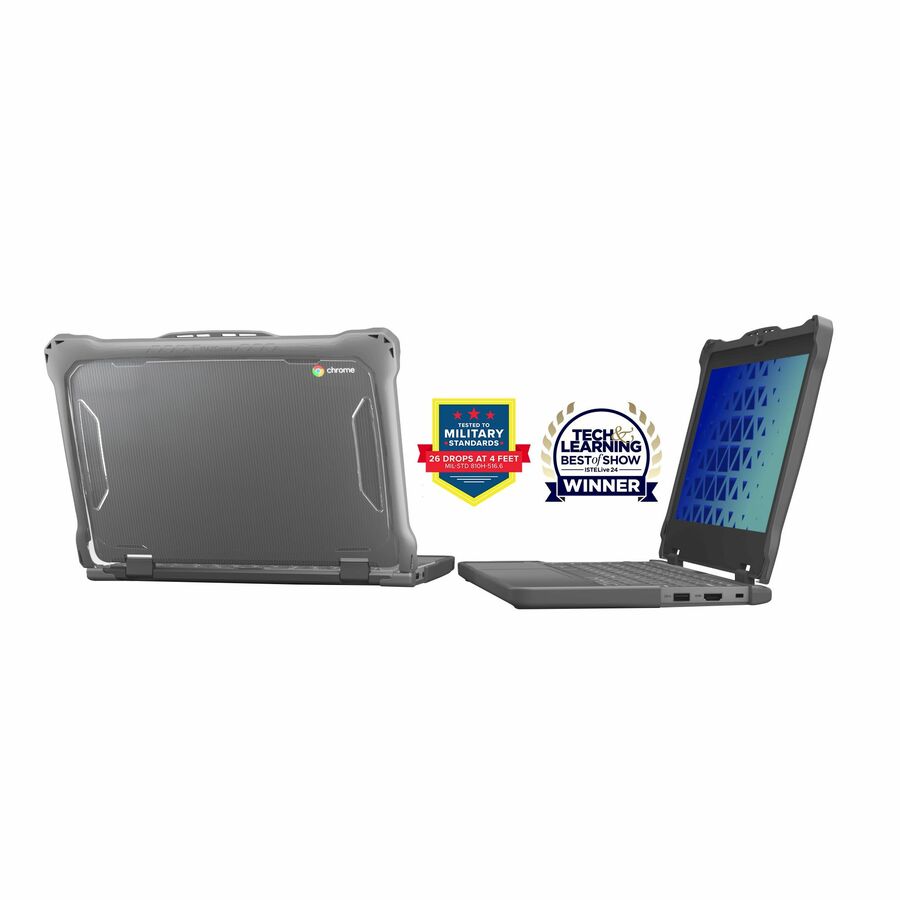
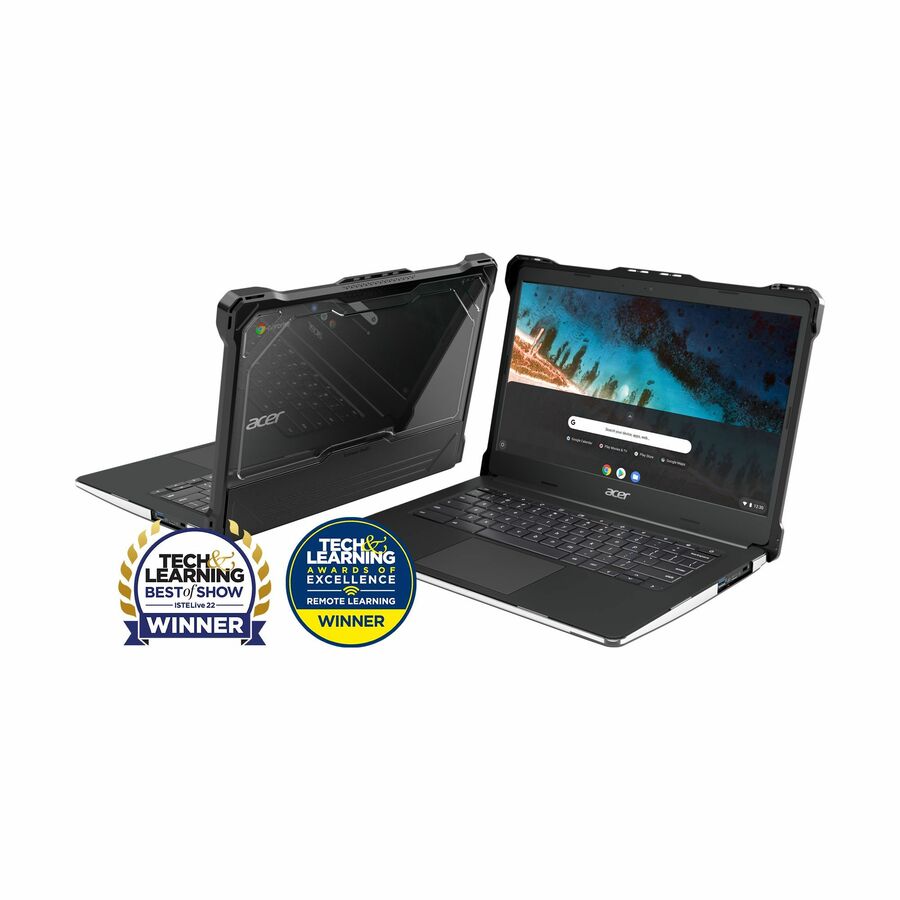
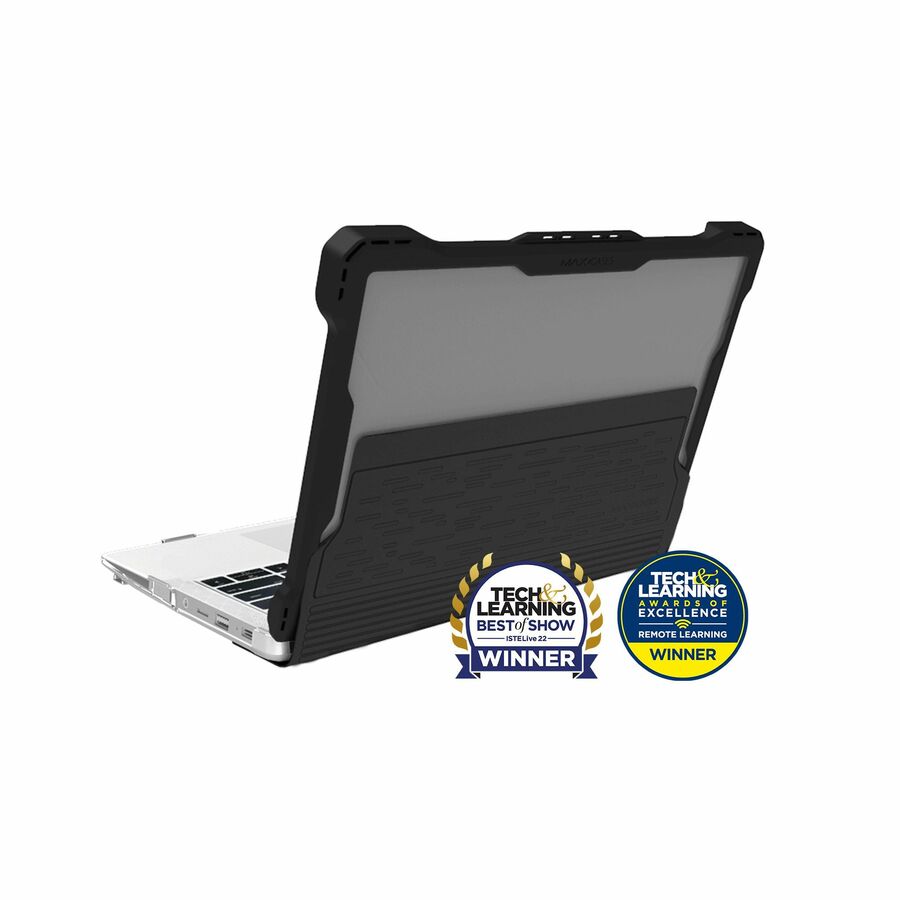
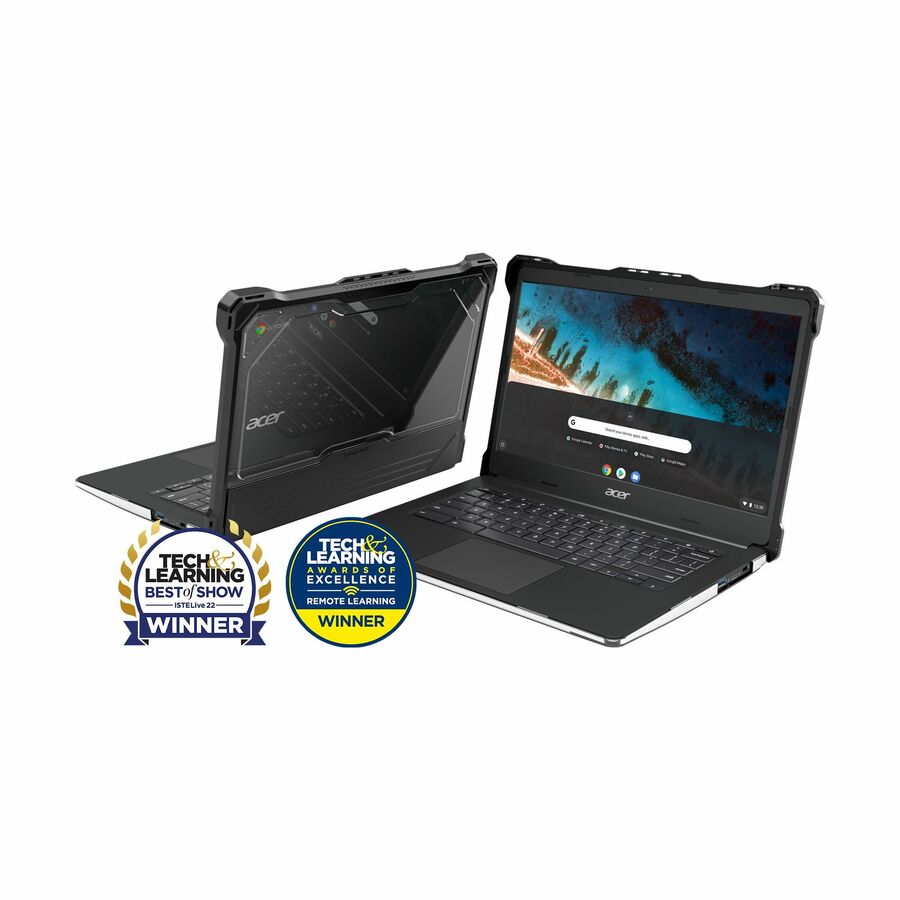
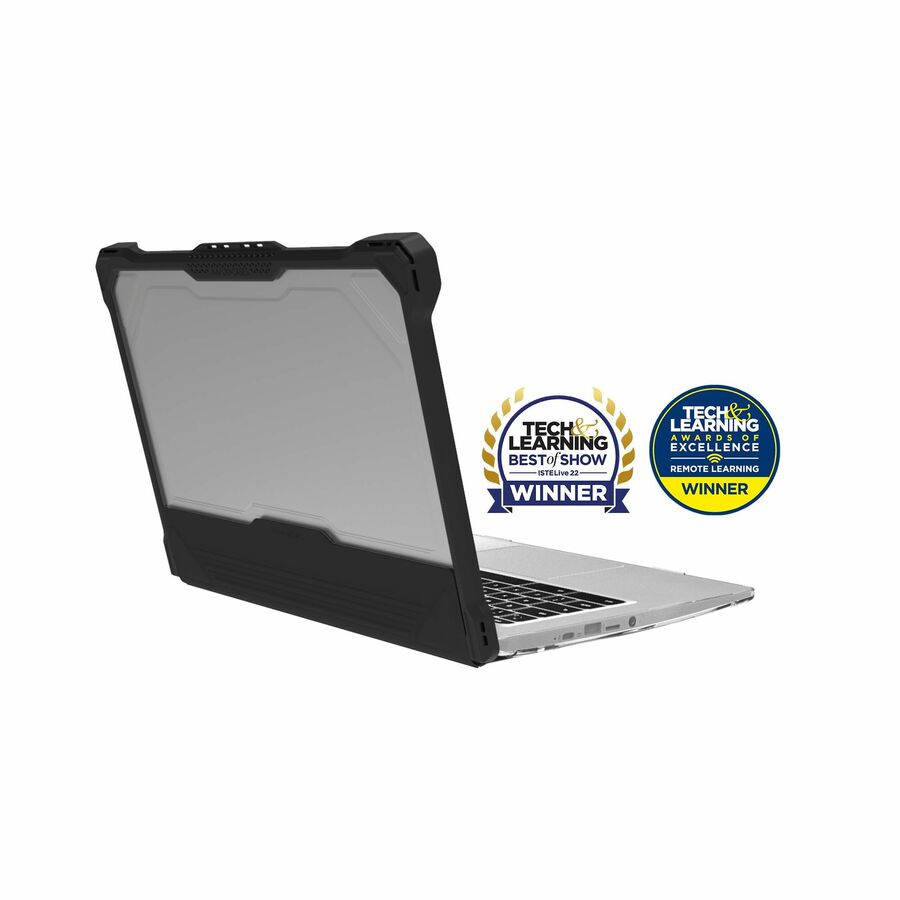
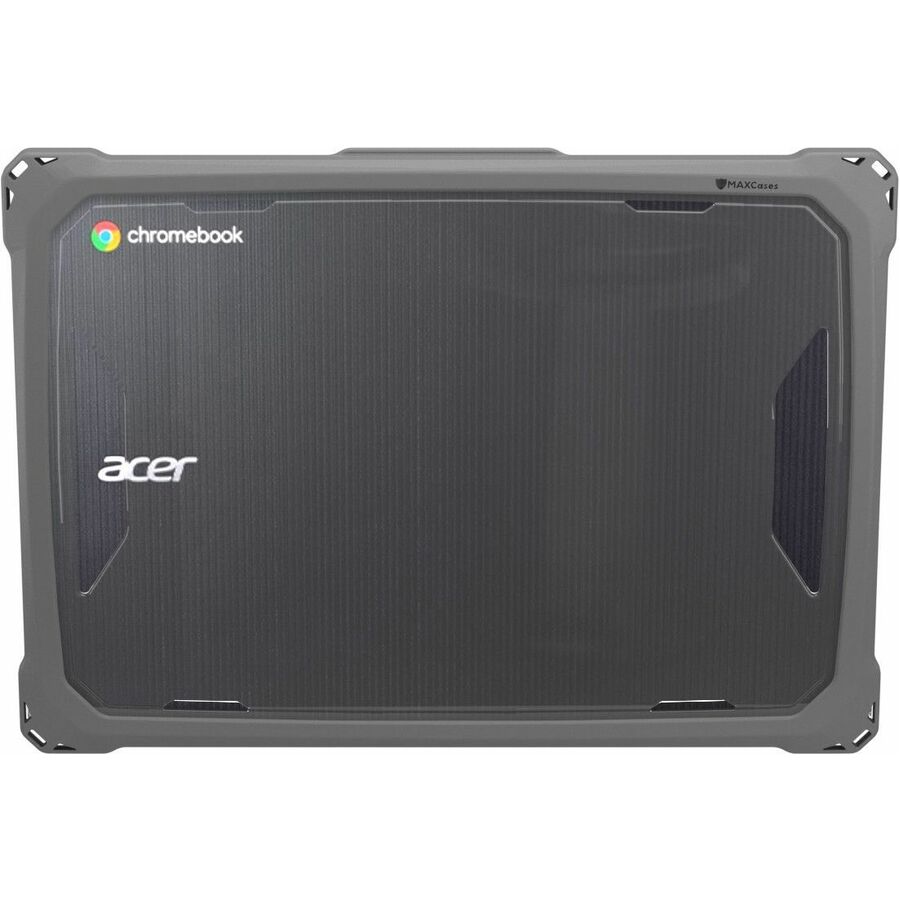
- MAXCasesMAXCases Extreme Shell-L Chromebook Case for Acer C741L and Acer C722 Chromebook 11" (Black) - For Acer Chromebook - Black - Impact Absorbing, Impact Resistant, Scratch Resistant, Bacterial Resistant, Drop Resistant, Damage Resistant - Polycarbonate, Thermoplastic Polyurethane (TPU) - 11" Maximum Screen Size Supported - RuggedAC-ESL-C741L-BCLR
$24.95
$21.98
Back-orderedBack-ordered — estimated OEM lead time 3–8 weeks (Nov 13 – Dec 18 if ordered today).
Back-ordered — estimated OEM lead time 3–8 weeks (Nov 13 – Dec 18 if ordered today).
- MAXCasesMAXCases Extreme Shell-L Chromebook Case for Acer C871 Chromebook 712 12" (Black/Clear) - For Acer Chromebook - Textured Grip - Clear, Black - Impact Absorbing, Impact Resistant, Scratch Resistant, Bacterial Resistant, Damage Resistant, Drop Resistant, Anti-slip - Polycarbonate, Thermoplastic Polyurethane (TPU) - 12" Maximum Screen Size Supported - RuggedAC-ESL-C871-12-BLK
$24.95
$22.40
Back-orderedBack-ordered — estimated OEM lead time 3–8 weeks (Nov 13 – Dec 18 if ordered today).
Back-ordered — estimated OEM lead time 3–8 weeks (Nov 13 – Dec 18 if ordered today).
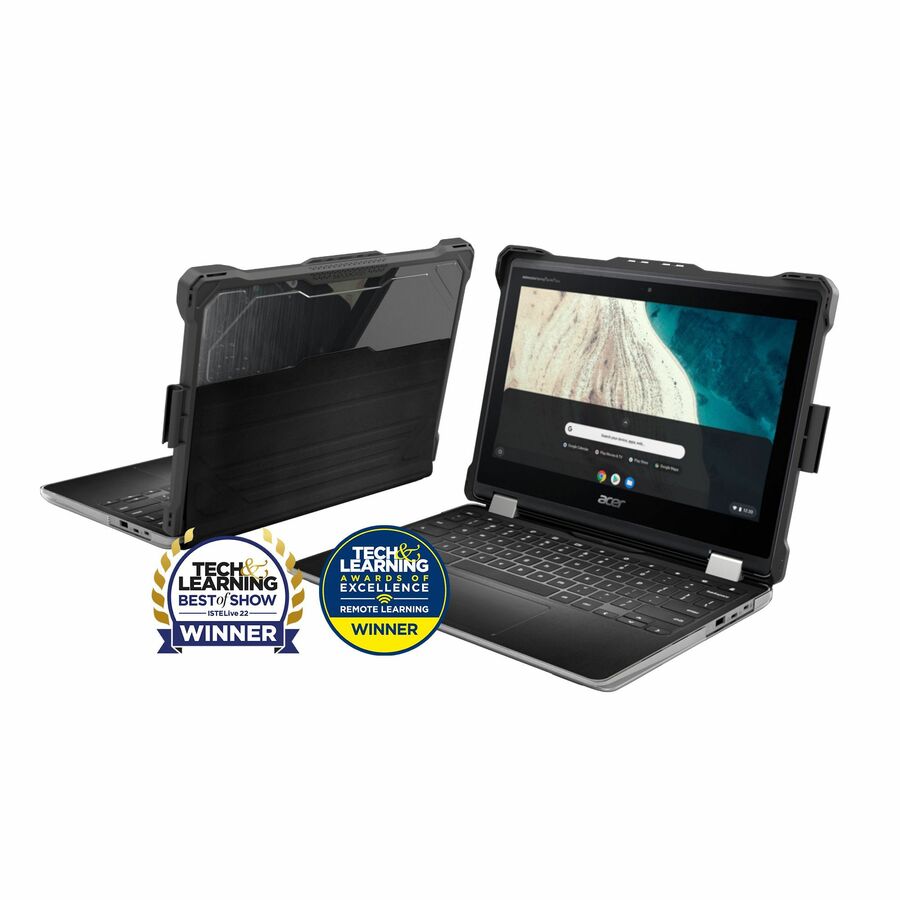
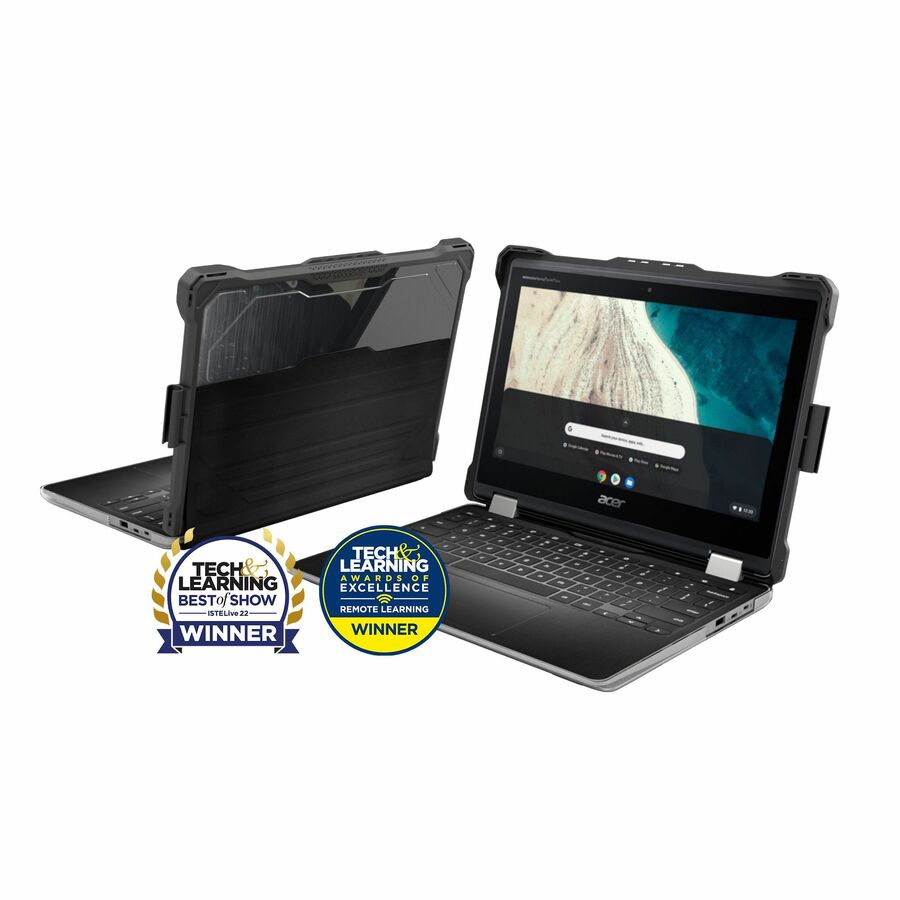
- MAXCasesMAXCases Extreme Shell-L Chromebook Case for Acer R851T Spin 512 Chromebook 12" (Black) - For Acer Chromebook - Black - Impact Absorbing, Impact Resistant, Scratch Resistant, Bacterial Resistant, Drop Resistant, Damage Resistant - Polycarbonate, Thermoplastic Polyurethane (TPU) - 12" Maximum Screen Size Supported - RuggedAC-ESL-R851T-BLK
$29.95
$23.71
Back-orderedBack-ordered — estimated OEM lead time 3–8 weeks (Nov 13 – Dec 18 if ordered today).
Back-ordered — estimated OEM lead time 3–8 weeks (Nov 13 – Dec 18 if ordered today).
Back-ordered — estimated OEM lead time 3–8 weeks (Nov 13 – Dec 18 if ordered today).
- MAXCasesMAXCases Extreme Shell-L for Lenovo 300e/500e G3 Chrome, 300w/500w Windows 2:1 11" (Black/Clear) - For Lenovo Chromebook - Textured Grip - Black/Clear - Impact Resistant, Scratch Resistant, Damage Resistant, Anti-slip, Drop Resistant, Impact Absorbing, Bacterial Resistant - Polycarbonate, Thermoplastic Polyurethane (TPU) - 11" Maximum Screen Size Supported - Rugged - TAA CompliantLN-ESL-300E-G3-BCLR
$34.95
$30.62*
Back-orderedBack-ordered — estimated OEM lead time 3–8 weeks (Nov 13 – Dec 18 if ordered today).
- MAXCasesMAXCases Extreme Shell-L for Lenovo 100e G3 Chromebook 11" (Black/Clear) - For Lenovo Chromebook - Textured Grip - Black/Clear - Impact Absorbing, Impact Resistant, Damage Resistant, Scratch Resistant, Anti-slip, Drop Resistant, Bacterial Resistant - Polycarbonate, Thermoplastic Polyurethane (TPU) - 11" Maximum Screen Size Supported - Rugged - TAA CompliantLN-ESL-100E-G3-BCLR
$34.95
$30.64*
Back-orderedBack-ordered — estimated OEM lead time 3–8 weeks (Nov 13 – Dec 18 if ordered today).
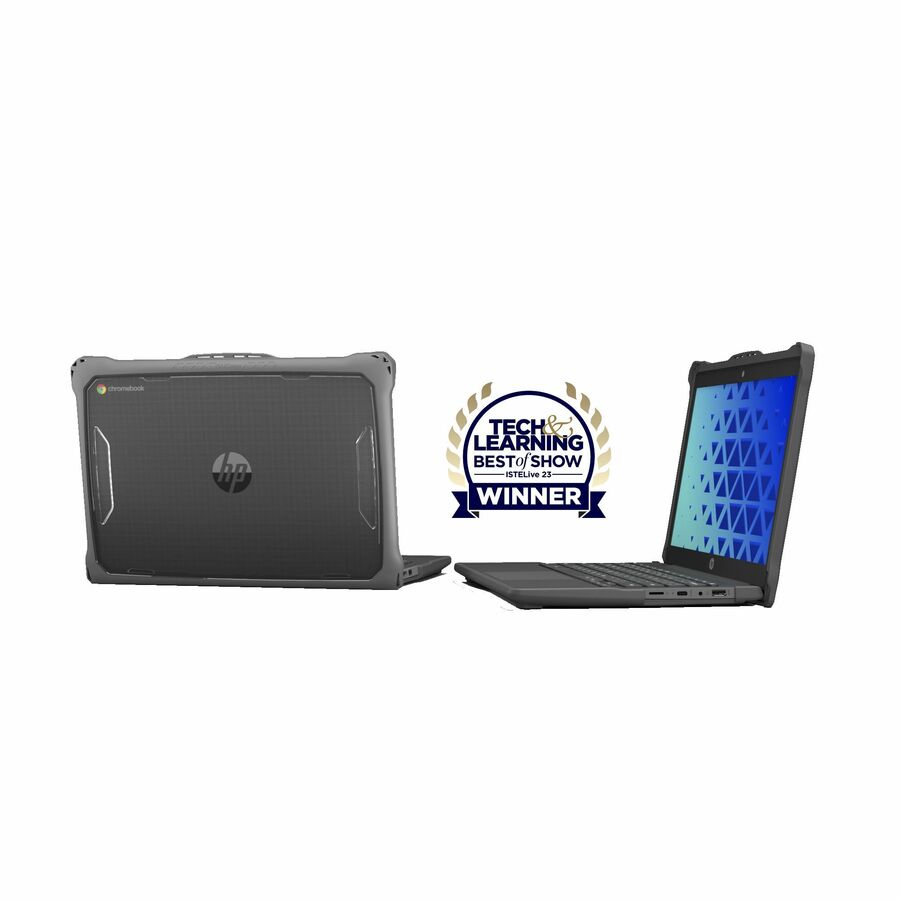
- MAXCasesMAXCases Extreme Shell-L for HP G9/G8 Chromebook 11" (Black) - For HP Chromebook - Texture Grip - Black - Impact Absorbing, Impact Resistant, Scratch Resistant, Drop Resistant, Damage Resistant, Anti-slip - Thermoplastic Polyurethane (TPU), Polycarbonate - 11" Maximum Screen Size Supported - Rugged - TAA CompliantHP-ESL-G9-BLK
$34.95
$30.65*
Back-orderedBack-ordered — estimated OEM lead time 3–8 weeks (Nov 13 – Dec 18 if ordered today).
Back-ordered — estimated OEM lead time 3–8 weeks (Nov 13 – Dec 18 if ordered today).
Back-ordered — estimated OEM lead time 3–8 weeks (Nov 13 – Dec 18 if ordered today).
Back-ordered — estimated OEM lead time 3–8 weeks (Nov 13 – Dec 18 if ordered today).
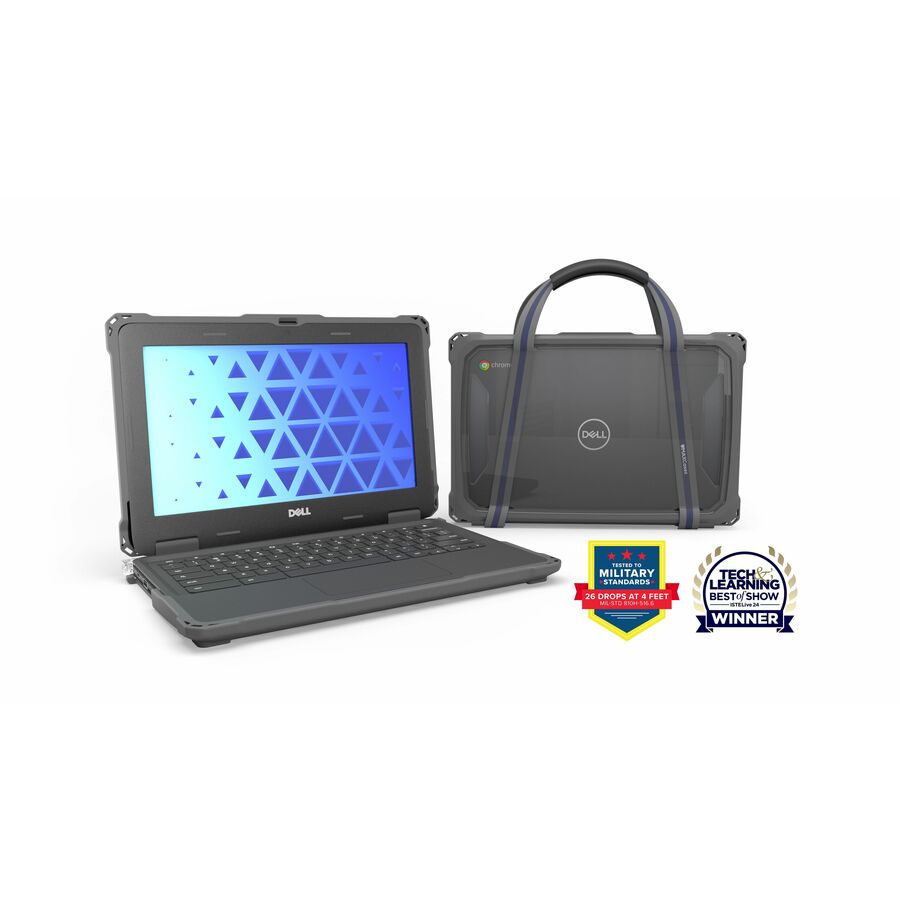
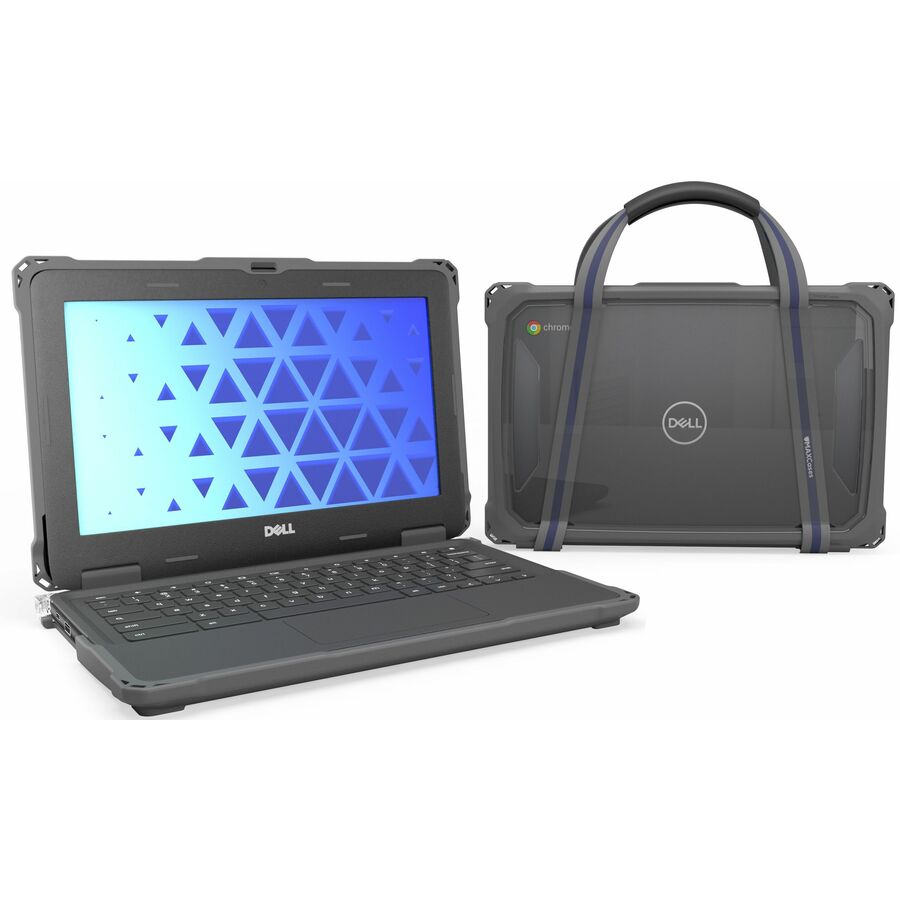
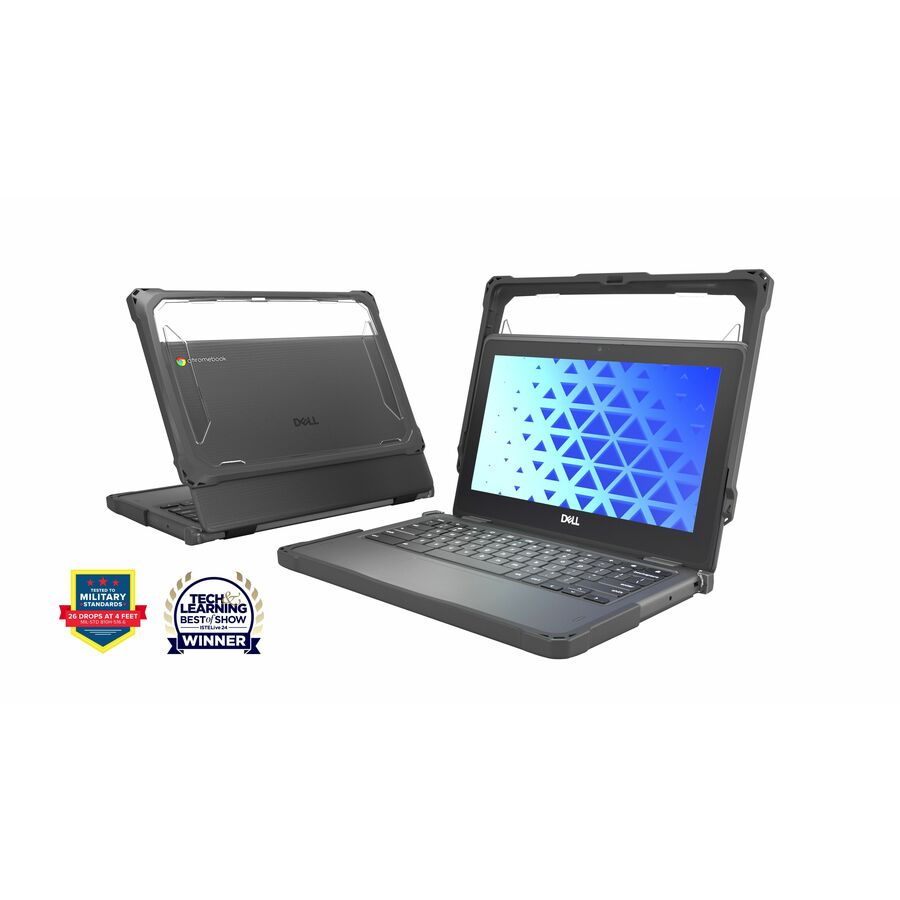
- MAXCasesMAXCases Extreme Shell-F Chromebook Case for Dell Chromebook 11" Clamshell (Model #CC11260/2025)(Grey) - For Dell Chromebook - Gray - Impact Resistant, Drop Resistant, Oil Resistant, Dirt Resistant, Scratch Resistant, Damage Resistant - Thermoplastic Polyurethane (TPU) - 11" Maximum Screen Size Supported - RuggedDLESF3CB11CGRY
$39.95
$31.73
Back-orderedBack-ordered — estimated OEM lead time 3–8 weeks (Nov 13 – Dec 18 if ordered today).
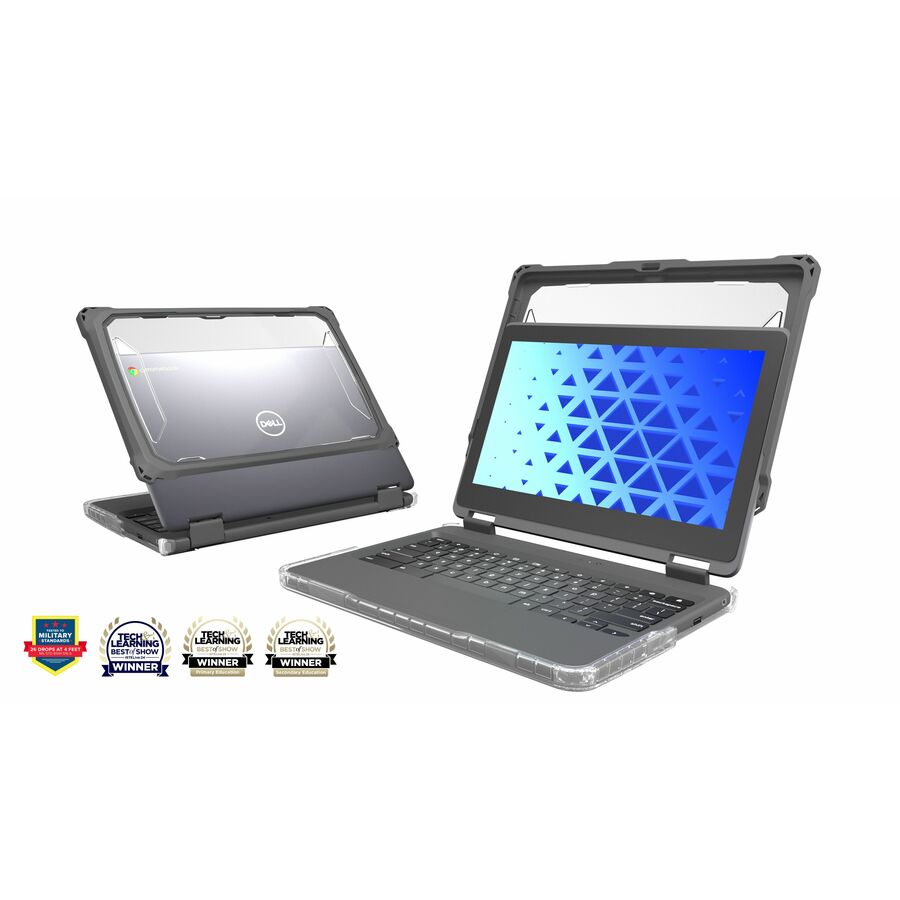
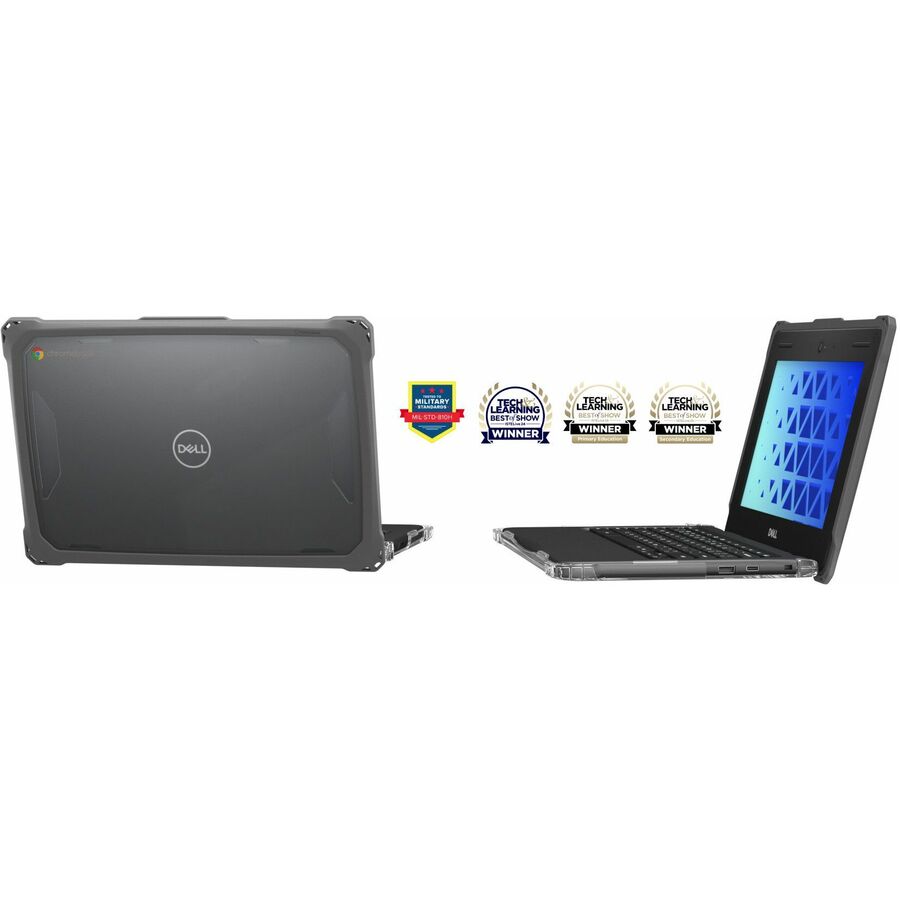
- MAXCasesMAXCases Extreme Shell-FL Chromebook Case for Dell 3100/3110/3120 Chromebook 2:1 Convertible 11.6" (Grey) - For Dell Chromebook - Gray - Impact Resistant, Drop Resistant, Dirt Resistant, Oil Resistant, Scratch Resistant, Damage Resistant - Thermoplastic Polyurethane (TPU) - 11.6" Maximum Screen Size Supported - RuggedDLESFL3121GRY
$39.95
$31.73
Back-orderedBack-ordered — estimated OEM lead time 3–8 weeks (Nov 13 – Dec 18 if ordered today).
- MAXCasesMAXCases DLESFL31CGRY - For Dell Chromebook - Gray - Impact Resistant, Drop Resistant, Dirt Resistant, Oil Resistant, Scratch Resistant, Damage Resistant - Thermoplastic Polyurethane (TPU) - 11.6" Maximum Screen Size Supported - RuggedDLESFL31CGRY
$39.95
$31.73
Back-orderedBack-ordered — estimated OEM lead time 3–8 weeks (Nov 13 – Dec 18 if ordered today).
Back-ordered — estimated OEM lead time 3–8 weeks (Nov 13 – Dec 18 if ordered today).
Back-ordered — estimated OEM lead time 3–8 weeks (Nov 13 – Dec 18 if ordered today).
Back-ordered — estimated OEM lead time 3–8 weeks (Nov 13 – Dec 18 if ordered today).
Back-ordered — estimated OEM lead time 3–8 weeks (Nov 13 – Dec 18 if ordered today).
Back-ordered — estimated OEM lead time 3–8 weeks (Nov 13 – Dec 18 if ordered today).
Back-ordered — estimated OEM lead time 3–8 weeks (Nov 13 – Dec 18 if ordered today).
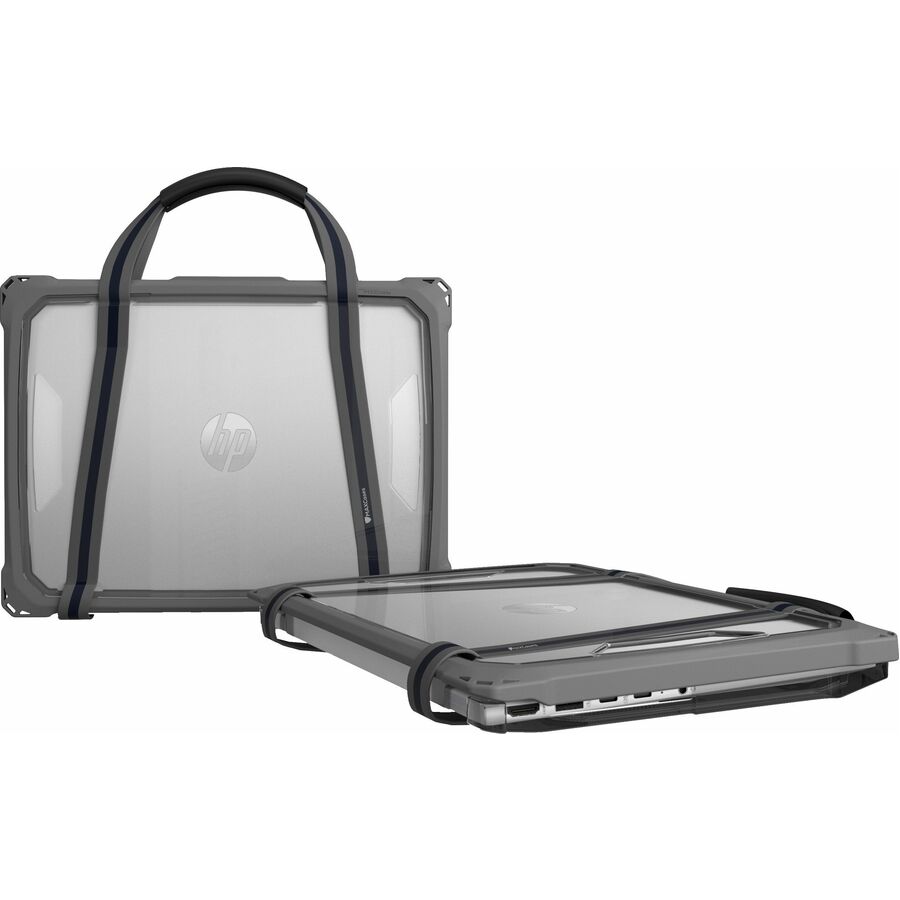
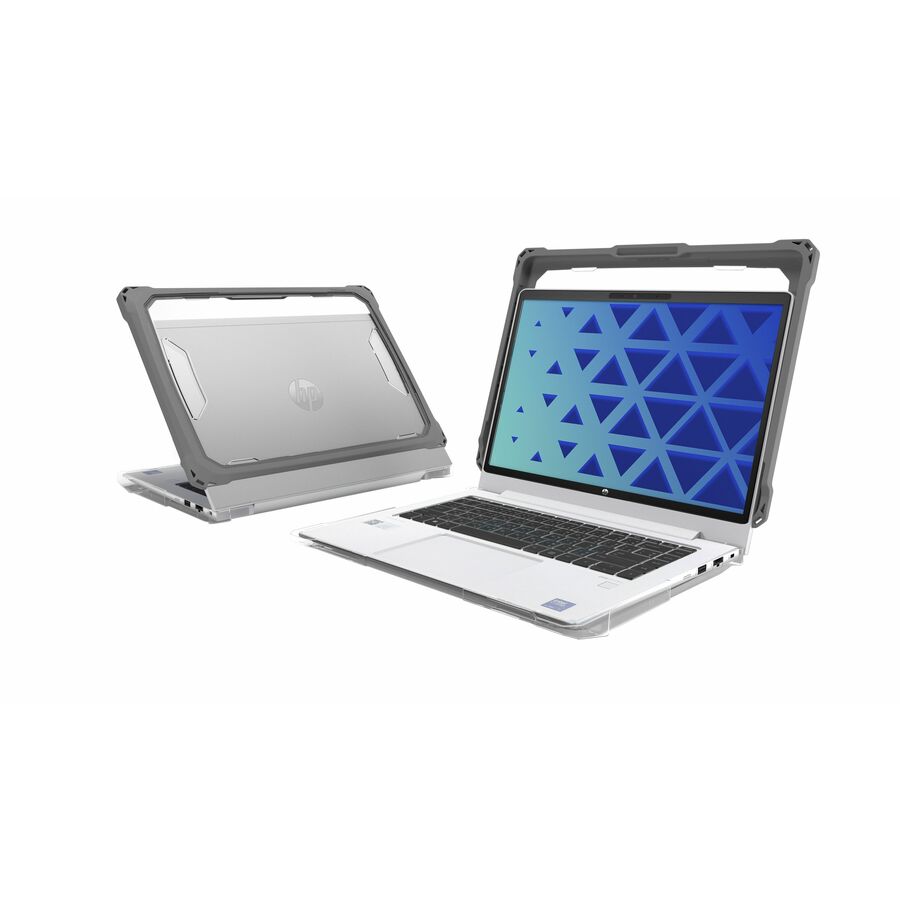
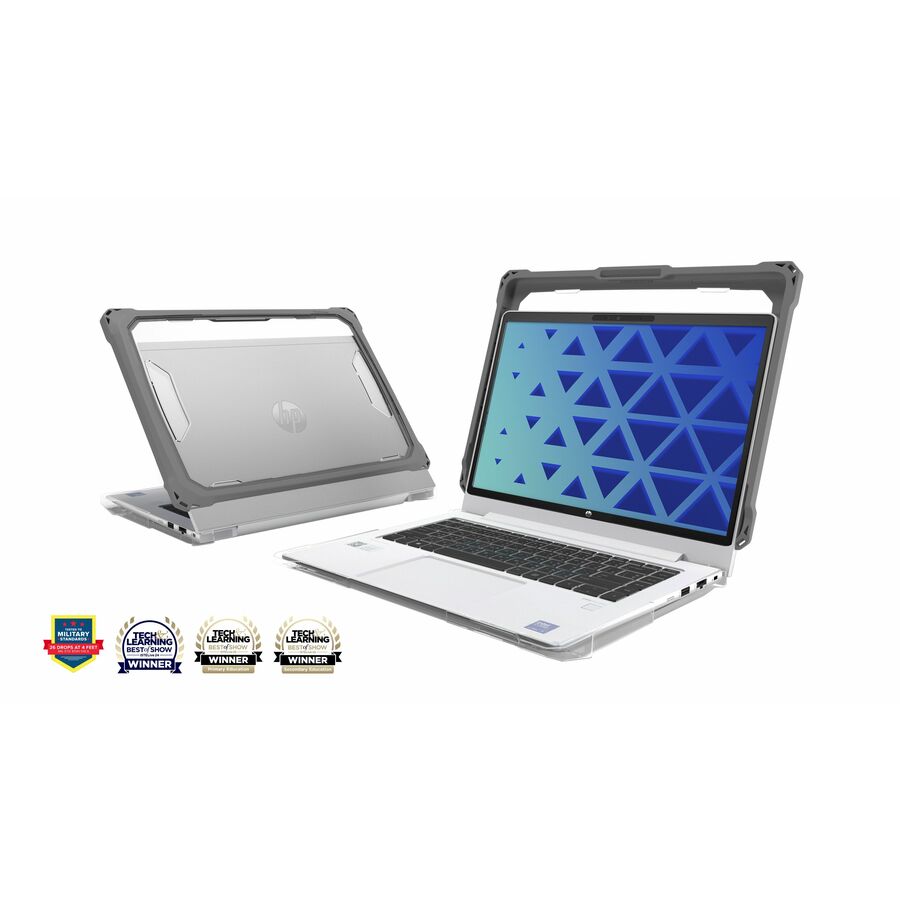
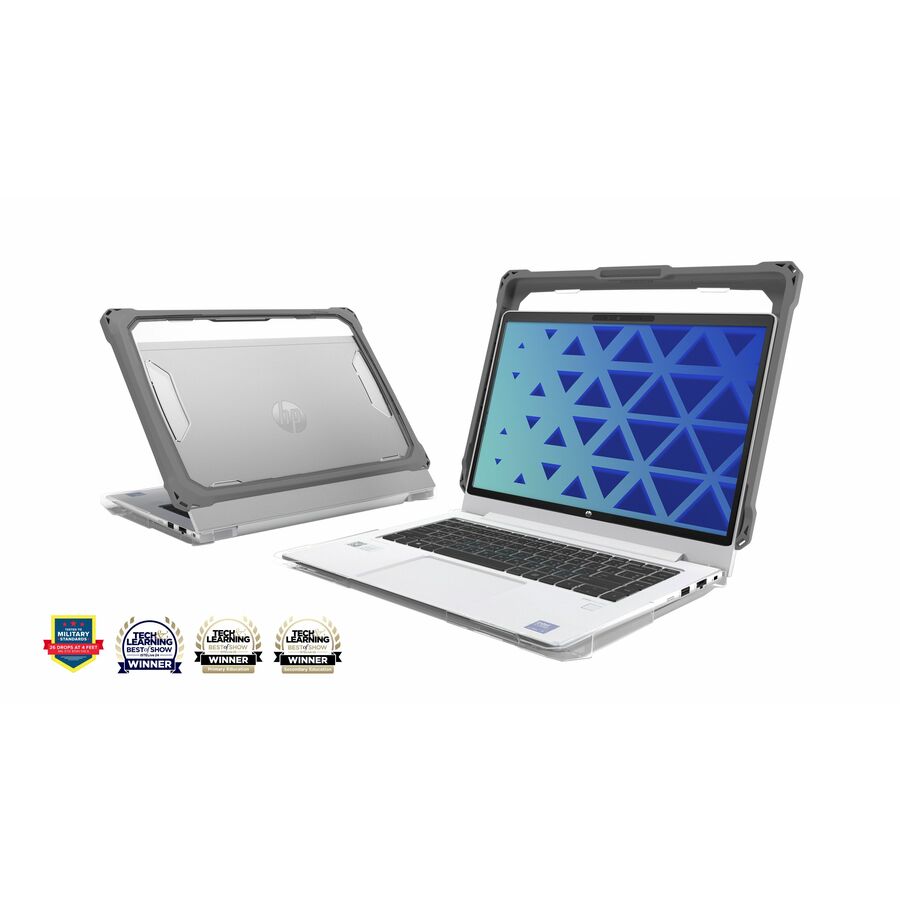
More cases and skins in the Uniqcli catalog
See all 3,642 cases and skinsMore MAXCases first — closest to what you were just looking at; “See all cases and skins” above opens every other brand in the category. In-stock lines lead, and a back-ordered line carries the same estimated availability its product page does — with live pricing throughout, NDAA §889 screening before checkout and TAA verified on request.
- MAXCasesMAXCases Extreme Shell-L for Lenovo 14e Chromebook and 14w Windows G2 14" (Black/Clear) - For Lenovo Chromebook - Black/Clear - Impact Absorbing, Impact Resistant, Scratch Resistant, Damage Resistant, Bacterial Resistant - Polycarbonate (PC), Thermoplastic Polyurethane (TPU) - RuggedLN-ESL-14EW-G2-BCLR
$49.95
$32.97
Back-orderedBack-ordered — estimated OEM lead time 3–8 weeks (Nov 13 – Dec 18 if ordered today).
Back-ordered — estimated OEM lead time 3–8 weeks (Nov 13 – Dec 18 if ordered today).
Back-ordered — estimated OEM lead time 3–8 weeks (Nov 13 – Dec 18 if ordered today).
- MAXCasesMAXCases Extreme Shell-F2 Slide Case for HP X360 G4/G3 and x360 Fortis G3 11.6" (Grey/Clear) - For HP Notebook, Chromebook - Gray, Clear - Shock Absorbing, Scratch Resistant, Dirt Resistant, Oil Resistant, Damage Resistant, Impact Resistant - Thermoplastic Polyurethane (TPU), Thermoplastic Elastomer (TPE) - 14" Maximum Screen Size Supported - RuggedHP-ESF2-X3G4-GRY
$49.95
$39.47
Back-orderedBack-ordered — estimated OEM lead time 3–8 weeks (Nov 13 – Dec 18 if ordered today).
Back-ordered — estimated OEM lead time 3–8 weeks (Nov 13 – Dec 18 if ordered today).
Back-ordered — estimated OEM lead time 3–8 weeks (Nov 13 – Dec 18 if ordered today).
Back-ordered — estimated OEM lead time 3–8 weeks (Nov 13 – Dec 18 if ordered today).
- MAXCasesMAXCases Extreme Shell-F Slide Case for HP X360 G4/G3 and x360 Fortis G3 11.6" (Gray/Clear) - For HP Chromebook - Gray, Clear - Scratch Resistant, Dirt Resistant, Oil Resistant, Damage Resistant, Impact Resistant - Thermoplastic Polyurethane (TPU) - 11.6" Maximum Screen Size Supported - RuggedHP-ESF-X3G4-GRY
$49.95
$39.74
Back-orderedBack-ordered — estimated OEM lead time 3–8 weeks (Nov 13 – Dec 18 if ordered today).
- MAXCasesMAXCases Extreme Shell-F2 Chromebook Case for Acer C936/C936T Clamshell Chromebook 14" (Gray) - For Acer Chromebook - Gray - Shock Absorbing, Scratch Resistant, Dirt Resistant, Oil Resistant, Impact Resistant - Thermoplastic Polyurethane (TPU), Thermoplastic Elastomer (TPE) - 14" Maximum Screen Size Supported - RuggedAC-ESF2-C936-GRY
$44.95
$35.63
Back-orderedBack-ordered — estimated OEM lead time 3–8 weeks (Nov 13 – Dec 18 if ordered today).
Back-ordered — estimated OEM lead time 3–8 weeks (Nov 13 – Dec 18 if ordered today).
- MAXCasesMAXCases Extreme Shell-F3 Chromebook Case for Dell Pro 14" (Windows/PC 14250) (Grey) - For Dell Notebook - Gray - Shock Absorbing, Drop Resistant, Bump Resistant, Scratch Resistant, Dirt Resistant, Oil Resistant, Tear Resistant, Impact Resistant, Damage Resistant - Thermoplastic Polyurethane (TPU) - 14" Maximum Screen Size SupportedDLESF3PRO14GRY
$44.95
$35.63
Back-orderedBack-ordered — estimated OEM lead time 3–8 weeks (Nov 13 – Dec 18 if ordered today).
- MAXCasesMAXCases Extreme Shell-F2 Slide Chromebook Case for Lenovo 14e G3 14" (Gray/Clear) - For Lenovo Chromebook - Gray, Clear - Shock Absorbing, Scratch Resistant, Dirt Resistant, Oil Resistant, Damage Resistant, Impact Resistant - Thermoplastic Polyurethane (TPU), Thermoplastic Elastomer (TPE) - RuggedLN-ESF-14E-G3-GRY
$44.95
$35.92
Back-orderedBack-ordered — estimated OEM lead time 3–8 weeks (Nov 13 – Dec 18 if ordered today).
- MAXCasesMAXCases Extreme Shell-F2 Slide Case for Lenovo 500e/w G4 Chromebook 12" (Gray/Clear) - For Lenovo Chromebook - Gray, Clear - Scratch Resistant, Dirt Resistant, Oil Resistant, Damage Resistant, Impact Resistant - Thermoplastic Polyurethane (TPU) - 12" Maximum Screen Size Supported - RuggedLN-ESF-500E-G4-GRY
$49.95
$41.47
Back-orderedBack-ordered — estimated OEM lead time 3–8 weeks (Nov 13 – Dec 18 if ordered today).
- MAXCasesMAXCases Extreme Shell-F Slide Case for Dell 3100/3110 Chromebook 2:1 Convertible 11.6" (Gray/Clear) - For Dell Chromebook - Gray, Clear - Scratch Resistant, Dirt Resistant, Oil Resistant, Damage Resistant, Impact Resistant, Drop Resistant - Thermoplastic Polyurethane (TPU) - 11.6" Maximum Screen Size Supported - RuggedDL-ESF-3110-21-GRY
$49.95
$41.76
Back-orderedBack-ordered — estimated OEM lead time 3–8 weeks (Nov 13 – Dec 18 if ordered today).
Back-ordered — estimated OEM lead time 3–8 weeks (Nov 13 – Dec 18 if ordered today).
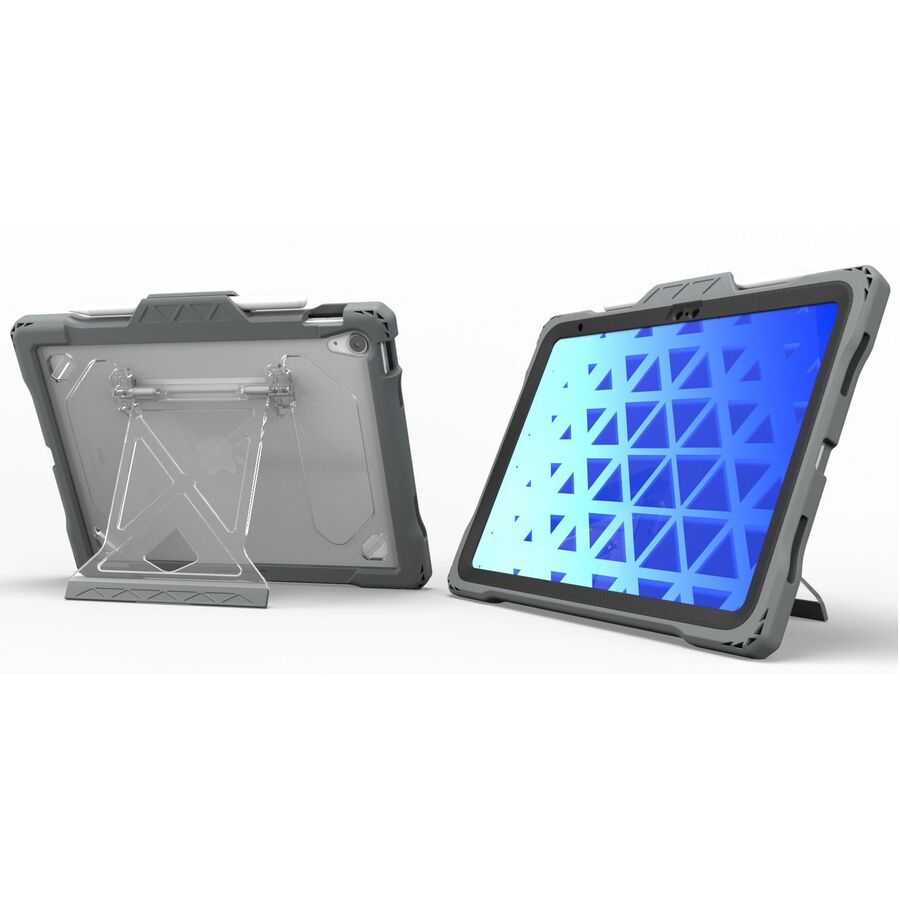
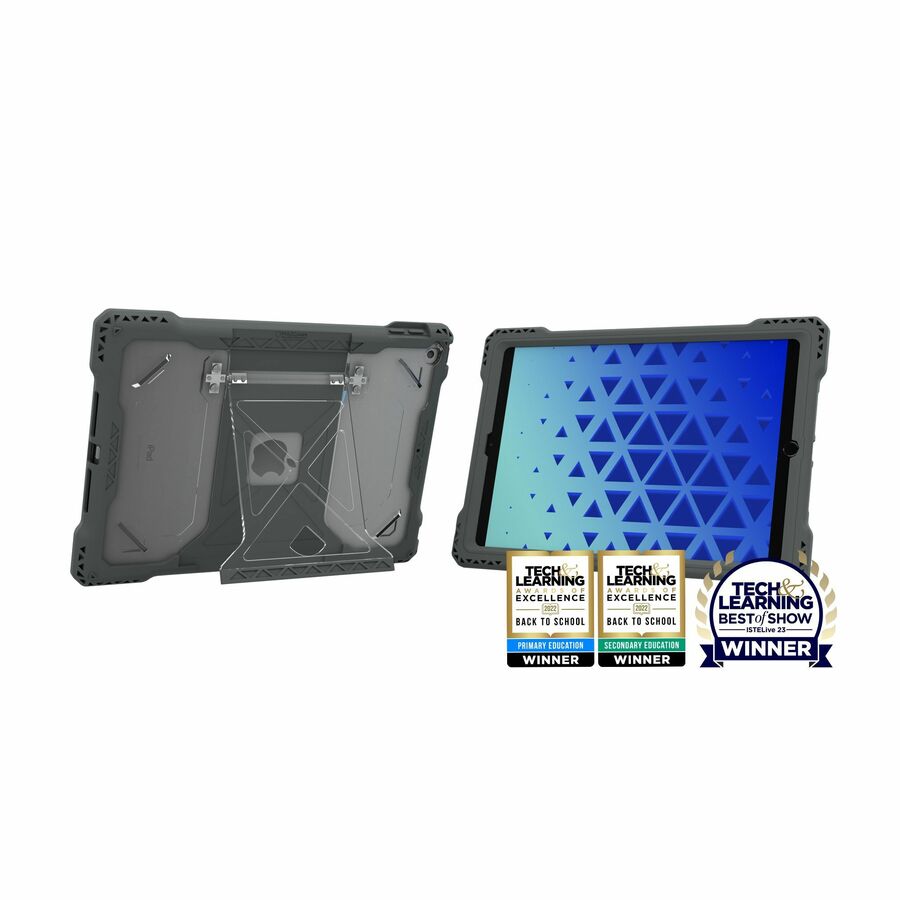
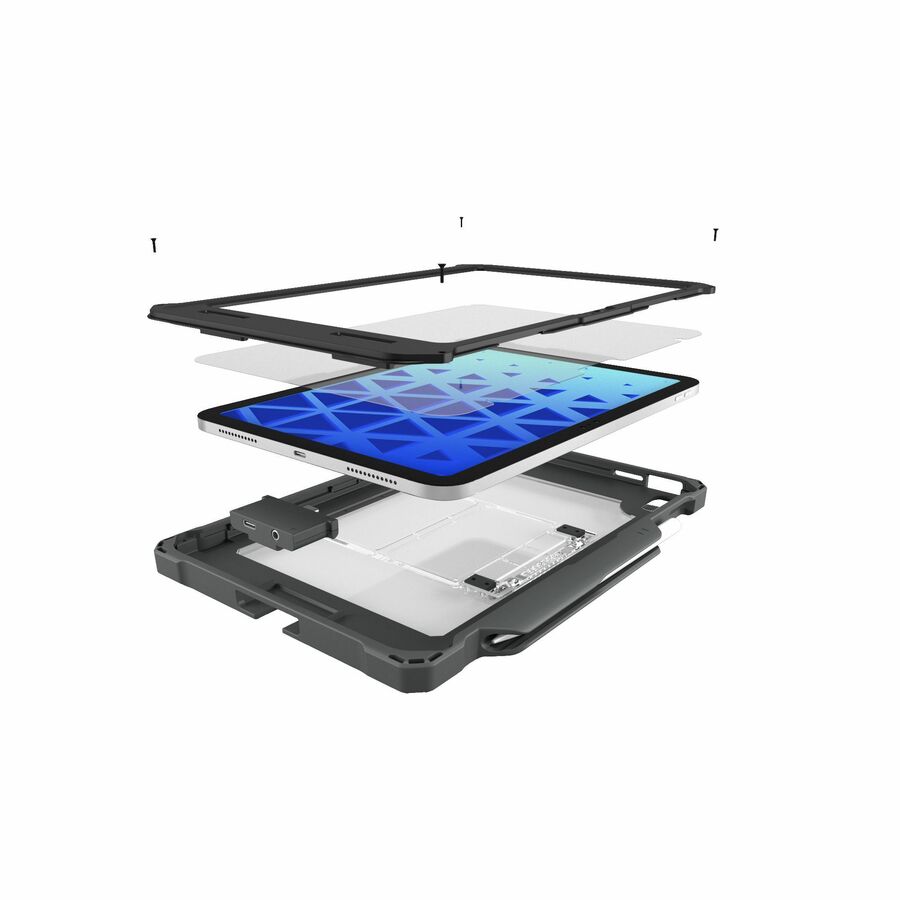
- MAXCasesMAXCases Shield Extreme-X2 for iPad 10/11 10.9" w/3.5 mm Adapter and Tamper-Resistant Design (2022) (Black Bezel-Gray Chromebook Case) - For Apple iPad (10th Generation) Tablet - 10.9" Maximum Screen Size SupportedAPSXX2AIP10BLK
$39.95
$32.96
Back-orderedBack-ordered — estimated OEM lead time 3–8 weeks (Nov 13 – Dec 18 if ordered today).
- MAXCasesMAXCases Extreme Shell-S Chromebook Case - For HP Chromebook - Textured - Black - Drop Resistant, Damage Resistant, Scratch Resistant, Ding Resistant, Bump Resistant, Impact Resistant, Anti-slip - Polycarbonate, Thermoplastic Polyurethane (TPU) - 11.6" Maximum Screen Size Supported - RuggedHP-ESS-X3CB-G3-BLK
$49.95
$43.04
Back-orderedBack-ordered — estimated OEM lead time 3–8 weeks (Nov 13 – Dec 18 if ordered today).
Back-ordered — estimated OEM lead time 3–8 weeks (Nov 13 – Dec 18 if ordered today).

Need pricing on MAXCases Chromebook cases?
Tell us where to reach you and a Uniqcli specialist will follow up by email with current pricing, availability and lead time for the quantities you need — including parts that aren’t shown on this page.
Buying for an organization or for yourself — both work. No payment up front.
There are two genuinely different purchases hiding under the phrase 'Chromebook case', and conflating them is how districts end up buying protection twice. A carry case is a bag: the device goes into it to travel and comes out of it to be used. An always-on shell stays fitted to the chassis for the whole school year, through the lesson, the corridor, the backpack and the charging cart. MAXCases builds the second kind, and this page is scoped to it deliberately rather than padded out with sleeves to make the list look longer.
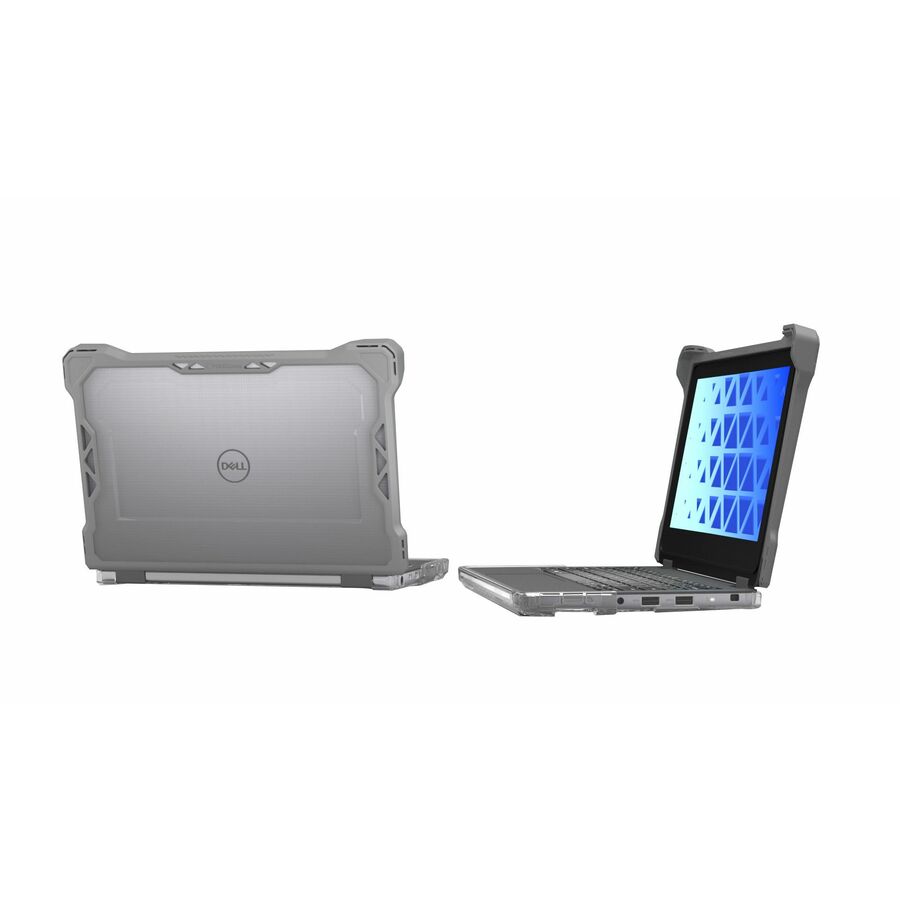
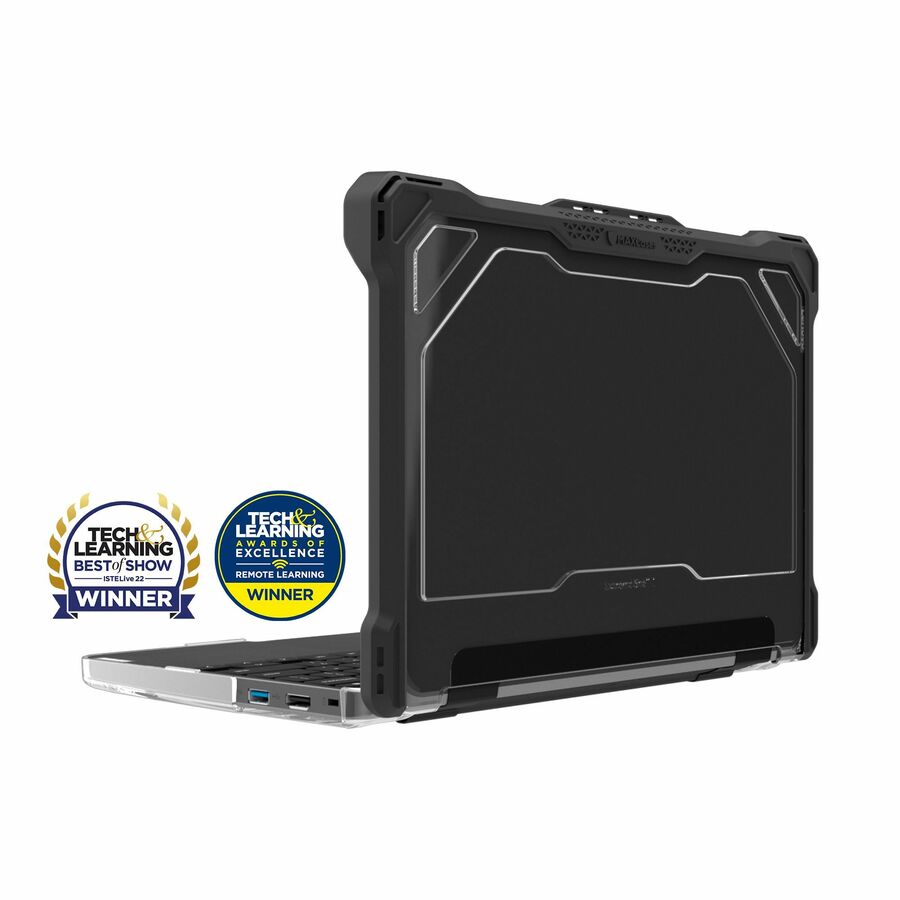
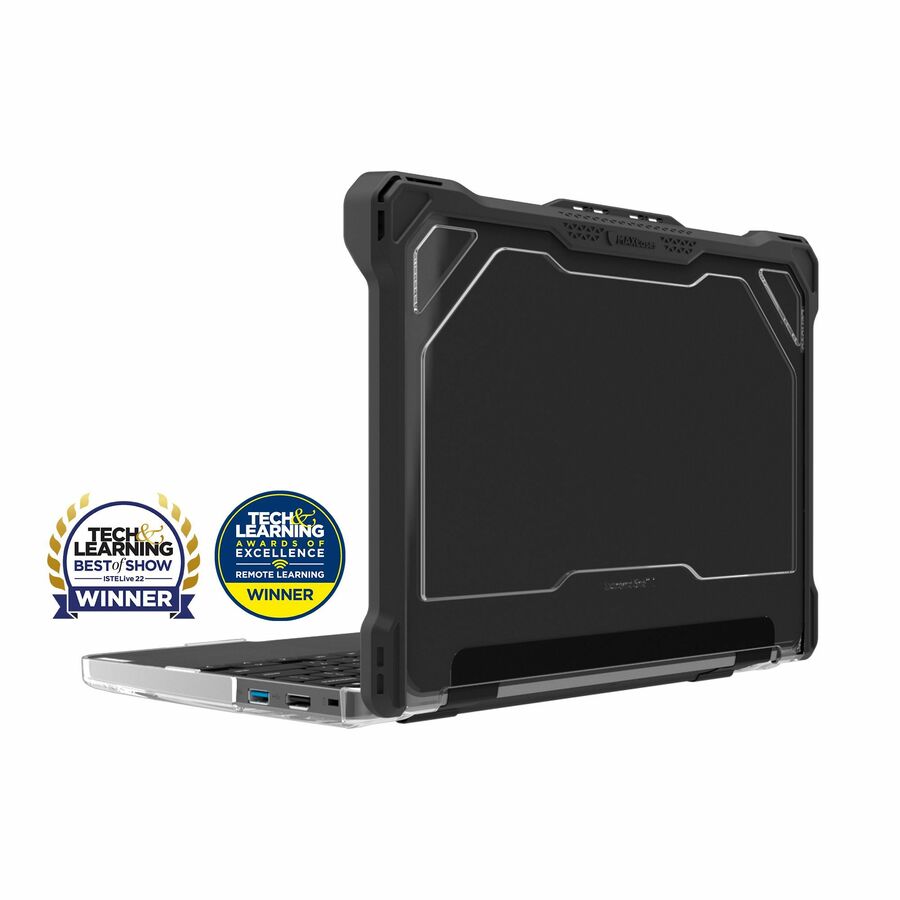
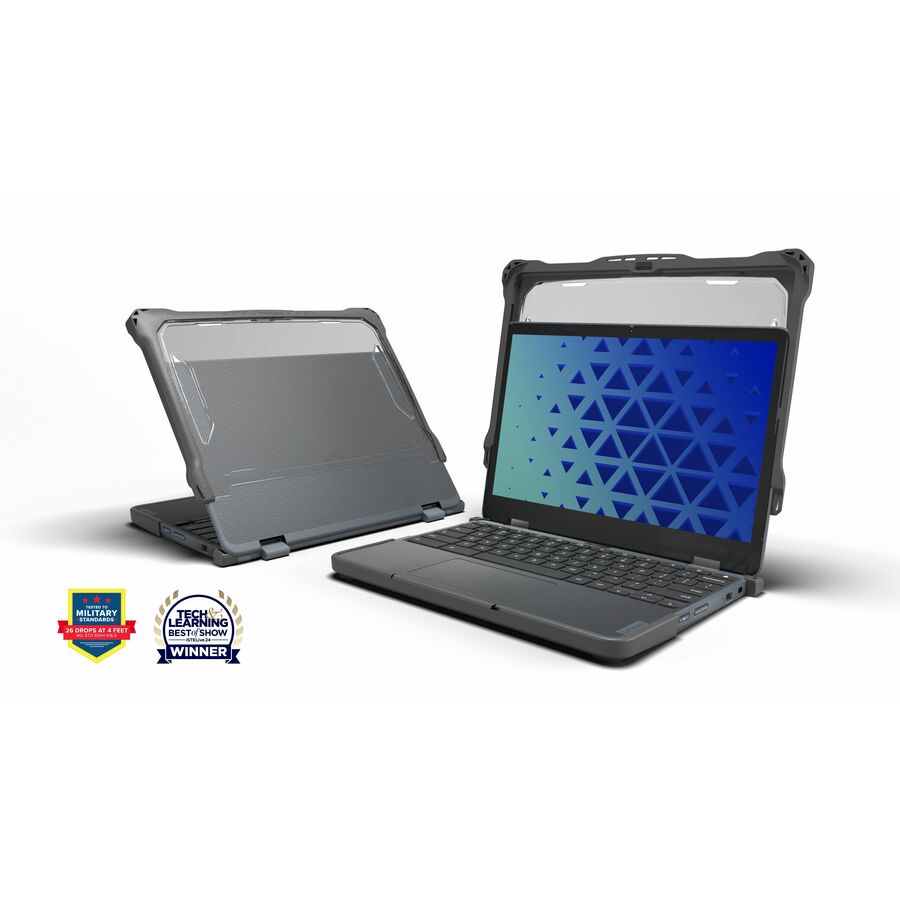
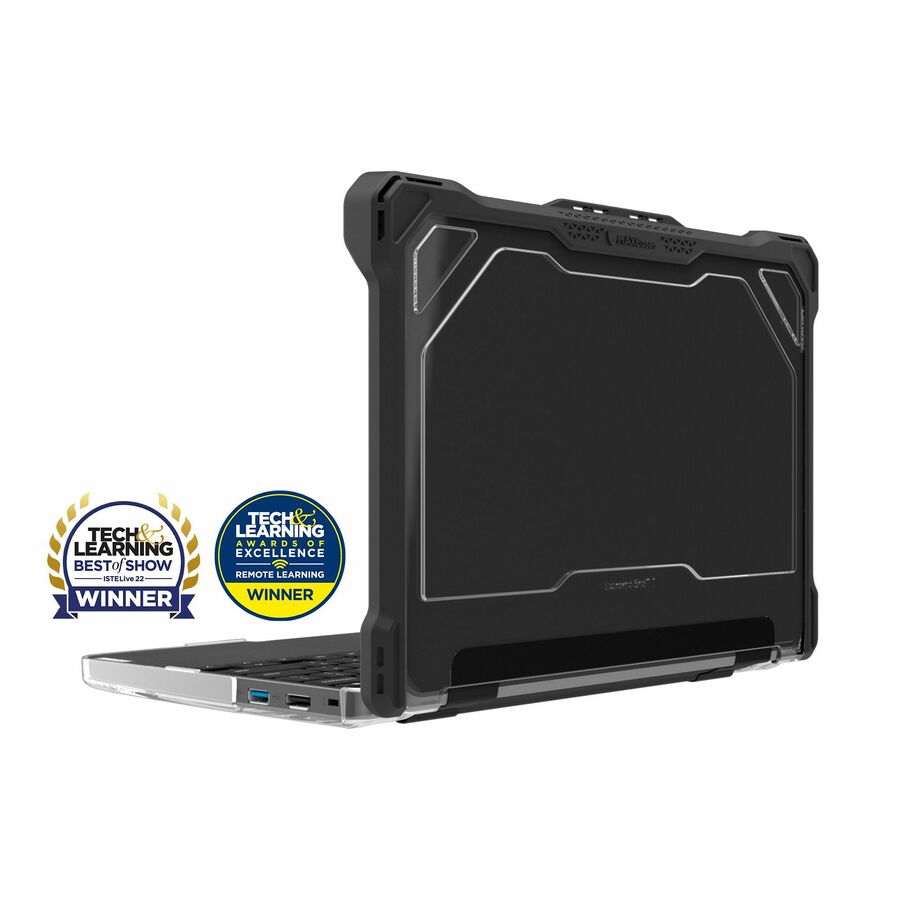
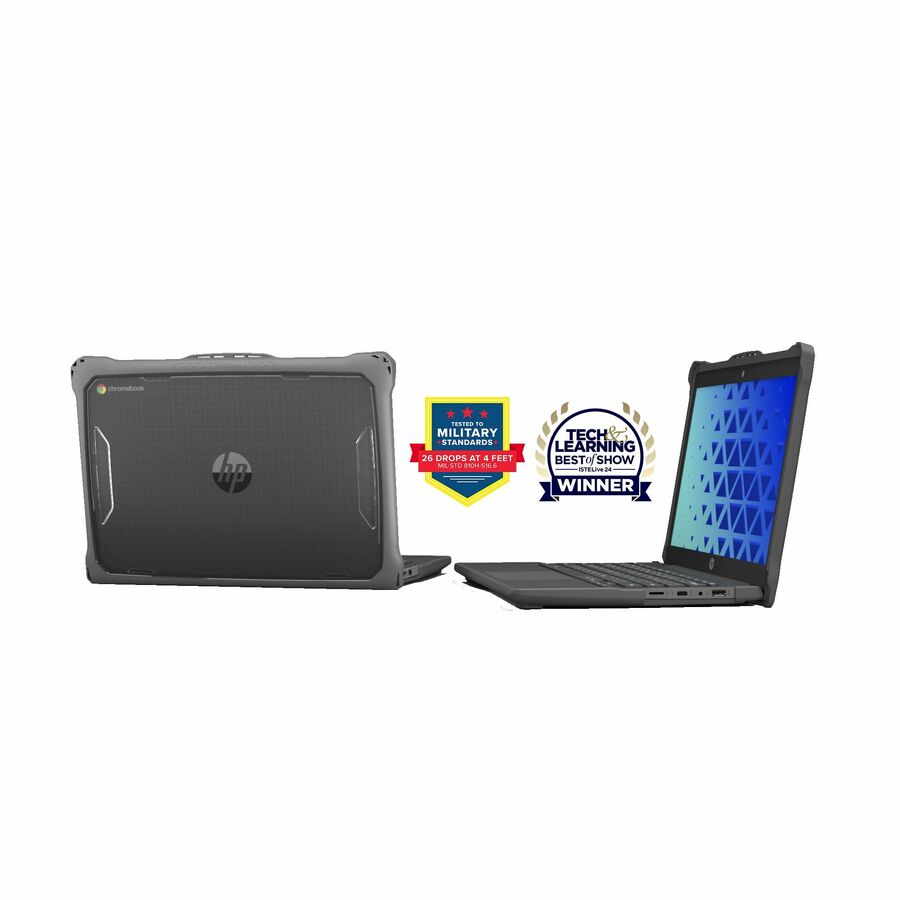
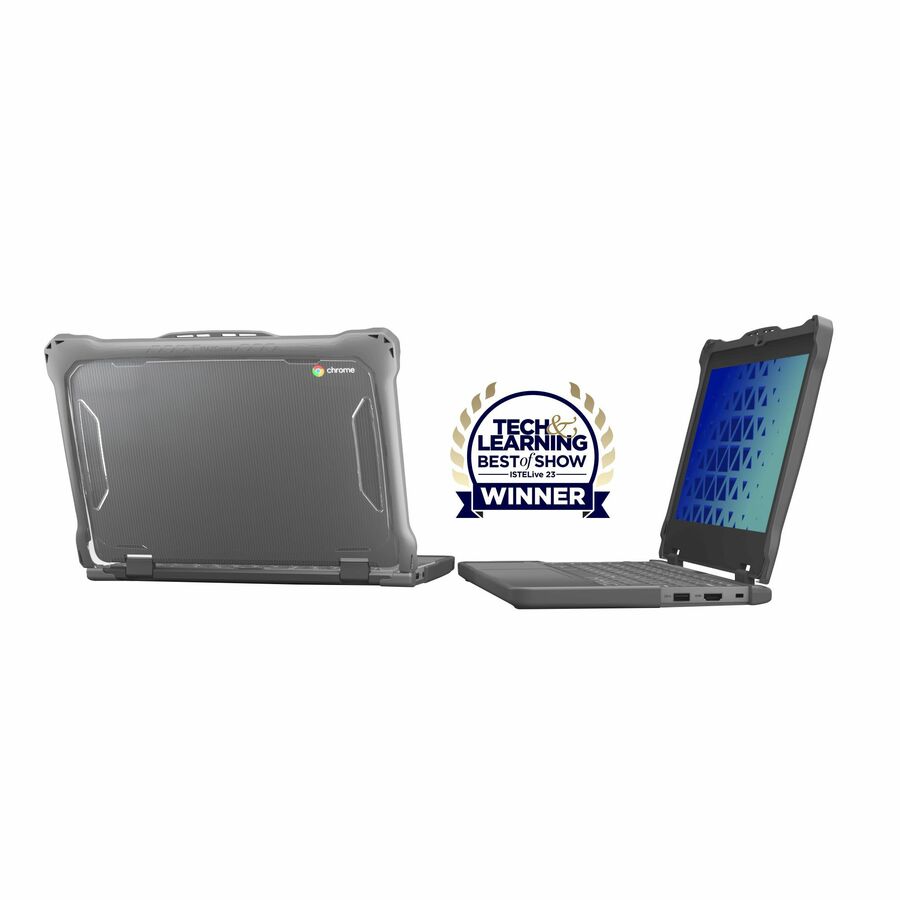
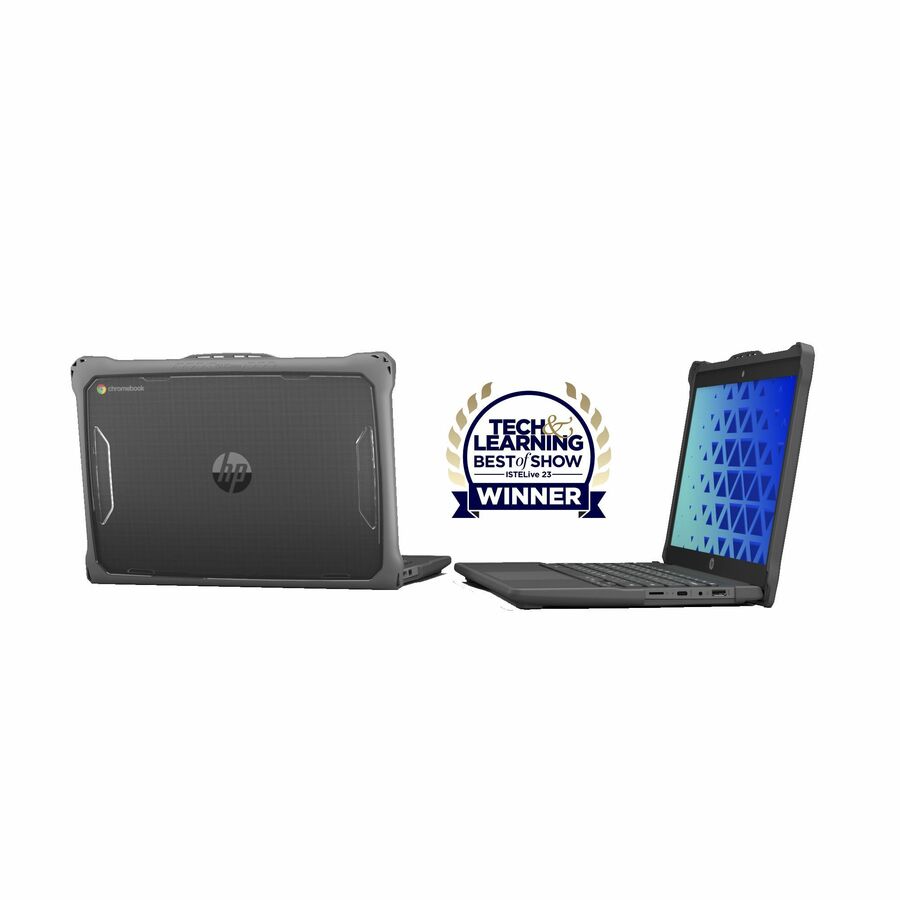
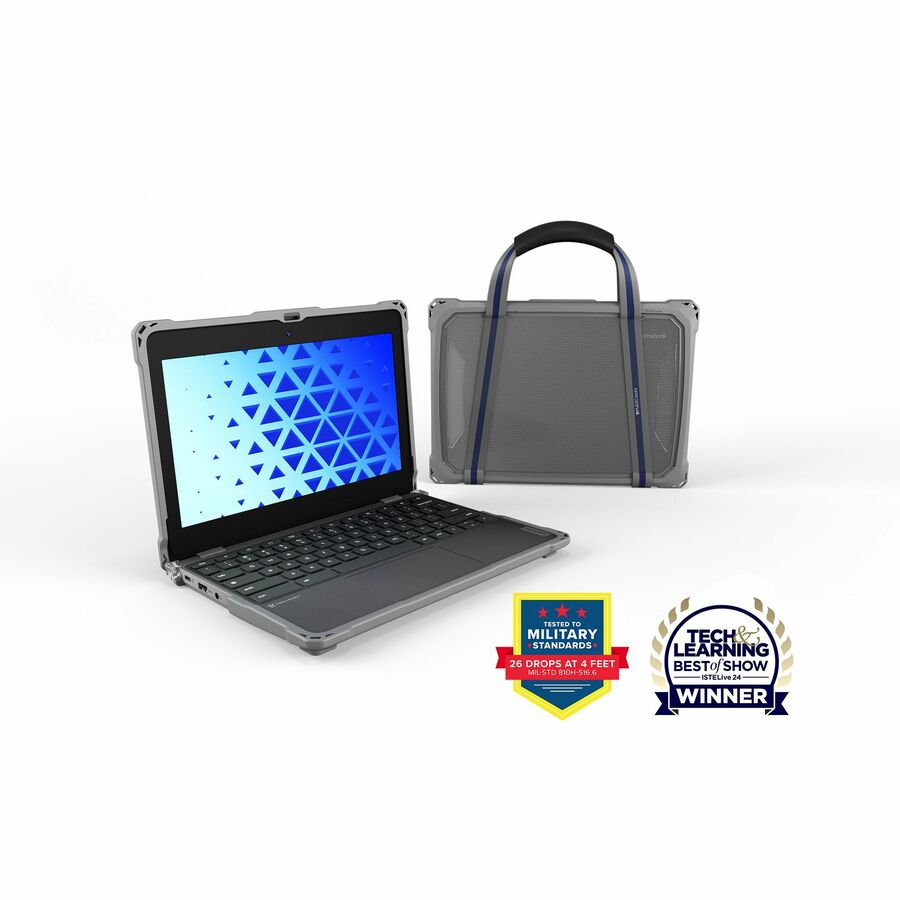
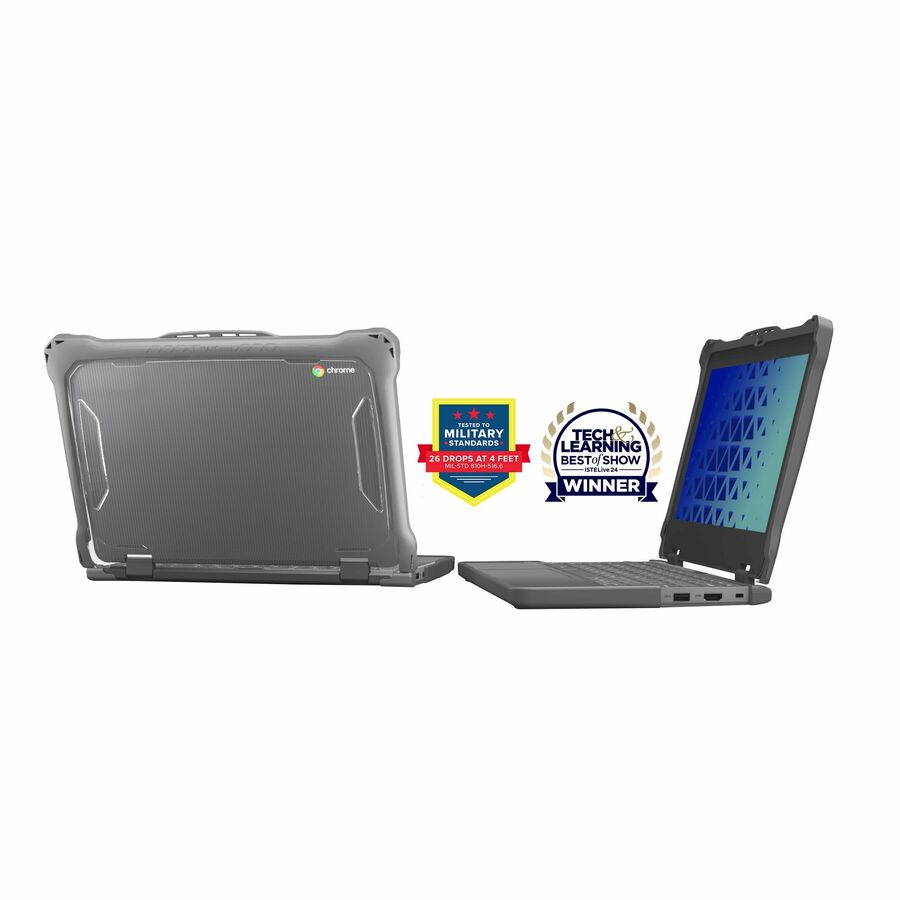
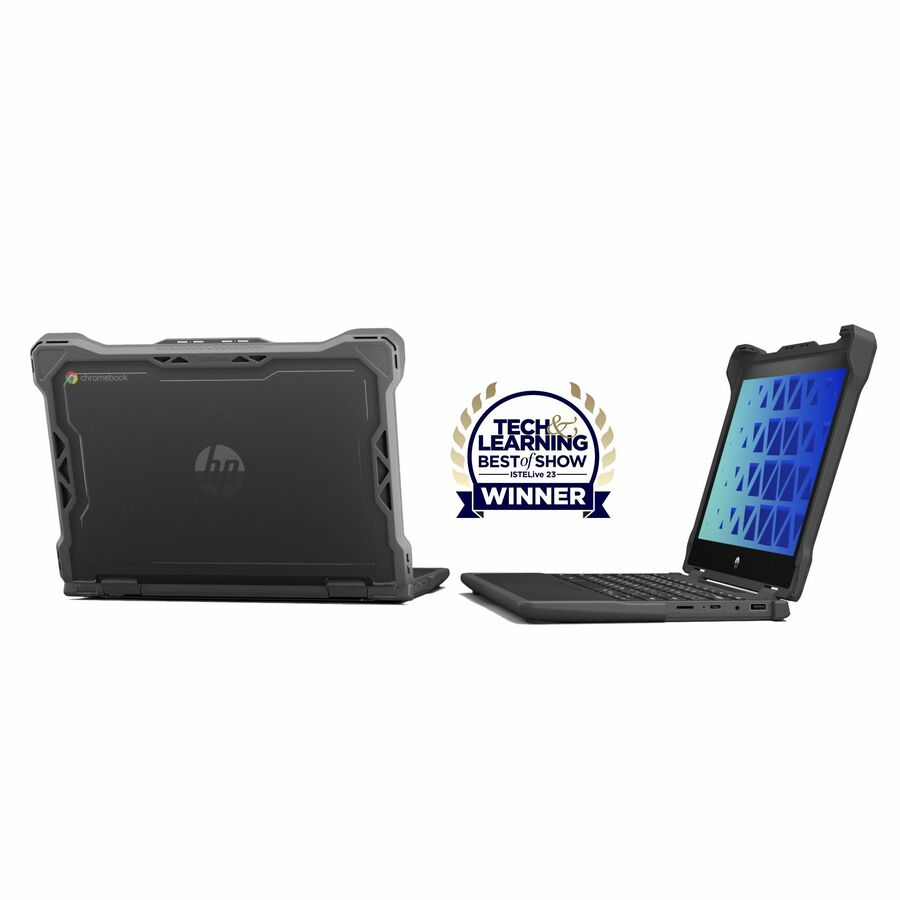
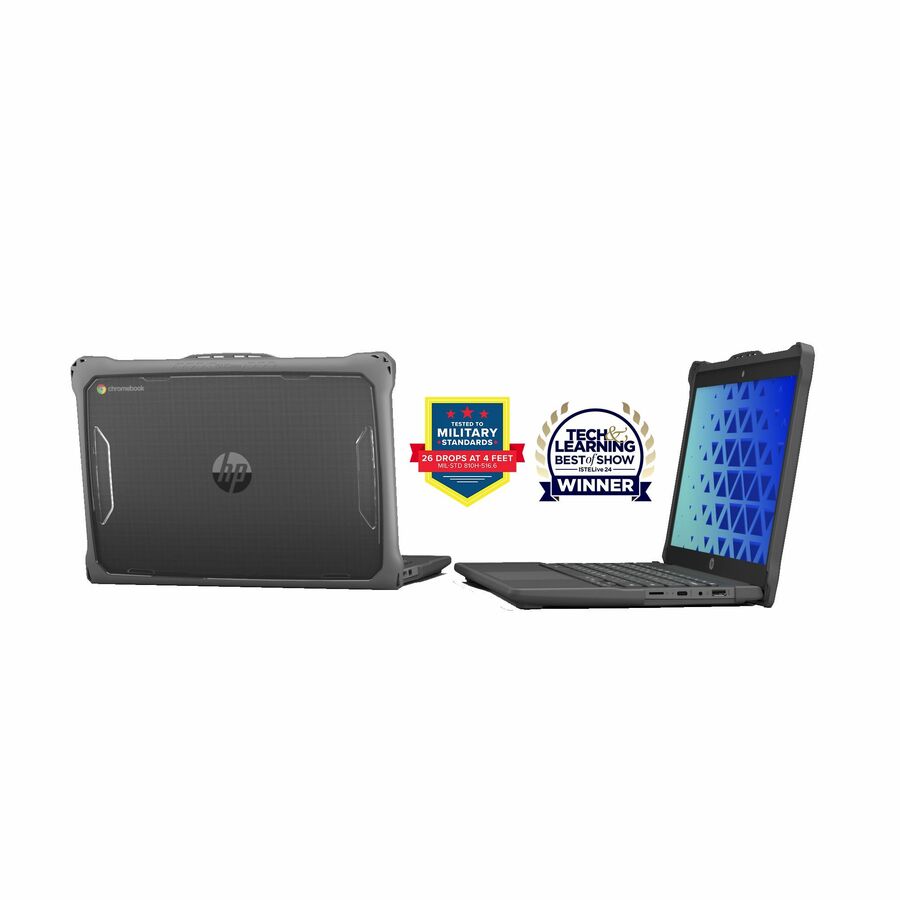
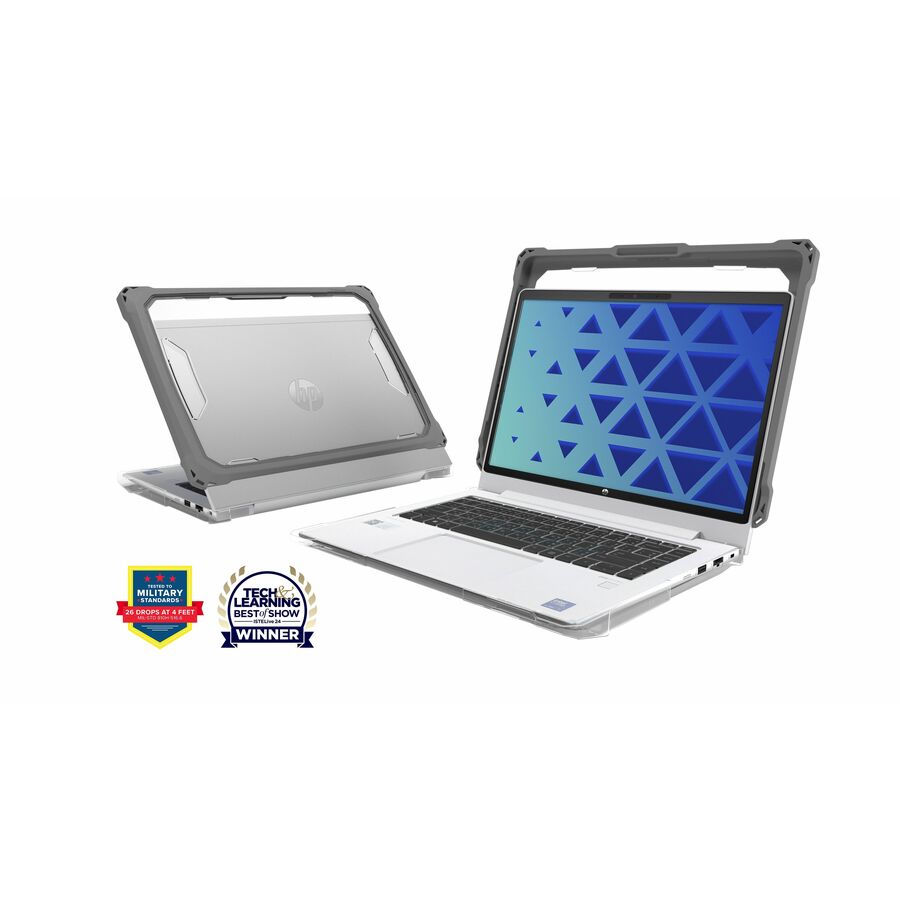
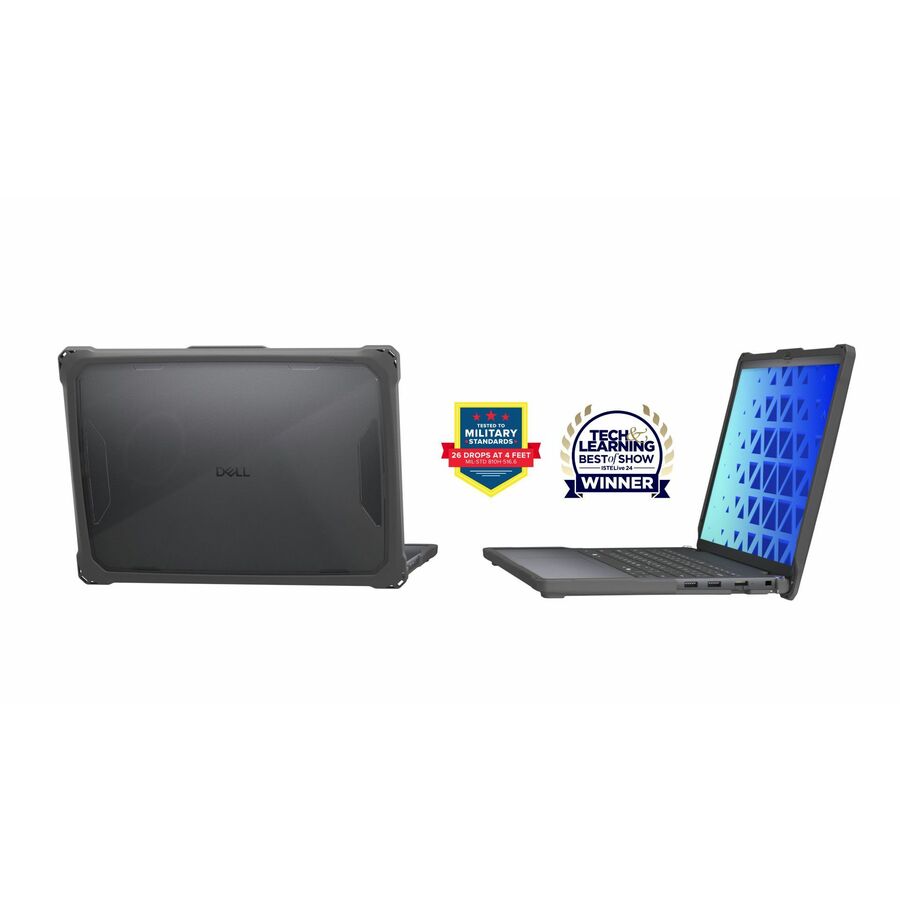
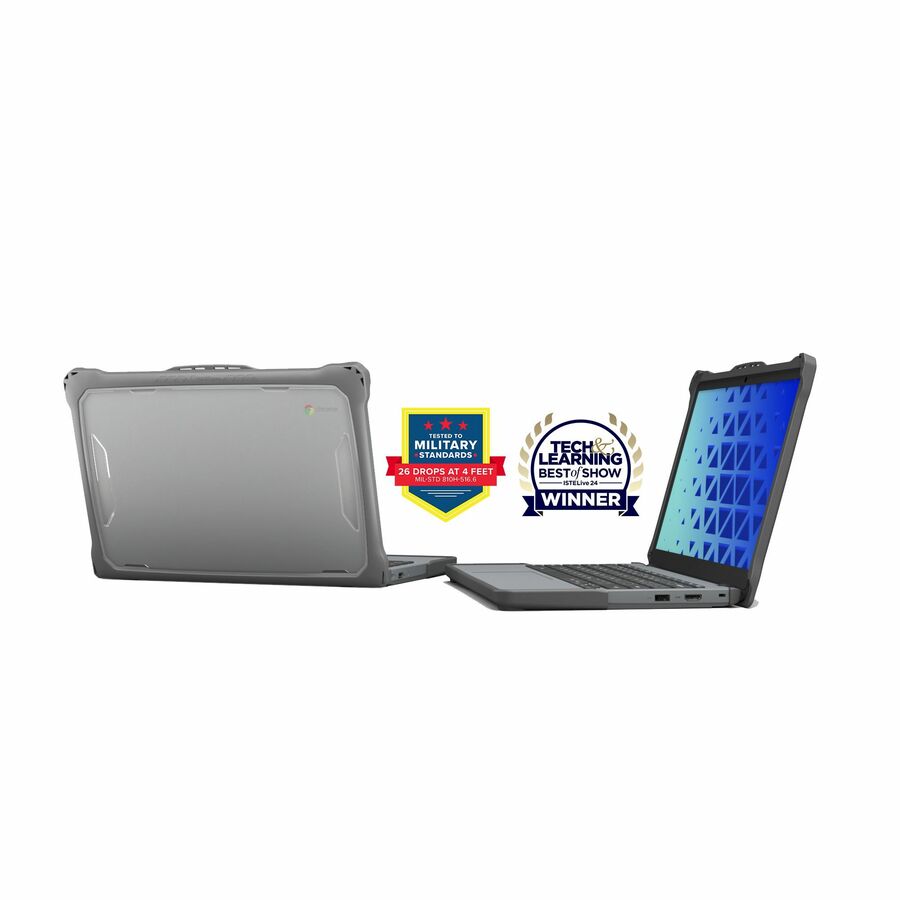
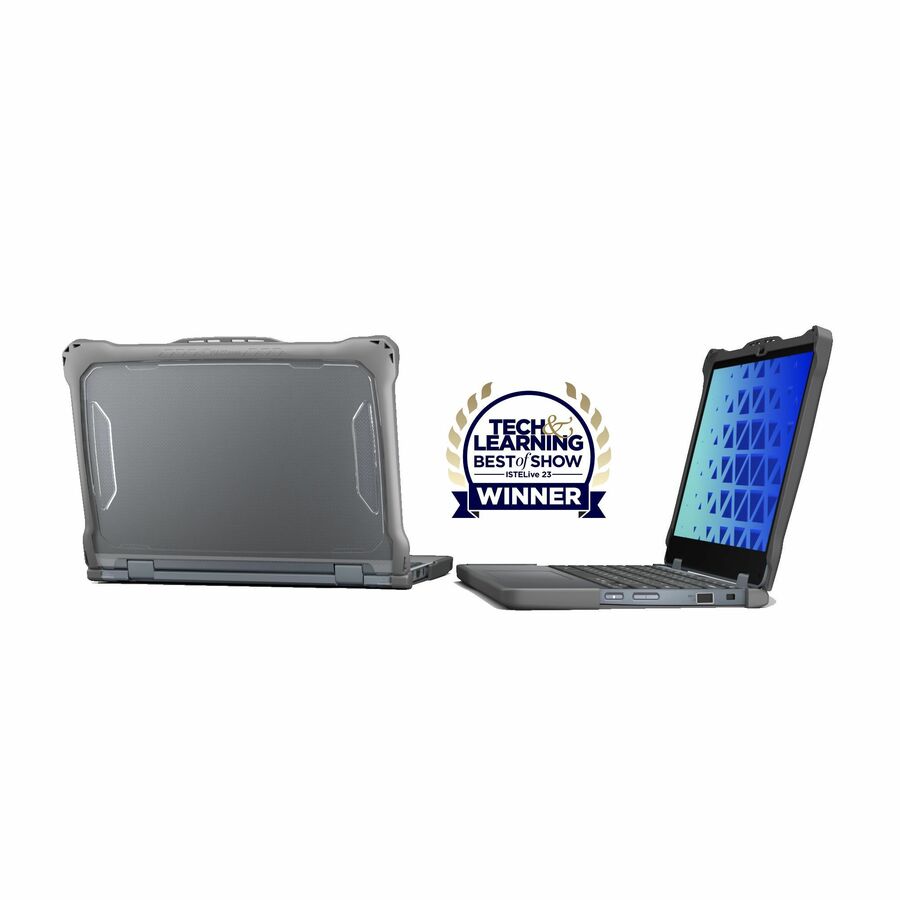
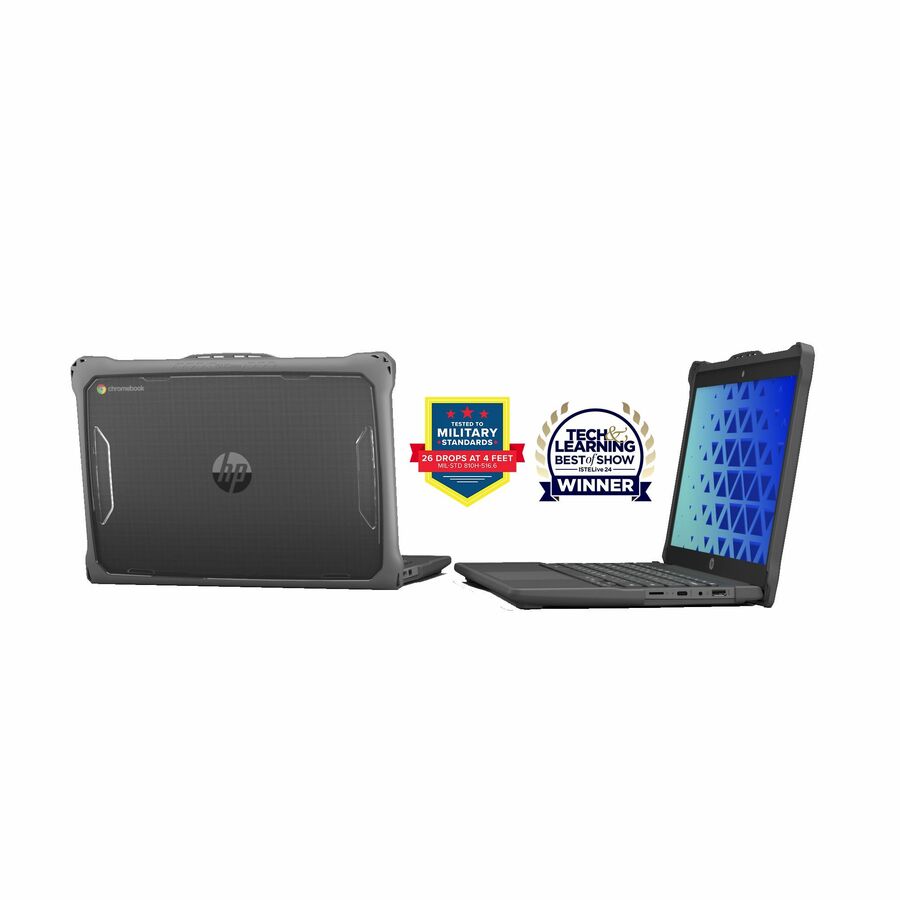
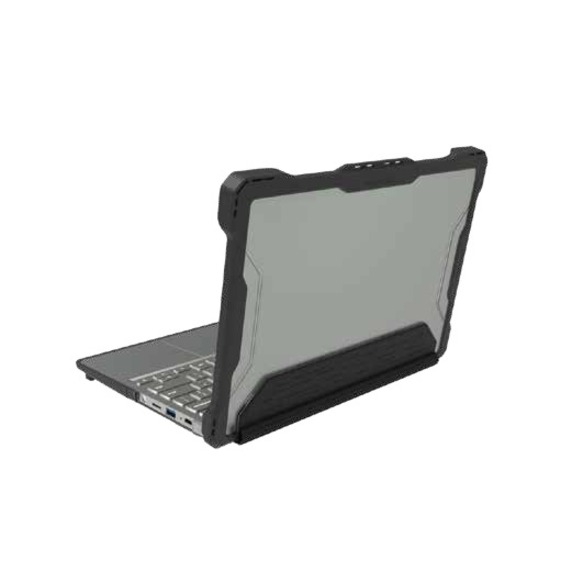
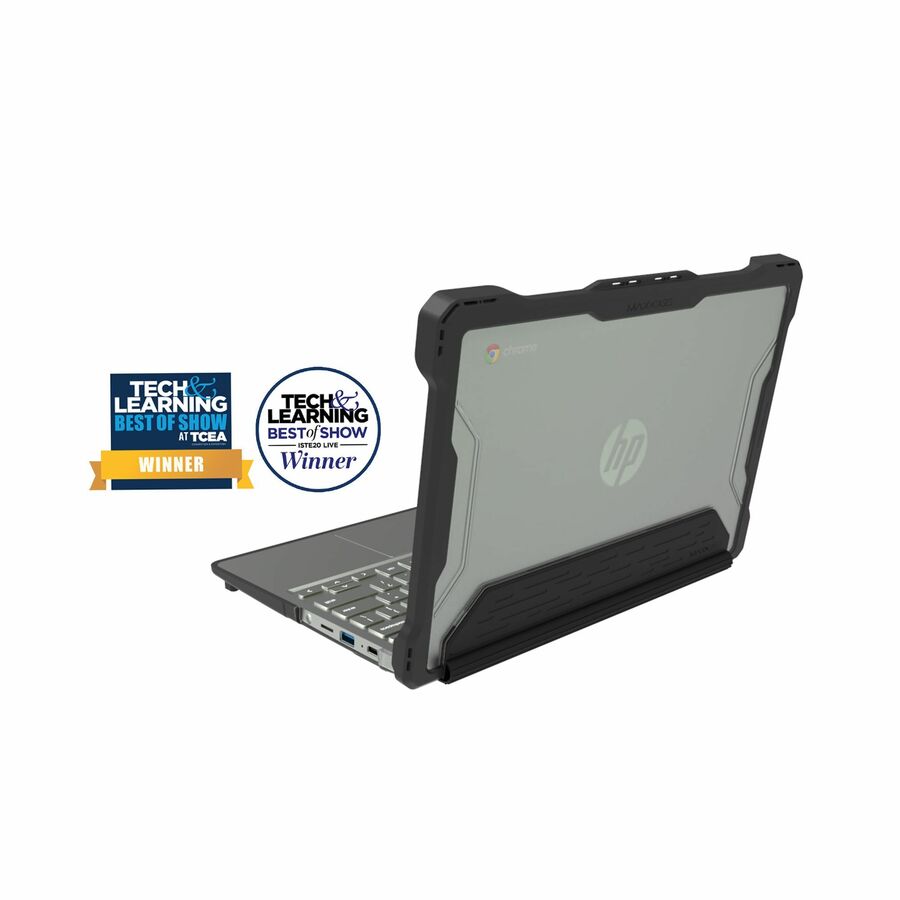
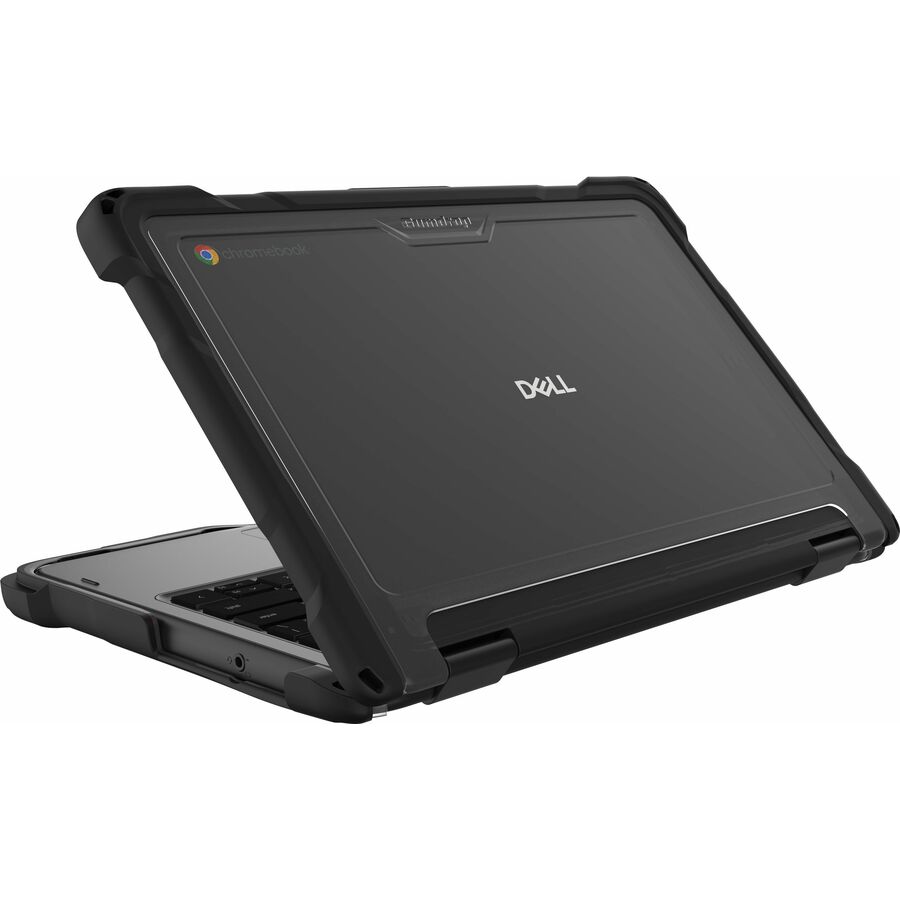
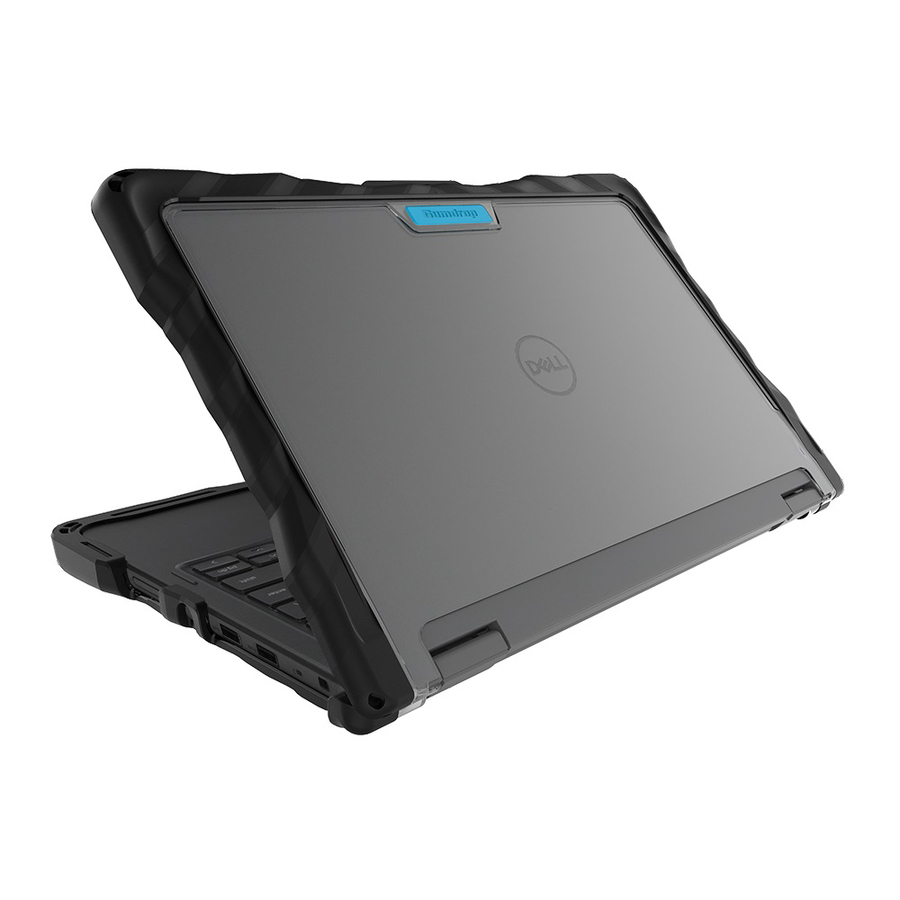
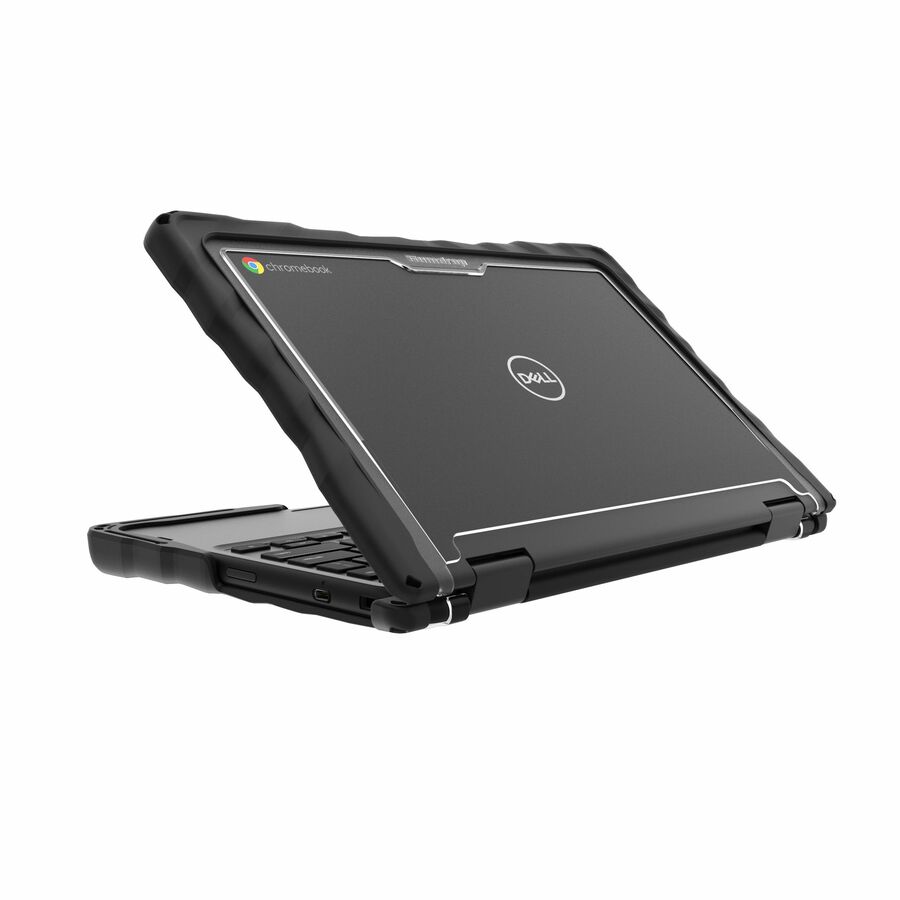
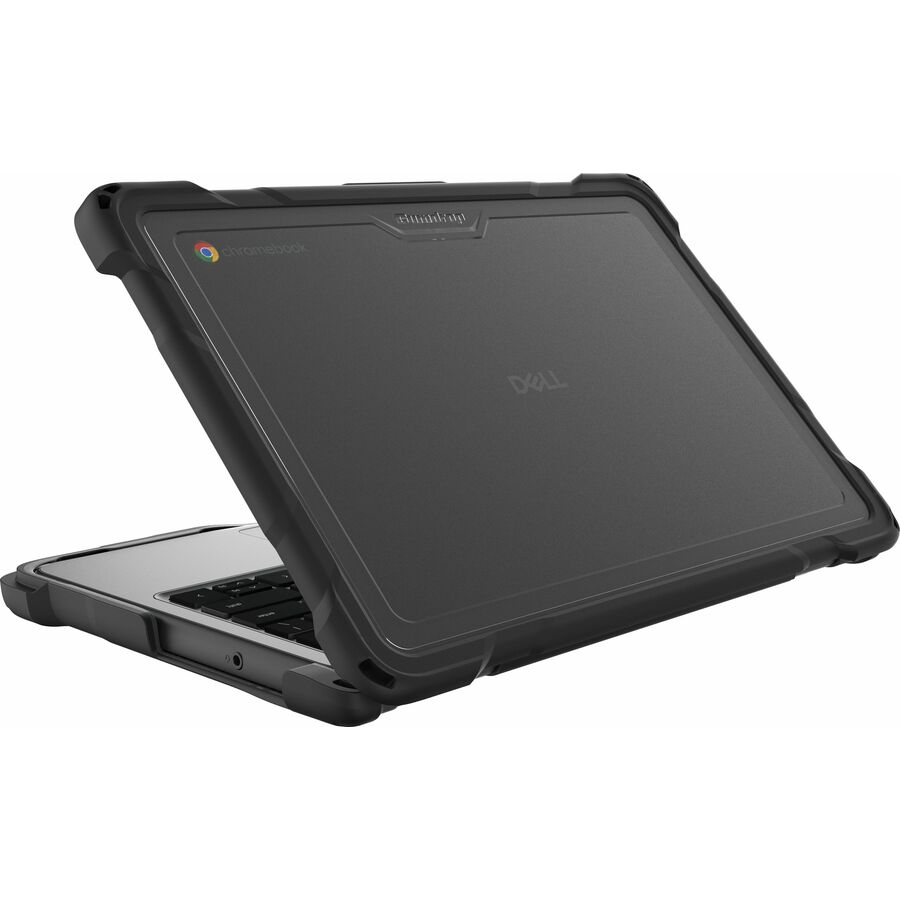
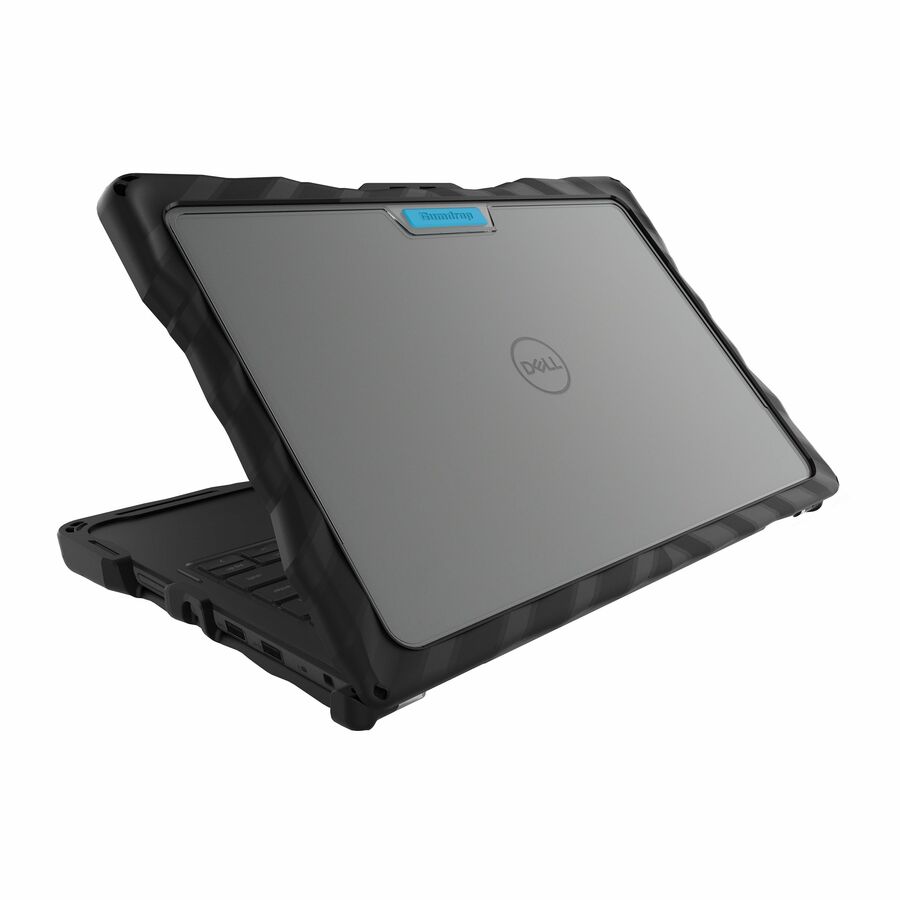
The Extreme Shell design is a slide-on format — the shell fits the device and stays there, with the keyboard, ports, camera and hinge left accessible. Practically, that means the protection is present during the moments when devices are actually damaged: on a desk, in a lap, being carried one-handed down a stairwell. A bag protects a device in transit; it protects nothing at eleven in the morning in a classroom, which is when most of the damage happens.
MAXCases is a model-matched line, and the matching is stricter than most buyers expect. The catalog titles on this page carry the qualifiers exactly as the manufacturer publishes them, including the hardware version markers that separate two devices sold under the same commercial model name. Read them as part of the part number rather than as marketing description.
Buyer's checklist
How to specify always-on shells for a student fleet
- Confirm you want an always-on shell rather than a carry case. If the requirement is protection during transport only, a sleeve or folio is cheaper and lighter; if it is protection during use, only a fitted shell delivers it.
- Match on the hardware version, not the commercial model name. Several MAXCases part numbers explicitly qualify which hardware revision they fit, and the shells for two versions of the same named Chromebook are not interchangeable.
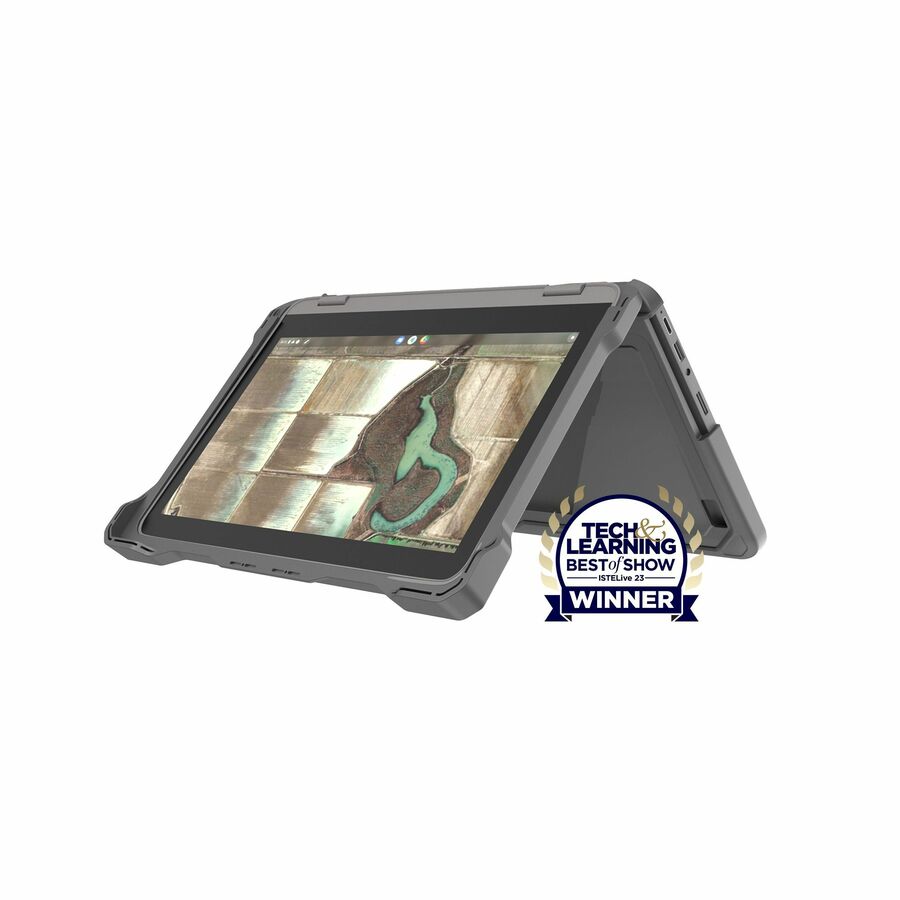
- Check the form factor separately. Clamshell and convertible versions of the same device need different shells, because the convertible has to fold flat without the shell fouling the hinge.
- Decide on the material family. The Shell-F and F3 lines are listed as thermoplastic polyurethane; F2 adds a thermoplastic elastomer; the Shell-S line uses polycarbonate with TPU and lists a textured anti-slip finish. Grip matters more than it sounds in a primary setting.
- Verify the shell clears whatever the device docks into. Ports, charging connectors and any dock or dongle in daily use need to seat with the shell fitted, and USB-C connectors with large housings are the usual failure point.
- Measure a shelled device against your charging cart bays before ordering at volume. An always-on shell means the device is never bare, so the cart has to accommodate the shelled dimension permanently.
- Plan around lead time rather than around list price. Most of this line is order-in at any given moment, and a volume order is a scheduled purchase.
- Order spares in the same purchase order at ten to fifteen percent, and keep them in the same building as the devices. A shell that arrives eight weeks after it is needed has not protected anything.
- Put the case decision in the same conversation as the device refresh. Shells are model-specific by construction, so a fleet change strands the inventory — buying a full year of spares for a device you are replacing next summer is money spent on nothing.
The Extreme Shell families, and what separates them
Extreme Shell-F is the base slide-on shell, listed in thermoplastic polyurethane and marketed on scratch, dirt, oil, impact and drop resistance. F2 is the same format with a thermoplastic elastomer added to the material list and shock absorption in the claim set. F3 is the most recent iteration in the line and appears on the newest device fits — Lenovo's 500e G5 and 100e G4, Dell's Pro 14 — again in TPU.
Extreme Shell-S is a different construction: polycarbonate with TPU, listed with a textured finish and anti-slip properties. Where the F-series prioritises absorbing an impact, the S-series prioritises not being dropped in the first place, which is a reasonable trade in a lower-primary setting where the devices are physically large relative to the hands holding them. Extreme Shell-FL splits the difference with a slide-on top and a polycarbonate bottom panel.
Across the range the pricing is tight — roughly eighteen to thirty-eight dollars for the Chromebook fits we hold, with most model-matched shells in the high twenties and low thirties — so the choice is genuinely about fit and finish rather than budget tiers. Pick on the device match first, the grip characteristic second, and let the price fall where it falls. A shell that is three dollars cheaper and does not fit your hardware revision costs a great deal more than three dollars.
The hardware-version trap on Lenovo education Chromebooks
MAXCases publishes an unusually explicit warning in its own part descriptions, and it is worth reading carefully. The Extreme Shell-F3 for the Lenovo 100e G4 is qualified as fitting version 83G8 and 83G9 only. A separate Extreme Shell-F3 for the Lenovo 300e/100e and 300w/100w G4 is qualified as fitting versions 82W0 and 82W1 for the 100e — and explicitly states that it does not fit the 83G chassis.
That is the same commercial device name, in the same generation, sold in two hardware revisions that take different shells. Nothing on a purchase order will catch it. The only reliable check is to read the version string off a physical device — Lenovo prints it on the base and reports it in the device's own system information — and to check more than one device if your fleet arrived in multiple deliveries.
If your asset register does not carry the hardware revision, add it during the next inventory pass. It costs one field and it prevents this specific mistake permanently, on this line and on every model-matched accessory you buy afterwards. Send us the version string with the quote request and we will confirm the correct part number before anything is committed.
Availability: what this page can honestly promise
This is the part of the page that a district IT lead needs more than the material specifications. As this guide is written, two of the fifty photographed, priced MAXCases Chromebook lines we hold are in stock — the Extreme Shell-F2 for the Lenovo 14e G3, and the Extreme Shell-F for the Dell 3100/3110/5190 clamshell. Everything else in the grid is order-in with a lead time. The grid is live, so it will tell you the current position, but the shape of that position has been stable.
That is not a reason to avoid the line. It is a reason to treat it as a planned purchase with a quoted lead time rather than a cart transaction, and to start the conversation in spring for an August deployment rather than in July. Model-matched accessories in this category are built to order against demand, and the schools that get them on time are the ones that ask early.
If you need protection in place before a lead time allows, say so on the quote. There is usually a lower-profile or alternative-family shell that fits the same device and is available sooner, and we would rather offer that honestly than have a fleet go unprotected for a term while the preferred part number is in transit.
Shell now, bag later — or both
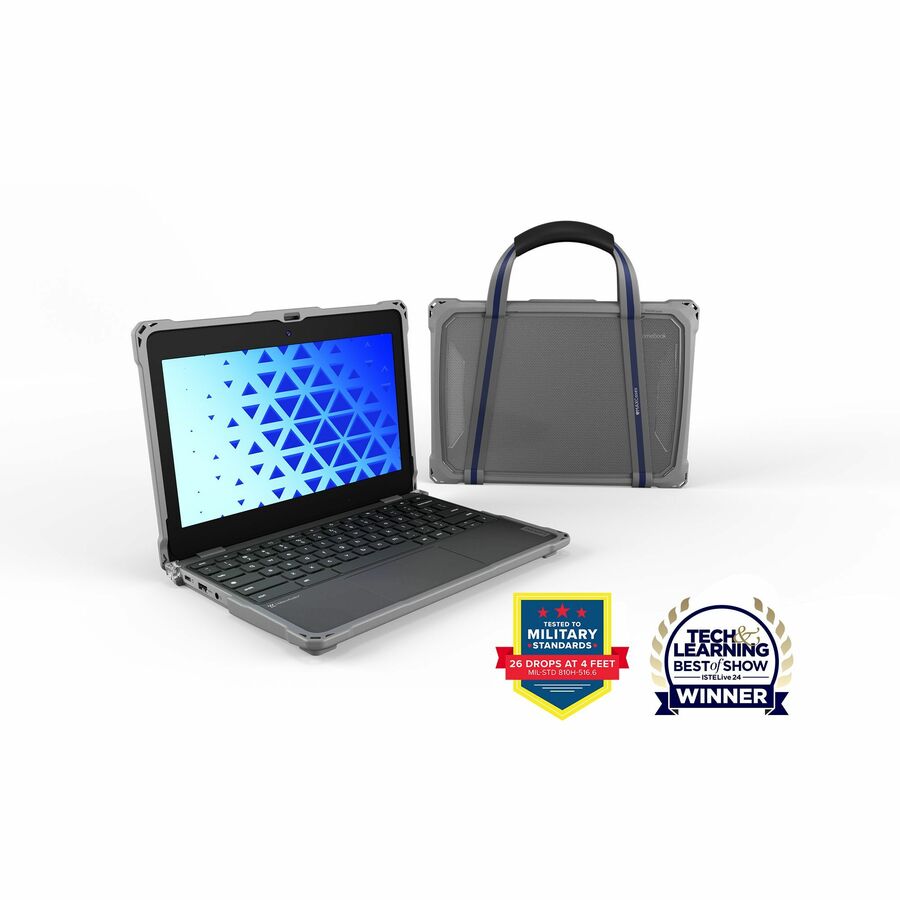
Districts running a take-home program generally end up with both a shell and a carry item, and the sequencing matters. The shell is the one that changes the damage numbers, because it is present during use. The bag reduces a narrower class of incident, mostly involving other objects in a backpack, and can often be deferred a year or handled by the family rather than the district.
Where devices stay on campus and move between a cart and a desk, a shell alone is usually the complete answer. Where devices go home with younger students, the honest recommendation is a shell plus something soft, and a written expectation for families about what the device is and is not protected against. Neither product makes a Chromebook indestructible and it is better to say that in the handbook than to discover it at the first repair cycle.
The arithmetic is worth doing with your own figures rather than a vendor's. Shells on this page run from about eighteen to thirty-eight dollars per device, clustering in the high twenties and low thirties. Put that against your own repair invoices, your self-insurance rate, and the administrative cost of processing a damage claim — that comparison, on your numbers, is the only version of this argument worth presenting to a board.
FAQ
Common questions
- What is an 'always-on' shell, and how is it different from a case?
- An always-on shell fits the device chassis and stays there for the school year, leaving the keyboard, ports and camera accessible. A carry case is a bag the device goes into for transport. The shell protects during use — on a desk, in a lap, in a corridor — which is when most damage happens. The two are complementary purchases, not alternatives.
- How do I make sure the shell fits our exact Lenovo Chromebooks?
- Read the hardware version string off a physical device rather than relying on the commercial model name. MAXCases publishes explicit version qualifiers on the Lenovo 100e and 300e G4 shells — some fit 83G8 and 83G9 only, others fit 82W0 and 82W1 and explicitly do not fit 83G. Check several devices if your fleet arrived in multiple deliveries, and send us the version string with your quote request.
- What is the difference between Extreme Shell-F, F2, F3 and S?
- F is the base slide-on shell in thermoplastic polyurethane; F2 adds a thermoplastic elastomer and shock absorption to the claim set; F3 is the most recent iteration and appears on the newest device fits. Shell-S is a different construction in polycarbonate with TPU, listed with a textured anti-slip finish — better suited where preventing the drop matters more than absorbing it.
- Most of these show as back-ordered. Can we still buy at volume?
- Yes, but treat it as a scheduled purchase. Model-matched shells in this category are largely built against demand, so a volume order needs a quoted lead time rather than a cart checkout. Start the conversation in spring for an August deployment, and tell us if you have a hard date — there is often an alternative shell family that fits the same device sooner.
- Will an always-on shell fit our charging carts?
- It has to, because the device is never bare. Measure a shelled device at its thickest point and compare it against the cart's bay dimension and shelf width before ordering either. Where the margin is tight, a lower-profile shell family usually recovers the space. Removing shells to charge defeats the purpose and is where devices get damaged.
Need MAXCases Chromebook cases pricing?
Send a bill of materials or part numbers — we confirm stock and a below-market total, with TAA verified on request. No payment up front.