
Best Acer Notebooks for Business and Education Fleets
Copilot+ AI thin-and-lights, everyday Aspire productivity, rugged Chromebooks for shared classroom and kiosk fleets, and GPU-accelerated Predator and Nitro systems.
Acer laptops in stock at Uniqcli
How to choose →A curated selection with live pricing — in-stock lines first, then back-ordered lines with a typical lead time. Every line is sourced through US distribution and screened for NDAA §889 status before checkout, with TAA verified on request.
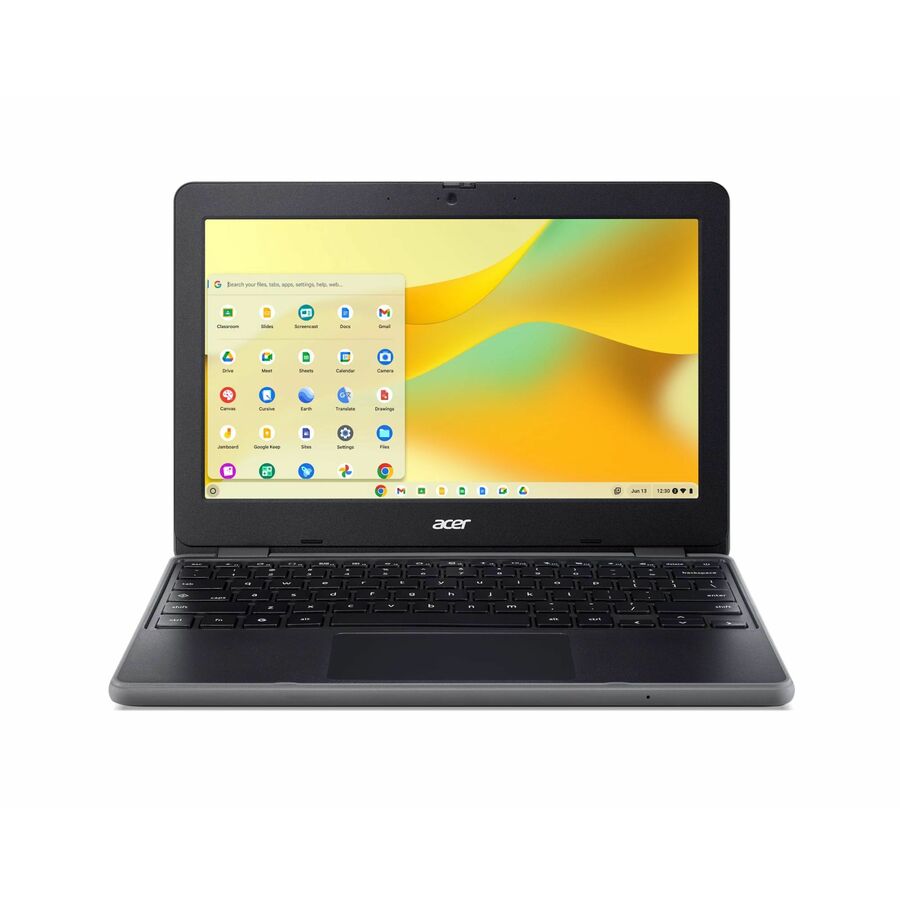
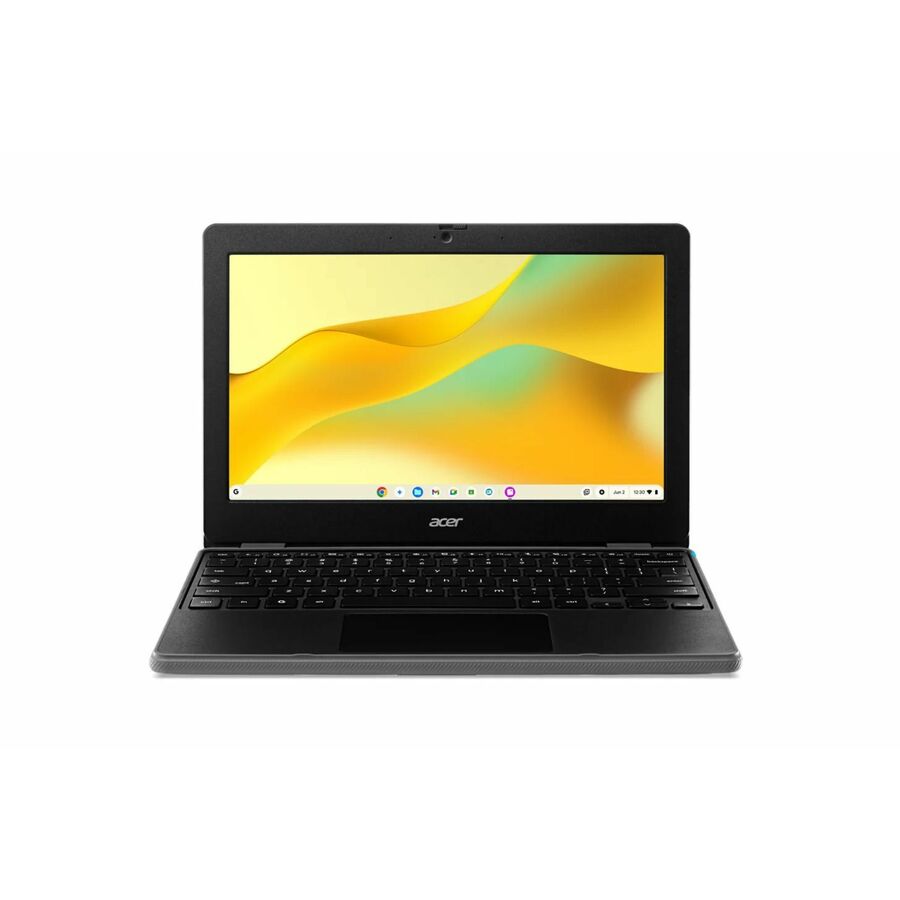
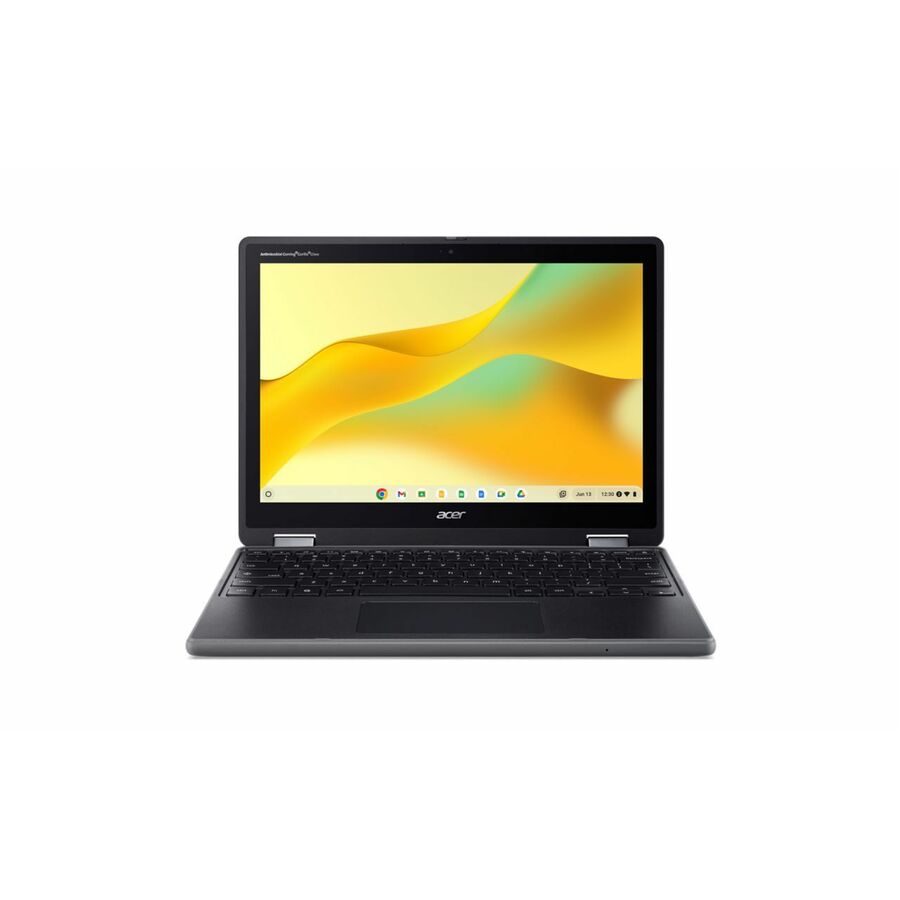
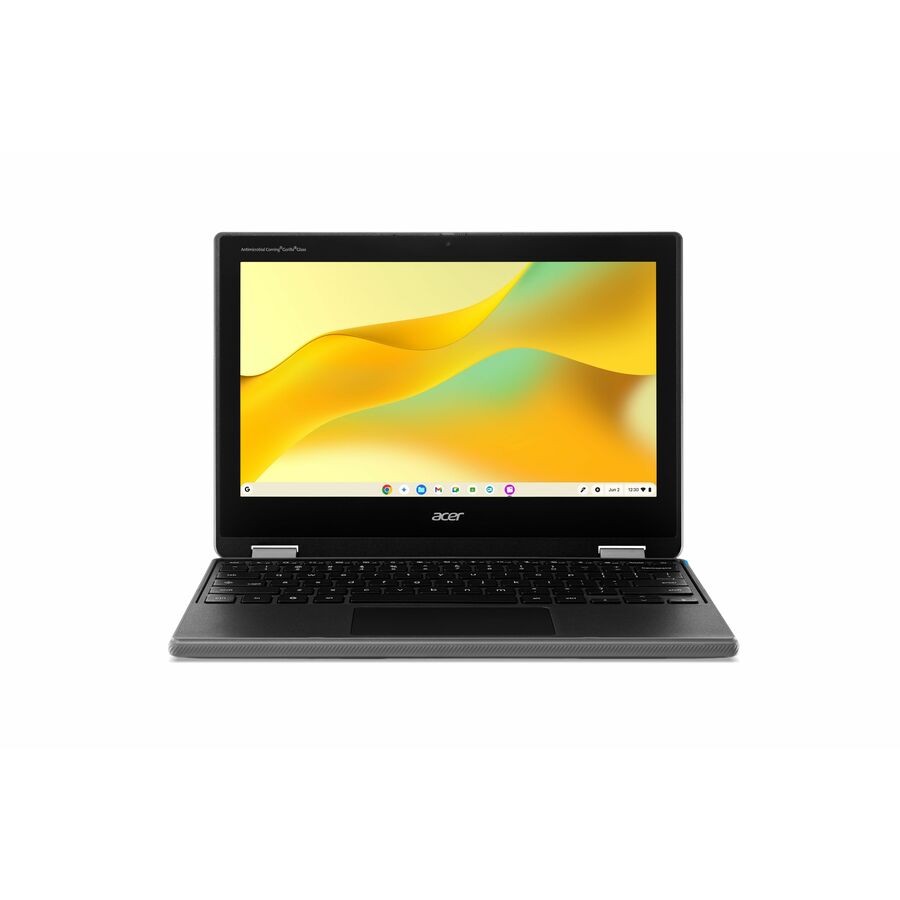
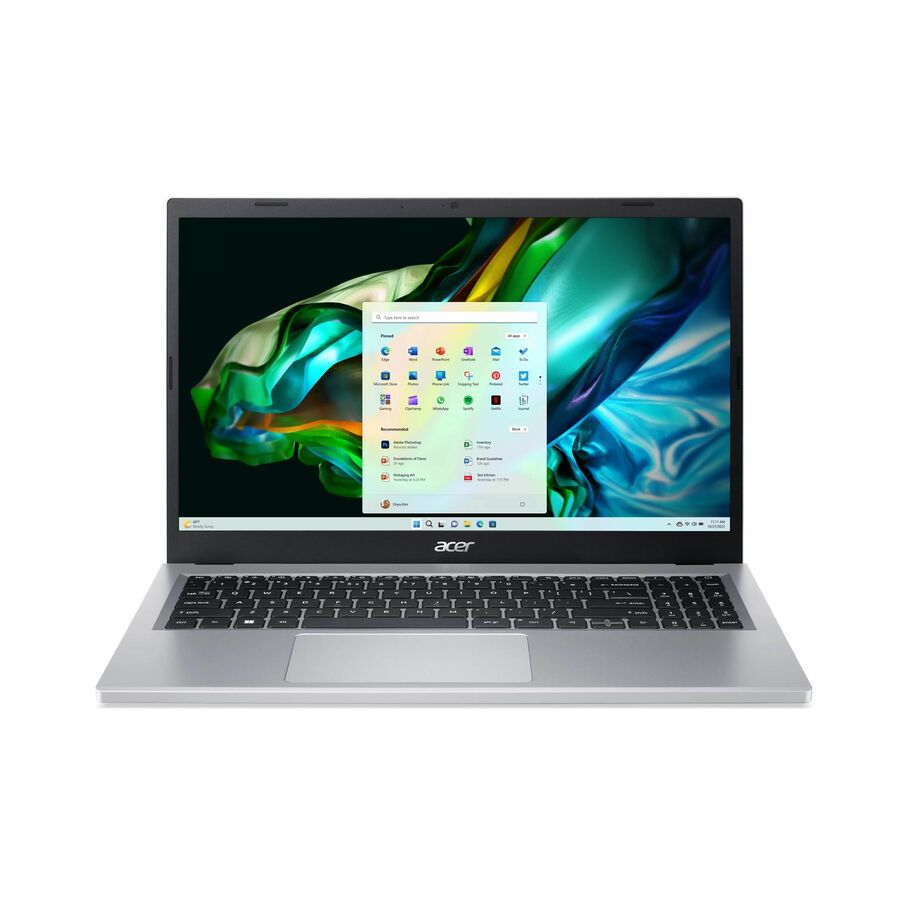
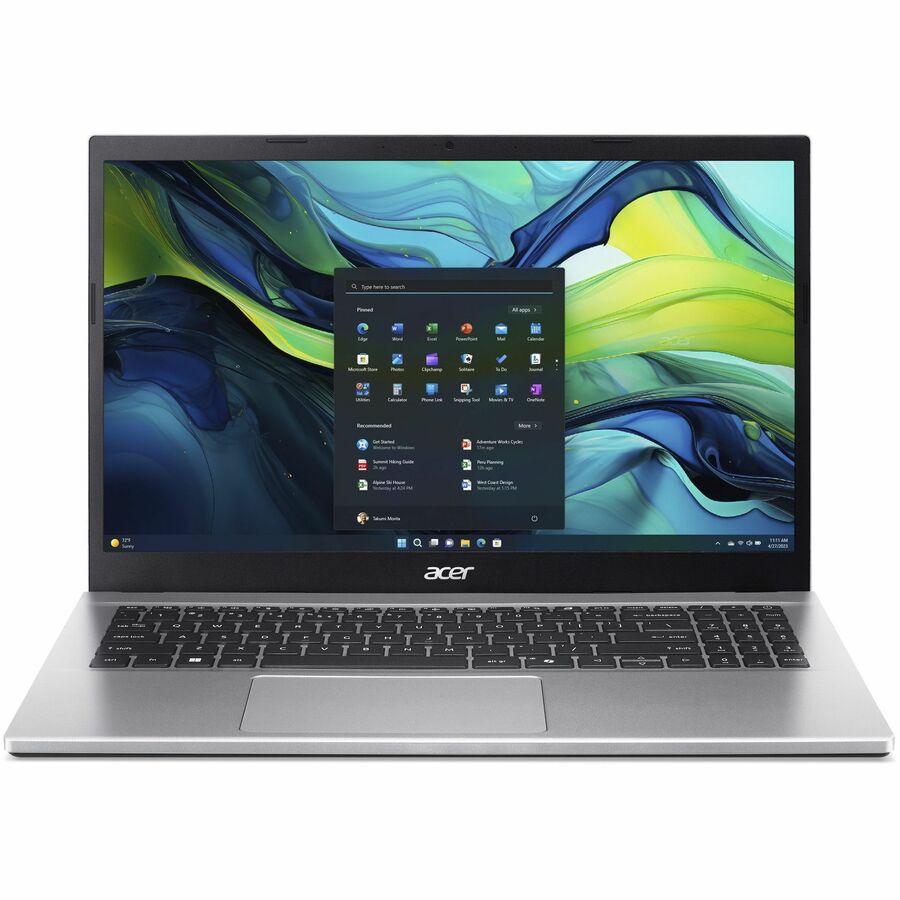
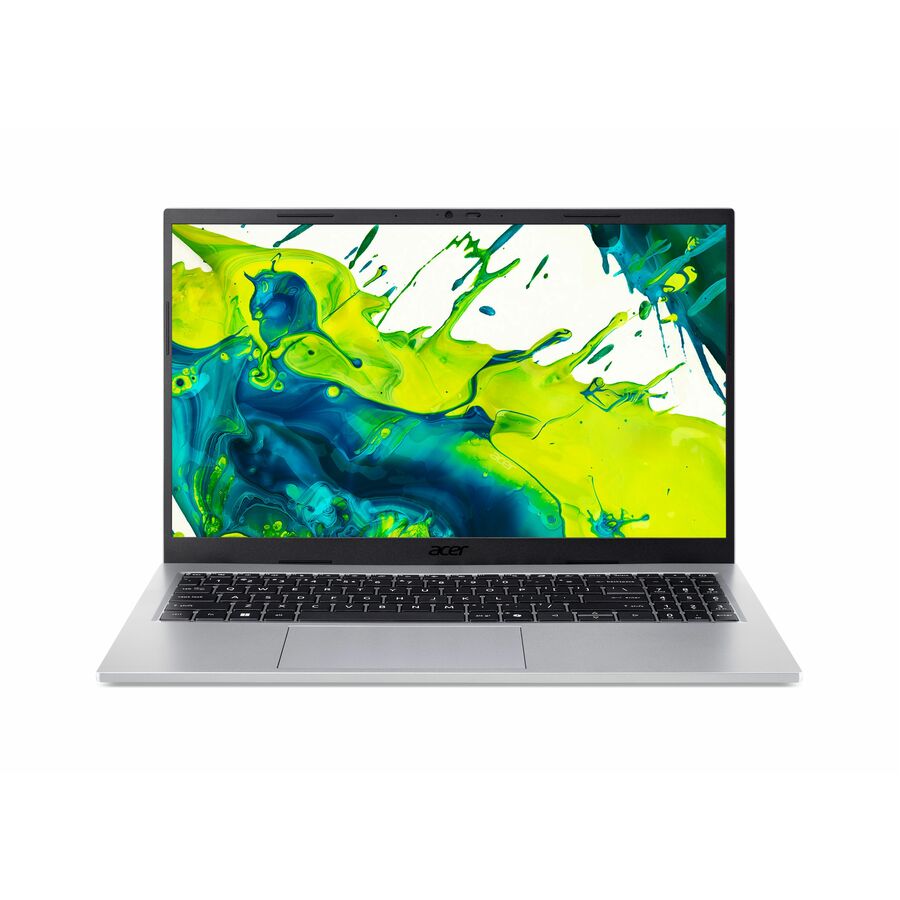
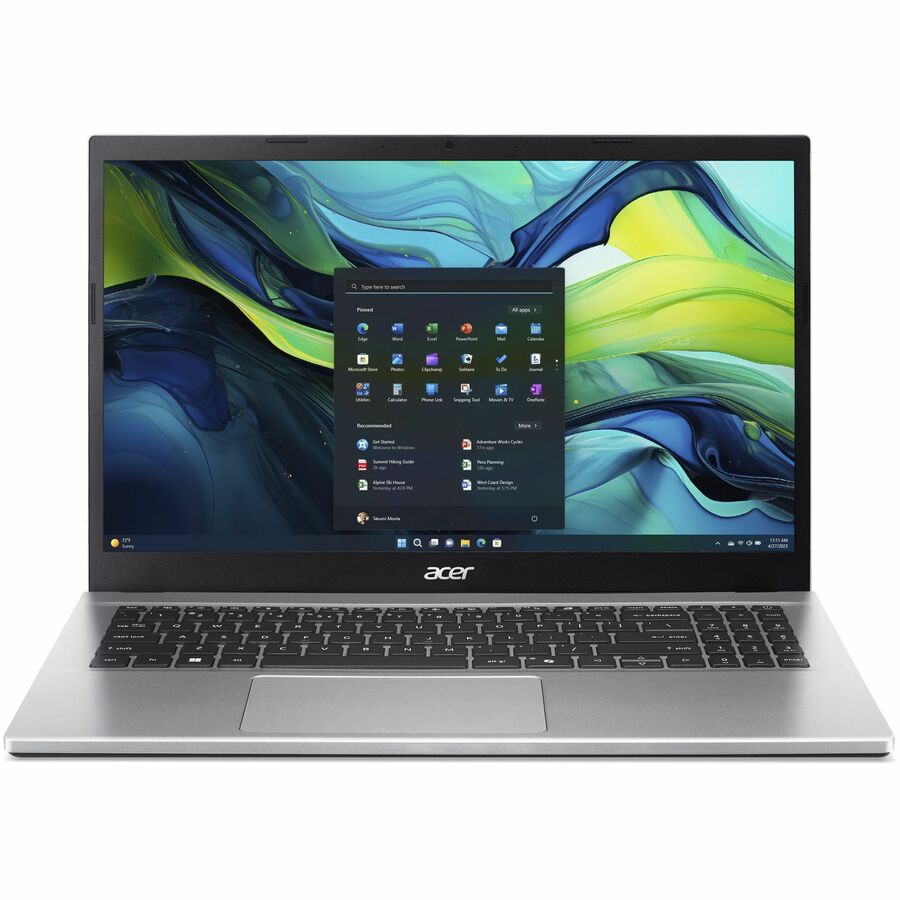
- AcerAcer Aspire Lite AL15-36P AL15-36P-C0M7 15.6" Notebook - Full HD - 60 Hz - Intel N150 - 4 GB - 128 GB SSD - English Keyboard - Silver - Intel Chip - 1920 x 1080 - Windows 11 Home - Intel - ComfyView (Matte), Twisted nematic (TN) - Front Camera/Webcam - 9 Hours Battery Run Time - IEEE 802.11ac Wireless LAN StandardNX.DE1AA.001
$1,359.80
$1,291.68
15 in stock

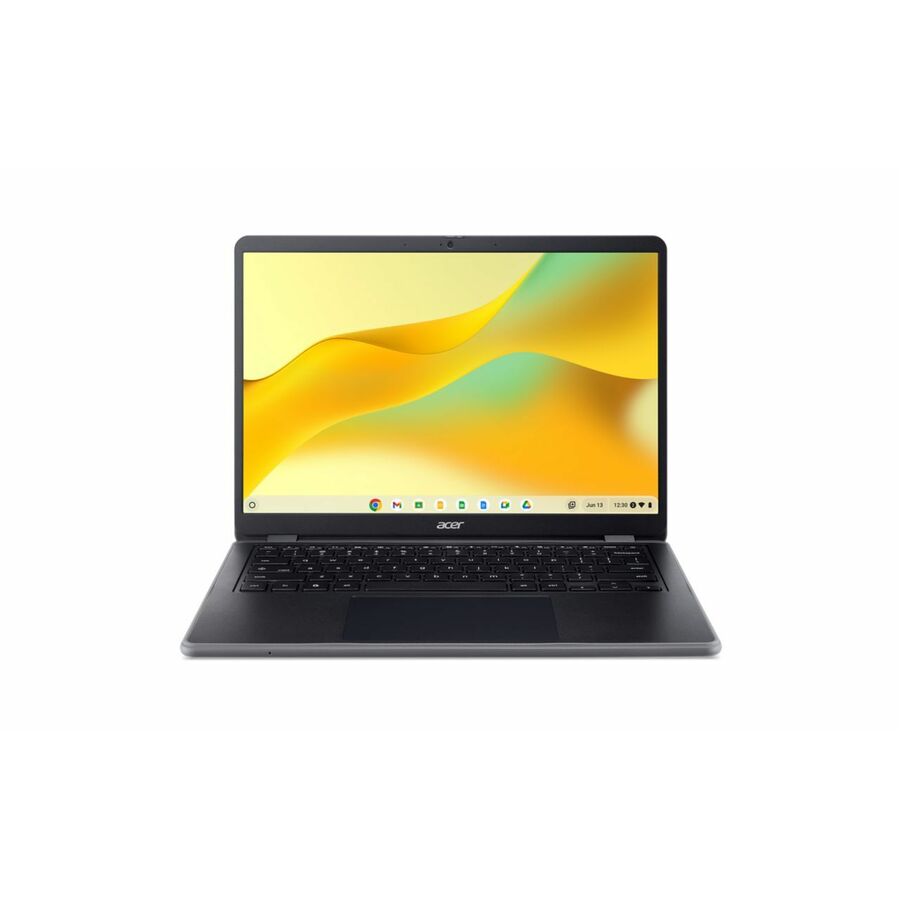
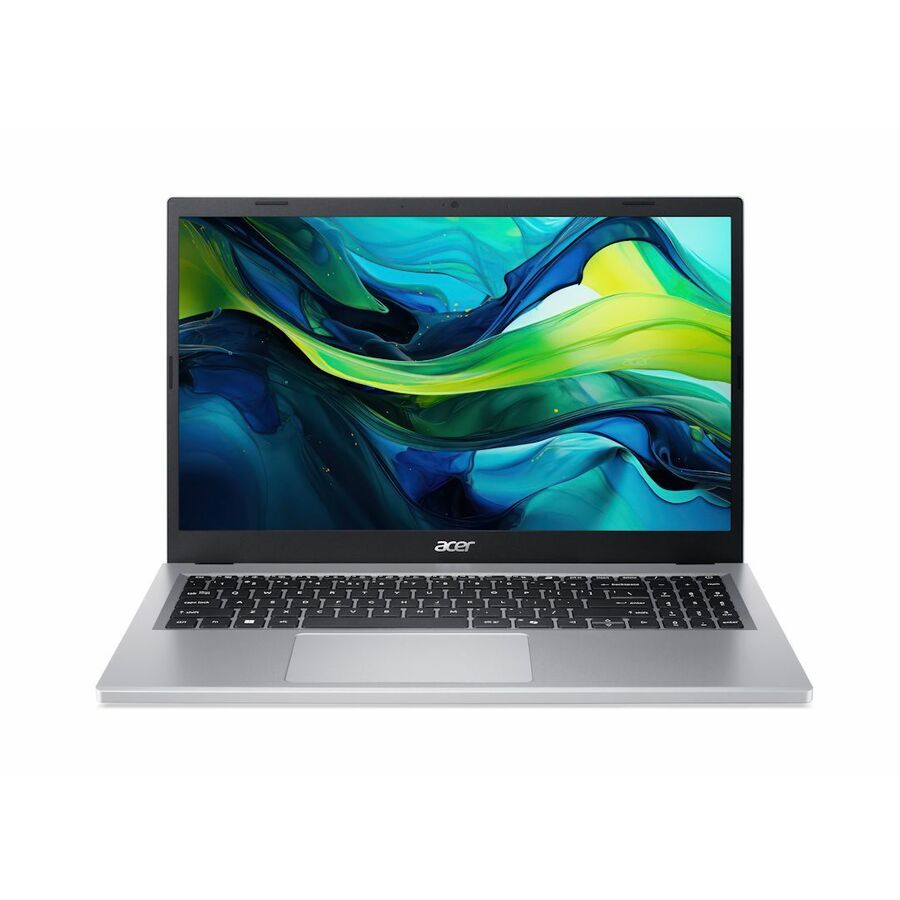
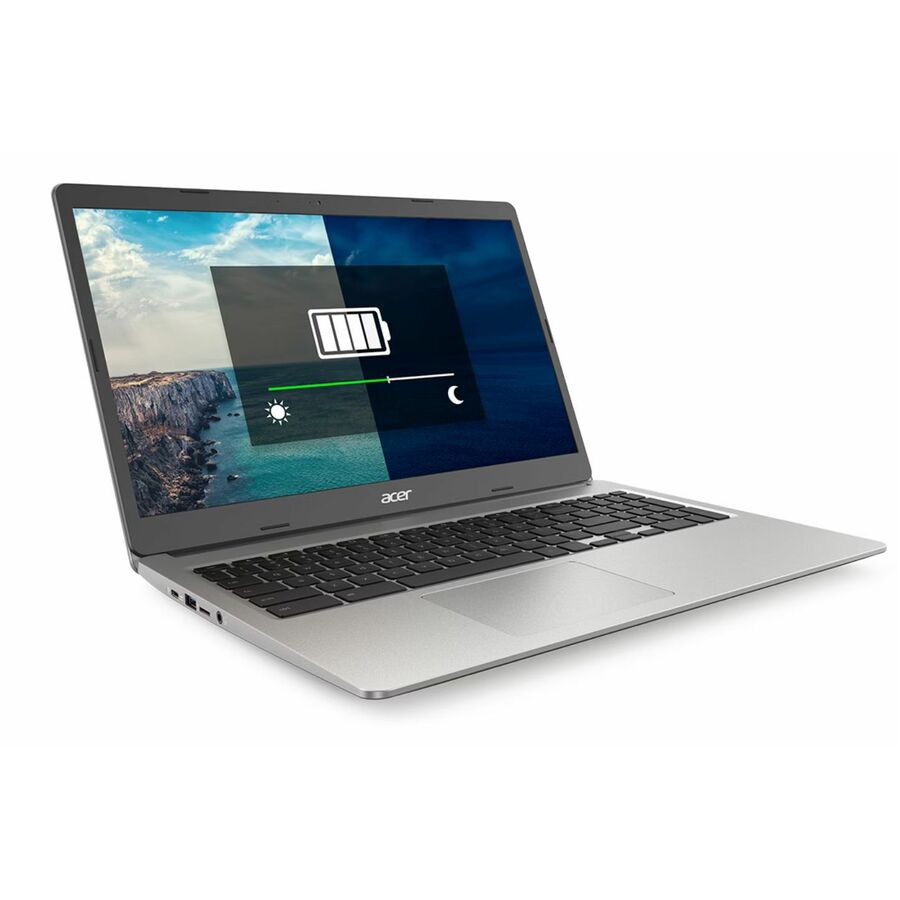
Top pick
Acer
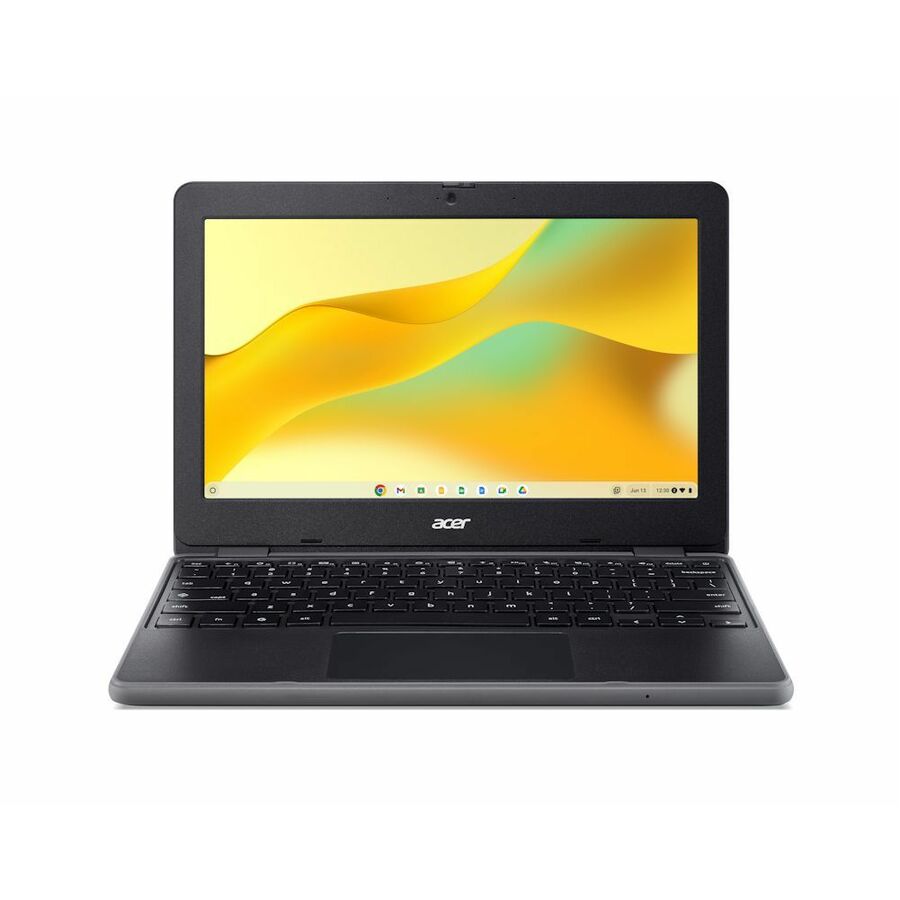
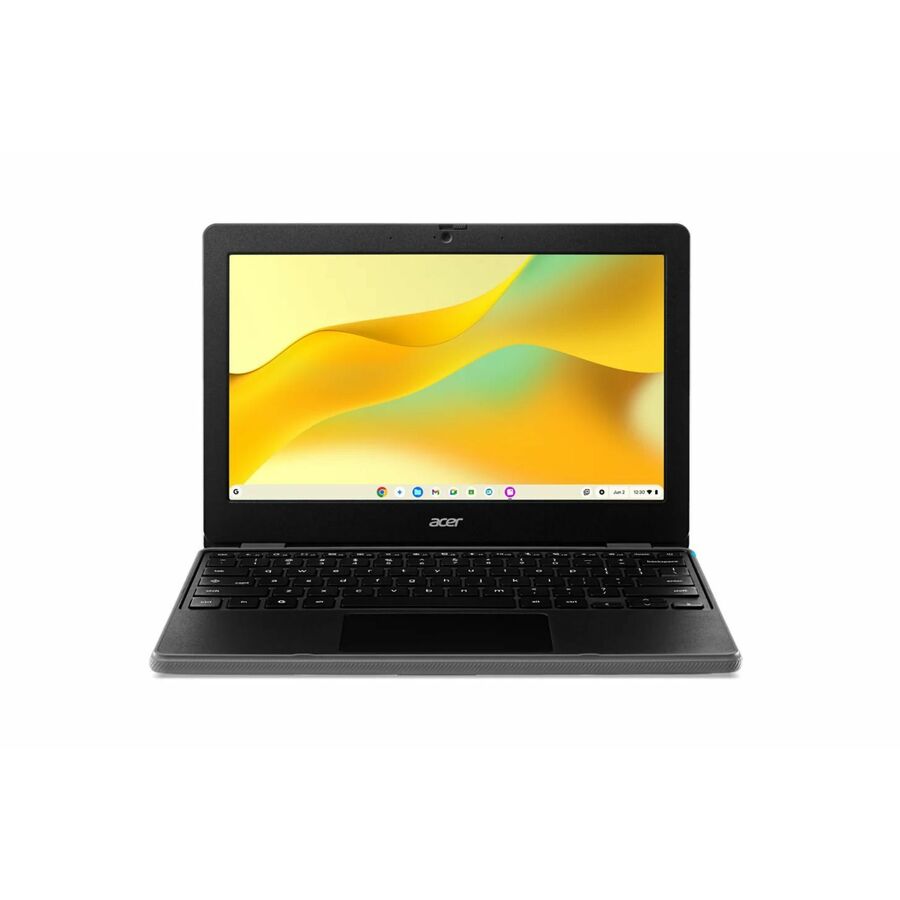
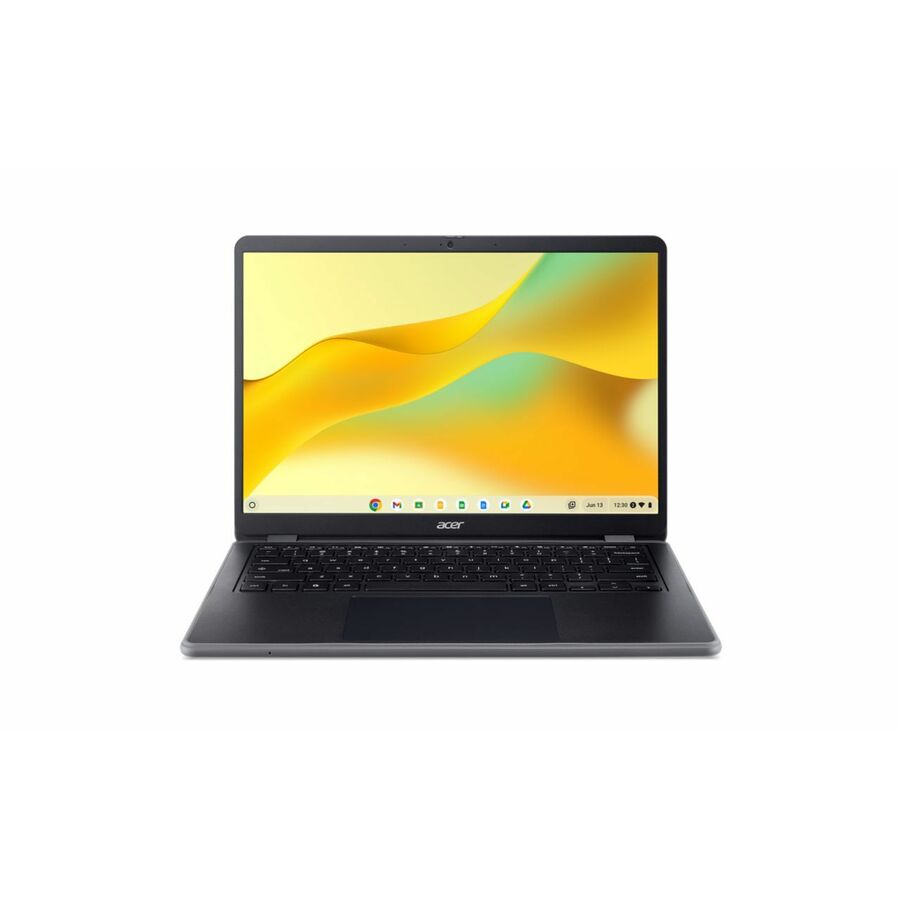
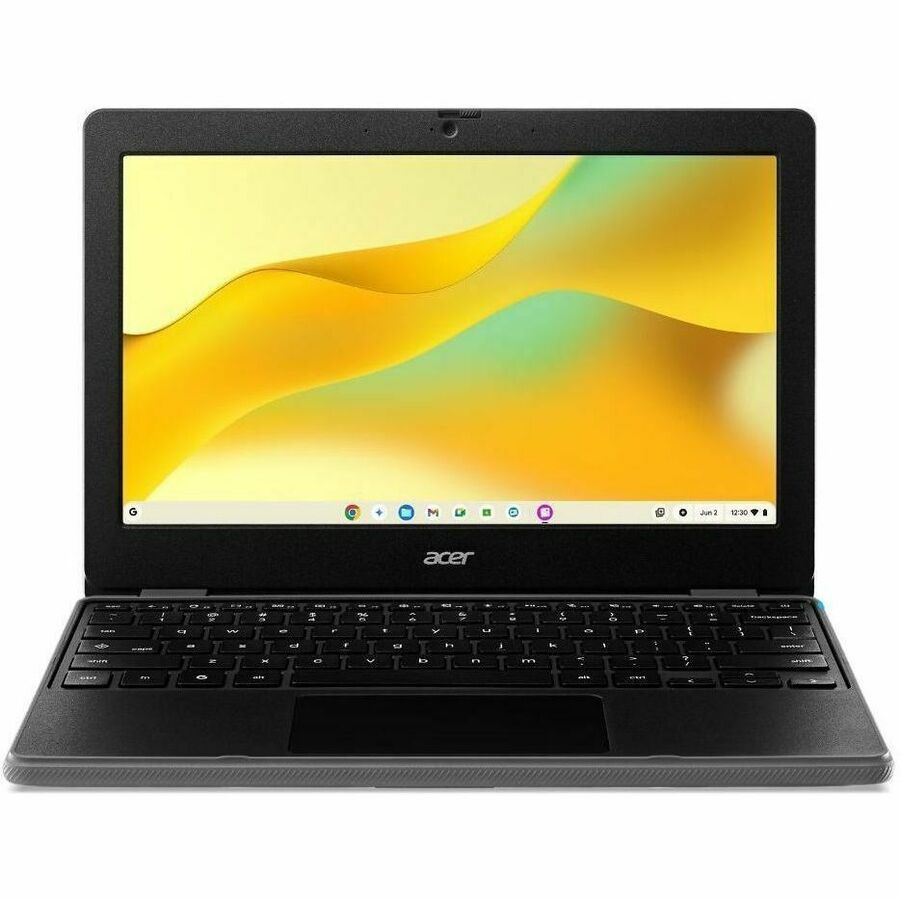
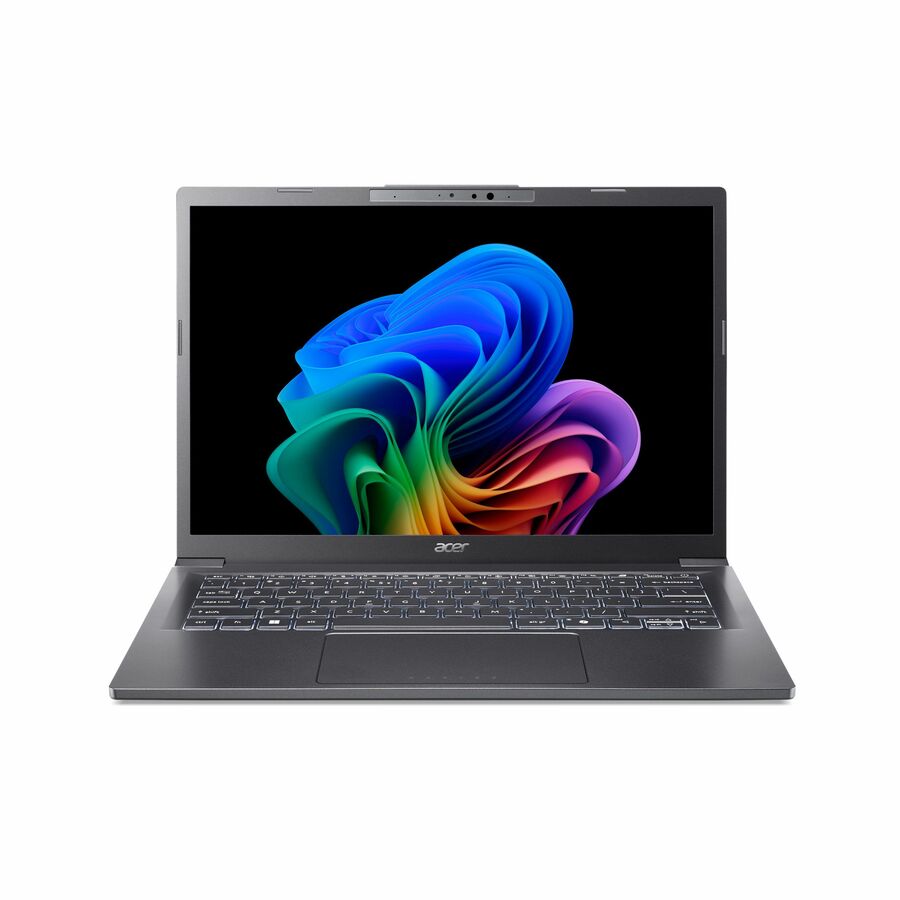
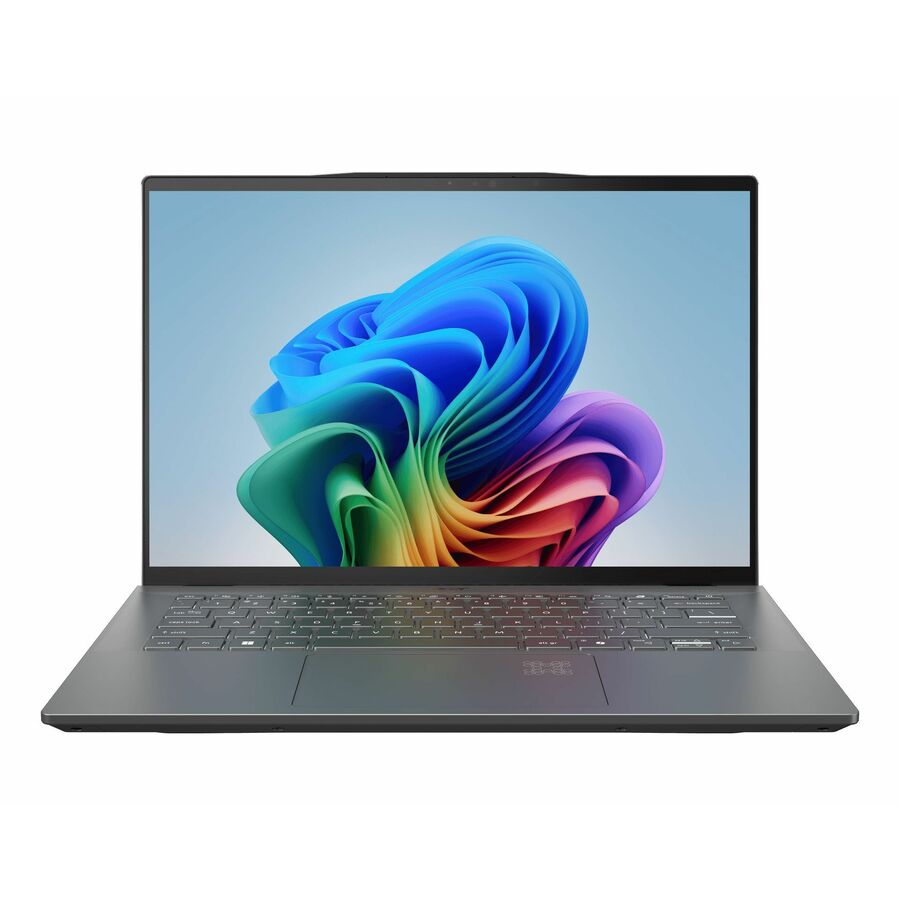
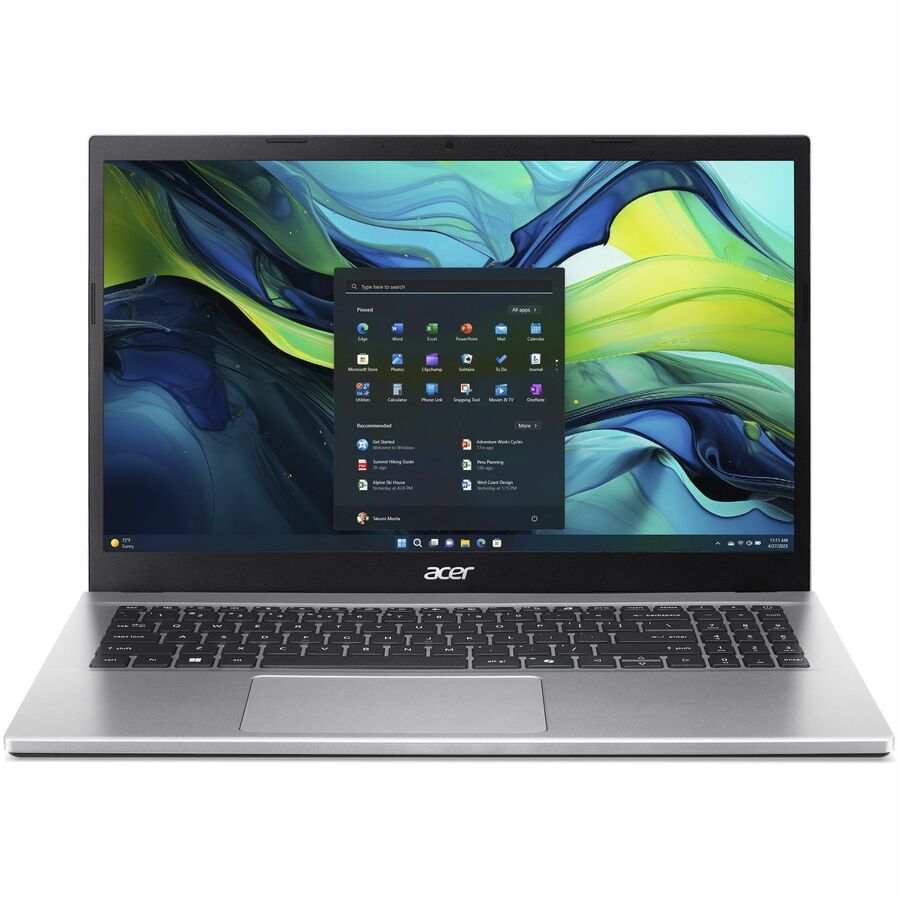
Acer Aspire 14 AI A14-52M A14-52M-72FH 14" Copilot+ PC Notebook
NX.J8LAA.001
Sixteen gigabytes of memory and a 1 TB SSD behind a current Intel Core Ultra part — the configuration that clears this page's own floor for a Windows productivity seat, rather than the value builds that ship at 4 to 8 GB and feel tight inside a year.
This row lists Windows 11 Home. If your management stack needs domain join or Intune enrollment, ask us to quote the Pro configuration instead.
$1,701.19In stockMore laptops in the Uniqcli catalog
See all 15,800 laptopsMore Acer first — closest to what you were just looking at; “See all laptops” above opens every other brand in the category. In-stock lines lead, and a back-ordered line carries the same estimated availability its product page does — with live pricing throughout, NDAA §889 screening before checkout and TAA verified on request.
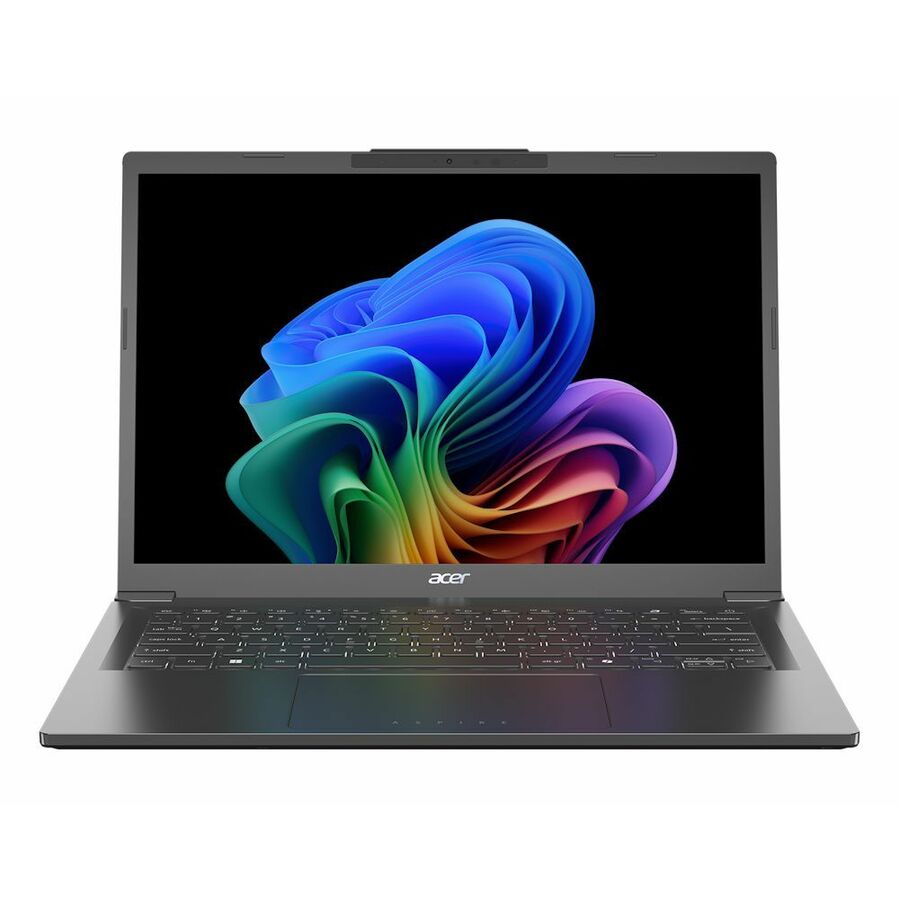
- AcerAcer Aspire 14 AI A14-52MT A14-52MT-59DP 14" Touchscreen Copilot+ PC Notebook - WUXGA - 60 Hz - Intel Core Ultra 5 226V - 16 GB - 1 TB SSD - English Keyboard - Iron - Intel Chip - 1920 x 1200 - Windows 11 Home - Intel ARC 130V GPU - ComfyView (Matte), In-plane Switching (IPS) Technology - Front Camera/Webcam - IEEE 802.11ax Wireless LAN StandardNX.JDJAA.001
$2,338.57
$2,212.93
10 in stock - AcerAcer Aspire 14 AI A14-52MT A14-52MT-94H5 14" Touchscreen Copilot+ PC Notebook - WUXGA - 60 Hz - Intel Core Ultra 9 288V - 32 GB - 1 TB SSD - English Keyboard - Iron - Intel Chip - 1920 x 1200 - Windows 11 Home - Intel ARC 140V GPU - ComfyView (Matte), In-plane Switching (IPS) Technology - Front Camera/Webcam - IEEE 802.11ax Wireless LAN StandardNX.JK7AA.003
$2,333.66
$2,208.29
10 in stock - AcerAcer Aspire 14 AI A14-52M A14-52M-72FH 14" Copilot+ PC Notebook - WUXGA - 60 Hz - Intel Core Ultra 7 256V - 16 GB - 1 TB SSD - English Keyboard - Iron - Intel Chip - 1920 x 1200 - Windows 11 Home - Intel ARC 140V GPU with 8 GB - ComfyView (Matte), In-plane Switching (IPS) Technology - Front Camera/Webcam - IEEE 802.11ax Wireless LAN StandardNX.J8LAA.001
$1,797.77
$1,701.19
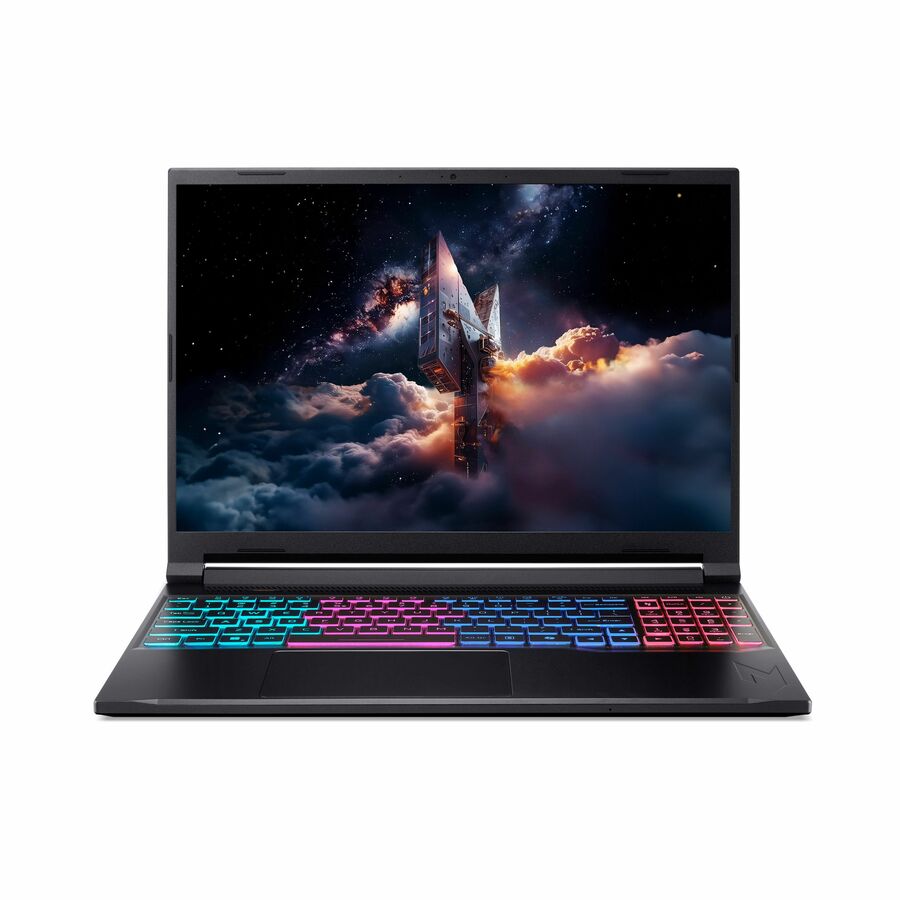
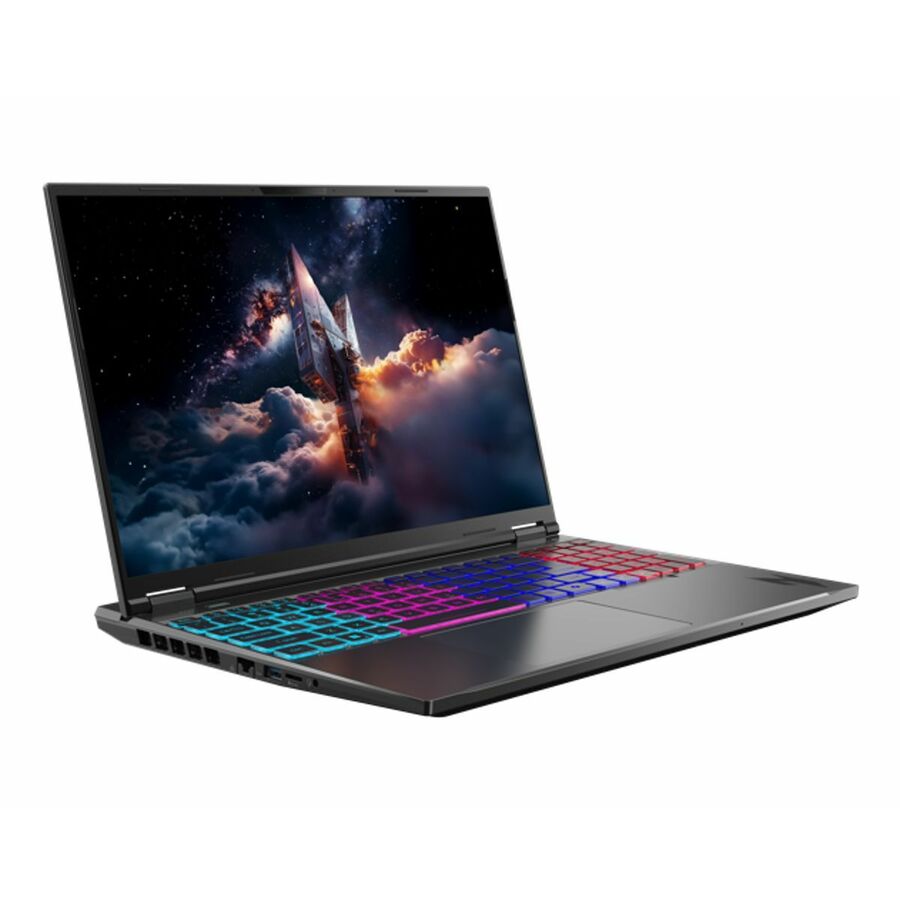
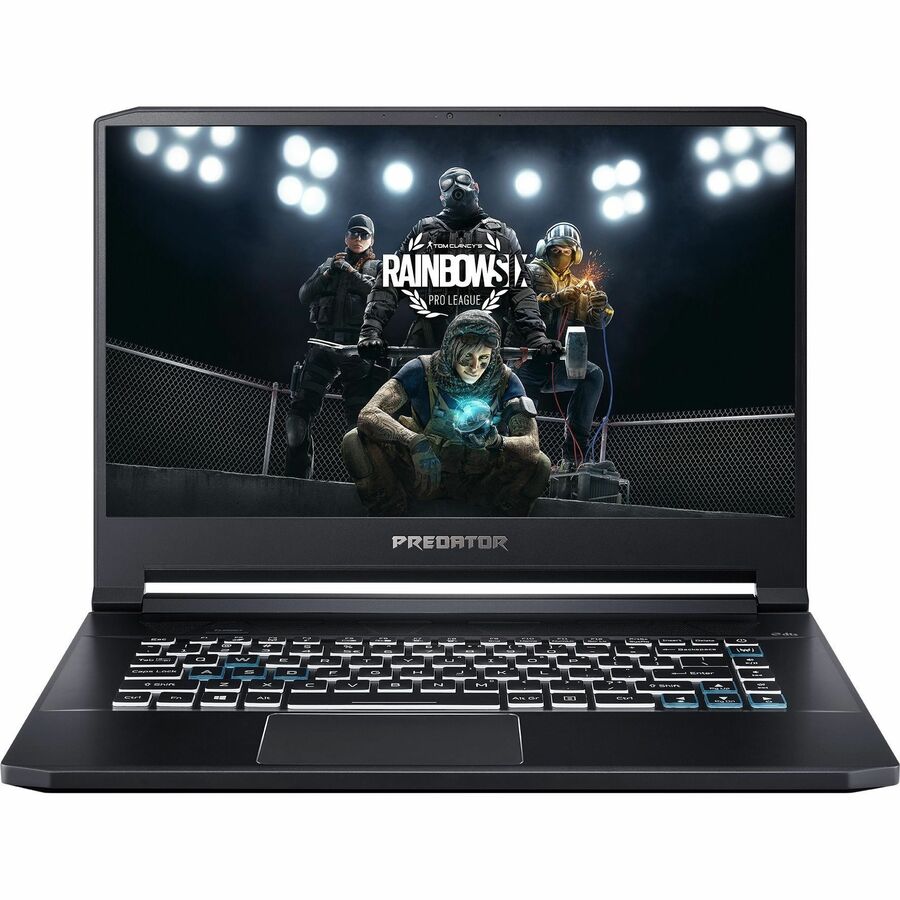
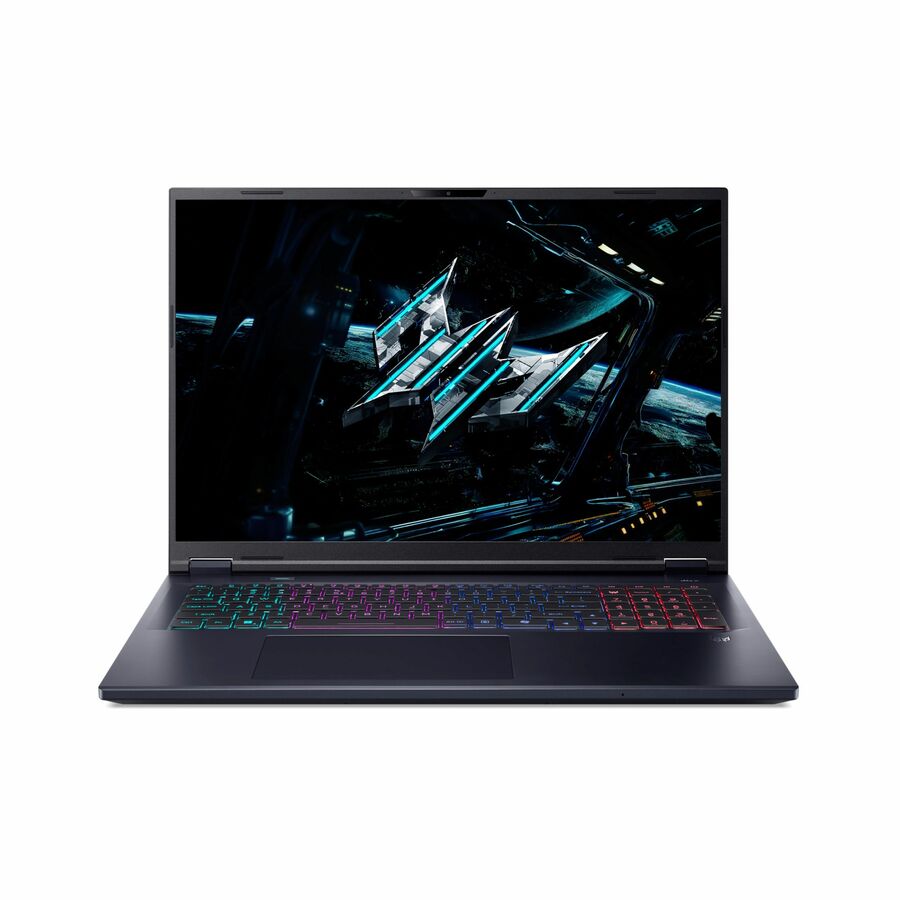
8 in stock - AcerPredator Helios Neo 16 AI PHN16-73 PHN16-73-979X 16" Gaming Notebook - WQXGA - 240 Hz - Intel Core Ultra 9 275HX - 64 GB - 2 TB SSD - English Keyboard - Black - Intel HM870 Chip - 2560 x 1600 - Windows 11 Home - NVIDIA GeForce RTX 5070Ti with 12 GB - CineCrystal (Glare) - Front Camera/Webcam - 5 Hours Battery Run Time - IEEE 802.11ax Wireless LAN StandardNH.U0QAA.001
$24,690.88
$23,250.50
Back-orderedBack-ordered — estimated OEM lead time 3–8 weeks (Nov 16 – Dec 21 if ordered today).
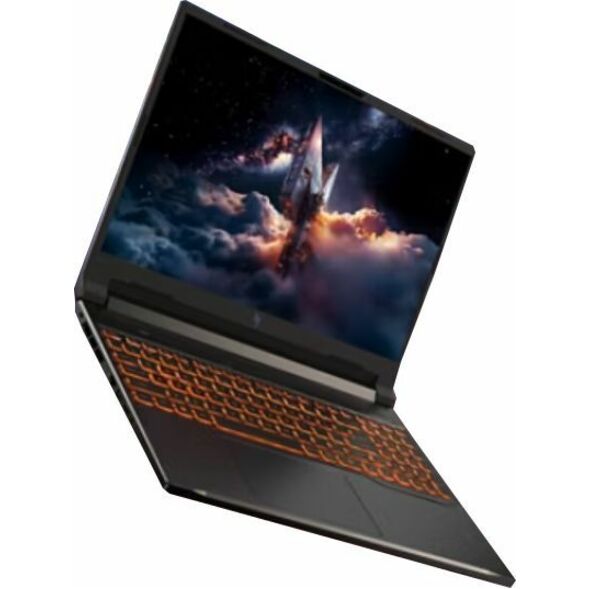
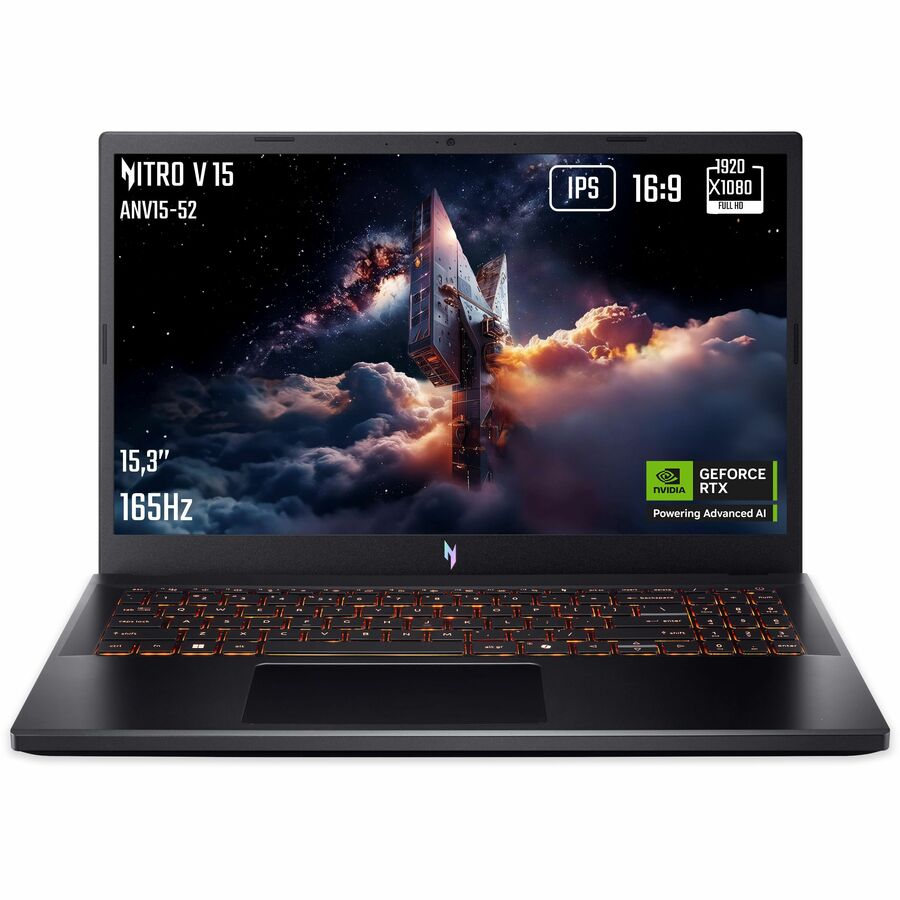
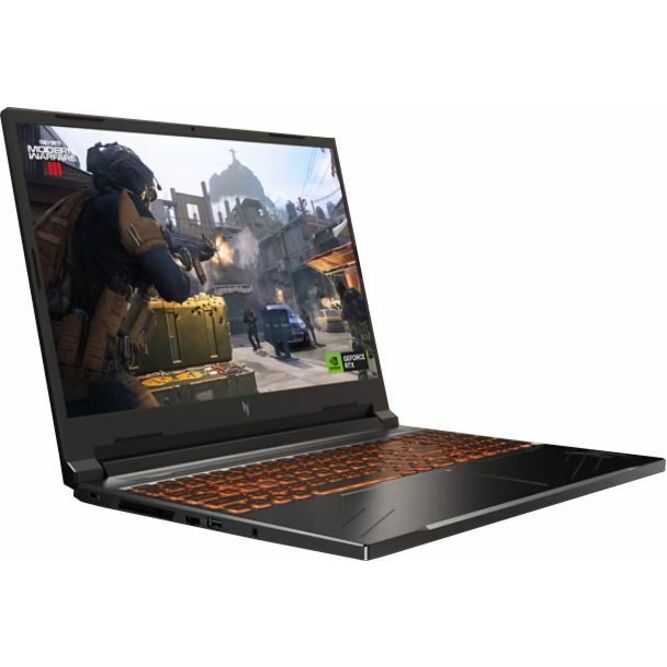
- AcerAcer Nitro V 16 ANV16-72 ANV16-72-73C7 16" Gaming Notebook - WUXGA - 180 Hz - Intel Core 7 240H - 32 GB - 512 GB SSD - US International Keyboard - Black - Intel Chip - 1920 x 1200 - Windows 11 Home - NVIDIA GeForce RTX 5060 with 8 GB - ComfyView (Matte), In-plane Switching (IPS) Technology - Front Camera/Webcam - 8 Hours Battery Run Time - IEEE 802.11ax Wireless LAN Standard - Wi-Fi 6NH.U2EAA.004
$21,756.91
$20,487.70
Back-orderedBack-ordered — estimated OEM lead time 3–8 weeks (Nov 16 – Dec 21 if ordered today).
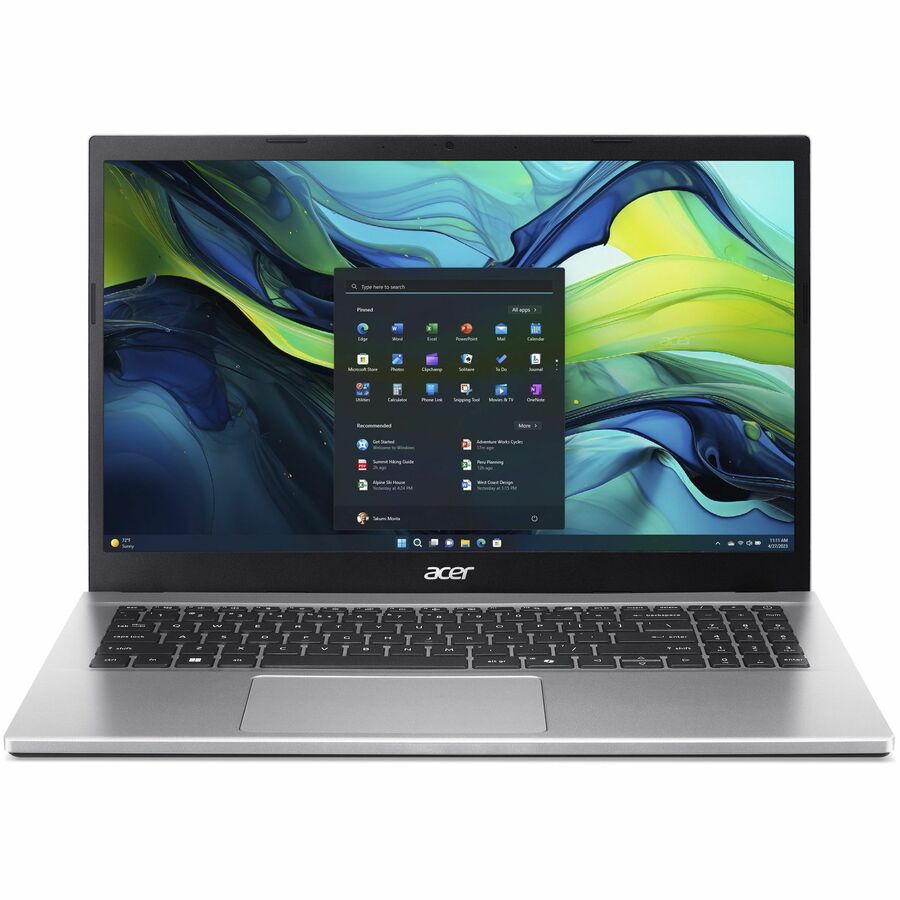
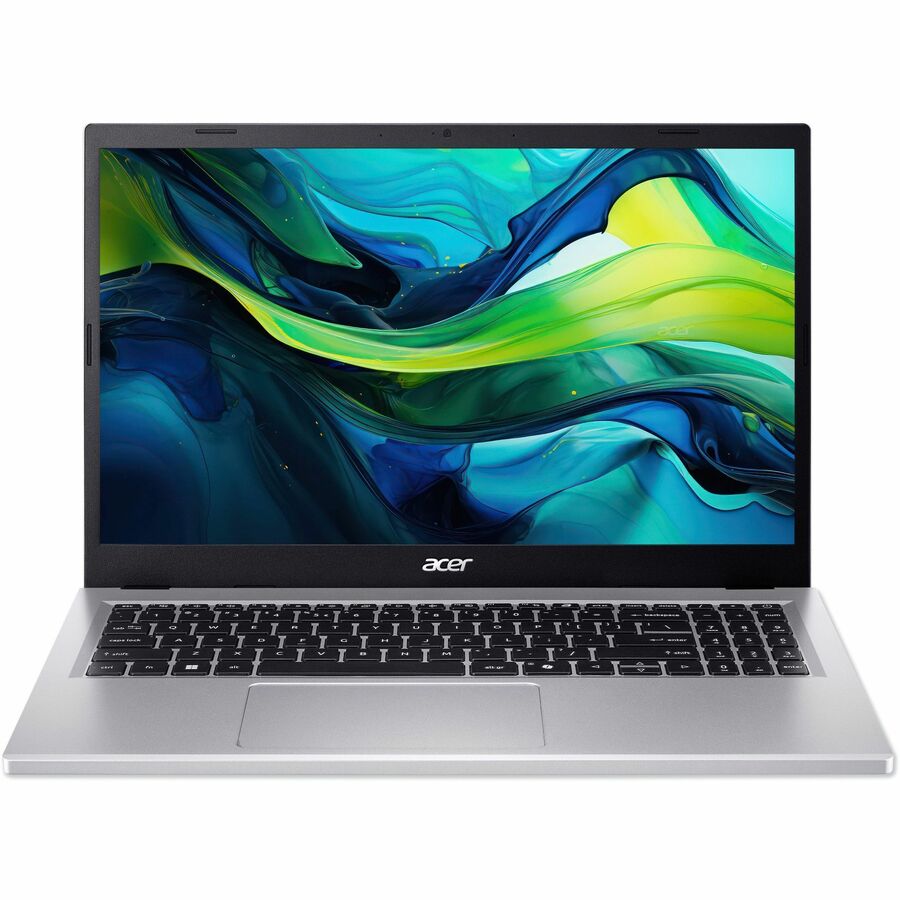
- AcerAcer Aspire Go 15 AG15-71P AG15-71P-76WZ 15.6" Notebook - Full HD - 60 Hz - Intel Core i7 13th Gen i7-13620H - 16 GB - 512 GB SSD - English Keyboard - Silver - Intel Chip - 1920 x 1080 - Windows 11 Home - Intel UHD Graphics - ComfyView (Matte), In-plane Switching (IPS) Technology - Front Camera/Webcam - 11.50 Hours Battery Run Time - IEEE 802.11ax Wireless LAN StandardNX.JJKAA.002
$7,704.72
$7,255.25
Back-orderedBack-ordered — estimated OEM lead time 3–8 weeks (Nov 16 – Dec 21 if ordered today).
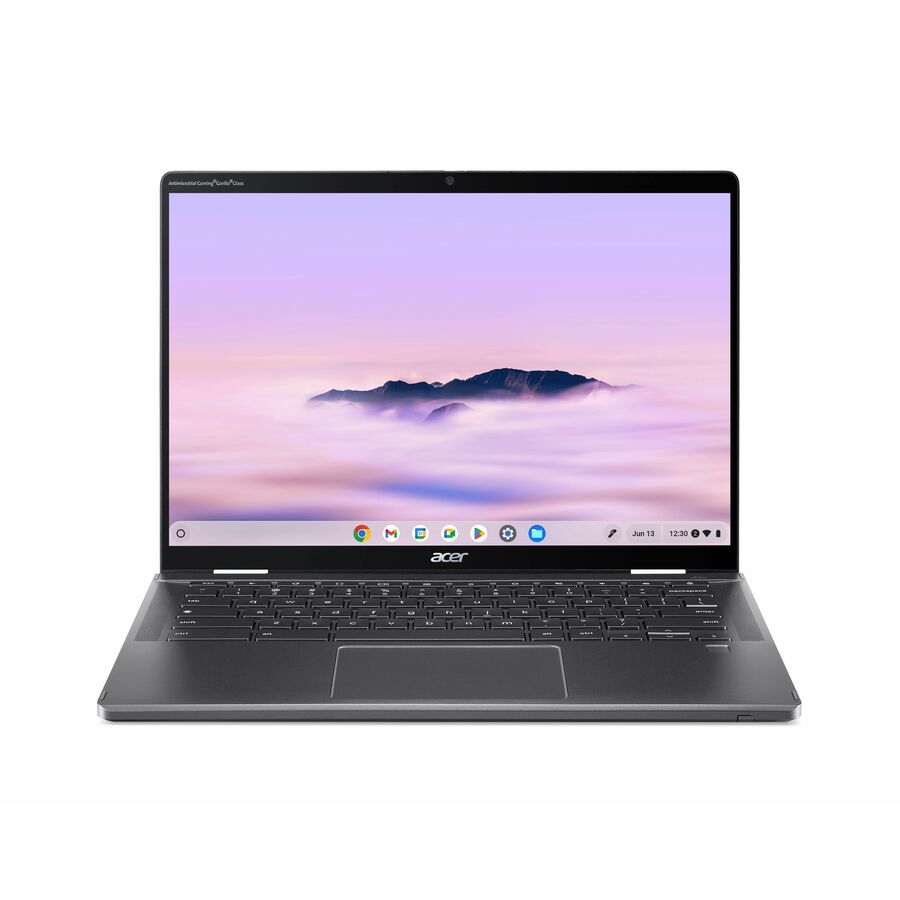
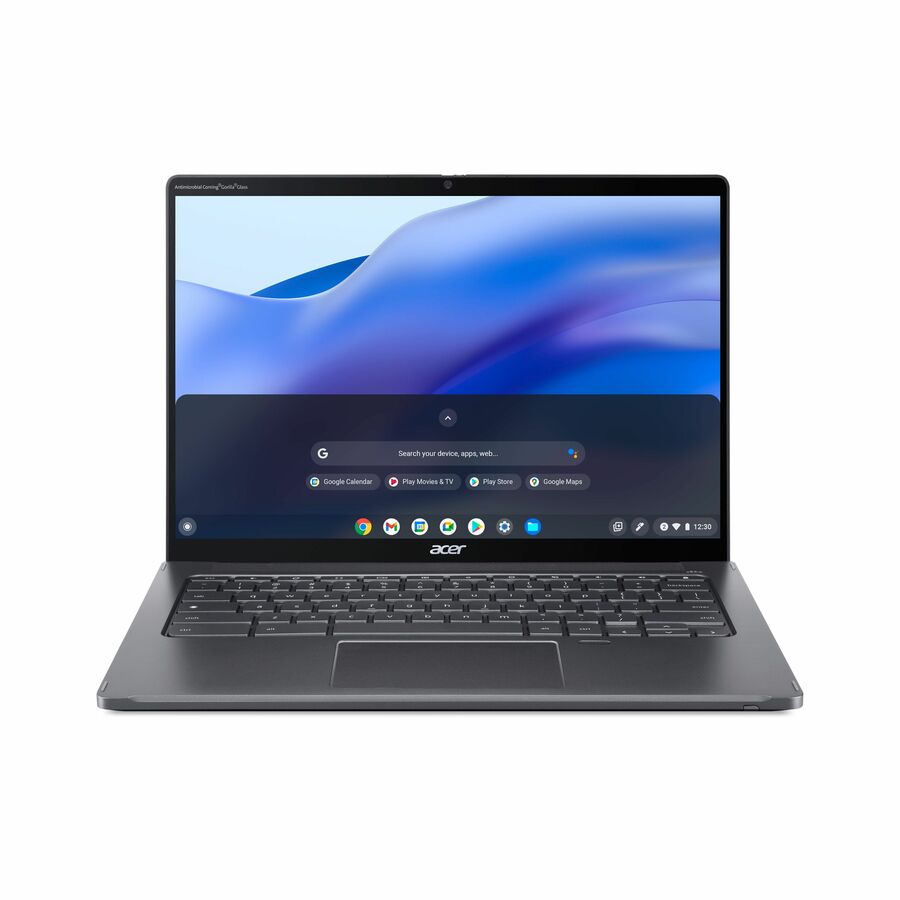
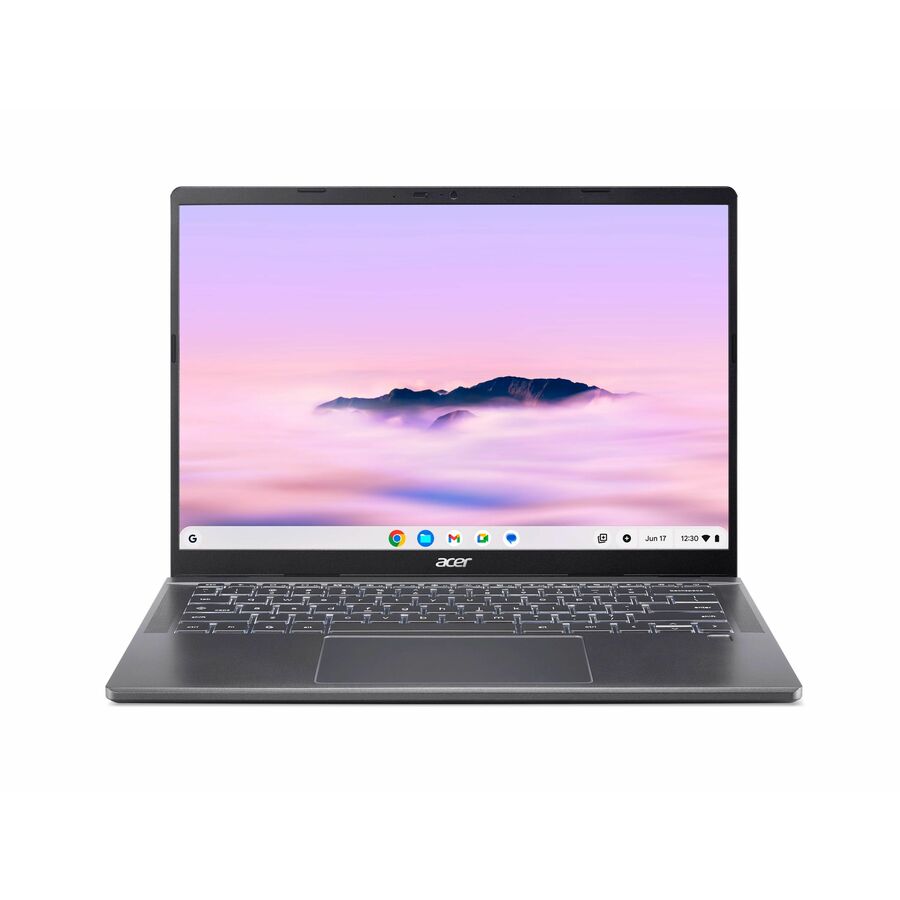
- AcerAcer Chromebook Plus 714 CBE794-1 CBE794-1-57T9 14" Chromebook - WUXGA - 120 Hz - Intel Core Ultra 5 115U - 16 GB - 256 GB SSD - English (US) Keyboard - Iron - Intel Chip - 1920 x 1200 - ChromeOS - Intel - ComfyView (Matte), In-plane Switching (IPS) Technology - Front Camera/Webcam - 11.50 Hours Battery Run Time - IEEE 802.11be Wireless LAN Standard - Wi-Fi 7NX.JM5AA.003
$1,499.99
$1,086.28
Back-orderedBack-ordered — estimated OEM lead time 3–8 weeks (Nov 16 – Dec 21 if ordered today).
Back-ordered — estimated OEM lead time 3–8 weeks (Nov 16 – Dec 21 if ordered today).
- AcerAcer Chromebook Plus 514 CBE594-2T CBE594-2T-76CA 14" Touchscreen Chromebook - WUXGA - 60 Hz - Intel Core 7 150U - 16 GB - 256 GB SSD - English (US) Keyboard - Iron - Intel Chip - 1920 x 1200 - ChromeOS - Intel - ComfyView (Matte), In-plane Switching (IPS) Technology - Front Camera/Webcam - 17 Hours Battery Run Time - IEEE 802.11be Wireless LAN StandardNX.JNWAA.003
$1,399.99
$1,061.25
Back-orderedBack-ordered — estimated OEM lead time 3–8 weeks (Nov 16 – Dec 21 if ordered today).
Back-ordered — estimated OEM lead time 3–8 weeks (Nov 16 – Dec 21 if ordered today).
Back-ordered — estimated OEM lead time 3–8 weeks (Nov 16 – Dec 21 if ordered today).
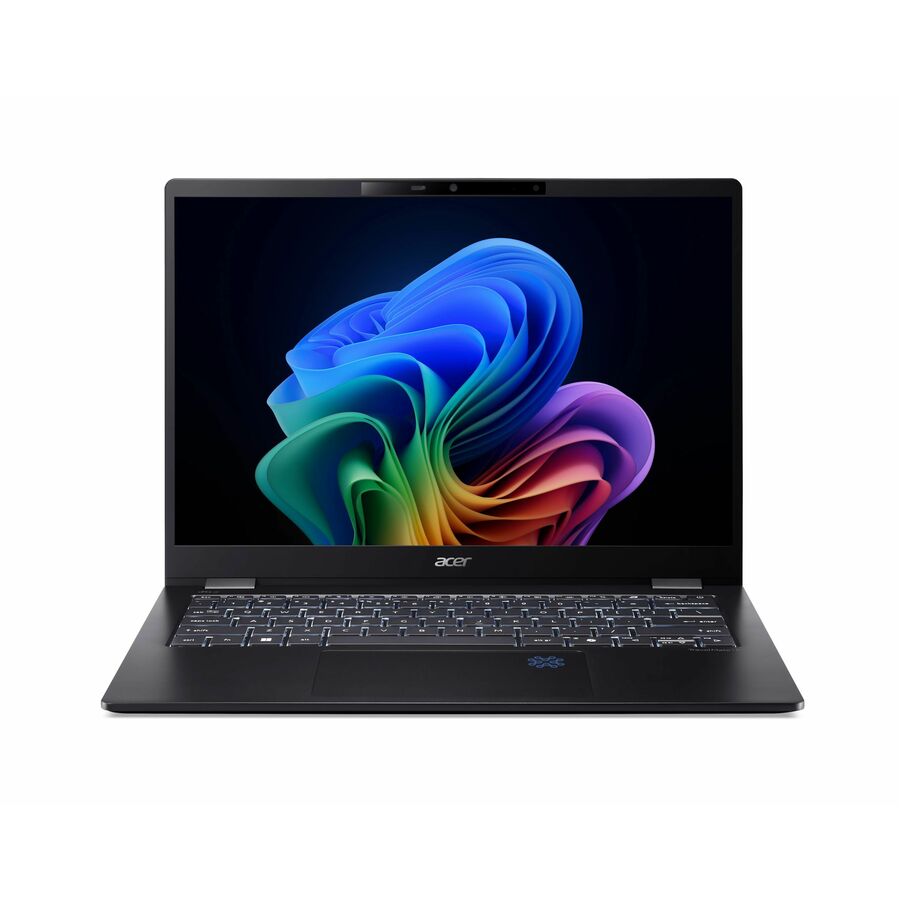
- AcerAcer TravelMate P6 14 AI TMP614-54 TMP614-54-783T 14" Copilot+ PC Notebook - WQXGA+ - 120 Hz - Intel Core Ultra 7 268V - 32 GB - 1 TB SSD - English Keyboard - Black - Intel Chip - 2880 x 1800 - Windows 11 Pro - Intel - In-plane Switching (IPS) Technology - Front Camera/Webcam - 29.50 Hours Battery Run Time - IEEE 802.11be Wireless LAN StandardNX.BL9AA.003
$2,299.99
$1,963.87
Back-orderedBack-ordered — estimated OEM lead time 3–8 weeks (Nov 16 – Dec 21 if ordered today).
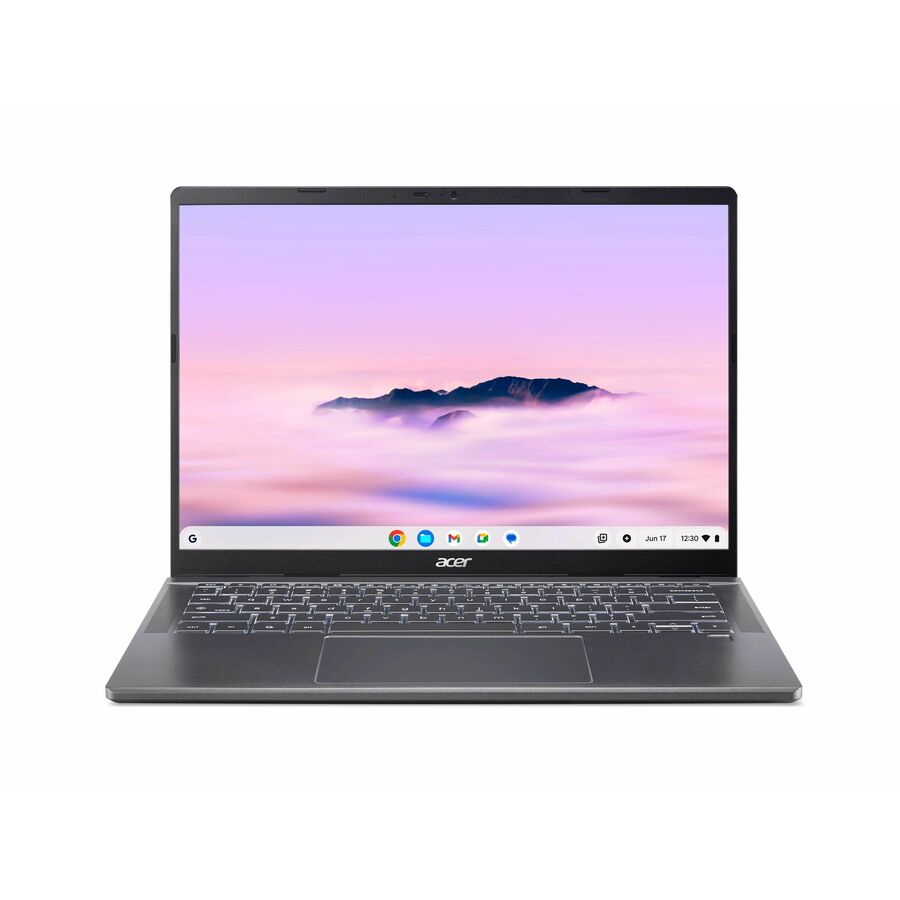
- AcerAcer Chromebook Plus 714 CBE794-1 CBE794-1-52Z7 14" Chromebook - WUXGA - 120 Hz - Intel Core Ultra 5 125U - 16 GB - 256 GB SSD - English (US) Keyboard - Iron - Intel Chip - 1920 x 1200 - ChromeOS - Intel - ComfyView (Matte), In-plane Switching (IPS) Technology - Front Camera/Webcam - 11.50 Hours Battery Run Time - IEEE 802.11be Wireless LAN StandardNX.JM5AA.002
$1,549.99
$1,213.94
Back-orderedBack-ordered — estimated OEM lead time 3–8 weeks (Nov 16 – Dec 21 if ordered today).
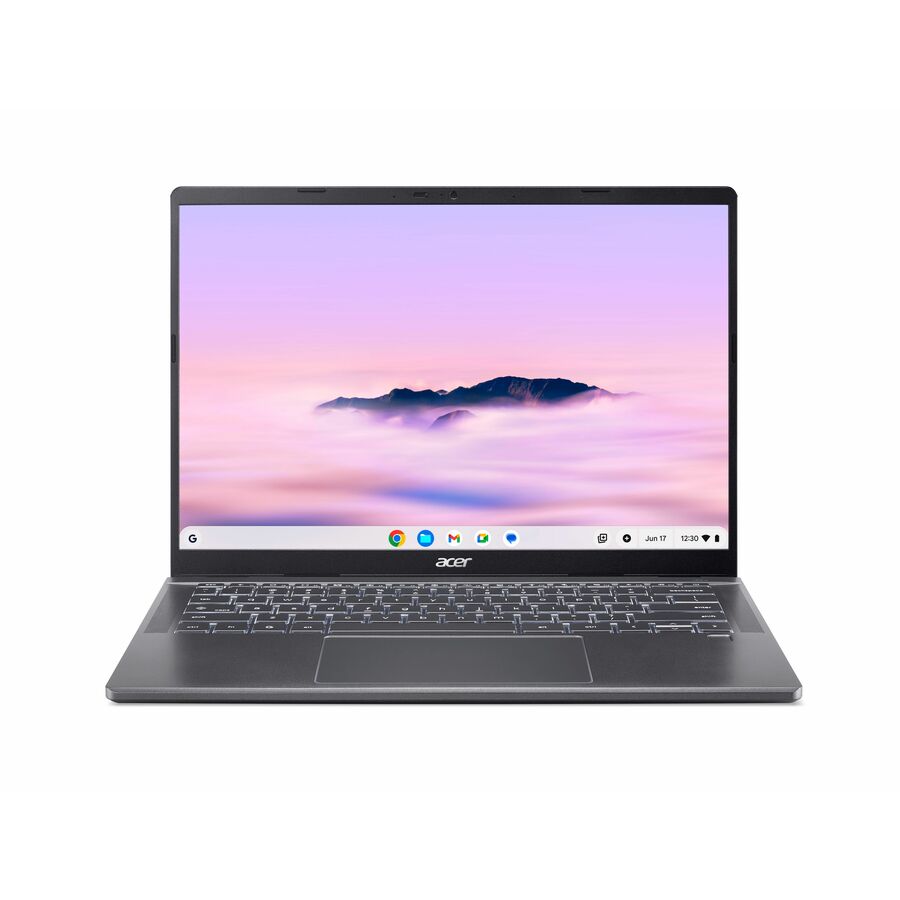
- AcerAcer Chromebook Plus 714 CBE794-1T CBE794-1T-5520 14" Touchscreen Chromebook - WUXGA - 60 Hz - Intel Core Ultra 5 115U - 16 GB - 256 GB SSD - English (US) Keyboard - Iron - Intel Chip - 1920 x 1200 - ChromeOS - Intel - ComfyView (Matte), In-plane Switching (IPS) Technology - Front Camera/Webcam - 21 Hours Battery Run Time - IEEE 802.11be Wireless LAN Standard - Wi-Fi 7NX.JM4AA.003
$1,549.99
$1,213.96
Back-orderedBack-ordered — estimated OEM lead time 3–8 weeks (Nov 16 – Dec 21 if ordered today).
Need pricing on Acer laptops?
Tell us where to reach you and a Uniqcli specialist will follow up by email with current pricing, availability and lead time for the quantities you need — including parts that aren’t shown on this page.
Buying for an organization or for yourself — both work. No payment up front.
What decides an Acer notebook is the family against the workload, then the memory and storage floor. Aspire and Swift cover office productivity, rugged Chromebooks suit managed classroom and kiosk fleets, and Predator or Nitro carry a discrete RTX GPU. Treat 16 GB of RAM and a 256 GB NVMe SSD as the Windows fleet floor; 4 to 8 GB builds are single-purpose machines.
Acer's notebook range is broad, but it resolves into a few families worth knowing before you buy. Aspire covers mainstream, budget-conscious productivity; Swift leans thinner and lighter for mobility; the Copilot+ 'AI' variants pair recent low-power Intel, AMD, or Qualcomm silicon with a dedicated NPU that meets the Copilot+ performance bar for on-device AI features and stronger battery efficiency; rugged Chromebooks are engineered for education and shared-device deployments; and Predator and Nitro carry discrete NVIDIA RTX GPUs for graphics-heavy work. The right pick depends on the workload, not the badge.
Match the configuration to the job. For standard office and knowledge-worker tasks, an Aspire or Swift with 16 GB of RAM and an NVMe SSD handles most needs; Copilot+ AI models add NPU-class acceleration and typically longer runtime for mobile staff. Rugged Chromebooks with all-day battery and current Wi-Fi suit 1:1 classroom, lab, or kiosk fleets where durability and central management matter more than raw horsepower. Predator and Nitro systems fit GPU-accelerated work like CAD, simulation, GIS, or media. The common mistake is buying on price alone: some value SKUs ship with 4-8 GB of RAM or 64-128 GB of storage that will feel tight for a modern Windows fleet, and a gaming chassis is not an ISV-certified workstation.
The selection below is what Uniqcli currently stocks, with live in-stock status shown on each product. Configurations, pricing, and availability move with distribution inventory, so verify the exact variant and its stock state on the card before you build an order.
Buyer's checklist
How to choose the right Acer notebook
- Match the family to the workload — Aspire or Swift for office productivity, rugged Chromebooks for managed classroom and kiosk fleets, Predator or Nitro only when a discrete RTX GPU is genuinely required.
- Confirm memory and storage headroom — target 16 GB RAM and a 256 GB+ NVMe SSD for Windows productivity, and treat 4-8 GB or 64-128 GB configurations as light-duty or single-purpose.
- Check the operating system against your management stack — Windows 11 versus ChromeOS changes imaging, MDM or Chrome Education Upgrade, and security posture across a fleet.
- Verify the display and battery fit the use case — matte IPS panels and long runtime for mobile and field staff, high-refresh screens only where GPU work justifies them.
- Look at the connectivity generation — Wi-Fi 6, 6E, or 7 and the port mix affect docking, roaming, and how the device slots into an existing fleet.
- Confirm TAA and NDAA screening for public-sector orders — each part number is sourced through US distribution and screened for country-of-origin and Section 889 status before checkout, with documentation tied to the specific SKU.
Where these notebooks fit by role
The clearest way to allocate an Acer fleet is by how each device is used day to day. Hybrid and travelling staff do best on a thin-and-light that survives a full shift unplugged and rides in a bag without complaint. Back-office and contact-center desks rarely reach the ceiling of a mainstream productivity notebook, so that budget is better spent on memory headroom than on a faster chip those users will never load.
Frontline and field roles — inspections, logistics counters, clinical carts, and point-of-service kiosks — reward a reinforced ChromeOS chassis that tolerates knocks, shared handling, and inconsistent charging, and resets cleanly between users. Reserve GPU-class Predator and Nitro systems for the narrow set of engineering, GIS, and media users whose applications genuinely use the graphics card, and treat those as per-project machines rather than a general-issue fleet standard.
Planning a fleet rollout
Large orders go more smoothly when a fleet standardizes on a short list of fixed builds rather than chasing whichever variant is cheapest that week. A locked memory, storage, and panel spec keeps a single golden image, one driver set, and one pool of spares valid across the whole deployment. Order those spares in the exact production configuration, so a dead unit swaps in without re-validating an image against different silicon or a different display.
Price warranty against the environment early: education and field devices take rough handling, so accidental-damage coverage often earns its keep, while desk-bound office units may not need it. Rolling replacements out in scheduled waves rather than one forklift refresh spreads budget across periods and gives the help desk time to validate each golden image on real hardware before it reaches the wider user base, catching driver and policy issues on a handful of machines instead of hundreds.
What drives cost beyond the sticker
On a notebook fleet the recurring costs outrun the purchase price. ChromeOS devices carry an Auto Update Expiration date that fixes their supported lifespan, plus a per-device management license — Chrome Education or Enterprise Upgrade — whose cost and renewal terms differ by edition and belong in a multi-year budget rather than the unit price alone. Windows fleets instead carry security-agent and management overhead that grows on the machine across its service life.
Consumables and standardization move the total as much as the spec does. Batteries are a wear item over a multi-year life, and docks, chargers, and protective cases add up quickly across hundreds of desks. Settling on one docking and power standard across the Aspire, Swift, and Chromebook families keeps desk-side kit interchangeable and cuts help-desk churn. Screening every part number for TAA and NDAA status is folded into sourcing, so compliance review never lands as a separate late-stage cost.
FAQ
Common questions
- What's the difference between Acer's Aspire, Swift, and Copilot+ AI notebooks?
- Aspire is the mainstream everyday line, Swift leans thinner and lighter for mobility, and the Copilot+ 'AI' variants pair recent Intel, AMD, or Qualcomm processors with a dedicated NPU that meets the Copilot+ performance bar for on-device AI features and typically better efficiency and battery life. Choose based on portability, runtime, and whether your users need the NPU-class silicon.
- Which Acer notebooks make sense for a classroom or shared-device fleet?
- The rugged Chromebook clamshells and convertibles are built for that use — reinforced chassis, all-day battery, and current Wi-Fi — and run ChromeOS for centralized management. For Windows-based classrooms or labs, an Aspire configured with 16 GB of RAM is a more standard fit.
- Do the Predator and Nitro models work as mobile workstations?
- They carry discrete NVIDIA RTX GPUs and high-refresh displays that suit GPU-accelerated work such as CAD, simulation, GIS, or media production. They are consumer gaming systems rather than ISV-certified workstations, so confirm your application's certification requirements before standardizing on them for engineering fleets.
- Can these be purchased on a government or education contract?
- Yes. Uniqcli supplies business, government, and education buyers, and each order is sourced through US distribution. Line items are screened for TAA country-of-origin and NDAA Section 889 status before checkout, with documentation tied to the specific part number so your acquisition and compliance teams can verify what shipped. Send us the configuration and your buying method and we'll confirm current availability and pricing.
Need Acer laptops pricing?
Send a bill of materials or part numbers — we confirm stock and a below-market total, with TAA verified on request. No payment up front.