
Best Rugged Tablet Cases for Field and Classroom Fleets
Rugged cases for iPad, Galaxy Tab, Surface and Lenovo Tab fleets — chosen by the device first, then by how hard the year the device is about to have will be.
Rugged cases in stock at Uniqcli
How to choose →A curated selection with live pricing — in-stock lines first, then back-ordered lines with a typical lead time. Every line is sourced through US distribution and screened for NDAA §889 status before checkout, with TAA verified on request.
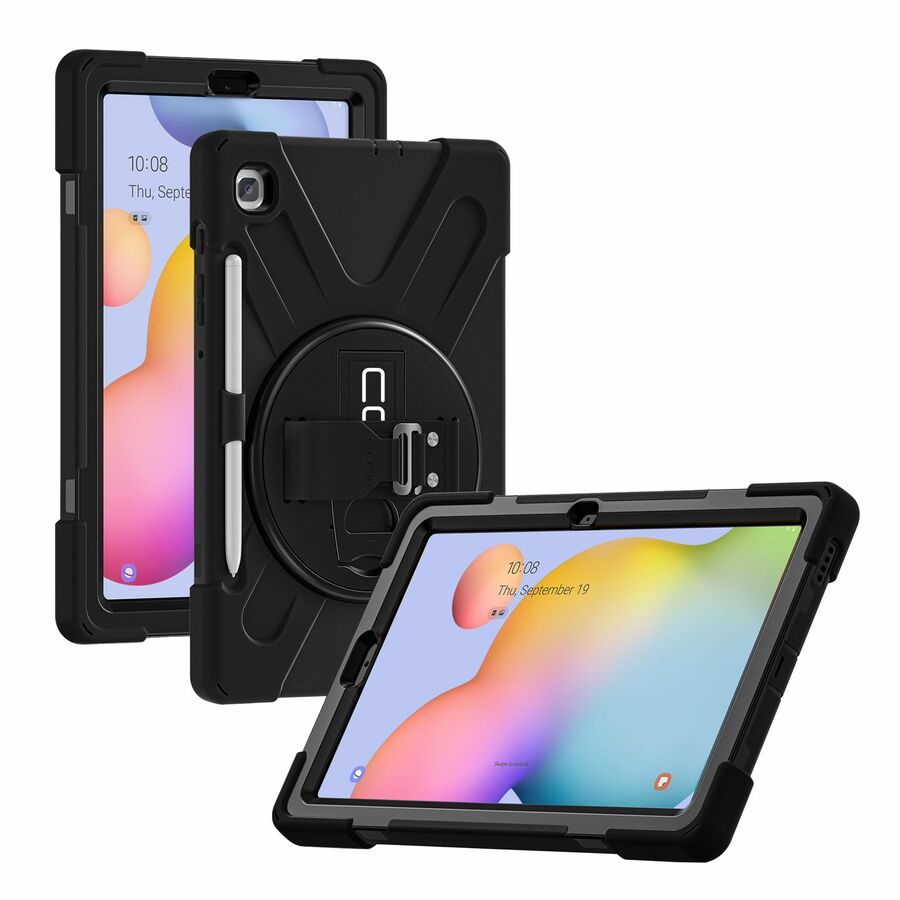
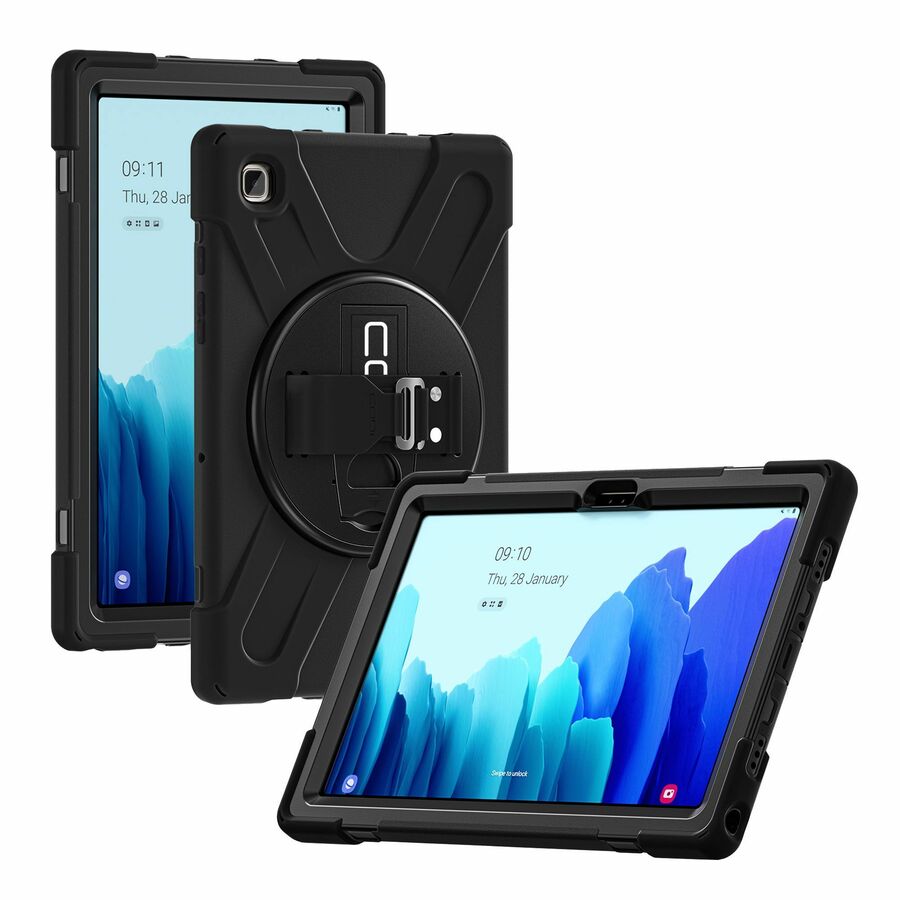
- CODi WorldwideCodi Rugged Case for Samsung Galaxy S6 Lite 10.4" (SM-P610/P615)C30705047
$19.99
$14.23
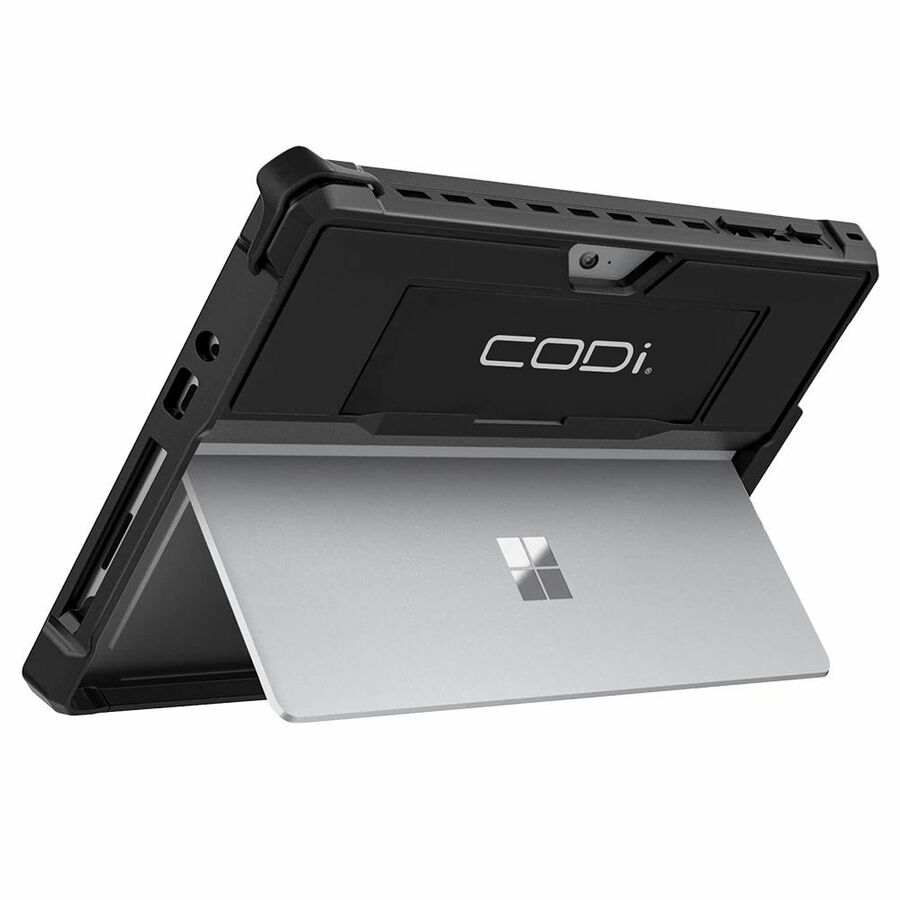
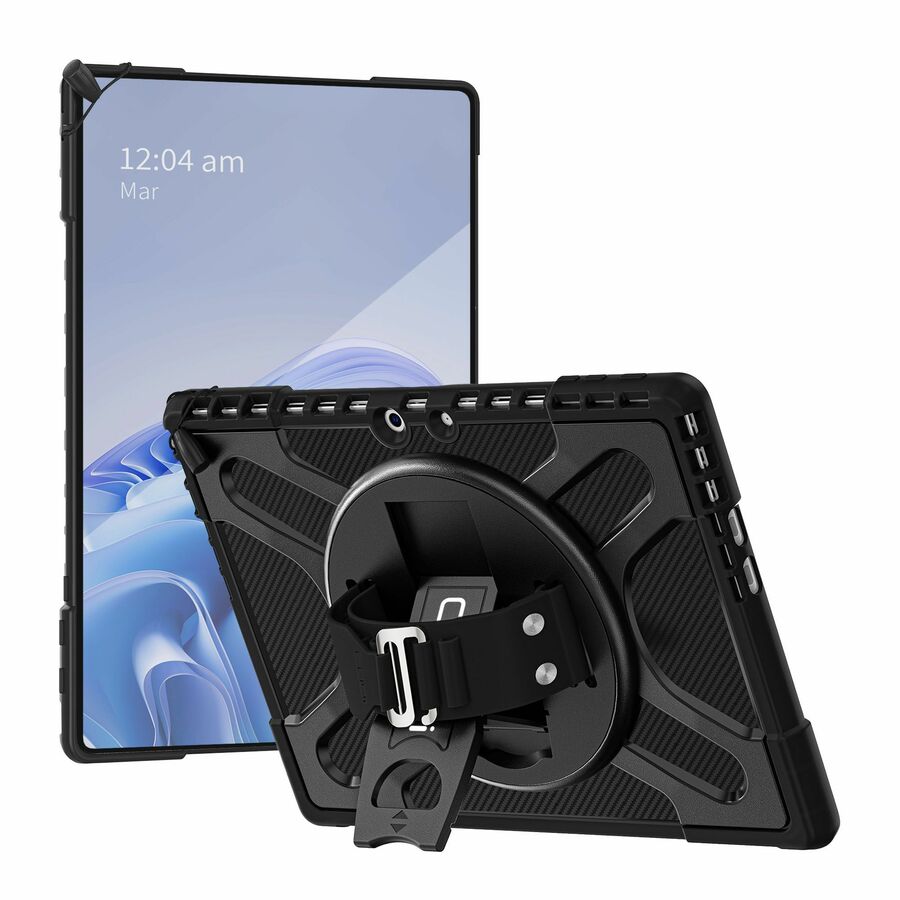
43 in stock - CODi WorldwideCodi Rugged Case for MS Surface Go 2 (Keyboard Compatible)C30705052
$19.99
$16.70
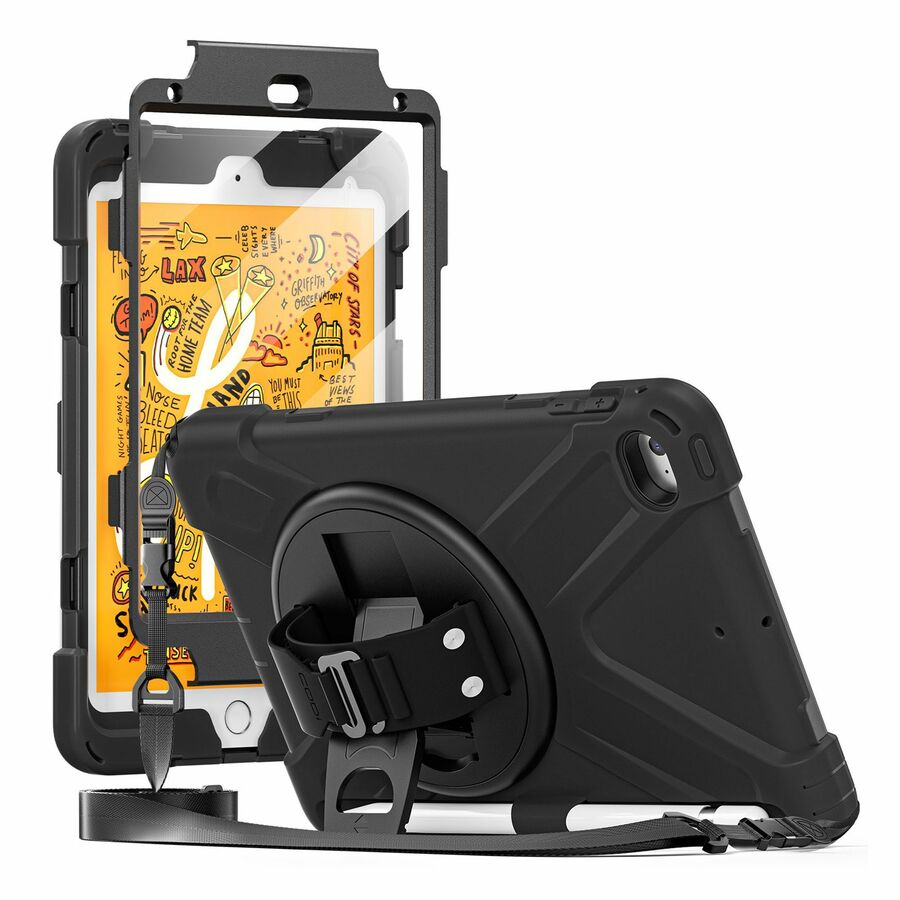
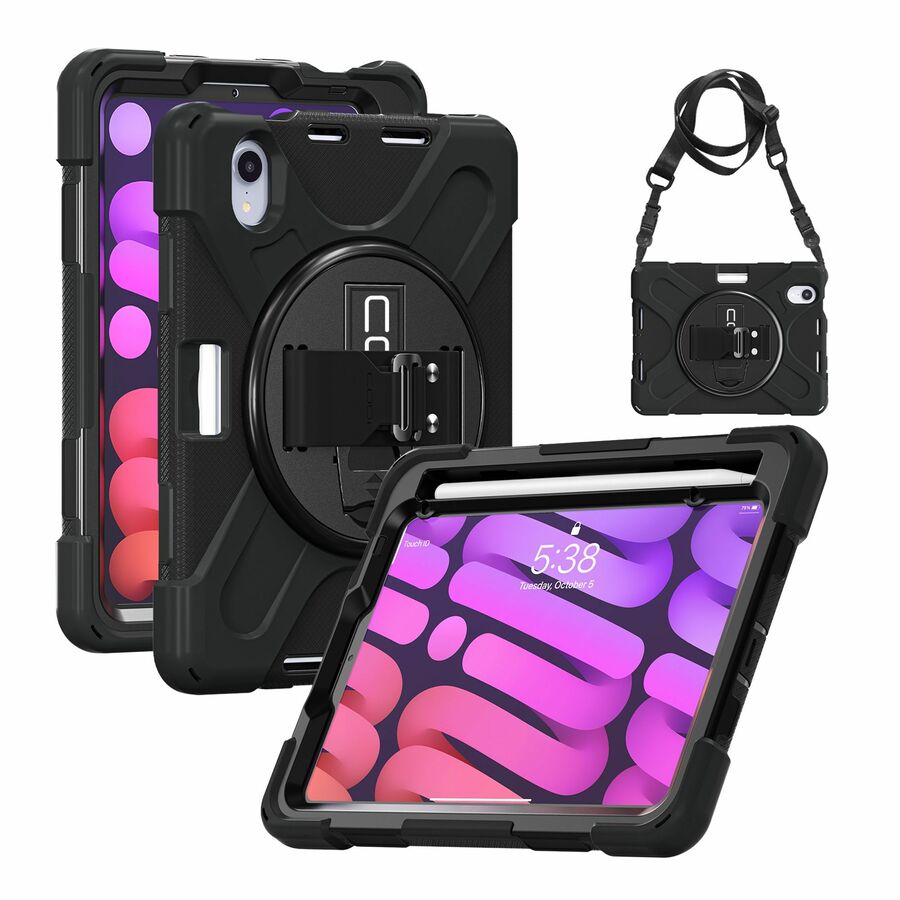
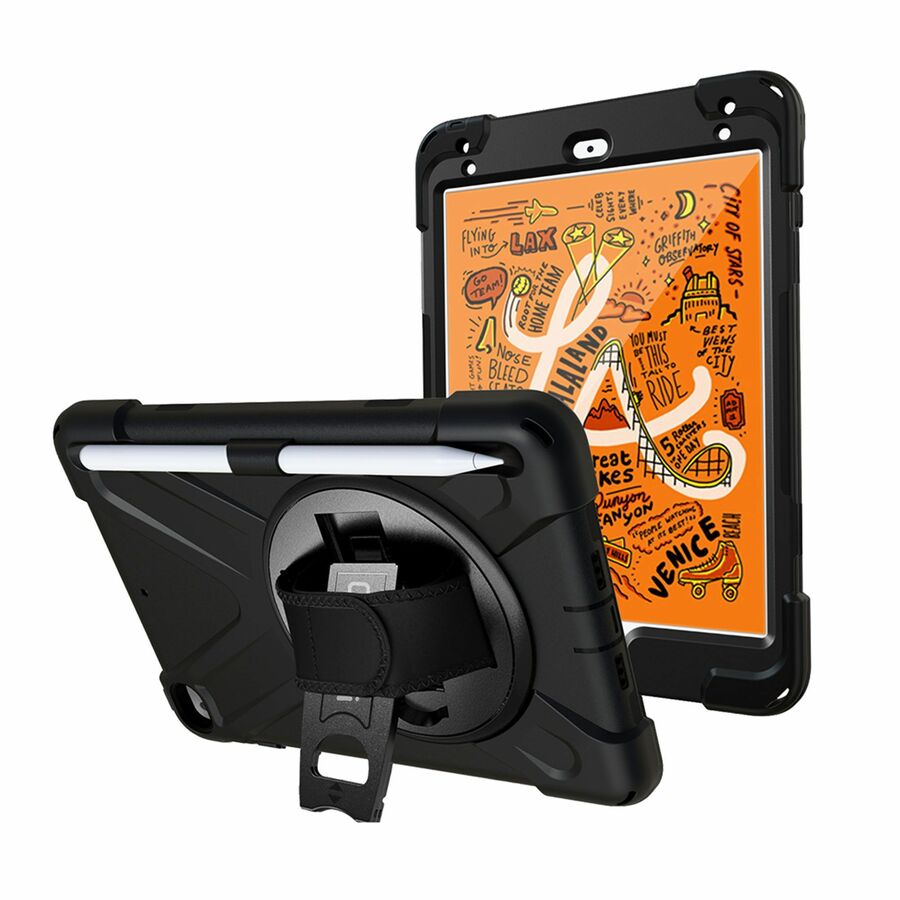
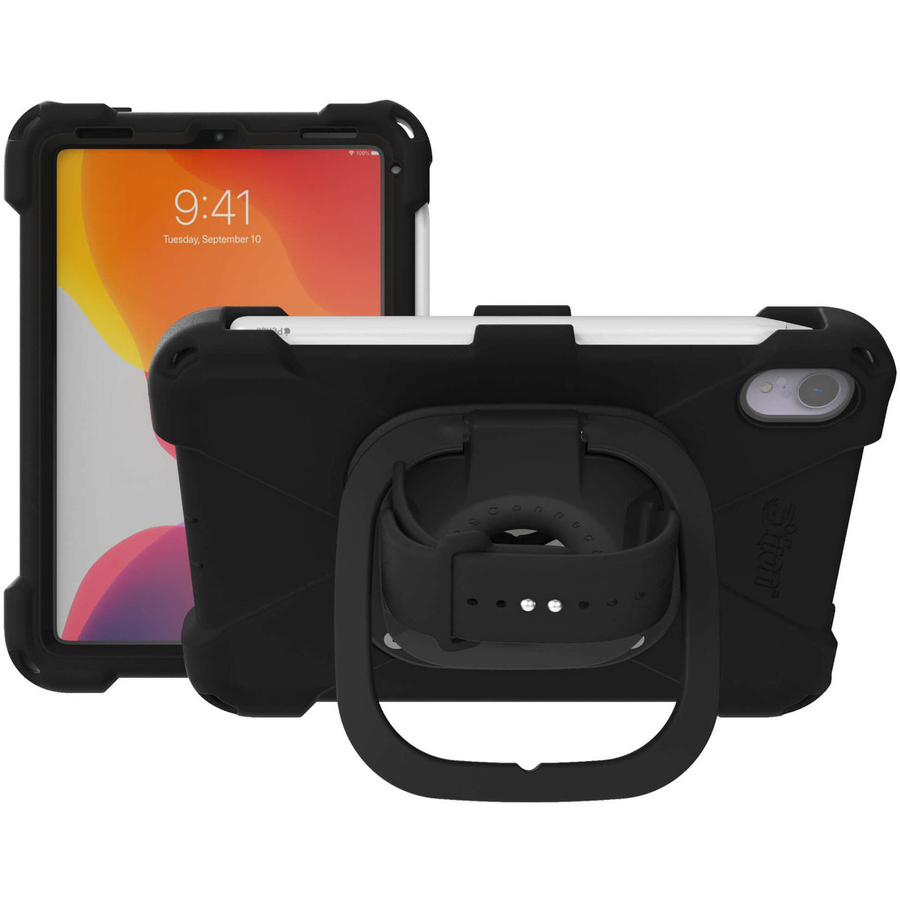
220 in stock - CODi WorldwideCodi Rugged Case for iPad Mini 4/5 w/ Integrated Screen ProtectorC30705041IS
$19.99
$16.99
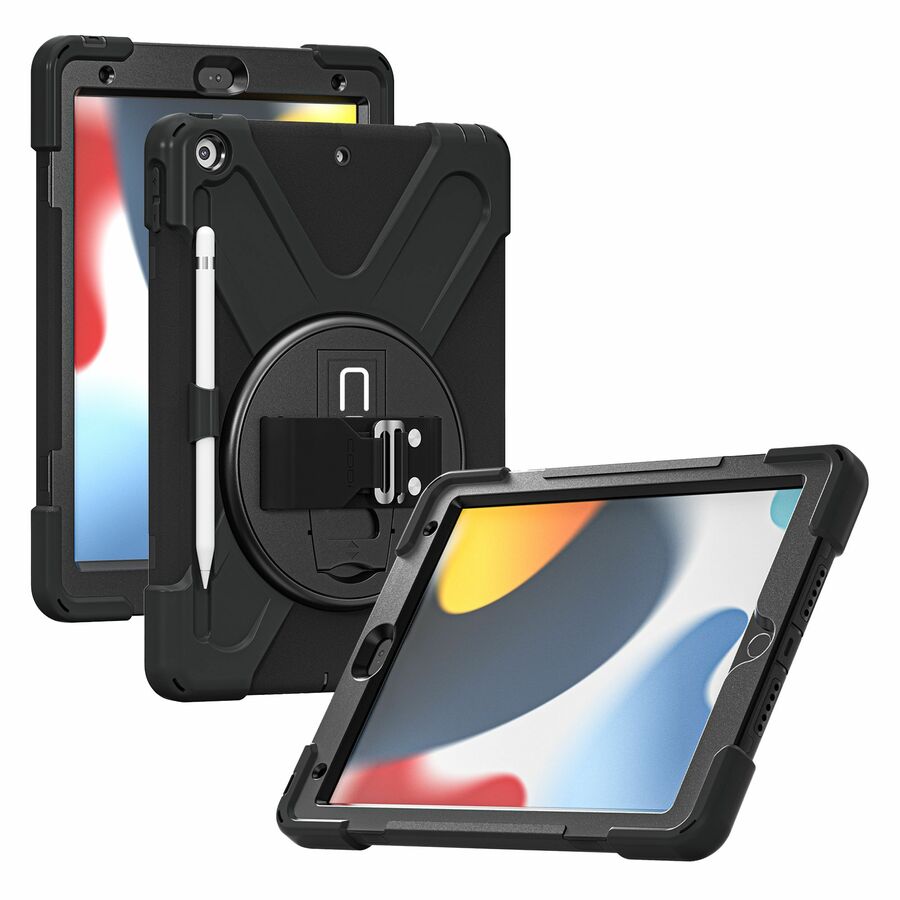
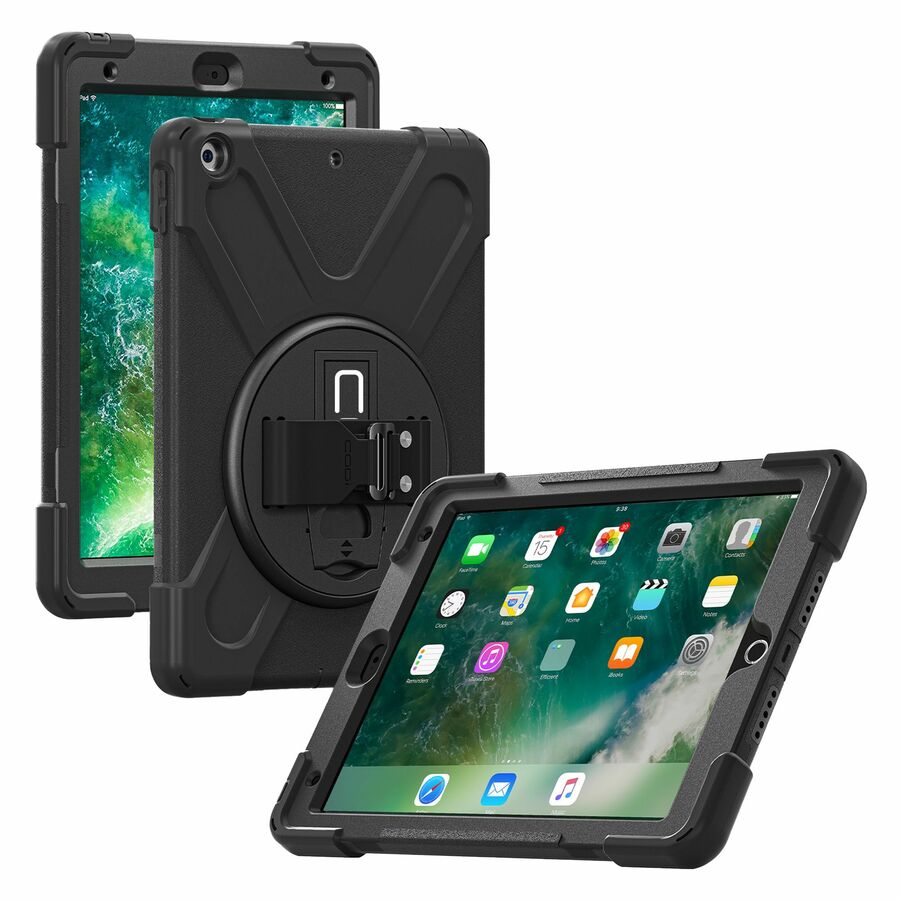
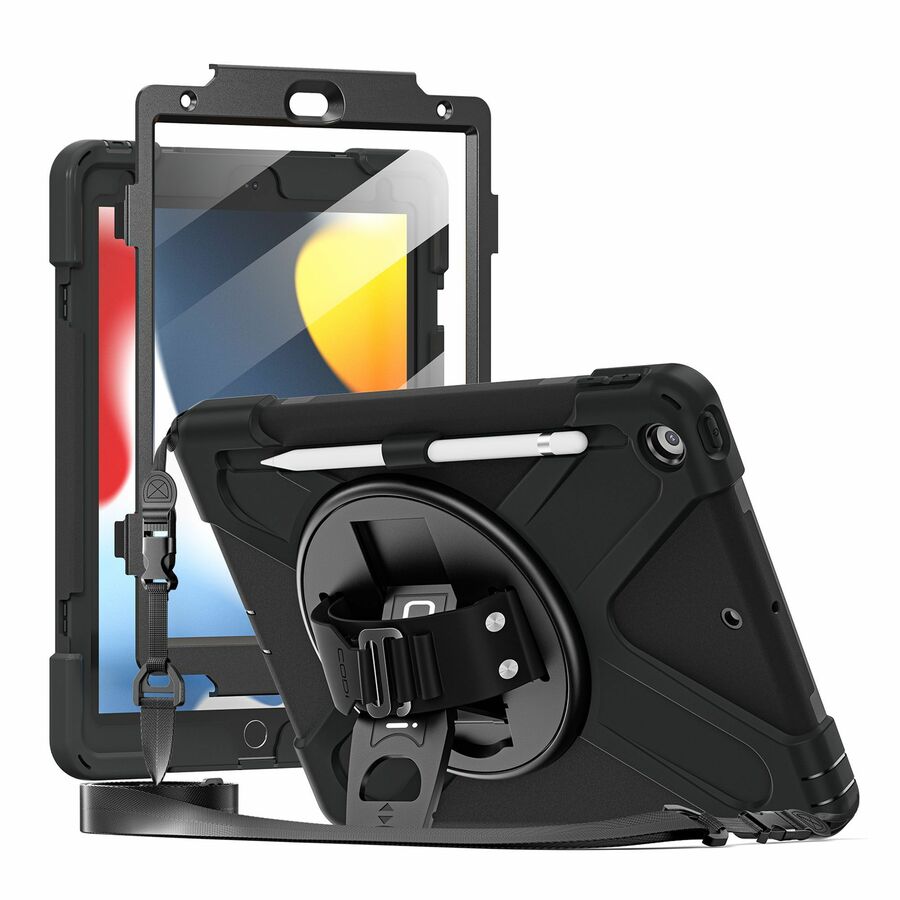
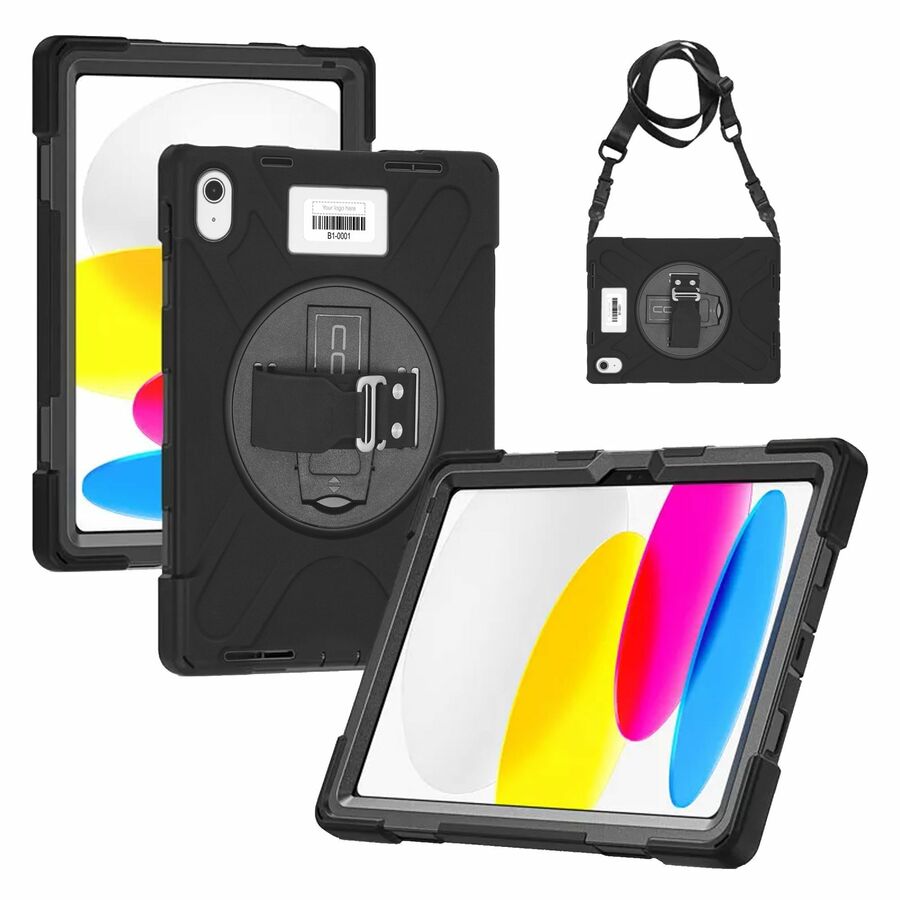
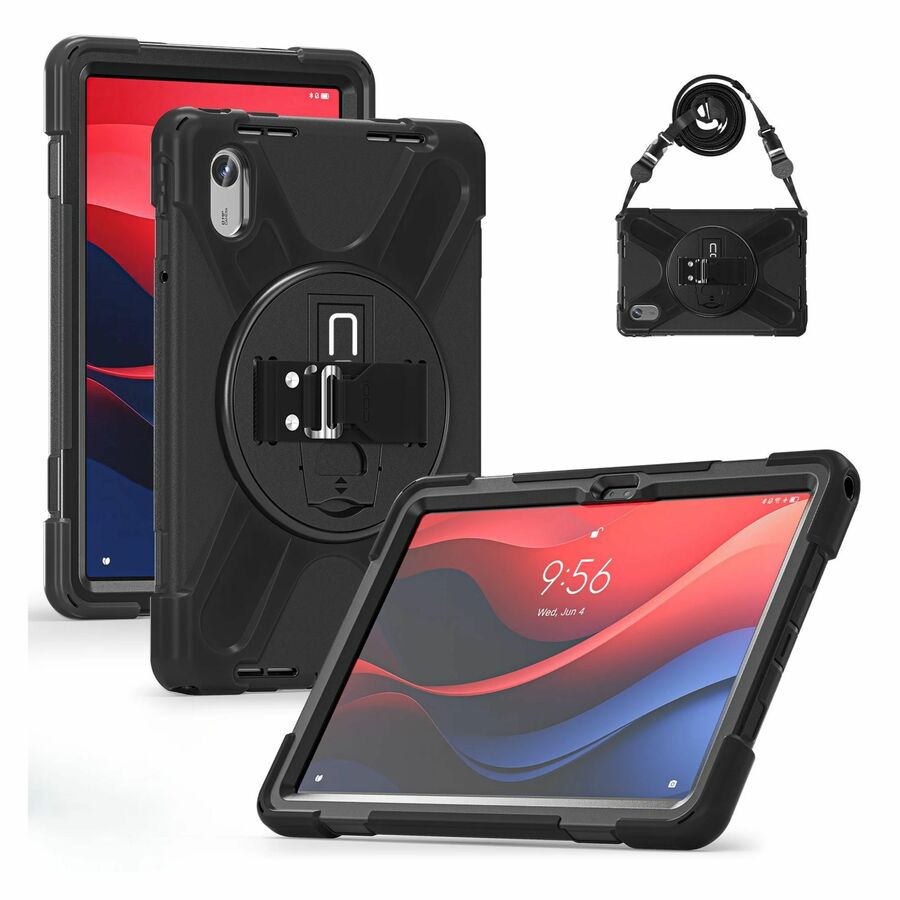
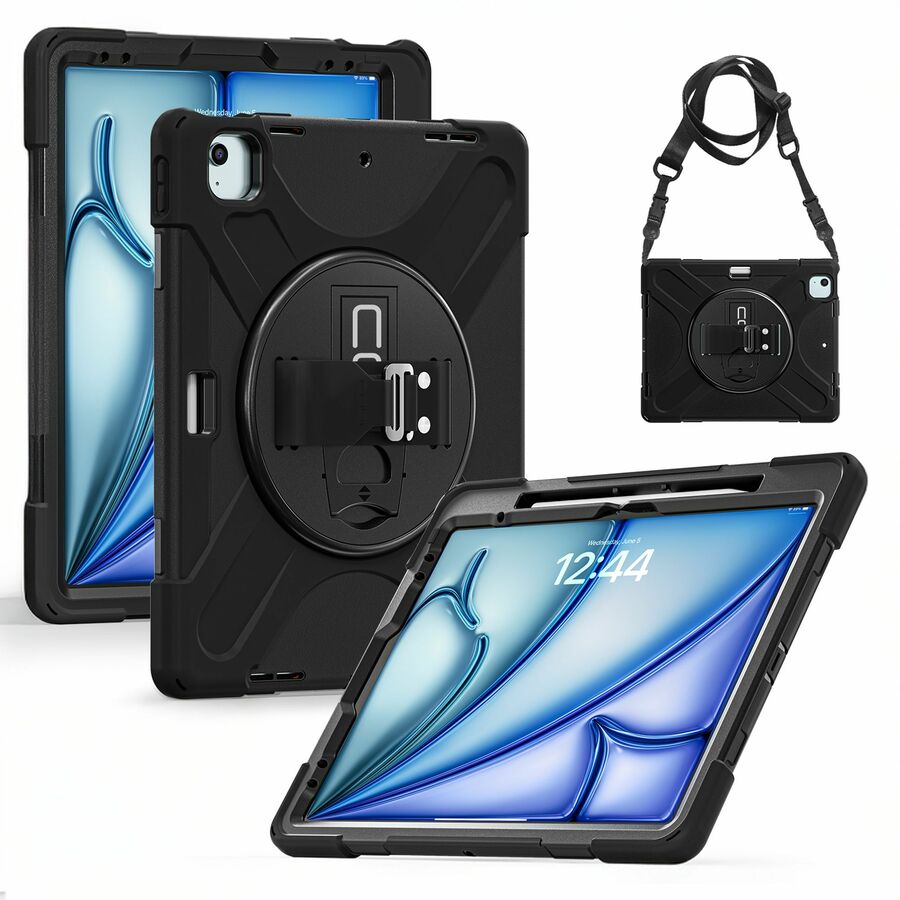
176 in stock - CODi WorldwideCODi Rugged Case for iPad 10.2" (7th, 8th, 9th Gen) - 360° Protection with Kickstand, Hand Strap & Shoulder StrapC30705065
$33.99
$28.24
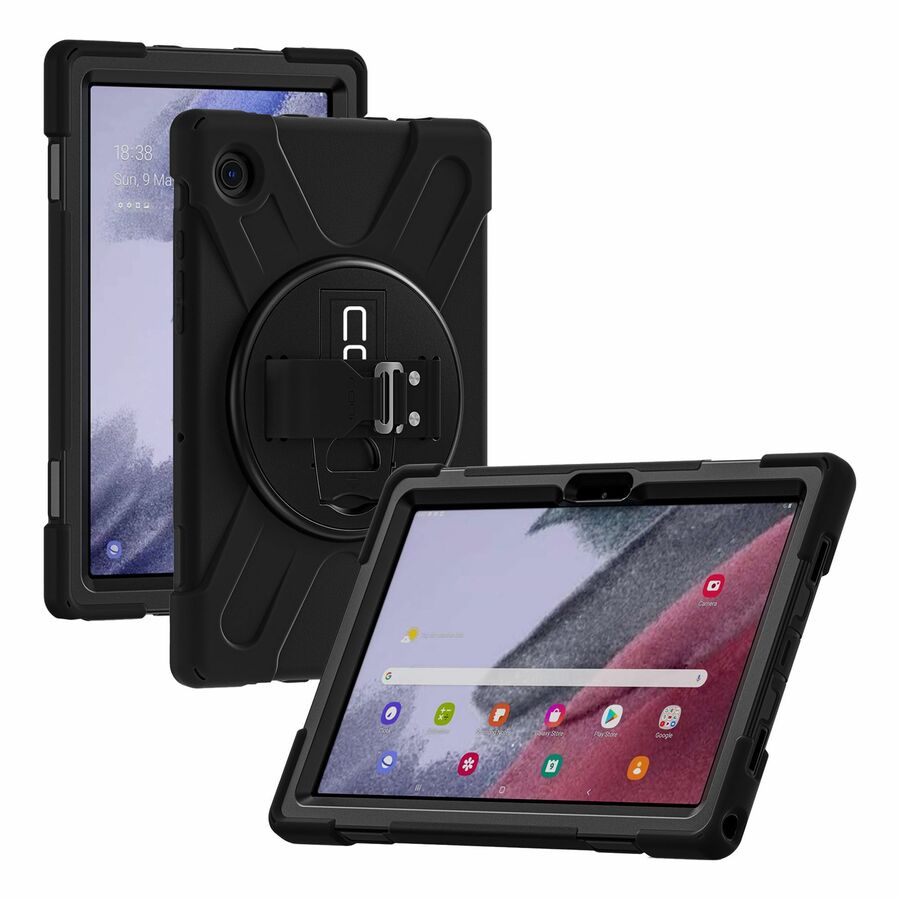
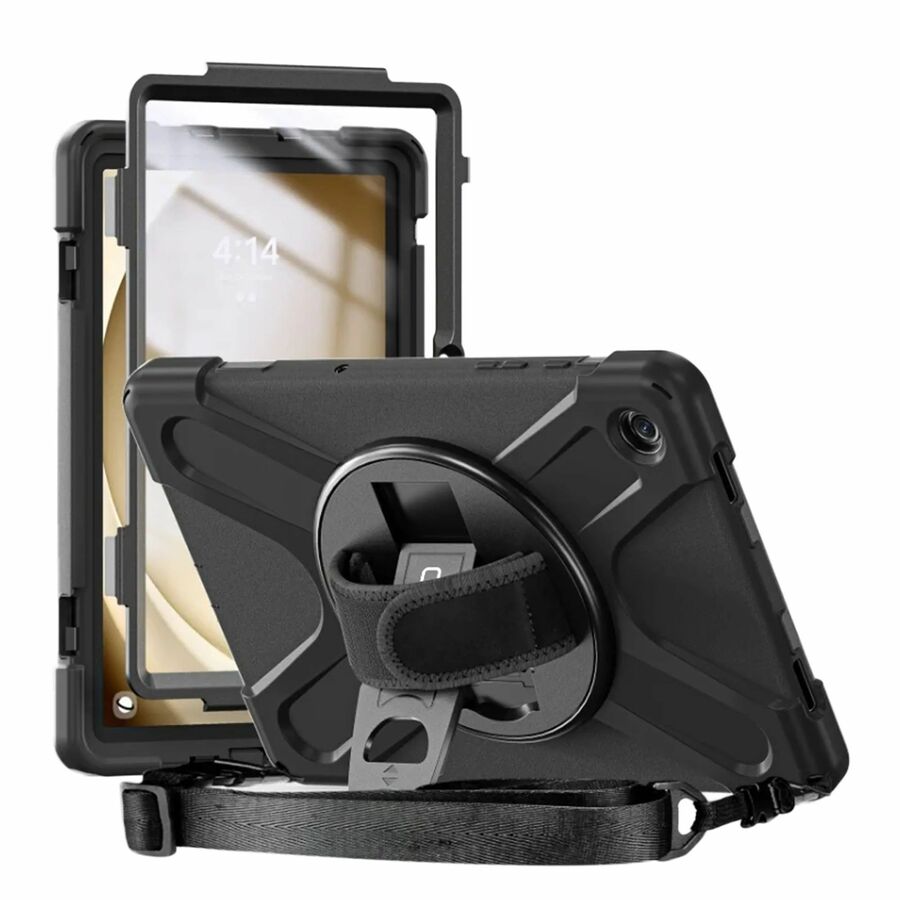
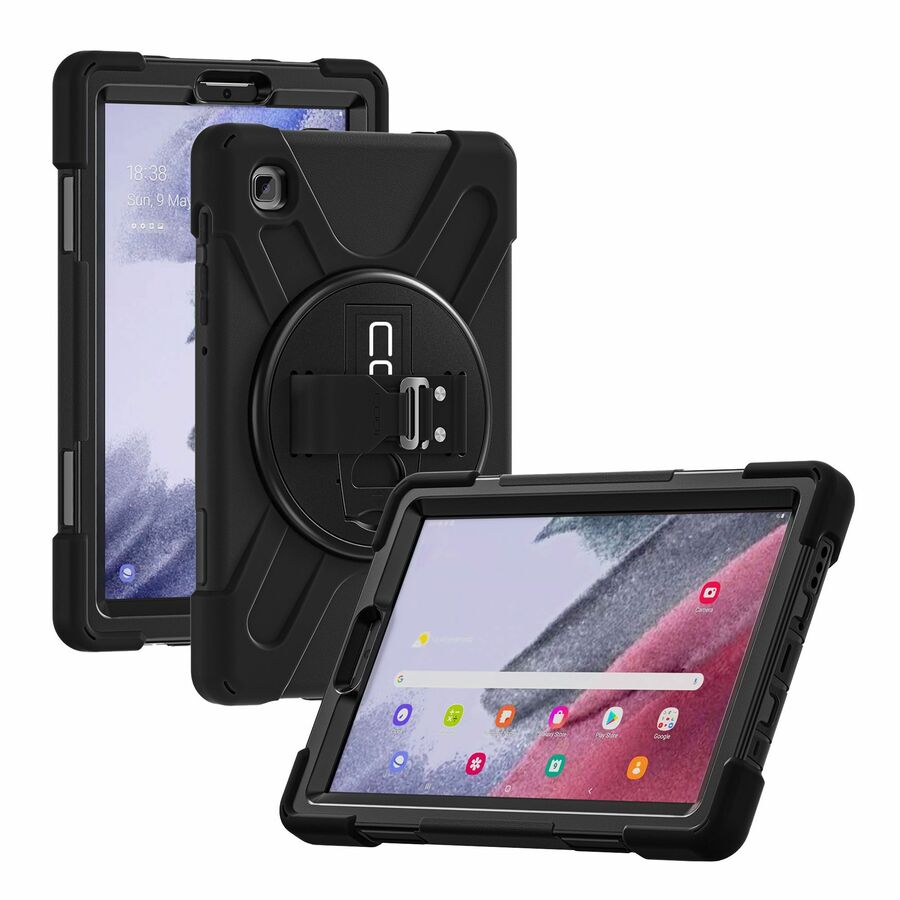
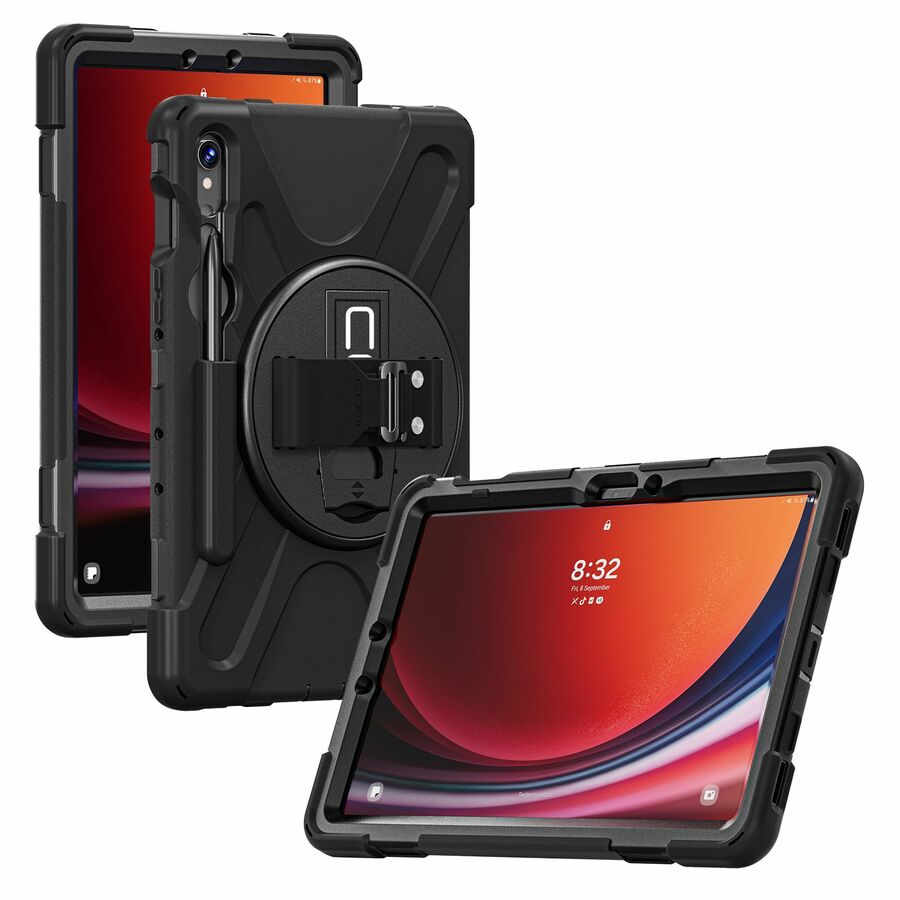
3,091 in stock - CODi WorldwideCODi Rugged Case for Samsung Galaxy Tab A7 Lite 8.7" (SM-T220/T225) - 360° Protection with Kickstand, Hand Strap & Shoulder Strap - Drop-Tested, Fluid-Resistant Tablet Case with Rotating Stand and Adjustable Neoprene Hand Strap for Work, Education, and Field UseC30705062
$31.99
$30.11
17 in stock

Classroom pick
CODi Worldwide
CODi Rugged Case for Samsung Galaxy Tab A7 10.4" (SM-T500/505/507)
C30705058
A rugged case cut for the Samsung Galaxy Tab A7 10.4-inch, with 360-degree protection and a kickstand — the standard shape of a shared classroom or cart device that is set down on a desk twenty times a day.
Check the model suffix on your own devices against the SM-T500, T505 and T507 list on the product record before a cart-sized order.
$19.76In stockSurface pick
CODi Worldwide
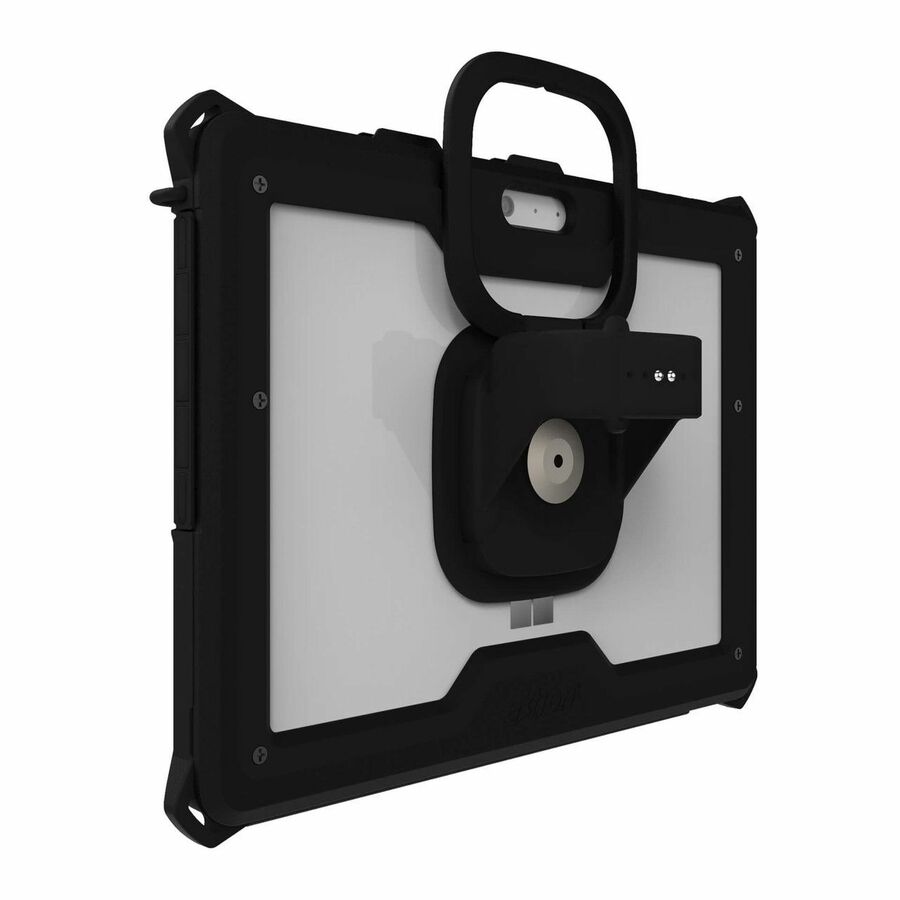
Codi Rugged Case for MS Surface Go 2 (Keyboard Compatible)
C30705052
A rugged case for the Microsoft Surface Go 2 that stays keyboard-compatible, which is the specific thing that gets missed when a detachable is put in a protective case and then will not attach to its own keyboard.
Keyboard compatibility is the reason to pick this over a general Surface case; confirm the exact Surface generation first.
$16.70In stockField pick
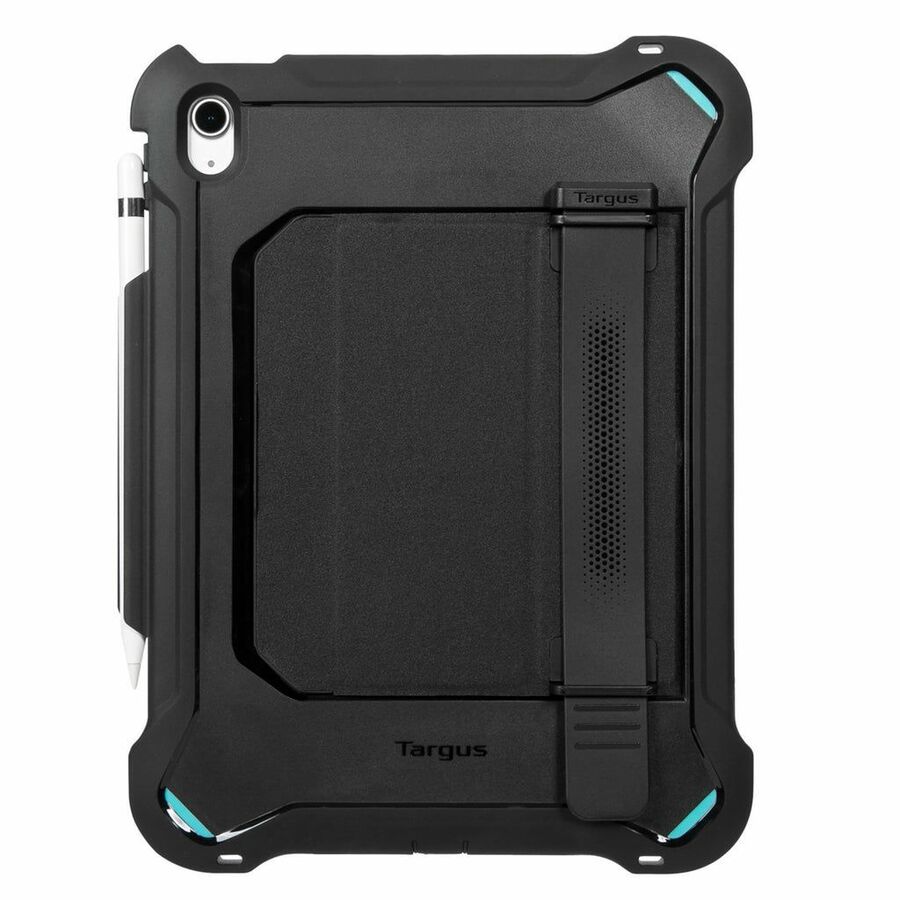
Targus Group International
SafePort® Rugged Max Case for iPad® A16 (11th gen.) 11-inch and iPad®…
THD929GL
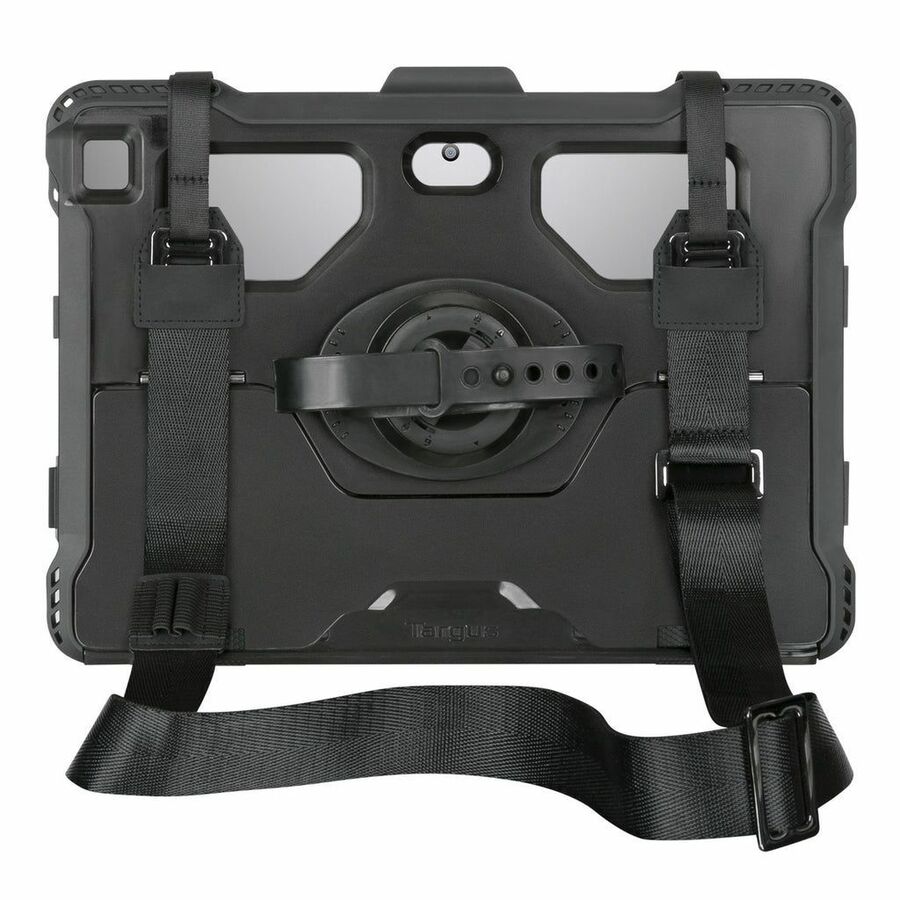
Targus's SafePort Rugged Max for the 11-inch iPad A16 and 10.9-inch iPad tenth generation — the heavier end of the protection range, for a device that leaves a building rather than moving around one.
$77.59In stockWater-resistant pick
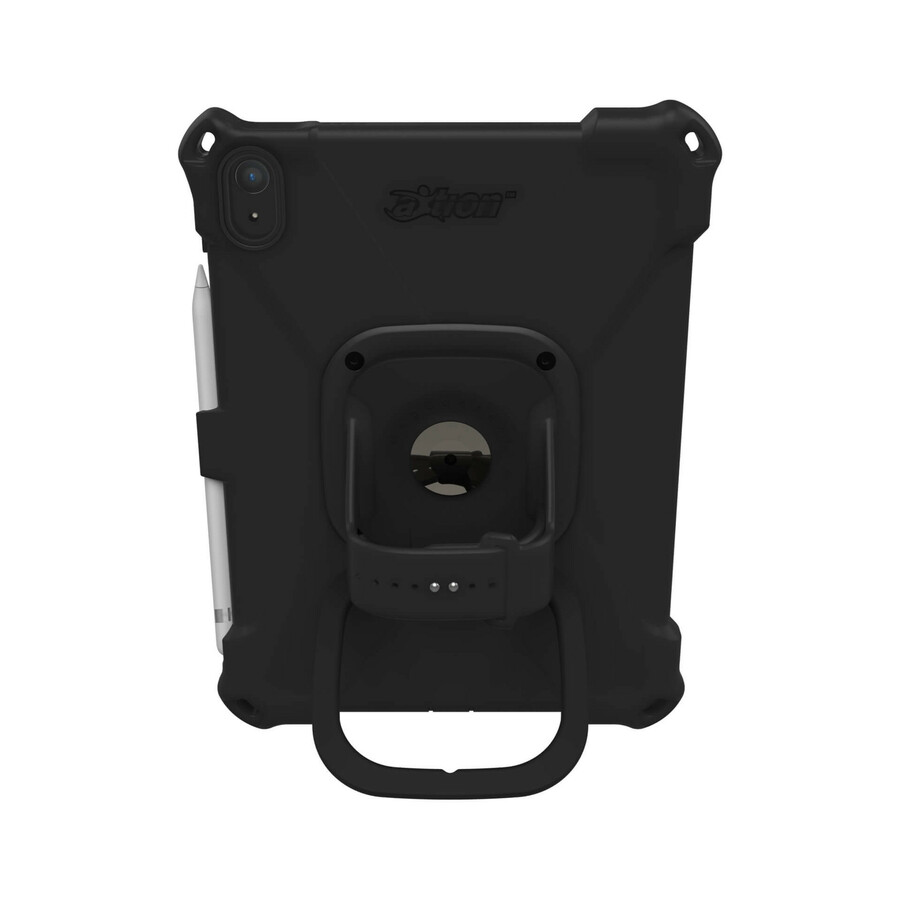
The Joy Factory
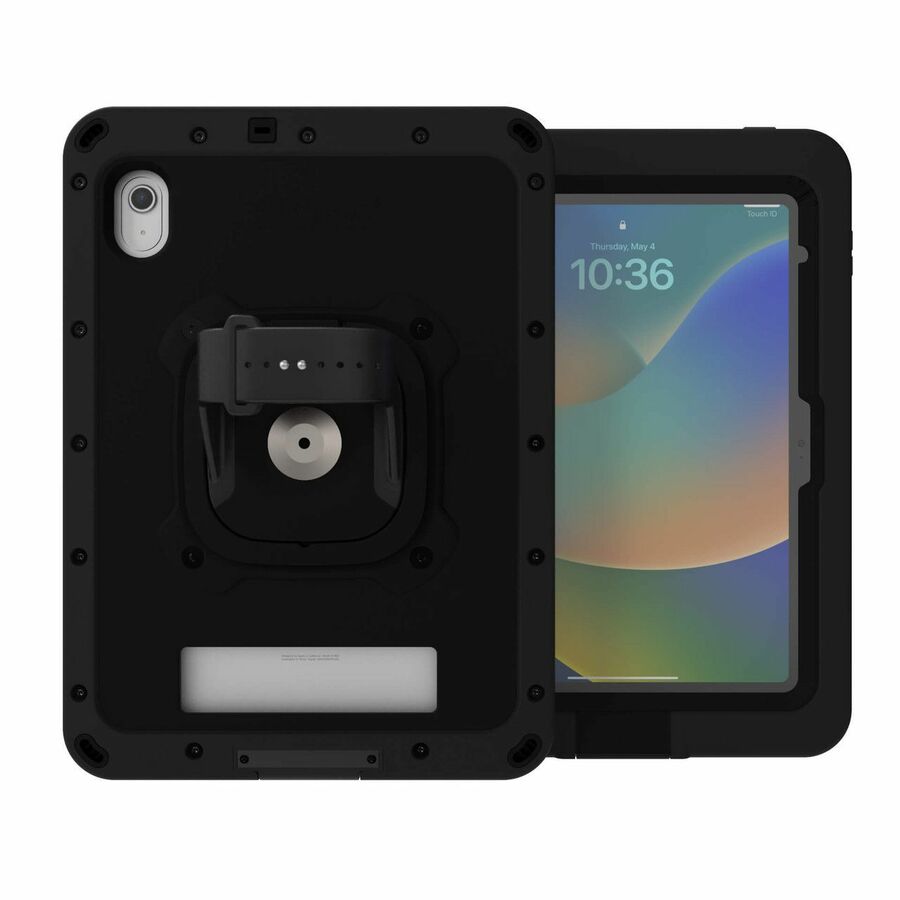
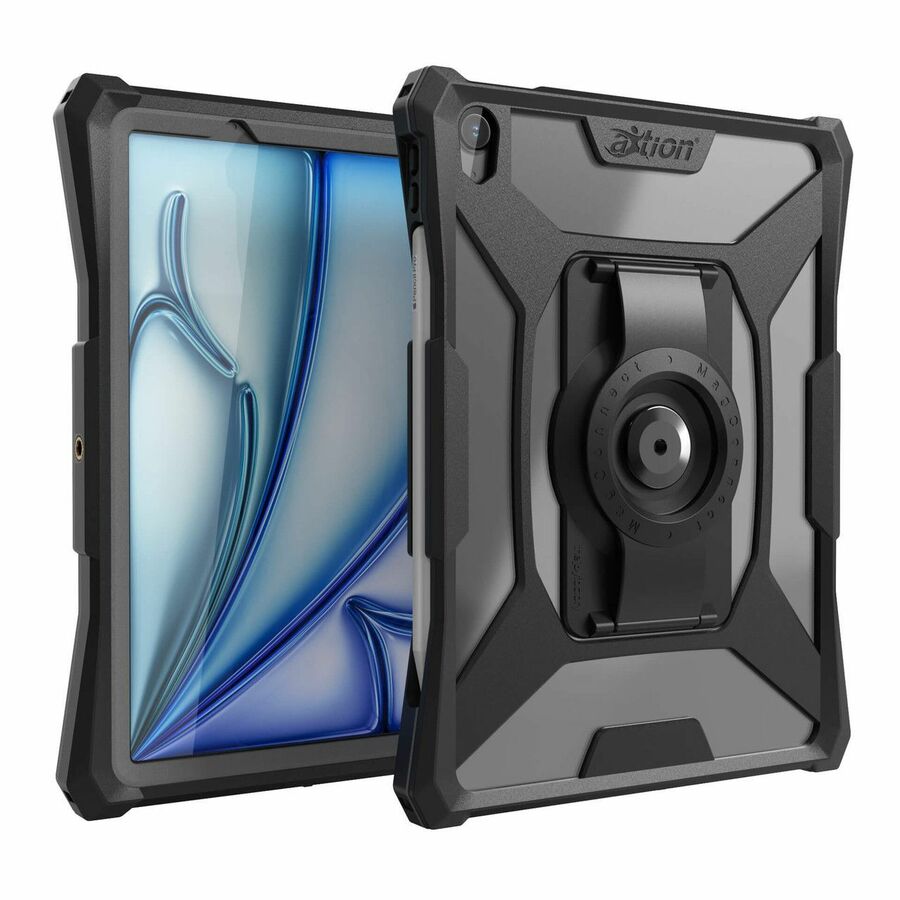
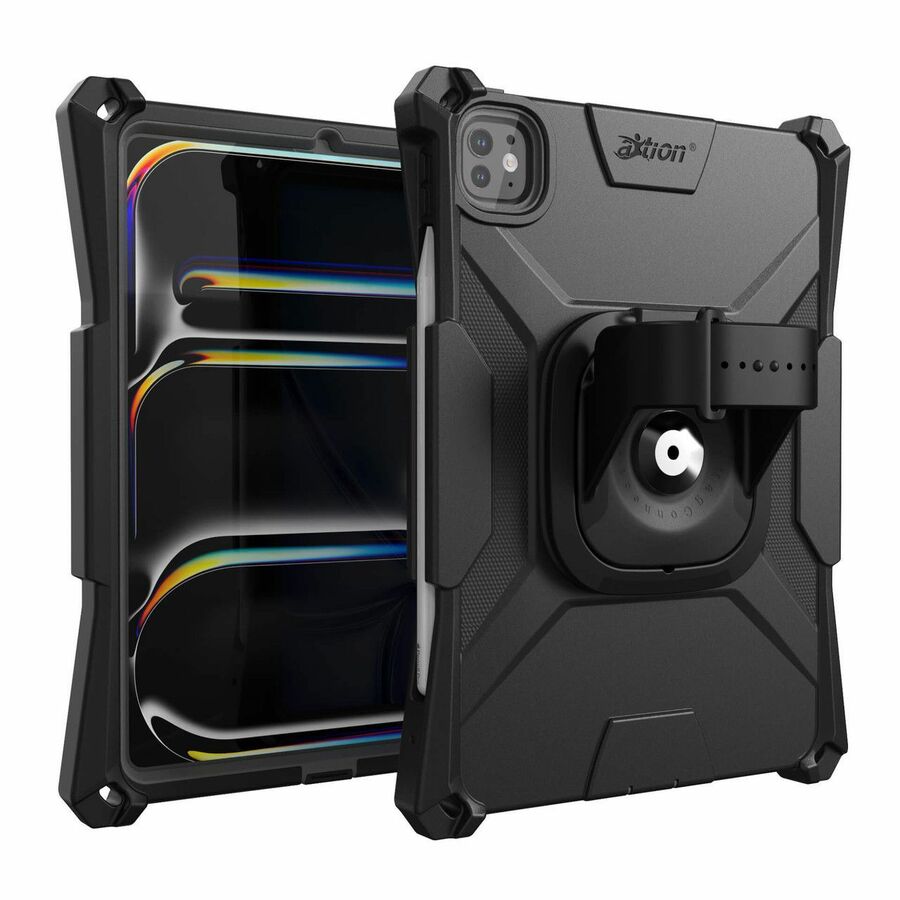
The Joy Factory aXtion Bold MP Rugged Carrying Case for 10.9" Apple…
CWA652MP
The Joy Factory's aXtion Bold MP for the 10.9-inch iPad, listed as water resistant with shock and drop protection — the specification to reach for on an inspection, clinical or outdoor role rather than a desk one.
Water resistance is a manufacturer claim on this part number; read the rating on the product record against the conditions the device will actually meet.
$70.49In stockDetachable pick
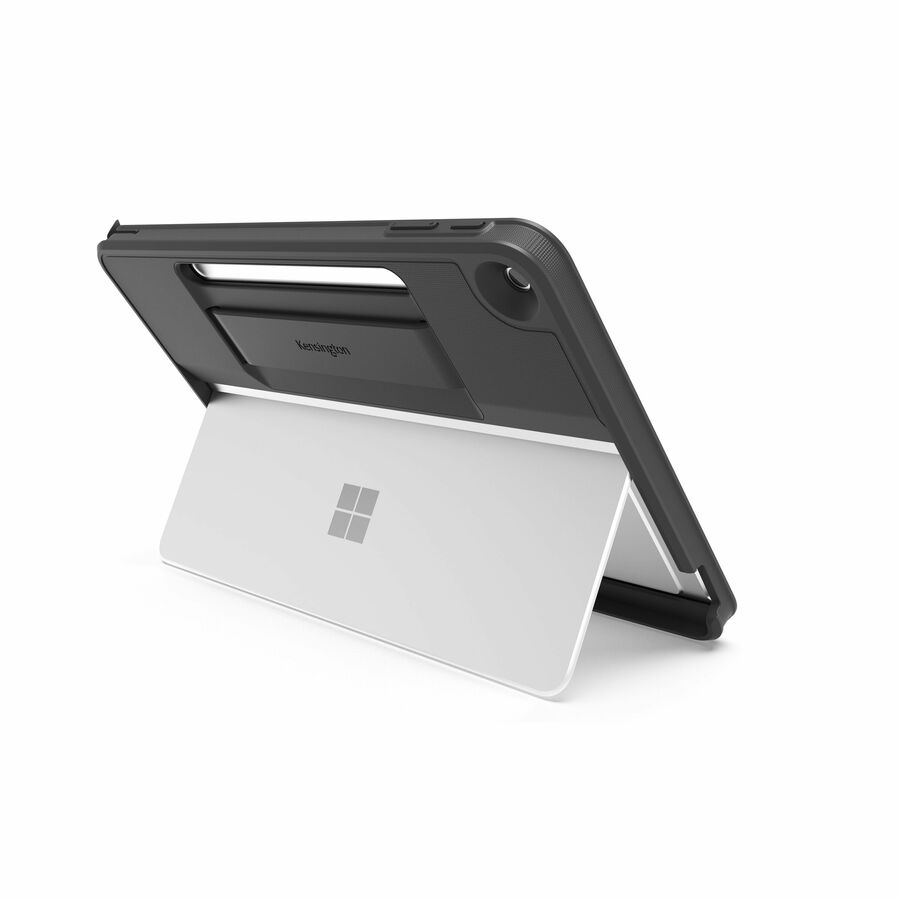
Kensington Computer Products
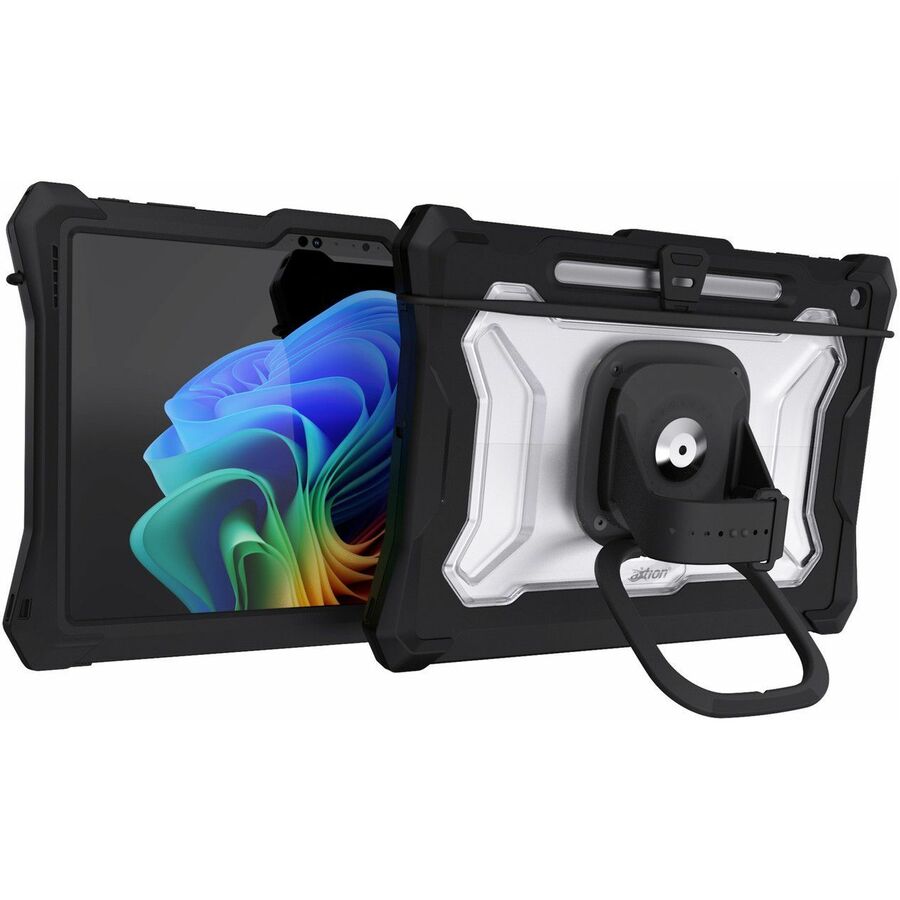
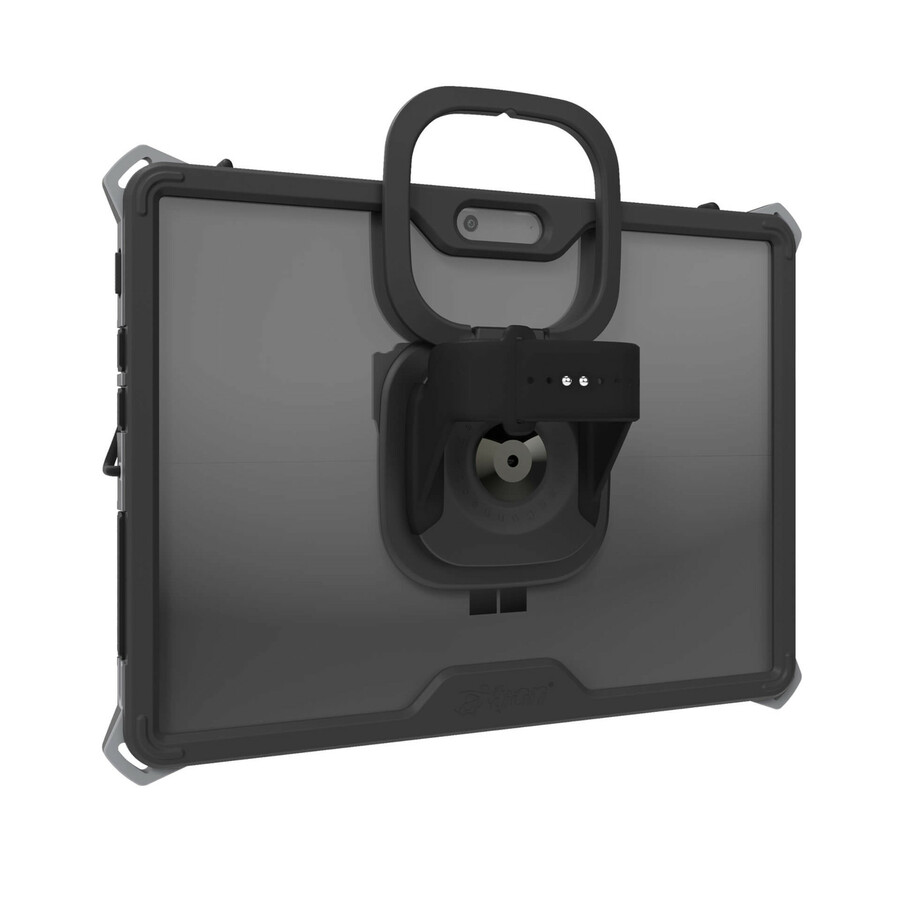
Kensington BlackBelt Rugged Carrying Case for 12" Microsoft Surface Pro…
K96543WW
Kensington's BlackBelt for the 12-inch Surface Pro, listed as drop resistant with an anti-microbial treatment — a combination that comes up in clinical and shared-device settings more than anywhere else.
$56.38In stockMore carrying cases in the Uniqcli catalog
See all 2,126 carrying casesMore from across this category. In-stock lines lead, and a back-ordered line carries the same estimated availability its product page does — with live pricing throughout, NDAA §889 screening before checkout and TAA verified on request.
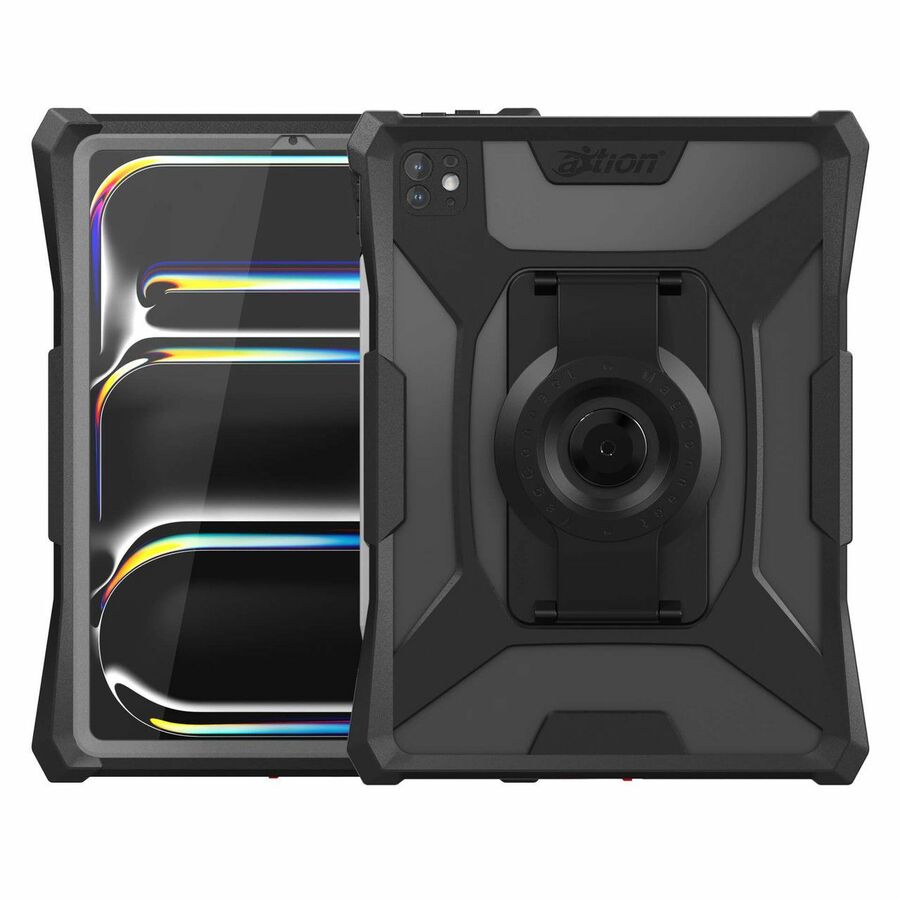
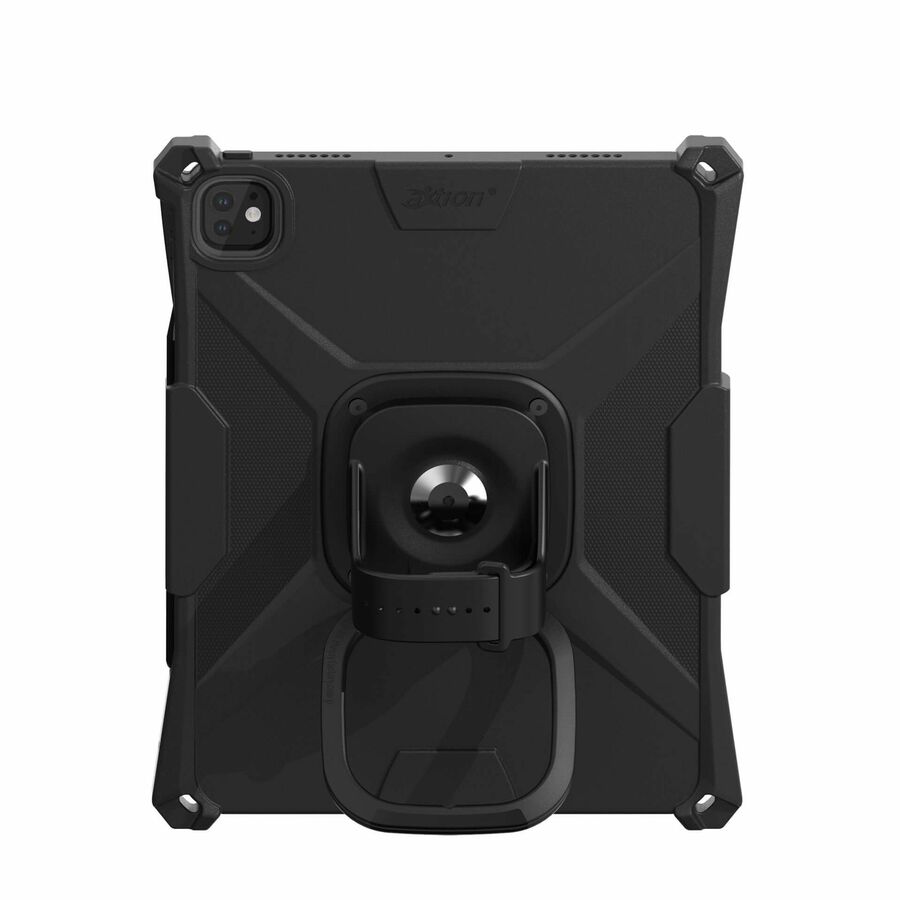
- The Joy FactoryThe Joy Factory aXtion Pro MP Rugged Carrying Case Microsoft Surface Pro 10, Surface Pro 11 Tablet - Water Proof, Shock Proof, Drop Proof, Shock Absorbing - Polycarbonate, Thermoplastic Polyurethane (TPU) Body - Hand Strap - 13.9" Height x 10.7" Width x 1.2" DepthCWM349MP
$269.99
$181.18
100 in stock - The Joy FactoryThe Joy Factory aXtion Go MP Rugged Charging Case for 12" Microsoft Surface Pro Tablet - Drop Resistant, Dust Resistant, Spill Resistant, Shock Proof, Glare Resistant, Water Resistant, Water Proof - Hand Strap, Shoulder Strap - 7.5" Height x 10.8" Width x 0.3" DepthCWM504MP
$159.99
$109.36
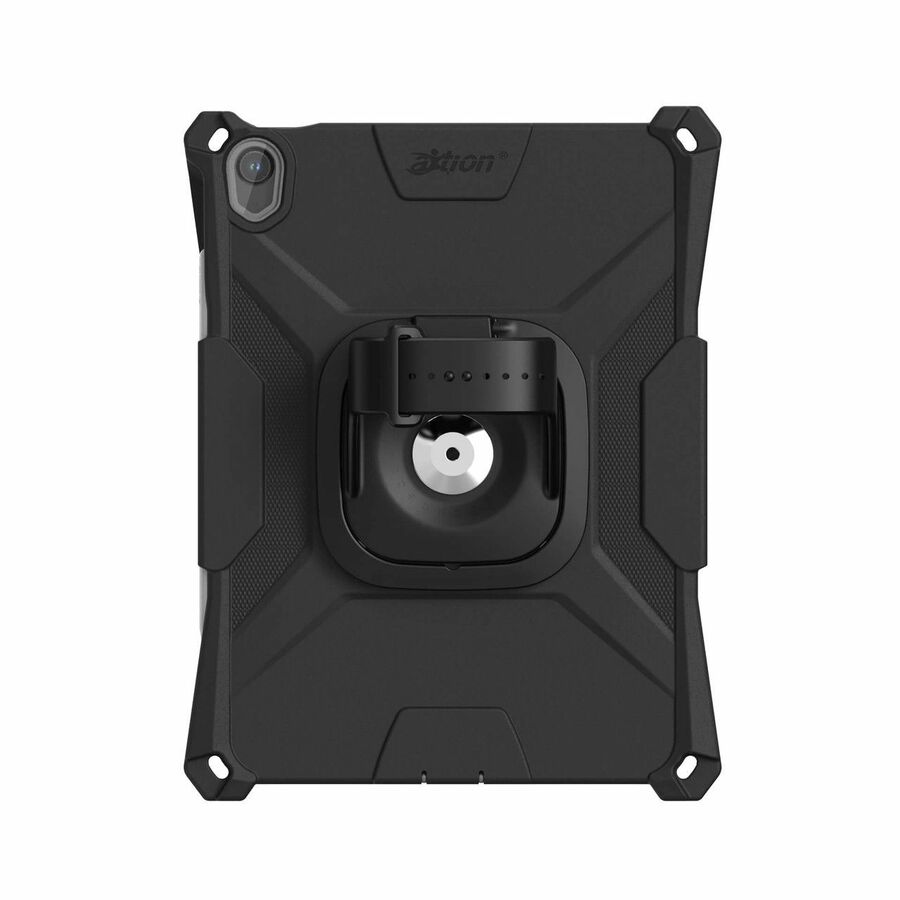
847 in stock - The Joy FactoryThe Joy Factory aXtion Slim MH Rugged Carrying Case for 11" Apple iPad Air 11 (2024) Tablet - Clear Black - Water Proof, Water Resistant, Dust Resistant, Dust Proof, Scratch Resistant, Debris Resistant, Shock Resistant, Shock Proof - Hand Strap, Shoulder Strap - 10.4" Height x 8.2" Width x 1.3" DepthCWA5152MH
$129.99
$89.99
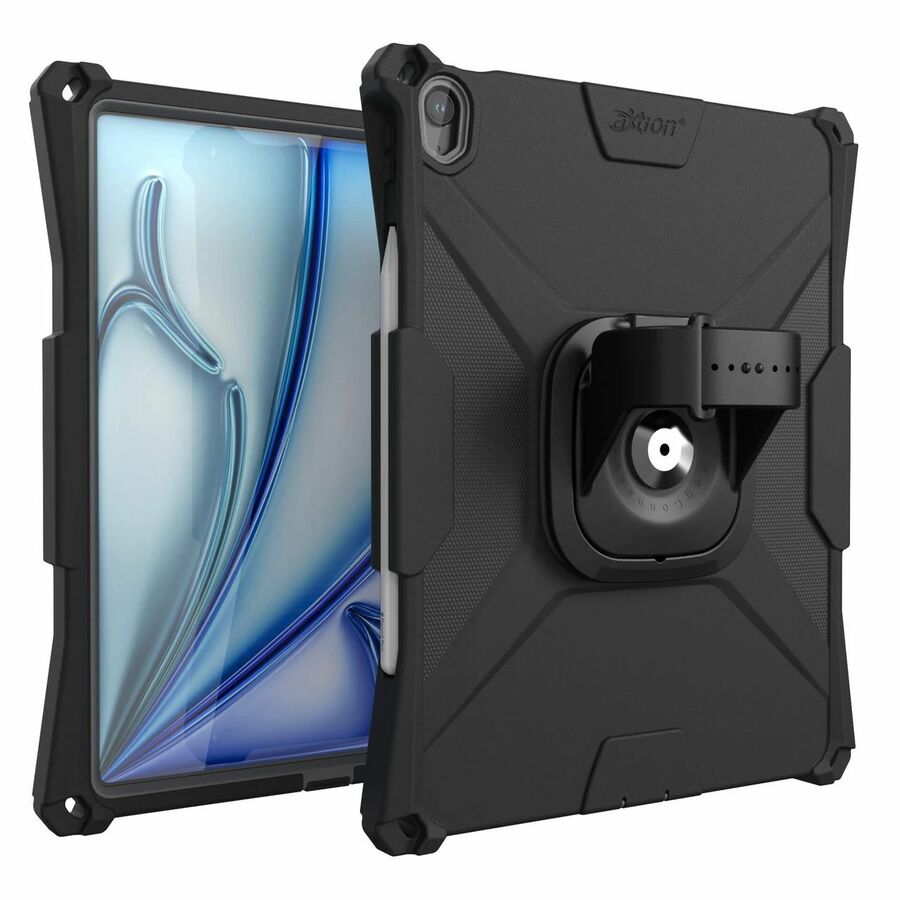
1,163 in stock - The Joy FactoryThe Joy Factory aXtion Bold MP Rugged Carrying Case for 13" Apple iPad Air 13 (2025), iPad Air 13 (2026) Tablet - Shock Proof, Drop Resistant, Dust Resistant, Moisture Resistant - Hand Strap, Shoulder Strap, Handle - 11.8" Height x 9.7" Width x 0.9" DepthCWA5123MP
$129.99
$90.12
510 in stock - The Joy FactoryThe Joy Factory aXtion Bold MP Rugged Carrying Case for 11" Apple iPad Air Table - Shock Proof, Drop Resistant, Impact Resistant, Water Resistant Exterior, Dust Resistant Port, Moisture Resistant Port - Hand Strap - 10.5" Height x 8.2" Width x 0.9" DepthCWA5122MP
$99.99
$70.50
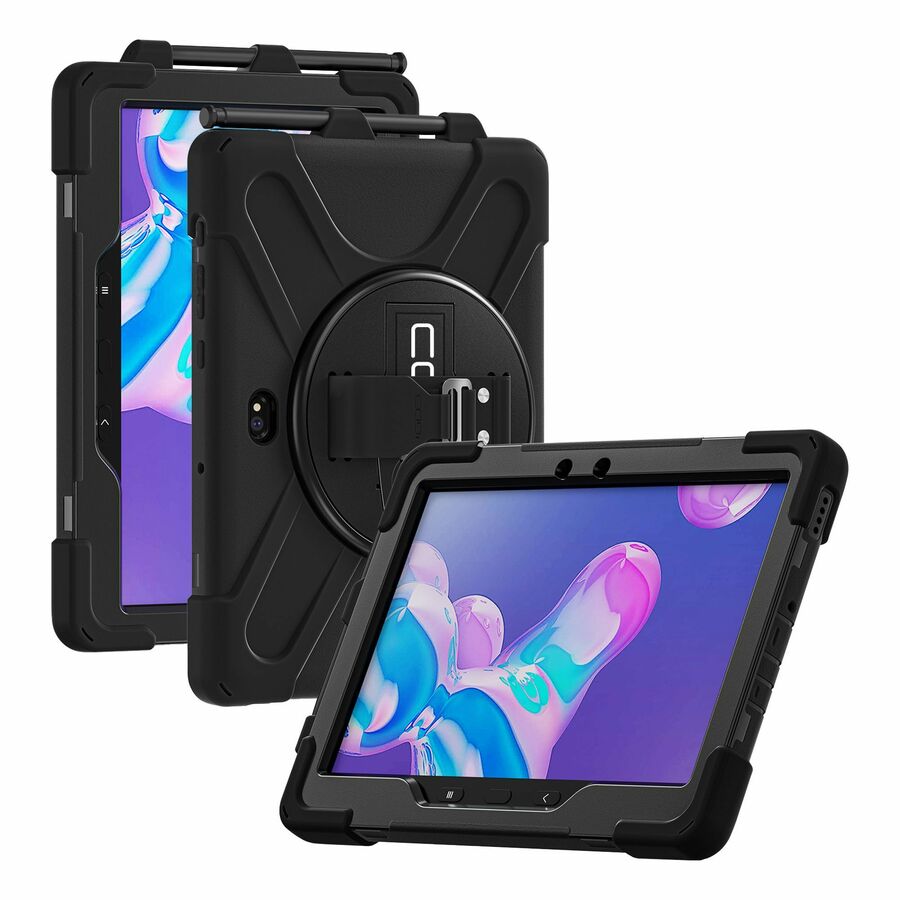
429 in stock - CODi WorldwideCodi Rugged Case for Samsung Active Tab Pro 10.1" (SM-540/545/547)C30705053
$36.99
$30.17
891 in stock



Need pricing on rugged cases?
Tell us where to reach you and a Uniqcli specialist will follow up by email with current pricing, availability and lead time for the quantities you need — including parts that aren’t shown on this page.
Buying for an organization or for yourself — both work. No payment up front.
Fit comes before protection level and it is unforgiving: cases are cut per device generation, because the camera array, the ports, the speaker grilles and the keyboard connector all move between them, so a case for the previous iPad or Galaxy Tab is a wrong part rather than a near-fit. Set the protection level by how the device is used.
A rugged case is bought to change a number, and the number is the annual repair rate. In a fleet — a district's carts, a warehouse's scanning tablets, a technician's van — devices are not dropped occasionally, they are dropped constantly, and the difference between a slim folio and a genuine rugged case shows up as the count of cracked screens at the end of the year rather than as anything anyone can feel in the hand on day one. That is why this is a fleet purchase with a payback calculation behind it and not an accessory decision.
Fit comes before protection level, and it is unforgiving. Tablet cases are cut for a specific generation and frequently for a specific model within it, because the camera array moves, the ports move, the speaker grilles move and the magnetic keyboard connector moves. A case for the previous iPad or the previous Galaxy Tab is not a near-fit, it is a wrong part, and a fleet order of the wrong generation is the most common expensive mistake in this category. Read the model list on the product record against the exact devices in the room.
After fit, three details decide whether the case survives contact with the way the device is actually used. Port covers keep dust and liquid out of the openings that are most exposed and are also the first thing to tear off if they are flimsy. A kickstand or hand strap decides whether the device gets set down safely or propped against something. And an integrated screen protector removes a separate consumable and a separate fitting job from the deployment — which on a few hundred devices is real labour. Where a fleet is being rolled out rather than replaced piecemeal, Uniqcli quotes the cases with the tablets, the device-management licensing and the staging work as one package, because that is how the deployment is actually run.
Buyer's checklist
How to choose a rugged case for a fleet
- Start from the exact device model and generation, not the family — cases are cut per generation, and a near-fit blocks a camera or a charging port rather than nearly working.
- Decide the protection level honestly by asking how the device is used: a classroom cart, a warehouse aisle and a vehicle mount are three different amounts of abuse.
- Check whether the case has to work with a keyboard, a stylus or a charging cart — a case that will not seat in the cart it is charged in is a case that gets removed and lost.
- Look for port covers on any device that goes outdoors or into a dusty environment, and check they are attached rather than loose flaps that will be gone by term two.
- Prefer an integrated screen protector for a large deployment: it removes a separate part, a separate fitting step and a separate spares line from the rollout.
- Check the kickstand or hand strap against how the device is held — a hand strap suits a walking inspection role, a kickstand suits a desk or a bench.
- Read the manufacturer's own drop and protection claims on the specific part number rather than the brand, and treat them as published claims to compare, not as guarantees.
- Order spares as part of the deployment: cases are damaged and lost at a higher rate than the devices they protect, and a device without a case in week three is a device back at the repair desk in week six.
Fit is a part number, not a family
The single most expensive error in this category is ordering by family name. Tablet chassis change between generations in ways that are invisible on a photograph and fatal in a case: the camera array grows, the speaker grilles move, the magnetic keyboard connector shifts a few millimetres, the charging port changes side. A case cut for the previous generation does not fit slightly worse — it covers something that has to be uncovered.
The practical defence is to read the model list on the product record, in full, against a device in your hand rather than against a purchase order from two years ago. Manufacturers publish those lists precisely because the compatibility is narrow, and the good ones enumerate every generation and every model suffix the case fits. Where a fleet spans two generations, that usually means two case part numbers, and it is cheaper to accept that at order time than to discover it at distribution.
One more fit question that gets skipped on shared devices: the charging cart or cabinet. A case that adds a few millimetres of depth can stop a tablet seating in the slot it charges in, and the workaround the room invents is to remove the case — which returns the fleet to the repair rate the case was bought to fix. Test one case in one slot before the fleet order.
How much protection is the right amount
Protection is not a single axis, and buying the heaviest case available is not automatically the right answer. A device that lives on a classroom cart and is carried between a desk and a shelf needs impact protection at the corners, a screen that survives being set down on a pencil, and a kickstand so it is propped rather than balanced. Bulk beyond that makes it heavier for small hands and harder to store.
A device that leaves the building is a different specification. Now the exposure includes weather, dust, being set down on gravel, and living in a vehicle where the temperature swings. That is where port covers, a hand strap and a manufacturer's water-resistance claim start earning their weight, and where a slim case is genuinely the wrong product rather than merely a lighter one.
The honest way to read the claims is as published manufacturer statements to compare against each other, on the specific part number, rather than as guarantees. Drop-test figures are produced under a defined procedure that is not the same as a stairwell, and a case that publishes a rating is telling you something useful about its design intent. Uniqcli does not test cases and does not rate them; what is on this page is what the manufacturers publish about these part numbers.
Cases as a deployment line item
On a fleet of any size, cases stop being an accessory and become part of the deployment plan. They are fitted during staging rather than by the end user, which means the case has to arrive with — or before — the devices, and it means somebody has costed the labour of fitting several hundred of them. An integrated screen protector removes a whole separate fitting operation from that day, which is why it is worth more on a large order than its price difference suggests.
Spares need to be ordered on a different curve from device spares, because cases are damaged and lost at a higher rate than the tablets inside them. A hand strap tears, a port cover disappears, a case goes home in a bag and does not come back. A fleet that runs out of spare cases in the second term ends up running uncased devices, which is precisely the state the purchase existed to prevent.
The rest of the rollout is the part worth quoting together: the tablets themselves, the device-management licensing, the asset tagging, the staging and the distribution. Buying the hardware from one place and discovering the rest afterwards is how a deployment slips, and it is why the case count belongs on the same bill of materials as the device count.
FAQ
Common questions
- Will a case for the previous iPad or Galaxy Tab generation fit the new one?
- Usually not. Tablet chassis change between generations in ways that matter to a case — camera arrays, speaker positions, port placement and magnetic keyboard connectors all move — so a case cut for last year's model typically covers something that needs to be uncovered. Read the full model and generation list on the product record against a device in your hand, and expect a fleet spanning two generations to need two case part numbers.
- Do we need an integrated screen protector?
- On a large deployment it is usually worth it, and the reason is labour rather than protection. An integrated protector removes a separate part to order, a separate fitting step during staging and a separate consumable to replace, which on several hundred devices is a meaningful amount of work. On a small fleet where cases are fitted individually, a separate protector gives more flexibility in replacing just the glass.
- Will a rugged case still fit our charging cart?
- It depends on the cart and the case, and it is worth testing before the fleet order rather than after. Rugged cases add depth, and a slot sized for a bare tablet may not accept one — at which point the room's workaround is to remove the case at charging time, and cases start going missing. Test one case in one slot, and where the cart is also being purchased, specify them together.
- How many spare cases should a fleet order?
- More than you would order spare devices. Cases take the damage that the tablet does not, and they are also lost — a hand strap tears, a port cover disappears, a case goes home in a bag. Districts and field teams commonly plan spares in the high single digits as a percentage of the fleet, and the cost of being short is that devices run uncased, which returns the repair rate to where it was before the purchase.
- Can Uniqcli quote cases with the tablets and the deployment?
- Every line Uniqcli quotes is sourced through US distribution and screened for TAA country-of-origin and NDAA §889 status before checkout — with documentation tied to the specific part number, not a product family.
Need rugged cases pricing?
Send a bill of materials or part numbers — we confirm stock and a below-market total, with TAA verified on request. No payment up front.