
Best OtterBox Cases for Rugged Device Fleets
Defender and uniVERSE rugged cases for tablet and phone fleets in field, warehouse, healthcare and education deployments.
OtterBox rugged cases in stock at Uniqcli
How to choose →A curated selection with live pricing — in-stock lines first, then back-ordered lines with a typical lead time. Every line is sourced through US distribution and screened for NDAA §889 status before checkout, with TAA verified on request.
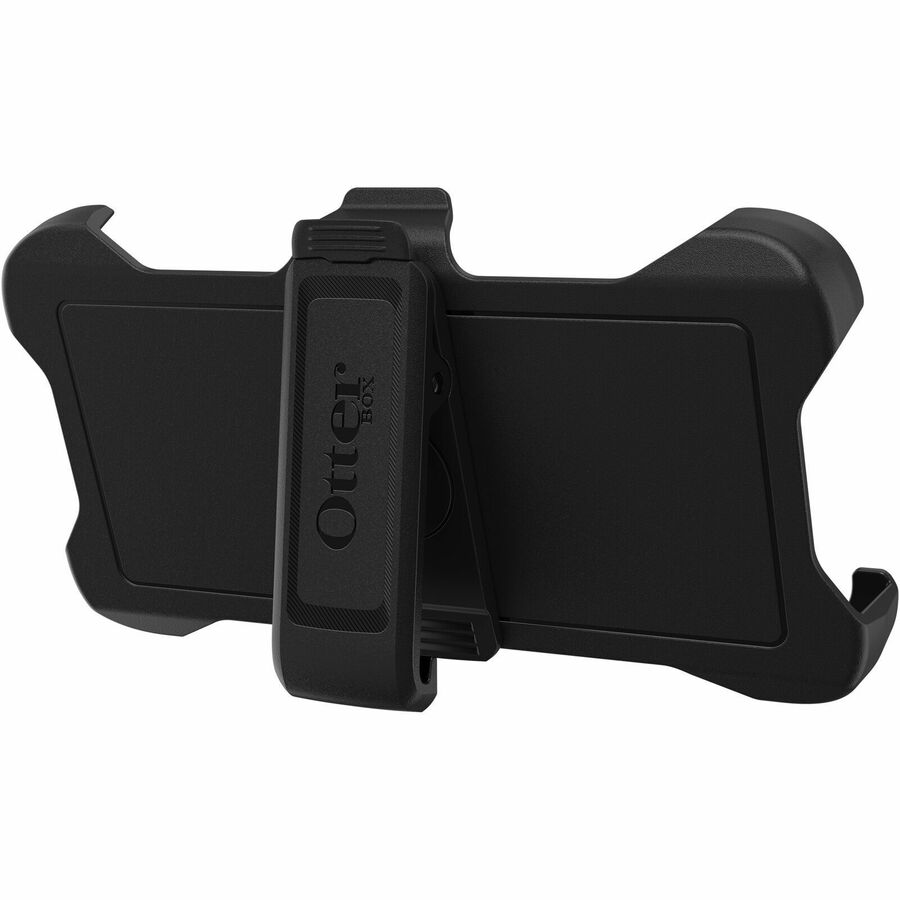

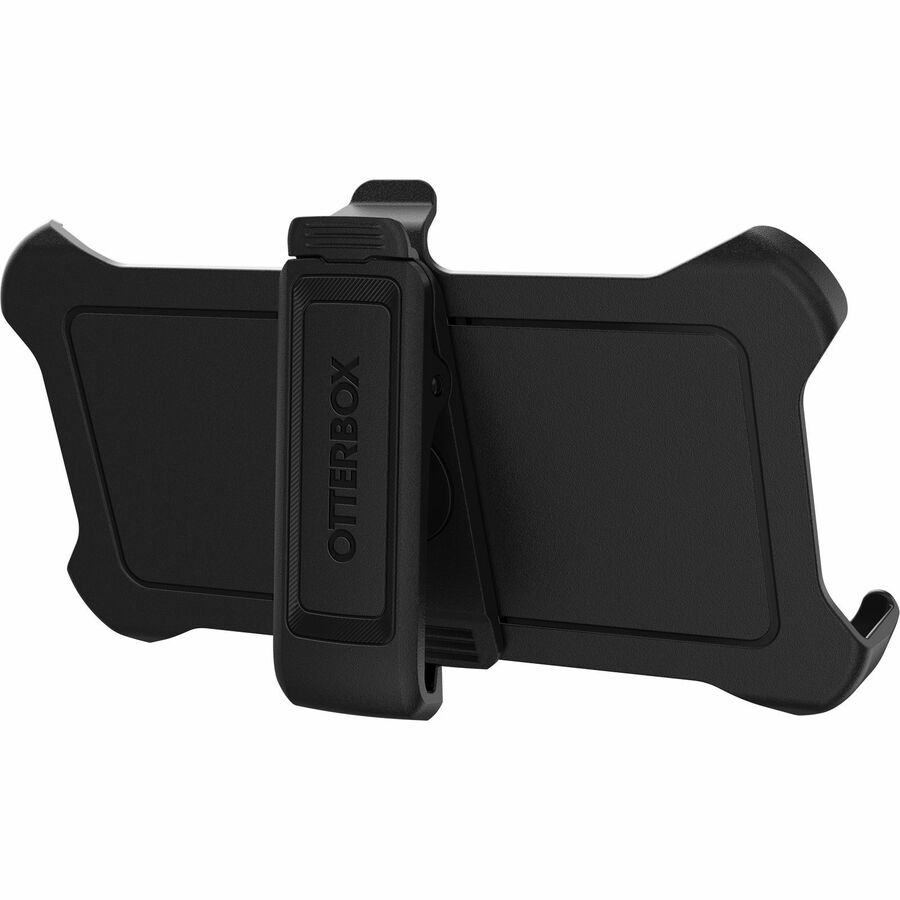
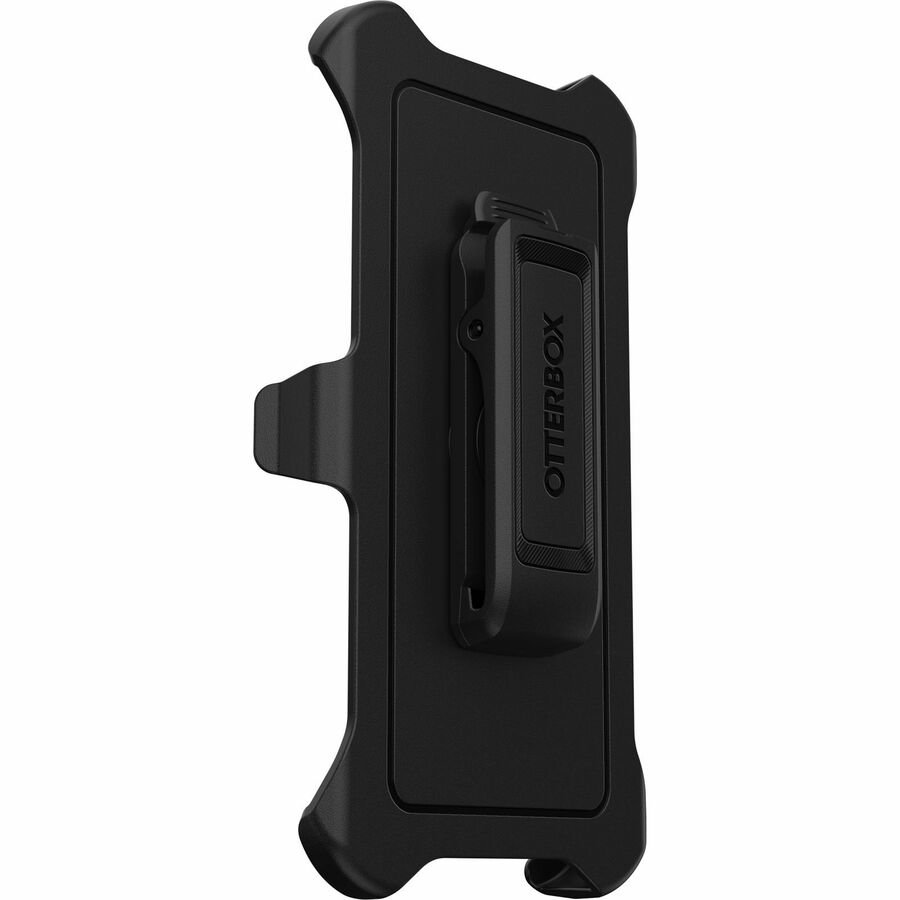
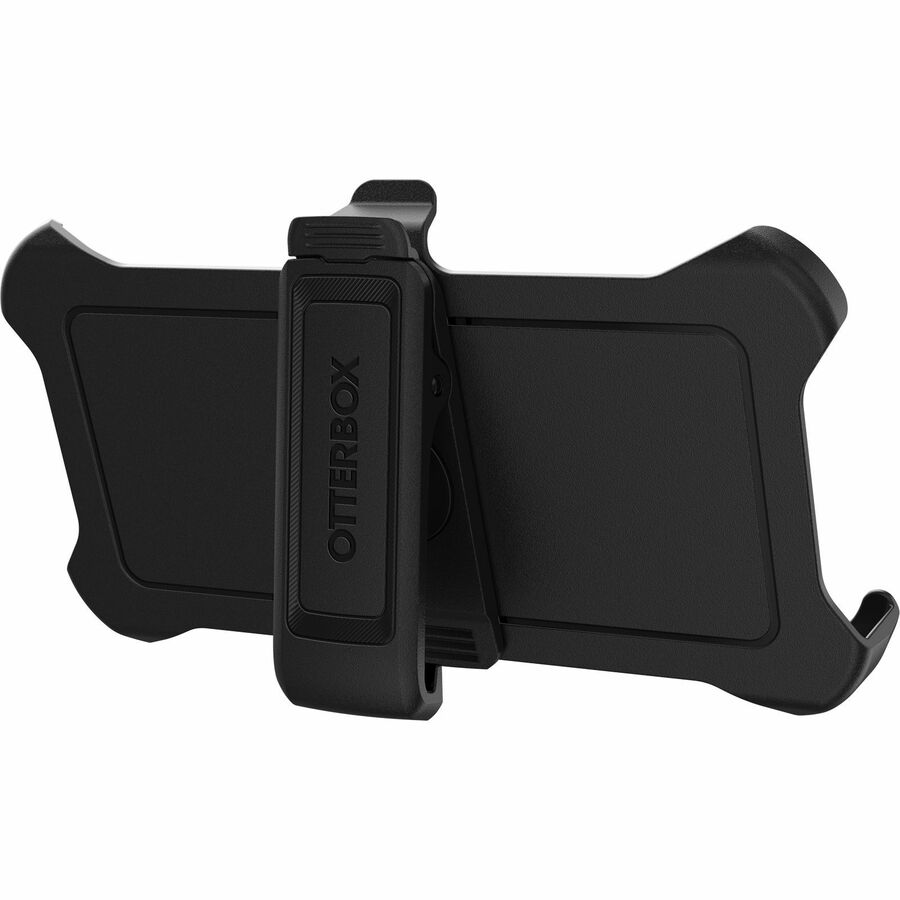
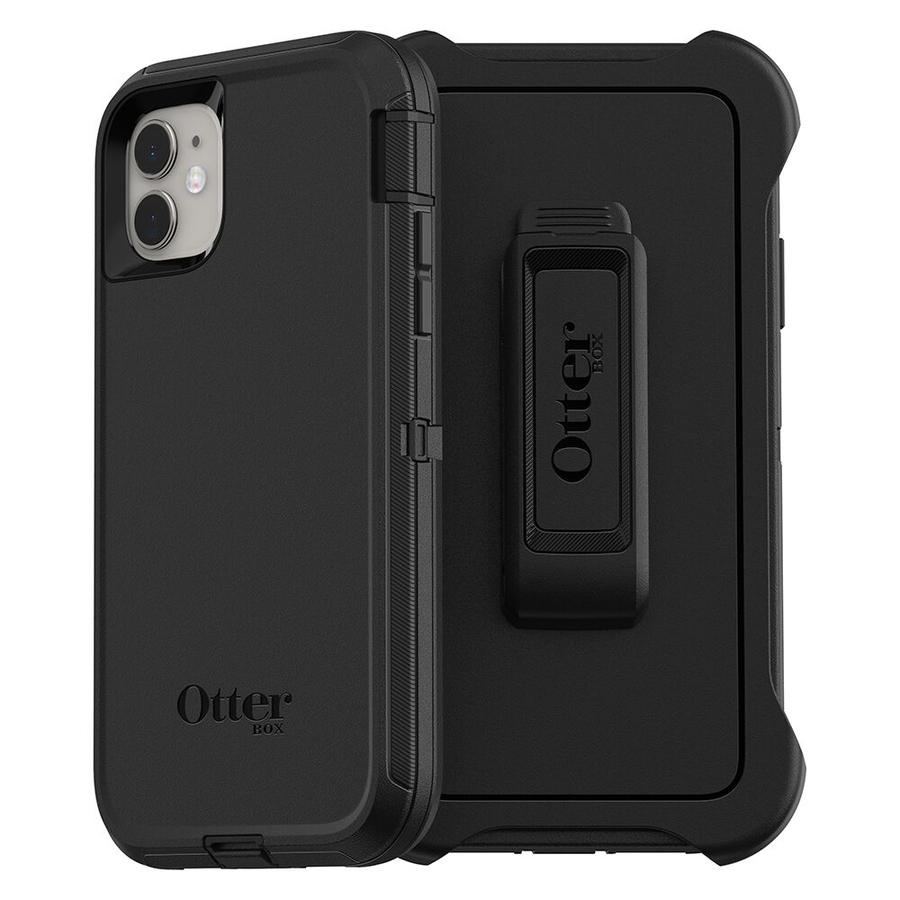
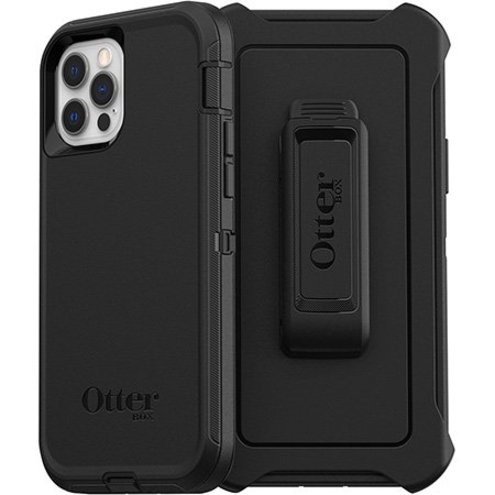
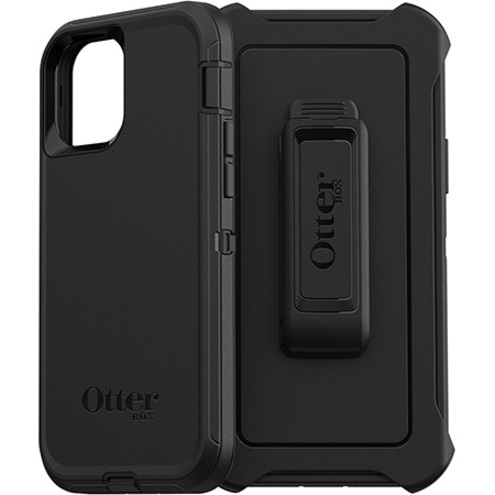
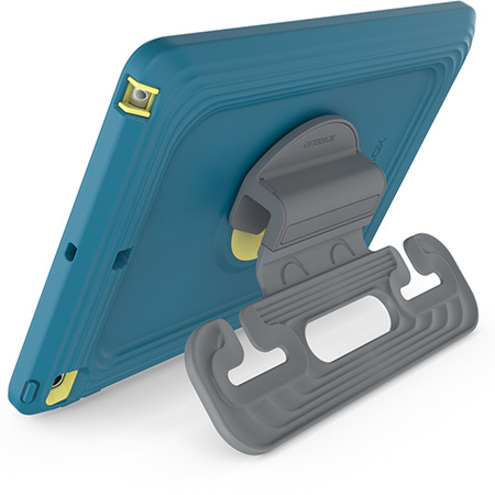
More carrying cases in the Uniqcli catalog
See all 2,126 carrying casesMore OtterBox first — closest to what you were just looking at; “See all carrying cases” above opens every other brand in the category. In-stock lines lead, and a back-ordered line carries the same estimated availability its product page does — with live pricing throughout, NDAA §889 screening before checkout and TAA verified on request.
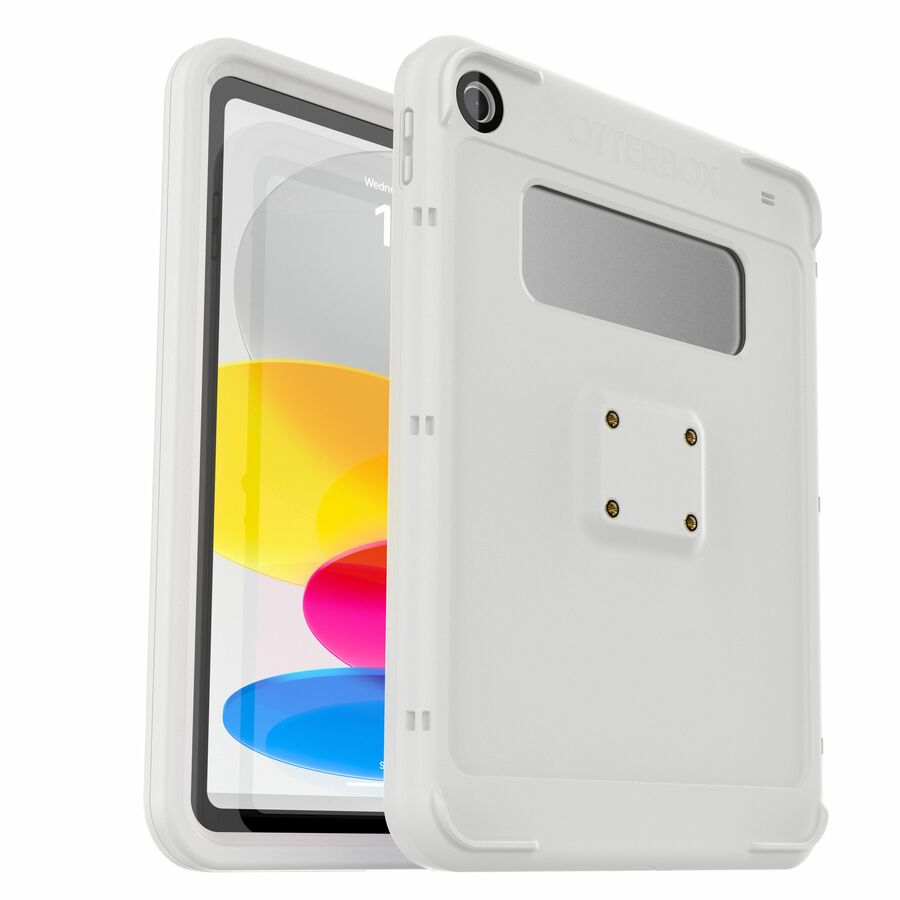
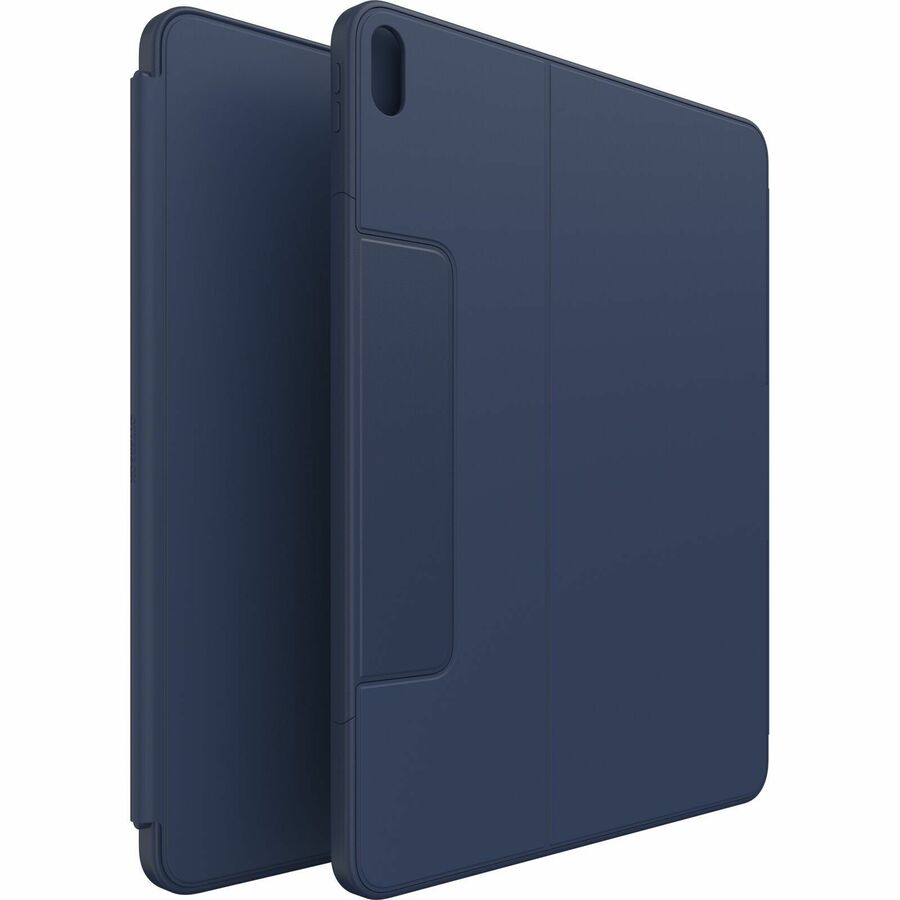
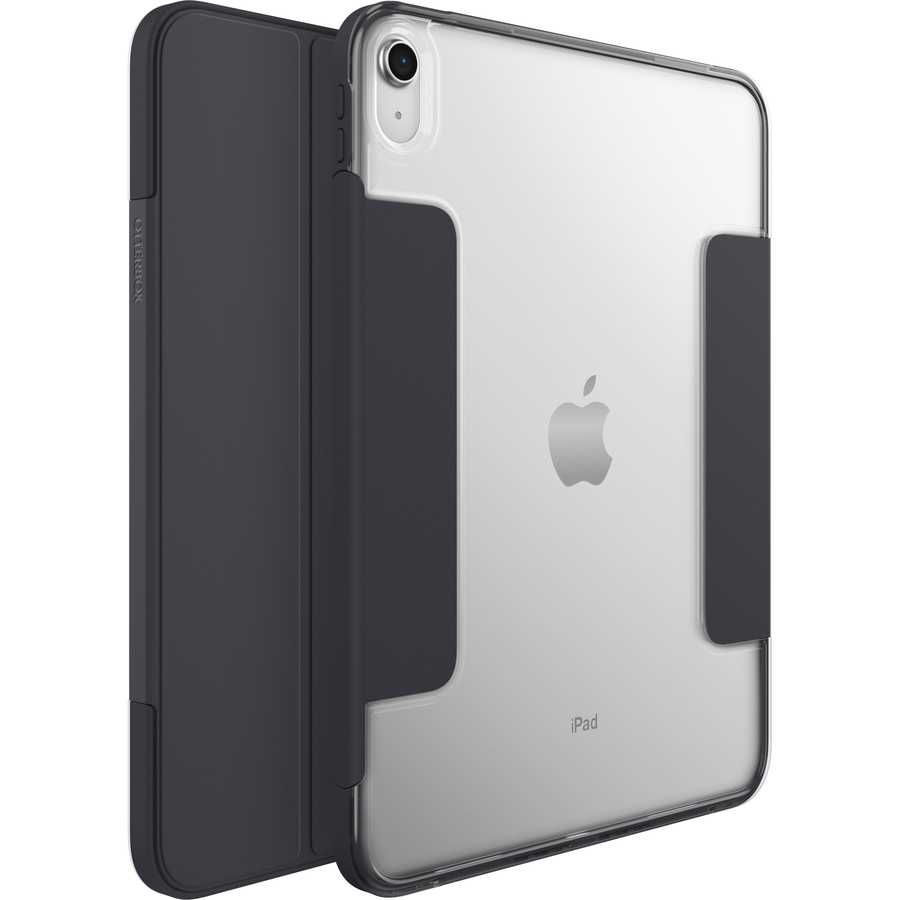
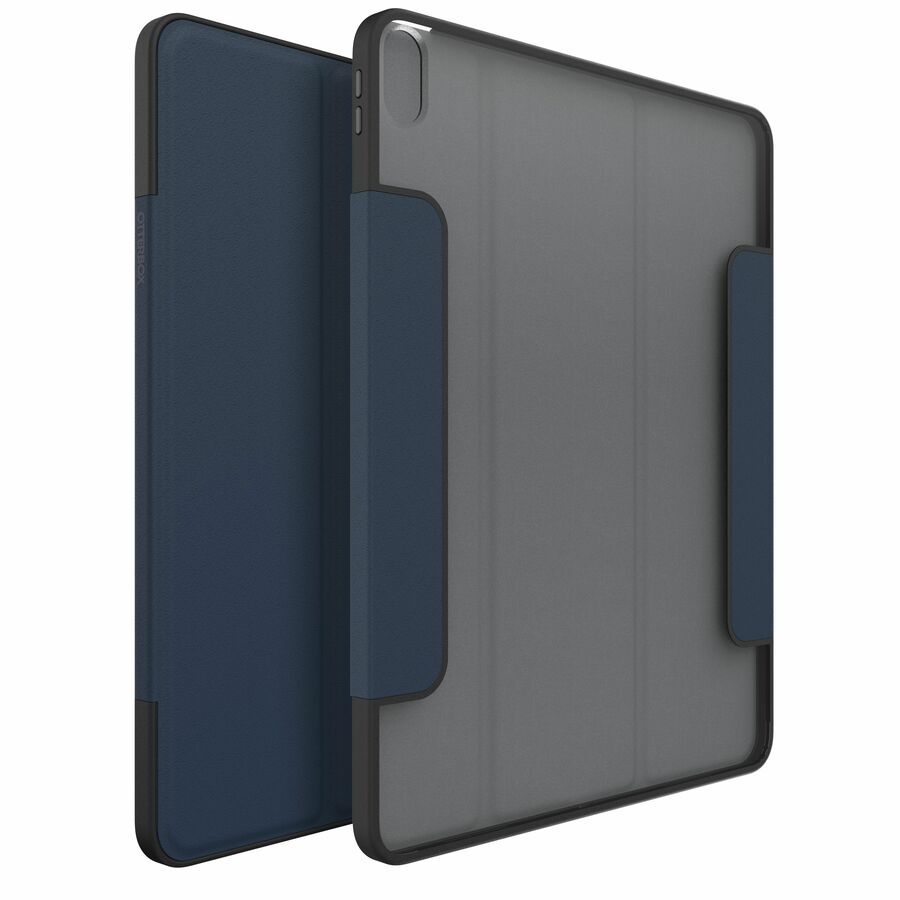
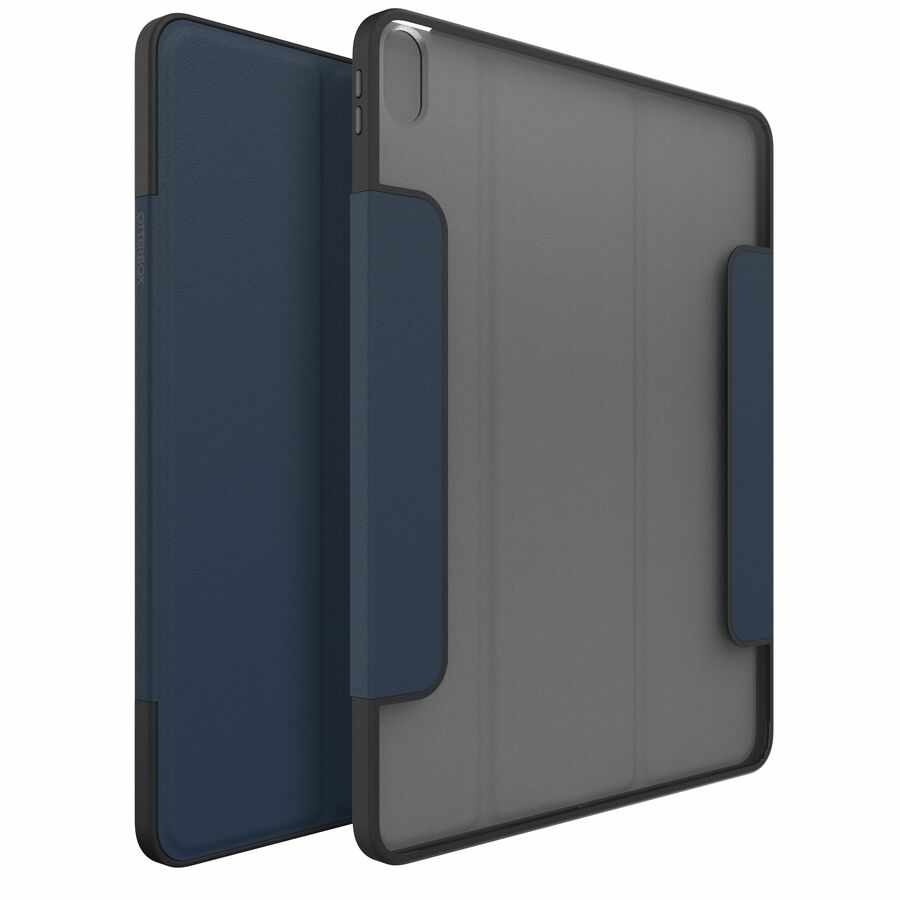
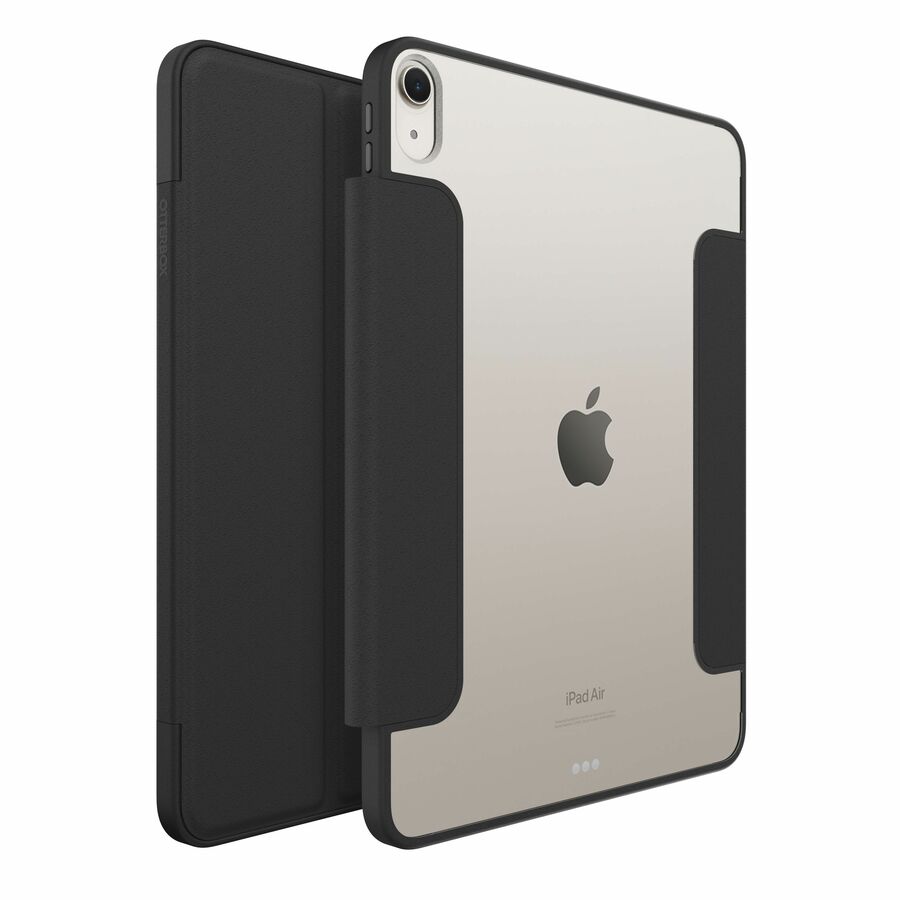
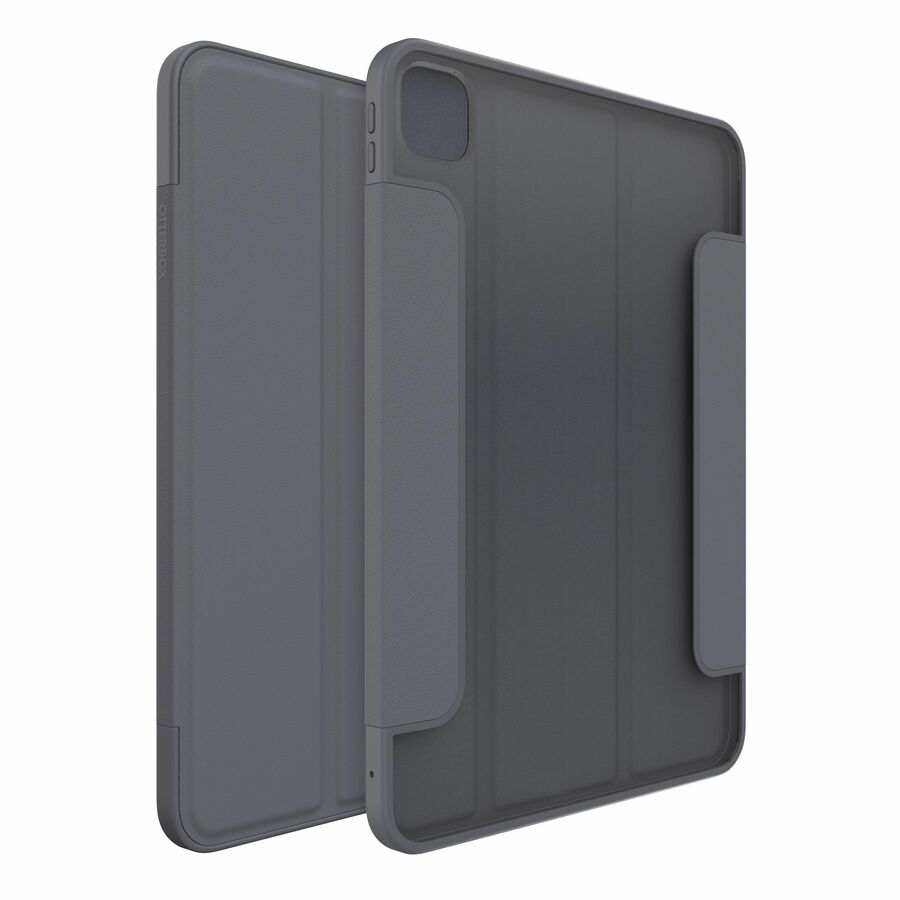
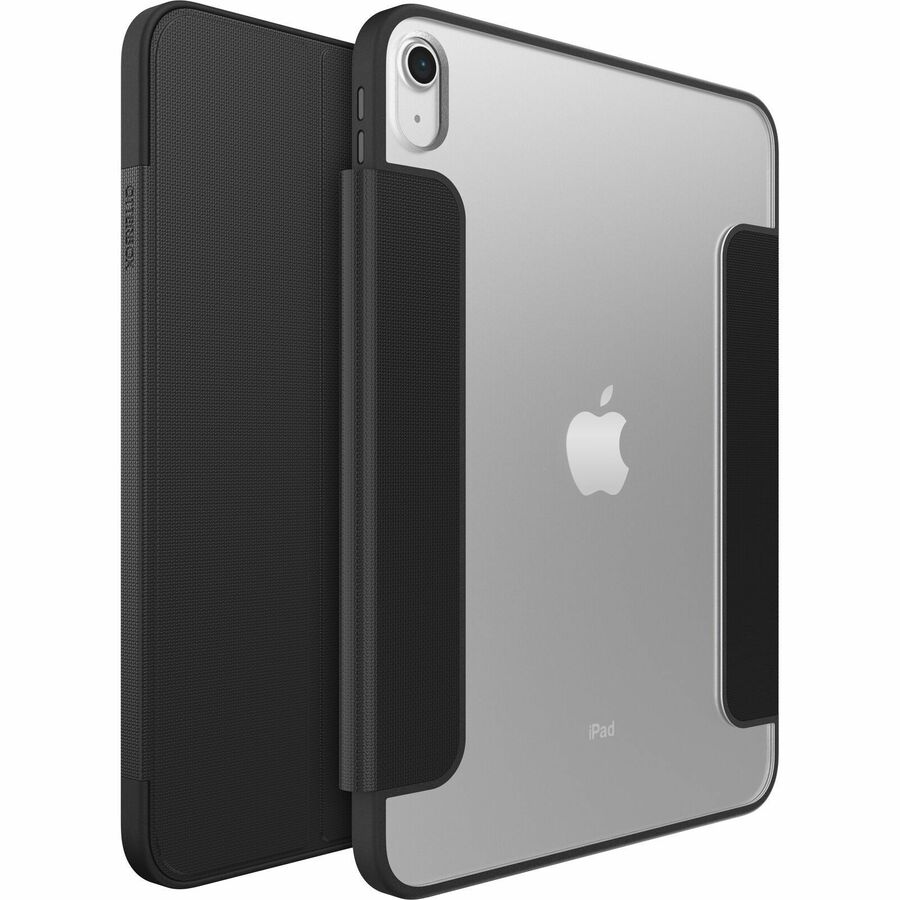
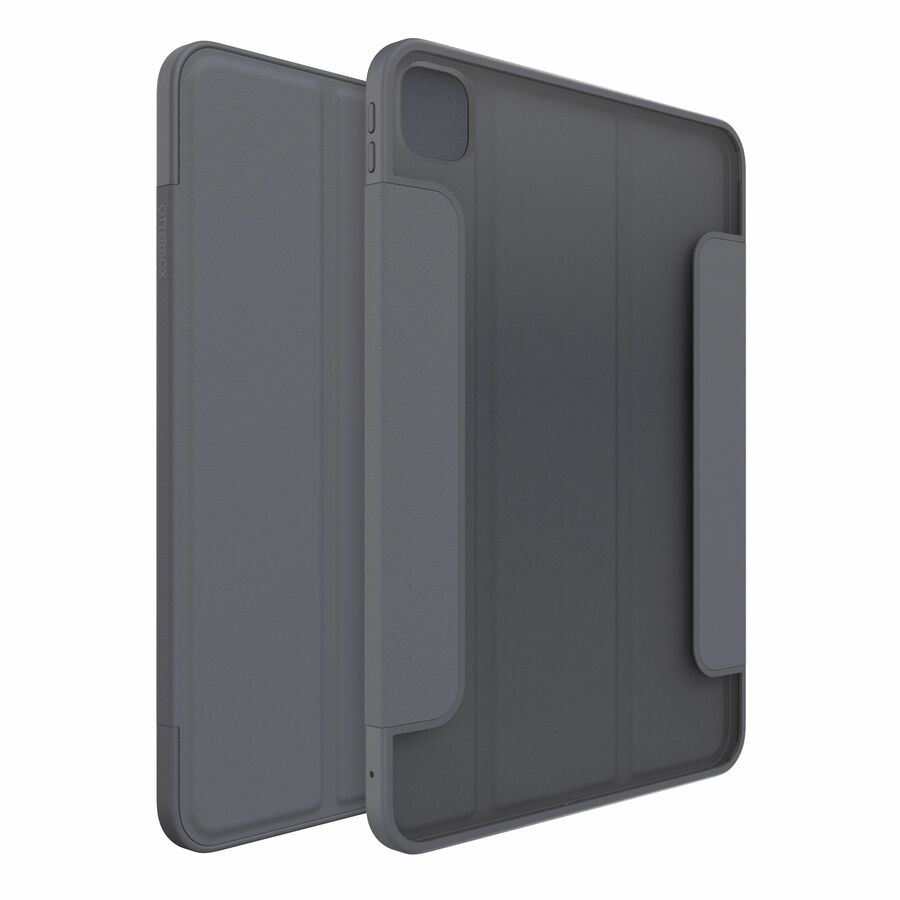
- OtterBoxOtterbox Armor Series For iPad (10th gen) and iPad (A16) ARCTIC HAZE - Poly bag - Grey - 10.48 x 7.73 x 0.85 in77-98137
$149.99
$137.99
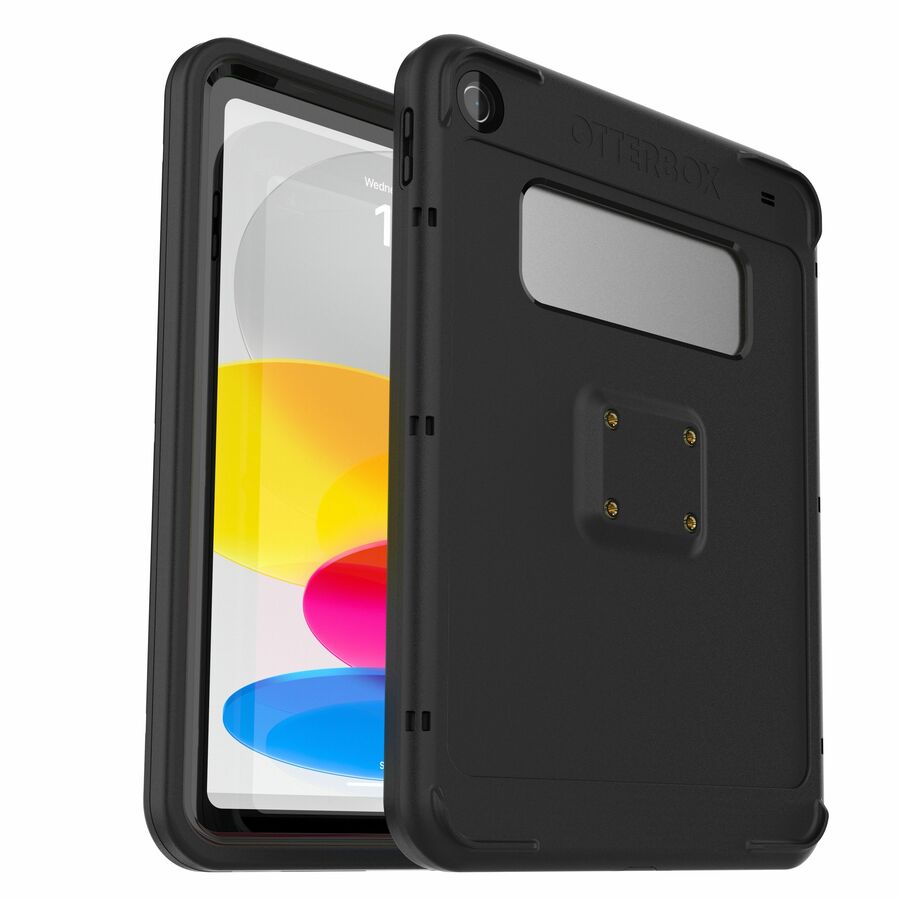
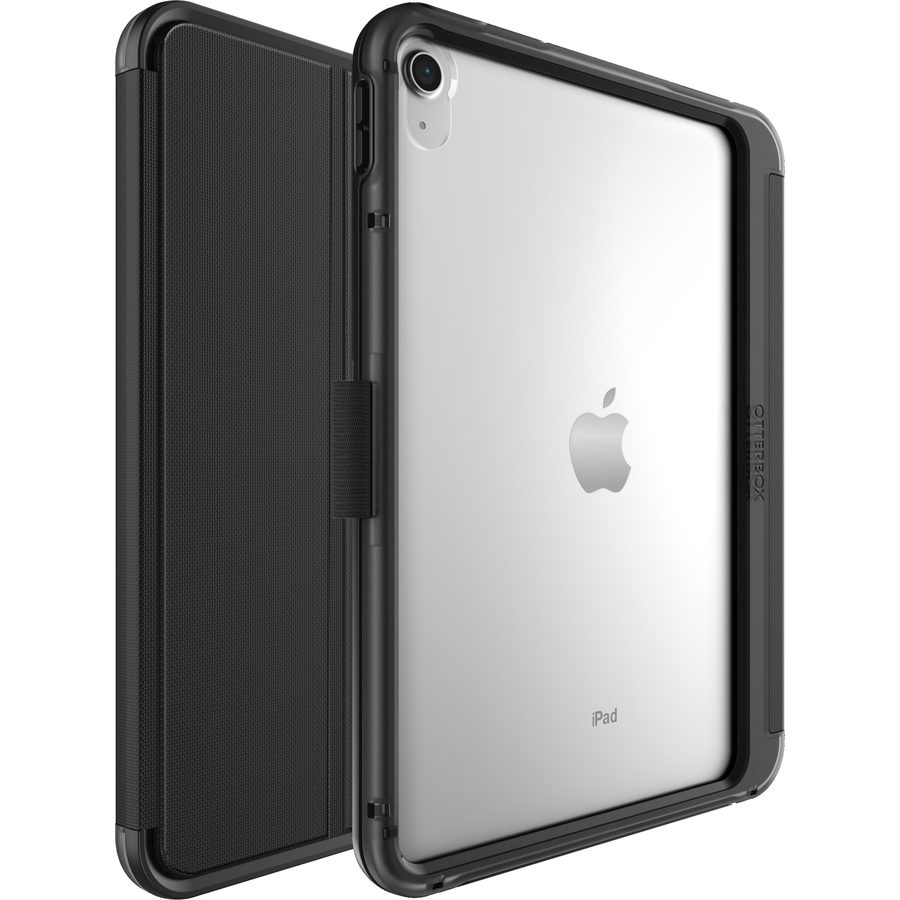
883 in stock - OtterBoxOtterbox Armor Series For iPad (10th gen) and iPad (A16) Black - Poly bag - Black - 10.48 x 7.73 x 0.85 in77-97262
$149.99
$137.99
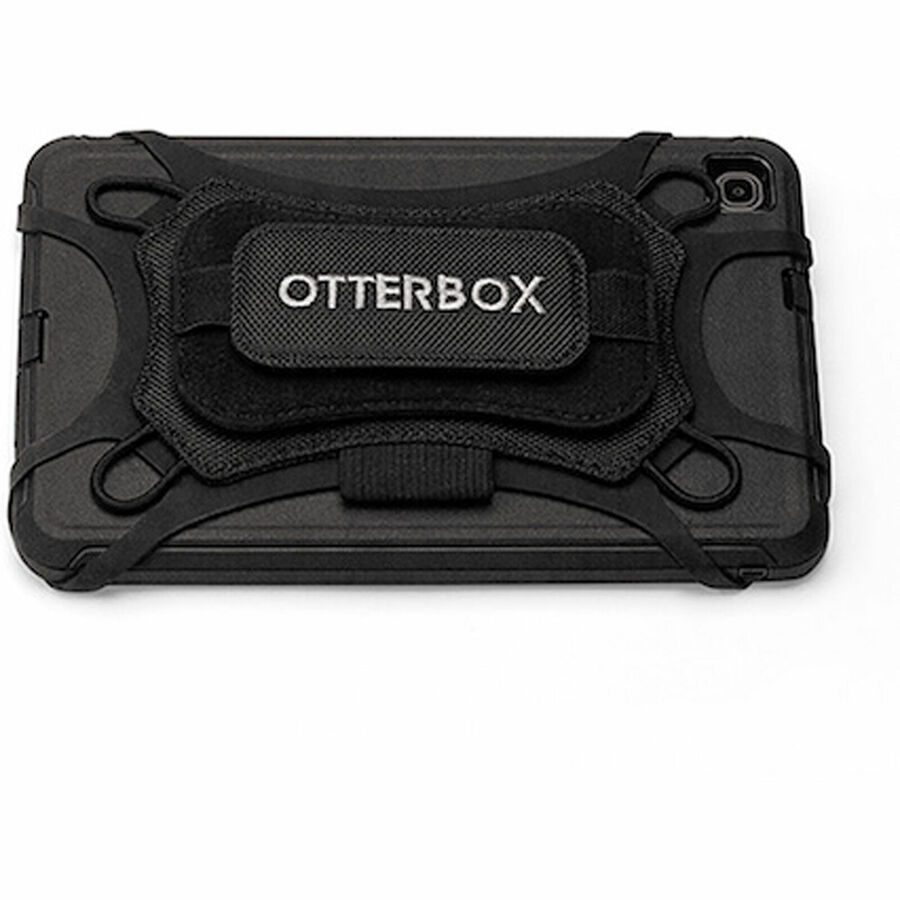
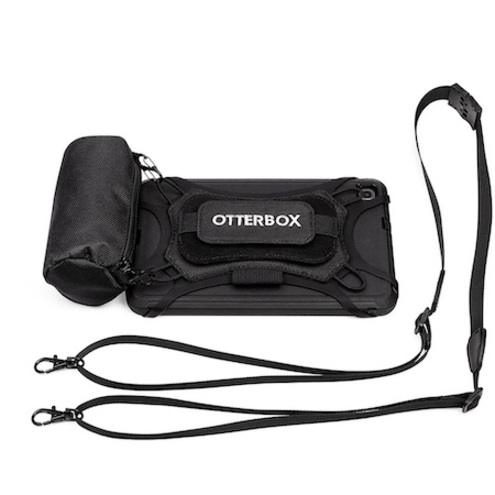
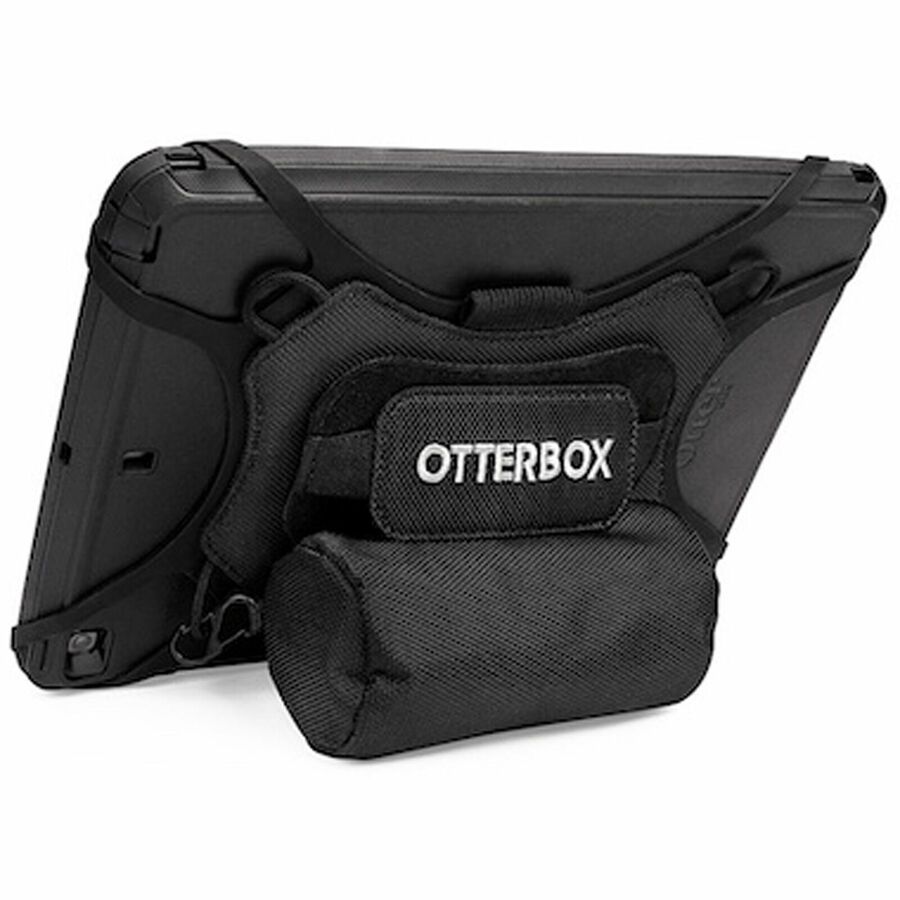
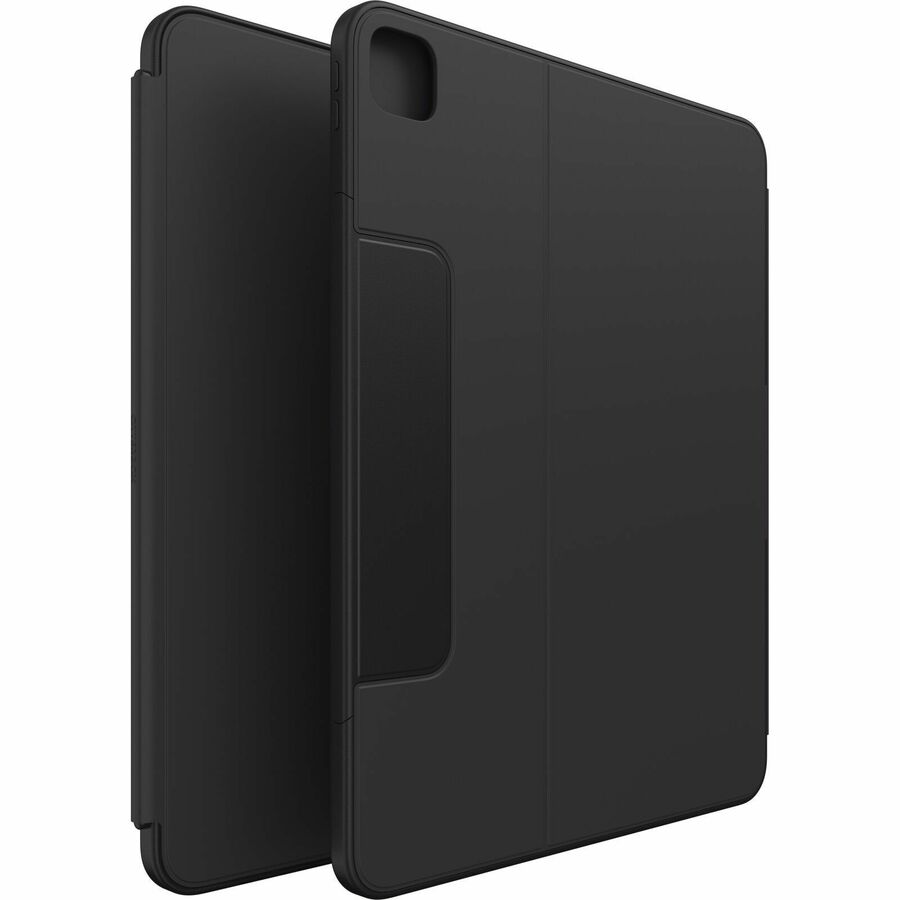
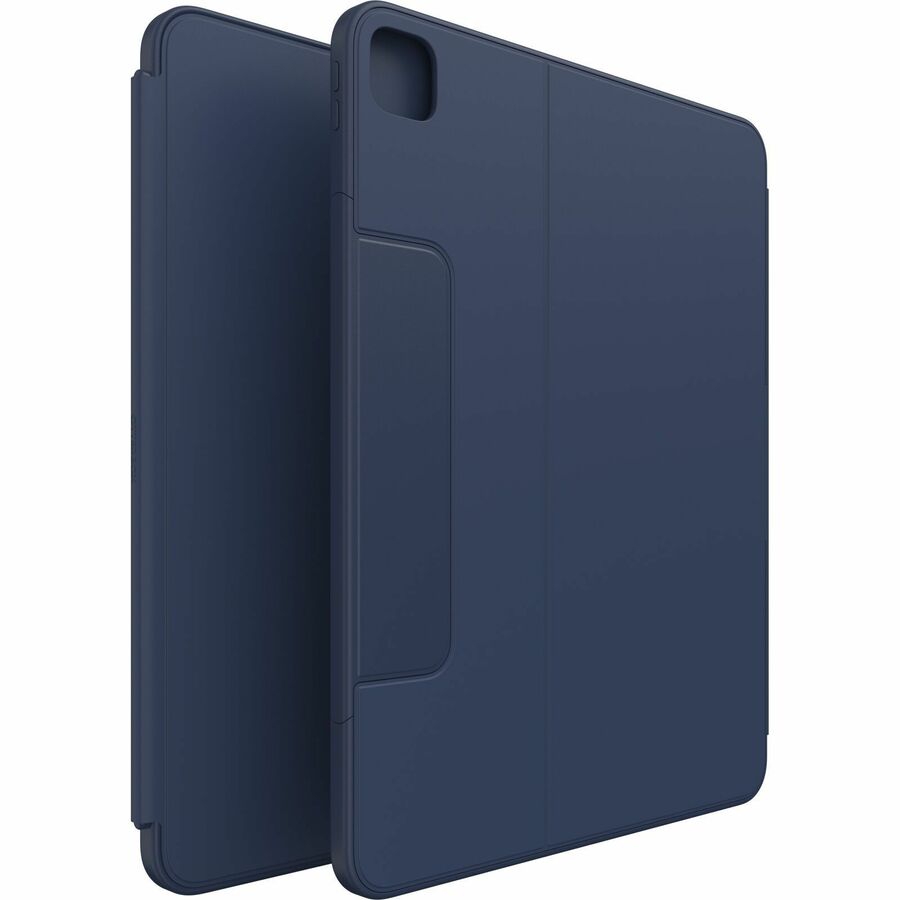
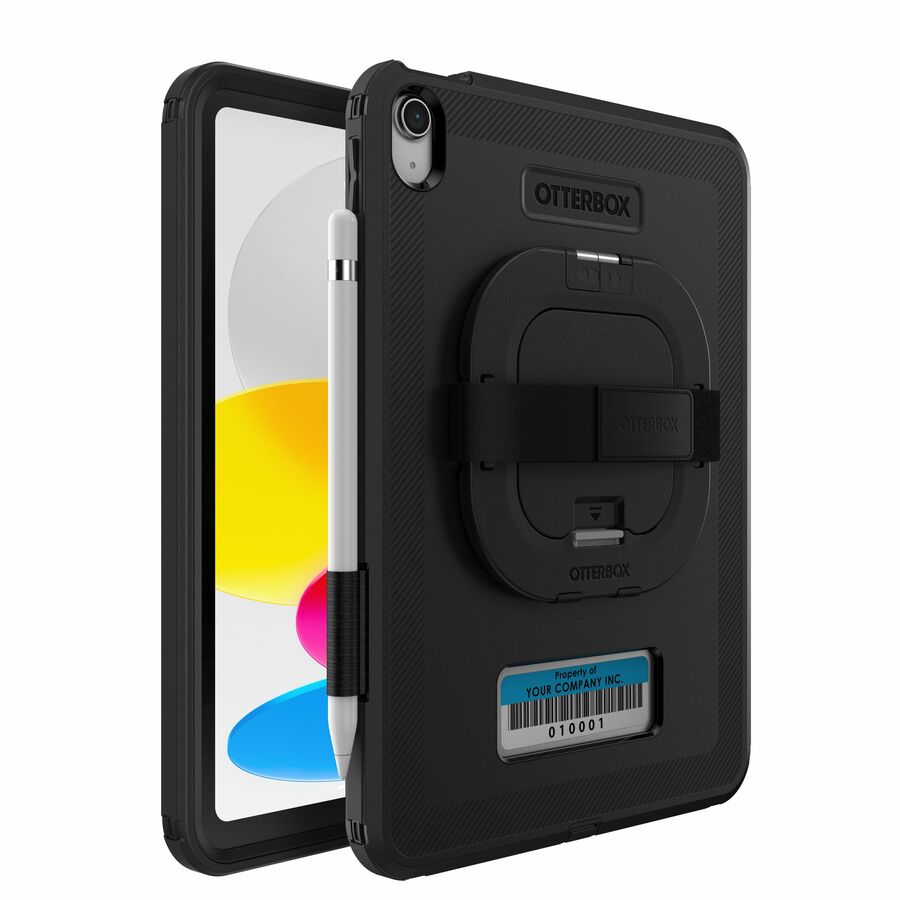
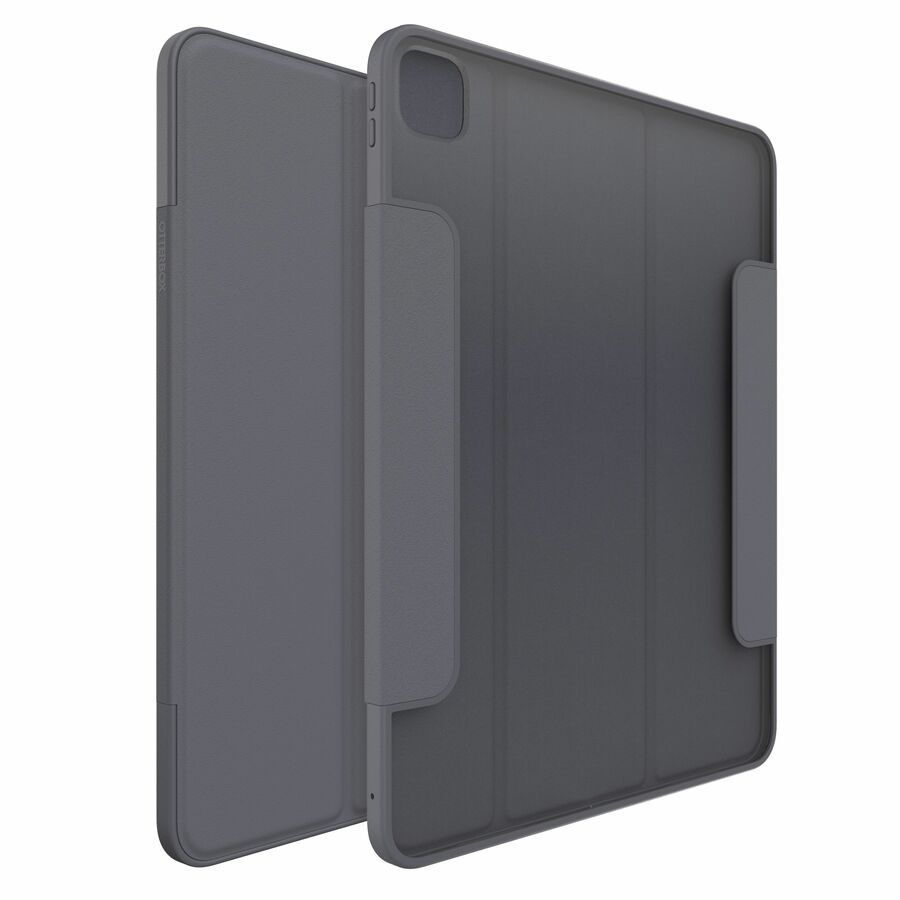
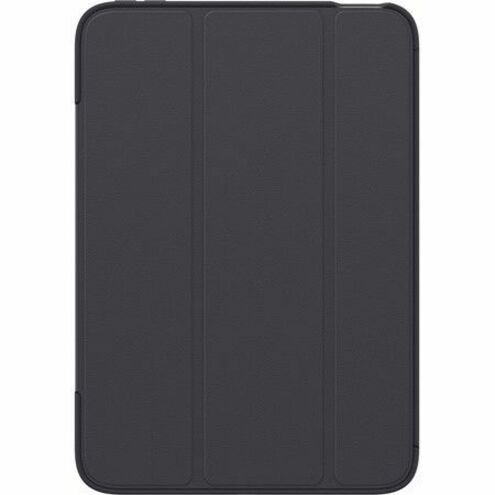
860 in stock - OtterBoxOtterBox Carrying Case for 11" Apple iPad Pro 11 (2024) Tablet - Black - Hand Strap77-97810
$99.99
$91.99
946 in stock
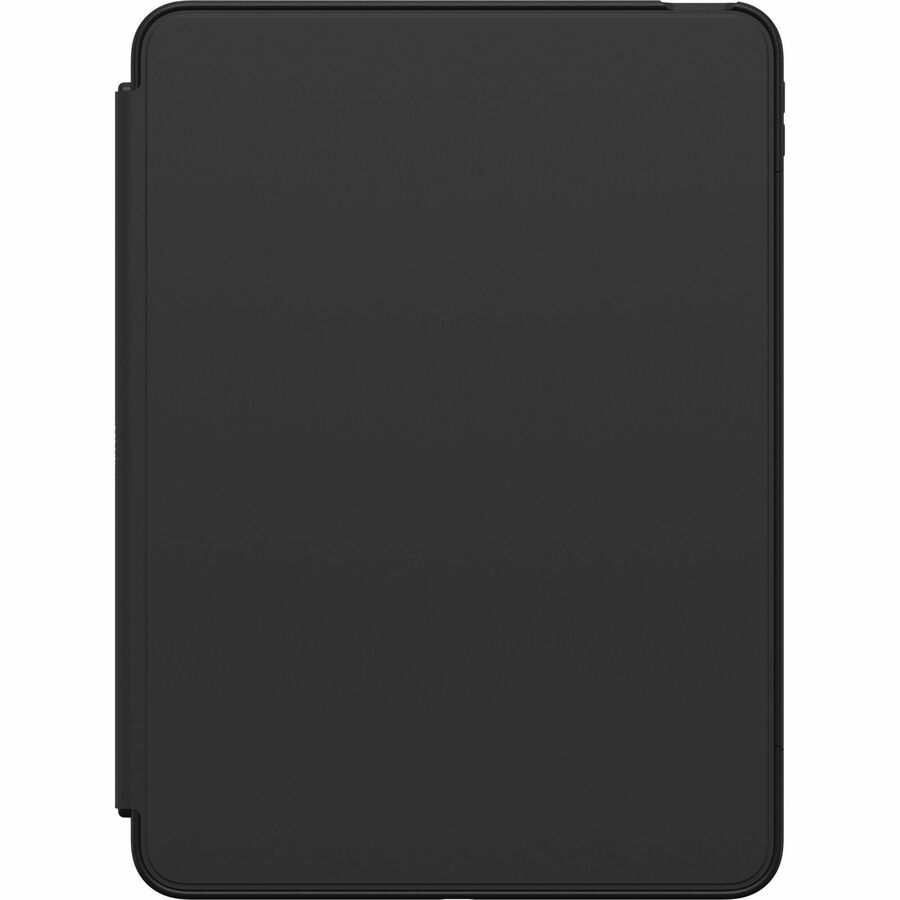
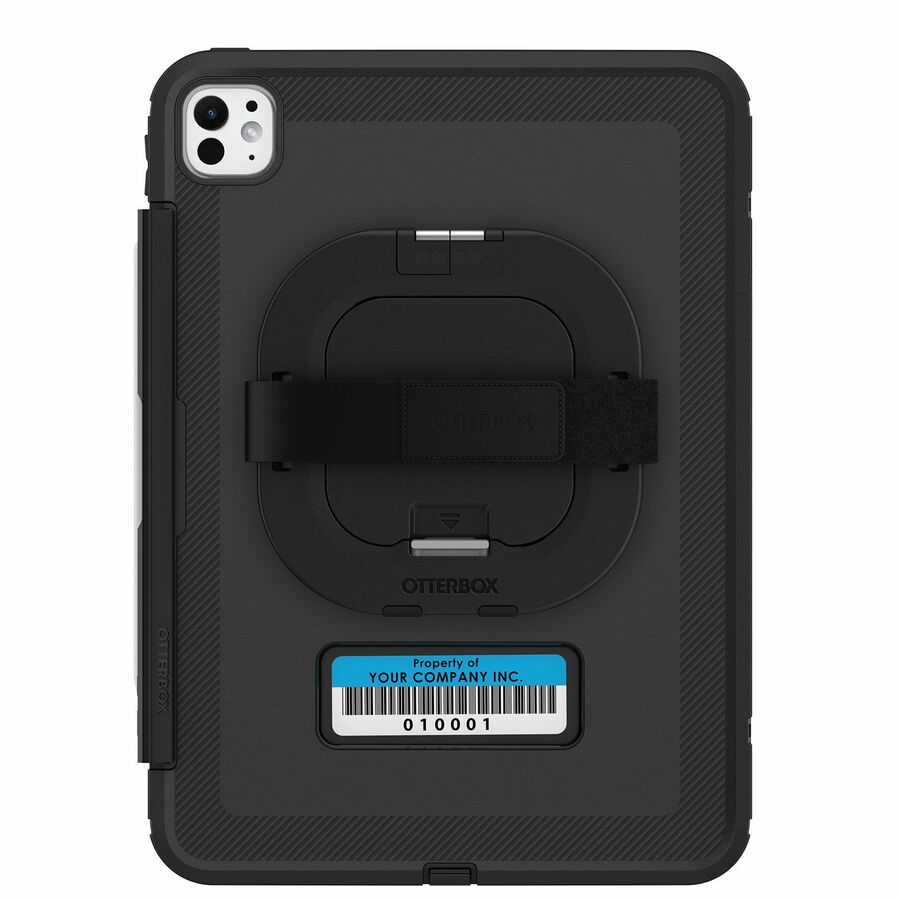
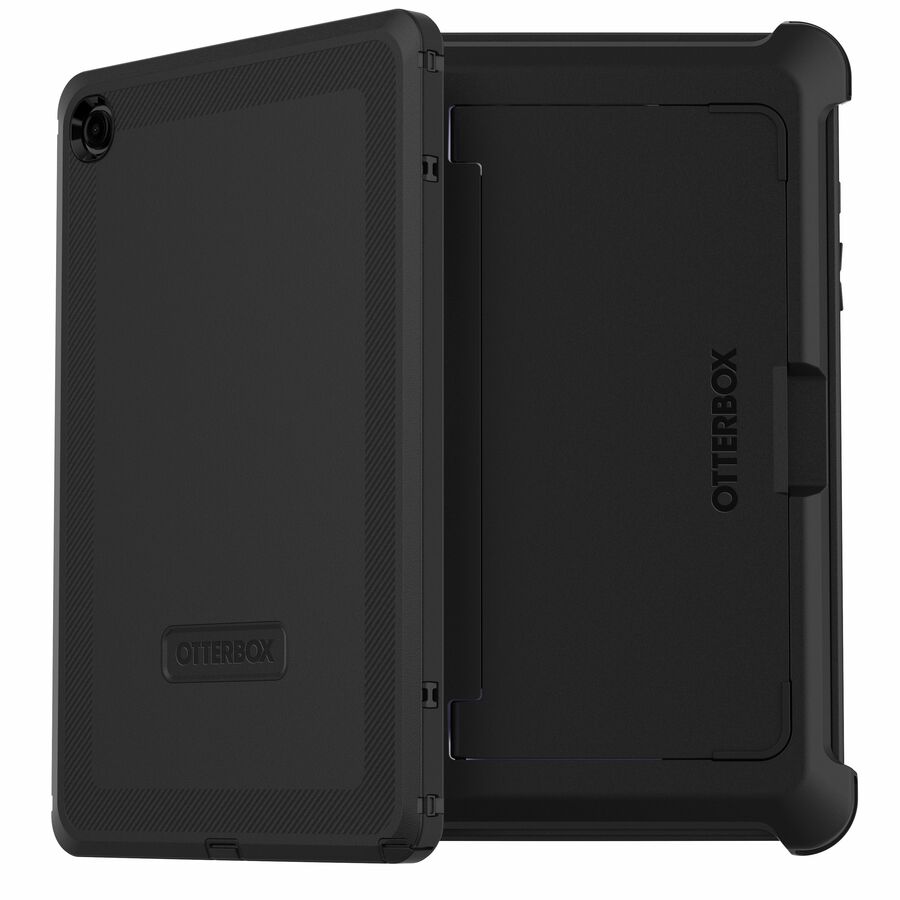
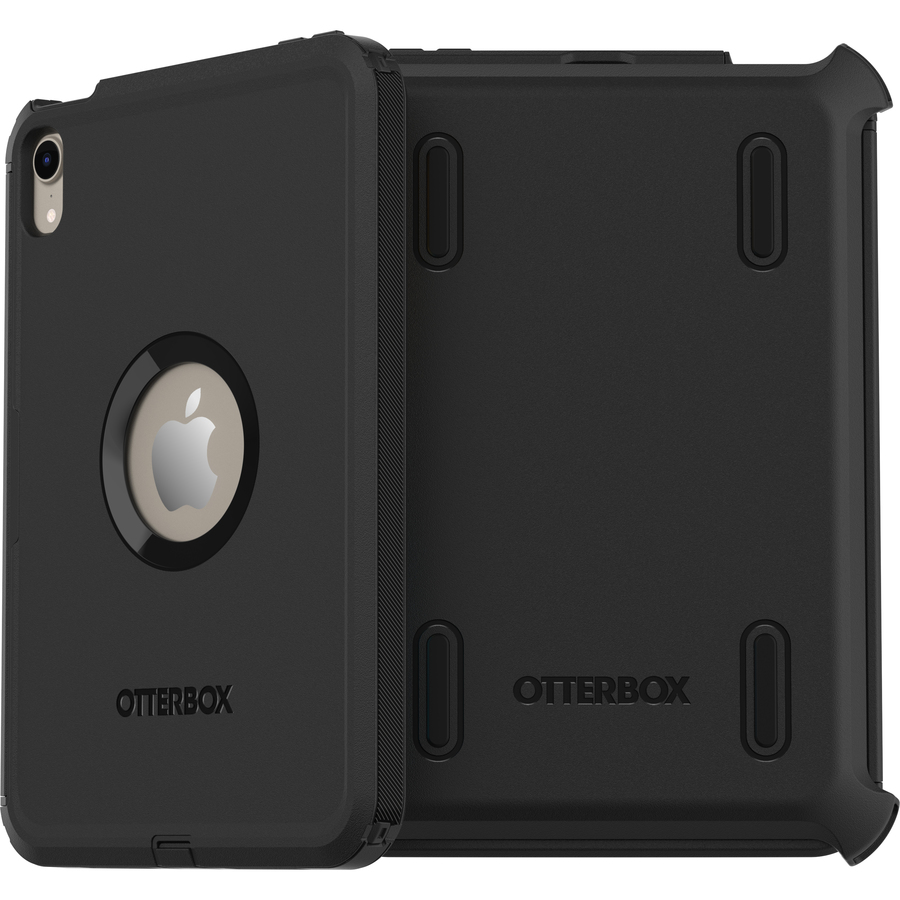
Need pricing on OtterBox rugged cases?
Tell us where to reach you and a Uniqcli specialist will follow up by email with current pricing, availability and lead time for the quantities you need — including parts that aren’t shown on this page.
Buying for an organization or for yourself — both work. No payment up front.
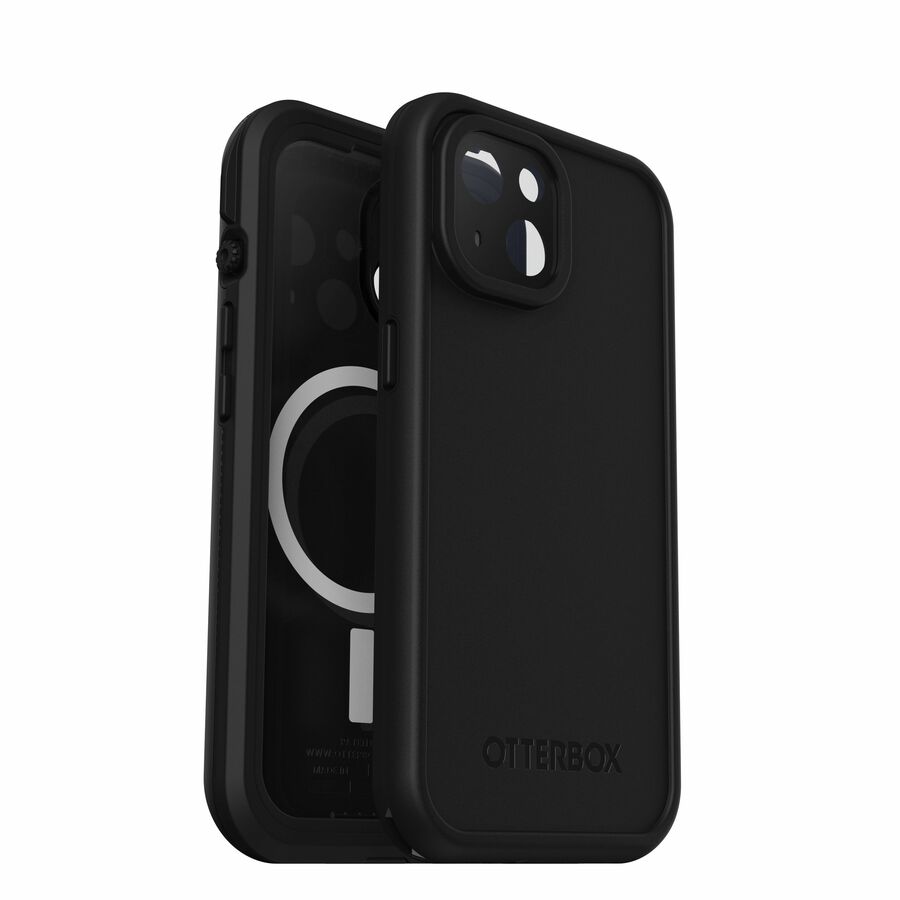
For a deployed tablet or phone fleet, the case is a fleet-uptime decision, not an accessory: drop damage is the single most common reason a field or warehouse device leaves service early, and a rugged case pushes replacement cycles out by years. OtterBox's Defender series is the multi-layer standard, while the uniVERSE modular system adds a rail so you can mount barcode sleds, hand straps and payment readers without giving up protection.
Buy to the exact device model and generation — cases are cut for specific port and camera placements, so a case for last year's tablet won't seal this year's — and match the series to the abuse the fleet actually sees. The OtterBox cases below are the models Uniqcli currently stocks, with in-stock status on each card.
Buyer's checklist
How to choose OtterBox cases for a fleet
- Match the case to the exact device make, model and generation — cutouts and seals are model-specific.
- Choose the Defender (or equivalent multi-layer) series for the highest drop/dust protection in field and warehouse use.
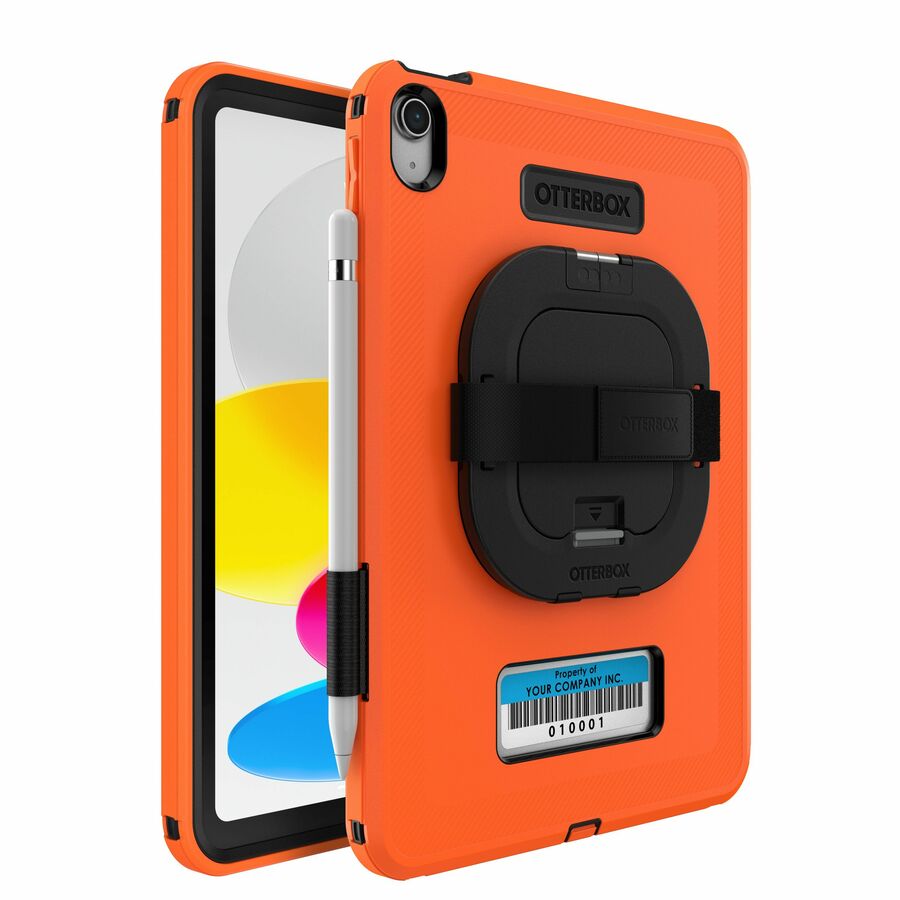
- Use the uniVERSE modular series where devices need mounted accessories — barcode sleds, hand straps, card readers — on a shared rail.
- Confirm the case still allows docking/charging with your cradles, or budget a compatible cradle.
- For shared and clinical devices, prefer designs that are easy to wipe down and don't trap debris.
Where rugged cases pay off
Rugged cases matter most where a device is a working tool in a punishing setting. Field service, utilities and construction crews drop devices onto concrete and gravel; warehouse and logistics staff use them one-handed alongside scanners; last-mile delivery moves them in and out of vehicles all day. In each, the case is what keeps a productivity device in service between planned refreshes rather than cycling through the repair queue and taking a worker offline with it.
Healthcare and education are their own patterns. Bedside and cart tablets running clinical apps need a case that survives daily handling and wipes down cleanly between uses, while one-to-one school programs put devices in the hands of students for a full term. Retail and mobile point-of-sale add a payment-reader or scanner requirement, which is where a modular case with an accessory rail turns a protected tablet into a purpose-built work device.
Standardizing a case program across a fleet
Because cases are cut for an exact model and generation, the case program is tied to the device refresh — order the matching case at the same time as the hardware, and re-verify fit at every generation change, since a new camera or port layout breaks an old case's seal. Kitting the case, and any rail-mounted accessories, onto devices during imaging means a unit reaches the user deployment-ready rather than arriving as loose parts to assemble in the field.
Confirm the cased device still seats in your existing charging cradles and docks before committing at scale; a case that blocks the dock quietly forces a cradle purchase you didn't budget. For modular deployments, standardizing on one accessory rail lets sleds, hand straps and readers move between devices and survive into the next refresh, so the accessory investment isn't stranded when the tablets themselves are replaced.
The uptime and cost math
The case is a rounding error against the fully loaded cost of a broken device: the replacement unit, the labor to re-image and re-enroll it, the shipping both ways, and the worker sidelined while a spare is sourced. Cutting the drop-damage rate across a fleet compresses all of that, and it pushes the practical refresh horizon out, because fewer units retire early on physical damage rather than on age or performance — the saving compounds across the whole deployment.
Buy a small pool of spare cases with the fleet so a cracked shell is a swap, not a device replacement, and the protection stays continuous. Every case Uniqcli quotes is sourced through US distribution and screened for TAA country-of-origin and NDAA §889 status against its specific part number, so accessory lines carry the same procurement record as the devices they protect.
Related reading
FAQ
Common questions
- Why buy rugged cases for a whole device fleet?
- Because drop and impact damage is the leading cause of early device failure in field, warehouse and clinical use. A rugged case is a small fraction of the device cost but meaningfully extends replacement cycles and cuts the labor of re-imaging and redeploying broken units — so it usually pays for itself over the fleet's life.
- What's the difference between Defender and uniVERSE?
- Defender is a multi-layer protective case focused purely on drop and dust protection. uniVERSE adds a standardized accessory rail so you can attach barcode sleds, hand straps, payment readers and mounts to the same case — the right choice when the device is a work tool that needs peripherals, not just protection.
- Can OtterBox cases be added to a government or education device order?
- Every line Uniqcli quotes is sourced through US distribution and screened for TAA country-of-origin and NDAA §889 status before checkout — with documentation tied to the specific part number, not a product family.
Need OtterBox rugged cases pricing?
Send a bill of materials or part numbers — we confirm stock and a below-market total, with TAA verified on request. No payment up front.