
Best Tablets for Classrooms and 1:1 Programs
Android and ChromeOS tablets for classrooms and 1:1 programs — each card stating its own screen size, memory, storage and connectivity.
Tablets in stock at Uniqcli
How to choose →A curated selection with live pricing — in-stock lines first, then back-ordered lines with a typical lead time. Every line is sourced through US distribution and screened for NDAA §889 status before checkout, with TAA verified on request.



ChromeOS pick
Lenovo
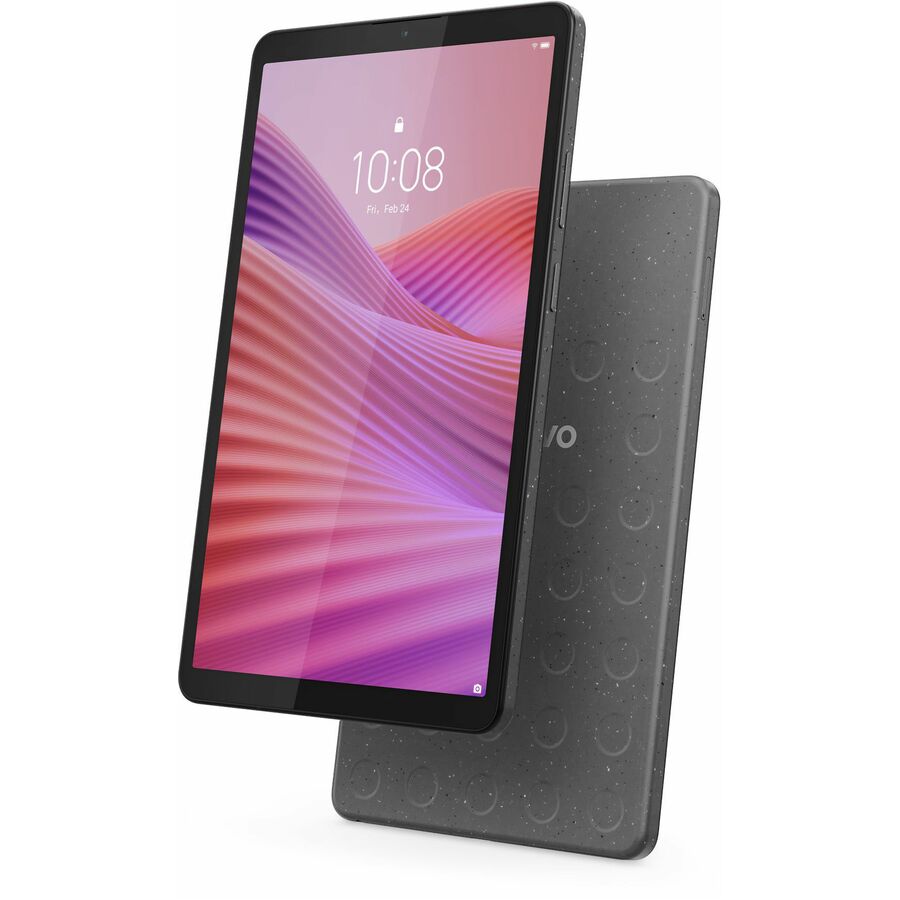
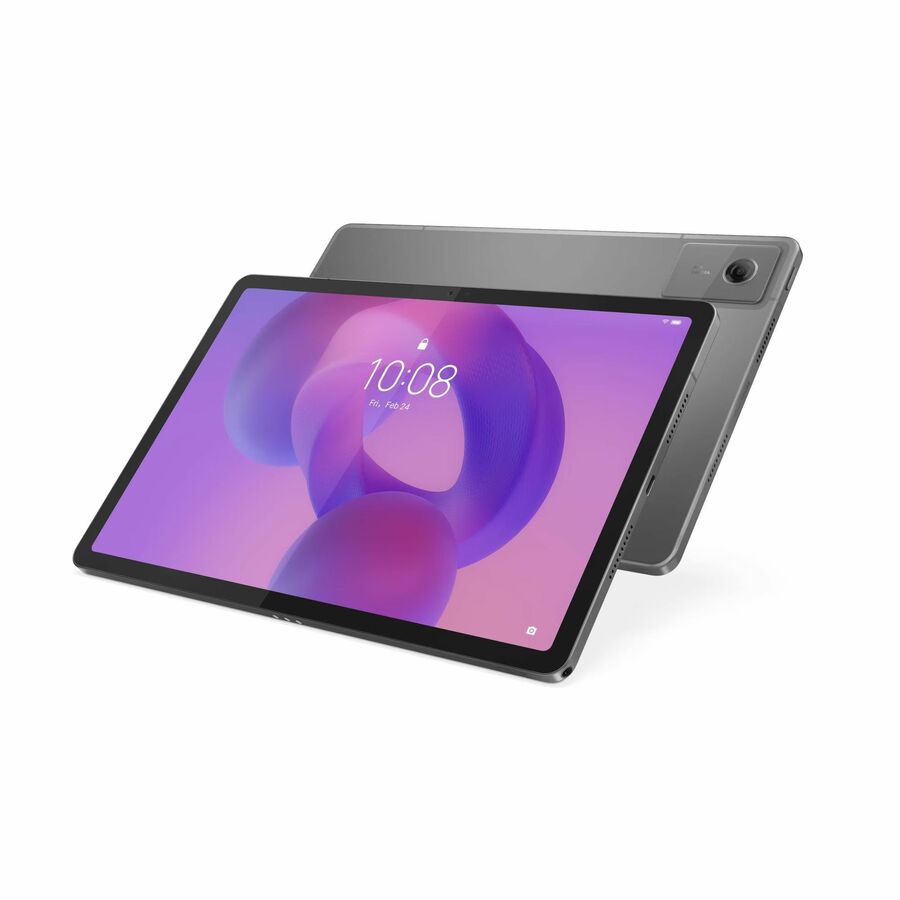
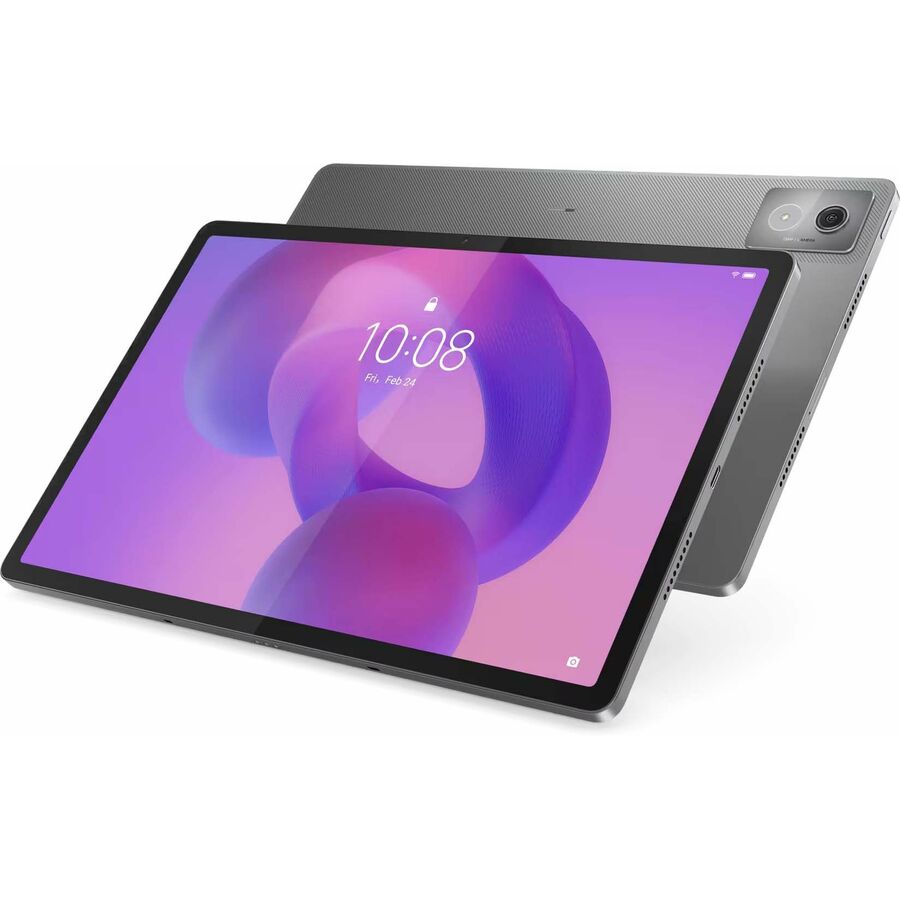
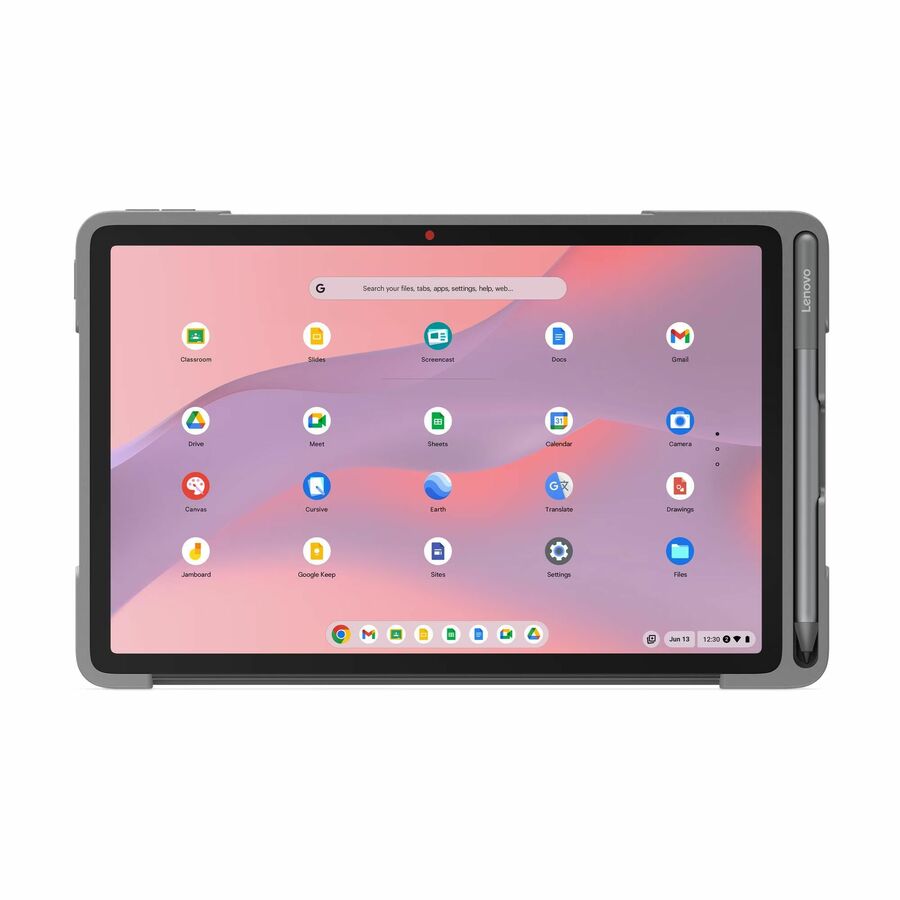
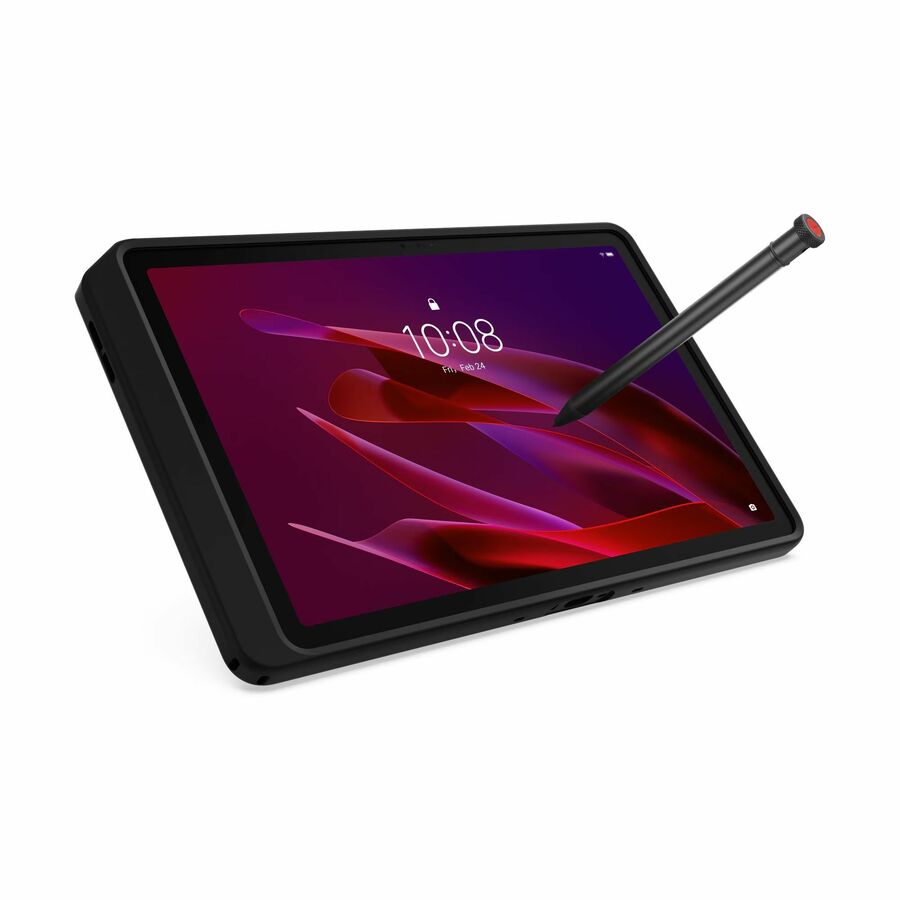
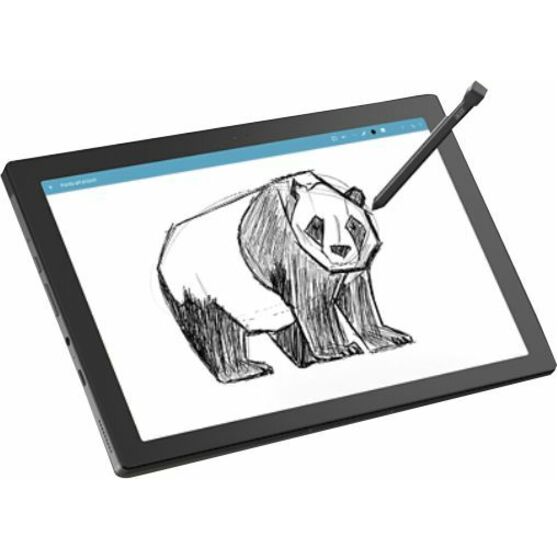
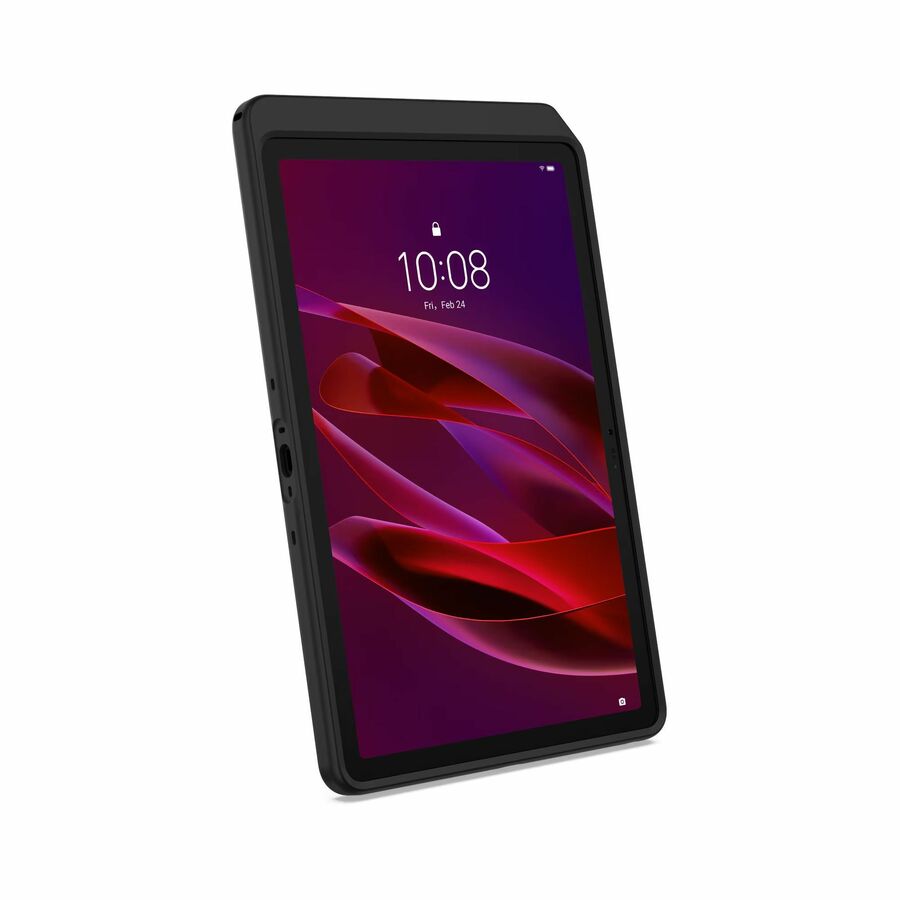
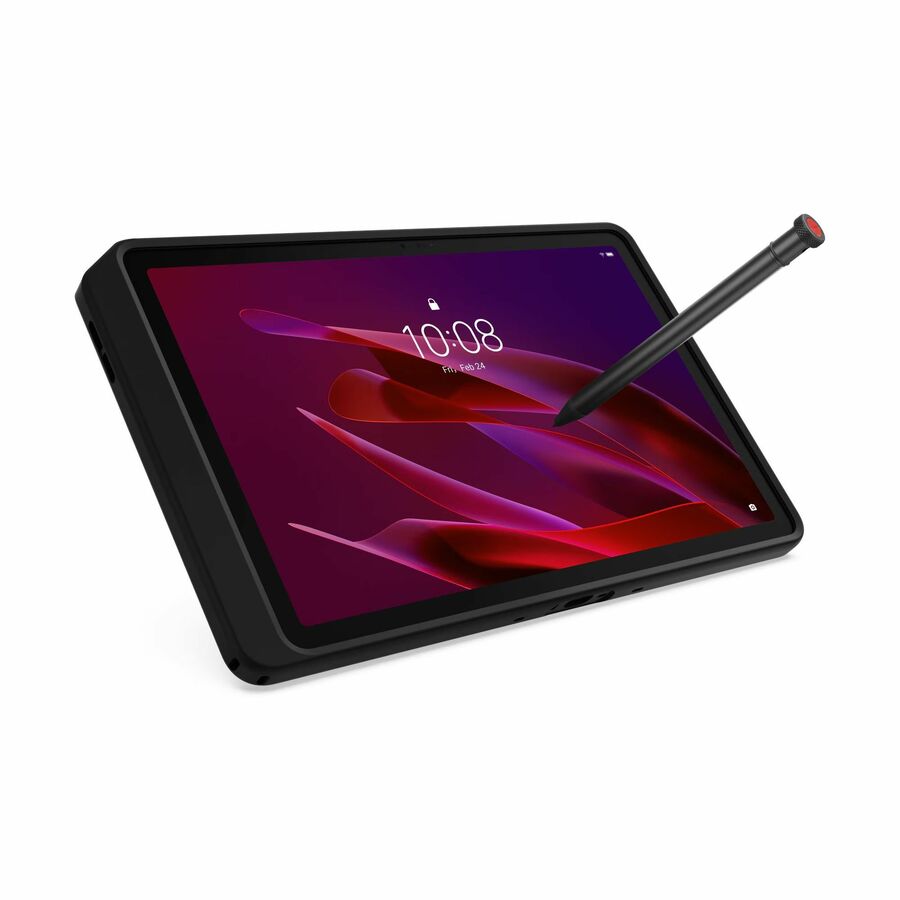
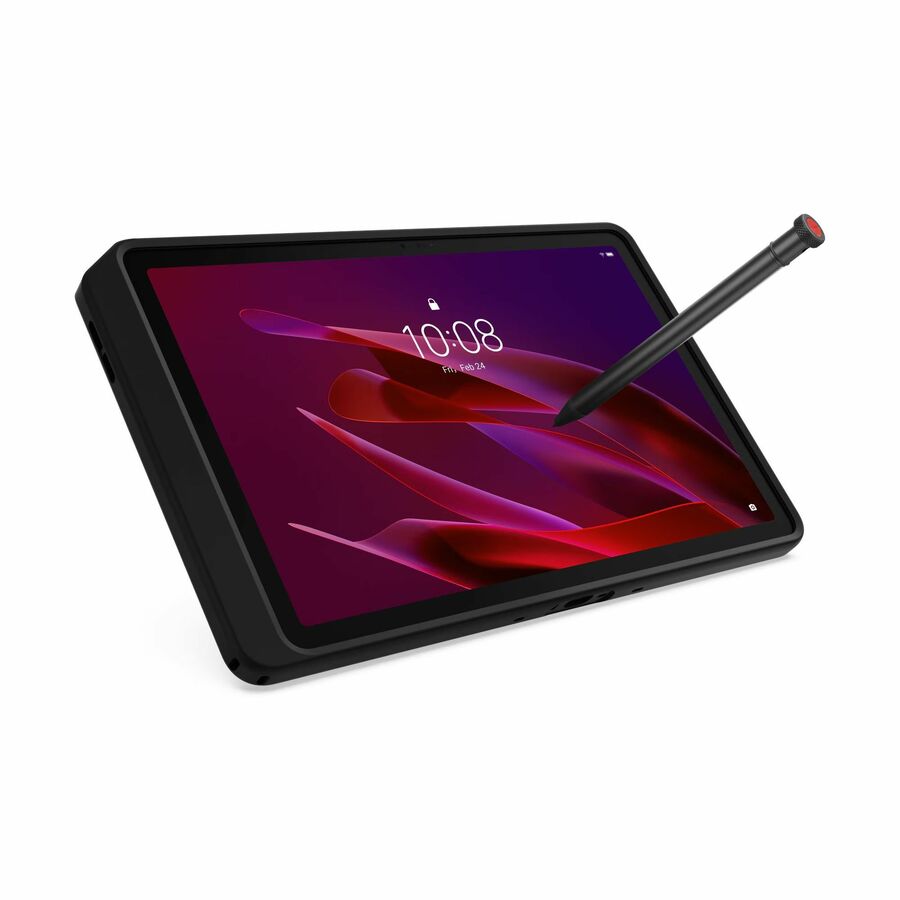
Lenovo Chromebook Duet EDU G2 83HJ0002UB Chromebook Tablet
83HJ0002UB
The Chromebook Duet EDU G2 is a detachable ChromeOS tablet built for the classroom — it manages from the same Google Admin console as a district's clamshells, so a tablet program does not add a second console to run. Ask us for the Auto Update Expiration date of this platform before you standardize on it.
$470.17In stockBudget Android
Samsung
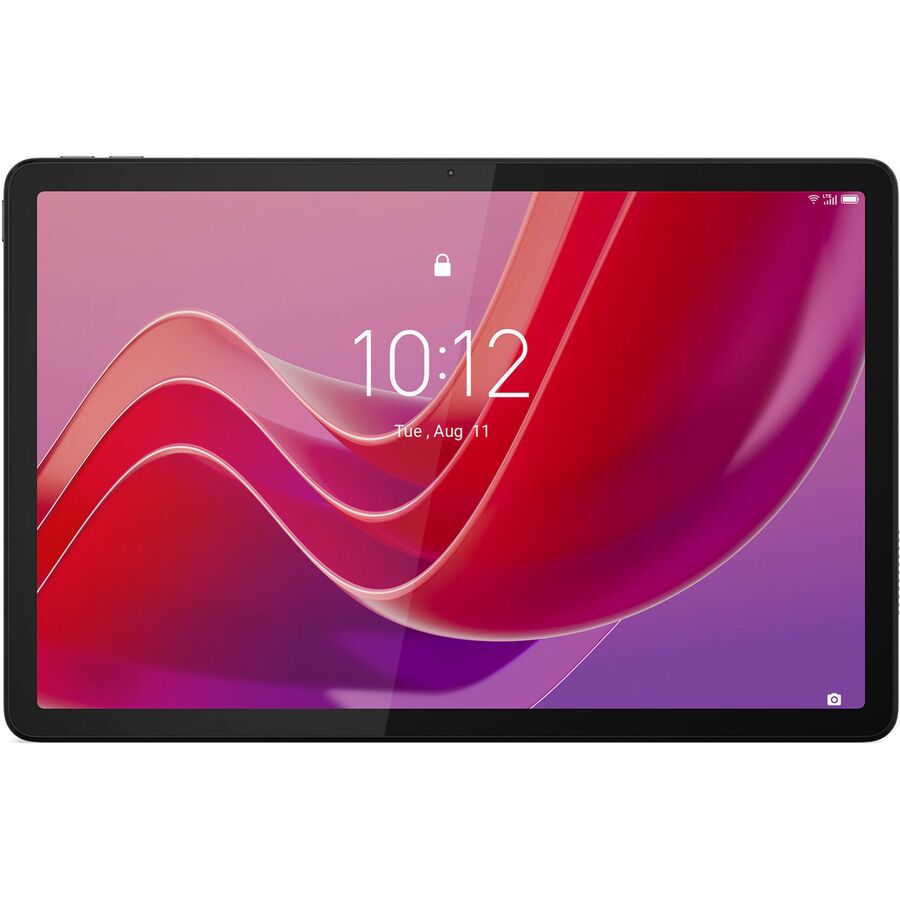
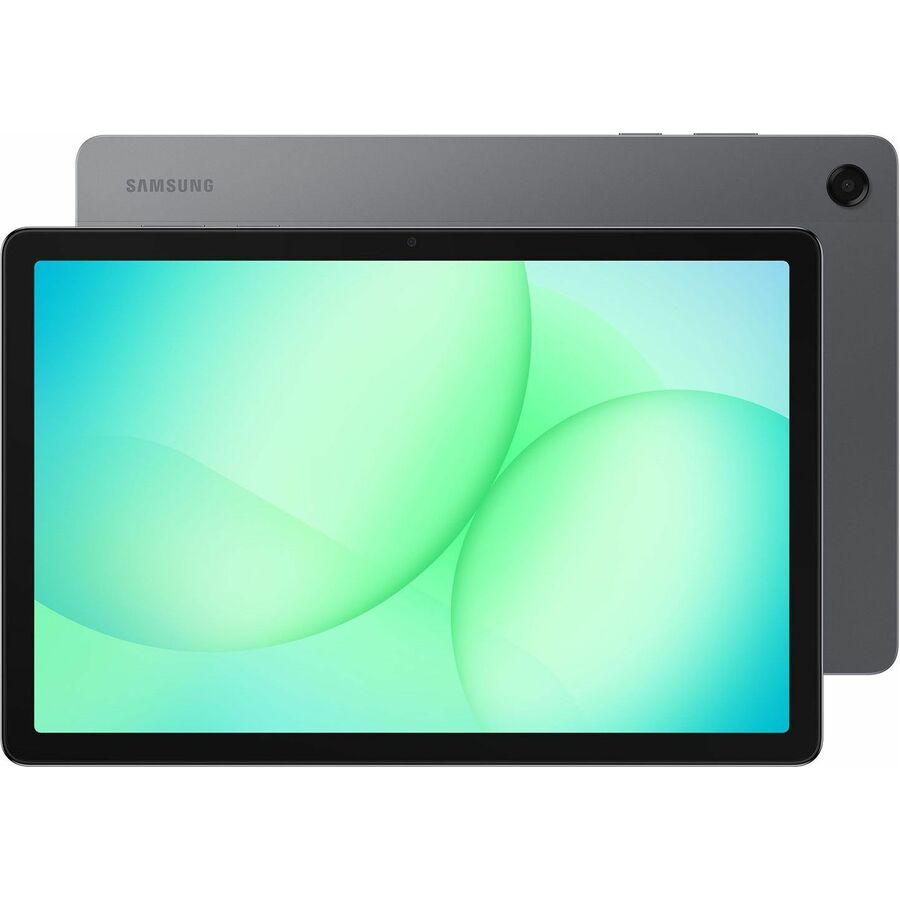
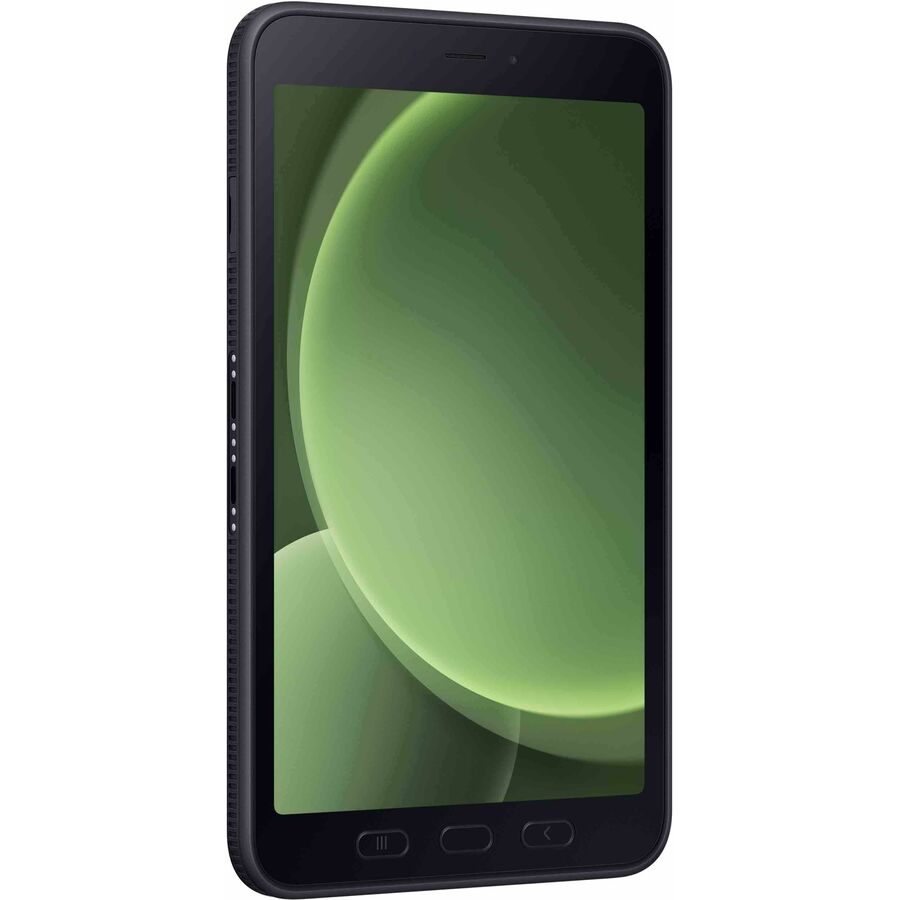
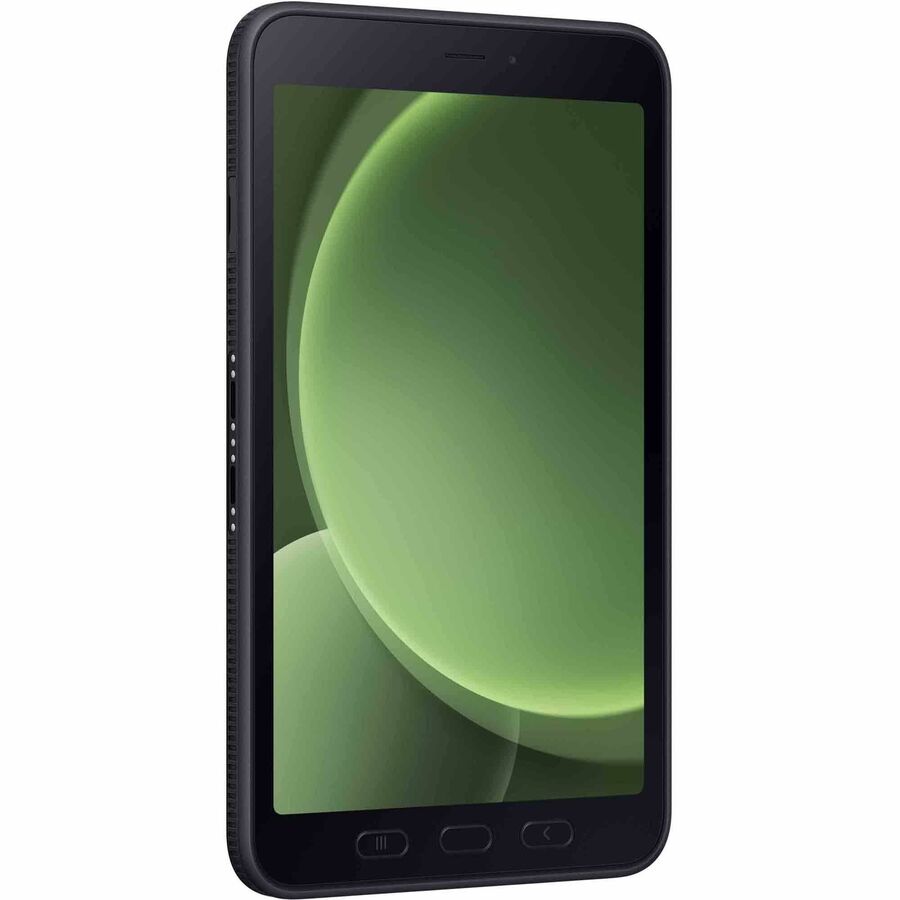
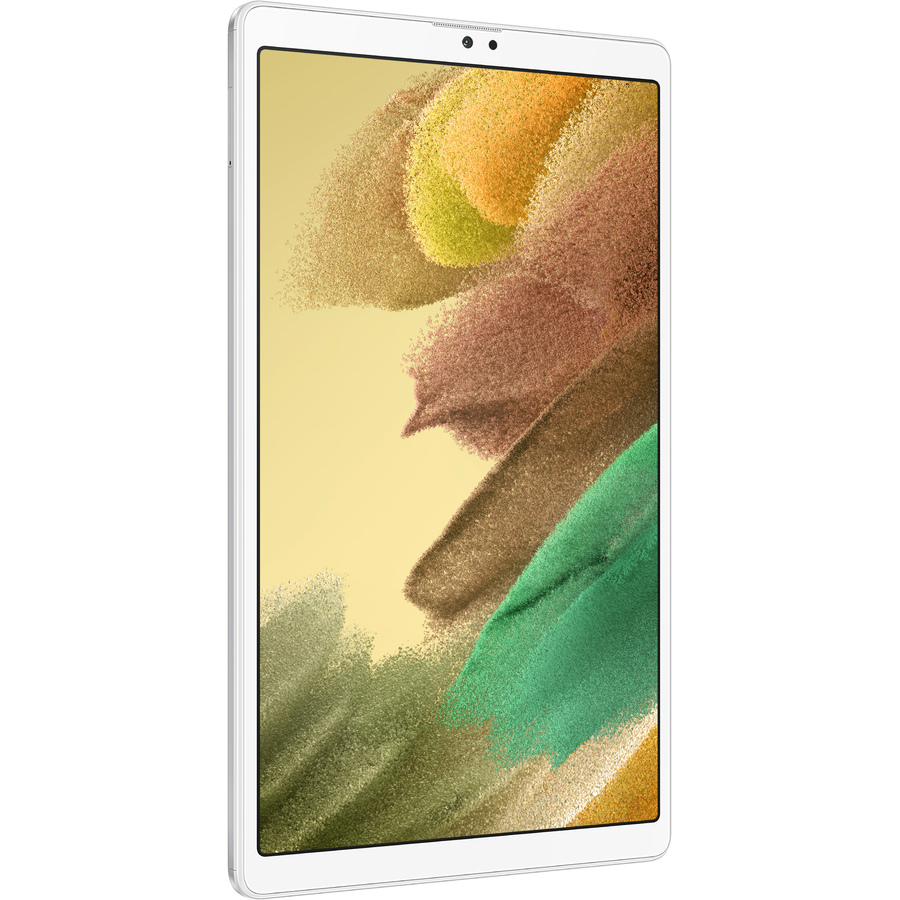
Samsung Galaxy Tab A7 Lite SM-T220 Tablet
SM-T220NZSAXAR
The Galaxy Tab A7 Lite is the Wi-Fi budget workhorse for early grades: an 8.7-inch panel light enough for a small hand and cart, with Samsung's own management tooling behind it. The right device where the workload is a browser and one or two apps rather than a testing suite.
$557.77Back-orderedMid-tier 11-inch
Lenovo
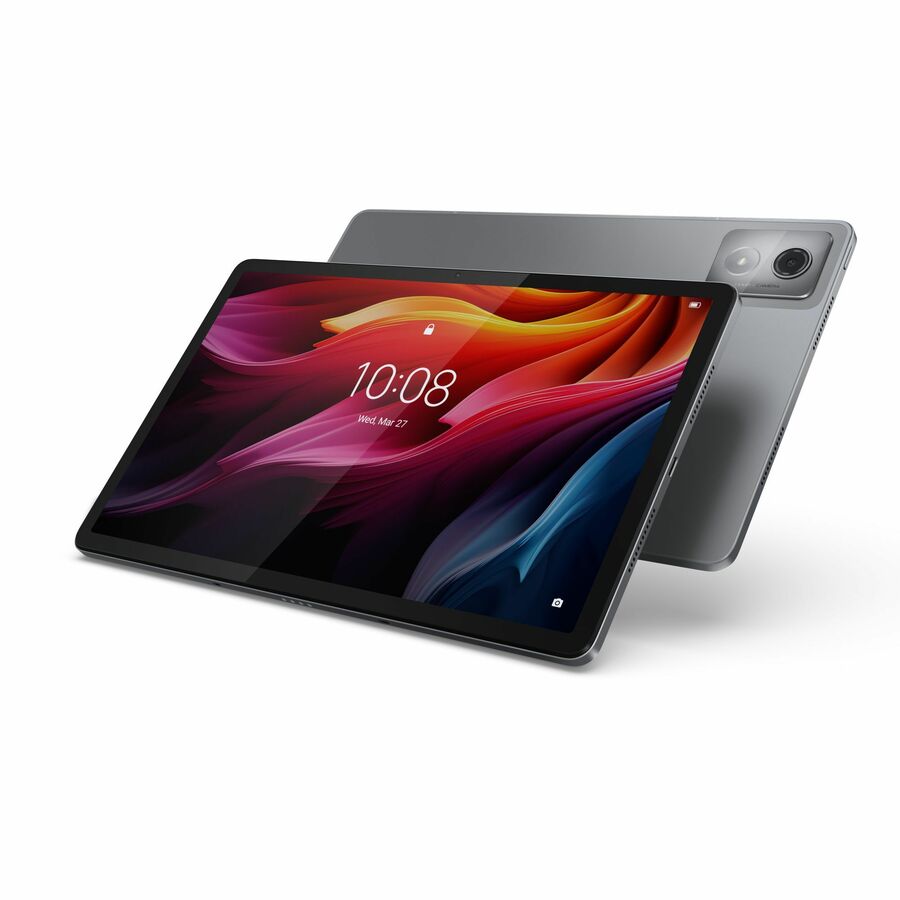
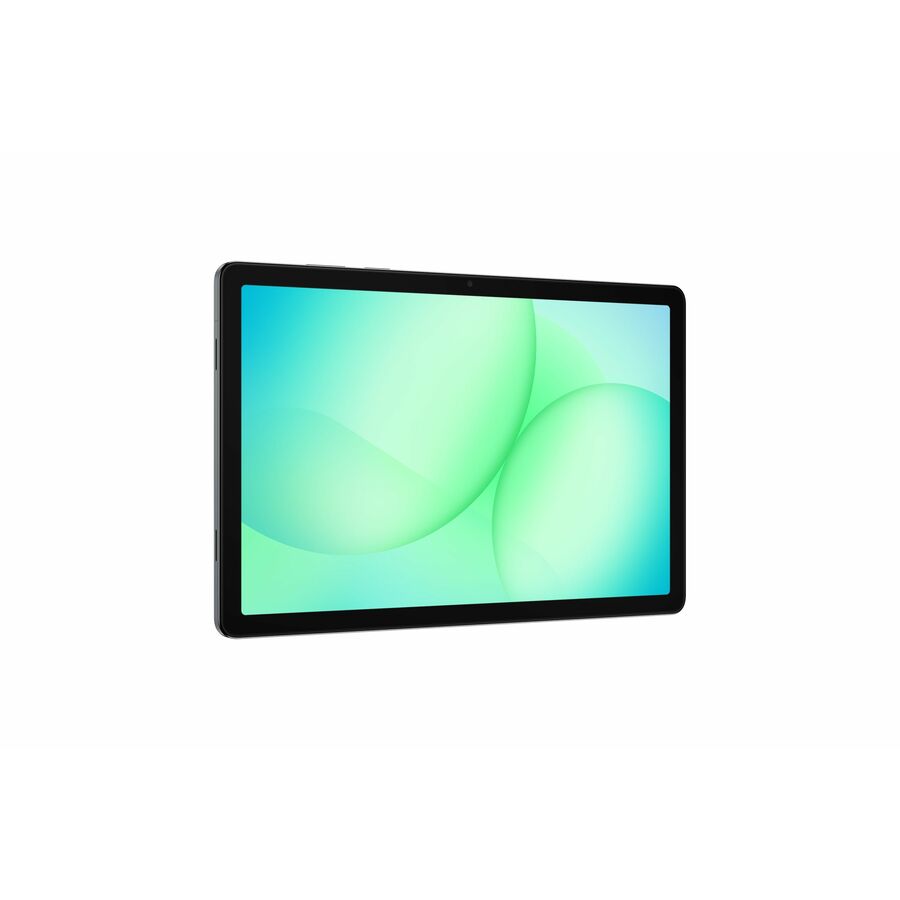
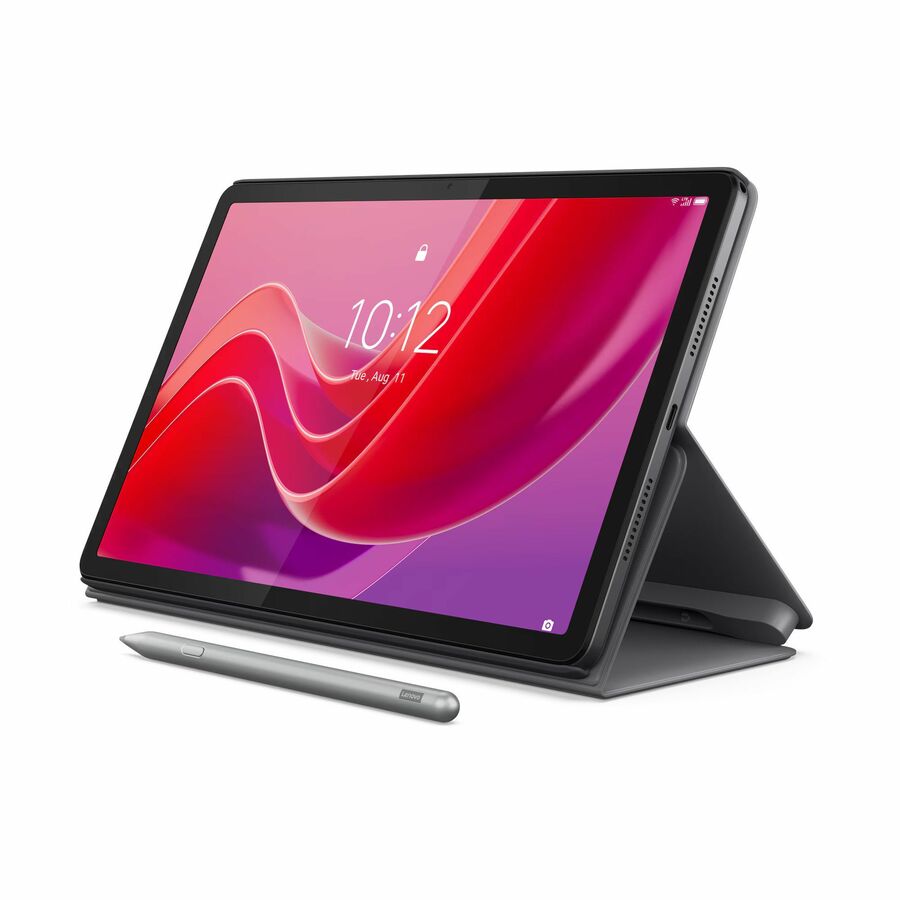
Lenovo Tab M11 TB330FU Tablet
ZADA0043US
The Lenovo Tab M11 steps up to an 11-inch WUXGA canvas that reads and annotates better than an 8-inch panel, which is the size that starts to make sense in the upper grades. Read the memory and storage in the title against the workload before you standardize a grade band on it.
$259.67Back-orderedMore tablets in the Uniqcli catalog
See all 1,224 tabletsMore from across this category. In-stock lines lead, and a back-ordered line carries the same estimated availability its product page does — with live pricing throughout, NDAA §889 screening before checkout and TAA verified on request.
Back-ordered — estimated OEM lead time 3–8 weeks (Nov 3 – Dec 8 if ordered today).
Back-ordered — estimated OEM lead time 3–8 weeks (Nov 3 – Dec 8 if ordered today).
Back-ordered — estimated OEM lead time 3–8 weeks (Nov 3 – Dec 8 if ordered today).
Back-ordered — estimated OEM lead time 3–8 weeks (Nov 3 – Dec 8 if ordered today).
Back-ordered — estimated OEM lead time 3–8 weeks (Nov 3 – Dec 8 if ordered today).
Back-ordered — estimated OEM lead time 3–8 weeks (Nov 3 – Dec 8 if ordered today).
Back-ordered — we expect to receive stock the week of Oct 26 – Nov 1 and will process your delivery right after.
Back-ordered — estimated OEM lead time 3–8 weeks (Nov 3 – Dec 8 if ordered today).
Back-ordered — we expect to receive stock the week of Nov 30 – Dec 6 and will process your delivery right after.
Back-ordered — estimated OEM lead time 3–8 weeks (Nov 3 – Dec 8 if ordered today).
Back-ordered — we expect to receive stock the week of Dec 7–13 and will process your delivery right after.
Back-ordered — estimated OEM lead time 3–8 weeks (Nov 3 – Dec 8 if ordered today).
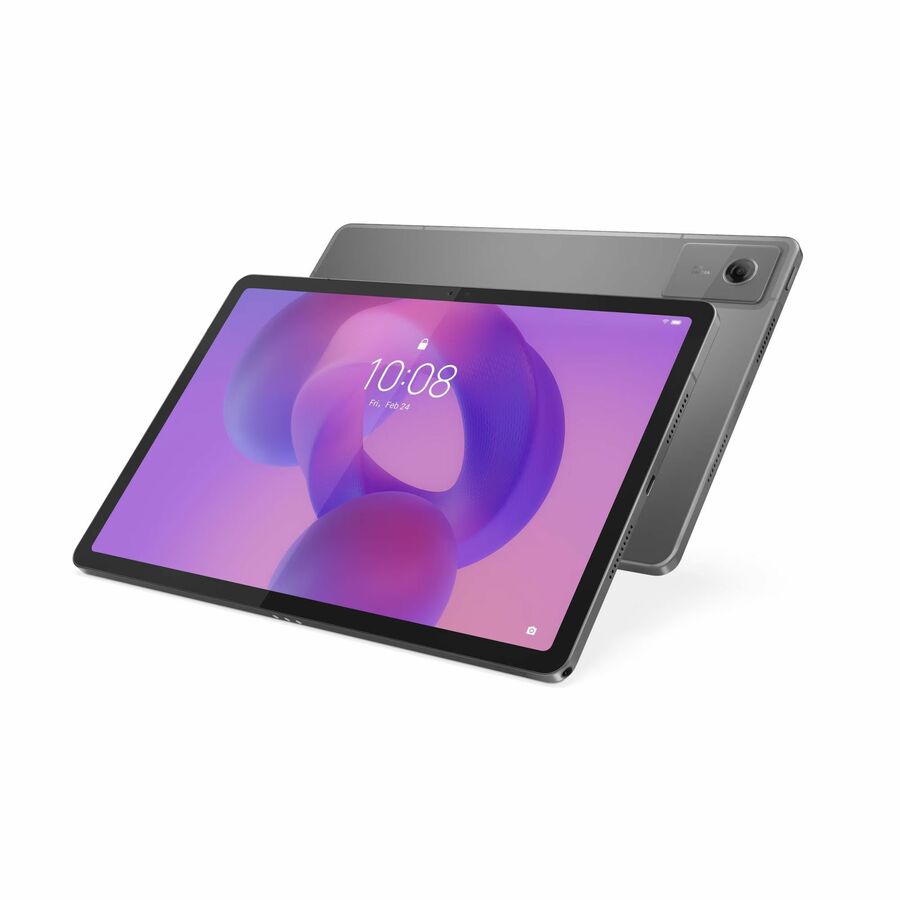
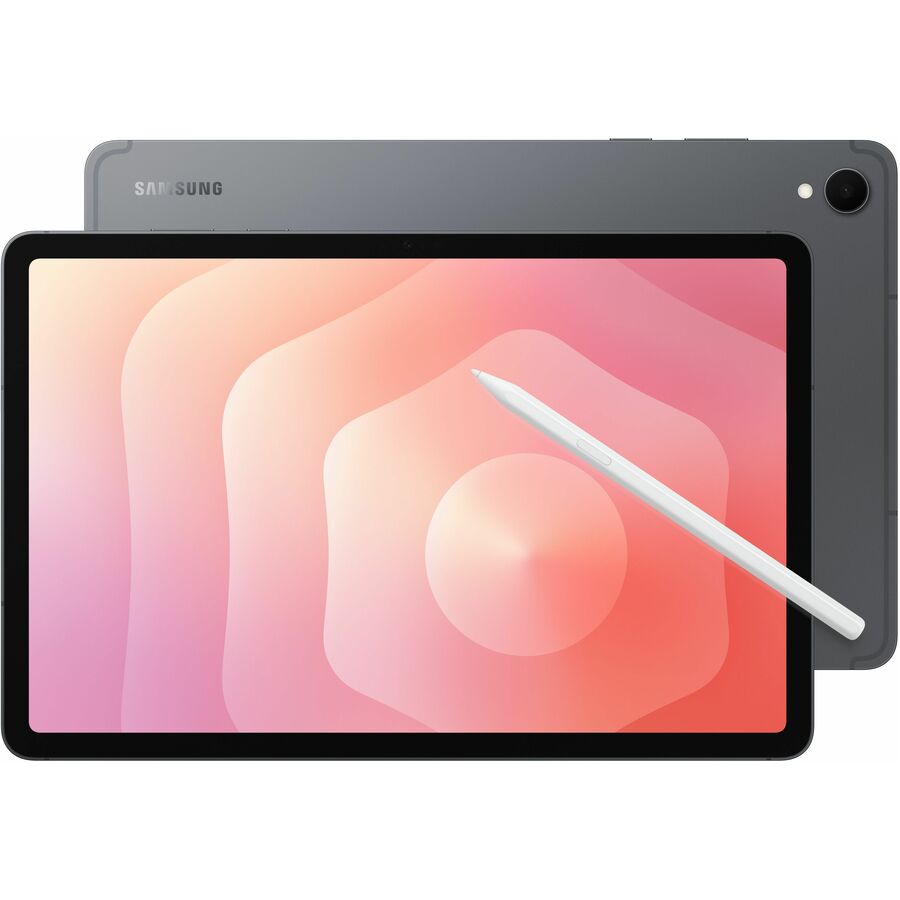
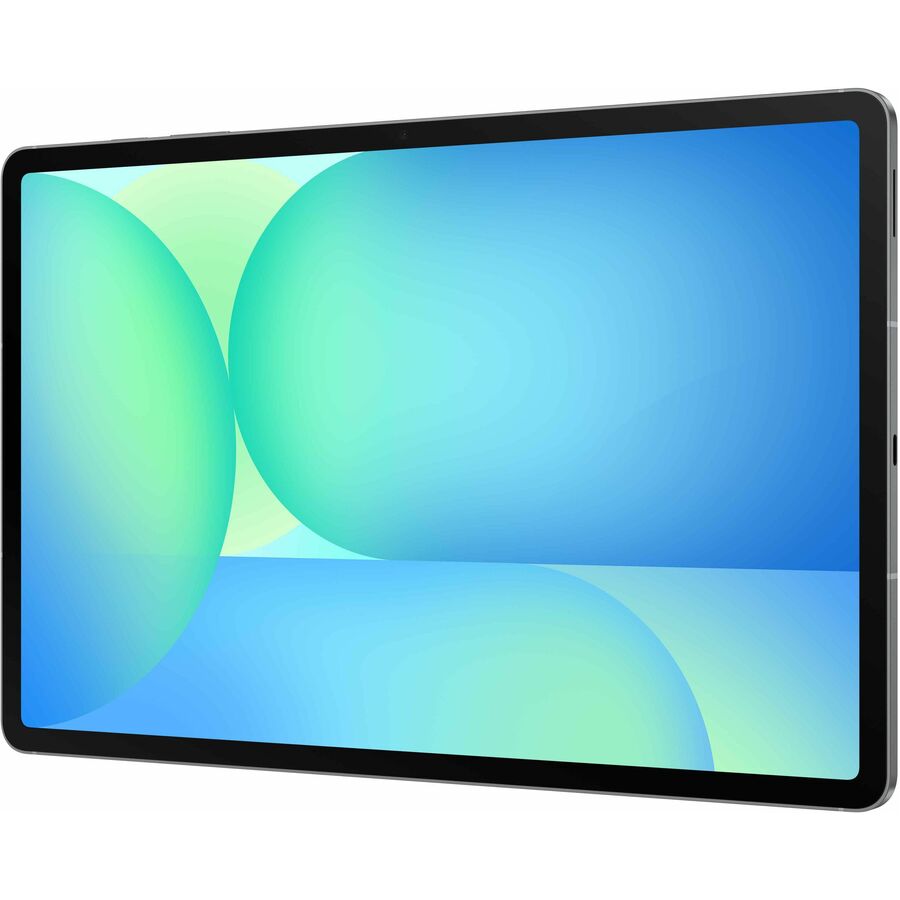
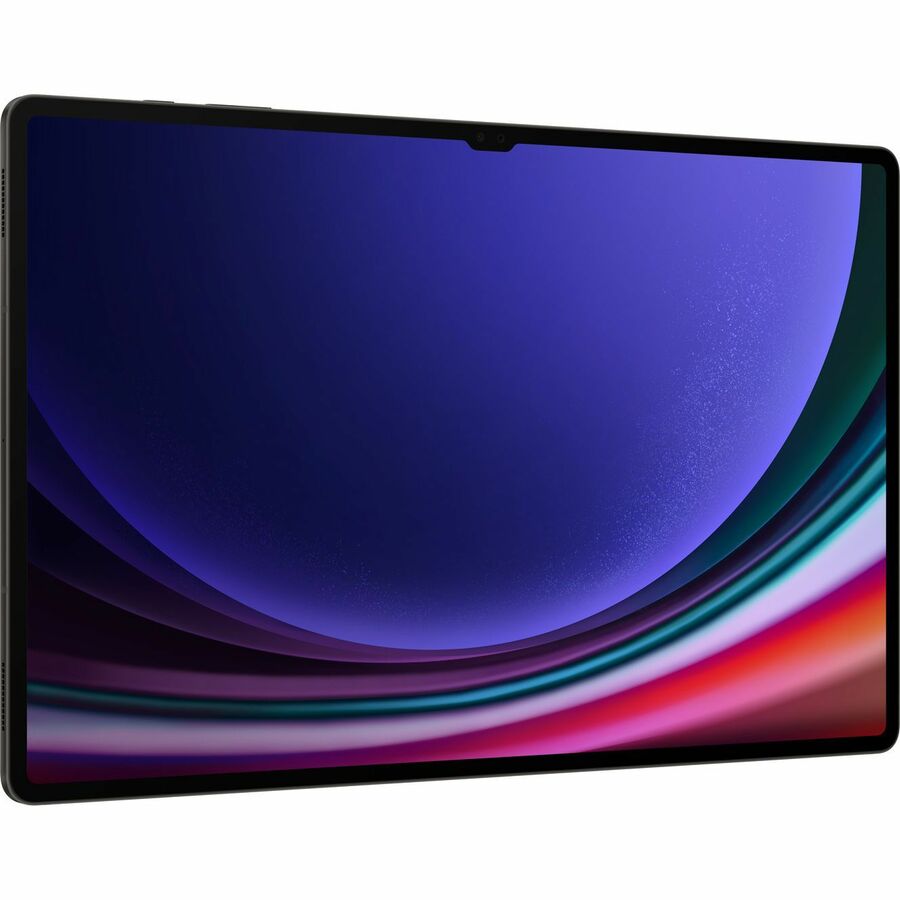
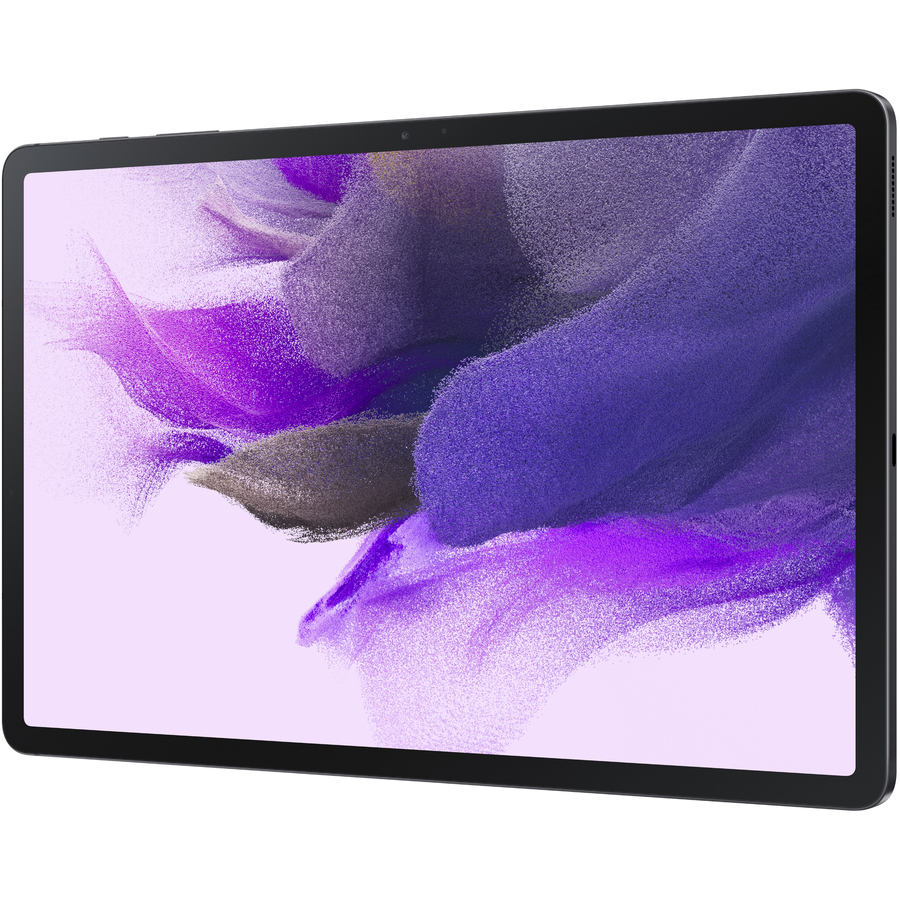
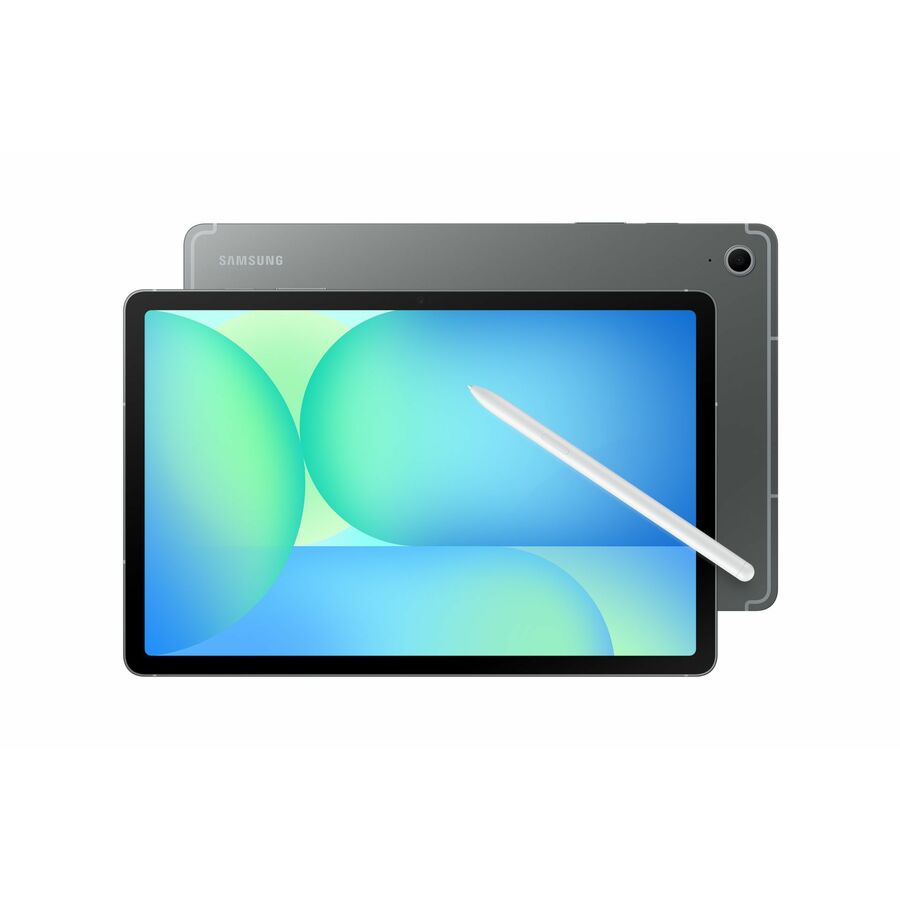
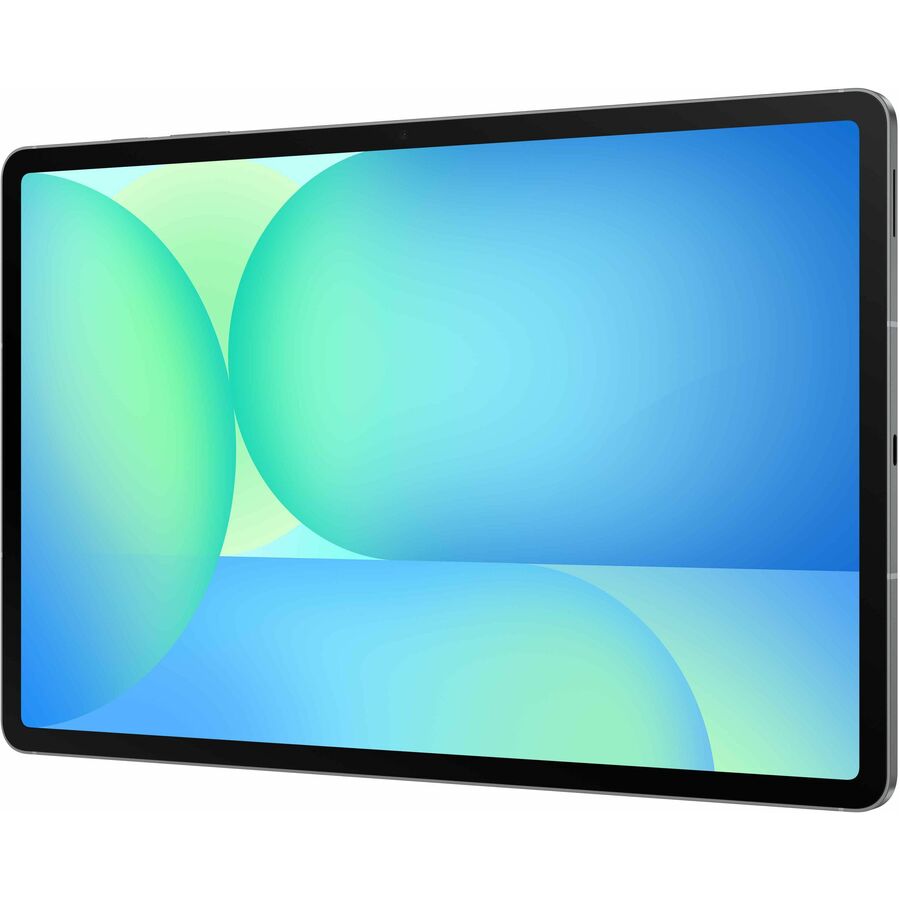
- SamsungSamsung Galaxy Tab S10 FE Tablet - 12 GB - 256 GB Storage - Android 15 - Gray - 2304 x 1440SM-X520NZAEXAR
$913.58
Back-orderedBack-ordered — estimated OEM lead time 3–8 weeks (Nov 3 – Dec 8 if ordered today).
Back-ordered — estimated OEM lead time 3–8 weeks (Nov 3 – Dec 8 if ordered today).
Back-ordered — estimated OEM lead time 3–8 weeks (Nov 3 – Dec 8 if ordered today).
Back-ordered — we expect to receive stock the week of Oct 12–18 and will process your delivery right after.
Back-ordered — we expect to receive stock the week of Dec 14–20 and will process your delivery right after.
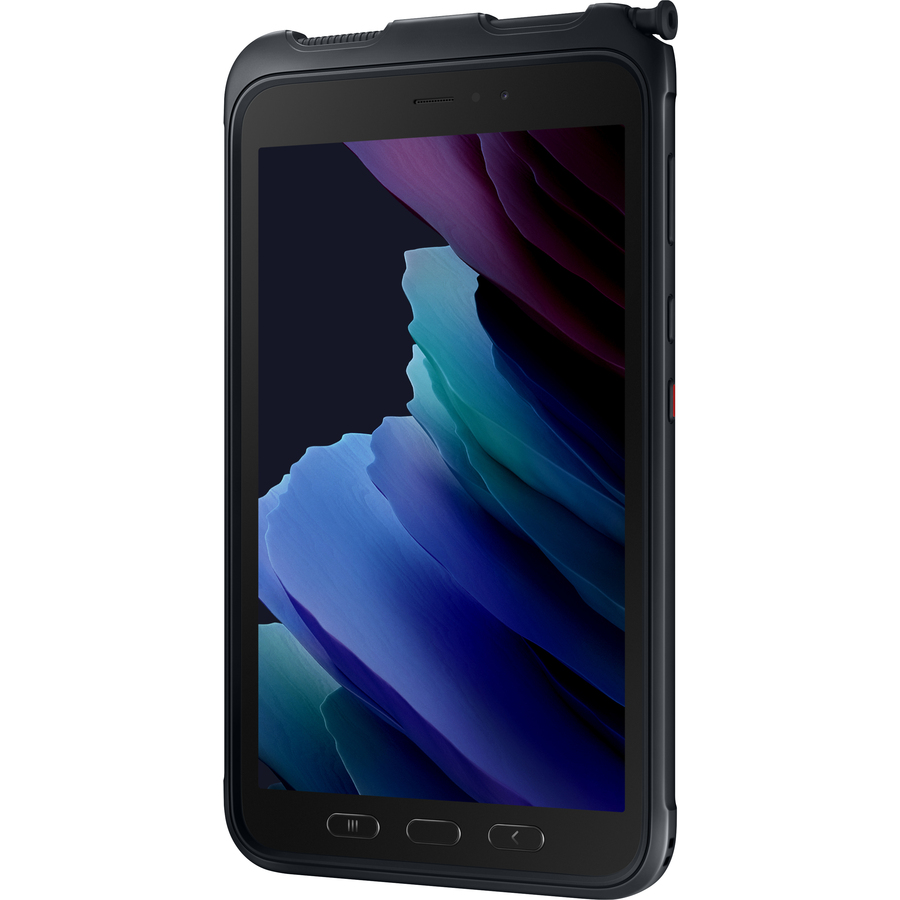
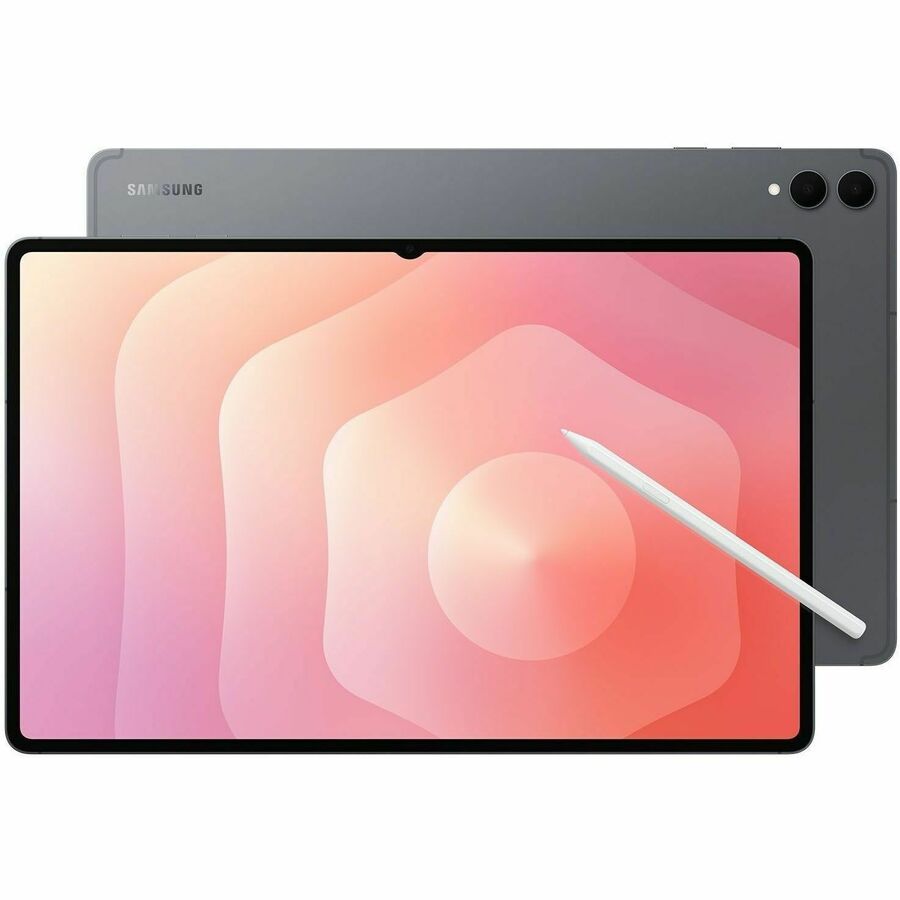
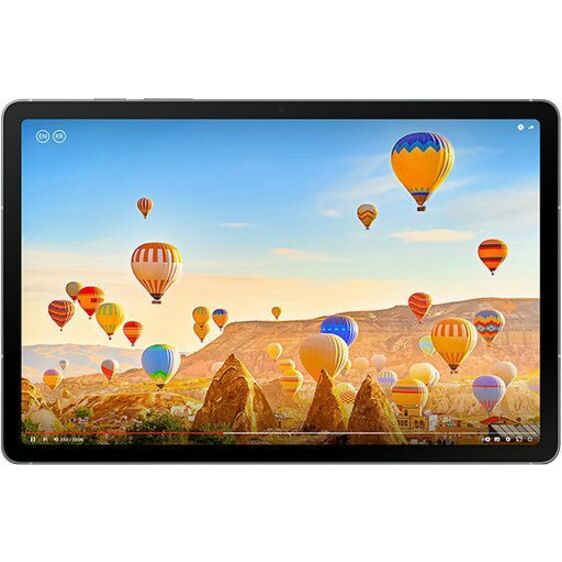
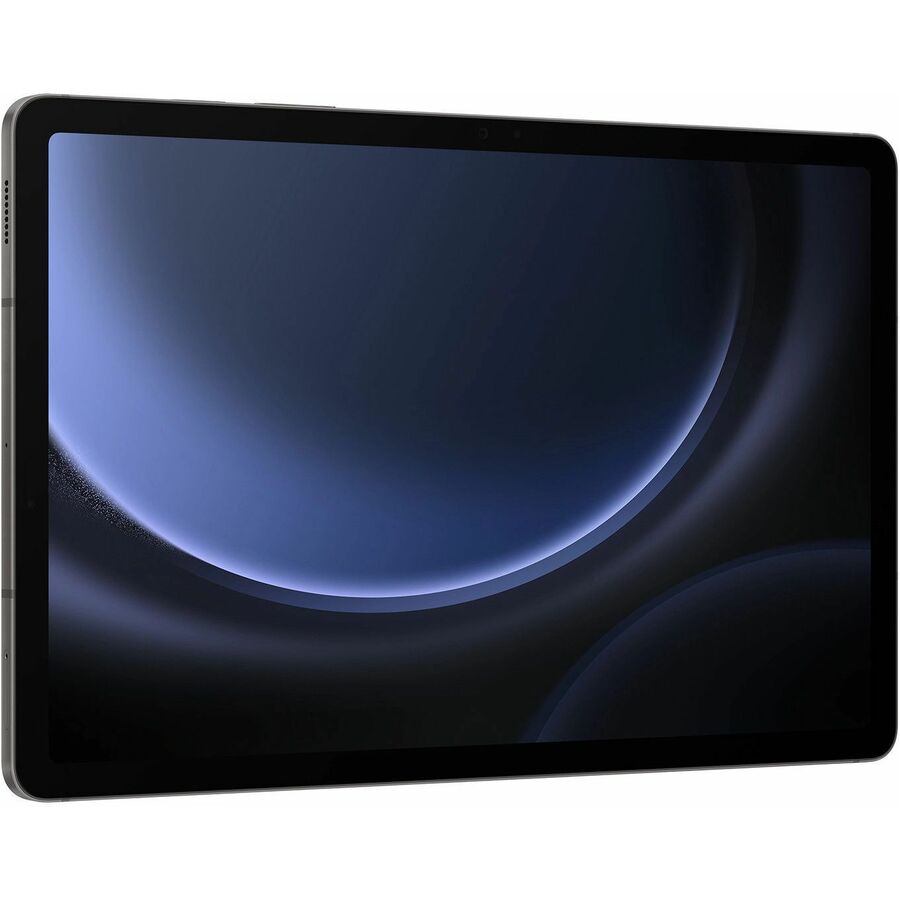
- SamsungSamsung Galaxy Tab S9 FE Tablet - 6 GB - 128 GB Storage - GraySM-X518UZAAXAU
$750.17
Back-orderedBack-ordered — estimated OEM lead time 3–8 weeks (Nov 3 – Dec 8 if ordered today).
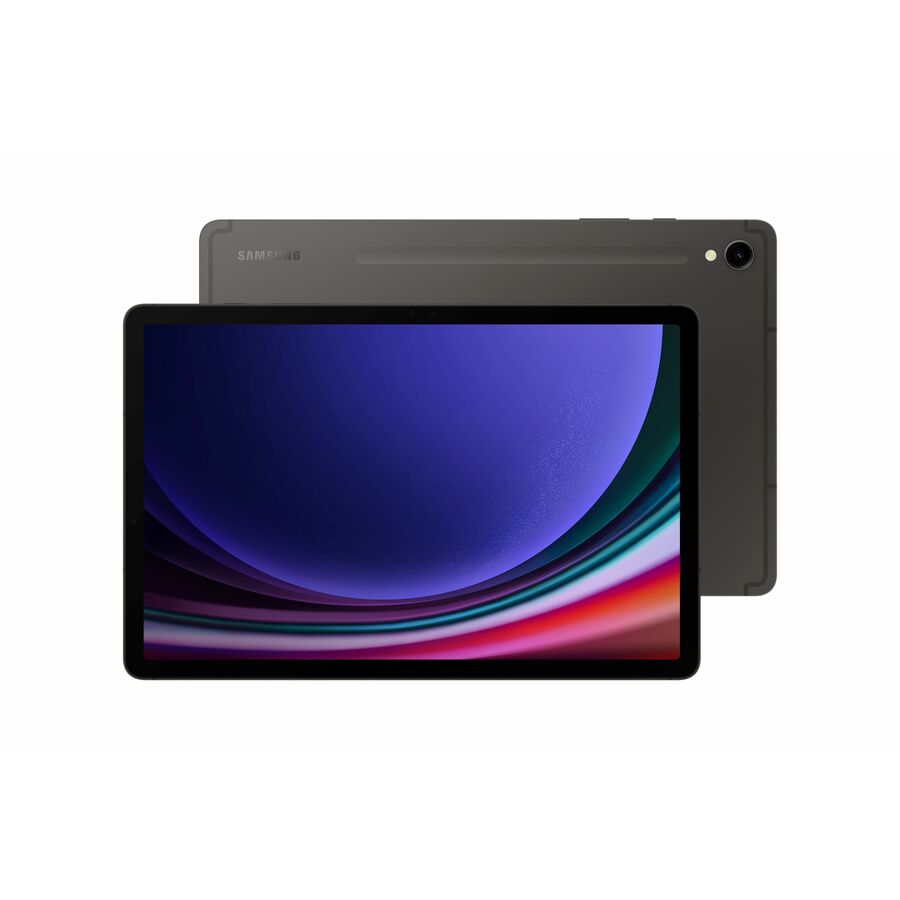
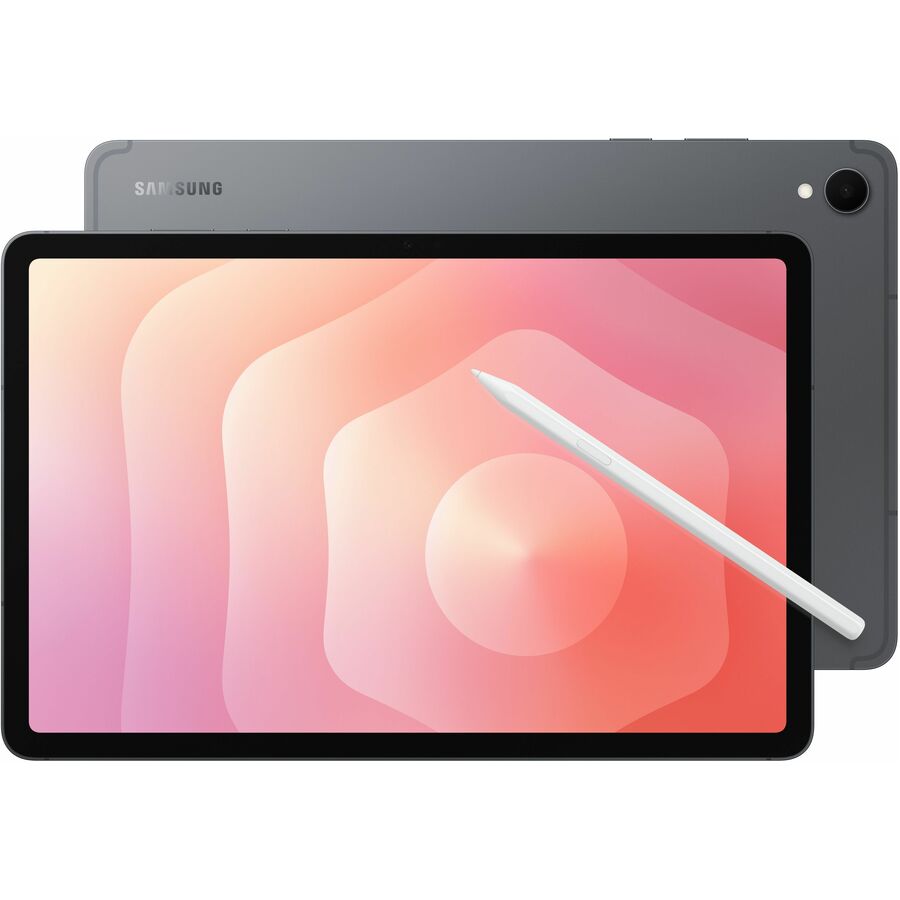
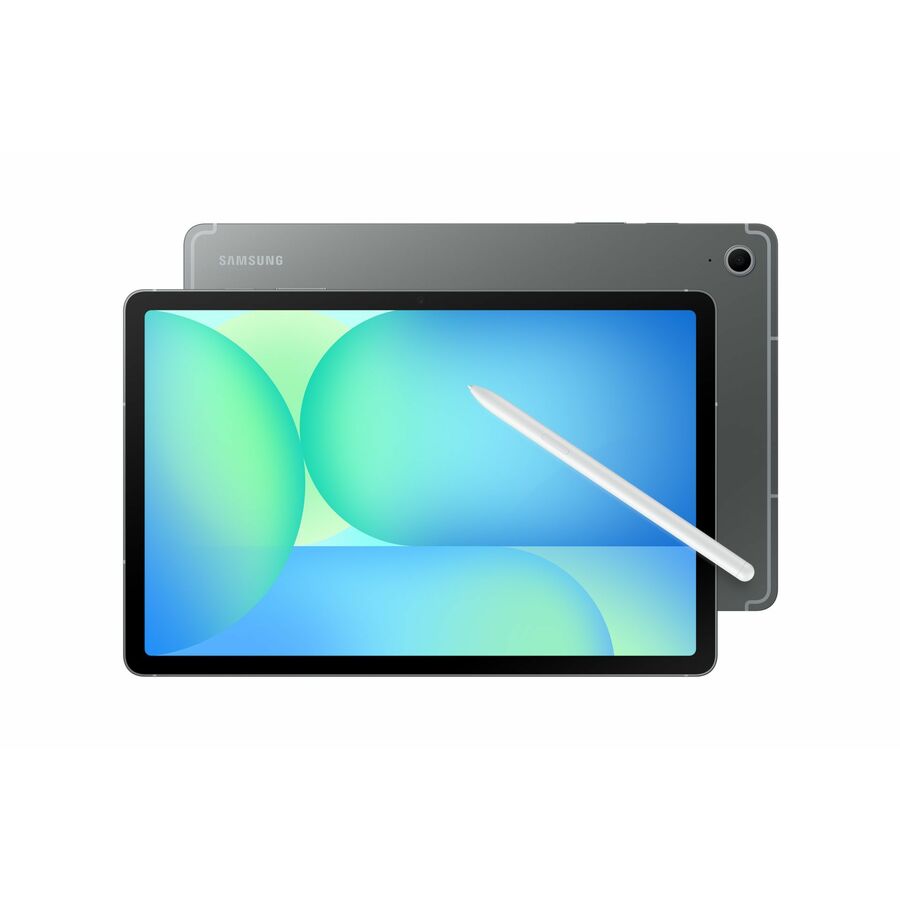
- SamsungSamsung Galaxy Tab S9 FE Tablet - 6 GB - 128 GB Storage - Gray - UnlockedSM-X518UZAAUSC
$750.14
Back-orderedBack-ordered — estimated OEM lead time 3–8 weeks (Nov 3 – Dec 8 if ordered today).
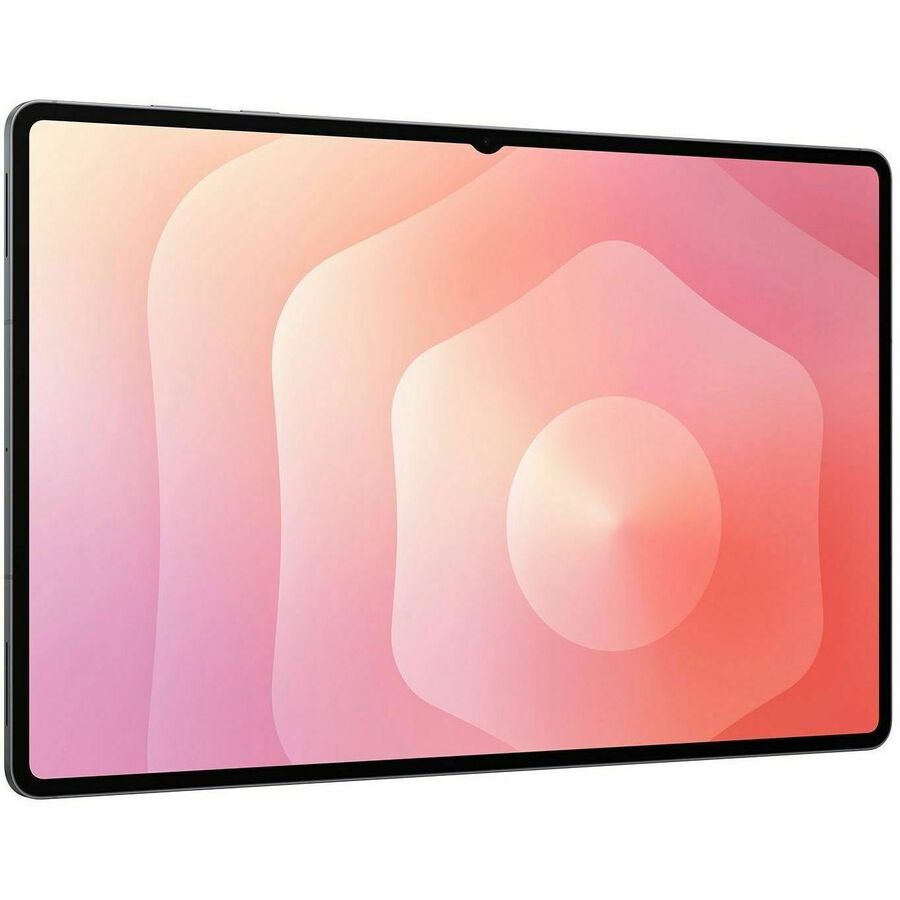
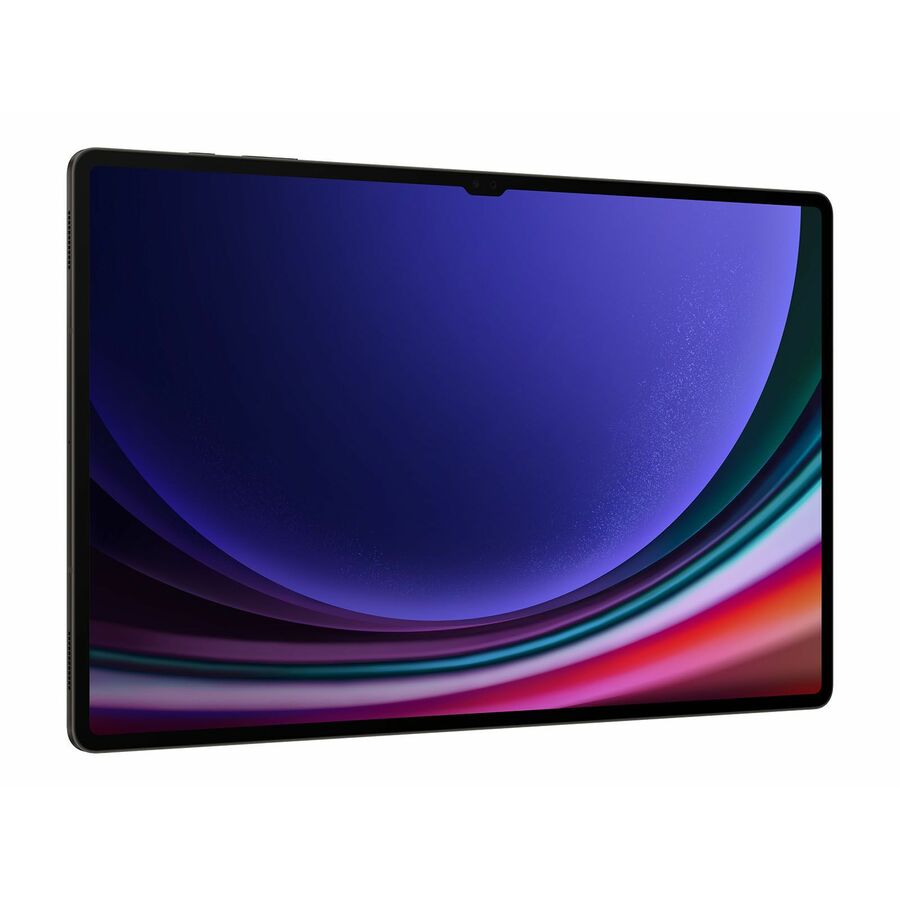
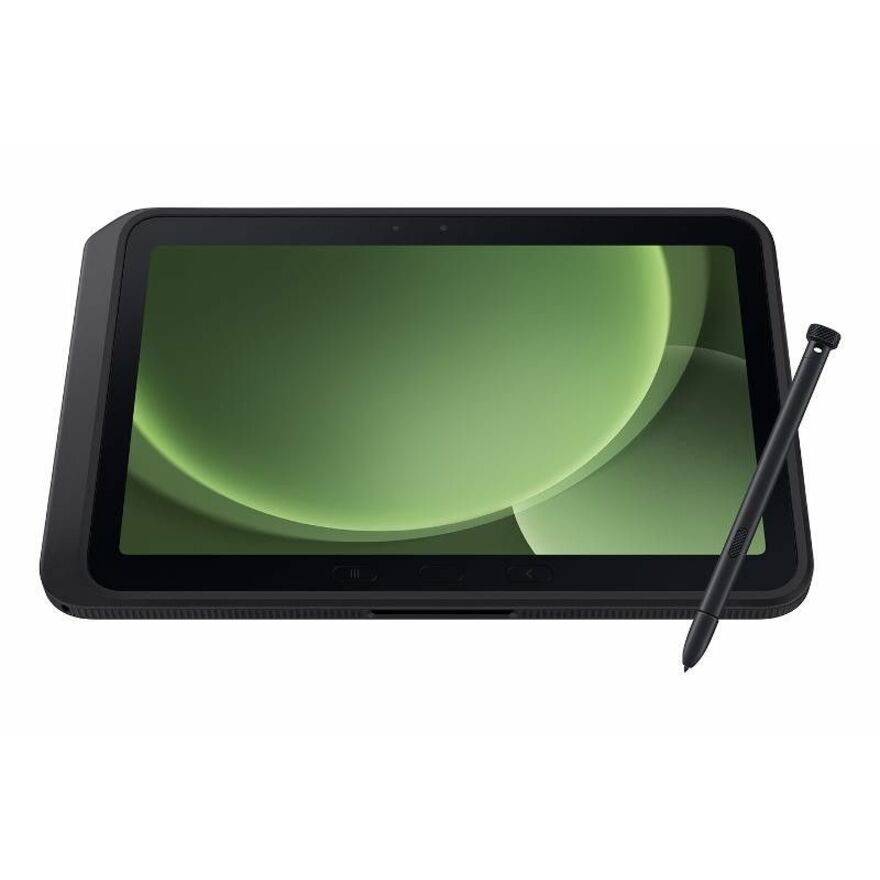
- SamsungSamsung Galaxy Tab S10 FE Tablet - Octa-core - 8 GB - 128 GB Storage - Android 15 - Gray - Cortex A720 Single-core (1 Core) 2.90 GHz + Cortex A720 Single-core (1 Core) 2.60 GHz + Cortex A720 Single-core (1 Core) 1.90 GHz - 2304 x 1440 - In-plane Switching (IPS) Technology DisplaySM-X520NZAAXAR
$750.14
Back-orderedBack-ordered — we expect to receive stock the week of Nov 9–15 and will process your delivery right after.
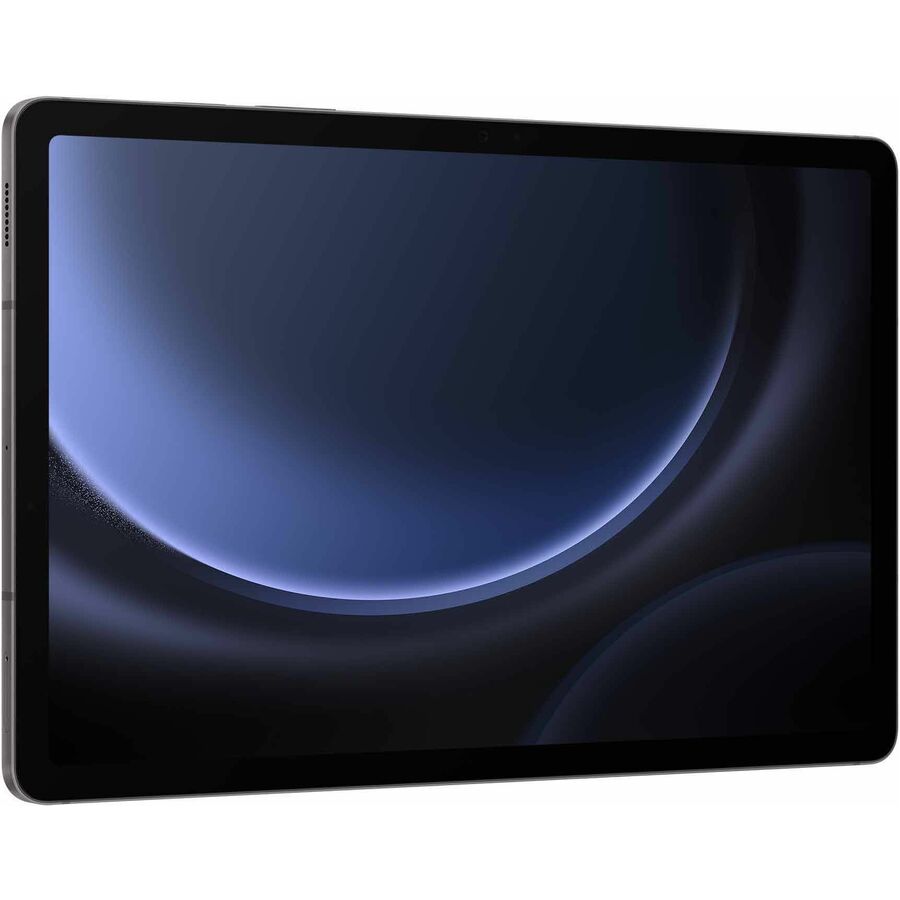
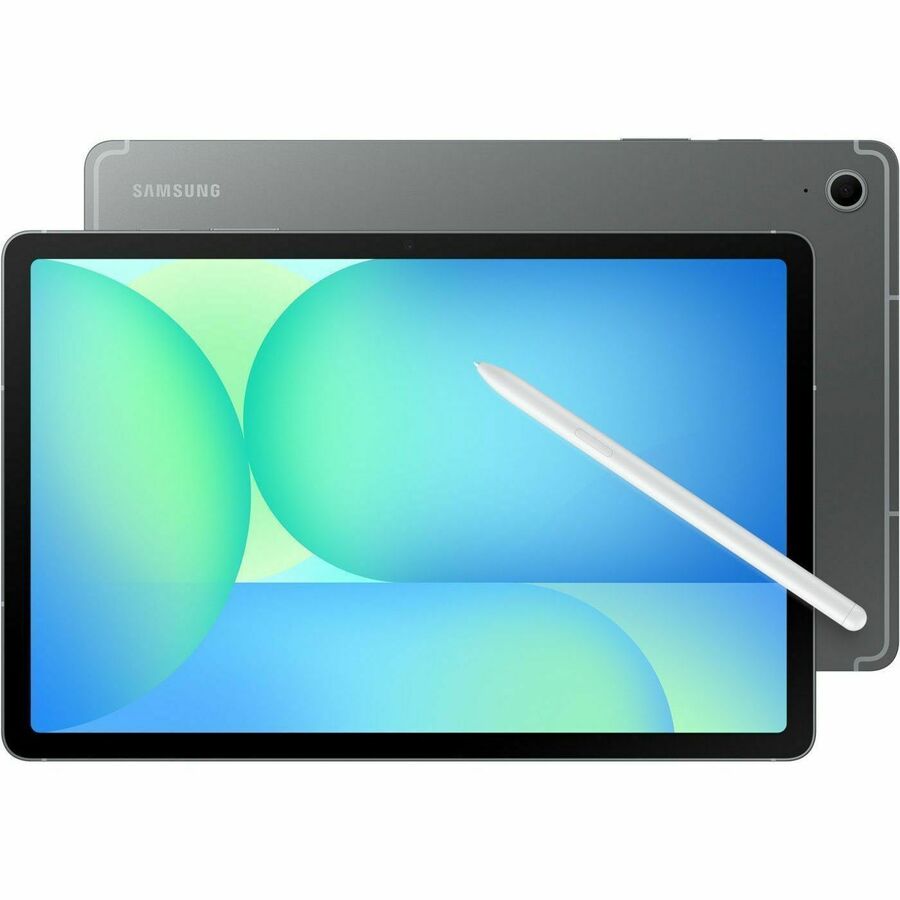
Need pricing on tablets?
Tell us where to reach you and a Uniqcli specialist will follow up by email with current pricing, availability and lead time for the quantities you need — including parts that aren’t shown on this page.
Buying for an organization or for yourself — both work. No payment up front.
A classroom tablet is bought for a fleet, not for a person, and the decision that matters most is the one that is easiest to skip: how many configurations you can support at once. A single tablet model across a grade band means one image to maintain, one spares bin to stock and one repair procedure a technician has to learn. Two models is manageable. Six, chosen building by building, is a support problem that arrives in September. Everything below is drawn live from what Uniqcli lists, sorted so in-stock units appear first, so you can see what is on a shelf now against what is scheduled before you write a bid.
The first fork is the platform, and it usually follows the software the district already runs. ChromeOS tablets enroll and manage from the Google Admin console and carry an Auto Update Expiration date that Google measures from the platform's release, not from your purchase — so a model that looks like a bargain can leave a short supported window. Android tablets from Samsung and Lenovo cover the same 8-to-11-inch student sizes with their own management tooling. Match the tablet to the console your team already operates rather than adding a second platform to learn.
After that the choices are physical and they are the ones students feel every day: screen size against backpack space, memory against how many apps and browser tabs a lesson really opens, and a case or a rated housing against a room full of six-year-olds. Read the specification printed in each product title — panel size and resolution, memory and storage, Wi-Fi generation and whether cellular is an option — against the workload the grade band actually runs. If a Windows 2-in-1 is what a CTE or staff requirement really calls for, send it on an RFQ; this page is the student-device slate.
Buyer's checklist
How to choose a classroom tablet fleet
- Standardize on one model per grade band before anything else — every extra configuration multiplies your image variants, your spare-parts bins and the repair procedures a technician has to hold in their head.
- On ChromeOS, start from the Auto Update Expiration date, not the spec sheet: Google measures the supported window from the platform's release, so confirm the AUE of the exact model before you buy it in volume.
- Set the memory floor by grade — 3 to 4 GB is genuinely fine for early grades running a browser and one app, while secondary students juggling a testing platform and a research tab are a different case.
- Read the screen size and resolution in the product title against how the device is carried and read on: an 8.7-inch WXGA panel and an 11-inch WUXGA panel are different jobs for different ages.
- Decide Wi-Fi only or cellular per program — most 1:1 fleets are Wi-Fi, and a cellular model only earns its cost where devices leave the building and connectivity has to travel with them.
- Budget the protective case with the tablet, not after it, and confirm any charging cart or cabinet you already own physically fits the size you are standardizing on.
- Buy spares in the same configuration as the fleet, at the same time — a spare that arrives a year later is frequently a different platform with a different management story and different service parts.
Platform first: ChromeOS or Android
The platform decision is really a management decision. ChromeOS tablets — including convertible Chromebook tablets in this slate — enroll under the Google Admin console the same way a district's Chromebook clamshells do, which keeps one console and one enrollment story across the estate. The catch is the clock: Google publishes an Auto Update Expiration date per platform and measures the ten-year update window from the platform's release, so two devices bought the same day can have materially different supported lifespans. Ask for the AUE date of the exact model and keep it in the asset record.
Samsung and Lenovo Android tablets cover the same student sizes and price tiers with their own device-management tooling, and they are the natural choice where a district already standardizes on Android or wants a specific panel, stylus or cellular option that the ChromeOS side does not offer. The wrong reason to split platforms is that different buildings asked for different things; the right reason is a specific instructional or management requirement one platform meets and the other does not.
Size, memory and the workload the grade band actually runs
Screen size tracks age more than anything else. An 8-to-9-inch tablet is light in a small hand and easy to store in an early-grades cart; an 11-inch WUXGA panel is a better canvas for reading, annotation and any secondary work that involves a document alongside a browser. The specification is printed in every product title, so the comparison is a reading exercise rather than a research project.
Memory is where fleets are most often under-bought and most often over-bought at the same time. Early-grades use — a browser, a reading app, a single testing tab — runs comfortably on 3 or 4 GB, and paying for more there is money the workload never touches. Secondary students who keep a testing platform open alongside research tabs are the case for a higher tier. Set the floor by grade band deliberately rather than buying one number across the whole district.
Durability, charging and the parts of the plan that are not the tablet
A classroom tablet lives a hard life, and the protective case is part of the specification, not an afterthought. Budget it with the device and confirm the case you choose is sized for the exact model — sleeve and always-on cases are cut to a screen size, and a fleet decision that quietly obsoletes a cupboard of cases is an avoidable surprise. Where a program needs a rated housing rather than a case, read the manufacturer's IP or drop statement on the exact part number and ask us to pull the documentation before award; we will not assert a rating that is not on the record.
Charging and storage are the other half. A cart or cabinet is sized by bay depth, and tablet fleets and laptop fleets do not always share a bay, so verify fit before you standardize. And on ChromeOS, put the management license on the same purchase order as the hardware — the enrollment upgrade is what makes a fleet a managed fleet, and discovering it is missing in September is the classic first-week fire drill.
FAQ
Common questions
- Should we buy ChromeOS or Android tablets for a classroom fleet?
- It usually follows the console your team already runs. ChromeOS tablets and convertible Chromebook tablets enroll under the Google Admin console alongside a district's existing Chromebooks, which keeps one management story across the estate — but they carry an Auto Update Expiration date that Google measures from the platform's release, so confirm the AUE of the exact model first. Samsung and Lenovo Android tablets cover the same student sizes with their own management tooling and are the right call where a district already standardizes on Android or needs a specific option ChromeOS does not offer.
- How much memory does a student tablet really need?
- Set the floor by grade band. Early-grades use — a browser, a reading app and a single testing tab — runs comfortably on 3 or 4 GB, and paying for more there is capability the workload never touches. Secondary students who keep a testing platform open alongside research tabs are the case for a higher memory tier. The specification is printed in each product title, so you can match the number to the workload rather than buying one figure across the whole district.
- Do these tablets come with device management?
- Management depends on the platform. ChromeOS tablets are enrolled and managed from the Google Admin console under a Chrome Education Upgrade that is licensed per device, so the license count needs to track the hardware count — put it on the same purchase order as the tablets. Samsung and Lenovo Android tablets are managed through their own tooling or a third-party MDM. Tell us which console you run and we will quote the management piece alongside the hardware so it is not discovered after delivery.
- Can Uniqcli quote several hundred tablets of a single model?
- Every line Uniqcli quotes is sourced through US distribution and screened for TAA country-of-origin and NDAA §889 status before checkout — with documentation tied to the specific part number, not a product family.
Need tablets pricing?
Send a bill of materials or part numbers — we confirm stock and a below-market total, with TAA verified on request. No payment up front.