
Best Interactive Displays for K-12 Classrooms
Interactive flat-panel displays for K-12 classrooms — SMART Board, ViewBoard, CreateBoard and more, each card stating its own size and touch.
Interactive displays in stock at Uniqcli
How to choose →A curated selection with live pricing — in-stock lines first, then back-ordered lines with a typical lead time. Every line is sourced through US distribution and screened for NDAA §889 status before checkout, with TAA verified on request.
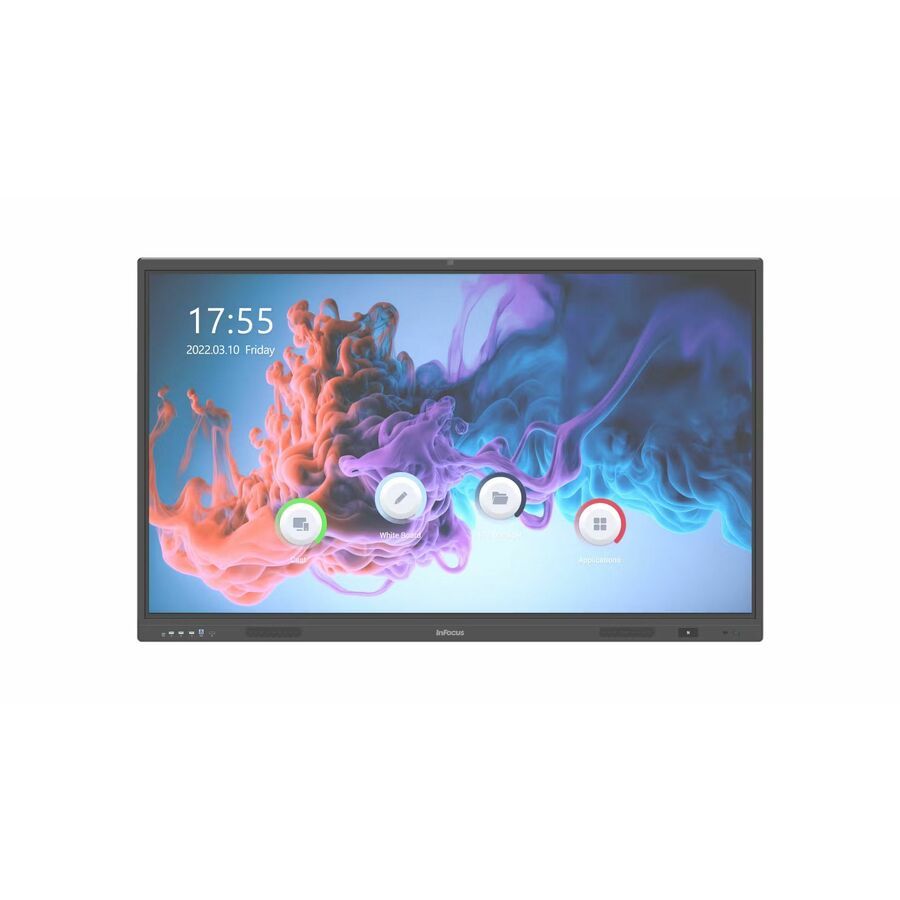
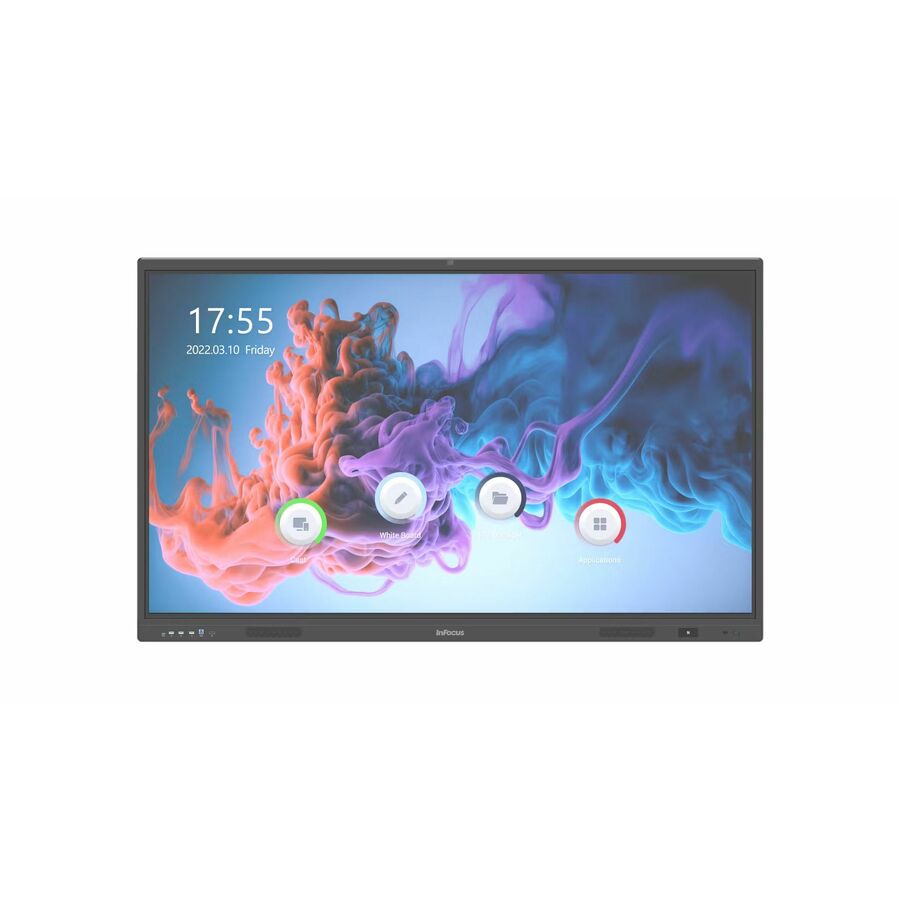
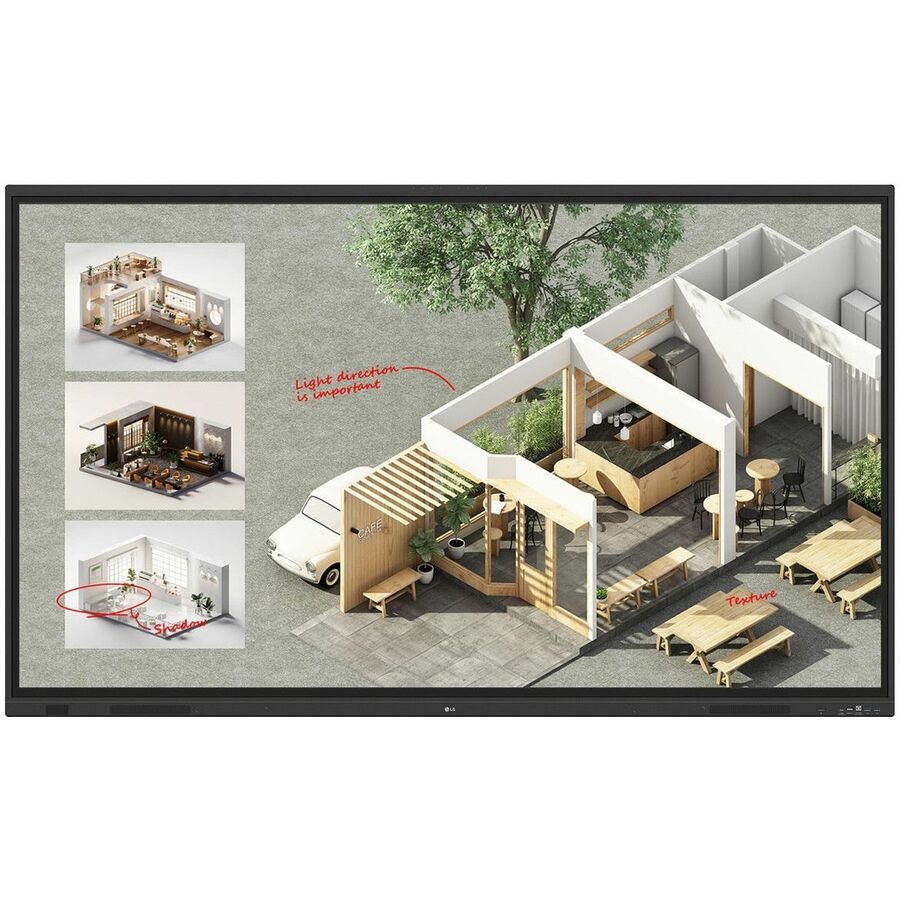
- Maxnerva Technology ServicesInFocus JTouch IN6513 Collaboration Display - 65" LCD Cortex A76 + A55 - 8 GB DDR4 SDRAM - Infrared (IrDA) - Touchscreen - 16:9 Aspect Ratio - 3840 x 2160 - Direct LED - 450 Nit - 1,200:1, 5,000:1 Contrast Ratio - 2160p - USB - HDMI - VGA - Bluetooth - Android 13IN6513
$2,437.00
$1,768.61
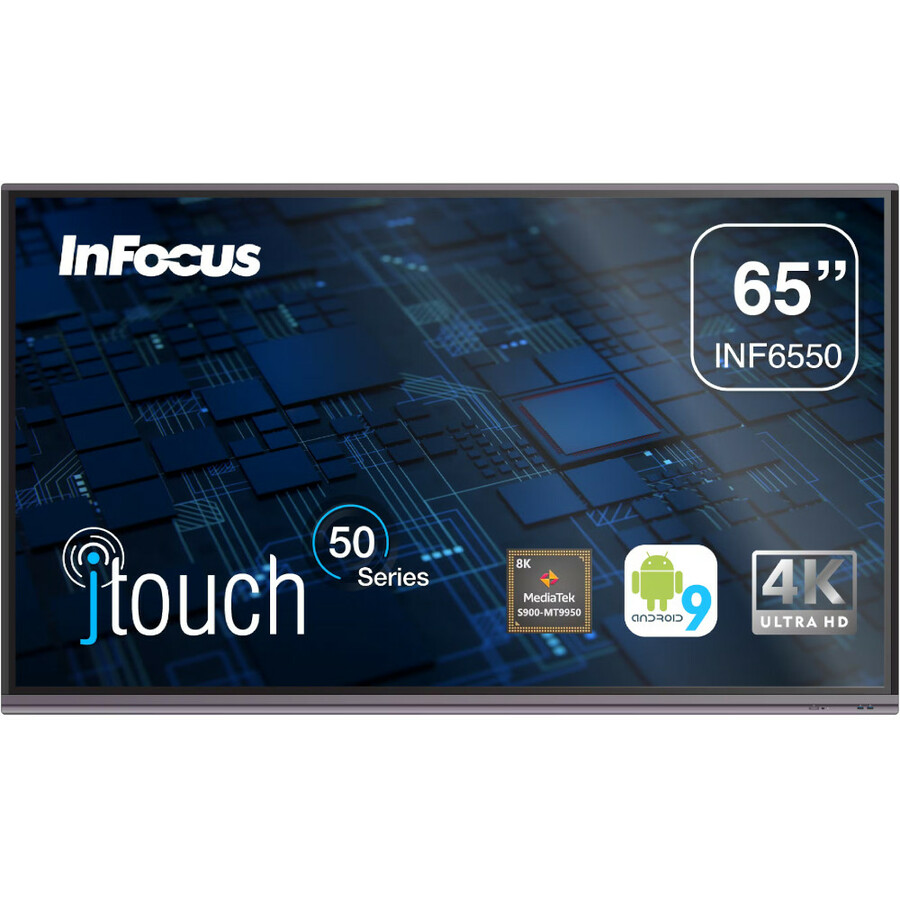
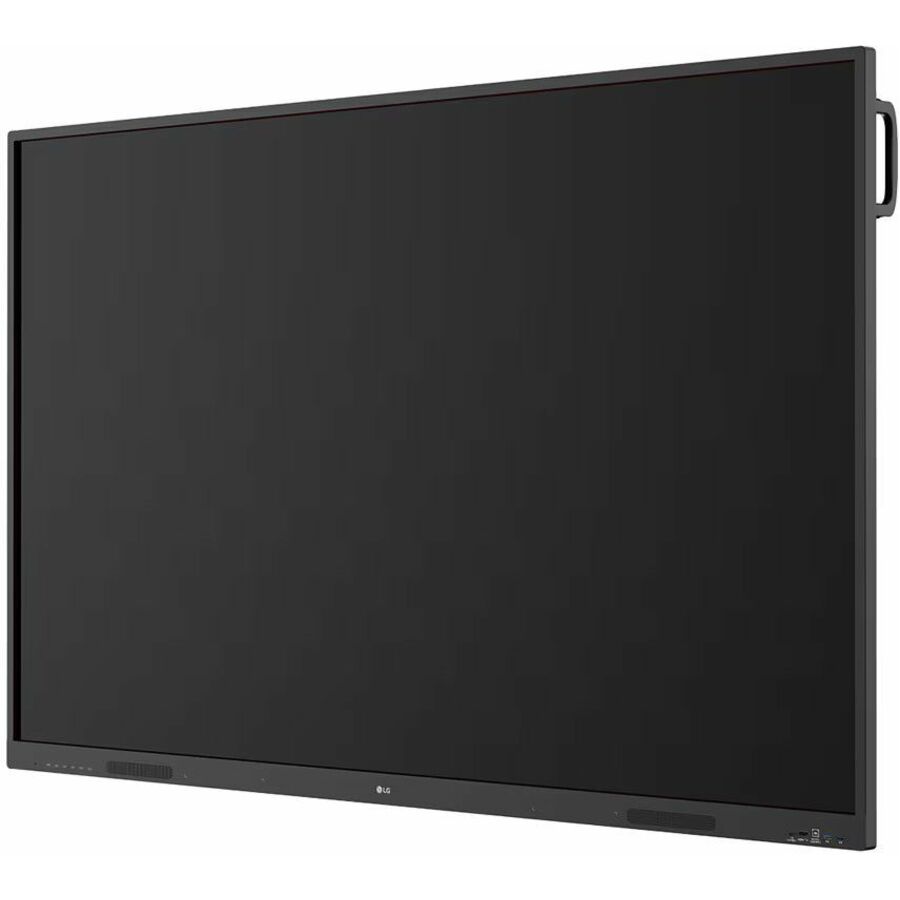
66 in stock - Maxnerva Technology ServicesInFocus JTouch INF6550 Collaboration Display - 65" LCD Cortex A73 1.80 GHz - 4 GB - Infrared (IrDA) - Touchscreen - 16:9 Aspect Ratio - 3840 x 2160 - Direct LED - 450 Nit - 1,200:1, 5,000:1 Contrast Ratio - 2160p - USB - HDMI - VGA - Bluetooth - Android 9.0 PieINF6550
$3,109.00
$2,255.46
14 in stock - Maxnerva Technology ServicesInFocus JTouch IN7513 Collaboration Display - 75" LCD Cortex A76 + A55 - 8 GB DDR4 SDRAM - Infrared (IrDA) - Touchscreen - 16:9 Aspect Ratio - 3840 x 2160 - Direct LED - 450 Nit - 1,200:1, 5,000:1 Contrast Ratio - 2160p - USB - HDMI - VGA - Bluetooth - Android 13IN7513
$3,582.00
$2,547.31
15 in stock






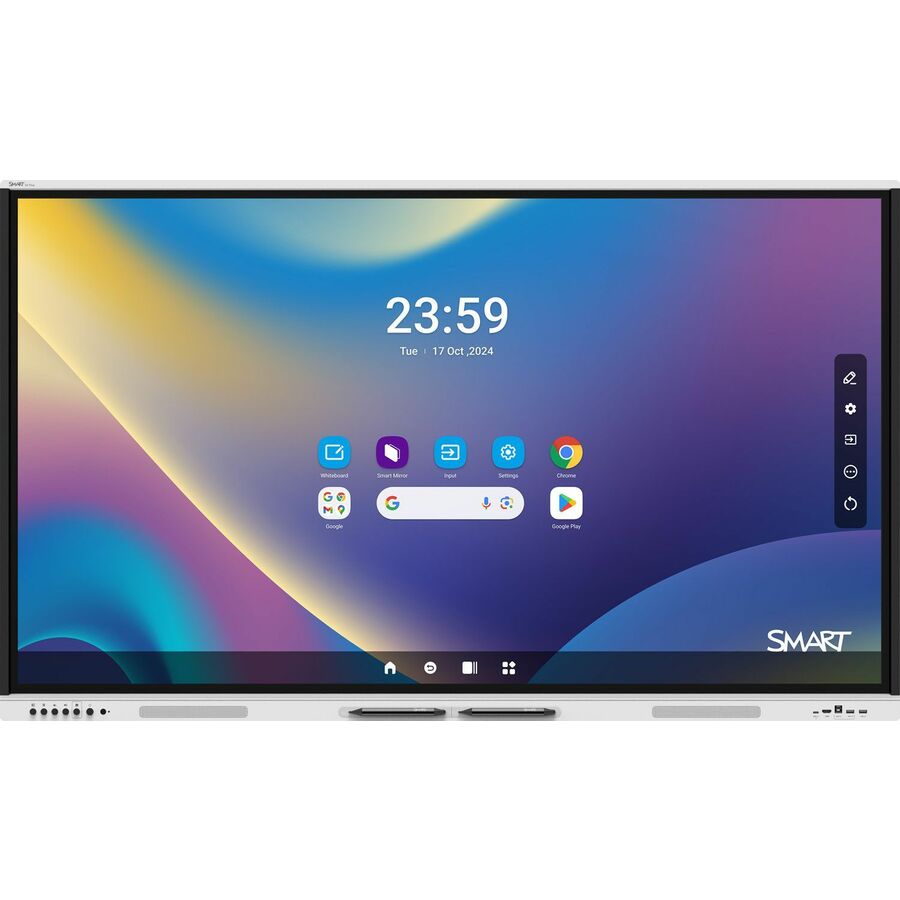
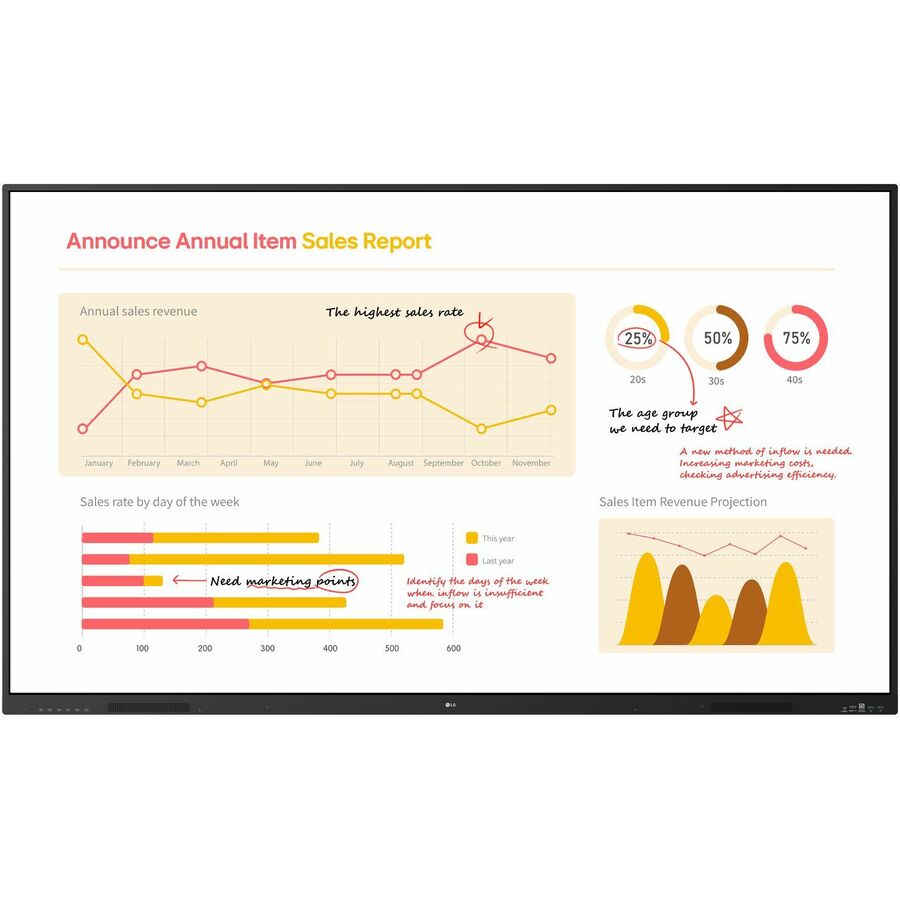

Mainstream 75-inch
BenQ
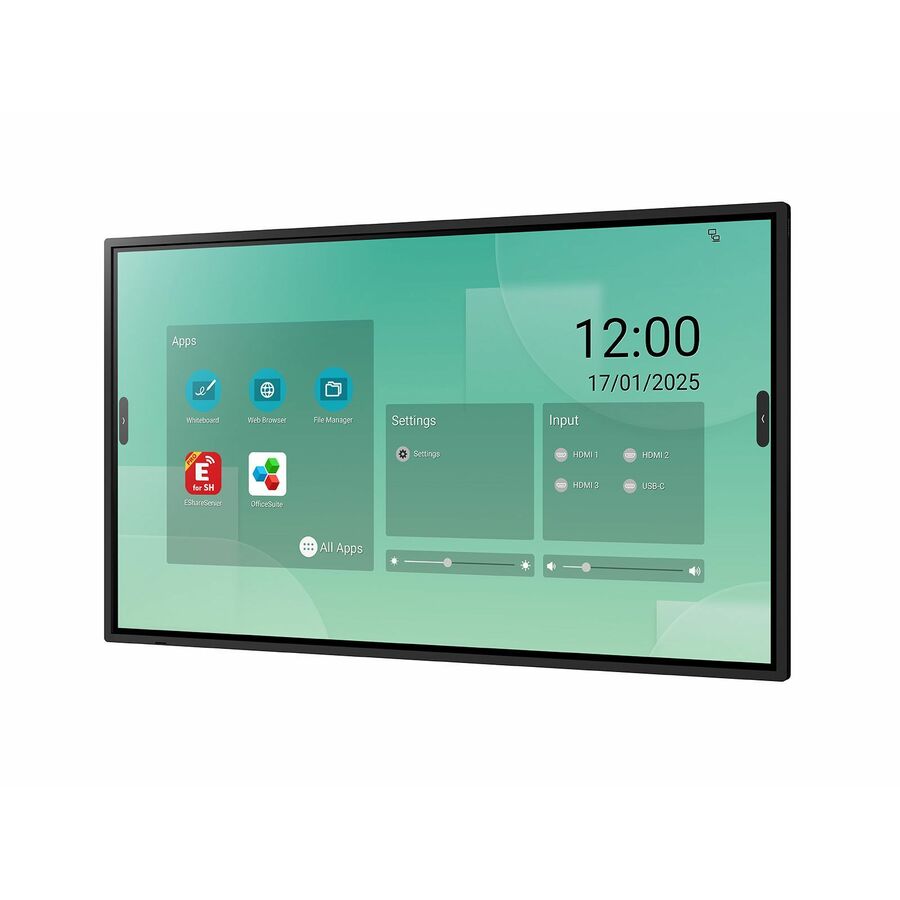
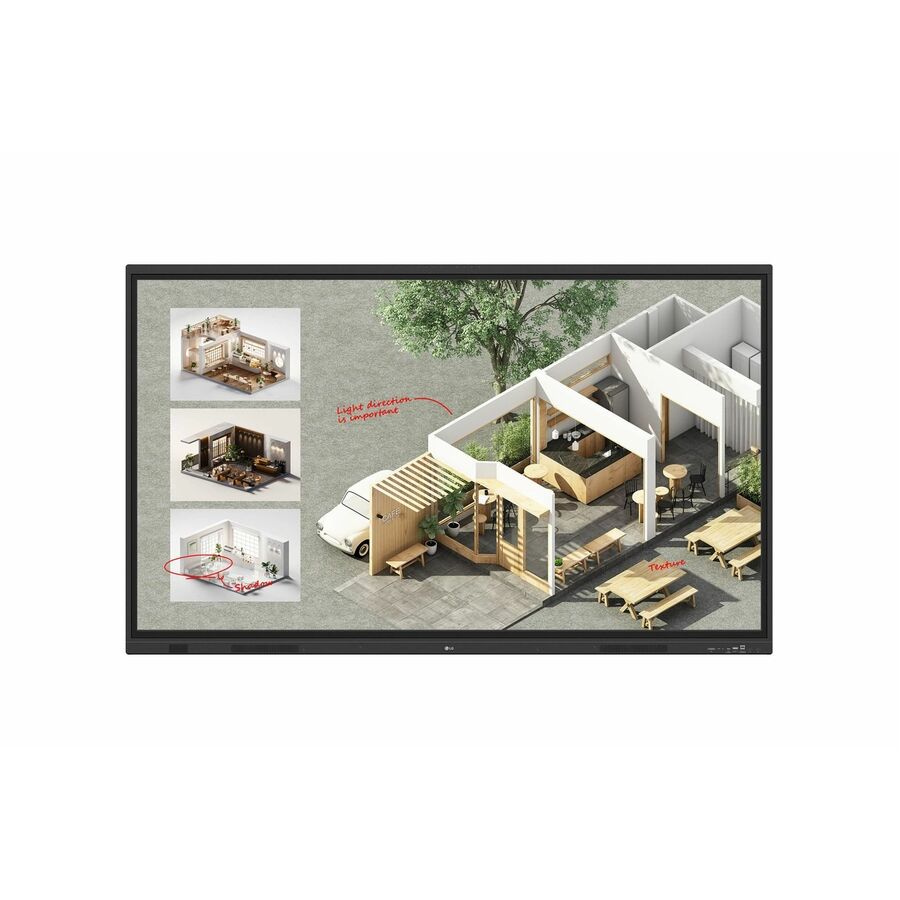
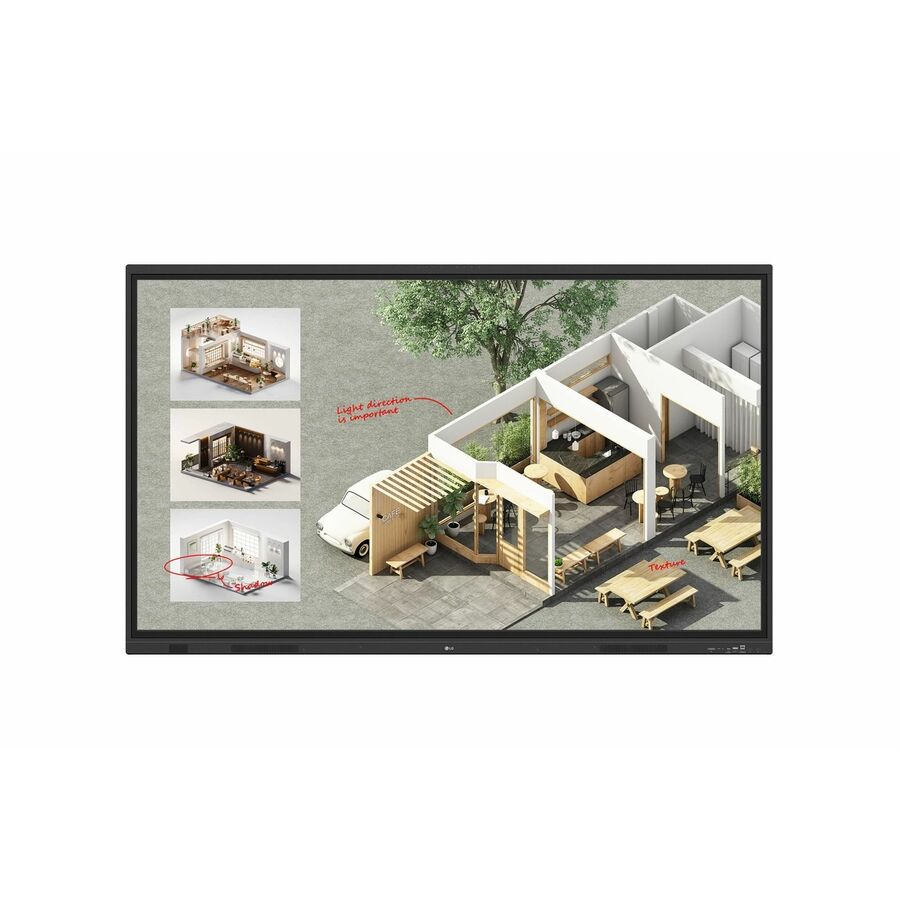
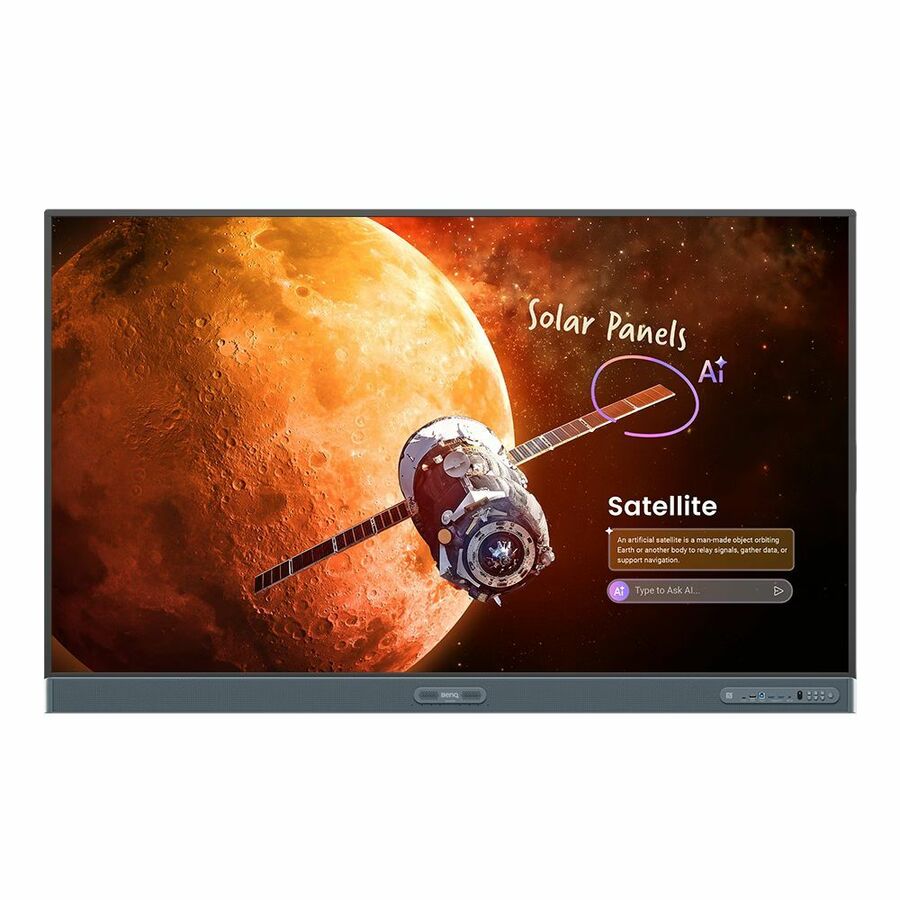
BenQ Board Pro RP7505 Collaboration Display
RP7505
The BenQ Board Pro at 75 inches sits at the mainstream classroom size where a back-row student can read normal text — the default choice for a general room. Read the on-board compute and touch specification in the title against how the room teaches before you standardize the district on it.
Confirm the exact model against your room sizes; 65-inch and 86-inch siblings exist for smaller and larger spaces.
$3,078.93Back-orderedSMART Board pick
SMART Technologies
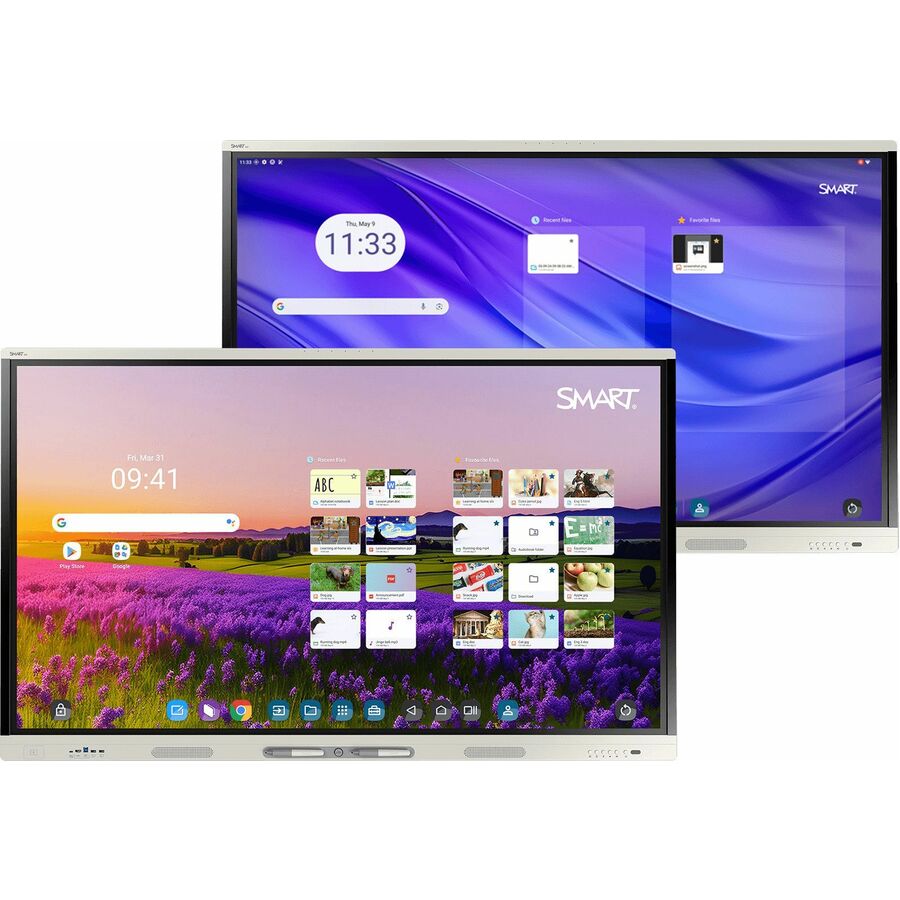
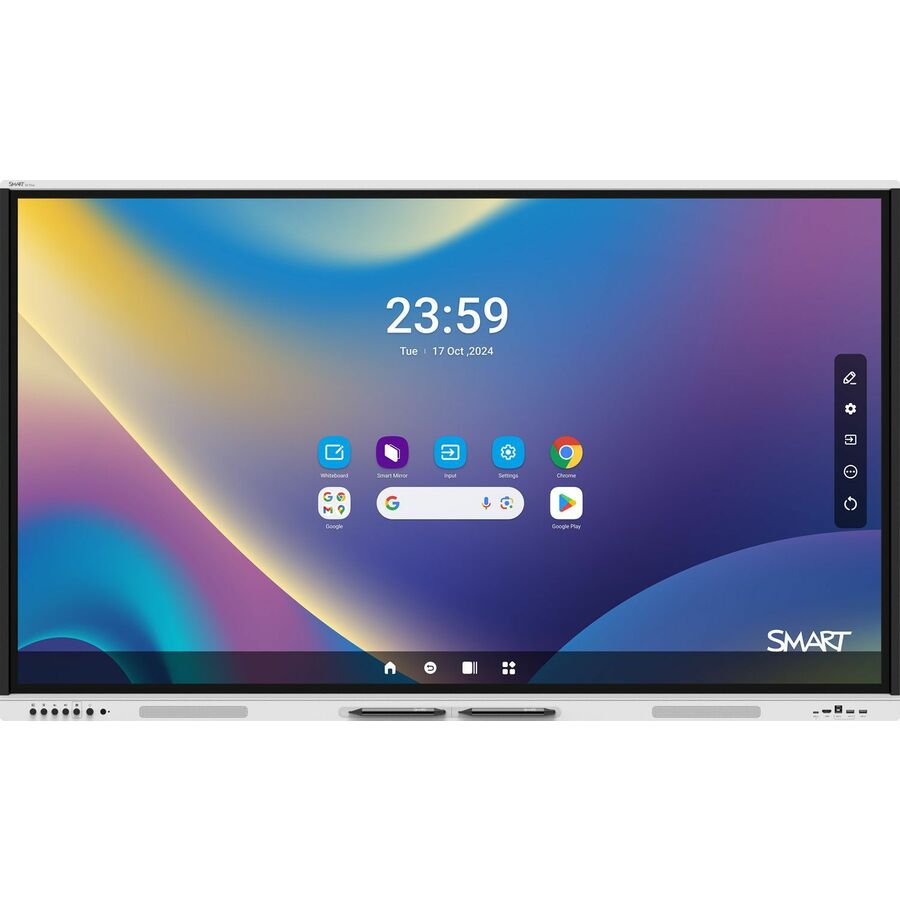
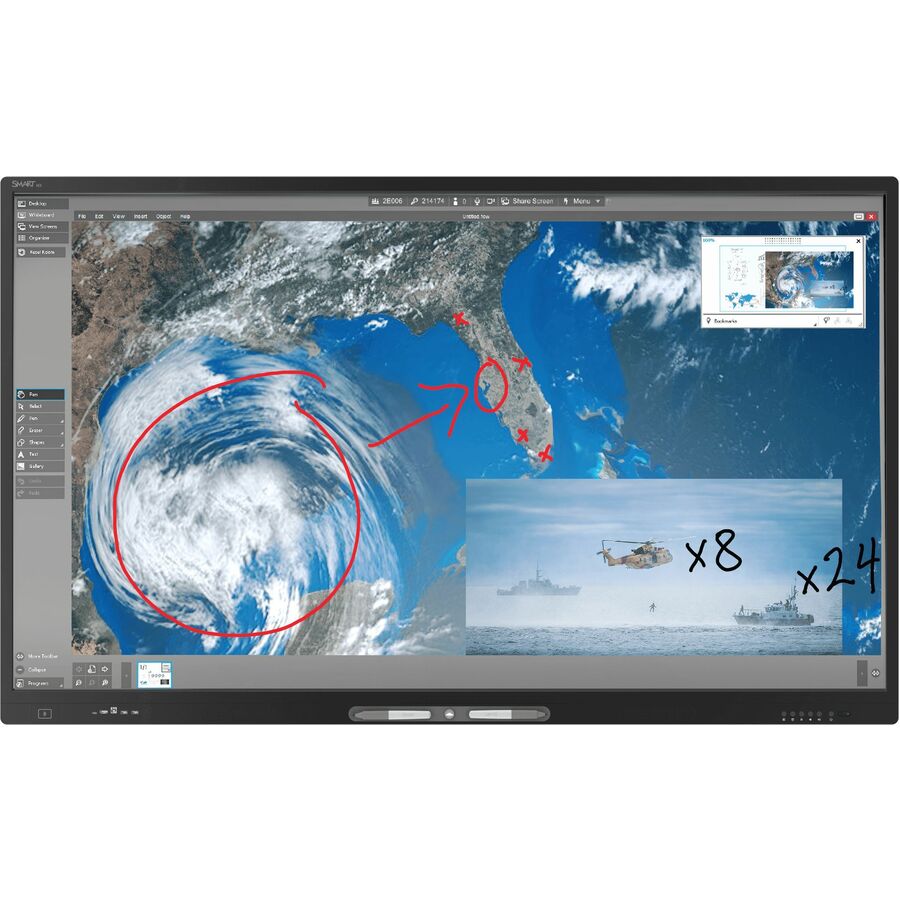
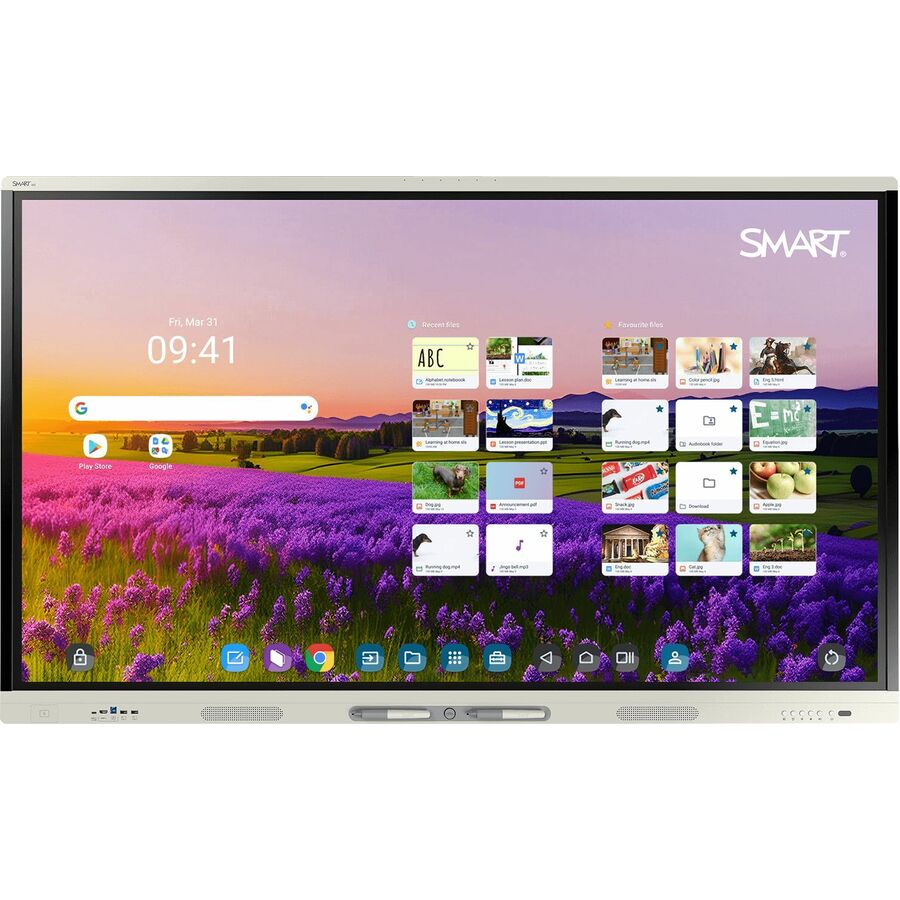
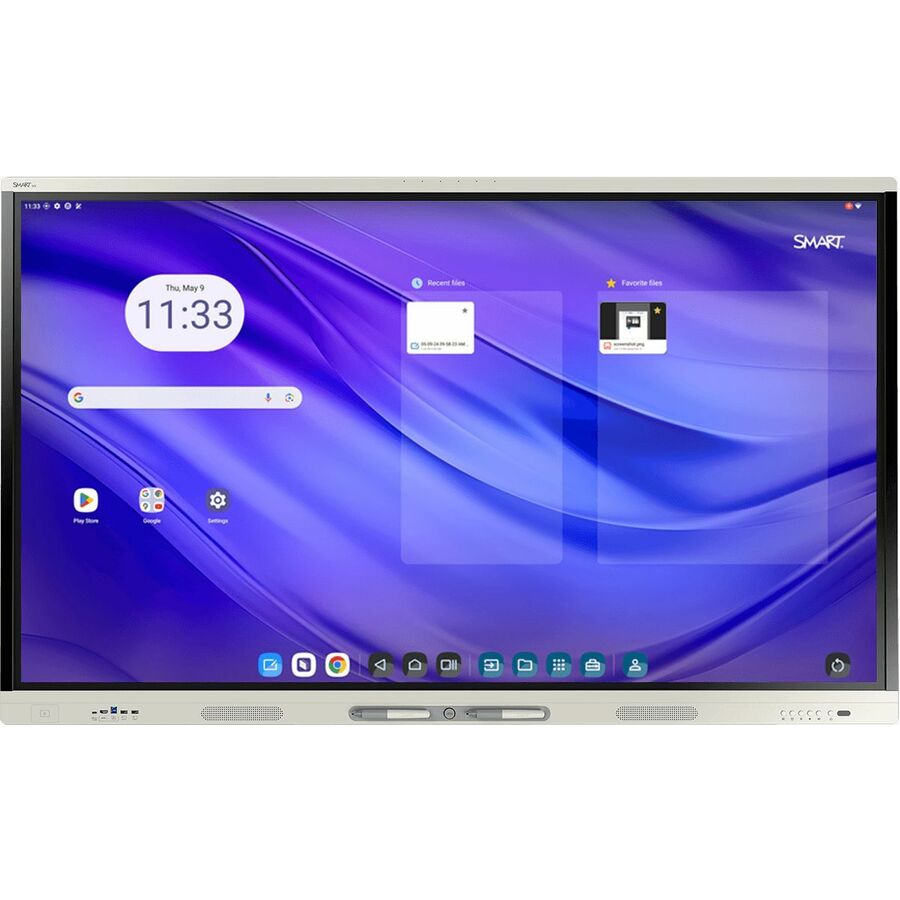
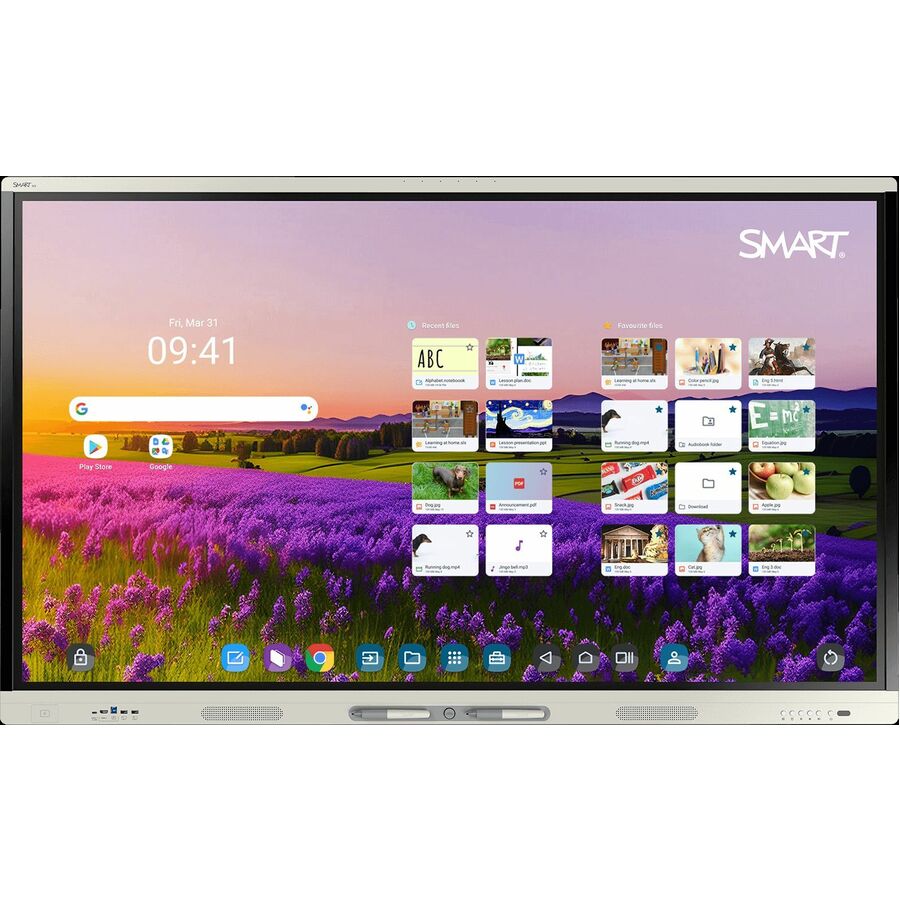
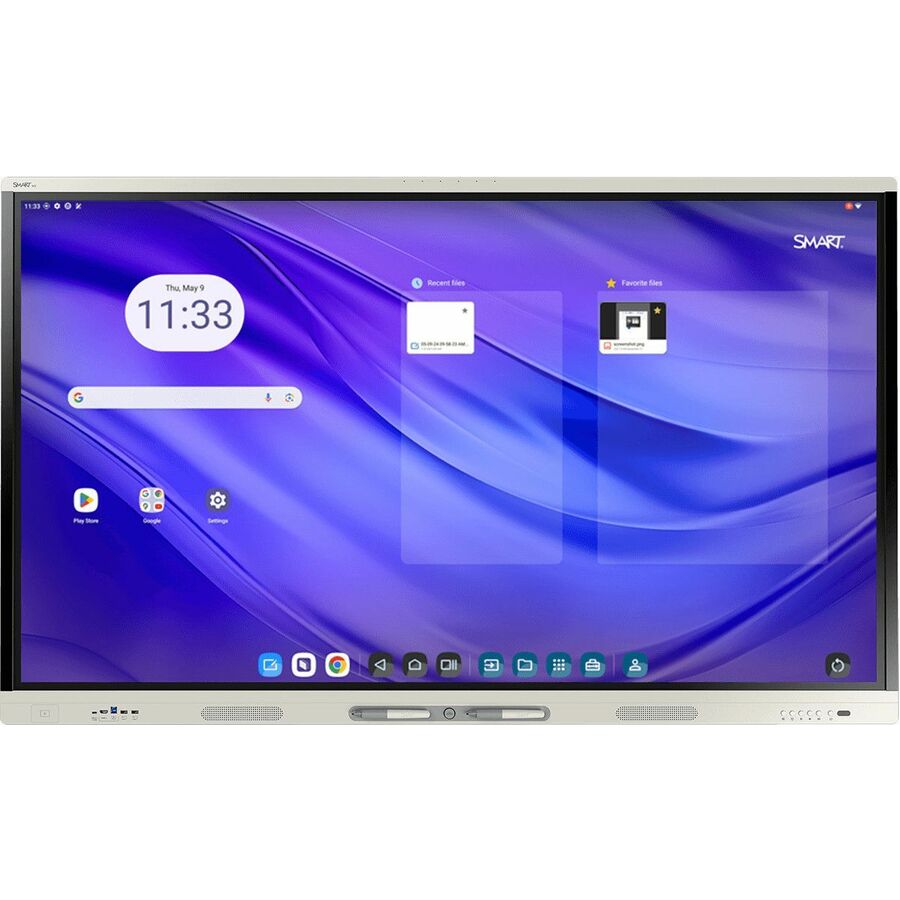
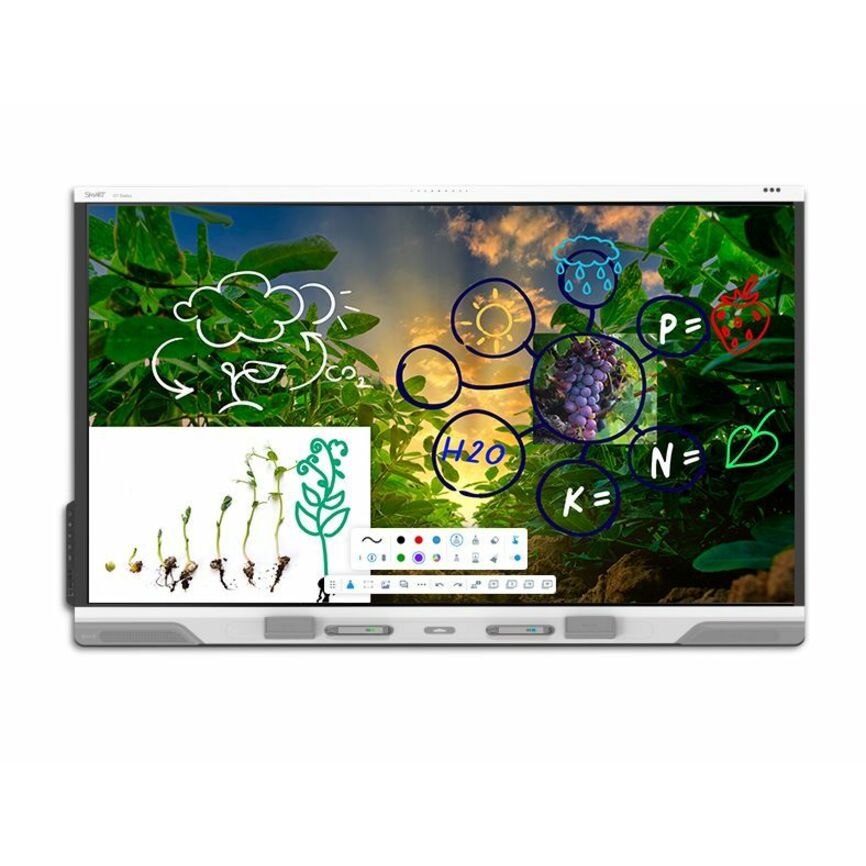
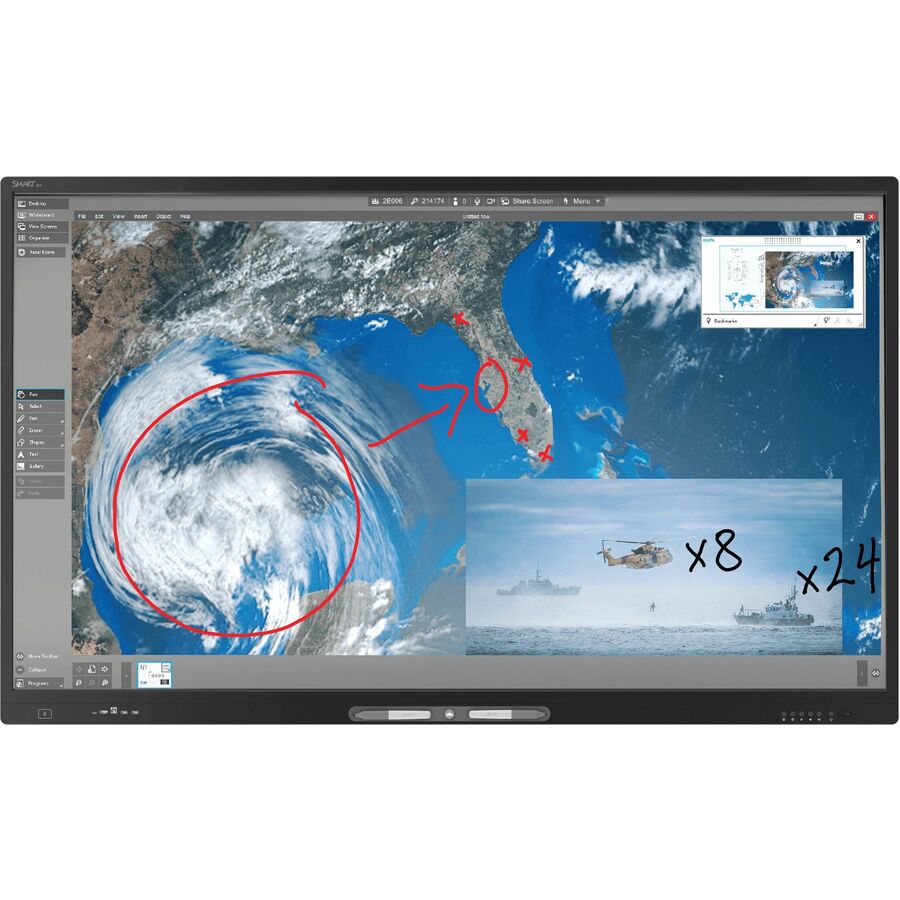
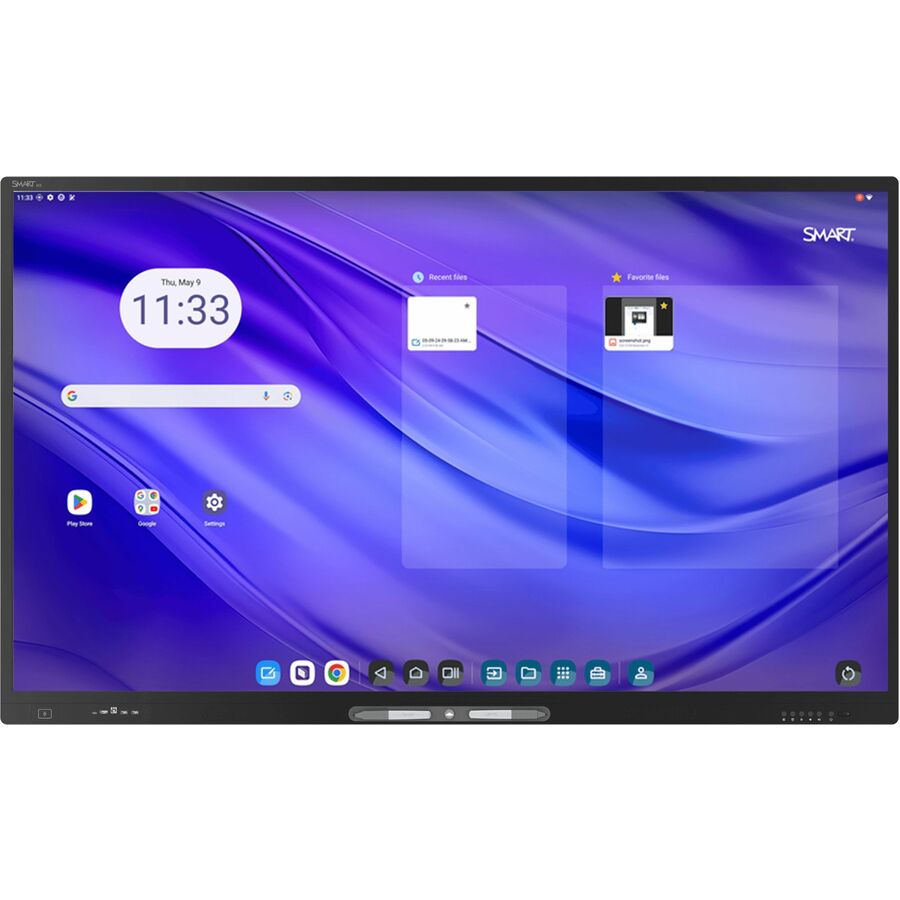
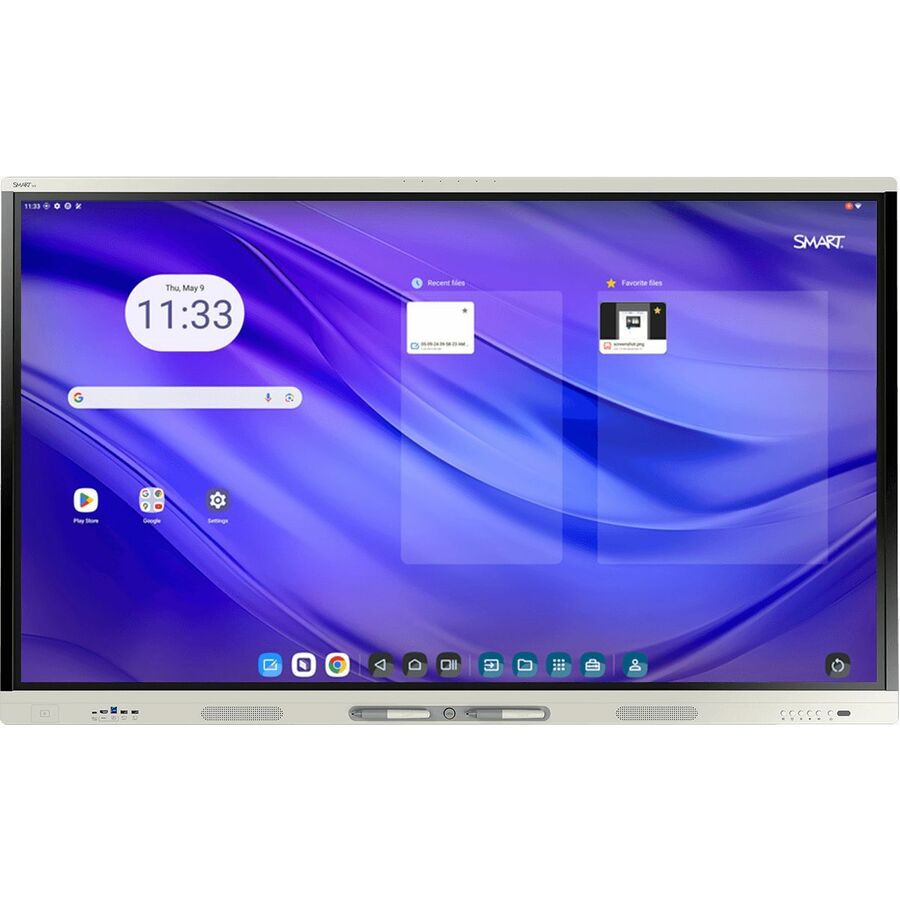
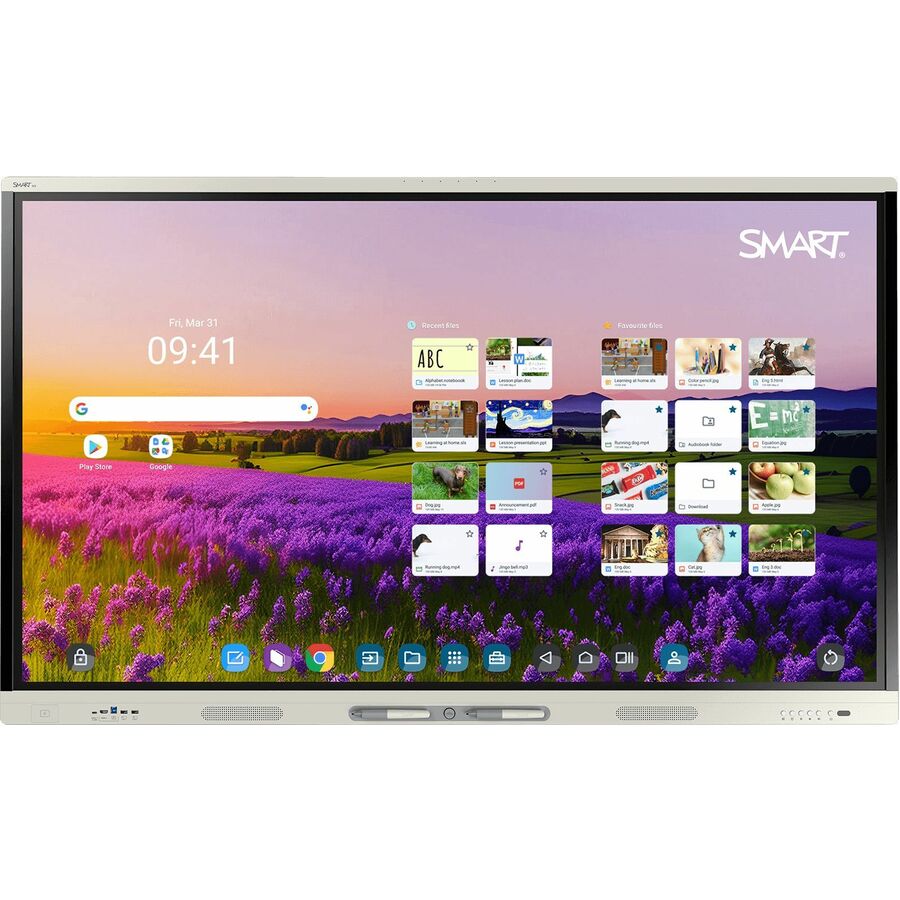
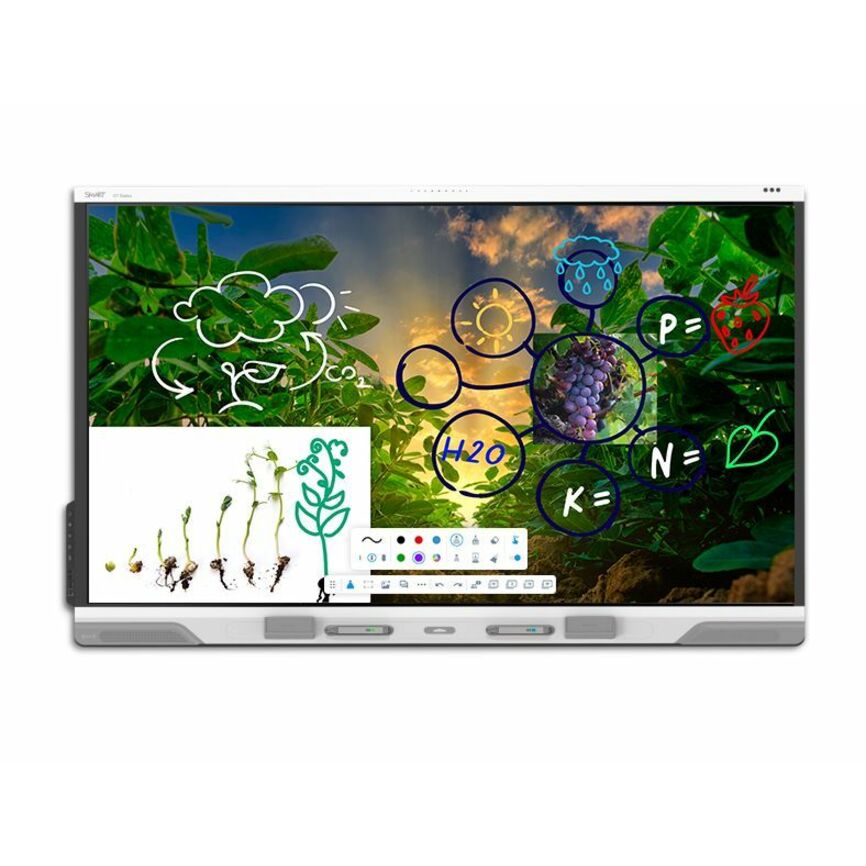
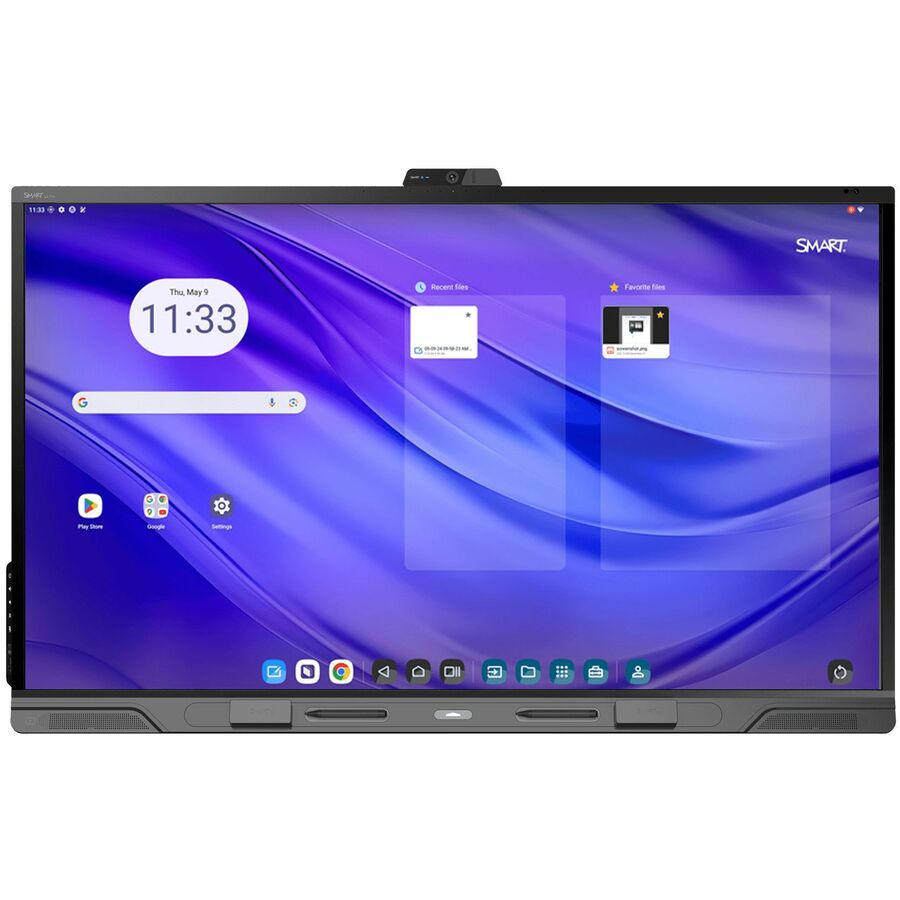
SMART Board MX075-V5 Collaboration Display
MX575-V5-PW
The SMART Board MX series is a widely deployed classroom panel with SMART's whiteboard and management ecosystem behind it — a strong standard for a district that wants one platform across every room. Match the size to the room depth and the compute to the workload.
$4,632.79*Back-orderedViewBoard 75-inch
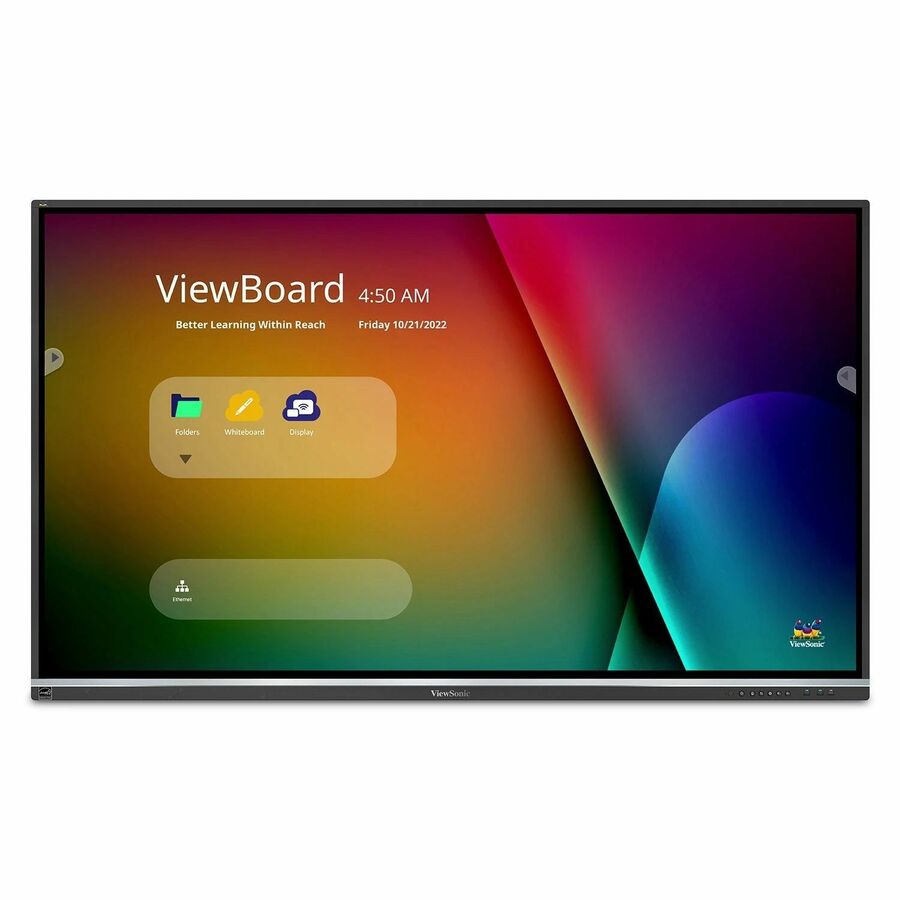
ViewSonic
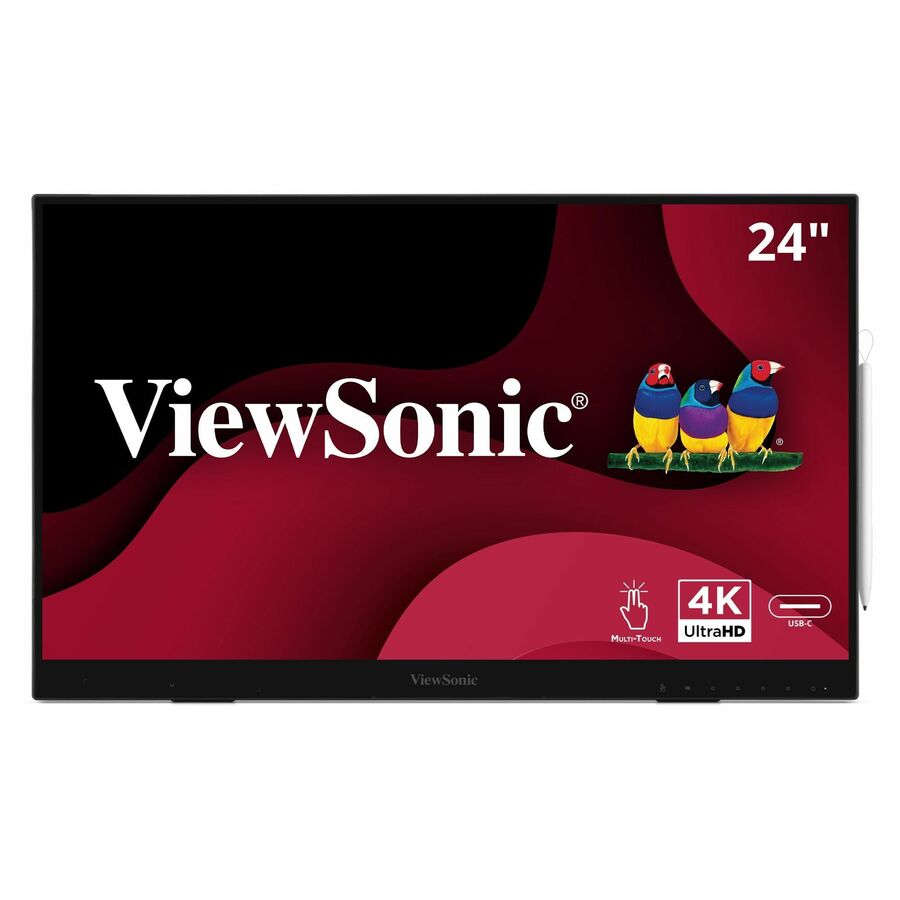
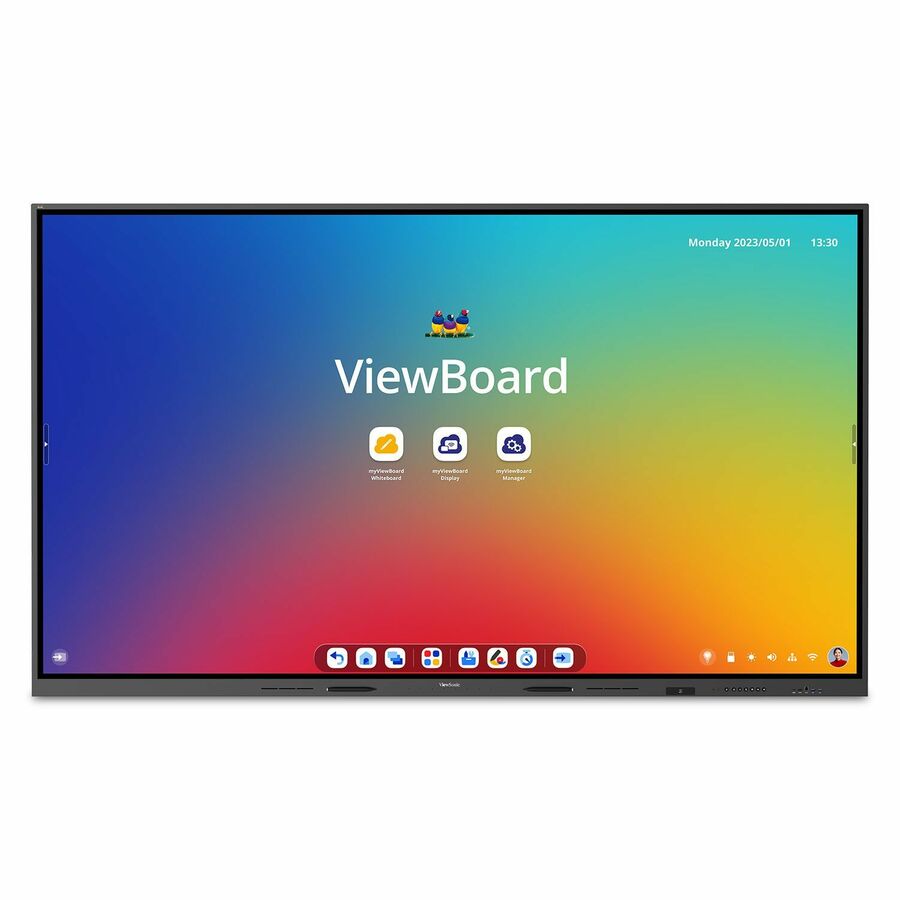
ViewSonic IFP7550 75 Inch ViewBoard 4K Interactive Flat Panel Display…
IFP7550
The ViewSonic ViewBoard IFP7550 is a 75-inch 4K interactive flat panel, pairing touch and on-board compute at a price that scales across a building. A solid choice where a district is standardizing widely and wants a consistent, supportable panel in every classroom.
Request pricingMore interactive displays in the Uniqcli catalog
See all 209 interactive displaysMore from across this category. In-stock lines lead, and a back-ordered line carries the same estimated availability its product page does — with live pricing throughout, NDAA §889 screening before checkout and TAA verified on request.
- SMART TechnologiesSMART Board RX286 Collaboration Display - SMART Board RX086 series interactive display with iQRX286
$8,605.00
$6,335.65
2 in stock - SMART TechnologiesSMART Board RX275 Collaboration Display - SMART Board RX075 series interactive display with iQRX275
$6,569.00
$4,871.72
2 in stock - SMART TechnologiesSMART Board RX265 Collaboration Display - SMART Board RX065 series interactive display with iQRX265
$5,185.00
$3,857.39
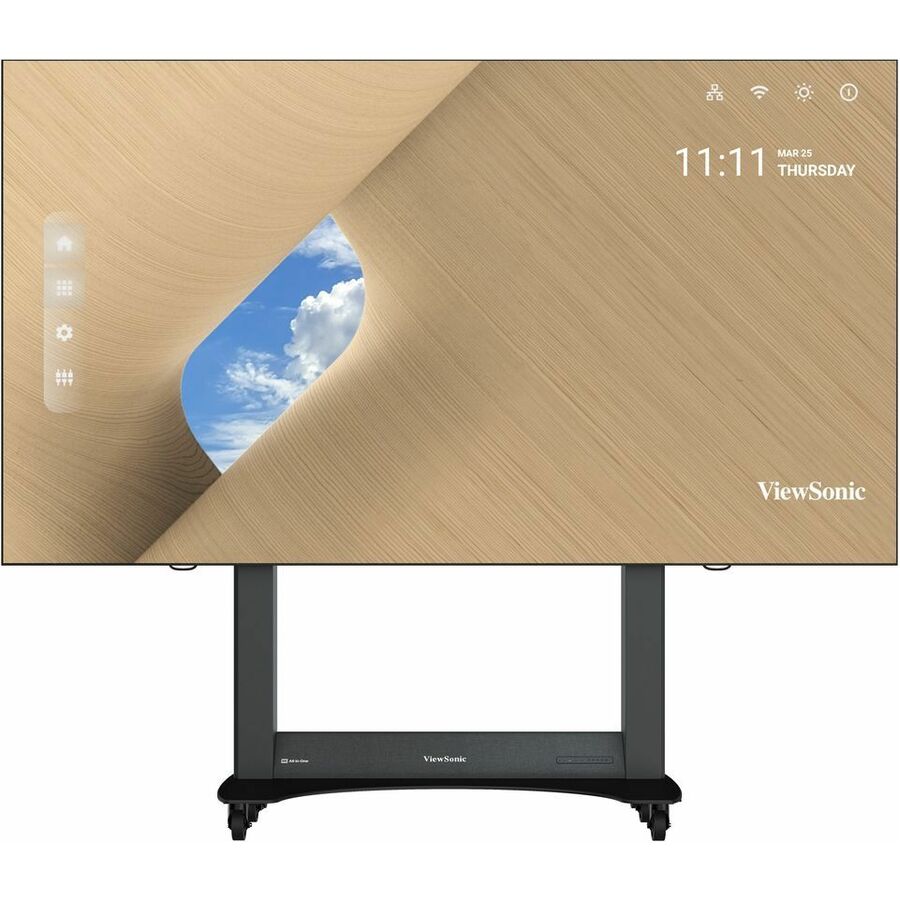
8 in stock - ViewSonicViewSonic 138" All-in-One LED Display Solution Kit - Preassembled, Portable, and Full HD (1920x1080 Resolution) - 11.50 ft LCD - Rockchip RK3399 - 4 GB DDR4 SDRAM - 16:9 Aspect Ratio - 1920 x 1080 - Direct View LED - 600 Nit - 6,500:1 Contrast Ratio - 1080p - USB - HDMI - Android 9.0 PieLDS138-151
$84,999.00
$60,872.97
Back-orderedBack-ordered — estimated OEM lead time 3–8 weeks (Nov 16 – Dec 21 if ordered today).
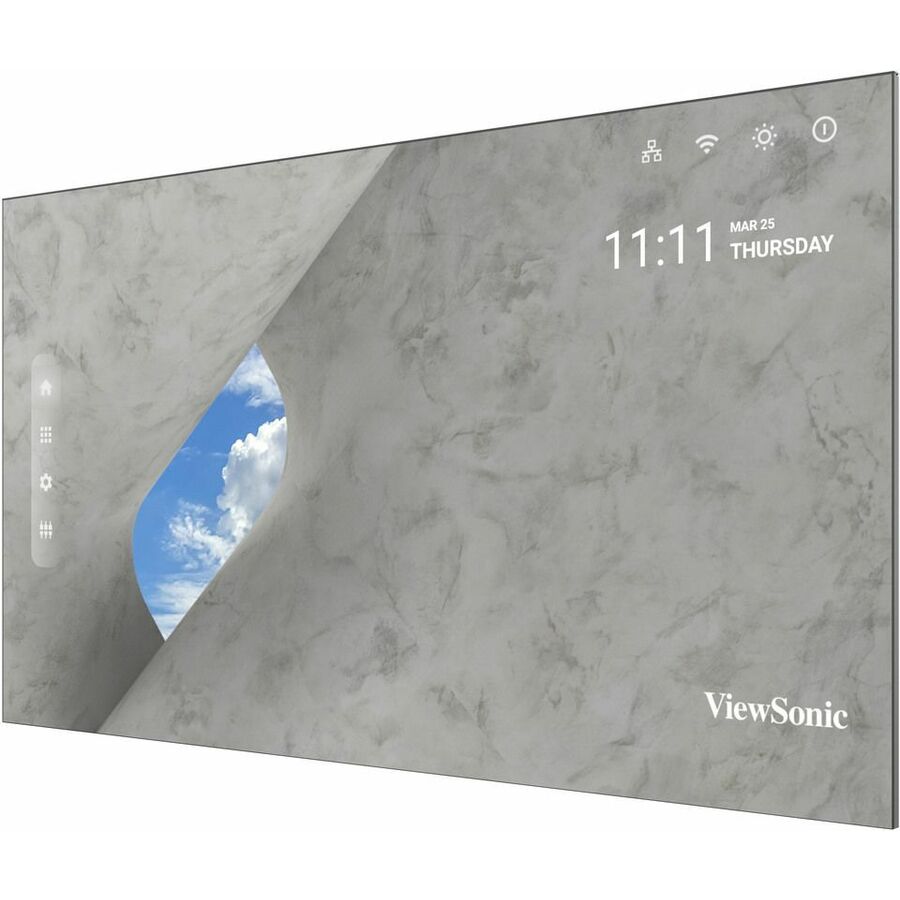
- ViewSonicViewSonic 231" All-in-One Direct View LED Display, TAA Compliant - LCD - Rockchip RK3399 - 4 GB DDR4 SDRAM - 16:9 Aspect Ratio - 3840 x 2160 - Direct View LED - 600 Nit - 6,500:1 Contrast Ratio - 2160p - USB - HDMI - Bluetooth - Android 9.0 Pie - TAA CompliantLDM231-251-TAA
$79,799.00
$58,105.96*
Back-orderedBack-ordered — estimated OEM lead time 3–8 weeks (Nov 16 – Dec 21 if ordered today).
- ViewSonicViewSonic 231" All-in-One Direct View LED Display - LCD - Rockchip RK3399 - 4 GB DDR4 SDRAM - 16:9 Aspect Ratio - 3840 x 2160 - Direct View LED - 600 Nit - 6,500:1 Contrast Ratio - 2160p - USB - HDMI - Bluetooth - Android 9.0 PieLDM231-251
$75,999.00
$55,338.94
Back-orderedBack-ordered — estimated OEM lead time 3–8 weeks (Nov 16 – Dec 21 if ordered today).
- ViewSonicViewSonic 163" All-in-One Direct View LED Display, TAA Compliant - LCD - Rockchip RK3399 - 4 GB DDR4 SDRAM - 16:9 Aspect Ratio - 1920 x 1080 - Direct View LED - 600 Nit - 6,500:1 Contrast Ratio - 1080p - USB - HDMI - Bluetooth - Android 9.0 Pie - TAA CompliantLDM163-182-TAA
$59,849.00
$43,579.16*
Back-orderedBack-ordered — estimated OEM lead time 3–8 weeks (Nov 16 – Dec 21 if ordered today).
- ViewSonicViewSonic 136" All-in-One Direct View LED Display - LCD RK3399 - 4 GB DDR4 SDRAM - 16:9 Aspect Ratio - 1920 x 1080 - Direct View LED - 600 Nit - 6,500:1 Contrast Ratio - 1080p - USB - HDMI - Bluetooth - Android 9.0 PieLDM136-151
$45,999.00
$33,202.86
Back-orderedBack-ordered — estimated OEM lead time 3–8 weeks (Nov 16 – Dec 21 if ordered today).
- MicrosoftMicrosoft Surface Hub 3 for Business - 85" LCD Core i5 - 32 GB - In-cell Touch - Touchscreen - 16:9 Aspect Ratio - 3840 x 2160 - LED - 2160p - USB - HDMI - Bluetooth - Windows 11 IoT Enterprise - TAA CompliantVYB-00001
$23,099.99
$14,700.66*
Back-orderedBack-ordered — estimated OEM lead time 3–8 weeks (Nov 16 – Dec 21 if ordered today).
- ViewSonicViewSonic ViewBoard IFP110 - 4K UHD Multi-Touch Interactive Display with Integrated Software - 400 cd/m2 - 110" - 110" LCD - ARM Cortex A73 + A53 - 8 GB - Infrared (IrDA) - Touchscreen - 16:9 Aspect Ratio - 3840 x 2160 - Direct LED - 400 Nit - 1,200:1, 5,000:1 Contrast Ratio - 2160p - USB - HDMI - VGA - Android 13IFP110
$26,999.00
$20,311.11
Back-orderedBack-ordered — estimated OEM lead time 3–8 weeks (Nov 16 – Dec 21 if ordered today).
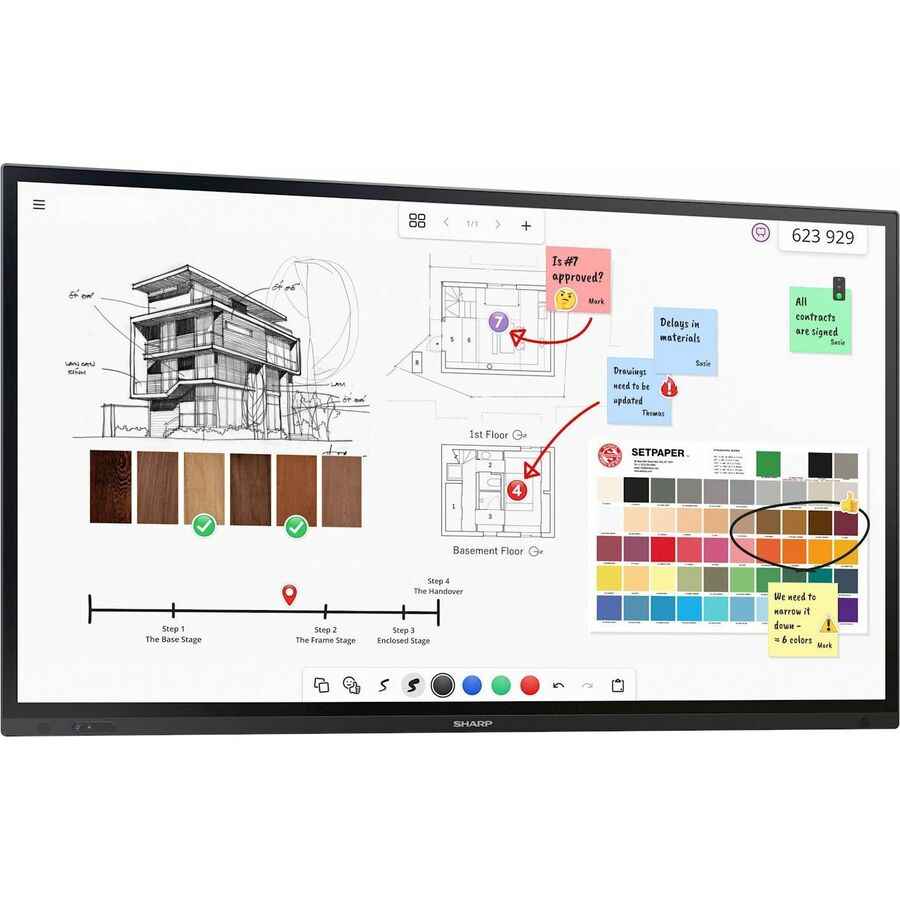
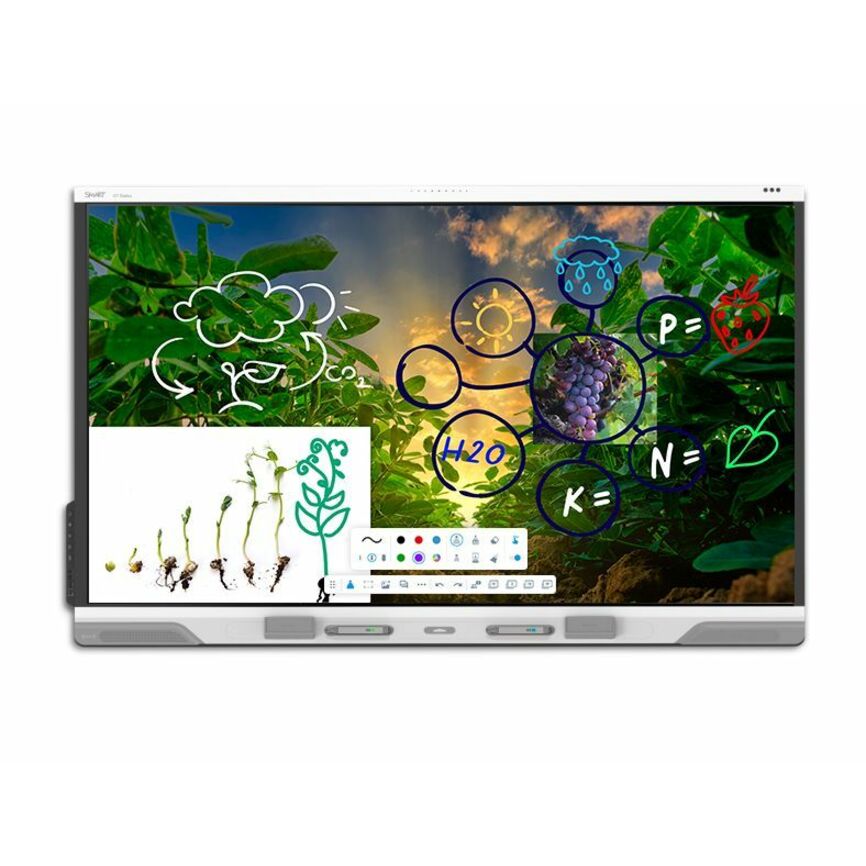
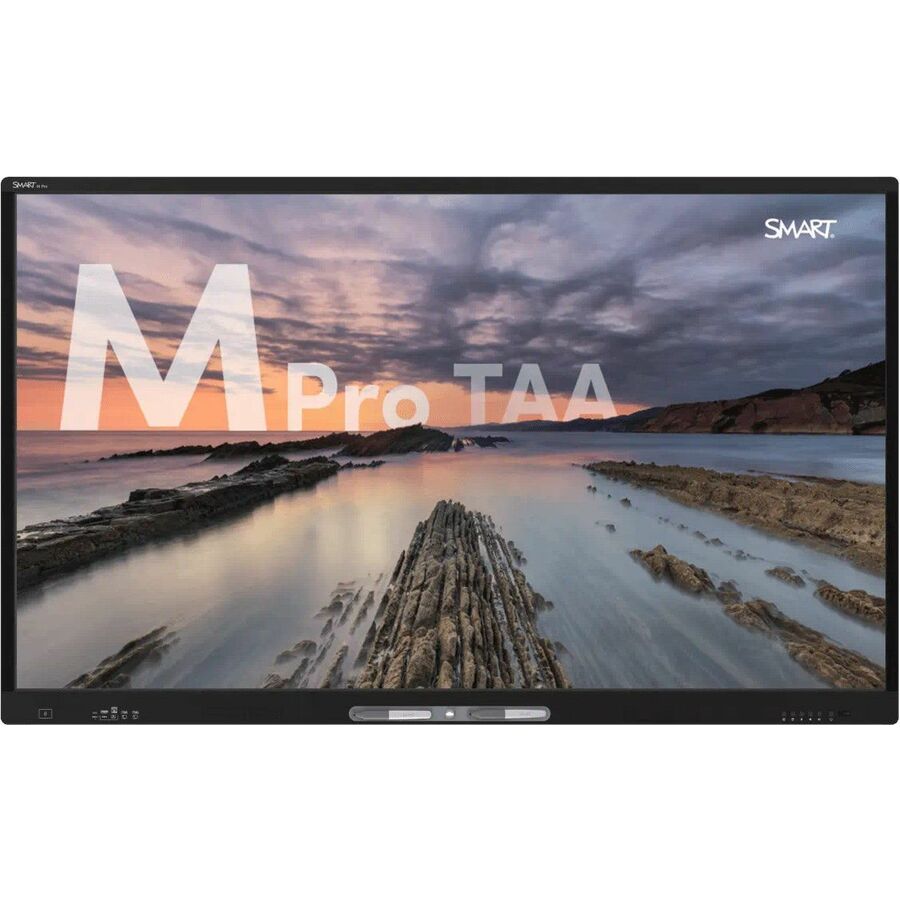


Need pricing on interactive displays?
Tell us where to reach you and a Uniqcli specialist will follow up by email with current pricing, availability and lead time for the quantities you need — including parts that aren’t shown on this page.
Buying for an organization or for yourself — both work. No payment up front.
An interactive display is a room fixture that a district lives with for the better part of a decade, so the buy is less about the flashiest panel and more about the one you can install, support and standardize across every classroom in the plan. The category is the modern replacement for the projector-and-whiteboard front of the room: a large touch panel with an on-board computer, a whiteboard app and a way for a teacher's laptop and student devices to cast to it. Everything below is drawn live from what Uniqcli lists, sorted so in-stock units appear first, so a district-sized order shows you what is on a shelf now against what is scheduled before you write a bid.
The first decision is size, and it is a sight-line calculation before it is a preference. A 65-inch panel suits a small or breakout room; 75 inches is the mainstream classroom size where a student in the back row can read normal text; 86 inches and up belong to large rooms and lecture spaces. The wrong way to size a display is by budget alone — a panel a back-row student cannot read is a panel a teacher stops using, and an unused display is the most expensive one in the building. Measure the room and the furthest seat, then choose the size, then find the budget.
After size, the choices are about how the panel is run and supported. Every unit here carries touch and an on-board Android compute module with a whiteboard app; what varies is the processor and memory behind it, the operating-system and casting story, and the mounting and connectivity a room needs. Read the size and specification stated in each product title against the room and the devices teachers actually bring. Standardizing on one or two models across the district keeps mounting, training and spare parts uniform — a fleet of one panel is a support plan, and a panel per principal's preference is a support problem.
Buyer's checklist
How to choose a classroom interactive display
- Size to the furthest seat, not the budget: 65 inches for small and breakout rooms, 75 inches as the mainstream classroom size, 86 inches and up for large and lecture spaces — a panel the back row cannot read is a panel that goes unused.
- Confirm the touch technology and simultaneous touch-point count against how the room teaches — small-group work at the board needs more concurrent points than a single presenter.
- Read the on-board compute in the title: processor and memory decide how the whiteboard app and casting behave day to day, and they vary across otherwise similar panels.
- Check the casting and device story for the laptops and tablets teachers actually bring, so a lesson gets onto the screen without a cable hunt.
- Plan the mount and the wall — weight, stud spacing and whether a fixed, tilting or mobile-cart mount fits the room, and budget the mount with the display.
- Standardize on one or two models across the district so mounting hardware, training and spare parts stay uniform building to building.
- Match the display size to any charging carts, room cameras or audio you already run, and confirm the connectivity the room has before you specify the panel.
Sizing the panel to the room
Every interactive-display decision comes back to whether the student in the back row can read the screen, and that is a function of panel size and room depth, not of how impressive the display looks in a showroom. The practical brackets are consistent: 65 inches for a small classroom or a breakout space, 75 inches as the size most general classrooms should default to, and 86 inches and larger for deep rooms, double classrooms and lecture halls. A panel that is one size too small is the most common and most expensive mistake in the category, because it does not fail — it just quietly stops being used.
Do the sight-line calculation before the budget calculation. Measure the distance to the furthest seat, pick the size that keeps normal text legible from there, and then find the money for that size rather than buying down to a number and hoping. A display that teachers reach for every day earns its cost across a decade; one that sits dark because the text is too small to bother with is the worst value in the room regardless of its price.
Compute, touch and the daily experience
Every panel in this category ships with touch and an on-board Android compute module running a whiteboard app, so the differences that matter day to day are in the details: the processor and memory behind the compute module, how many simultaneous touch points the panel tracks, and how cleanly a teacher's laptop and student devices cast to the screen. A board that small groups work at together needs more concurrent touch points than one a single teacher presents from, so match the touch specification to how the room actually teaches.
The casting and device story is the part teachers feel most. A lesson that gets onto the screen from the device the teacher already carries, without a cable hunt or a login dance, is a display that gets used; one that fights the room's laptops is one that gathers dust. Read the compute and connectivity in the product title against the devices in your buildings, and where a panel names an operating-system or management option, treat that as part of the total support picture rather than a bullet point.
Mounting, standardization and the total install
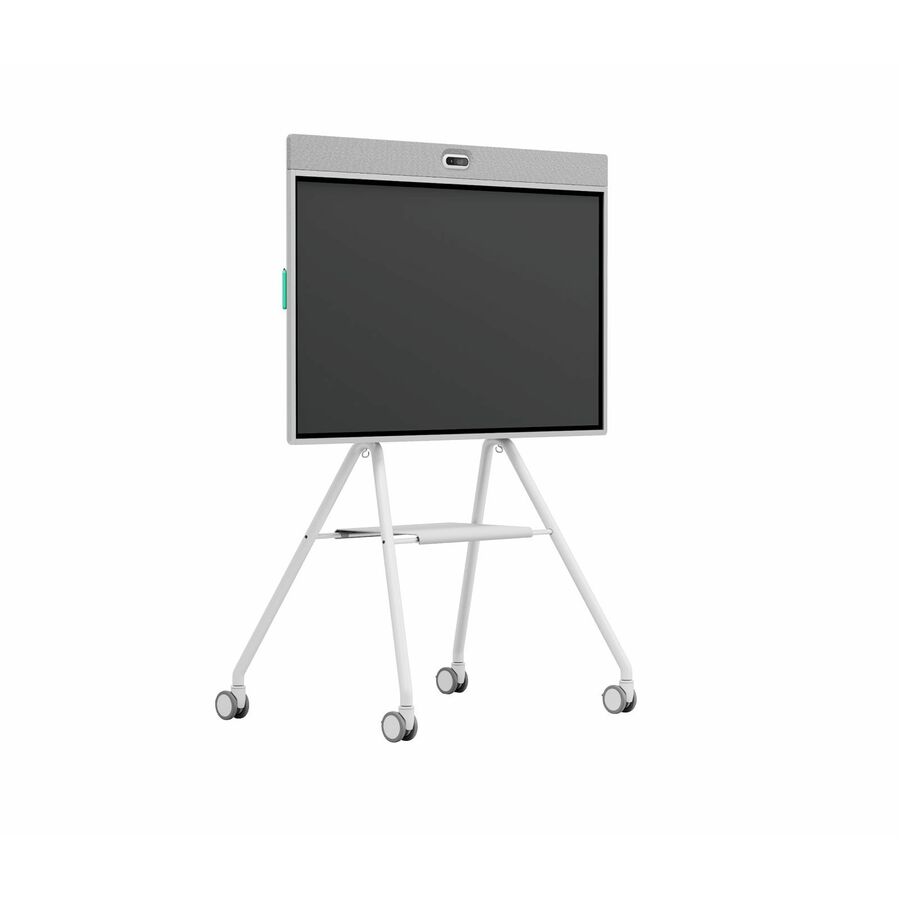
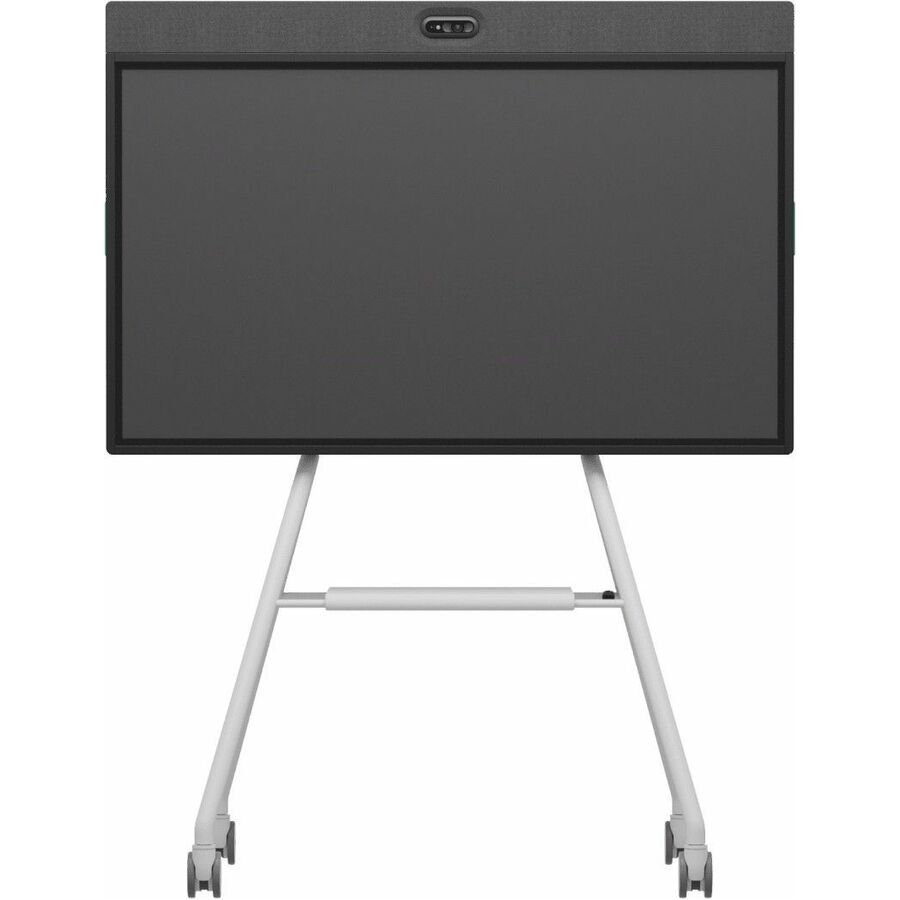
An interactive display is a heavy wall fixture, and the mount is part of the specification, not an accessory bought later. Panel weight, wall construction and whether a room needs a fixed, tilting or mobile-cart mount all feed the install, and a mobile cart is often the right answer for a room that has to share a display or lacks a suitable wall. Budget the mount and the install with the panel so the number in the bid is the number the room actually costs.
Standardization is what keeps a district-wide rollout supportable. One or two panel models across every building means one mounting pattern, one training session and one spare-parts story, rather than a different procedure in every classroom. The temptation to let each school pick its favourite is how a district ends up maintaining six panels it cannot cross-train on — decide the standard centrally, size it to the rooms, and buy it deep enough to hold spares.
FAQ
Common questions
- What size interactive display should a classroom have?
- Size to the furthest seat, not the budget. As a rule of thumb, 65 inches suits a small or breakout room, 75 inches is the mainstream size for a general classroom where a back-row student needs to read normal text, and 86 inches and larger belong to deep rooms, double classrooms and lecture halls. A panel that is one size too small does not fail dramatically — it just quietly stops being used, which makes it the most expensive display in the building. Measure the room, pick the size, then find the budget.
- What is the difference between the brands of interactive display?
- Every panel in this category carries touch and an on-board Android compute module with a whiteboard app, so the brand differences are in the compute behind the module, the touch technology and simultaneous touch-point count, the casting and management story, and the accessory ecosystem. Rather than pick a brand in the abstract, match those specifics to how your rooms teach and what devices teachers bring, and standardize on one or two models so support stays uniform. We can pull the manufacturer's specification on any exact model for a comparison.
- Is the wall mount included with the display?
- Read it on the exact part number — some panels include a mount and some do not, and the right mount also depends on the wall and whether the room needs a fixed, tilting or mobile-cart solution. Treat the mount and the install as part of the specification and budget them with the display so the figure in your bid reflects what the room actually costs. Tell us the rooms and we will quote the mounting hardware alongside the panels.
- Can Uniqcli quote interactive displays for a whole district?
- Every line Uniqcli quotes is sourced through US distribution and screened for TAA country-of-origin and NDAA §889 status before checkout — with documentation tied to the specific part number, not a product family.
Need interactive displays pricing?
Send a bill of materials or part numbers — we confirm stock and a below-market total, with TAA verified on request. No payment up front.