
Short answer
The main difference between a curved and a flat monitor is the panel geometry: a curved screen is a section of a circle whose radius is printed as its R number, so an 1800R panel traces a 1800 mm radius, while a flat panel is one plane. Choose curved for a single wide panel at a fixed desk; choose flat for arrays, wall mounts and anything 27 inches or below.
Key facts
- The R in a curvature spec is a radius in millimetres: a 1000R panel is a section of a circle with a 1000 mm radius.
- A larger R number is a gentler curve — 1000R bends more than 1800R, and 3800R is close to flat.
- The strongest common curve, 1000R, is usually paired with panels in the 32 to 34-inch range rather than desk-sized ones.
- Mounting geometry comes from VESA's Flat Display Mounting Interface, a display standard that is separate from panel curvature.
- Two curved panels cannot share one plane, so bezel-to-bezel arrays and flush wall mounts are still specified flat.
Curved panels stopped being exotic some years ago and are now an ordinary line on a monitor quote, usually as an ultrawide. The question a buyer has is narrow: does the curve do anything useful at a work desk, and does it cost anything to standardise on it. Both answers turn on one specification most spec sheets print and almost nobody reads — the curvature radius.
That radius is a real measurement, not a marketing tier. A panel described as 1800R is a section of a circle with a radius of 1800 mm; a 1000R panel is a section of a circle with a radius of 1000 mm. Because the number is a radius, a bigger number means a gentler curve, which is the opposite of how most people read it on first sight. A 3800R panel is very nearly flat; a 1000R panel is unmistakably curved at normal desk distance.
The practical consequences follow from that. A curve helps most when the panel is wide enough that its far edges would otherwise sit noticeably further from the eye than its centre, which is why the curve shows up on 34-inch ultrawides and rarely on 24-inch office panels. It helps least, and gets in the way, when panels have to sit shoulder to shoulder in an array or be photographed, calibrated or measured against a straight reference.
At a glance
Side by side
| Factor | Curved monitor | Flat monitor |
|---|---|---|
| Defining spec | A curvature radius, printed as an R number such as 1000R, 1500R, 1800R or 3800R | No radius; the panel plane is straight |
| What the number means | The radius in millimetres of the circle the screen belongs to | Not applicable |
| Reading the number | Smaller number, stronger curve — 1000R bends more than 1800R | Not applicable |
| Where it helps most | Wide single panels, typically 34-inch 21:9 and larger | Any size, and every size below about 27 inches |
| Multi-monitor arrays | Edges do not meet cleanly; each panel wants its own angle | Panels butt together and share one plane |
| Mounting | Same VESA hole patterns as a flat panel of the same size | Same VESA hole patterns |
| Wall mounting | Sits proud of the wall because the edges project forward | Sits flush |
| Straight-line work | Grid, layout and drafting work has no straight physical reference | The panel plane is the reference |
| Typical office use | One wide panel replacing a two-monitor desk | One or two panels per desk, or a larger array |
Choose a curved monitor when
- You are replacing a two-panel desk with one wide 21:9 panel and want the far edges nearer the eye
- The panel is 34 inches or larger, where the geometry actually changes what the user sees
- The desk is deep enough that the user sits at roughly the distance the stated radius implies
- The seat position is fixed — one person, one chair, one working distance
Choose a flat monitor when
- Panels sit side by side in an array, on a wall, or in a control-room bank
- The size is 27 inches or below, where the curve changes little at desk distance
- The work needs a straight reference — layout, drafting, imaging, measurement
- Several people share the seat, or the panel is viewed off-axis by more than one person
Bottom line
Buy the curve for its geometry or do not buy it at all. On a 34-inch 21:9 panel a 1500R or 1800R curve brings the far edges closer to a fixed seat, and that is a real, measurable change to what one person sees; on a 24-inch panel the same curve is a styling choice. The cost of standardising on curved panels is paid at the wall and in the array: two curved panels do not butt cleanly, and a curved panel does not sit flush on a mount. So the sensible fleet answer is usually both — curved for the single wide panel at a fixed desk, flat everywhere panels are ganged, wall-mounted or shared. Read the R number on the datasheet before you decide, because it is the only part of the specification that tells you how much curve you are actually buying.
Products for this decision
Curved, with a dock built in
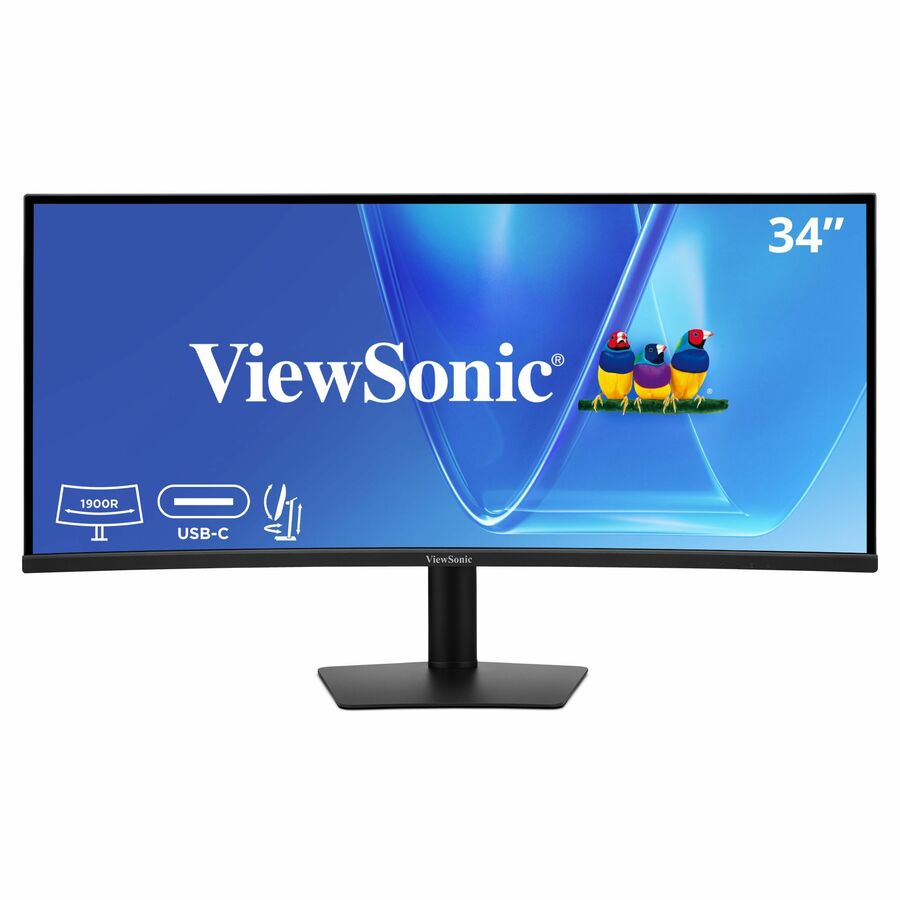
ViewSonic
ViewSonic VG3420C 34 Inch UWQHD 1440p Curved Docking Monitor, 1900R IPS…
VG3420C
A 34-inch 3440 x 1440 curved IPS panel on a 1900R radius with USB-C, RJ45 and DisplayPort inputs, so one cable carries video, data and host charging.
Confirm the host laptop accepts charging over USB-C before replacing its power brick with the monitor.
$409.25Back-orderedCurved, straightforward
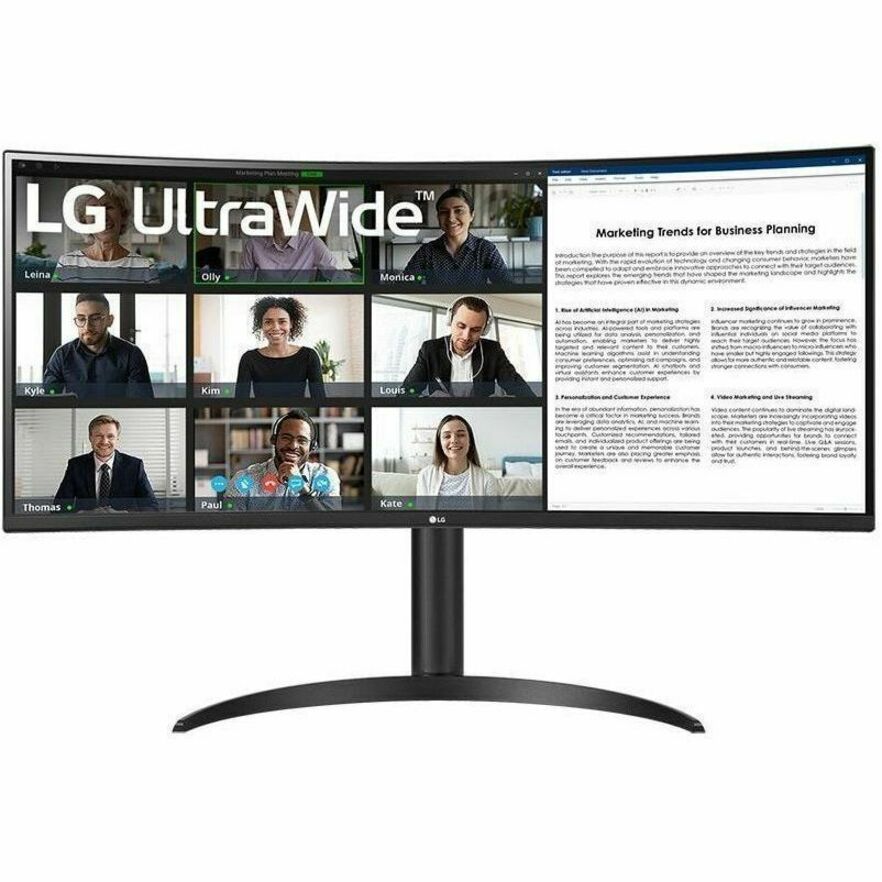
LG Electronics
LG 34BR55QC-B 34" Class UWQHD Curved Screen LCD Monitor
34BR55QC-B
A 34-inch 21:9 curved VA panel at 3440 x 1440 with USB-C, HDMI and DisplayPort and a height-adjustable stand — the plain ultrawide desk build.
$786.25*Back-orderedCurved, wider colour
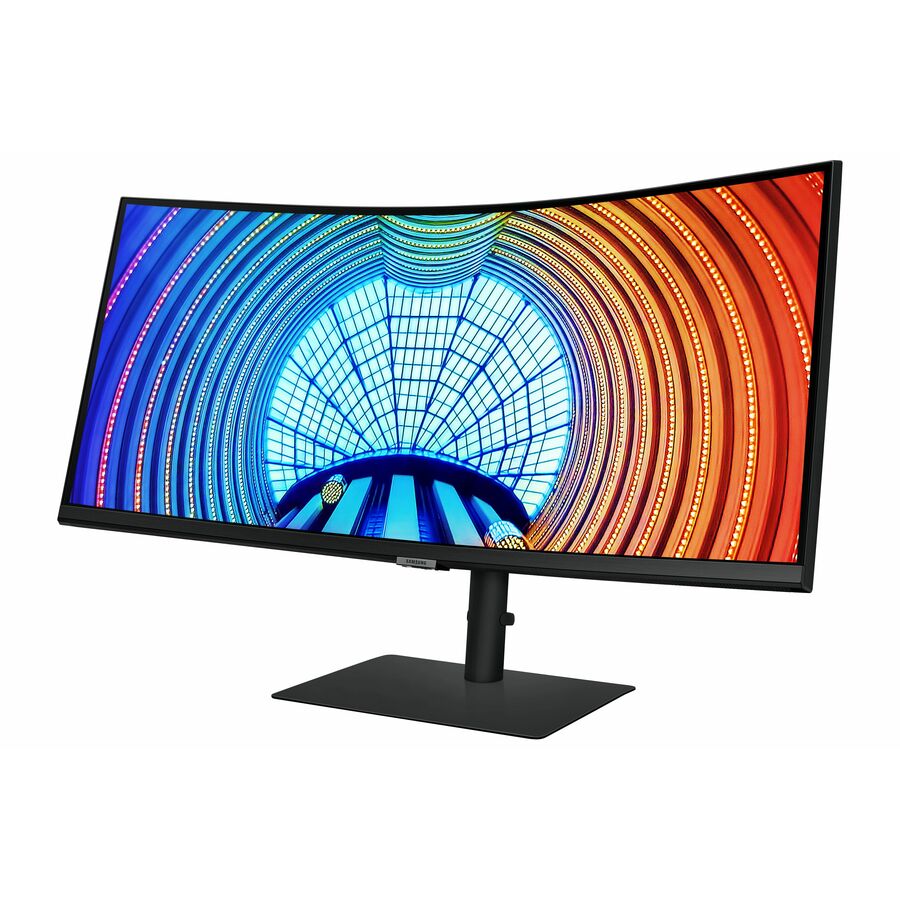
Samsung
Samsung ViewFinity S34A654UBN 34" Class UW-QHD Curved Screen LCD Monitor
S34A654UBN
A 34-inch 21:9 curved VA panel at 3440 x 1440 rated for 1.07 billion colours and 350 nits, for desks where the panel is the main working surface.
$703.41In stockFlat, for arrays
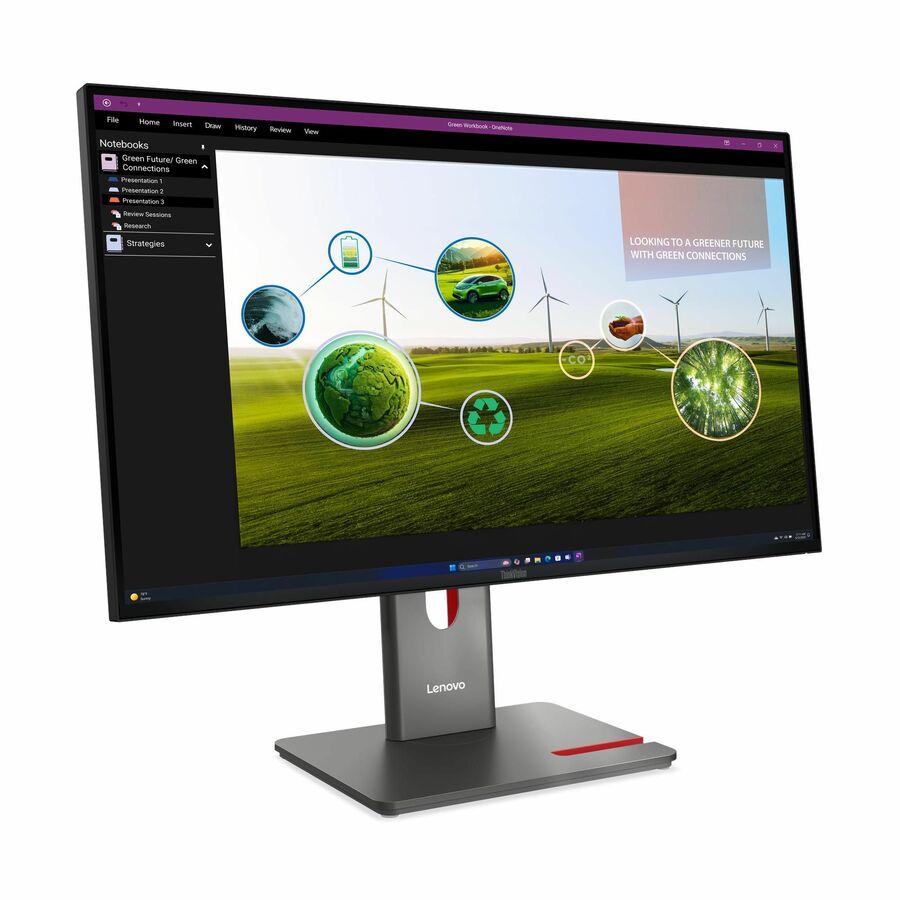
Lenovo
Lenovo ThinkVision P27Q-40 27" Class WQHD LED Monitor
64A7GAR6UZ
A 27-inch 2560 x 1440 flat IPS panel — the shape to specify when two or more monitors have to sit side by side or share a wall.
$379.32In stockFAQ
Common questions
- Is a curved monitor better for office work?
- Only when the panel is wide. On a 34-inch 21:9 screen the curve brings the far edges nearer to a fixed seat, which is a real change to what one person sees. On a 24-inch or 27-inch 16:9 panel the edges are already close enough that the curve changes little, so the decision there comes down to price, panel type and stand.
- What does 1800R mean on a monitor?
- It means the screen is a section of a circle with a radius of 1800 mm. The R is the radius and the number is millimetres, so 1800R is a gentler curve than 1500R and much gentler than 1000R. Reading it as bigger-equals-more-curved is the common mistake; the relationship runs the other way.
- Can you use two curved monitors side by side?
- You can, but the seam is awkward. Two curved panels do not share a single plane, so their inner edges meet at an angle and the join is visible; each panel usually needs its own toe-in on an arm to look right. If the desk is a two-panel or three-panel array, flat panels are the simpler specification.
- Do curved monitors use the same wall mounts as flat ones?
- The hole pattern is the same — VESA's Flat Display Mounting Interface defines the mounting geometry and applies to both. What differs is the result: a curved panel's edges project forward, so on a flat wall plate it stands proud rather than sitting flush. On an articulating arm that rarely matters; on a slim wall install it does.