
Best Color Laser Multifunction Printers for Offices
The all-in-one color laser that prints, copies, scans and faxes for a workgroup — read by print speed, monthly duty cycle, paper handling and the cost per page it will run at.
Color laser multifunction printers in stock at Uniqcli
How to choose →A curated selection with live pricing — in-stock lines first, then back-ordered lines with a typical lead time. Every line is sourced through US distribution and screened for NDAA §889 status before checkout, with TAA verified on request.
Back-ordered — we expect to receive stock the week of Nov 2–8 and will process your delivery right after.
Back-ordered — estimated OEM lead time 3–8 weeks (Nov 15 – Dec 20 if ordered today).
Back-ordered — we expect to receive stock the week of Oct 26 – Nov 1 and will process your delivery right after.
Back-ordered — estimated OEM lead time 3–8 weeks (Nov 15 – Dec 20 if ordered today).
Back-ordered — estimated OEM lead time 3–8 weeks (Nov 15 – Dec 20 if ordered today).
Back-ordered — we expect to receive stock the week of Nov 9–15 and will process your delivery right after.
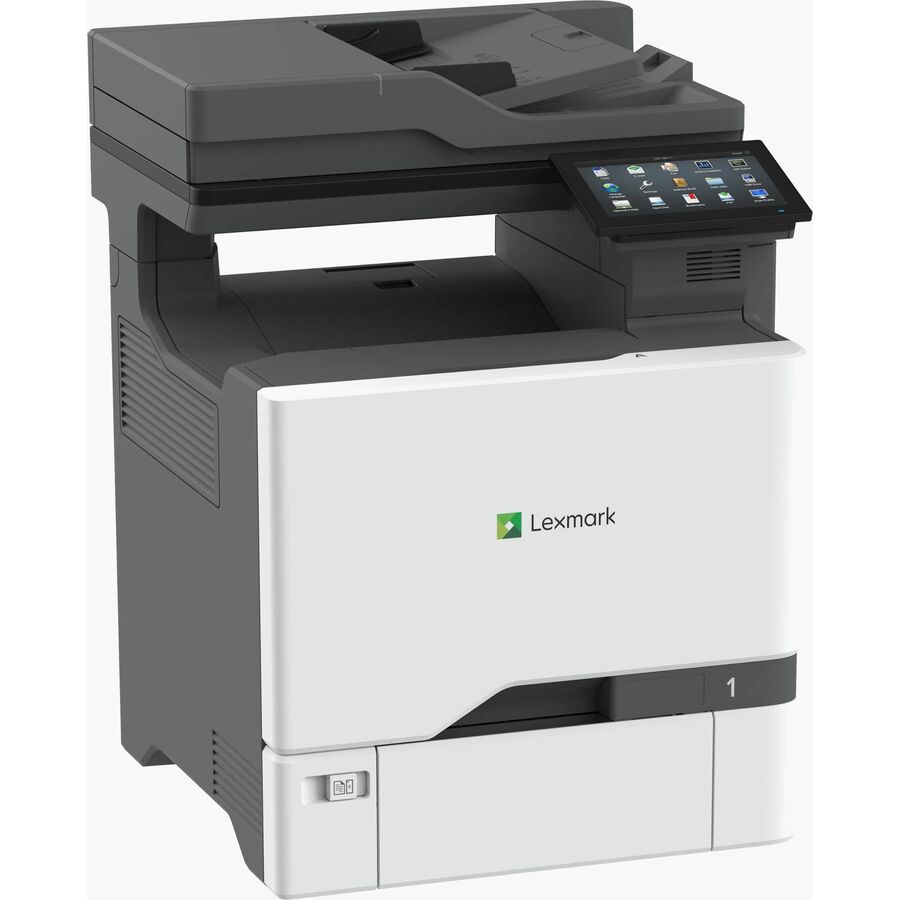
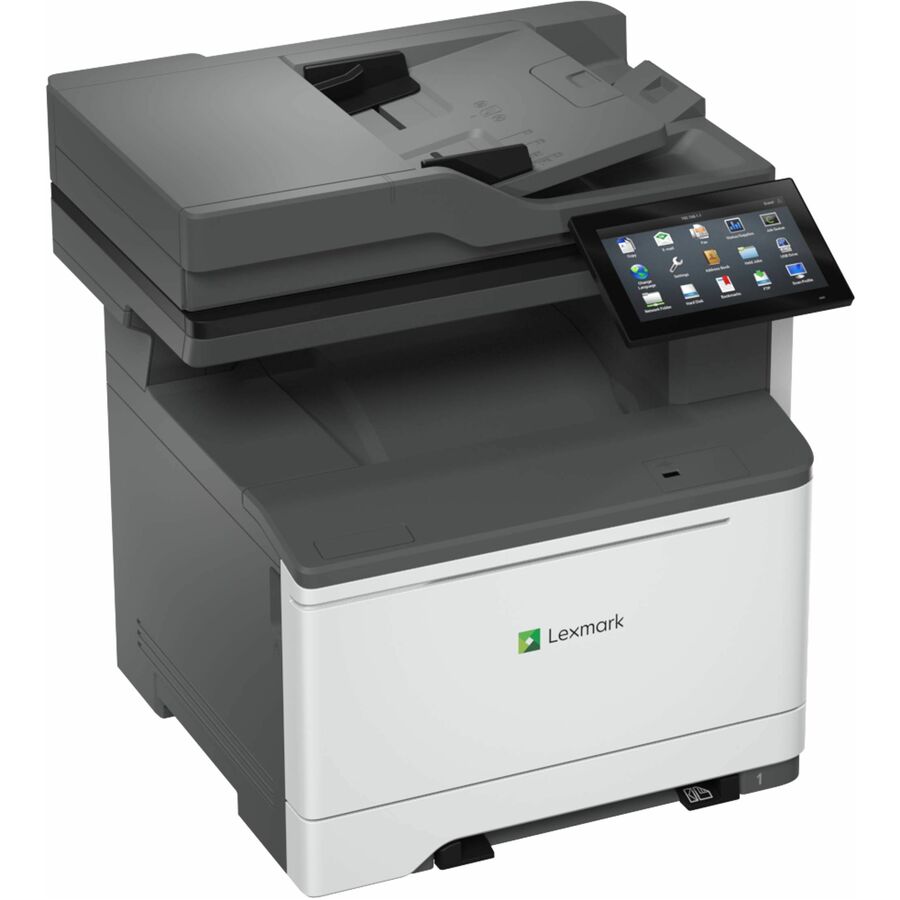
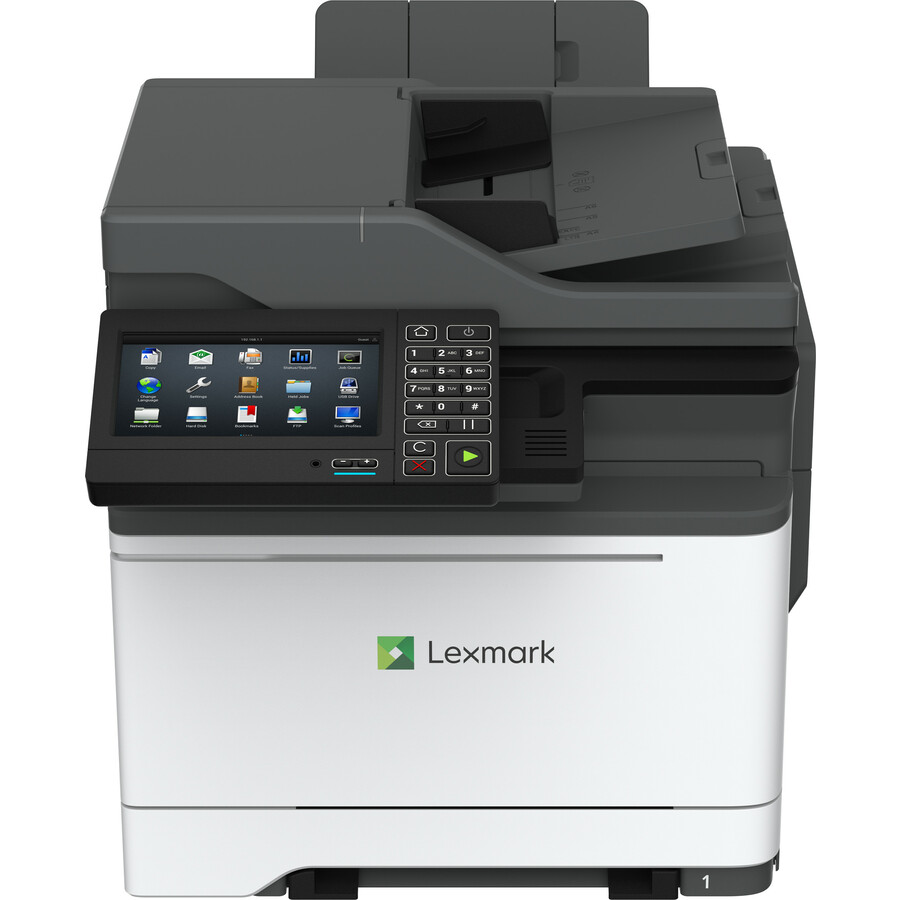
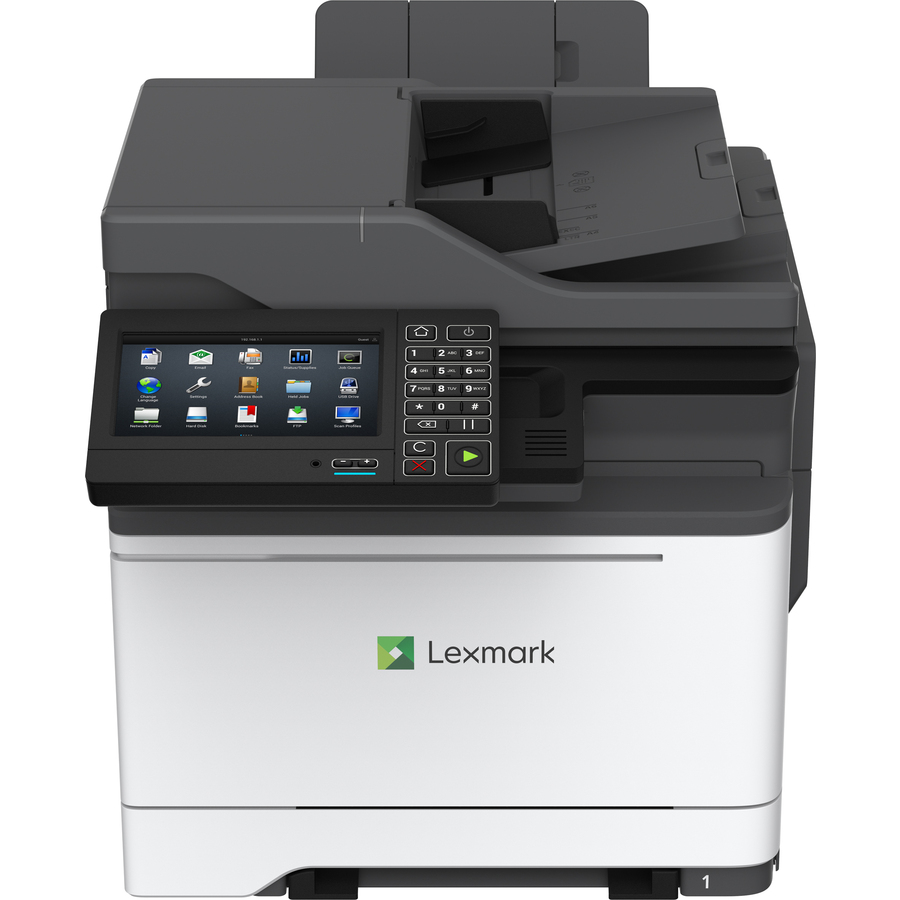
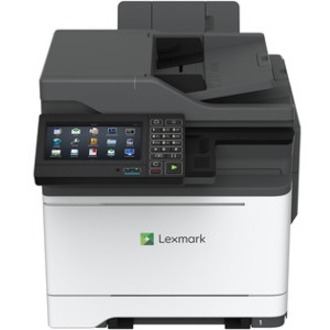
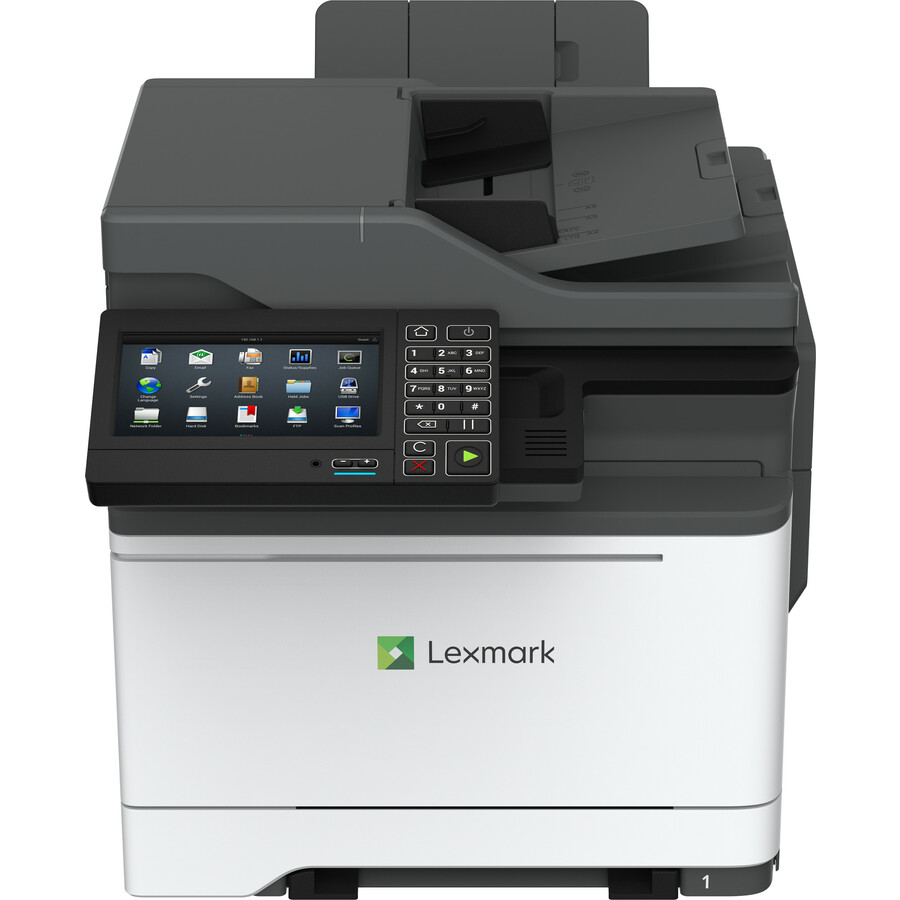
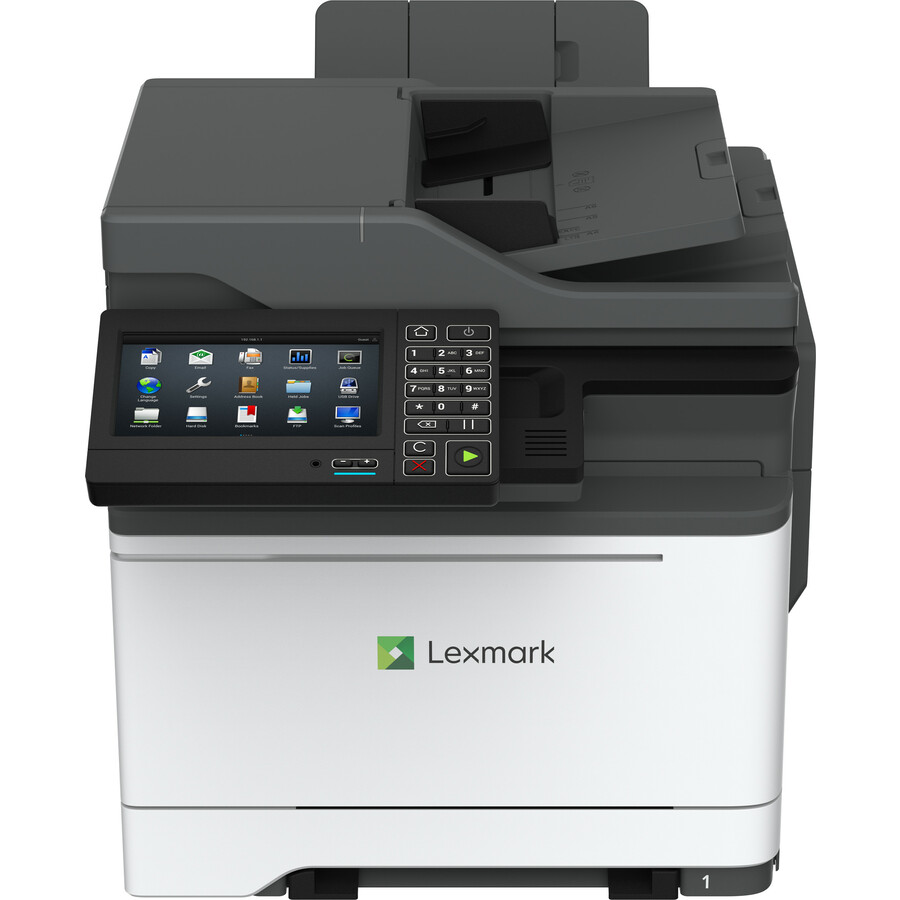
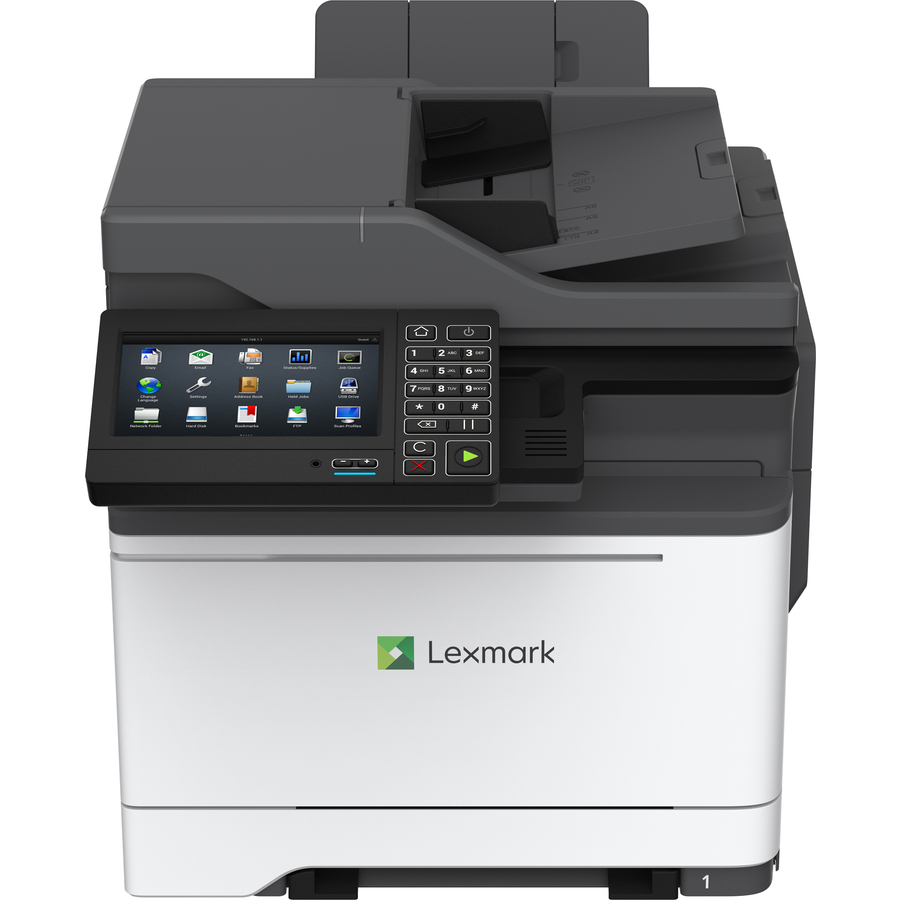
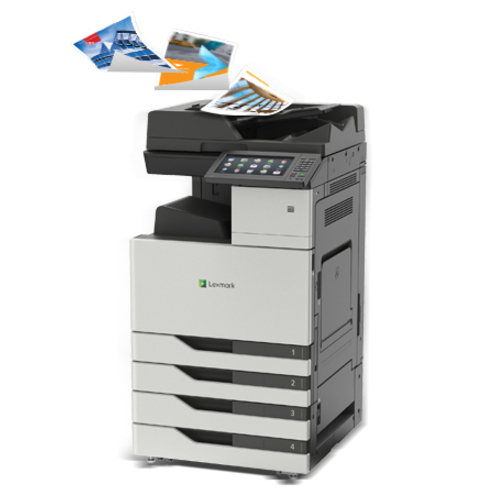
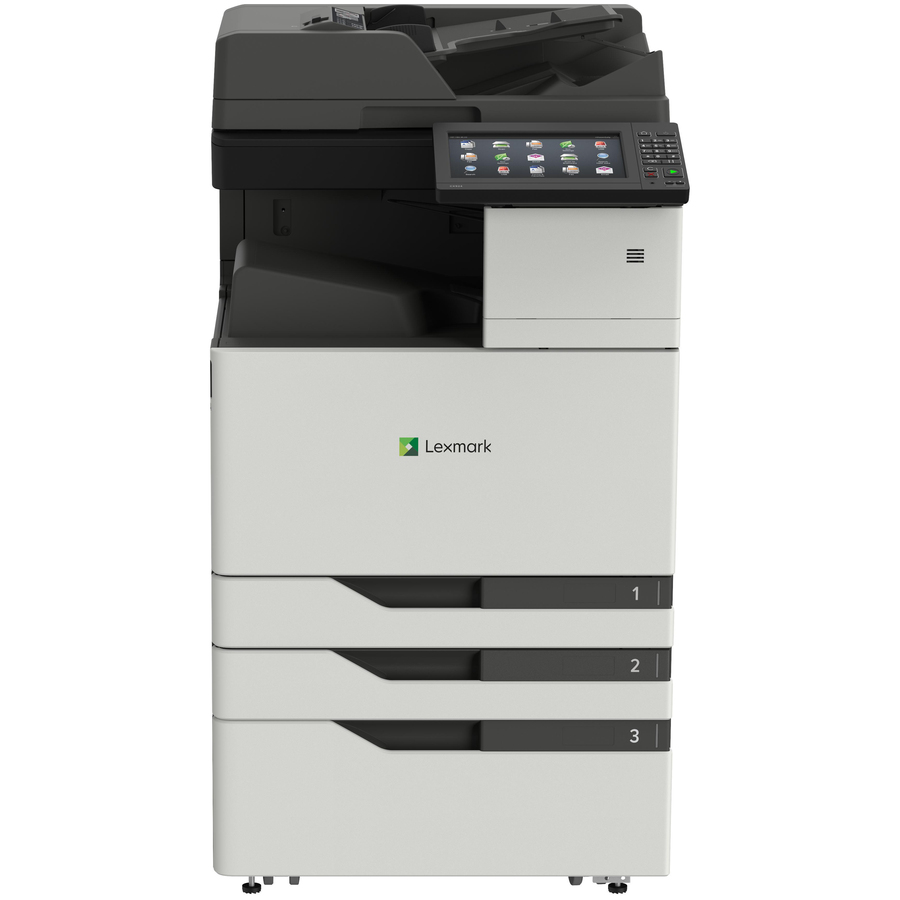
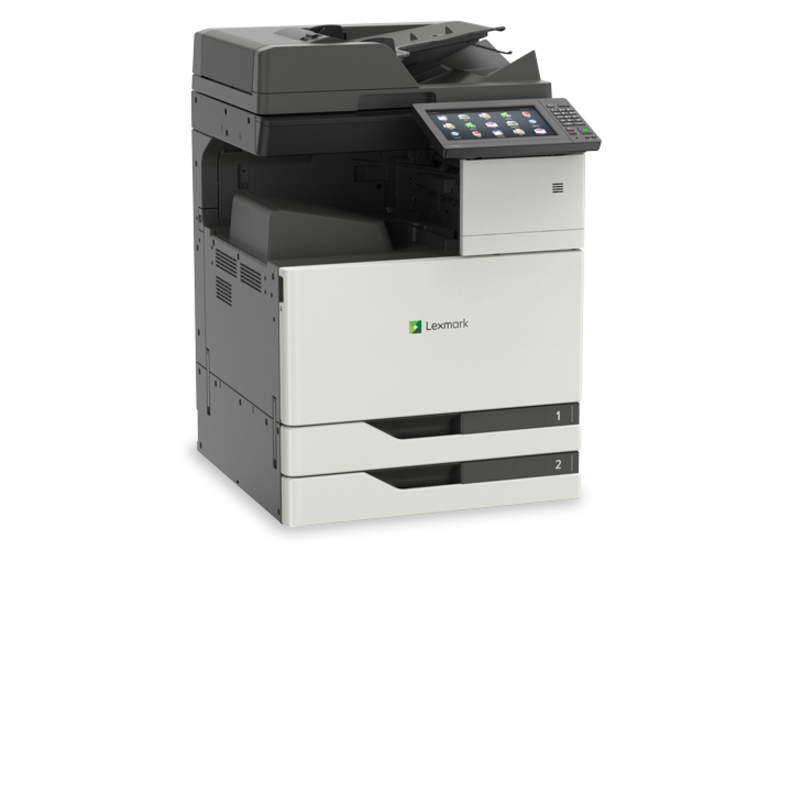
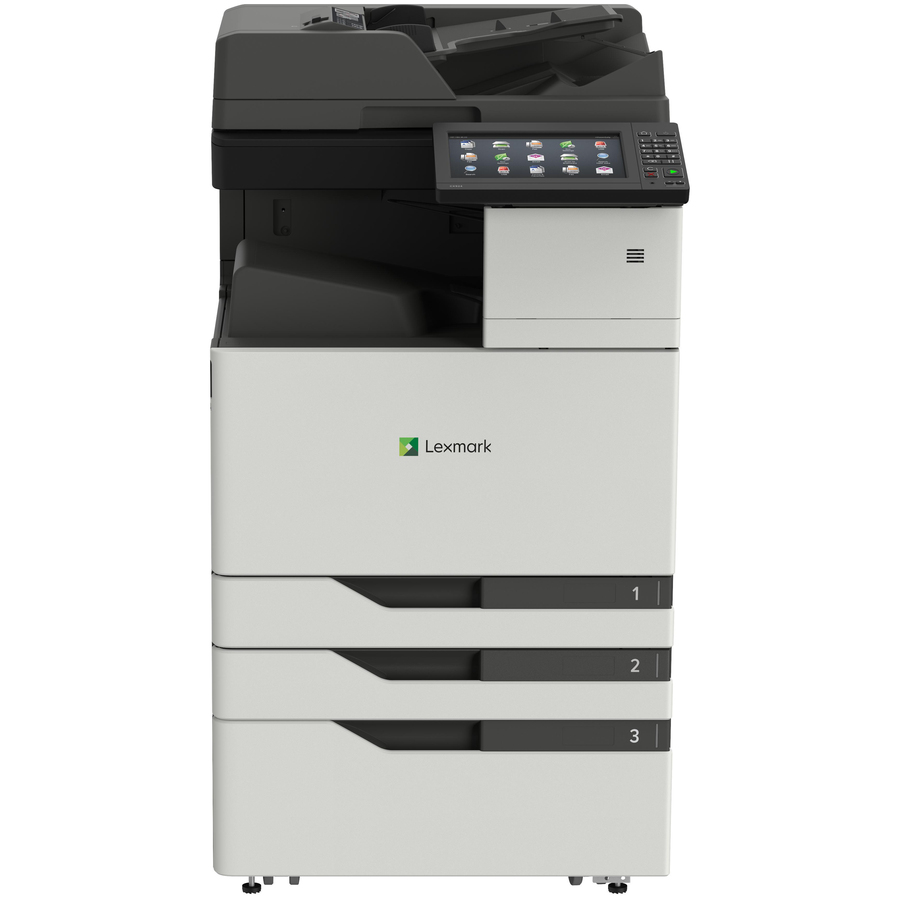
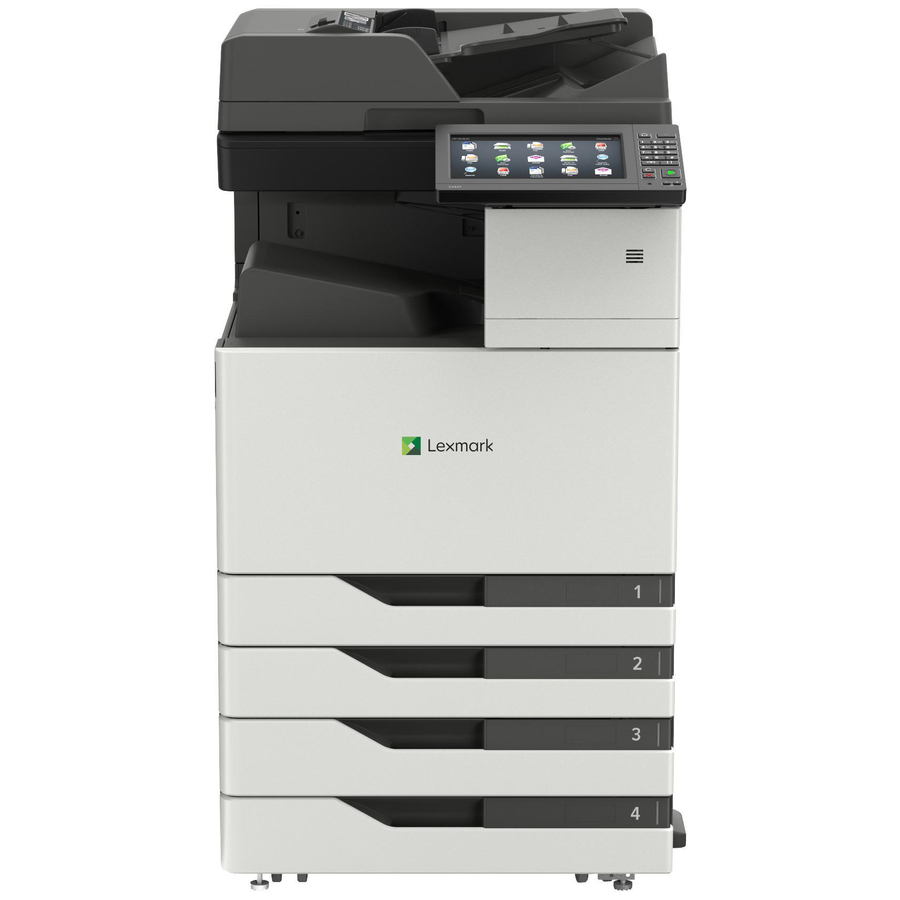
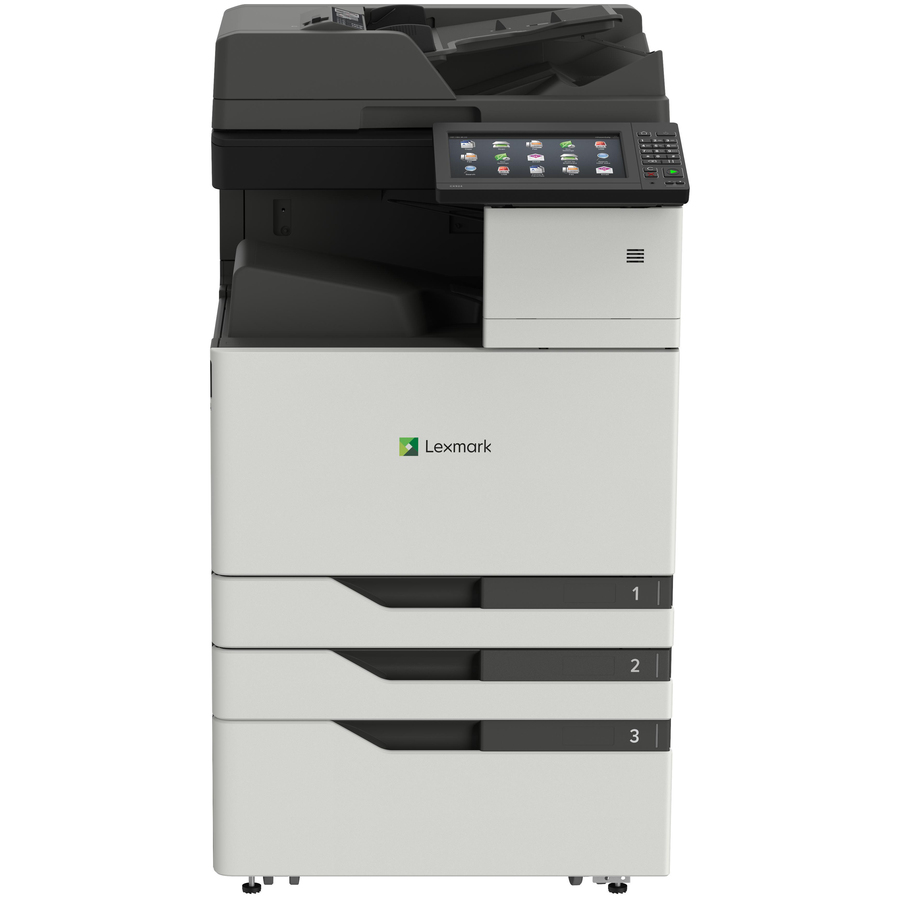
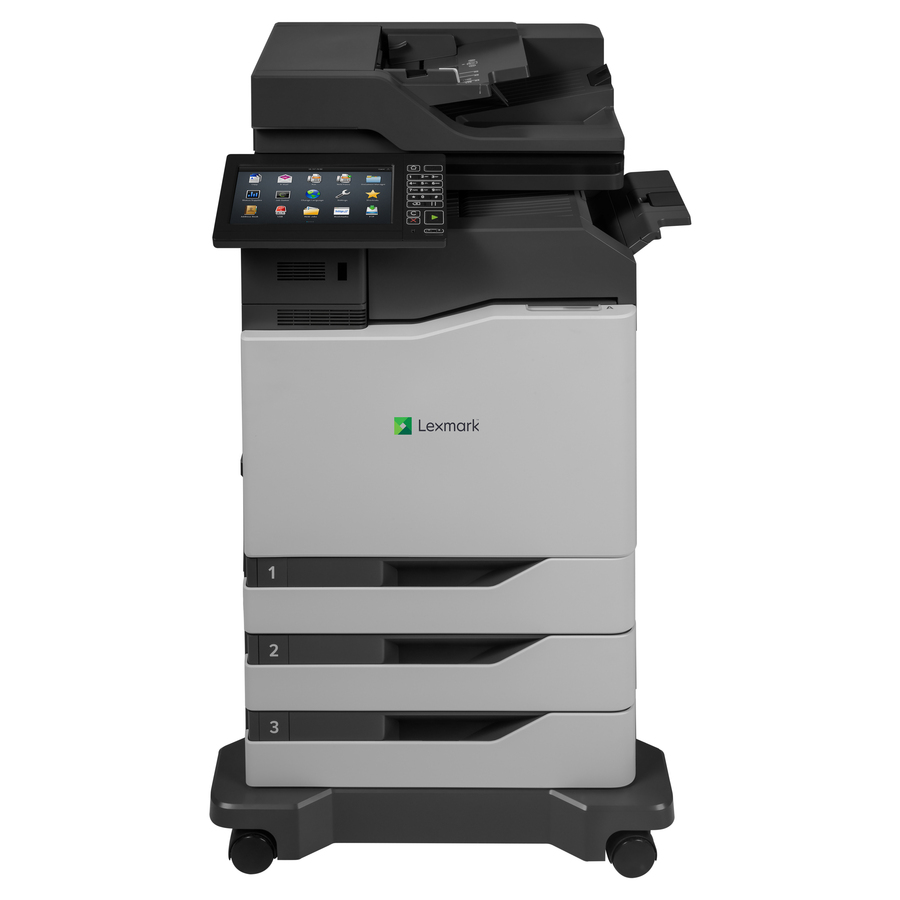
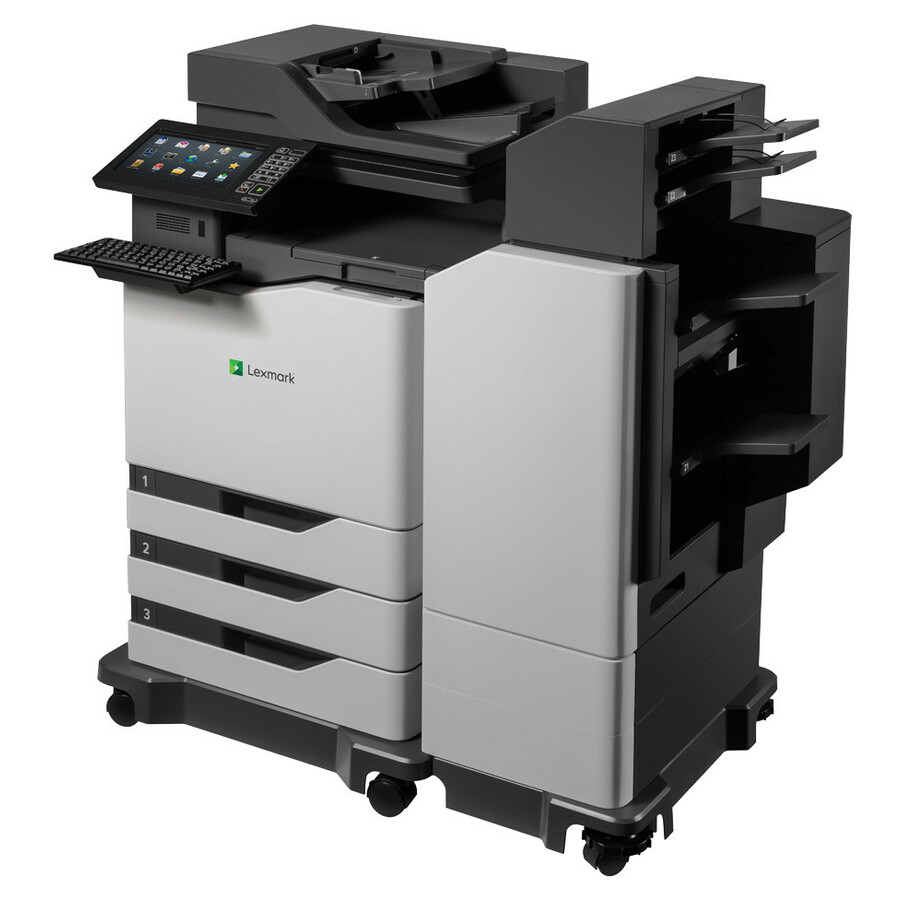
- XeroxLexmark CX625adhe Laser Multifunction Printer - Color - Copier/Fax/Printer/Scanner - 40 ppm Mono/40 ppm Color Print - 2400 x 600 dpi Print - Automatic Duplex Print - Up to 100000 Pages Monthly - 251 sheets Input - Color Flatbed Scanner - 1200 dpi Optical Scan - Color Fax - Gigabit Ethernet - USB - For Plain Paper Print42CT890
$2,284.95
$2,126.81
Back-orderedBack-ordered — estimated OEM lead time 3–8 weeks (Nov 15 – Dec 20 if ordered today).
Back-ordered — estimated OEM lead time 3–8 weeks (Nov 15 – Dec 20 if ordered today).
- XeroxLexmark CX625ade Laser Multifunction Printer - Color - Copier/Fax/Printer/Scanner - 40 ppm Mono/40 ppm Color Print - 2400 x 600 dpi Print - Automatic Duplex Print - Up to 100000 Pages Monthly - 251 sheets Input - Color Scanner - 1200 dpi Optical Scan - Color Fax - Gigabit Ethernet - USB - For Plain Paper Print42CT791
$2,525.22
$2,350.44
Back-orderedBack-ordered — estimated OEM lead time 3–8 weeks (Nov 15 – Dec 20 if ordered today).
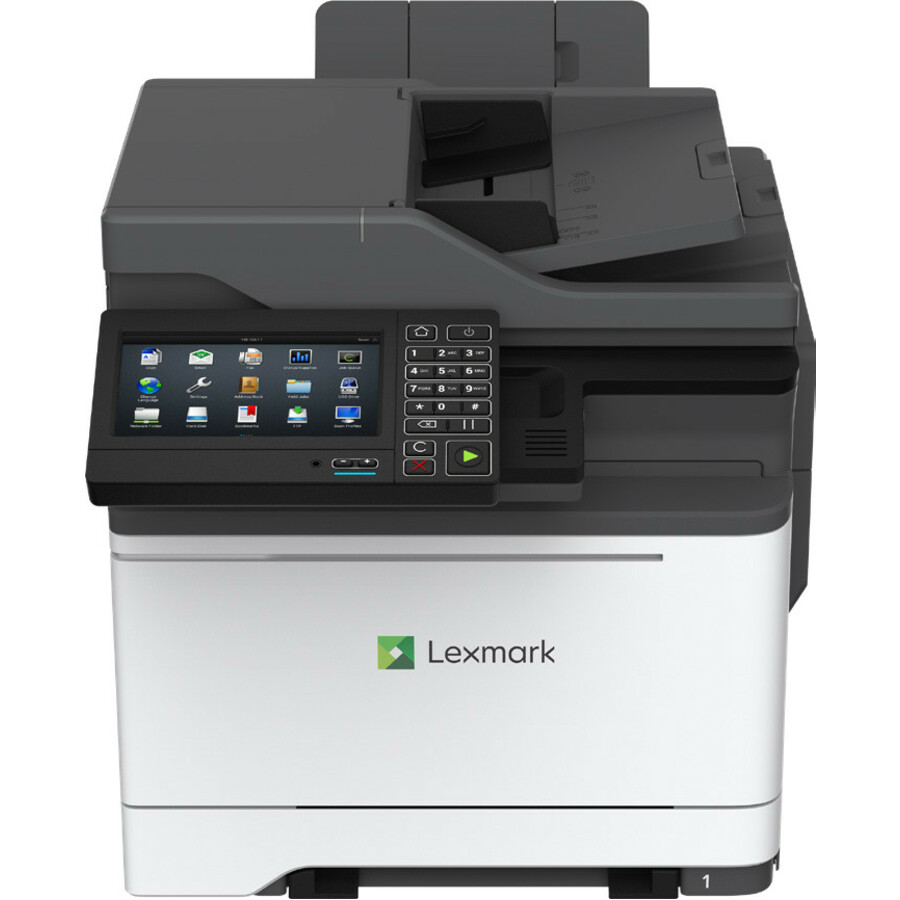
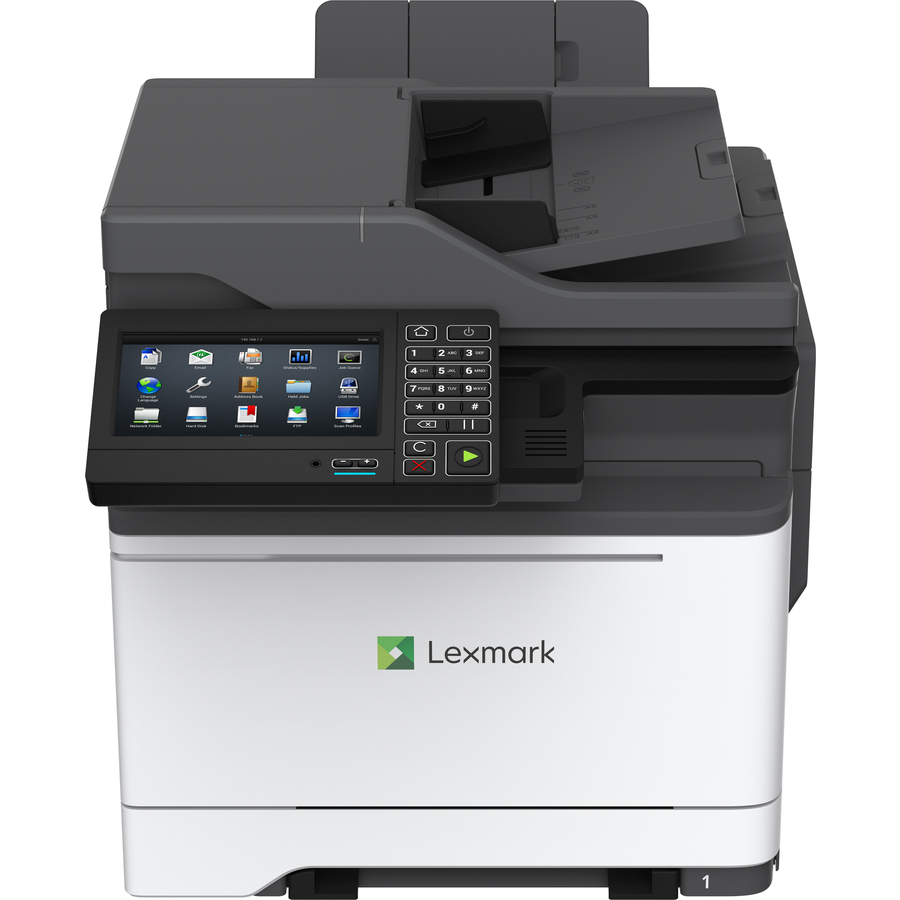
- XeroxLexmark CX625adhe Laser Multifunction Printer - Color - Copier/Fax/Printer/Scanner - 40 ppm Mono/40 ppm Color Print - 2400 x 600 dpi Print - Automatic Duplex Print - Up to 100000 Pages Monthly - 251 sheets Input - Color Flatbed Scanner - 1200 dpi Optical Scan - Color Fax - Gigabit Ethernet - USB - For Plain Paper Print42CT881
$2,695.80
$2,529.17
Back-orderedBack-ordered — estimated OEM lead time 3–8 weeks (Nov 15 – Dec 20 if ordered today).
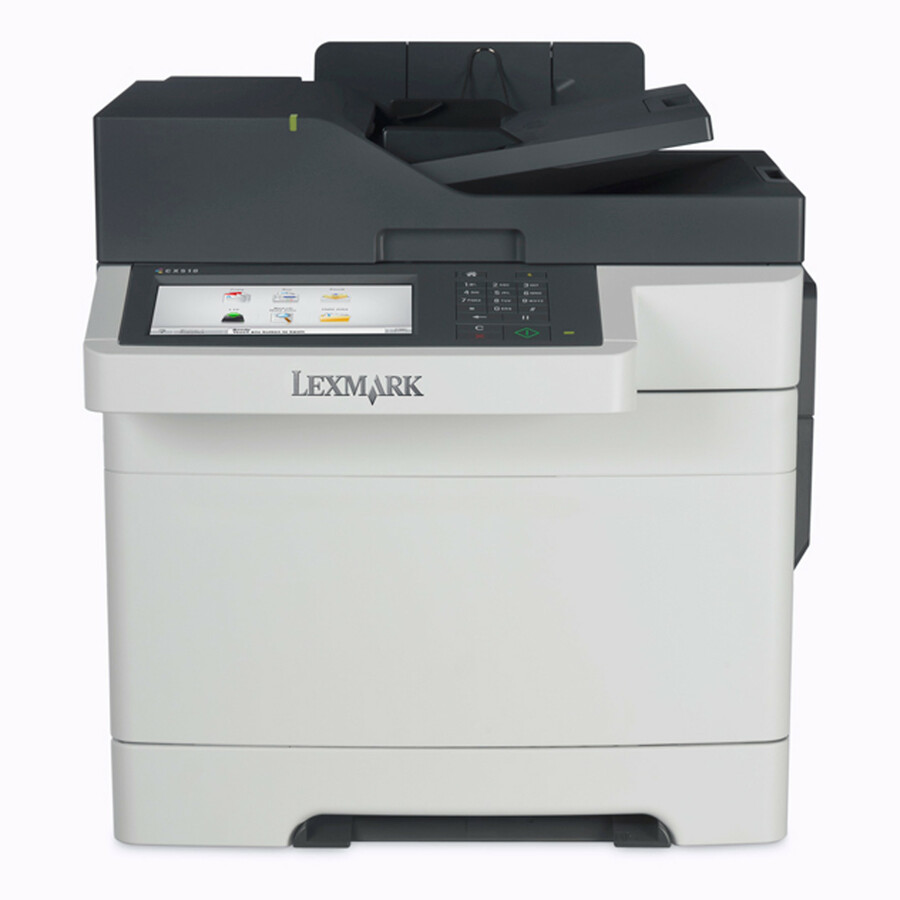
- XeroxLexmark CX510DE Wired Laser Multifunction Printer - Color - Gray, White - Copier/Fax/Printer/Scanner - 32 ppm Mono/32 ppm Color Print - 2400 x 600 dpi Print - Automatic Duplex Print - Up to 85000 Pages Monthly - Color Flatbed Scanner - 1200 dpi Optical Scan - Color Fax - Gigabit Ethernet - USB - For Plain Paper Print - 1 Each99R0012
$2,927.78
$2,681.21
Back-orderedBack-ordered — estimated OEM lead time 3–8 weeks (Nov 15 – Dec 20 if ordered today).
Back-ordered — estimated OEM lead time 3–8 weeks (Nov 15 – Dec 20 if ordered today).
Back-ordered — estimated OEM lead time 3–8 weeks (Nov 15 – Dec 20 if ordered today).
- Lexmark InternationalLexmark CX625ade Laser Multifunction Printer - Color - Copier/Fax/Printer/Scanner - 40 ppm Mono/40 ppm Color Print - 2400 x 600 dpi Print - Automatic Duplex Print - Up to 100000 Pages Monthly - 251 sheets Input - Color Scanner - 1200 dpi Optical Scan - Color Fax - Gigabit Ethernet - USB - For Plain Paper Print42CT798
$3,059.93
$2,952.18
Back-orderedBack-ordered — estimated OEM lead time 3–8 weeks (Nov 15 – Dec 20 if ordered today).
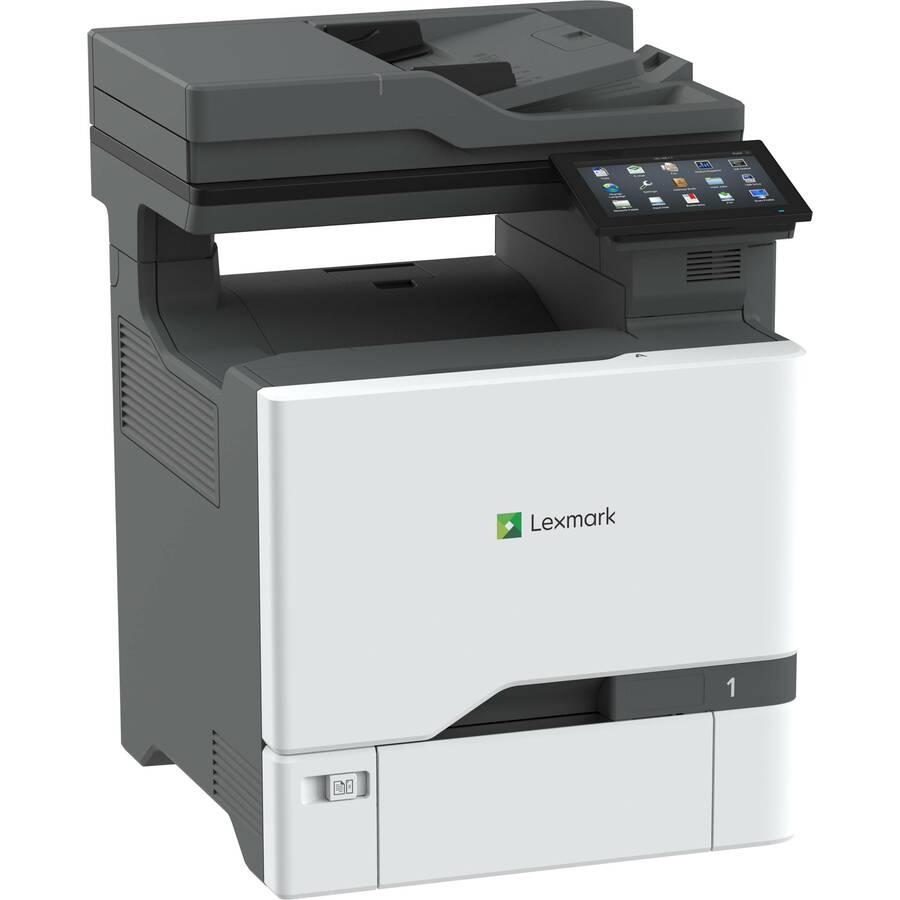
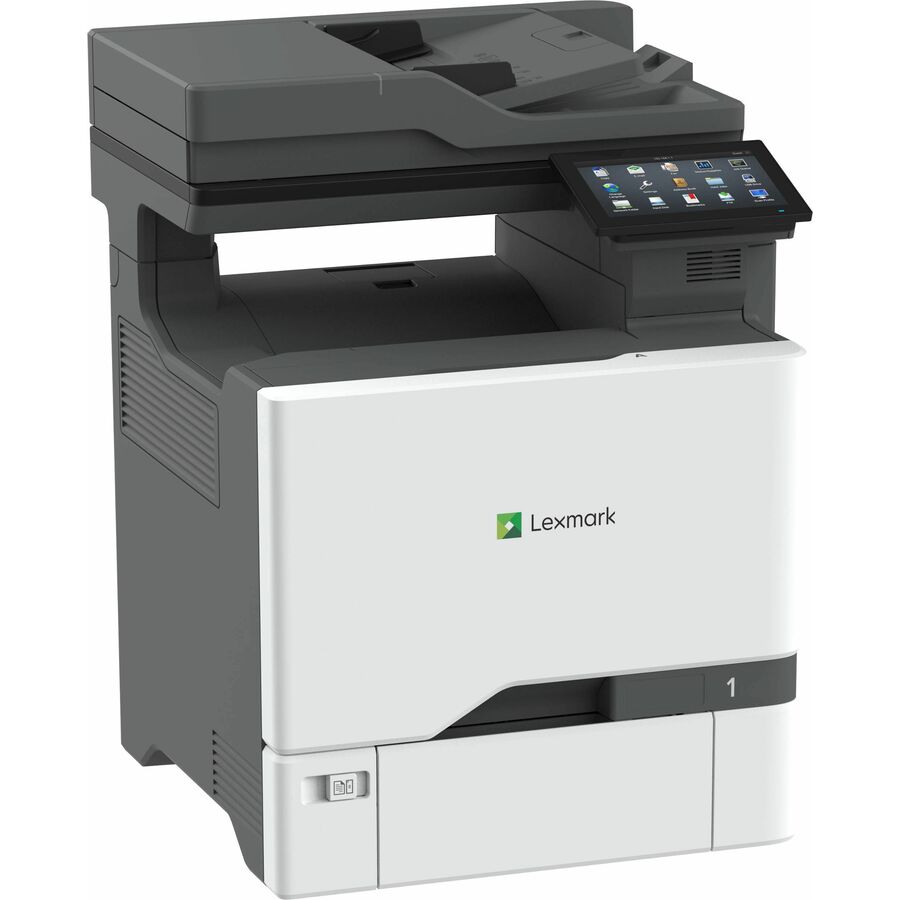
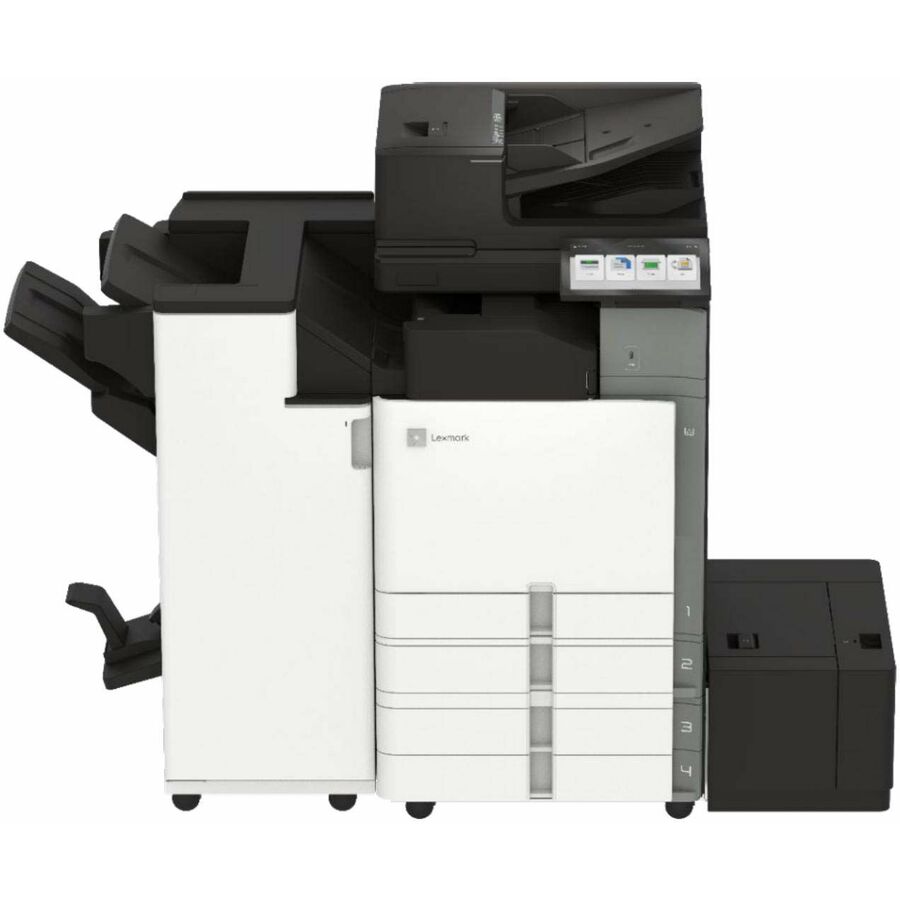
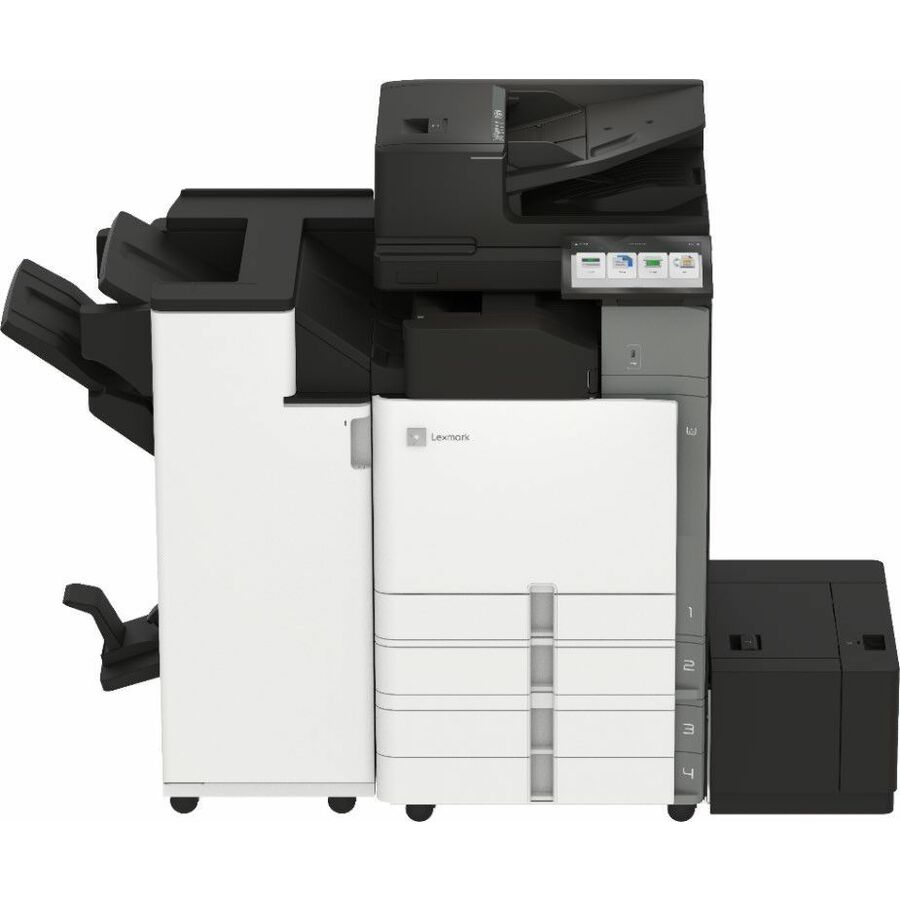
- XeroxLexmark CX730de Laser Multifunction Printer - Color - Copier/Printer/Scanner - 42 ppm Mono/42 ppm Color Print - 2400 x 600 dpi Print - Automatic Duplex Print - Up to 120000 Pages Monthly - Color Flatbed Scanner - 600 dpi Optical Scan - Gigabit Ethernet - USB - For Plain Paper Print47C9500
$3,177.30
$2,957.40
Back-orderedBack-ordered — estimated OEM lead time 3–8 weeks (Nov 15 – Dec 20 if ordered today).
Back-ordered — estimated OEM lead time 3–8 weeks (Nov 15 – Dec 20 if ordered today).
- Lexmark InternationalLexmark CX625adhe Laser Multifunction Printer - Color - TAA Compliant - Copier/Fax/Printer/Scanner - 40 ppm Mono/40 ppm Color Print - 1200 x 1200 dpi Print - Automatic Duplex Print - Up to 100000 Pages Monthly - Color Flatbed Scanner - 600 dpi Optical Scan - Gigabit Ethernet - USB - For Plain Paper Print42CT882
$3,347.51
$3,234.08*
Back-orderedBack-ordered — estimated OEM lead time 3–8 weeks (Nov 15 – Dec 20 if ordered today).
Back-ordered — estimated OEM lead time 3–8 weeks (Nov 15 – Dec 20 if ordered today).
- Lexmark InternationalLexmark CX625adhe Laser Multifunction Printer - Color - TAA Compliant - Copier/Fax/Printer/Scanner - 40 ppm Mono/40 ppm Color Print - 1200 x 1200 dpi Print - Automatic Duplex Print - Up to 100000 Pages Monthly - Color Flatbed Scanner - 600 dpi Optical Scan - Gigabit Ethernet - USB - For Plain Paper Print42CT883
$3,634.26
$3,487.11*
Back-orderedBack-ordered — estimated OEM lead time 3–8 weeks (Nov 15 – Dec 20 if ordered today).
- XeroxLexmark CX730de Laser Multifunction Printer - Color - TAA Compliant - Copier/Printer/Scanner - 42 ppm Mono/42 ppm Color Print - 2400 x 600 dpi Print - Automatic Duplex Print - Up to 120000 Pages Monthly - Color Flatbed Scanner - 600 dpi Optical Scan - Gigabit Ethernet - USB - For Plain Paper Print47CT501
$3,817.30
$3,553.10*
Back-orderedBack-ordered — we expect to receive stock the week of Nov 9–15 and will process your delivery right after.
- XeroxLexmark CX625ade Laser Multifunction Printer - Color - Copier/Fax/Printer/Scanner - 40 ppm Mono/40 ppm Color Print - 2400 x 600 dpi Print - Automatic Duplex Print - Up to 100000 Pages Monthly - 251 sheets Input - Color Scanner - 1200 dpi Optical Scan - Color Fax - Gigabit Ethernet - USB - For Plain Paper Print42CT982
$3,901.50
$3,638.13
Back-orderedBack-ordered — estimated OEM lead time 3–8 weeks (Nov 15 – Dec 20 if ordered today).
- XeroxLexmark CX625ade Laser Multifunction Printer - Color - Copier/Fax/Printer/Scanner - 40 ppm Mono/40 ppm Color Print - 2400 x 600 dpi Print - Automatic Duplex Print - Up to 100000 Pages Monthly - 251 sheets Input - Color Scanner - 1200 dpi Optical Scan - Color Fax - Gigabit Ethernet - USB - For Plain Paper Print42CT983
$4,065.25
$3,770.59
Back-orderedBack-ordered — estimated OEM lead time 3–8 weeks (Nov 15 – Dec 20 if ordered today).
- XeroxLexmark CX735adse Laser Multifunction Printer - Color - Copier/Fax/Printer/Scanner - 52 ppm Mono/52 ppm Color Print - 2400 x 600 dpi Print - Automatic Duplex Print - Up to 150000 Pages Monthly - Color Flatbed Scanner - 600 dpi Optical Scan - Color Fax - Gigabit Ethernet - USB - For Plain Paper Print47C9600
$4,067.30
$3,785.81
Back-orderedBack-ordered — estimated OEM lead time 3–8 weeks (Nov 15 – Dec 20 if ordered today).


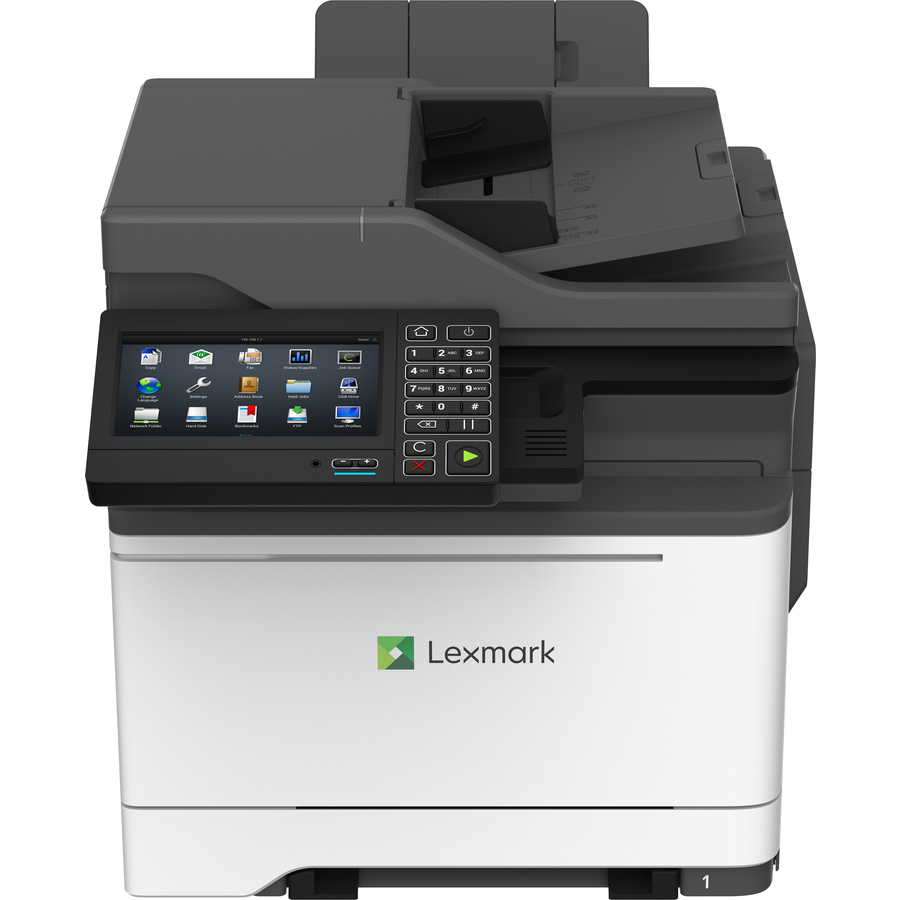
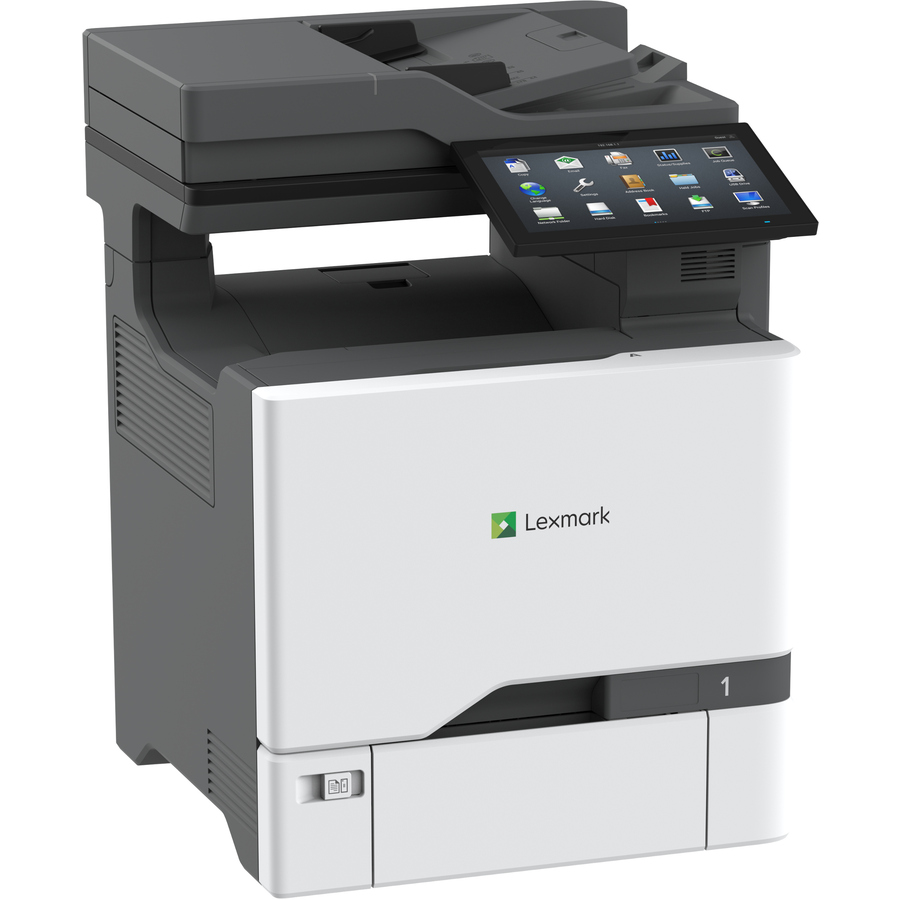
Compact desktop
Ricoh Imaging
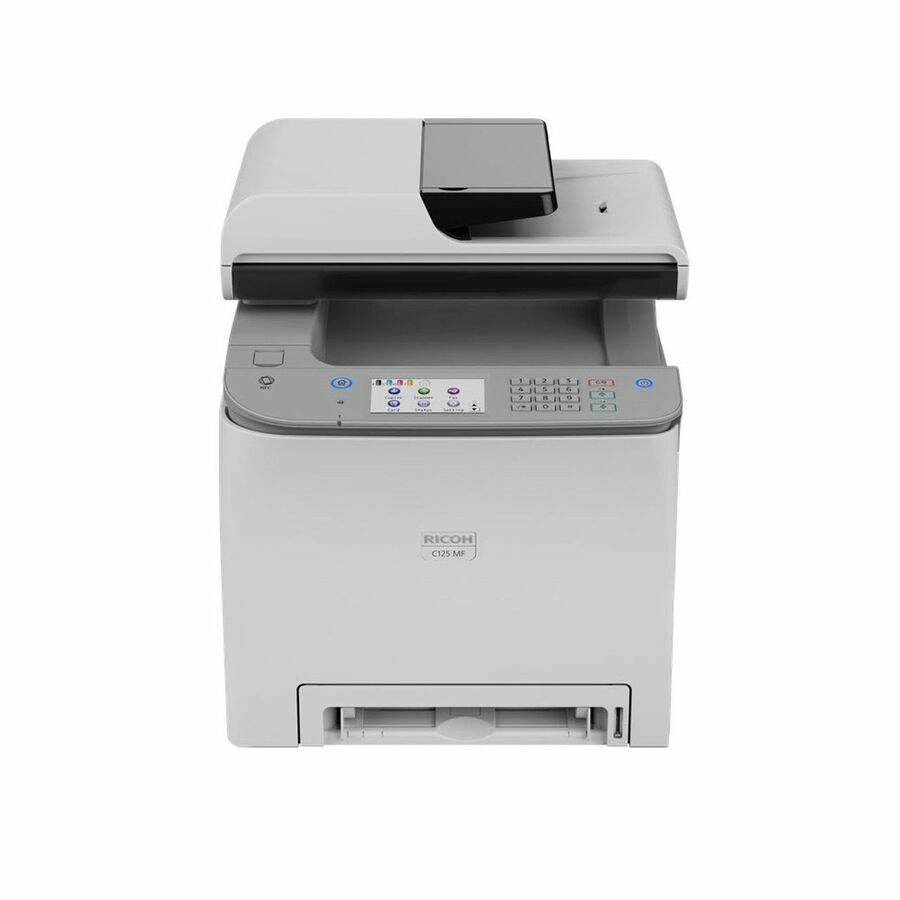
Ricoh C125 MF Laser Multifunction Printer
434059
A Ricoh C125 MF color laser MFP at 26 pages a minute with print, copy, scan and fax — the small-footprint all-in-one for a private office or a two-person team.
$314.11Back-orderedWireless desktop, Canon
Canon
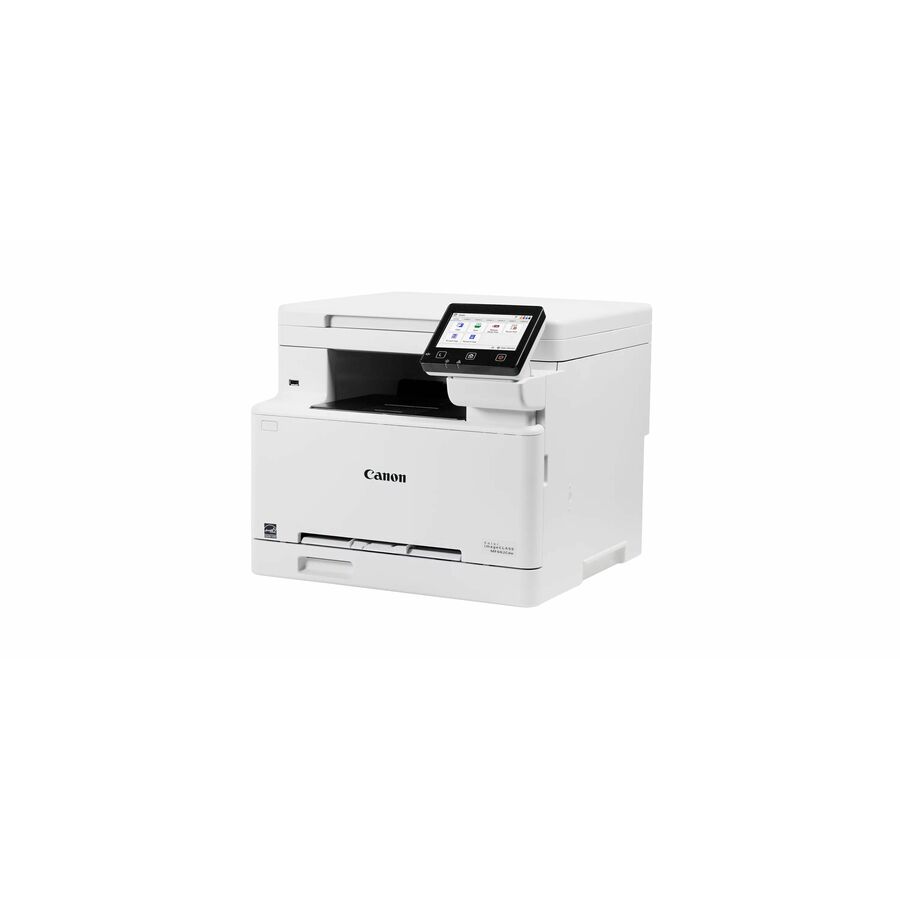
Canon imageCLASS MF662Cdw Wired & Wireless Laser Multifunction Printer
6928C016
A Canon imageCLASS MF662Cdw wired and wireless color laser MFP — a compact print/copy/scan unit for a small workgroup that wants Canon's toner ecosystem.
Request pricingMid Canon workgroup
Canon
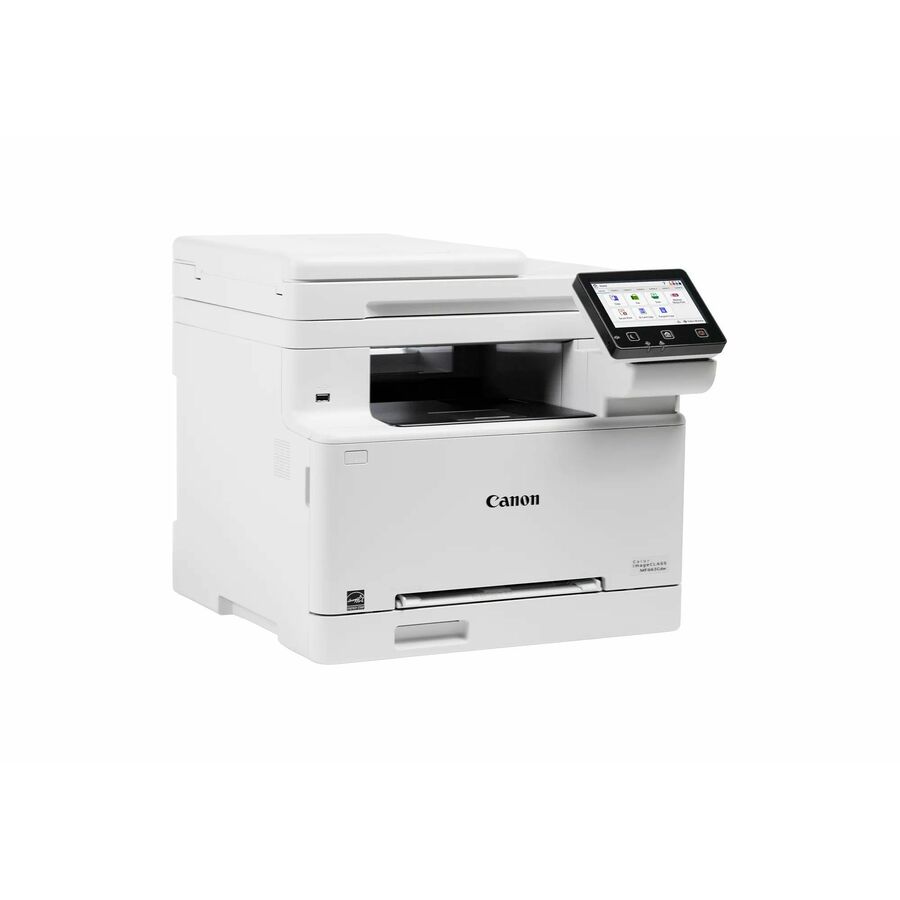
Canon imageCLASS MF665Cdw Wired & Wireless Laser Multifunction Printer
6928C005
A Canon imageCLASS MF665Cdw color laser MFP with fax and duplex — a step up in paper handling and features for a busier small office on the Canon line.
Request pricingFast Canon workgroup
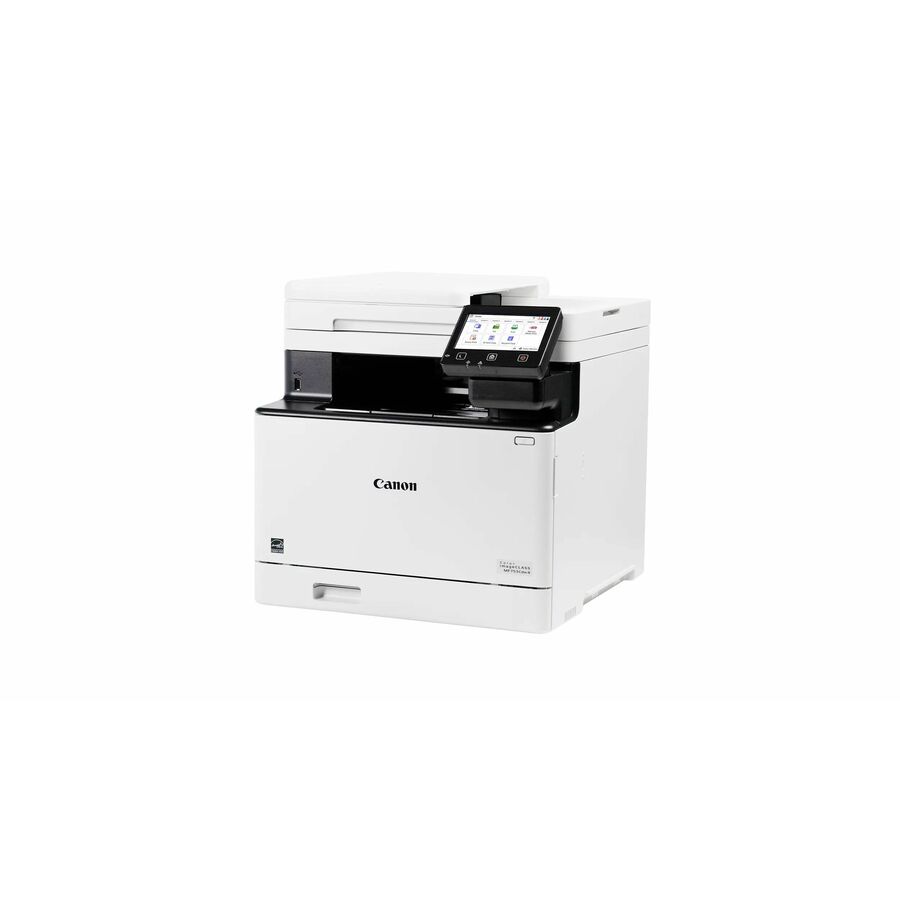
Canon
Canon imageCLASS MF753Cdw II Wired & Wireless Laser Multifunction…
7185C011
A Canon imageCLASS MF753Cdw II color laser MFP — a higher-speed Canon workgroup machine for a team that prints and scans in volume through the day.
Request pricingLexmark entry workgroup
Xerox
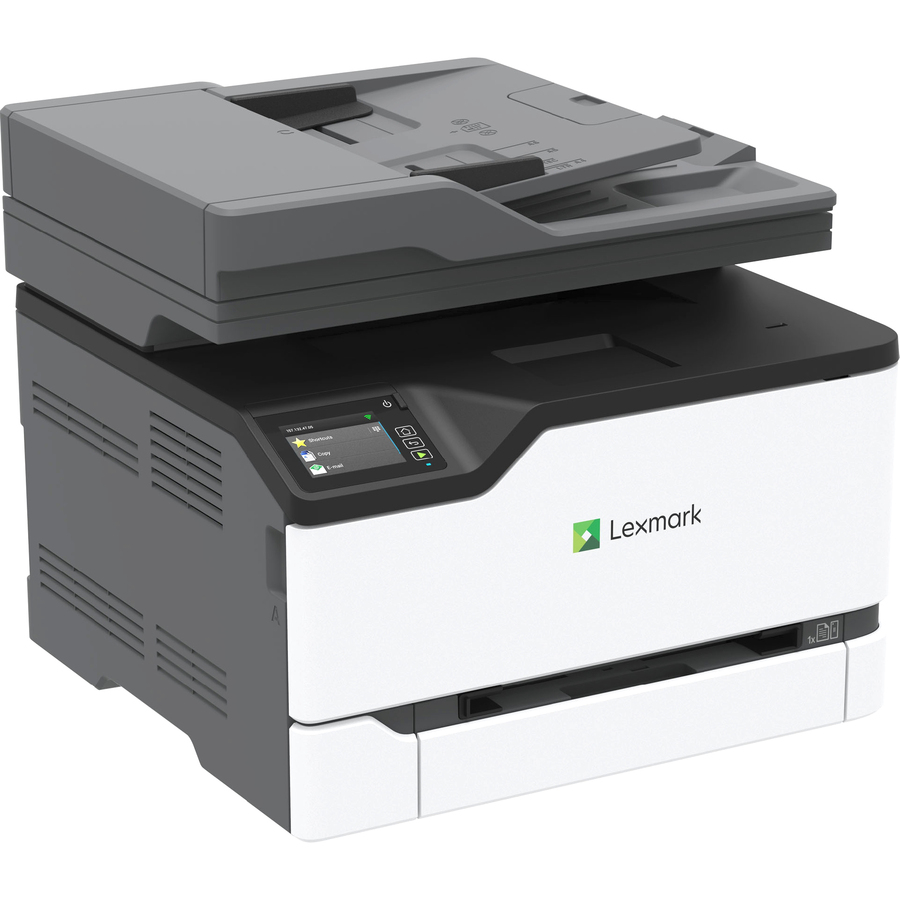
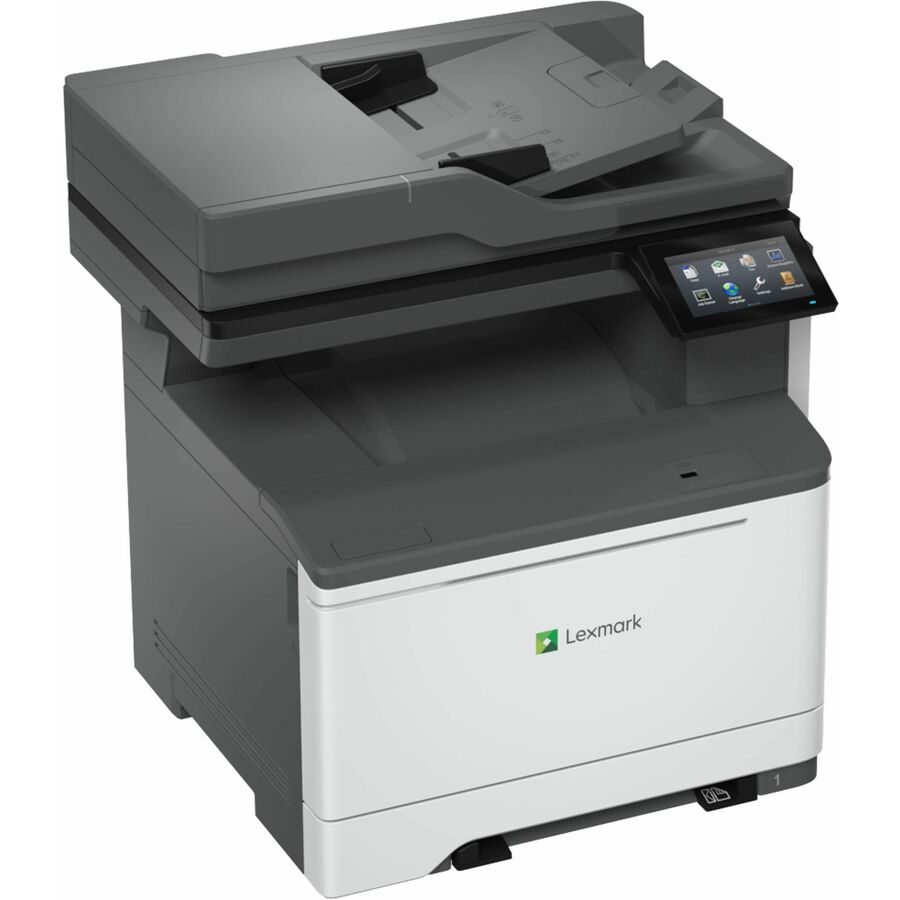
Lexmark CX431ADW Wireless Laser Multifunction Printer
40N0055
A Lexmark CX431ADW wireless color laser MFP with print, copy, scan and fax — Lexmark's entry workgroup unit for a shared office device on a wired or wireless network.
$841.60Back-orderedLexmark mid workgroup
Xerox
Lexmark CX532adwe Wired & Wireless Laser Multifunction Printer
50M7040
A Lexmark CX532adwe color laser MFP — a mid-tier workgroup machine with more paper capacity and speed for a department that shares one printer.
$1,241.42Back-orderedLexmark departmental
Xerox
Lexmark CX635adwe Wired & Wireless Laser Multifunction Printer
50M7080
A Lexmark CX635adwe color laser MFP — a departmental-class unit sized for a busy floor, with the paper handling and duty cycle to match sustained volume.
$2,010.66Back-orderedBrother workgroup
Brother Industries
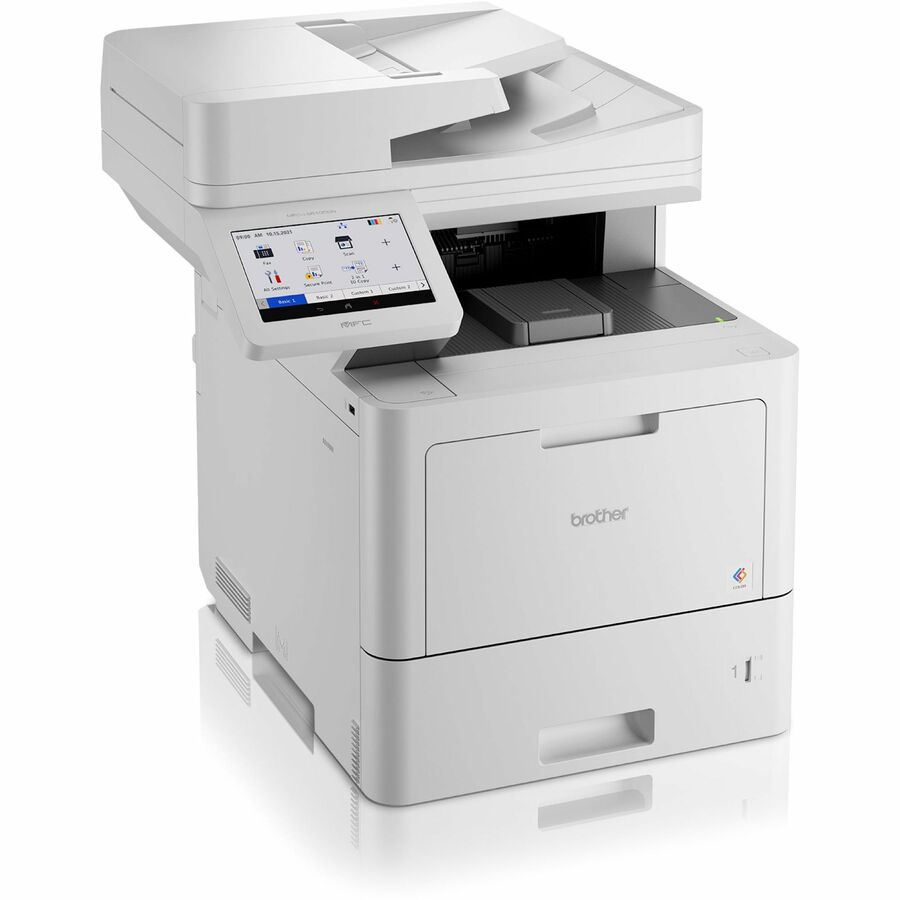
Brother MFC-L9610CDN Laser Multifunction Printer
MFCL9610CDN
A Brother MFC-L9610CDN color laser MFP at 42 pages a minute with print, copy, scan and fax — a high-yield-toner Brother workgroup machine built for a low running cost.
$1,678.97Back-orderedBrother Workhorse
Brother Industries
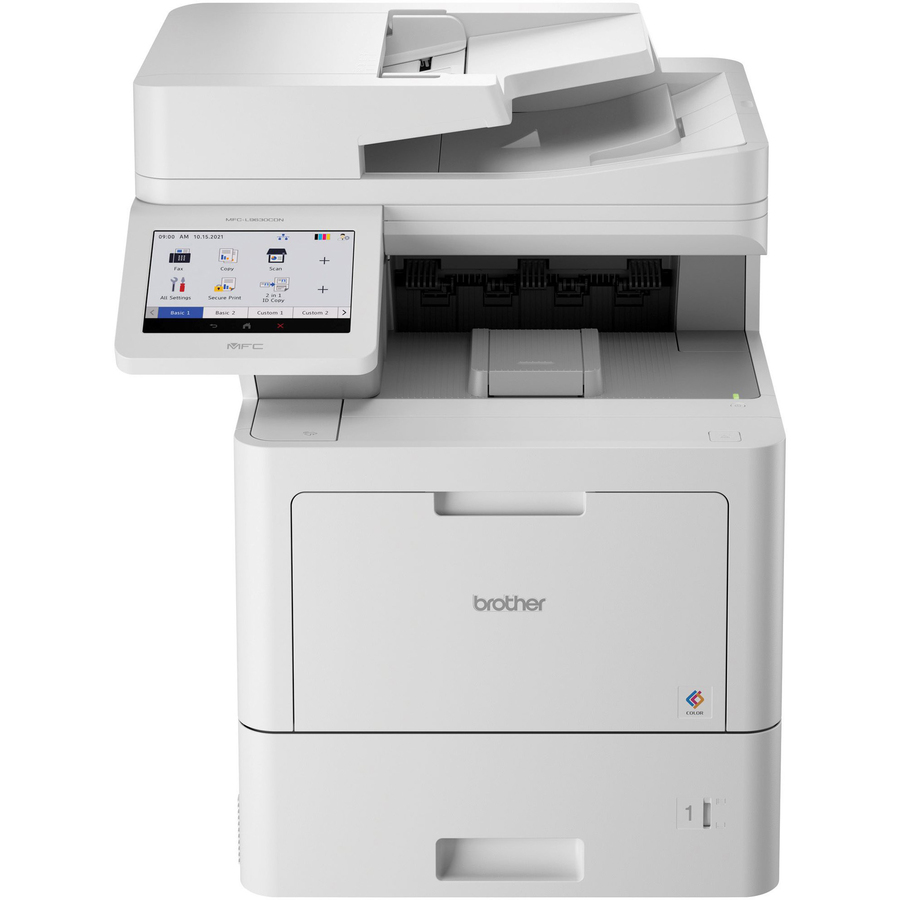
Brother Workhorse MFC-L9630CDN Laser Multifunction Printer
MFC-L9630CDN
A Brother Workhorse MFC-L9630CDN color laser MFP — the higher-volume model in Brother's business line, built around large-yield toners for a department that prints all day.
$1,659.08Back-orderedLexmark CX625 workgroup
Lexmark International
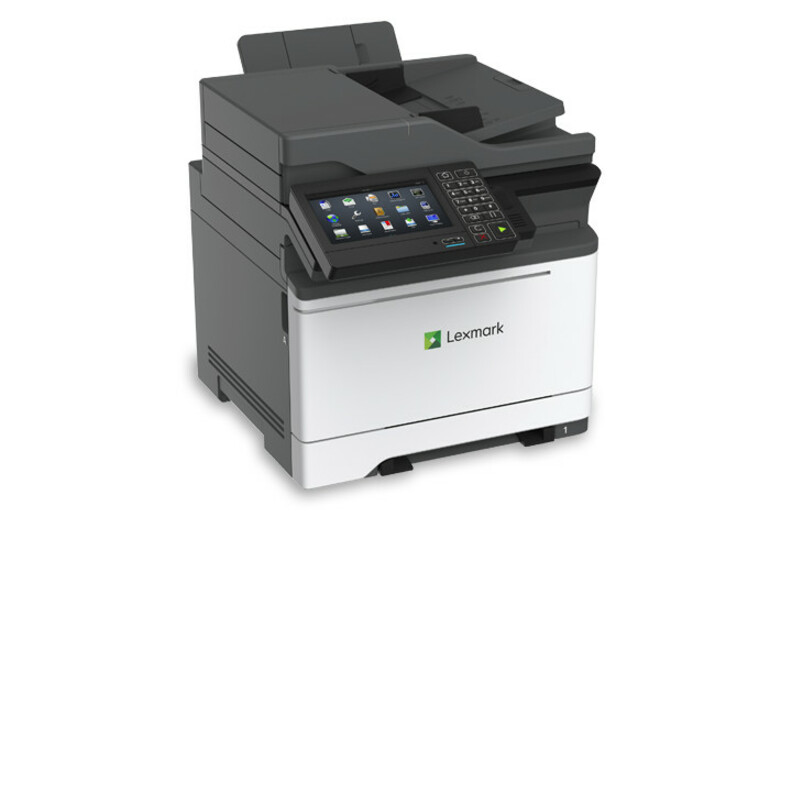
Lexmark CX625ade Laser Multifunction Printer
42C1053
A Lexmark CX625ade color laser MFP at 40 pages a minute — a robust workgroup unit with a substantial duty cycle for a department standardizing on the Lexmark CX line.
$2,247.66Back-orderedLexmark 52 ppm
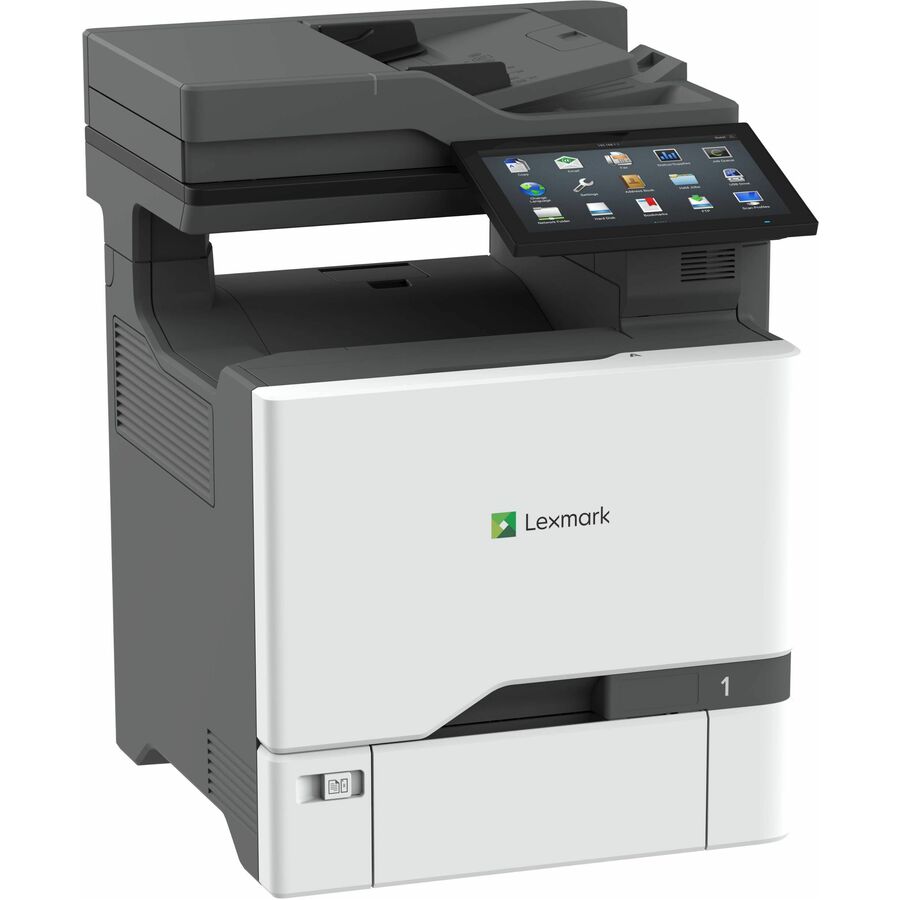
Lexmark International
Lexmark CX737adzse Laser Multifunction Printer
47C9700
A Lexmark CX737adzse color laser MFP at 52 pages a minute — a fast departmental machine for a high-traffic floor that needs single-device throughput.
$4,242.66Back-orderedLexmark high-volume
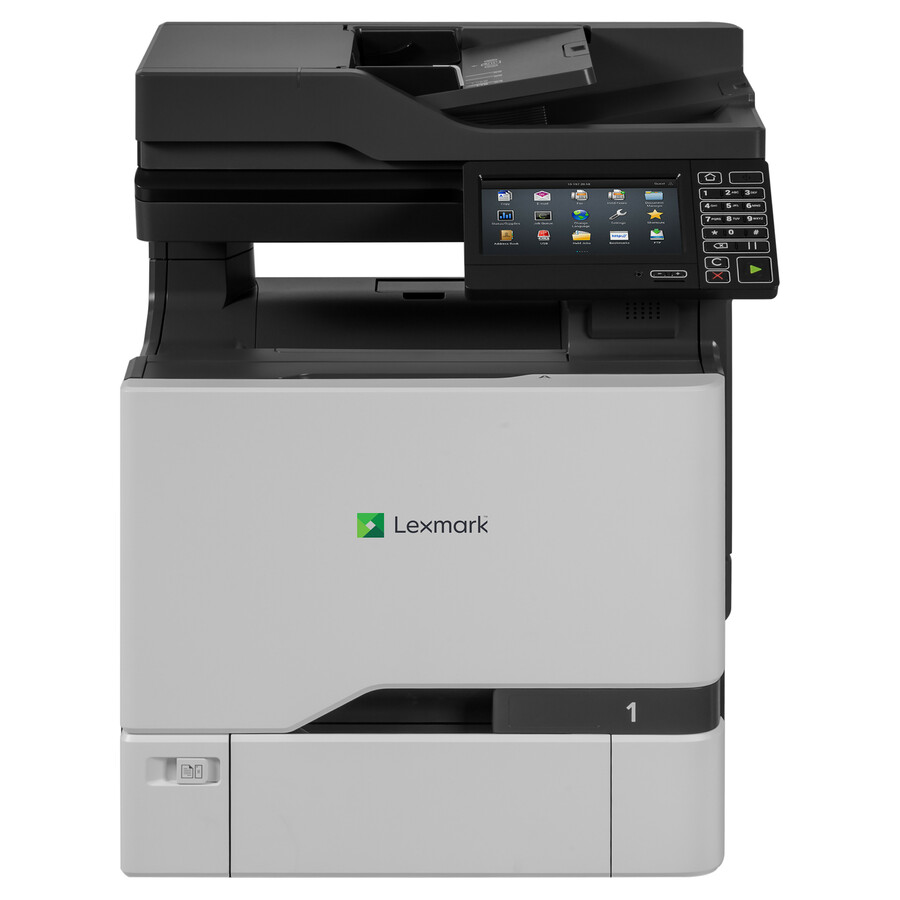
Lexmark International
Lexmark CX725de Laser Multifunction Printer
40CT031
A Lexmark CX725de color laser MFP at 50 pages a minute — a departmental unit sized for heavy shared use, with the recommended monthly volume to be the floor's printer.
$5,164.50Back-orderedMore multifunction printers in the Uniqcli catalog
See all 911 multifunction printersMore from across this category. In-stock lines lead, and a back-ordered line carries the same estimated availability its product page does — with live pricing throughout, NDAA §889 screening before checkout and TAA verified on request.
- XeroxLexmark CX924dte Laser Multifunction Printer - Color - Copier/Fax/Printer/Scanner - 65 ppm Mono/65 ppm Color Print - 1200 x 1200 dpi Print - Automatic Duplex Print - Up to 275000 Pages Monthly - 2150 sheets Input - Color Flatbed Scanner - 600 dpi Optical Scan - Color Fax - Gigabit Ethernet - USB - For Plain Paper Print32CT110
$20,823.33
$19,632.22
Back-orderedBack-ordered — estimated OEM lead time 3–8 weeks (Nov 15 – Dec 20 if ordered today).
- XeroxLexmark CX944adxse Laser Multifunction Printer - Color - TAA Compliant - Copier/Fax/Printer/Scanner - 65 ppm Mono/65 ppm Color Print - 2400 x 600 dpi Print - Automatic Duplex Print - Up to 340000 Pages Monthly - Color Flatbed Scanner - 600 dpi Optical Scan - Color Fax - Gigabit Ethernet - USB - For Plain Paper Print32DT019
$17,026.49
$15,848.08*
Back-orderedBack-ordered — estimated OEM lead time 3–8 weeks (Nov 15 – Dec 20 if ordered today).
- XeroxLexmark CX924dte Laser Multifunction Printer - Color - TAA Compliant - Copier/Fax/Printer/Scanner - 65 ppm Mono/65 ppm Color Print - 1200 x 1200 dpi Print - Automatic Duplex Print - Up to 300000 Pages Monthly - Color Flatbed Scanner - 600 dpi Optical Scan - Gigabit Ethernet - USB - For Plain Paper Print32CT126
$20,107.62
$18,966.03*
Back-orderedBack-ordered — estimated OEM lead time 3–8 weeks (Nov 15 – Dec 20 if ordered today).
- XeroxLexmark CX924dte Laser Multifunction Printer - Color - TAA Compliant - Copier/Fax/Printer/Scanner - 65 ppm Mono/65 ppm Color Print - 1200 x 1200 dpi Print - Automatic Duplex Print - Up to 300000 Pages Monthly - Color Flatbed Scanner - 600 dpi Optical Scan - Gigabit Ethernet - USB - For Plain Paper Print32CT124
$21,040.62
$19,916.77*
Back-orderedBack-ordered — estimated OEM lead time 3–8 weeks (Nov 15 – Dec 20 if ordered today).
- Lexmark InternationalLexmark CX921de Laser Multifunction Printer - Color - TAA Compliant - Copier/Fax/Printer/Scanner - 35 ppm Mono/35 ppm Color Print - 1200 x 1200 dpi Print - Automatic Duplex Print - Up to 200000 Pages Monthly - Color Flatbed Scanner - 600 dpi Optical Scan - Gigabit Ethernet - USB - For Plain Paper Print32CT131
$8,659.49
$7,547.16*
Back-orderedBack-ordered — estimated OEM lead time 3–8 weeks (Nov 15 – Dec 20 if ordered today).
- XeroxLexmark CX924dte Laser Multifunction Printer - Color - TAA Compliant - Copier/Fax/Printer/Scanner - 65 ppm Mono/65 ppm Color Print - 1200 x 1200 dpi Print - Automatic Duplex Print - Up to 275000 Pages Monthly - 2150 sheets Input - Color Flatbed Scanner - 600 dpi Optical Scan - Color Fax - Gigabit Ethernet - USB - For Plain Paper Print32CT109
$19,463.05
$18,366.08*
Back-orderedBack-ordered — estimated OEM lead time 3–8 weeks (Nov 15 – Dec 20 if ordered today).
- XeroxLexmark CX924dxe Laser Multifunction Printer - Color - TAA Compliant - Copier/Fax/Printer/Scanner - 65 ppm Mono/65 ppm Color Print - 1200 x 1200 dpi Print - Automatic Duplex Print - Up to 275000 Pages Monthly - 3650 sheets Input - Color Flatbed Scanner - 600 dpi Optical Scan - Color Fax - Gigabit Ethernet - USB - For Plain Paper Print32CT055
$15,242.87
$14,187.92*
Back-orderedBack-ordered — estimated OEM lead time 3–8 weeks (Nov 15 – Dec 20 if ordered today).
- XeroxLexmark CX924dte Laser Multifunction Printer - Color - TAA Compliant - Copier/Fax/Printer/Scanner - 65 ppm Mono/65 ppm Color Print - 1200 x 1200 dpi Print - Automatic Duplex Print - Up to 300000 Pages Monthly - Color Flatbed Scanner - 600 dpi Optical Scan - Gigabit Ethernet - USB - For Plain Paper Print32CT125
$18,747.34
$17,699.89*
Back-orderedBack-ordered — estimated OEM lead time 3–8 weeks (Nov 15 – Dec 20 if ordered today).
- XeroxLexmark CX924dxe Laser Multifunction Printer - Color - TAA Compliant - Copier/Fax/Printer/Scanner - 65 ppm Mono/65 ppm Color Print - 1200 x 1200 dpi Print - Automatic Duplex Print - Up to 275000 Pages Monthly - 3650 sheets Input - Color Flatbed Scanner - 600 dpi Optical Scan - Color Fax - Gigabit Ethernet - USB - For Plain Paper Print32CT070
$15,361.39
$14,318.18*
Back-orderedBack-ordered — estimated OEM lead time 3–8 weeks (Nov 15 – Dec 20 if ordered today).
- XeroxLexmark CX944adxse Laser Multifunction Printer - Color - TAA Compliant - Copier/Fax/Printer/Scanner - 65 ppm Mono/65 ppm Color Print - 2400 x 600 dpi Print - Automatic Duplex Print - Up to 340000 Pages Monthly - Color Flatbed Scanner - 600 dpi Optical Scan - Color Fax - Gigabit Ethernet - USB - For Plain Paper Print32D0500
$15,050.06
$14,008.44*
Back-orderedBack-ordered — estimated OEM lead time 3–8 weeks (Nov 15 – Dec 20 if ordered today).
- Lexmark InternationalLexmark CX923dxe Laser Multifunction Printer - Color - Copier/Fax/Printer/Scanner - 55 ppm Mono/55 ppm Color Print - 1200 x 1200 dpi Print - Automatic Duplex Print - Up to 250000 Pages Monthly - 3650 sheets Input - Color Flatbed Scanner - 600 dpi Optical Scan - Color Fax - Gigabit Ethernet - USB - For Plain Paper Print32C1147
$19,786.17
$18,751.99
Back-orderedBack-ordered — estimated OEM lead time 3–8 weeks (Nov 15 – Dec 20 if ordered today).
- XeroxLexmark CX924dte Laser Multifunction Printer - Color - TAA Compliant - Copier/Fax/Printer/Scanner - 65 ppm Mono/65 ppm Color Print - 1200 x 1200 dpi Print - Automatic Duplex Print - Up to 300000 Pages Monthly - Color Flatbed Scanner - 600 dpi Optical Scan - Gigabit Ethernet - USB - For Plain Paper Print32CT123
$19,680.34
$18,650.63*
Back-orderedBack-ordered — estimated OEM lead time 3–8 weeks (Nov 15 – Dec 20 if ordered today).
- XeroxLexmark CX944adtse Laser Multifunction Printer - Color - TAA Compliant - Copier/Fax/Printer/Scanner - 65 ppm Mono/65 ppm Color Print - 2400 x 600 dpi Print - Automatic Duplex Print - Up to 340000 Pages Monthly - Color Flatbed Scanner - 600 dpi Optical Scan - Color Fax - Gigabit Ethernet - USB - For Plain Paper Print32D0450
$14,667.43
$13,652.30*
Back-orderedBack-ordered — estimated OEM lead time 3–8 weeks (Nov 15 – Dec 20 if ordered today).
- XeroxLexmark CX924dte Laser Multifunction Printer - Color - TAA Compliant - Copier/Fax/Printer/Scanner - 65 ppm Mono/65 ppm Color Print - 1200 x 1200 dpi Print - Automatic Duplex Print - Up to 275000 Pages Monthly - 2150 sheets Input - Color Flatbed Scanner - 600 dpi Optical Scan - Color Fax - Gigabit Ethernet - USB - For Plain Paper Print32CT069
$14,945.63
$13,931.19*
Back-orderedBack-ordered — estimated OEM lead time 3–8 weeks (Nov 15 – Dec 20 if ordered today).
- XeroxLexmark CX963G Laser Multifunction Printer - Color - TAA Compliant - For Plain Paper Print20LT105
$14,484.97
$13,482.46*
Back-orderedBack-ordered — estimated OEM lead time 3–8 weeks (Nov 15 – Dec 20 if ordered today).
- XeroxLexmark CX923dxe Laser Multifunction Printer - Color - TAA Compliant - Copier/Fax/Printer/Scanner - 55 ppm Mono/55 ppm Color Print - 1200 x 1200 dpi Print - Automatic Duplex Print - Up to 250000 Pages Monthly - 3650 sheets Input - Color Flatbed Scanner - 600 dpi Optical Scan - Color Fax - Gigabit Ethernet - USB - For Plain Paper Print32CT059
$14,175.61
$13,194.51*
Back-orderedBack-ordered — estimated OEM lead time 3–8 weeks (Nov 15 – Dec 20 if ordered today).
- XeroxLexmark CX963G Laser Multifunction Printer - Color - TAA Compliant - For Plain Paper Print20LT205
$13,949.64
$12,984.19*
Back-orderedBack-ordered — estimated OEM lead time 3–8 weeks (Nov 15 – Dec 20 if ordered today).
- XeroxLexmark CX860dtfe Laser Multifunction Printer - Color - TAA Compliant - Copier/Fax/Printer/Scanner - 60 ppm Mono/60 ppm Color Print - 2400 x 600 dpi Print - Automatic Duplex Print - Up to 350000 Pages Monthly - 1750 sheets Input - Color Scanner - 1200 dpi Optical Scan - Color Fax - Gigabit Ethernet - USB - For Plain Paper Print42KT182
$13,714.85
$12,765.64*
Back-orderedBack-ordered — estimated OEM lead time 3–8 weeks (Nov 15 – Dec 20 if ordered today).
- XeroxLexmark CX860dte Laser Multifunction Printer - Color - Copier/Fax/Printer/Scanner - 60 ppm Mono/60 ppm Color Print - 2400 x 600 dpi Print - Automatic Duplex Print - Up to 350000 Pages Monthly - 1750 sheets Input - Color Scanner - 1200 dpi Optical Scan - Color Fax - Gigabit Ethernet - USB - For Plain Paper Print42KT181
$13,262.65
$12,344.75
Back-orderedBack-ordered — estimated OEM lead time 3–8 weeks (Nov 15 – Dec 20 if ordered today).
- XeroxLexmark CX943adxse Laser Multifunction Printer - Color - TAA Compliant - Copier/Fax/Printer/Scanner - 55 ppm Mono/55 ppm Color Print - 2400 x 600 dpi Print - Automatic Duplex Print - Up to 270000 Pages Monthly - Color Flatbed Scanner - 600 dpi Optical Scan - Color Fax - Gigabit Ethernet - USB - For Plain Paper Print32D0400
$13,136.91
$12,227.71*
Back-orderedBack-ordered — estimated OEM lead time 3–8 weeks (Nov 15 – Dec 20 if ordered today).
- XeroxLexmark CX962G Laser Multifunction Printer - Color - TAA Compliant - For Plain Paper Print20LT304
$13,086.75
$12,181.02*
Back-orderedBack-ordered — estimated OEM lead time 3–8 weeks (Nov 15 – Dec 20 if ordered today).
- XeroxLexmark CX860dte Laser Multifunction Printer - Color - TAA Compliant - Copier/Fax/Printer/Scanner - 60 ppm Mono/60 ppm Color Print - 2400 x 600 dpi Print - Automatic Duplex Print - Up to 350000 Pages Monthly - 1750 sheets Input - Color Scanner - Color Fax - Gigabit Ethernet - USB - For Plain Paper Print42KT677
$14,774.32
$13,868.87*
Back-orderedBack-ordered — estimated OEM lead time 3–8 weeks (Nov 15 – Dec 20 if ordered today).
- Lexmark InternationalLexmark CX924dxe Laser Multifunction Printer - Color - TAA Compliant - Copier/Fax/Printer/Scanner - 65 ppm Mono/65 ppm Color Print - 2400 x 600 dpi Print - Automatic Duplex Print - Up to 300000 Pages Monthly - 3650 sheets Input - Color Scanner - 3600 dpi Optical Scan - Color Fax - Gigabit Ethernet - USB - For Plain Paper Print32CT105
$19,748.33
$18,853.99*
Back-orderedBack-ordered — estimated OEM lead time 3–8 weeks (Nov 15 – Dec 20 if ordered today).
- XeroxLexmark CX923dxe Laser Multifunction Printer - Color - TAA Compliant - Copier/Fax/Printer/Scanner - 55 ppm Mono/55 ppm Color Print - 1200 x 1200 dpi Print - Automatic Duplex Print - Up to 250000 Pages Monthly - 3650 sheets Input - Color Flatbed Scanner - 1200 dpi Optical Scan - Color Fax - Gigabit Ethernet - USB - For Plain Paper Print32CT053
$12,886.91
$11,995.02*
Back-orderedBack-ordered — estimated OEM lead time 3–8 weeks (Nov 15 – Dec 20 if ordered today).
Need pricing on color laser multifunction printers?
Tell us where to reach you and a Uniqcli specialist will follow up by email with current pricing, availability and lead time for the quantities you need — including parts that aren’t shown on this page.
Buying for an organization or for yourself — both work. No payment up front.
Speed and duty cycle decide the tier of a color laser MFP. Desktop units run in the mid-20s to high-30s of pages per minute and departmental machines reach 50 ppm and beyond, so match the office's busiest burst rather than its average. Then size to the recommended monthly volume — set well below the maximum duty cycle on purpose — and compare cost per page over years, not the sticker.
A color laser multifunction printer is the workhorse of a small or mid-size office: one device that prints, copies, scans and usually faxes, in color, at laser speed and laser cost per page. It is bought once and lived with for years, so the specification is less about the headline price than about how the machine fits the work — how fast it prints, how much it is rated to print in a month, what sizes and how many sheets it holds, and what a color page actually costs to run. Get those four right and the device disappears into the background, which is exactly what a good office printer should do.
Speed and duty cycle are the pair that decide the tier. Print speed is quoted in pages per minute and runs from roughly the mid-20s on a desktop unit to 50 pages a minute and beyond on a departmental one; the honest number to match is the office's busiest burst, not its average. The monthly duty cycle is the rating the manufacturer stands behind, and the recommended monthly volume — always well below the maximum — is the figure a fleet should actually be sized to, because a machine run at its ceiling is a machine that wears out early. Paper handling is the third axis: the standard tray plus the automatic document feeder for scanning and copying, with additional trays and duplex printing where the workload justifies them.
Nothing on this page is a test result. The grid is fenced to Multifunction Printers whose own manufacturer title names a laser MFP in color, which is what makes the heading true for every card; the picks below span the desktop, workgroup and departmental tiers across the brands the catalog carries, several of them titled TAA. The one running number that matters most — cost per page — is not printed here because it moves with toner and yield, so read it on the model and the toner it uses; Uniqcli can quote the printer, the toners and a service plan on one document.
Buyer's checklist
How to choose a color laser MFP
- Match the print speed to the office's busiest burst, not its average. Desktop units run in the mid-20s to high-30s of pages per minute; workgroup and departmental machines reach 50 ppm and beyond — pay for the speed the peak needs.
- Size to the recommended monthly volume, not the maximum duty cycle. The recommended figure is well below the ceiling on purpose; a machine run at its maximum every month wears out early and costs more in service than it saved at purchase.
- Read the running cost, not just the sticker. A color laser's real expense is toner and maintenance over years — compare the cost per page and the toner yields on the exact model, because a cheaper machine with pricier toner is often the more expensive choice.
- Check the paper handling against the work: the standard tray capacity, whether duplex printing is standard, the automatic document feeder for copy and scan, and whether extra trays or a high-capacity feeder are needed for volume or mixed media.
- Confirm the scan destinations the office uses — scan to email, to a network folder, to a cloud service — and single-pass duplex scanning if two-sided documents are routine, because the scanner is used as much as the printer in most offices.
- Plan the connection and management: wired Ethernet for a shared office device, secure print release where documents are sensitive, and fleet management if there are several machines to keep supplied and updated.
- Where the purchase order names TAA, read it on the part number. Several of these printers carry TAA in the manufacturer's own title and others do not — it is a per-part fact to confirm on the exact model you order.
Desktop, workgroup and departmental: sizing to the office
The color laser MFPs on this page fall into three tiers, and matching the tier to the office is most of the decision. A desktop unit — roughly 25 to 35 pages a minute, a single tray and an automatic document feeder — suits a small team, a branch office or a private workroom that prints in the low thousands of pages a month. A workgroup machine steps up the speed, the paper capacity and the duty cycle for a busy department that shares one device. A departmental unit at 50-plus pages a minute, with multiple trays and a high recommended monthly volume, is built to be the printer for a floor. Buying up a tier for peace of mind is fine; buying down a tier to save money on a device that will be hammered is the mistake that shows up as service calls.
The recommended monthly volume is the number to size to, and it is deliberately conservative. A manufacturer publishes a maximum duty cycle and, separately, a recommended monthly print volume that sits well below it — the recommended figure is where the machine runs reliably for its service life, and the maximum is a ceiling it should touch rarely, not a target. Size the fleet so each machine's normal month lands inside the recommended range, and the printers last; size to the maximum and the savings evaporate into early replacements and downtime.
Running cost, color and the toner it uses
The purchase price of a color laser MFP is the small part of what it costs. The running cost — toner and maintenance over the years it is in service — is where the real money is, and it is set by the cost per page and the yield of the specific toners the model uses, not by the sticker on the box. A machine that is cheaper to buy but runs on lower-yield or pricier toner can cost more over its life than a dearer one with efficient consumables, which is why the comparison to make is cost per page at the color and mono mix the office actually prints, on the exact model. This page deliberately does not quote a running figure because it moves with toner price and yield; read it on the part and the cartridge.
Color itself is worth a moment of honesty. A color laser MFP prints excellent business color — charts, presentations, marked-up documents, branded correspondence — quickly and cheaply per page, which is why it displaced the color inkjet for office volume. It is not a photo printer, and it should not be bought to be one. For an office whose color is business color, a color laser is the correct tool and the running cost is reasonable; for an office that mostly prints black text, a monochrome laser is cheaper still, and the honest choice is to buy color where color is used. Uniqcli can quote the printer, the starter and replacement toners and a service or managed-print plan on one document so the running cost is visible at purchase.
FAQ
Common questions
- How fast a color laser MFP does an office need?
- Match the print speed to the office's busiest burst rather than its average. Desktop units run roughly 25 to 35 pages a minute and suit a small team or a branch; workgroup and departmental machines reach 50 pages a minute and beyond for a busy shared floor. The trap is sizing to the average monthly volume and then having the device queue during the morning rush when everyone prints at once. Read the pages-per-minute rating on the exact model, and if the office has predictable peaks, buy the speed the peak needs — the extra capacity is cheap next to a printer that becomes a bottleneck.
- What is the difference between maximum duty cycle and recommended monthly volume?
- The maximum duty cycle is a ceiling the manufacturer says the machine can reach; the recommended monthly print volume is the range where it runs reliably for its service life, and it sits well below the maximum on purpose. Size the fleet to the recommended figure, not the ceiling — a machine run at its maximum every month wears out early, and the money saved by under-buying reappears as service calls and downtime. Read both numbers on the exact model, and choose a device whose recommended range comfortably contains the office's normal month with room for a busy one.
- Is a color laser cheaper to run than an inkjet for an office?
- For office volume, generally yes on cost per page and on reliability, which is why color laser displaced color inkjet as the office workhorse. A color laser prints business color — charts, presentations, marked-up and branded documents — quickly and at a low, predictable cost per page, and it holds up under shared use. It is not a photo printer and should not be bought as one. The real running cost is set by the toner yield and price on the specific model, so compare cost per page on the exact machine rather than assuming; and where an office mostly prints black text, a monochrome laser is cheaper still.
- What scanning and finishing features matter on an office MFP?
- The scanner is used as much as the printer in most offices, so confirm the automatic document feeder and, if two-sided documents are routine, single-pass duplex scanning that captures both sides in one pass. Check the scan destinations the office actually uses — scan to email, to a network folder, to a cloud service — because a scanner that cannot reach the destination is a photocopier. On the print side, confirm standard duplex printing, the tray capacity and any additional trays or high-capacity feeder for volume or mixed media, and secure print release where documents are sensitive. These are the features people touch daily, so read them on the exact model.
- Can business, government and education buyers order these?
- Every line Uniqcli quotes is sourced through US distribution and screened for TAA country-of-origin and NDAA §889 status before checkout — with documentation tied to the specific part number, not a product family.
Need color laser multifunction printers pricing?
Send a bill of materials or part numbers — we confirm stock and a below-market total, with TAA verified on request. No payment up front.