
Best Multifunction Printers for Small Business
Print, copy, scan and fax in one machine for offices of a few people to a few dozen — colour and monochrome, ink and laser, read against duty cycle and running cost.
Multifunction printers in stock at Uniqcli
How to choose →A curated selection with live pricing — in-stock lines first, then back-ordered lines with a typical lead time. Every line is sourced through US distribution and screened for NDAA §889 status before checkout, with TAA verified on request.
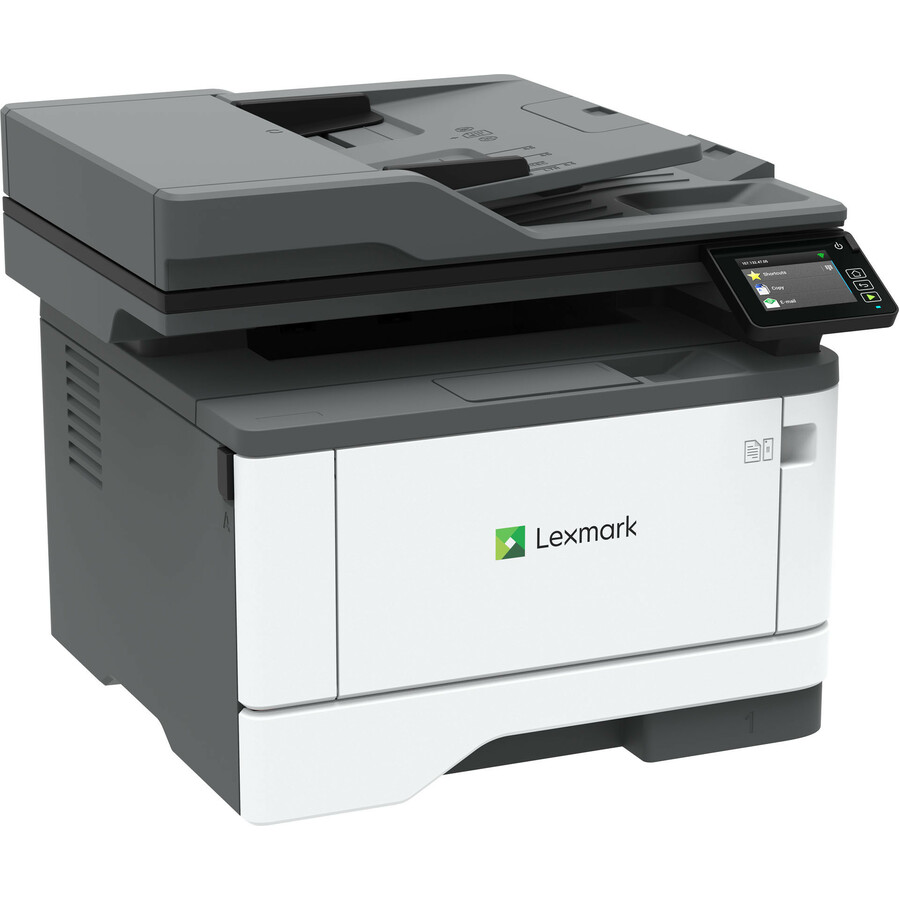
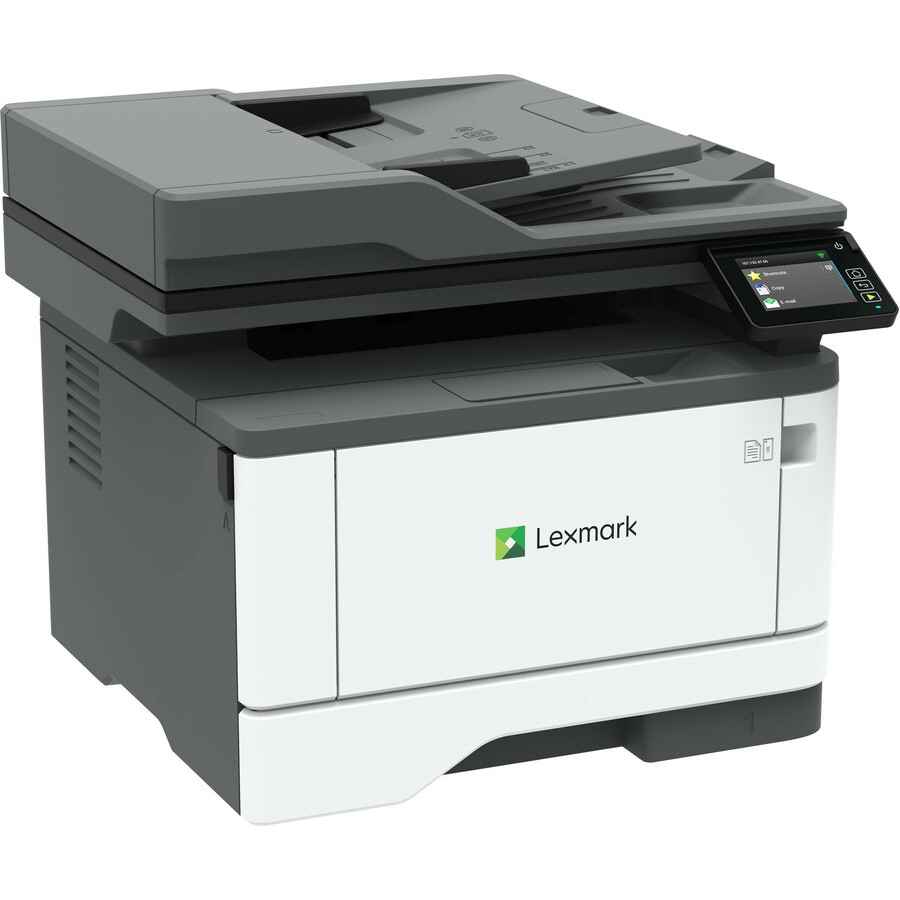
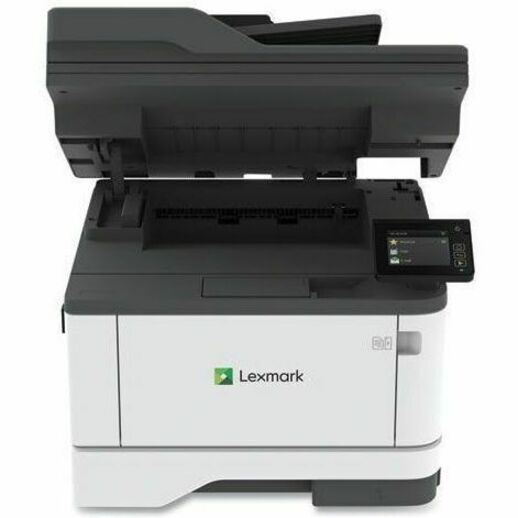
- XeroxLexmark MX431adn Laser Multifunction Printer - Monochrome - For Plain Paper Print29S0200
$693.24
$645.26
4 in stock - XeroxLexmark MX431adw Laser Multifunction Printer - Monochrome - For Plain Paper Print - 1 Each29S0500
$693.24
$645.26
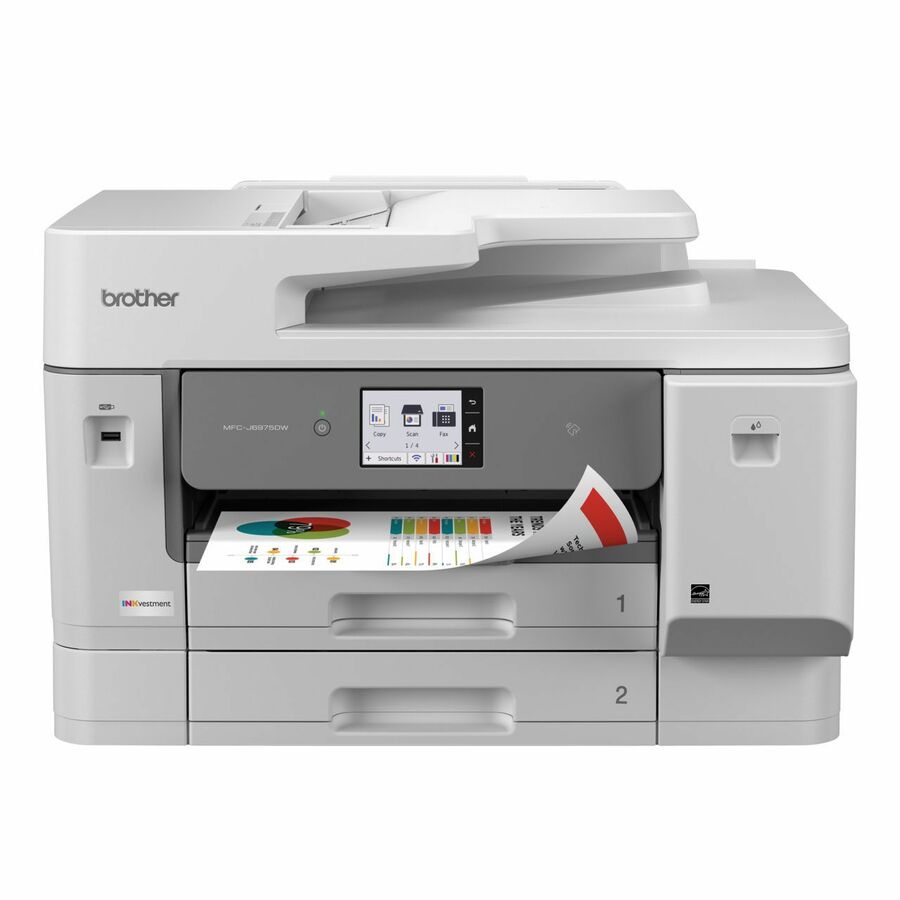
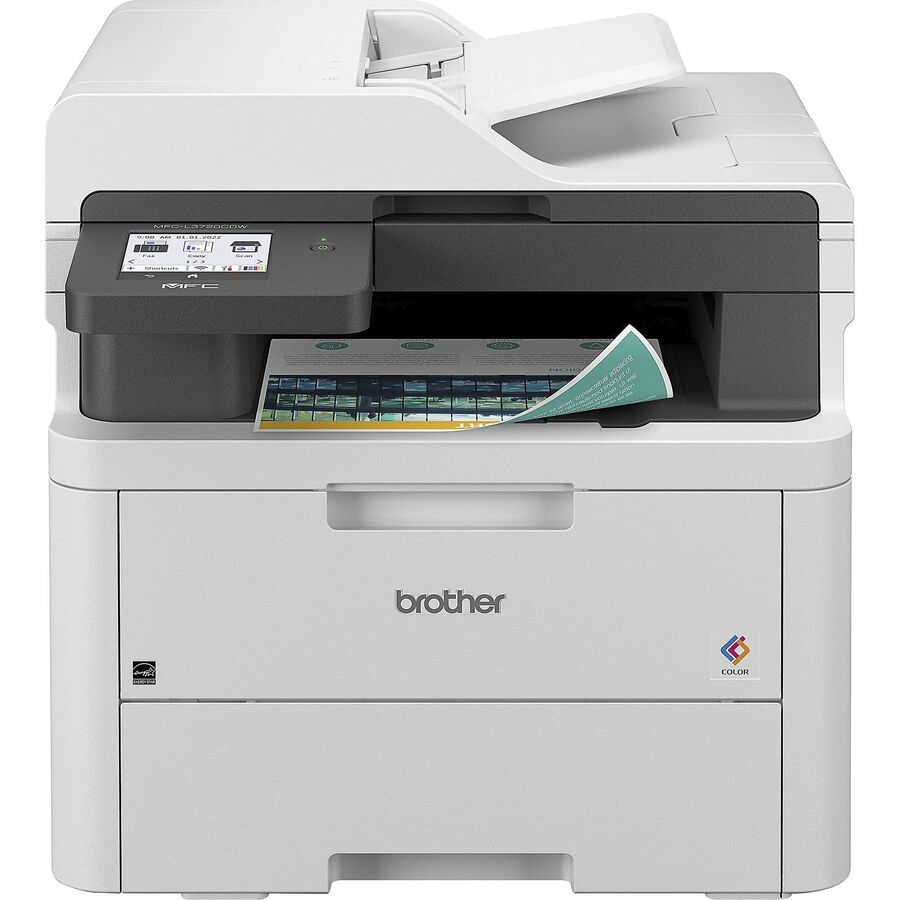
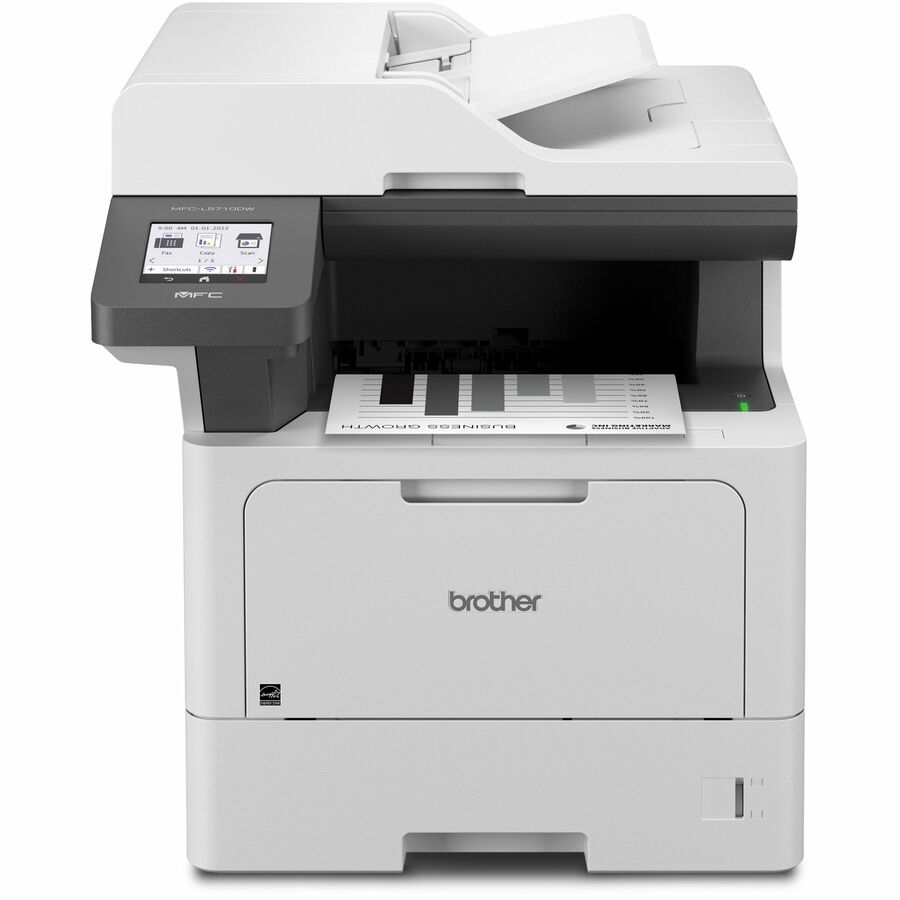
12 in stock - Brother IndustriesBrother MFC-L3720CDW Wireless Digital Color All-in-One Printer with Laser Quality Output, Copy, Scan and Fax, Duplex and Mobile Printing - Copier/Fax/Printer/Scanner - 19 ppm Mono/19 ppm Color Print - 2400 x 600 dpi class - 3.5" LCD Touchscreen - Hi-Speed USB 2.0MFC-L3720CDW
$794.99
$655.76
14 in stock

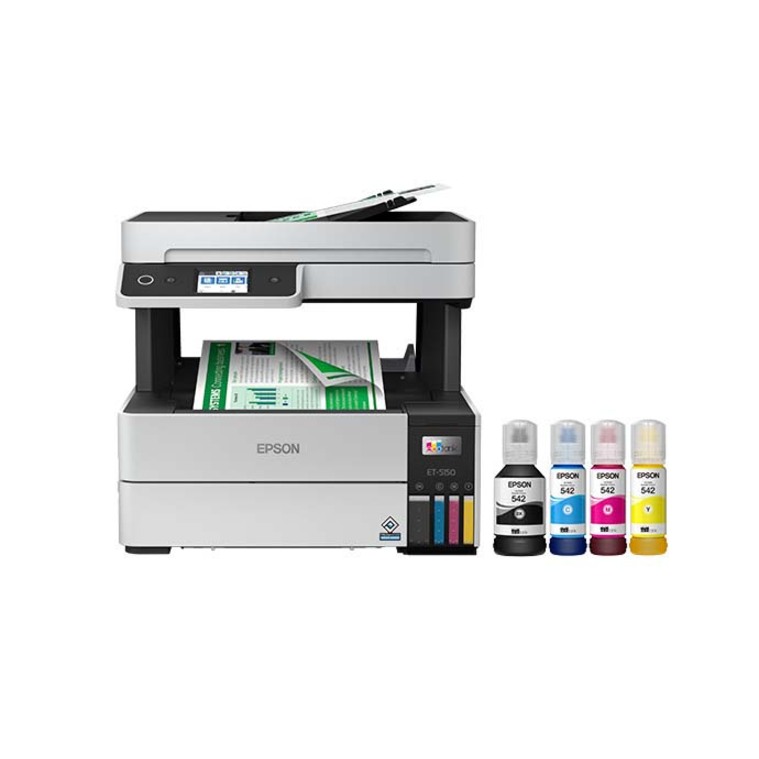
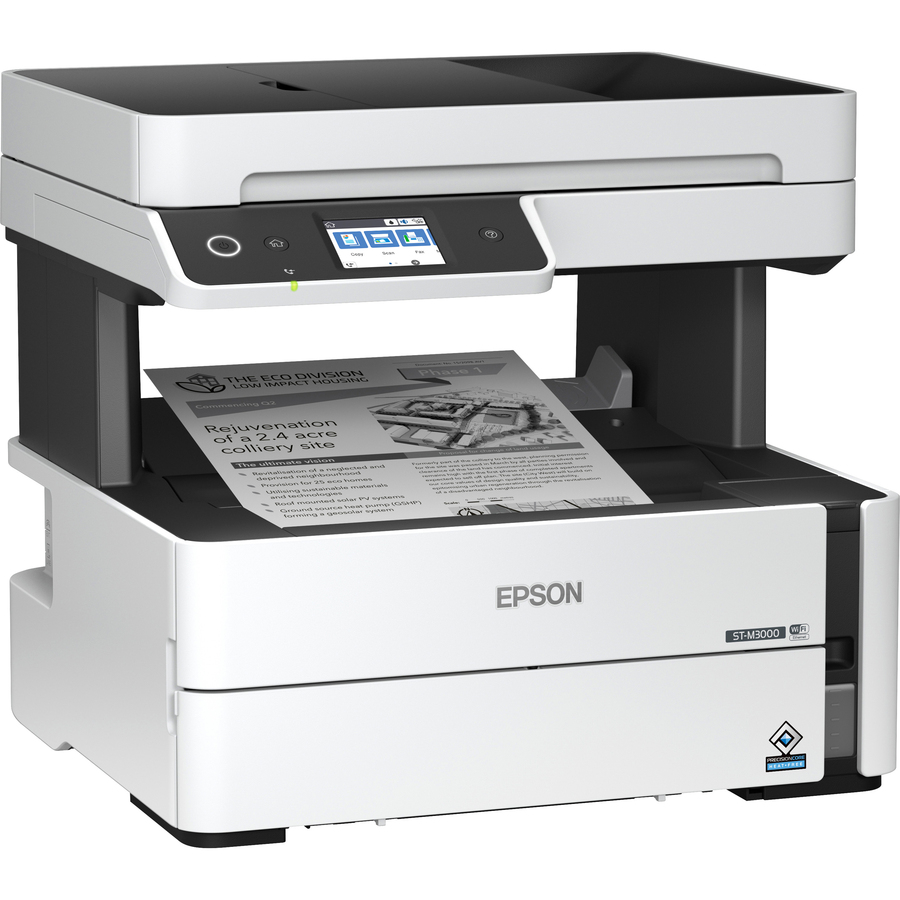
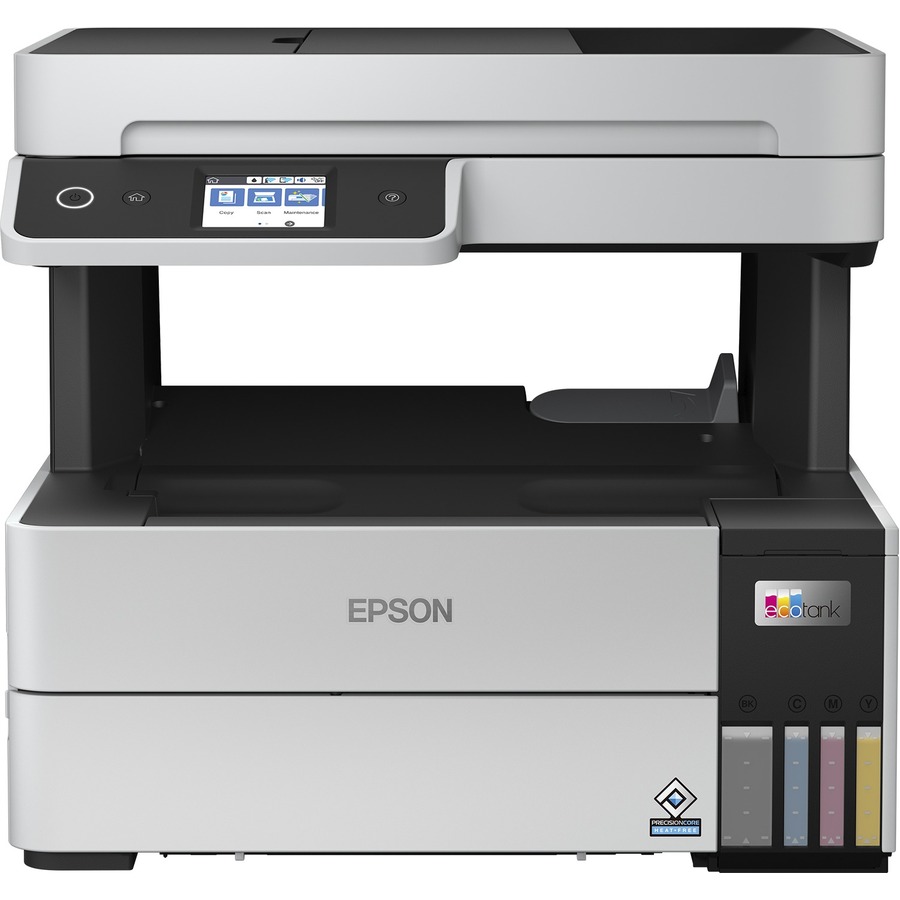
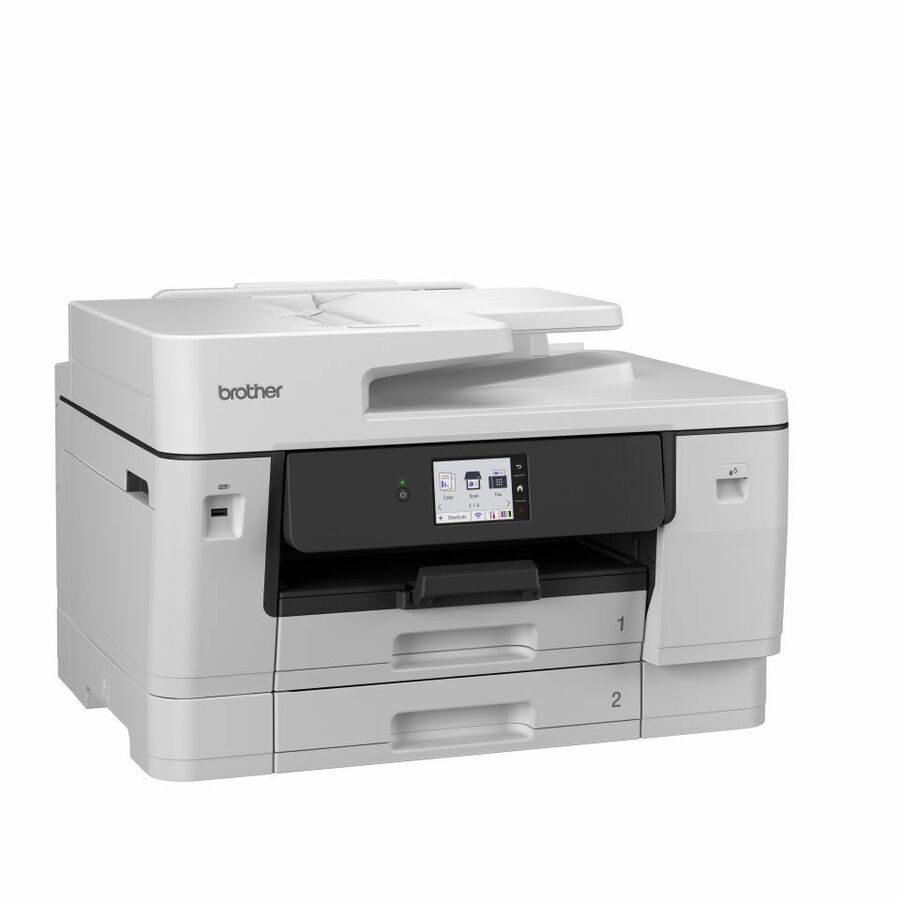
Compact mono laser
Brother Industries
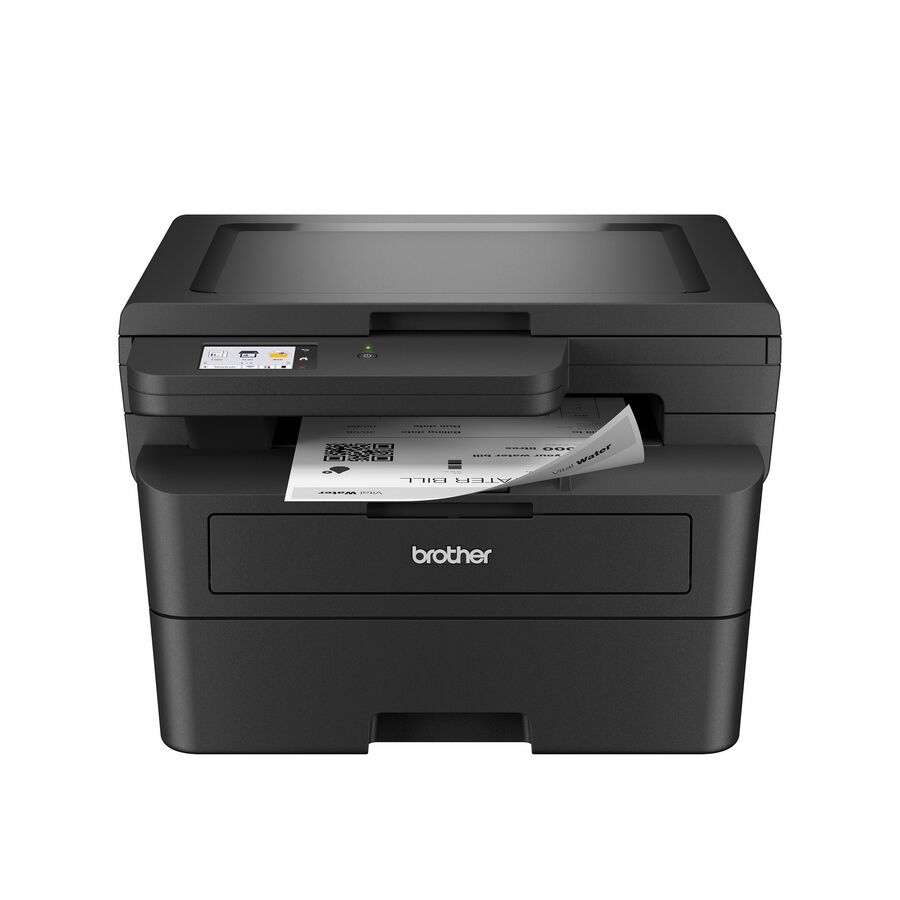
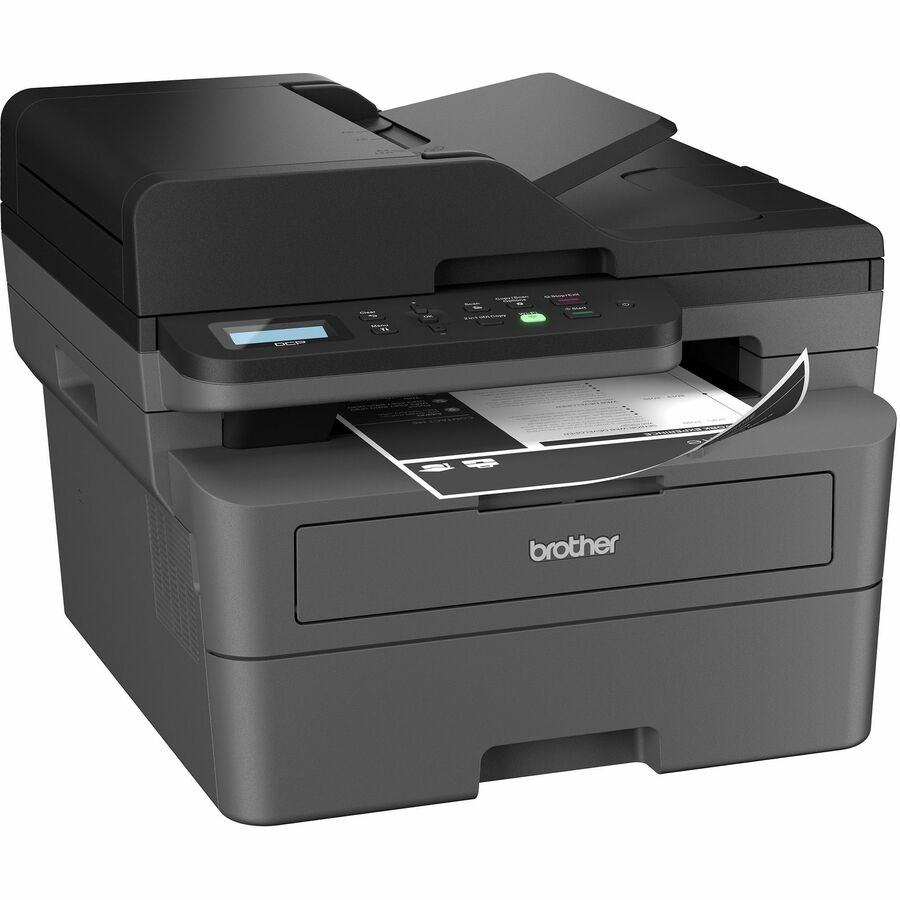
Brother Wireless DCP-L2640DW Compact Monochrome Multi-Function Laser…
DCPL2640DW
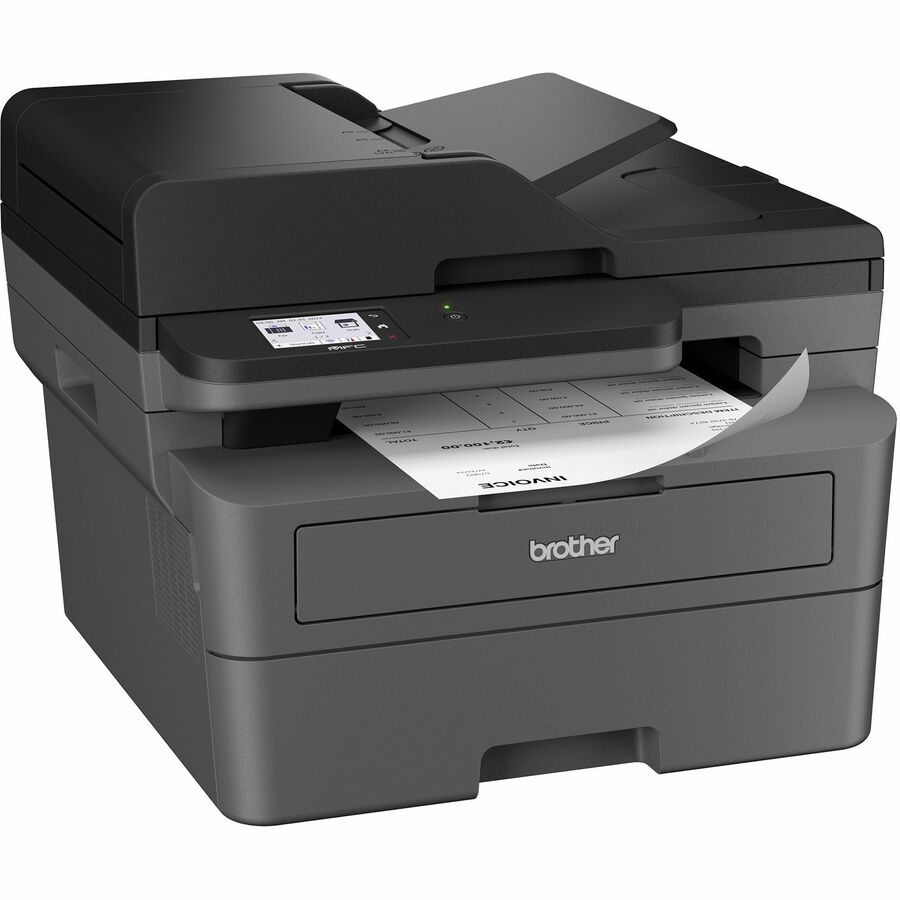
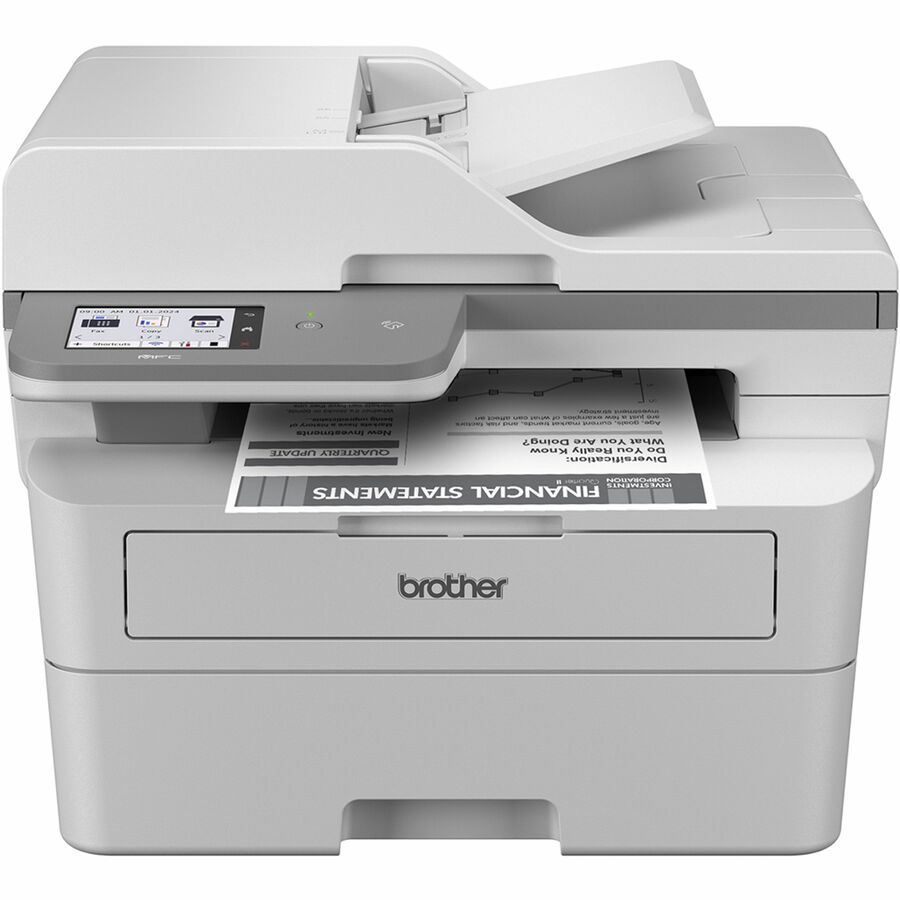
A compact monochrome laser printer, copier and scanner rated 36 ppm mono with automatic duplex printing, a 250-sheet tray, a 50-sheet document feeder and gigabit Ethernet alongside wireless. Print, copy and scan only — there is no fax on this one.
$307.63Back-orderedColour, single-pass scan
Brother Industries
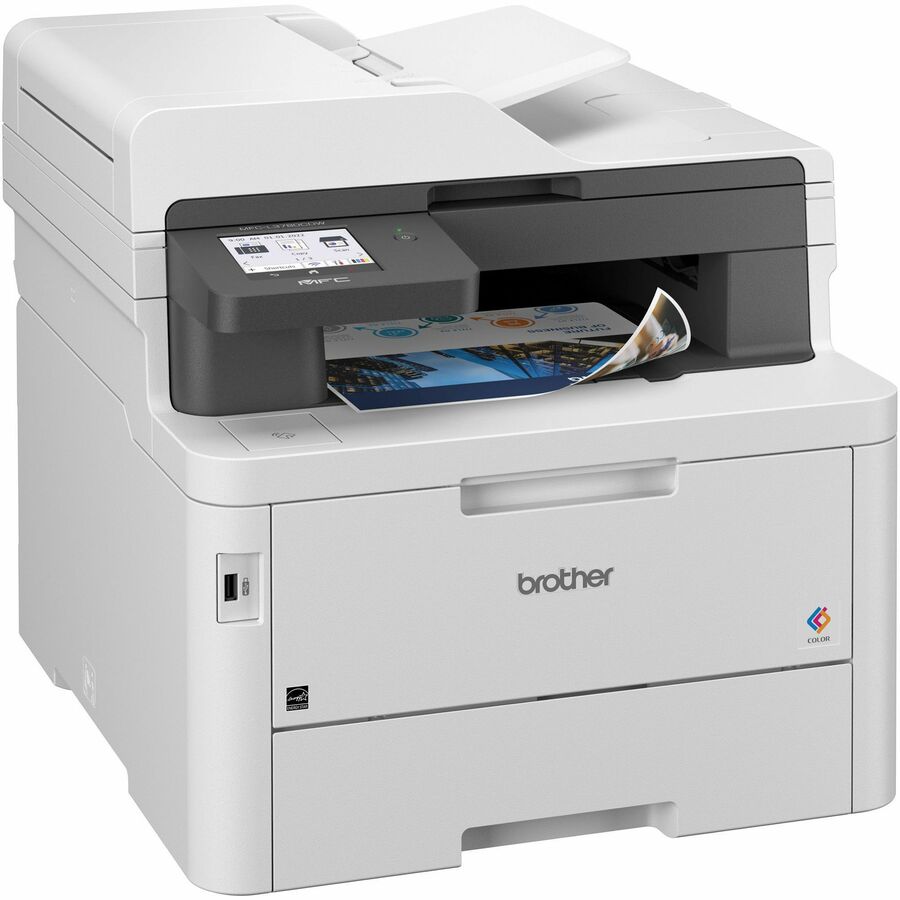
Brother MFC-L3780CDW Wireless Digital Color All-in-One Printer…
MFC-L3780CDW
A colour all-in-one rated 31 ppm mono and colour with fax, a 3.5-inch touchscreen and gigabit Ethernet, and — the detail worth paying for — single-pass duplex copy and scan, so a double-sided stack goes through the feeder once.
$805.30In stockHigh-volume mono
Brother Industries
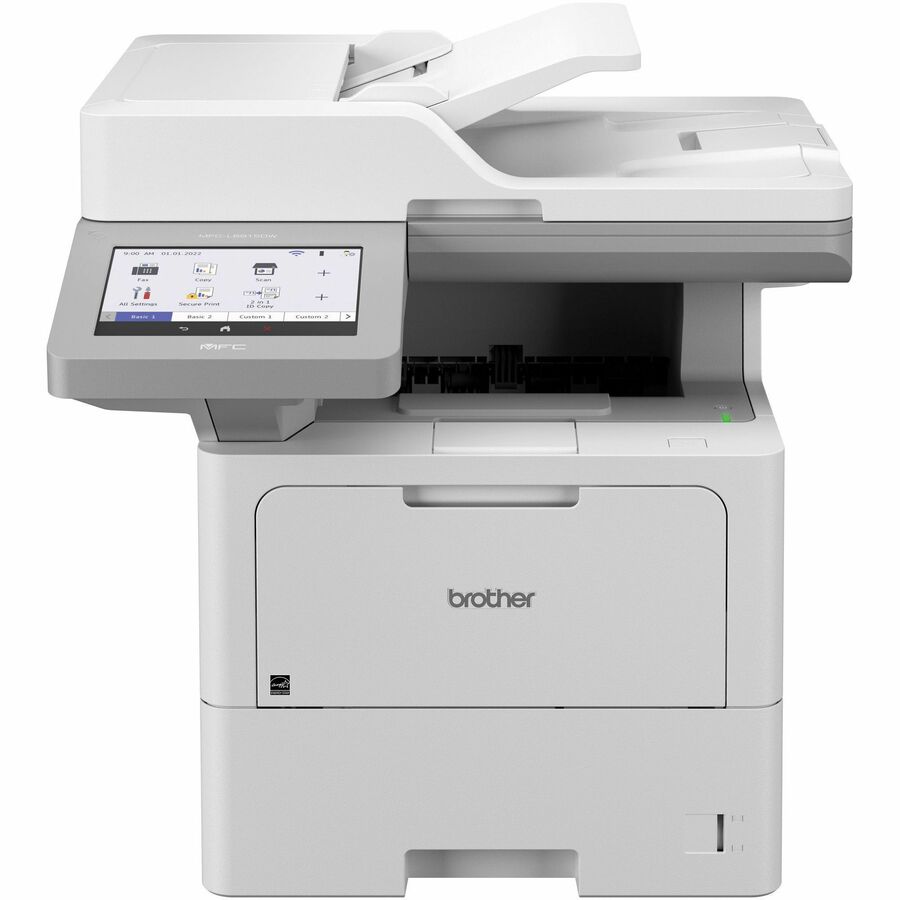
Brother MFC-L6915DW Wireless Laser Multifunction Printer
MFCL6915DW
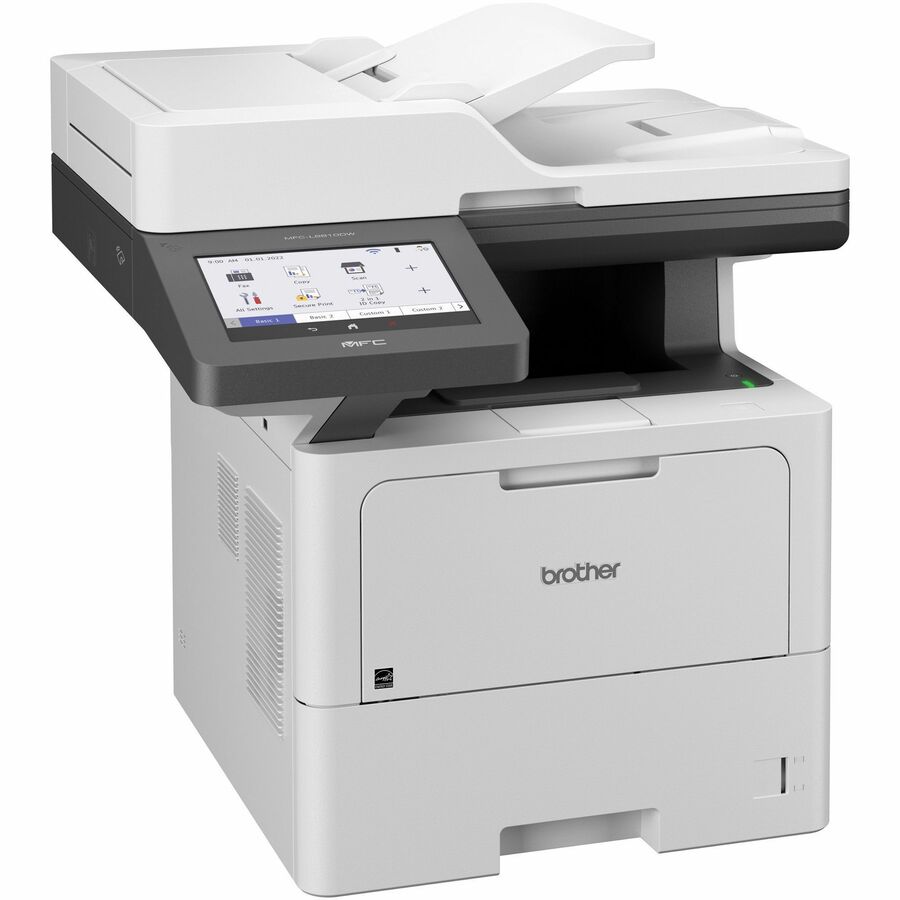
52 ppm mono with automatic duplex printing, a colour flatbed and document-feeder scanner at 1200 dpi optical, monochrome fax and gigabit Ethernet, rated up to 160,000 pages monthly on its own title. The machine for an office whose printing is the business.
$1,186.07Back-orderedOffice colour inkjet
Epson
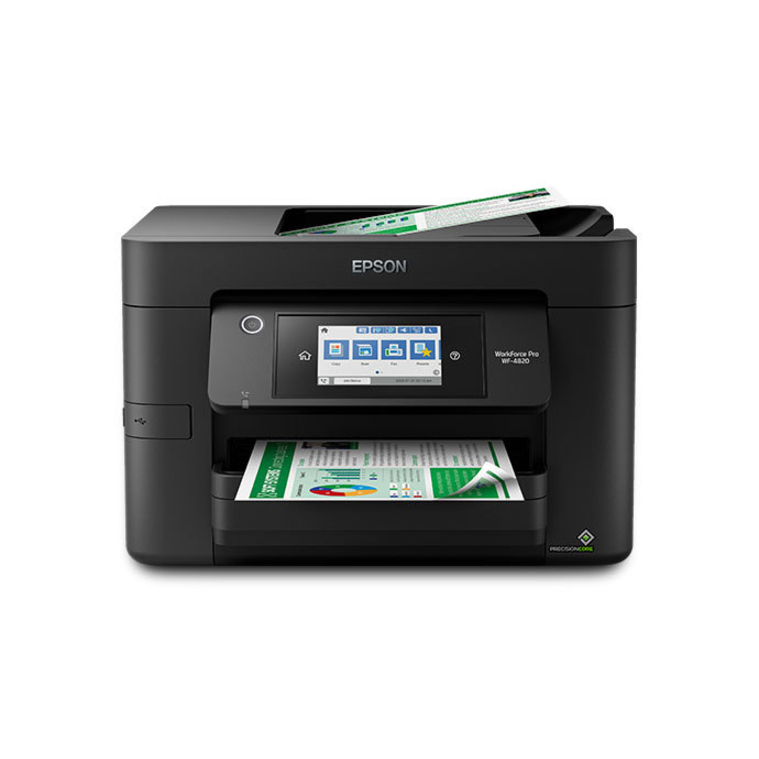
Epson WorkForce Pro WF-4820 Wireless Color All-In-One Inkjet Printer…
C11CJ06201
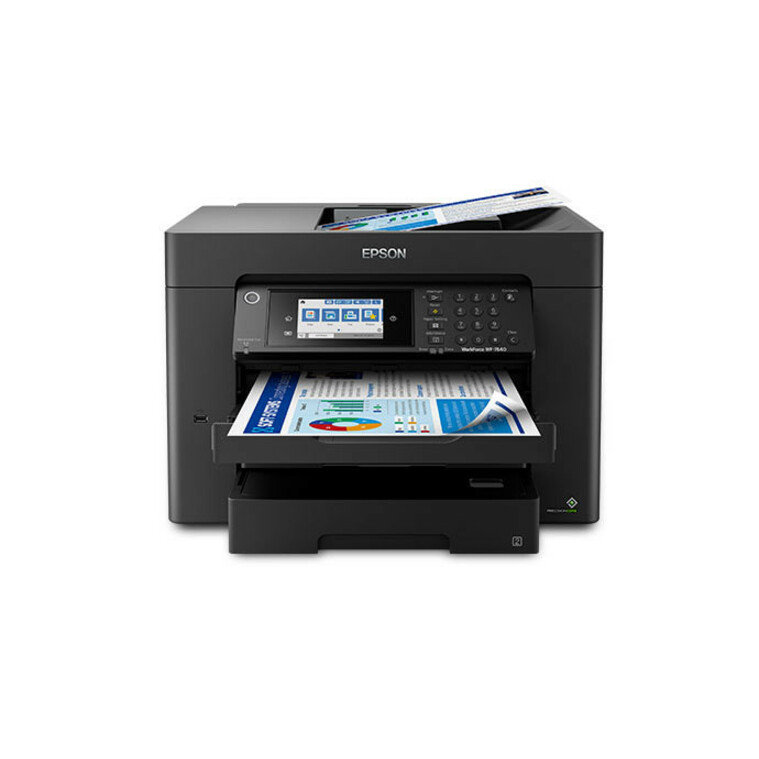
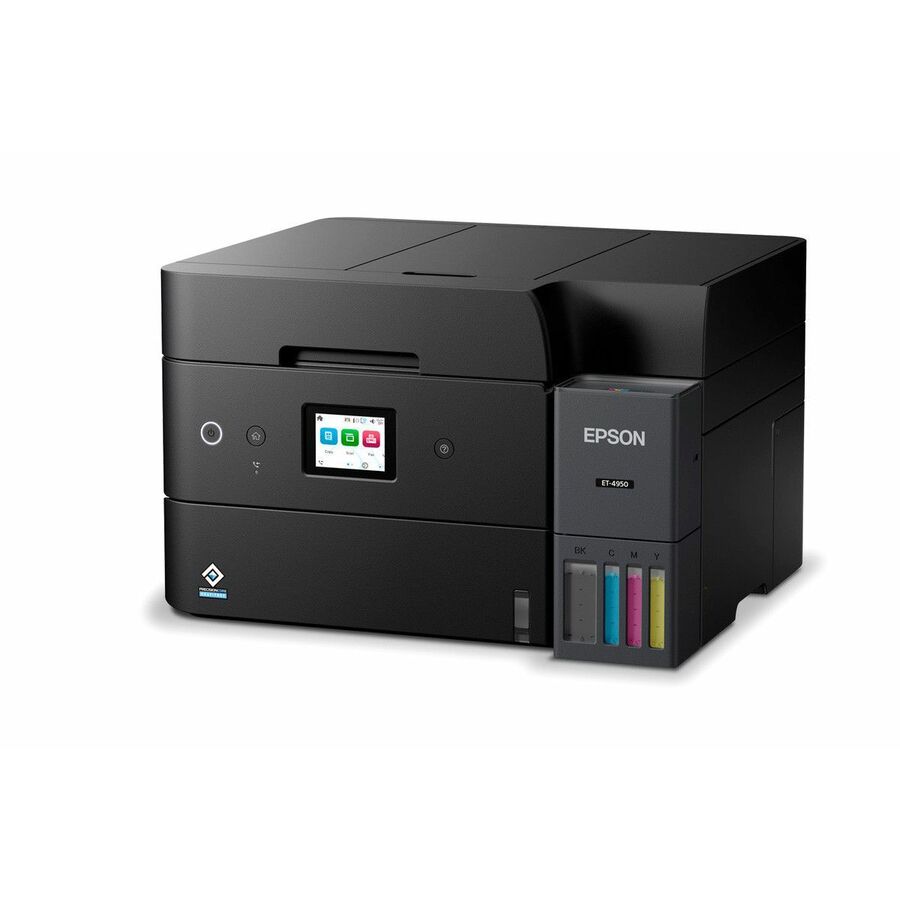
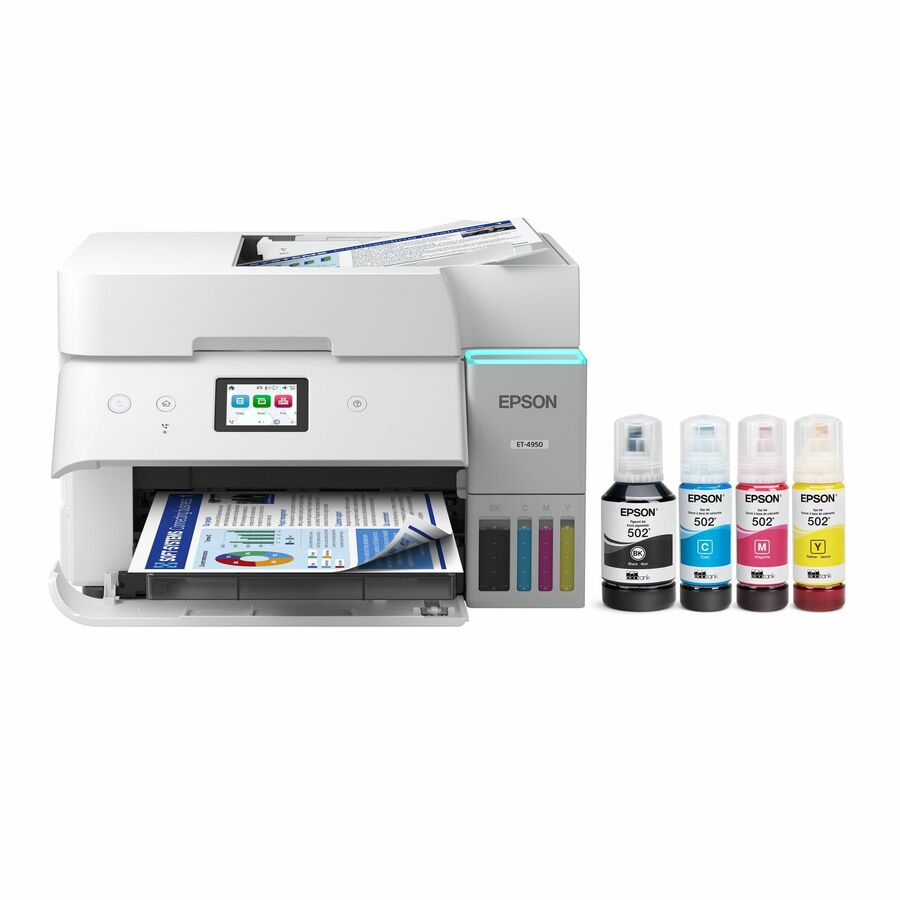
A business colour inkjet — printer, copier, scanner and colour fax — with automatic duplex printing, a 250-sheet input and a stated 33,000-page monthly volume, on both fast Ethernet and wireless. The straightforward first shared machine for a small office.
$244.99In stockFaster colour inkjet
Epson
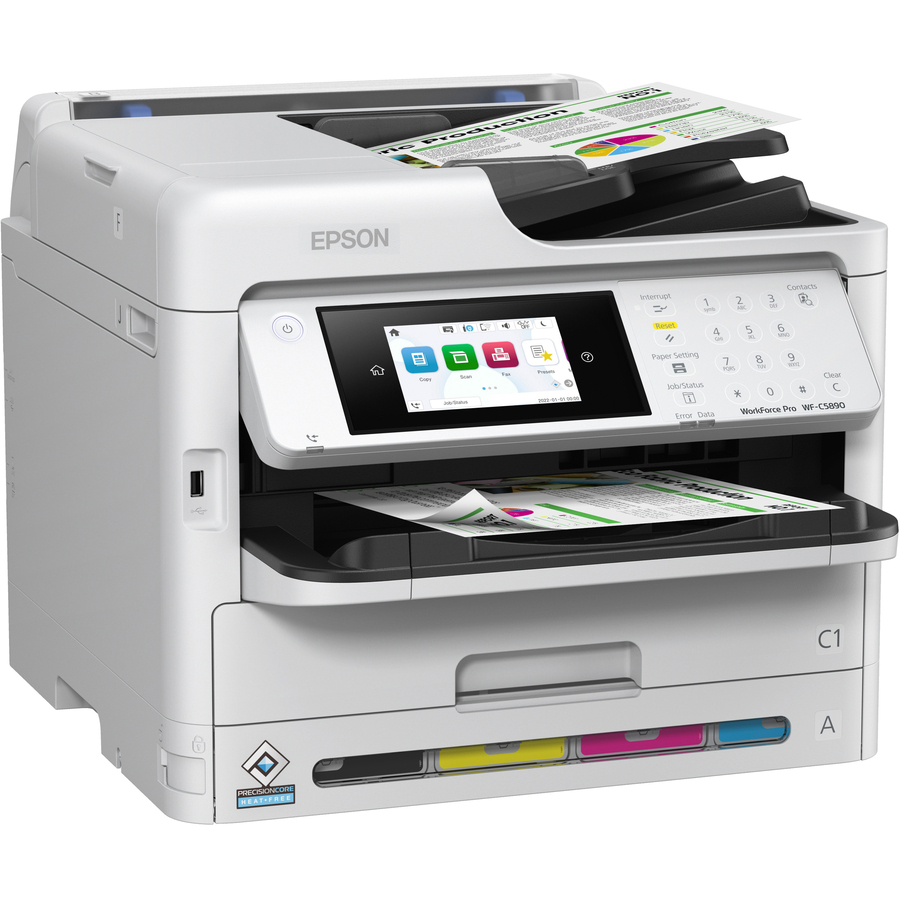
Epson WorkForce Pro WF-C5890 Wireless Inkjet Multifunction Printer
C11CK23201
34 ppm mono and colour with automatic duplex printing, colour fax, a colour flatbed scanner and a stated 75,000-page monthly volume. The step up when the office's colour volume has outgrown an entry machine but a laser is not wanted.
$1,123.08In stockCartridge-free colour
Epson
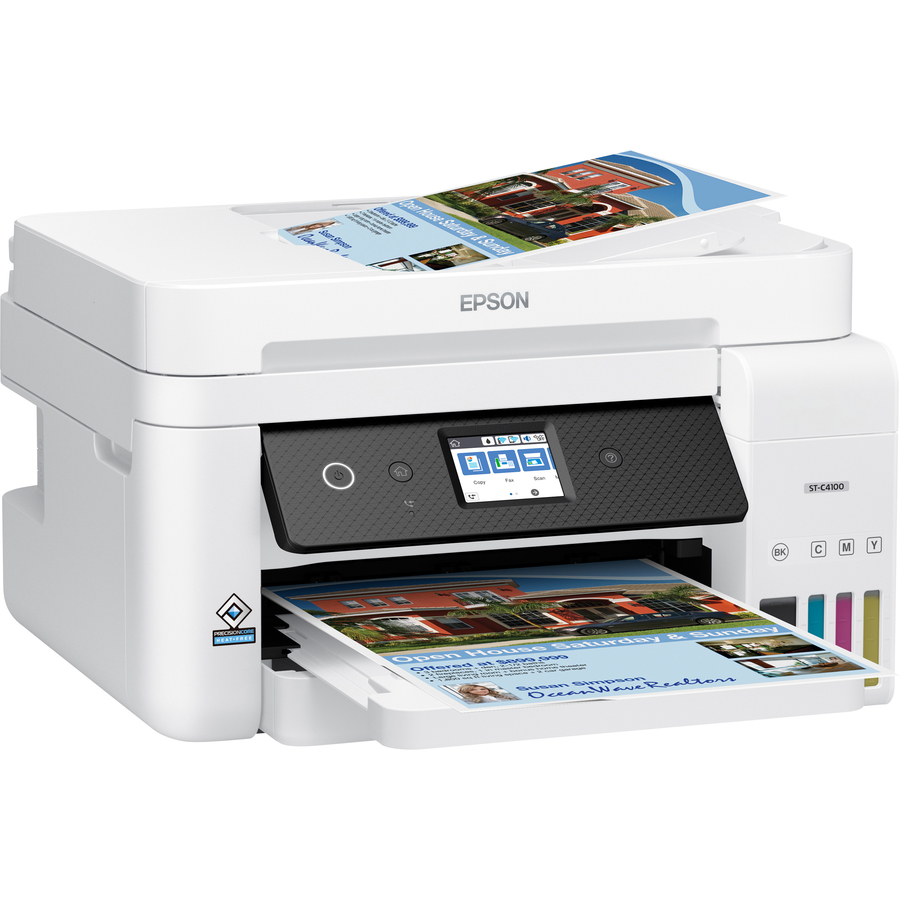
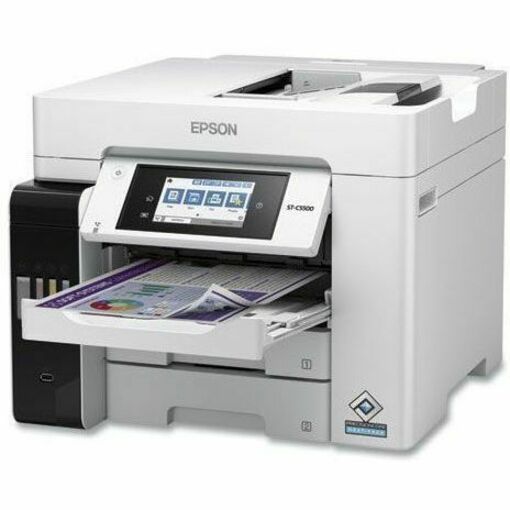
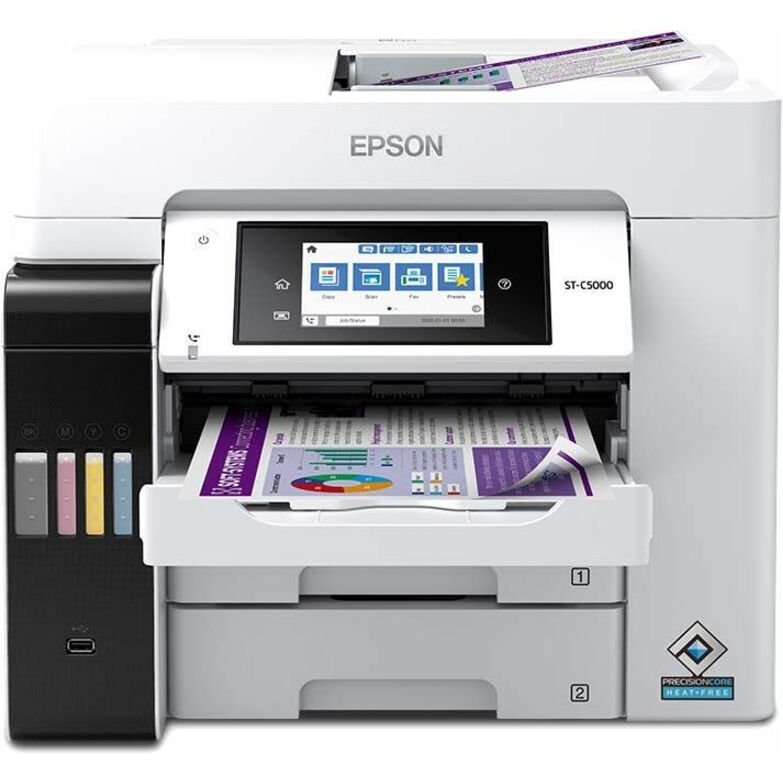
Epson WorkForce Pro ST-C5500 Wired & Wireless Inkjet Multifunction…
C11CJ28202
A cartridge-free colour inkjet rated to 66,000 pages monthly with automatic duplex printing, a colour flatbed scanner at 1200 dpi optical and outgoing fax only. The running-cost play for an office that prints a great deal of colour every month.
Outgoing fax only — check that against the requirement if inbound faxes still arrive.
$1,431.78In stockEntry mono laser MFP
Xerox
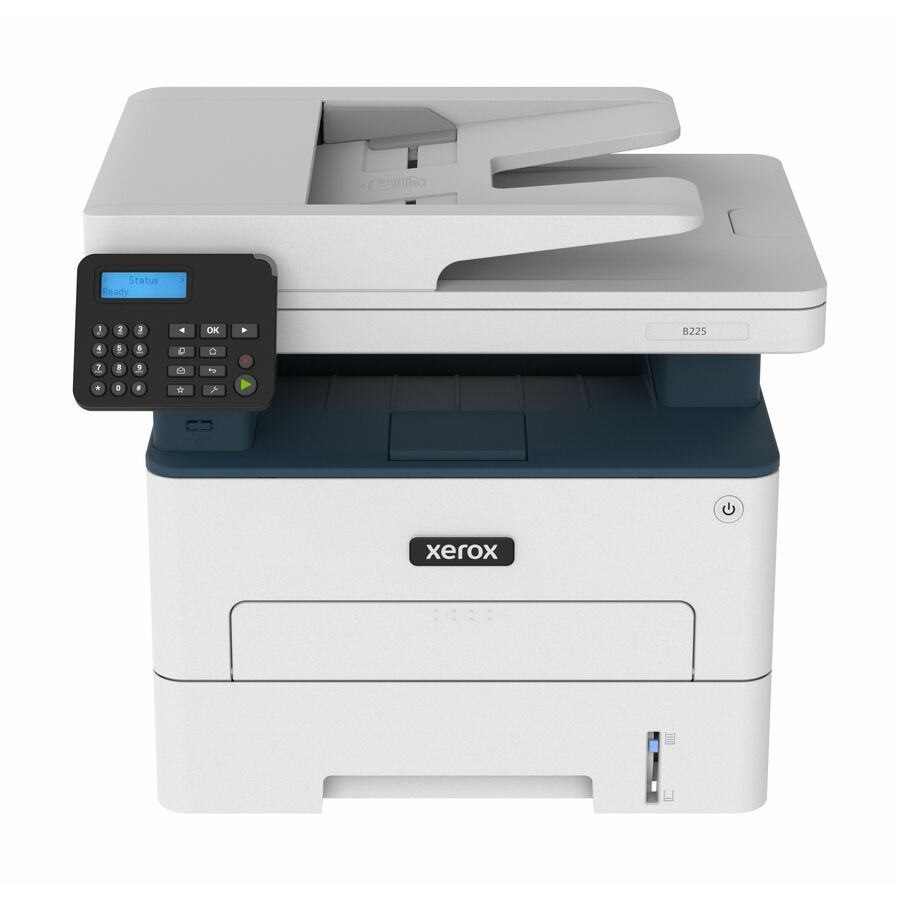
Xerox B225 Multifunction Printer, Print/Copy/Scan, Up To 36 ppm…
B225/DNI
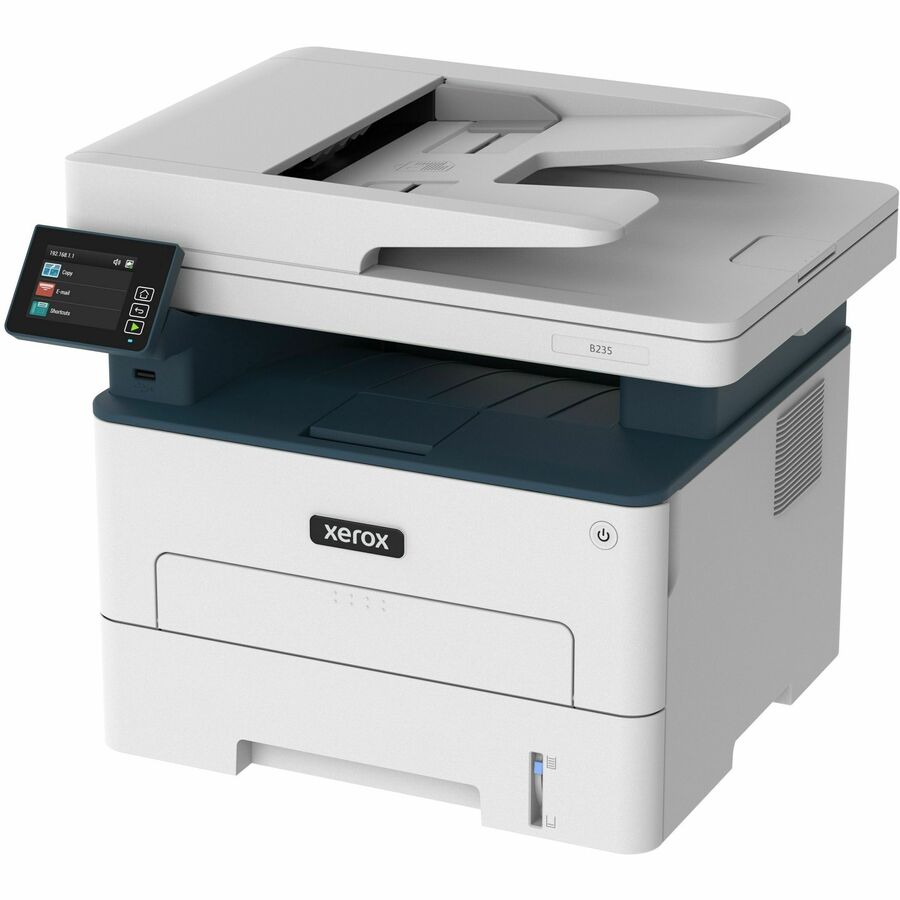
Print, copy and scan at up to 36 ppm with automatic two-sided printing, a 250-sheet tray, 1200 x 1200 dpi optical scanning and both Ethernet and wireless, rated to 30,000 pages monthly. A clean, low-fuss shared machine for a handful of desks.
$355.30In stockCompact colour laser
Xerox
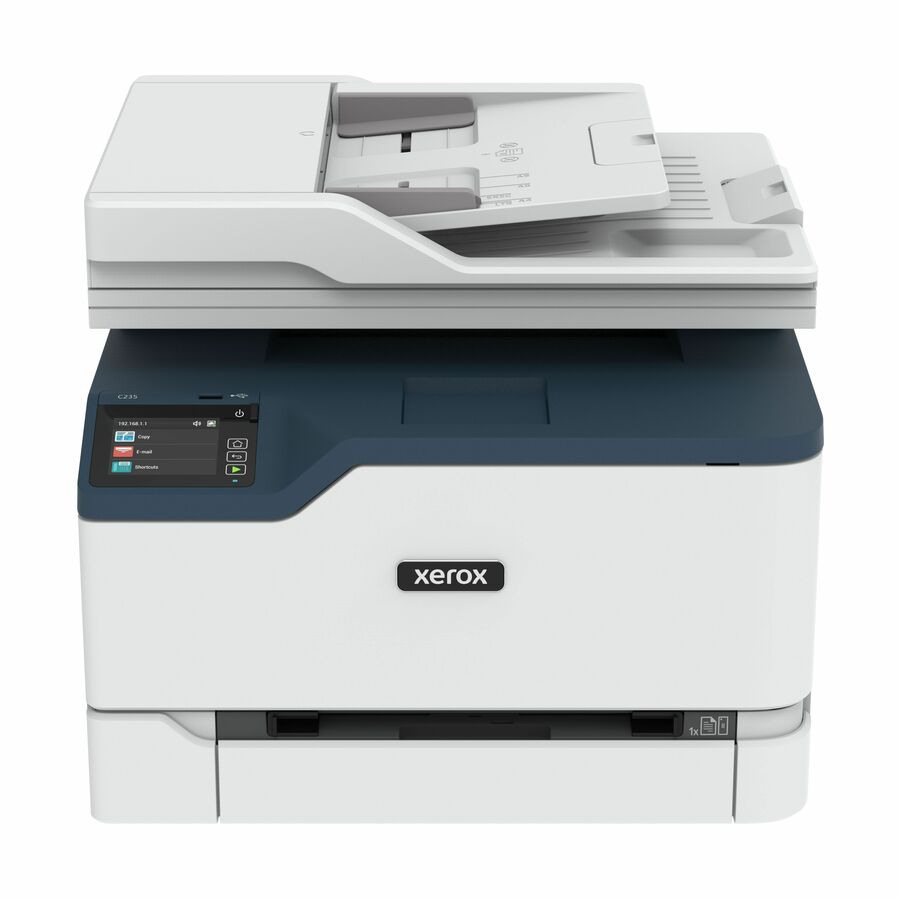
Xerox C235 Color Multifunction Printer, Print/Copy/Scan/Fax, Up…
C235/DNI
A colour multifunction rated 22 ppm mono and 24 ppm colour with print, copy, scan and fax, automatic two-sided printing, a 250-sheet tray and a 30,000-page monthly rating. The small-footprint colour option where the volume is genuinely modest.
Request pricingTAA-designated colour
Xerox
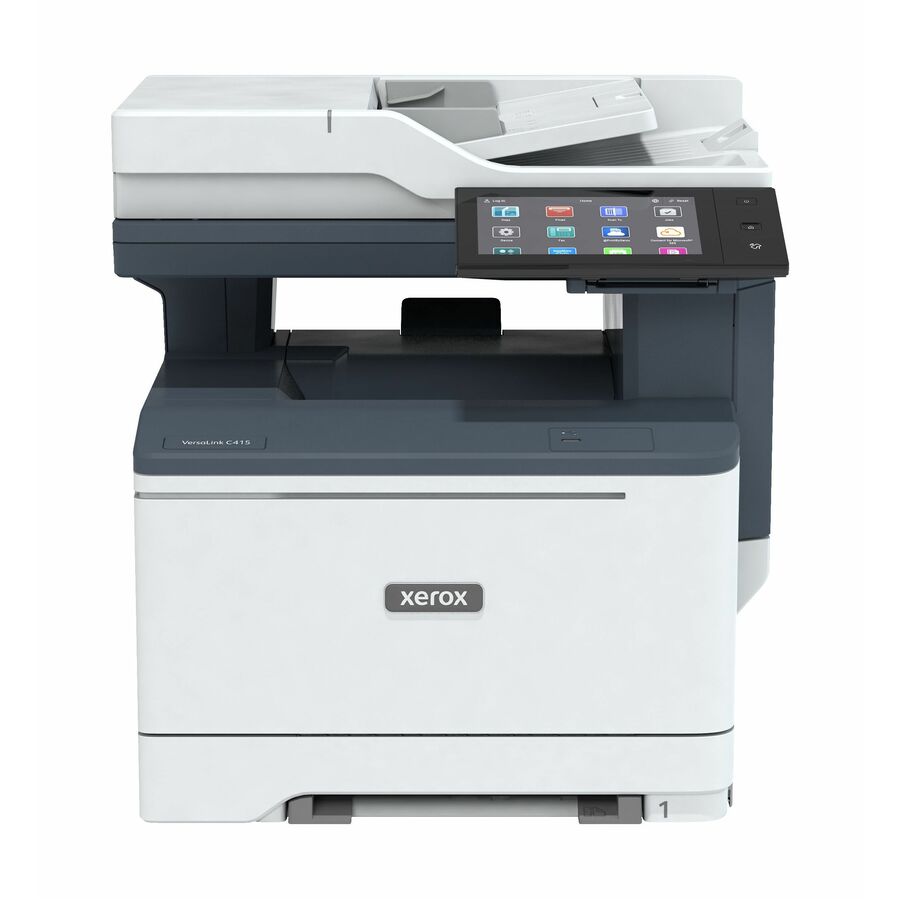
Xerox VersaLink C415 Color Multifunction Printer, Up To 42ppm, Duplex…
C415YDN
A colour multifunction at 40 ppm mono and 42 ppm colour with duplex, email, fax, gigabit Ethernet and a stated 125,000-page monthly volume — and TAA Compliant in its own catalog title, which is the per-part fact to confirm where an origin clause applies.
Read the designation on the exact part number, never on the product family.
$1,519.62*In stockMono laser with fax
Canon
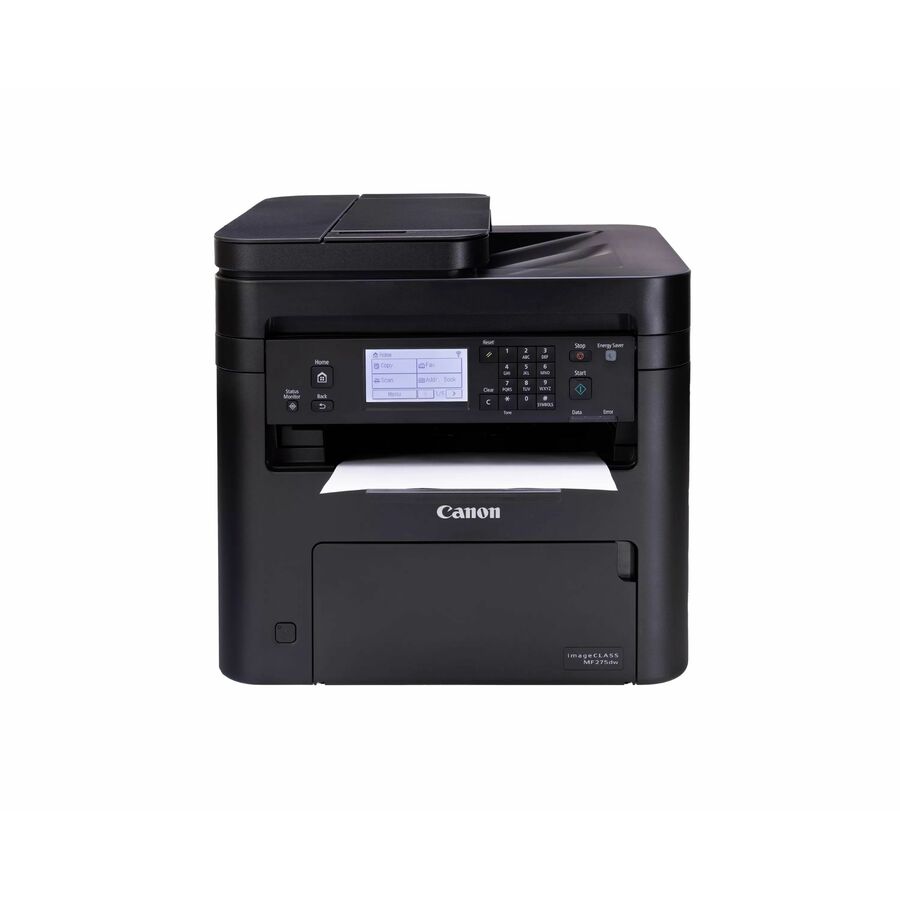
Canon imageCLASS MF275dw Wireless Laser Multifunction Printer
5621C004
A wireless monochrome laser printer, copier, scanner and fax rated 30 ppm with automatic duplex printing and a flatbed scanner, supporting AirPrint and Mopria. A compact fax-capable machine for a small practice or a branch desk.
$435.52Back-orderedFeeder and gigabit
Canon
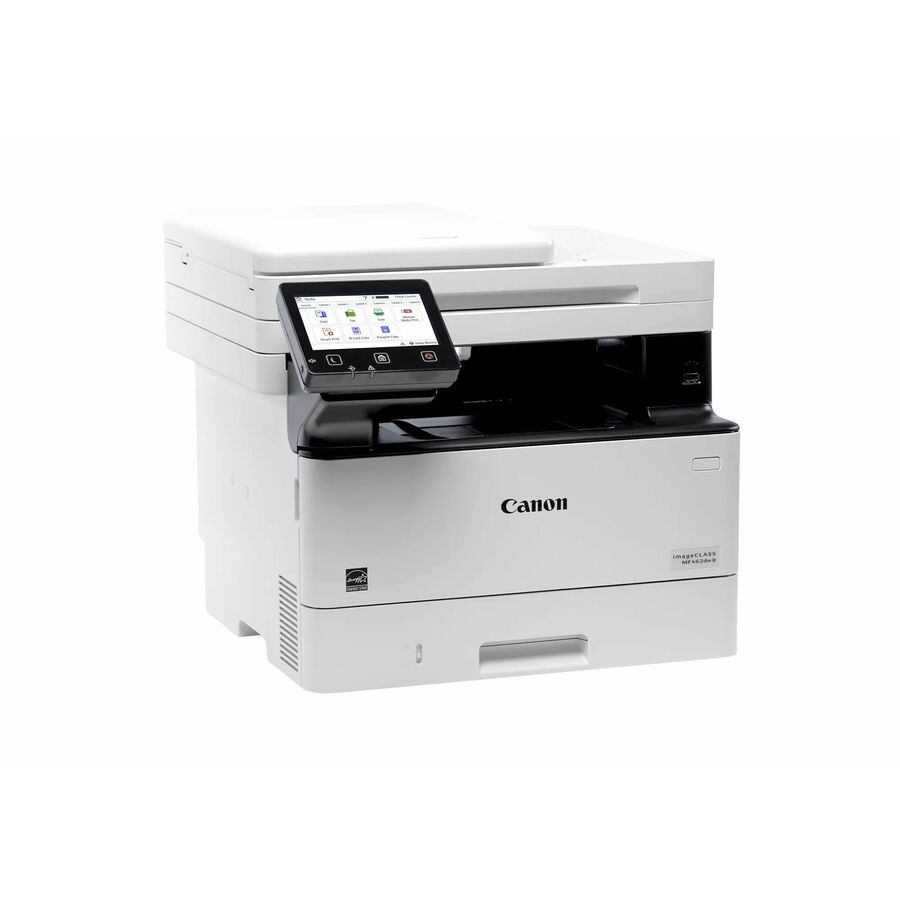
Canon imageCLASS MF462dw II Wired & Wireless Laser Multifunction Printer
7188C015
37 ppm mono with automatic duplex printing, a document-feeder scanner at 600 dpi optical, fax, gigabit Ethernet and wireless. The document-feeder-plus-wired-network combination is what separates a shared office machine from a desktop one.
Request pricingColour with ADF
Canon
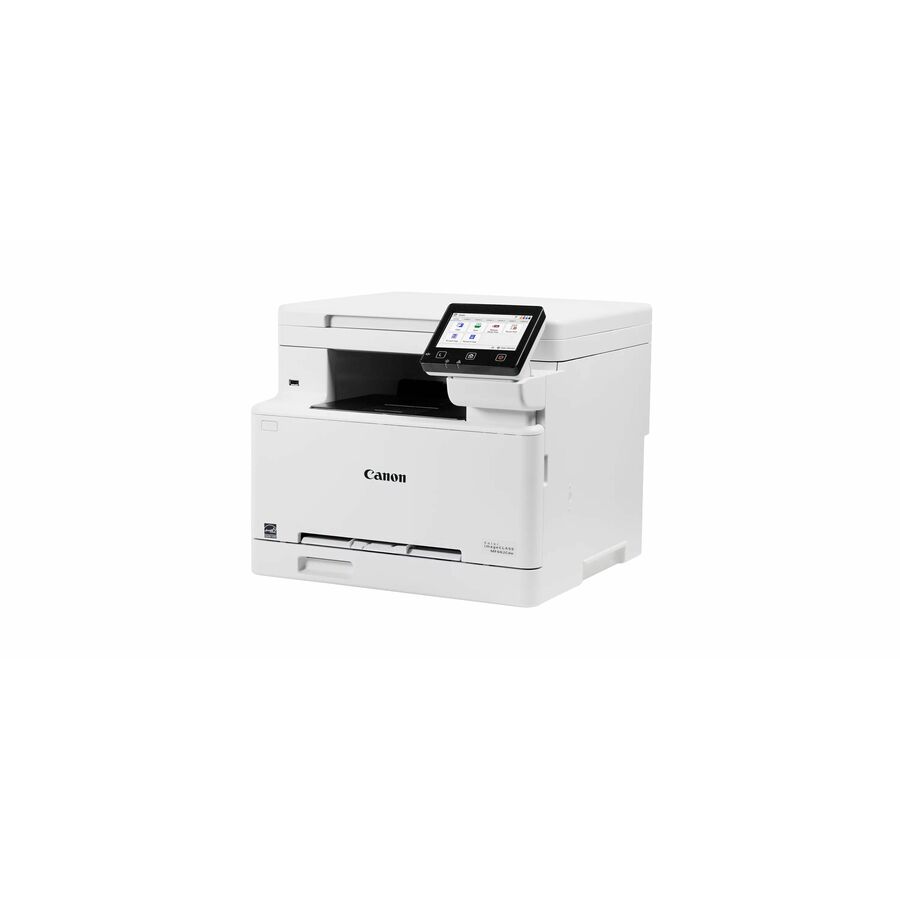
Canon imageCLASS MF662Cdw Wired & Wireless Laser Multifunction Printer
6928C016
A colour laser printer, copier and scanner at 26 ppm mono and colour, 1200 x 1200 dpi print, automatic duplex printing, a document-feeder scanner and gigabit Ethernet. Colour and a feeder without moving up to a departmental chassis.
Copier, printer and scanner — this model's title names no fax.
Request pricingTAA-designated mono
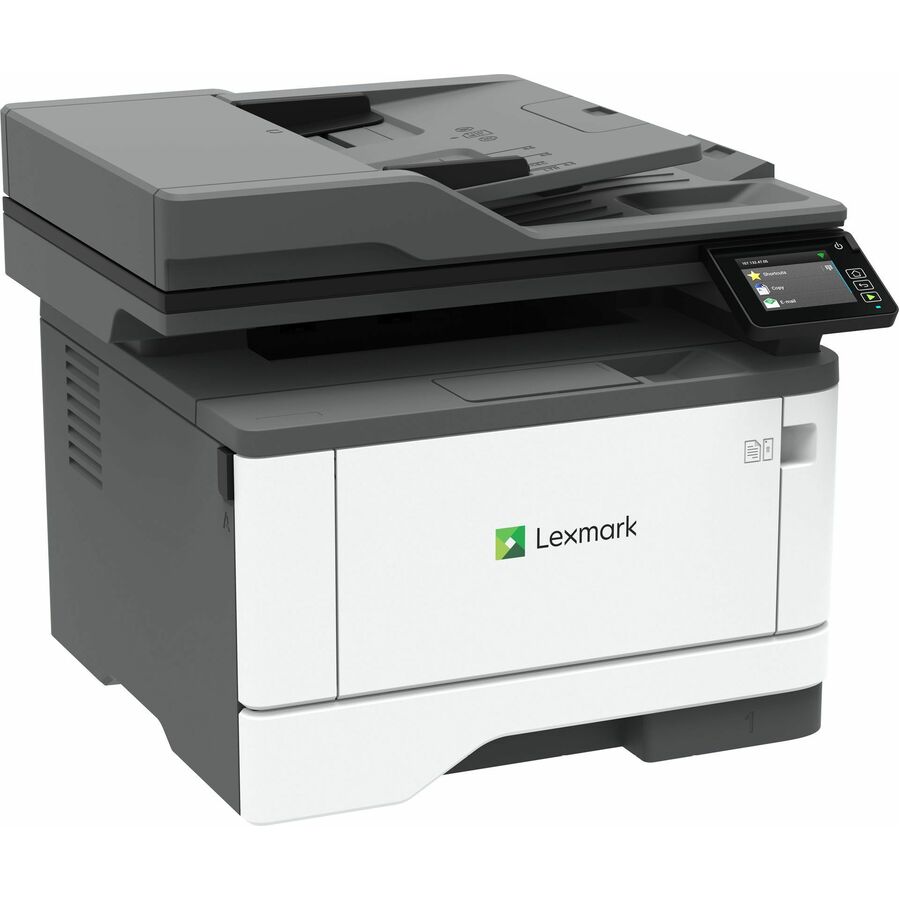
Lexmark International
Lexmark MX431adn Wired Laser Multifunction Printer
29ST014
A monochrome laser multifunction at 42 ppm with automatic duplex printing, colour flatbed scanning, monochrome fax, gigabit Ethernet and a stated 80,000-page monthly volume — with TAA Compliant on its own title for orders that carry the clause.
$640.60*Back-orderedColour, 100,000 pages
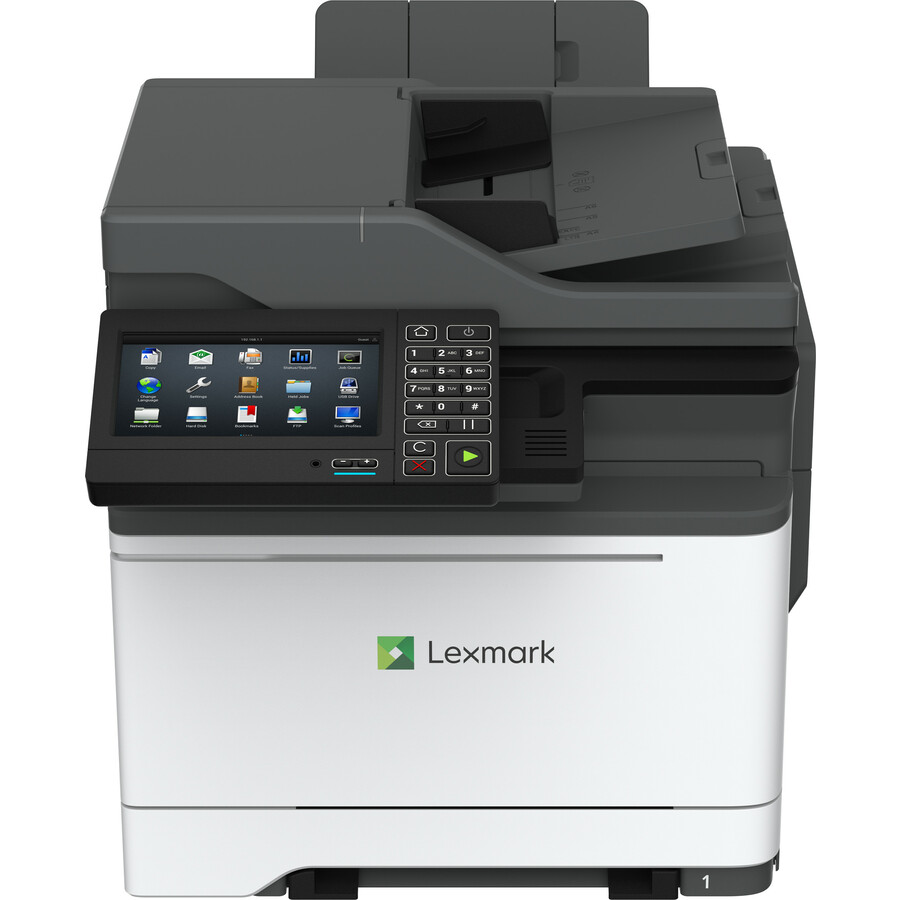
Lexmark International
Lexmark CX625ade Laser Multifunction Printer
42C1053
A colour laser multifunction at 40 ppm mono and colour with automatic duplex printing, colour scanning at 1200 dpi optical, colour fax, gigabit Ethernet and a stated 100,000-page monthly rating. The top of this selection, for a busy shared floor.
$2,247.66Back-orderedMore multifunction printers in the Uniqcli catalog
See all 911 multifunction printersMore from across this category. In-stock lines lead, and a back-ordered line carries the same estimated availability its product page does — with live pricing throughout, NDAA §889 screening before checkout and TAA verified on request.
- Brother IndustriesBrother Workhorse MFC-L8395CDW Digital Color All-in-One Printer with Wireless Networking and Duplex Print, Scan, and Copy - Copier/Fax/Printer/Scanner - 31 ppm Mono/31 ppm Color Print - 2400 x 600 dpi class - 3.5" LCD Touchscreen - Gigabit Ethernet - Hi-Speed USB 2.0MFCL8395CDW
$1,369.99
$785.96
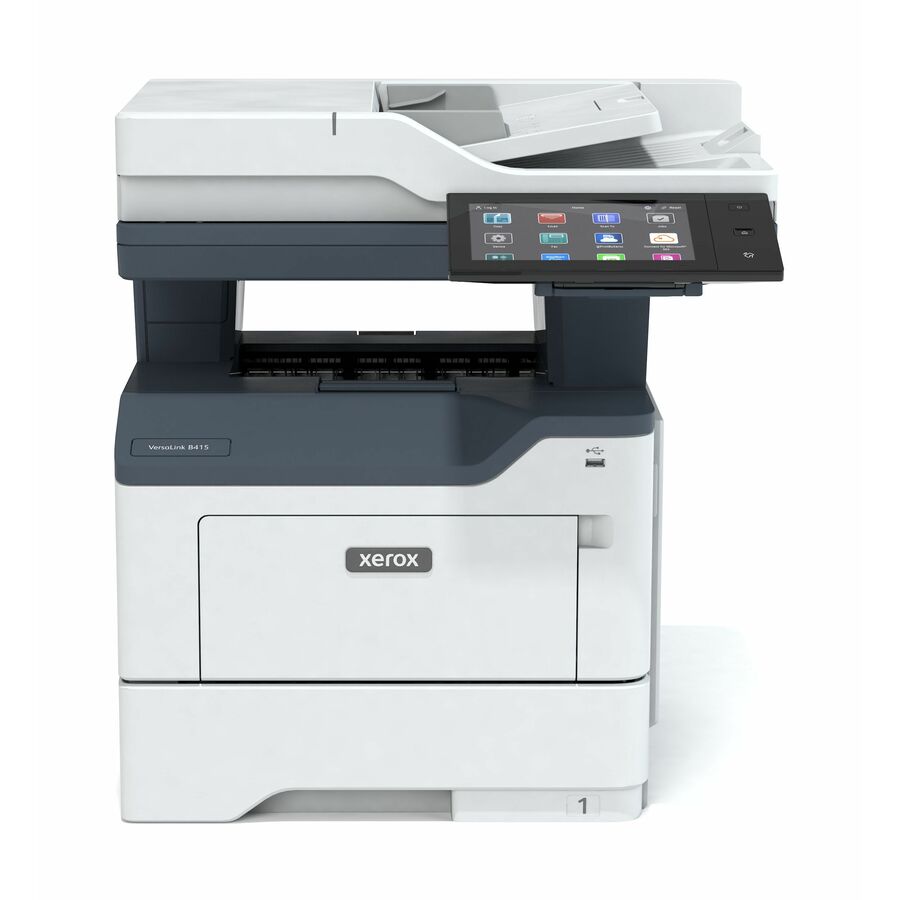
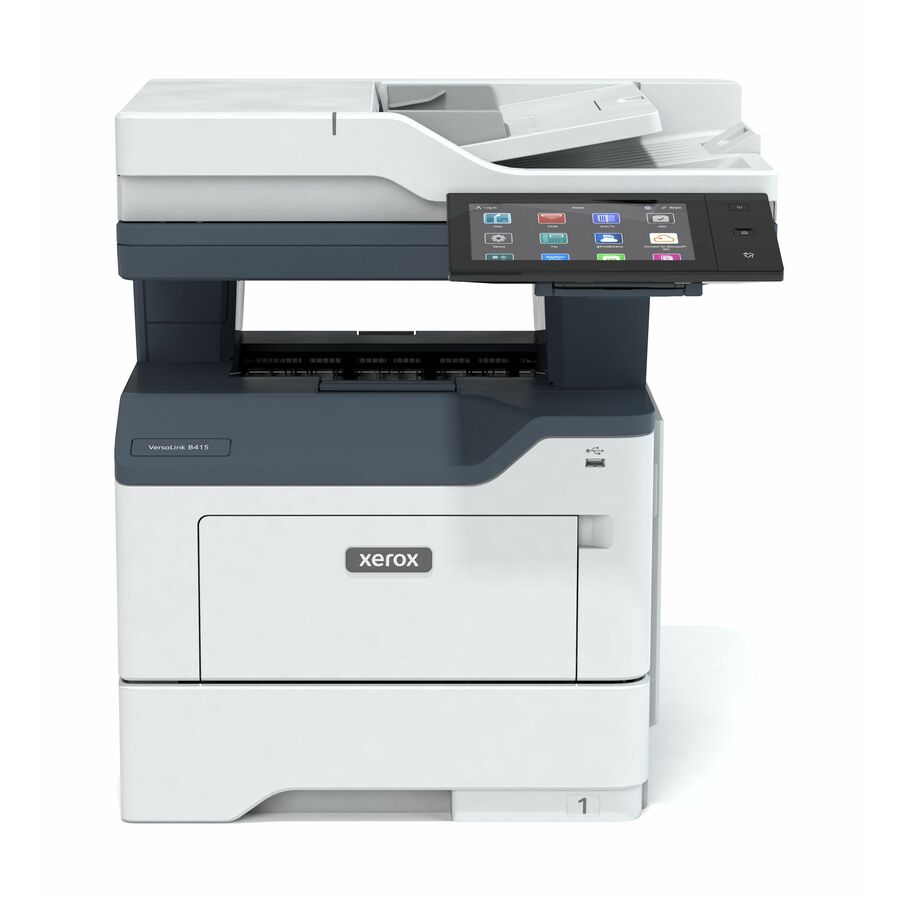
32 in stock - XeroxXerox VersaLink B415 Multifunction Printer, Up To 50ppm, Duplex - Copier/Email/Fax/Printer/Scanner - 47 ppm Mono Print - 1200 x 1200 dpi Print - Up to 175000 Pages Monthly - Gigabit Ethernet - Apple AirPrint, Mopria, Mopria Print Service, PrintByXerox, Xerox Print Service - USBB415DN
$1,865.00
$1,486.16
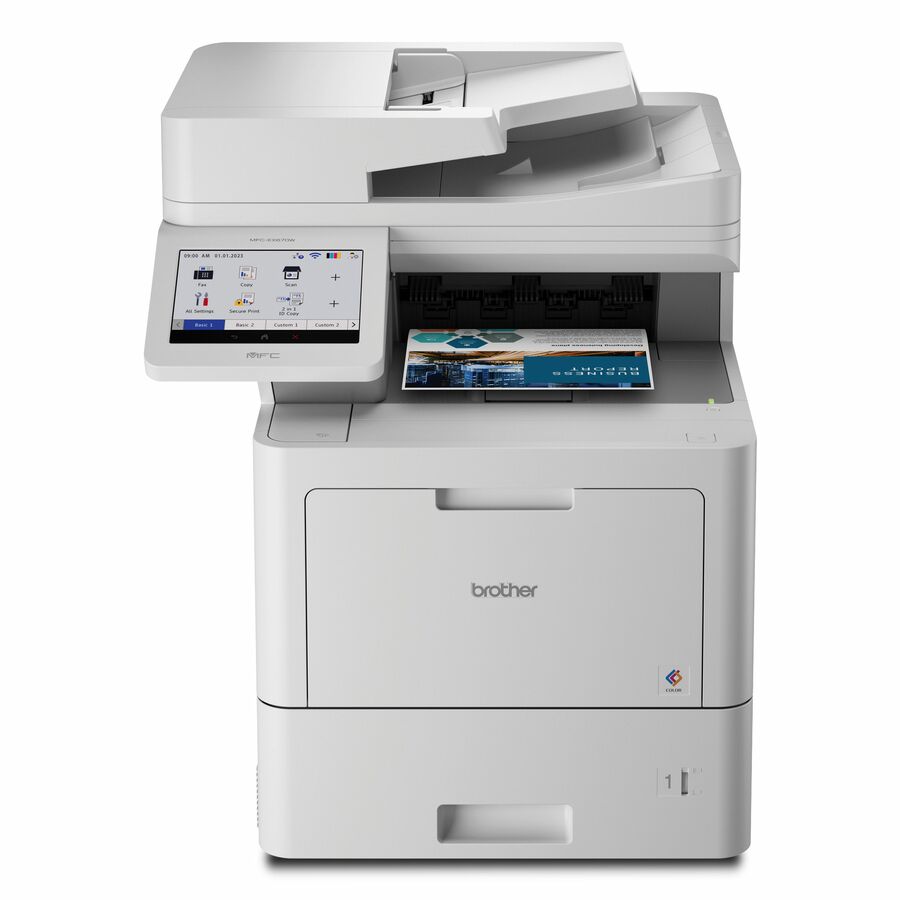
20 in stock - Brother IndustriesBrother Workhorse MFC-EX670W Enterprise Color Laser All-in-One Printer with Fast Printing, Large Paper Capacity, and Advanced Security Features - Copier/Fax/Printer/Scanner - 42 ppm Mono/42 ppm Color Print - 2400 x 600 dpi class - 7" LCD Touchscreen - Gigabit Ethernet - Hi-Speed USB 2.0MFCEX670W
$6,129.99
$2,281.03
Back-orderedBack-ordered — estimated OEM lead time 3–8 weeks (Nov 14 – Dec 19 if ordered today).
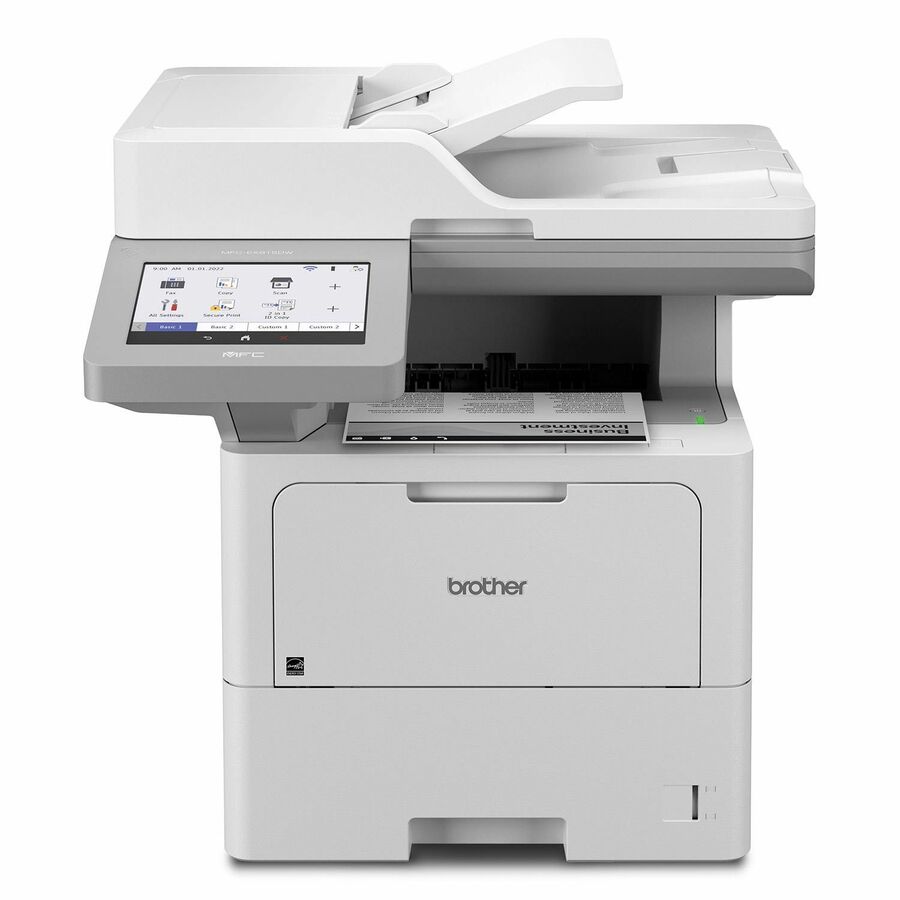
- Brother IndustriesBrother Workhorse MFC-EX915DW Laser Multifunction Printer - Monochrome - Copier/Fax/Printer/Scanner - 52 ppm Mono Print - 1200 x 1200 dpi Print - Automatic Duplex Print - Color Flatbed/ADF Scanner - 1200 x 1200 dpi Optical Scan - Monochrome Fax - Gigabit Ethernet - Wireless LAN - USBMFCEX915DW
$3,939.99
$1,282.73
Back-orderedBack-ordered — estimated OEM lead time 3–8 weeks (Nov 14 – Dec 19 if ordered today).
Back-ordered — estimated OEM lead time 3–8 weeks (Nov 14 – Dec 19 if ordered today).
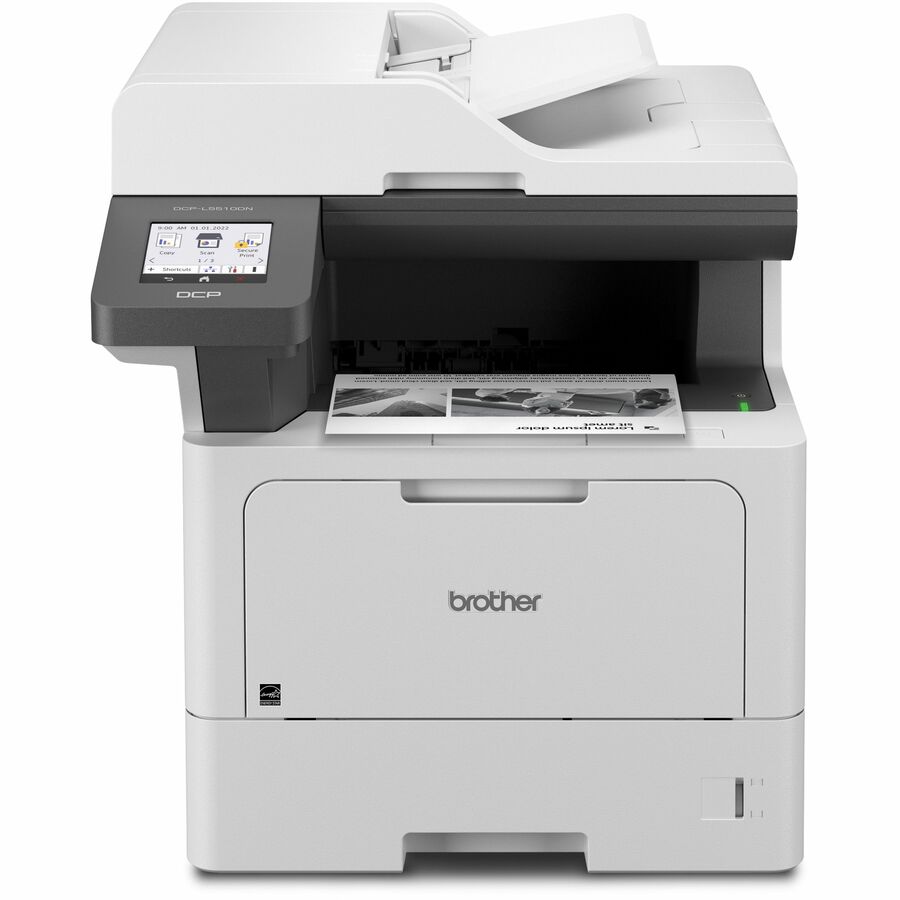
- Brother IndustriesBrother DCP-L5510DN Wired Laser Multifunction Printer - Monochrome - Copier/Printer/Scanner - 48 ppm Mono Print - 1200 x 1200 dpi Print - Automatic Duplex Print - Color Flatbed Scanner - 600 dpi Optical Scan - Gigabit Ethernet - USB - For Plain Paper Print - 1 EachDCP-L5510DN
$3,099.99
$635.97
Back-orderedBack-ordered — estimated OEM lead time 3–8 weeks (Nov 14 – Dec 19 if ordered today).
- Brother IndustriesBrother Workhorse MFC-L9670CDN Enterprise Color Laser All-in-One Printer with Fast Printing, Large Paper Capacity, and Advanced Security Features - Copier/Fax/Printer/Scanner - 42 ppm Mono/42 ppm Color Print - 2400 x 600 dpi class - 7" LCD Touchscreen - Gigabit Ethernet - Hi-Speed USB 2.0MFCL9670CDN
$3,779.99
$2,004.52
Back-orderedBack-ordered — estimated OEM lead time 3–8 weeks (Nov 14 – Dec 19 if ordered today).
Back-ordered — estimated OEM lead time 3–8 weeks (Nov 14 – Dec 19 if ordered today).
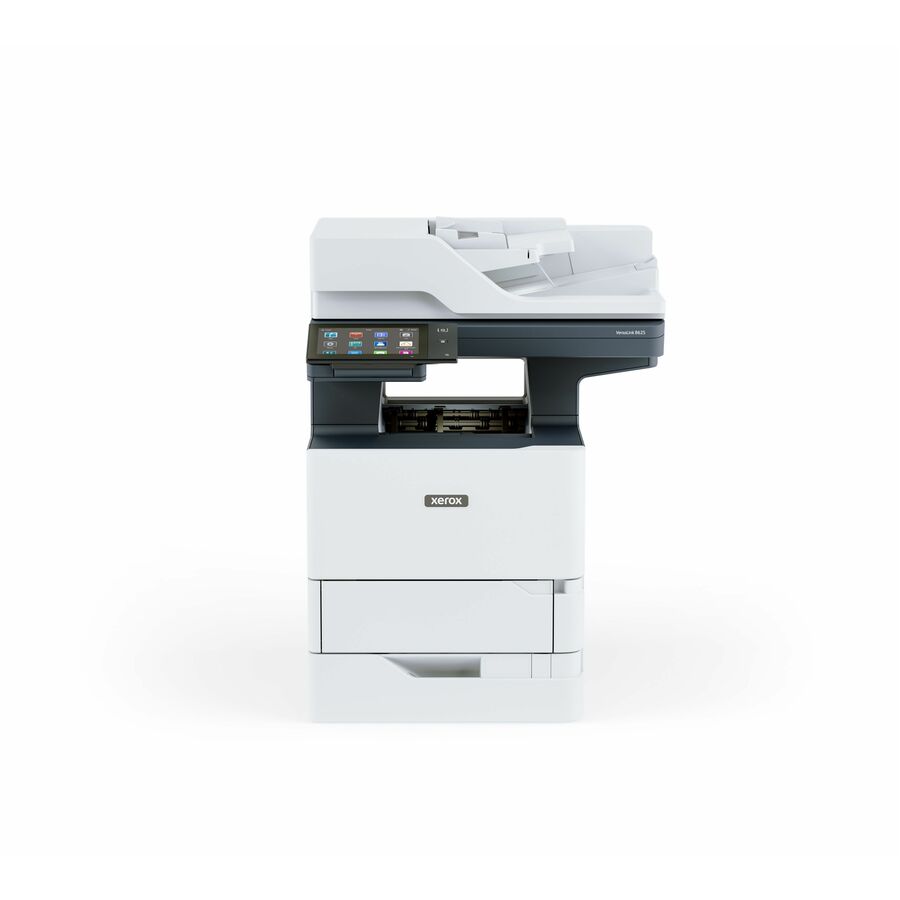
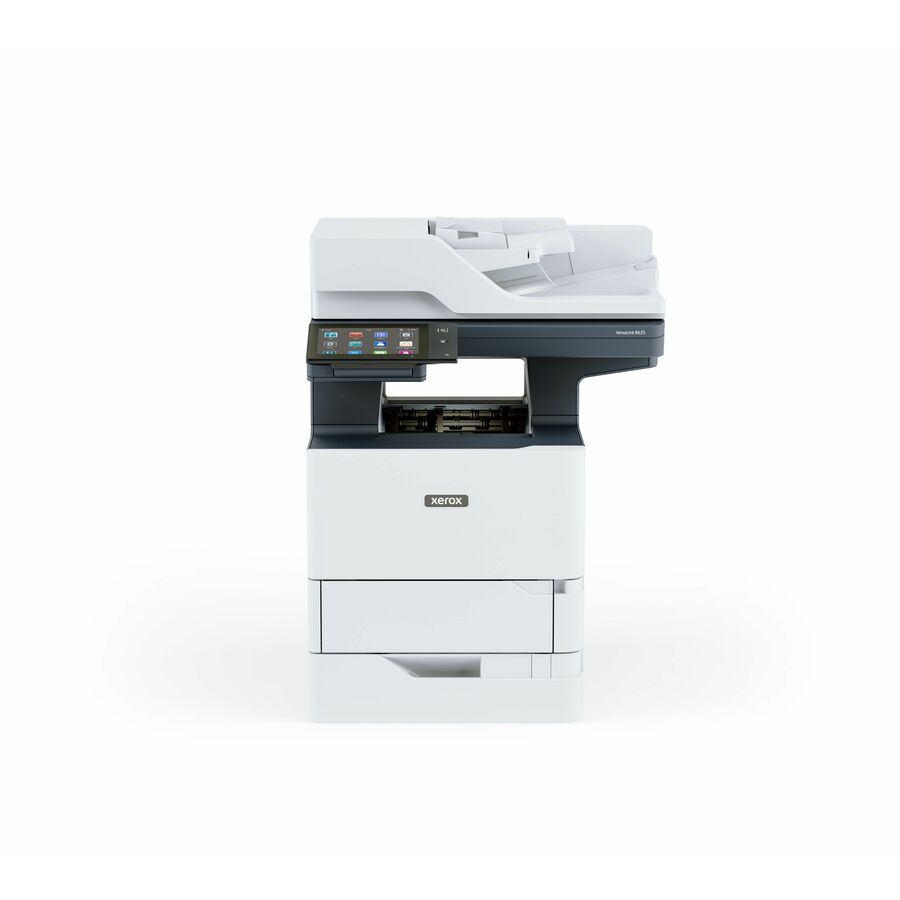
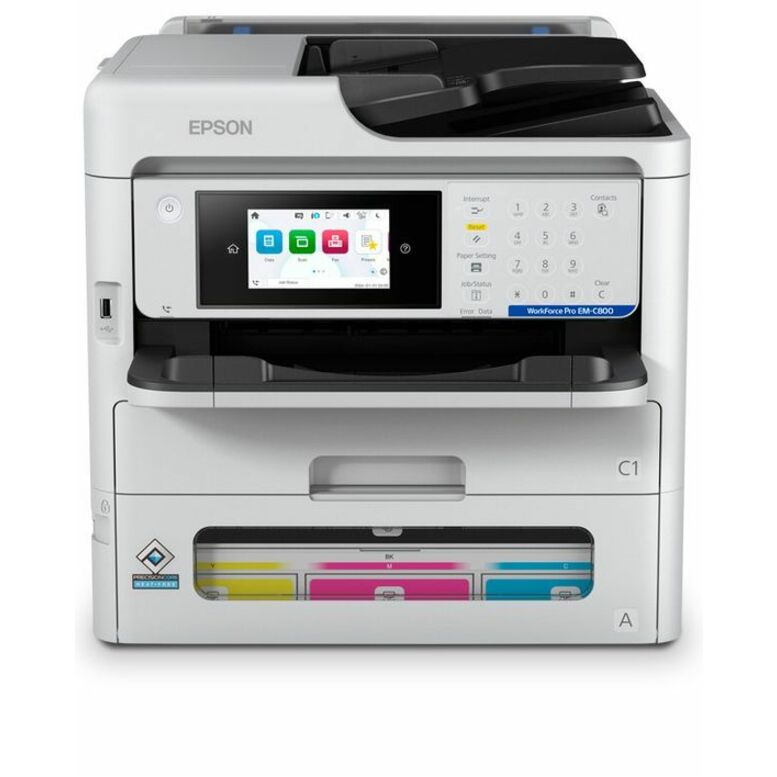
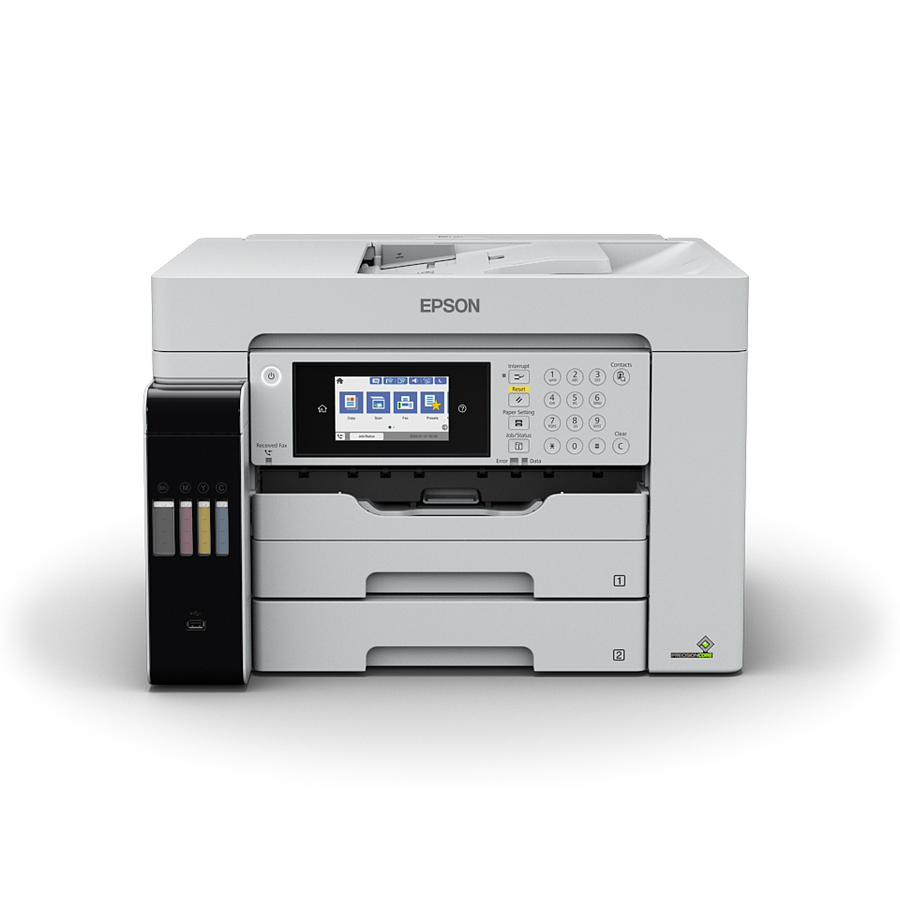
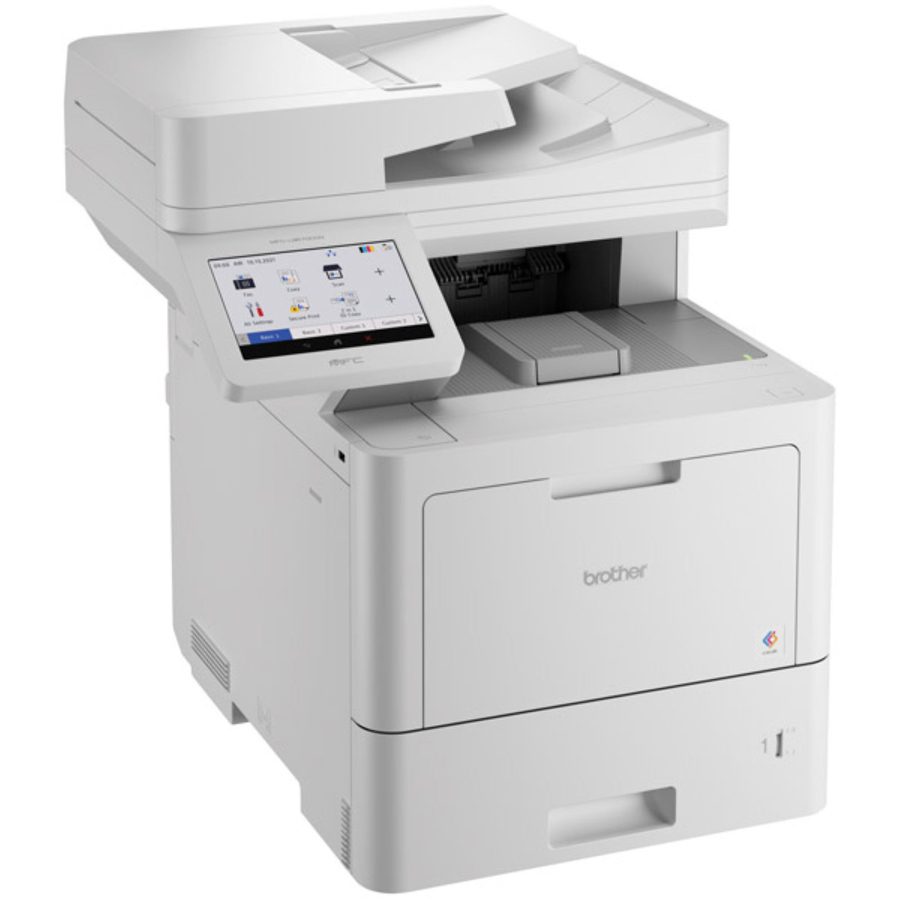
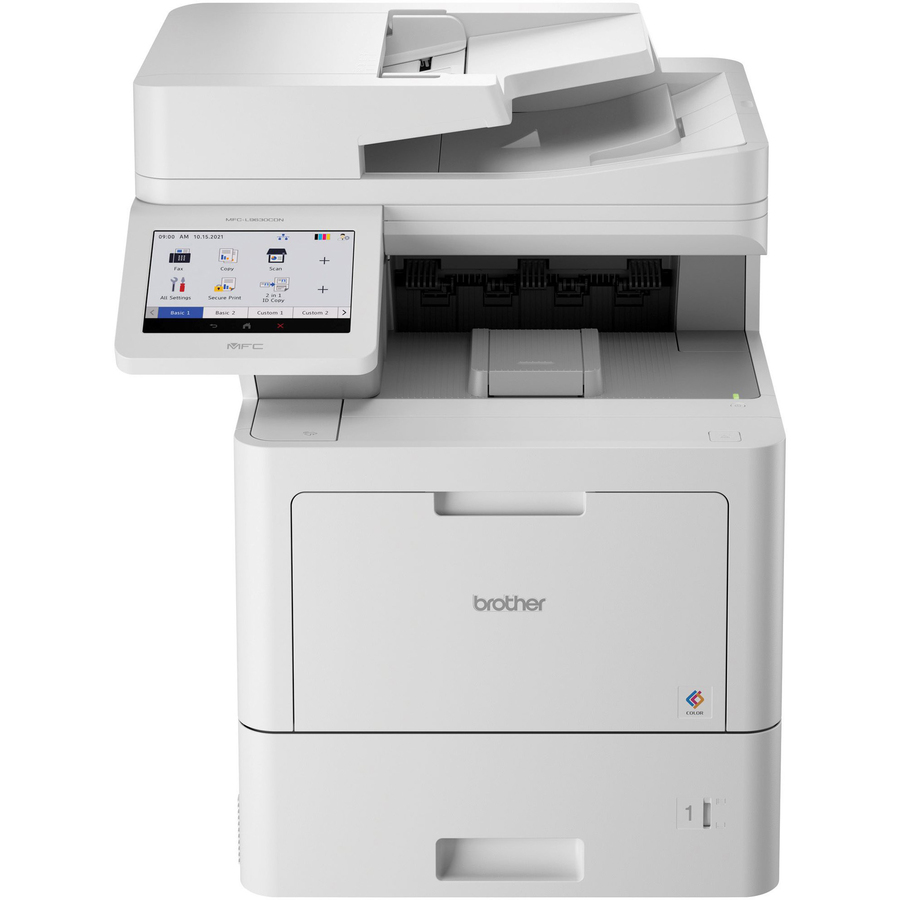
Need pricing on multifunction printers?
Tell us where to reach you and a Uniqcli specialist will follow up by email with current pricing, availability and lead time for the quantities you need — including parts that aren’t shown on this page.
Buying for an organization or for yourself — both work. No payment up front.
The sizing number for a small-office multifunction printer is the manufacturer's recommended monthly volume, not the headline duty cycle — a machine run near its ceiling every month is a machine you replace early. After that the two forks are ink or laser for running cost, and whether the document feeder captures both sides of a sheet in one pass.
A small office buys one multifunction printer and then lives with the decision for years, which is why the purchase deserves more thought than its price suggests. The machine is a print engine, a copier, a scanner and often a fax in one body, and the specification that decides whether it was a good buy is rarely the one on the front of the box. It is the monthly duty cycle, the size of the document feeder, whether that feeder scans both sides in one pass, how much paper the trays hold, and what the consumables cost over three years — a number that routinely exceeds the machine.
The first real fork is ink or laser. A laser engine fuses toner and is the traditional office answer: fast first pages on text, sharp small type, stable output for a machine that prints in bursts all day. Business inkjets have closed much of that gap and their cartridge-free tank designs — sold under names like EcoTank, MegaTank and INKvestment Tank, all of which appear in the titles on this page — change the running-cost arithmetic substantially for an office that prints a lot of colour. Neither is the right answer everywhere. An office that prints a few hundred mono pages a month and an office that prints thousands of colour pages a month should not buy the same machine.
The second fork is what the machine has to do besides print. Scanning is where small offices are most often under-bought: a flatbed scanner alone means feeding a twenty-page contract by hand, and a document feeder that scans one side at a time means running the stack twice. Where a title states single-pass duplex scanning, that is the feature that quietly saves the most time in a records-heavy office. The selection below spans the manufacturers Uniqcli carries in this class, colour and mono, ink and laser, with live pricing printed on each card and availability shown per row rather than promised in this copy.
Buyer's checklist
How to choose a multifunction printer for a small office
- Start from monthly pages, not from the machine. These titles name a recommended or maximum monthly volume — from tens of thousands of pages upward on this shelf — and a machine run near its ceiling every month is a machine that fails early and jams often.
- Decide colour honestly. Colour costs more to buy and more to run, and an office that prints colour twice a week is usually better served by a fast mono machine and a small colour unit than by one expensive colour machine doing both jobs badly.
- Weigh the consumables over three years, not the purchase. A cartridge-free tank inkjet, a standard cartridge inkjet and a laser with high-yield toner have very different cost curves, and the machine's own title tells you which family it belongs to.
- Buy the scanner you actually need: a document feeder is the difference between scanning a contract and feeding it page by page, and where a title states single-pass duplex scanning the feeder reads both sides in one pass rather than running the stack twice.
- Size the paper path for the office's rhythm — tray capacity, whether a second tray can be added, and whether the machine handles legal, ledger or heavier stock. Refilling a small tray several times a day is the complaint that eventually replaces the machine.
- Check the network connection rather than assuming it: gigabit Ethernet, fast Ethernet and wireless-only machines all appear here, and a shared office device on wireless alone is a support ticket waiting for a busy Monday.
- Confirm the fax requirement before you pay for it. Several of these are copier, printer and scanner only, and several are fax-capable or outgoing-fax-only — the distinction is stated per part and it is one of the easiest things to get wrong on a form.
- Where the purchase order names TAA, read the designation on the part number — several rows here state it in their own titles, and it is a per-part fact, never a brand or family rule.
Duty cycle, and the number that actually predicts trouble
Every machine on this shelf publishes a monthly page figure, and it is best read as a ceiling rather than a target. A device rated to tens of thousands of pages a month is not designed to print that many every month for years; it is designed to survive a bad month. The useful discipline is to estimate the office's real monthly volume — the copier counter on the machine being replaced is the honest source — and buy a machine whose rating comfortably exceeds it. Under-buying shows up as jams, service calls and consumables that never seem to last, and it is the single most common reason a small office is shopping for a multifunction printer again three years early.
The same estimate settles the consumables question. A machine's running cost is dominated by what it drinks, and the cartridge-free tank inkjets in this selection exist precisely because a colour-heavy office's ink bill can outrun its hardware bill within a year. A laser's toner is cheaper per page at volume on mono work and the engine is happier with bursts of text, while a business inkjet is usually quieter, cooler and cheaper to buy. Run the arithmetic against the real page count for both families before choosing, and treat the manufacturer's yield figures as comparative rather than absolute — they are measured to a standard test page, not to your documents.
The features a small office regrets not buying
Three things come up again and again once a machine is in service. The first is the document feeder: not whether it exists, but how many sheets it holds and whether it scans both sides in one pass. An office that digitizes invoices, contracts or student records will use that feature every day, and the machines that lack it turn a two-minute job into a ten-minute one. The second is paper capacity, including whether a second tray can be added later — a single small tray is fine until the month somebody prints a board pack. The third is the network path: a gigabit connection and a proper device management story matter far more on a shared machine than any print-speed figure, because a printer nobody can reach is a printer nobody can use.
Security is the quiet fourth. A multifunction printer is a networked computer with a hard-copy input and output, and in an office that scans anything sensitive it deserves the same treatment as any other endpoint: a changed default password, a place on the right network segment, firmware kept current, and a decision about what the machine stores and how it is cleared before it leaves the building at end of life. That last point is worth writing into the disposal plan rather than remembering at the loading dock. Send the monthly page count, the colour split, the scanning workload and the number of people sharing the machine, and we will quote the printer, the consumables and the deployment together with lead times attached.
Keep exploring
Buying for an office, not a desk
FAQ
Common questions
- Should a small office buy ink or laser?
- It depends on what the office prints and how much of it is colour. A laser engine handles text in bursts well, produces sharp small type and generally costs less per mono page at volume, which is why it remains the default for a document-heavy office. A business inkjet is cheaper to buy, quieter and cooler, and the cartridge-free tank designs on this shelf — sold under names like EcoTank, MegaTank and INKvestment Tank — change the running-cost arithmetic sharply for an office that prints a lot of colour. Estimate real monthly pages and the colour share first, then compare the two families on three-year running cost rather than on purchase price.
- What monthly duty cycle do we need?
- Enough that your real volume sits well below it. The figures on these titles are ceilings that describe what the machine can survive in a heavy month, not what it should be asked to do every month. Take the counter reading from the machine you are replacing, add for growth, and buy a device rated comfortably above it. Running near the ceiling is what produces jams, early consumable exhaustion and service calls, and it is the most common reason an office that bought carefully on price is buying again three years later.
- Do we still need fax?
- Many small offices do not, and several machines on this page are copier, printer and scanner only — while others are fax-capable and at least one is outgoing-fax-only, all stated per part in the title. The sectors where fax persists are the ones with a counterparty that still requires it, typically in healthcare, legal and some government offices. If nobody has sent one in a year, do not pay for the module or the line; if a single counterparty needs it, check whether an outgoing-only machine covers the actual requirement before buying a full fax feature set.
- Can these machines be managed and secured centrally?
- To varying degrees, and it is worth asking about the specific model rather than the brand. Most business-class multifunction printers offer a web management interface, address-book and driver deployment, and firmware that can be updated centrally; the depth of that tooling is one of the real differences between an entry machine and a business one. Whatever the model, treat it as a networked endpoint: change the default administrator password, place it on the appropriate network segment, keep firmware current, and settle before purchase what the device stores and how that storage is cleared when the machine is retired.
- Can business, government and education buyers order these?
- Every line Uniqcli quotes is sourced through US distribution and screened for TAA country-of-origin and NDAA §889 status before checkout — with documentation tied to the specific part number, not a product family.
Need multifunction printers pricing?
Send a bill of materials or part numbers — we confirm stock and a below-market total, with TAA verified on request. No payment up front.