
Short answer
The main difference between a laser printer and an inkjet printer is the marking material: a laser writes to a drum and a heated roller fuses dry toner to the page, while an inkjet sprays liquid ink through nozzles. Choose laser for sustained mono volume and machines that sit idle between jobs; choose inkjet for photo output, varied media and a lower entry price.
Key facts
- Laser is electrophotographic: toner is transferred to the paper and fixed by heat. Inkjet emits liquid ink droplets from nozzles straight onto the page.
- Toner yield is measured by ISO/IEC 19752 for mono and ISO/IEC 19798 for colour; colour inkjet cartridge yield uses ISO/IEC 24711.
- Cost per page is the cartridge price divided by that ISO-stated yield — run it on the exact cartridge the model takes, then multiply by monthly volume.
- Rated print speed comes from ISO/IEC 24734, which measures office-application productivity the same way for inkjet and laser.
- Dry toner cannot dry out, so a laser tolerates long idle stretches; inkjets run self-cleaning routines that consume ink after a long gap.
- Laser takes toner, not ink. The two consumables are not interchangeable, and a colour laser holds four separate toner cartridges.
Buyers rarely ask this question in the abstract. It comes up when a workgroup's monthly page count is climbing, when a device that sits idle keeps clogging, or when a finance review flags that consumables cost more than the hardware did. The real decision isn't 'which technology is better' — it's which failure mode you'd rather manage, because laser and inkjet fail differently and spend your money differently.
The two families print in fundamentally different ways: laser fuses dry toner powder onto the page with heat after a laser or LED writes the image onto a photoconductor drum, while inkjet sprays liquid ink through microscopic nozzles. That single difference cascades into everything a buyer cares about — running cost per page, warm-up and sustained throughput, how the device tolerates sitting unused, and how faithfully it reproduces photos versus crisp black text. Match those characteristics to your actual workload and the answer usually settles itself.
At a glance
Side by side
| Factor | Laser printer | Inkjet printer |
|---|---|---|
| Print mechanism | Laser/LED writes to a drum; dry toner is fused to paper with a heated fuser | Liquid ink sprayed through microscopic nozzles directly onto the page |
| Cost per page (mono text) | Typically low at volume; toner cartridges commonly yield thousands of pages | Higher on cartridge models; refillable ink-tank units narrow or erase the gap |
| Speed / throughput | Strong sustained output on long text runs after a brief fuser warm-up | Fast first page from cold; office/pagewide models can rival laser on sustained ppm |
| Photo / color quality | Clean business color for charts and logos; limited photographic tonal range | Superior photo output and smooth gradients on coated or photo paper |
| Idle tolerance | Dry toner does not dry out; handles long idle stretches, prints on demand | Nozzles can dry and clog if unused for weeks; cleaning cycles consume ink |
| Upfront hardware cost | Higher for equivalent duplex color models, especially color laser | Low entry price on cartridge units; ink-tank models cost more upfront, less to run |
| Media handling | Best on plain office stock; fuser heat rules out some heat-sensitive media | Wider media range, including photo, matte, and many specialty papers |
| Print permanence | Fused toner is water- and smudge-resistant on plain paper straight from the tray | Dye inks can smear or run if wet; pigment inks resist water far better |
Choose Laser printer when
- A workgroup prints high monthly volumes of mostly black text and documents
- You need consistent sustained throughput on long print runs
- The device may sit unused for stretches and must print reliably on demand
- Low, predictable cost per page and smudge-resistant output matter most
Choose Inkjet printer when
- Photo quality, color gradients, or graphics-heavy output is a priority
- Volume is low to moderate and upfront hardware budget is tight
- You print on varied or specialty media beyond plain office paper
- A refillable ink-tank model is on the table to lower long-run cost per page
Bottom line
Buy laser for volume and idle time; buy inkjet for colour, photos and a low entry price. Laser is the safer default for busy offices that print large volumes of text and need sustained speed, low cost per page, and reliable on-demand printing after idle periods. Inkjet earns its place where color and photo fidelity matter, upfront cost must stay low, or media variety is wide — and modern ink-tank and office models close much of the historical cost and speed gap. Decide by your real page mix and volume, not the hardware sticker price.
Products for this decision
Mono volume
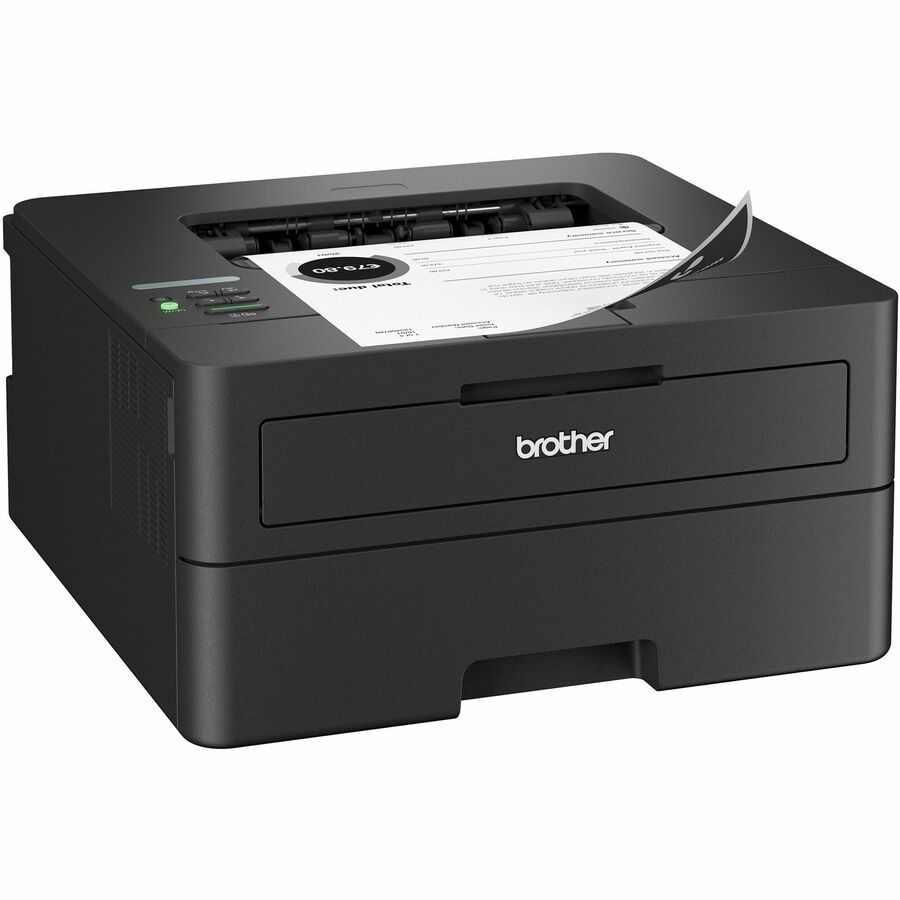
Brother Industries
Brother Wireless HL-L2460DW Compact Monochrome Laser Printer, Duplex…
HLL2460DW
A compact monochrome laser rated 36 ppm with automatic duplex and gigabit Ethernet — the shape of device a document-heavy workgroup standardises on.
$255.97In stockBusiness colour
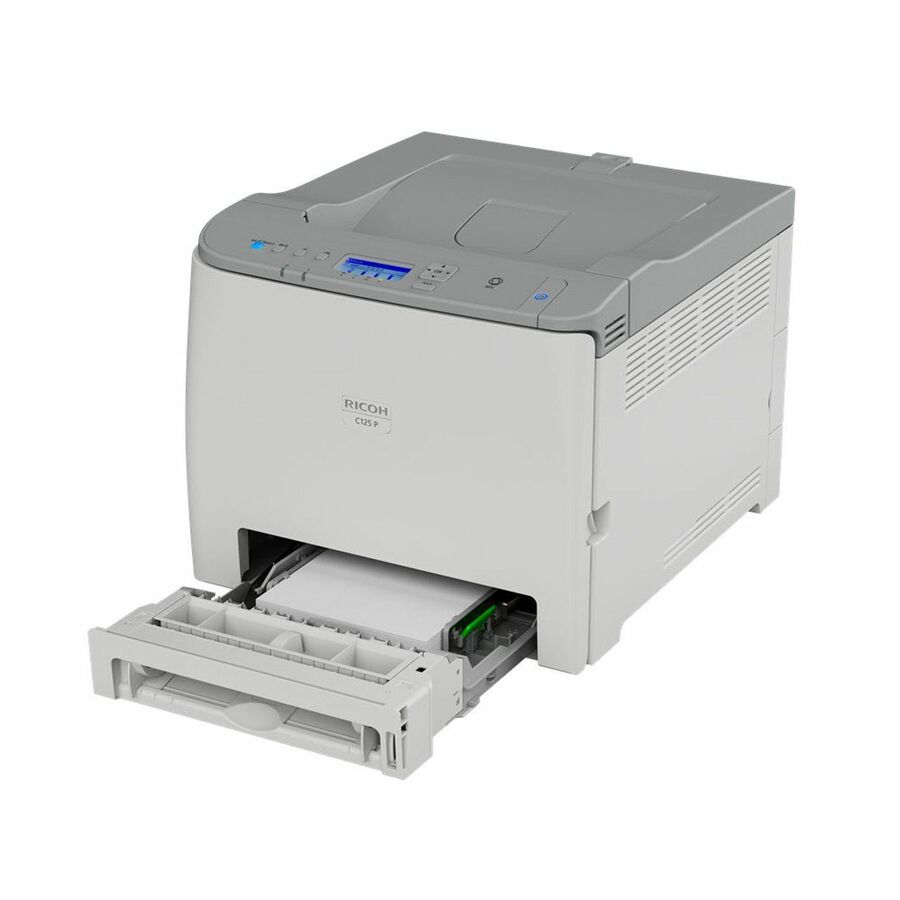
Ricoh Imaging
Ricoh C125 P Desktop Wireless Laser Printer
434058
A desktop colour laser rated 26 ppm colour with a 30,000-page monthly duty cycle, for charts, logos and marketing documents rather than photographs.
$244.61In stockInk tank, mono
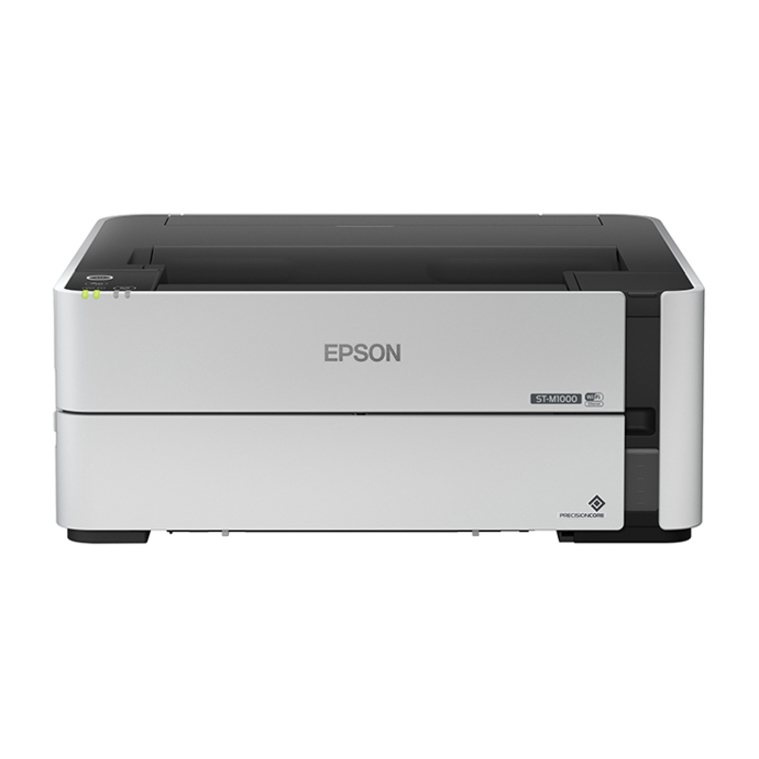
Epson
Epson WorkForce ST-M1000 Desktop EcoTank Inkjet Printer
C11CG94201
A refillable EcoTank monochrome inkjet with duplex and gigabit Ethernet — the ink-tank design that closes most of the cost-per-page gap with laser.
$388.08In stockPhoto output
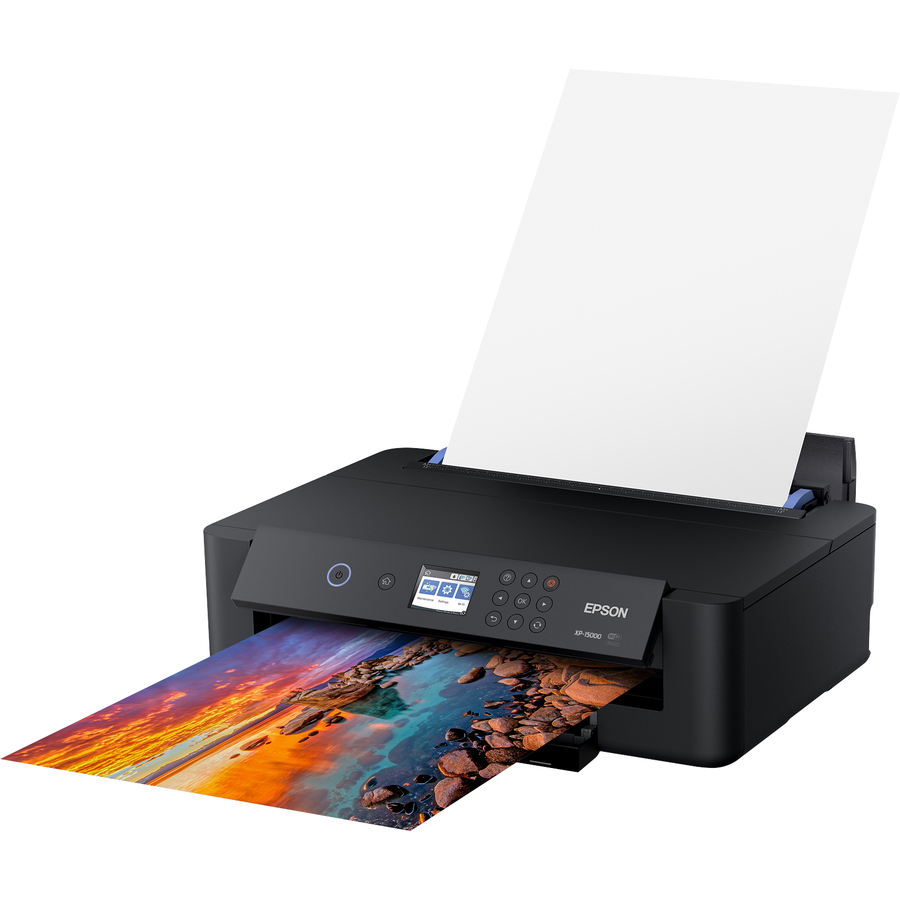
Epson
Epson Expression Photo XP-15000 Desktop Inkjet Printer
C11CG43201
A 5760 x 1400 dpi photo inkjet with duplex and a 250-sheet tray, for the tonal range and coated-media handling a laser cannot reproduce.
$421.39Back-orderedShop it at Uniqcli
FAQ
Common questions
- Which is actually cheaper to run over time?
- For high-volume mono printing, laser typically wins on cost per page because toner cartridges commonly yield thousands of pages. Traditional cartridge inkjets often cost more per page, while refillable ink-tank inkjets substantially narrow or erase that gap. Divide the manufacturer's stated page yield into the cartridge or toner price to get a real per-page figure, then multiply by your monthly volume.
- Why do inkjets clog and lasers don't?
- Inkjet pushes liquid ink through microscopic nozzles. If the printer sits unused for weeks, ink can dry in the nozzles and cause missing lines or banding, and the automatic cleaning cycles that clear it consume ink. Laser uses dry toner powder fused with heat, so there is nothing to dry out — it tolerates long idle periods far better, which is why intermittently used shared printers often favor laser.
- Is laser bad at color and photos?
- Color laser handles business color well — charts, logos, and marketing documents look clean and consistent. It is less suited to photographic output, where inkjet's finer droplet control produces smoother tonal gradients and better skin tones, especially on coated or photo paper. If genuine photo quality is a requirement, inkjet is the stronger choice.
- Isn't laser always faster than inkjet?
- Not any more. Laser still delivers dependable sustained speed on long text runs, but modern office and pagewide inkjets can match or exceed comparable laser units on rated pages per minute, and inkjet often prints the first page faster because there is no fuser to warm up. Compare rated ppm and first-page-out time for the specific models in front of you rather than assuming one technology is categorically faster.
- What is better, an inkjet or laser printer?
- Neither is better in general — they suit different page mixes. Laser is the stronger default for a workgroup printing mostly black text at volume, because dry toner survives idle periods and yields run into the thousands of pages per cartridge. Inkjet is the stronger choice for photographs, coated or specialty media, and a low entry price, and a refillable ink-tank model closes most of the running-cost gap.
- What are the disadvantages of a laser printer?
- Higher hardware cost for an equivalent duplex colour model, a narrower media range because the heated fuser rules out heat-sensitive stock, and limited photographic tonal range next to inkjet. A colour laser also needs four separate toner cartridges plus, on many designs, a drum unit, so the consumable set is larger than a two-cartridge inkjet's.
- Which lasts longer, an inkjet or laser printer?
- Compare the manufacturer's rated monthly duty cycle rather than the technology. Business laser units commonly quote tens of thousands of pages a month, and desktop inkjets quote lower figures, but office inkjet models are rated in the same range as comparable lasers. The consumable is the clearer difference: dry toner does not dry out between jobs, while an unused inkjet spends ink on cleaning cycles.
- Do laser printers need ink cartridges?
- No. A laser printer takes toner — a dry powder that a heated roller fuses to the paper — and many models also take a separate drum or imaging unit on its own replacement interval. Ink cartridges are an inkjet consumable and will not fit a laser. When you price a laser, price the toner and the drum, and check the ISO-stated yield on each.
Sources
- 1.Brother — inkjet vs laser printers (how each marks the page)brother-usa.com
- 2.HP — laser printer vs inkjet, including idle-time self-cleaninghp.com
- 3.ISO/IEC 19752:2025 — monochrome toner cartridge yield methodiso.org
- 4.ISO/IEC 19798:2025 — colour toner cartridge yield methodiso.org
- 5.ISO/IEC 24711:2021 — colour inkjet cartridge yield methodiso.org
- 6.ISO/IEC 24734:2021 — method for measuring digital printing productivityiso.org