
Best Xerox Toner Cartridges for Office and Workgroup Fleets
High-yield color and monochrome cartridges for VersaLink, AltaLink, Phaser and WorkCentre devices.
Xerox toner in stock at Uniqcli
How to choose →A curated selection with live pricing — in-stock lines first, then back-ordered lines with a typical lead time. Every line is sourced through US distribution and screened for NDAA §889 status before checkout, with TAA verified on request.
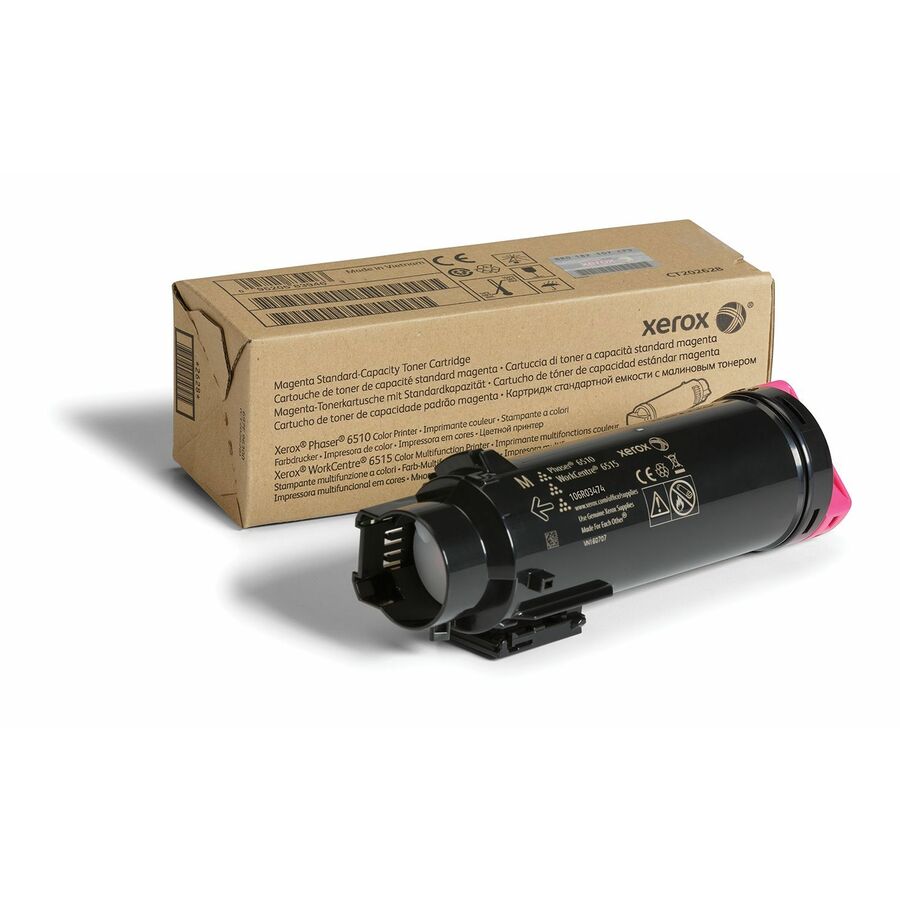
- XeroxXerox Genuine Phaser® 6510, WorkCentre® 6515 Magenta Standard capacity Toner Cartridge (1000 Pages) - 106R03474 - 1000 Pages106R03474
$144.80
$122.49
251 in stock
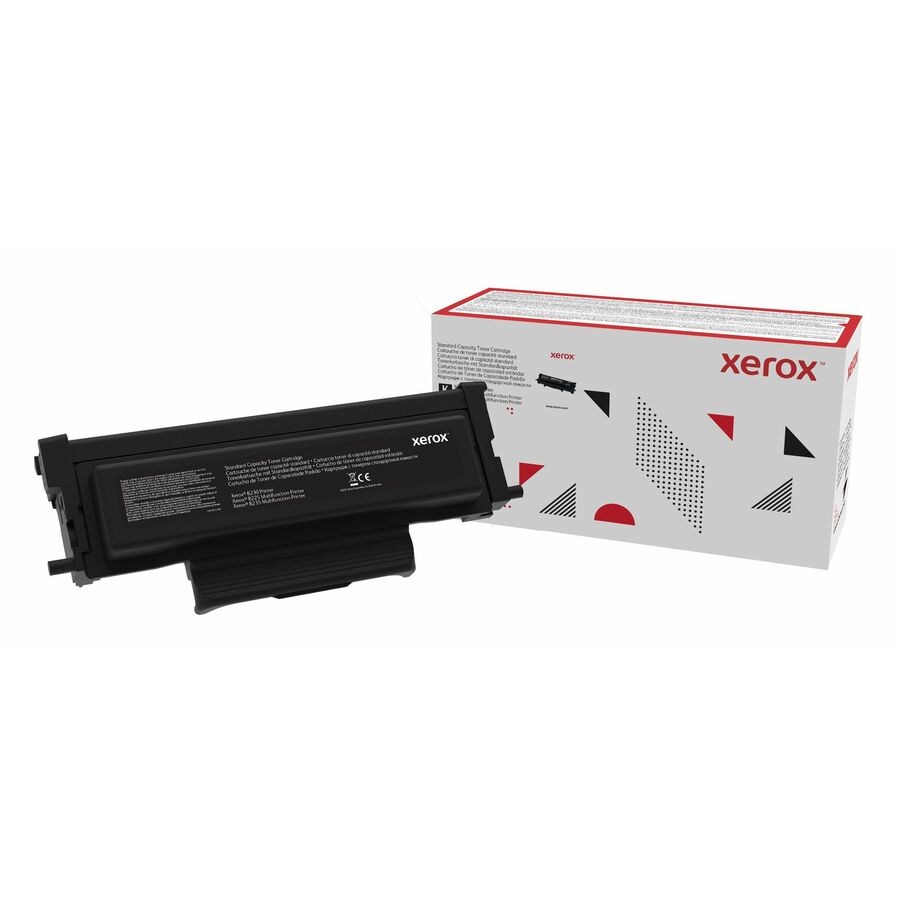
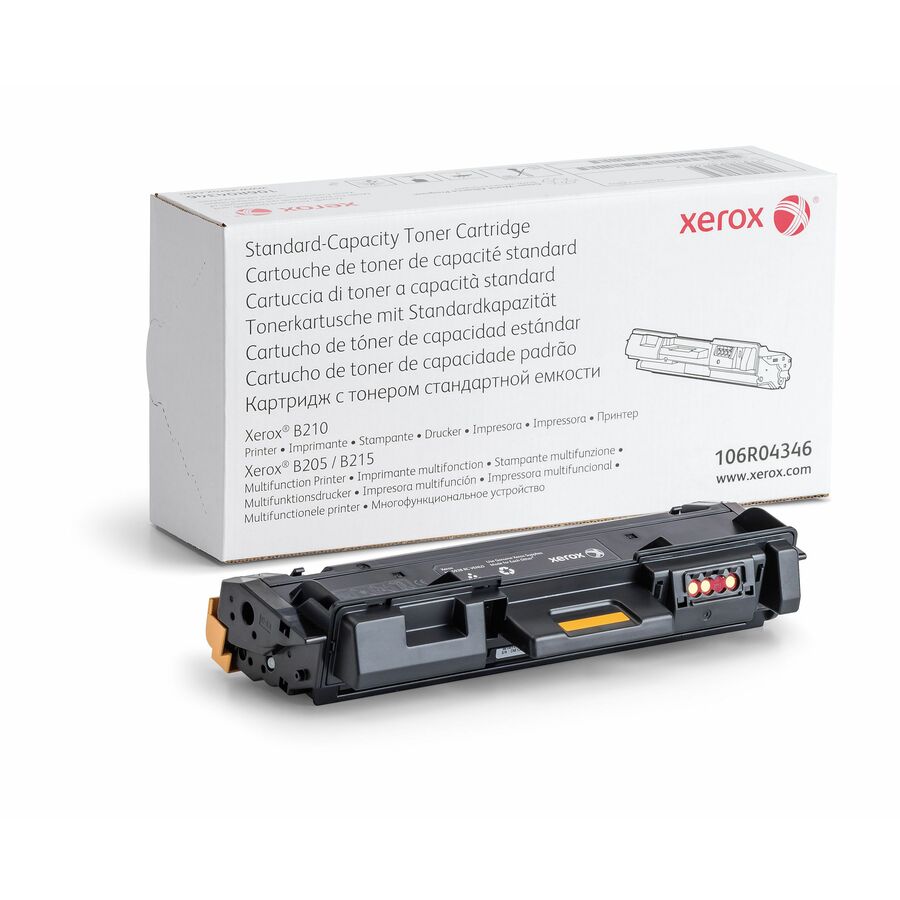
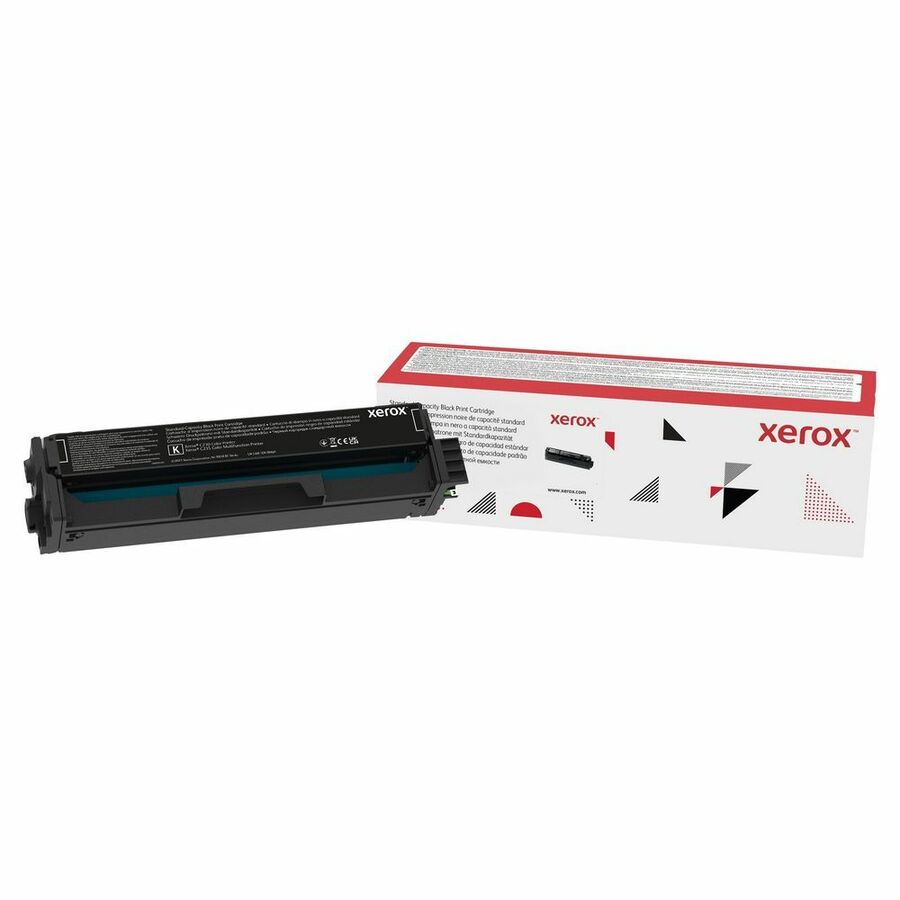
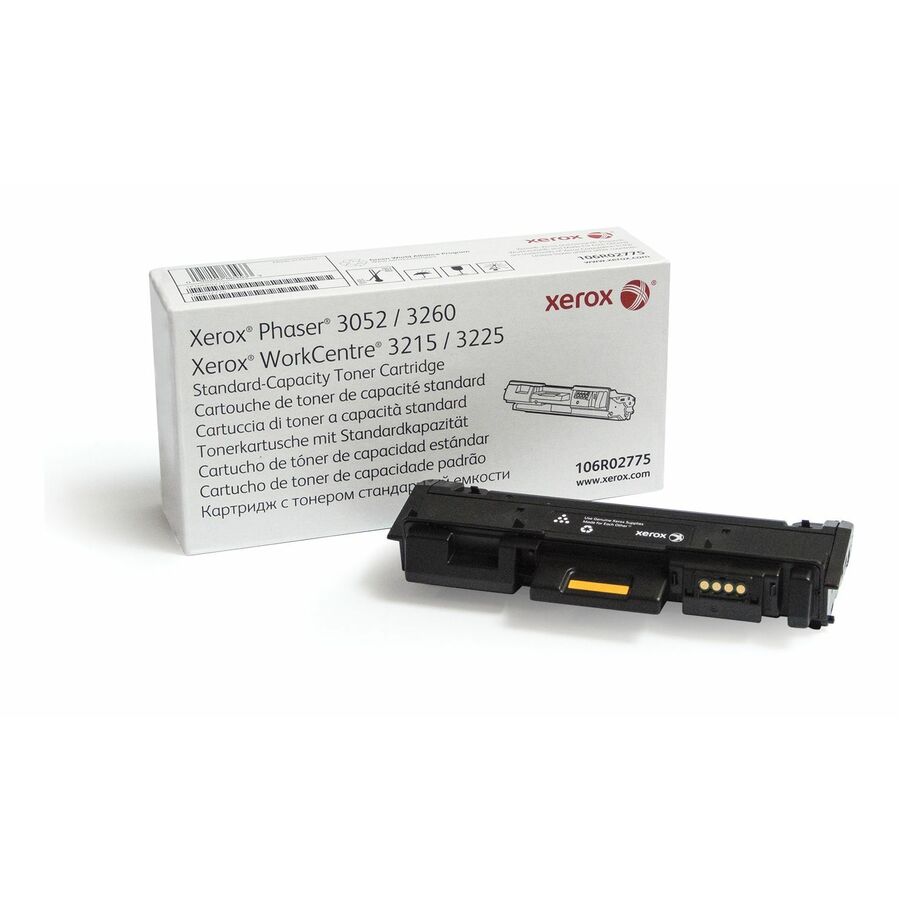
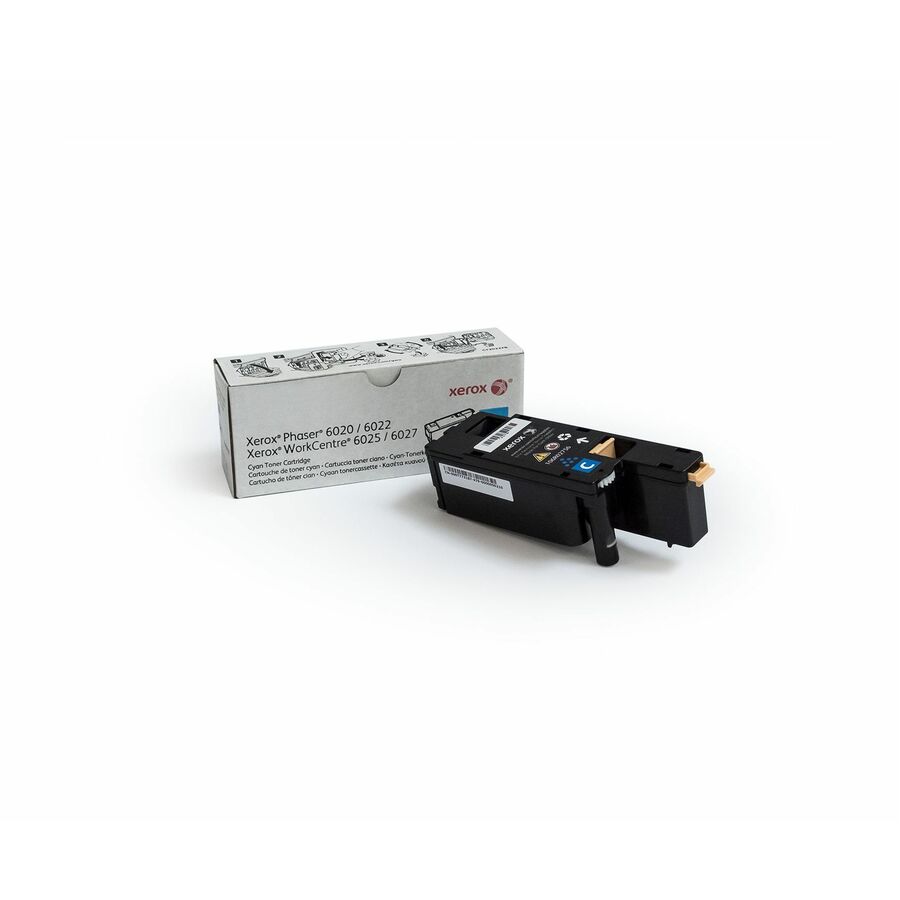
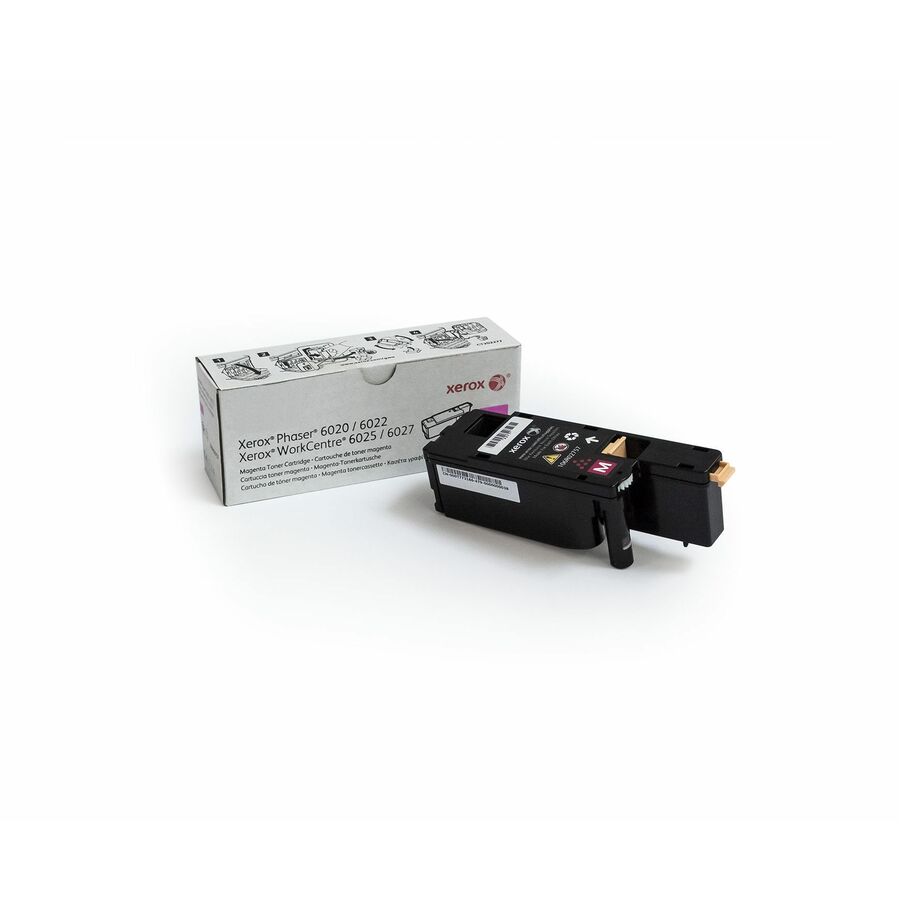
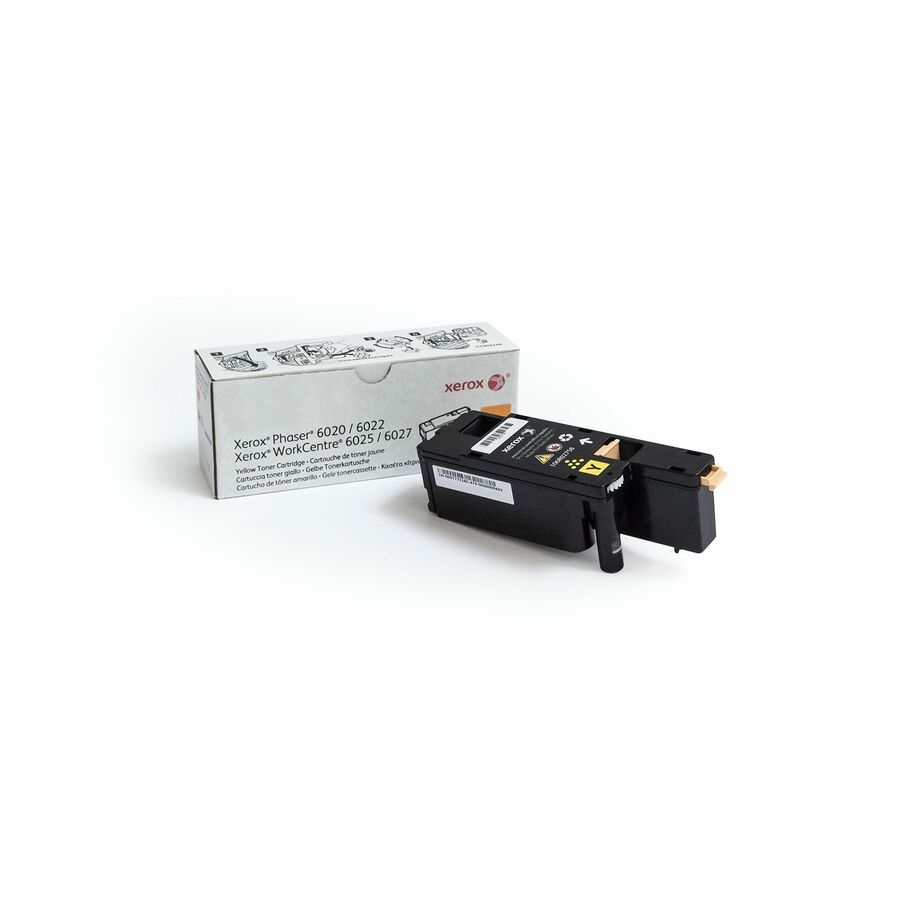
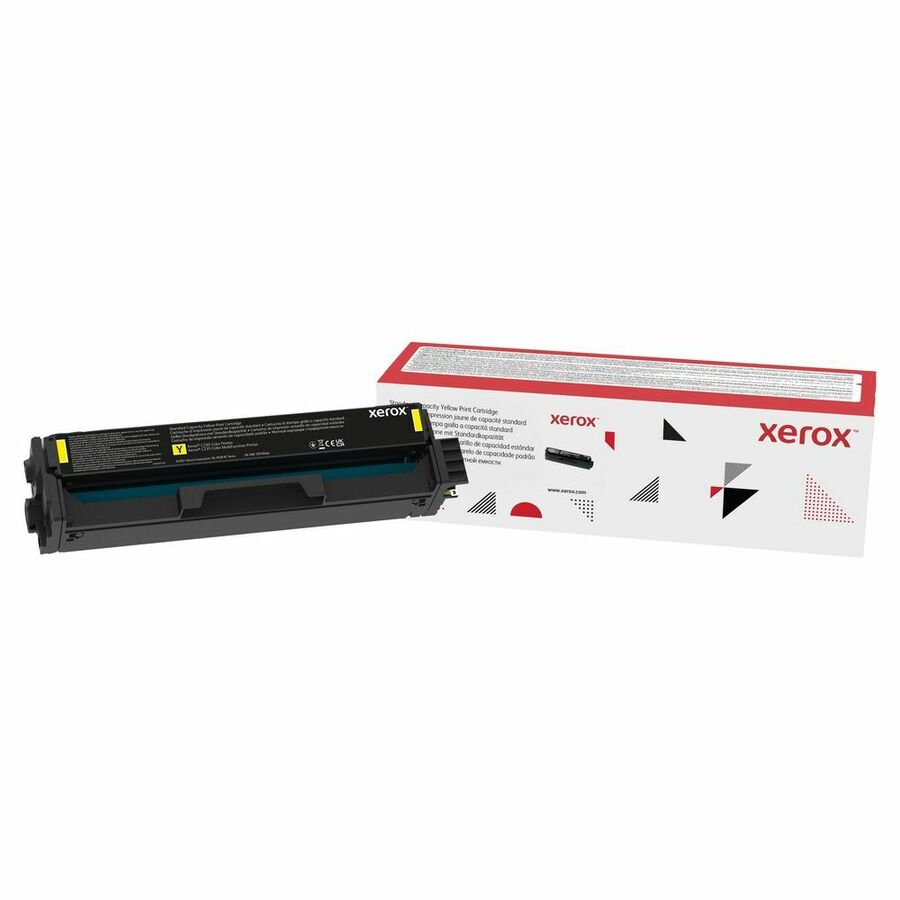
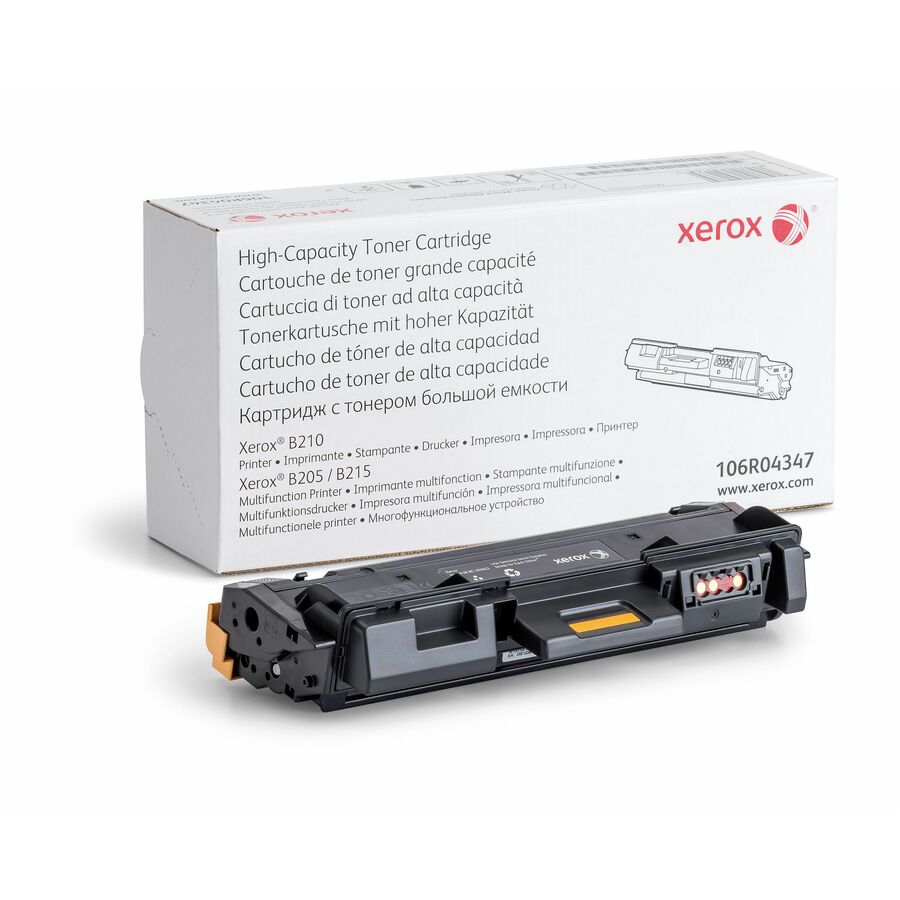
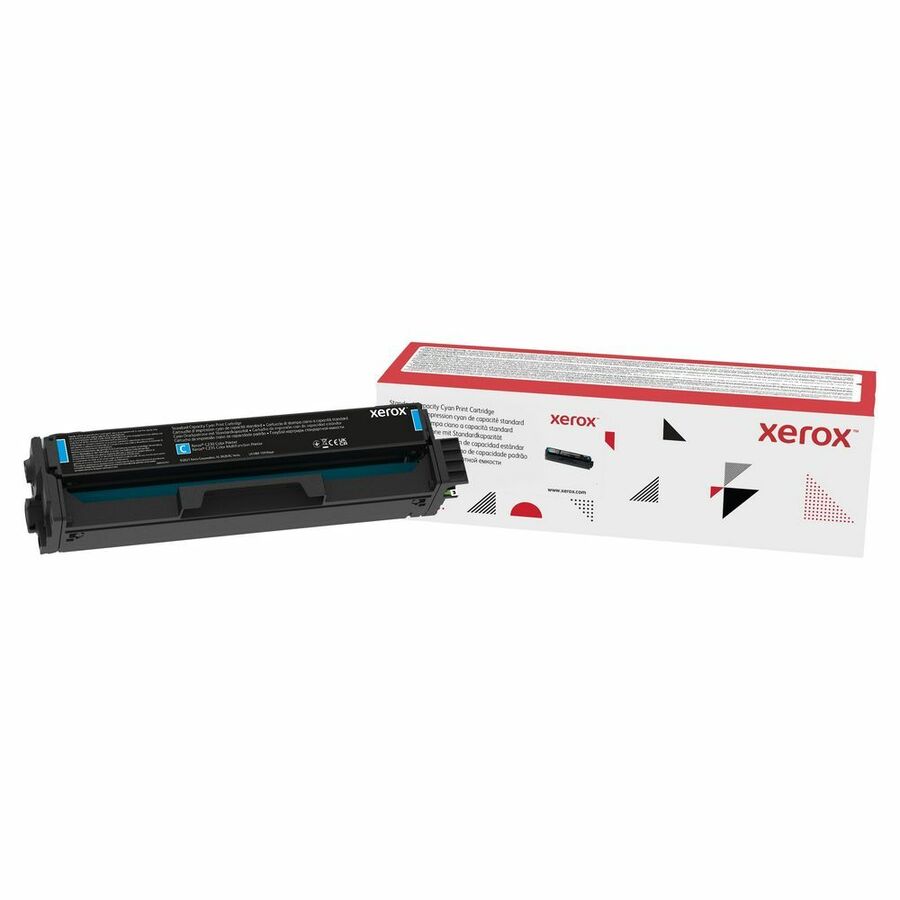
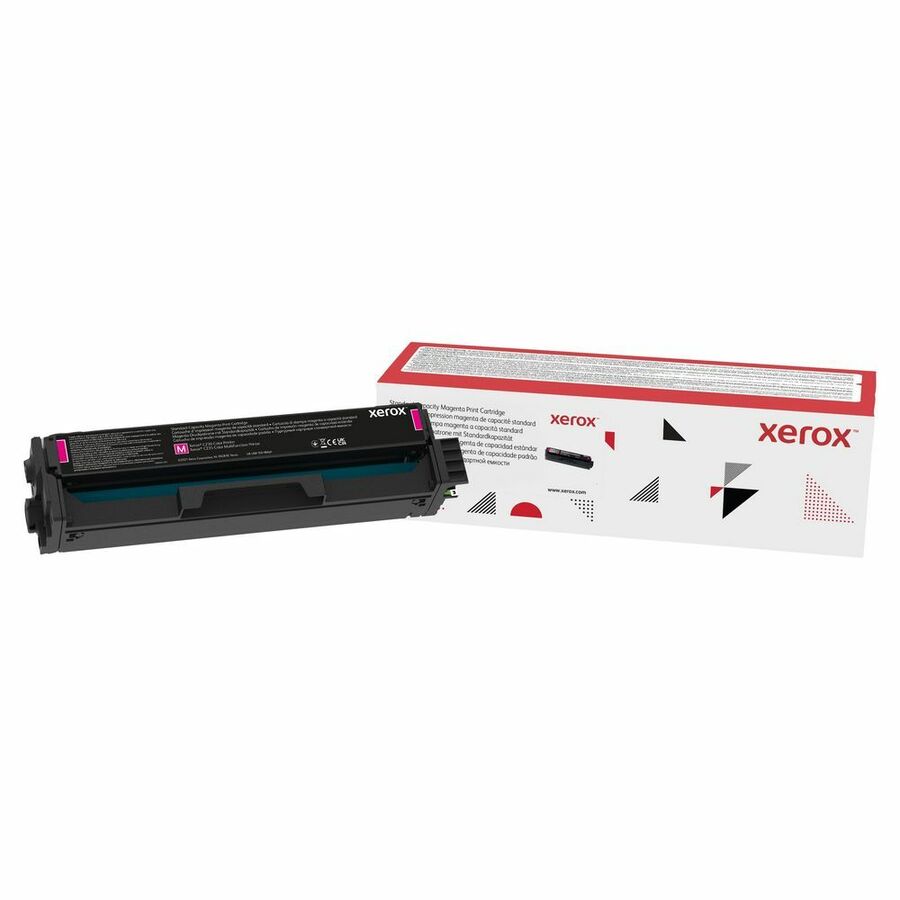
More ink and toner in the Uniqcli catalog
See all 5,330 ink and tonerMore Xerox first — closest to what you were just looking at; “See all ink and toner” above opens every other brand in the category. In-stock lines lead, and a back-ordered line carries the same estimated availability its product page does — with live pricing throughout, NDAA §889 screening before checkout and TAA verified on request.
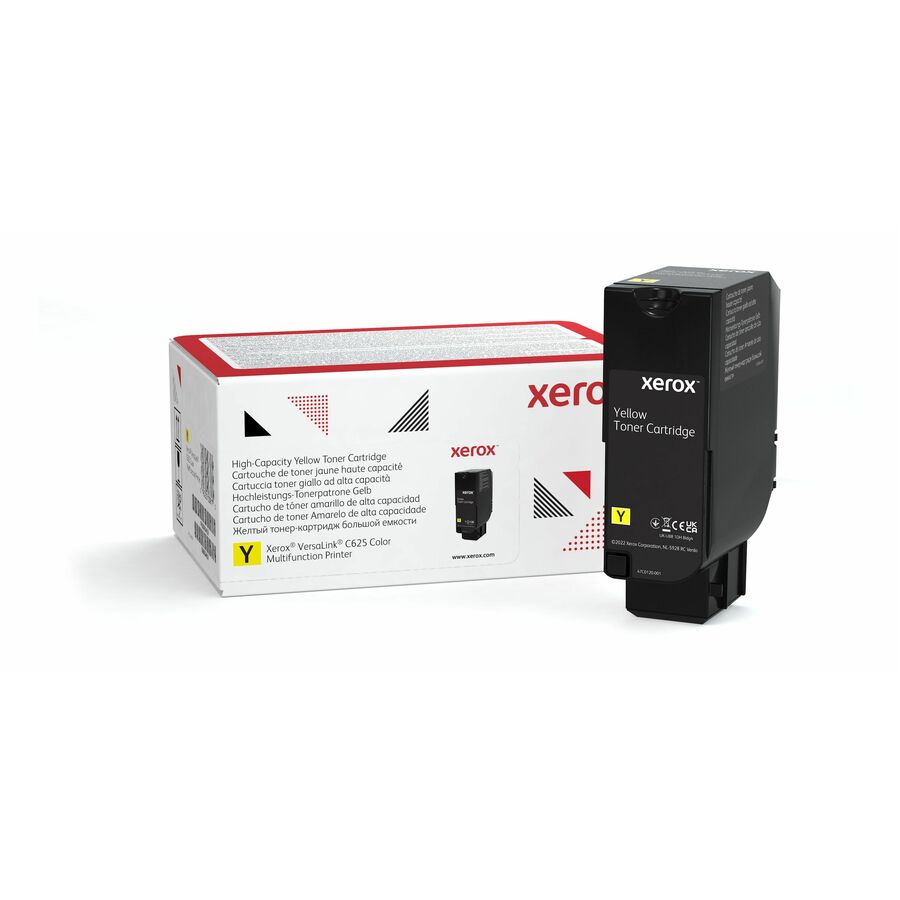
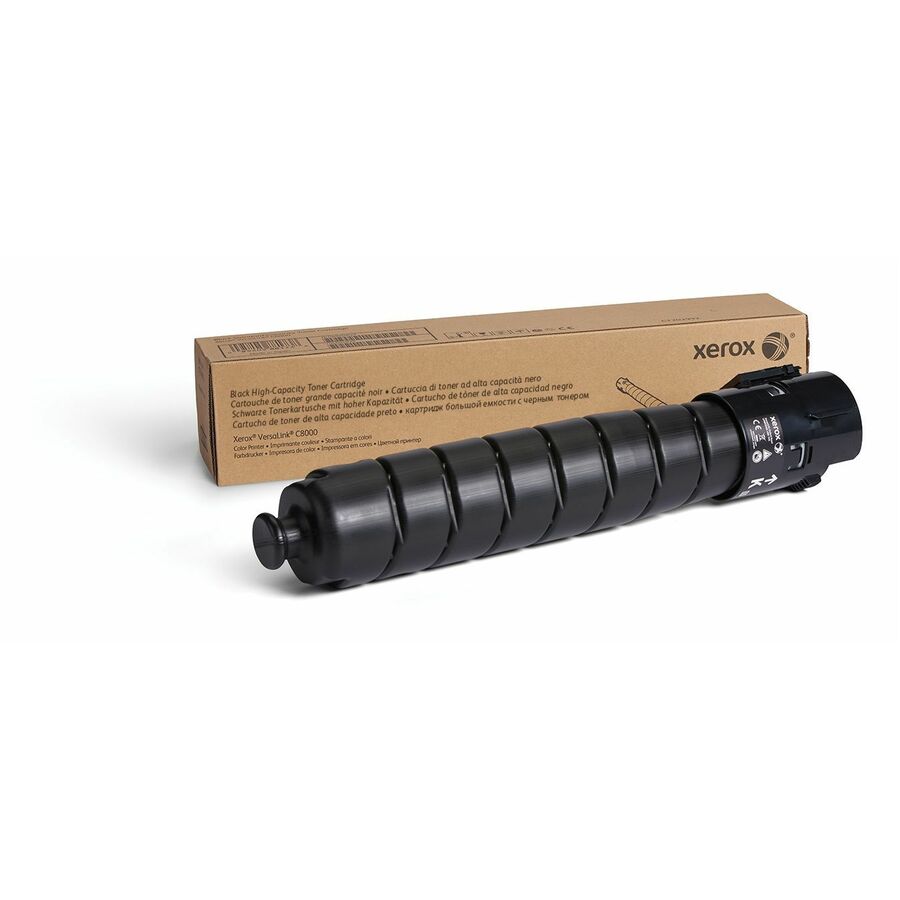
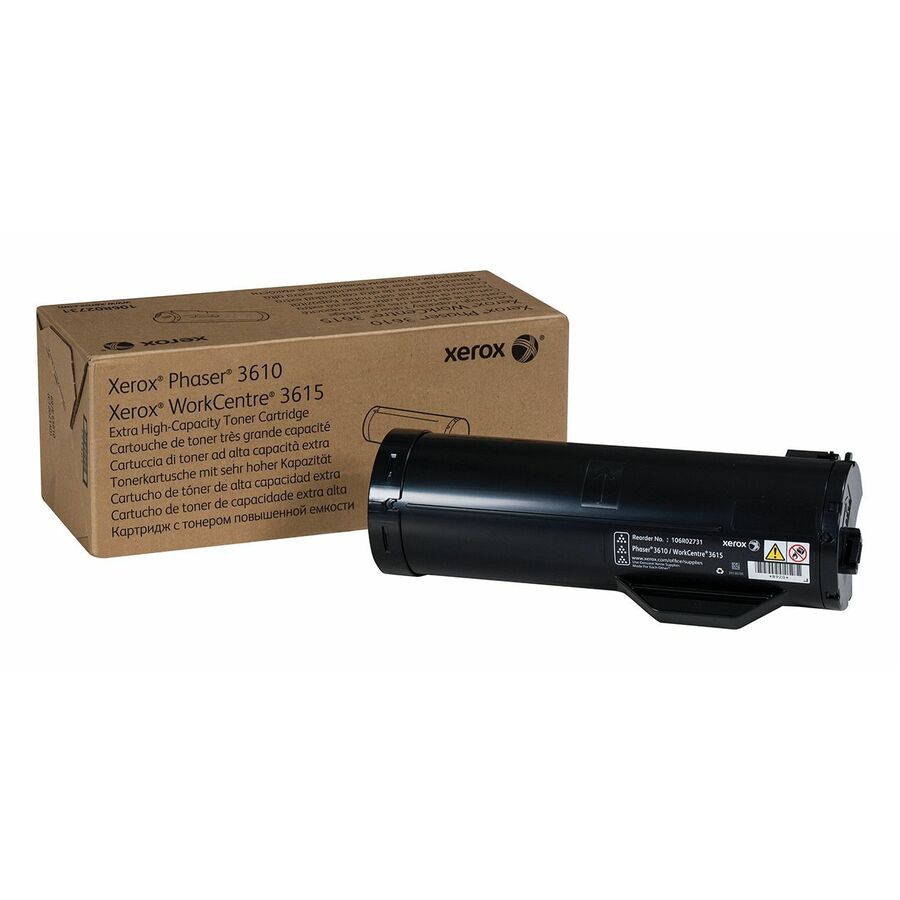
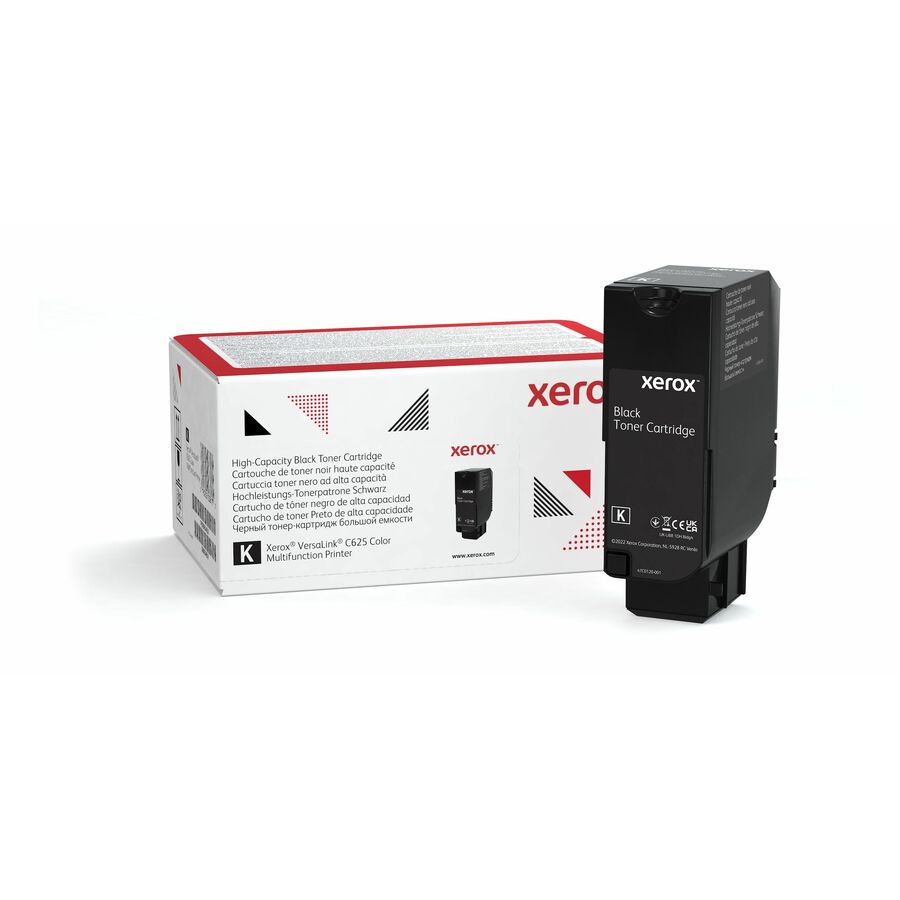
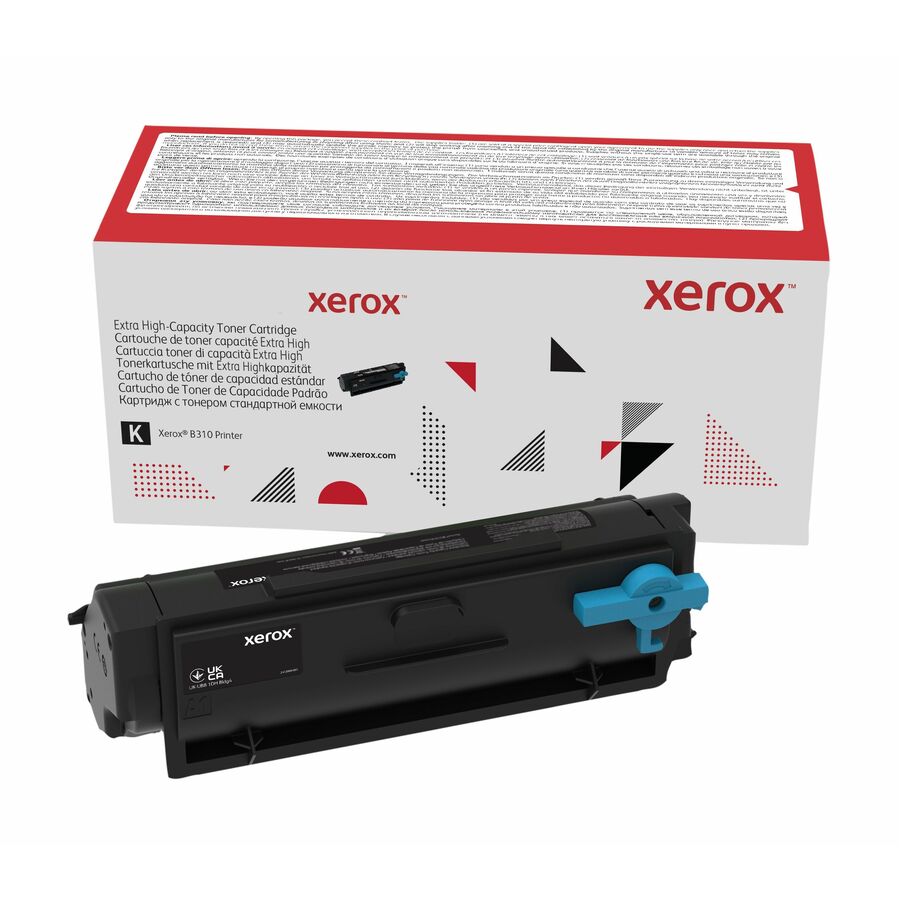
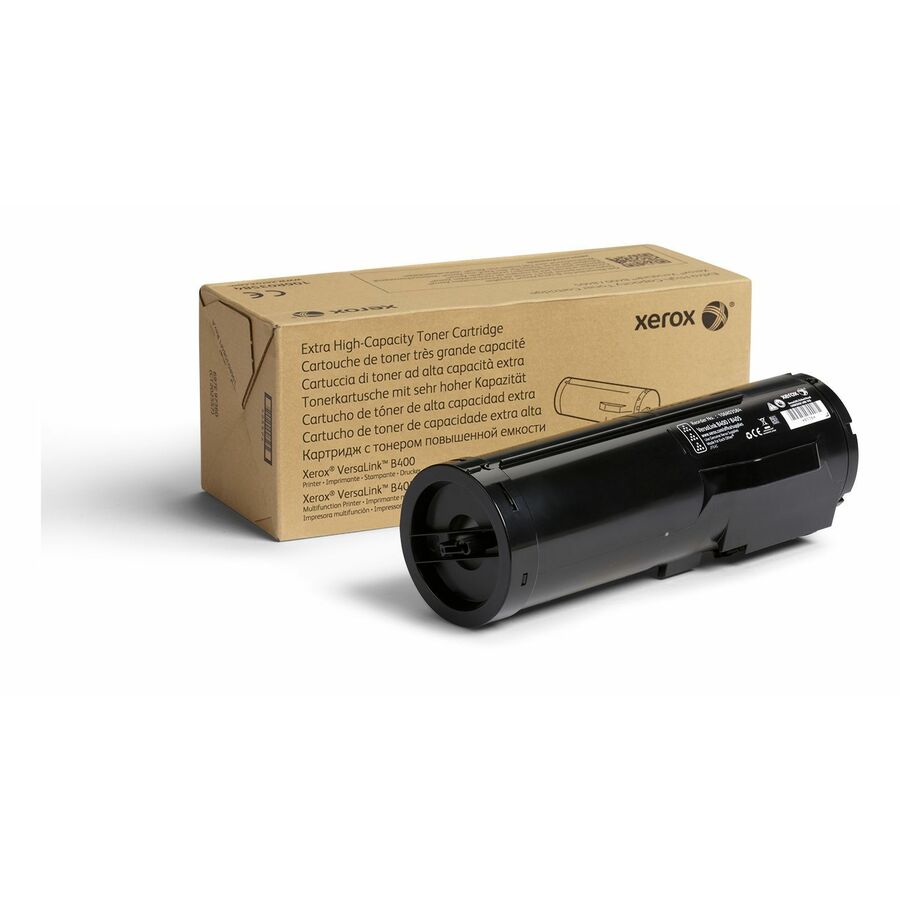
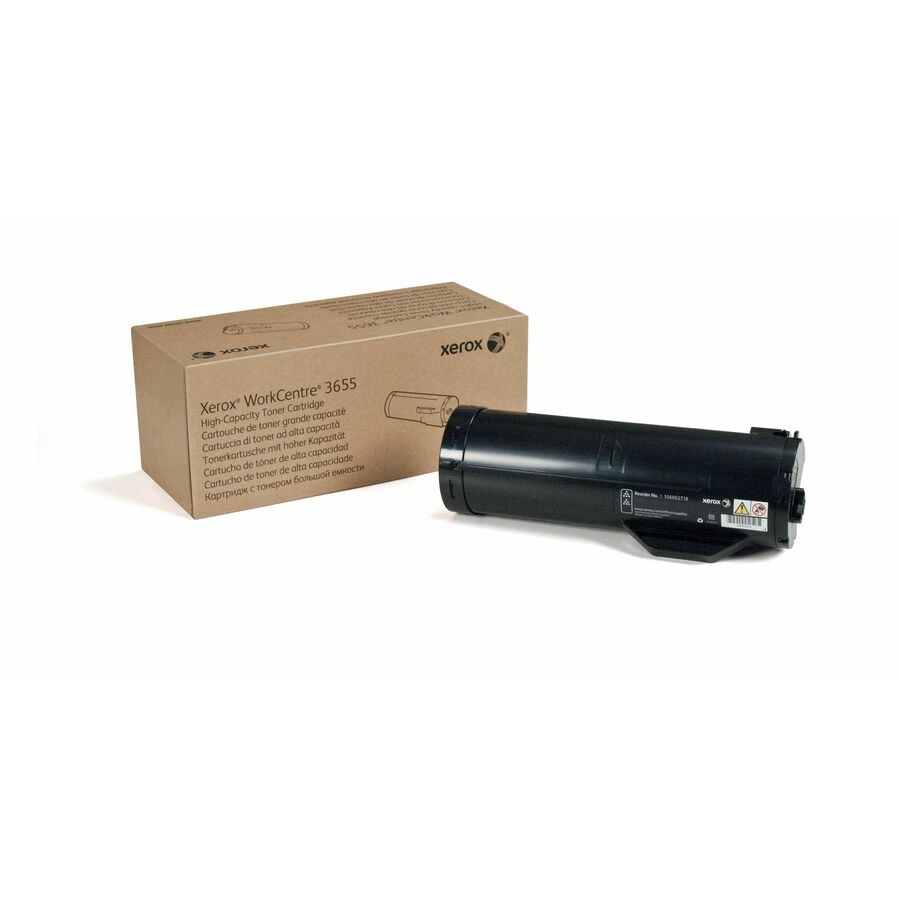
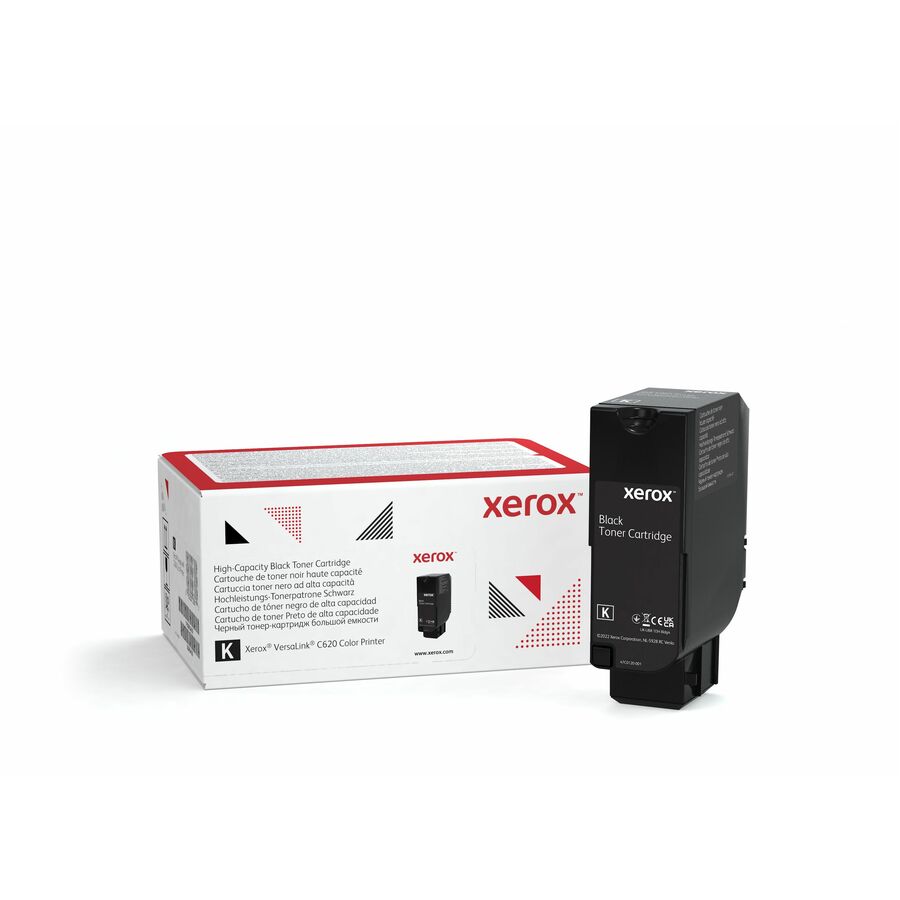
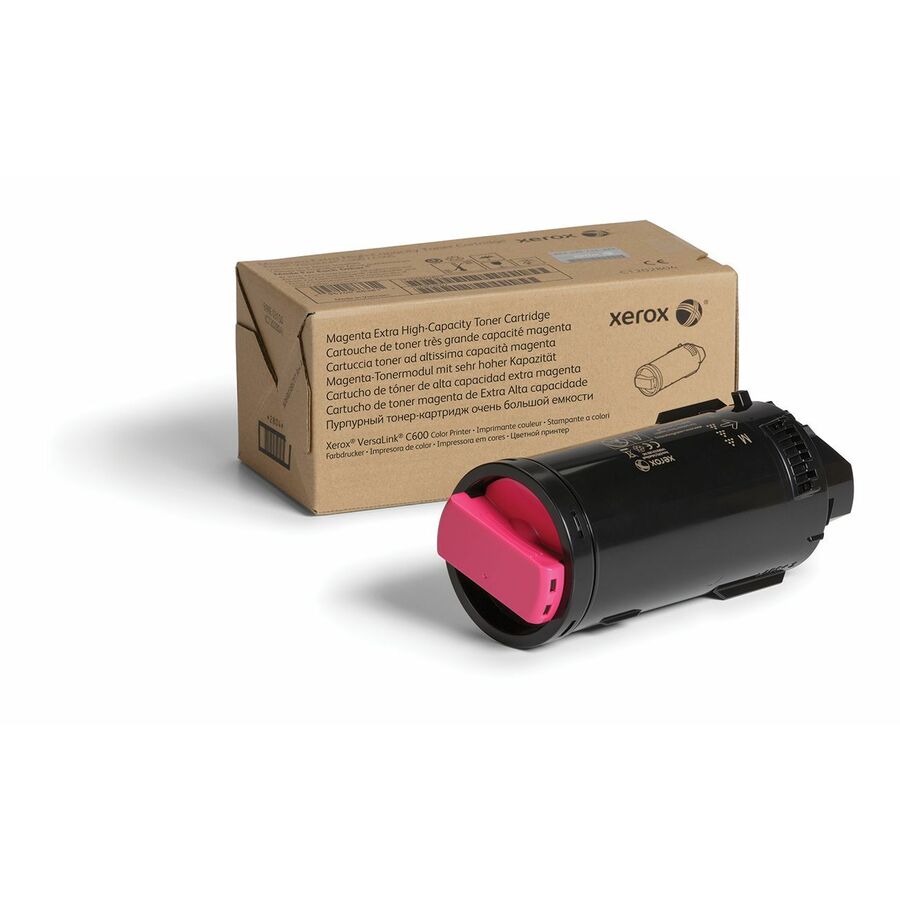
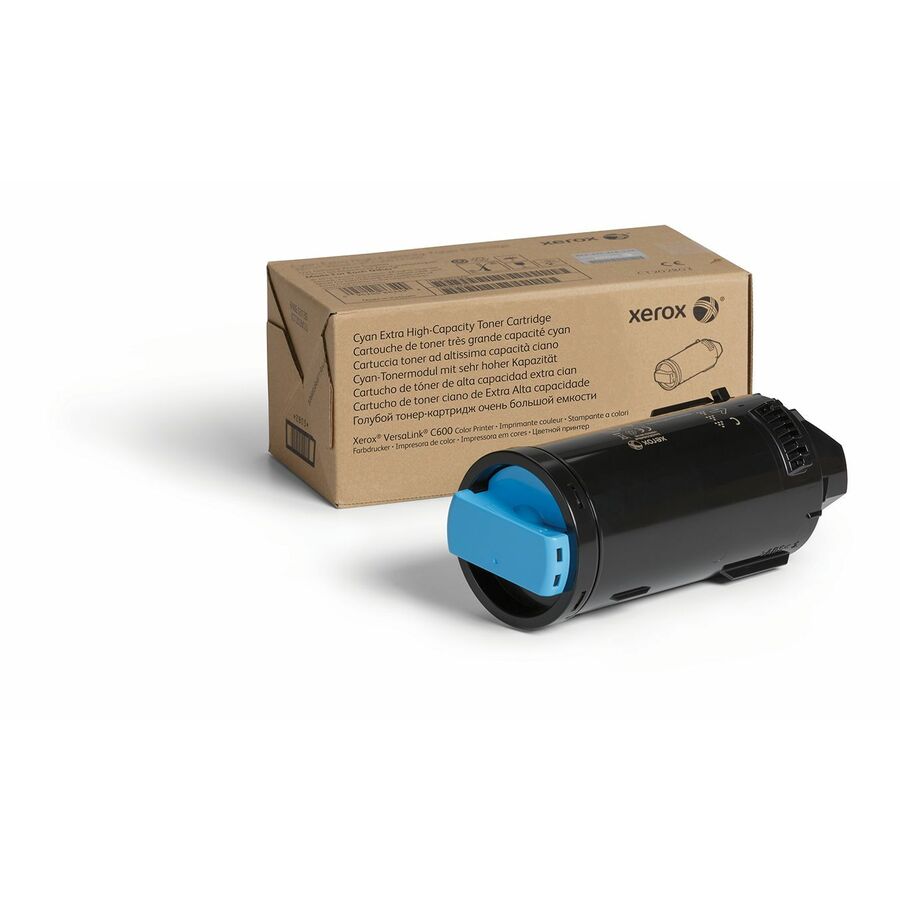
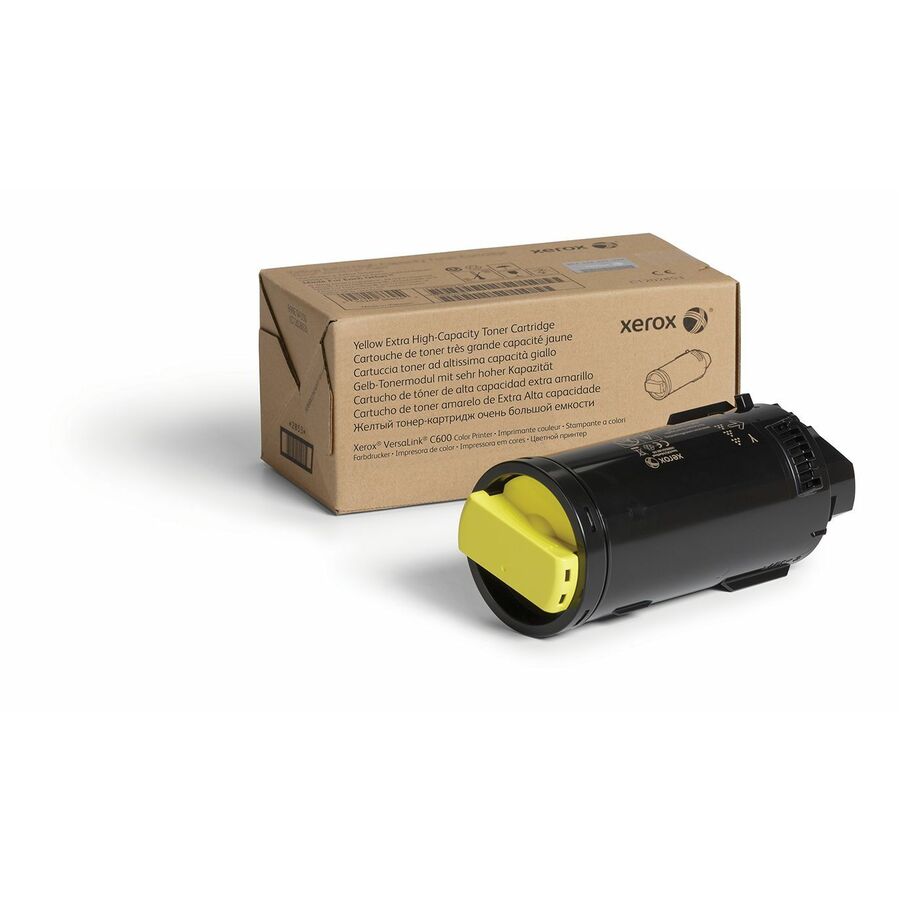
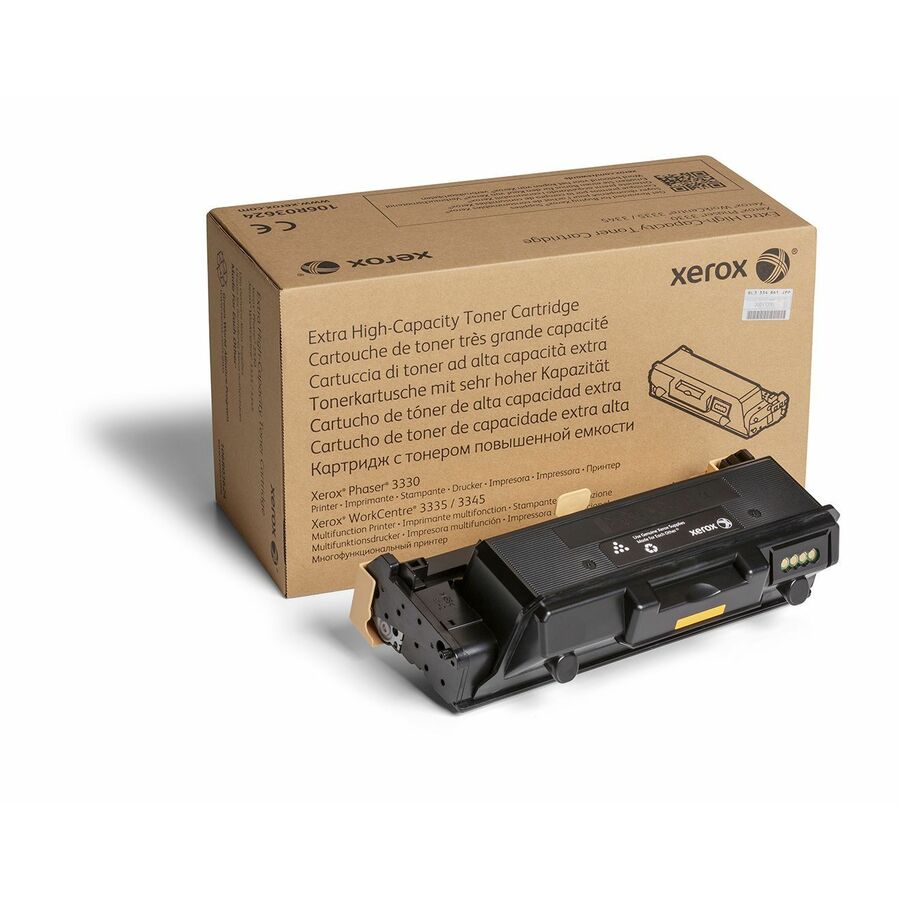
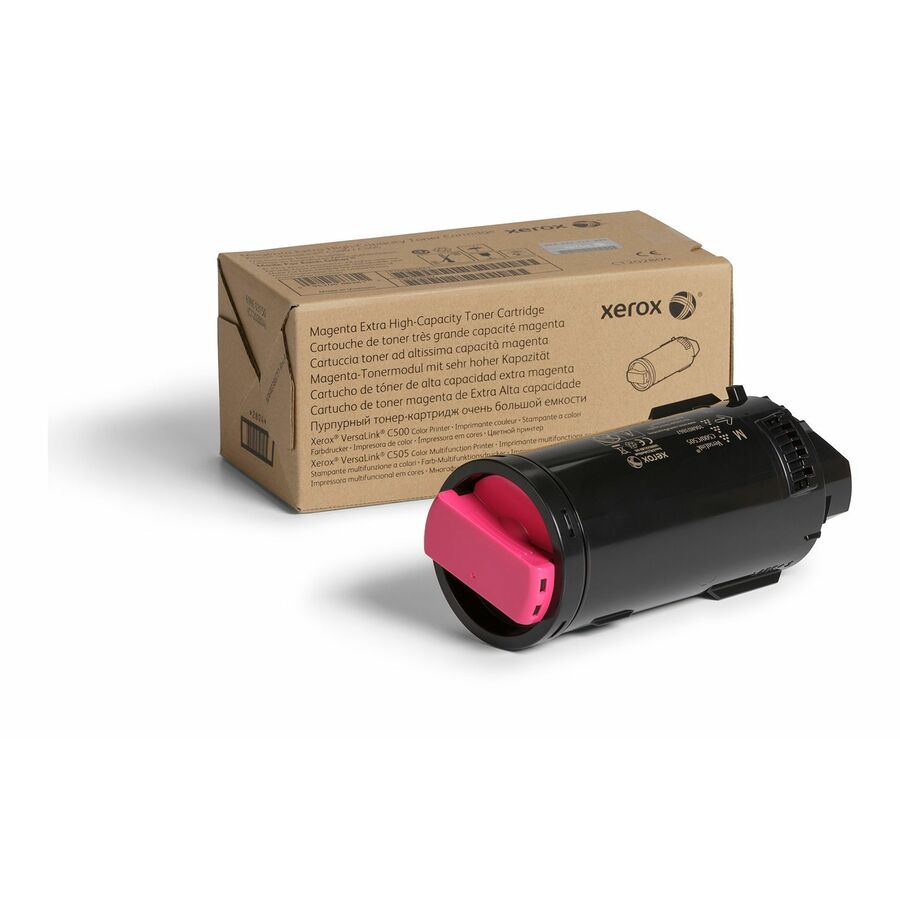
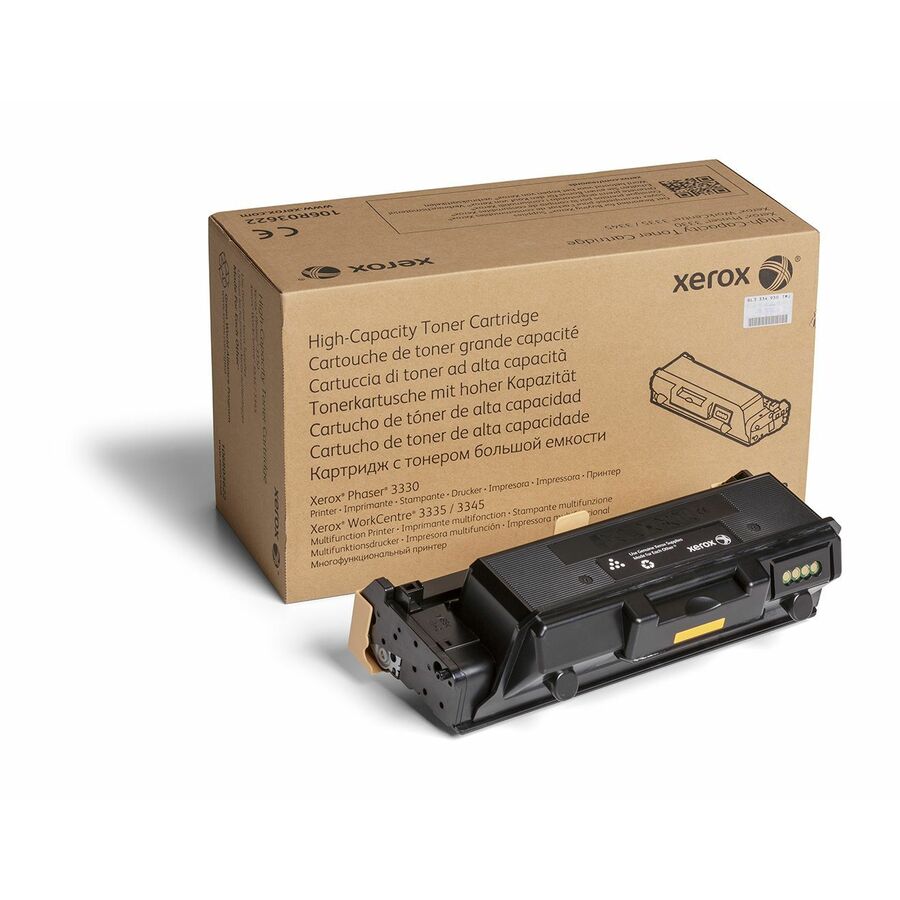
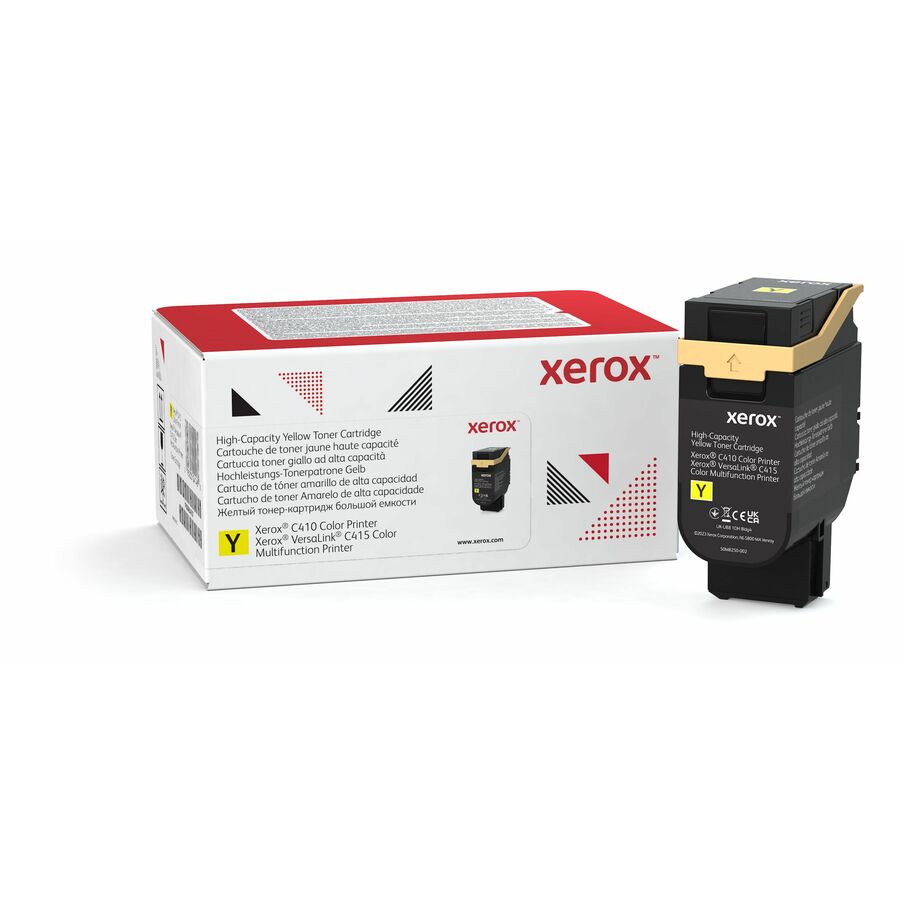
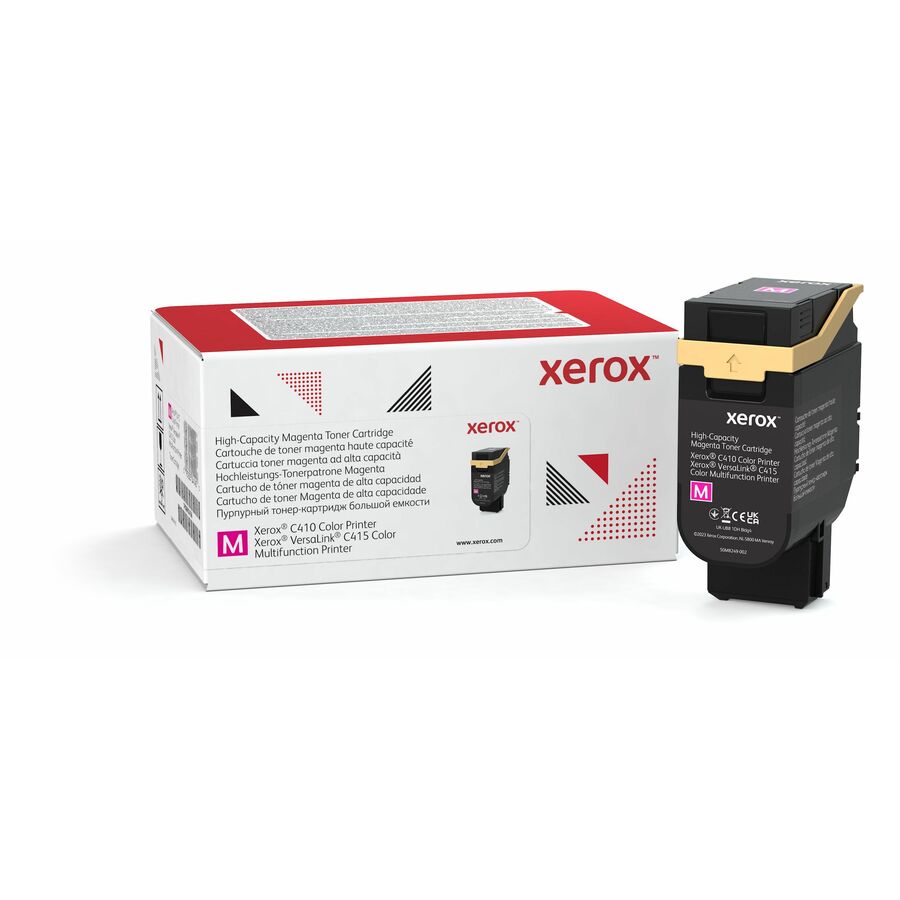
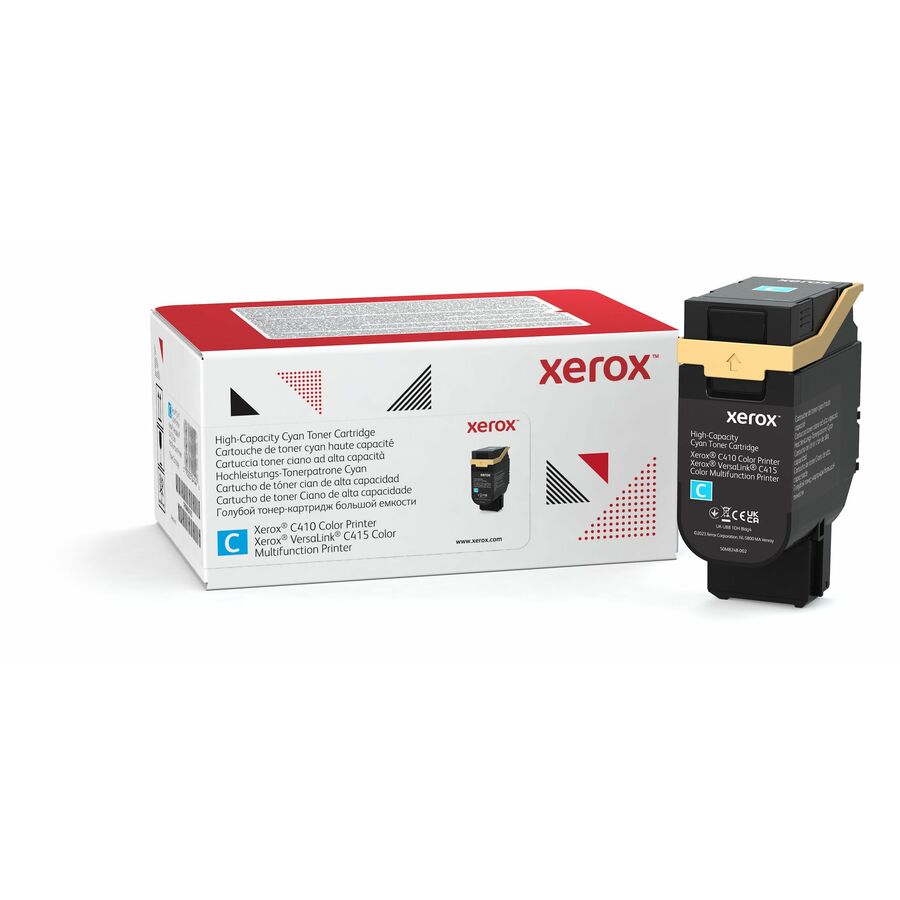
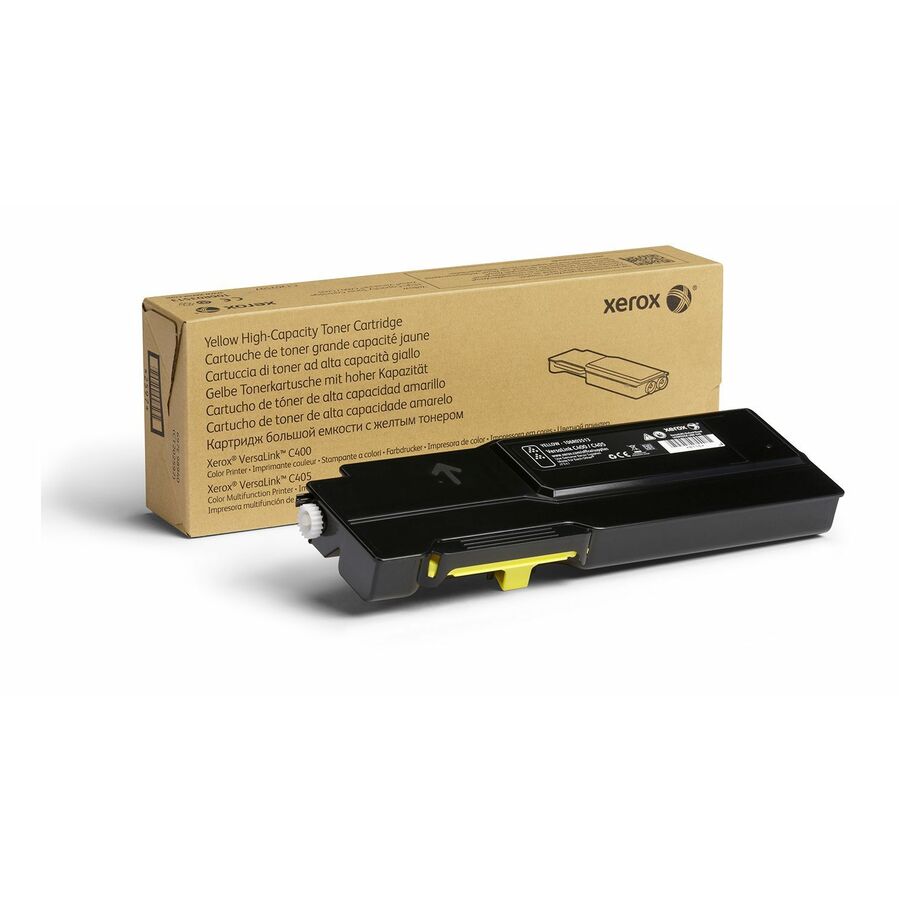
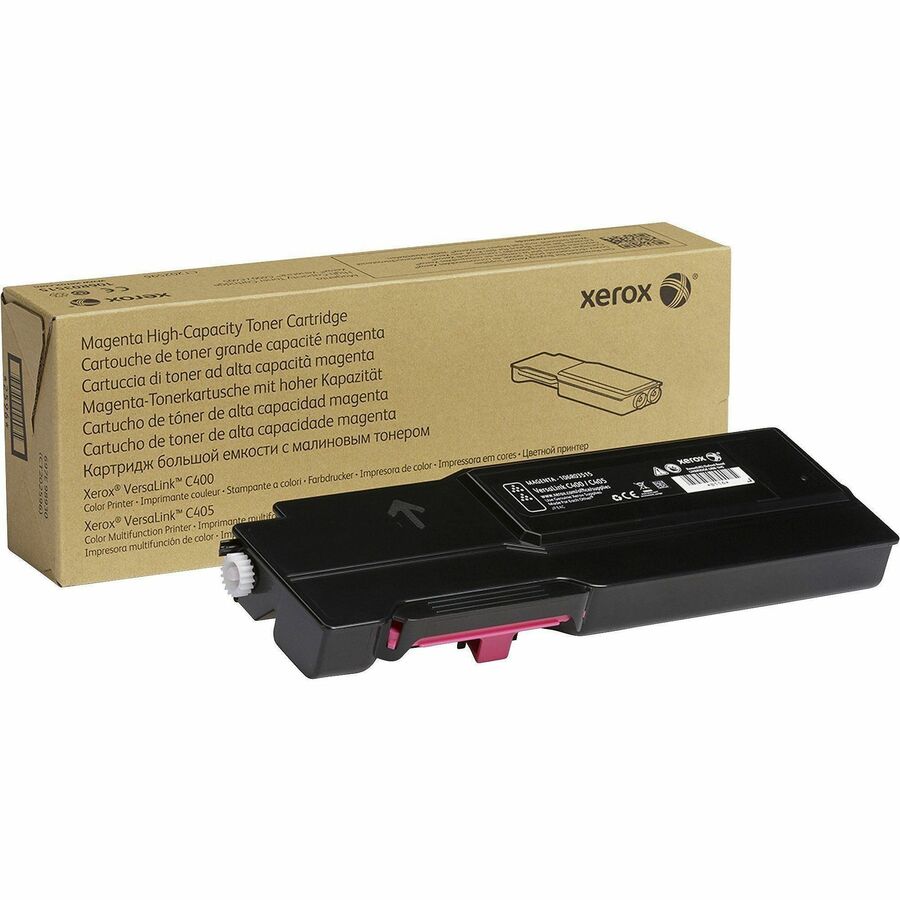
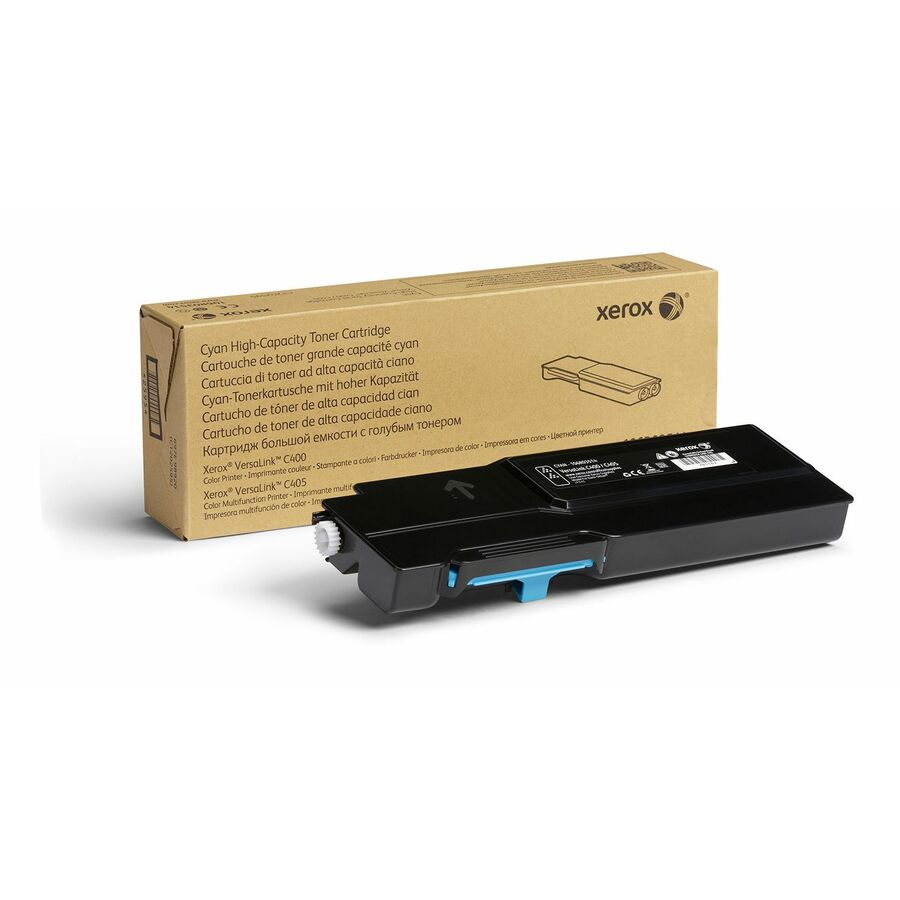
Need pricing on Xerox toner?
Tell us where to reach you and a Uniqcli specialist will follow up by email with current pricing, availability and lead time for the quantities you need — including parts that aren’t shown on this page.
Buying for an organization or for yourself — both work. No payment up front.
Xerox builds its toner around device families rather than a single universal cartridge, so the right supply depends first on which platform you run. VersaLink and AltaLink cover the current color and monochrome office and workgroup fleets, while Phaser and WorkCentre span a large installed base of laser printers and multifunction devices. Each family uses cartridges keyed to a specific series and manufacturer part number, and the selection below is what Uniqcli currently stocks, with live in-stock status shown on every item.
Picking the right variant comes down to three questions: which exact model and series you own, how much you print, and whether you need a full color set or black only. Color devices take cyan, magenta, yellow and black cartridges that are ordered separately; monochrome devices take black only. For yield, Xerox offers standard, High capacity and Extra High capacity options that range from a few thousand to tens of thousands of pages per cartridge. The higher-yield cartridges carry a higher unit price but a lower cost-per-page, which usually pays off on busy shared printers.
The most common ordering mistakes are matching by printer name instead of part number, and buying a metered managed-print cartridge for a device on a purchase model. VersaLink C400 and C410 supplies, for example, look similar but are not interchangeable. Confirm the manufacturer part number on the printer's supplies label, standardize on one or two yields across the fleet, and keep spares on hand for high-duty machines so a depleted cartridge never stalls a workgroup.
Buyer's checklist
How to choose Xerox toner
- Match the exact device series and part number — VersaLink C400 and C410 cartridges are not interchangeable, so confirm the model on the printer's supplies label before ordering.
- Size the yield to your volume: standard, High capacity and Extra High capacity options trade a higher cartridge price for a lower cost-per-page on busy fleets.
- Order a full cyan, magenta, yellow and black set for color VersaLink and AltaLink devices, or black-only cartridges for Phaser and WorkCentre mono workgroups.
- Confirm whether the printer runs on a purchase model or a metered managed-print program — the cartridge SKUs differ and are not cross-compatible.
- Standardize on Genuine Xerox supplies for consistent print quality and reliable color across the fleet, with each cartridge engineered for its specific device.
- Check live in-stock status and stock standardized spares so high-duty devices never sit idle waiting on toner.
Where these cartridges fit
VersaLink devices anchor color and mono printing for departments and mid-size workgroups, while AltaLink multifunction systems serve high-volume floors that print, copy, and scan all day. Phaser printers and WorkCentre multifunction devices cover a large installed base of laser workhorses still in daily service. Color platforms draw on separate cyan, magenta, yellow, and black cartridges; mono workgroups run black only. Sizing the yield and set to each device's duty cycle — a heavy shared floor versus a quiet back office — is what keeps supplies aligned to real use.
Standardizing supplies across a fleet
A mixed fleet gets expensive when every device needs a different cartridge. Inventory the exact manufacturer part number on each printer's supplies label — VersaLink C400 and C410 supplies look alike but do not interchange — and note whether each unit runs on a purchase model or a metered managed-print program, since those SKUs differ. Where practical, consolidate onto one or two device families so a smaller set of cartridges covers the floor, spares are interchangeable, and reordering is predictable rather than a per-machine lookup.
Set par levels per cartridge and keep standardized spares for high-duty devices so a depleted unit is a two-minute swap, not a stalled workgroup. Some color devices also use a separate drum or imaging unit on its own replacement cycle, so track those alongside toner to avoid a surprise. Assign one owner for supplies ordering per site to keep the label-to-part-number discipline consistent as staff and devices change.
Total cost of ownership
Toner economics come down to cost per page, not the price of a single cartridge. Extra High capacity units cost more up front but lower per-page cost and cut swap frequency on busy shared printers, which also reduces the labor and downtime around each change. Genuine Xerox supplies are engineered for the matching device, helping hold print quality and color consistent and avoiding the reprints and service calls that erode any savings from an off-spec cartridge. Match yield to duty cycle so light-duty devices are not over-stocked.
FAQ
Common questions
- Which Xerox toner does my printer use?
- Match the cartridge to the exact device family — VersaLink, AltaLink, Phaser or WorkCentre — plus the specific series printed on the machine. The manufacturer part number (for example a 106R or 006R code) is the reliable key, since the same series can have separate standard, High capacity and Extra High capacity cartridges.
- What is the difference between standard, High capacity and Extra High capacity?
- They differ by rated page yield. Higher-capacity cartridges cost more up front but lower the cost-per-page and reduce swap frequency, which suits high-volume workgroups and shared fleets. Lower-yield options can make sense for light-duty or infrequently used devices.
- Should I buy Genuine Xerox toner?
- Genuine Xerox cartridges are engineered for the matching device and help maintain consistent print quality and color. The selection here is genuine Xerox supplies sourced through US distribution.
- Are these available to government and education buyers?
- Yes. Xerox toner is available to business, government and education buyers. Every cartridge is sourced through US distribution and screened for TAA country-of-origin and NDAA 889 status before checkout, with documentation tied to the specific part number so your procurement and compliance records line up.
Need Xerox toner pricing?
Send a bill of materials or part numbers — we confirm stock and a below-market total, with TAA verified on request. No payment up front.