
Short answer
Duplex printing is printing on both sides of one sheet of paper; simplex is one side only. Automatic duplex flips the sheet inside the printer with no user action, while manual duplex prints one side and asks the operator to reload the stack for the other. Long-edge and short-edge binding decide which way the back of each sheet is turned.
Key facts
- Ricoh defines duplex printing as the ability of a printer to automatically print on both sides of a sheet of paper.
- Automatic duplex flips the paper internally without user intervention; manual duplex requires reinserting the paper after the first side.
- Brother names two configurations: long-edge binding flips the sheet along its longer edge, short-edge binding along the shorter edge.
- Brother routes thicker or glossy stock through the manual duplex path from the multi-purpose tray rather than the automatic one.
- ENERGY STAR's imaging-equipment criteria require automatic duplexing for the covered printer and multi-function device classes.
By Uniqcli Team
Duplex printing is printing on both sides of a single sheet of paper. Ricoh defines it as the ability of a printer to automatically print on both sides of a sheet; the opposite, printing one side only, is simplex. The distinction matters on a purchase order because "duplex" on a datasheet can mean the printer does the work or that a person does.
Automatic duplex printing flips the sheet inside the printer with no user action: the whole document prints front to back in one pass. Manual duplex prints one side of every page, then asks the operator to take the stack out and put it back in so the other side can print. Both produce double-sided output; only one of them scales to a shared office device.
The second thing a duplex setting decides is orientation. Long-edge and short-edge binding control which way the back of each sheet is turned relative to the front — the difference between a document that reads like a book and one that reads like a flip-top notepad.
Automatic vs manual duplex: what actually differs
Automatic duplex printing, in Ricoh's words, allows the printer to flip the paper internally and print on both sides without user intervention. There is a duplexing path inside the machine — a reversing unit that pulls the sheet back in, turns it and feeds it past the imaging drum or print head a second time. That path is a physical assembly, which is why automatic duplex is a hardware capability and not a driver setting.
Manual duplex requires the user to reinsert the paper after one side has been printed so the printer can print on the other side. Brother's own guidance routes thicker or glossy stock through the manual path from the multi-purpose tray even on machines that have an automatic duplexer, because heavy media does not survive the reversing path reliably. So the two are not simply a cheap option and an expensive one — a fleet device usually needs both.
Long-edge and short-edge binding
Brother identifies two duplex configurations: long-edge binding, where the paper is flipped along its longer edge between prints, and short-edge binding, where it is flipped along the shorter edge. On portrait pages, long edge is the book-style result most documents want; short edge produces the top-bound, calendar-style result.
The setting lives in the print driver, not in the hardware, so it is the one part of duplex you can change after the fact. It is also the one most often left wrong on a shared queue — a department that prints reports on a device whose default is short-edge will get pages that read upside down on every second side until the default is fixed.
How do you tell whether a printer duplexes?
Read the specification line rather than the marketing copy. A device with a duplexer will say "automatic duplex print" or "2-sided print" in its printed specifications; a device without one will either say manual duplex or say nothing about duplex at all. Duplex printing and duplex scanning are separate capabilities: a machine can print both sides automatically and still only scan one side of each original, which is a document-feeder question rather than a print-path one.
On a device already installed, the print driver is the fastest check. If the properties dialog offers a two-sided option that does not prompt you to reload paper halfway through the job, the printer has a duplexer. If it prints one side and then asks you to put the stack back, it does not.
Why it matters when you standardize a fleet
Duplex is one of the criteria behind ENERGY STAR certification for imaging equipment: the program's product criteria require that printers, multi-function devices, mailing machines, scanners and digital duplicators operate efficiently, have automatic duplexing capabilities and use certain power-management features, with the duplexing requirement applying to certain printer and multi-function device classes. Specifying automatic duplex therefore aligns with an existing procurement standard rather than being a preference to argue for.
The operational argument is simpler. Double-sided output halves the sheet count for the same page count, which shows up in paper consumption, in storage and in postage on anything that gets mailed. Setting duplex as the default on the queue — rather than leaving it to each user to remember — is what converts the capability into a saving.
Key takeaways
- Duplex printing means printing on both sides of one sheet; simplex means one side only.
- Automatic duplex flips the sheet inside the machine with no user action; manual duplex requires the operator to reload the stack.
- Long-edge binding flips along the longer edge (book style); short-edge binding flips along the shorter edge (notepad style).
- Duplex printing and duplex scanning are separate capabilities — check the document feeder line as well as the print line.
- ENERGY STAR's imaging-equipment criteria require automatic duplexing for the covered printer and multi-function device classes, so specifying it matches an existing standard.
- Set duplex as the queue default; a capability nobody selects saves nothing.
Shop it at Uniqcli
Parts for this job
Workgroup mono laser
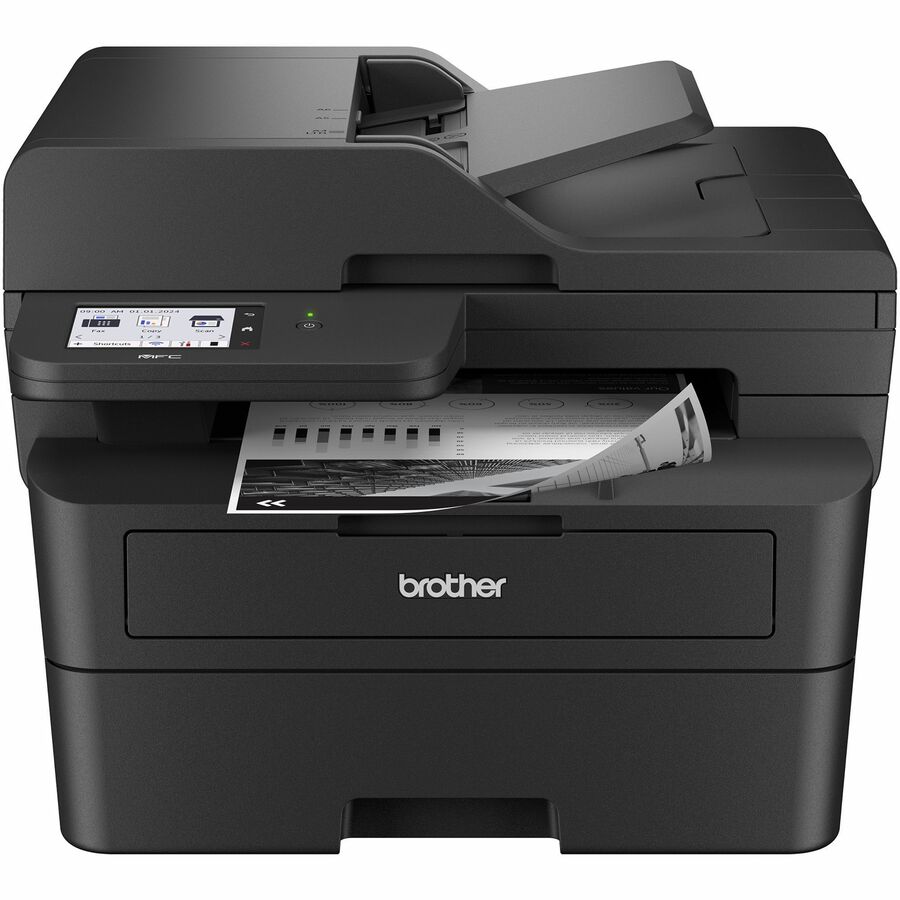
Brother Industries
Brother MFC-L2900DW Wired & Wireless Laser Multifunction Printer
MFCL2900DW
Brother MFC-L2900DW — a wired and wireless monochrome laser multifunction printer with automatic duplex print, an ADF and a 35,000-page monthly duty cycle.
$467.86Back-orderedAlso worth a look
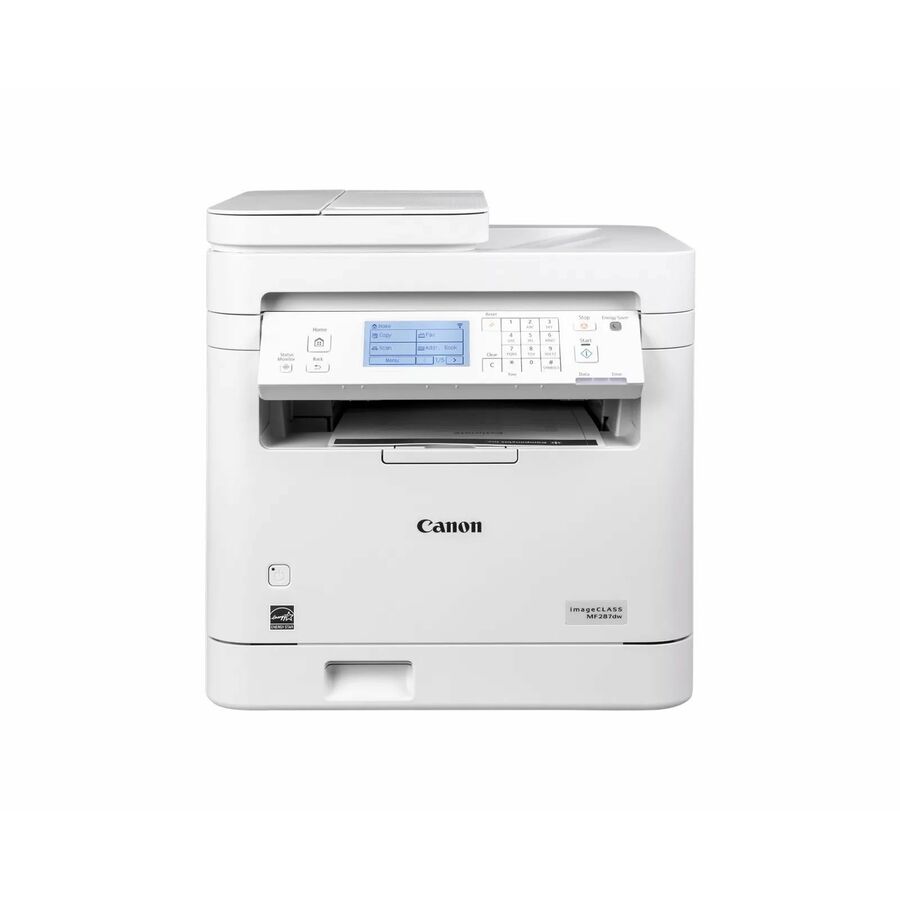
Canon
Canon imageCLASS MF287dw Wired & Wireless Laser Multifunction Printer
6354C011
Canon imageCLASS MF287dw — monochrome laser multifunction with automatic duplex print, fax and Fast Ethernet, for a small workgroup on a wired network.
Request pricingPrint, copy and scan only
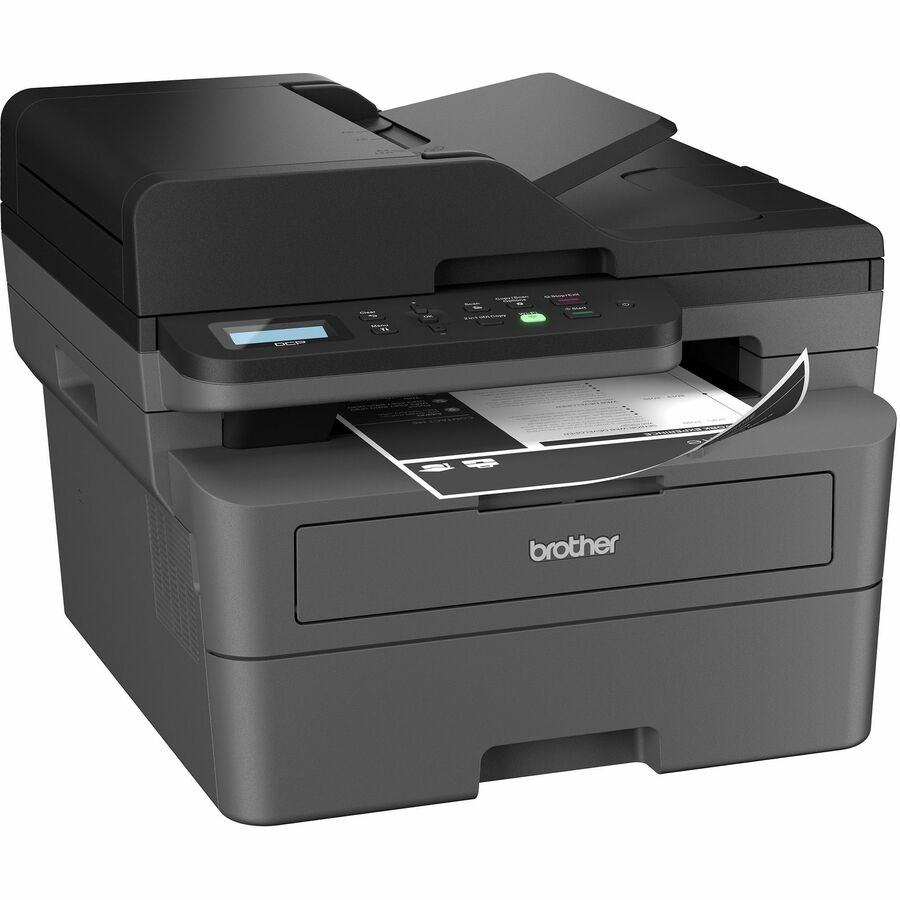
Brother Industries
Brother Wireless DCP-L2640DW Compact Monochrome Multi-Function Laser…
DCPL2640DW
Brother DCP-L2640DW — automatic duplex print with a 250-sheet tray and a 50-sheet document feeder, for a desk or team that does not need fax.
$307.63Back-orderedFrequently asked
- What are the disadvantages of duplex printing?
- The duplexing path adds a mechanical assembly, so it adds cost and one more thing to jam or service. Printing the second side is slower than printing one side, because the sheet has to be reversed and fed again, and heavy or glossy stock often cannot take the reversing path at all — Brother routes that media through the manual path instead. Double-sided pages also show more of the image from the other side on thin paper.
- Is duplex the same as double-sided?
- Yes. Duplex is the printing industry's term for double-sided output on one sheet, and simplex is the term for single-sided. What varies is how the second side gets printed: automatic duplex does it inside the machine, manual duplex asks the operator to reload the paper. Both are double-sided printing; only one of them is unattended.
- How do I know if my printer is duplex?
- Check the printed specification for a line reading "automatic duplex print" or "2-sided print" — that names the hardware. On an installed device, open the print driver's properties: if the two-sided option runs the whole job without prompting you to reload paper, the printer has a duplexer. If it prints one side and then asks for the stack back, it is manual duplex.
- What's the difference between simplex and duplex printing?
- Simplex prints one side of a sheet and leaves the other blank. Duplex prints both sides of the same sheet, so the same document uses about half the paper. On a specification sheet, simplex-only devices simply do not list a duplex print capability; duplex devices name it explicitly. ENERGY STAR's imaging-equipment criteria require automatic duplexing for the covered printer and multi-function device classes.
Sources
- 1.Ricoh USA glossary — duplex printingricoh-usa.com
- 2.Brother support — what is duplex printing (long edge and short edge binding)support.brother.com
- 3.ENERGY STAR — imaging equipment product criteriaenergystar.gov
Keep reading