
Best Monochrome Laser Printers for High-Volume Office Printing
Black-and-white laser printers from compact desktop units to 55 ppm workgroup machines — by speed, duty cycle, input capacity and network options.
Monochrome laser printers in stock at Uniqcli
How to choose →A curated selection with live pricing — in-stock lines first, then back-ordered lines with a typical lead time. Every line is sourced through US distribution and screened for NDAA §889 status before checkout, with TAA verified on request.
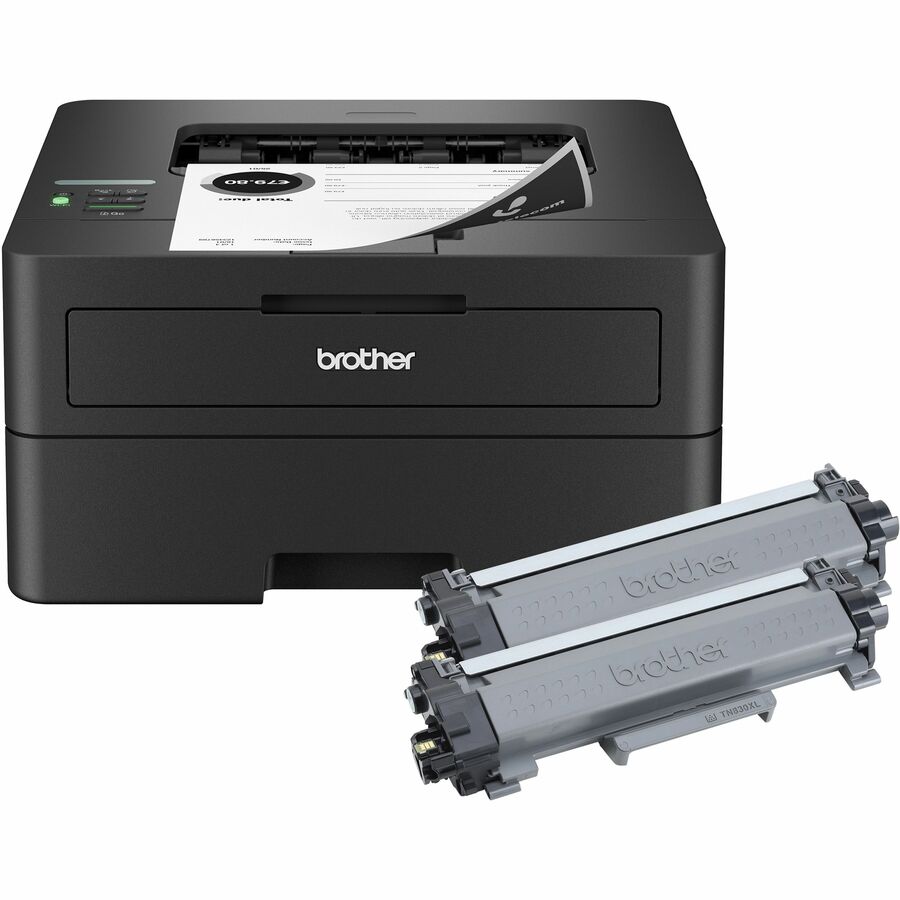
- Brother IndustriesBrother HL-L2460DWXL Desktop Wired Laser Printer - Monochrome - 34 ppm Mono - 1200 x 1200 dpi Print - Automatic Duplex Print - 251 Sheets Input - Ethernet - Wireless LAN - Apple AirPrint, Mopria, Brother Mobile Connect, Wi-Fi Direct - Plain Paper Print - Fast Ethernet - USBHLL2460DWXL
$339.99
$323.18
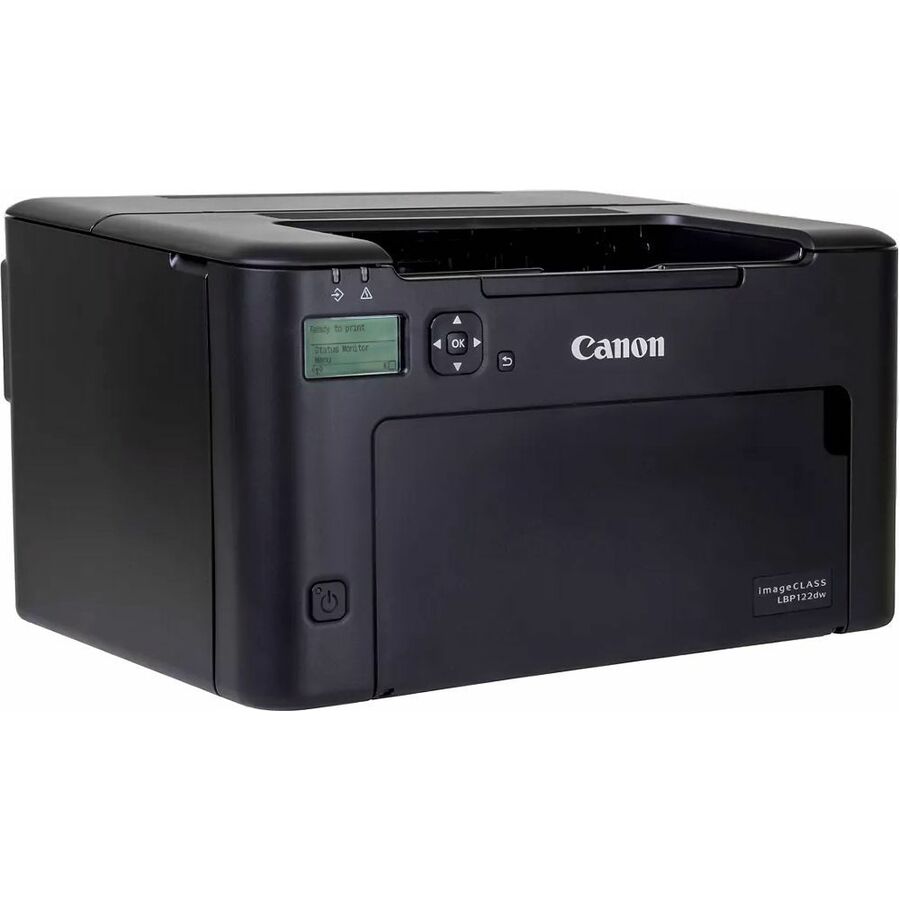
10 in stock - CanonCanon imageCLASS LBP122dw Desktop Wireless Laser Printer - Monochrome - 30.0 ppm Mono - 600 x 600 dpi Print - 150 Sheets Input - Ethernet - Wireless LAN - Apple AirPrint, Canon PRINT Business, Mopria, Wi-Fi Direct - 2000 Pages Duty Cycle - Plain Paper Print - USB5620C006
$390.00
$356.85
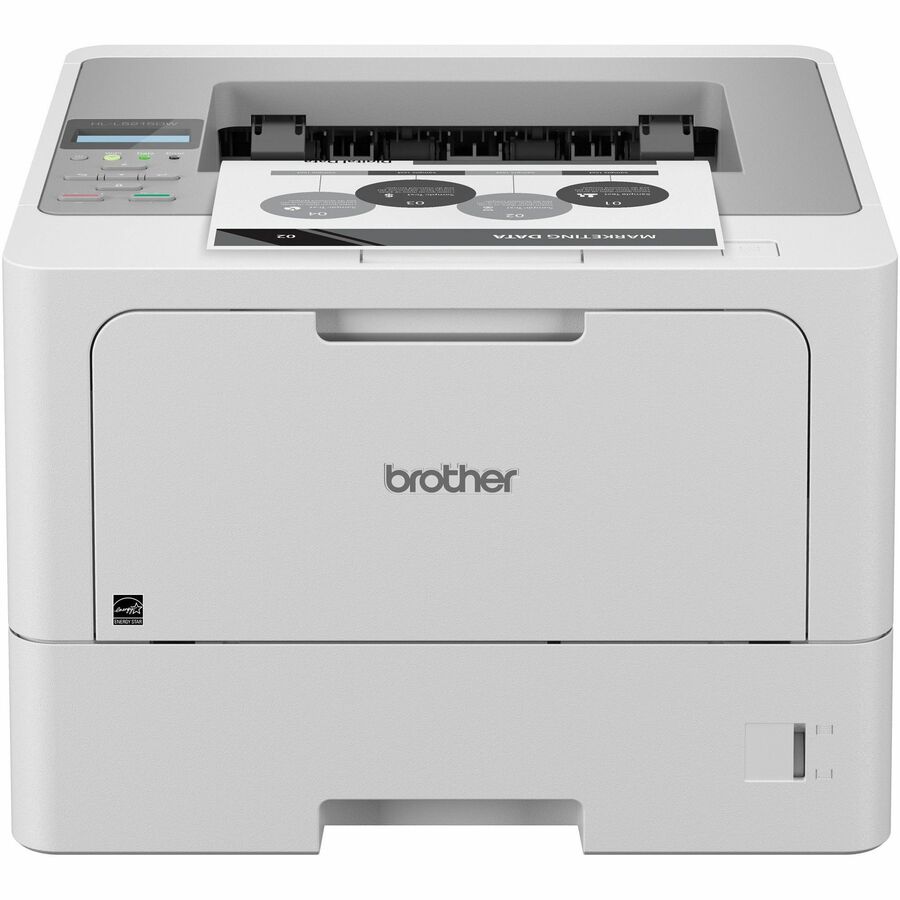
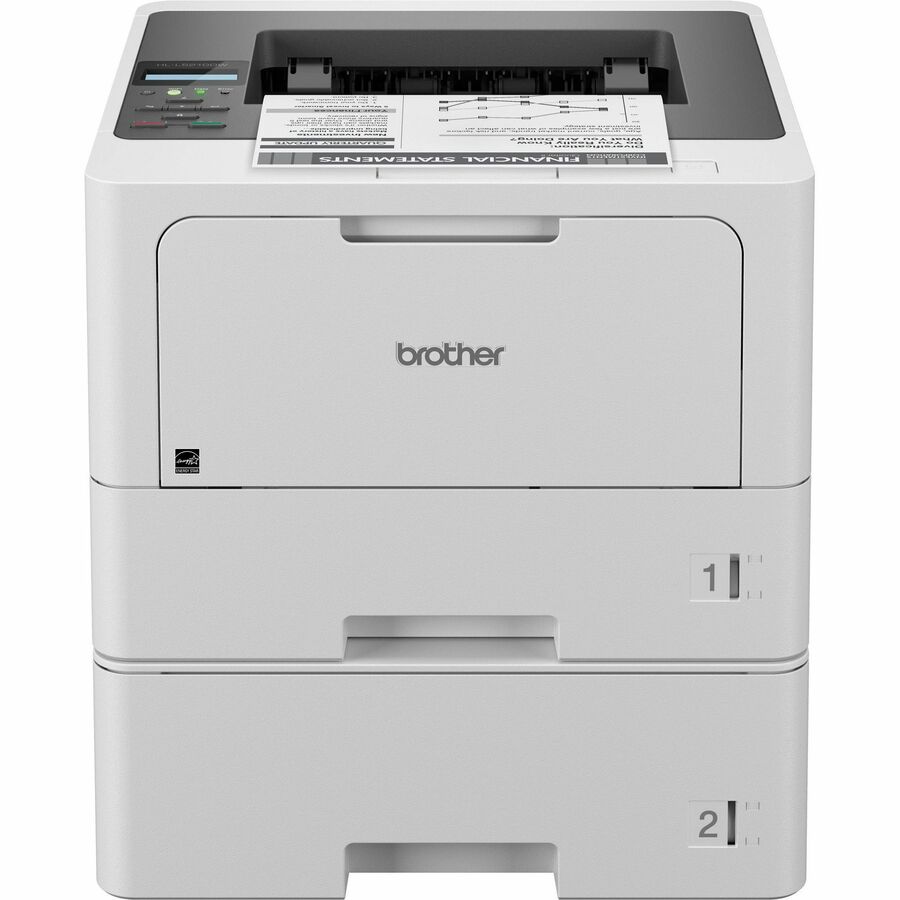
2 in stock - Brother IndustriesBrother HL-L5215DW Desktop Wireless Laser Printer - Monochrome - 48 ppm Mono - 1200 x 1200 dpi Print - Automatic Duplex Print - 350 Sheets Input - Ethernet - Wireless LAN - Wi-Fi Direct - 90000 Pages Duty Cycle - Plain Paper Print - Gigabit Ethernet - USBHL-L5215DW
$789.99
$455.57
19 in stock - Ricoh ImagingRicoh 132 p Desktop Wired Laser Printer - Monochrome - 34 ppm Mono - 1200 x 1200 dpi Print - 300 Sheets Input - Ethernet - 35000 Pages Duty Cycle - Plain Paper Print - Fast Ethernet - USB434055
$335.00
$145.78
Back-orderedBack-ordered — estimated OEM lead time 3–8 weeks (Nov 13 – Dec 18 if ordered today).
Back-ordered — estimated OEM lead time 3–8 weeks (Nov 13 – Dec 18 if ordered today).
- AvisionAvision AP33Q Wired Laser Printer - Monochrome - 35 ppm Mono - 1200 x 1200 dpi Print - Automatic Duplex Print - 251 Sheets Input - Ethernet - Plain Paper Print - Fast Ethernet - USBAP33Q
$249.00
$237.56
Back-orderedBack-ordered — estimated OEM lead time 3–8 weeks (Nov 13 – Dec 18 if ordered today).
- XeroxLexmark MS331dn Desktop Laser Printer - Monochrome - 38 ppm Mono - 600 x 600 dpi Print - Automatic Duplex Print - 350 Sheets Input - Ethernet - 50000 Pages Duty Cycle - Plain Paper Print - Fast Ethernet - USB29S0010
$303.64
$282.63
Back-orderedBack-ordered — estimated OEM lead time 3–8 weeks (Nov 13 – Dec 18 if ordered today).
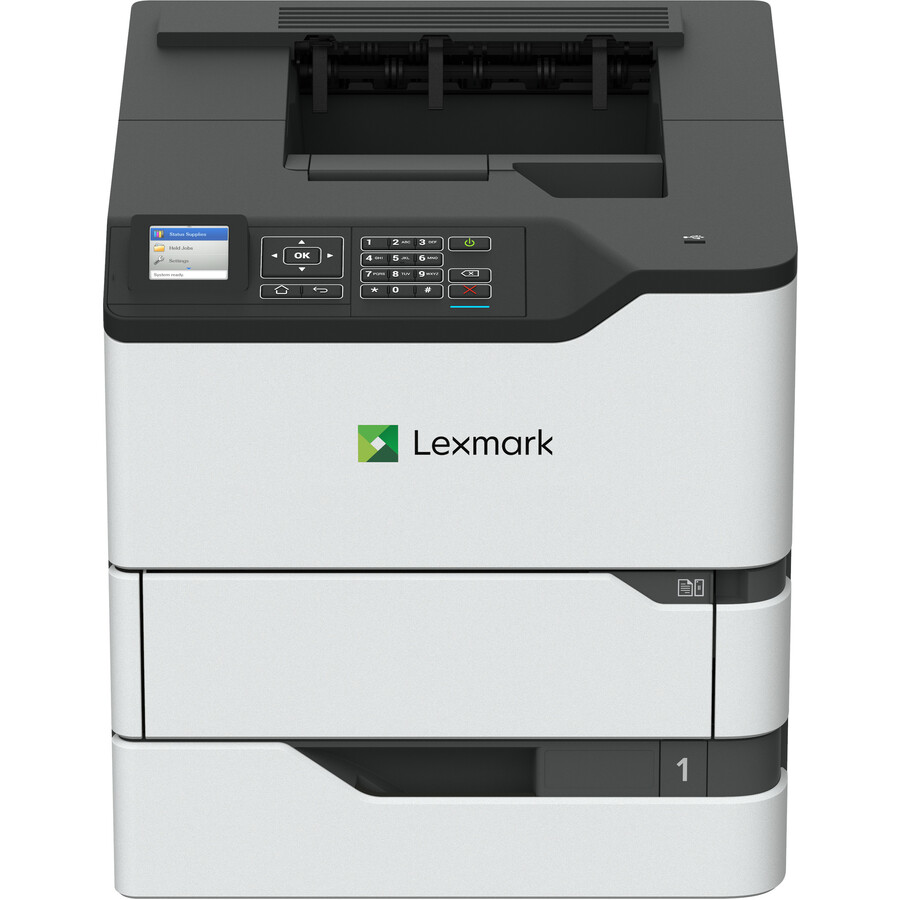
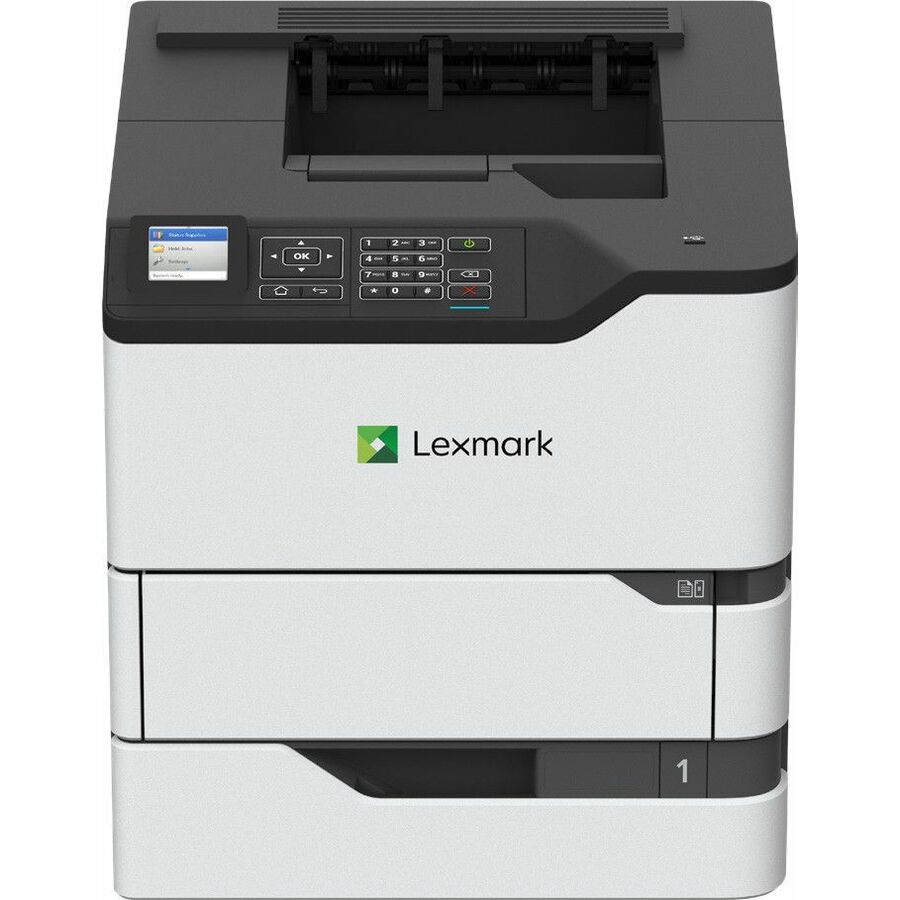
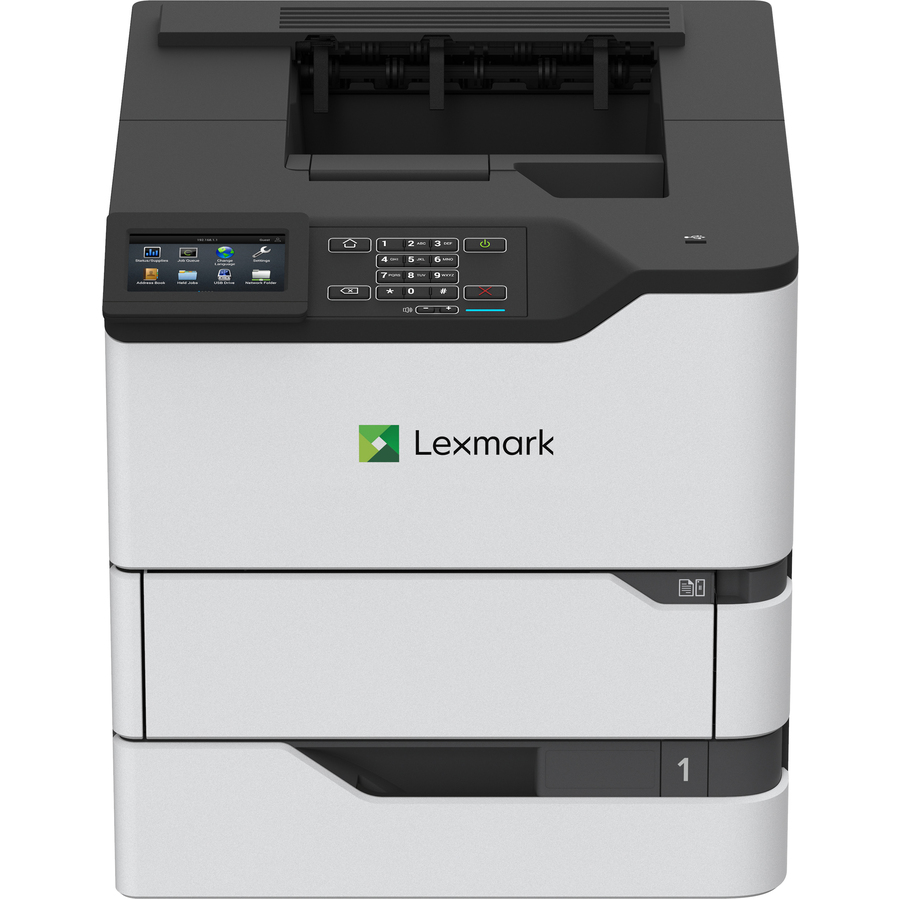
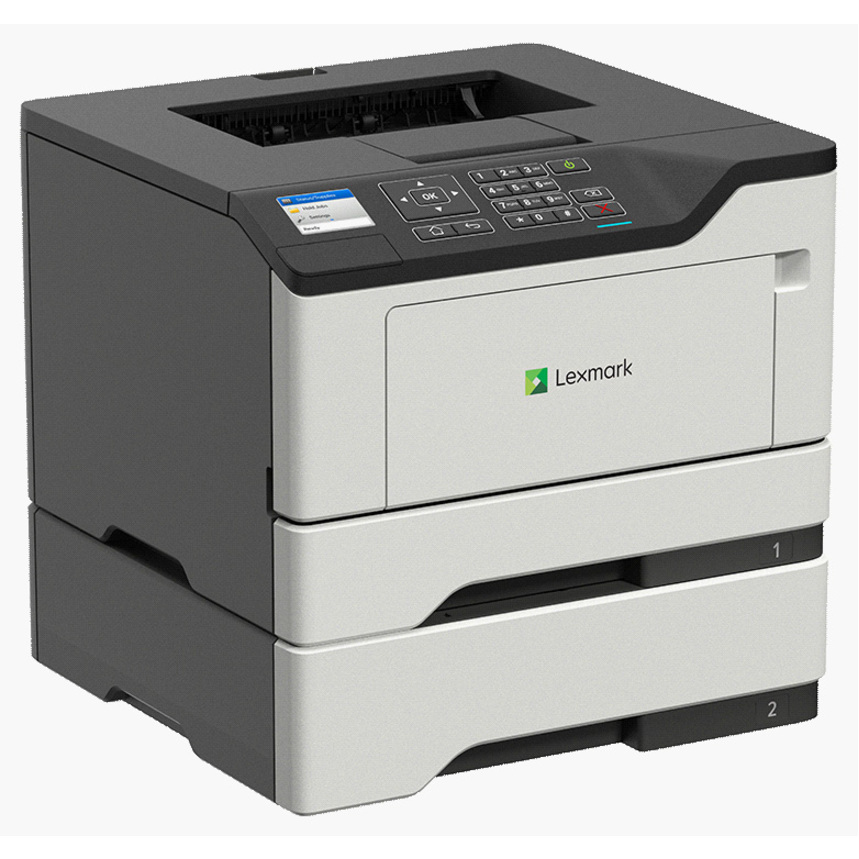
- Lexmark InternationalLexmark MS331dn Desktop Wired Laser Printer - Monochrome - 40 ppm Mono - 2400 x 600 dpi Print - Automatic Duplex Print - 350 Sheets Input - Ethernet - 50000 Pages Duty Cycle - Plain Paper Print - Fast Ethernet - USB29S0732
$334.00
$318.54
Back-orderedBack-ordered — estimated OEM lead time 3–8 weeks (Nov 13 – Dec 18 if ordered today).
- Lexmark InternationalLexmark MS331dn Desktop Wired Laser Printer - Monochrome - 40 ppm Mono - 2400 x 600 dpi Print - Automatic Duplex Print - 350 Sheets Input - Ethernet - 50000 Pages Duty Cycle - Plain Paper Print - Fast Ethernet - USB29S0883
$339.35
$323.64
Back-orderedBack-ordered — estimated OEM lead time 3–8 weeks (Nov 13 – Dec 18 if ordered today).
Back-ordered — estimated OEM lead time 3–8 weeks (Nov 13 – Dec 18 if ordered today).
- AvisionAvision AP43 Plus Wired Laser Printer - Monochrome - 45 ppm Mono - 1200 x 1200 dpi Print - Automatic Duplex Print - 610 Sheets Input - Ethernet - 60000 Pages Duty Cycle - Plain Paper Print - Gigabit Ethernet - USBAP43 PLUS
$499.00
$394.14
Back-orderedBack-ordered — estimated OEM lead time 3–8 weeks (Nov 13 – Dec 18 if ordered today).
- Lexmark InternationalLexmark MS331DN Desktop Laser Printer - Monochrome - 40 ppm Mono - 2400 x 600 dpi Print - Automatic Duplex Print - 350 Sheets Input - Ethernet - 50000 Pages Duty Cycle - Plain Paper Print - Gigabit Ethernet - USB29S0729
$416.71
$397.41
Back-orderedBack-ordered — estimated OEM lead time 3–8 weeks (Nov 13 – Dec 18 if ordered today).
- Lexmark InternationalLexmark MS431dn Desktop Wired Laser Printer - Monochrome - 40 ppm Mono - 600 x 600 dpi Print - Automatic Duplex Print - 350 Sheets Input - Ethernet - 80000 Pages Duty Cycle - Gigabit Ethernet - USB29S0931
$416.71
$397.41
Back-orderedBack-ordered — estimated OEM lead time 3–8 weeks (Nov 13 – Dec 18 if ordered today).
- XeroxLexmark MS431DN Desktop Laser Printer - Monochrome - 42 ppm Mono - 2400 dpi Print - Automatic Duplex Print - 100 Sheets Input - Ethernet - Plain Paper Print - Gigabit Ethernet - USB29S0050
$445.00
$414.20
Back-orderedBack-ordered — we expect to receive stock the week of Nov 23–29 and will process your delivery right after.
- XeroxLexmark MS431dn Desktop Laser Printer - Monochrome - TAA Compliant - 42 ppm Mono - 600 x 600 dpi Print - Automatic Duplex Print - 350 Sheets Input - Ethernet - 80000 Pages Duty Cycle - Plain Paper Print - Gigabit Ethernet - USB29ST001
$445.00
$414.20*
Back-orderedBack-ordered — we expect to receive stock the week of Nov 2–8 and will process your delivery right after.
- XeroxLexmark MS431DN Desktop Laser Printer - Monochrome - 42 ppm Mono - 2400 x 600 dpi Print - Automatic Duplex Print - 350 Sheets Input - Ethernet - 80000 Pages Duty Cycle - Plain Paper Print - Gigabit Ethernet - USB29ST013
$480.71
$447.45
Back-orderedBack-ordered — estimated OEM lead time 3–8 weeks (Nov 13 – Dec 18 if ordered today).
- XeroxLexmark MS431DW Desktop Laser Printer - Monochrome - 42 ppm Mono - 2400 dpi Print - Automatic Duplex Print - 100 Sheets Input - Ethernet - Wireless LAN - Plain Paper Print - USB29S0100
$483.00
$449.57
Back-orderedBack-ordered — we expect to receive stock the week of Oct 19–25 and will process your delivery right after.
- XeroxLexmark MS431dn Desktop Laser Printer - Monochrome - TAA Compliant - 42 ppm Mono - 600 x 600 dpi Print - Automatic Duplex Print - 350 Sheets Input - Ethernet - 80000 Pages Duty Cycle - Plain Paper Print - Gigabit Ethernet - USB29ST003
$489.50
$455.62*
Back-orderedBack-ordered — estimated OEM lead time 3–8 weeks (Nov 13 – Dec 18 if ordered today).
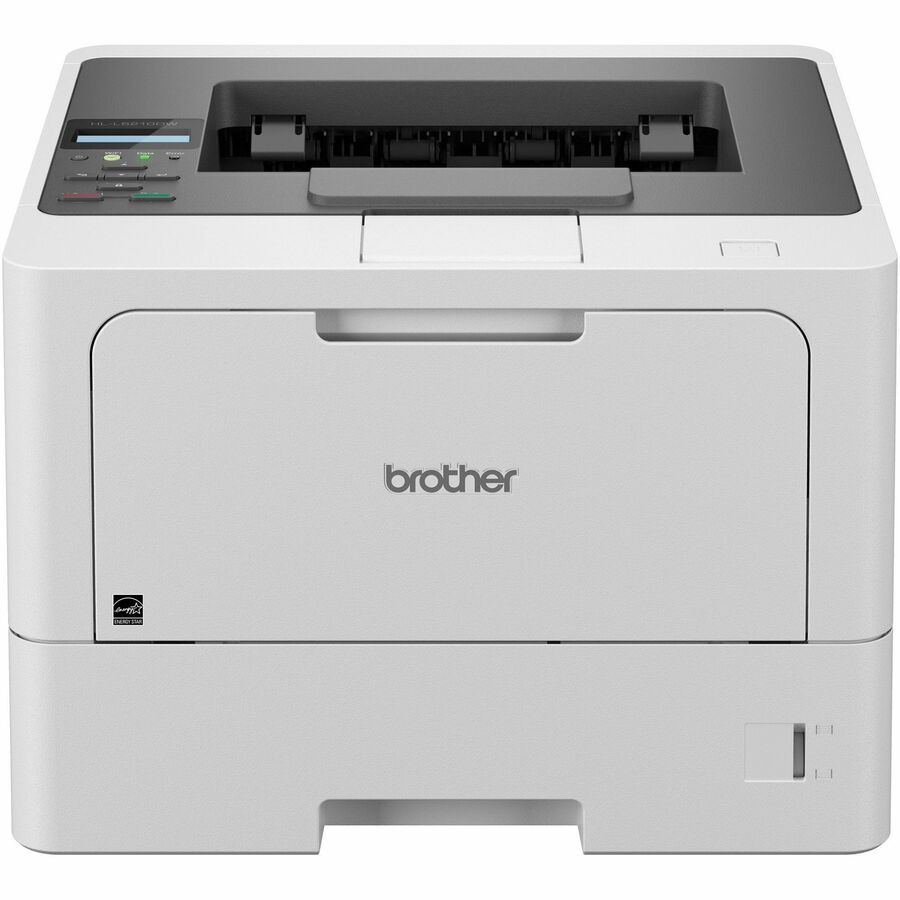
- Brother IndustriesBrother HLL5210DN Desktop Wired Laser Printer - Monochrome - 48.0 ppm Mono - 1200 x 1200 dpi Print - Automatic Duplex Print - 350 Sheets Input - Ethernet - 90000 Pages Duty Cycle - Plain Paper Print - Gigabit Ethernet - USBHLL5210DN
$549.99
$464.16
Back-orderedBack-ordered — we expect to receive stock the week of Oct 26 – Nov 1 and will process your delivery right after.
- XeroxLexmark MS431dn Desktop Laser Printer - Monochrome - 42 ppm Mono - 600 x 600 dpi Print - Automatic Duplex Print - 350 Sheets Input - Ethernet - 80000 Pages Duty Cycle - Plain Paper Print - Gigabit Ethernet - USB29S0637
$514.34
$483.35
Back-orderedBack-ordered — estimated OEM lead time 3–8 weeks (Nov 13 – Dec 18 if ordered today).
Back-ordered — estimated OEM lead time 3–8 weeks (Nov 13 – Dec 18 if ordered today).




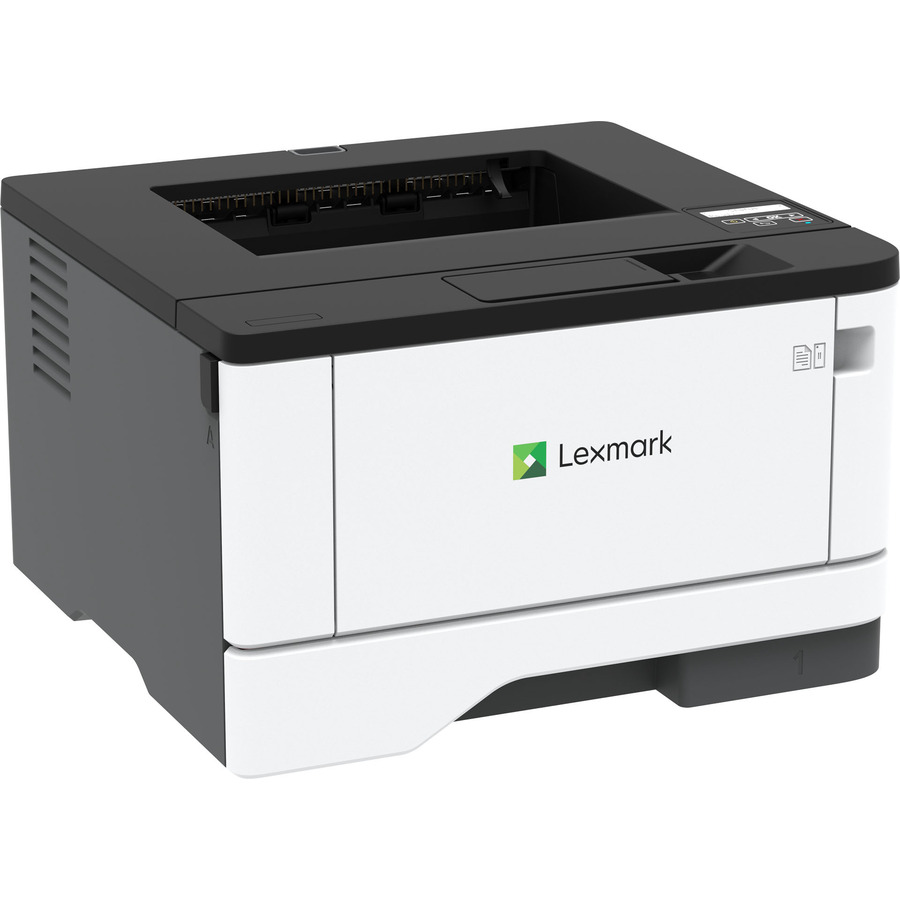
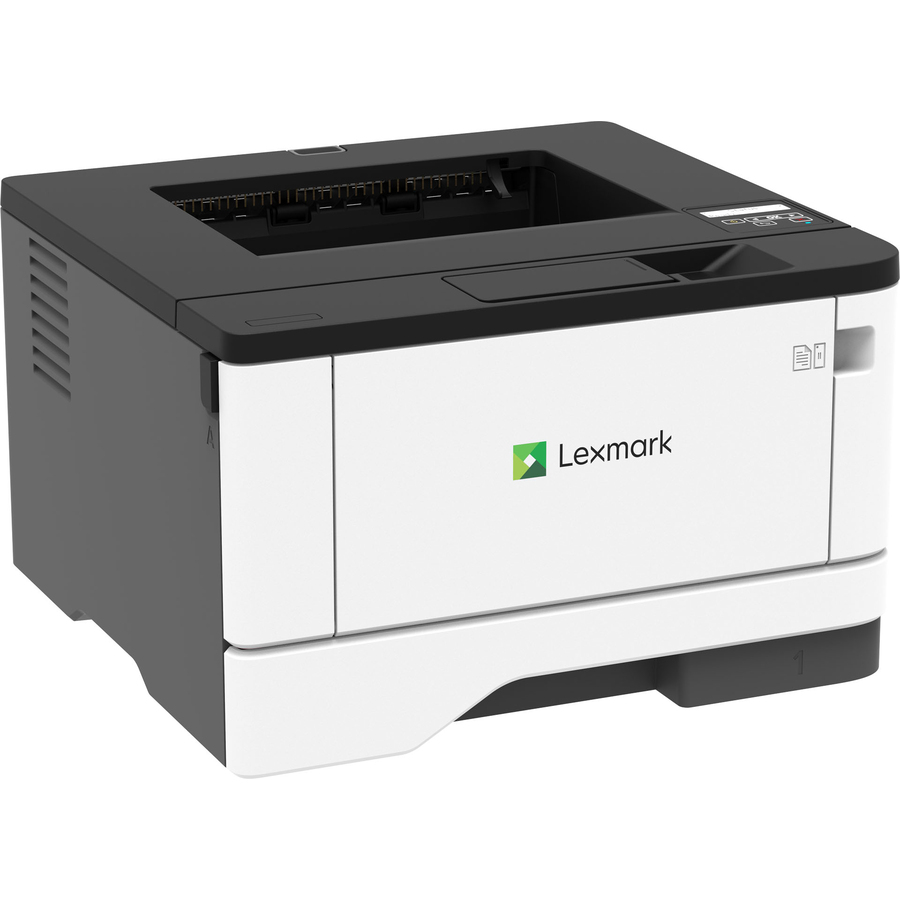
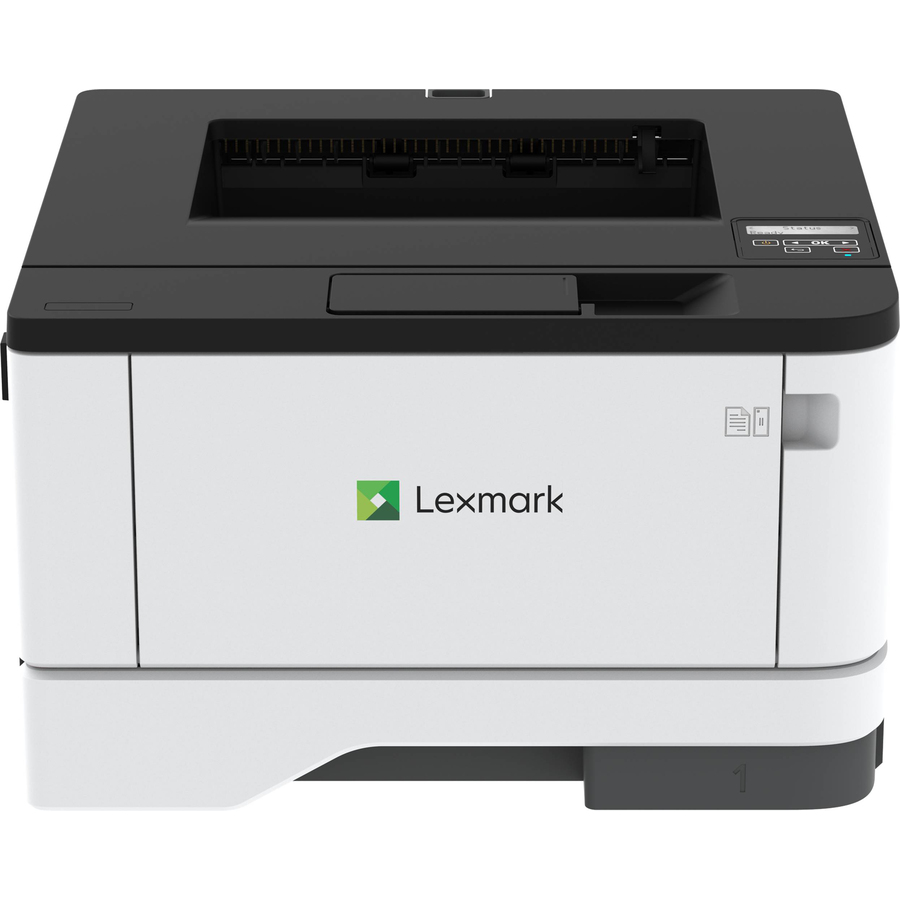
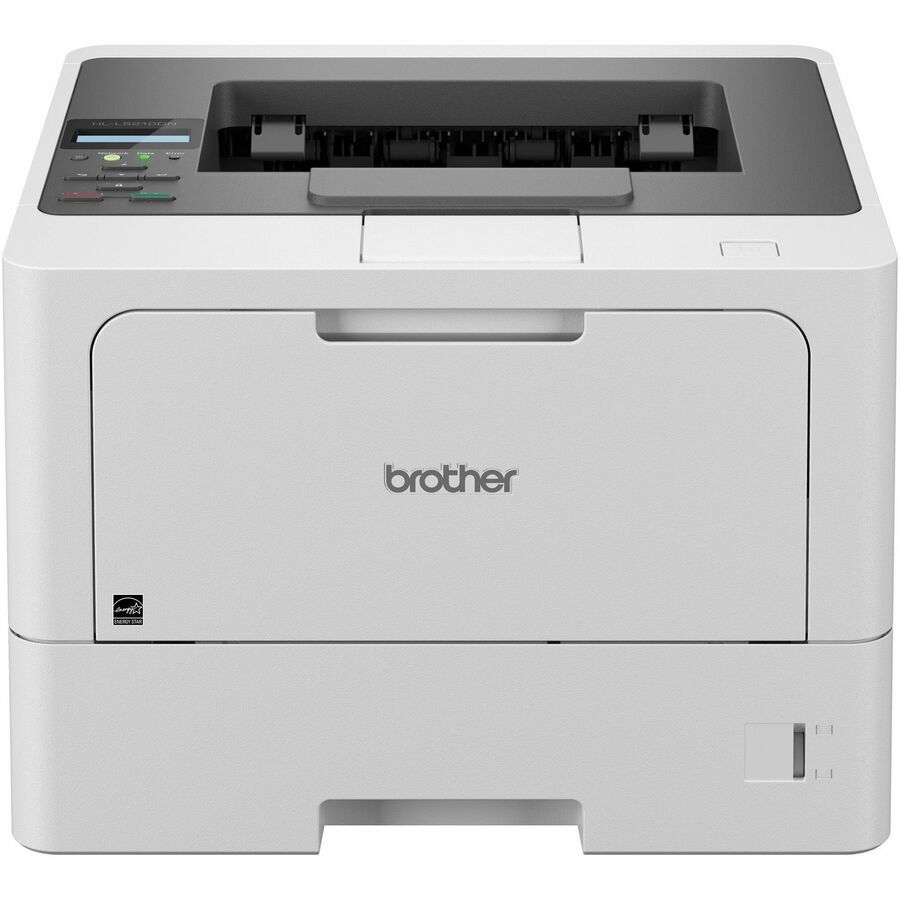
Compact 40 ppm
Xerox
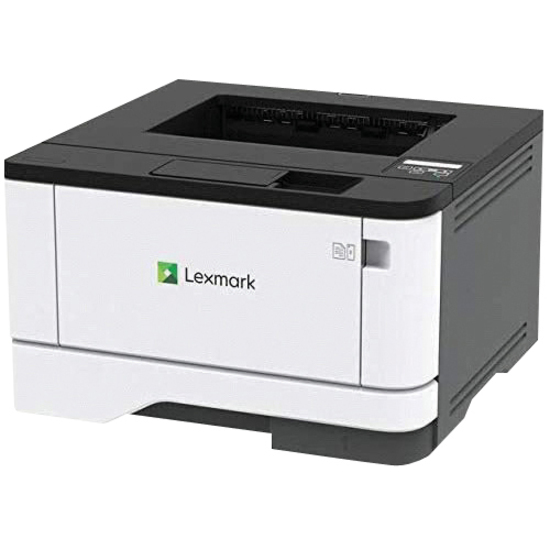
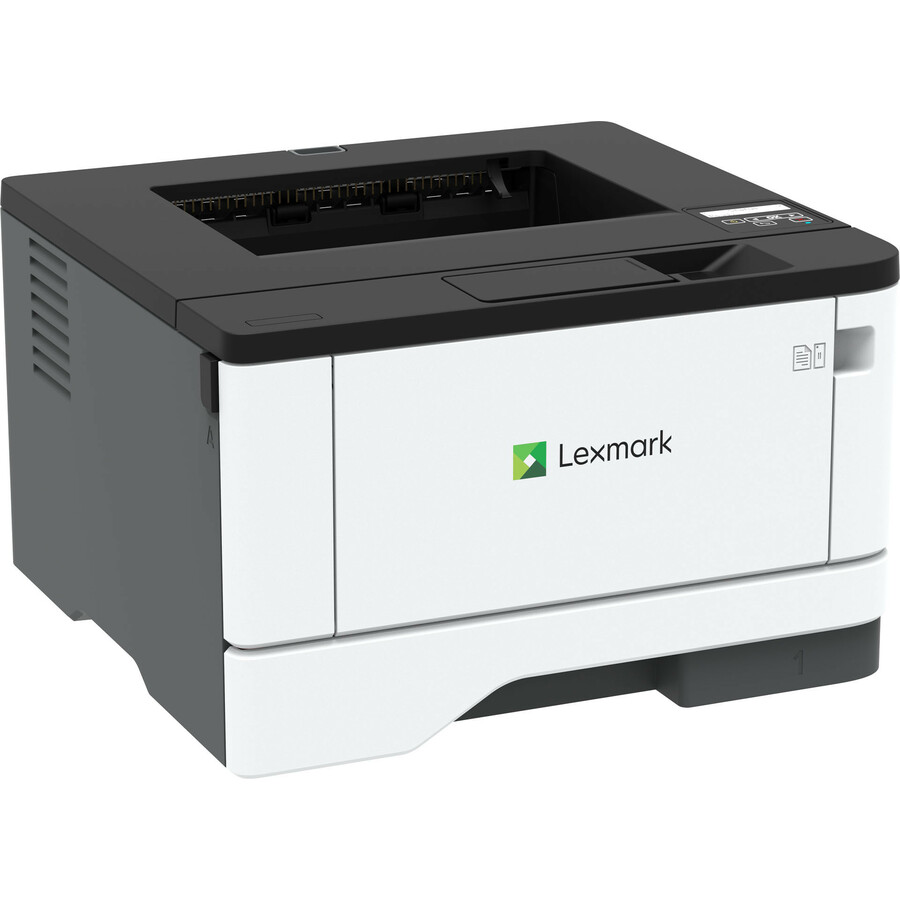
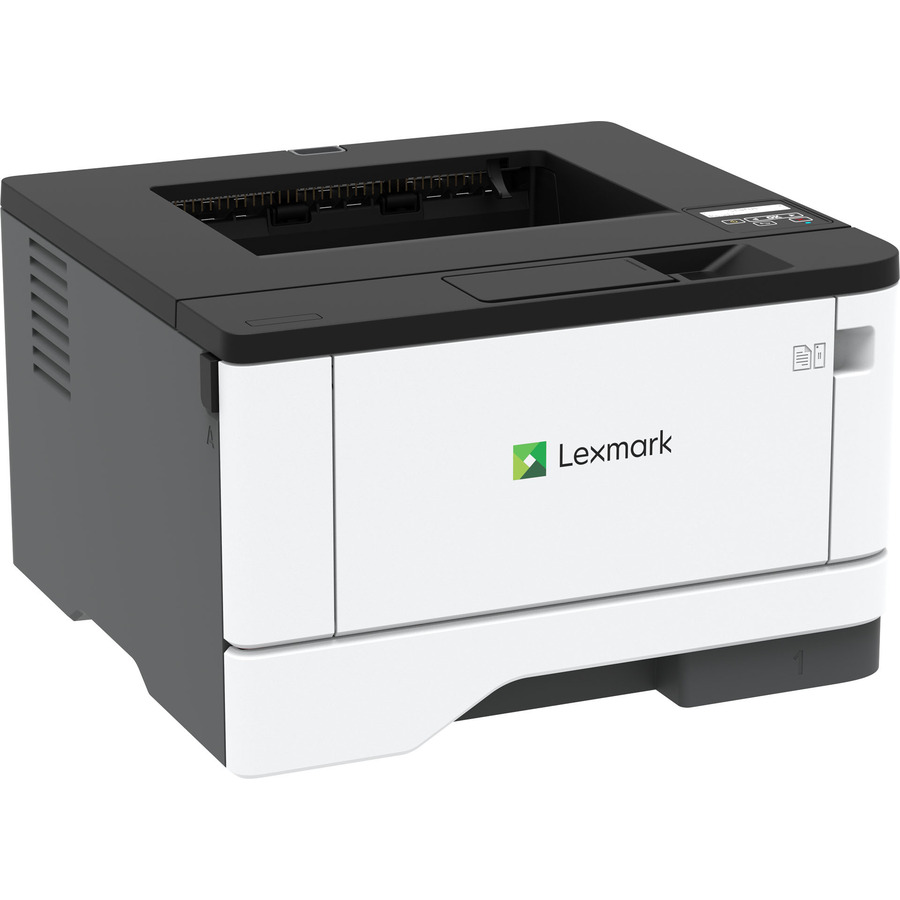
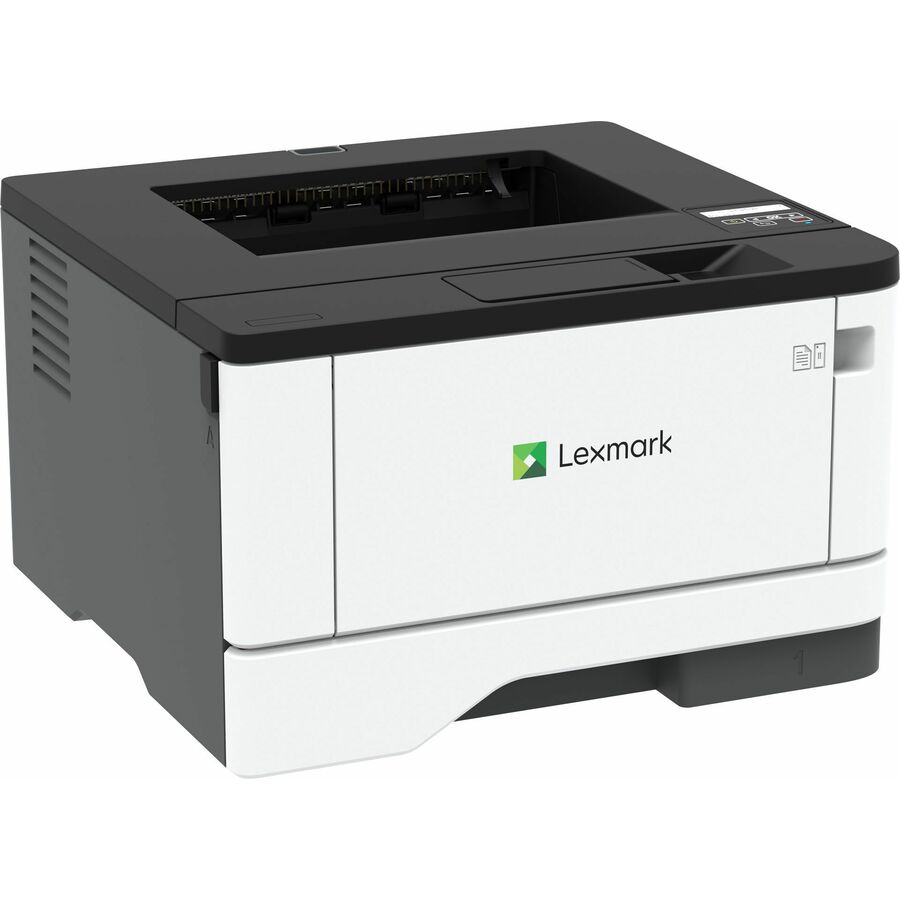
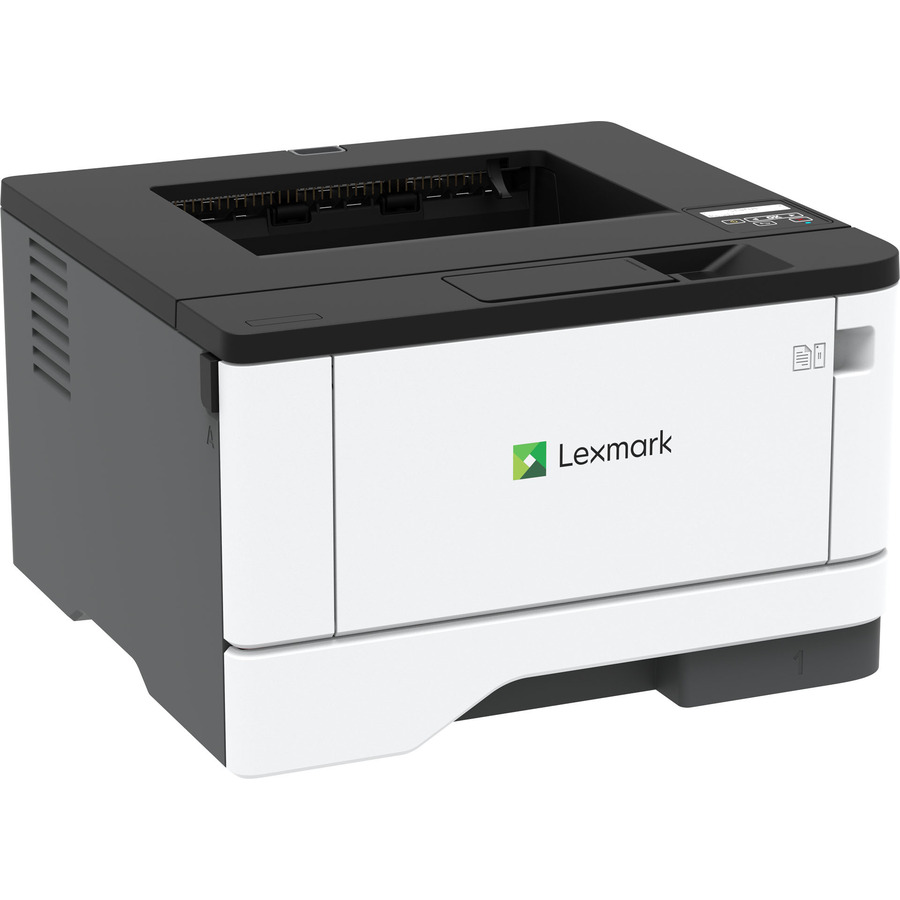
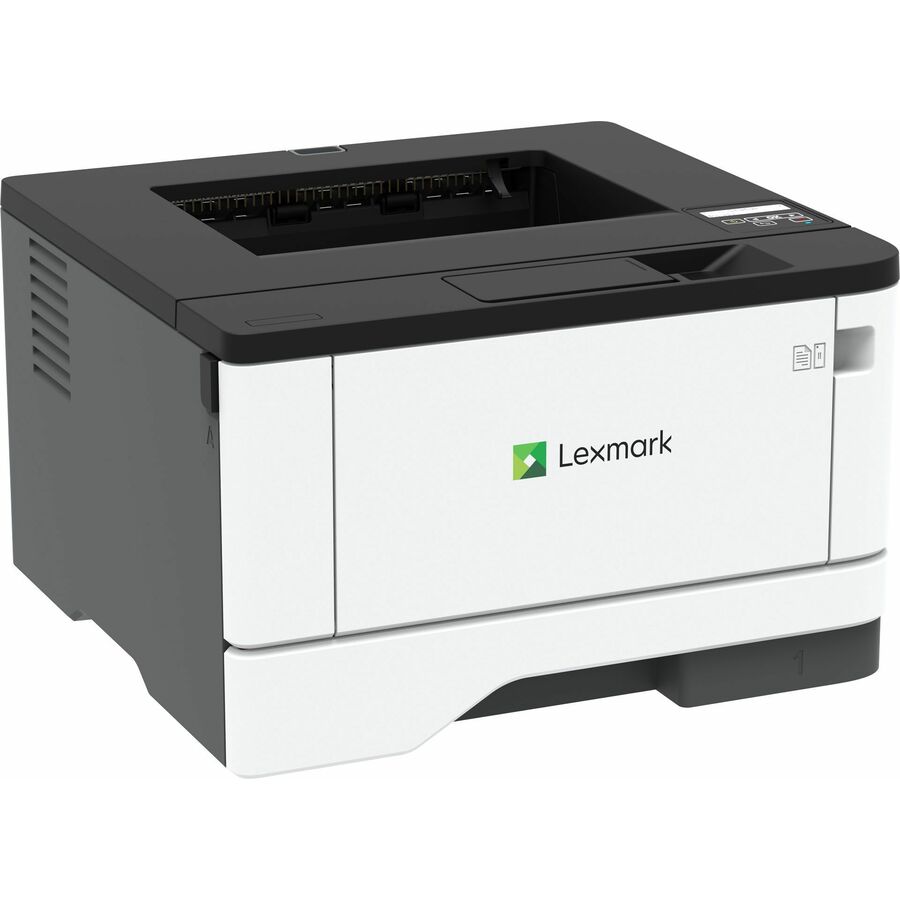
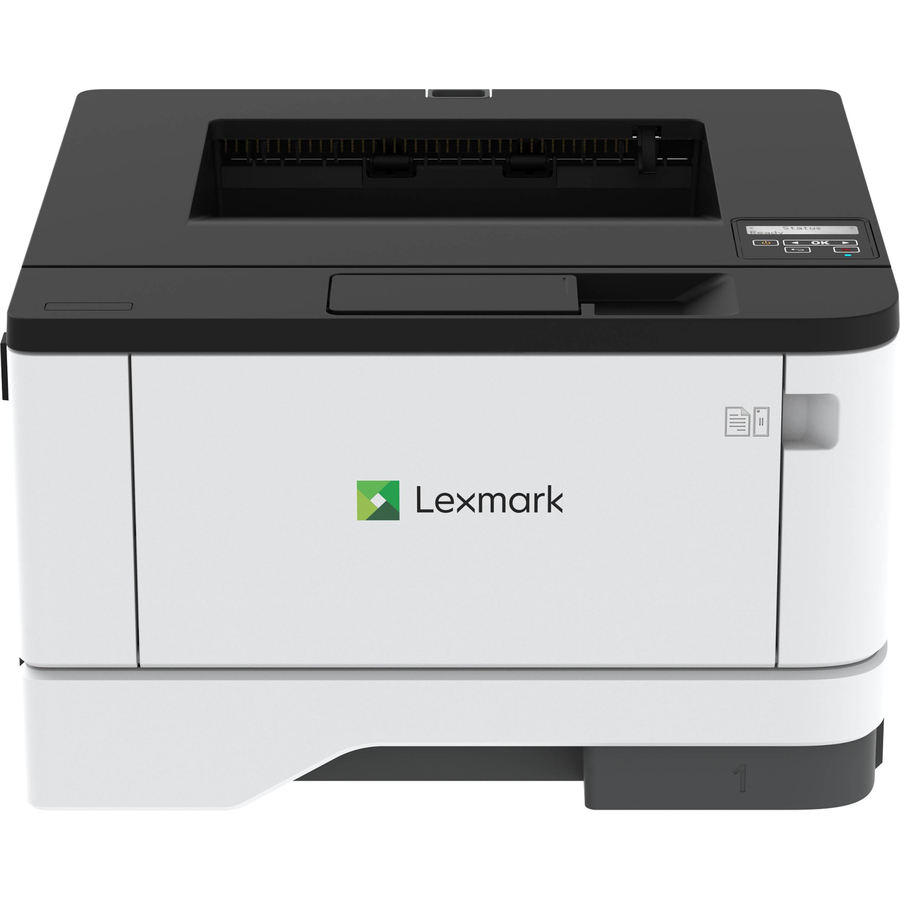
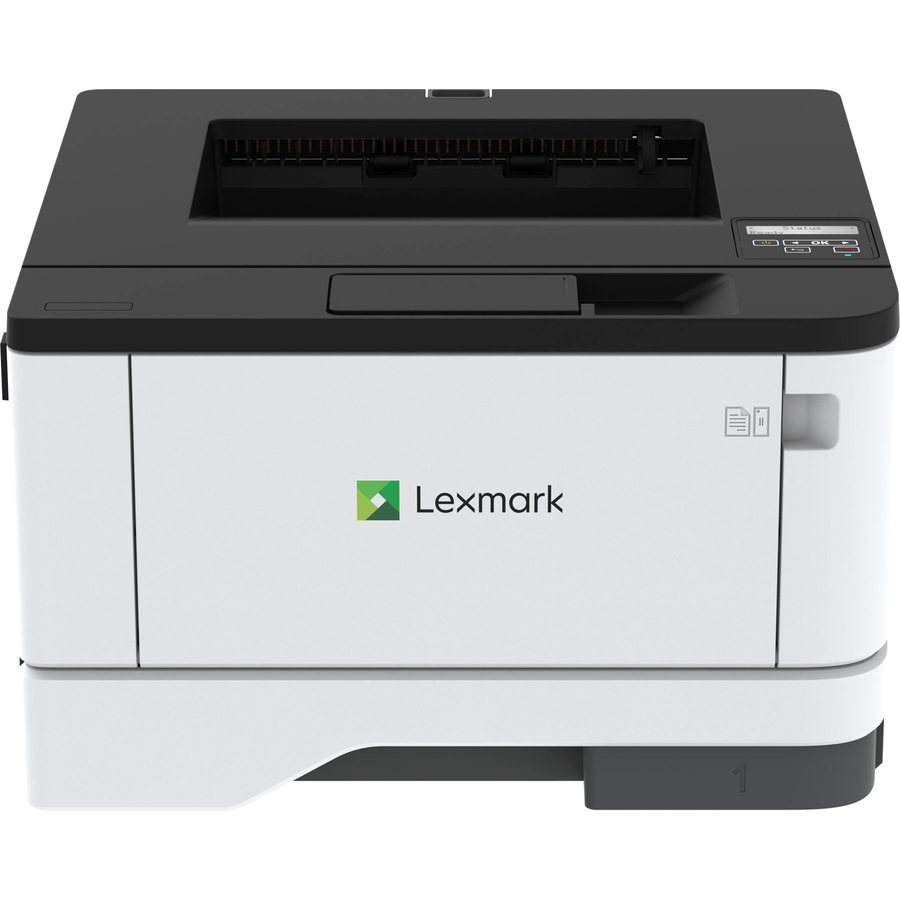
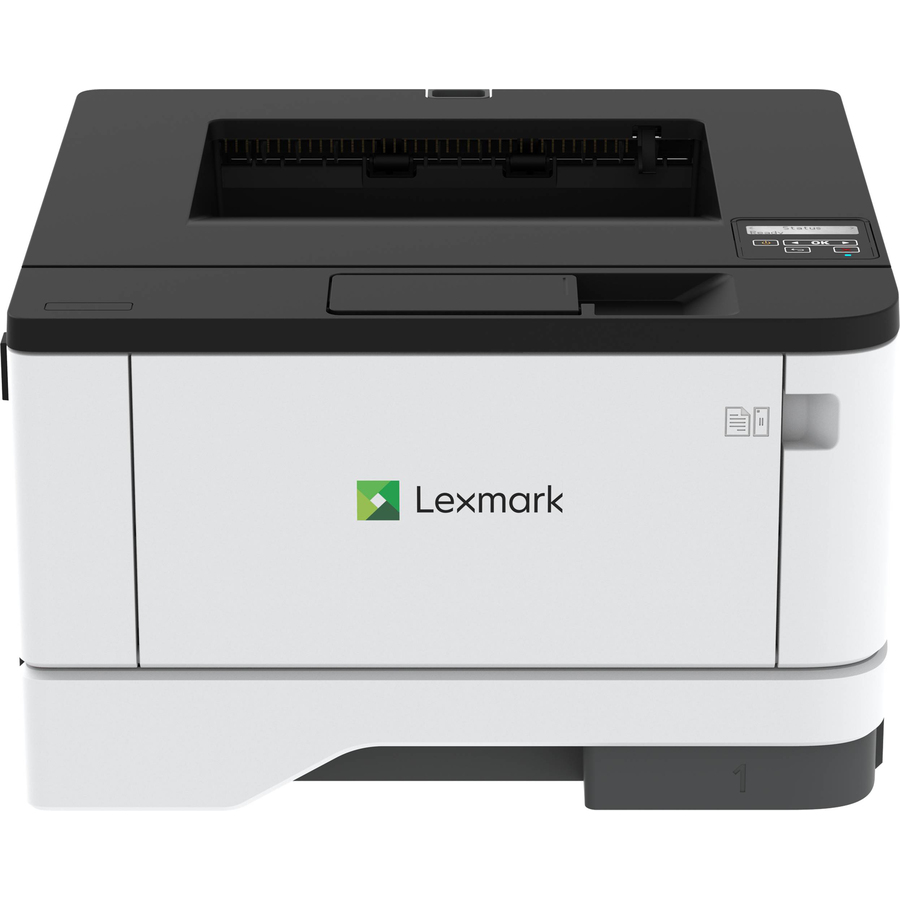
Lexmark MS331DN Desktop Laser Printer
29S0000
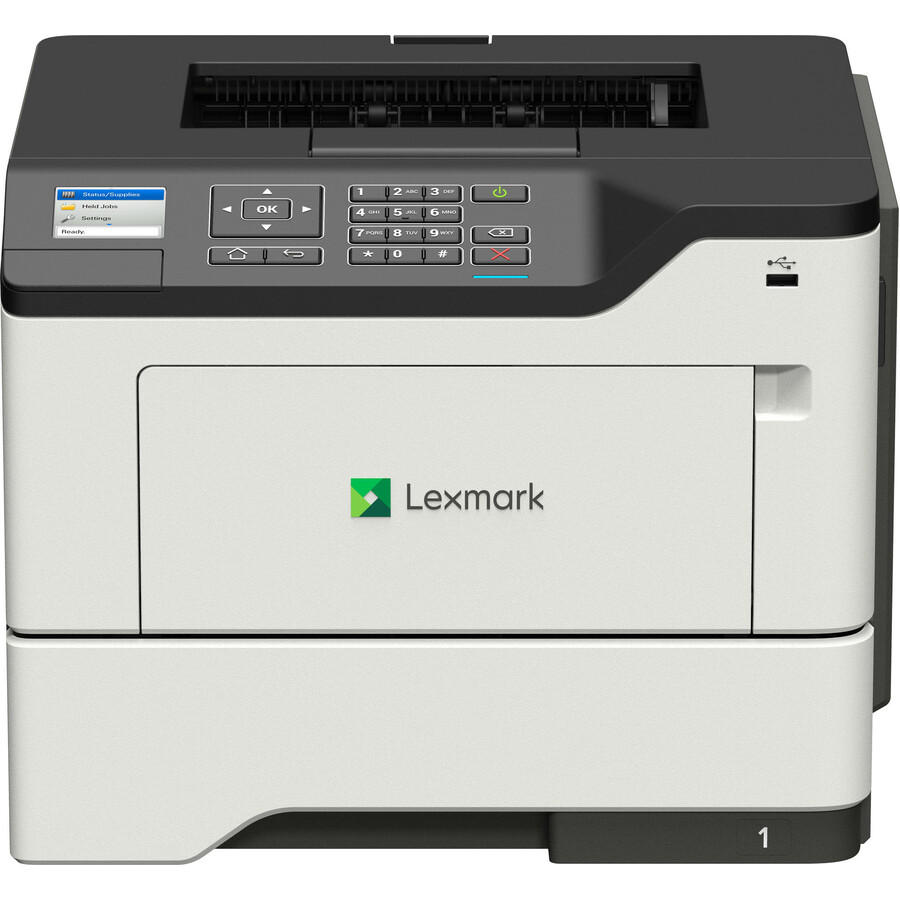
A Lexmark MS331dn at 40 ppm mono and 2400 dpi with automatic duplexing, a 100-sheet input and Ethernet — a small desktop machine for a desk or a two-person office.
A 100-sheet input is a personal capacity; a shared team device wants 250 sheets or more.
$354.63In stockTAA-titled 46 ppm
Xerox
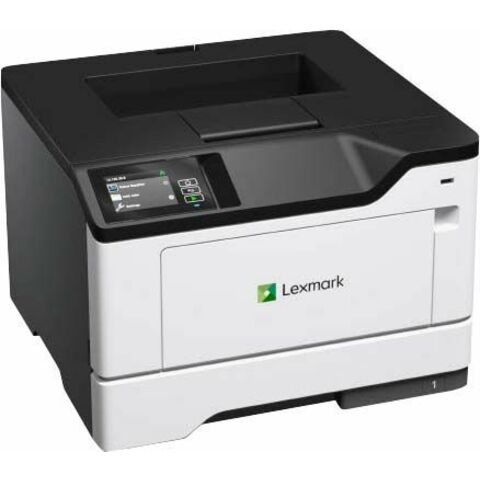
Lexmark Ms531dw Desktop Wired/Wireless Laser Printer
38ST310
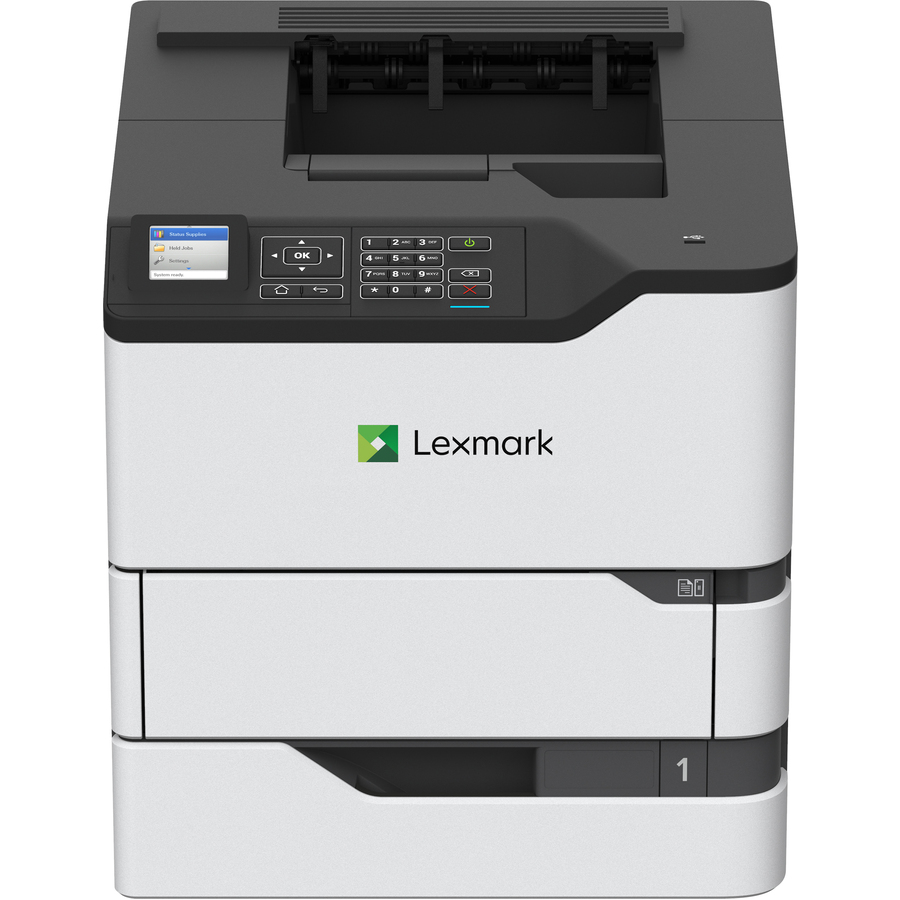
A Lexmark MS531dw at 46 ppm and 1200 x 1200 dpi with Gigabit Ethernet, wireless and Wi-Fi Direct — the wired-and-wireless workgroup machine in this line.
Titled TAA Compliant by the manufacturer — a per-part designation, never a family rule.
$924.09*Back-ordered55 ppm workgroup
Xerox
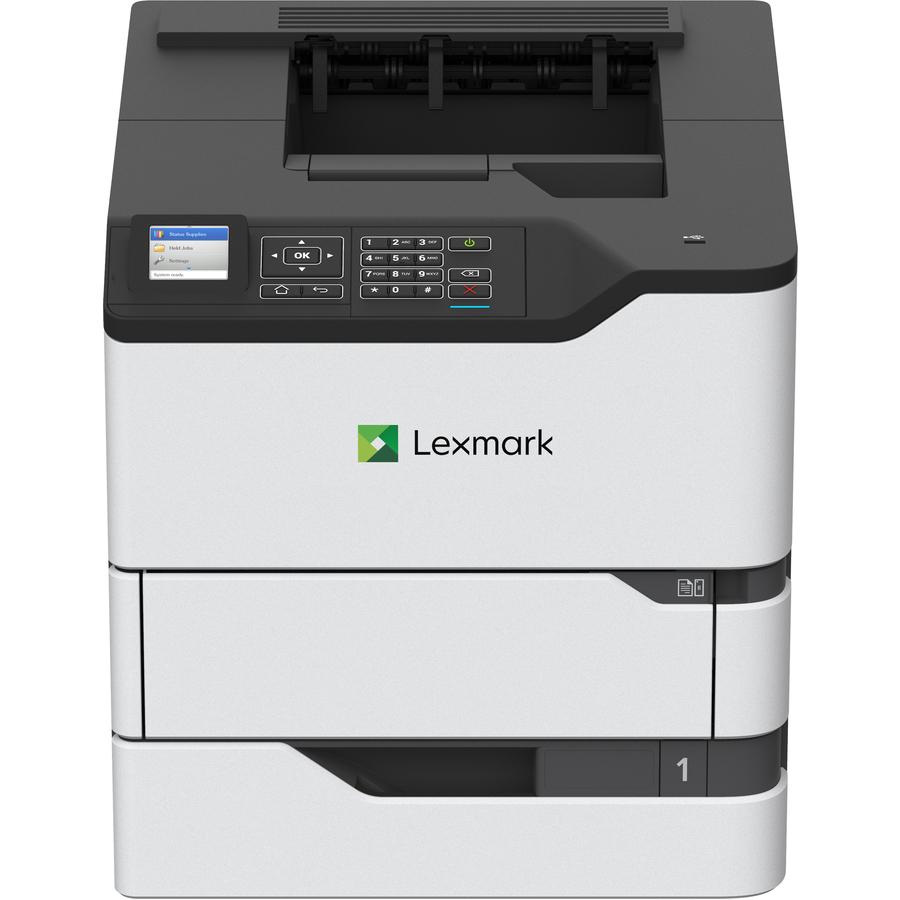
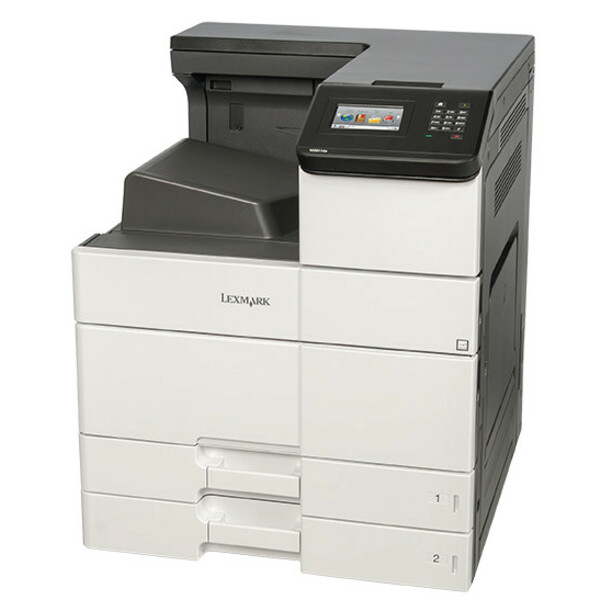
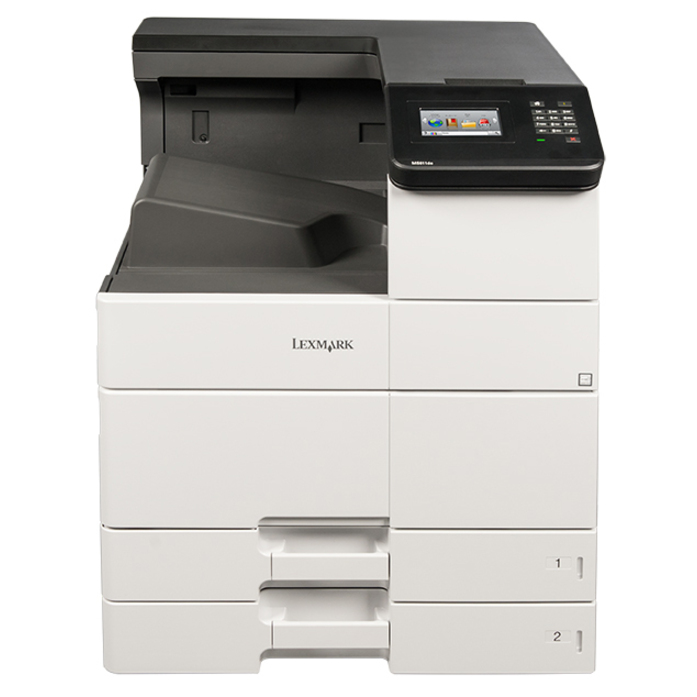
Lexmark MS820 MS821dn Desktop Laser Printer
50G0100
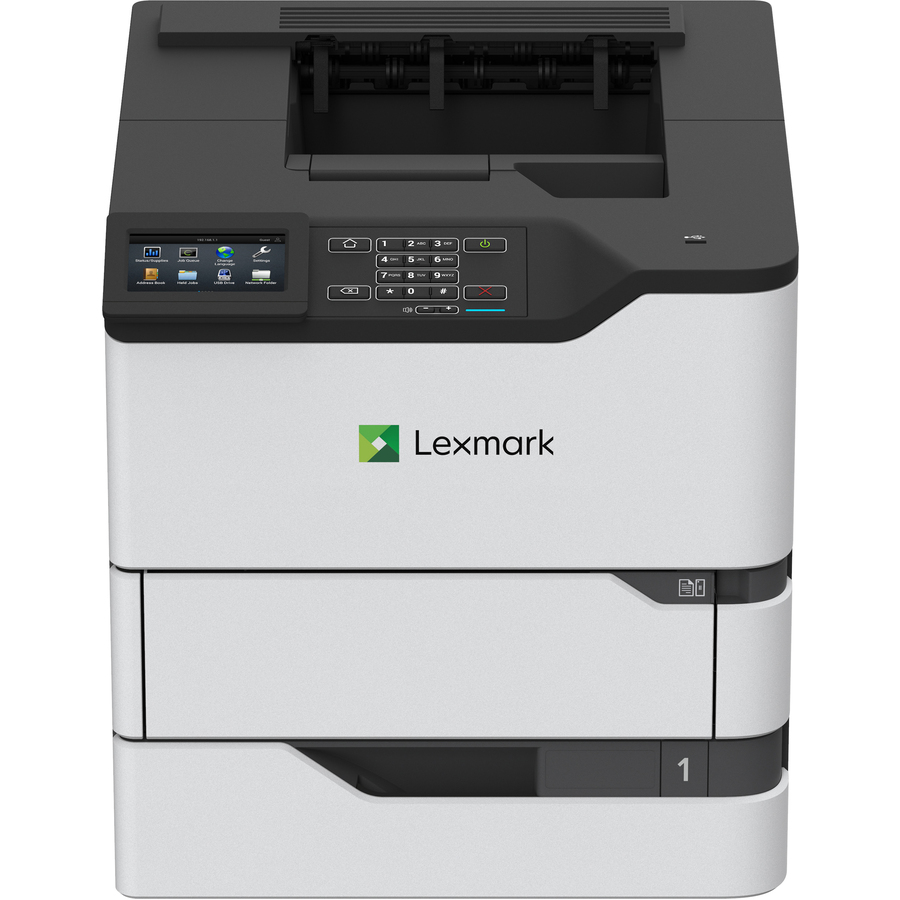
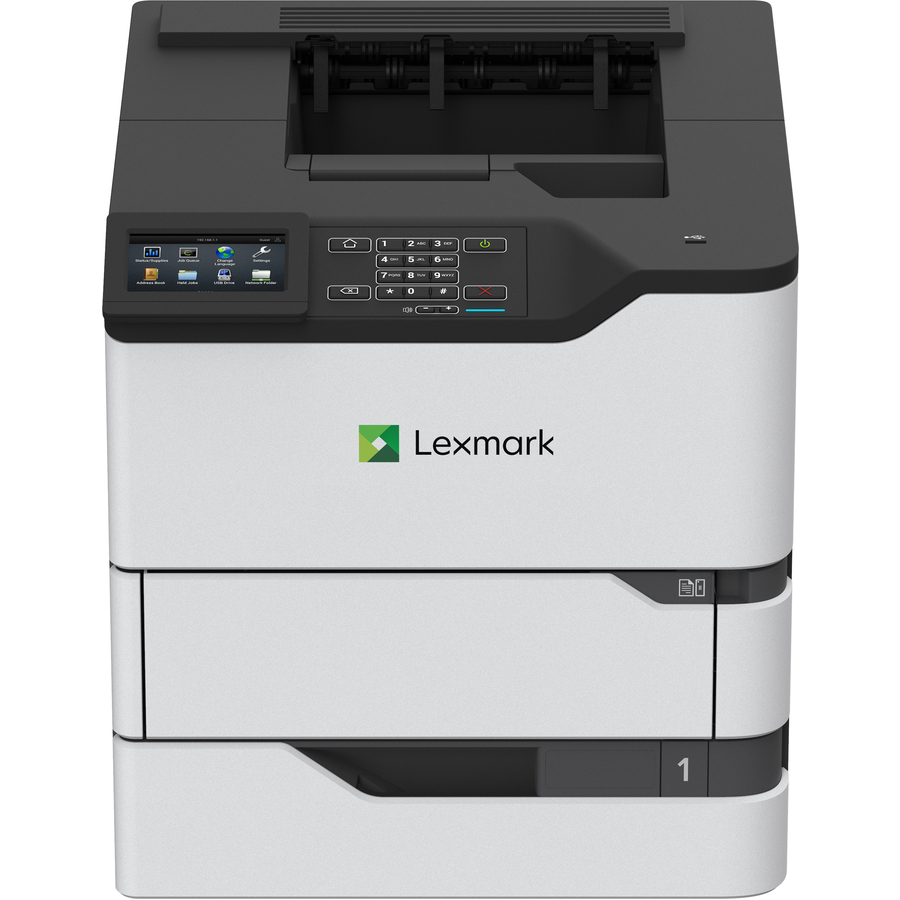
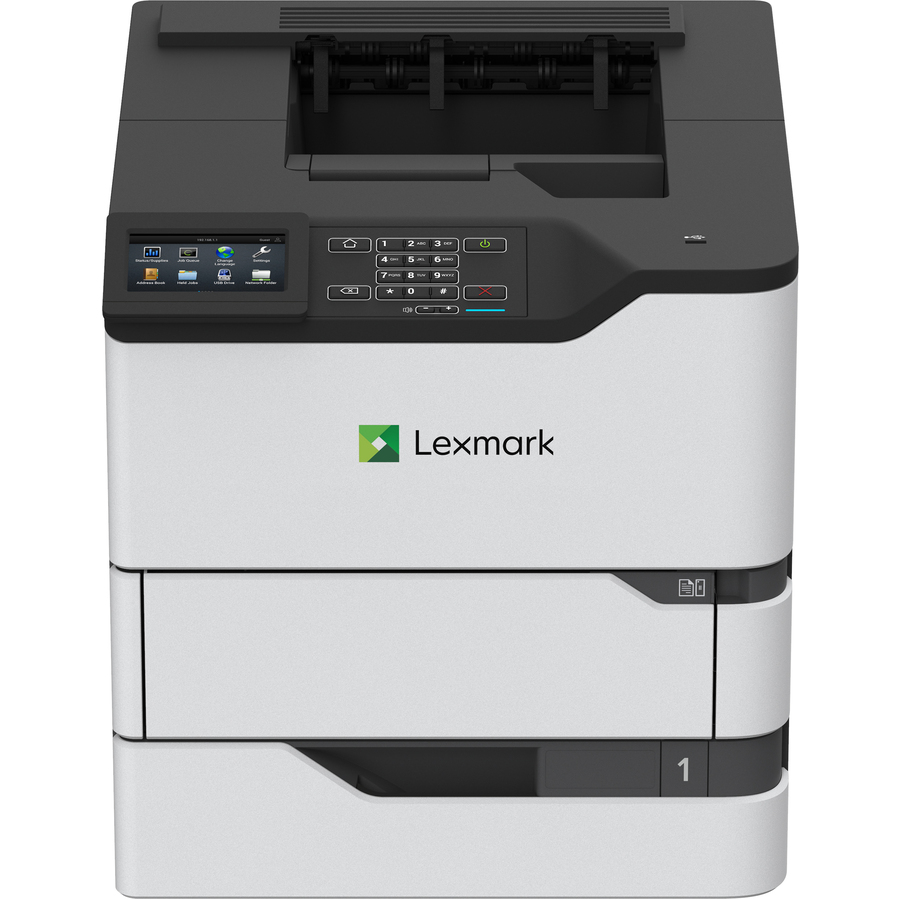
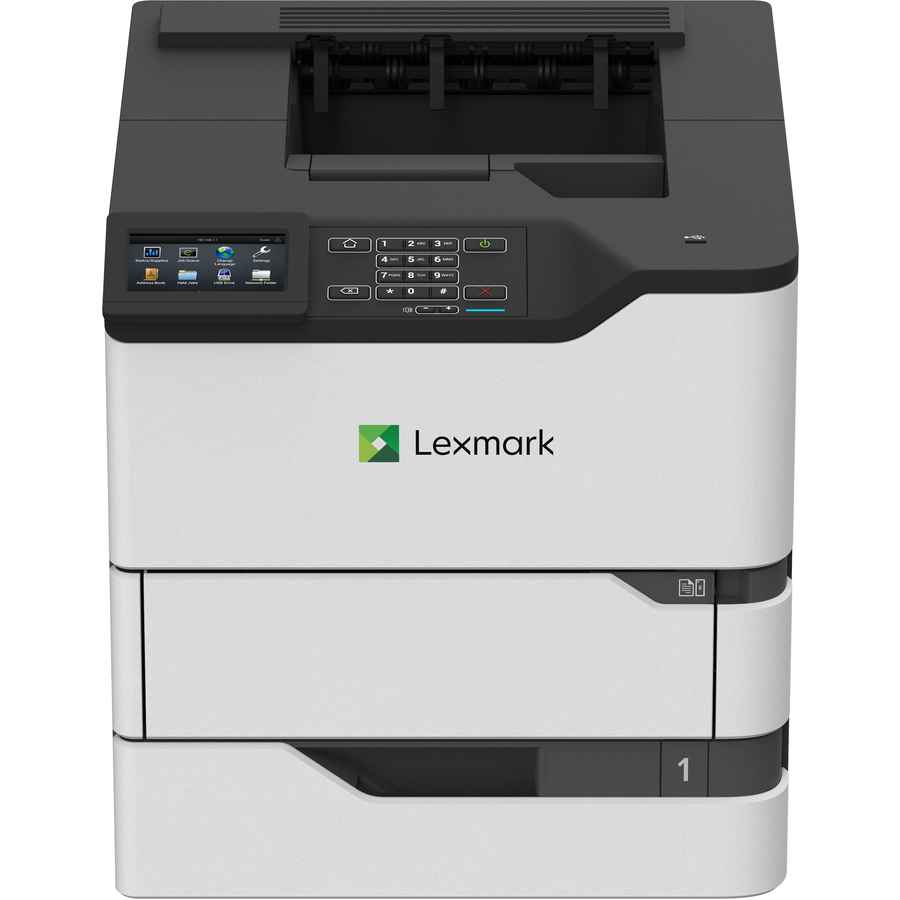
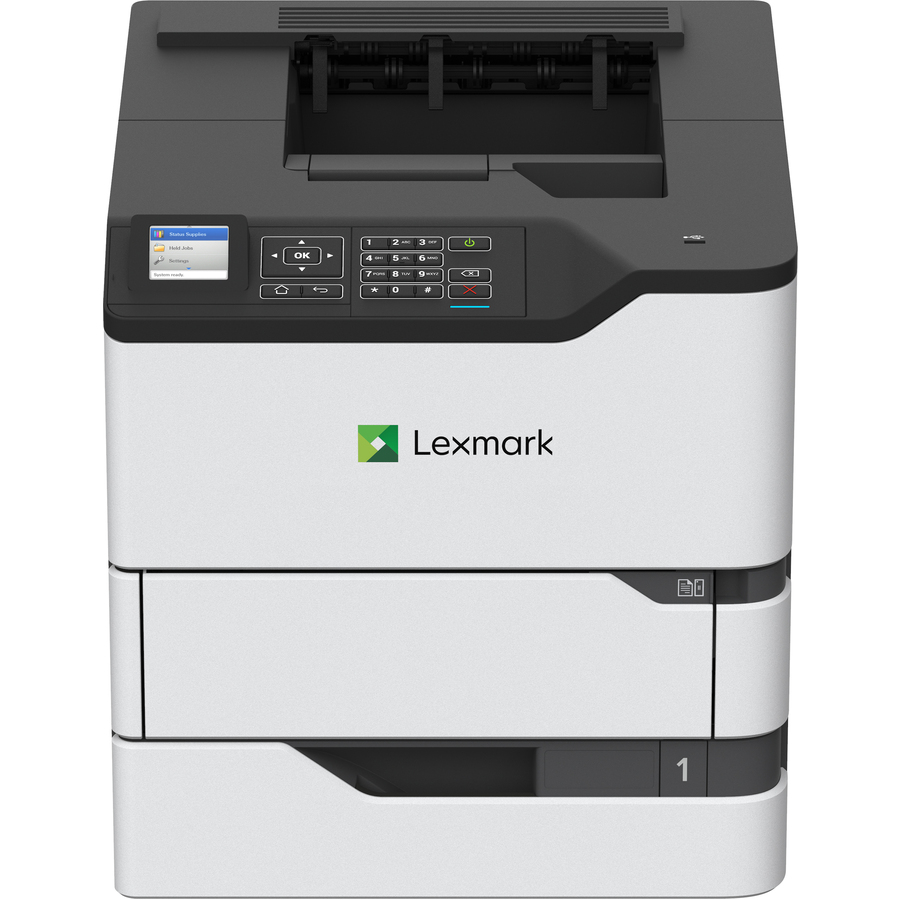
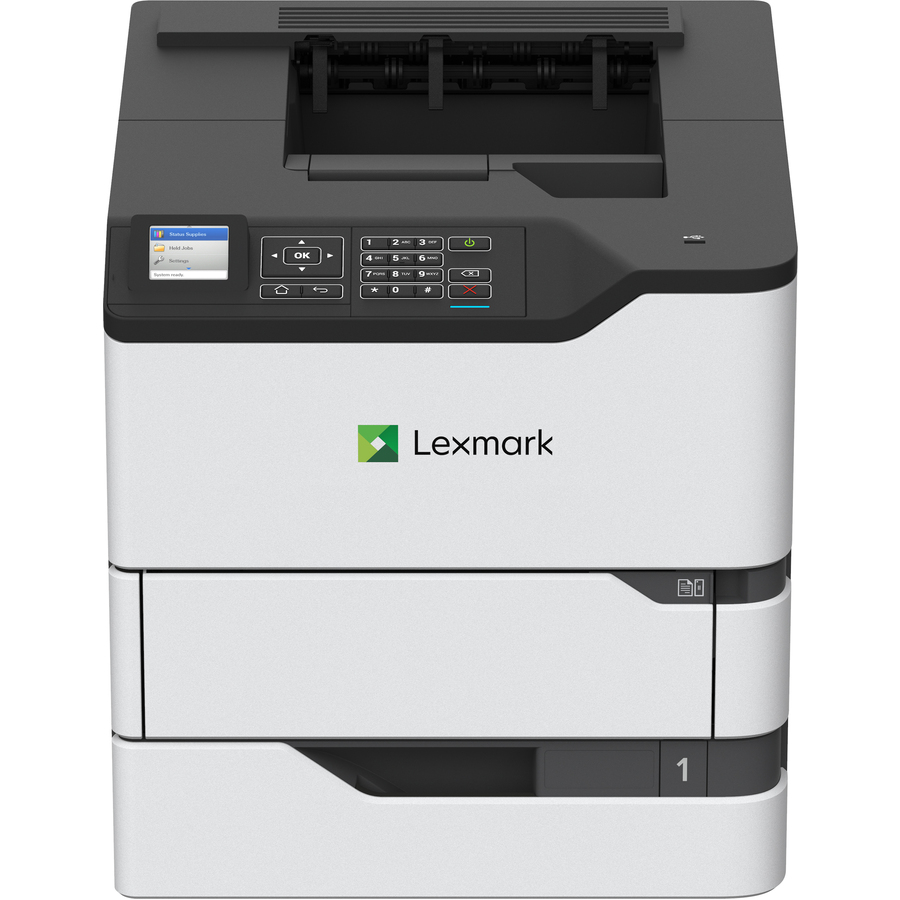
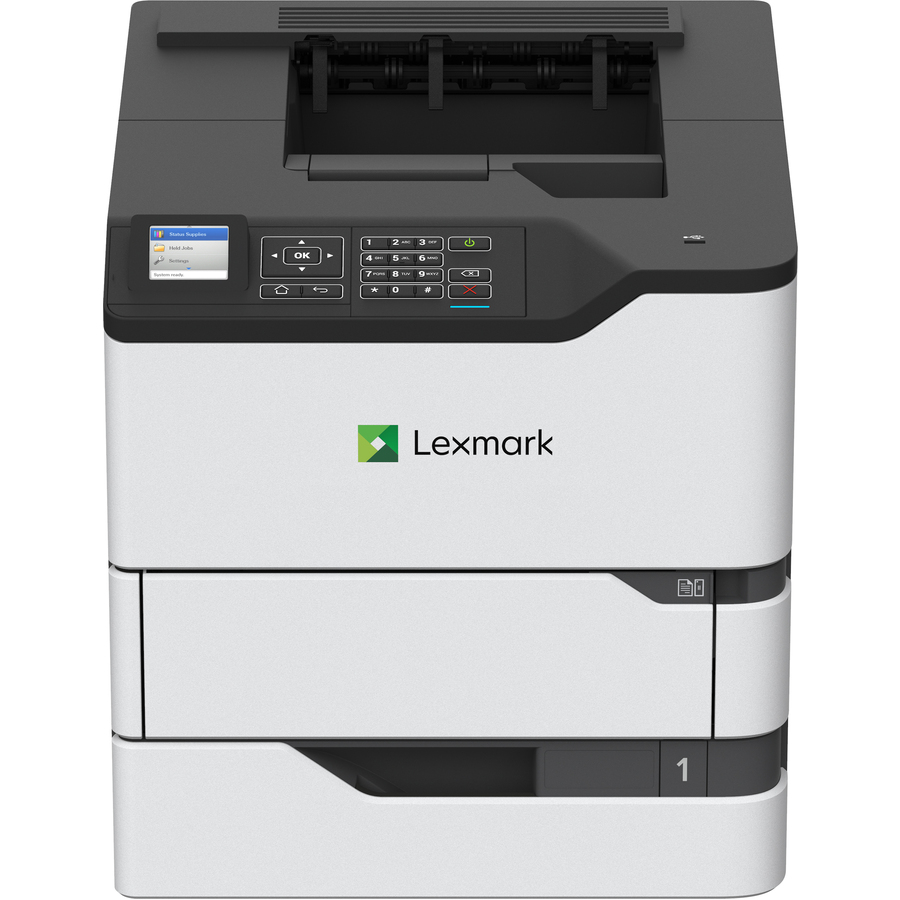
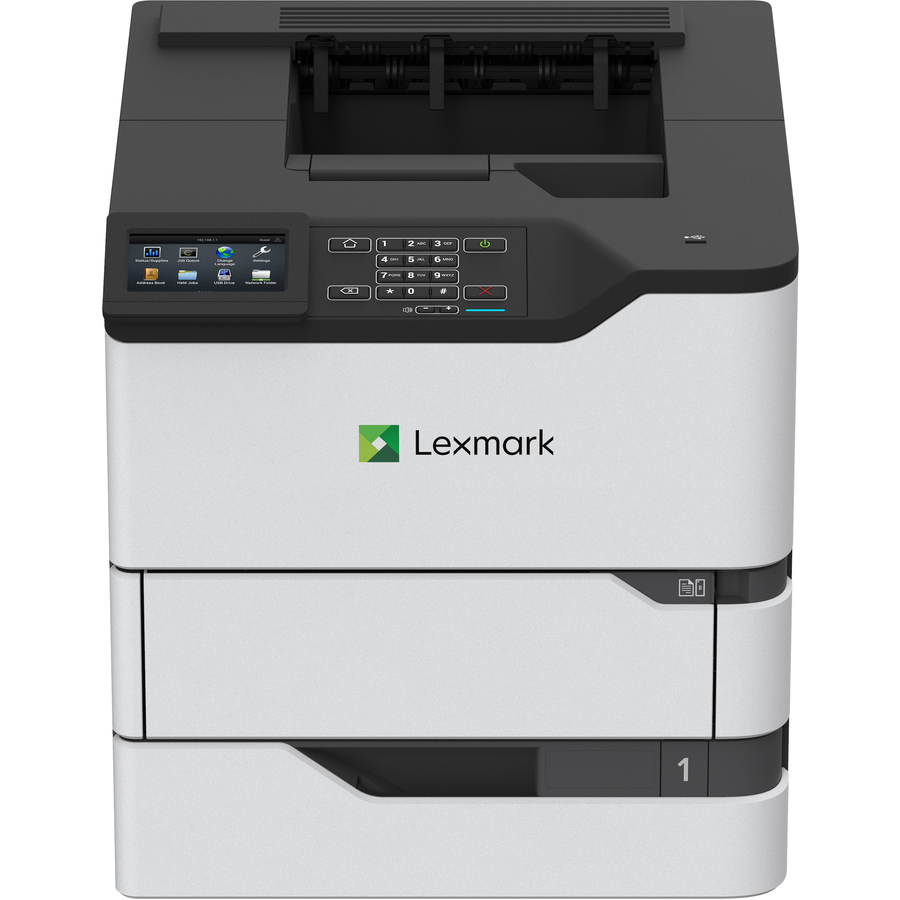
A Lexmark MS821dn at 55 ppm and 1200 x 1200 dpi with automatic duplexing, a 650-sheet input and a 250,000-page monthly duty cycle — the highest-capacity row on this page.
$1,224.72Back-orderedCompact 36 ppm
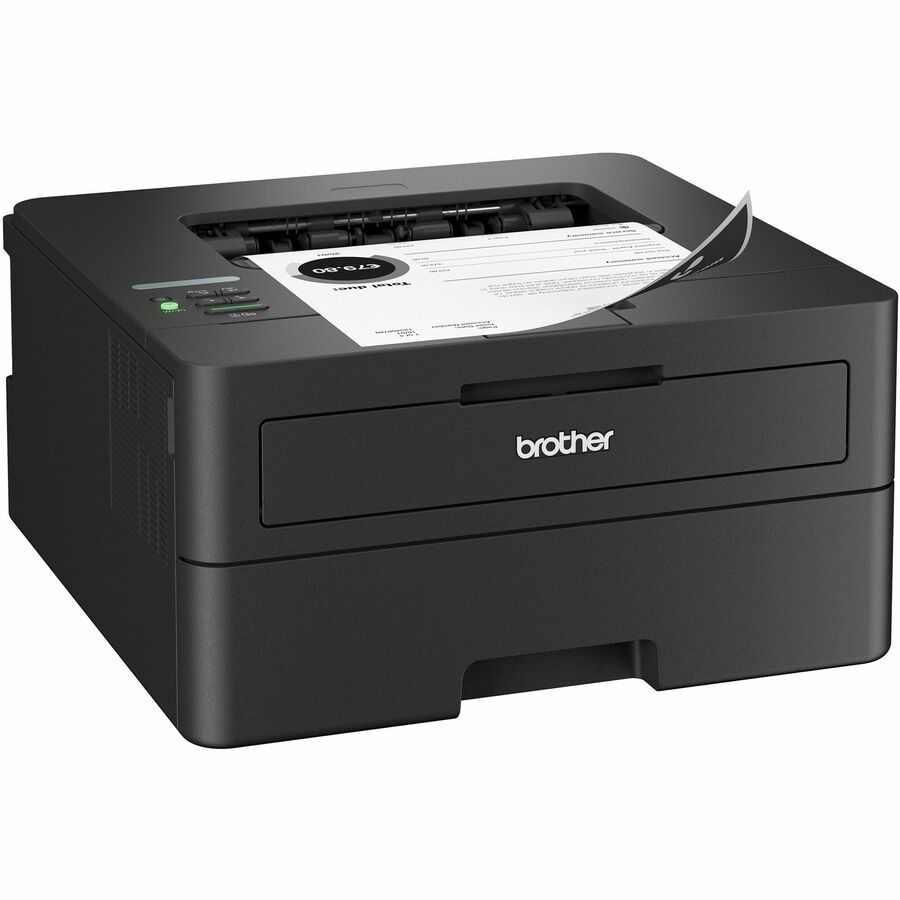
Brother Industries
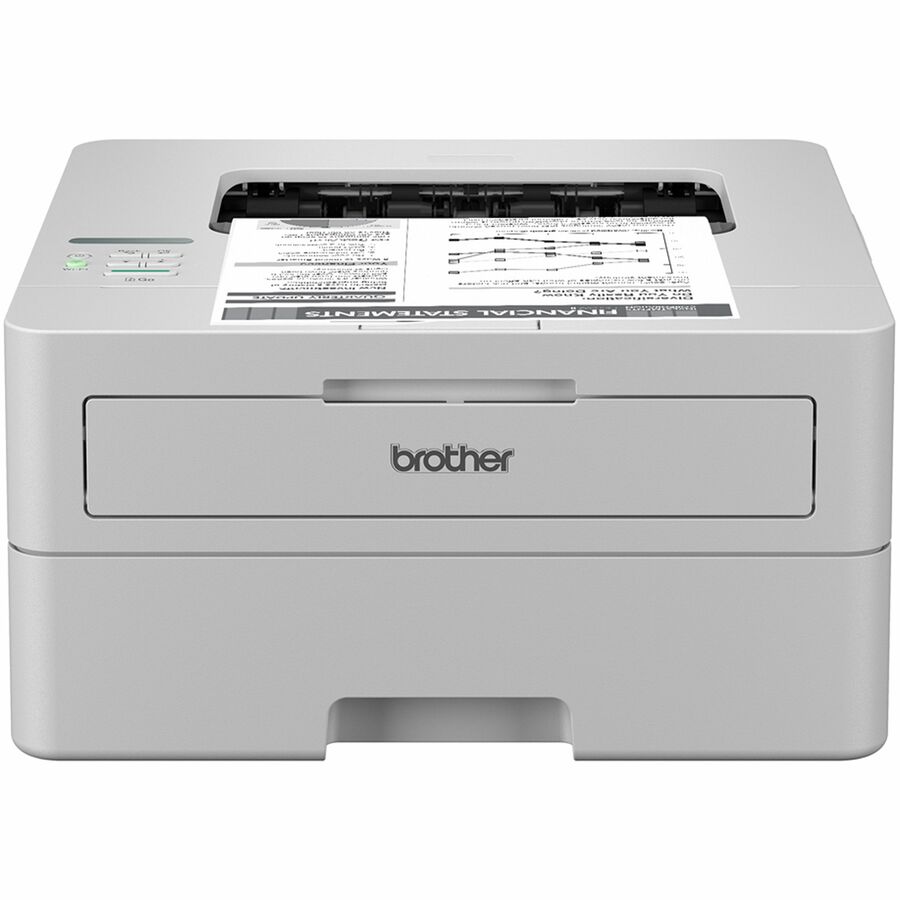
Brother Wireless HL-L2460DW Compact Monochrome Laser Printer, Duplex…
HLL2460DW
A Brother HL-L2460DW at 36 ppm and 1200 x 1200 dpi with automatic duplexing, a 250-sheet tray plus a manual feed slot, Gigabit Ethernet, wireless and mobile printing support.
Its own title reads "Compact Monochrome Laser Printer", so it sits outside the grid's exact phrase.
$255.97In stock48 ppm, 90K duty
Brother Industries
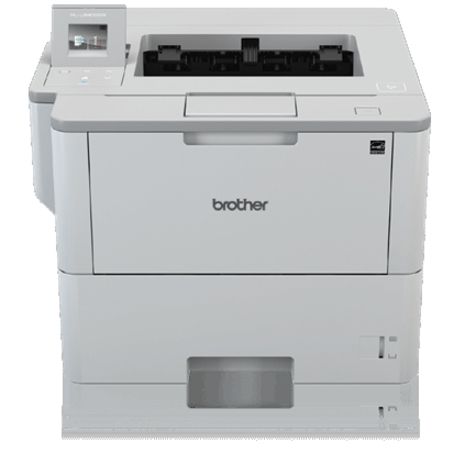
Brother HL-L5210DW Desktop Wireless Laser Printer
HLL5210DW
A Brother HL-L5210DW at 48 ppm and 1200 x 1200 dpi with automatic duplexing, a 250-sheet input, Ethernet and wireless, rated at a 90,000-page monthly duty cycle.
$463.54In stock52 ppm, 620 sheets
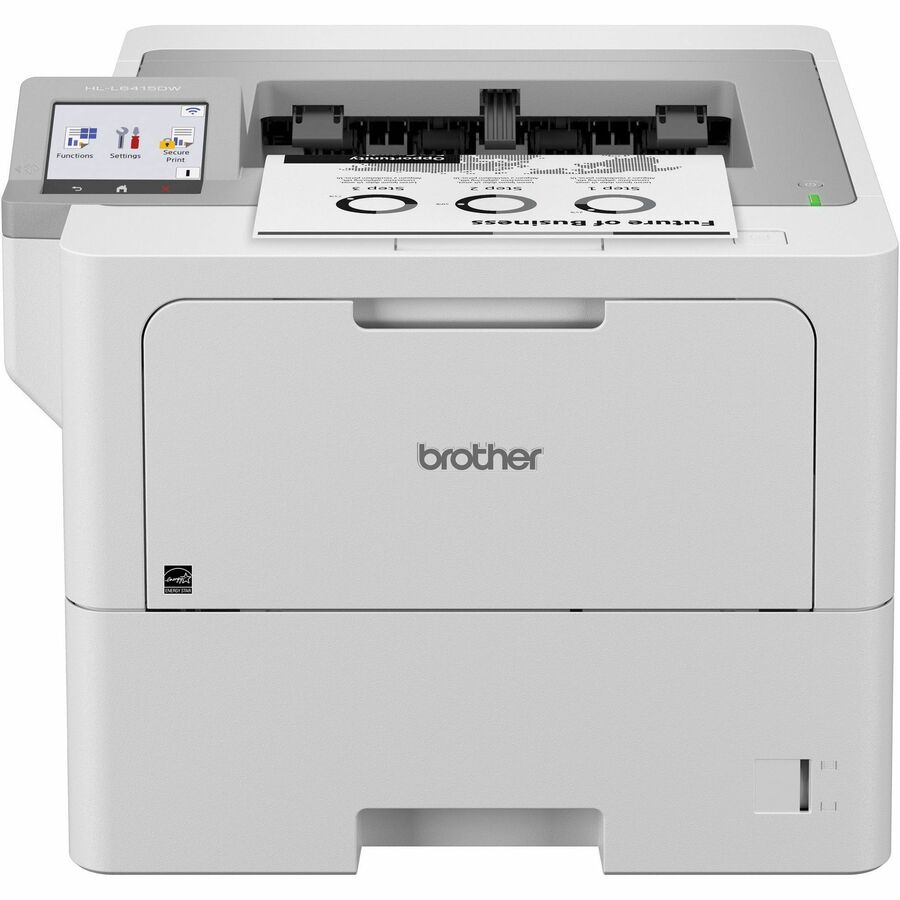
Brother Industries
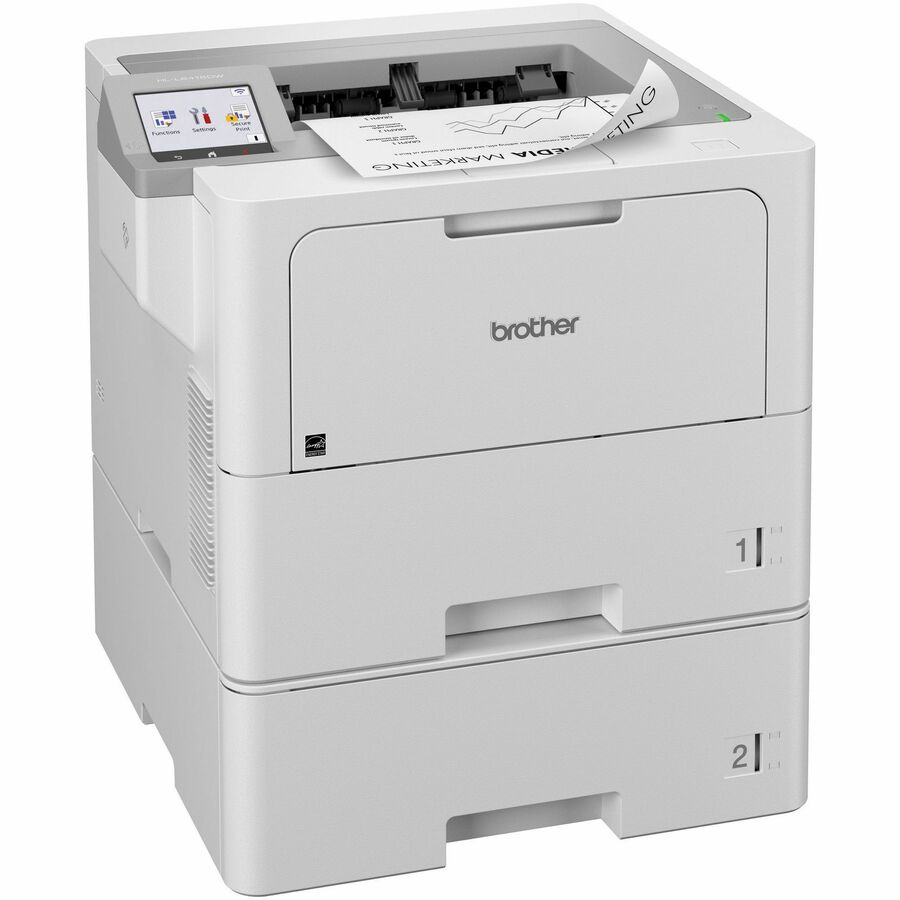
Brother HL-L6415DW Desktop Wireless Laser Printer
HL-L6415DW
A Brother HL-L6415DW at 52 ppm and 1200 x 1200 dpi with automatic duplexing, a 620-sheet input, Gigabit Ethernet and wireless, rated at a 160,000-page monthly duty cycle.
$690.09Back-orderedEntry 19 ppm
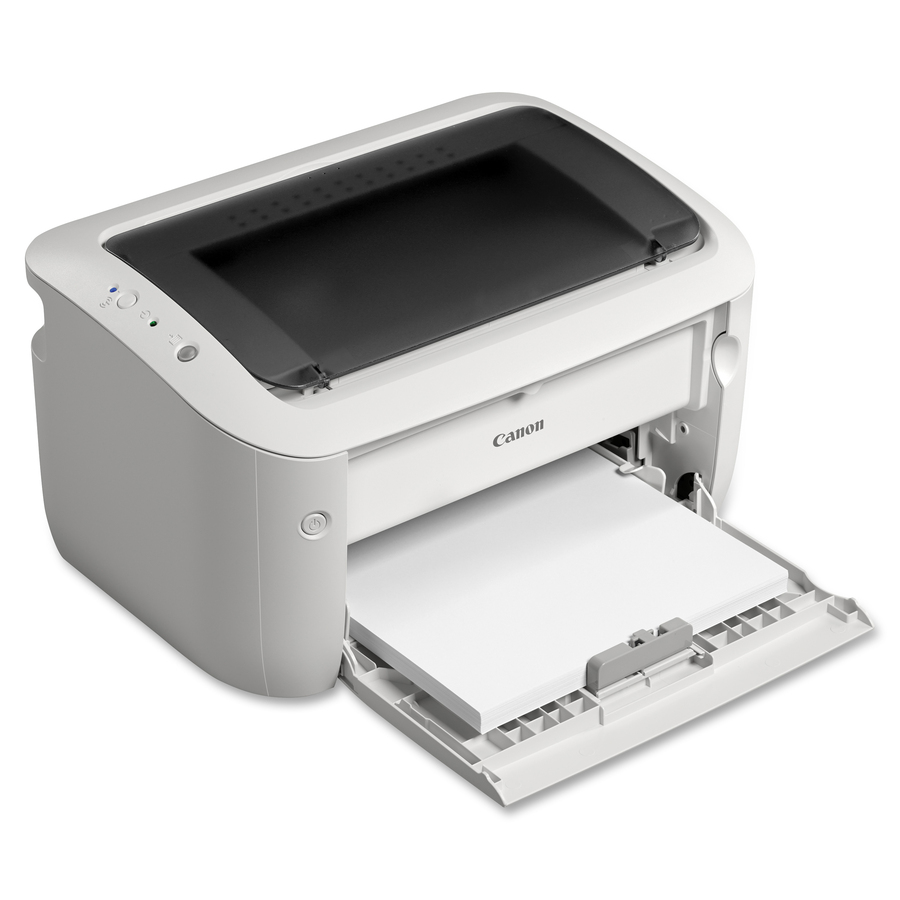
Canon
Canon imageCLASS LBP6030W Desktop Laser Printer
8468B003
A Canon imageCLASS LBP6030W at 19 ppm and 2400 x 600 dpi with a 150-sheet input over wireless, rated at a 5,000-page monthly duty cycle — a genuinely single-user machine.
The smallest duty cycle on this page: right for one desk, wrong for anything shared.
Request pricing35 ppm, wired or Wi-Fi
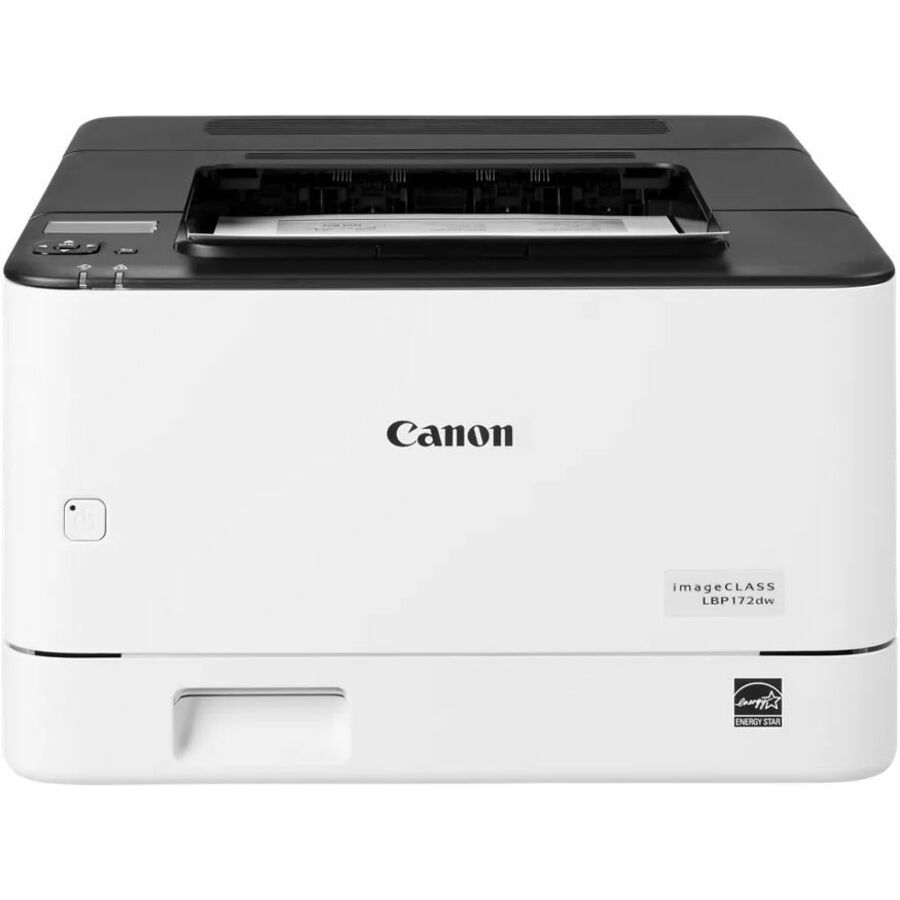
Canon
Canon imageCLASS LBP172dw Wired/Wireless Laser Printer
6353C004
A Canon imageCLASS LBP172dw at 35 ppm and 600 x 600 dpi with automatic duplexing, a 250-sheet input and both wired and wireless networking — a small-team machine.
Request pricing45 ppm, 650 sheets
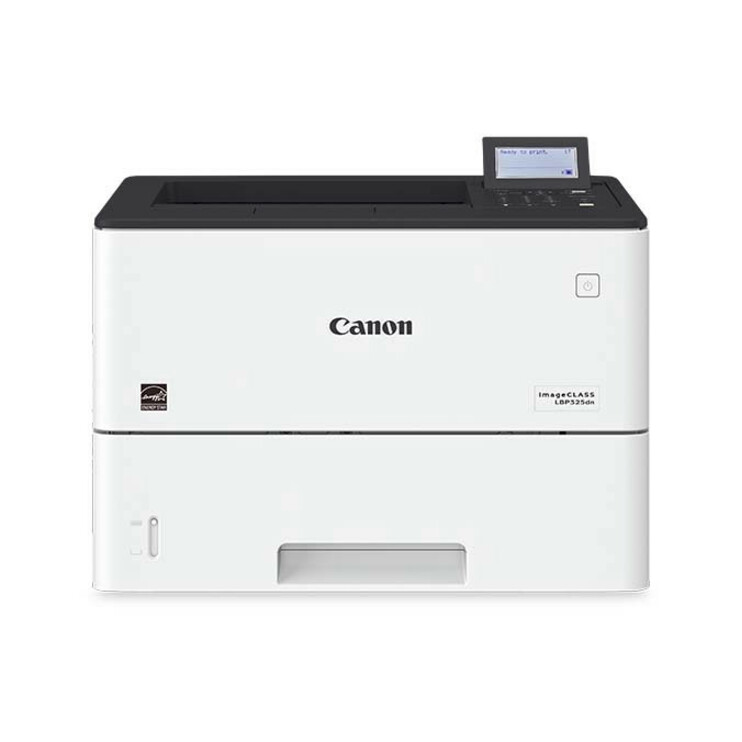
Canon
Canon imageCLASS LBP LBP325dn Desktop Laser Printer
3515C003
A Canon imageCLASS LBP325dn at 45 ppm and 600 x 600 dpi with automatic duplexing, a 650-sheet input and Ethernet — the workgroup Canon on this page.
$1,380.14Back-ordered45 ppm, 610 sheets
Avision
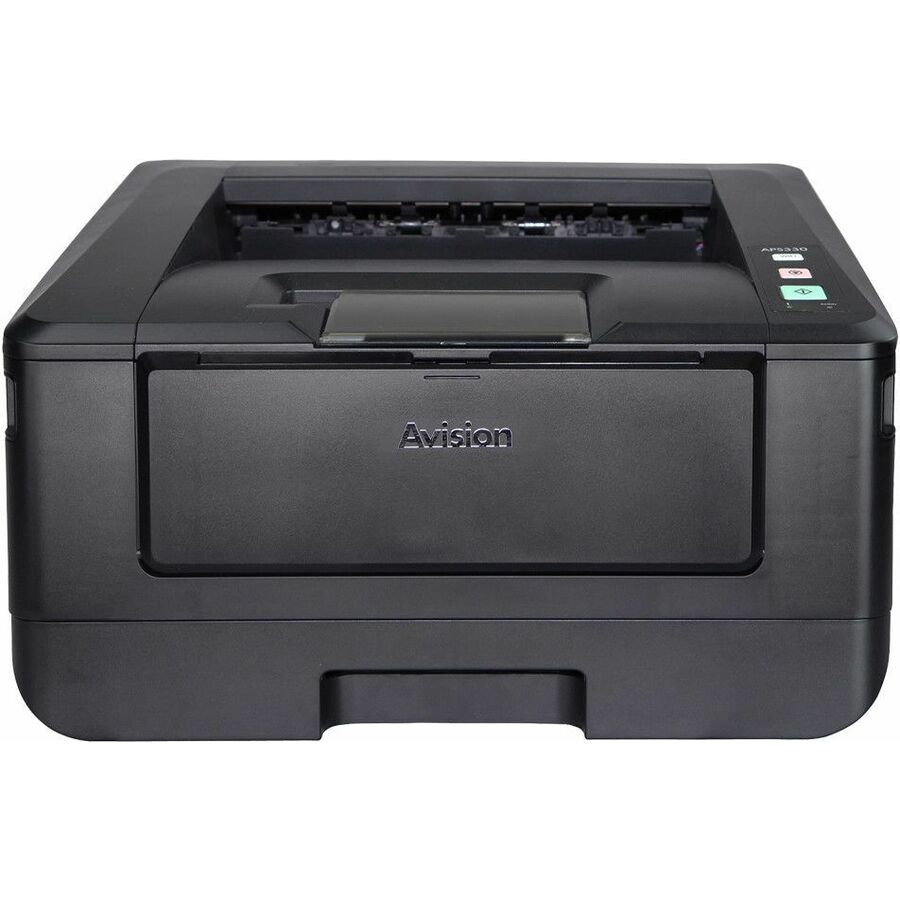
Avision AP43 Plus Wired Laser Printer
AP43 PLUS
An Avision AP43 Plus at 45 ppm and 1200 x 1200 dpi with automatic duplexing, a 610-sheet input and Ethernet, rated at a 6,000-page monthly duty cycle.
Read the duty cycle against the speed here: it is a fast machine rated for a modest monthly volume.
$394.14Back-ordered1,100-sheet input
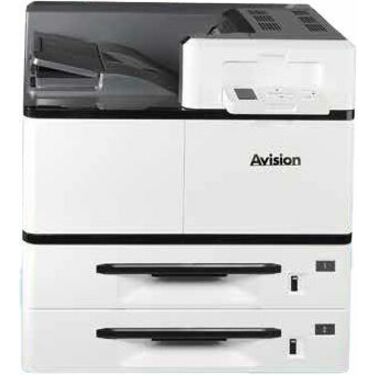
Avision
Avision AP500 Wired Laser Printer
AP500
An Avision AP500 at 1200 x 1200 dpi with automatic duplexing, an 1,100-sheet input and Ethernet, rated at a 150,000-page monthly duty cycle — the largest paper capacity here.
$2,089.73Back-ordered34 ppm desktop
Ricoh Imaging
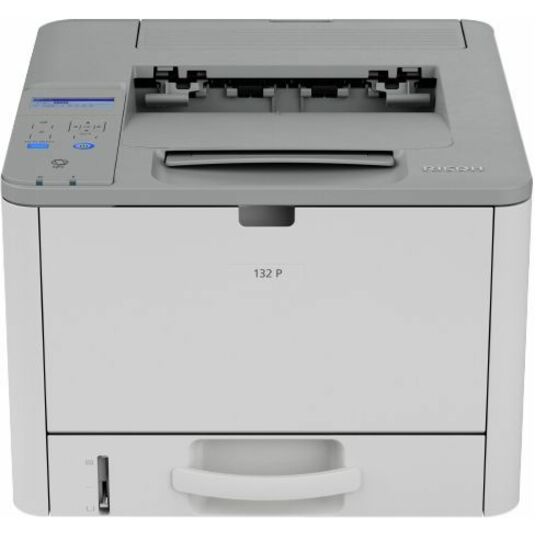
Ricoh 132 p Desktop Wired Laser Printer
434055
A Ricoh 132 p wired desktop printer at 34 ppm and 1200 x 1200 dpi with a 300-sheet input and Ethernet, rated at a 35,000-page monthly duty cycle.
$145.78Back-orderedMore laser and inkjet printers in the Uniqcli catalog
See all 407 laser and inkjet printersMore from across this category. In-stock lines lead, and a back-ordered line carries the same estimated availability its product page does — with live pricing throughout, NDAA §889 screening before checkout and TAA verified on request.
- Brother IndustriesBrother HL-L6310DW Desktop Wireless Laser Printer - Monochrome - 52.0 ppm Mono - 1200 x 1200 dpi Print - Automatic Duplex Print - 620 Sheets Input - Ethernet - Wireless LAN - Wi-Fi Direct - 140000 Pages Duty Cycle - Plain Paper Print - Gigabit Ethernet - USBHLL6310DW
$1,459.99
$654.88
Back-orderedBack-ordered — estimated OEM lead time 3–8 weeks (Nov 13 – Dec 18 if ordered today).
- Brother IndustriesBrother HL-L6415DW Desktop Wireless Laser Printer - Monochrome - 52 ppm Mono - 1200 x 1200 dpi Print - Automatic Duplex Print - 620 Sheets Input - Ethernet - Wireless LAN - Brother iPrint&Scan, Apple AirPrint, Mopria - 160000 Pages Duty Cycle - Plain Paper Print - Gigabit Ethernet - USBHL-L6415DW
$1,329.99
$690.09
Back-orderedBack-ordered — we expect to receive stock the week of Oct 26 – Nov 1 and will process your delivery right after.
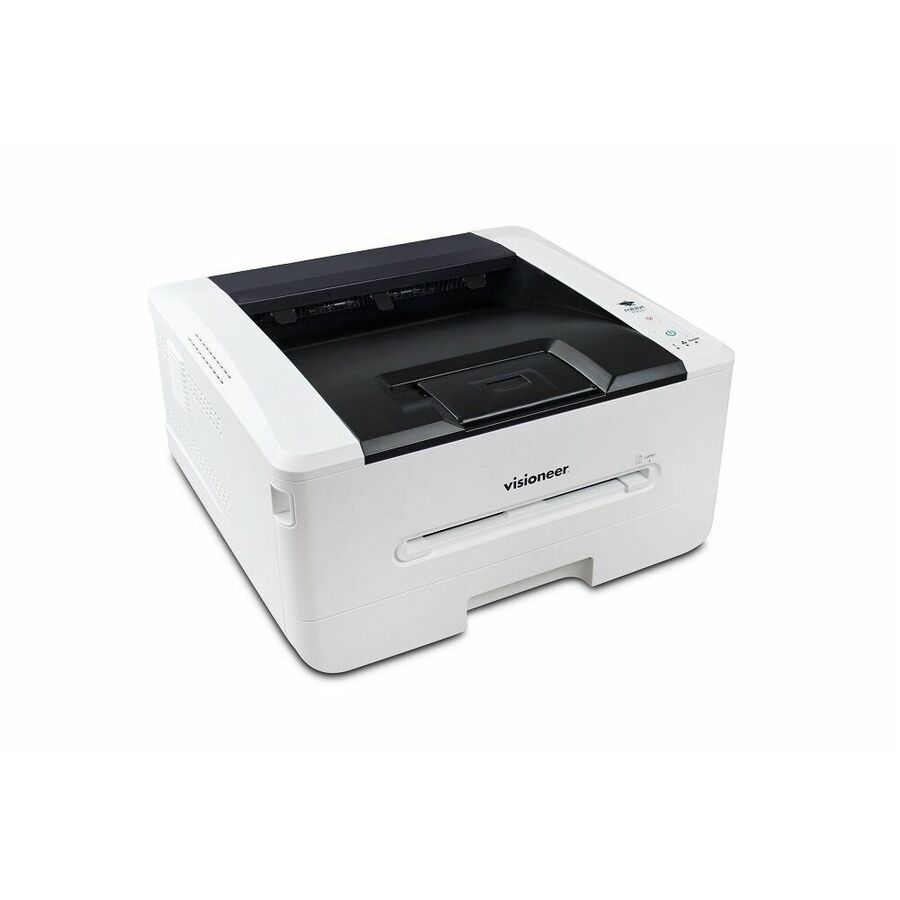
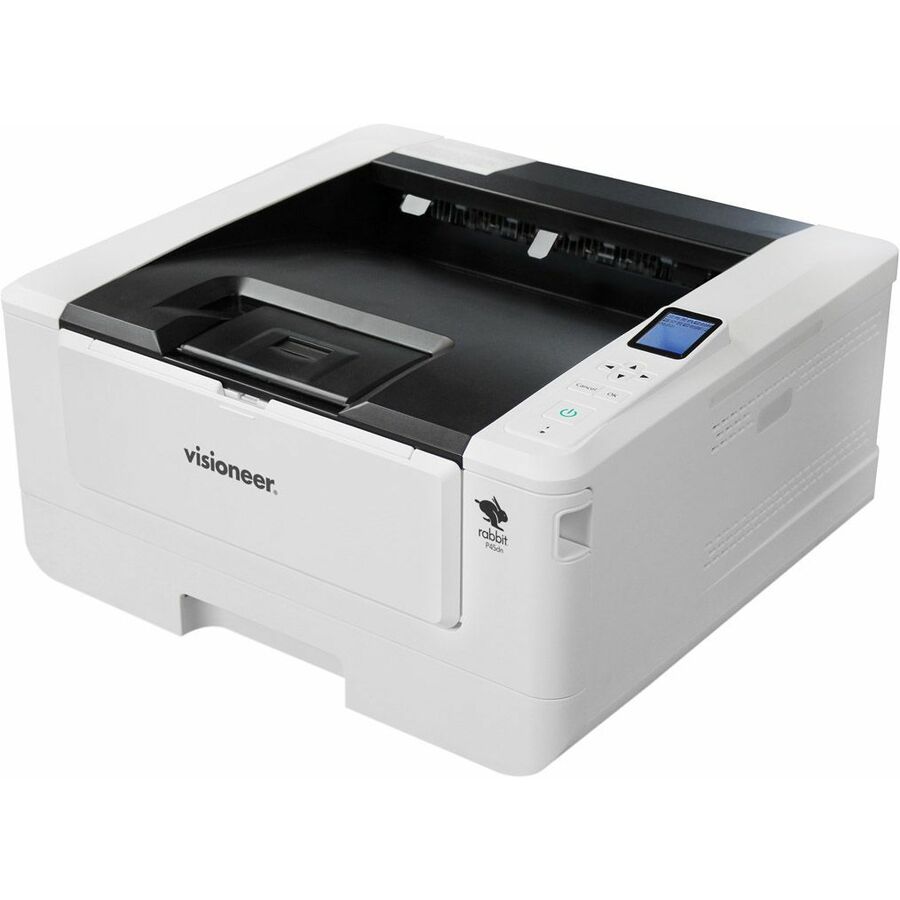
- VisioneerVisioneer Rabbit P45dn Wired Laser Printer - Monochrome - TAA Compliant - 45 ppm Mono - 1200 x 600 dpi Print - Automatic Duplex Print - 550 Sheets Input - Ethernet - Apple AirPrint - 45000 Pages Duty Cycle - Plain Paper Print - Gigabit Ethernet - USB92-0020
$1,295.00
$676.48*
Back-orderedBack-ordered — estimated OEM lead time 3–8 weeks (Nov 13 – Dec 18 if ordered today).
- VisioneerVisioneer Rabbit P45dn Wired Laser Printer - Monochrome - TAA Compliant - 45 ppm Mono - 1200 x 600 dpi Print - Automatic Duplex Print - 550 Sheets Input - Ethernet - Apple AirPrint - 45000 Pages Duty Cycle - Plain Paper Print - Gigabit Ethernet - USB92-0018
$1,295.00
$676.48*
Back-orderedBack-ordered — estimated OEM lead time 3–8 weeks (Nov 13 – Dec 18 if ordered today).
- Brother IndustriesBrother HL-L6415DWT Desktop Wireless Laser Printer - Monochrome - 52 ppm Mono - 1200 x 1200 dpi Print - Automatic Duplex Print - 1140 Sheets Input - Ethernet - Wireless LAN - Wi-Fi Direct - 160000 Pages Duty Cycle - Plain Paper Print - Gigabit Ethernet - USBHLL6415DWT
$1,459.99
$897.68
Back-orderedBack-ordered — estimated OEM lead time 3–8 weeks (Nov 13 – Dec 18 if ordered today).
- AvisionAvision AP500 Wired Laser Printer - Monochrome - 1200 x 1200 dpi Print - Automatic Duplex Print - 1100 Sheets Input - Ethernet - 150000 Pages Duty Cycle - Plain Paper Print - Gigabit Ethernet - USBAP500
$2,499.00
$2,089.73
Back-orderedBack-ordered — estimated OEM lead time 3–8 weeks (Nov 13 – Dec 18 if ordered today).
- XeroxLexmark MS911DE Desktop Laser Printer - Monochrome - 55 ppm Mono - 1200 x 1200 dpi Print - Automatic Duplex Print - 1150 Sheets Input - Ethernet - 300000 Pages Duty Cycle - Plain Paper Print - USB26ZT001
$5,181.39
$4,822.79
Back-orderedBack-ordered — estimated OEM lead time 3–8 weeks (Nov 13 – Dec 18 if ordered today).
- Lexmark InternationalLexmark MS911de Desktop Laser Printer - Monochrome - TAA Compliant - 55 ppm Mono - 1200 x 1200 dpi Print - Automatic Duplex Print - 1150 Sheets Input - Ethernet - 300000 Pages Duty Cycle - Plain Paper Print - Ethernet - USB26ZT022
$5,425.00
$5,173.70*
Back-orderedBack-ordered — estimated OEM lead time 3–8 weeks (Nov 13 – Dec 18 if ordered today).
- Lexmark InternationalLexmark MS820 MS823dn Desktop Laser Printer - Monochrome - 65 ppm Mono - 1200 x 1200 dpi Print - Automatic Duplex Print - 650 Sheets Input - Ethernet - 300000 Pages Duty Cycle - Plain Paper Print - USB50G0528
$2,822.58
$2,575.81
Back-orderedBack-ordered — estimated OEM lead time 3–8 weeks (Nov 13 – Dec 18 if ordered today).
- Lexmark InternationalLexmark MS911DE Desktop Laser Printer - Monochrome - 55 ppm Mono - 1200 x 1200 dpi Print - Automatic Duplex Print - 1150 Sheets Input - Ethernet - 300000 Pages Duty Cycle - Plain Paper Print - USB26ZT018
$4,992.86
$4,761.58
Back-orderedBack-ordered — estimated OEM lead time 3–8 weeks (Nov 13 – Dec 18 if ordered today).
- Lexmark InternationalLexmark MS820 MS823n Desktop Wired Laser Printer - Monochrome - 65 ppm Mono - 1200 x 1200 dpi Print - 650 Sheets Input - Ethernet - 300000 Pages Duty Cycle - Ethernet - USB50G0566
$2,199.72
$1,981.81
Back-orderedBack-ordered — estimated OEM lead time 3–8 weeks (Nov 13 – Dec 18 if ordered today).
- XeroxLexmark MS820e MS826de Desktop Laser Printer - Monochrome - 70 ppm Mono - 1200 x 1200 dpi Print - Automatic Duplex Print - 650 Sheets Input - Ethernet - 350000 Pages Duty Cycle - Plain Paper Print - USB50GT365
$3,414.14
$3,197.79
Back-orderedBack-ordered — estimated OEM lead time 3–8 weeks (Nov 13 – Dec 18 if ordered today).
- XeroxLexmark MS820e MS826de Desktop Laser Printer - Monochrome - 70 ppm Mono - 1200 x 1200 dpi Print - Automatic Duplex Print - 650 Sheets Input - Ethernet - 350000 Pages Duty Cycle - Plain Paper Print - USB50GT330
$3,047.17
$2,836.28
Back-orderedBack-ordered — estimated OEM lead time 3–8 weeks (Nov 13 – Dec 18 if ordered today).
- XeroxLexmark MS820e MS826de Desktop Laser Printer - Monochrome - 70 ppm Mono - 1200 x 1200 dpi Print - Automatic Duplex Print - 650 Sheets Input - Ethernet - 350000 Pages Duty Cycle - Plain Paper Print - USB50GT355
$3,160.00
$2,961.25
Back-orderedBack-ordered — estimated OEM lead time 3–8 weeks (Nov 13 – Dec 18 if ordered today).
- XeroxLexmark MS820e MS826de Desktop Laser Printer - Monochrome - 70 ppm Mono - 1200 x 1200 dpi Print - Automatic Duplex Print - 650 Sheets Input - Ethernet - 350000 Pages Duty Cycle - Plain Paper Print - USB50G0310
$2,770.16
$2,578.43
Back-orderedBack-ordered — estimated OEM lead time 3–8 weeks (Nov 13 – Dec 18 if ordered today).
- XeroxLexmark MS820e MS826de Desktop Laser Printer - Monochrome - 70 ppm Mono - 1200 x 1200 dpi Print - Automatic Duplex Print - 650 Sheets Input - Ethernet - 350000 Pages Duty Cycle - Plain Paper Print - USB50GT310
$2,770.16
$2,578.43
Back-orderedBack-ordered — estimated OEM lead time 3–8 weeks (Nov 13 – Dec 18 if ordered today).
- XeroxLexmark MS820 MS825dn Desktop Laser Printer - Monochrome - 70 ppm Mono - 1200 x 1200 dpi Print - Automatic Duplex Print - 650 Sheets Input - Ethernet - 350000 Pages Duty Cycle - Plain Paper Print - USB50GT320
$2,742.28
$2,552.50
Back-orderedBack-ordered — estimated OEM lead time 3–8 weeks (Nov 13 – Dec 18 if ordered today).
- Lexmark InternationalLexmark MS620 MS621dn Desktop Laser Printer - Monochrome - 50 ppm Mono - 1200 x 1200 dpi Print - Automatic Duplex Print - 650 Sheets Input - Ethernet - 175000 Pages Duty Cycle - Plain Paper Print - USB36S0356
$2,185.65
$2,011.20
Back-orderedBack-ordered — estimated OEM lead time 3–8 weeks (Nov 13 – Dec 18 if ordered today).
- XeroxLexmark MS820 MS825dn Desktop Laser Printer - Monochrome - 70 ppm Mono - 1200 x 1200 dpi Print - Automatic Duplex Print - 650 Sheets Input - Ethernet - 350000 Pages Duty Cycle - Plain Paper Print - USB50G0300
$2,492.99
$2,320.45
Back-orderedBack-ordered — estimated OEM lead time 3–8 weeks (Nov 13 – Dec 18 if ordered today).
- XeroxLexmark MS820 MS825dn Desktop Laser Printer - Monochrome - 70 ppm Mono - 1200 x 1200 dpi Print - Automatic Duplex Print - 650 Sheets Input - Ethernet - 350000 Pages Duty Cycle - Plain Paper Print - USB50GT300
$2,492.99
$2,320.45
Back-orderedBack-ordered — estimated OEM lead time 3–8 weeks (Nov 13 – Dec 18 if ordered today).
Back-ordered — estimated OEM lead time 3–8 weeks (Nov 13 – Dec 18 if ordered today).
- Lexmark InternationalLexmark MS520 MS521DN Desktop Laser Printer - Monochrome - 46 ppm Mono - 1200 x 1200 dpi Print - Automatic Duplex Print - 350 Sheets Input - Ethernet - 120000 Pages Duty Cycle - Plain Paper Print - Gigabit Ethernet - USB36S0768
$1,265.10
$1,130.00
Back-orderedBack-ordered — estimated OEM lead time 3–8 weeks (Nov 13 – Dec 18 if ordered today).
- XeroxLexmark MS820e MS822de Desktop Laser Printer - Monochrome - 55 ppm Mono - 1200 x 1200 dpi Print - Automatic Duplex Print - 650 Sheets Input - Ethernet - 250000 Pages Duty Cycle - Plain Paper Print - USB50GT165
$2,226.14
$2,092.02
Back-orderedBack-ordered — estimated OEM lead time 3–8 weeks (Nov 13 – Dec 18 if ordered today).
- XeroxLexmark MS820 MS823dn Desktop Laser Printer - Monochrome - 65 ppm Mono - 1200 x 1200 dpi Print - Automatic Duplex Print - 650 Sheets Input - Ethernet - 300000 Pages Duty Cycle - Plain Paper Print - USB50GT220
$1,904.70
$1,772.88
Back-orderedBack-ordered — estimated OEM lead time 3–8 weeks (Nov 13 – Dec 18 if ordered today).
Need pricing on monochrome laser printers?
Tell us where to reach you and a Uniqcli specialist will follow up by email with current pricing, availability and lead time for the quantities you need — including parts that aren’t shown on this page.
Buying for an organization or for yourself — both work. No payment up front.
A mono laser printer is bought on duty cycle and cost per page, not on pages per minute. The rows here quote monthly duty cycles from 35,000 to 250,000 pages, and that figure is a maximum rather than a target — size well under it. Cost per page is the consumable price divided by the toner and drum yields, and it is what the machine actually costs over its life.
A monochrome laser printer is bought for volume, cost per page and predictability, and almost never for image quality. Every one of them prints crisp black text on plain paper; what separates them is how many pages they will do in a month without complaint, how long the queue waits for the first sheet, how much paper they hold before someone has to walk over, and how much a consumable set costs spread across the pages it prints. That last figure is where the money actually lives, and it is the one that a purchase price never shows.
Read four things on the row. Pages per minute is the headline and the least interesting of the four: the difference between a 36 ppm and a 52 ppm machine is invisible on a two-page memo and decisive on a 400-page overnight batch. Duty cycle is the honest capacity number — the rows here quote figures from 35,000 to 250,000 pages a month — and the reliable practice is to size well under it rather than at it, because a machine run at its ceiling is a machine in the service queue. Input capacity decides how often a human intervenes: 100 or 150 sheets is a personal printer, 250 is a small team, 650 is a workgroup, and above that you are into cassettes and a floor-standing chassis. Automatic duplexing decides paper consumption, and on a busy machine it pays for itself in reams.
The fifth decision is the network, and it is the one that turns a printer into an estate. Wired Gigabit Ethernet is what a managed fleet wants: a static address, a queue on the print server, a driver package pushed with everything else. Wireless and Wi-Fi Direct are for the rooms where a cable never arrived, and mobile printing support matters where staff print from phones and tablets. Where the site prints from restricted networks or needs on-device authentication, that conversation belongs with the print management platform rather than with the hardware. Cards carry live pricing and current availability from the catalog.
Buyer's checklist
How to choose a monochrome laser printer
- Size against the duty cycle, then step down. The rows here quote monthly duty cycles from 35,000 to 250,000 pages, and that figure is a maximum rather than a target. A machine run consistently near its ceiling is a machine in the service queue; sizing a band above the real monthly volume is the cheapest reliability decision on this page.
- Cost the consumables, not the printer. Toner and drum yields, and whether the two are separate parts, decide what a machine actually costs over its life. A cheaper unit with short-yield cartridges routinely costs more over three years than a more expensive one designed for high-yield supplies, and it also means more interventions.
- Match input capacity to how often someone should be refilling. 100 to 150 sheets is a single-user machine, 250 sheets suits a small team, 650 sheets and up is a workgroup printer, and dual-tray or high-capacity configurations exist so that letter and legal, or plain and letterhead, can both be loaded at once.
- Insist on automatic duplexing anywhere real volume happens. It halves paper consumption on documents that do not need single sides, and on a busy machine that saving is measured in reams per month rather than sheets.
- Choose the network by how the fleet is managed. Gigabit Ethernet with a static address and a server-hosted queue is what a managed estate wants. Wireless and Wi-Fi Direct answer the rooms where a cable never arrived. Mobile printing support matters where staff print from phones and tablets rather than desktops.
- Standardize the fleet on one or two models per role. One model means one driver package, one toner part number in the storeroom, one set of maintenance steps and one answer at the help desk; six models means six of everything and a supplies cupboard that is always missing the right cartridge.
- Where TAA country-of-origin status is a requirement, buy on the specific part number. Several rows in this fence carry the designation in the manufacturer's own title and many do not, and it is a per-part fact rather than a family rule — so the model that meets the requirement is the one whose own part number says so.
Why monochrome, and why single-function
Colour is a per-page cost and a per-device cost, and in most offices the honest split is that a small minority of pages need it. A fleet of monochrome lasers with one or two colour devices in shared locations costs less to run, costs less to supply, and removes the temptation to print a hundred-page draft in colour because the machine was there. It also simplifies the consumables cupboard from four cartridges per model to one, which is a real operational saving in any site with more than a handful of printers.
Single-function is the second half of the same argument. A multifunction device is the right buy where scanning, copying and faxing genuinely happen at that spot — a mailroom, a records office, a reception desk. Where the job is printing, a single-function laser is smaller, cheaper, has fewer parts to fail and does not take the whole department offline because the scanner glass needs a service call. Most well-run estates end up with both: a few multifunction devices where documents come in, and monochrome single-function printers where documents go out.
Deploying and supplying a print fleet
The printer is a small part of what a print refresh costs. Toner for the first year, a spare set per model held on site, paper, the network drops or wireless coverage in the rooms that never had them, wall or cabinet space, and the driver and queue work to get the estate onto a supported package — all of that lands around the hardware. So does disposal of what came out, and in a records-heavy environment so does the question of what is stored on each device and how it is cleared at end of life.
Uniqcli quotes the printers with the consumables, the paper handling options and the network hardware they attach to, so a fleet refresh lands as one accountable order rather than a purchase order per floor. Send the monthly volume per location, how many people share each device, whether duplex and legal-size handling are required, and any country-of-origin requirement that applies, and we will come back with sized part numbers, availability, lead times and volume pricing across the fleet.
FAQ
Common questions
- What duty cycle do I actually need?
- Take the real monthly page volume for that location and buy a machine whose duty cycle is comfortably above it — a band above, not at the line. The figures quoted on these rows run from 35,000 to 250,000 pages a month and describe a maximum the device can survive, not a level it is happy to sustain. A printer run near its ceiling jams more, needs service sooner and produces the complaints that make people buy a second one. If you do not know the volume, read it off the current device's page counter before ordering rather than estimating from headcount.
- Is a faster printer worth the money?
- It depends entirely on whether anybody is waiting. For a desk or a small team printing a few pages at a time, the difference between a 36 ppm and a 52 ppm machine is invisible — first-page-out time and reliability matter far more. For a shared workgroup device, a print room, or anywhere long documents and overnight batches are normal, speed is the specification that decides whether a queue clears. Match the speed to the longest job the device routinely handles, and spend the difference on paper capacity and duty cycle if nobody is standing at the output tray.
- Should we buy monochrome or colour lasers?
- Count the pages that genuinely need colour; in most offices it is a small share. A fleet of monochrome lasers with one or two colour devices in shared locations is cheaper to buy, cheaper to run and dramatically simpler to supply — one toner part number per model instead of four. Colour makes sense where documents leave the building as finished artefacts: marketing output, client-facing reports, training materials, plans and diagrams where colour carries meaning. Put those devices somewhere shared and deliberate rather than on every desk.
- Do these printers need to be on the wired network?
- Not technically, but a managed fleet is much easier to run when they are. A wired Gigabit connection gives a stable address, a server-hosted queue, predictable driver deployment and straightforward monitoring for toner and errors. Wireless and Wi-Fi Direct rows on this page exist for the rooms where a cable never arrived and for temporary or small-site deployments, and several also carry mobile printing support for staff printing from phones and tablets. Where print security matters, the controls generally live in the print management platform rather than in the printer.
- Can business, government and education buyers order these?
- Every line Uniqcli quotes is sourced through US distribution and screened for TAA country-of-origin and NDAA §889 status before checkout — with documentation tied to the specific part number, not a product family.
Need monochrome laser printers pricing?
Send a bill of materials or part numbers — we confirm stock and a below-market total, with TAA verified on request. No payment up front.