
Best Label Printers for Shipping, Barcoding and Asset Tags
Desktop, networked and industrial thermal label printers for shipping labels, barcode labels and asset tags.
Label printers in stock at Uniqcli
How to choose →A curated selection with live pricing — in-stock lines first, then back-ordered lines with a typical lead time. Every line is sourced through US distribution and screened for NDAA §889 status before checkout, with TAA verified on request.

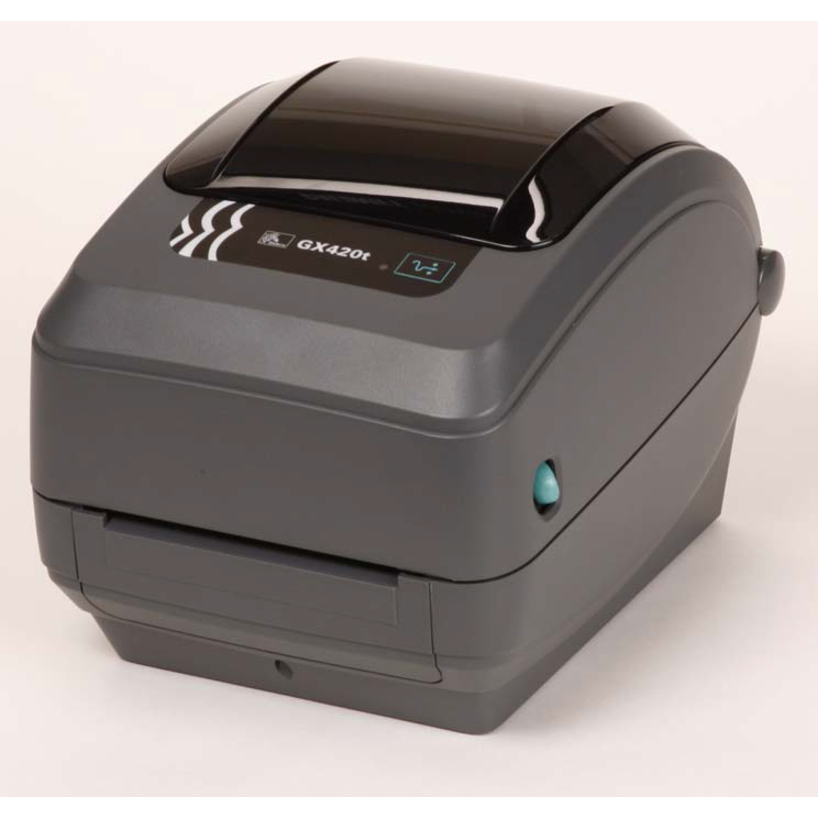

Entry desktop pick
Brother Industries
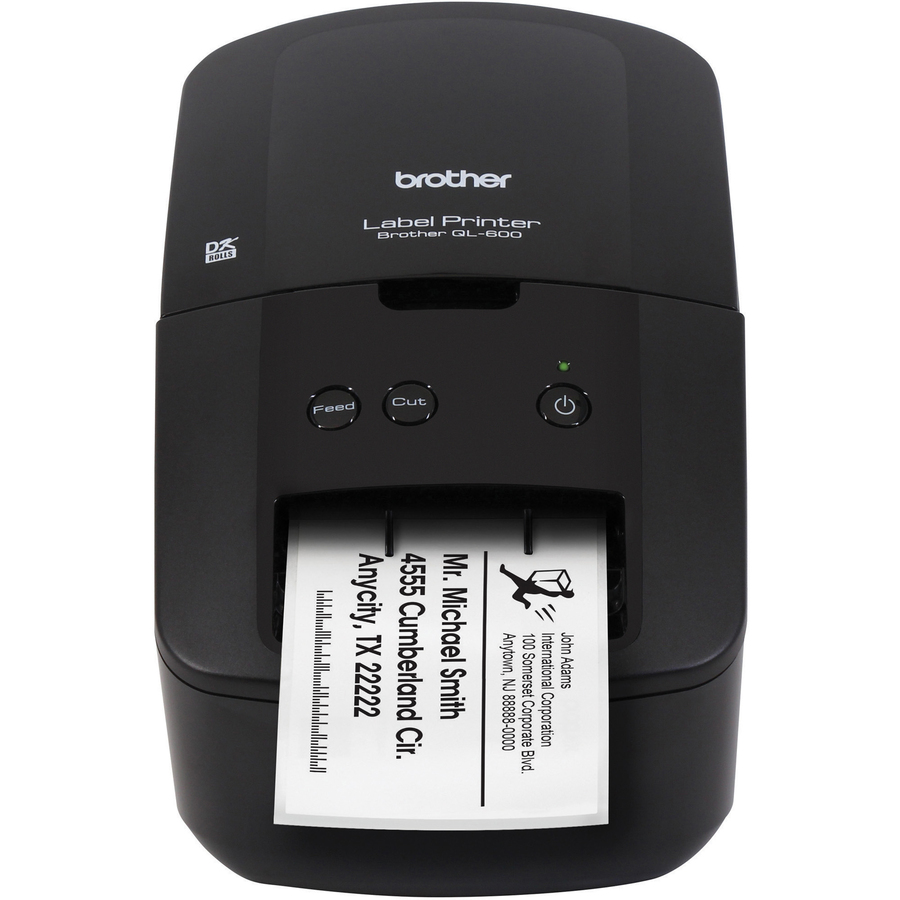
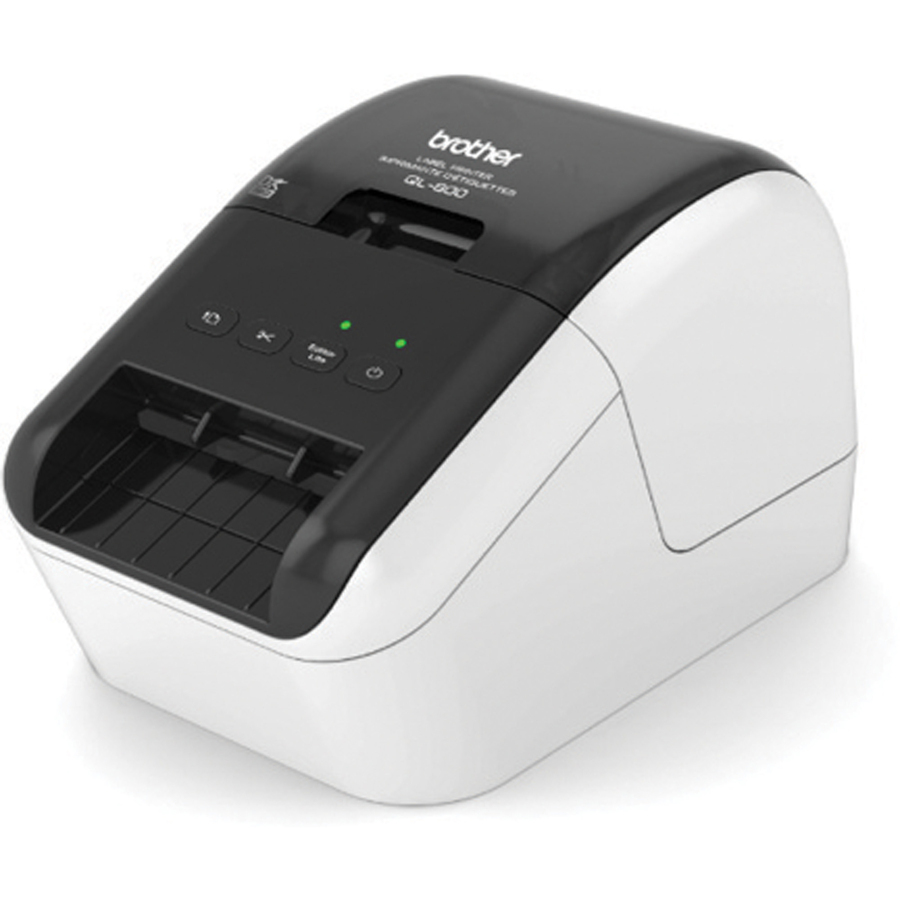
Brother QL-600 Desktop Direct Thermal Printer
QL-600
The simplest way into direct thermal labeling: 300 x 600 dpi over plain USB with a 2.4-inch print width, no ink and no toner. Right for a front desk, a mailroom cart or a single workstation doing address, file-folder and small asset labels.
$134.27In stockDesk-side standard
Newell Brands
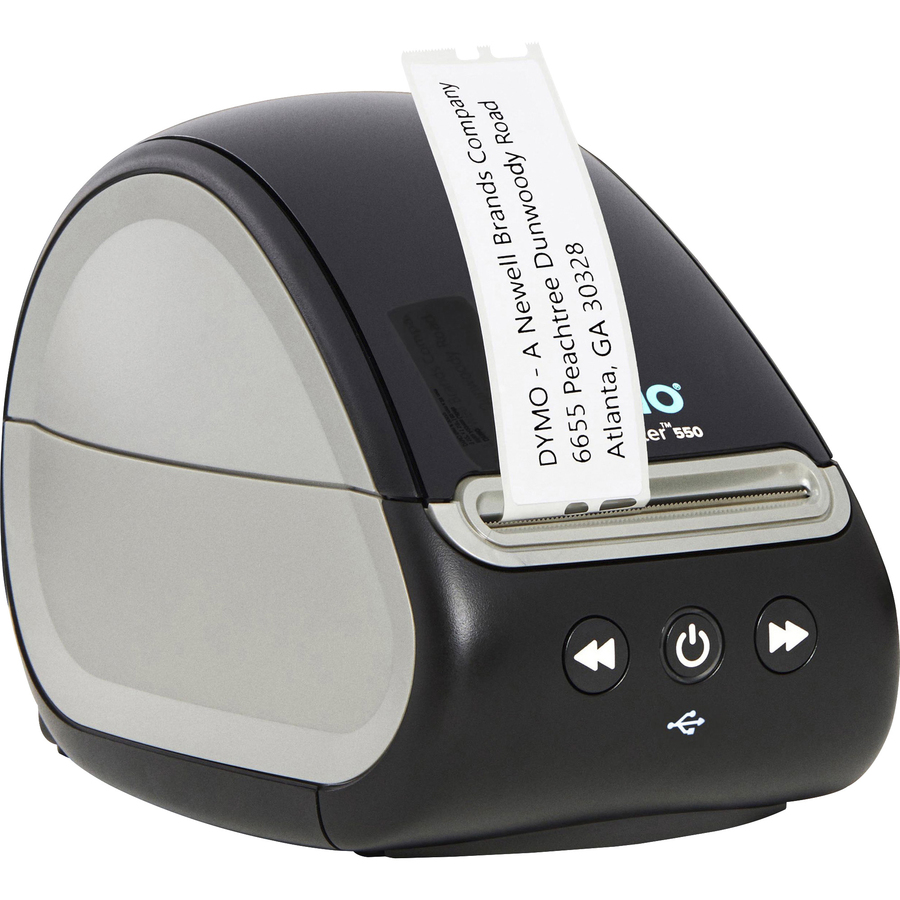
Dymo LabelWriter 550 Direct Thermal Printer
2112552
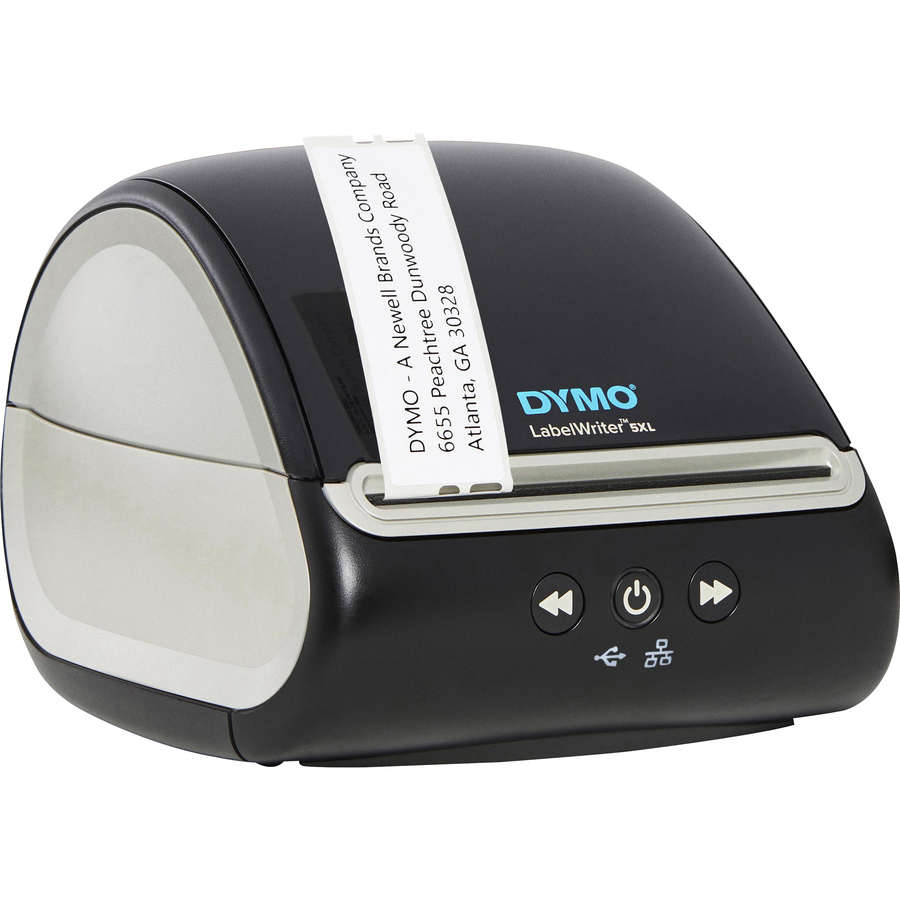
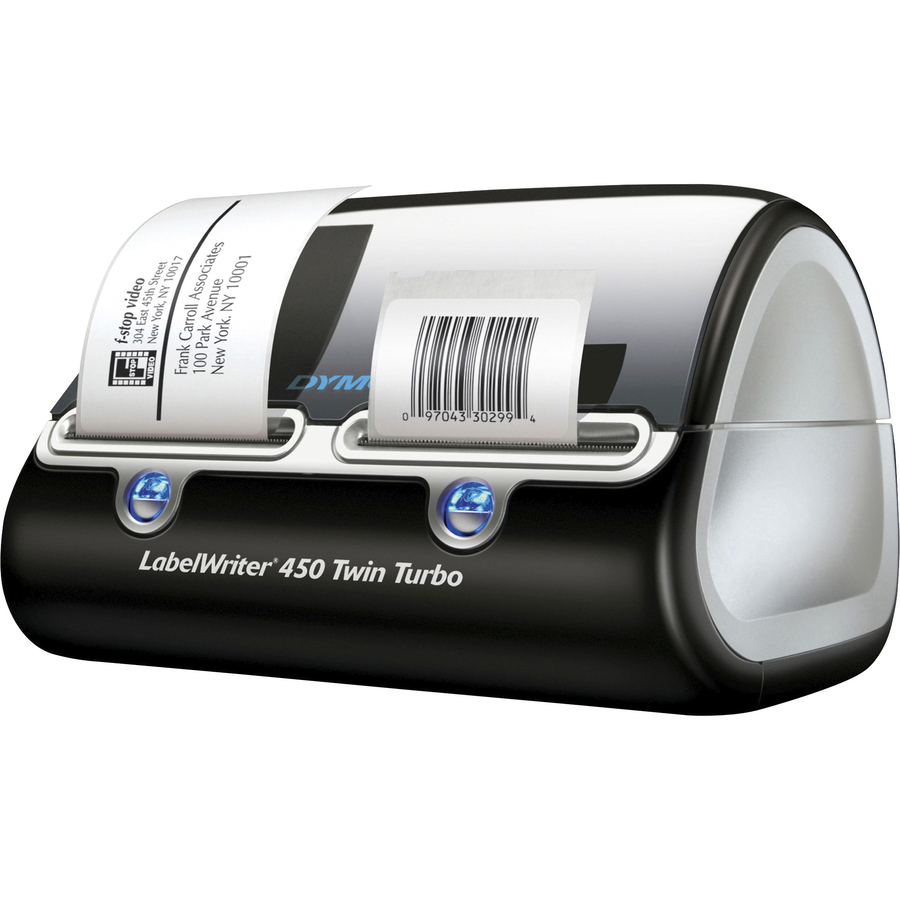
The DYMO LabelWriter 550 is the desk-side standard for shipping, asset tags and name badges, with both PC and Mac support and 300 dpi direct thermal output across a 2.2-inch print width. The only consumable is the label roll.
$146.74In stockNetworked LabelWriter
Newell Brands
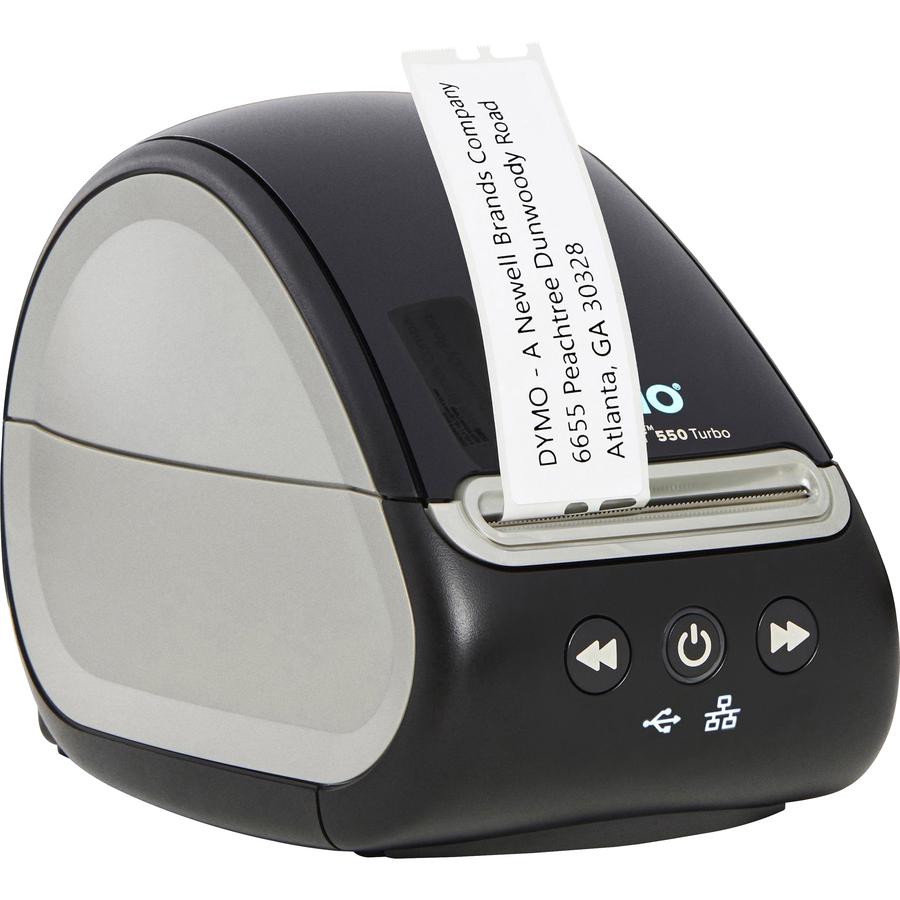
Dymo LabelWriter 550 Direct Thermal Printer
2112553
The same LabelWriter 550 platform with Ethernet added and a rated 1.5 labels per second — the version to buy when several people share one printer instead of tethering it to a single workstation's USB port.
$168.58In stock4-inch shipping pick
Brother Industries
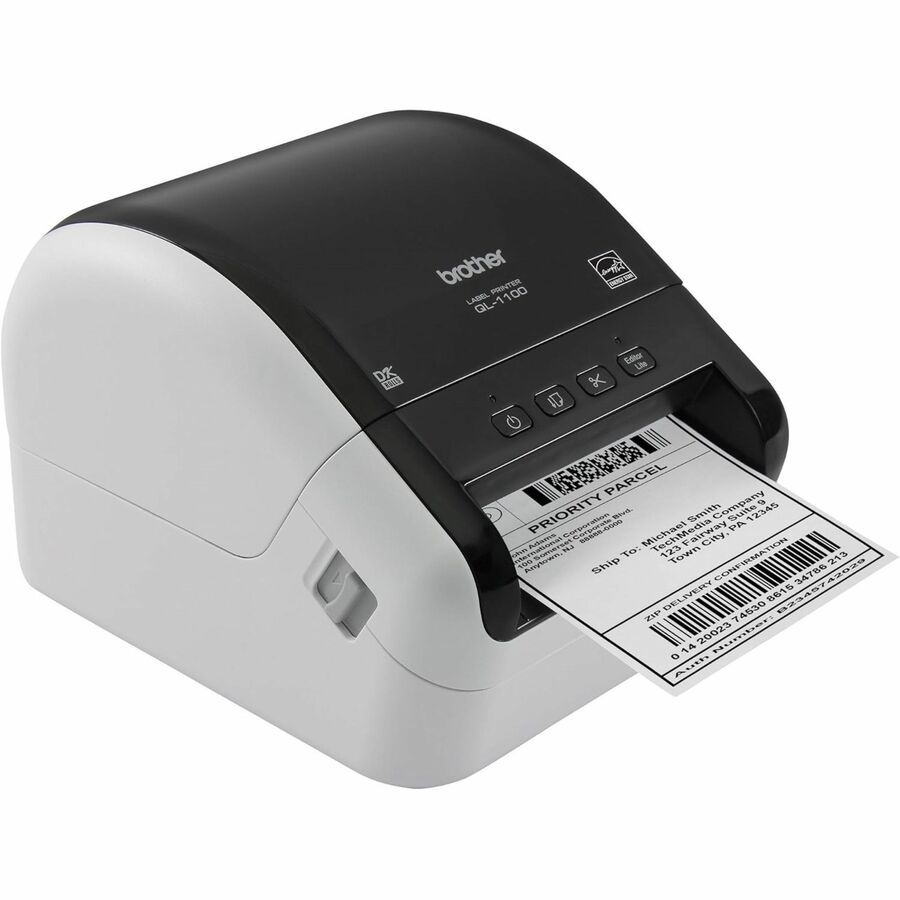
Brother QL-1100 Desktop Direct Thermal Printer
QL-1100
A full 4-inch print width at a rated 4.33 inches per second, which is the size carrier shipping labels actually need. It also takes label lengths up to 36 inches for long asset, shelf-edge and rack tags.
$316.99In stockBest value
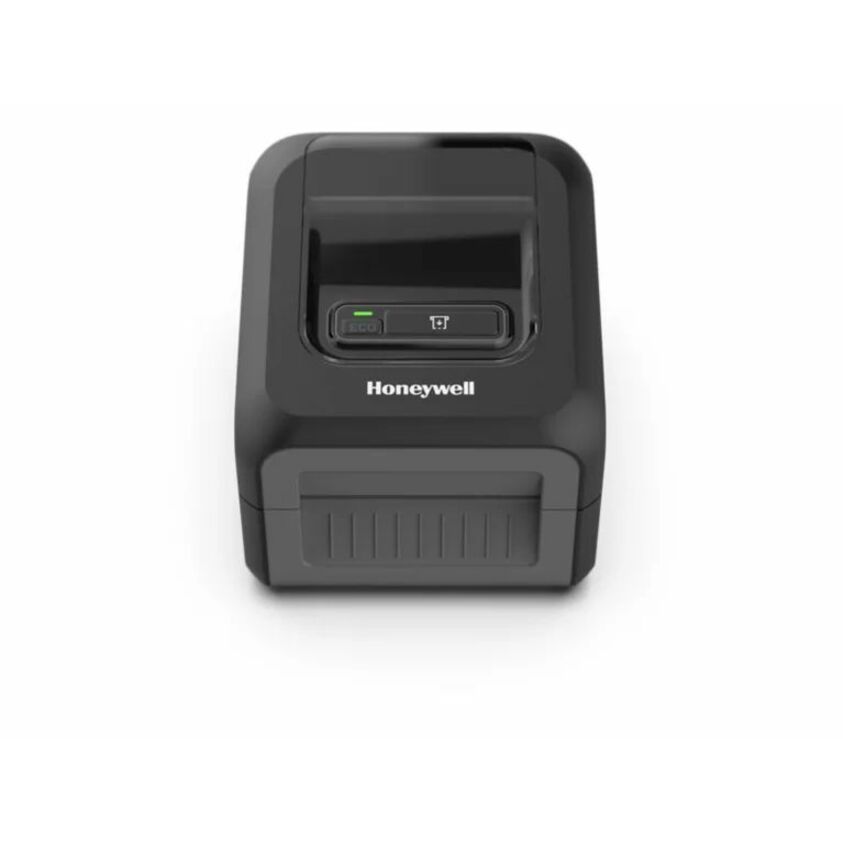
Honeywell International
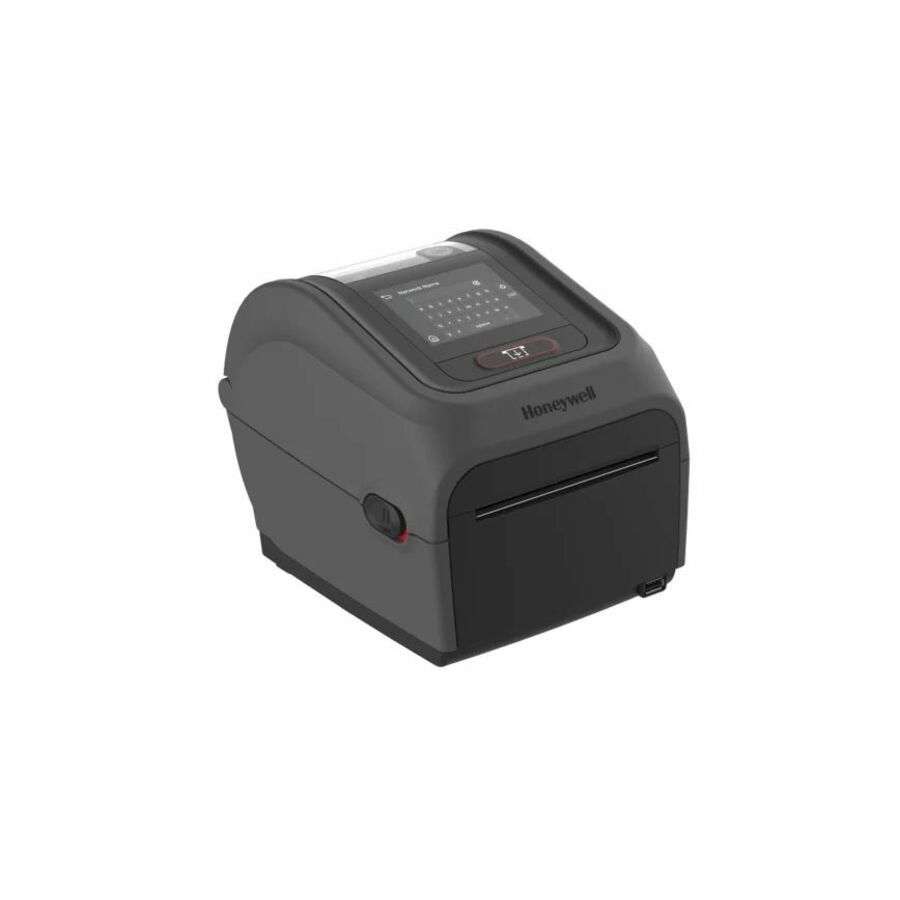
Honeywell PC42E-D Desktop, Business, Post & Parcel, Asset Tracking…
PC42EDB020201
A networked 4.25-inch desktop engine rated at 8 inches per second, with Ethernet, USB and serial on the same unit. Its emulation list covers ZPL II, EPL, IPL, DPL and TPCL, so it drops into an existing warehouse or shipping stack without rewriting label formats.
The emulation breadth is the reason to shortlist this one — it is what removes an integration project from the rollout.
$326.38In stockZebra entry point
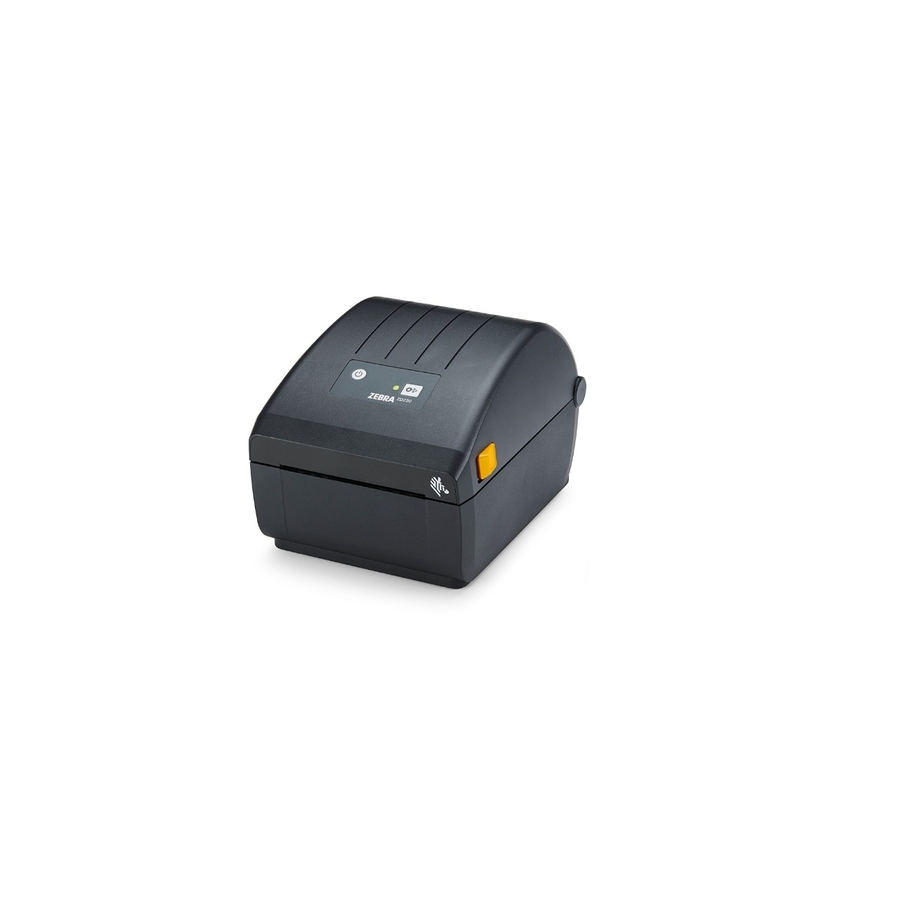
Zebra Technologies
Zebra ZD220 Desktop Direct Thermal Printer
ZD22042-D01G00EZ
The entry point into the Zebra desktop line at a 4.09-inch print width and 203 dpi over USB — basic shipping and receiving labels with Zebra media and supplies compatibility, without paying for wireless or a display.
$459.55Back-orderedWireless 4-inch
Brother Industries
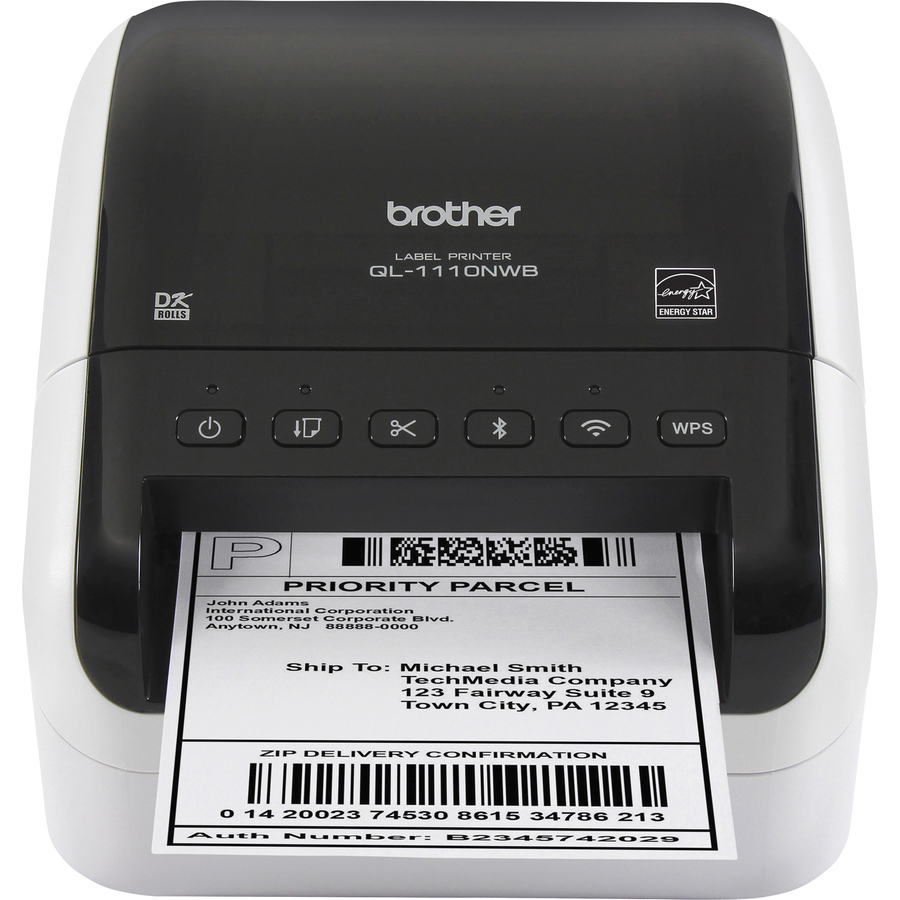
Brother QL-1110NWB Desktop Direct Thermal Printer
QL-1110NWB
Wireless LAN and Bluetooth on a 4-inch, 300 dpi direct thermal engine, with iOS and Mac support alongside PC. The right fit for a shipping station that prints from tablets or phones rather than a fixed desktop.
$460.28In stockFront-of-house pick
Newell Brands
Dymo LabelWriter Direct Thermal Printer
1752266
A platinum-finish LabelWriter for reception areas and front-of-house desks where the printer is visible to visitors, with the same 300 dpi direct thermal output and PC and Mac support as the rest of the line.
$389.33In stockTop pick, desktop
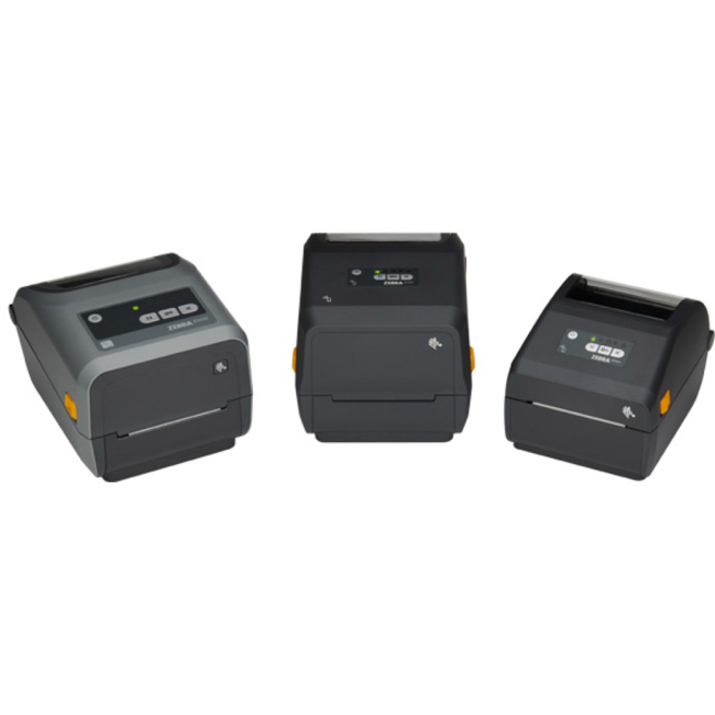
Zebra Technologies
Zebra ZD421 Desktop Direct Thermal Printer
ZD4A042-D01M00EZ
The workhorse 4.09-inch Zebra desktop: a rated 5.98 inches per second, Bluetooth and NFC pairing, a real-time clock for date-stamped labels, and native ZPL and ZPL II with EPL and EPL2 emulation. If your team already writes ZPL, this is the safe standardization choice.
Listed for iOS, Android and PC — worth checking against the hosts your shipping stations actually run.
$613.94In stockRFID desktop pick
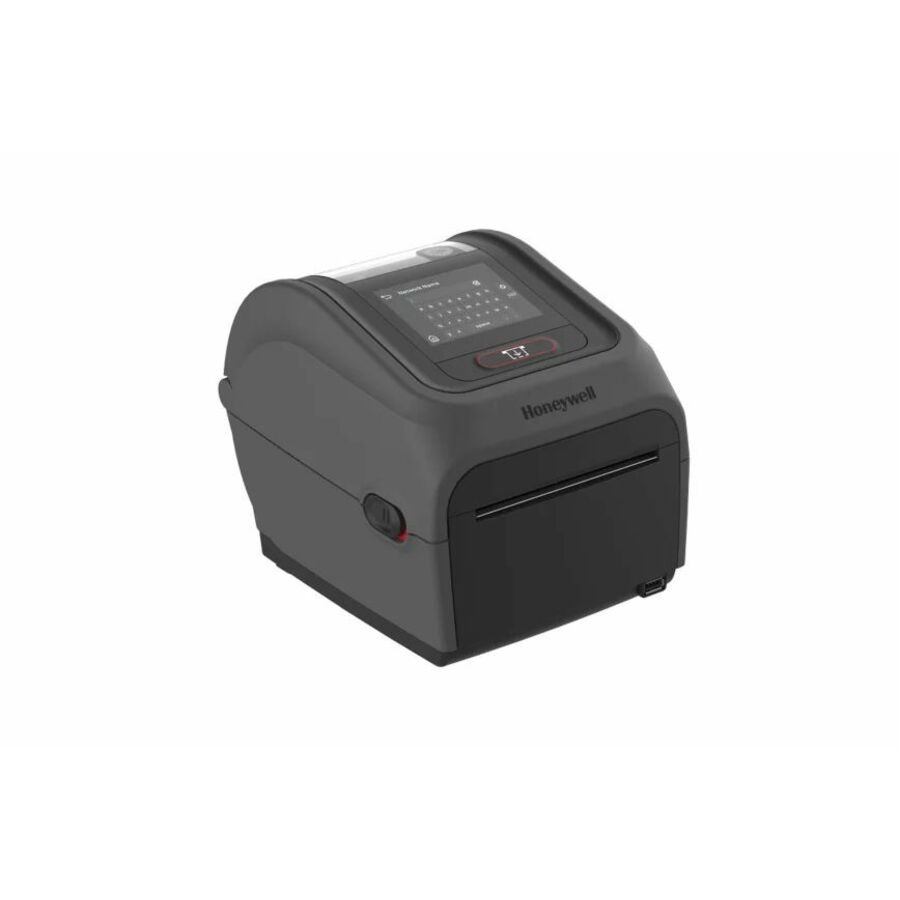
Honeywell International
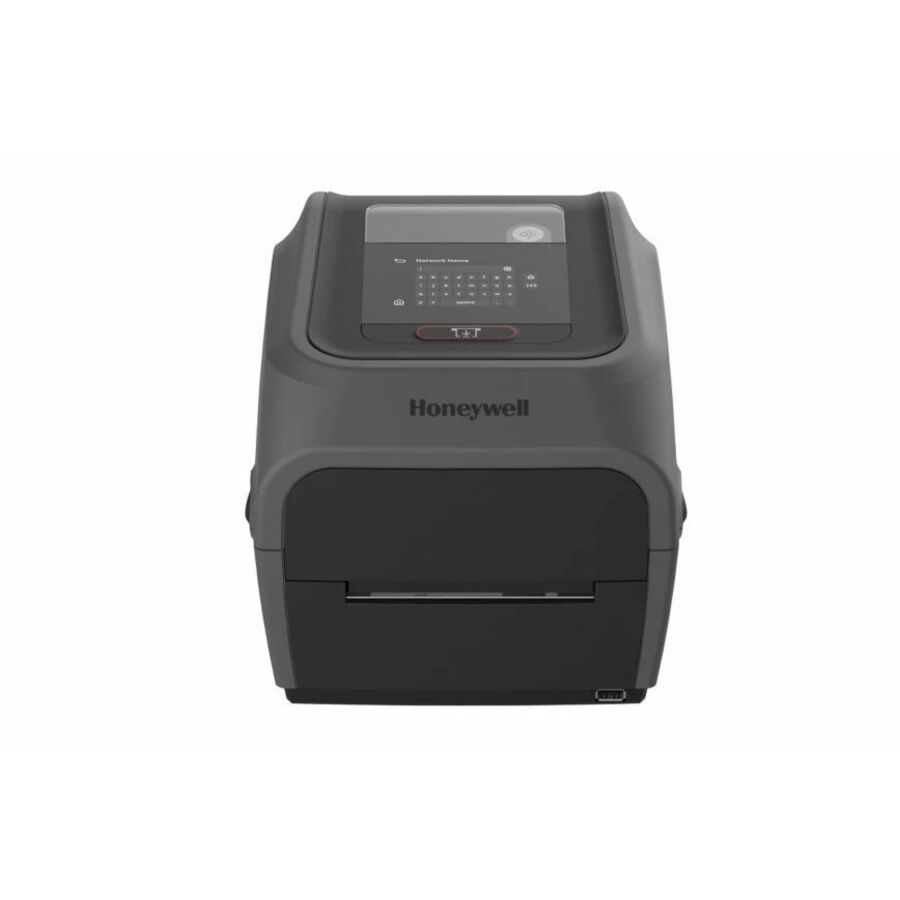
Honeywell PC45D Desktop Direct Thermal Printer
PC45D000000201
Adds RFID encoding to a desktop footprint, which is the pick when asset tagging or inventory tracking needs smart labels rather than printed barcodes alone. Fast Ethernet, USB, serial and Bluetooth cover every host in a mixed facility.
$897.08In stockIndustrial transfer
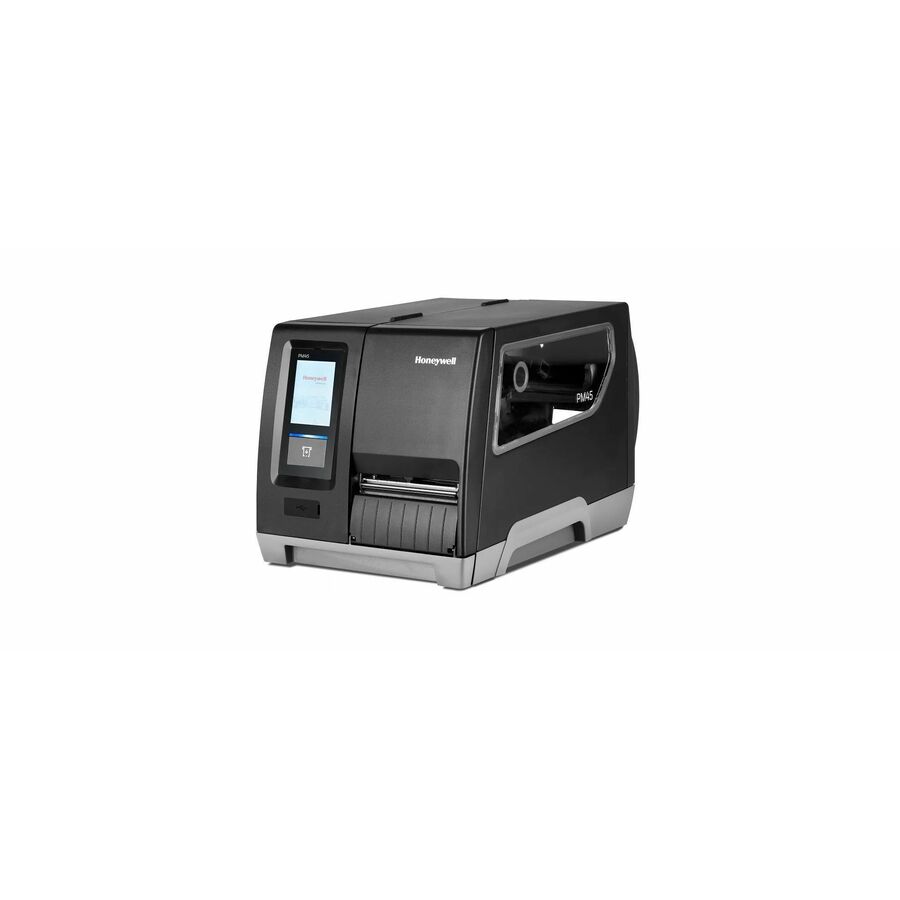
Honeywell International
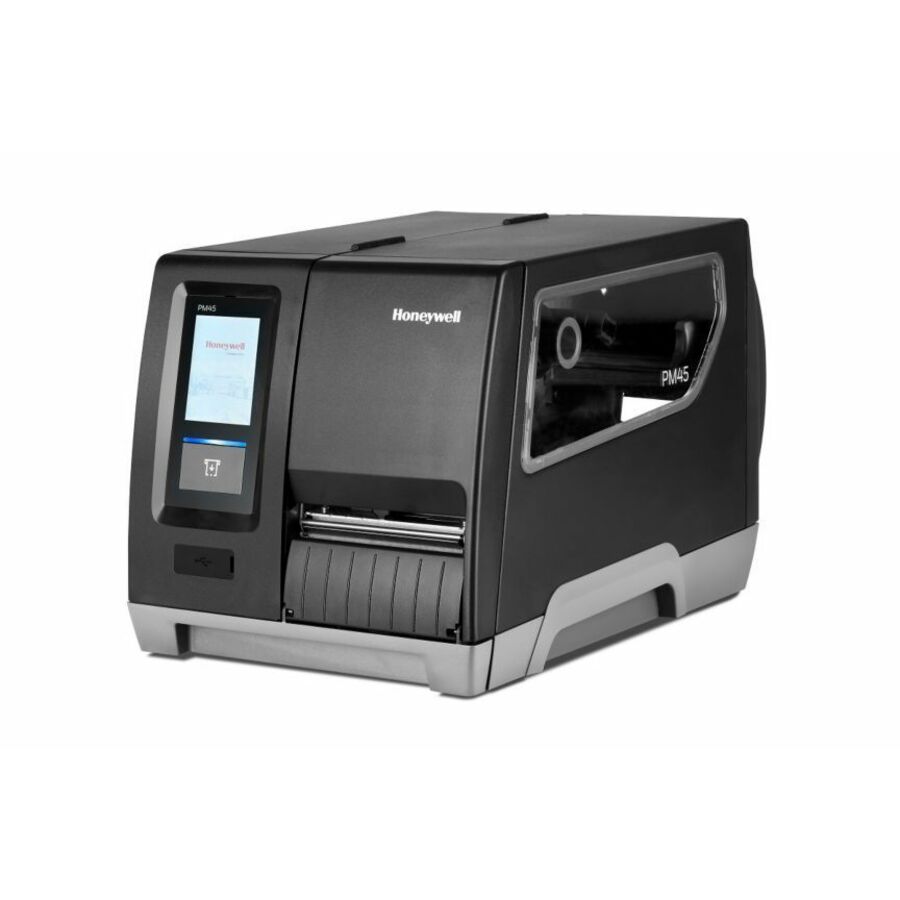
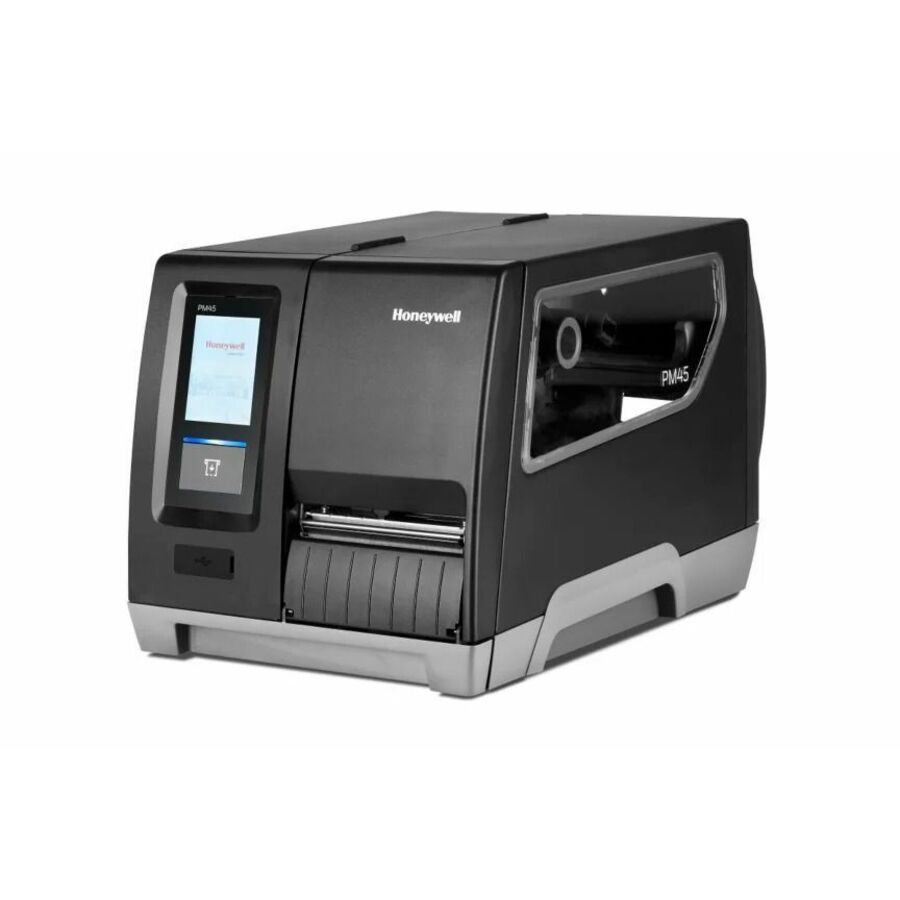
Honeywell PM45A Industrial Thermal Transfer Printer
PM45A00000000201
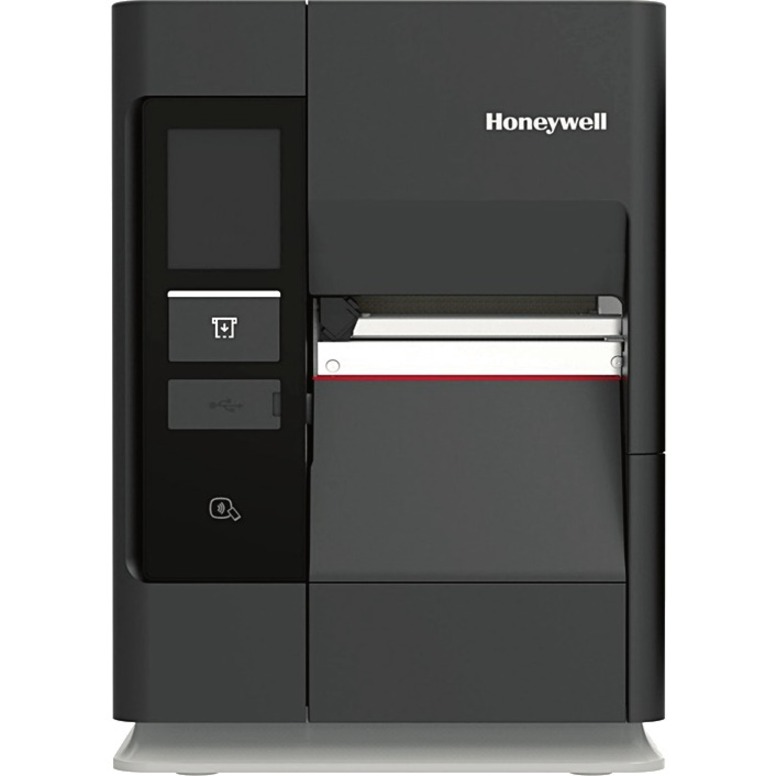
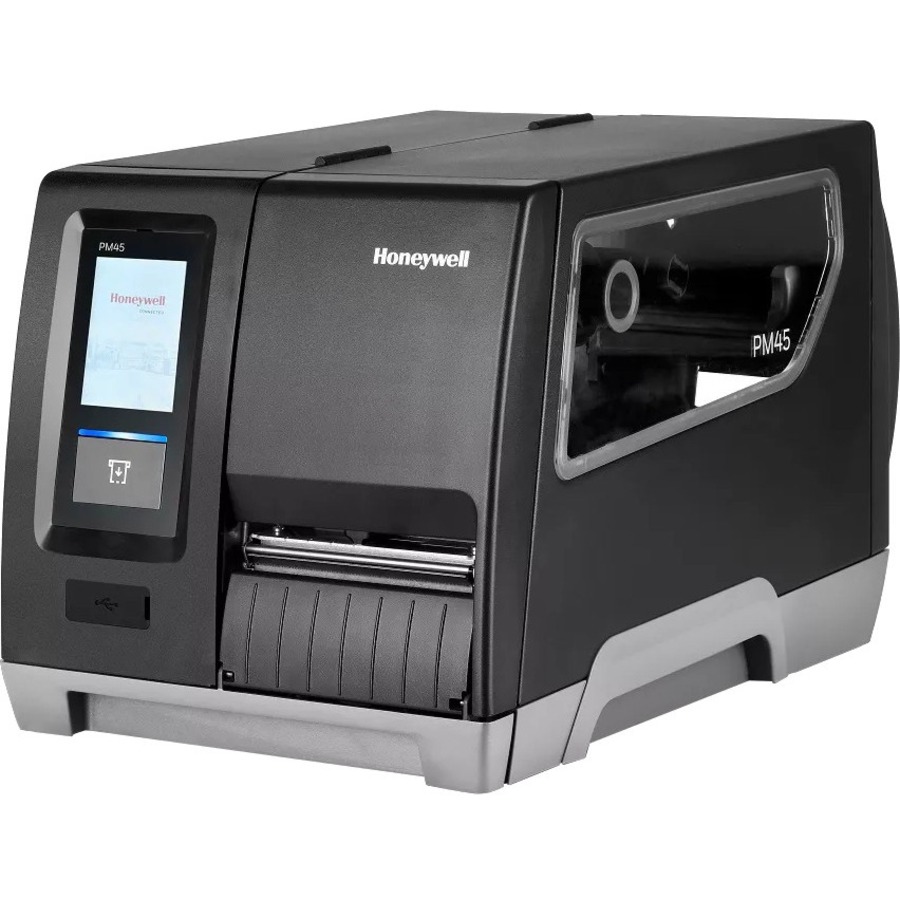
A metal-chassis industrial thermal transfer printer with Ethernet and an LCD control screen, built for high-volume warehouse and manufacturing lines. Thermal transfer with ribbon is what produces labels that survive abrasion, heat and outdoor exposure — direct thermal fades under the same conditions.
$1,731.00In stockIndustrial flagship
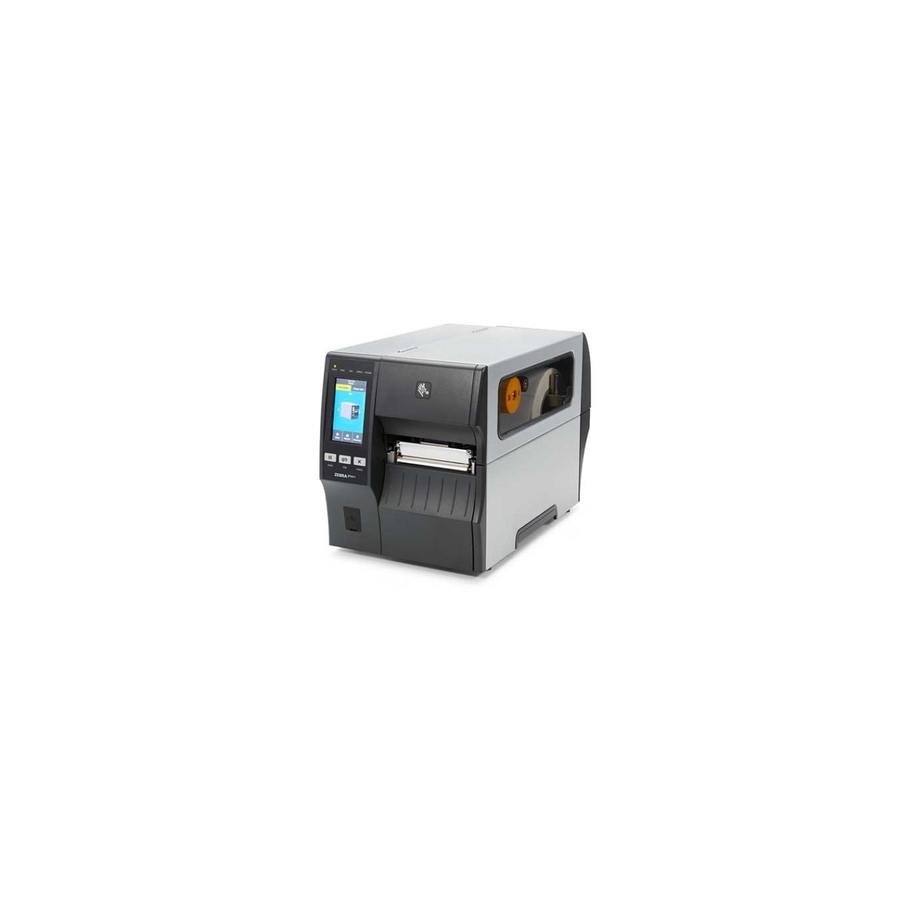
Zebra Technologies
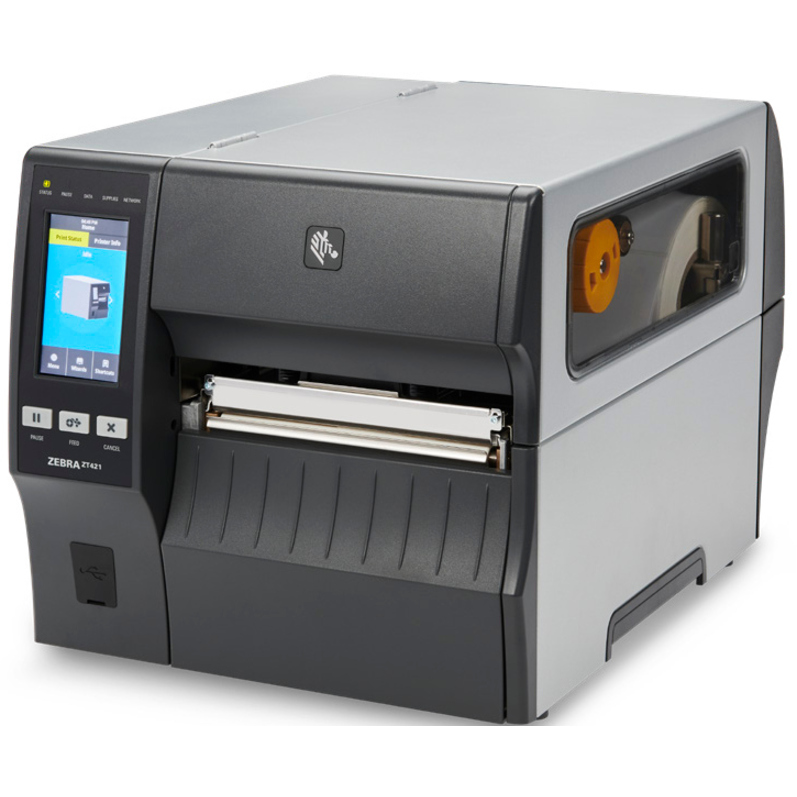
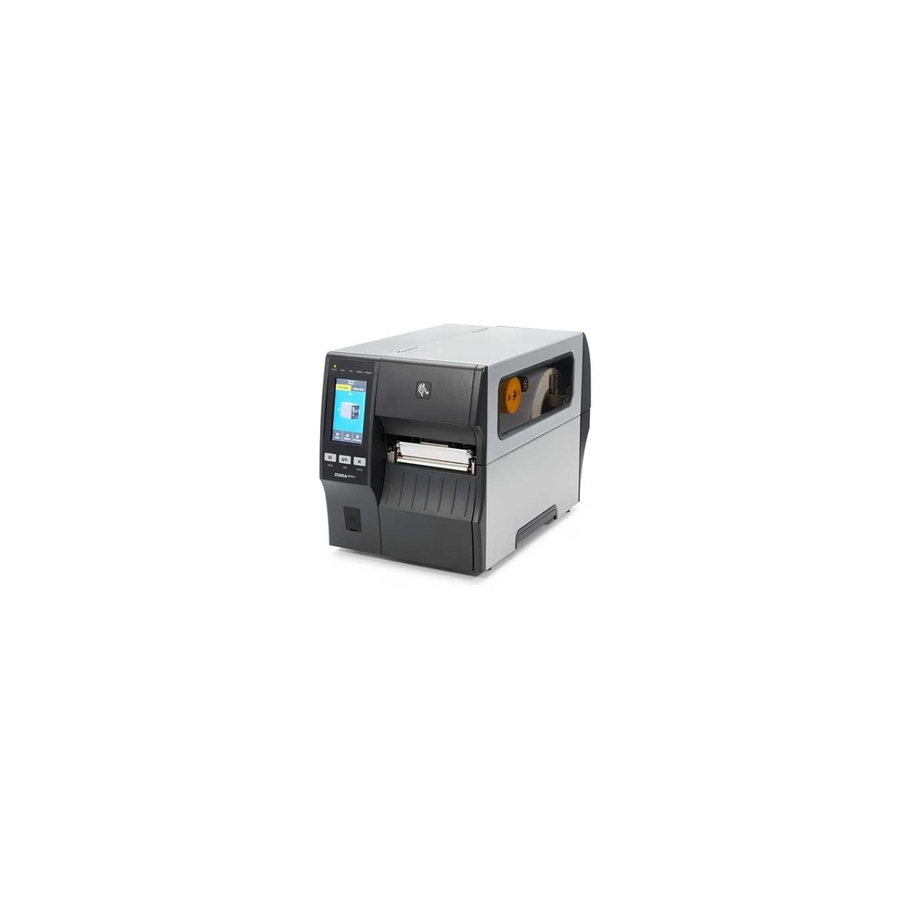
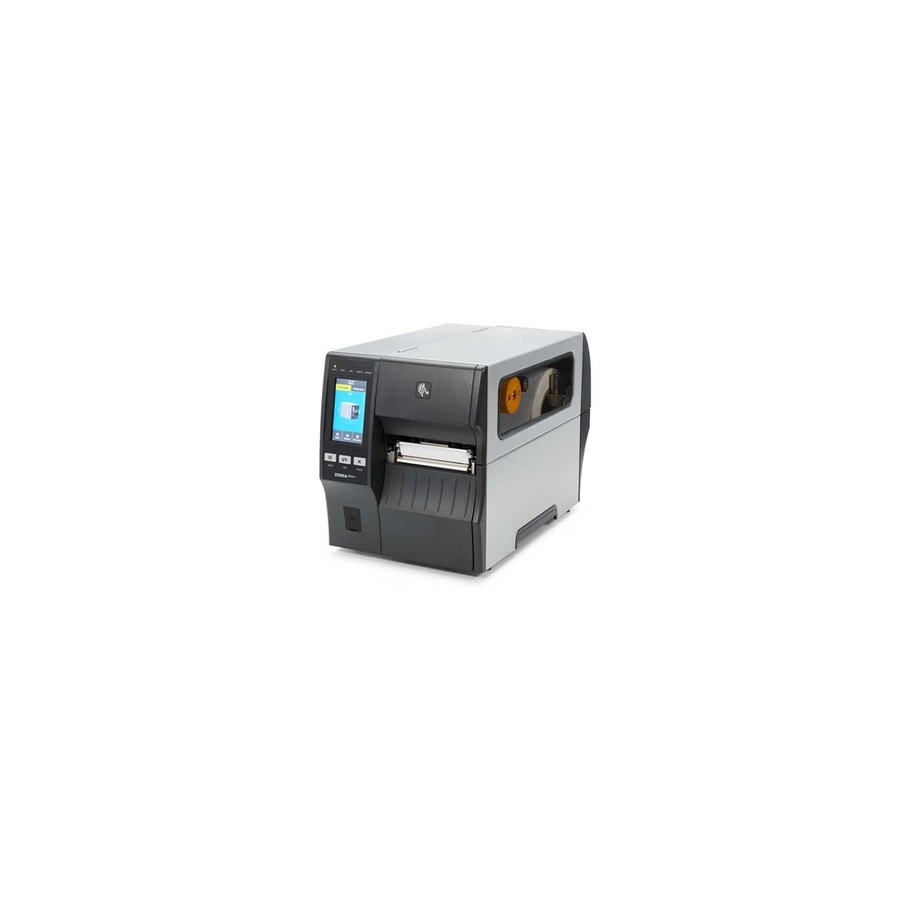
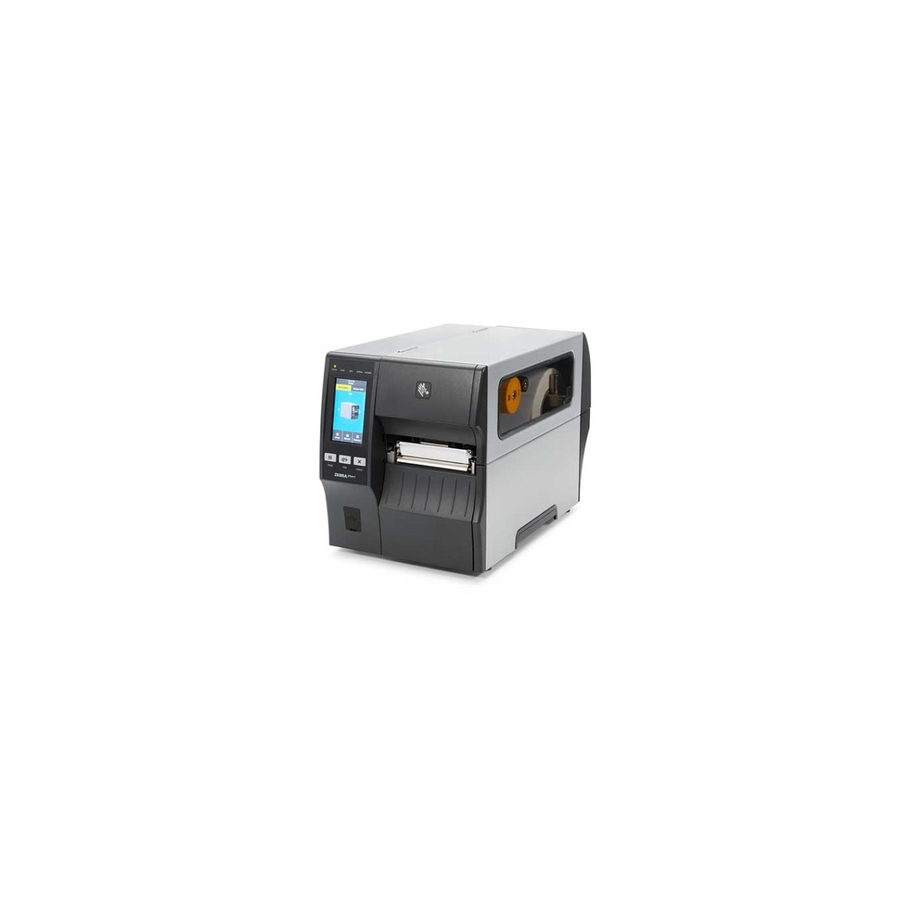
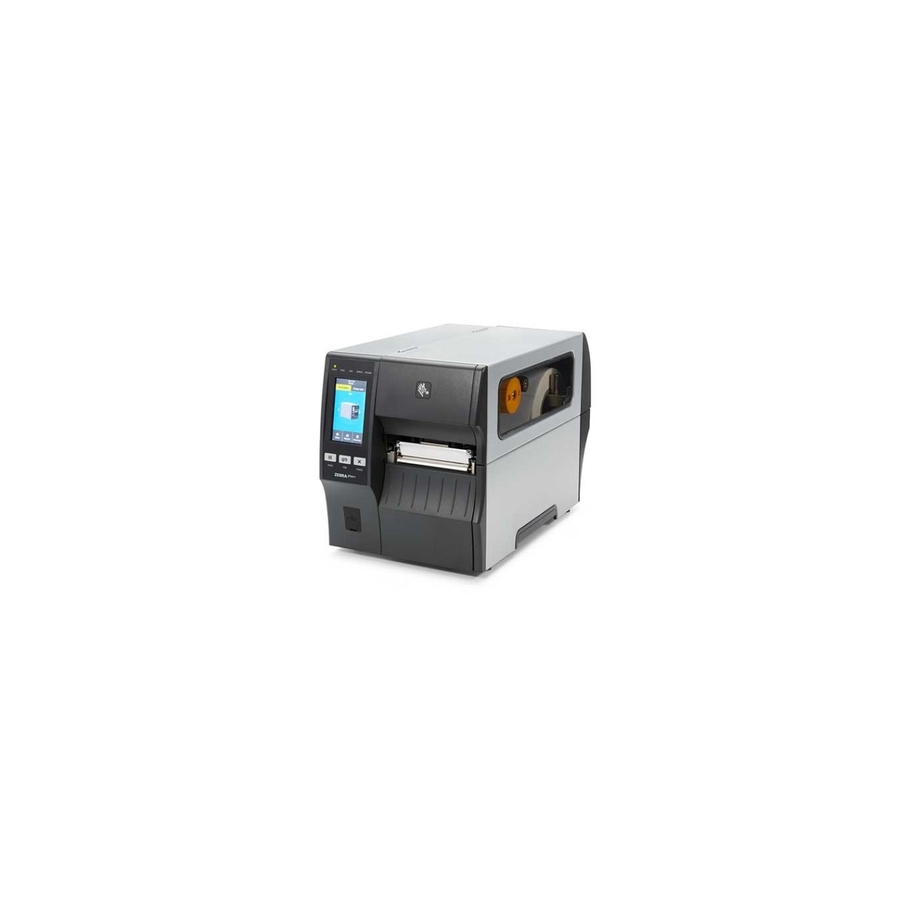
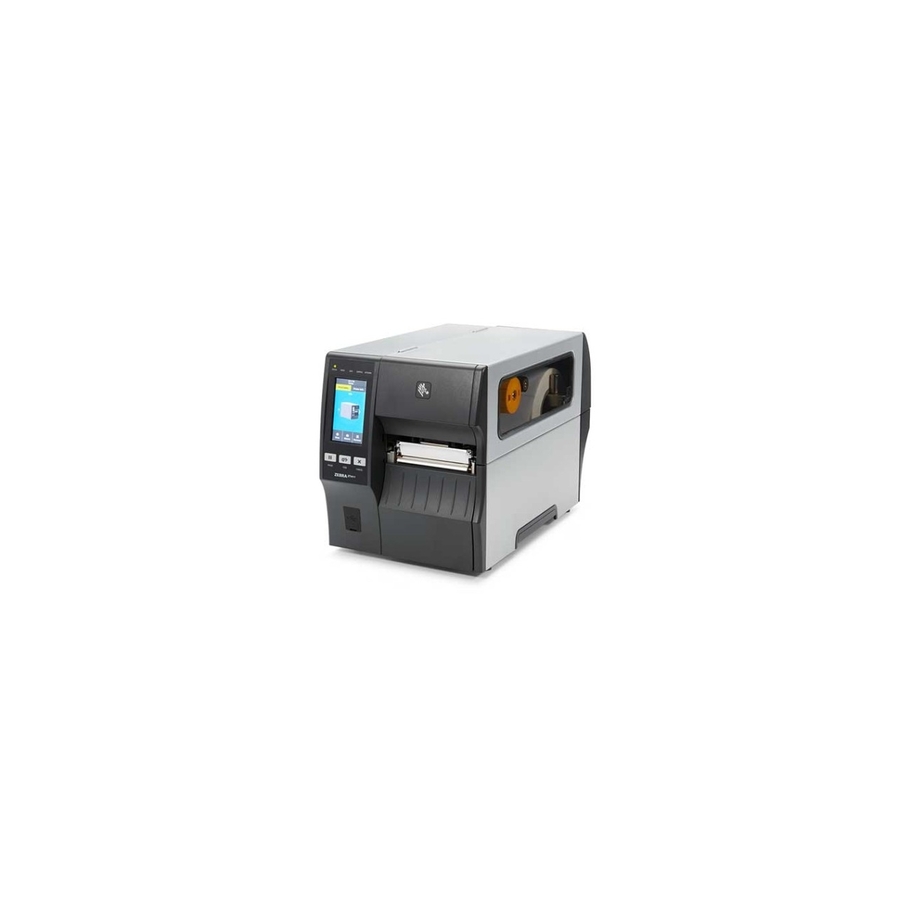
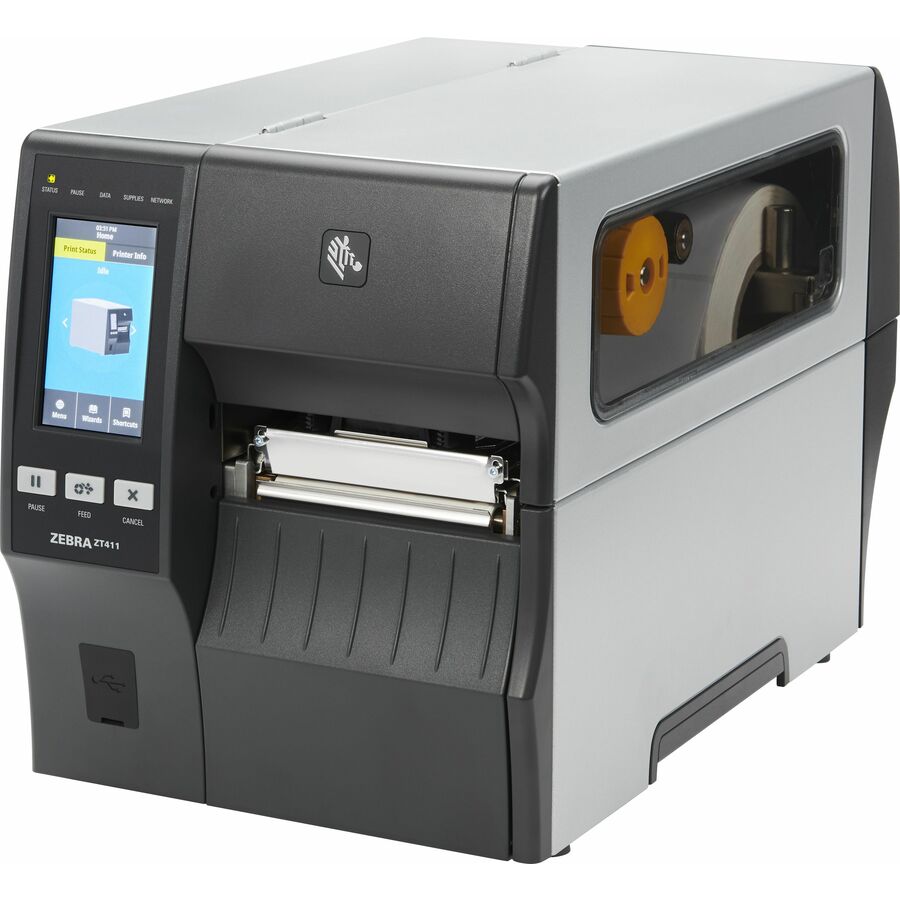
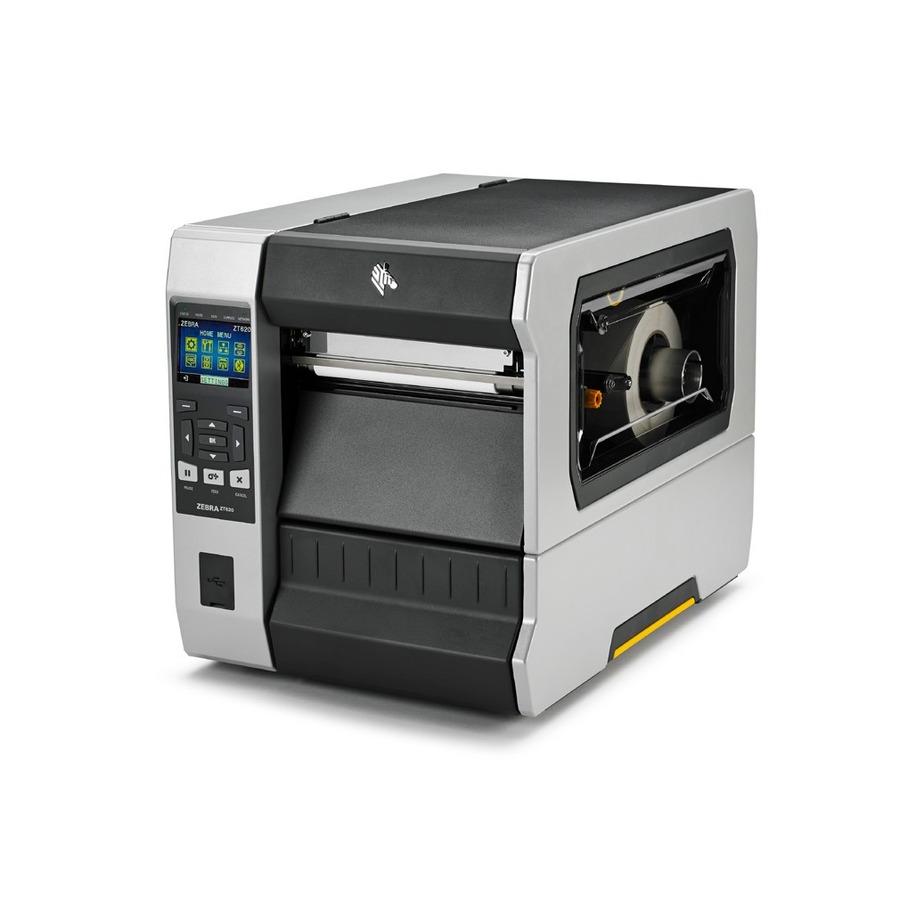
Zebra ZT411 Industrial Direct Thermal/Thermal Transfer Printer
ZT41142-T01000GA
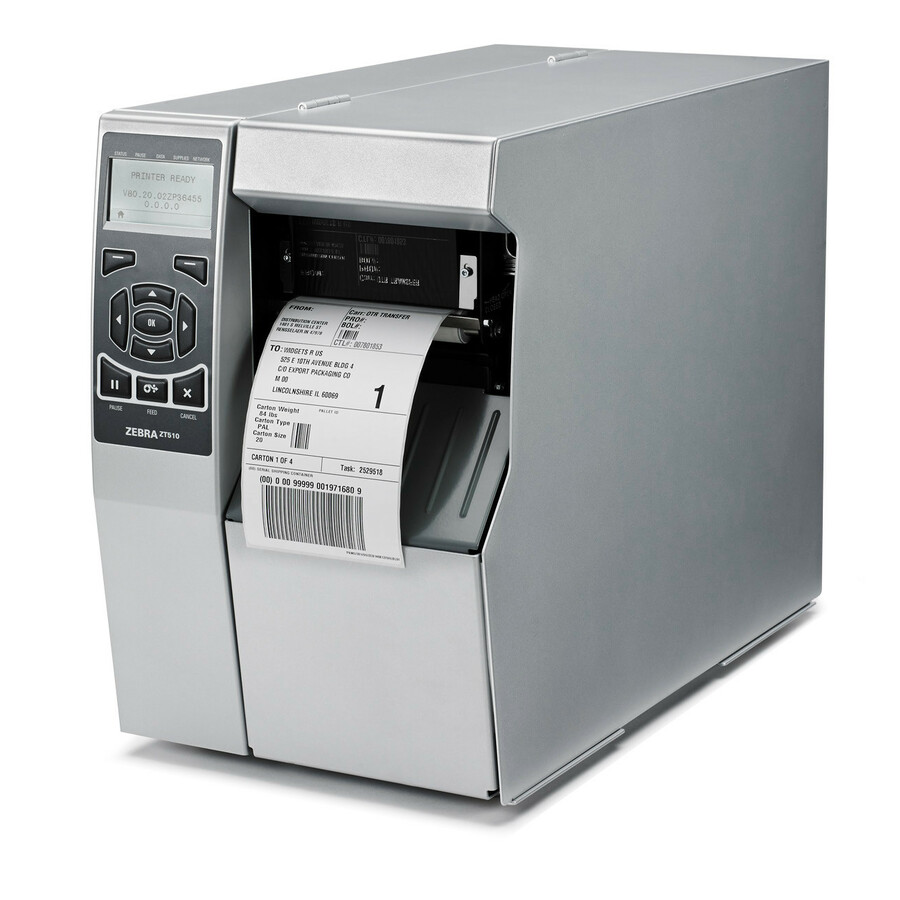
The industrial flagship here: a rated 14 inches per second, both direct thermal and thermal transfer in one chassis, a 4.09-inch print width and label lengths to 39 inches, built for continuous shift-long runs.
The manufacturer's listing records this part number as TAA compliant, which is often the deciding factor on a federal or state order.
$2,095.13*Back-orderedMore label and receipt printers in the Uniqcli catalog
See all 1,059 label and receipt printersMore from across this category. In-stock lines lead, and a back-ordered line carries the same estimated availability its product page does — with live pricing throughout, NDAA §889 screening before checkout and TAA verified on request.
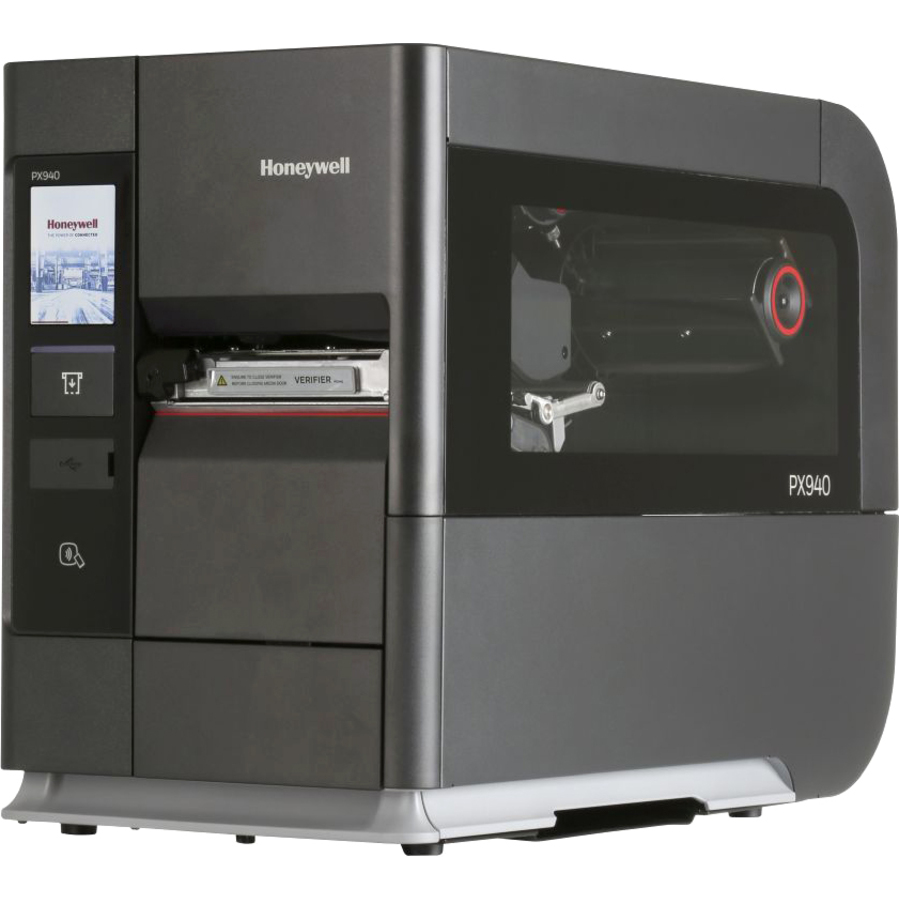
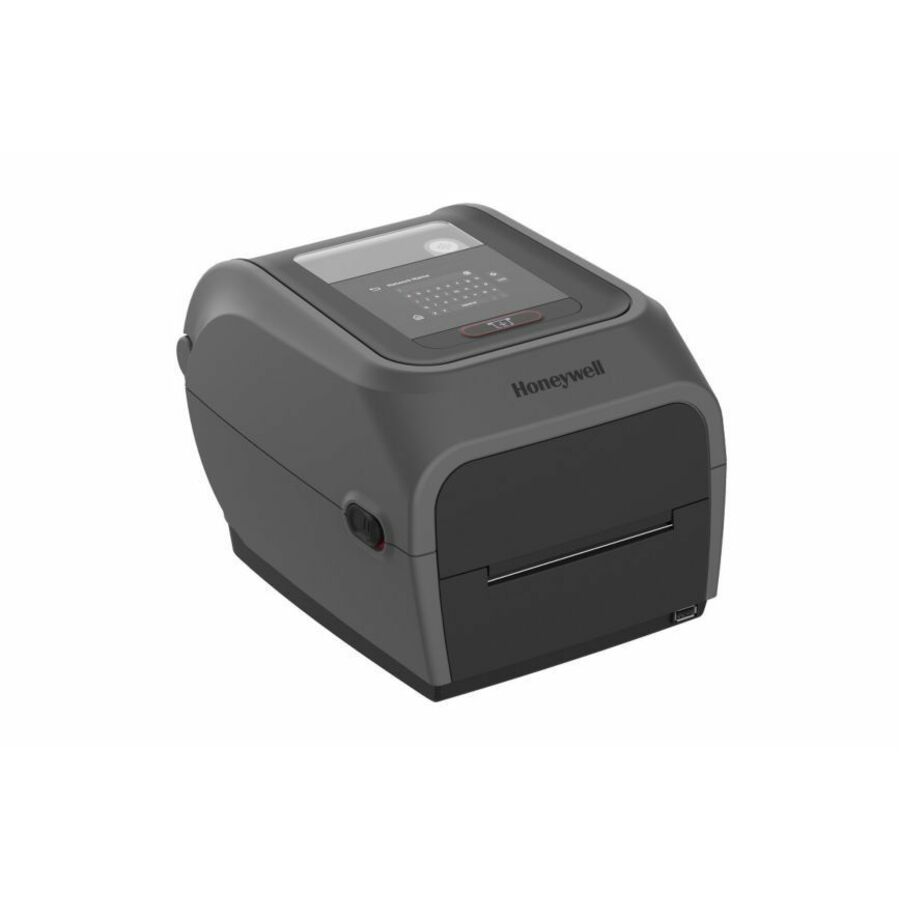
- Honeywell InternationalHoneywell PX940V Industrial Direct Thermal/Thermal Transfer Printer - Monochrome - Label Print - USB - Serial - 203 dpiPX940V30100000200
$6,204.67
$4,886.86
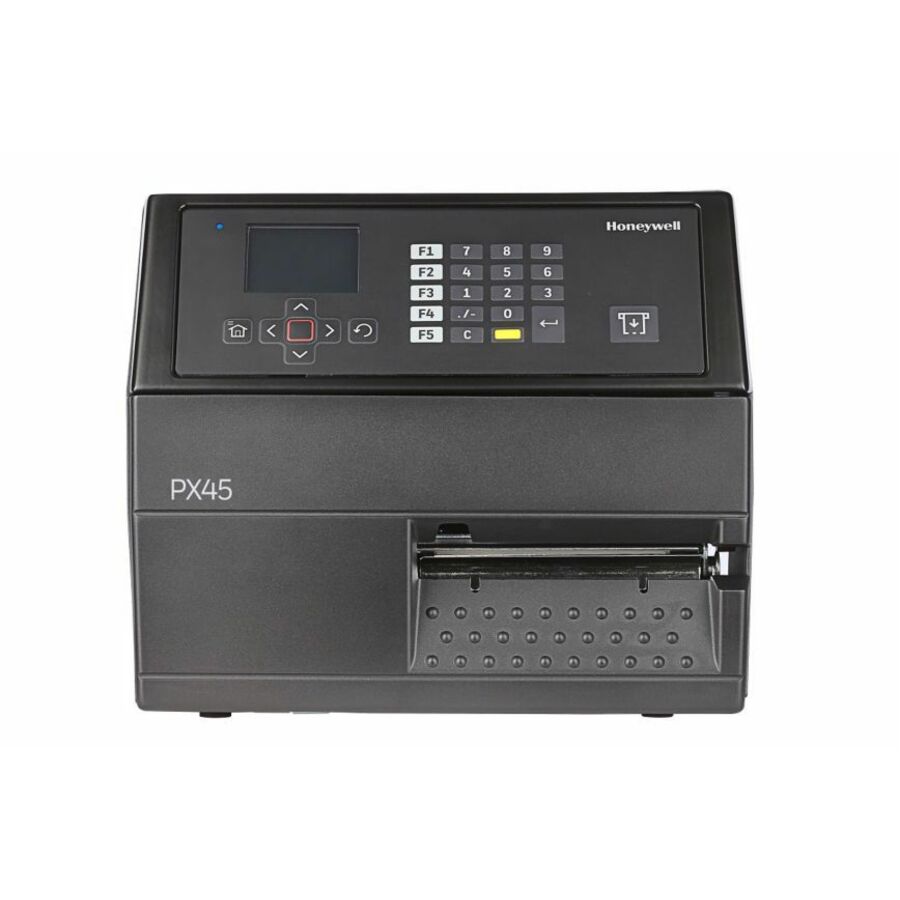
4 in stock - Honeywell InternationalHoneywell PX45A Industrial Thermal Transfer Printer - Monochrome - Label Print - Ethernet - US, EU - 203 dpi LengthPX45A00000000200
$4,823.53
$3,795.77
25 in stock - Honeywell InternationalHoneywell PM45A Industrial Thermal Transfer Printer - Monochrome - Label Print - Gigabit Ethernet - Wireless LAN - Display Screen - 47.20" Print Length x 4.09" Print Width - 9.84 in/s Mono - 406 dpi - 4.49" Label Width - Fingerprint, IPL, ZSim2, ZPL II, DPL, XML, Direct Protocol (DP) Emulation - For PCPM45A10000000400
$4,406.19
$3,452.05
2 in stock - Honeywell InternationalHoneywell PM45A Industrial Thermal Transfer Printer - Monochrome - Label Print - Ethernet - US - LCD Display Screen - 300 dpiPM45A10000000301
$3,110.03
$2,252.33
8 in stock - Honeywell InternationalHoneywell PM45A Industrial Thermal Transfer Printer - Monochrome - Label Print - Ethernet - US - LCD Display Screen - 203 dpiPM45A10000000201
$2,559.66
$2,021.42
8 in stock - Honeywell InternationalHoneywell PM45A Industrial Thermal Transfer Printer - Monochrome - Label Print - Ethernet - US - LCD Display Screen - 203 dpiPM45A00000000201
$2,188.34
$1,731.00
10 in stock

Need pricing on label printers?
Tell us where to reach you and a Uniqcli specialist will follow up by email with current pricing, availability and lead time for the quantities you need — including parts that aren’t shown on this page.
Buying for an organization or for yourself — both work. No payment up front.
Direct thermal burns the image into heat-sensitive stock with no ribbon and suits labels whose life is days or weeks; thermal transfer melts a ribbon on instead and buys a mark that survives abrasion, heat, solvent and sunlight. Settle that first, then fix print width: roughly 2 inches for address and asset labels, 4 inches for shipping labels.
Every label printer worth buying for business is a thermal label printer, and the first real decision is which kind of thermal. A direct thermal printer burns the image into heat-sensitive stock — no ink, no toner, no ribbon, one consumable — which is the right answer for shipping labels, receiving labels, picking slips and anything whose useful life is measured in days or weeks. Thermal transfer melts a ribbon onto the label instead, which costs a second consumable and buys a mark that survives abrasion, heat, solvent and sunlight. Direct thermal on an outdoor asset tag will fade; thermal transfer on a parcel label is money spent on permanence nobody needed.
The second decision is print width, and it quietly decides whether the printer can do the job at all. A 2-inch-class desktop label printer covers address labels, file folders, shelf edges, name badges and small asset tags. A 4-inch engine is what carrier shipping labels, pallet placards and most warehouse barcode label work actually require, and discovering that after the fact means buying the printer twice. Print width is the specification to fix first and the one least worth economizing on.
After that it is how the printer is reached and how hard it is worked. USB tethers one printer to one workstation; Ethernet, Wi-Fi and Bluetooth turn it into a shared resource for a bench, a shipping station or a tablet-driven cart. Duty cycle is the industrial question — a metal-chassis industrial label printer exists because a desktop unit asked to run labels continuously through a shift will not last, and speed in inches per second is what separates the two classes. The selection below is brand-neutral and drawn live from what Uniqcli lists.
Buyer's checklist
How to choose a label printer
- Choose direct thermal for short-life labels — shipping, receiving, picking, visitor badges — and thermal transfer where the mark has to survive abrasion, heat, solvent or sunlight.
- Fix the print width first: roughly 2 inches for address, file and small asset labels, 4 inches for carrier shipping labels and pallet placards.
- Match the connection to the users rather than the printer — USB for a single workstation, Ethernet or wireless the moment a second person needs it.
- Check the printer language and emulation list against the system that will drive it, so an existing warehouse or shipping stack does not have to have its label formats rewritten.
- Read the print speed in inches per second against the busiest hour, not the average one, and move to an industrial chassis where labels run continuously through a shift.
- Confirm the label width, maximum label length and media path the mechanism takes, and that the stock the site already buys will feed it.
- If the workflow needs smart labels rather than printed barcodes, specify RFID encoding at purchase — it is a printer capability, not an accessory.
- Buy media with the printer: label stock and ribbon are the recurring cost, and the wrong stock on a direct thermal unit is the most common cause of a faded-label ticket.
Direct thermal or thermal transfer
Direct thermal is the simpler machine and the cheaper one to run: heat-sensitive stock goes in, an image comes out, and there is exactly one consumable to stock and one thing to reorder. Its limitation is physical rather than technical — the coating that makes the image also darkens with heat, sunlight and friction, so a direct thermal label on a warm shelf, a sunny dock or an item that gets handled will fade. For a parcel that will be delivered next week, that is irrelevant, which is why direct thermal owns shipping and receiving.
Thermal transfer melts pigment from a ribbon onto the label, so the mark is on the label rather than in it. That survives abrasion, solvent, heat and years outdoors, which is what asset tags, equipment labels, laboratory and cabling identification actually need. The trade is a second consumable to buy, store and change, plus a slightly longer setup: the ribbon has to match the label material, and getting that pairing wrong is the usual cause of a smeared first print run.
Desktop, networked and industrial
A desktop printer on USB is one printer for one person. It is the correct answer far more often than people expect — a mailroom, a front desk, a lab bench — and it fails only when a second person needs it. That is the moment to buy Ethernet or wireless rather than a second printer, because a shared networked unit removes both the queue and the 'whose machine is it plugged into' problem.
Industrial is a different class, not a bigger desktop. The metal chassis, the larger media capacity, the faster engine and the control display exist because the printer runs labels continuously rather than in bursts, and because someone has to change media on it several times a shift without tools. If labels run through a whole shift, the desktop unit will be the thing that stops the line; if they run in bursts, the industrial unit is capacity nobody uses.
Media, ribbons and what a label printer costs to run
Media is the real spend. Over a printer's life the stock, and the ribbon on a transfer unit, will cost multiples of the hardware, so the media a site can actually source cheaply is a legitimate input to which printer to buy. Confirm the label widths, core sizes and roll diameters a model accepts before standardizing, and check whether the media path supports fanfold or an external roll if the volumes justify it.
The other recurring item is the printhead, which is a wear part on every thermal printer and wears faster when it is run with abrasive stock, a poorly matched ribbon or too much heat. Keeping darkness settings no higher than the label needs is the cheapest maintenance there is. Beyond that, plan for the driver and label-format work once: standardizing on one printer language across the site is what keeps a printer swap from becoming a software project.
FAQ
Common questions
- What is the difference between direct thermal and thermal transfer?
- Direct thermal printers apply heat to specially coated label stock and need no ribbon, so there is one consumable and nothing to change but the roll. The image fades with heat, sunlight and abrasion, which is fine for shipping, receiving and picking labels with a short life. Thermal transfer printers melt a ribbon onto the label, producing a mark that resists abrasion, solvents, heat and long outdoor exposure — the right choice for asset tags, equipment labels and anything that has to stay legible for years. Several industrial models do both.
- Do I need a 4-inch label printer?
- If you print carrier shipping labels, pallet placards or wide barcode labels, yes — the standard shipping label is a 4-inch-wide format and a 2-inch-class printer physically cannot produce it. If the work is address labels, file folders, shelf edges, name badges and small asset tags, a 2-inch-class desktop unit is the right size and the smaller footprint is a genuine benefit at a crowded desk. Print width is the one specification it is worth over-buying slightly, because it cannot be added later.
- Will a label printer work with our shipping or warehouse system?
- That depends on the printer language, and it is worth checking on the exact part number rather than the family. Most warehouse, ERP and shipping systems emit label formats in a specific language — ZPL is the most widely supported, with EPL, DPL, IPL and TPCL also in use — and many printers include emulation for several of them. A printer whose emulation list covers the language your system already produces drops in without anyone rewriting label templates, which is usually the largest hidden cost in replacing a printer.
- Can Uniqcli quote label printers for a government or education order?
- Every line Uniqcli quotes is sourced through US distribution and screened for TAA country-of-origin and NDAA §889 status before checkout — with documentation tied to the specific part number, not a product family.
Need label printers pricing?
Send a bill of materials or part numbers — we confirm stock and a below-market total, with TAA verified on request. No payment up front.