
Best Honeywell Label/Receipt Printers for Warehouse, Retail, and Government Teams
Industrial thermal-transfer, desktop direct-thermal, RFID, and receipt-capable models across the PM, PX, PD, and PC series.
Honeywell label printers in stock at Uniqcli
How to choose →A curated selection with live pricing — in-stock lines first, then back-ordered lines with a typical lead time. Every line is sourced through US distribution and screened for NDAA §889 status before checkout, with TAA verified on request.
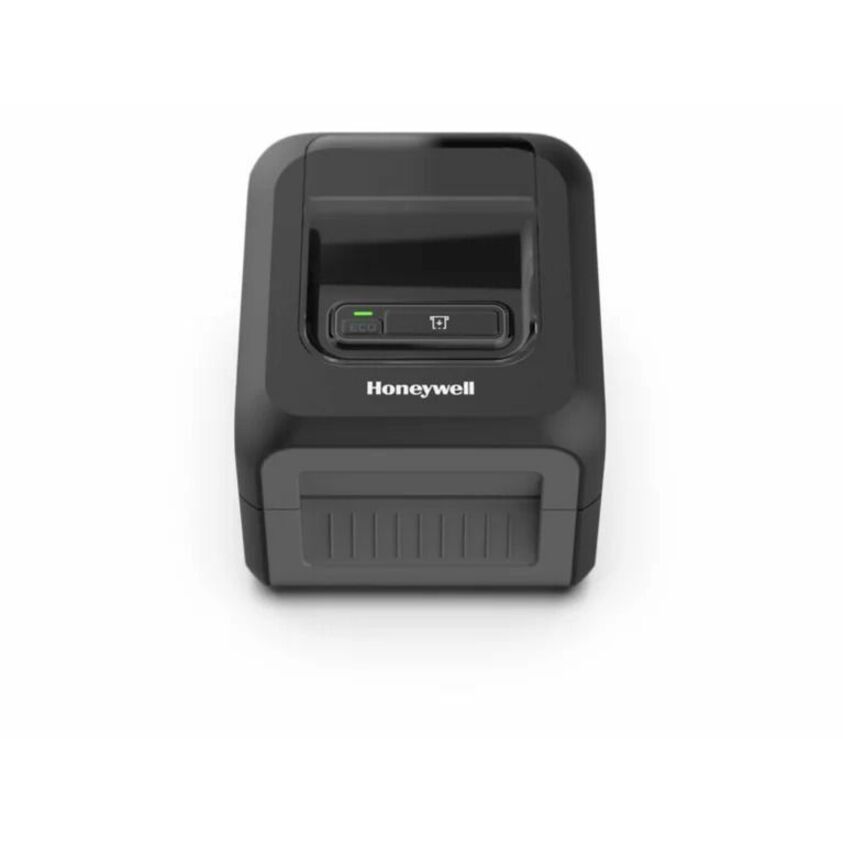
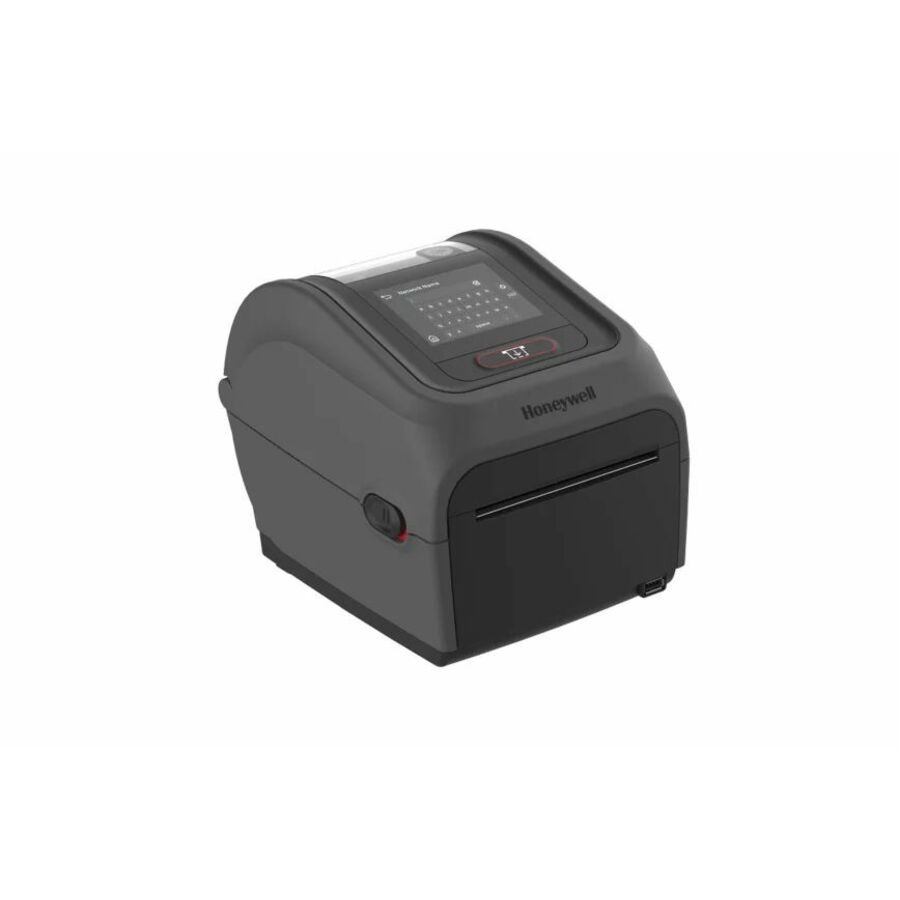
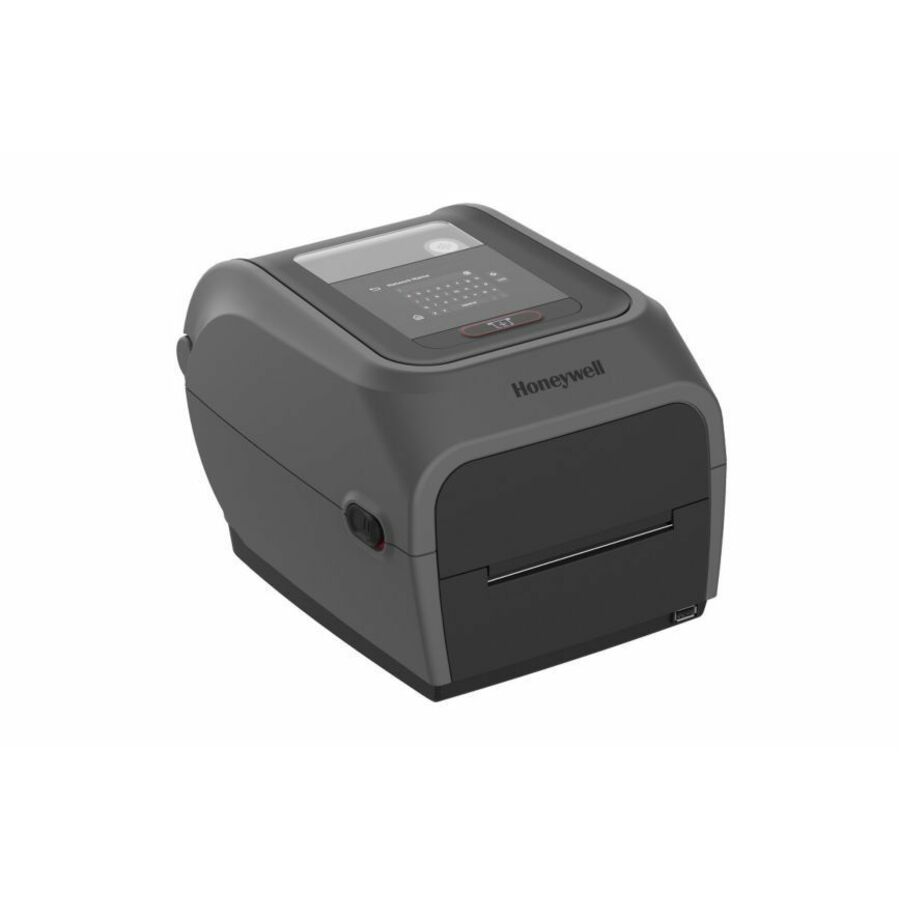
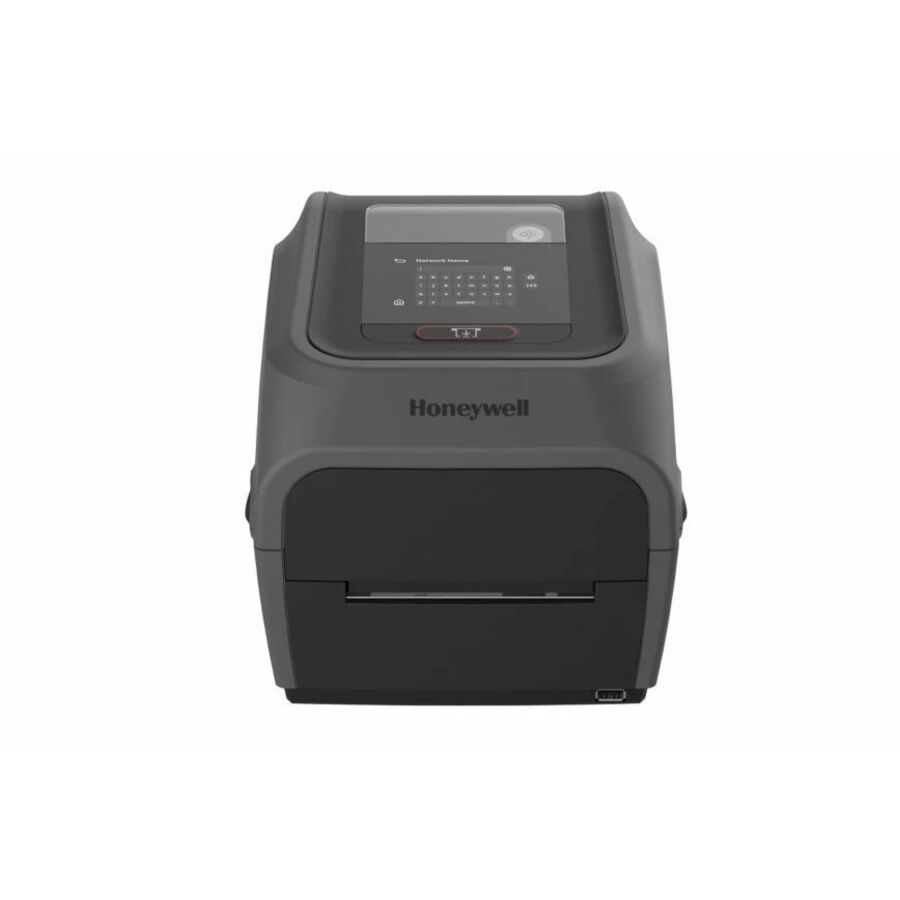
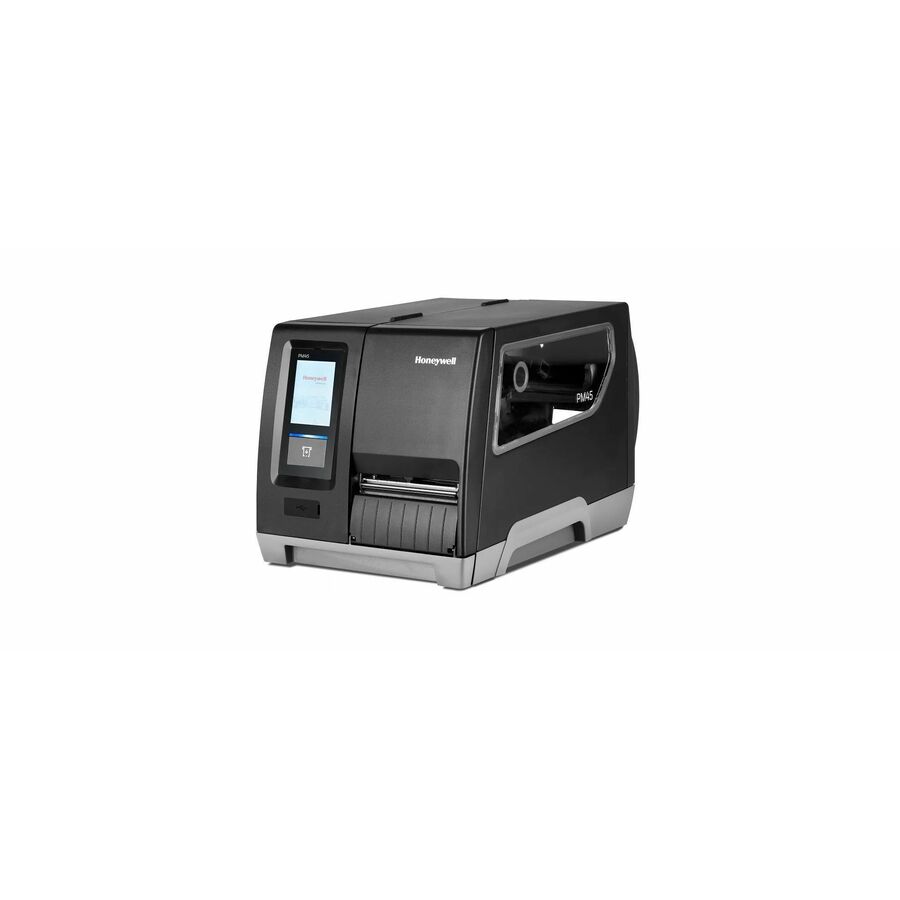
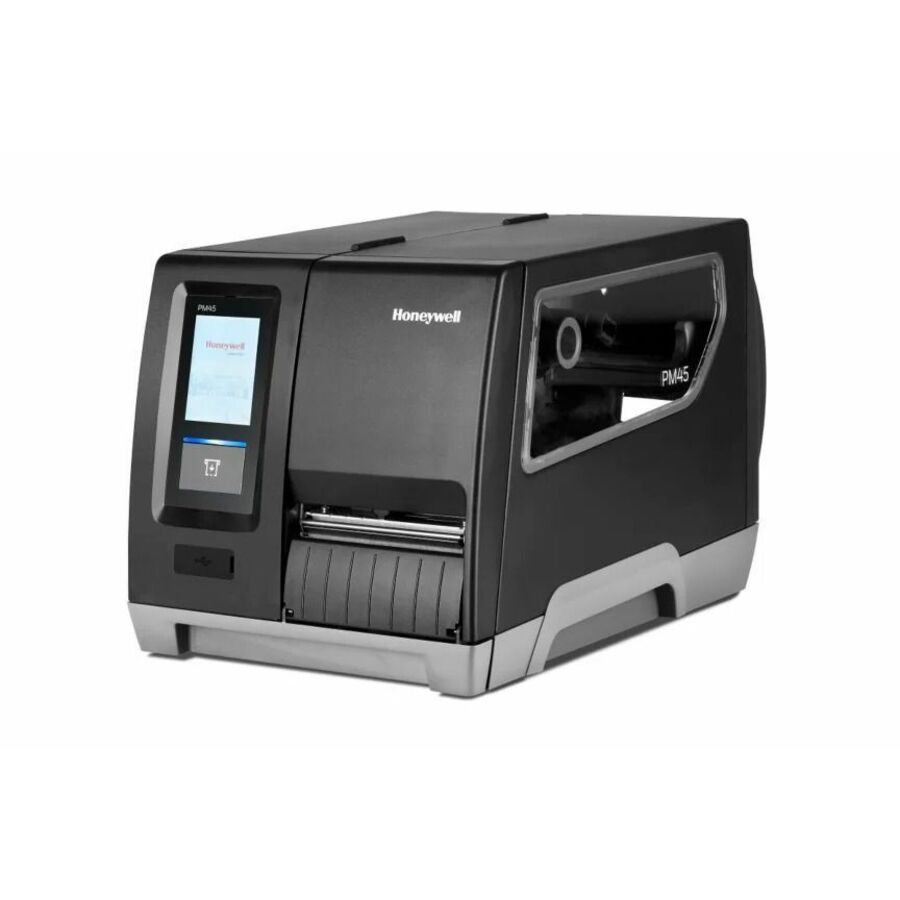
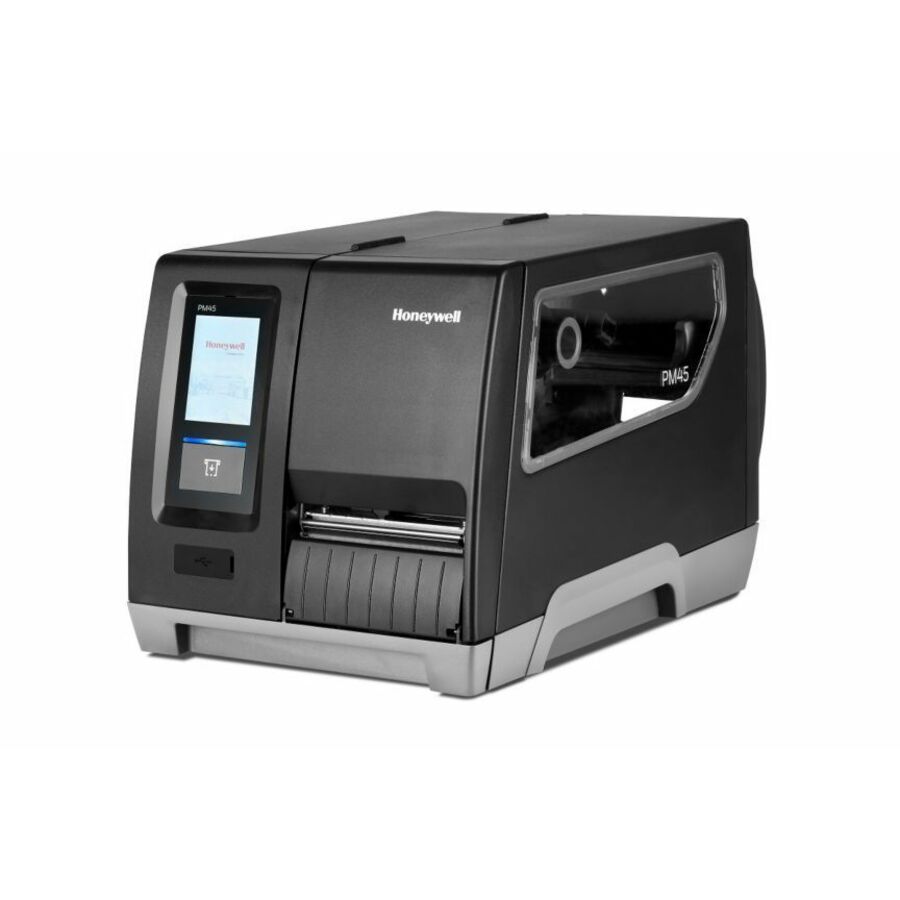
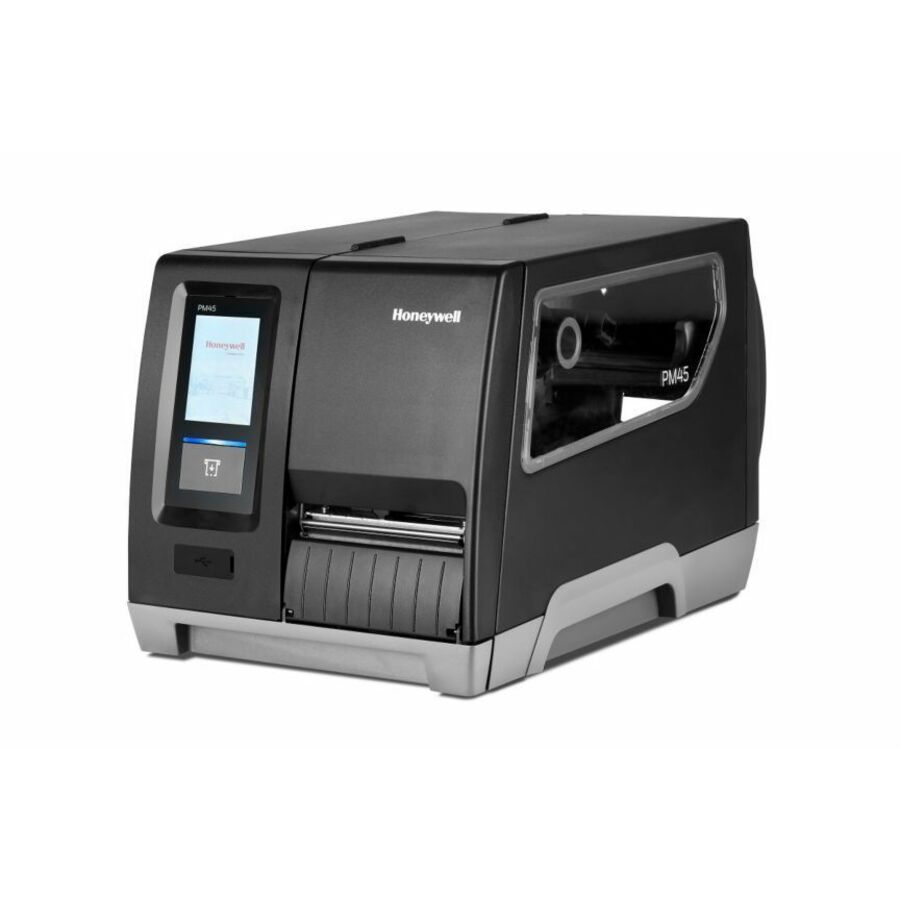
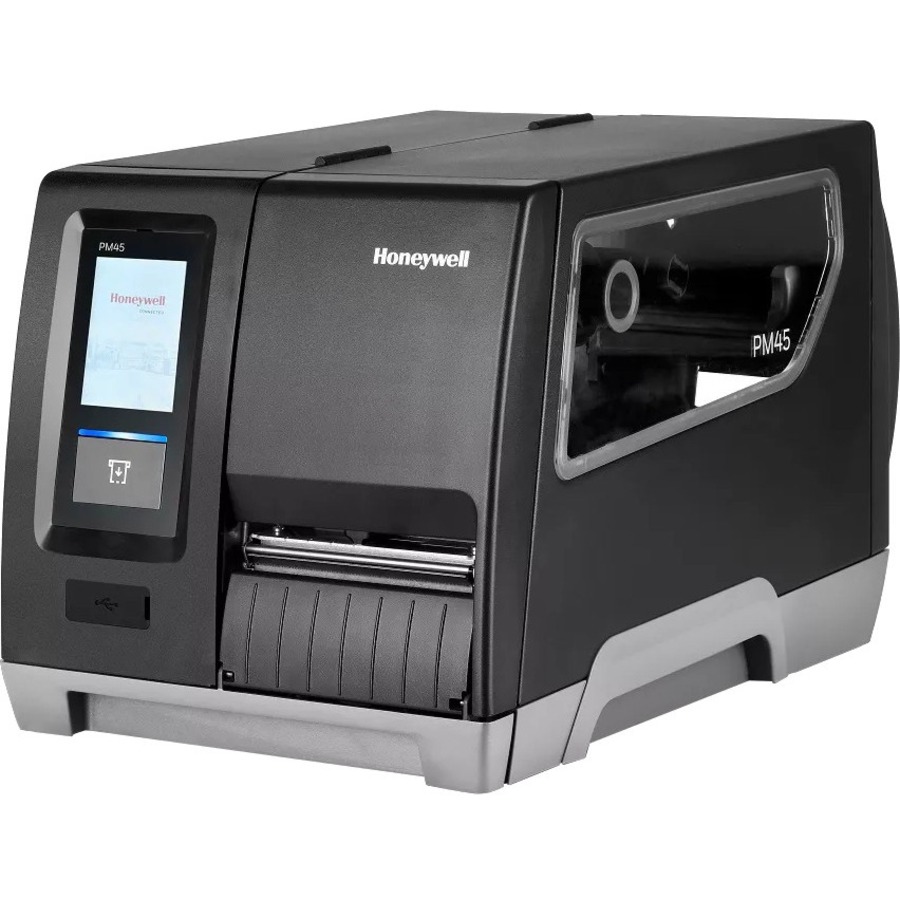
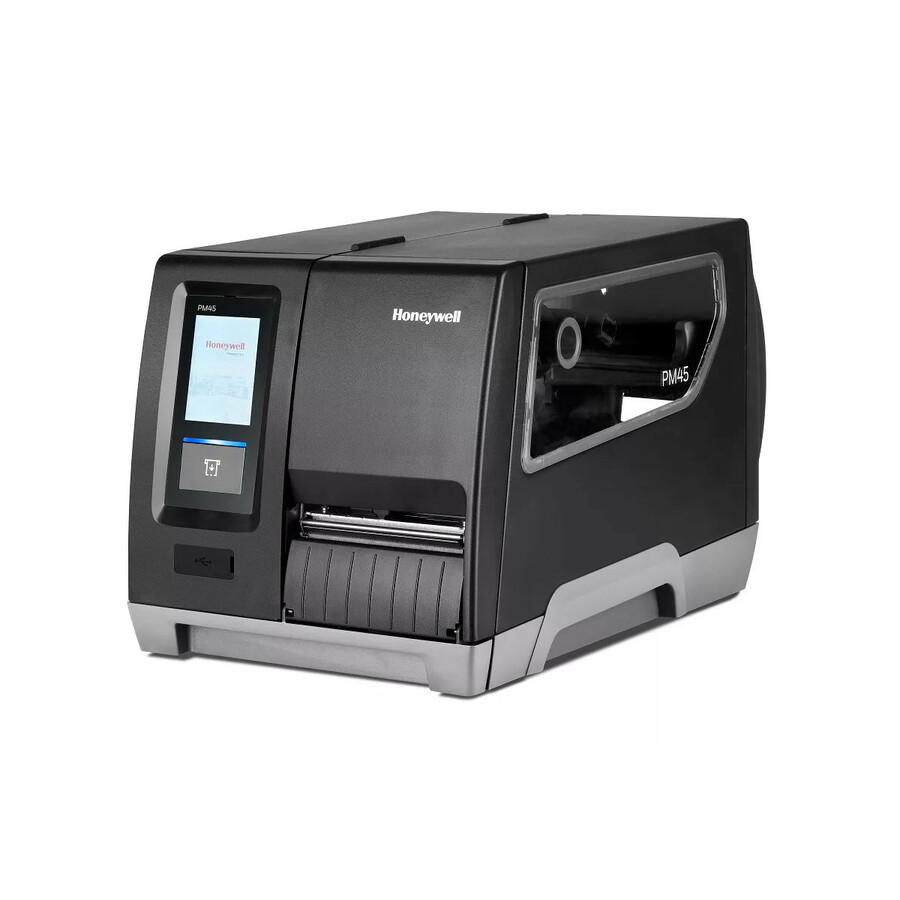
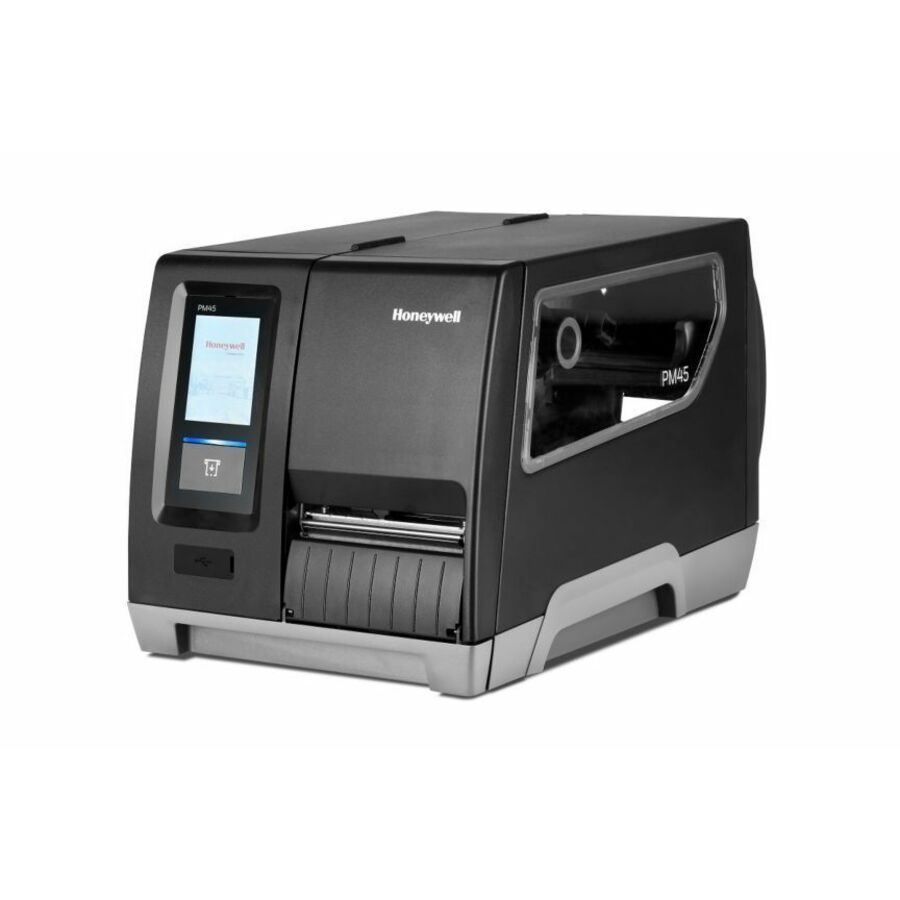
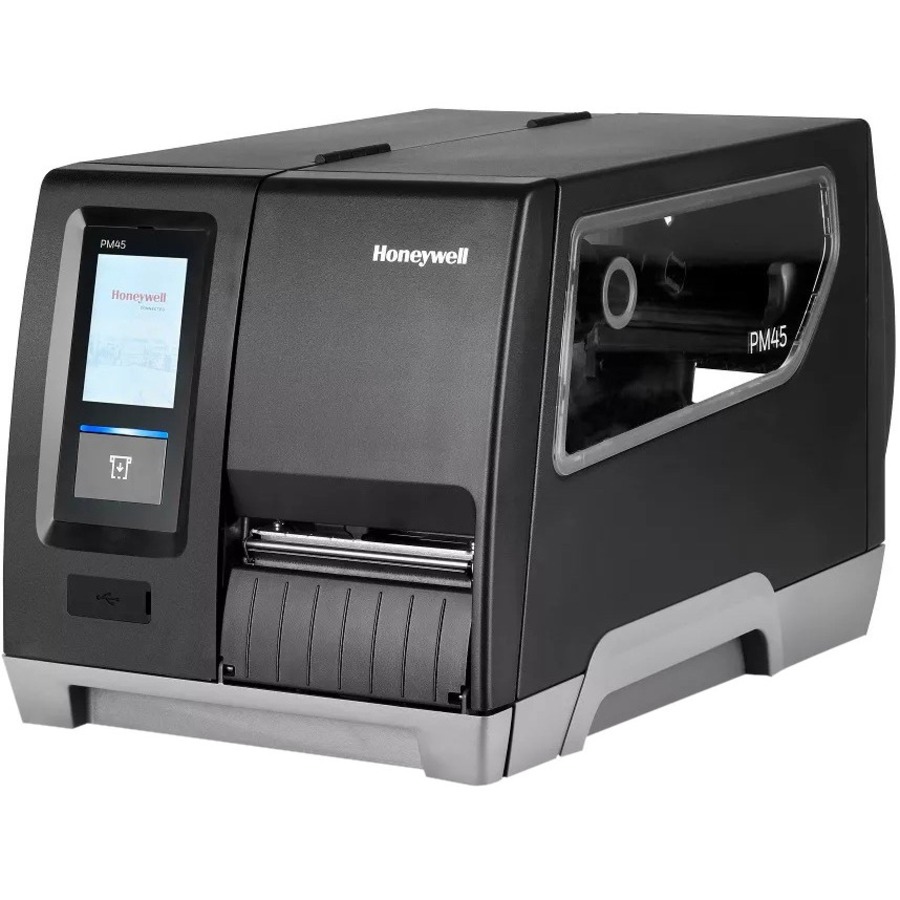
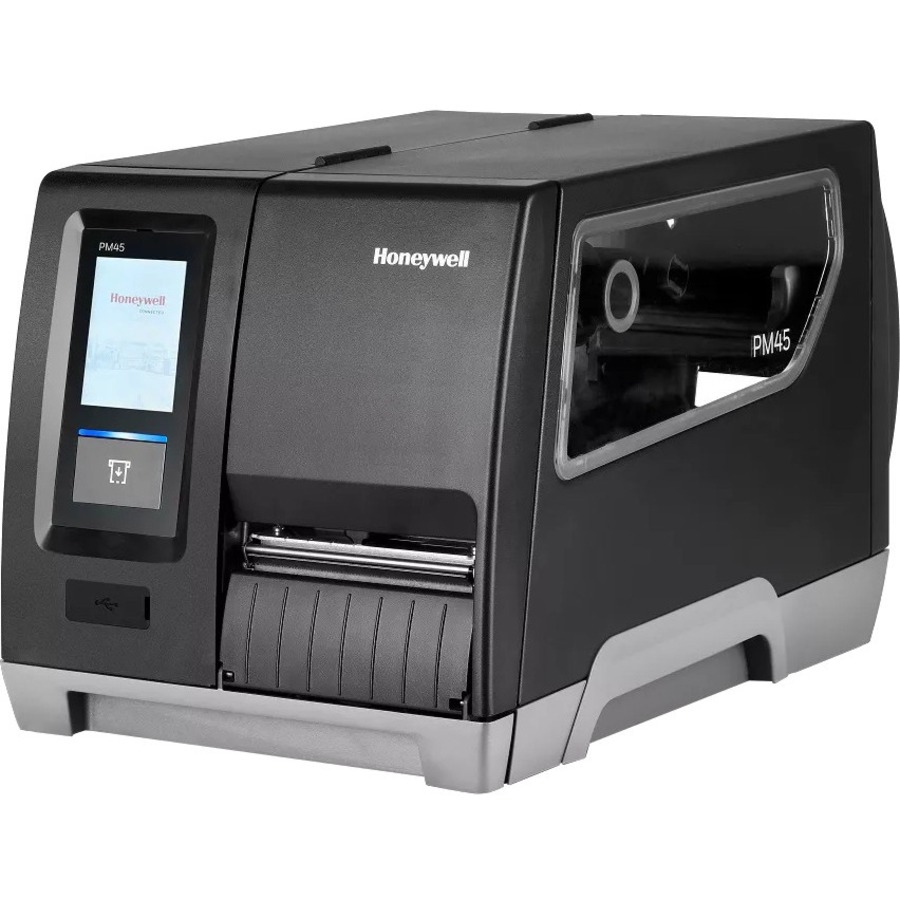
- Honeywell InternationalHoneywell PM45A Industrial Thermal Transfer Printer - Monochrome - Label Print - Ethernet - US - LCD Display Screen - 203 dpiPM45A00000000201
$2,188.34
$1,731.00
10 in stock - Honeywell InternationalHoneywell PM45A Industrial Thermal Transfer Printer - Monochrome - Label Print - Ethernet - US - LCD Display Screen - 203 dpiPM45A10000000201
$2,559.66
$2,021.44
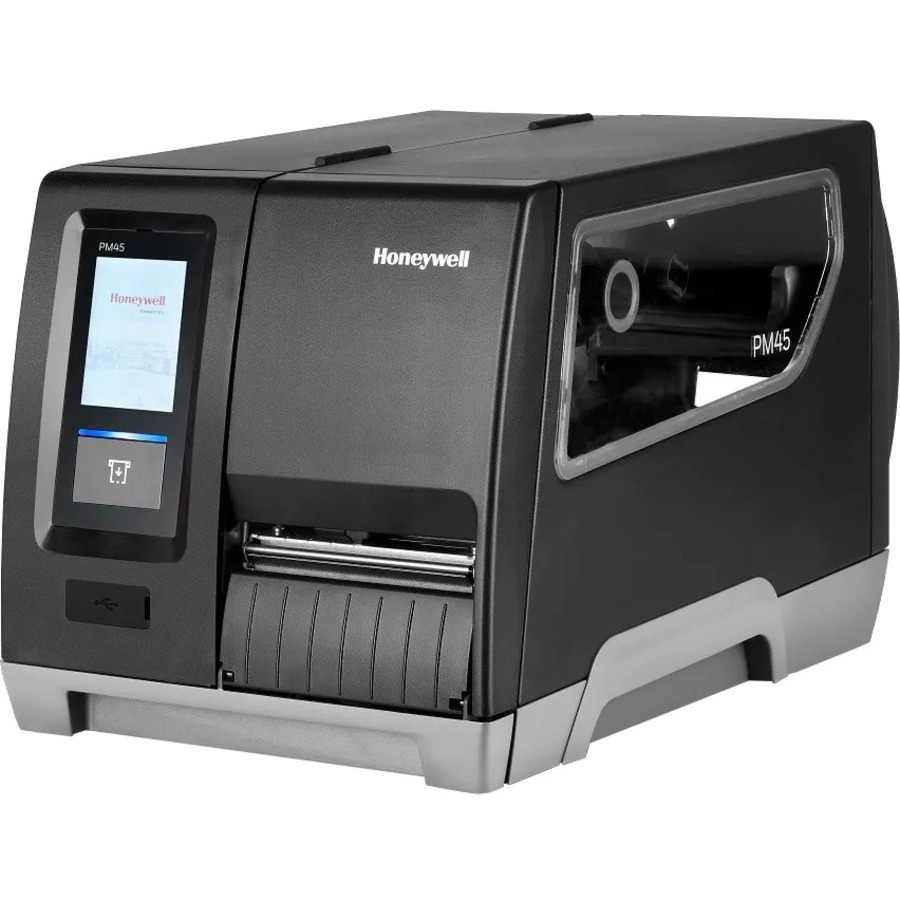
31 in stock - Honeywell InternationalHoneywell PM45A Industrial Thermal Transfer Printer - Monochrome - Label Print - Ethernet - US - LCD Display Screen - 300 dpiPM45A10000000301
$3,110.03
$2,252.33
8 in stock - Honeywell InternationalHoneywell PM45A Industrial Thermal Transfer Printer - Monochrome - Label Print - Ethernet - US - 203 dpi LengthPM45A10000030201
$2,913.70
$2,300.26
3 in stock

More label and receipt printers in the Uniqcli catalog
See all 1,059 label and receipt printersMore Honeywell first — closest to what you were just looking at; “See all label and receipt printers” above opens every other brand in the category. In-stock lines lead, and a back-ordered line carries the same estimated availability its product page does — with live pricing throughout, NDAA §889 screening before checkout and TAA verified on request.
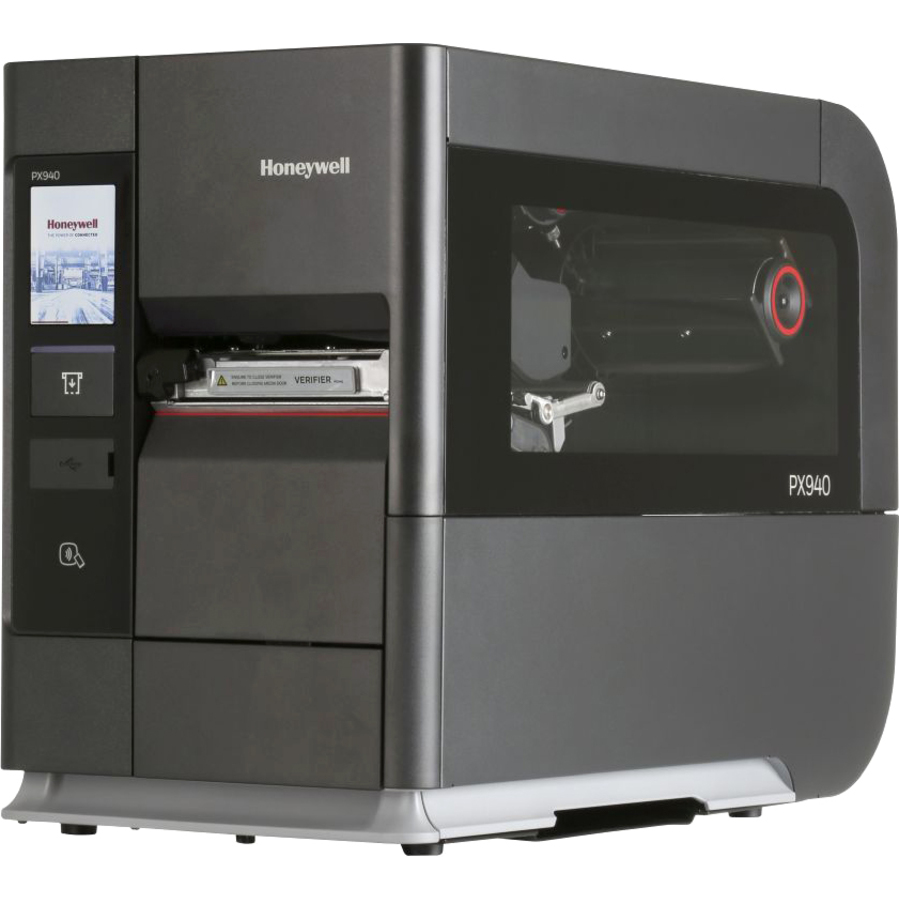
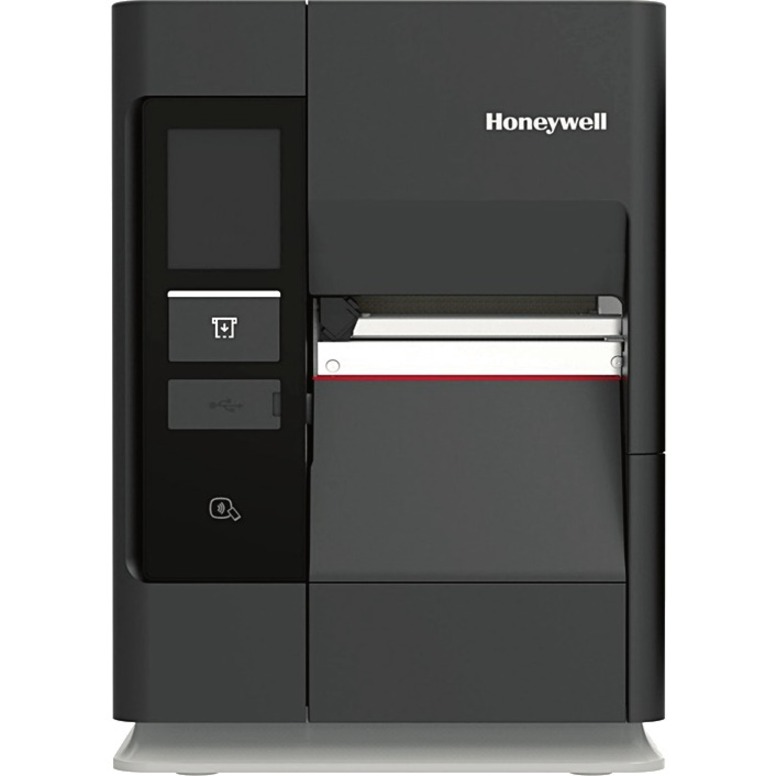
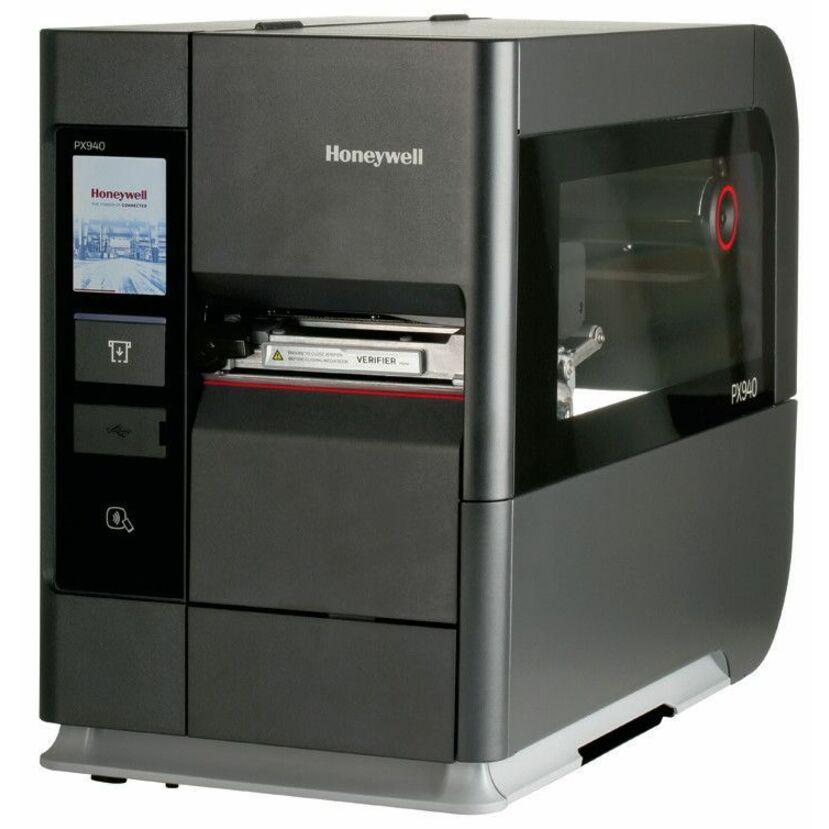
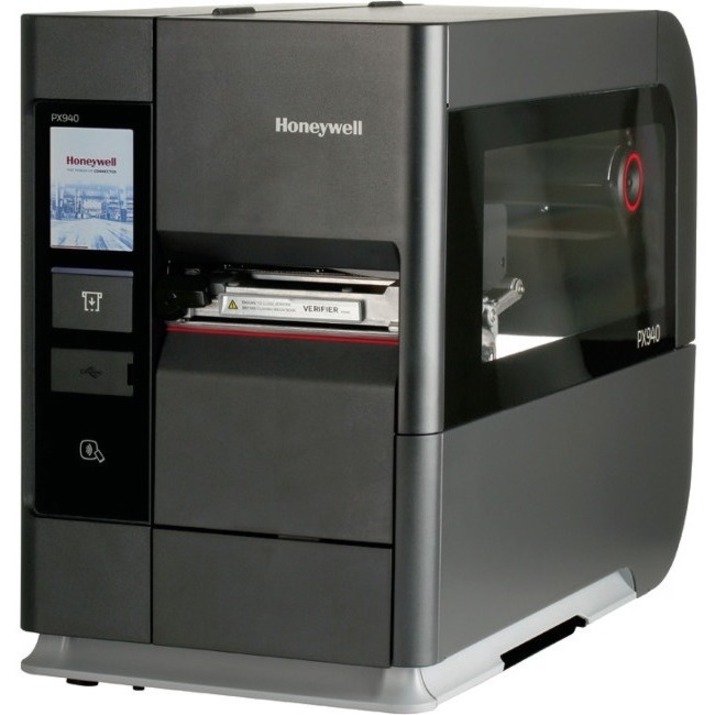
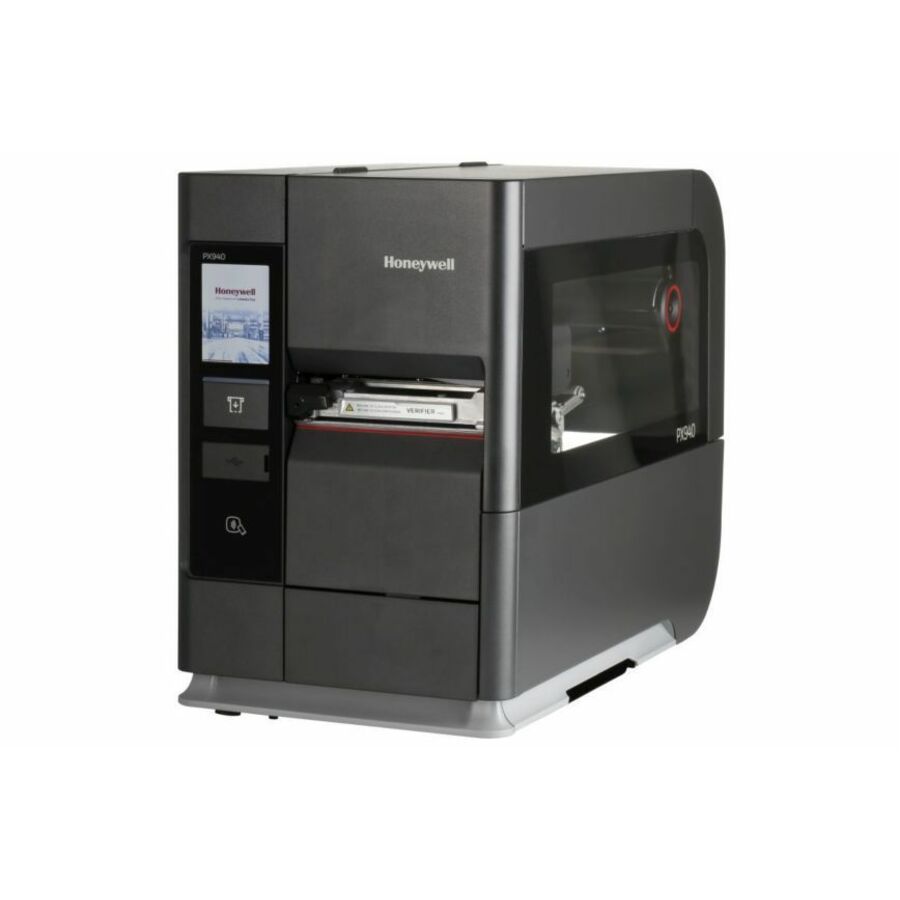
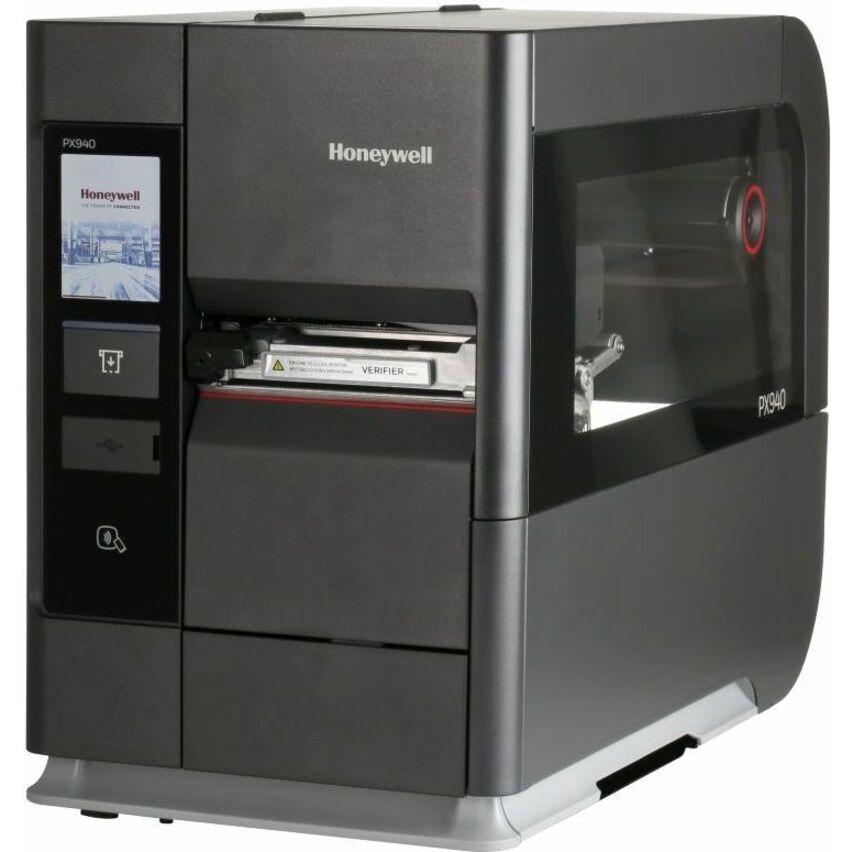
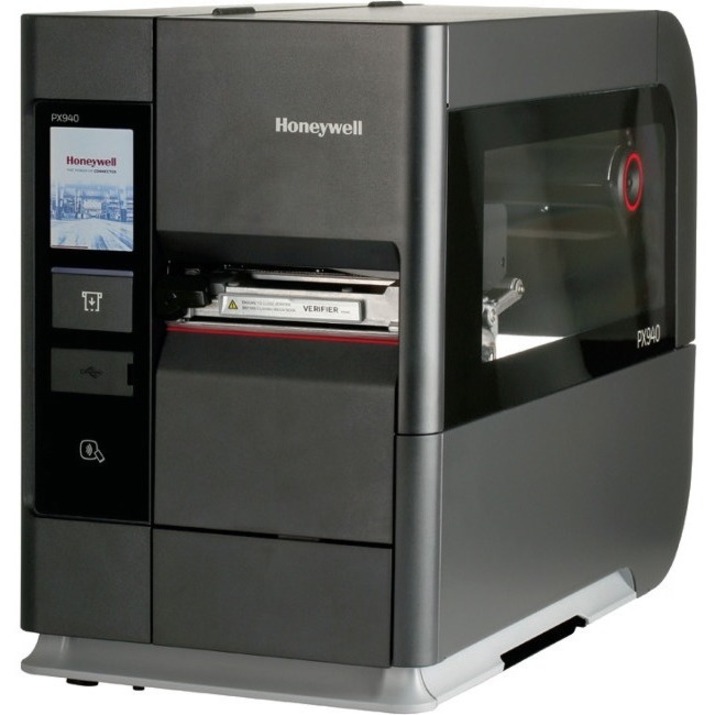
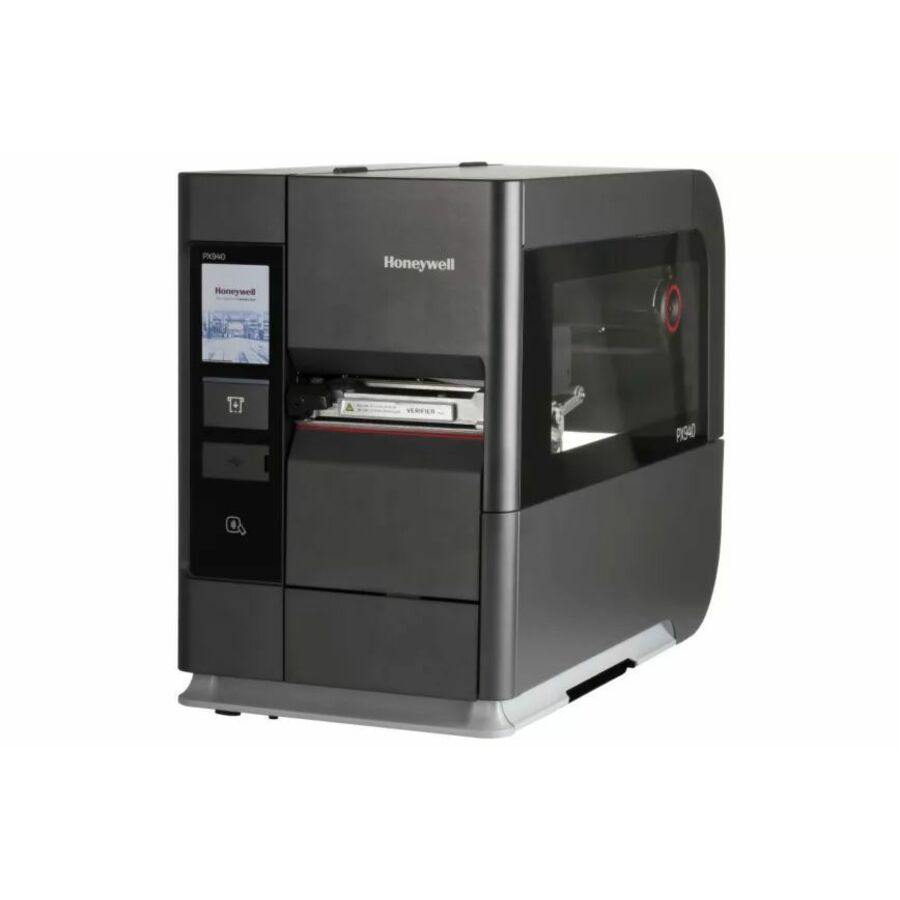
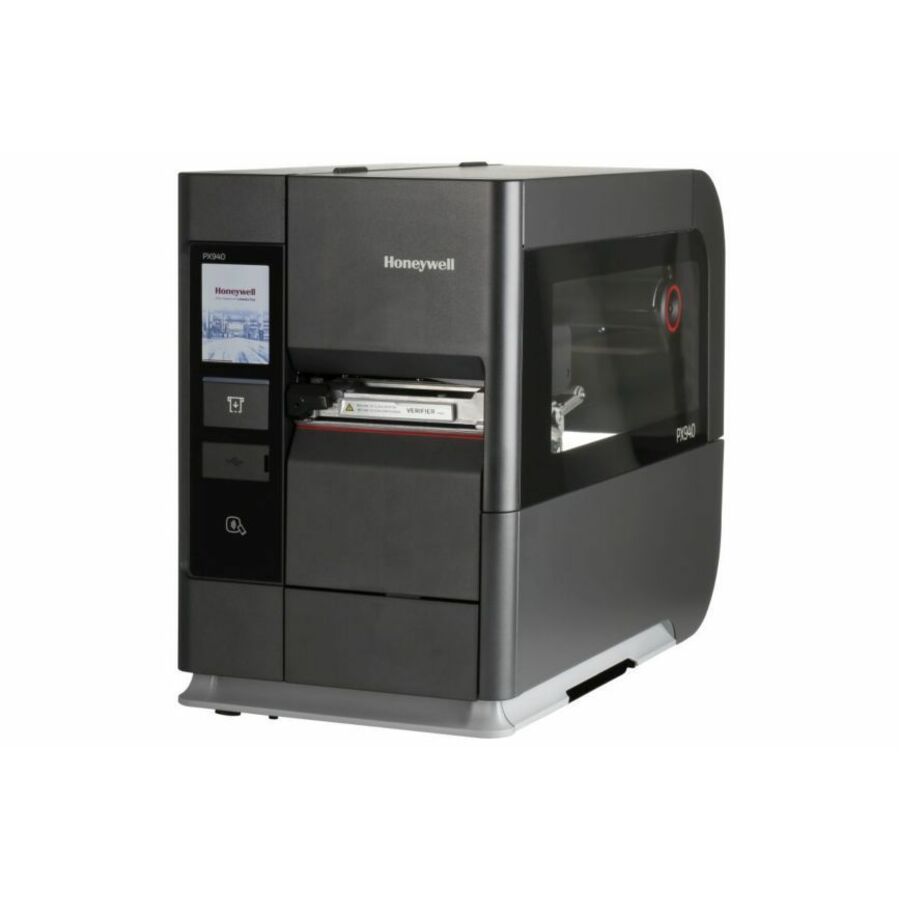
- Honeywell InternationalHoneywell PX940V Industrial Direct Thermal/Thermal Transfer Printer - Monochrome - Label Print - USB - Serial - 203 dpiPX940V30100000200
$6,204.67
$4,886.86
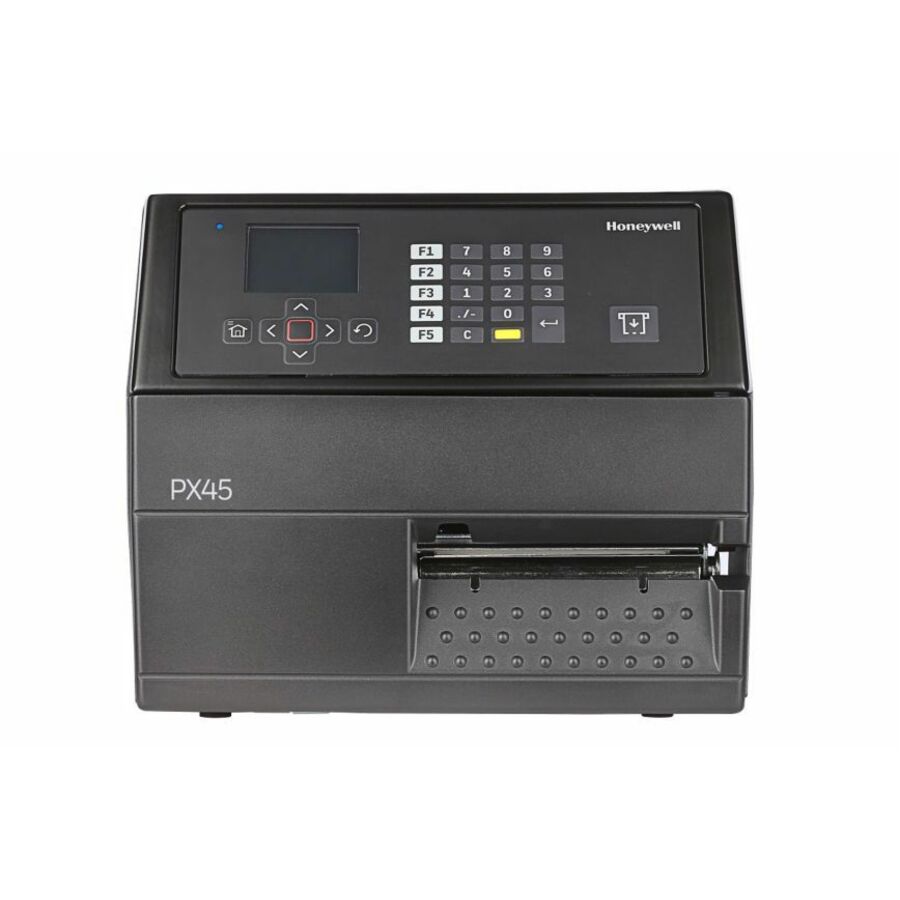
4 in stock - Honeywell InternationalHoneywell PX45A Industrial Thermal Transfer Printer - Monochrome - Label Print - Ethernet - US, EU - 203 dpi LengthPX45A00000000200
$4,823.53
$3,795.77
58 in stock - Honeywell InternationalHoneywell PM45A Industrial Thermal Transfer Printer - Monochrome - Label Print - Gigabit Ethernet - Wireless LAN - Display Screen - 47.20" Print Length x 4.09" Print Width - 9.84 in/s Mono - 406 dpi - 4.49" Label Width - Fingerprint, IPL, ZSim2, ZPL II, DPL, XML, Direct Protocol (DP) Emulation - For PCPM45A10000000400
$4,406.19
$3,452.05
1 in stock Back-ordered — estimated OEM lead time 3–8 weeks (Nov 19 – Dec 24 if ordered today).
- Honeywell InternationalHoneywell PX940V Desktop Direct Thermal/Thermal Transfer Printer - Monochrome - Label Print - USB - Serial - Bluetooth - Near Field Communication (NFC) - 600 dpiPX940V30100060600
$7,539.84
$5,936.67
Back-orderedBack-ordered — estimated OEM lead time 3–8 weeks (Nov 19 – Dec 24 if ordered today).
- Honeywell InternationalHoneywell PX45A Direct Thermal/Thermal Transfer Printer - Monochrome - Label Print - Fast Ethernet - USB - USB Host - Serial - US, EU - With Cutter - 300 dpiPX45A00000030300
$7,185.23
$5,647.39
Back-orderedBack-ordered — estimated OEM lead time 3–8 weeks (Nov 19 – Dec 24 if ordered today).
- Honeywell InternationalHoneywell PM45A Thermal Transfer Printer - Monochrome - Label Print - Ethernet - RFID - US - 300 dpiPM45A10NA0030301
$6,862.63
$5,393.59
Back-orderedBack-ordered — estimated OEM lead time 3–8 weeks (Nov 19 – Dec 24 if ordered today).
- Honeywell InternationalDatamax-O'Neil Nova MP Nova Desktop Direct Thermal Printer - Monochrome - Label Print - USB - Serial - 6.61" Print Width - 7.87 in/s Mono - 203 dpi - 6.89" Label WidthX91-00-08000000
$6,355.05
$4,958.08
Back-orderedBack-ordered — estimated OEM lead time 3–8 weeks (Nov 19 – Dec 24 if ordered today).
- Honeywell InternationalHoneywell Single Sided Industrial, Healthcare, Manufacturing, Warehouse, Automotive Direct Thermal/Thermal Transfer Printer - Color - Label Print - Fast Ethernet - USB - USB Host - Serial - Bluetooth - IEEE 802.11a/b/g/n/ac Wireless LAN - Near Field Communication (NFC) - RFID - US - 300 dpiPX940V30100060302
$6,424.59
$5,047.96
Back-orderedBack-ordered — estimated OEM lead time 3–8 weeks (Nov 19 – Dec 24 if ordered today).
- Honeywell InternationalHoneywell PX940 Desktop, Industrial, Transportation & Logistic, Pharmacy, Healthcare Direct Thermal/Thermal Transfer Printer - Monochrome - Tabletop - Label Print - USB - USB Host - Serial - Bluetooth - Near Field Communication (NFC) - 600 dpiPX940A00100060602
$6,377.45
$5,001.25
Back-orderedBack-ordered — estimated OEM lead time 3–8 weeks (Nov 19 – Dec 24 if ordered today).
- Honeywell InternationalHoneywell PX940V Desktop Direct Thermal/Thermal Transfer Printer - Monochrome - Label Print - USB - Serial - Bluetooth - Near Field Communication (NFC) - 300 dpiPX940V30100060300
$6,408.89
$5,046.20
Back-orderedBack-ordered — estimated OEM lead time 3–8 weeks (Nov 19 – Dec 24 if ordered today).
- Honeywell InternationalHoneywell Single Sided Industrial, Healthcare, Manufacturing, Warehouse, Automotive Direct Thermal/Thermal Transfer Printer - Color - Label Print - Fast Ethernet - USB - USB Host - Serial - Bluetooth - IEEE 802.11a/b/g/n/ac Wireless LAN - Near Field Communication (NFC) - RFID - US - 203 dpiPX940V30100000302
$6,377.45
$5,022.71
Back-orderedBack-ordered — estimated OEM lead time 3–8 weeks (Nov 19 – Dec 24 if ordered today).
- Honeywell InternationalHoneywell PX940V Industrial Direct Thermal/Thermal Transfer Printer - Monochrome - Label Print - USB - Serial - 300 dpiPX940V30100000300
$6,361.76
$5,009.08
Back-orderedBack-ordered — estimated OEM lead time 3–8 weeks (Nov 19 – Dec 24 if ordered today).
- Honeywell InternationalHoneywell Single Sided Industrial, Healthcare, Manufacturing, Warehouse, Automotive Direct Thermal/Thermal Transfer Printer - Color - Label Print - Fast Ethernet - USB - USB Host - Serial - Bluetooth - IEEE 802.11a/b/g/n/ac Wireless LAN - Near Field Communication (NFC) - RFID - 203 dpiPX940V30100060202
$6,336.00
$4,983.42
Back-orderedBack-ordered — estimated OEM lead time 3–8 weeks (Nov 19 – Dec 24 if ordered today).
- Honeywell InternationalHoneywell PM45A Thermal Transfer Printer - RFID Card Printer - Bluetooth - RFID - Display ScreenPM45AU1NA0030211
$6,229.80
$4,895.85
Back-orderedBack-ordered — estimated OEM lead time 3–8 weeks (Nov 19 – Dec 24 if ordered today).
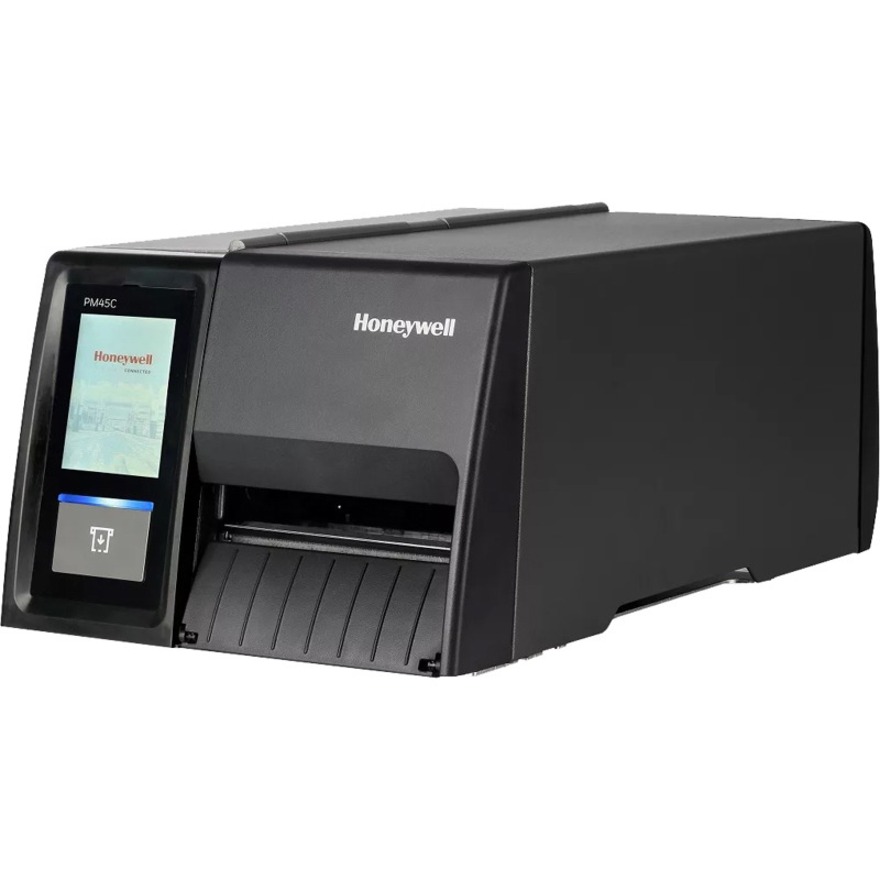
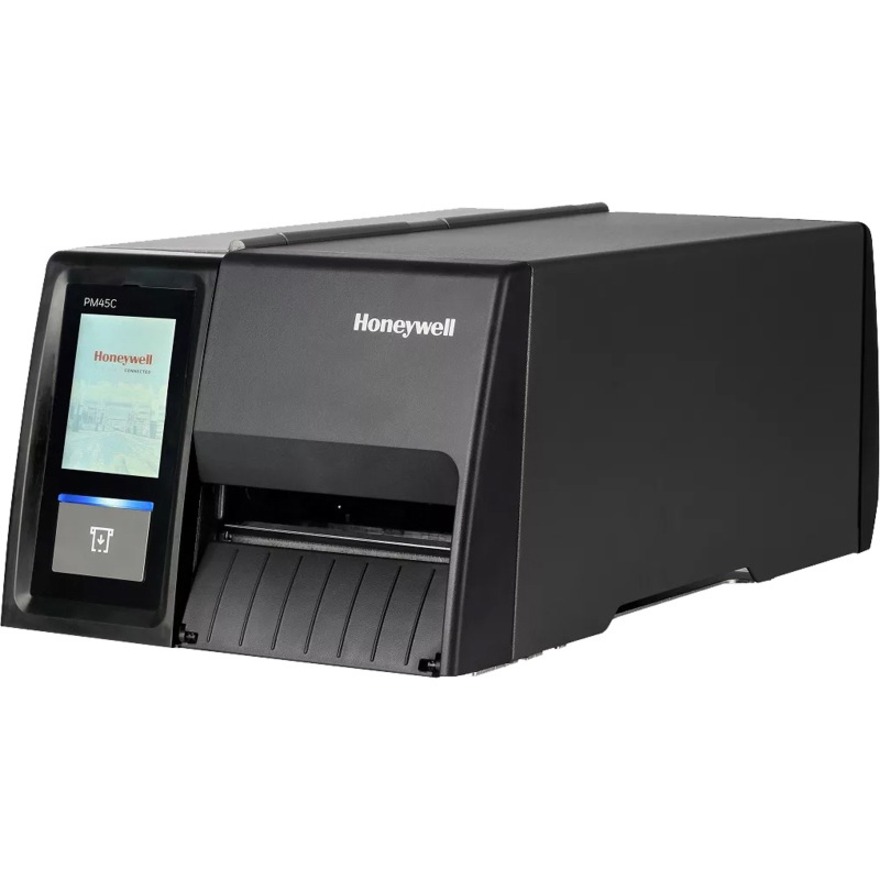
- Honeywell InternationalHoneywell PM45C Industrial Thermal Transfer Printer - Monochrome - Label Print - Gigabit Ethernet - USB - USB Host - Serial - 600 dpiPM45CA1010030600
$5,808.83
$4,558.50
Back-orderedBack-ordered — estimated OEM lead time 3–8 weeks (Nov 19 – Dec 24 if ordered today).
- Honeywell InternationalHoneywell PM45 Industrial Thermal Transfer Printer - Monochrome - Label Print - Gigabit Ethernet - USB - USB Host - Serial - 203 dpiPM45A10030030200
$5,801.48
$4,559.36
Back-orderedBack-ordered — estimated OEM lead time 3–8 weeks (Nov 19 – Dec 24 if ordered today).
- Honeywell InternationalHoneywell PM45 Industrial Thermal Transfer Printer - Monochrome - Label Print - Gigabit Ethernet - USB - USB Host - Serial - Parallel - 600 dpiPM45A10010030600
$5,654.61
$4,447.66
Back-orderedBack-ordered — estimated OEM lead time 3–8 weeks (Nov 19 – Dec 24 if ordered today).
- Honeywell InternationalHoneywell PM45 Industrial Thermal Transfer Printer - Monochrome - Label Print - Gigabit Ethernet - USB - USB Host - Serial - 600 dpiPM45A10000030600
$5,434.30
$4,274.14
Back-orderedBack-ordered — estimated OEM lead time 3–8 weeks (Nov 19 – Dec 24 if ordered today).
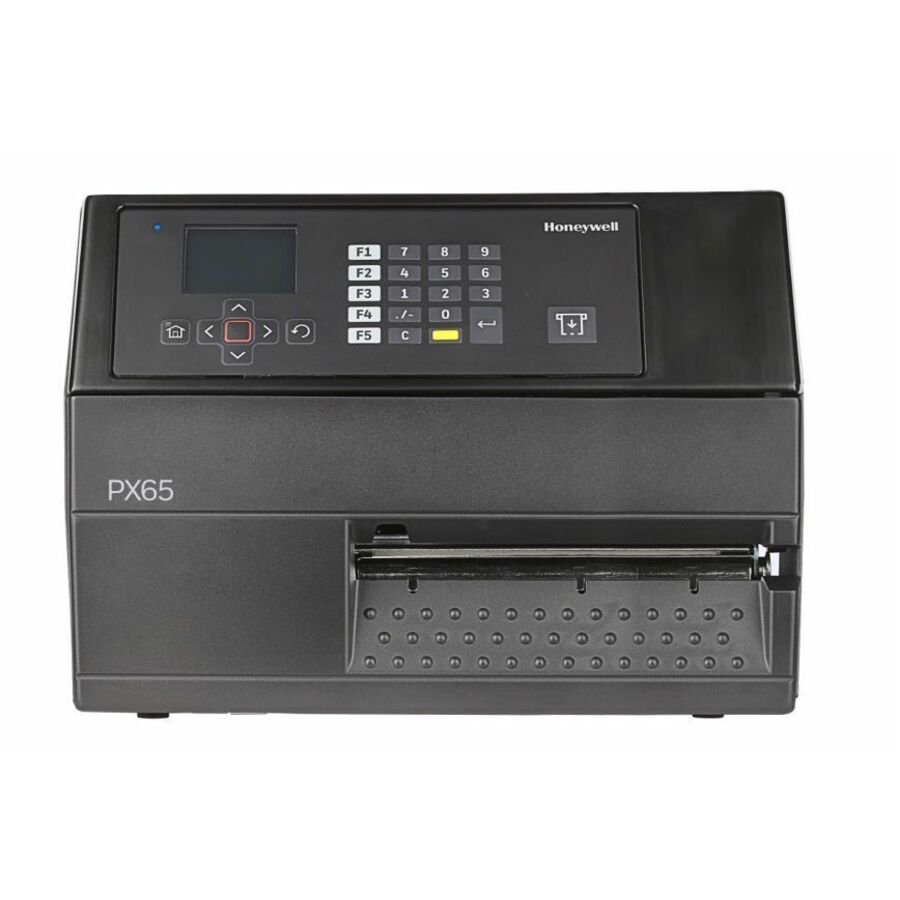
- Honeywell InternationalHoneywell PX65A Thermal Transfer Printer - Monochrome - Label Print - Ethernet - Wireless LAN - US - 203 dpi LengthPX65A01000000201
$5,342.31
$4,194.95
Back-orderedBack-ordered — estimated OEM lead time 3–8 weeks (Nov 19 – Dec 24 if ordered today).
- Honeywell InternationalHoneywell PM45C Industrial Thermal Transfer Printer - Monochrome - Label Print - Gigabit Ethernet - USB - USB Host - Serial - 600 dpiPM45CA1000000600
$5,287.42
$4,155.92
Back-orderedBack-ordered — estimated OEM lead time 3–8 weeks (Nov 19 – Dec 24 if ordered today).
Need pricing on Honeywell label printers?
Tell us where to reach you and a Uniqcli specialist will follow up by email with current pricing, availability and lead time for the quantities you need — including parts that aren’t shown on this page.
Buying for an organization or for yourself — both work. No payment up front.
Duty cycle, then resolution, sorts the Honeywell label printer line. Industrial PM, PX and PD units are built for continuous warehouse and production printing; desktop PC-class models fit retail counters and shipping desks. Use 203 dpi for standard shipping and asset labels and 300 dpi for small-part labels and dense 2D barcodes, then confirm the command language your label software emits.
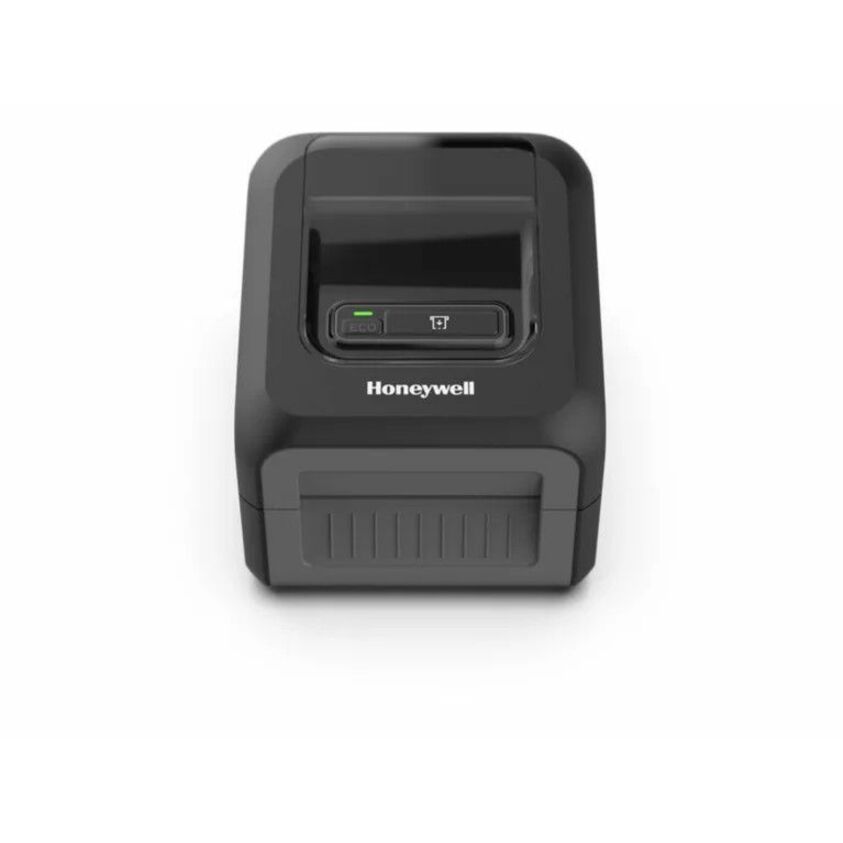
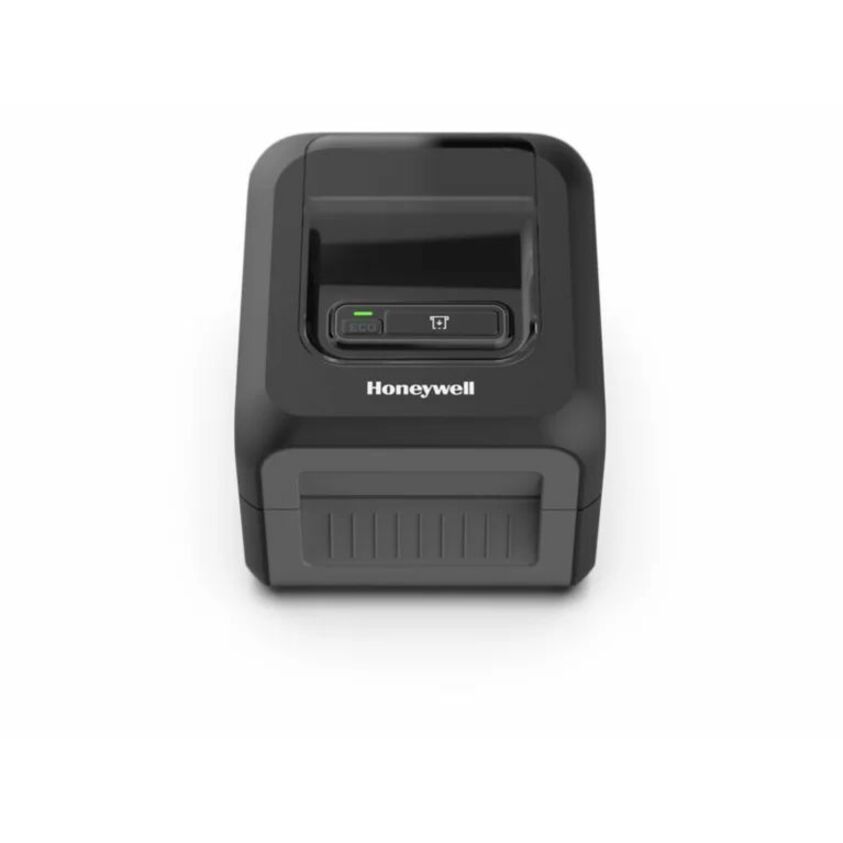
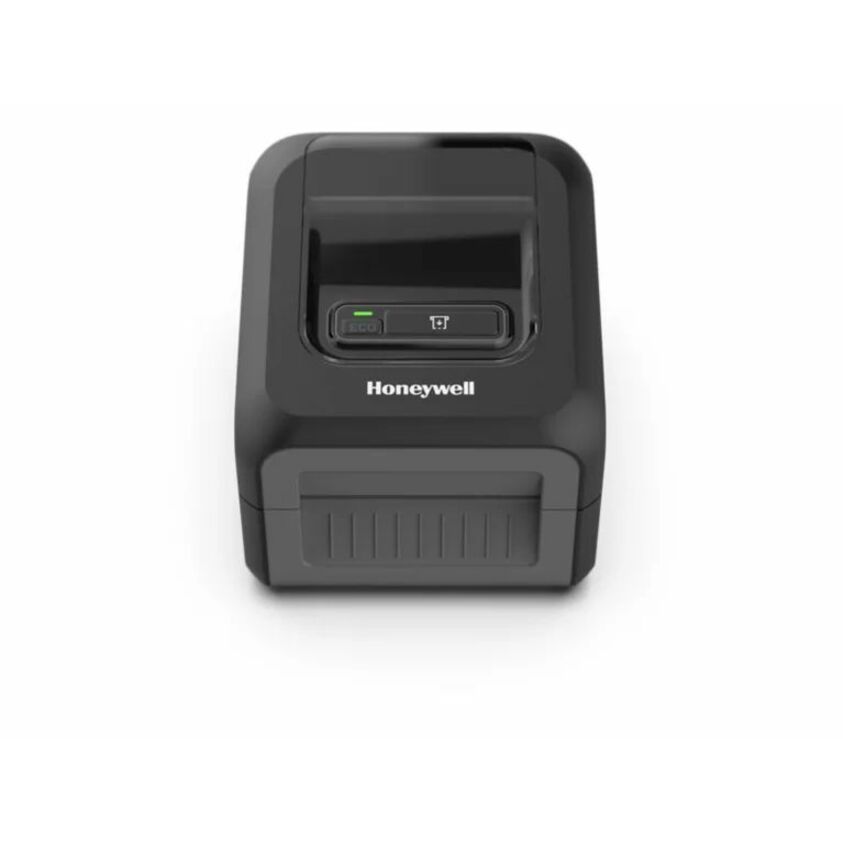
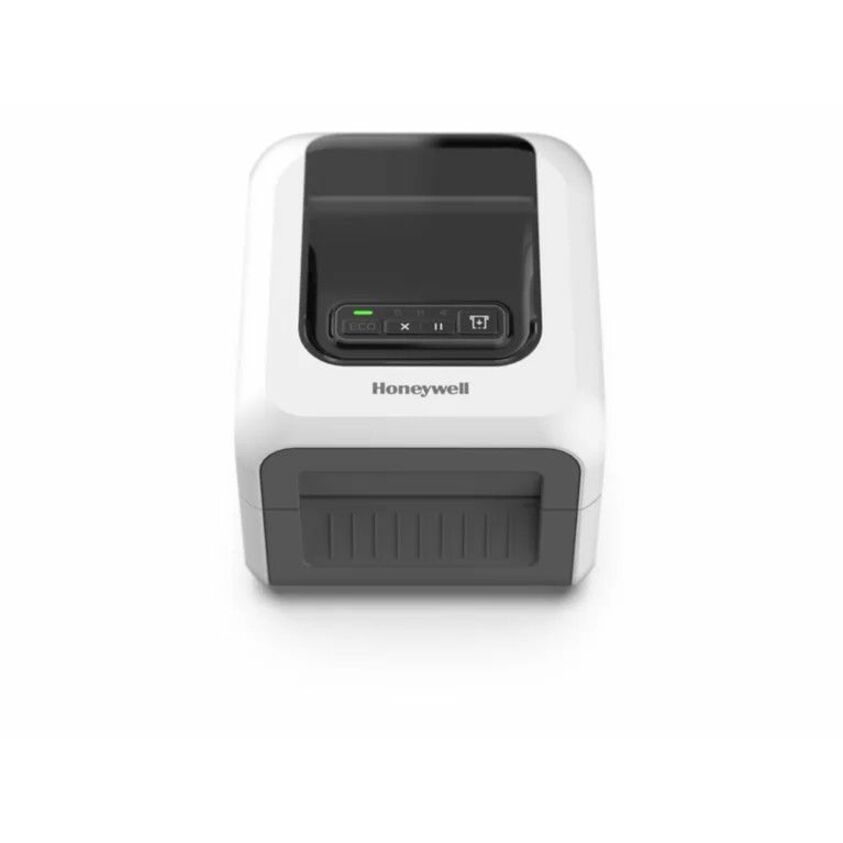
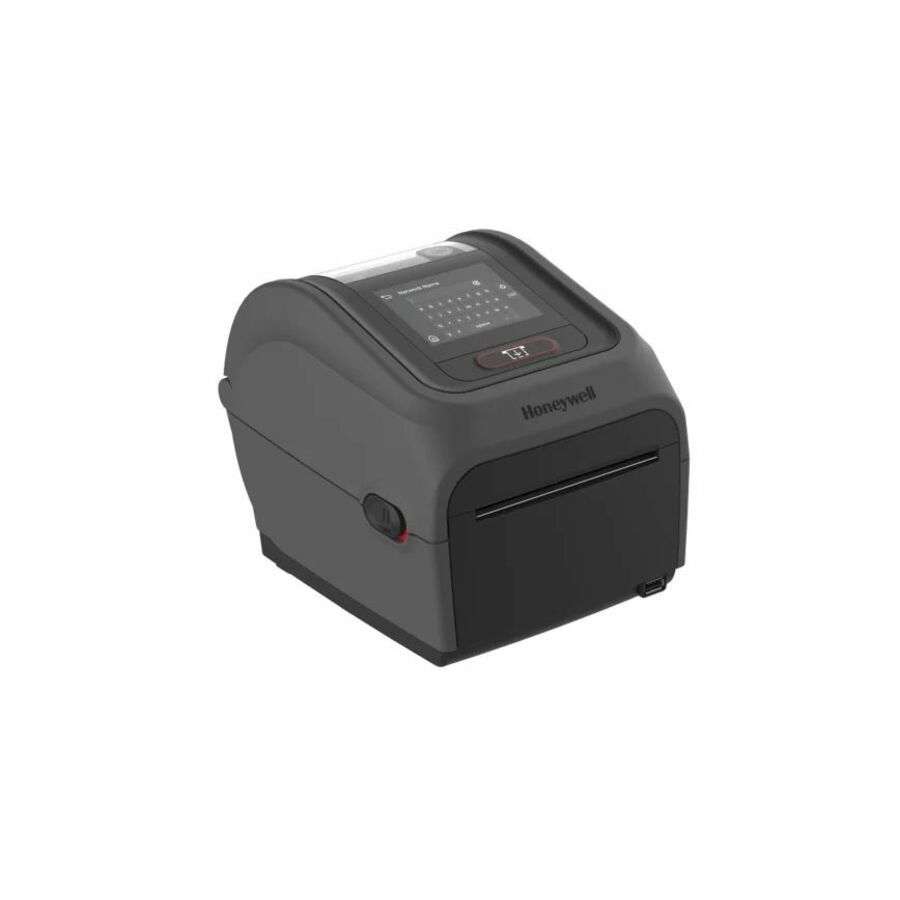
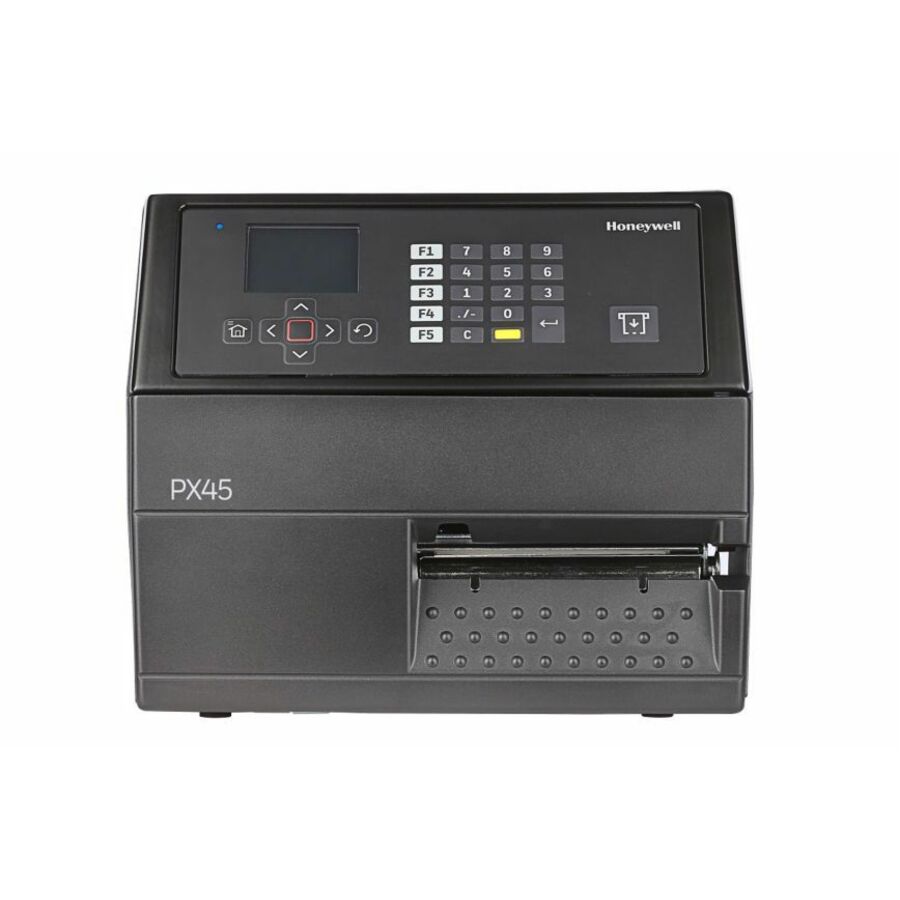
Honeywell's label and receipt printer line splits into two clear tiers, and picking the right one starts with duty cycle. Industrial thermal-transfer units like the PM45 and PX45 are built for high-volume warehouse, manufacturing, and logistics printing, with rugged chassis, faster throughput, and options such as cutters, rewinders, and RFID encoding. Desktop models like the PC45, PC42E, and PC41E fit retail counters, shipping stations, and back-office asset tagging, where footprint and desk space matter more than sustained high-volume throughput.
Resolution and media handling drive most of the remaining decision. 203 dpi covers standard shipping, carton, and asset labels; 300 dpi is worth the step up for small-part labels, dense 2D barcodes, and fine text. Nearly every unit here supports the common label command languages, including Honeywell Fingerprint, IPL (Intermec Printer Language), DPL, and ZSim2, Honeywell's ZPL-compatible emulation, so a printer can usually drop into an existing label workflow, which also eases migration for Intermec-heritage IPL jobs now supported under Honeywell. Confirm direct-thermal versus thermal-transfer, RFID versus non-RFID, and connectivity (Ethernet, USB, serial, and optional Bluetooth or Wi-Fi) against your environment before you buy.
The models below are the Honeywell printers Uniqcli currently stocks, with live in-stock status shown on each product page so you can plan around real availability rather than a generic catalog listing. Pricing reflects the configured unit; if you need a specific media, ribbon, or accessory pairing, that can be scoped alongside the printer.
Buyer's checklist
How to choose a Honeywell label printer
- Match the form factor to duty cycle: industrial PM/PX/PD units for continuous, high-volume warehouse and production printing; desktop PC-class units for retail, shipping desks, and light-to-moderate runs.
- Pick resolution by label content: 203 dpi for standard shipping and asset labels, 300 dpi for small-part labels, dense 2D barcodes, and fine text.
- Choose direct thermal for short-life shipping and receipt labels, or thermal transfer (ribbon) for durable, long-life asset, cold-storage, and outdoor labels.
- Confirm connectivity for your environment: Ethernet, USB, and serial are common, with optional Bluetooth or Wi-Fi for mobile carts, and a dedicated RFID variant if you encode tags.
- Verify command-language support (Honeywell Fingerprint, IPL, DPL, and ZSim2, Honeywell's ZPL-compatible emulation) so the printer drops into your existing WMS or label software without template rewrites.
- Scope the options you actually need, such as cutter, peel/dispense, internal rewind, real-time clock, and print width, before finalizing the configuration.
Where these printers fit
Label and receipt printers map to distinct stations. Industrial PM- and PX-class units anchor shipping lanes, production lines, and put-wall stations where labels print continuously through a shift, and they accept the larger media rolls and heavy-duty options those volumes require. Desktop PC-class units sit at retail counters, pack-out benches, returns desks, and back-office asset-tagging stations. RFID-capable variants encode and print smart labels for source tagging and item-level tracking where a compliance mandate or inventory program calls for it.
Consumables and total cost of ownership
The printer is a small share of the lifetime spend; media, ribbon, and printheads are the recurring cost. Direct-thermal labels need no ribbon but carry a shorter shelf life, while thermal-transfer adds a ribbon line and produces durable labels, so pair the ribbon chemistry to the media and the label's service life. The printhead is a wear part whose life tracks with print volume and darkness, which is why sizing an industrial unit to a heavy duty cycle protects it. RFID inlays add per-label cost.
Deploying and integrating a printer fleet
Integration decides how smoothly a printer drops in. For fleets, plan networked management and consistent drivers so IT can monitor status, queues, and firmware centrally rather than walking the floor. Match placement to the media path: industrial units handle large rolls and side-loading on a line, while desktops favor a compact footprint and front media access at a counter. Finally, stock spare printheads and set a media-and-ribbon reorder cadence for the high-duty units, so an unattended run never stalls a shipping lane mid-shift.
FAQ
Common questions
- What's the difference between Honeywell's industrial and desktop label printers?
- Industrial units such as the PM45, PX45, and PD45 use rugged construction and higher-speed mechanisms for continuous, high-volume printing in warehouses and on production lines, and support heavy-duty options like cutters, rewinders, and RFID. Desktop units such as the PC45, PC42E, and PC41E are compact printers for retail counters, shipping desks, and light-to-moderate label runs. Match the tier to your daily label volume and environment.
- Will these work with my existing label software and ZPL templates?
- Most models here support multiple printer command languages, including Honeywell Fingerprint, IPL, DPL, and ZSim2 (a ZPL-compatible emulation), so they can typically slot into an existing label workflow without rewriting templates. Because Intermec is now part of Honeywell's printer line, IPL support also eases migration for sites with Intermec-heritage printers. Confirm the exact language your WMS or label software emits and match it to the model's supported set.
- Should I choose direct thermal or thermal transfer?
- Direct thermal prints without a ribbon and suits shorter-life labels like shipping and receipts, though the image fades with heat and light over time. Thermal transfer uses a ribbon to produce durable, long-life labels for asset tags, cold storage, and outdoor or chemical exposure. Several Honeywell lines offer both; choose based on how long the label must survive and the conditions it faces.
- Can these be purchased on a government or education contract?
- Uniqcli supplies these Honeywell printers to business, government, and education buyers. Units are sourced through US distribution and screened for TAA country-of-origin and NDAA Section 889 status before checkout, with documentation tied to the specific part number so procurement and compliance teams can verify sourcing for the exact configuration ordered.
Need Honeywell label printers pricing?
Send a bill of materials or part numbers — we confirm stock and a below-market total, with TAA verified on request. No payment up front.