
Best Honeywell Handheld Terminals for Field and Warehouse Teams
Rugged Android handhelds across the Dolphin CT-series and CK-series lines — touch-first slates and keypad-equipped terminals for scanning, warehouse and field work.
Honeywell mobile computers in stock at Uniqcli
How to choose →A curated selection with live pricing — in-stock lines first, then back-ordered lines with a typical lead time. Every line is sourced through US distribution and screened for NDAA §889 status before checkout, with TAA verified on request.
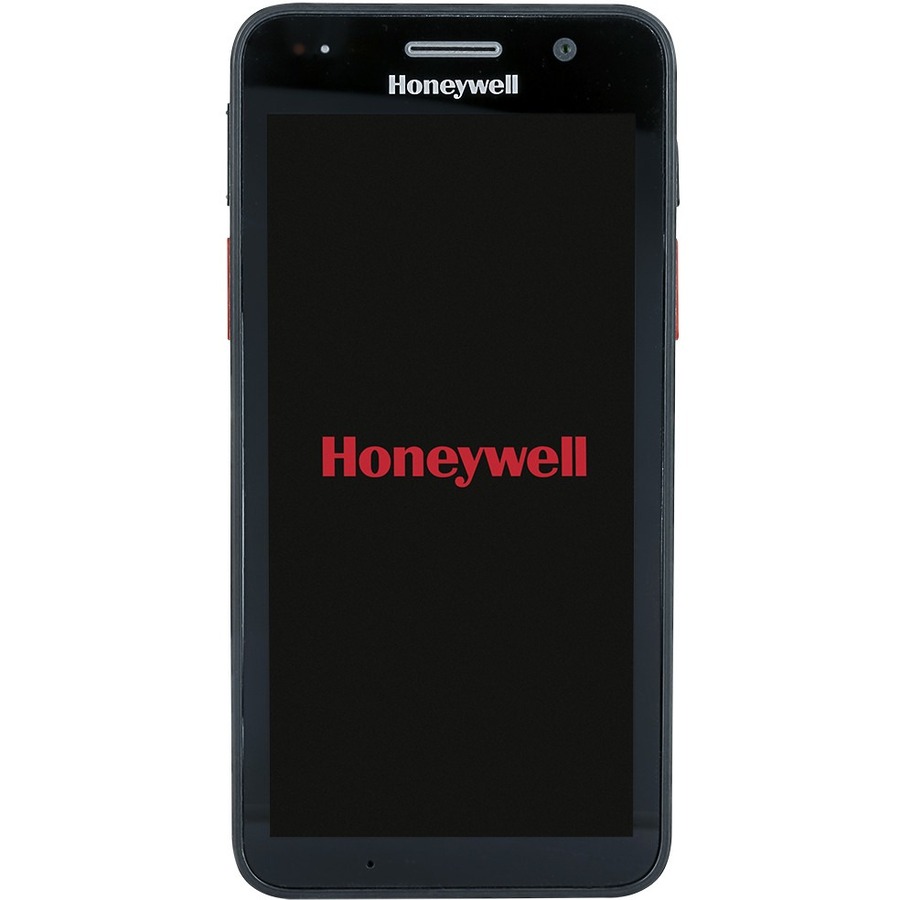
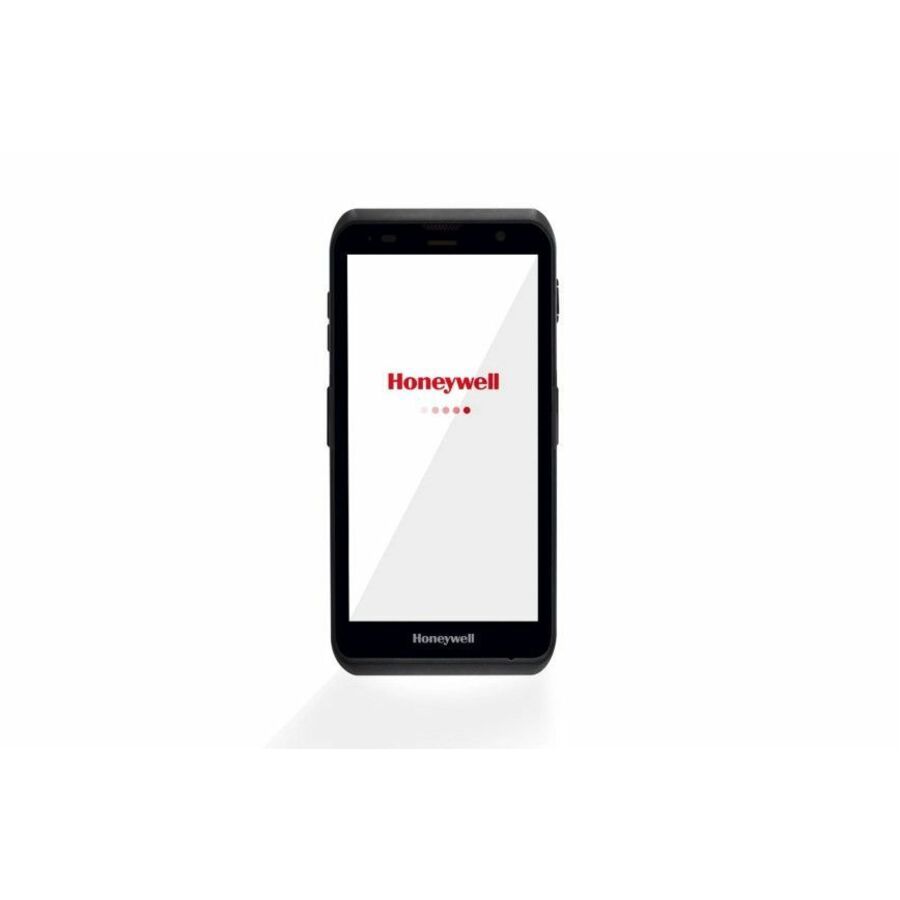
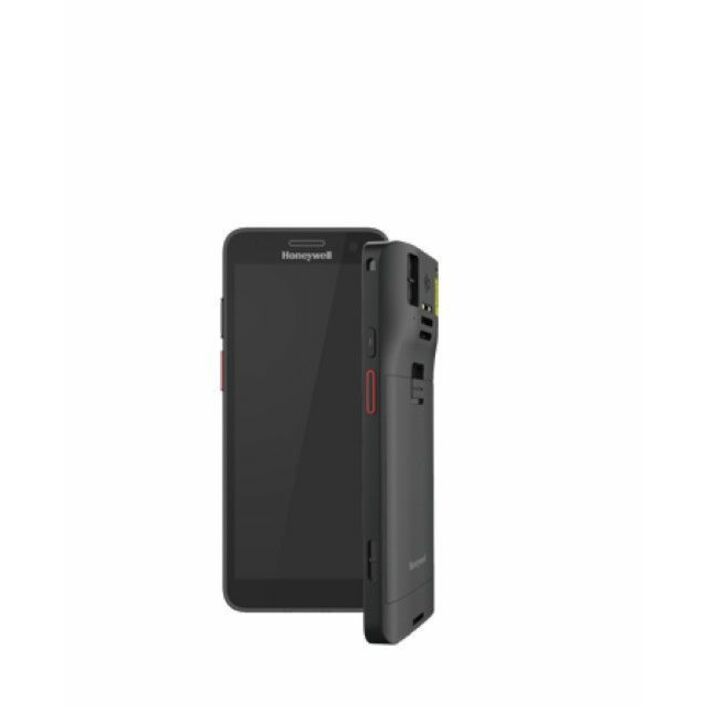
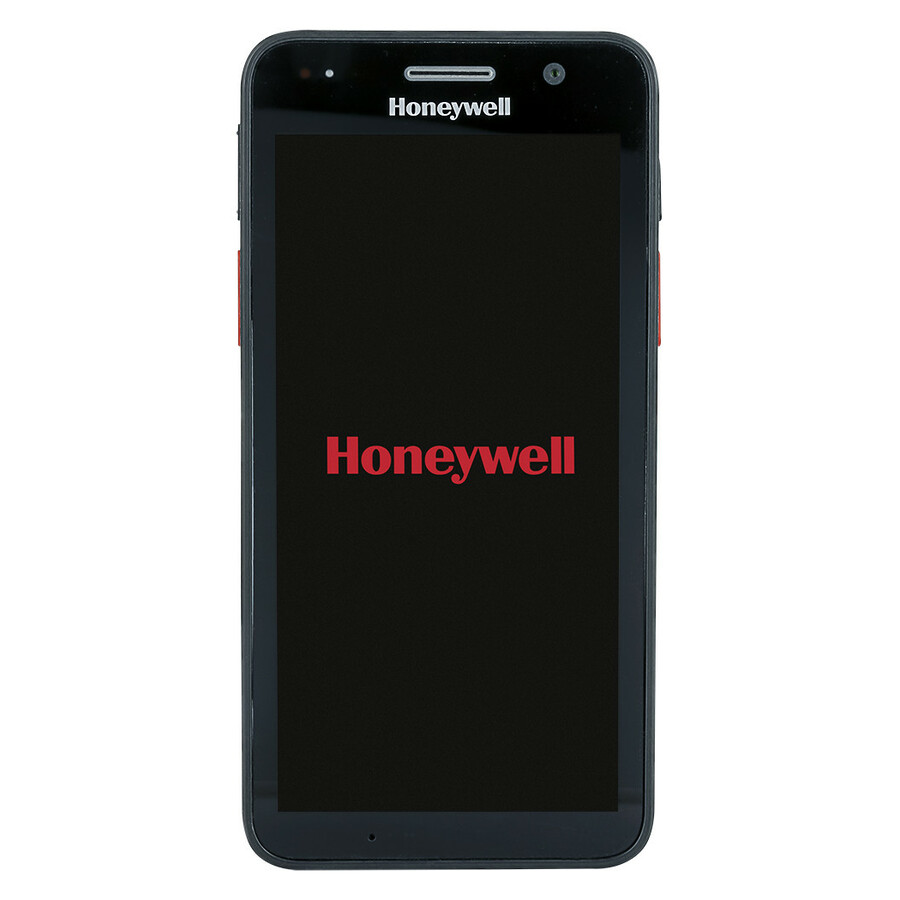
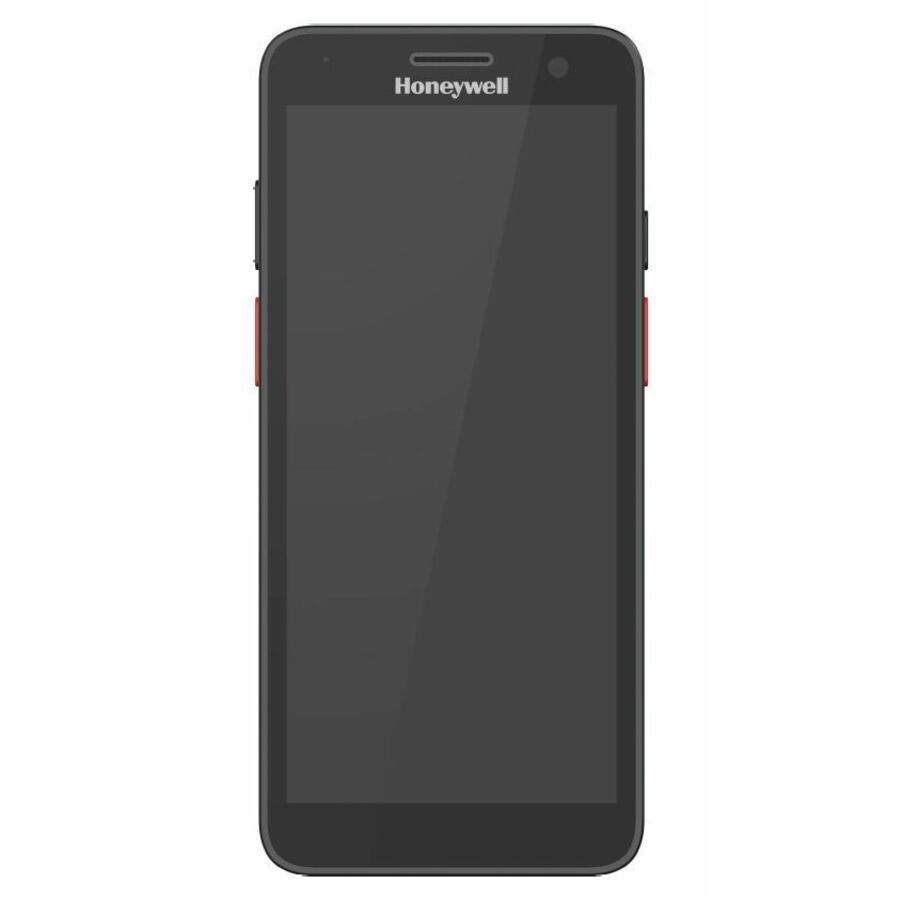
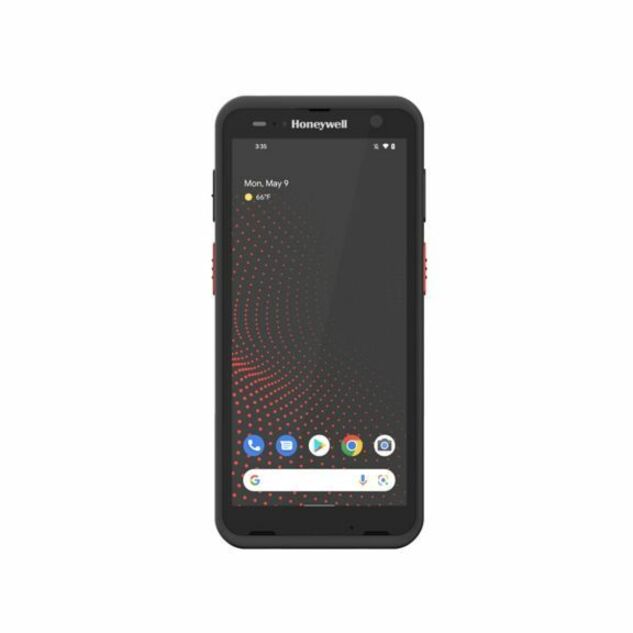
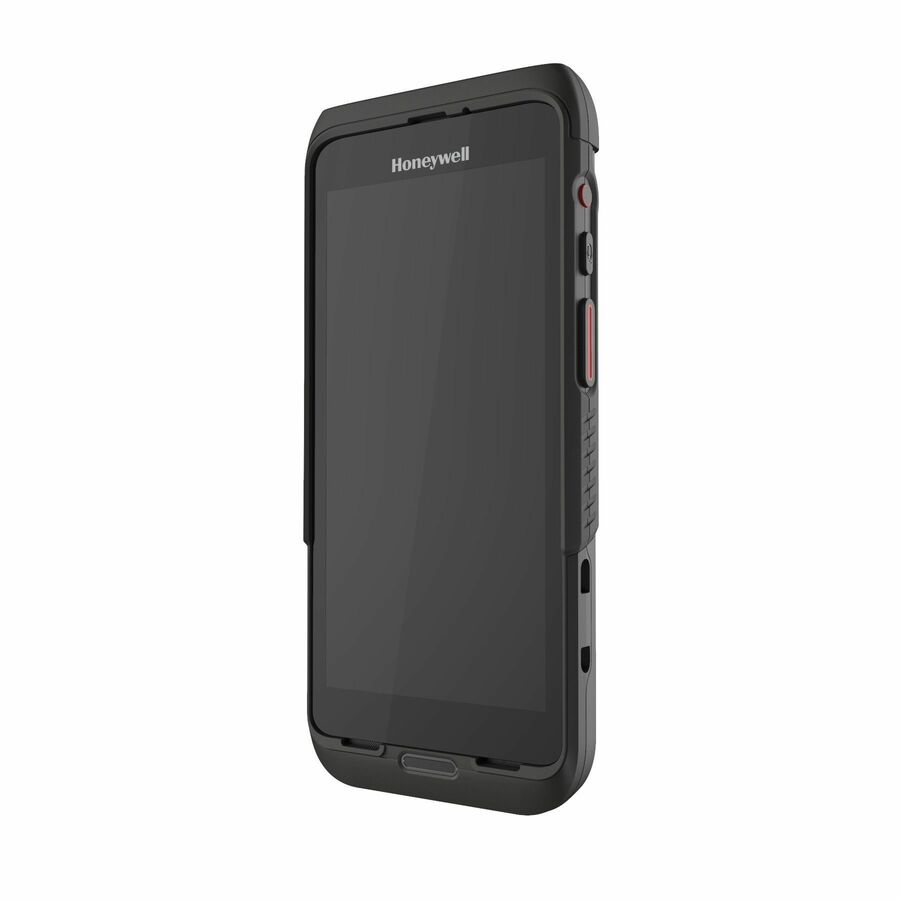
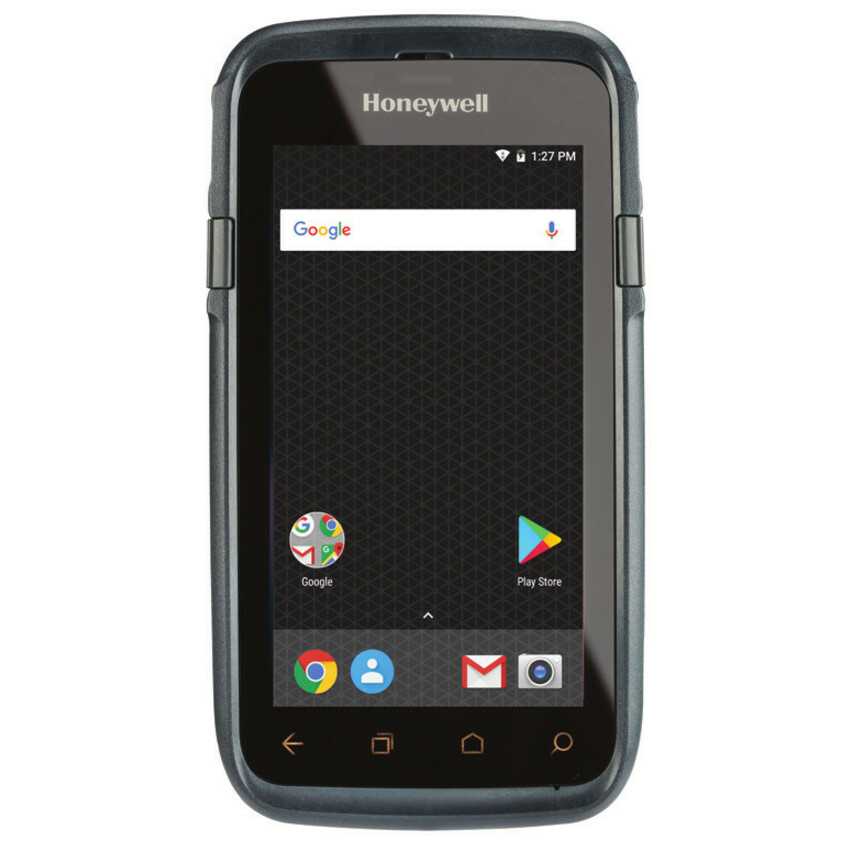
- Honeywell InternationalHoneywell CT30 XP Health Care Mobile Computer - 1D, 2D - Qualcomm 2 GHz - 6 GB RAM - 64 GB Flash - 5.5" Full HD Touchscreen - LED - Front Camera - Rear Camera - Android 11 Upgradable to Android 14 - Wireless LAN - Bluetooth - Rugged - Battery Included - IP67CT30P-X0N-30D10HG
$825.14
$643.35
8 in stock - Honeywell InternationalHoneywell ScanPal EDA52 Handheld Terminal - 1D, 2D - S0703Scan Engine - Qualcomm Snapdragon 2 GHz - 3 GB RAM - 32 GB Flash - 5.5" HD Touchscreen - LED - Front Camera - Rear Camera - Android 11 Upgradable to Android 13 - Wireless LAN - Bluetooth - Rugged - Battery Included - IP67EDA52-00AE31N21UK
$2,168.11
$1,689.77
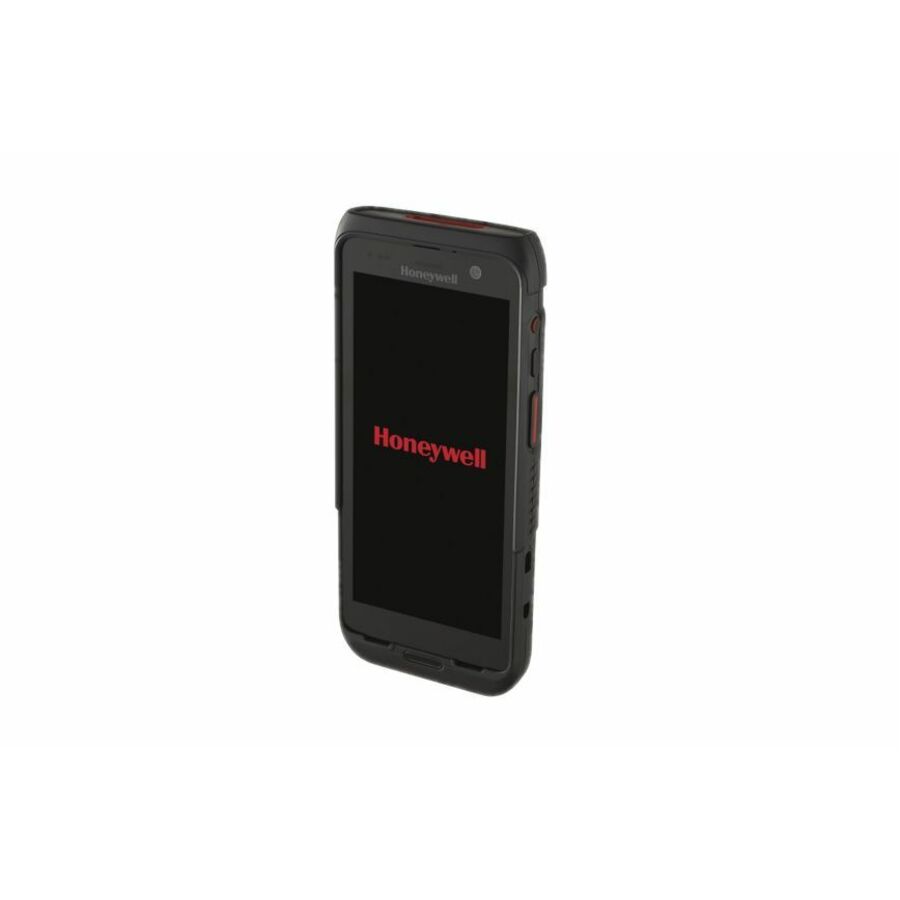
7 in stock - Honeywell InternationalHoneywell CT37 Mobile Computer - 1D, 2D - 5G, 4G, 3G, LTE, UMTS, HSPA+, 4G LTE, 2G - 36.09 ft - S0703Scan Engine - Qualcomm 2.40 GHz - 8 GB RAM - 128 GB Flash - 6" Full HD Touchscreen - LED - Front Camera - Rear Camera - Android Upgradable to Android 18 - Wireless LAN - Bluetooth - Rugged - Battery Included - IP65, IP68CT37-X0N-57S10DG
$2,437.58
$1,900.14
3 in stock - Honeywell InternationalHoneywell CT30 XP Handheld Computer - 1D, 2D - 48"Snapdragon 2 GHz - 6 GB RAM - 64 GB Flash - 5.5" Full HD Touchscreen - LED - Front Camera - Rear Camera - Android 11 Upgradable to Android 14 - Wireless LAN - Bluetooth - Rugged - Battery Included - IP67CT30P-X0N-38D10DG
$2,494.72
$1,954.38
9 in stock - Honeywell InternationalHoneywell CT37 Handheld Computer - 5G, 4G, 3G, LTE, UMTS, HSPA+, 4G LTE2.40 GHz - 8 GB RAM - 128 GB Flash - 6" Full HD Touchscreen - LED - Front Camera - Rear Camera Upgradable to Android 18 - Wireless LAN - Bluetooth - Rugged - IP65, IP68CT37-X1N-57E10DG
$2,666.33
$2,078.42
1 in stock - Honeywell InternationalHoneywell CT70 Handheld Terminal - 1D, 2D - LTE Advanced, LTE, UMTS, HSPA+, 4G, 3G, 2G, 5G - S0703Scan Engine - Qualcomm Snapdragon 2.90 GHz - 8 GB RAM - 128 GB Flash - 6" Full HD TouchscreenFront Camera - Rear Camera - Android Upgradable to Android 19 - Wireless LAN - Bluetooth - Rugged - Battery Included - IP68, IP65CT70-X1N-057CE104G
$3,018.46
$2,352.96
10 in stock - Honeywell InternationalHoneywell CT70 Handheld Terminal - 1D, 2D - LTE Advanced, LTE, UMTS, HSPA+, 4G, 3G, 2G, 5G - S0703Scan Engine - Qualcomm Snapdragon 2.90 GHz - 8 GB RAM - 128 GB Flash - 6" Full HD TouchscreenFront Camera - Rear Camera - Android Upgradable to Android 19 - Wireless LAN - Bluetooth - Rugged - Battery Included - IP68, IP65CT70-X1N-057CW104G
$3,037.44
$2,367.70
10 in stock

More mobile computers in the Uniqcli catalog
See all 795 mobile computersMore Honeywell first — closest to what you were just looking at; “See all mobile computers” above opens every other brand in the category. In-stock lines lead, and a back-ordered line carries the same estimated availability its product page does — with live pricing throughout, NDAA §889 screening before checkout and TAA verified on request.
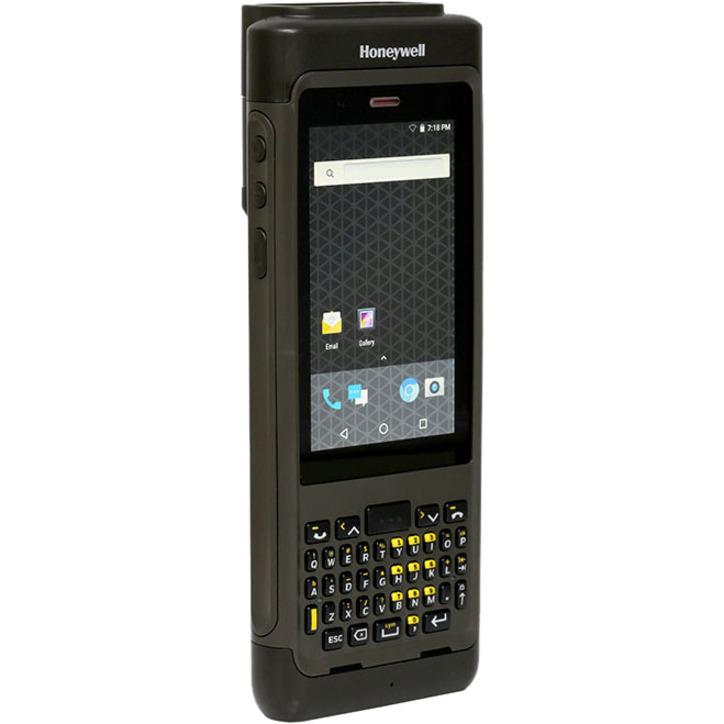
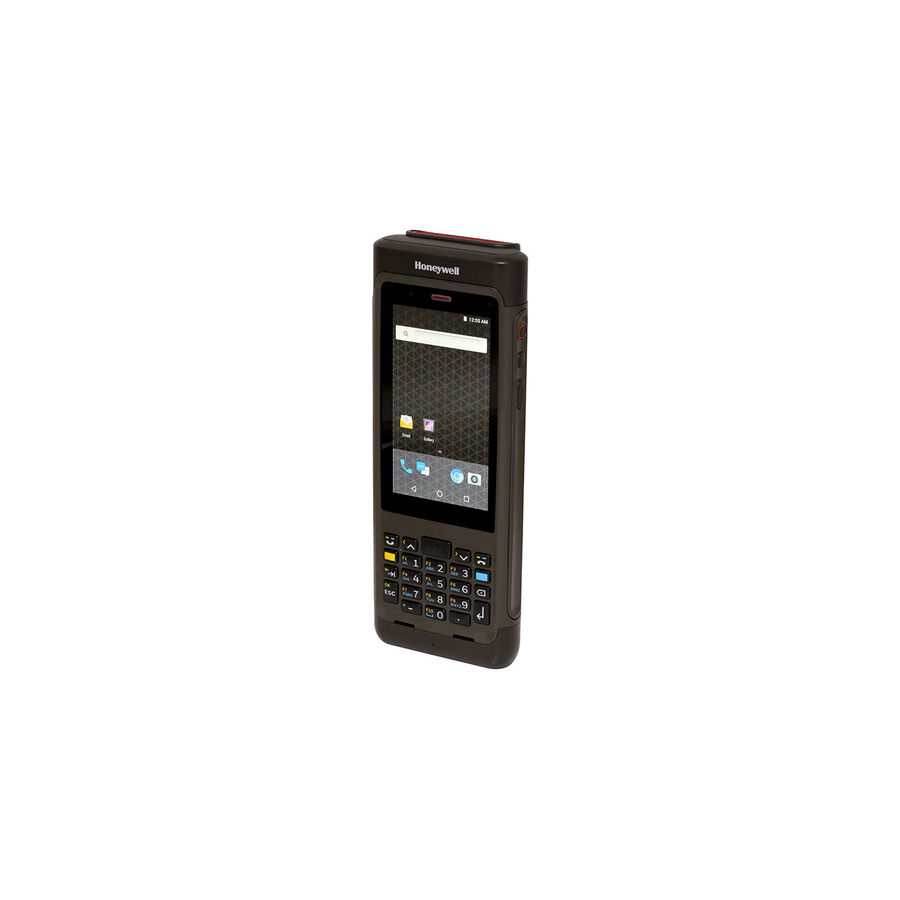
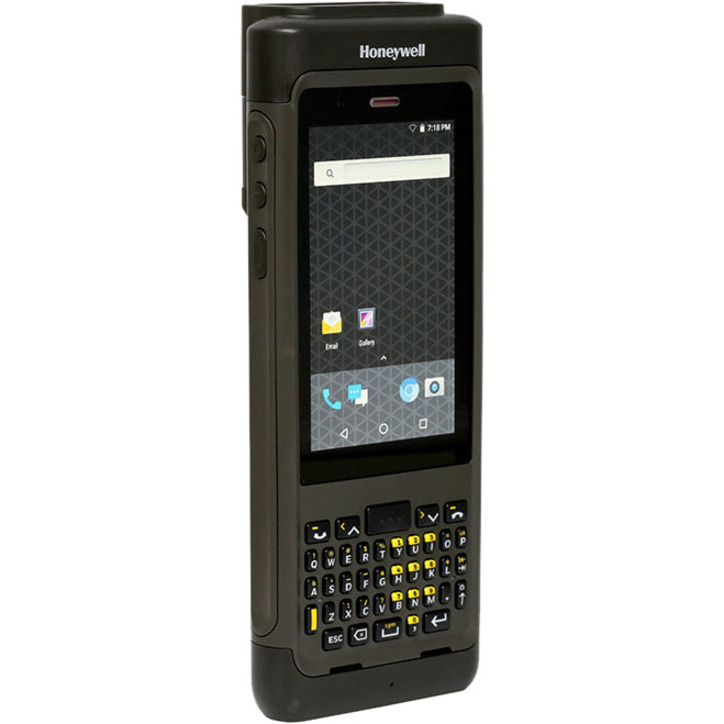
- Honeywell InternationalHoneywell Dolphin CN80 Mobile Computer - 4 GB RAM - 32 GB Flash - 4.2" FWVGA Touchscreen - LCD - 40 Keys - Android 7.1 Nougat - Battery IncludedCN80G-L0N-6EN241F
$5,325.48
$4,151.09
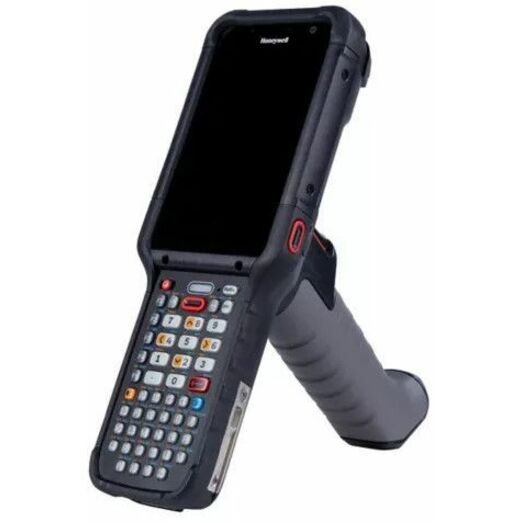
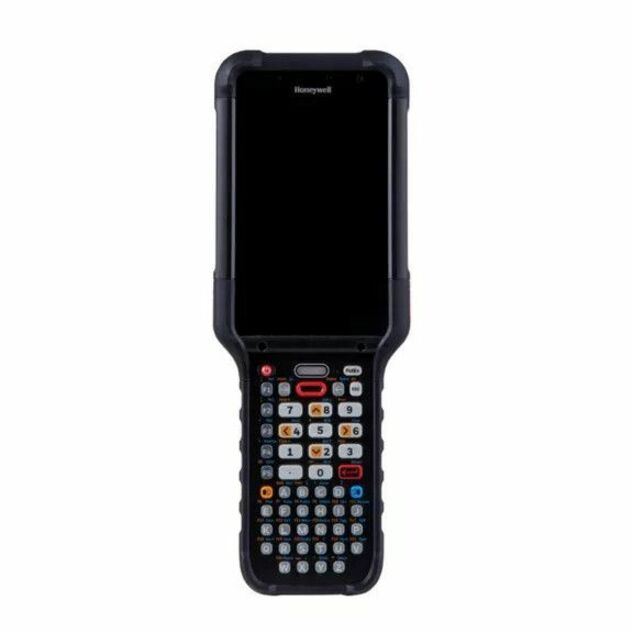
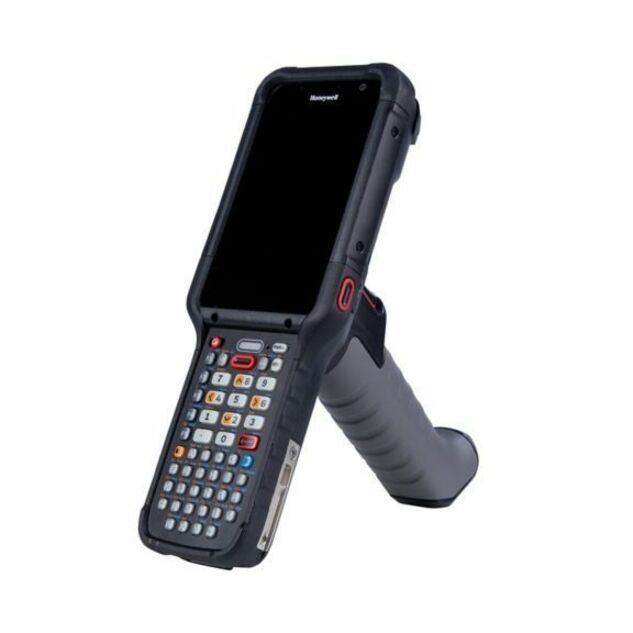
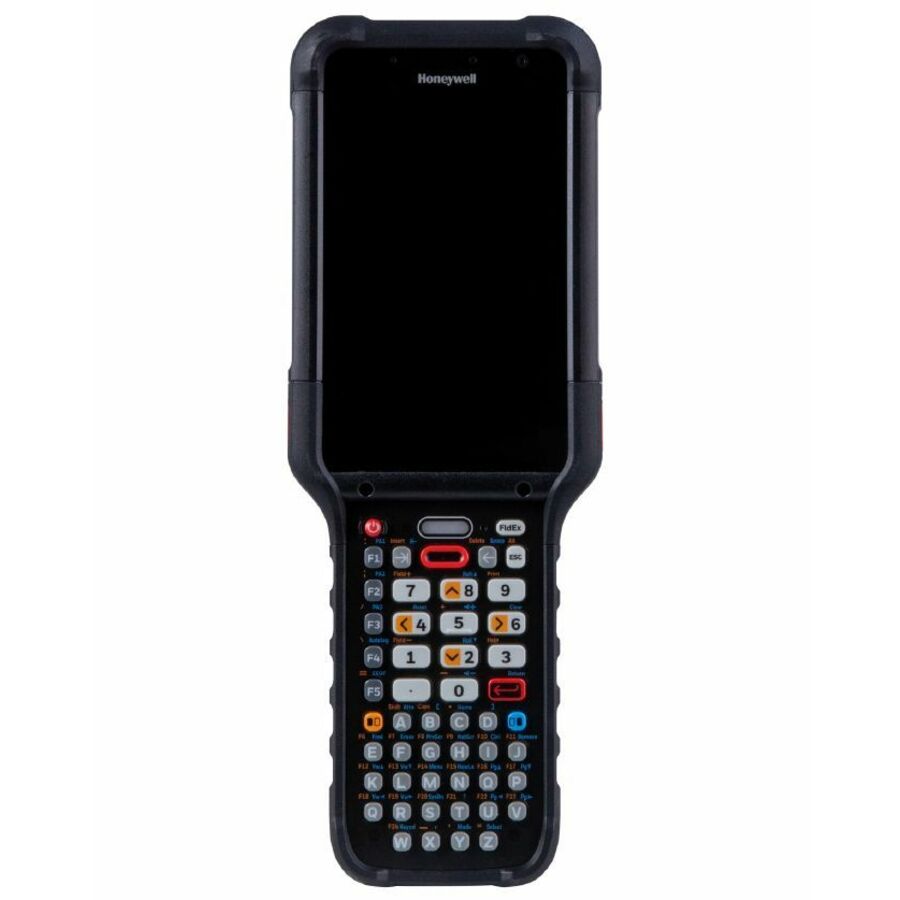
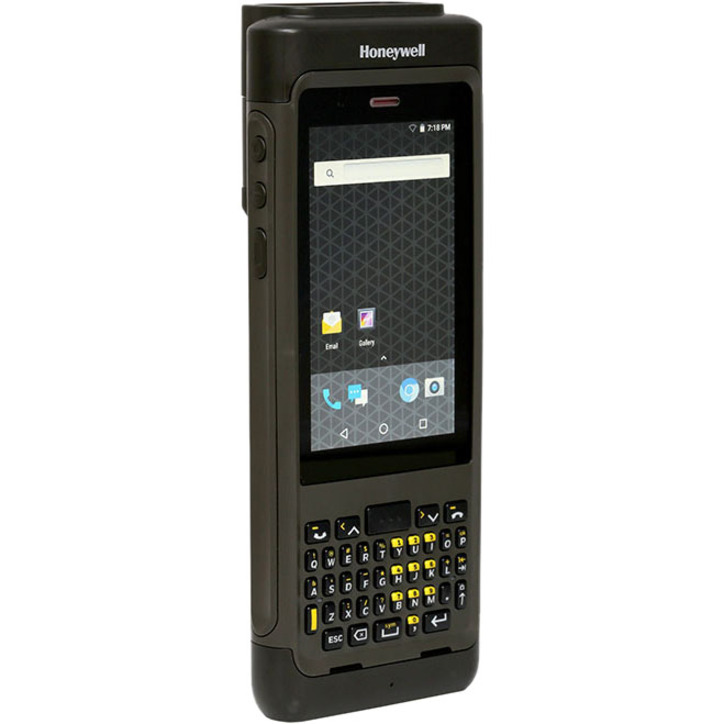
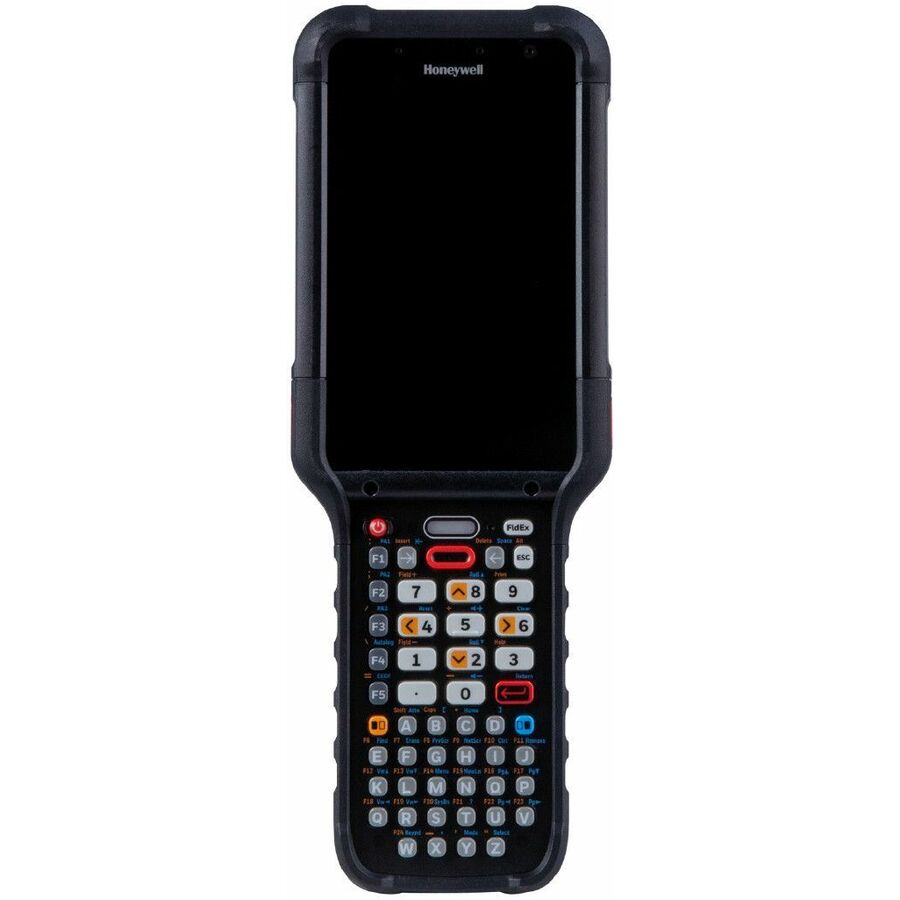
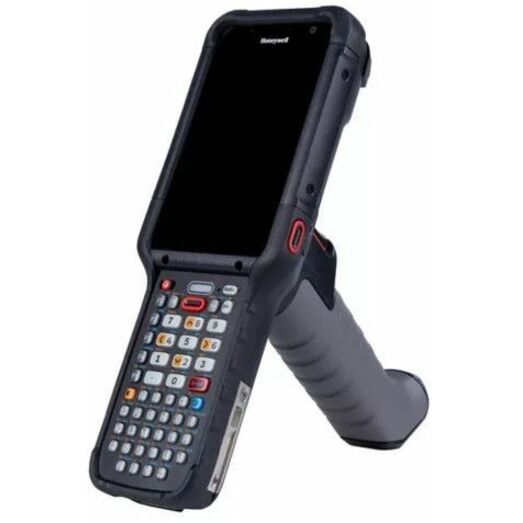
8 in stock - Honeywell InternationalHoneywell CK67 Mobile Computer - 1D - 5G, 4G, 3G, 2G, LTE Advanced, LTE, 4G LTE - S0703Scan Engine8 GB RAM - 128 GB Flash - 4.3" TouchscreenFront Camera - Rear Camera - 51 Keys - Alphanumeric Keyboard - Android Upgradable to Android 18 - Wireless LAN - Bluetooth - Rugged - Battery Included - IP65, IP68CK67-X1N-5ES1A0G
$4,373.22
$3,409.06
9 in stock - Honeywell InternationalHoneywell CT60 XP Mobile Computer - 4 GB RAM - 32 GB Flash - 4.7" Touchscreen - Rear Camera - Android - Wireless LAN - BluetoothCT60-L0N-BRP210F
$4,270.16
$3,328.74
2 in stock - Honeywell InternationalHoneywell CT47 Handheld Computer - 1D, 2D - 5G, 4G, 3G, LTE, UMTS, HSPA+ - 80 ft - S0703Scan Engine - Qualcomm 2.70 GHz - 8 GB RAM - 128 GB Flash - 5.5" Full HD Touchscreen - LED - Front Camera - Rear Camera - Android 12 - Wireless LAN - Bluetooth - Rugged - Battery Included - IP65, IP68CT47-X1N-58D1E1G
$4,183.49
$3,276.81
41 in stock - Honeywell InternationalHoneywell CK67 Mobile Computer - 1D - 5G, 4G, 3G, 2G, LTE Advanced, LTE, 4G LTE - S0703Scan Engine8 GB RAM - 128 GB Flash - 4.3" TouchscreenFront Camera - Rear Camera - 42 Keys - Numeric Keyboard - Android Upgradable to Android 18 - Wireless LAN - Bluetooth - Rugged - Battery Included - IP65, IP68CK67-X1N-57S1E0G
$4,104.10
$3,199.32
2 in stock - Honeywell InternationalHoneywell CT47 Ultra-Rugged Mobile Computer - 1D, 2D - 4G, 4G LTE, 5G, 3G, 2G, LTE, UMTS, HSPA+ - 78.74 ft - S0703Scan Engine - Qualcomm 2.70 GHz - 8 GB RAM - 128 GB Flash - 5.5" Full HD Touchscreen - LED - Front Camera - Rear Camera - Android 12 - Wireless LAN - Bluetooth - Rugged - Battery Included - IP65, IP68CT47-X0N-58D100G
$3,970.75
$3,095.14
54 in stock - Honeywell InternationalHoneywell Dolphin CN80 Mobile Computer - 4 GB RAM - 32 GB Flash - 4.2" FWVGA Touchscreen - LCD - 23 Keys - Function Numeric Keyboard - Android - Bluetooth - Battery IncludedCN80G-L1N-5EN231F
$6,028.39
$4,698.39
Back-orderedBack-ordered — estimated OEM lead time 3–8 weeks (Nov 19 – Dec 24 if ordered today).
- Honeywell InternationalHoneywell Dolphin CN80 Mobile Computer - 4 GB RAM - 32 GB Flash - 4.2" FWVGA Touchscreen - LCD - 40 Keys - Android - Bluetooth - Battery IncludedCN80G-L1N-6EN231F
$6,028.39
$4,699.03
Back-orderedBack-ordered — estimated OEM lead time 3–8 weeks (Nov 19 – Dec 24 if ordered today).
- Honeywell InternationalHoneywell Dolphin CN80 Mobile Computer - 4 GB RAM - 32 GB Flash - 4.2" FWVGA Touchscreen - LCD - 23 Keys - Function Numeric Keyboard - Android - Bluetooth - Battery IncludedCN80G-L0N-5MN231F
$5,606.63
$4,370.16
Back-orderedBack-ordered — we expect to receive stock the week of Nov 9–15 and will process your delivery right after.
- Honeywell InternationalHoneywell Dolphin CN80 Mobile Computer - 4 GB RAM - 32 GB Flash - 4.2" FWVGA Touchscreen - LCD - 23 Keys - Function Numeric Keyboard - Android - Battery IncludedCN80G-L0N-5MN241F
$5,606.63
$4,370.31
Back-orderedBack-ordered — estimated OEM lead time 3–8 weeks (Nov 19 – Dec 24 if ordered today).
- Honeywell InternationalHoneywell Dolphin CN80 Mobile Computer - 4 GB RAM - 32 GB Flash - 4.2" FWVGA Touchscreen - LCD - 40 Keys - Android - Battery IncludedCN80G-L0N-6MN241F
$5,606.63
$4,370.31
Back-orderedBack-ordered — estimated OEM lead time 3–8 weeks (Nov 19 – Dec 24 if ordered today).
- Honeywell InternationalHoneywell Dolphin CN80 Mobile Computer - 4 GB RAM - 32 GB Flash - 4.2" FWVGA Touchscreen - LCD - 40 Keys - Android - Bluetooth - Battery IncludedCN80G-L0N-6MN231F
$5,606.63
$4,392.19
Back-orderedBack-ordered — estimated OEM lead time 3–8 weeks (Nov 19 – Dec 24 if ordered today).
- Honeywell InternationalHoneywell Dolphin CN80 Mobile Computer - 4 GB RAM - 32 GB Flash - 4.2" FWVGA Touchscreen - LCD - 40 Keys - Android - Bluetooth - Battery IncludedCN80G-L0N-6HN231F
$5,466.05
$4,260.60
Back-orderedBack-ordered — estimated OEM lead time 3–8 weeks (Nov 19 – Dec 24 if ordered today).
- Honeywell InternationalHoneywell Dolphin CN80 Mobile Computer - 4 GB RAM - 32 GB Flash - 4.2" FWVGA Touchscreen - LCD - 40 Keys - Android - Battery IncludedCN80G-L0N-6HN241F
$5,466.05
$4,260.60
Back-orderedBack-ordered — estimated OEM lead time 3–8 weeks (Nov 19 – Dec 24 if ordered today).
- Honeywell InternationalHoneywell Dolphin CN80 Mobile Computer - 4 GB RAM - 32 GB Flash - 4.2" FWVGA Touchscreen - LCD - 23 Keys - Function Numeric Keyboard - AndroidCN80G-L0N-5HN241F
$5,466.05
$4,260.66
Back-orderedBack-ordered — estimated OEM lead time 3–8 weeks (Nov 19 – Dec 24 if ordered today).
- Honeywell InternationalHoneywell Dolphin CN80 Mobile Computer - 4 GB RAM - 32 GB Flash - 4.2" FWVGA Touchscreen - LCD - 23 Keys - Function Numeric Keyboard - Android - Battery IncludedCN80G-L0N-5HN231F
$5,466.05
$4,260.75
Back-orderedBack-ordered — estimated OEM lead time 3–8 weeks (Nov 19 – Dec 24 if ordered today).
- Honeywell InternationalHoneywell Dolphin CN80 Mobile Computer - 4 GB RAM - 32 GB Flash - 4.2" FWVGA Touchscreen - LCD - 23 Keys - Function Numeric Keyboard - Android - Bluetooth - Battery IncludedCN80G-L0N-5EN231F
$5,325.48
$4,151.18
Back-orderedBack-ordered — estimated OEM lead time 3–8 weeks (Nov 19 – Dec 24 if ordered today).
- Honeywell InternationalHoneywell Dolphin CN80 Mobile Computer - 4 GB RAM - 32 GB Flash - 4.2" FWVGA Touchscreen - LCD - 23 Keys - Function Numeric Keyboard - Android - Battery IncludedCN80G-L0N-5EN241F
$5,325.48
$4,171.94
Back-orderedBack-ordered — we expect to receive stock the week of Nov 9–15 and will process your delivery right after.
- Honeywell InternationalHoneywell Dolphin CN80 Mobile Computer - 4 GB RAM - 32 GB Flash - 4.2" FWVGA Touchscreen - LCD - Rear Camera - 40 Keys - Android - Battery IncludedCN80G-L0N-6HC241F
$4,814.21
$3,752.07
Back-orderedBack-ordered — estimated OEM lead time 3–8 weeks (Nov 19 – Dec 24 if ordered today).
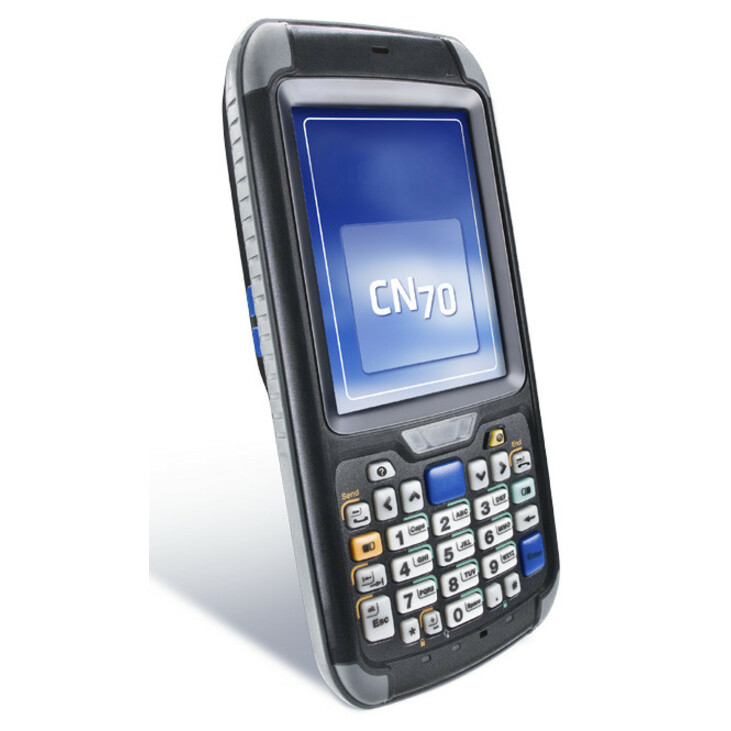
- Honeywell InternationalIntermec CN70 Ultra-Rugged Mobile Computer - 2D, 1DOMAP 1 GHz - 512 MB RAM - 1 GB Flash - 3.5" VGA Touchscreen - LED - Rear CameraNumeric Keyboard - Microsoft Windows Embedded Handheld 6.5 - Wireless LAN - Bluetooth - Rugged - Battery Included - IP67CN70AN3SCF2W6100
$3,195.00
$2,172.01
Back-orderedBack-ordered — estimated OEM lead time 3–8 weeks (Nov 19 – Dec 24 if ordered today).
- Honeywell InternationalHoneywell CK67 Mobile Computer - 5G, 4G, 3G, 2G, LTE Advanced, LTE, 4G LTE - 78.74 ft8 GB RAM - 128 GB Flash - 4.3" Touchscreen - LED - Front Camera - Rear Camera - 31 Keys - Numeric Keyboard - Android Upgradable to Android 18 - Wireless LAN - Bluetooth - Rugged - Battery Included - IP65, IP68CK67-X1N-58A1C1G
$4,507.79
$3,519.40
Back-orderedBack-ordered — estimated OEM lead time 3–8 weeks (Nov 19 – Dec 24 if ordered today).
- Honeywell InternationalHoneywell CK67 Mobile Computer - 1D, 2D - 5G, 4G, 3G, 2G, LTE Advanced, LTE, 4G LTE - S0703Scan Engine - Qualcomm 8 GB RAM - 128 GB Flash - 4.3" TouchscreenFront Camera - Rear Camera - 38 Keys - Numeric Keyboard - Android Upgradable to Android 18 - Wireless LAN - Bluetooth - Rugged - Battery Included - IP65, IP68CK67-X1N-58A1B1G
$4,507.79
$3,519.40
Back-orderedBack-ordered — estimated OEM lead time 3–8 weeks (Nov 19 – Dec 24 if ordered today).
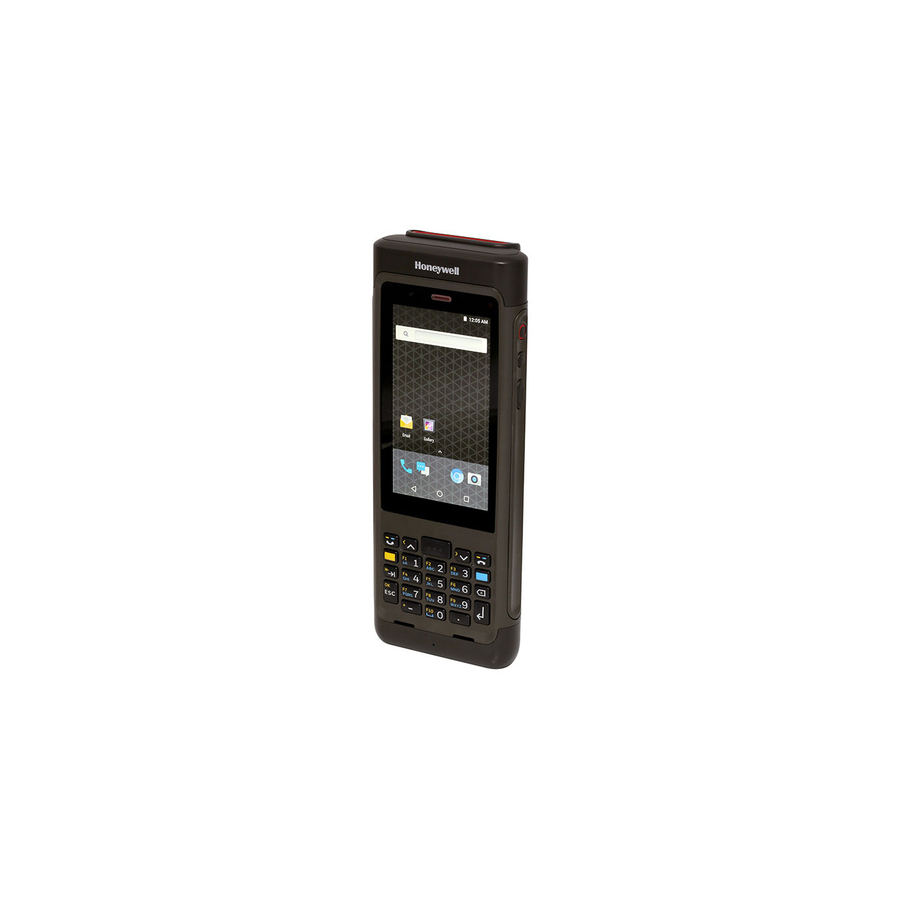
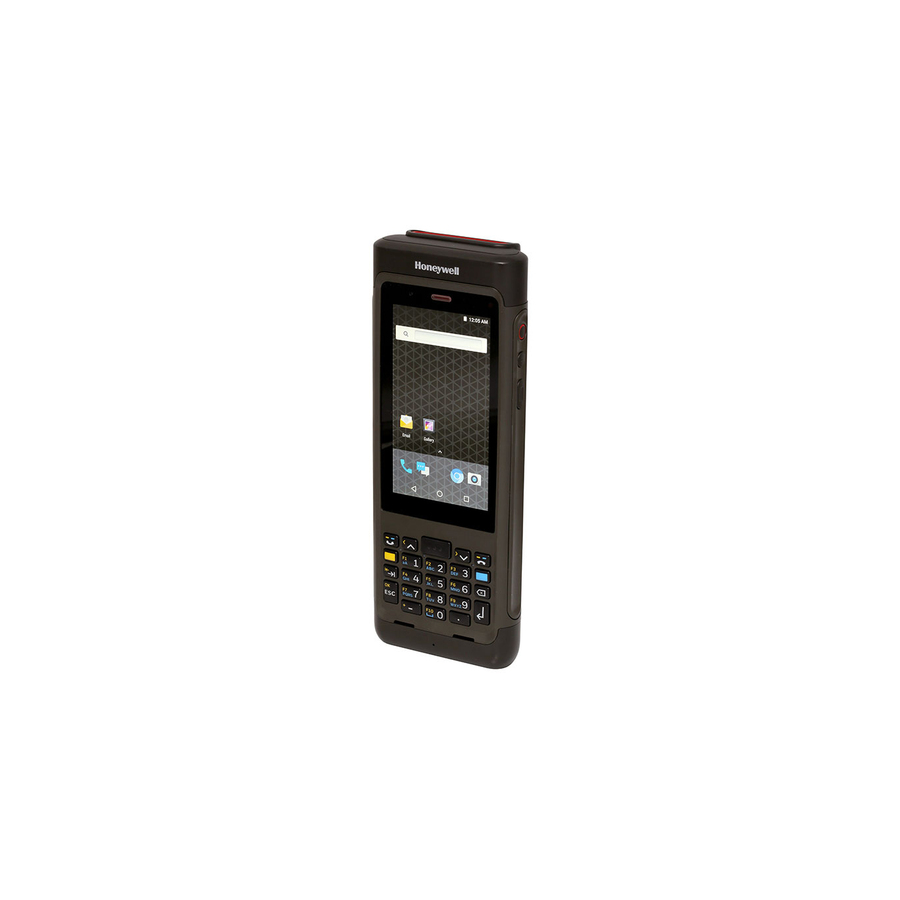
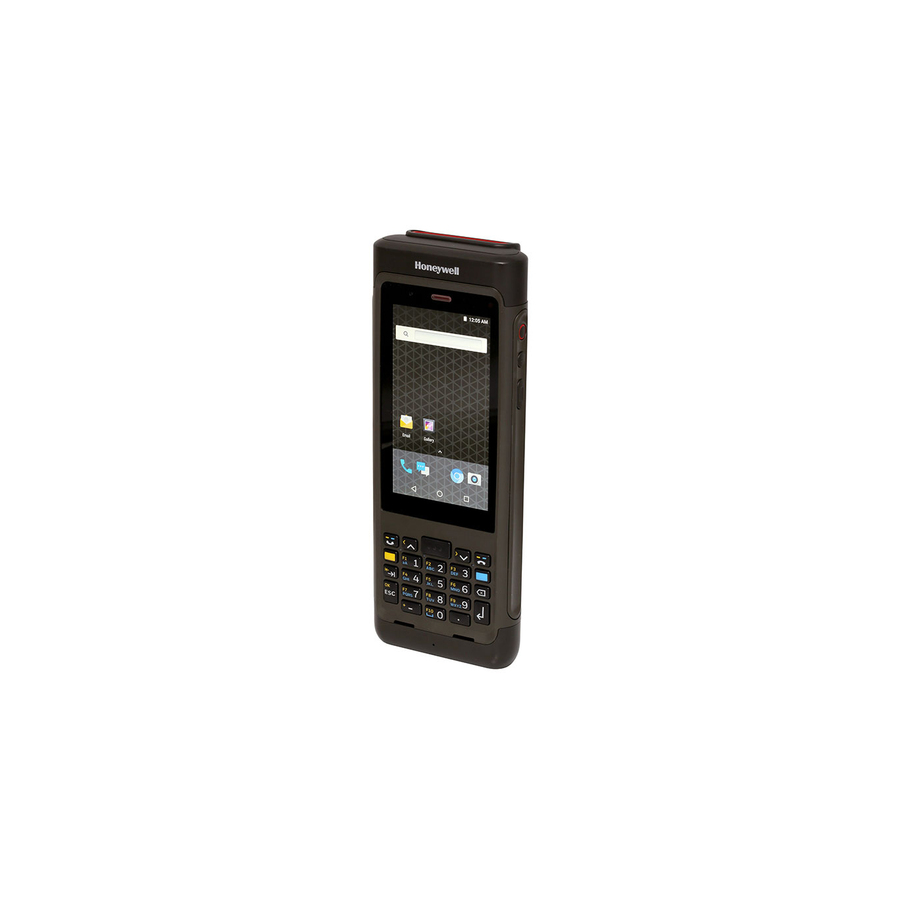
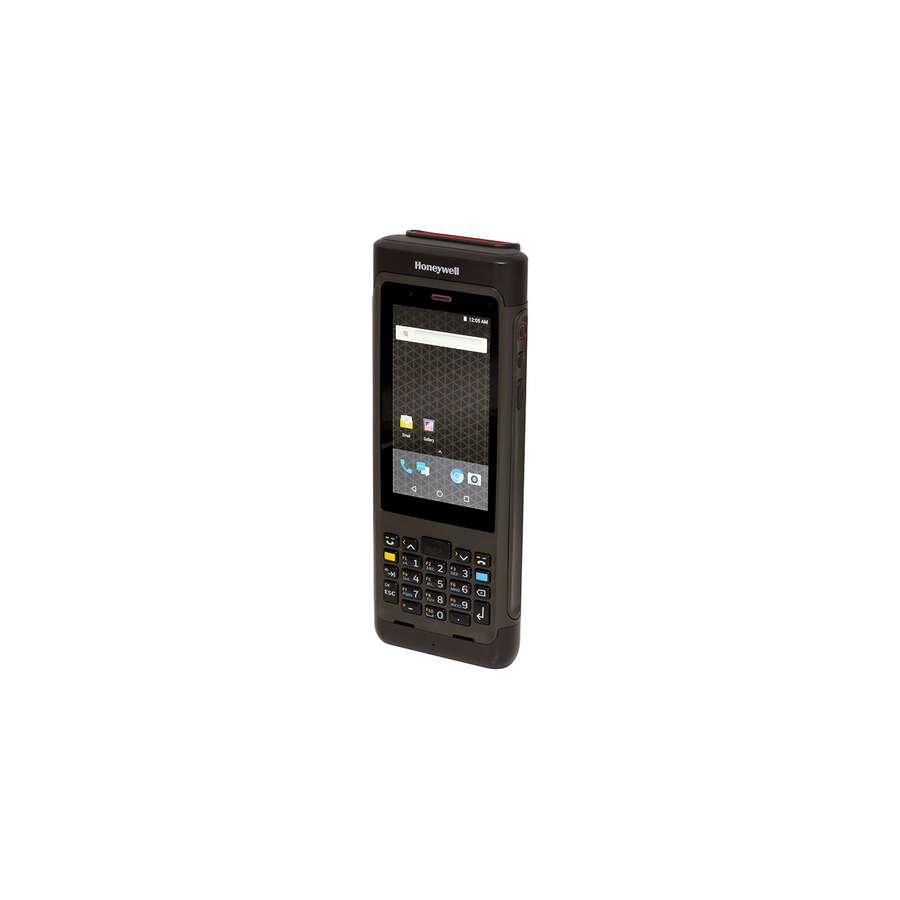
Need pricing on Honeywell mobile computers?
Tell us where to reach you and a Uniqcli specialist will follow up by email with current pricing, availability and lead time for the quantities you need — including parts that aren’t shown on this page.
Buying for an organization or for yourself — both work. No payment up front.
What decides a Honeywell handheld is the form factor and the scan engine's range. Dolphin CT-series touch slates suit pick-and-scan work on a larger display; CK-series keypad terminals suit heavy data entry and gloved operation. Match read distance and symbologies to the labels, then choose Wi-Fi-only for in-building fleets against LTE or 5G for crews that leave the site.
Honeywell's handheld terminals are purpose-built rugged Android mobile computers for barcode-driven work: receiving and put-away, route delivery, inventory counts, field service and asset tracking. The selection below reflects what Uniqcli actually stocks, with in-stock status shown on each product so your buyers and technical evaluators can see availability before committing to a form factor or configuration.
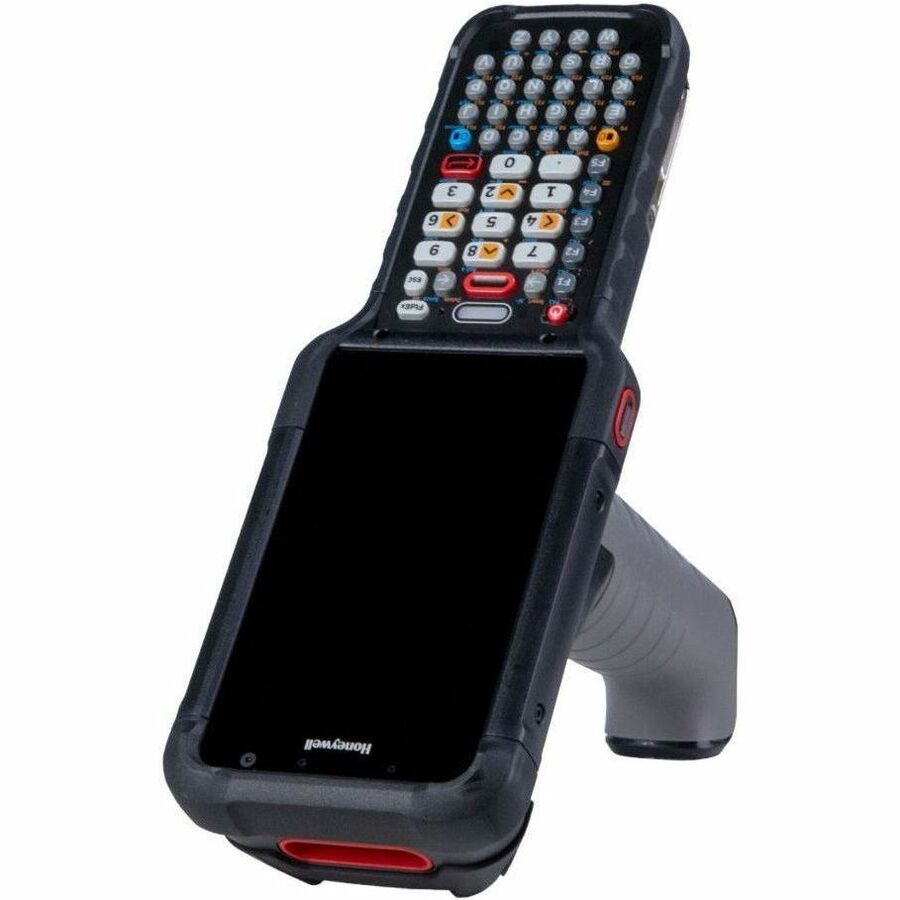
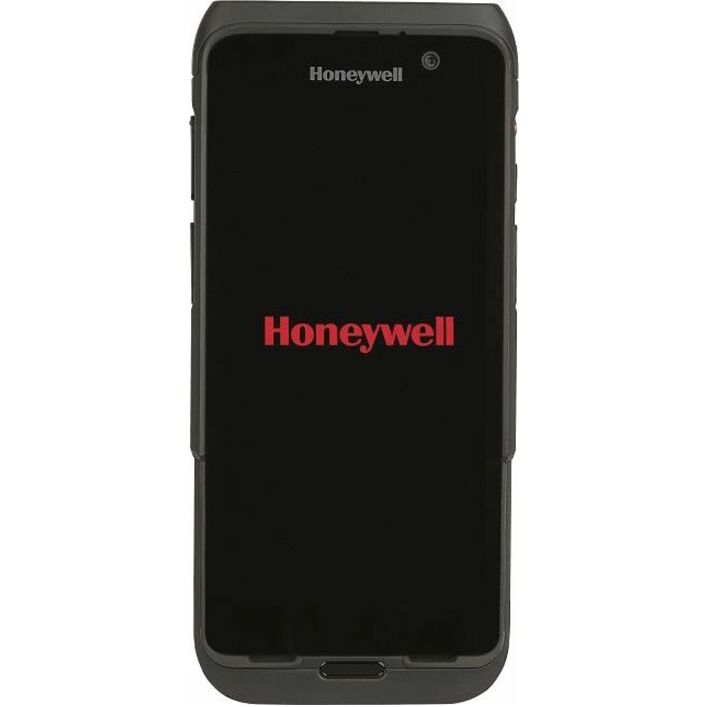
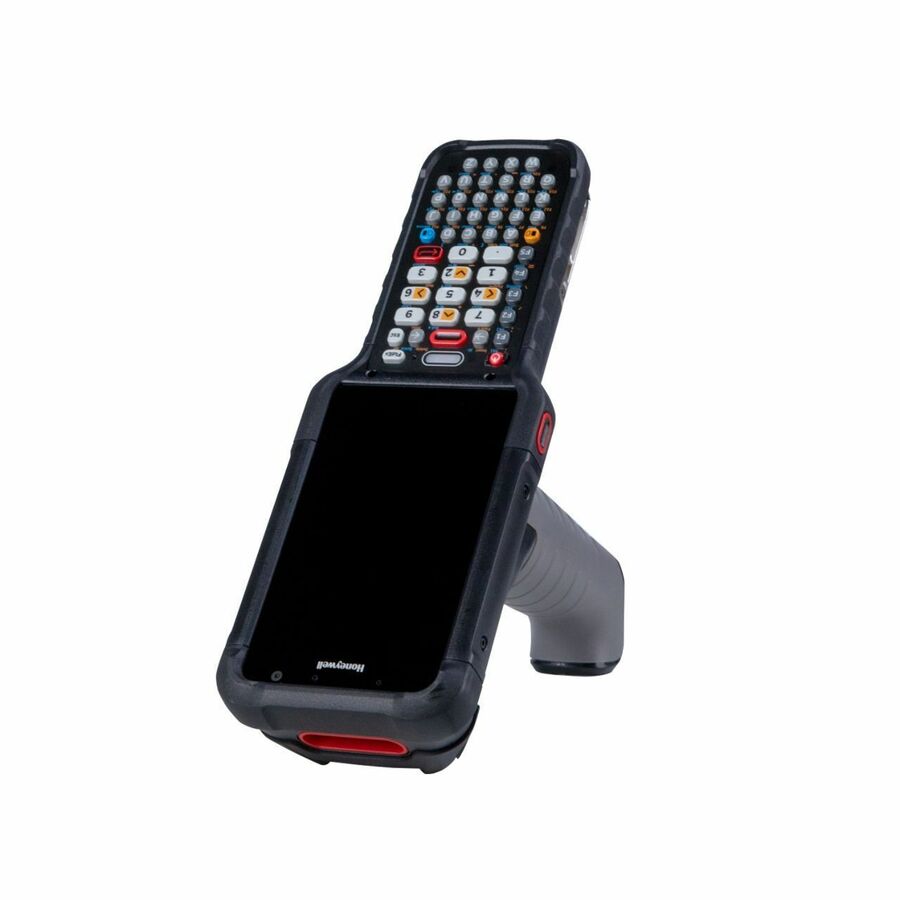
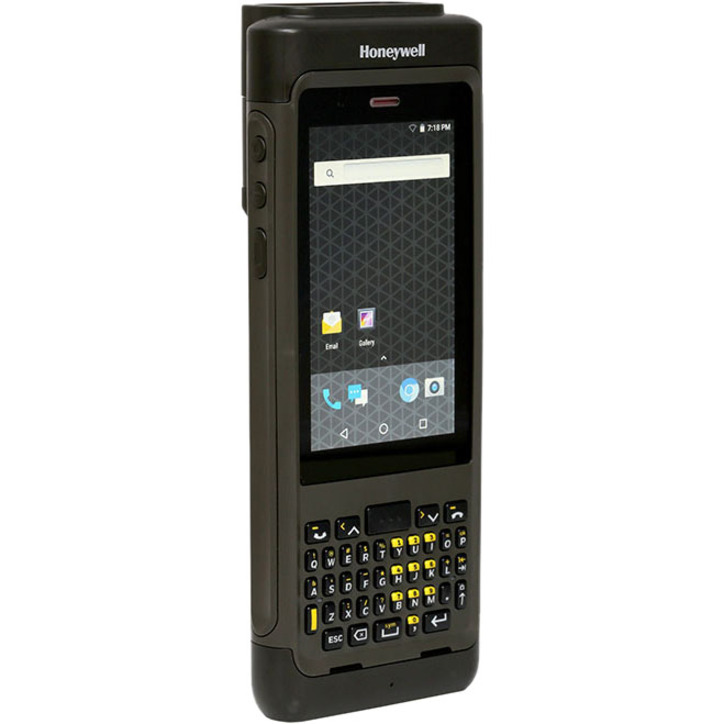
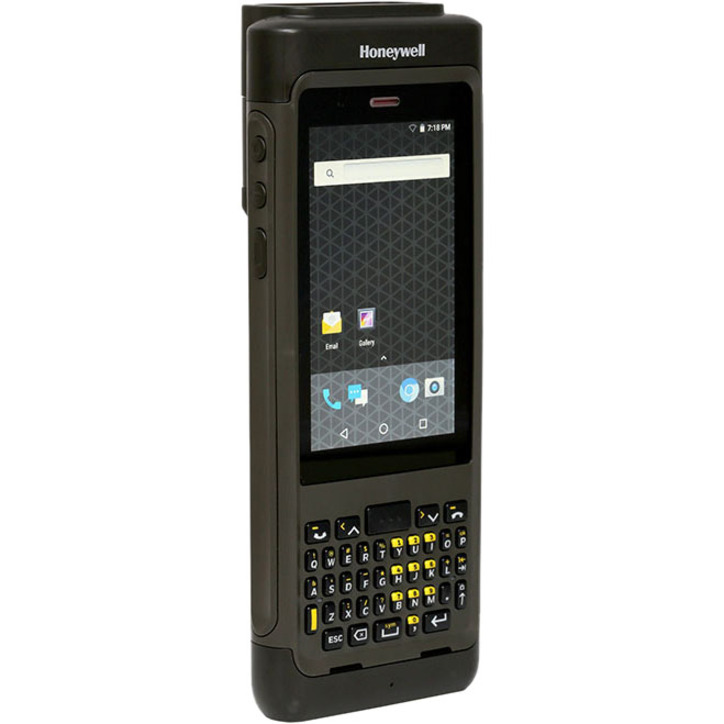
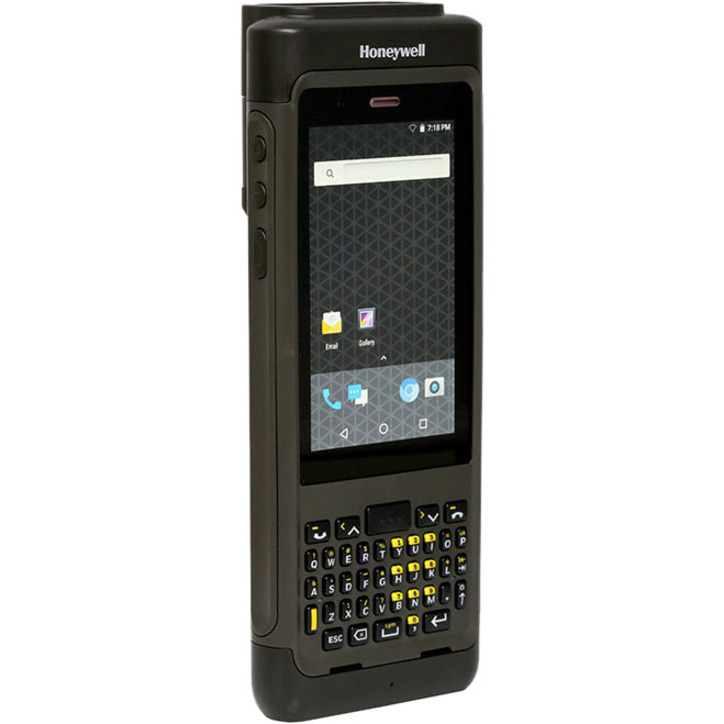
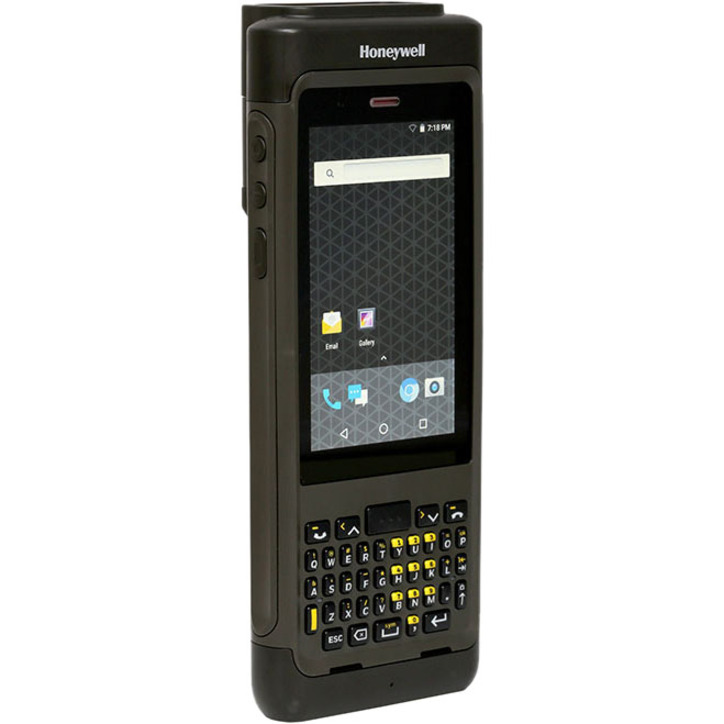
The stocked lines span several form factors. Touch-first slates in the Dolphin CT-series pair a compact touchscreen with 1D/2D imaging for pick-and-scan workflows, while keypad-equipped terminals in the CK-series add numeric or alphanumeric physical keys for high-volume data entry and gloved operation. Sealing runs to IP65/IP68 on the rugged models, and connectivity ranges from Wi-Fi-only units to WWAN variants with LTE — and 5G on the newest models — for teams that leave the building. Most ship with the battery included and support hot-swap or spare-pack workflows for multi-shift use.
Match the device to the task rather than the spec sheet. A warehouse counting team benefits from a keypad and a longer-range scan engine; a delivery or field-service crew needs cellular data, a larger screen and drop resistance. Because Android versions and mounting/charging accessories vary across these lines, confirm the OS baseline and the cradle ecosystem for the exact configuration your fleet will standardize on.
Buyer's checklist
How to choose a Honeywell handheld terminal
- Pick the form factor to the workflow: touch-first slates (Dolphin CT-series) for pick-and-scan and larger displays; keypad terminals (CK-series) for heavy data entry and gloved or eyes-up operation.
- Match the scan engine to your range and symbologies — near/far 1D/2D imaging differs by model, so verify read distance and label types (including any DPM or long-range needs) against the configuration you order.
- Confirm ruggedization for the environment: check the IP rating (IP65/IP68 on rugged units), drop and tumble specs, and whether operators wear gloves or work in cold, wet or dusty areas.
- Decide on connectivity up front: Wi-Fi-only units suit in-building fleets, while LTE/5G WWAN variants add carrier data for route, delivery and field-service teams that operate off-site.
- Plan the Android lifecycle and battery strategy — verify the OS baseline and upgrade path, and standardize on hot-swap or spare-battery workflows plus the matching cradle and charging accessories for multi-shift uptime.
- Standardize a single configuration per role to simplify imaging, MDM enrollment and accessory pooling across the fleet before scaling the order.
Where these handhelds fit
These terminals live in barcode-driven operations where a phone would not survive the drops or the shift length. Distribution centers use them for receiving, put-away, replenishment, and cycle counting; direct-store-delivery and parcel routes run the cellular variants for proof of delivery and signature capture. Manufacturing tracks work-in-process and finished-goods moves, and field-service teams scan and look up records on site. Many operations run a mixed fleet — rugged units for back-of-house counting, cellular models for customer-facing route work — and standardize a build per zone rather than one device everywhere.
Deployment and device management
Rolling out Android handhelds is as much a software exercise as a hardware one. Confirm an Android Enterprise EMM enrollment path, zero-touch or staging-based, so devices provision consistently, and lock the OS baseline before you scale. Run a wireless site survey where coverage is marginal, since roaming behavior across a large facility affects scan throughput. Standardize charging and communication cradles, and adopt a spare-battery or hot-swap routine so multi-shift operations never wait on a depleted pack.
Total cost of ownership for a handheld fleet
Sticker price understates a rugged handheld's real cost. Batteries are the true consumable; they fade with cycle count, so budget spares and eventual replacements across a multi-year deployment. Factor a mobile-device-management subscription, extended Android OS-support coverage where it is offered, and accessory pooling for cradles, boots, holsters, and vehicle mounts. Against those line items, ruggedization pays back by cutting the breakage and downtime a consumer device incurs. A mid-life battery swap and OS update can extend a rugged fleet a cycle beyond consumer hardware, deferring the next capital buy.
FAQ
Common questions
- What is the difference between the touch-screen and keypad Honeywell terminals?
- Touch-first slates such as the Dolphin CT-series use a larger display for tap-driven apps and are well suited to pick-and-scan and field work. Keypad terminals such as the CK-series add numeric or alphanumeric physical keys for fast data entry and gloved, eyes-up operation in warehouse and yard settings. Several lines offer both a WWAN and a Wi-Fi-only variant.
- Are these devices in stock and ready to ship?
- Availability is shown per product on each listing, drawn from live stock status. Quantities and specific configurations move, so if you are standardizing a fleet on one build, confirm the exact model, scan engine, keypad and connectivity option and we can verify current on-hand quantities before you order.
- What accessories and support should I budget for a handheld fleet?
- Plan for charging and communication cradles, spare batteries for hot-swap or multi-shift use, protective boots or holsters, and any vehicle mounts. Also confirm the Android OS baseline and your MDM enrollment path so imaging and updates are consistent across every unit in the deployment.
- Can business, government and education buyers order these?
- Yes. These are available to business, government, and education buyers, sourced through US distribution and screened for TAA country-of-origin and NDAA 889 status before checkout, with documentation tied to the specific part number. Share your requirement and we will confirm the configuration, current availability and the sourcing paperwork your acquisition team needs.
Need Honeywell mobile computers pricing?
Send a bill of materials or part numbers — we confirm stock and a below-market total, with TAA verified on request. No payment up front.