
Best Zebra Handheld Terminals for Warehouse & Field Teams
TC-series touch computers, MC-series keyed handhelds, wearable and RFID variants for warehouse, field service, retail and logistics work.
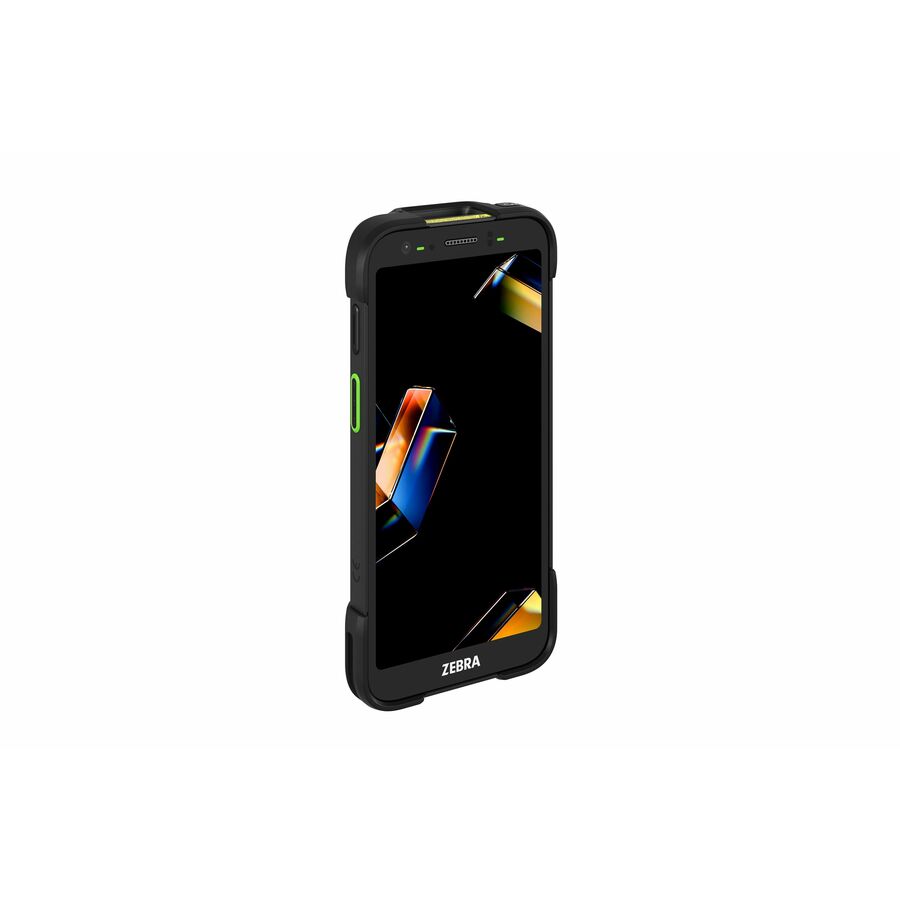
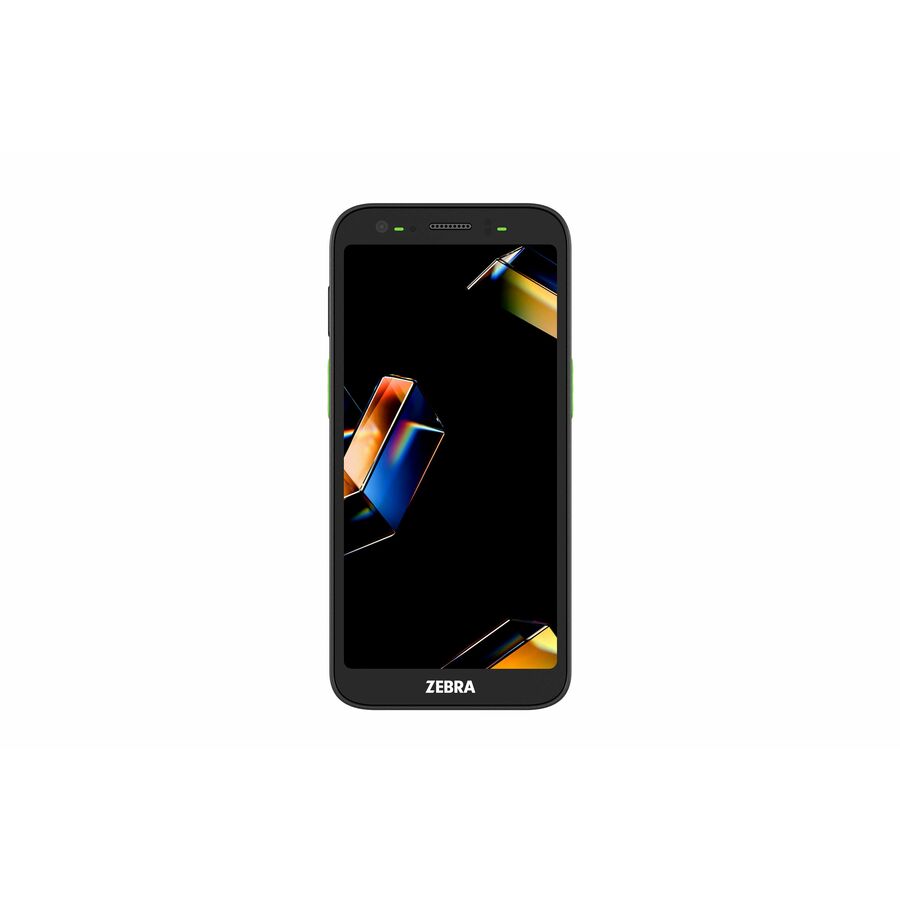
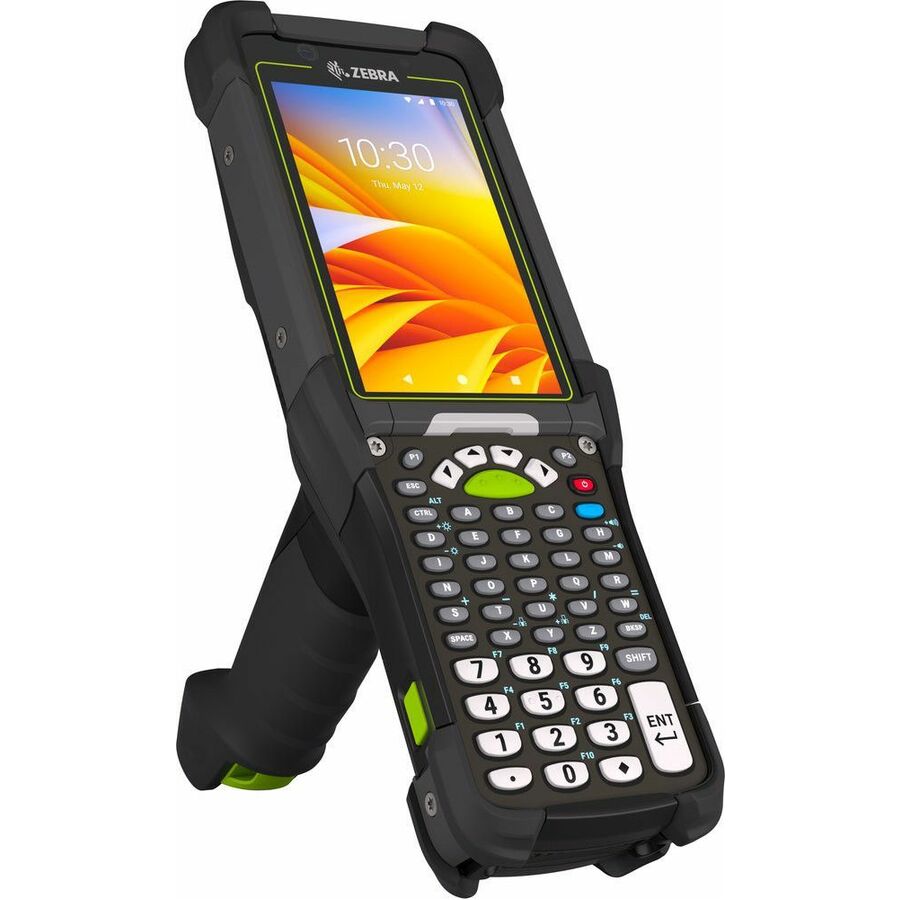
Zebra mobile computers in stock at Uniqcli
How to choose →A curated selection with live pricing — in-stock lines first, then back-ordered lines with a typical lead time. Every line is sourced through US distribution and screened for NDAA §889 status before checkout, with TAA verified on request.
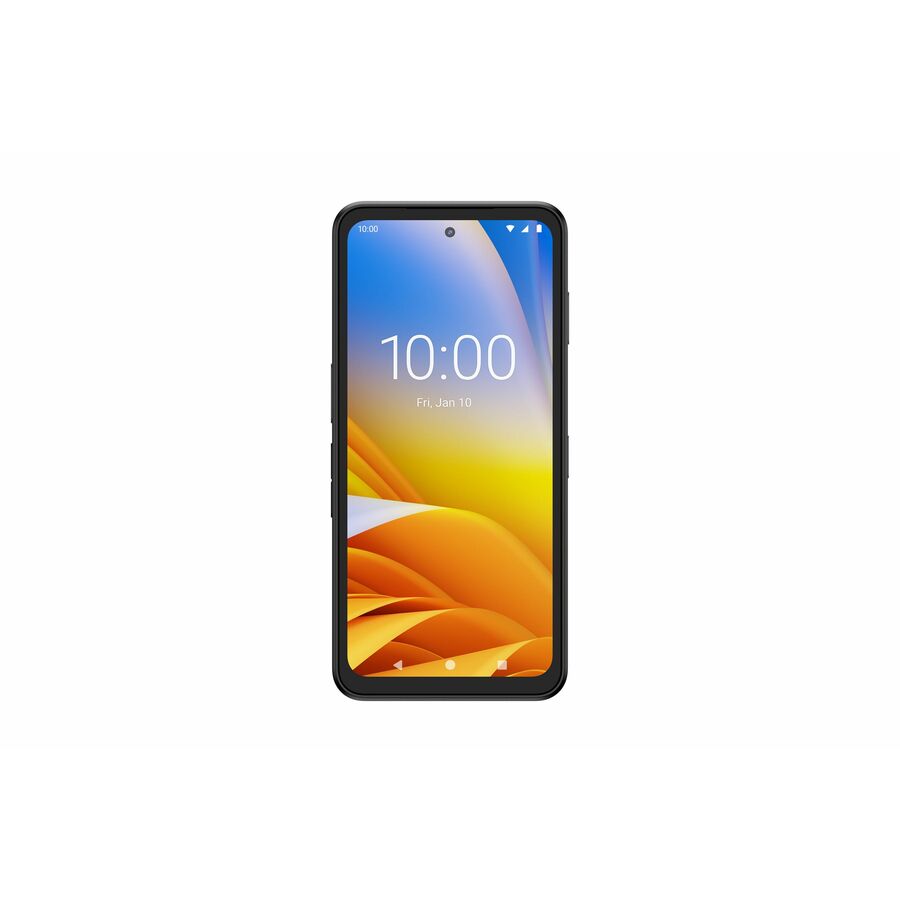
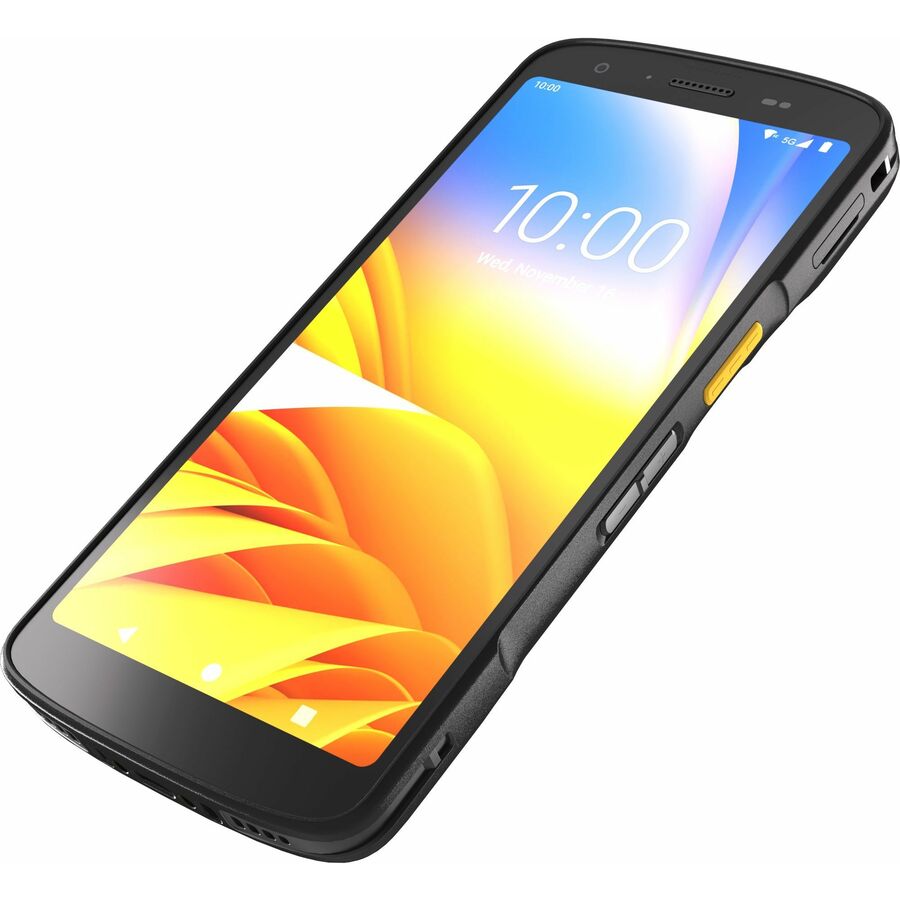
- Zebra TechnologiesZebra EM45 RFID Enterprise Mobile - 5G, 4G, 2G, 3G, 5G LTE, LTE - 47.24" - Qualcomm 2.20 GHz - 8 GB RAM - 128 GB Flash - 6.7" Full HD+ Touchscreen - LED - Front Camera - Rear Camera - Android Upgradable to Android 16 - Wireless LAN - Bluetooth - Battery Included - IP65, IP68EM45A2-3T106B0-NA
$1,549.00
349 in stock - Zebra TechnologiesZebra EM45 RFID Enterprise Mobile - 5G, 4G, 2G, 3G, 5G LTE, LTE - 47.24" - Qualcomm 2.20 GHz - 8 GB RAM - 128 GB Flash - 6.7" Full HD+ Touchscreen - LED - Front Camera - Rear Camera - Android Upgradable to Android 16 - Wireless LAN - Bluetooth - IP65, IP68EM45A2-3T106B0-NAWM
$1,635.13
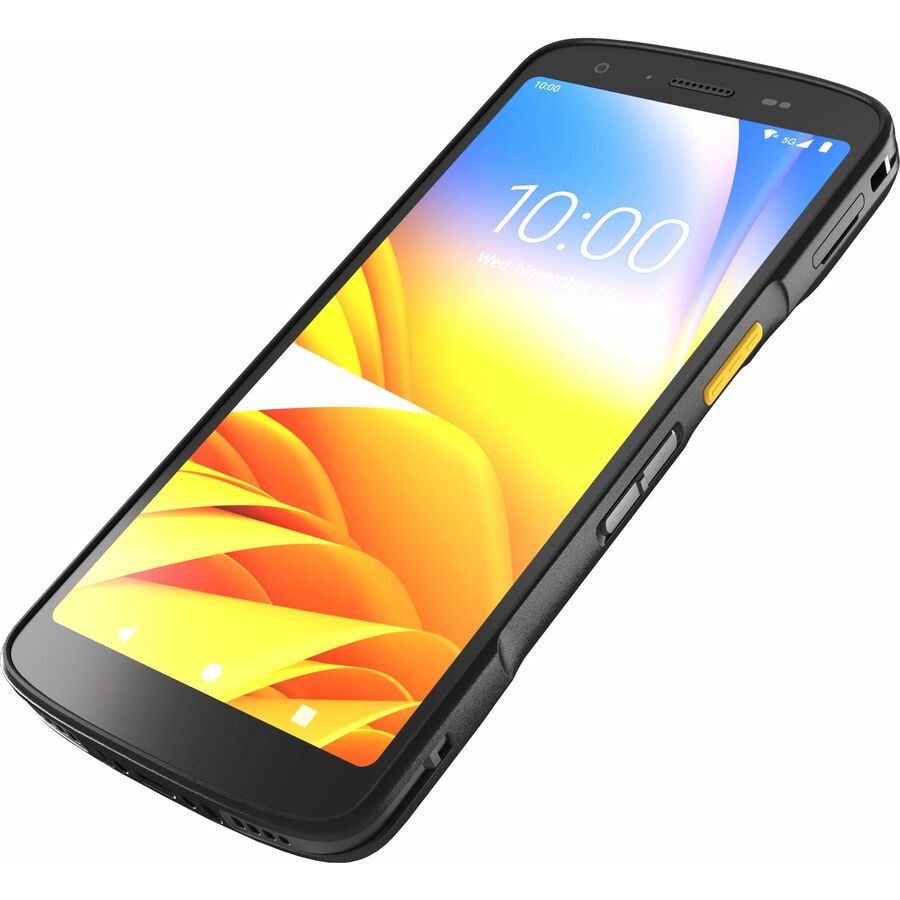
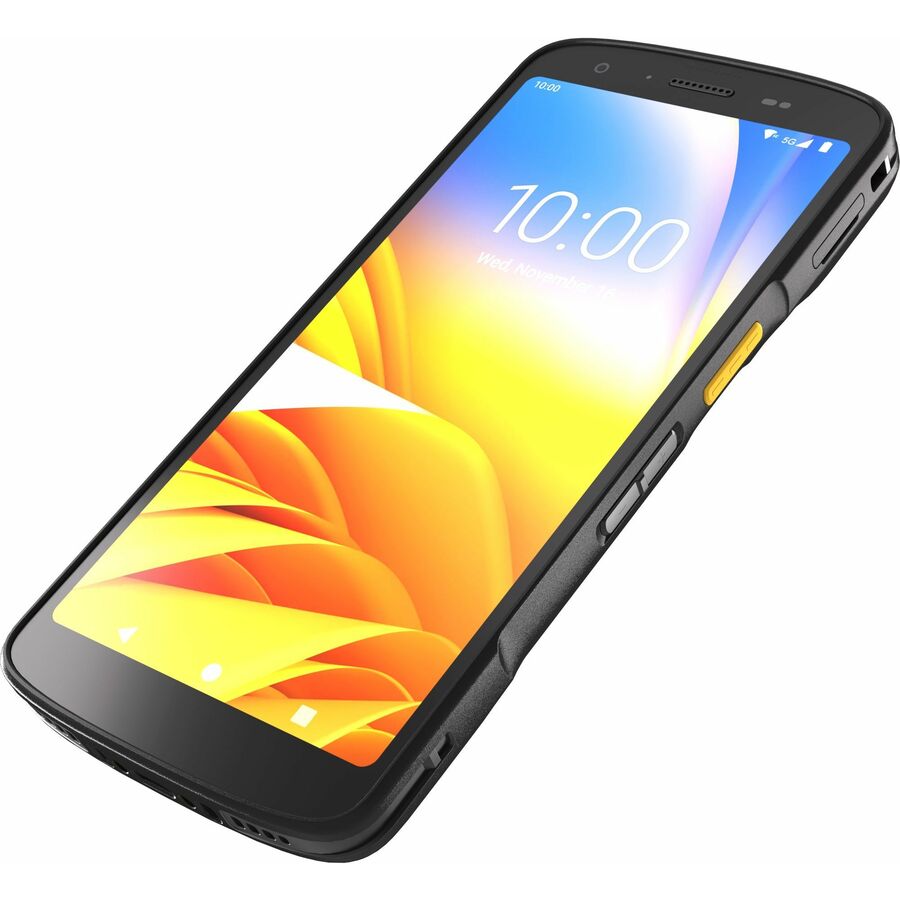
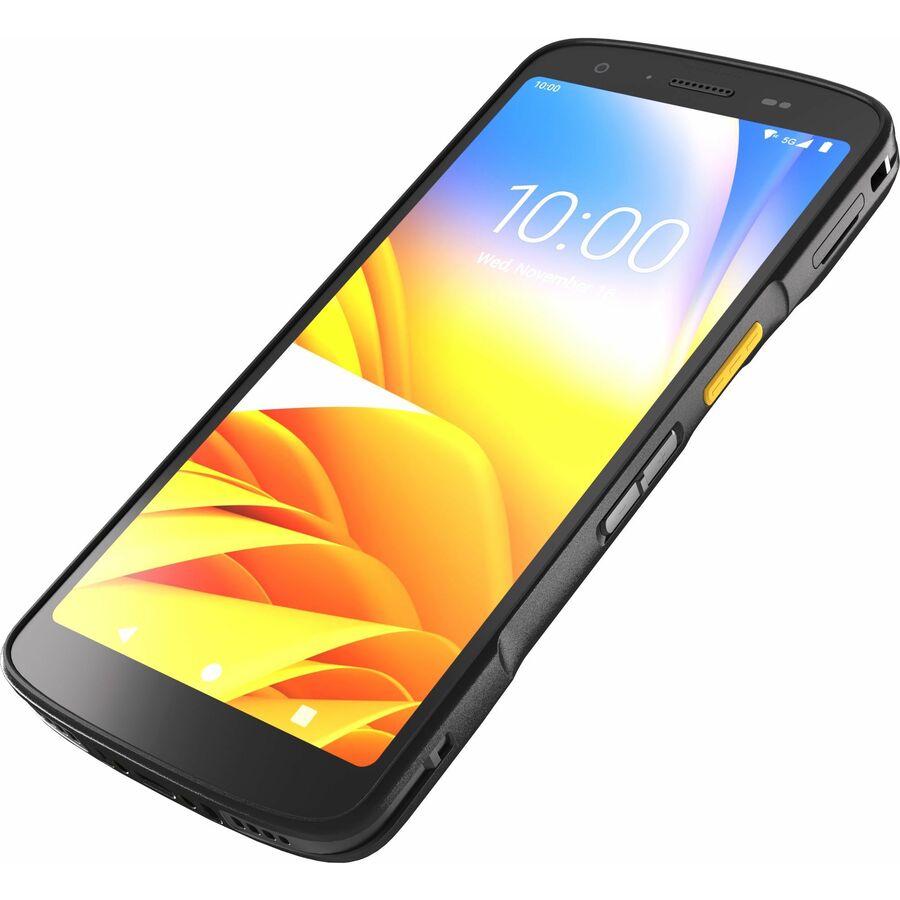
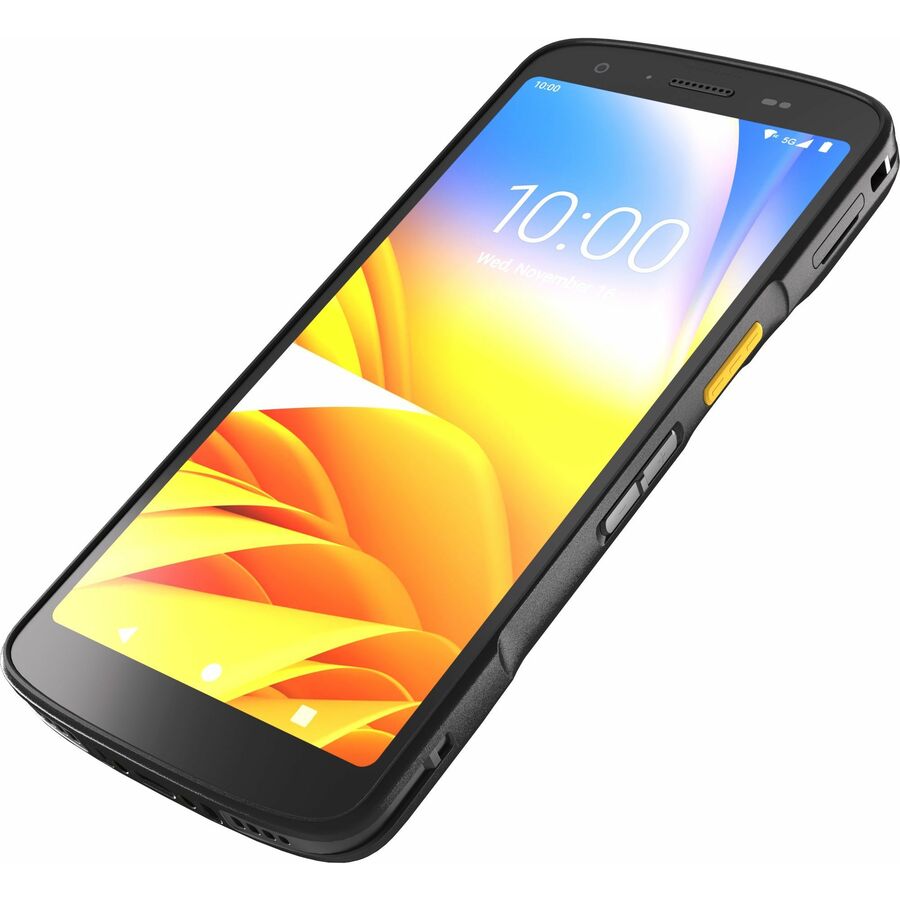
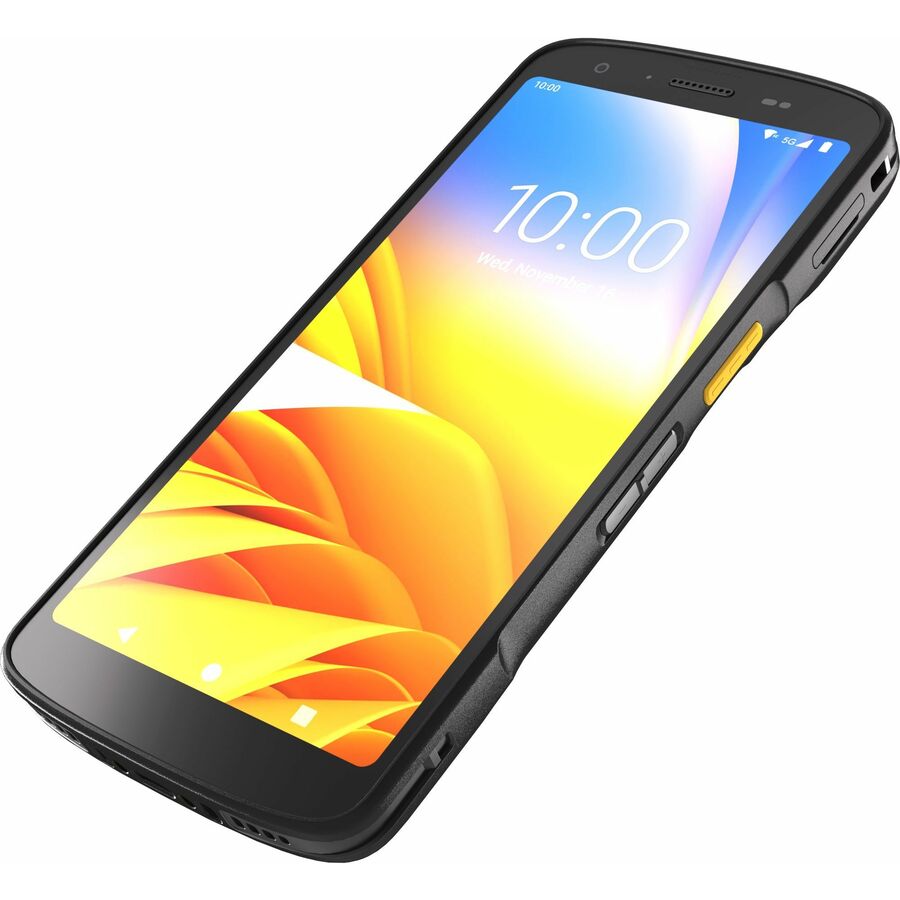
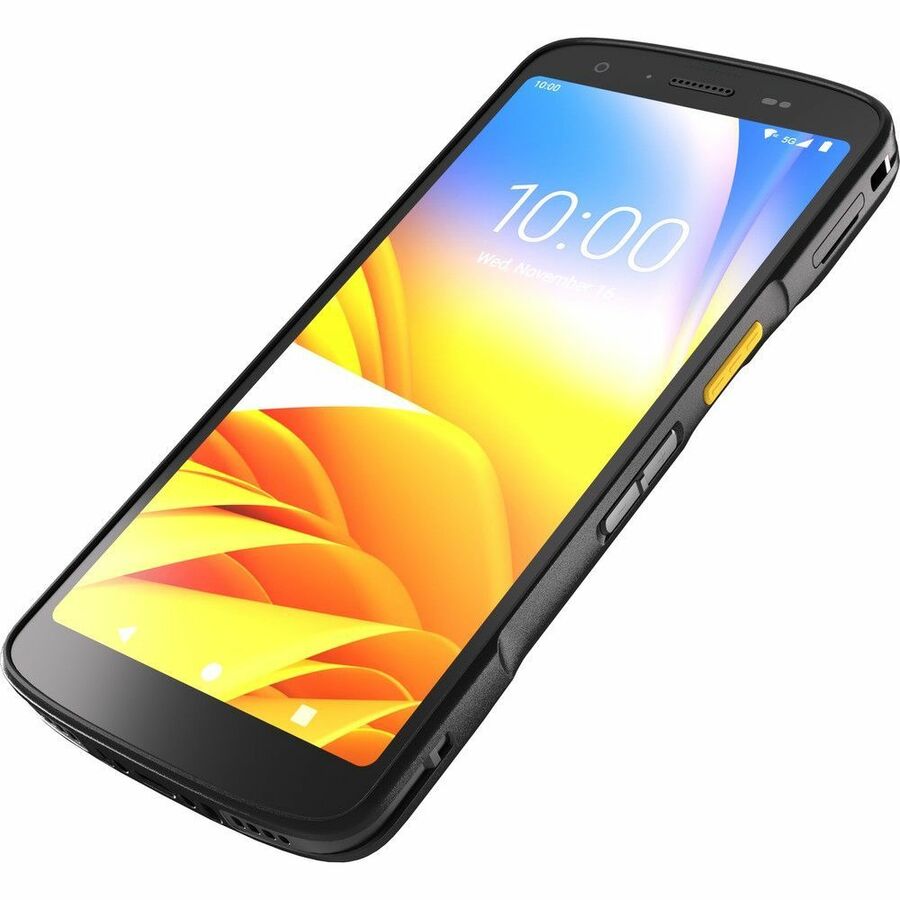
14 in stock - Zebra TechnologiesZebra TC22 Handheld Terminal - 1D, 2D - SE4710Scan Engine2.10 GHz - 6 GB RAM - 64 GB Flash - 6" Full HD Touchscreen - LED - Front Camera - Rear Camera - Android 13 Upgradable to Android 16 - Wireless LAN - Bluetooth - Rugged - TAA Compliant - Battery Included - IP65, IP68WLMT0-T22B6ABE2-NA
$1,676.84*
84 in stock - Zebra TechnologiesZebra TC27 Mobile Computer - 1D, 2D - 5G, 4G, 3G - SE4710Scan Engine2.10 GHz - 6 GB RAM - 64 GB Flash - 6" Full HD+ Touchscreen - LED - Front Camera - Rear Camera - Android Upgradable to Android 16 - Wireless LAN - Bluetooth - Rugged - Battery Included - IP68, IP65WCMTA-T27B6ABC2-NA
$1,705.78
163 in stock - Zebra TechnologiesZebra TC27 Handheld Terminal - 1D, 2D - 5G, LTE - SE55Scan Engine - Qualcomm 2.10 GHz - 6 GB RAM - 64 GB Flash - 6" Full HD Touchscreen - LED - Front Camera - Rear Camera - Android Upgradable to Android 16 - Wireless LAN - Bluetooth - Rugged - TAA Compliant - Battery Included - IP65, IP68WCMTA-T27B6ABE2-NA
$1,778.14*
1 in stock - Zebra TechnologiesZebra TC27 Handheld Terminal - 1D, 2D - 5G, 4G, 3G, 2G, HSPA+, LTE - SE55Scan Engine2.10 GHz - 6 GB RAM - 64 GB Flash - 6" Full HD Touchscreen - LED - Front Camera - Rear Camera - Android 13 Upgradable to Android 16 - Wireless LAN - Bluetooth - Rugged - TAA Compliant - Battery Included - IP68, IP65WCMTA-T27B6CBC2-NA
$1,912.54*
7 in stock - Zebra TechnologiesZebra TC22 Handheld Terminal - 1D, 2D - SE4710Scan Engine2.10 GHz - 8 GB RAM - 128 GB Flash - 6" Full HD Touchscreen - LED - Front Camera - Rear Camera - Android 13 Upgradable to Android 16 - Wireless LAN - Bluetooth - Rugged - TAA Compliant - IP65, IP68WLMT0-T22B8ABD8-NA
$1,945.63*
102 in stock - Zebra TechnologiesZebra TC22 Mobile Computer - 1D, 2D - SE55Scan Engine2.10 GHz - 8 GB RAM - 128 GB Flash - 6" Full HD+ Touchscreen - LED - Front Camera - Rear Camera - Android Upgradable to Android 16 - Wireless LAN - Bluetooth - Rugged - TAA Compliant - Battery Included - IP65, IP68WLMT0-T22B8CBD8-NA
$2,235.08*
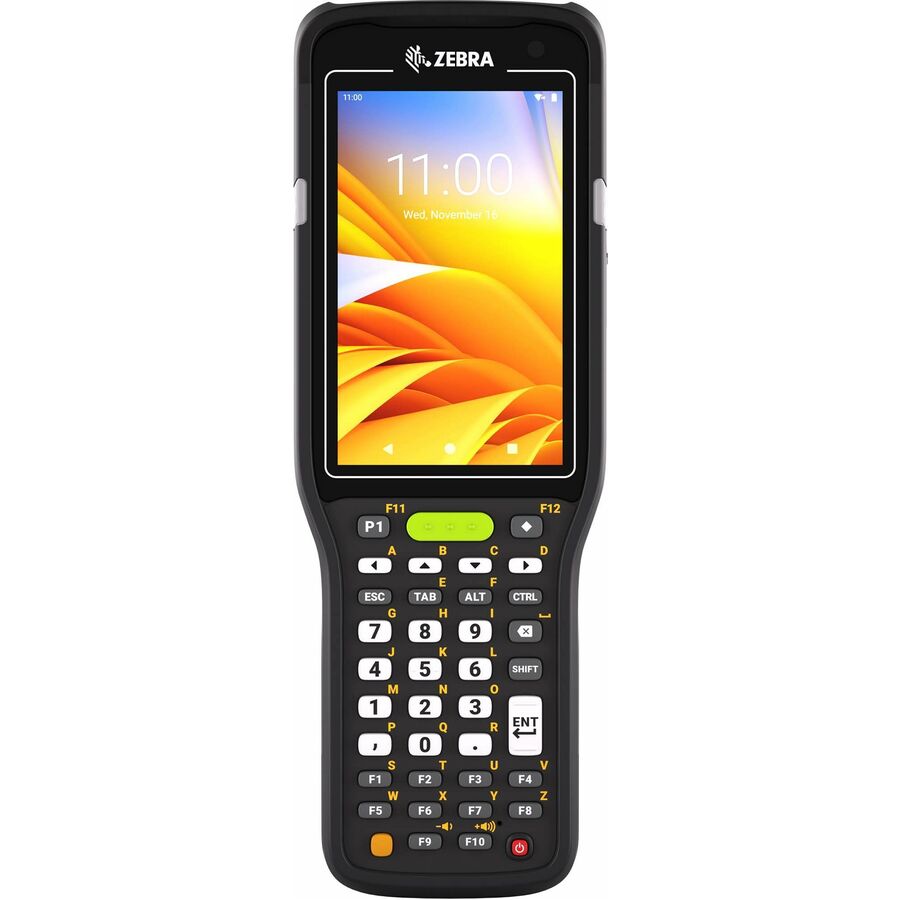
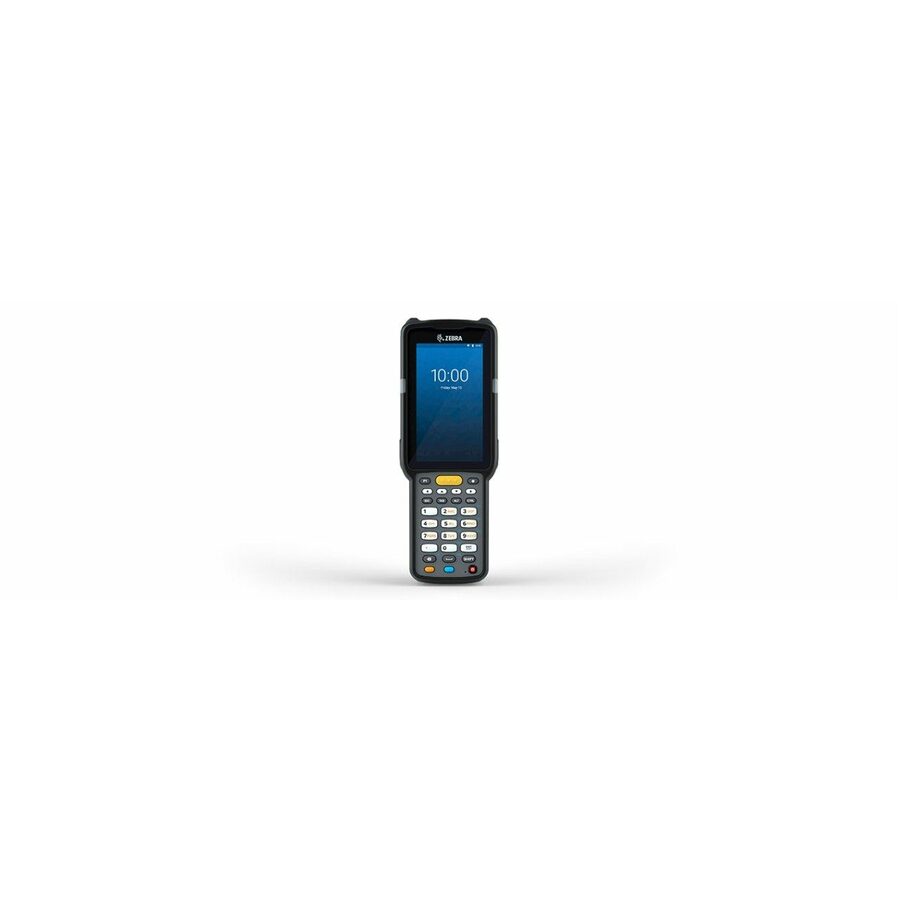
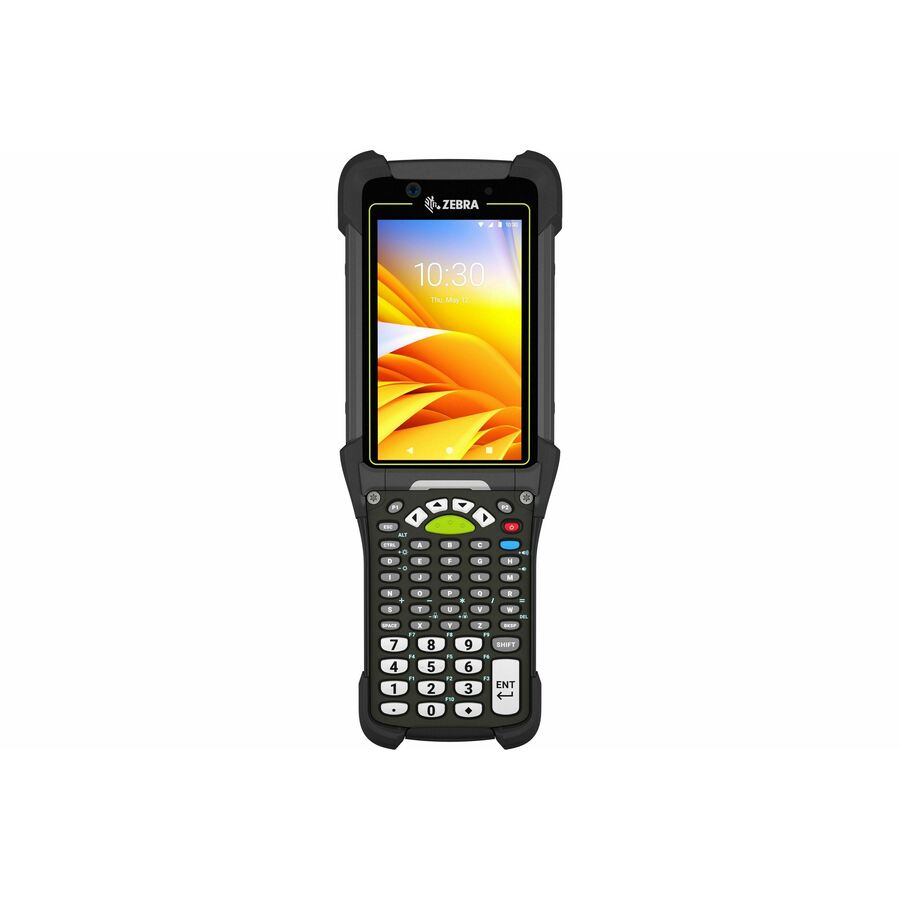
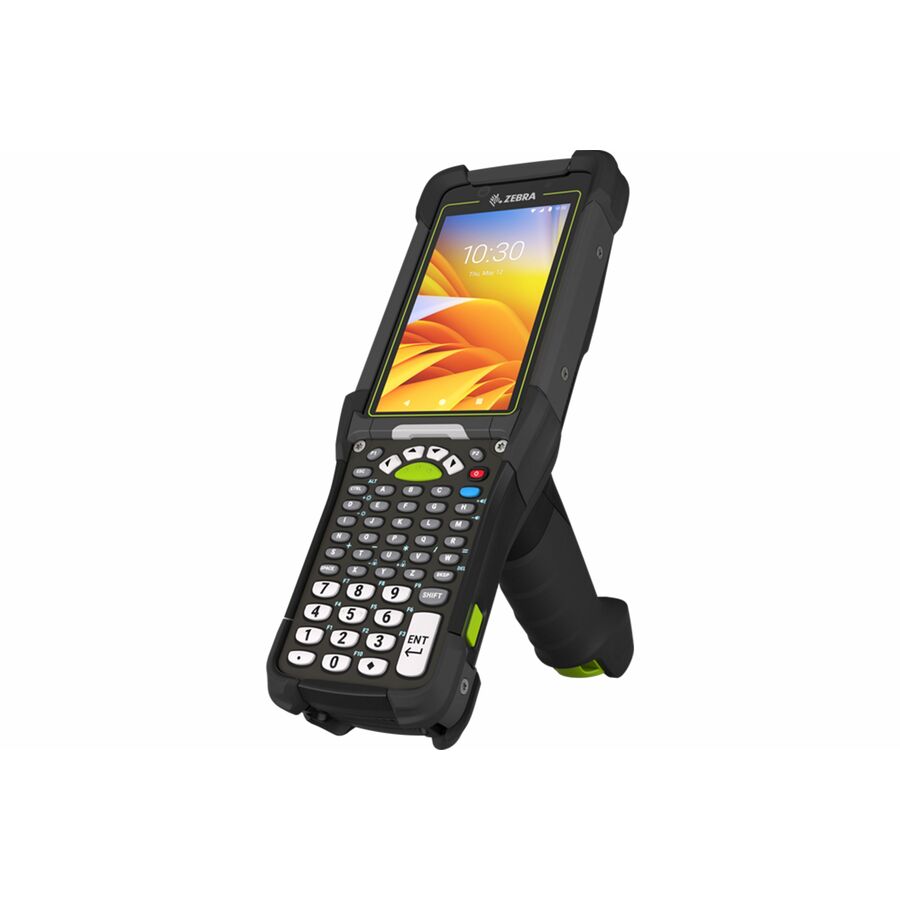
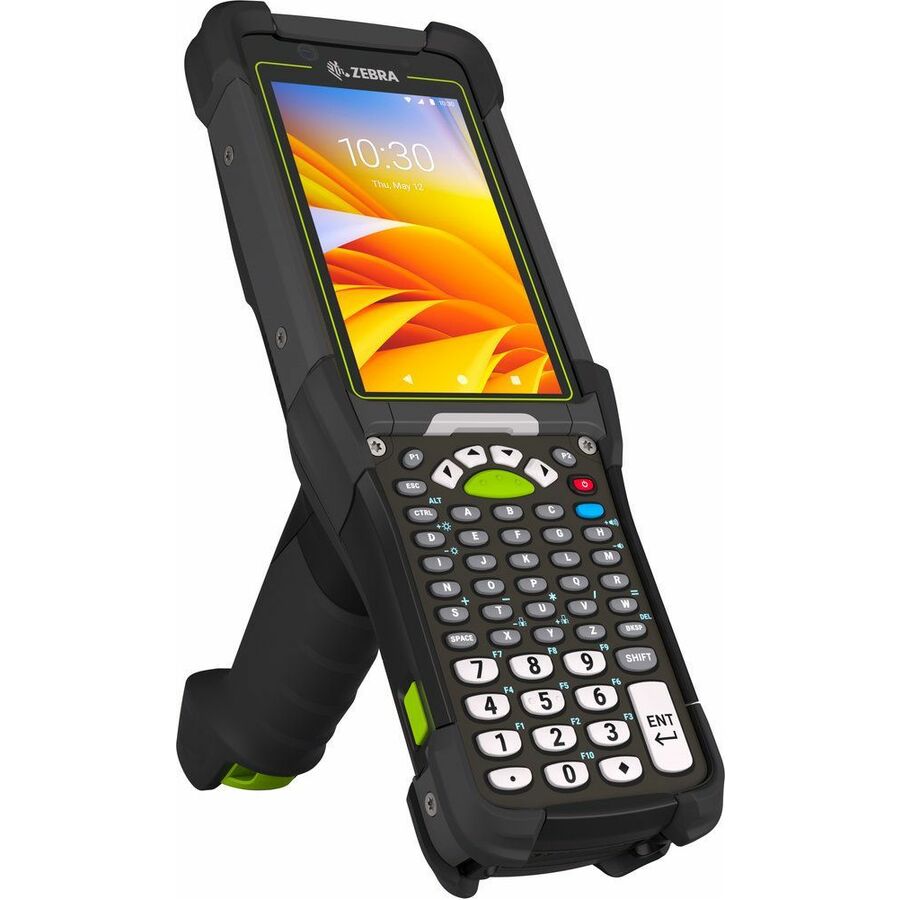
23 in stock - Zebra TechnologiesZebra MC3400 Mobile Computer - 1D, 2D - SE4710Scan Engine - Qualcomm 2.40 GHz - 4 GB RAM - 64 GB Flash - 4" WVGA TouchscreenFront Camera - Rear Camera - 38 Keys - Function Numeric Keyboard - Android Upgradable to Android 15 - Wireless LAN - Bluetooth - Rugged - TAA Compliant - Battery Included - IP65, IP67MC3401-0G1D43SS-NA
$2,795.97
$2,280.63*
6 in stock
More mobile computers in the Uniqcli catalog
See all 795 mobile computersMore Zebra first — closest to what you were just looking at; “See all mobile computers” above opens every other brand in the category. In-stock lines lead, and a back-ordered line carries the same estimated availability its product page does — with live pricing throughout, NDAA §889 screening before checkout and TAA verified on request.
- Zebra TechnologiesZebra TC78 Premium Handheld Terminal - 1D, 2D - 5G, 4G, 3G, 2G - 40 ft - SE55Scan Engine2.70 GHz - 8 GB RAM - 128 GB Flash - 6" Full HD+ Touchscreen - LED - Front Camera - Rear Camera Upgradable to Android 16 - Wireless LAN - Rugged - TAA Compliant - Battery Included - IP65, IP68TC78A1-3T1K6E2A1A-FT
$6,504.04
$5,305.25*
5 in stock - Zebra TechnologiesZebra TC78 Handheld Terminal - 1D, 2D - 5G, 4G, 3G, 2G - 24" - SE4770Scan Engine2.70 GHz - 8 GB RAM - 128 GB Flash - 6" Full HD+ Touchscreen - LED - Front Camera - Rear Camera - Android Upgradable to Android 16 - Wireless LAN - Bluetooth - Rugged - TAA Compliant - Battery Included - IP65, IP68TC78A1-3T1J6B1A10-NA
$5,752.52
$4,692.24*
65 in stock - Zebra TechnologiesZebra TC8300 Touch Computer - 4 GB RAM - 32 GB Flash - 4" Touchscreen - LCD - Android 11 - Wireless LAN - BluetoothTC83BH-3205A710NA
$5,636.39
$4,597.52
165 in stock - Zebra TechnologiesZebra TC73 Mobile Computer - 1D, 2D - 2G, 3G, 5G, 4G, LTE - SE55Scan Engine - Qualcomm 2.70 GHz - 8 GB RAM - 128 GB Flash - 6" Full HD+ Touchscreen - LED - Front Camera - Rear Camera Upgradable to Android 16 - Wireless LAN - Rugged - TAA Compliant - IP65, IP68TC7301-0T1K6B1000-FT
$5,405.06
$4,408.83*
33 in stock - Zebra TechnologiesZebra TC701 Mobile Computer - 1D, 2D - 5G, 4G, 3G, 2G, LTE, LTE Advanced - SR560Scan Engine - Qualcomm 2.90 GHz - 12 GB RAM - 256 GB Flash - 6" Full HD+ Touchscreen - AMOLED - Front Camera - Rear Camera - Android - Wireless LAN - Bluetooth - Rugged - Battery Included - IP65, IP68TC7010-041B2C00A1-NA
$5,256.94
$4,288.01
18 in stock - Zebra TechnologiesZebra TC701 Mobile Computer - 1D, 2D - 5G, 4G, 3G, 2G, LTE, LTE Advanced - 100 ft - AC670Scan Engine - Qualcomm 2.90 GHz - 12 GB RAM - 256 GB Flash - 6" Full HD+ Touchscreen - AMOLED - Front Camera - Rear Camera - Android - Wireless LAN - Bluetooth - Rugged - Battery Included - IP65, IP68TC7010-041E2B0001-NA
$5,157.75
$4,207.10
208 in stock - Zebra TechnologiesZebra TC501 Mobile Computer - 1D, 2D - 5G, 4G, 3G, 2G, LTE, LTE Advanced - 100 ft - AC670Scan Engine - Qualcomm 2.90 GHz - 12 GB RAM - 256 GB Flash - 6" Full HD+ Touchscreen - AMOLED - Front Camera - Rear Camera - Android - Wireless LAN - Bluetooth - Rugged - Battery Included - IP65, IP68TC501G-341E2B1A01-NA
$5,157.75
$4,207.10
32 in stock - Zebra TechnologiesZebra TC8300 Touch Computer - 4 GB RAM - 32 GB Flash - 4" VGA Touchscreen - LCD - Rear Camera - Android 11 - Wireless LAN - BluetoothTC83BH-6205A710NA
$5,085.70
$4,148.33
15 in stock - Zebra TechnologiesZebra MC9400 Handheld Terminal - 1D, 2D - SE58Scan EngineSnapdragon 2.40 GHz - 6 GB RAM - 128 GB Flash - 4.3" WVGA Touchscreen - LED - 53 Keys - Alphanumeric Keyboard - Android 13 Upgradable to Android 17 - Wireless LAN - Bluetooth - Rugged - Battery Included - IP65, IP68MC9401-0G1M6DCS-NA
$5,040.71
$4,111.63
8 in stock - Zebra TechnologiesZebra MC9450 Handheld Terminal - 1D, 2D - 5G, 4G, 3G, 2G, LTE - SE58Scan EngineSnapdragon 2.40 GHz - 6 GB RAM - 128 GB Flash - 4.3" WVGA Touchscreen - LED - 53 Keys - Alphanumeric Keyboard - Android 13 Upgradable to Android 17 - Wireless LAN - Bluetooth - Rugged - Battery Included - IP65, IP68MC945A-3G1M6ESS-NA
$5,040.71
$4,111.63
15 in stock - Zebra TechnologiesZebra MC9400 Handheld Terminal - 1D, 2D - 100.07 ft - SE58Scan Engine2.40 GHz - 6 GB RAM - 128 GB Flash - 4.3" WVGA Touchscreen - 58 Keys - Alphanumeric Keyboard - Android Upgradable to Android 17 - Wireless LAN - Bluetooth - Rugged - Battery Included - IP65, IP68MC9401-0G1M6HCS-NA
$5,040.71
$4,111.63
27 in stock - Zebra TechnologiesZebra TC701 Mobile Computer - 1D, 2D - 5G, 4G, 3G, 2G, LTE, LTE Advanced - SR560Scan Engine - Qualcomm 2.90 GHz - 12 GB RAM - 256 GB Flash - 6" Full HD+ Touchscreen - AMOLED - Front Camera - Rear Camera - Android - Wireless LAN - Bluetooth - Rugged - Battery Included - IP65, IP68TC7010-041B2B0001-NA
$4,992.44
$4,072.26
2 in stock - Zebra TechnologiesZebra TC501 Mobile Computer - 1D, 2D - 5G, 4G, 3G, 2G, LTE, LTE Advanced - SR560Scan Engine - Qualcomm 2.90 GHz - 12 GB RAM - 256 GB Flash - 6" Full HD+ Touchscreen - AMOLED - Front Camera - Rear Camera - Android - Wireless LAN - Bluetooth - Rugged - Battery Included - IP65, IP68TC5010-041B2C00A1-NA
$4,860.19
$3,964.38
22 in stock - Zebra TechnologiesZebra MC9400 Handheld Terminal - 1D, 2D - 100.07 ft - SE58Scan Engine2.40 GHz - 6 GB RAM - 128 GB Flash - 4.3" WVGA Touchscreen - 43 Keys - Function Numeric Keyboard - Android Upgradable to Android 17 - Wireless LAN - Bluetooth - Rugged - Battery Included - IP65, IP68MC9401-0G1M6CNS-NA
$4,775.06
$3,894.94
7 in stock - Zebra TechnologiesZebra TC501 Mobile Computer - 1D, 2D - 5G, 4G, 3G, 2G, LTE, LTE Advanced - 100 ft - AC670Scan Engine - Qualcomm 2.90 GHz - 12 GB RAM - 256 GB Flash - 6" Full HD+ Touchscreen - AMOLED - Front Camera - Rear Camera - Android - Wireless LAN - Bluetooth - Rugged - Battery Included - IP65, IP68TC5010-041E2B0001-NA
$4,694.88
$3,829.55
2,465 in stock - Zebra TechnologiesZebra MC9400 Handheld Terminal - 1D, 2D - SE58Scan EngineSnapdragon 2.40 GHz - 6 GB RAM - 128 GB Flash - 4.3" WVGA TouchscreenFront Camera - Rear Camera - 53 Keys - Alphanumeric Keyboard - Android 13 Upgradable to Android 17 - Wireless LAN - Bluetooth - Rugged - TAA Compliant - Battery Included - IP65, IP68MC9401-0G1R6DSS-NA
$4,609.03
$3,759.51*
537 in stock - Zebra TechnologiesZebra TC501 Mobile Computer - 1D, 2D - 5G, 4G, 3G, 2G, LTE, LTE Advanced - SR560Scan Engine - Qualcomm 2.90 GHz - 12 GB RAM - 256 GB Flash - 6" Full HD+ Touchscreen - AMOLED - Front Camera - Rear Camera - Android - Wireless LAN - Bluetooth - Rugged - Battery Included - IP65, IP68TC5010-041B2B0001-NA
$4,595.69
$3,748.64
9 in stock - Zebra TechnologiesZebra MC9400 Handheld Terminal - 1D, 2D - 100.07 ft - SE58Scan Engine2.40 GHz - 6 GB RAM - 128 GB Flash - 4.3" WVGA Touchscreen - LED - 58 Keys - Alphanumeric Keyboard - Android Upgradable to Android 17 - Wireless LAN - Bluetooth - Rugged - Battery Included - IP65, IP68MC9401-0G1M6HSS-NA
$4,509.41
$3,678.25
117 in stock - Zebra TechnologiesZebra MC9400 Handheld Terminal - 1D, 2D - SE58Scan EngineSnapdragon 2.40 GHz - 6 GB RAM - 128 GB Flash - 4.3" WVGA Touchscreen - LED - 53 Keys - Alphanumeric Keyboard - Android 13 Upgradable to Android 17 - Wireless LAN - Bluetooth - Rugged - Battery Included - IP65, IP68MC9401-0G1M6DSS-NA
$4,509.41
$3,678.25
431 in stock - Zebra TechnologiesZebra MC9400 Handheld Terminal - 1D, 2D - SE58Scan EngineSnapdragon 2.40 GHz - 6 GB RAM - 128 GB Flash - 4.3" WVGA Touchscreen - LED - 53 Keys - Alphanumeric Keyboard - Android 13 Upgradable to Android 17 - Wireless LAN - Bluetooth - Rugged - Battery Included - IP65, IP68MC9401-0G1M6GSS-NA
$4,509.41
$3,678.25
3 in stock - Zebra TechnologiesZebra MC9400 Handheld Terminal - 1D, 2D - SE58Scan EngineSnapdragon 2.40 GHz - 6 GB RAM - 128 GB Flash - 4.3" WVGA Touchscreen - 53 Keys - Android 13 Upgradable to Android 17 - Wireless LAN - Bluetooth - Rugged - Battery Included - IP65, IP68MC9401-0G1M6ESS-NA
$4,509.41
$3,678.25
58 in stock - Zebra TechnologiesZebra MC9400 Handheld Terminal - 1D, 2D - 100.07 ft - SE58Scan Engine - Qualcomm 2.40 GHz - 6 GB RAM - 128 GB Flash - 4.3" WVGA Touchscreen - LED - Front Camera - Rear CameraNumeric Keyboard - Android Upgradable to Android 17 - Wireless LAN - Bluetooth - Rugged - Battery Included - IP65, IP68MC9401-0G1M6CSS-NA
$4,509.41
$3,678.25
12 in stock - Zebra TechnologiesZebra TC501 Mobile Computer - 1D, 2D - 5G, 4G, 3G, 2G, LTE, LTE Advanced - SR560Scan Engine - Qualcomm 2.90 GHz - 8 GB RAM - 128 GB Flash - 6" Full HD+ Touchscreen - AMOLED - Front Camera - Rear Camera - Android - Wireless LAN - Bluetooth - Rugged - Battery Included - IP65, IP68TC501G-321B1A1A01-NA
$4,364.25
$3,559.86
198 in stock - Zebra TechnologiesZebra MC9400 Handheld Terminal - 1D, 2D - SE4770Scan Engine2.40 GHz - 6 GB RAM - 128 GB Flash - 4.3" WVGA TouchscreenFront Camera - Rear Camera - 53 Keys - Alphanumeric Keyboard - Android Upgradable to Android 17 - Wireless LAN - Bluetooth - Rugged - TAA Compliant - Battery Included - IP65, IP68MC9401-0G1P6DSS-NA
$4,343.38
$3,542.84*
12 in stock
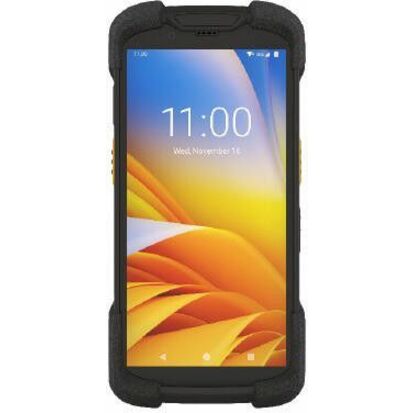
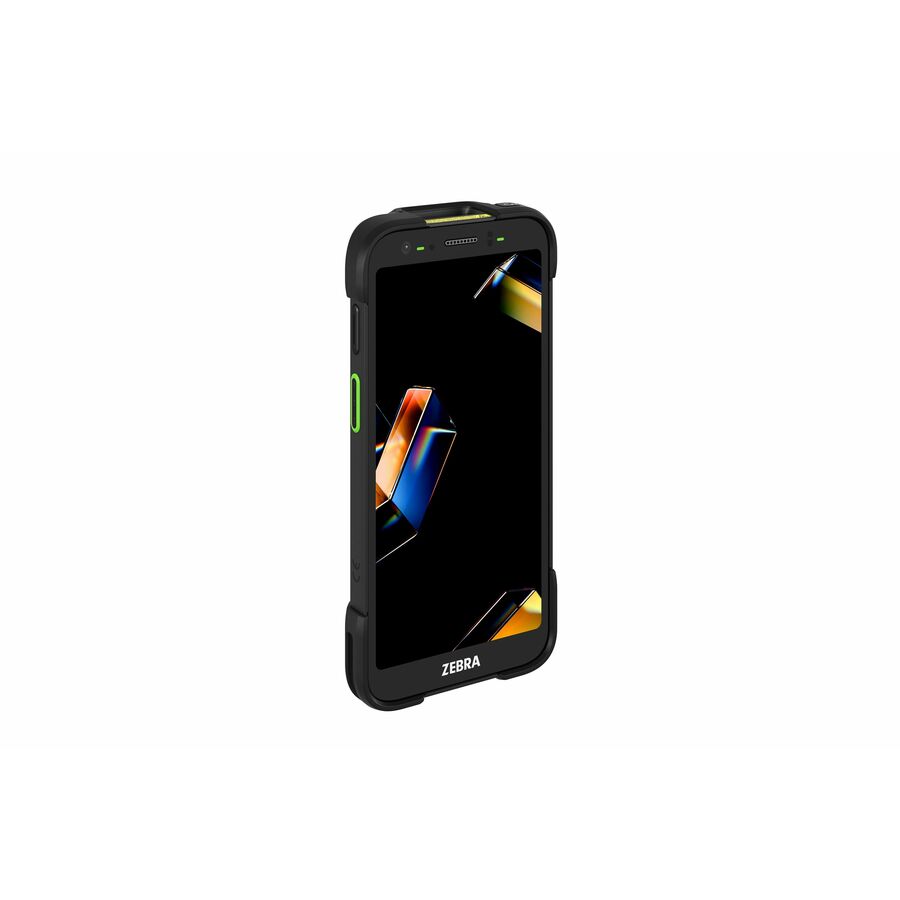
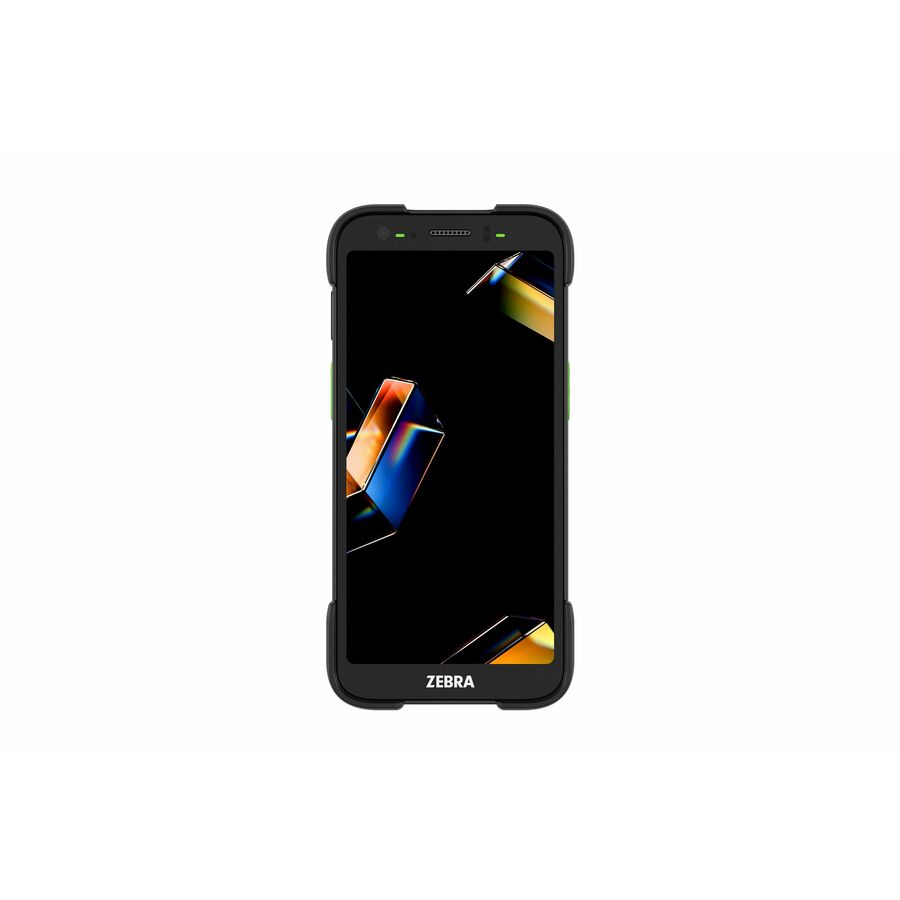
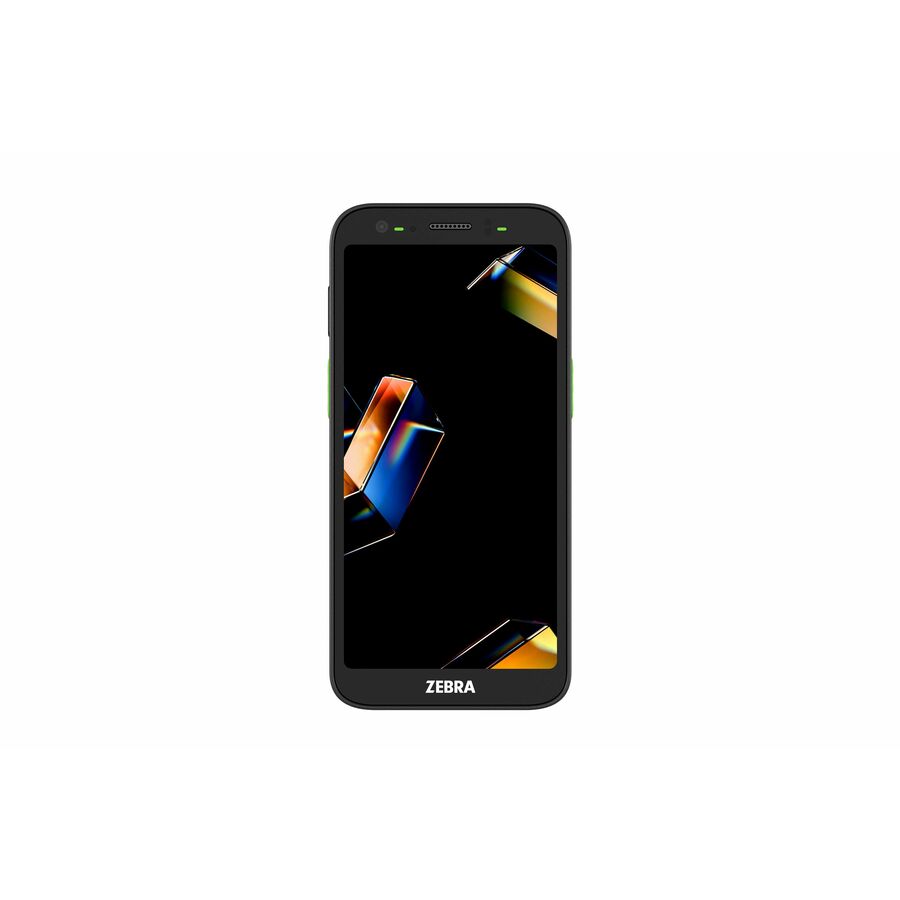
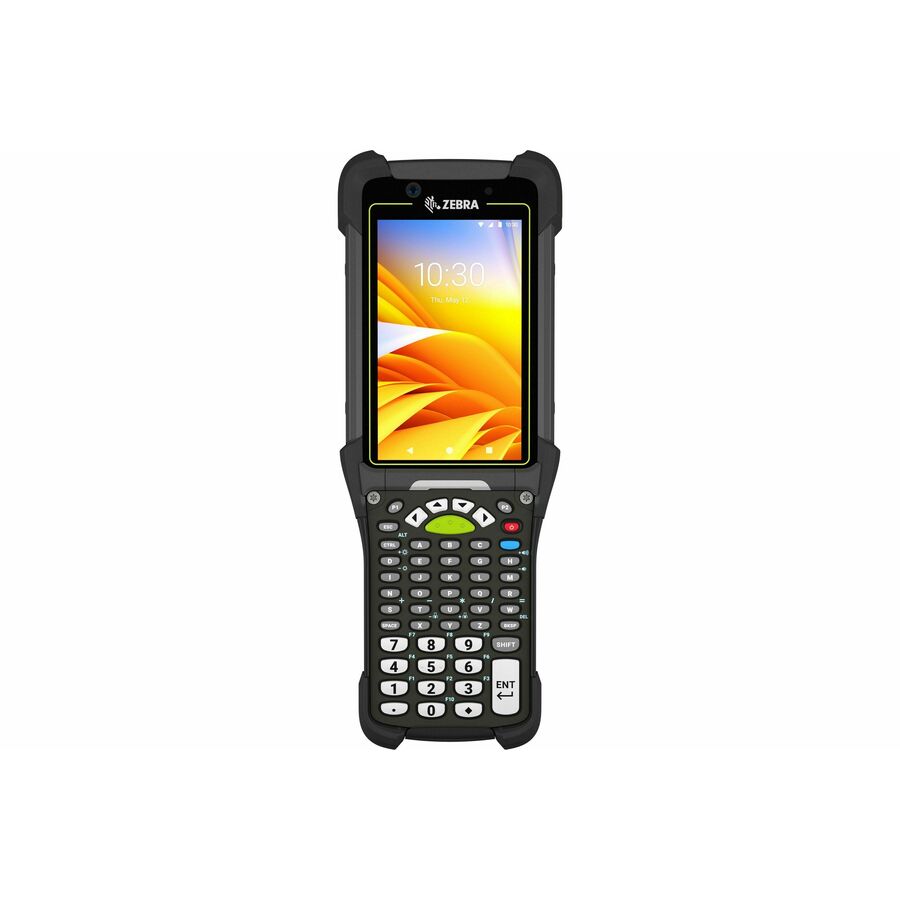
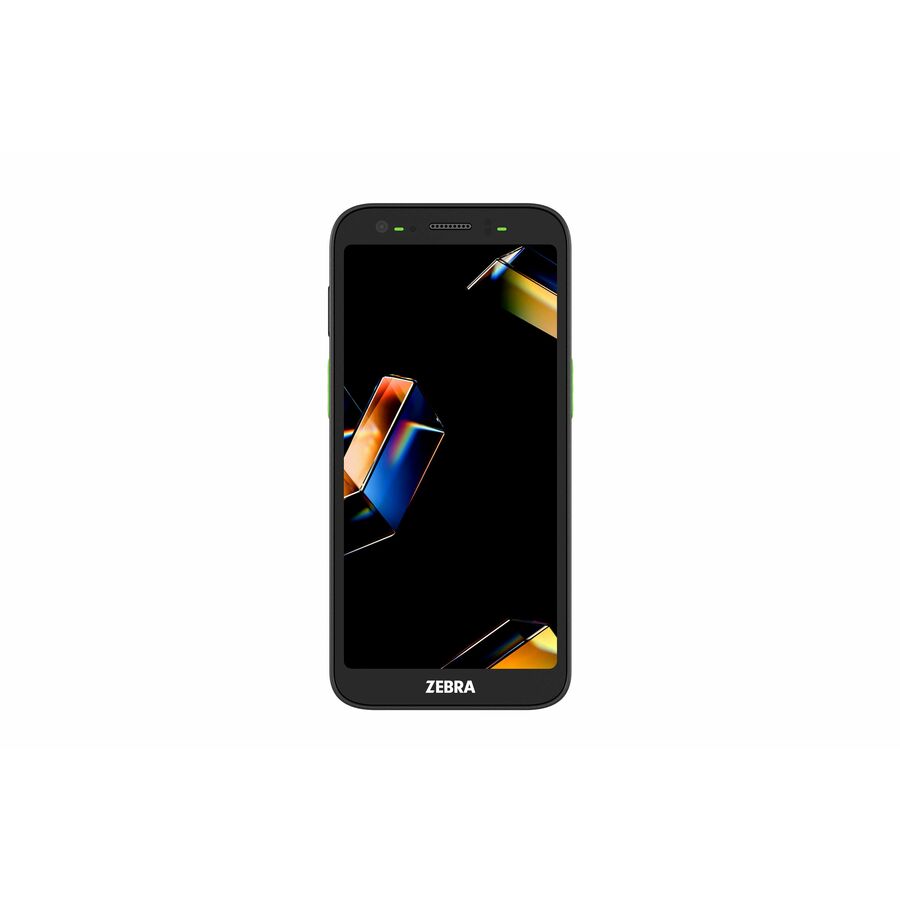
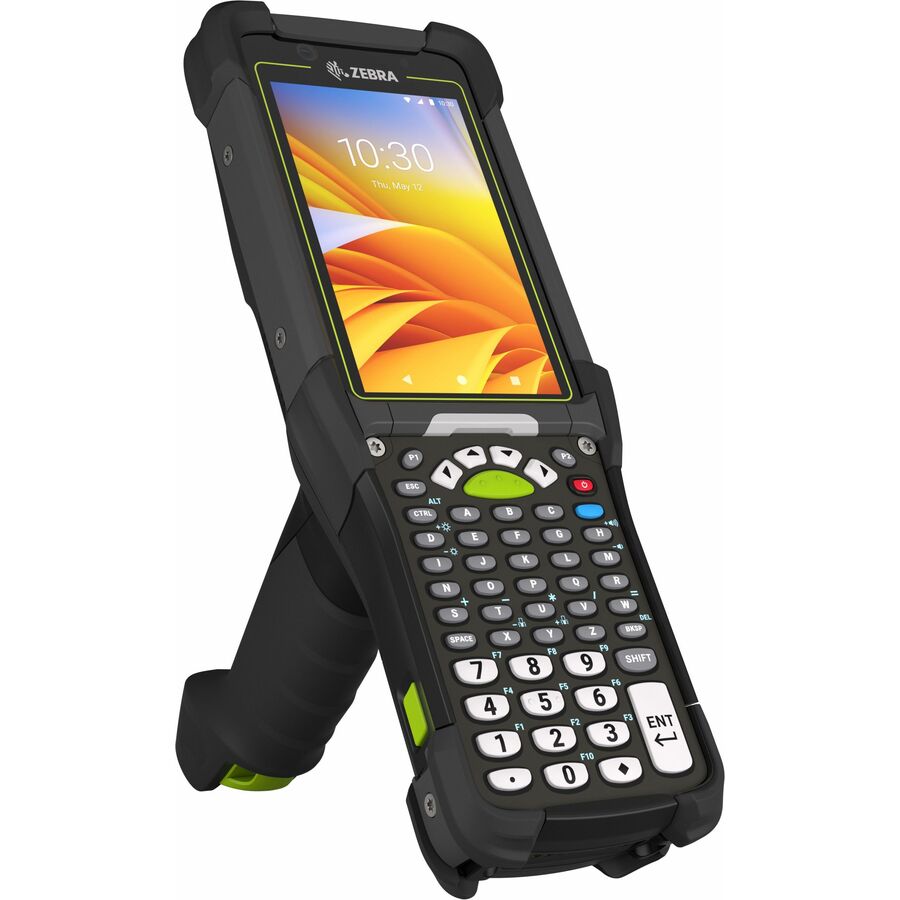
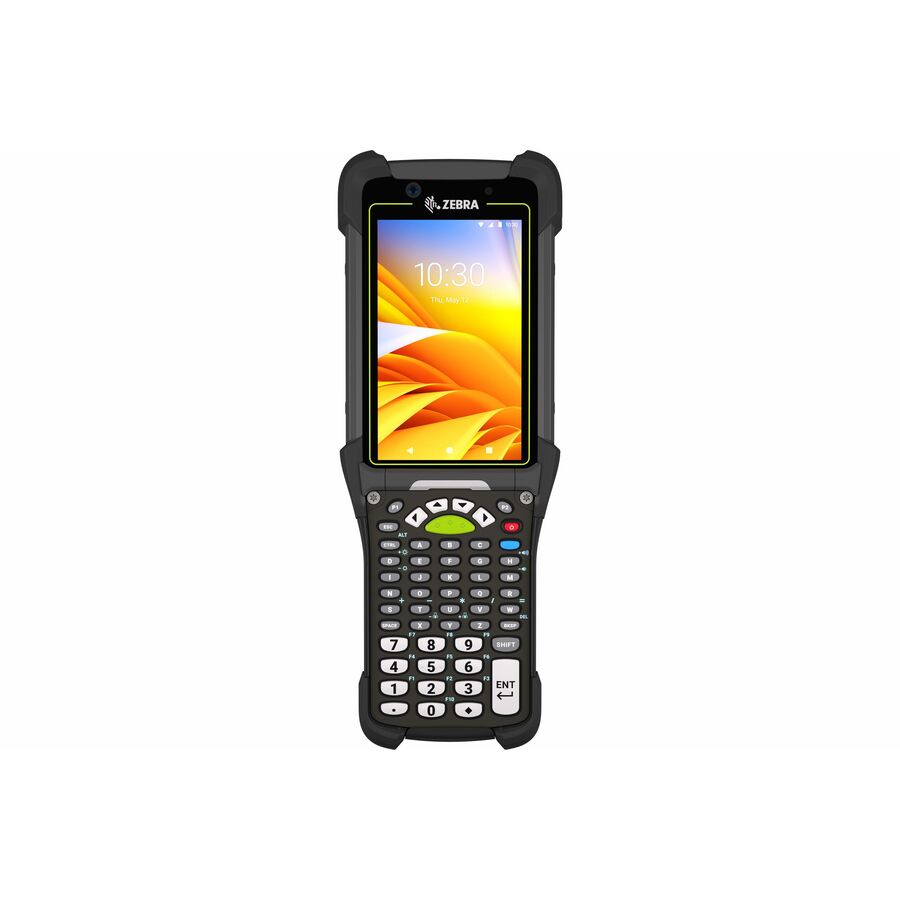
Need pricing on Zebra mobile computers?
Tell us where to reach you and a Uniqcli specialist will follow up by email with current pricing, availability and lead time for the quantities you need — including parts that aren’t shown on this page.
Buying for an organization or for yourself — both work. No payment up front.
The scan engine and its read distance decide a Zebra handheld, not the processor. A standard-range imager suits close-in retail and parcel work, a long-range engine reaches pallet labels across a rack aisle, and tagged-asset tracking needs a UHF RFID model rather than a barcode imager. Form factor then follows how it is held: touch TC-series, keyed MC-series, or a wearable.
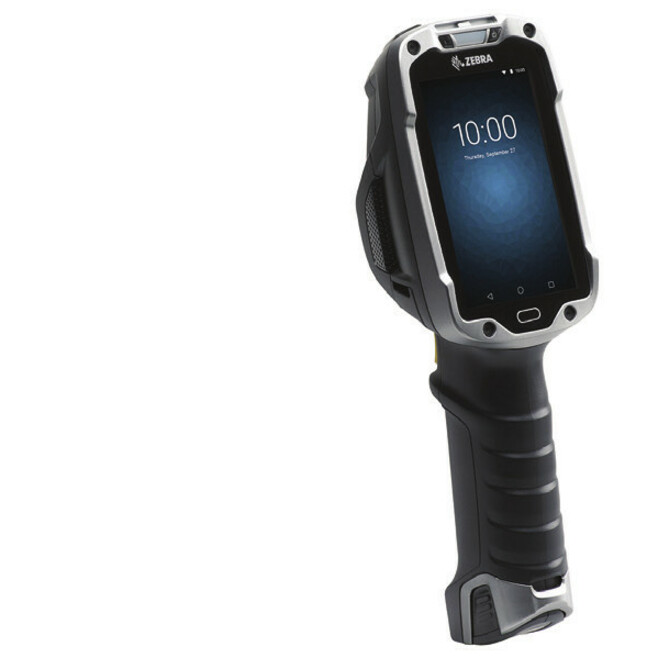
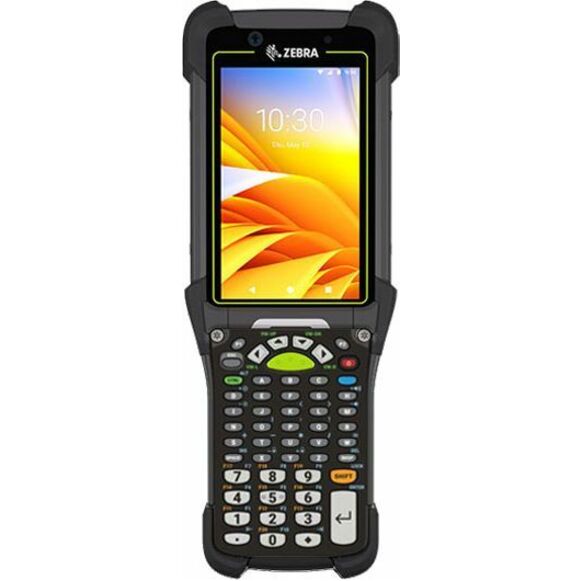
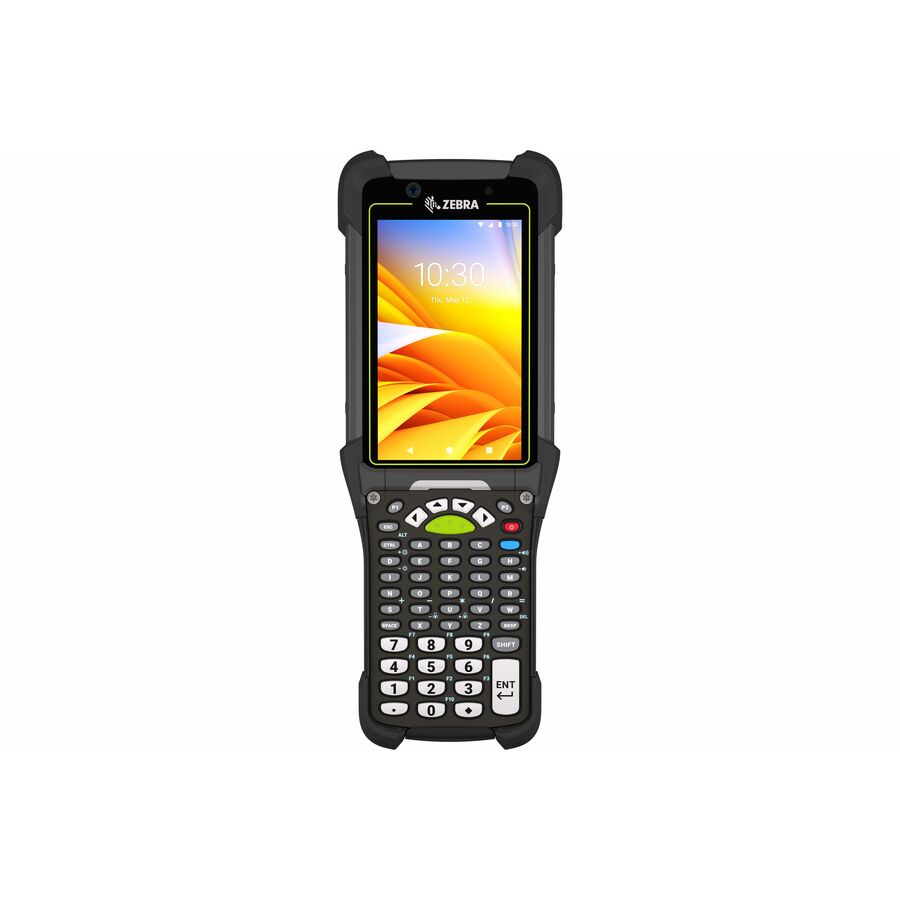
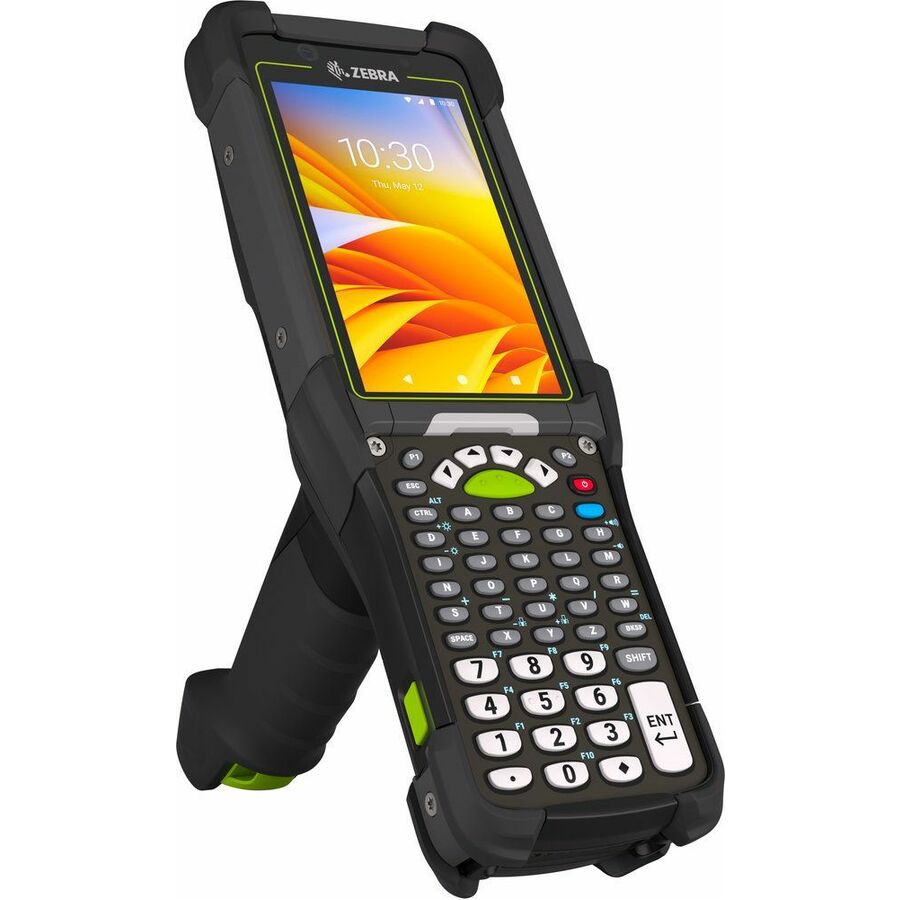
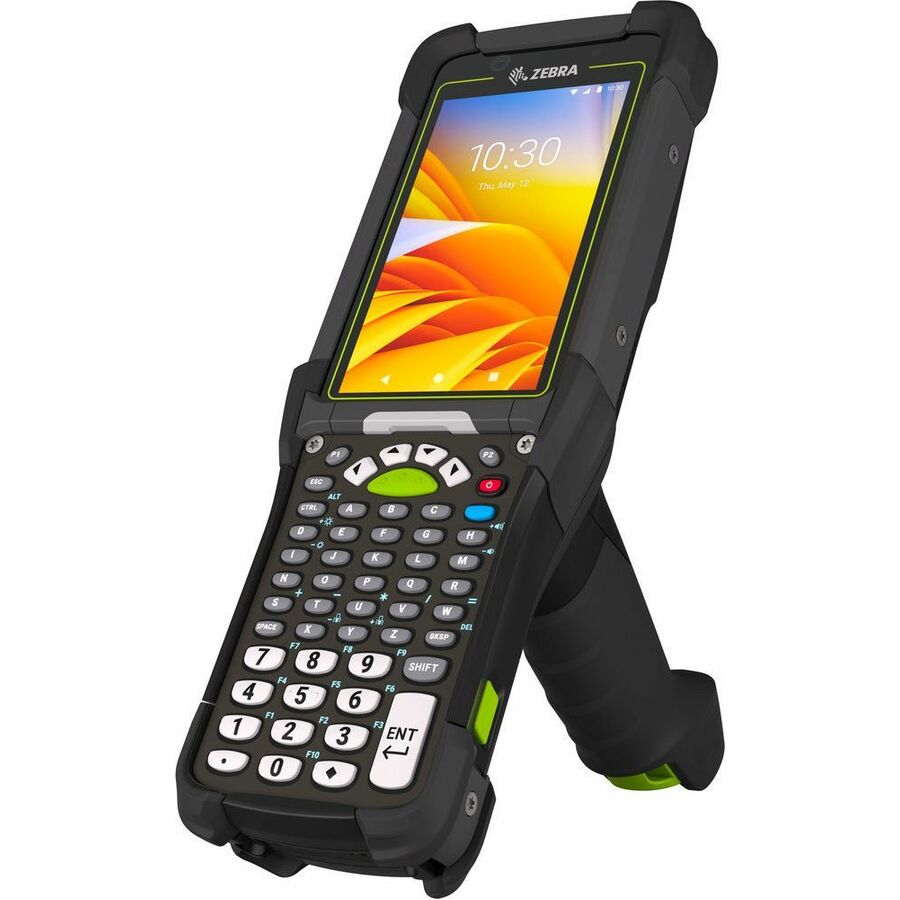
Zebra's handheld line splits into a few clear families, and picking the right one starts with form factor and scan engine rather than headline specs. The TC-series are touch-first rugged computers for general data capture, ticketing and field service; the MC-series pair a touchscreen with a physical keypad for glove-on, eyes-free entry and high-volume warehouse scanning; wearable units keep hands free on the pick line; and dedicated UHF RFID models read tags at range rather than line-of-sight barcodes. Across families you'll see sealed rugged housings (typically IP65 through IP68), drop and tumble ratings, hot-swappable batteries, and Android builds with a manufacturer-stated upgrade path.
The most common mistake is buying on processor or memory alone and mismatching the scanner to the job. A standard-range imager is right for close-in retail and parcel work; a long-range imaging engine is what you want for reaching pallet labels across a rack aisle; and if you're tracking tagged assets you need a UHF RFID model, not a barcode imager. From there, decide connectivity — Wi-Fi-only devices are fine inside a facility, while 5G/LTE variants matter for drivers and field crews — then size RAM, storage and battery to your shift length and app load.
The selection below is what Uniqcli currently stocks, with live in-stock status shown on each unit so you can see what's available to ship versus what's backordered. Everything is sourced through US distribution and screened for TAA country-of-origin and NDAA 889 status before checkout, with documentation tied to the specific part number you order. Where a model is marketed by Zebra as TAA-compliant, that is noted on the product record.
Buyer's checklist
How to choose the right Zebra mobile computer
- Match the scan engine to your read distance and symbologies: standard-range imaging for close work, a long-range engine for reaching high-rack labels, or UHF RFID for tagged-asset tracking.
- Pick the form factor for how it's held: touch TC-series for general capture and apps, keyed MC-series for glove-on and eyes-free entry, or a wearable for hands-free picking.
- Confirm the environmental rating (IP65/IP67/IP68) plus the drop and tumble spec match your dock, cold-chain, yard or field conditions.
- Decide connectivity up front: Wi-Fi-only for in-facility use versus 5G/LTE for drivers and field crews that leave the building.
- Verify the Android baseline and the manufacturer's stated upgrade path and security-update lifecycle so devices stay supported through your deployment.
- Size RAM, storage and battery (extended or hot-swap) to your shift length and app load, then standardize cradles, accessories and MDM across the fleet.
Where these handhelds fit
Match the family to the operation rather than the spec sheet. Distribution centers lean on keyed MC-series units and wearables for high-volume, glove-on scanning down long aisles; retail floors and stockrooms favor touch TC-series for lookups, ticketing and price checks; delivery and field-service crews want a TC unit with 5G/LTE and a long battery for a full route. Asset-tracking and inventory-audit teams reach instead for a dedicated UHF RFID handheld.
Environment sets the ruggedization. Cold-chain and freezer work needs sealing and condensation-tolerant screens; yards and loading docks need the drop and tumble spec to survive concrete; healthcare and clean retail can run lighter-duty units but often prioritize disinfectant-ready housings. Reading how and where the device is actually held each shift prevents both under-speccing a fragile unit and overpaying for ruggedization a counter-bound role never needs.
Standing up and managing a fleet
A handheld deployment is a fleet-management project, not a box of phones. Plan MDM enrollment and a staging profile so devices arrive configured to your apps, WLAN and security policy instead of being set up by hand. Survey wireless coverage across aisles, docks and cold rooms before rollout — dead spots surface later as phantom device problems. Standardize on one or two models so cradles, spare batteries and accessories stay interchangeable across the floor.
Power is the quiet failure point. For multi-shift operations, size extended or hot-swap batteries to the longest run and build a charged-battery pool with labeled rotation so a low cell never idles a picker. Standardized single- and multi-bay cradles keep spares topped up and simplify the kit each worker grabs at shift start. Treating batteries as consumable inventory, not fixed hardware, keeps the fleet moving.
Lifecycle and total cost
The purchase price is one input among several. Android support length is a real cost lever — a device with a longer stated upgrade path and LifeGuard security-update coverage stays deployable, and patched, for more years before a forced refresh, so weigh the support window against the sticker. Batteries, spare units and repair coverage all recur across the fleet's life and usually outweigh a small per-device saving at purchase.
Standardizing models pays back across the lifecycle: shared cradles, boots, holsters and vehicle mounts carry forward, spares pool cleanly, and technicians learn one platform. A manufacturer repair or service program smooths the cost of drops and wear over a multi-year deployment. Where a role's requirements genuinely differ, split the fleet deliberately rather than letting model sprawl accumulate the accessory and support overhead you pay for every year.
The Zebra mobile-device families at a glance
Handhelds are the best-known Zebra mobile devices, but the category is wider than a single form factor. Alongside the touch TC-series and keyed MC-series handhelds and the hands-free wearables, Zebra's mobile-device line includes VC-series vehicle-mounted computers built for forklifts, reach trucks and yard equipment, and ET-series rugged tablets sized for a larger screen than a handheld allows. Each targets a different way of working — a picker walking aisles, a driver mounted in a cab, an inspector filling out forms on a tablet — rather than a different price tier of the same device.
What ties the families together is one platform. They share an Android base, a common enterprise-mobility management story, and overlapping accessory and battery ecosystems, so a facility can run keyed handhelds on the pick line, vehicle-mounted units on its forklifts and tablets at receiving as a single managed fleet. When you scope a deployment, inventory every role first, then map each to the lightest form factor that fits the work — reserving vehicle mounts and tablets for the seats that genuinely need them instead of defaulting the whole floor to one device.
Migrating from legacy Windows devices to Android
Many operations still running older Symbol, Motorola or Zebra handhelds on Windows CE or Windows Embedded Handheld reach a refresh point where the operating system is out of support and the applications have to move to Android. Treat that as an application project, not just a hardware swap: green-screen terminal-emulation and telnet workflows often carry forward through a TE client, while native Windows apps need re-platforming to Android or a browser-based front end. Scoping which apps move cleanly and which need rework is what actually sets the timeline, well before you pick a device.
Plan the rollout around management and staging rather than the device count. Enroll units in your EMM before they reach the floor so they arrive configured to your apps, WLAN and security policy, and pilot with one team to shake out scanner profiles and keystroke mappings ahead of a full cutover. Standardizing on current Android models also resets the support clock, since a device with a longer stated upgrade path buys more years before the next forced migration. Sequencing the change by site or shift keeps the operation running while the fleet transitions.
FAQ
Common questions
- What's the difference between the Zebra TC and MC series?
- The TC-series are touch-first rugged computers built for general data capture, field service, ticketing and retail, with large displays and a smartphone-style layout. The MC-series pair a touchscreen with a physical keypad for glove-on, eyes-free data entry and sustained high-volume scanning, which suits warehouse, distribution and cold-chain work. Choose by how the device is held and used rather than by spec sheet alone.
- Which Zebra handhelds handle long-range or RFID scanning?
- Read range comes from the scan engine, not the model name. Units with a long-range imager reach pallet and high-rack labels across an aisle, while standard-range imagers are tuned for close-in retail and parcel work. For tracking tagged assets you need a dedicated UHF RFID handheld, which reads tags without line of sight. Each product record lists the scan engine so you can match it to your barcodes and distances.
- How long will these devices keep getting Android updates?
- Zebra publishes a stated Android upgrade path per model and offers its LifeGuard for Android program for extended security updates beyond the base OS lifecycle. Because support windows differ by device and OS baseline, check the specific model's listed upgrade path against your planned deployment length so the fleet stays patched and supported.
- Can these be purchased on a government or education contract?
- Yes. Uniqcli supports business, government and education buyers, and these units are sourced through US distribution and screened for TAA country-of-origin and NDAA 889 status before checkout, with documentation tied to the specific part number you order. Screening and sourcing are a service we provide, not an independent Uniqcli certification of the product; where Zebra markets a given model as TAA-compliant, that is reflected on its record. Reach out with your requirement and we'll confirm availability and the applicable paperwork.
- What counts as a Zebra mobile device?
- Zebra's mobile devices cover more than handhelds. The line includes touch TC-series and keyed MC-series handheld computers, hands-free wearables for picking, VC-series vehicle-mounted computers for forklifts and yard equipment, ET-series rugged tablets, and dedicated UHF RFID readers. They share an Android platform and common management, so mixed form factors run as one fleet. Match each role to the lightest device that fits the way the work is actually done.
- Does Zebra make vehicle-mounted mobile computers?
- Yes. The VC-series is Zebra's vehicle-mounted mobile-computer family, designed to bolt into forklifts, reach trucks and yard vehicles with a larger display, freezer-rated options and wired vehicle power instead of a shift battery. It suits drivers who stay mounted rather than walking aisles, and runs the same Android platform and management as the handhelds so it drops into an existing fleet. Reach out and we'll confirm current availability and the mounting options for your equipment.
Need Zebra mobile computers pricing?
Send a bill of materials or part numbers — we confirm stock and a below-market total, with TAA verified on request. No payment up front.