
Best POS Receipt Printers for Retail and Hospitality
Thermal and impact receipt printers for retail tills, restaurants and hospitality counters — selected by print method, interface, print width and desktop, mobile or kiosk form.
POS receipt printers in stock at Uniqcli
How to choose →A curated selection with live pricing — in-stock lines first, then back-ordered lines with a typical lead time. Every line is sourced through US distribution and screened for NDAA §889 status before checkout, with TAA verified on request.
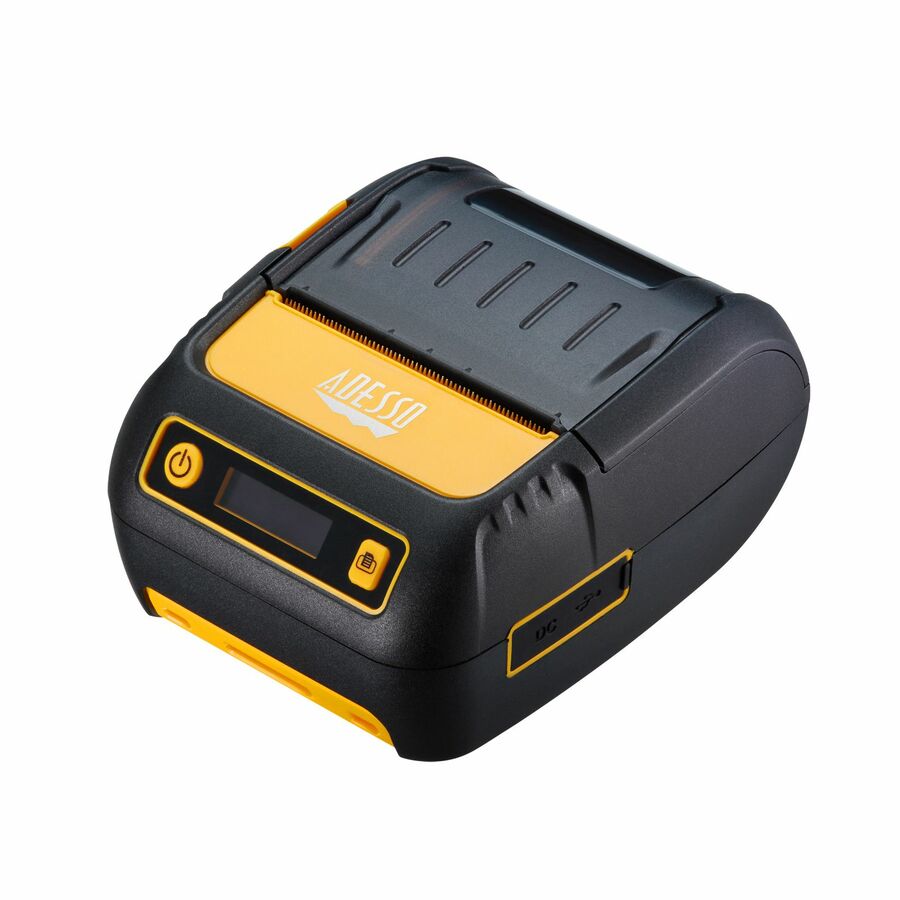
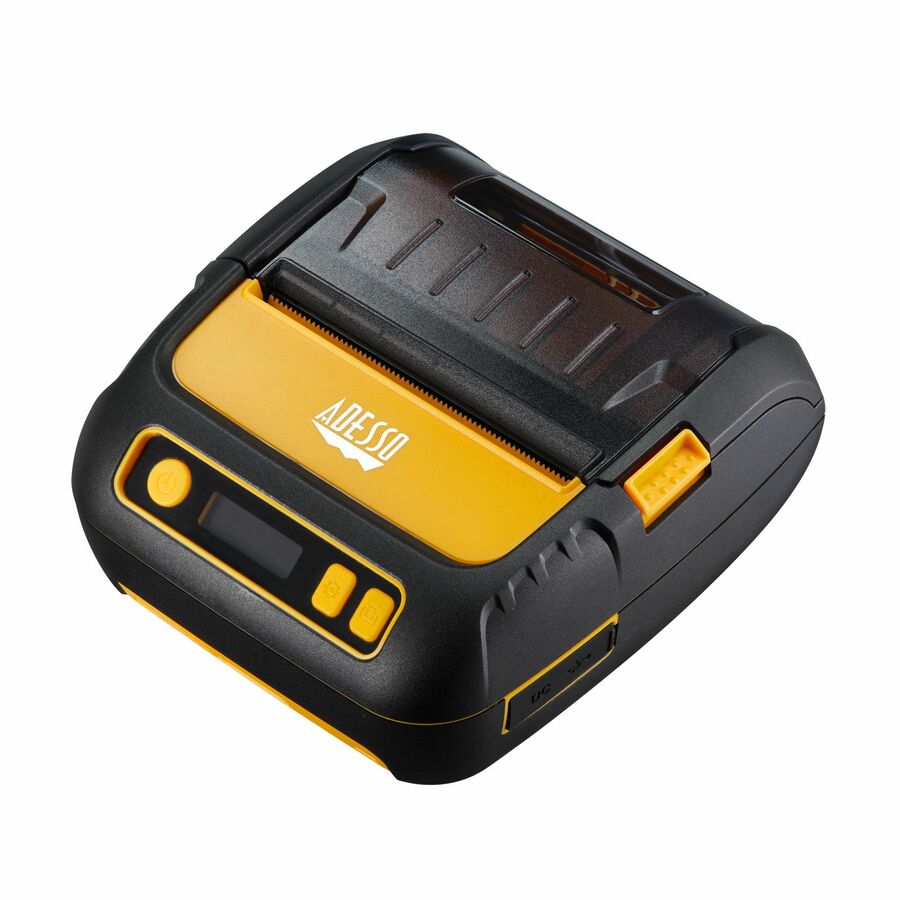
- AdessoAdesso NuPrint NuPrint 330 Desktop Direct Thermal Printer - Monochrome - Receipt Print - USB - Serial - Black - LCD Display Screen - 3.15" Print Width - 3.54 in/s Mono - 203 dpi - 3.15" Width - 3.15" Label Width - ESC, TSPL, CPCL Emulation - For PC, Android, iOSNUPRINT330
$149.99
$132.46
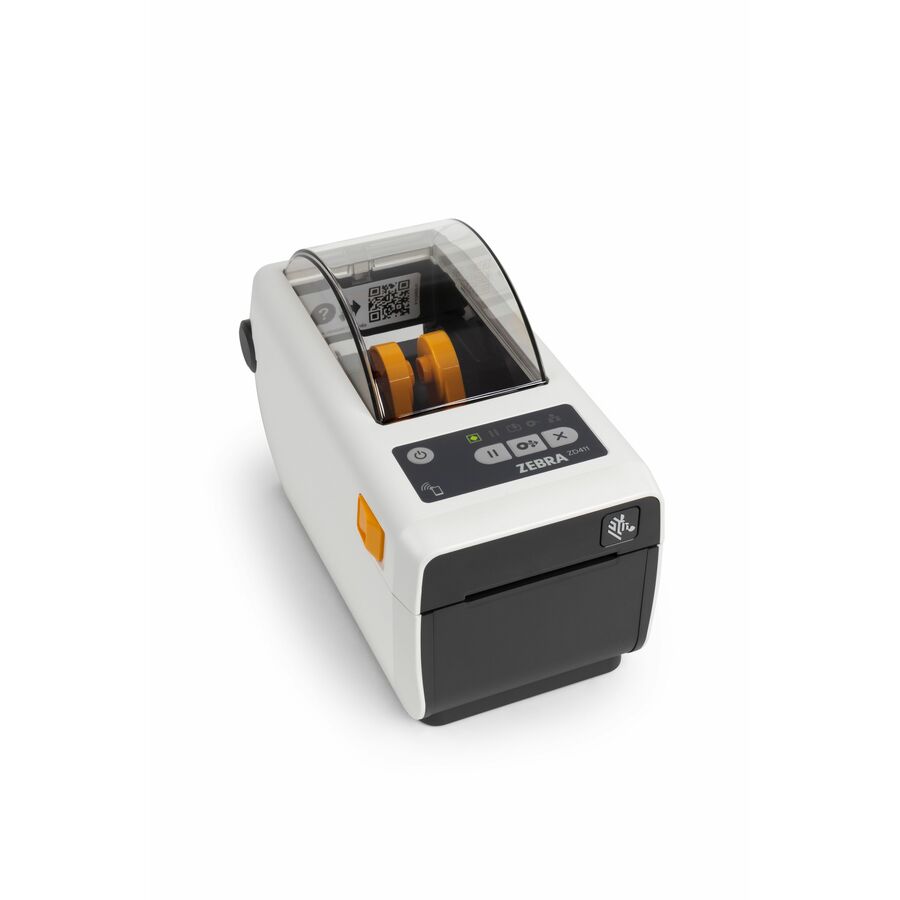
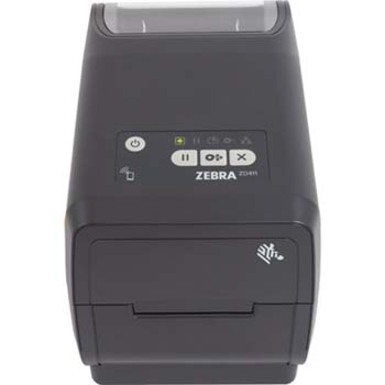
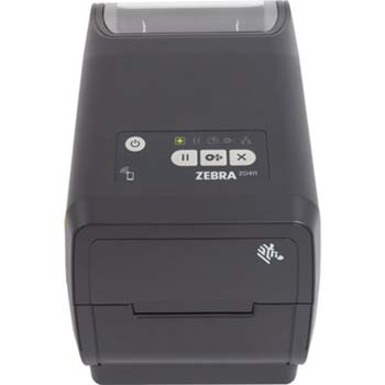
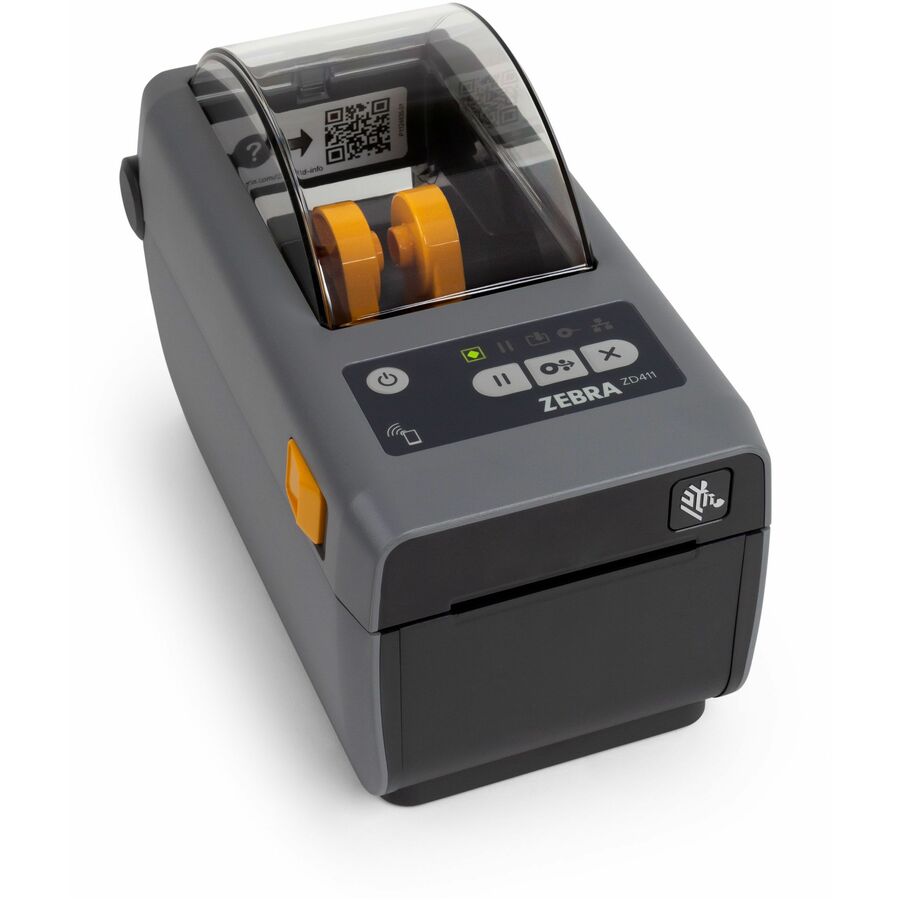
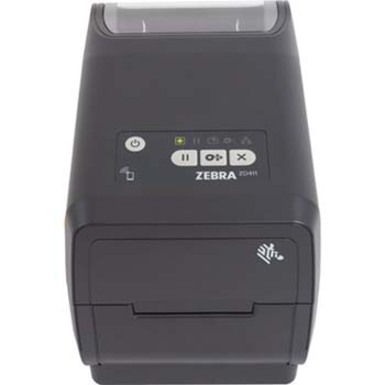
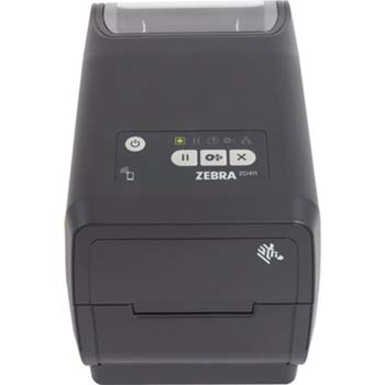
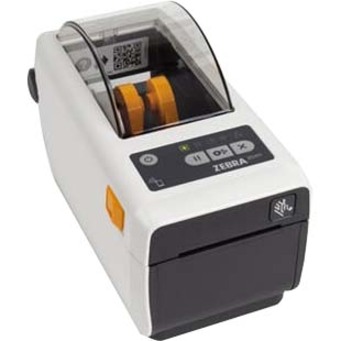
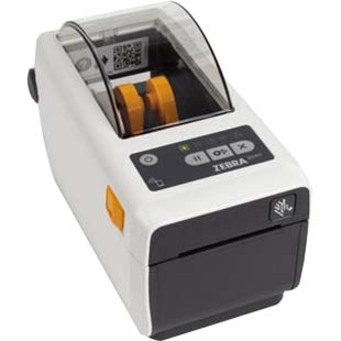
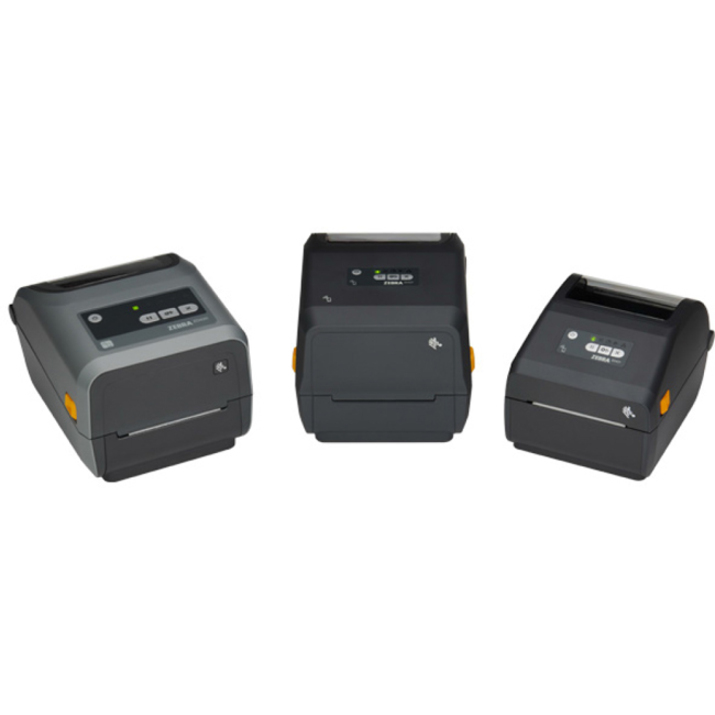
285 in stock - Zebra TechnologiesZebra ZD411d Desktop Direct Thermal Printer - Monochrome - Label/Receipt Print - USB - USB Host - Bluetooth - Near Field Communication (NFC) - US - Real Time Clock - 2.13" Print Width - 4.02 in/s Mono - 300 dpi - 2.24" Label Width x 39.02" Label Length - EZPL, ZPL, EPL, ZPL II, EPL II, XML, ZBI Emulation - For PC, Android, iOSZD4A023-D01M00EZ
$650.43
$486.07
9 in stock - Zebra TechnologiesZebra ZD411T Desktop Thermal Transfer Printer - Monochrome - Label/Receipt Print - USB - USB Host - Near Field Communication (NFC) - US - Real Time Clock - 2.20" Print Width - 5.98 in/s Mono - 203 dpi - 2.24" Label Width x 39.02" Label Length - EZPL, ZPL, EPL, ZPL II, EPL II, XML, ZBI Emulation - For PC, Android, iOSZD4A022-T01M00EZ
$663.18
$495.60
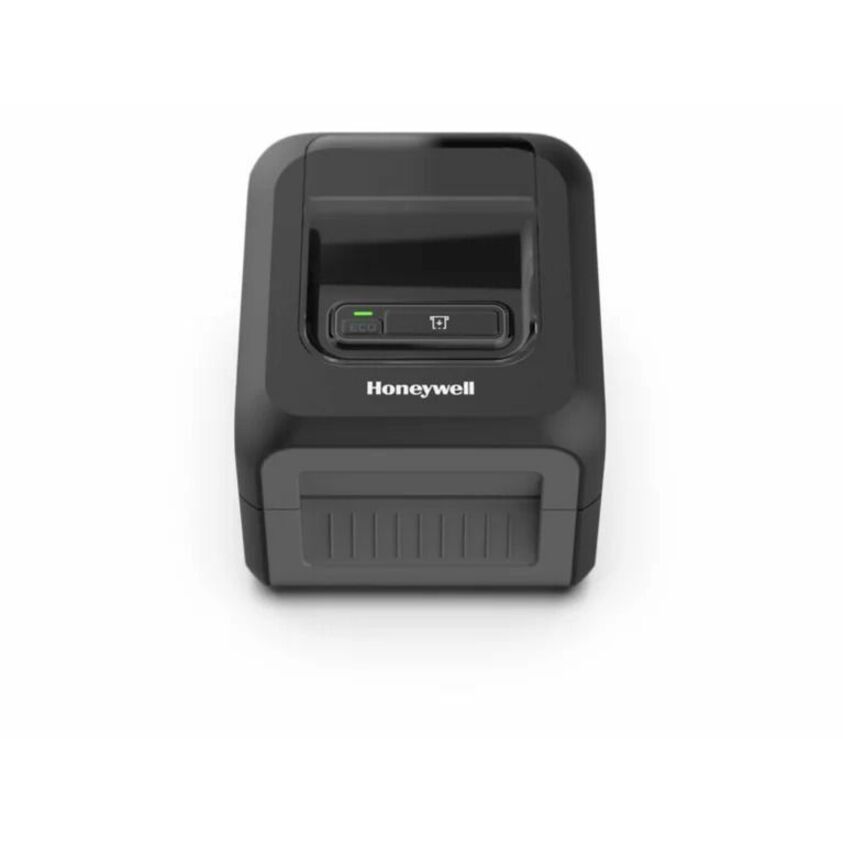
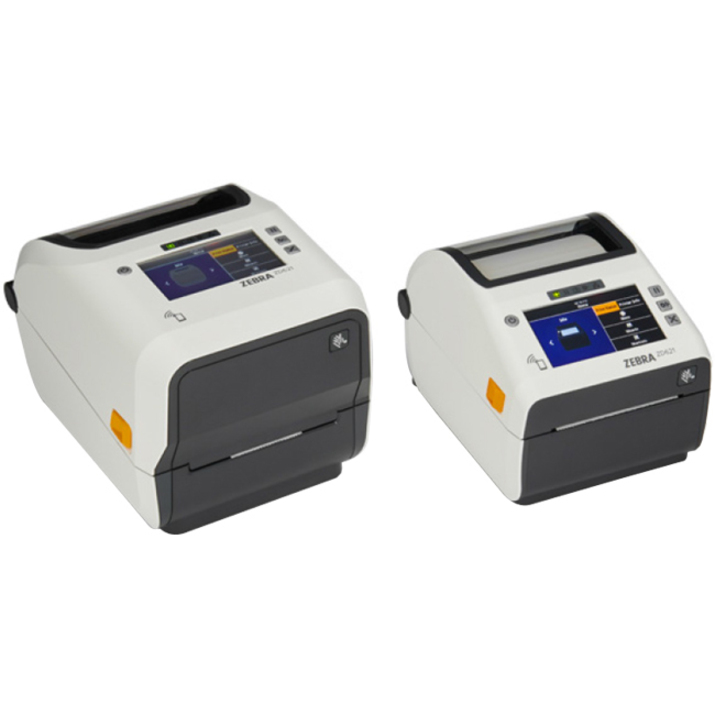
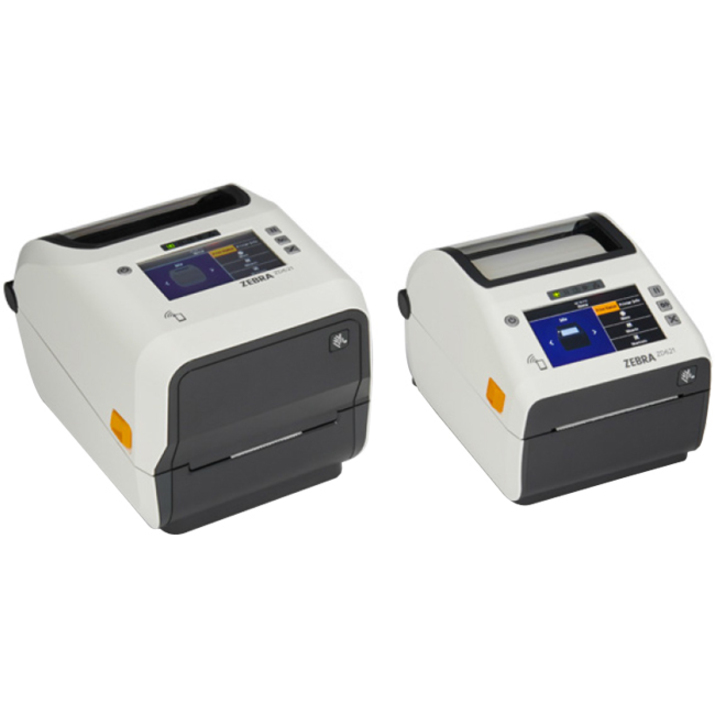
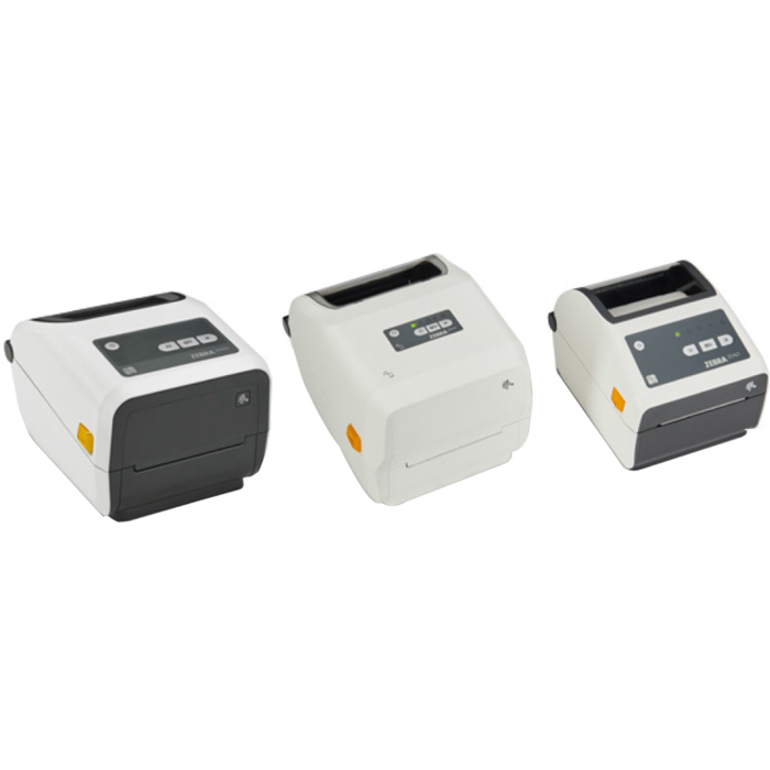
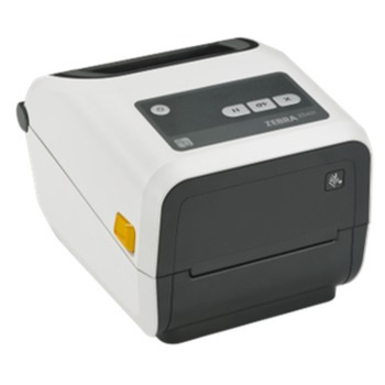
15 in stock - Zebra TechnologiesZebra ZD411-HC Desktop Direct Thermal Printer - Monochrome - Label/Receipt Print - Fast Ethernet - USB - USB Host - Bluetooth - Near Field Communication (NFC) - US - Real Time Clock - 2.20" Print Width - 5.98 in/s Mono - 203 dpi - 2.24" Label Width x 39.02" Label Length - EZPL, ZPL, EPL, ZPL II, EPL II, XML, ZBI Emulation - For PC, Android, iOSZD4AH22-D01E00EZ
$848.39
$630.41
90 in stock - Zebra TechnologiesZebra ZD411d Desktop Direct Thermal Printer - Monochrome - Label/Receipt Print - USB - USB Host - Bluetooth - Wireless LAN - Near Field Communication (NFC) - US - Real Time Clock - 2.13" Print Width - 4.02 in/s Mono - 300 dpi - 2.24" Label Width x 39.02" Label Length - EZPL, ZPL, EPL, ZPL II, EPL II, XML, ZBI Emulation - For PC, Android, iOSZD4A023-D01W01EZ
$914.37
$683.31
73 in stock - Zebra TechnologiesZebra ZD411-HC Desktop Direct Thermal Printer - Monochrome - Label/Receipt Print - Fast Ethernet - USB - USB Host - Bluetooth - Near Field Communication (NFC) - US - Real Time Clock - 2.13" Print Width - 4.02 in/s Mono - 300 dpi - 2.24" Label Width x 39.02" Label Length - EZPL, ZPL, EPL, ZPL II, EPL II, XML, ZBI Emulation - For PC, Android, iOSZD4AH23-D01E00EZ
$980.36
$728.48
67 in stock - Zebra TechnologiesZebra ZD411-HC Desktop Direct Thermal Printer - Monochrome - Label/Receipt Print - USB - USB Host - Bluetooth - Wireless LAN - Near Field Communication (NFC) - US - Real Time Clock - 2.13" Print Width - 4.02 in/s Mono - 300 dpi - 2.24" Label Width x 39.02" Label Length - EZPL, ZPL, EPL, ZPL II, EPL II, XML, ZBI Emulation - For PC, Android, iOSZD4AH23-D01W01EZ
$1,046.35
$777.52
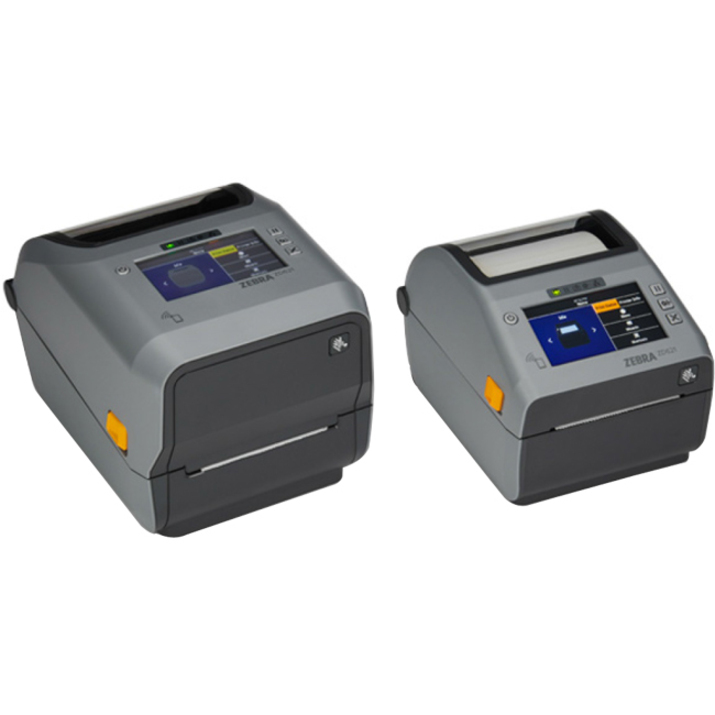
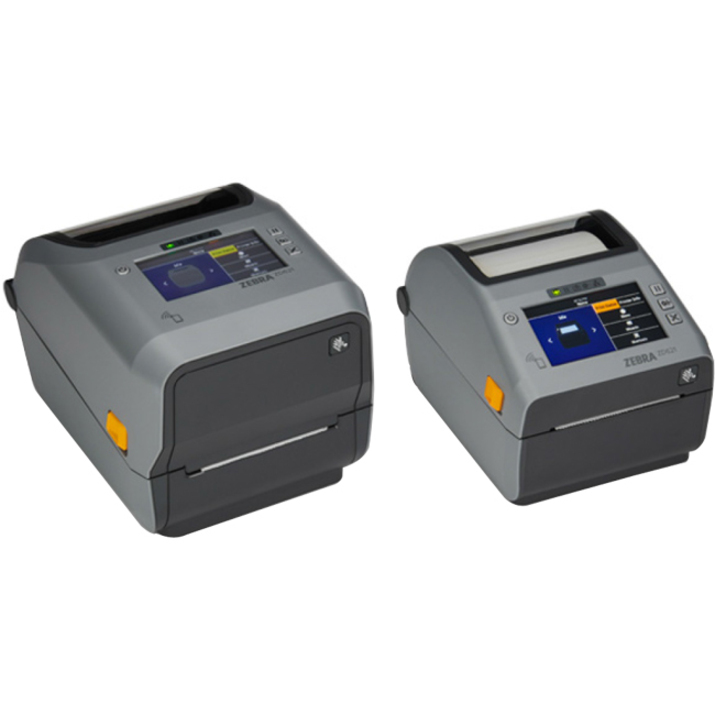
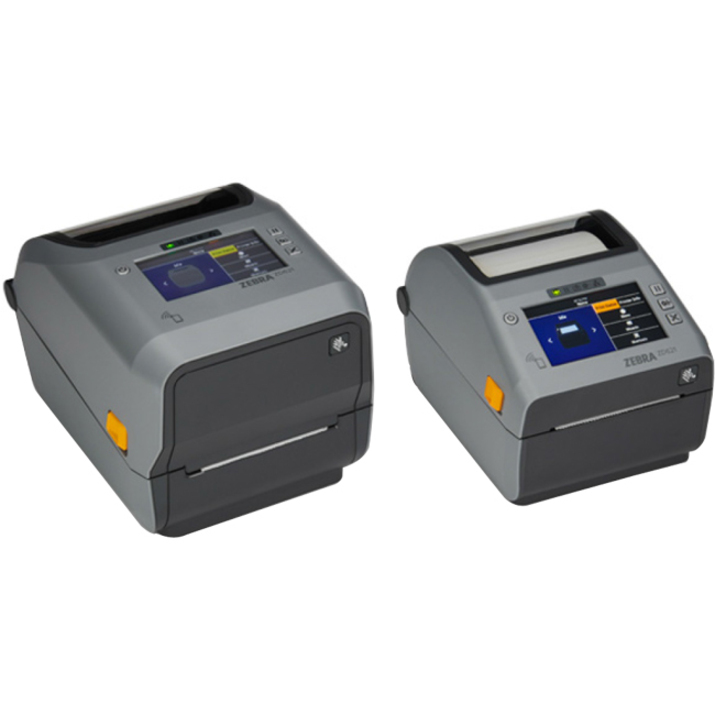
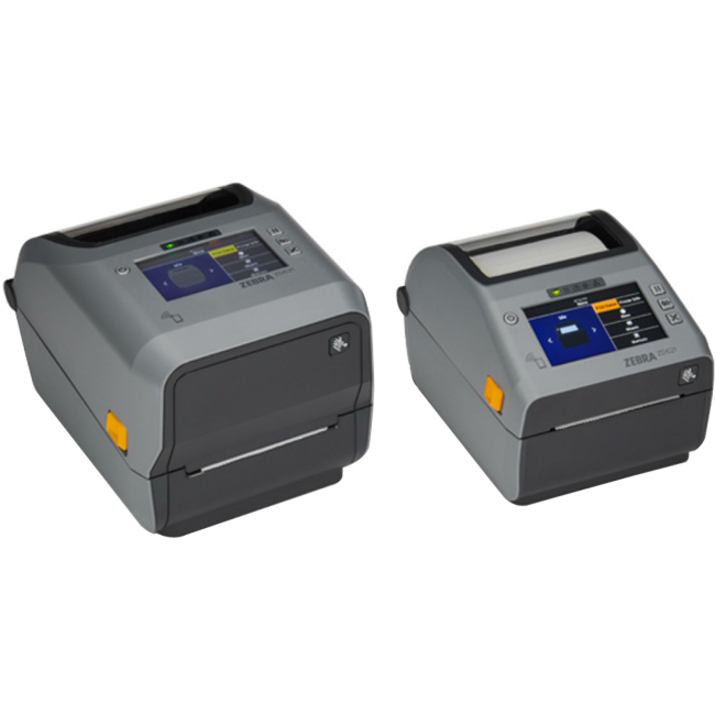
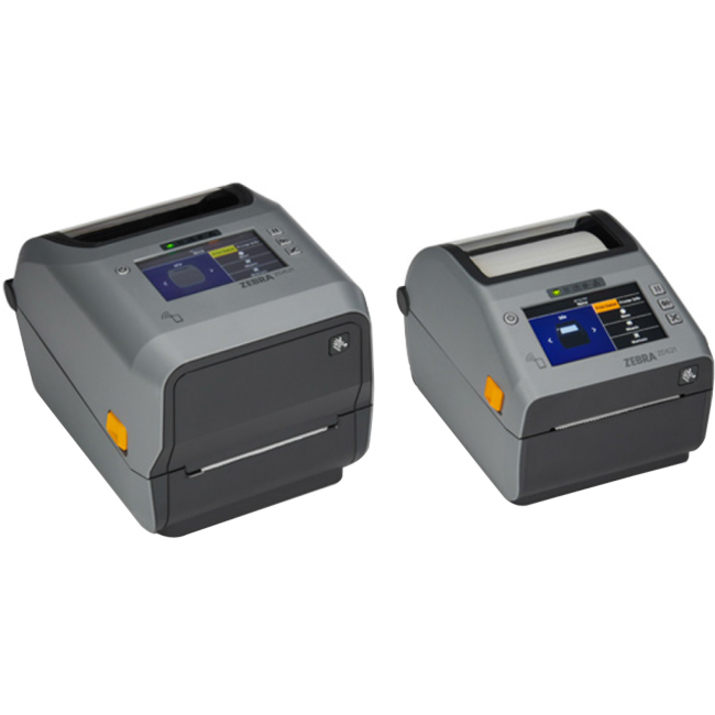
1 in stock - Zebra TechnologiesZebra ZD621 Desktop Direct Thermal Printer - Monochrome - Label/Receipt Print - USB - USB Host - Serial - Bluetooth - Near Field Communication (NFC) - US - Real Time Clock - 4.09" Print Width - 7.99 in/s Mono - 203 dpi - 4.25" Label Width x 39.02" Label Length - EZPL, ZPL, EPL, ZPL II, EPL2, XML, ZBI Emulation - For iOS, PC, AndroidZD6A042-D01F00EZ
$1,144.96
$855.63
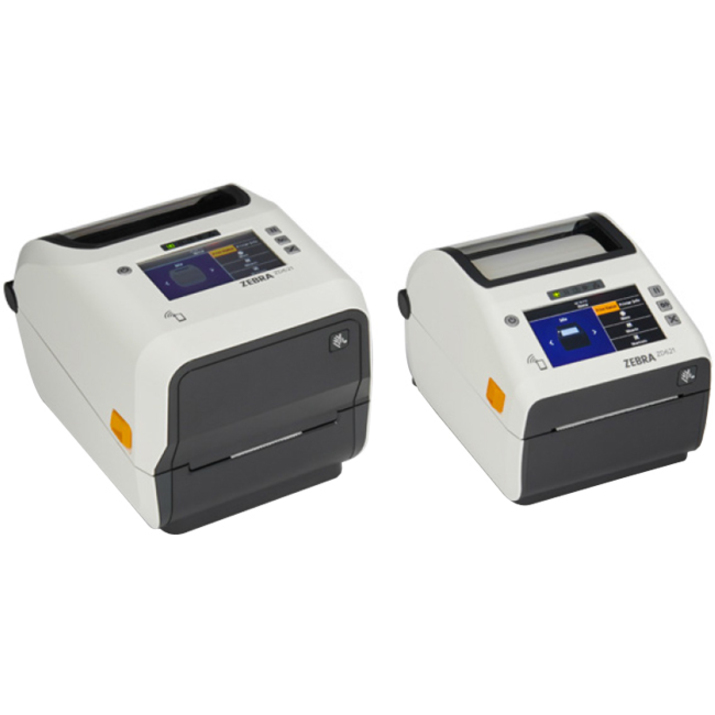
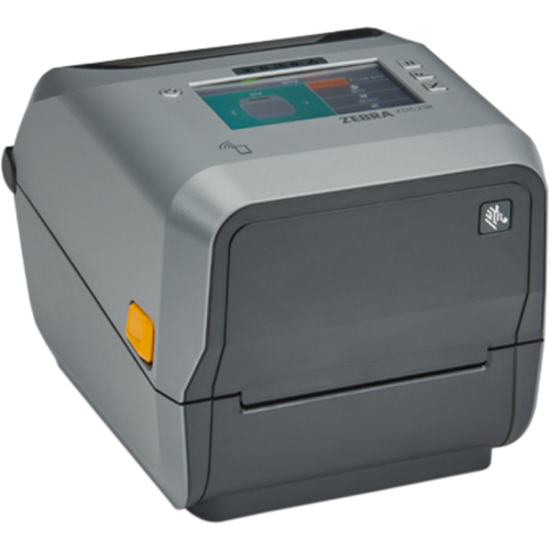
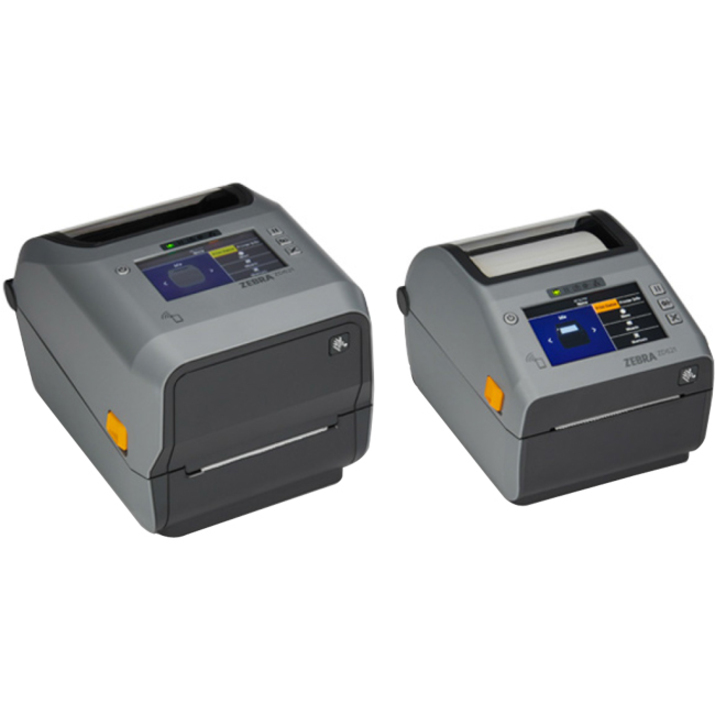
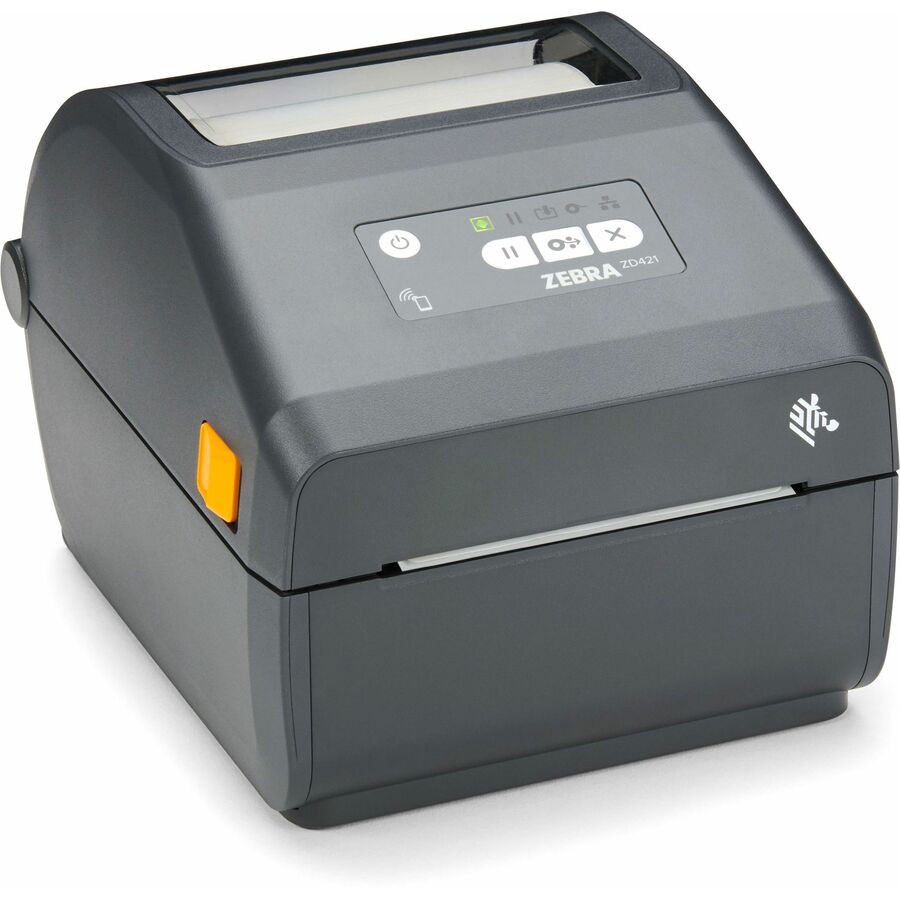
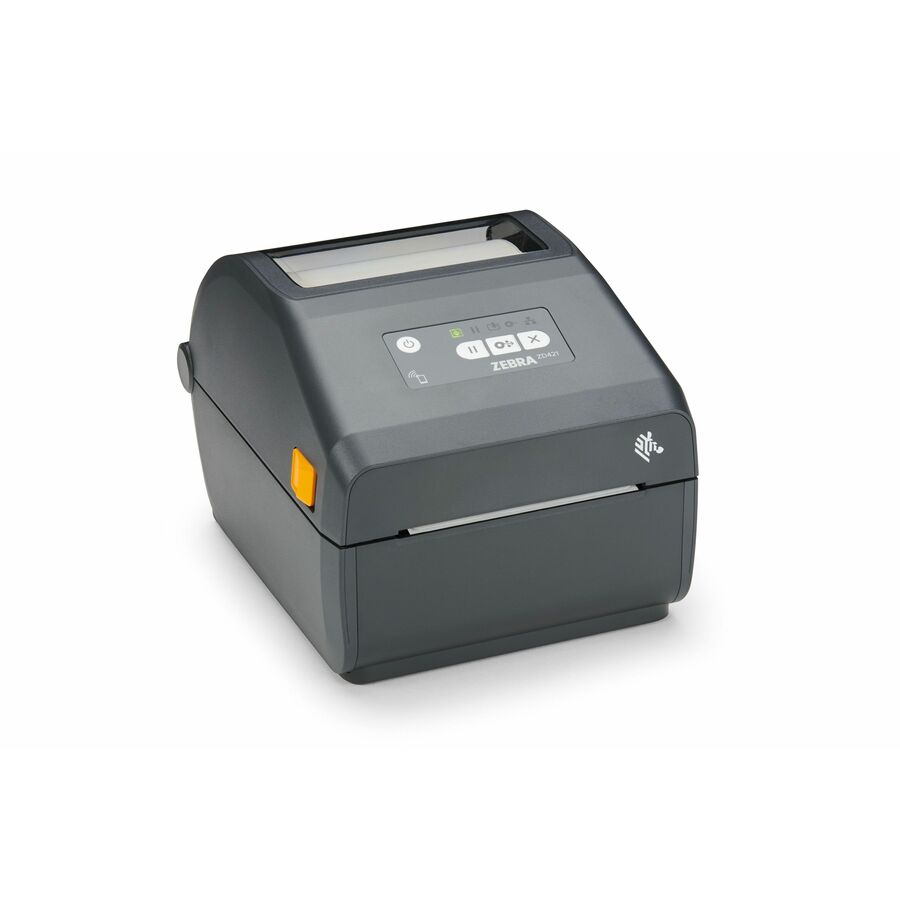
203 in stock - Zebra TechnologiesZebra ZD421-HC Desktop Direct Thermal Printer - Monochrome - Portable - Label/Receipt Print - USB - USB Host - Bluetooth - Near Field Communication (NFC) - US - Real Time Clock - 4.09" Print Width - 5.98 in/s Mono - 203 dpi - 4.25" Label Width x 39.02" Label Length - ZPL, EPL, ZPL II, EPL2, XML, ZBI Emulation - For iOS, Android, PCZD4AH42-D01E00EZ
$1,166.42
$866.73
387 in stock



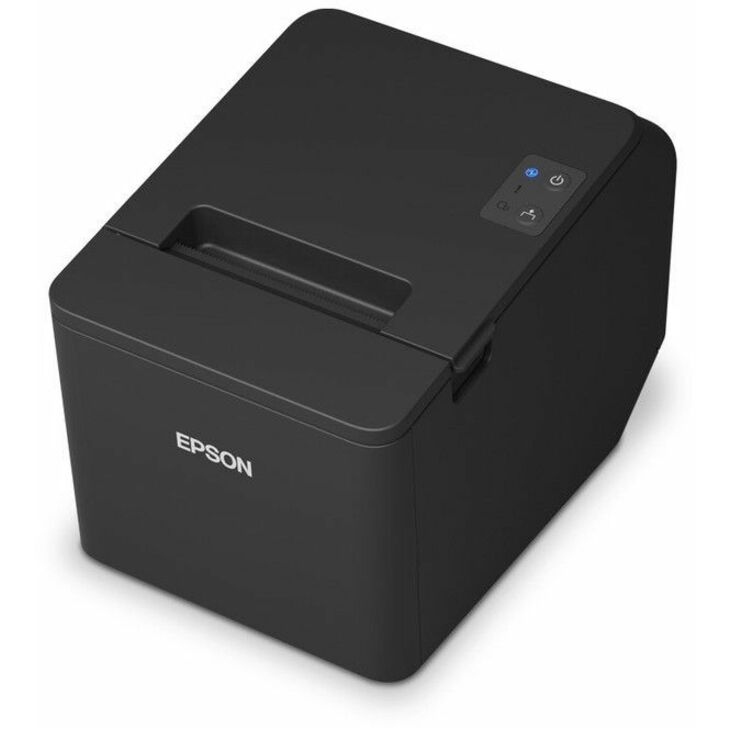
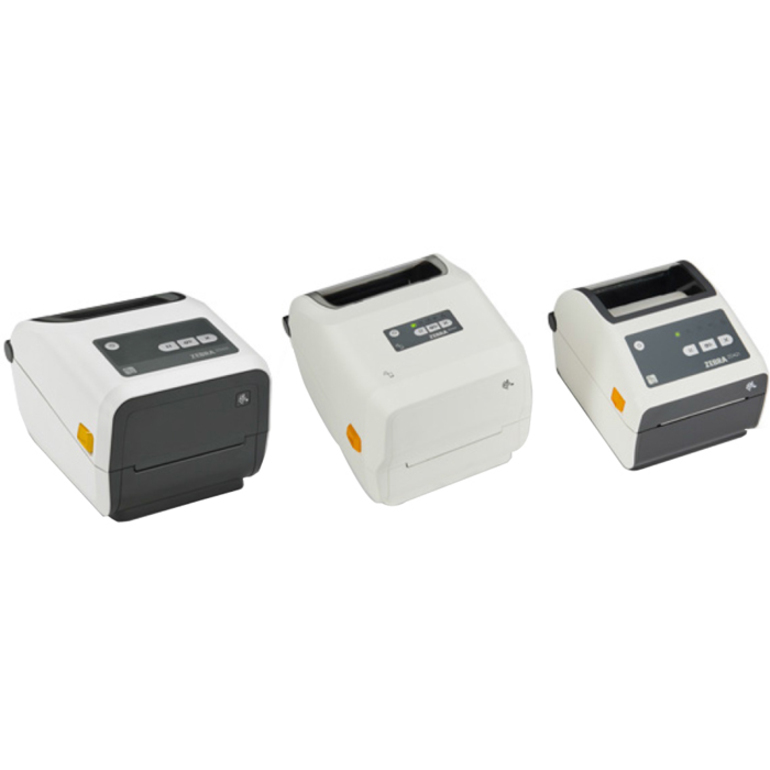
Epson TM-T88VII
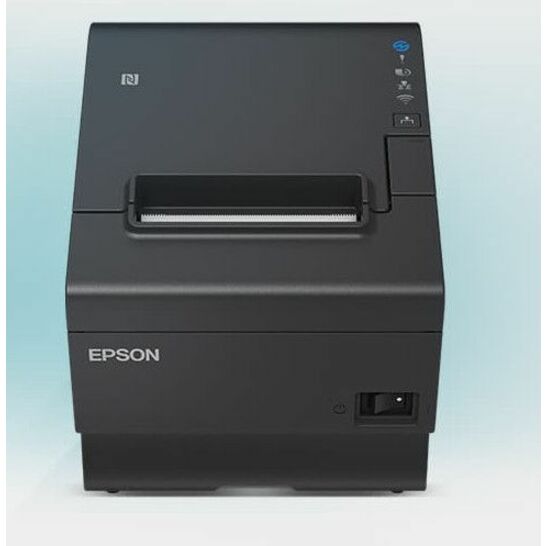
Epson
Epson OmniLink TM-T88VII Direct Thermal Printer
C31CJ57032
An Epson OmniLink TM-T88VII direct-thermal receipt printer — the flagship of Epson's thermal till line, fast and reliable for a high-traffic retail counter.
$593.78Back-orderedEpson TM-m30III
Epson
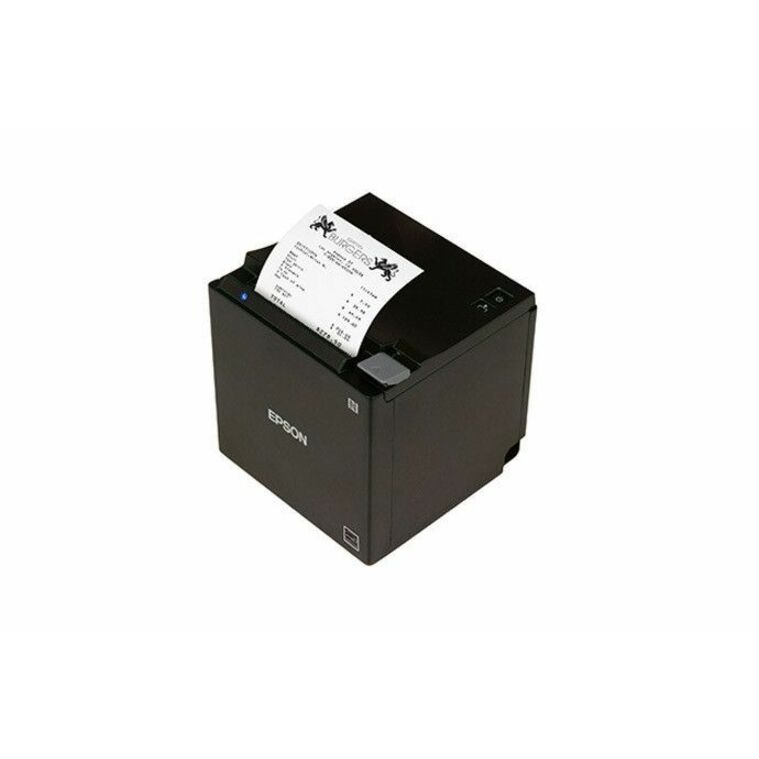
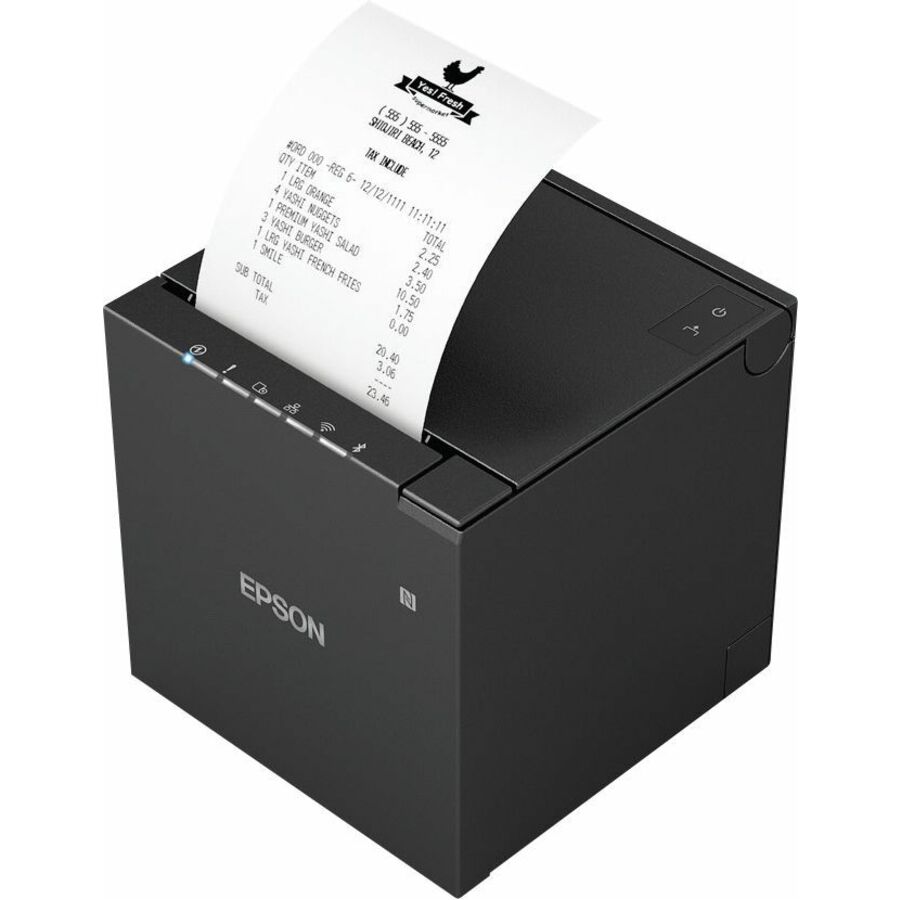
Epson OmniLink TM-m30III Desktop Direct Thermal Printer
C31CK50022
An Epson OmniLink TM-m30III direct-thermal receipt printer — a compact cube-format thermal printer for a tablet POS or a space-tight counter.
$472.36Back-orderedEpson TM-T70II
Epson
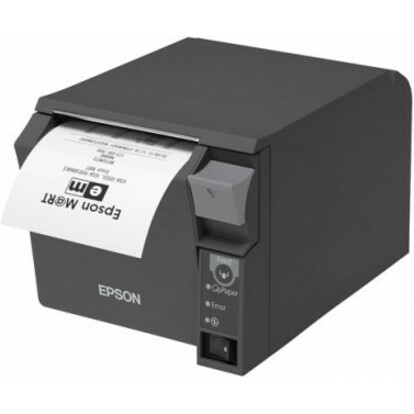
Epson TM-T70II Desktop Direct Thermal Printer
C31CD38A9991
An Epson TM-T70II direct-thermal receipt printer — a front-loading thermal unit designed to be built into a fixed till or under a counter.
$519.69Back-orderedEpson TM-T20III
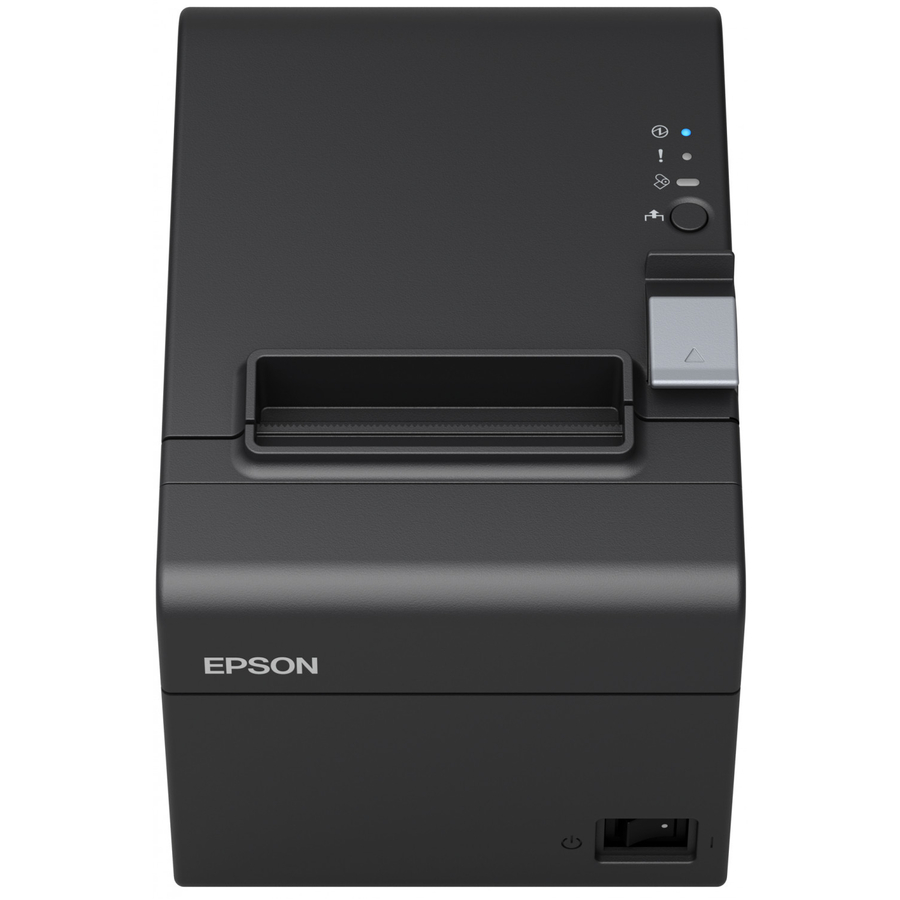
Epson
Epson TM-T20III Desktop Direct Thermal Printer
C31CH51A9981
An Epson TM-T20III direct-thermal receipt printer — the value thermal unit for a straightforward retail or hospitality till.
$294.29Back-orderedEpson TM-U590 impact
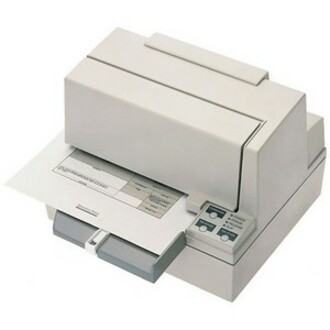
Epson
Epson TM-U590 POS Receipt Printer
C31C196112
An Epson TM-U590 POS receipt printer — a 9-pin impact printer for multi-station and multi-part receipts where thermal cannot go.
$1,112.40Back-orderedCustom P3L thermal
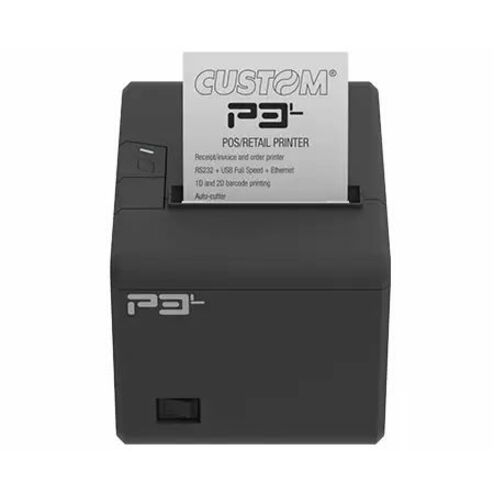
Custom S.p.A
Custom P3L Direct Thermal Printer
911MX010100733
A Custom P3L direct-thermal receipt printer — a wall-mount thermal unit for a compact counter or a queue-management position.
$150.06Back-orderedPOS-X ION receipt
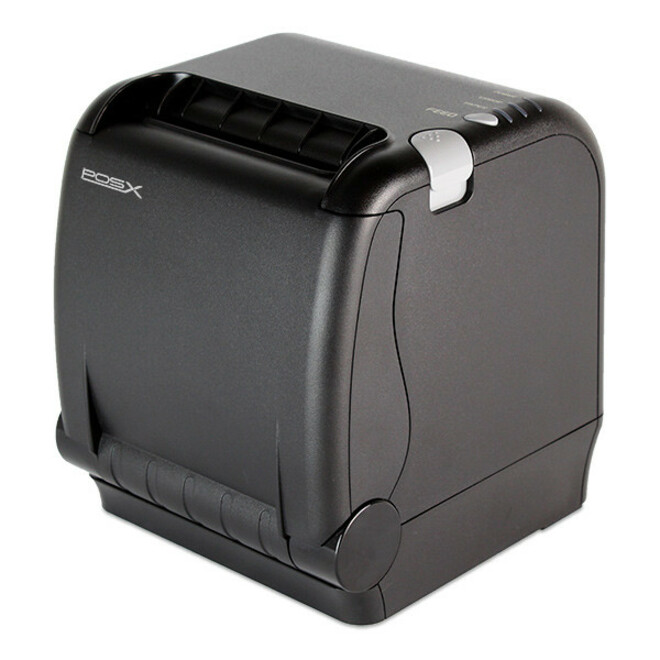
Custom S.p.A
POS-X ION 911LB460300733 Thermal Transfer Printer
911LB460300733
A Custom POS-X ION receipt printer — a thermal-transfer POS printer built for the durability a busy retail or hospitality till needs.
$187.18Back-orderedPOS-X EVO Impact
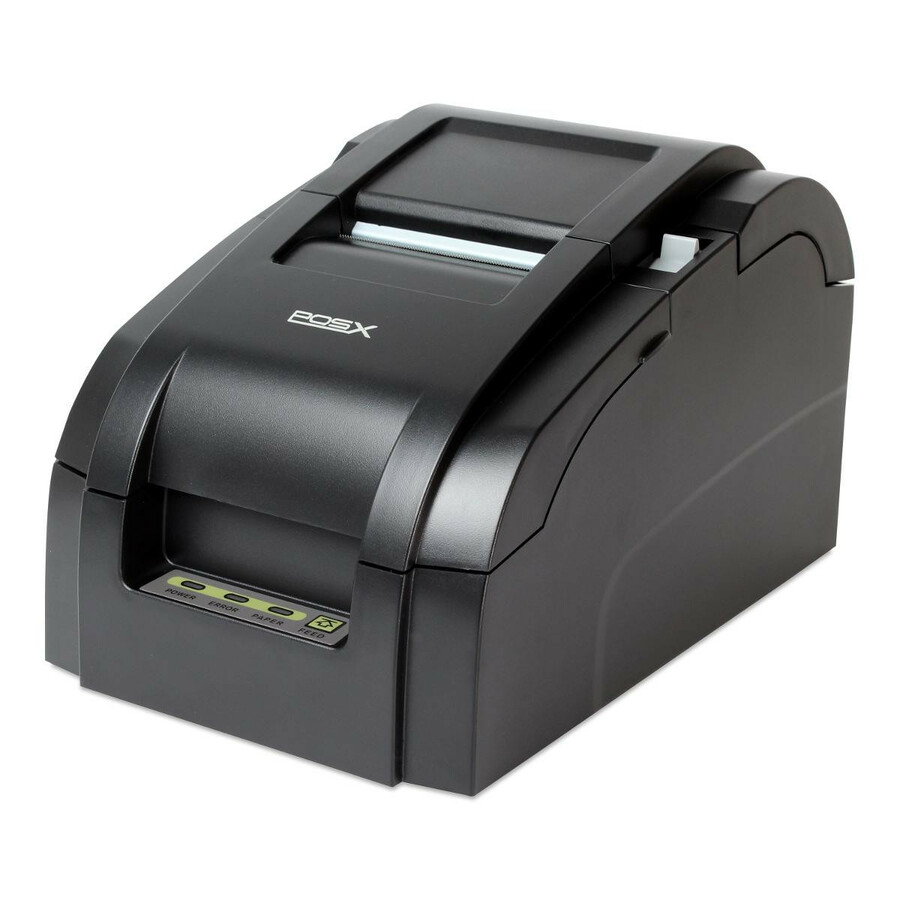
Custom S.p.A
POS-X EVO Impact 912LB470100133 Thermal Transfer Printer
912LB470100133
A Custom POS-X EVO Impact receipt printer — a robust impact unit for multi-part receipts and kitchen-side printing.
$274.94Back-orderedCustom VKP80II kiosk
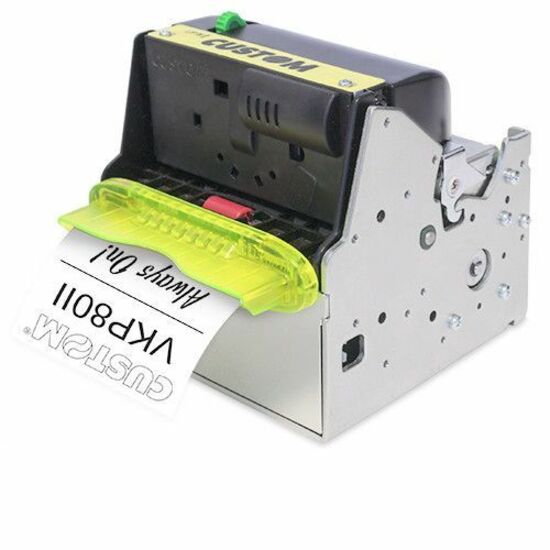
Custom S.p.A
Custom VKP80II RX Kiosk, Gaming, Banking, Parking, Vending Machine…
915DW011200300
A Custom VKP80II RX receipt printer for kiosk, gaming, banking, parking and vending — a built-in mechanism for a self-service enclosure.
$570.24Back-orderedAdesso NuPrint 220B
Adesso
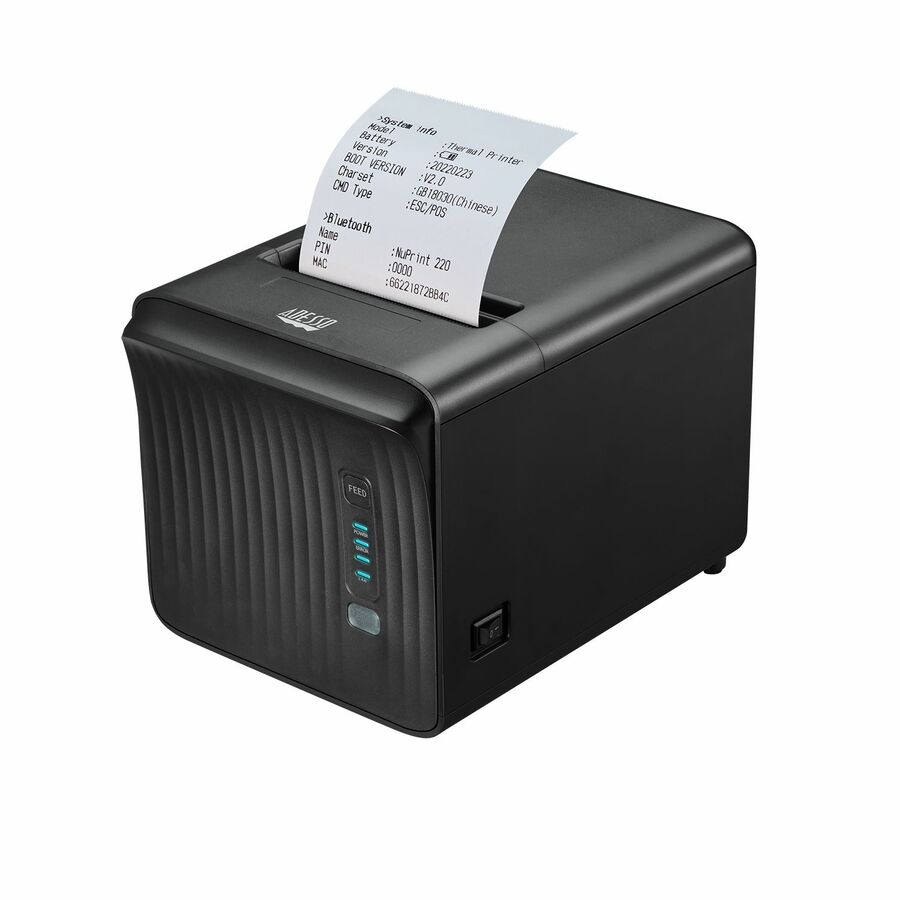
Adesso NuPrint NuPrint 220B Retail, Delivery, Restaurant, Pharmacy…
NUPRINT 220B
An Adesso NuPrint 220B receipt printer for retail, delivery, restaurant and pharmacy counters — a value thermal unit for a small till.
$114.79In stockAdesso NuPrint 330
Adesso
Adesso NuPrint NuPrint 330 Desktop Direct Thermal Printer
NUPRINT330
An Adesso NuPrint 330 direct-thermal receipt printer — a compact thermal unit for a light-traffic retail or hospitality counter.
$132.46In stockAdesso NuPrint 210
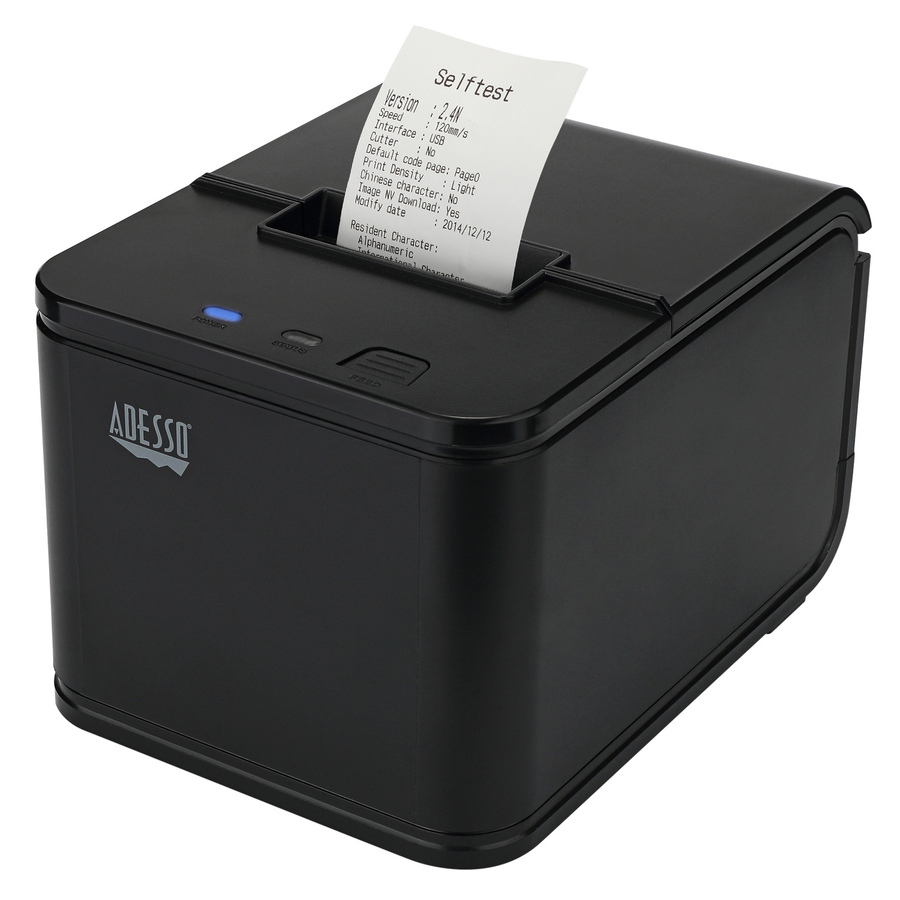
Adesso
Adesso NuPrint NuPrint 210 Desktop Direct Thermal Printer
NUPRINT 210
An Adesso NuPrint 210 direct-thermal receipt printer — the entry thermal unit for a simple single-station till.
$90.29Back-orderedCanon RP10 thermal
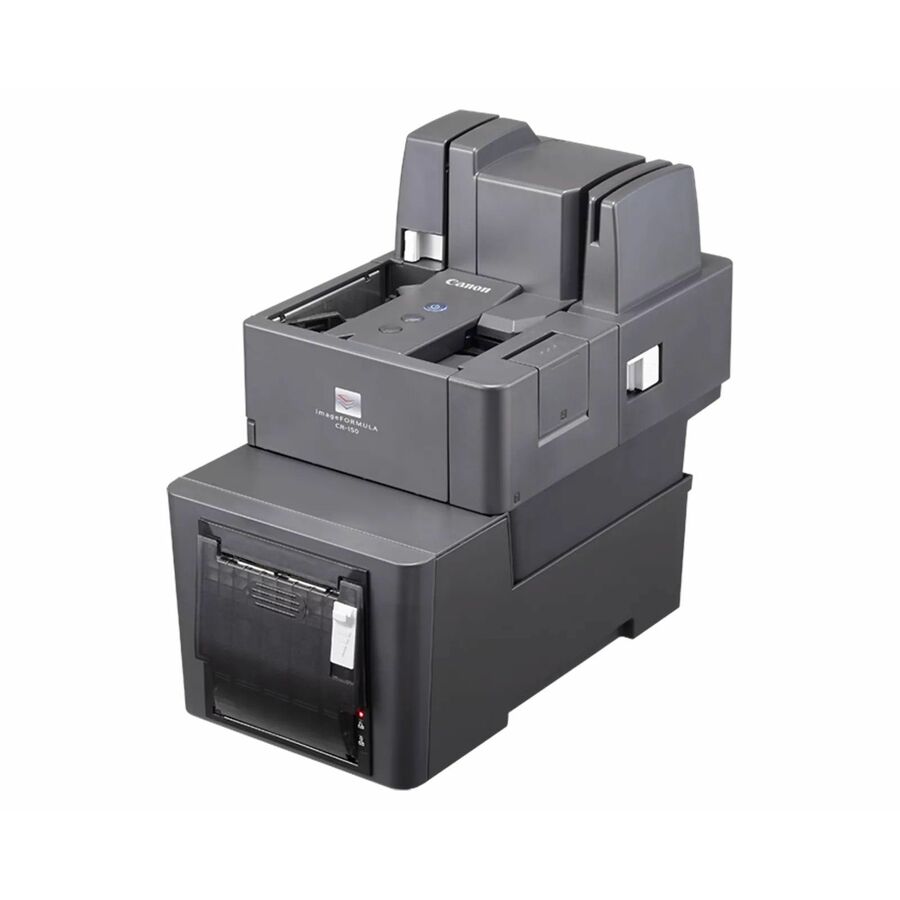
Canon
Canon RP10 Desktop Direct Thermal Printer
1732C004
A Canon RP10 desktop direct-thermal receipt printer — a compact thermal unit for a retail or service counter.
$390.71*Back-orderedZebra ZD411 desktop
Zebra Technologies
Zebra ZD411 Desktop, Retail, Hospitality, Healthcare, Government Direct…
ZD4AH22-D01M00EZ
A Zebra ZD411 desktop direct-thermal printer for retail, hospitality, healthcare and government — a compact receipt and label unit for a counter.
$483.32In stockZebra ZD220 desktop
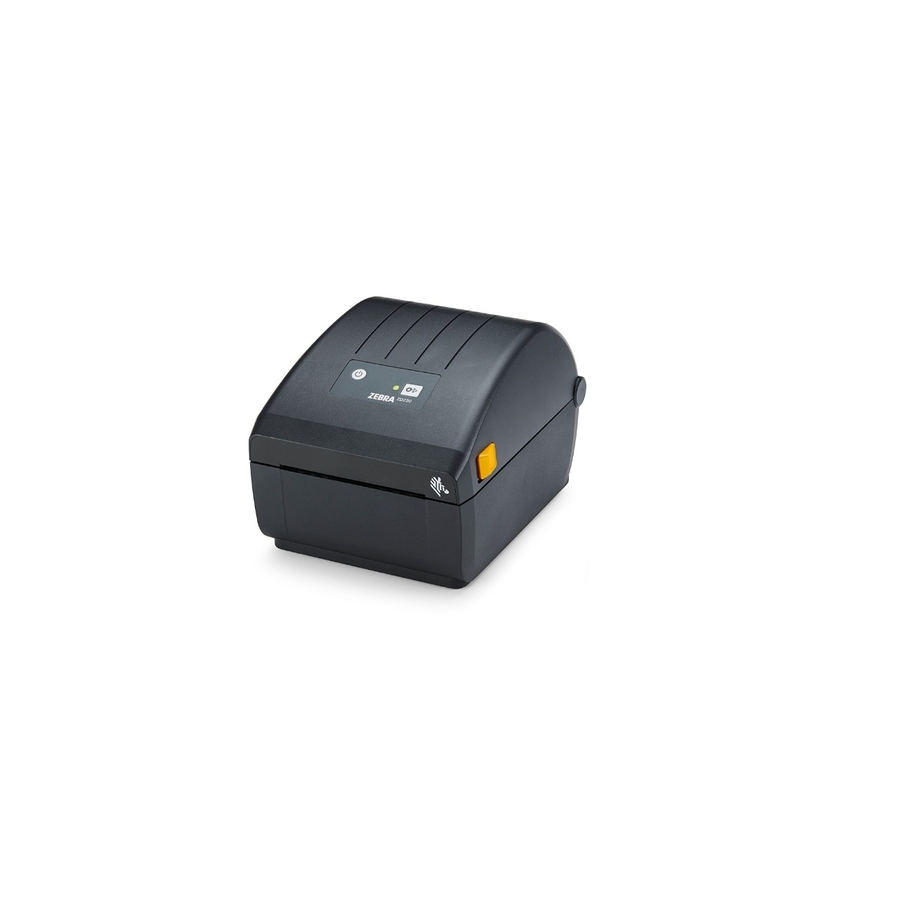
Zebra Technologies
Zebra ZD220 Desktop Direct Thermal Printer
ZD22042-D01G00EZ
A Zebra ZD220 desktop direct-thermal printer — a value receipt and label unit for a light-duty retail or service counter.
$459.55Back-orderedMore receipt and label printers in the Uniqcli catalog
See all 1,059 receipt and label printersMore from across this category. In-stock lines lead, and a back-ordered line carries the same estimated availability its product page does — with live pricing throughout, NDAA §889 screening before checkout and TAA verified on request.
- Zebra TechnologiesZebra ZD621-HC Desktop Direct Thermal Printer - Monochrome - Label/Receipt Print - USB - USB Host - Serial - Bluetooth - Wireless LAN - Near Field Communication (NFC) - US - 4.3" LCD Display Screen - Real Time Clock - 4.25" Print Width - 5.98 in/s Mono - 300 dpi - 4.25" Label Width x 39.02" Label Length - EZPL, ZPL, EPL, ZPL II, EPL2, XML, ZBI Emulation - For iOS, PC, AndroidZD6AH43-D01L01EZ
$1,863.32
$1,384.58
4 in stock - Zebra TechnologiesZebra ZD621 Desktop Thermal Transfer Printer - Monochrome - Label/Receipt Print - USB - USB Host - Serial - Bluetooth - Near Field Communication (NFC) - US - With Cutter - Real Time Clock - 4.25" Print Width - 5.98 in/s Mono - 300 dpi - 4.65" Label Width x 39.02" Label Length - EZPL, ZPL, EPL, ZPL II, EPL2, XML, ZBI Emulation - For iOS, PC, AndroidZD6A043-321F00EZ
$1,754.94
$1,311.47
4 in stock - Zebra TechnologiesZebra ZD621-HC Desktop Direct Thermal Printer - Monochrome - Label/Receipt Print - USB - USB Host - Serial - Bluetooth - Wireless LAN - Near Field Communication (NFC) - US - 4.3" LCD Display Screen - Real Time Clock - 4.09" Print Width - 7.99 in/s Mono - 203 dpi - 4.25" Label Width x 39.02" Label Length - EZPL, ZPL, EPL, ZPL II, EPL2, XML, ZBI Emulation - For iOS, PC, AndroidZD6AH42-D01L01EZ
$1,720.20
$1,278.24
10 in stock - Zebra TechnologiesZebra ZD621-HC Desktop Thermal Transfer Printer - Monochrome - Label/Receipt Print - USB - USB Host - Serial - Bluetooth - Near Field Communication (NFC) - US - 4.3" LCD Display Screen - Real Time Clock - 4.25" Print Width - 5.98 in/s Mono - 300 dpi - 4.65" Label Width x 39.02" Label Length - EZPL, ZPL, EPL, ZPL II, EPL2, XML, ZBI Emulation - For iOS, PC, AndroidZD6AH43-301F00EZ
$1,718.81
$1,277.19
25 in stock - Zebra TechnologiesZebra ZD621-HC Desktop Direct Thermal Printer - Monochrome - Label/Receipt Print - USB - USB Host - Serial - Bluetooth - Near Field Communication (NFC) - US - 4.3" LCD Display Screen - Real Time Clock - 4.25" Print Width - 5.98 in/s Mono - 300 dpi - 4.25" Label Width x 39.02" Label Length - EZPL, ZPL, EPL, ZPL II, EPL2, XML, ZBI Emulation - For iOS, PC, AndroidZD6AH43-D01F00EZ
$1,575.69
$1,170.85
1 in stock - Zebra TechnologiesZebra ZD621 Desktop Thermal Transfer Printer - Monochrome - Label/Receipt Print - USB - USB Host - Serial - Bluetooth - Near Field Communication (NFC) - US - Real Time Clock - Peel Facility - 4.25" Print Width - 5.98 in/s Mono - 300 dpi - 4.65" Label Width x 39.02" Label Length - EZPL, ZPL, EPL, ZPL II, EPL2, XML, ZBI Emulation - For iOS, PC, AndroidZD6A043-311F00EZ
$1,524.29
$1,139.10
2 in stock - Zebra TechnologiesZebra ZD621 Desktop Direct Thermal Printer - Monochrome - Label/Receipt Print - USB - USB Host - Serial - Bluetooth - Near Field Communication (NFC) - US - With Cutter - Real Time Clock - 4.09" Print Width - 7.99 in/s Mono - 203 dpi - 4.25" Label Width x 39.02" Label Length - EZPL, ZPL, EPL, ZPL II, EPL2, XML, ZBI Emulation - For iOS, PC, AndroidZD6A042-D21F00EZ
$1,468.71
$1,097.57
31 in stock - Zebra TechnologiesZebra ZD421-HC Desktop Thermal Transfer Printer - Monochrome - Portable - Label/Receipt Print - USB - USB Host - Bluetooth - Near Field Communication (NFC) - US - Real Time Clock - 4.25" Print Width - 4.02 in/s Mono - 300 dpi - 4.41" Label Width x 39.02" Label Length - ZPL, EPL, ZPL II, EPL2, XML, ZBI Emulation - For iOS, Android, PCZD4AH43-301E00EZ
$1,440.70
$1,070.54
7 in stock - Zebra TechnologiesZebra ZD421c-HC Desktop Thermal Transfer Printer - Monochrome - Label/Receipt Print - USB - USB Host - Bluetooth - Near Field Communication (NFC) - US - Real Time Clock - 4.09" Print Width - 4.02 in/s Mono - 300 dpi - 4.65" Label Width x 39.02" Label Length - ZPL, EPL, ZPL II, EPL II, XML, ZBI, EZPL Emulation - For iOS, Android, PCZD4AH43-C01E00EZ
$1,440.70
$1,070.54
2 in stock - Zebra TechnologiesZebra ZD621-HC Desktop Direct Thermal Printer - Monochrome - Label/Receipt Print - USB - USB Host - Serial - Bluetooth - Near Field Communication (NFC) - US - 4.3" LCD Display Screen - Real Time Clock - 4.09" Print Width - 7.99 in/s Mono - 203 dpi - 4.25" Label Width x 39.02" Label Length - EZPL, ZPL, EPL, ZPL II, EPL2, XML, ZBI Emulation - For iOS, PC, AndroidZD6AH42-D01F00EZ
$1,432.59
$1,064.51
2 in stock - Zebra TechnologiesZebra ZD621 Desktop Thermal Transfer Printer - Monochrome - Label/Receipt Print - USB - USB Host - Serial - Bluetooth - Near Field Communication (NFC) - US - 4.3" LCD Display Screen - Real Time Clock - 4.09" Print Width - 7.99 in/s Mono - 203 dpi - 4.65" Label Width x 39.02" Label Length - EZPL, ZPL, EPL, ZPL II, EPL2, XML, ZBI Emulation - For iOS, PC, AndroidZD6A142-301F00EZ
$1,431.17
$1,069.51
9 in stock - Zebra TechnologiesZebra ZD621 Desktop Thermal Transfer Printer - Monochrome - Label/Receipt Print - USB - USB Host - Serial - Bluetooth - Near Field Communication (NFC) - US - Real Time Clock - Peel Facility - 4.09" Print Width - 7.99 in/s Mono - 203 dpi - 4.65" Label Width x 39.02" Label Length - EZPL, ZPL, EPL, ZPL II, EPL2, XML, ZBI Emulation - For iOS, PC, AndroidZD6A042-311F00EZ
$1,381.16
$1,032.13
2 in stock - Zebra TechnologiesZebra ZD421-HC Desktop Thermal Transfer Printer - Monochrome - Portable - Label/Receipt Print - USB - USB Host - Bluetooth - Near Field Communication (NFC) - US - Real Time Clock - 4.09" Print Width - 5.98 in/s Mono - 203 dpi - 4.41" Label Width x 39.02" Label Length - ZPL, EPL, ZPL II, EPL2, XML, ZBI Emulation - For iOS, Android, PCZD4AH42-301E00EZ
$1,303.56
$968.64
45 in stock - Zebra TechnologiesZebra ZD421-HC Desktop Direct Thermal Printer - Monochrome - Portable - Label/Receipt Print - USB - USB Host - Bluetooth - Near Field Communication (NFC) - US - Real Time Clock - 4.25" Print Width - 4.02 in/s Mono - 300 dpi - 4.25" Label Width x 39.02" Label Length - ZPL, EPL, ZPL II, EPL2, XML, ZBI Emulation - For iOS, Android, PCZD4AH43-D01E00EZ
$1,303.56
$968.64
9 in stock - Zebra TechnologiesZebra ZD421c-HC Desktop Thermal Transfer Printer - Monochrome - Label/Receipt Print - USB - USB Host - Bluetooth - Near Field Communication (NFC) - US - Real Time Clock - 4.09" Print Width - 5.98 in/s Mono - 203 dpi - 4.65" Label Width x 39.02" Label Length - ZPL, EPL, ZPL II, EPL II, XML, ZBI, EZPL Emulation - For iOS, Android, PCZD4AH42-C01E00EZ
$1,303.56
$968.64
11 in stock - Zebra TechnologiesZebra ZD421 Desktop Thermal Transfer Printer - Monochrome - Portable - Label/Receipt Print - USB - USB Host - Bluetooth - Near Field Communication (NFC) - US - Real Time Clock - 4.25" Print Width - 4.02 in/s Mono - 300 dpi - 4.41" Label Width x 39.02" Label Length - ZPL, EPL, ZPL II, EPL2, XML, ZBI Emulation - For iOS, Android, PCZD4A043-301E00EZ
$1,302.23
$973.15
2 in stock - Zebra TechnologiesZebra ZD621 Desktop Thermal Transfer Printer - Monochrome - Label/Receipt Print - USB - USB Host - Serial - Bluetooth - Near Field Communication (NFC) - US - Real Time Clock - 4.09" Print Width - 7.99 in/s Mono - 203 dpi - 4.65" Label Width x 39.02" Label Length - EZPL, ZPL, EPL, ZPL II, EPL2, XML, ZBI Emulation - For iOS, PC, AndroidZD6A042-301F00EZ
$1,288.09
$962.59
16 in stock - Zebra TechnologiesZebra ZD621 Desktop Direct Thermal Printer - Monochrome - Label/Receipt Print - USB - USB Host - Serial - Bluetooth - Near Field Communication (NFC) - US - Real Time Clock - 4.25" Print Width - 5.98 in/s Mono - 300 dpi - 4.25" Label Width x 39.02" Label Length - EZPL, ZPL, EPL, ZPL II, EPL2, XML, ZBI Emulation - For iOS, PC, AndroidZD6A043-D01F00EZ
$1,288.09
$962.59
12 in stock - Zebra TechnologiesZebra ZD621 Desktop Direct Thermal Printer - Monochrome - Label/Receipt Print - USB - USB Host - Serial - Bluetooth - Near Field Communication (NFC) - US - 4.3" LCD Display Screen - Real Time Clock - 4.09" Print Width - 7.99 in/s Mono - 203 dpi - 4.25" Label Width x 39.02" Label Length - EZPL, ZPL, EPL, ZPL II, EPL2, XML, ZBI Emulation - For iOS, PC, AndroidZD6A142-D01F00EZ
$1,288.09
$962.59
57 in stock - Zebra TechnologiesZebra ZD621R Desktop Thermal Transfer Printer - Monochrome - Label/Receipt Print - USB - USB Host - Serial - Bluetooth - RFID - US - 4.3" LCD Display Screen - Real Time Clock - 4.25" Print Width - 5.98 in/s Mono - 300 dpi - 4.65" Label Width x 39.02" Label Length - ZPL, ZPL II, EPL2, XML, ZBI Emulation - For Android, iOS, PCZD6A143-301FR1EZ
$3,086.70
$2,763.67
3 in stock - Zebra TechnologiesZebra ZD621 Desktop Direct Thermal Printer - Monochrome - Label/Receipt Print - USB - USB Host - Serial - Bluetooth - Near Field Communication (NFC) - US - Real Time Clock - Peel Facility - 4.09" Print Width - 7.99 in/s Mono - 203 dpi - 4.25" Label Width x 39.02" Label Length - EZPL, ZPL, EPL, ZPL II, EPL2, XML, ZBI Emulation - For iOS, PC, AndroidZD6A042-D11F00EZ
$1,238.05
$925.20
8 in stock - Zebra TechnologiesZebra ZD421t Desktop Thermal Transfer Printer - Monochrome - Label/Receipt Print - USB - USB Host - Real Time Clock - 4.09" Print Width - 5.98 in/s Mono - 203 dpi - 4.41" Label Width x 39.02" Label Length - ZPL, EPL, ZPL II, EPL II, XML, ZBI, EZPL Emulation - For iOS, Android, PC - 1ZD4A042-301X01EZ
$1,234.32
$922.41
32 in stock - Zebra TechnologiesZebra ZD621R Desktop Thermal Transfer Printer - Monochrome - Label/Receipt Print - USB - USB Host - Serial - Bluetooth - RFID - US - 4.3" LCD Display Screen - Real Time Clock - 4.09" Print Width - 7.99 in/s Mono - 203 dpi - 4.65" Label Width x 39.02" Label Length - ZPL, ZPL II, EPL2, XML, ZBI Emulation - For Android, iOS, PCZD6A142-301FR1EZ
$2,937.87
$2,630.43
1 in stock
Need pricing on POS receipt printers?
Tell us where to reach you and a Uniqcli specialist will follow up by email with current pricing, availability and lead time for the quantities you need — including parts that aren’t shown on this page.
Buying for an organization or for yourself — both work. No payment up front.
The first decision on a receipt printer is the print mechanism. Direct thermal is fast, quiet and has no ribbon, which is why it dominates retail and hospitality tills; impact dot-matrix is slower and louder but prints multi-part and kitchen paper and survives heat and grease. Then match the interface to the till and the print width — usually 58 mm or 80 mm — to the paper the site stocks.
The receipt printer is the piece of the point of sale a customer actually watches, and the one that stops the queue when it jams. It is a specialized device — a thermal or impact mechanism built to cut a paper roll fast and cleanly, drive a cash drawer and talk to a till system — and it is not the same product as the label printer it sits beside in the catalog. This page is fenced to receipt printers by their own titles, so a retail or hospitality counter gets a printer built for tills, not a shipping-label unit that happens to mention receipts.
The first decision is the print mechanism. A direct-thermal printer is fast, quiet and has no ribbon to replace, which is why it dominates modern retail and hospitality — the print fades over years but a receipt does not need to last. An impact (dot-matrix) printer is slower and louder but prints on multi-part and kitchen paper and survives heat and grease, which is why a kitchen or a two-part-receipt counter still uses one. Read the mechanism first, because it decides the running cost and where the printer can live.
The rest is form and connection. Receipt printers come as desktop units for a fixed till, mobile printers for line-busting and delivery, and kiosk mechanisms for self-service. The interface — USB, Ethernet, serial or Bluetooth — has to match the POS, and the print width (usually 58mm or 80mm) has to match the paper the site stocks. The selection here spans all of these across five manufacturers. Nothing here is a test result; each card restates the printer's own catalog title, including its mechanism and connectivity.
Buyer's checklist
How to choose a POS receipt printer
- Pick the mechanism for the environment. Direct-thermal is fast, quiet and ribbon-free — the default for a retail or bar till; impact (dot-matrix) prints on multi-part and kitchen paper and survives heat and grease, which is why a kitchen line still needs one. The mechanism decides both the running cost and where the printer can live.
- Match the interface to the POS. USB, Ethernet, serial and Bluetooth are not interchangeable — confirm the printer's port matches how the till or tablet connects, because an Ethernet receipt printer shares across lanes where a USB one is tied to one station.
- Confirm the print width. Most receipts are 80mm; some compact and mobile units print 58mm. Match the width to the paper the site already stocks and to the receipt layout, so rolls and printer agree.
- Choose the form factor for the counter. A desktop printer suits a fixed till; a mobile printer suits line-busting, table service and delivery; a kiosk mechanism is built into a self-service enclosure. Decide where the receipt is printed before the model.
- Check the cash-drawer and peripheral ports. A retail till printer usually drives the cash drawer over a dedicated port and may trigger a kitchen buzzer — confirm the printer has the drawer kick-out and any peripheral connections the counter needs.
- Plan the paper and the speed for the volume. A high-traffic till wants a fast thermal printer with an easy drop-in roll and auto-cutter; a low-traffic counter can use a simpler unit. Match the print speed and paper handling to how many receipts the site prints in a shift.
Thermal or impact: matching the mechanism to the counter
The choice between thermal and impact printing is really a choice about where the printer lives. A direct-thermal printer heats coated paper to form the image — no ribbon, few moving parts, fast and quiet — which is exactly right for a retail till or a bar where receipts are printed constantly and read once. Its one limitation is that thermal print fades with heat and time and cannot print multi-part forms, but a customer receipt does not need to outlive the transaction, so that trade is almost always worth it at the front counter.
An impact printer strikes an inked ribbon against the paper like a tiny dot-matrix machine, which is slower and louder but does two things thermal cannot: it prints on multi-part carbonless paper for a two-copy receipt, and its print survives the heat, steam and grease of a kitchen. That is why a restaurant runs thermal printers at the tills and an impact printer at the kitchen pass. Read the mechanism in the title and place each printer where its strengths belong — thermal at the customer counter, impact where paper takes abuse.
Desktop, mobile and kiosk: the receipt printed where it is needed
The form factor follows where the receipt is produced. A desktop printer anchors a fixed till, connected over USB for one station or Ethernet to share across several lanes, driving the cash drawer and cutting the roll for every sale. A mobile printer clips to a belt or rides a cart for line-busting on a busy floor, table-side service in a restaurant, or a delivery driver's proof of receipt, connecting over Bluetooth or Wi-Fi to a handheld. And a kiosk mechanism is built into a self-service enclosure — a ticketing machine, a parking gate, a self-checkout — where the receipt prints without a person at the counter.
Match the form to the workflow and the interface to the POS, and the printer disappears into the operation the way it should. A shared Ethernet till printer, a Bluetooth mobile unit and a built-in kiosk mechanism are three different orders for three different jobs, and the titles on this page say which is which. Uniqcli can quote the receipt printers, the cash drawers and the paper together for retail, hospitality, government and education buyers, so a point-of-sale build goes in as one coordinated order.
Related reading
Keep exploring
FAQ
Common questions
- Thermal or impact receipt printer — which do I need?
- It depends on the counter. A direct-thermal printer is fast, quiet and ribbon-free, and it is the default for a retail till or a bar where receipts are printed often and read once. An impact (dot-matrix) printer is slower and louder but prints on multi-part carbonless paper for two-copy receipts and survives the heat and grease of a kitchen. Most sites run thermal printers at the customer tills and an impact printer at a kitchen pass — read the mechanism in each title and place the printer where its strengths fit.
- What print width should a receipt printer be?
- Most POS receipts are 80mm wide, and that is what the majority of desktop till printers use; some compact and mobile units print a narrower 58mm receipt. The right width is the one that matches the paper the site already stocks and the receipt layout the POS produces, so rolls and printer agree. If you are standardizing across several counters, pick one width and stock one roll — mixing 58mm and 80mm across a floor means two paper SKUs and the wrong roll at the wrong till.
- Do I need Ethernet or USB for the receipt printer?
- It depends on how the till connects and how many stations share the printer. A USB receipt printer ties to a single POS station, which is simple for a one-lane counter. An Ethernet (LAN) printer sits on the network and can be shared across lanes or driven from a server, which suits a multi-till store or a kitchen printer reached from several stations. Mobile printers use Bluetooth or Wi-Fi instead. Confirm the printer's interface matches the POS before ordering — the port is not something you add later.
- Can a receipt printer open the cash drawer?
- Most retail till printers can. A desktop receipt printer typically has a cash-drawer kick-out port that triggers the drawer to open at the end of a sale, and many can also drive a kitchen buzzer or bell. If the counter uses a cash drawer, confirm the printer has the drawer port and that it matches the drawer's connector. Mobile and some kiosk printers do not drive a drawer, since they are used where there is not a fixed till and drawer — match the printer's peripheral ports to what the counter actually needs.
- Can business, government and education buyers order these?
- Every line Uniqcli quotes is sourced through US distribution and screened for TAA country-of-origin and NDAA §889 status before checkout — with documentation tied to the specific part number, not a product family.
Need POS receipt printers pricing?
Send a bill of materials or part numbers — we confirm stock and a below-market total, with TAA verified on request. No payment up front.