
Best POS Terminals for Retail Checkout
Touchscreen all-in-one point-of-sale terminals for retail and hospitality — read alongside how to size the processor, the operating system and the mounting before the counter is built.
POS terminals for retail in stock at Uniqcli
How to choose →A curated selection with live pricing — in-stock lines first, then back-ordered lines with a typical lead time. Every line is sourced through US distribution and screened for NDAA §889 status before checkout, with TAA verified on request.
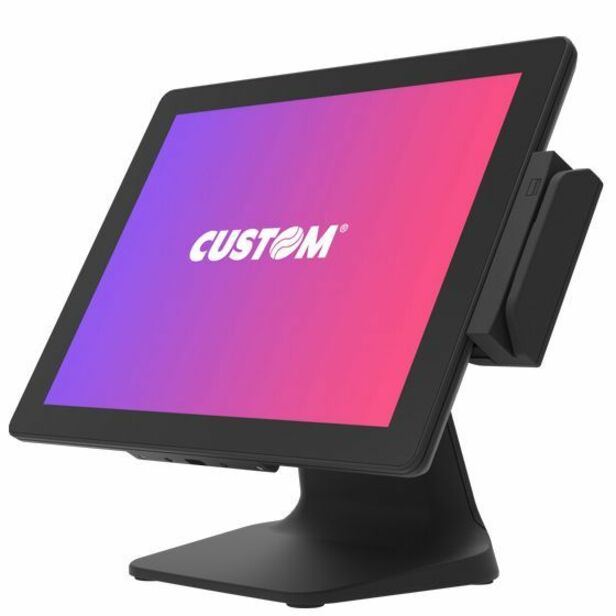
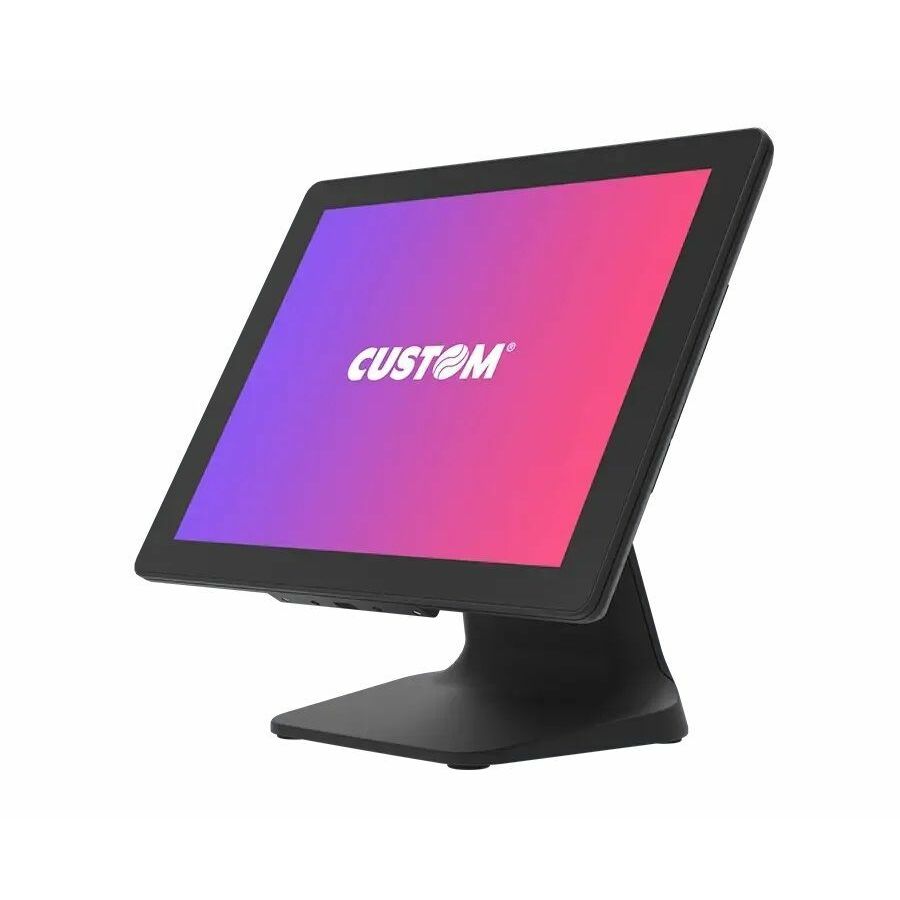
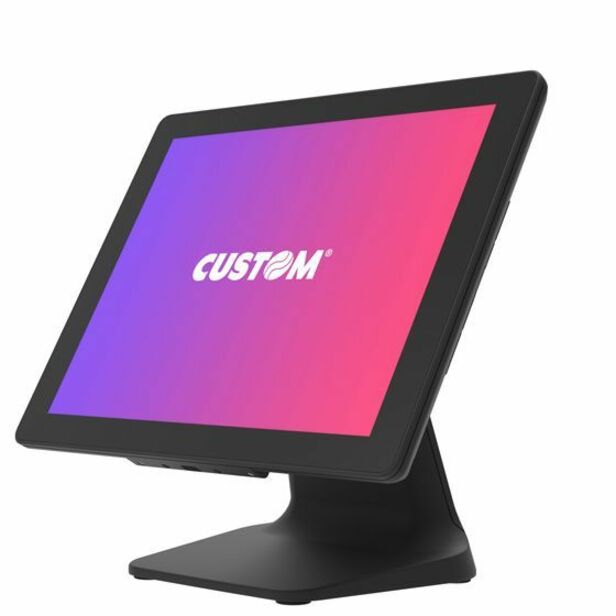
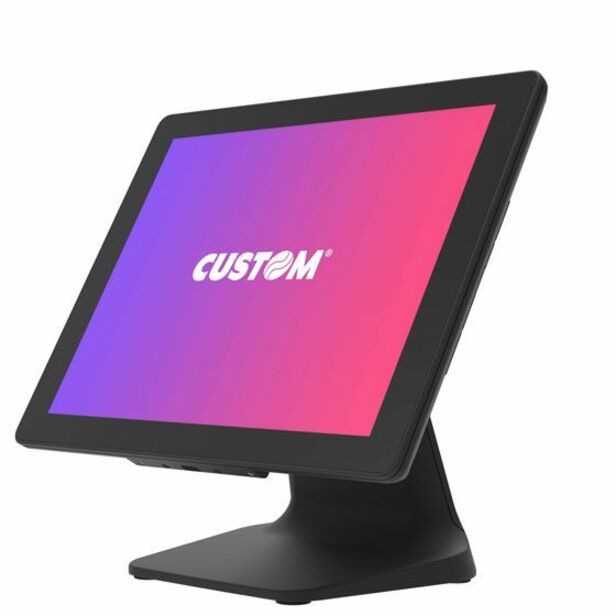
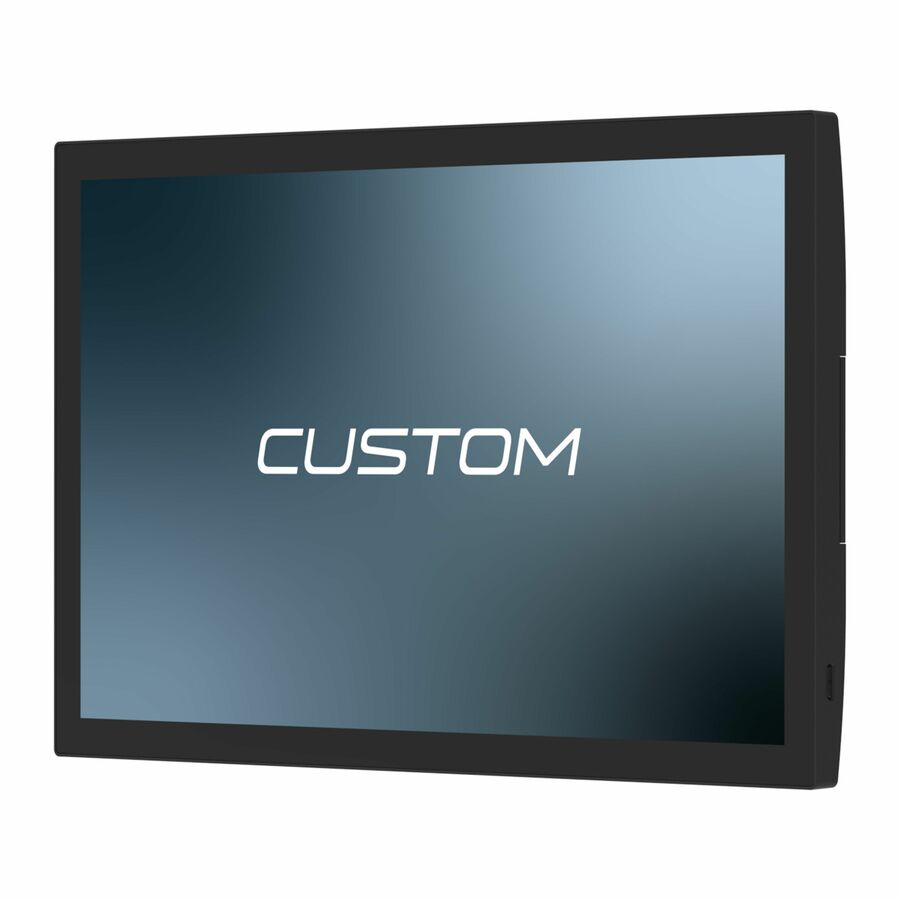
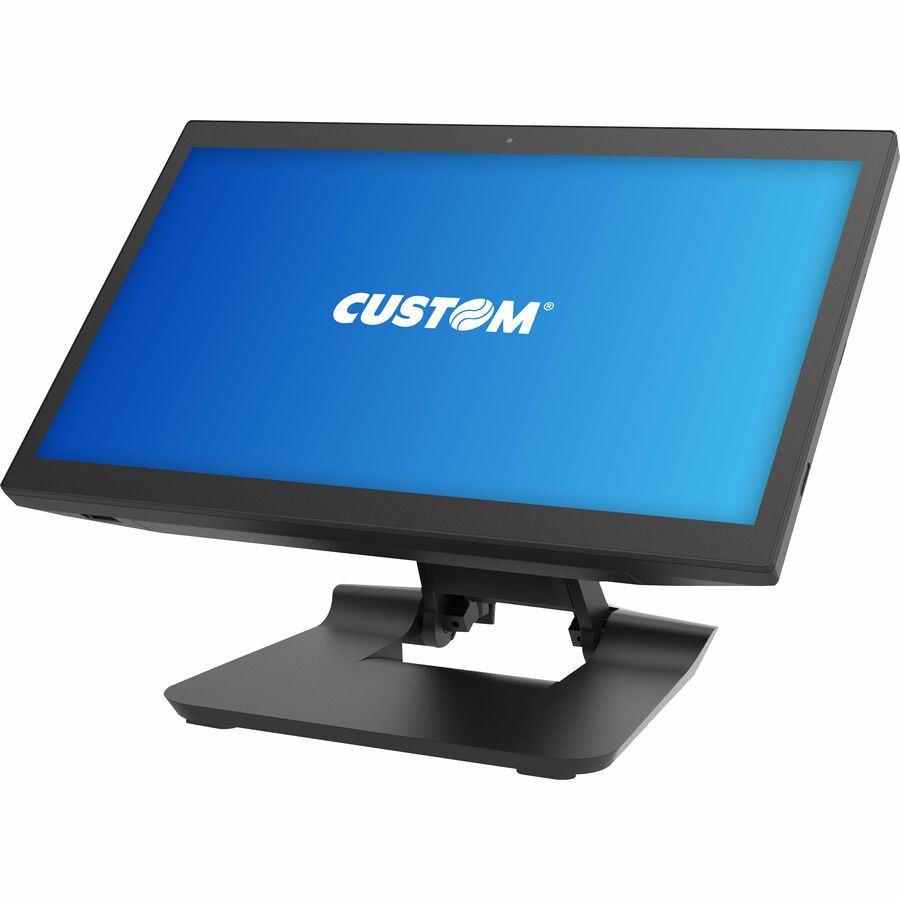
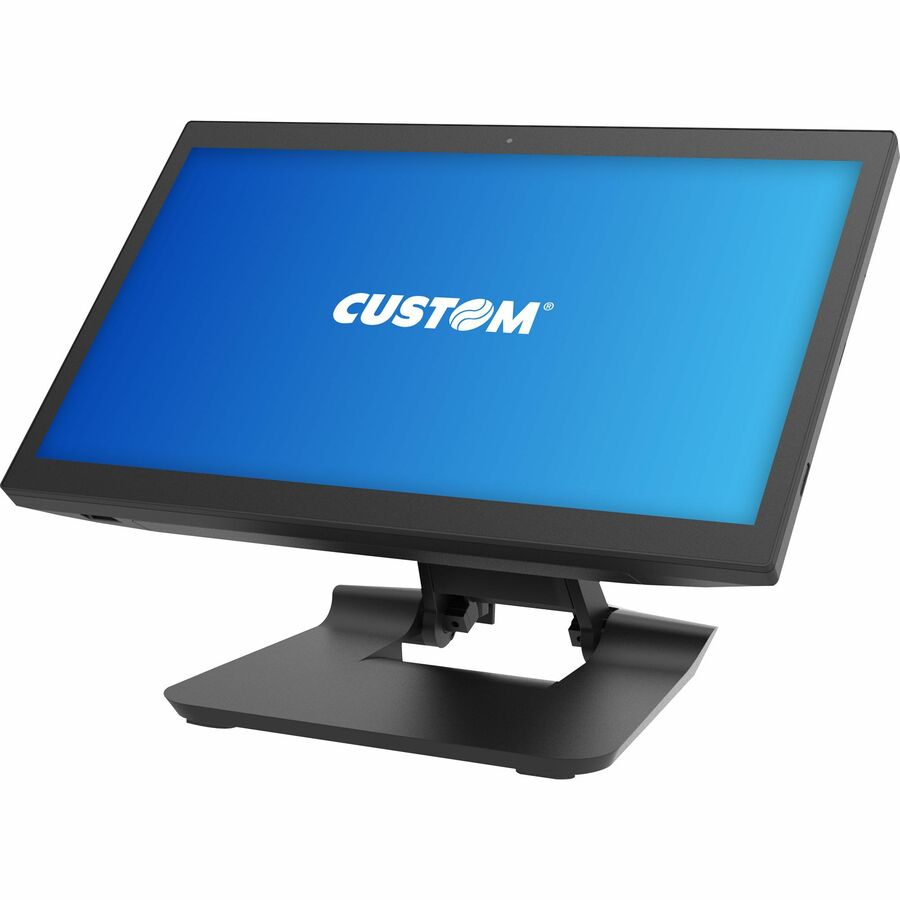
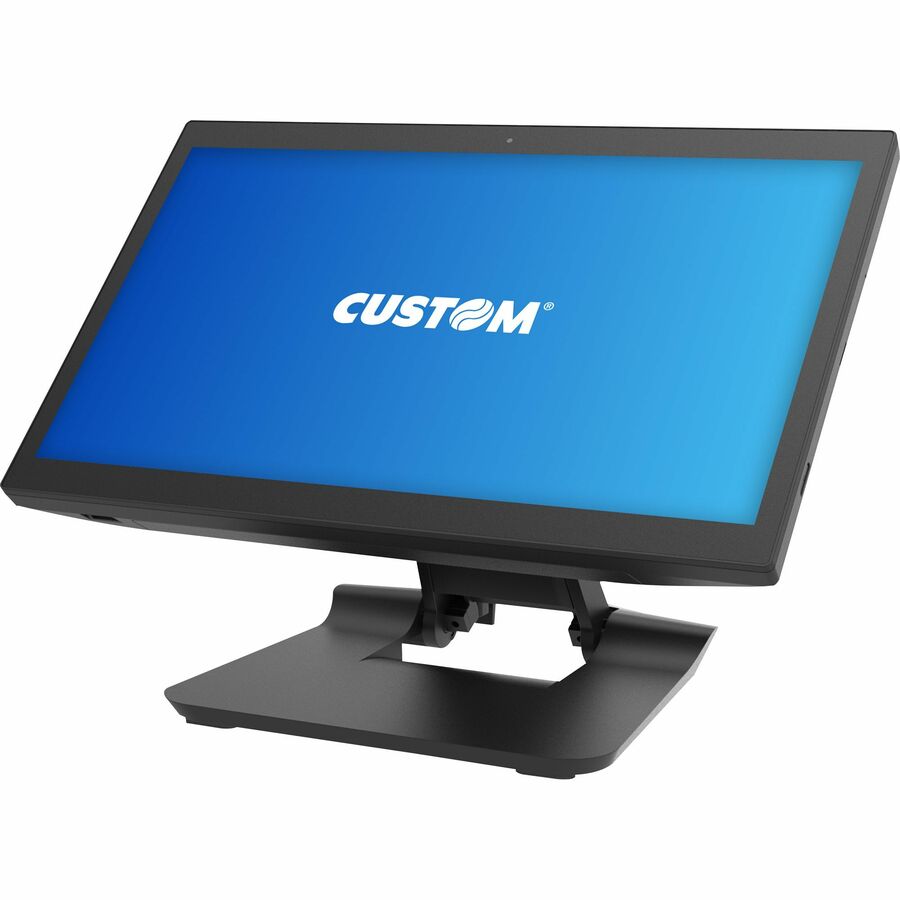
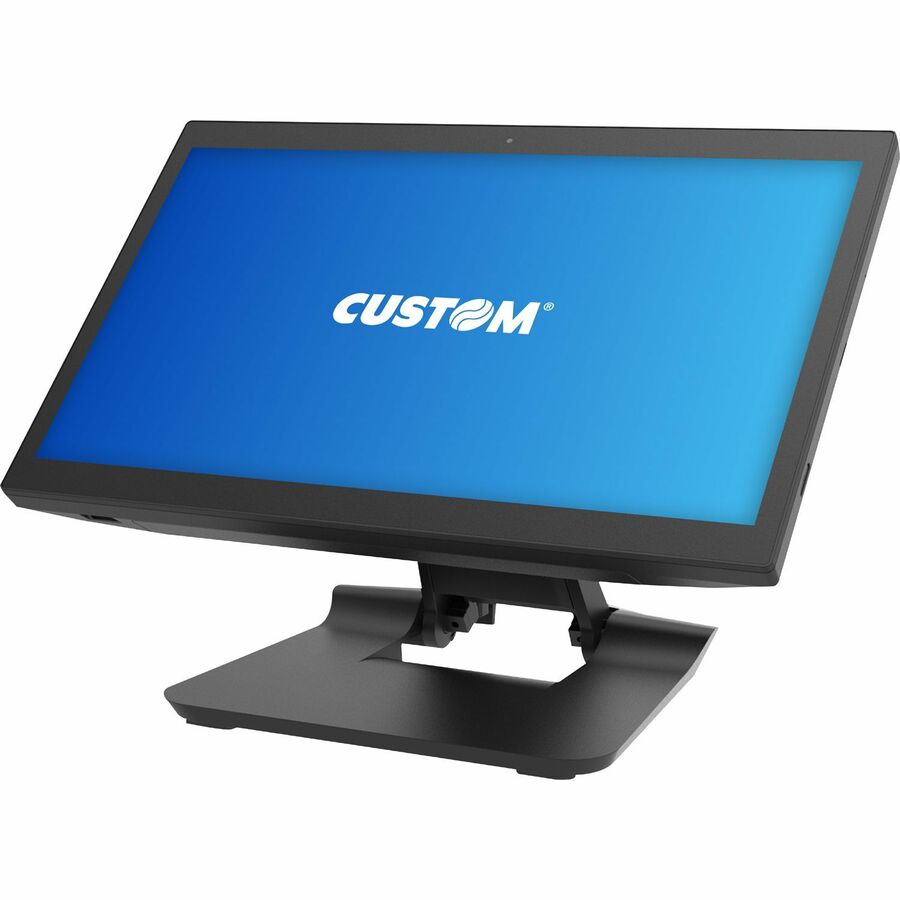
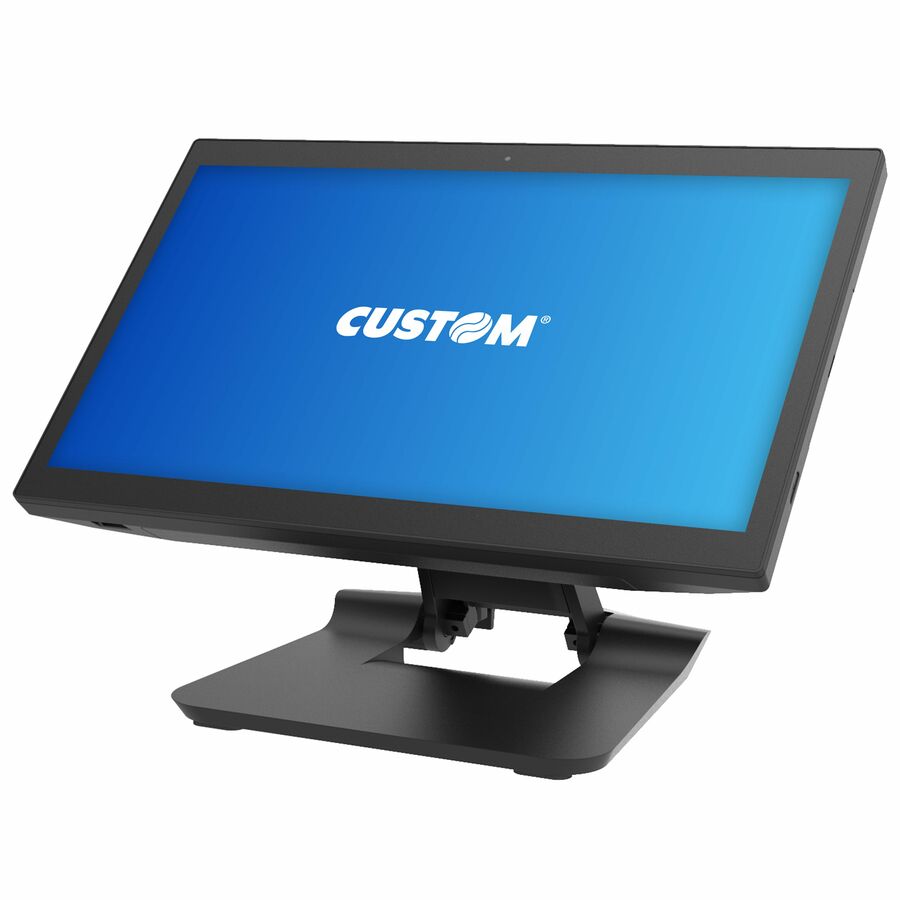
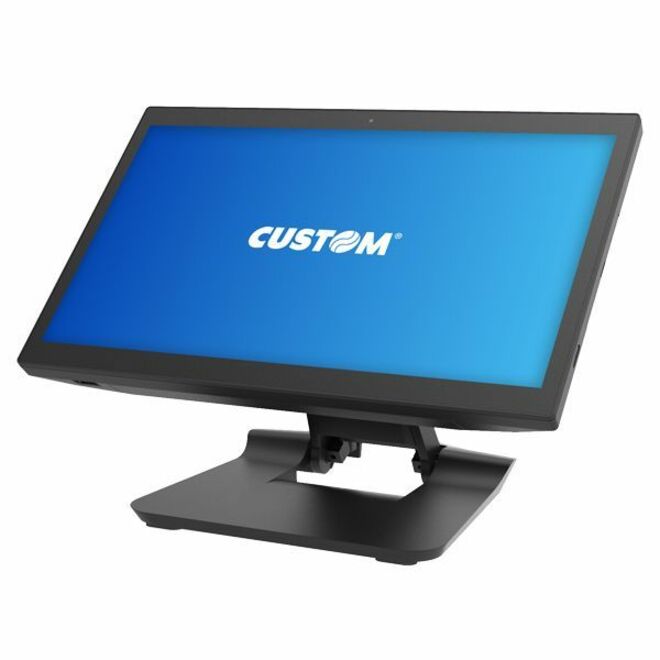
- Custom S.p.ACustom PEAK 21.5-INCH STANDARD,QUALCOMM 660,4GB RAM,64GB,ANDROID 12 - Snapdragon SDA660 - 4 GB LPDDR4 - 64 GB - Android 12935KY111600L33
$1,667.00
$1,307.66
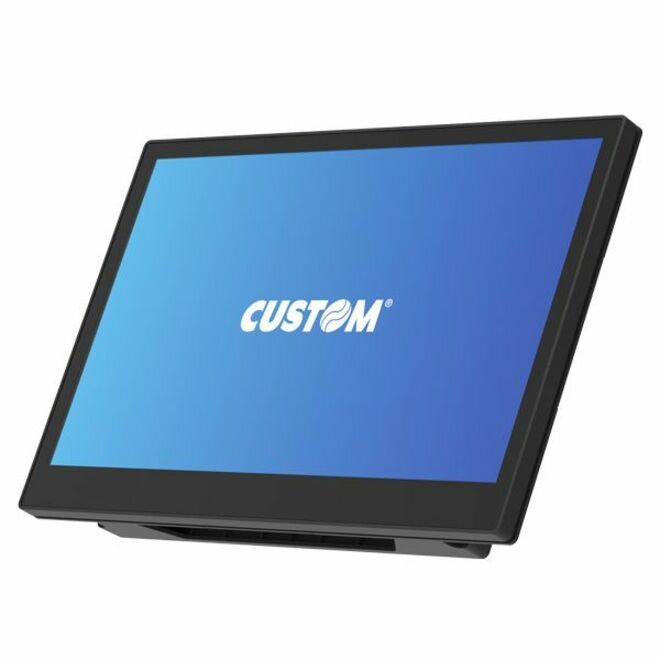
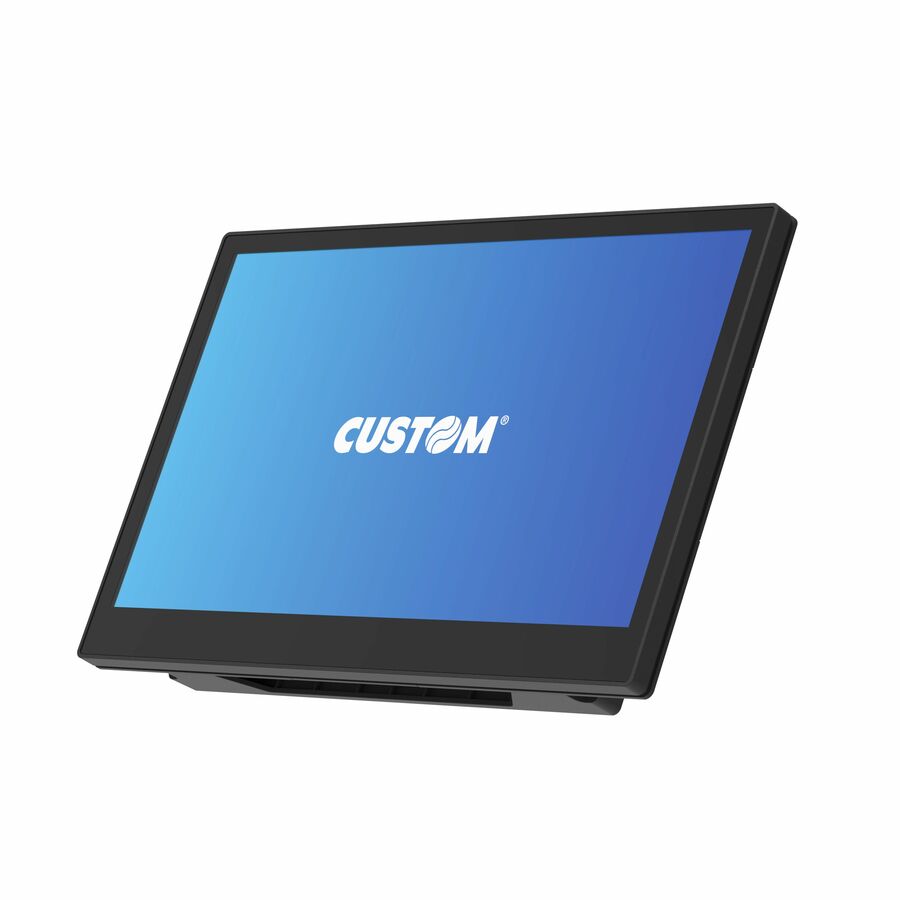
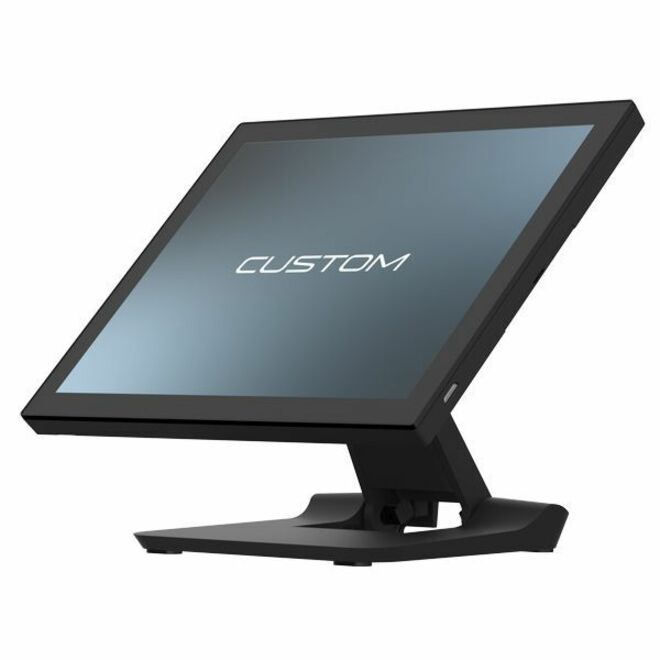
2 in stock - Custom S.p.ACustom ASCENT 15.6-INCH STANDARD,I5 1145G7E,8GB RAM,256GB,NO OS,WIFI,BT - Core i5 i5-1145G7E - 8 GB DDR4 SDRAM - 256 GB SSD M.2935KY460700L33
$2,379.00
$1,853.58
8 in stock - Custom S.p.ACustom America Daytona Windows All-in-One Terminals MSR FOR DAYTONA ID TECH HEAD - MSR FOR DAYTONA 15" POS TERMINAL938MS010000001
$118.00
$97.21
Back-orderedBack-ordered — estimated OEM lead time 3–8 weeks (Nov 13 – Dec 18 if ordered today).
- Custom S.p.ACustom Daytona Windows All-in-One Terminals Rear Lcm For Daytona - 15" TFT Touchscreen - Wireless LAN - Magnetic Stripe Reader938MS010000002
$153.00
$123.21
Back-orderedBack-ordered — estimated OEM lead time 3–8 weeks (Nov 13 – Dec 18 if ordered today).
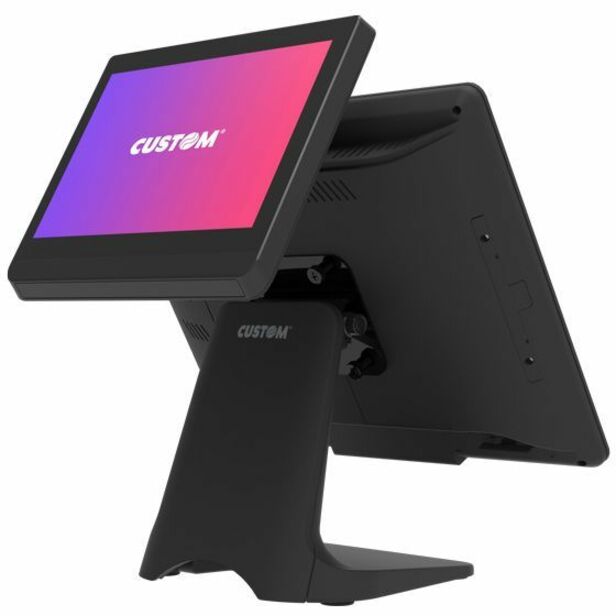
- Custom S.p.ACustom Daytona Windows All-in-One Terminals Second Display 10.1" For Daytona - 15" TFT Touchscreen - Wireless LAN - Magnetic Stripe Reader938MS010000003
$306.00
$243.48
Back-orderedBack-ordered — estimated OEM lead time 3–8 weeks (Nov 13 – Dec 18 if ordered today).
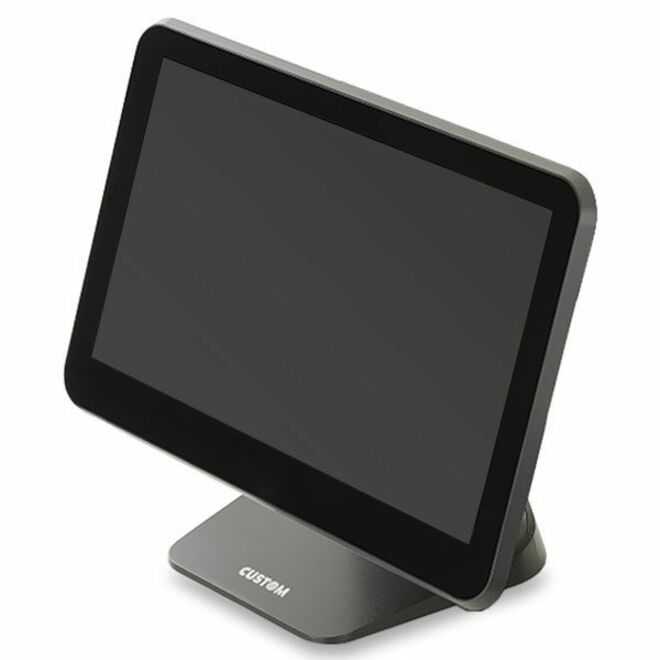
- Custom S.p.ACustom America Silk All-in-One Terminals Silk 15" , Android 8.1, 4GB, 8GB - Silk 15" , Android 8.1, 4GB, 8GB, Google Play935KY180800L33
$774.00
$615.33
Back-orderedBack-ordered — estimated OEM lead time 3–8 weeks (Nov 13 – Dec 18 if ordered today).
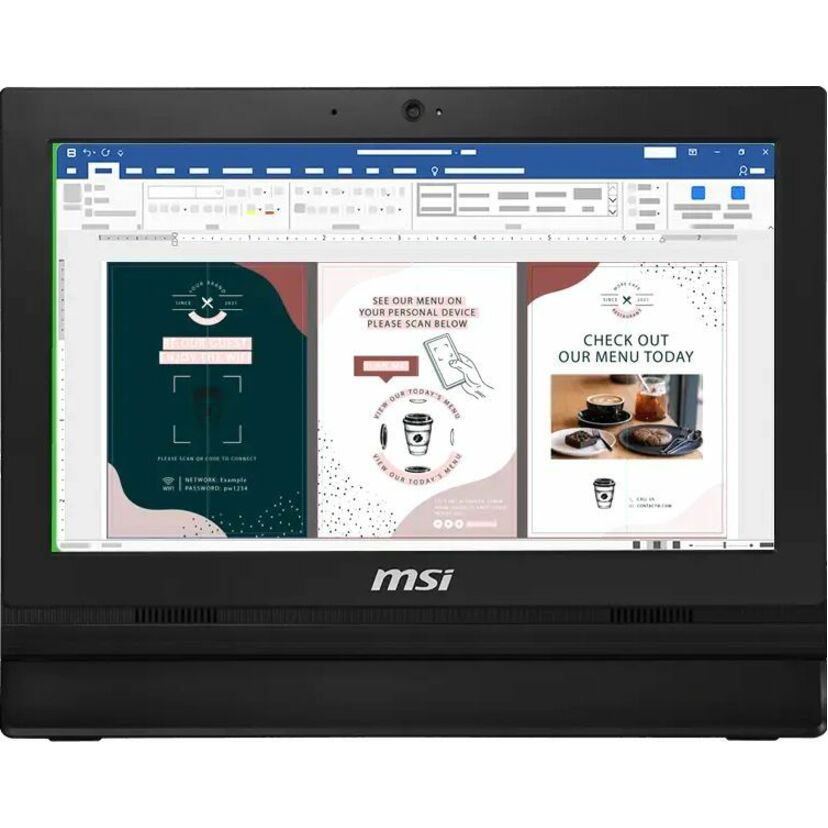
- MSIMSI PRO AP162T ADL-081US POS Terminal - (Intel Celeron N100 - 8 GB DDR4 SDRAM - 128 GB SSD M.2/PCI Express - Windows 11 ProPAP162TADL081
$625.21
Back-orderedBack-ordered — we expect to receive stock the week of Nov 9–15 and will process your delivery right after.
- Touch DynamicTouch Dynamic Acrobat POS Terminal - Snapdragon 450 1.80 GHz - 3 GB DDR3L SDRAM - 32 GB - Android 9.0 PieARB112NBWN-NNNNN
$690.91
Back-orderedBack-ordered — estimated OEM lead time 3–8 weeks (Nov 13 – Dec 18 if ordered today).
- Touch DynamicTouch Dynamic Acrobat POS Terminal - Snapdragon 450 1.80 GHz - 3 GB DDR3L SDRAM - 32 GB - Android 9.0 PieARB1121BWN-NN2NH
$766.27
Back-orderedBack-ordered — estimated OEM lead time 3–8 weeks (Nov 13 – Dec 18 if ordered today).
- Custom S.p.ACustom America Daytona Windows All-in-One Terminals DAYTONA 15" ,CEL,8GB,128GB SSD,NO O/S - DAYTONA 15" ,CEL,8GB,128GB SSD,NO O/S934MS010100L33
$973.00
$773.37
Back-orderedBack-ordered — estimated OEM lead time 3–8 weeks (Nov 13 – Dec 18 if ordered today).
- Custom S.p.APOS-X EVO-PC4-F8VF POS Terminal - (Intel Celeron J1900 2 GHz - 8 GB DDR3L SDRAM - 120 GB SSD - Windows 10 IoT x64931FL115100L33
$1,026.00
$811.68
Back-orderedBack-ordered — estimated OEM lead time 3–8 weeks (Nov 13 – Dec 18 if ordered today).
- Custom S.p.ACustom Daytona Windows All-in-One Terminals DAYTONA 15" ,CEL,8GB,128GB SSD,Win10IoT - Celeron 2.30 GHz - 8 GB - 128 GB SSD SATA - Windows 10 IoT934MS010600L33
$1,042.00
$827.31
Back-orderedBack-ordered — estimated OEM lead time 3–8 weeks (Nov 13 – Dec 18 if ordered today).
- Custom S.p.ATREK 15.6-INCH ANDROID POS TERMINAL,MTK G700,8GB RAM,128GB SSD,ANDROID 13 GMS,WIFI/BLUETOOTH,STAND - (MediaTek MT8390 - 8 GB LPDDR4 - 128 GB SSD - Android 13935PW010100L33
$1,066.00
$842.30
Back-orderedBack-ordered — estimated OEM lead time 3–8 weeks (Nov 13 – Dec 18 if ordered today).
- Custom S.p.ATREK 21.5-INCH ANDROID TOUCH COMPUTER,MTK G700,8GB RAM,128GB SSD,ANDROID 13 GMS,WIFI/BLUETOOTH - (MediaTek MT8390 - 8 GB LPDDR4 - 128 GB SSD - Android 13935PW010200L33
$1,114.00
$882.98
Back-orderedBack-ordered — estimated OEM lead time 3–8 weeks (Nov 13 – Dec 18 if ordered today).
- AdvantechAdvantech 15" Slim, High-Performance Enterprise-Grade Computer - Intel Celeron - 16 GB DDR4 SDRAMUSC-250FP-BCL20
$890.04
Back-orderedBack-ordered — estimated OEM lead time 3–8 weeks (Nov 13 – Dec 18 if ordered today).
- AdvantechAdvantech AIM-35 8" Industrial-Grade Tablet / Mobile POS System - Atom 1.44 GHz - 4 GB - Windows 10 IoT EnterpriseAIM-35AT-02307000
$910.97
Back-orderedBack-ordered — estimated OEM lead time 3–8 weeks (Nov 13 – Dec 18 if ordered today).
- Custom S.p.ACustom Daytona Windows All-in-One Terminals DAYTONA 15" ,CEL,8GB,128GB,Win10IoT,Wifi - Celeron 2.30 GHz - 8 GB - 128 GB SSD SATA - Windows 10 IoT934MS013100L33
$1,161.00
$921.50
Back-orderedBack-ordered — estimated OEM lead time 3–8 weeks (Nov 13 – Dec 18 if ordered today).
- Custom S.p.ATREK 15.6-INCH POS TERMINAL,INTEL N97,8GB RAM,128GB SSD,NO OS,WIFI/BLUETOOTH,STAND - (Intel N-series N97 - 8 GB LPDDR4 - 128 GB SSD935PW010300L33
$1,186.00
$936.90
Back-orderedBack-ordered — estimated OEM lead time 3–8 weeks (Nov 13 – Dec 18 if ordered today).
- Custom S.p.ACustom Ascent POS Terminal - Celeron J6412 - 8 GB935KY460D00L33
$1,237.00
$970.79
Back-orderedBack-ordered — estimated OEM lead time 3–8 weeks (Nov 13 – Dec 18 if ordered today).
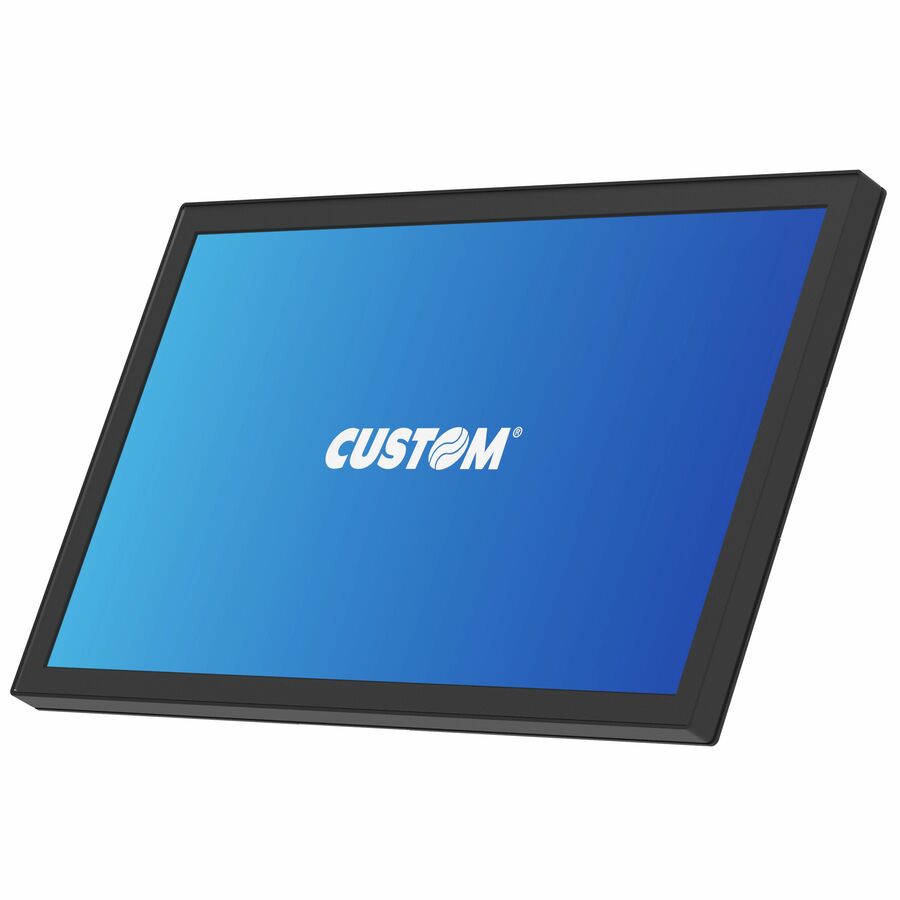
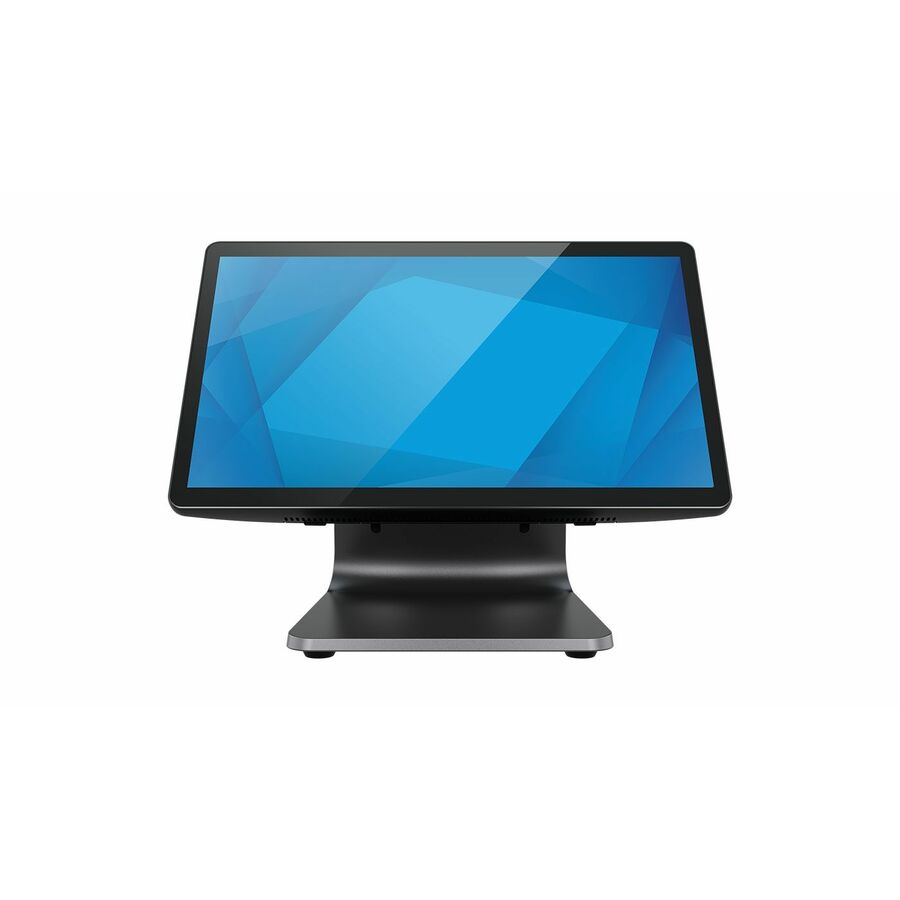

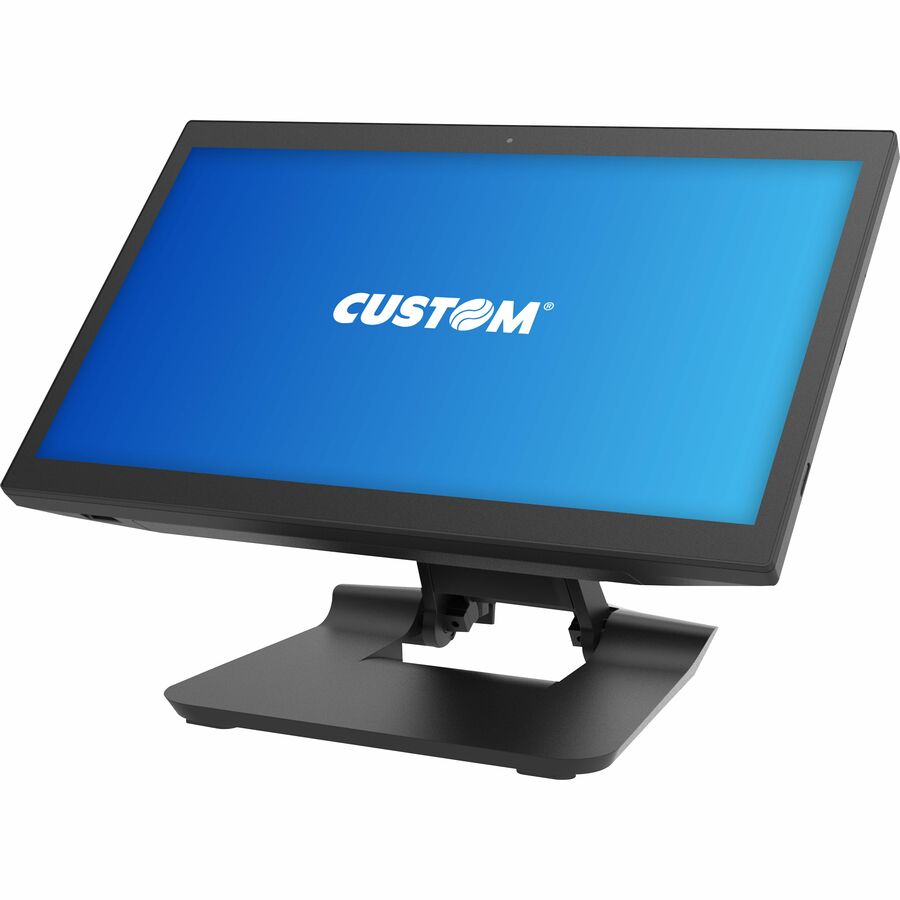
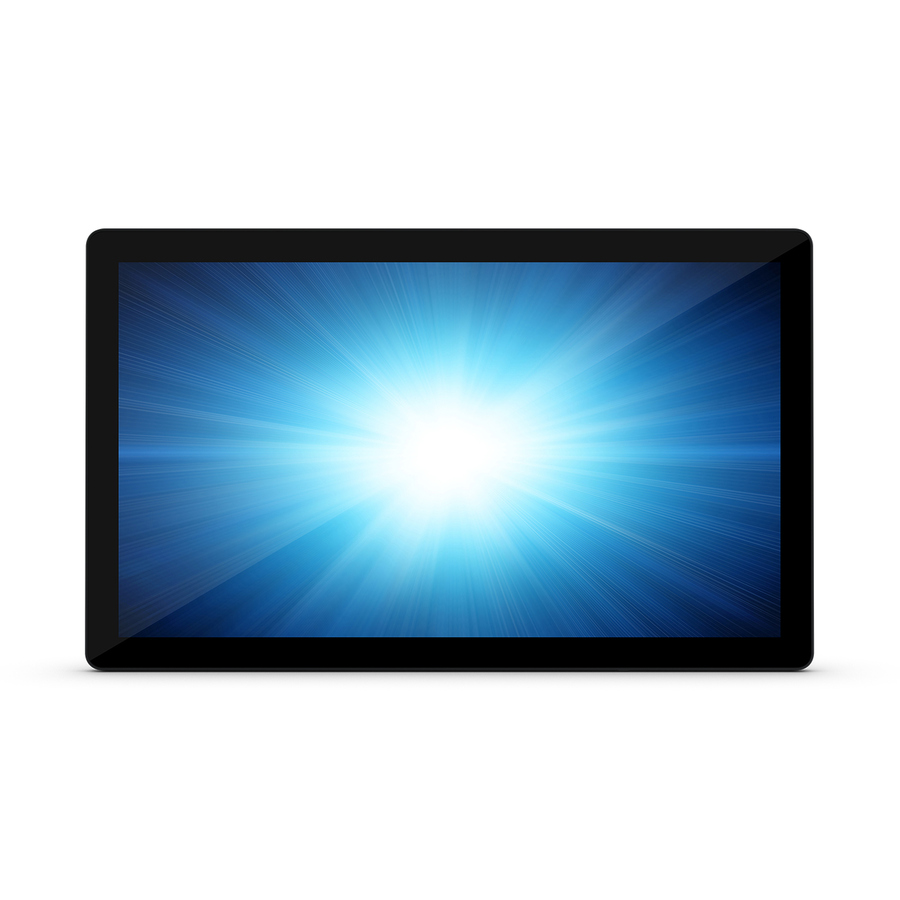
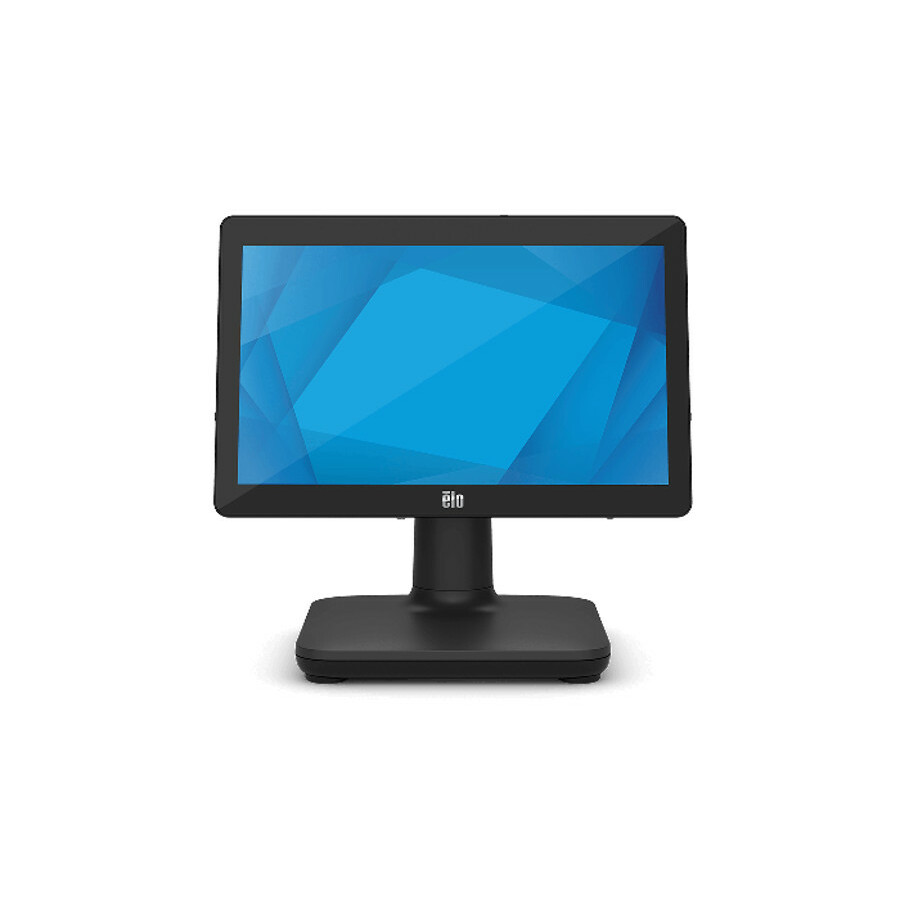
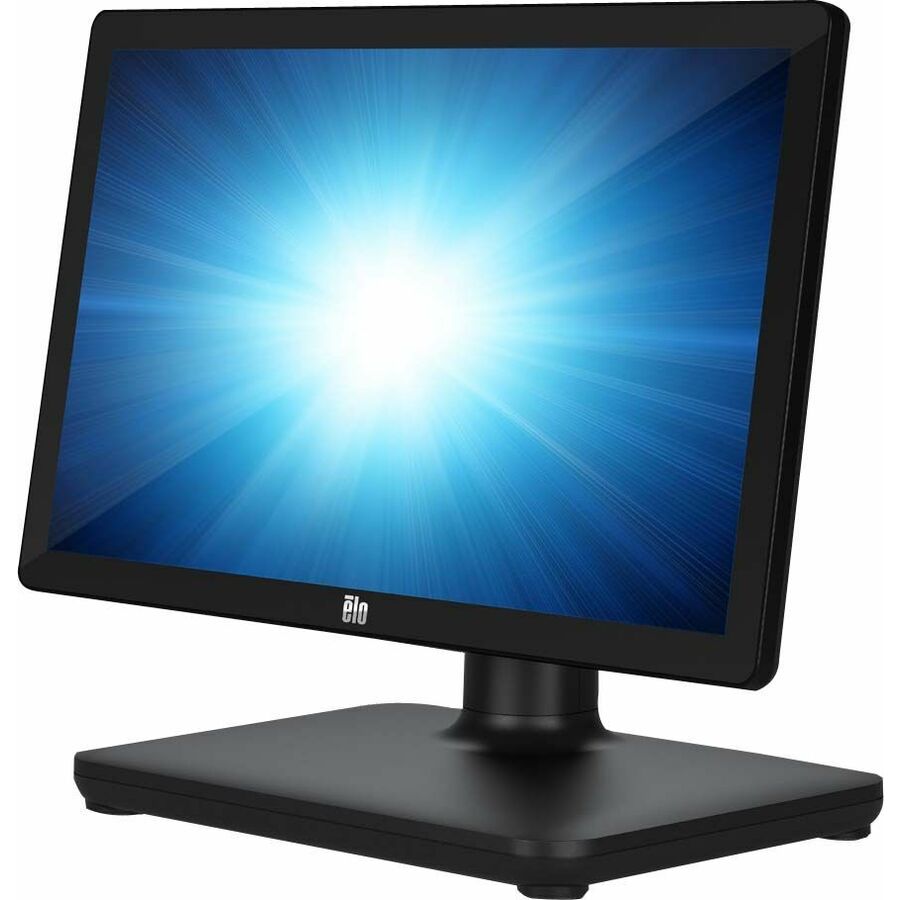
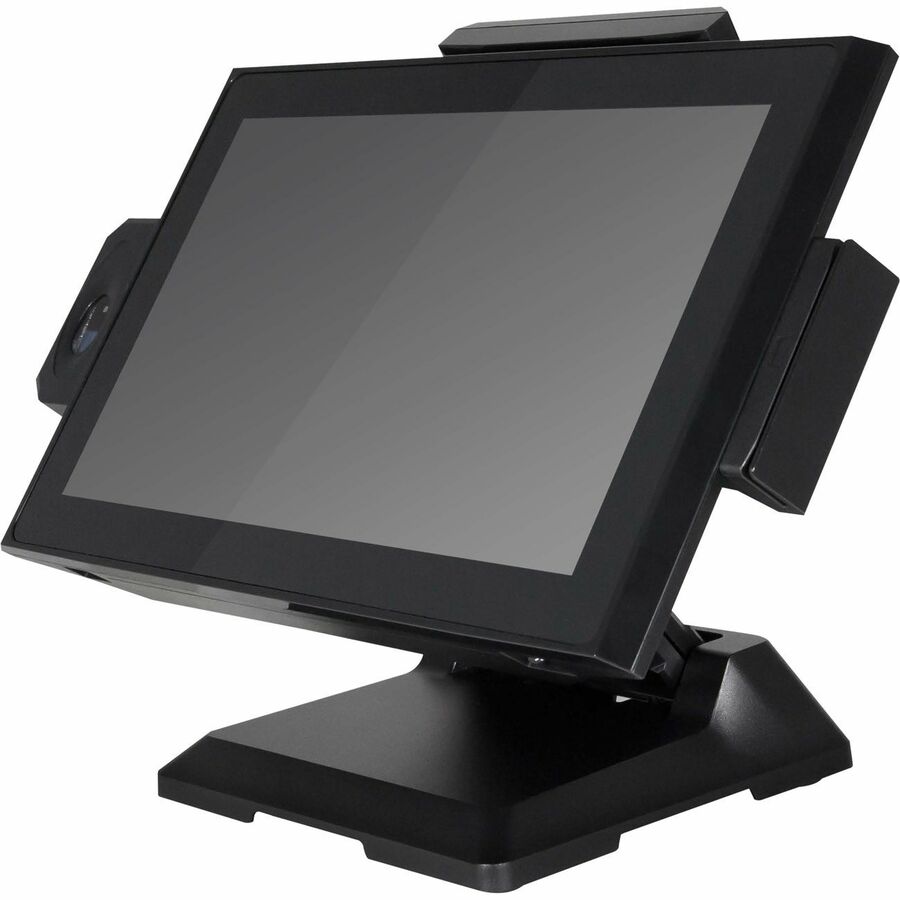

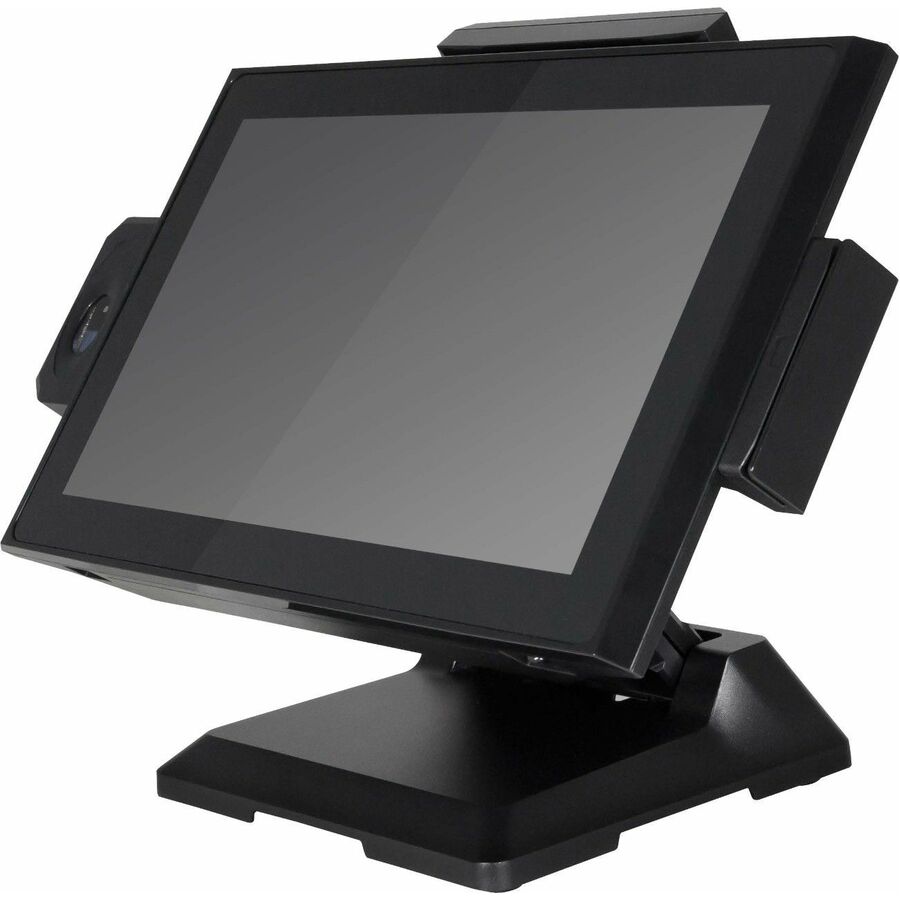
Touch Dynamic Acrobat
Touch Dynamic
Touch Dynamic Acrobat POS Terminal
ARB112NBWN-NNNNN
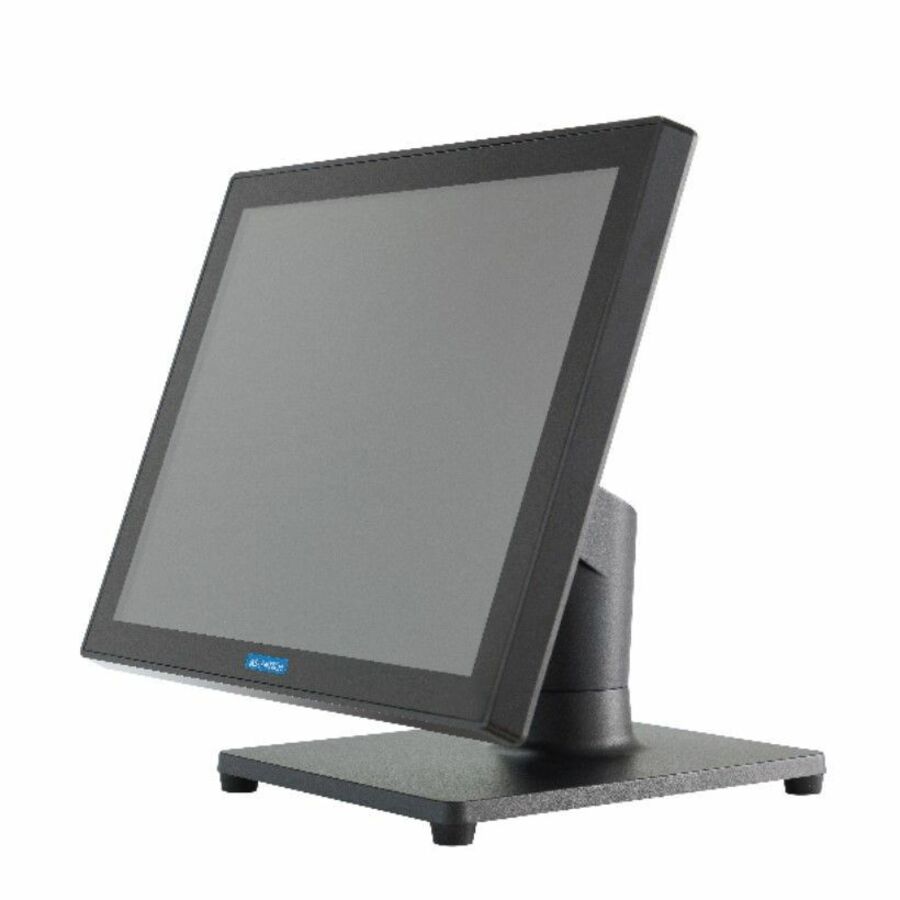
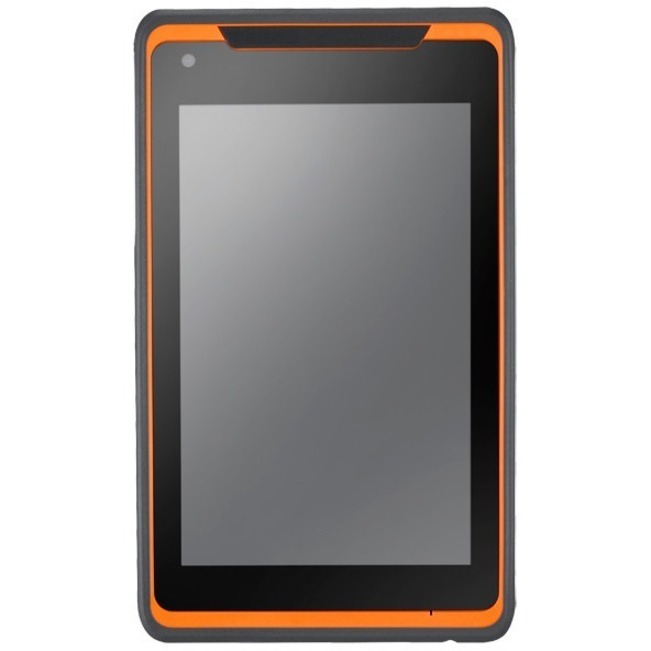
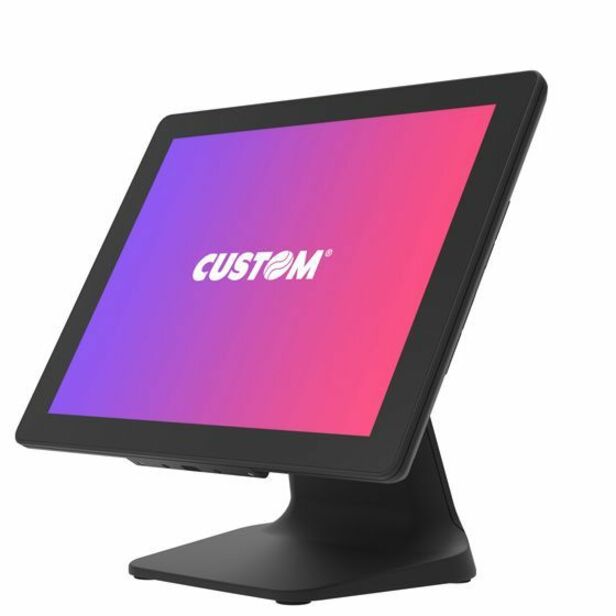
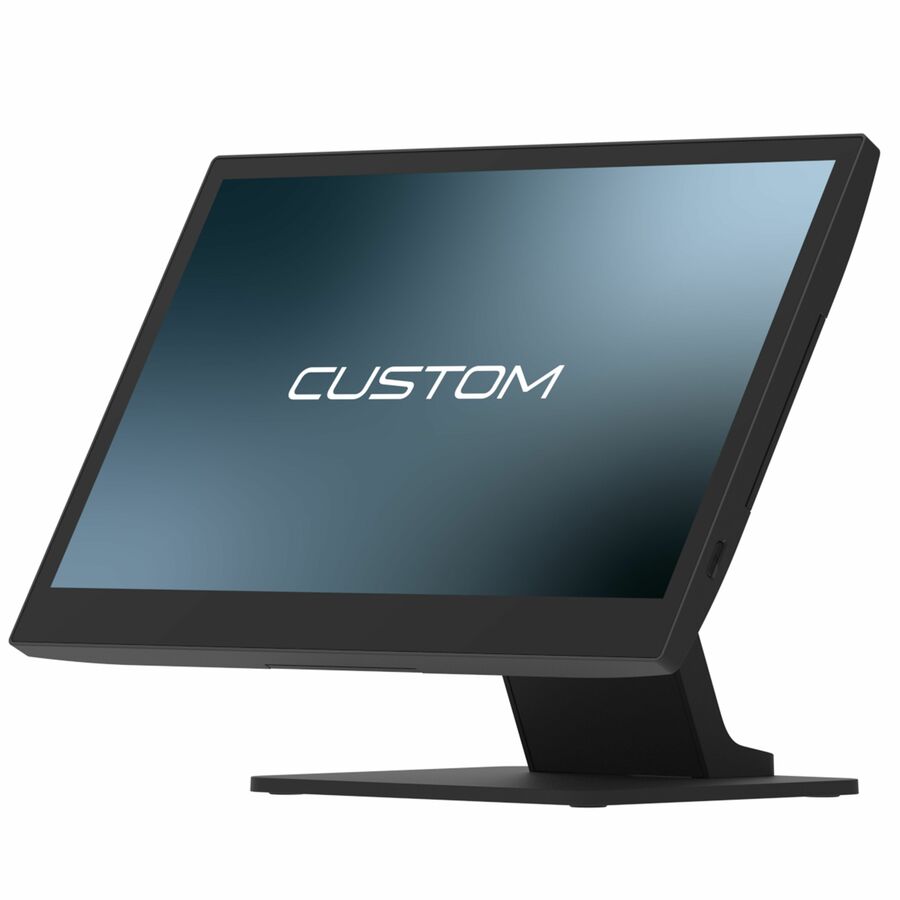
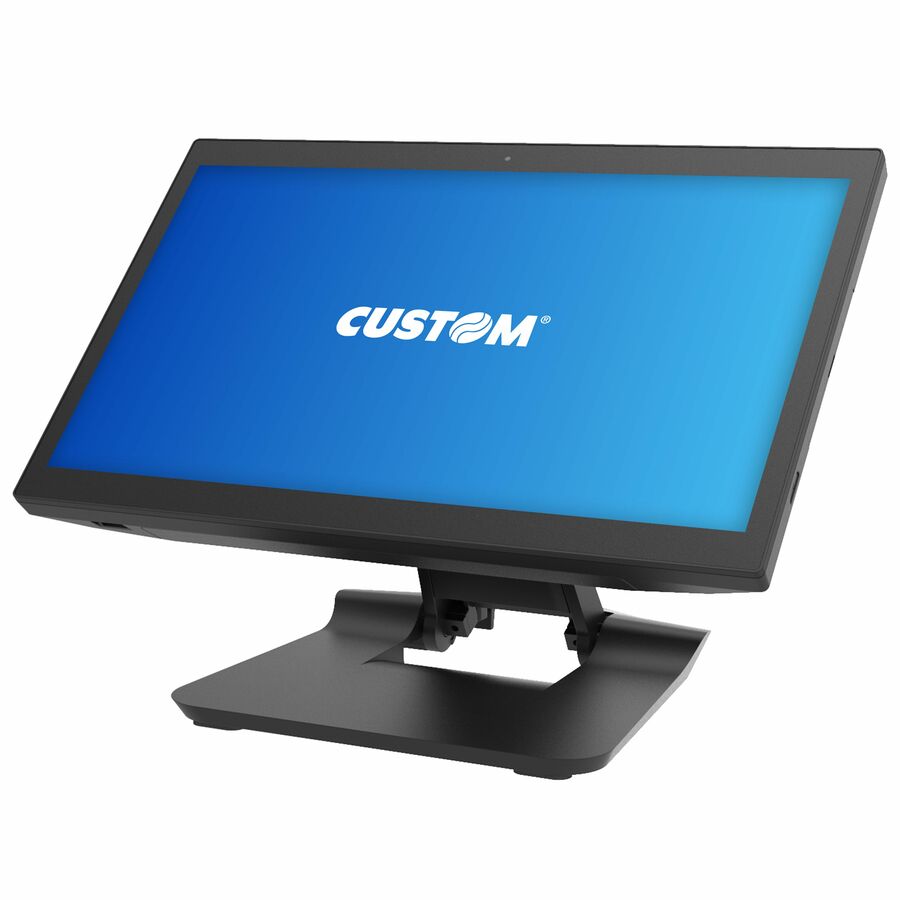
A Touch Dynamic Acrobat POS terminal on a Snapdragon 450 with 3 GB — a compact Android all-in-one for a lane or a quick-service counter that runs a cloud POS app.
$690.91Back-orderedAdvantech UTC-310G
Advantech
Advantech UTC-310G POS Terminal
UTC-310GP-ATB1E
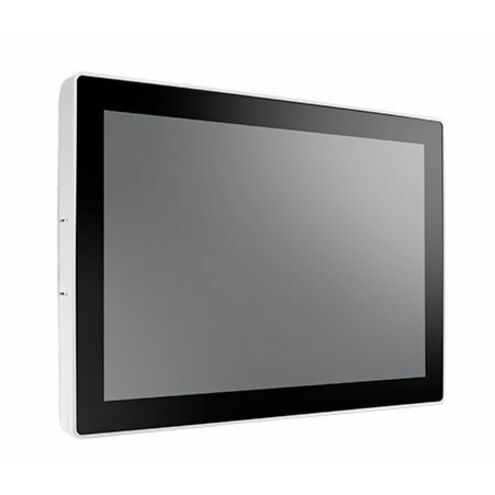
An Advantech UTC-310G POS terminal with an Intel Pentium N4200 — a fanless Windows all-in-one for a retail or hospitality counter running standard POS software.
$1,056.58Back-orderedAdvantech USC-360D
Advantech
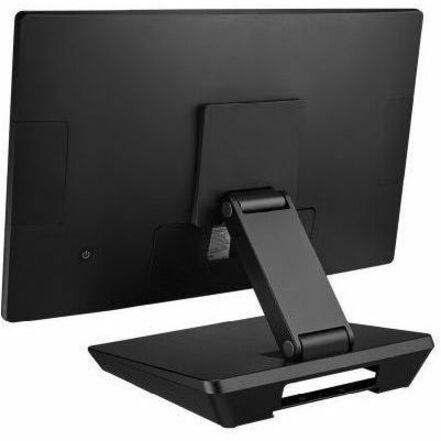
Advantech USC-360D POS Terminal
USC-360DP-BE110
An Advantech USC-360D POS terminal on a Rockchip RK3568 with 4 GB — a modern Android all-in-one for a lightweight, quick-to-deploy checkout station.
$1,080.93Back-orderedCustom Ascent
Custom S.p.A
Custom Ascent POS Terminal
935KY460D00L33
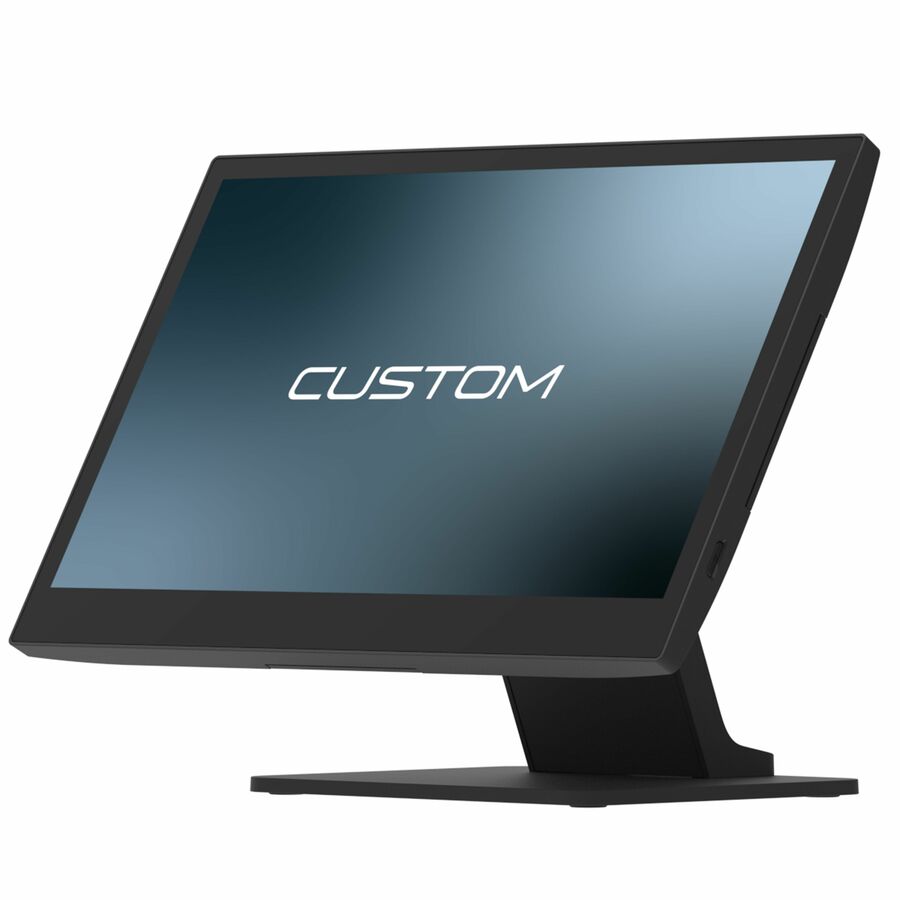
A Custom Ascent POS terminal on a Celeron J6412 with 8 GB — a Windows-capable all-in-one for a mid-traffic retail or restaurant front end.
$970.79Back-orderedAdvantech USC-250
Advantech
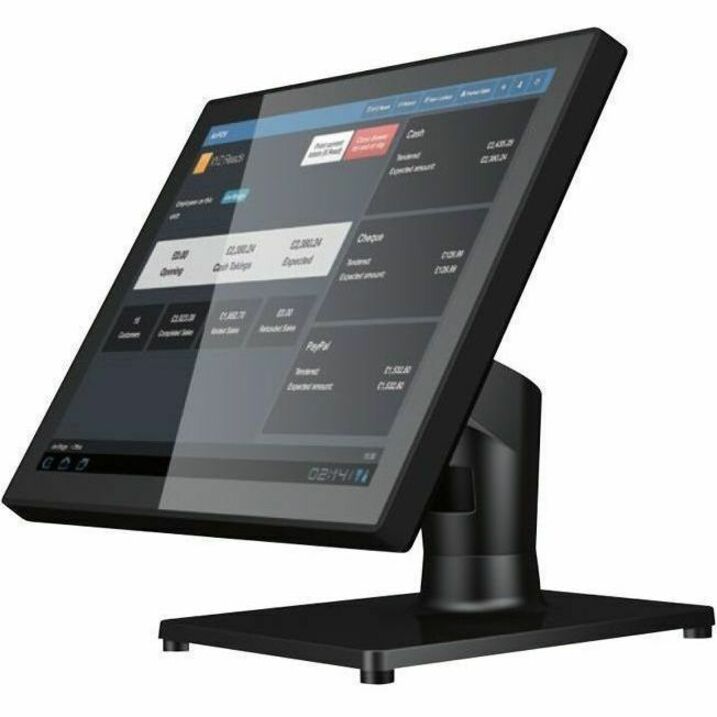
Advantech USC-250 POS Terminal
USC-250FP-BCL30
An Advantech USC-250 POS terminal on a Celeron 3955U with 4 GB DDR4 and a 64 GB SSD — a 15-inch Windows all-in-one for a permanent counter.
$992.42Back-orderedElo I-Series 4
Elo Touch Solutions
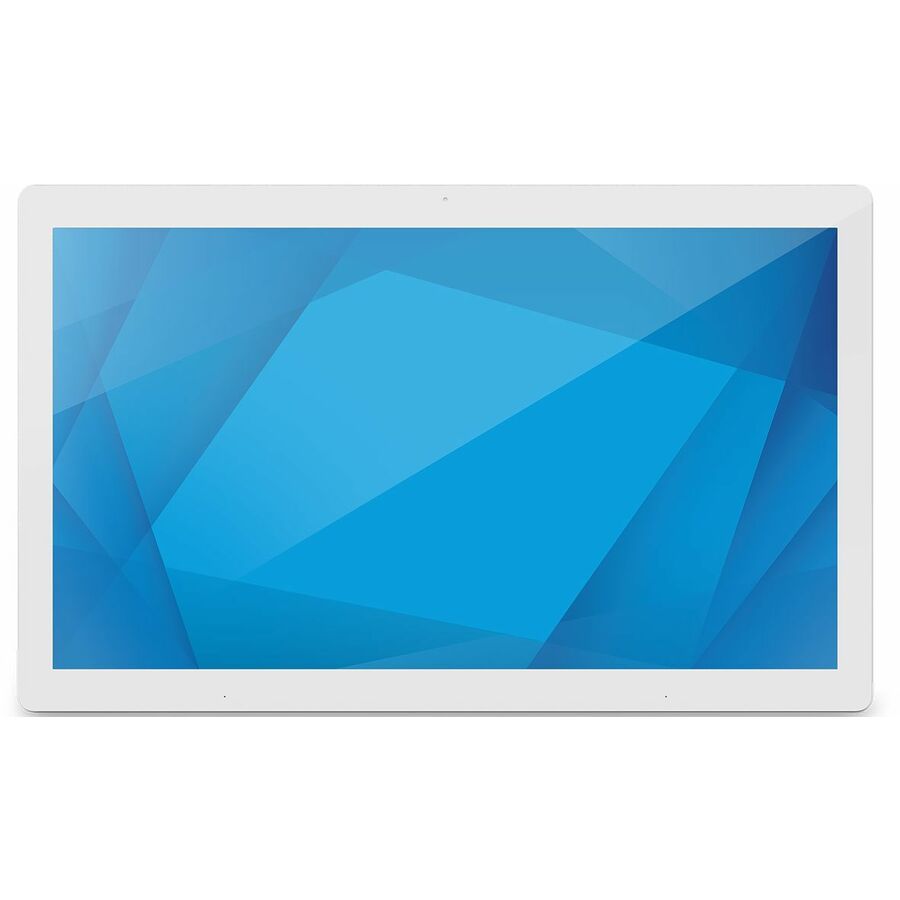
Elo I-Series 4 POS Terminal
E411643
An Elo I-Series 4 POS terminal on a Rockchip RK3399 running Android — a sealed all-in-one built for retail and hospitality where a clean, wipeable unit matters.
$1,175.87Back-orderedTouch Dynamic Quest III
Touch Dynamic
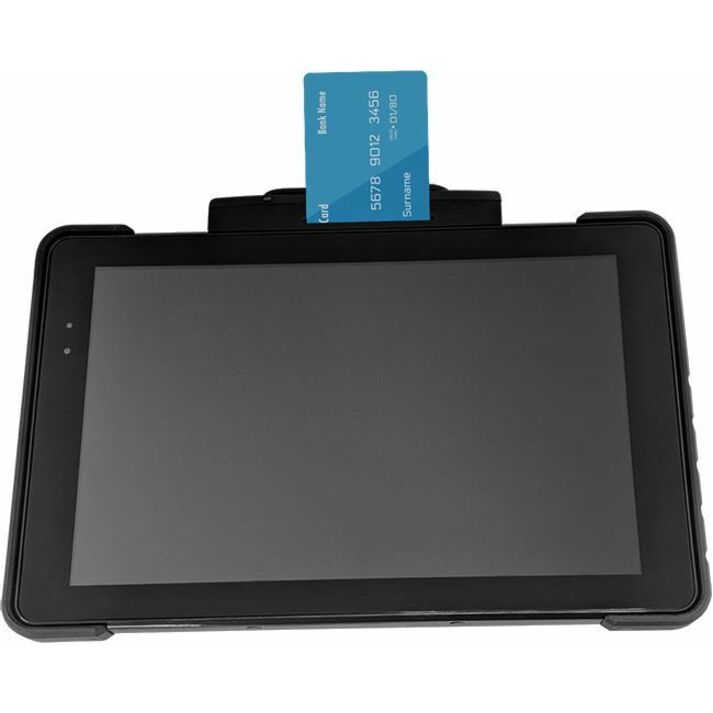
Touch Dynamic Quest III POS Terminal
QA00-1T00000N
A Touch Dynamic Quest III POS terminal on an Atom X7-8750 with 4 GB — a Windows all-in-one for a counter that runs a traditional POS package.
$1,122.56Back-orderedCustom TREK 15.6
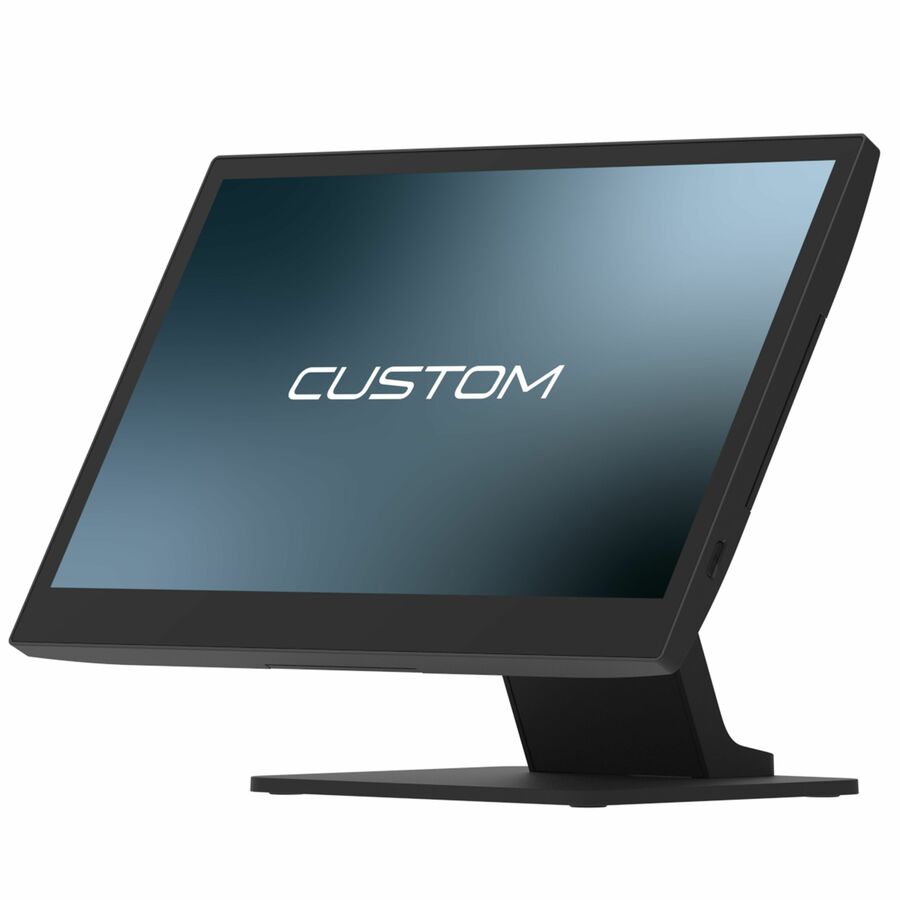
Custom S.p.A
TREK 15.6-INCH POS TERMINAL,INTEL CORE I3-N305,8GB RAM,128GB SSD,NO…
935PW010500L33
A Custom TREK 15.6-inch POS terminal on an Intel Core i3-N305 with 8 GB and a 128 GB SSD — a higher-performance Windows all-in-one for a busy front end.
$1,186.68Back-orderedElo I-Series 2
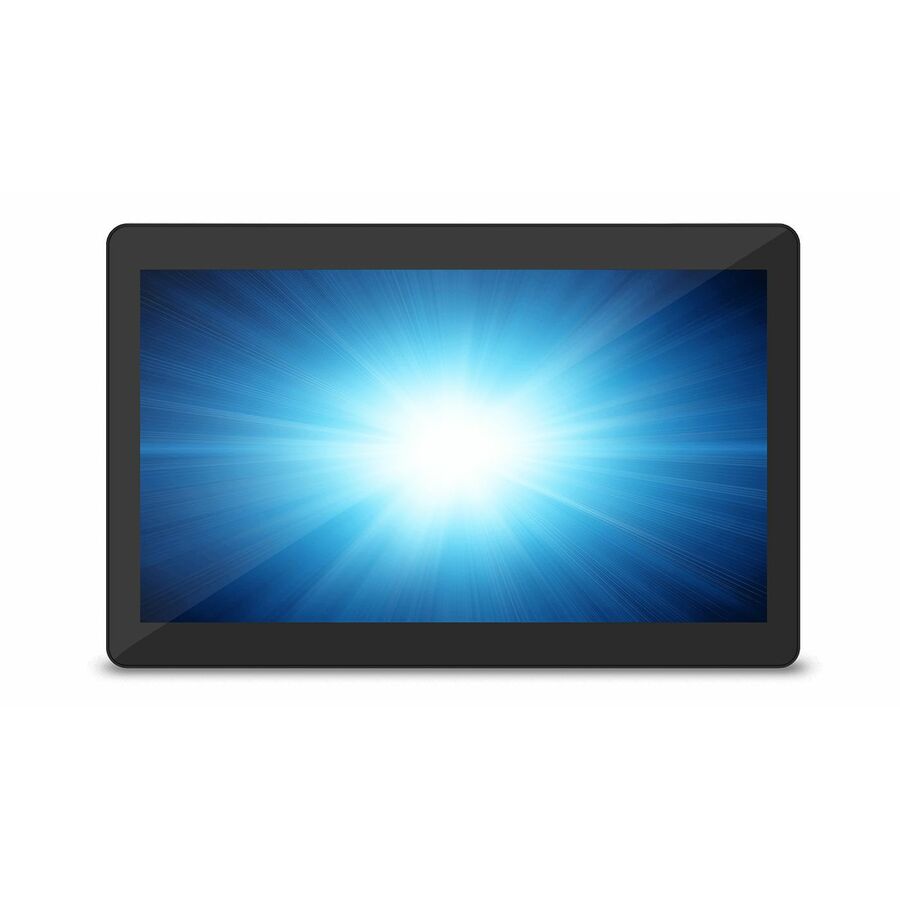
Elo Touch Solutions
Elo I-Series 2 POS Terminal
E551470
An Elo I-Series 2 POS terminal on a Celeron G4900T with 8 GB DDR4 and a 128 GB SSD — a Windows all-in-one for a retail or restaurant station running established software.
$1,216.11Back-orderedElo E-Series 3
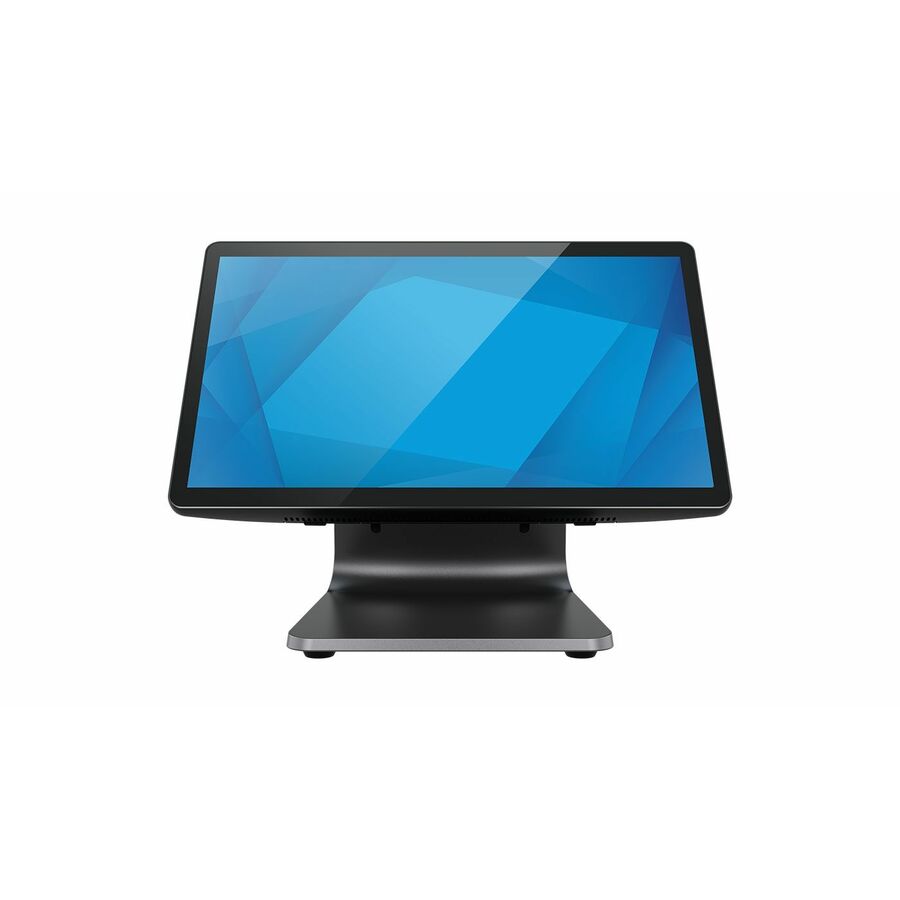
Elo Touch Solutions
Elo E-Series 3 POS Terminal
E850312
An Elo E-Series 3 POS terminal on an Intel N-series N97 with 8 GB DDR5 and a 128 GB SSD — a current-generation Windows all-in-one for a modern checkout counter.
$1,360.17Back-orderedCustom Peak
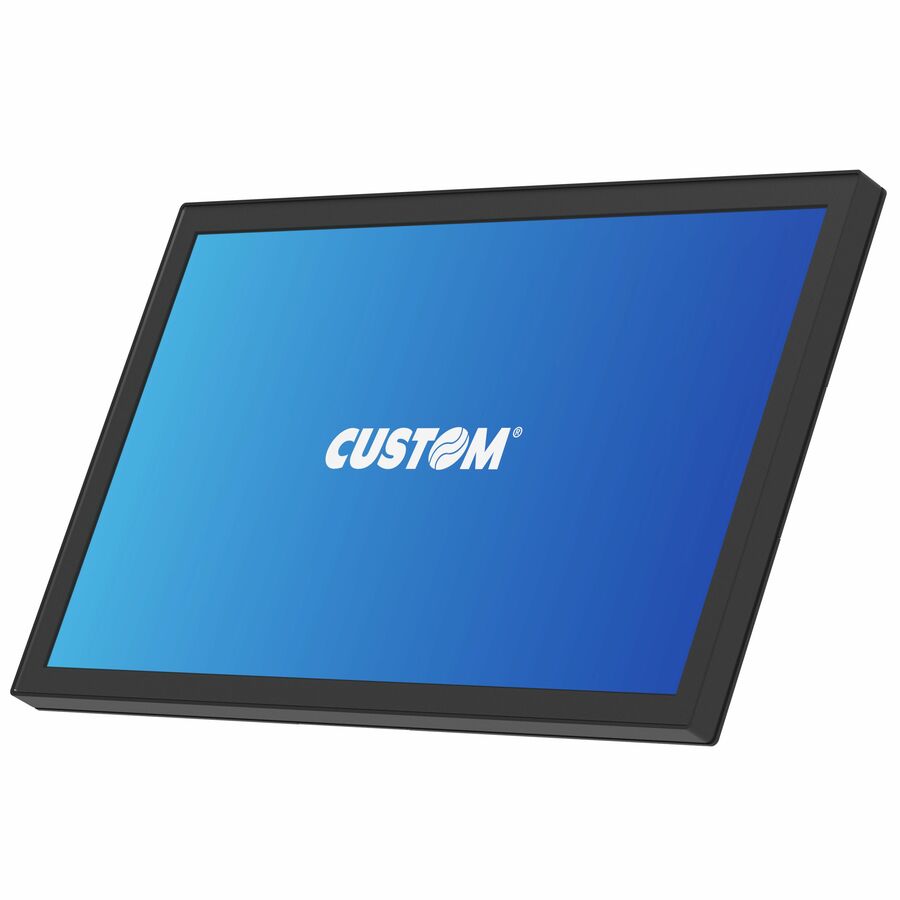
Custom S.p.A
Custom Peak POS Terminal
935KY111700L33
A Custom Peak POS terminal on a Snapdragon SDA660 with 4 GB running Android 12 — a larger-format Android all-in-one for a high-visibility retail or hospitality station.
$1,382.16Back-orderedTD Breeze Ultra
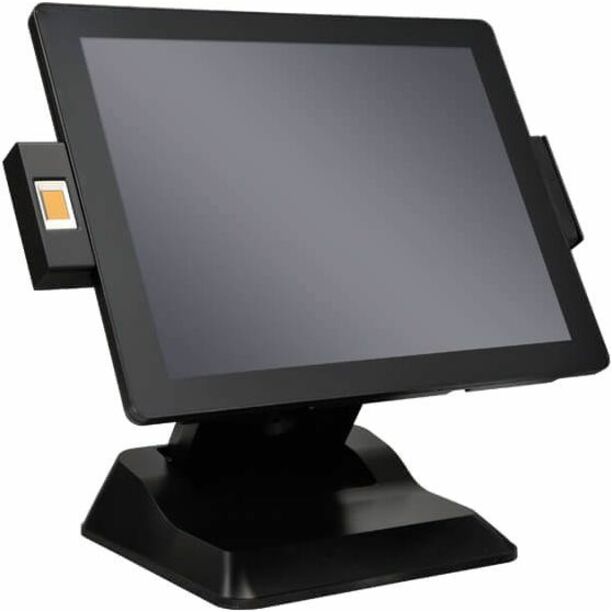
Touch Dynamic
Touch Dynamic Breeze Ultra POS Terminal
BU536CM0NB3-00NNNNN
A Touch Dynamic Breeze Ultra POS terminal on a Core i3-7101TE with 8 GB — a performance Windows all-in-one for a front end that also carries back-office work.
$1,872.66Back-orderedMore POS terminals in the Uniqcli catalog
See all 1,196 POS terminalsMore from across this category. In-stock lines lead, and a back-ordered line carries the same estimated availability its product page does — with live pricing throughout, NDAA §889 screening before checkout and TAA verified on request.
- Custom S.p.ACustom ASCENT 15.6-INCH PREMIUM,I5 1145G7E,16GB RAM,256GB,WIN 11 PRO,WIFI,BT,PUSB,FRONT CAMERA - Core i5 i5-1145G7E - 16 GB DDR4 SDRAM - 256 GB SSD M.2 - Windows 11 Pro935KY460C00L33
$2,963.00
$2,307.37
Back-orderedBack-ordered — estimated OEM lead time 3–8 weeks (Nov 13 – Dec 18 if ordered today).
- Custom S.p.ACustom ASCENT 15.6-INCH PREMIUM,I5 1145G7E,16GB RAM,256GB,WIN 10 IOT,WIFI,BT,PUSB,FRONT CAMERA - Core i5 i5-1145G7E - 16 GB DDR4 SDRAM - 256 GB SSD M.2 - Windows 10 IoT935KY460A00L33
$2,831.00
$2,205.53
Back-orderedBack-ordered — estimated OEM lead time 3–8 weeks (Nov 13 – Dec 18 if ordered today).
- Custom S.p.ACustom Peak POS Terminal - Core i5 i5-1145G7E - 16 GB DDR4 SDRAM - 256 GB SSD M.2935KY111900L33
$2,792.00
$2,176.03
Back-orderedBack-ordered — estimated OEM lead time 3–8 weeks (Nov 13 – Dec 18 if ordered today).
- Custom S.p.ACustom ASCENT 15.6-INCH PREMIUM,I5 1145G7E,16GB RAM,256GB,NO OS,WIFI,BT,PUSB,FRONT CAMERA - Core i5 i5-1145G7E - 16 GB DDR4 SDRAM - 256 GB SSD M.2935KY460800L33
$2,621.00
$2,041.66
Back-orderedBack-ordered — estimated OEM lead time 3–8 weeks (Nov 13 – Dec 18 if ordered today).
- Custom S.p.ATREK 21.5-INCH TOUCH COMPUTER,INTEL CORE I3-N305,8GB RAM,128GB SSD,WIN11IOT,WIFI/BLUETOOTH - (Intel Core i3 i3-N305 - 8 GB - 128 GB SSD - Windows 11 IoT935PW010H00L33
$1,894.00
$1,477.94
Back-orderedBack-ordered — estimated OEM lead time 3–8 weeks (Nov 13 – Dec 18 if ordered today).
- Custom S.p.ACustom Peak POS Terminal - SDA660 - 4 GB LPDDR4 - 64 GB - Android 12935KY111700L33
$1,770.00
$1,382.16
Back-orderedBack-ordered — estimated OEM lead time 3–8 weeks (Nov 13 – Dec 18 if ordered today).
- Custom S.p.ACustom ASCENT 15.6-INCH PREMIUM,CELERON J6412,8GB,128GB,WIN 11 PRO,WIFI,BT,PUSB,FRONT CAMERA - Celeron J6412 - 8 GB DDR4 SDRAM - 128 GB SSD M.2 - Windows 11 Pro935KY460600L33
$1,756.00
$1,369.85
Back-orderedBack-ordered — estimated OEM lead time 3–8 weeks (Nov 13 – Dec 18 if ordered today).
- Custom S.p.ATREK 15.6-INCH POS TERMINAL,INTEL CORE I3-N305,8GB RAM,128GB SSD,WIN11IOT,WIFI/BLUETOOTH,STAND - (Intel Core i3 i3-N305 - 8 GB - 128 GB SSD - Windows 11 IoT935PW010F00L33
$1,718.00
$1,338.14
Back-orderedBack-ordered — estimated OEM lead time 3–8 weeks (Nov 13 – Dec 18 if ordered today).
- Custom S.p.ATREK 21.5-INCH TOUCH COMPUTER,INTEL CORE I3-N305,8GB RAM,128GB SSD,NO OS,WIFI/BLUETOOTH - (Intel Core i3 i3-N305 - 8 GB LPDDR4 - 128 GB SSD935PW010600L33
$1,694.00
$1,327.01
Back-orderedBack-ordered — estimated OEM lead time 3–8 weeks (Nov 13 – Dec 18 if ordered today).
- Custom S.p.ACustom ASCENT 15.6-INCH STANDARD,CELERON J6412,8GB RAM,128GB,WIN 11 PRO,WIFI,BT - Celeron J6412 - 8 GB - 128 GB SSD - Windows 11 Pro935KY460500L33
$1,637.00
$1,282.05
Back-orderedBack-ordered — estimated OEM lead time 3–8 weeks (Nov 13 – Dec 18 if ordered today).
- Custom S.p.ACustom ASCENT 15.1-INCH STANDARD,CELERON J6412,8GB,128GB,WIN11PRO,WIFI,BT - (Intel Celeron J6412 - 8 GB DDR4 SDRAM - 128 GB SSD M.2 - Windows 11 Pro935KY461000L33
$1,632.00
$1,279.26
Back-orderedBack-ordered — estimated OEM lead time 3–8 weeks (Nov 13 – Dec 18 if ordered today).
- Custom S.p.APeak 21.5-Inch Standard, Celeron J6412,8Gb Ram,128Gb,Win11Iot - Celeron J6412 - 8 GB DDR4 SDRAM - 128 GB SSD M.2 - Windows 11 IoT935KY110B00L33
$1,551.00
$1,216.88
Back-orderedBack-ordered — estimated OEM lead time 3–8 weeks (Nov 13 – Dec 18 if ordered today).
- Custom S.p.ATREK 15.6-INCH POS TERMINAL,INTEL CORE I3-N305,8GB RAM,128GB SSD,NO OS,WIFI/BLUETOOTH,STAND - (Intel Core i3 i3-N305 - 8 GB LPDDR4 - 128 GB SSD935PW010500L33
$1,517.00
$1,186.68
Back-orderedBack-ordered — estimated OEM lead time 3–8 weeks (Nov 13 – Dec 18 if ordered today).
- Custom S.p.ACustom ASCENT 15.6-INCH PREMIUM,CELERON J6412,8GB RAM,128GB,WIN 10 IOT,WIFI,BT,PUSB,FRONT CAMERA - (Intel Celeron J6412 - 8 GB - 128 GB SSD - Windows 10 IoT935KY460400L33
$1,523.00
$1,193.12
Back-orderedBack-ordered — estimated OEM lead time 3–8 weeks (Nov 13 – Dec 18 if ordered today).
- Custom S.p.APEAK 15.6-INCH PREMIUM,QUALCOMM 660,4GB RAM,64GB,ANDROID 12,POE - Qualcomm Snapdragon SDA660 - 4 GB LPDDR4 - 64 GB - Android 12935KY111500L33
$1,513.00
$1,184.42
Back-orderedBack-ordered — estimated OEM lead time 3–8 weeks (Nov 13 – Dec 18 if ordered today).
- Custom S.p.ACustom ASCENT 15.6-INCH PREMIUM,CELERON J6412,8GB RAM,128GB,NO OS,WIFI,BT,PUSB,FRONT CAMERA - (Intel Celeron J6412 - 8 GB - 128 GB SSD935KY460200L33
$1,423.00
$1,115.32
Back-orderedBack-ordered — estimated OEM lead time 3–8 weeks (Nov 13 – Dec 18 if ordered today).
- Custom S.p.ACustom PEAK 15.6-INCH STANDARD,QUALCOMM 660,4GB RAM,64GB, ANDROID 12 - Snapdragon SDA660 - 4 GB LPDDR4 - 64 GB - Android 12935KY111400L33
$1,411.00
$1,104.44
Back-orderedBack-ordered — estimated OEM lead time 3–8 weeks (Nov 13 – Dec 18 if ordered today).
- Custom S.p.ACustom ASCENT 15.6-INCH STANDARD,CELERON J6412,8GB RAM,128GB,WIN 10 IOT,WIFI,BT - (Intel Celeron J6412 - 8 GB - 128 GB SSD - Windows 10 IoT935KY460300L33
$1,394.00
$1,090.88
Back-orderedBack-ordered — estimated OEM lead time 3–8 weeks (Nov 13 – Dec 18 if ordered today).
- Custom S.p.ACustom ASCENT 15.1-INCH STANDARD,CELERON J6412,8GB,128GB,WIN11IOT,WIFI,BT - (Intel Celeron J6412 - 8 GB DDR4 SDRAM - 128 GB SSD M.2 - Windows 11 IoT935KY461F00L33
$1,394.00
$1,093.49
Back-orderedBack-ordered — estimated OEM lead time 3–8 weeks (Nov 13 – Dec 18 if ordered today).
- Custom S.p.AAscent 15.6-Inch Standard,Celeron 6412,Win 11 Iot,8Gb,128Gb,Wifi-Bt - Celeron J6412 - 8 GB DDR4 SDRAM - 128 GB SSD M.2 - Windows 11 IoT935KY461C00L33
$1,394.00
$1,098.60
Back-orderedBack-ordered — estimated OEM lead time 3–8 weeks (Nov 13 – Dec 18 if ordered today).
- Custom S.p.ATREK 21.5-INCH TOUCH COMPUTER,INTEL N97,8GB RAM,128GB SSD,WIN11IOT,WIFI/BLUETOOTH - (Intel N-series N97 - 8 GB - 128 GB SSD - Windows 11 IoT935PW010D00L33
$1,355.00
$1,062.51
Back-orderedBack-ordered — estimated OEM lead time 3–8 weeks (Nov 13 – Dec 18 if ordered today).
- Custom S.p.ACustom ASCENT 15.1-INCH STANDARD,CELERON J6412,8GB,128GB,NO OS,WIFI,BT - (Intel Celeron J6412 - 8 GB DDR4 SDRAM - 128 GB SSD M.2935KY460U00L33
$1,303.00
$1,022.26
Back-orderedBack-ordered — estimated OEM lead time 3–8 weeks (Nov 13 – Dec 18 if ordered today).
- Custom S.p.ATREK 15.6-INCH POS TERMINAL,INTEL N97,8GB RAM,128GB SSD,WIN11IOT,WIFI/BLUETOOTH,STAND - (Intel N-series N97 - 8 GB - 128 GB SSD - Windows 11 IoT935PW010B00L33
$1,281.00
$1,002.49
Back-orderedBack-ordered — estimated OEM lead time 3–8 weeks (Nov 13 – Dec 18 if ordered today).
- Custom S.p.ATREK 21.5-INCH TOUCH COMPUTER,INTEL N97,8GB RAM,128GB SSD,NO OS,WIFI/BLUETOOTH - (Intel N-series N97 - 8 GB LPDDR4 - 128 GB SSD935PW010400L33
$1,260.00
$988.44
Back-orderedBack-ordered — estimated OEM lead time 3–8 weeks (Nov 13 – Dec 18 if ordered today).
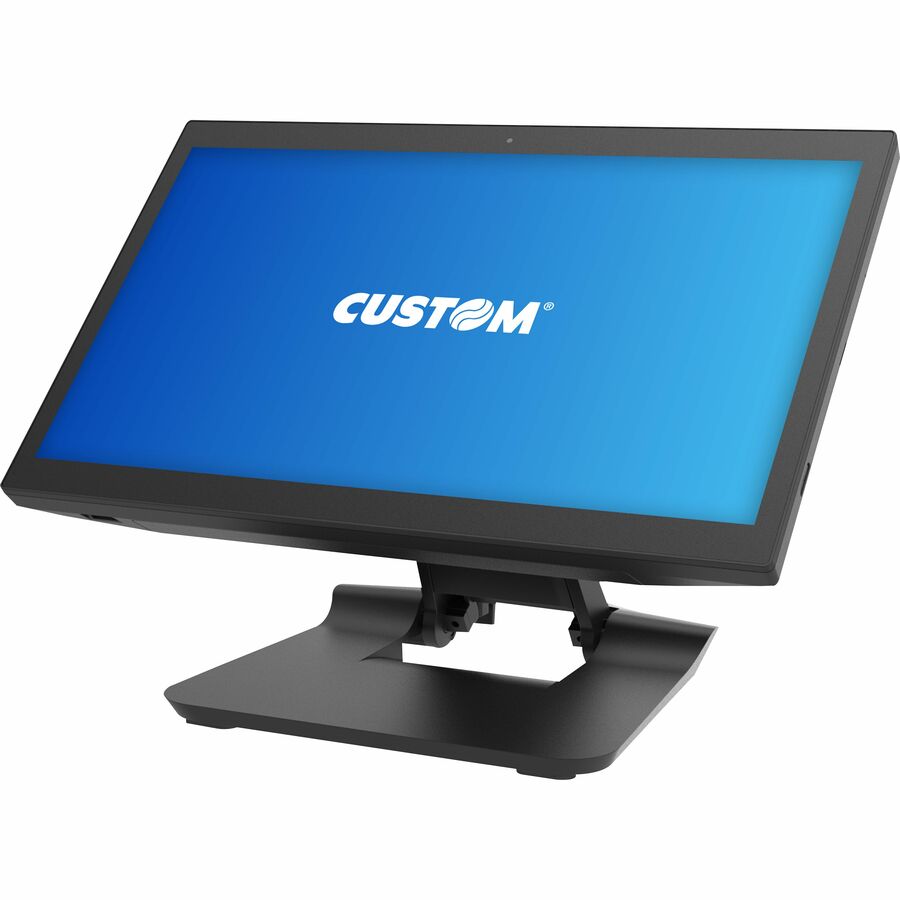
Need pricing on POS terminals for retail?
Tell us where to reach you and a Uniqcli specialist will follow up by email with current pricing, availability and lead time for the quantities you need — including parts that aren’t shown on this page.
Buying for an organization or for yourself — both work. No payment up front.
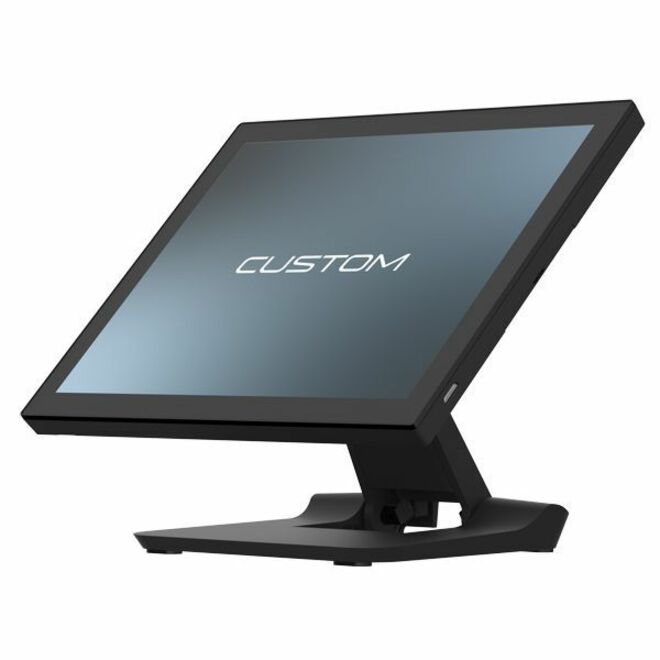
A point-of-sale terminal is the register the store runs on, and the modern version is an all-in-one: a touchscreen, a computer and a stand in one sealed unit, sized to sit on a counter and run a shift without a tower under the desk. Every terminal on this page is filed in the POS Terminals category and states its point-of-sale form in the manufacturer's own title, from compact Android units for a quick-service lane to Windows i5 systems for a busy front end. The value of buying the terminal as a unit is that the screen, the compute and the mount are matched and supported together, rather than assembled from parts that each fail on their own schedule.
The choices that matter are the operating system and the processor, because they decide what POS software will run and how long the unit stays useful. Windows terminals — Celeron, N-series and Core i3/i5 — run the broadest range of retail and restaurant software and are the safe default when the software vendor is specific about the platform. Android terminals are lighter, cheaper and quick to stand up for a lane or a pop-up, and they fit cloud POS apps built for them. Match the terminal to what the POS software actually requires, then size the processor and memory to the transaction volume: a boutique counter and a high-throughput grocery front end are different machines.
After the platform, the terminal has to fit the counter and the peripherals. Read the screen size and whether it is single- or dual-sided — a customer-facing second display changes the footprint and the workflow — and confirm the ports and mounting for the receipt printer, the cash drawer, the scanner and the payment device the store already uses. Several of these units offer configurations with an MSR, a rear display or a specific mount, so the exact part number is the specification. Uniqcli can put the terminals, the peripherals and the mounts on one quote so the checkout is specified as a station rather than a pile of boxes.
Buyer's checklist
How to choose a retail POS terminal
- Start with the POS software: confirm whether it requires Windows or runs on Android, because that decides the terminal platform before anything else does.
- Size the processor and memory to transaction volume — a Celeron or N-series unit suits a low-traffic counter, while a Core i3/i5 fits a busy front end or heavier back-office work.
- Choose the screen size and orientation, and decide whether you need a customer-facing second display, which changes the footprint and the counter workflow.
- Confirm the ports and powered connections for your peripherals — receipt printer, cash drawer, barcode scanner and payment terminal — so the station wires up without adapters.
- Match the mounting to the counter: a fixed stand, a low-profile pole or a wall mount each suit a different layout, and the exact configuration is a per-part choice.
- Plan for the environment — hospitality and grocery lanes want a sealed, wipeable unit, while a back office can take a more open build.
- Standardize on one or two models across the fleet so the imaging, the spares and the support are one process, especially across multiple lanes or locations.
Windows or Android: match the terminal to the POS software
The single decision that constrains all the others is the operating system, because the POS software vendor usually is specific about it. Windows terminals — running Celeron, Intel N-series or Core i3/i5 processors — run the widest range of established retail and restaurant point-of-sale packages and the back-office tools that often sit alongside them, which is why they are the default when the software is a known Windows application. The tradeoff is cost and a slightly heavier management story, but for a store standardized on a Windows POS suite the terminal choice is really just sizing the processor and memory to the workload.
Android terminals are the lighter, faster-to-deploy option, and they fit the growing set of cloud-native POS apps built for Android. They cost less, they boot quickly and they suit a lane, a pop-up or a second register that does not need to run legacy Windows software. The rule is the same in both directions: confirm the platform the POS application requires first, then choose the terminal, rather than buying a terminal and hoping the software follows. Reading the processor and OS in the manufacturer's own title on the exact part number is how you make that match concrete.
Screen, ports and mounting: building the station
A POS terminal is the center of a station, not a standalone device, so its physical specification is about what connects to it. Read the screen size and whether the unit offers a rear customer-facing display, because a dual-sided terminal changes both the counter footprint and the checkout flow. Then confirm the ports and powered connections for the peripherals the store already runs — the receipt printer, the cash drawer, the barcode scanner and the payment device — since a station that needs three adapters to connect its own gear is a station that fails in inconvenient ways.
The mounting is the last mechanical fact and it follows the layout: a fixed stand for a permanent counter, a low pole for a compact lane, a wall or VESA mount where the counter space is scarce. Several of these terminals ship in configurations that bundle an MSR, a specific mount or a rear display, so the exact part number carries the specification rather than the model name alone. Read the configuration on the part you intend to order, and standardize on one or two builds across lanes and locations so imaging, spares and support stay a single process. Uniqcli can quote the terminals, the peripherals and the mounts together so the checkout arrives as a station.
FAQ
Common questions
- Should I choose a Windows or an Android POS terminal?
- Let the POS software decide. Windows terminals run the broadest range of established retail and restaurant software and the back-office tools that often accompany it, which makes them the default when the application is a known Windows package. Android terminals are lighter, cheaper and quicker to deploy, and they fit cloud-native POS apps built for Android. Confirm the platform your POS application requires first, then size the processor and memory to the transaction volume, rather than buying the terminal and hoping the software follows.
- What processor do I need in a retail POS terminal?
- Match it to transaction volume and to anything the terminal does beyond ringing sales. A Celeron or Intel N-series unit is enough for a low-to-moderate counter running a single POS application. A Core i3 or i5 fits a busy front end, a terminal that also handles back-office work, or software with heavier requirements. Reading the processor and memory in the manufacturer's own title on the exact part is the way to size it — under-buying shows up as a slow terminal at the worst moment, on a busy lane.
- Do these terminals include a customer-facing display and peripherals?
- It depends on the configuration, which is why the exact part number matters. Several of these terminals offer builds with a rear customer-facing display, an integrated MSR or a specific mount, while others are a single-screen unit you pair with separate peripherals. Read the configuration in the title on the part you intend to order, and confirm the ports for the receipt printer, cash drawer, scanner and payment device the store already uses. Uniqcli can quote the terminal and the matching peripherals together as a station.
- How should I mount a POS terminal on the counter?
- Match the mount to the layout. A fixed stand suits a permanent counter, a low-profile pole fits a compact lane, and a wall or VESA mount is the answer where counter space is scarce or a customer-facing setup is needed. Many of these all-in-one terminals ship with an integrated stand and offer alternative mounting configurations, so the mount is part of the part-number choice. Decide the layout first, then read the mounting option on the exact configuration you order.
- Can business, government and education buyers order these?
- Every line Uniqcli quotes is sourced through US distribution and screened for TAA country-of-origin and NDAA §889 status before checkout — with documentation tied to the specific part number, not a product family.
Need POS terminals for retail pricing?
Send a bill of materials or part numbers — we confirm stock and a below-market total, with TAA verified on request. No payment up front.