
Best Zebra Label Printers for Warehouse & Shipping
Desktop, industrial and mobile thermal Zebra label printers for shipping, warehouse, healthcare and asset labeling.
Zebra label printers in stock at Uniqcli
How to choose →A curated selection with live pricing — in-stock lines first, then back-ordered lines with a typical lead time. Every line is sourced through US distribution and screened for NDAA §889 status before checkout, with TAA verified on request.
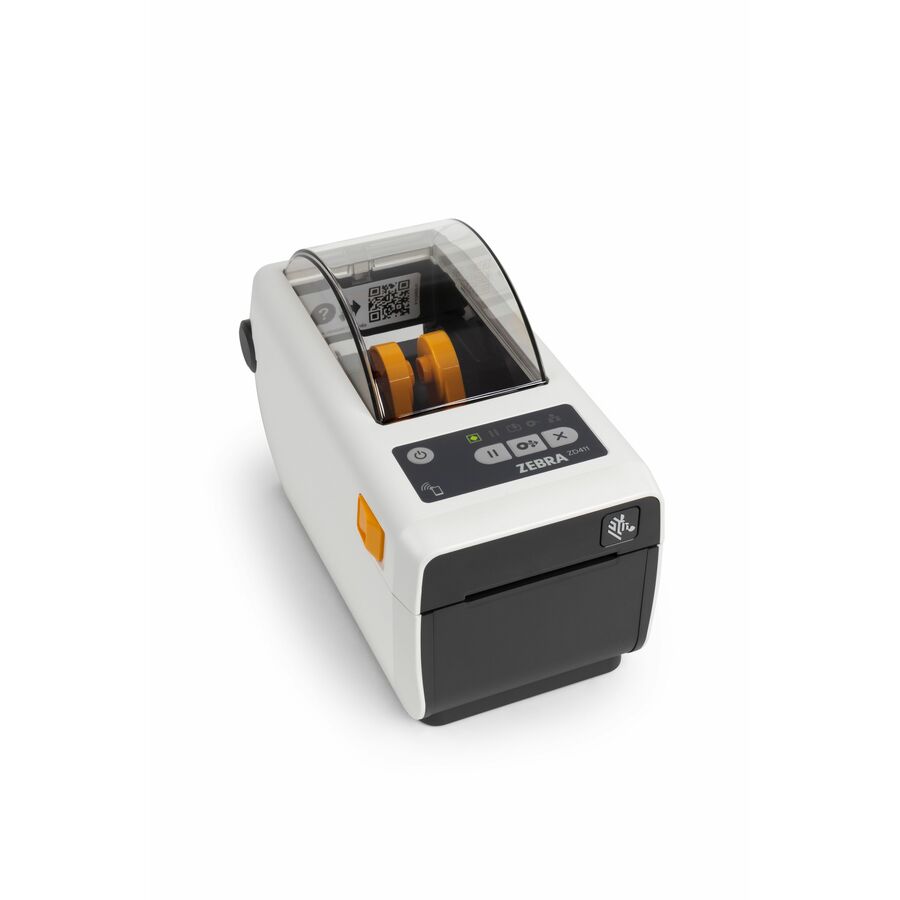
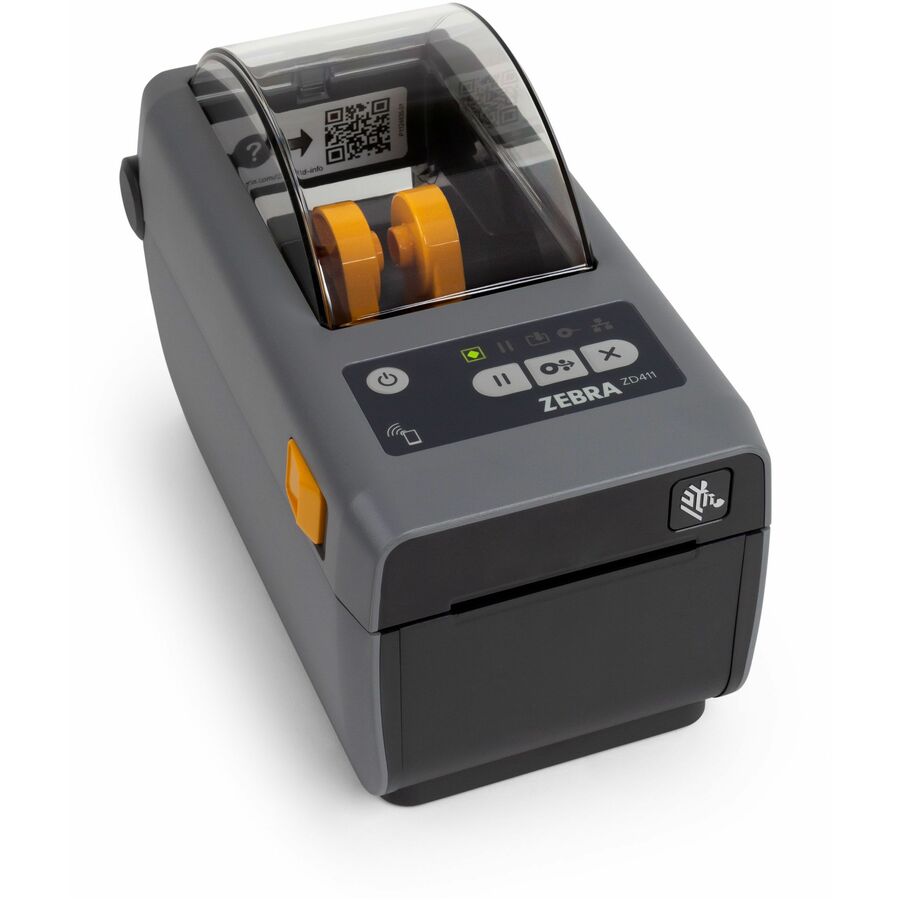
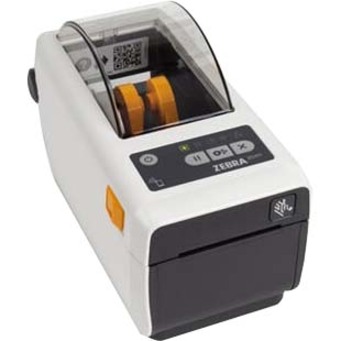
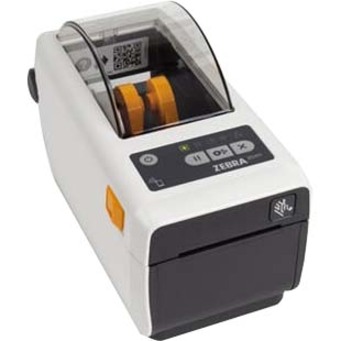
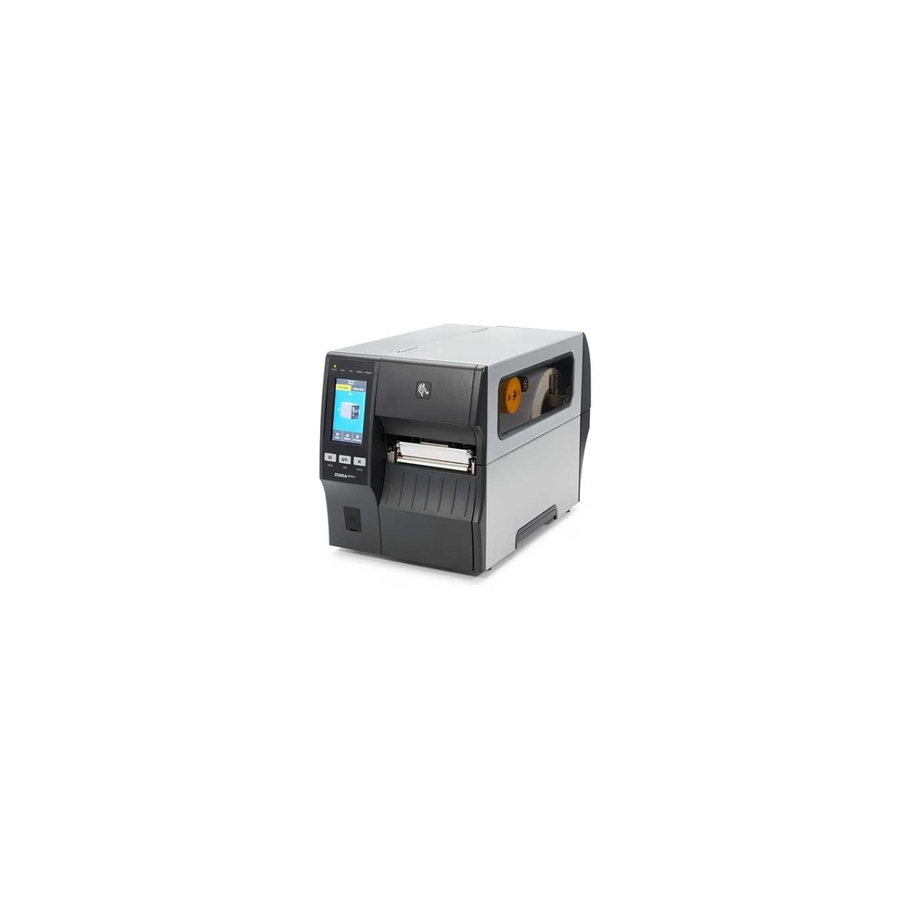
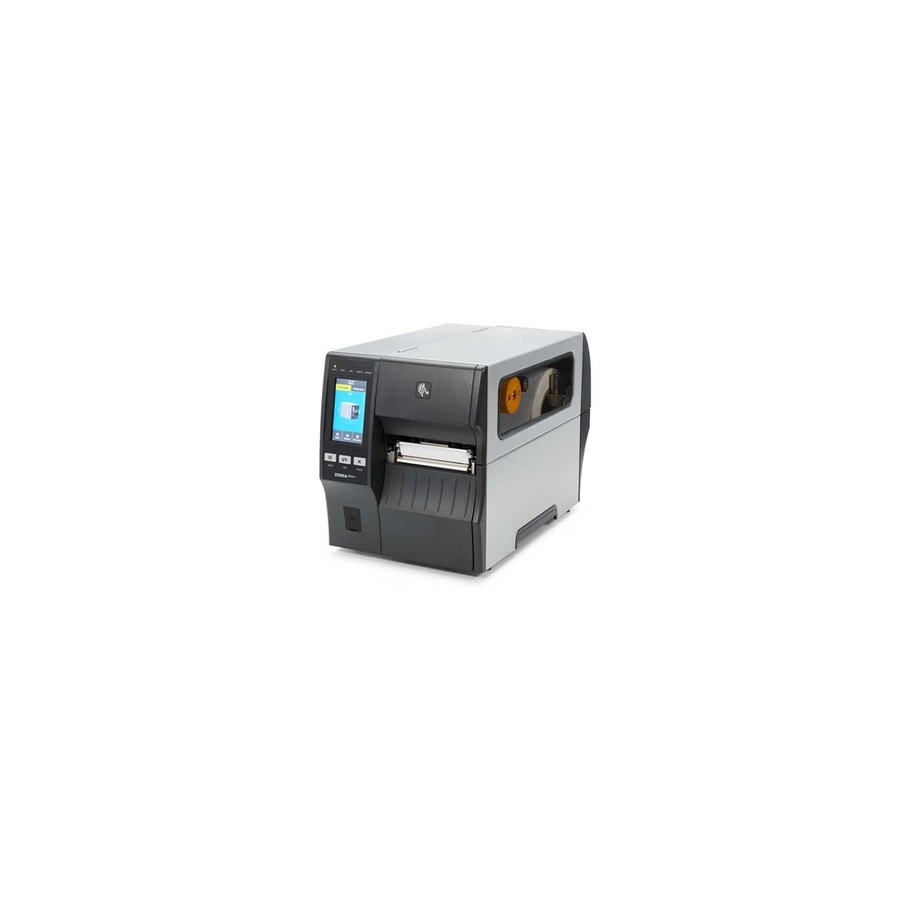
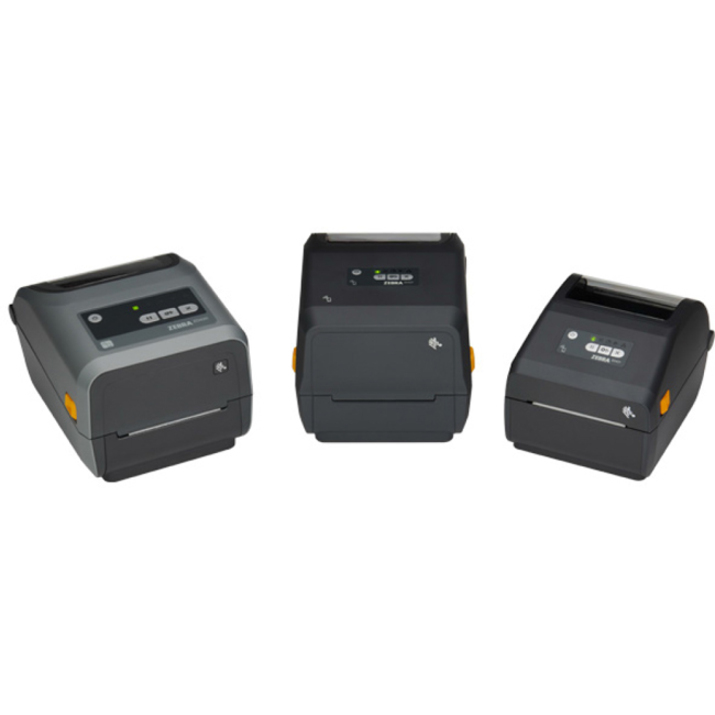
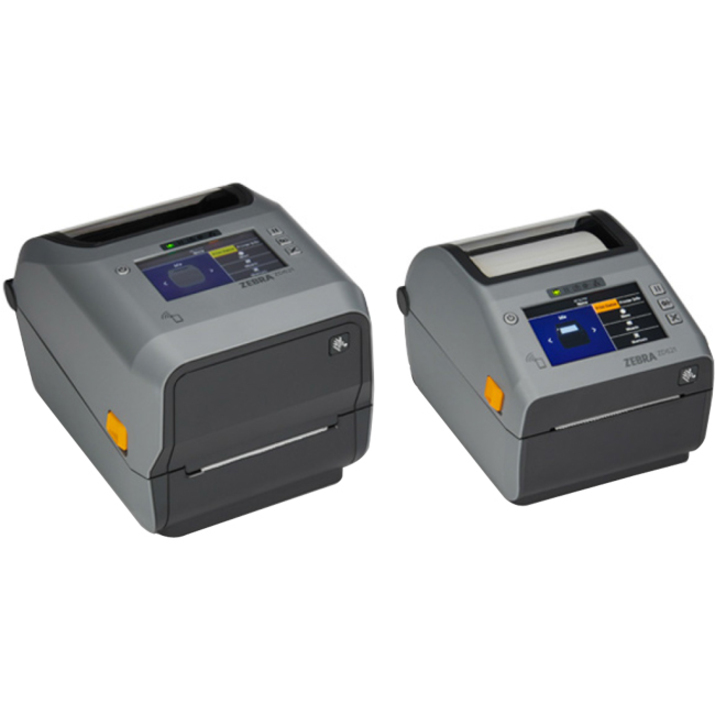
- Zebra TechnologiesZebra ZD411d Desktop Direct Thermal Printer - Monochrome - Label/Receipt Print - USB - USB Host - Bluetooth - Near Field Communication (NFC) - US - Real Time Clock - 2.13" Print Width - 4.02 in/s Mono - 300 dpi - 2.24" Label Width x 39.02" Label Length - EZPL, ZPL, EPL, ZPL II, EPL II, XML, ZBI Emulation - For PC, Android, iOSZD4A023-D01M00EZ
$650.43
$486.07
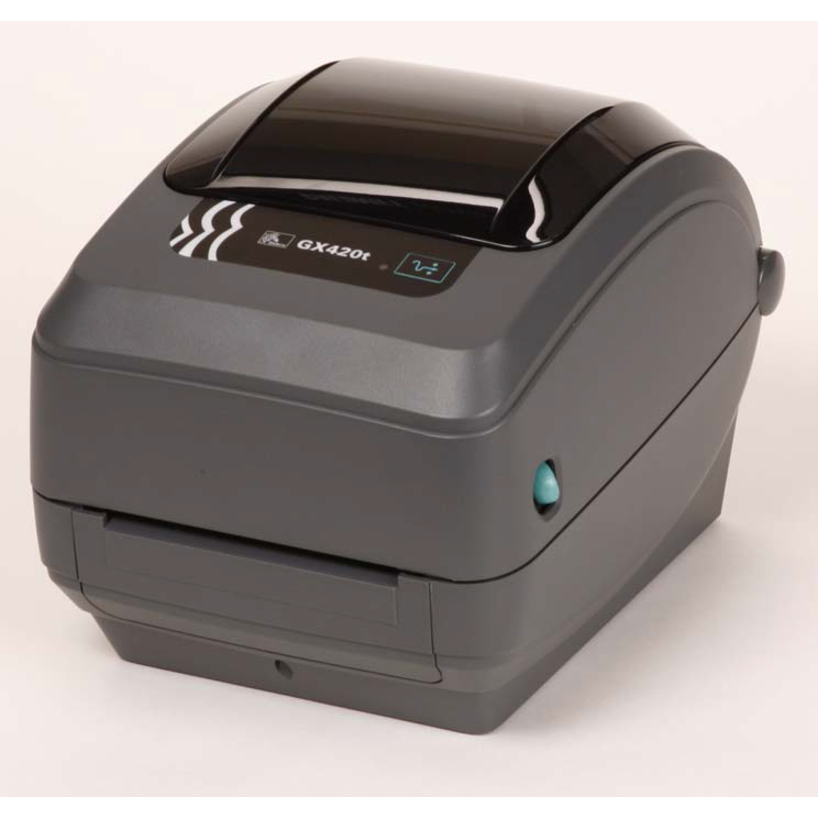
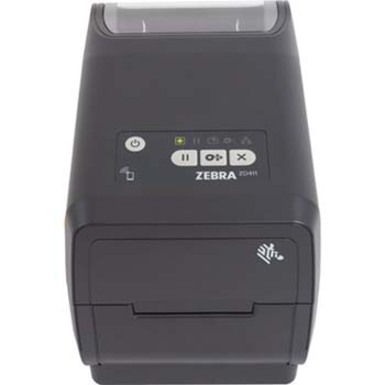
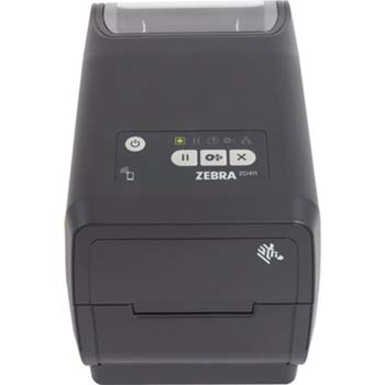
10 in stock - Zebra TechnologiesZebra ZD411T Desktop Thermal Transfer Printer - Monochrome - Label/Receipt Print - USB - USB Host - Near Field Communication (NFC) - US - Real Time Clock - 2.20" Print Width - 5.98 in/s Mono - 203 dpi - 2.24" Label Width x 39.02" Label Length - EZPL, ZPL, EPL, ZPL II, EPL II, XML, ZBI Emulation - For PC, Android, iOSZD4A022-T01M00EZ
$663.18
$495.60
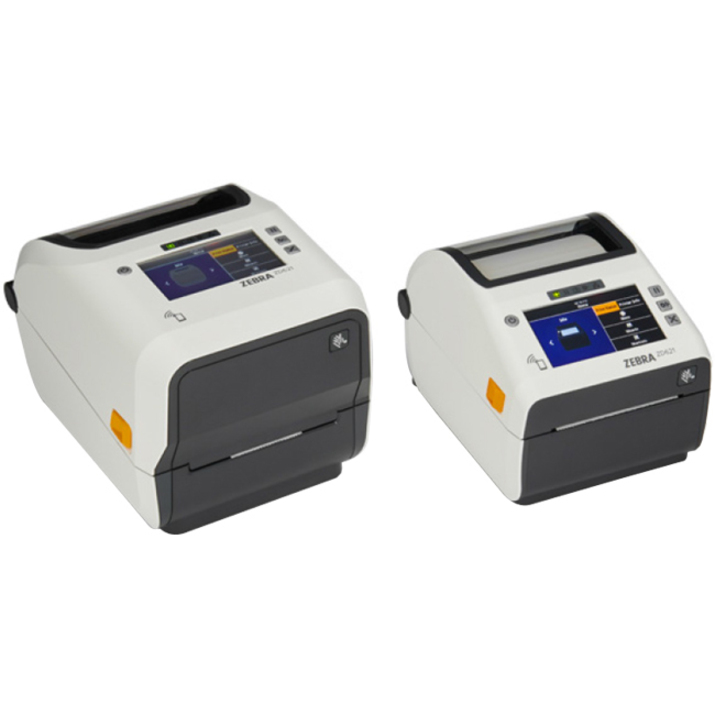
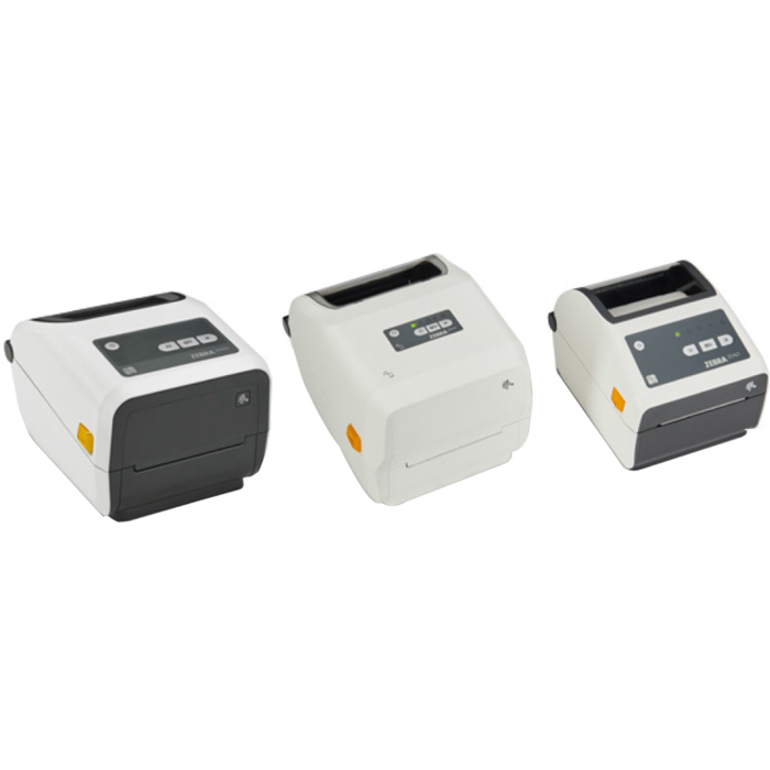
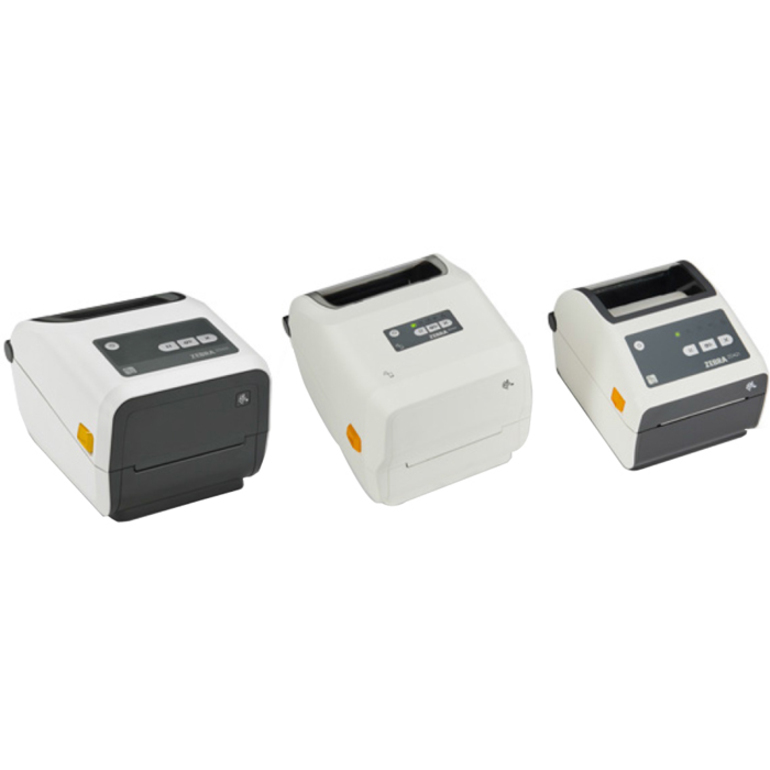
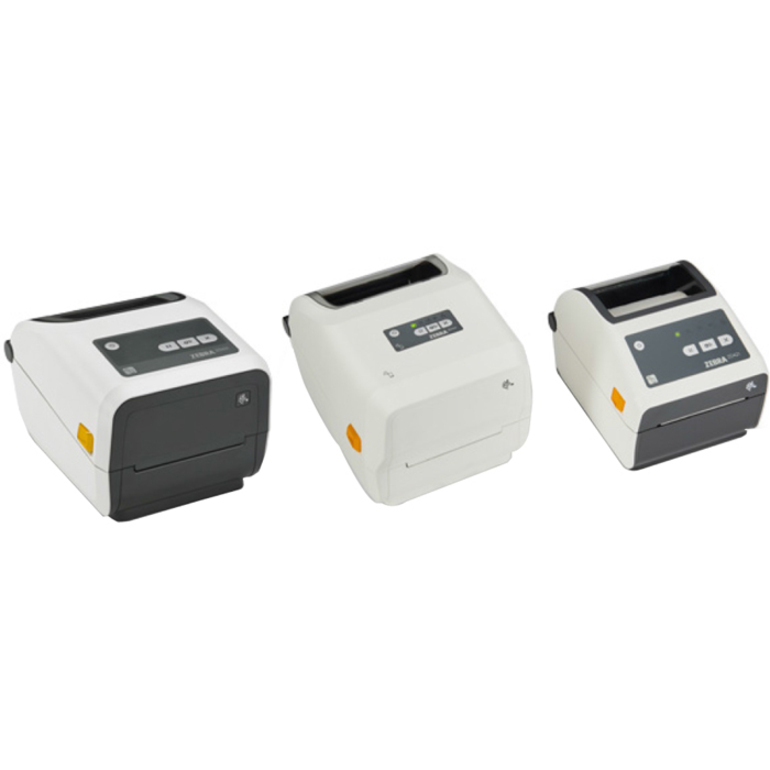
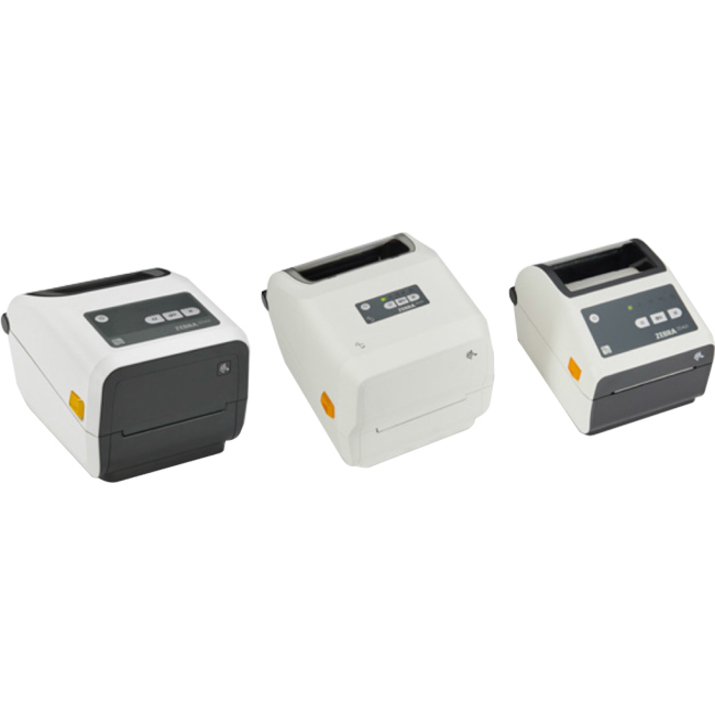
15 in stock - Zebra TechnologiesZebra ZD411-HC Desktop Direct Thermal Printer - Monochrome - Label/Receipt Print - Fast Ethernet - USB - USB Host - Bluetooth - Near Field Communication (NFC) - US - Real Time Clock - 2.20" Print Width - 5.98 in/s Mono - 203 dpi - 2.24" Label Width x 39.02" Label Length - EZPL, ZPL, EPL, ZPL II, EPL II, XML, ZBI Emulation - For PC, Android, iOSZD4AH22-D01E00EZ
$848.39
$630.41
54 in stock - Zebra TechnologiesZebra ZD411d Desktop Direct Thermal Printer - Monochrome - Label/Receipt Print - USB - USB Host - Bluetooth - Wireless LAN - Near Field Communication (NFC) - US - Real Time Clock - 2.13" Print Width - 4.02 in/s Mono - 300 dpi - 2.24" Label Width x 39.02" Label Length - EZPL, ZPL, EPL, ZPL II, EPL II, XML, ZBI Emulation - For PC, Android, iOSZD4A023-D01W01EZ
$914.37
$683.31
74 in stock - Zebra TechnologiesZebra ZD411-HC Desktop Direct Thermal Printer - Monochrome - Label/Receipt Print - Fast Ethernet - USB - USB Host - Bluetooth - Near Field Communication (NFC) - US - Real Time Clock - 2.13" Print Width - 4.02 in/s Mono - 300 dpi - 2.24" Label Width x 39.02" Label Length - EZPL, ZPL, EPL, ZPL II, EPL II, XML, ZBI Emulation - For PC, Android, iOSZD4AH23-D01E00EZ
$980.36
$728.48
24 in stock
More label and receipt printers in the Uniqcli catalog
See all 1,059 label and receipt printersMore Zebra first — closest to what you were just looking at; “See all label and receipt printers” above opens every other brand in the category. In-stock lines lead, and a back-ordered line carries the same estimated availability its product page does — with live pricing throughout, NDAA §889 screening before checkout and TAA verified on request.
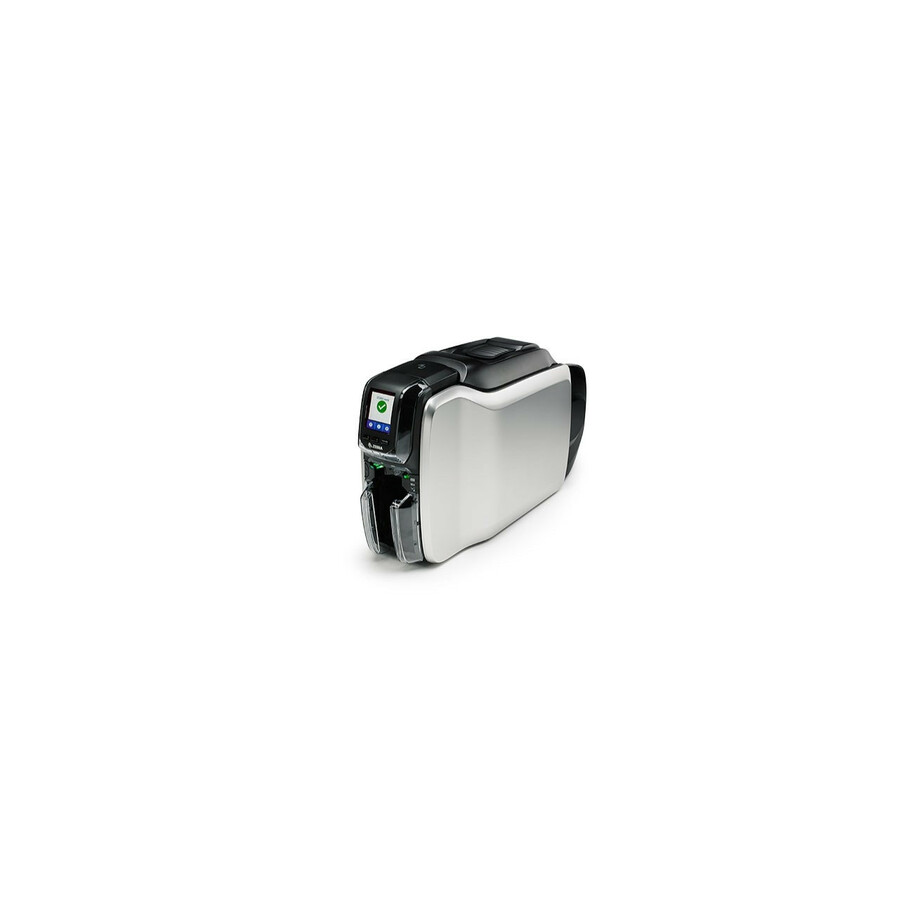
- Zebra TechnologiesZebra ZC350 Double Sided Desktop Dye Sublimation/Thermal Transfer Printer - Color - Card Print - USB - 7.2 Second Mono - 24 Second Color - 300 dpiZC36-000C000US00
$3,673.57
$2,848.85
84 in stock - Zebra TechnologiesZebra ZC300 Single Sided Desktop Dye Sublimation/Thermal Transfer Printer - Color - Card Print - USB - 4 Second Mono - 18 Second Color - 300 dpiZC31-000C000US00
$2,657.77
$2,061.10
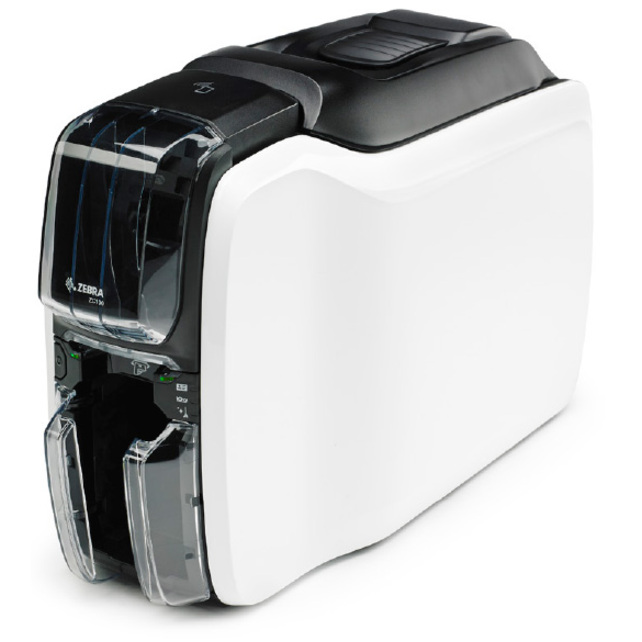
10 in stock - Zebra TechnologiesZebra ZC100 Single Sided Desktop Dye Sublimation/Thermal Transfer Printer - Color - Card Print - USB - 4.8 Second Mono - 24 Second Color - 300 dpiZC11-0000Q00US00
$2,595.27
$2,012.63
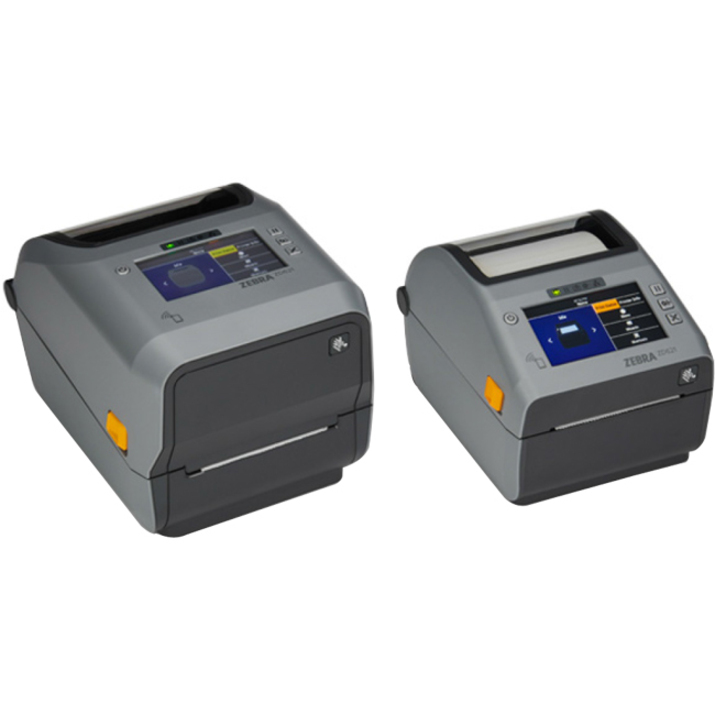
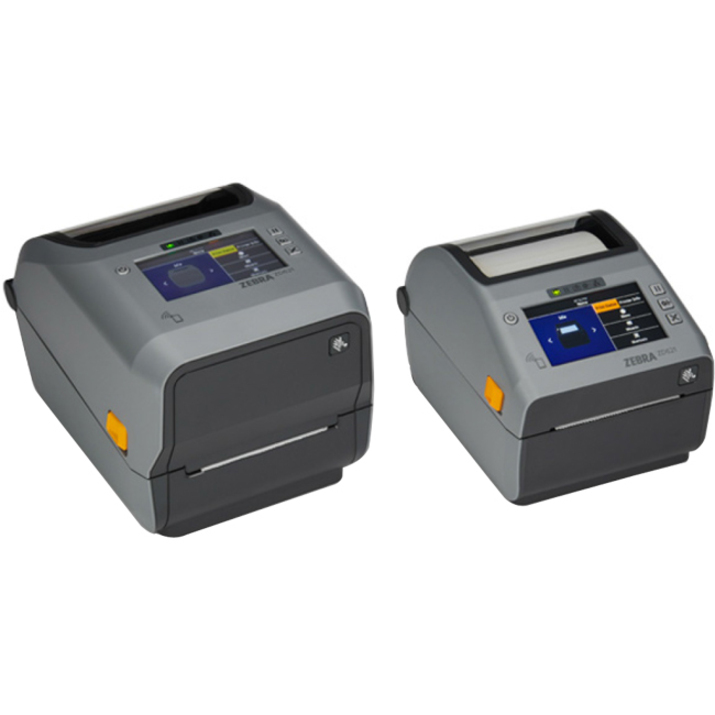
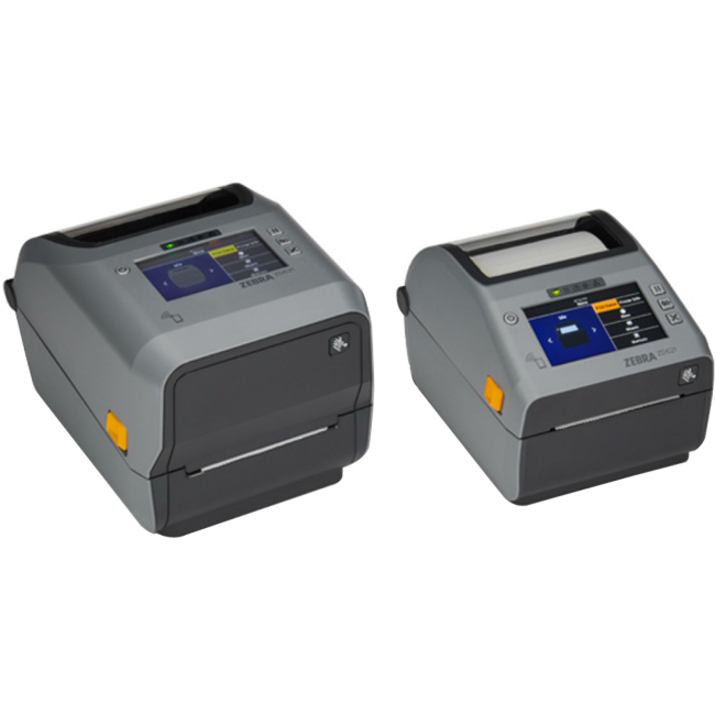
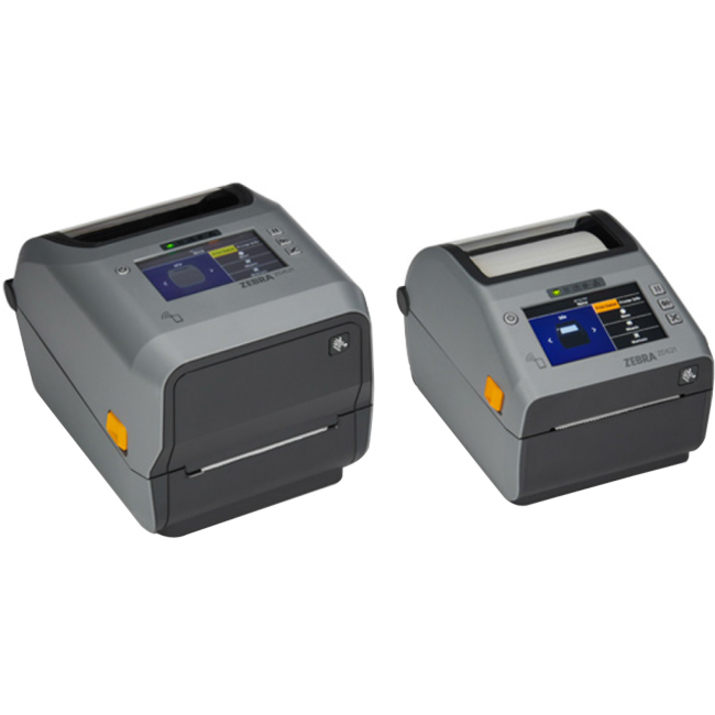
5 in stock - Zebra TechnologiesZebra ZD621-HC Desktop Direct Thermal Printer - Monochrome - Label/Receipt Print - USB - USB Host - Serial - Bluetooth - Wireless LAN - Near Field Communication (NFC) - US - 4.3" LCD Display Screen - Real Time Clock - 4.25" Print Width - 5.98 in/s Mono - 300 dpi - 4.25" Label Width x 39.02" Label Length - EZPL, ZPL, EPL, ZPL II, EPL2, XML, ZBI Emulation - For iOS, PC, AndroidZD6AH43-D01L01EZ
$1,863.32
$1,384.58
4 in stock - Zebra TechnologiesZebra ZD621-HC Desktop Thermal Transfer Printer - Monochrome - Label/Receipt Print - USB - USB Host - Serial - Bluetooth - Near Field Communication (NFC) - US - 4.3" LCD Display Screen - Real Time Clock - 4.25" Print Width - 5.98 in/s Mono - 300 dpi - 4.65" Label Width x 39.02" Label Length - EZPL, ZPL, EPL, ZPL II, EPL2, XML, ZBI Emulation - For iOS, PC, AndroidZD6AH43-301F00EZ
$1,718.81
$1,277.19
5 in stock - Zebra TechnologiesZebra ZD621 Desktop Direct Thermal Printer - Monochrome - Label/Receipt Print - USB - USB Host - Serial - Bluetooth - Near Field Communication (NFC) - US - With Cutter - Real Time Clock - 4.09" Print Width - 7.99 in/s Mono - 203 dpi - 4.25" Label Width x 39.02" Label Length - EZPL, ZPL, EPL, ZPL II, EPL2, XML, ZBI Emulation - For iOS, PC, AndroidZD6A042-D21F00EZ
$1,468.71
$1,097.57
34 in stock - Zebra TechnologiesZebra ZD421-HC Desktop Thermal Transfer Printer - Monochrome - Portable - Label/Receipt Print - USB - USB Host - Bluetooth - Near Field Communication (NFC) - US - Real Time Clock - 4.25" Print Width - 4.02 in/s Mono - 300 dpi - 4.41" Label Width x 39.02" Label Length - ZPL, EPL, ZPL II, EPL2, XML, ZBI Emulation - For iOS, Android, PCZD4AH43-301E00EZ
$1,440.70
$1,070.54
5 in stock - Zebra TechnologiesZebra ZD621 Desktop Thermal Transfer Printer - Monochrome - Label/Receipt Print - USB - USB Host - Serial - Bluetooth - Near Field Communication (NFC) - US - Real Time Clock - 4.25" Print Width - 5.98 in/s Mono - 300 dpi - 4.65" Label Width x 39.02" Label Length - EZPL, ZPL, EPL, ZPL II, EPL2, XML, ZBI Emulation - For iOS, PC, AndroidZD6A043-301F00EZ
$1,431.17
$1,069.51
1 in stock - Zebra TechnologiesZebra ZD621 Desktop Thermal Transfer Printer - Monochrome - Label/Receipt Print - USB - USB Host - Serial - Bluetooth - Near Field Communication (NFC) - US - 4.3" LCD Display Screen - Real Time Clock - 4.09" Print Width - 7.99 in/s Mono - 203 dpi - 4.65" Label Width x 39.02" Label Length - EZPL, ZPL, EPL, ZPL II, EPL2, XML, ZBI Emulation - For iOS, PC, AndroidZD6A142-301F00EZ
$1,431.17
$1,069.51
12 in stock - Zebra TechnologiesZebra ZD421-HC Desktop Thermal Transfer Printer - Monochrome - Portable - Label/Receipt Print - USB - USB Host - Bluetooth - Near Field Communication (NFC) - US - Real Time Clock - 4.09" Print Width - 5.98 in/s Mono - 203 dpi - 4.41" Label Width x 39.02" Label Length - ZPL, EPL, ZPL II, EPL2, XML, ZBI Emulation - For iOS, Android, PCZD4AH42-301E00EZ
$1,303.56
$968.64
45 in stock - Zebra TechnologiesZebra ZD421-HC Desktop Direct Thermal Printer - Monochrome - Portable - Label/Receipt Print - USB - USB Host - Bluetooth - Near Field Communication (NFC) - US - Real Time Clock - 4.25" Print Width - 4.02 in/s Mono - 300 dpi - 4.25" Label Width x 39.02" Label Length - ZPL, EPL, ZPL II, EPL2, XML, ZBI Emulation - For iOS, Android, PCZD4AH43-D01E00EZ
$1,303.56
$968.64
6 in stock - Zebra TechnologiesZebra ZD421c-HC Desktop Thermal Transfer Printer - Monochrome - Label/Receipt Print - USB - USB Host - Bluetooth - Near Field Communication (NFC) - US - Real Time Clock - 4.09" Print Width - 5.98 in/s Mono - 203 dpi - 4.65" Label Width x 39.02" Label Length - ZPL, EPL, ZPL II, EPL II, XML, ZBI, EZPL Emulation - For iOS, Android, PCZD4AH42-C01E00EZ
$1,303.56
$968.64
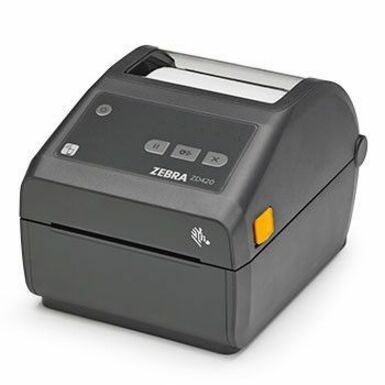
12 in stock - Zebra TechnologiesZebra ZD421 Desktop Thermal Transfer Printer - Monochrome - Portable - Label/Receipt Print - USB - USB Host - Bluetooth - Near Field Communication (NFC) - US - Real Time Clock - 4.25" Print Width - 4.02 in/s Mono - 300 dpi - 4.41" Label Width x 39.02" Label Length - ZPL, EPL, ZPL II, EPL2, XML, ZBI Emulation - For iOS, Android, PCZD4A043-301E00EZ
$1,302.23
$973.15
5 in stock - Zebra TechnologiesZebra ZD621 Desktop Thermal Transfer Printer - Monochrome - Label/Receipt Print - USB - USB Host - Serial - Bluetooth - Near Field Communication (NFC) - US - Real Time Clock - 4.09" Print Width - 7.99 in/s Mono - 203 dpi - 4.65" Label Width x 39.02" Label Length - EZPL, ZPL, EPL, ZPL II, EPL2, XML, ZBI Emulation - For iOS, PC, AndroidZD6A042-301F00EZ
$1,288.09
$962.59
2 in stock - Zebra TechnologiesZebra ZD621 Desktop Direct Thermal Printer - Monochrome - Label/Receipt Print - USB - USB Host - Serial - Bluetooth - Near Field Communication (NFC) - US - Real Time Clock - 4.25" Print Width - 5.98 in/s Mono - 300 dpi - 4.25" Label Width x 39.02" Label Length - EZPL, ZPL, EPL, ZPL II, EPL2, XML, ZBI Emulation - For iOS, PC, AndroidZD6A043-D01F00EZ
$1,288.09
$962.59
12 in stock
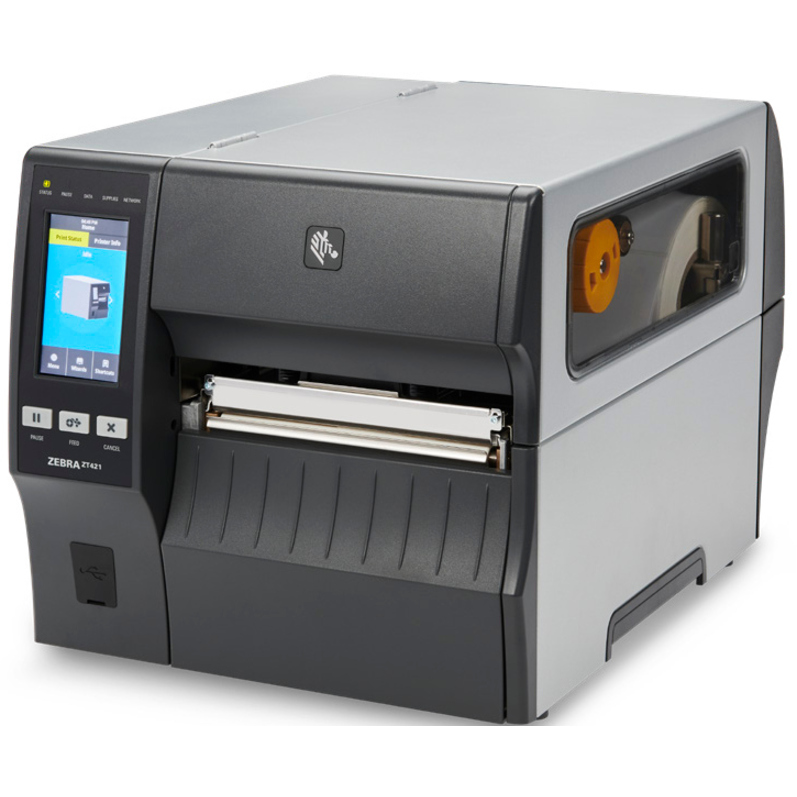
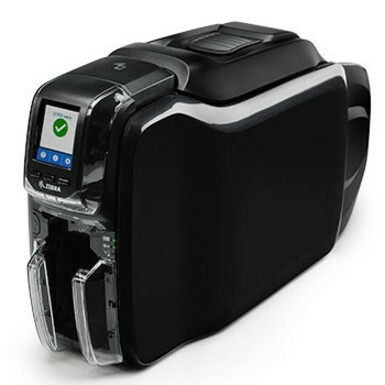
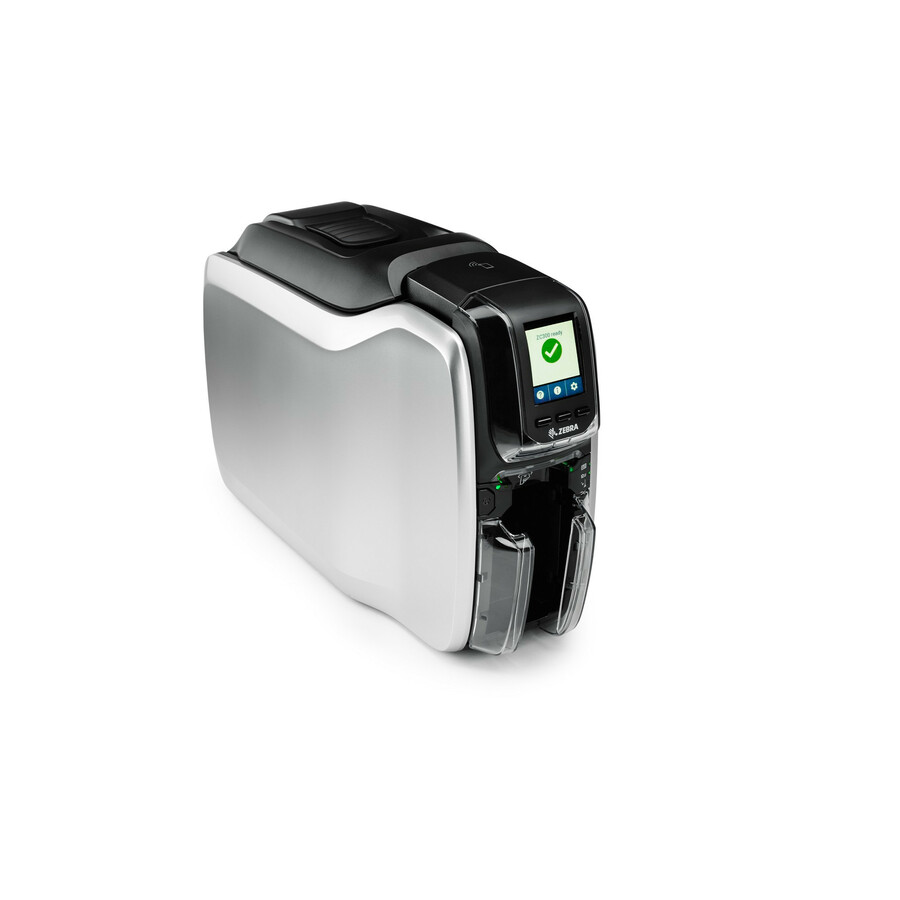
Need pricing on Zebra label printers?
Tell us where to reach you and a Uniqcli specialist will follow up by email with current pricing, availability and lead time for the quantities you need — including parts that aren’t shown on this page.
Buying for an organization or for yourself — both work. No payment up front.
Start a Zebra label printer choice at the thermal method. Direct thermal needs no ribbon and suits short-life shipping and receiving labels; thermal transfer uses a ribbon for durable asset tags and cold-storage labels. Form factor then follows volume, from desktop ZD to industrial ZT to mobile ZQ, and 300 dpi is for small text and dense barcodes where 203 dpi is not.
Zebra label printers split first on thermal method: direct thermal printers need no ribbon and are perfect for short-life labels like shipping and receiving, while thermal-transfer printers use a ribbon to produce durable, long-life labels for asset tags and cold/harsh storage. Buying the wrong method is the most common mistake — a direct-thermal asset tag fades, and a thermal-transfer shipping label wastes ribbon money.
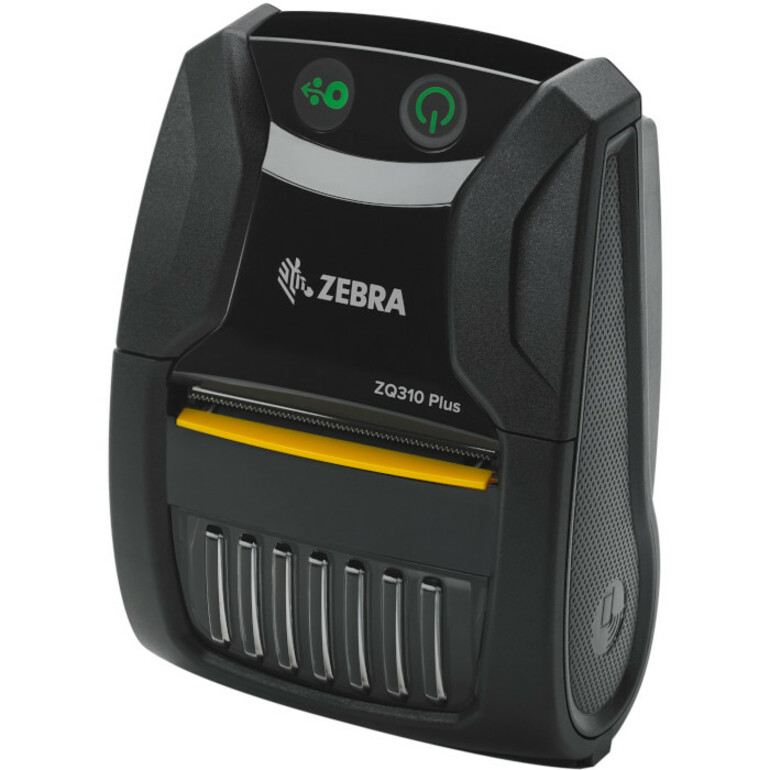
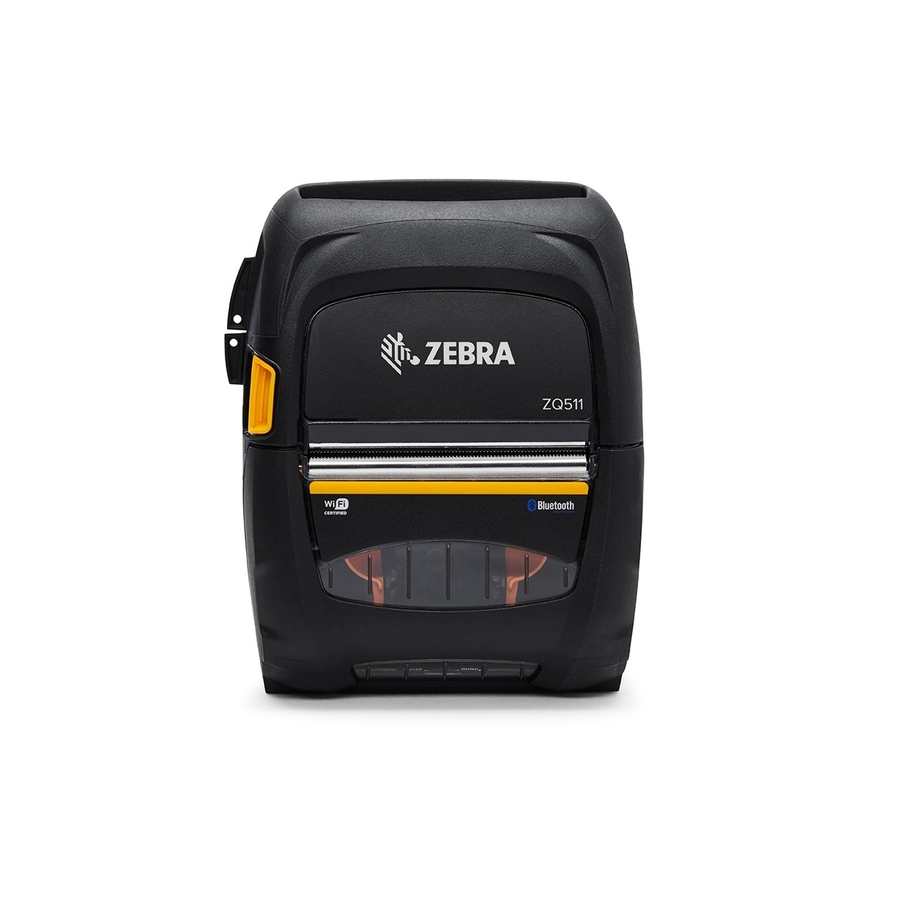
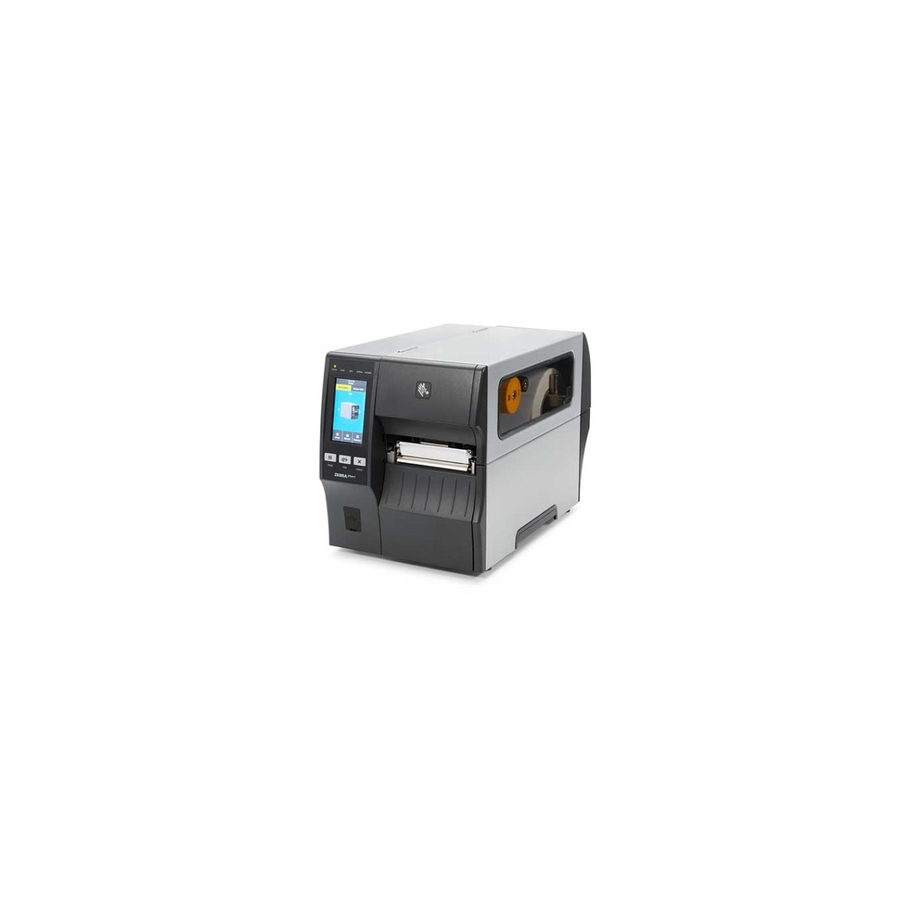
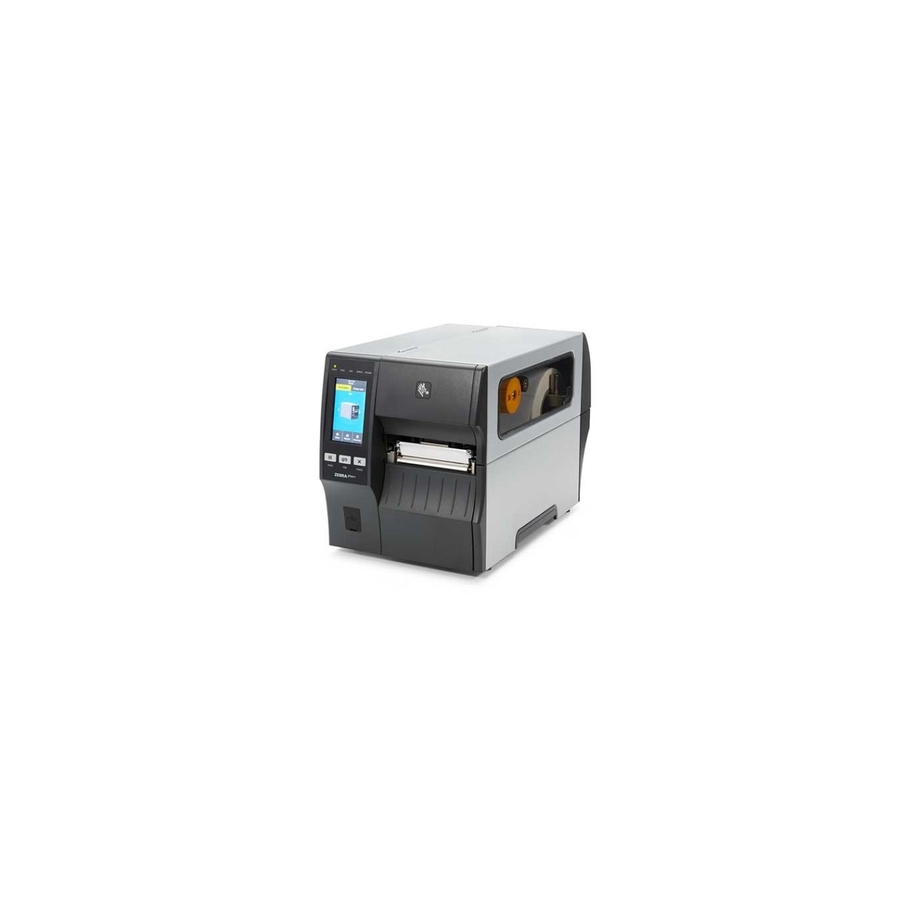
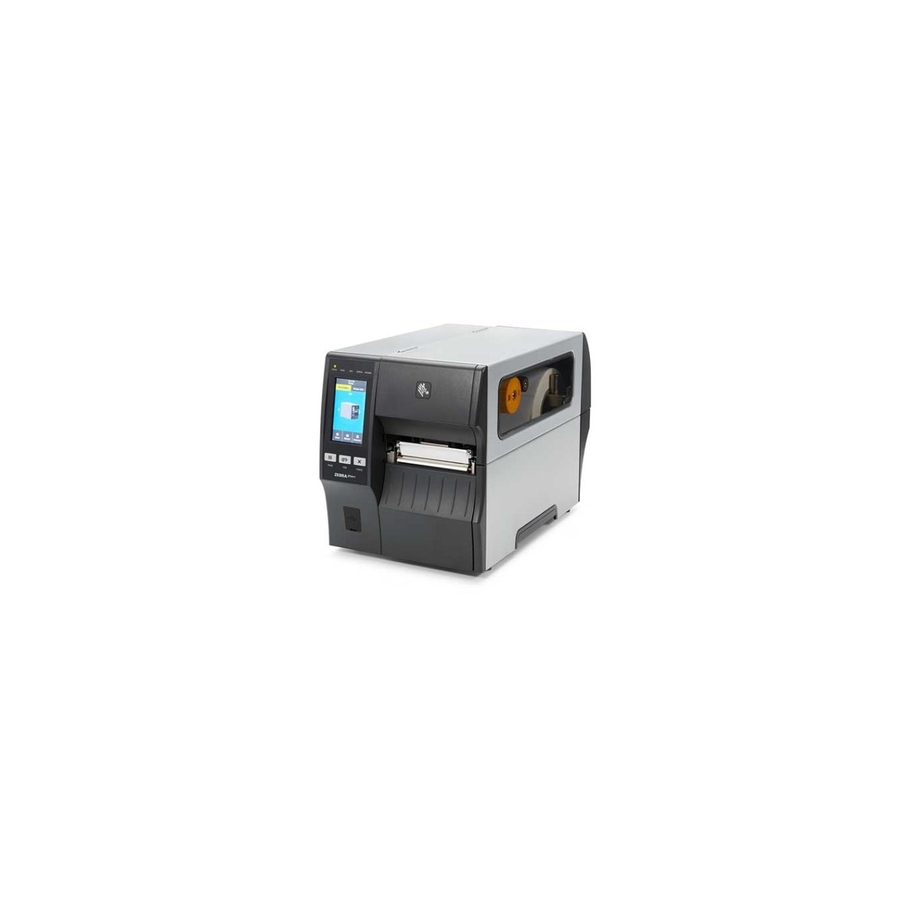
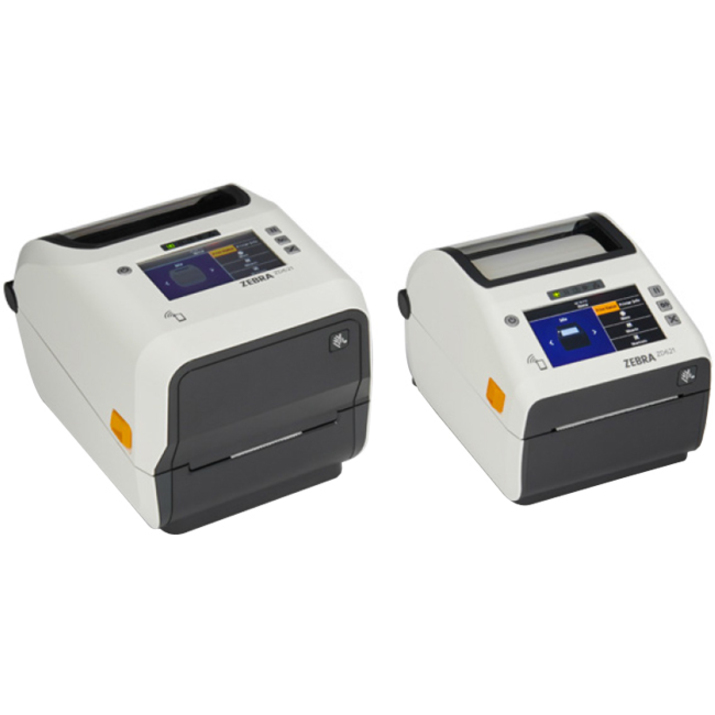
Then match the form factor to volume: desktop printers (ZD-series) for a workstation or clinic, rugged industrial printers (ZT-series) for high-volume warehouse and manufacturing lines, and mobile printers (ZQ-series) for print-on-the-spot picking and delivery. Confirm the resolution (203 vs. 300 dpi for small text/barcodes) and connectivity you need. The Zebra label printers below are the models Uniqcli currently stocks.
Buyer's checklist
How to choose a Zebra label printer
- Pick the method: direct thermal for short-life labels (shipping/receiving), thermal transfer for durable asset and cold-storage labels.
- Match form factor to volume — desktop (ZD) for workstations, industrial (ZT) for high-volume lines, mobile (ZQ) for on-the-spot printing.
- Choose 300 dpi where labels carry small text or dense barcodes; 203 dpi is fine for standard shipping labels.
- Confirm connectivity (USB, Ethernet, Wi-Fi, Bluetooth) matches how the host system will drive it.
- Standardize label and (for transfer) ribbon stock so consumables are simple to reorder.
- Verify label width and media handling (roll size, cutter/peeler) fit your labels.
Where Zebra printers fit on the floor
Placement usually decides the form factor. Shipping and receiving docks and pick lines run desktop or industrial printers hard-wired into the workflow, where a jam is a line stoppage; manufacturing labels work-in-progress and finished goods, often on durable transfer stock that survives the plant. Healthcare spreads printing across the floor — patient wristbands at admitting, specimen labels in the lab, pharmacy and bedside — where small, legible barcodes and clean media handling matter more than raw speed.
Mobile printers change the model entirely by putting the label at the point of work: a picker or delivery driver prints on the spot instead of walking to a shared station, cutting steps and mislabels. Retail and asset-tagging sit between these — periodic, lower-volume printing where a desktop unit at a counter is enough. Match the printer class to where the label is actually applied, not just to the department that owns it.
Integrating printers into your systems
A label printer is only useful once your systems can drive it, so plan connectivity and integration alongside the hardware. Networked printers fed by a warehouse, ERP or shipping system scale better than USB-tethered units, and printing through the device's native command language keeps label templates consistent across a mixed fleet. Decide early whether the host application renders labels or the printer stores templates, because that choice shapes how you roll out a format change across dozens of units.
Standardize firmware and configuration across identical models so a replacement drops in without re-tuning, and use the manufacturer's fleet-management tooling to push settings and monitor status rather than touching each printer by hand. For high-volume lines, position printers and media paths so reloads and clearing a jam take seconds — throughput on a busy dock is often lost to media handling, not print speed.
Total cost of ownership: consumables and printheads
The printer's purchase price is the small number over its life. Labels and, for thermal-transfer, ribbon are the steady spend, and they dwarf the hardware for any real volume — which is why standardizing media across the fleet matters as much for cost as for reorder simplicity. Direct thermal removes the ribbon line entirely but suits only short-life labels; committing the wrong method locks in either wasted ribbon or labels that fade before their job is done.
The printhead is the wear part that most affects lifetime cost: it degrades with distance printed and with abrasive or off-spec media, so quality stock and correct darkness settings directly extend its life and defer a replacement. Match the printer's duty cycle to real volume — an under-rated desktop unit on a high-volume line burns through printheads and service. For public-sector orders, media and hardware are screened for TAA country-of-origin and NDAA §889 status against their specific part numbers at sourcing.
FAQ
Common questions
- Direct thermal or thermal transfer — which do I need?
- Use direct thermal for labels with a short life — shipping, receiving, visitor badges — where no ribbon means lower running cost and less to maintain. Use thermal transfer, which applies a ribbon, when labels must survive time, heat, cold or abrasion, such as asset tags and cold-chain or outdoor labels. Some printers do both; most deployments pick one per use case.
- Do I need 203 or 300 dpi?
- 203 dpi is standard and fine for typical shipping labels and normal-size barcodes. Step up to 300 dpi when labels carry small fonts, tiny 2D barcodes, or fine detail in a small label — the higher resolution keeps small text and dense codes scannable.
- Can Zebra printers be purchased on a public-sector contract?
- Every line Uniqcli quotes is sourced through US distribution and screened for TAA country-of-origin and NDAA §889 status before checkout — with documentation tied to the specific part number, not a product family.
Need Zebra label printers pricing?
Send a bill of materials or part numbers — we confirm stock and a below-market total, with TAA verified on request. No payment up front.