
Best APG Cash Boxes & Drawers for Retail and POS Lanes
Heavy-duty Series 100 and Series 4000, standard-duty Vasario, and USB, serial, and 24V solenoid interfaces.
APG cash drawers in stock at Uniqcli
How to choose →A curated selection with live pricing — in-stock lines first, then back-ordered lines with a typical lead time. Every line is sourced through US distribution and screened for NDAA §889 status before checkout, with TAA verified on request.
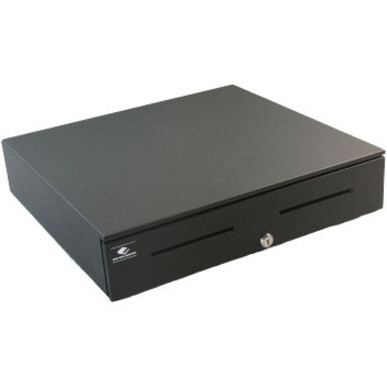
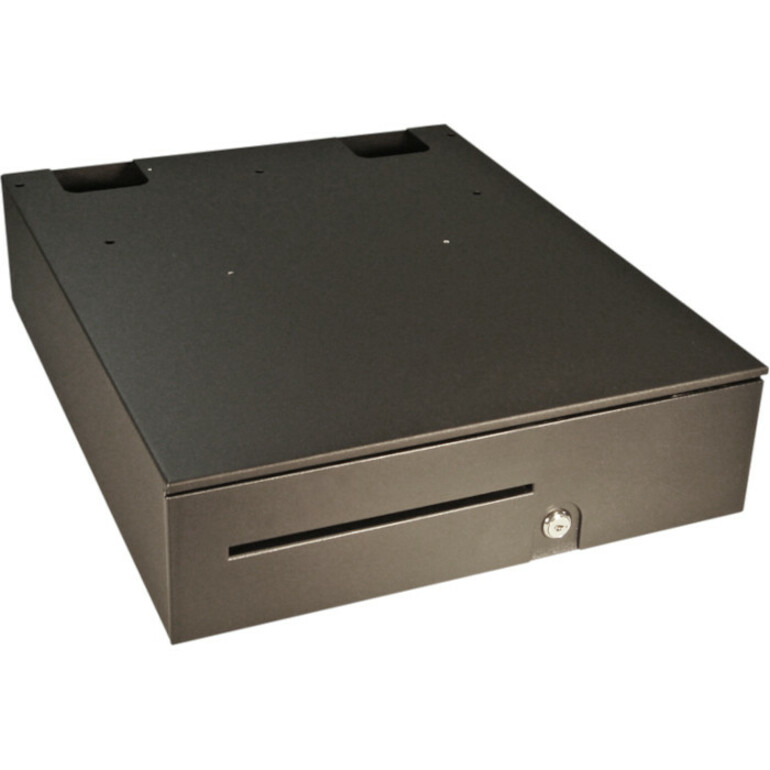
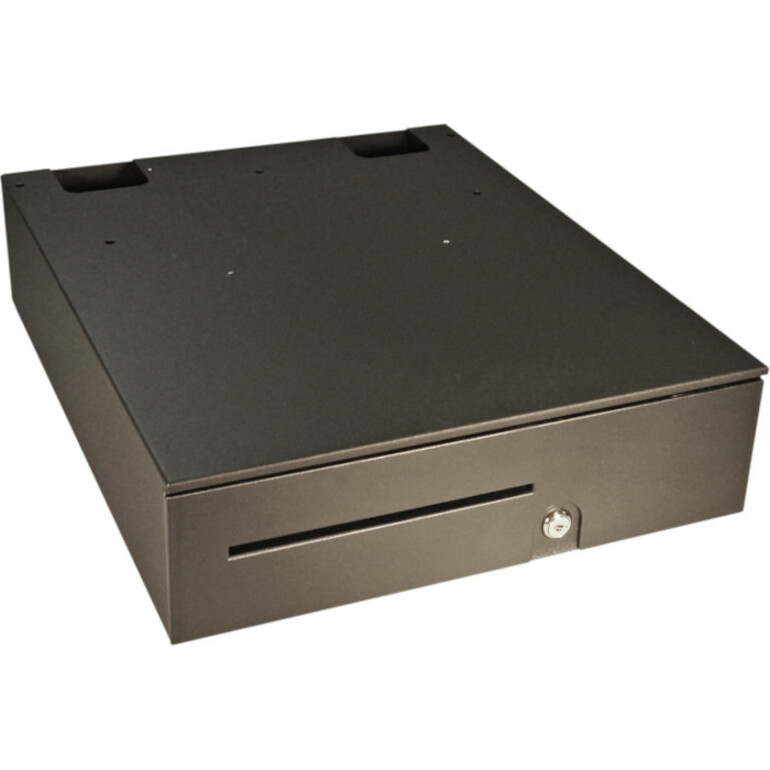
- apgAPG Cash Drawer Series 4000 1816 Cash Drawer - 5 Bill x 5 Coin - Dual Media Slot, Painted Front - Black - Solenoid 24VJB320-BL1816-C
$413.82
$287.26
1 in stock - apgapg®Heavy- Duty Point of Sale Cash Drawer | Series 4000 JD320-BL1816-C - 5 Bill - 5 Coin - 2 Media Slot - Printer Driven - BlackJD320-BL1816-C
$440.52
$304.72
1 in stock Back-ordered — estimated OEM lead time 3–8 weeks (Nov 14 – Dec 19 if ordered today).
- apgapg Vasario 1313 Cash Drawer - 5 Bill - 5 Coin - 2 Media Slot - White - 3.9" Height x 13.1" Width x 13.1" DepthVB638-AW1313
$239.64
$106.11
Back-orderedBack-ordered — estimated OEM lead time 3–8 weeks (Nov 14 – Dec 19 if ordered today).
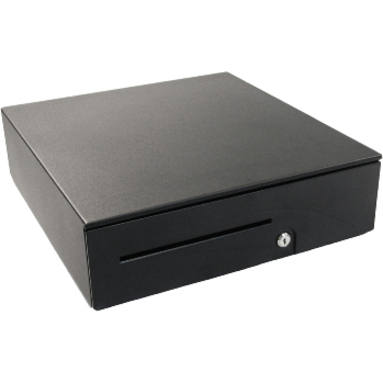
- apgapg Vasario 1313 Cash Drawer - 5 Bill - 5 Coin - 2 Media Slot - Black - 3.9" Height x 13.1" Width x 13.1" DepthVB638-BL1313
$239.64
$106.11
Back-orderedBack-ordered — estimated OEM lead time 3–8 weeks (Nov 14 – Dec 19 if ordered today).
- apgapg Vasario 1616 Cash Drawer - 5 Bill - 5 Coin - Black - 4.3" Height x 16.2" Width x 16.3" DepthVB638-BL1616
$264.78
$108.54
Back-orderedBack-ordered — estimated OEM lead time 3–8 weeks (Nov 14 – Dec 19 if ordered today).
- apgapg®Entry Level Point of Sale Cash Drawer | Arlo Series EKDS320-1-B410-A20 - USD 5 Bill - 5 Coin - Black - 3.9" Height x 16.1" Width x 16.5" DepthEKDS320-1-B410-A20
$173.79
$125.38
Back-orderedBack-ordered — estimated OEM lead time 3–8 weeks (Nov 14 – Dec 19 if ordered today).
- apgapg®Standard- Duty Point of Sale Cash Drawer | Vasario Series VP101-BL1416 - USD 4 Bill - 5 Coin - 4 Lock Position - Stainless Steel, Plastic - Textured Black - 4" Height x 13.8" Width x 16.3" DepthVP101-BL1416
$214.36
$132.68
Back-orderedBack-ordered — estimated OEM lead time 3–8 weeks (Nov 14 – Dec 19 if ordered today).
- apgapg®Standard- Duty Point of Sale Cash Drawer | Vasario Series VB320-1-BL1313-B27 - USD 4 Bill - 4 Coin - Black - 4" Height x 13.1" Width x 13.1" DepthVB320-1-BL1313-B27
$216.06
$136.95
Back-orderedBack-ordered — estimated OEM lead time 3–8 weeks (Nov 14 – Dec 19 if ordered today).
- apgapg®Standard- Duty Point of Sale Cash Drawer | Vasario Series VB320-1-AW1313-B27 - USD 4 Bill - 4 Coin - White - 4" Height x 13.1" Width x 13.1" DepthVB320-1-AW1313-B27
$216.06
$137.54
Back-orderedBack-ordered — estimated OEM lead time 3–8 weeks (Nov 14 – Dec 19 if ordered today).
- apgapg®Standard- Duty Point of Sale Cash Drawer | Vasario Series VP101-BL1616 - 5 Bill - 5 Coin - BlackVP101-BL1616
$228.55
$140.95
Back-orderedBack-ordered — estimated OEM lead time 3–8 weeks (Nov 14 – Dec 19 if ordered today).
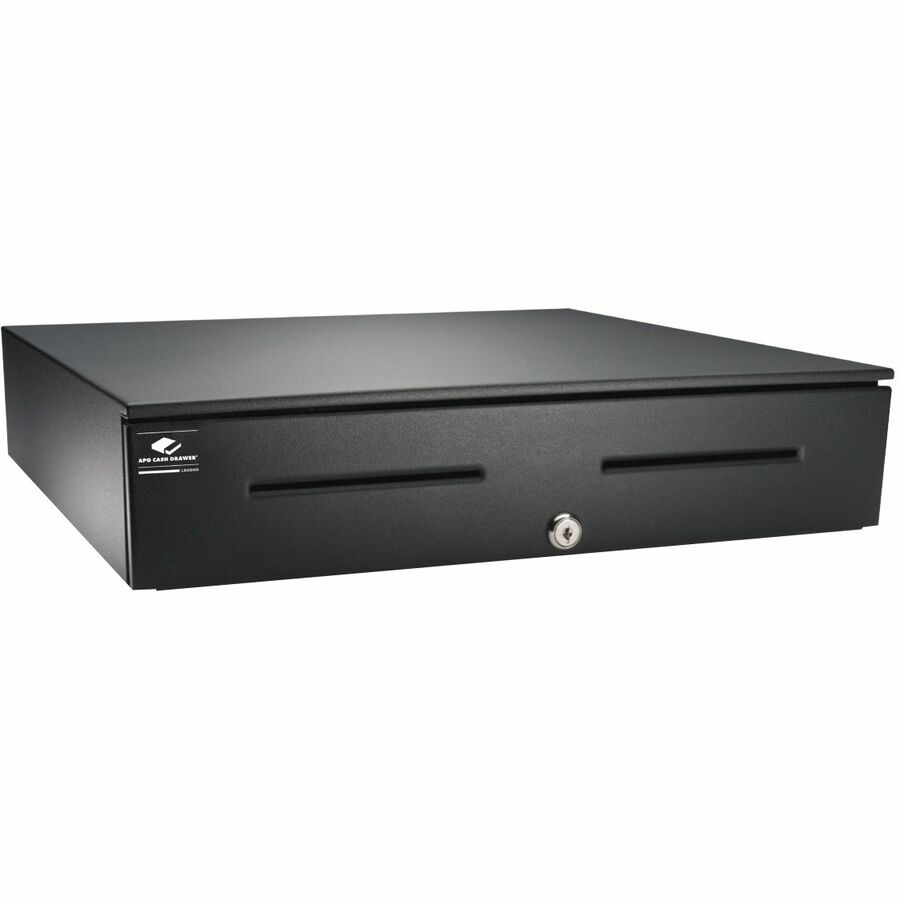
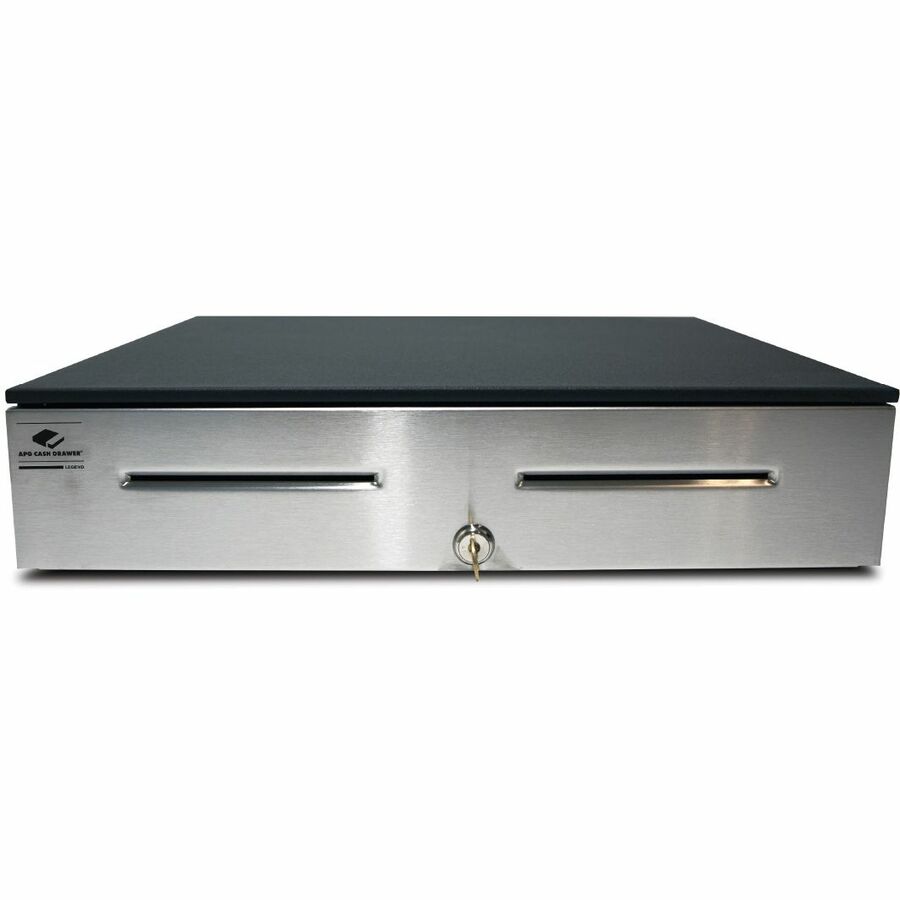
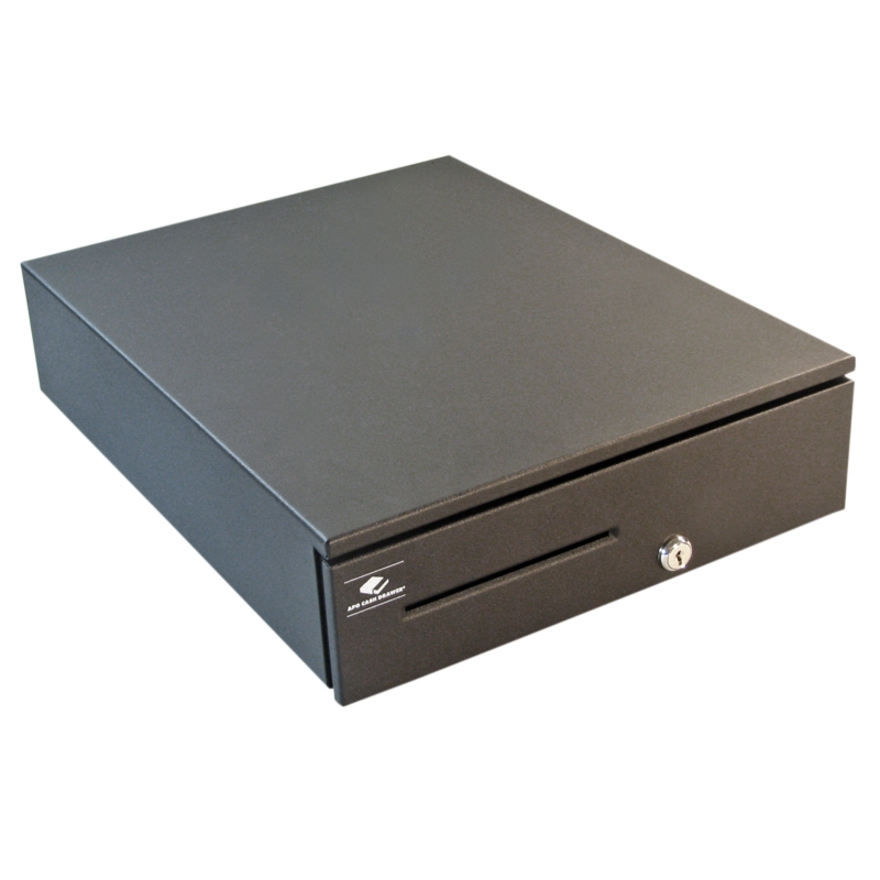
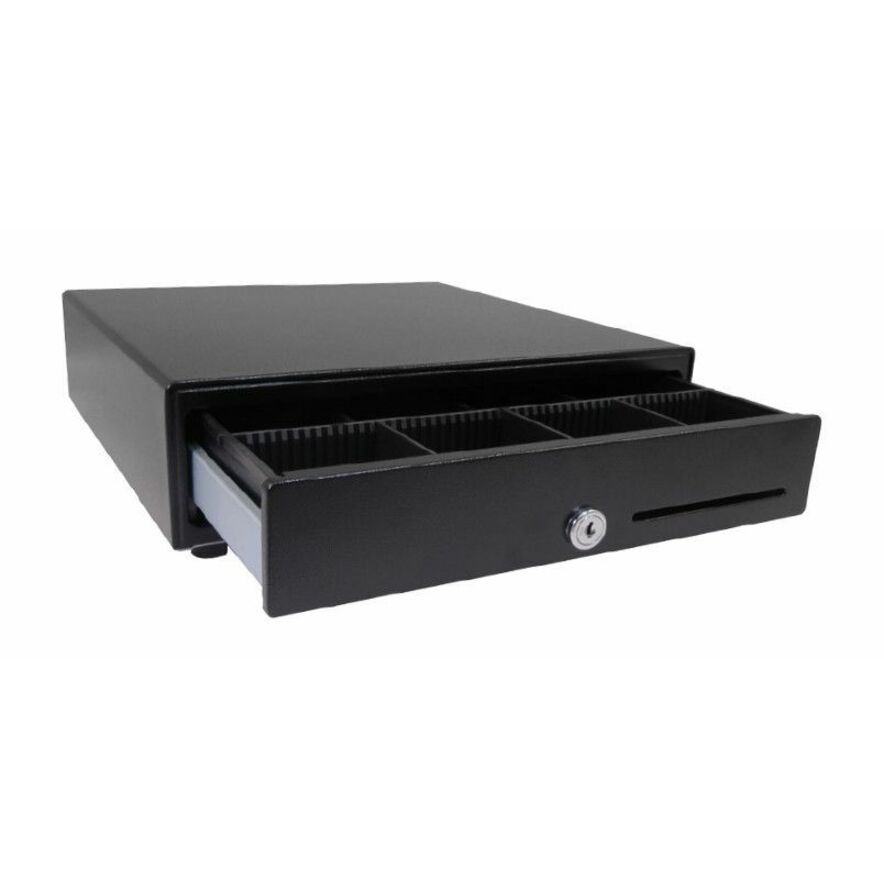
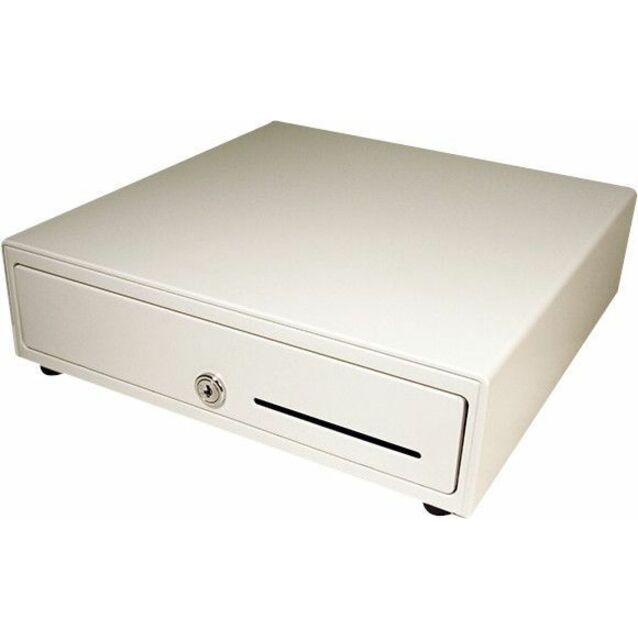
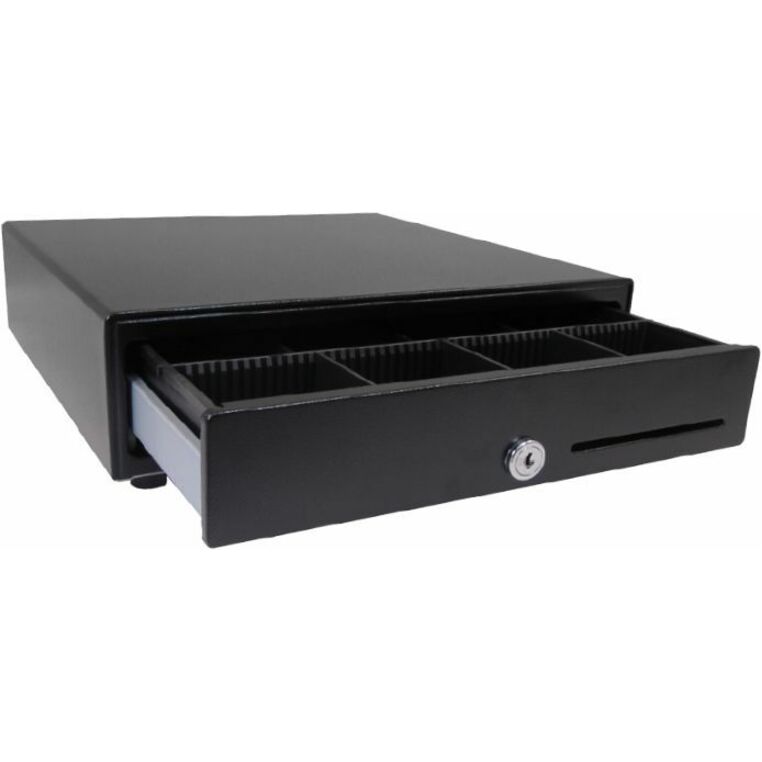
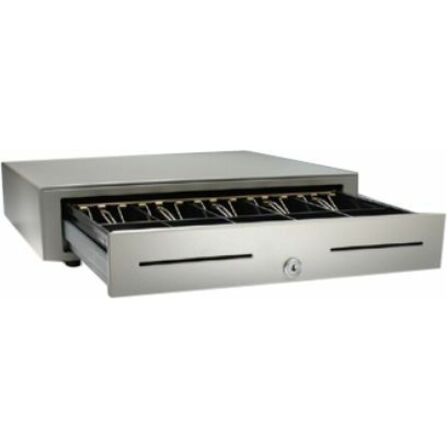
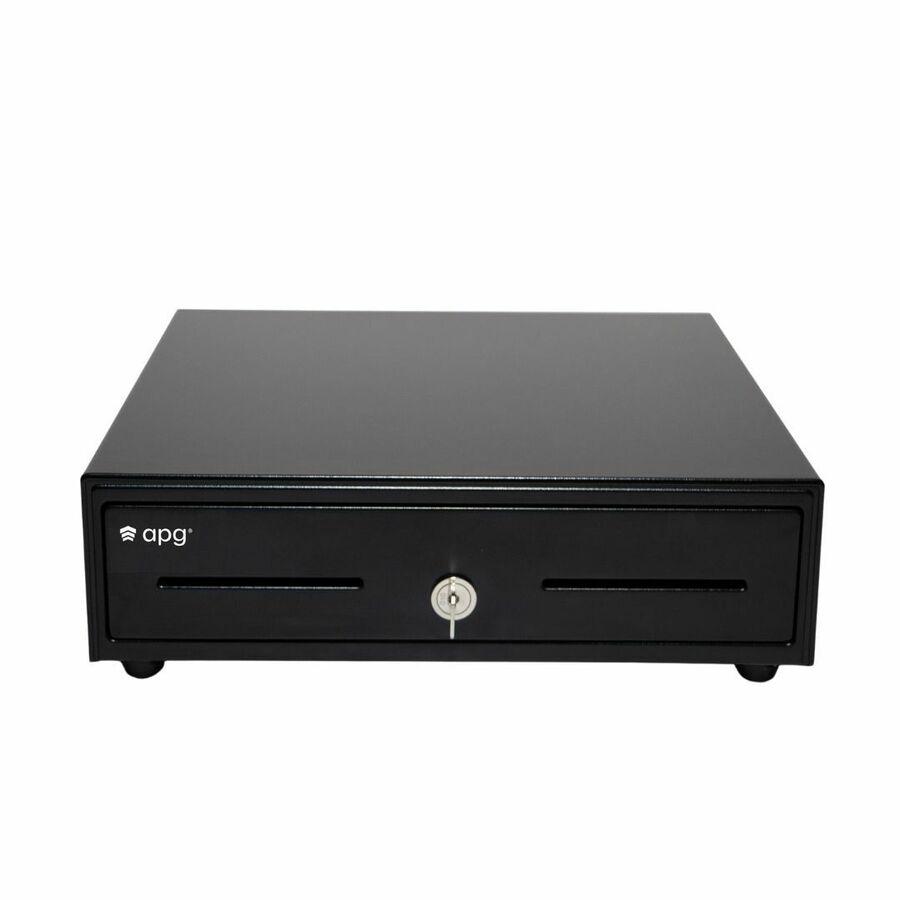
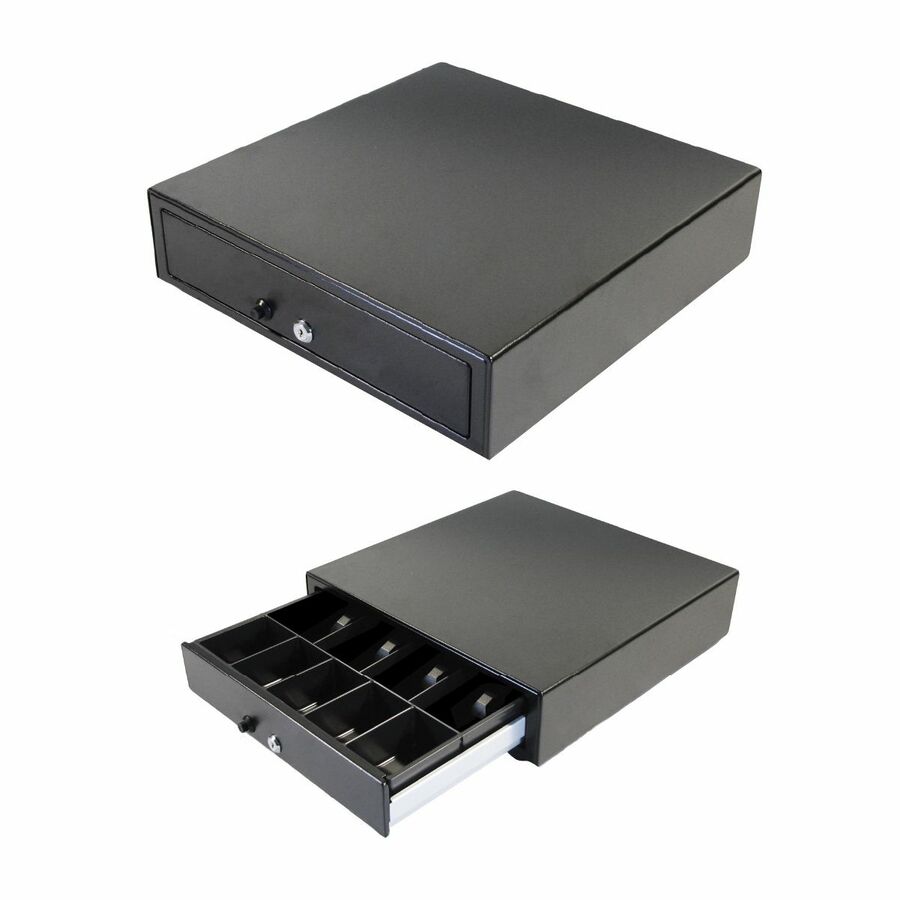
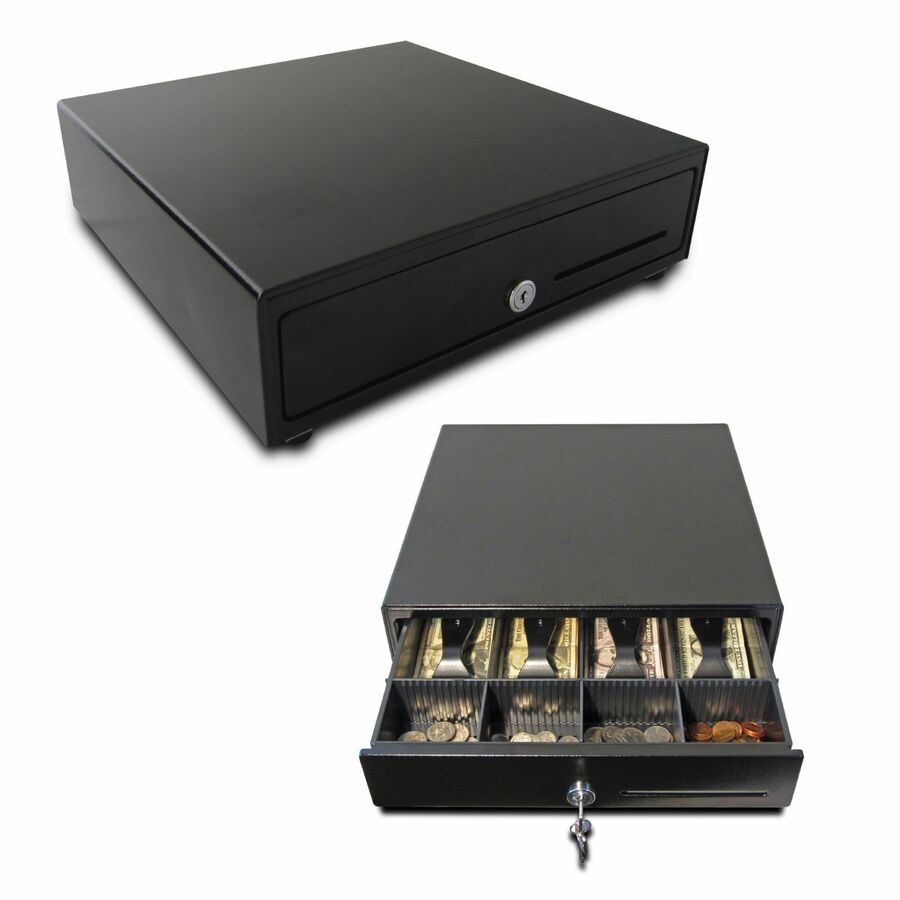
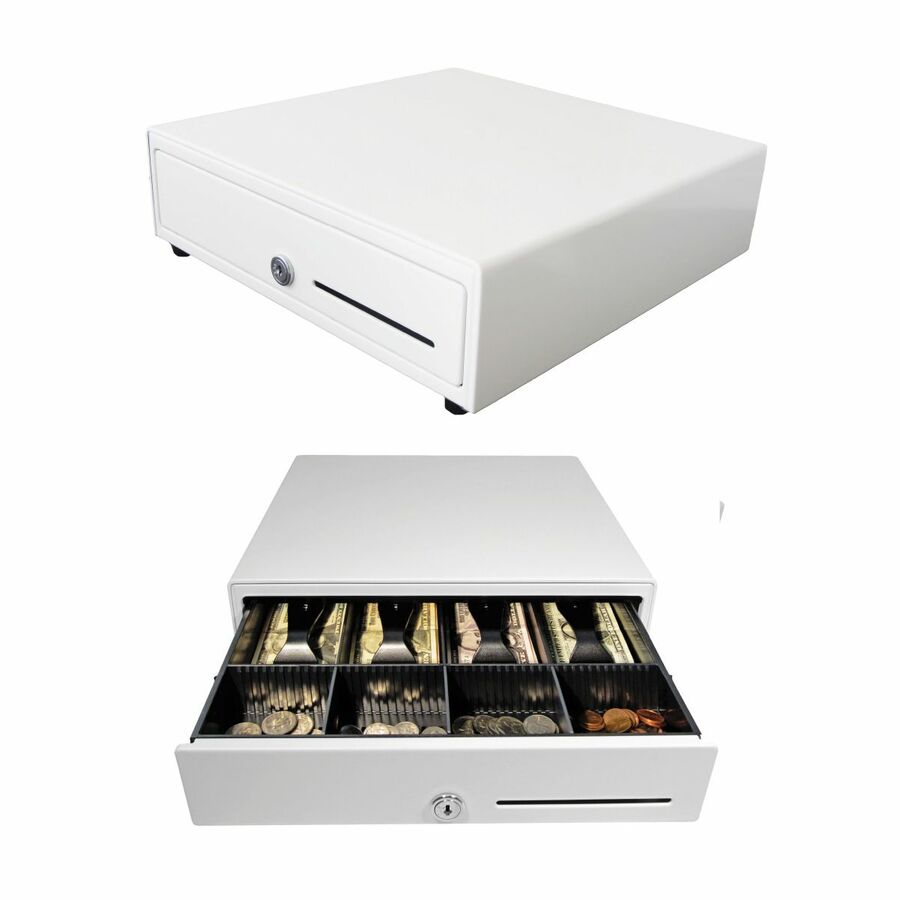
More cash boxes and drawers in the Uniqcli catalog
See all 336 cash boxes and drawersMore APG first — closest to what you were just looking at; “See all cash boxes and drawers” above opens every other brand in the category. In-stock lines lead, and a back-ordered line carries the same estimated availability its product page does — with live pricing throughout, NDAA §889 screening before checkout and TAA verified on request.
- apgapg Series 4000 Cash Drawer - USD 5 Bill - 5 Coin - Black - 4.2" Height x 18" Width x 16.7" DepthJBN490-1A-BL1816-C
$1,319.23
$875.28
Back-orderedBack-ordered — estimated OEM lead time 3–8 weeks (Nov 14 – Dec 19 if ordered today).
- apgapg Series 4000 Cash Drawer - USD 5 Bill - 5 Coin - Serial Port - 4.2" Height x 18" Width x 16.7" DepthJB490A-BL1816-C
$1,291.77
$857.51
Back-orderedBack-ordered — estimated OEM lead time 3–8 weeks (Nov 14 – Dec 19 if ordered today).
- apgapg Series 4000 Cash Drawer - 5 Bill - 5 Coin - 2 Media Slot - Black - 4.2" Height x 18" Width x 16.7" DepthJD480-1A-BL1816-C
$1,211.96
$784.28
Back-orderedBack-ordered — estimated OEM lead time 3–8 weeks (Nov 14 – Dec 19 if ordered today).
- apgapg Series 4000 Cash Drawer - 5 Bill - 8 Coin - 2 Media Slot - Black - 4.2" Height x 18" Width x 16.7" DepthJB480-1A-BL1816-M3
$1,177.99
$783.88
Back-orderedBack-ordered — estimated OEM lead time 3–8 weeks (Nov 14 – Dec 19 if ordered today).
- apgapg Series 100 Cash Drawer - 5 Bill - 5 Coin - Black - 4.9" Height x 16" Width x 16.8" DepthT490-3A-BL1616-K7
$1,162.74
$769.55
Back-orderedBack-ordered — estimated OEM lead time 3–8 weeks (Nov 14 – Dec 19 if ordered today).
- apgapg 1816 Cash Drawer - 5 Bill - 5 Coin - Steel - Black - 4.2" Height x 18" Width x 16.7" Depth - TAA CompliantJB480-1A-BL1816-C
$1,146.87
$761.80*
Back-orderedBack-ordered — estimated OEM lead time 3–8 weeks (Nov 14 – Dec 19 if ordered today).
- apgapg Series 4000 Cash Drawer - 5 Bill - 5 Coin - 2 Media Slot - Black - 4.2" Height x 18" Width x 16.7" DepthJD480A-BL1816-C
$1,146.39
$763.43
Back-orderedBack-ordered — estimated OEM lead time 3–8 weeks (Nov 14 – Dec 19 if ordered today).
- apgapg®Heavy- Duty Point of Sale Cash Drawer | Series 100 T490-1A-BL1616 - 5 Bill - 5 Coin - Plastic, Steel - Black - 4.6" Height x 16" Width x 16.8" DepthT490-1A-BL1616
$1,127.35
$746.64
Back-orderedBack-ordered — estimated OEM lead time 3–8 weeks (Nov 14 – Dec 19 if ordered today).
- apgapg 1816 Cash Drawer - USD 5 Bill - 5 Coin - Steel - Black - 4.2" Height x 18" Width x 16.7" Depth - TAA CompliantJB480A-BL1816-C
$1,119.41
$745.97*
Back-orderedBack-ordered — estimated OEM lead time 3–8 weeks (Nov 14 – Dec 19 if ordered today).
- apgapg Series 100 Cash Drawer - 5 Bill - 5 Coin - Black - 4.9" Height x 16" Width x 16.8" DepthT490A-BL1616
$1,099.45
$728.59
Back-orderedBack-ordered — estimated OEM lead time 3–8 weeks (Nov 14 – Dec 19 if ordered today).
- apgapg Series 100 Cash Drawer - 5 Bill - 5 Coin - 2 Media Slot - Black - 4.9" Height x 16" Width x 16.8" DepthT480-2A-BL1616-K10
$992.45
$658.60
Back-orderedBack-ordered — estimated OEM lead time 3–8 weeks (Nov 14 – Dec 19 if ordered today).
- apgapg Series 100 Cash Drawer - 5 Bill - 5 Coin - Black - 4.9" Height x 16" Width x 16.8" DepthT480A-BL1616-M4-E2
$984.79
$653.64
Back-orderedBack-ordered — estimated OEM lead time 3–8 weeks (Nov 14 – Dec 19 if ordered today).
- apgapg Series 100 Cash Drawer - 5 Bill - 5 Coin - Black - 4.9" Height x 16" Width x 16.8" DepthT486-1-BL1616
$981.55
$652.29
Back-orderedBack-ordered — estimated OEM lead time 3–8 weeks (Nov 14 – Dec 19 if ordered today).
- apgapg®Heavy- Duty Point of Sale Cash Drawer | Series 100 T480-1A-BL1616 - 5 Bill - 5 Coin - Steel - Black - 4.9" Height x 16" Width x 16.8" DepthT480-1A-BL1616
$953.65
$632.95
Back-orderedBack-ordered — estimated OEM lead time 3–8 weeks (Nov 14 – Dec 19 if ordered today).
- apgapg NetPRO T480-3A-BL1616 Cash Drawer - 16 Bill - 16 CoinT480-3A-BL1616
$953.65
$633.27
Back-orderedBack-ordered — estimated OEM lead time 3–8 weeks (Nov 14 – Dec 19 if ordered today).
- apgapg®Heavy- Duty Point of Sale Cash Drawer | Series 100 T480A-BL1616 - 5 Bill - 5 Coin - Black - 4.9" Height x 16" Width x 16.8" DepthT480A-BL1616
$926.21
$615.22
Back-orderedBack-ordered — estimated OEM lead time 3–8 weeks (Nov 14 – Dec 19 if ordered today).
- apgapg Series 4000 Cash Drawer - 5 Bill - 5 Coin - 2 Media Slot - Black - 4.2" Height x 18" Width x 16.7" DepthJD470-BL1816
$941.48
$630.84
Back-orderedBack-ordered — estimated OEM lead time 3–8 weeks (Nov 14 – Dec 19 if ordered today).
- apgapg Series 4000 Cash Drawer - 2 Media Slot - Steel - Black - 4.2" Height x 18" Width x 16.7" DepthJB470-BL1816
$914.50
$613.38
Back-orderedBack-ordered — estimated OEM lead time 3–8 weeks (Nov 14 – Dec 19 if ordered today).
- apgapg Series 100 Cash Drawer - 5 Bill - 8 Coin - Black - 4.9" Height x 16" Width x 19.5" DepthT470-BL16195-M3
$914.43
$614.07
Back-orderedBack-ordered — estimated OEM lead time 3–8 weeks (Nov 14 – Dec 19 if ordered today).
- apgapg®Heavy- Duty Point of Sale Cash Drawer | Series 4000 JD484A-BL1821-C - 5 Bill - 5 Coin - 2 Media Slot - Serial Port - Stainless Steel, Steel - Black - 4.2" Height x 18.8" Width x 21" DepthJD484A-BL1821-C
$848.88
$573.15
Back-orderedBack-ordered — estimated OEM lead time 3–8 weeks (Nov 14 – Dec 19 if ordered today).
- apgapg 100 Cash Drawer - EUR 5 Bill - 8 Coin - 2 Media Slot - Black - 4.9" Height x 16" Width x 16.8" DepthT470-BL1616-M1-E2
$798.05
$532.81
Back-orderedBack-ordered — estimated OEM lead time 3–8 weeks (Nov 14 – Dec 19 if ordered today).
- apgapg Series 100 Cash Drawer - 5 Bill - 8 Coin - Black - 4.9" Height x 16" Width x 16.8" DepthT470-BL1616-M3
$798.05
$532.81
Back-orderedBack-ordered — estimated OEM lead time 3–8 weeks (Nov 14 – Dec 19 if ordered today).
- apgapg Series 4000 Cash Drawer - 2 Media Slot - Steel - Black - 4.2" Height x 18.8" Width x 21" DepthJB484A-BL1821-C
$793.71
$537.43
Back-orderedBack-ordered — estimated OEM lead time 3–8 weeks (Nov 14 – Dec 19 if ordered today).
- apgapg®Heavy- Duty Point of Sale Cash Drawer | Series 100 T470-BL1616 - USD 5 Bill - 5 Coin - 2 Media Slot - Steel, ABS Plastic - Black - 4.9" Height x 16" Width x 16.8" DepthT470-BL1616
$766.94
$511.74
Back-orderedBack-ordered — estimated OEM lead time 3–8 weeks (Nov 14 – Dec 19 if ordered today).
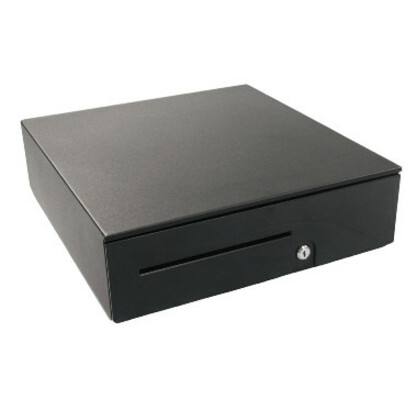
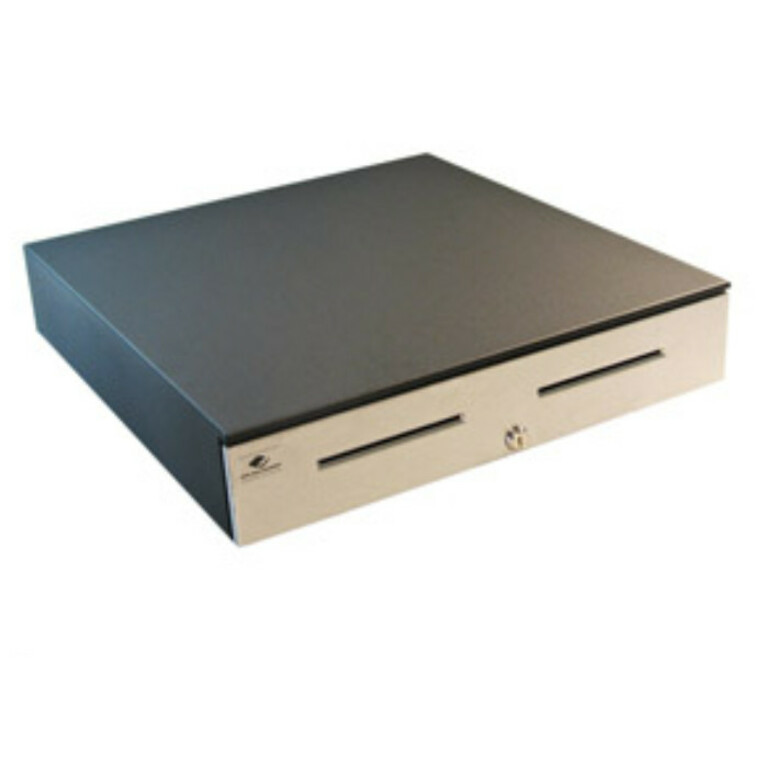
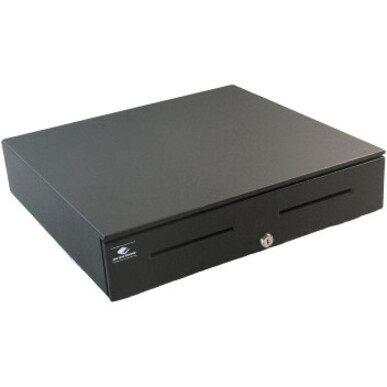
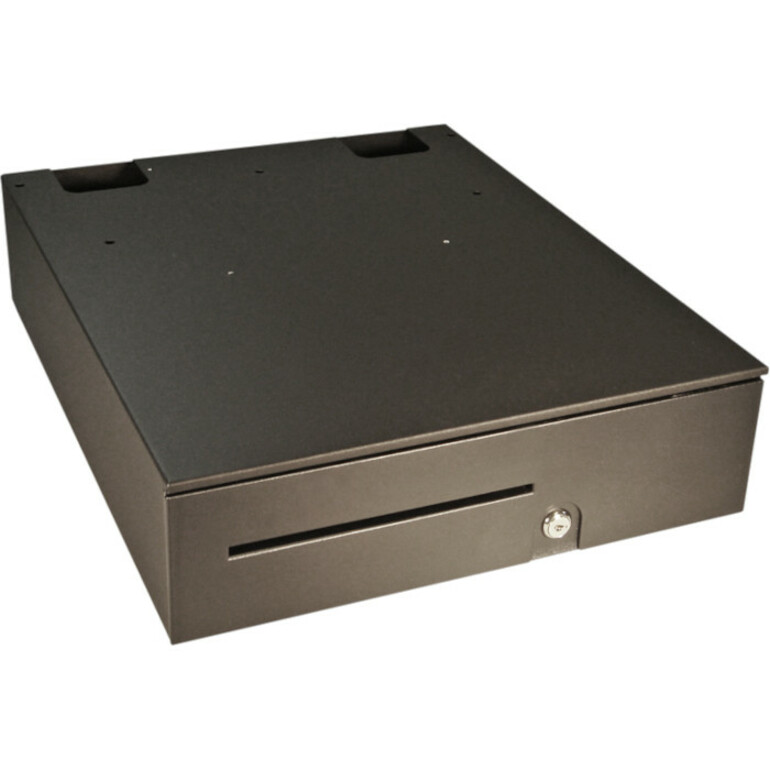
Need pricing on APG cash drawers?
Tell us where to reach you and a Uniqcli specialist will follow up by email with current pricing, availability and lead time for the quantities you need — including parts that aren’t shown on this page.
Buying for an organization or for yourself — both work. No payment up front.
APG builds point-of-sale cash drawers in a few clearly separated tiers, and picking the right one starts with duty cycle. The heavy-duty Series 100 and Series 4000 use steel and stainless-steel construction with solenoid-driven latches built for high transaction counts, while the standard-duty Vasario series targets lighter retail lanes and lower price points. This page covers the APG drawers Uniqcli keeps in the hub catalog, with in-stock status shown on each product so you can see what ships now versus what is back-ordered.
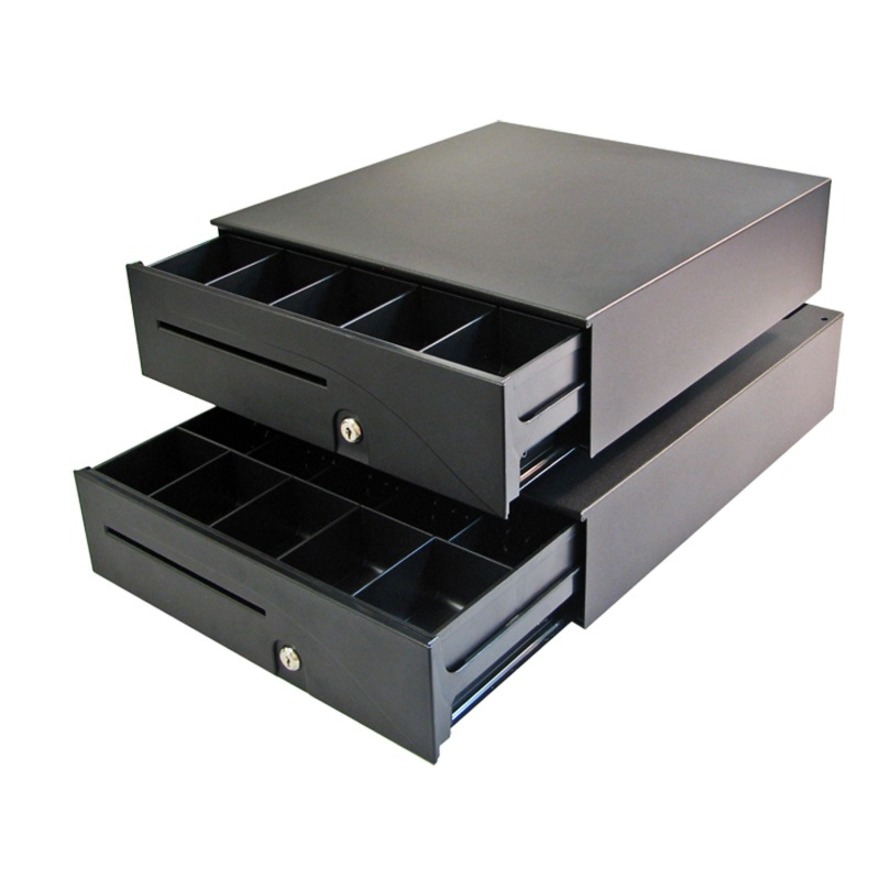
Fit and interface matter as much as the tier. Most APG drawers land near a 16-inch or 18-inch footprint, so confirm the width against your counter and your till layout — common configurations run five bill and five coin, with five-bill/eight-coin and four-bill/four-coin options for different currency handling. On the connection side, APG offers USB drawers that attach directly to a host, serial models, and printer-driven units using a MultiPRO 24V solenoid interface that fires the drawer from a receipt printer's cash-drawer port.
Because these are cash-handling devices for staffed lanes, weigh the till insert, media slots, and lock configuration over headline price. The notes below are meant to help a procurement or IT team match an APG model to an existing POS stack and register footprint rather than to rank one drawer as best for everyone.
Buyer's checklist
How to choose an APG cash drawer
- Match duty cycle to lane volume: heavy-duty Series 100 or Series 4000 steel drawers for high-throughput registers, standard-duty Vasario for lighter or budget-driven lanes.
- Confirm the interface your POS expects — USB to a host, serial, or a printer-driven MultiPRO 24V solenoid that opens from a receipt printer's cash-drawer port.
- Size the footprint to the counter: APG widths cluster around 16 and 18 inches; check under-counter height clearance and the depth your register needs.
- Verify the till layout — bill and coin denomination count (commonly 5 bill x 5 coin, with 5x8 and 4x4 options) plus media slots for checks and oversized notes.
- Plan a consistent lock and key scheme across multiple registers so manual-release and fully-locked positions fit your cash-control policy.
- Check live in-stock status before a rollout; several APG configurations show as back-ordered, so confirm ship timing for multi-lane deployments.
Where these drawers fit
Cash drawers still anchor staffed lanes even as cards and mobile wallets take share. The heavy-duty Series 100 and Series 4000 earn their steel in grocery, convenience, and quick-service lanes that open hundreds of times a shift and take rough handling. The standard-duty Vasario suits boutique retail, campus bookstores, box offices, and seasonal or pop-up registers where counts run lighter. Public-sector cashier windows — permit desks, motor-vehicle counters, park and library fee stations — usually land in that standard-to-mid tier.
Beyond simply opening the till, many lanes rely on the drawer's status line — a signal the POS reads to know whether the drawer is open or closed. That lets software prompt a cashier to close it, log open-without-sale events, and tie each cash pull to a shift. If your loss-prevention or reconciliation workflow depends on that accountability, confirm the model and interface expose the status line and that your POS is configured to read it.
Planning a multi-lane rollout
For anything past a single register, settle the keying scheme up front. Keyed-alike drawers let one manager key open every till, which is simpler for a small shop; keyed-different or restricted schemes limit who can open which drawer, which most multi-store and public-sector cash-control policies require. Whichever you choose, standardize on one drawer model and one interface across the fleet so spares, cabling, and staff training stay uniform and a failed unit swaps in without reconfiguration.
Stage the physical fit before units land: confirm under-counter clearance, cable routing to the printer or host, and whether drawers mount below the counter or sit on top. Because several configurations run back-ordered, size the order to the whole deployment and check live stock and lead time early rather than lane by lane. A split rollout where half the drawers ship now and half arrive weeks later complicates keying, imaging, and the cutover you schedule with each location.
What an APG drawer costs to own
A cash drawer is mostly mechanical, so its real cost is measured in years, not watts. Printer-driven MultiPRO models draw no standby power — the solenoid fires only on a brief pulse from the receipt printer — and USB units pull negligible current, so there is no meaningful energy line to budget. The wear items are the solenoid latch, the roller slides, and the lock; the heavy-duty steel construction on the Series 100 and 4000 is what pushes those cycle-count ratings higher for busy lanes.
The parts that actually get replaced are the till insert, coin cups, bill weights, and the occasional lock or key set — all serviceable without swapping the whole drawer. Media slots for checks and oversized notes also cut wear by keeping large items out of the coin rows. Spec a consistent till, keep a few inserts and a spare lock cylinder on the shelf, and a well-matched drawer typically outlasts the POS terminal it sits under.
FAQ
Common questions
- What's the difference between APG's heavy-duty and standard-duty drawers?
- The heavy-duty Series 100 and Series 4000 use steel and stainless-steel construction with solenoid latches suited to frequent opening in busy lanes, while the standard-duty Vasario series is a lighter, lower-cost drawer for retail environments with lower transaction volume. Both share similar till layouts and footprints, so the choice usually comes down to expected daily open cycles and budget.
- How does an APG cash drawer connect to my POS system?
- APG offers USB models that connect directly to a host computer, serial models, and printer-driven units that use a MultiPRO 24V solenoid interface to open from a receipt printer's cash-drawer (kick-out) port. Match the interface to how your existing terminal and printer are wired — a printer-driven drawer needs a compatible printer with a drawer port, while USB attaches straight to the POS.
- How do I know which APG drawer will fit my counter?
- APG footprints cluster around 16-inch and 18-inch widths, with roughly 16 to 17 inches of depth and about 4 to 5 inches of height. Measure the open counter space and any under-counter clearance, then match the width and the till's bill/coin count to your cash-handling routine. The dimensions and configuration are listed on each product page so you can confirm before ordering.
- Are these APG drawers available to government and education buyers?
- Yes. These APG drawers are available to business, government, and education buyers. Each unit is sourced through US distribution and screened for TAA country-of-origin and NDAA 889 status before checkout, with documentation tied to the specific part number you order. Where APG itself markets a configuration as TAA-compliant, that is noted on the part number; reach out if you need specific configurations quoted or sourcing details confirmed for a procurement.
Need APG cash drawers pricing?
Send a bill of materials or part numbers — we confirm stock and a below-market total, with TAA verified on request. No payment up front.