
Best Lexmark Printers and MFPs for Business
Lexmark monochrome and color laser printers and multifunction devices — single-function and MFP — chosen by print speed, monthly duty, color need and the size of the workgroup they serve.
Lexmark printers and MFPs in stock at Uniqcli
How to choose →A curated selection with live pricing — in-stock lines first, then back-ordered lines with a typical lead time. Every line is sourced through US distribution and screened for NDAA §889 status before checkout, with TAA verified on request.
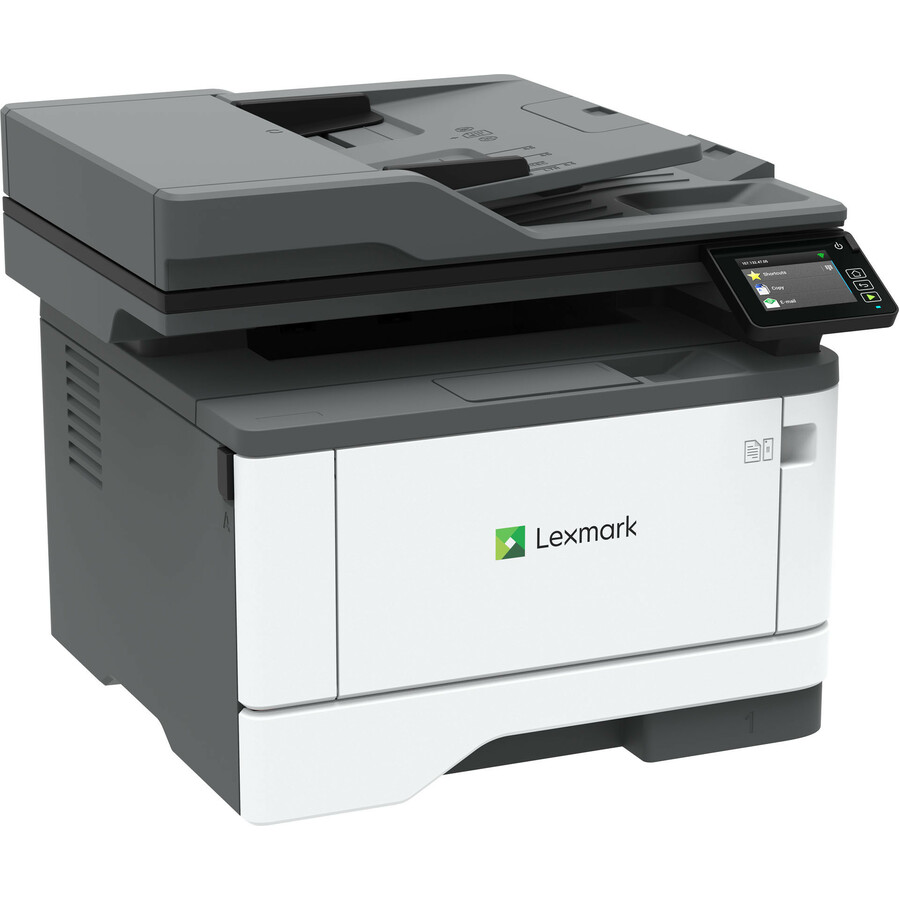
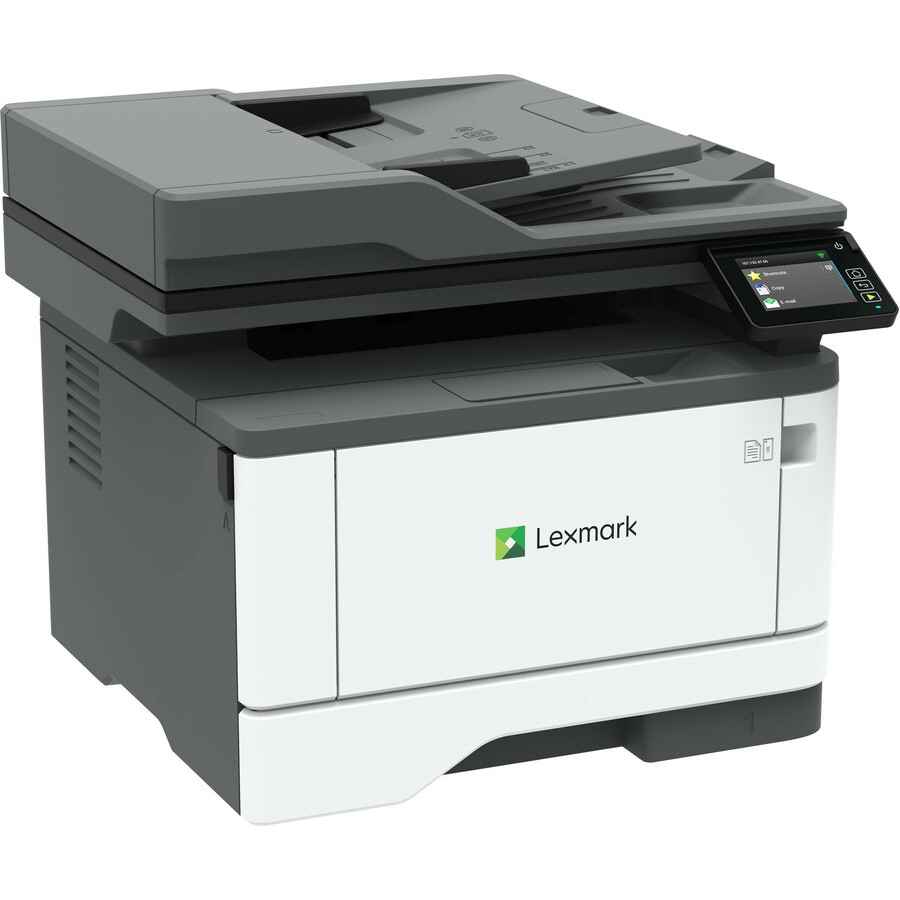
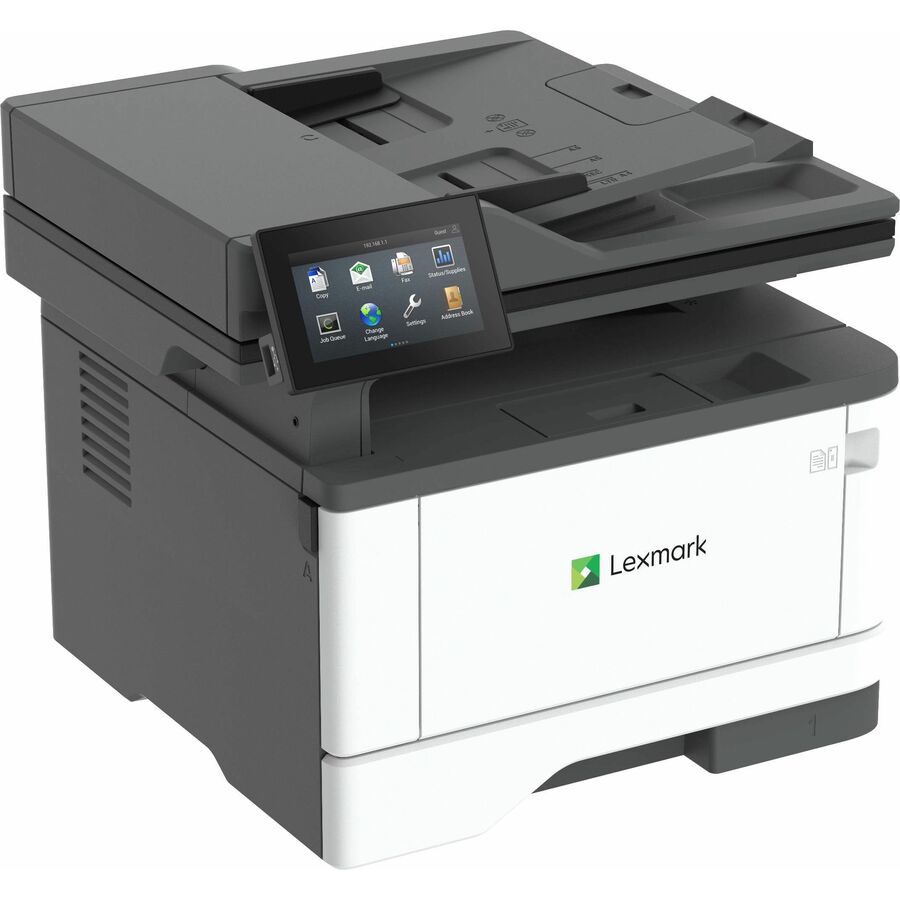
- XeroxLexmark MX431adn Laser Multifunction Printer - Monochrome - For Plain Paper Print29S0200
$693.24
$645.26
4 in stock - XeroxLexmark MX431adw Laser Multifunction Printer - Monochrome - For Plain Paper Print - 1 Each29S0500
$693.24
$645.26
12 in stock Back-ordered — estimated OEM lead time 3–8 weeks (Nov 13 – Dec 18 if ordered today).
Back-ordered — estimated OEM lead time 3–8 weeks (Nov 13 – Dec 18 if ordered today).
Back-ordered — estimated OEM lead time 3–8 weeks (Nov 13 – Dec 18 if ordered today).
Back-ordered — estimated OEM lead time 3–8 weeks (Nov 13 – Dec 18 if ordered today).
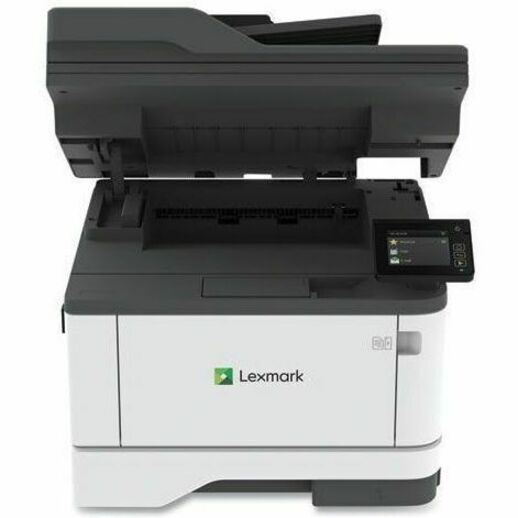
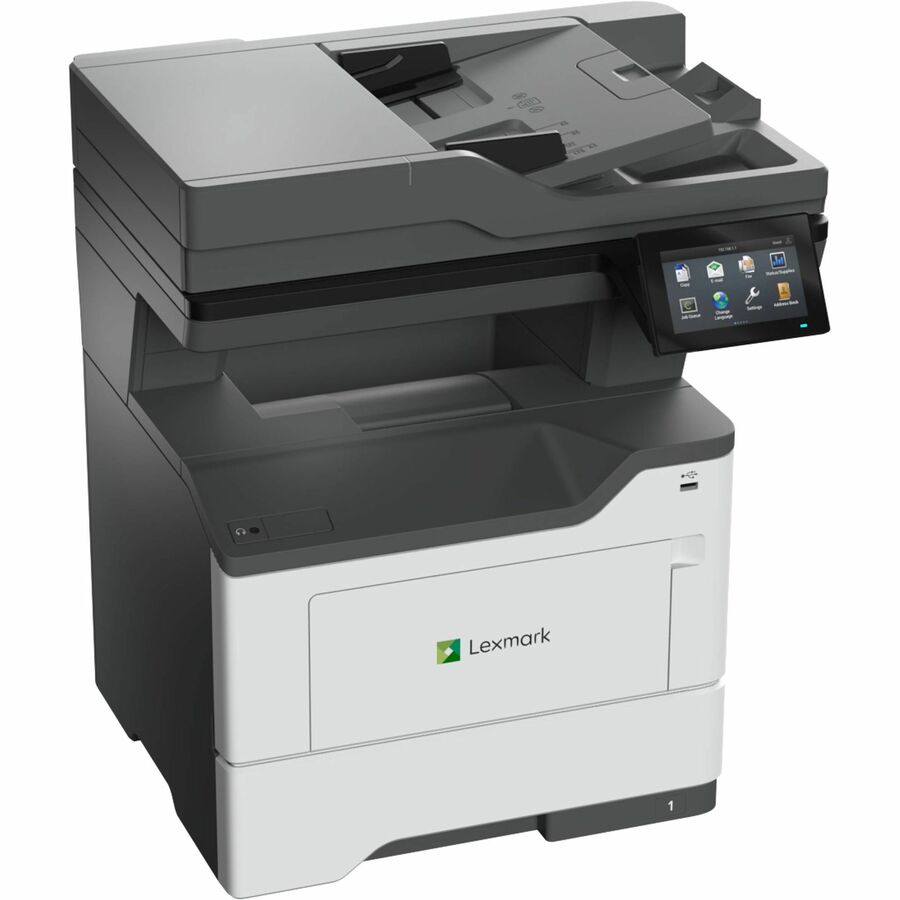
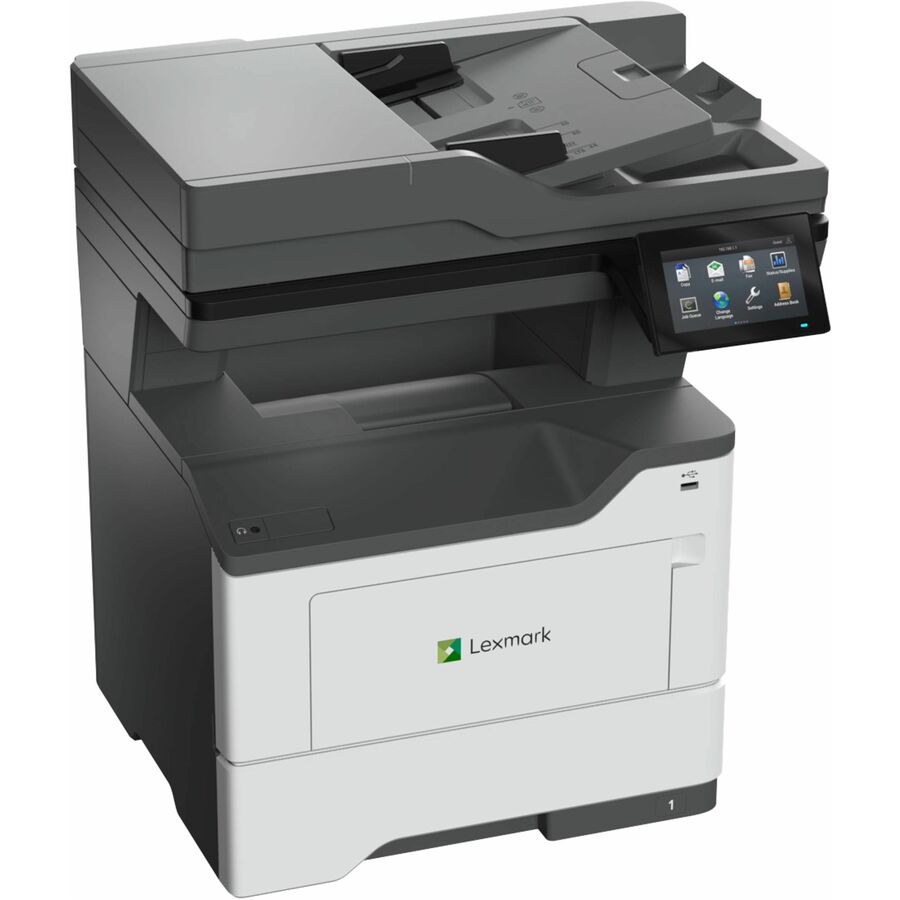
- Lexmark InternationalLexmark MX431adw Laser Multifunction Printer - Monochrome - For Plain Paper Print - 1 Each29S0930
$728.95
$695.19
Back-orderedBack-ordered — estimated OEM lead time 3–8 weeks (Nov 13 – Dec 18 if ordered today).
Back-ordered — estimated OEM lead time 3–8 weeks (Nov 13 – Dec 18 if ordered today).
Back-ordered — we expect to receive stock the week of Nov 9–15 and will process your delivery right after.
Back-ordered — estimated OEM lead time 3–8 weeks (Nov 13 – Dec 18 if ordered today).
Back-ordered — estimated OEM lead time 3–8 weeks (Nov 13 – Dec 18 if ordered today).
- XeroxLexmark MX432adwe Laser Multifunction Printer - Monochrome - TAA Compliant - Copier/Fax/Printer/Scanner - 1200 x 1200 dpi Print - Automatic Duplex Print - Up to 80000 Pages Monthly - Color Flatbed/ADF Scanner - 600 x 600 dpi Optical Scan - Gigabit Ethernet - Wireless LAN - USB - For Plain Paper Print29S8100
$989.24
$920.76*
Back-orderedBack-ordered — estimated OEM lead time 3–8 weeks (Nov 13 – Dec 18 if ordered today).
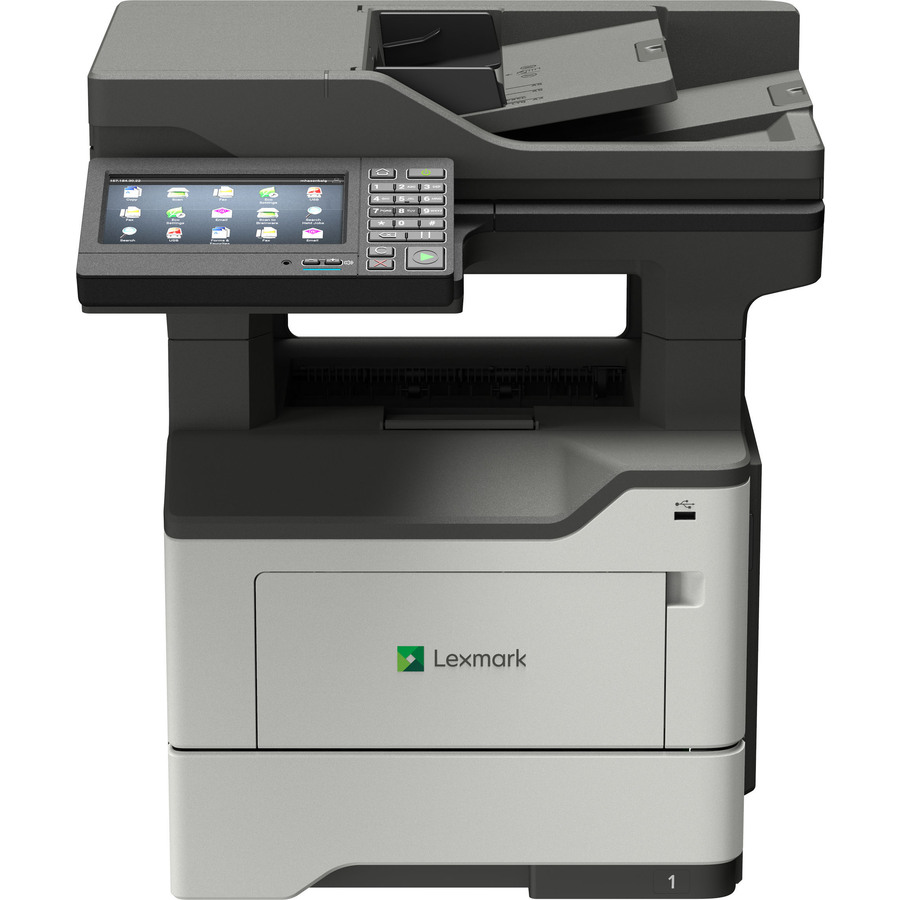
- XeroxLexmark MX521de Laser Multifunction Printer - Monochrome - Copier/Printer/Scanner - 46 ppm Mono Print - 1200 x 1200 dpi Print - Automatic Duplex Print - Up to 120000 Pages Monthly - 350 sheets Input - Color Scanner - 1200 dpi Optical Scan - Gigabit Ethernet - USB - For Plain Paper Print - 1 Each36S0800
$1,146.00
$1,066.68
Back-orderedBack-ordered — estimated OEM lead time 3–8 weeks (Nov 13 – Dec 18 if ordered today).
Back-ordered — estimated OEM lead time 3–8 weeks (Nov 13 – Dec 18 if ordered today).
Back-ordered — estimated OEM lead time 3–8 weeks (Nov 13 – Dec 18 if ordered today).
Back-ordered — we expect to receive stock the week of Nov 2–8 and will process your delivery right after.
- XeroxLexmark MX521ade Laser Multifunction Printer - Monochrome - Copier/Fax/Printer/Scanner - 46 ppm Mono Print - 1200 x 1200 dpi Print - Automatic Duplex Print - Up to 120000 Pages Monthly - 350 sheets Input - Color Scanner - 1200 dpi Optical Scan - Monochrome Fax - Gigabit Ethernet - USB - For Plain Paper Print36ST830
$1,401.40
$1,304.41
Back-orderedBack-ordered — estimated OEM lead time 3–8 weeks (Nov 13 – Dec 18 if ordered today).
- XeroxLexmark MX432ADWE Laser Multifunction Printer - Monochrome - TAA Compliant - For Plain Paper Print29ST022
$1,629.24
$1,516.47*
Back-orderedBack-ordered — estimated OEM lead time 3–8 weeks (Nov 13 – Dec 18 if ordered today).
Back-ordered — estimated OEM lead time 3–8 weeks (Nov 13 – Dec 18 if ordered today).
Back-ordered — estimated OEM lead time 3–8 weeks (Nov 13 – Dec 18 if ordered today).
Back-ordered — estimated OEM lead time 3–8 weeks (Nov 13 – Dec 18 if ordered today).
- Lexmark InternationalLexmark CX532ADWE Laser Multifunction Printer - White50M0395
$1,969.15
Back-orderedBack-ordered — estimated OEM lead time 3–8 weeks (Nov 13 – Dec 18 if ordered today).
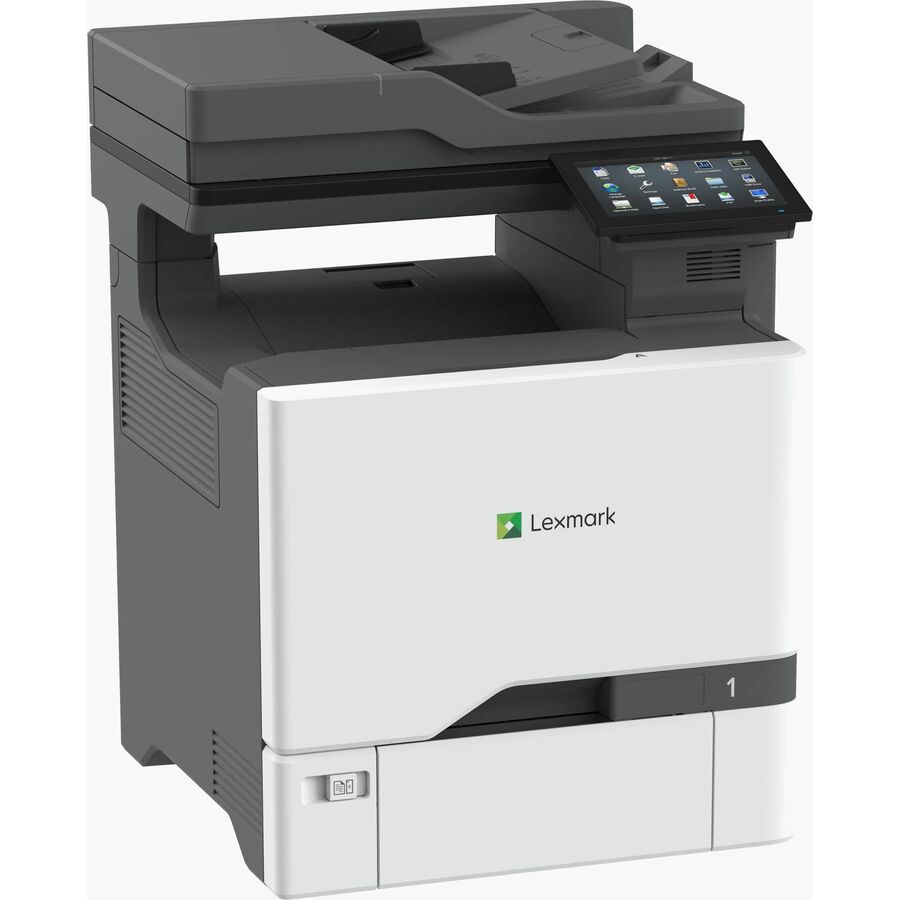

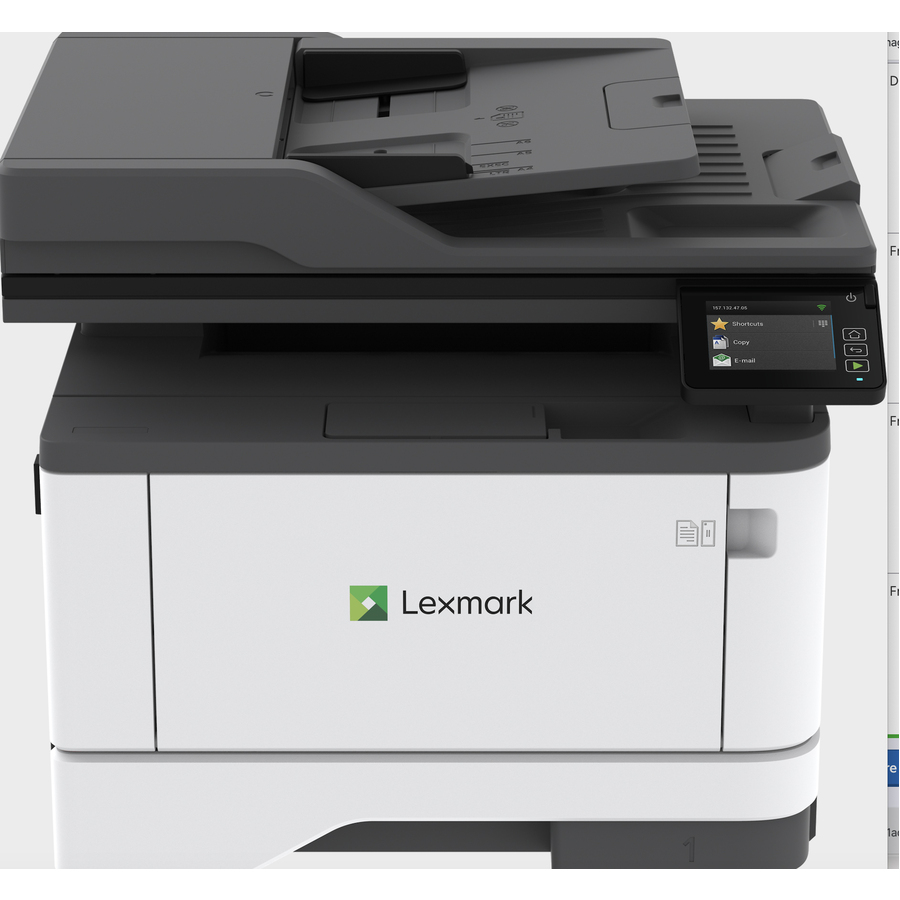
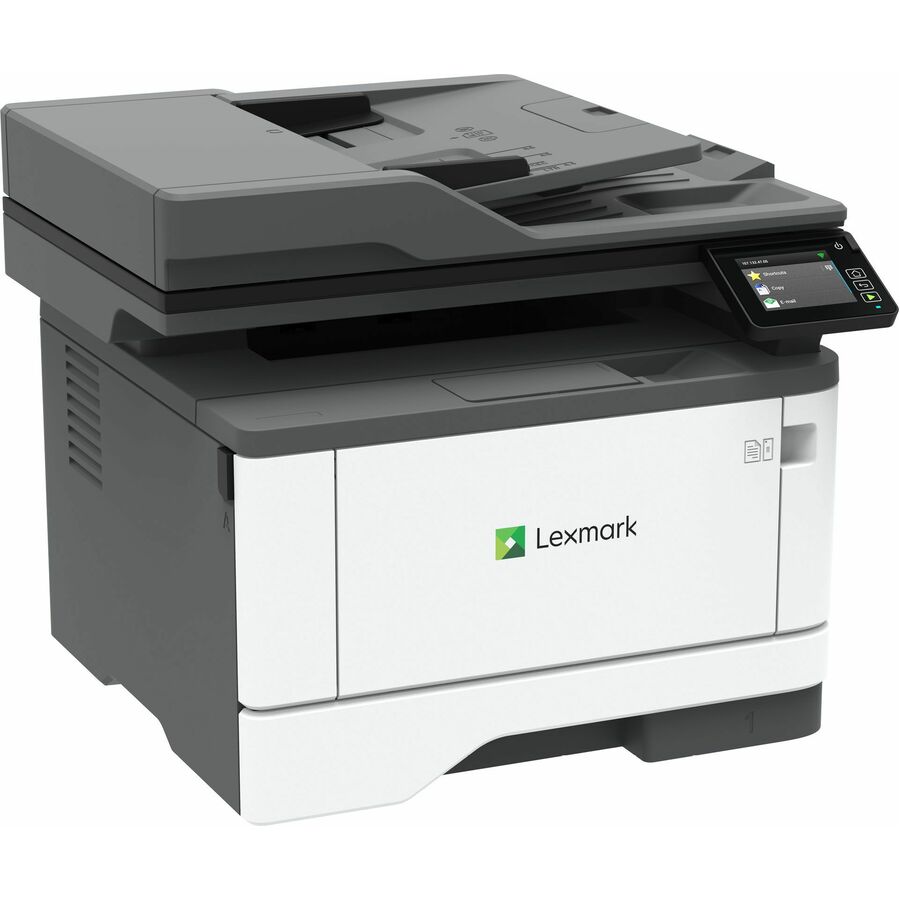
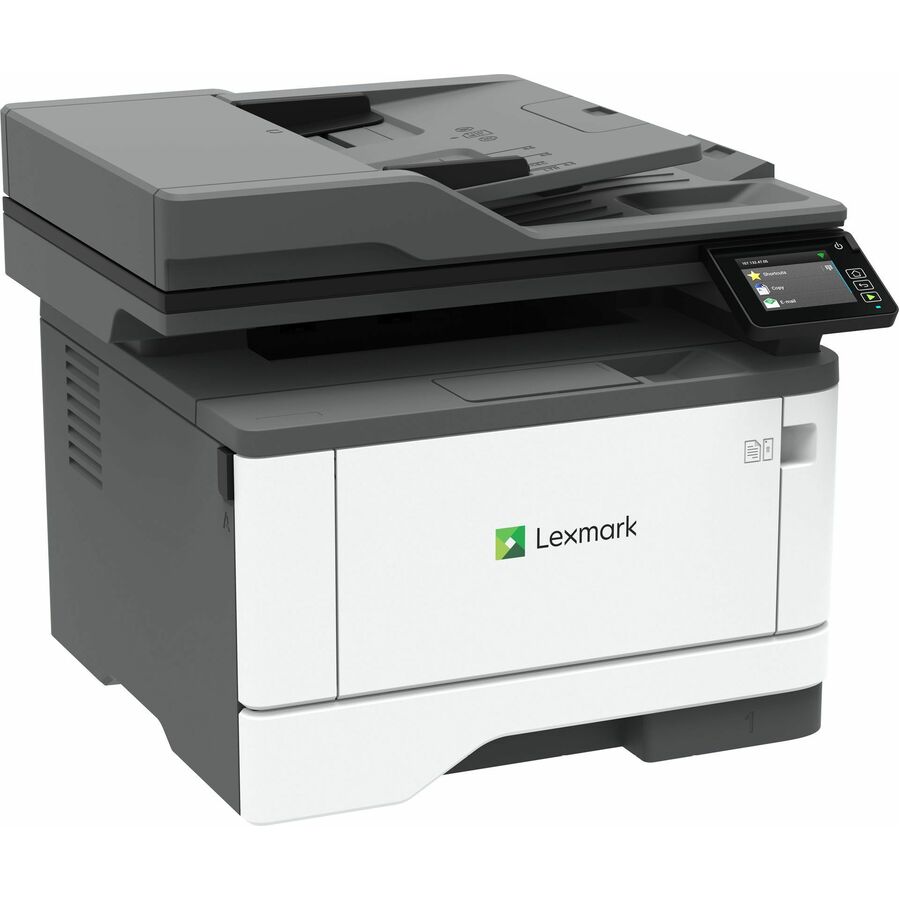
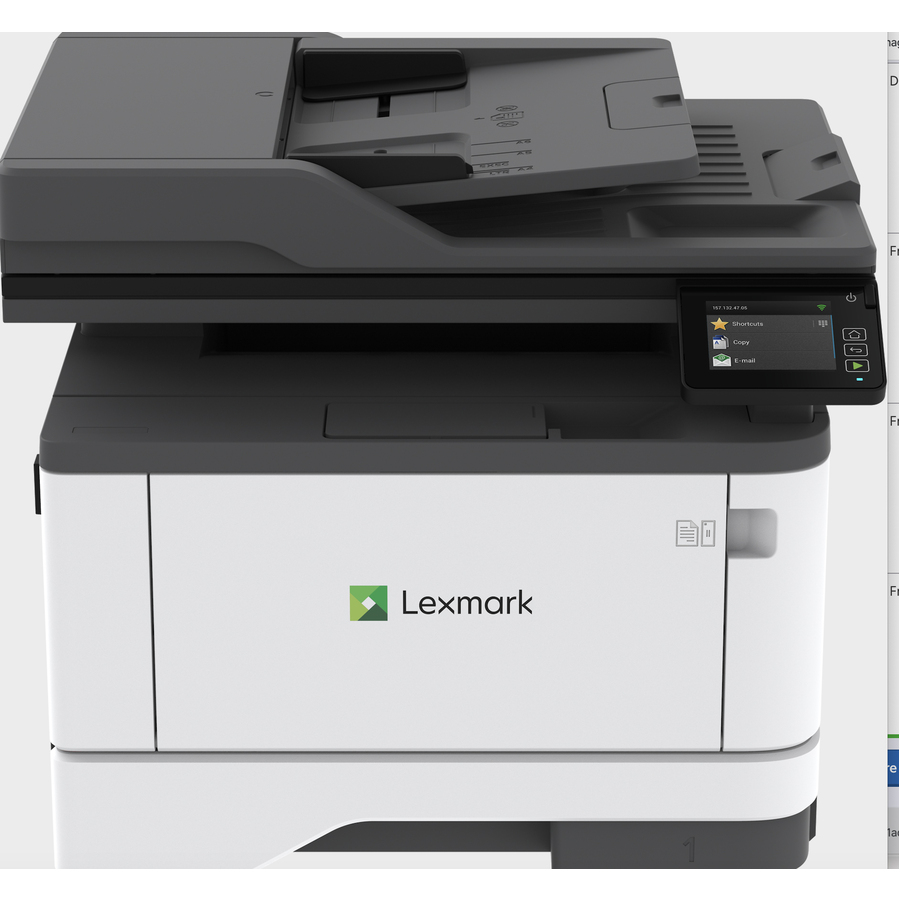
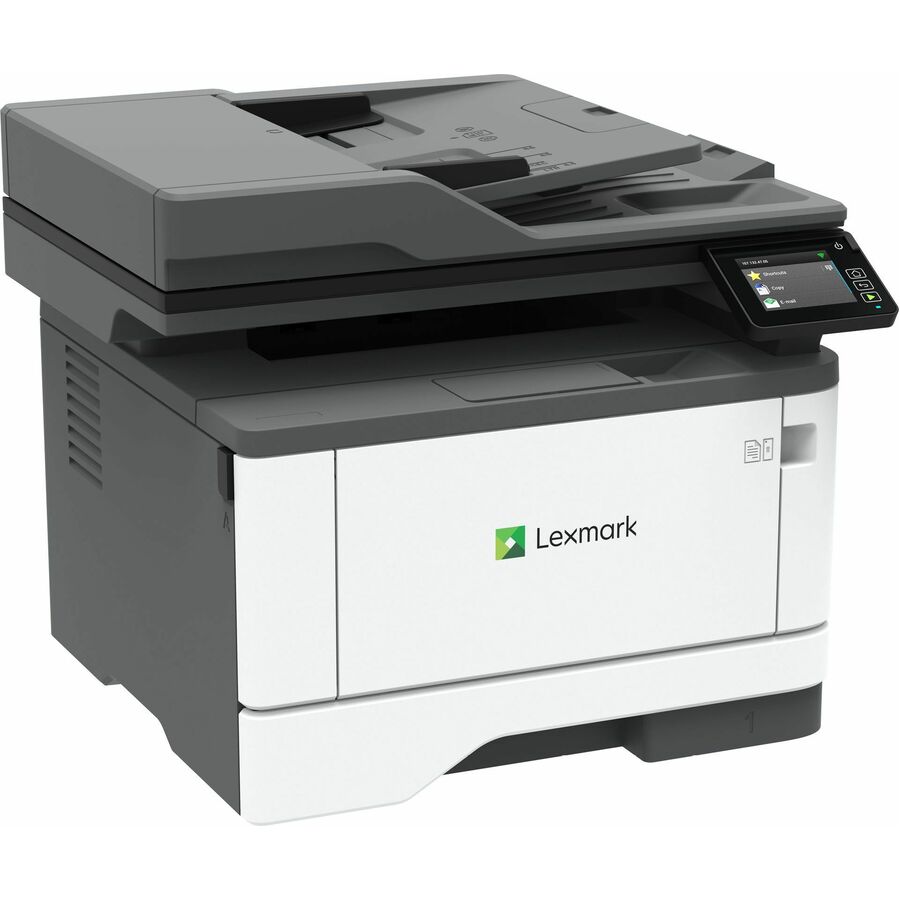
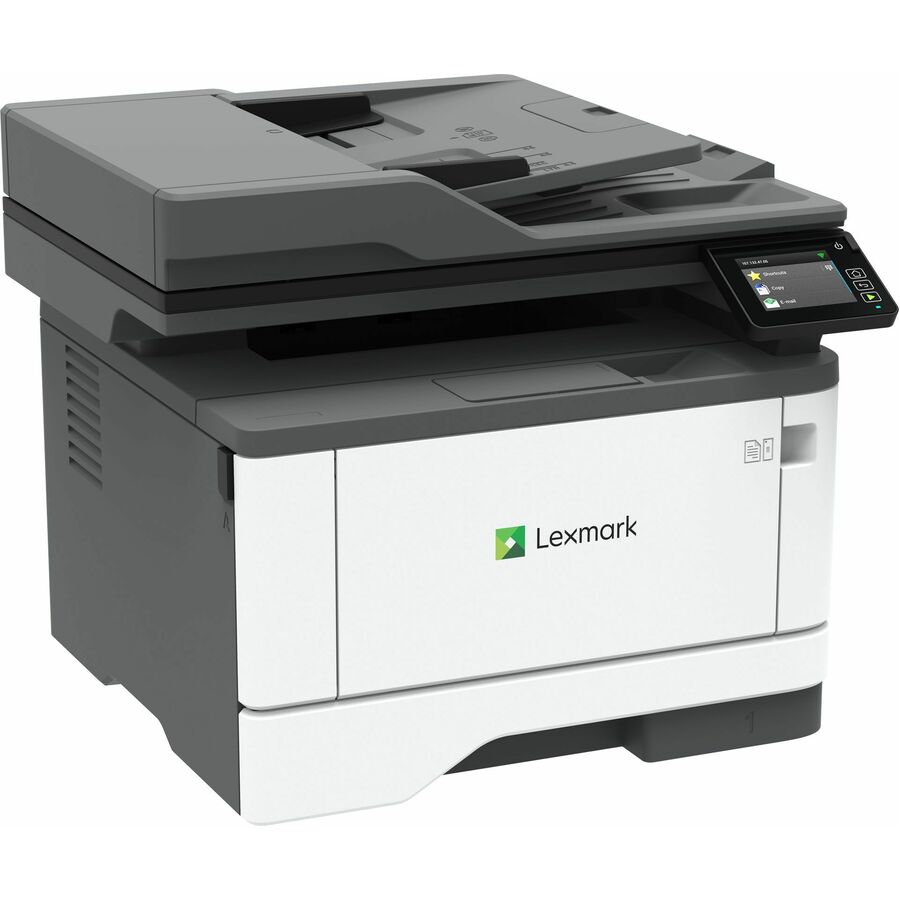
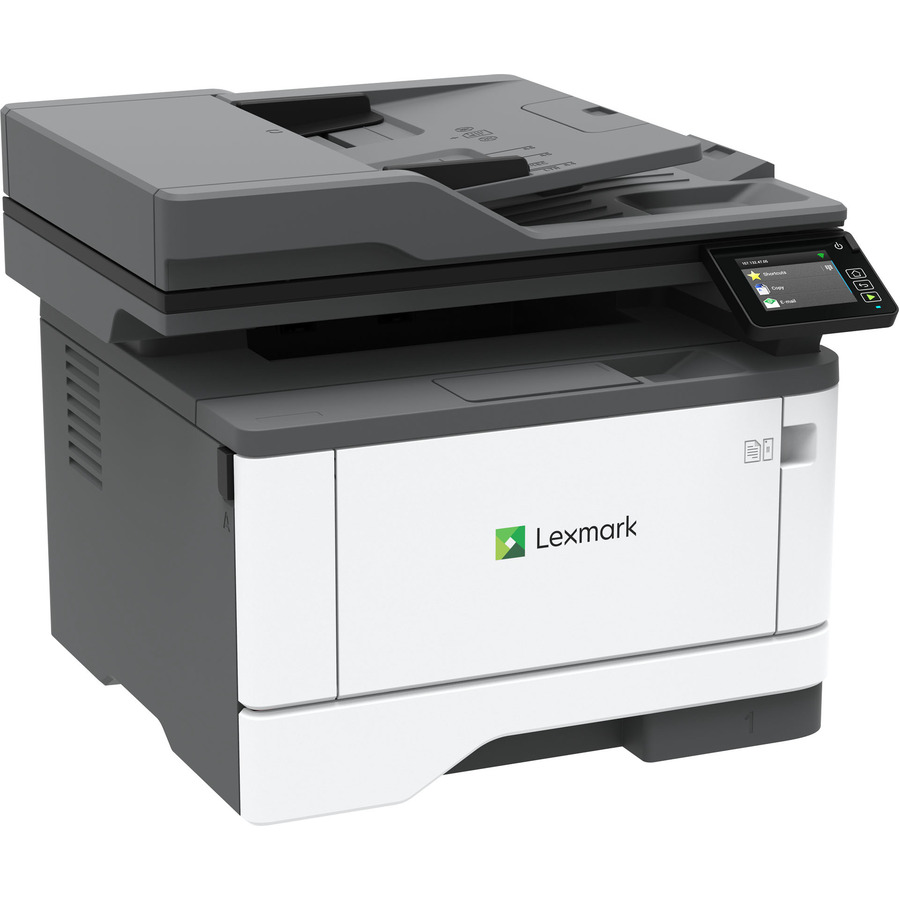
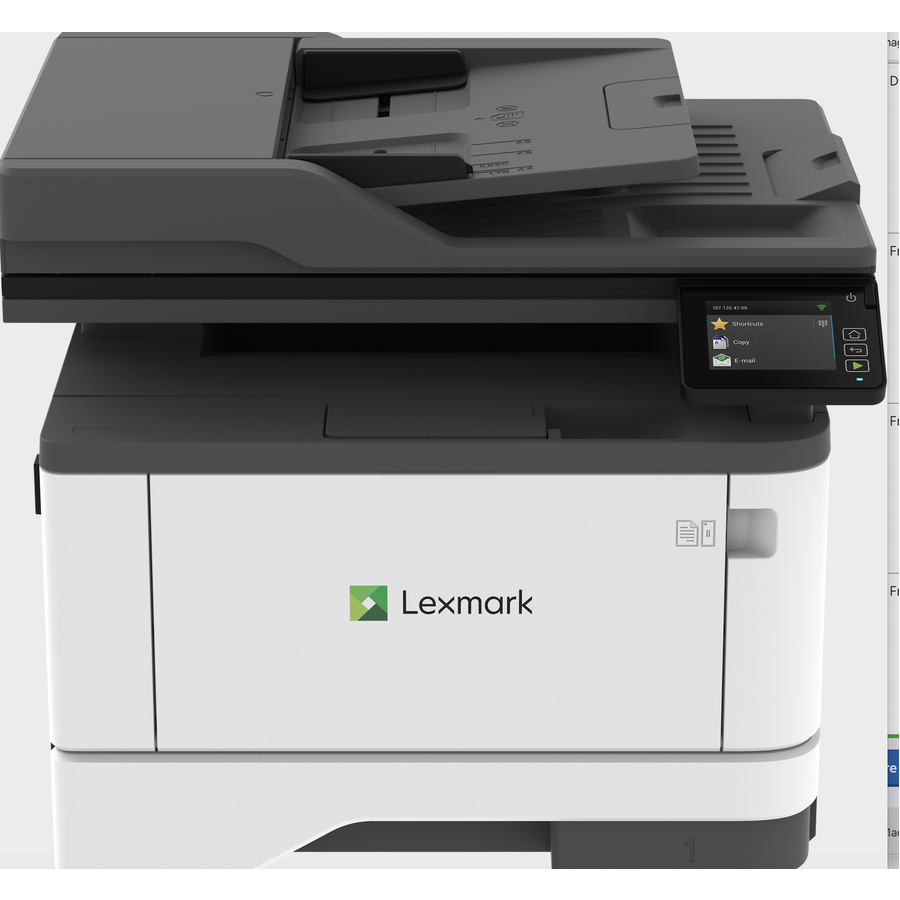
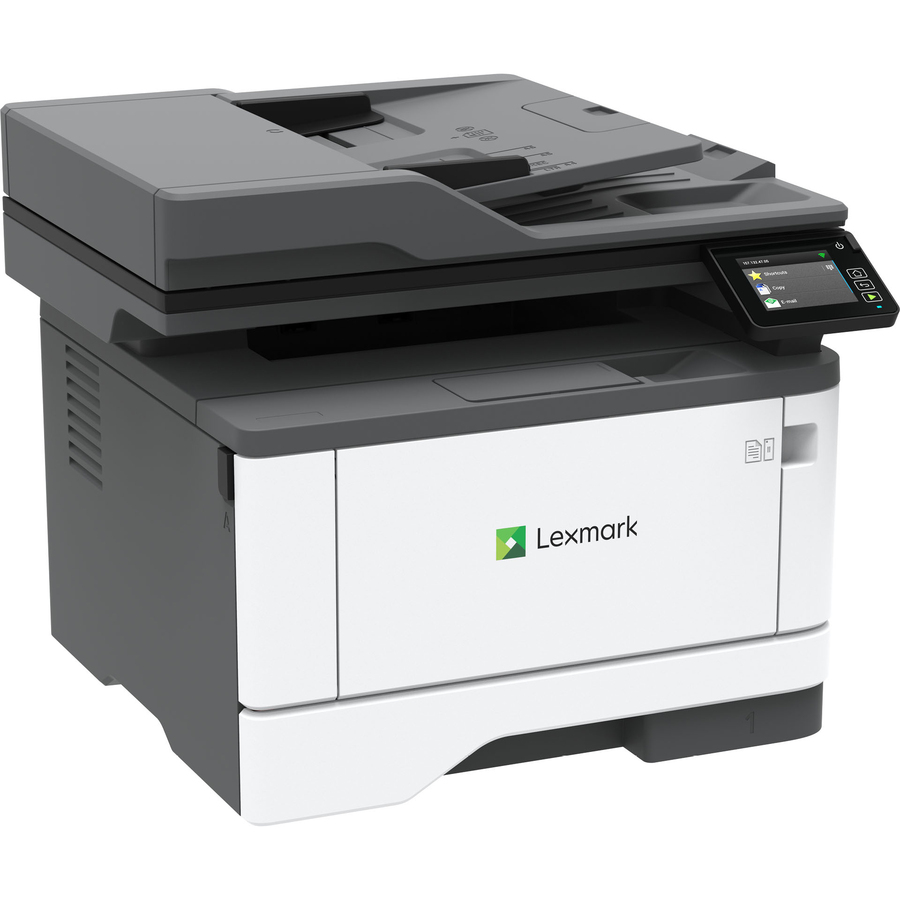
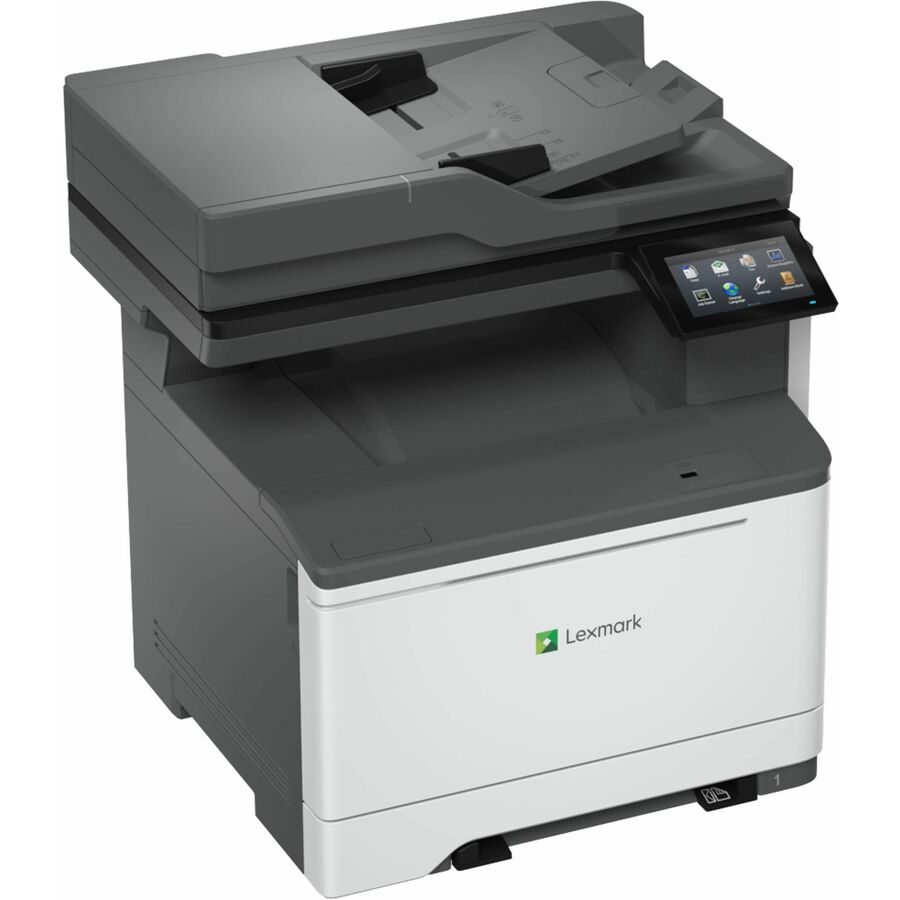
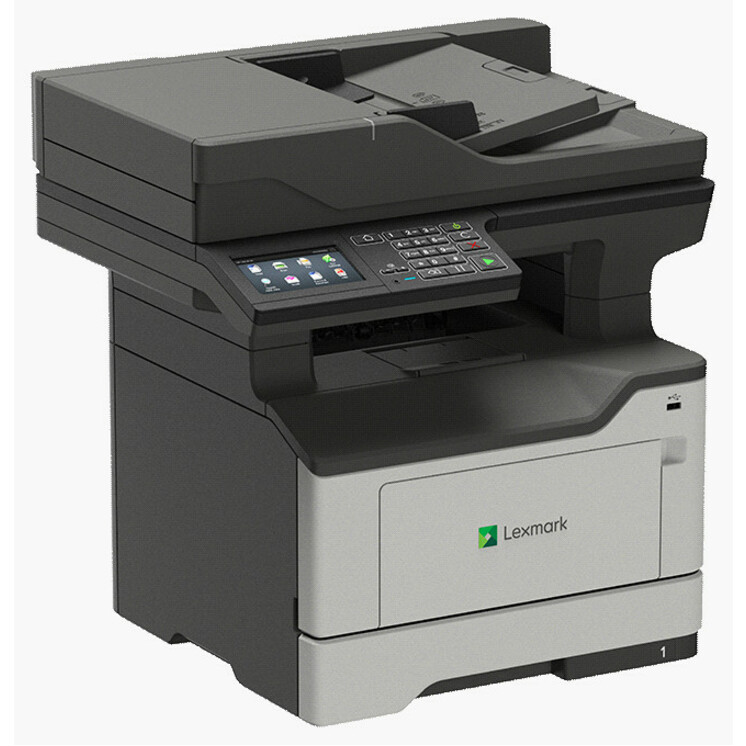
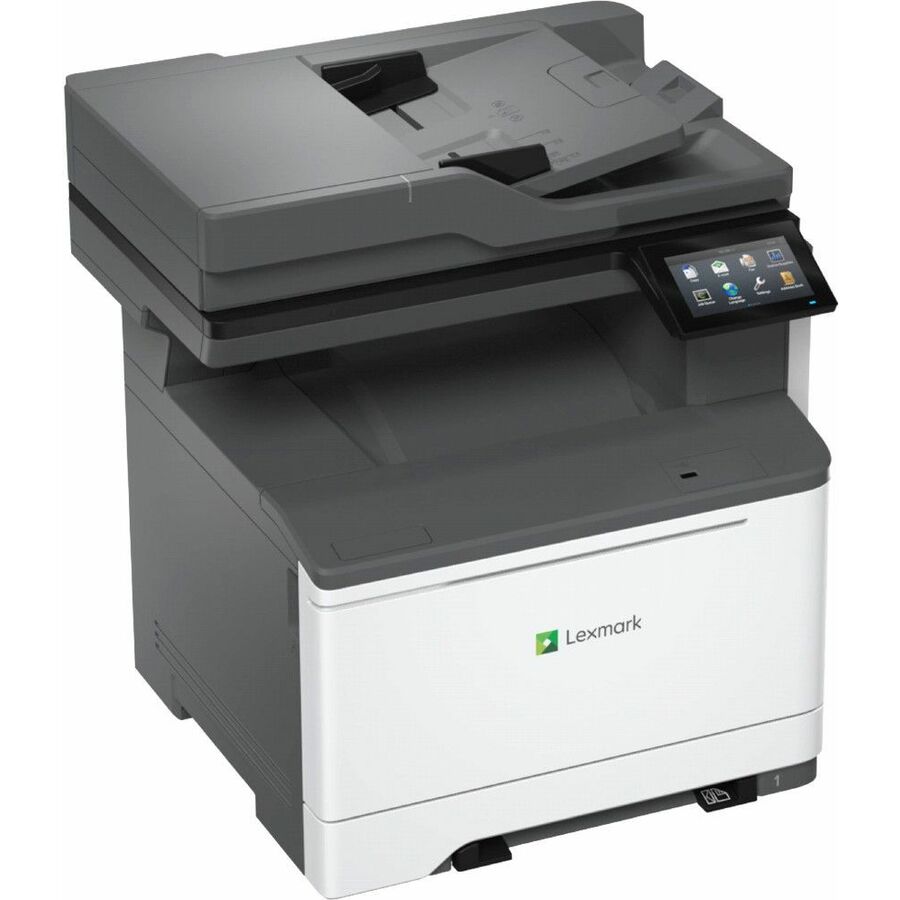
Mono laser, entry
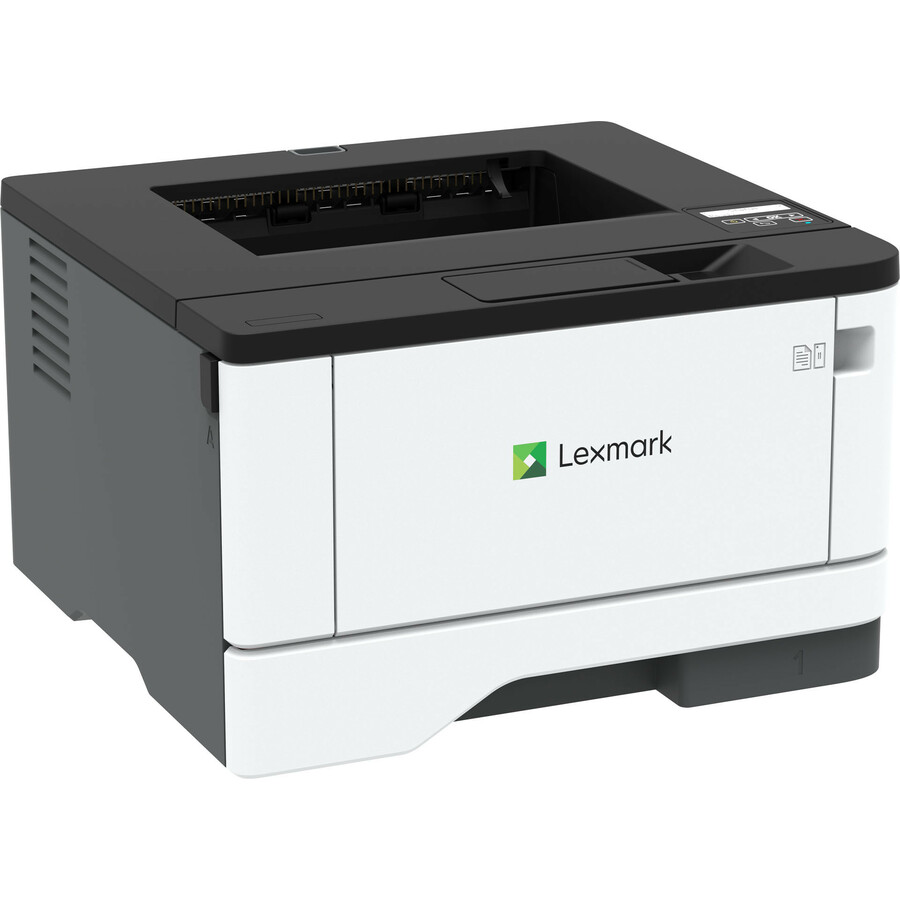
Xerox
Lexmark MS331dn Desktop Laser Printer
29S0010
The Lexmark MS331dn monochrome single-function laser printer at about 38 ppm — a compact desktop printer for a text-heavy individual or small team.
$282.63Back-orderedColor laser, entry
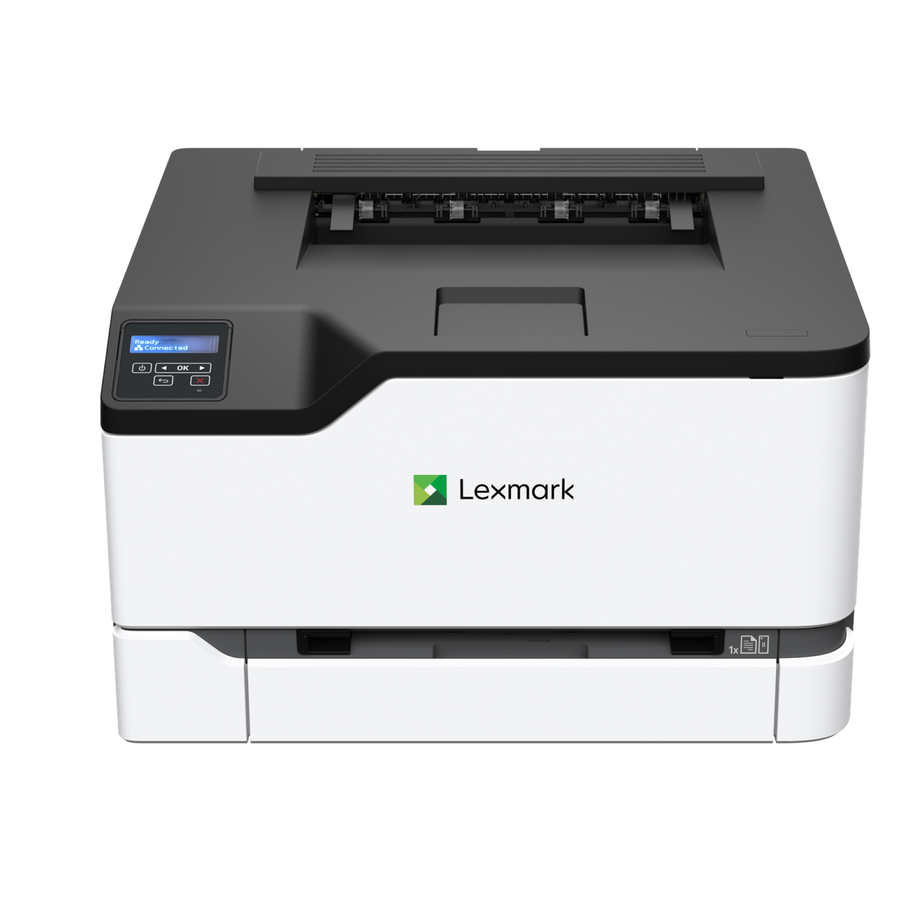
Xerox
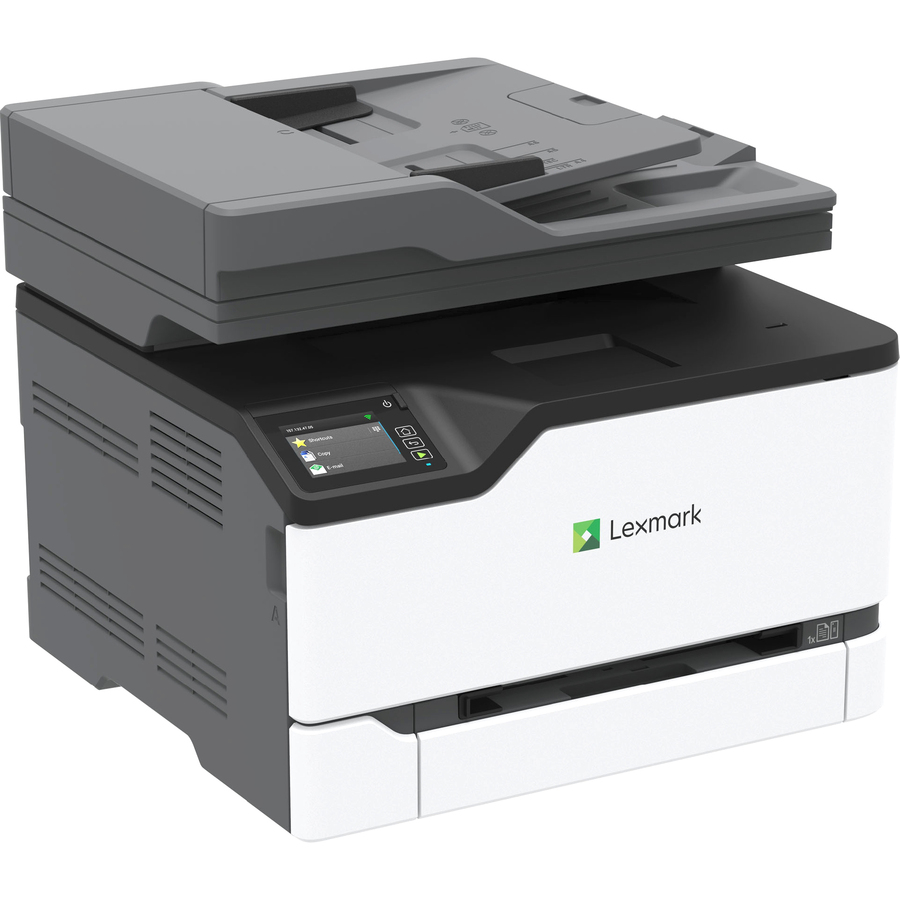
Lexmark CS331dw Desktop Laser Printer
40N9020
The Lexmark CS331dw color single-function laser printer — desktop color at about 26 ppm for a workgroup that needs occasional color output.
Request pricingMono laser, faster
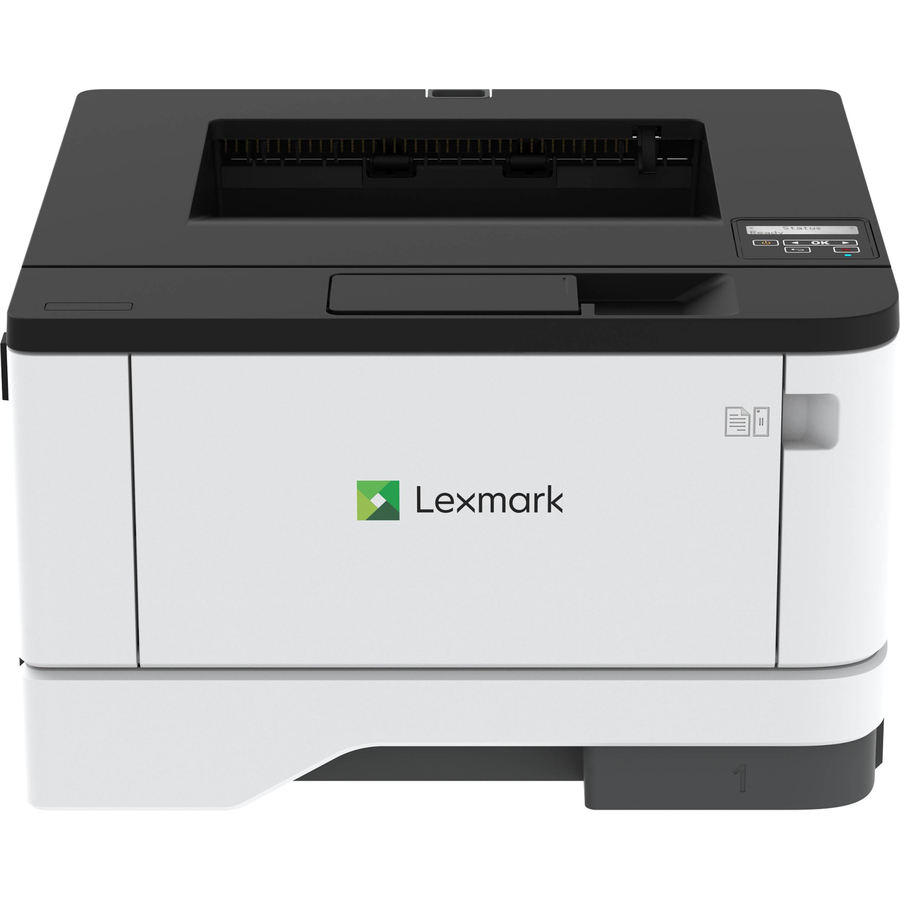
Xerox
Lexmark MS431DN Desktop Laser Printer
29S0050
The Lexmark MS431DN monochrome laser printer at about 42 ppm with 2400 dpi — a faster desktop printer for a busier text workload.
$414.20Back-orderedMono laser, 46ppm
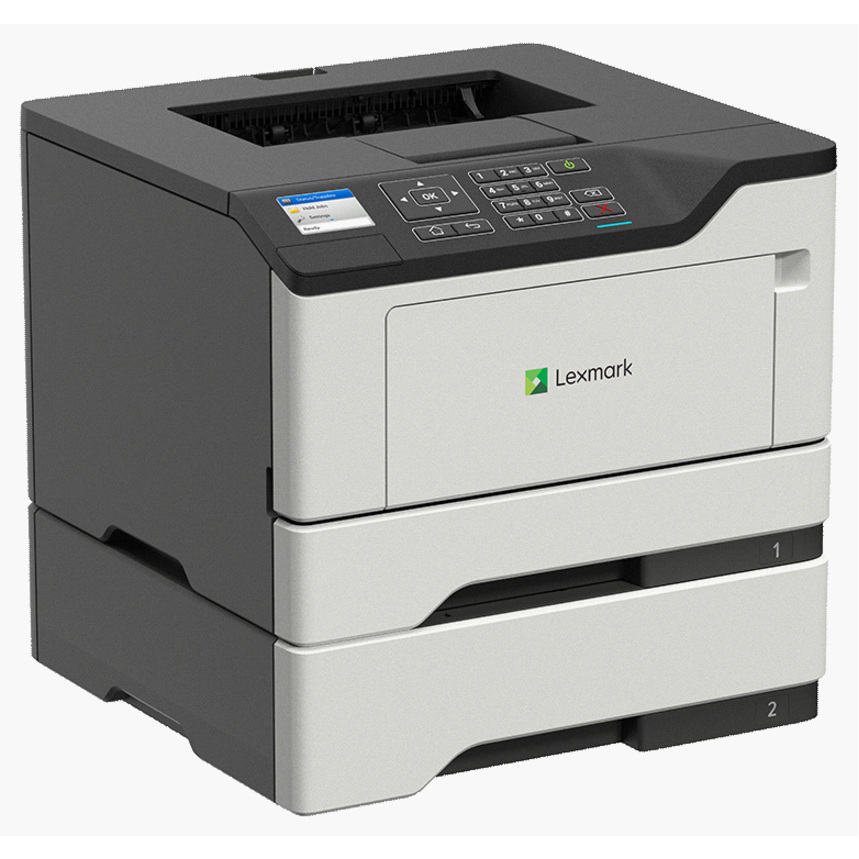
Lexmark International
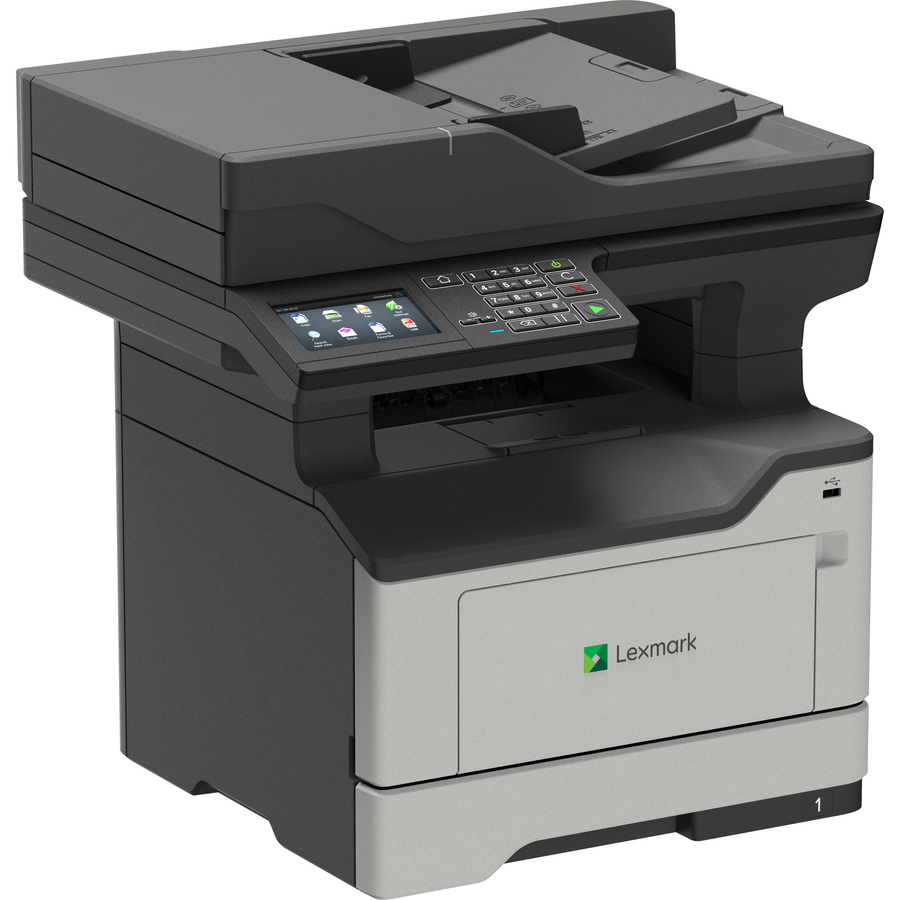
Lexmark MS520 MS521DN Desktop Laser Printer
36S0558
The Lexmark MS521DN monochrome laser printer at about 46 ppm — a higher-speed single-function printer for a heavier-duty desk.
$760.24Back-orderedMono MFP
Xerox
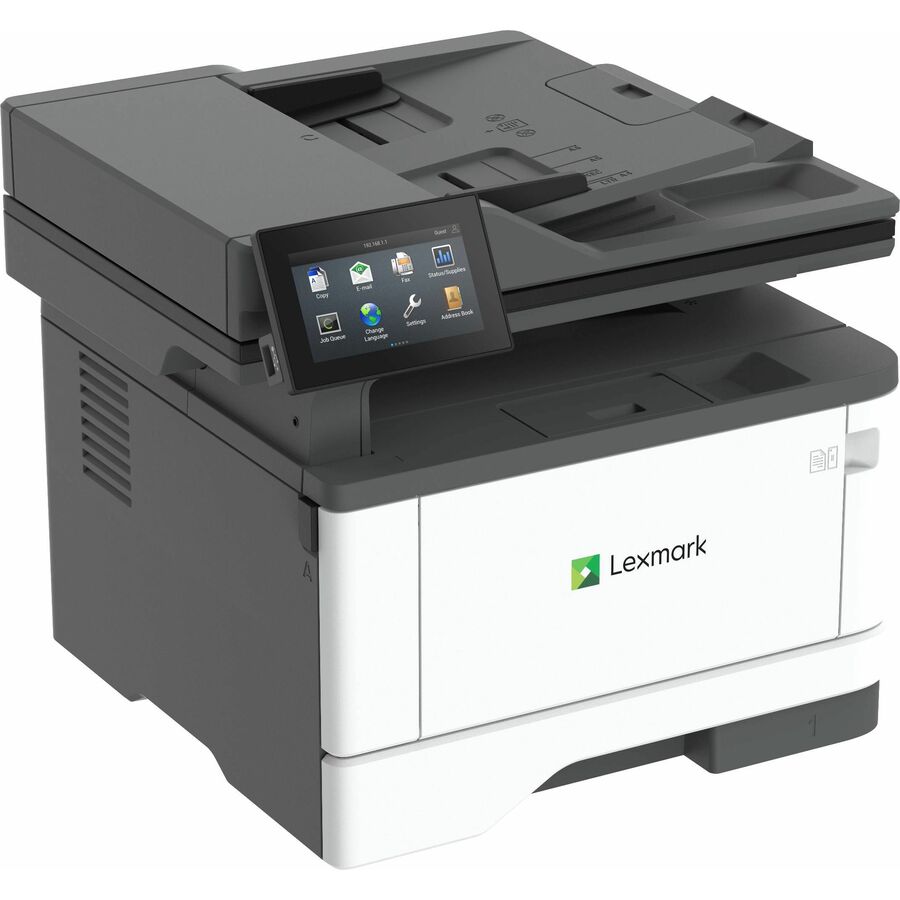
Lexmark MX331adn Laser Multifunction Printer
29S0150
The Lexmark MX331adn monochrome multifunction printer — print, copy and scan at 2400 x 600 dpi for a small workgroup that needs all three.
$581.34In stockColor MFP
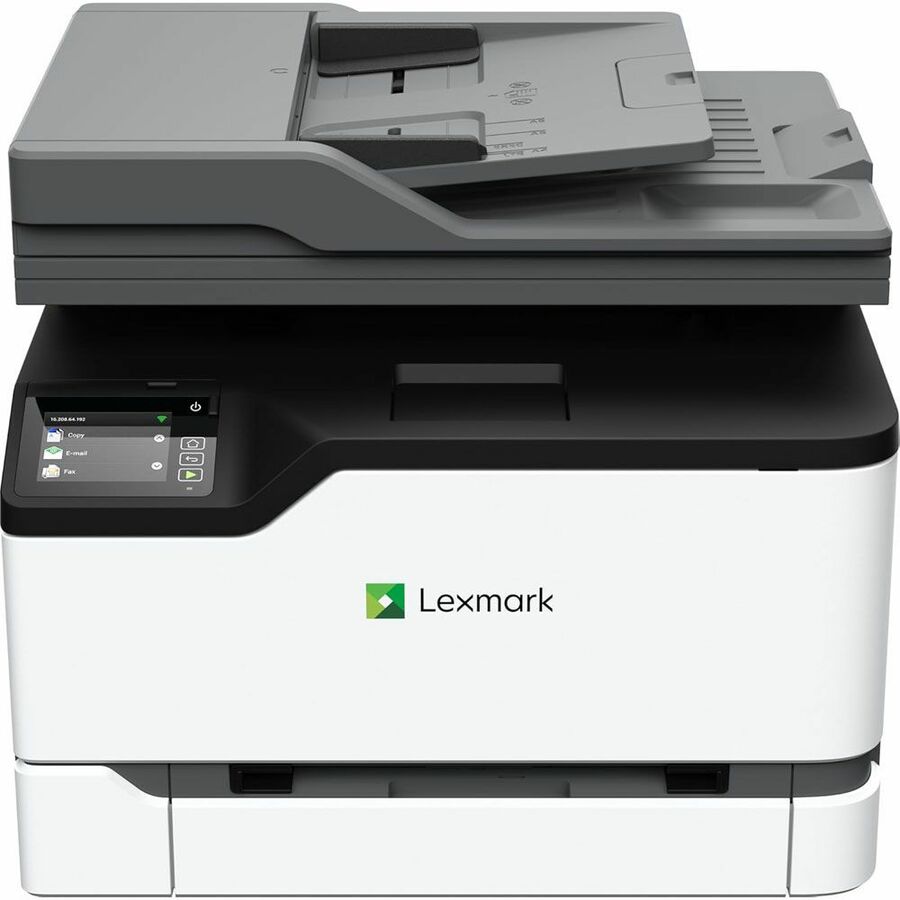
Xerox
Lexmark CX331adwe Desktop Laser Printer
40N9070
The Lexmark CX331adwe color multifunction — desktop color print, copy and scan for a small team that also needs color output.
Request pricingColor laser, 35ppm
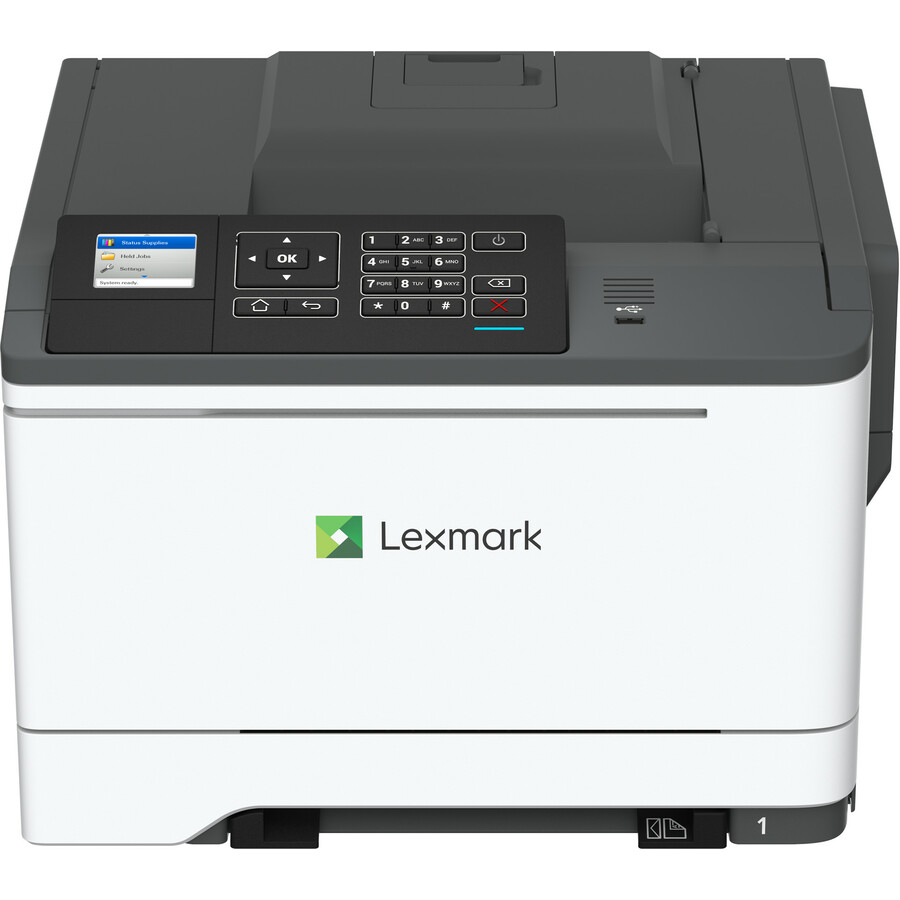
Lexmark International
Lexmark CS521dn Desktop Laser Printer
42C1639
The Lexmark CS521dn color single-function laser printer at about 35 ppm — faster desktop color for a workgroup with regular color jobs.
$659.40Back-orderedMono MFP, wireless
Xerox
Lexmark MX431adw Laser Multifunction Printer
29S0500
The Lexmark MX431adw monochrome multifunction with wireless — print, copy, scan and fax for a small office that shares one device.
$645.26In stockColor MFP, faster
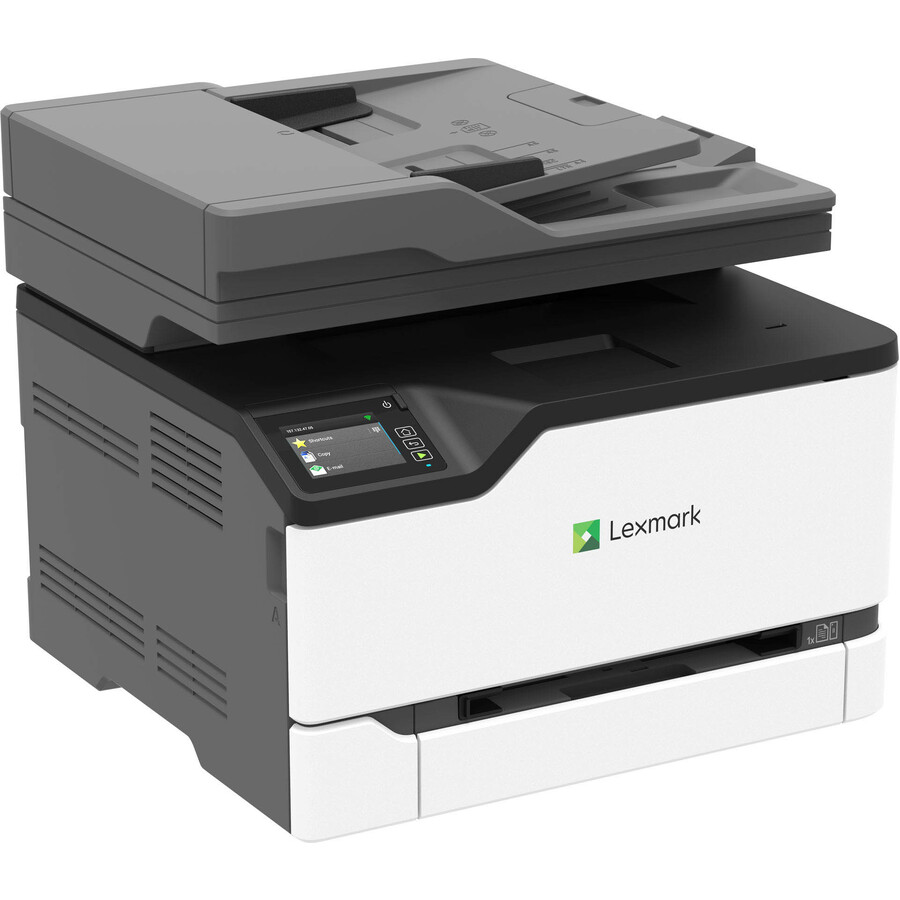
Xerox
Lexmark CX431adw Laser Multifunction…
40N9370
The Lexmark CX431adw color multifunction — color copier, fax and scanner in one device for a workgroup that needs the full set in color.
Request pricingColor laser, 35ppm
Xerox
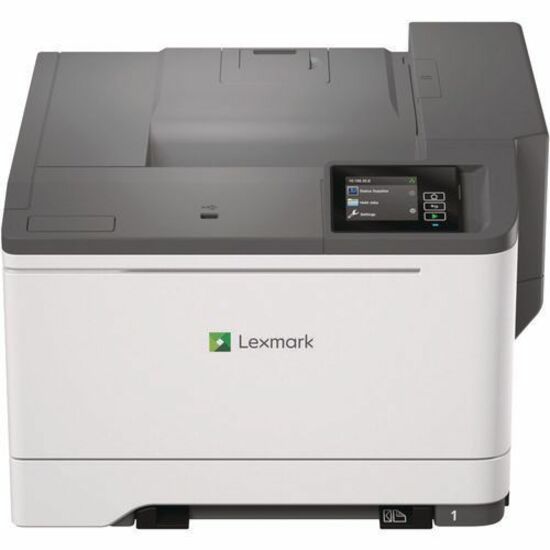
Lexmark CS531dw Desktop Wired Laser Printer
50M0020
The Lexmark CS531dw color single-function laser printer at about 35 ppm — a networked color printer for a department color workload.
$803.55Back-orderedColor laser, 40ppm
Lexmark International
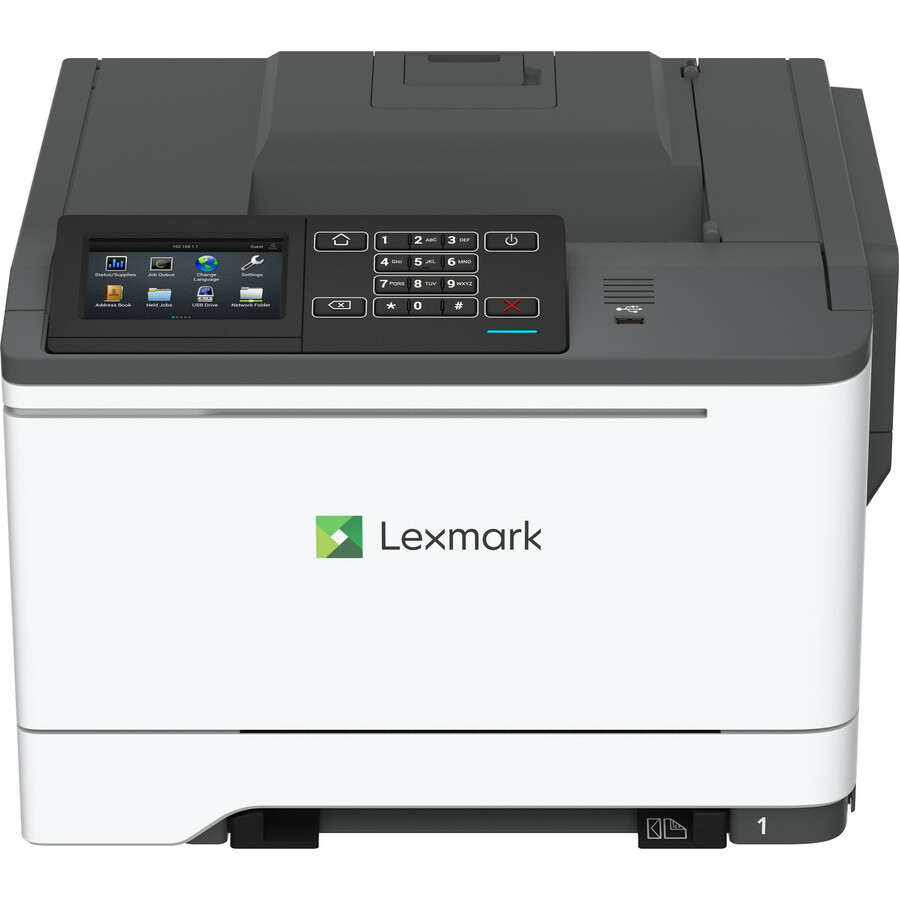
Lexmark CS622de Desktop Laser Printer
42C1035
The Lexmark CS622de color single-function laser printer at about 40 ppm — higher-speed color for a busy workgroup that prints color often.
$832.84Back-orderedColor laser, 42ppm
Xerox
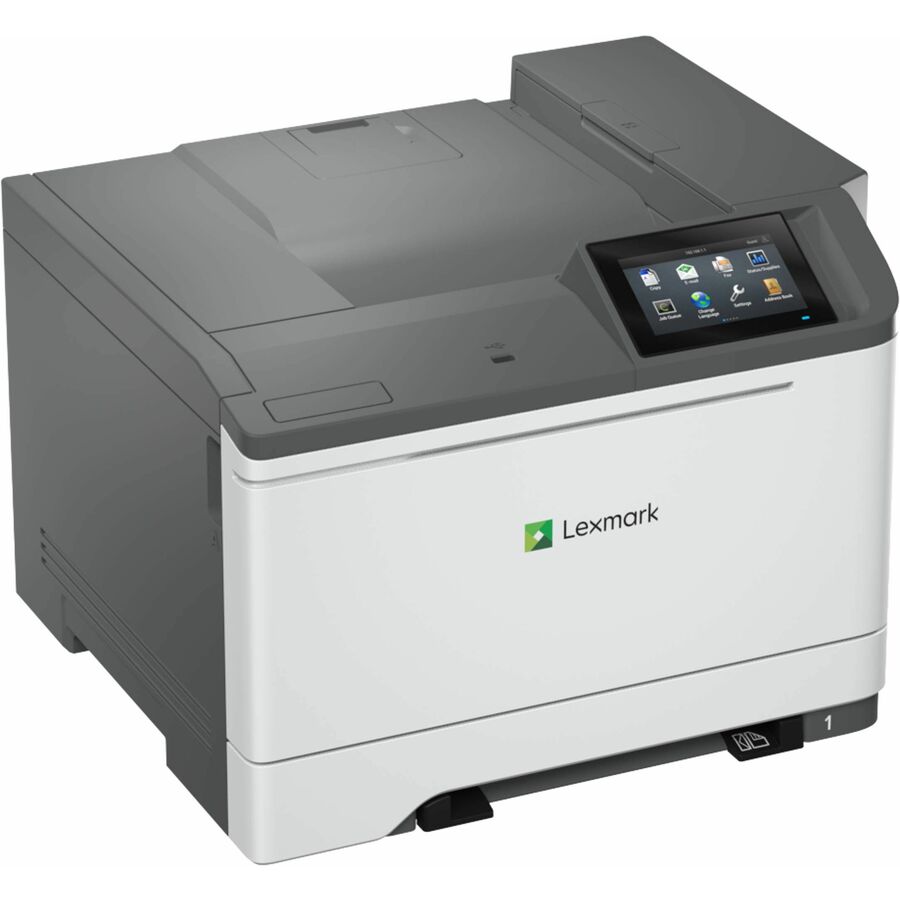
Lexmark CS632dwe Desktop Wired Laser Printer
50M0060
The Lexmark CS632dwe color single-function laser printer at about 42 ppm — a fast networked color printer for a heavier department load.
$945.56Back-orderedMono MFP, TAA
Xerox
Lexmark MX432adwe Laser Multifunction Printer
29S8100
The Lexmark MX432adwe monochrome multifunction — copy, fax, print and scan in one device; its own title states TAA compliance for federal buyers.
$920.76*Back-orderedMono laser, TAA
Xerox
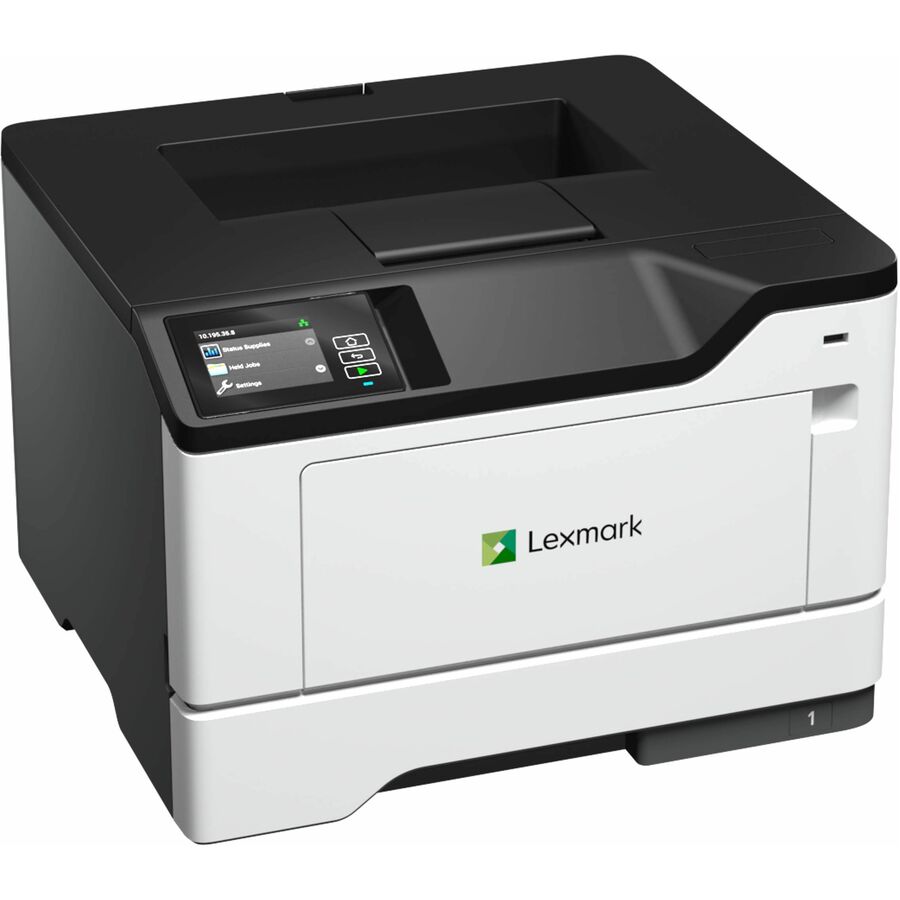
Lexmark MS531dw Desktop Wired Laser Printer
38S0300
The Lexmark MS531dw monochrome laser printer at about 46 ppm — a fast single-function printer whose own title states TAA compliance.
$803.55*Back-orderedMore Lexmark printers in the Uniqcli catalog
See all 911 Lexmark printersMore from across this category. In-stock lines lead, and a back-ordered line carries the same estimated availability its product page does — with live pricing throughout, NDAA §889 screening before checkout and TAA verified on request.
- XeroxLexmark MX822ade Laser Multifunction Printer - Monochrome - Copier/Fax/Printer/Scanner - 55 ppm Mono Print - 1200 x 1200 dpi Print - Automatic Duplex Print - Up to 300000 Pages Monthly - 1200 sheets Input - Color Flatbed Scanner - 600 dpi Optical Scan - Monochrome Fax - Gigabit Ethernet - USB - For Plain Paper Print25BT636
$7,545.63
$5,109.06
Back-orderedBack-ordered — estimated OEM lead time 3–8 weeks (Nov 13 – Dec 18 if ordered today).
- XeroxLexmark MX912DXE Laser Multifunction Printer - Monochrome - Copier/Fax/Printer/Scanner - 65 ppm Mono Print - 1200 x 1200 dpi Print - Automatic Duplex Print - Up to 300000 Pages Monthly - 3650 sheets Input - Color Scanner - 600 dpi Optical Scan - Monochrome Fax - Gigabit Ethernet - USB - For Plain Paper Print26Z0102
$20,926.91
$19,478.57
Back-orderedBack-ordered — estimated OEM lead time 3–8 weeks (Nov 13 – Dec 18 if ordered today).
- XeroxLexmark MX912DXE Laser Multifunction Printer - Monochrome - Copier/Fax/Printer/Scanner - 65 ppm Mono Print - 1200 x 1200 dpi Print - Automatic Duplex Print - Up to 300000 Pages Monthly - 3650 sheets Input - Color Scanner - 600 dpi Optical Scan - Monochrome Fax - Gigabit Ethernet - USB - For Plain Paper Print26ZT021
$19,870.43
$18,495.20
Back-orderedBack-ordered — estimated OEM lead time 3–8 weeks (Nov 13 – Dec 18 if ordered today).
- XeroxLexmark CX924dte Laser Multifunction Printer - Color - Copier/Fax/Printer/Scanner - 65 ppm Mono/65 ppm Color Print - 1200 x 1200 dpi Print - Automatic Duplex Print - Up to 275000 Pages Monthly - 2150 sheets Input - Color Flatbed Scanner - 600 dpi Optical Scan - Color Fax - Gigabit Ethernet - USB - For Plain Paper Print32CT110
$20,823.33
$19,632.22
Back-orderedBack-ordered — estimated OEM lead time 3–8 weeks (Nov 13 – Dec 18 if ordered today).
- XeroxLexmark CX944adxse Laser Multifunction Printer - Color - TAA Compliant - Copier/Fax/Printer/Scanner - 65 ppm Mono/65 ppm Color Print - 2400 x 600 dpi Print - Automatic Duplex Print - Up to 340000 Pages Monthly - Color Flatbed Scanner - 600 dpi Optical Scan - Color Fax - Gigabit Ethernet - USB - For Plain Paper Print32DT019
$17,026.49
$15,848.08*
Back-orderedBack-ordered — estimated OEM lead time 3–8 weeks (Nov 13 – Dec 18 if ordered today).
- XeroxLexmark CX924dte Laser Multifunction Printer - Color - TAA Compliant - Copier/Fax/Printer/Scanner - 65 ppm Mono/65 ppm Color Print - 1200 x 1200 dpi Print - Automatic Duplex Print - Up to 300000 Pages Monthly - Color Flatbed Scanner - 600 dpi Optical Scan - Gigabit Ethernet - USB - For Plain Paper Print32CT126
$20,107.62
$18,966.03*
Back-orderedBack-ordered — estimated OEM lead time 3–8 weeks (Nov 13 – Dec 18 if ordered today).
- XeroxLexmark CX924dte Laser Multifunction Printer - Color - TAA Compliant - Copier/Fax/Printer/Scanner - 65 ppm Mono/65 ppm Color Print - 1200 x 1200 dpi Print - Automatic Duplex Print - Up to 300000 Pages Monthly - Color Flatbed Scanner - 600 dpi Optical Scan - Gigabit Ethernet - USB - For Plain Paper Print32CT124
$21,040.62
$19,916.77*
Back-orderedBack-ordered — estimated OEM lead time 3–8 weeks (Nov 13 – Dec 18 if ordered today).
- Lexmark InternationalLexmark CX921de Laser Multifunction Printer - Color - TAA Compliant - Copier/Fax/Printer/Scanner - 35 ppm Mono/35 ppm Color Print - 1200 x 1200 dpi Print - Automatic Duplex Print - Up to 200000 Pages Monthly - Color Flatbed Scanner - 600 dpi Optical Scan - Gigabit Ethernet - USB - For Plain Paper Print32CT131
$8,659.49
$7,547.16*
Back-orderedBack-ordered — estimated OEM lead time 3–8 weeks (Nov 13 – Dec 18 if ordered today).
- XeroxLexmark CX924dte Laser Multifunction Printer - Color - TAA Compliant - Copier/Fax/Printer/Scanner - 65 ppm Mono/65 ppm Color Print - 1200 x 1200 dpi Print - Automatic Duplex Print - Up to 275000 Pages Monthly - 2150 sheets Input - Color Flatbed Scanner - 600 dpi Optical Scan - Color Fax - Gigabit Ethernet - USB - For Plain Paper Print32CT109
$19,463.05
$18,366.08*
Back-orderedBack-ordered — estimated OEM lead time 3–8 weeks (Nov 13 – Dec 18 if ordered today).
- XeroxLexmark CX924dxe Laser Multifunction Printer - Color - TAA Compliant - Copier/Fax/Printer/Scanner - 65 ppm Mono/65 ppm Color Print - 1200 x 1200 dpi Print - Automatic Duplex Print - Up to 275000 Pages Monthly - 3650 sheets Input - Color Flatbed Scanner - 600 dpi Optical Scan - Color Fax - Gigabit Ethernet - USB - For Plain Paper Print32CT055
$15,242.87
$14,187.92*
Back-orderedBack-ordered — estimated OEM lead time 3–8 weeks (Nov 13 – Dec 18 if ordered today).
- XeroxLexmark CX924dte Laser Multifunction Printer - Color - TAA Compliant - Copier/Fax/Printer/Scanner - 65 ppm Mono/65 ppm Color Print - 1200 x 1200 dpi Print - Automatic Duplex Print - Up to 300000 Pages Monthly - Color Flatbed Scanner - 600 dpi Optical Scan - Gigabit Ethernet - USB - For Plain Paper Print32CT125
$18,747.34
$17,699.89*
Back-orderedBack-ordered — estimated OEM lead time 3–8 weeks (Nov 13 – Dec 18 if ordered today).
- XeroxLexmark CX924dxe Laser Multifunction Printer - Color - TAA Compliant - Copier/Fax/Printer/Scanner - 65 ppm Mono/65 ppm Color Print - 1200 x 1200 dpi Print - Automatic Duplex Print - Up to 275000 Pages Monthly - 3650 sheets Input - Color Flatbed Scanner - 600 dpi Optical Scan - Color Fax - Gigabit Ethernet - USB - For Plain Paper Print32CT070
$15,361.39
$14,318.18*
Back-orderedBack-ordered — estimated OEM lead time 3–8 weeks (Nov 13 – Dec 18 if ordered today).
- XeroxLexmark CX944adxse Laser Multifunction Printer - Color - TAA Compliant - Copier/Fax/Printer/Scanner - 65 ppm Mono/65 ppm Color Print - 2400 x 600 dpi Print - Automatic Duplex Print - Up to 340000 Pages Monthly - Color Flatbed Scanner - 600 dpi Optical Scan - Color Fax - Gigabit Ethernet - USB - For Plain Paper Print32D0500
$15,050.06
$14,008.44*
Back-orderedBack-ordered — estimated OEM lead time 3–8 weeks (Nov 13 – Dec 18 if ordered today).
- Lexmark InternationalLexmark CX923dxe Laser Multifunction Printer - Color - Copier/Fax/Printer/Scanner - 55 ppm Mono/55 ppm Color Print - 1200 x 1200 dpi Print - Automatic Duplex Print - Up to 250000 Pages Monthly - 3650 sheets Input - Color Flatbed Scanner - 600 dpi Optical Scan - Color Fax - Gigabit Ethernet - USB - For Plain Paper Print32C1147
$19,786.17
$18,751.99
Back-orderedBack-ordered — estimated OEM lead time 3–8 weeks (Nov 13 – Dec 18 if ordered today).
- XeroxLexmark MX911DTE Laser Multifunction Printer - Monochrome - Copier/Fax/Printer/Scanner - 55 ppm Mono Print - 1200 x 1200 dpi Print - Automatic Duplex Print - Up to 300000 Pages Monthly - 2150 sheets Input - Color Scanner - 600 dpi Optical Scan - Monochrome Fax - Gigabit Ethernet - USB - For Plain Paper Print26Z0101
$14,931.91
$13,898.48
Back-orderedBack-ordered — estimated OEM lead time 3–8 weeks (Nov 13 – Dec 18 if ordered today).
- XeroxLexmark CX924dte Laser Multifunction Printer - Color - TAA Compliant - Copier/Fax/Printer/Scanner - 65 ppm Mono/65 ppm Color Print - 1200 x 1200 dpi Print - Automatic Duplex Print - Up to 300000 Pages Monthly - Color Flatbed Scanner - 600 dpi Optical Scan - Gigabit Ethernet - USB - For Plain Paper Print32CT123
$19,680.34
$18,650.63*
Back-orderedBack-ordered — estimated OEM lead time 3–8 weeks (Nov 13 – Dec 18 if ordered today).
- XeroxLexmark CX944adtse Laser Multifunction Printer - Color - TAA Compliant - Copier/Fax/Printer/Scanner - 65 ppm Mono/65 ppm Color Print - 2400 x 600 dpi Print - Automatic Duplex Print - Up to 340000 Pages Monthly - Color Flatbed Scanner - 600 dpi Optical Scan - Color Fax - Gigabit Ethernet - USB - For Plain Paper Print32D0450
$14,667.43
$13,652.30*
Back-orderedBack-ordered — estimated OEM lead time 3–8 weeks (Nov 13 – Dec 18 if ordered today).
- XeroxLexmark CX924dte Laser Multifunction Printer - Color - TAA Compliant - Copier/Fax/Printer/Scanner - 65 ppm Mono/65 ppm Color Print - 1200 x 1200 dpi Print - Automatic Duplex Print - Up to 275000 Pages Monthly - 2150 sheets Input - Color Flatbed Scanner - 600 dpi Optical Scan - Color Fax - Gigabit Ethernet - USB - For Plain Paper Print32CT069
$14,945.63
$13,931.19*
Back-orderedBack-ordered — estimated OEM lead time 3–8 weeks (Nov 13 – Dec 18 if ordered today).
- Lexmark InternationalLexmark MX912dxe Laser Multifunction Printer - Monochrome - TAA Compliant - Copier/Fax/Printer/Scanner - 65 ppm Mono Print - 1200 x 1200 dpi Print - Automatic Duplex Print - Up to 300000 Pages Monthly - 3650 sheets Input - Color Scanner - 600 dpi Optical Scan - Monochrome Fax - Gigabit Ethernet - USB - For Plain Paper Print26ZT025
$21,790.33
$20,780.96*
Back-orderedBack-ordered — estimated OEM lead time 3–8 weeks (Nov 13 – Dec 18 if ordered today).
- XeroxLexmark CX963G Laser Multifunction Printer - Color - TAA Compliant - For Plain Paper Print20LT105
$14,484.97
$13,482.46*
Back-orderedBack-ordered — estimated OEM lead time 3–8 weeks (Nov 13 – Dec 18 if ordered today).
- XeroxLexmark CX923dxe Laser Multifunction Printer - Color - TAA Compliant - Copier/Fax/Printer/Scanner - 55 ppm Mono/55 ppm Color Print - 1200 x 1200 dpi Print - Automatic Duplex Print - Up to 250000 Pages Monthly - 3650 sheets Input - Color Flatbed Scanner - 600 dpi Optical Scan - Color Fax - Gigabit Ethernet - USB - For Plain Paper Print32CT059
$14,175.61
$13,194.51*
Back-orderedBack-ordered — estimated OEM lead time 3–8 weeks (Nov 13 – Dec 18 if ordered today).
- Lexmark InternationalLexmark MX912dxe Laser Multifunction Printer - Monochrome - TAA Compliant - Copier/Fax/Printer/Scanner - 65 ppm Mono Print - 1200 x 1200 dpi Print - Automatic Duplex Print - Up to 300000 Pages Monthly - 3650 sheets Input - Color Scanner - 600 dpi Optical Scan - Monochrome Fax - Gigabit Ethernet - USB - For Plain Paper Print26ZT007
$21,118.90
$20,140.64*
Back-orderedBack-ordered — estimated OEM lead time 3–8 weeks (Nov 13 – Dec 18 if ordered today).
- Lexmark InternationalLexmark MX912dxe Laser Multifunction Printer - Monochrome - Copier/Fax/Printer/Scanner - 65 ppm Mono Print - 1200 x 1200 dpi Print - Automatic Duplex Print - Up to 300000 Pages Monthly - 3650 sheets Input - Color Scanner - 600 dpi Optical Scan - Monochrome Fax - Gigabit Ethernet - USB - For Plain Paper Print26Z0394
$20,962.62
$19,991.61
Back-orderedBack-ordered — estimated OEM lead time 3–8 weeks (Nov 13 – Dec 18 if ordered today).
- XeroxLexmark CX963G Laser Multifunction Printer - Color - TAA Compliant - For Plain Paper Print20LT205
$13,949.64
$12,984.19*
Back-orderedBack-ordered — estimated OEM lead time 3–8 weeks (Nov 13 – Dec 18 if ordered today).
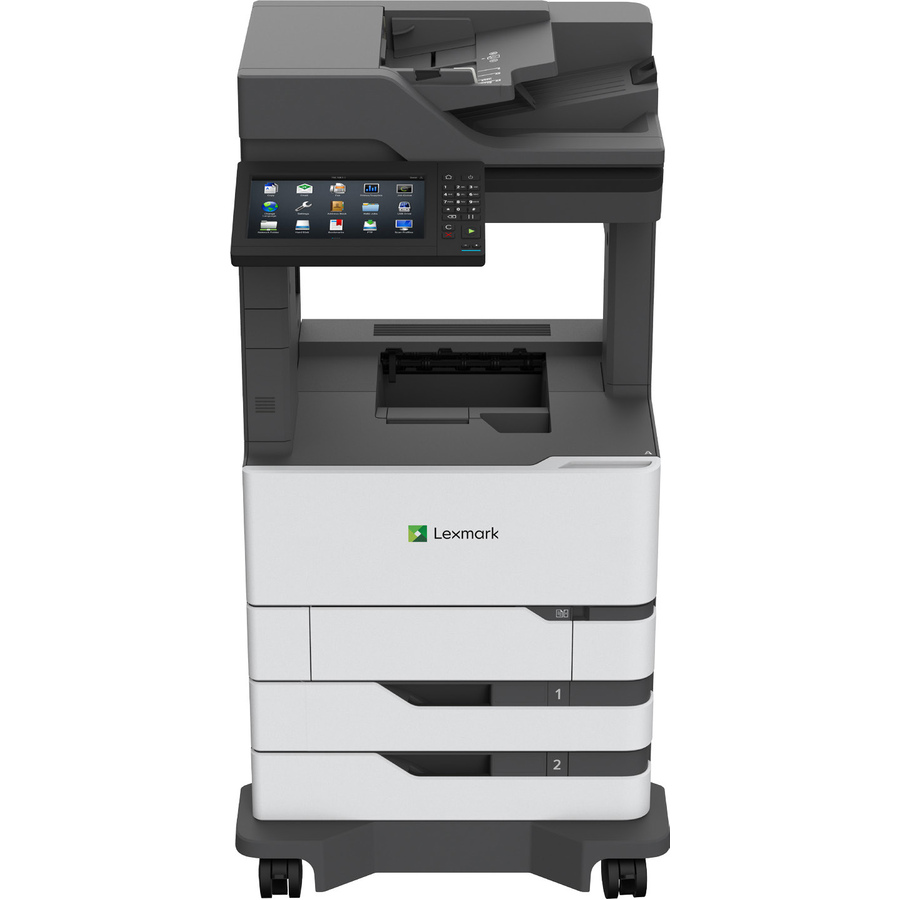
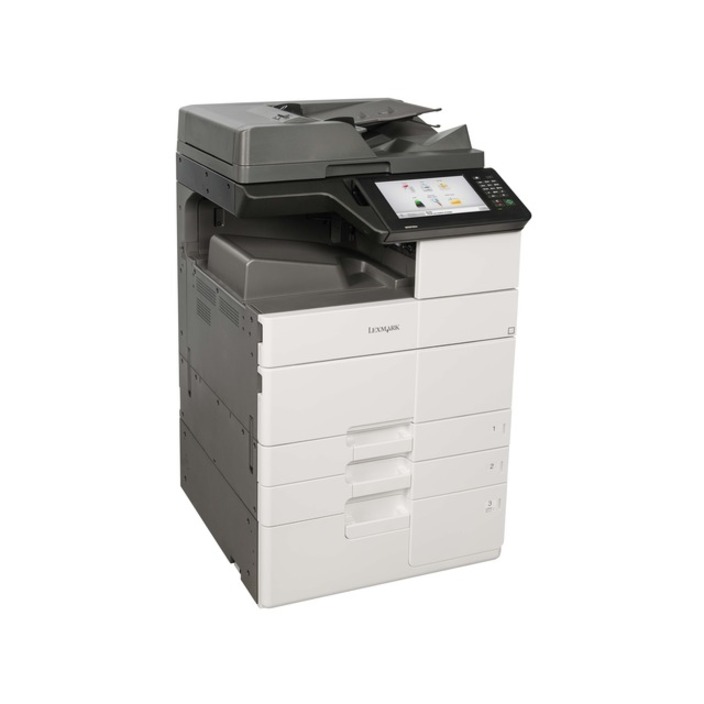
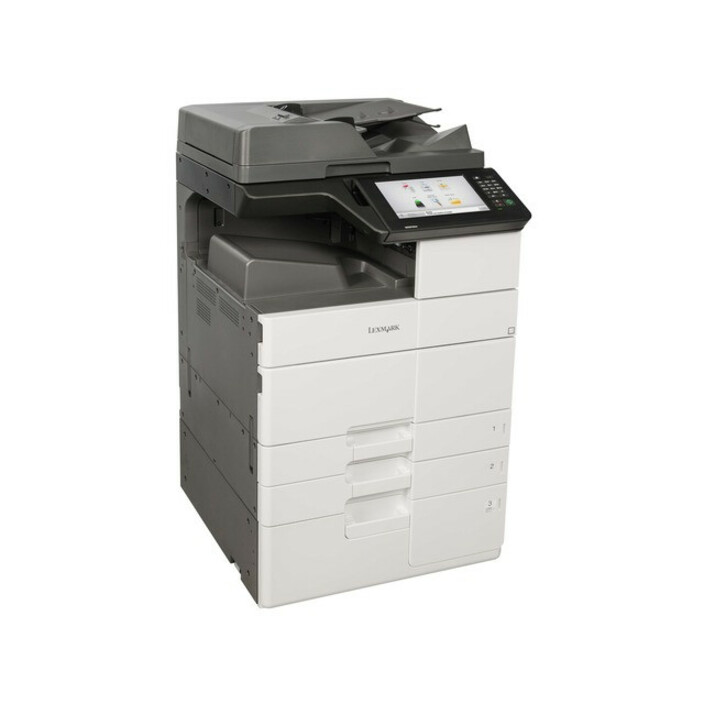
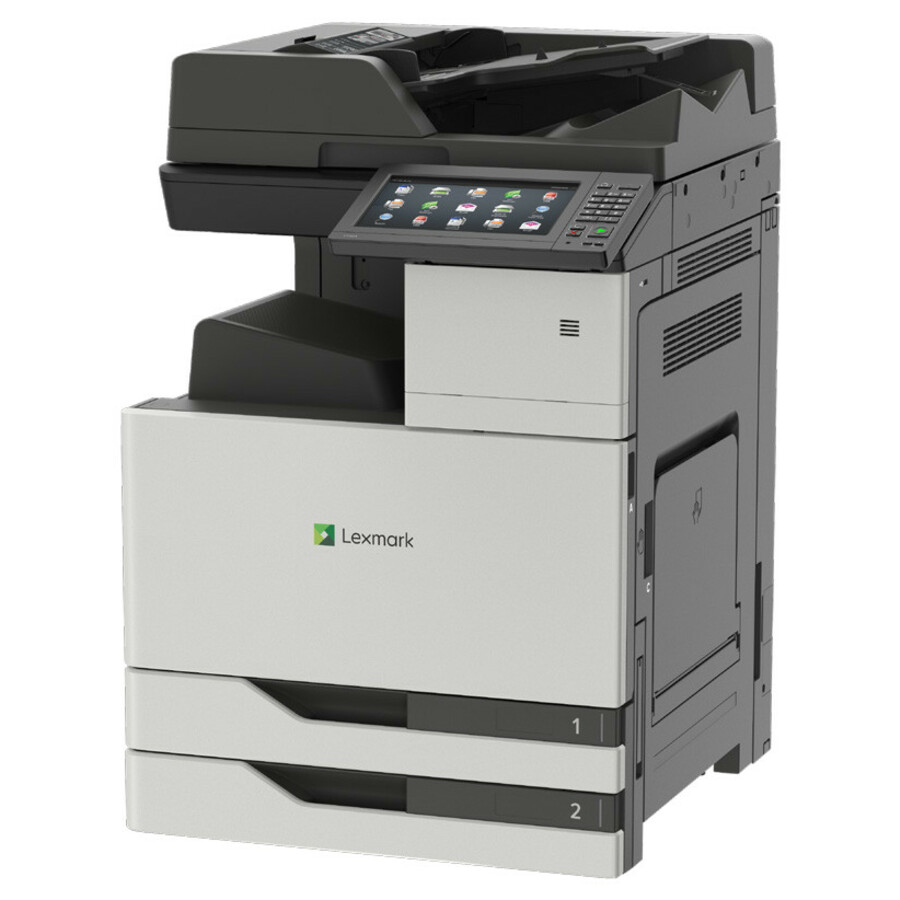
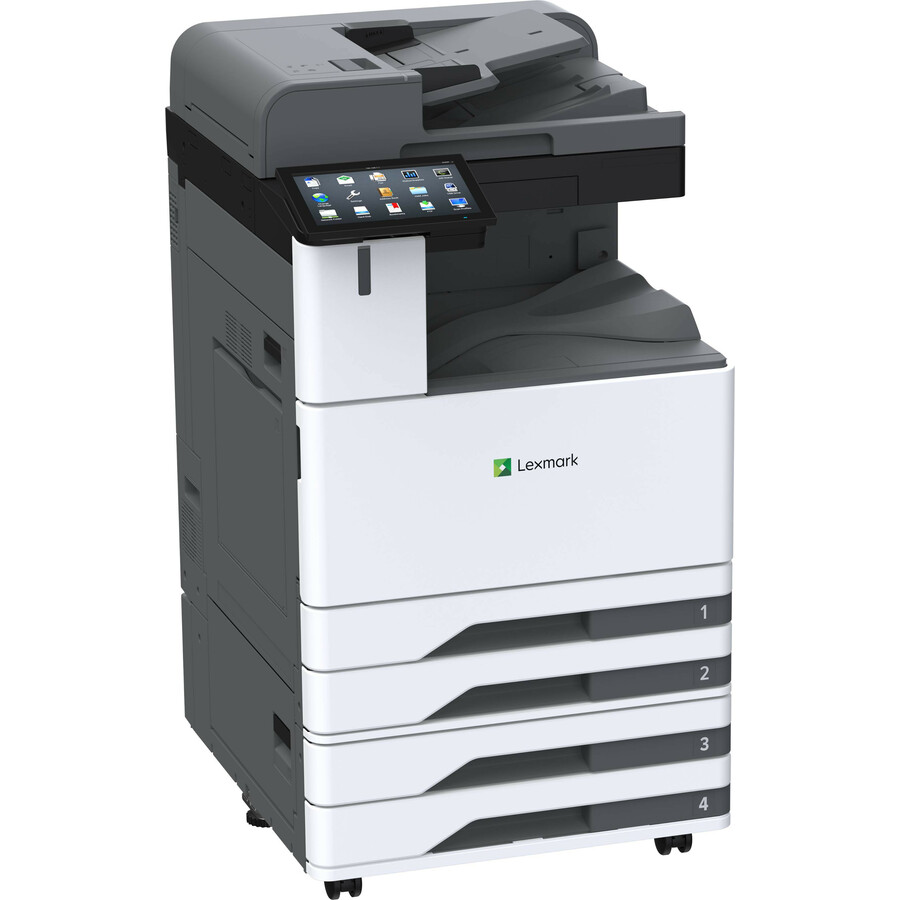
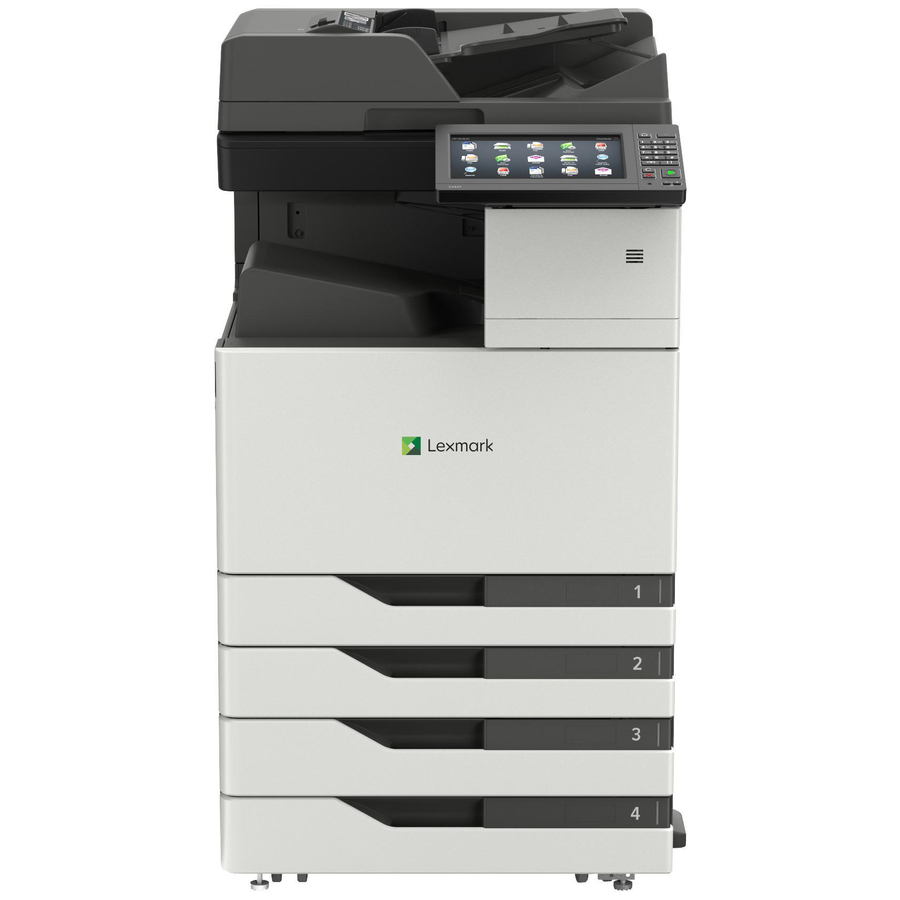
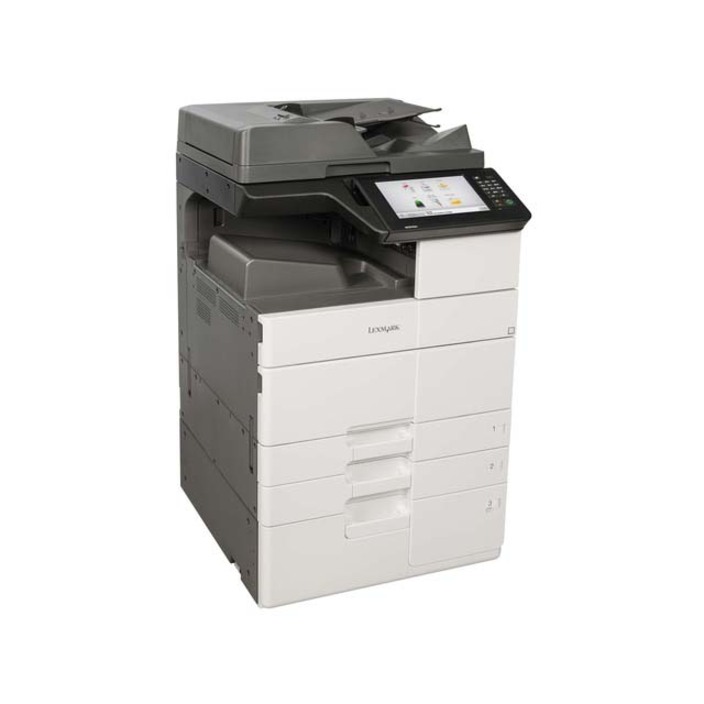
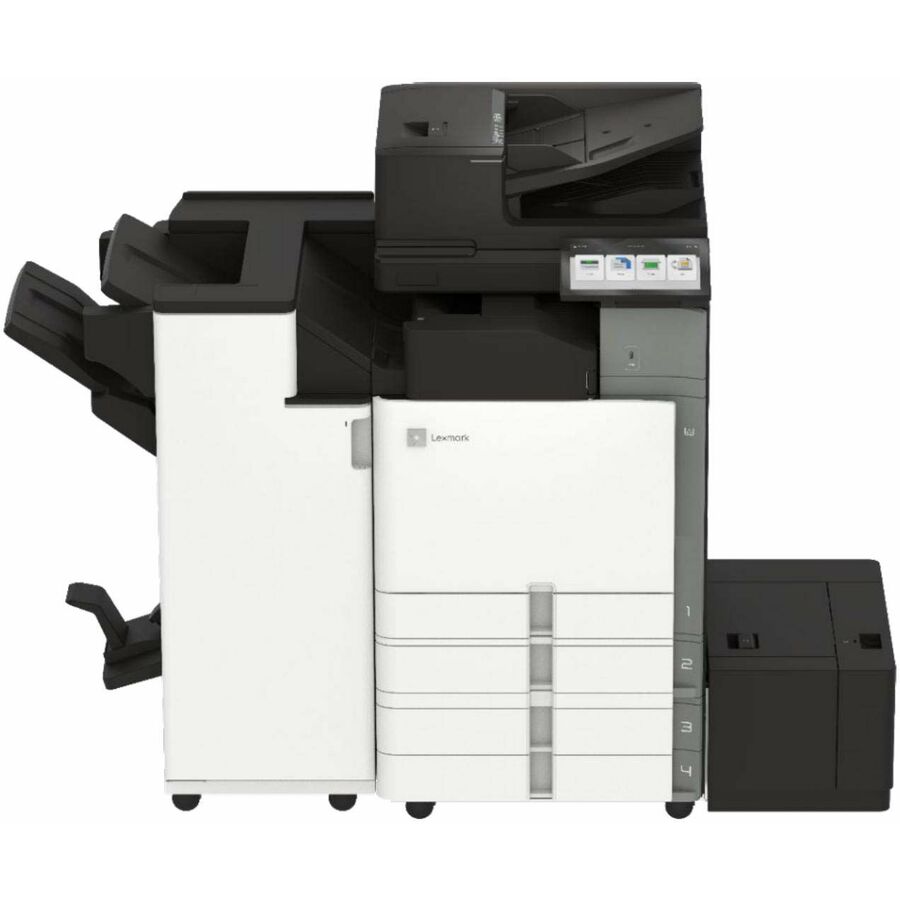
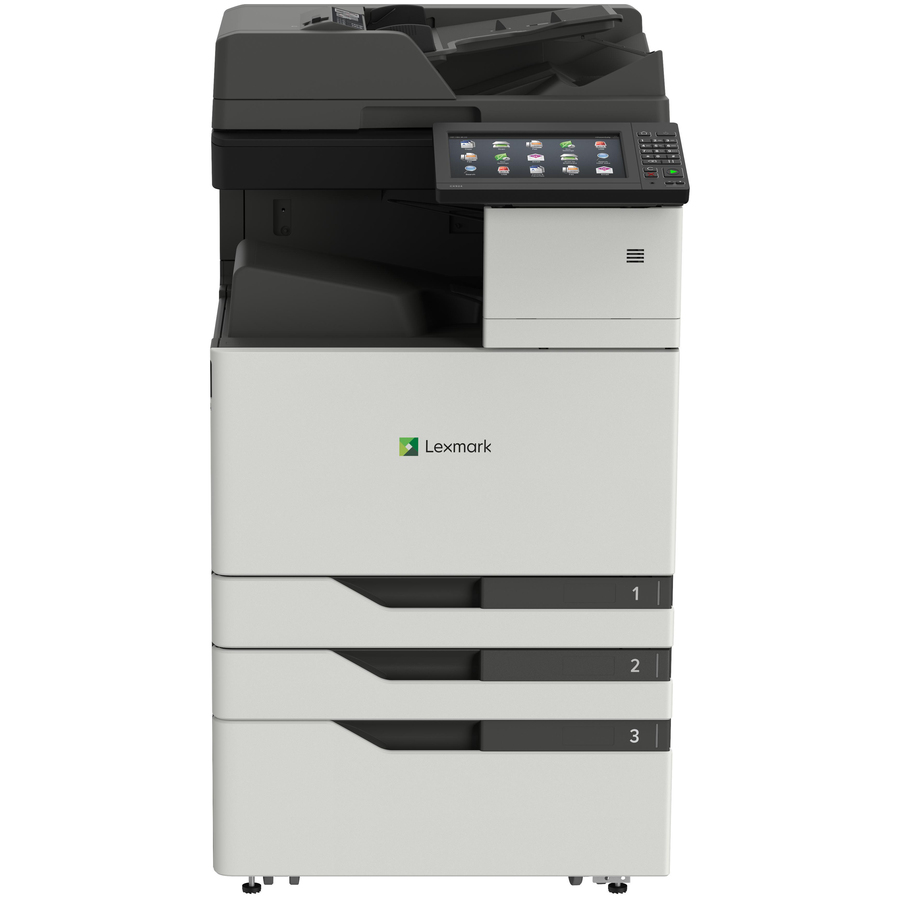
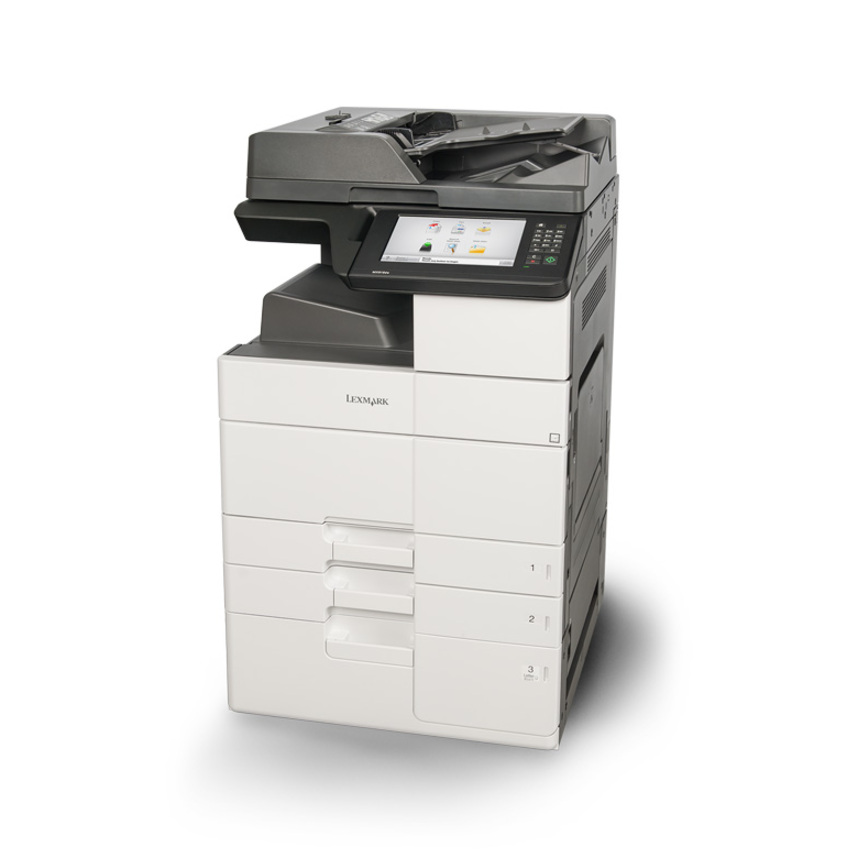
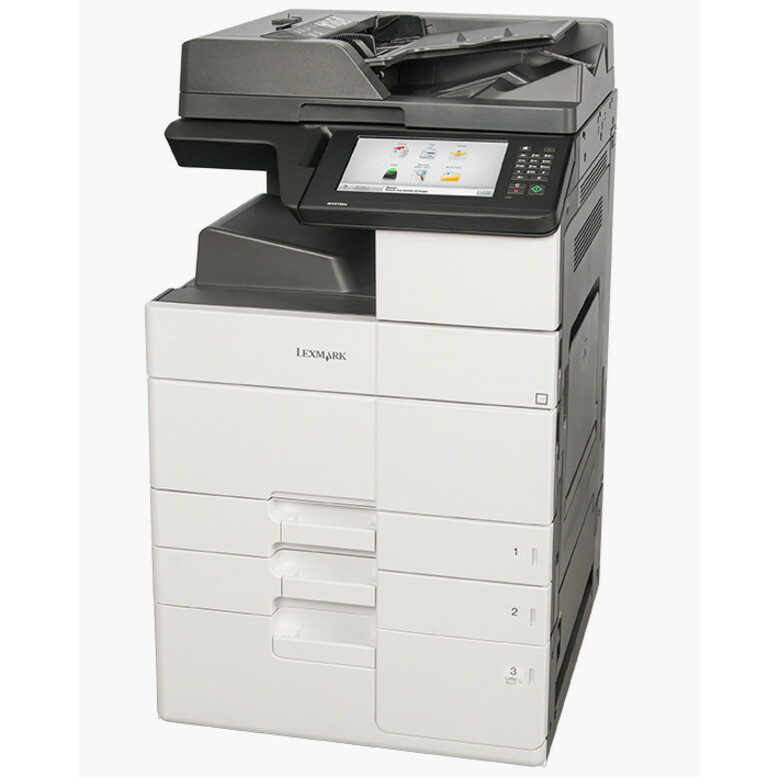
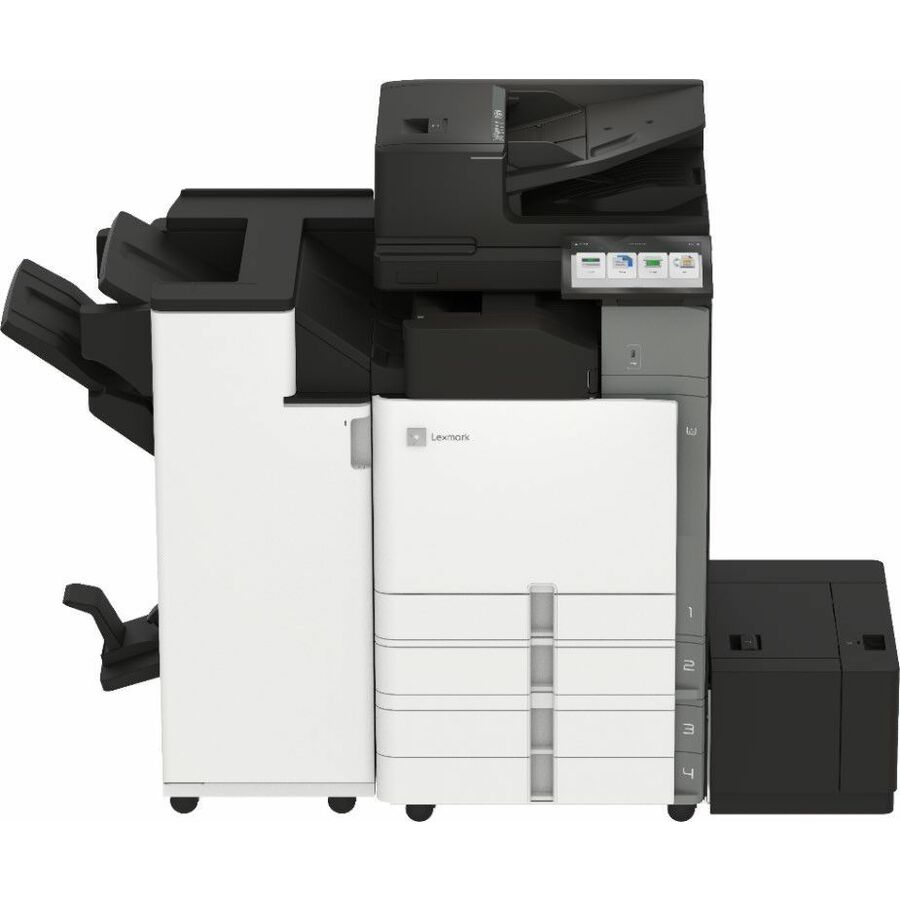
Need pricing on Lexmark printers and MFPs?
Tell us where to reach you and a Uniqcli specialist will follow up by email with current pricing, availability and lead time for the quantities you need — including parts that aren’t shown on this page.
Buying for an organization or for yourself — both work. No payment up front.
Lexmark builds business laser printing across two axes at once — monochrome versus color, and single-function versus multifunction — and choosing well means placing a device on the right point of both. The naming makes it legible once you know the code: an MS is a monochrome single-function laser, a CS is a color single-function laser, an MX is a monochrome multifunction (print, copy, scan and often fax), and a CX is a color multifunction. Start from what the workgroup actually does — print only, or print-copy-scan — and whether it needs color, and the family follows.
Print speed and monthly duty then size the device to the load. Speed is quoted in pages per minute, and the desktop models here run from the high-30s into the mid-40s ppm; a small team is well served in that range, while a busy department wants the faster models and the higher recommended monthly volume that comes with them. Buying too little duty is the expensive mistake — a printer run past its rated monthly page volume wears and jams — so read the recommended volume, not just the speed, and leave headroom for growth. Resolution and paper handling round out the fit for documents that need finer output or larger input trays.
For most offices the deciding question is single-function versus multifunction. A single-function MS or CS printer is the right, lower-cost answer where a workgroup only prints; an MX or CX multifunction earns its place where the same team also copies, scans to email or network folders, and sometimes faxes, replacing several machines with one. The selection below is fenced to catalog rows whose own title reads Lexmark, with live pricing and current availability on each card. Nothing here is a test result; read the individual model's speed, duty, color capability and functions against how the office works before ordering.
Buyer's checklist
How to choose a Lexmark printer or MFP
- Decide single-function or multifunction first — an MS/CS printer where the workgroup only prints; an MX/CX multifunction where the team also copies, scans and faxes, replacing several devices with one.
- Choose monochrome or color by the documents — mono (MS/MX) for text, forms and internal work at the lowest cost per page; color (CS/CX) where marketing, presentations or color-coded output need it.
- Size the print speed to the team — the high-30s to mid-40s ppm here suits small teams and desktops; a busy department wants the faster models and the higher duty that comes with them.
- Read the recommended monthly volume, not just the speed — a device run past its rated duty wears and jams, so match the printer's rated pages-per-month to the workgroup's real load with headroom to grow.
- Match paper handling and connectivity to the workflow — confirm the input capacity, duplex and the wired or wireless networking the office needs, especially for a shared workgroup device.
- Standardize where you can to simplify supplies and support — one or two Lexmark families across an office means fewer toner SKUs to stock and one driver and management story to maintain.
Reading the Lexmark line — MS, CS, MX and CX
Lexmark's model prefixes are a map. MS is a monochrome single-function laser printer — it prints, and it does so at the lowest cost per page for text and forms. CS is the color single-function equivalent, for a workgroup that needs color output but not copy and scan. MX is a monochrome multifunction that adds copy, scan and usually fax to the same mono print engine, and CX is the color multifunction. So the four families cover every combination of color-or-not and print-only-or-all-in-one, and the number after the prefix rises with speed, duty and feature set.
Choosing is then a two-question exercise: does the workgroup need color, and does it need copy and scan as well as print? A team that only prints internal documents is well served by an MS; add color needs and it becomes a CS; add copy-scan-fax and it becomes an MX or, with color, a CX. Getting this right avoids two common waste patterns — paying for color and scanning a print-only desk never uses, or buying a single-function printer for a team that then keeps a separate copier and scanner alongside it.
Speed, duty and placing the device
Print speed and monthly duty have to be read together. Pages per minute tells you how fast a job clears, and the models here span the high-30s into the mid-40s ppm, which is comfortable for a desktop or a small shared team; a department that prints heavily wants the faster models. But speed alone does not size a printer — the recommended monthly page volume does. A device pushed past its rated duty month after month wears its consumables and mechanism early and jams more, so the disciplined move is to estimate the workgroup's real monthly pages and choose a model rated comfortably above it.
Placement follows load. A single busy person or a two-desk pod is fine on a fast desktop MS or CS; a floor of a dozen people sharing one device wants a higher-duty MX or CX with the paper capacity and networking to match. Consolidating a team onto one well-sized multifunction can retire a printer, a copier and a scanner at once, which simplifies supplies and support. Uniqcli can quote the printers, the toner and the paper handling together on one document for business, government and education buyers, so an office refresh lands as a planned set.
FAQ
Common questions
- What do the Lexmark model prefixes MS, CS, MX and CX mean?
- They encode color and function. MS is a monochrome single-function laser printer; CS is the color single-function laser. MX is a monochrome multifunction that adds copy, scan and usually fax to the same mono engine; CX is the color multifunction. So the four families cover every combination of monochrome-or-color and print-only-or-all-in-one, and the number after the prefix generally rises with print speed, monthly duty and features. Pick the family by answering two questions — does the workgroup need color, and does it need copy and scan as well as print — and then choose the model number by the speed and duty the load requires.
- Should I buy a single-function printer or a multifunction (MFP)?
- Buy a single-function MS or CS printer where the workgroup only prints — it costs less and does that job well. Buy a multifunction MX or CX where the same team also copies, scans to email or a network folder, and sometimes faxes, because one MFP then replaces a separate printer, copier and scanner and simplifies supplies and support. The wrong call in either direction wastes money: paying for scanning a print-only desk never uses, or buying a bare printer for a team that then keeps a separate copier alongside it. Match the device to the full set of tasks the workgroup actually performs.
- How do I size print speed and monthly duty?
- Read them together. Print speed in pages per minute tells you how quickly a job clears — the desktop models here run from the high-30s into the mid-40s ppm, which suits small teams and individual heavy users. Monthly duty, the recommended pages-per-month, tells you how much load the device is built to sustain. A printer run past its rated duty wears and jams early, so estimate the workgroup's real monthly volume and choose a model rated comfortably above it, leaving headroom for growth. Speed decides how fast; duty decides how long the machine lasts under that pace.
- Do I need a color printer or is monochrome enough?
- Most business printing is text — memos, forms, contracts, internal documents — and monochrome laser prints those quickly and at a low cost per page, so an MS or MX mono device is the economical default for general office work. Color earns its place where the output is customer-facing or color-coded: marketing material, presentations, charts, maps or labels where color carries meaning. Many offices run a fleet of mono devices for everyday printing plus one color CS or CX where the team genuinely needs it, which keeps the per-page cost down while covering the color jobs that do come up.
- Are these available to business, government and education buyers?
- Every line Uniqcli quotes is sourced through US distribution and screened for TAA country-of-origin and NDAA §889 status before checkout — with documentation tied to the specific part number, not a product family.
Need Lexmark printers and MFPs pricing?
Send a bill of materials or part numbers — we confirm stock and a below-market total, with TAA verified on request. No payment up front.