
Best DDR5 SODIMM Laptop Memory for Business Notebook Upgrades
262-pin DDR5 SODIMMs for business notebooks, mini PCs and mobile workstations — selected by capacity, data rate, rank and whether the module carries ECC.
DDR5 SODIMM laptop memory in stock at Uniqcli
How to choose →A curated selection with live pricing — in-stock lines first, then back-ordered lines with a typical lead time. Every line is sourced through US distribution and screened for NDAA §889 status before checkout, with TAA verified on request.
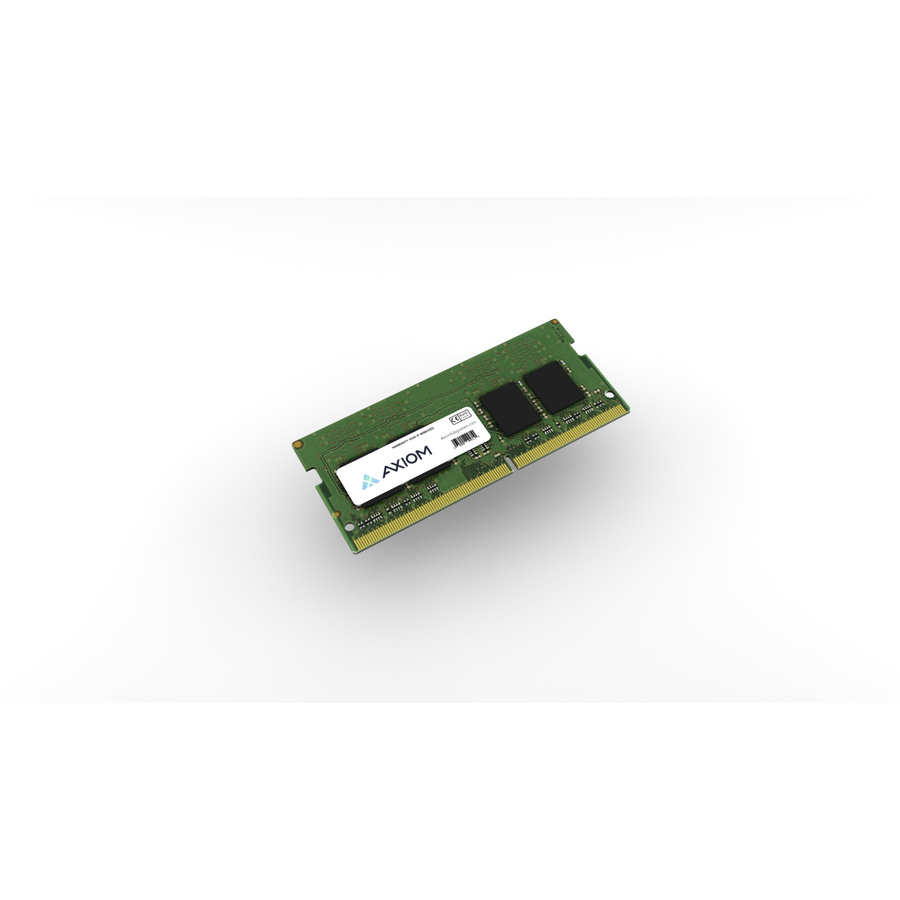
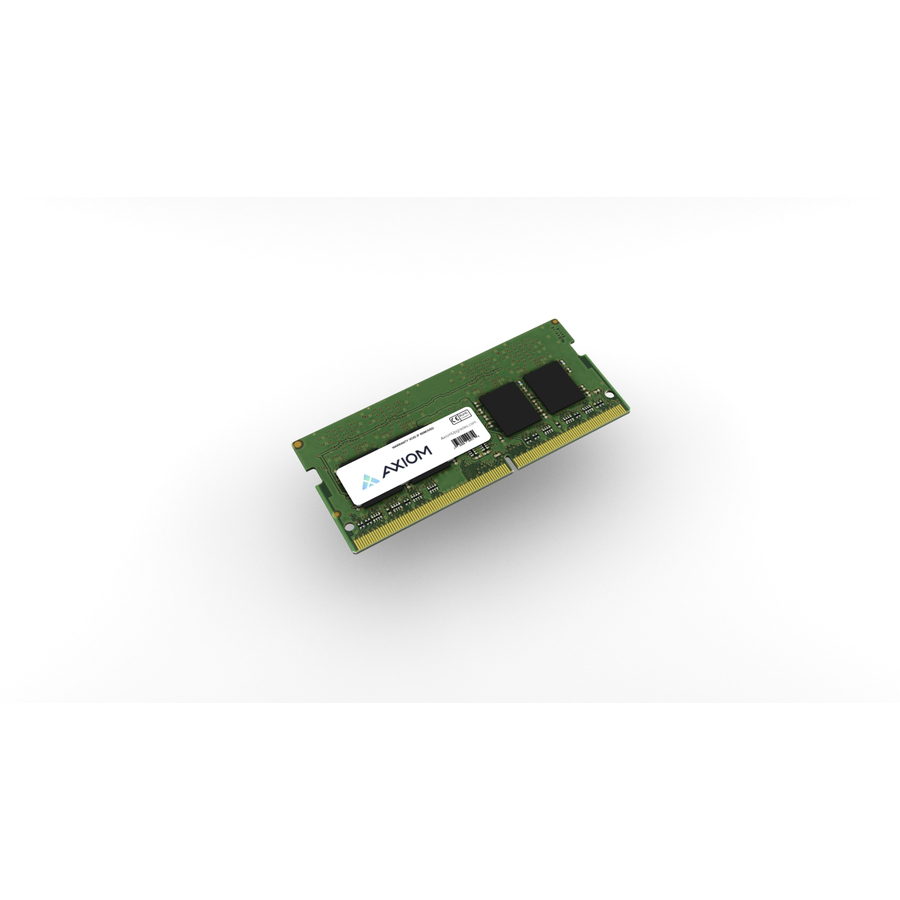
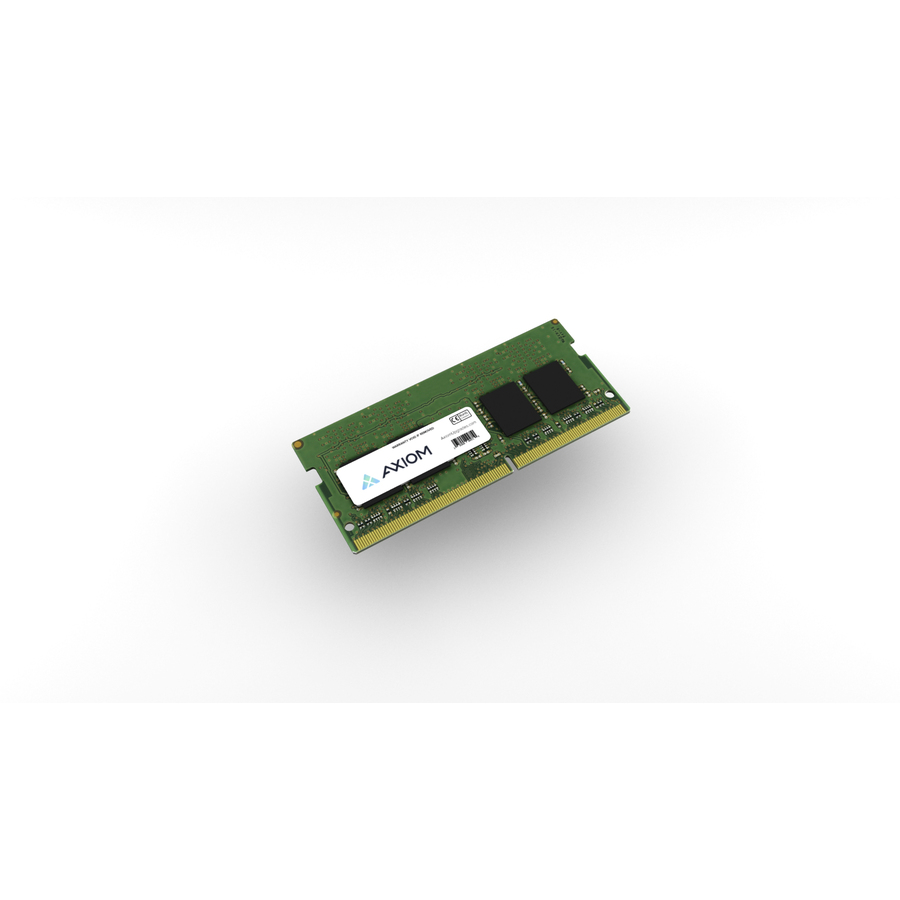
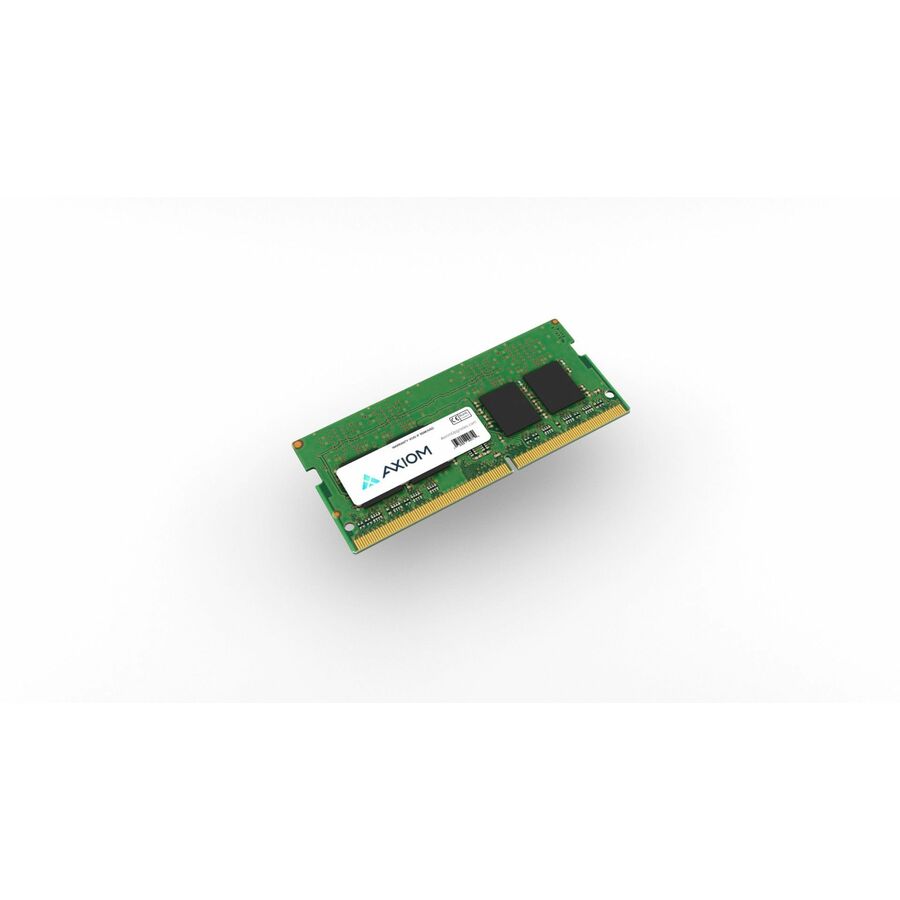
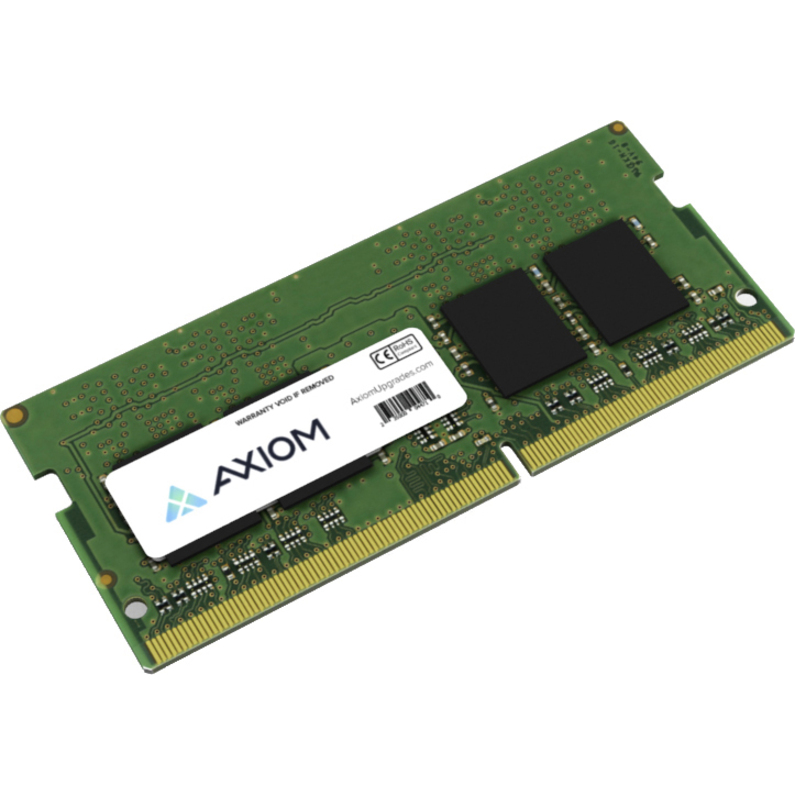
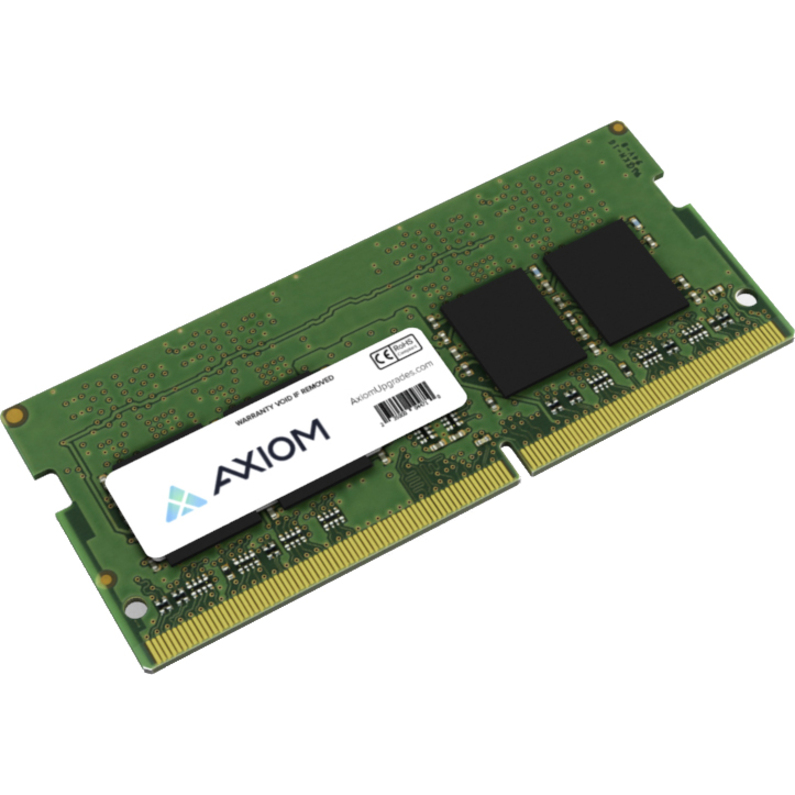
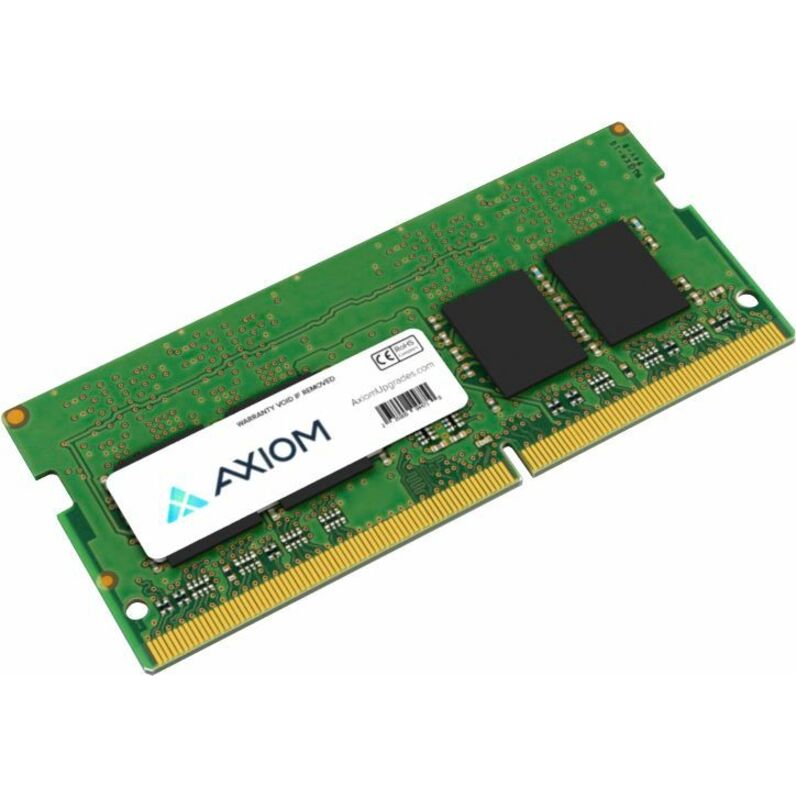
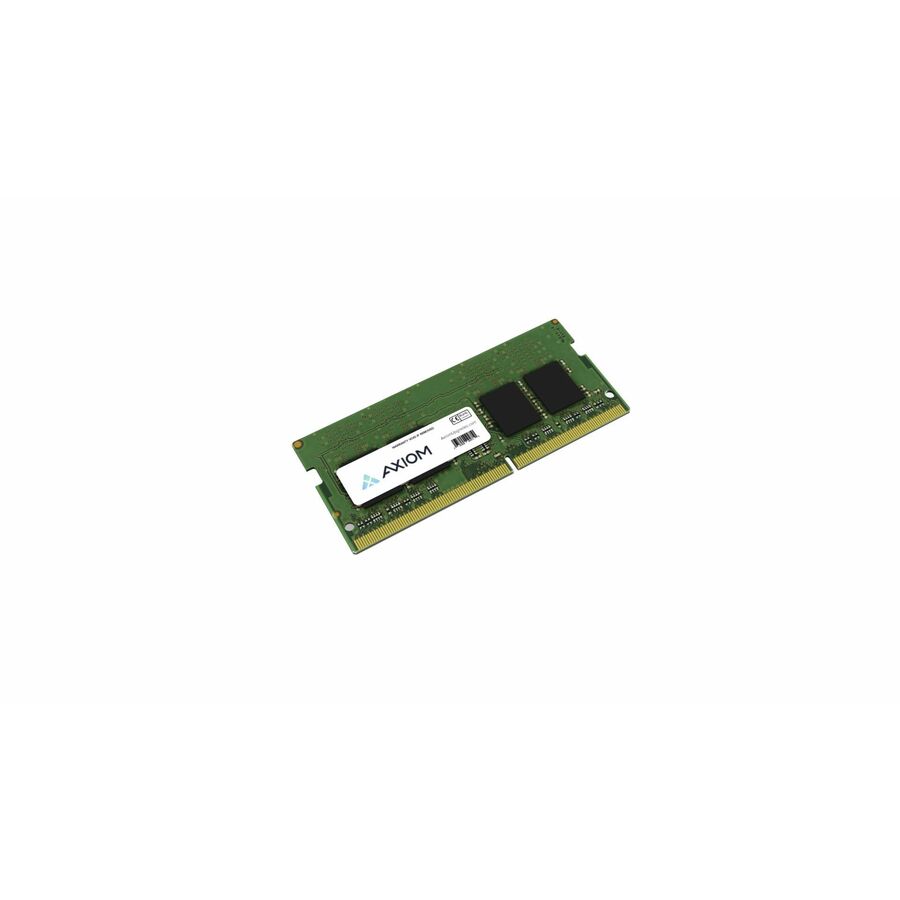
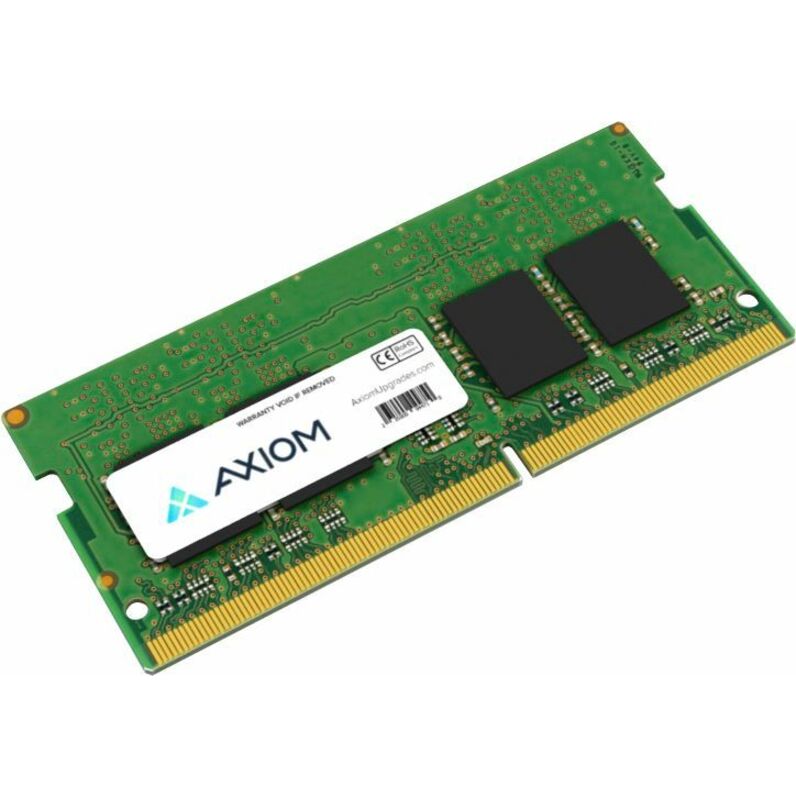
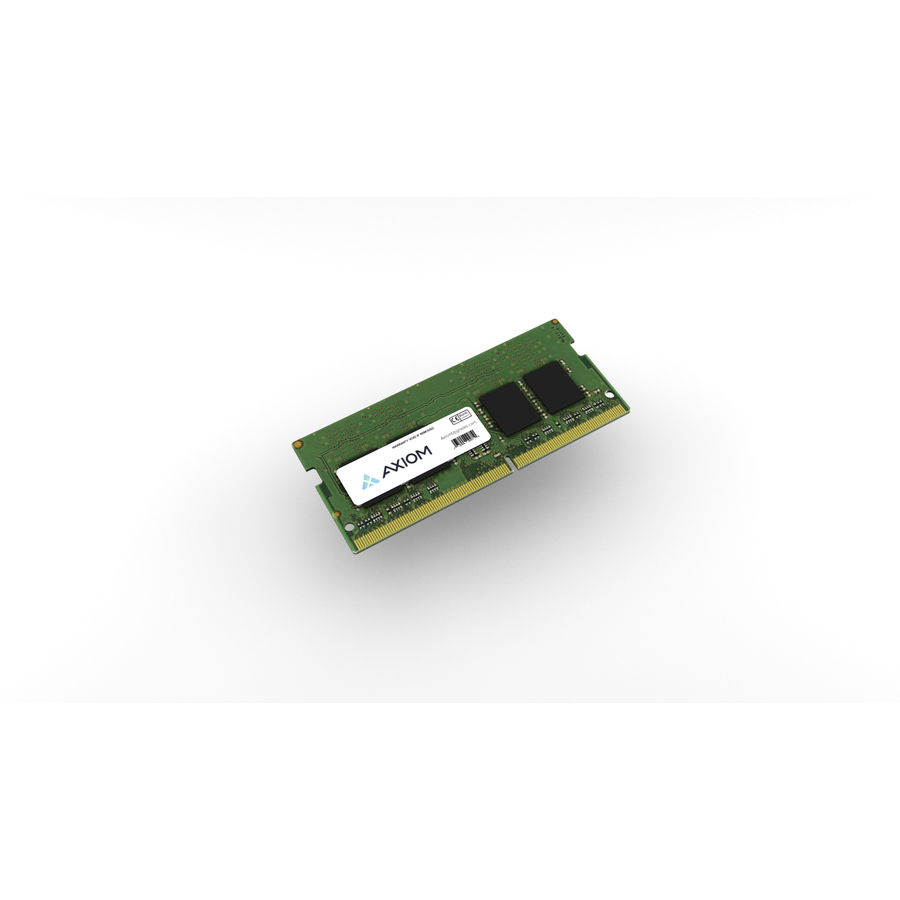
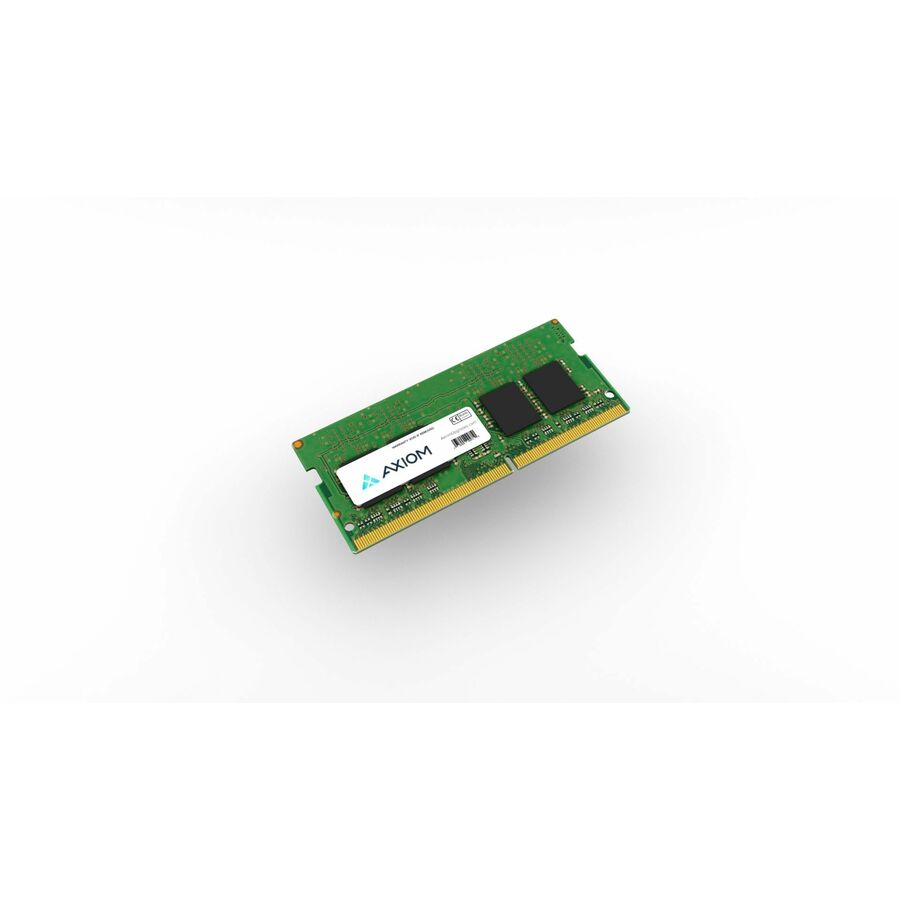
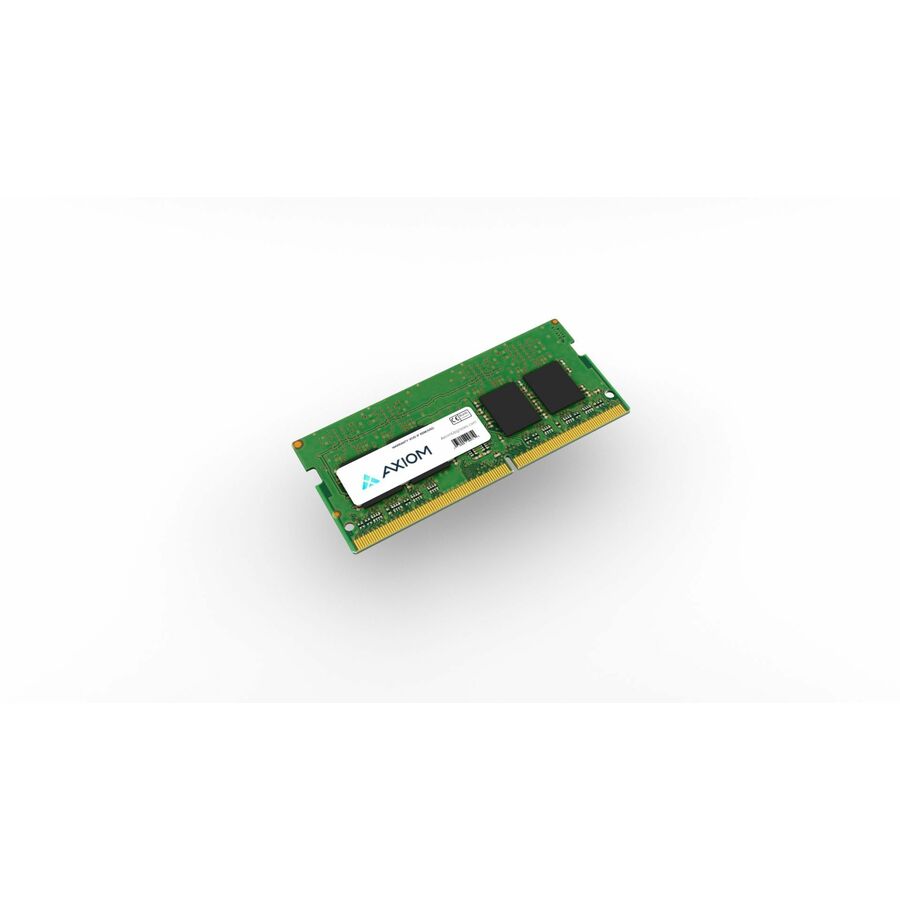
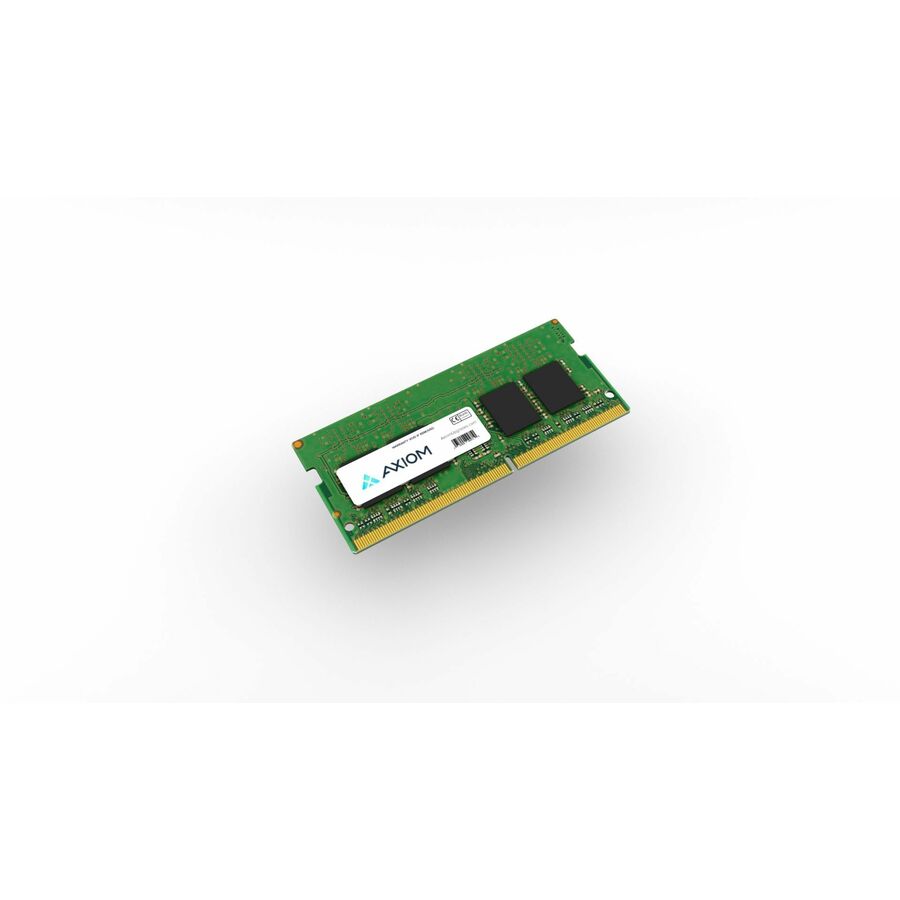
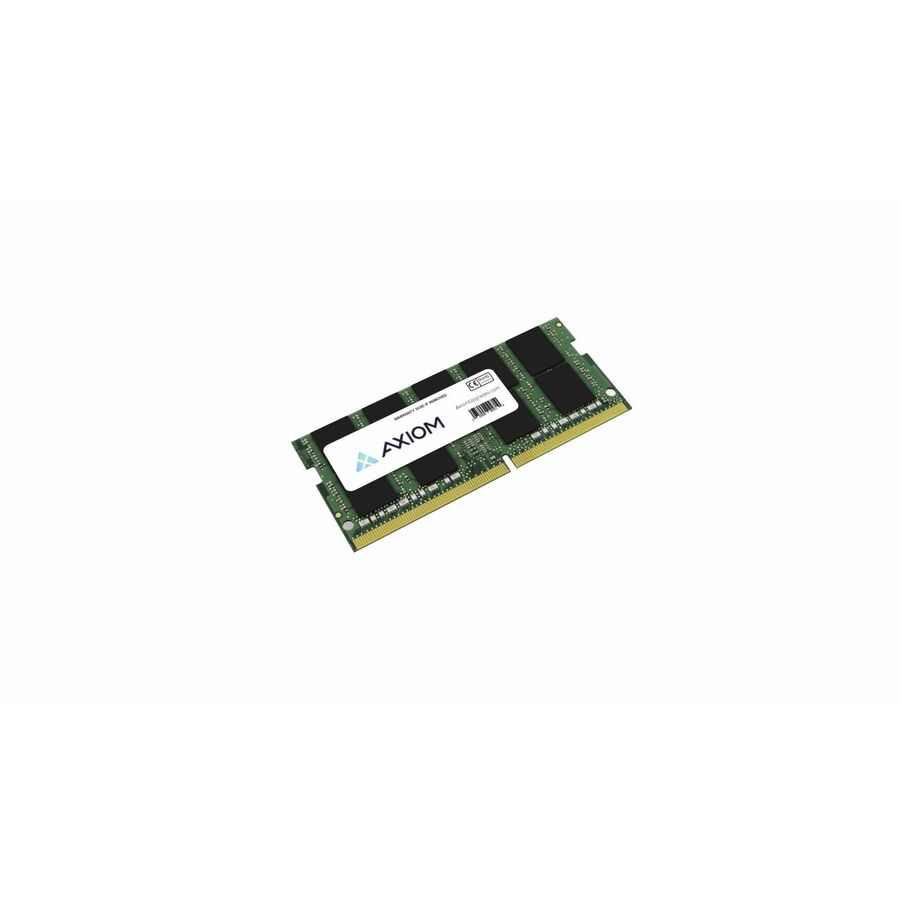
- Axiom Memory SolutionsAxiom 16GB DDR5-6000 SODIMM AX56000S48D/16G - Axiom 16GB DDR5-6000 SODIMM - AX56000S48D/16GAX56000S48D/16G
$548.00
$470.72
1 in stock

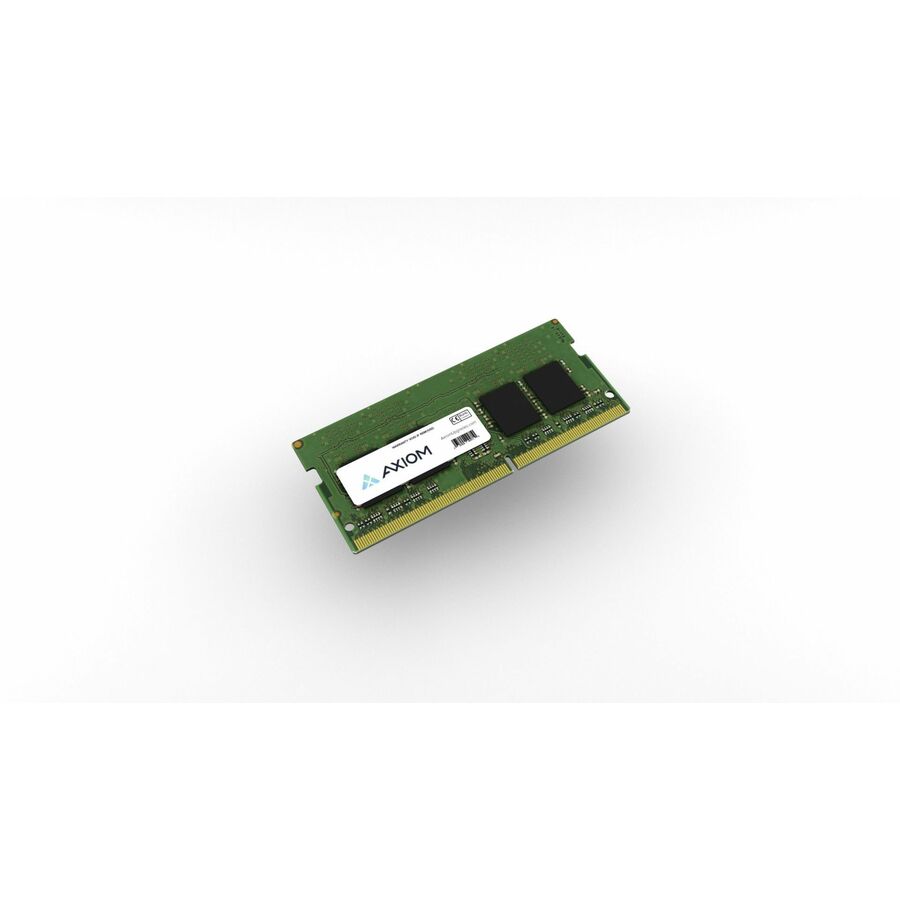
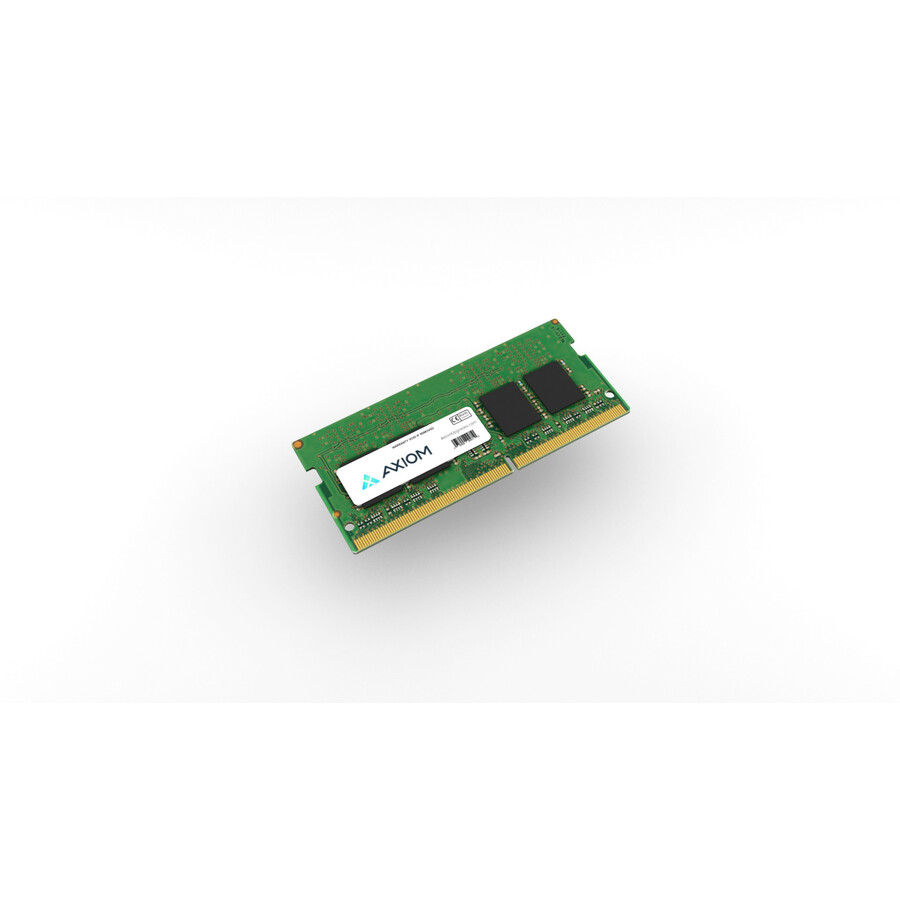
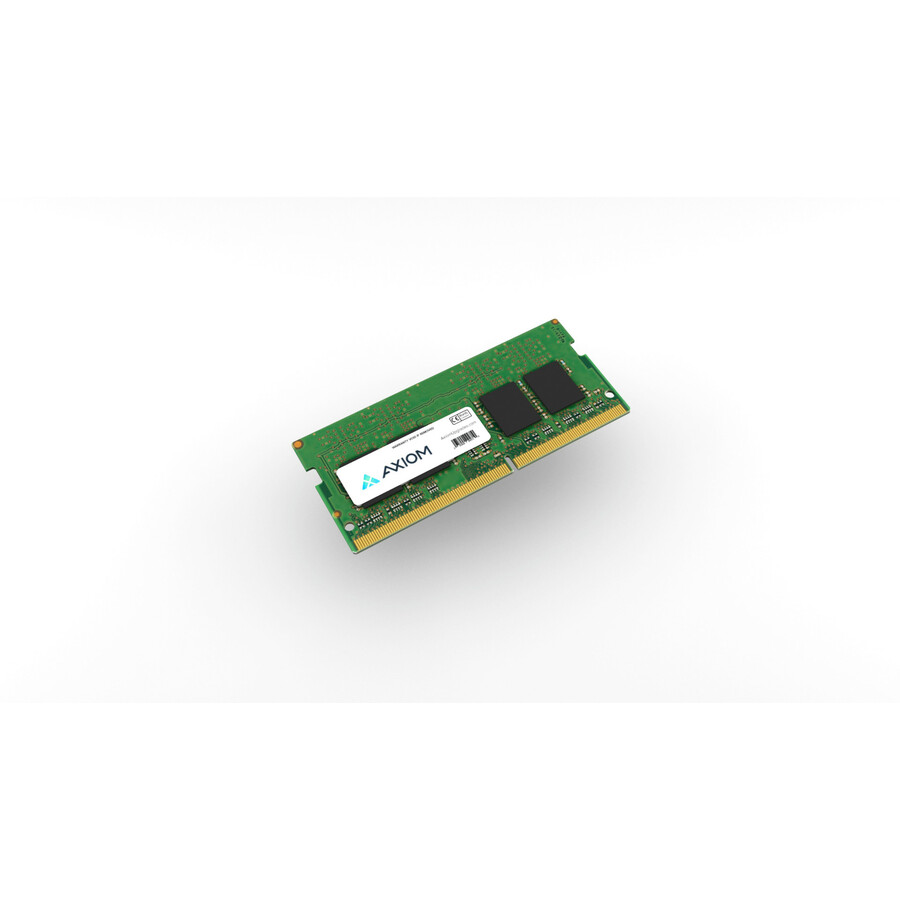
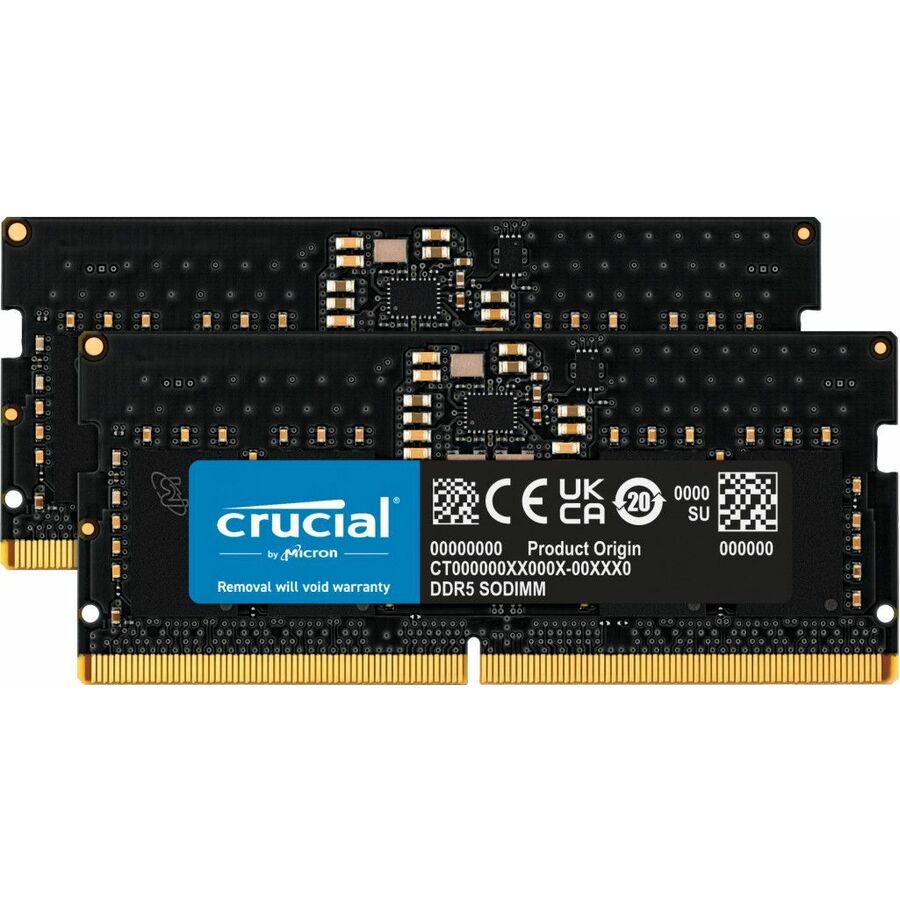
8 GB, 4800
Transcend Information
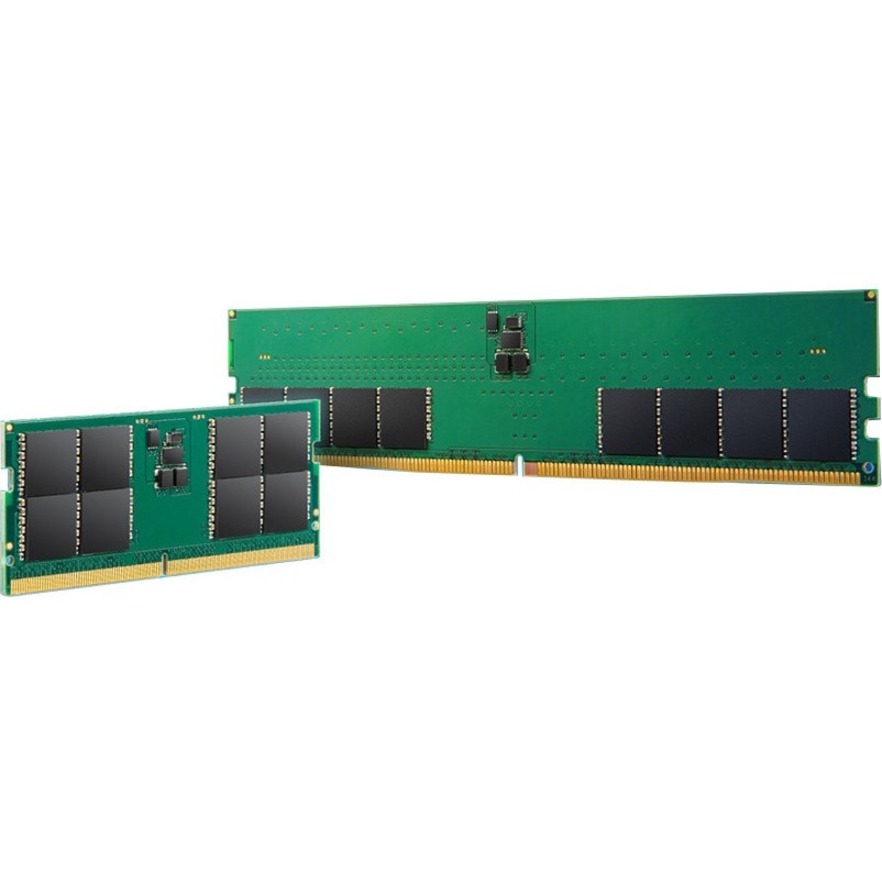
Transcend JetRAM 8GB DDR5 SDRAM Memory Module
JM4800ASG-8G
A single 8 GB DDR5-4800 SODIMM at CL40, single-rank with on-die ECC and unbuffered — the plain refresh module for a single-purpose machine that is memory-starved rather than obsolete.
$237.97Back-ordered32 GB, dual-rank
Transcend Information
Transcend JetRAM 32GB DDR5 SDRAM Memory Module
JM5600ASE-32G
A 32 GB DDR5-5600 SODIMM at CL46, dual-rank with on-die ECC — one module rather than a pair, which matters on the many notebooks that expose a single slot.
$859.21Back-ordered48 GB single stick
Transcend Information
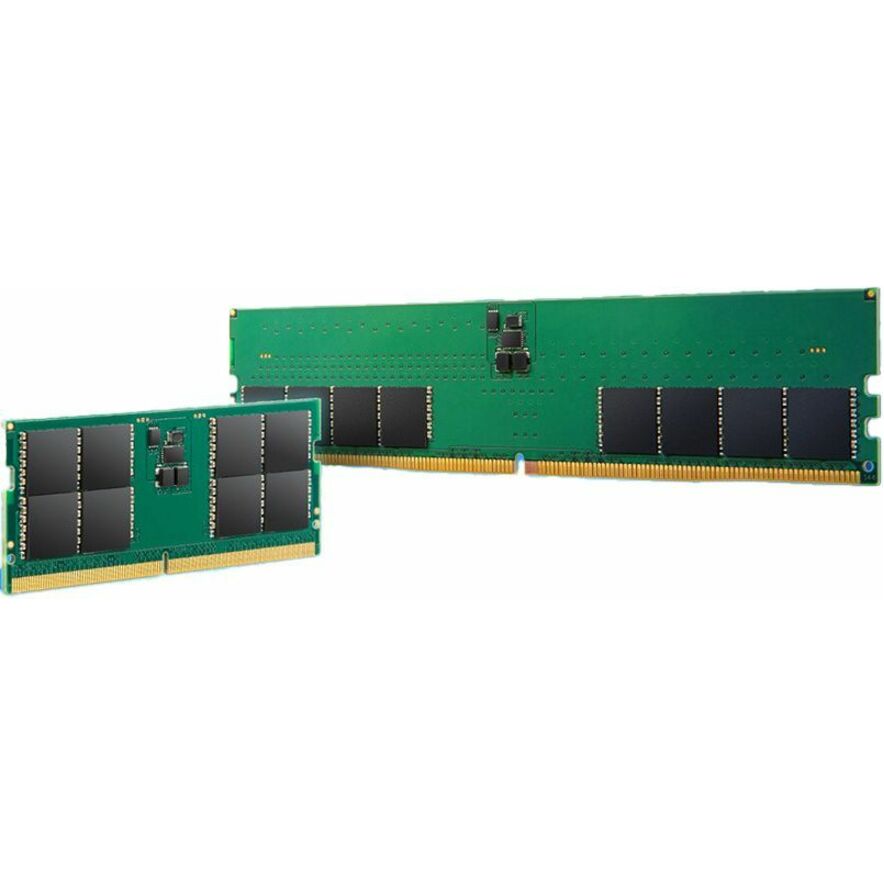
Transcend JetRAM RAM Module
JM5600ASE-48G
A 48 GB DDR5-5600 dual-rank SODIMM at CL46 with on-die ECC, using the non-binary capacity DDR5 allows to push a one-slot machine further than 32 GB.
$1,329.65In stock16 GB, single-rank
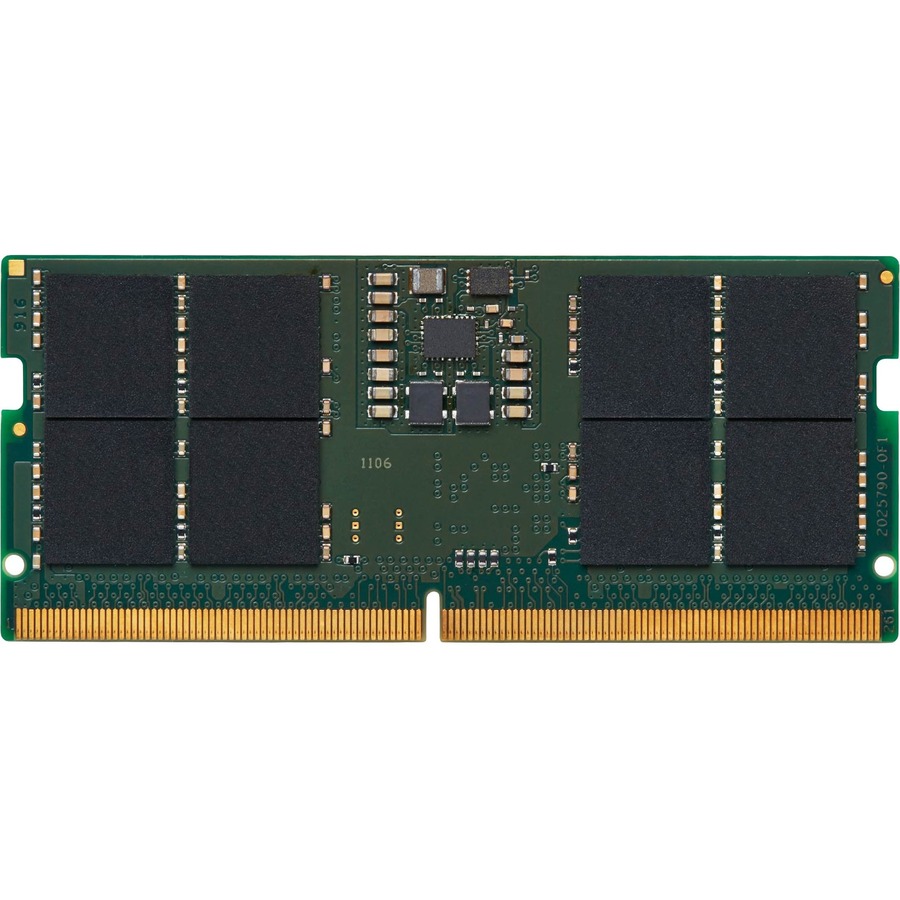
Kingston Technology
Kingston ValueRAM 16GB DDR5 SDRAM Memory Module
KVR56S46BS8-16
A 16 GB ValueRAM DDR5-5600 SODIMM at CL46, single-rank and non-ECC with a lifetime warranty stated on the part — the ordinary office-fleet capacity in its ordinary form.
Request pricing32 GB ValueRAM
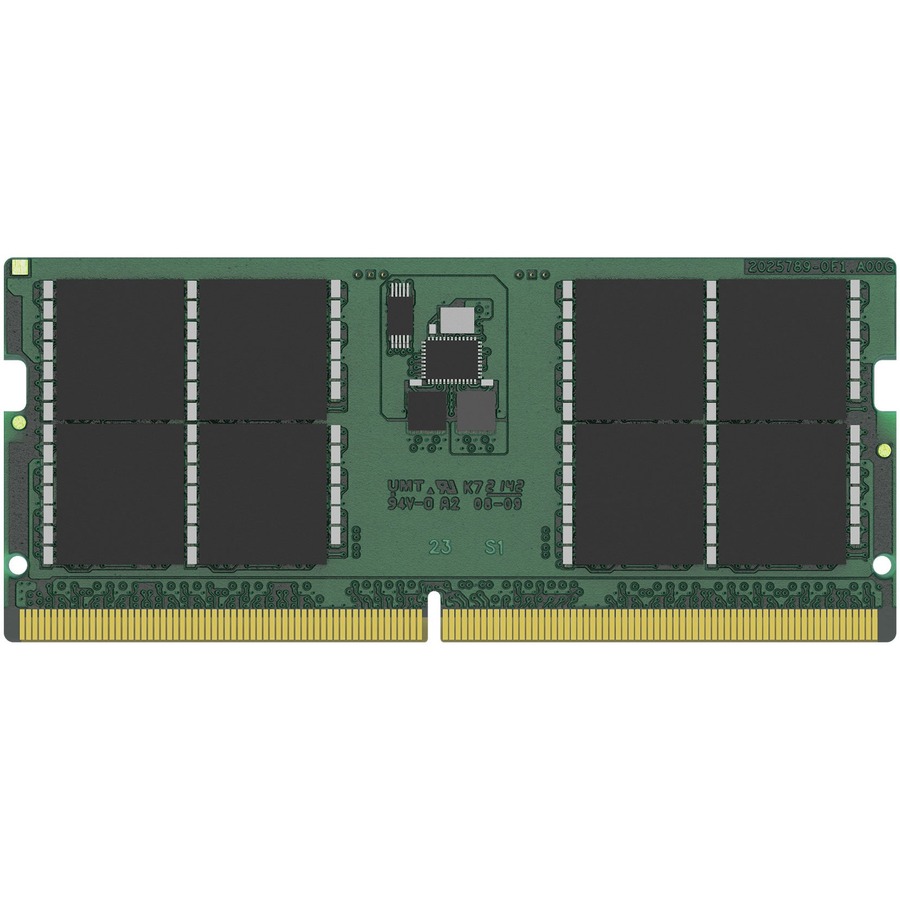
Kingston Technology
Kingston ValueRAM 32GB DDR5 SDRAM Memory Module
KVR56S46BD8-32
The 32 GB dual-rank ValueRAM module at DDR5-5600 and CL46, non-ECC and unbuffered with a lifetime warranty — the step up for engineering and analysis machines.
Request pricing48 GB, mini PC
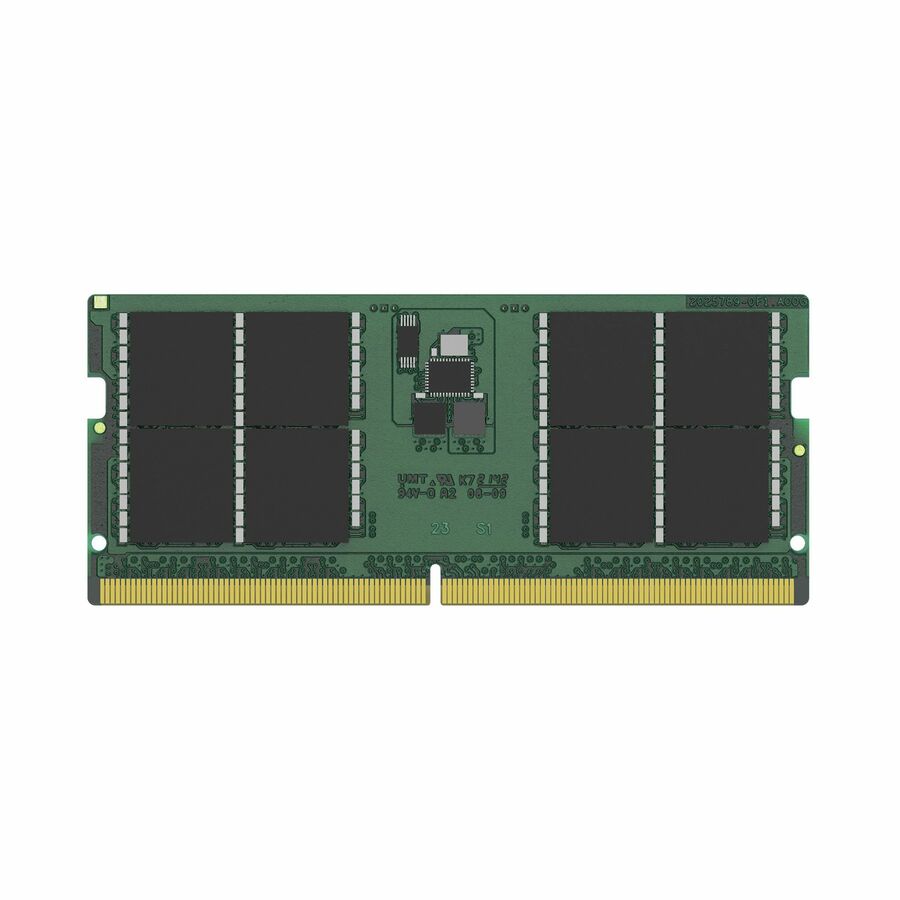
Kingston Technology
Kingston 48GB DDR5 SDRAM Memory Module
KCP556SD8-48
A 48 GB DDR5-5600 dual-rank SODIMM at CL46, titled for mini PCs as well as notebooks, which is where a single high-capacity module usually earns its place.
$1,301.60Back-ordered16 GB on-die ECC
Micron Technology
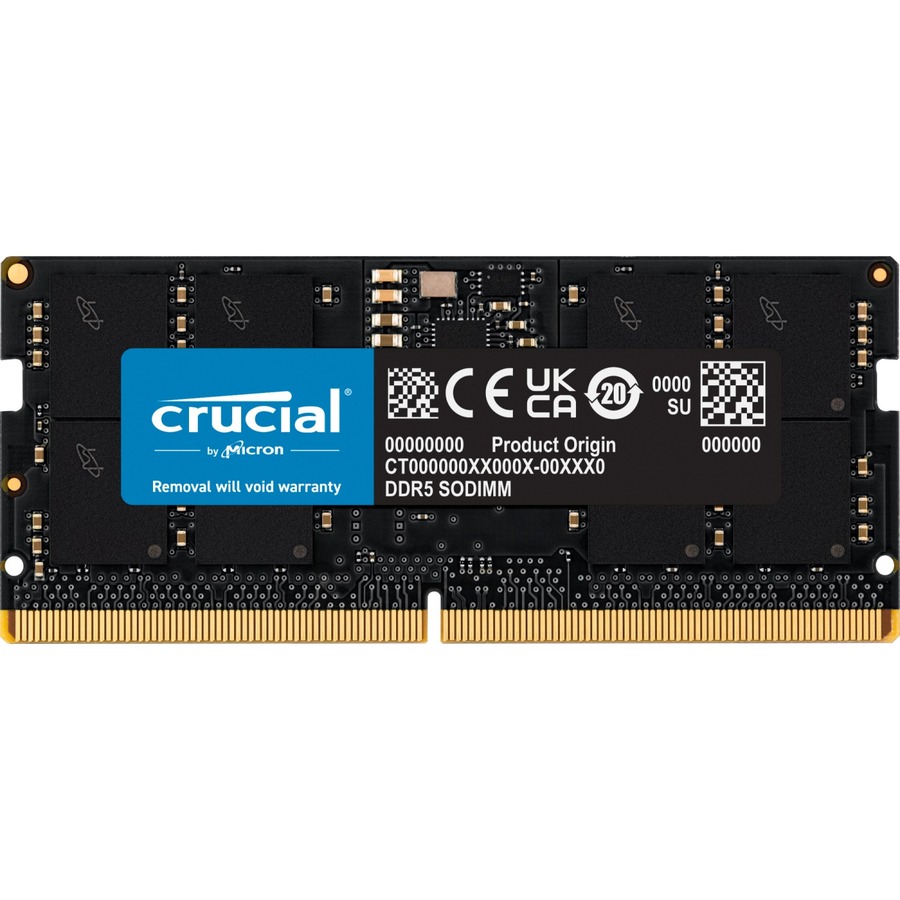
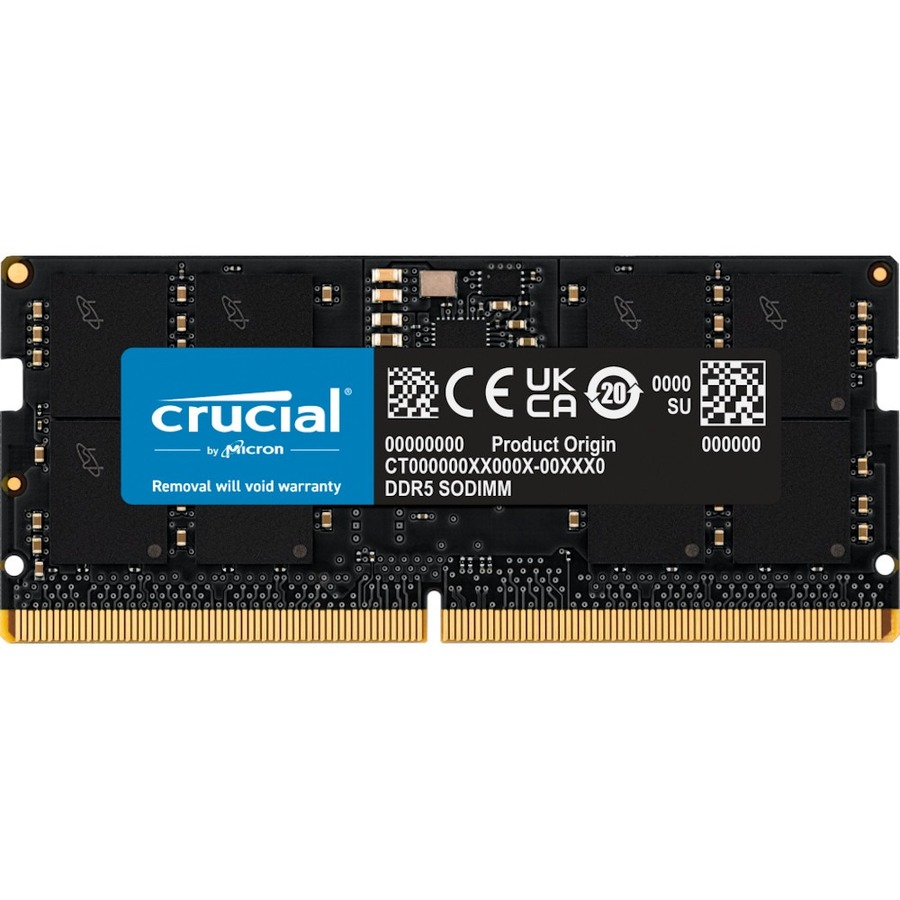
Micron 16GB DDR5 SDRAM Memory Module
CT16G56C46S5
A 16 GB DDR5-5600 SODIMM at CL46 with on-die ECC, unbuffered and unregistered, carrying a lifetime warranty on the part — titled for notebooks and desktops alike.
$577.89In stock24 GB module
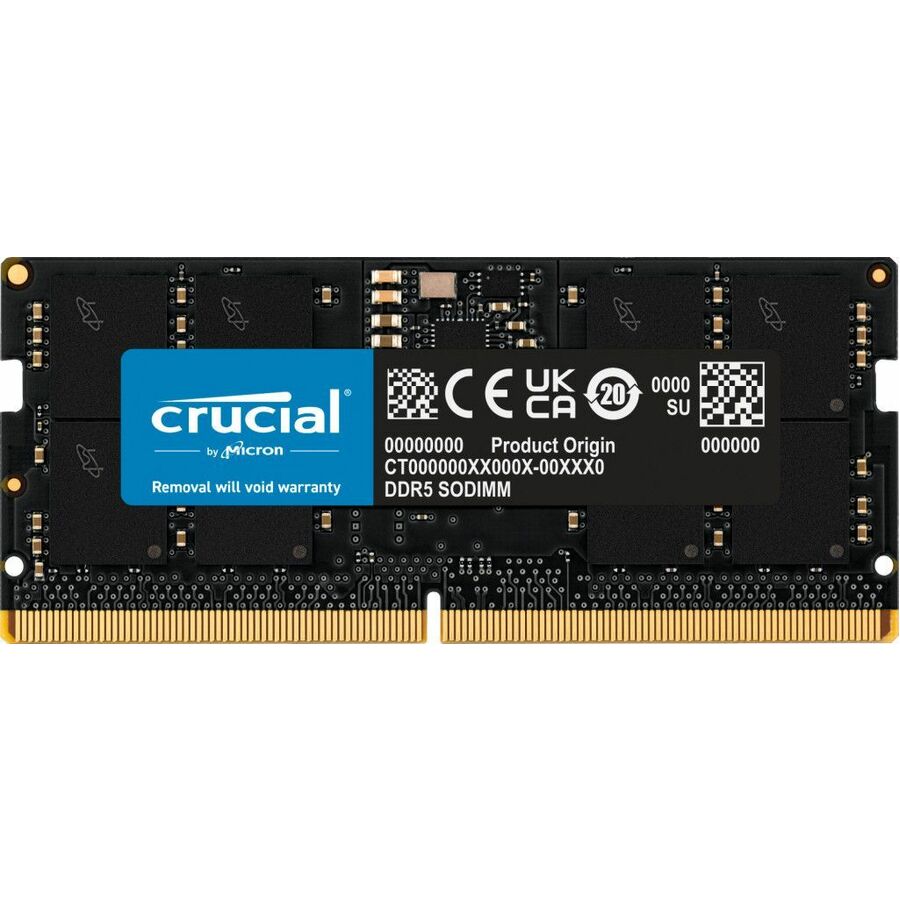
Micron Technology
Micron 24GB DDR5 SDRAM Memory Module
CT24G56C46S5
A 24 GB DDR5-5600 SODIMM at CL46, non-ECC and unbuffered — the in-between capacity that DDR5 makes possible, for a one-slot machine that needs more than 16 GB and not 32.
$992.38Back-ordered32 GB, 5600
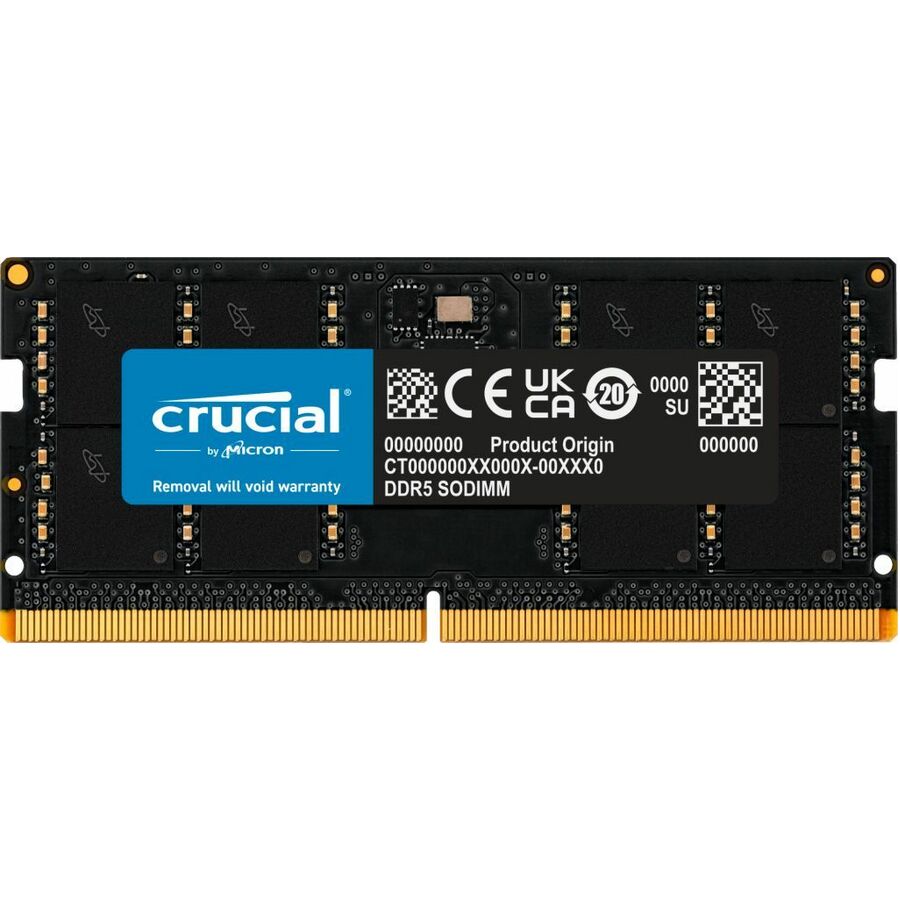
Micron Technology
Micron 32GB DDR5 SDRAM Memory Module
CT32G56C46S5
A 32 GB DDR5-5600 SODIMM at CL46, non-ECC and unbuffered, in the 262-pin form factor — a straightforward single-module route to 32 GB in a notebook.
$1,297.06Back-ordered8 GB, Samsung
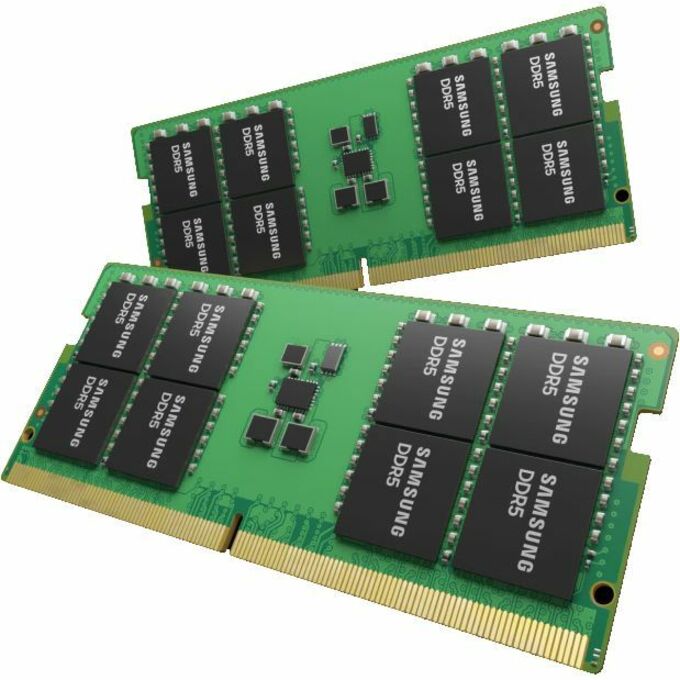
Samsung
Samsung RAM Module
M425R1GB4PB0-CWM
An 8 GB DDR5-5600 single-rank SODIMM at 1.10 V on 262 pins, from the manufacturer that makes a large share of the DRAM in this category to begin with.
$1,728.46Back-ordered16 GB, Samsung
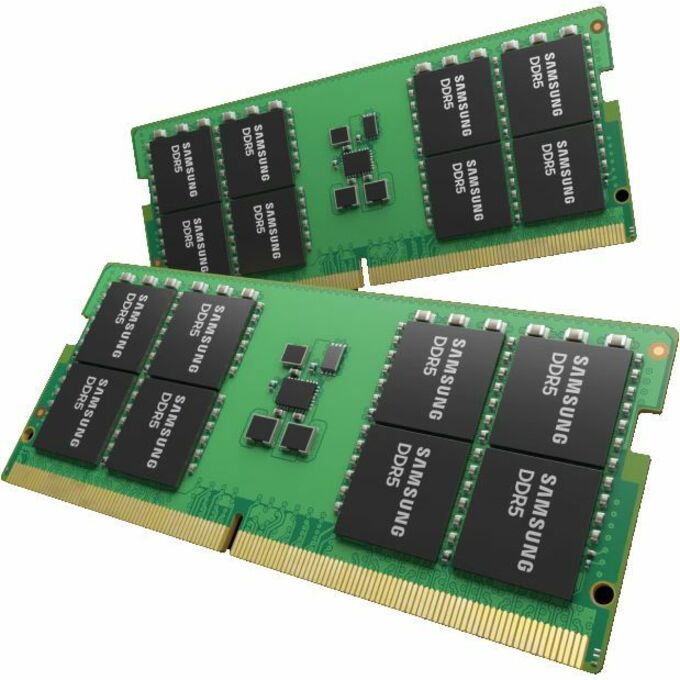
Samsung
Samsung RAM Module
M425R2GA3EB0-CWM
The 16 GB single-rank DDR5-5600 module in the same 262-pin family, titled for notebooks — the pair-friendly capacity for a two-slot chassis.
$781.32Back-ordered8 GB at 6400
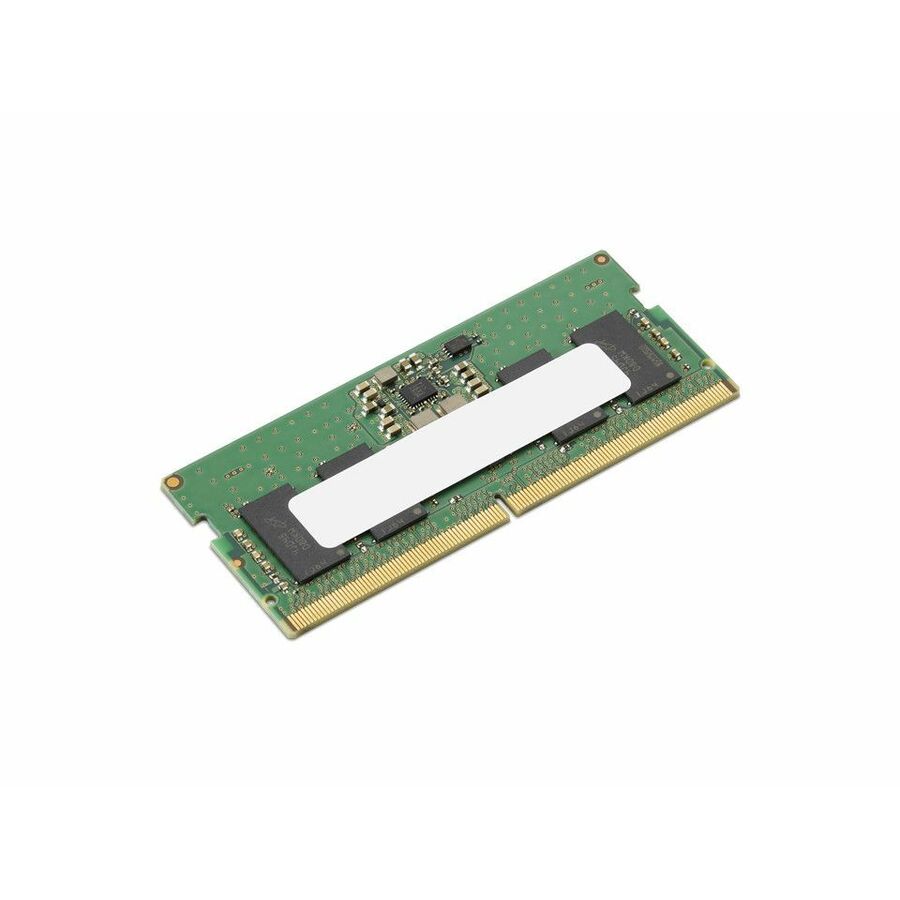
Lenovo
Lenovo RAM Module
4X71S95576
An 8 GB module at DDR5-6400 on 262 pins, listed in its own title as a CSODIMM, carrying the system manufacturer's own part number and a stated three-year warranty.
Request pricing16 GB ECC SODIMM
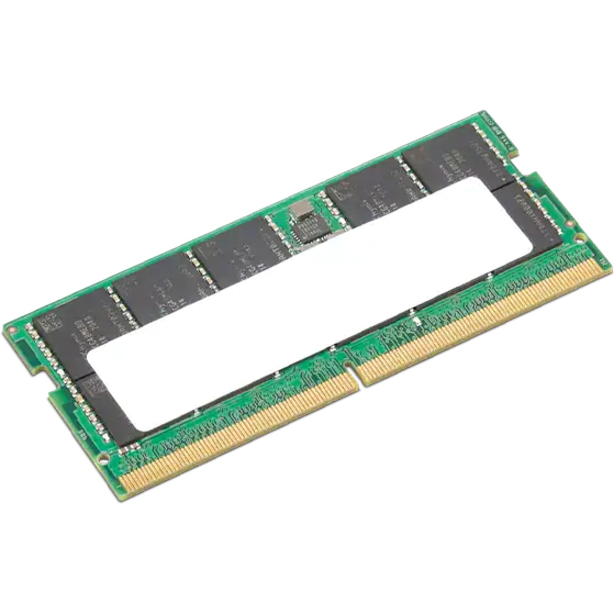
Lenovo
Lenovo 16GB DDR5 SDRAM Memory Module
4X71K08909
A 16 GB DDR5-4800 module whose title states ECC alongside the 262-pin SODIMM form factor — the shape a mobile workstation takes when error reporting is required.
Confirm the machine implements side-band ECC before ordering; the module cannot supply it alone.
Request pricing8 GB, lifetime
Axiom Memory Solutions
Axiom 8GB DDR5 SDRAM Memory Module
AXG114402965/1
An 8 GB DDR5-5600 SODIMM at 1.10 V on 262 pins with a lifetime warranty stated in the part title, from a third-party line built around system-manufacturer equivalents.
Titled TAA Compliant by the manufacturer — a per-part fact to confirm on the row you order.
$274.56*In stock8 GB, on-die ECC
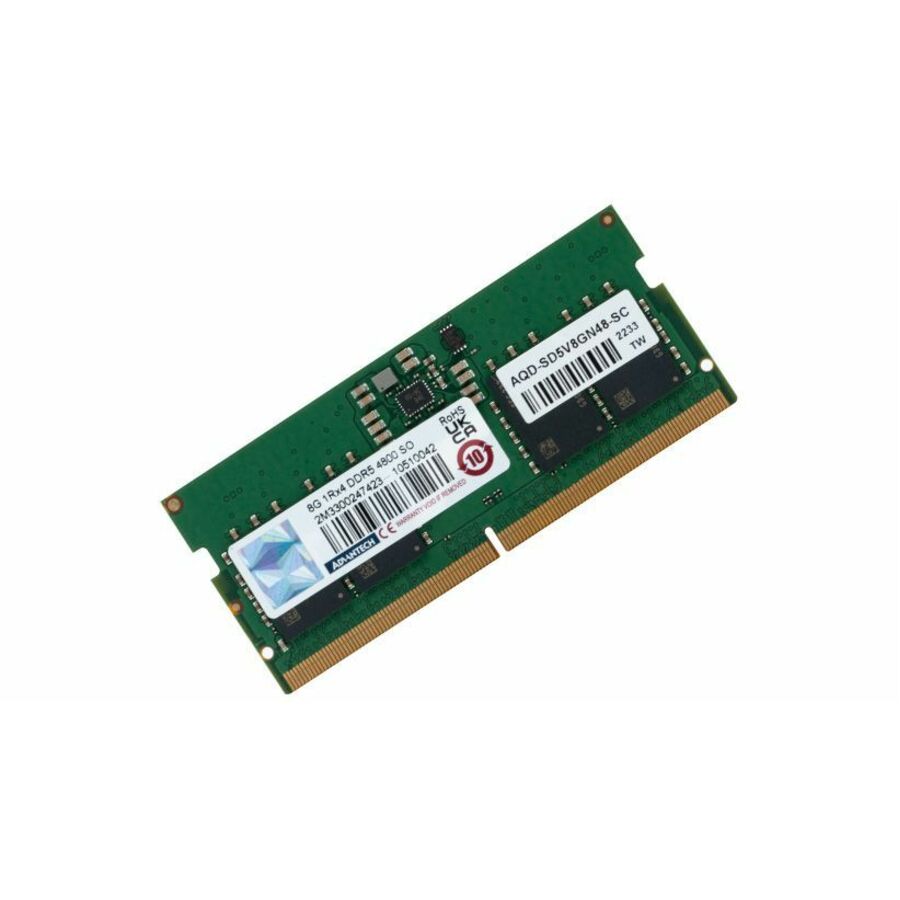
Advantech
Advantech RAM Module
AQD-SD5V8GN48-SC
An 8 GB DDR5-4800 single-rank SODIMM at 1.10 V with on-die ECC, unbuffered — from an industrial supplier, for the embedded and panel machines that also take this form factor.
$418.89Back-ordered8 GB, x8 single
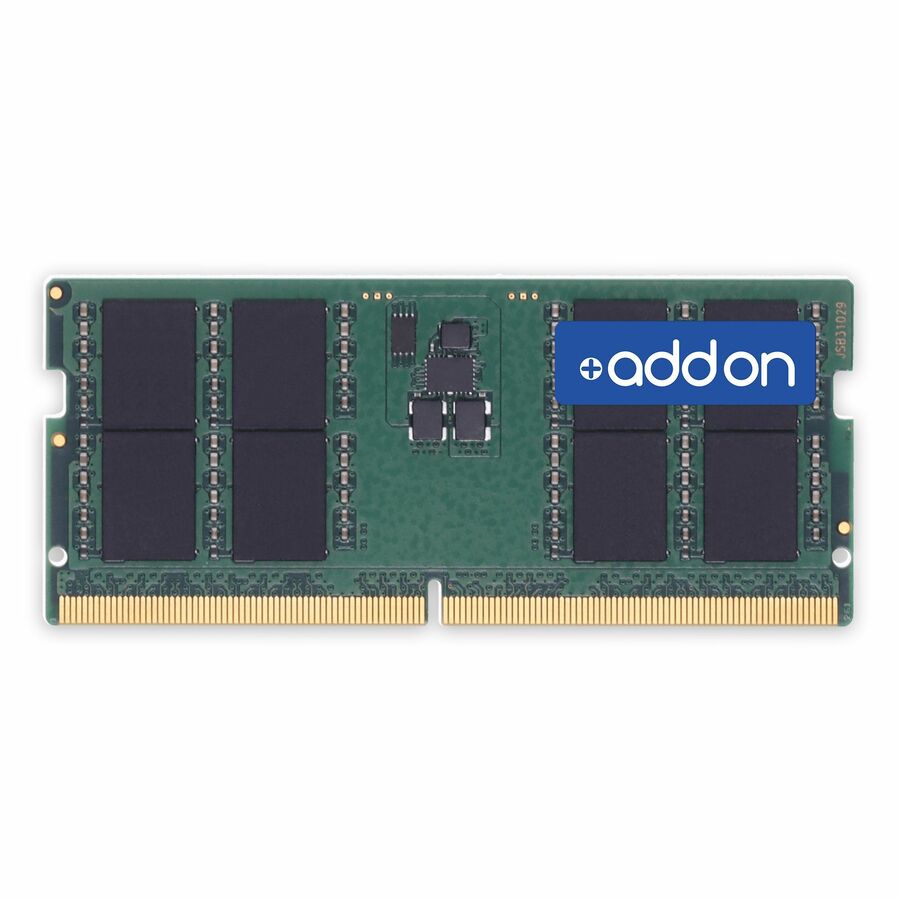
AddOn
AddOn 8GB DDR5-5600MHz Unbuffered Single Rank x8 1.1V 262-pin CL46…
AA5600D5SR8S/8G
An 8 GB DDR5-5600 unbuffered single-rank x8 SODIMM at CL46 and 1.1 V on 262 pins, with the organization spelled out in the title for anyone matching an existing configuration.
Every row this page renders states both DDR5 and SODIMM in the manufacturer's own title, as this one does.
$375.36Back-orderedBrowse all 6,421 memory modules
Not the right one above? Filter the whole range by the specs that matter — live pricing and honest availability on every row, the same NDAA §889 screening before checkout, and TAA verified on request.
Showing 24 of 6,421 memory modules
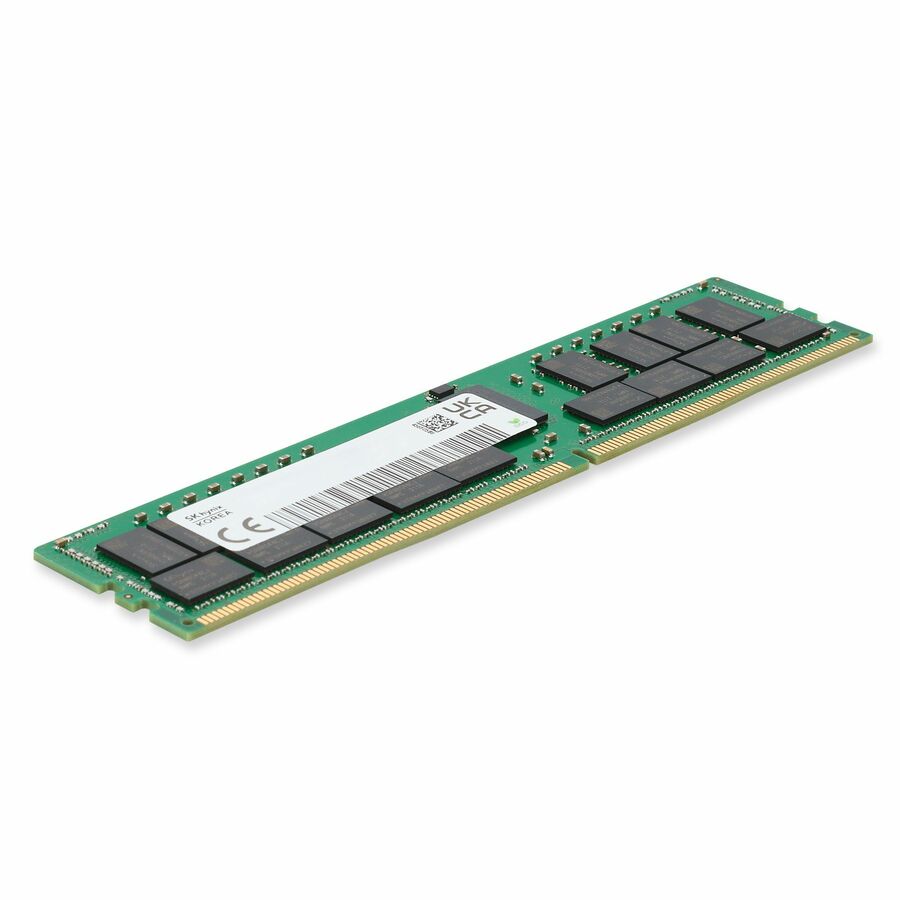
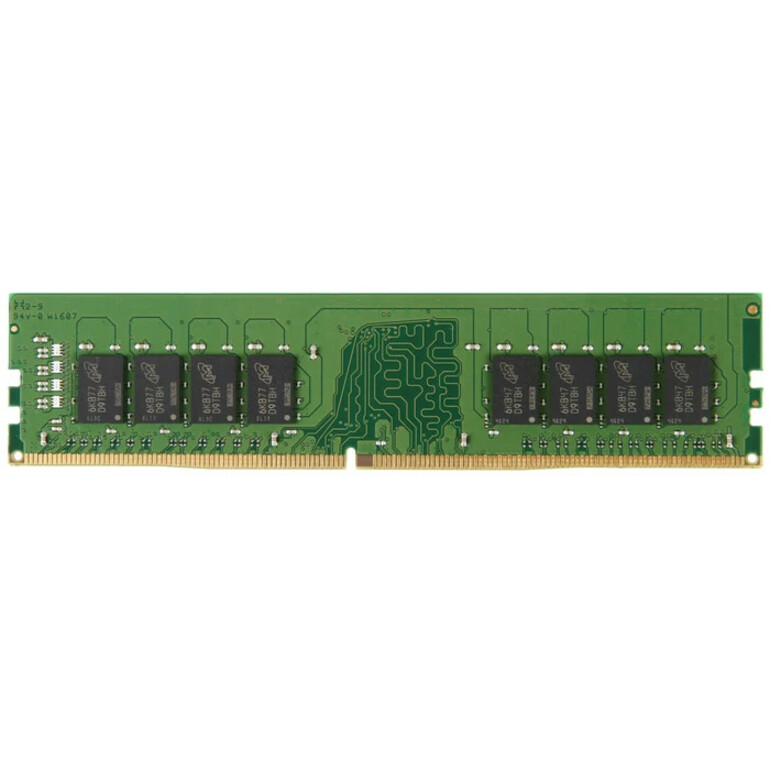
- AddOnAddOn Dell® A8661096 Compatible Factory Original 16GB DDR4-2133MHz Unbuffered ECC Dual Rank x8 1.2V 288-pin CL15 UDIMM - For Server - 16 GB (1 x 16GB) - DDR4-2400/PC4-19200 DDR4 SDRAM - 2400 MHz Dual-rank Memory - CL15 - 1.20 V - ECC - Unbuffered - 288-pin - UDIMM - Lifetime WarrantyA8661096-AM
$496.00
$456.32
237 in stock - AddOnAddOn JEDEC Standard 8GB DDR4-2400MHz Unbuffered ECC Dual Rank x8 1.2V 260-pin CL15 SODIMM - For Desktop PC - 8 GB (1 x 8GB) - DDR4-2400/PC4-19200 DDR4 SDRAM - 2400 MHz Dual-rank Memory - CL15 - 1.20 V - ECC - Unbuffered - 260-pin - SODIMM - Lifetime WarrantyAM2400D4DR8ES/8G
$245.00
$225.40
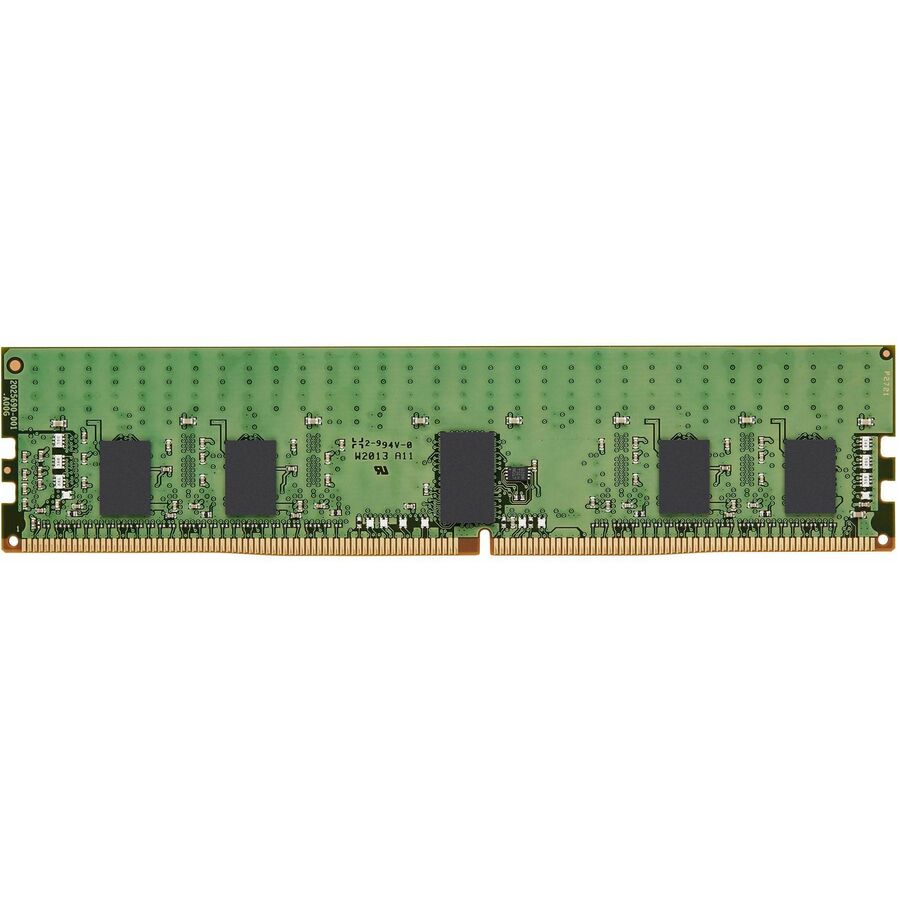
119 in stock - AddOnAddOn Lenovo® 4X70G88313 Compatible Factory Original 8GB DDR4-2133MHz Unbuffered Dual Rank x8 1.2V 288-pin UDIMM - 8 GB (1 x 8GB) - DDR4-2133/PC4-17000 DDR4 SDRAM - 2133 MHz Dual-rank Memory - 1.20 V - Non-ECC - Unbuffered - 288-pin - UDIMM - Lifetime Warranty4X70G88313-AA
$240.00
$220.80
141 in stock - AddOnAddOn JEDEC Standard 8GB DDR4-2666MHz Unbuffered Single Rank x8 1.2V 260-pin CL15 SODIMM - For Notebook, Desktop PC - 8 GB (1 x 8GB) - DDR4-2666/PC4-21300 DDR4 SDRAM - 2666 MHz Single-rank Memory - CL15 - 1.20 V - Non-ECC - Unbuffered - 260-pin - SODIMM - Lifetime WarrantyAA2666D4SR8S/8G
$240.00
$220.80
373 in stock - AddOnAddOn 32GB DDR4-2933MHz Registered ECC Dual Rank x4 1.2V 288-pin CL17 RDIMM JEDEC Standard Factory Original - For Server - 32 GB (1 x 32GB) - DDR4-2933/PC4-23466 DDR4 SDRAM - 2933 MHz Dual-rank Memory - CL17 - 1.20 V - ECC - Registered - 288-pin - DIMM - Lifetime WarrantyAM2933D4DR4RN/32G
$960.00
$883.20
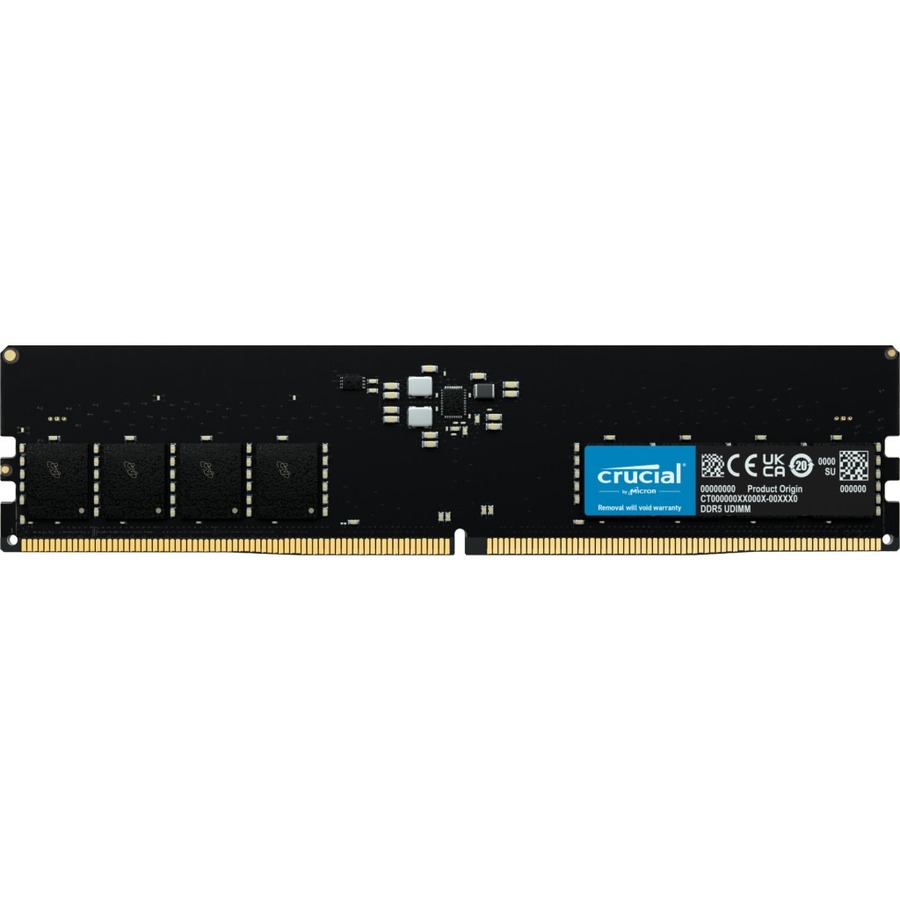
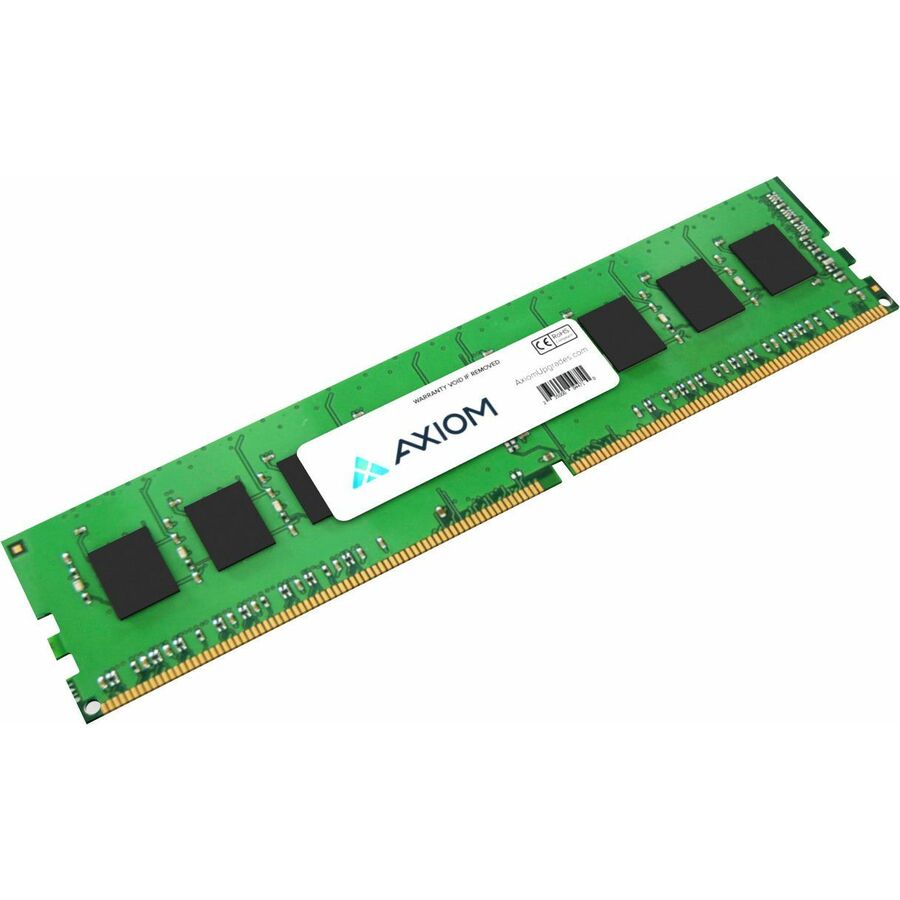
361 in stock - Axiom Memory SolutionsAxiom 32GB DDR5-6000 UDIMM AX56000U48D/32G - Axiom 32GB DDR5-6000 UDIMM - AX56000U48D/32GAX56000U48D/32G
$1,153.00
$990.38
34 in stock
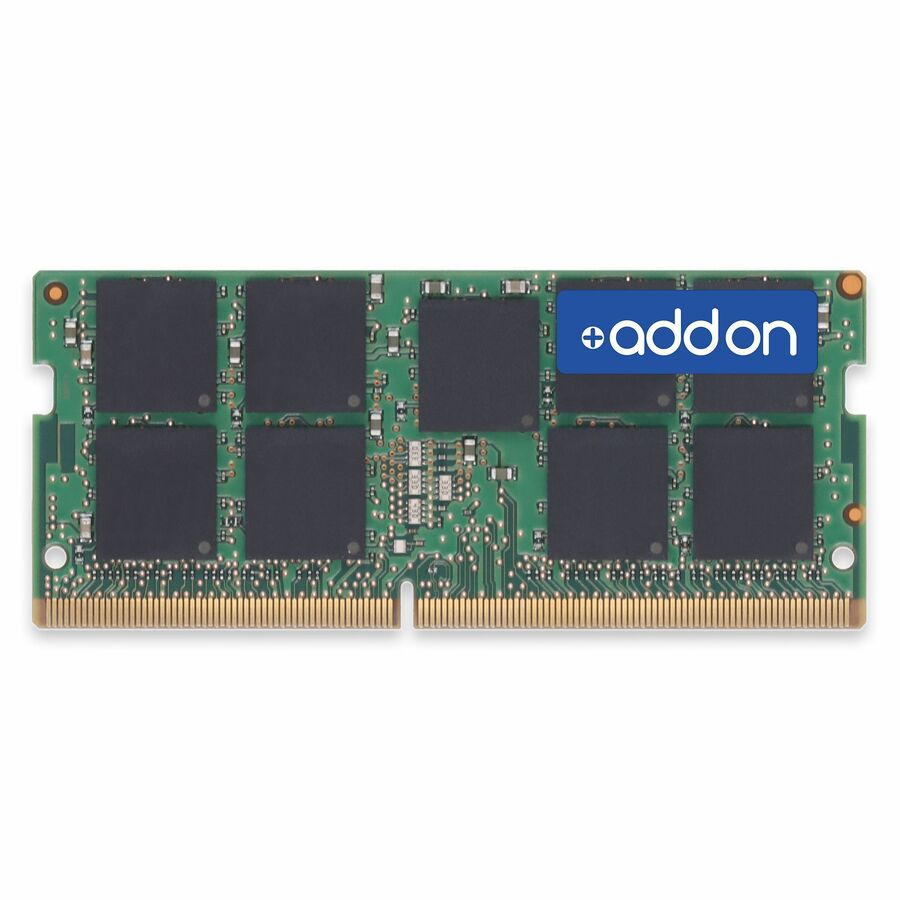
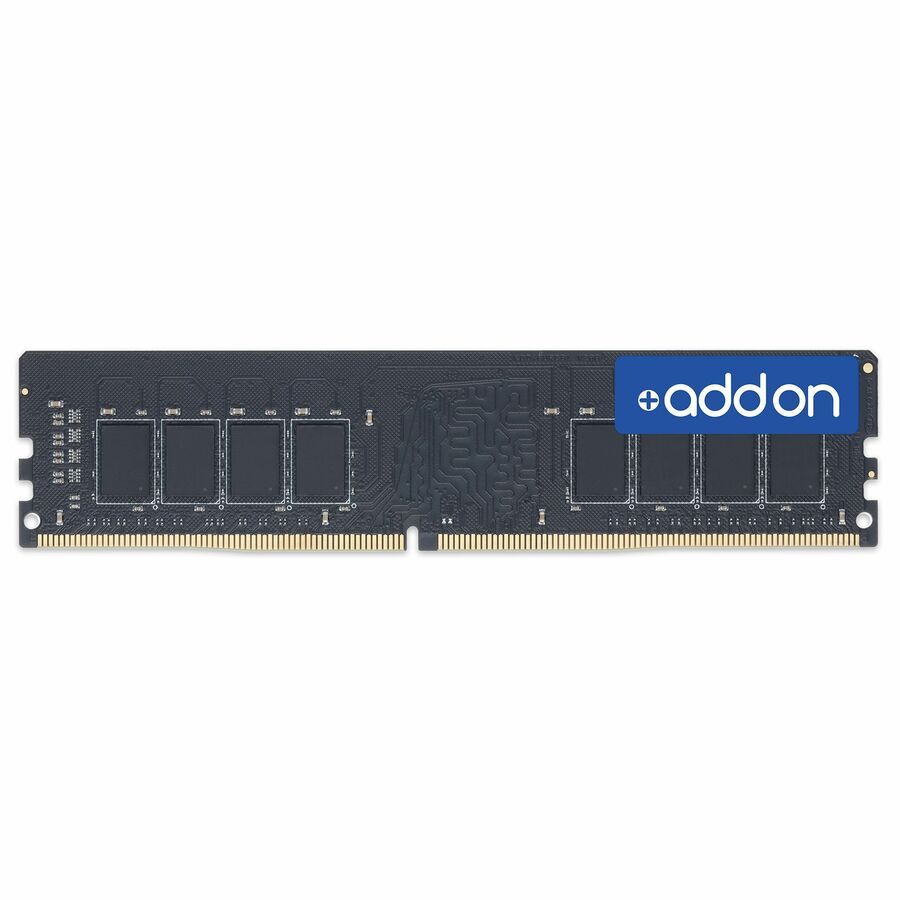
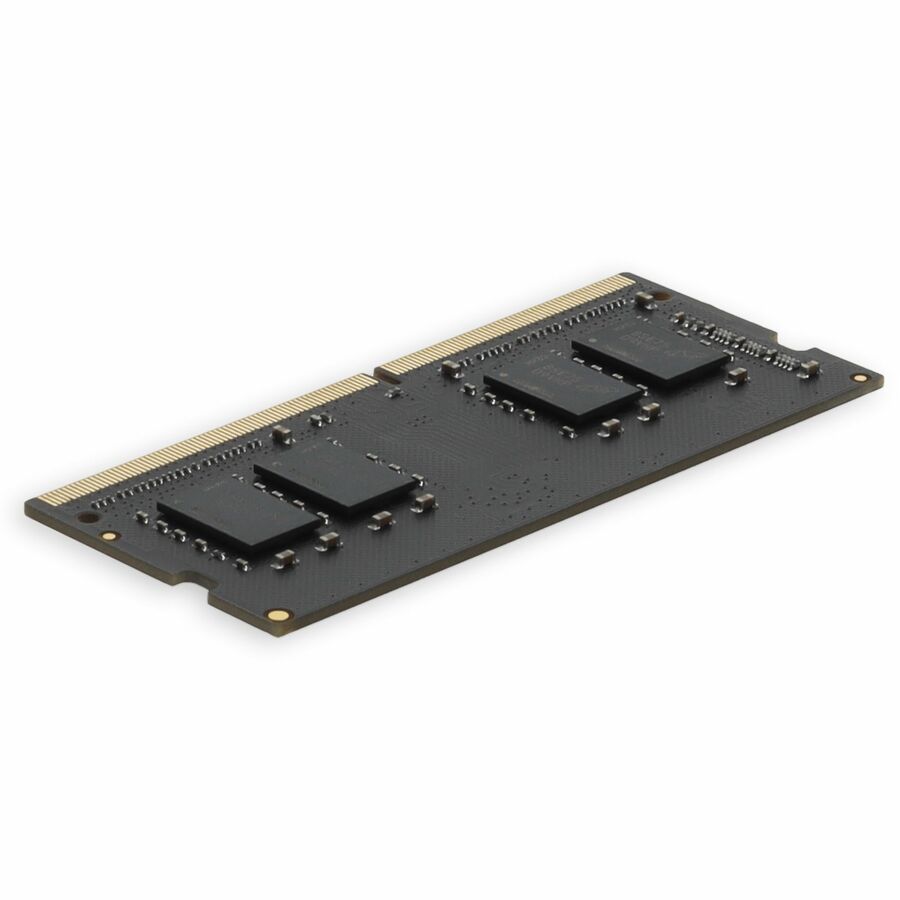
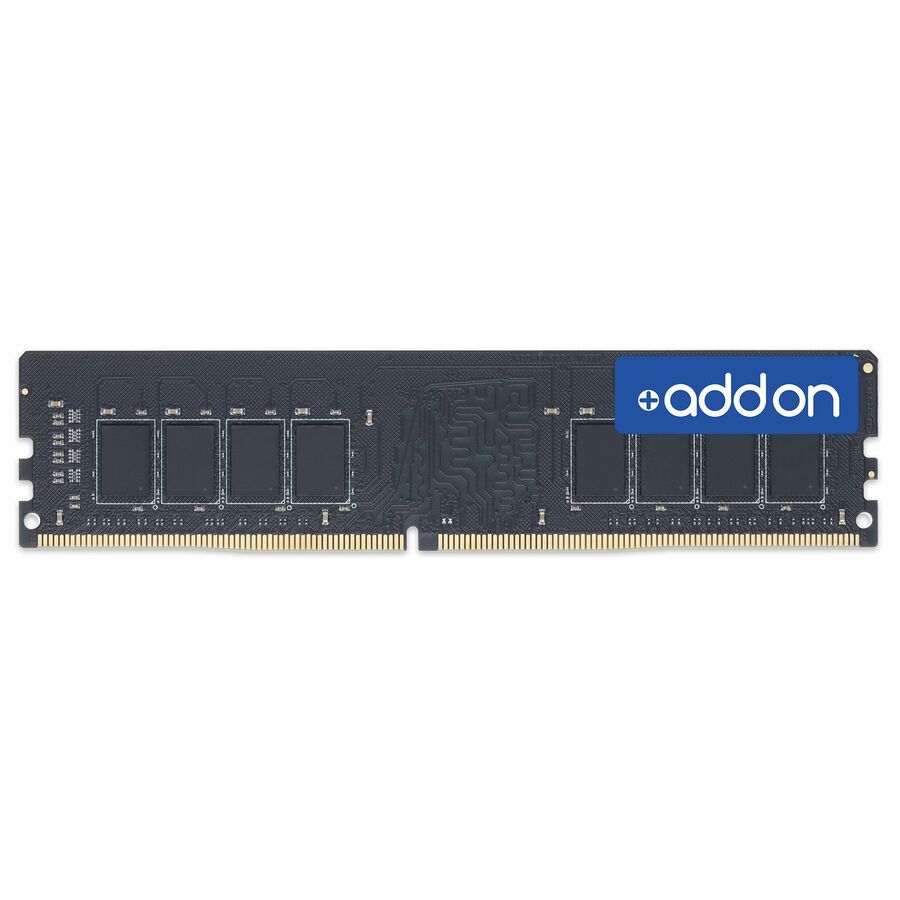
Specifications are read from the manufacturer product title as supplied to us; where a value is not stated it is left blank rather than estimated. Every line is screened for NDAA §889 status before checkout, with TAA verified on request.
Need pricing on DDR5 SODIMM laptop memory?
Tell us where to reach you and a Uniqcli specialist will follow up by email with current pricing, availability and lead time for the quantities you need — including parts that aren’t shown on this page.
Buying for an organization or for yourself — both work. No payment up front.
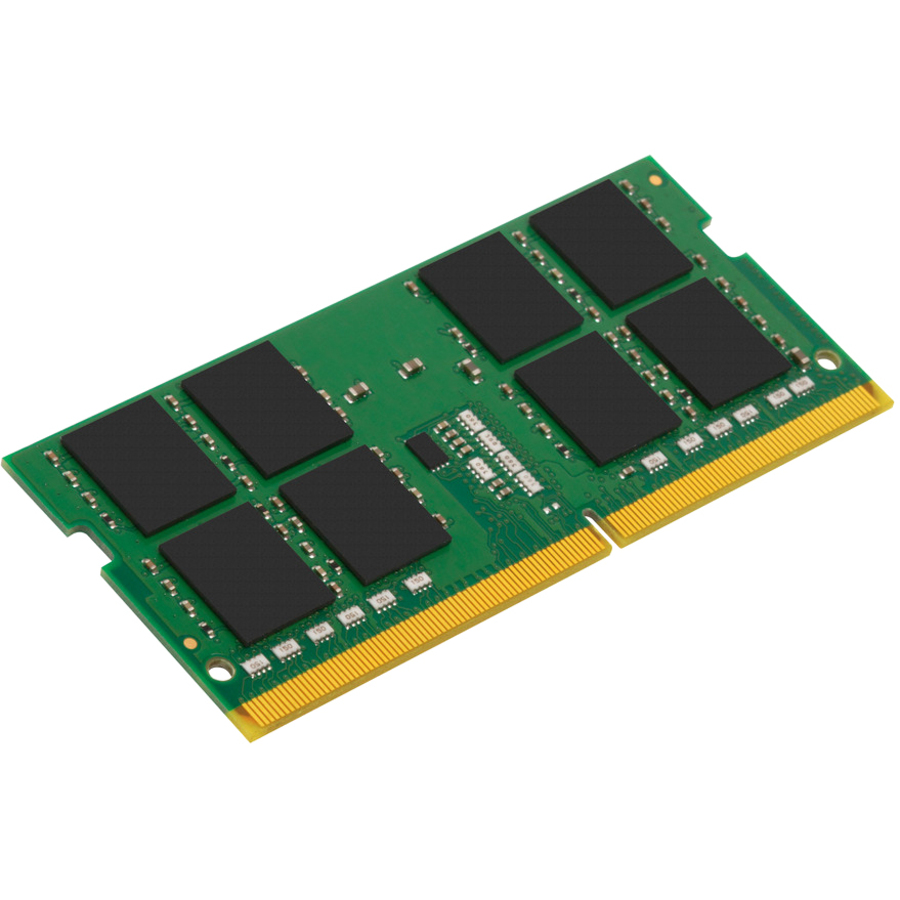
A notebook memory upgrade is decided by the machine before the module. DDR5 SODIMM is a 262-pin part; the 288-pin desktop and server modules that sit beside it in a search will not fit. Many thin business notebooks solder some or all of their memory, so confirm the slot count and the per-slot maximum first, then read capacity, data rate, rank and ECC type against the platform.
A memory upgrade is the cheapest way to extend the service life of a notebook fleet, and it is the upgrade most often specified wrong. The machine takes DDR5, so DDR5 is ordered — and then the module turns out to be a desktop UDIMM, or the right form factor at a data rate the platform will not run, or a dual-rank part in a two-slot machine that was going to be filled with two single-rank ones. Every row on this page states both DDR5 and the SODIMM form factor in the manufacturer's own catalog title, which removes the first and most expensive of those mistakes before it happens.
SODIMM is the 262-pin small-outline module that goes into notebooks, mini PCs, all-in-ones and a good many mobile workstations. It is not interchangeable with the 288-pin desktop and server modules that dominate the wider memory shelf, and the two sit side by side in most catalog searches — which is exactly why the fence for this page is the form factor and not the generation alone. What is on this page is laptop-class DDR5 and nothing else.
Beyond the form factor, four facts decide whether a module is the right one: capacity, data rate, rank, and whether it carries ECC. All four are stated in the titles below, and this selection spans 8 GB through 48 GB per module, DDR5-4800 through DDR5-6400, single- and dual-rank parts, and modules with on-die ECC, side-band ECC and none at all. Read them against the machine's own specification rather than against the fastest number available — a platform runs memory at the rate it supports, not at the rate printed on the label.
Buyer's checklist
How to choose DDR5 SODIMM memory for a notebook fleet
- Confirm the form factor first. DDR5 SODIMM is a 262-pin module; the desktop and server modules that appear beside it in a search are 288-pin and physically will not fit. Every row here states SODIMM in the manufacturer's own title, which is the fence this page is built on.
- Check the maximum capacity the machine supports per slot and in total, and count the slots. Many thin notebooks solder some or all of their memory and expose one slot or none, so a two-module plan can be impossible on a chassis that looks identical to one where it works.
- Read the data rate against the platform, not against the catalog. Modules here run from DDR5-4800 (PC5-38400) to DDR5-6400 (PC5-51200); a system runs memory at the highest rate its controller and configuration support, so buying above that ceiling buys nothing, and mixing rates leaves the whole set running at the slowest one.
- Decide single-rank versus dual-rank deliberately. The titles state which, and the choice interacts with how many slots you intend to fill and what the platform supports — it is not a specification to leave to whichever part came up first.
- Know which kind of ECC you are being offered. DDR5 modules commonly carry on-die ECC, which corrects errors within the chip and is not the same as the side-band ECC a workstation or server platform reports to the operating system. Where a title says ECC without qualification, verify against the machine's requirement before ordering.
- Buy matched modules for a multi-slot machine. Two modules of identical capacity, rate, rank and part number behave predictably; a mismatched pair may run, may run slower, or may run in single-channel — and diagnosing that across a fleet costs more than the price difference ever saved.
- Where a machine is under manufacturer warranty and the estate is standardized, weigh the OEM module against a third-party equivalent. Both are on this page; the OEM part carries the system vendor's own part number, several third-party lines carry a lifetime warranty stated in their titles, and which matters more is a policy decision rather than a technical one.
- For an order carrying a country-of-origin requirement, check the designation on the exact part number rather than the product line. Some memory vendors list a TAA-designated module alongside an otherwise identical one, and the two are indistinguishable on a bill of materials.
Capacity, data rate and the ceilings that are not on the module
Capacity is the reason anyone buys memory and the specification most constrained by the machine rather than the module. A notebook's maximum is set by its chipset, its slot count and — increasingly — by how much memory the manufacturer soldered to the board before it left the factory. Two chassis with the same model name and a different suffix can differ on all three, which is why a fleet upgrade starts with a per-model audit and not with a purchase order. This selection runs from 8 GB modules, which are a genuine answer for a single-application kiosk or a thin-client-style deployment, up to 48 GB modules for a mobile workstation carrying virtual machines or large datasets, with 16 GB and 32 GB covering most ordinary office and engineering work in between.
Data rate is where money is most often wasted. DDR5 SODIMMs in this selection run at 4800, 5200, 5600 and 6400 MT/s, and a system runs its memory at the highest rate the processor, the board and the installed configuration jointly support. Fitting a 6400 module to a platform that tops out at 4800 gets 4800, and mixing a 6400 module with a 4800 one gets 4800 for both. The corollary is that standardizing a fleet on one part number is worth more than chasing the highest number available: identical modules across a hundred machines make failures predictable, spares fungible, and support calls short.
Rank, ECC and what actually changes on a business notebook
Rank describes how the chips on a module are organized, and the titles here state it plainly as single-rank or dual-rank. It matters most in machines with more than one slot, because the number of ranks a memory controller can drive is finite and a platform that is happy with two single-rank modules may behave differently with two dual-rank ones. The practical rule is to follow the machine manufacturer's own documented configurations rather than reasoning from the module: the same 32 GB of memory can be a supported configuration or an unsupported one depending on how it is composed.
ECC on DDR5 needs care, because the phrase covers two different things. On-die ECC is part of the DDR5 standard: the chip corrects single-bit errors internally, it is present on a great many ordinary consumer and business modules, and it does not report anything to the operating system. Side-band ECC is the traditional kind — extra chips, extra data path, error reporting the platform can log and act on — and it requires the machine to support it. A title that says on-die ECC is describing the first; a title that says ECC on a mobile-workstation module is usually describing the second, and the two are not substitutes. Where an application's tolerance for a silent bit flip is genuinely low, confirm which one the machine implements before choosing the module, and standardize on it across the fleet. Send the model list, the per-model slot and capacity limits and the quantities, and the modules can be quoted as one line with the part number fixed.
FAQ
Common questions
- What is the difference between a SODIMM and a DIMM?
- Physical size and pin count. A DDR5 SODIMM is the 262-pin small-outline module used in notebooks, mini PCs, all-in-ones and many mobile workstations; a DDR5 DIMM is the full-length 288-pin module used in desktops, workstations and servers. They are not interchangeable in either direction — the notch positions and the slot differ — which is why every row on this page states SODIMM in the manufacturer's own title rather than leaving the form factor to be inferred from the word laptop.
- Can I put DDR5 memory in a laptop that came with DDR4?
- No. DDR5 and DDR4 SODIMMs use different pin counts and different notch positions, and the memory controller in the processor supports one generation or the other, so a DDR5 module will not fit or function in a DDR4 machine. Check the machine's own specification for the generation it takes before ordering; where a fleet spans both, it needs two part numbers rather than one, and the two should be tracked separately in the spares stock.
- Does buying faster DDR5 make a laptop faster?
- Only up to the ceiling the platform sets. A system runs memory at the highest data rate its processor, board and installed configuration jointly support, so a DDR5-6400 module in a machine that tops out at DDR5-4800 runs at 4800 and the extra specification does nothing. Mixing rates is worse than pointless: the whole set runs at the slowest module present. For a fleet, standardizing on the rate the machines actually support is more valuable than the highest number on the shelf.
- Do I need ECC memory in a business laptop?
- Usually not, and the term needs unpacking. Most DDR5 modules carry on-die ECC, which corrects single-bit errors inside the chip as part of the DDR5 standard and reports nothing to the operating system — it is present on ordinary business memory. Side-band ECC, the kind a platform can log and act on, needs machine support and appears mainly on mobile workstations. If a workload genuinely requires reported error correction, confirm the machine implements it before choosing a module, because the module alone cannot supply it.
- Can business, government and education buyers order these?
- Every line Uniqcli quotes is sourced through US distribution and screened for TAA country-of-origin and NDAA §889 status before checkout — with documentation tied to the specific part number, not a product family.
Need DDR5 SODIMM laptop memory pricing?
Send a bill of materials or part numbers — we confirm stock and a below-market total, with TAA verified on request. No payment up front.